Stephen1918
-
Posts
1,199 -
Joined
-
Last visited
-
Days Won
19
Content Type
Profiles
Forums
Gallery
Downloads
Store
Everything posted by Stephen1918
-

Is anyone still interested in the Spanish Civil War?
Stephen1918 replied to Stephen1918's topic in General Discussion
Well, some of them may not work, but some of them will. This is MontyCZ's Avia B-534 made for SF1 flying in FE1. Notice that the pilot is the stock FE pilot. And Coupi posted shots of the Bf 109 flying in FE2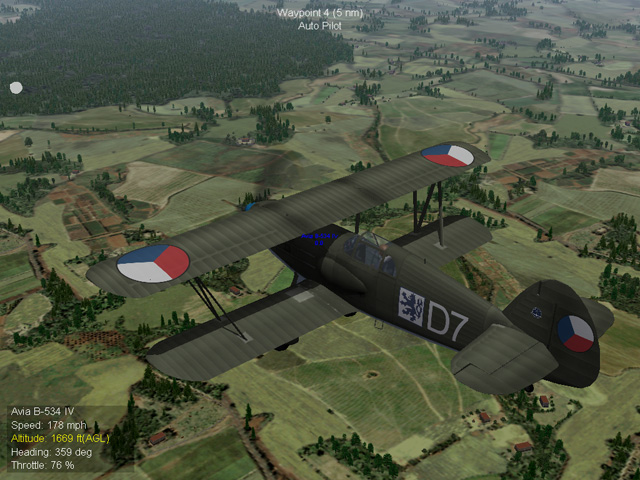
-
Is anyone still interested in the Spanish Civil War?
Stephen1918 replied to Stephen1918's topic in General Discussion
I have a Heinkel He-51 in the works, the cockpit and the FM still need a lot of work. Then I need to gather everything, make screens, make holes, etc. to make it ready for upload. So, still a month or so. I'll finish the DH 9 first, since that's a WWI plane which I've already made, it will get a new fuselage and engine to reflect the Spanish produced version. The DH 9 should be finished in a week or so. My point in starting this discussion is to make a First Eagles version of the Spanish Civil War, so no, let's not move to the Strike Fighters forum. It is possible to get at least some Strike Fighter planes to fly in FE (I use FE 1 by the way ) - you'll need to change the pilots, guns, and bombs to those available in FE, and make new skins. For some planes you'll need to add lines to the controls ini to make the landing gear, brakes, flaps, etc. work. I saw a list of commands somewhere in the FE forums, I think it was in Geezer's Spanish Civil War thread, but I can't find it now. Of course you should get permission from the original modder - or maybe provide a link to their download along with your changes. -
Is anyone still interested in the Spanish Civil War?
Stephen1918 replied to Stephen1918's topic in General Discussion
Thanks Coupi. The Bf 109 will be a great addition to the FE Spanish Civil War. -
Is anyone still interested in the Spanish Civil War?
Stephen1918 replied to Stephen1918's topic in General Discussion
Thanks Wilches. In addition to the standard insignia and tail flashes, there were a lot of squadron and personal markings used throughout the civil war. It would help other modders if you made some decal sets and uploaded them to the FE Golden Era Download section. Ojcar posted this link some time ago with some good reference material to help you get started: http://bioold.science.ku.dk/drnash/model/Spain/codes.html -
Is anyone still interested in the Spanish Civil War?
Stephen1918 replied to Stephen1918's topic in General Discussion
As many of you have pointed out, the Spanish Civil War represents an interesting time period when the planes and the tactics were evolving. There was an unusual mixture of planes being used and there were times when clearly obsolete types were being flown against the latest developments in aircraft engineering. Putting the politics aside, the SCW has a lot of potential and I'm glad that Geezer introduced the idea to us. However, we have a long way to go before we have a usable game. So far we have a placeholder terrain, some tanks, and LloydNB made some skins - but we only have three planes. If you want SCW to happen, you'll each have to bring your own talents to it. The Strike Fighters download section has some planes that would help fill out the roster. For SF1, I have noticed a Messerschmitt Bf.109, a Junkers Ju87, a DH82 Tigermoth, and a Fiesler Fi156 Storch, all of which were used in the Spanish Civil War. There may be more. If you guys want to get the necessary permissions and do the conversions, we could get SCW up and running quicker. We can always make improvements as we go. If we work together we can make this happen. -
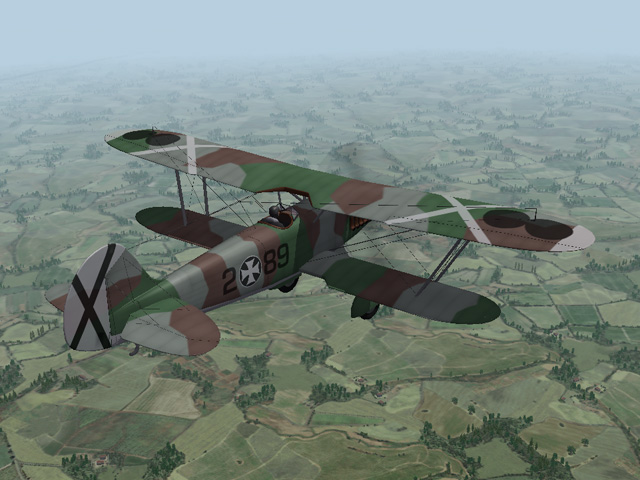
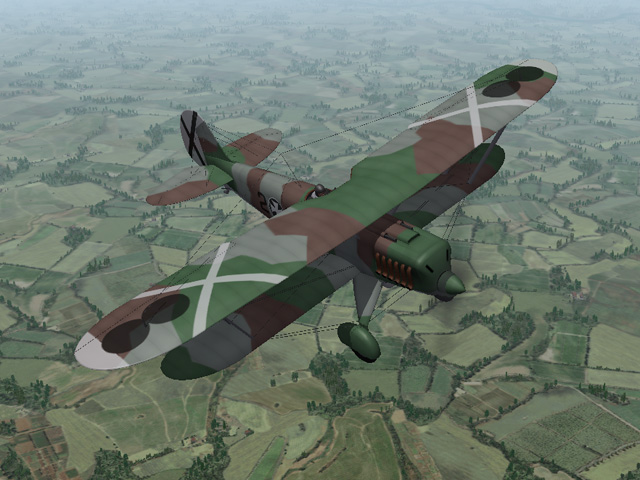
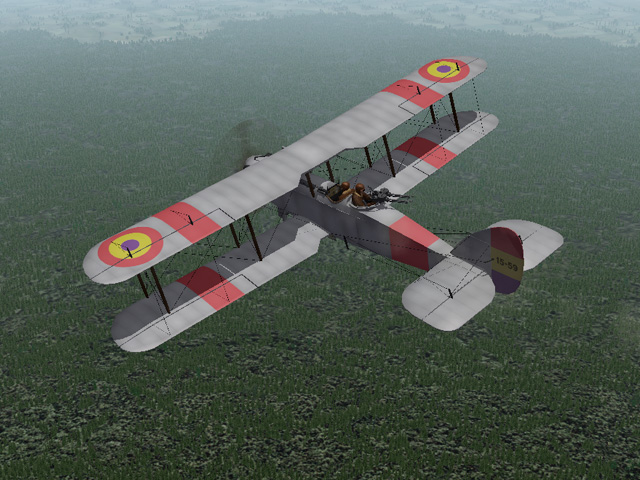
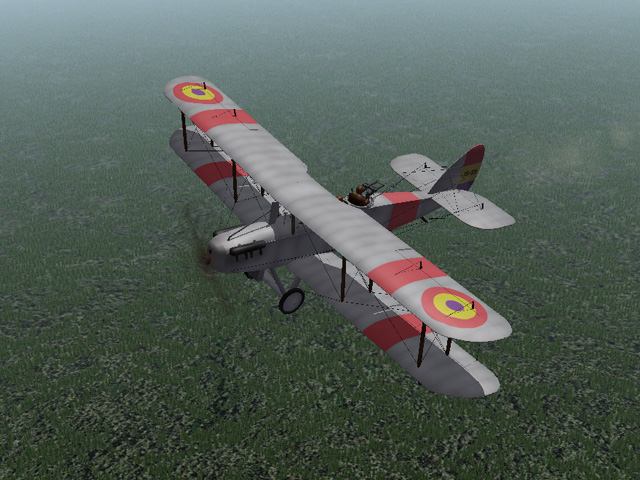
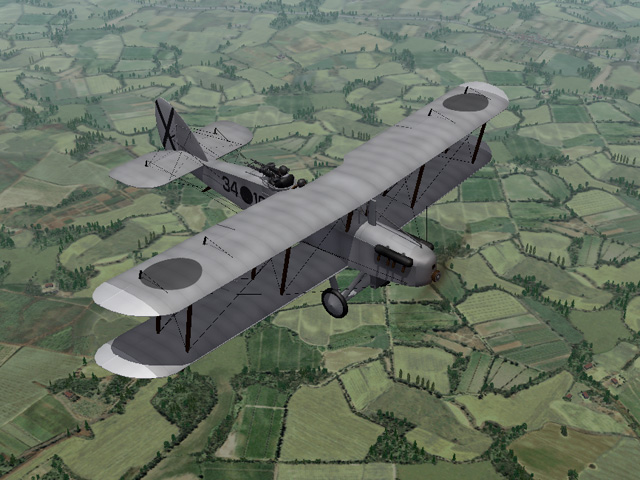
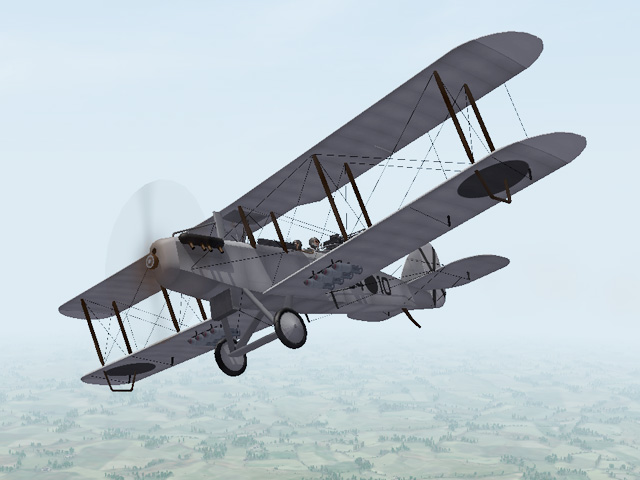
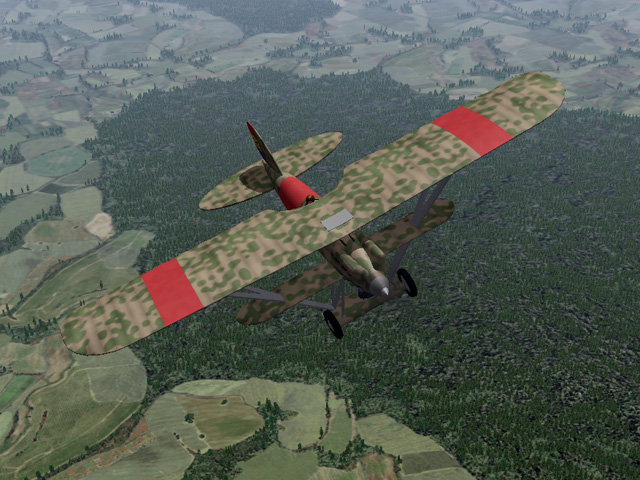
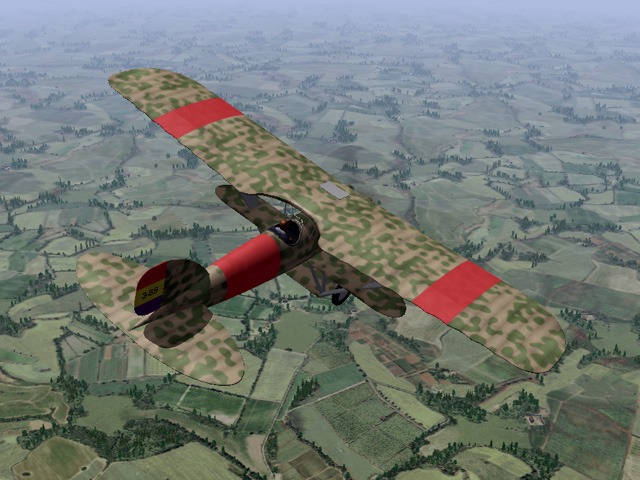
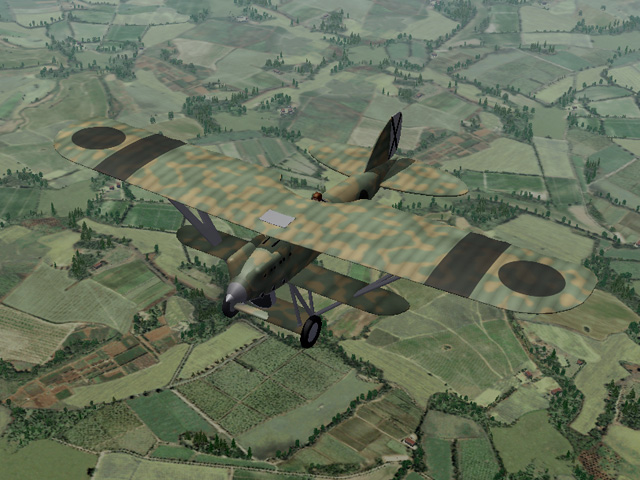
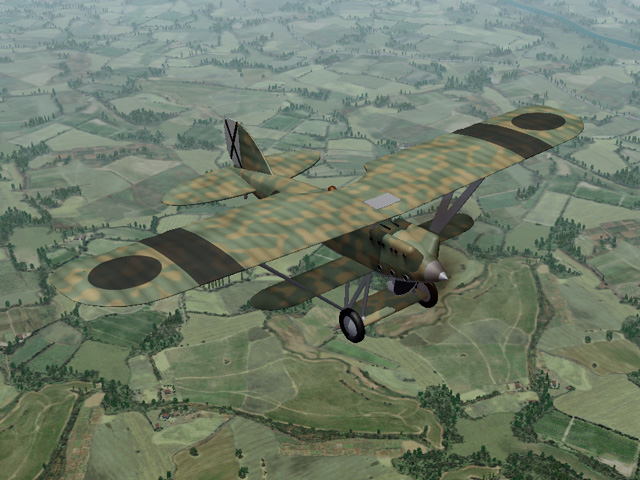
I have some planes started for the Spanish Civil War. They're all to the point where the fun part is done, finishing them will just be tedious. I'll finish them if anyone is interested, but it will take some time.
- 46 replies
-
- 12
-

-

-
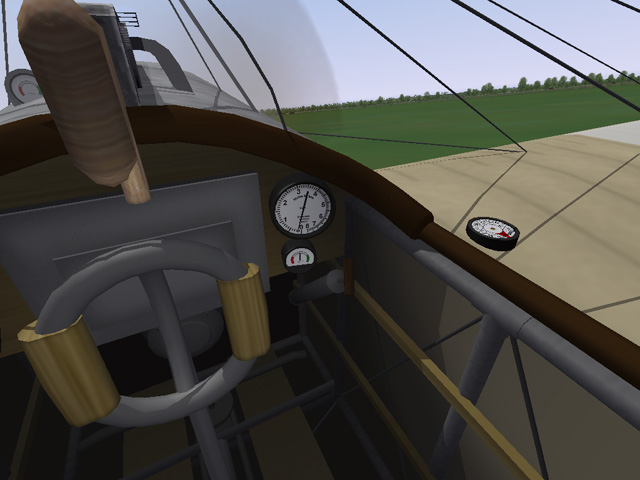
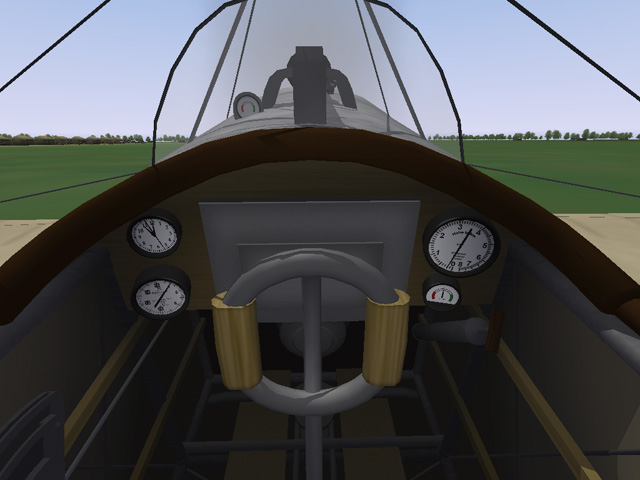
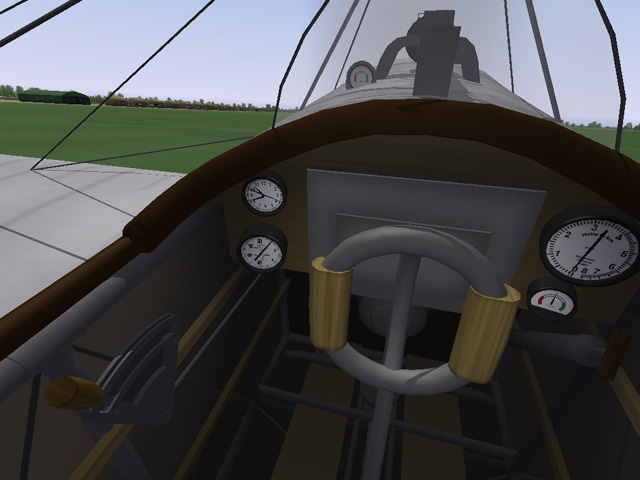
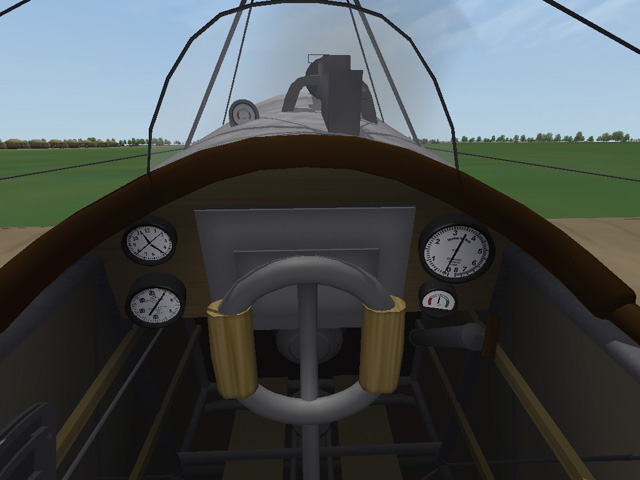
This morning I uploaded new cockpits for all eight of Laton's Fokker E-Types. Each cockpit has functional controls and gauges, including the compass mounted on the wing. The cockpits are all basically the same, with minor changes to fit each plane. My thanks to Laton for making so many planes for First Eagles.

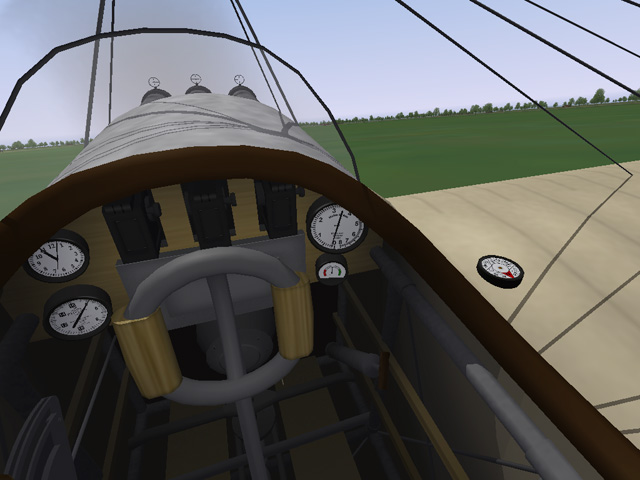
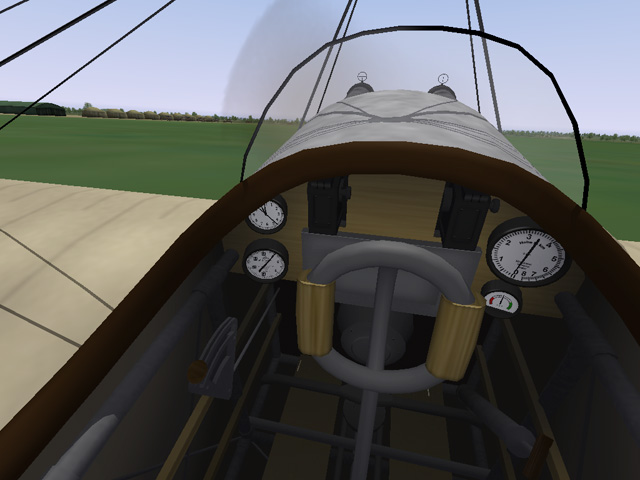
-
View File Cockpits for Laton's Fokker E-Types I modified the cockpit from my Fokker D.II to make new cockpits for all eight of Laton's Fokker Eindeckers. Each cockpit has a fully functional stick, rudder control, throttle, and gauges, including the wing mounted compass. The cockpits are basically the same, but each has been tweaked to make it fit into Laton's fuselage and to reflect differences in the type (like the number of guns in the E.IV planes.) I have sorted everything into the appropriate folders for easy installation. My thanks to Laton for having made so many planes that we are still flying today. Installation Instructions For both FE1 and FE2- For each plane, delete Laton's original cockpit folder and cockpit.ini file and replace them with mine. Submitter Stephen1918 Submitted 08/13/2019 Category First Eagles - WWI and Early Years - Add On Cockpits
-
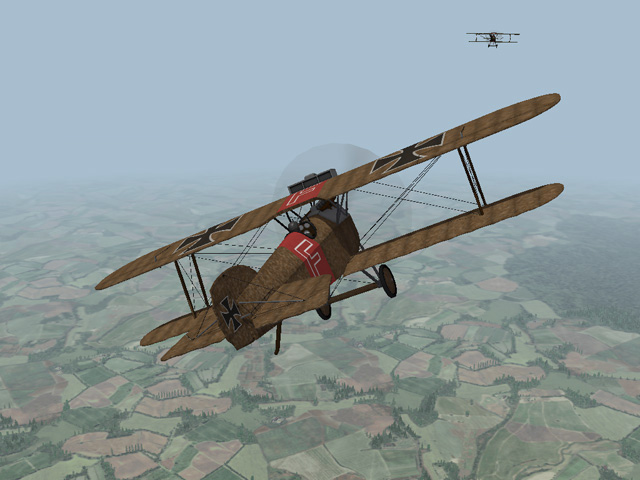
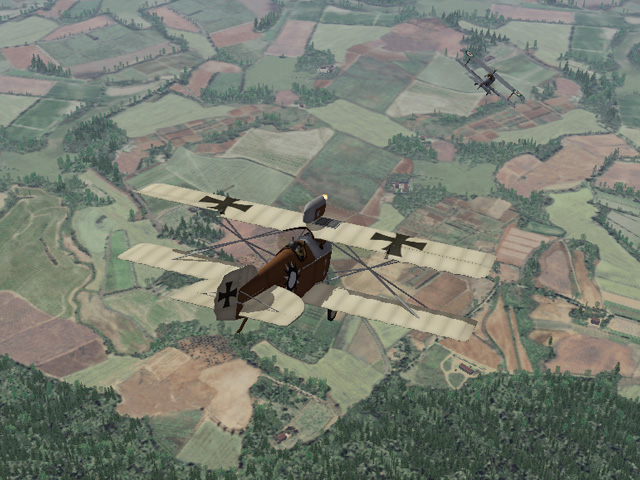
Emld's Hanriot is one of my favorite planes to fly. It handles well and it just looks good!
-
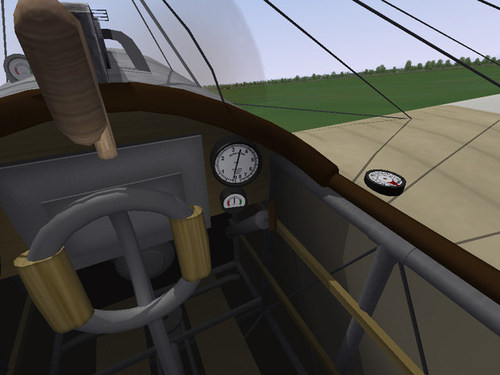
Version 1.0.0
87 downloads
I modified the cockpit from my Fokker D.II to make new cockpits for all eight of Laton's Fokker Eindeckers. Each cockpit has a fully functional stick, rudder control, throttle, and gauges, including the wing mounted compass. The cockpits are basically the same, but each has been tweaked to make it fit into Laton's fuselage and to reflect differences in the type (like the number of guns in the E.IV planes.) I have sorted everything into the appropriate folders for easy installation. My thanks to Laton for having made so many planes that we are still flying today. Installation Instructions For both FE1 and FE2- For each plane, delete Laton's original cockpit folder and cockpit.ini file and replace them with mine. -
I'm looking forward to some new screenshots. Soon!
-
Beautiful terrain! I too am looking forward to flying in it. How soon?
-
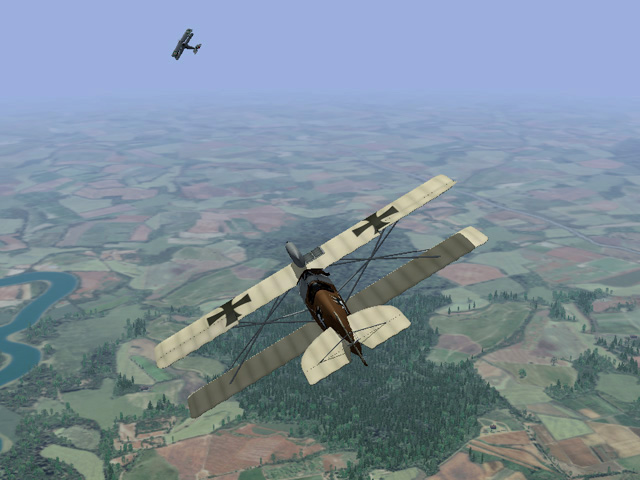
I'm still playing First Eagles and still enjoying it. I've been coming here every day or two to see if anything is going on. (I agree with whiteknight that it's been pretty quiet.) I've had a few PM conversations, but nothing public. I've been working on some stuff for the Spanish Civil War, but - frankly - it's hard to get motivated to do all the work to get it ready to upload... maybe because it's summer
-
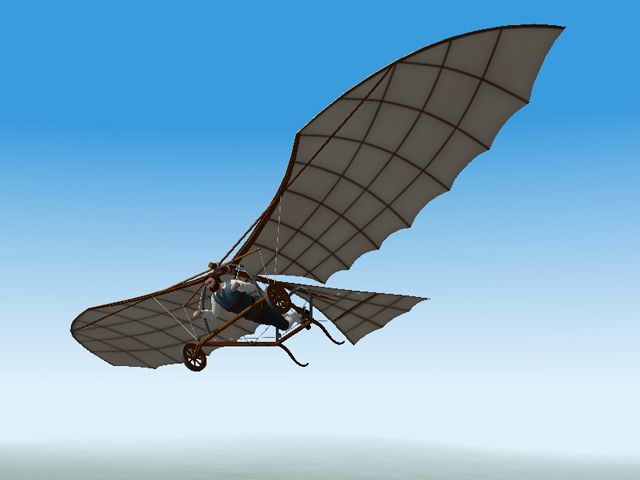
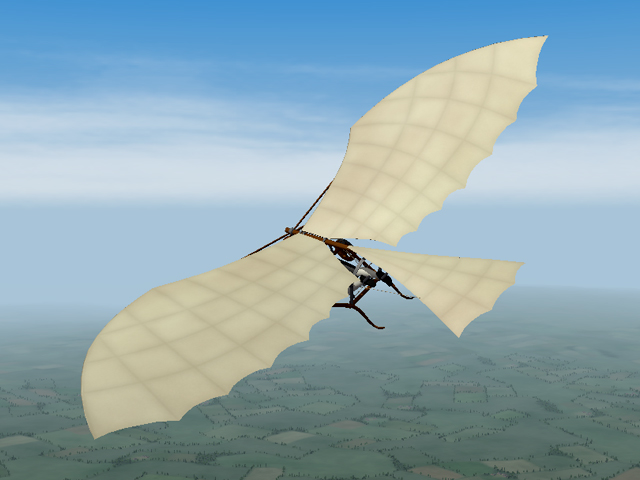
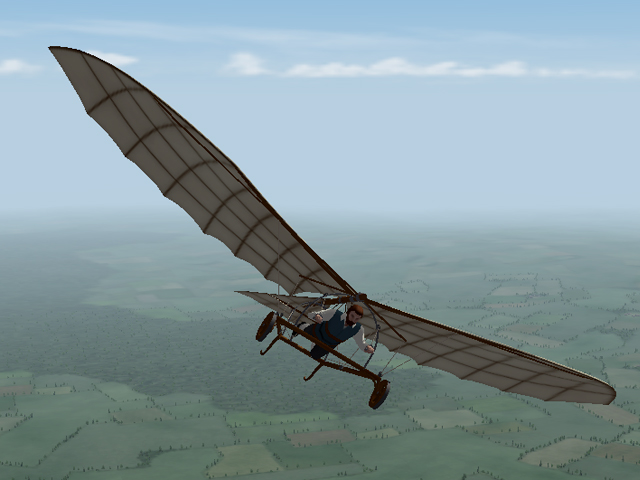
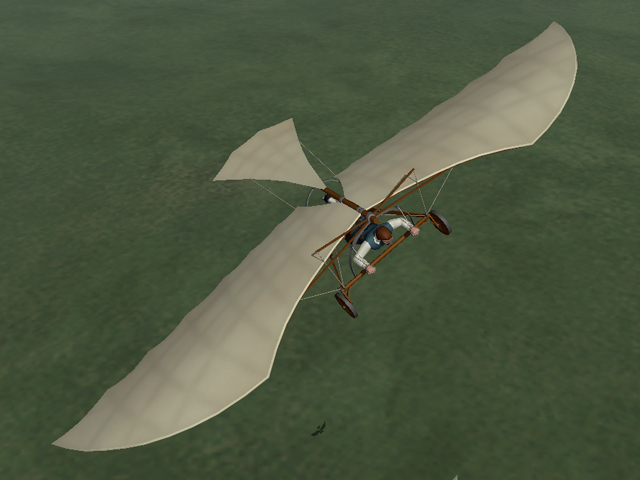
Da Vinci's Flying Machine for First Eagles
Stephen1918 replied to Stephen1918's topic in General Discussion
The more I work with First Eagles, the more impressed I am with the quality of TK's game engine. The parameters and methods built into the objects are so well thought out that the potential seems to be unlimited. His design makes it possible for VonS to create hyper-realistic flight modules and Geezer to make hyper-realistic planes - not to mention the many excellent skins, terrains, ground objects, and campaigns that are being produced. I am impressed that more than ten years later we are still finding new ways to apply his software. I am sure he never thought of something like this, but his design makes it possible. Even today, there is nothing primitive about First Eagles. The possibilities are limited only by how hard the modders are willing to work. We all owe TK our gratitude. -
LloydNB, Have you seen this web page? http://www.belgian-wings.be/Webpages/Navigator/Photos/MilltaryPics/interbellum/Breguet XIX A2-B2/Breguet 19A2B2 Frontpage.html
-
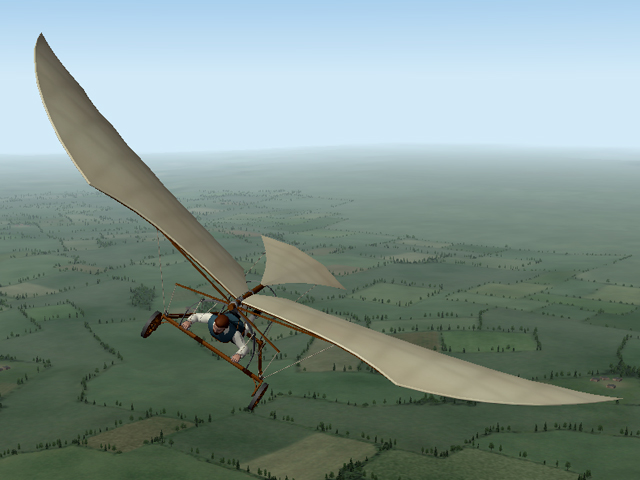
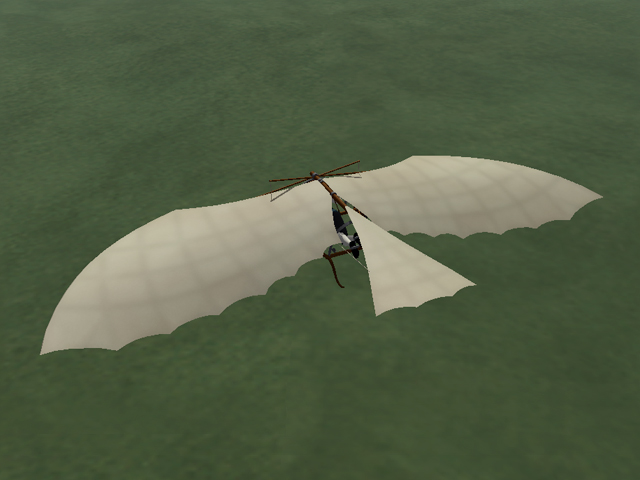
I had some free time this week, so, just for fun I made one of Leonardo Da Vinci's flying machines. The wings, ropes, and pilot are all animated. The animations are tied to the engine, so you can use the throttle to control the flapping speed, and you can use "ctrl+I" to glide. You have to be careful when taking off or landing because the wing tips come very close to the ground. There is a cockpit view, but there isn't much to see except the pilot's hands. I tested it in both FE1 and FE2, in Easy and Normal modes. Put the folder named "DaVinci" into your Aircraft folder. DaVincisFlyingMachine.zip
- 12 replies
-
- 12
-
-
-
Skinpack for Rumpler C1/CIVs
Stephen1918 commented on Eugene2's file in Other Central Powers Aircraft Skins
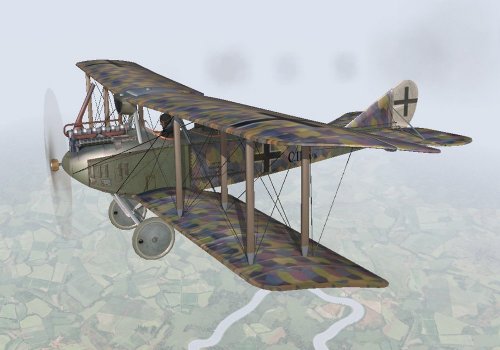 I love the detail. Thank you!
 -
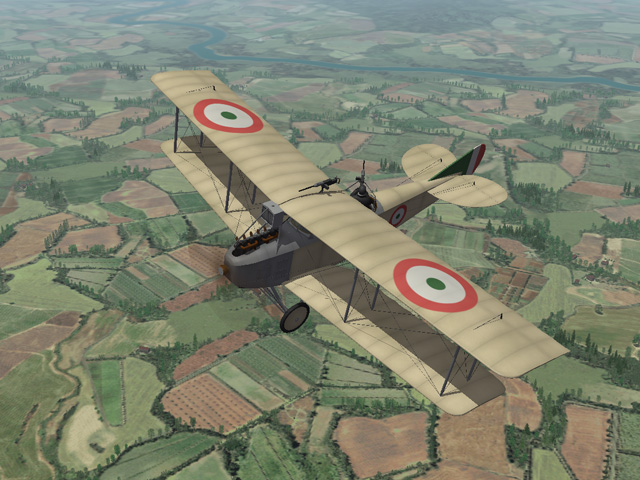
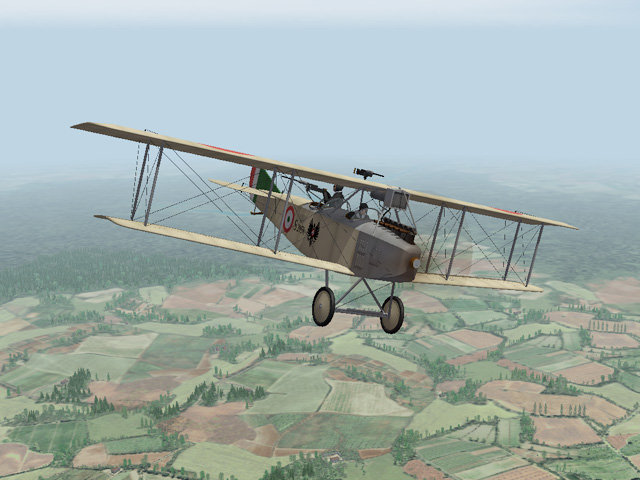
When I made the SAML S.2, I actually tried to convert my Aviatik C.I into A SAML. I was focused only on the small details and didn't notice the big differences. When Ojcar was making the FM, he pointed out some major problems with the fuselage and wings and sent me some reference material. But I was in a hurry to get it uploaded so I made some tweaks and uploaded the plane anyway. During the last six weeks, I have pretty much rebuilt the entire plane. Today I uploaded a a revised version with a more correct fuselage and gunner station. I have also adjusted the placement of the wings and lower wing dihedral, along with many other revisions. I also corrected two gauges in the cockpit so they now give more accurate readings. The revision has all new LODs, revised skins, revised FM, new cockpit LOD, and revised Cockpit.ini. If you are using FE2, you only need to replace the Aircraft folder, the Decals folder is the same. Thanks to Ojcar for his help and continued support. Thanks also to Crawford for reminding me.
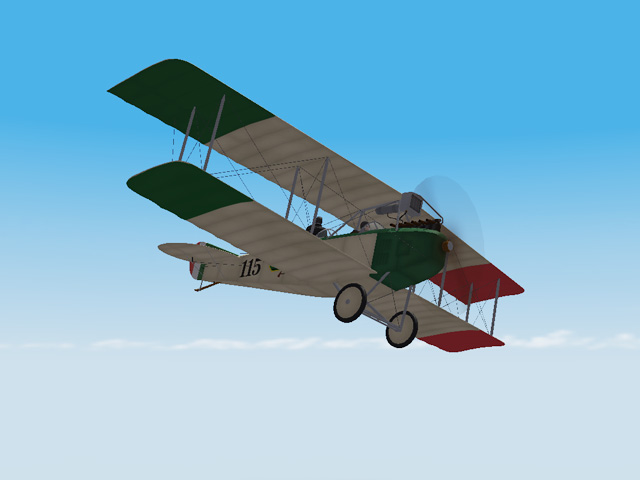
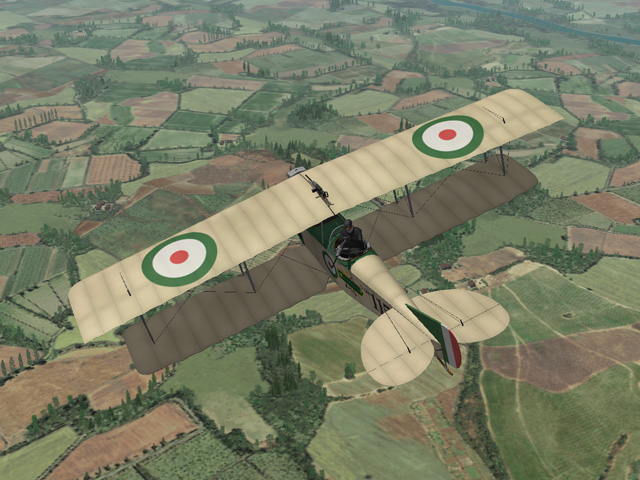
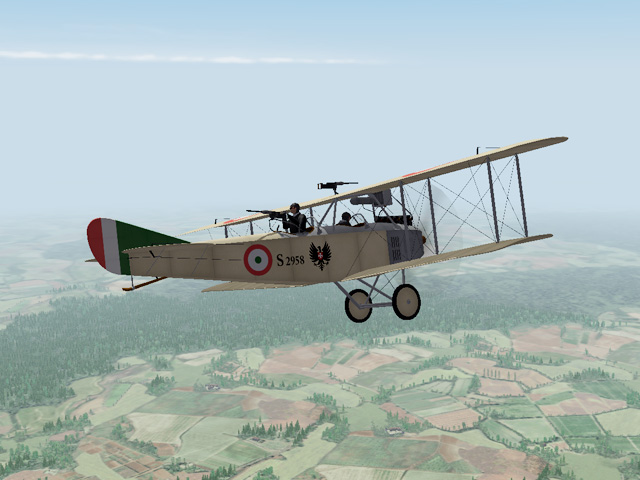
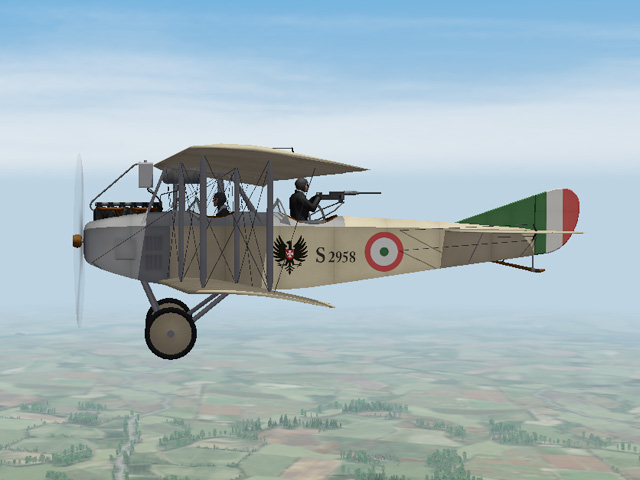
-
The formation identified in the Nations.ini has to also be identified in the Formations.ini - if you replaced your Nations.ini and it's calling for "Formation.Fighter = Fighter3" then your Formations.ini needs to have a "Fighter3" defined in it. Also - depending on what Nations.ini you have, Austria-Hungary may show up as " K.u.K. Luftfahrtruppen" which is the Austrian name of their Air Service. In the Nations.ini, check the "DisplayName" line.
-
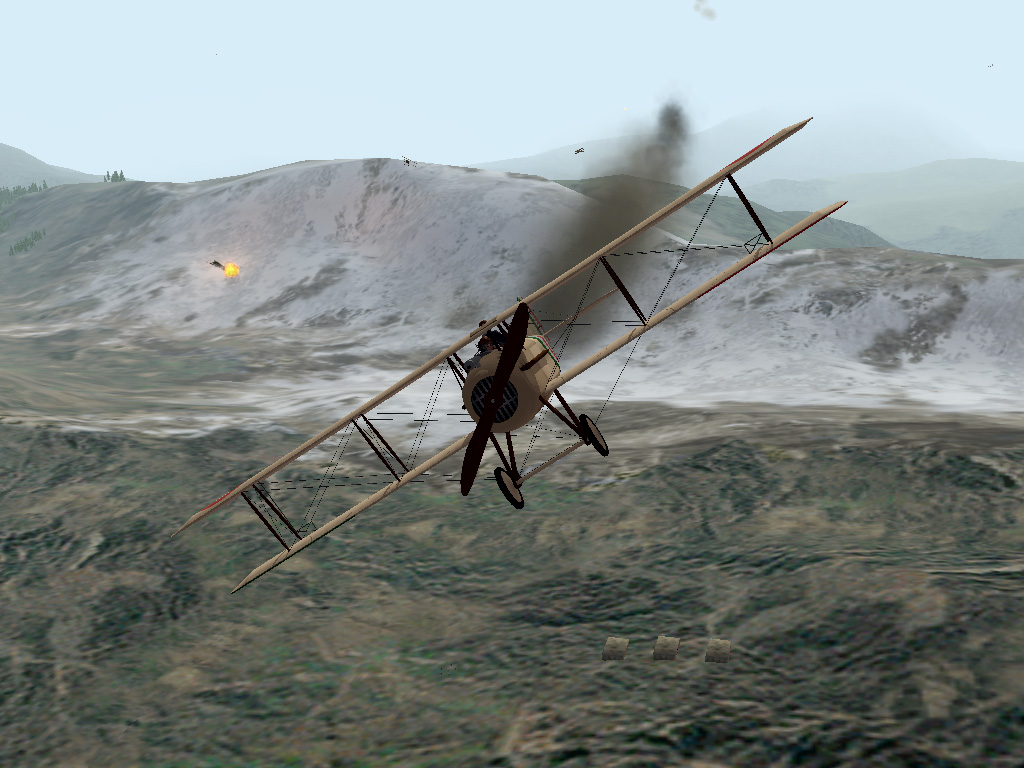
I was flying a recon mission in my SPAD XI when I was attacked by a group of HB Star Strutters. I tried to turn under them, where they couldn't bring their guns to bear, but one of them managed to knock out my engine. My gunner got one in the belly as he passed over and he went down. I was able to make it a nearby valley and land, but was behind the Austrian lines. My wing man got away.
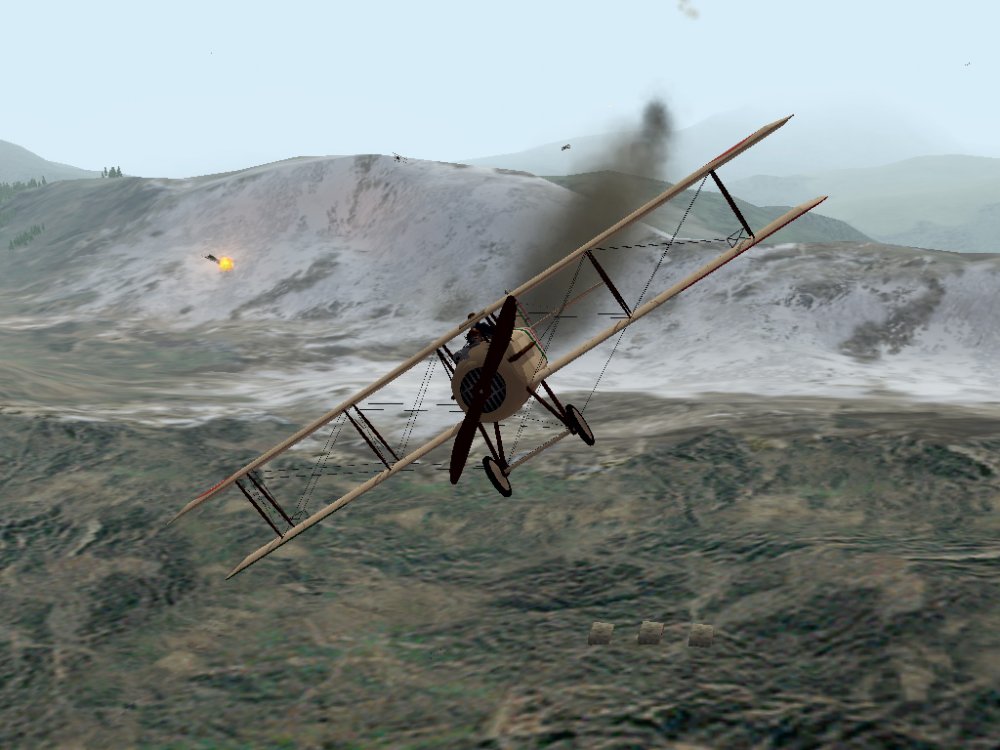
-
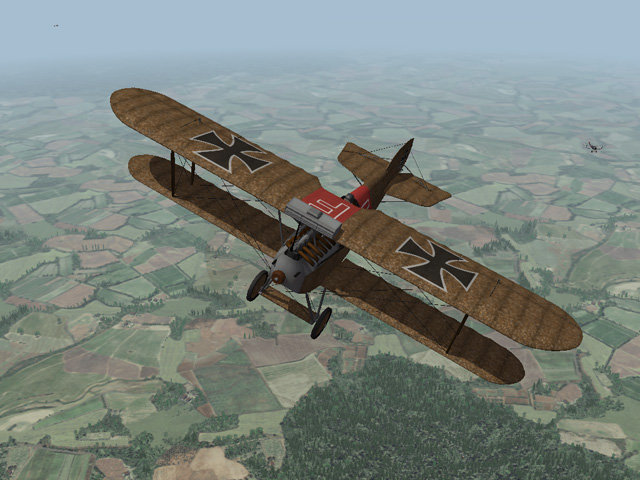
I'm still enjoying Gterl's Italian terrain. I've spent the last two year's pretty exclusively in Galicia; it's refreshing to fly some planes I haven't flown for a while. (Emld's Hanriot HD1, my SPAD XI, Laton's Ansaldo SVA5)
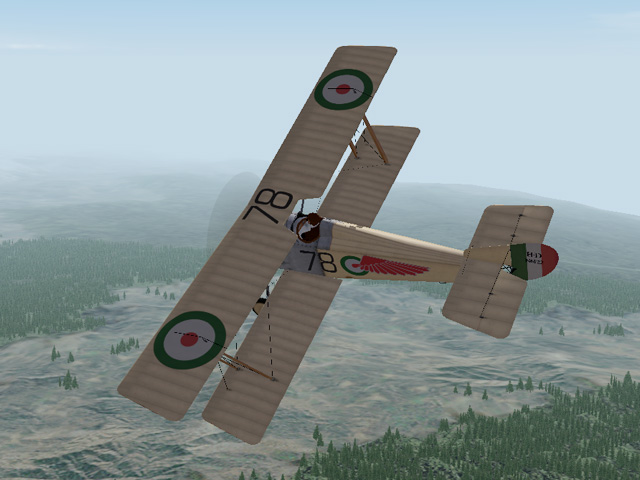
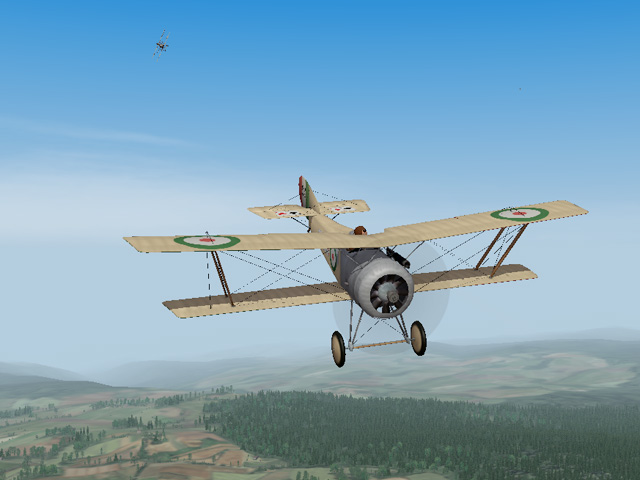
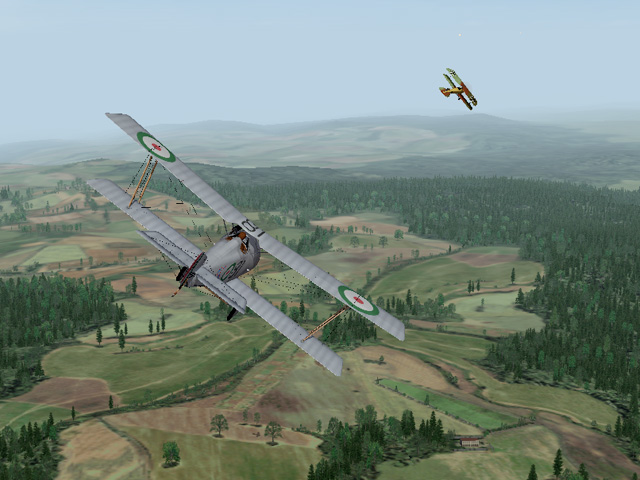

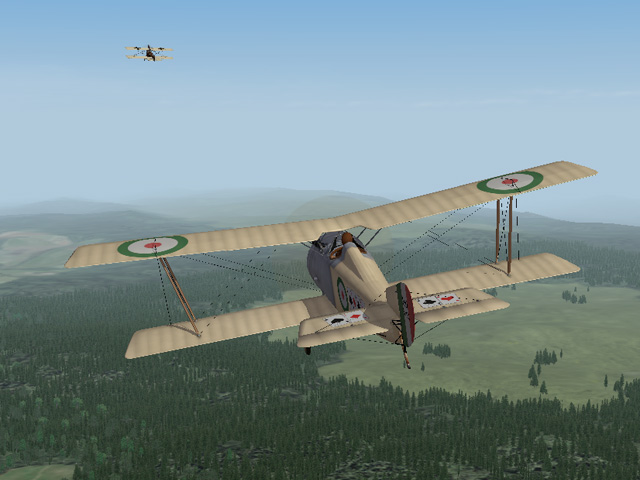


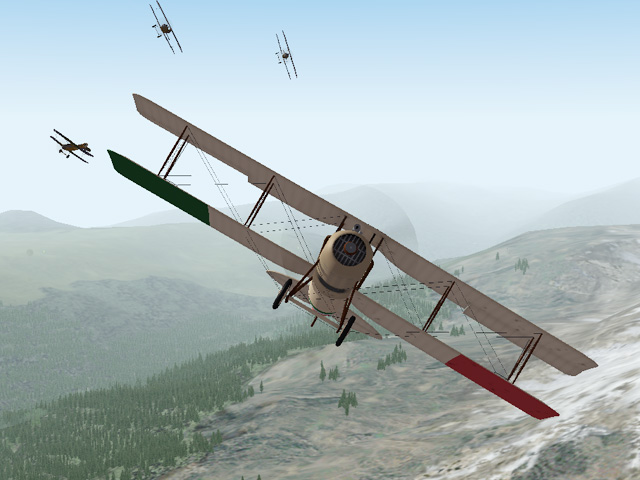
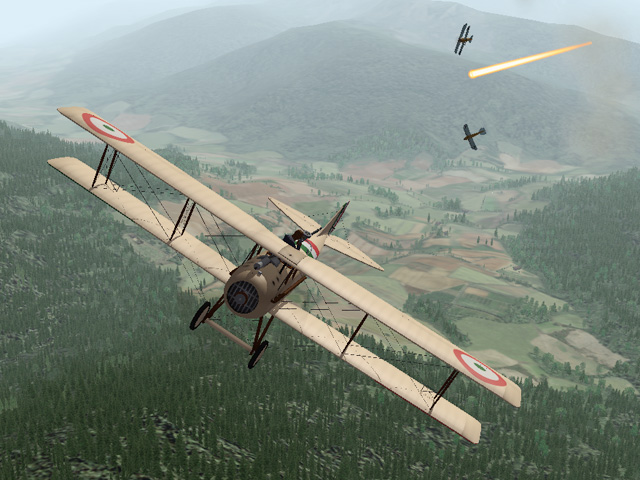
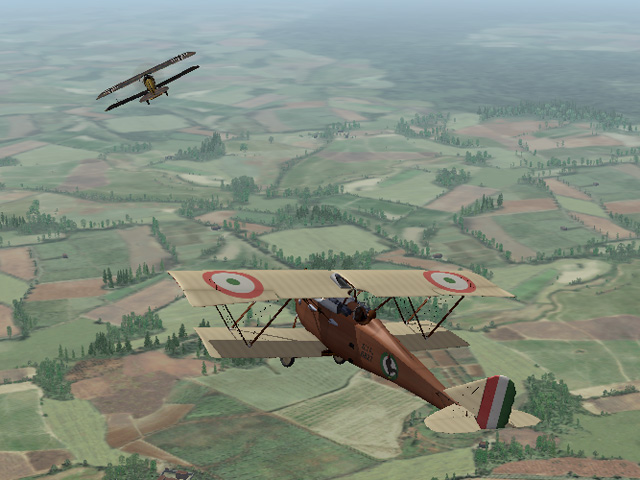

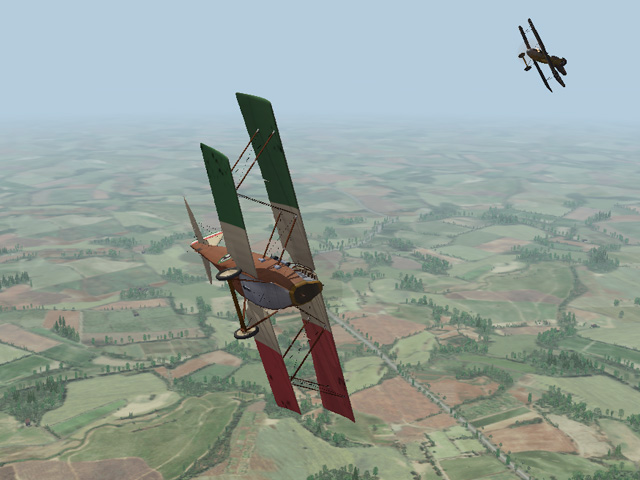
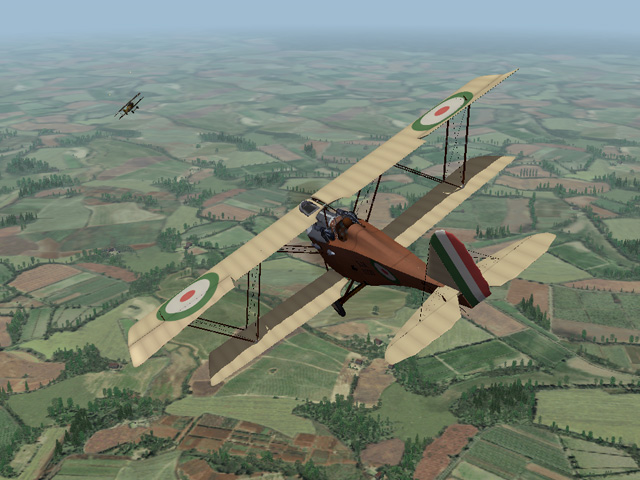

-
Lofty_c - as I recall, you are running FE2 - since the north sea terrain is working, it may be a problem with how you made the other installs. It might be best to remove the others and remake them. There's a thread that shows how to make multiple installs here: https://combatace.com/forums/topic/81423-setting-up-multiple-versions-of-fe2/?tab=comments#comment-652121 When you have a problem it helps us answer if you can remind us what version you're using, what terrain you're using, what plane you were flying, etc. The more you can tell us, the better we can understand the problem.
-
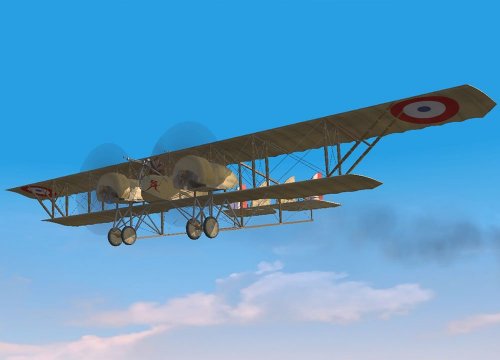 Excellent skin, I like the level of detail.
 -
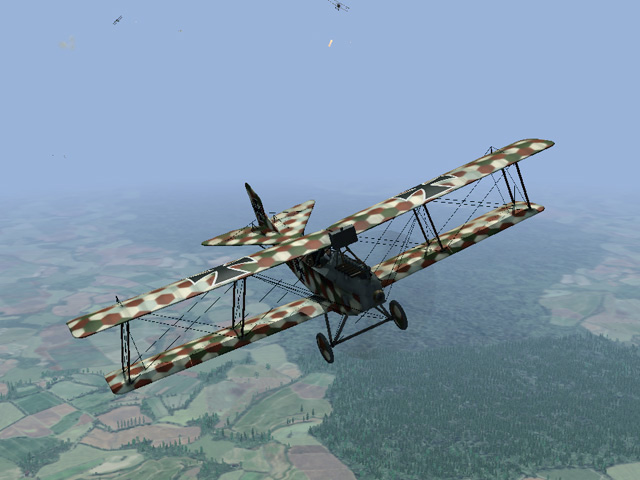
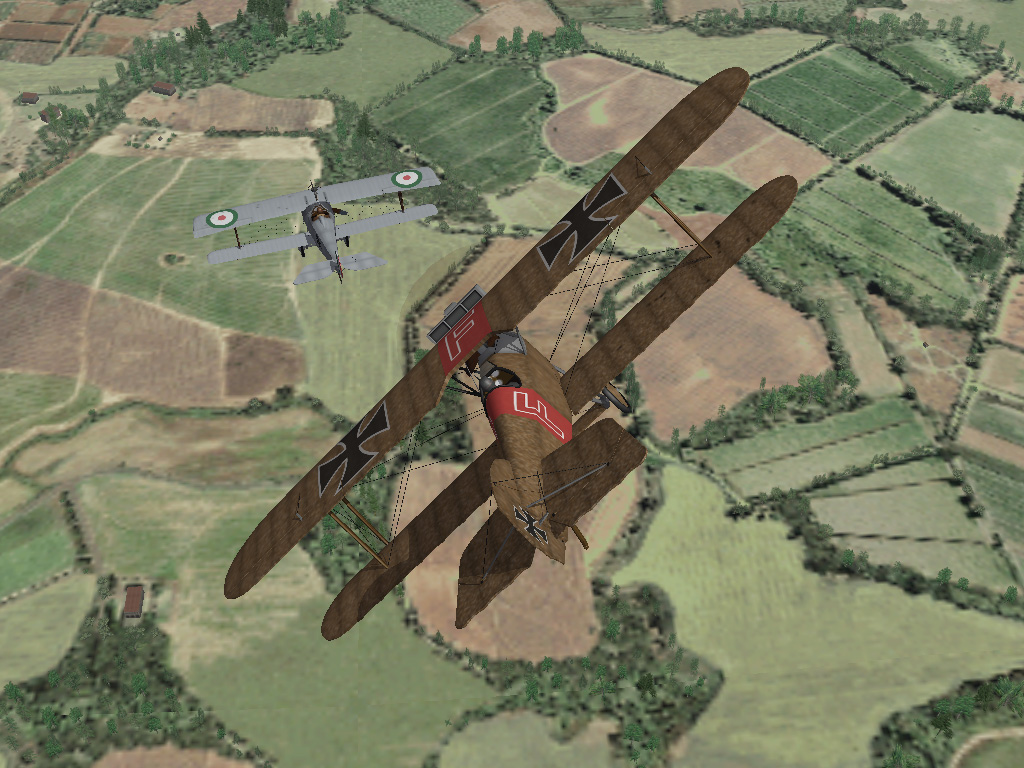
I must have hit his fuel tank because moments after this shot, the Nieuport exploded. My Phönix got clipped by a wing and I went down too.
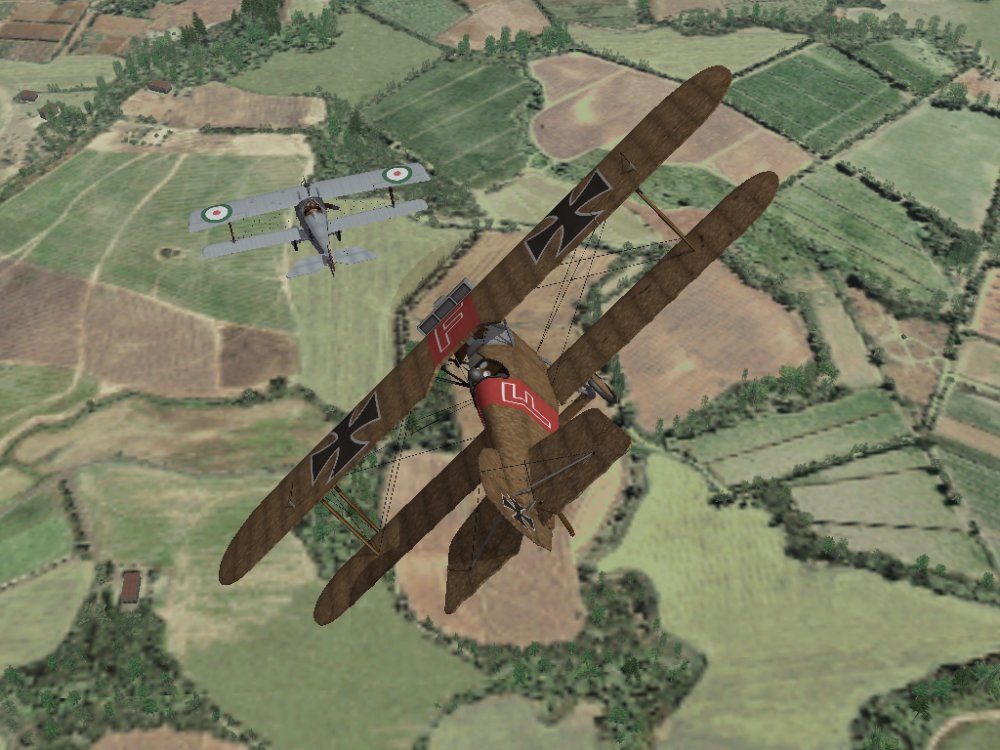
-
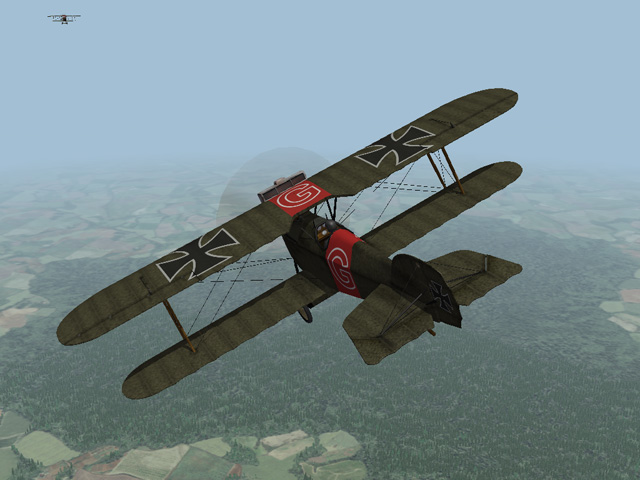
Gterl's Caporetto terrain has inspired me to dust off some planes I haven't flown for a while. (my Aviatik-Berg D.I, my Hansa-Brandenburg C.I, my Phoenix D.II, Laton's Phoenix KD.I)