Stephen1918
-
Posts
1,204 -
Joined
-
Last visited
-
Days Won
19
Content Type
Profiles
Forums
Gallery
Downloads
Store
Everything posted by Stephen1918
-

Problems with the smoothness of graphics
Stephen1918 replied to JacksonM's topic in General Discussion
You can also try changing the graphic settings in the options in the game. See if you can change the display resolution to a lower setting. I've noticed over the years that different graphics cards give you different options. You will need to experiment because some settings may be distorted. You will have a rougher looking screen, but the frame rate should improve. In games, it's always a trade off between quality and speed anyway. Do you know that pressing Alt+D while the game is playing will display the frame rate at the top of the screen? -
Thanks for your comments, gentlemen. I've been reading VonS's posts in another thread about environment tweaks. I'll try changing the fog and sky color settings. The purple band doesn't bother me too much, although sometimes it's much more pronounced. My question was why does the game only use the sky mod sometimes, while other times it reverts to the stock sky. I noticed in the terrain ini that the weather chance settings did not add up to 100. I adjusted the numbers and the problem seems to be fixed.
-
Congratulations VonS! A well deserved honor!
-
In the stock First Eagles screens, there is a very faint blue gradient at the top of the screen, and a faint red (or brown?) gradient at the bottom. I tried very hard to match it in the screens I made for the Eastern Front campaign many years ago, but they didn't quite match.
-
I agree with Heck, please make more hangar screens and upload them! (I like the shadow on the DFW better than the shadow on the Albatros.) Congratulations on getting your technical issues worked out, I admire your persistence.
-
The problem is not with the FM, which I think is excellent. It's more a problem with the inexperienced pilot.
-
Ojcar made the FM for the Caudron G.IV. I like the way it handles, although I sometimes have trouble on the take-offs.
-
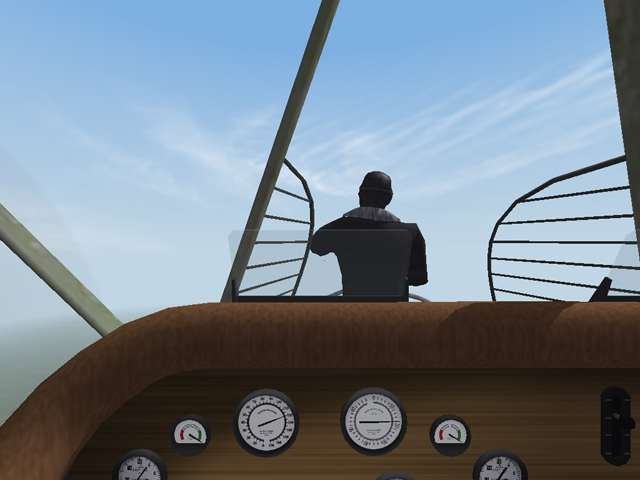
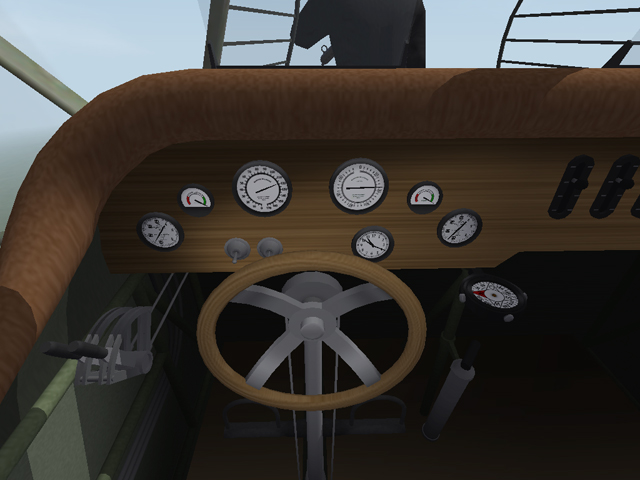
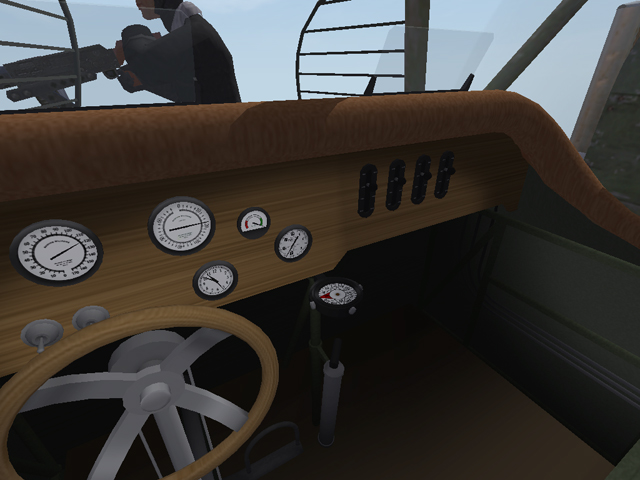
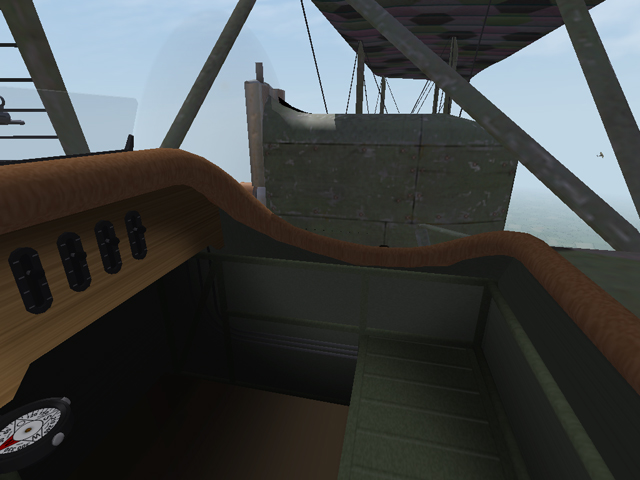
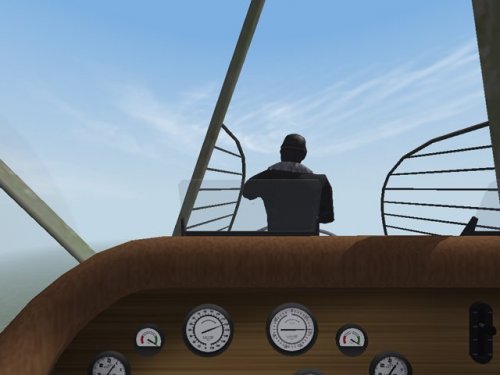
I have uploaded a new cockpit for the AEG G.IV. This will convert the stock AEG G.IV from an AI plane into a flyable plane. The cockpit features fully functional gauges, throttles, rudder control, and stick. Many years ago, ravenclaw_007 made the AEG G.IV flyable by making a cockpit using the cockpit from one of the other stock planes. My thanks to him for leading the way.
-
View File New Cockpit for AEG G.IV This cockpit will convert the stock First Eagles AEG G.IV from an AI plane into a flyable plane. The cockpit features fully functional gauges, throttles, rudder control, and stick. Acknowledgement About 10 years ago, ravenclaw_007 made the AEG G.IV flyable by making a cockpit using the cockpit from the SE5a. My thanks to him for leading the way. Installation Instructions for both FE1 and FE2 If you have already installed ravenclaw's version, you should delete the two ini files ("AEG_G4.ini" and "AEG_G4_COCKPIT.ini") before installing this version. If you still have the stock version, this install will replace the original AEG-G4.ini file. You should make a backup in case you want to revert to the original AI version. Open my "AEG_G4" folder and place all the files - 1 folder and 2 ini files - into your "AEG_G4" folder. Submitter Stephen1918 Submitted 10/03/2017 Category First Eagles - WWI and Early Years - Add On Cockpits
-
- 1
-

-
Version 1.0.0
165 downloads
This cockpit will convert the stock First Eagles AEG G.IV from an AI plane into a flyable plane. The cockpit features fully functional gauges, throttles, rudder control, and stick. Acknowledgement About 10 years ago, ravenclaw_007 made the AEG G.IV flyable by making a cockpit using the cockpit from the SE5a. My thanks to him for leading the way. Installation Instructions for both FE1 and FE2 If you have already installed ravenclaw's version, you should delete the two ini files ("AEG_G4.ini" and "AEG_G4_COCKPIT.ini") before installing this version. If you still have the stock version, this install will replace the original AEG-G4.ini file. You should make a backup in case you want to revert to the original AI version. Open my "AEG_G4" folder and place all the files - 1 folder and 2 ini files - into your "AEG_G4" folder. -
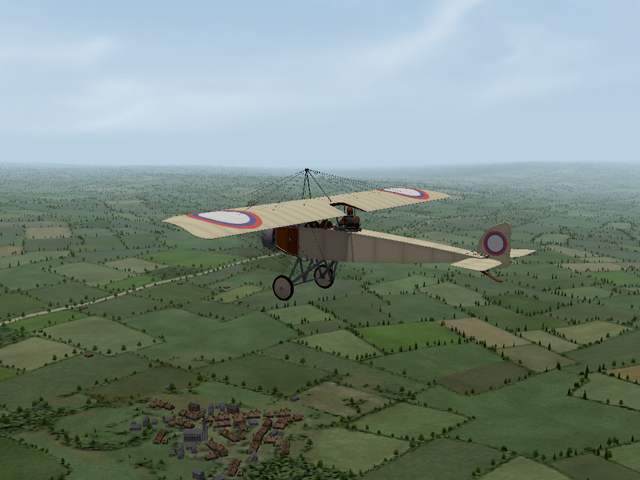
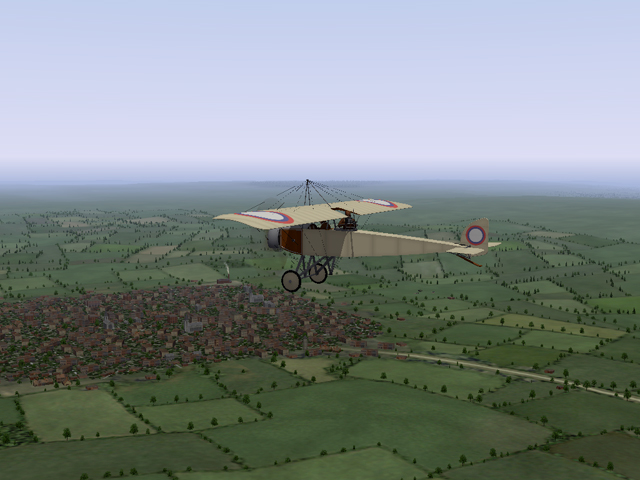
I am running Panama Red's Realistic Sky Mod. I have noticed when running under the "Clear" weather setting, about half the time I get Panama Red's clouds, the rest of the time I get a purplish haze at the horizon. Does anyone know why it's so inconsistent?
-
Thanks for posting this. Parts of the data.ini have always been something of a mystery to me. This helps.
- 17 replies
-
- 1
-

-
- albatros d.5a
- bmw
- (and 7 more)
-
-
-
-
-
-
-
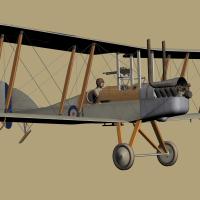
New Linen Skins For Steven1918's BE2c
Stephen1918 reviewed Geezer's file in Other Entente Aircraft Skins
-
-
-
-
-
-