VonS
-
Posts
1,026 -
Joined
-
Last visited
-
Days Won
2
Content Type
Profiles
Forums
Gallery
Downloads
Store
Everything posted by VonS
-
Perhaps the unicode to ansi batch converter can help, link below: https://combatace.com/files/file/11290-unicode-ansi-file-batch-converter/?tab=comments Crawford has also found a way of flying FE2 aircraft in FE1/gold...he will probably see this post eventually and add some suggestions that I've missed. Happy flying gents', Von S
-
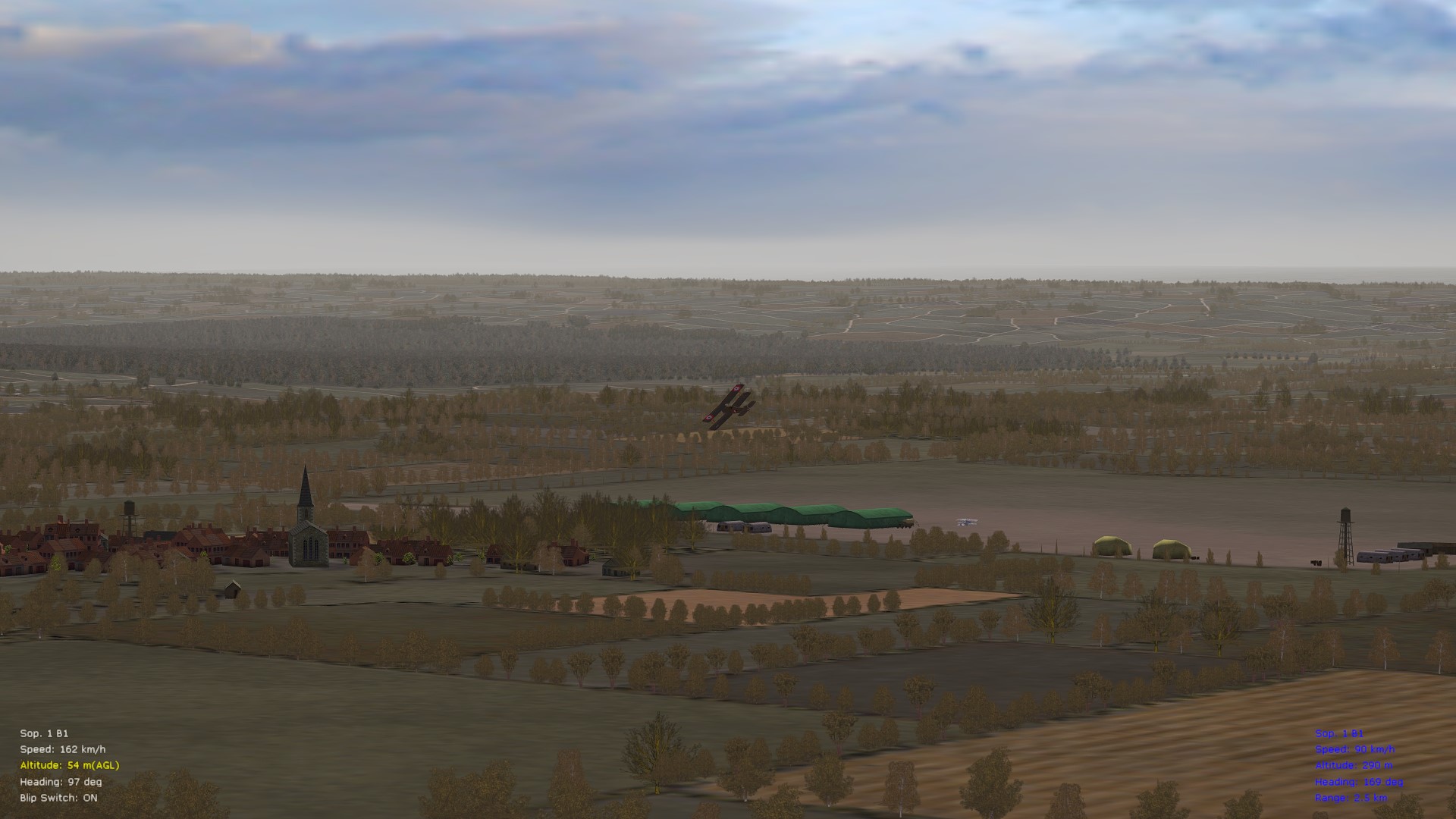
I like the effect very much, adds to the atmosphere, especially for the Italian front. Would like to see something similar done for the Palestine theater too, such as sand dunes with bits of grass or weeds sticking out. Now if we could only come up with some kind of ini trick to make the trees solid like in WOFFue/RB3D, or to place some kind of field of "invisible poles" in the same area where there are lots of trees - and I will be very happy indeed. (Already happy with FE2 but it doesn't hurt to push it further.) Happy flying gents', Von S
-
Have now double-checked my tweaked data ini for the SSW D.1 and it is indeed possible to solve the problem with correct rpm tweaks for slow and idle prop...the tweaks of 200 and 300 for slow and idle that are included in the modded FM don't display the static prop problem. Reversing the values, however, to 300 and 200 for slow and idle recreates the problem when the engine is throttled down to zero. For most other aircraft it's fine to have a slow number lower than idle, for better representation of prop spinning. Von S P.S. Results may vary across FE1 and FEgold (my comments apply to FE2).
-
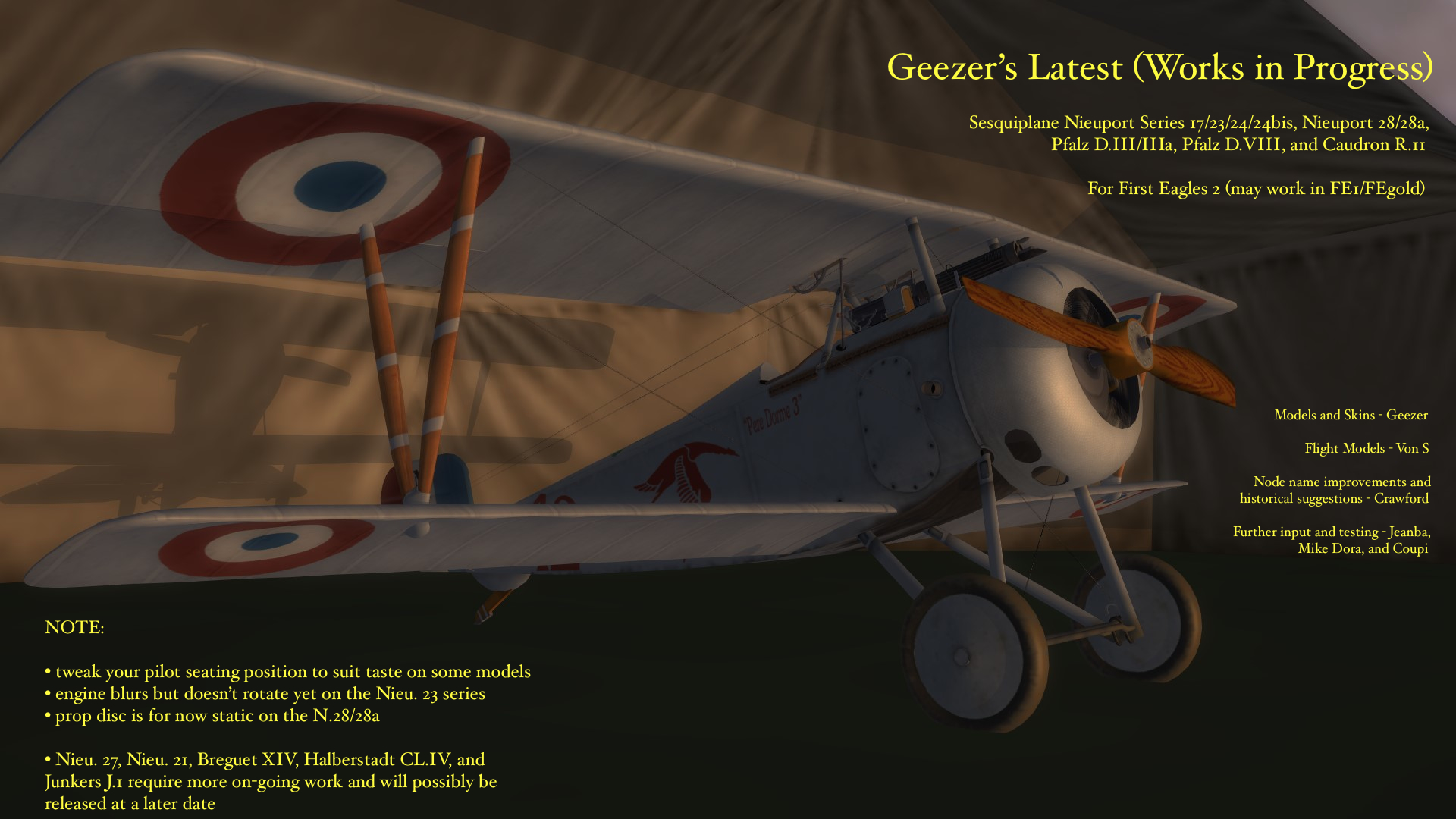
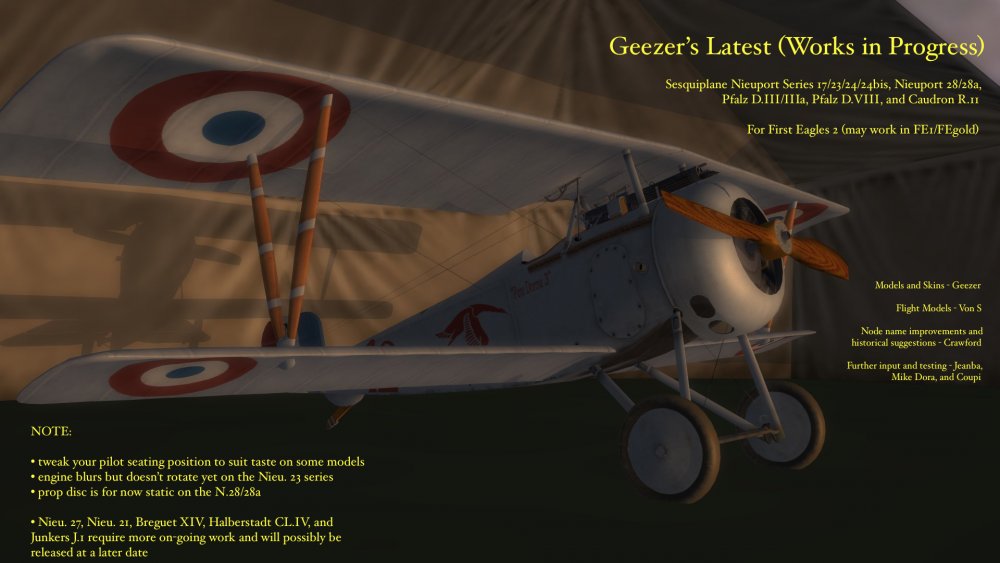
Hello fellow flyers of First Eagles 2, Please find attached below an all-in-one zipped file of the latest works in progress by Geezer. Geezer may in the future return to work on these projects further, but he is currently busy with real life and other hobbies. However, he has kindly given permission to the First Eagles 2 community to release the latest versions of his works-in-progress aircraft. You will find included in the zipped folder various types and sub-types, also a couple of extra sounds, the latest sounds ini file for your Flight folder, and also a Read Me file that includes more info. on the latest FM tweaks for these models. Work on Geezer's models not released yet as works-in-progress happily continues behind the scenes. A great many thanks to Crawford, Coupi, Jeanba, and Mike Dora for continued input on these works, and of course a great thanks to Geezer for these beautiful models. (Note: the Pfalz D.III was also used in the middle eastern theater - suggested service dates for that theater are from about July to October of 1918.) Happy flying, Von S EDIT: Attachment removed, will be placed in separate post as "consolidated" file with all latest updates, for convenience.
-
This is most likely LOD-related. Rpms at idle can be manipulated to some extent using the slow and idle settings, but I doubt this will cure the problem. For example, numbers in my tweaked FM for the SSW D.1 are: SlowPropRPM=200 FastPropRPM=750 MaxPropRPM=1000 IdlePropRPM=300 I often like to have the idle number slightly higher than the slow entry, for better prop rotation animation (more realistic). You can try switching the values to see if it will solve the problem, 300 for slow, and 200 for idle. Fast and max prop entries should be left alone or they will upset the realistic top speeds and climb qualities of the aircraft, among other things. Happy flying, Von S Edit: further info. on the Halske engines (link to a post by the venerable Dan-San Abbott on differences between the Sh.I and Sh.III/IIIa series of engines): http://www.theaerodrome.com/forum/showpost.php?p=13891&postcount=5
-
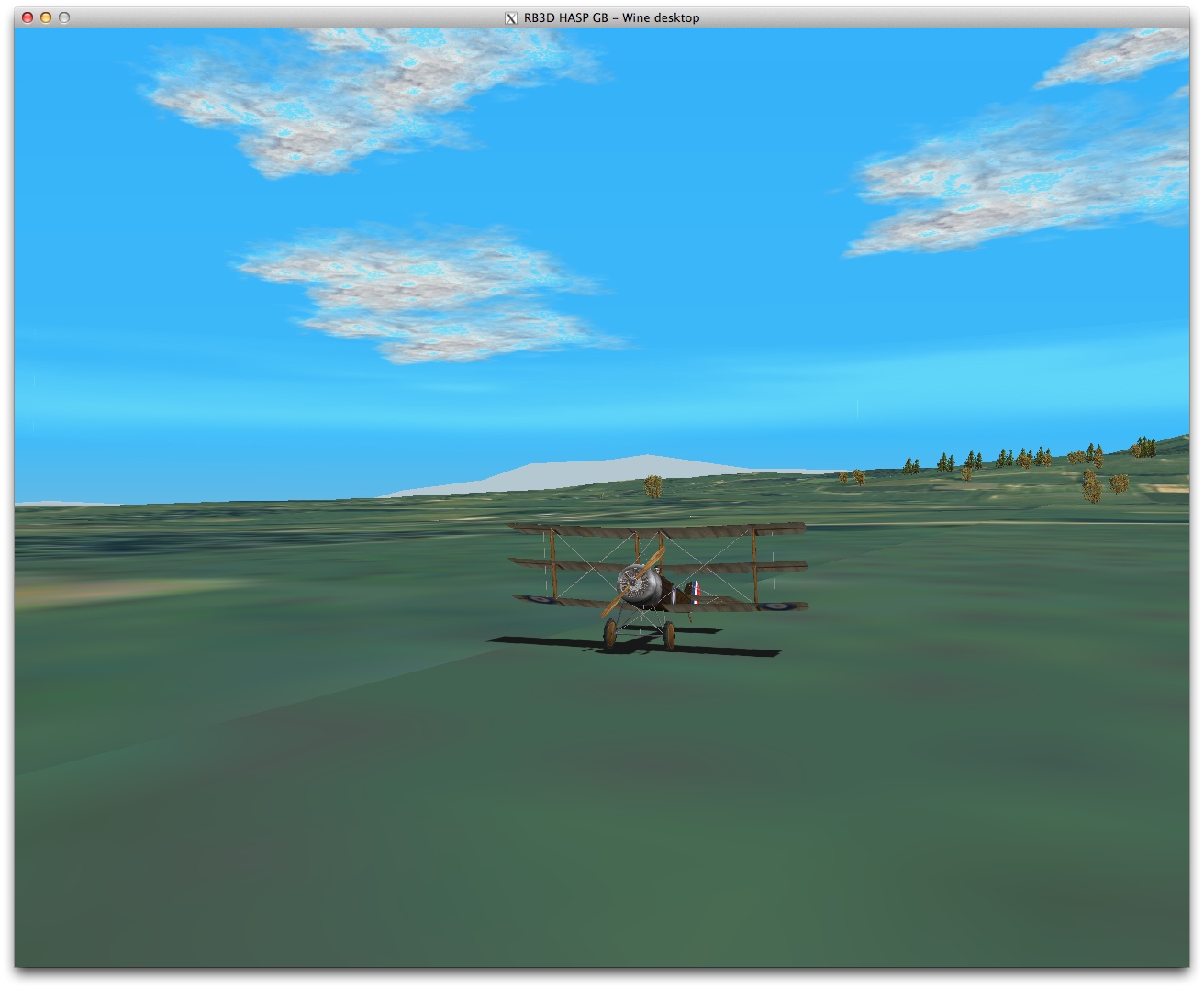
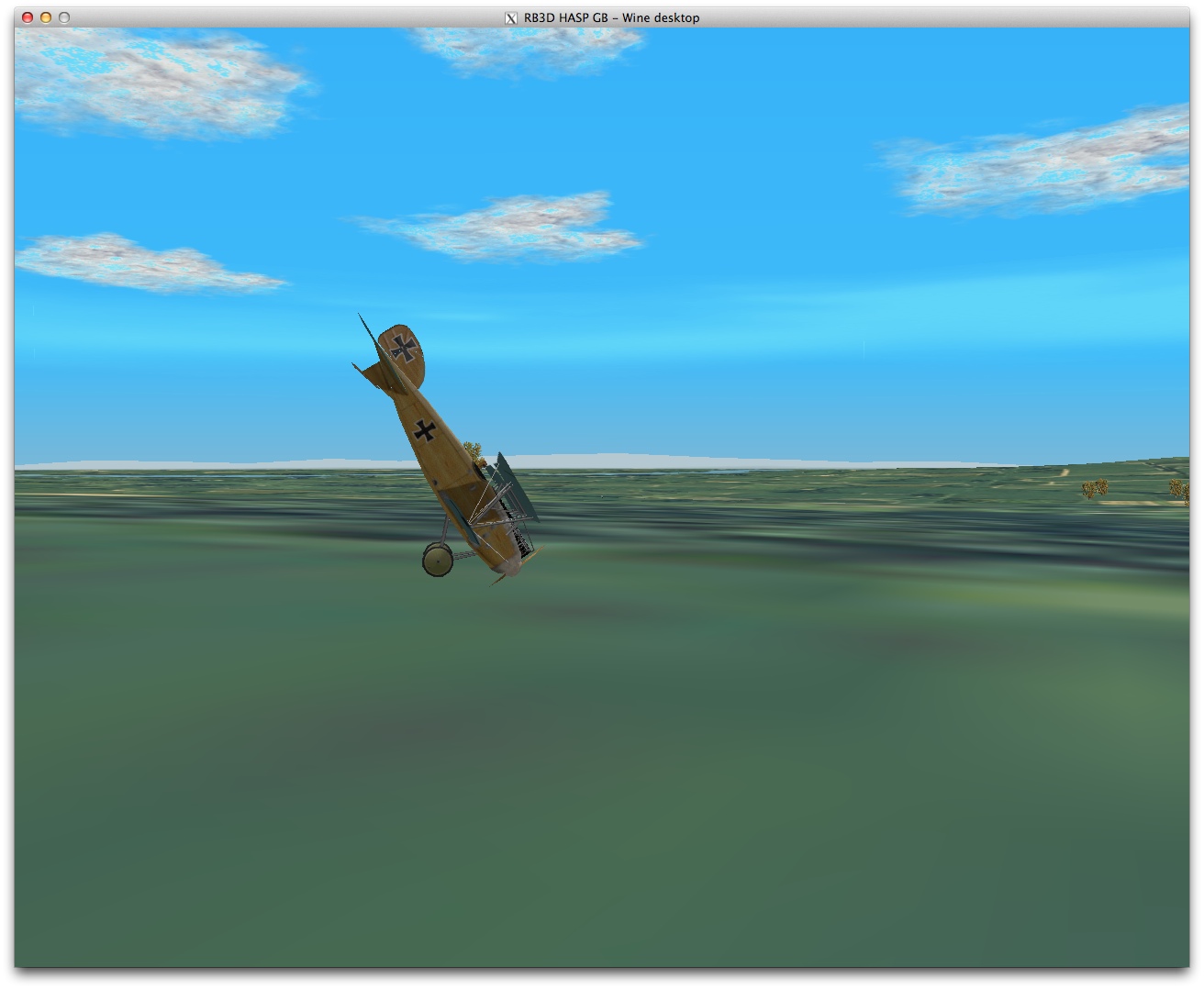
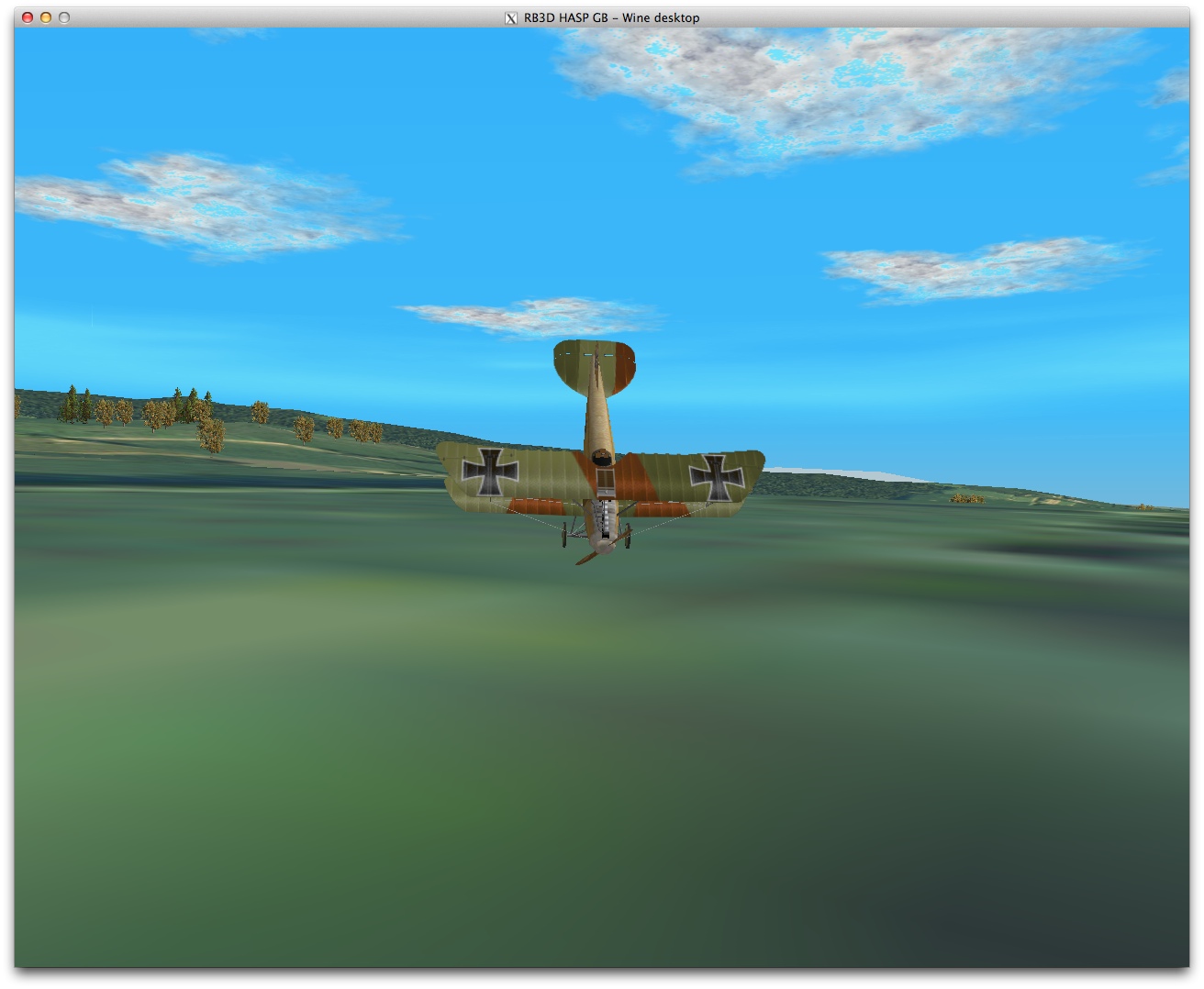
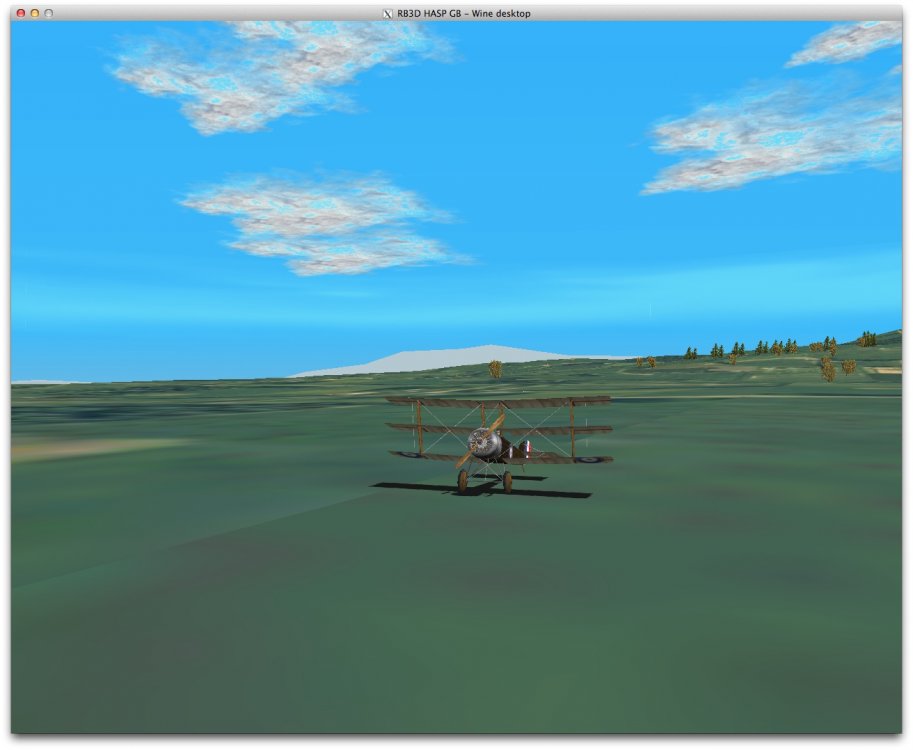
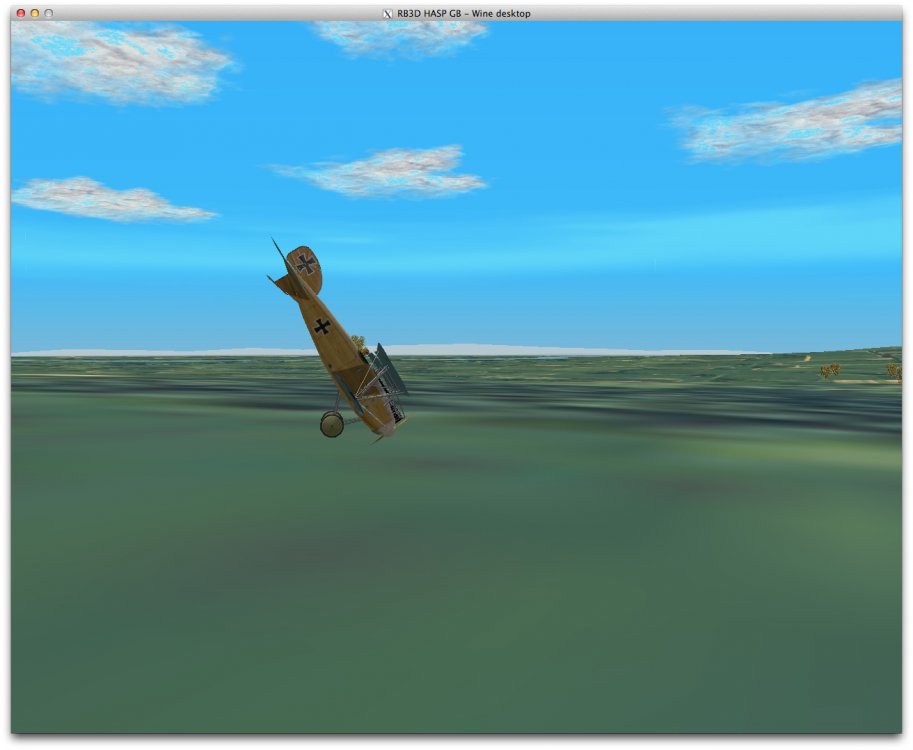
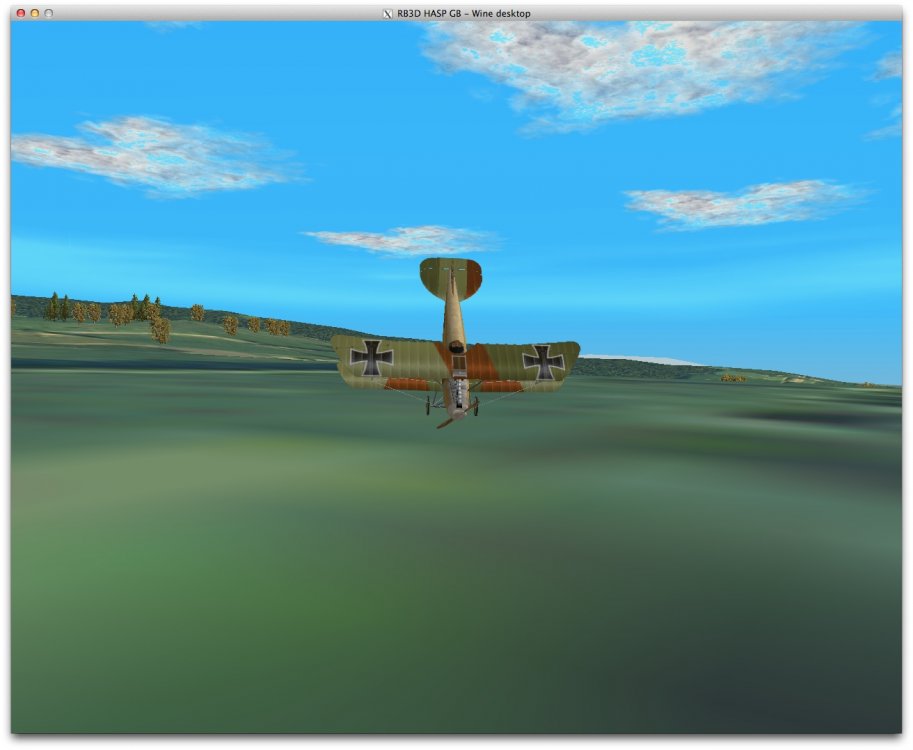
Great pics Crawford....takes me back nicely into the history of WWI flight sims. The sequel "RB3D" with glide/3dfx graphics was a slight upgrade....see representative pics. below...and has inspired a lot of my historical FM tweaks for FE/FE2...especially inspiring were the wonderful Greybeard FMs used in RB3D...those were very hard FMs but I managed to "tip" the Alby. on its nose in the flight below, as seen . Von S
-
Hello gents', please find attached below the latest R.11 data ini file that replaces the old one posted in a previous post above, and that incorporates Crawford's correct node names. Also included is the cockpit ini file again if you find that a seating position fix is needed, and a general ini file with the correct calls. Don't forget to rename the aircraft folder itself to "Caudron_R11" for these files to work correctly. Some more info. on the latest changes below: ---------- Crawford's fix to one of the stuck engines (from previous updates) gave much more power to the aircraft than in my initial tweaks...with all the extra rpm now correctly at work (so that the top speed was exceeding 205 kph). The engines have now been properly de-tuned, and other tweaks applied to rudder/ailerons/elevator, for slightly less sensitivity. You will notice slight yaw if turning only with ailerons...also wing vibrations are present at extreme angles of attack and excessive climbs/dives. More specific stats on the latest data ini: - stalls below about 75 kph into vibrating side-slips usually - climbing below about 85 kph not advised - good climbs of about 3.5 to 4 m/s in 90s to 130s kph - climbs at about 3 m/s in 140s and 150s kph - elevator effective at maintaining dives to about 360 kph - take offs at around 120 kph are recommended - land at around 90 kph or so (wheels should touch down close to this speed) - speed near sea level is now close to 190-191 kph (sometimes recorded top speed for R.11) - speed at 5000 m alt. is 161-2 kph (close to historical of about 165 at that alt.) - rudder recommended for tighter turns and higher banking angles than possible with ailerons alone - fairly stable craft, tends to right itself if controls are let go - can still do a modern Immelmann but watch speed/coordination Von S Edit: link removed, please see all-in-one download link below.
-
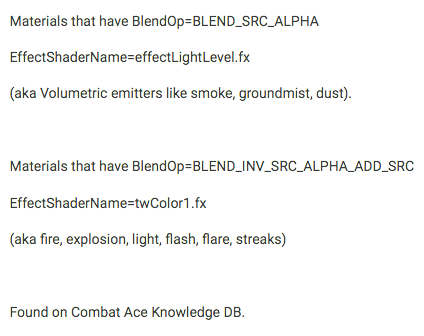
Have now tested the effects inis and particlesys ini with the effectshadername entries added where relevant - didn't notice any difference on my setup since I had the effects working before, but below is a good link to detailed info. for those interested in tinkering with effects results further in FE2 (the info. is for SF2 but is probably applicable): https://combatace.com/forums/topic/41168-using-custom-effects-in-sf2/ Also below is a snapshot from another forum that summarizes what some of the effects mean. Happy flying, Von S
-
Thanks for this info. - I will try the same, might be able to give me DX10 goodness in WineSkin. For joysticks, I still use the old Logitech Attack 3 (easy to rebuild if the springs weaken). For a newer joystick, I'm thinking either of the Thrustmaster T-Flight Hotas X or maybe this unkown called "PC Joystick YF2009 USB Gaming Controller with Vibration Feedback and Throttle" - although the Hotas seems like a safer choice. For more expensive options, check out the higher-end Hotas variants. Von S
-
Yes, the particlesys file I use is a modded Stary particlesys file, but I use it with Laton's effects - might require tweaking on your system to give the best results (I run FE2 in WineSkin on a Mac...with the Intel HD 4000 integrated graphics...1GB system ram used by the integrated card) - effects look fine on my rig but most people aren't running this kind of setup. Von S
-
Yes, I don't have the info. in front of me now - but I think the "twColor" stuff is from FE/FEgold days, while "effectfire," etc., is for FE2. [see post https://combatace.com/forums/topic/92281-targetting-and-damage-hard-settings/?tab=comments#comment-745878 for more details on this]. The game engine first reads the particlesys file for relevant entries, and only goes to look for individual effect ini files, in the Effects folder, if entries are missing from the particlesys file. In short, the particlesystem ini file is the primary one, individual ini effects files are secondary (called up if missing from particlesys). Have PM-ed you my effects folder and particlesys ini file that I use for FE2 - maybe it will be of help. Von S
-
Some of our particle specialists can pitch in here with more info. if they like, but as far as I remember, those strange differences apply to the "age" of the shader being used...in other words, several of the "fx" entries changed from FE1/FEgold to FE2. Von S
-
The particlesystem.ini file gents' is located in the Flight folder of FE2 (in your user directory for the sim). Individual effect ini files, such as tracersmokeemitter, etc., are located in the Effects folder. Some individual effects are already called up within the particlesystem file in the Flight folder, and therefore are missing individual ini files in the Effects folder. I'm missing several individual effect ini files too, but as long as your particlesystem file is behaving, FE2 should look fine. The particlesystem ini file included with my ver. 9.5 of the FM updates pack is the latest one that I use (and fits with the reverse install for the Laton effects detailed in my post above). Happy flying, Von S
-
Hello gents', Tracer effects may be available in some of the FE/FE2 effects packs either by Laton or Stary. Those are available here: https://combatace.com/files/category/362-first-eagles-wwi-and-early-years-object-mods/?page=2 Peter01's flight model and weapons tweaks are available at the following page: https://combatace.com/files/category/387-flight-models/ Keep in mind that they have not been updated for nearly 10 yrs., only cover about 10-20 aircraft, and may or may not work properly, depending on the kind of FE/FE2 install you are running. I recommend my large FM and weapons update pack located at the top of that page (it currently covers over 200 aircraft types for FE/FE2) and is being updated fairly regularly - another 5-6 aircraft types to go. Also, behind the scenes, Geezer and I are working on several new models for FE2, with help from Coupi, Jeanba, Mike Dora and Crawford. Formal release dates are yet to be set for those newer models. My FM tweaks are always tested on "hard" FM mode in the sim. and should be flown at such a setting (no guarantees that they work at easy or normal settings - if you prefer flying at easy or normal FM settings, I recommend sticking with the Ojcar FMs that come stock with several of the aircraft types). Other helpful links, copied from the Read Me file for my FM update pack, are included below: Important Files to Install if Setting Up FE2 https://combatace.com/forums/topic/91337-problems-with-my-fe2/?tab=comments#comment-738368 Other Files and Technical Info. Regarding Plane Types https://combatace.com/forums/topic/91337-problems-with-my-fe2/?tab=comments#comment-738514 Info. on the Upgraded SPAD FMs https://combatace.com/forums/topic/87403-tweaked-flight-models-and-realism-pack-for-fe2/?page=6&tab=comments#comment-738317 The slightly older "Tweaked Smoke and Balloon Explosion Effects (for better framerates)" pack, mentioned in the "Important Files to Install if Setting Up FE2" link, is now located here: https://combatace.com/forums/topic/87403-tweaked-flight-models-and-realism-pack-for-fe2/?page=7&tab=comments#comment-744973 Also, my previous Siemens-Schuckert D.1 stand-in for the eastern front folder of my FM packs, mentioned in the "Other Files and Technical Info. Regarding Plane Types" link above, has been replaced by a modified FM for Stephen1918's beautiful SSW D.1 that was posted recently. The info. and link to that FM are located here: https://combatace.com/forums/topic/87403-tweaked-flight-models-and-realism-pack-for-fe2/?page=7&tab=comments#comment-745201 Happy flying, Von S
-
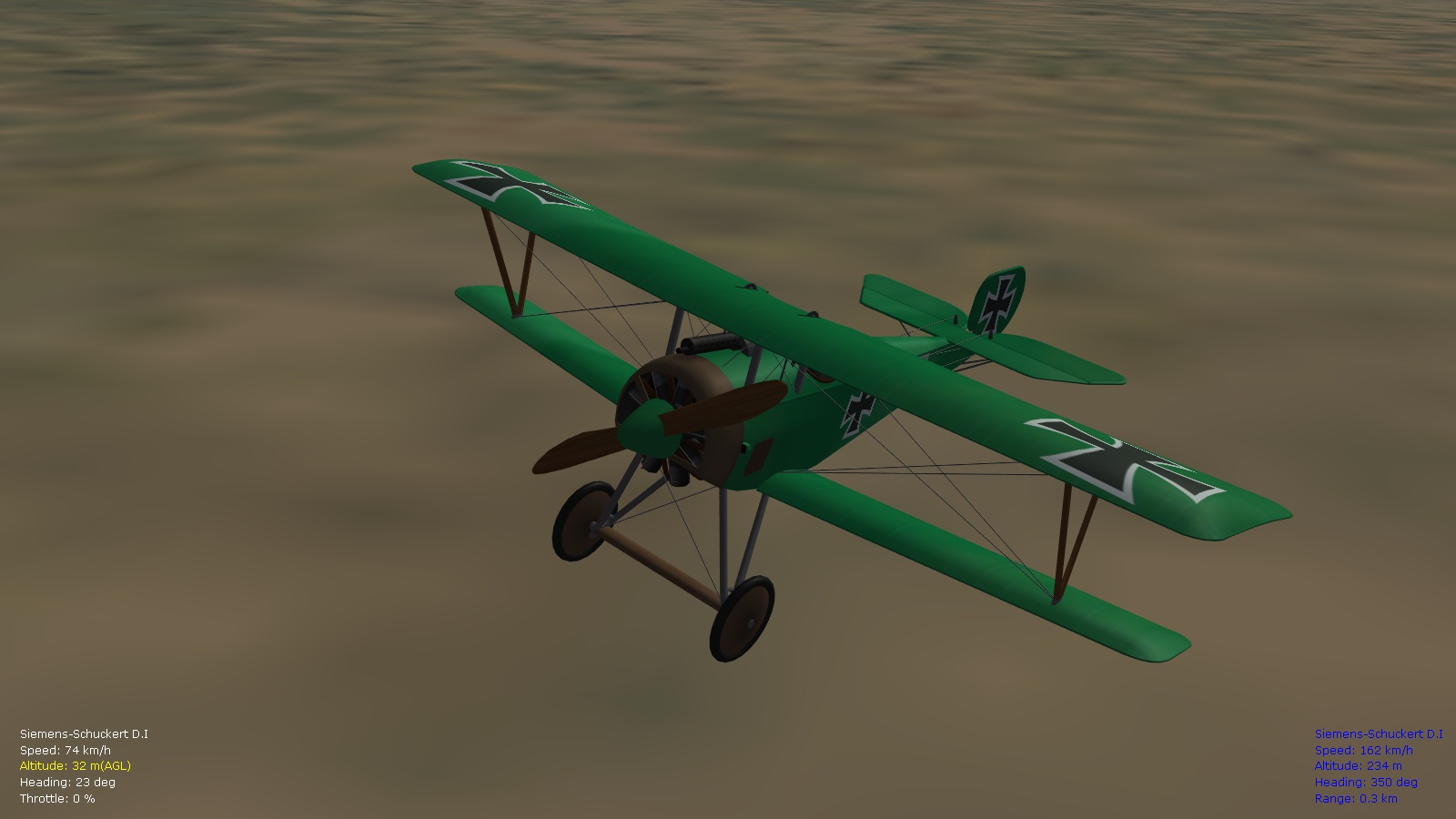
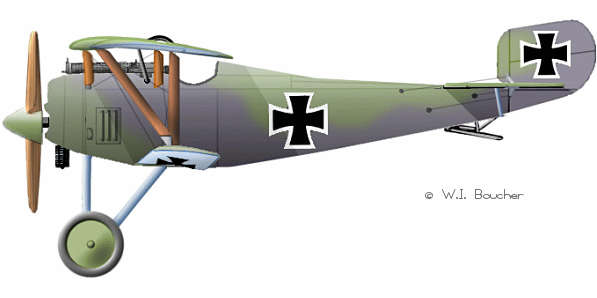
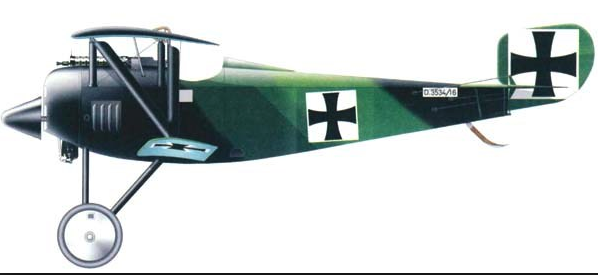
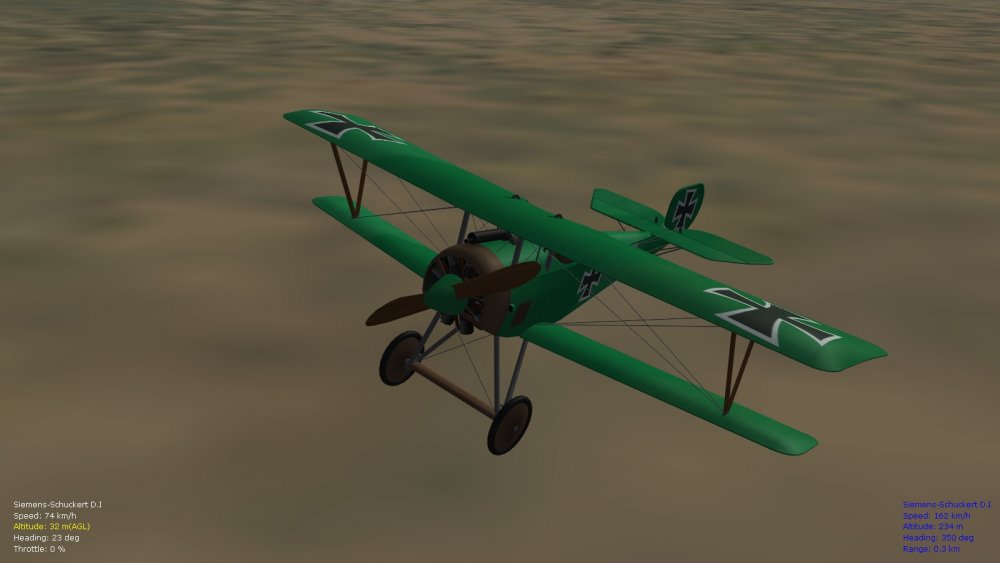
A beautiful plane indeed, many thanks for this one Stephen. A few other colors for the D.1 that our gentlemen-flyers might be interested in if they enjoy skinning. Von S
-
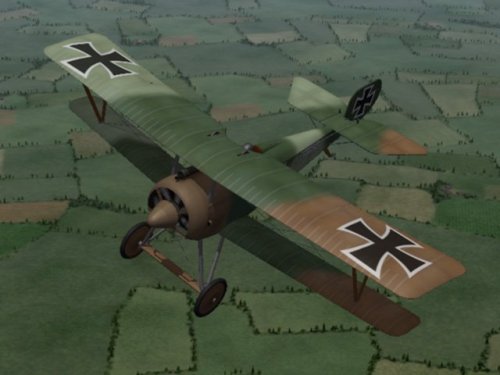 Many thanks for this one Stephen - always liked the lines on the SSW D.1 and the nose spinner. I look forward to carrying over my already-modded FM for a Nieu 17/SSW stand-in, for the eastern front, into this folder for your real SSW. Great stuff. Happy flying, Von S
-
- 1
-

-
-
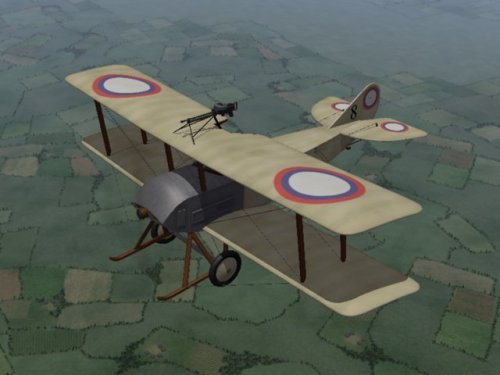
A lovely surprise, always enjoy seeing obscure types for FE2. Thank you for this Stephen - I will tweak the FM and include the data ini with a ver. 9.5 of my FM update pack! Happy flying, Von S
-
The R.11 from what I'm aware was capable of doing a modern Immelmann, although sources are confusing on what an Immelmann is too (old-style chandelle, pirouette? or was the Immelmann always the same maneuver, as Dan-San Abbott suggested on the Aerodrome forums...). The R.11 has powerful engines, historically, so should be capable of such stunts if done gracefully I suppose. To minimize wild maneuvers from the AI in the R.11, try the following tweaks (haven't tested this yet but will get around to it eventually...still busy with the ver. 9.5 FM update pack). ------------------- R11 Caudron AI Tweak [AIData] -----> change values in two lines below as follows MaxRollCombat=15.0 MaxPitchCombat=25.0 -----> replace dogfight skill level entries with ones below [DogfightNovice] SafeAltitude=160 LookoutAngle=90 DefensiveAngle=60 ChanceDefensiveTurn=0 ChanceBreakTurn=10 ChanceHardTurn=10 ChanceTurnDirection=10 ChanceContinue=80 ChanceCheckNewTarget=5 ChanceUseVertical=5 FightWithoutAmmo=0 CannonFireAngle=20.0 MaxPitchInput=0.75 MaxCannonRange=500 OptimalCannonRange=80 MinCannonRange=50 MaxRollForGunAttack=45 CannonBurstLengthShort=2.5 CannonBurstLengthLong=2.5 MaxRudderForGunAttack=0.5 MaxRudderForManeuver=0.7 [DogfightGreen] SafeAltitude=140 LookoutAngle=120 DefensiveAngle=90 ChanceDefensiveTurn=15 ChanceBreakTurn=20 ChanceHardTurn=20 ChanceTurnDirection=20 ChanceContinue=70 ChanceCheckNewTarget=10 ChanceUseVertical=10 FightWithoutAmmo=0 CannonFireAngle=20.0 MaxPitchInput=0.75 MaxCannonRange=500 OptimalCannonRange=80 MinCannonRange=50 MaxRollForGunAttack=60 CannonBurstLengthShort=2.0 CannonBurstLengthLong=2.0 MaxRudderForGunAttack=0.8 MaxRudderForManeuver=0.9 [DogfightRegular] SafeAltitude=120 LookoutAngle=150 DefensiveAngle=90 ChanceDefensiveTurn=35 ChanceBreakTurn=30 ChanceHardTurn=30 ChanceTurnDirection=40 ChanceContinue=50 ChanceCheckNewTarget=20 ChanceUseVertical=20 FightWithoutAmmo=0 CannonFireAngle=12.0 MaxPitchInput=0.8 MaxCannonRange=500 OptimalCannonRange=70 MinCannonRange=30 MaxRollForGunAttack=75 CannonBurstLengthShort=0.75 CannonBurstLengthLong=1.0 MaxRudderForGunAttack=1.0 MaxRudderForManeuver=1.0 [DogfightVeteran] SafeAltitude=100 LookoutAngle=150 DefensiveAngle=120 ChanceDefensiveTurn=55 ChanceBreakTurn=30 ChanceHardTurn=30 ChanceTurnDirection=30 ChanceContinue=50 ChanceCheckNewTarget=30 ChanceUseVertical=40 FightWithoutAmmo=0 CannonFireAngle=12.0 MaxPitchInput=0.85 MaxCannonRange=500 OptimalCannonRange=70 MinCannonRange=30 MaxRollForGunAttack=90 CannonBurstLengthShort=0.75 CannonBurstLengthLong=1.0 MaxRudderForGunAttack=1.0 MaxRudderForManeuver=2.0 [DogfightAce] SafeAltitude=100 LookoutAngle=150 DefensiveAngle=120 ChanceDefensiveTurn=65 ChanceBreakTurn=50 ChanceHardTurn=50 ChanceTurnDirection=50 ChanceContinue=25 ChanceCheckNewTarget=40 ChanceUseVertical=50 FightWithoutAmmo=1 CannonFireAngle=12.0 MaxPitchInput=0.85 MaxCannonRange=500 OptimalCannonRange=70 MinCannonRange=30 MaxRollForGunAttack=90 CannonBurstLengthShort=0.75 CannonBurstLengthLong=1.0 MaxRudderForGunAttack=1.0 MaxRudderForManeuver=2.0 ------------------- Von S
-
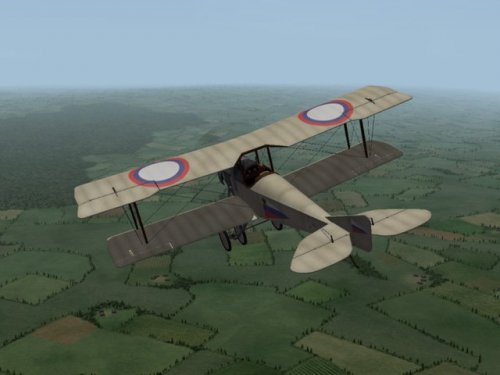
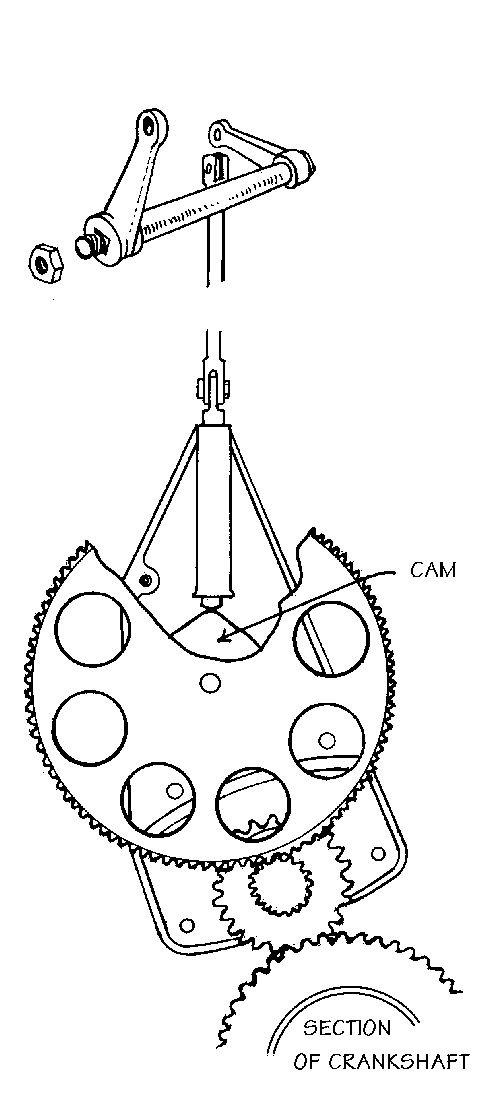
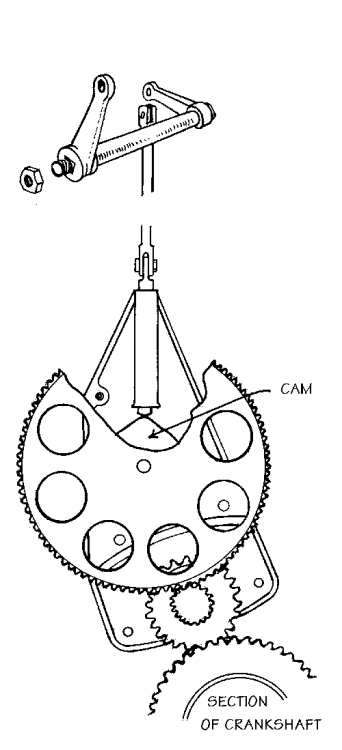
Enjoying the technical posts gents': from what I could find, Alkan-Hamy, and then later Birkigt gears on occasion, were used on license-built aircraft in Russia too (as with DUX manufactured types). Experiments were done as early as 1915 by Dibovsky, also Lavrov, with interrupter gears - but apart from the Sikorsky S-16, I don't know if these early experiments were in use...Dibovsky, with Scarff, later developed the interrupter gear used on several Sopwith Strutters and some early Sopwith Pups (see pic. below). Scarff is best know for the Scarff ring moveable gun-mount for observers. Happy flying, Von S
-
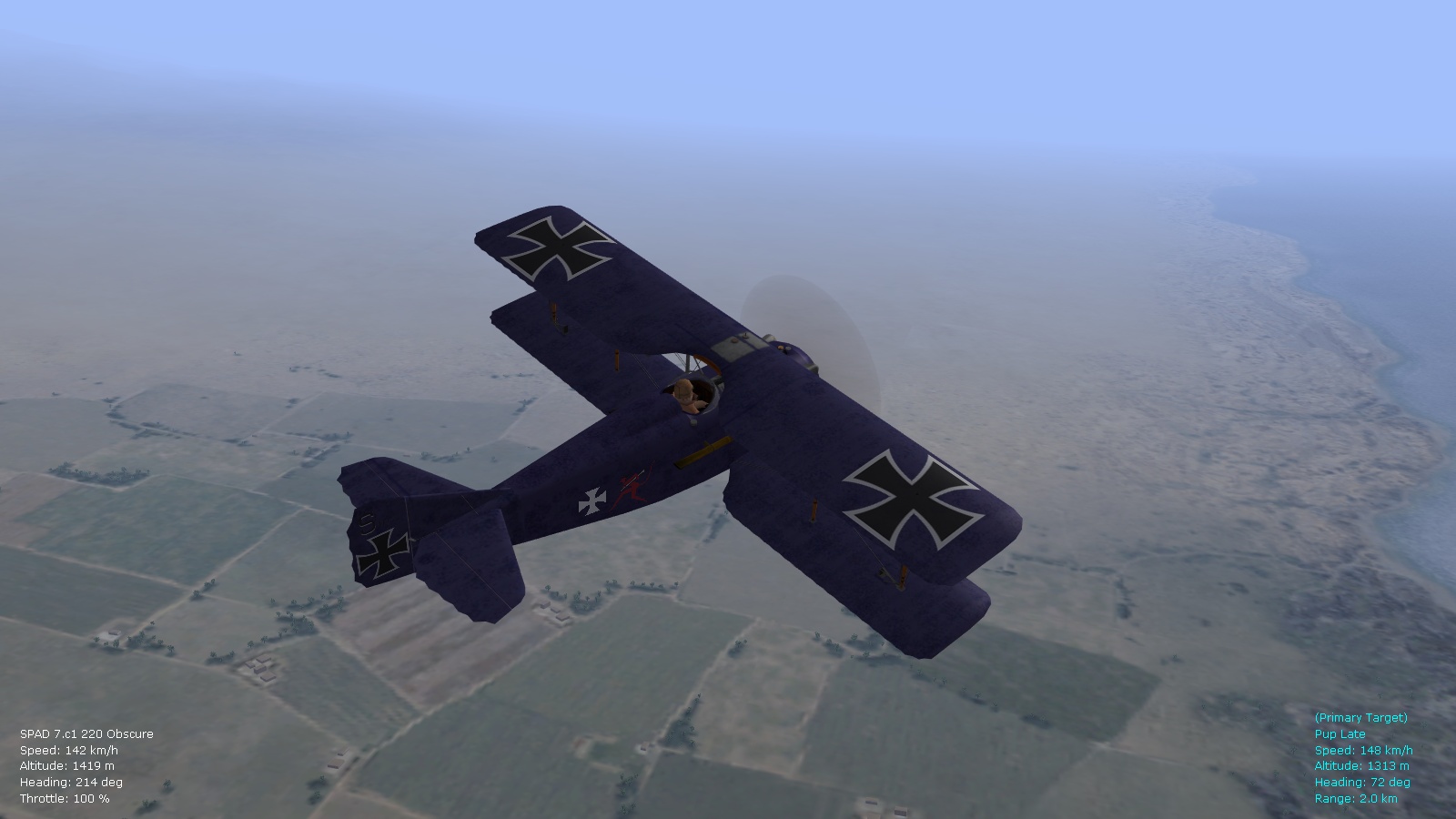
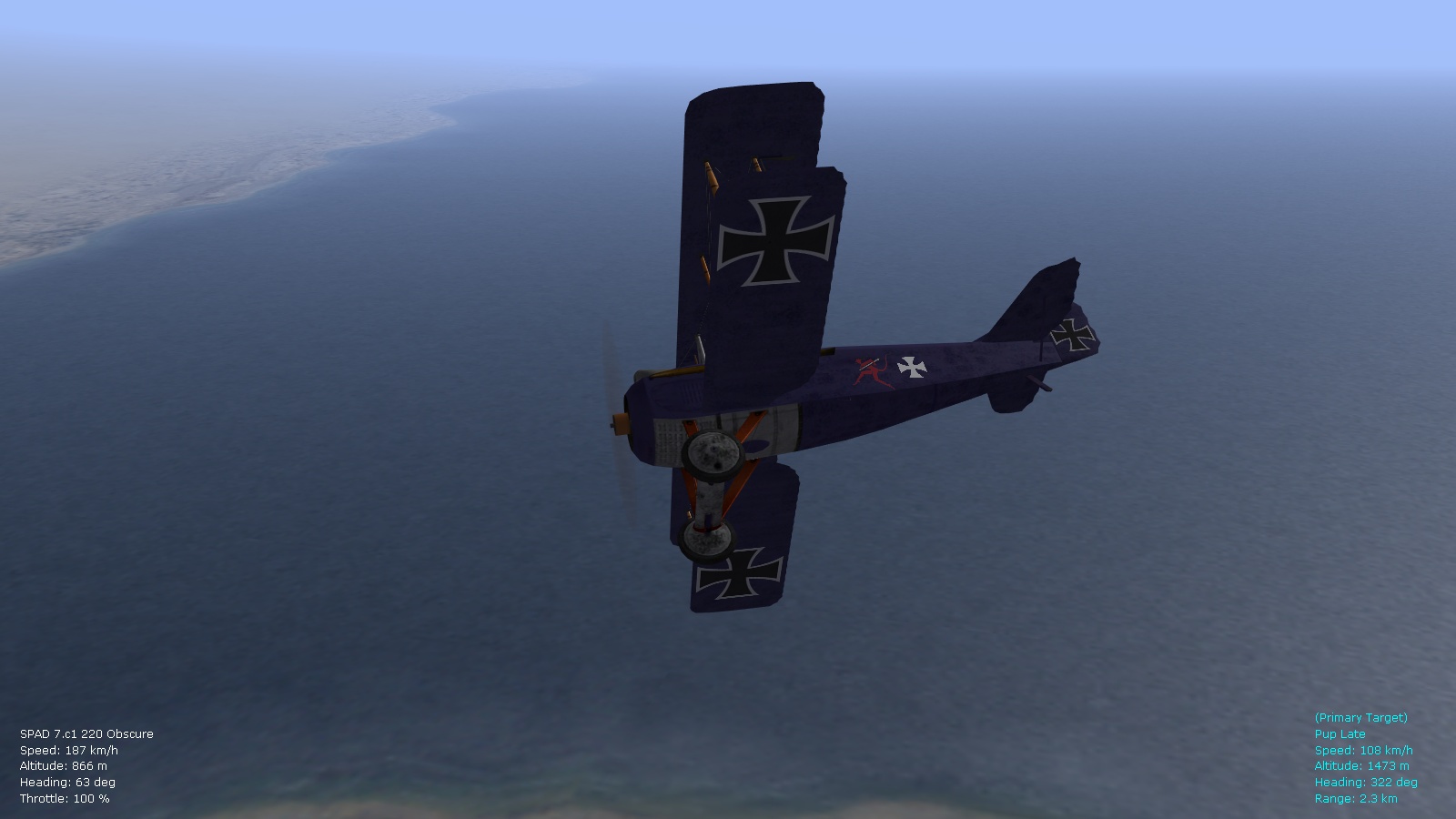
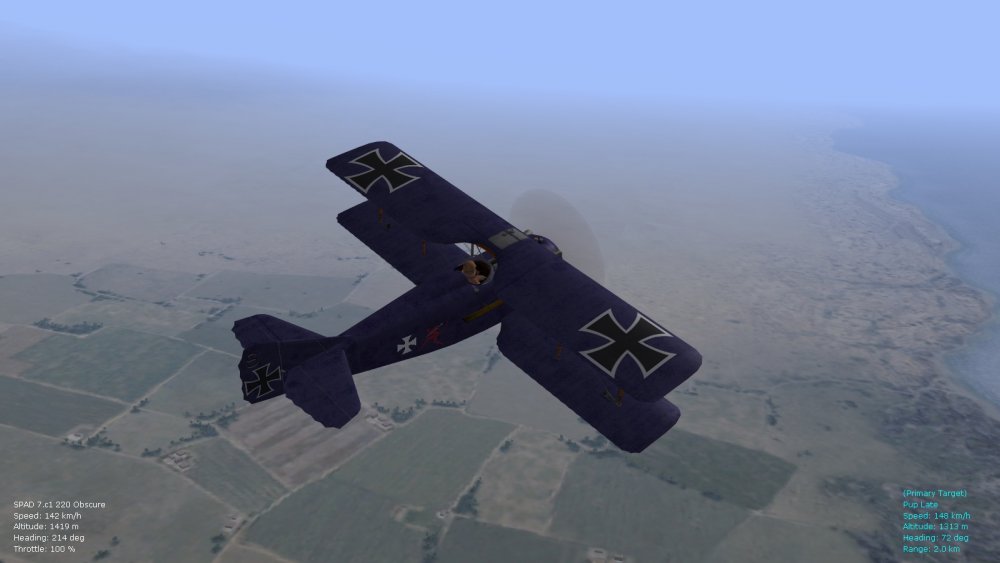
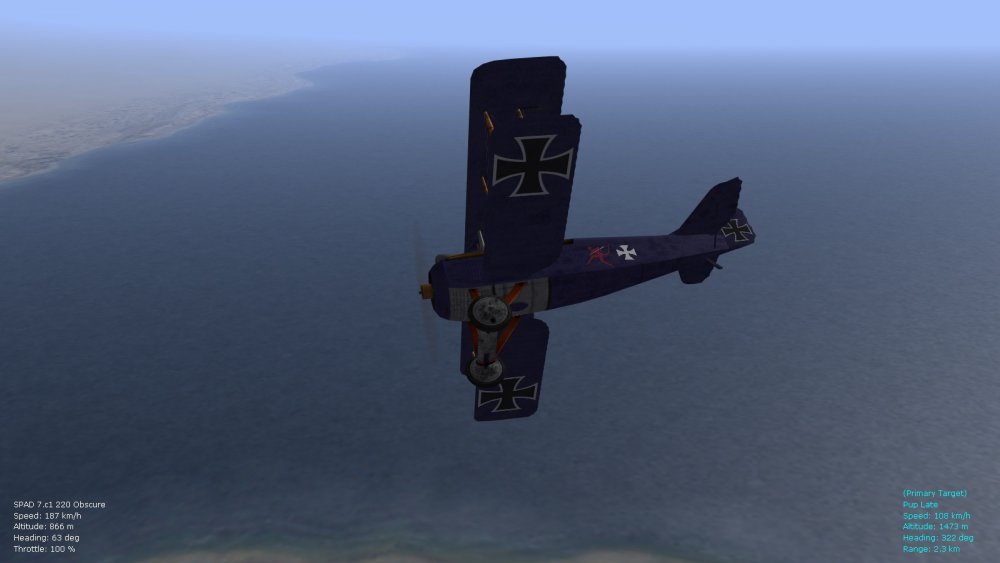
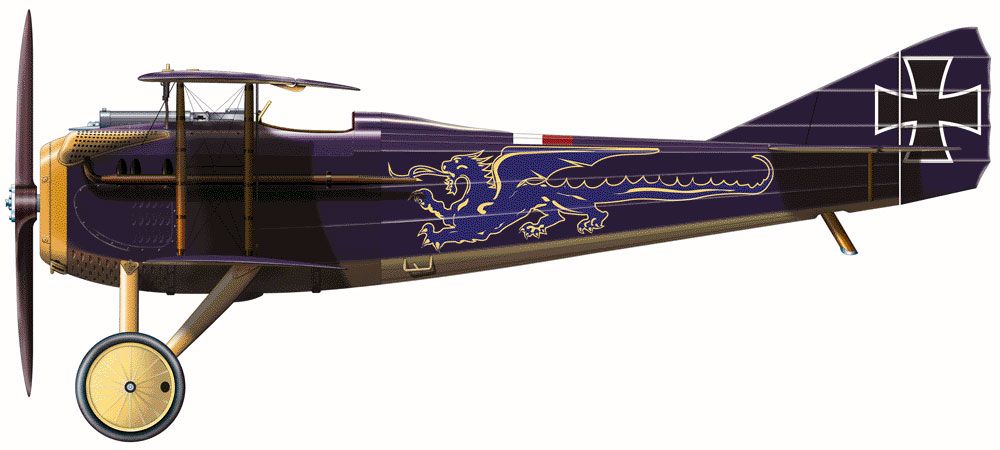
Speaking of somewhat creative skins...here's another that I will include with the ver. 9.5 FM update pack...to go with a separate data ini for an early/obscure variant of the Spad 7 200-220hp that I've been tinkering with...Rudolf Windisch acquired a captured Spad 7 sometime in Jan. 1918 that he flew occasionally (180hp or higher? no data I could find)...Windisch "disappeared" after being shot down in late May 1918 on the French side of the lines. Those with skinning talents will perhaps create an accurate dragon to put on the sides of the fuselage...I've used Stephen's decals, and others, to improvise. The Hisso 8 sub-variants 8Ad to 8Be range from 210 to 220hp output, the 180hp variant is listed as 8Ab and possibly 8Ac...this gives some room to speculate on what Windisch acquired in early 1918, considering the variety of Hisso variants in use...the Germans did fly some captured Spad 7 types as early as April of 1917...those would have been likely of 180hp...perhaps 150hp only. Von S
-
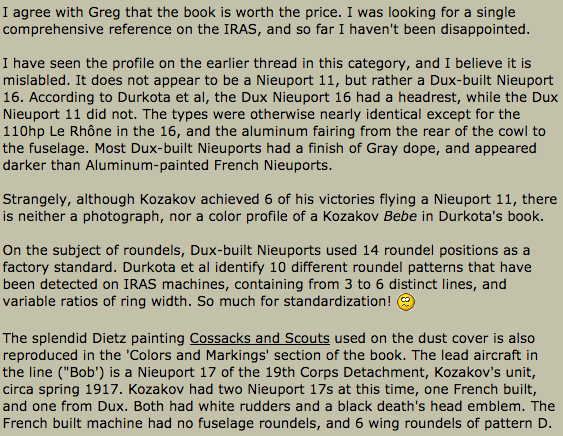
Hello Crawford, that was my attempt at a mottled gray-green color...perhaps a factory paint-job gone wrong - while I like to be accurate with the FMs, sometimes I get creative with the skins (color filters, etc.) but within reasonable limits - no pink or neon green aircraft. Regarding the Dux Nieups., the sources I went with were these four...not the best ones probably but they do give me room to include obscure types such as the 16 Dux...although it's possible that the sources confuse the Dux-built Nieu. 11 (that has a headrest) with western-built Nieu. 16 types. Flyingmachines.ru, Historyofwar.org, Aerodrome.com, Wikipedia Nieu. 11 article... Happy flying, Von S



-
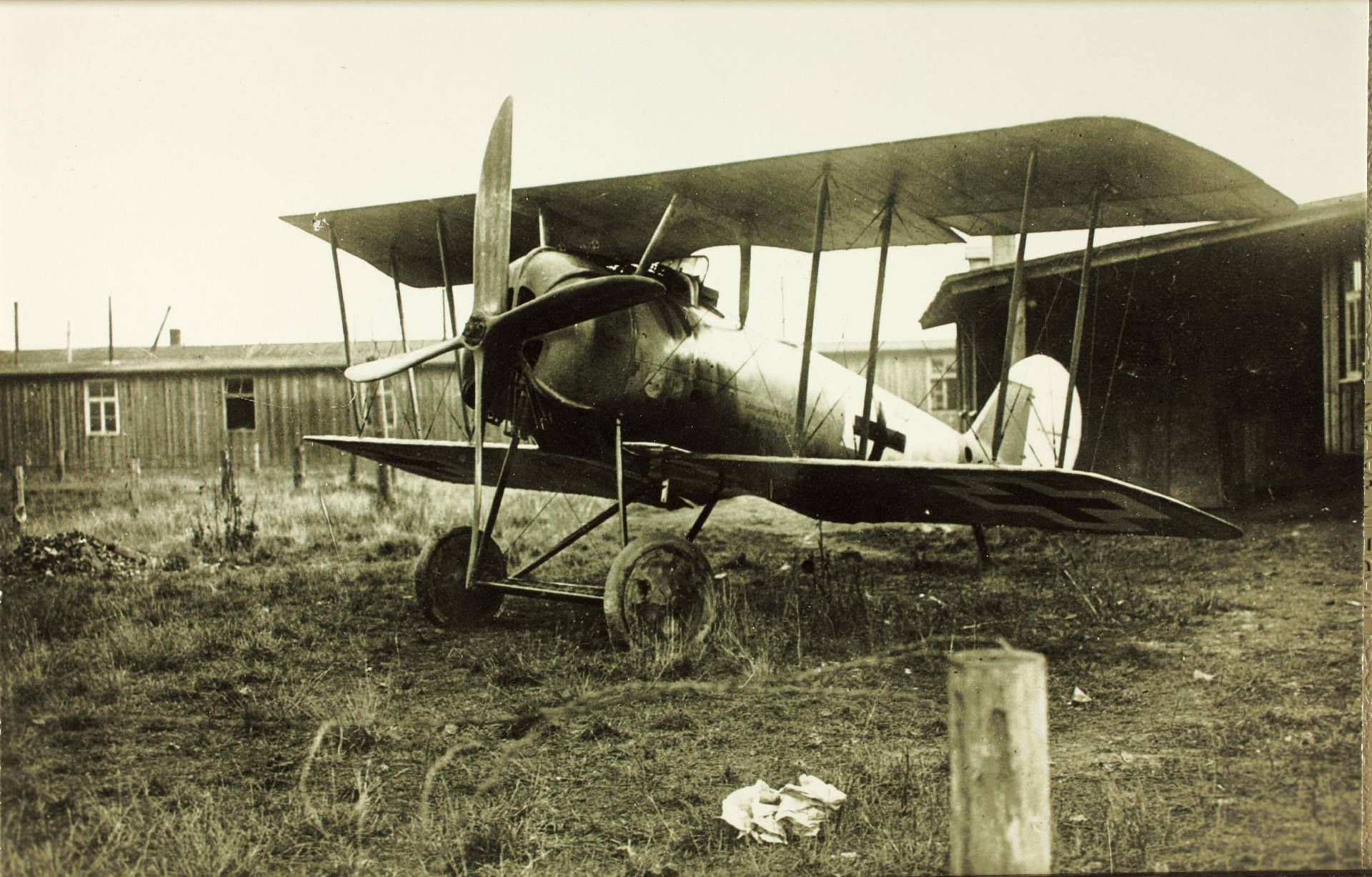
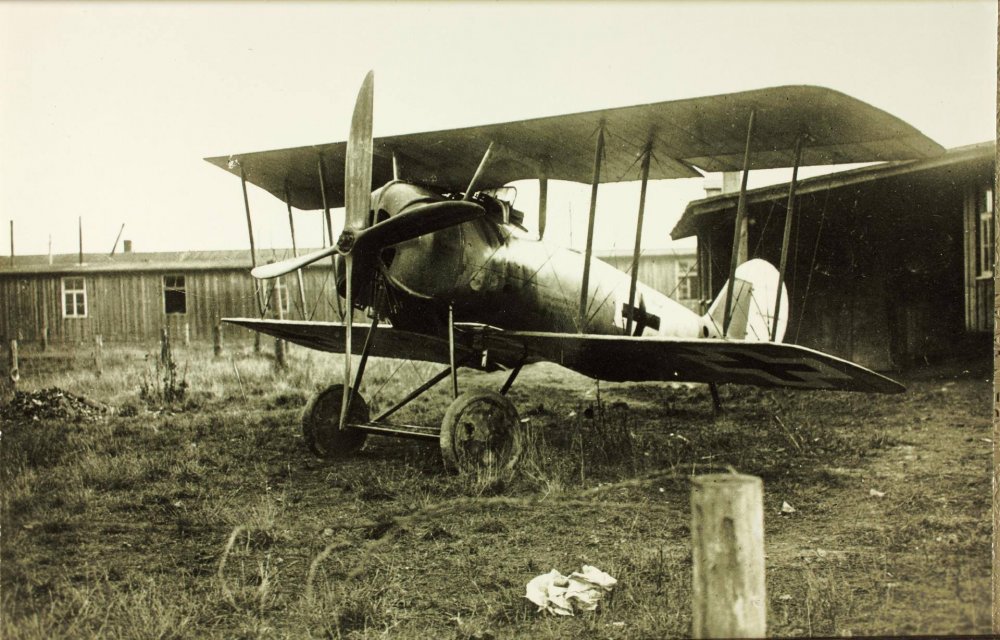
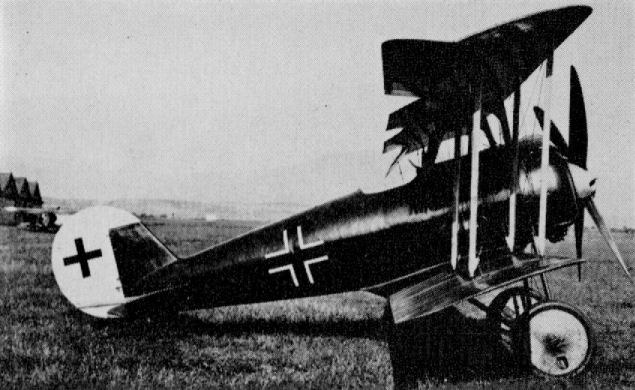
Beautiful pics. of the Pfalz D.VIII - also interesting is the four-bladed prop made by putting two two-bladed ones together. A couple of other pics. below - featuring a one-piece four-bladed prop, and a 160hp Siemens-Halske variant with a nose similar to the Siemens-Schuckert. Von S
-
Some more stats. for those enjoying Geezer's Pfalz D.8 WIP and its FM: A lovely aircraft to fly, takes off well at around 100 kph, stall speed is around the low 70s kph. Top speed near sea level is about 193/4 kph, the climb rate in the 120s and 130s kph to about 3000m alt is excellent - about 5-6 m/s. Avoid tight turns if slower than about 150kph however since she tends to slip out of a turn with the thin wings. Loops are easier than on the Pfalz D.3 (tighter loops possible), but be gentle on back stick anyway. Modern Immelmann's are easy to do on the type (the engine has more than enough power). Overall a more pleasant and powerful plane to fly than the Pfalz D.3/3a line, similar to the Triplane variant but not as quirky and with a slightly slower climb rate. Slightly tougher to break than the Pfalz Triplane also...can do about 5.5 Gs as historical for these later war German types. Also, an excellent diver; I managed to get her up to about 450kph in a dive - as long as you exit the dive fairly gently you won't lose any pieces. Ceiling is about 6000m on the type; the uncompressed Siemens-Halske has about 210hp max output (historically) at full throttle but even half throttle is significant, giving out around 130-150hp I'd say. I doubt the D.8 (Pfalz) was used on the front any earlier than about Sept. of 1918 (I think a total of about 40 were made before the armistice) - so it should be set to rare or very_rare. Note: the D.8 had several different power-plants installed, ranging from about 145hp to 200/210hp...this explains the different top speeds available for it all over the internet, from as low as the low 180s kph to about 190kph for the 160hp variant, etc. I've gone with an engined-up (uncompressed) variant for this particular FM. Von S