VonS
-
Posts
1,026 -
Joined
-
Last visited
-
Days Won
2
Content Type
Profiles
Forums
Gallery
Downloads
Store
Everything posted by VonS
-
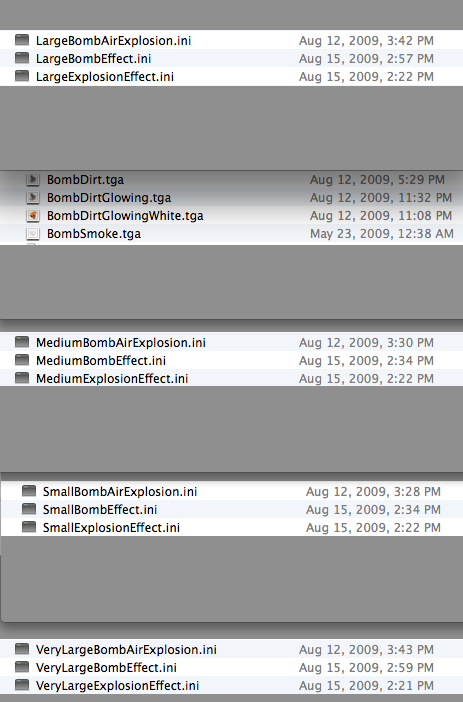
Also make sure that in the Effects folder of your modded install of FE2, you have at least the following ini and tga files for proper explosion effects of various sizes. Happy flying, Von S
-
Great stuff gents' - wonderful to see large scale modding for FE2 happening! I'm also tweaking the Camels further to include some of their flight peculiarites, also the Nieu. 11 is receiving an overhaul - since it was too "numb" in its earlier FM versions, and have corrected an obscure error with Cydc airfoil values that were missing for some of the ailerons on the Nieu. 16 types. Will include these fixes and previous ones for the Nieu. 28 and 24bis in a ver. 9.1 of the FM update pack, and will also try to get the FMs done for the Pup and Tripehound from A-Team for that update pack, including more varieties of observation balloon colors and realistic heights. It'll be a special edition of the FM update pack called "Camels, Pups and Gasbags." Happy flying, Von S
-
Looks beautiful! I’ll tweak the FM eventually for the older CL.IV that’s in the downloads area and then we can easily readjust some of the coordinates to make the data ini fit your greatly improved model Geezer. Happy flying, Von S
-

IL-2 Sturmovik: Flying Circus Volume I Announced
VonS replied to don246's topic in General Discussion
Never was able to get ROF running in WineSkin on a Mac - WOFFue and FE2, and RB3D, on the other hand, work just fine in WineSkin. I doubt that I'll try running ROF at this point especially (since it's no longer being developed or modded), or even that IL-2 Flying Circus stuff in the future considering that I'm very happy with FE2 and WOFFue, although competition in the small WW1 flight sim market is a good thing (for us too: greater user awareness of alternatives like FE2 and WOFFue, especially if users don't warm up to ROF/FC). I think with ROF/FC you also need to keep up with the latest technology regularly, otherwise frame rates suffer with every upgrade of the sim. Mid-range rigs on the other hand can run FE2 fine, also WOFFue on lower graphics settings. Happy flying in FE2 gents', Von S -
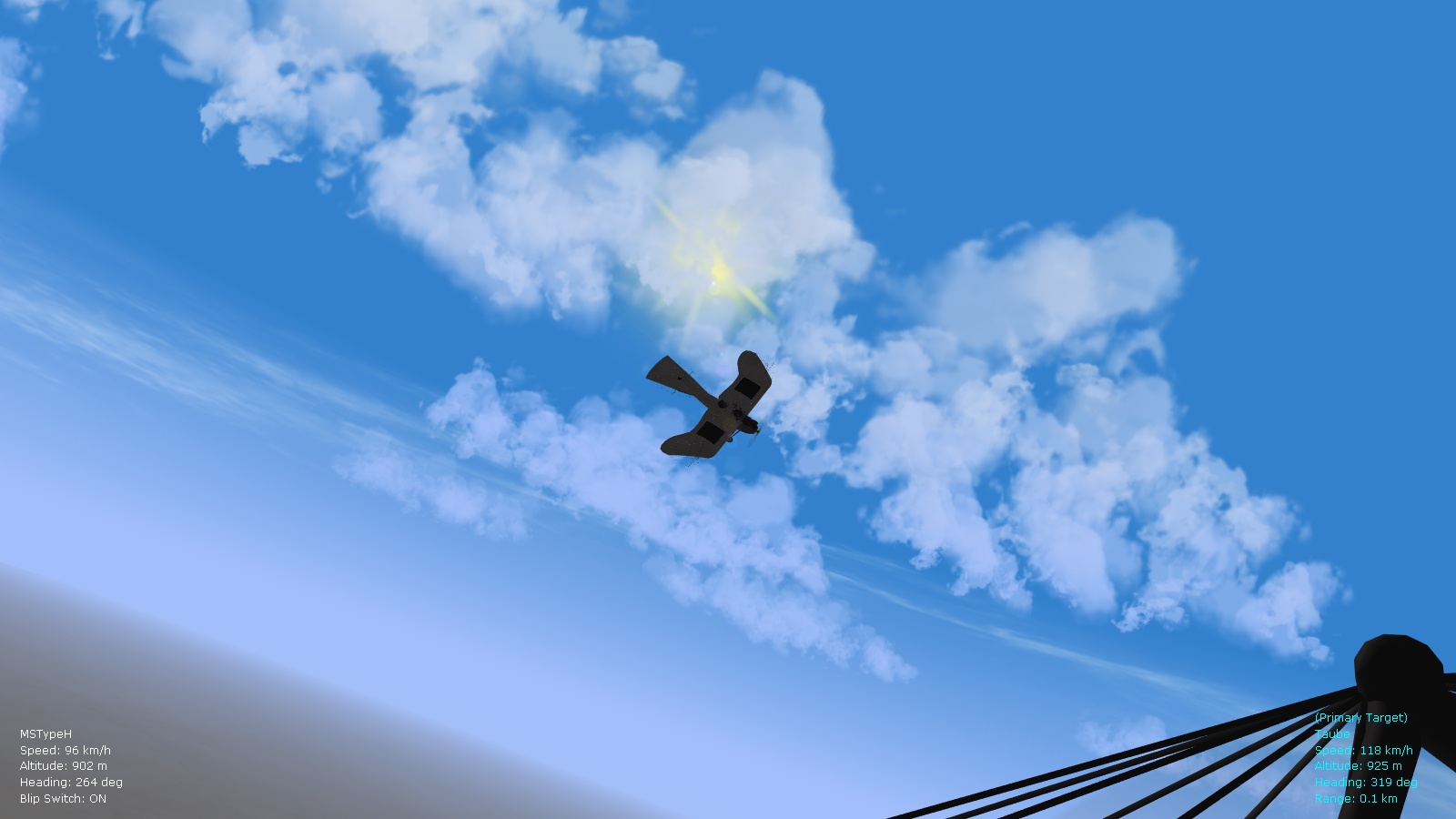
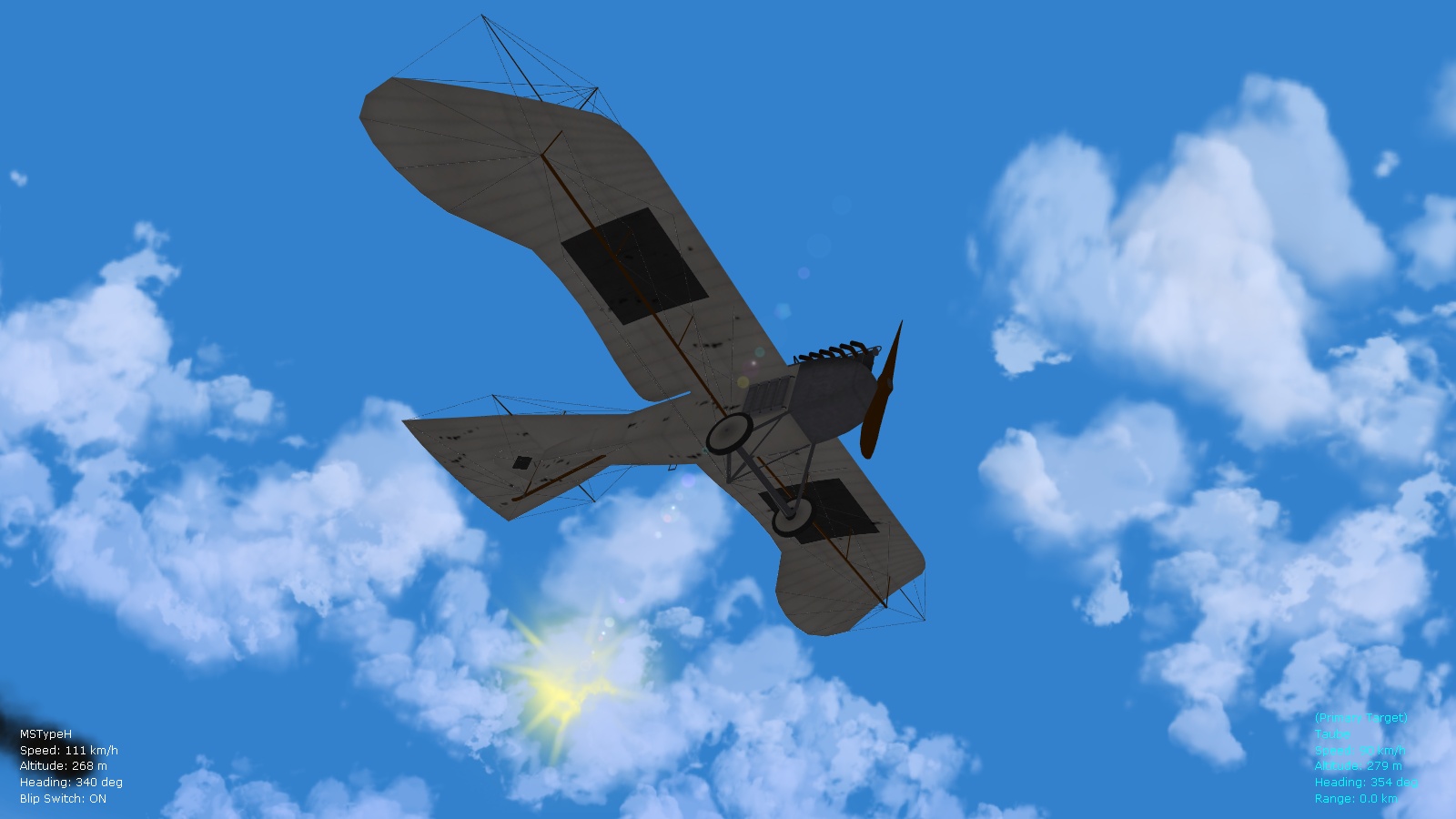
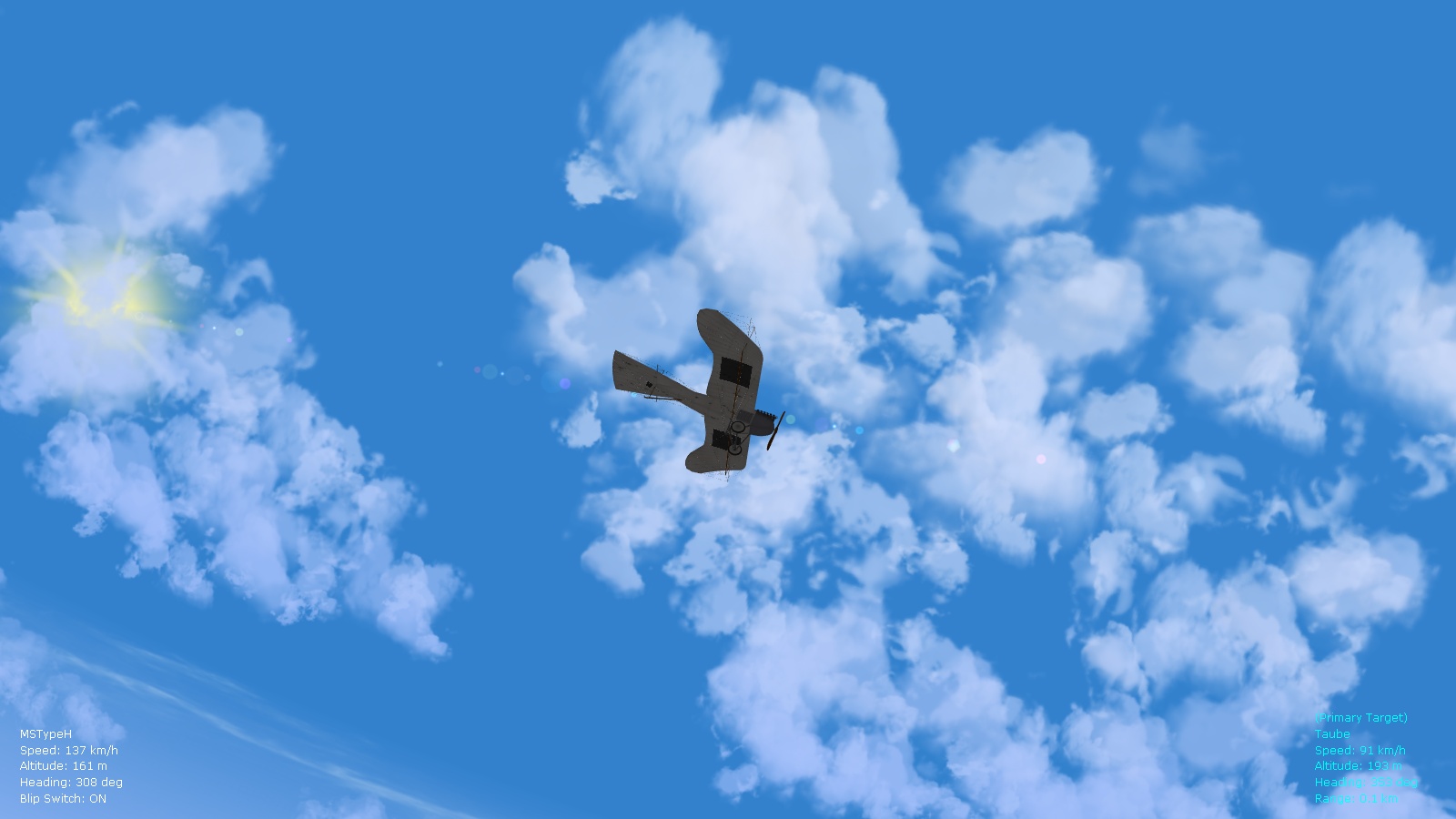
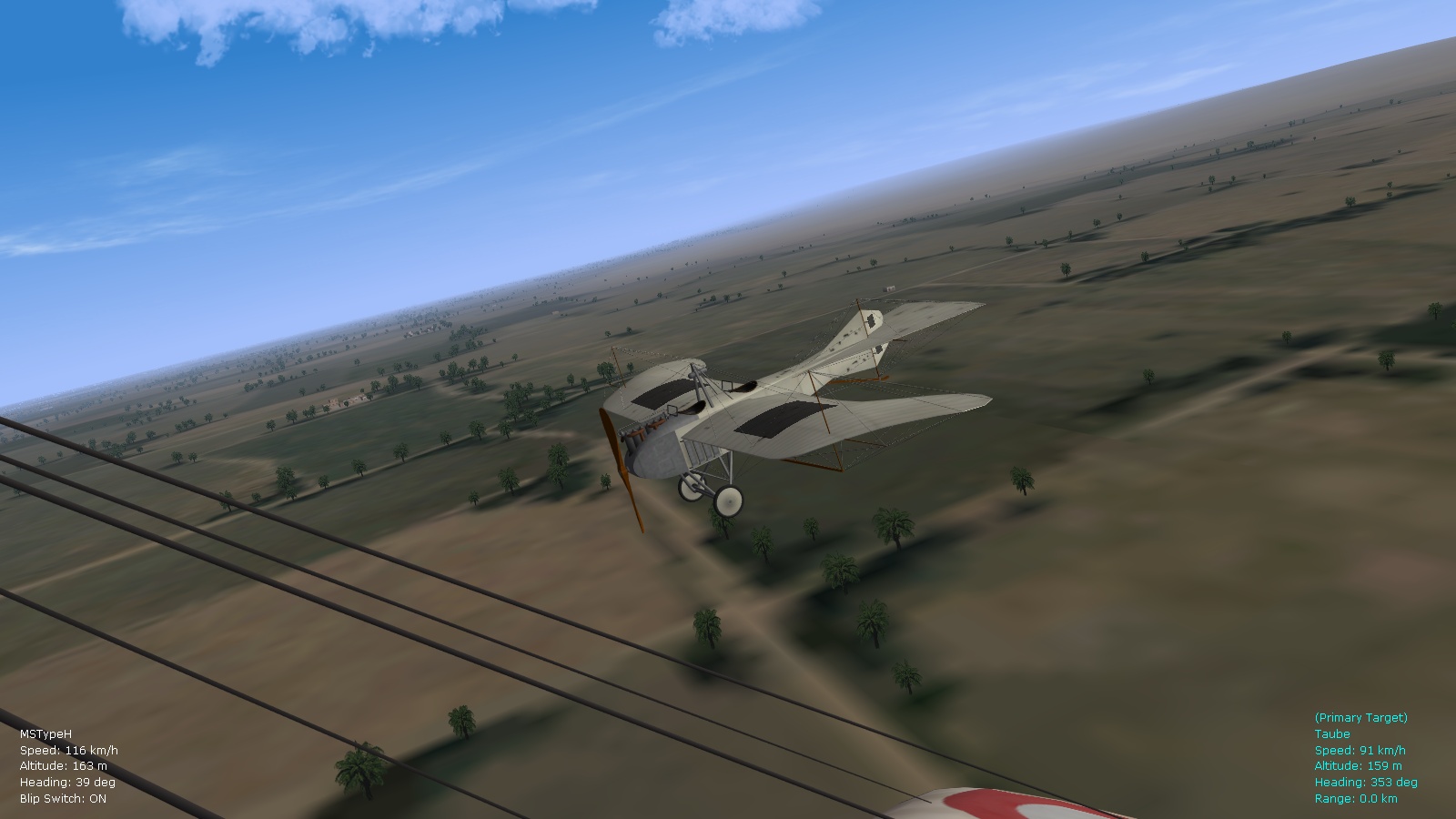
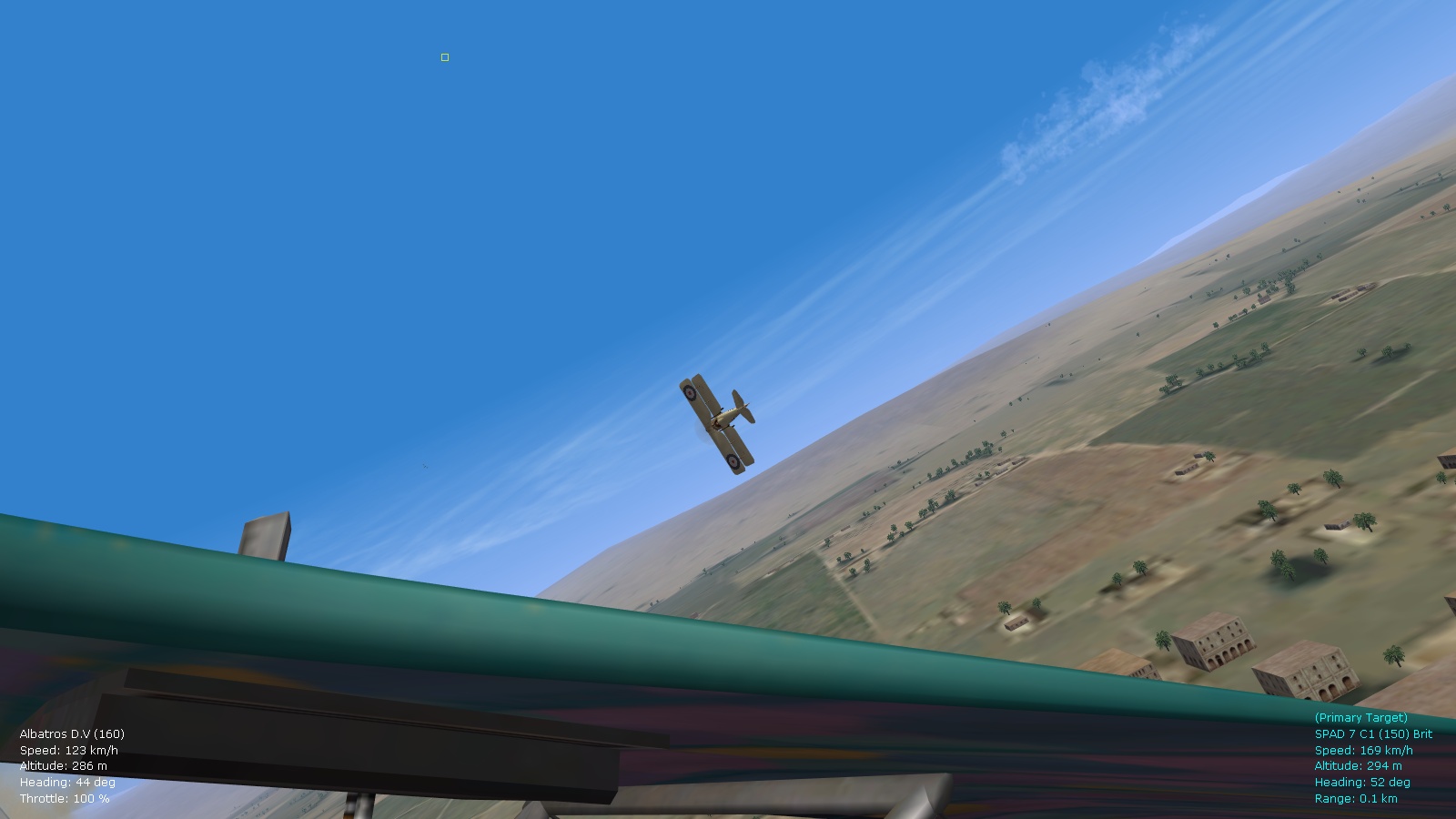
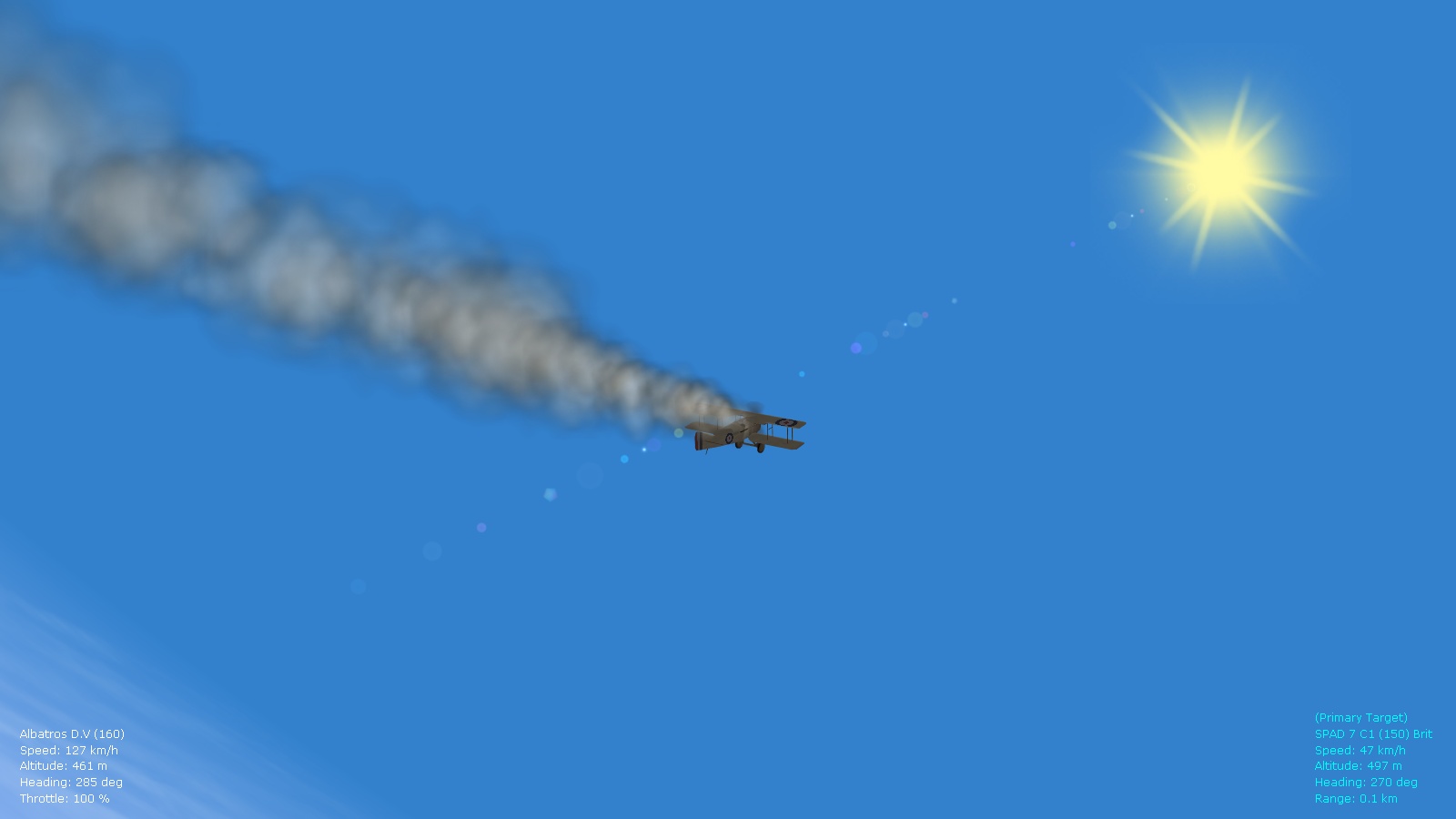
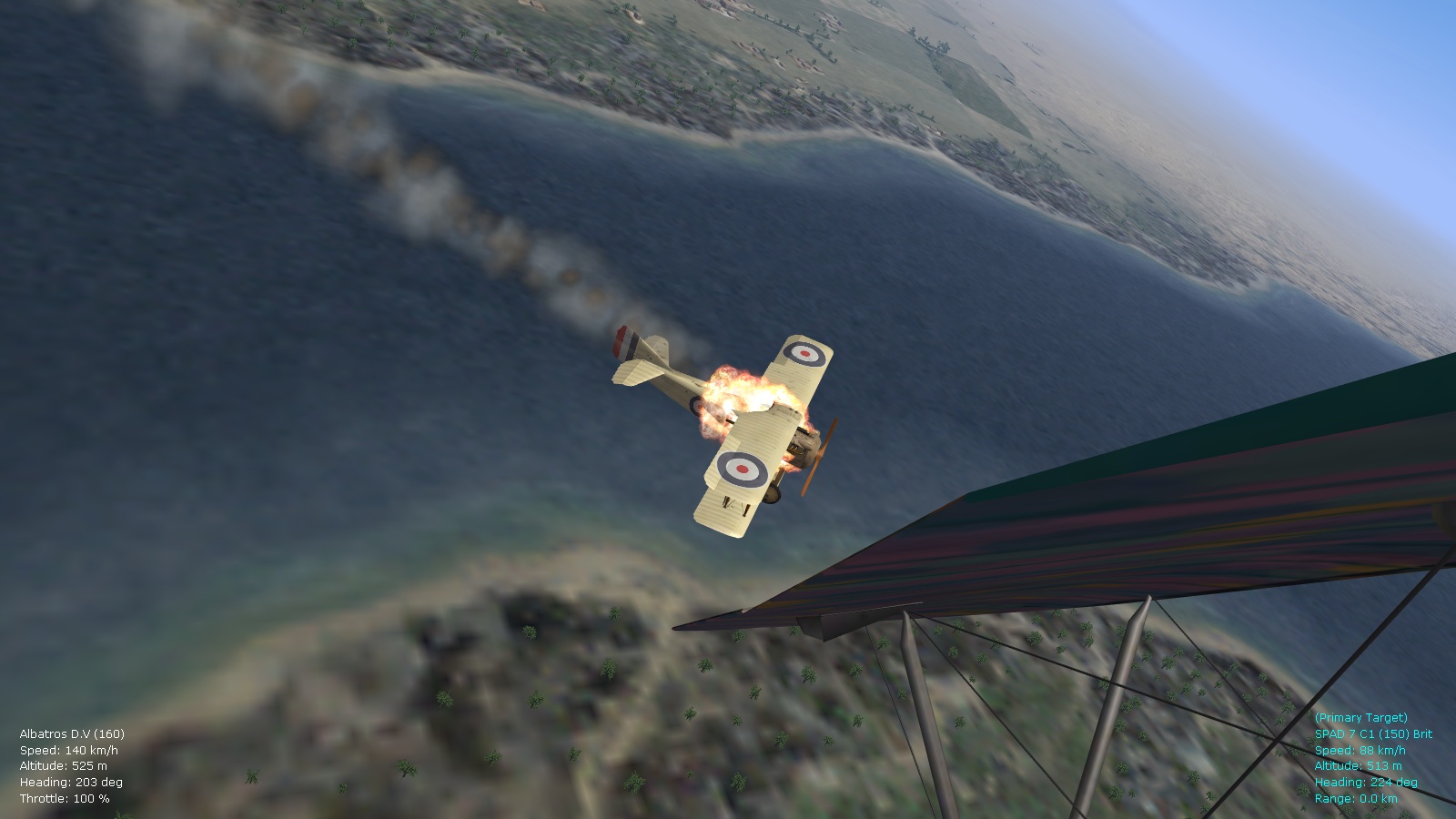
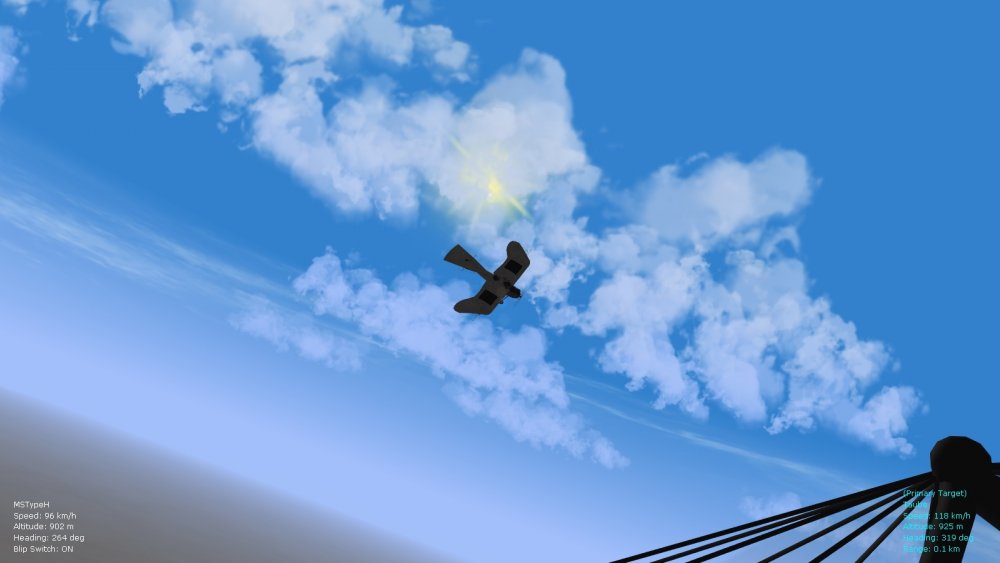
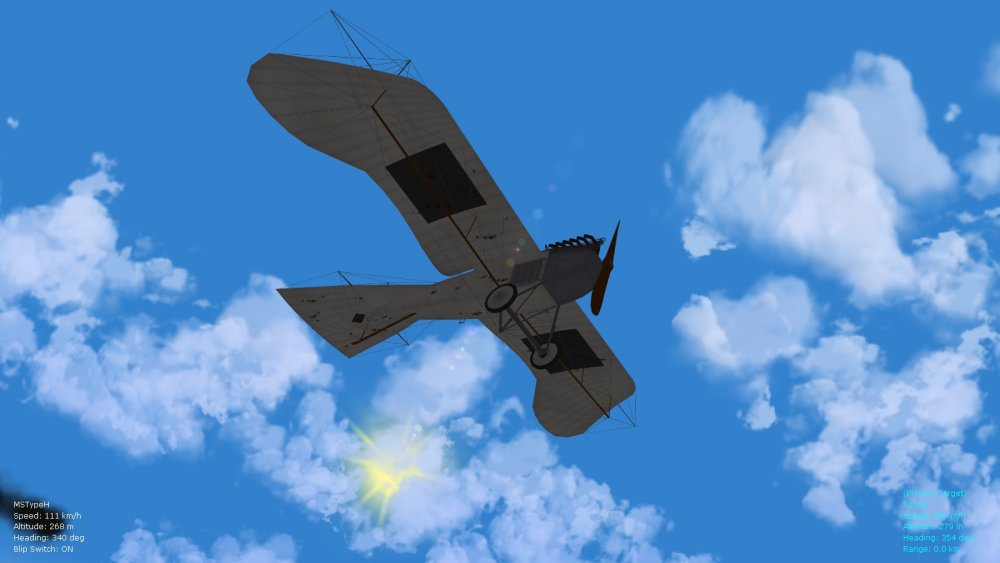
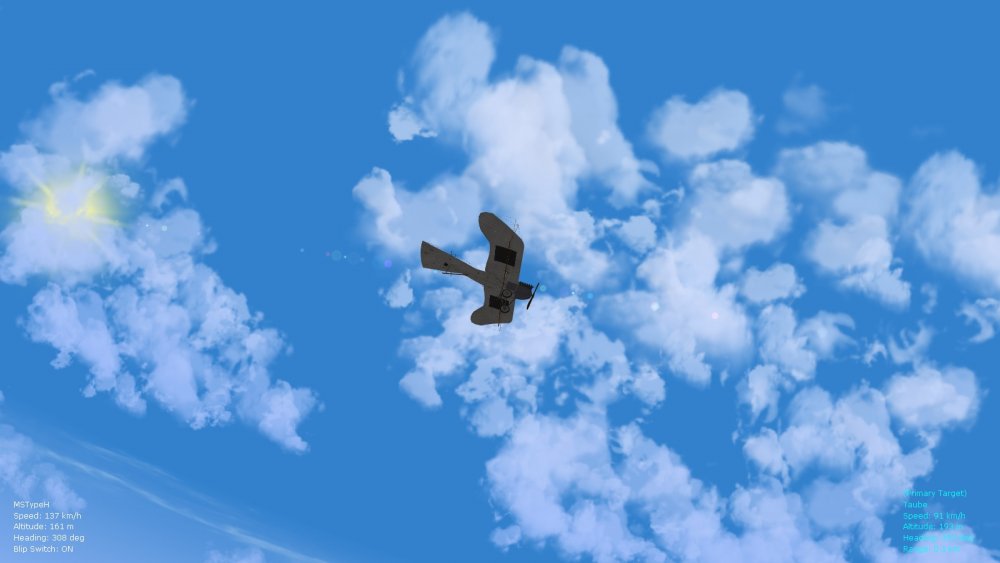
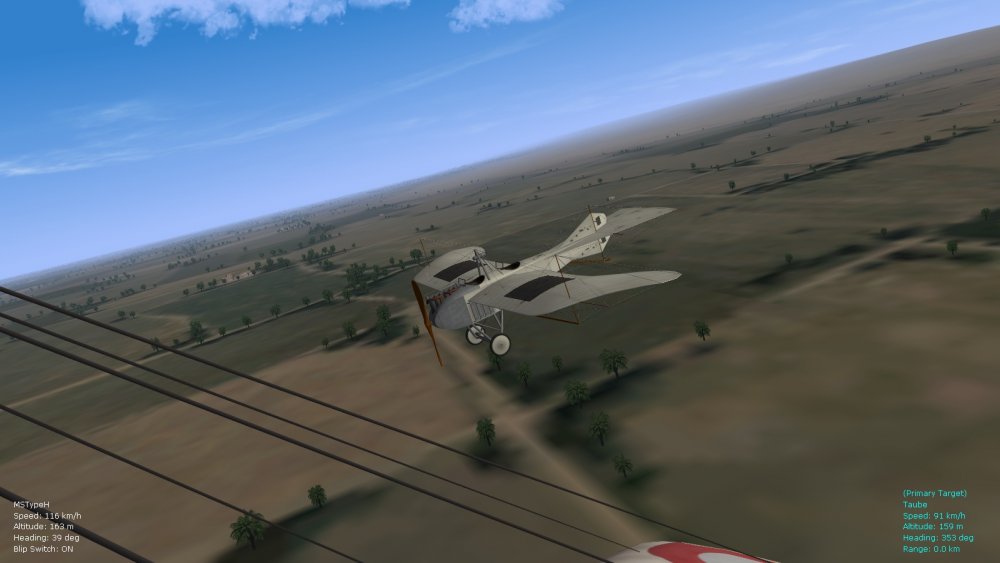
Beautiful screenies gents' and glad to see that my non-FM tweaks are handy too - have now managed to fix the stall values in the general aircraft object ini file by incorporating some data from the top mid wing section of a Spad 7 (a thin wing profile that is typical of lots of early and mid-war types), so that data inis that are missing stall lift table data numbers will benefit from this. Ran some tests already and stalls/spins and buffeting are now more realistic especially across the early monoplane types (particularly the Eindeckers that were often prone to some strange flat-spins previously). Also now fixed are realistic service dates for balloons (Caquots, Drachens, Type Ae 800) and Zeppelins and British airships across theaters, and realistic operational heights (about 2600 feet for the Drachens, 4200 feet for the Type Ae, and 4900 feet for the Caquots) - this will give nice variety in FE2. I might also make some sub-folders with "low lying" variants of the Drachens and Caquots for earlier months in the war - perhaps something like 1300 feet for an early Drachen and 3300 feet for early sightings of the Caquot. This will give further variety across the theaters and fits into realistic height bands for these balloons - some of the Caquots would later in the war ascend as high as 4900 or 5000 feet. Also I've tweaked the movement of the balloons further, so that Drachens are now more "unstable" in high alt. winds as historical - this is the reason why the Germans switched eventually to the Type Ae imitation of the Caquot. The Zepps are now found at a more realistic height of about 18,000 feet, with British airships around 15-16,000 feet, and they pop up in theaters with historically realistic service dates. For example you might be able to spot a Zepp above the Middle eastern theater from about Nov. '17 to early '18 - when the famous L.59 was making a record-breaking voyage to Africa (to support German guerilla fighters): https://en.wikipedia.org/wiki/LZ_104_(L_59) Will eventually roll all these tweaks into a ver. 9.1 of the FM update pack. In the meantime some obligatory screenies (I'm still tweaking high alt. sky colors in the environsys ini file). This session was particularly interesting - the Taube tends to glide around even with its fuel tank holed and the observer and pilot gone - eventually it crash-landed. Happy flying, Von S
-
Glad you fixed the telephone pole and cow problem. If you still experience shimmering buildings in the future, I also recommend checking the following post by Mue: https://combatace.com/forums/topic/85970-shimmering-tods-and-target-objects/ Install the FE2 terrain shaders listed there into the relevant Terrain folder that you're flying, and then in the relevant terrain data.ini file, under the SolidObjectTextureMaterial section, change the following value: ZBufferOffset=2.0 change to: ZBufferOffset=5.0 Also, if you find that buildings or trees are popping up oddly at the edge of your terrain when you fly around, tweak the numbers for the terrain mesh as indicated by 33Lima in this post: https://combatace.com/forums/topic/90108-fe2-terrain-objects-drawing-distance/?do=findComment&comment=728237 Or simply download my modded flightengine.ini file and place into the Flight folder of your FE2 user directory, for more panoramic scenery in the distance and no tree/building popping and disappearing (keep in mind that this modded flightengine.ini file hits frame rates - I'm storing it for a computer upgrade sometime in the future ). Happy flying, Von S
-
Airfield figures and objects (such as Geezer's maintenance objects and figures) all go into the relevant Terrain folder for whatever terrain you are flying. Those are of course messy to install. Here's Wrench's response to a similar question in another post: https://combatace.com/forums/topic/82532-ww1-airfield-figures/?do=findComment&comment=698260 If you want to take a shot at installing terrain objects, check out Heck's posts over here: https://combatace.com/forums/topic/91176-typesini-entries-for-geezers-objects/ Other objects such as tanks, balloons, cavalry, artillery, and so on, especially many of the ones that Stephen1918 has available for download, should be installed into the "GroundObject" folder of the "Objects" folder of your FE2 user directory (no need to fiddle with ini files to install Stephen's objects - just drop into the GroundObject folder and they will show up randomly on a map). Hopefully some terrain specialists will pitch in with more info. (I've never tried installing anything into the Terrain folders so can't offer much more help than the links here.) I do have two recommendations for the Terrain folders by the way: open the WW1_Airfield1.ini file in whatever terrain you're flying, and change the touchdown value under the Runway001 section to read as: TouchDown=0,-150 (this helps to make aircraft land a little bit earlier so they don't overshoot an airfield) also, in the relevant data.ini file for whatever terrain you're flying (such as Palestine_data.ini), scroll down to the SolidObjectTextureMaterial section and change the following entry: BlendOp=ONE should be changed to: BlendOp=BLEND_SRC_ALPHA (this helps to give proper looking telephone poles, cows, and some other objects on the fields - otherwise they show up as cows painted on a rectangle, poles painted onto a rectangle, and so on) Happy flying, Von S
-
I have Jul 2010 in the botttom right corner of the FE2 opening screen listed as the last update that ThirdWire did for FE2 - I'm actually glad that they didn't do further updates since that would probably break all of these tweaks and mods that have been done over the last several years by many modders on this site for FE and FE2 - would probably ruin all of my FM work too. Blip settings are now correctly set whenever possible in the data inis for the aircraft, so it should "cut out" properly if you have a throttle of some kind (z-axis) on your joystick. Also good is to map a key from your keyboard to the blip setting in the Default.ini file located under the "Controls" folder of the FE2 user folder. My setting is: BLIP_SWITCH=B But I usually just cut the "fuel" by toggling across the blip threshold using the throttle control on my joystick - it gives the same results. Von S
-
Here is the link to the HD2 (that one is a seaplane variant, with two Vickers guns): https://combatace.com/files/file/14130-hanriot-hd2/ And the HD1 that I've tweaked is the one-Vickers variant, with the gun in the middle: https://combatace.com/files/file/5730-hanriot-hd1/ Also, here's some helpful info. for the variety of Nieuport single-seater types located in my FM pack: a) my Nieuport 16 data ini is for the Nieuport 16 mega pack file posted on CombatAce - the relevant aircraft folder to use inside the mega pack is the regular "Nieuport 16" https://combatace.com/files/file/11510-nieuport-16-mega-pack-for-fe1/ b) my Nieuport 17 and 23 data inis correspond with the Nieuport "17/23" big pack that is uploaded here on CombatAce - the relevant aircraft folders to use inside that pack are the "Nieuport 17_Bis" and the "Nieuport 23" ones (all of my Nieu. 17 types are variations on the "Nieuport 17_Bis" data ini file) https://combatace.com/files/file/5386-nieuport-17-megapack/ c) my Nieuport 24 data ini corresponds with the "Nieuport 24bis" aircraft posted here on the site (that has the older-style tail of the Nieu. 17 and one Vickers gun) and is available for the Mesopotamian theater for the Brits (some Nieu24bis types arrived there in their storage boxes with the factory Vickers still installed; the Brits used some Nieu24/24bis types on the Western front too, rarely, but there they would field-mod them with a Lewis and remove the Vickers - it's possible that they flew with the Vickers in Mesopotamia instead - didn't bother including a 24bis Lewis variant for the Western theater since it was rarely used there and obsolete when it showed up)...there's also a 2-gun Vickers, Nieu. 24 available here on CombatAce but I never bothered tweaking that one since they historically either had one Vickers, one Lewis, or maybe a Vickers and Lewis in rare setups, never two Vickers from what I've been able to research (probably a leftover "myth" from Red Baron 3D where the Nieu.24 had two Vickers in unpatched variants of that sim) d) my Nieuport 17 C.1 is a "slower" variation on the 17bis file, not a variation on the Nieu. 17 C.1 that is available in the big Nieu. 17/23 pack; my 17 C.1 therefore replaces the 17 C.1 that is in the big 17/23 update pack - and is more historical I think e) there is also a "Siemens-Schuckert D.I" quick modification in my FMs pack (for the Eastern front) that is a mod. of the 17bis once again that's included in the big 17/23 Nieu. pack on CombatAce [edit: this is now obsolete, please download my latest FM for Stephen's beautiful SSW D.1, located under the support thread for the FM updates packs; Stephen's model can of course be found in the relevant aircraft downloads for FE2] f) the country-code Nieuport 17 types that are included for the Western front (Belgian 17 C.1, British 17 C.1, Lewis variant, etc.) all use the 17 C.1 data ini file that I modded based on the 17bis - I put in that bunch of redundant types to have the Nieu. 17 C.1 (and British Lewis variant), a common type, showing up at the same time in game and flown by different countries, as was historical on the Western front - there's also a few copies of the Nieu. 16 for the Western front - one flown by the French, the other by the Belgians, plus the French get the late, Vickers-armed Nieu. 16 too (as do the Brits. in Mesopotamia) Hope you get your install of FE2 up and running well, soon. Happy flying, Von S
-
All great thoughts - I think you're being realistic regarding the limits of the sim - but that's good because it helps us to push further with it. The Fokk. D7f, also the Dr.1, could take off at a steep angle (because of their thicker wing foils). Mikael Carlson has some clips up on YouTube where he does a really short take off run in the Dr.1 and ascends at a fairly steep angle (his has a 110hp rotary - I'm sure the climb would be even better on an engined-up version with a 130 or 150hp LeRhone). WOFF "ultimate edition" improves the AI over regular WOFF and especially over the old OFF variants - I think the dogfight AI in FE2 is very good too, comparable to WOFF. The AI in ROF is awful on the other hand. That one has received rave reviews regarding its FM - but I think the planes are too flimsy in it (wings falling off all over the place after a few hits). And if you don't like multiplayer, ROF isn't the best choice. It comes down to FE2 and WOFFue for good, current WW1 sims. Another thing to keep in mind is that most of the ThirdWire sims started off either as WW2 or jet-age sims, and were then "rebuilt" to make something like FE/FEgold/FE2. This is why engine management is still difficult to hammer out properly for FE2. Historical speeds and engine outputs are doable, as is overcompression (as I've recently demonstrated in another series of posts) - but engine cutout with negative Gs - that's another story. The WOFF guys have managed to get negative G engine cutout going - but that AI sometimes doesn't display max G limits in the way that player-flown craft does - again, WOFF was originally CFS3 (WW2 sim) - then heavily redone into a WW1 sim - it is now standalone but there are some things to work on there too, as there still are in FE2. I think our MaxG limits are now well done in FE2 - AI follows the rules of flight/physics much like the player has to. I'm still "studying" the FM in WOFFue when I have an opportunity to fly that sim - I like what I see but (call me crazy) I think so far that the sensation of flight (particularly "floating" as was typical in a lot of these wooden aircraft) is more accurately modelled in FE2 - especially when the FMs are tweaked properly. On average, stall speeds are higher by about 20 kph in WOFF, compared to FE2 - but this depends on a lot of factors (they do turbulence really well...the WOFF guys...very impressive) - we now have realistic horizontal winds, but turbulence I will try to "imitate" by tweaking some of the Stall values in the general aicraft ai ini file - again these are all factors stemming from these being WW2 sims that were eventually "retrofitted" to WW1 - or at least the game engines were done originally with WW2 in mind. I have both FE2 and WOFFue and switch between the two, but my go-to sim for quick dogfights is FE2 (it really gives that seat-of-the-pants sensation when flying). I still think the gold standard of FMs in any WW1 sim are the ones done by Greybeard for Red Baron 3D - in a way I've tried to "Greybeard" the FMs for FE2 - also great about RB3d is the ReLoad program that has options to toggle random engine damage, fire, and wind speeds - an app like that for FE2 would be great. Problem with RB3d is that it hasn't aged well graphically, although some of the later patches for it make it somewhat "decent" to look at, in a rickety sort of way. WOFFue I won't ever bother trying to tweak....from what I've studied of its file structure...it's probably best left to the OBD guys who make it, to tinker with the FMs and whatnot. FE2 is much more mod friendly. I'd rate both sims (FE2 and WOFFue) as "excellent" but minor stuff still needs working on in both. But to get back on track, included with this post are two zipped files, data inis for the HD1 and the seaplane variant the HD2 - have now tweaked alpha numbers for the airfoils on both models, pitch numbers too, and at least they don't loop anymore on take off - the HD1 still likes to pitch up but barely controls itself from doing a loop and settles in quickly into a normal flight routine. Will roll these eventually into a ver. 9.1 of the FM pack. The offending entries by the way are our old friends, under the AIData section: ElevatorDeltaPitch= ElevatorPitchRate= Reducing the values greatly for both entries stops the multiple looping for the HD1 on takeoff. Also, if anyone's looking for tweaked alpha values and correct stall characteristics on the Nieu. 24bis...see this post where I snuck in an extra data ini: https://combatace.com/forums/topic/91335-nieuport-28/?do=findComment&comment=738372 Happy flying, Von S
-
Well, have now experimented with the data ini for the HD1 - it was missing a TakeOffRotationAngle entry so I plugged that in, reduced the values; also reduced values for OnGroundPitchAngle, for Min and Max Pitch for Altitude; also reduced the value for the PitchForAltitude entry, set the cg to slightly nose forward - and no change, it still likes to ascend vertically and do a couple of loops to impress everyone on the field. This leads me to believe that the problem is too high a value for the Alpha Stall/Max/Depart entries on the airfoil sections (FM stuff) - will reduce those and see if it gets rid of the problem, since those remain untouched from the original unmodified data ini. Happy flying, Von S
-
Yes Stephen is right, I had written OnGroundPitchAngle but was thinking in my head of the TakeOffRotationAngle value (have now edited my post to read TakeOffRotationAngle) - and yes that is exactly what it controls, pitch as the plane leaves the ground. Tails lifting before the wheels, on some types, is either the result of the TakeOffRotationAngle value or of the CG value located under AircraftData - if the y value of the cg is set forward (a positive value) - the nose usually goes down and the tail up, rather quickly, as the plane is accelerating for takeoff. The CG value can also be manipulated to change your view in the cockpit, although a cleaner way of doing that is to change the seating position in the CockpitSeat entry of the cockpit ini file. Von S
-
A few other tips to stop the AI from taking off "vertically" if you are having such trouble: Reduce values under the TakeOffRotationAngle entry located under AircraftData in the plane's data ini. Sometimes those values are around 15, reducing them to 10, 11, or 12 works well - this value tells the AI at what position to "sit" while taking off (nose high, tail high, tail level with nose, etc.). Two other values to tinker with are the MaxPitchForAltitude and MinPitchForAltitude ones located under the AIData section of a plane's data ini. Typical values are usually about 20 for MaxPitch and -15 for MinPitch. I usually like to see these numbers around 15 and -10 if a plane likes to behave too much like a helicopter. As indicated previously, a good value for PitchForAltitude is something like 0.0003 (often the default values are much too high, around 0.08, sometimes higher). And if a data ini is missing such values but displaying strange, vertical ascents on take off - simply include the entries listed above (PitchForAltitude also goes under the AIData section). Happy flying, Von S
-
Always a good idea to compare the default FE2 inis with some of the third-party ones from CombatAce. The Cat extractor file is excellent! I also recommend the following post (and the ones that follow below it) - it's from a while back but Von Oben and I were discussing some of the particlesys.ini variants, and other effects there: https://combatace.com/forums/topic/88700-fe2-bad-framerates/?do=findComment&comment=724830 Also possible is that there is a mismatch between the individual ini names called up in the Particlesys file. and the ini files stored in the Effects folder, such as AircraftEngineFireEffect, AircraftExplosionEffect, and so on - and then some of the effects don't show up. Von S
-
Hi Don, The MacOSX folder and .dsstore files can be deleted (that's stuff that OS X automatically creates in each folder - it's not related to FE2). I'm including a zipped version of my particlesys.ini file - try it out, it might fix the gun flash. If you take out the particlesys.ini file from your Flight folder, FE2 then uses the default game settings - so either approach is fine. (The particlesys.ini file controls density of particles for effects, which can improve frame rates if the numbers are lowered, under the ParticleSystem section that is at the top of the file. It also contains settings for colors and density of vehicle fire effects, exhaust emitters, fuel leak colors, artillery fire density and color, and a whole lot of other fire and smoke effects.) FE2 calls up its own embedded values for this file if a "custom" one is not placed into the Flight folder of the FE2 user directory. To make the AI take off more gently, lower the values for the PitchForAltitude setting located under the AIData section of the data inis for planes that have that problem. A good number to use is something like 0.0003 if they pitch up too much on takeoff. I've fixed the number in most data inis but there may be a few plane types that still display the vertical pitch up problem on occasion. Yes the sim is a great one - one of my favorite WW1 sims. Happy flying, Von S
-
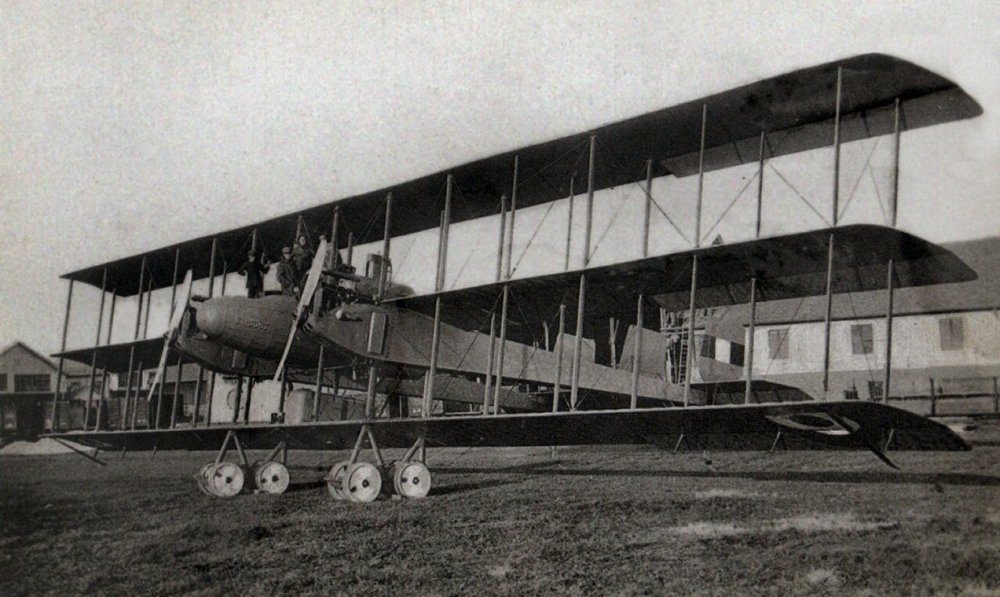
If I remember my Bleriot XI readings correctly, the two-seater variants had an 80hp 7-cylinder engine, and some of the one-seater types had a 50hp, 5-cylinder job - both are of course better powerplants than the original Anzani 3-cyl variant that gave about 25-30hp. Will have to read more into the top speeds of those engined-up Bleriots. Great to see the satellite terrain taking shape! Happy flying, Von S
-
Was always bothered by some of the oddities of the Nieu. 28 data ini...even though I had tweaked it a couple of times already. Finally I realized where the problem was, today (drag values were too high for the wings in the unmodified sections of the data ini). Also corrected now are stall moment values (with the type dropping tail first, slightly, in a stall, as is correct for such a thin-winged fighter). Most of the data from this post is still relevant: https://combatace.com/forums/topic/90447-fm-numbers-4-fes-nieuport-28/?do=findComment&comment=731547 But it is now much improved in turns...bleeds energy slightly more slowly - tight turns are possible with the sensitive rudder now, but apply opposite aileron (and try not to drop much below about 100-110kph in tight turns). The type also does well in faster turns above about 150kph. If encountering a stall, put the nose down and use rudder to correct. The AI has also been slightly tweaked now to avoid tail "porpoising" because of the new stall moment values that make it slightly "tail heavy." Also, I recommend using about 30% throttle when landing, as with the SPADs - otherwise the type may stall and spin in. Throttle values are also now improved, giving smoother acceleration. (Will roll this into a ver. 9.1 update of the FM pack, but I'm posting it below, already.) Happy flying, Von S Edit: Added the 24bis data ini file too with drag reduction values and proper stall moment characteristics (it had similar problems to the Nieu.28, with high drag values); now it stalls tail first as correct for thin-winged aircraft; also possible now are flat spins in it.
-
Hi Don, Lack of gun flash and plane sounds means that some of the effects and sounds are missing. I've compiled a long list of helpful links below, taken from the Read Me files in my FM update pack, also from CombatAce - this should be convenient for a quick install of proper mods/effects/sounds if anyone suffers a HD crash and loses lots of FE2 files: My Install Order for Effects (this should bring back the "big" gun flashes...there is a short muzzle flash also available somewhere here in the downloads section, but I can't find the link now) https://combatace.com/forums/topic/88700-fe2-bad-framerates/?do=findComment&comment=716531 Good Skins for the 135hp Fokk. Dr.1 "gaskammer" variant (particularly good are the generic Jasta 15 skins) https://combatace.com/files/file/8994-jasta-15-fokker-dr1-4-pack/ Good Skins for the 150hp Josef Jacobs Dr.1 (or extract Jasta 7 skins from the relevant cat folder in FE2) https://combatace.com/files/file/10081-josef-jacobs-3-pack-dr1s/ Tutorial for Pilot Folder Organization for FE2 https://combatace.com/forums/topic/88951-some-newbie-questions/?page=2&tab=comments#comment-720051 Stephen 1918's Pilots https://combatace.com/files/file/15832-pilots-with-helmets-for-first-eagles/ Stephen 1918's Armed Observers https://combatace.com/files/file/16424-armed-observers-for-first-eagles/ Tweaked Smoke and Balloon Explosion Effects (for better framerates) https://combatace.com/forums/topic/88700-fe2-bad-framerates/?tab=comments#comment-716980 List of My Engine Sound Names and Original Engine Sound Names https://combatace.com/forums/topic/87403-tweaked-flight-models-and-realism-pack-for-fe2/?page=5&tab=comments#comment-727507 Engine Sounds Pack (any sounds not available here, for engines or guns, are located in the relevant folders of my FM update pack, see both ver. 8.9 and 9.0 folders) https://combatace.com/files/file/13385-realistic-engine-sounds/ Green or White Parachute (to be used with aircraft fire or balloon explosion effects, see Effects folder in my ver. 8.9 folder of the FM update pack for the relevant ini files) https://combatace.com/files/file/8008-ejecting-pilots-mod-v10-update/ Albatros Serial Numbers https://combatace.com/files/file/10904-serial-s-for-diii-diiioaw-dv-dva/ Albatros Skin Pack https://combatace.com/files/file/10905-17-pack-of-albatros-models/ Stephen's AEG G.IV Cockpit https://combatace.com/files/file/16589-new-cockpit-for-aeg-giv/ A-Team Website (HP 0/400, Gothas, etc. are located there, also the SPAD 7 cockpit folder and cockpit ini file) http://cplengineeringllc.com/SFP1/ Flyable SPAD 7 Skins (contains a cockpit.ini file that makes the types flyable using the SPAD 13 cockpit, use the A-Team cockpit if you prefer a sparse SPAD 7 version; I recommend the cockpit.ini available in the skins folder instead of the A-Team cockpit, since it sits better and gives a more realistic view from the SPAD 7) https://combatace.com/files/file/13215-flyable-spad-7-iras-skin-set/ (I have my cockpit.ini files and data.inis in the relevant plane folders, not in the "Objects" folder by the way.) Happy flying, Von S
-
It would be lovely if random engine failure could be modelled on some of the geared engines such as the lower-hp Hissos, also for earlier variants of the SE5a (should models for an SE5 pop up eventually in FE2). Have studied the engine section of the data inis very carefully over the last couple of days, experimenting with manifold pressure values, also oil pressure numbers, etc., including introduction of WEP values and separate delta number lists for WEP power values (as on many of the WW2 data inis available for StrikeFighters2) - and there are no changes. It's likely that FE2 does not recognize WEP entry calls (I realize that WEP was not available in WW1 but wanted to try "behind the scenes tricks" to see if this would give random engine damage...so far no results but will keep trying with other things...although I am very happy with the current state of things in FE2 when it's modded up). Also have tried negative numbers under the BaseWindSection of the environsys.ini file, to test for evidence of turbulence (so far not possible...only implemented are horizontal winds...although there is some vertical "rumble"/buffeting in aircraft when they are close to stalling). Also tested arbitrary entries such as "BaseVerticalWindSection" and "BaseTurbulenceSection," but none of this "connects" with the game engine - I will try tweaking the "StallModel" entry in the aircraftobject.ini to see if more consistent buffeting can be exploited across aircraft types - this might help to create the illusion of turbulence in game. Beautiful work on that Nieup. 28 Geezer! I see that we have a whole factory of WW1 types now up and running. Happy flying, Von S
-
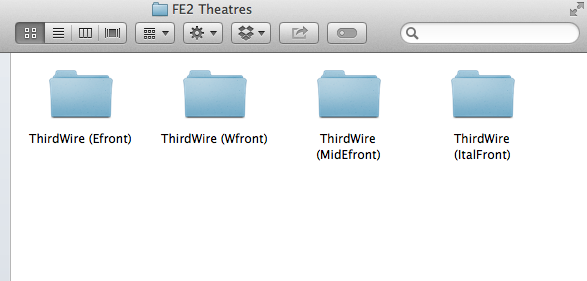
Hi Don, Ground objects go into the "user/ThirdWire/FirstEagles2/Objects/GroundObject" directory. Gun flashes and most other effects should go into the ""user/ThirdWire/FirstEagles2/Effects" directory. My FM and Realism Pack largely contains modified data ini files for the different plane types; most of those should install into the relevant folders of the ""user/ThirdWire/FirstEagles2/Objects/Aircraft" directory. Other files located in my FM pack are organized by relevant folder name, such as "ForObjectsFolder," "ForSoundsFolder," etc. - files in such folders should go into the Objects folder, the Sounds folder, etc., of the "user/ThirdWire/FirstEagles2" directory. I recommend that if you want to get the full benefit of the FM and Realism pack, once you get a clean (stock) user directory for FE2 set up - make four copies of the "user/Thirdwire" directory, and then mod up your Aircraft folder of each of those directories with the data inis from my four aircraft folders, such as "Aircraft_EastFront," "Aircraft_MidEastFront," etc. - this will give you four modded theaters in the end (four modded user directories) that give you the ability to fly on four fronts. All you need to do then is rename the user directory you want to "fly" as "ThirdWire," place in your "user/" directory, and you're good to go - easily switching out between theatres when you feel like it. The process is a bit of a pain to go through but once modded up gives you one of the best WW1 flight sims on the market, and more than 190 plane types. I also recommend making a back up of all modded user folders to a DVD, and maybe on an external HD too, for extra security in case of technology failure. Happy flying, Von S
-
Geezer you are always full of surprises! Not only do I see chiaroscuro in that black and white image, but a Vickers installed on the Bullet - maybe a Morane Type I (or V) is in the bag for the distant or not so distant future.... I will load up some other theaters like the Eastern front and Italy, and see if I can reduplicate some of these new cloud effects. Happy flying, Von S
-
Stimulating thoughts gents' - have now checked a previous post and indeed "TOD objects are non-collidable and there is nothing" Mue can do about it, as he wrote there: Didn't notice those posts until now since they're under the SF2 section. Happy flying, Von S
-
I don't see why it wouldn't be possible, and a good idea for extra "atmosphere" in the sim. I remember a few yrs. ago that Stephen implemented some random explosion effects across no man's land - some of those experiments were carried over into the Italian map if I'm not mistaken, and random explosions can be seen when flying across some sectors of the Italian-Austrian front for example, as if a battle is going on in the trenches. I'll have to re-fly the Italian map one of these days since it's been a while - I'm still stuck in late 1917 as a German pilot in the Palestinian theater, but hope to finish soon with missions there and load up a different map, maybe Italy or the Eastern front for a change. What I'd like to find out is a way to make the trees "solid" in FE2 - similar to how they work in RB3D. Many of the custom airfield objects, such as hangars for example, definitely feel solid when you crash into them and burn, if clumsy while taxiing around the field. Airfield towers, guns, ships, etc., are all solid. Only the trees and observation balloons, and Zeppelins perhaps (will have to double-check those) are hollow. Von S
-
It's a great sim - the dogfight action is really seat-of-the-pants stuff, especially with all the mods installed. Von S
-
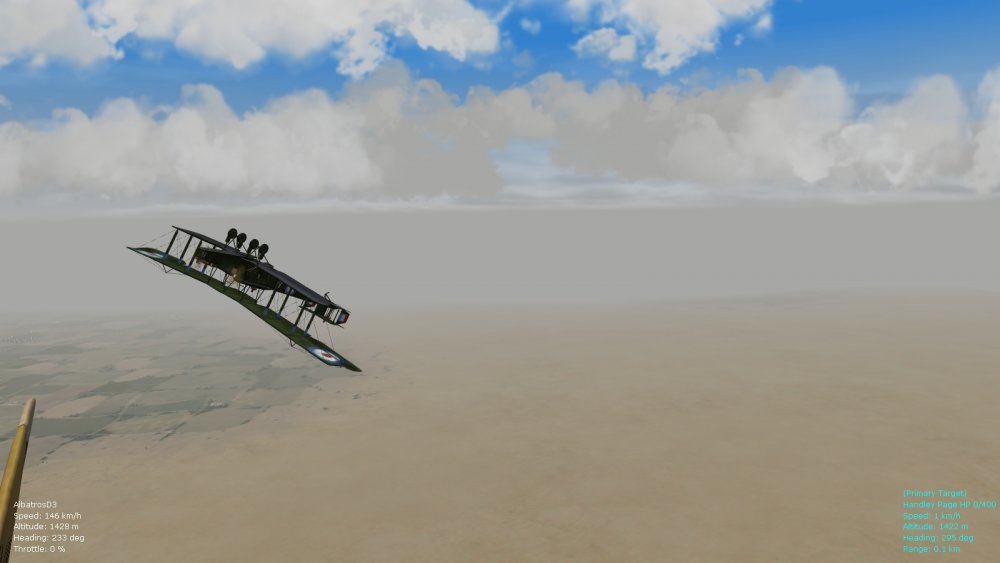
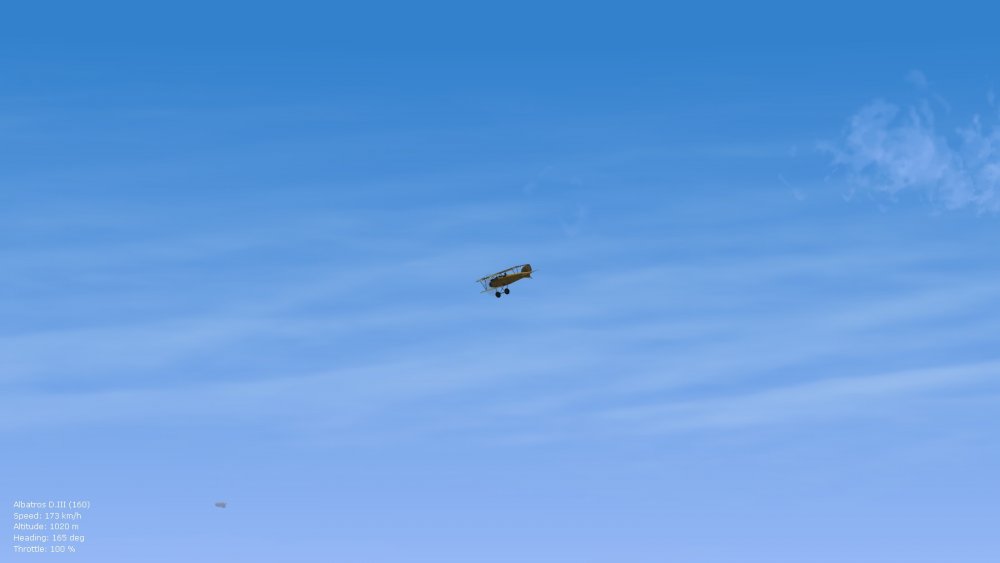
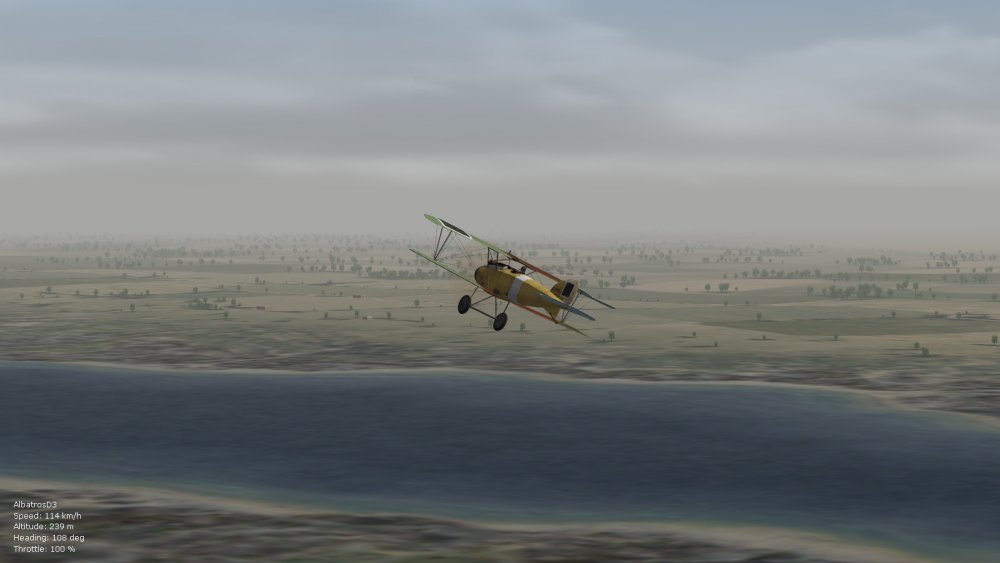
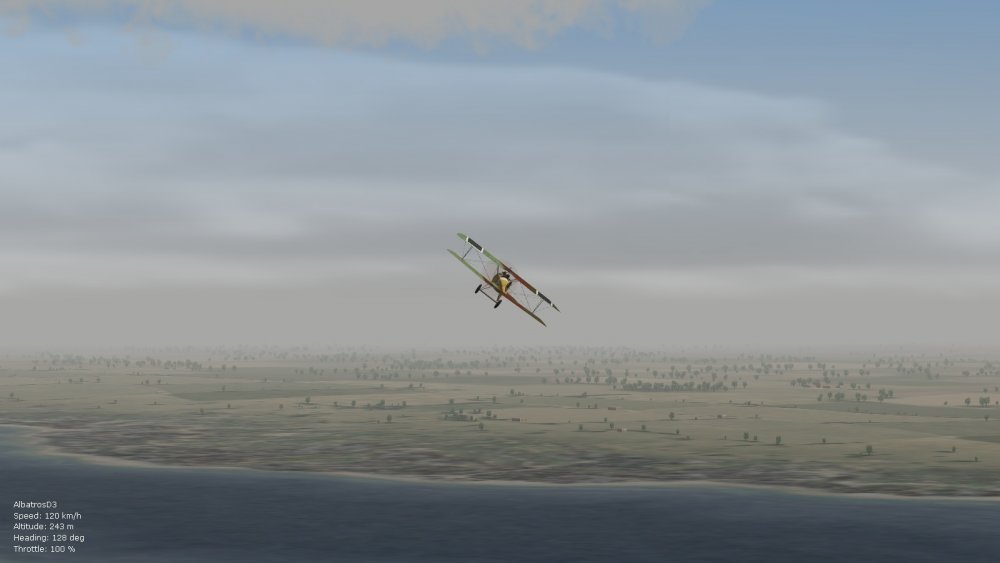
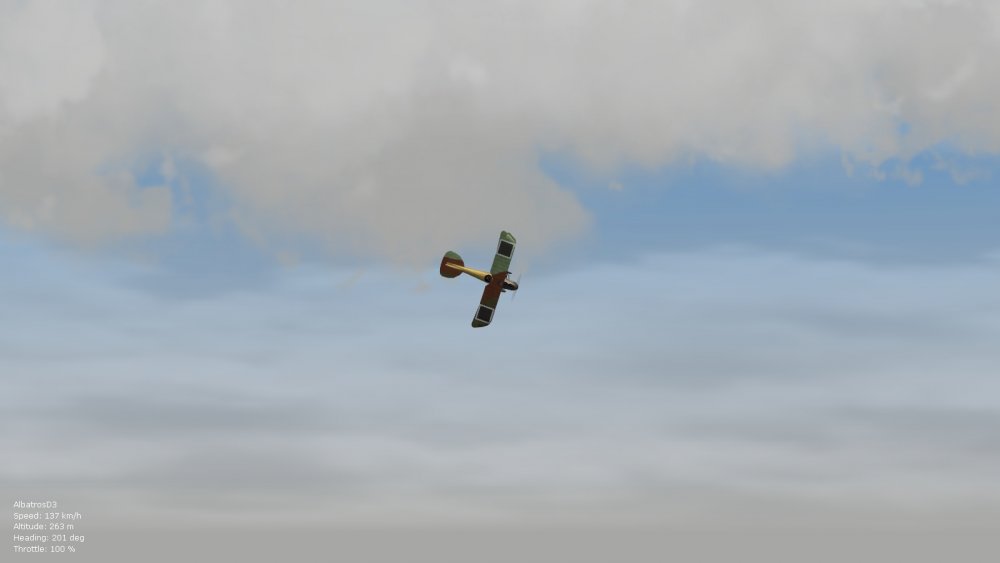
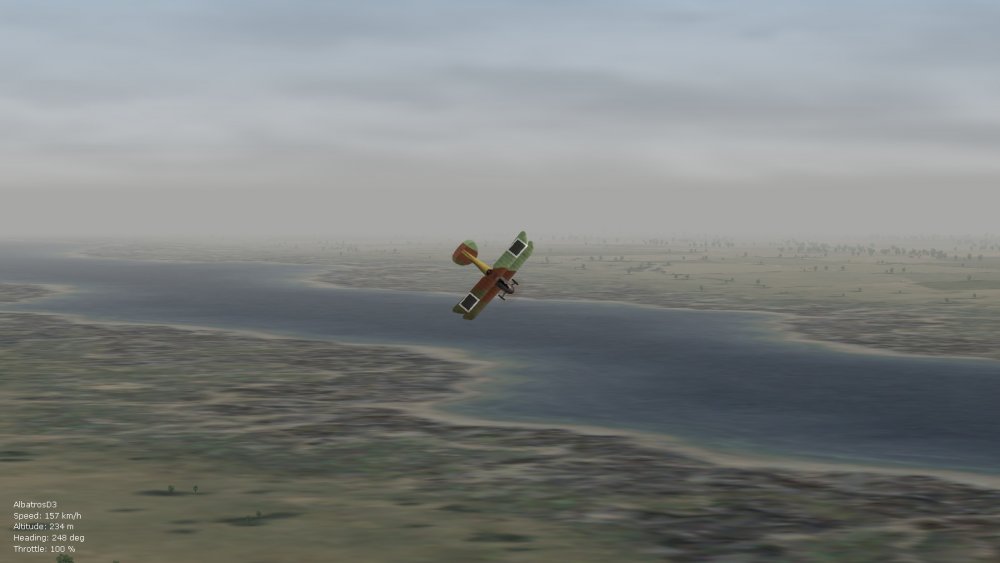
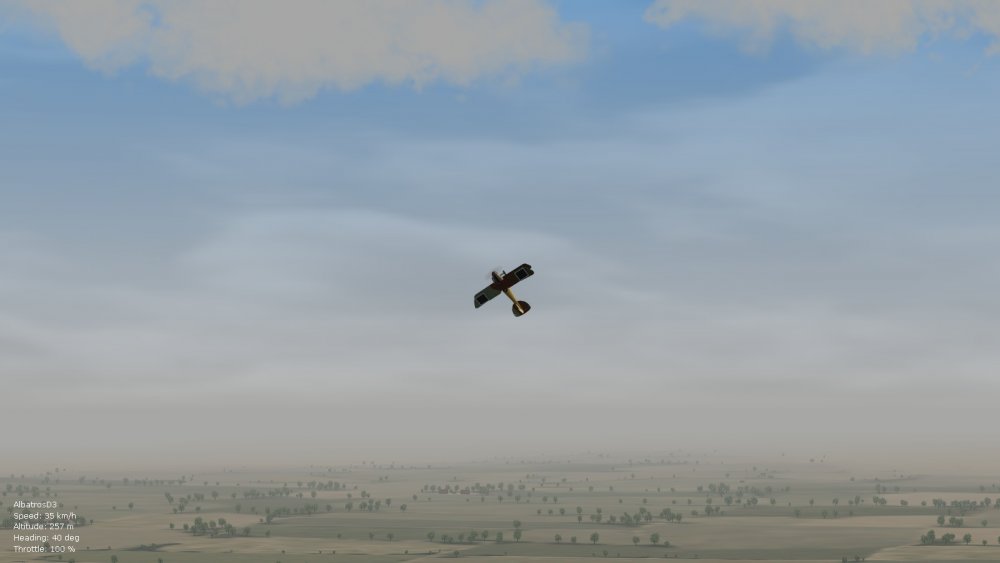
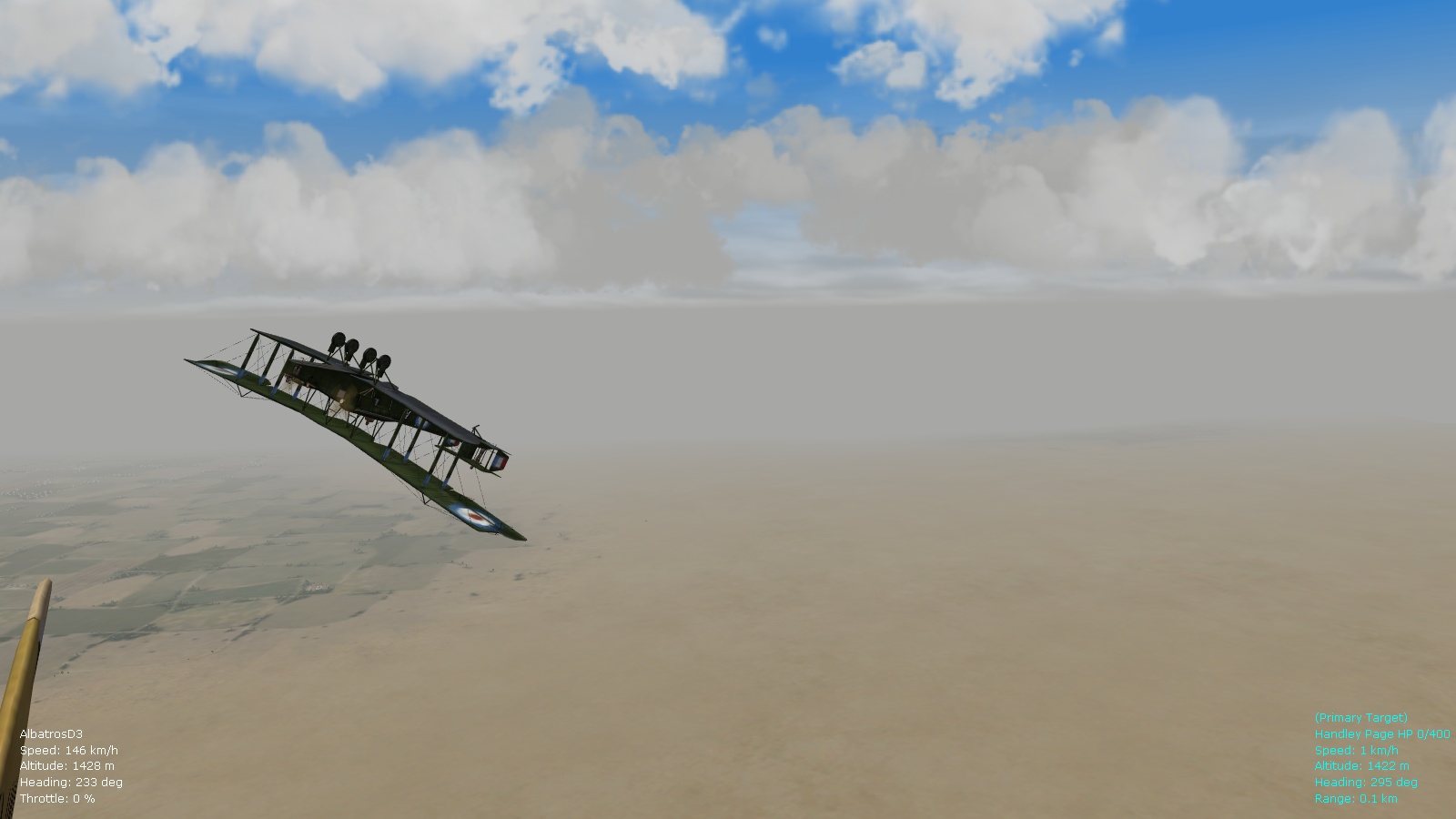
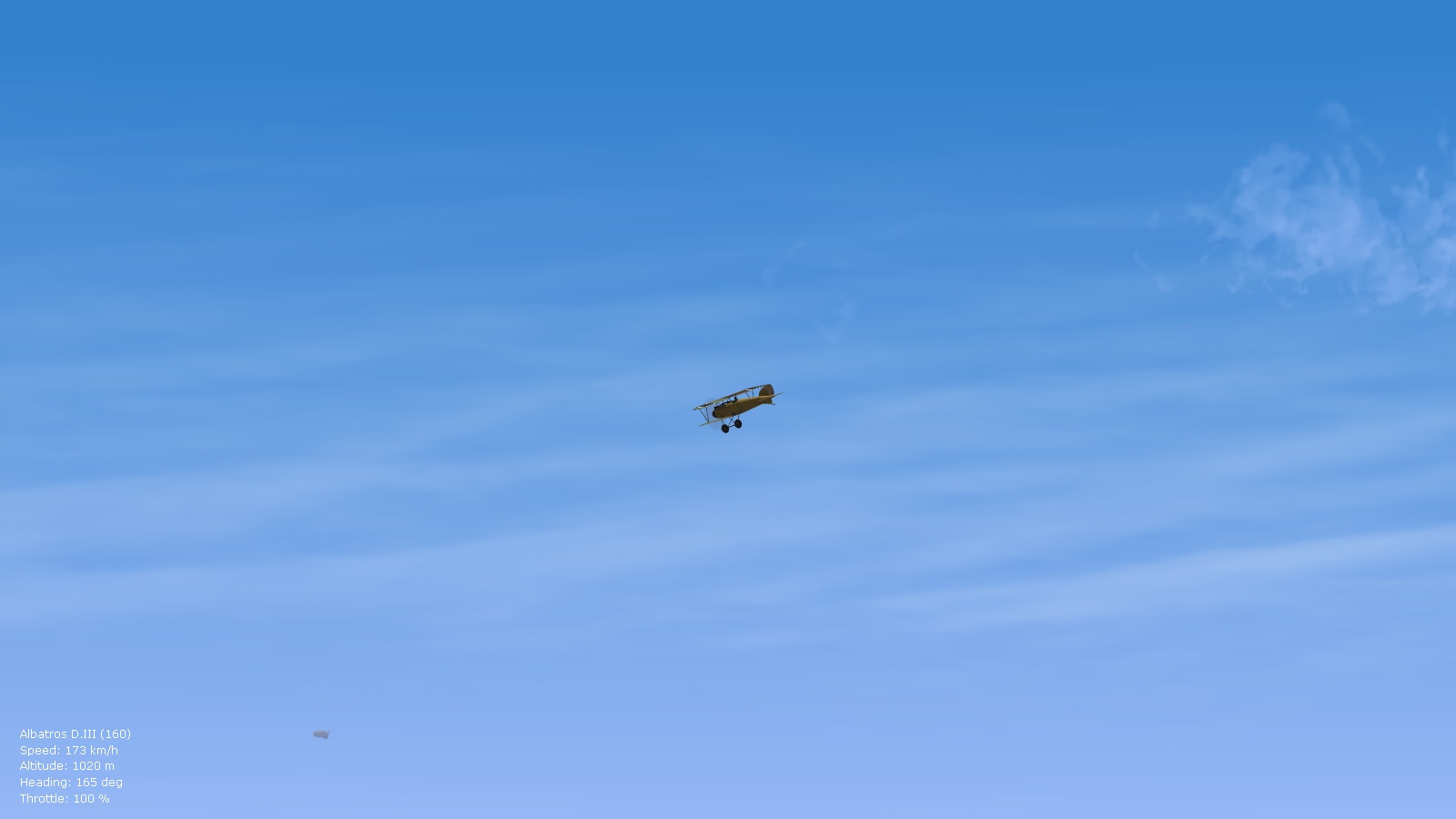
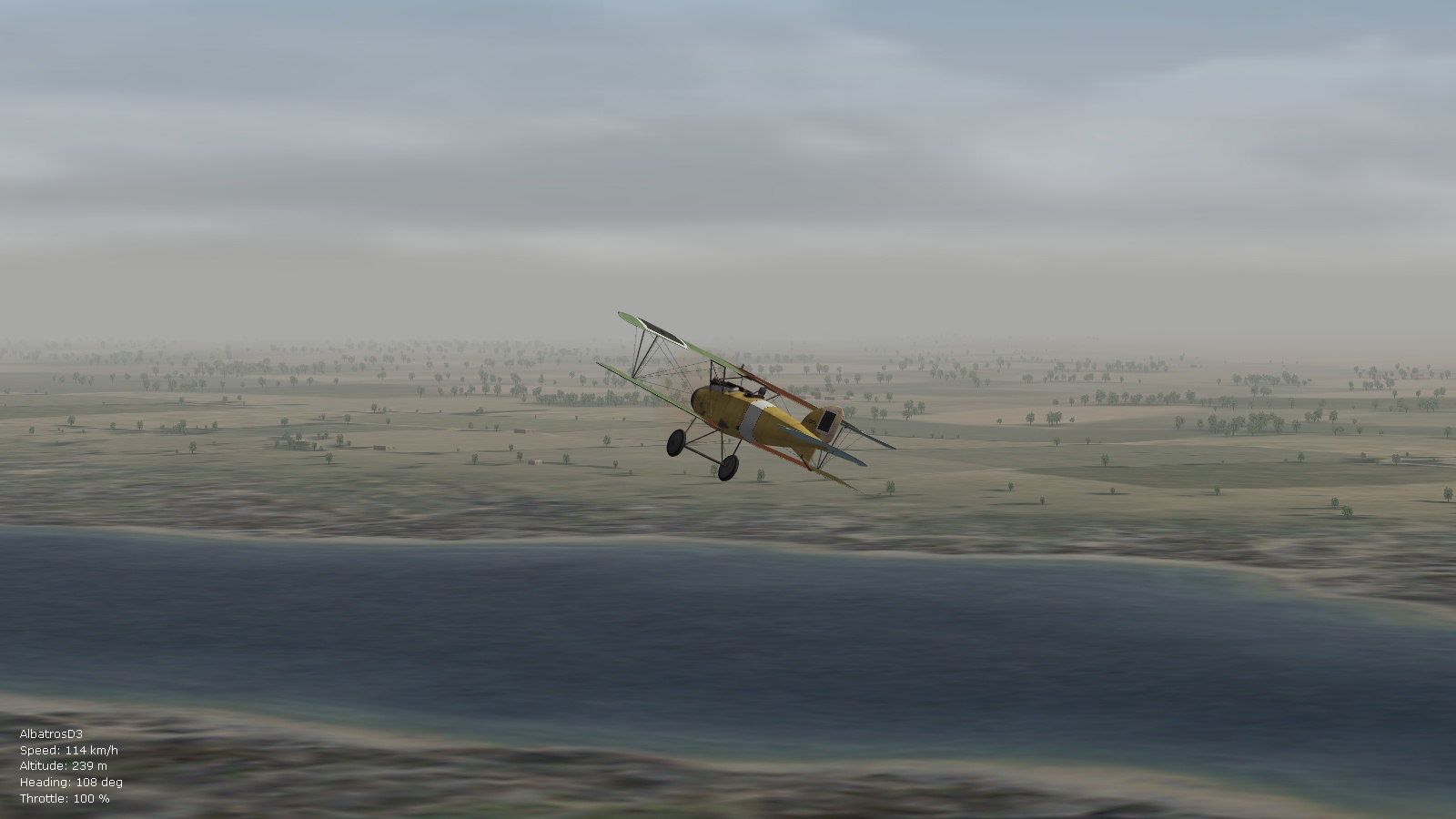
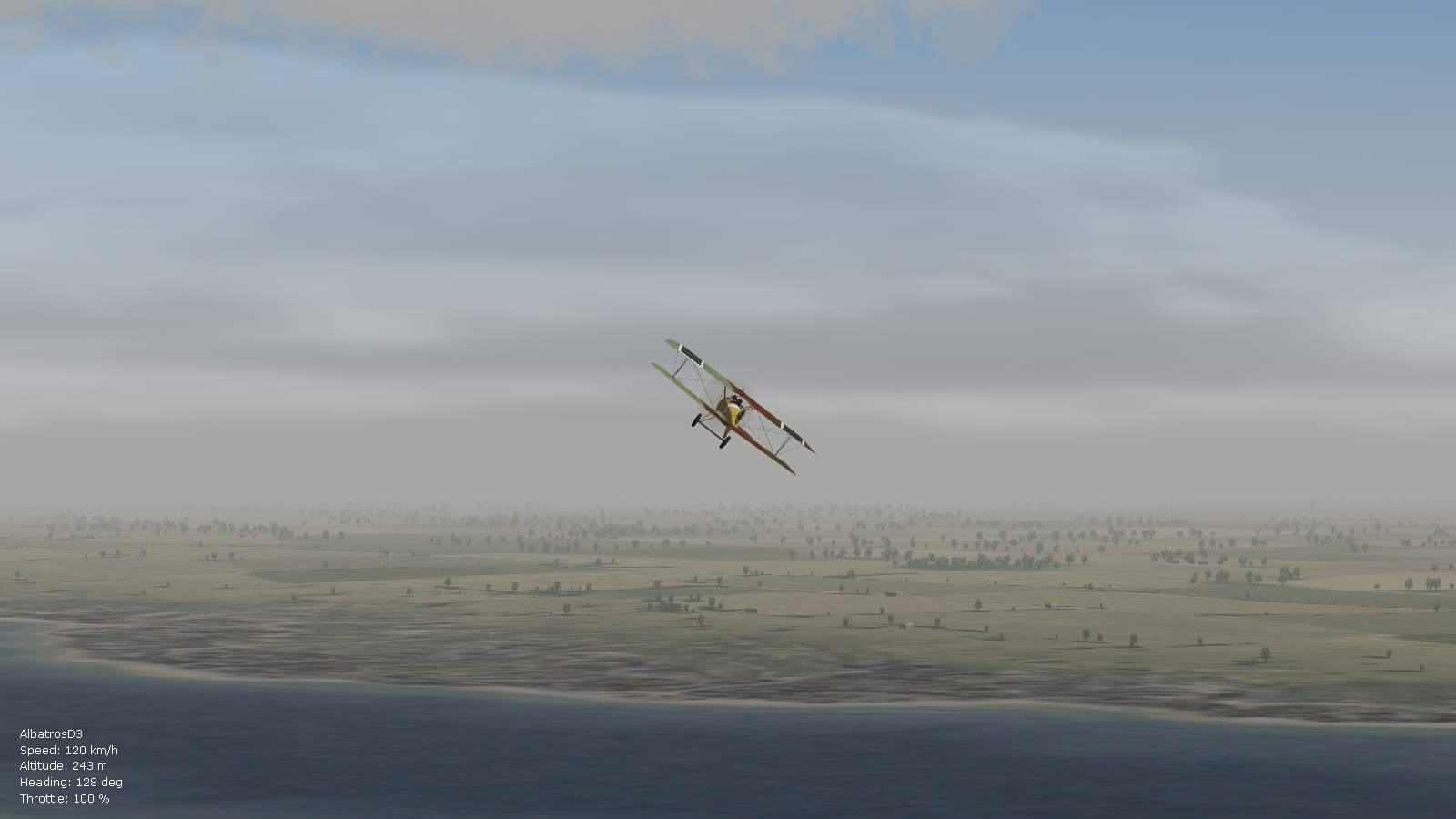
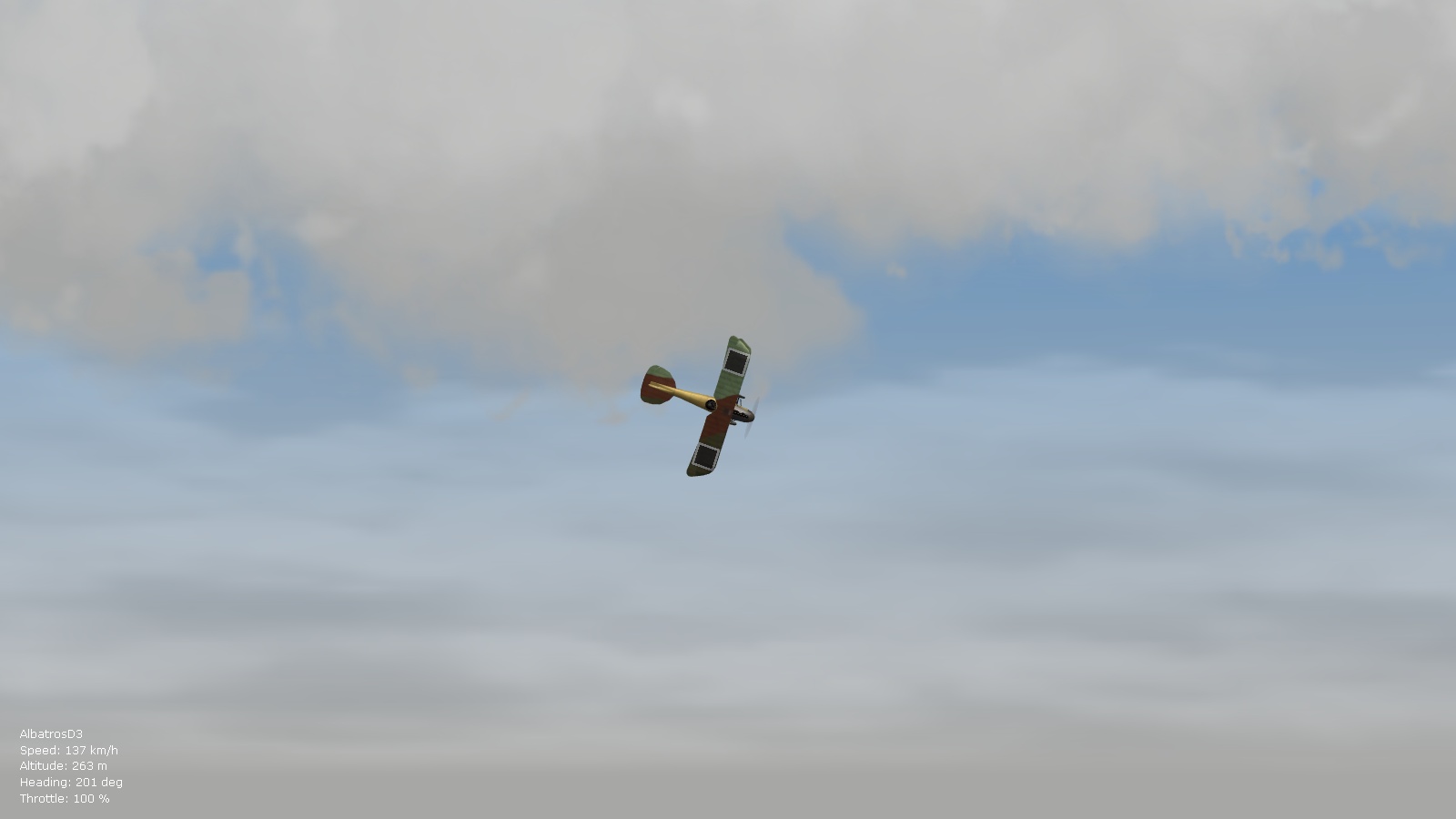
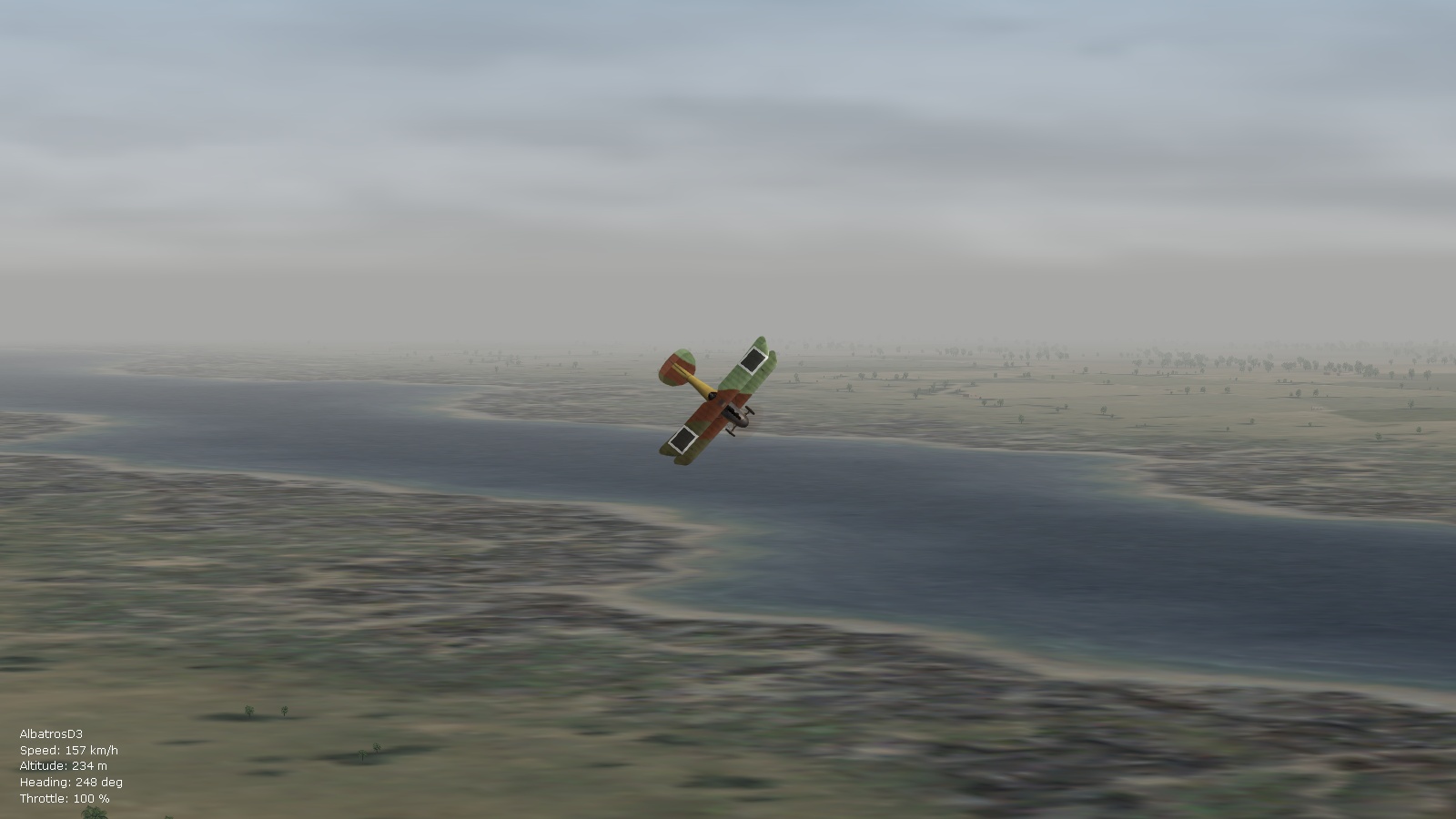
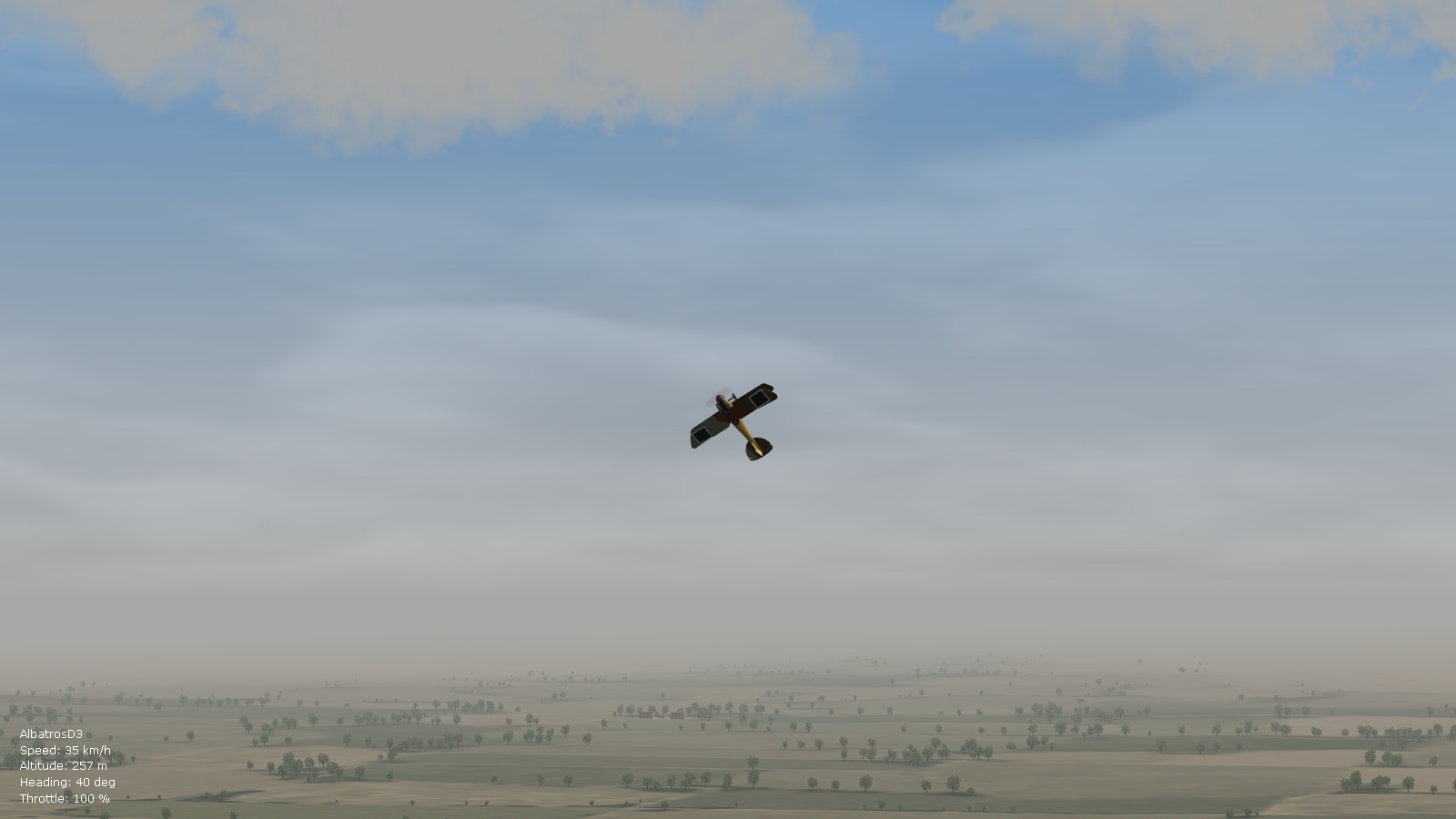
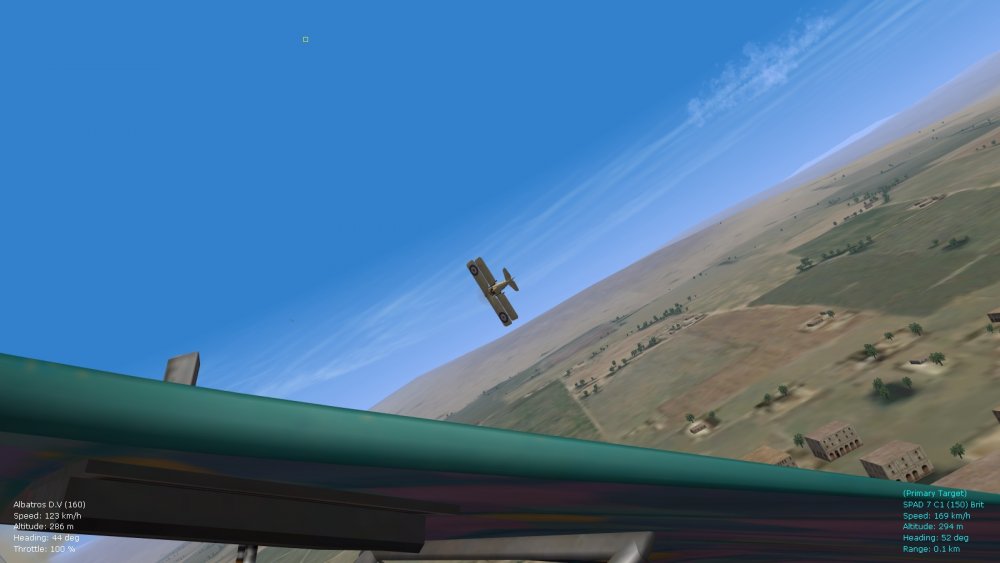
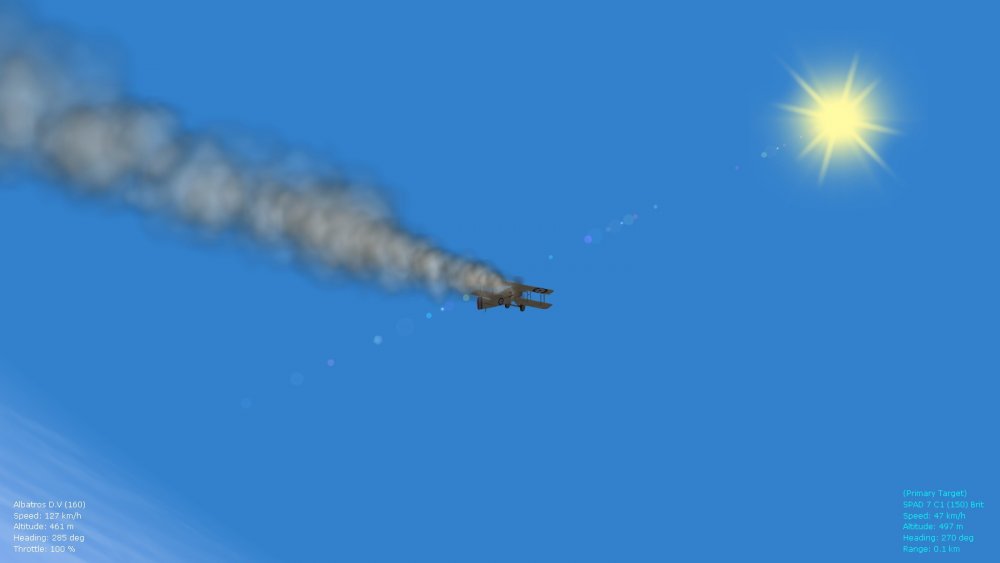
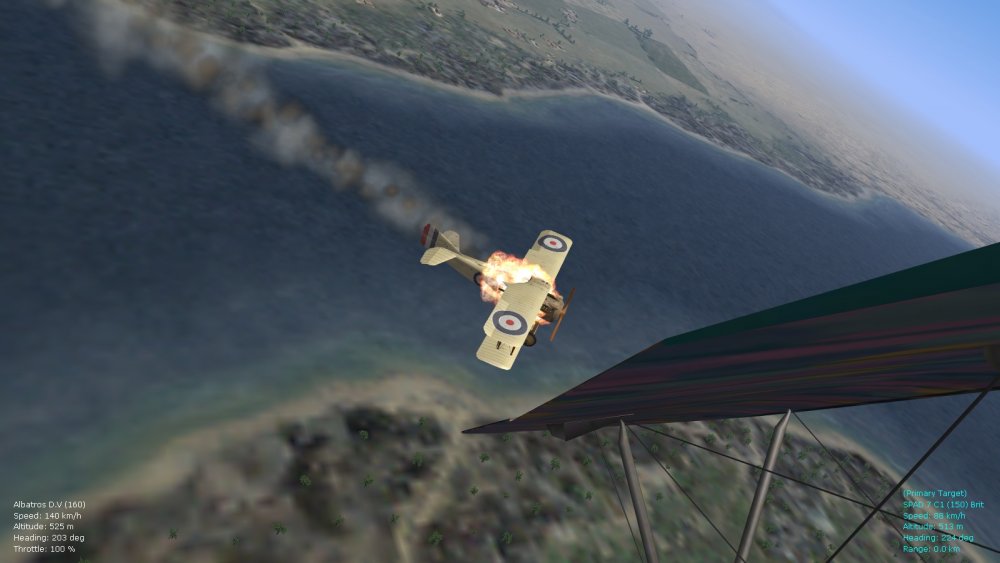
Been tweaking the environsys file a bit more today as a short break from the FMs, particularly the section called [HighAlt] - and I'm now seeing results that I've never seen before in FE2, in terms of mixture of clouds, breaks in the weather, lovely plays of color and shadow, also in terms of depth of the sky (will roll this into a ver. 9.1 update of the FM pack eventually). Managed to almost get rid of the very thin band of darker blue (present in the pics above in my previous post) that separate the high altitude sky from mid-altitude and from the horizon, by putting in the same color values for the high alt sky, high alt horizon color, and high alt fog color that are used for the [Day1] entry that is for afternoon/late afternoon sky settings anyway. A slightly crisper blue emerges this way for the high altitude sky, and further reduces evidence of that thin darker blue belt that seems to sit at around 40,000 to 50,000 feet. Also interesting is that an increase in the values for the HighAltColorStart and ColorEnd entries seems further to help with this, but also seems to "position" distant clouds in a more realistic way in relation to clouds in the foreground - will test this further but these obscure entries are already producing new results on my rig. I'm now getting an obvious "sfumato" effect (fine shading and haze pioneered by Da Vinci) with cloud contrasts and breaks in the weather - particularly evident in the pics where I'm flying around the Suez canal in my trusty Alb. D.3. Happy flying, Von S