VonS
-
Posts
1,026 -
Joined
-
Last visited
-
Days Won
2
Content Type
Profiles
Forums
Gallery
Downloads
Store
Everything posted by VonS
-
Have double-checked the patches downloads link now and I think that patches and updates refer to the same thing, just a different choice of word. From what I could figure out, you only need to install the latest patch for FE1/FEgold to get it up to date...in your case it would be the November 2008 patch, which should include all previous patches in it already. The direct link for the latest patch for FE1 is: https://combatace.com/files/file/8942-first-eagles-nov-2008-update/ For the armchair aces campaigns, you have to download the necessary aircraft individually...and yes, if you're going to try out my FM pack, best thing is to download it at the same time as you grab the individual aircraft too - will save time on downloading since my FM tweaks override the older peter01 mods, so no need to download earlier FM tweaks unless you want specifically to try out the peter01 mods. My FM tweaks should be flown on "hard" mode in the FE settings menu, by the way, as should the old peter01 mods. No telling how they behave on easy or medium/moderate settings. Von S
-
Latest patch/update for FE2 is from the summer of 2010...no further updates have been done to it. Updates are usually bigger than patches but neither are being offered anymore for FE2 so that simplifies things. The peter01 FMs are quite old by the way, about 10 years if not more. Most of those have been re-tweaked in my huge FM update pack (see the relevant file under the downloads section for FE2). FE/FEgold I think were patched no later than about 2008...but I only have FE2, so FE/FEgold flyers can perhaps pitch in with more info. My FM pack covers more than 200 aircraft types for FE/FE2...there are another 10 or so I didn't get to...some were visited by peter01 long ago, others are still un-modded. My only suggestions, if interested in installing the FM update pack, is to read the directions in the read me files included carefully since it requires manual installs...making a JSGME friendly variant would take too much time unfortunately, and besides, hardly anyone flies FE/FE2 unmodded - modding it up either fully or at least with the mods you like transforms it from "sim lite" into a credible flight simulator. For campaign and redux questions, I recommend contacting Ojcar, since he has produced many of those campaigns...as far as I know, the planes required for many of those campaigns need to be installed individually, for them to appear in the campaigns. Happy flying, Von S P.S. WOFF goes as far back as 1915/1916 (with Eindecker campaigns, also with the Nieuport 10, DH.2, BE2 and so on)...older versions like OFF2/OFF3/Hat in the Ring, have a more limited planeset...WOFF has about 80 planes in total.
-
The general rule of thumb is to install contents from folders into other identical folders, overriding files in those folders. If a folder doesn't exist that corresponds with a folder to be installed, a similar procedure should be applied - create a folder with an identical name, and then drop the relevant files inside. Copying over entire folders can be risky since not all folders contain all necessary files. Another tip, if you are running different theaters in FE2 (Middle East, Eastern Front, etc.) is to make several copies of your ThirdWire folder (the one in your "games" folder in Windows, not the actual game contents folder) - and then to mod each of those theater folders....then you can simply swap in/out the theaters you want to fly by naming the folder you want to fly as "ThirdWire" (without quotation marks) and making sure that it's in your games directory of your user account in Windows. Von S
-
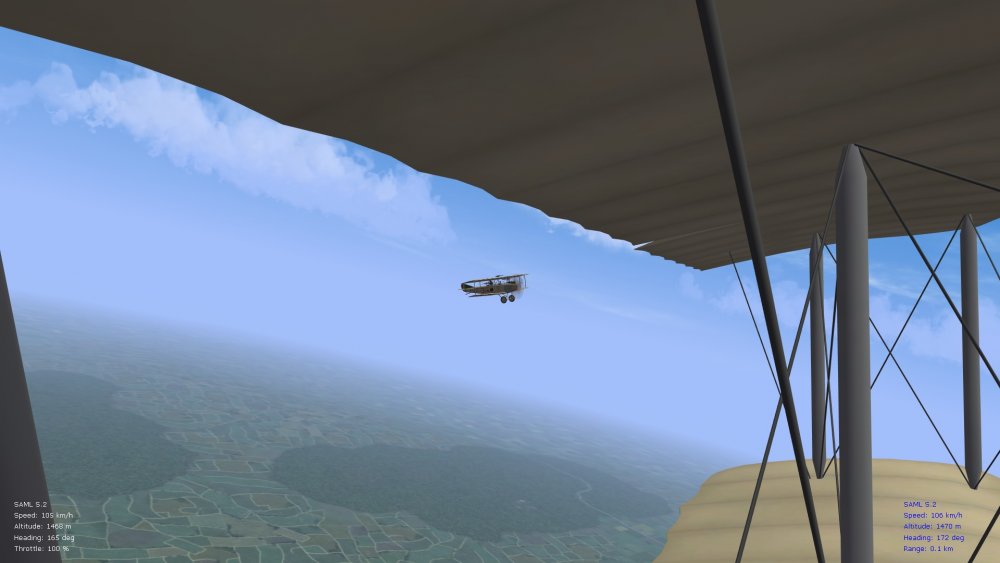
Ver. 9.7 FM update complete, now to package everything and write up the version notes, might take a couple of weeks. Have now combed over the Aviatik C.1, also the latest SAML S.2 (uploaded by Stephen yesterday) - and four different versions of the Aviatik Berg D.1 - an early 160hp variant, two versions of the mid-grade 200 hp variant, and a late 230 hp variant that also served as a test bed for the Berg D.II modification. The 230hp one is lovely...top speed around 210 kph on it. The 185hp variant was largely used for flight testing and has a similar top speed to the 200hp mount so I didn't bother with that one (I think there are enough sub-types now ). Also re-tweaked the Phonix D.IIa and went over the D.II variant as well. Pic. below is of a climbing test of the SAML S.2 - similar flying characteristics to the Aviatik C.1 but much more power and a good climb rate too. Will include a new sound to go with the Fiat engine as well. Happy flying, Von S
-
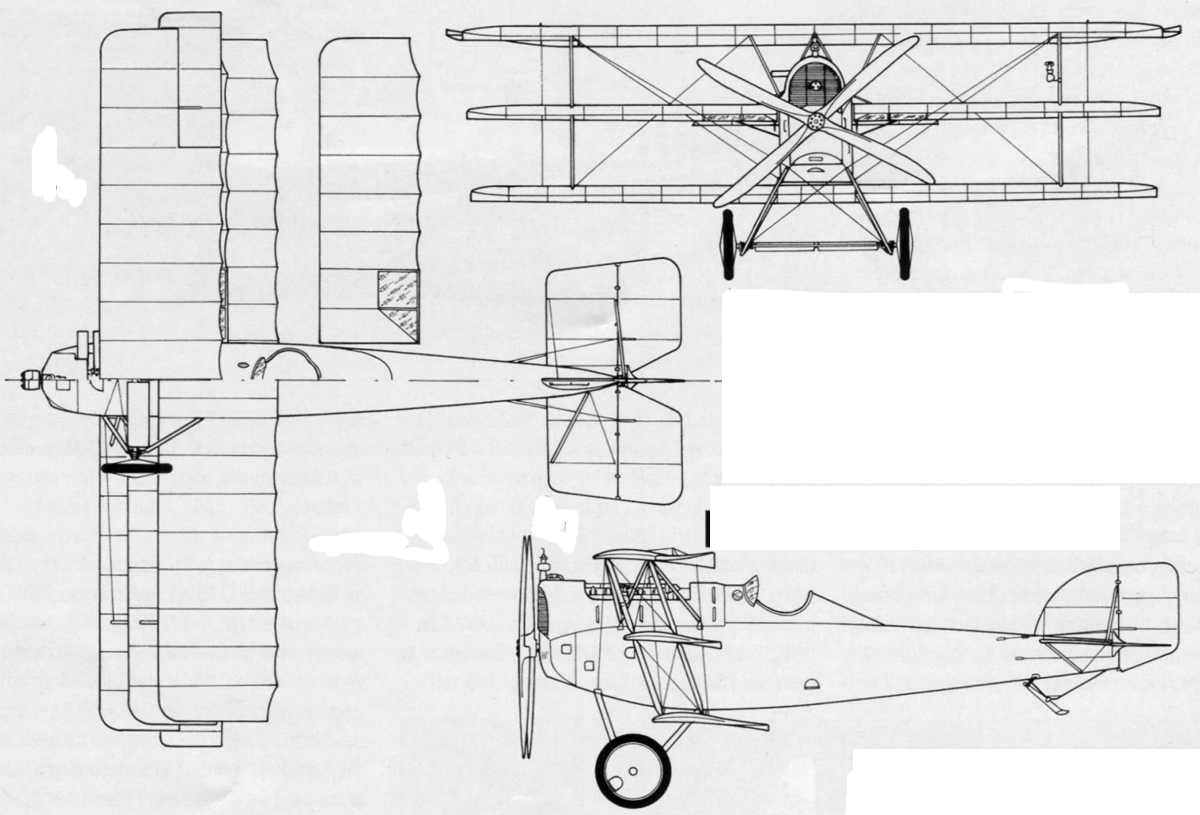
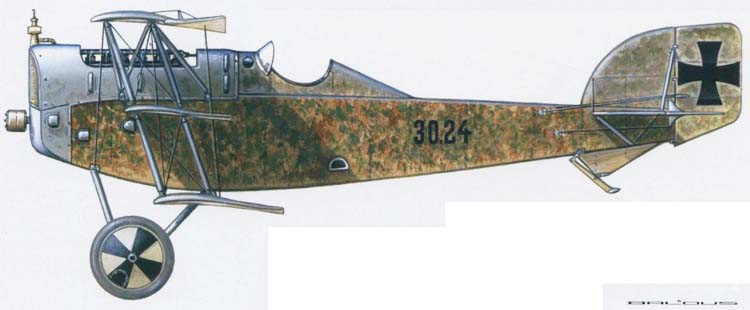
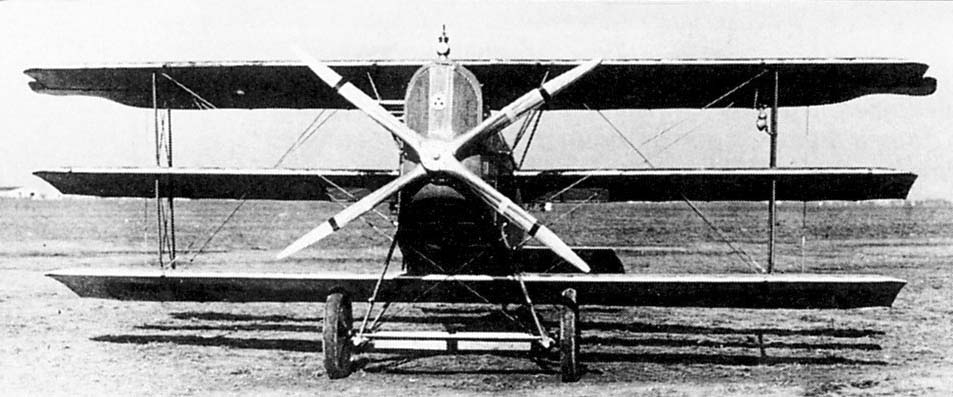
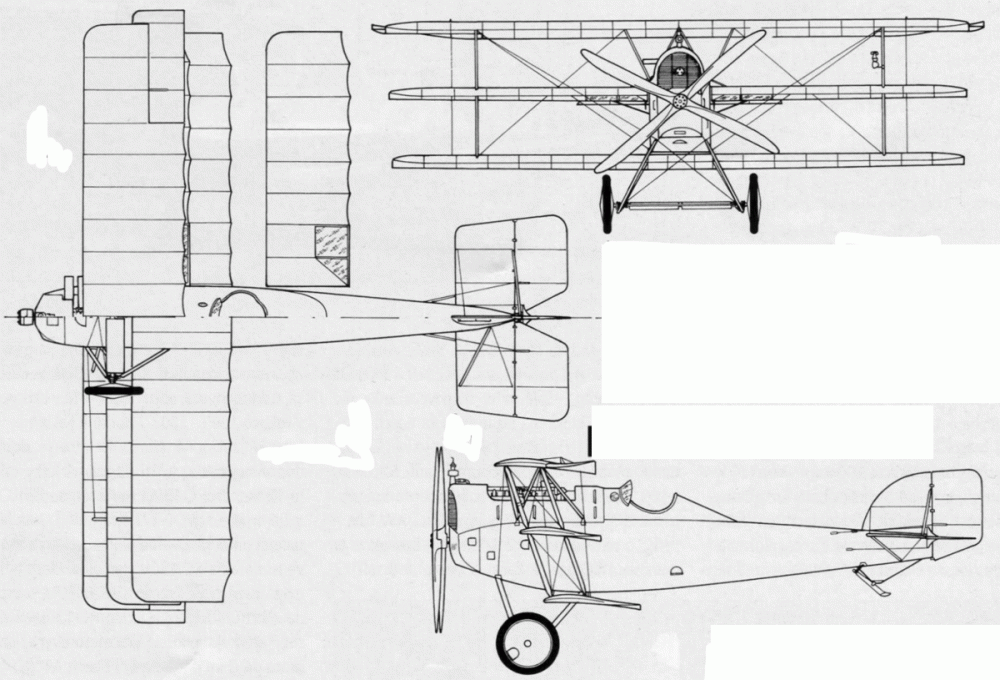
The Berg D.I has lovely lines - here are a few pics. of its triplane variant, this one never got beyond two or three prototypes unfortunately. Note the wider-chord bottom wing, in relation to the top and mid wings. Von S
-
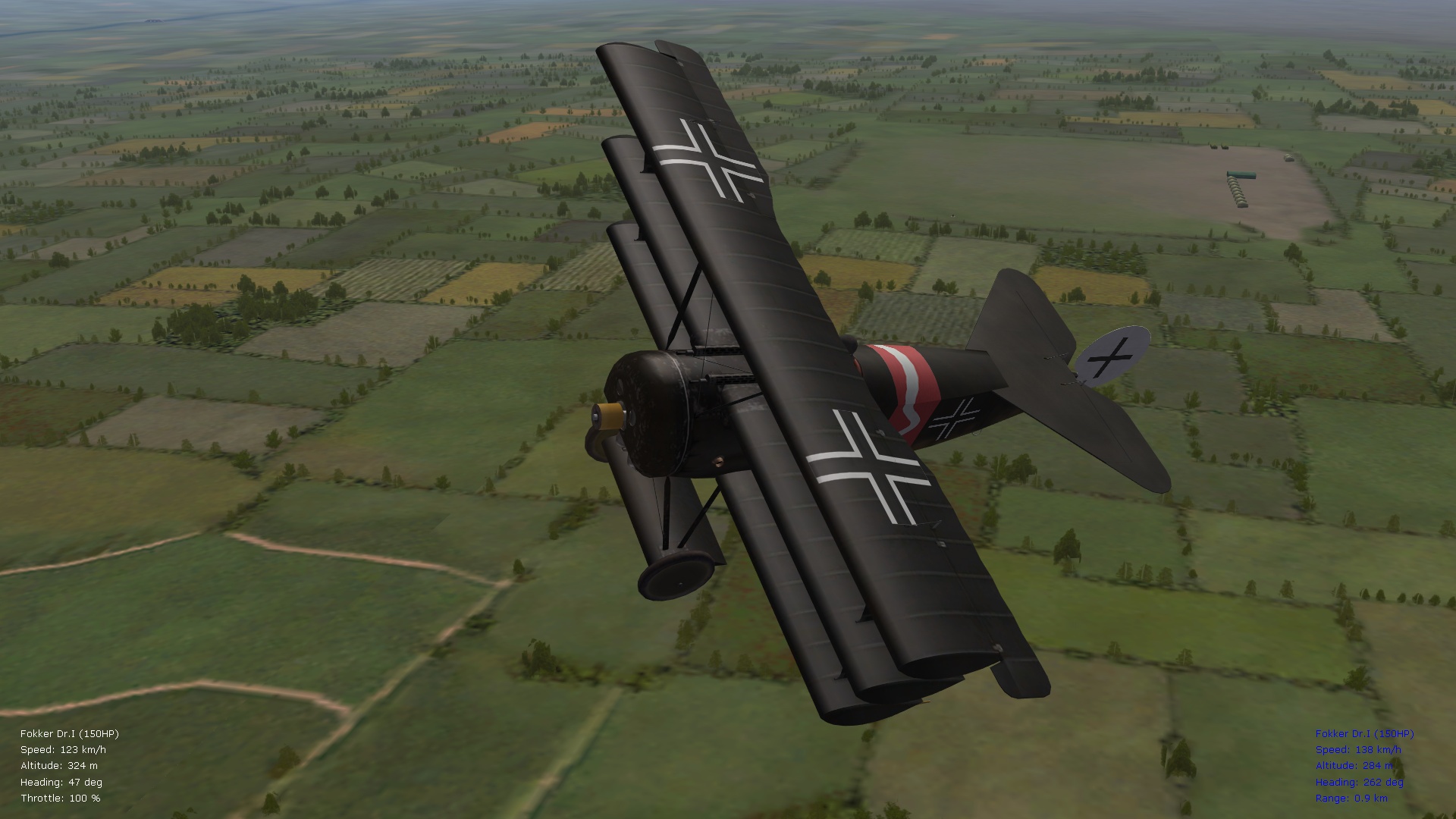
And one more post for this thread regarding the ver. 9.7 update . Have now re-tweaked all of the Fokk. D.7 data inis for more subtle altitude table data numbers and subtler variations for control surfaces, also combed over the Dr.1 variants too and re-did the alt. table numbers, as well as re-touched the control surfaces, also for the Fokk. D.8. Alt. table data numbers are slightly more refined now than previously for the rotaries, with intervals of about 700 instead of the original 900 meters between power drops...should work well for the Oberursels and gives them about 50-60% of total power at their ceilings, as was typical for many WWI engines, rotaries and inlines (no power curves here dropping to zero as for later piston aircraft but more of a stepped decrease until the alt. ceiling is hit). Will take a short break now before looking over the Aviatik, SAML, and Anatra C.1 - then I have to package everything carefully by folder - hopefully this will all be released by Feb. or March. The packaging is often slower than the modding. Pics below of the OAW Fokk. D.7 and another classic that I need to fly more often since it's so much fun. (The OAW variant is a fine aircraft by the way - it can hold its own although with less power at alts. than the 7f variant...I think Mikael Carlson's D.7 has the 180hp (au) Mercedes typical of the OAW builds.) Von S
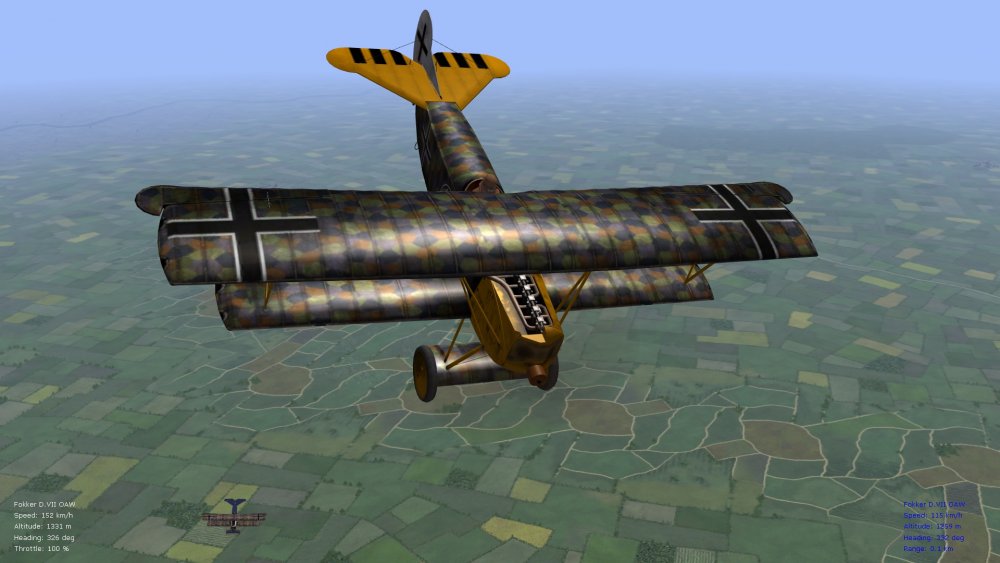
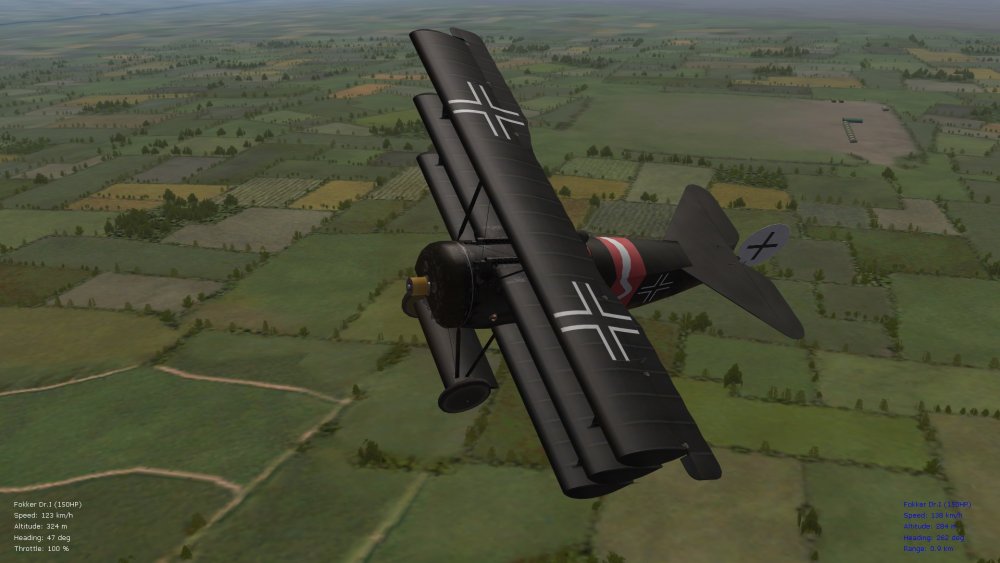
-
Just a quick note to fellow FE/FE2 simmers that the data ini file located in the Nieu21 pack on page 18 (link is https://combatace.com/forums/topic/91066-new-aircraft/?page=18&tab=comments#comment-747561) may or may not be interchangeable with Geezer's Nieu21Lewis mod for the Russ. N21. The relevant data ini to try out with Geezer's N21Lewis Russ. model is the one located in the "N21DuxLewis" folder of the post on page 18. That one is my latest data ini from Sept. of 2018, while the one in Geezer's N21 Lewis folder is from June of 2018. It's possible that the "N21DuxLewis" uses the same aircraft files since, from a quick check of the lods/outs, they are dated July 13, 2018 in both that pack and Geezer's post. EDIT: Have now tested the files...Geezer's post contains the latest skin folder for the N21Dux...two variants work well therefore...either replace your old Russian skin folder in the N21DuxLewis folder with Geezer's skin folder, or rename his Nieuport_21 aircraft folder to N21DuxLewis and drop in the data ini and general ini files from the N21DuxLewis folder available on page 18 of this thread...results should be the same and will give you the latest variant of the N21 Dux Lewis-armed...pic included below (don't forget to include Stephen's Lewis gun in your Pilots folder as per instructions on page 18 for this to work). Happy flying, Von S LATEST EDIT: Recommended is to download the "consolidated" file posted below (page 25) in this thread, for all of the latest updates to Geezer's aircraft that were released on pages 17, 18, and 23 of this thread.
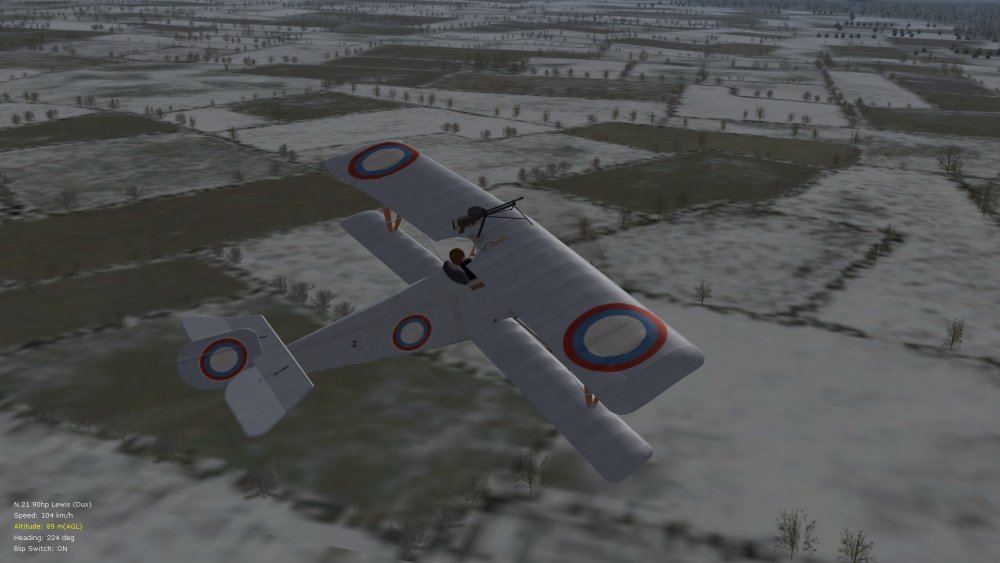
-
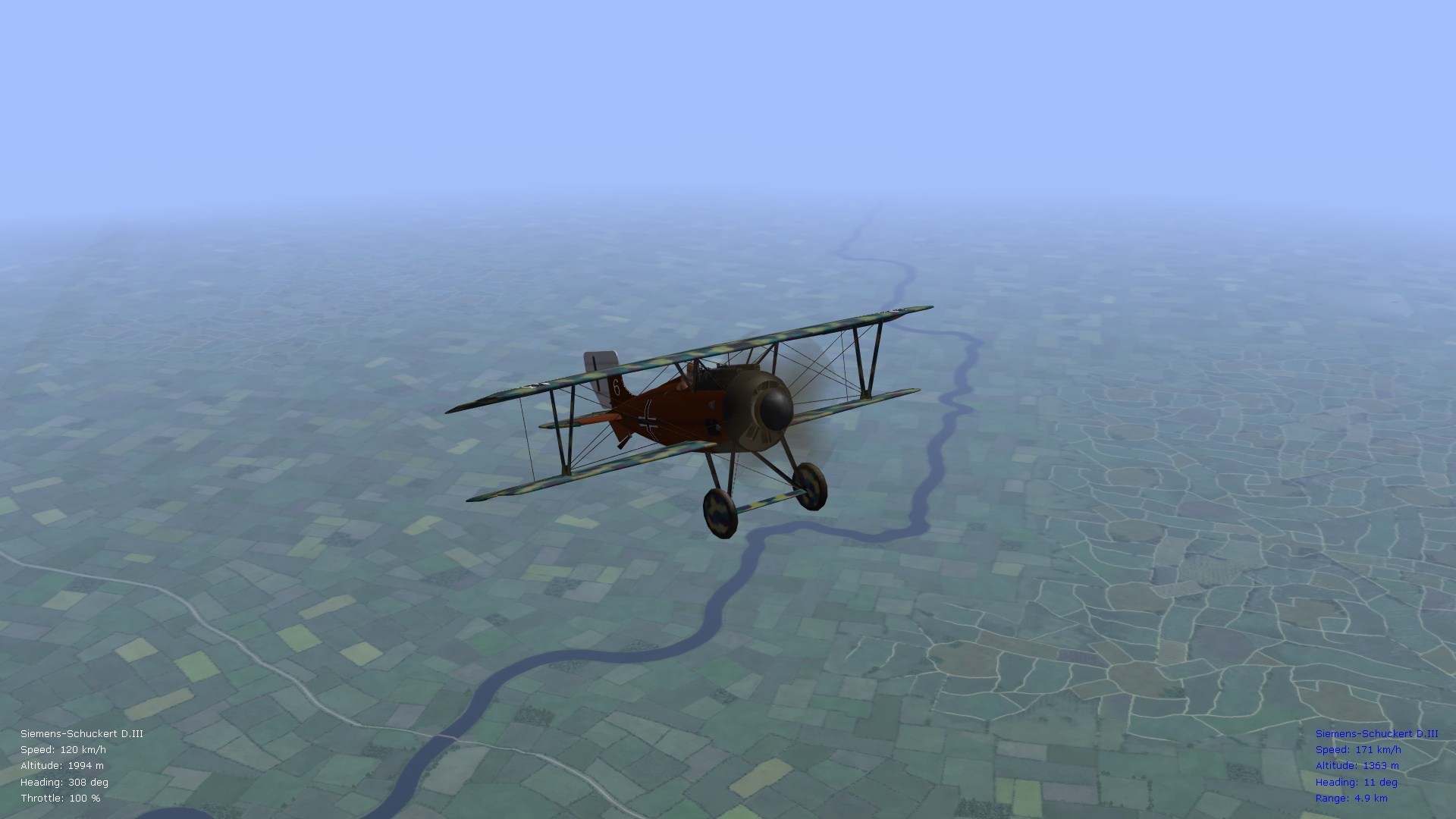
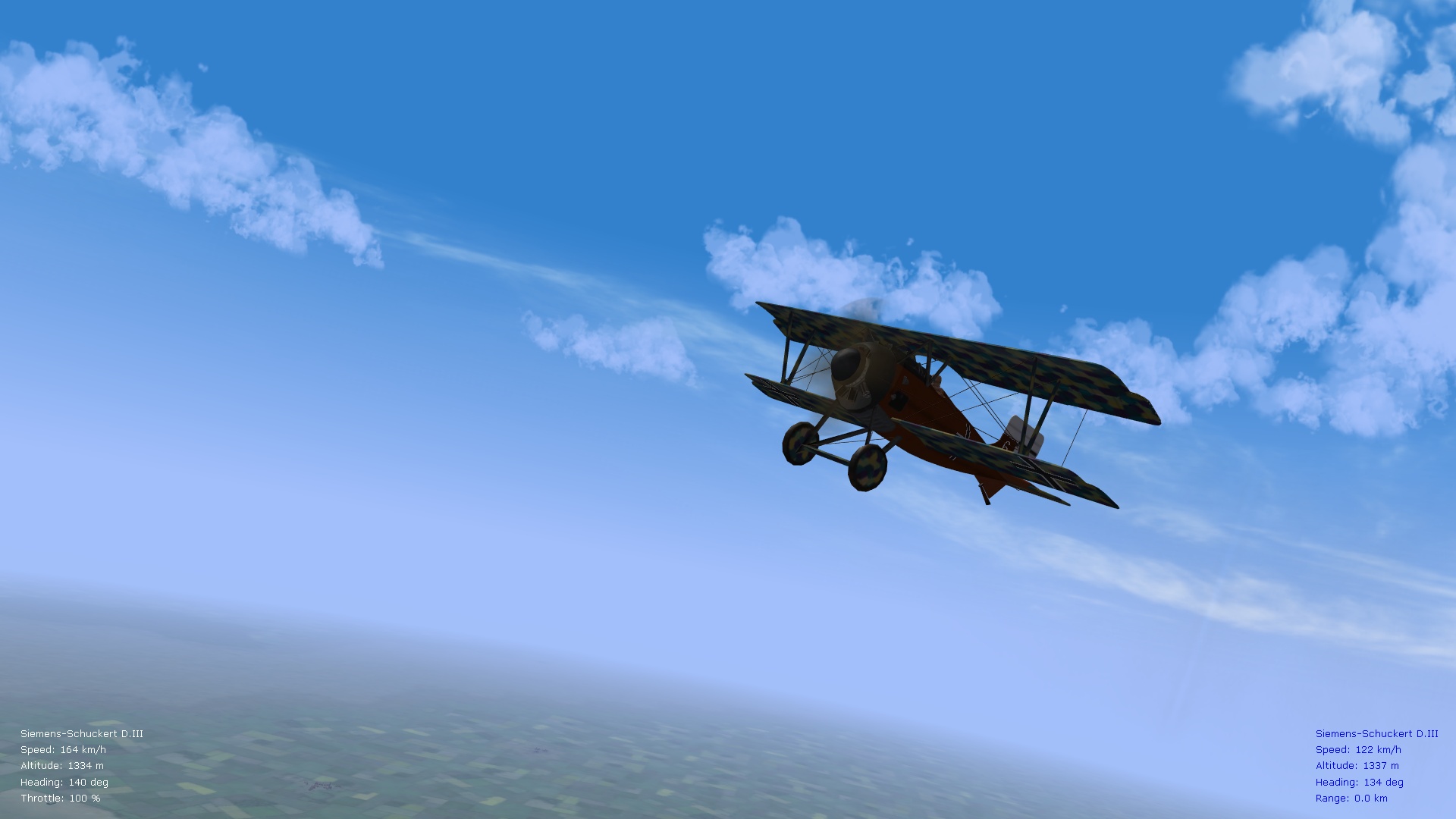
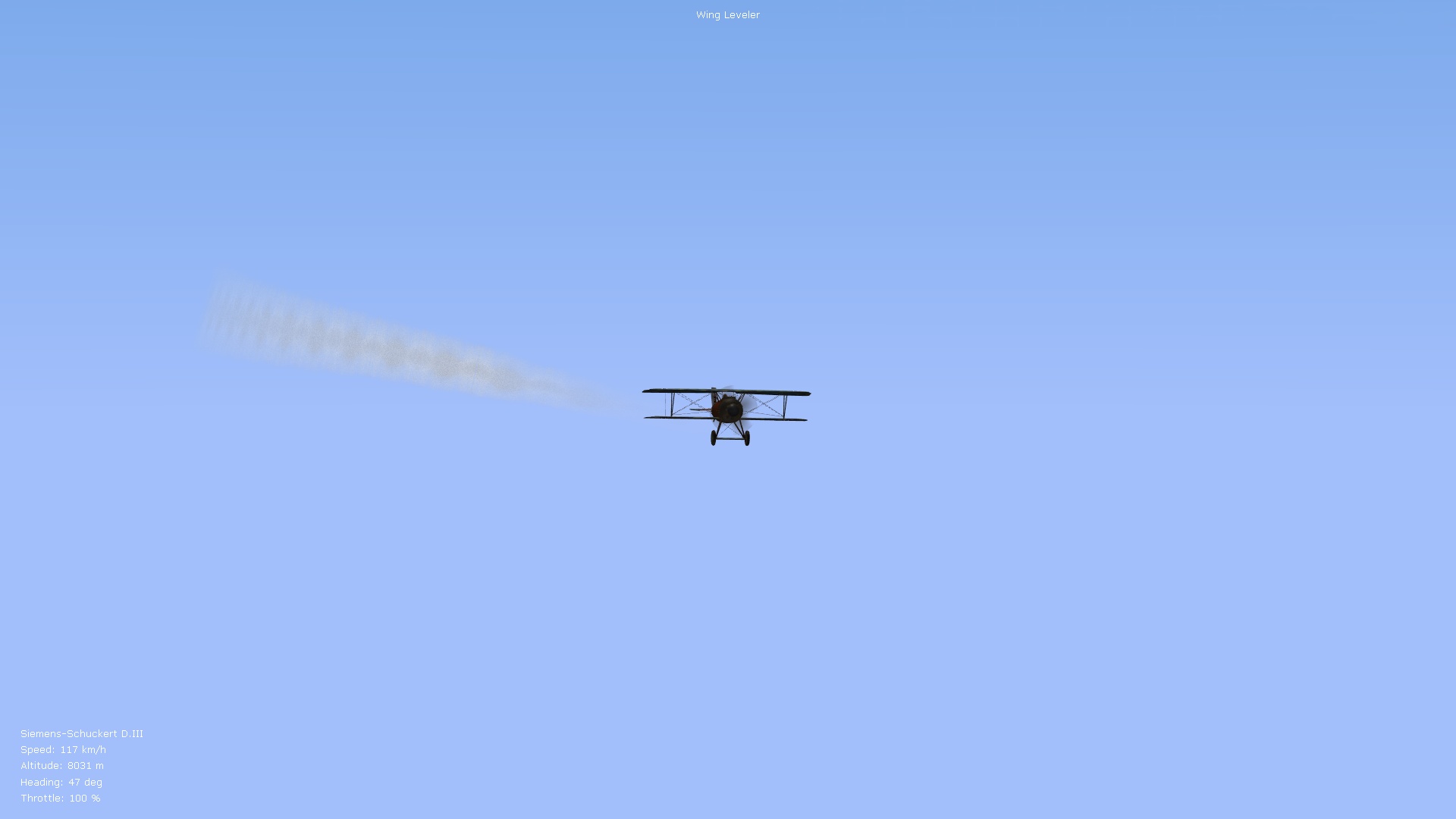
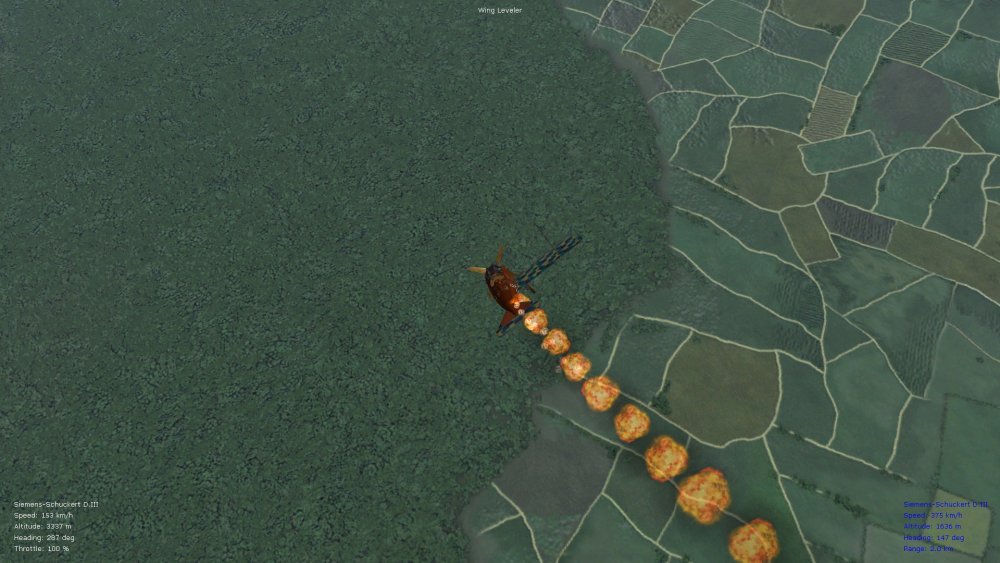
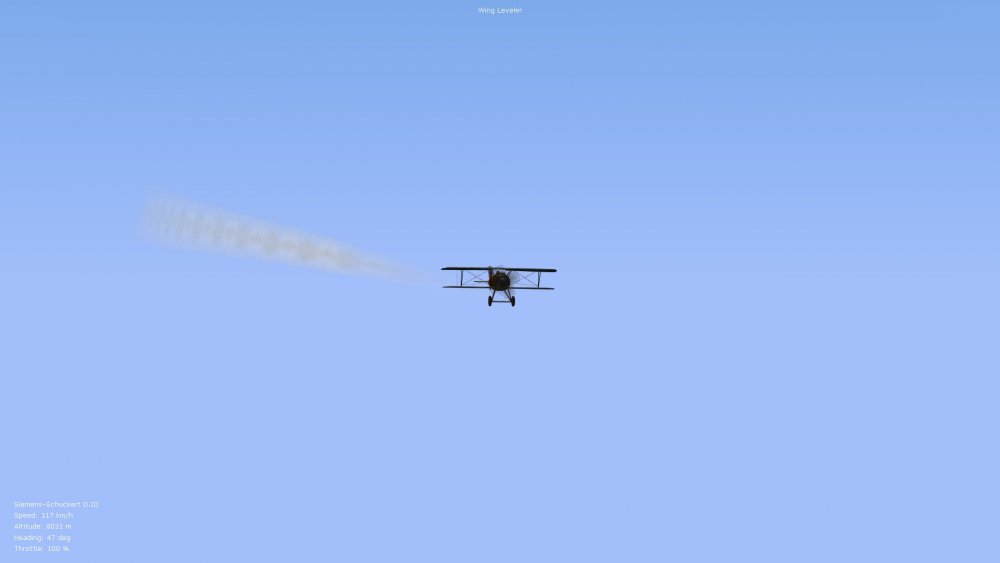
Preview of things coming up for the ver. 9.7 FM update pack...the Roland D.6a FM has now been overhauled, will also do one for a D.6b (Benz-powered). Siemens-Schuckert D.III also now overhauled, and what an interceptor it is. Will also do an OAW and/or mid-cycle variant of the Fokk. D.VII (since we don't have one and it was the most prevalent of the Fokk. D.VII types, with the 180hp Mercedes au engine...should be around 195-6 kph top speed on that one)...and also will go over the Aviatik (first-generation) and Italian variant that Stephen posted recently, and the Anatra C.1. Ver. 9.7 will also include a newer FM for the Caproni bomber, plus a Halb. D.III variant (FM) of Geezer's Halb. D.V, and other modifications such as of the Longhorn and Shorthorn to reflect more realistic climb rates on those. The Sikorsky S-16 (version 3) and Pomilio FMs I'll leave for a later, ver. 10.0 of the update packs, including some two-seaters that I never got to so far. Happy flying gents, Von S
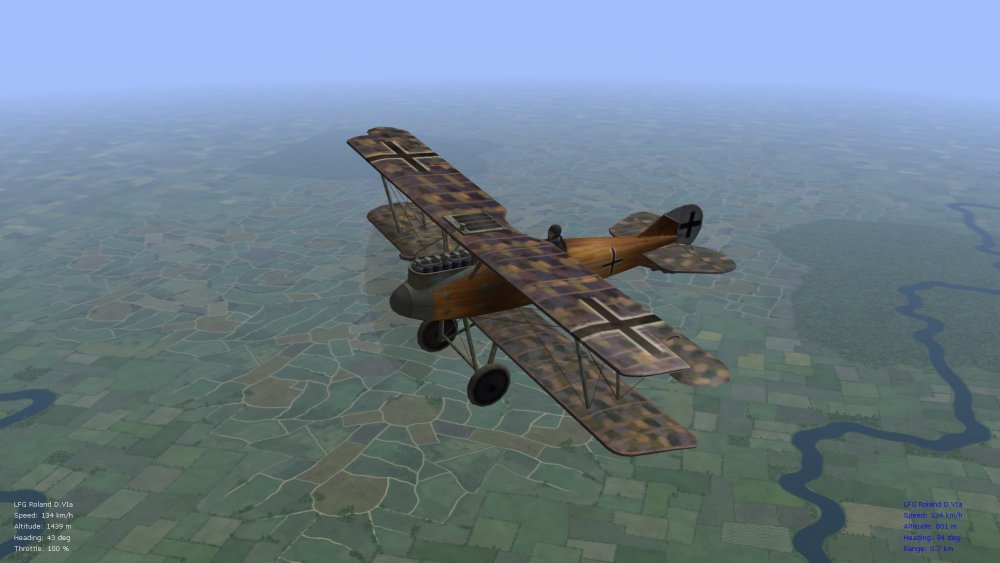
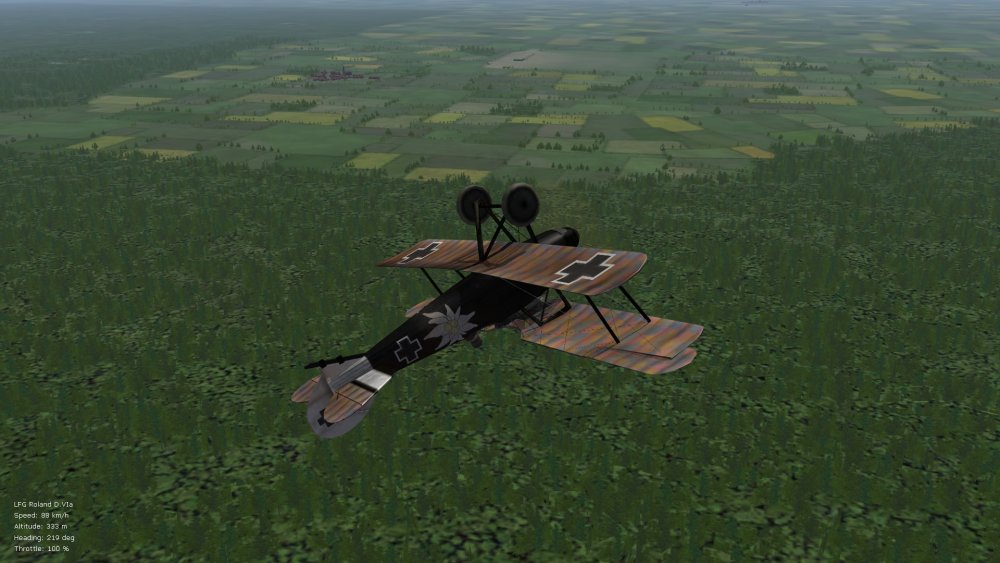
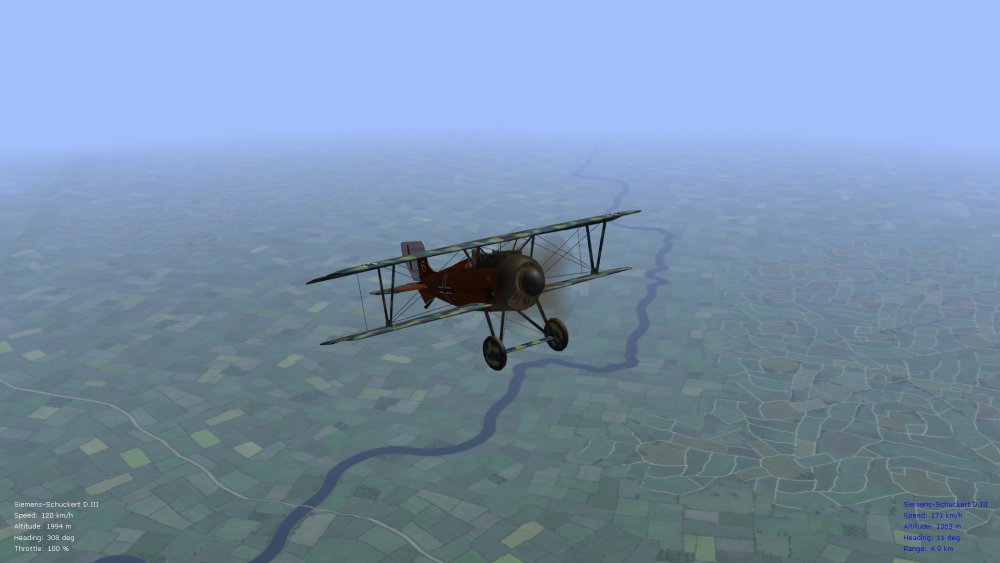
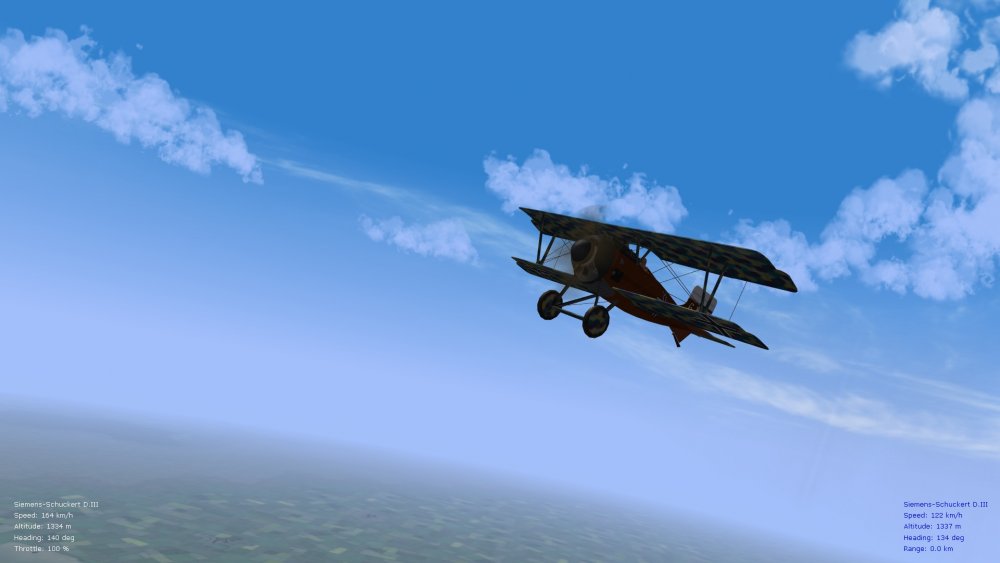
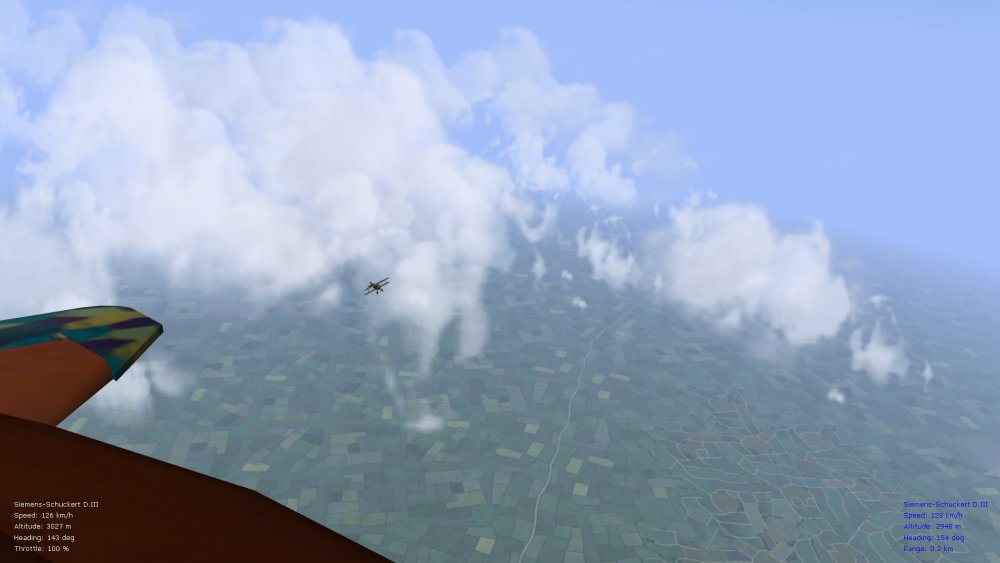
-
I'm very excited that FE2 will get a Bleriot. I will most likely do two data ini mods for it - one to fit with the later, two-seater model (of about 80hp), and also one for earlier-war Bleriots that can also be flown as single-seaters with the observer removed from the plane (power range anywhere from about 50 to 70hp approx.). Should be entertaining trying to keep these models aloft. Von S
-
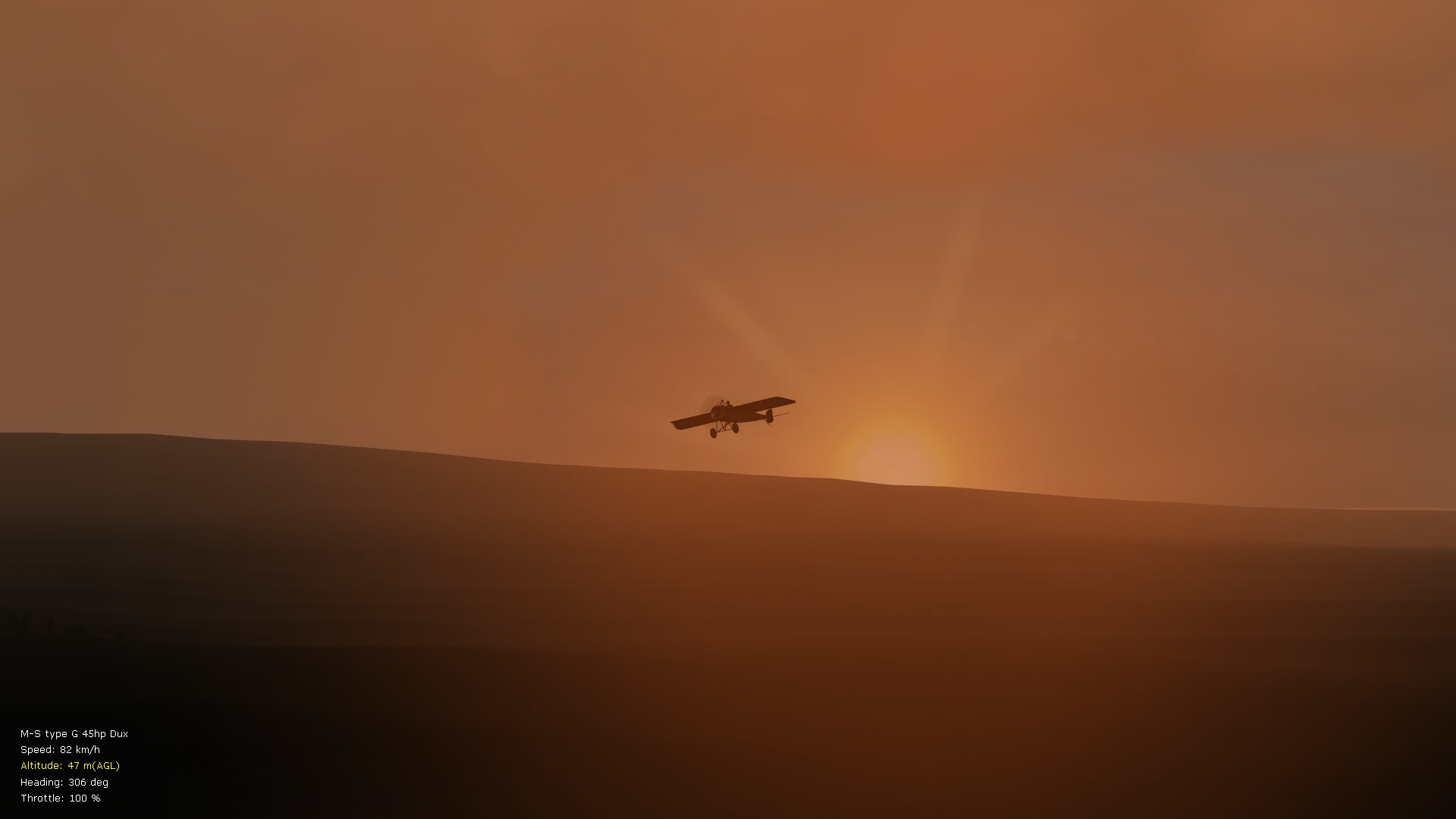
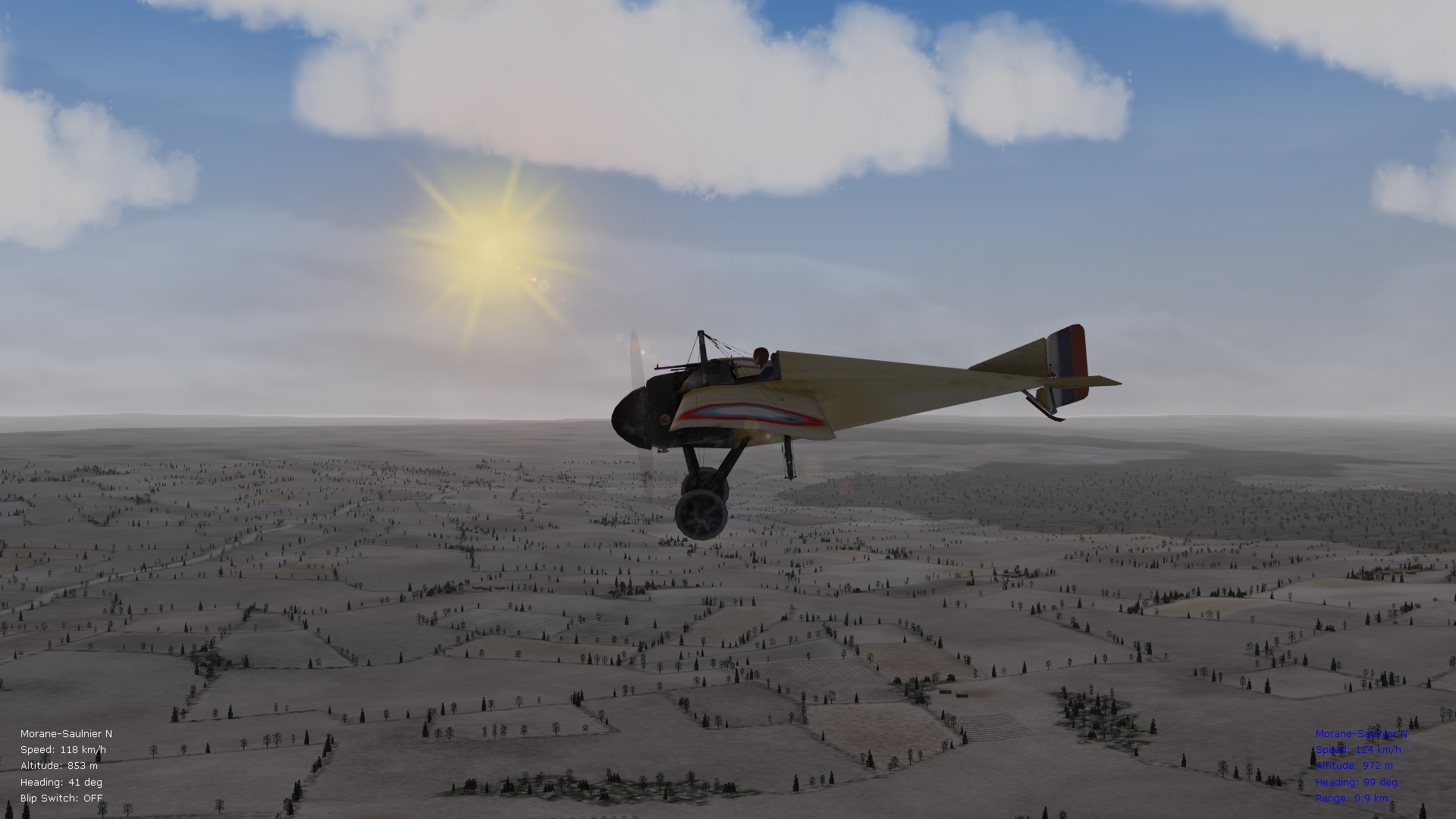
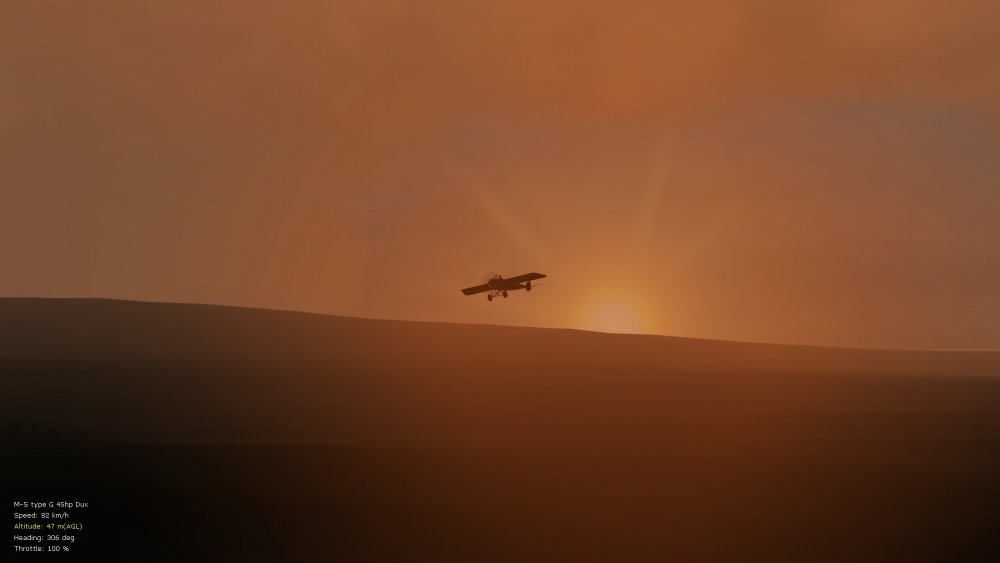
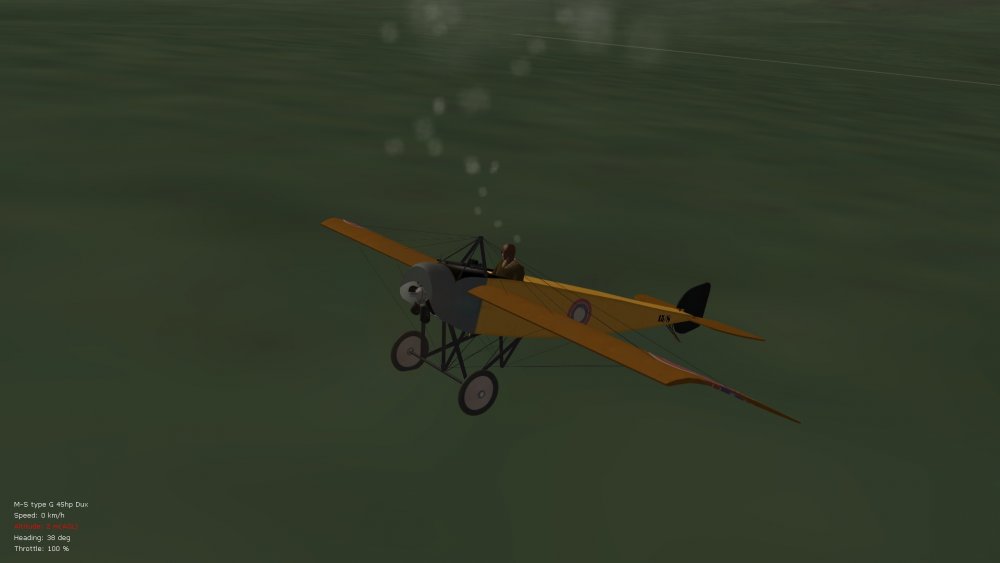
Accidentally made this shot while testing pilot cigarette smoke. I particularly like the morning and evening atmospherics in FE2. Von S
-
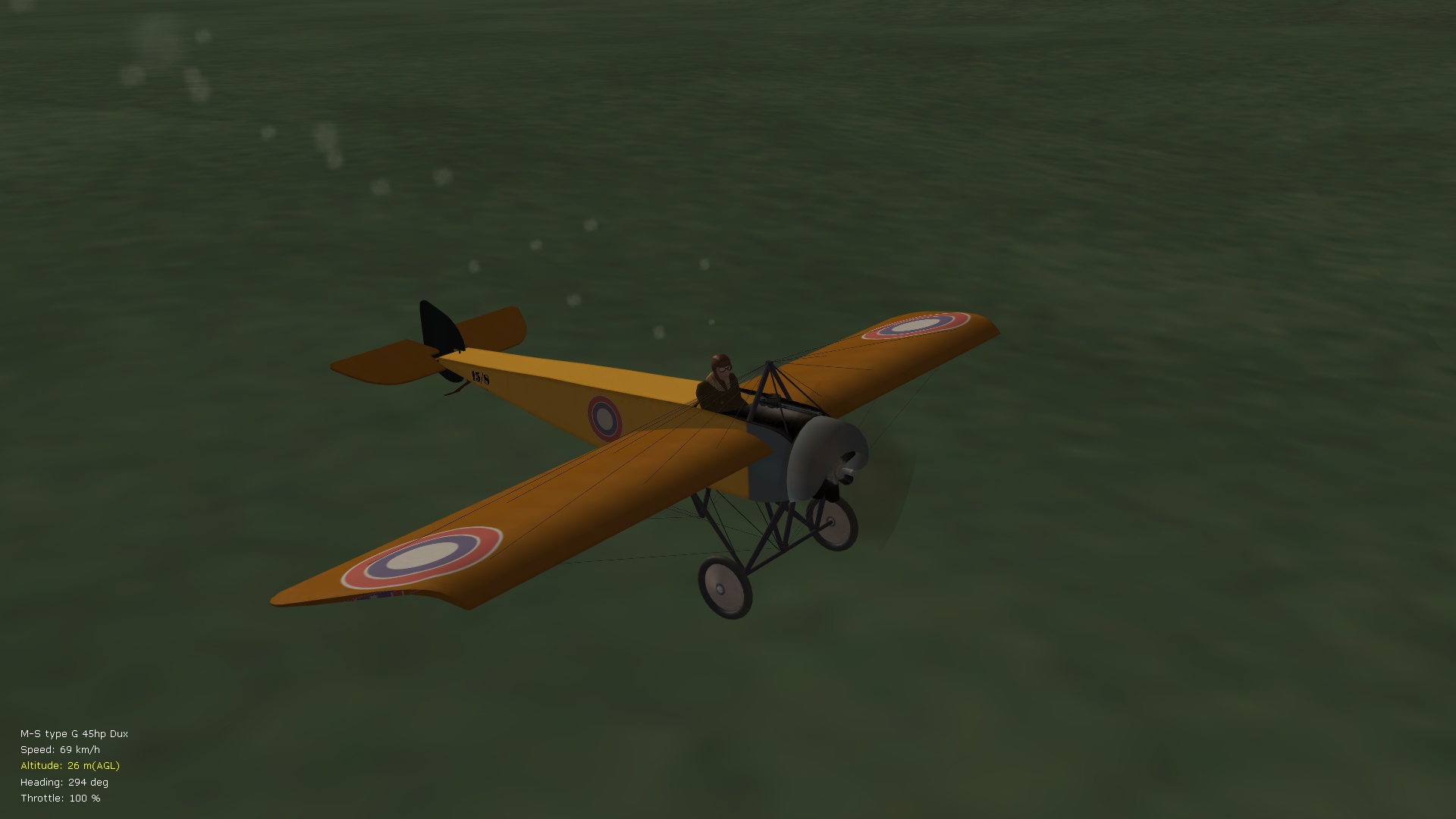
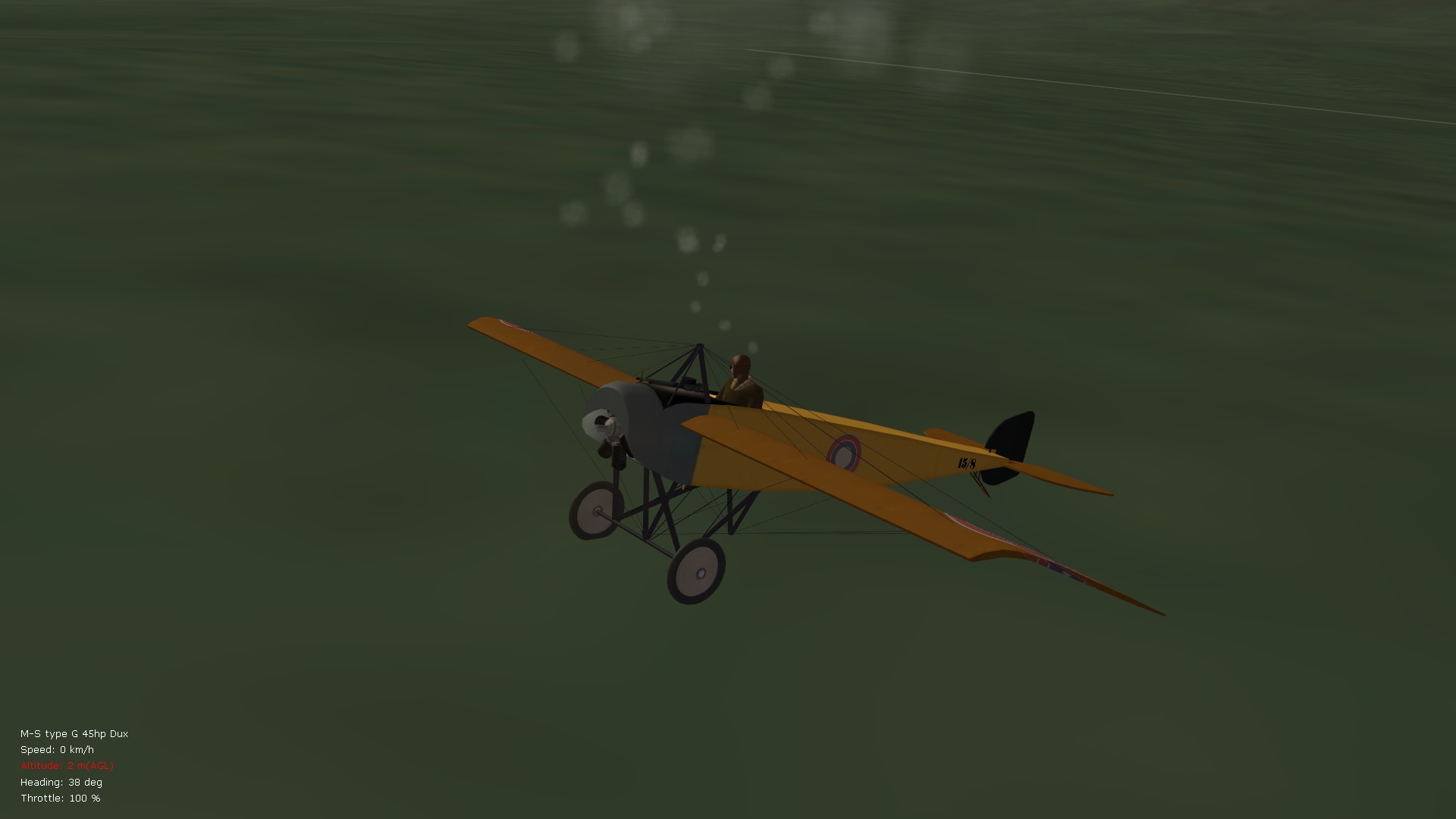
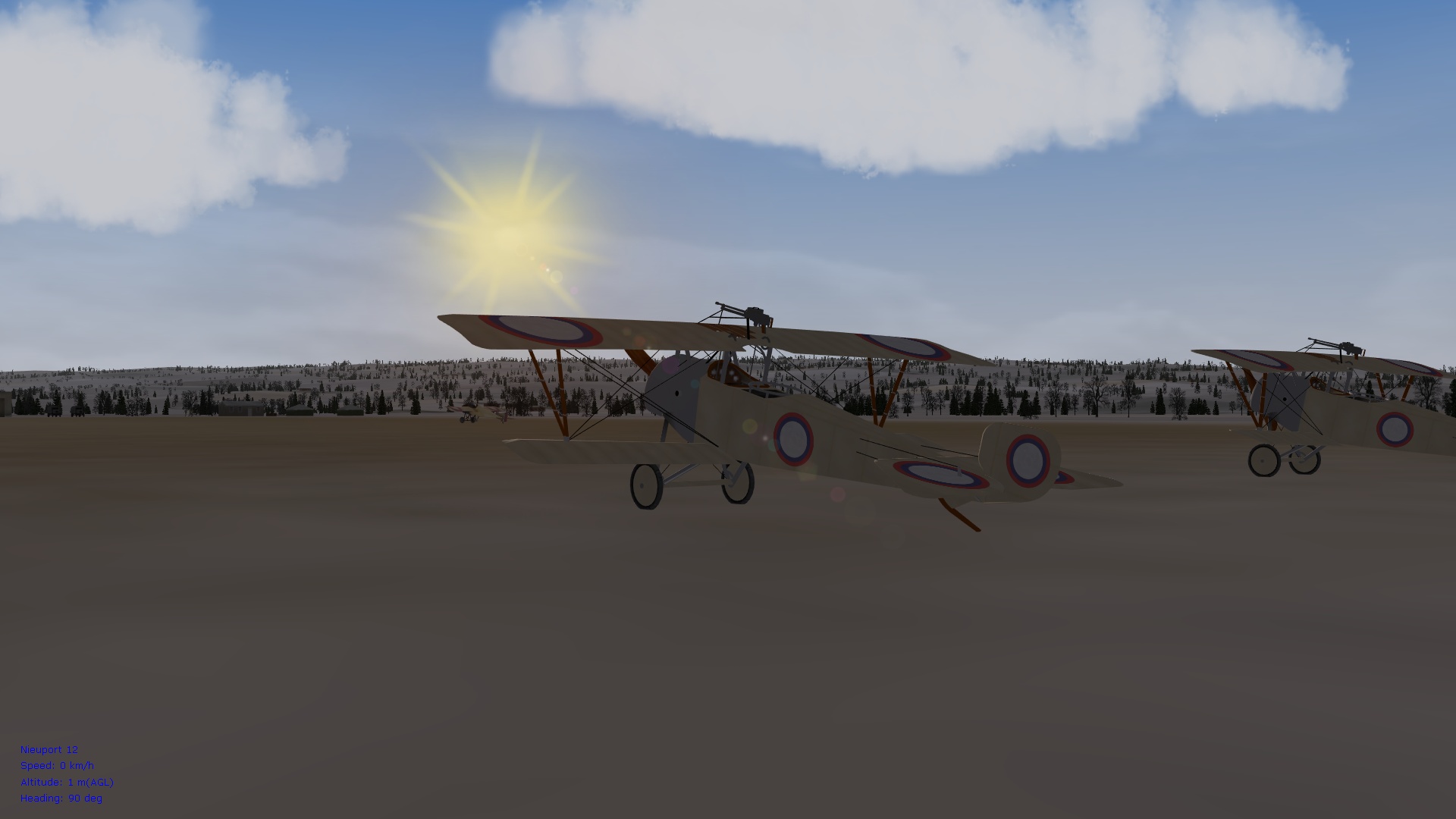
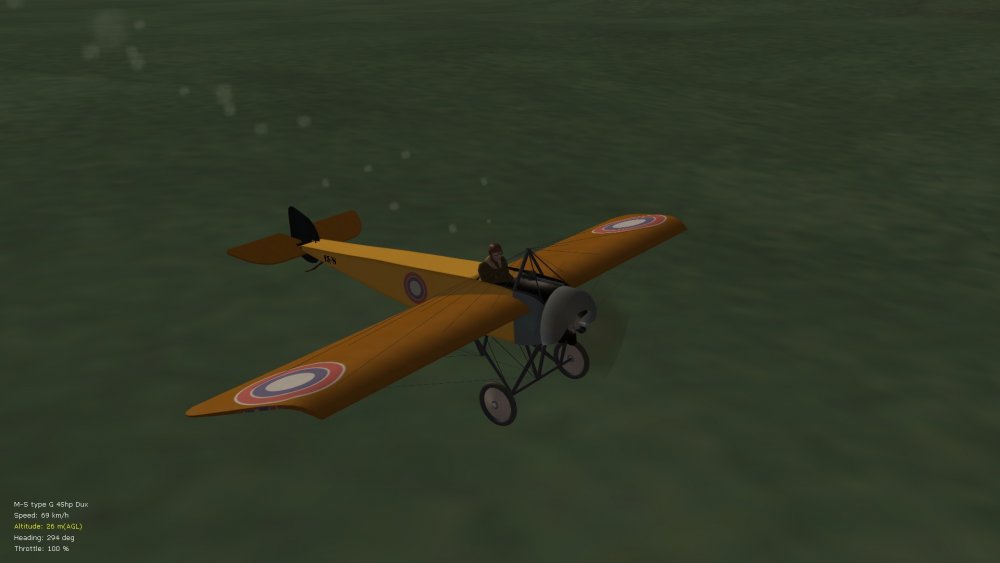
Great pics Geezer! Attached below is an experimental particlesys file with even smaller MG smoke effects than in the particlesys file included with my ver. 9.5 FM update pack - these double-up nicely as cigarette smoke for pilots, but tweak the emitter coordinates in your data inis for realism. For the MS type H and G variants, use something like: ExhaustEmitterName=MGSmokeEmitter ExhaustPosition=0.0,0.0,0.65 To put out the pilot's cigarette, turn engine off. Representative pics. below. Von S
-
I think such effects in FE2 only happen if some damage is done to inline engines, and I've also seen it happen if the blip switch is held too long on rotaries while the aircraft are still at the aerodrome (particularly with the Sopwith Pups and Tripes in their latest FM modified form). I've tried to tweak the chance of engine overheating post-damage in all of the modified data inis, although there are other random factors that FE2 throws into the mix probably. The relevant entries in the data inis, if available, are (located under the [Engine] section): DamageTempDelta=30 OverheatDamageRate=0.4 Values above I use for single-row rotaries, double row-rotaries are at 20/0.3 respectively, early inlines at 60/0.7, and later inlines at 50/0.5 - rotaries, in general, were more robust than inlines. Possible exceptions are the Spad A.2 and Morane Bullet with casserole spinner...values of about 50/0.5 are usually good for those...to mimic greater chance of over-heating, also for the "Anzani-powered" MS type G variants. Von S
-
The relevant entry to toggle in the data ini is: ExhaustEmitterName=MGSmokeEmitter (for the MS type G 25 and 45 hp variants) Possibly an emitter with the same name is missing in FE/FEgold? I will create a separate emitter for the cigarette smoke since the MGSmokeEmitter needs to be toned down further for it. Von S
-
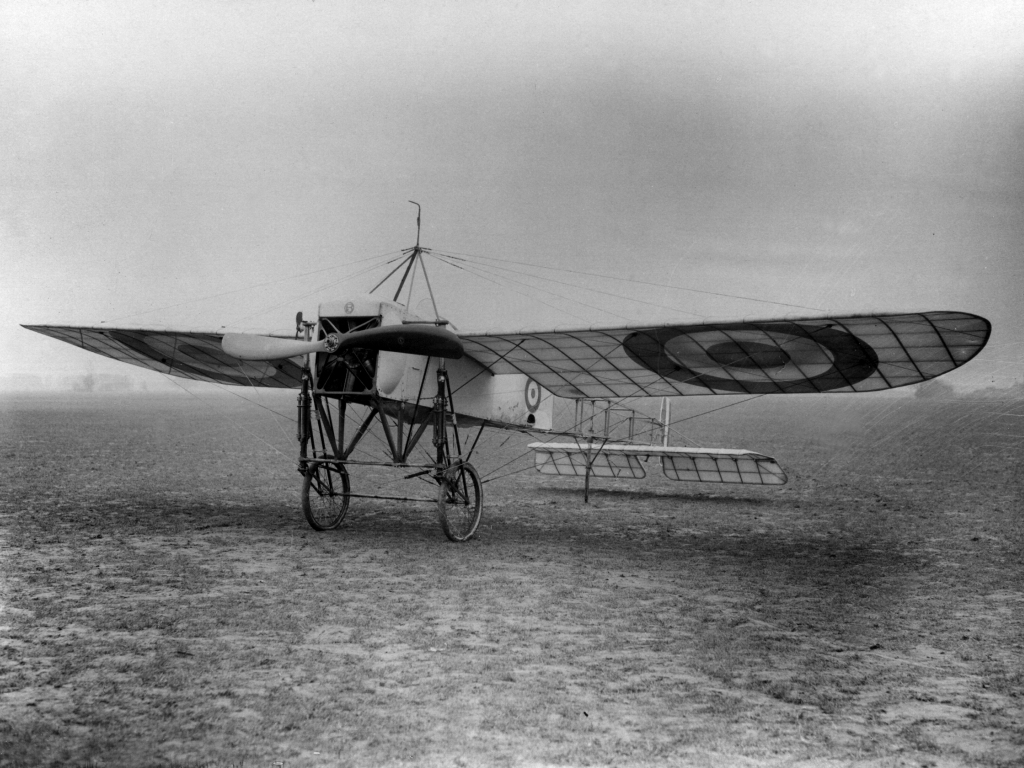
Lovely pic Crawford...yes, the two-seater variant may have a wingspan in the 8.5 to 10.5 meter range approximately, likely a longer fuselage too, at least in the 8-9 meter range. There are so many size variations for the Bleriots but the two-seater variant should be larger than the one-seater type no matter the variations. I'm sure that some of the two-seater types were frequently flown as one-seater arrangements too, although I've also read that, without a passenger, the two-seater type becomes extremely unstable longitudinally (from tail to nose)...see the Harriet Quimby crash for more info. on this. Perhaps Mikael Carlson is flying the one-seater type later variant, with Gnome rotary...have viewed the Carlson clips and overall his has better handling/control than the Anzani type, although it still tends to float in turns. Happy flying, Von S
-
The "engine overheating" effect that I have for the Anzani-powered MS type G from the ver. 9.1 FM update pack could be modified further for this...I will look into it when tweaking the FM...light, occasional smoke is desirable but not too much ... will see how realistic it looks. Von S
-
Excellent progress on the Bleriot Geezer! Here's a link for anyone interested in flying characteristics of an Anzani-powered type (y-configuration engine in this case)...seems like an authentic replica. The one that Mikael Carlson flies is rotary-powered, also available on YouTube and interesting to compare with this Anzani variant: https://www.youtube.com/watch?v=tGgj6jVUNm8 Von S EDIT: Apparently not an Anzani but some similar-hp engine being used on the replica in the clip.
-
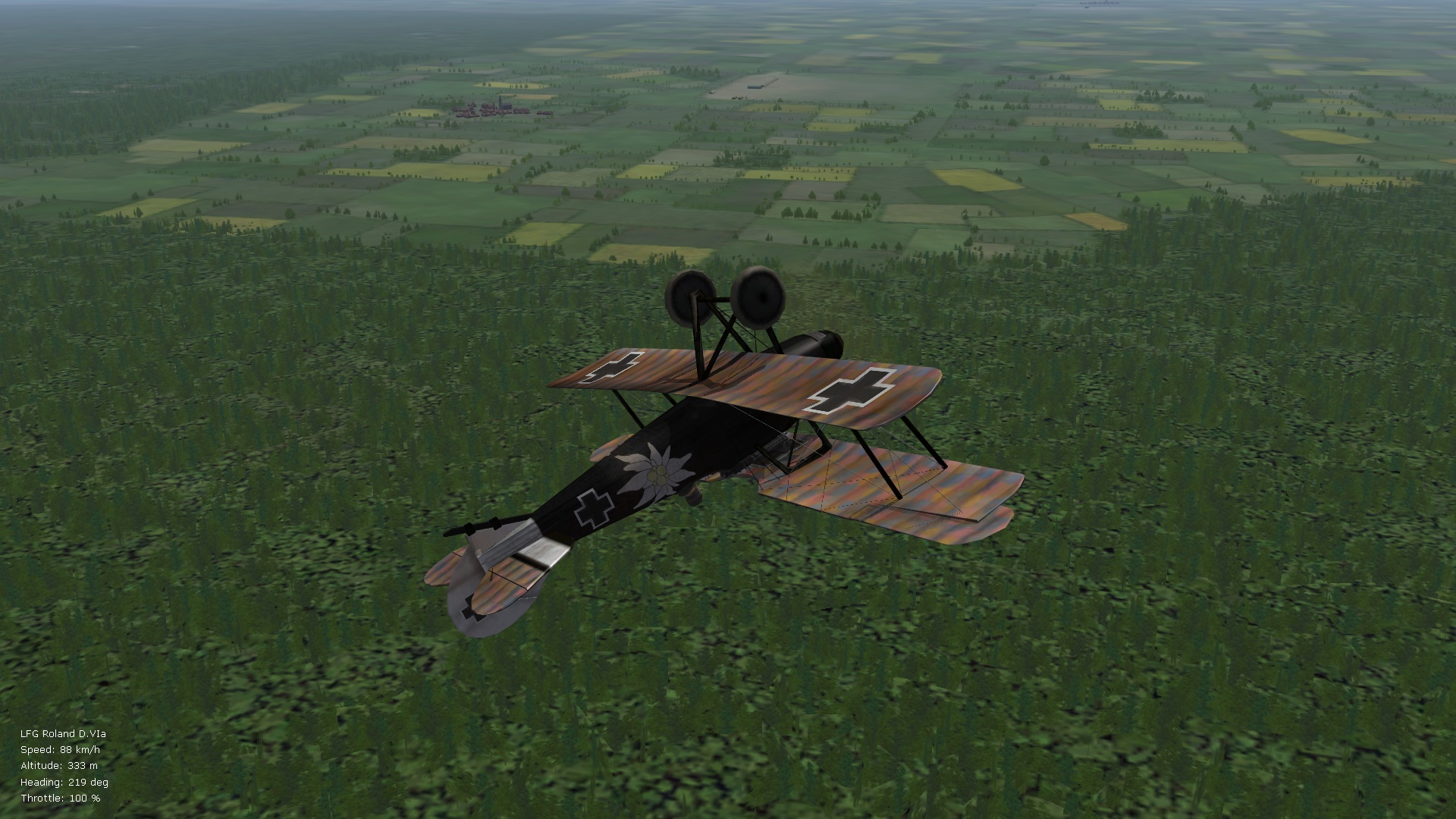
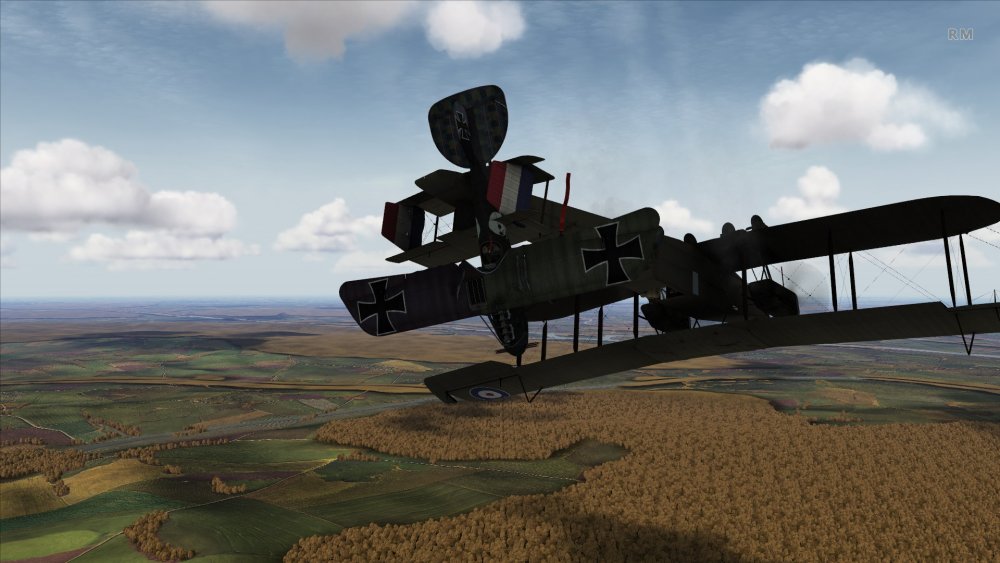
And one more screenie for this thread...couldn't resist posting this oddity. Von S
-
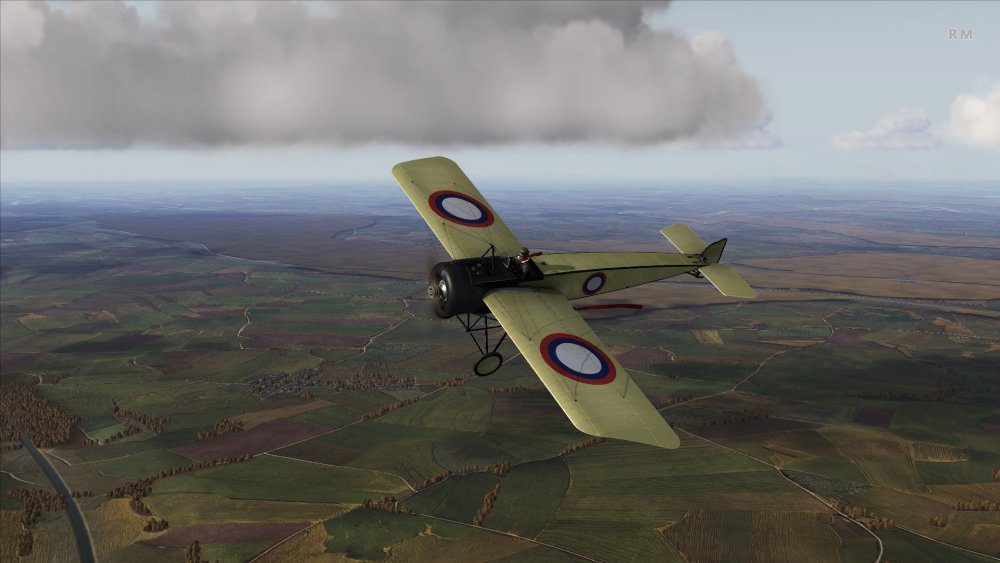
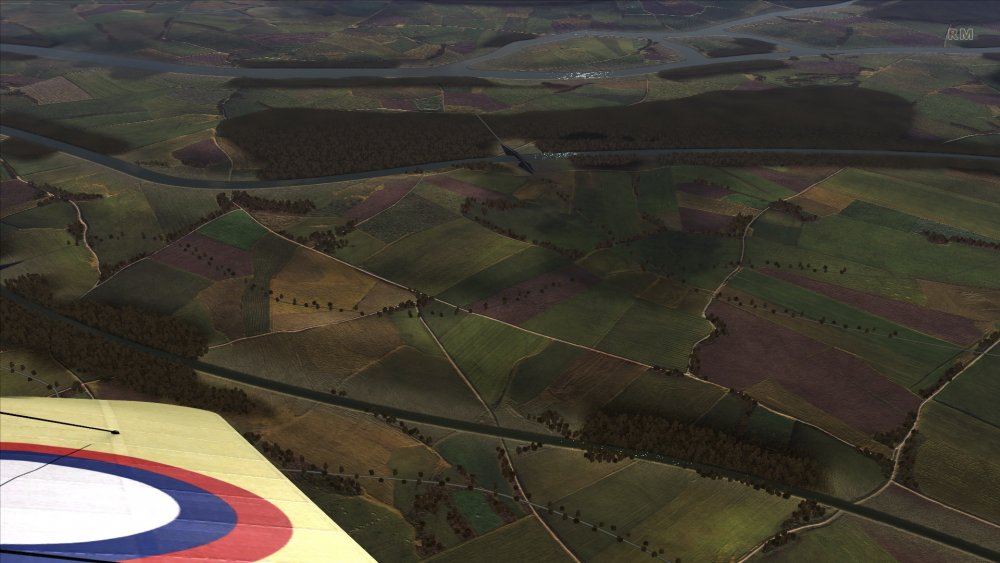
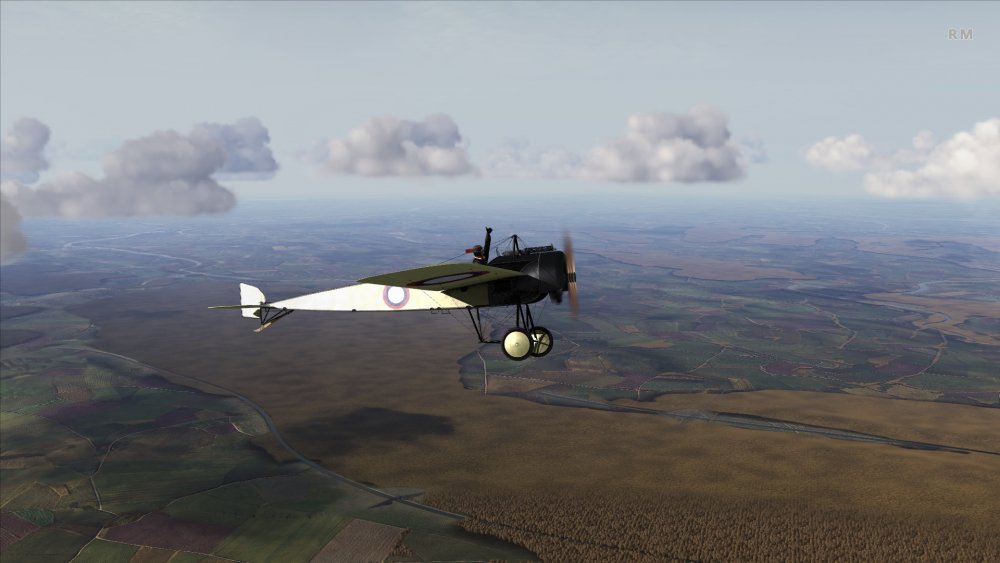
Some representative pics. below of ROF (united edition) on a Mac (Win10 in Bootcamp). Skin in the pics below is by "actionjoe" by the way, a Russ. MS type G or H (that loads into the Fokk. E.III skins folder in ROF)...mods available over on the official ROF site, also on the "checksix" website that's in French. Happy flying, Von S
-
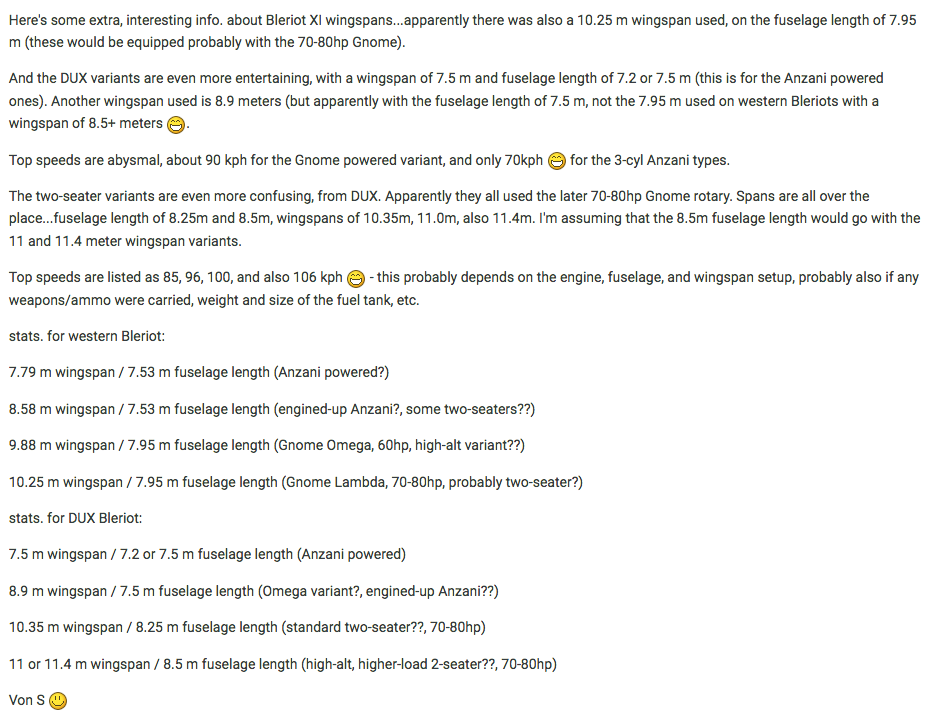
Stimulating series of posts gents' - always enjoy reading this technical stuff...currently tweaking my FE2/WOFF/ROF installs on the Windows 10 side of things on the Mac but I will come back to tweaking more FMs for a ver. 9.7. update pack in a couple of weeks....and I very much look forward to tweaking the FM for the Bleriot XI (will use either the 45hp Anzani or 60hp Anzani MS type G mod, from the ver. 9.1 update, as the basis for the Bleriot mod...the Bleriot should have slightly better lift than the MS type G but more drag). Speaking of varieties of Bleriot XI as outlined by Crawford, here's a pic below of various stats. on the type that I posted previously in one of the private threads. Von S
-
Hi Mike, Also check over the following two links that overlap with the good info. Geezer has posted above (should get rid of the shimmering oddities that way): https://combatace.com/forums/topic/91359-airfield-figures-help-wanted/?tab=comments#comment-738584 https://combatace.com/forums/topic/91359-airfield-figures-help-wanted/?tab=comments#comment-738564 Happy flying, Von S
-
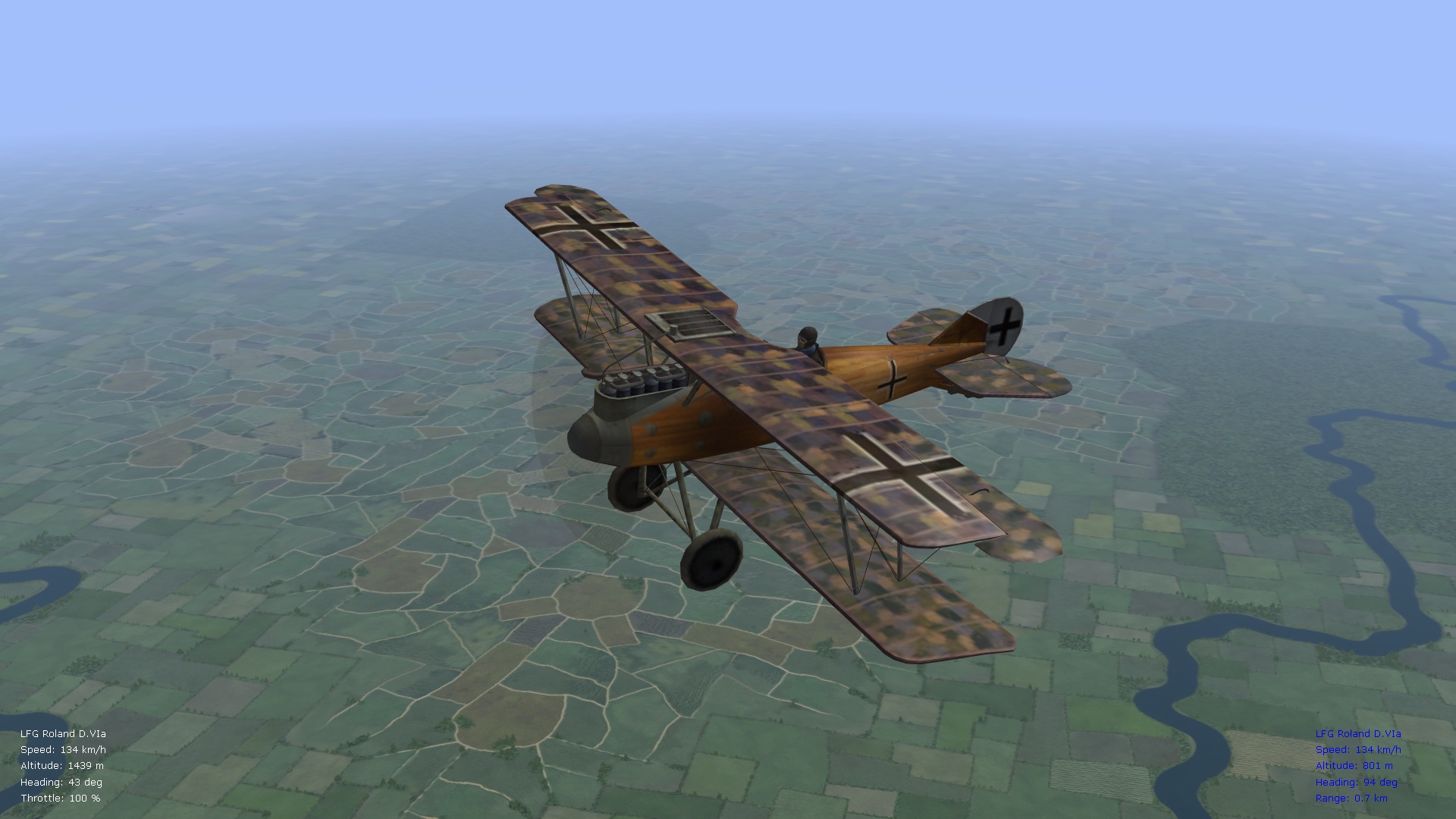
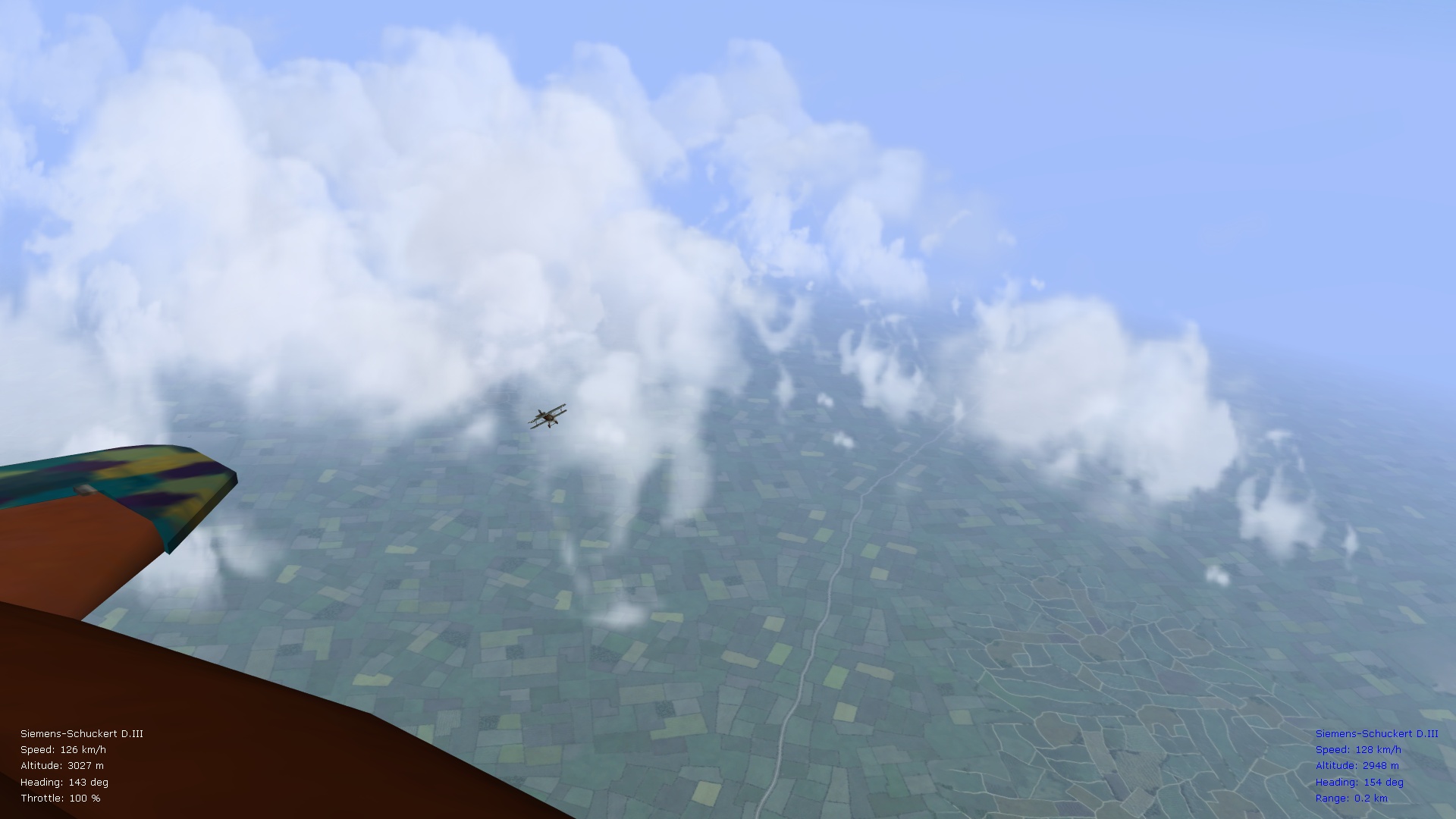
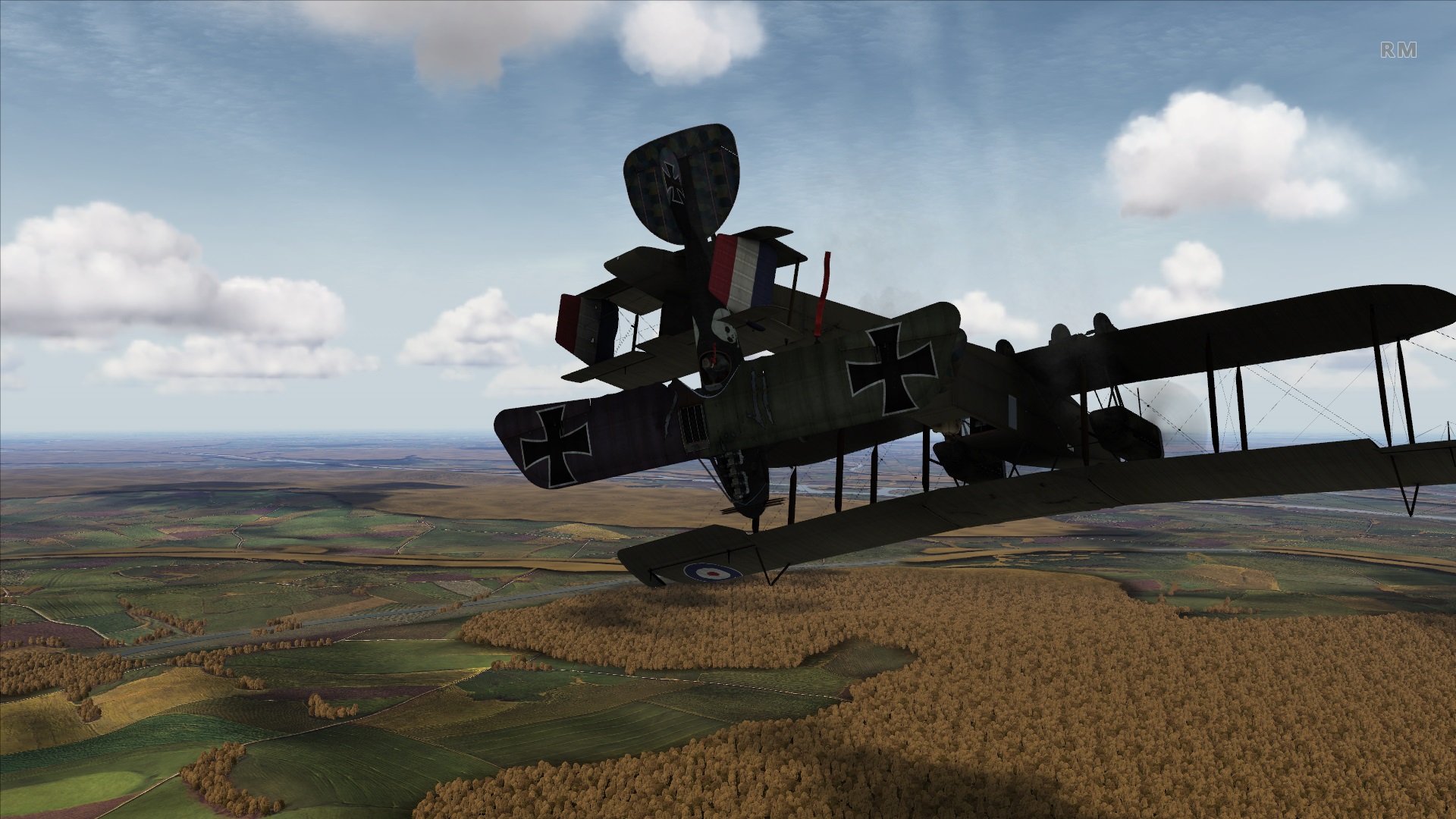
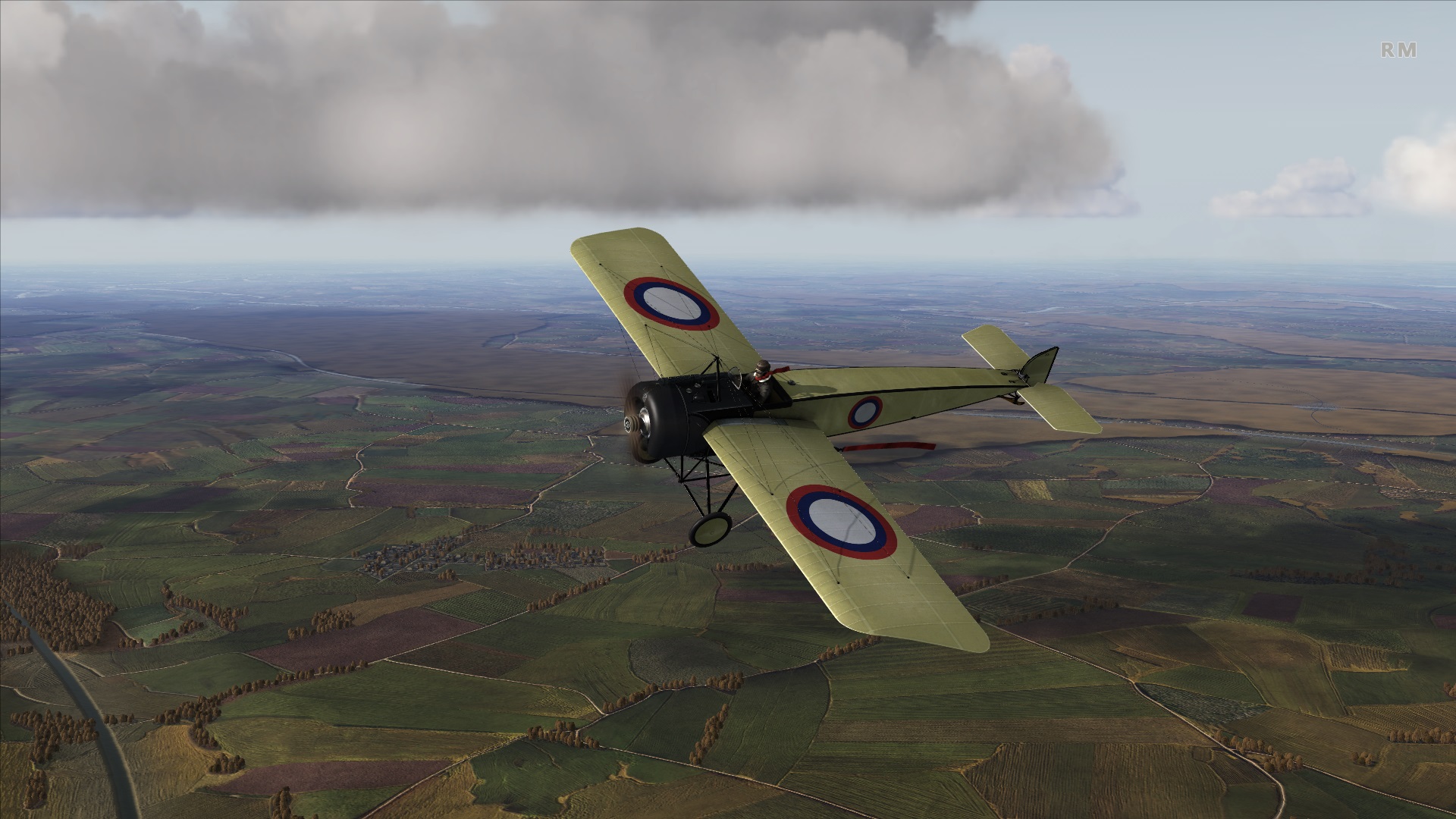
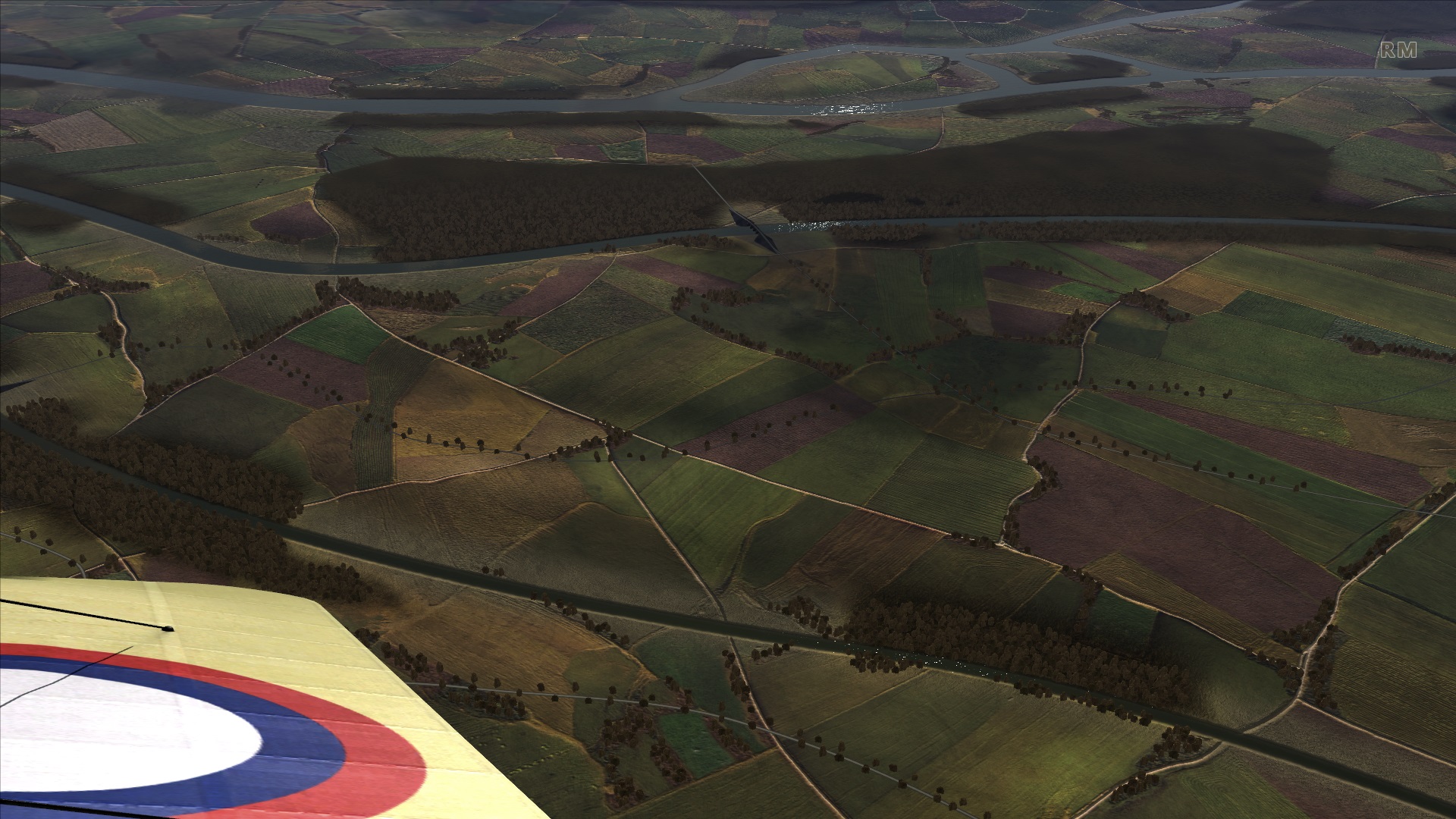
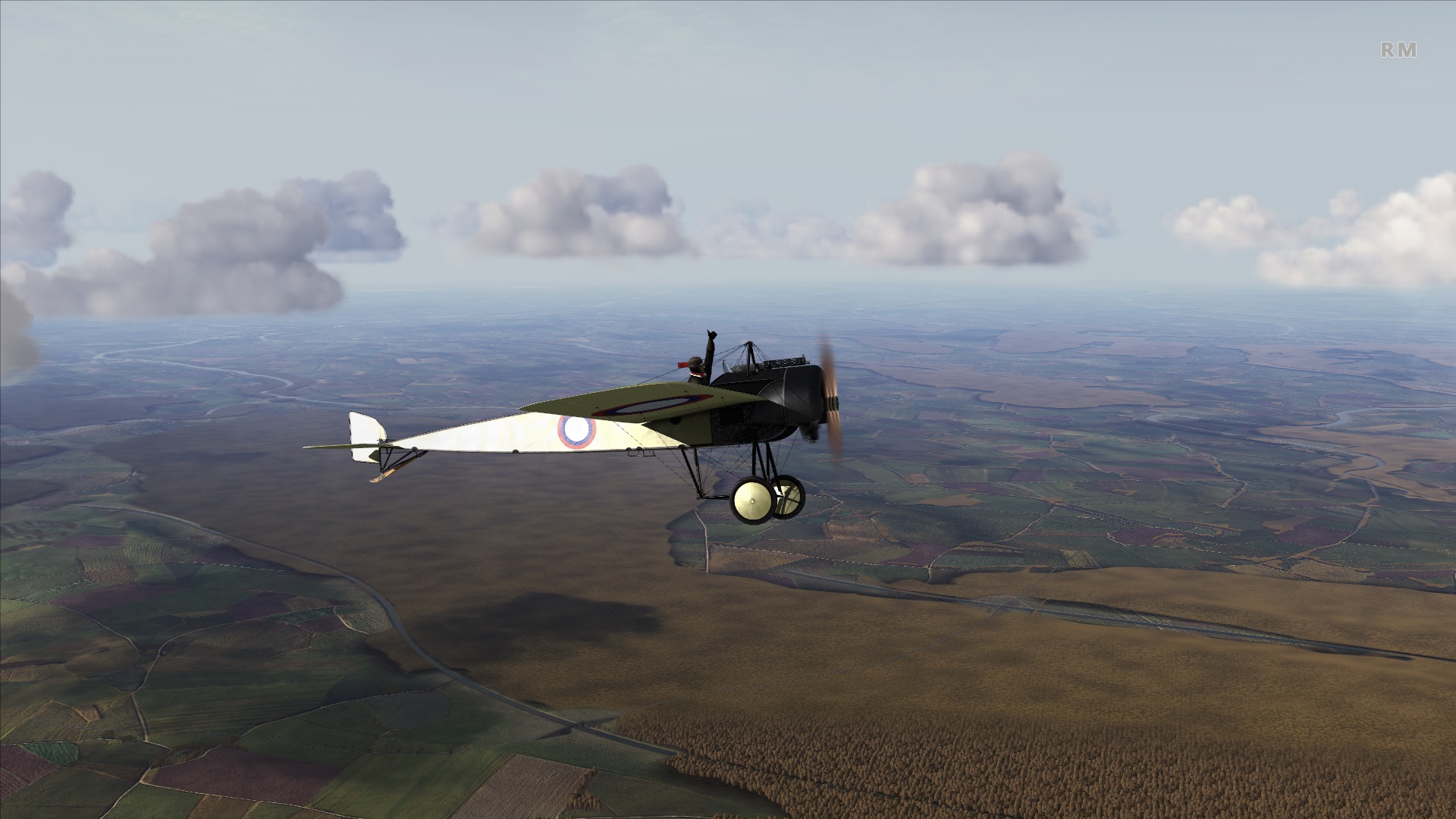
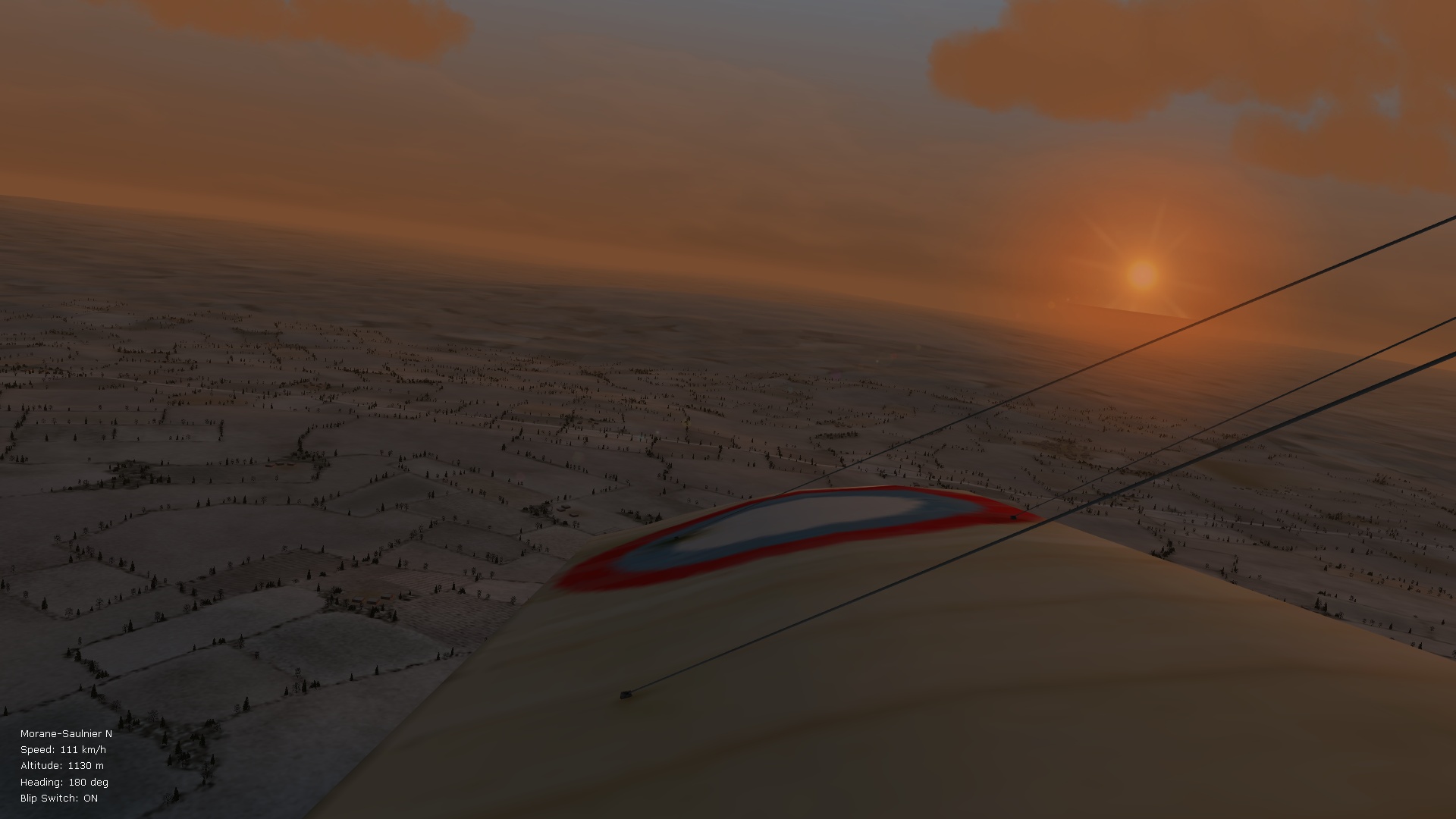
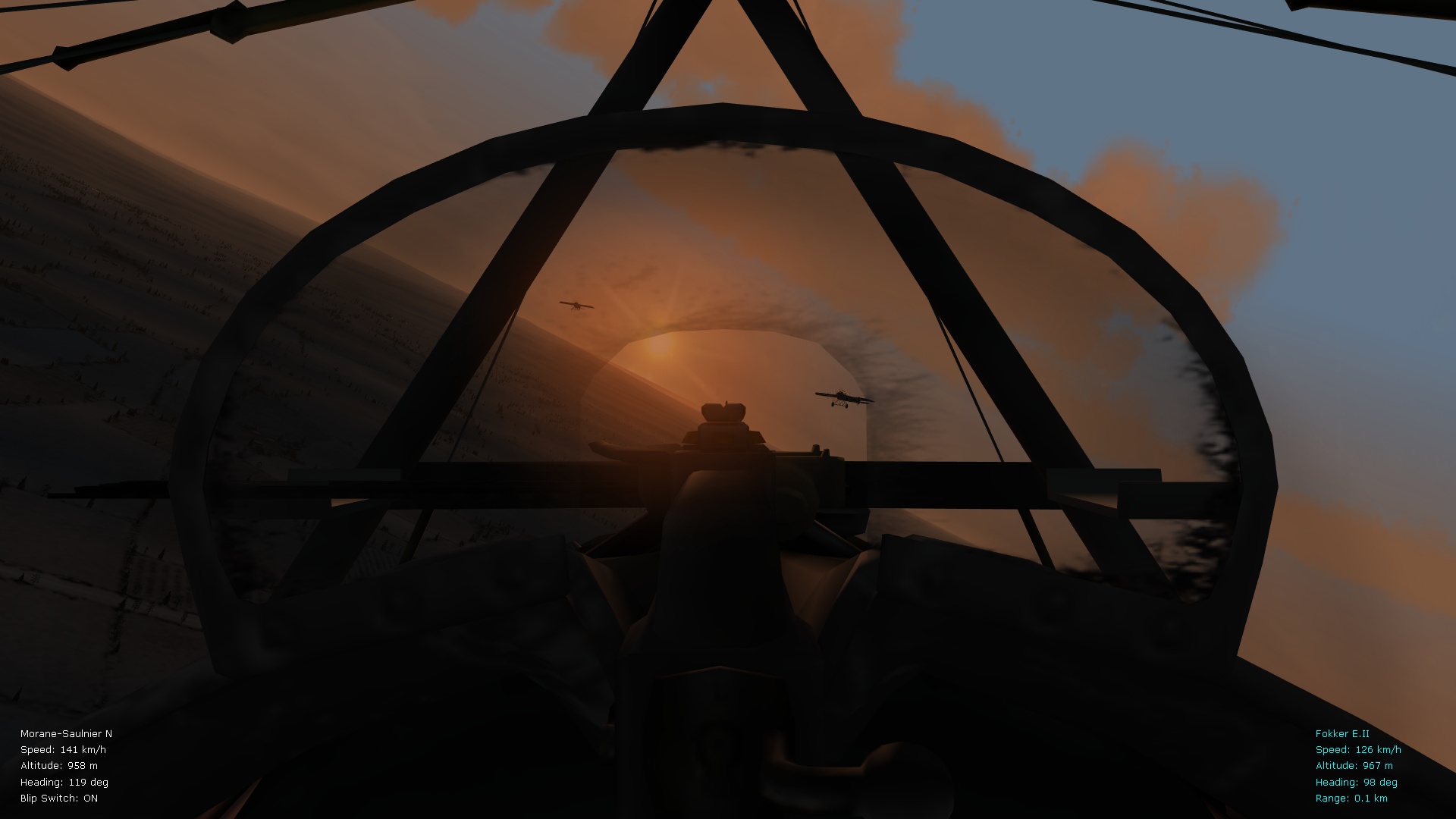
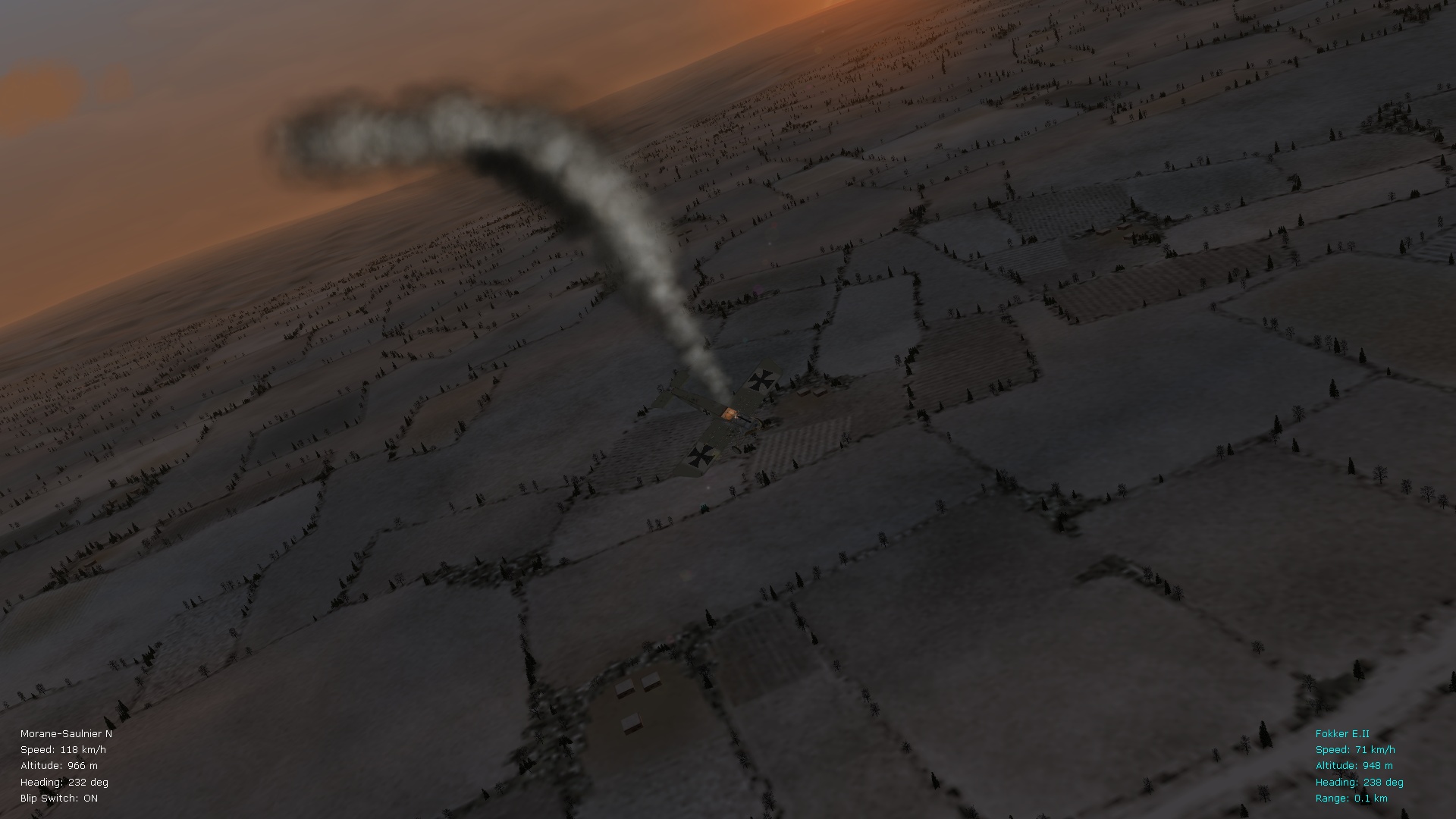
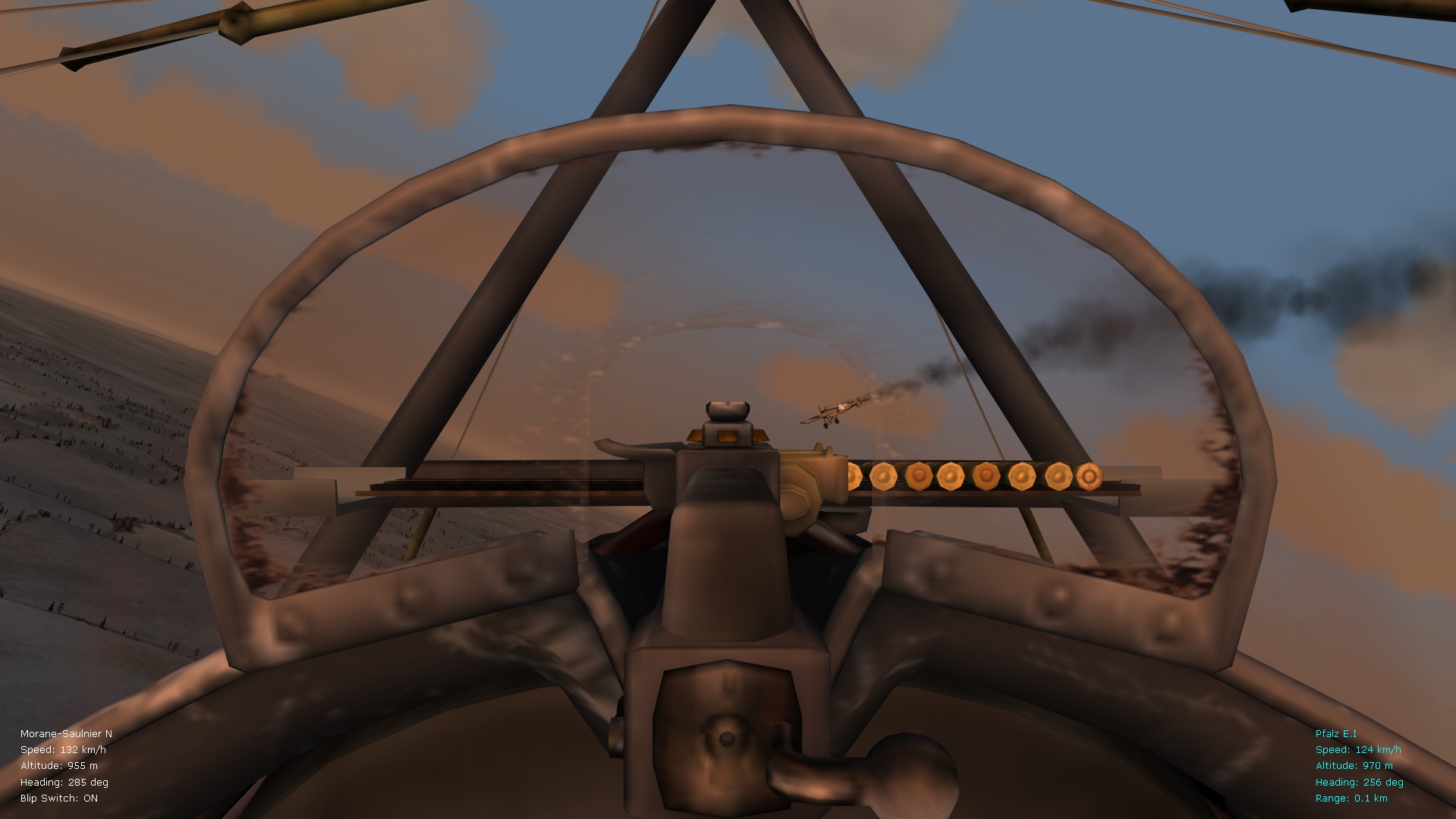
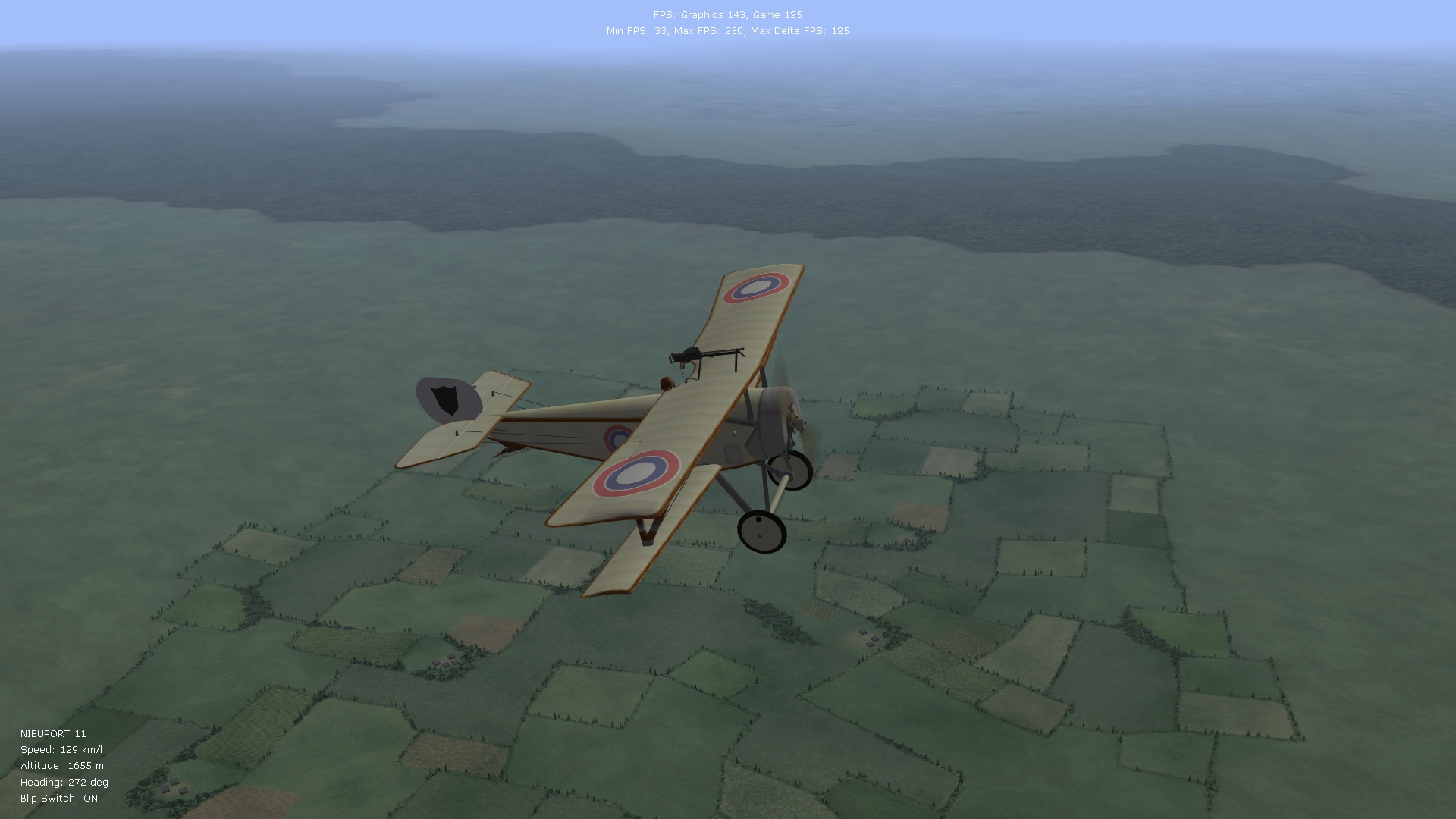
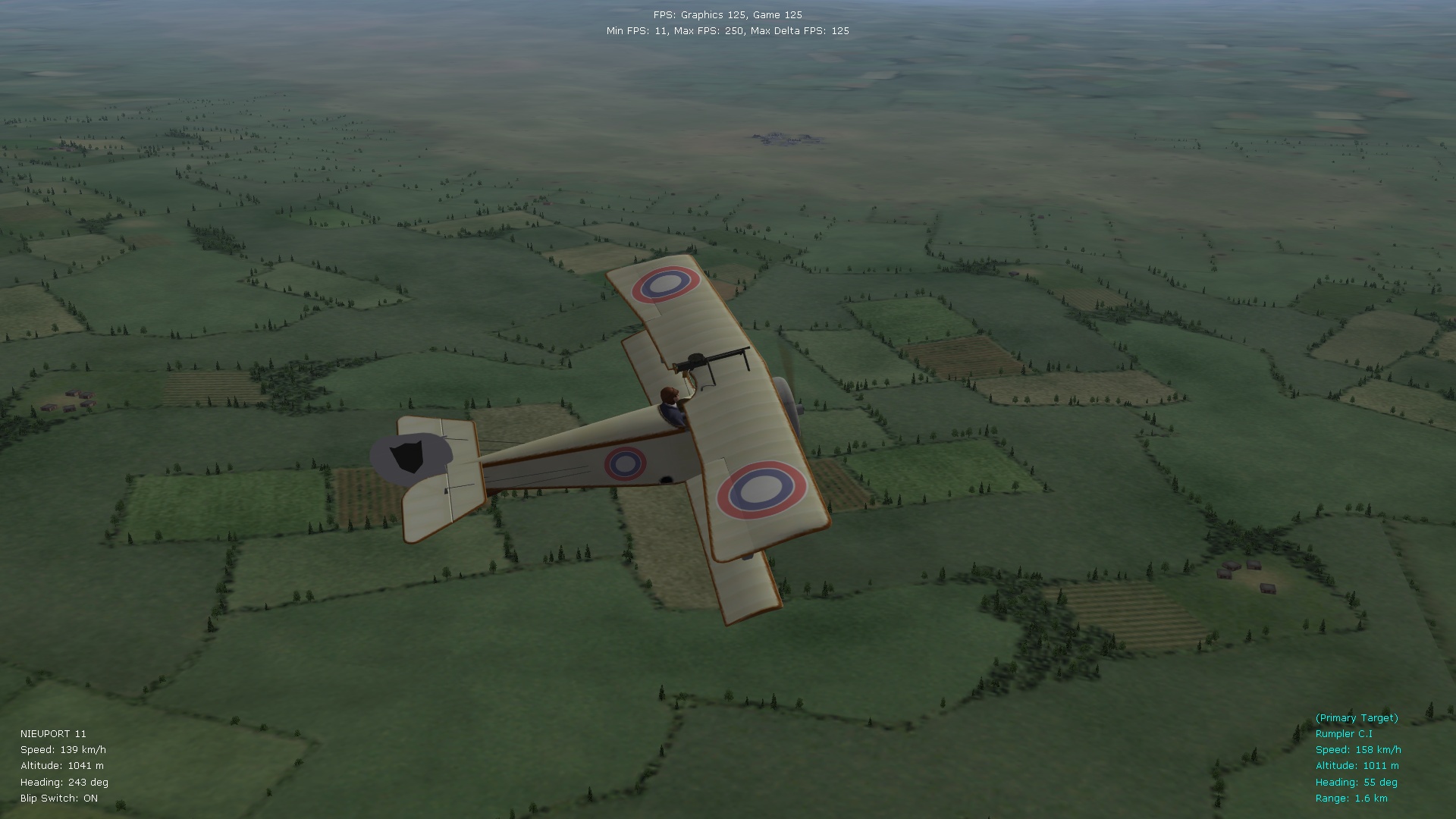
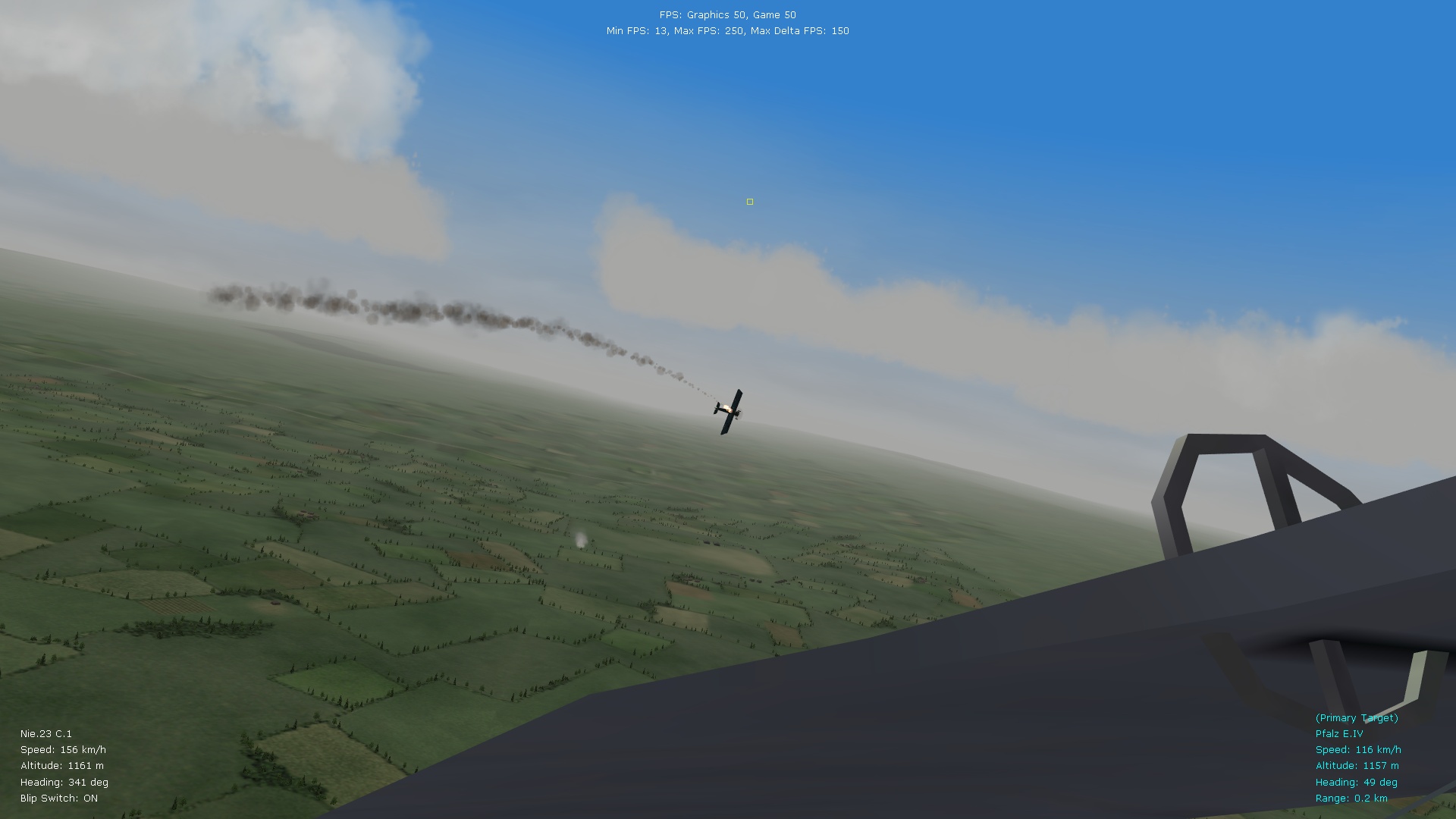
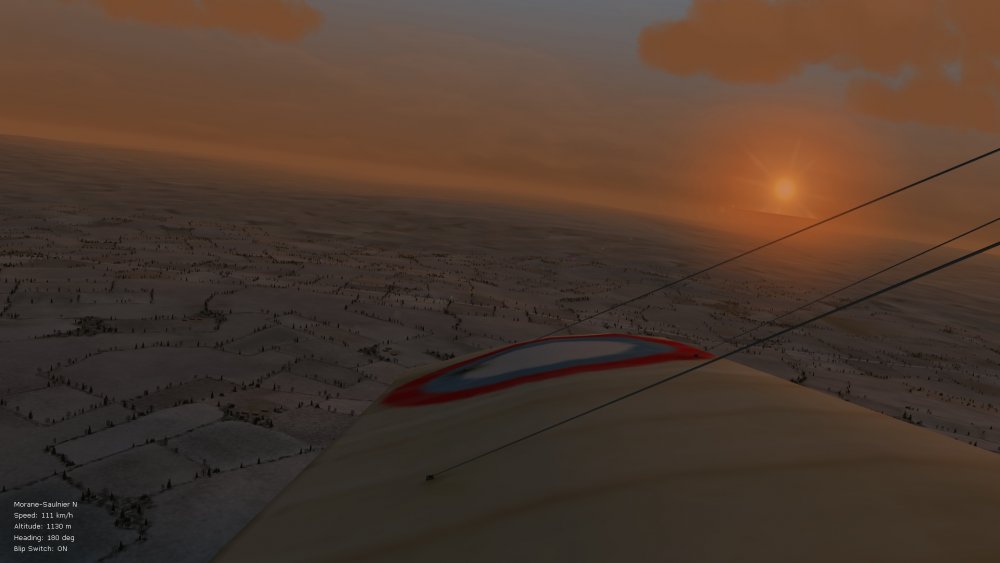
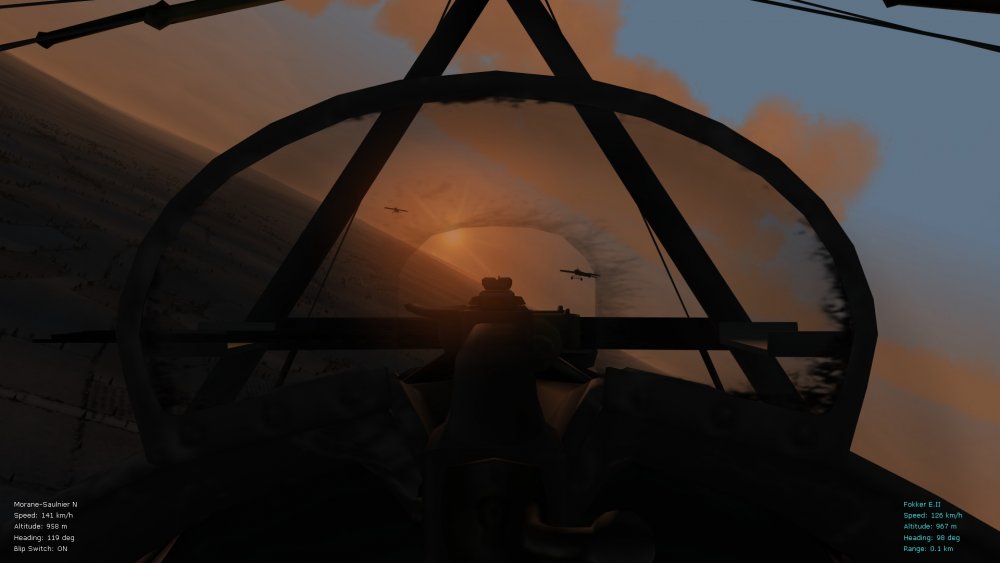
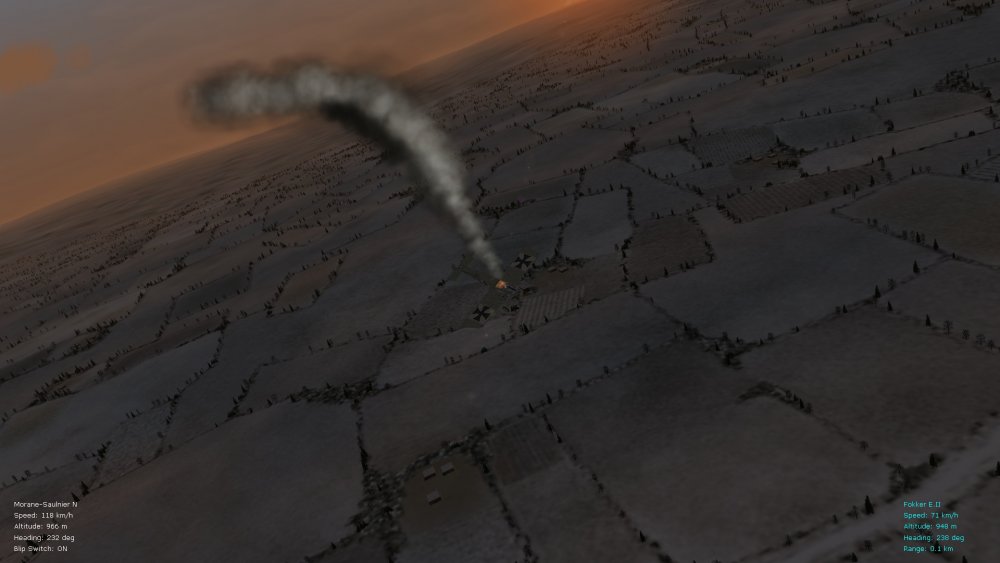
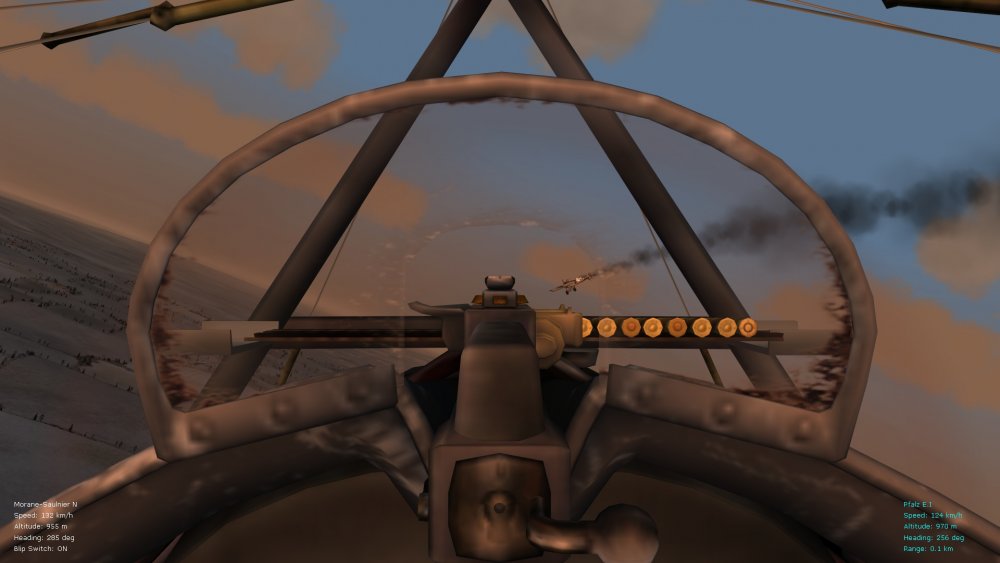
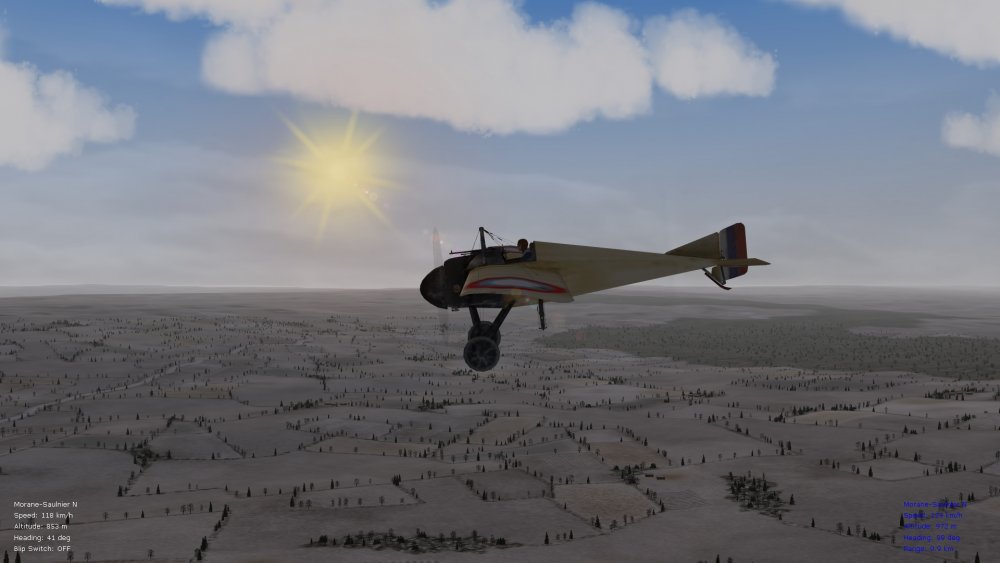
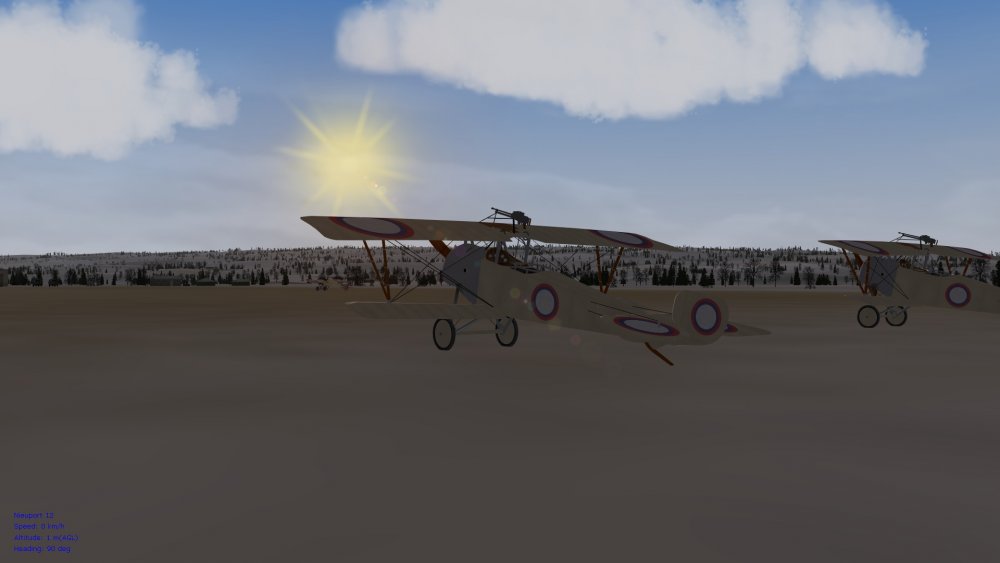
Time for some fresh screenies from our favourite, niche WWI flight sim - FE2. Been doing a bit of WOFFing and a lot of ROFing lately on the BootCamp side of the Mac Pro (in Win10), and I'm pleasantly surprised how well FE2 holds up when compared to those sims. It seems that we have FMs now that are close to those in ROF (from what I've been able to compare in ROF), but AI that is closer (more varied) to the one used in WOFF - best of both worlds I think. Thank you modders for your continued work on FE/FE2. Early morning offensive patrol in the pics below, using Stephen's new Galicia terrain (pics. below are on medium settings in WineSkin, by the way, on the Mac side of things). Von S P.S. If you've put in enough "flight time" with the modded FMs in FE/FE2...you shouldn't have any special difficulty flying the FMs in ROF that have often been described as very difficult on full realism settings.
-
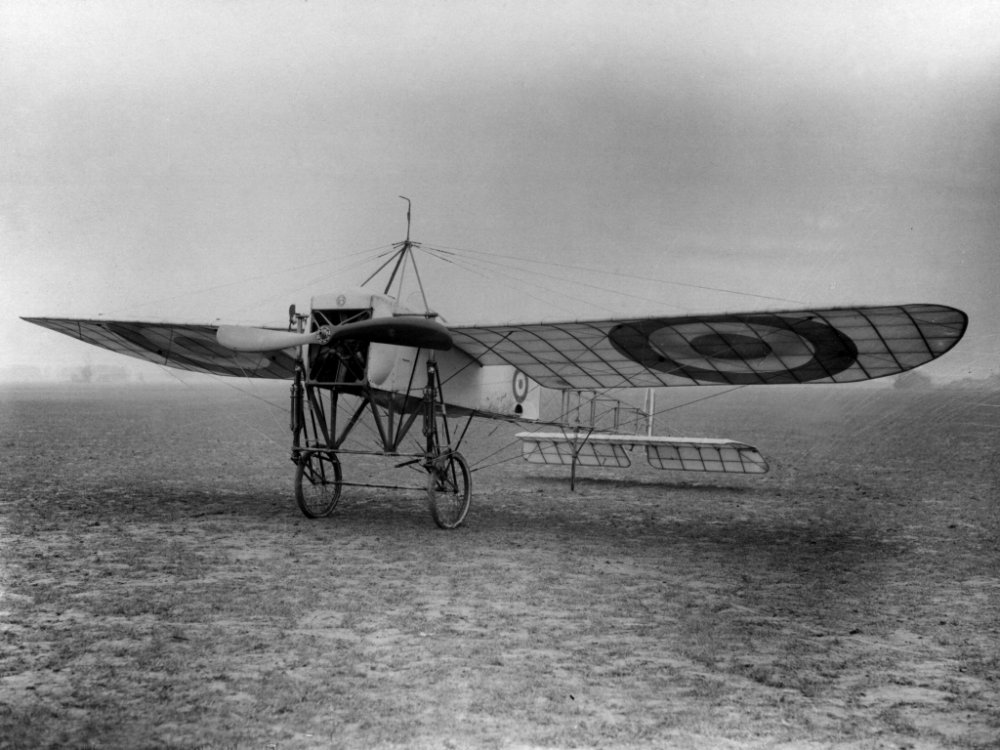
Love those old postcards with imitations of the Bleriot XI, Crawford - happy new year to you as well! Von S
-
Well this is a nice surprise! Welcome back Geezer. I think the Breguet XIV needs more work...that model is incomplete, and the Junkers J.I probably requires further tweaking of the 3-d model....other than that I think most of the aircraft you've been working on are as good as they come - there are about five or six uploads in total under this "new aircraft" thread where your nearly complete Nieups., Pfalzes, Halb., etc. have been posted. Happy new year to all, Von S
-
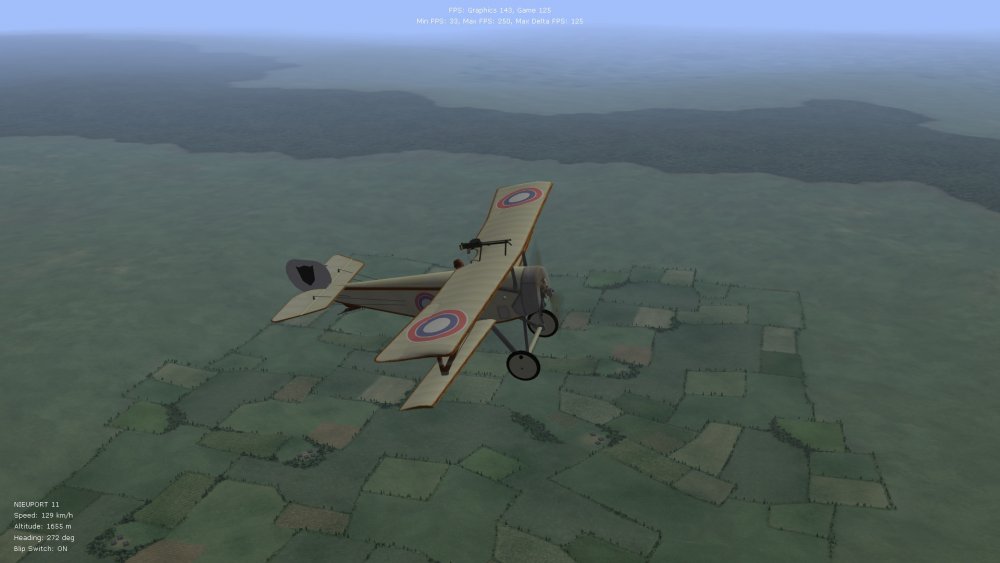
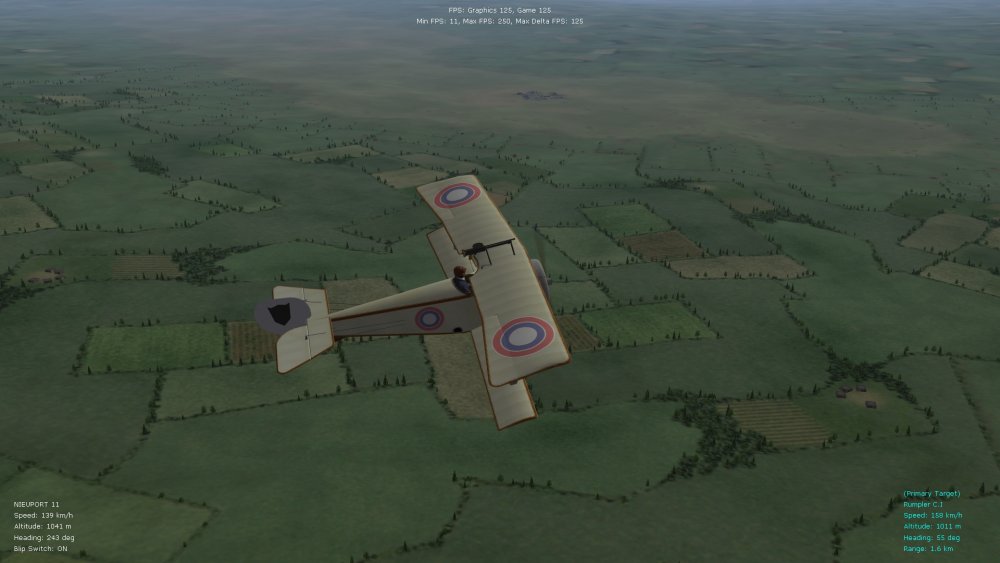
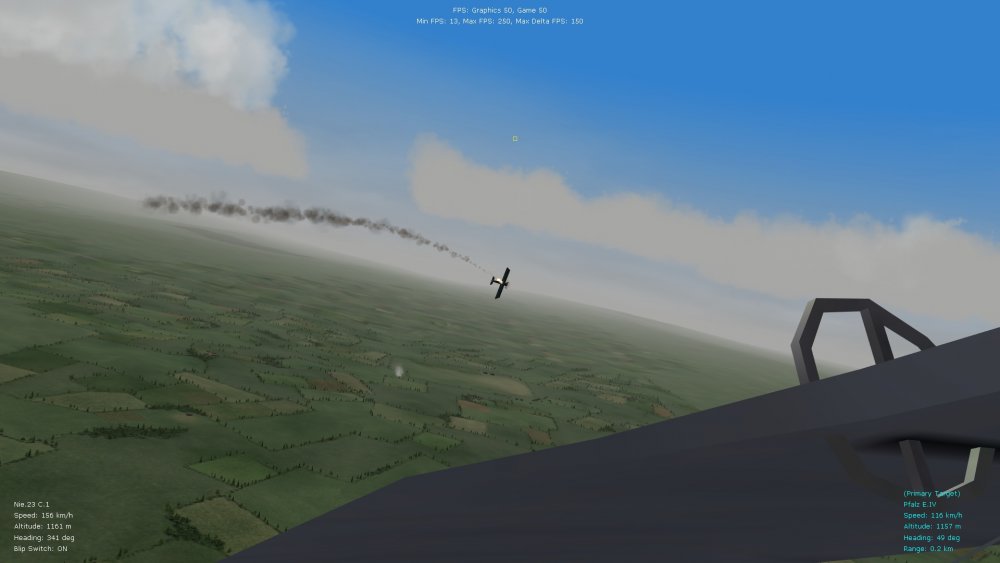
Good news on the WineSkin side of things too - dropping the dx9 driver into the FE2 game folder, within the WineSkin wrapper, improves the fps on the Mac side as well. Recommended is to set dx9 to "true" in the options.ini file, and enhanced shaders to off (0), as specified in the post above for BootCamp. Smooth fps can be attained then, and it's fine to increase the resolution to 1920 x 1080. The in-game (graphics) settings in FE2 running in WineSkin should be set to "medium" - otherwise there is slight stuttering at high settings. (The MacOS side doesn't crossover/link the two video cards on the Mac pro...while in BootCamp high/unlimited settings are fine in FE2.) It's possible that dropping the dx9 driver into the FE2 game folder even on Macs running Intel integrated vid. cards, such as the Mac Mini, might lead to fps boosts. Some representative pics below of FE2 in WineSkin with the dx9 driver in the game folder (pics. in the post above are from BootCamp...at unlimited/high settings.) GTerl's Caporetto terrain also works great in WineSkin, by the way. Happy flying, Von S NOTE: recommended, with the dx9 tweak, is the higher mesh size flightengine.ini file, for your Flight folder, even if you have FE2 installed in WineSkin - in BootCamp I have the higher mesh size flightengine.ini file running and it works fine, even with high/ultimate graphics settings in game. Pics. below are with the higher mesh size and medium graphics settings, in WineSkin. For integrated vid. cards, best is to use the simpler/default flightengine file (both are included with the ver. 9.5 FM update pack).
-
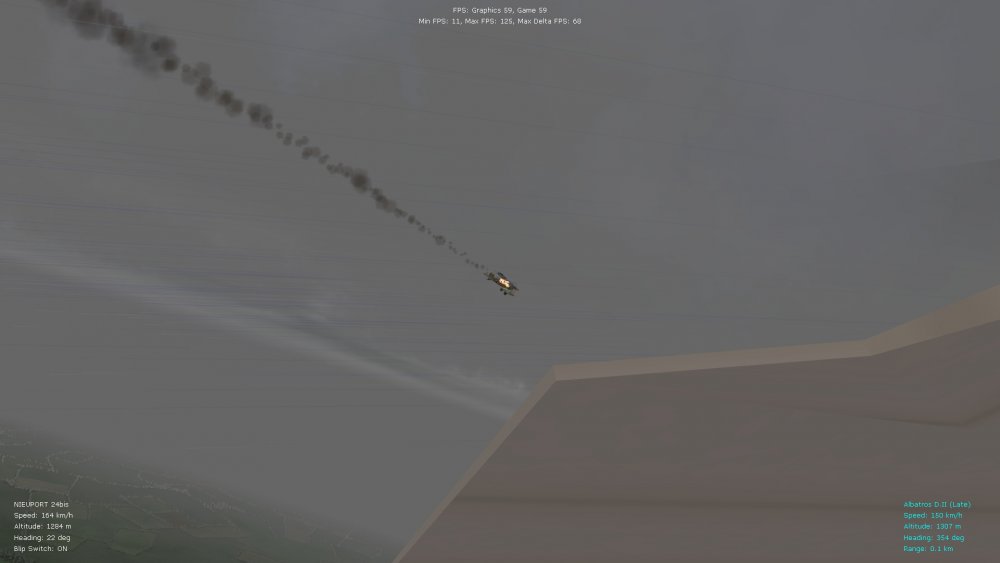
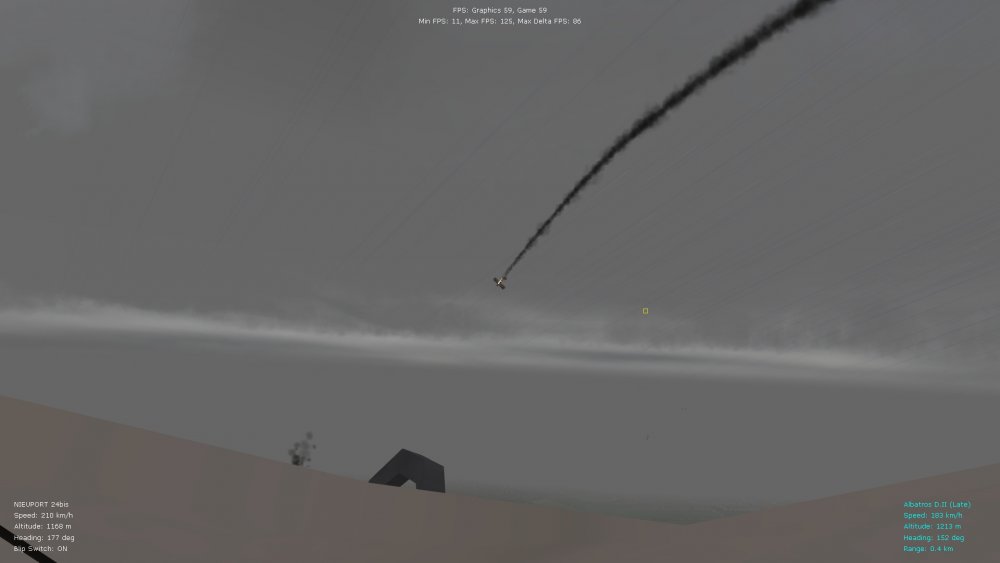
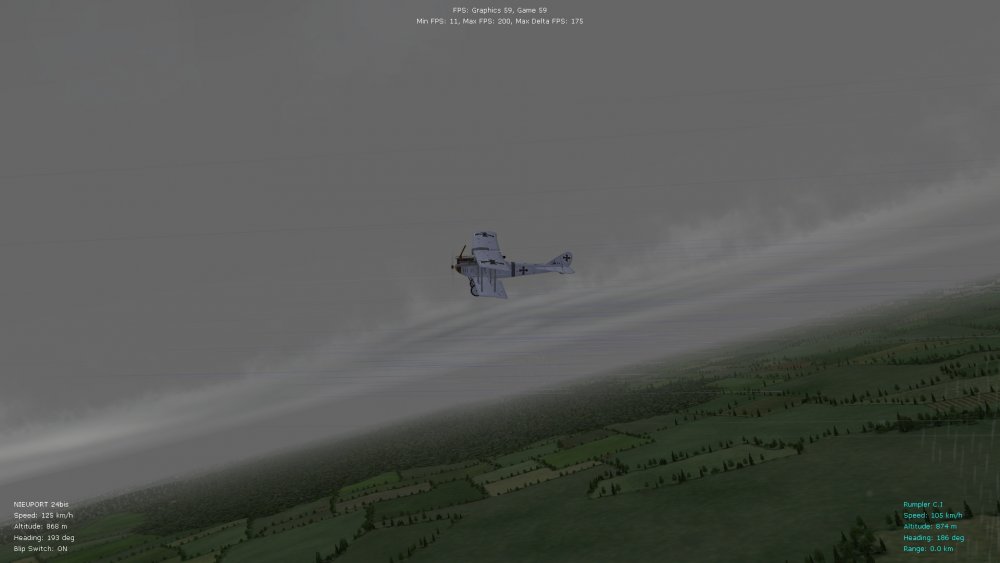
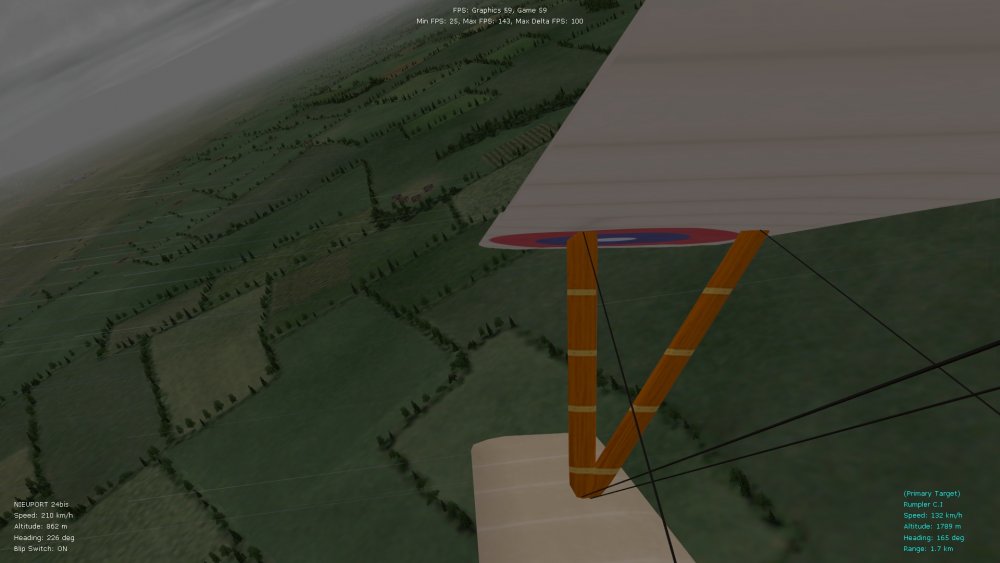
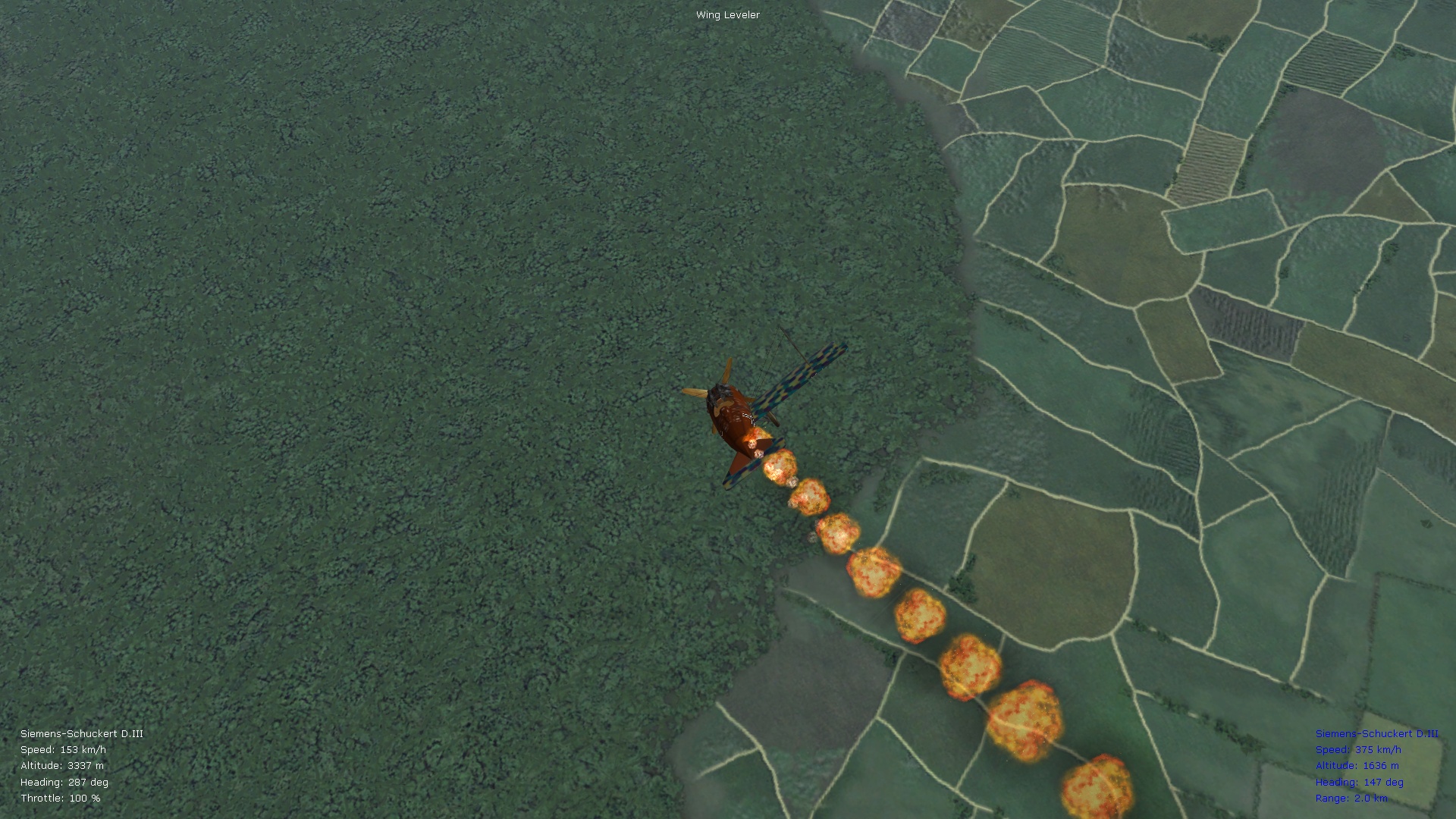
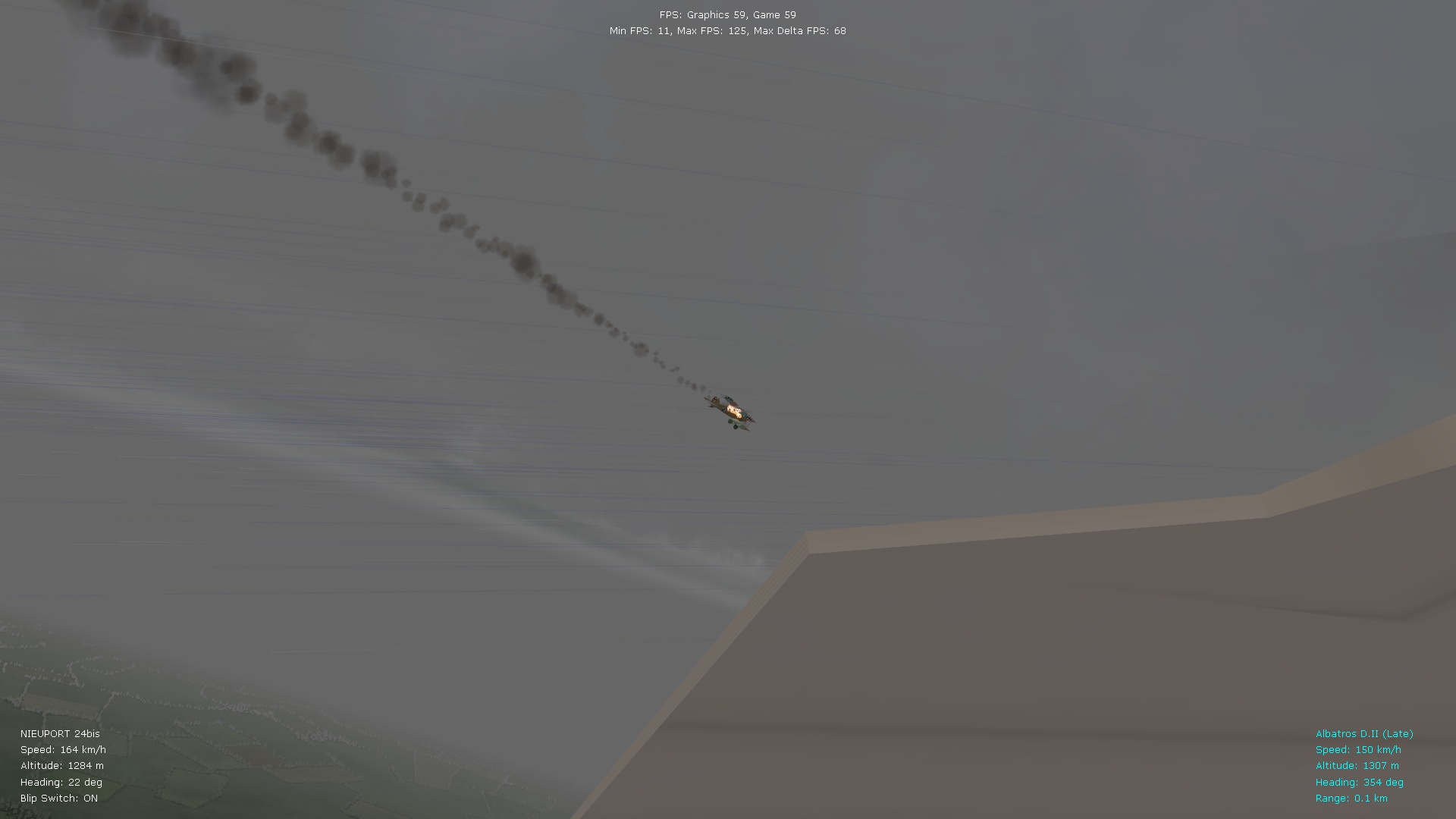
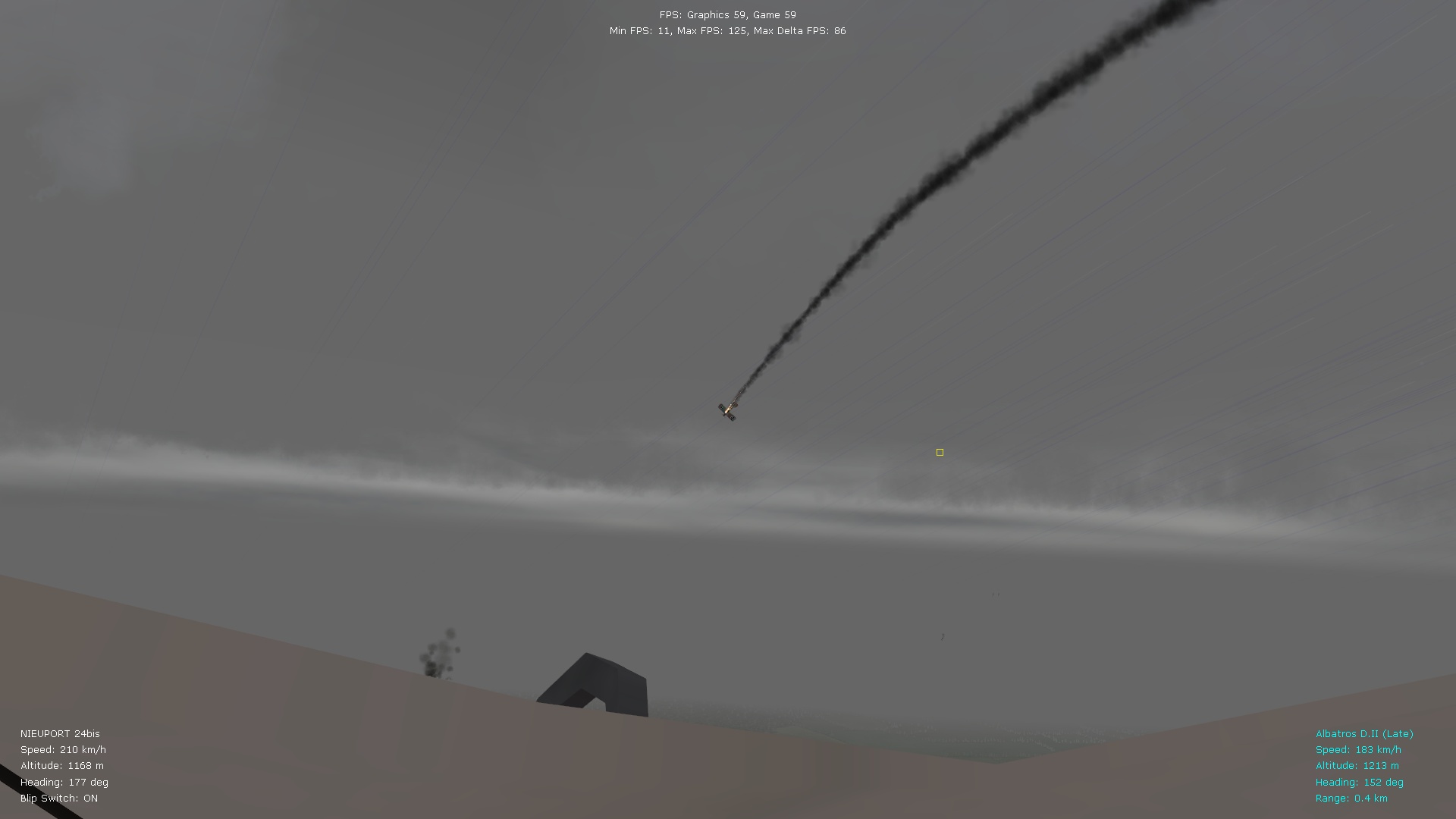
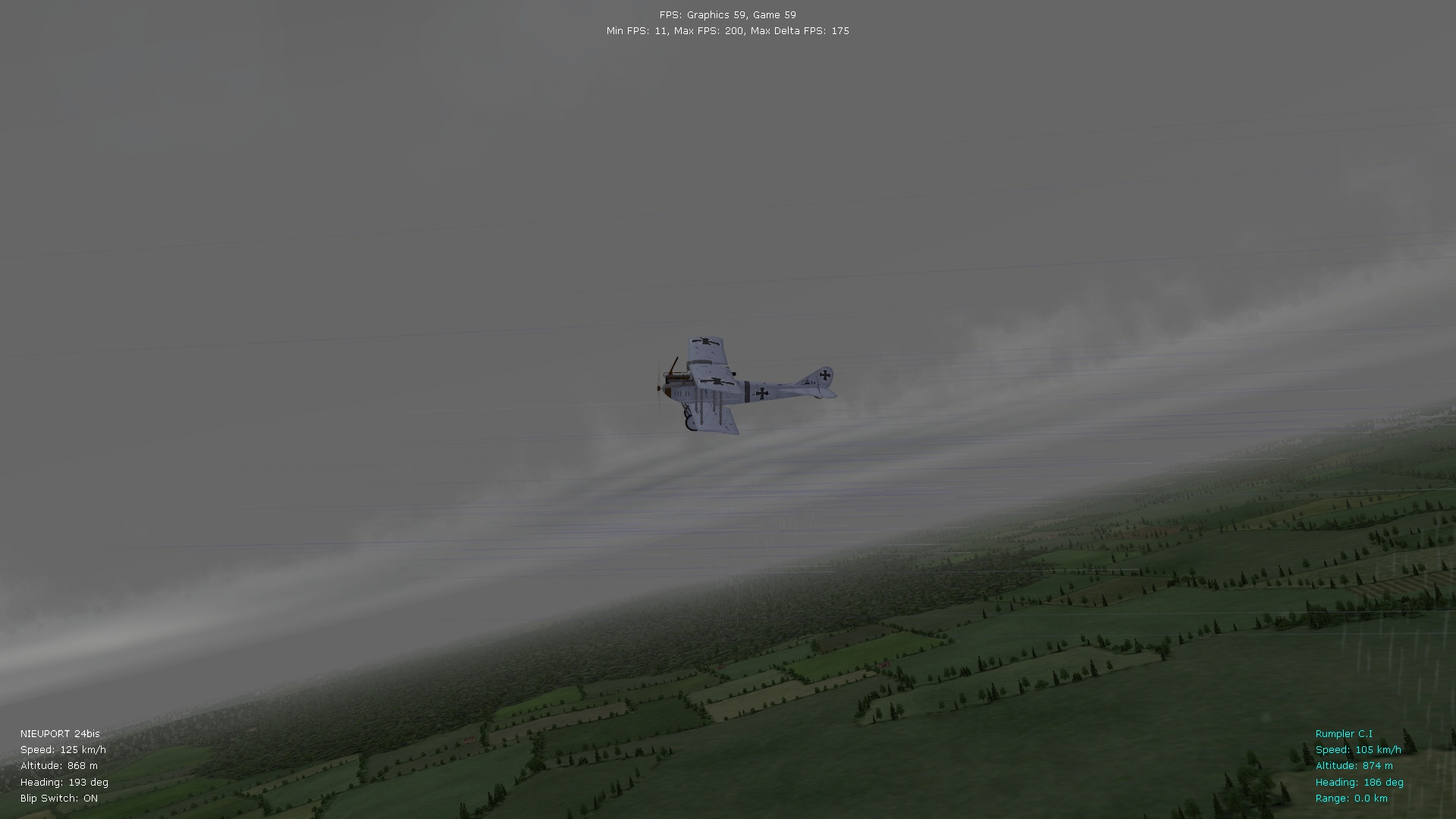
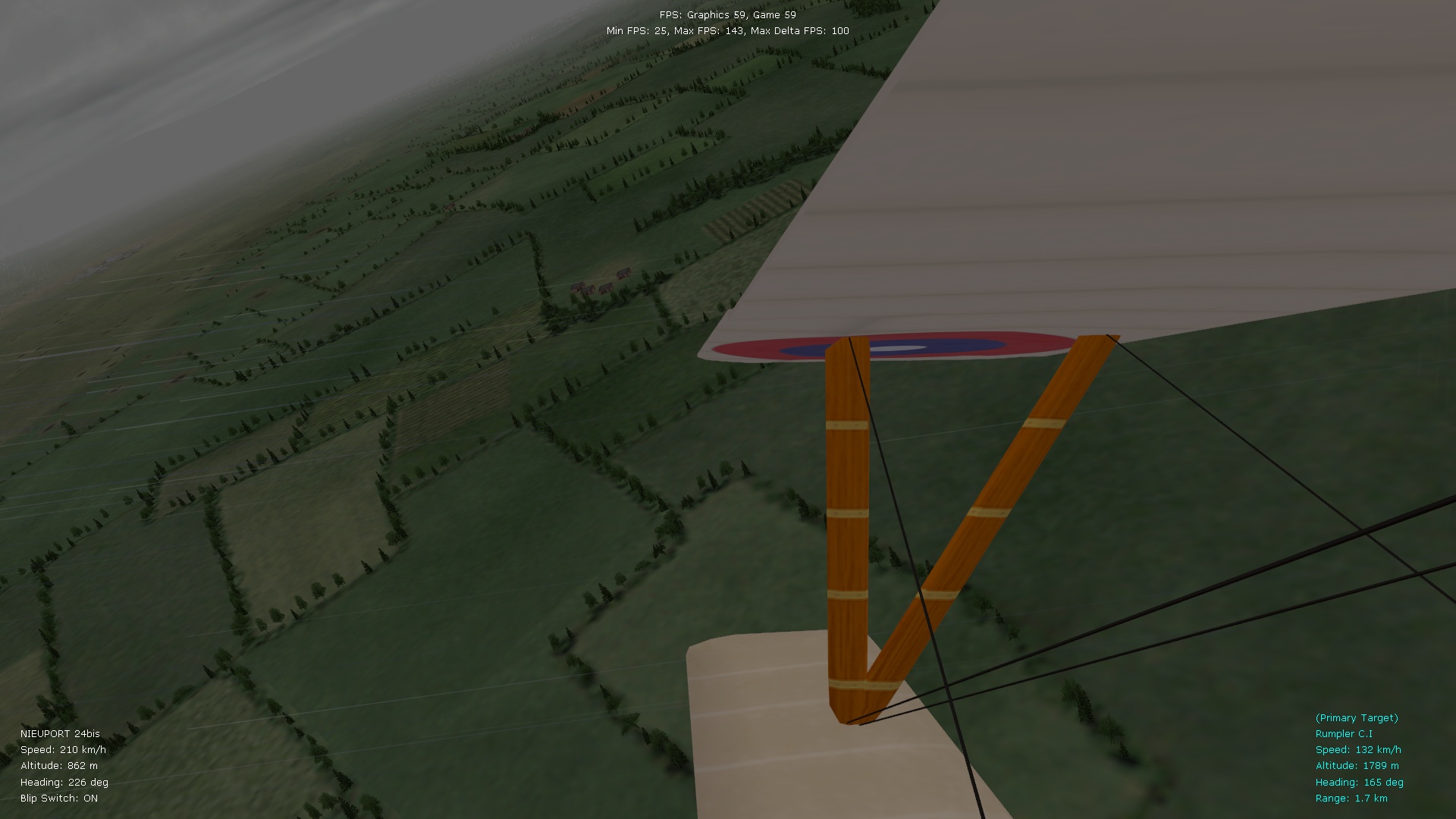
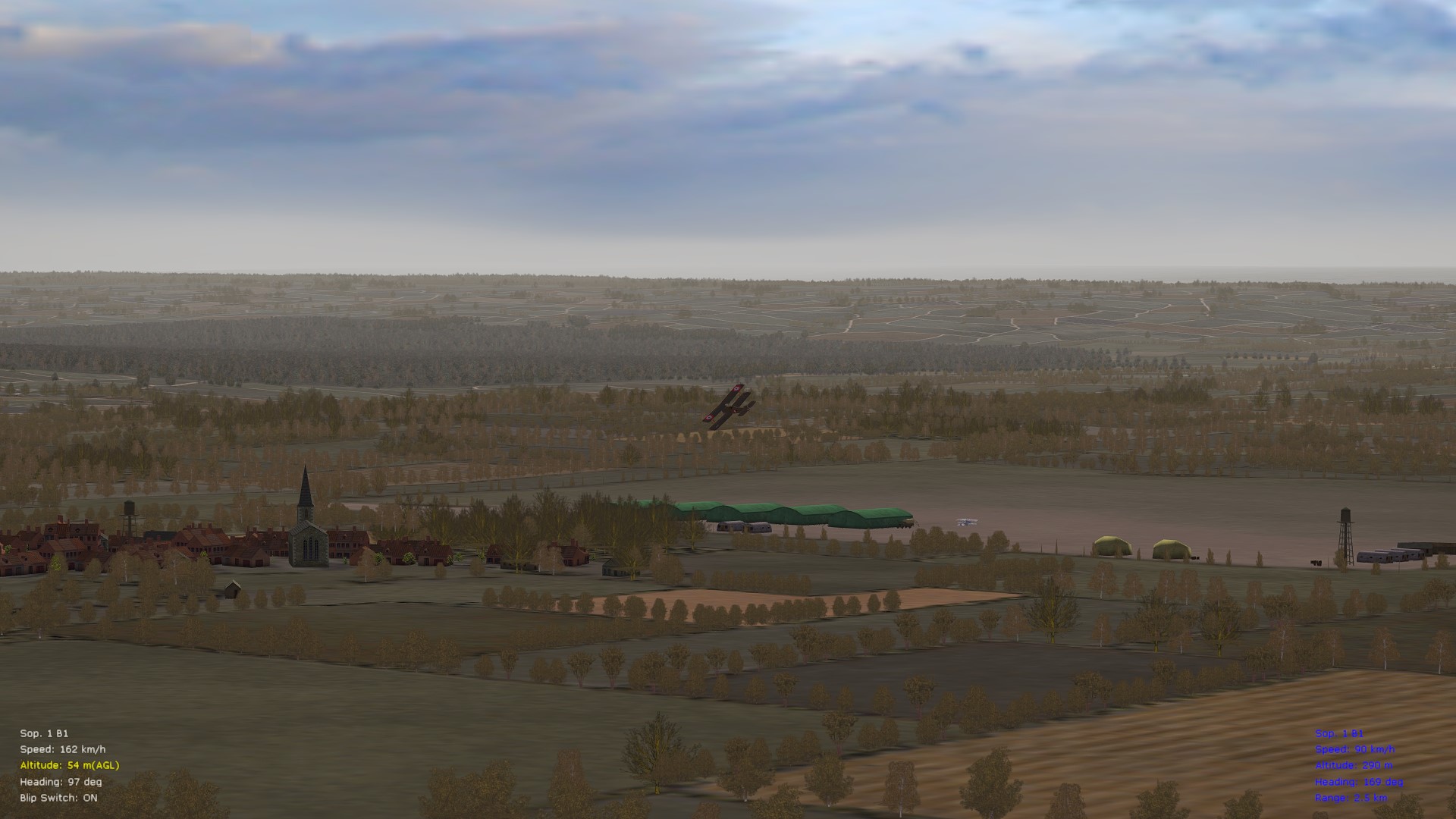
Representative pics with dx9 enabled (subtler clouds, better peripheral fog, classic rain drops visible together with the tga file raindrops, more realistic/subtle smoke and fire effects). Resolution at 1920 x 1080 in BootCamp, by the way. Von S