VonS
-
Posts
1,026 -
Joined
-
Last visited
-
Days Won
2
Content Type
Profiles
Forums
Gallery
Downloads
Store
Everything posted by VonS
-
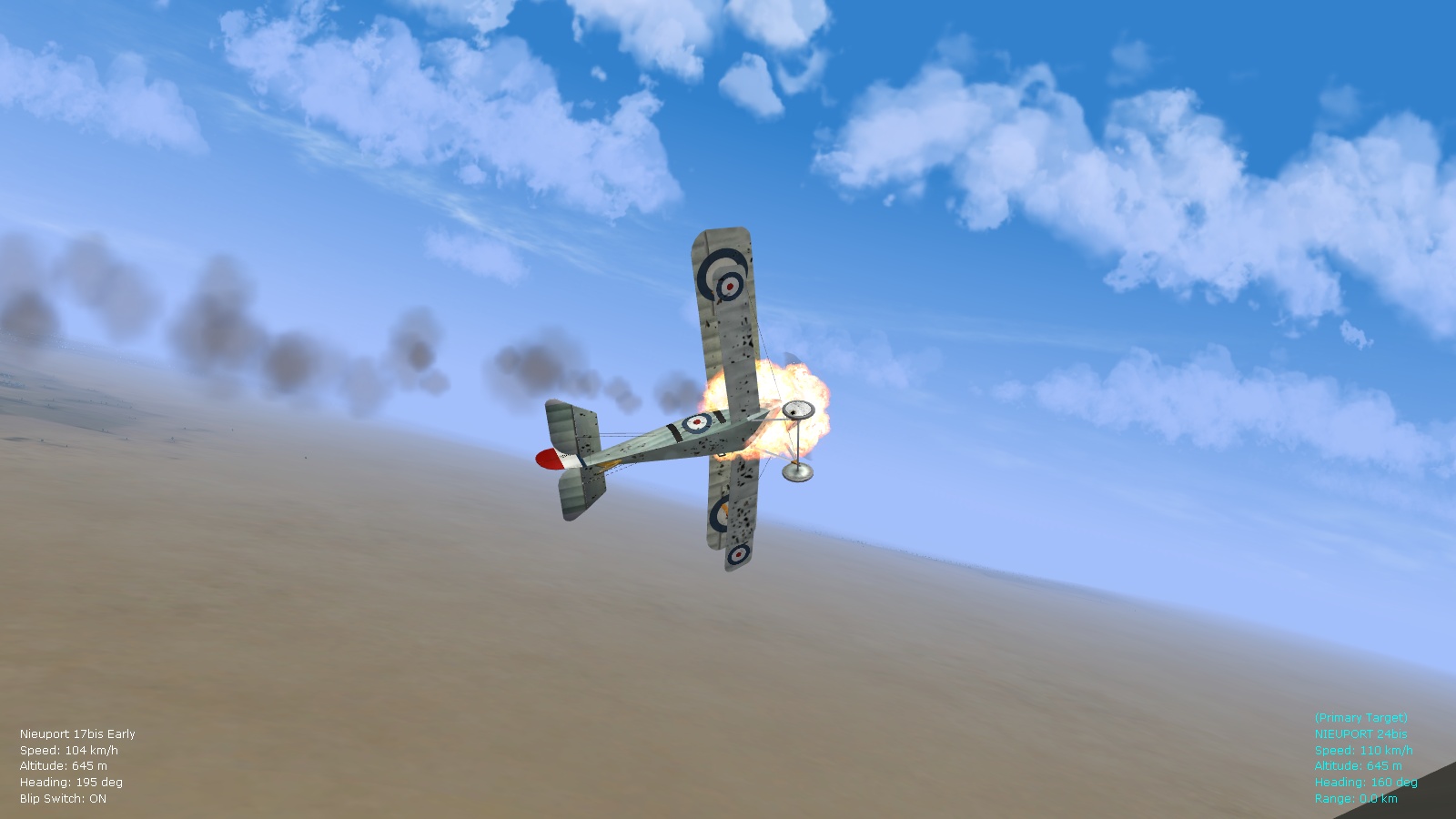
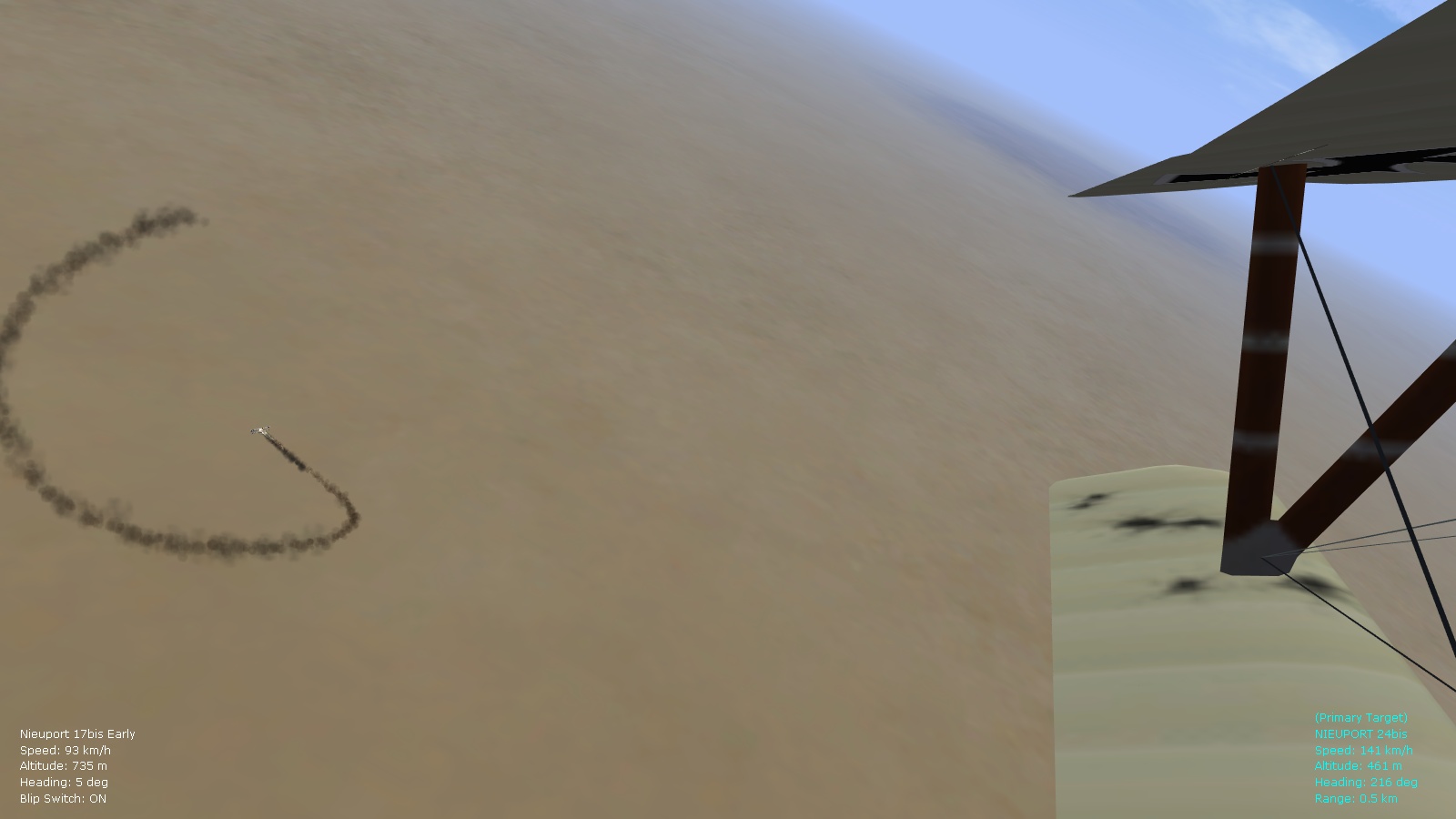
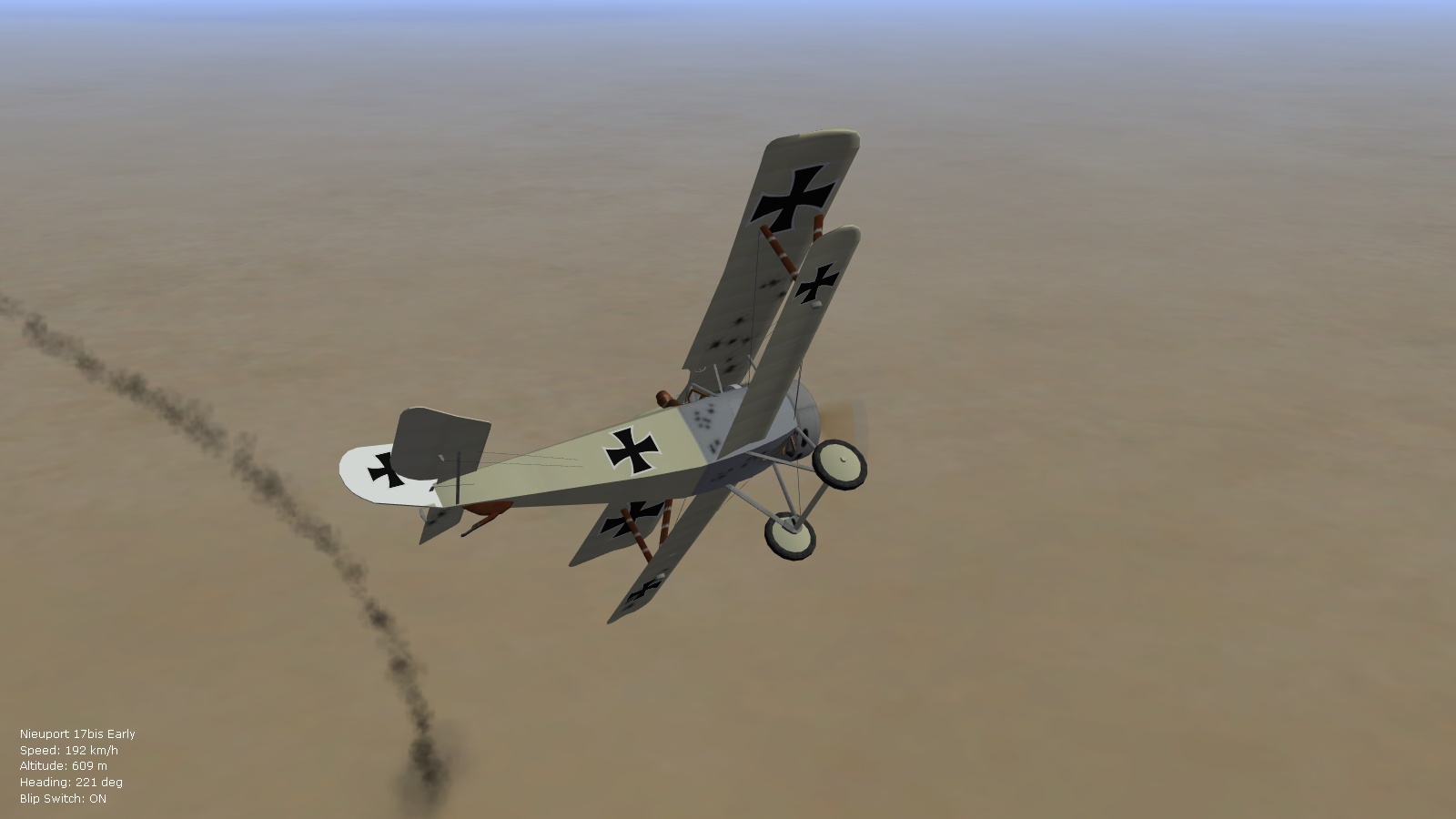
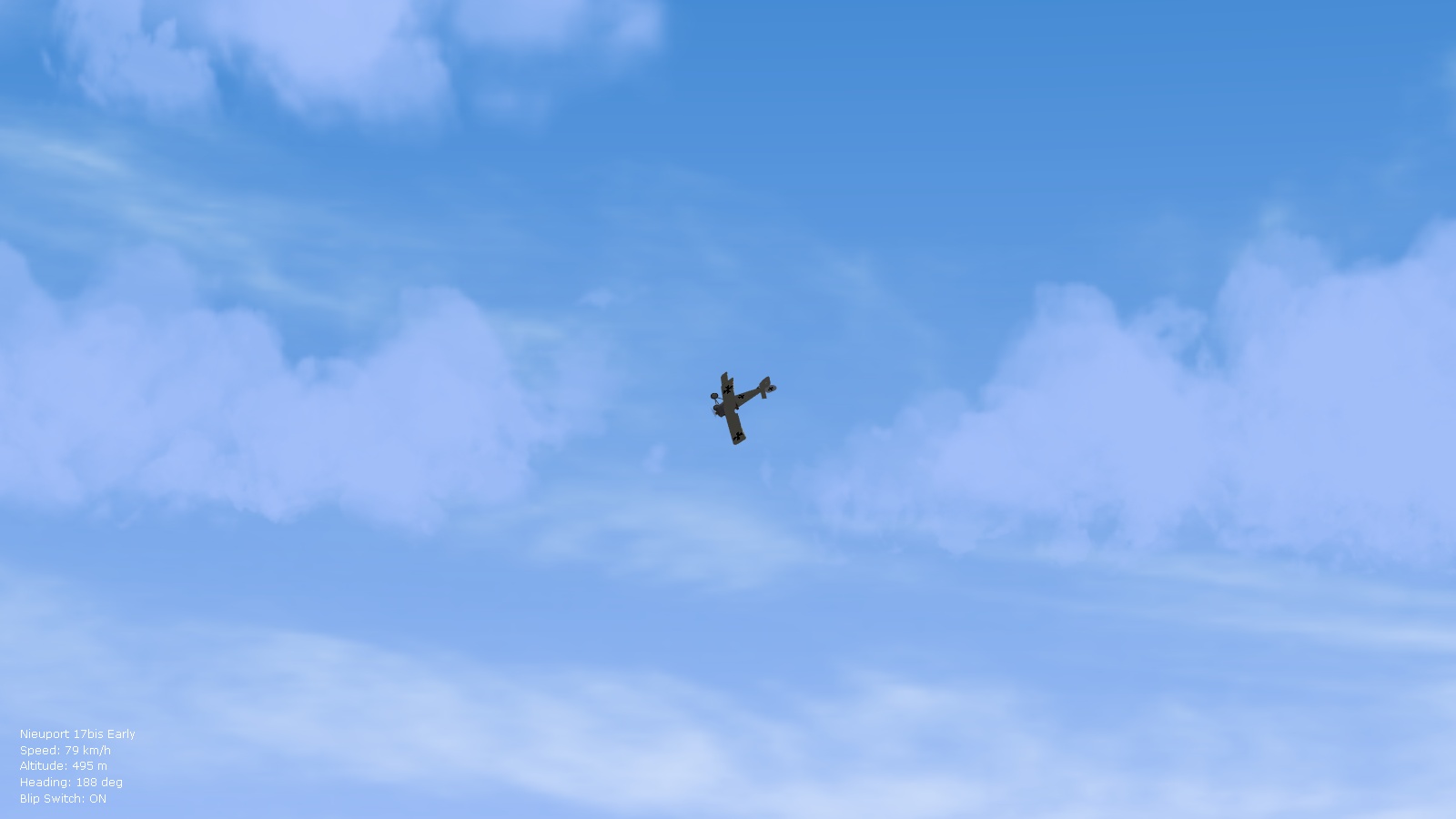
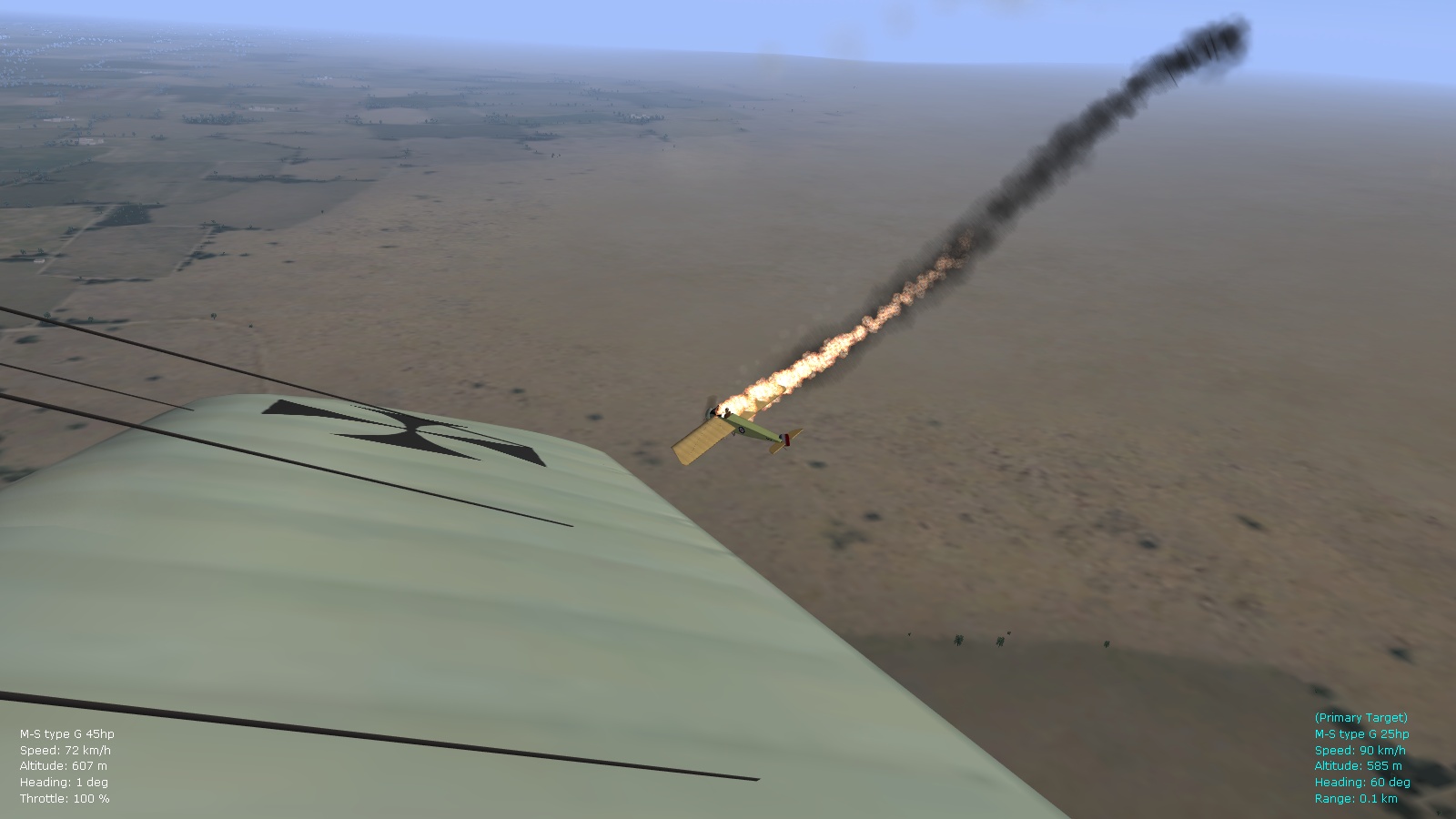
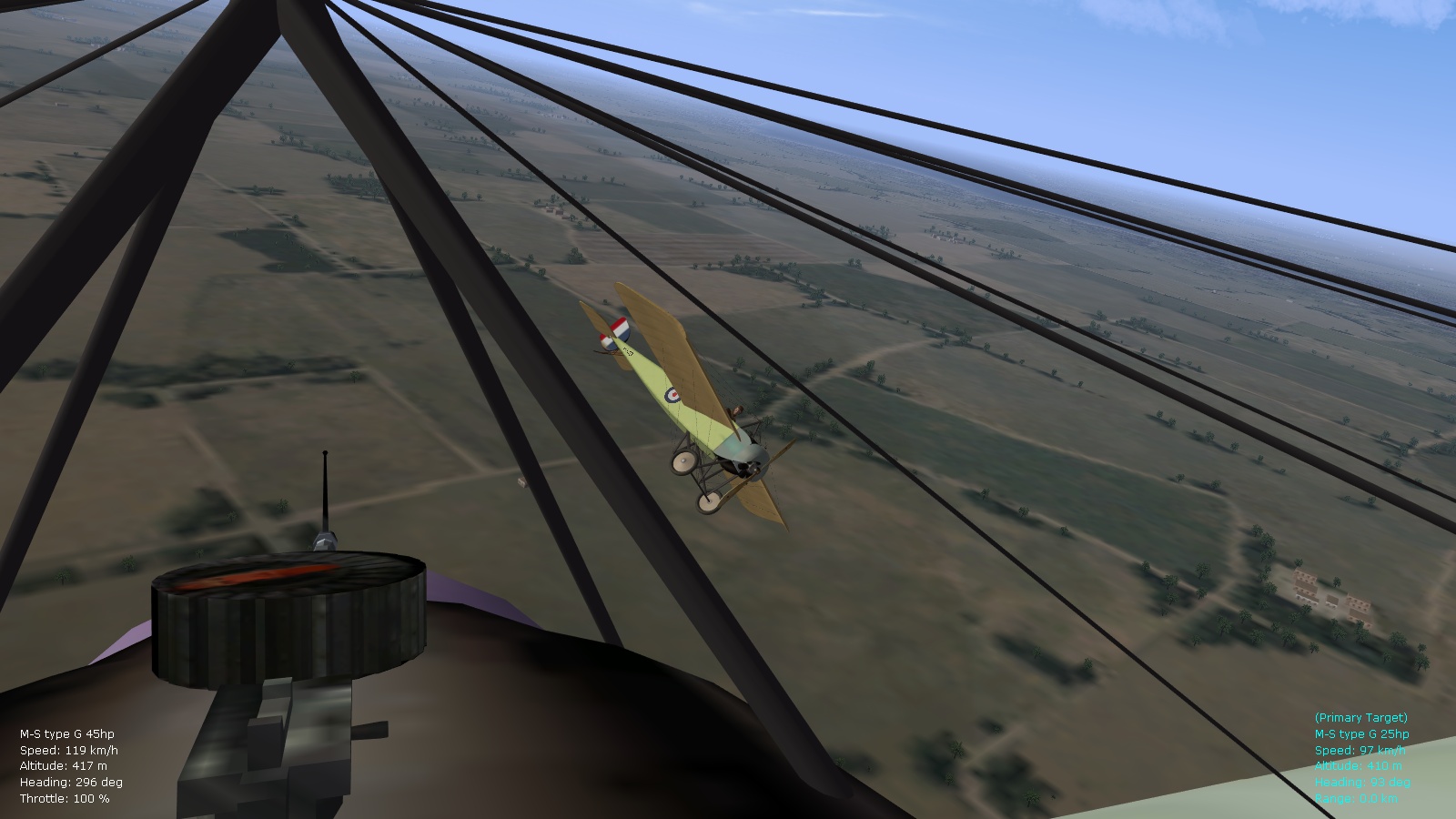
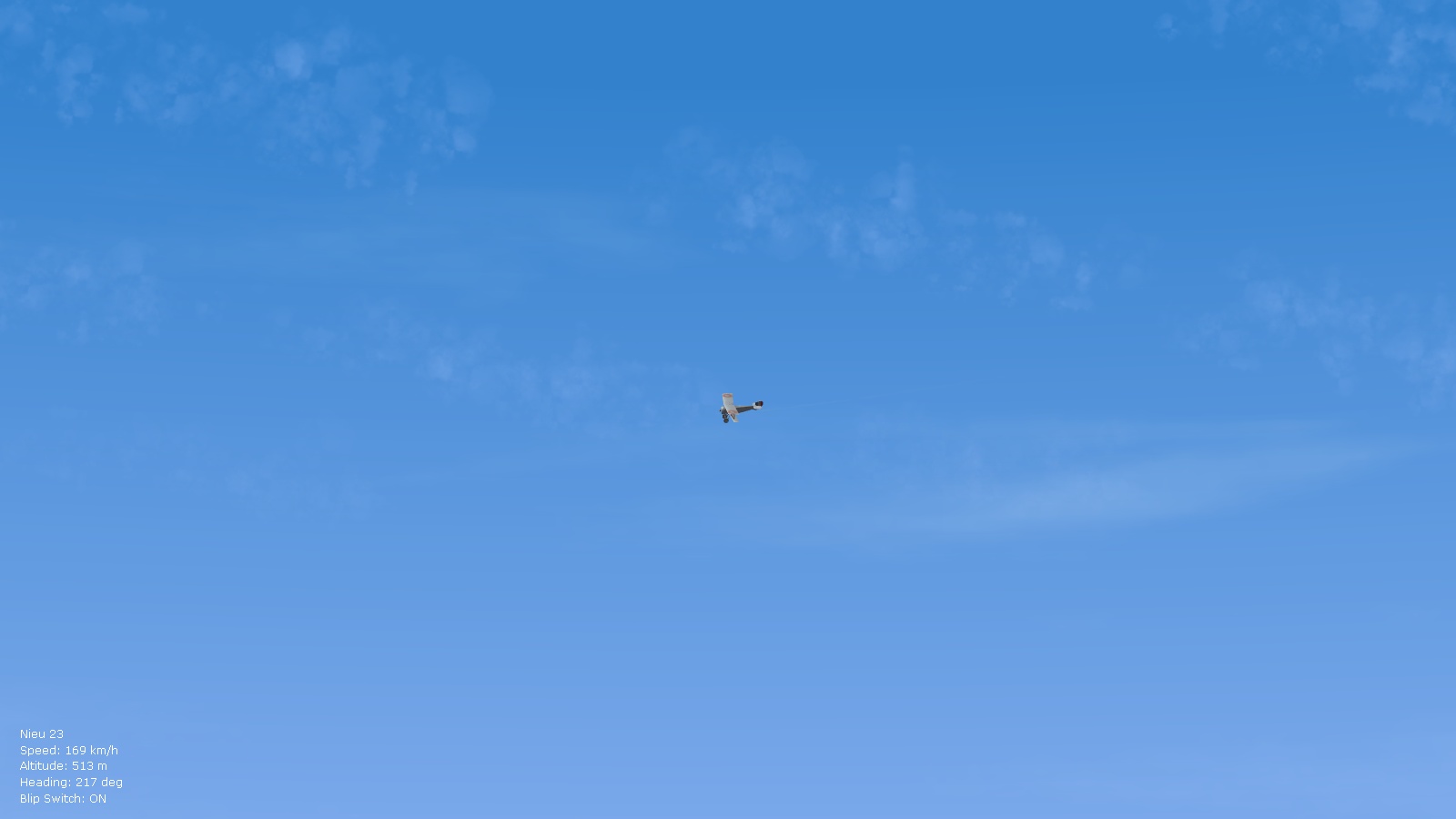
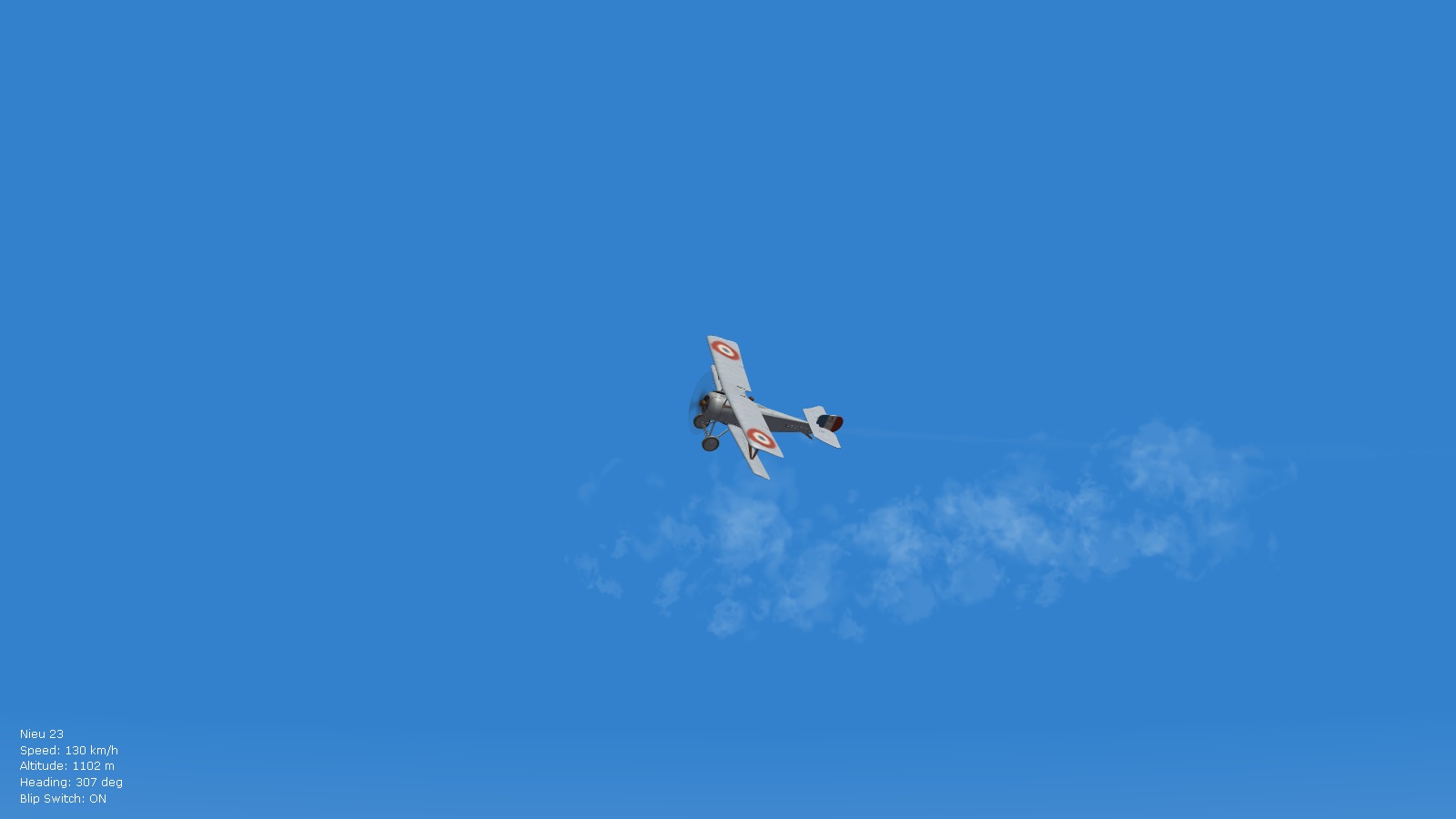
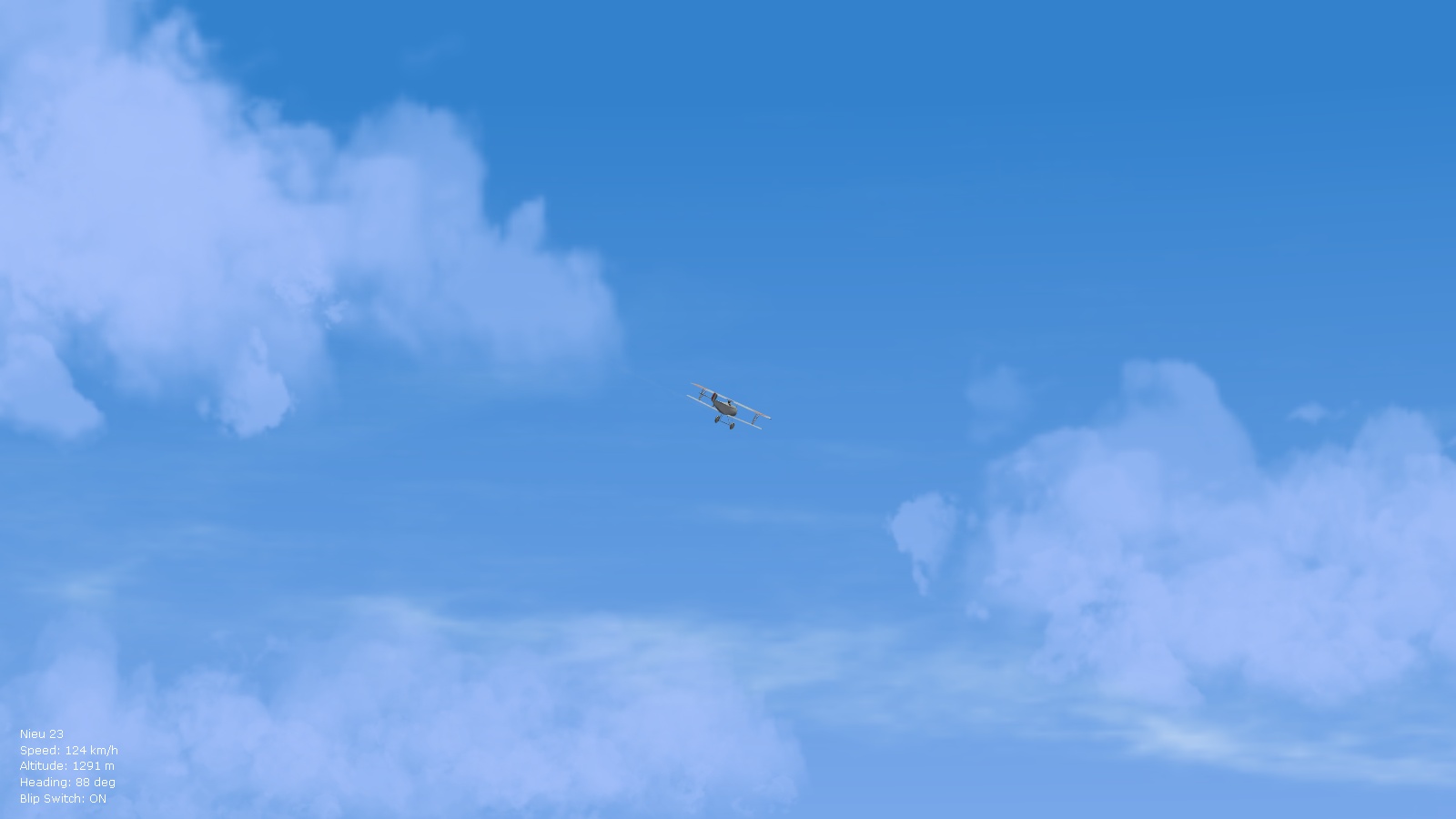
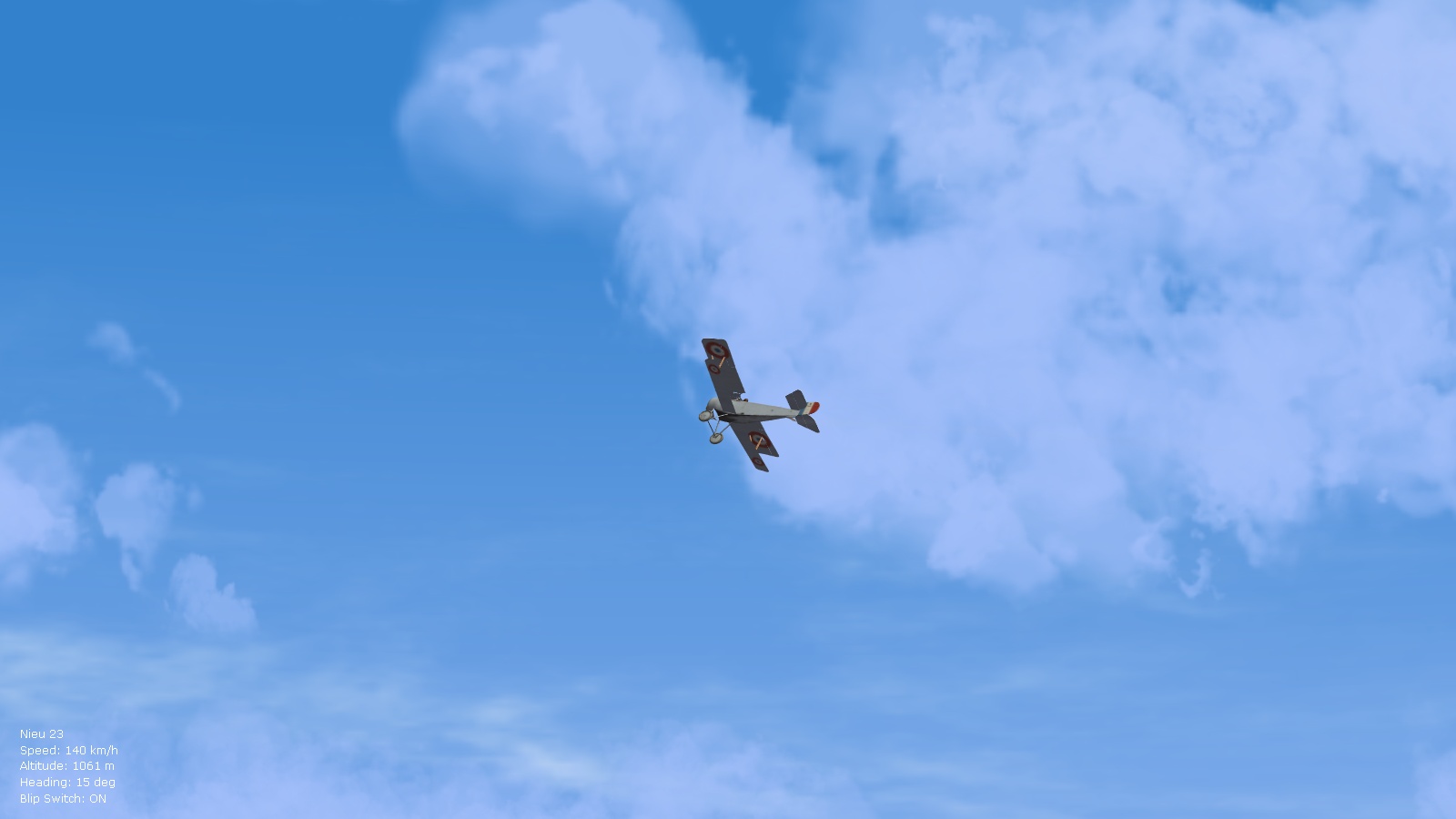
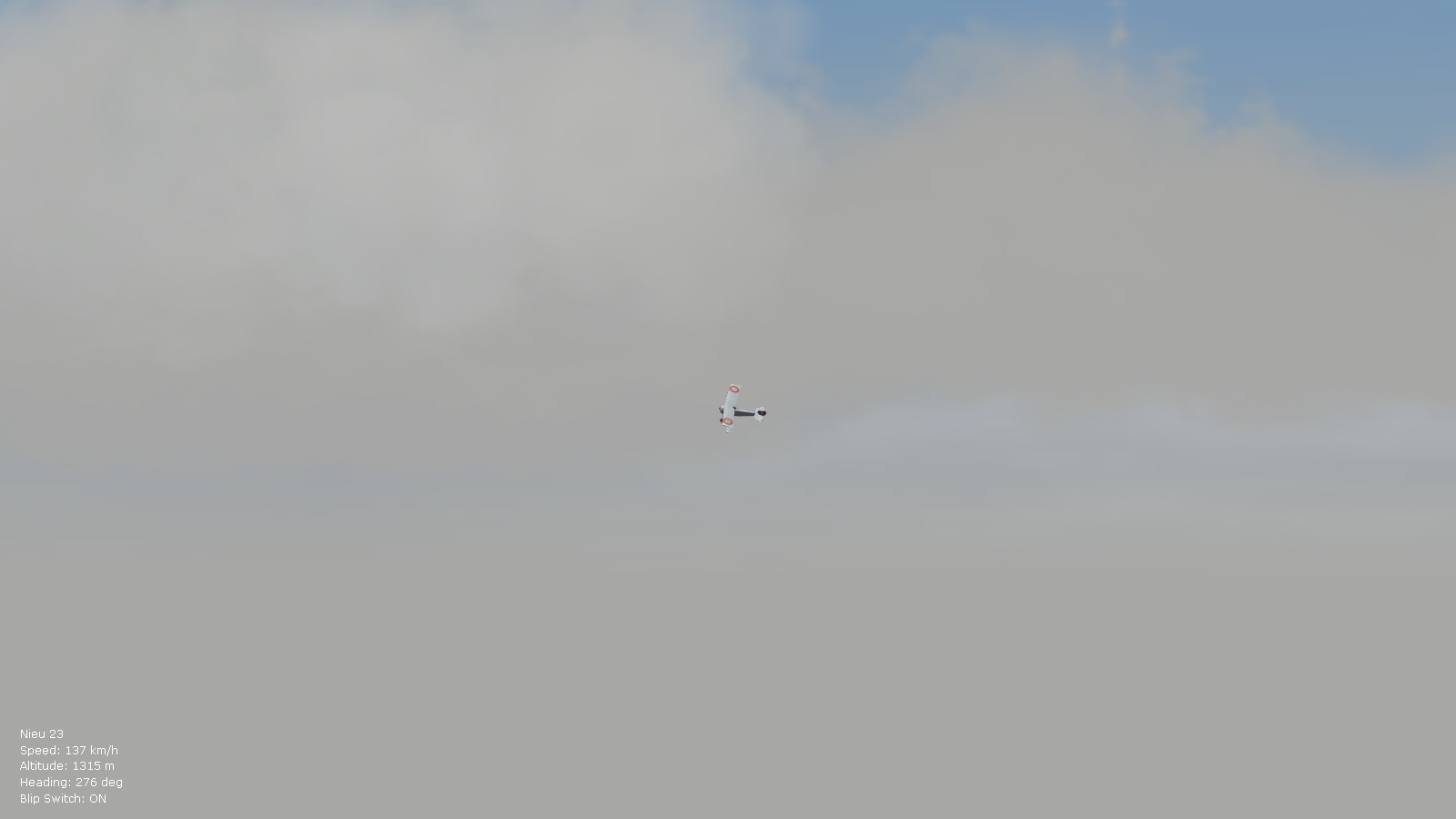
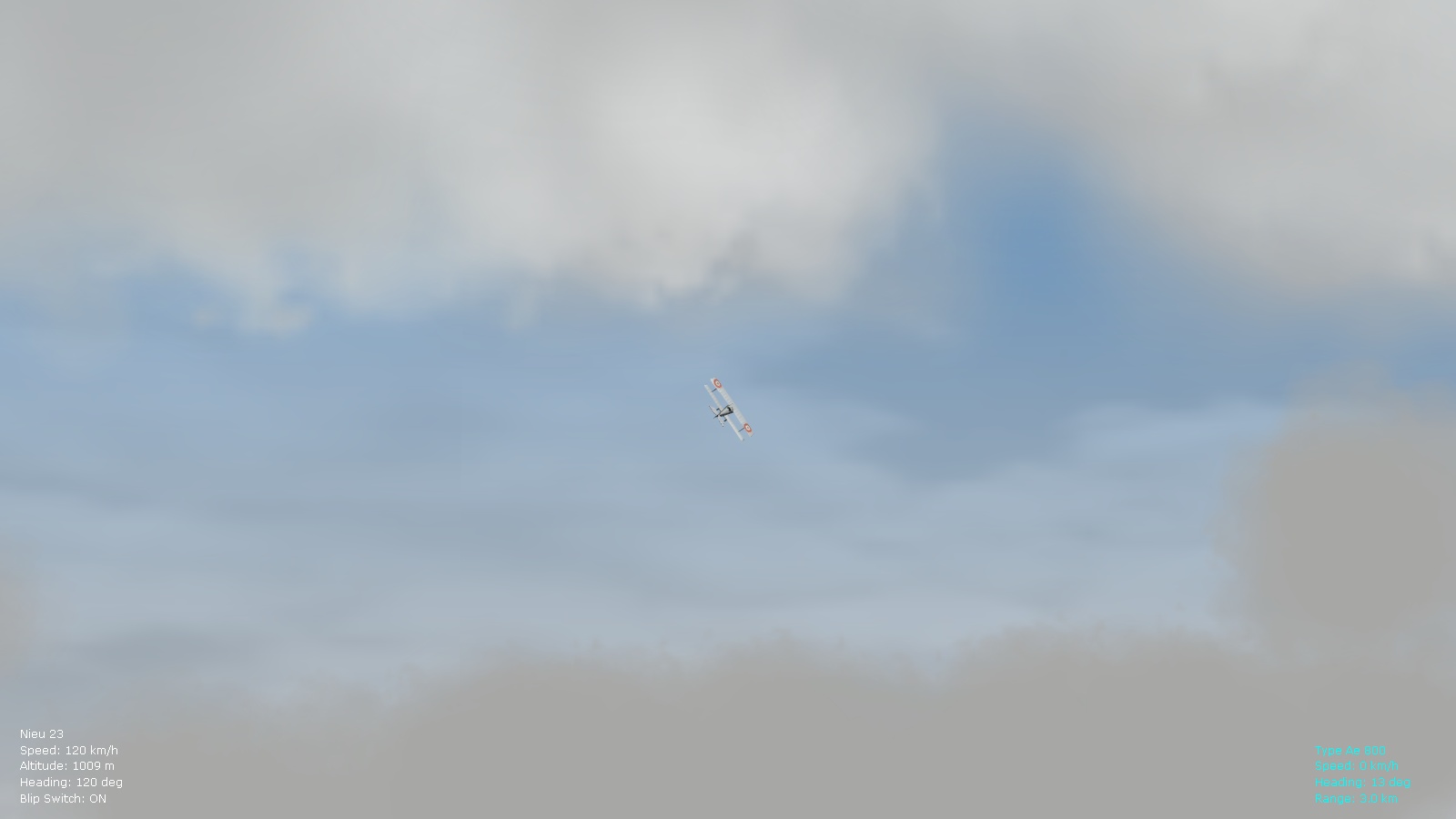
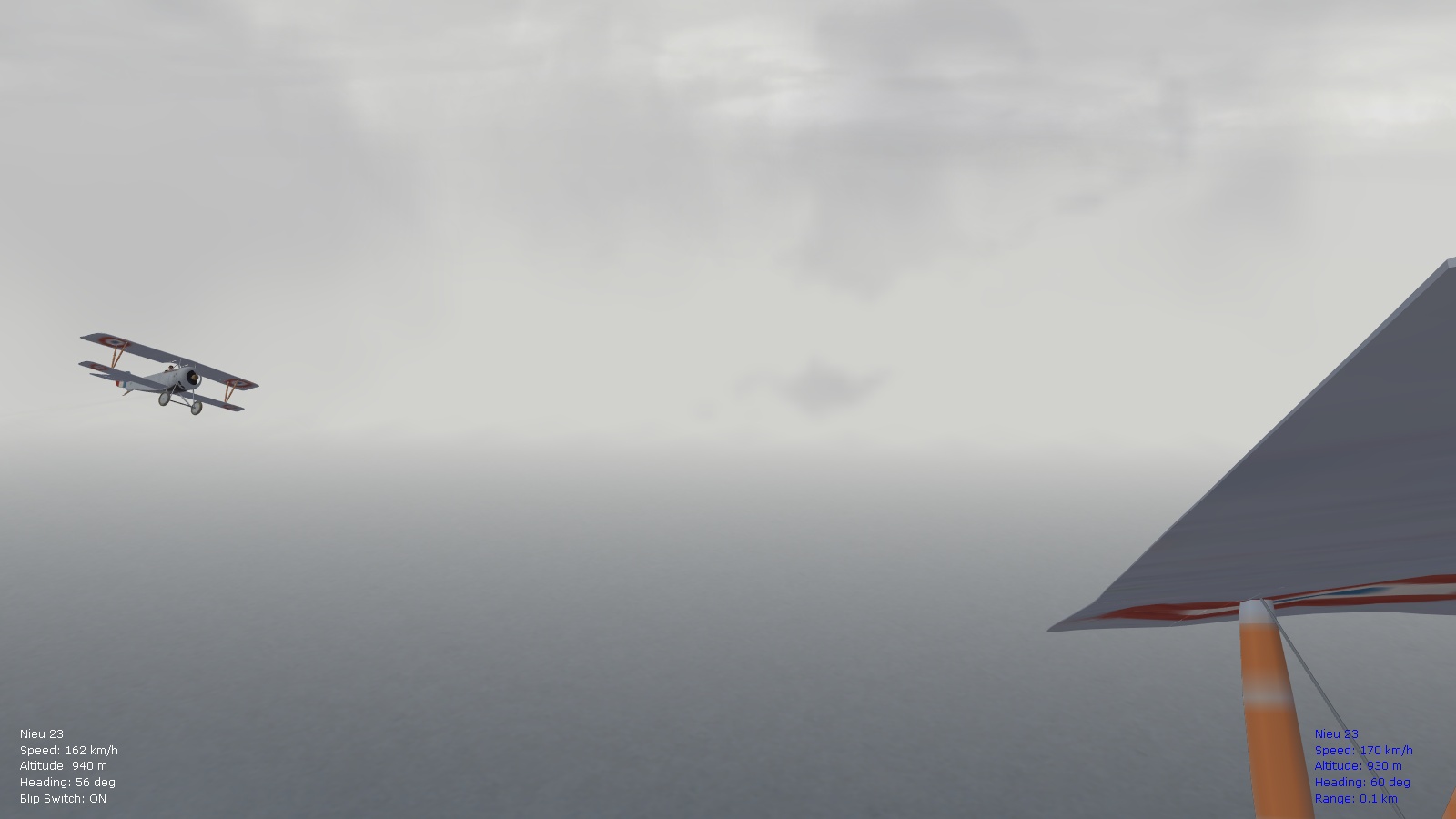
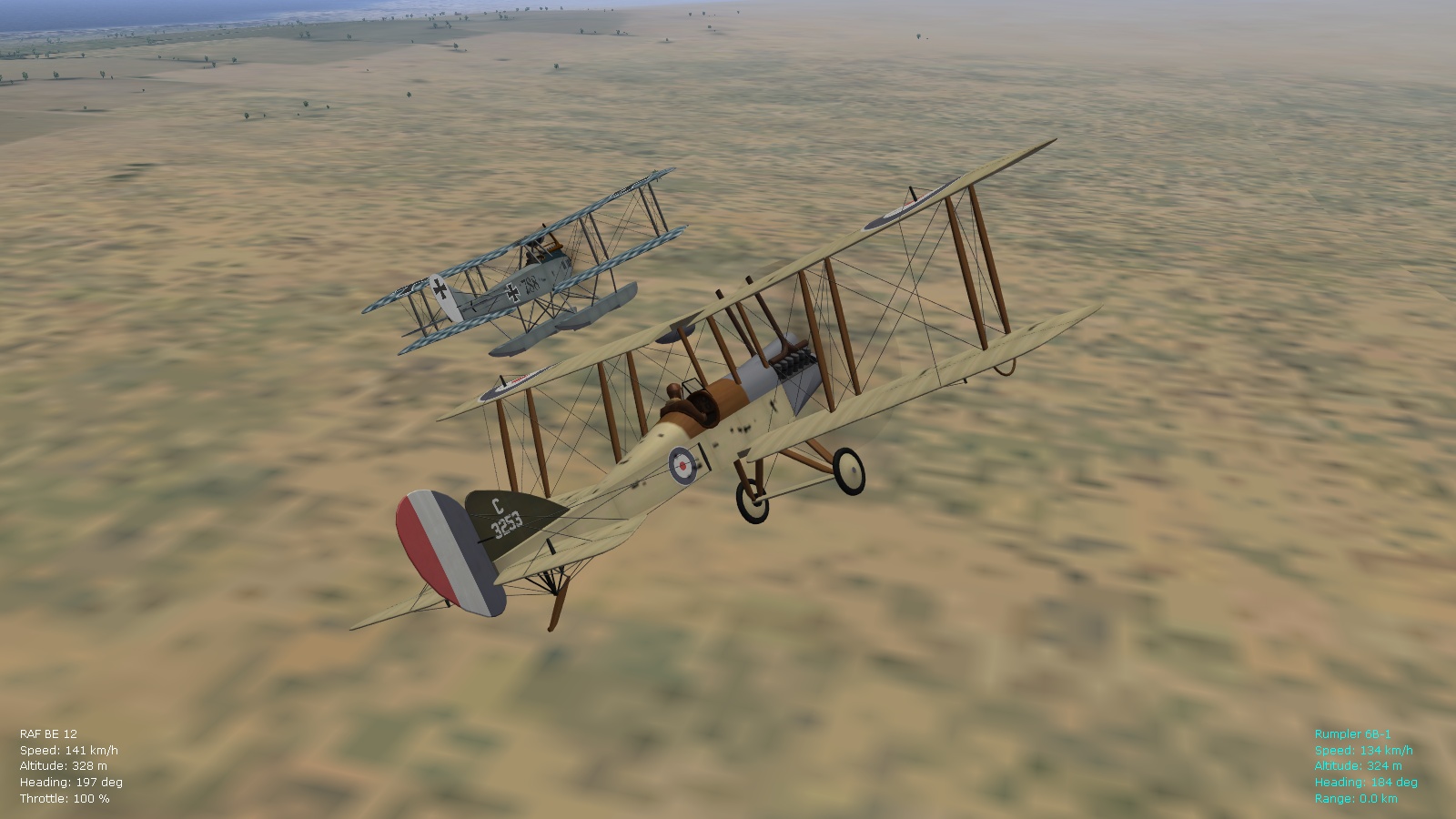
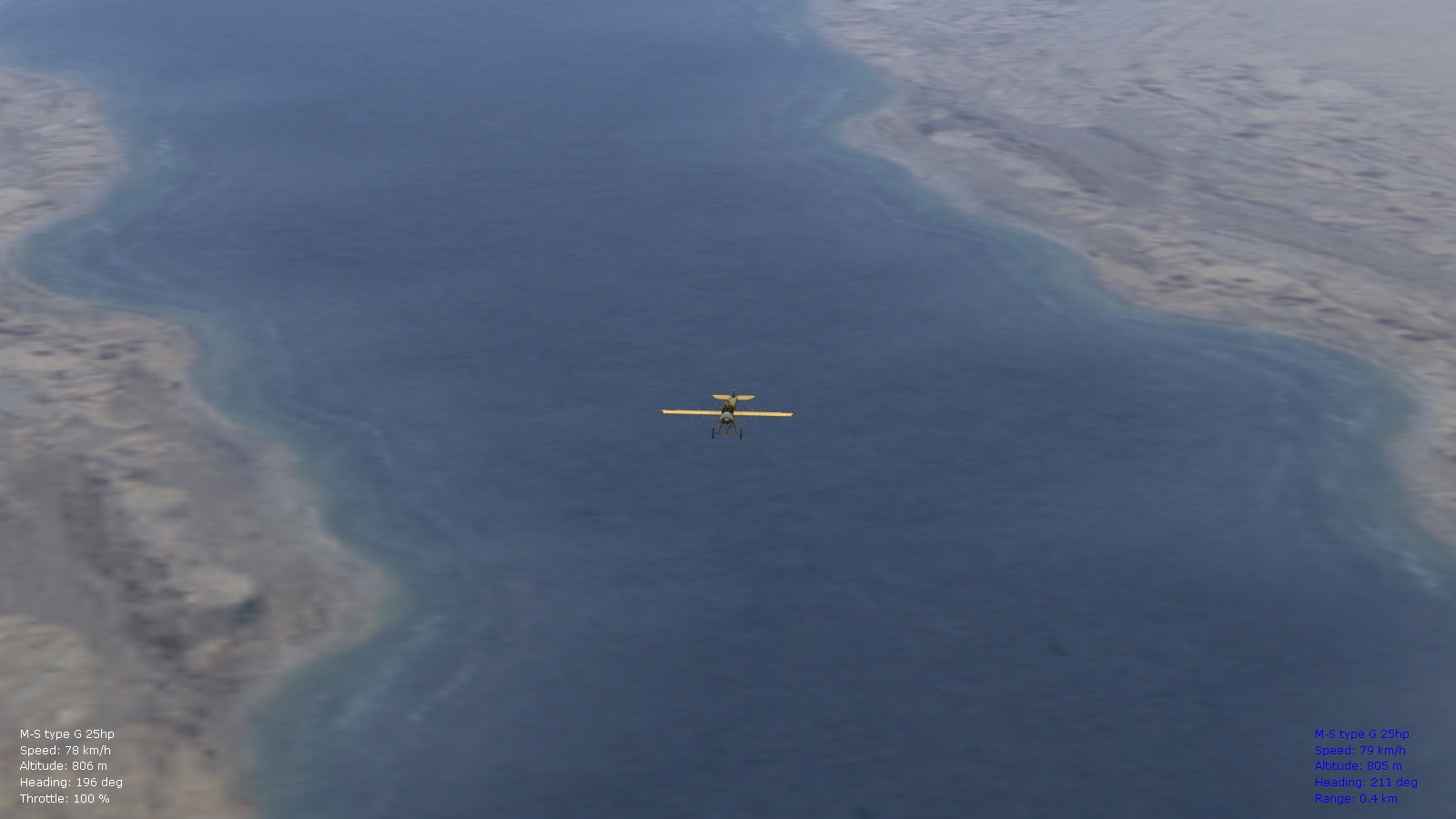
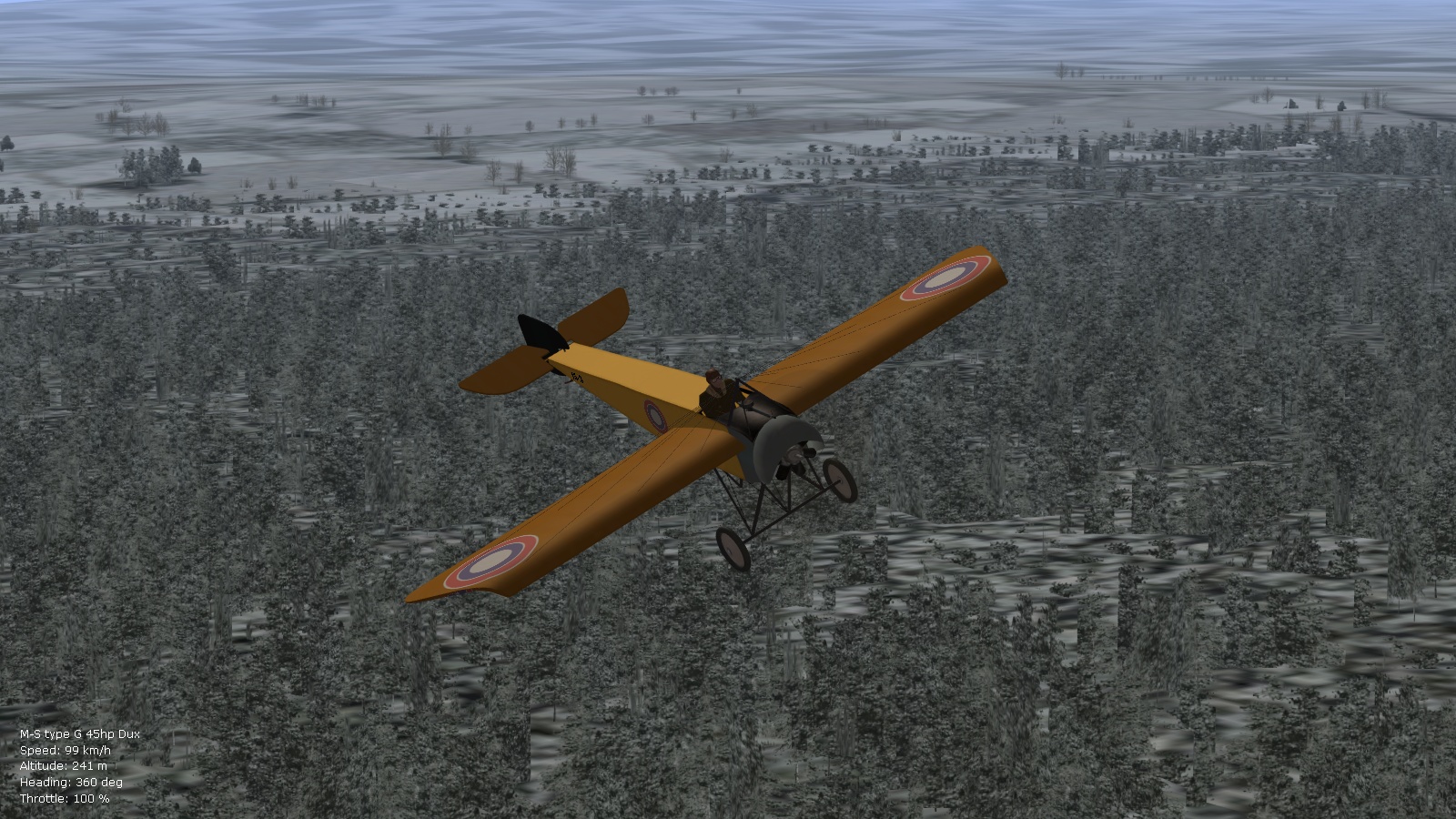
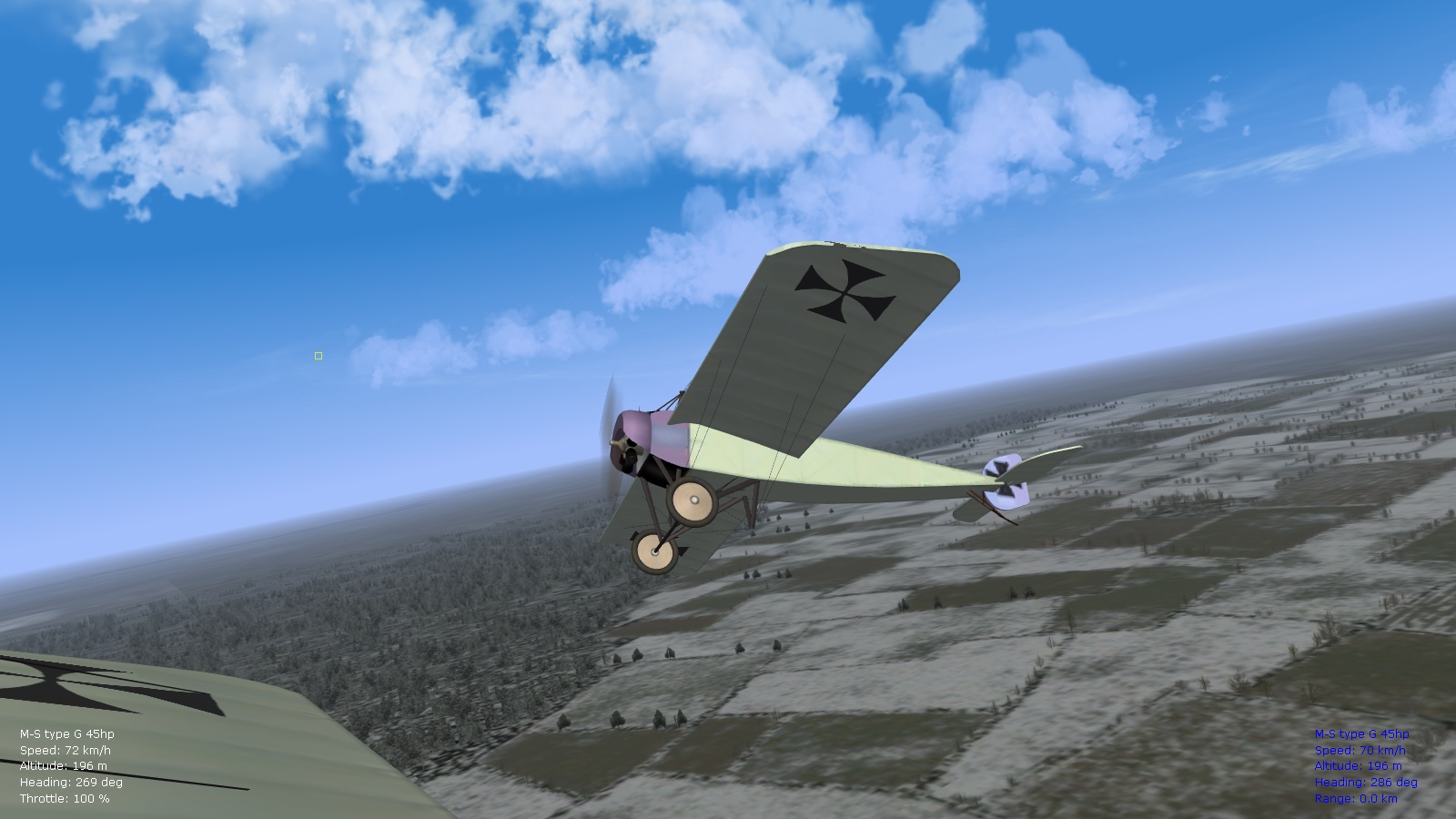
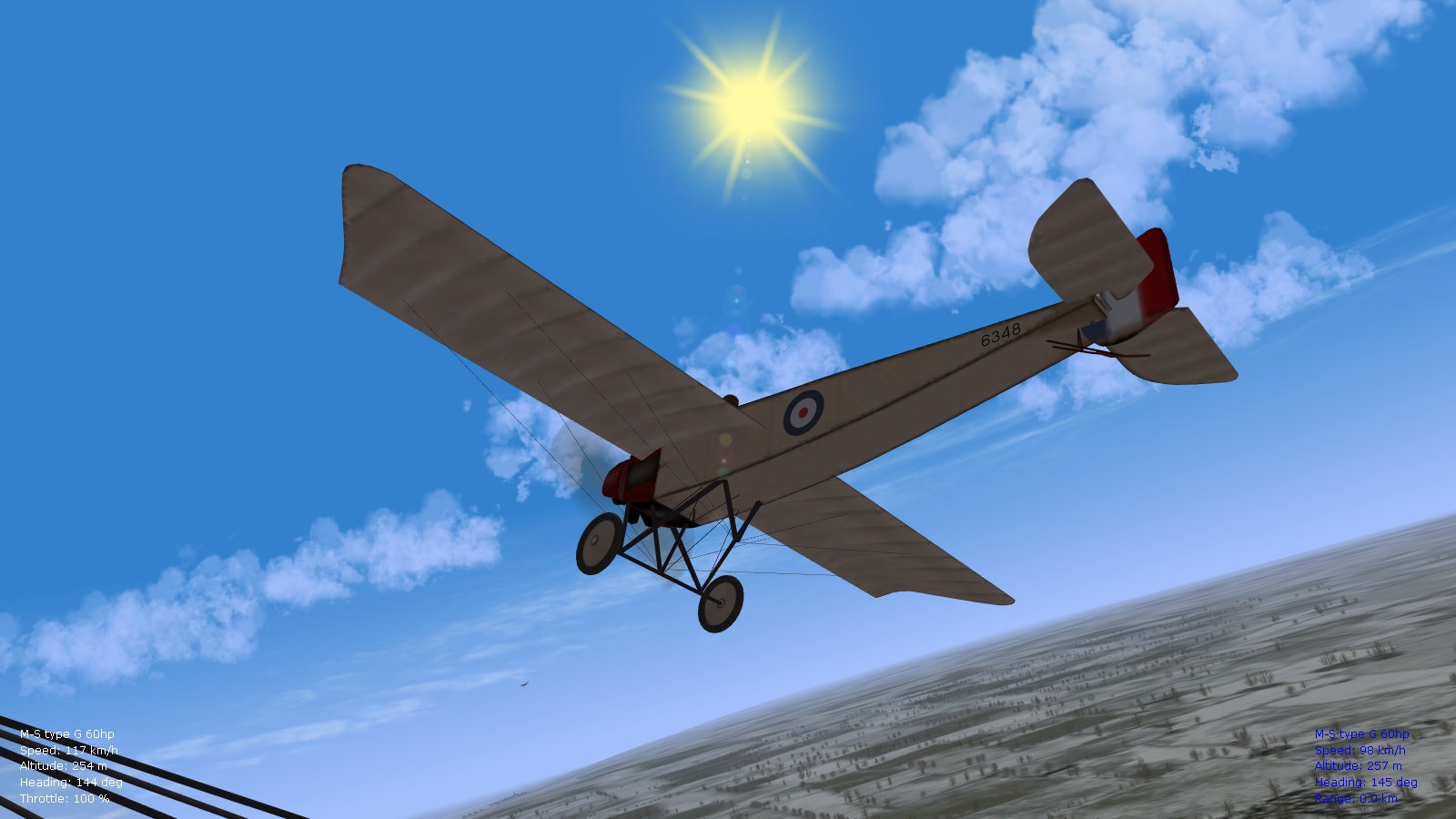
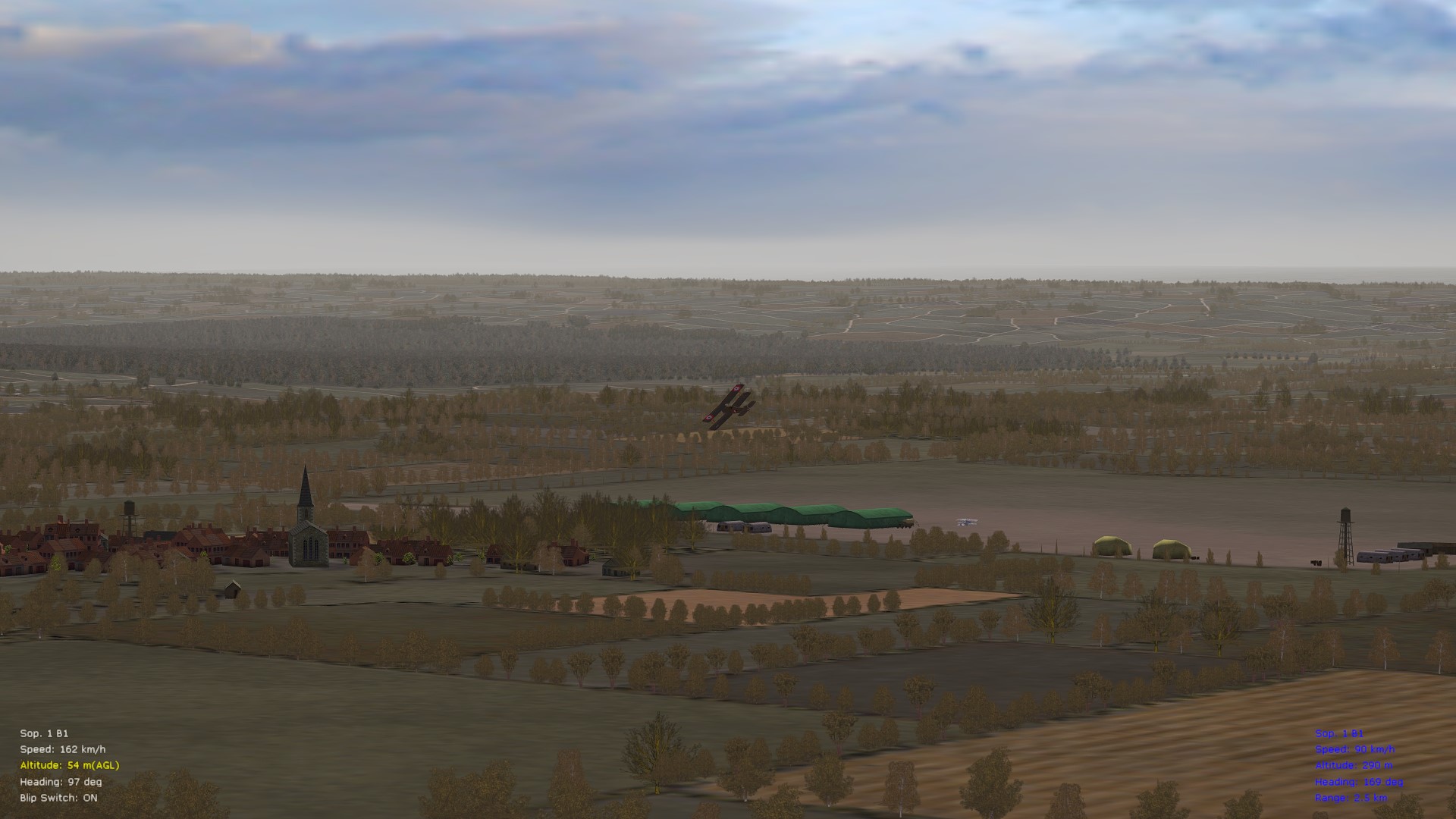
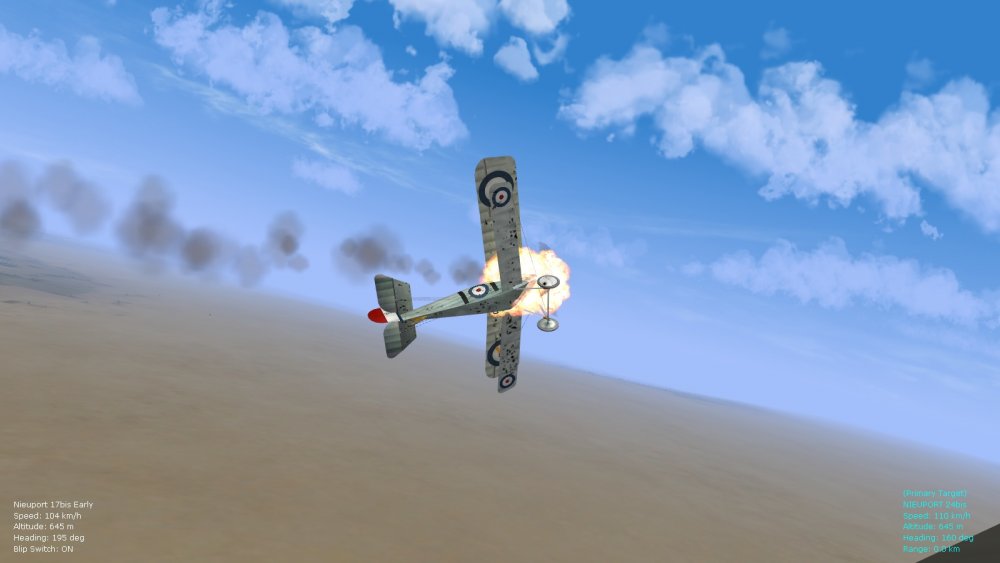
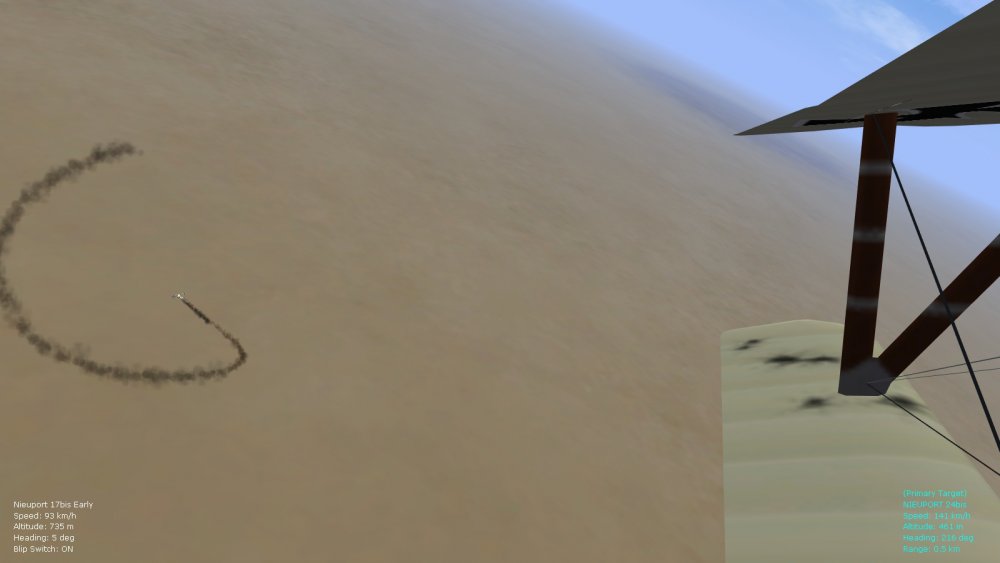
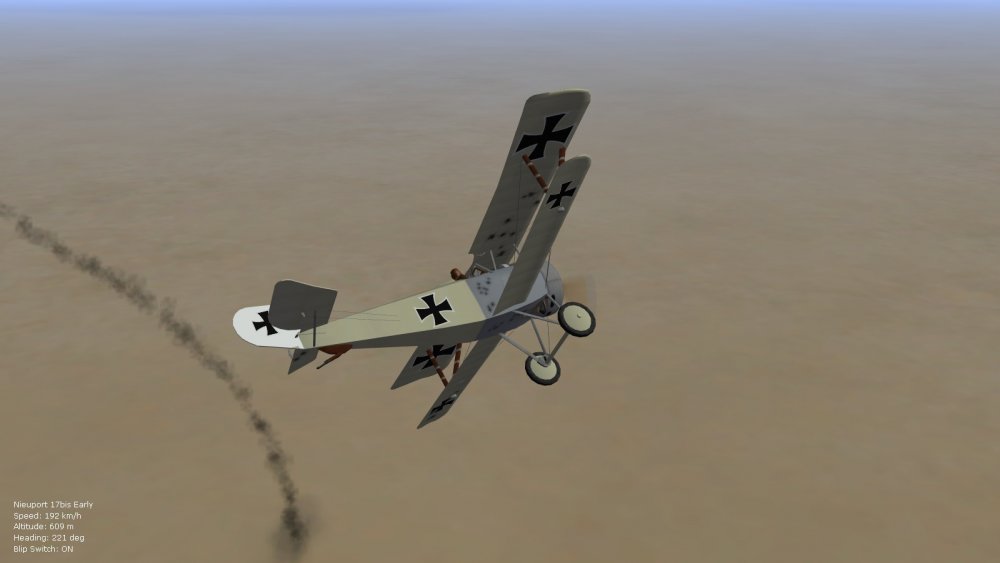
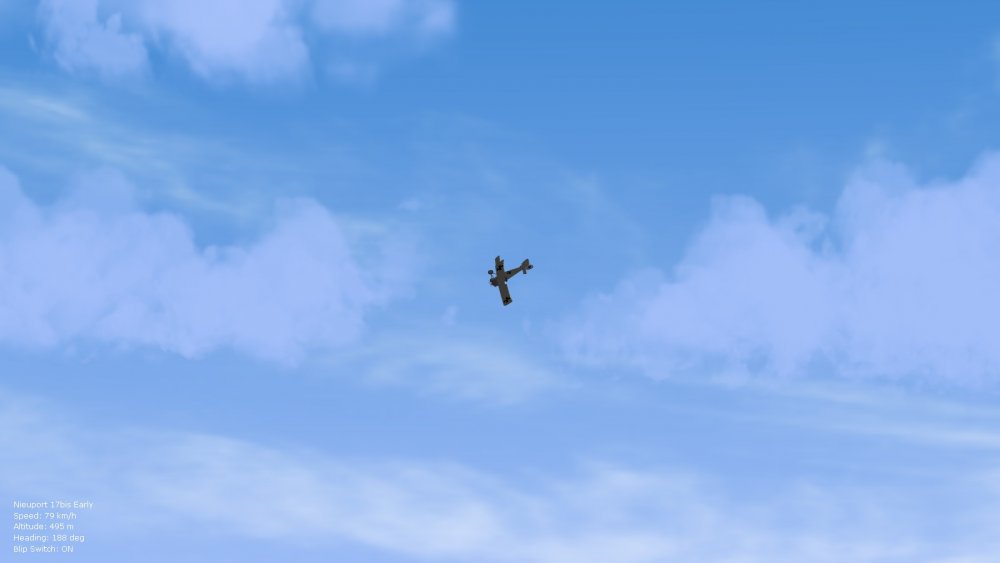
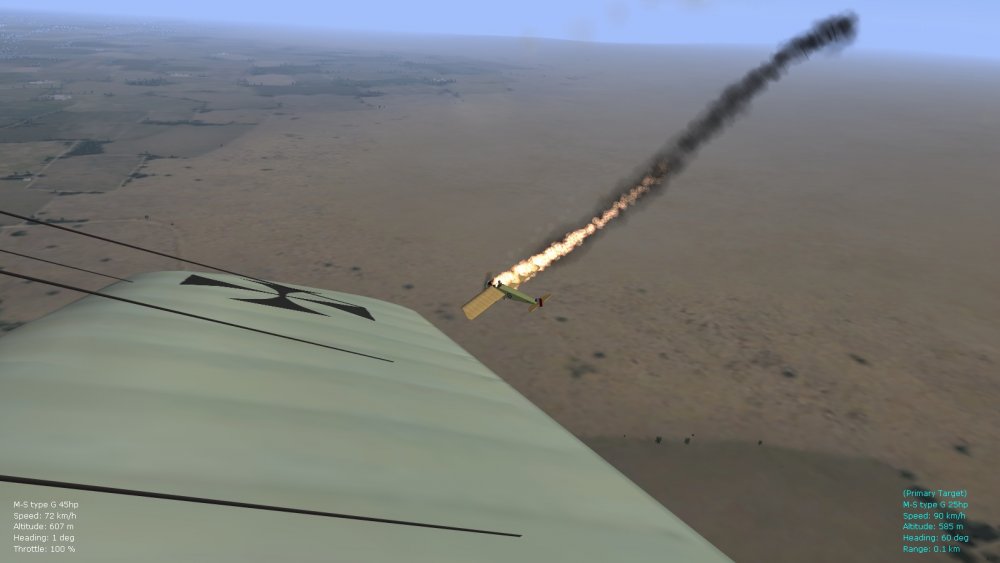
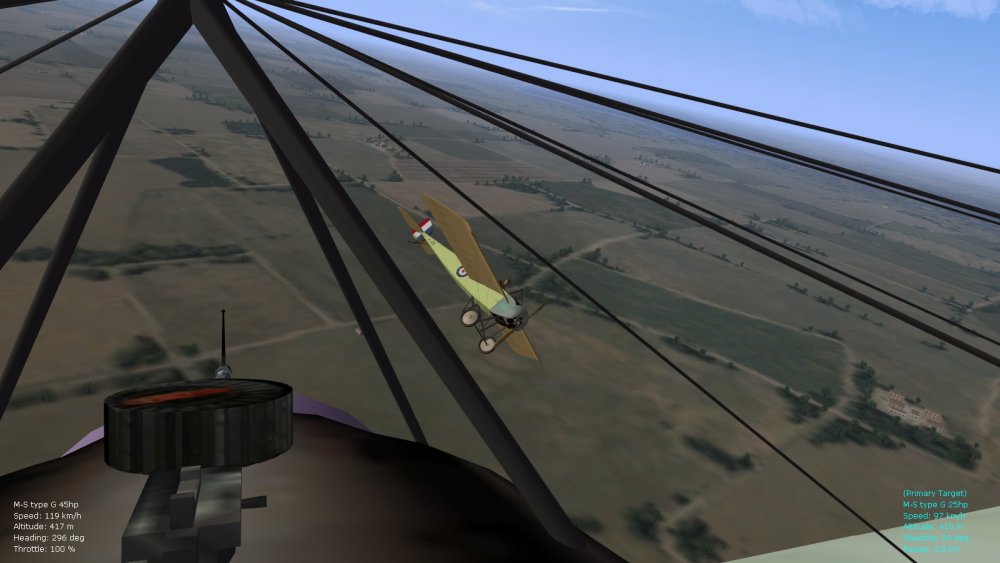
Some screenies from a gruelling 25 min. dogfight (spring of 1918, middle eastern terrain) using the environsys tweaks I'll roll into a ver. 9.5 of the FM pack (low scattered cloud in these shots, with slightly wider sky and taller cirrus cloud panels). Took a while to get rid of the Nieu24bis, with half of my elevator missing - the AI never fails to impress me in FE2. Also a couple of shots of an early 1915 encounter in the same theater - rare fuel fire on the MS type G (25hp) , and then a friendly pass with his engine out. Happy flying, Von S
-
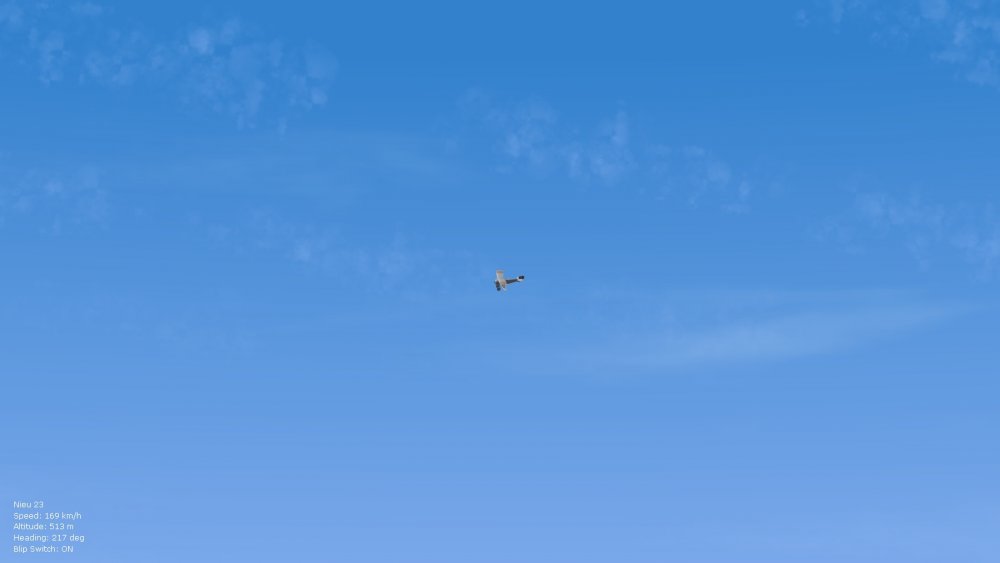
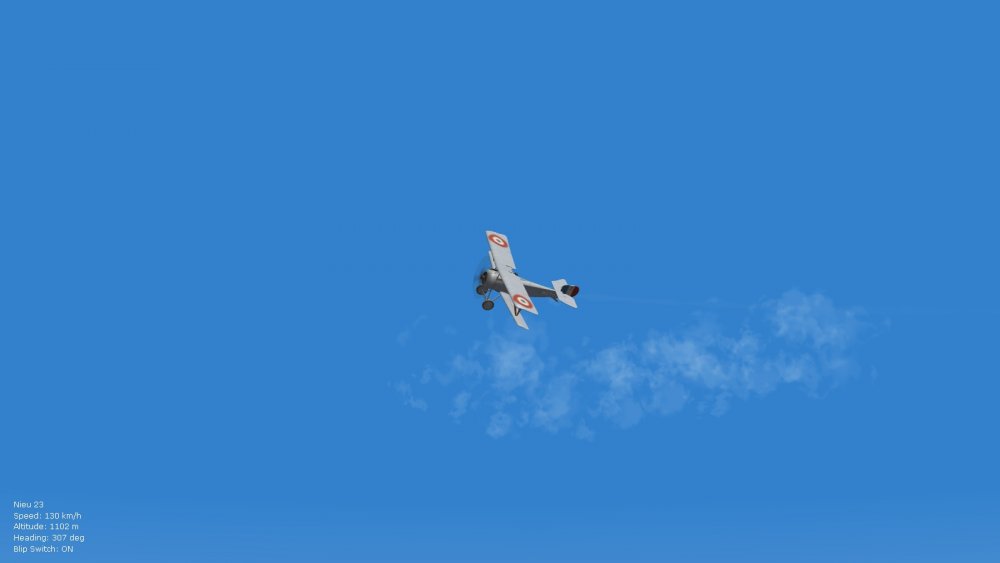
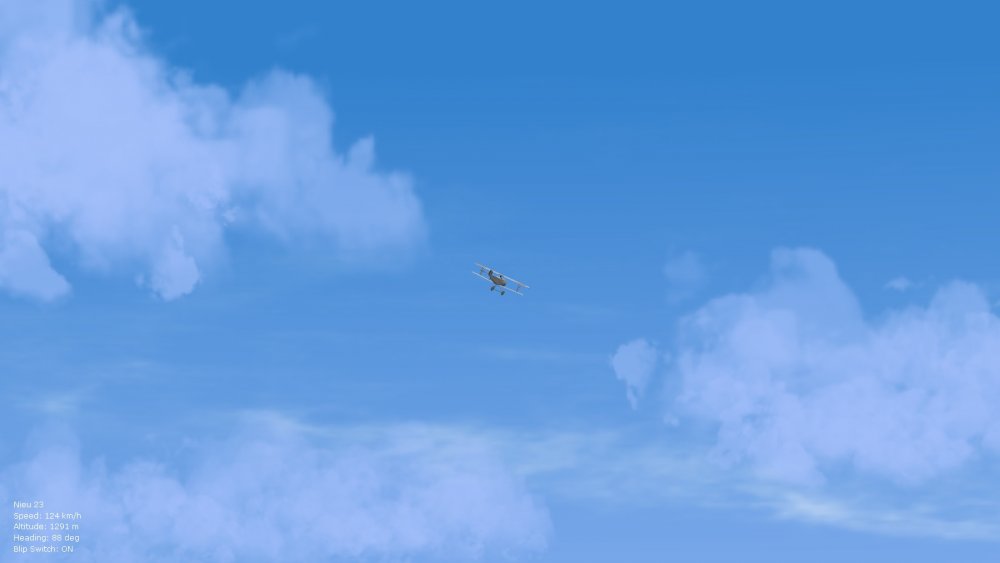
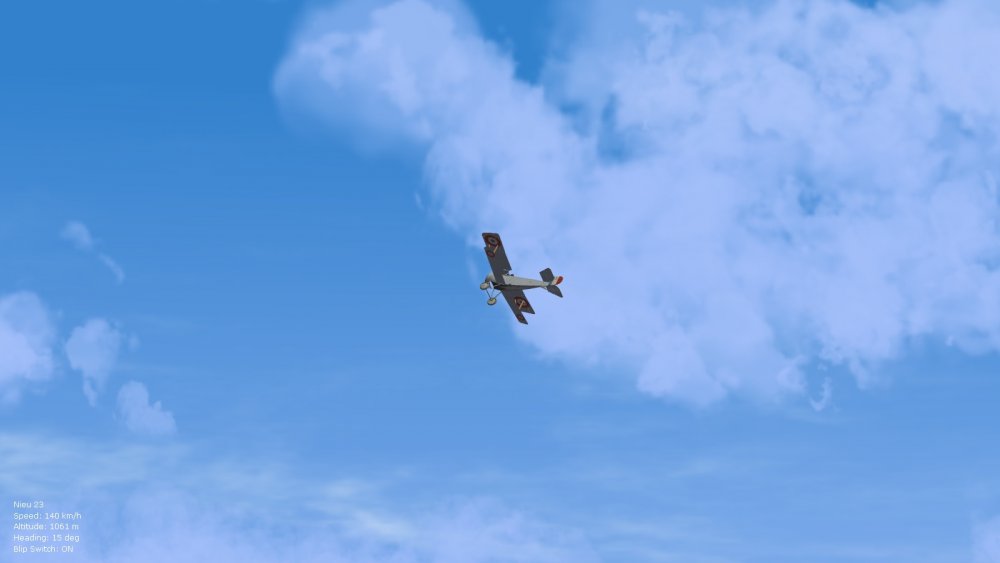
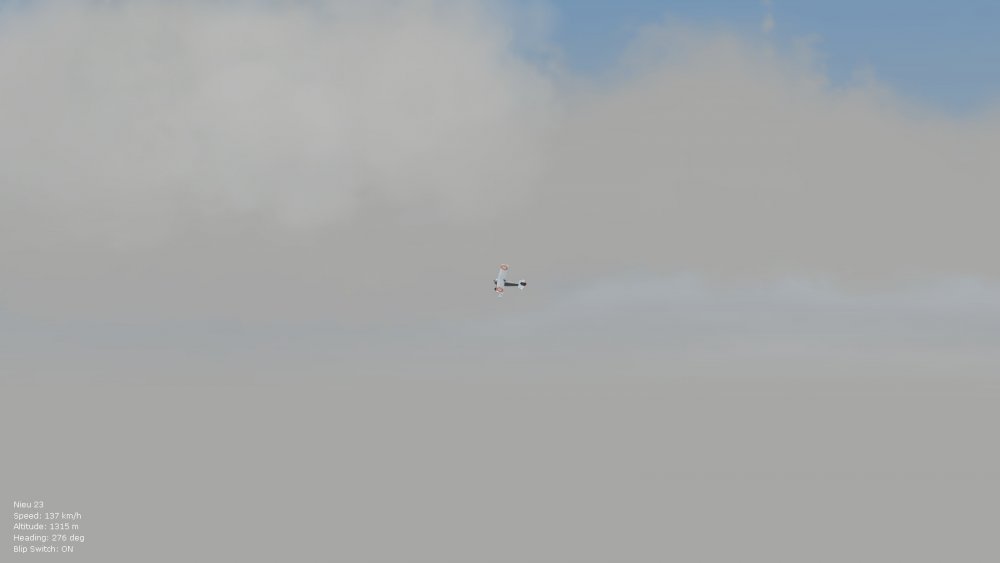
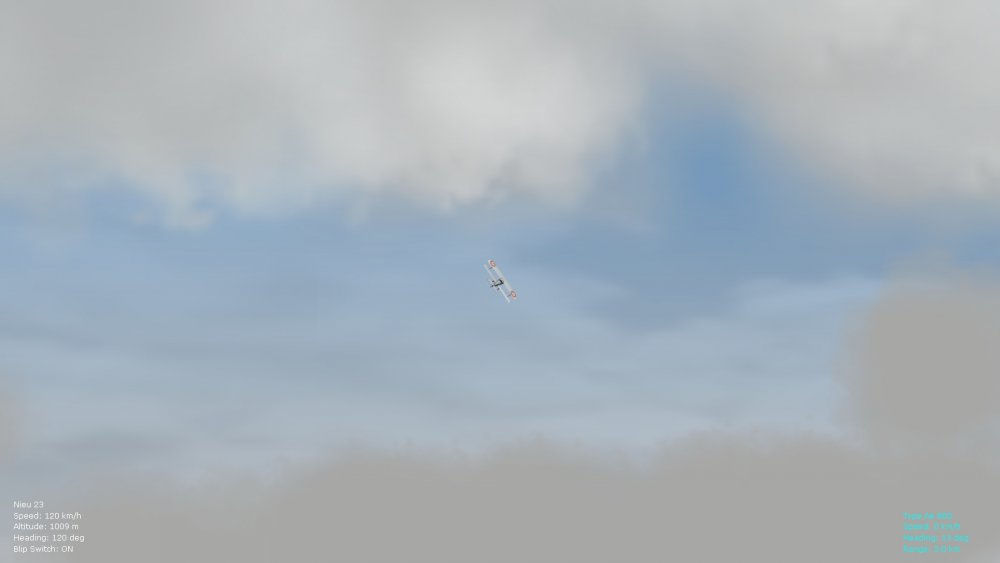
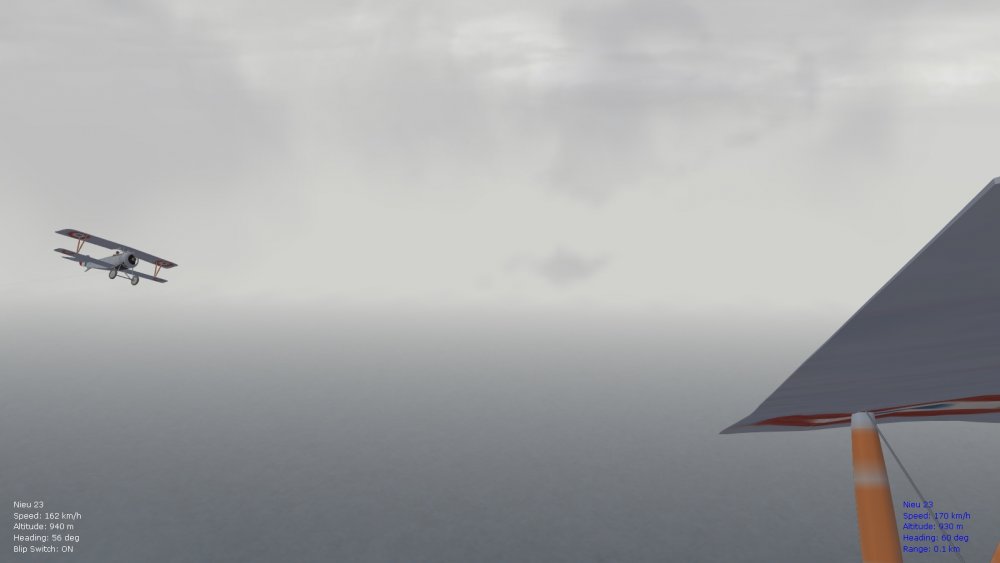
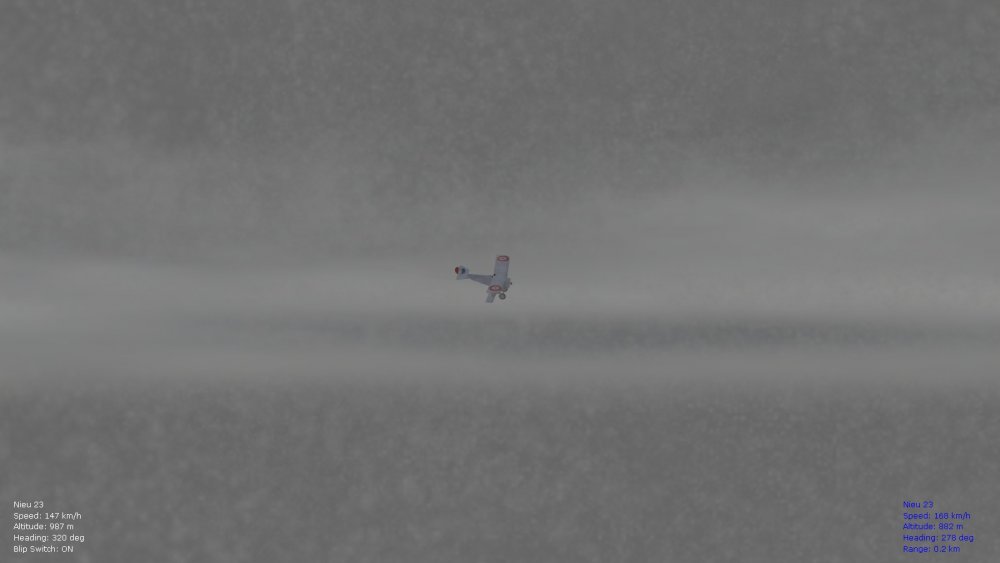
Total of 10 different skies to roll into the environsys ini file for a ver. 9.5 update of the FM pack. Or I might make two separate environsys ini files, that contain the five weather patterns (clear, scattered, broken, overcast, inclement), to accommodate for the 10 weather types - and so that entries don't have to be toggled in the environsys file. Another alternative is to make four versions for the four theatres for FE2, so that they can be "installed" into the relevant terrain folders - will see what is most workable. Also tweaked now is the sky width (slightly wider) and vertical sky panels with Panama Red's cirrus effects in place (slightly taller now) - this allows the clouds to intersect with and "fade into" the vertical sky panels at some altitudes. Weather types: 1. clouds clear high - cirrocumulus layer 2. clouds clear low - altocumulus type 3. clouds scattered high - stratocumulus and cumulus types at higher alt. 4. clouds scattered low - stratocumulus and cumulus at lower alt. (slightly taller and thicker than no. 3) 5. clouds broken high - cumulus and cumulonimbus at higher alt. 6. clouds broken low - cumulus and cumulonimbus at lower alt. (much taller and slightly thicker than no. 5) 7. clouds overcast high - nimbostratus type at higher alt. 8. clouds overcast lower - nimbostratus type at lower alt. (slightly shorter and thicker than no. 7) 9. clouds inclement higher - nimbostratus and cumulonimbus at higher alt. 10. clouds inclement lower - nimbostratus and cumulonimbus at lower alt. (slightly wider and thicker than no. 9) Stary's "thin" cloud from the ver. 1.3 Sarcasm pack, also his cloud for the ver. 1.5 Sarcasm pack - work beautifully with this for the right effects. Also necessary is the very thin Ilyushin2 cloud for FE2, by Gumpy (will include the necessary files). Panama Red's clouds are too thick for these subtle variations to work - although they can be used if you really like them. Have compressed Starry's and Gumpy's clouds from 4 to 1 MB (from 1024 x 1024 size to 512 x 512) - improves frame rates but the clouds still look pretty much the same. Pics included below of the weather types (Stary's blizzard effect on the inclement pics, by the way, but rain works well too ). Happy flying, Von S inclement low inclement high overcast low overcast high broken low broken high clear low scattered low scattered high clear high
-
That sounds about right, always tweak the z axis position (up or down) by increments of about 0.1 or 0.2. The position in my modded data ini for the Pfalz E.II is: PilotModelName=wwiPilotNew2 SeatID=1 PilotHeadNodeName=head Position=0.0,-0.03,0.42 As posted above, I tend to have my Eindecker pilots slightly higher by about 0.2 for the z axis, since I had feet sticking out of the bottom otherwise (other problem aircraft for this are the Nieuport 10, 11, 17, 23, 24bis...not so much the 12, 16, 27, and 28...z axis values were adjusted for those sometime in my previous FM packs...around version 8.5 of 8.6, included in the big 8.9 folder...as always tweak to suit preference if you like them lower but double-check the bottom of the fuselage for feet sticking out). Von S
-
Also be careful when lowering the pilot positions (sometimes their feet stick out of the bottom of the fuselage, near the cowling or engine, if they are placed too low...this is why I placed them slightly high by about a value of 0.2 for the z axis in some of the Eindecker variants in particular...as always back up before experimenting). Happy flying, Von S
-
Glad to hear that FE2 is more challenging now, as historical. The Eindeckers are great fun now - I also recommend the E.II for even stranger handling qualities (usually referred to as the worst of the Eindecker bunch by the early Fokker pilots) - more HP and slightly shorter wingspan on the E.II. When mastered, however, it is the best of the Eindecker types in my opinion. The E.I is slightly underpowered. The E.III has enough power for such an early type but slower roll and response because of the longer wingspan. I personally like the Parabellum-armed E.IIa (faster rate of fire on that one)...a good dogfighter providing you can get enough flight time on it to learn its oddities. For other early, odd-handling types, also check out the Pfalz E.I and E.II, based on the Morane Saulnier G/H body structure, but with stiffer controls, added weight, and slower response (keep your speed and energy up in the early Pfalzes if dogfighting, otherwise they become sitting ducks). And if you really want a tough experience try out the Morane-Saulnier G variants against opponents (hitting anything in those comes down to good luck). As always, avoid high G maneuvers on those types or watch wings and tails disappear. Von S
-
Hello again gents', Have now tested this interesting issue further (of the complexities of FE2 directory structure ) and can confirm on my rig at least that it makes no difference if the fast/slow prop files are placed in the general aircraft folder, or in the skins folder of the aircraft folder - tried the experiment with the Halb. D.V and the Nieuport 16 Lewis - and got the same results. Removing the fast/slow prop images completely from the aircraft or skin folder (to the desktop for example) removes the spinning prop completely. The stationary prop is still there, but once it spins up it disappears. Hope some of the info. helps out those struggling with file location in FE2. Von S
-
Also check the following link where I suggest a reverse install of many Laton effects...should bring back any effects that you have missing: https://combatace.com/forums/topic/88700-fe2-bad-framerates/?tab=comments#comment-716531 Have PM-ed you a zipped version of my Effects folder to try out, and an alternate "short muzzle" flash variant (also for the Effects folder). Gun flashes are historical, but probably not as big as the "Hollywood" ones I like to use . Tracers are historical from about late 1916 / early 1917....every third or fifth bullet would often be a tracer round, to help with aiming...by that point in the war incendiary rounds show up as typical too....good for balloons and Zepps, igniting the hydrogen once it starts mixing with the oxygen coming in through punctures in the fabric made from a volley of regular bullets.....if I understand my chemistry correctly, tracer rounds and incendiary rounds were pretty much the same thing when first used in WW1...perhaps separated and refined more thoroughly as distinct ammo after the war....tracers do have a light/temporary incendiary quality anyway. Von S P.S. Pic below from the Wikipedia with relevant info. on incendiary rounds.

-
Have now double-checked some of my FE2 installs and looks like most of the fast/slow prop files are, as posted above, in the main aircraft folders. I did notice a few, such as Geezer's Halb. D.V, that contain the fast/slow prop in its skin folder - so it's probably best just to leave the files in the directory where they are originally located (either aircraft folder or skin folder in some exceptions, without moving the files around....damage and holes files on the other hand all seem to be in the aircraft folders, never in a skin folder). Happy flying, Von S
-
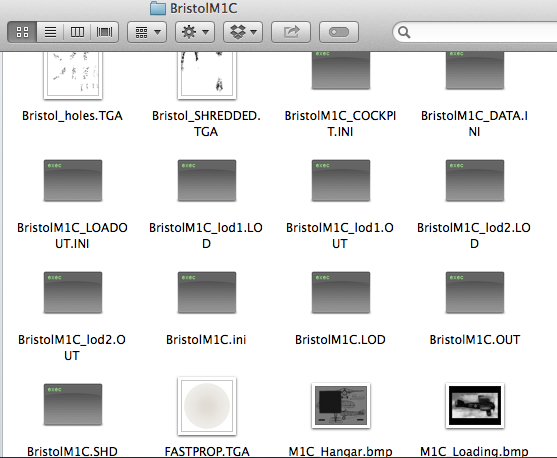
Hi Don, all good questions. I'll try to answer them: 1. my detailed settings are as follows (all my FMs are tested and tweaked on "hard" FM settings by the way): enemy skill - normal (this gives the greatest variety of enemy AI) simulation difficulty - custom FM - hard weapons - hard visual targeting - normal HUD - normal landing - hard collision - hard ammo - hard fuel - hard 2. fast prop / slow prop / holes / damage files etc. should all be left in the aircraft folder (shouldn't be moved around)...illustrated in pic below 3. AI run out of ammo if the realistic settings are applied (as per instructions in no. 1 above); from what I've been able to tell, AI can sometimes lose track of you in the clouds (very realistic AI in FE2) 4. ground battles are easiest to see if you choose an "army coop" mission (I've spotted tank battles this way, for example, using the Italian front map) 5. to see the enemy as soon as possible, choose "near target" for the "mission start position," when flying quick missions (and yes, sometimes there are not many enemy aircraft, as realistic for WW1)....my recommended "congestion" settings for the fronts are as follows, for the "enemy air activity" setting: - western front: Aug. 1914 to about Oct. 1916 --- light // Nov. 1916 to about Feb. 1918 --- normal // Mar. 1918 to Aug. 1918 --- heavy // Sept. 1918 to Nov. 1918 - light - Italian front: May/June 1915 to about July/August 1917 -- light // Aug. or Sept. 1917 to about June/July 1918 --- normal // July/Aug. 1918 to Nov. 1918 - light - easterm front: Aug. 1914 to about Sept. or Oct. 1916 --- light // Oct. or Nov. 1916 to Dec. 1917 --- light (or normal)...no real, heavy air activity here (if set to normal from about Oct/Nov 1916, simply run as normal to end of operations in Dec. 1917) - middle eastern front: Jan. 1915 to about May or Jun. 1917 --- light // Jun. or July 1917 to Oct. 1918 --- light (or normal)....again, no heavy air activity here (if set to normal from about Jun/July of 1917, possibly reset to light again from about Jun/July of 1918 to Oct. 1918, as air operations wind down; also keep in mind that while skirmishes already take place by Oct. of 1914 in the middle eastern theater, and bigger battles by Nov. of 1914, no real air activity is there until Jan/Feb of 1915, with the Germans and Ottomans, and then the Entente - British and Australian - show up in the air by the spring of 1915....as tweaked in my modded data inis) Happy flying, Von S
-
Agreed, the Spad VII for FE2 is the one to use, simply make flyable using the directions for ver. 9.0 of the FM pack (using the cockpit.ini file available here on CombatAce for the Russian skins pack for the Spads...link included in the pdf). Never did an FM tweak for the Breguet but that is available at the A-Team site if you like the Breguet. Other aircraft that have been tweaked, such as the Pfalz Dr.1, also the Gotha bombers, are also available on the A-Team site. Everything else is available here at CombatAce. Von S
-
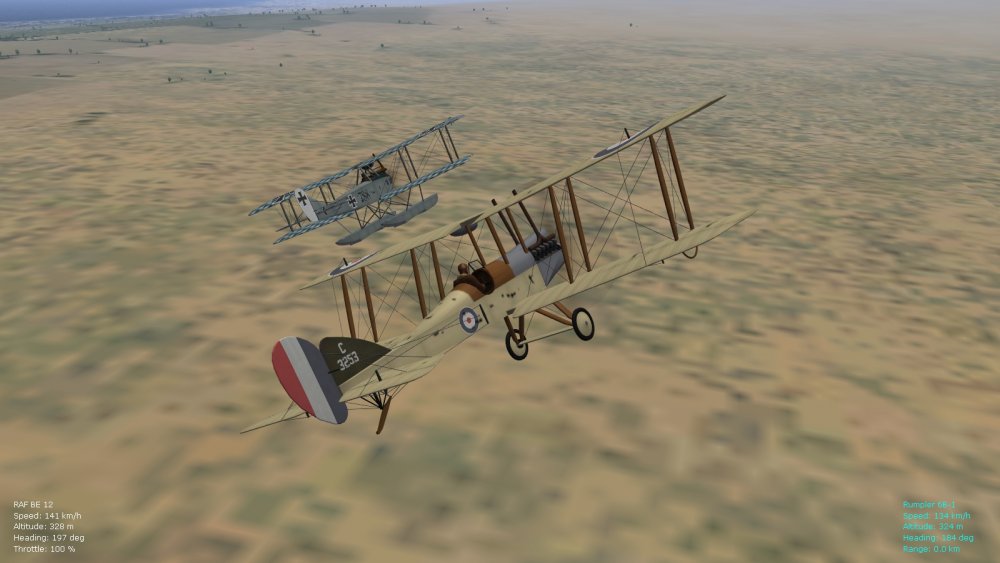
If you like the Be2 variants, I also recommend trying out the Be12, an attempt to transform the Be2 types into a single-seat fighter (with mixed results). It does well against other lumbering types, but also frequently takes a beating. Von S
-
Very nice to hear that the shimmering tweak works well to fix the terrains. That looks like the British winter pilot doing a stunt on the Be2c... . Can't remember what pilot I have in my modded data ini for the Be2 types...possibly wwiPilotNew1 or 3. Pilots no. 1, 2, 3, 4 fit well with the same seating coordinates, pilots numbered 5 and higher may require some tweaking to fit them nicely into the cockpits. Happy flying, Von S
-
That Cambrai map now looks great, hope the fix for shimmering works with Flanders and Verdun too. Never tested the shimmering fix on the JanTuma terrains - but I'm assuming that the same suggestions work as with the stock terrains for Cambrai and Verdun, also Gterl's great Italian map, and the Palestine/Mesopotamia theater. Happy flying, Von S
-
Hi Stratos, the suggestions Geezer posted above for the shimmering fix work well. Also good are the following three links, included in the pdf "read me" with my FM update packs, which link to aircraft skins, pilot installation tutorials, also some tips on how to handle the SPADs on takeoff, lots of other stuff there too included in a few posts for convenience: https://combatace.com/forums/topic/91337-problems-with-my-fe2/?do=findComment&comment=738368 https://combatace.com/forums/topic/91337-problems-with-my-fe2/?do=findComment&comment=738514 https://combatace.com/forums/topic/87403-tweaked-flight-models-and-realism-pack-for-fe2/?do=findComment&comment=738317 Happy flying, Von S
-
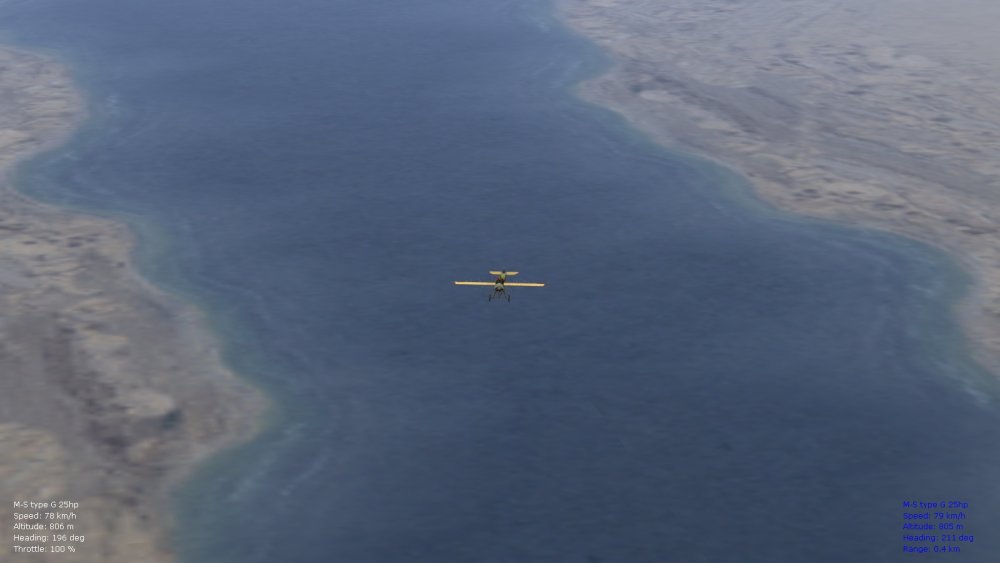
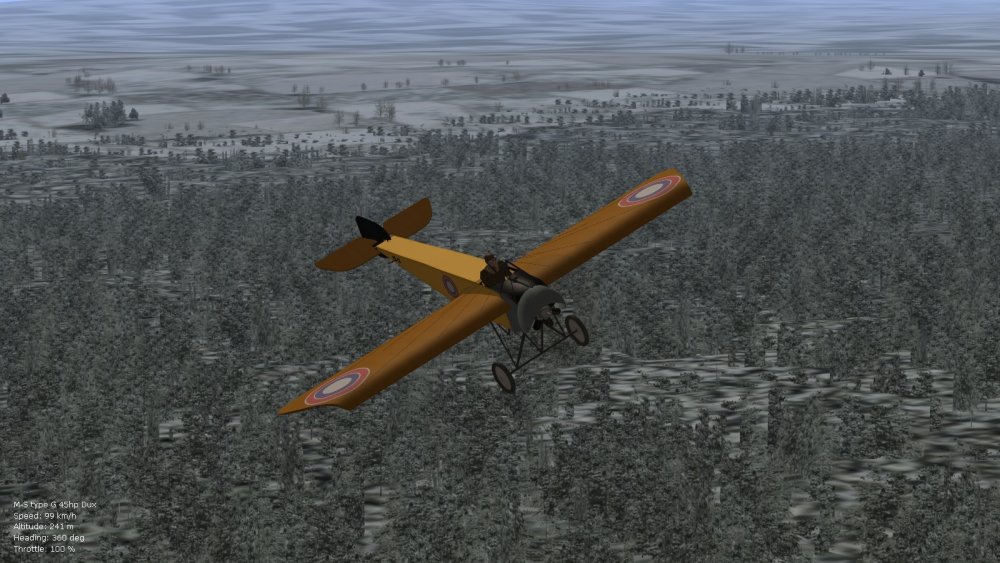
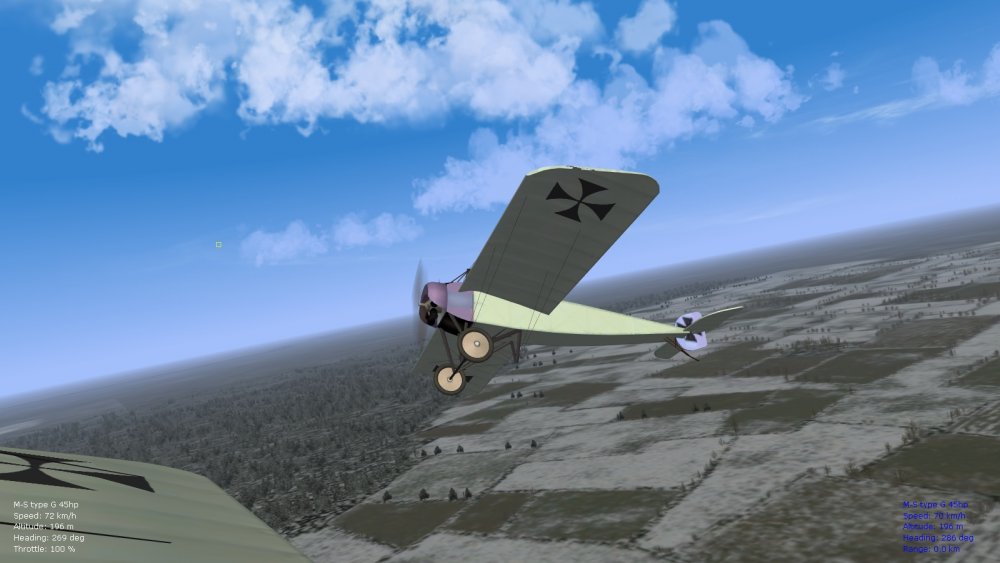
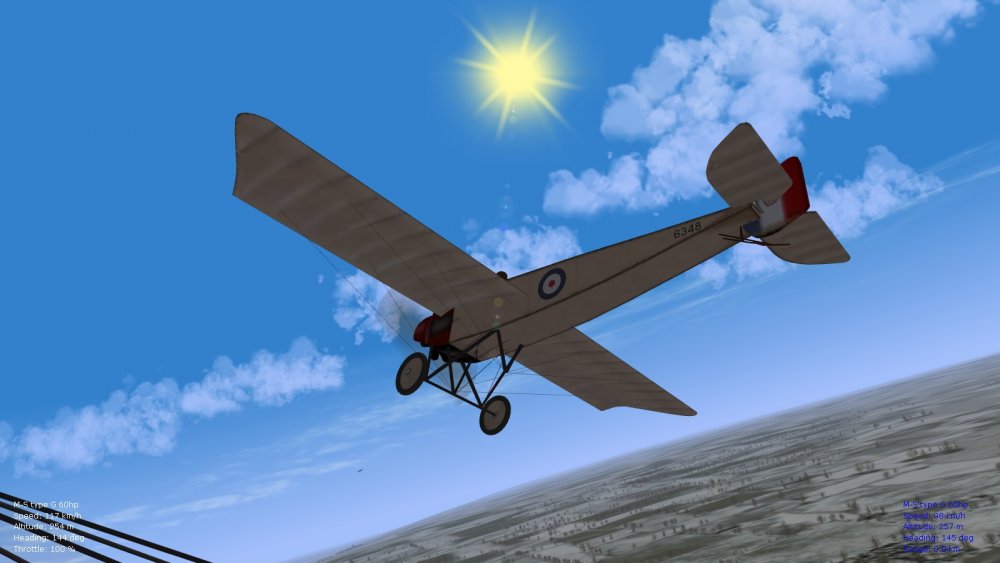
Apparently some of the Morane-Saulnier type G variants also had Anzanis installed (trainer variants bought as early as 1912 by the French, also some in possession by the Germans, and the Dux factory in Moscow obtained a license to manufacture them, by 1914). Have been busy tweaking FMs for these early, underpowered variants, and will include them with a ver. 9.1 FM update pack - they work well for early war scenarios and/or flight training . Most were removed from service by the second half of 1915, although, oddly, the Russians continued using them as trainers well into the 1920s. Some of the earliest types used in the war, by 1914, included the M-S type G. Slightly longer wingspan on them than the type H (especially for two-seater variants) - not so much for single-seater variants. Typical powerplants included the 60hp Gnome Omega, also the 6-cylinder Anzani (about 50-60hp). Also in use was the 45hp Anzani (possibly 3-cylinder) and the 25hp variant - sometimes designated as subtypes 16 and 17 by the French (and used as trainers). Detailed stats. on the types are lacking but, comparing with Bleriot XI variants, and the M-S type H, I think the tweaks should work well. Great fun trying to keep these in the air. Happy flying and happy new year!, Von S
-
Hi Jackson, The color data values are for red, green, blue. The fourth value is transparency for that particular color (I think that 1.0 is solid, and 0.0 should be full transparency). Having said that, I have not been able to get a full variety of colors to work (ones that work well are white, black, blue, cyan, also red and yellow, perhaps a couple of other shades too). To get rid of target icons and other identifying info., simply comment out the relevant entries (here is what I have in my latest huddata.ini that I will post with my ver. 9.1 FM update pack): [Debug] DisplayDebug=FALSE TextFontName=Verdana TextSize=12 [SmallLabelFont] TextFontName=Verdana TextSize=8 [HUDLabels] EnableLabels=TRUE LabelFriendlyAir=TRUE LabelFriendlyGround=FALSE LabelEnemyAir=TRUE LabelEnemyGround=FALSE [MapLabels] EnableLabels=TRUE LabelFriendlyAir=FALSE LabelFriendlyGround=TRUE LabelEnemyAir=FALSE LabelEnemyGround=FALSE [InfoDisplay] //BackgroundImage=TextBackground.tga BottomLeftPosition=0.01,0.985 BottomRightPosition=0.99,0.985 DisplayWidth=0.09 VerticalBorder=0.002 HorizontalBorder=0.004 EnemyTargetColor=0.0,1.0,1.0,1.0 FriendlyTargetColor=0.0,0.0,1.0,1.0 UnknownTargetColor=1.0,1.0,0.0,1.0 WaypointColor=1.0,1.0,0.0,1.0 TextFile=HUDText.str NormalColor=1.0,1.0,1.0,1.0 WarningColor1=1.0,1.0,0.0,1.0 WarningColor2=1.0,0.0,0.0,1.0 AGLAltStart=100.00 AGLAltWarning=25.00 EnglishUnitUseMPH=TRUE [Map] MapDisplayLabels=FALSE [Messages] ShowMessages=TRUE SystemMessageOnly=FALSE [Display001] DisplayType=DIRECTOR ObjectType=TARGET_ENEMY //ConeSize=5 //BoxSize=5 //BoxType=TRIANGLE //BoxColor=0.0,1.0,1.0,0.75 //ConeModelName=redcone [Display002] DisplayType=DIRECTOR ObjectType=TARGET_FRIENDLY //ConeSize=5 //BoxSize=5 //BoxType=TRIANGLE //BoxColor=0.0,0.0,1.0,0.75 //ConeModelName=bluecone [Display003] DisplayType=DIRECTOR ObjectType=NEXT_WAYPOINT ConeSize=5 BoxSize=5 BoxType=SQUARE BoxColor=1.0,1.0,0.0,0.75 //ConeModelName=whitecone Happy flying, Von S
-
I'm very excited about the Bleriot XI - been reading up on some of the powerplants used and top speeds...should be very entertaining to fly. Top speed for the 3-cyl. Anzani powered type is about 76 kph, with a ceiling of only about 900 meters. The 7-cylinder (70-80 hp) rotary types typical for 1914/early 1915 have a top speed of about 105-6 kph and a theoretical ceiling of about 2000 meters - slightly higher than the Morane Saulnier Types G and H. I don't have stats. on whether these were only 80hp Gnome (Lambda) powerplants or some of the earlier Le Rhone variants too of about 80 hp...power output would have been similar, and top speeds on both engines. There is a Gnome (Delta) engine by 1914 of 100 hp (9 cylinder) but I doubt this was ever used on the Bleriot XI types (one or two seater). Couldn't find any stats. for the earlier 7-cylinder rotary powered variant (Gnome "Omega"...about 50-60 hp) that was probably a one-seater type and typical from about 1911 to 1913. From some general calculations, I'm estimating that the Omega variant had a top speed of around 85-90 kph, and a ceiling between 1000 and 1500 meters. Some types also had higher hp Anzani engines installed, in the pre-1914 period, but most switched to rotaries by 1913/4. The rarest powerplant is an "engined up" version of the top-facing, three-cylinder Anzani (w configuration), giving about 40-50 hp, compared with the standard 25-30 hp variant. Only a few had this variant installed...probably no later than 1912 or 1913. The 40+ hp Anzani should give similar top speed and ceiling to the Gnome Omega variants. Also exciting is that the stall speed in level flight is about 60 to 67/8 kph on most of the Bleriot XI variants...this leaves maybe less than 10 kph between top speed and stall on some of the engine and air frame combinations used. Here's links to a 1910 Anzani (w configuration) of about 30 hp... https://www.youtube.com/watch?v=M6hj1O0nJgc https://www.youtube.com/watch?v=1tjRjHgAMPU This may be the 40+ hp variant, with the exhausts at the top of the cylinders... https://www.youtube.com/watch?v=rHMAKVrNfMI Happy flying, Von S
-
I’ve managed to modify early Parasol, Farman, and Fokker data inis to shoot rifle shots, inspired by Whiteknight’s tweaks. This works well with Stephen’s armed observers, but for actual simulation of a rifle...that’s beyond my scope (sorry for the pun ). Stephen’s Taube has a rifle-armed observer that moves and fires his rifle, might be something to check into. Happy flying, Von S
-
I’ll do some research into its FM, been wanting to do a Bleriot XI FM for a long time. Should float nicely like a leaf with slight lack of power, and should naturally want to go nose up because of the noticeable wing angle of incidence that works as an air brake too. Happy flying, Von S
-
I'm assuming that there is a limit to likes that is in place for junior and standard members, about 10 likes per day/24 hrs. if I'm not mistaken. Happy flying, Von S
-
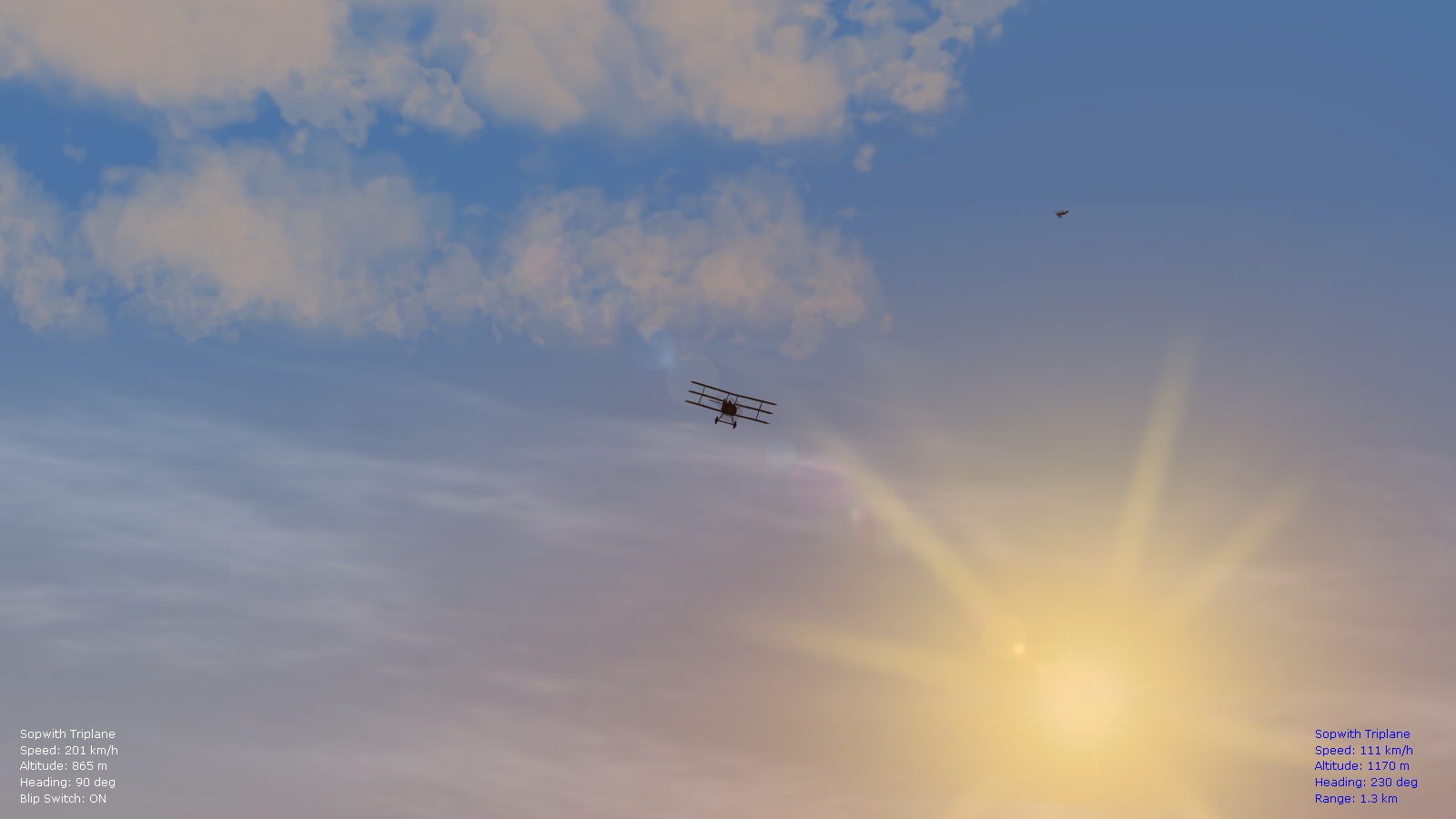
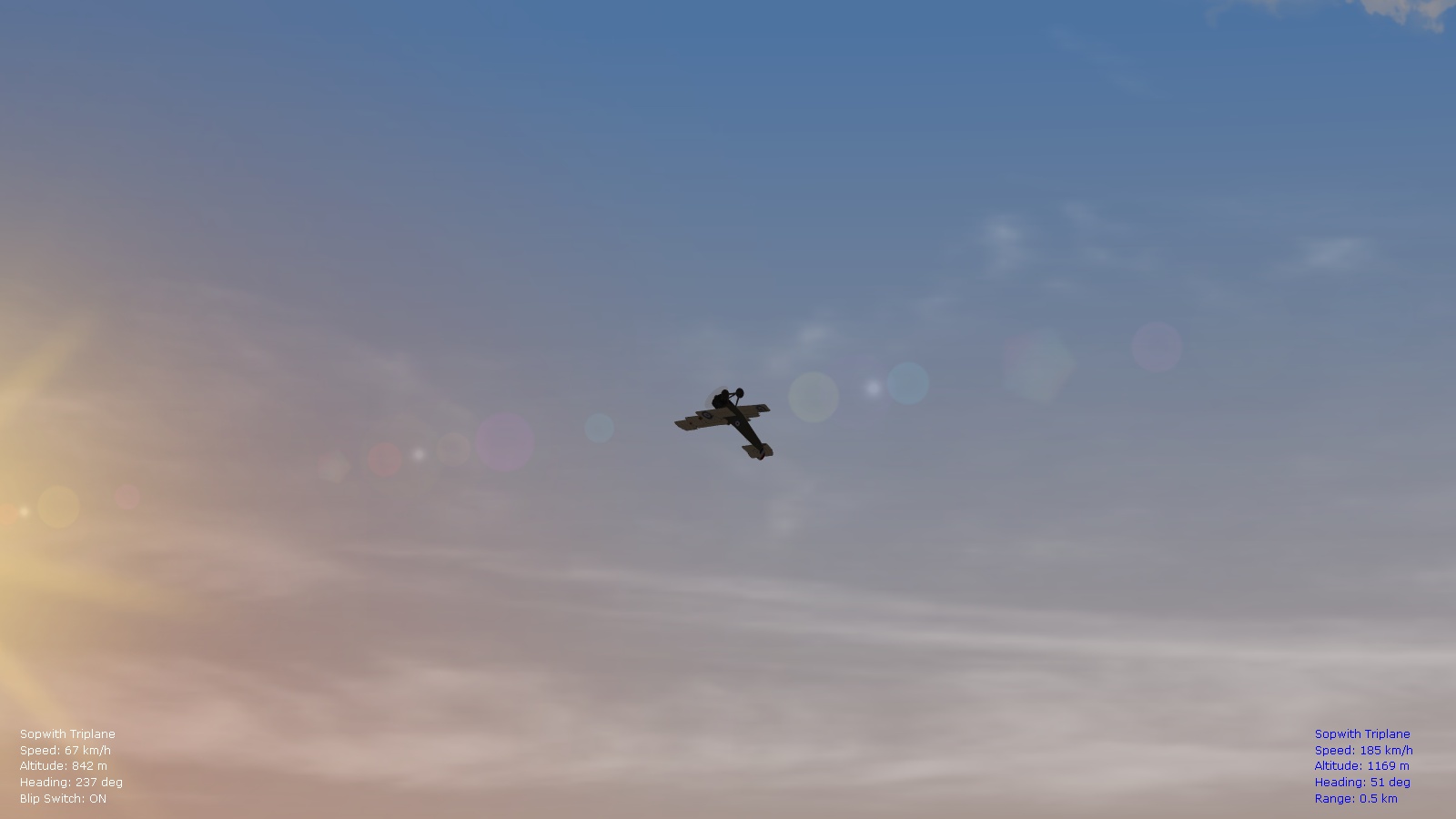
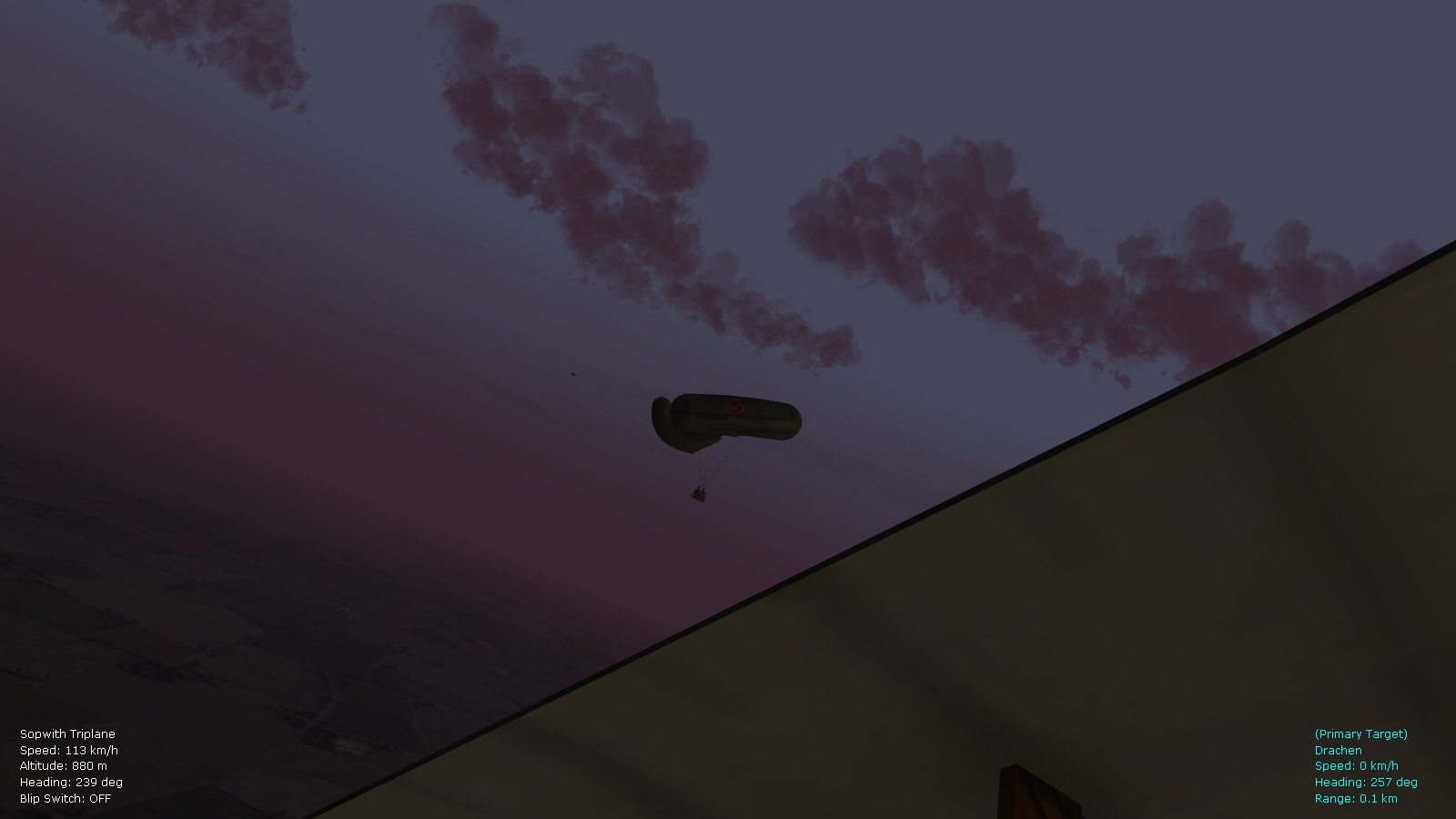
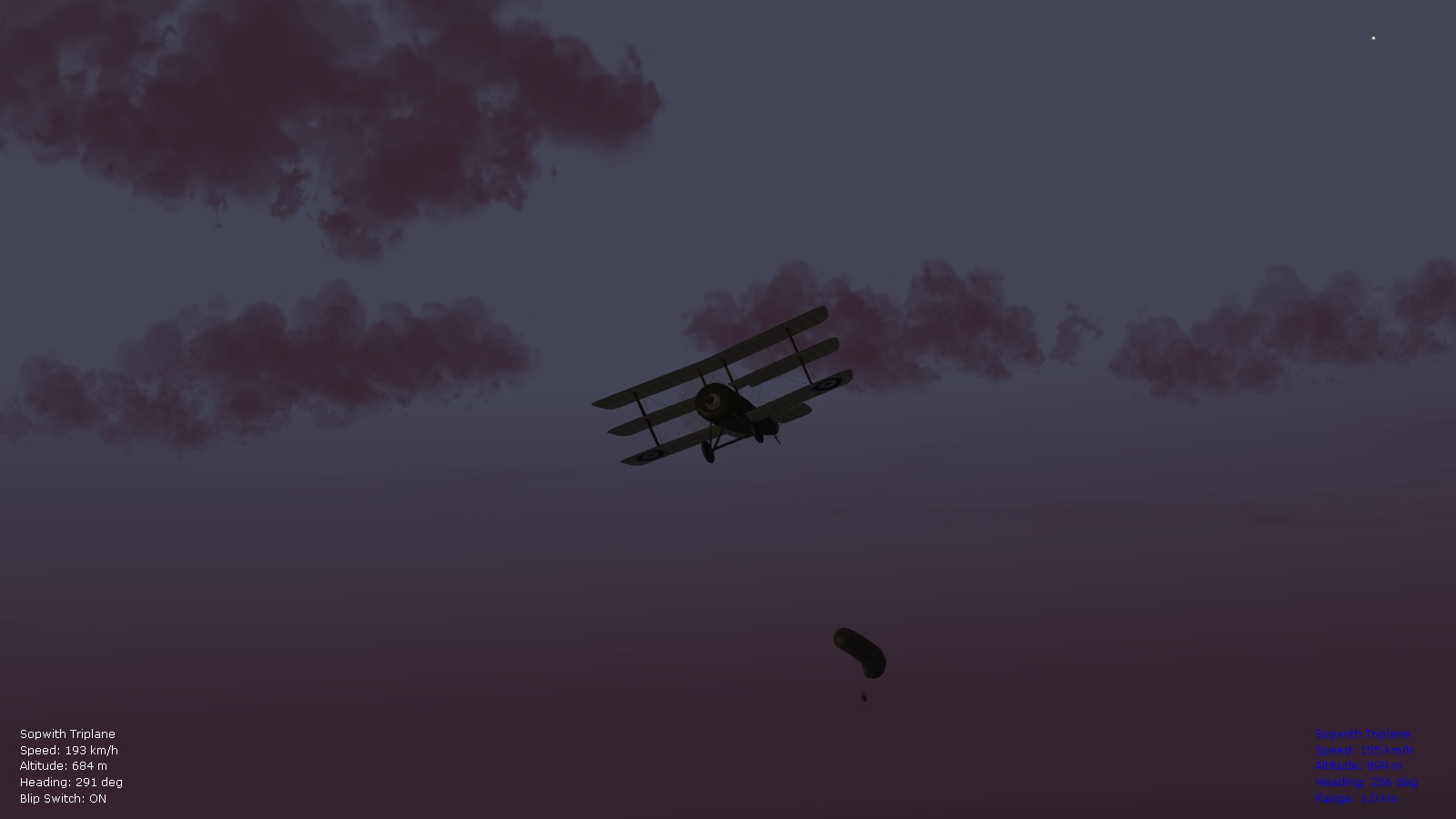
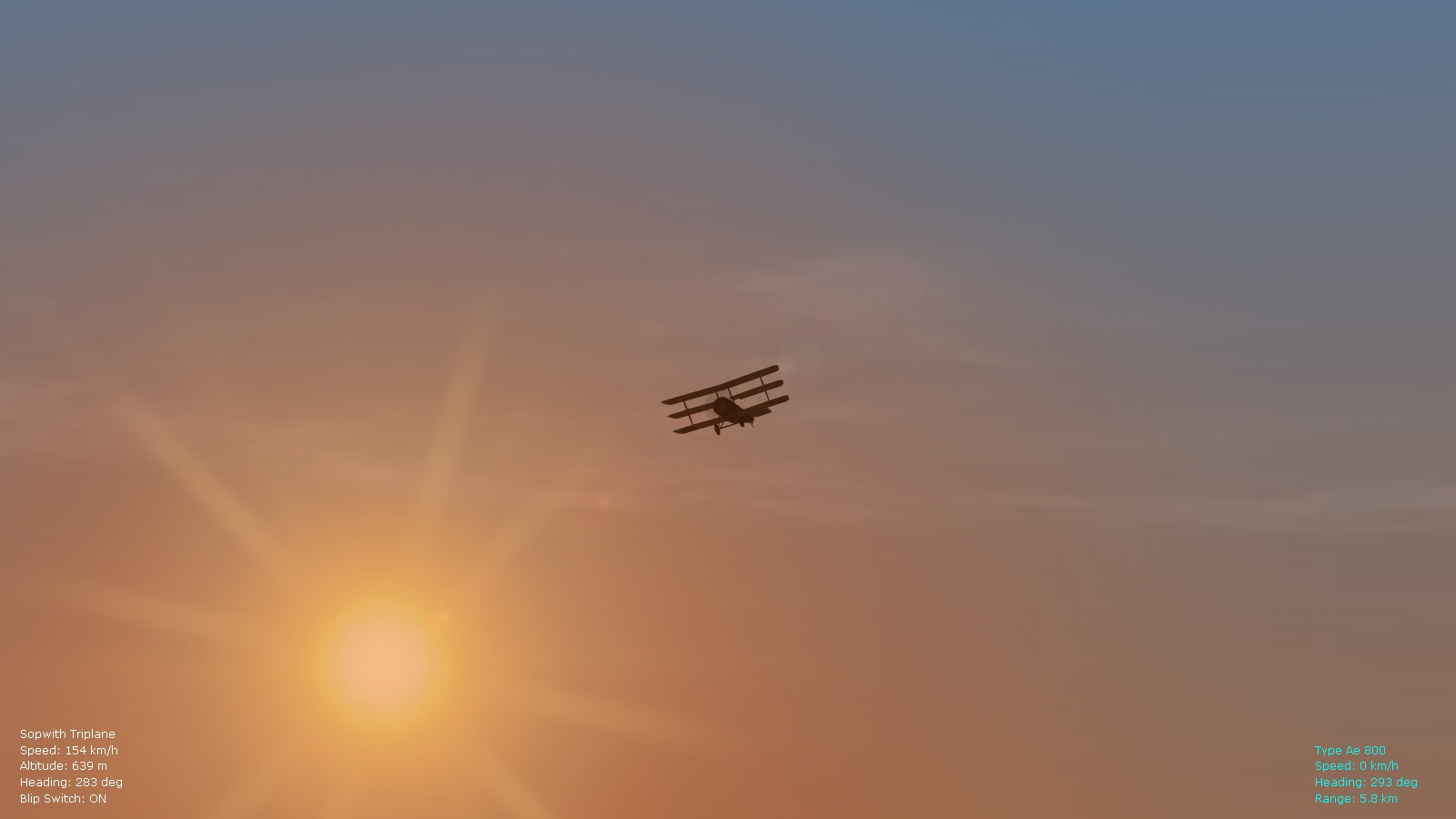
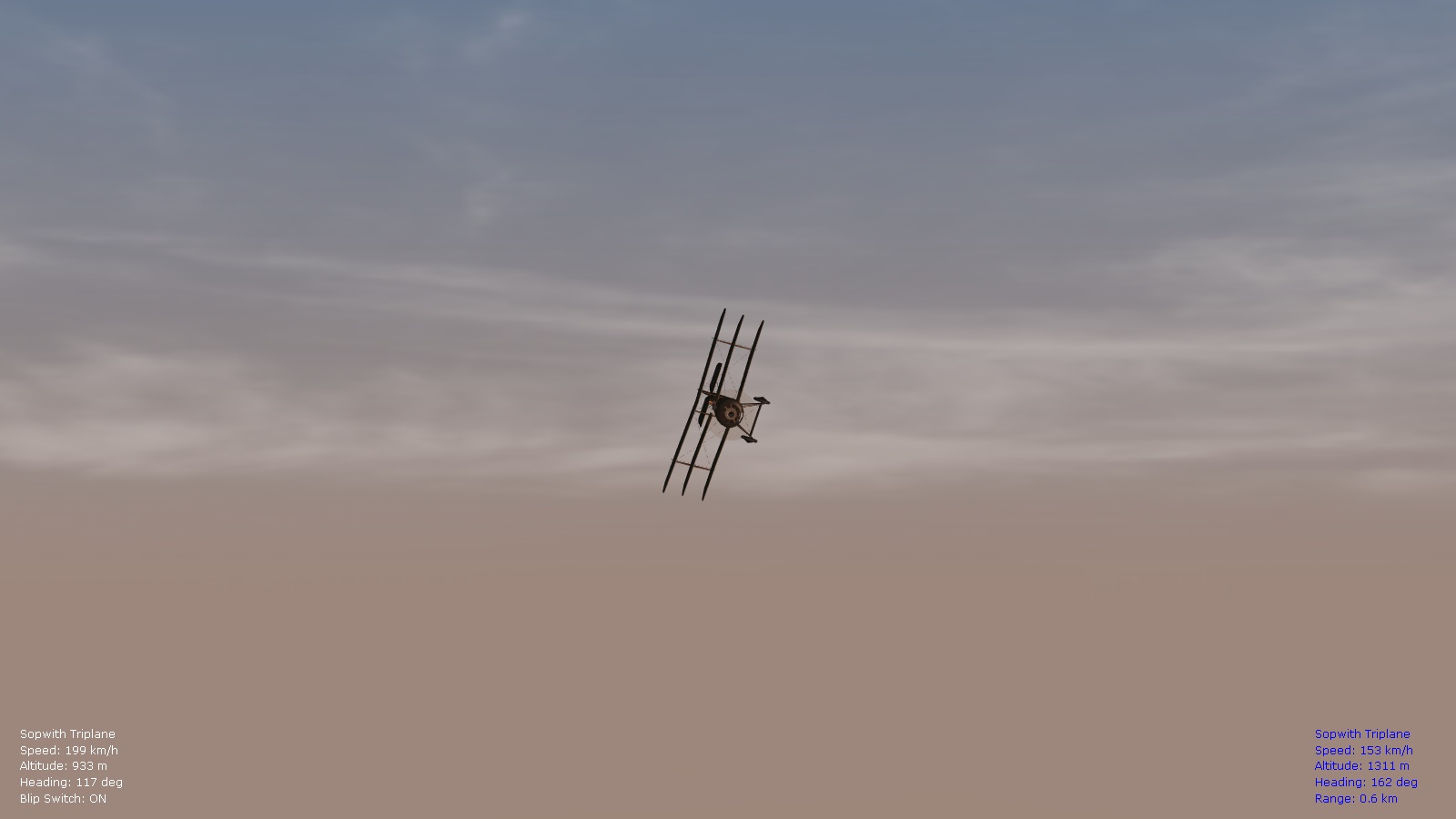
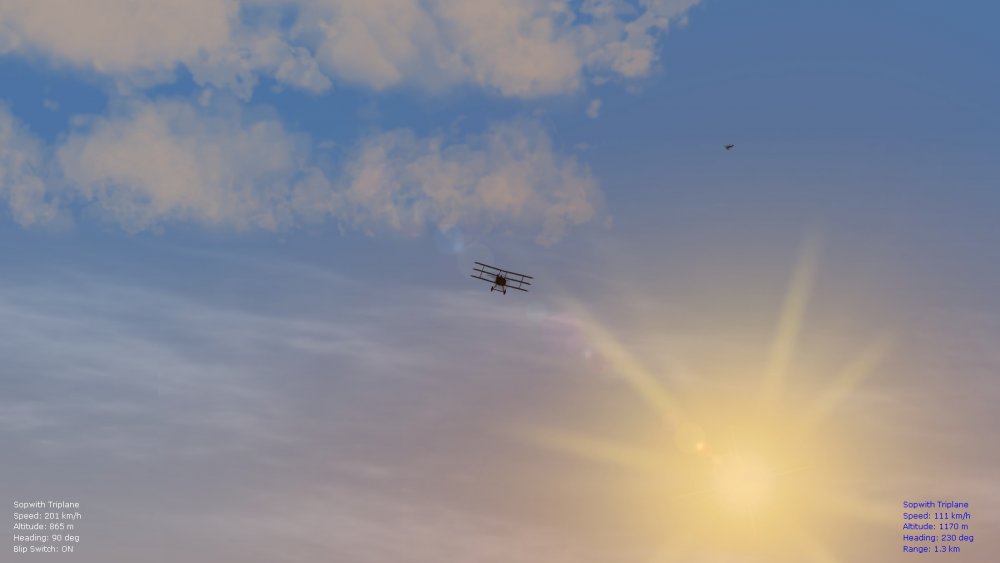
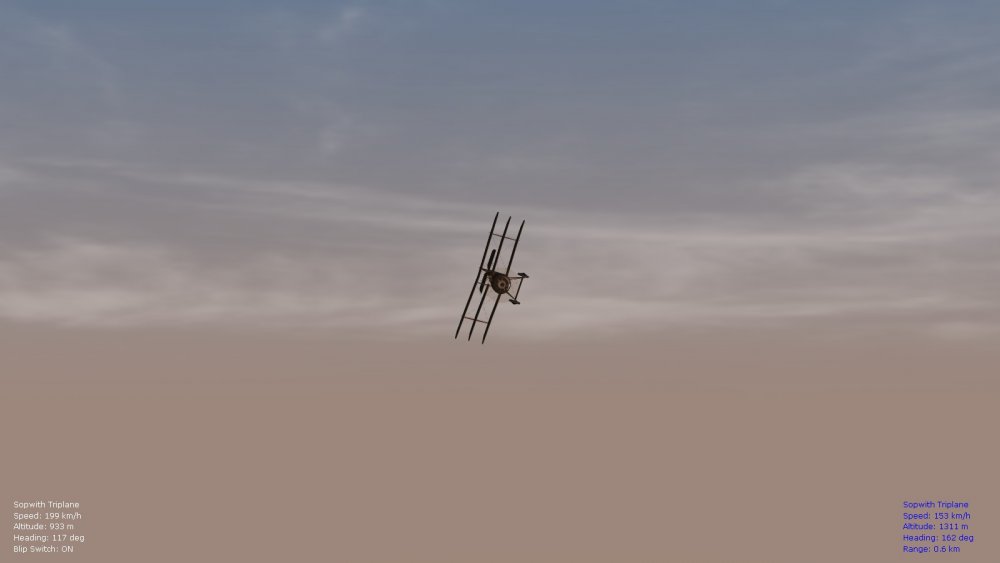
Testing the overhauled FM for the Sopwith Tripe and taking some screenshots to check color tweaks in the environsys ini file too at different times of day. Happy flying, Von S
-
Hi SkyHigh, Your install procedure as posted in your first post is correct; for all "new" plane sub-types not present on CombatAce or in the stock install of FE2, make a copy of the plane folder, then rename it as per the directions in my FM pack, and drop in the general ini file and data ini file from my plane sub-type folder that corresponds with the one you made. The Jacobs Dr.1 is a perfect example; when done with your install, you should have a "FokkerDr1_150" folder that contains my FokkerDr1_150_Data.ini file and the FokkerDr1_150.ini too. However, in order to get the plane showing up with a skin, you will have to extract either a skin from the object 3 cat folder of the sim (Jasta 7 skin for the Jacobs Dr.1) - or download one of the custom skin sets from CombatAce and include in the new plane sub-type folder that you made, in this case in the "FokkerDr1_150" folder. Same procedure works for the 220hp Spad 7, the Pfalz E.II, the 200hp Alb. D.5a, the 135hp Fokk. Dr.1, etc. Pilots are missing if you haven't installed Stephen1918's new pilots, and also his armed observers. All the helpful links are located over here: https://combatace.com/forums/topic/91337-problems-with-my-fe2/?do=findComment&comment=738368 You will find skins for the Dr.1 there, for the Spad 7 types, also for observers and pilots. The easiest way to figure out if you are dealing with a CombatAce model or stock aircraft, or one of my generated sub-types, is to look at the data inis listed per theater in my FM update packs. If you see that a data ini and general ini file are located in a folder, that means that a sub-type not available in game has been created. NOTE: I forgot to include the Alb. 200hp (D.Va) in a separate folder in my ver. 9.0 update folder, but in the consolidated ver. 8.9 folder you will see it listed correctly under its own nested folder for the western front, while its latest data ini is in the western front folder in the ver. 9.0 update. Happy flying gents', Von S
-
Hi Don, I also recommend testing with a stock user directory for FE2 and see if it brings back the bomb explosion effects. One thing that always worked for me to get most effects working is my "reverse install" of some of the Laton effects, as indicated here: https://combatace.com/forums/topic/88700-fe2-bad-framerates/?do=findComment&comment=716531 Hope you get your FE2 up and running as you like it soon. Von S P.S. The Weapons folder is an interesting one, technically a leftover from FE/FEgold days (the Guns folder being used for most weapons now) - but the Weapons folder still stores some weapons files (for example the Le Prieur Rockets, other weapons too) - and several bombs and bomb types go in there as well, including left and right Vickers guns, also left and right Spandaus, etc., that are not related to the Vickers, Spandaus, Lewises and other stuff available in the Guns folder. Some of the older models of the Nieu. 16 on CombatAce, and other types, use the weapons in the Weapons folders, while most models that came out in the last five or six years use the weapons in the Guns folder (I believe the difference is in how the guns are installed on the planes, the old Weapons folder way places a machine gun as a removable "node" on a top wing or on the nose of a plane, while newer plane data inis call up the relevant guns in the Internal Gun section).
-
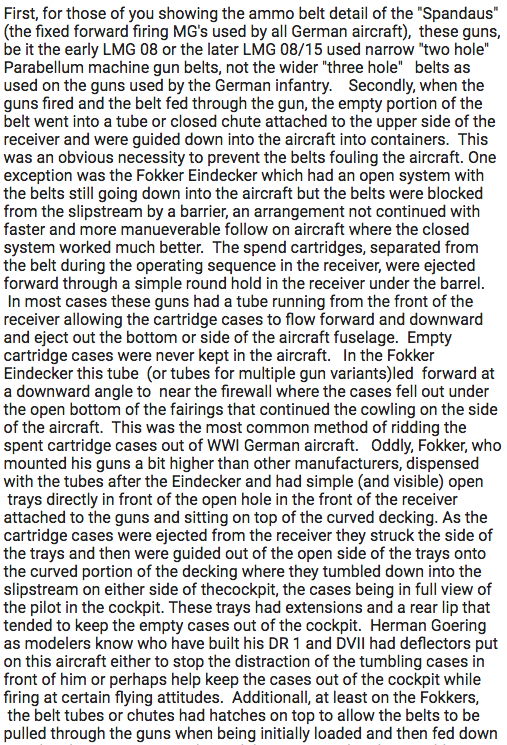
For FE/FE2 Flyers interested in little oddities of WW1 flight, Thought I'd open a small mini-post with some interesting info. on cartridge ejection on WW1 machine guns, as related to my tweaked data inis. I usually like to keep the ejection-of-cartridges call set to True on single-seaters, including top-wing mounted Lewis guns, or Vickers or Spandaus that are in front of the cockpit. Toggle that setting under the Internal Gun section of your data inis to preference, either to True or False, if you're distracted by empty flying cartridges while flying. On two-seater and multi-seater types, especially for observers/gunners, I usually have that setting at False, since many observers had setups with cloth or leather bags attached to the guns to catch spent cartridges. One exception to the rule is of course the one-seater pusher type, such as the DH.2 - you don't want spent cartridges from those flying back into the engine or propeller (as historical). A good post on the topic is here: http://cs.finescale.com/fsm/modeling_subjects/f/2/t/150528.aspx?page=1 Also good is the opening, lengthy post on that forum. Happy flying, Von S
-
- 1
-

-
- data ini files
- details
- (and 3 more)
-
Try my effects folder, or copy over the relevant files indicated in my post above (that should give you proper bomb explosion effects) - have sent you the effects through private message. Happy flying, Von S