
GKABS
-
Posts
4,016 -
Joined
-
Last visited
-
Days Won
261
Content Type
Profiles
Forums
Gallery
Downloads
Store
Everything posted by GKABS
-
Thank you so much for your kind words, my friend! It feels wonderful to be back home again.
-
Hello, my friends, I wanted to give you all an update. I saw the doctor on August 27th, and he informed me that my progress is good and looks promising. However, I still need to have another PET scan within the next two months. I'm hopeful that the results will be positive and that this will be over soon. I just returned to Kuwait on August 30th, so this is my first time on my PC in about four months. I think I need one or two weeks to fully recover from the short-term treatment side effects, and then I might start making some 3D models. Take care, Mohamad
- 123 replies
-
- 13
-

-
I appreciate your kind sentiments and well wishes, my friend.
-

SF2 - Advanced Moddings (DLL Files editing)
GKABS replied to Eagle114th's topic in Mods & Skinning Discussion
I am really interested to see the outcome of your hard work. I hope it will improve the game. One of the things I would like to see is air refueling. Keep up the digging. I hope you can find the SF treasure box. P.S. Two more things to see: a pilot eject with a parachute and if there is a chance to add more animation IDs. -
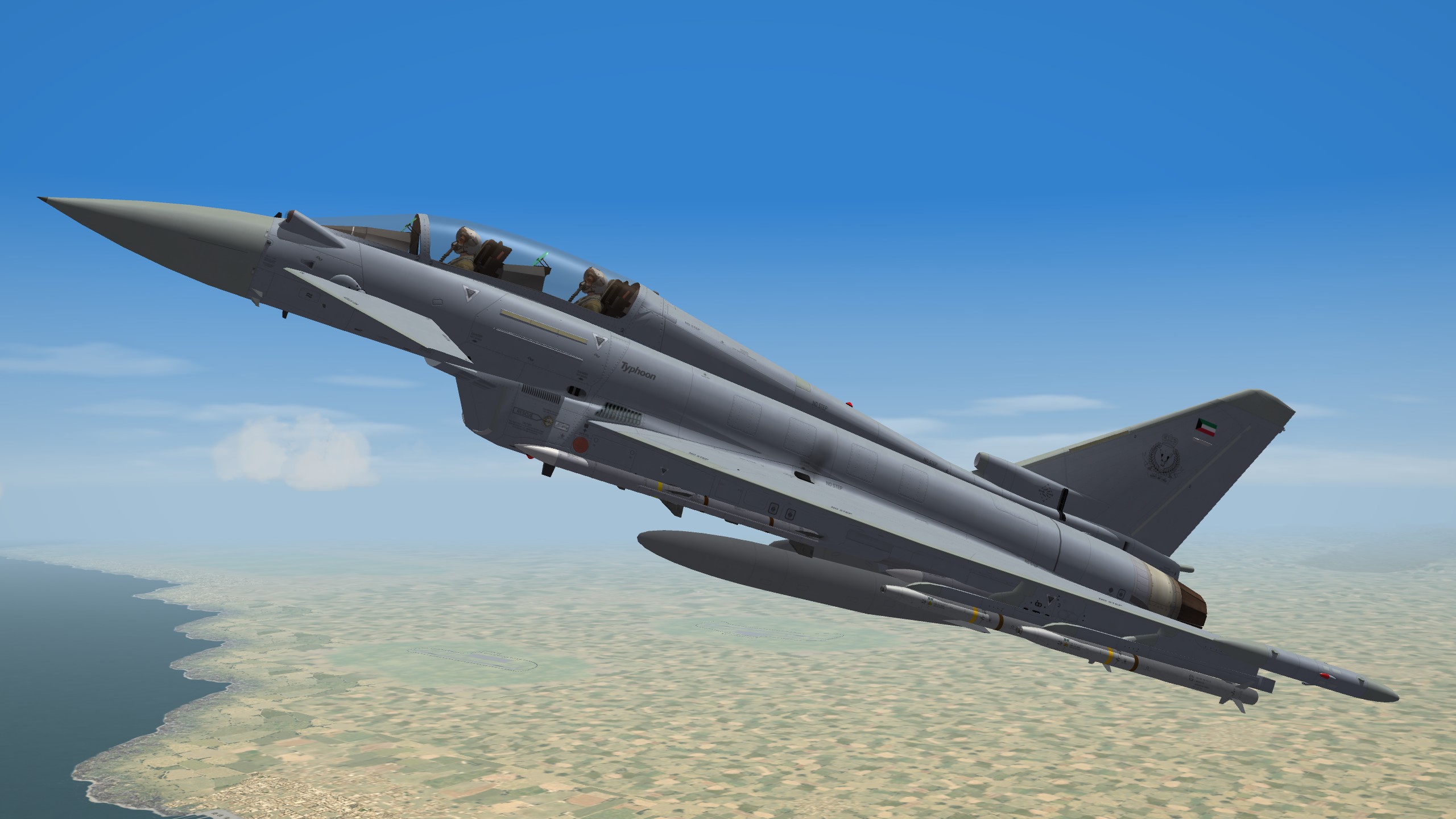
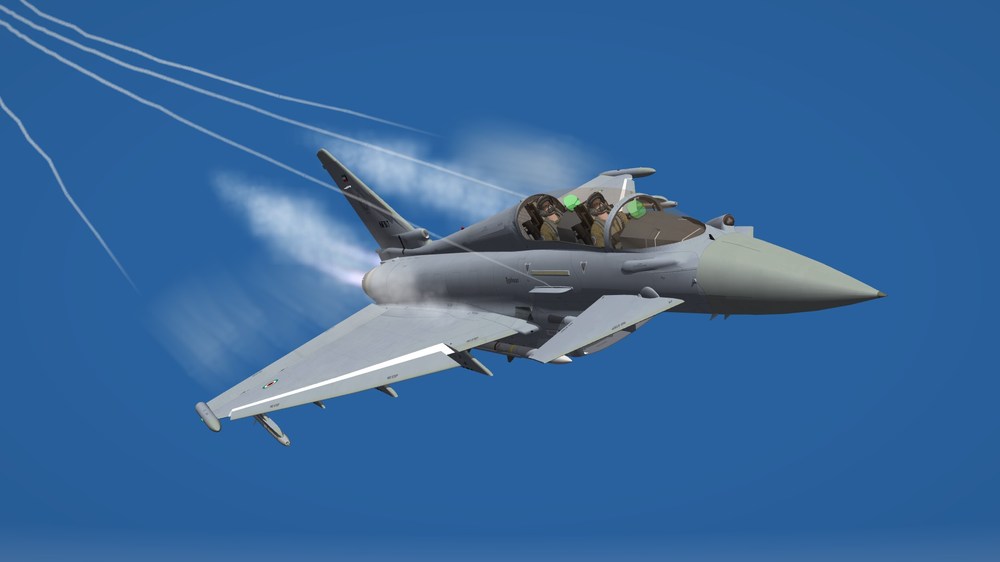
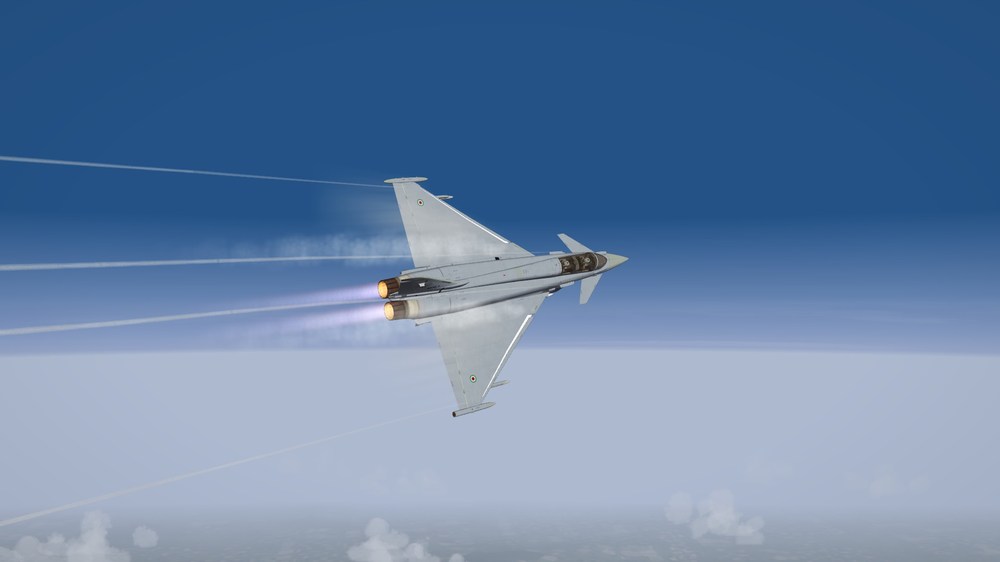
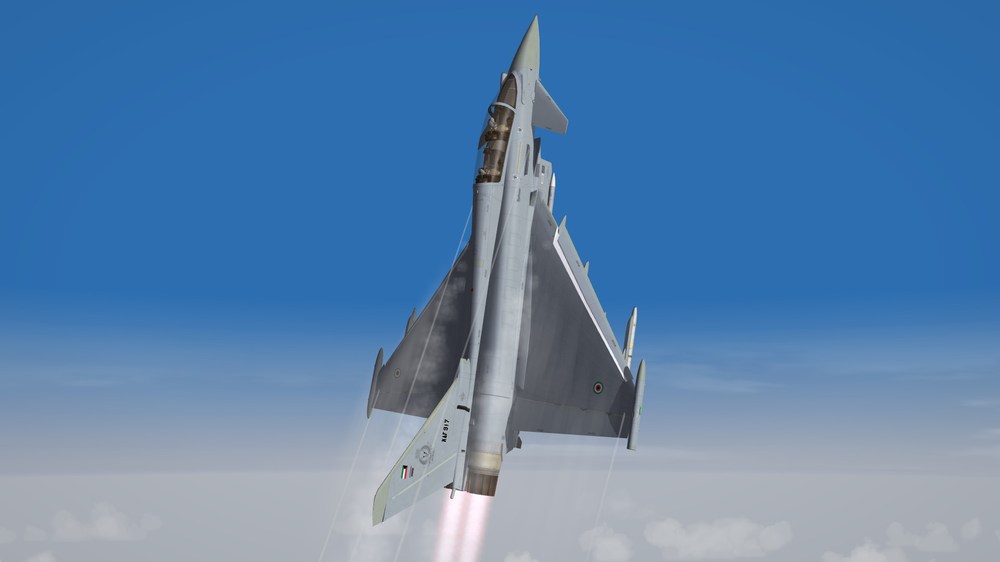
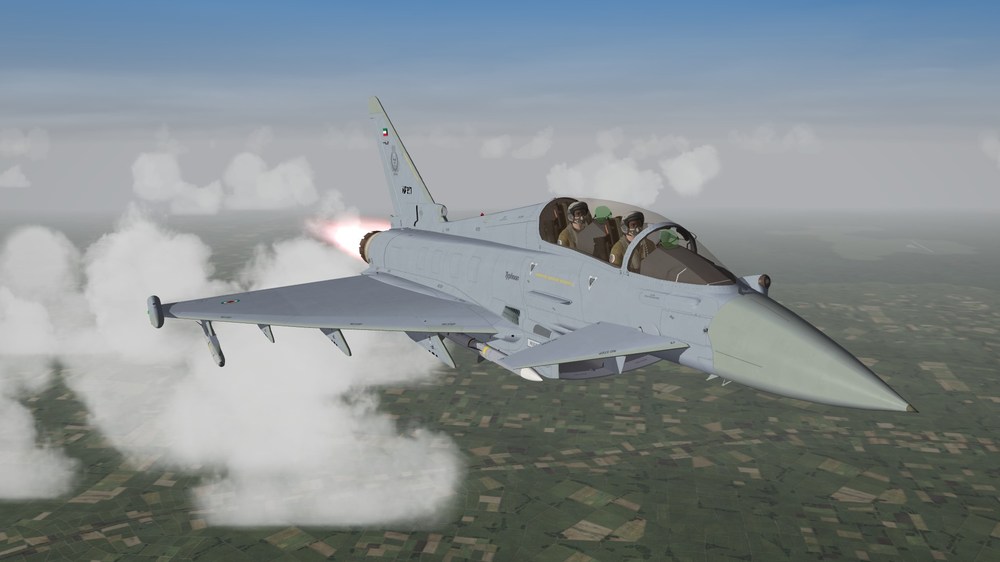
I had this one in my phone before I came to the UK, so this is my first unofficial comeback lol


-
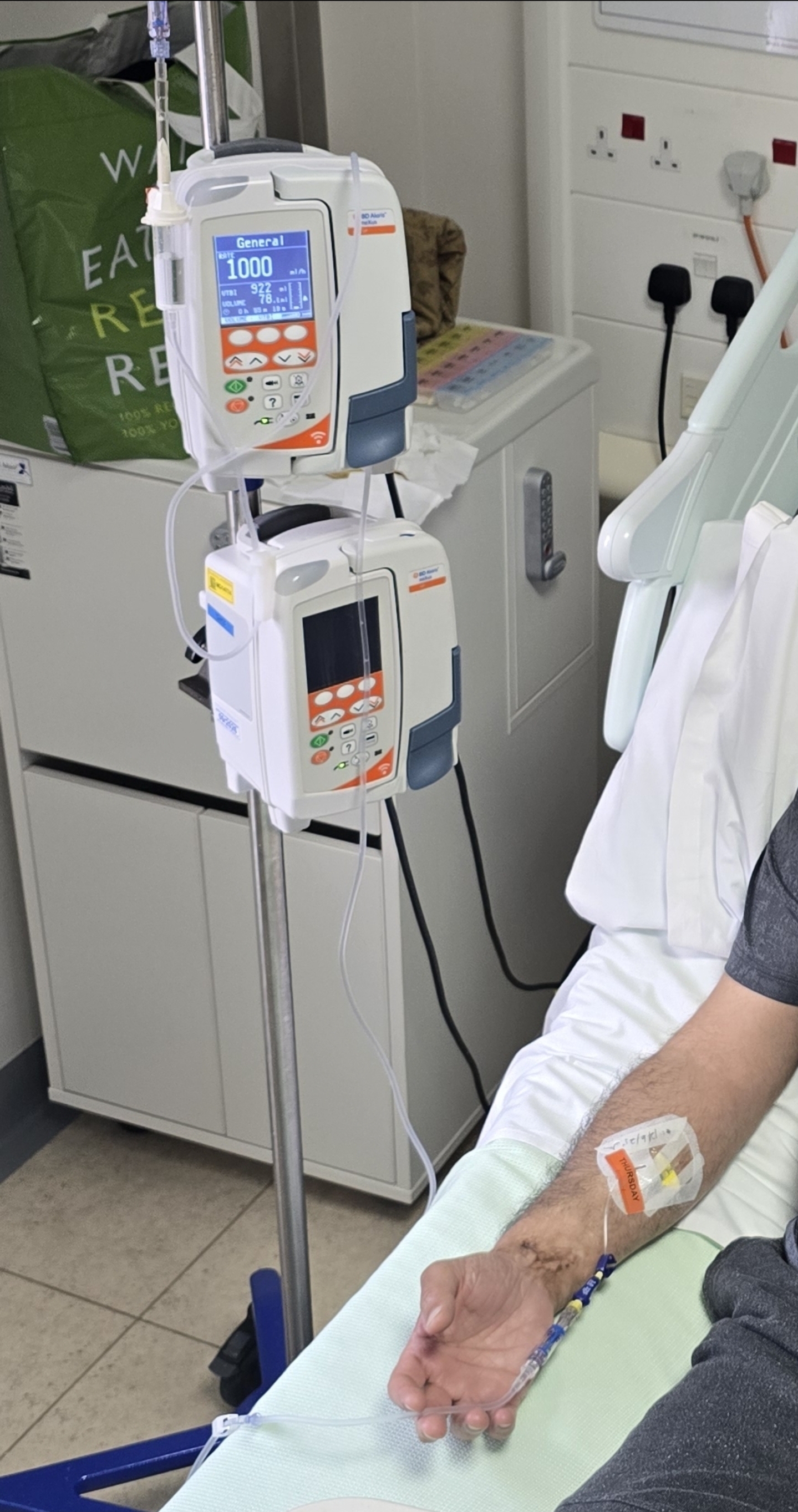
Hey there, my dear friends! I’m excited to share that I’ve finally finished my treatment! It felt like it took ages, but I’m relieved to be on the other side now. I’m in the recovery stage, which will take about 3 to 4 weeks. After that, hopefully, I can start eating normally again, although I’m still missing my sense of taste, haha! I’ve been taking it easy and, believe it or not, I think I’ve lost around 12 kilograms during this time. It’s been quite the journey, but I’m staying positive and hoping for some great news soon, inshallah. I just want to say a huge thank you to all of you for your incredible support. It means the world to me! Take care and chat soon, Mohamad.
- 123 replies
-
- 19
-
-
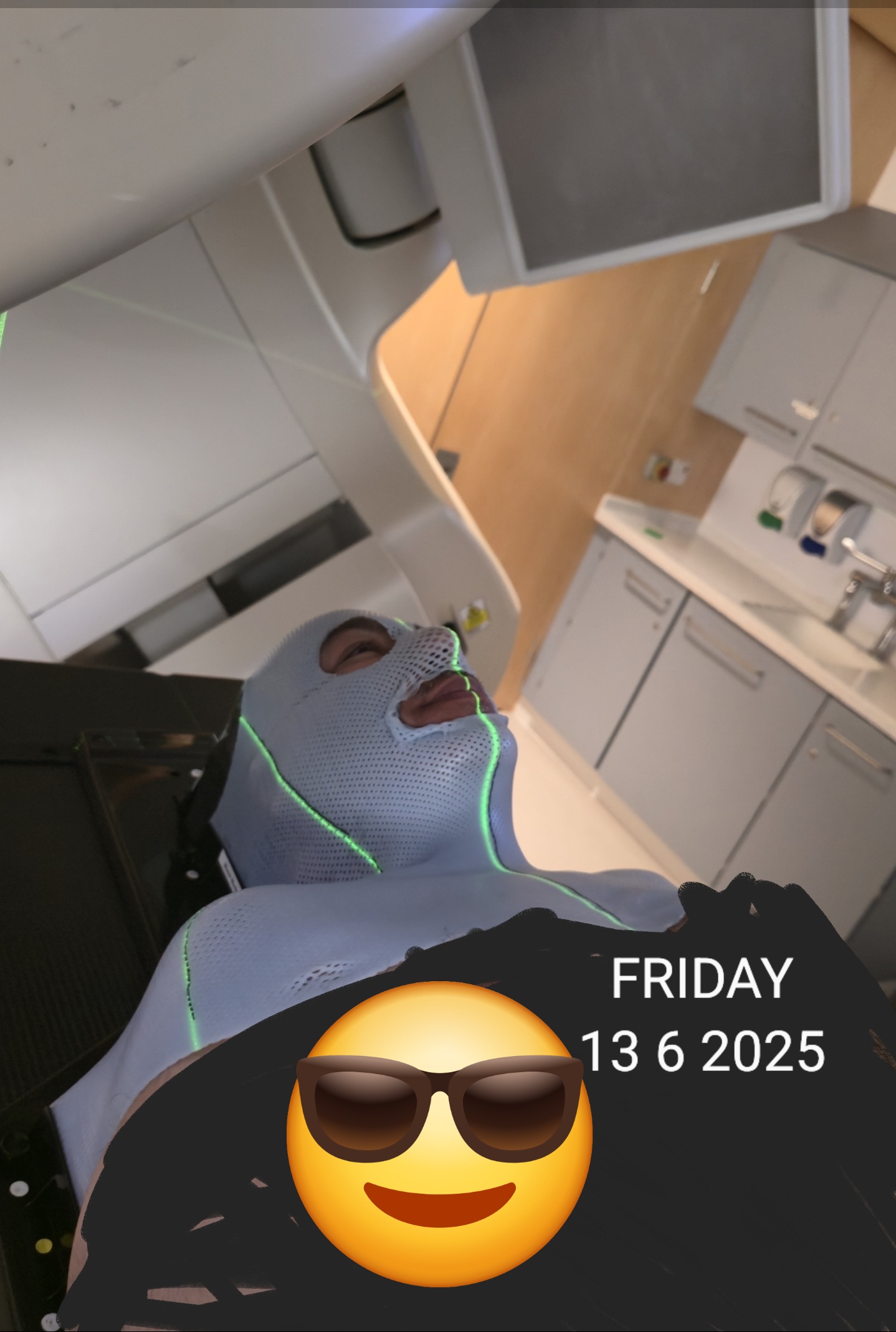
Hello, my friends, I just completed my second chemotherapy session (started last Thursday and finished Friday), and I feel really tired and I don't have the appetite to eat. I have some second-degree burns, but the majority are first-degree burns or less on my neck and around my mouth. I lost most of my facial hair and the back of my neck, and my face is so dark it's unbelievable, like my skin changed 80% darker. But they are keeping me on a lot of medications for everything. I am taking some other drugs on top of my normal medications, which is good, but all day long I keep taking this, then that, another, as well as putting this cream, then washing and putting another one. Anyway, I want to get my frustration out. I hope you understand I need to vent some steam. I have 8 more radiotherapy sessions, and then I am done. I will complete my treatment by 23/7/2003, then I just have to do the follow-up with the professor who is overseeing my treatment. He told me he will do a CT scan for me after 3 to 4 weeks to see if everything went well. Take care, my dear friends, Mohamad.
-
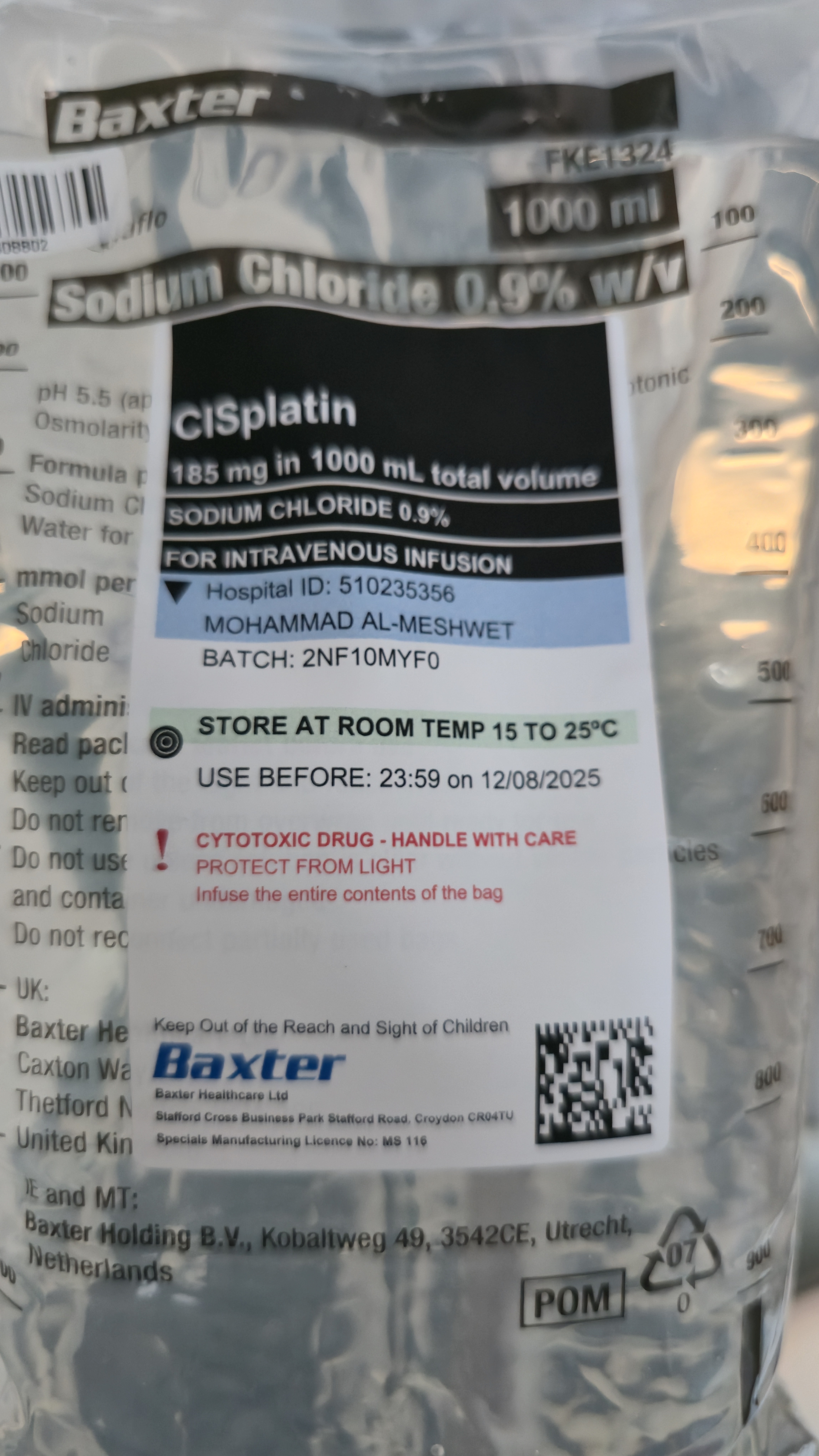
Thank you, my dear friends, for your kindness and support. I really appreciate it and I look forward to coming to my second home when I can, Combatace, to read your posts; they are so comforting and uplifting. Yes, indeed, it was, but it wasn't all chemotherapy; it was switching between chemotherapy and saline solution over 16 hours, from 5 PM to the following morning. I went to the bathroom more than 15 times—then I stopped counting! I feel about 75% recovered from chemotherapy, strength-wise. I look forward to the end of the treatment and, inshallah, the good news after the doctor's final visit in August. Take care, my dear friends, Mohamad
- 123 replies
-
- 11
-
-
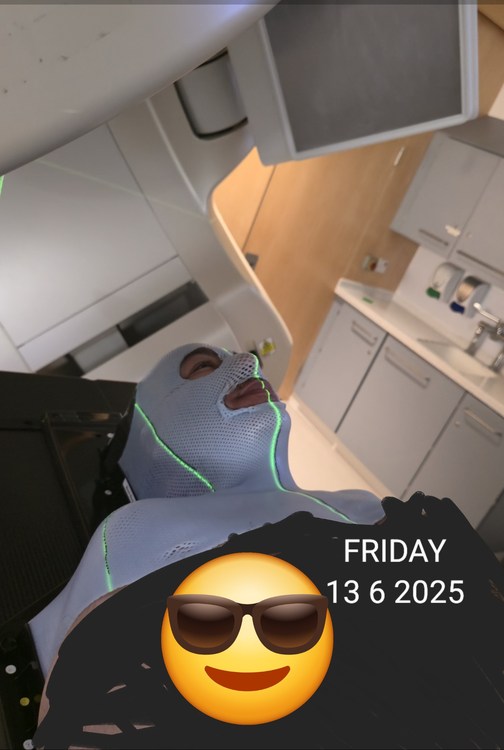
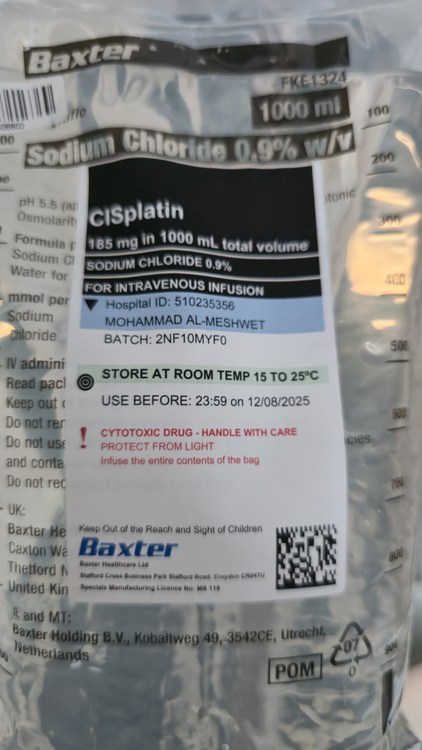
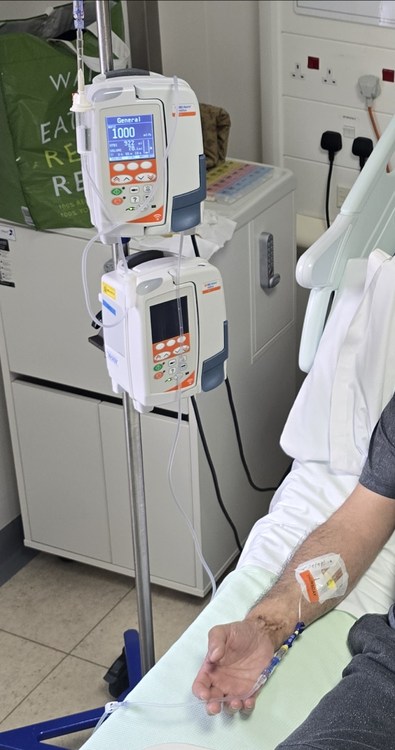
Finished my first chemotherapy session; it took sixteen hours to complete. I have also completed two radiotherapy sessions out of thirty. I feel tired and have lost my taste, a dry mouth, and an upset stomach. But hopefully, I will complete treatment without infections. I may not be around for a while, but when I can, I will update you, my dear friends. Take care, Mohamad
- 123 replies
-
- 10
-
-
Last update before starting my treatment as I am going to have so many tests in the come two weeks before 12 June. My cancer turned out to be T3 N2 M0. (T3) which means stage 3 in the tonsils. (N2) it has spread to the lymph nodes more than five on both sides of the neck. (M0) indicates it has not spread to distant sites. I am in London and am scheduled to start both chemotherapy and radiation for six weeks, starting June 12. I am looking on the bright side and hopefully, inshallah, things will turn out well after treatment. Sincerely, Mohamad.
- 123 replies
-
- 11
-
-

-
Thank you again, my friends. A PET scan confirmed cancer in both tonsils and three lymph nodes total on both sides. Today, I completed an MRI to determine the cancer stage; hopefully, it is not stage 3 or 4, inshallah (God willing). I may go to the UK for treatment soon, if all goes well. Most likely, The Royal Marsden Private Care. Wish me the best and a speedy recovery. Sincerely, Mohamad. Yes
-
Waiting for the 19th of this month to get my treatment plan. They took both my tonsils on the 22 April, and the report confirmed the right tonsil to have cancer, and rescheduled my PET scan and MRI for the next two weeks, one on the 8th and the other on the 13th, to see how far it's spread and which lymph more are affected by the cancer in the nuck in both sides. Aside from that, I am okay.
- 123 replies
-
- 12
-
-
I sincerely appreciate your kindness and prayers; they are invaluable to me. Following a doctor's visit today, a full-body PET scan has been ordered to detect any further cancerous growths (Hopefully none will be found) Additionally, a head and neck MRI is scheduled to rule out brain cancer (I hope it will come negative). I will schedule these appointments tomorrow, aiming for availability within the next two weeks. Your continued prayers are deeply appreciated and provide significant emotional support. Sincerely, Mohamad.
- 123 replies
-
- 11
-
-
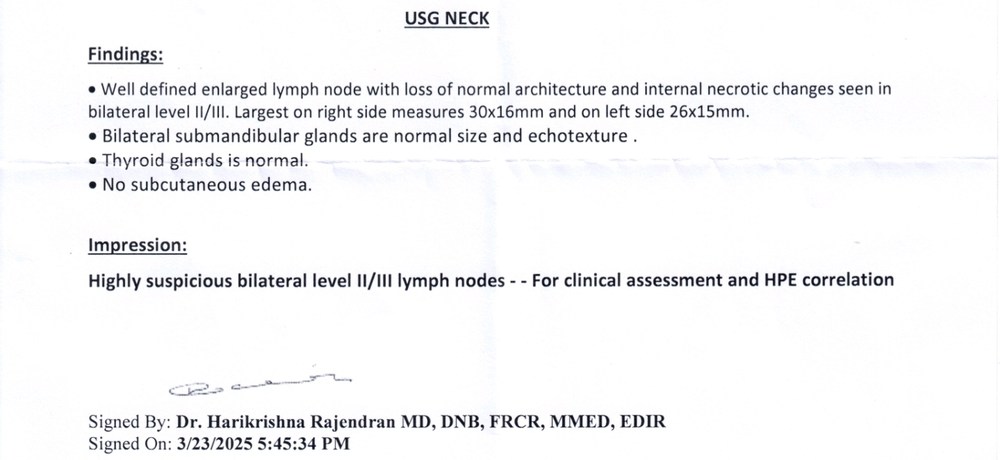
Thank you all for your kind words and prayers; it means a lot to me. Sadly, the results came back positive; I have cancer in the lymph nodes II / III on both sides of my neck. So, keep me in your thoughts and prayers . I may not be around for a while until I get all the tests (PET/CT scans) and, most likely, surgery to remove them. Then we will see what is next.
- 123 replies
-
- 10
-
-
Hello my dear friends, I just found out that i have problem with my right tonsil and both side of my neck lymph nodes. Tomorrow i will be doing cell biology, so wish me all the best and sorry again I wouldn't be around again
-
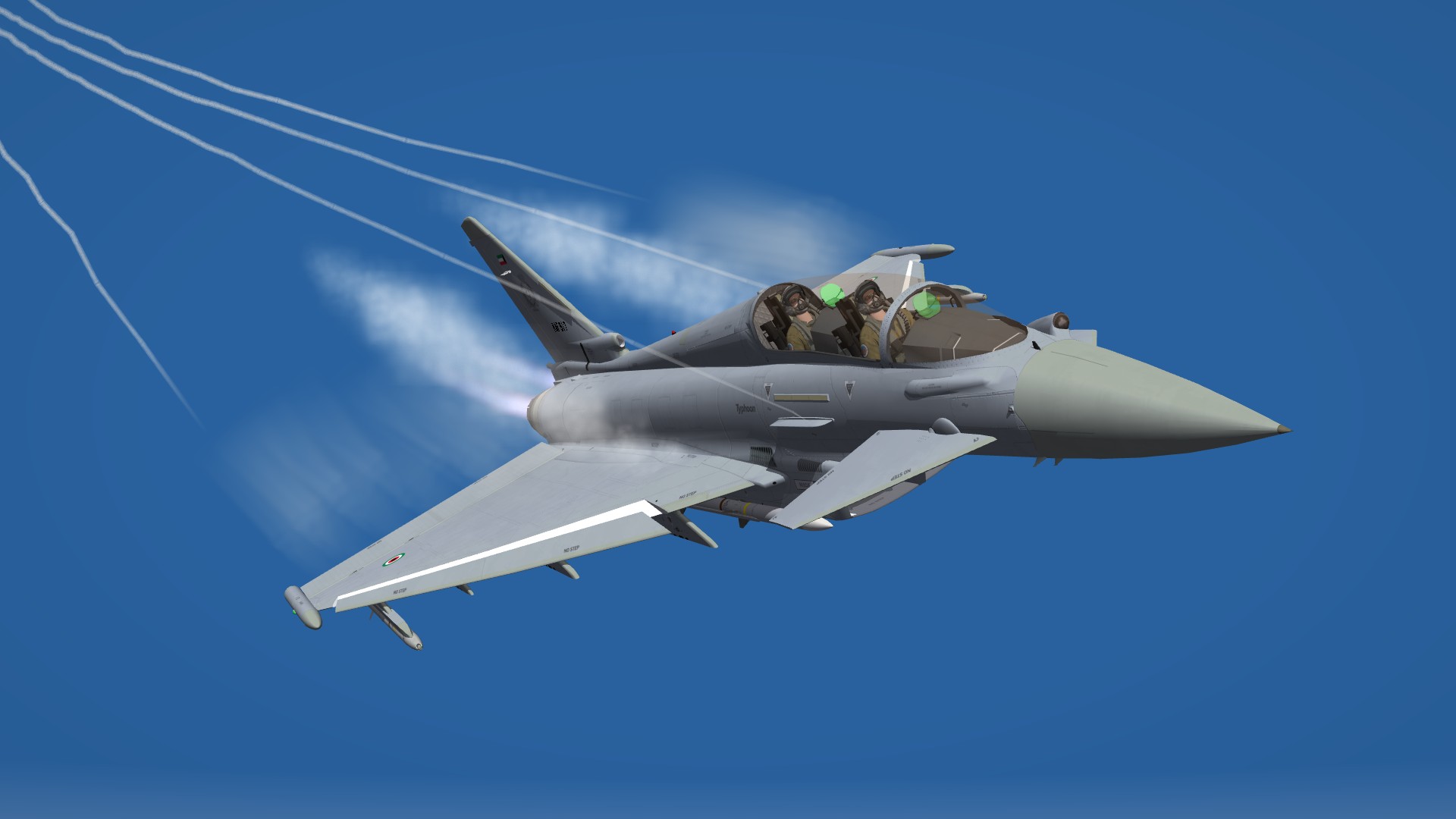
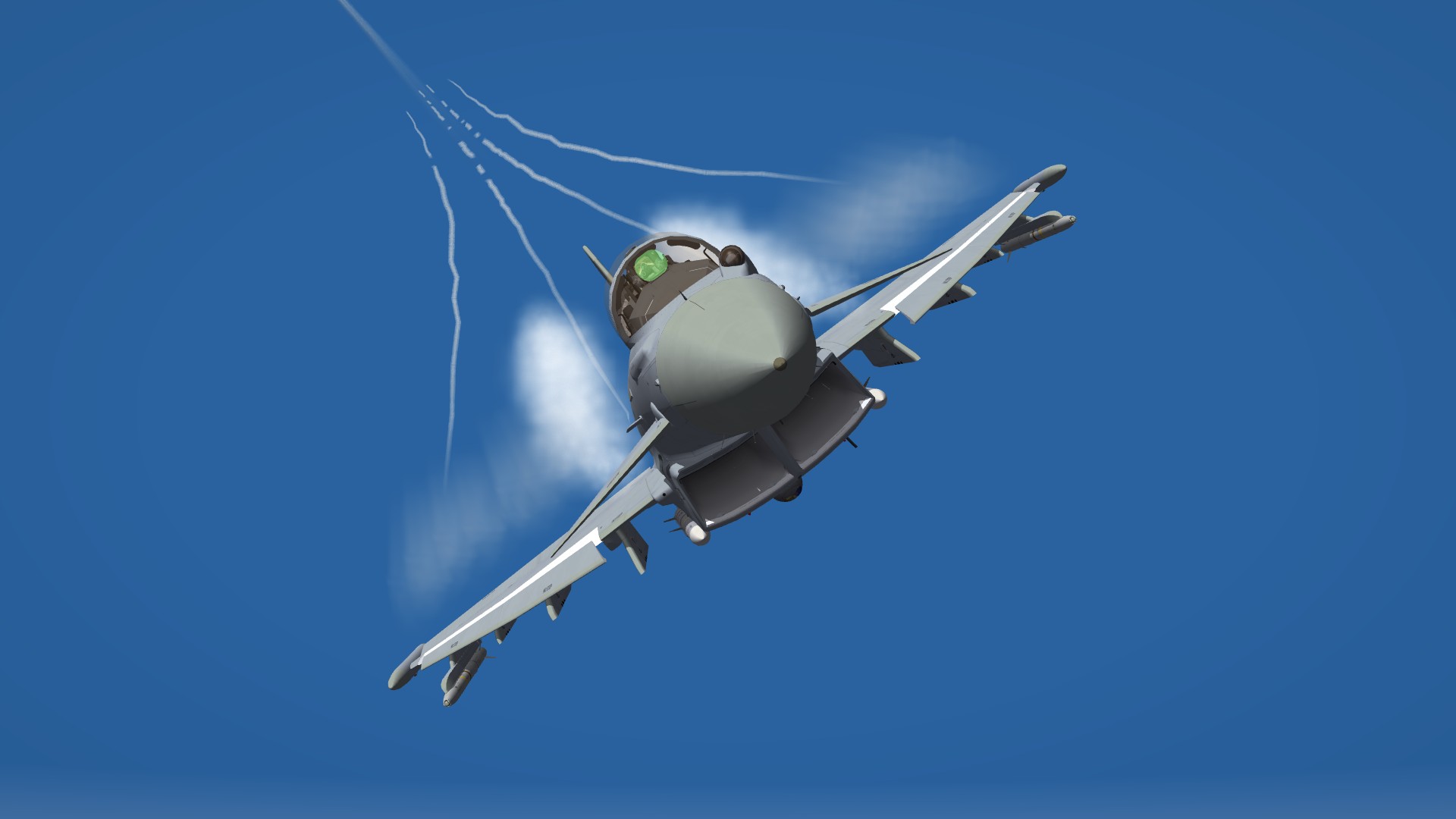
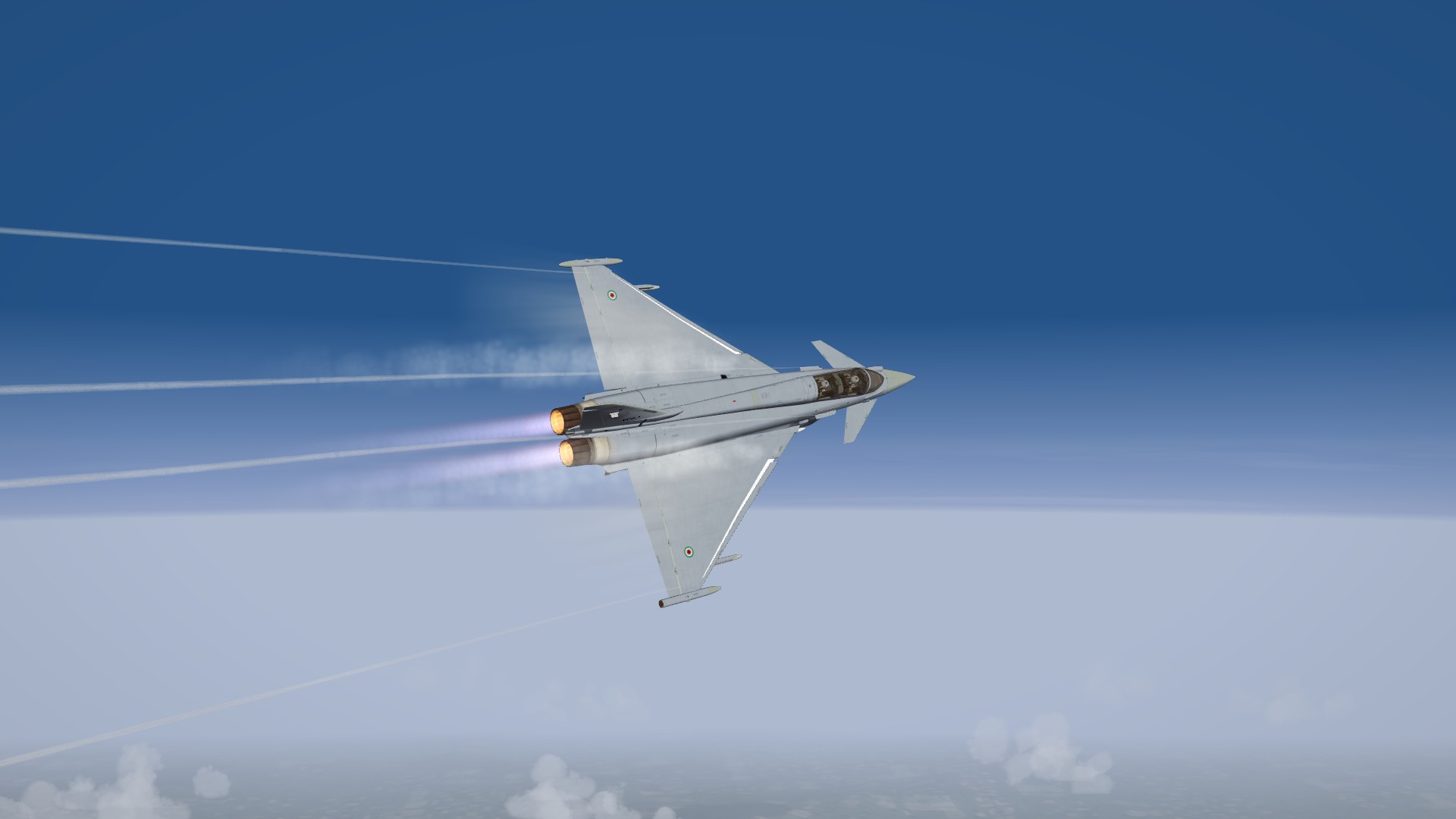
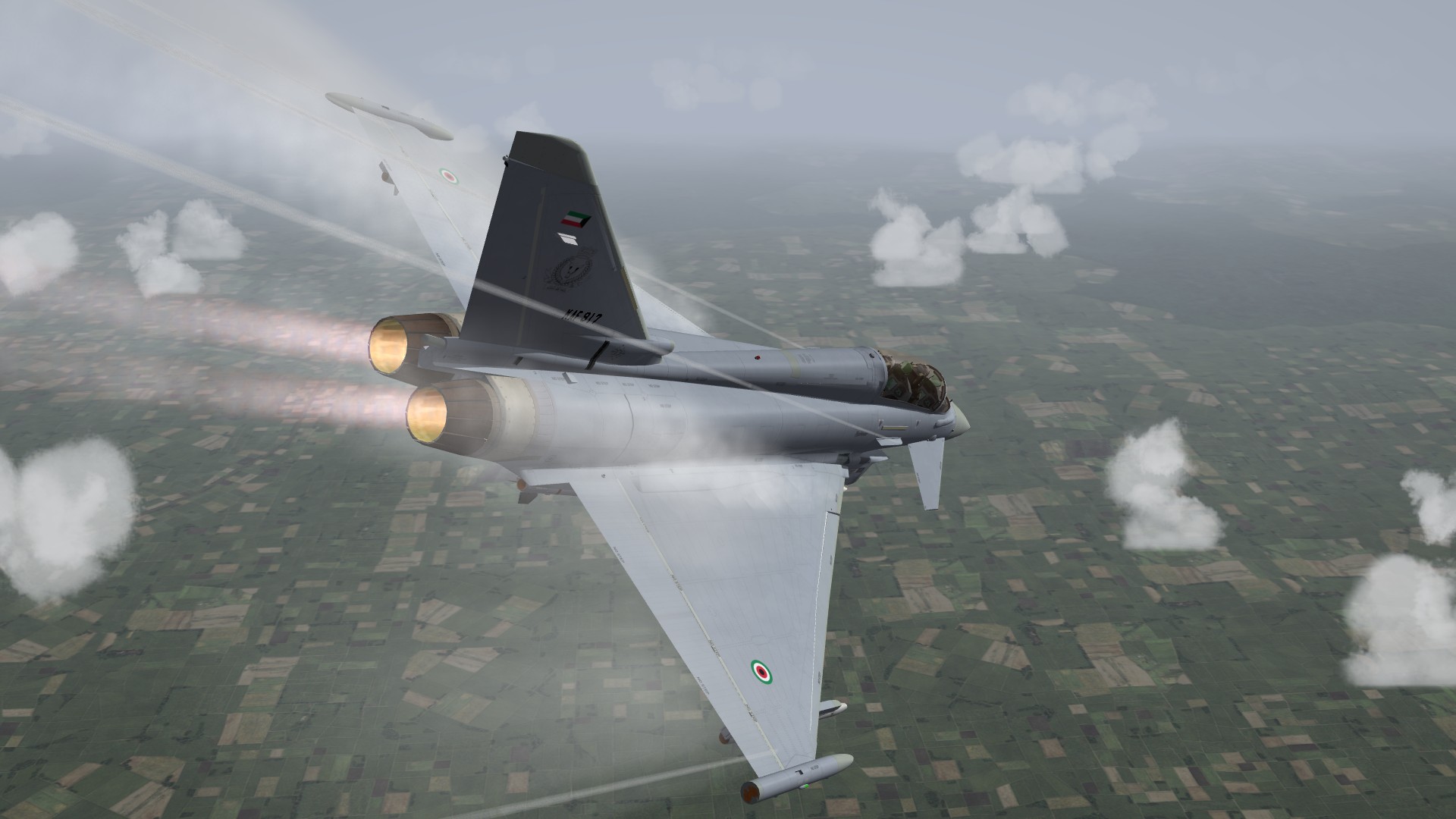
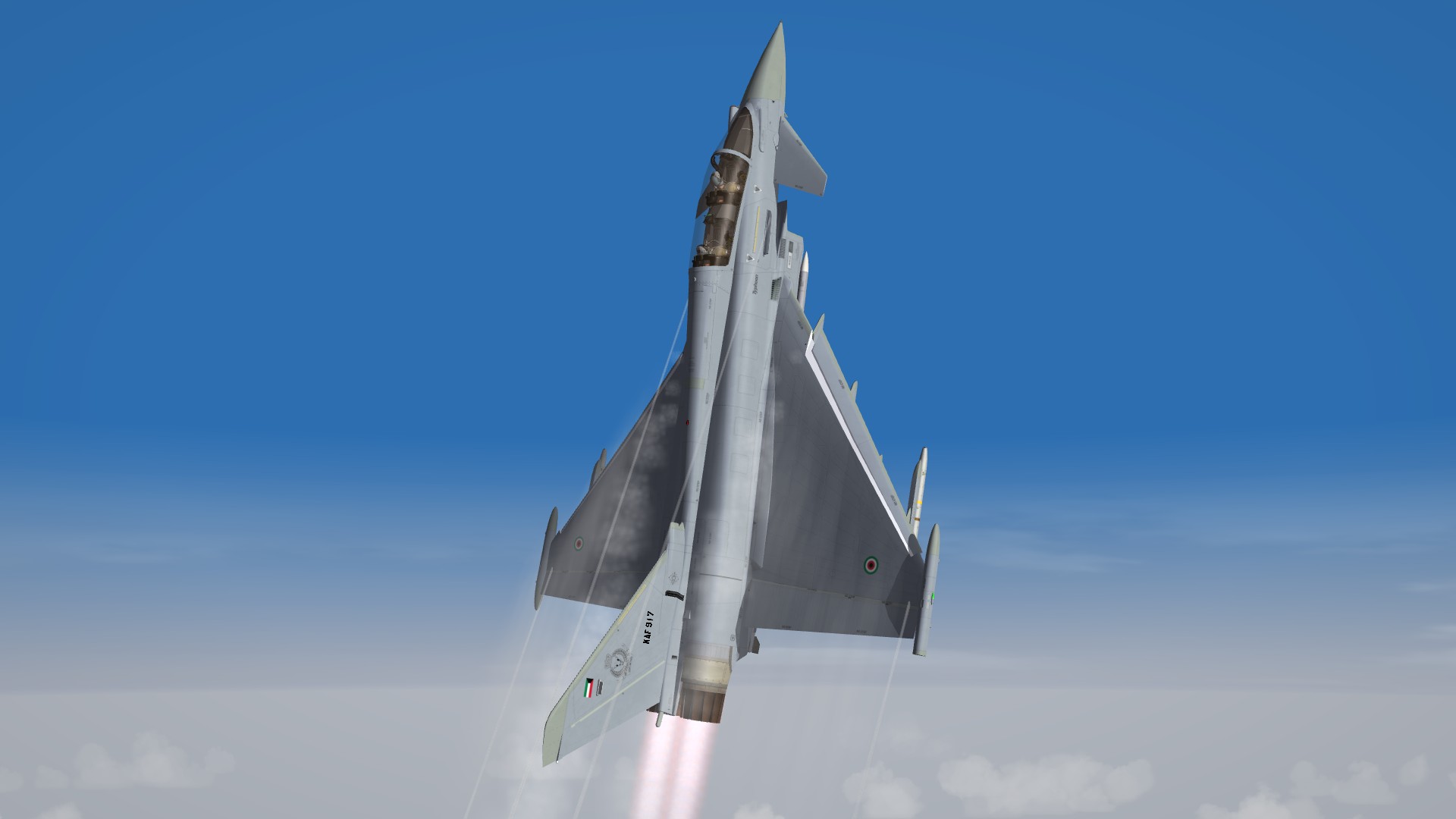
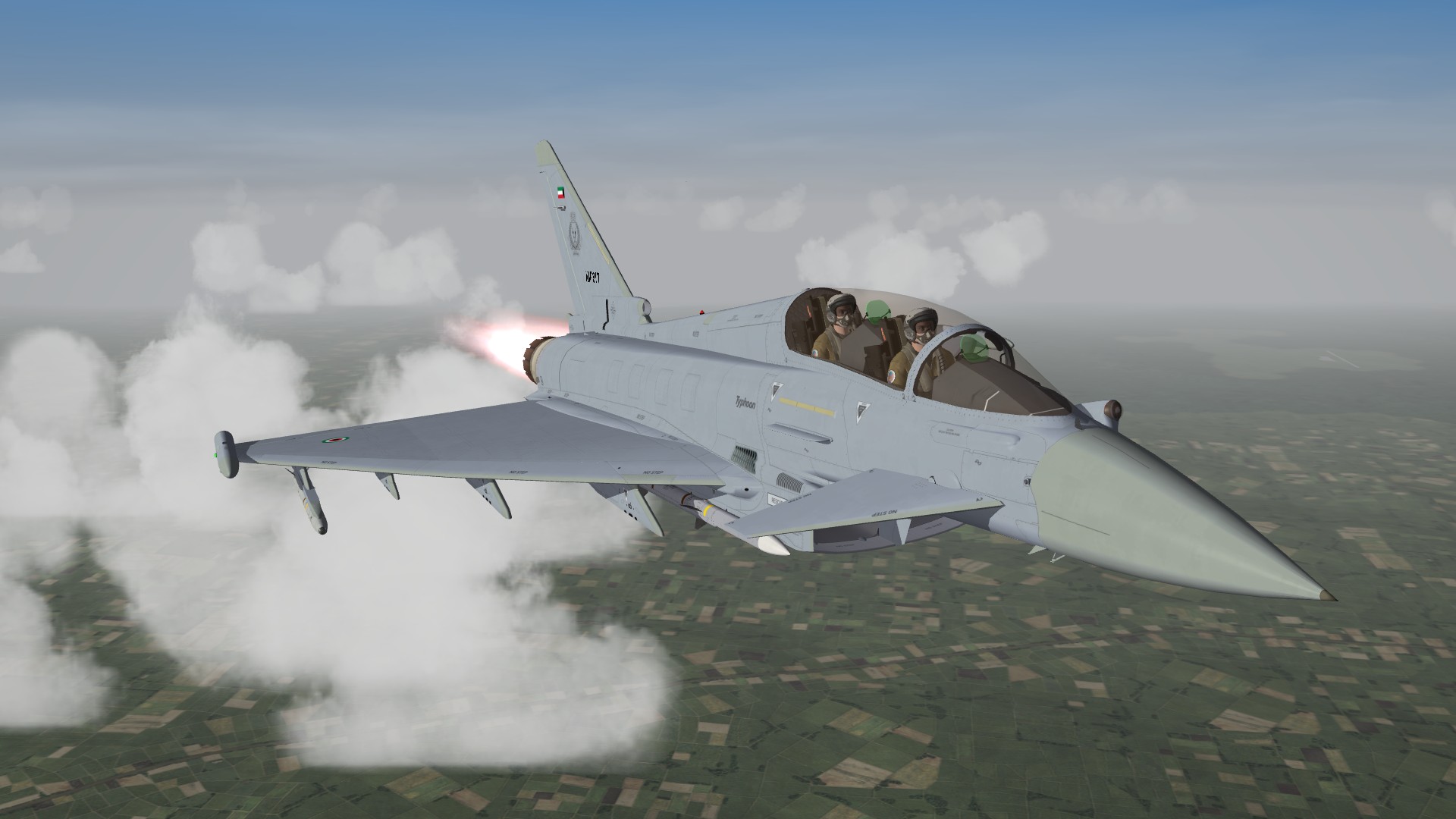
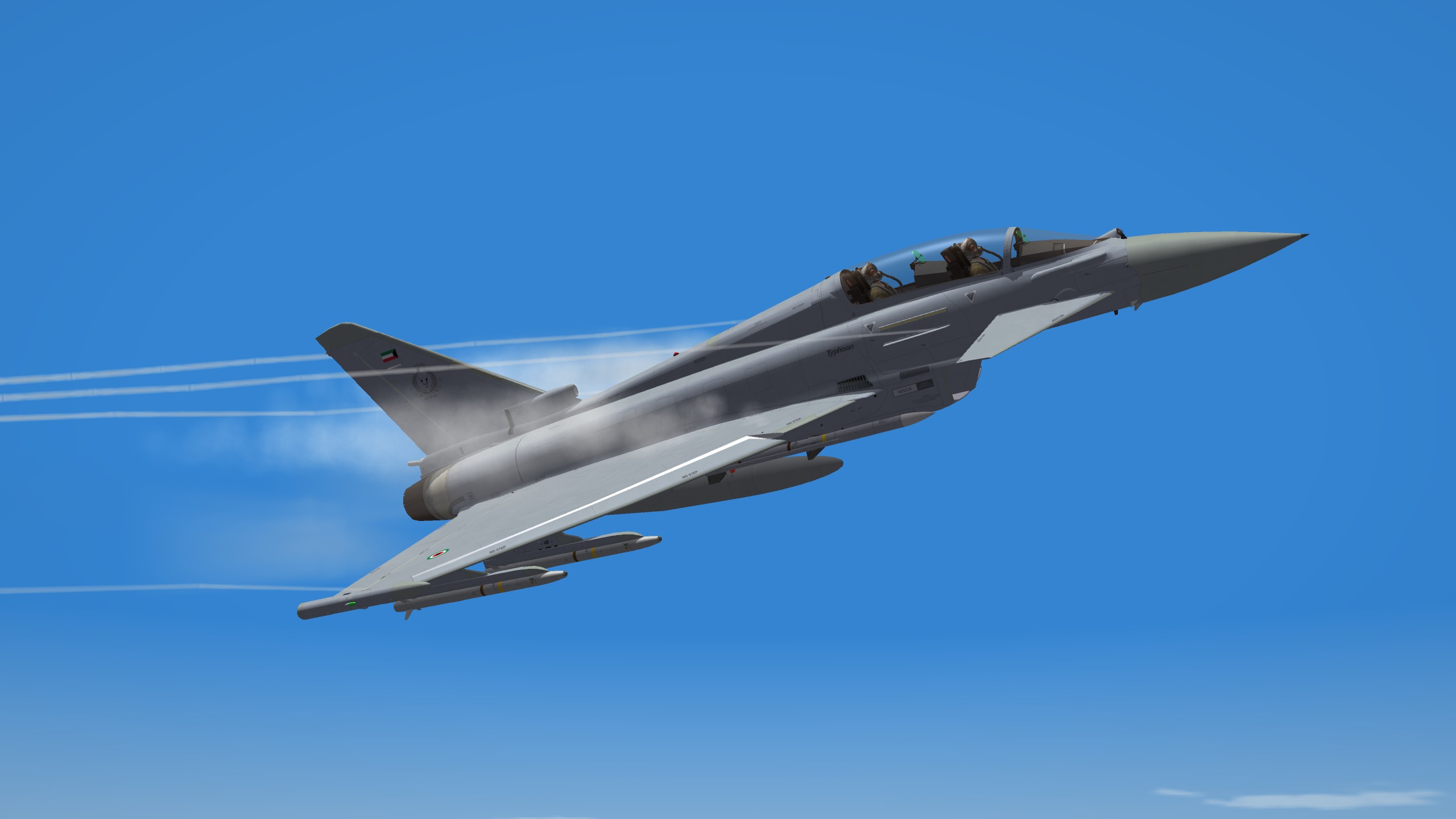
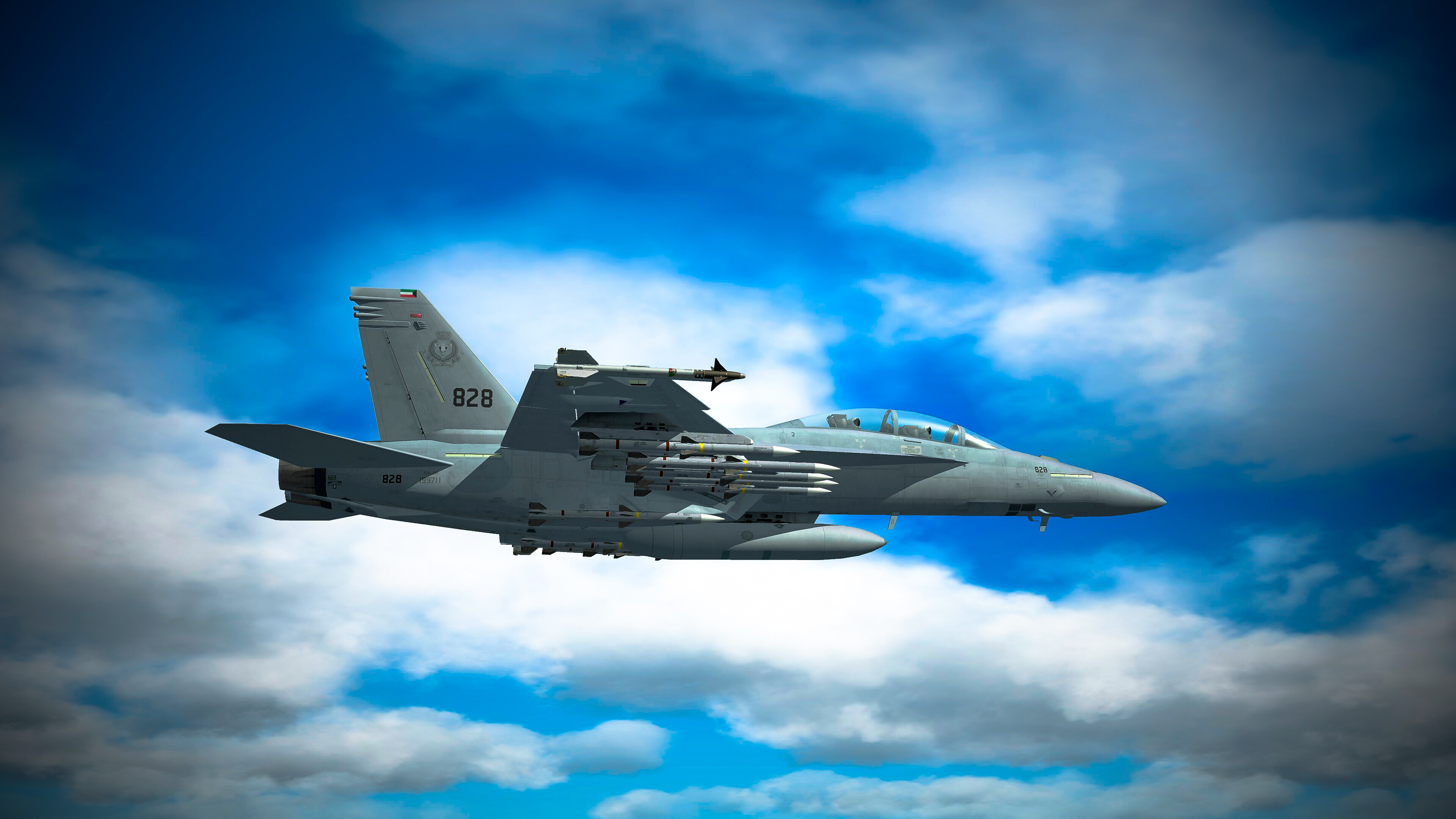
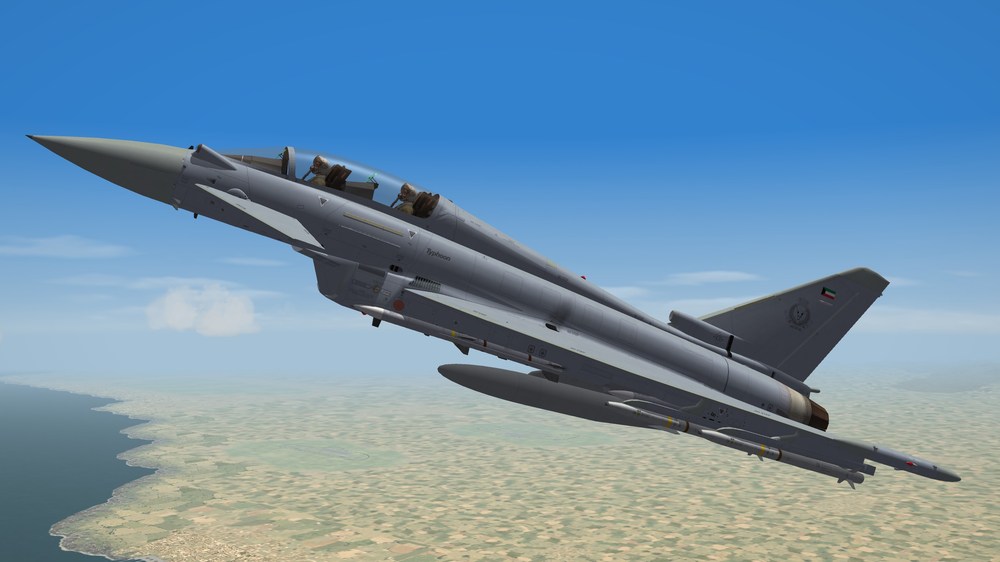
Okay, I just worked a little bit today, and this is the EF2000B. I will be back full-time in April.
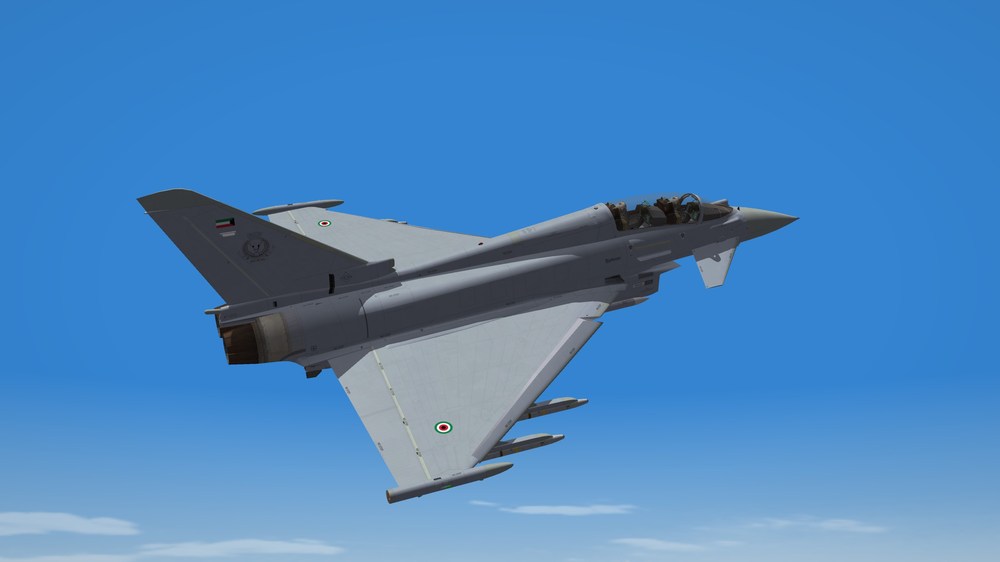

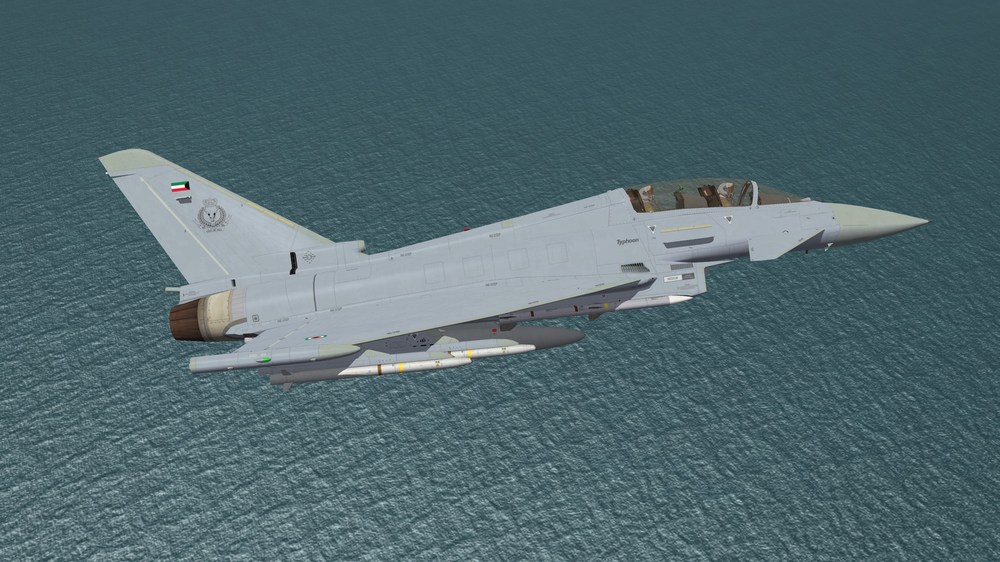
-
I found this and how it will help. F G
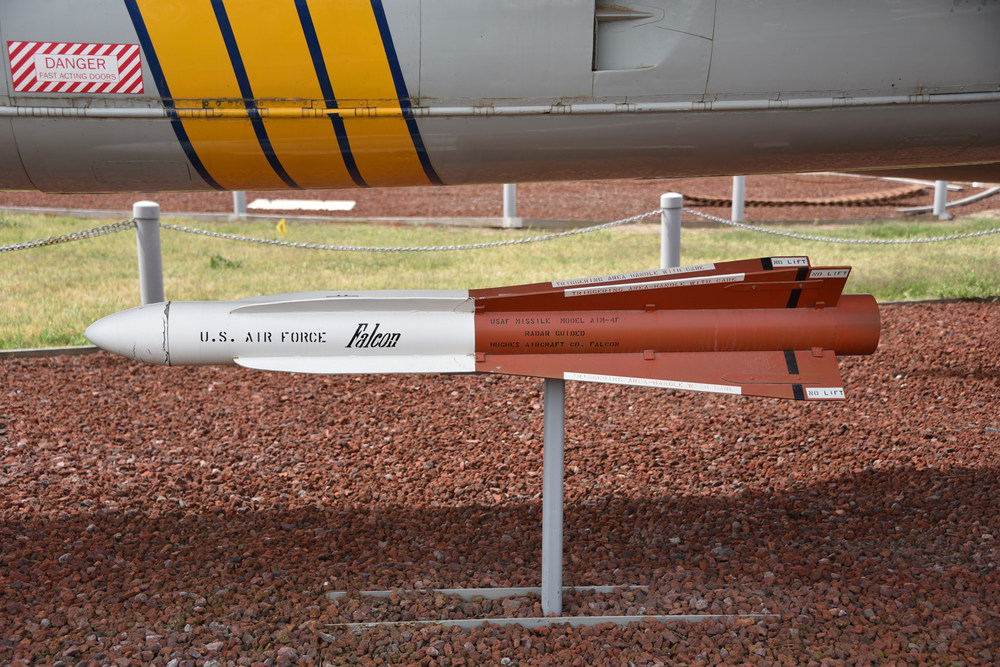
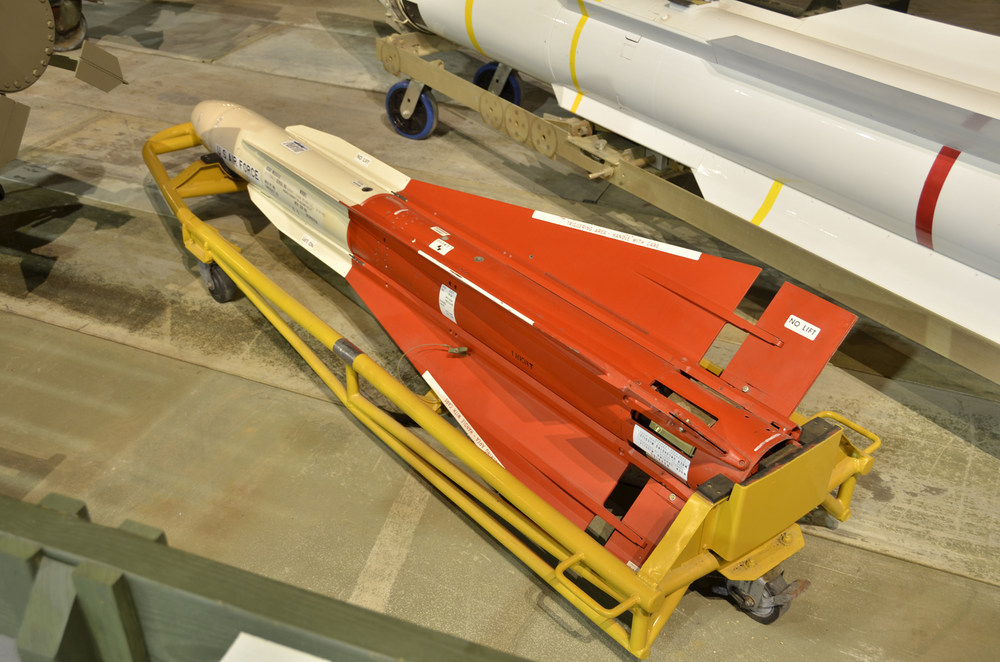
-
Dear Friends, I hope this message finds you well. I wanted to take a moment to share that I have been away for some time, focusing on various personal matters. I am looking forward to returning to my project in April. Until then, please take care of yourselves and stay safe. I look forward to reconnecting soon. Warm regards, Mohamad.
-
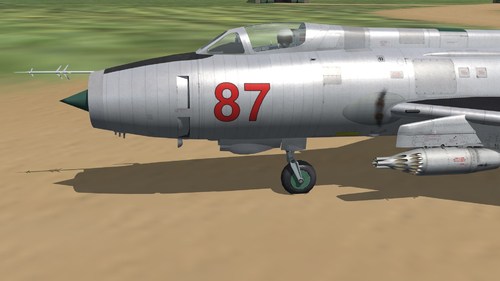 What can I say? Totally awesome!
 -
Take care of yourself, my friend. Nothing comes before your health. I wish you a full recovery and a long, happy life.
-
I will be away for the next 8 to 10 days because my son is getting married, and we are very busy with the wedding preparations. Please wish him all the best and good luck, as he needs it! LoL.
-
Thanks will do.
-
Okay, what I have so far is the following. A-6E EF2000 Eurofighter Typhoon Two-Seater Super Hornet E/F/G Saab Drakens Mirage 2000B Mirage 2000C Also including my previous models list that I am working on. This is not in any particular order.
-
Outstanding thanks