
Erik
-
Posts
7,263 -
Joined
-
Days Won
43










About Erik

Recent Profile Visitors
80,257 profile views


Erik's Achievements






-

The age we live in, security updates.
Erik replied to Erik's topic in Site Support / Bug Reports / Suggestions
Agreed -
Hi everyone, I apologize for the what seems like routine reboots of our equipment. Lately there has been an absolute rash of exploits uncovered and AI has been the driving force. To stay ahead of the game we utilize multiple strategies which limit how much we have to reboot but some updates require them. It takes us about 8 minutes on average to go down and come back up with all machines back online, and another 2 minutes for me to confirm everything. I try to keep everyone updated and let them finish posting or downloading by posting a banner on the top of the site. I also try to perform updates when the site is not as busy but that's hard to do sometimes. Thank you for being part of our community. Erik
- 4 replies
-
- 27
-

-

-
https://combatace.com/ourpicks/
-
@Akmj https://combatace.com/files/category/565-su-34/
-
I'm pretty sure the military caused it.
-
I wouldn't say old but you possibly could be showing signs of wear. When asked who shit themselves, Kevin pictured below, has mastered the look of not me.

-
DCS sucks, can strike fighters be played on steam deck ?
Erik replied to Dink's topic in General Discussion
Strike Fighters will not run on Steam Deck.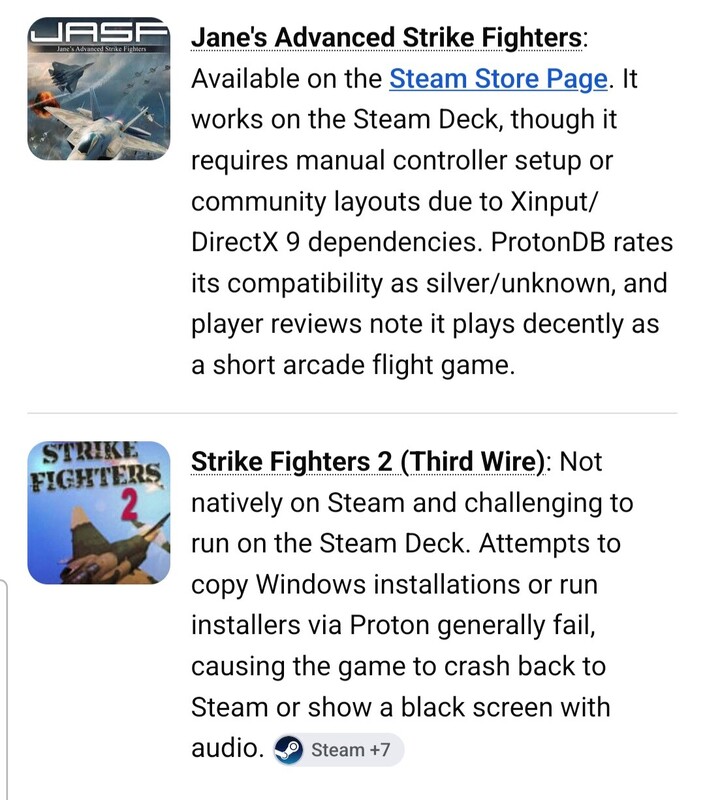
-
The download content here is not for use in commercial products. I'm not making any accusations it just needed to be said.
-
Everything he uploaded would be here: https://combatace.com/profile/24808-klavs81/content/?type=downloads_file&change_section=1
- 1 reply
-
- 1
-
-
FREE SUBSCRIPTION A free subscription is provided to accounts that meet the requirements below. A free subscription will allow you to download 2 files per day or within a 24-hour period. Free subscriptions are placed automatically by our system on your account when you meet the following requirements. REQUIREMENTS 1. Your account is 15 days old or older. 2. You've made a minimum of 2 forum posts. You can introduce yourself here, or post about something you're interested in. 3. Log out and log in. Top Right Corner > Click your user image > Sign Out > Close your browser > Open browser > Sign in to reset our user salt.
-
Why would we do that to someone we call a friend?
-
No, please re-read it.
-
Ai has the ability and likely could help with upgrading the software but it would need the decompressed files and those TK has under his purview. For now those upgrades are not possible unless they are released as a mod but mods have limits and changing core elements in the game itself is not one of them.
-
That link is available in multiple places, the forum, on any of the category pages, the file download page, and even the download button itself changes to get people to that page. It's pretty blatant and one would have to be purposely not reading to miss it. Please let me know how I can make it more visible. Glad you got the information.
-
Costco has some good options, this might be a good starting point. They also have more powerful desktops if you need better specs. https://www.costco.com/.product.4201002297.html I bought an Alienware M18 r2 last year, always liked desktops but this thing changed my mind. I run a curved 59 inch Samsung monitor as my second screen and I can play Assassin's Creed full graphics no lag and my gear runs on low fan speed. MSFS runs great too, where I spent my money was on 64GB RAM, 16GB GDDR6X, and a second 2TB SSD with heat sink.