ravenclaw_007
-
Posts
4,309 -
Joined
-
Last visited
-
Days Won
323
Content Type
Profiles
Forums
Gallery
Downloads
Store
Everything posted by ravenclaw_007
-
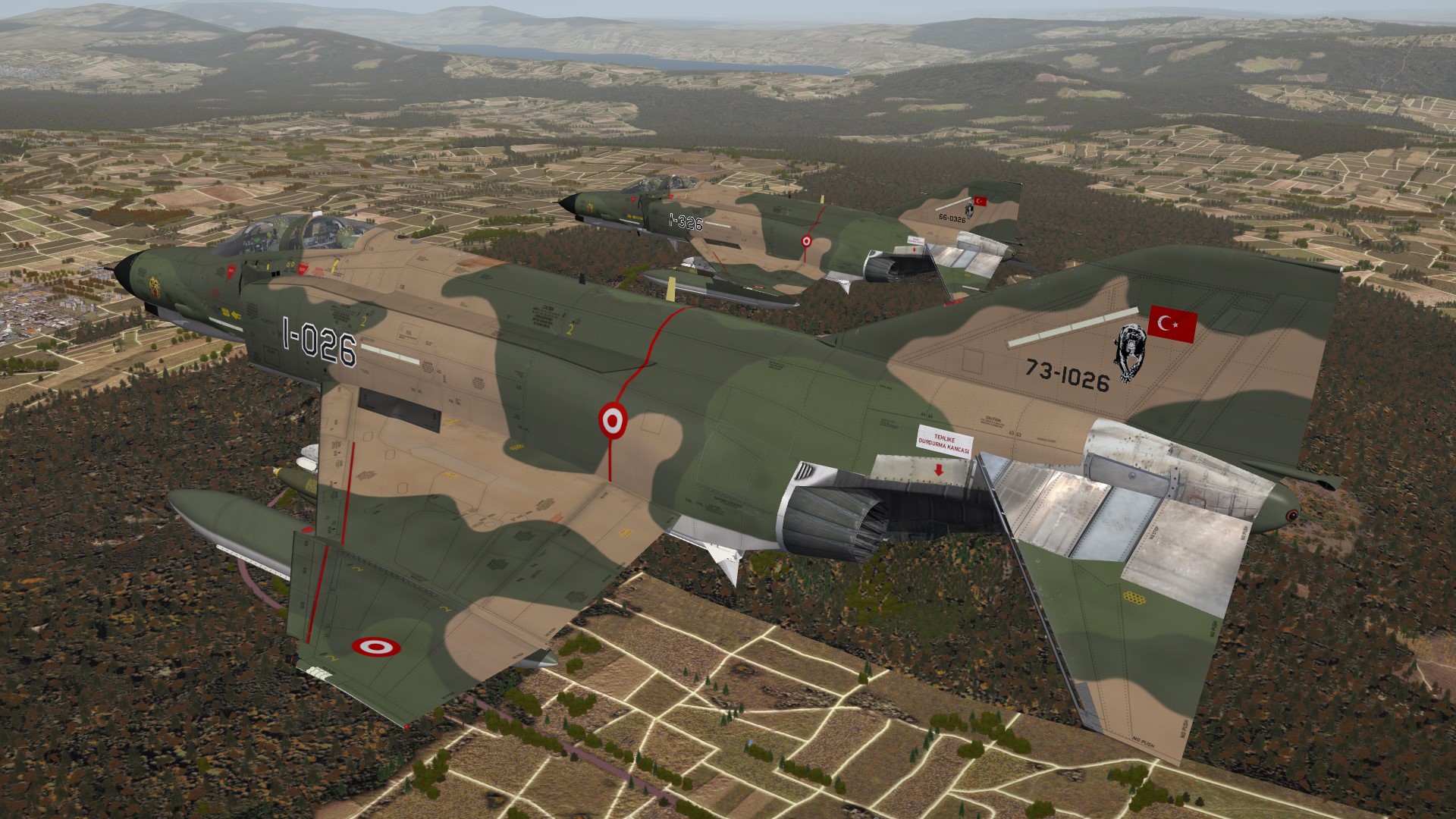
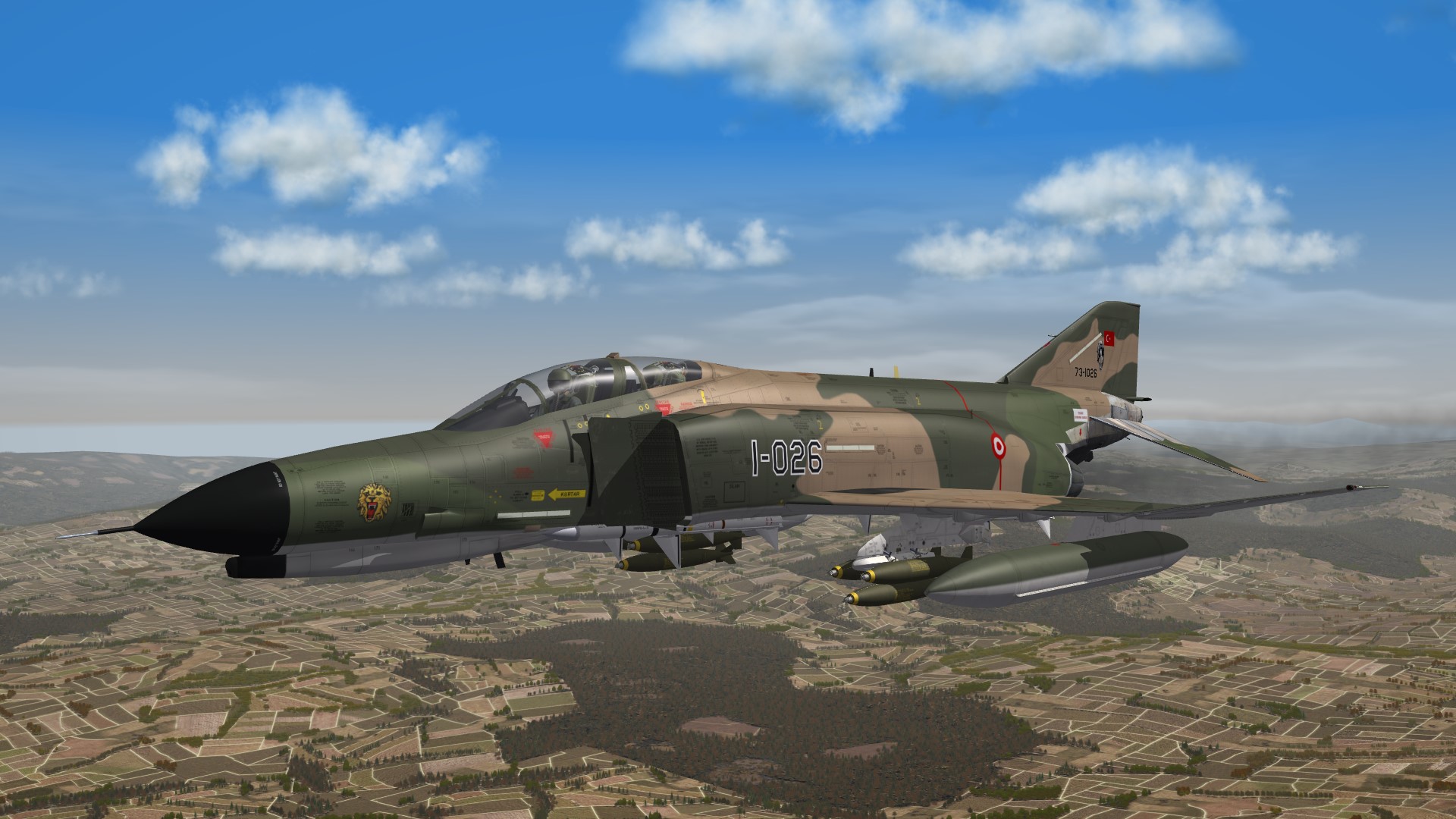
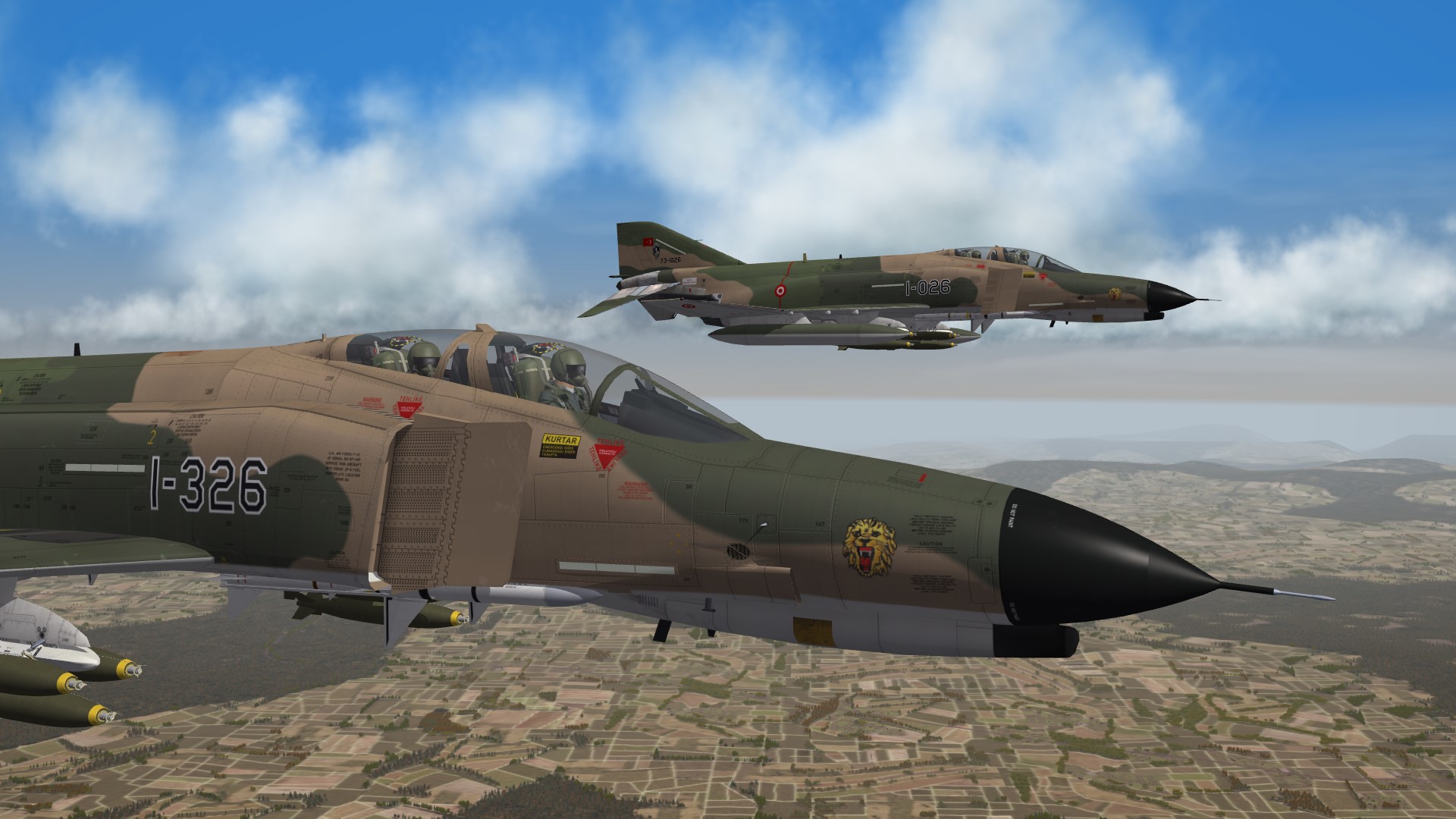
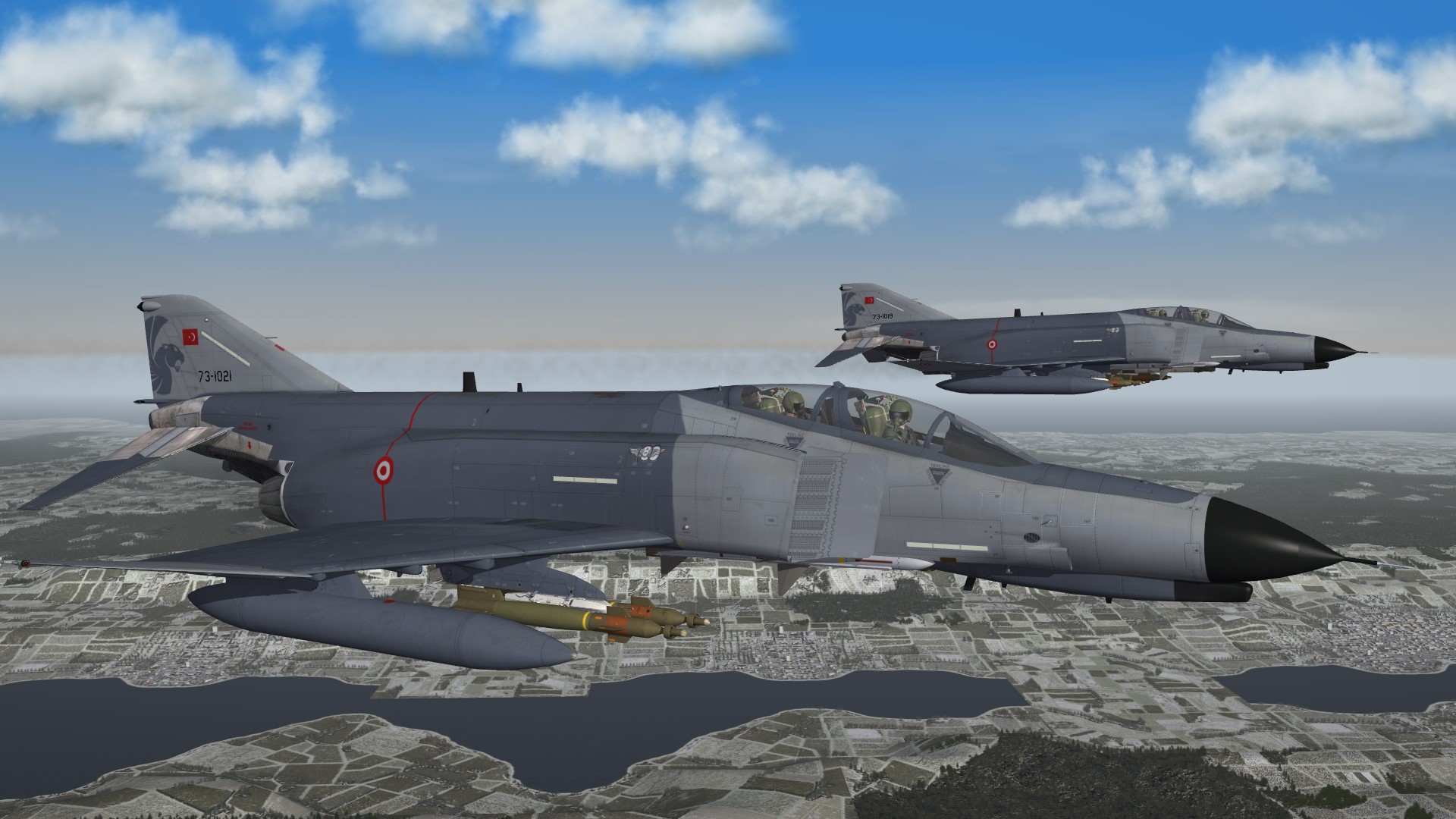
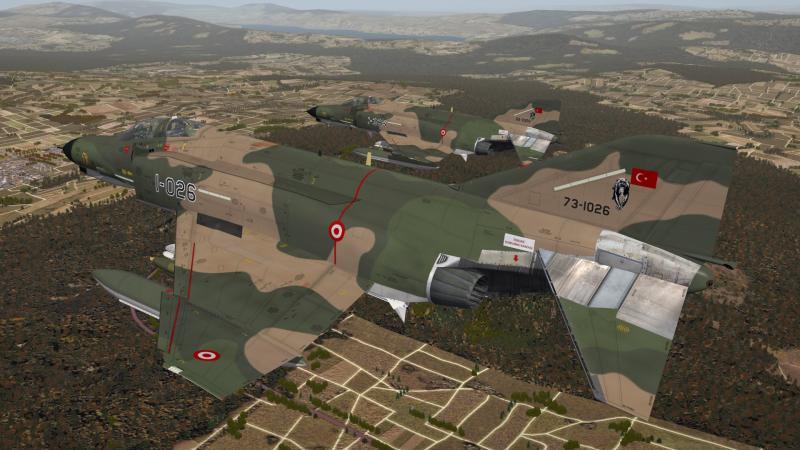
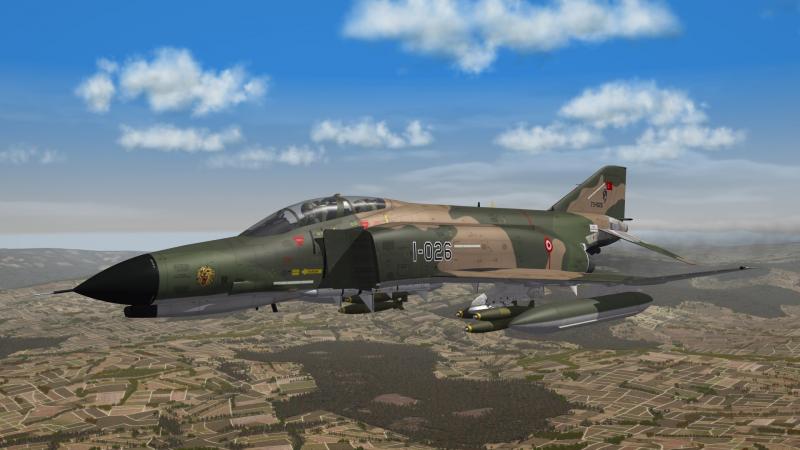
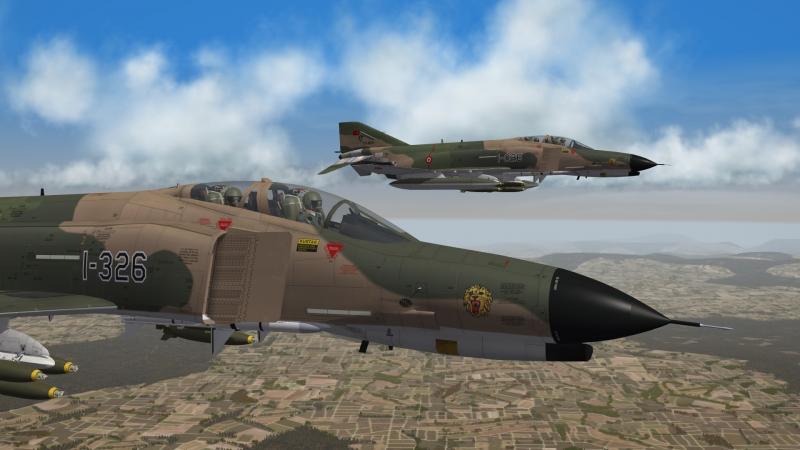
some early TUAF F-4E´s from the 111 Filo
-
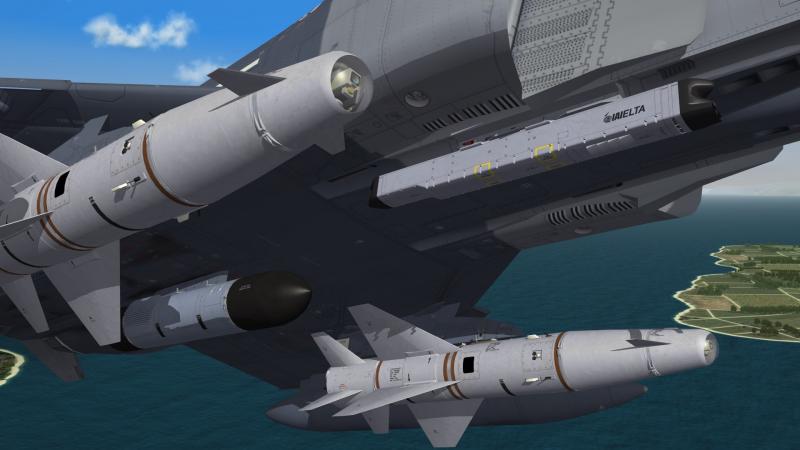
almost done , i only have to make the cockpit now
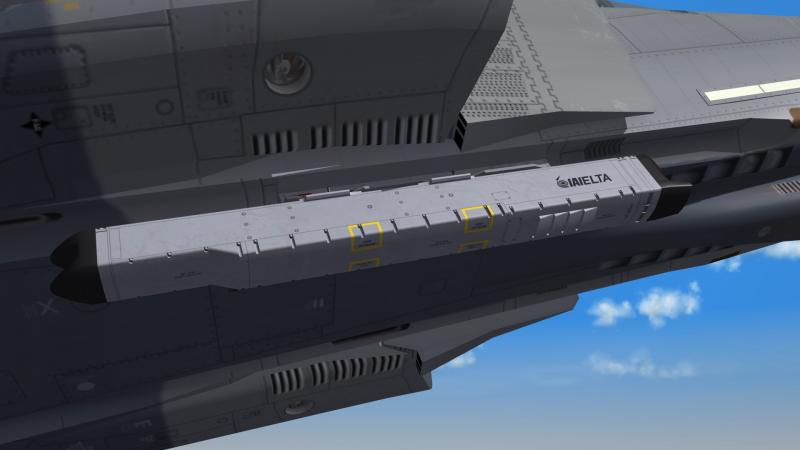
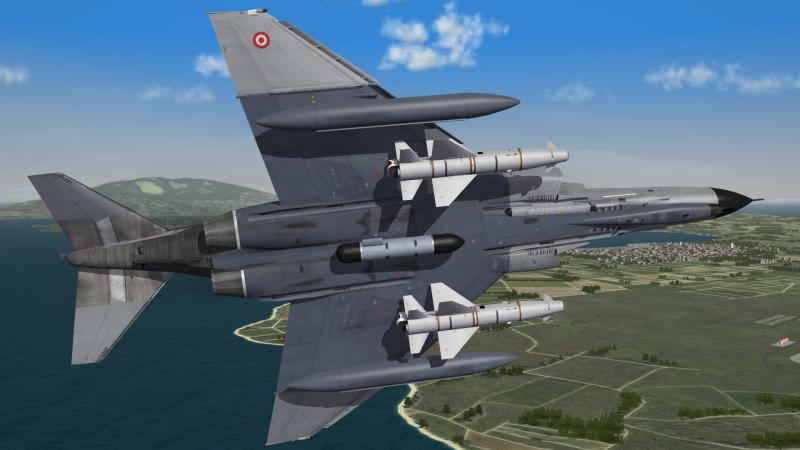
-
that looks great
-
yes i think the small warhead plus the high impact speed and the reduced collateral damage makes the weapon so interesting
-

B-29 just flew over my house
ravenclaw_007 replied to SteveLohr's topic in WOFF UE/PE - General Discussion
oh i like to see that bird in the air , but i think that will never happen that must be a fantastic sound you are a lucky man -
oh yes i do , i lost all my downloads to HD crash , now no more
-
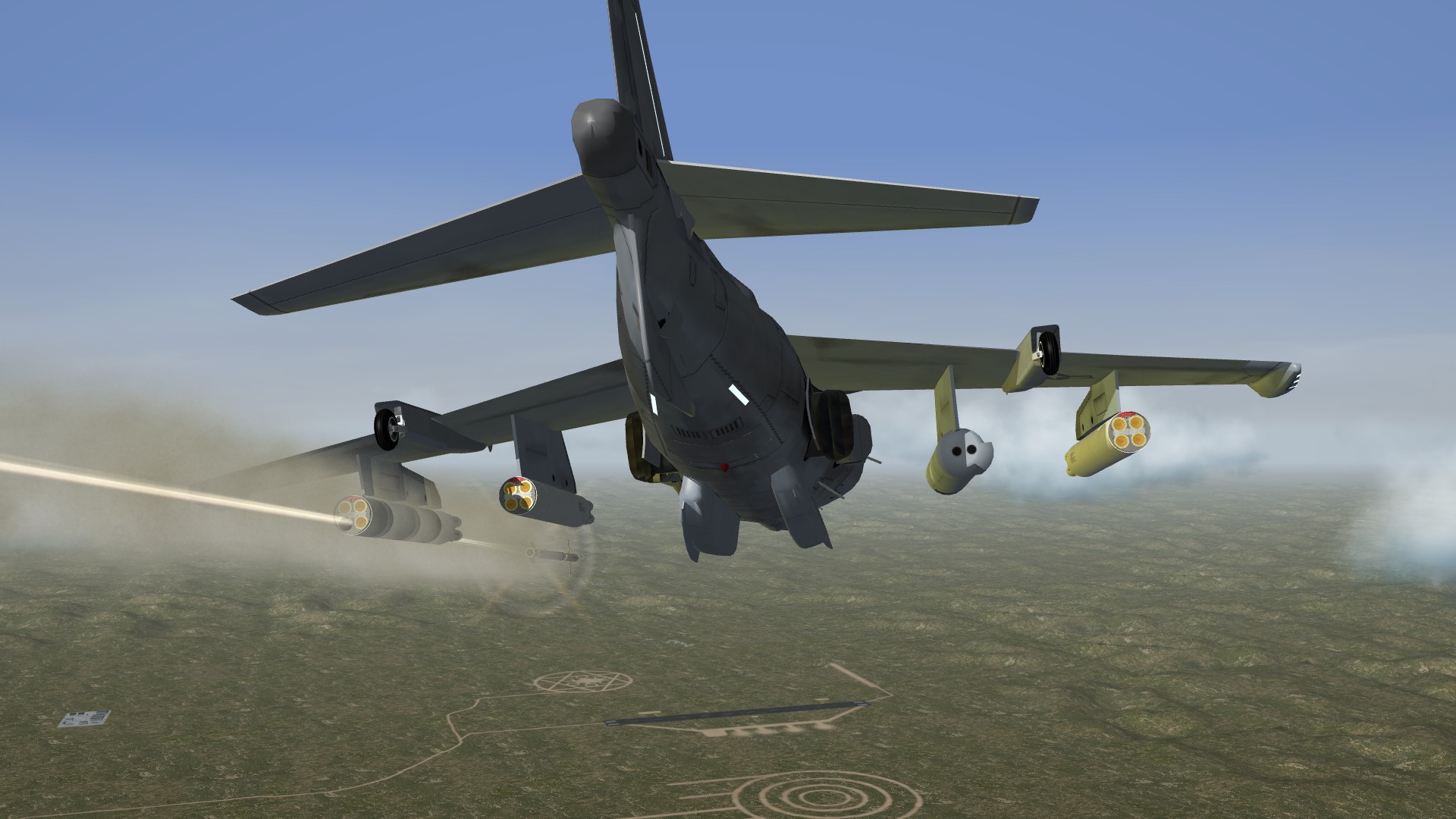
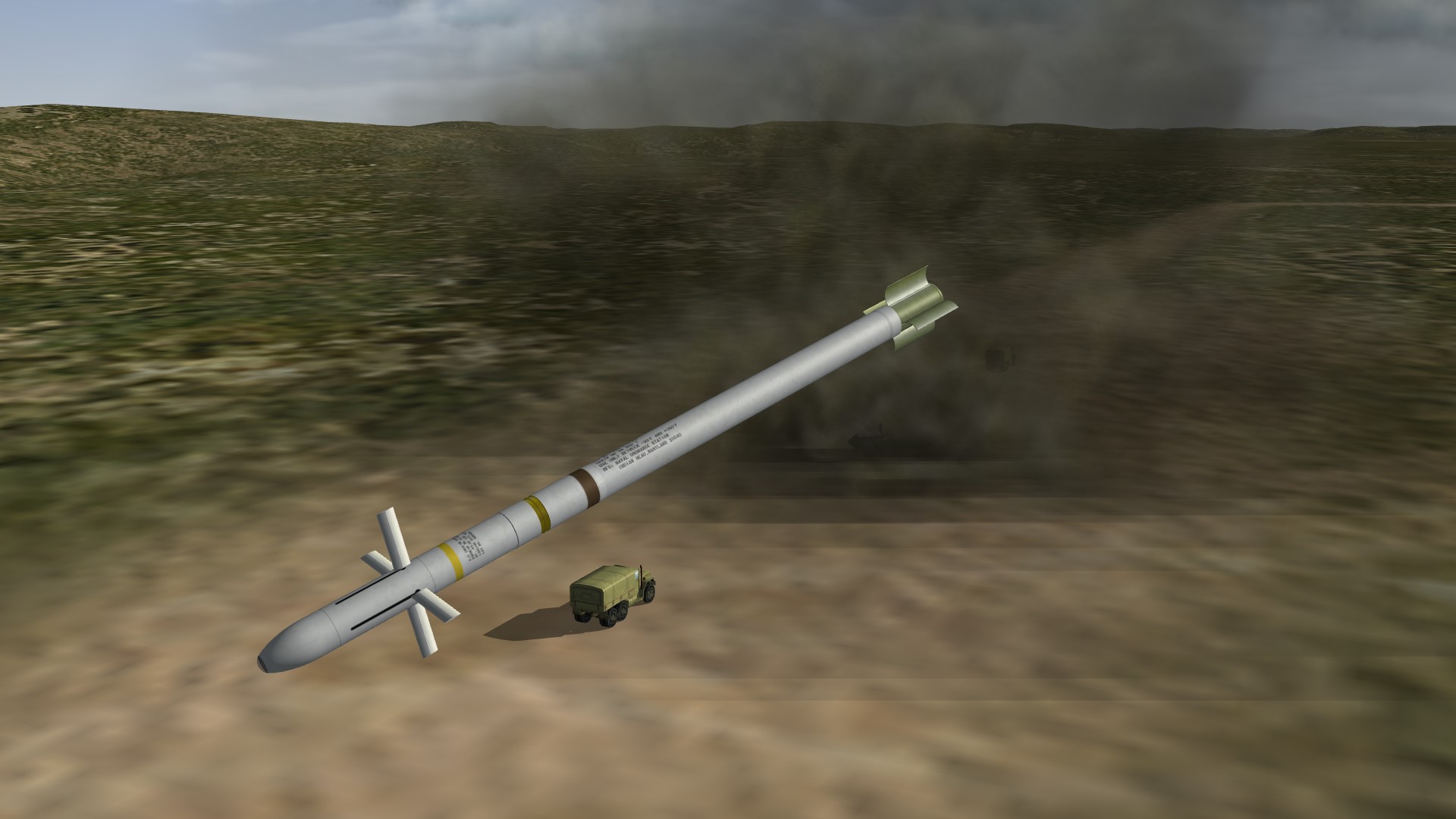
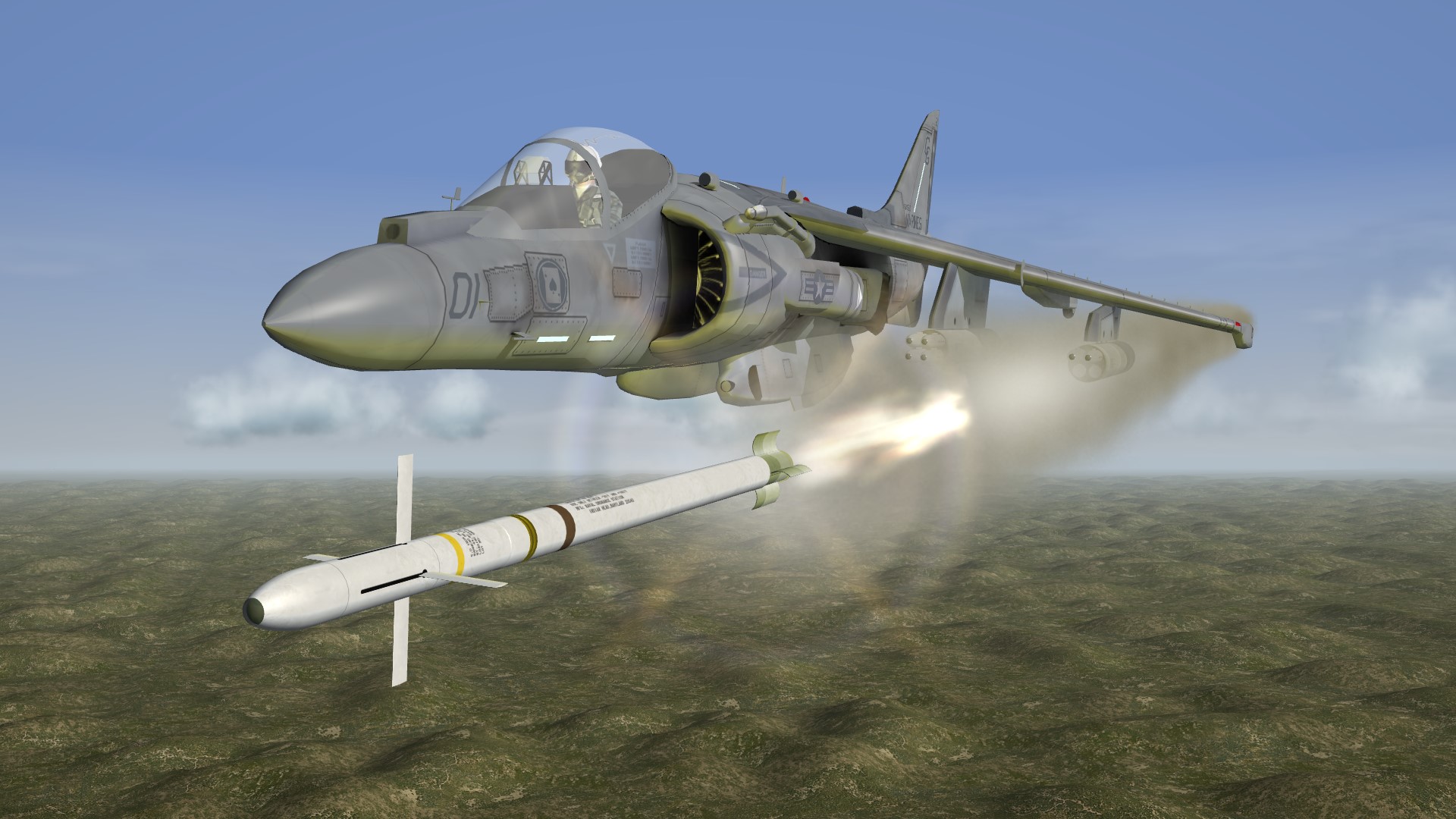
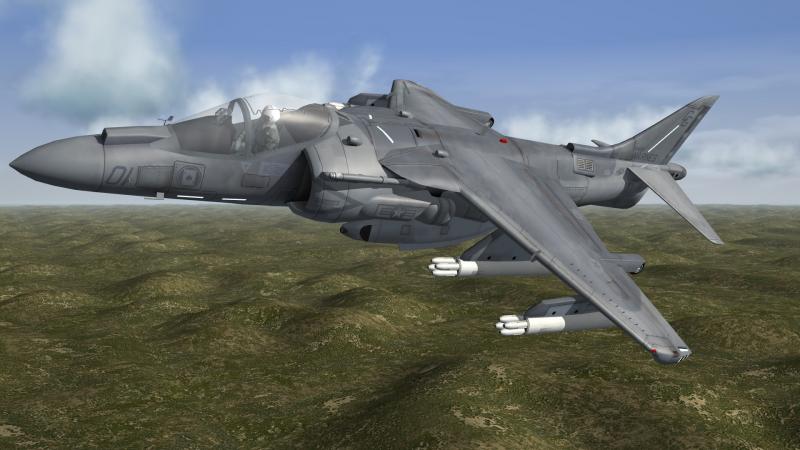
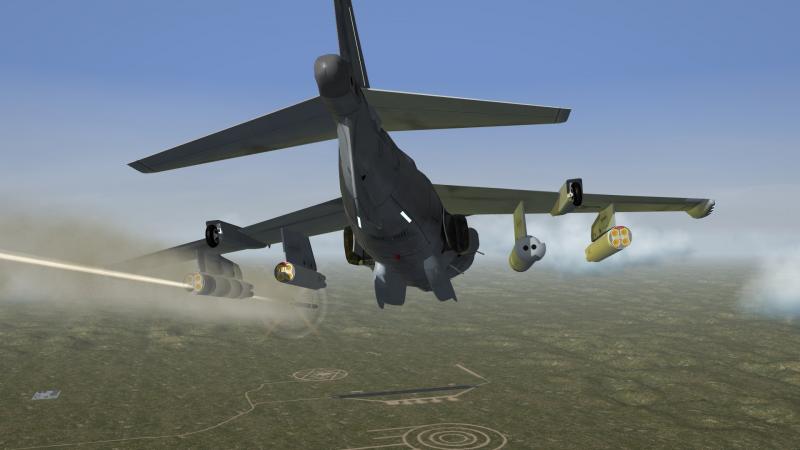
the Marines still testing the laser guided 5inch zuni , this test 12 laser guided zuni´s and 10 hits
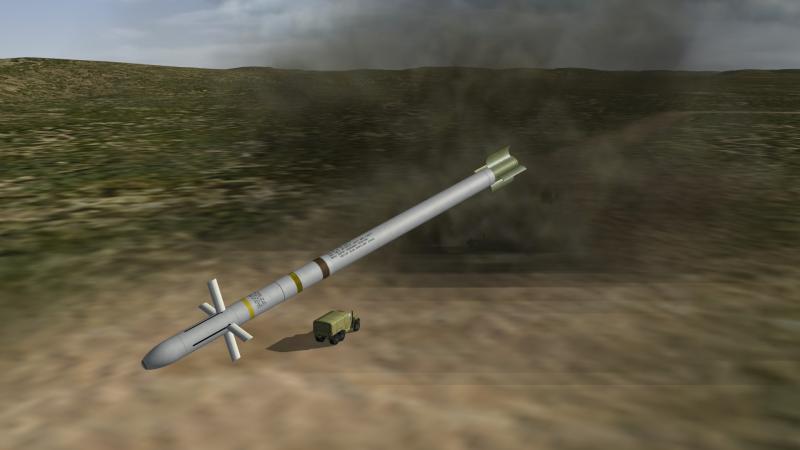
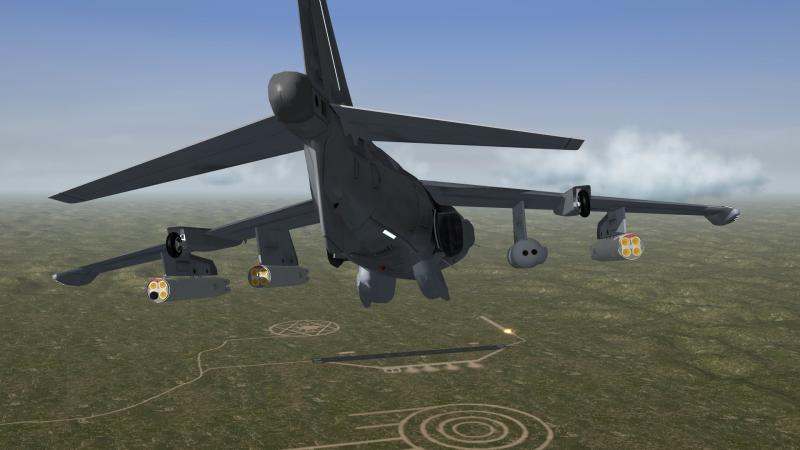
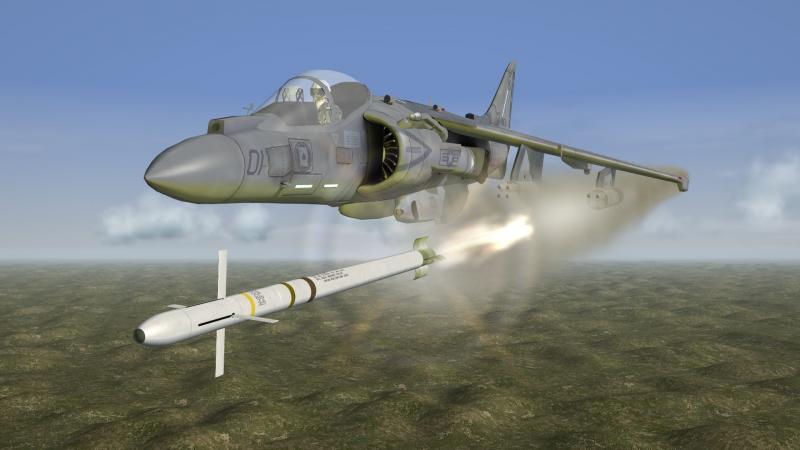
-
i think so
-
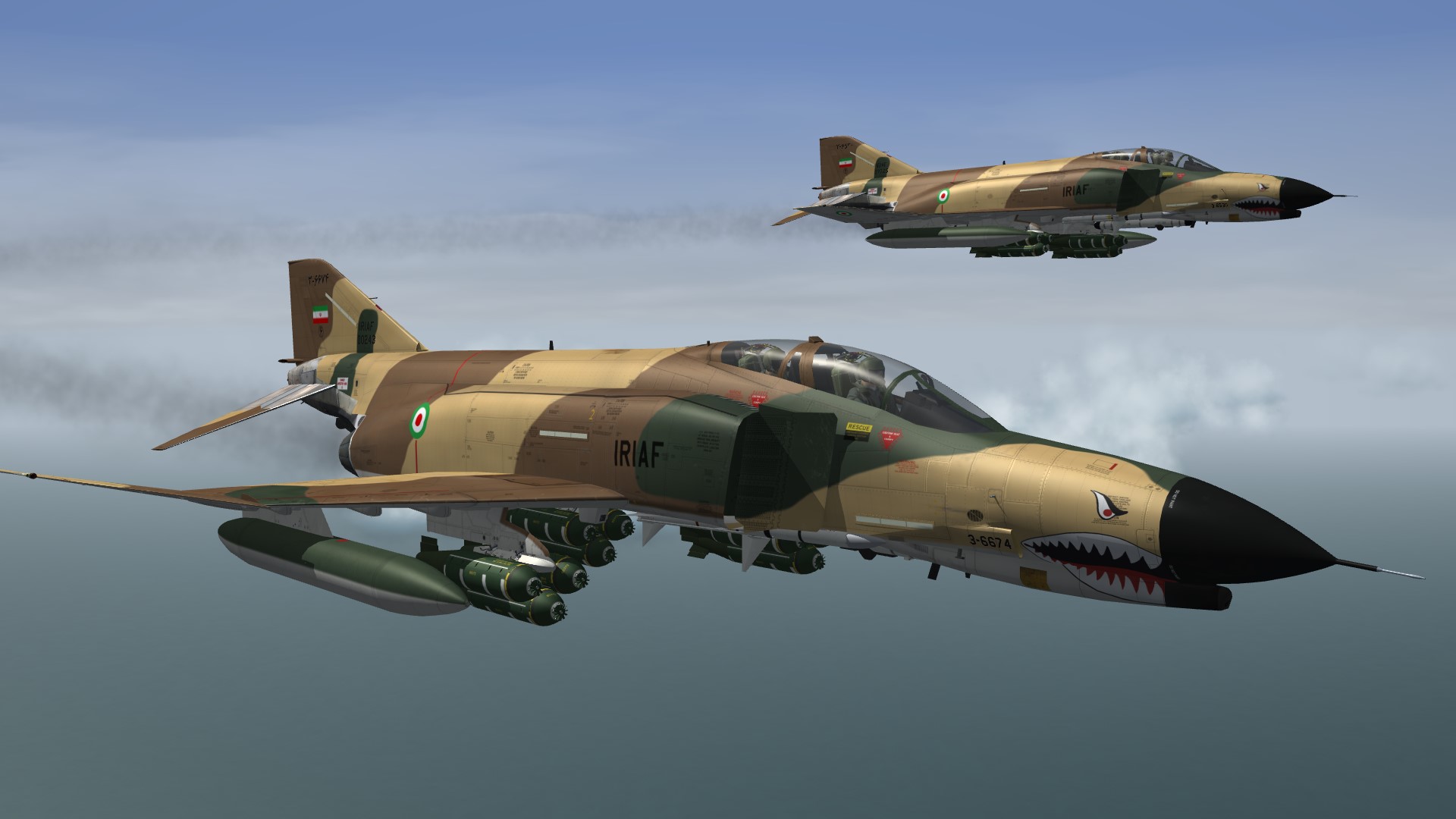
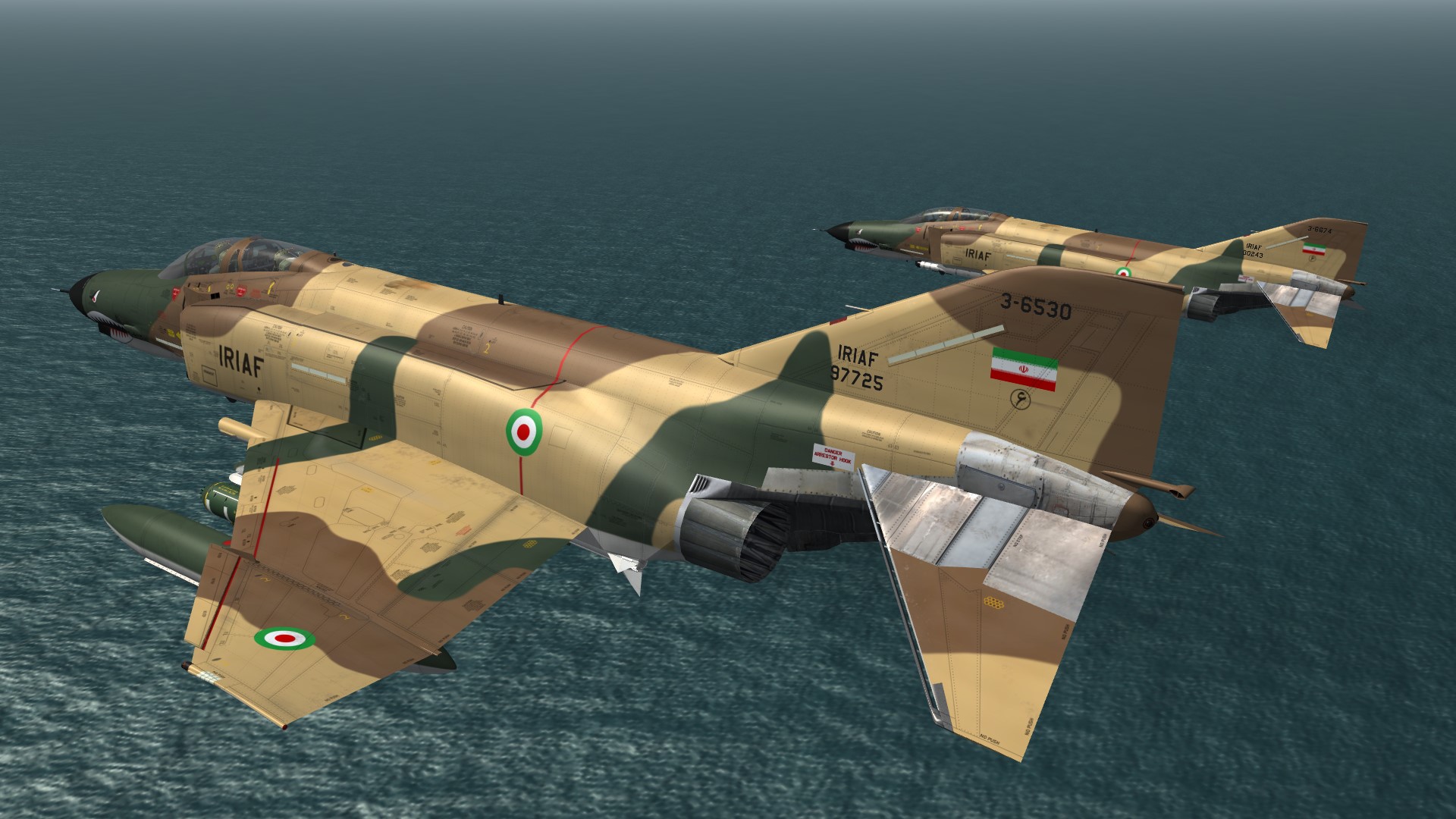
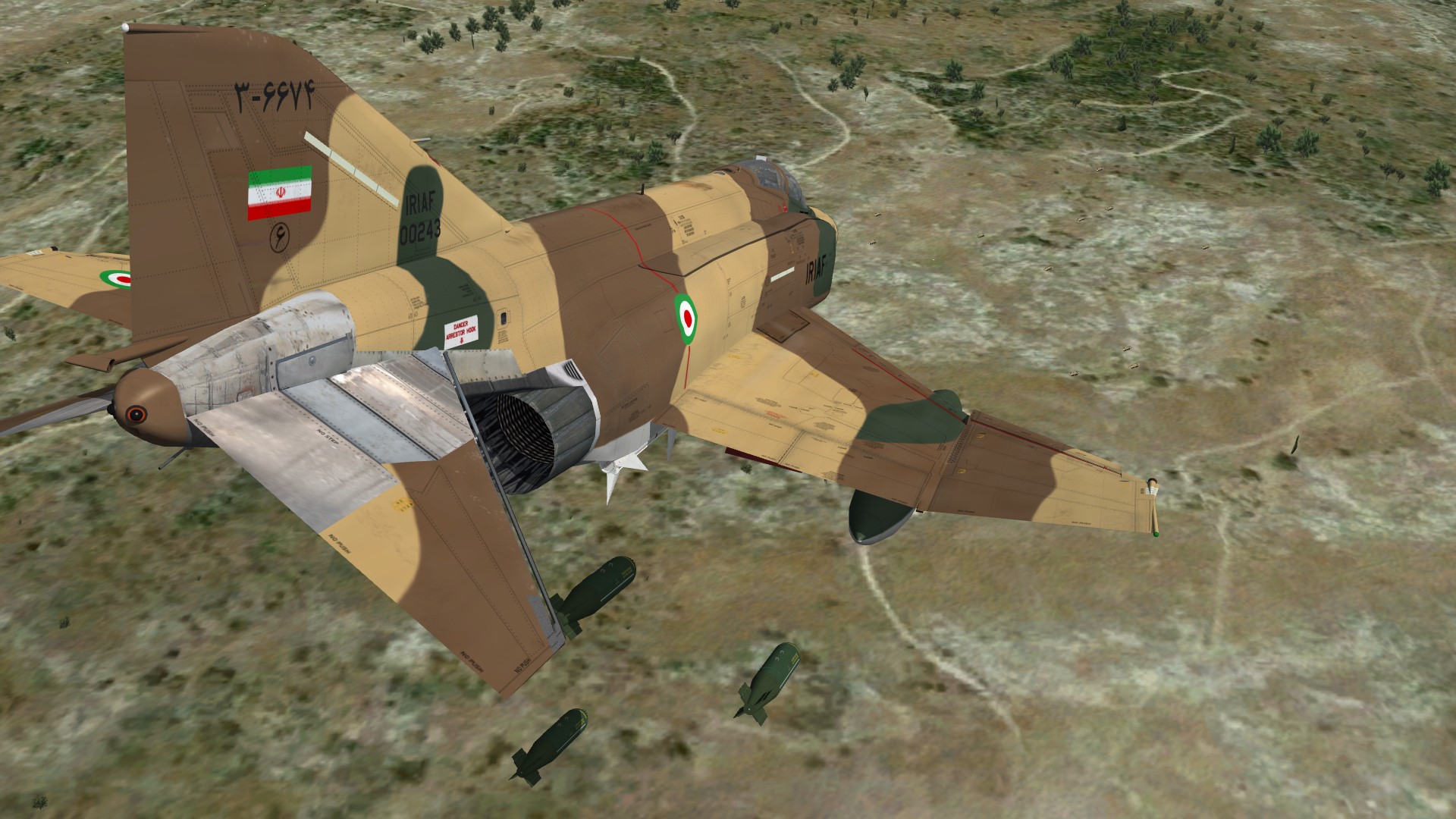
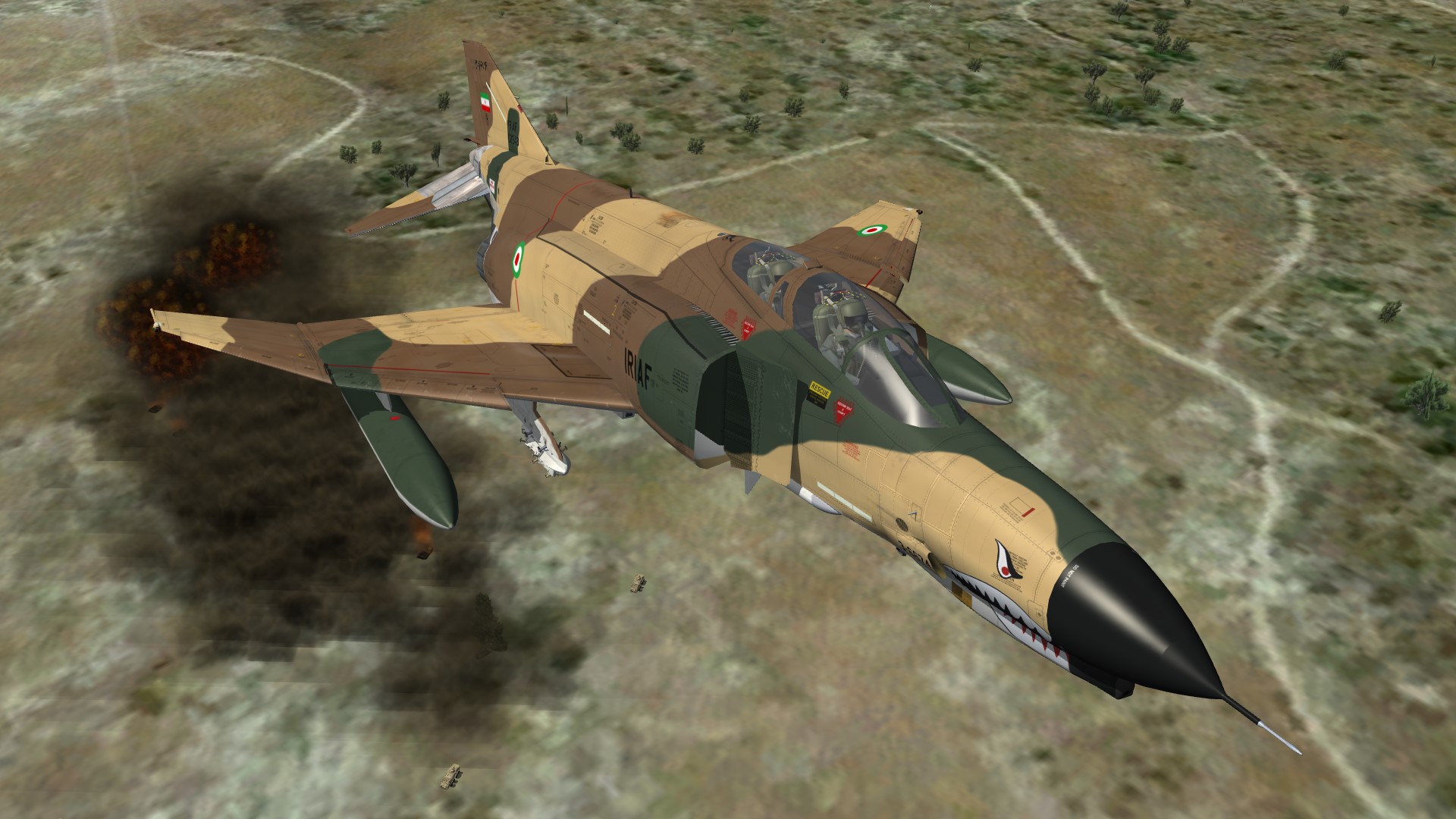
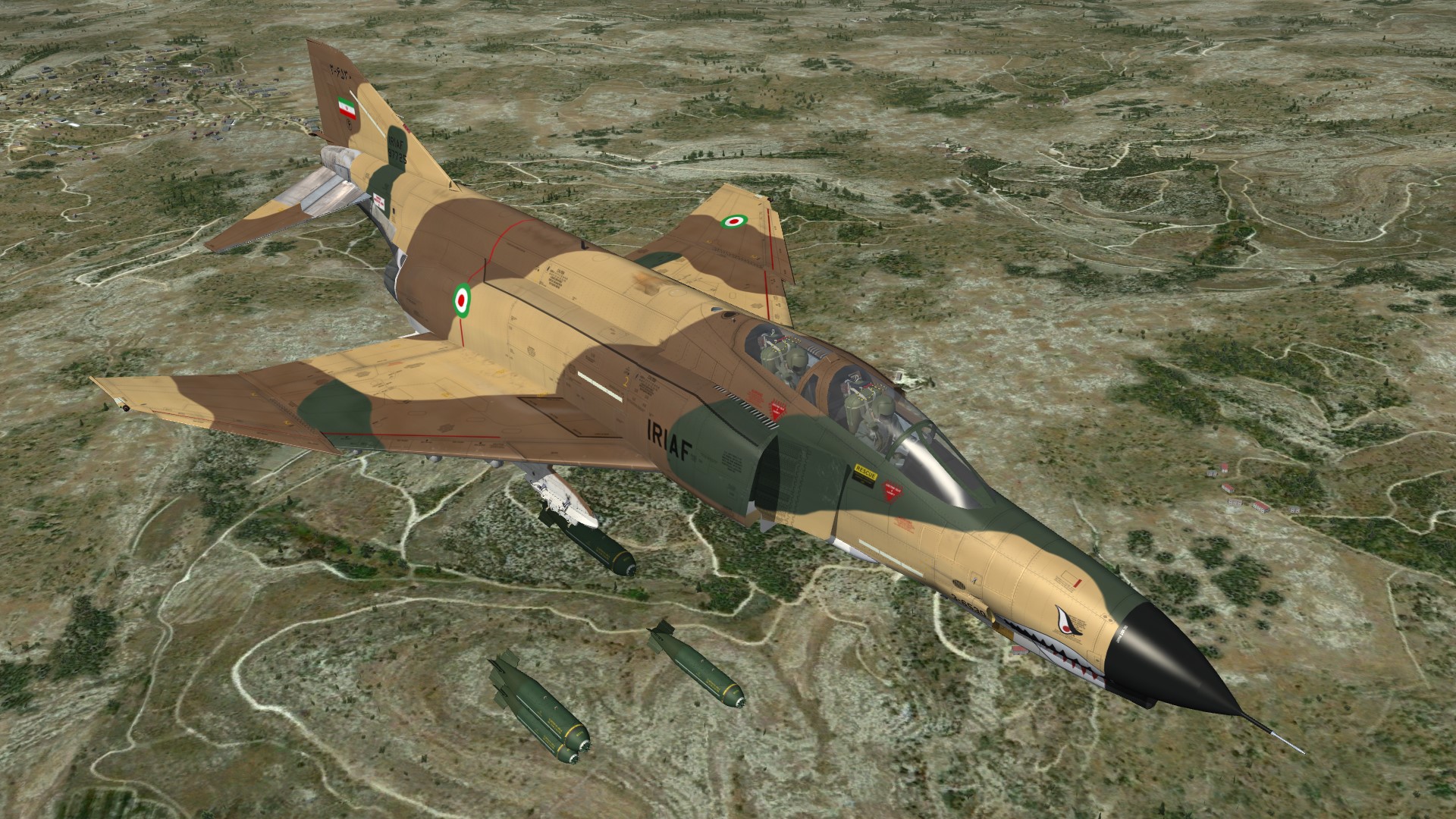
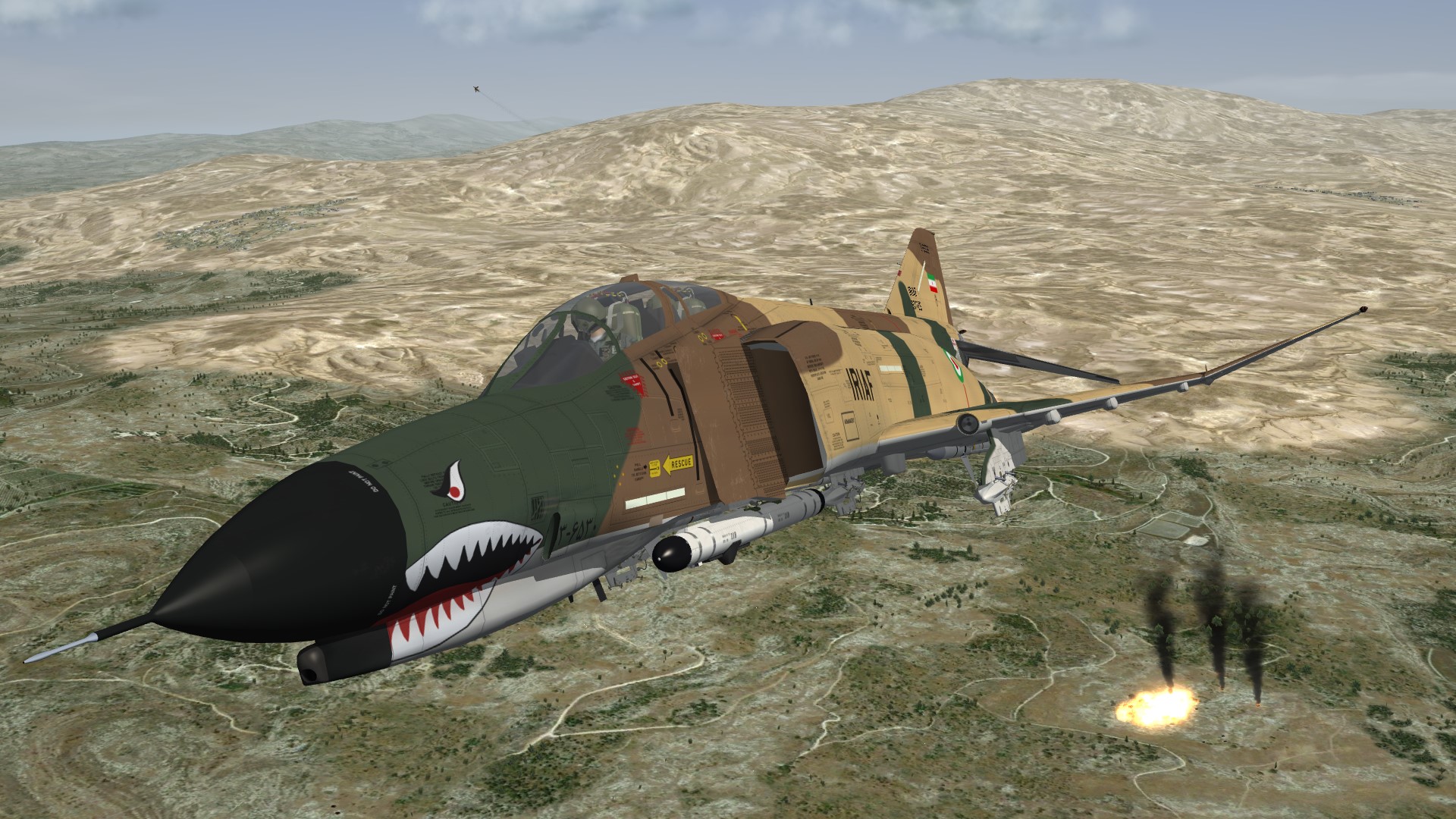
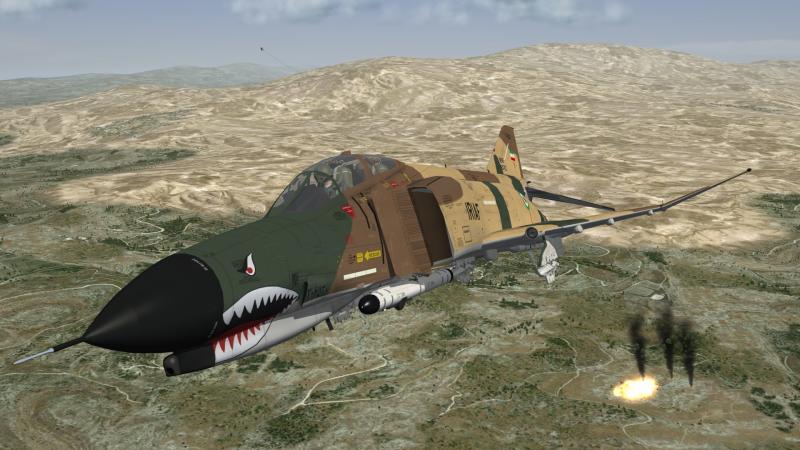
Iranian F-4E´s
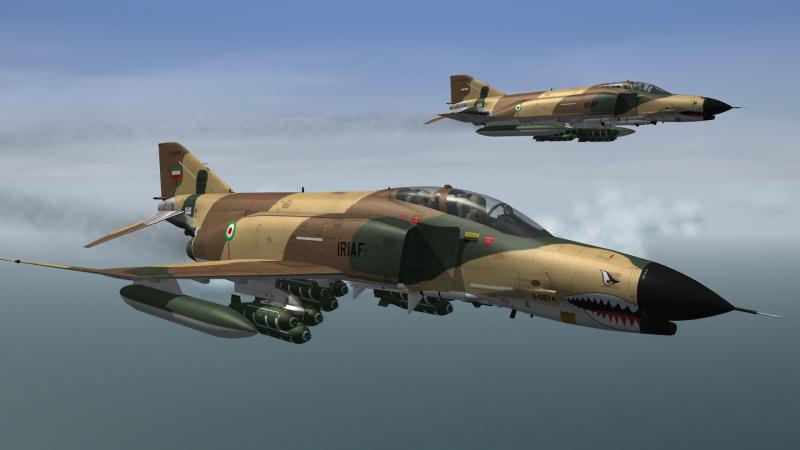
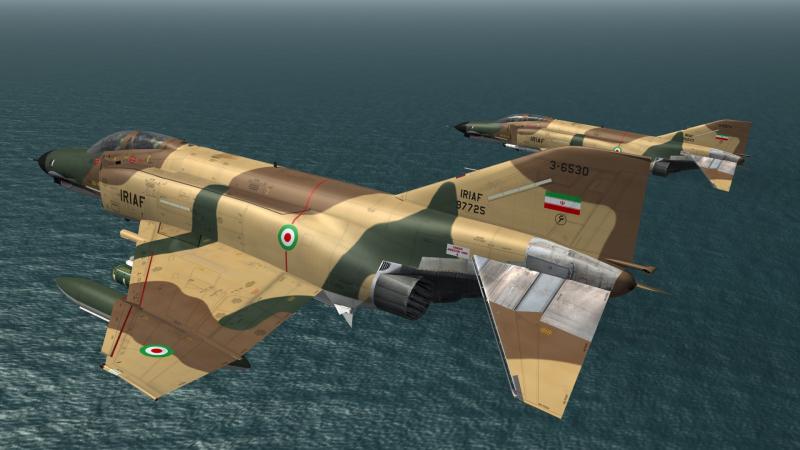
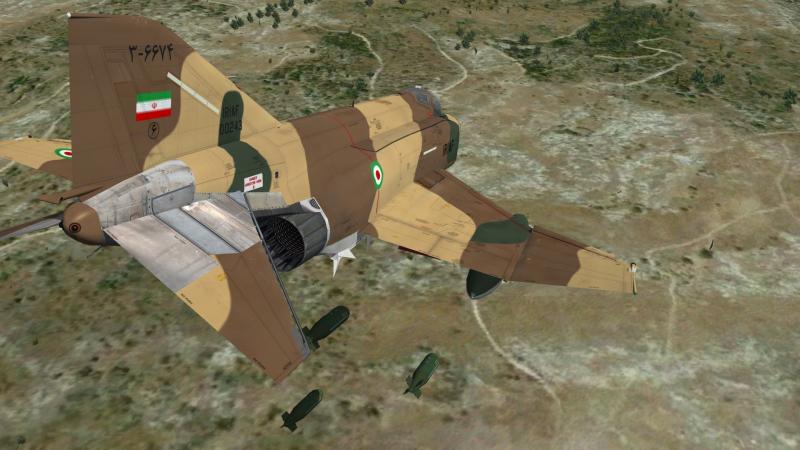
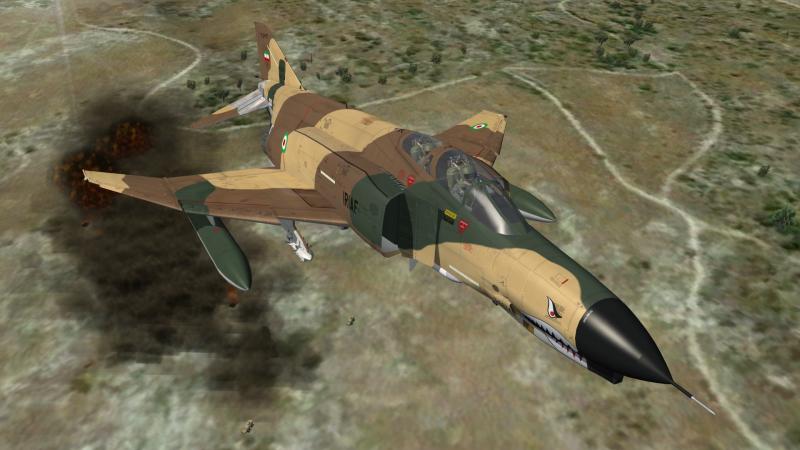
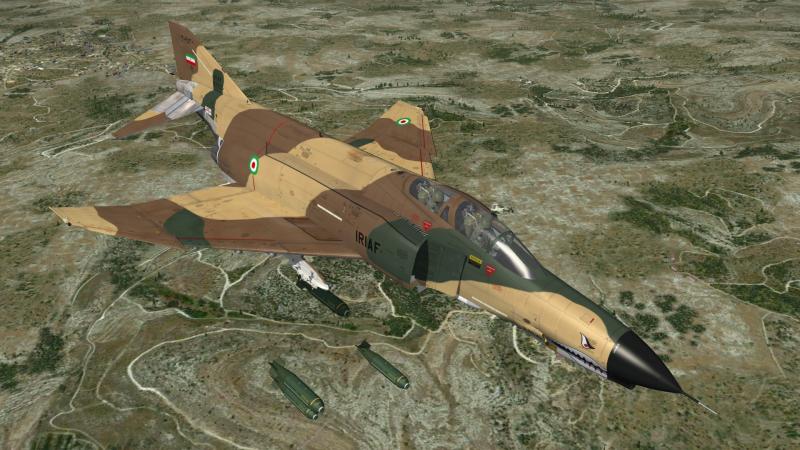
-
i think MigBuster just mention it all the warhead would be the same as far as i know and i read that it is not only the explosive charge but the the high impact speed from mach2+ that would make the weapon an ideal choice LaGS.pdf
-
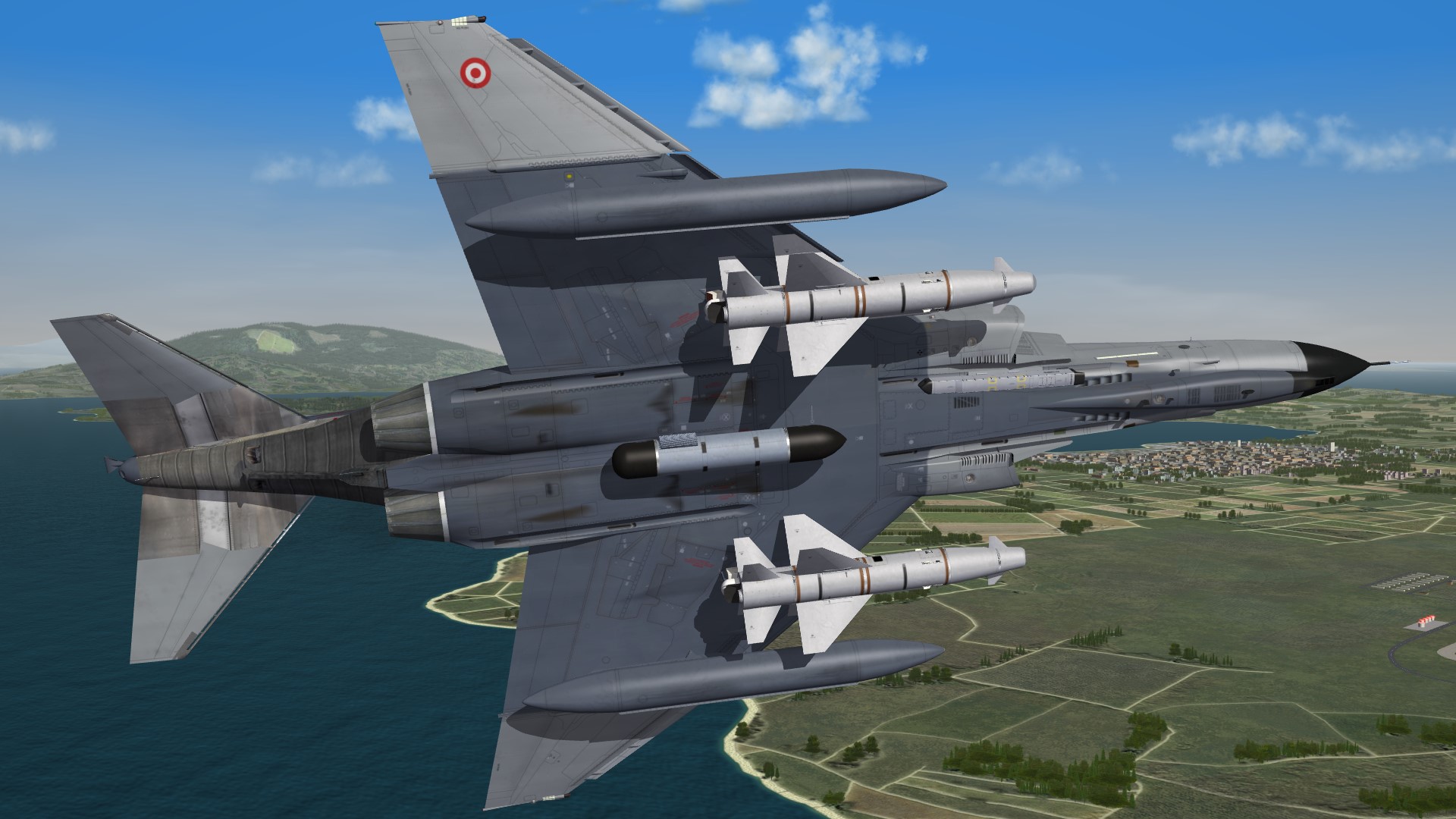
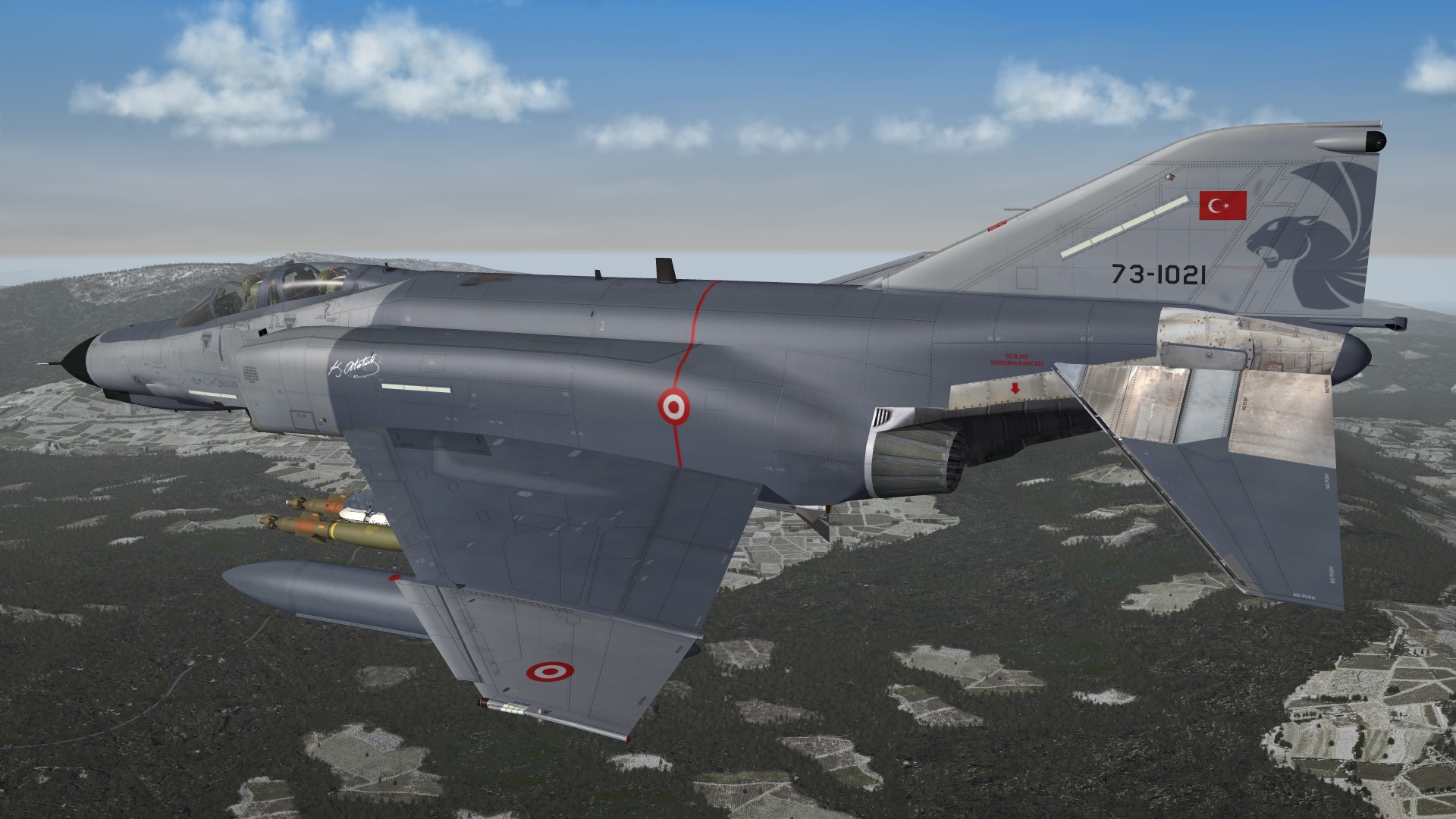
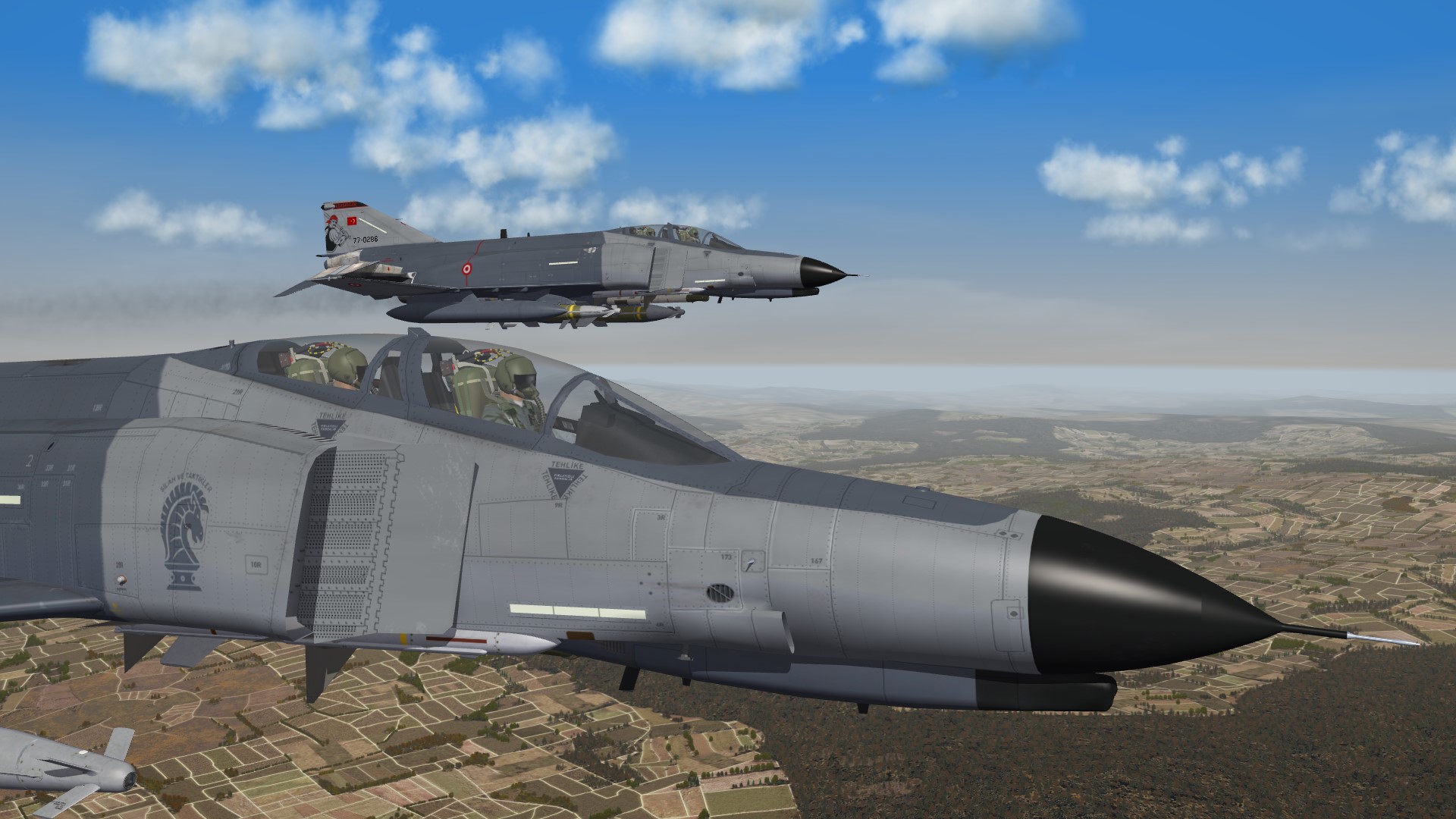
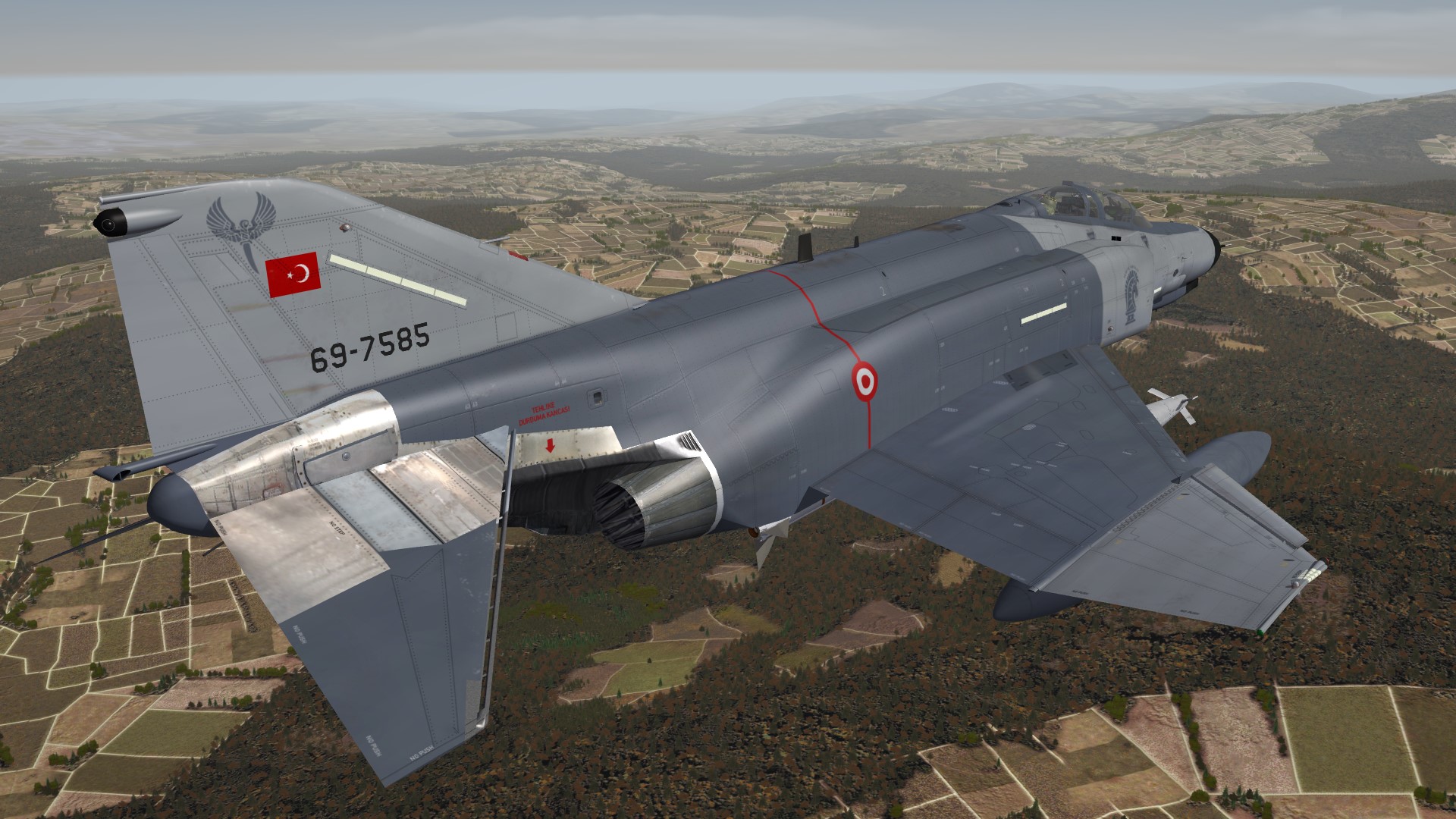
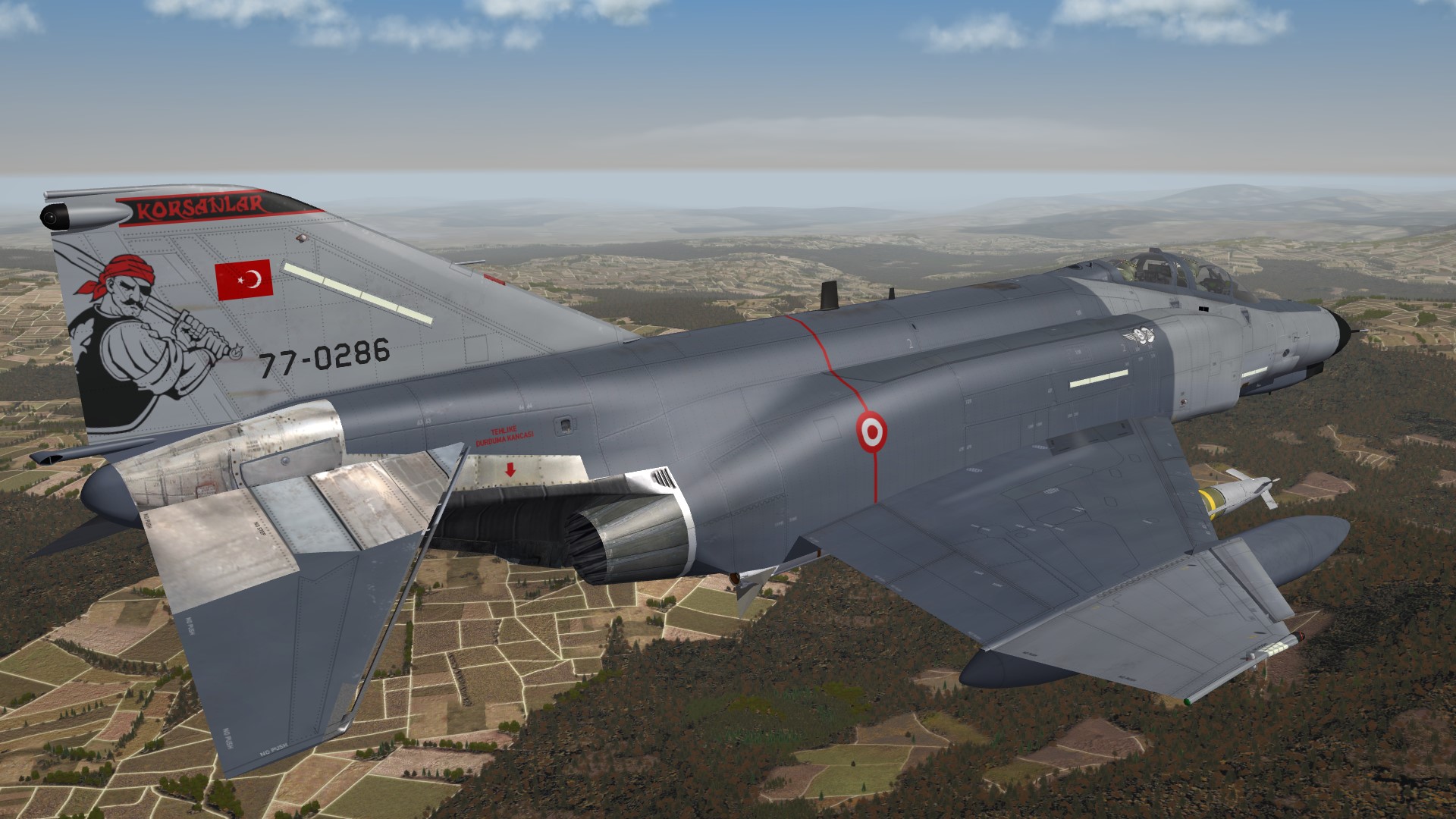
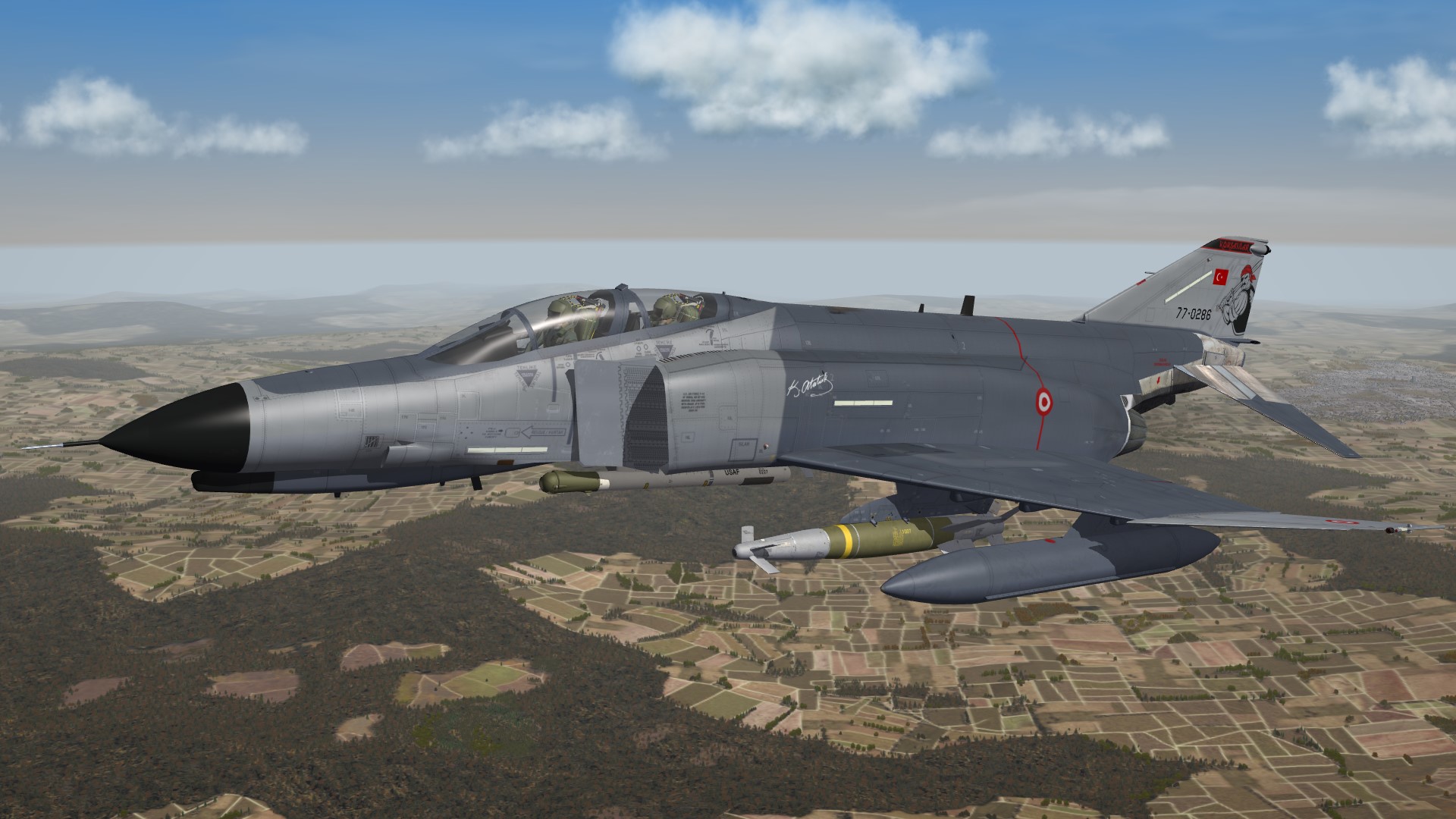
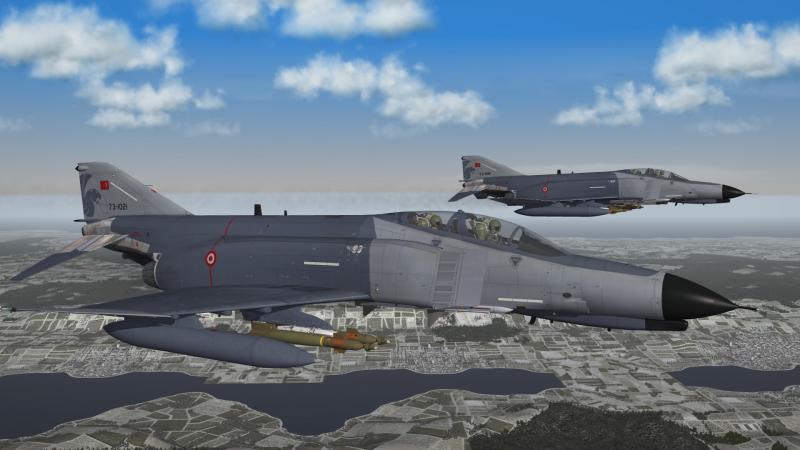
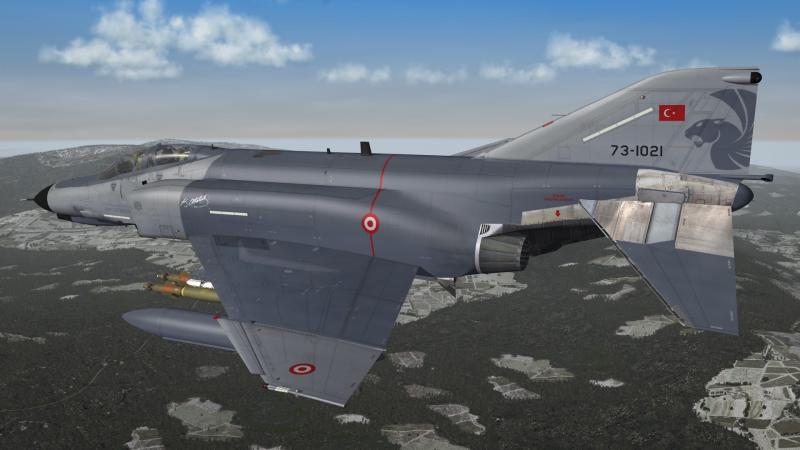
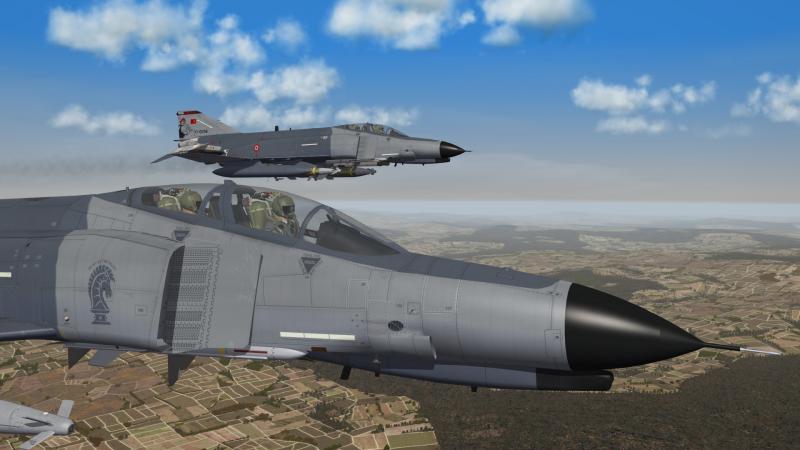
Turkey F-4E 2020 Terminator 111 Filo "Panter" 132 Filo "Hançer" and 171 Filo "Korsanlar"
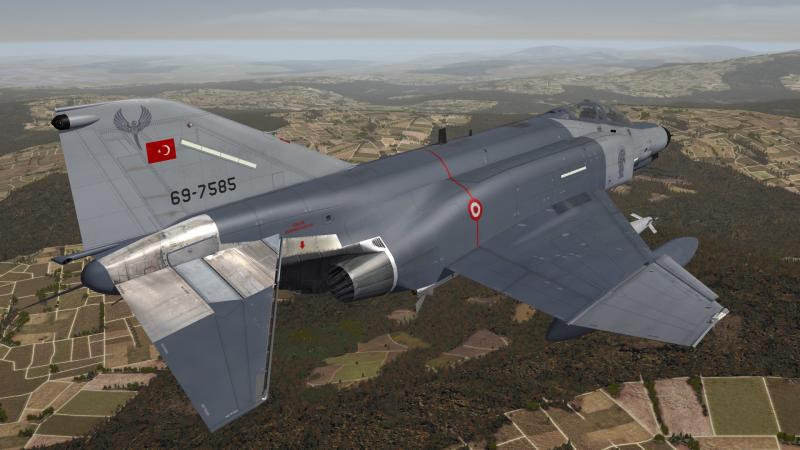
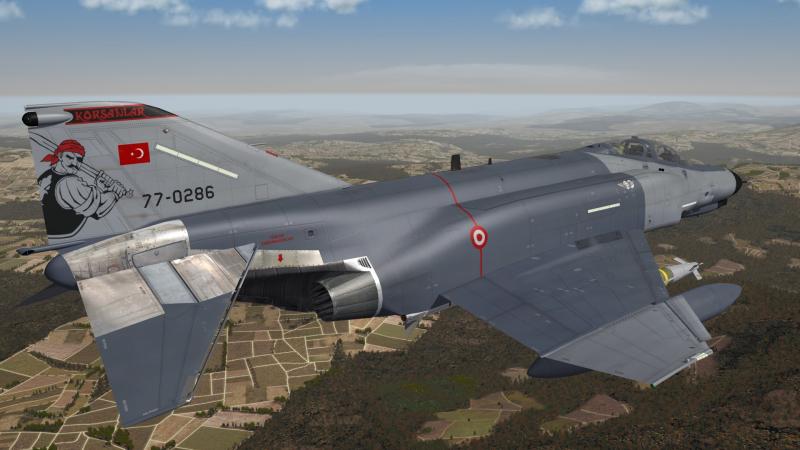
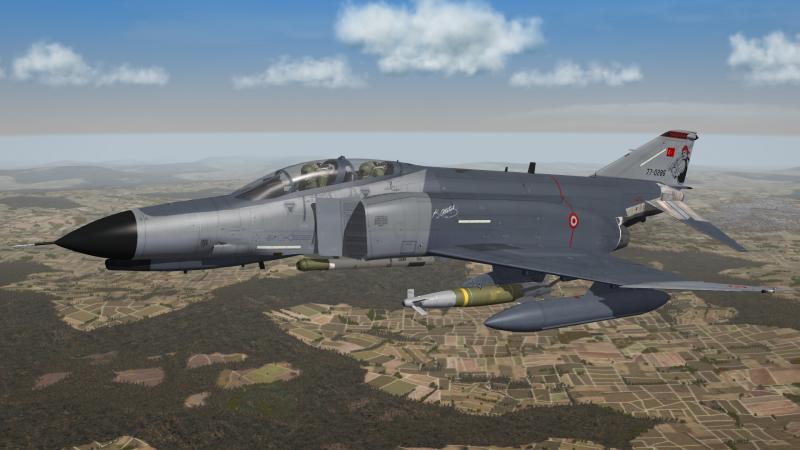
-
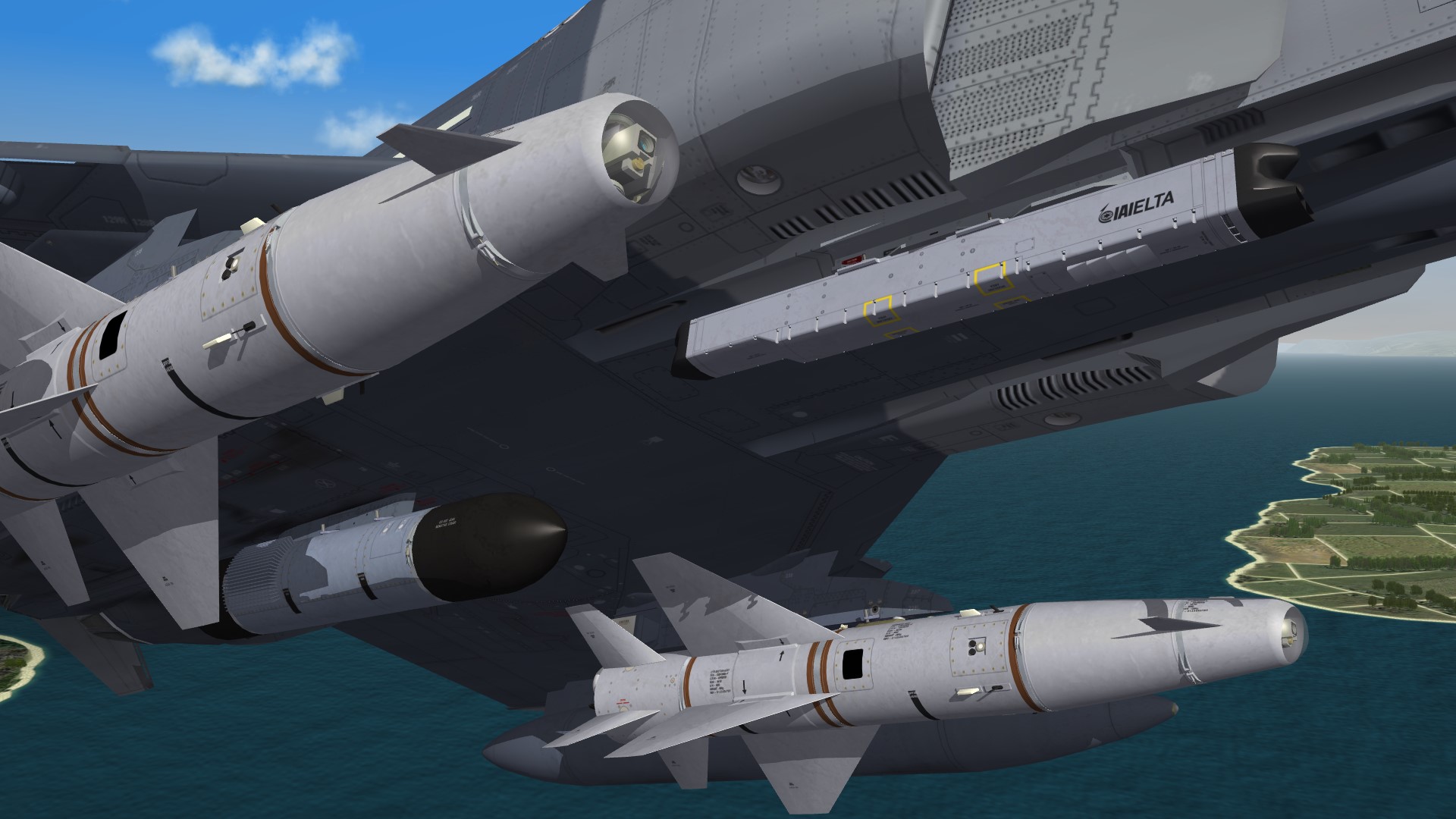
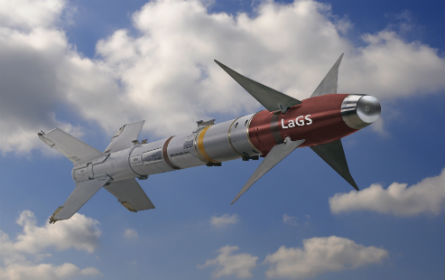
an other option would be the laser guided AIM-9 , intended for all the users of AIM-9 that have now switched to AIM-2000 or AIM-9X and still have a large stockpile of AIM-9
-
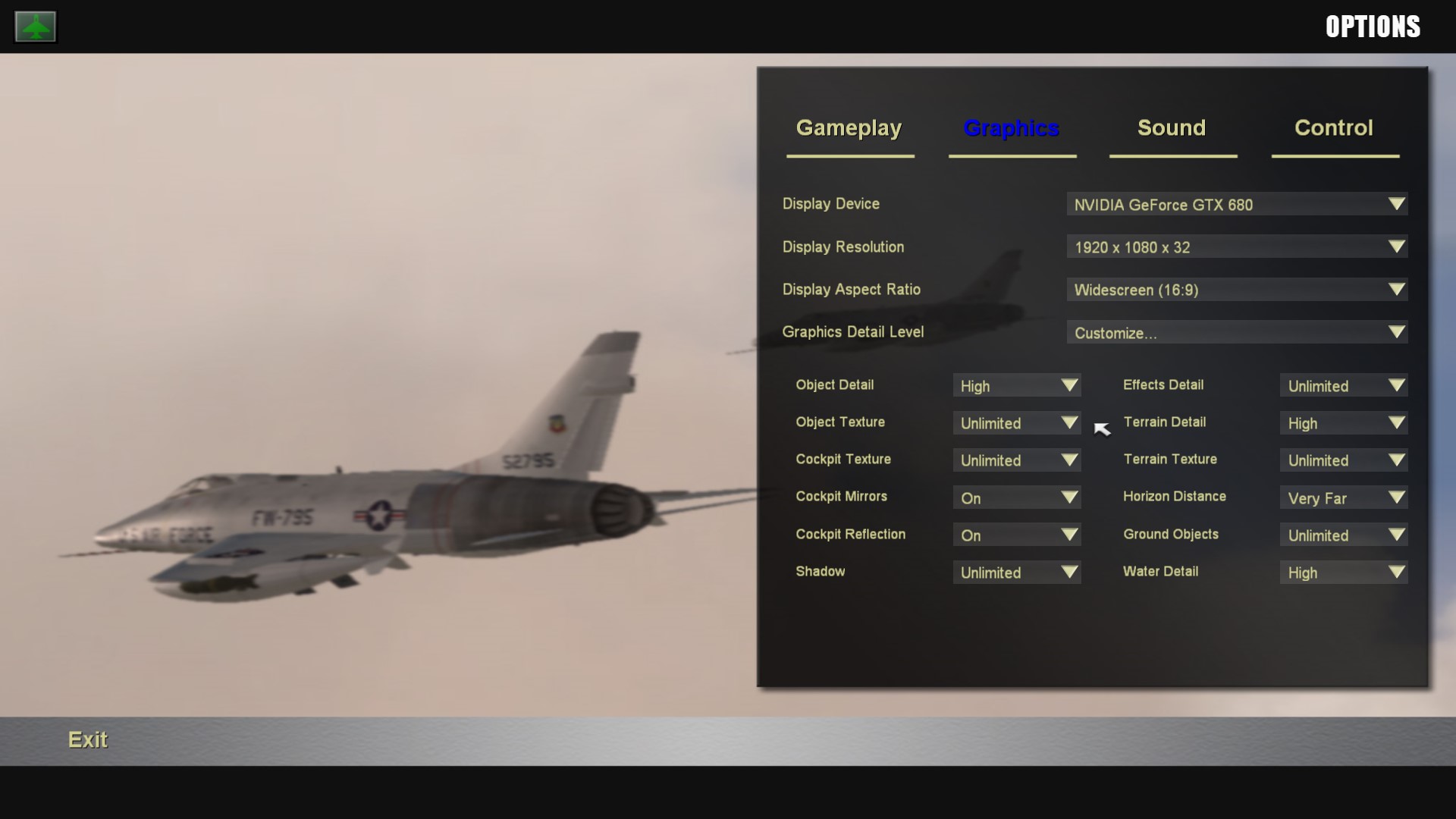
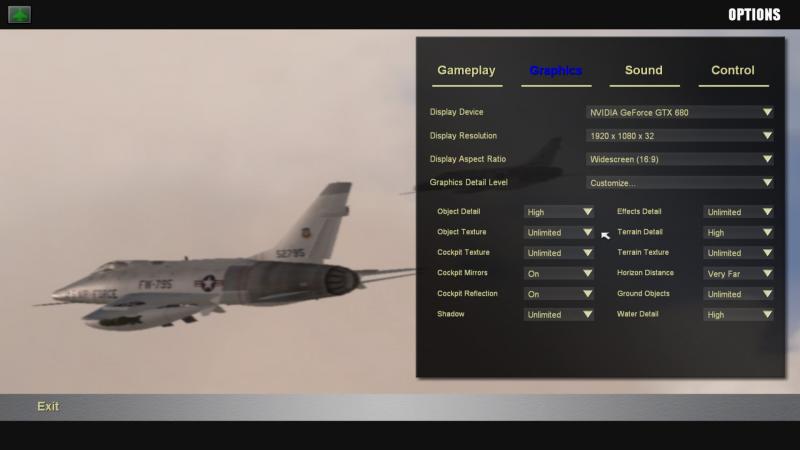
did you check your graphics setting ??? i´m mostly on unlimited @ 76.IAP-Blackbird , Martin it is time to stop complaining and buy yourself a decent computer regards volker
-
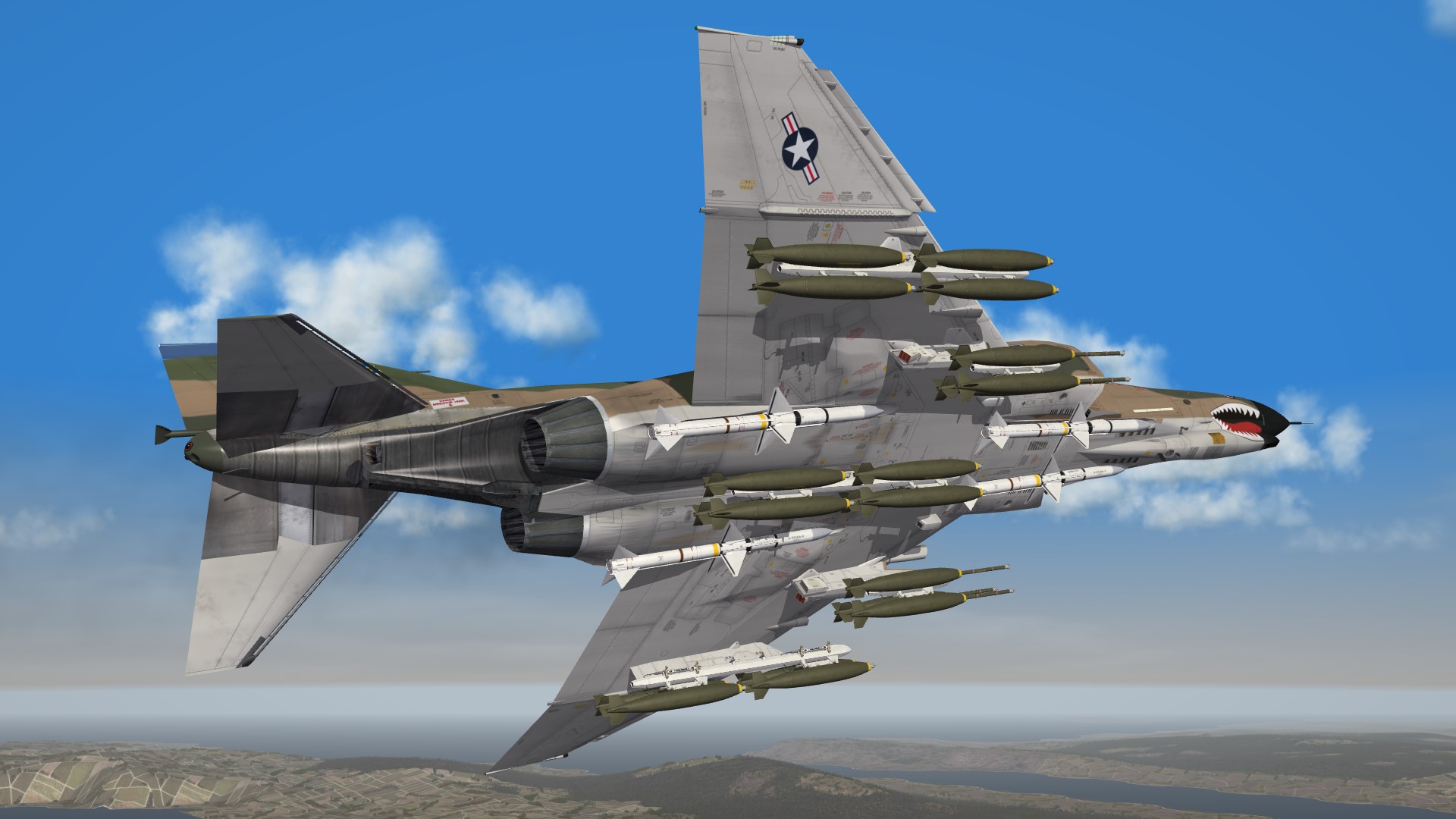
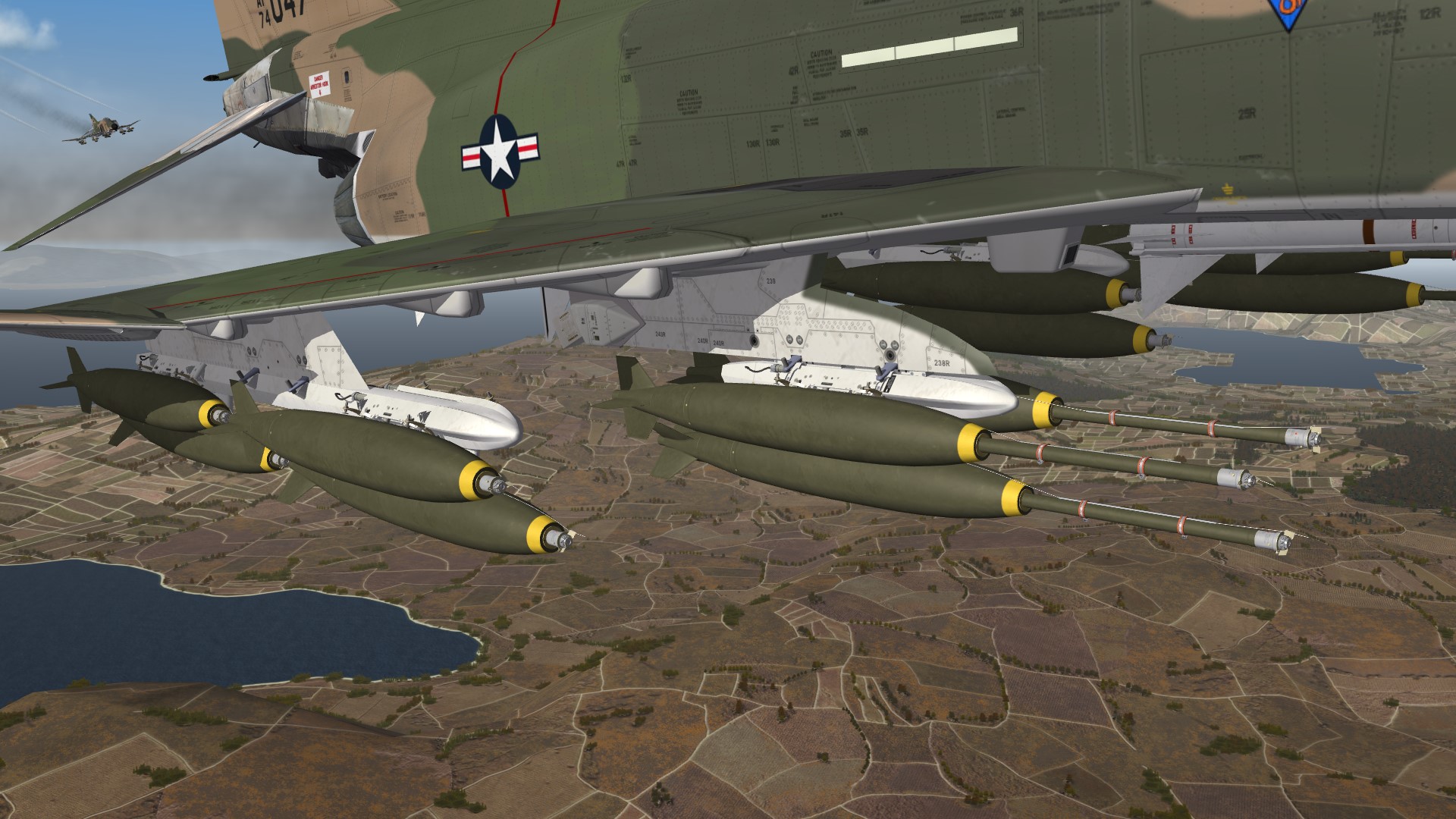
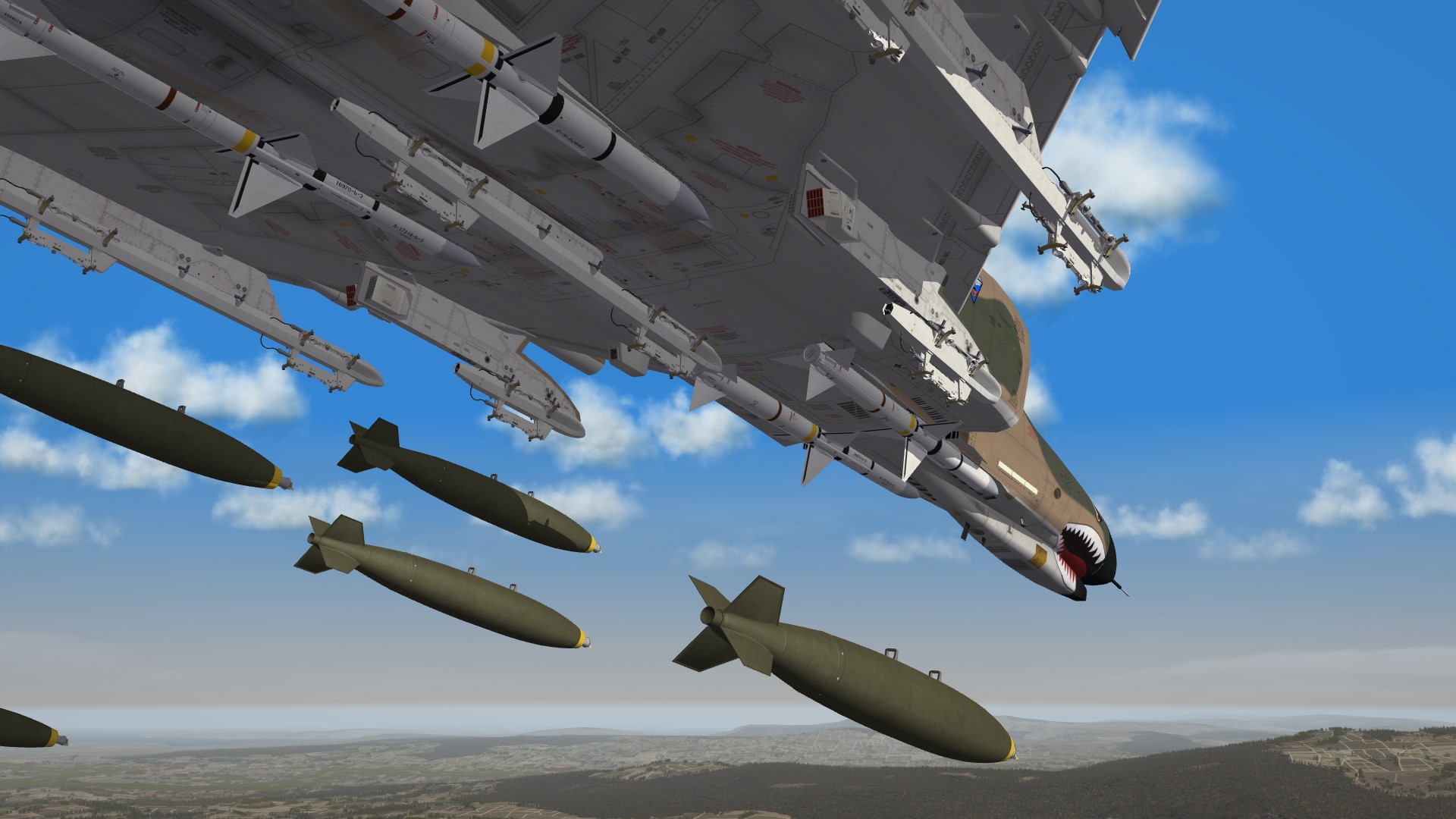
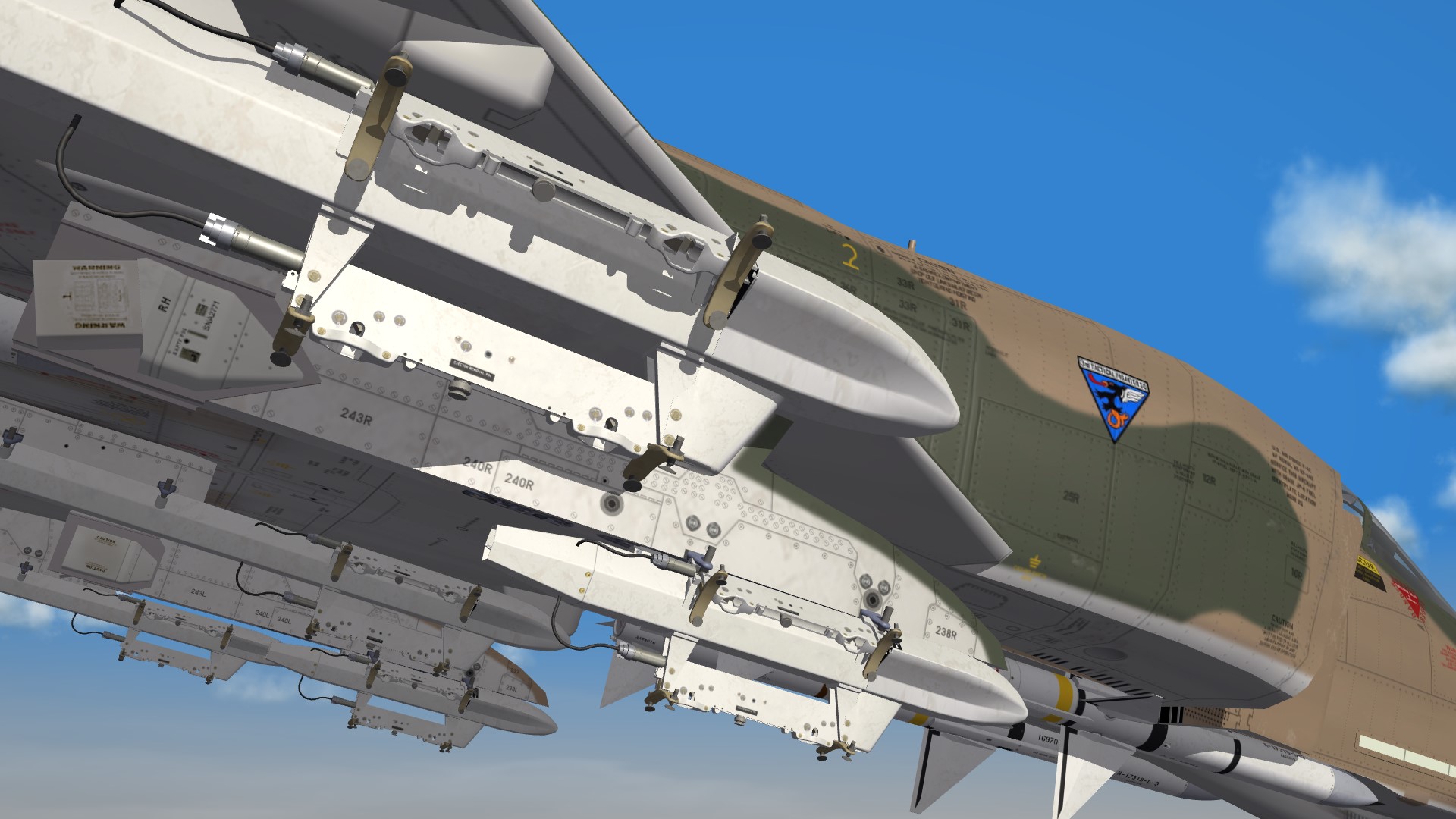
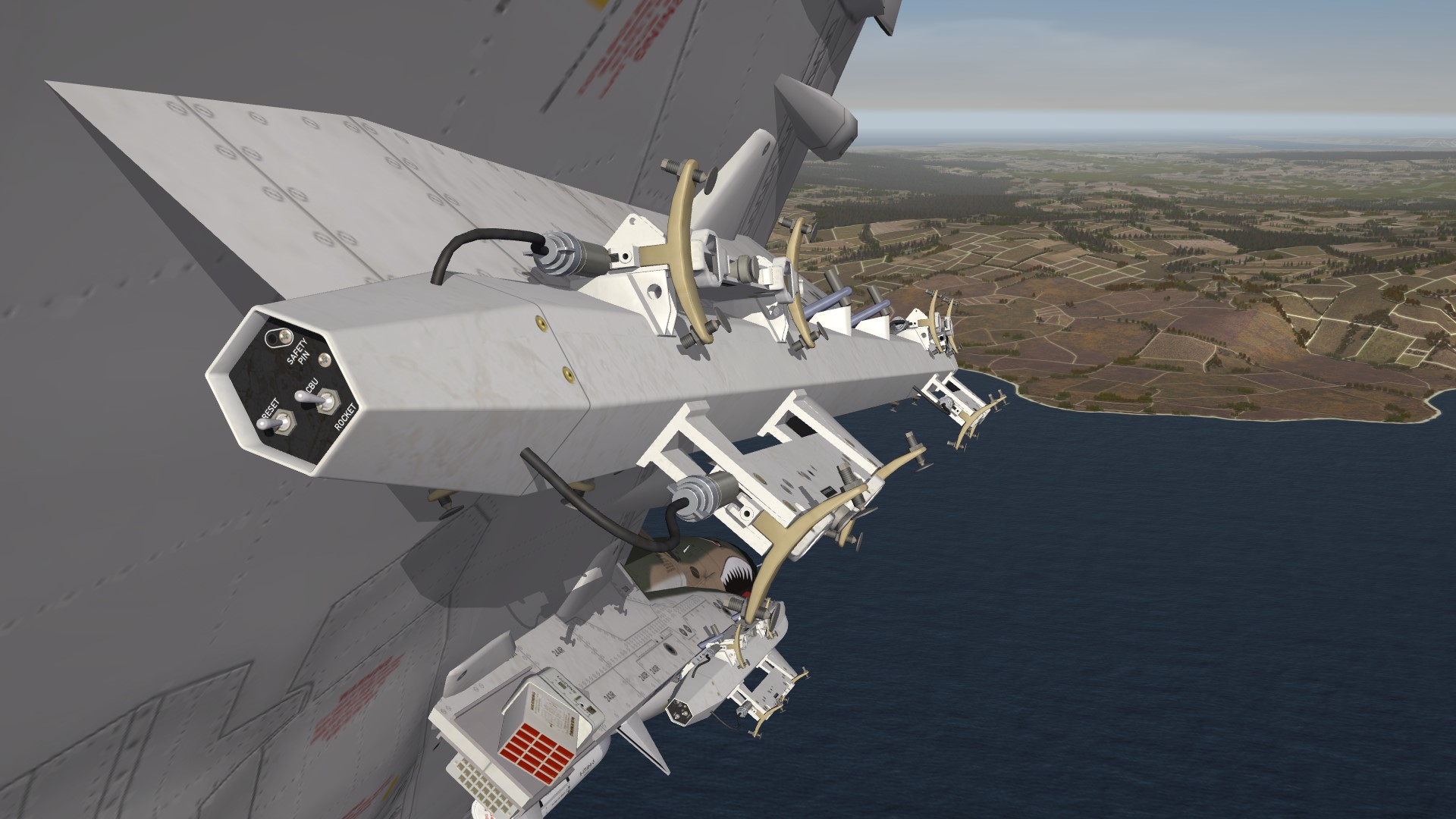
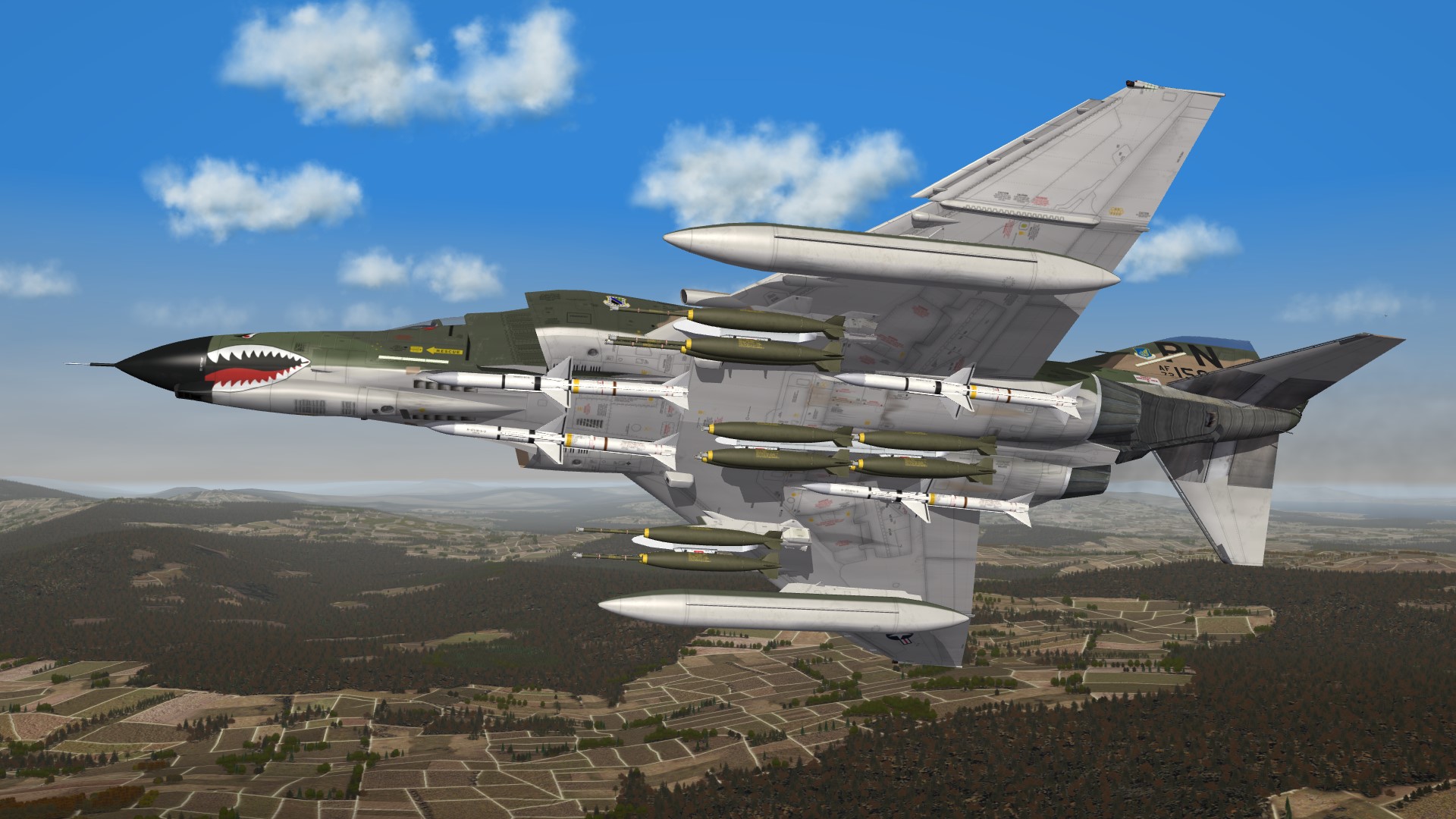
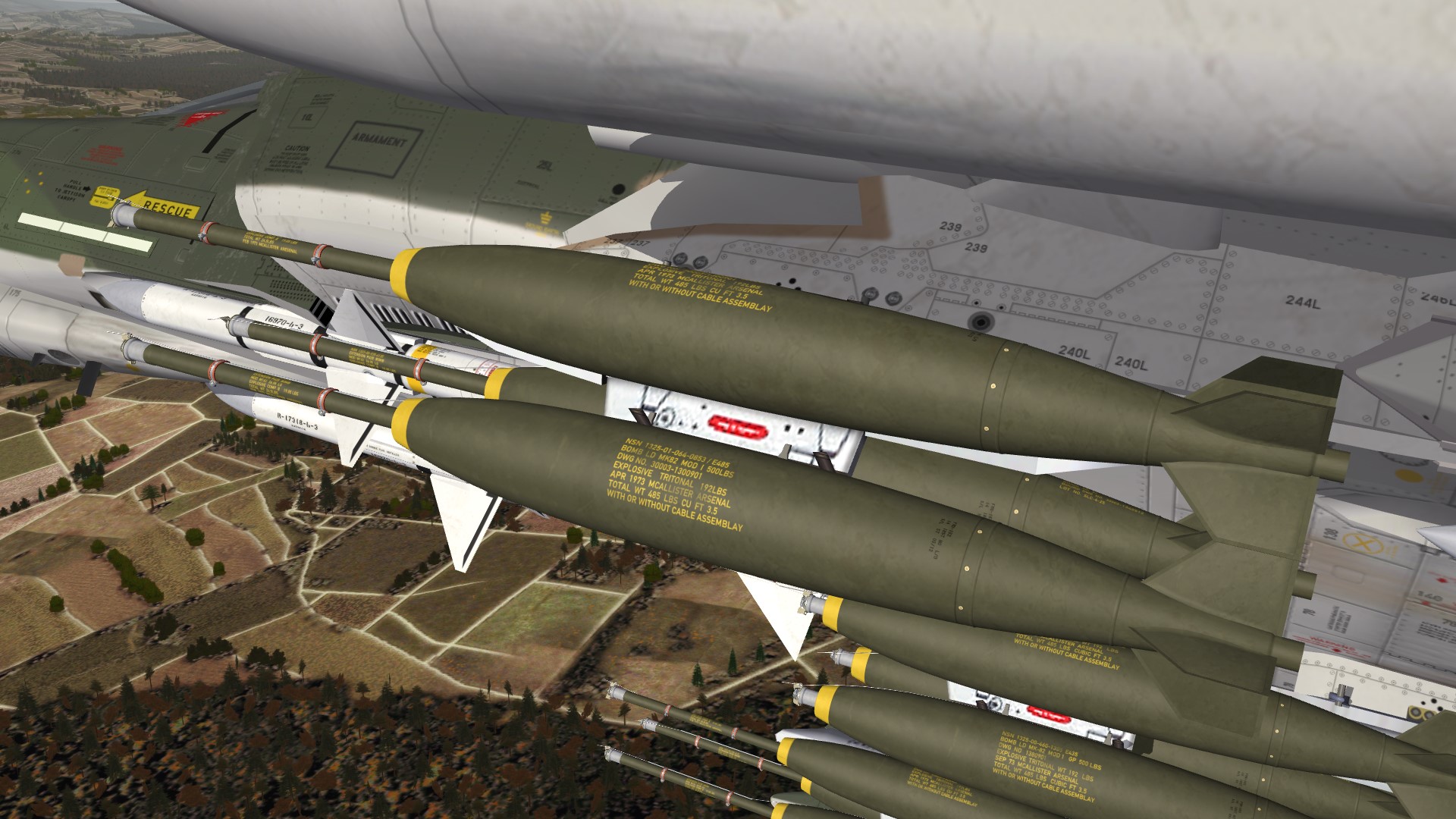
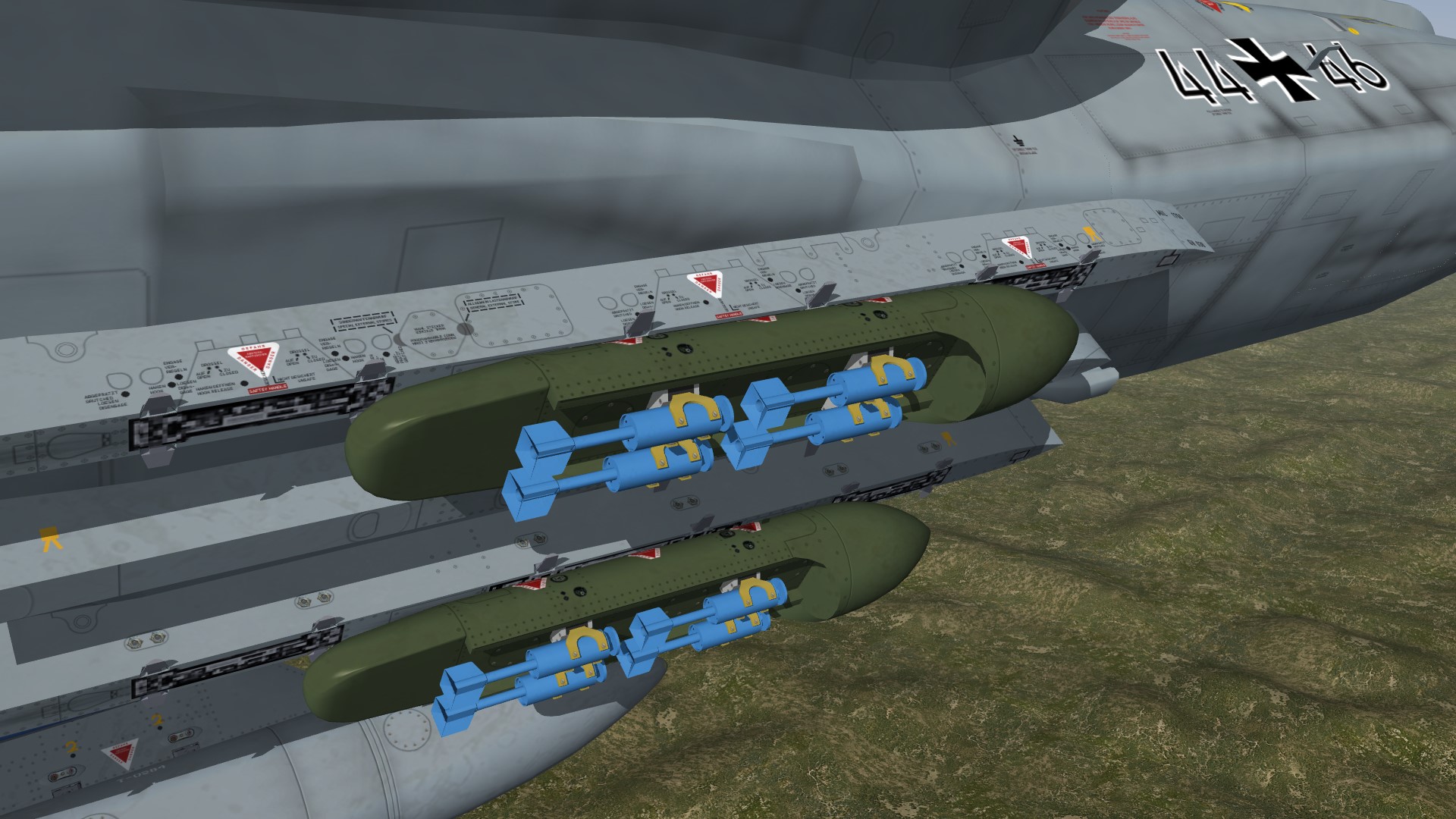
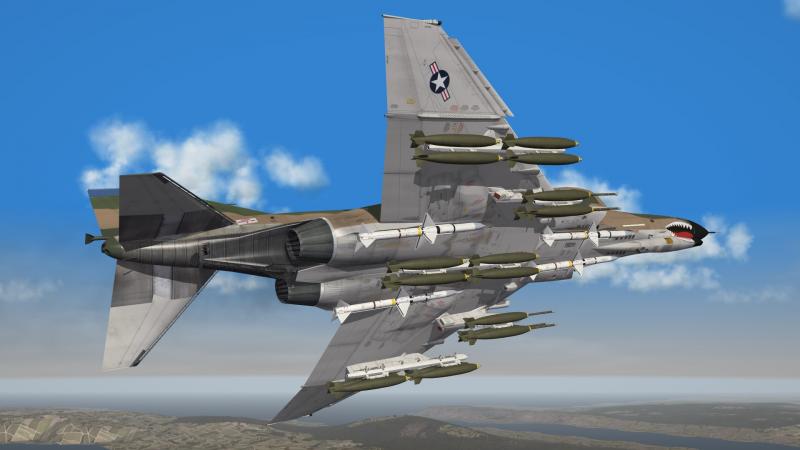
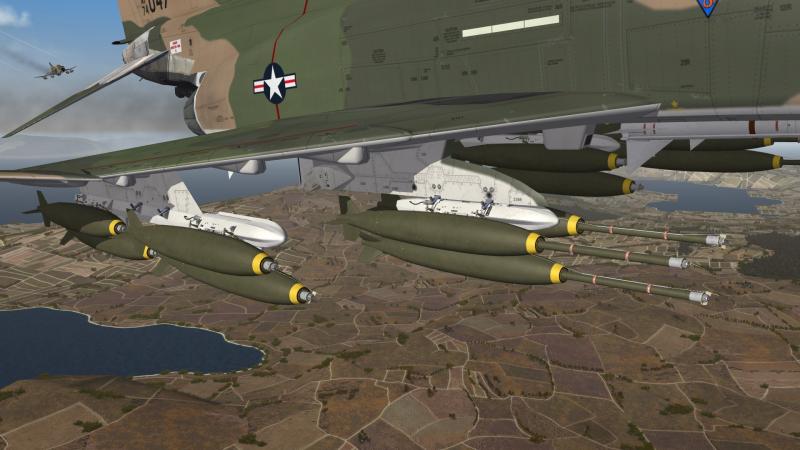
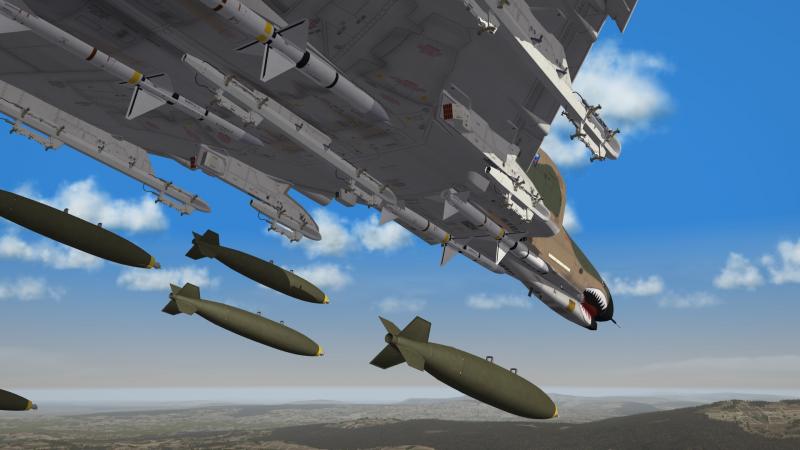
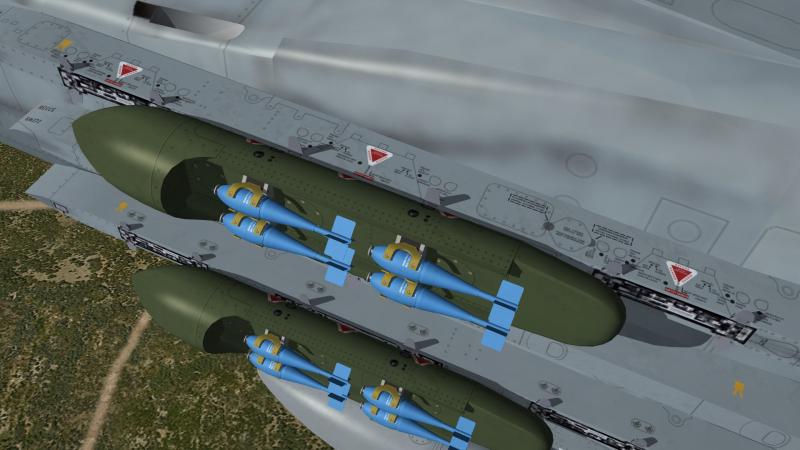
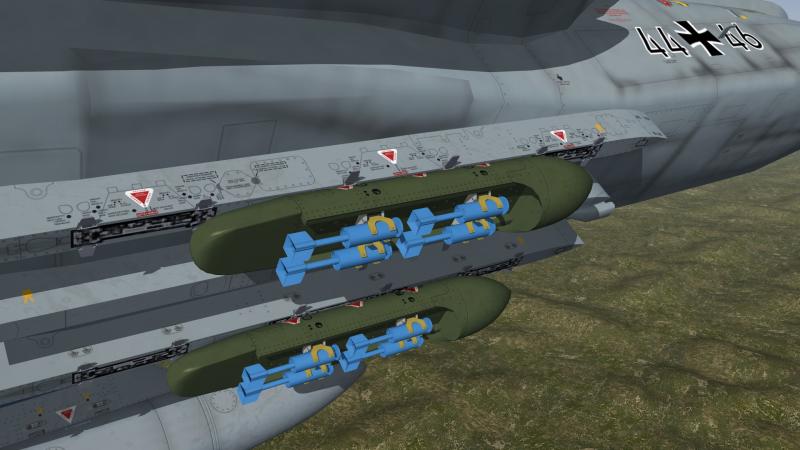
some new TER and MER rack´s , finaly my new bombs fit without colliding but i think i made a mistake , the rack´s look better without any weapons
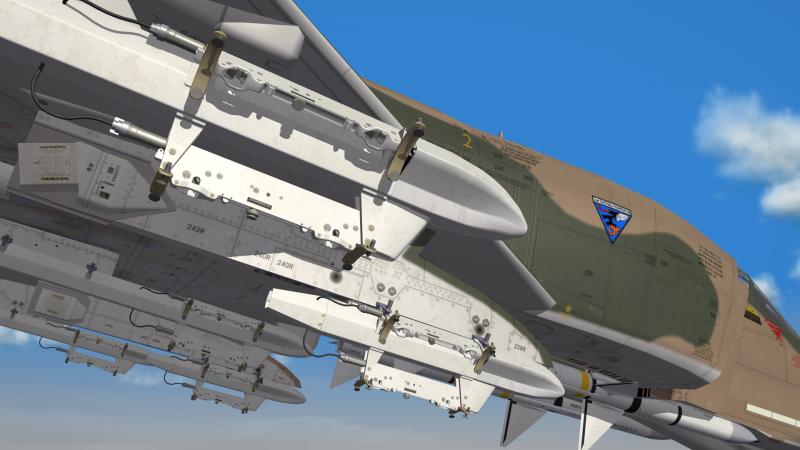
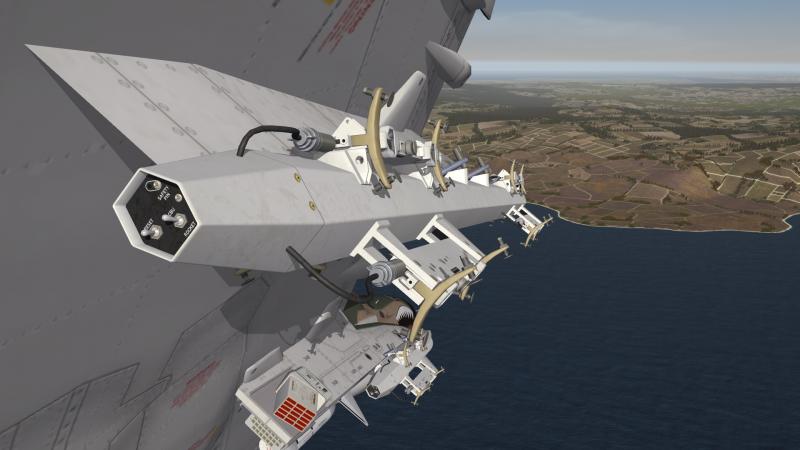
-
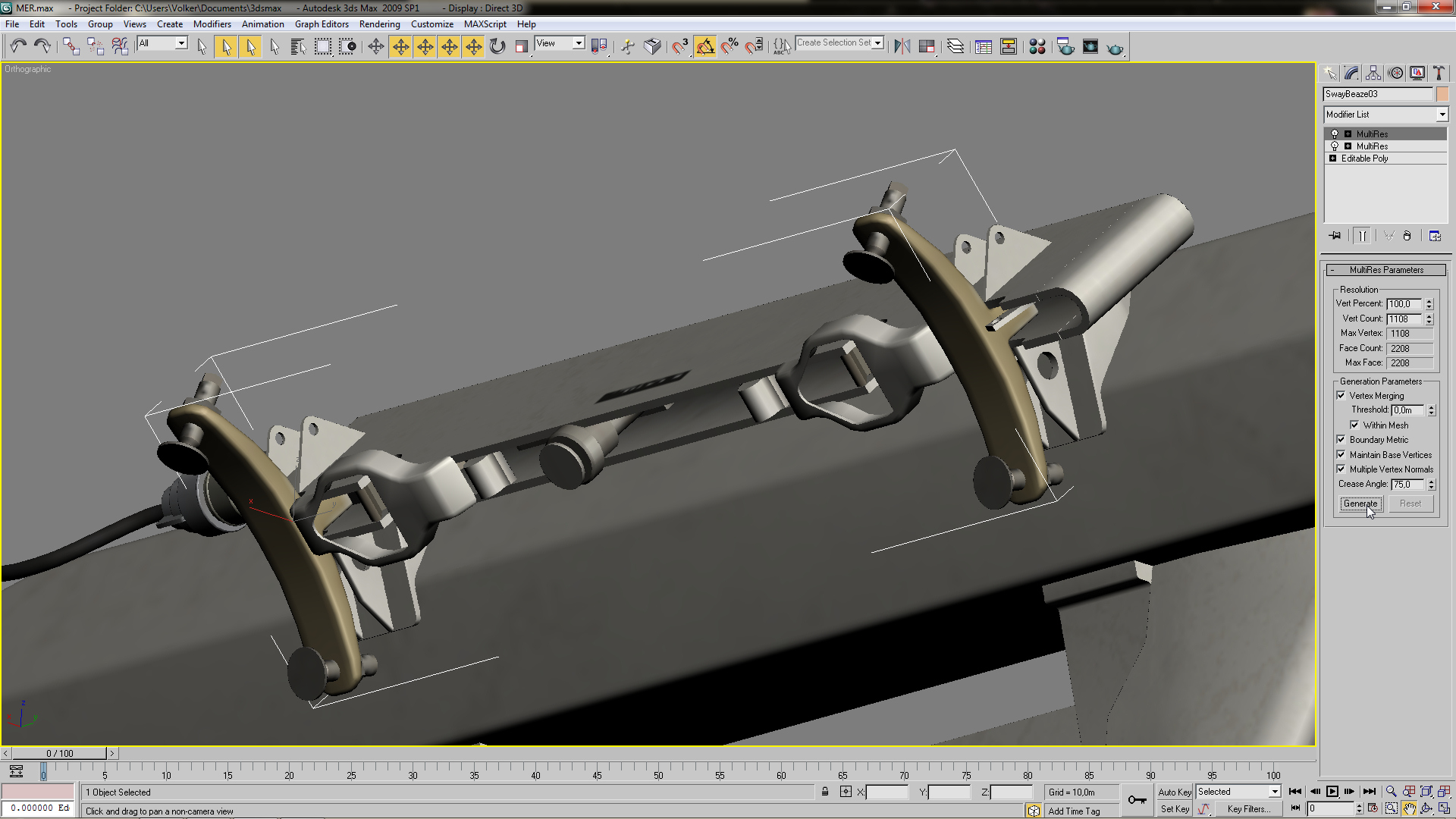
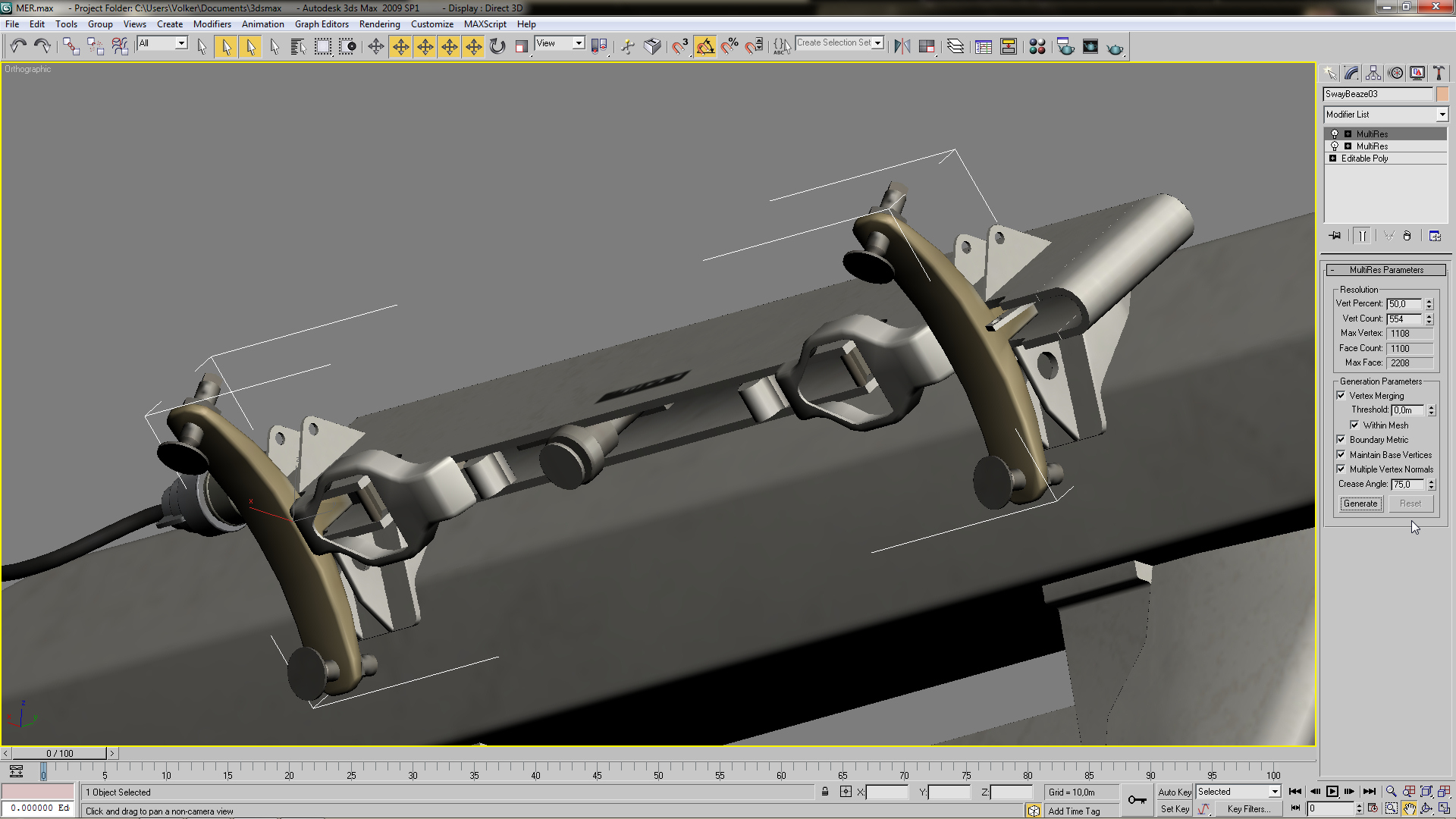
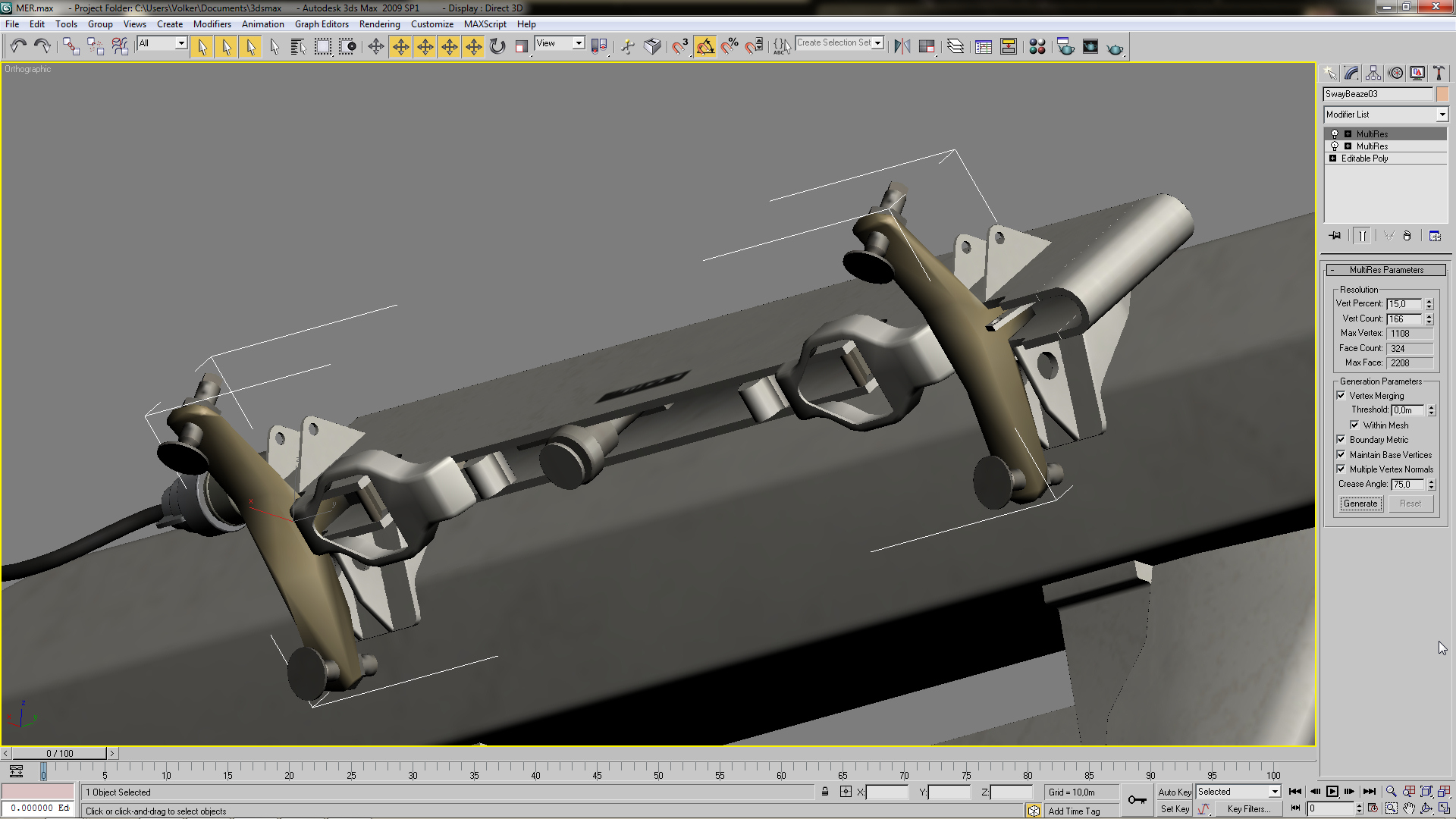
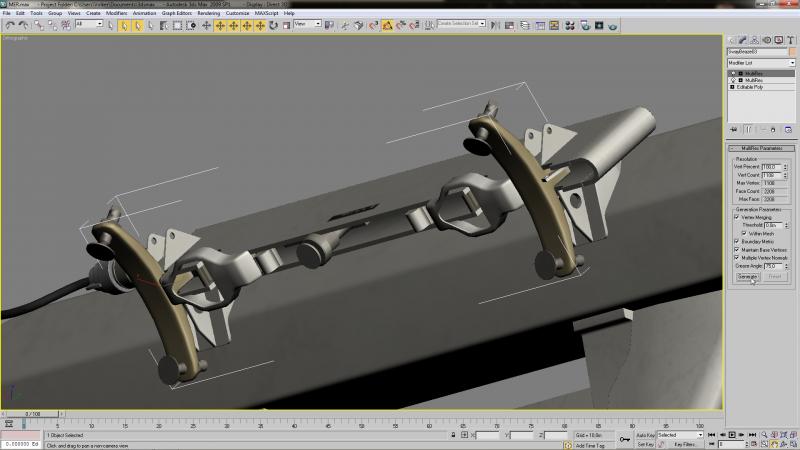
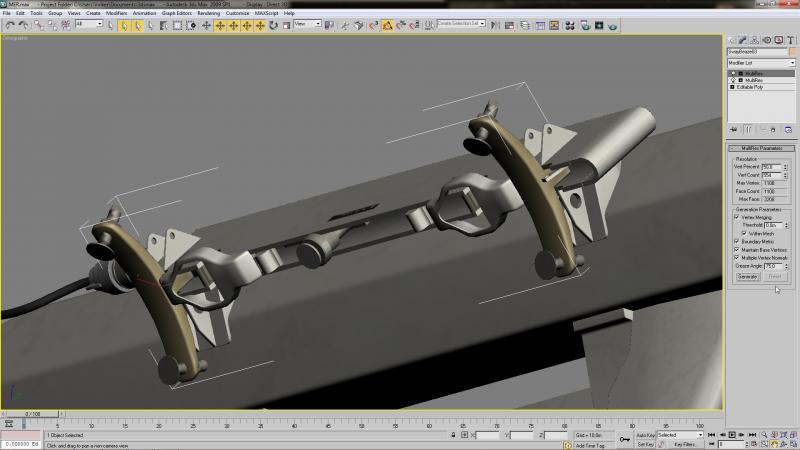
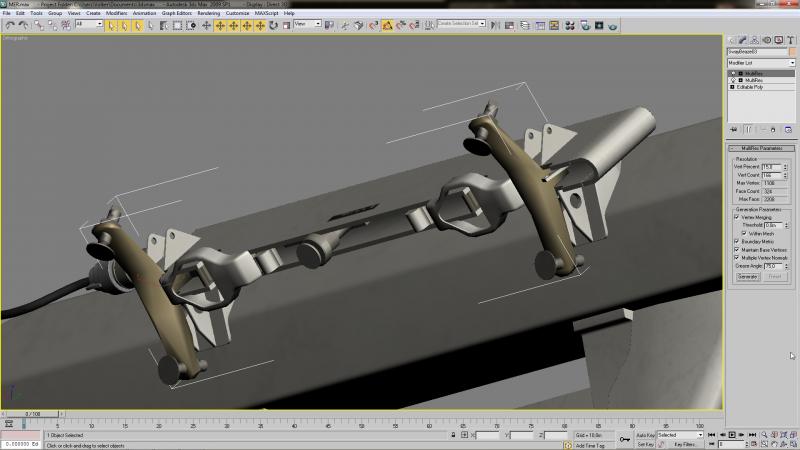
normaly i do reduce the vertex count with the " MultiRES " funktion ,i select the object and reduce by percentage the amount of vertex and if i´m not satisfy with the outcome i always can go back or try an other percentage this is the sway brace of a new MER /TER and the vertex count is by 1108 for that object if i reduce the count by 50% the object is still acceptable and the vertex count is now reduced by half , you may have to check if your mapping has changed especialy by reducing above 30% but for a distance lod that would only matter for the No.2 lod , by further reducing the vertex count you will get some distortion of the object what would be still ok for the very far distance lod´s (mapping would not be an issue here) original with 100% vertex count reduced by half reduced to 15% and the object is distorted
-
actually to make them is quite easy
-
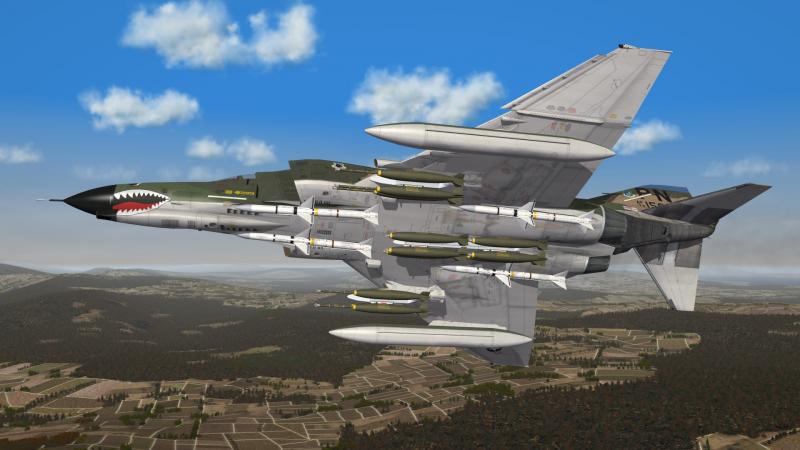
going to cut some daisy´s
-
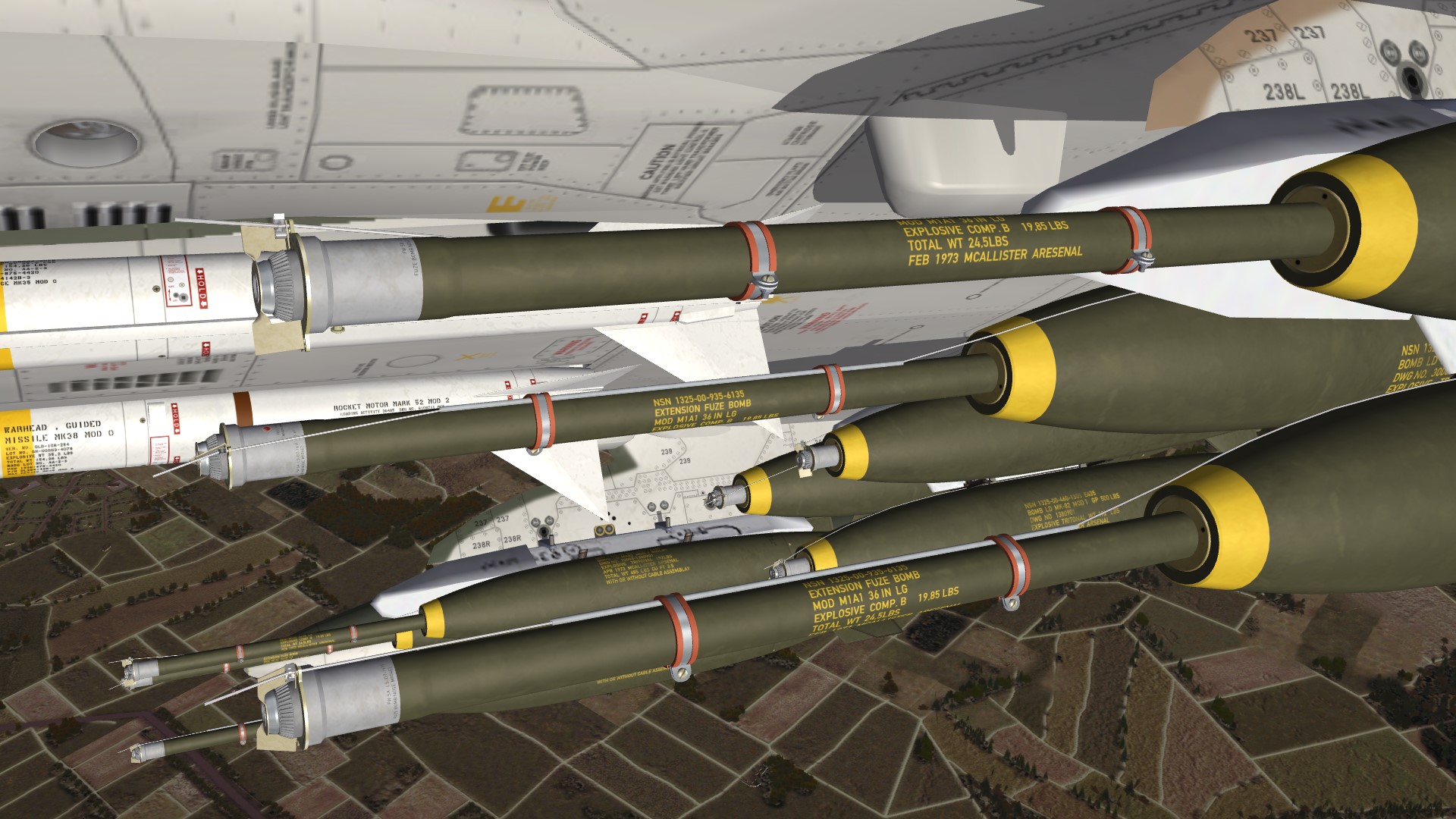
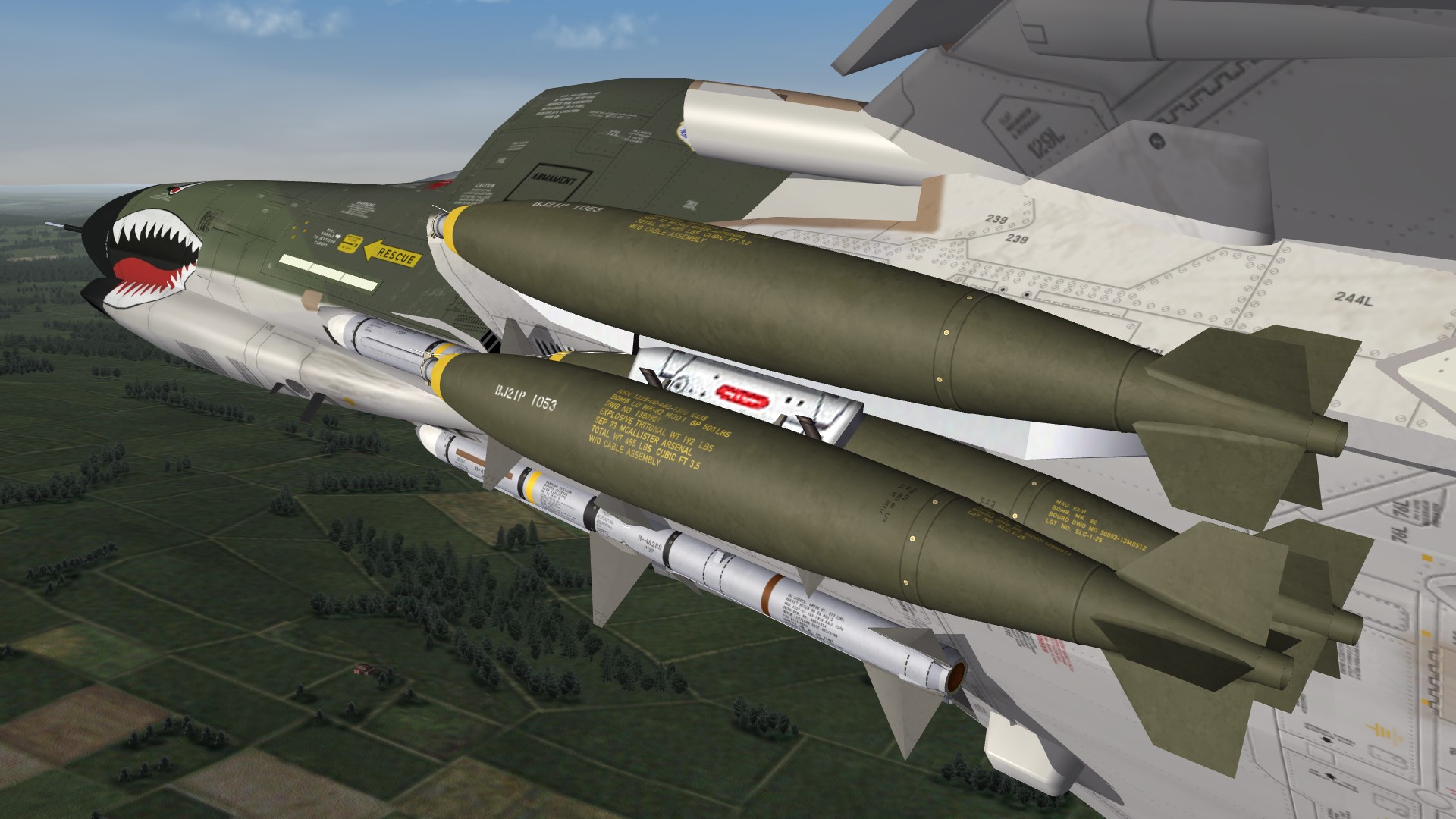
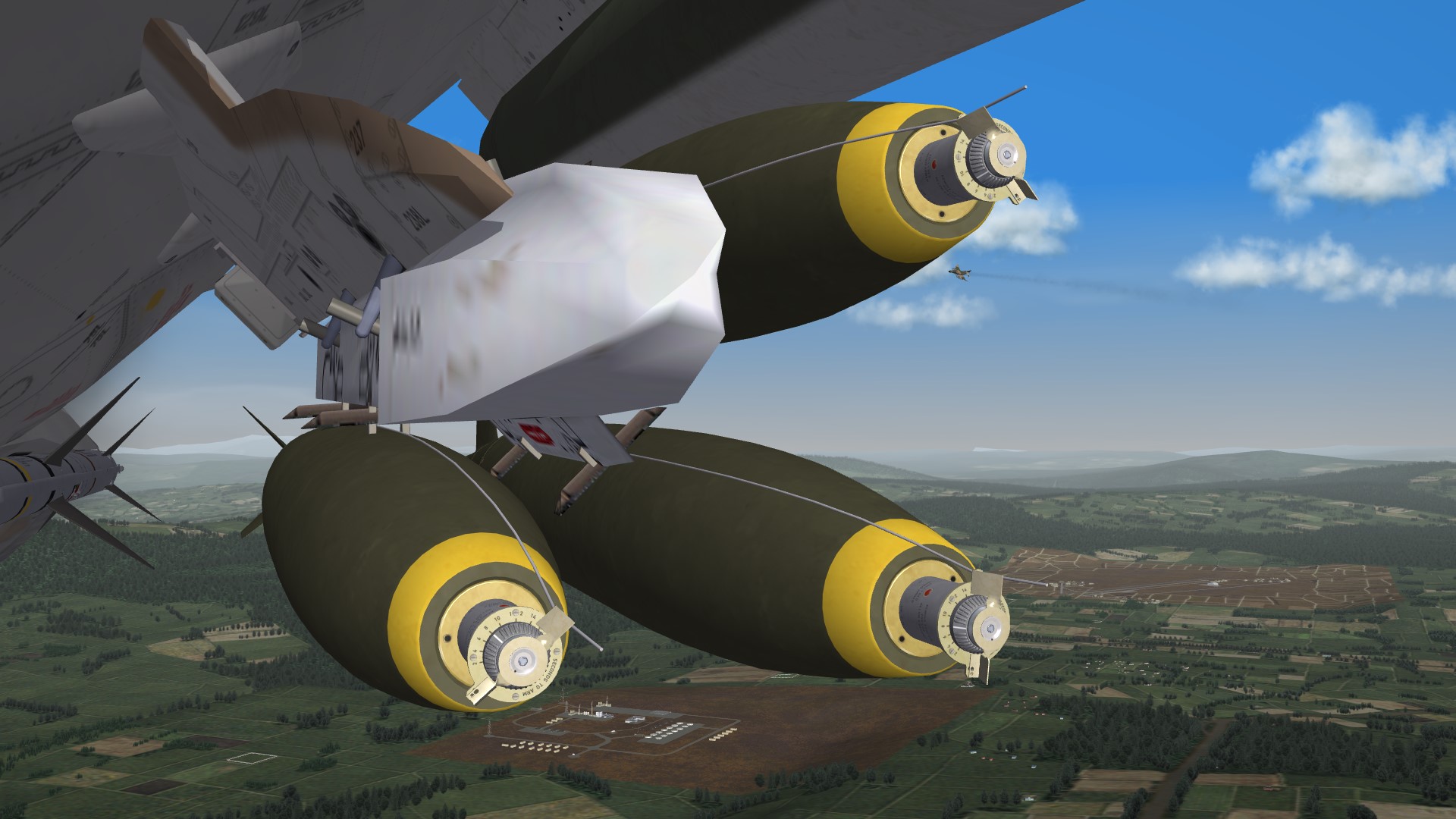
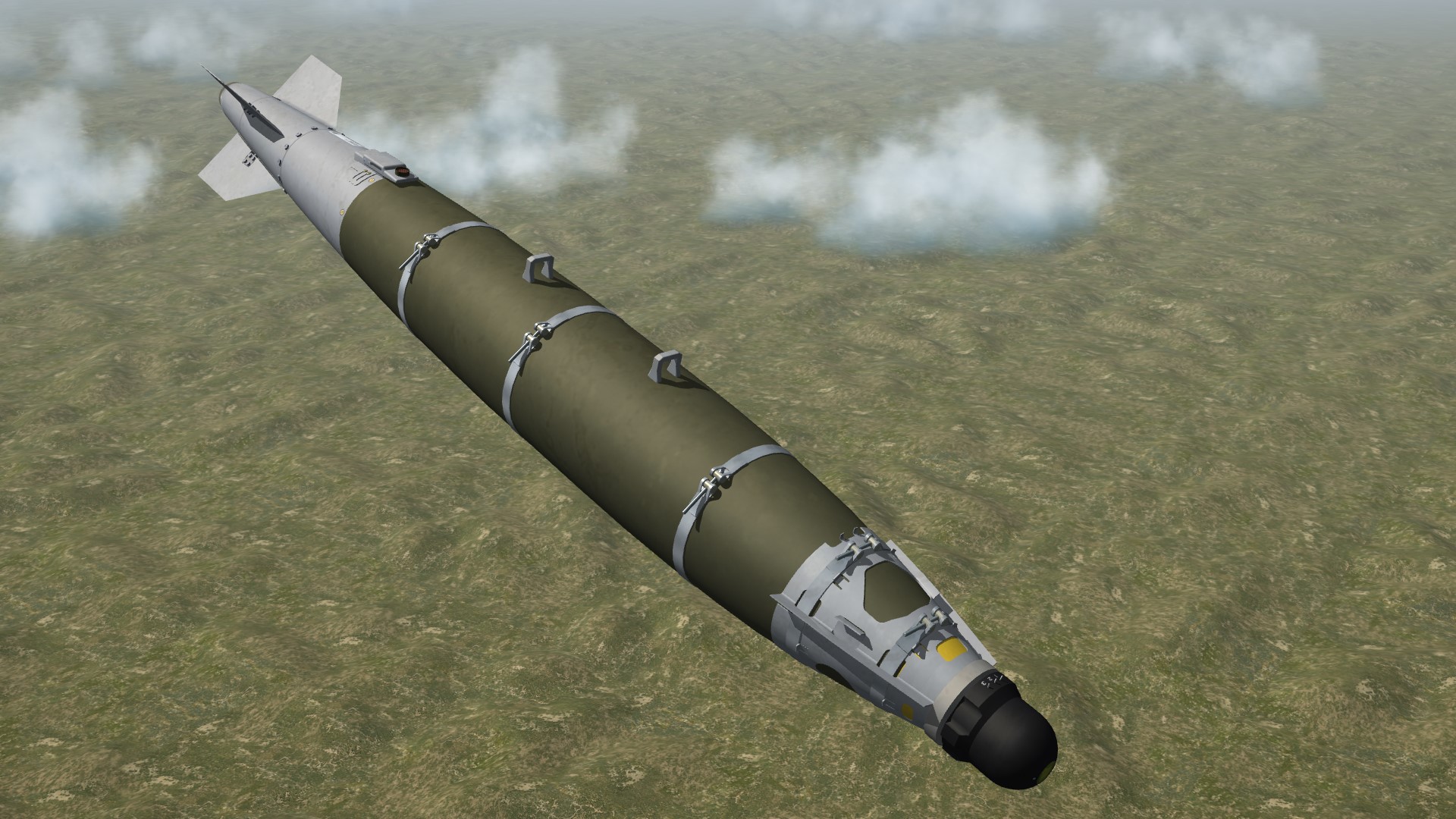
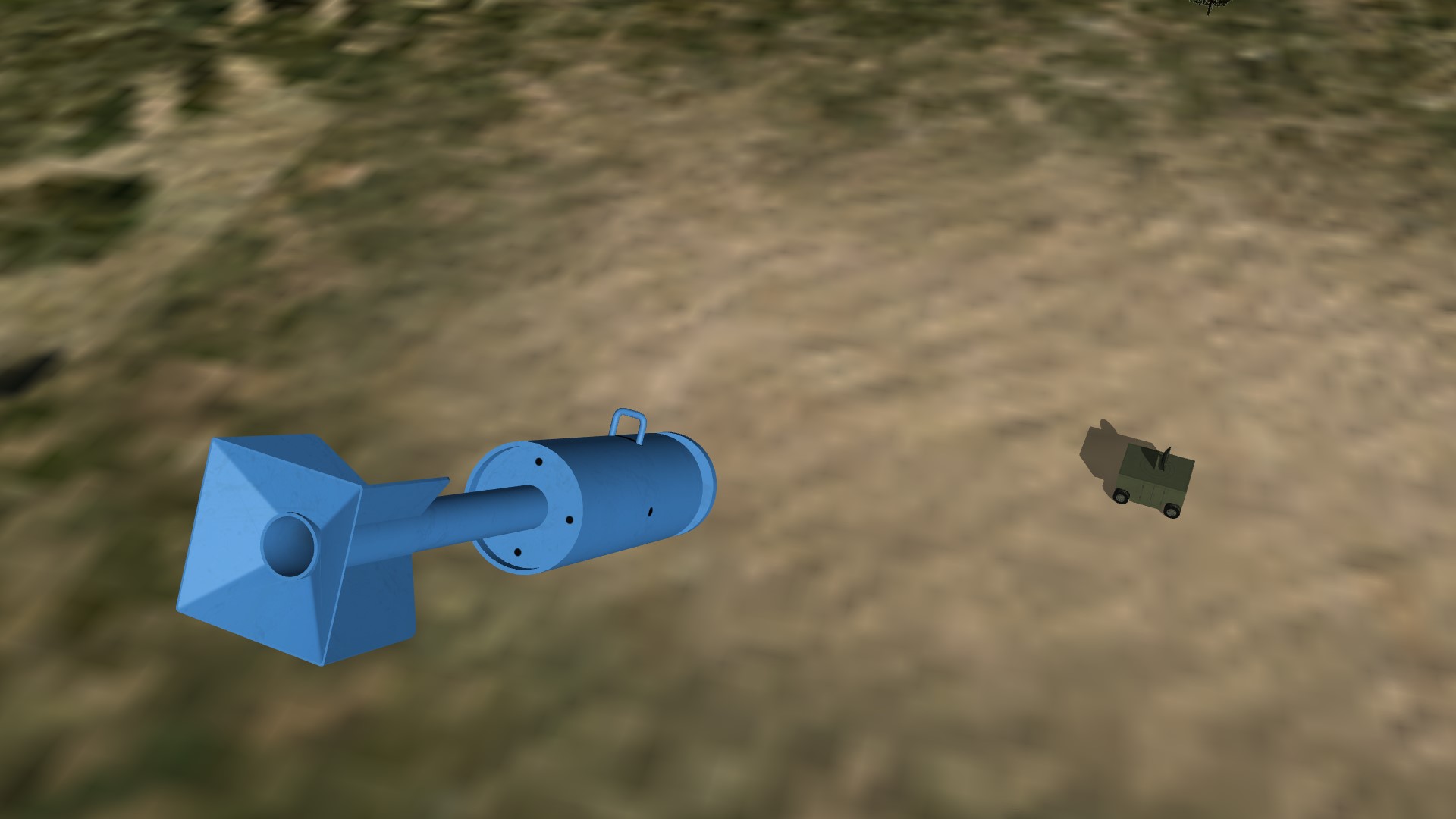
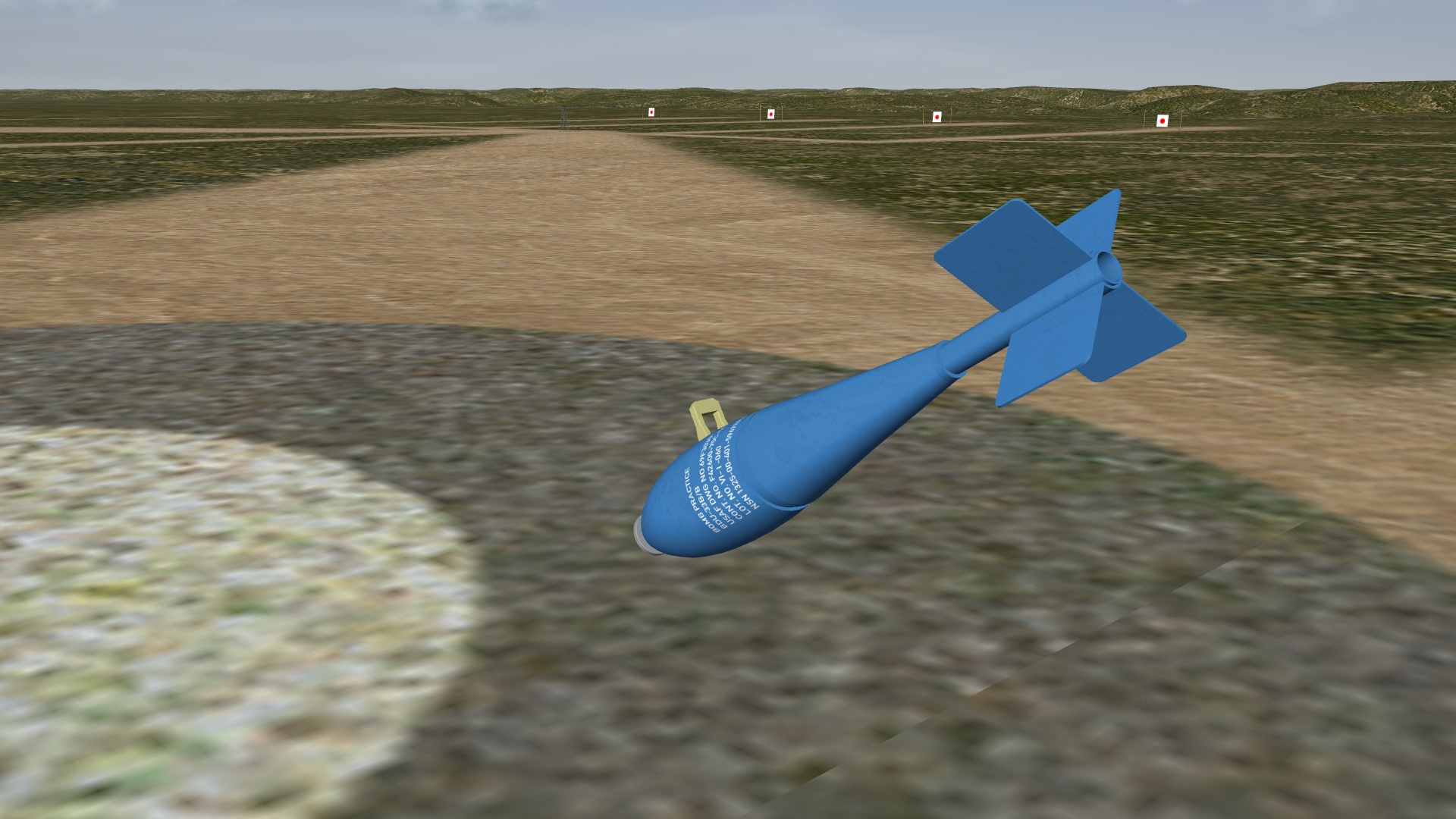
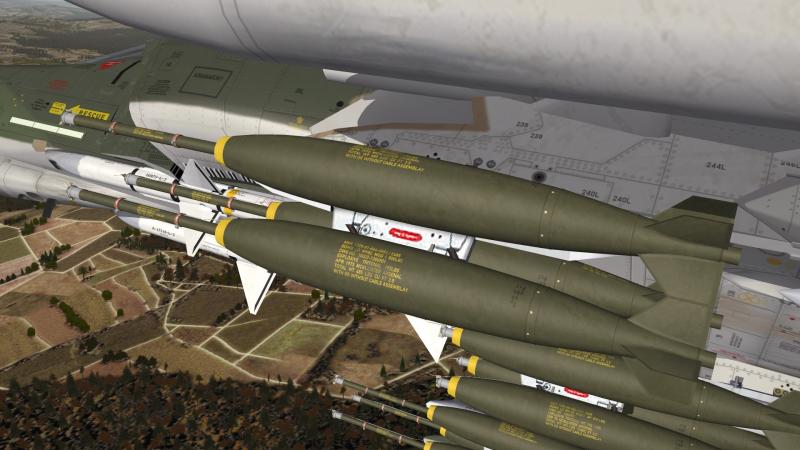
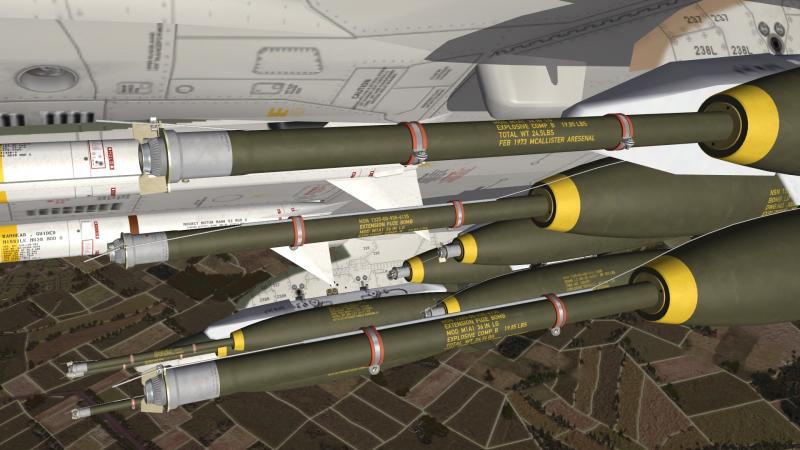
some ordinary Mk-82 with M904E2 nose-fuze (not final yet)
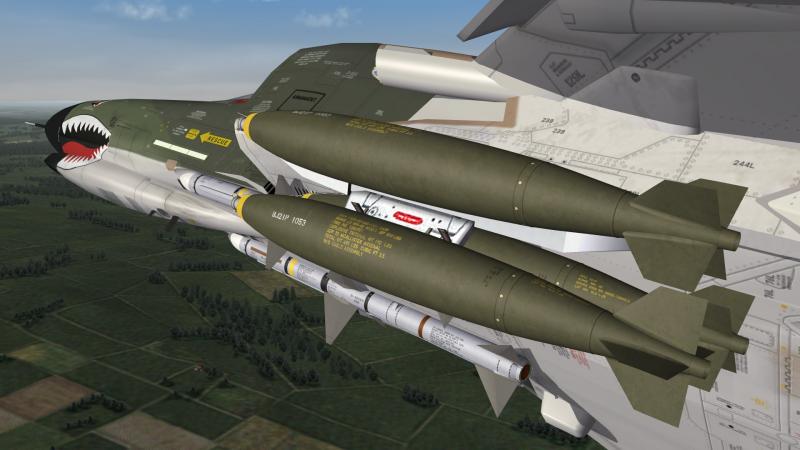
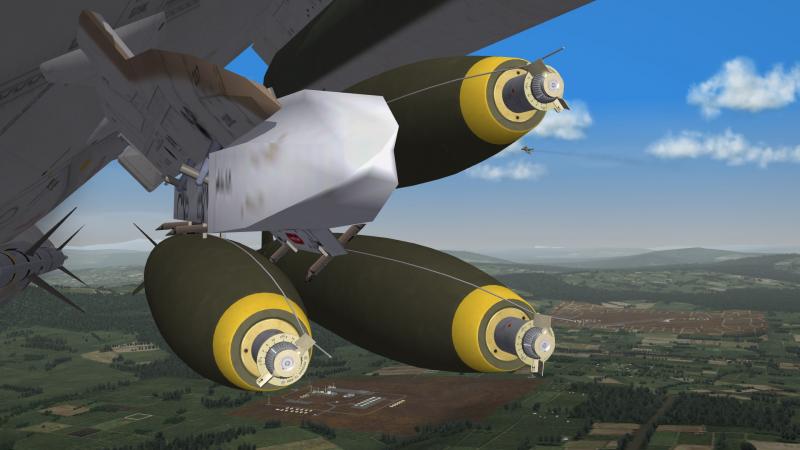
-
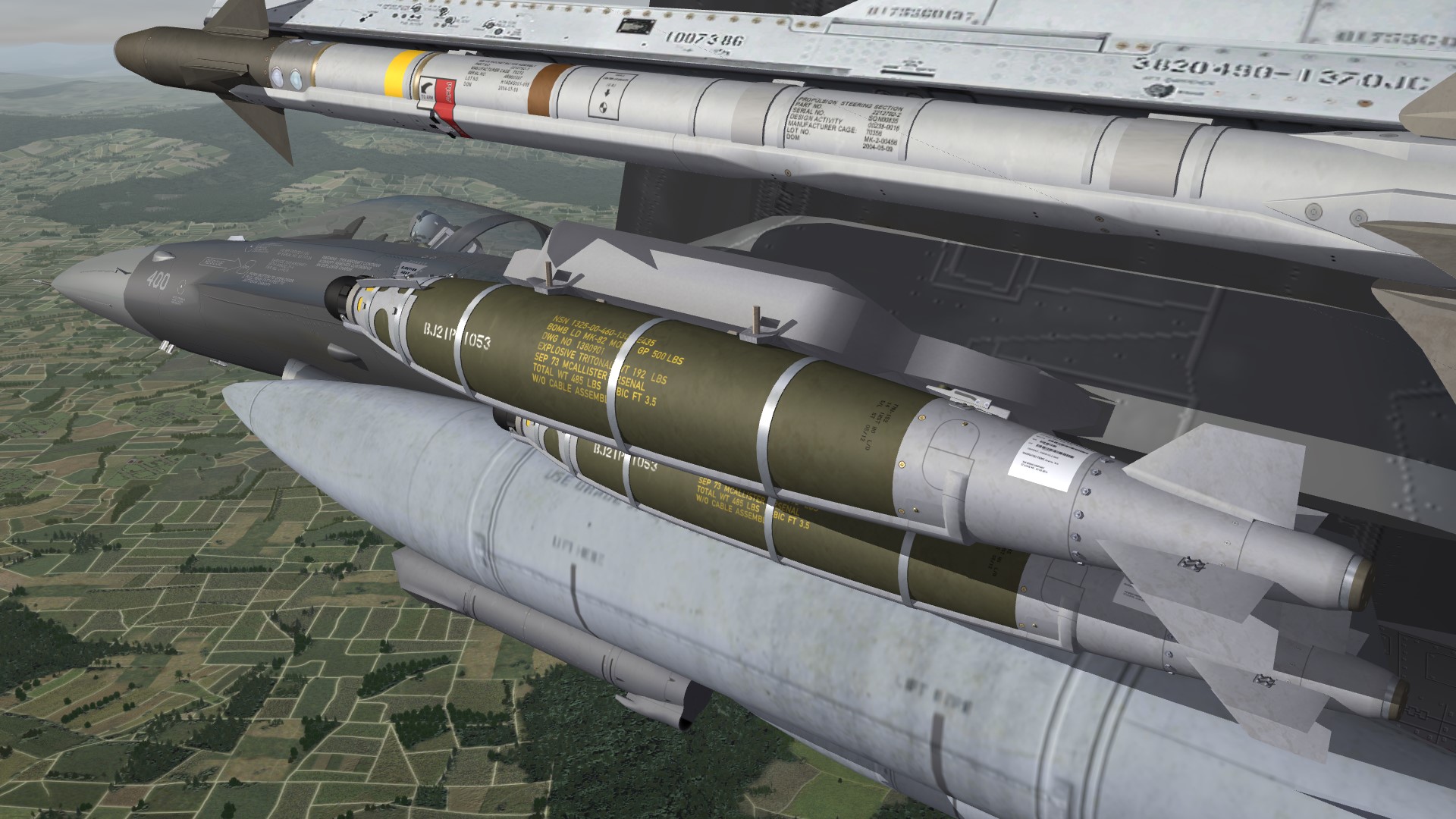
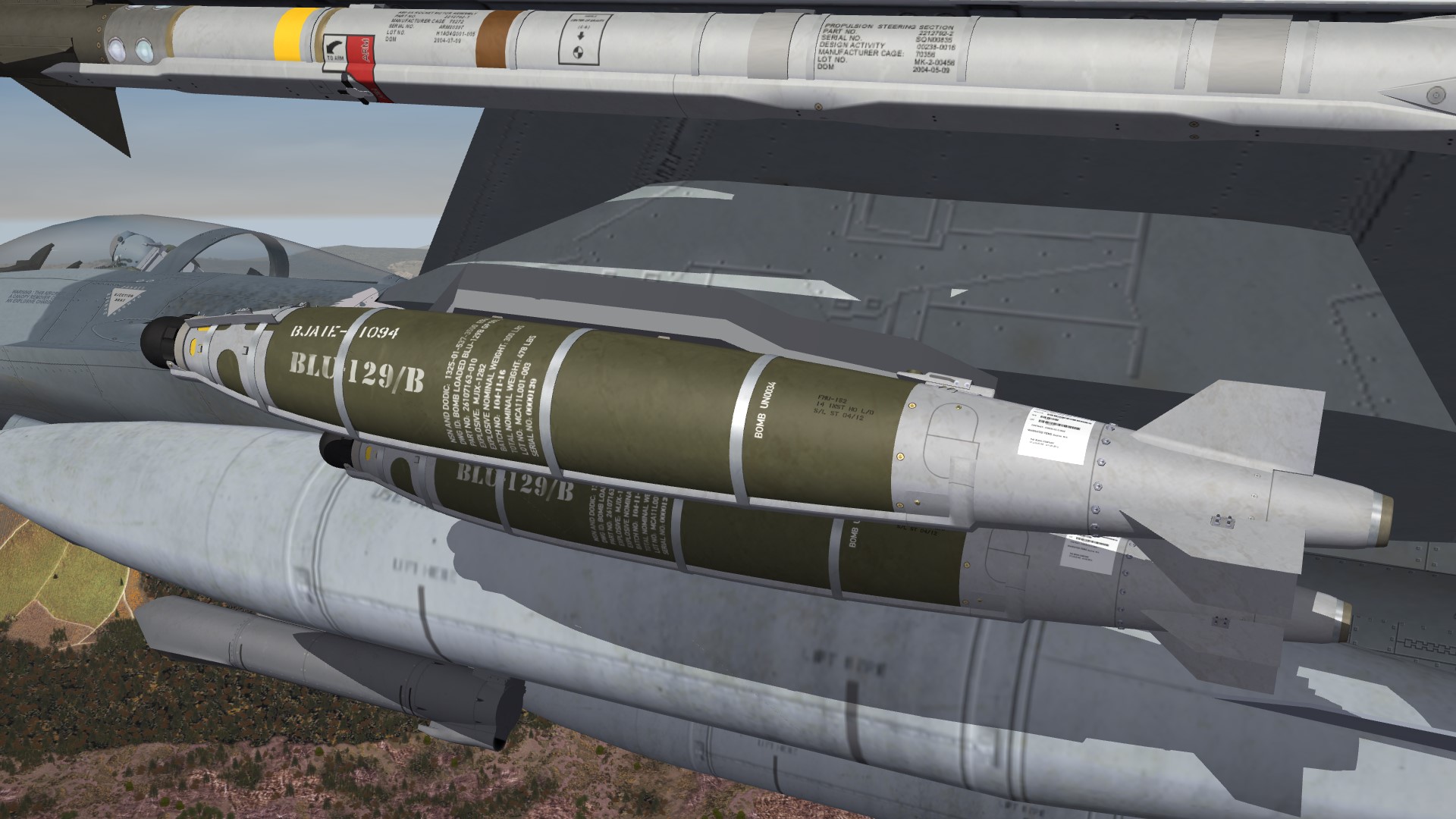
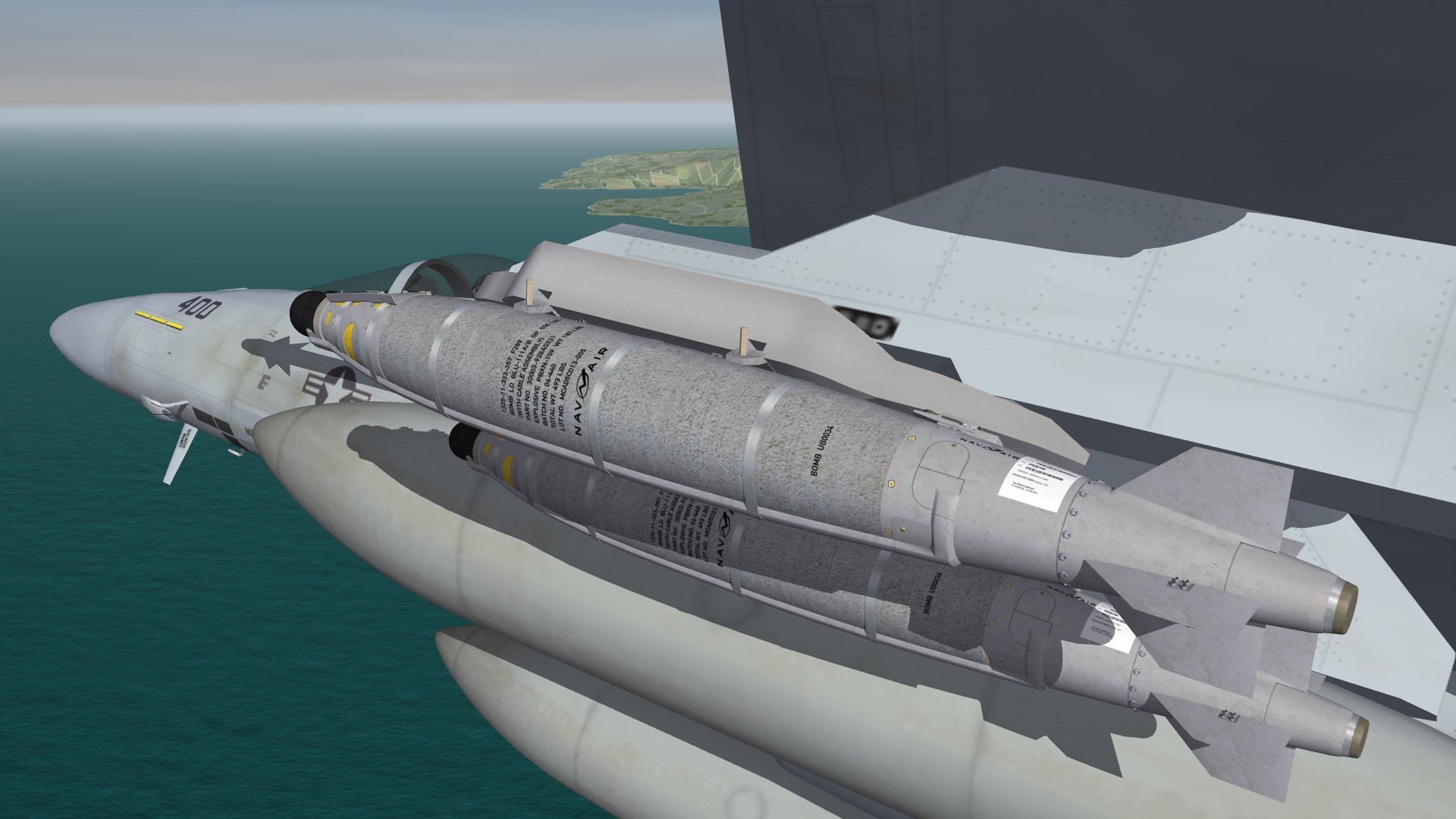
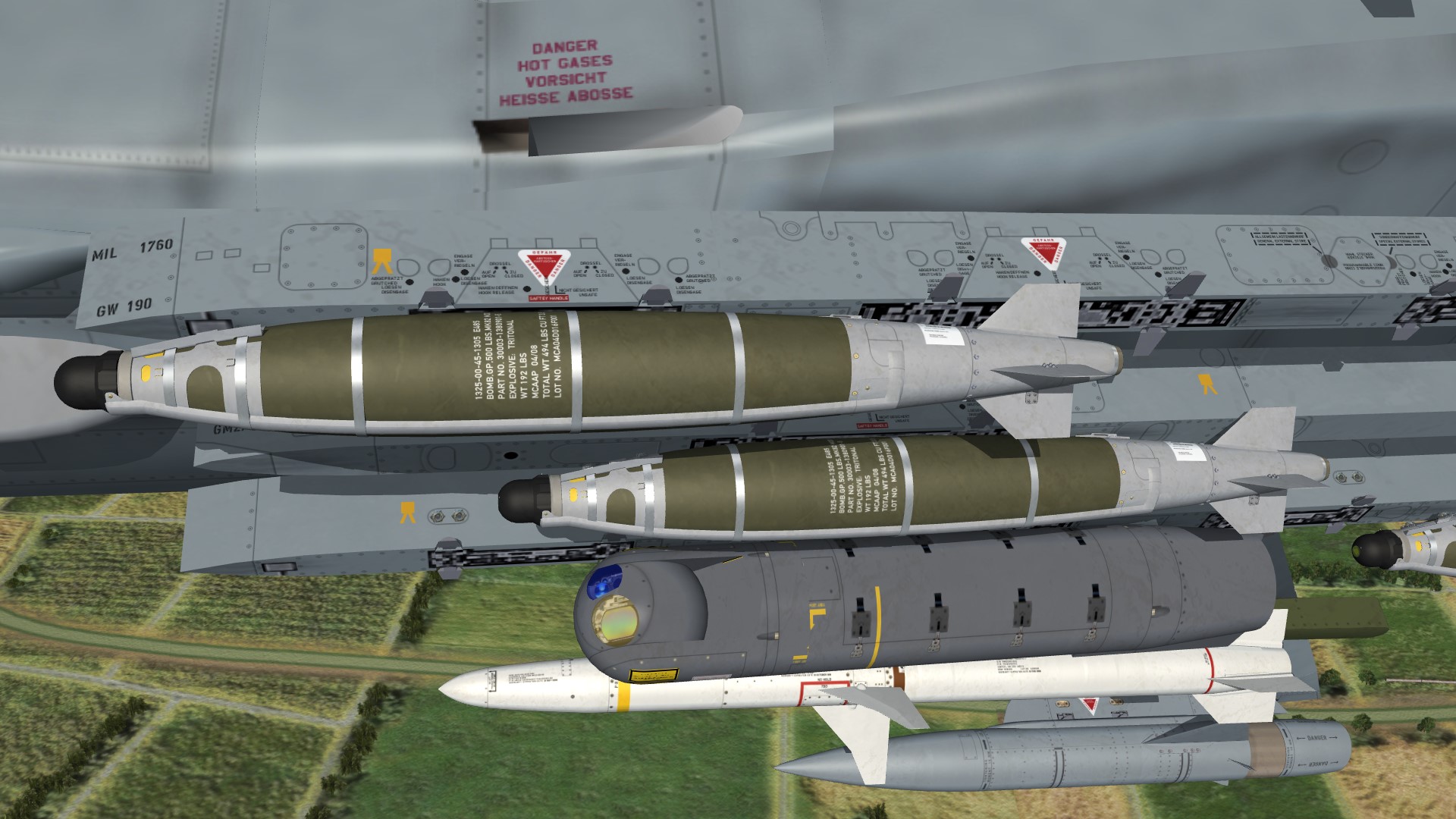
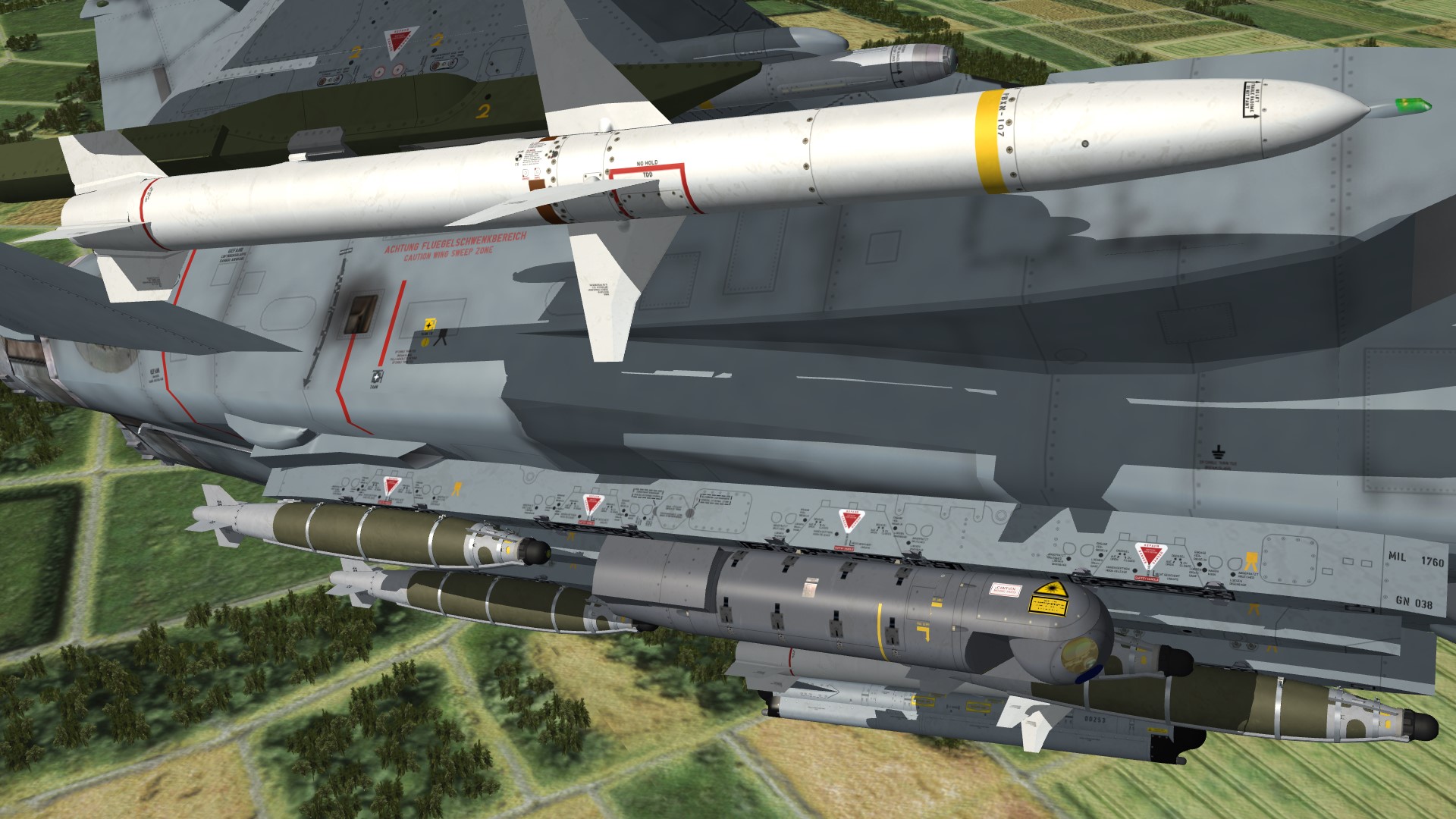
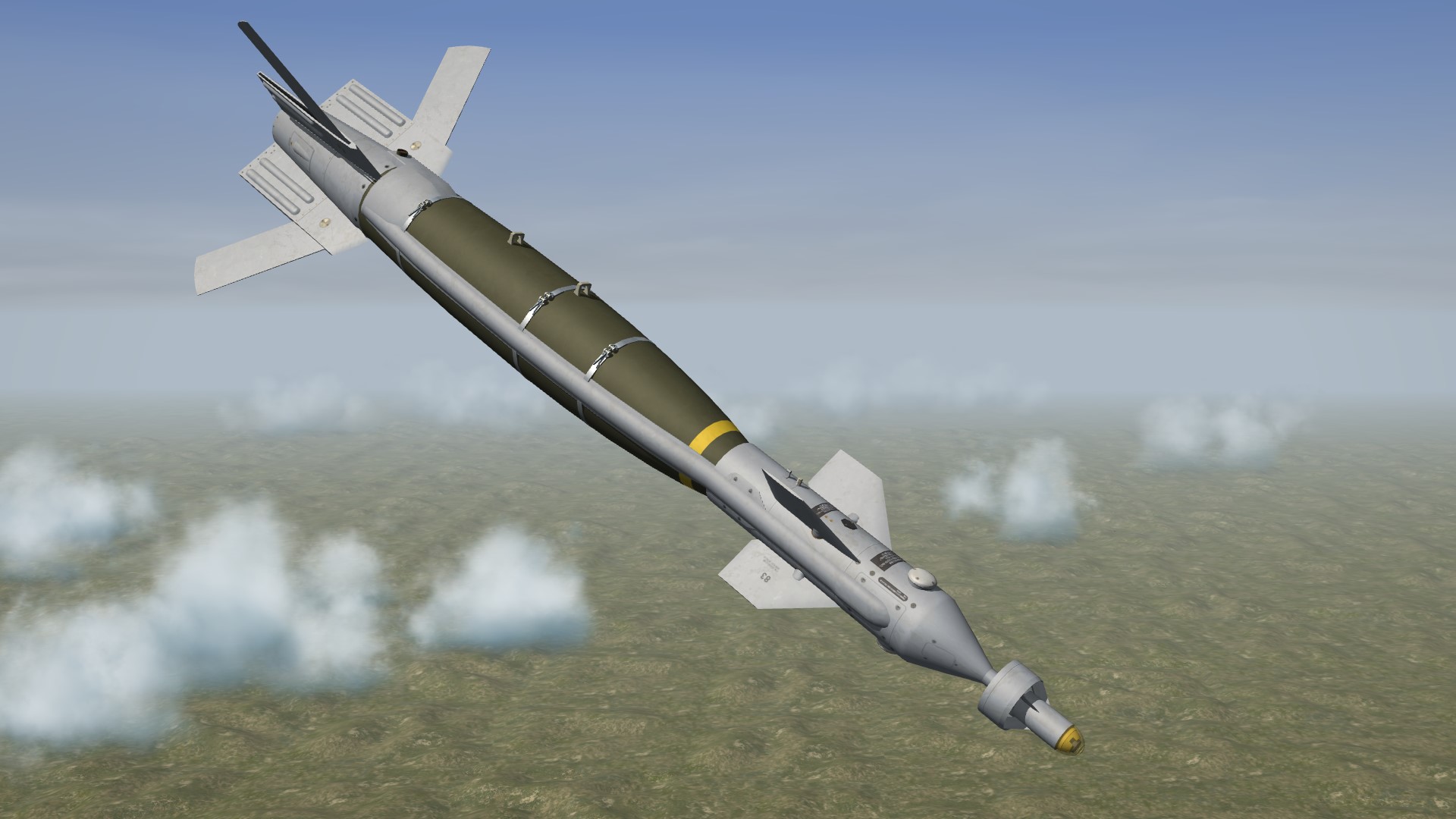
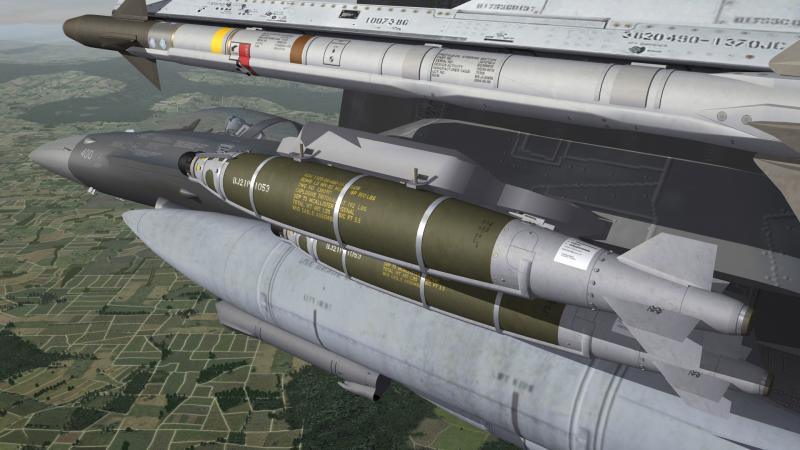
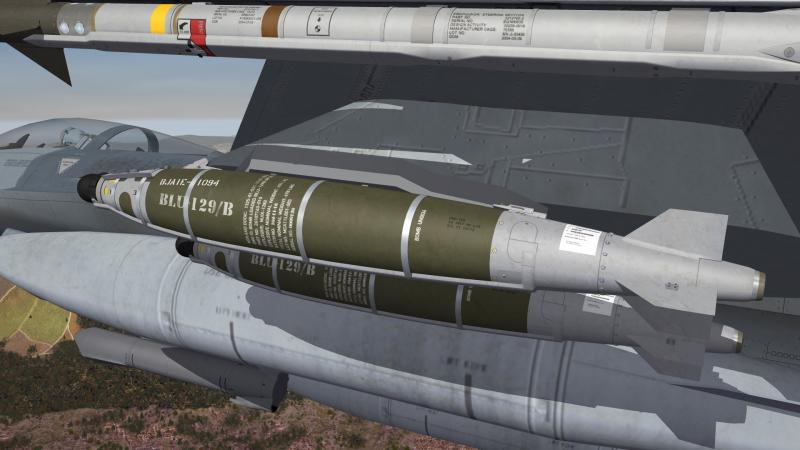
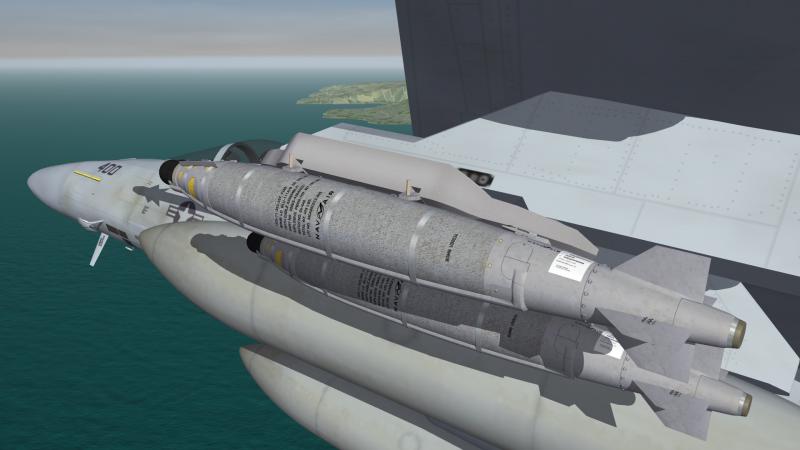
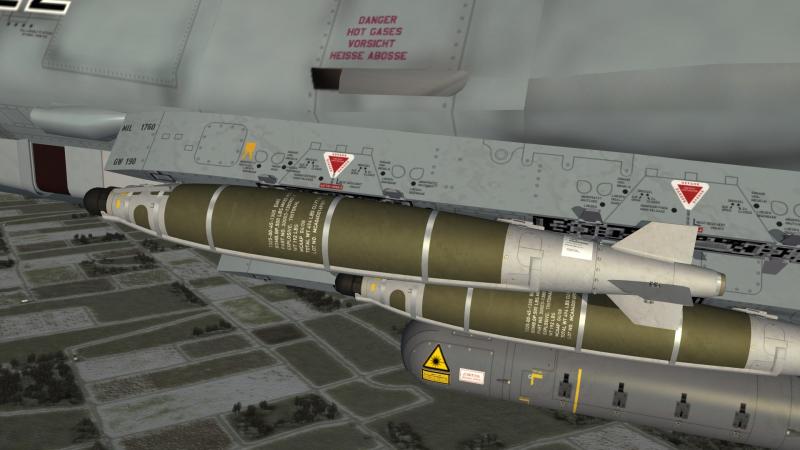
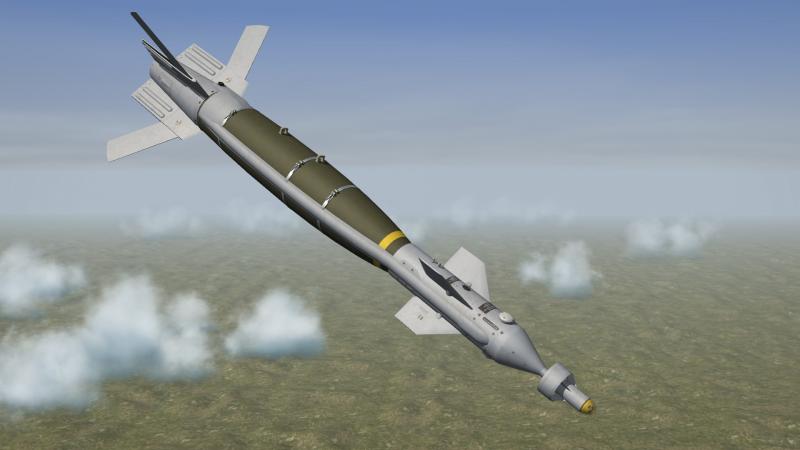
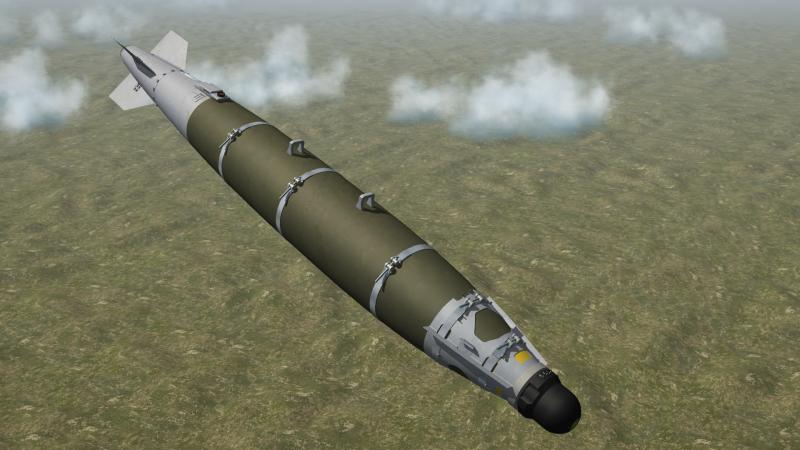
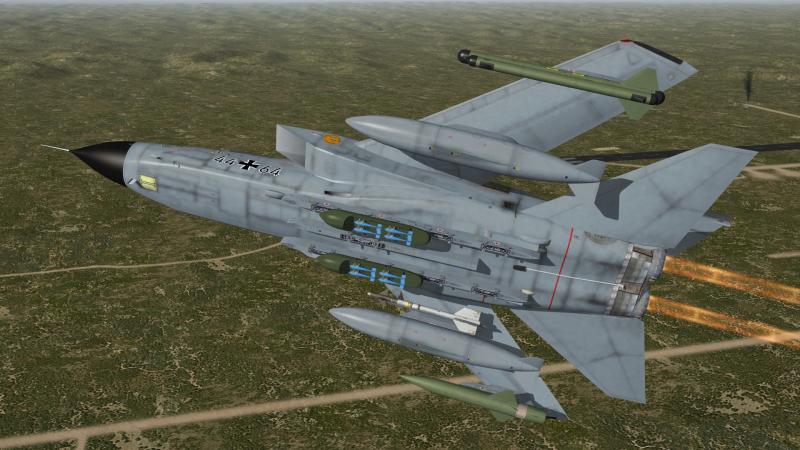
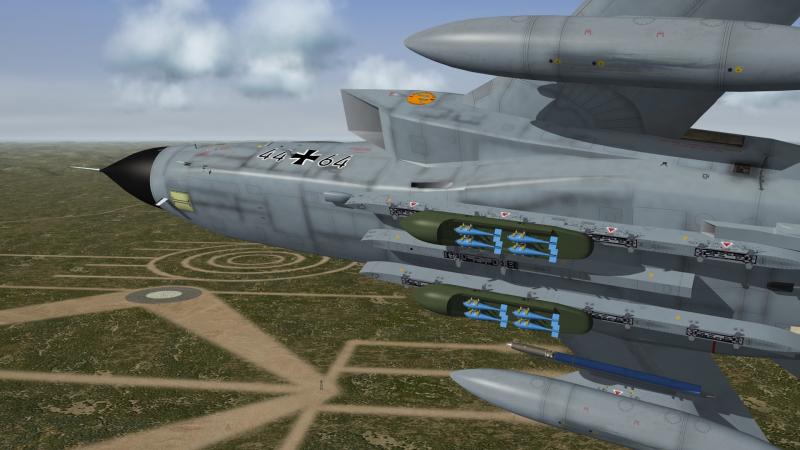
the GBU-54 family GBU-54 (Mk-82) USAF GBU-54 (Blu-129/B) USAF BLU-54 (BLU-111A/B) USN BLU-54 (Mk-82) GAF
-
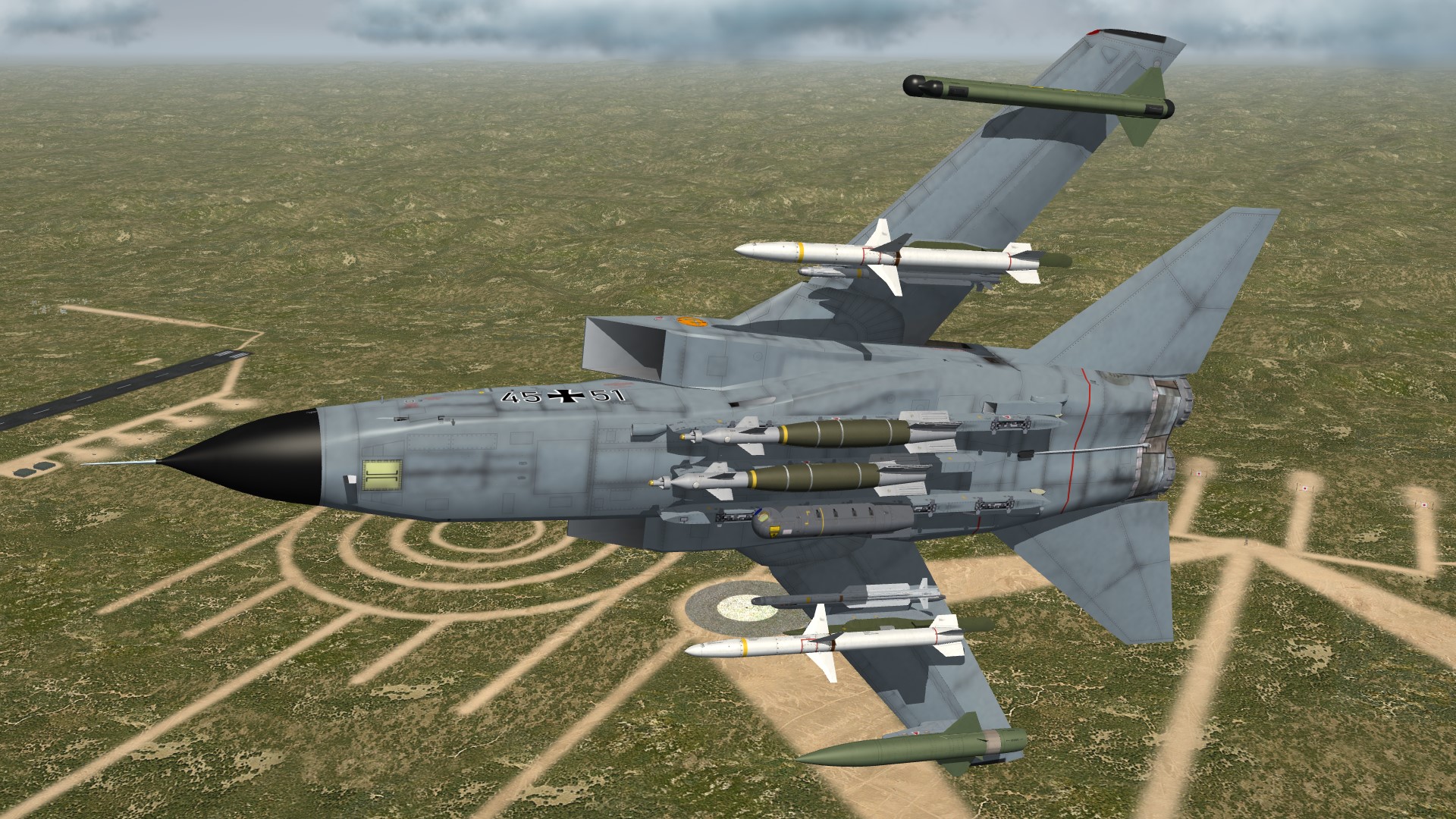
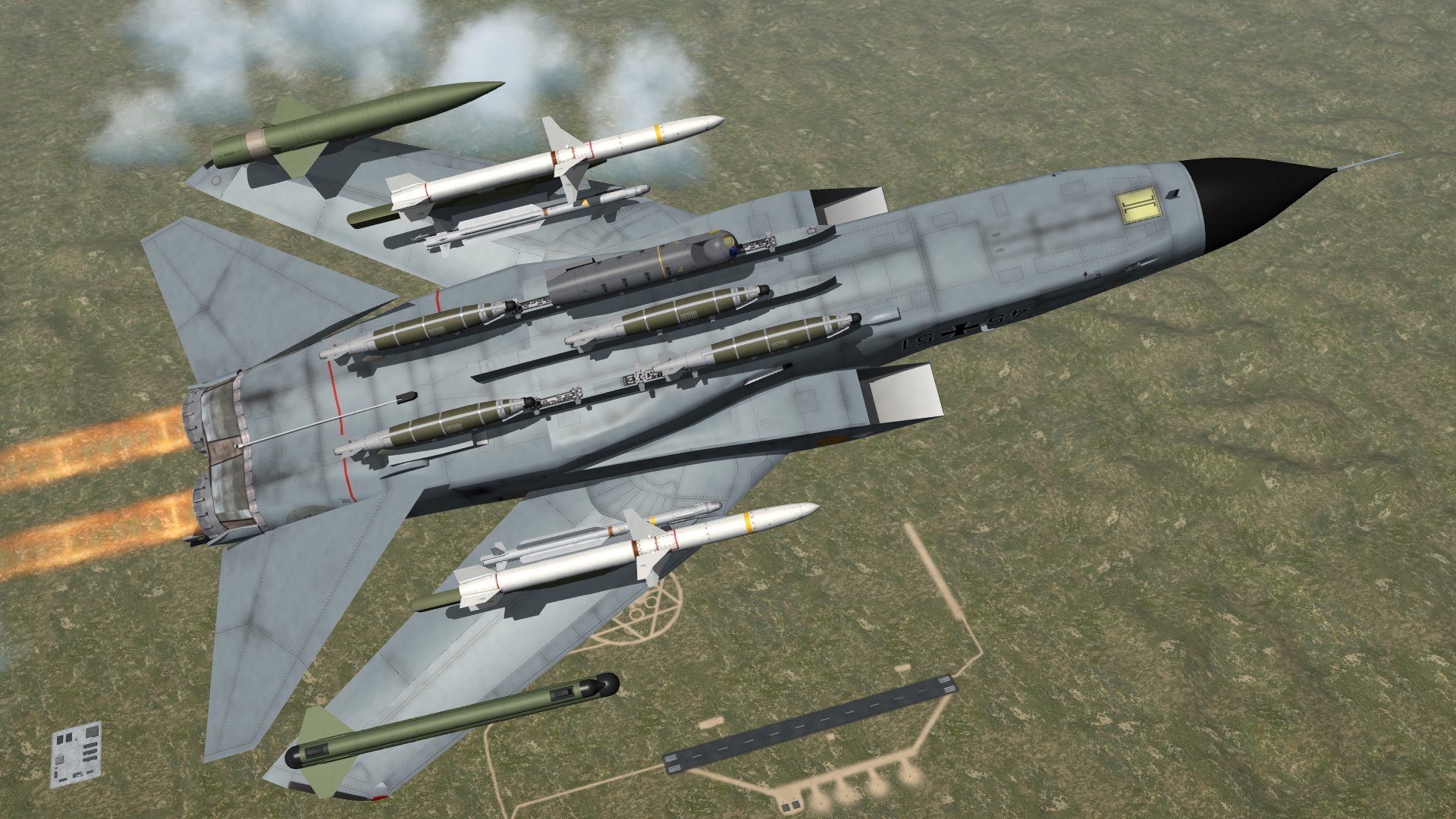
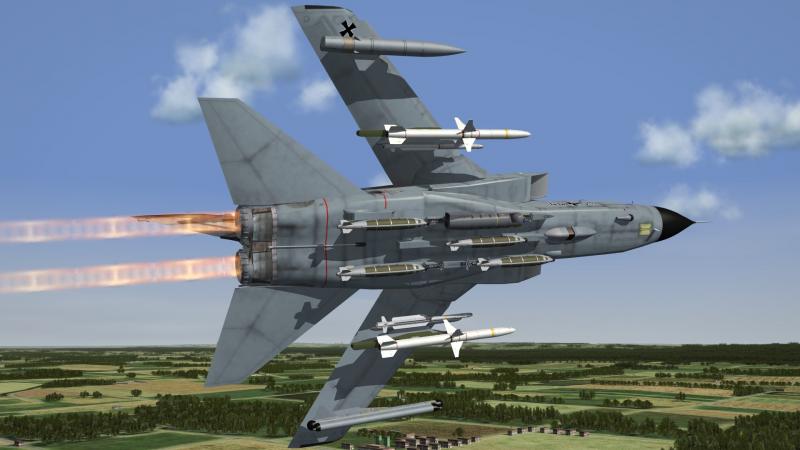
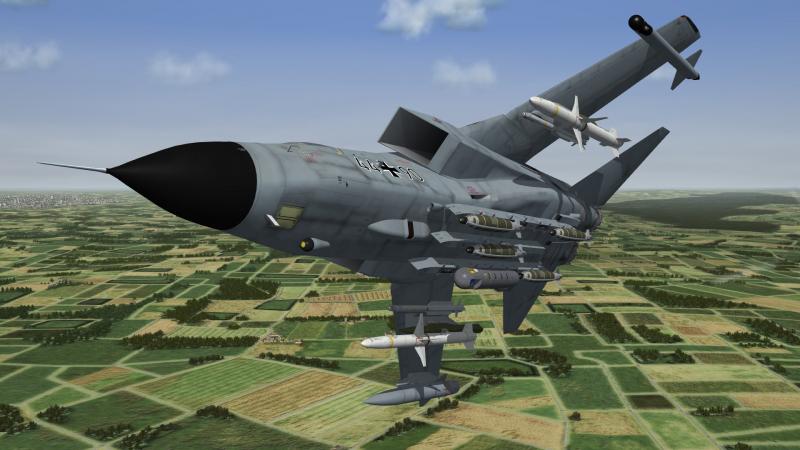
Tornado ECR
-
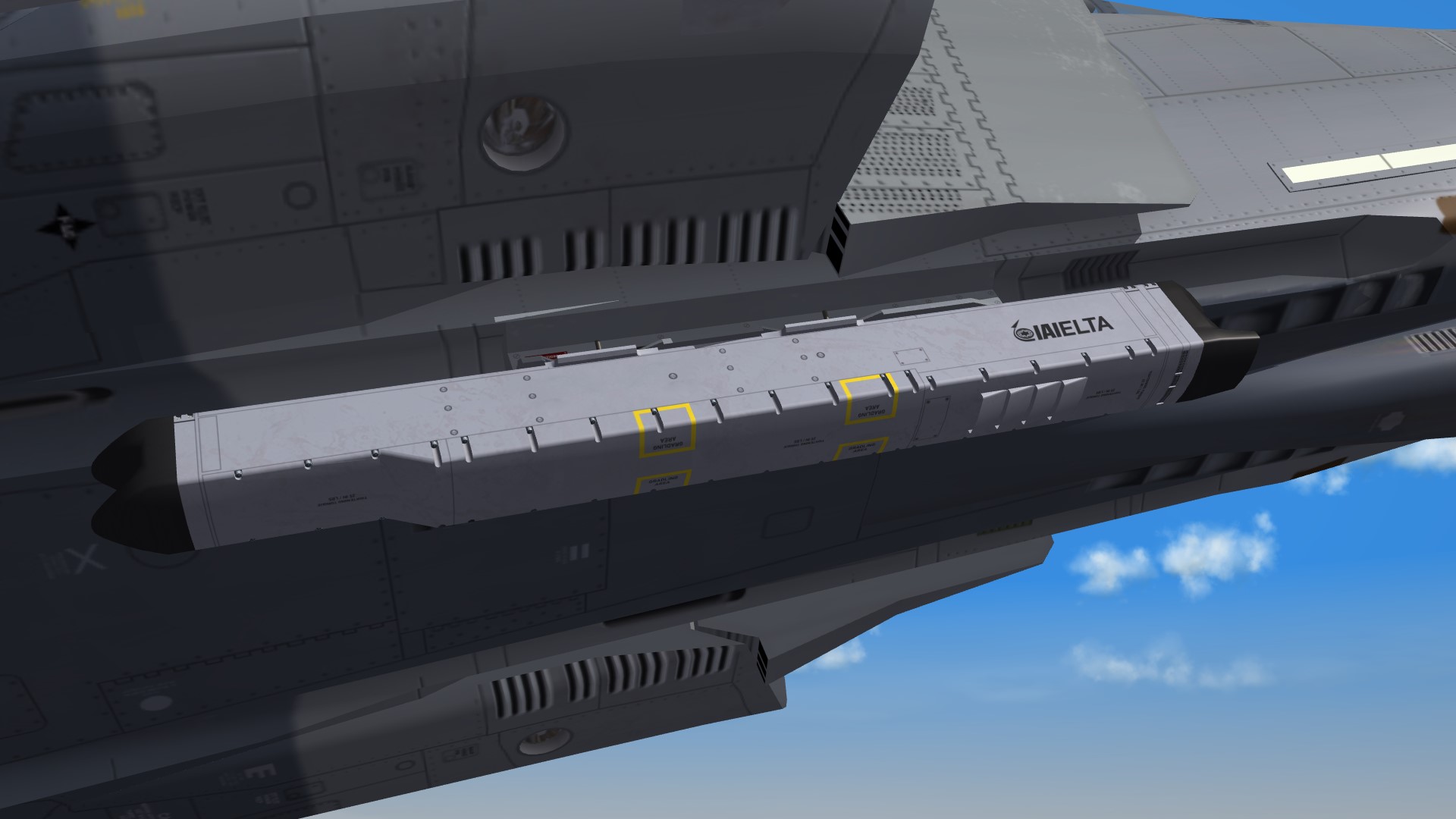
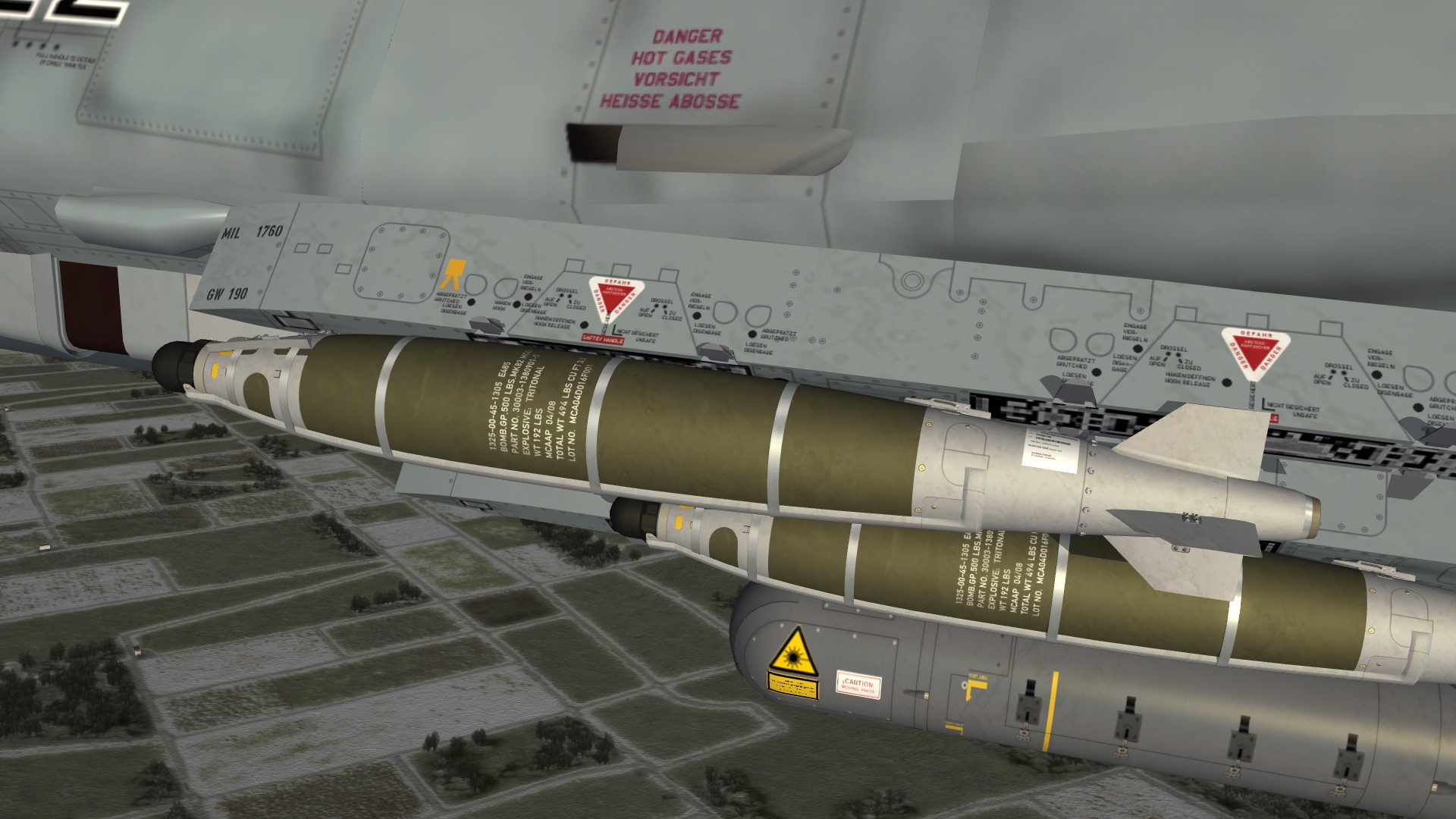
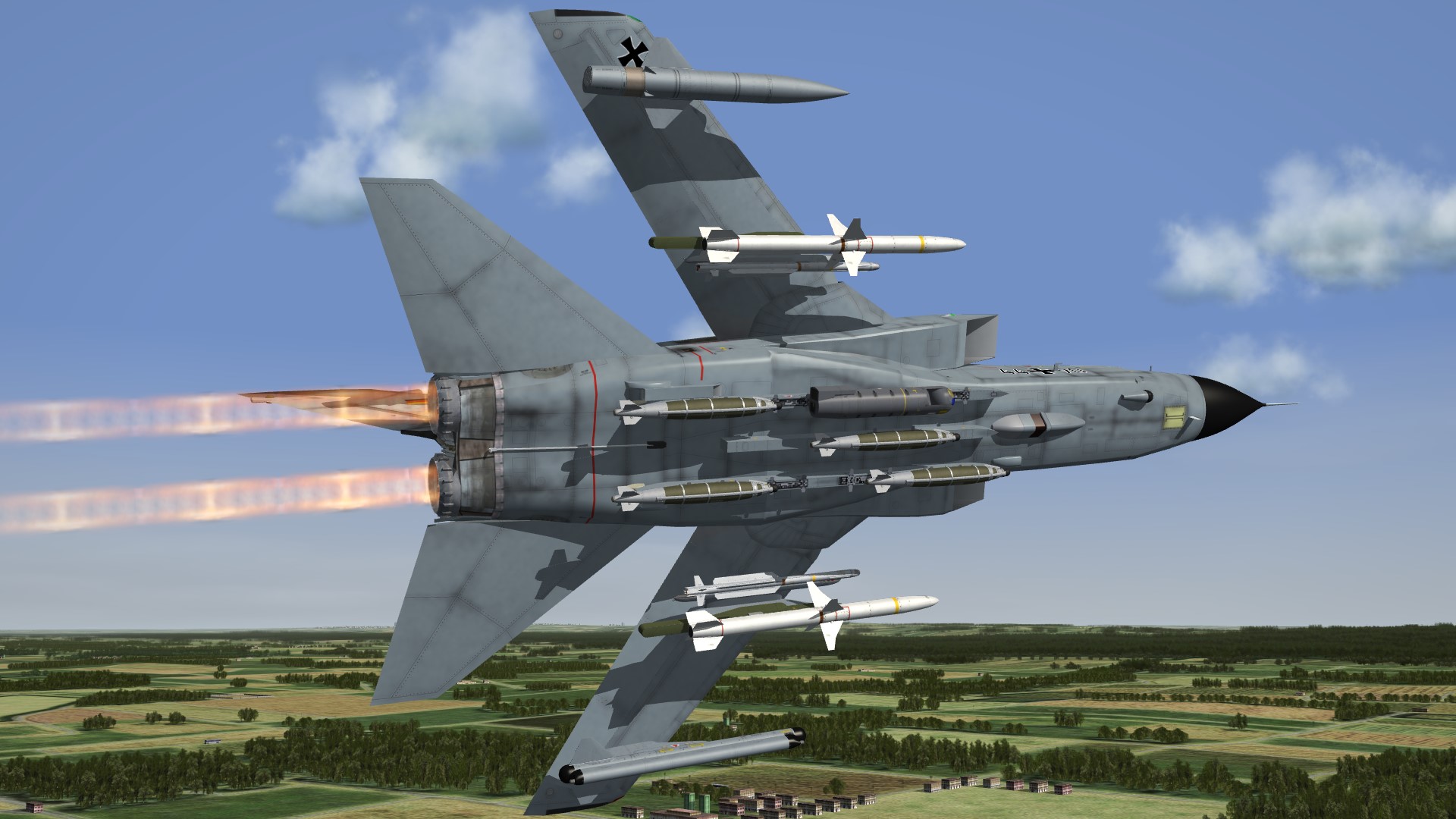
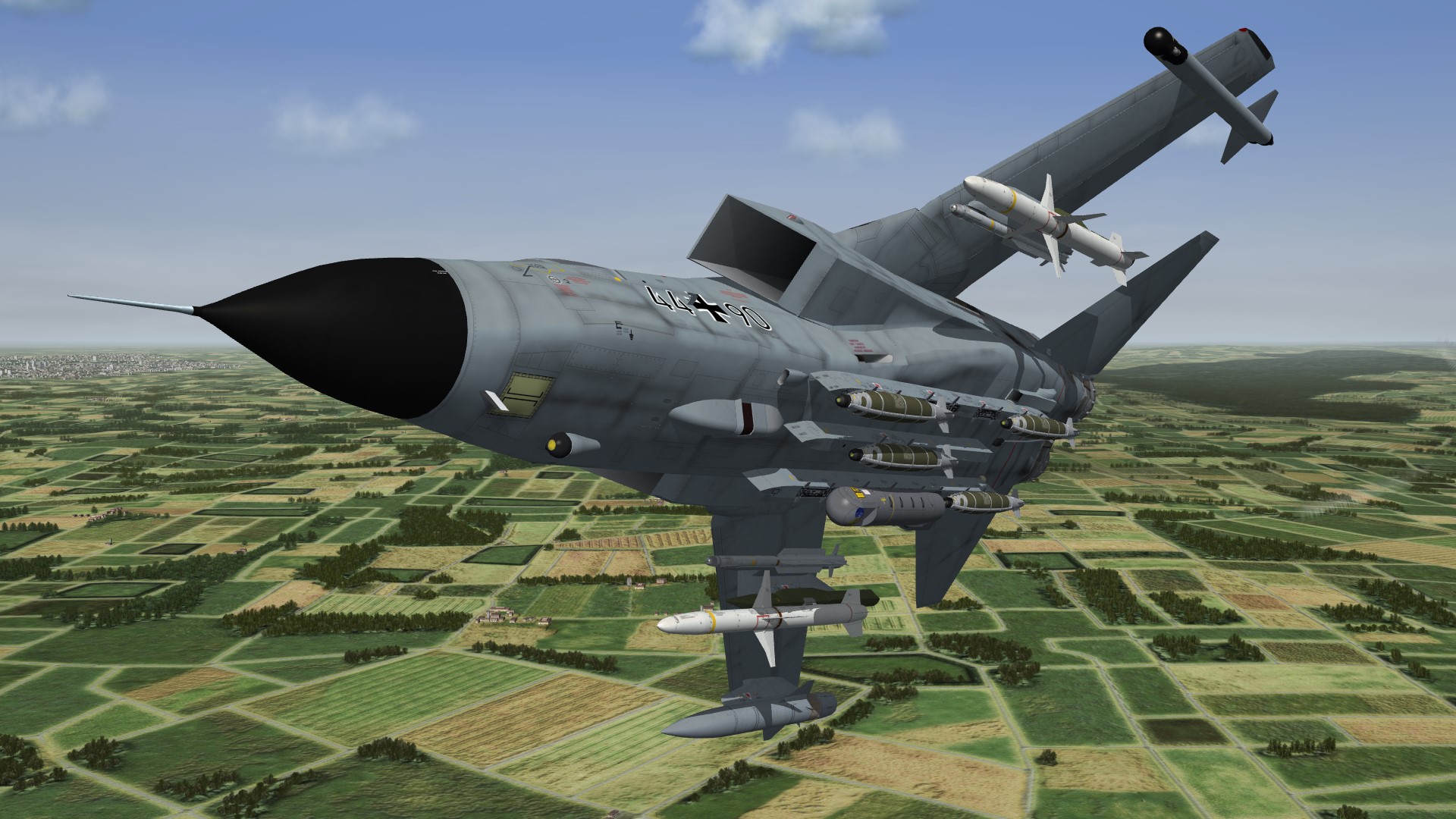
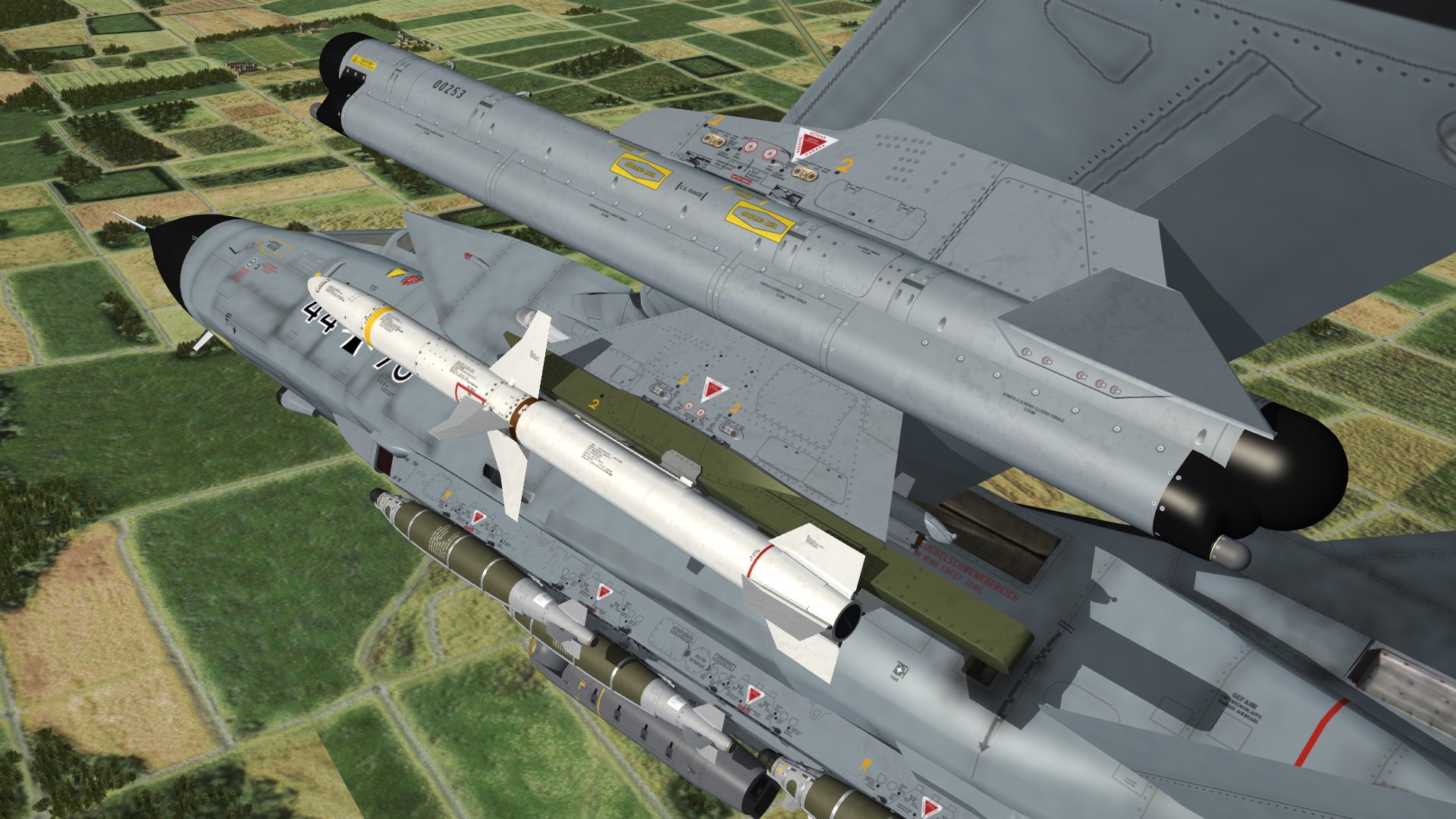
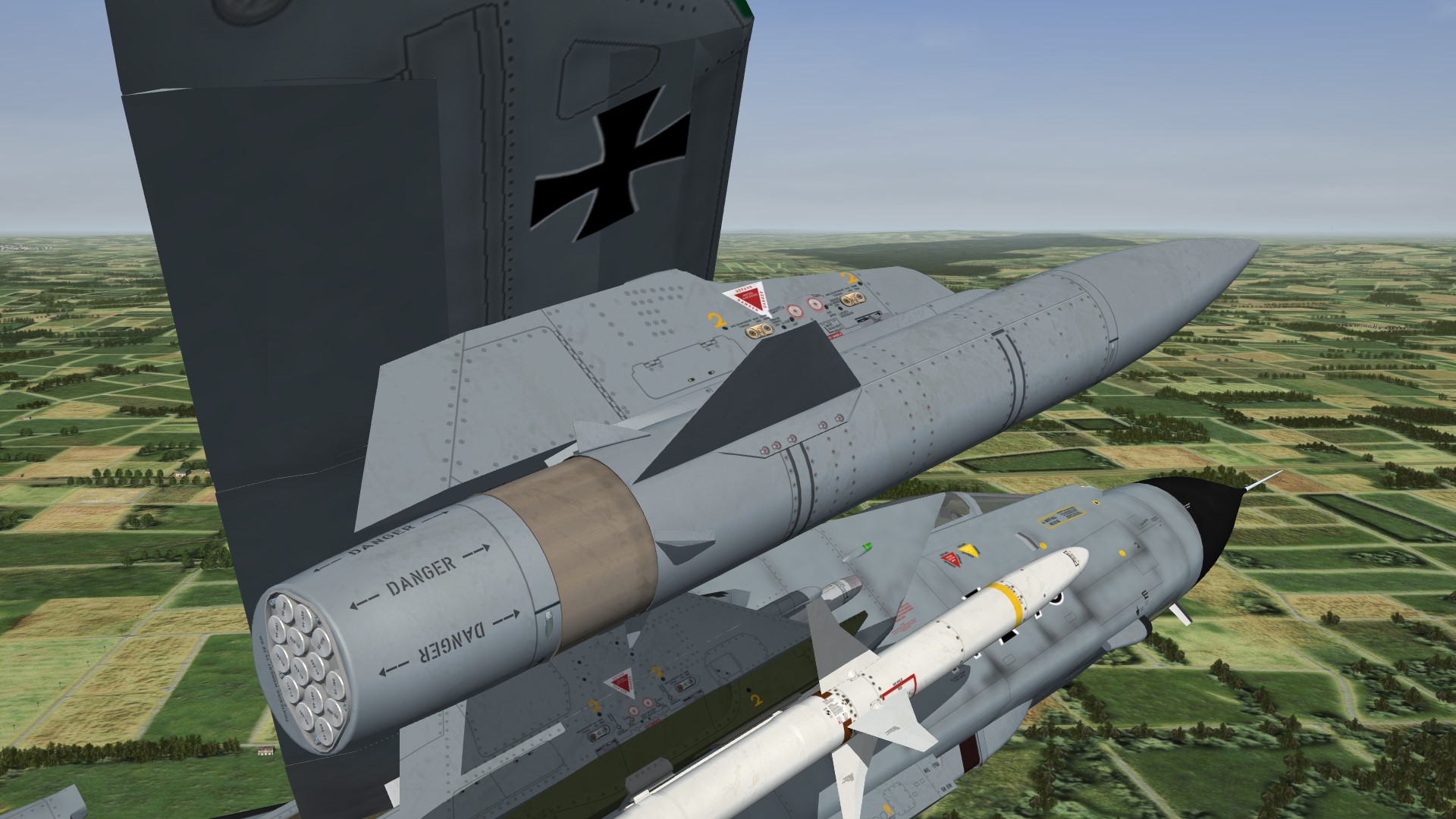
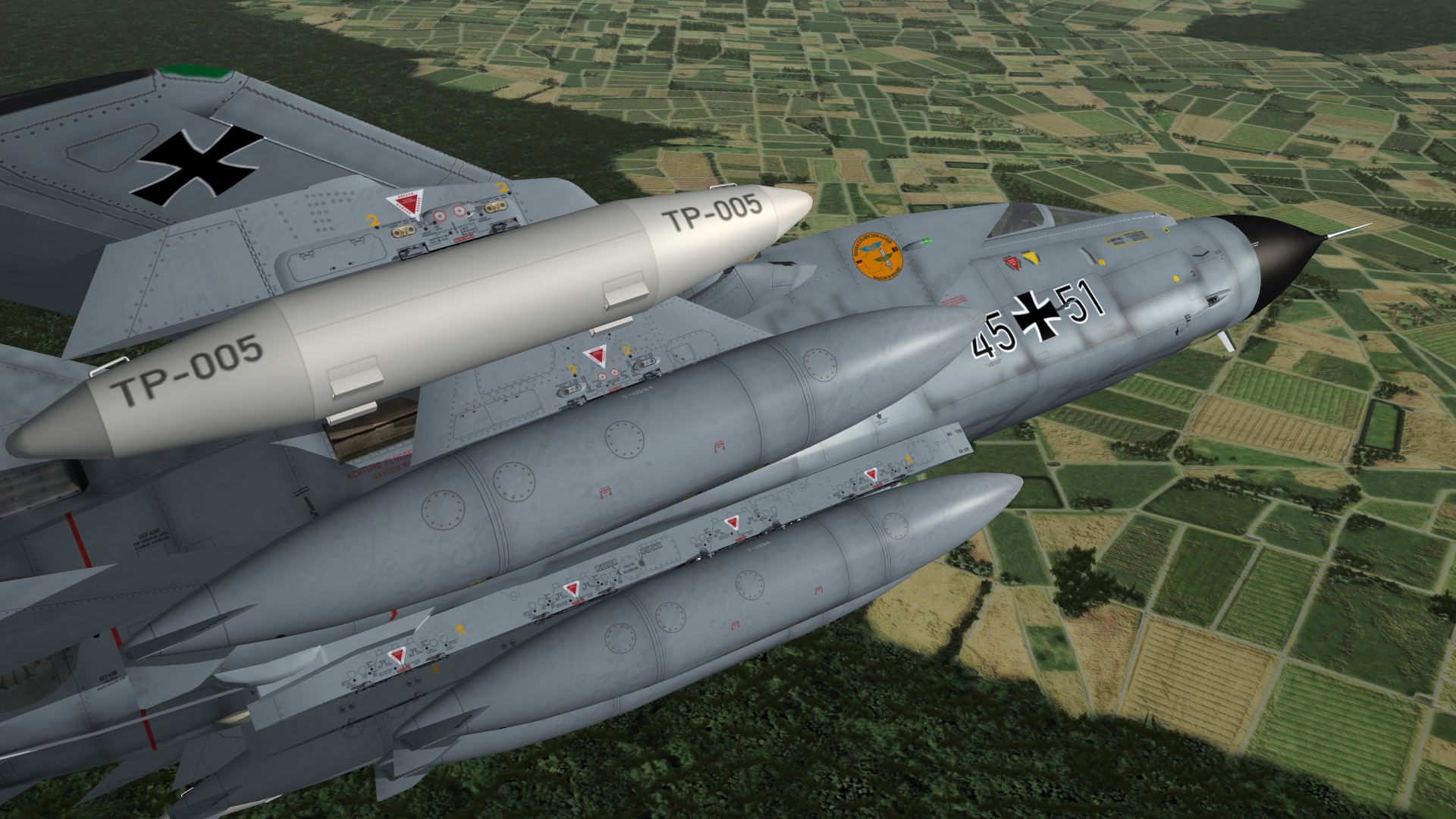
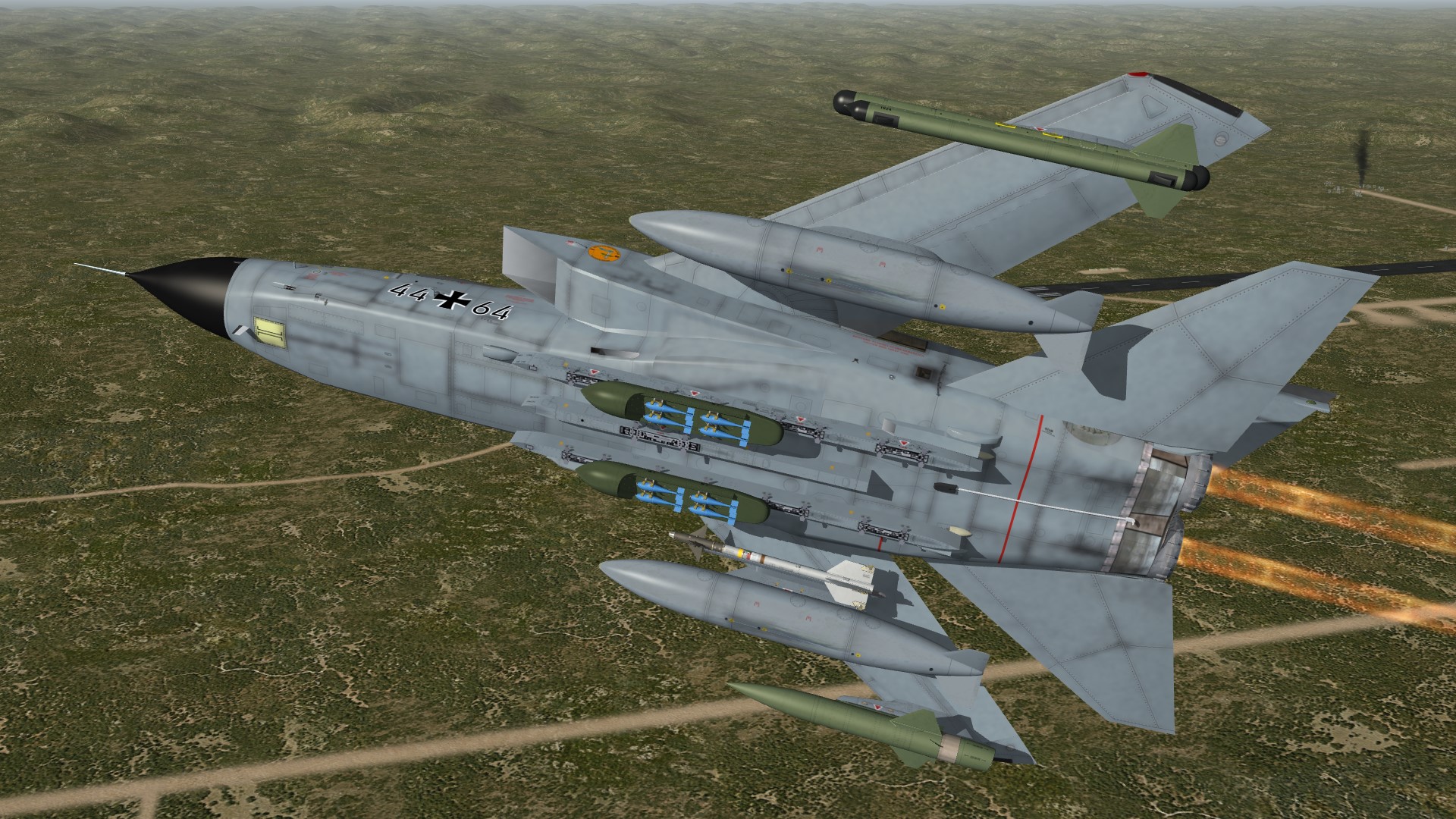
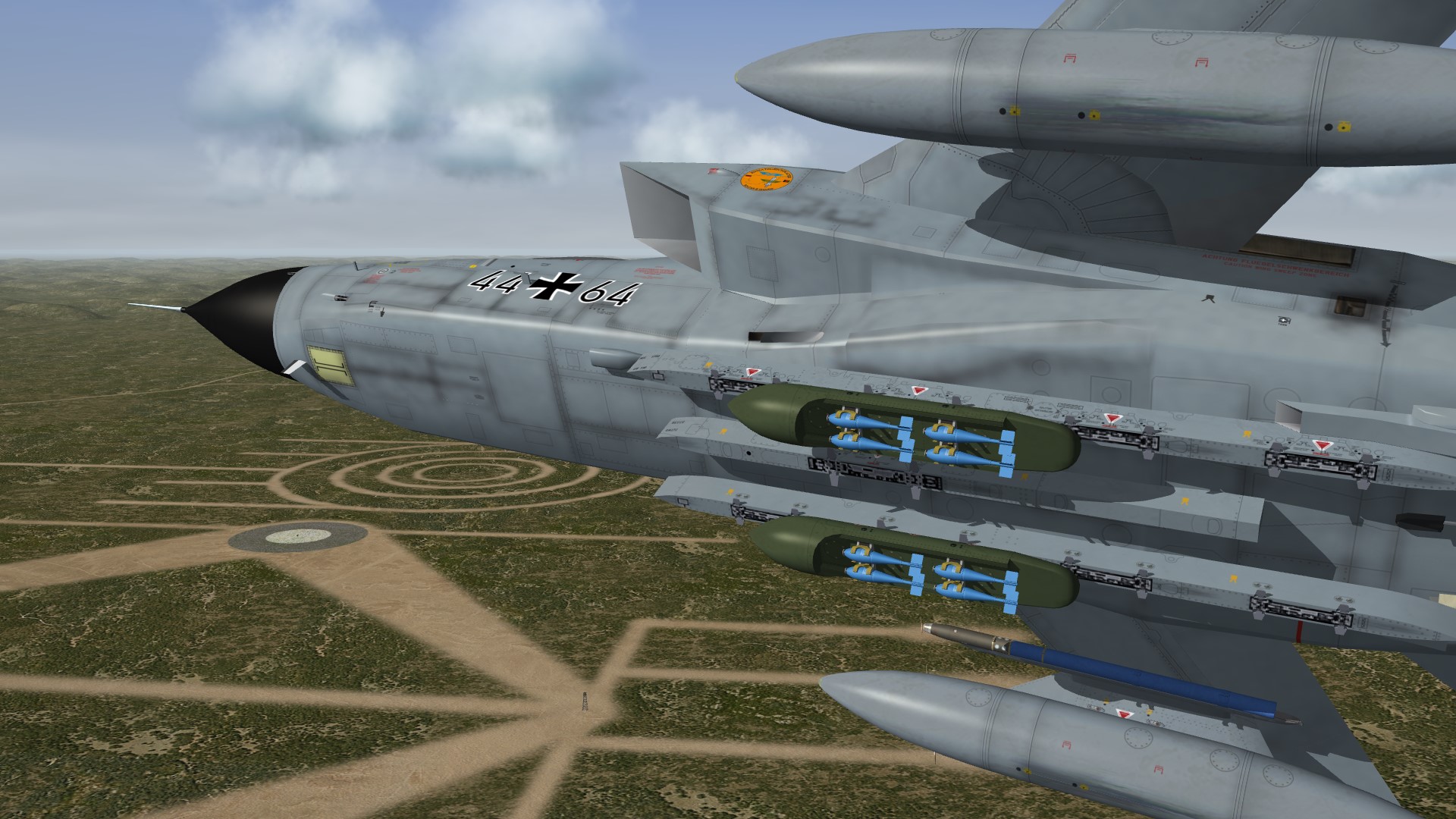
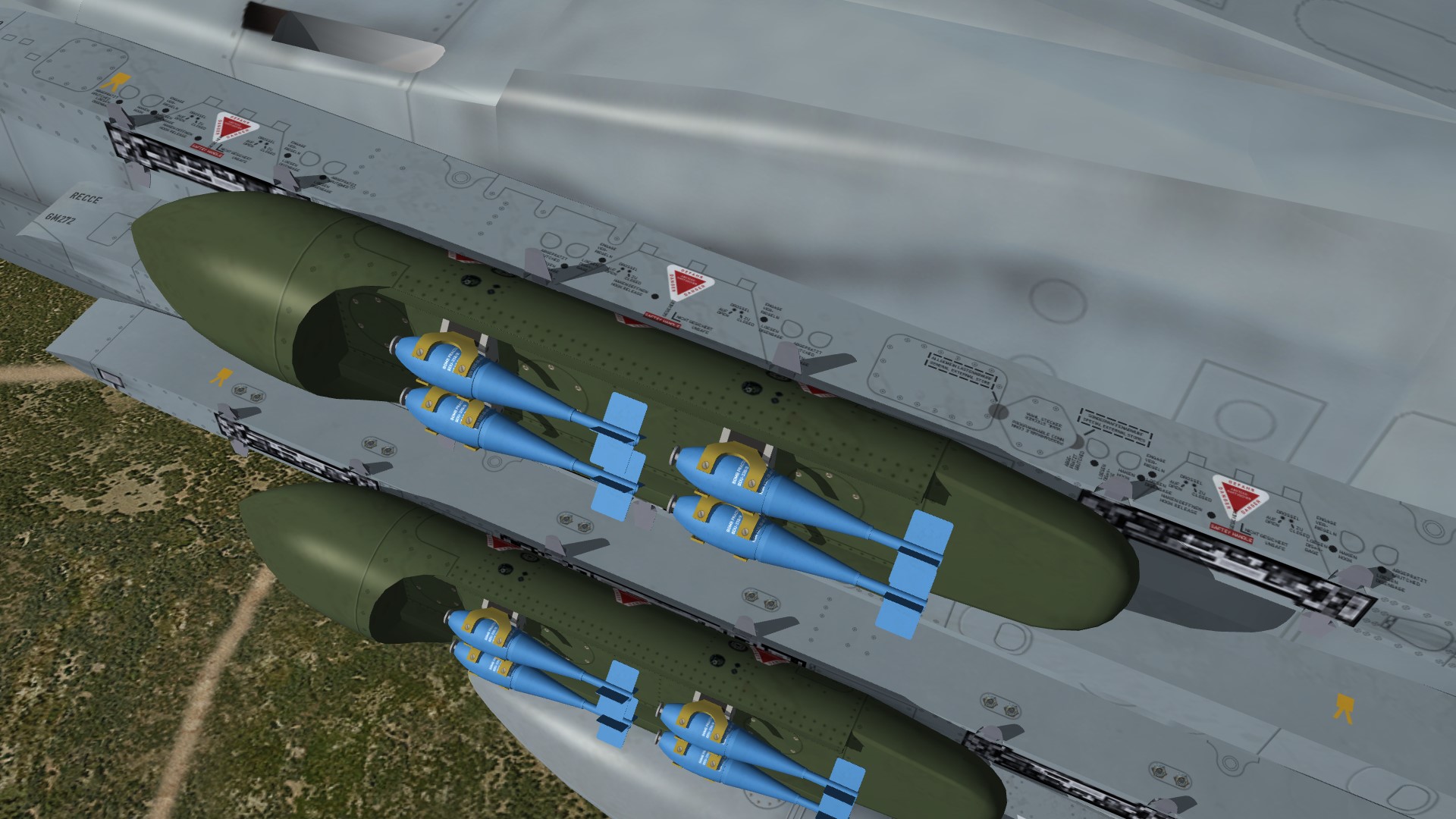
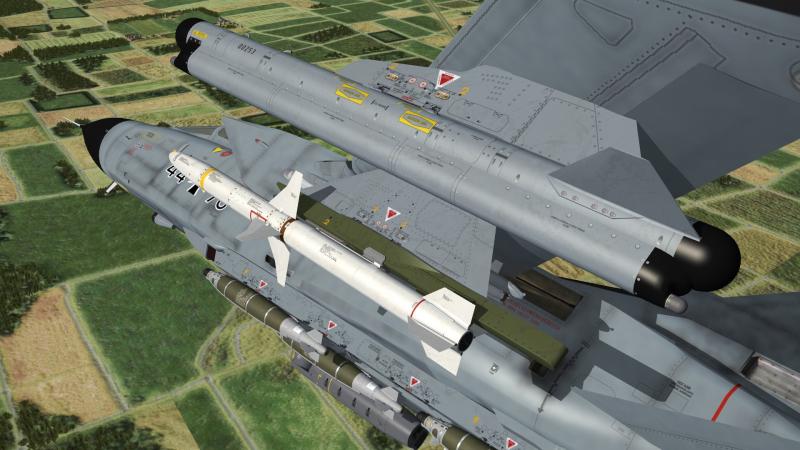
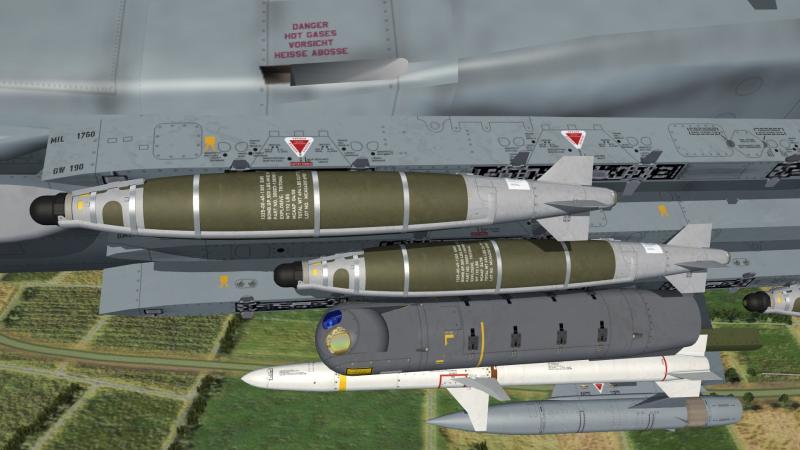
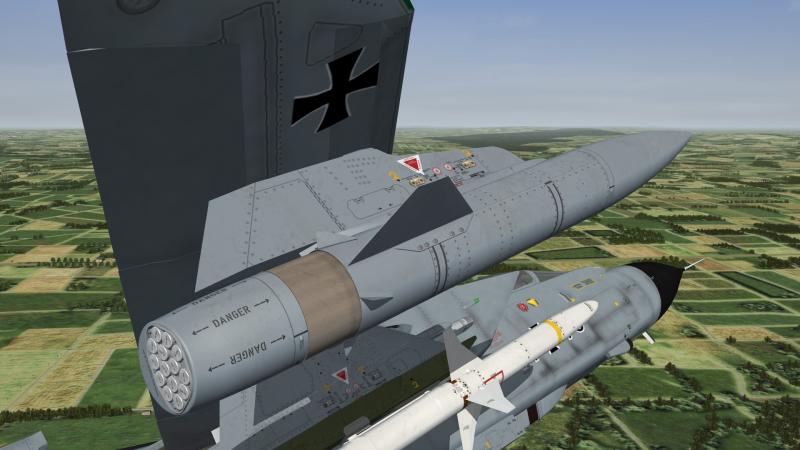
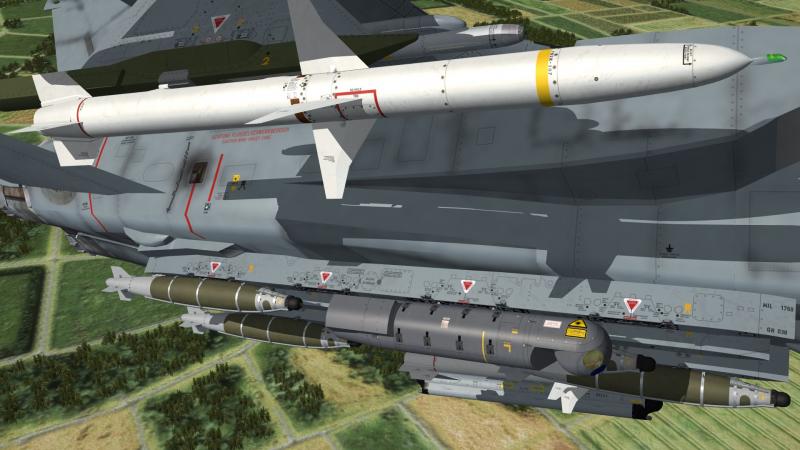
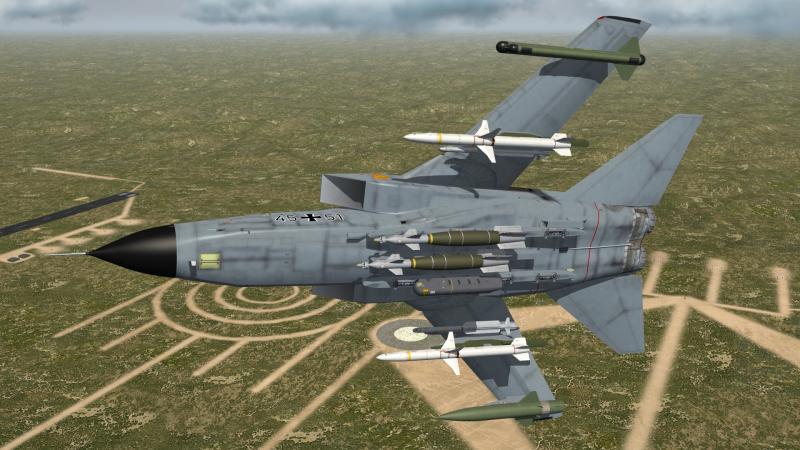
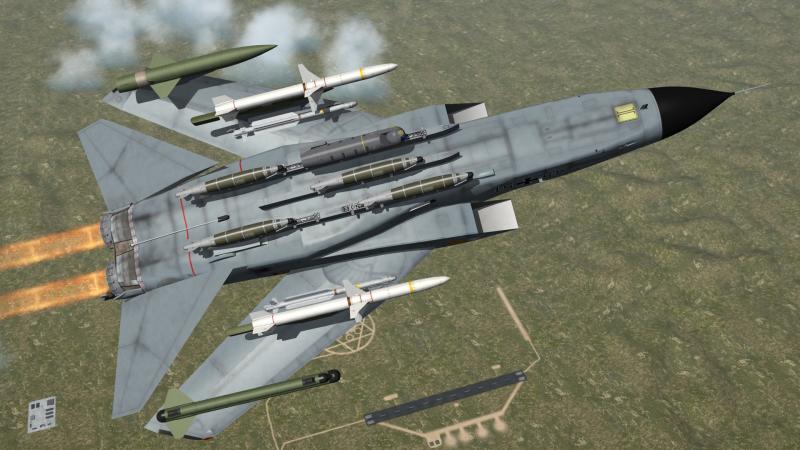
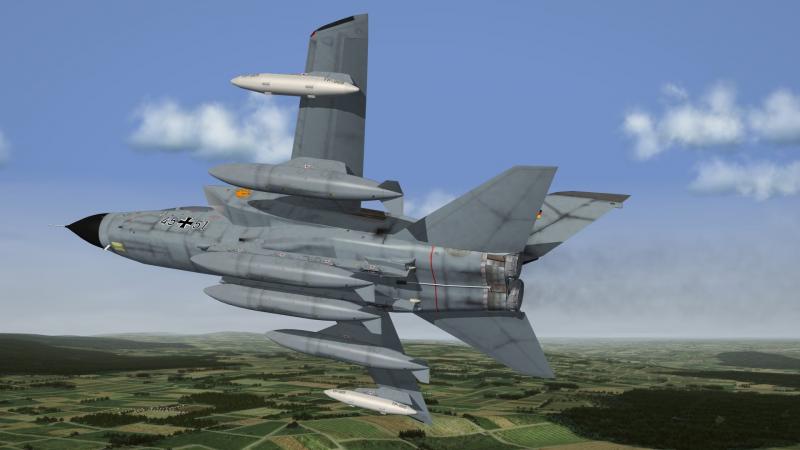
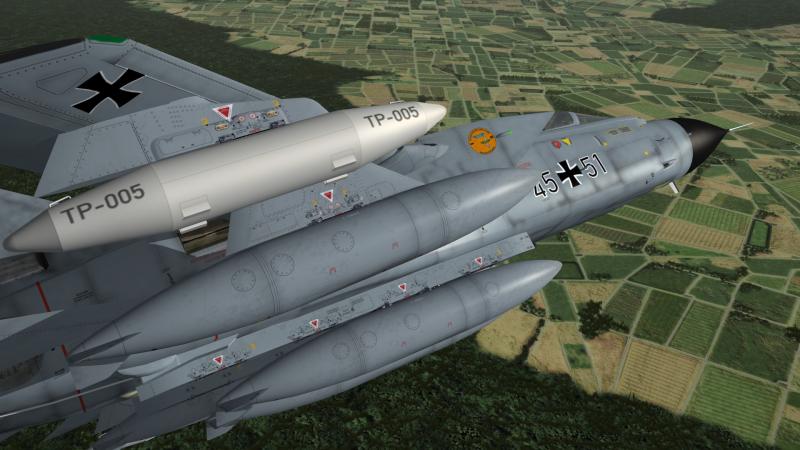
new weapons for the GAF Tornados , GBU-48 and GBU-54 the GBU-48 is intended for the EF-2000 but i´m sure they will fit to the Tornado as well
-
i found it here http://www.gamefront.com/files/21074067/JSGME_exe
-
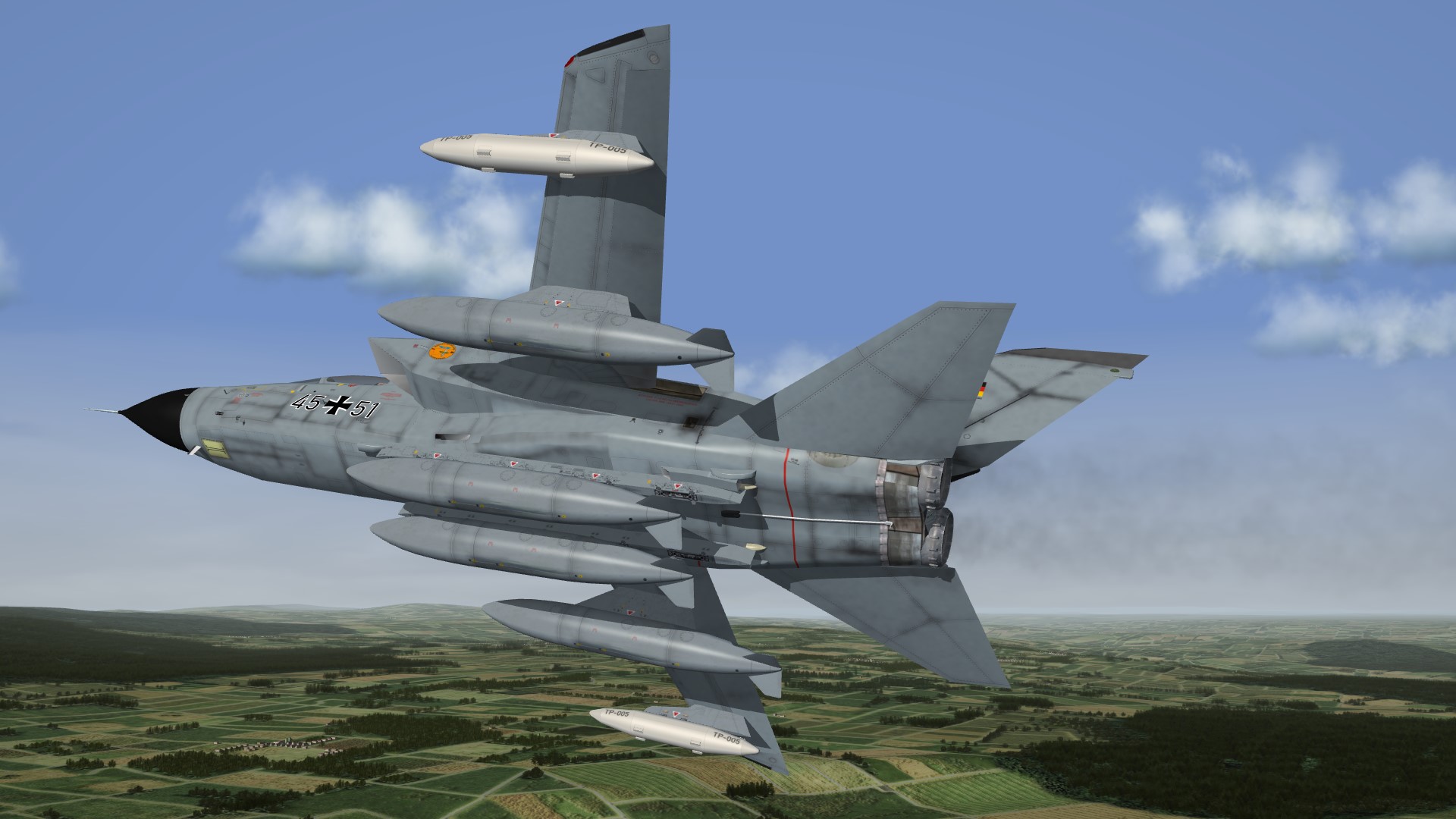
yes , as soon as i find a modder who can make a working smoke effect for them , i try and failed to do so on the way to Goose Bay / Canada , a long distance flight for a fighter
-
only practice makes perfect
-
Thank You Erik