ravenclaw_007
-
Posts
4,243 -
Joined
-
Last visited
-
Days Won
315
Content Type
Profiles
Forums
Gallery
Downloads
Store
Everything posted by ravenclaw_007
-
das mit dem boolschen verfahren geht nur bei geschlossenen körpern wenn du aber schon komplexe bauteile hast die nicht mehr geschlossen sind ist das manuelle verfahren schneller und besser als alles andere zum teil mache ich mir ein hilsobject das der contur der bremsclappe entspricht und blende alles bis auf das hilfsobject und das zu schneidende object aus , dann kann ich von links und rects schneiden und habe die selbe contur als vorlage was sich dann beim korrigiere positve auswirkt die ganze operation dauert eigentlich nicht mehr als 10 minuten und du hast ne perfecte öffnung oder öffnungen
-
mit der Mig-29 bin ich ein bissl verärgert deswegen werde ich da erst mal nichts mehr machen , irgendwann vieleicht wenn ich viel lust habe mache ich mich da wieder ran wobei der einsitzer eigentlich fast fertig is und am zweisitzer fehlt noch das mapping
-
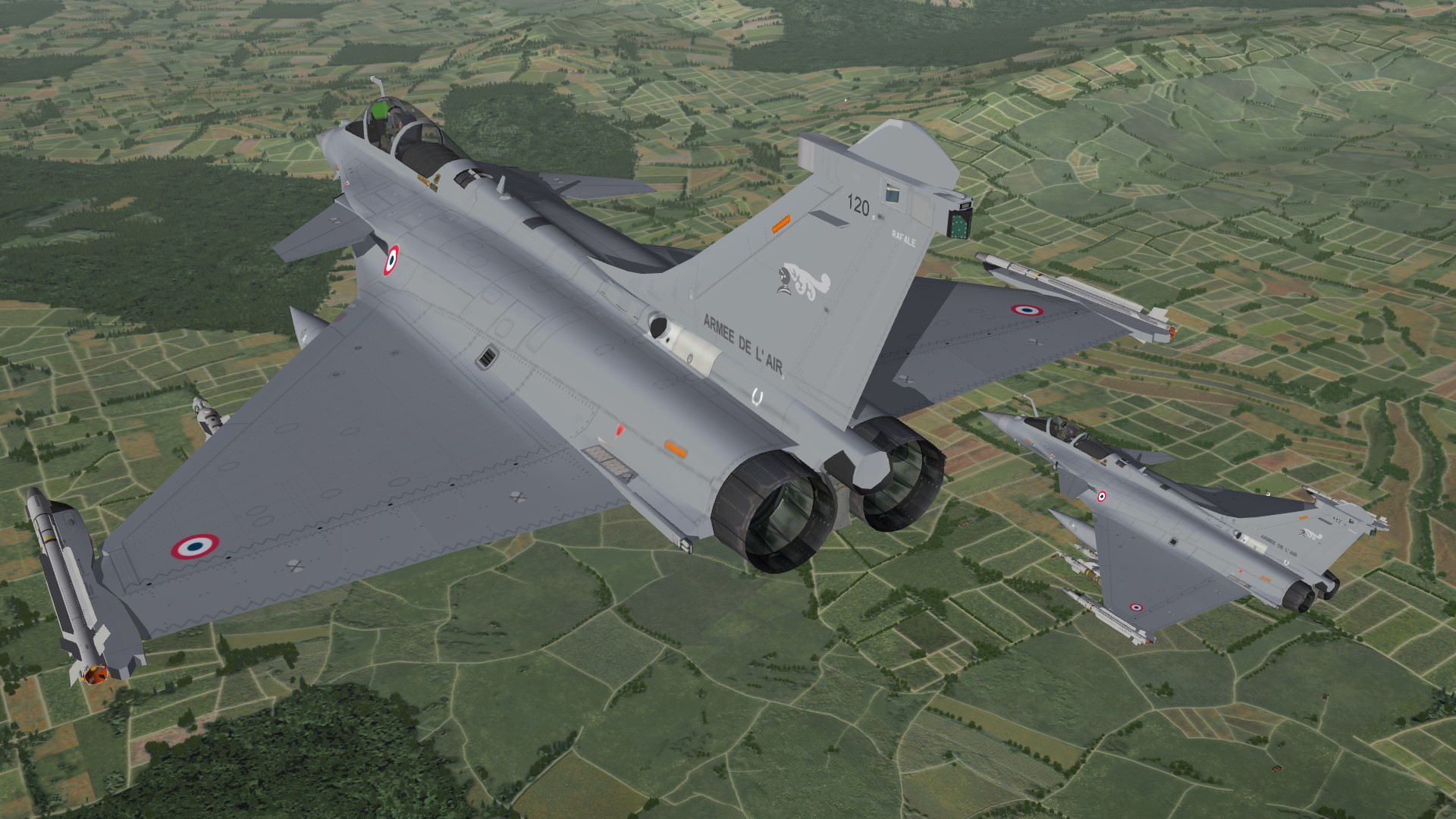
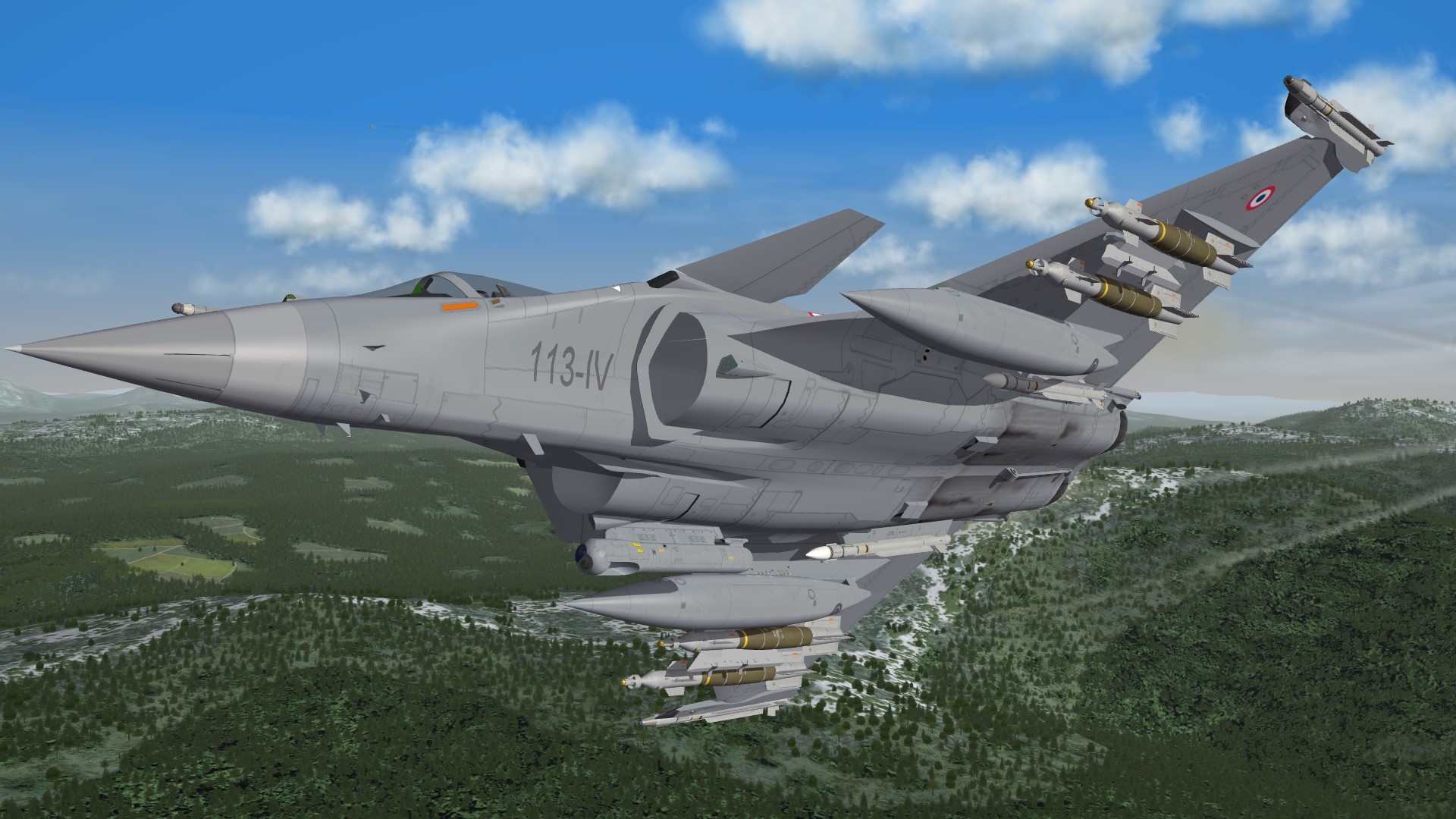
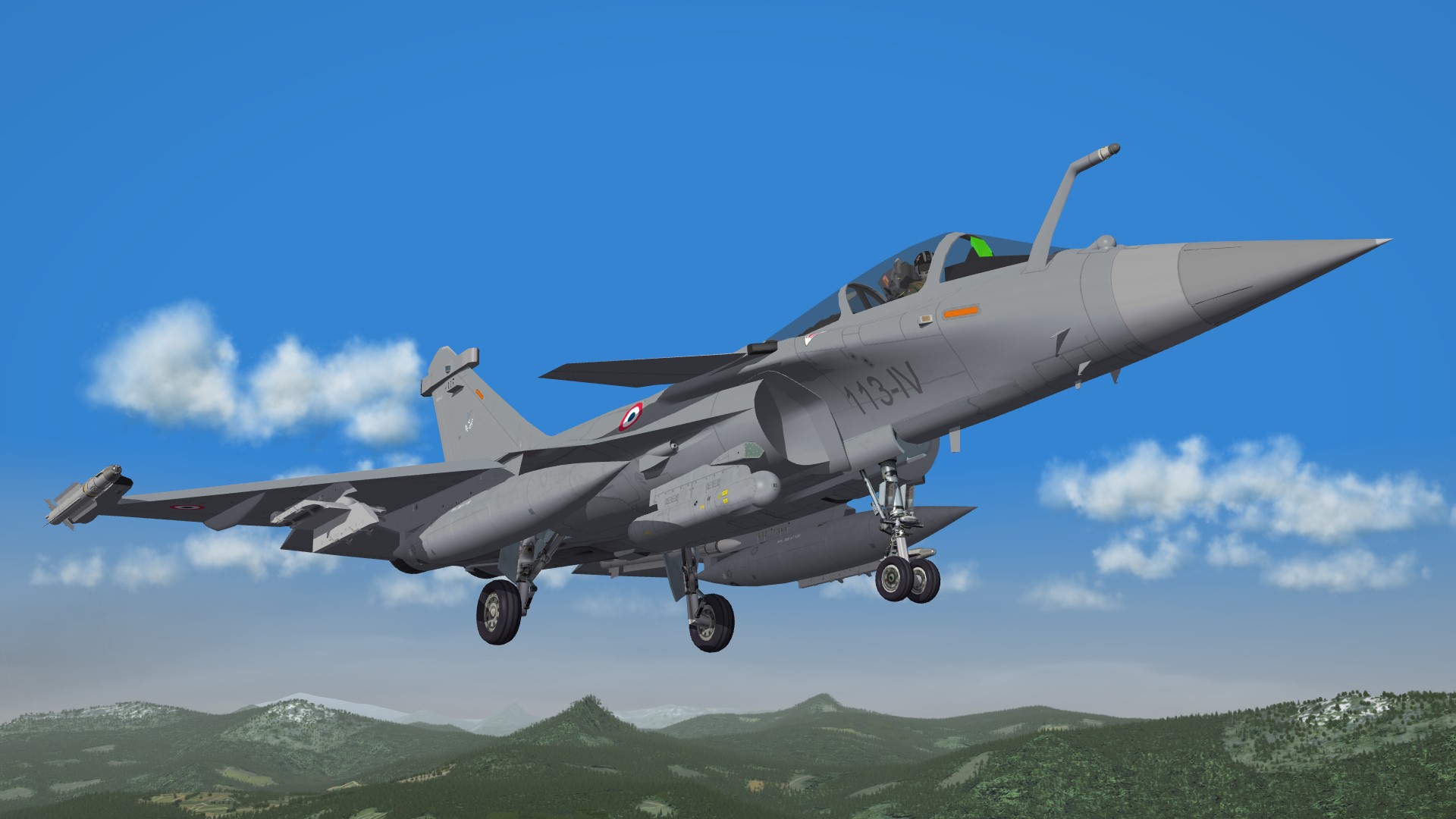
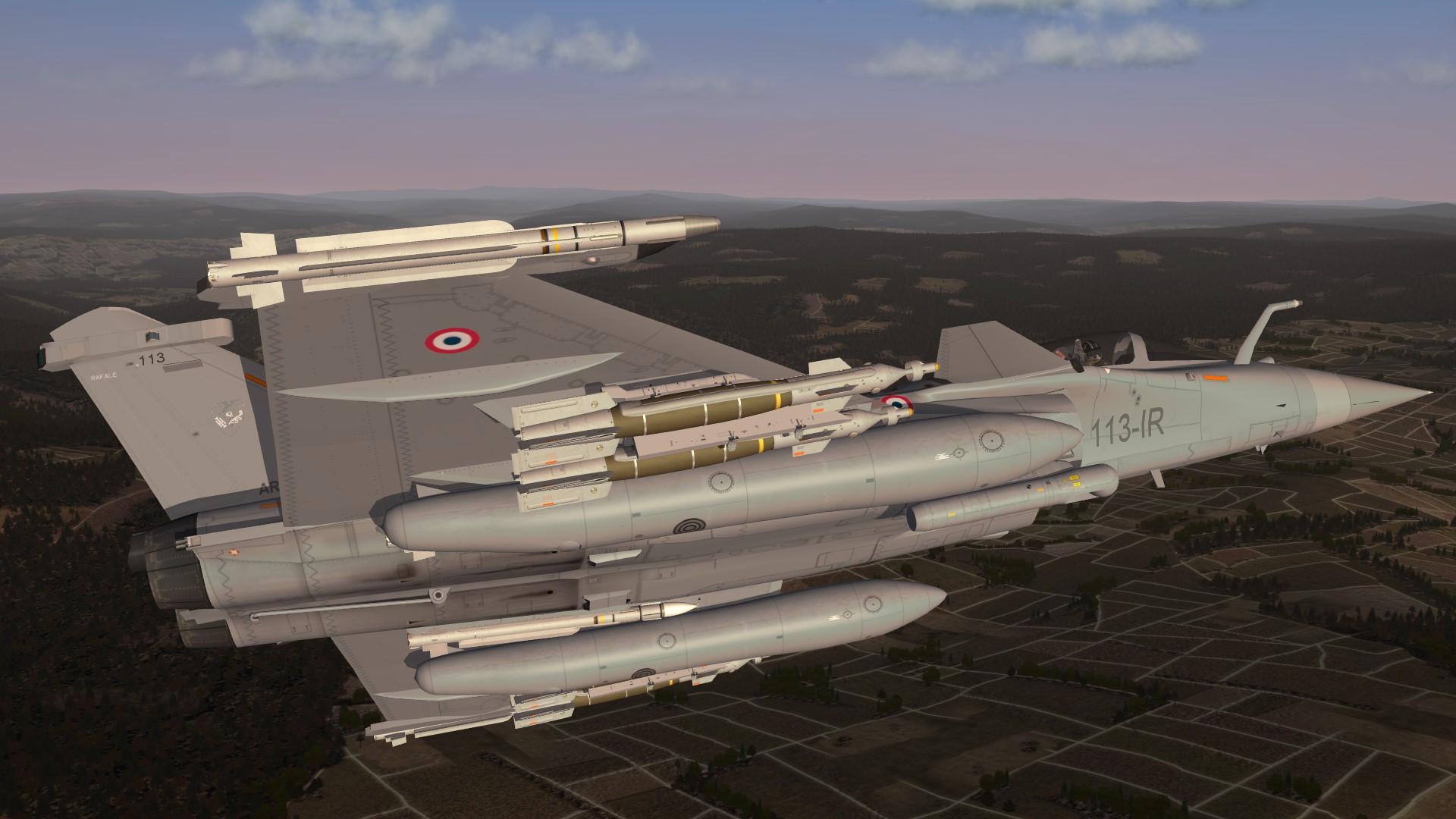
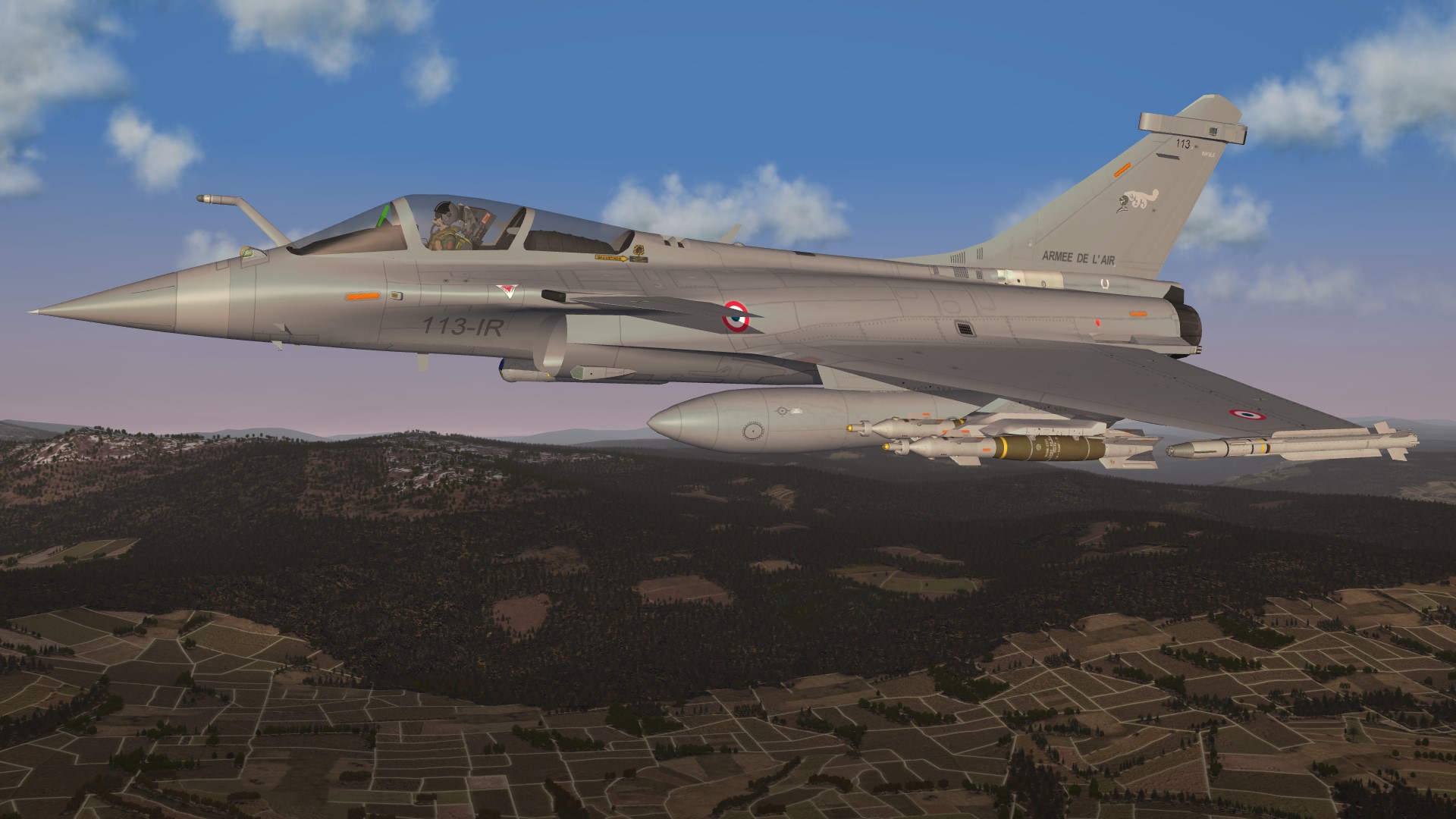
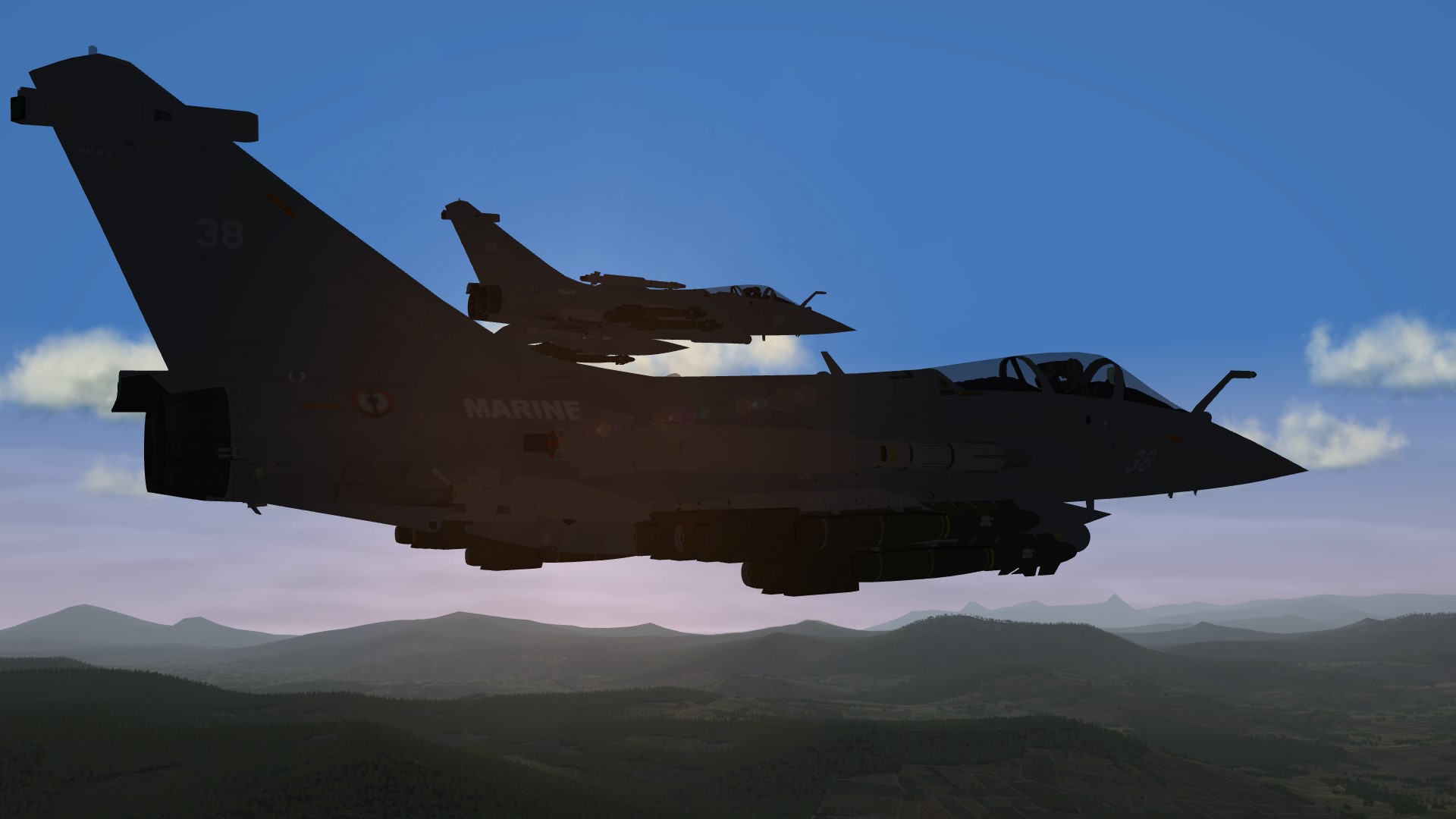
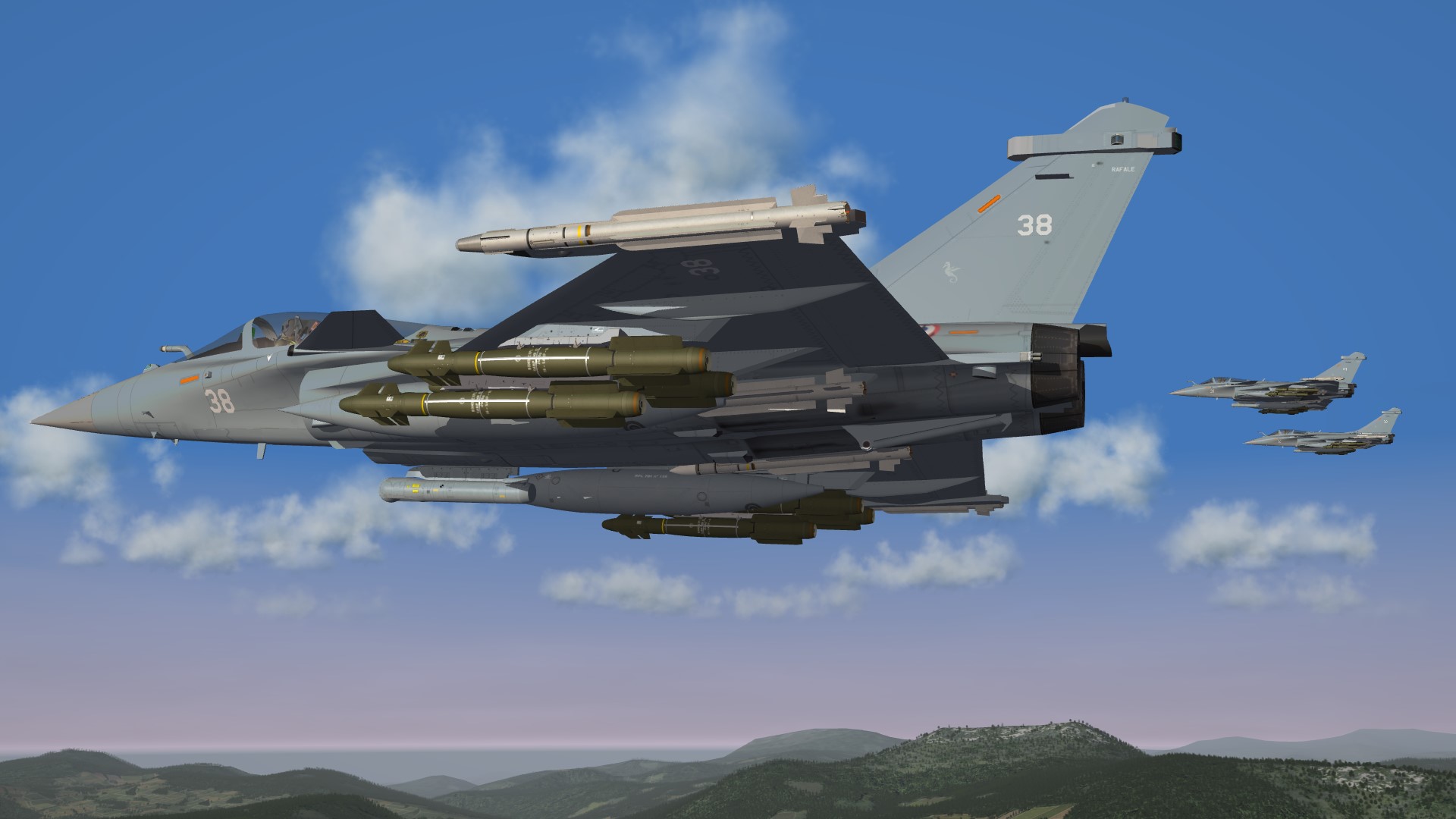
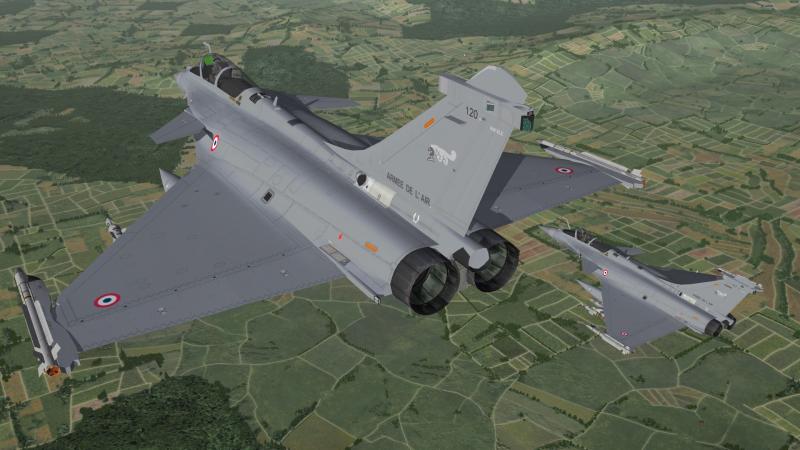
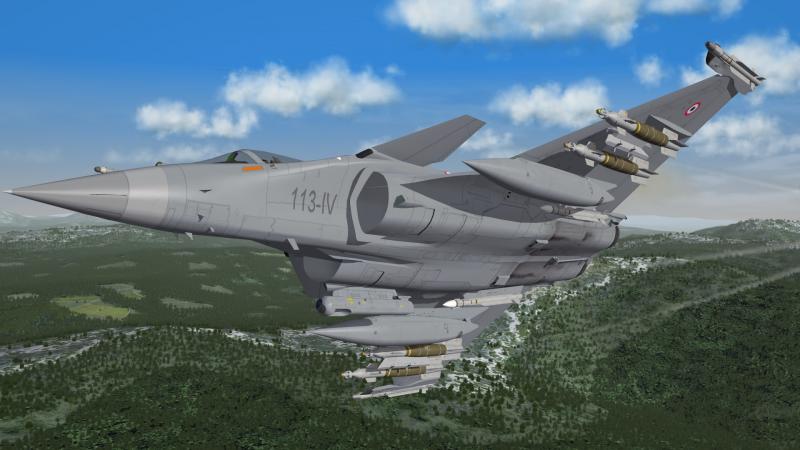
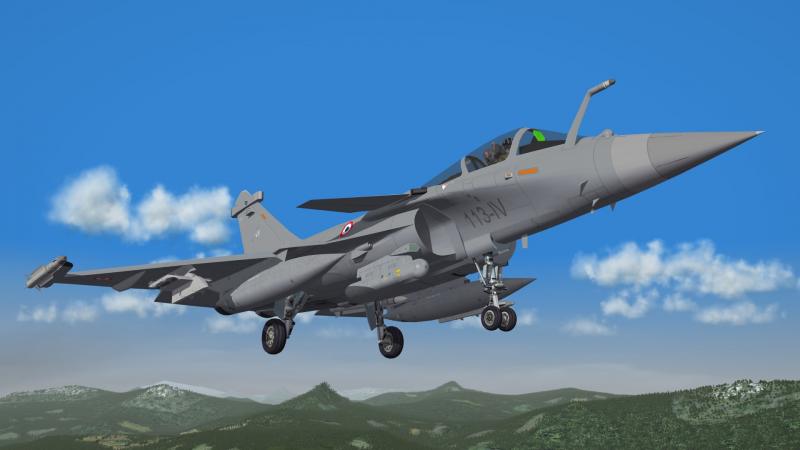
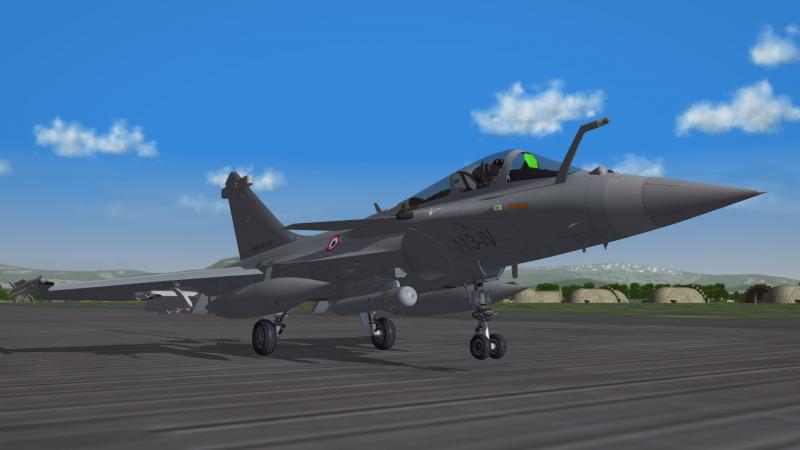
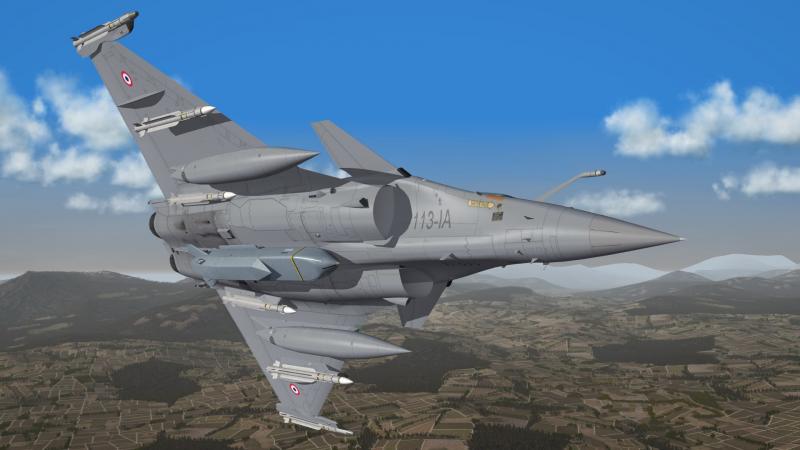
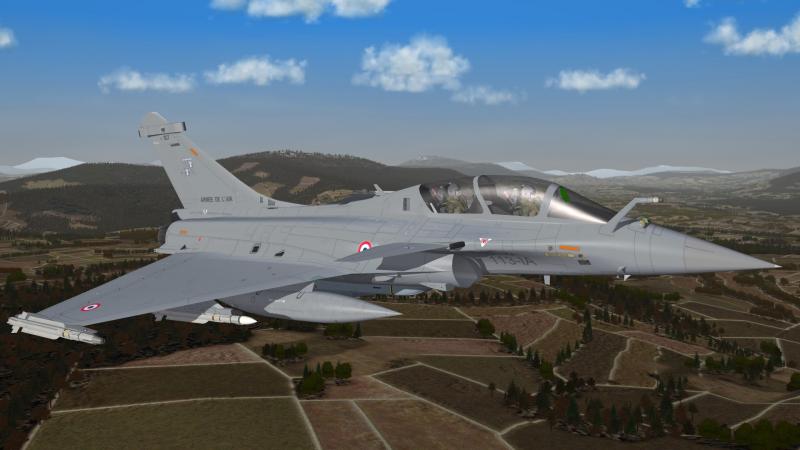
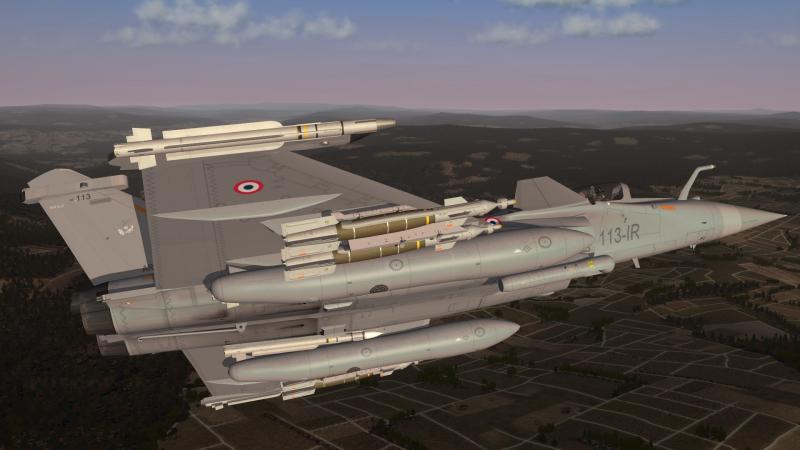
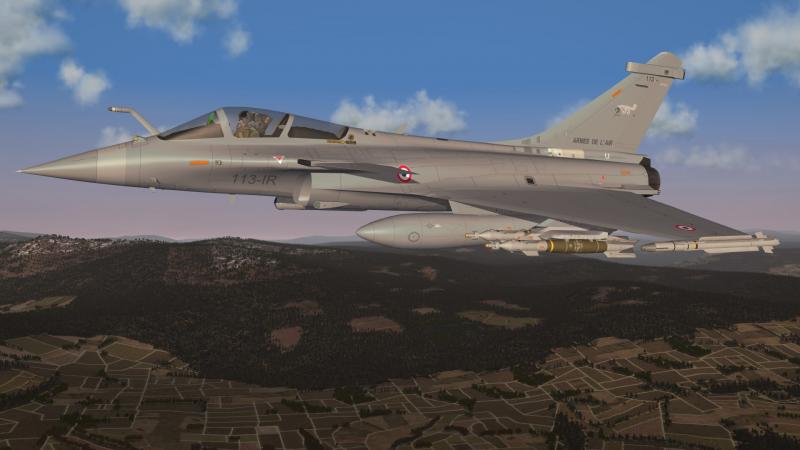
Rafale C , testing
-
also ich mach sowas von hand und dann nach den schneiden korrigiere ich auch alles von hand , damit habe ich die besten erfahrungen
-
solltest mal neben meinen beiden atomkraftwerken sitzen , ich bekomme schon blasen von der hitze mich wundert nur das ich bis jetzt noch kein kühlungsproblem hatte mein RAM liegt im moment bei 43° und der CPU bei 36° das MB hat 35° , ich habe den eindruck das es in meinem rechnern kühler ist als in meiner wohnung da hälst du es kaum noch aus
-
did you copy the left wing from the right wing ????
-
ja und ja , aber freut euch nicht zu früh das wird noch lange dauern zuerst sind mal ist die Rafale , die ich gerade noch fertige mache , drann (so gut wie erledigt) und dann würde ich gerne noch meine F-4E´s zu ende bringen da muss ich noch 3 neue cockpits basteln (greek,turkey,japan) also auch was was viel zeit kostet sowie noch die japan skins fertig machen dann könnte die Viggen und die Draken dran sein und die bekommen auch cockpits , ich weis aber das noch jemand anders an einer Draken bastelt mal sehen wenn der früher fertig ist brauch ich meine nicht zu machen auserdem ist da noch die RF-8A/G die fertig gemacht werden will und die Saegheh ist auch schon fast fertig und dann ist da noch die Kfir-RC2 die schon länger drauf wartet mal fertig gemacht zu werden die MiG-29 habe ich jetzt auf eis gelegt da sich Russo da dran austobt alles in allem noch viel arbeit , ach ja Carlo den Tornado mache ich nächste woche dann fertig wenn ich die Rafale von der backe habe
-
nicht fertig aber in arbeit genau wie die Viggen
-
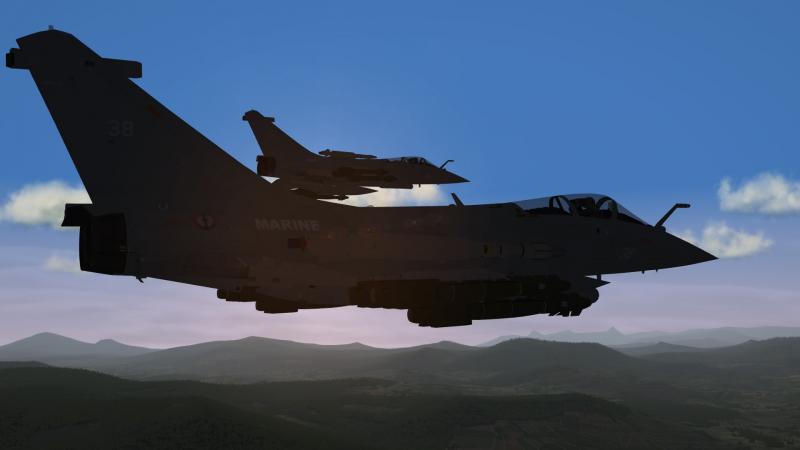
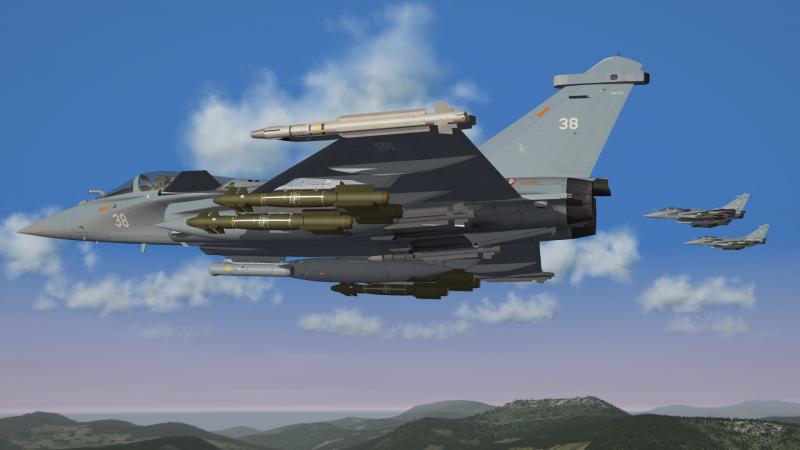
Dassault Rafale B / C / M
-
that looks great , time to play IL-2 again
-
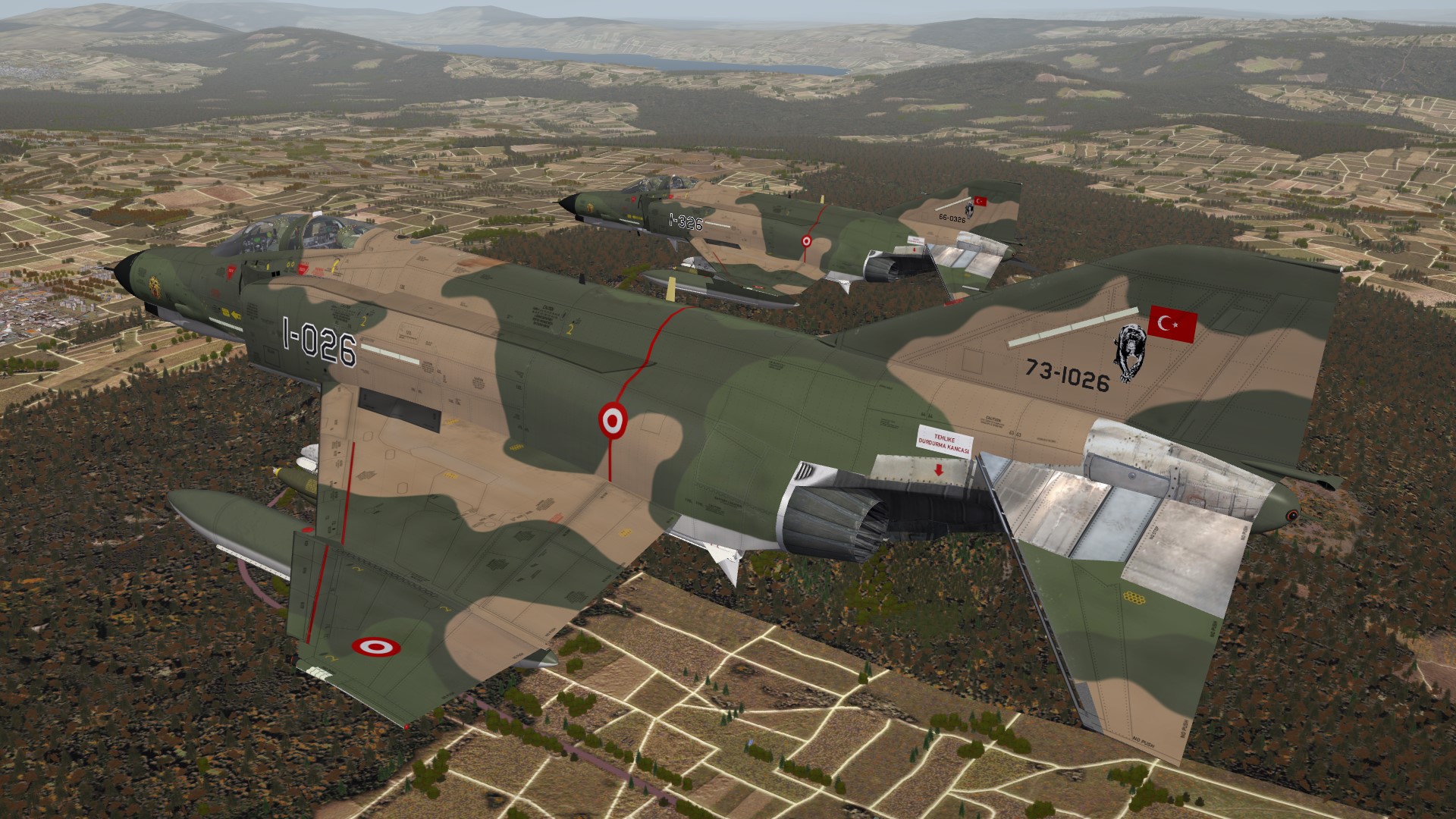
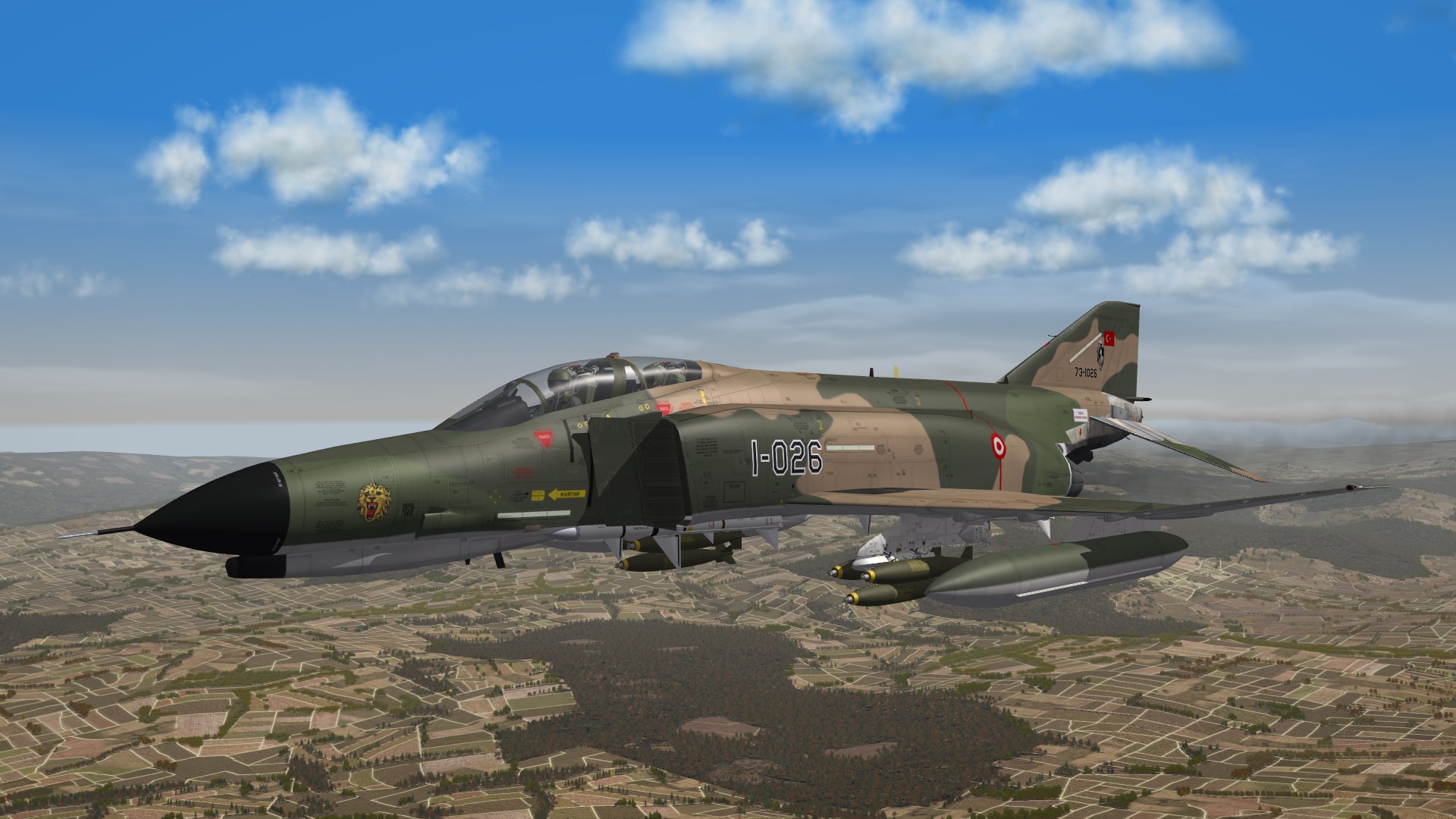
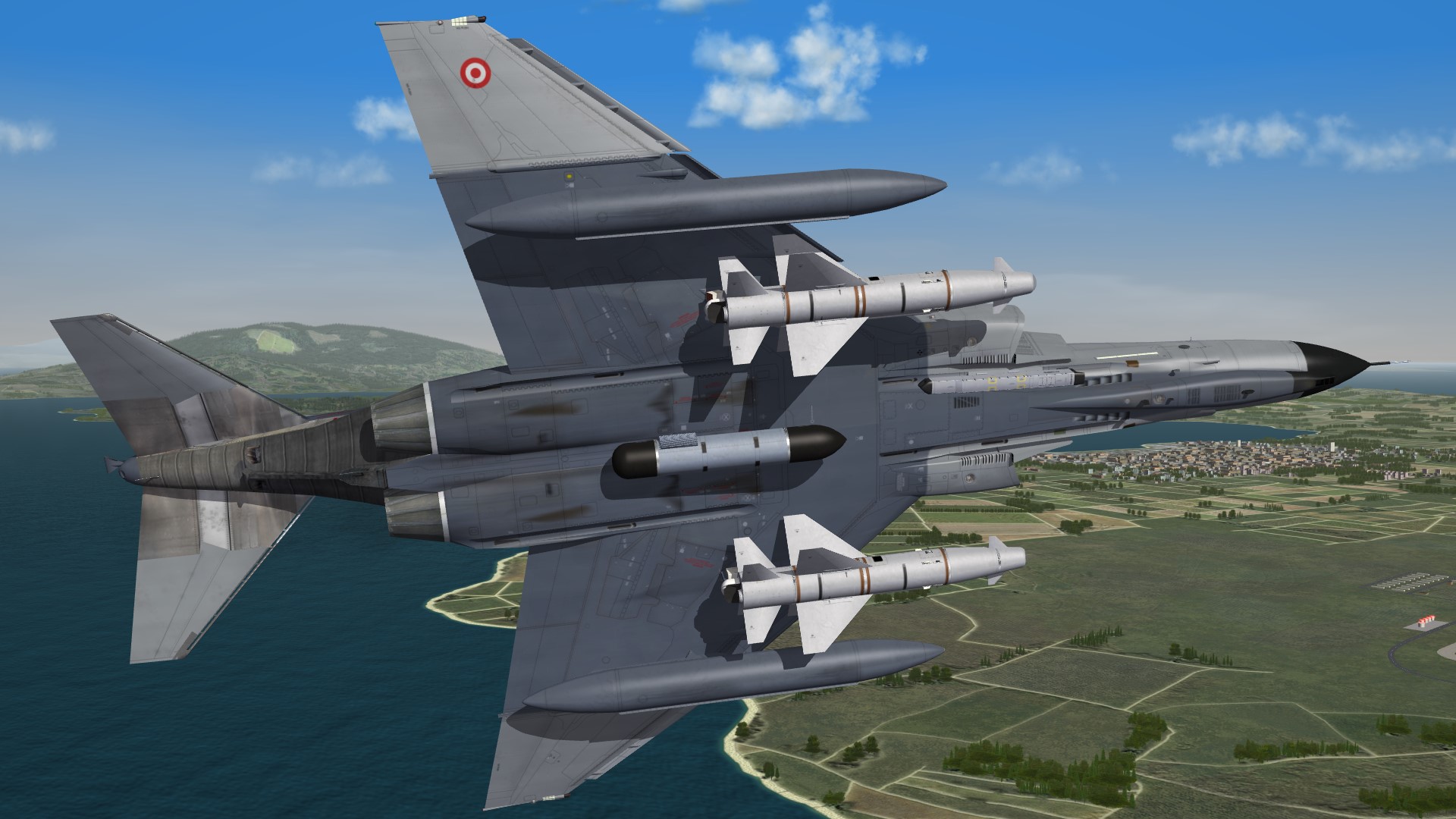
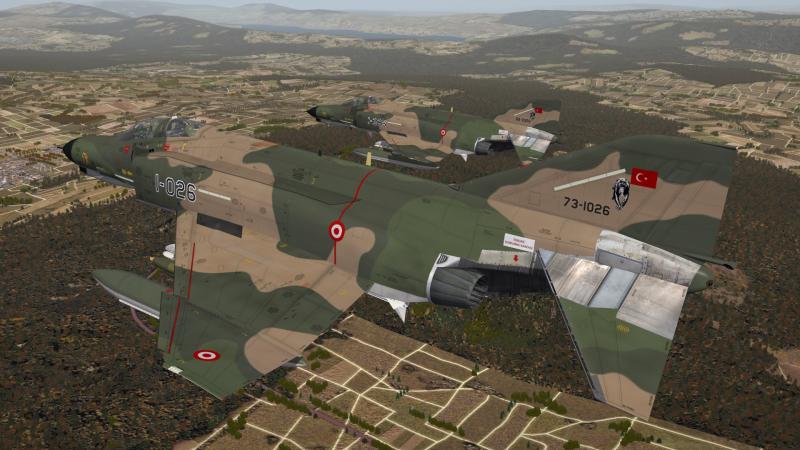
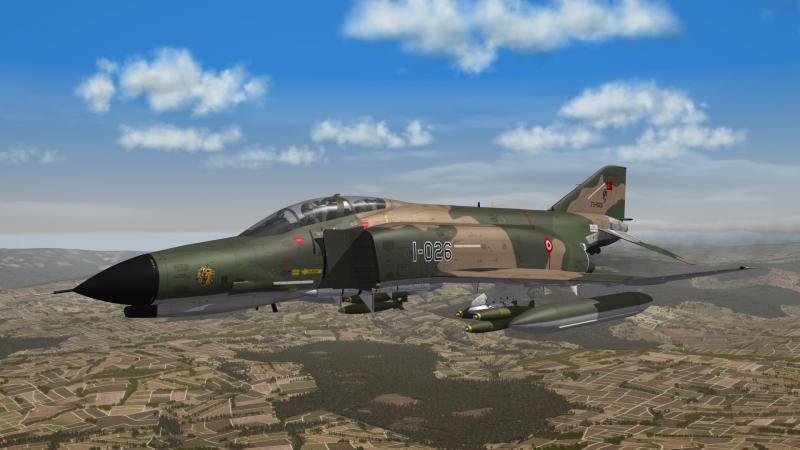
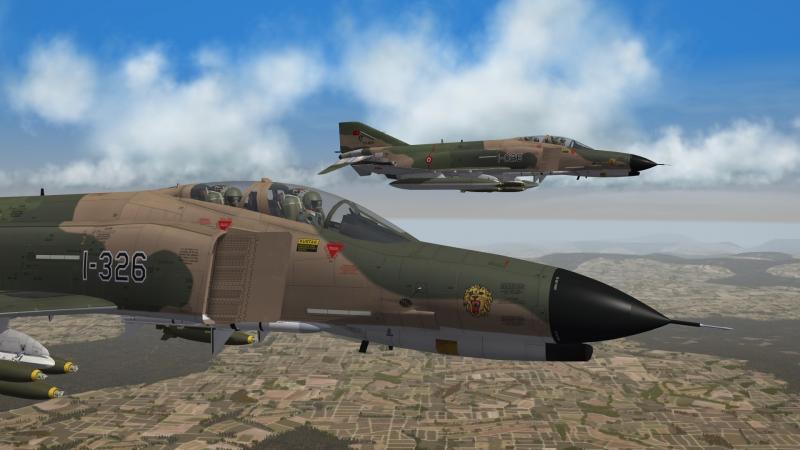
some early TUAF F-4E´s from the 111 Filo
-
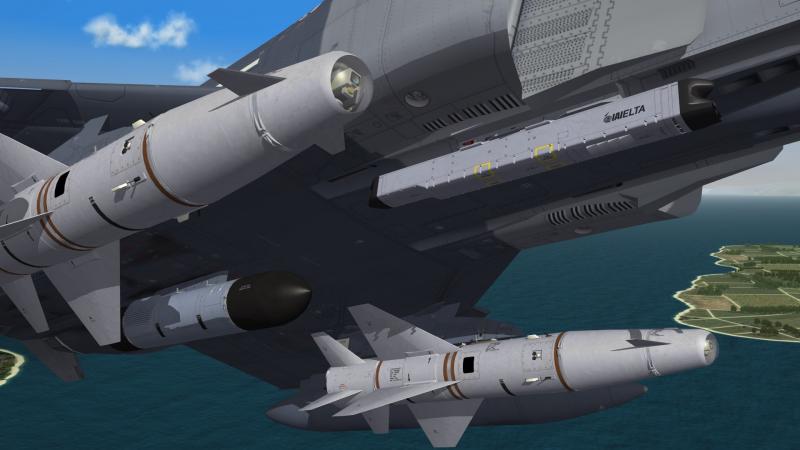
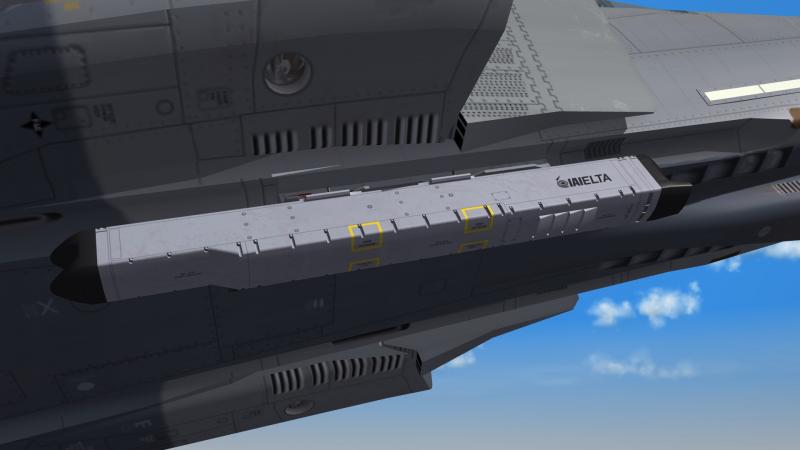
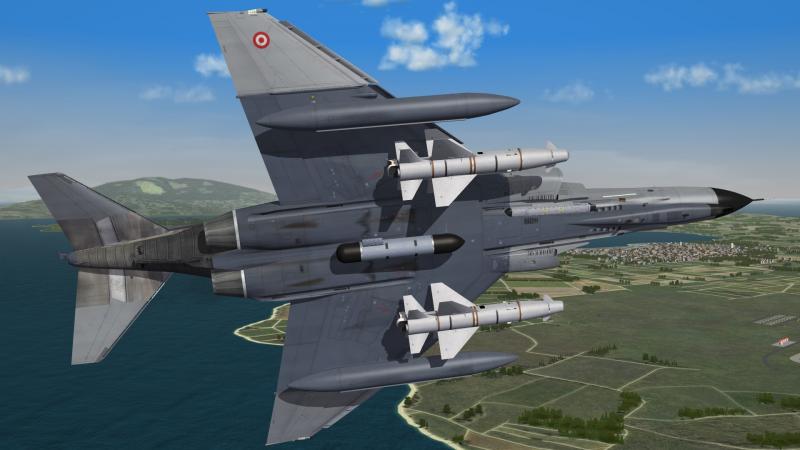
almost done , i only have to make the cockpit now
-
that looks great
-
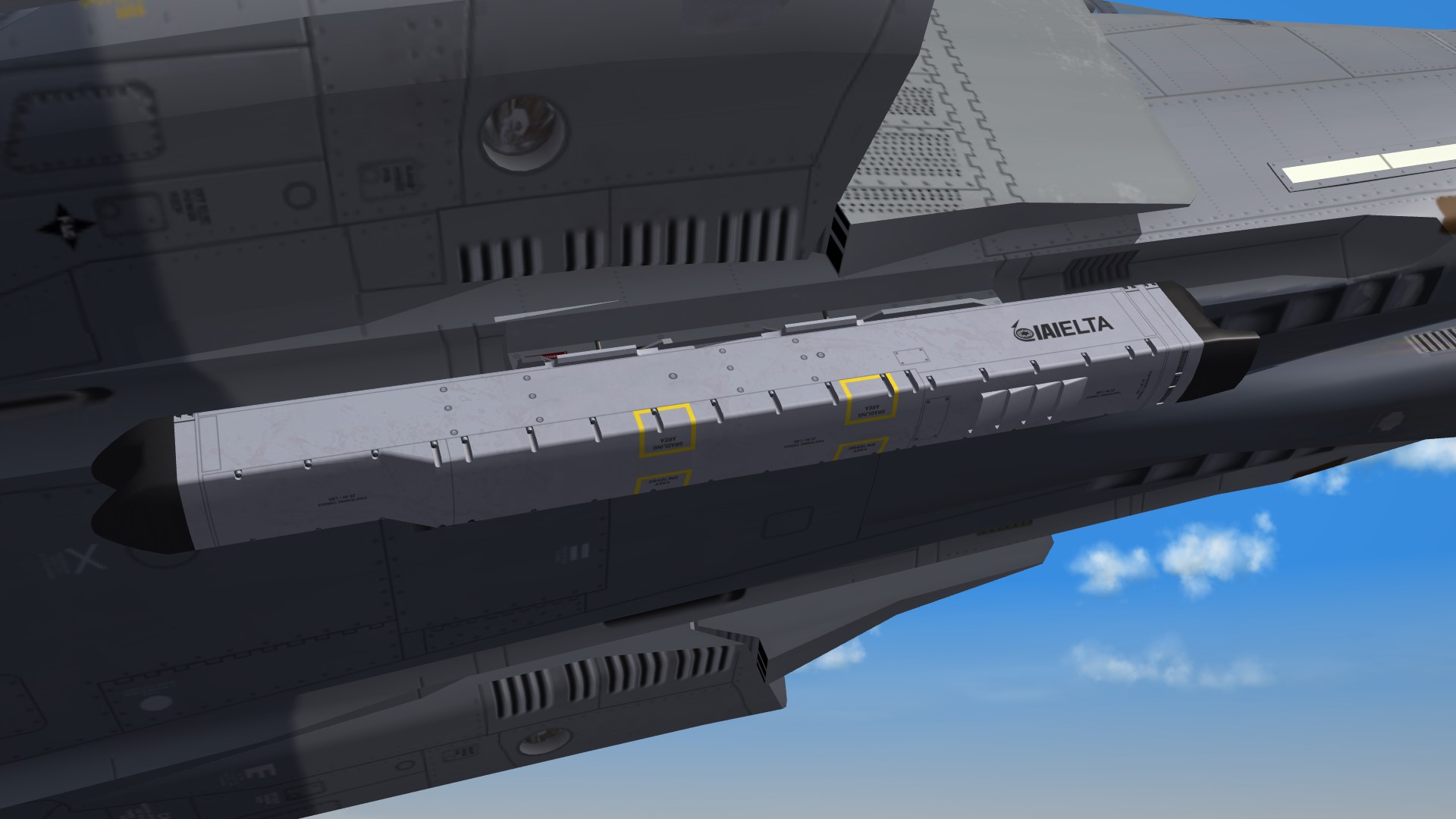
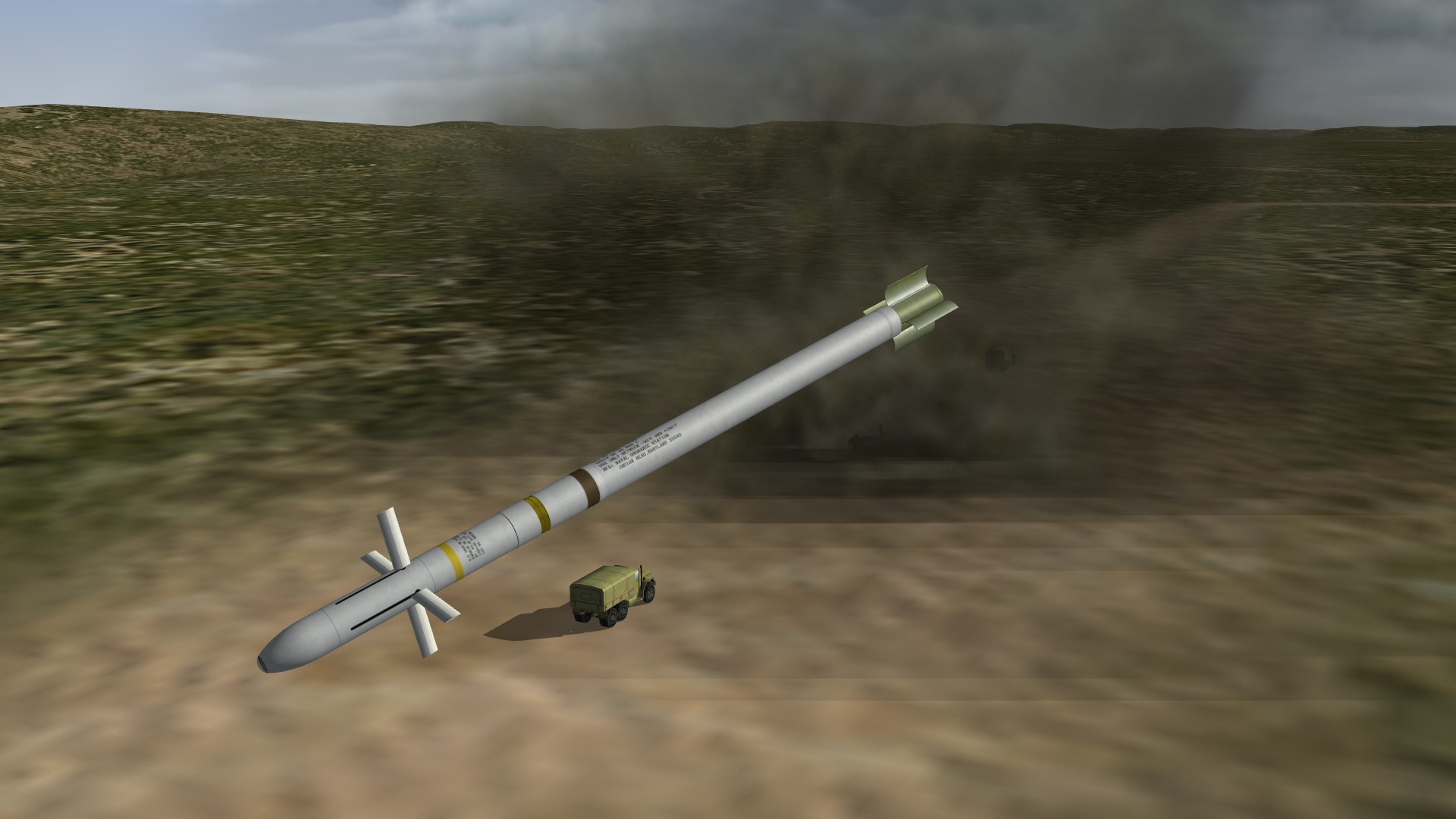
yes i think the small warhead plus the high impact speed and the reduced collateral damage makes the weapon so interesting
-

B-29 just flew over my house
ravenclaw_007 replied to SteveLohr's topic in WOFF UE/PE - General Discussion
oh i like to see that bird in the air , but i think that will never happen that must be a fantastic sound you are a lucky man -
oh yes i do , i lost all my downloads to HD crash , now no more
-
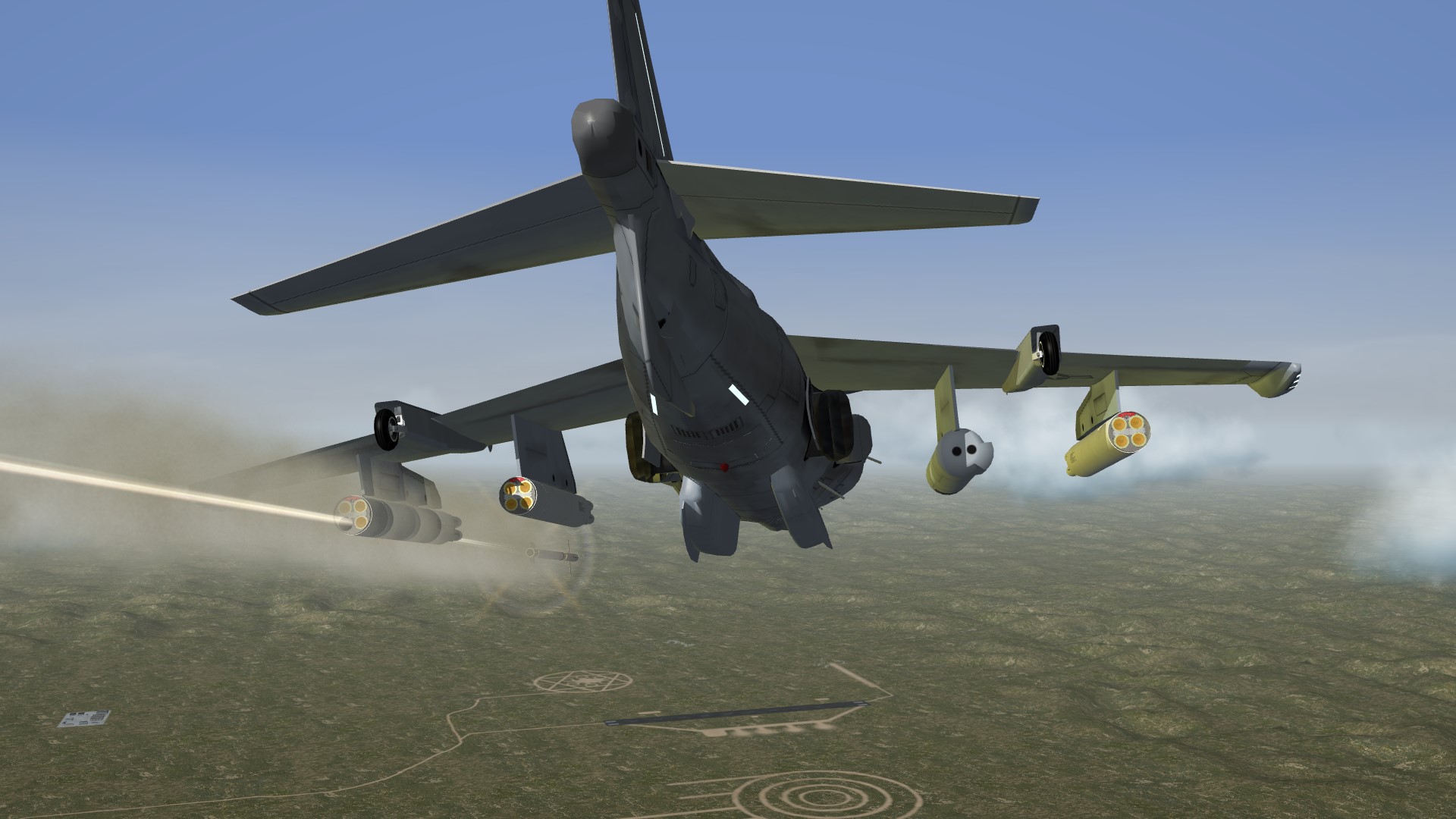
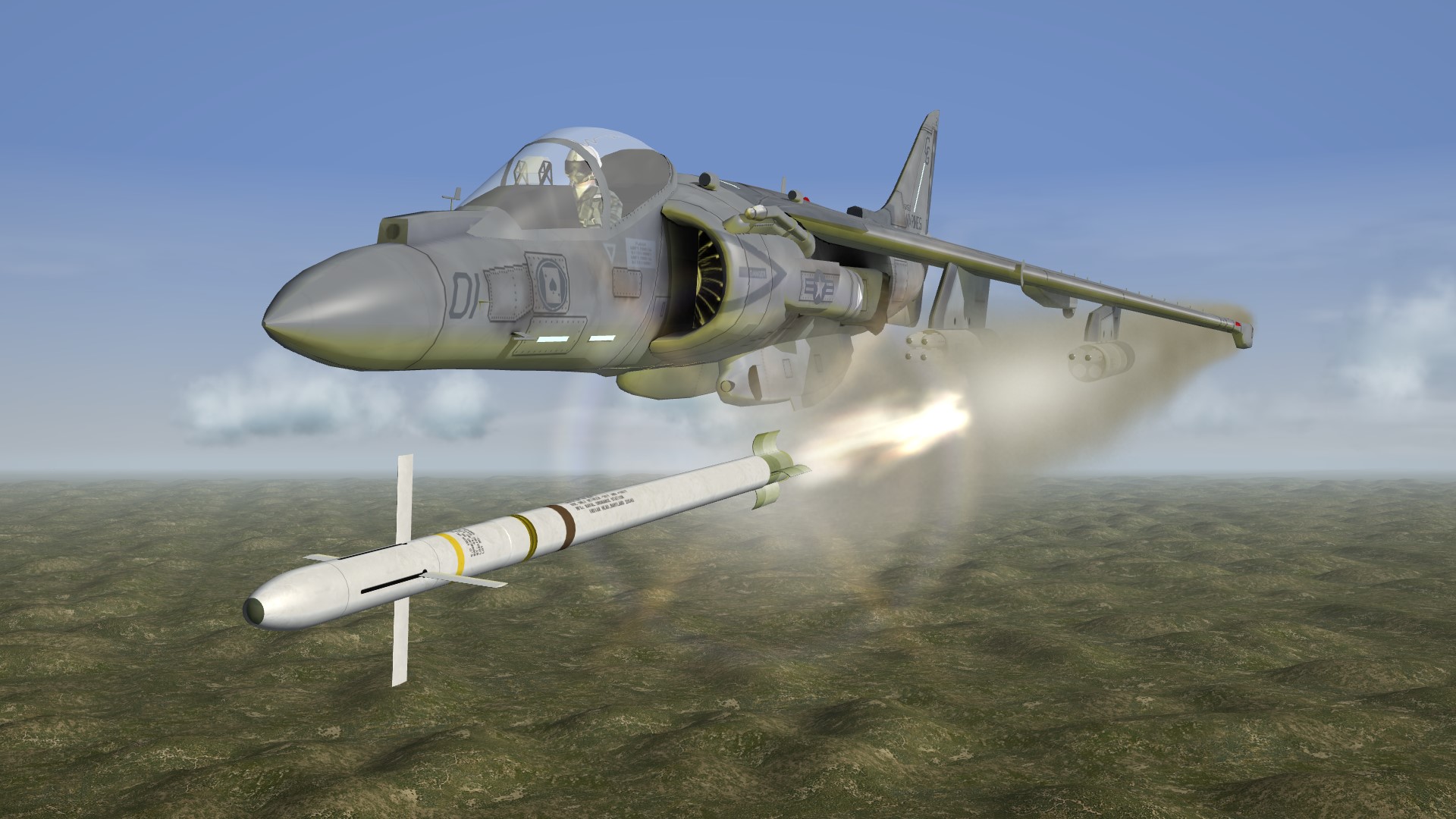
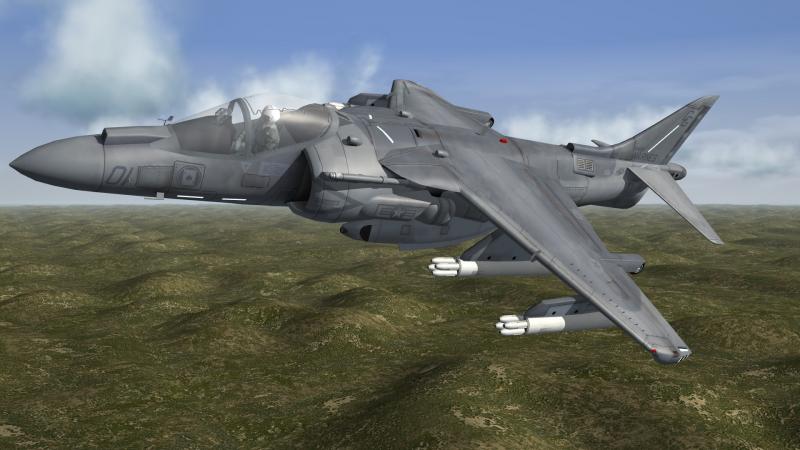
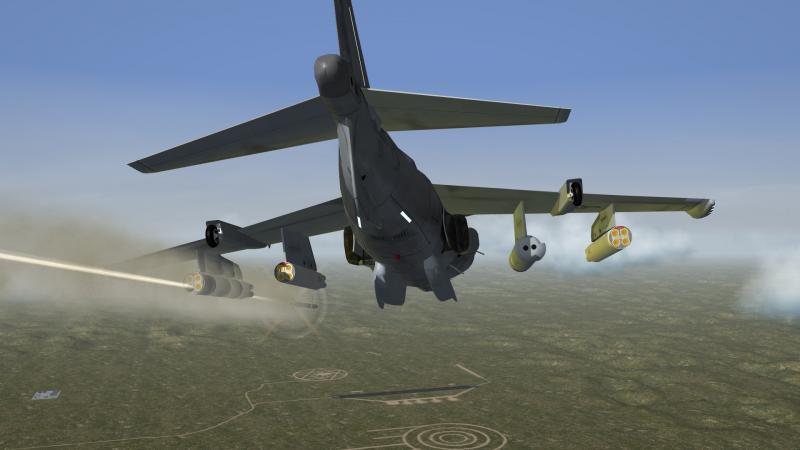
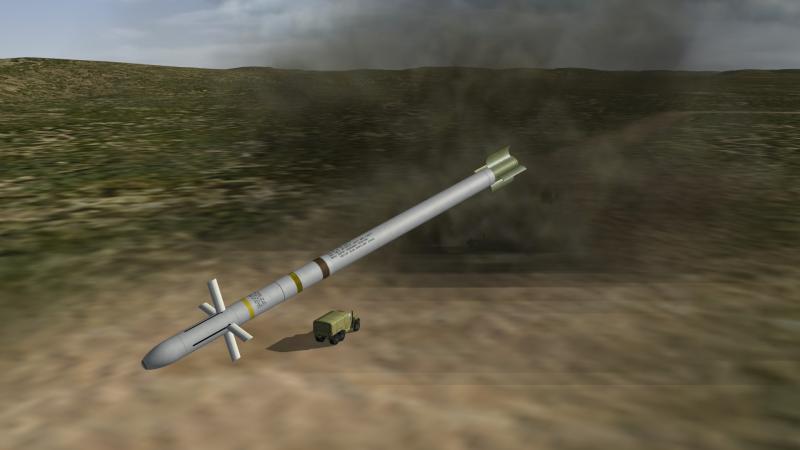
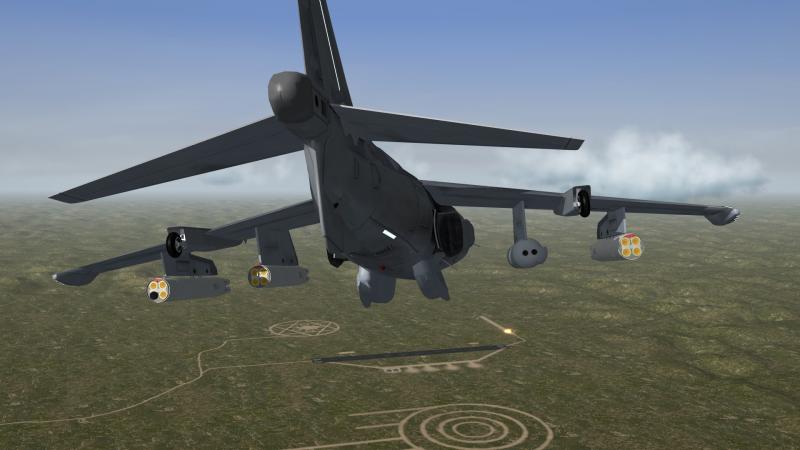
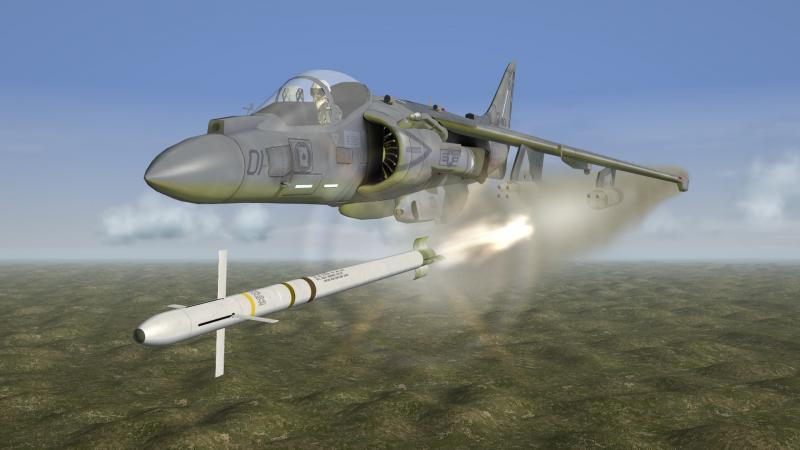
the Marines still testing the laser guided 5inch zuni , this test 12 laser guided zuni´s and 10 hits
-
i think so
-
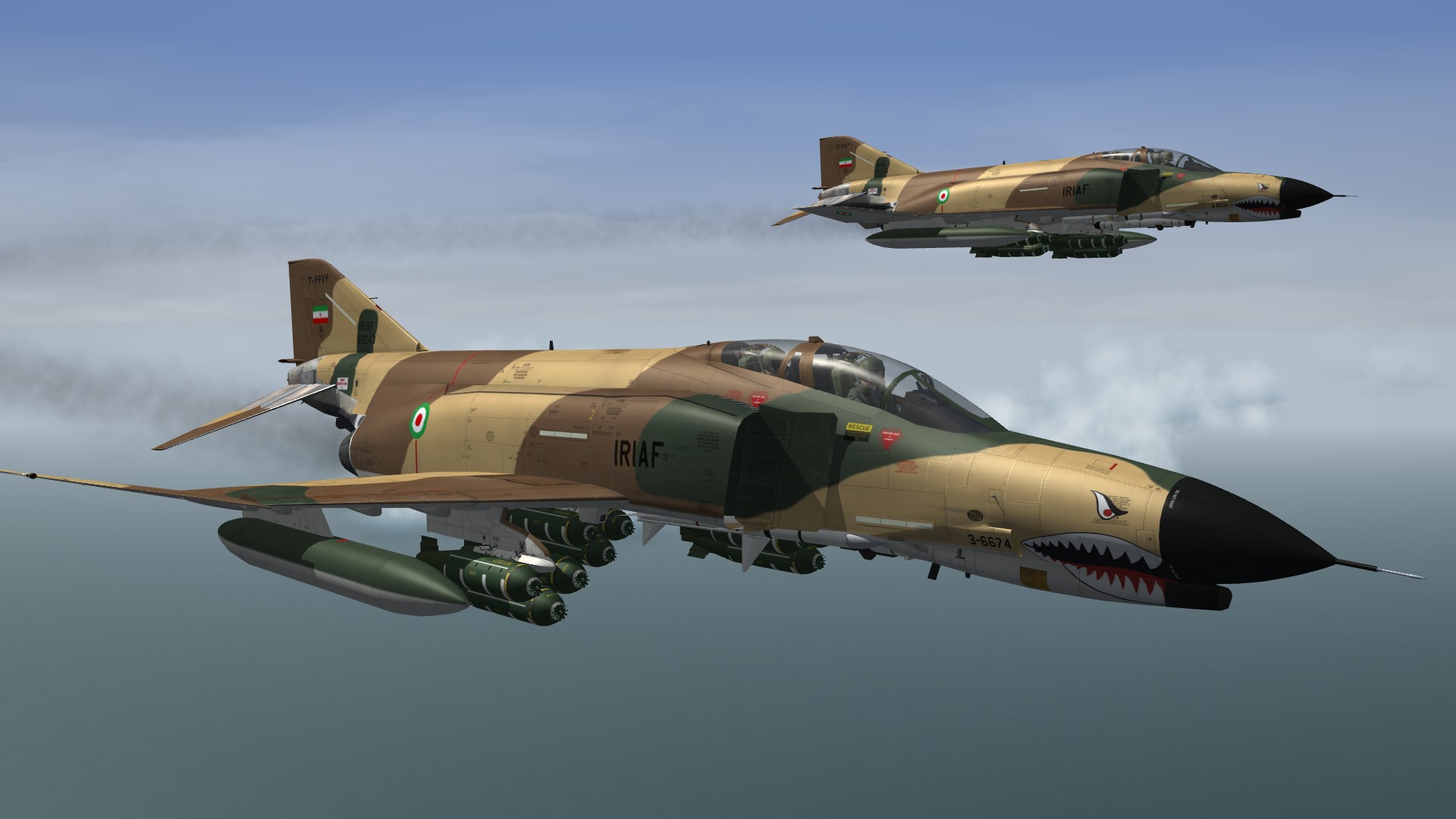
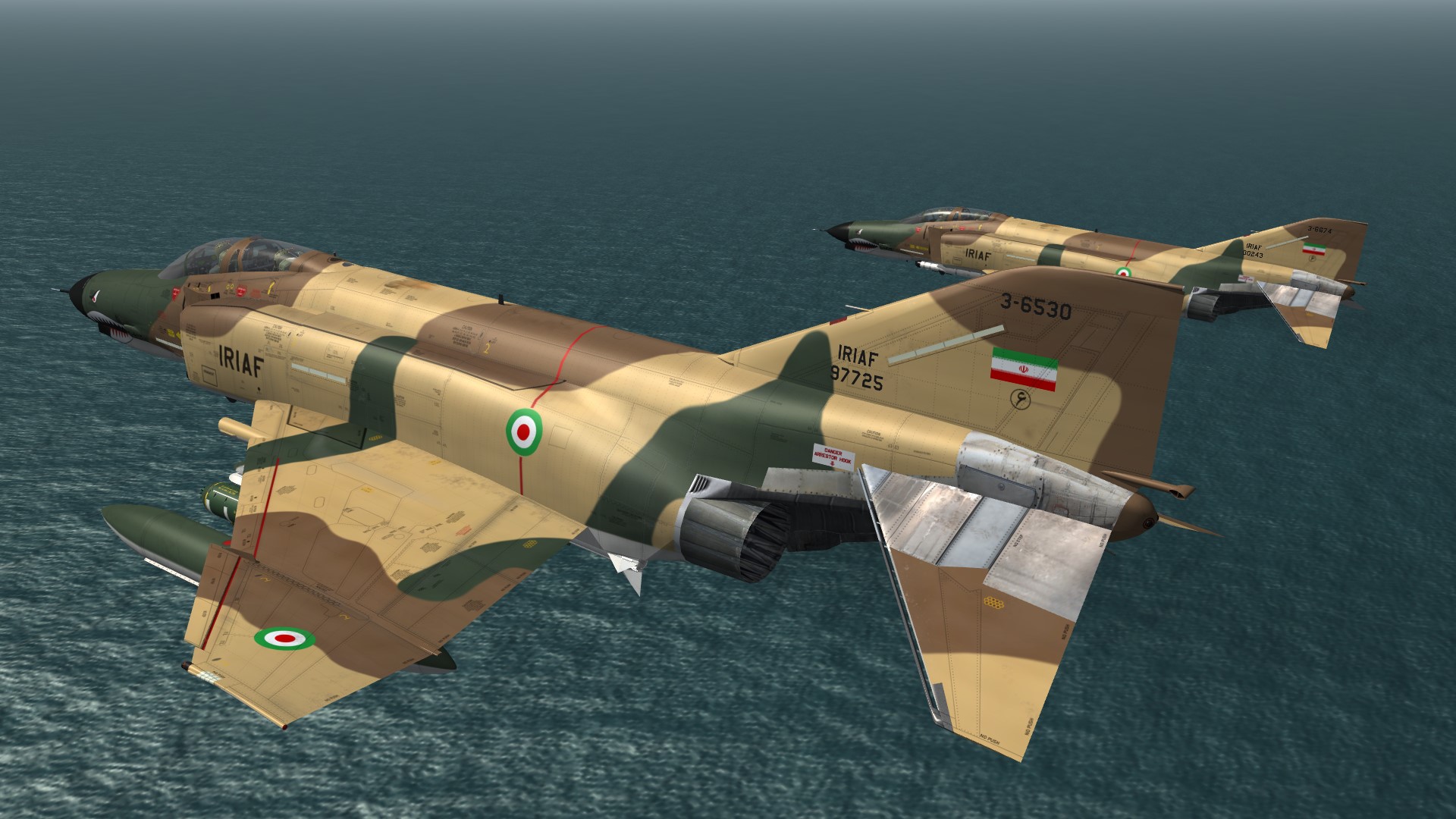
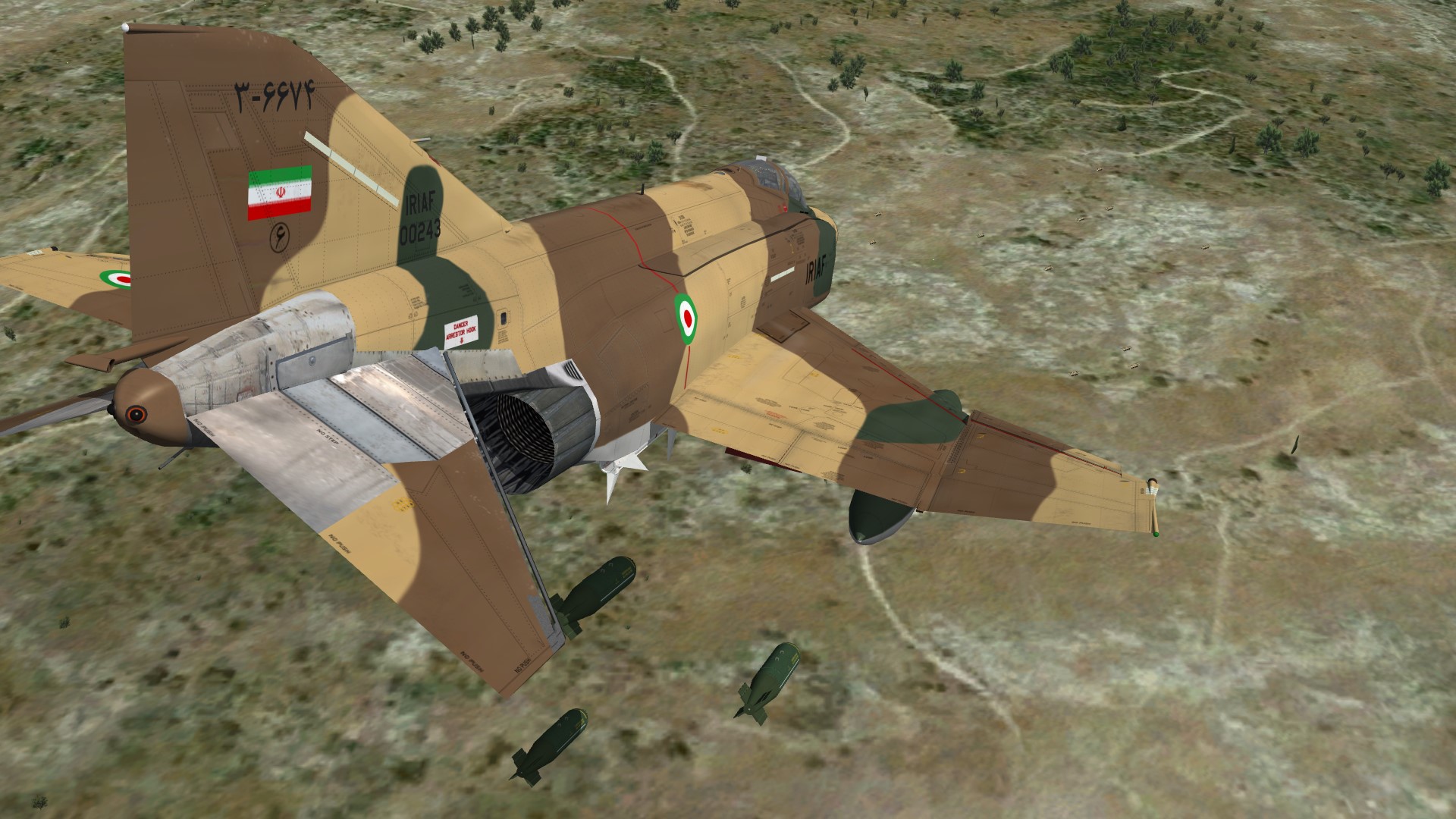
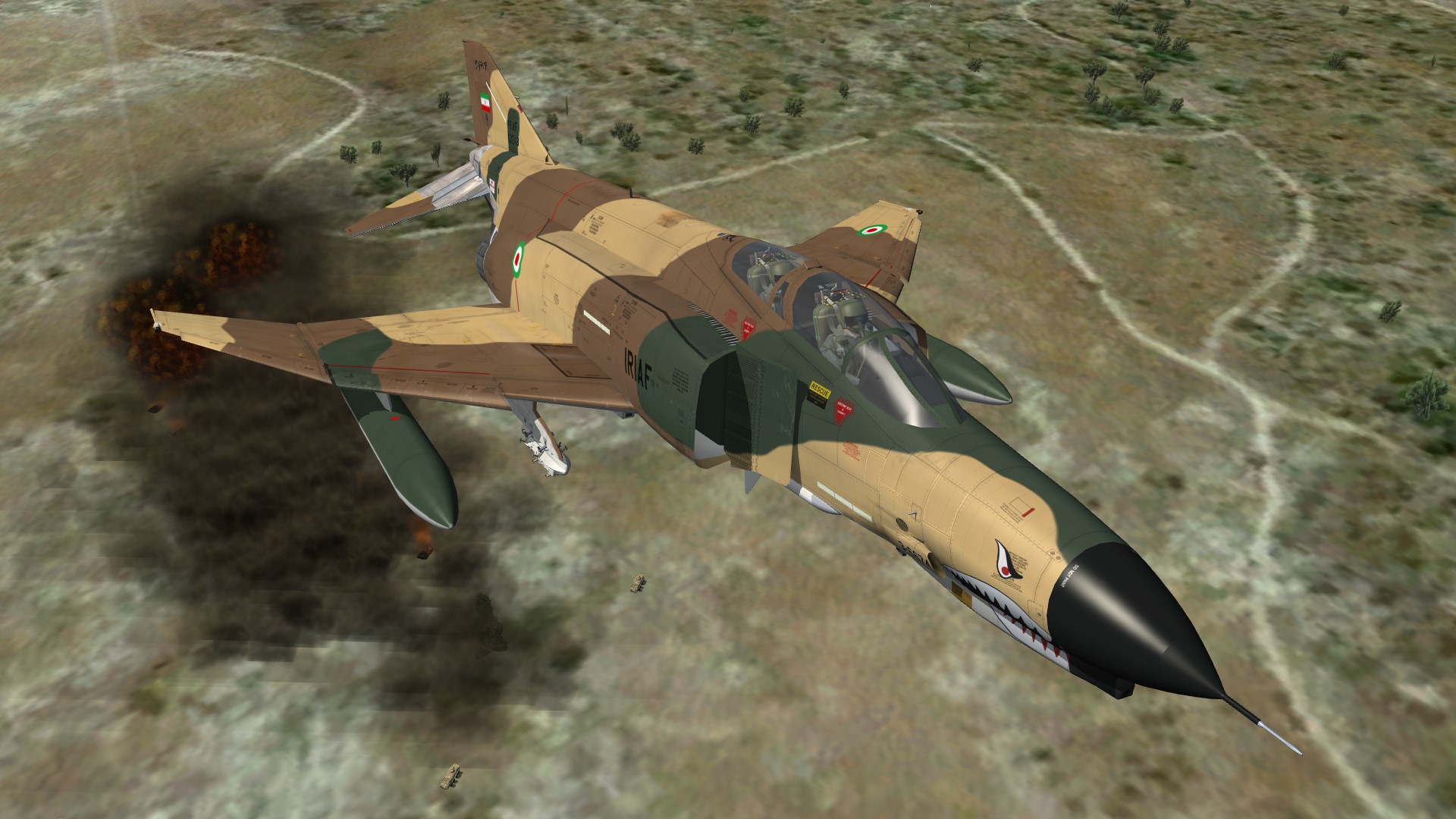
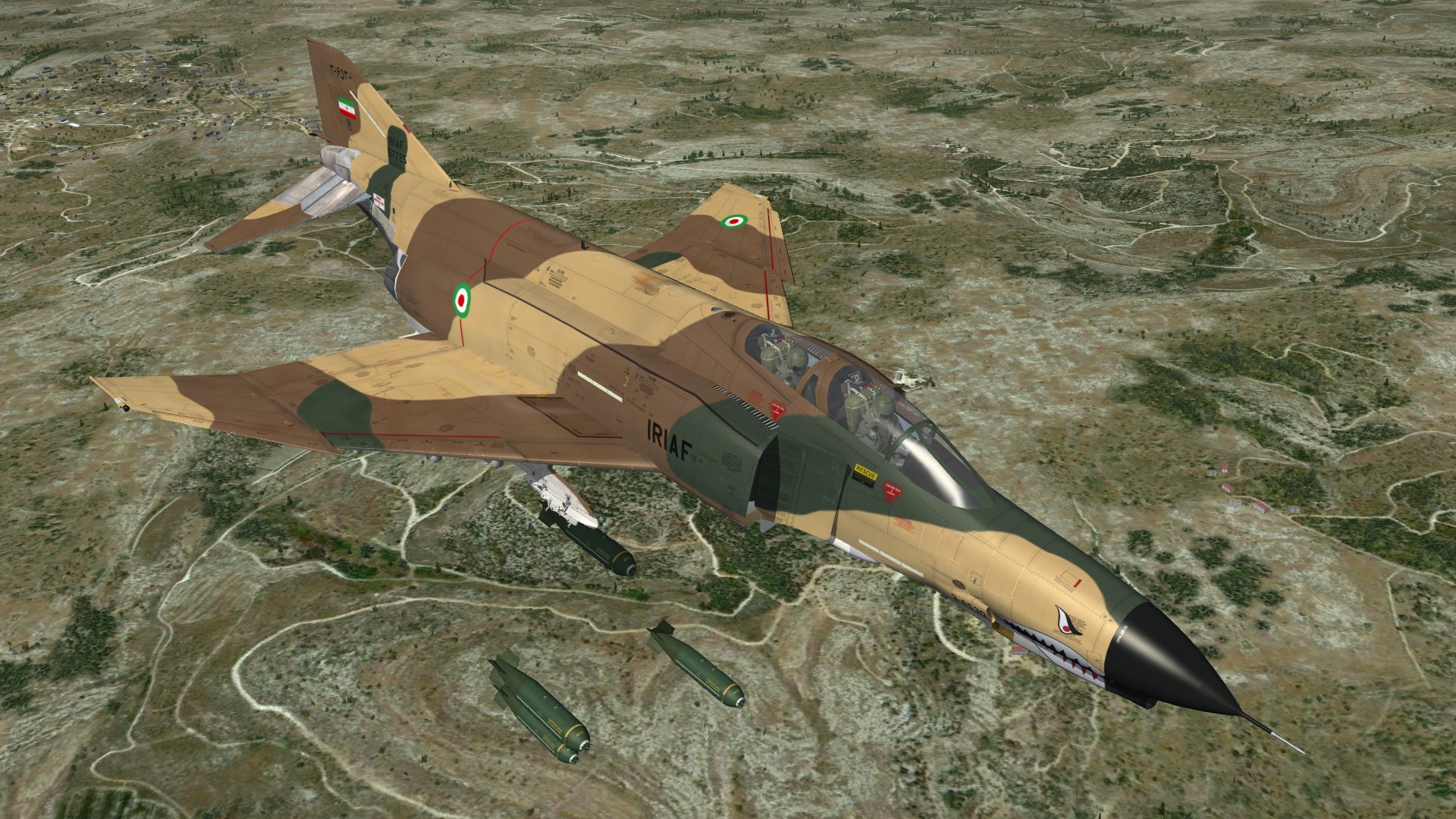
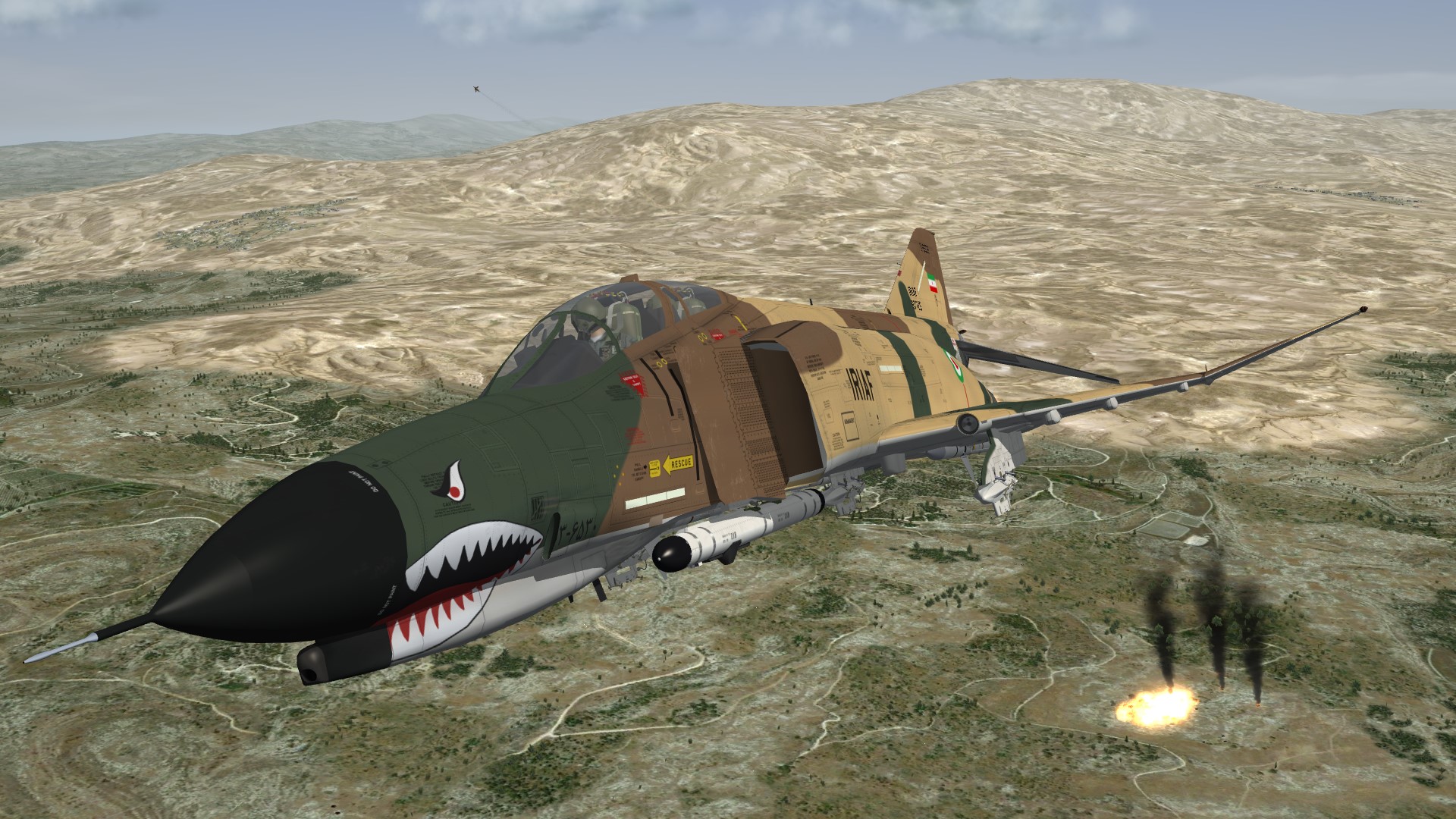
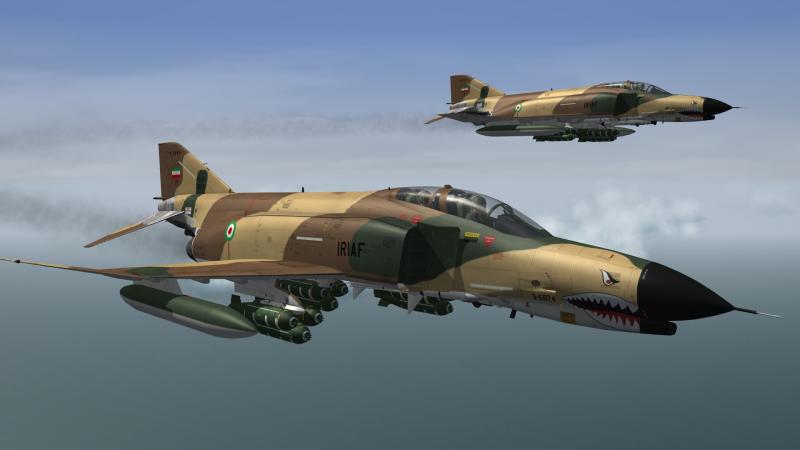
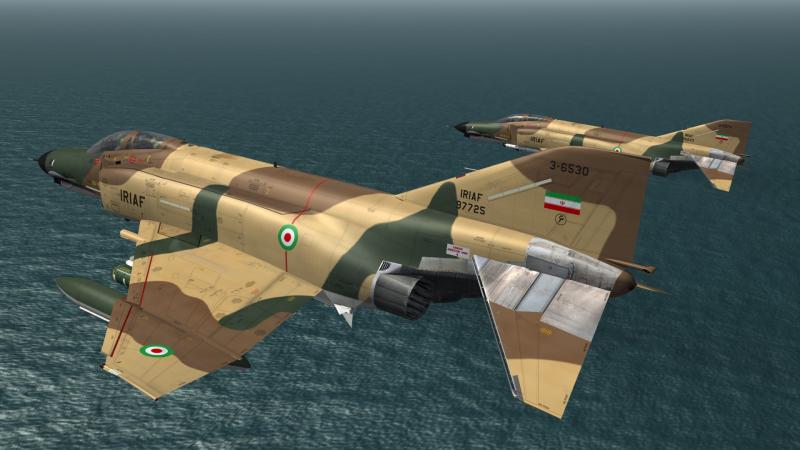
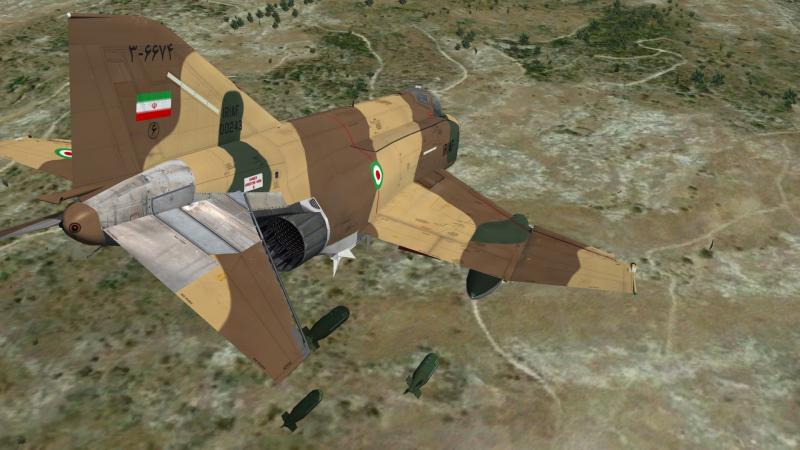
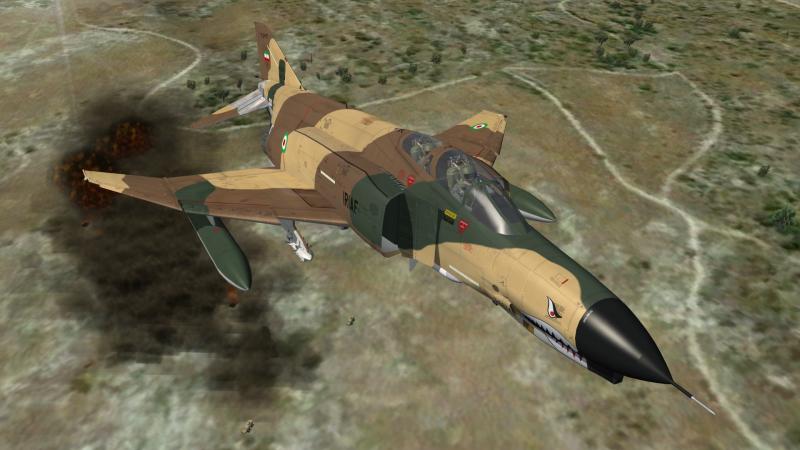
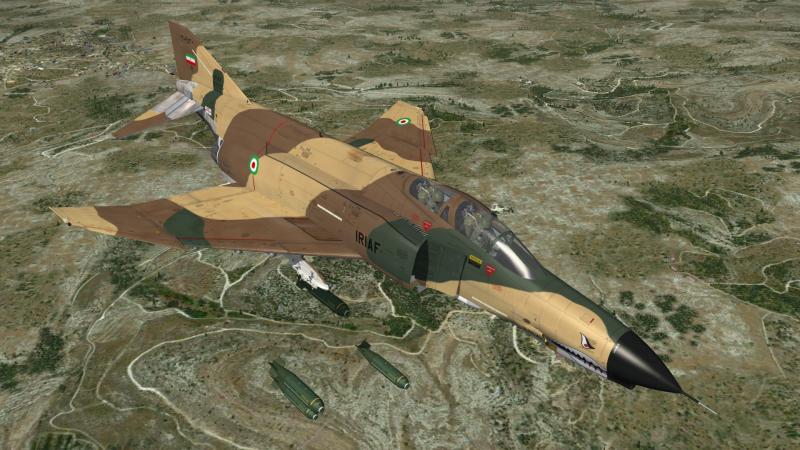
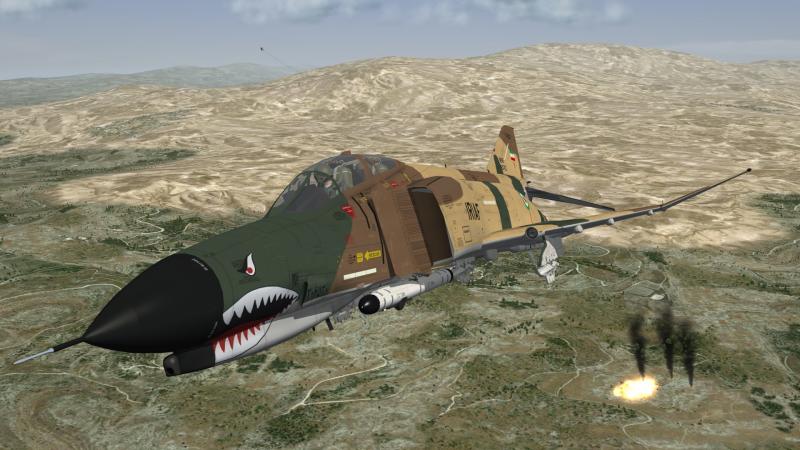
Iranian F-4E´s
-
i think MigBuster just mention it all the warhead would be the same as far as i know and i read that it is not only the explosive charge but the the high impact speed from mach2+ that would make the weapon an ideal choice LaGS.pdf
-
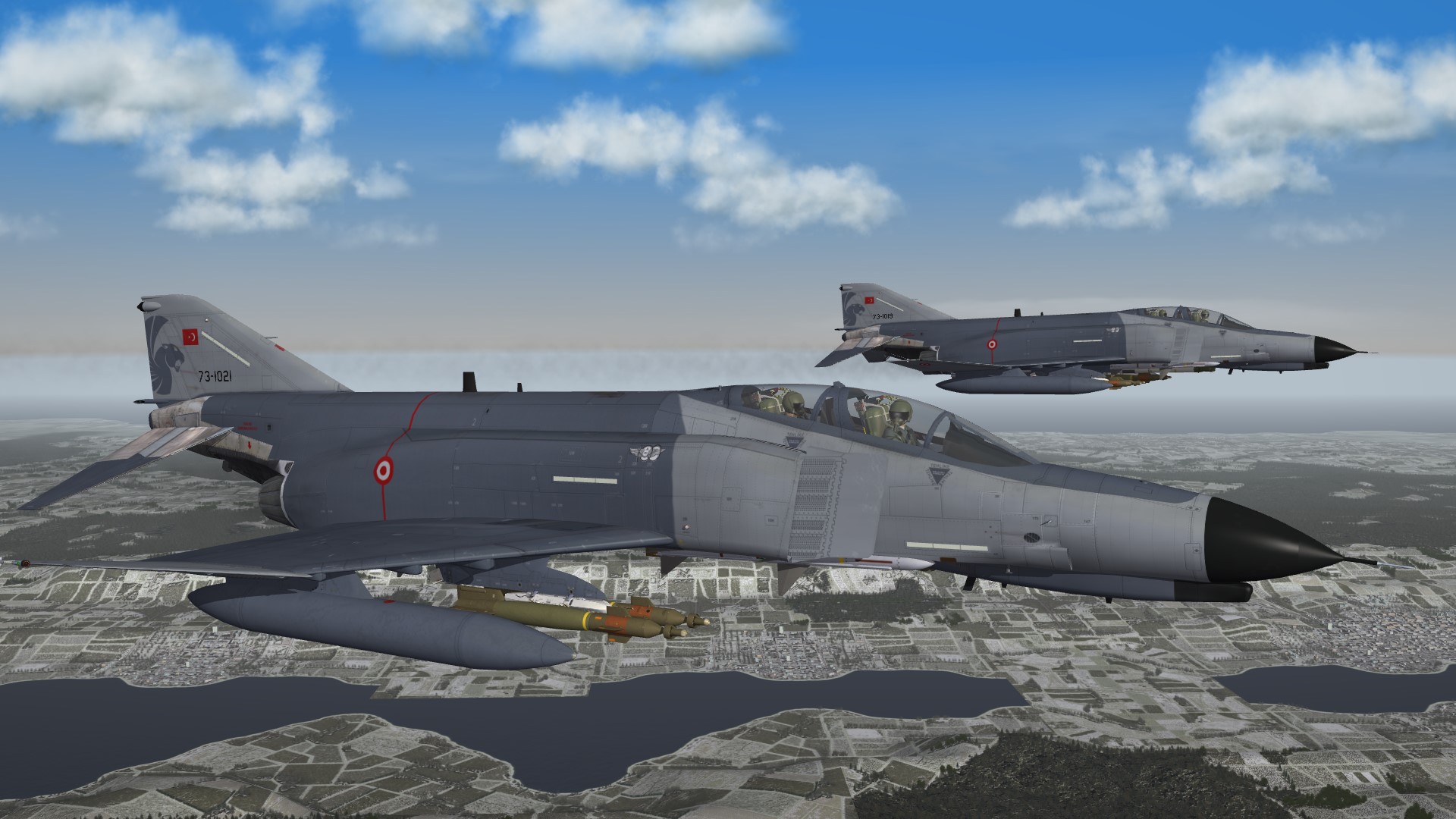
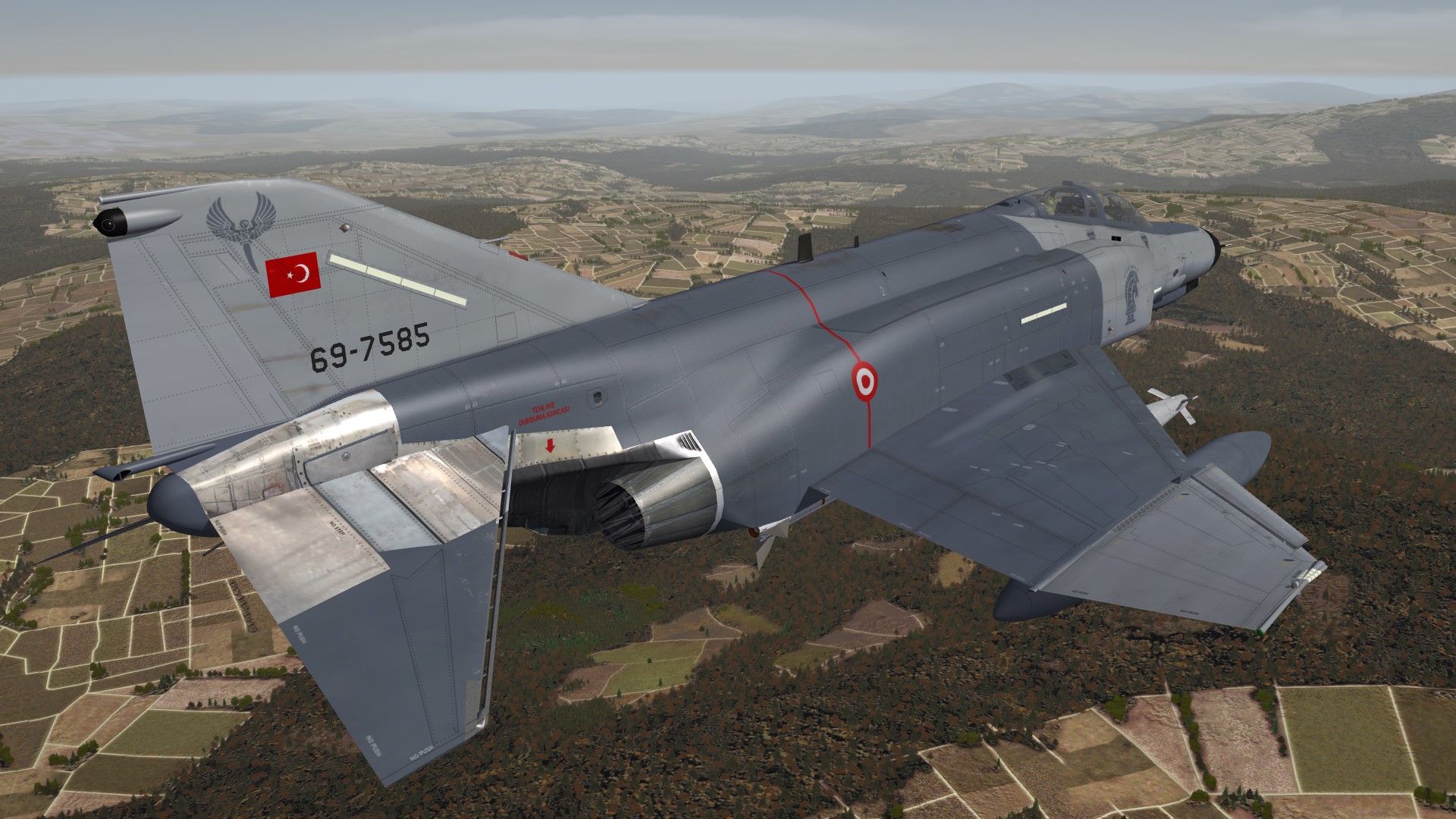
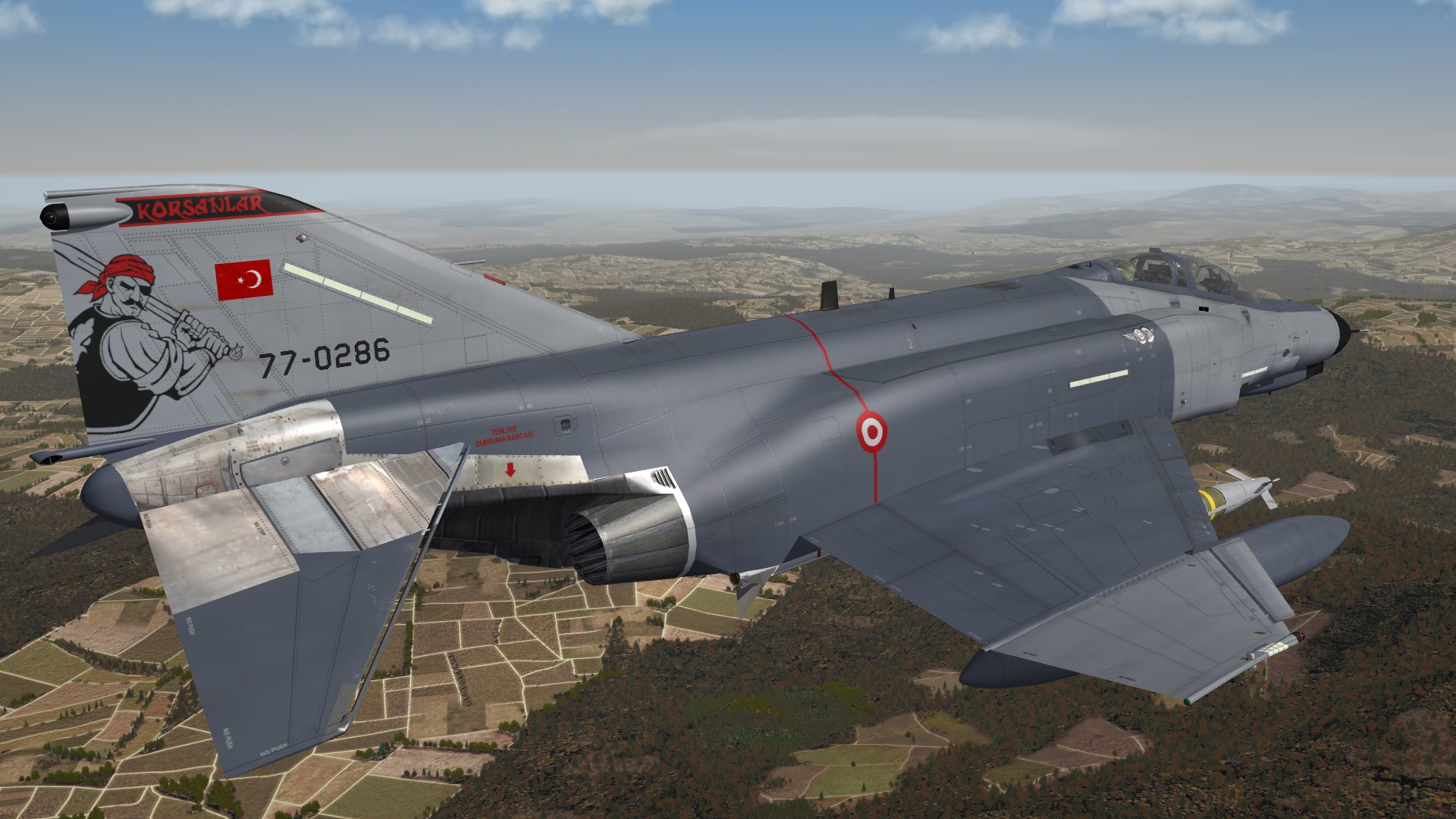
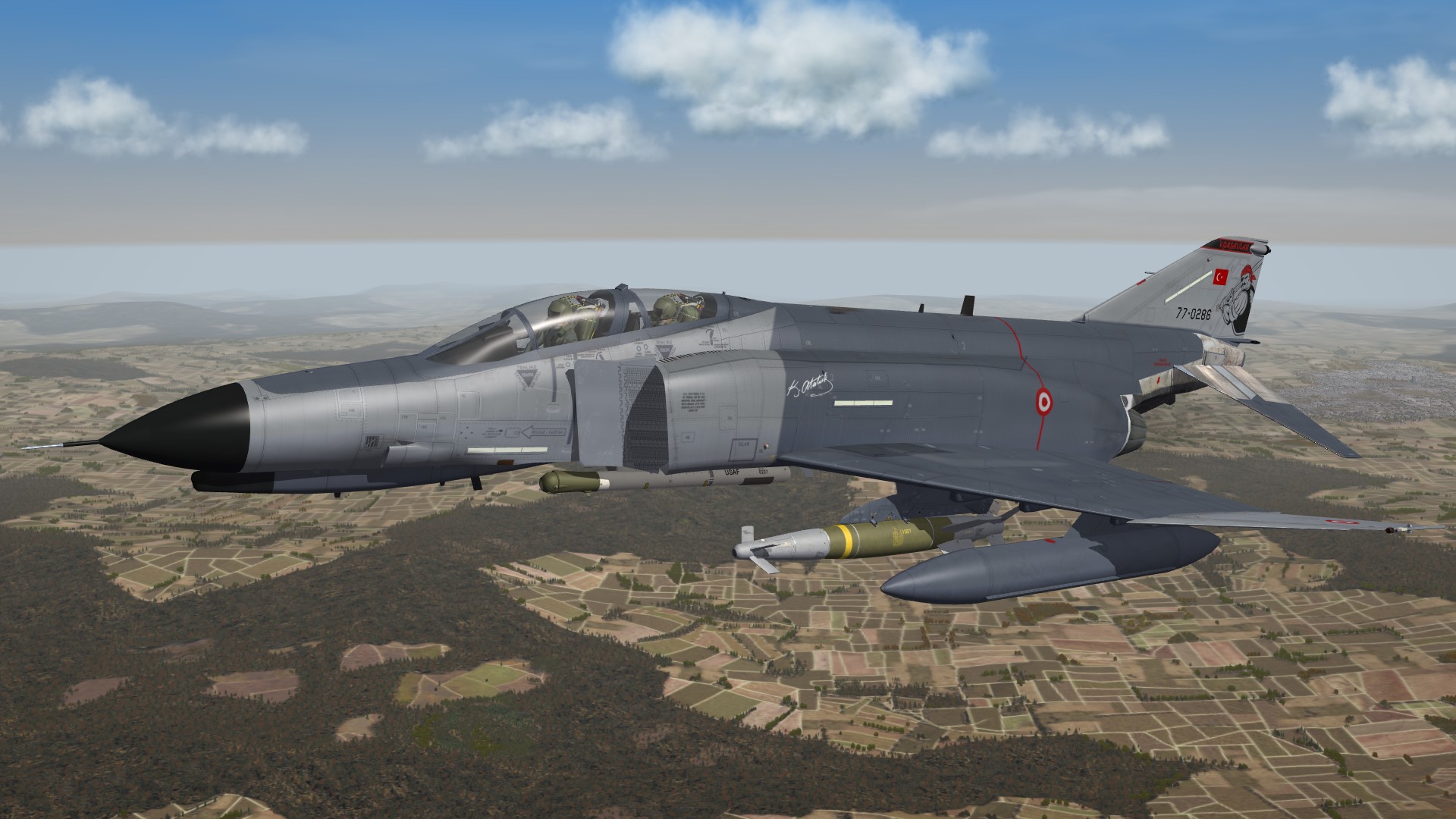
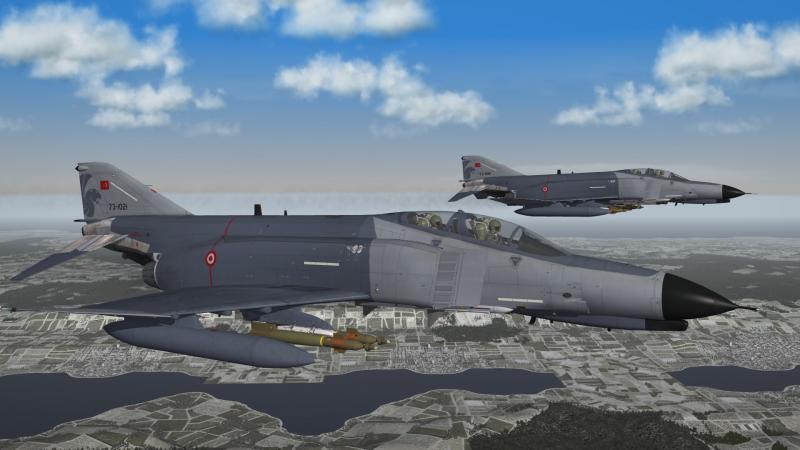
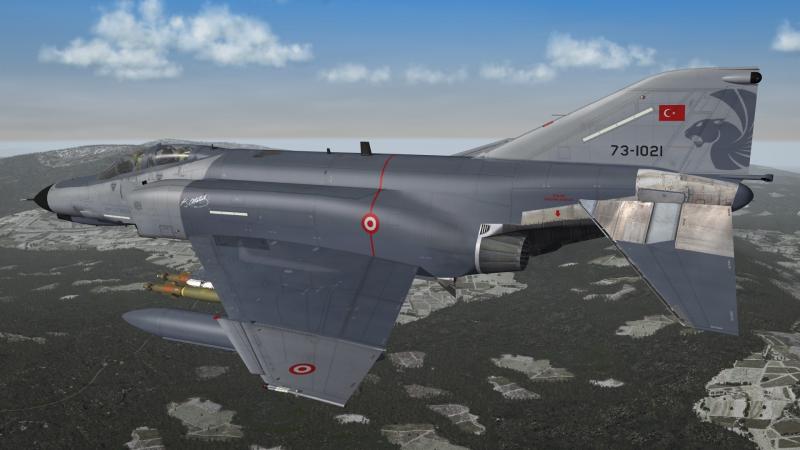
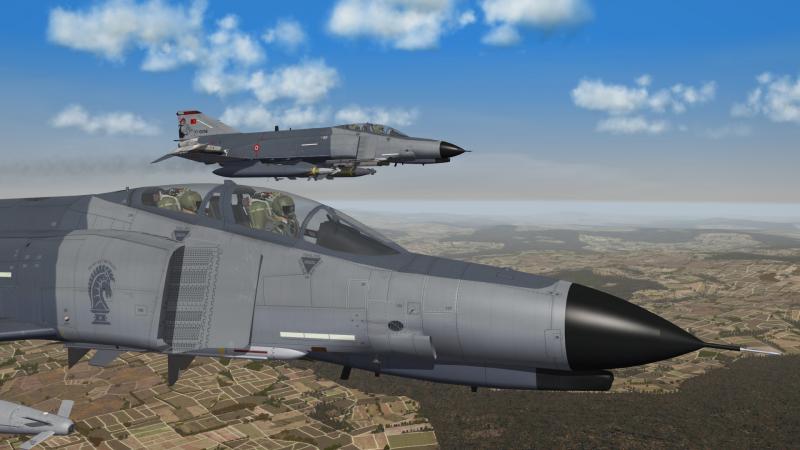
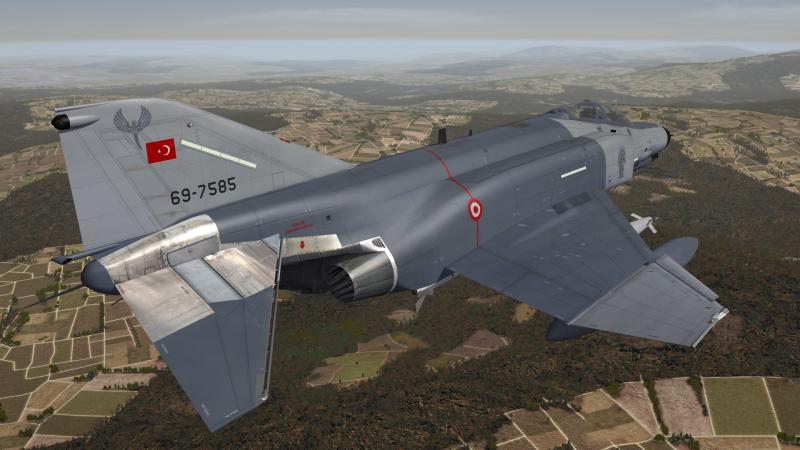
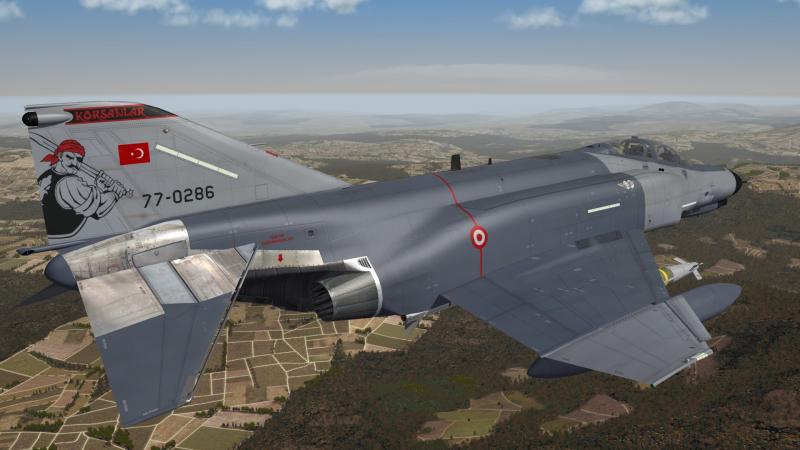
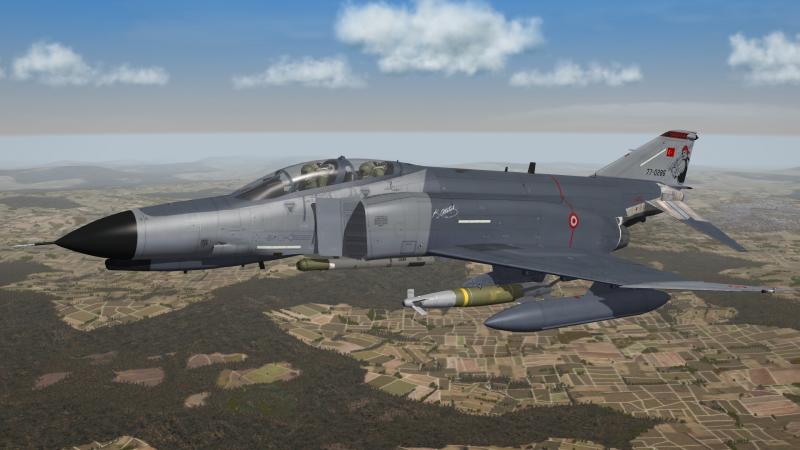
Turkey F-4E 2020 Terminator 111 Filo "Panter" 132 Filo "Hançer" and 171 Filo "Korsanlar"
-
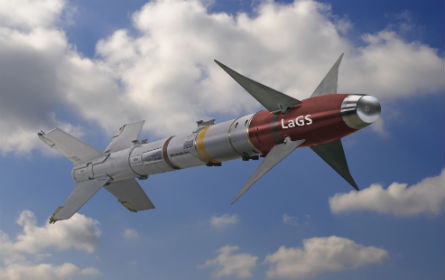
an other option would be the laser guided AIM-9 , intended for all the users of AIM-9 that have now switched to AIM-2000 or AIM-9X and still have a large stockpile of AIM-9
-
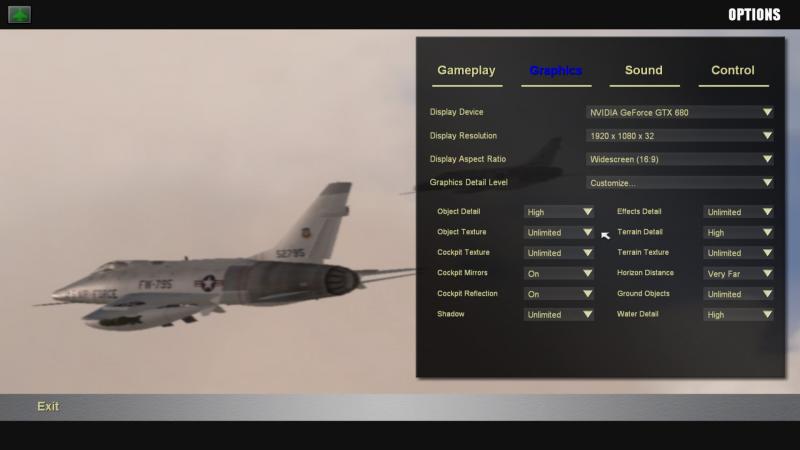
did you check your graphics setting ??? i´m mostly on unlimited @ 76.IAP-Blackbird , Martin it is time to stop complaining and buy yourself a decent computer regards volker
-
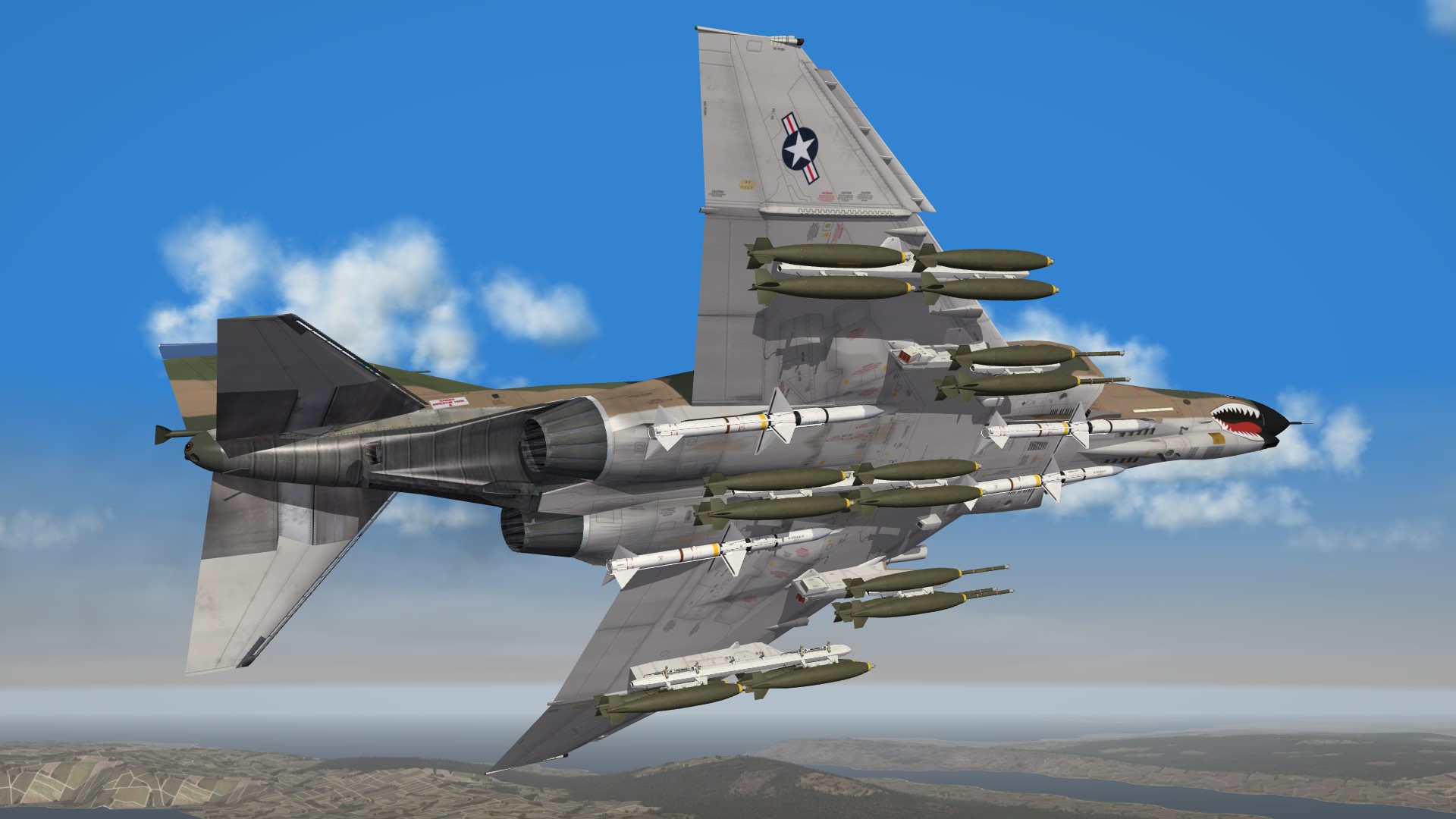
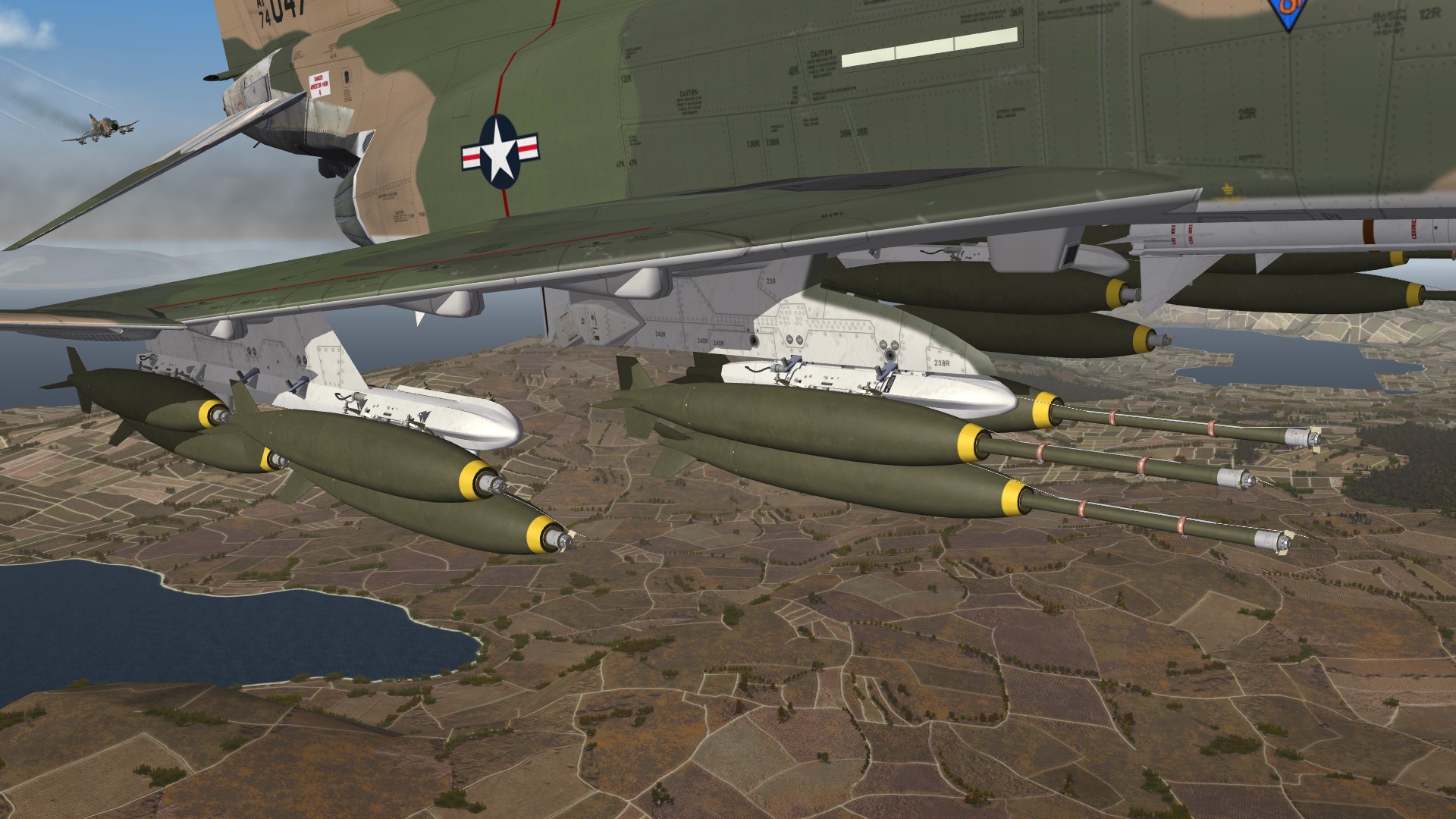
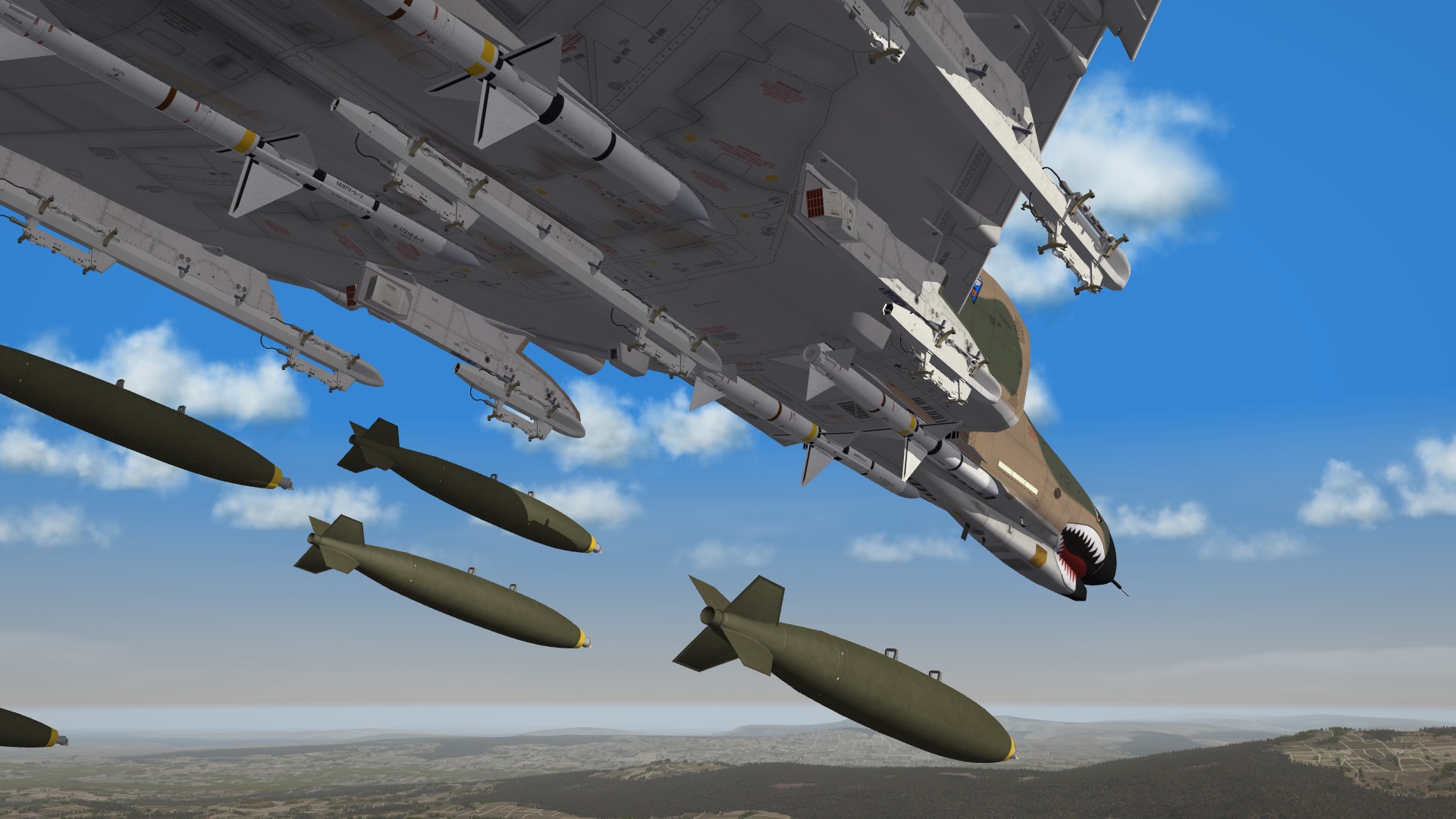
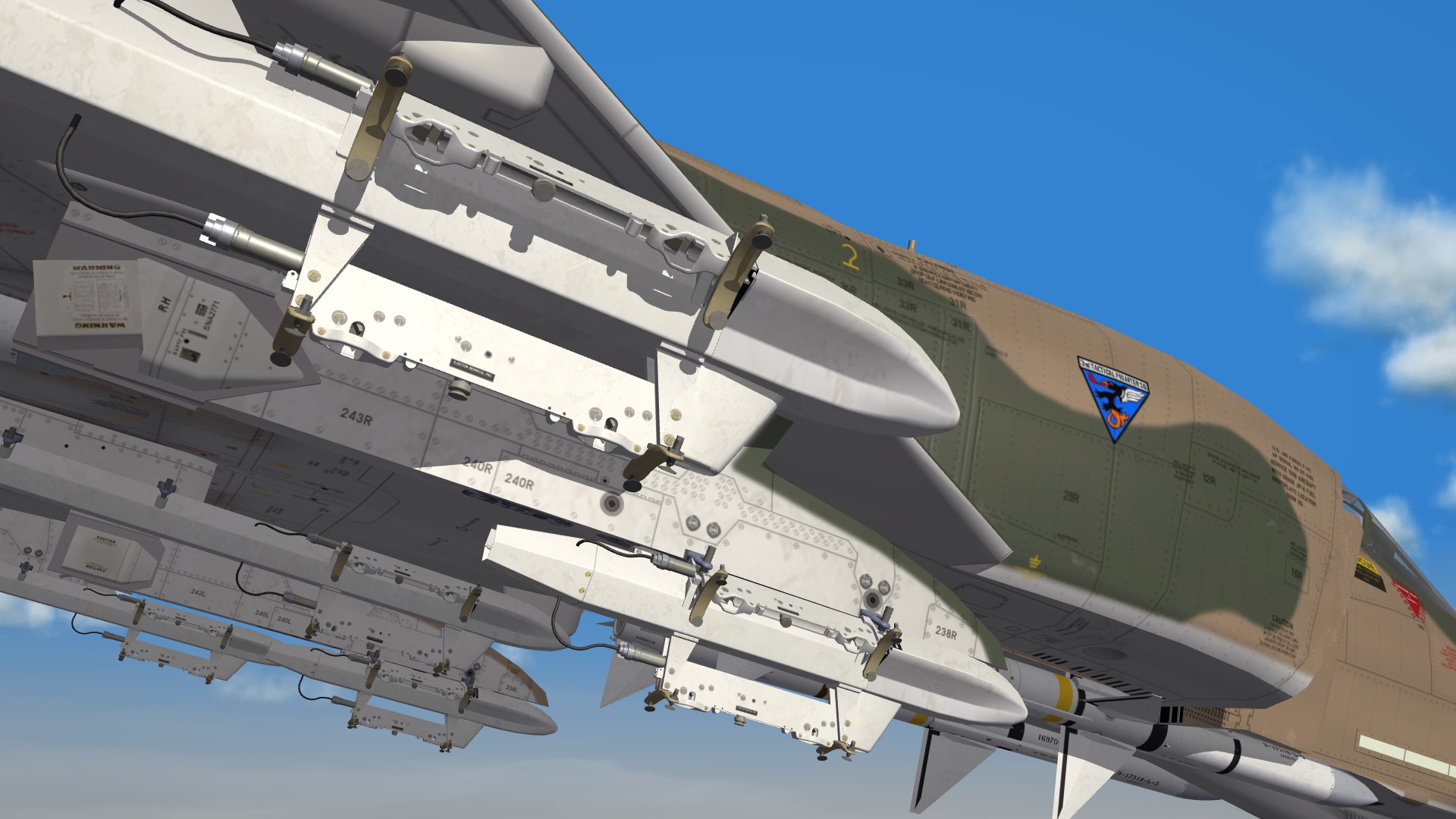
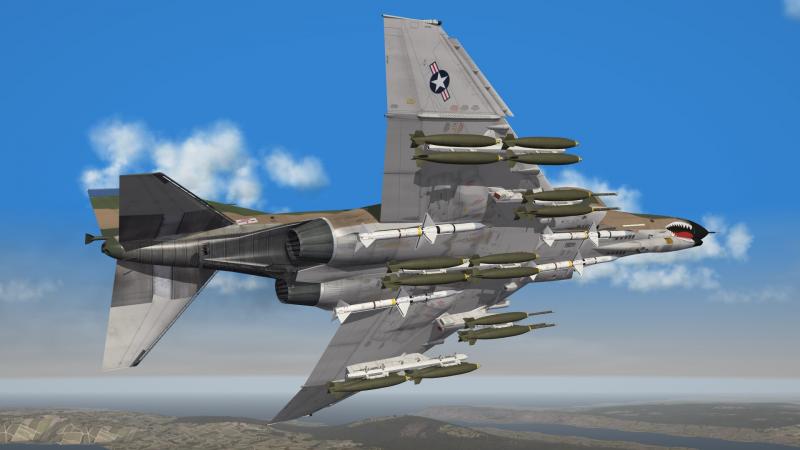
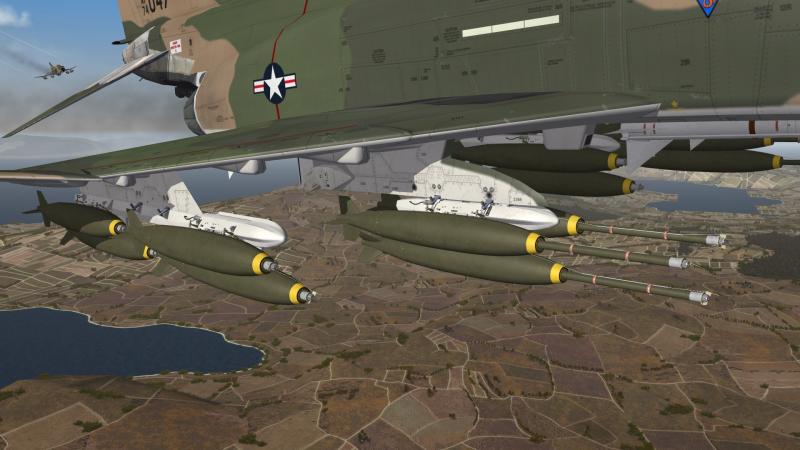
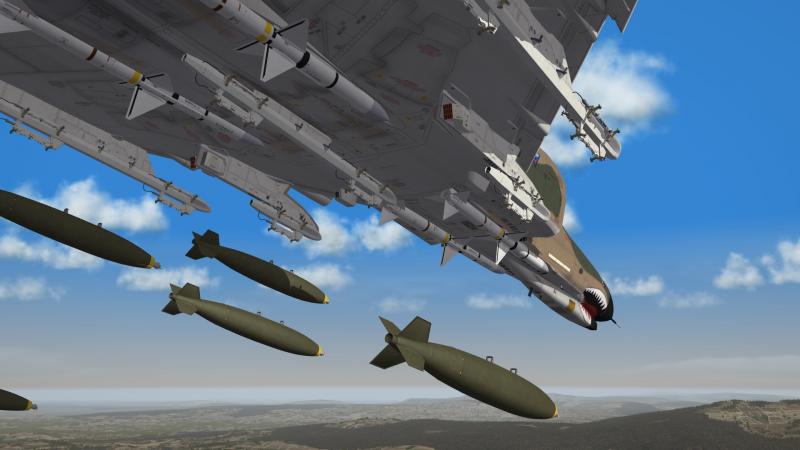
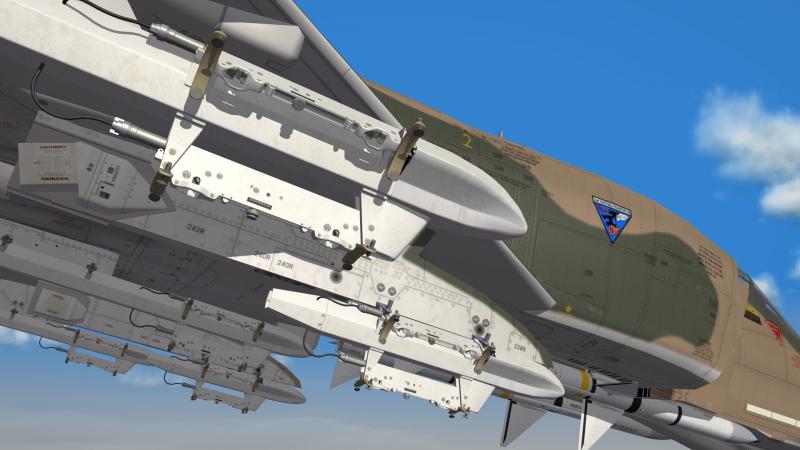
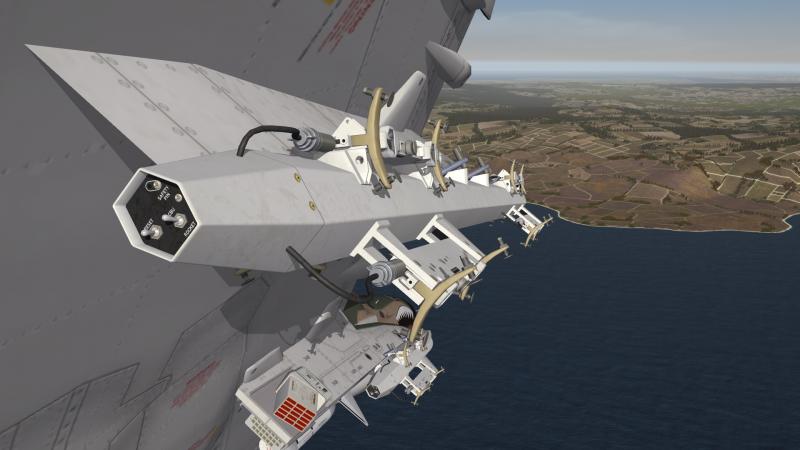
some new TER and MER rack´s , finaly my new bombs fit without colliding but i think i made a mistake , the rack´s look better without any weapons
-
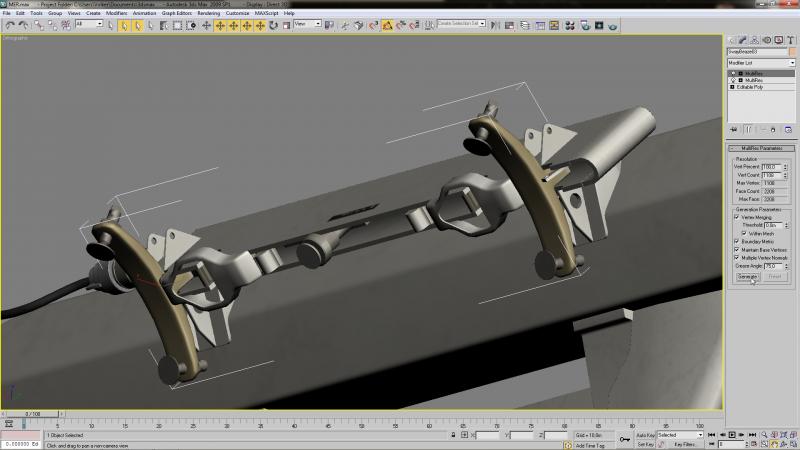
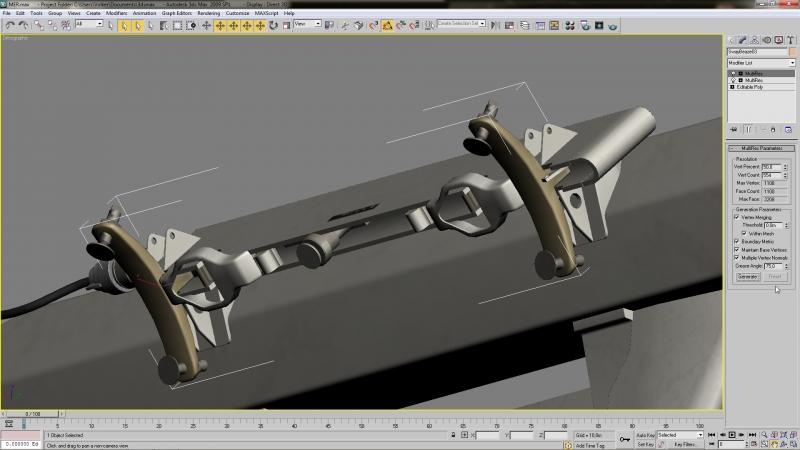
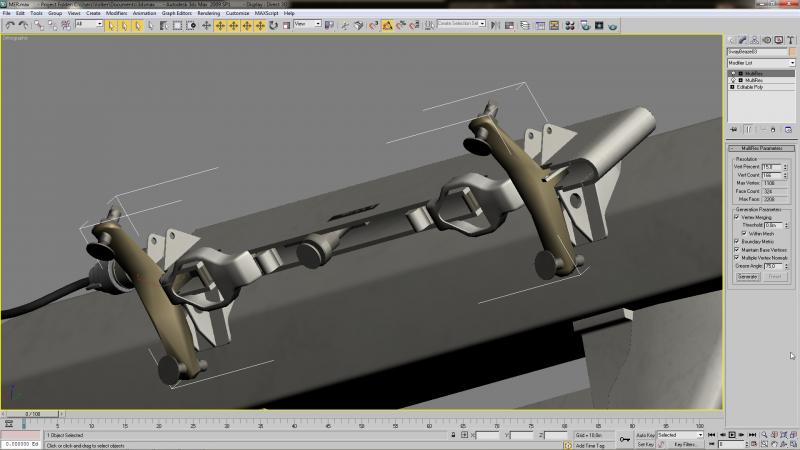
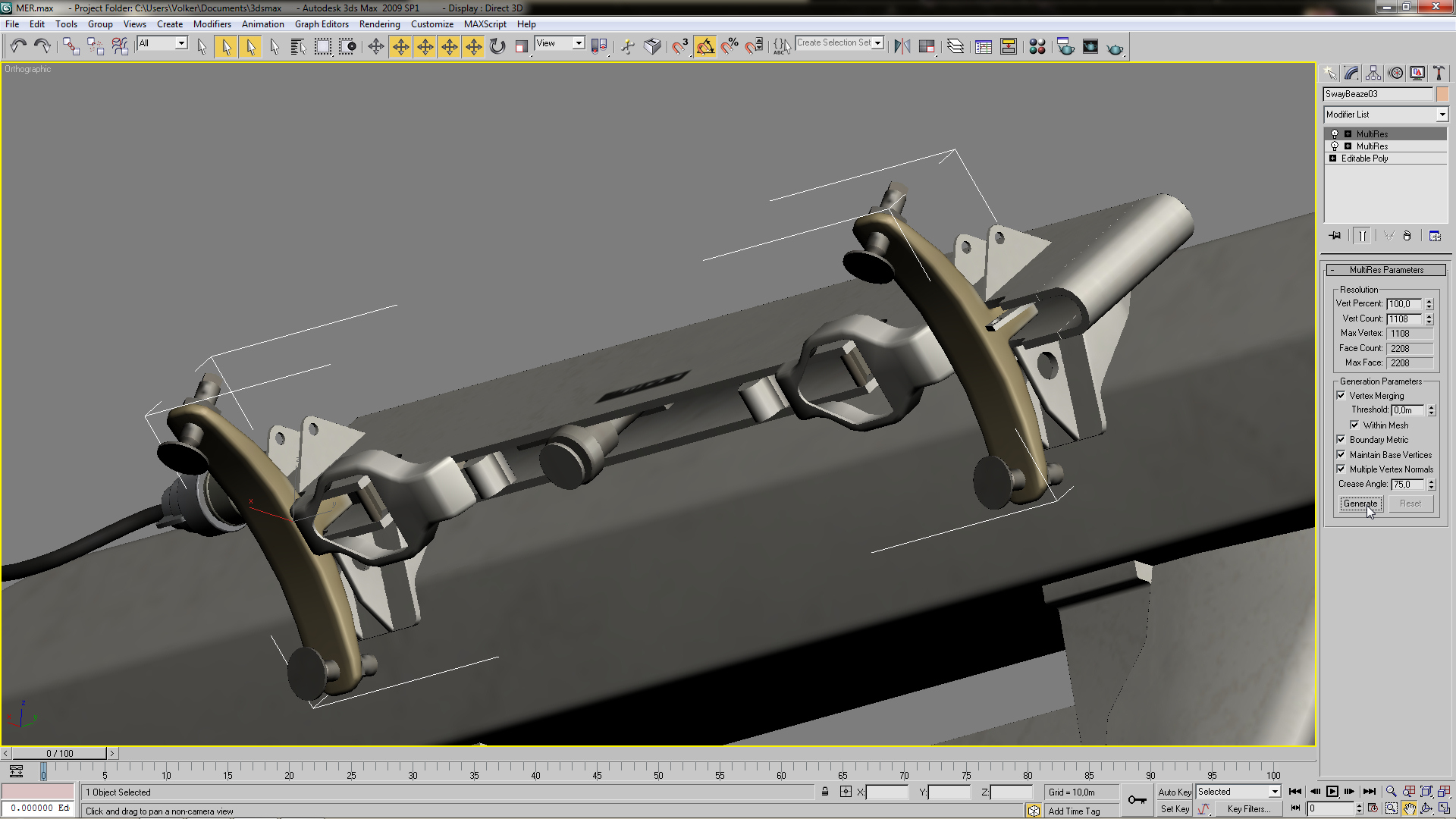
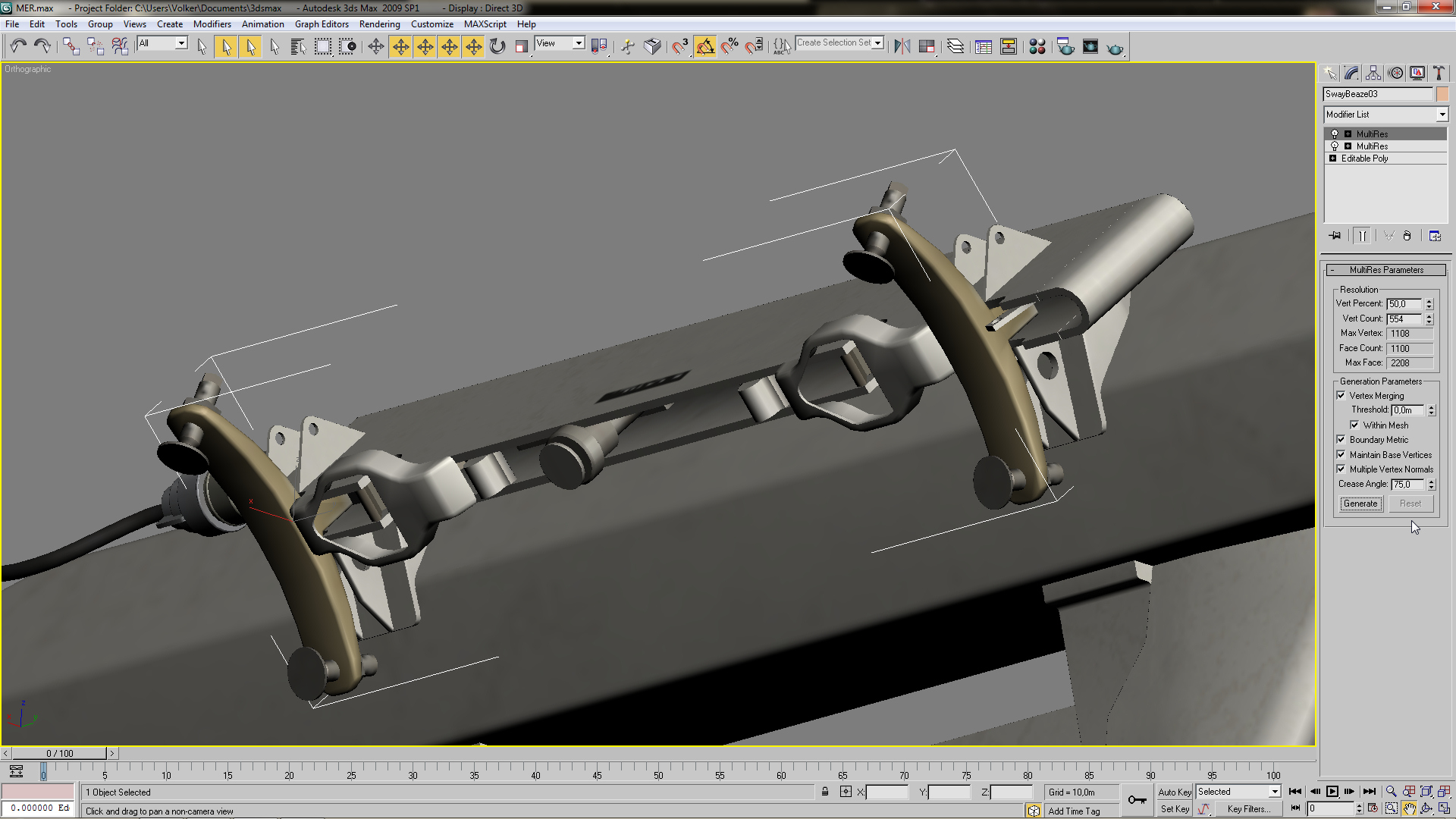
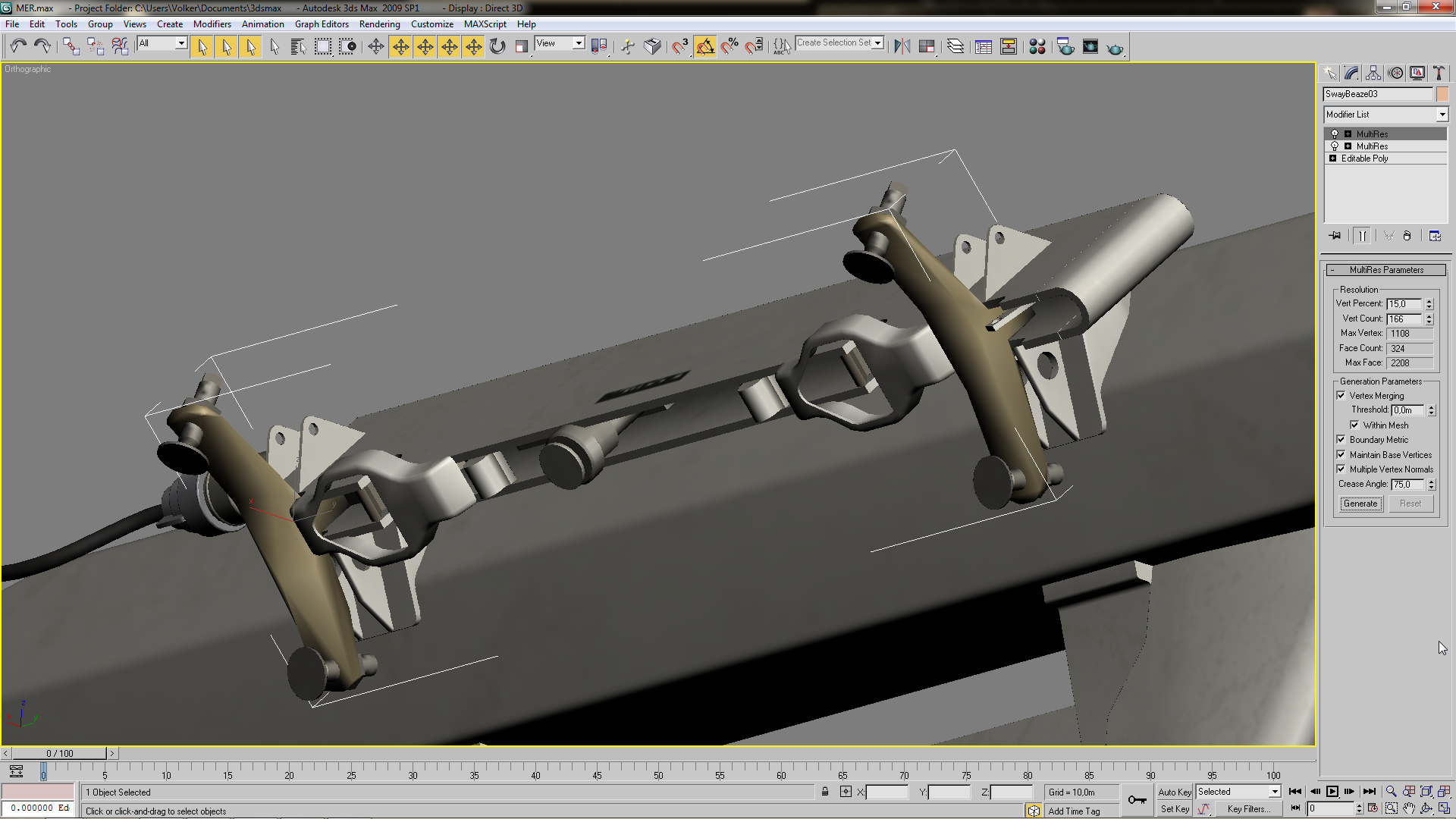
normaly i do reduce the vertex count with the " MultiRES " funktion ,i select the object and reduce by percentage the amount of vertex and if i´m not satisfy with the outcome i always can go back or try an other percentage this is the sway brace of a new MER /TER and the vertex count is by 1108 for that object if i reduce the count by 50% the object is still acceptable and the vertex count is now reduced by half , you may have to check if your mapping has changed especialy by reducing above 30% but for a distance lod that would only matter for the No.2 lod , by further reducing the vertex count you will get some distortion of the object what would be still ok for the very far distance lod´s (mapping would not be an issue here) original with 100% vertex count reduced by half reduced to 15% and the object is distorted