ravenclaw_007
-
Posts
4,165 -
Joined
-
Last visited
-
Days Won
299
Content Type
Profiles
Forums
Gallery
Downloads
Store
Everything posted by ravenclaw_007
-

Radar symbol issues: Off center (Need help)
ravenclaw_007 replied to Eagle114th's topic in Mods & Skinning Discussion
you need to add ViewportTextureSize=1024 like i did it below , its from the F-4D cockpits , and dont forget to change the TVDisplayData as well [RadarDisplay] ViewportTextureSize=1024 FadeImageIntensity=0.3 TargetFadeTime=1.00 ImageFadeTime=0.30 SweepIntensity=0.4 [TVDisplayData] UseRadarTexture=TRUE DisplayLimitLeft=16 DisplayLimitRight=1008 DisplayLimitTop=16 DisplayLimitBottom=1008 ApplyFilter=TRUE FilterMaterial=DTVFilterMaterial OverlayTexture=F-4D_DTV.tga -
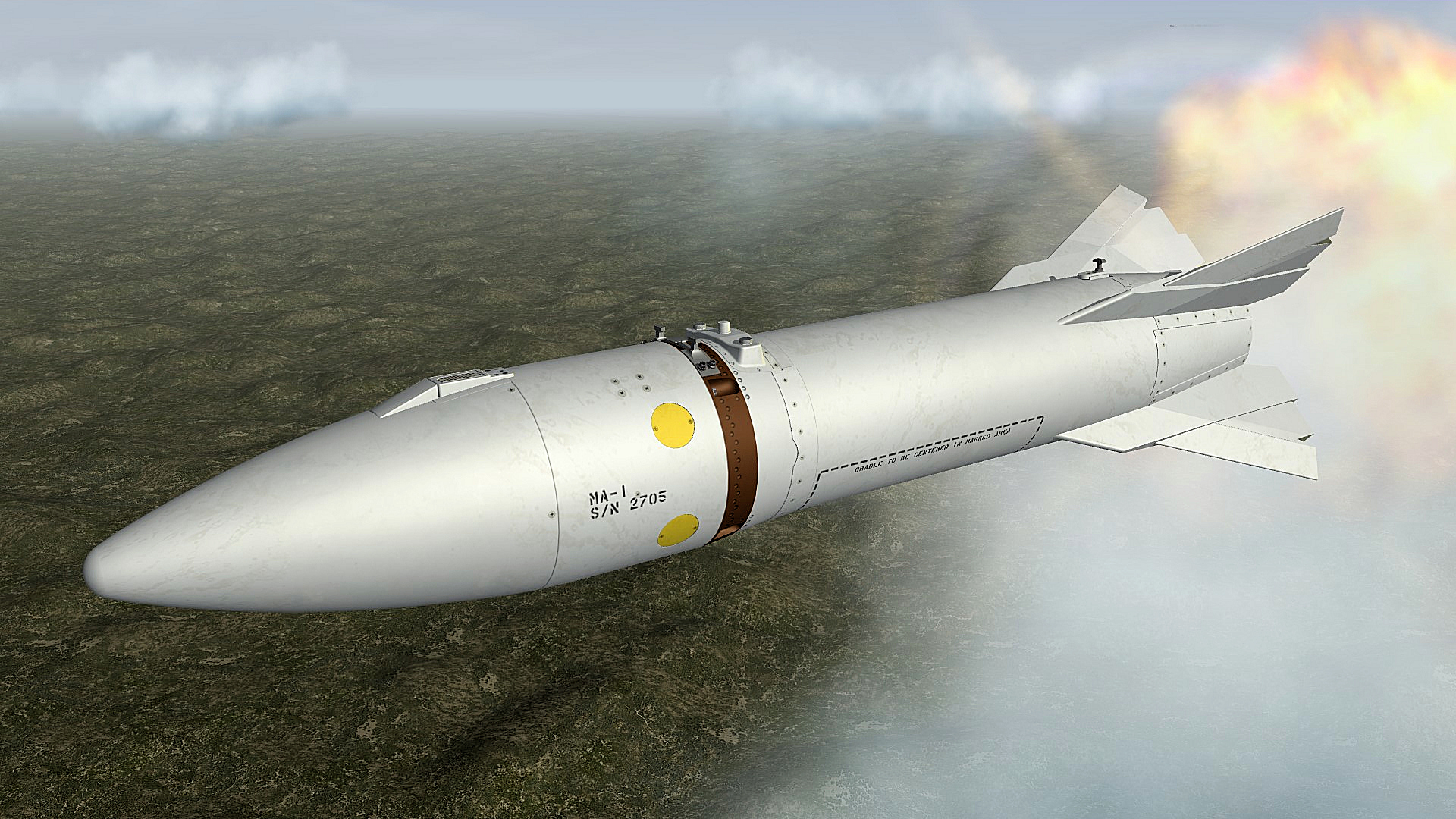
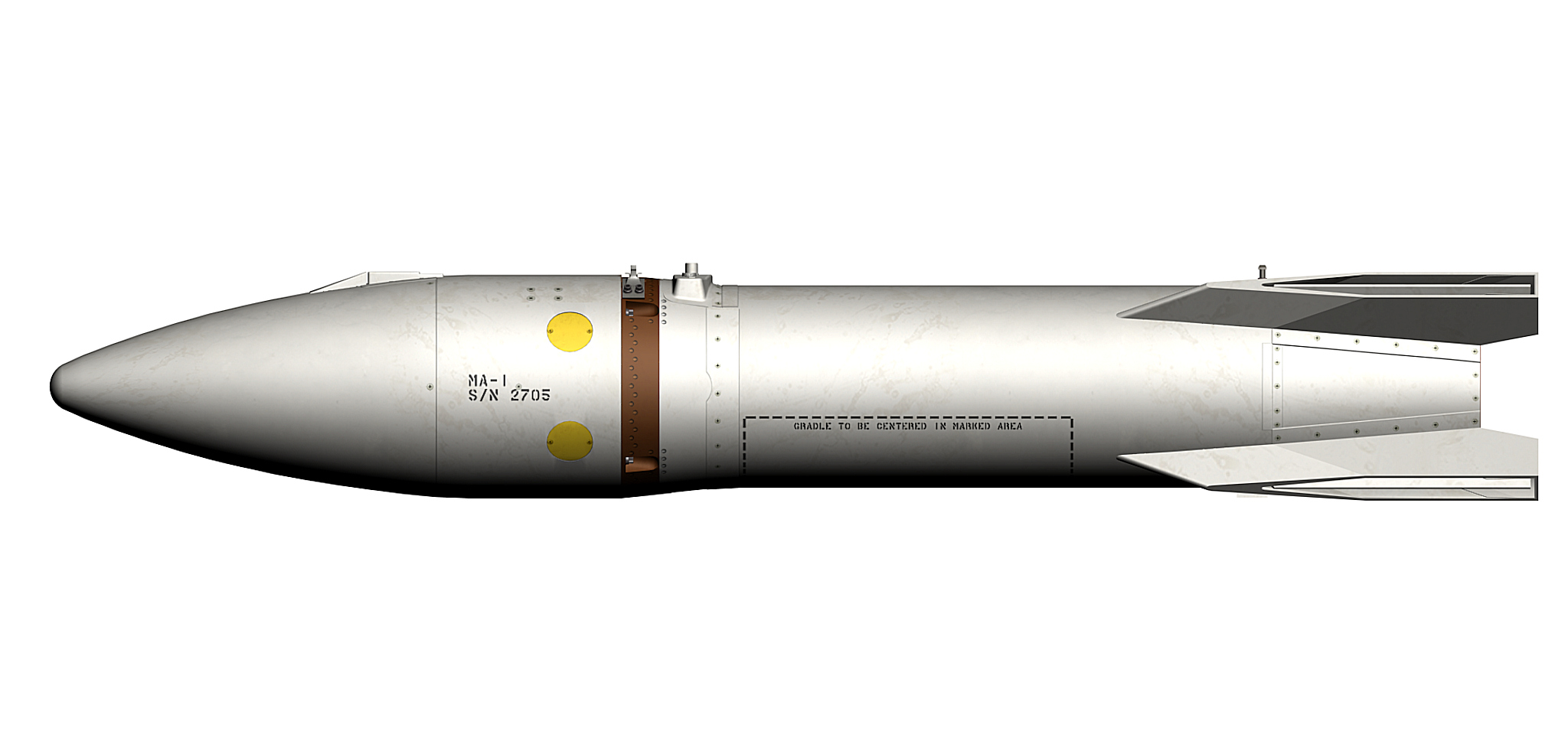
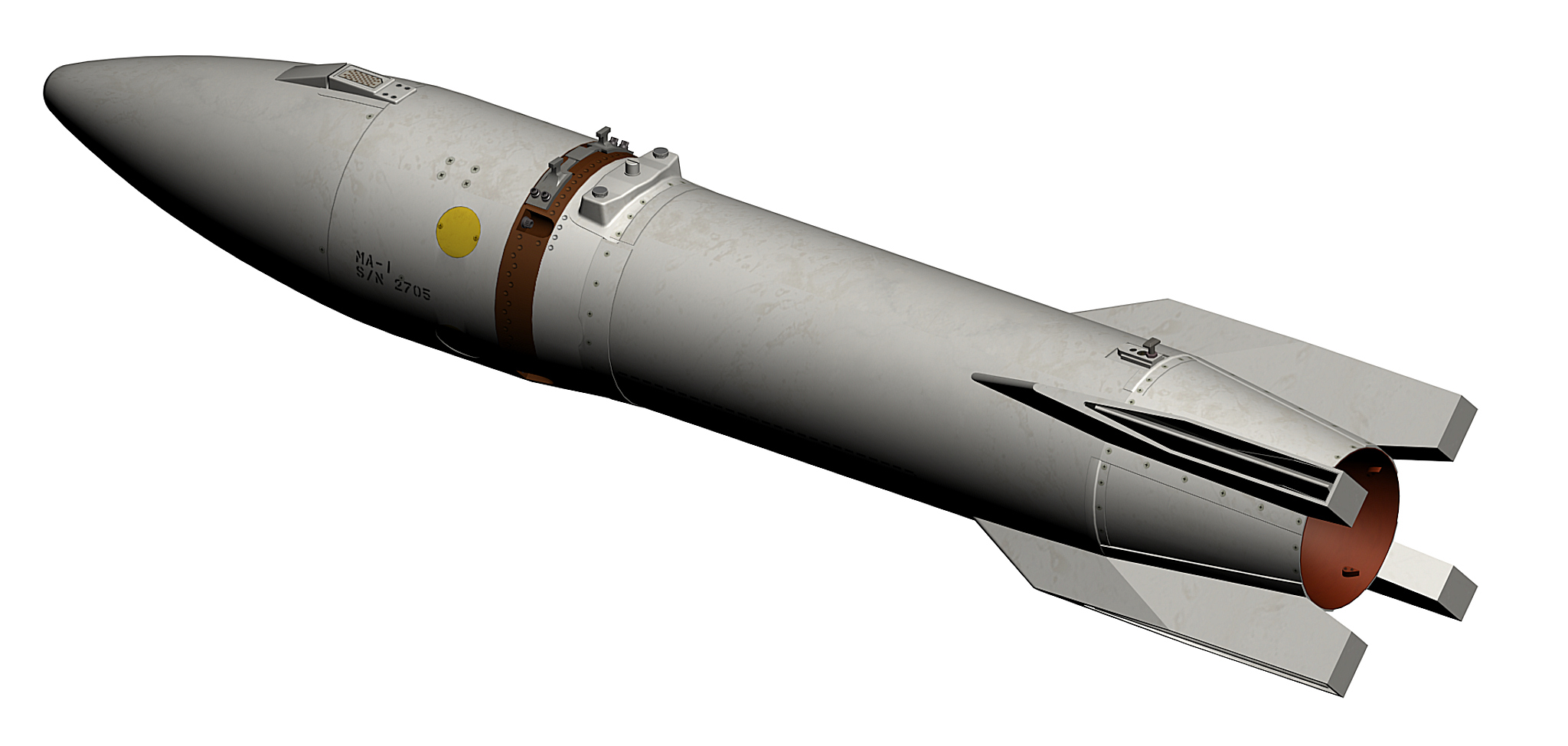
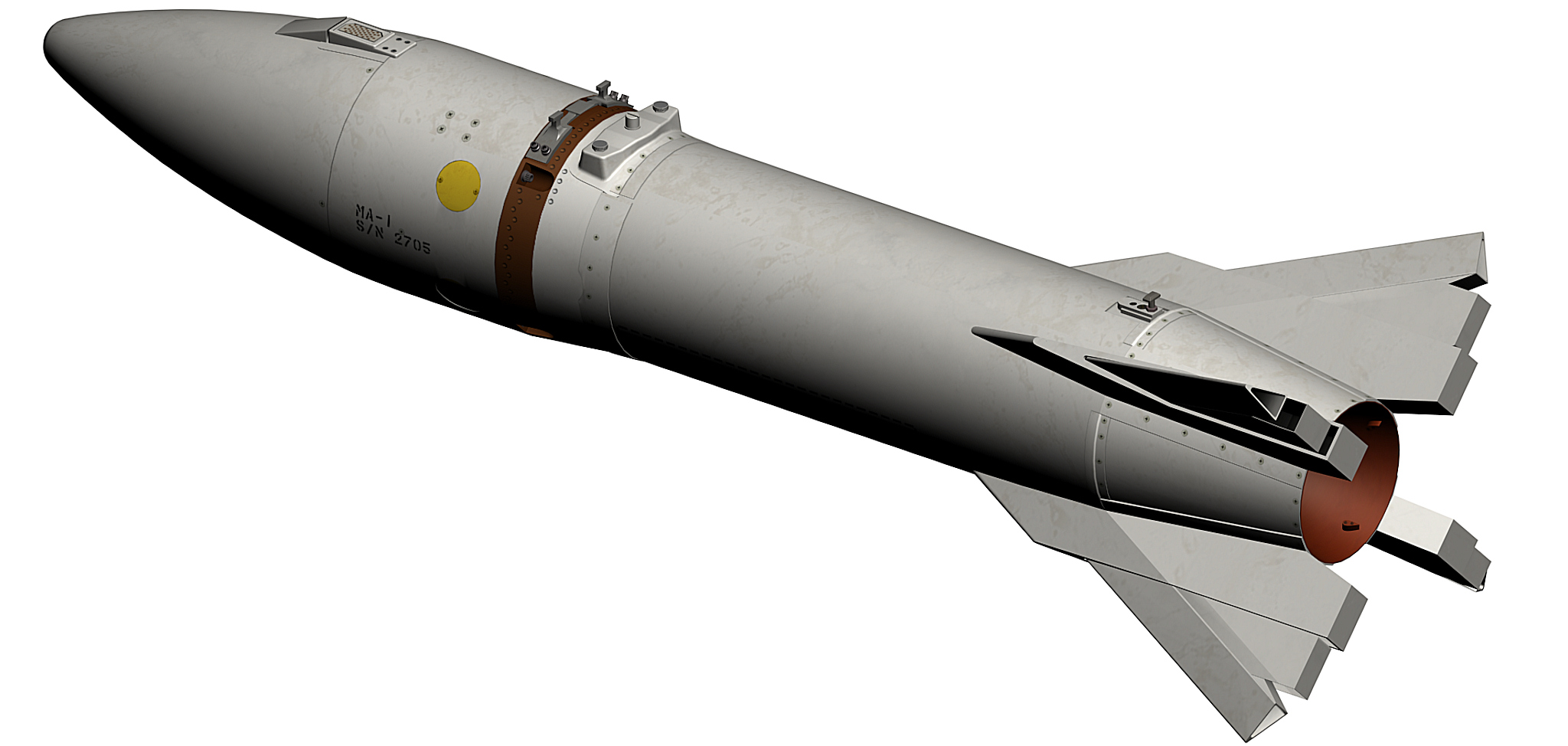
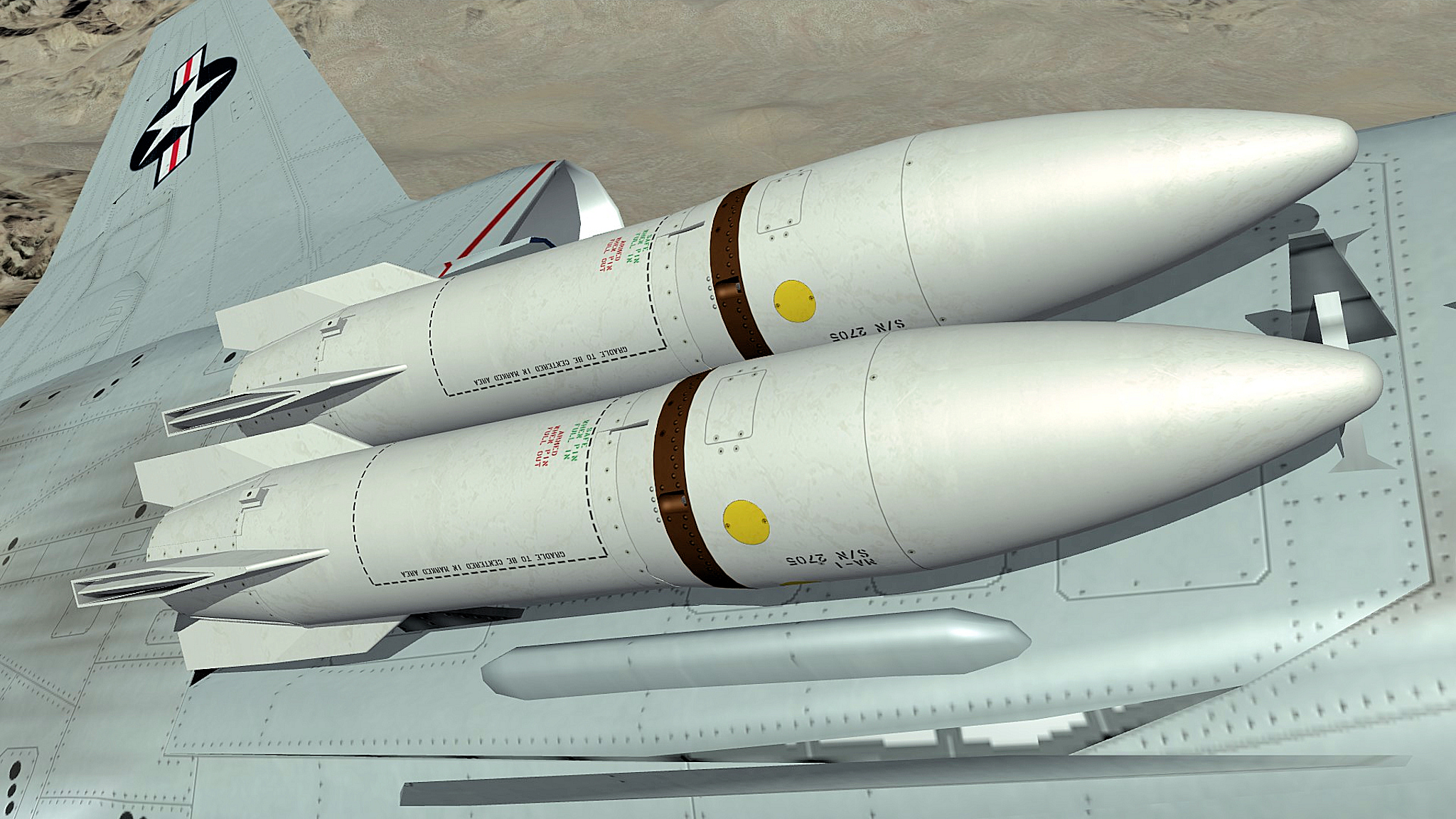
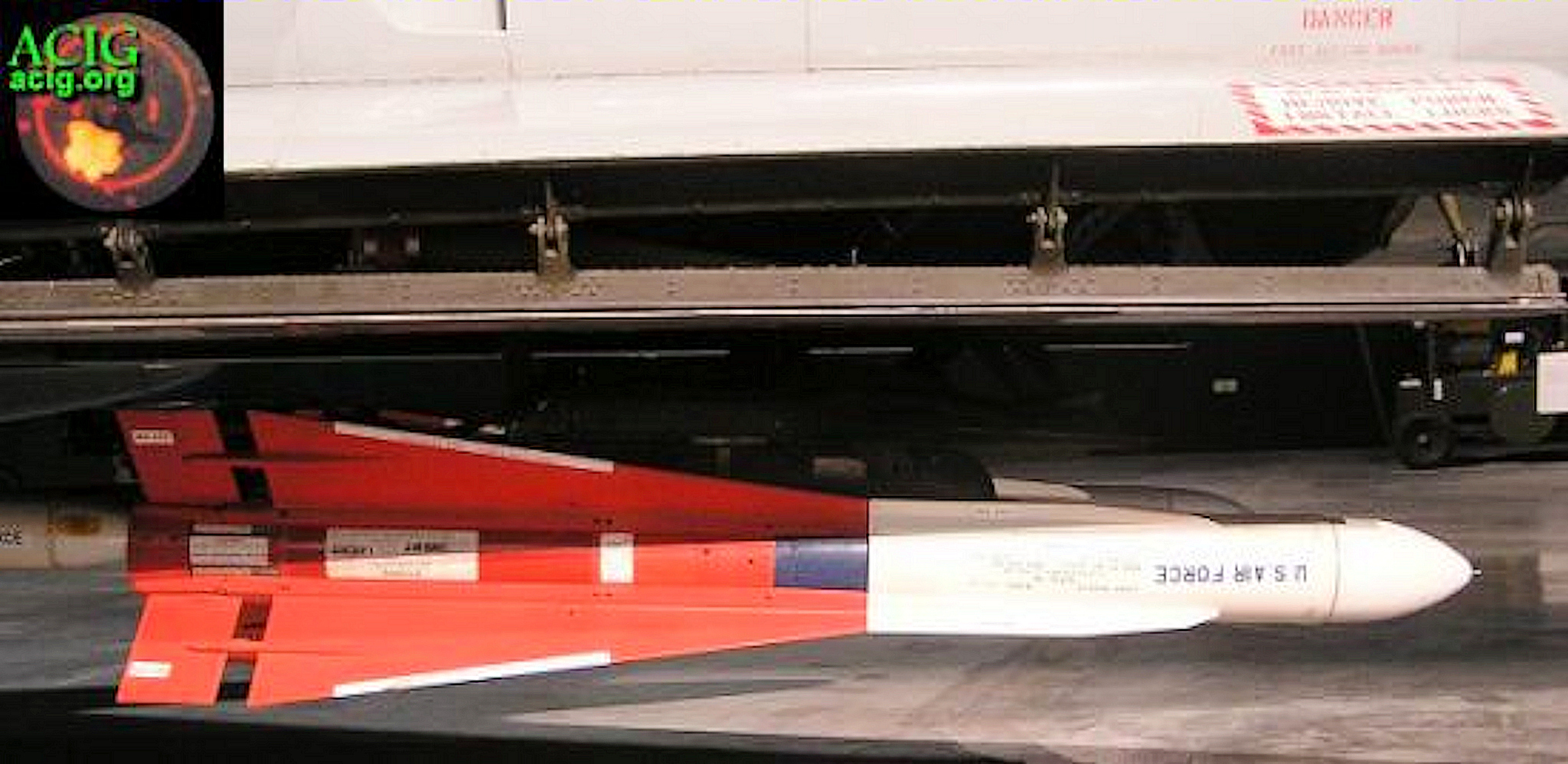
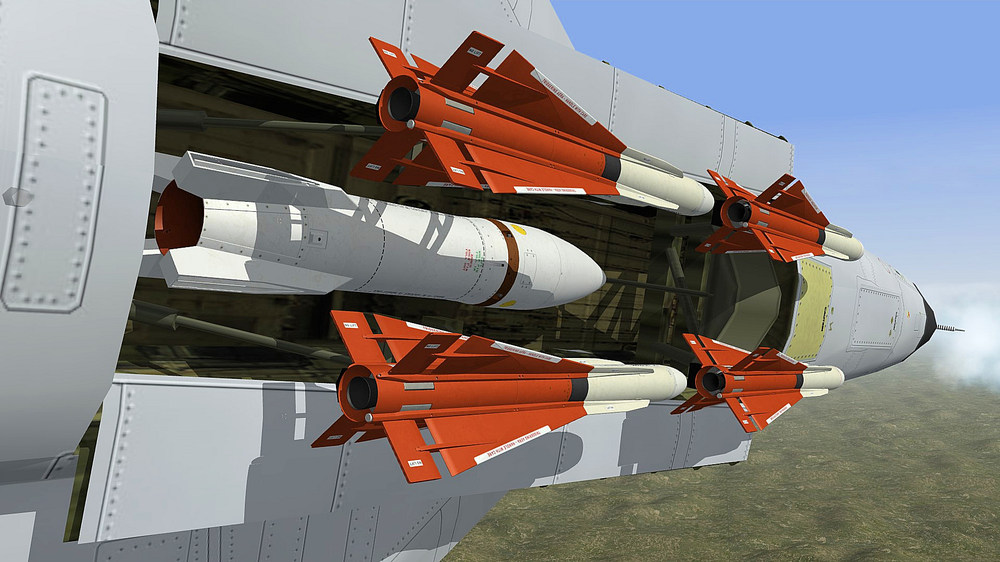
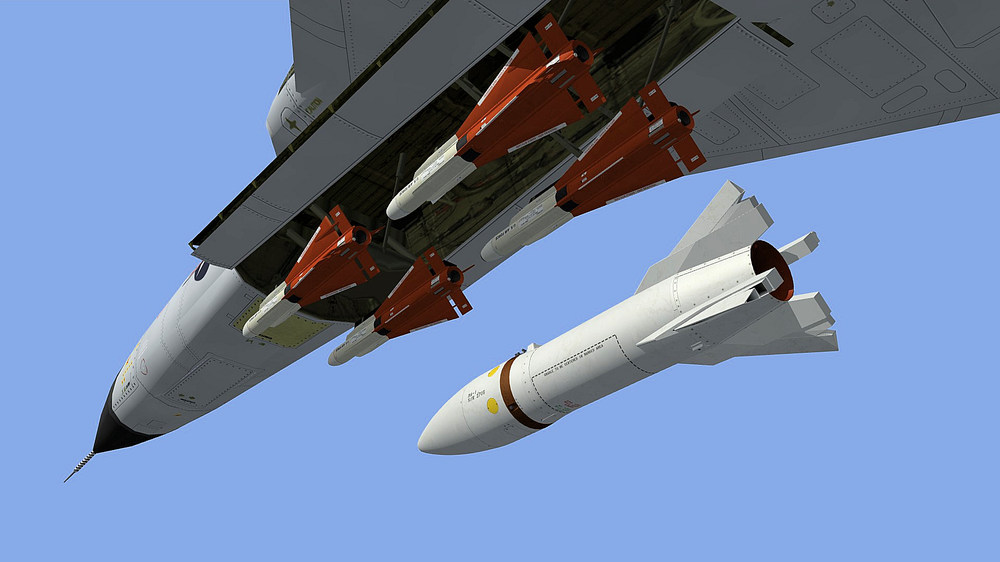
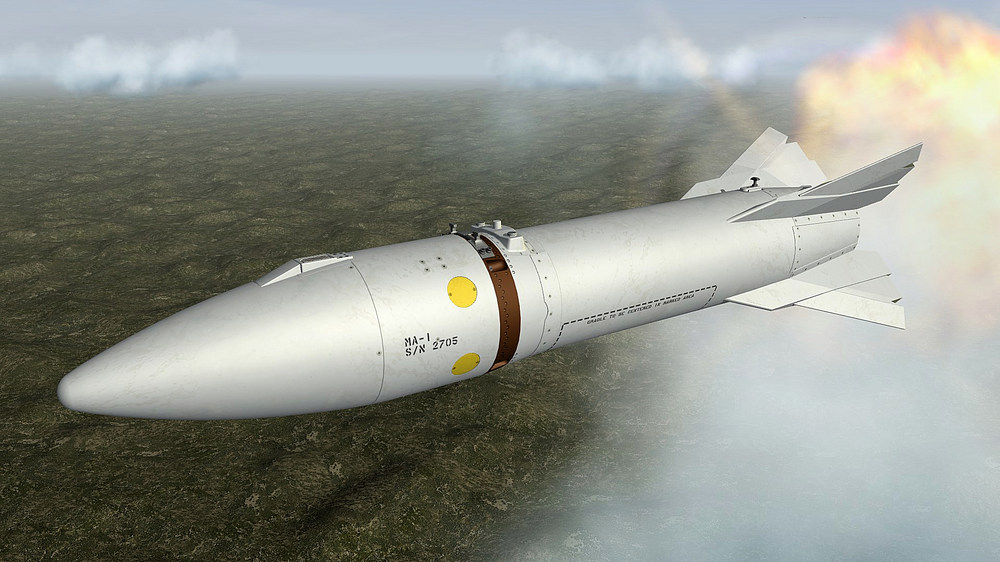
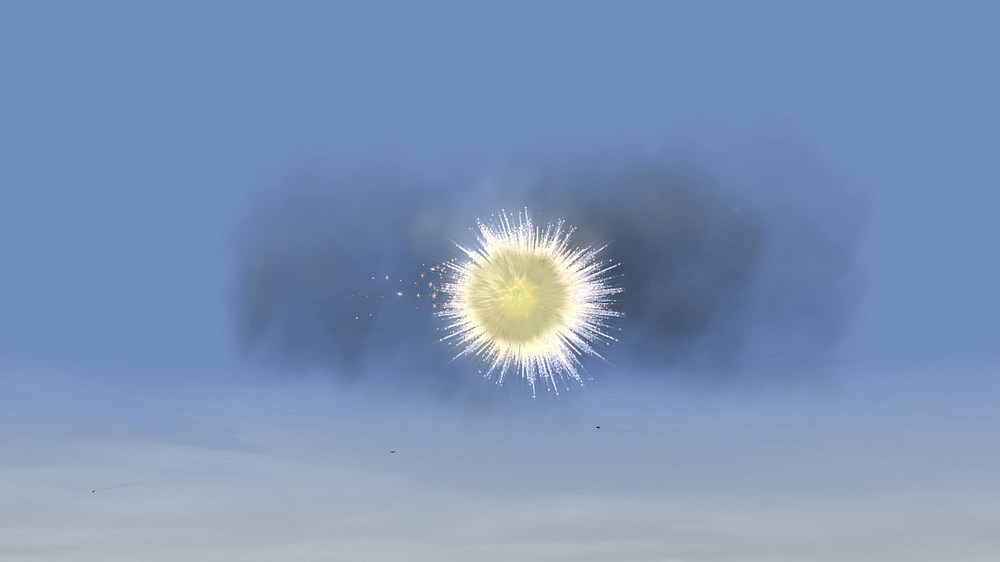
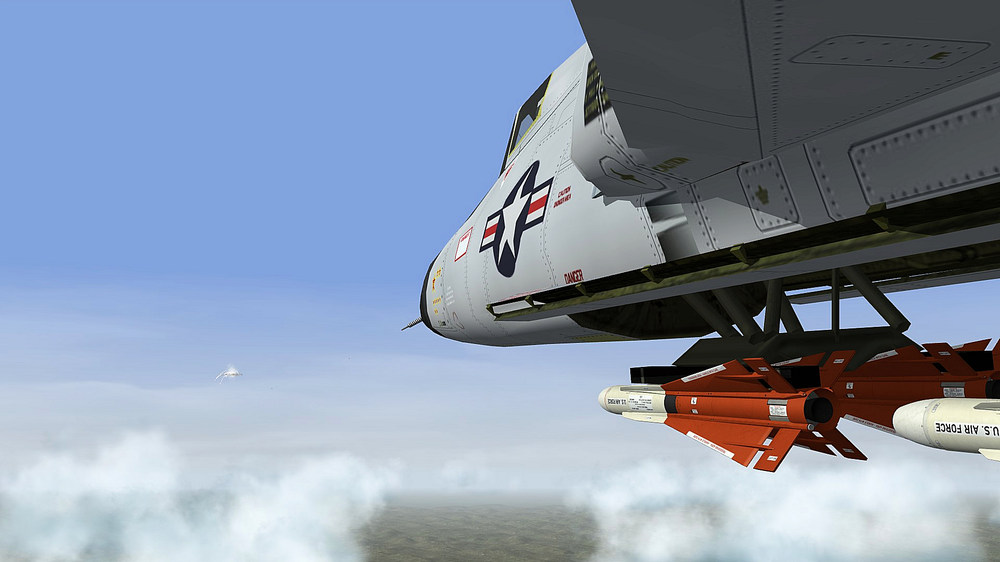
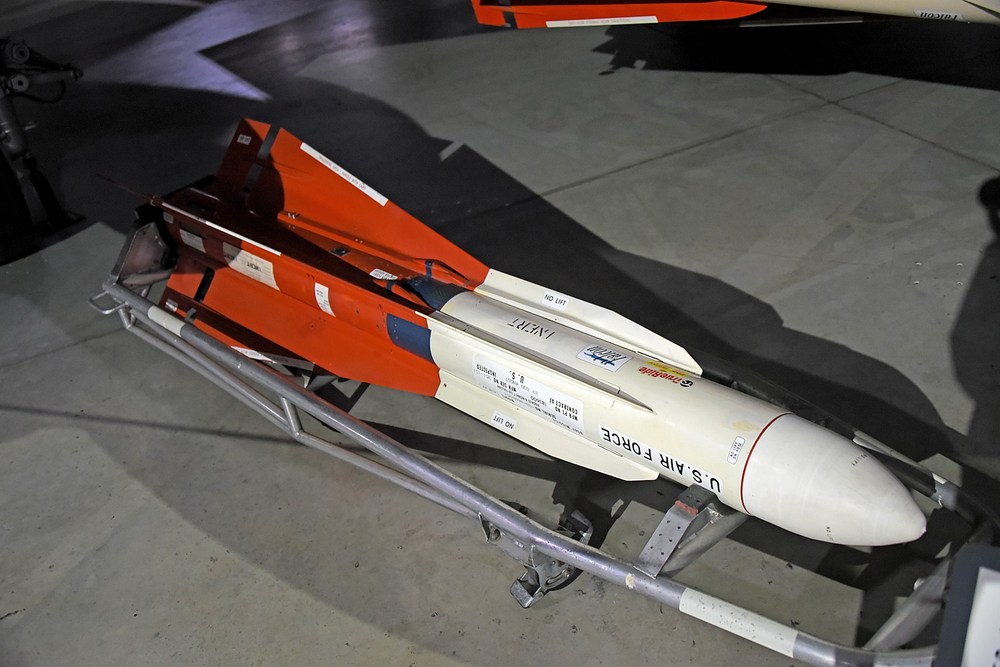
a Genie training mission , AIR-2A Genie with WP Smoke warhead
-
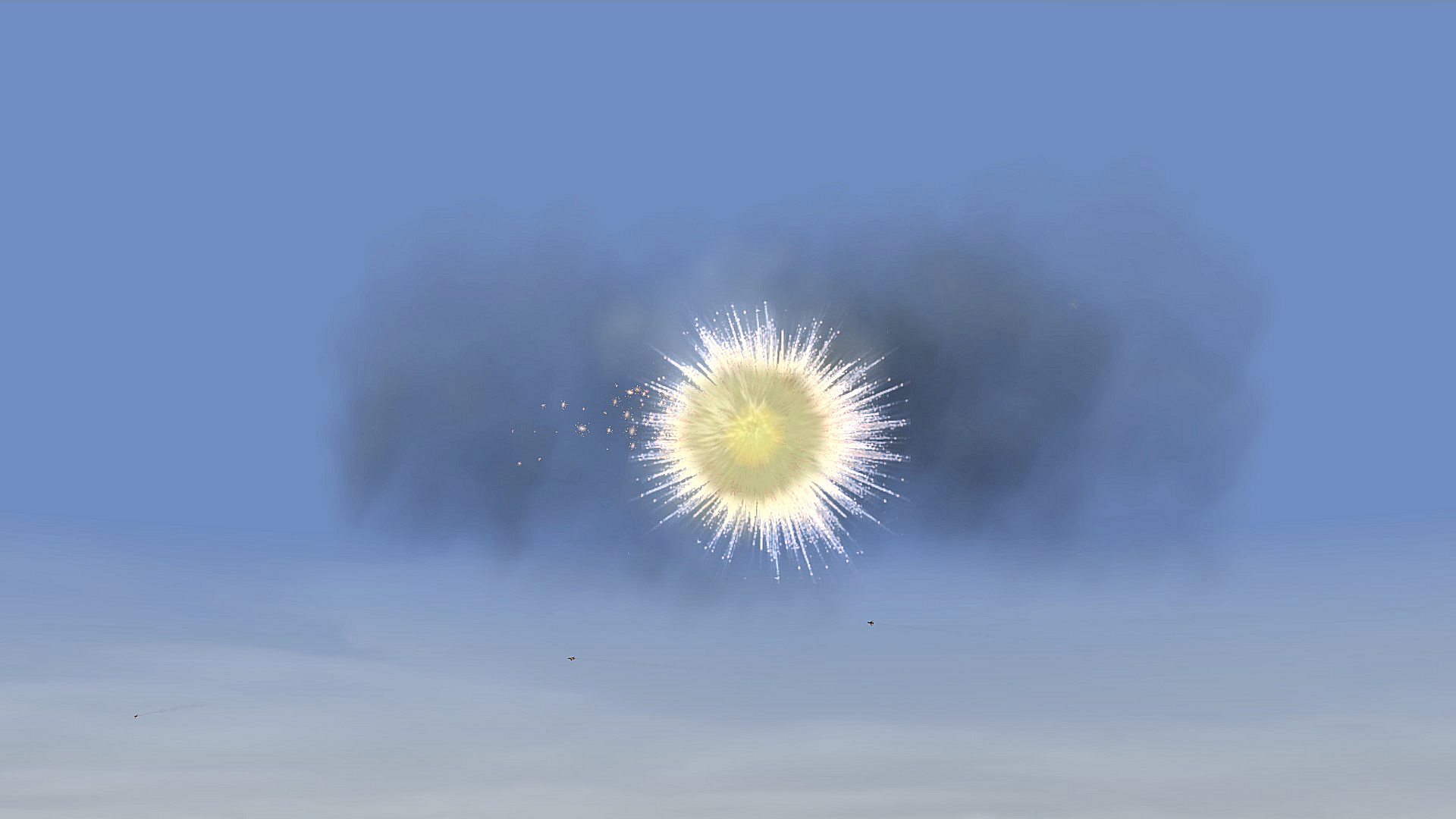
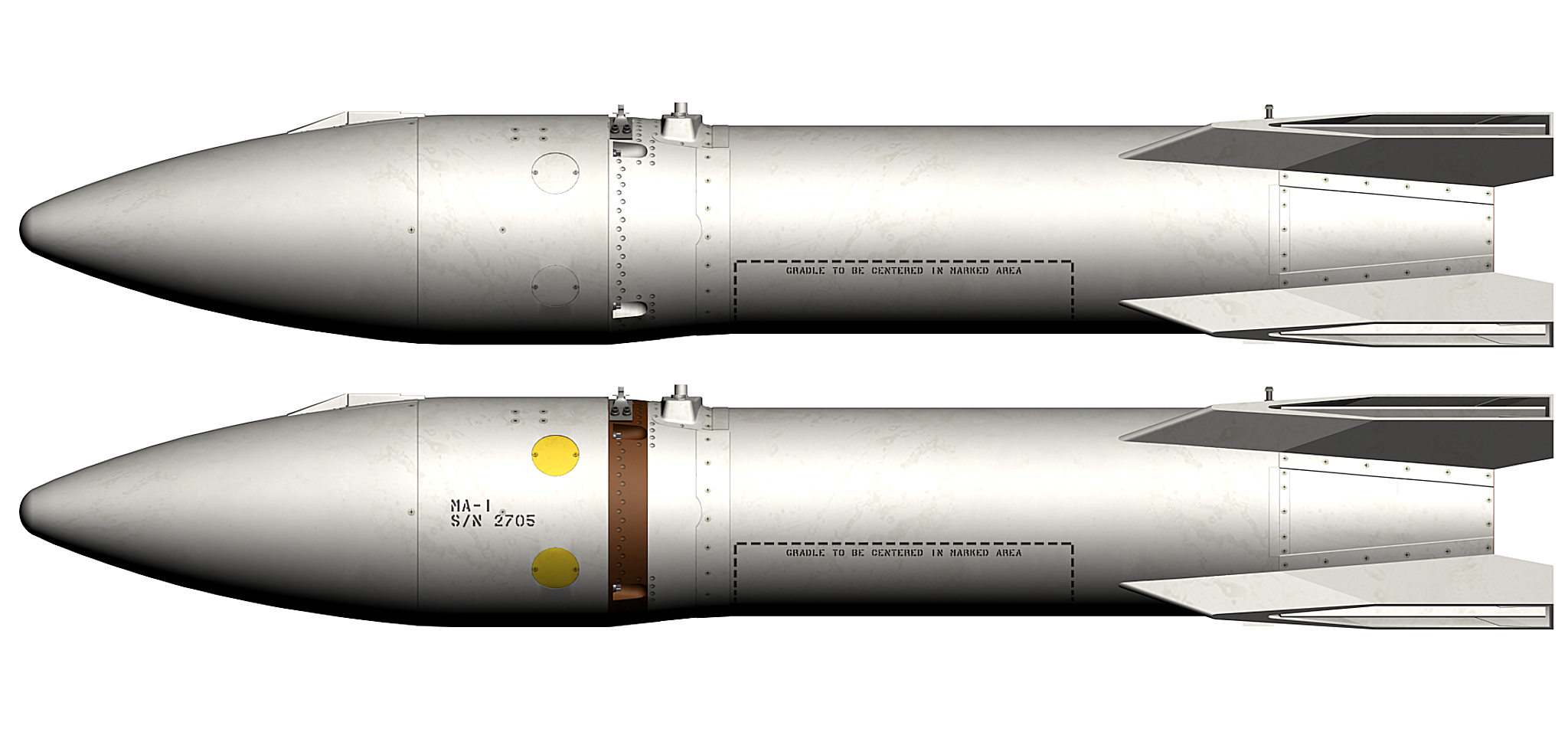
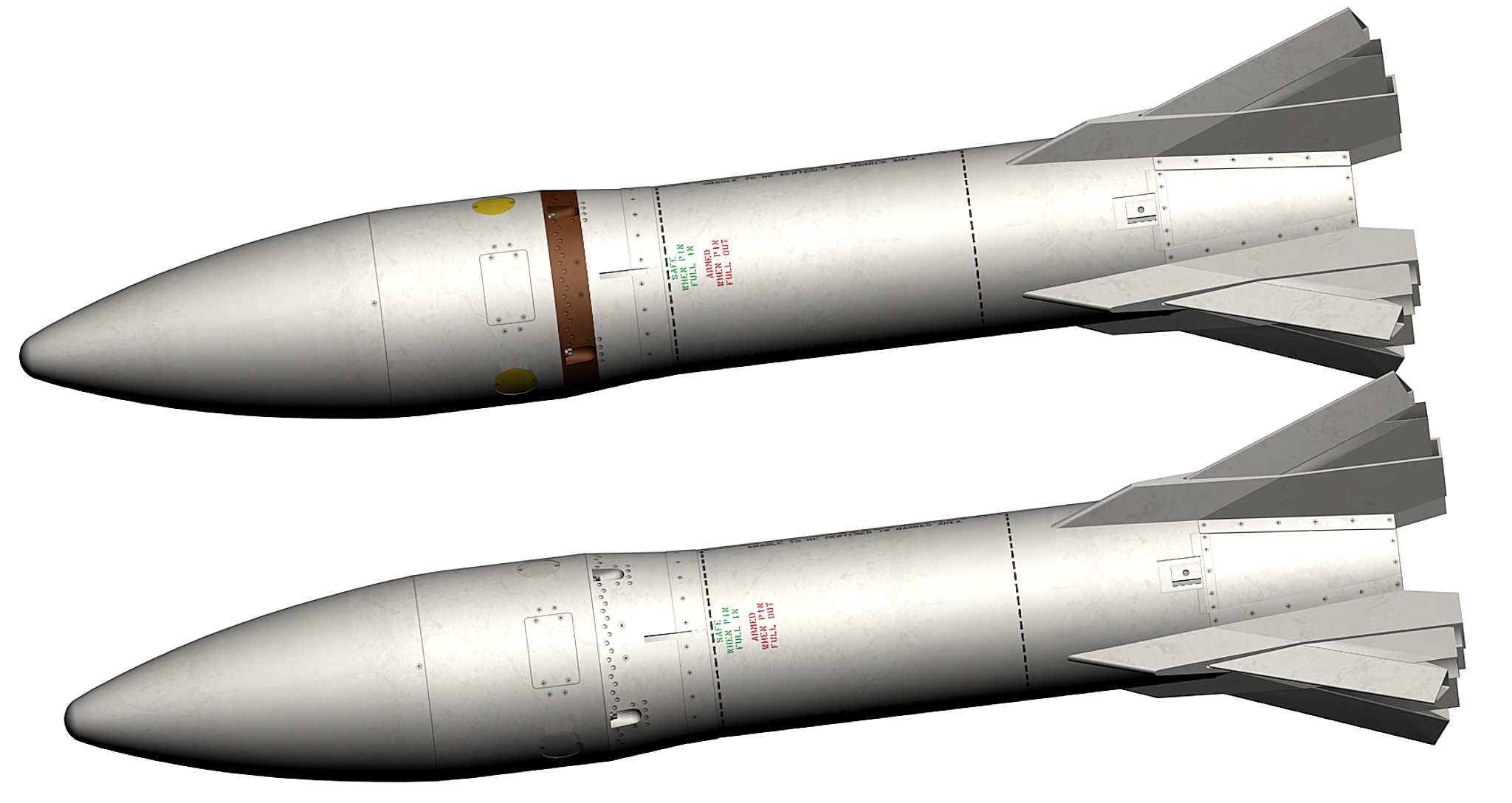
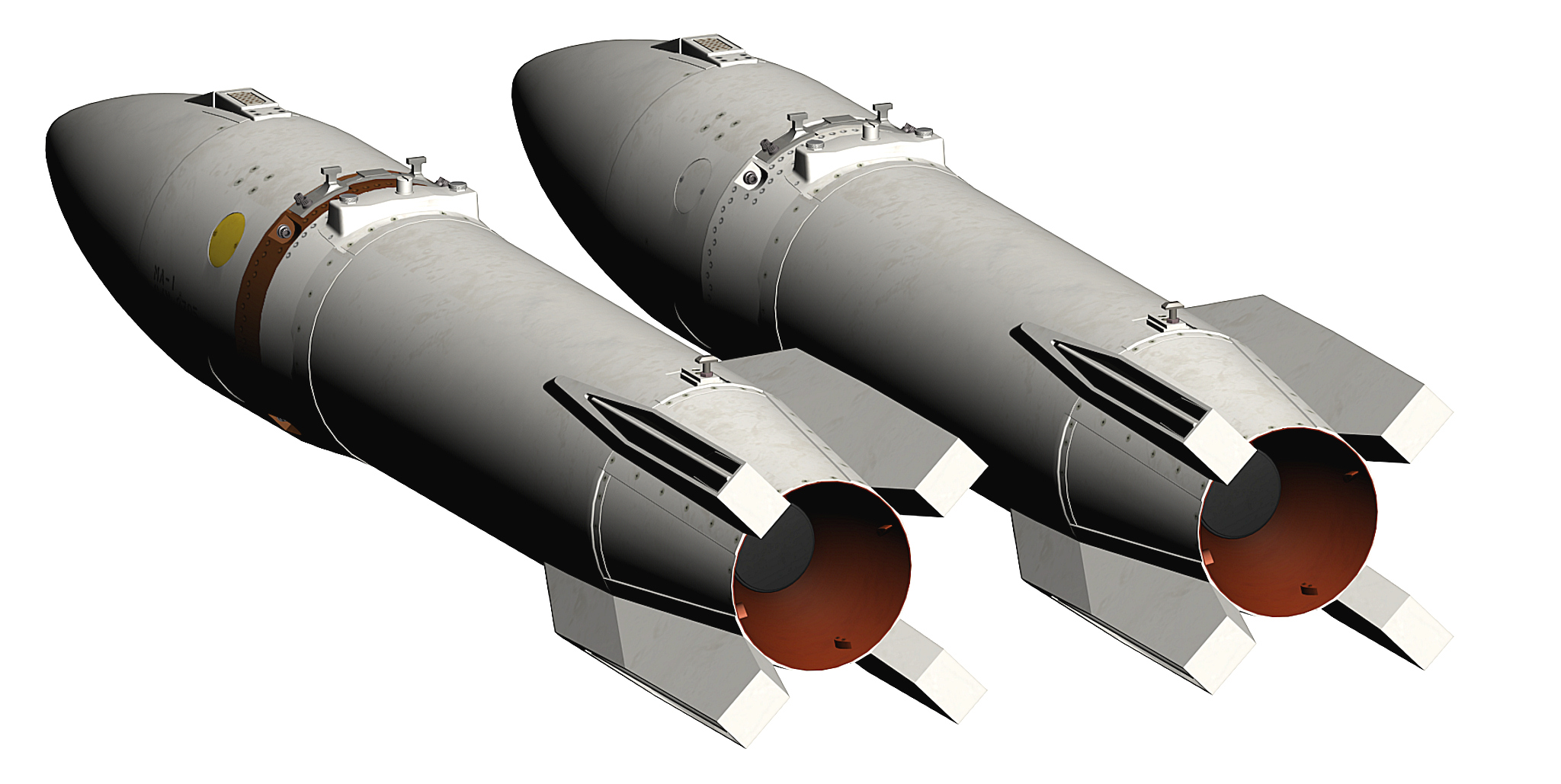
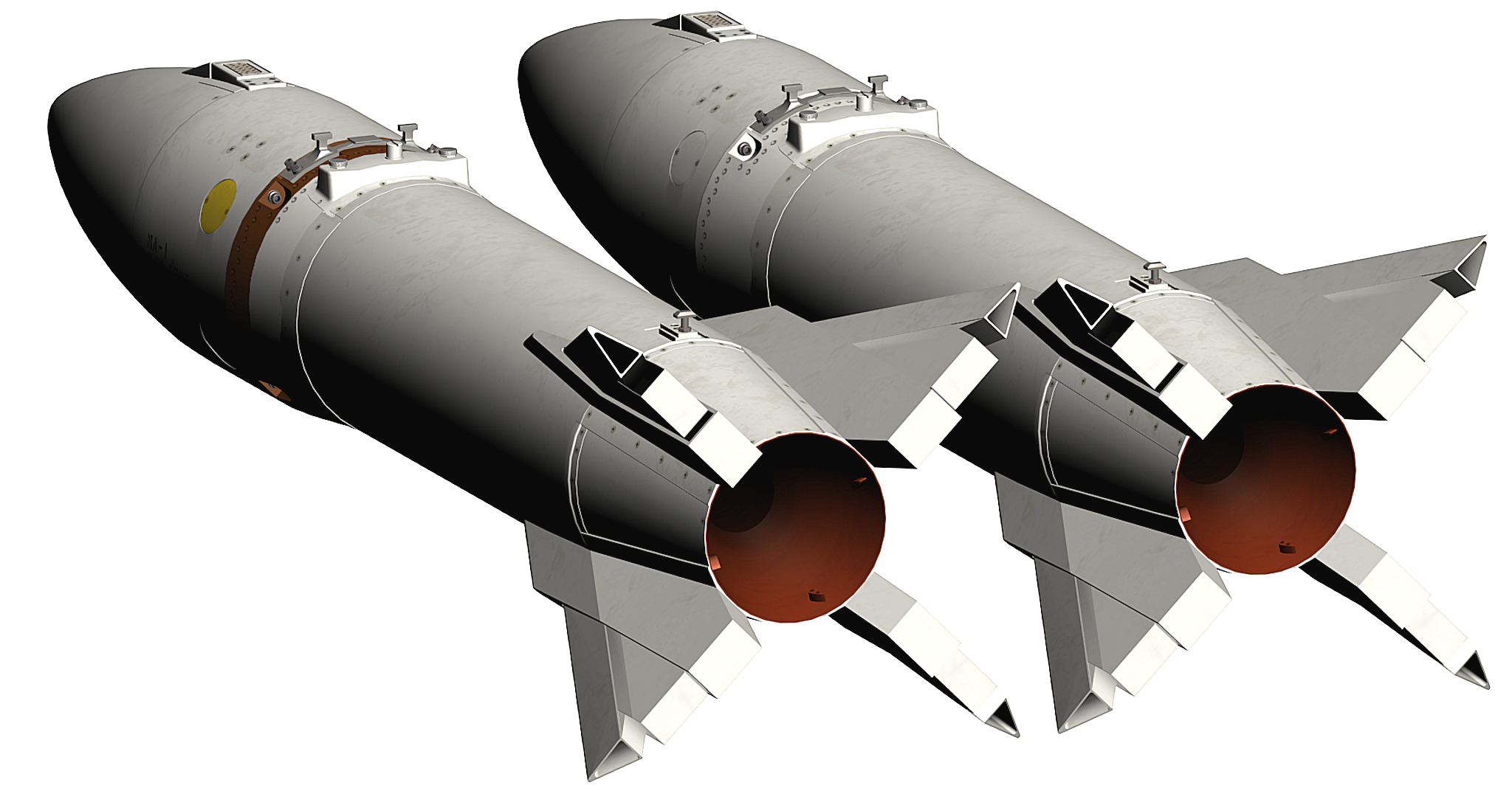
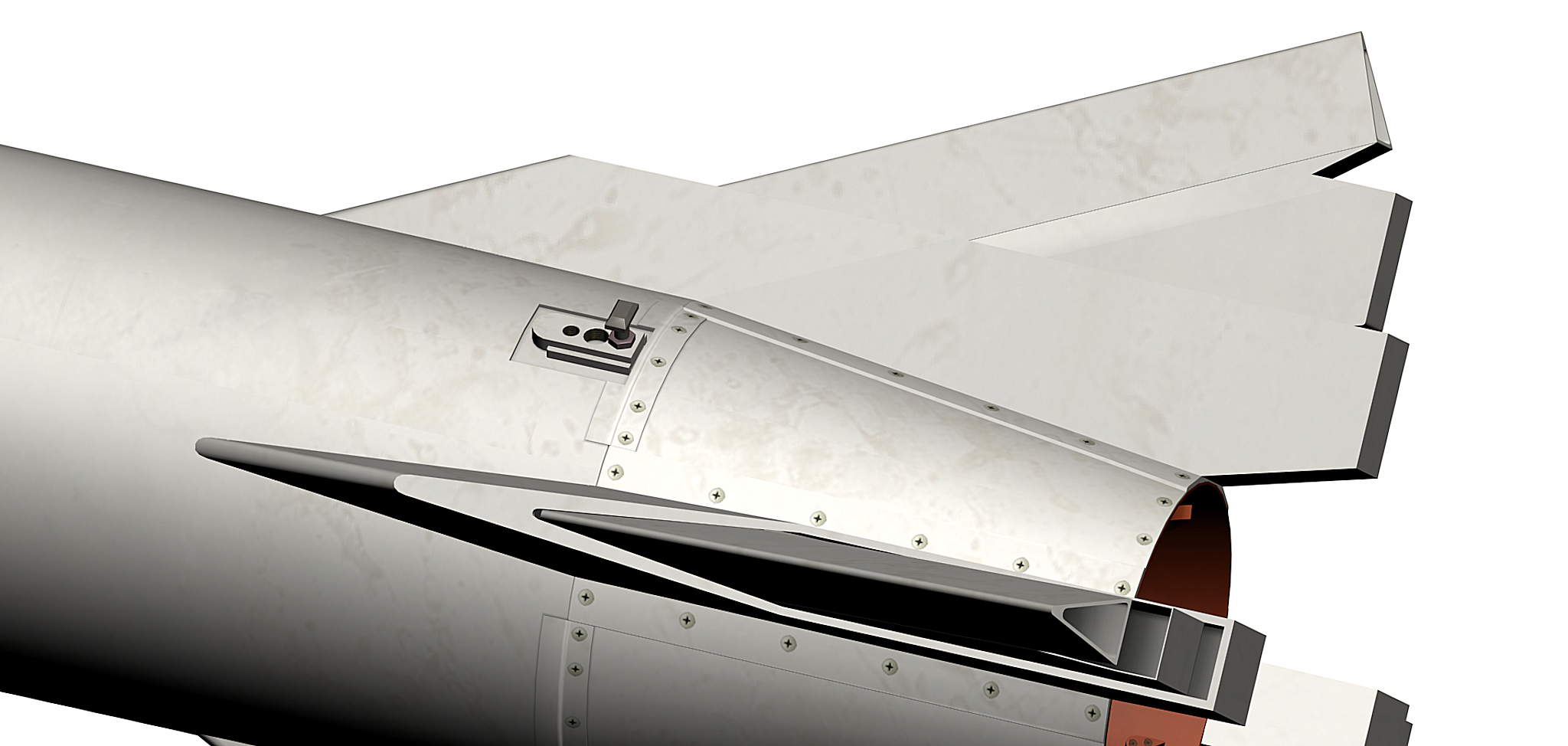
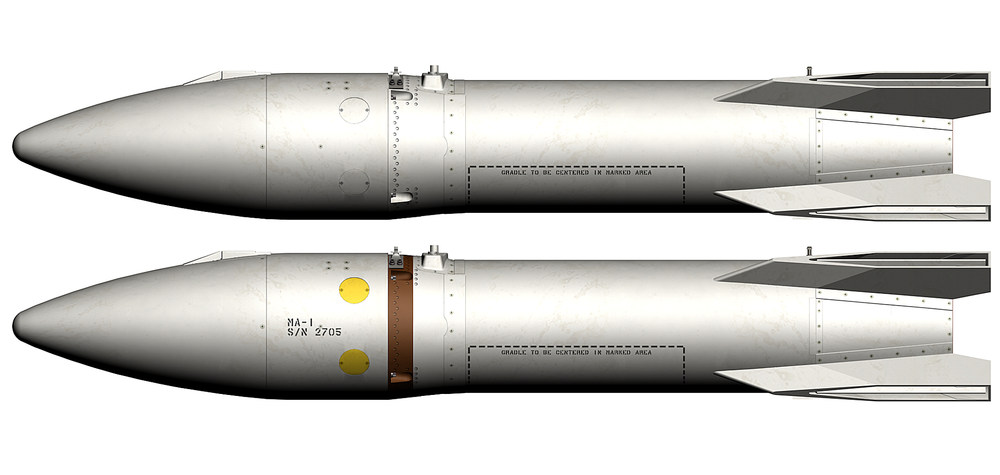
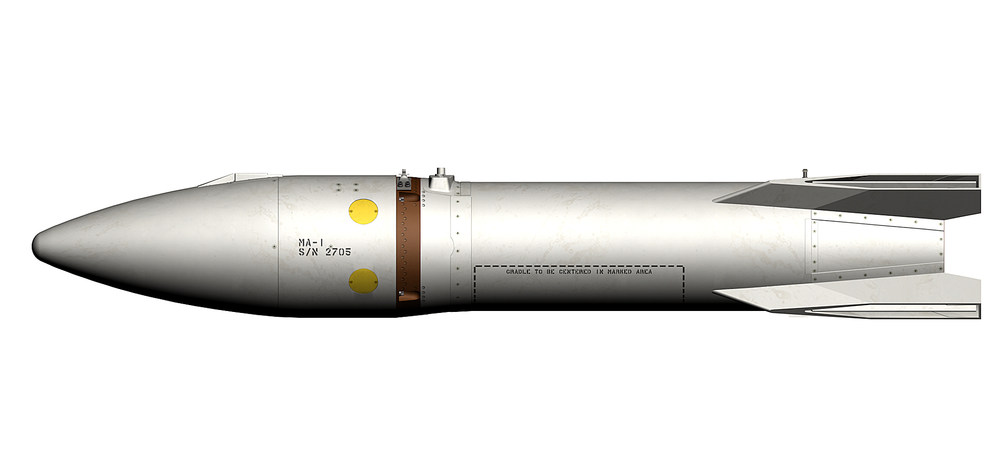
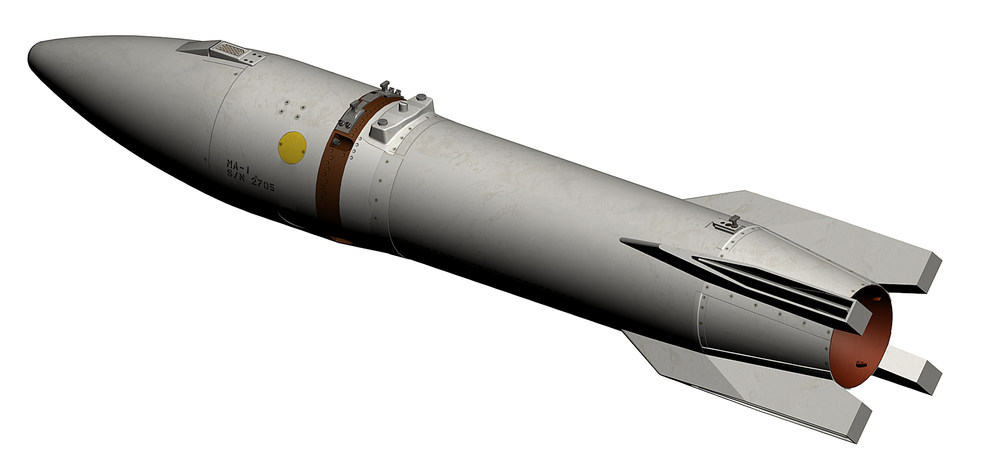
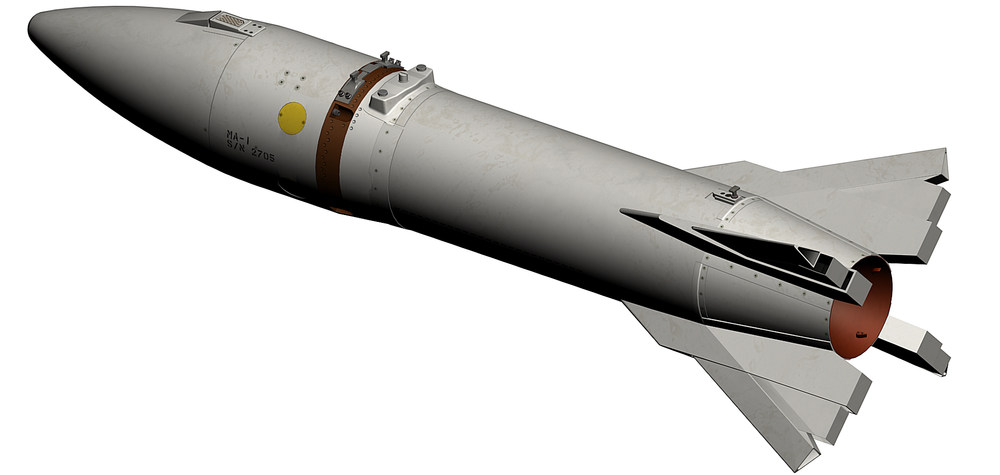
Thanks for that info i found some info on that AIR-2A with the brown stripe they had a WP ( WP Smoke ) warhead so the pilot could see if the rocket was close enough to the target when it explodes i made now 2 AIR-2A Genie a nuclear version and a inert version with a WP warhead , in case you have the effects than there is no need to copy them , for the rockets just put them in your weapons folder and let overwrite if ask to AIR-2A Pack.7z thats how they look like now
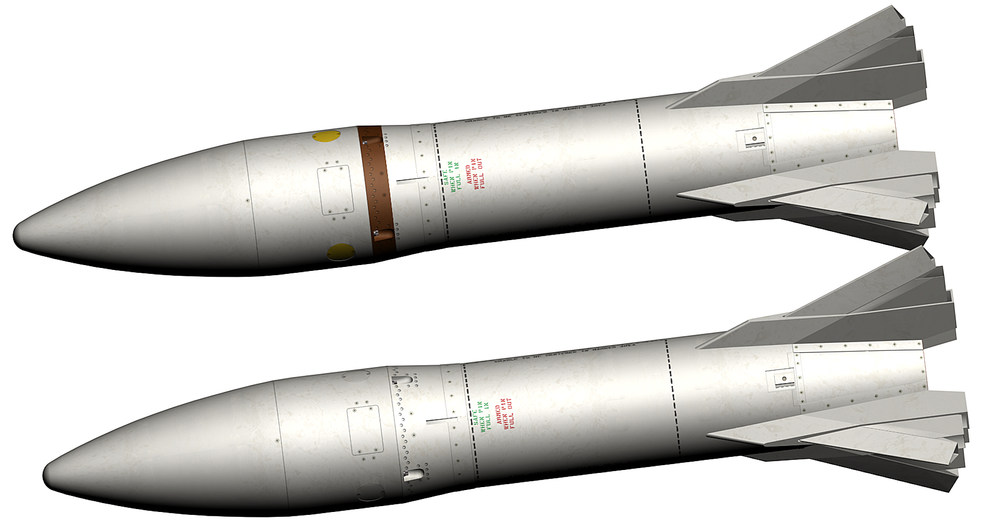
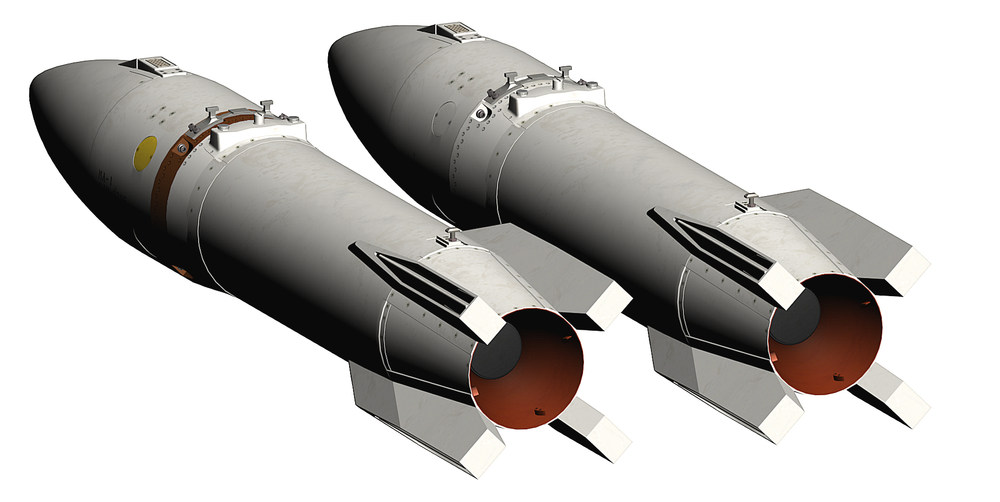
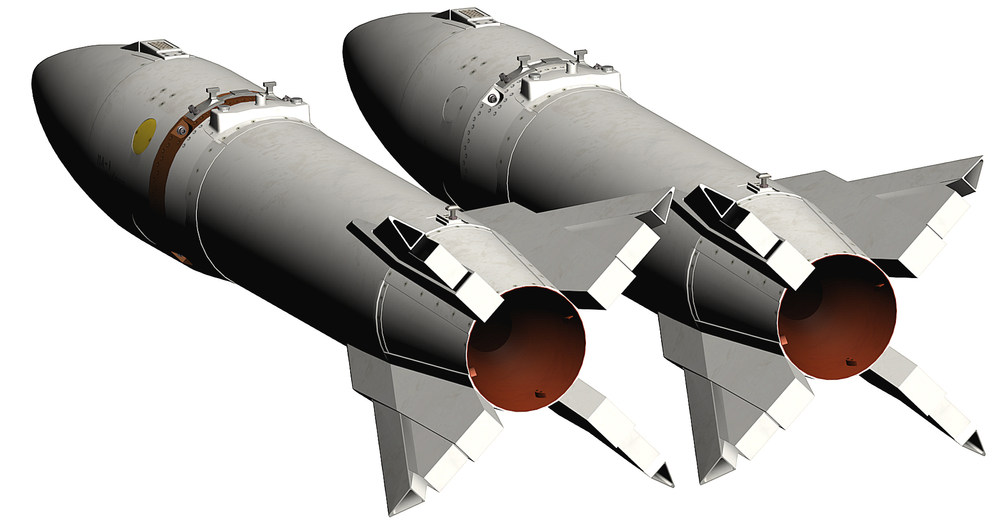
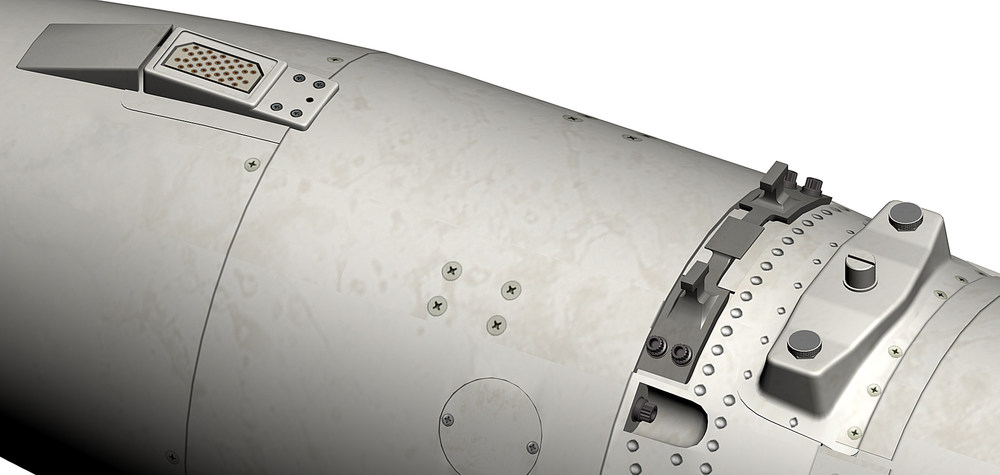
- 518 replies
-
- 20
-

-

-
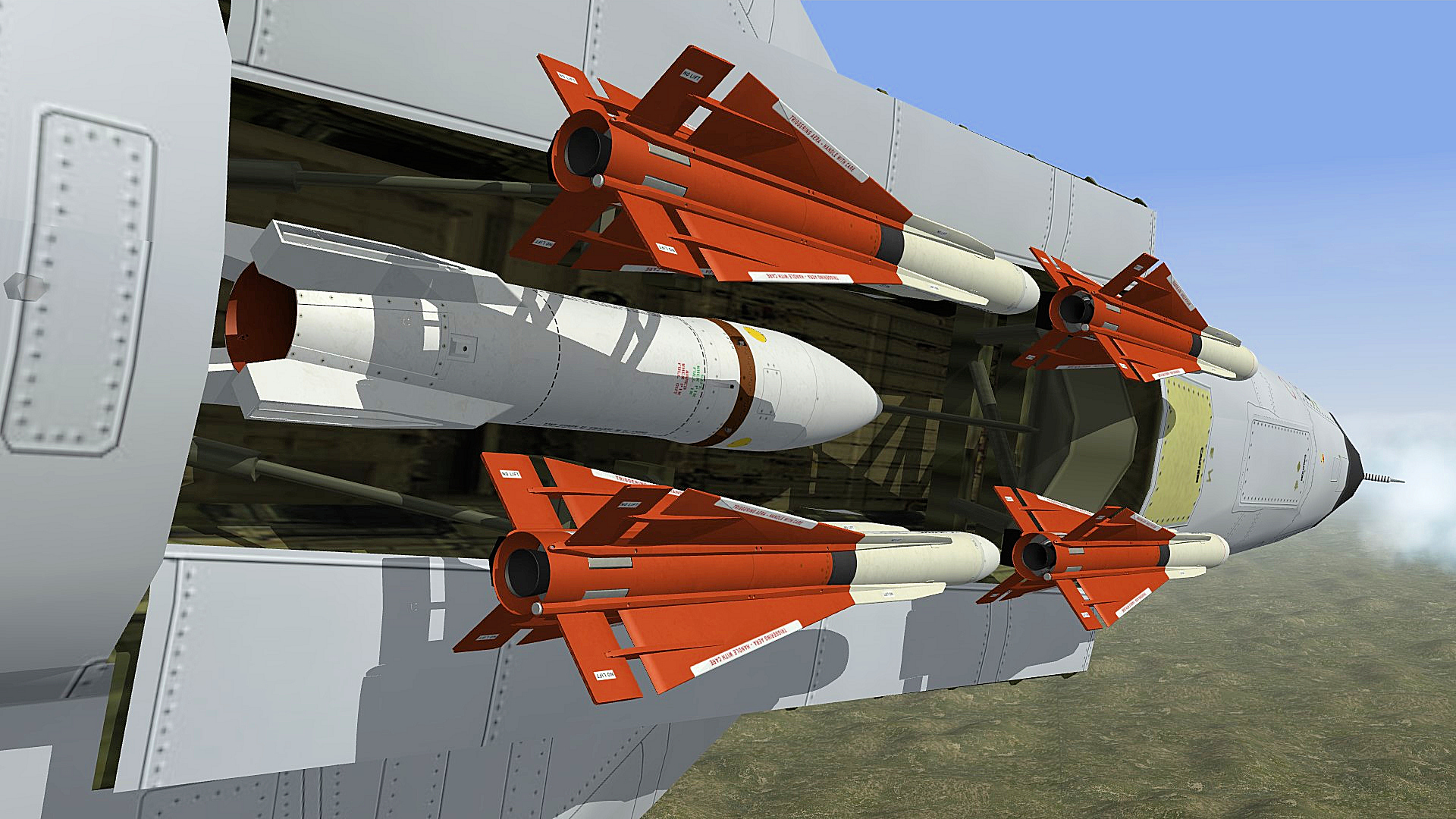
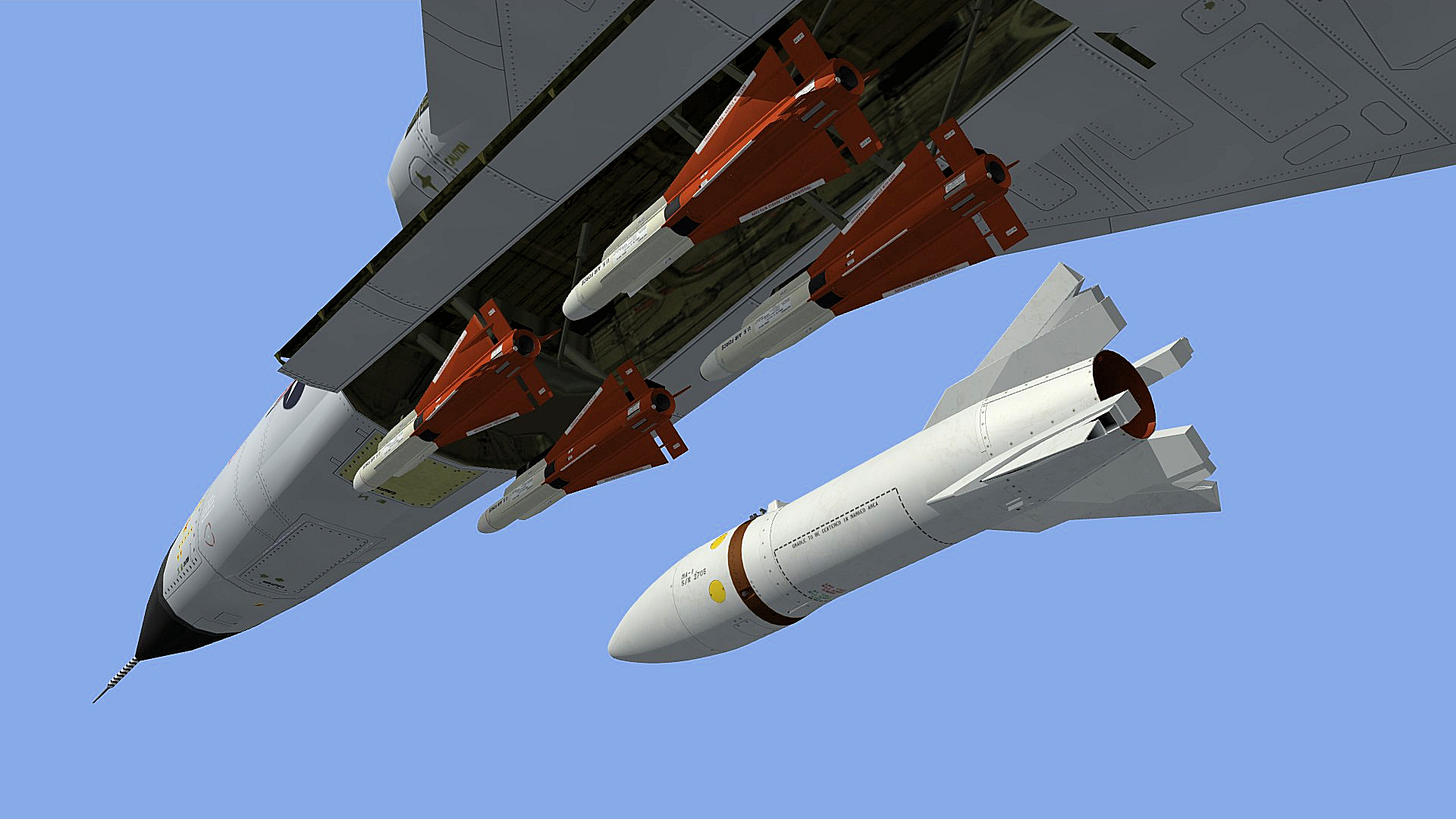
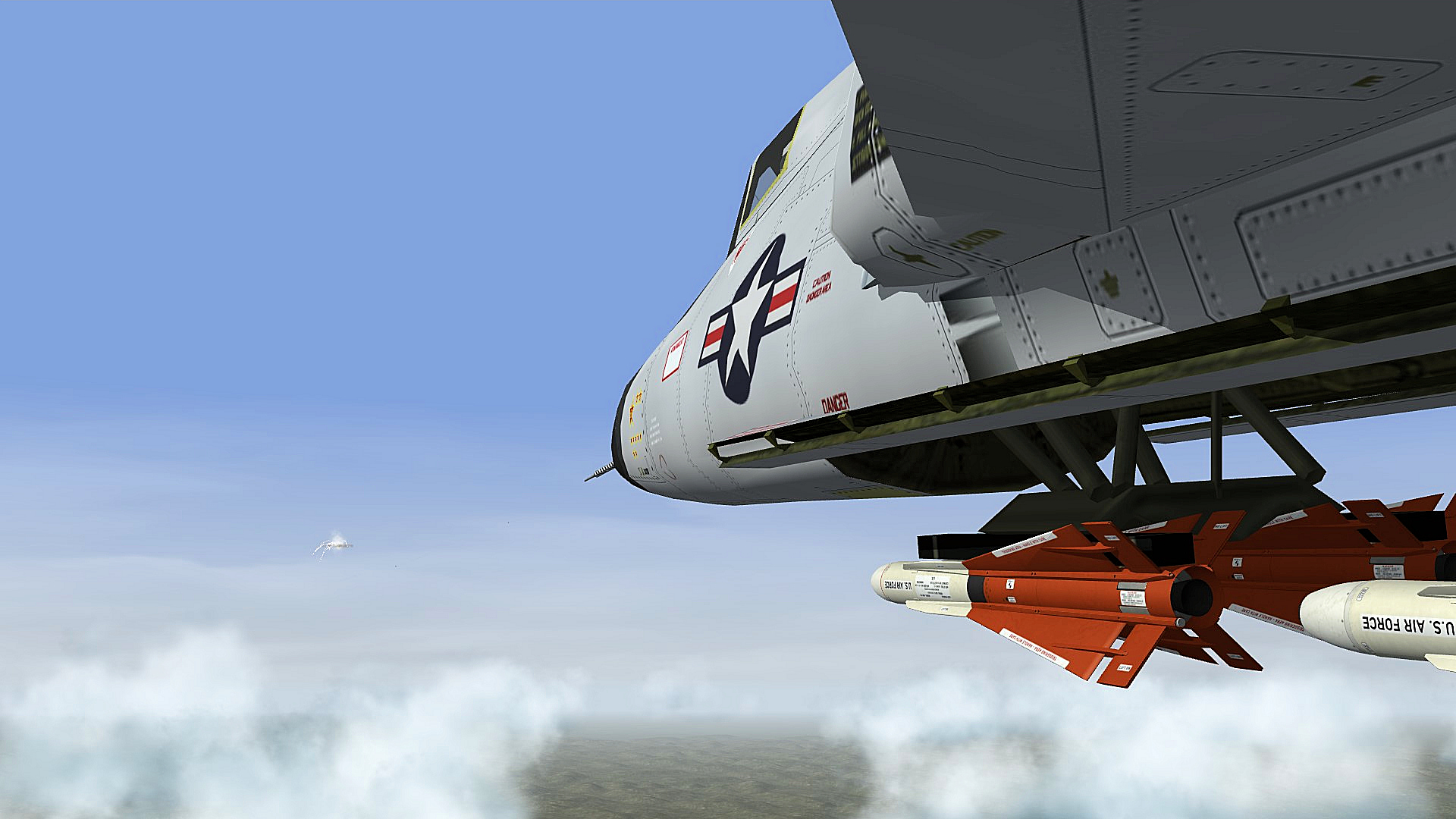
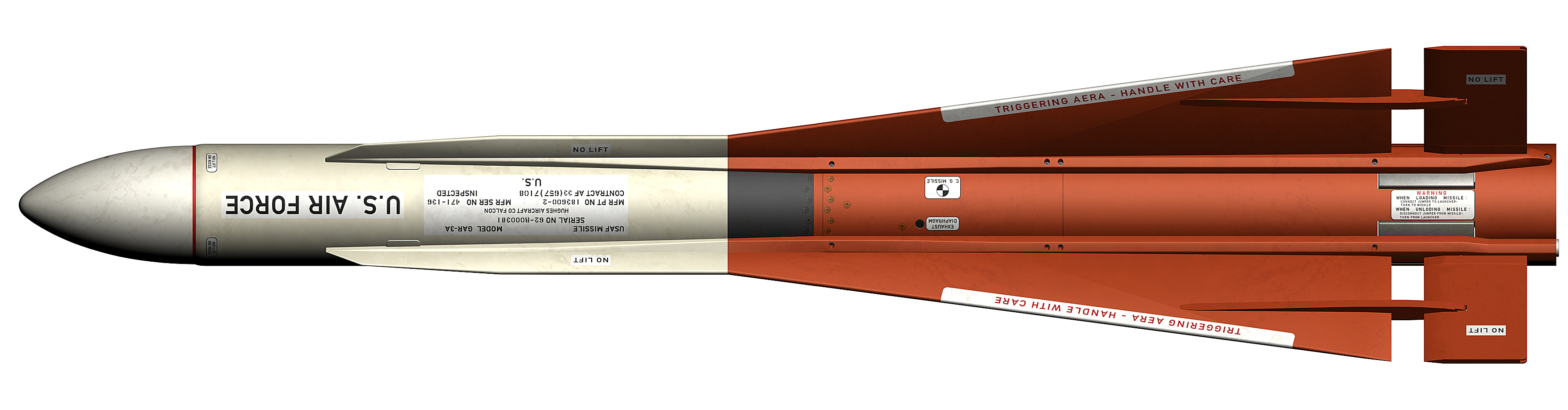
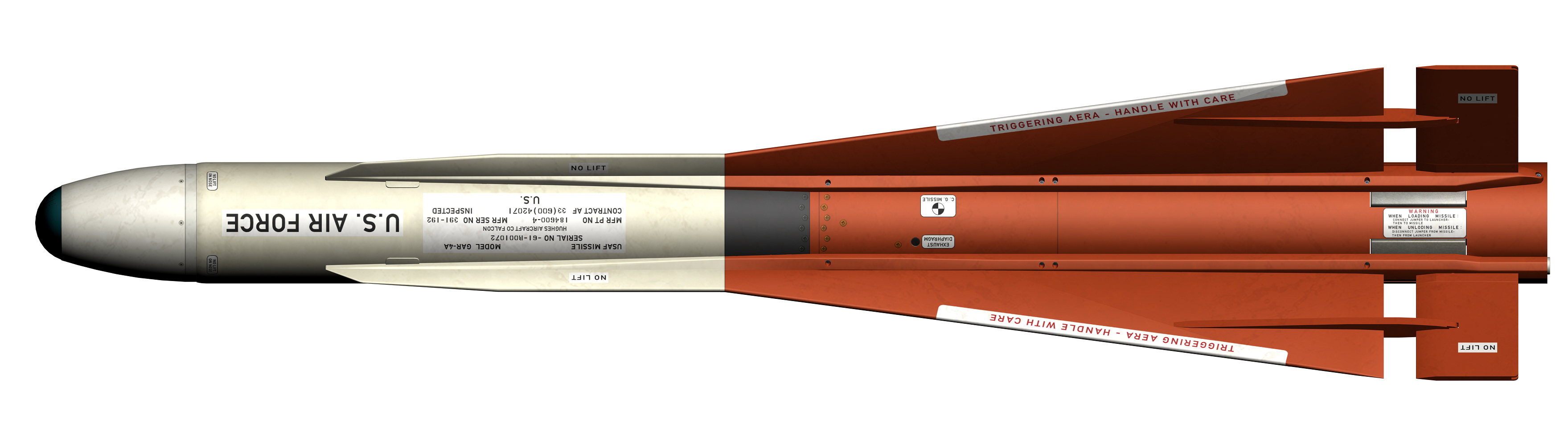
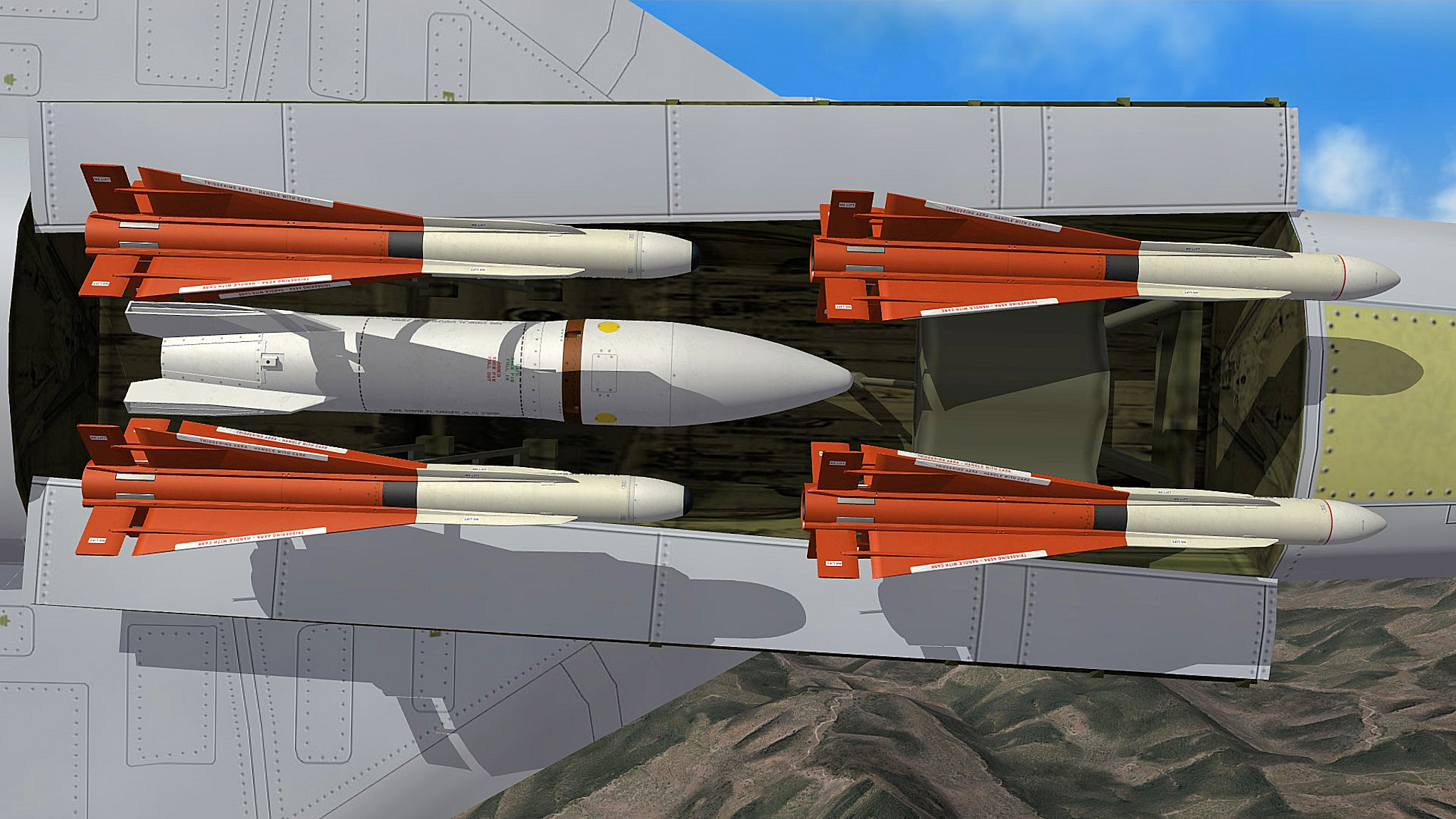
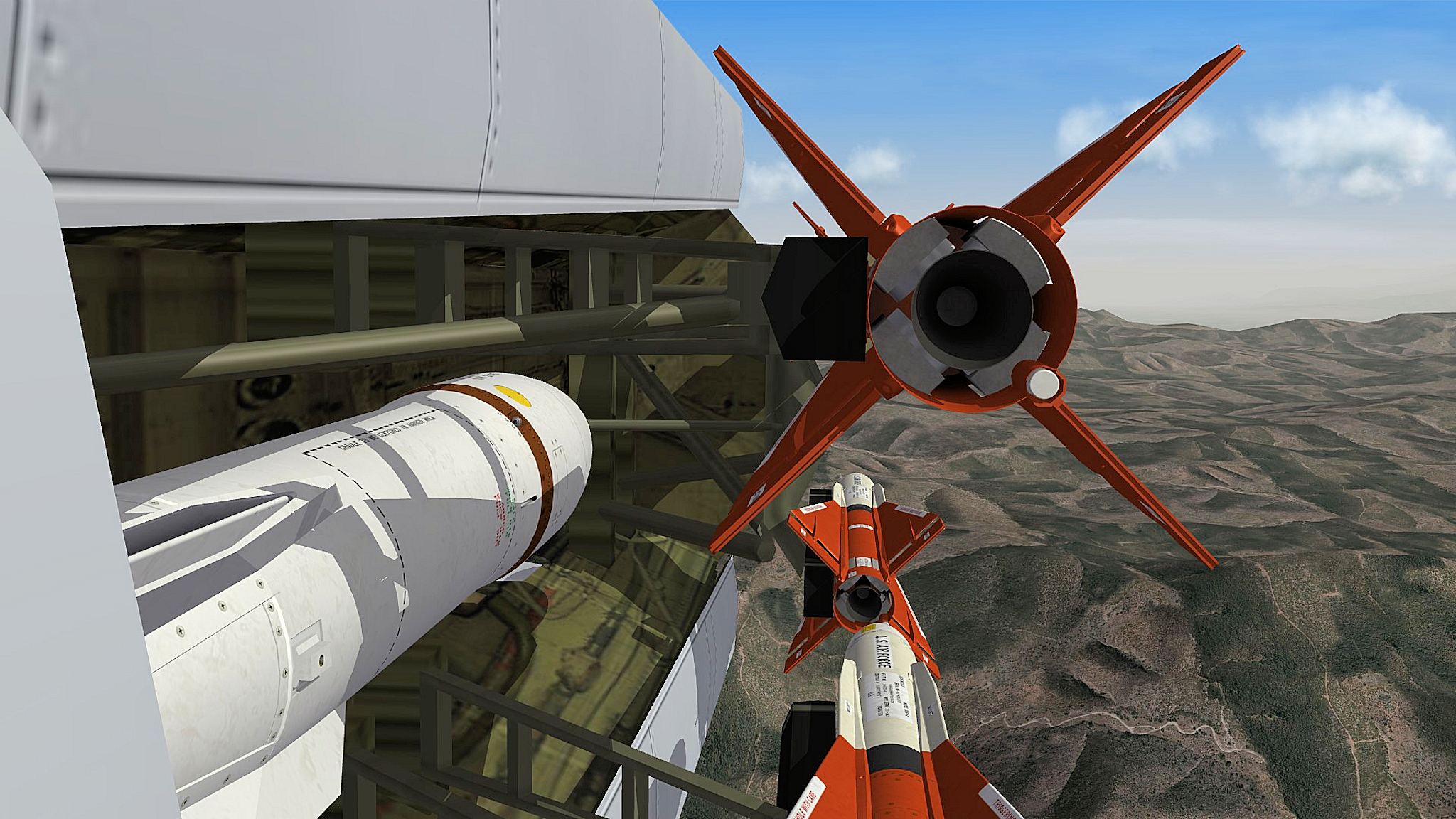
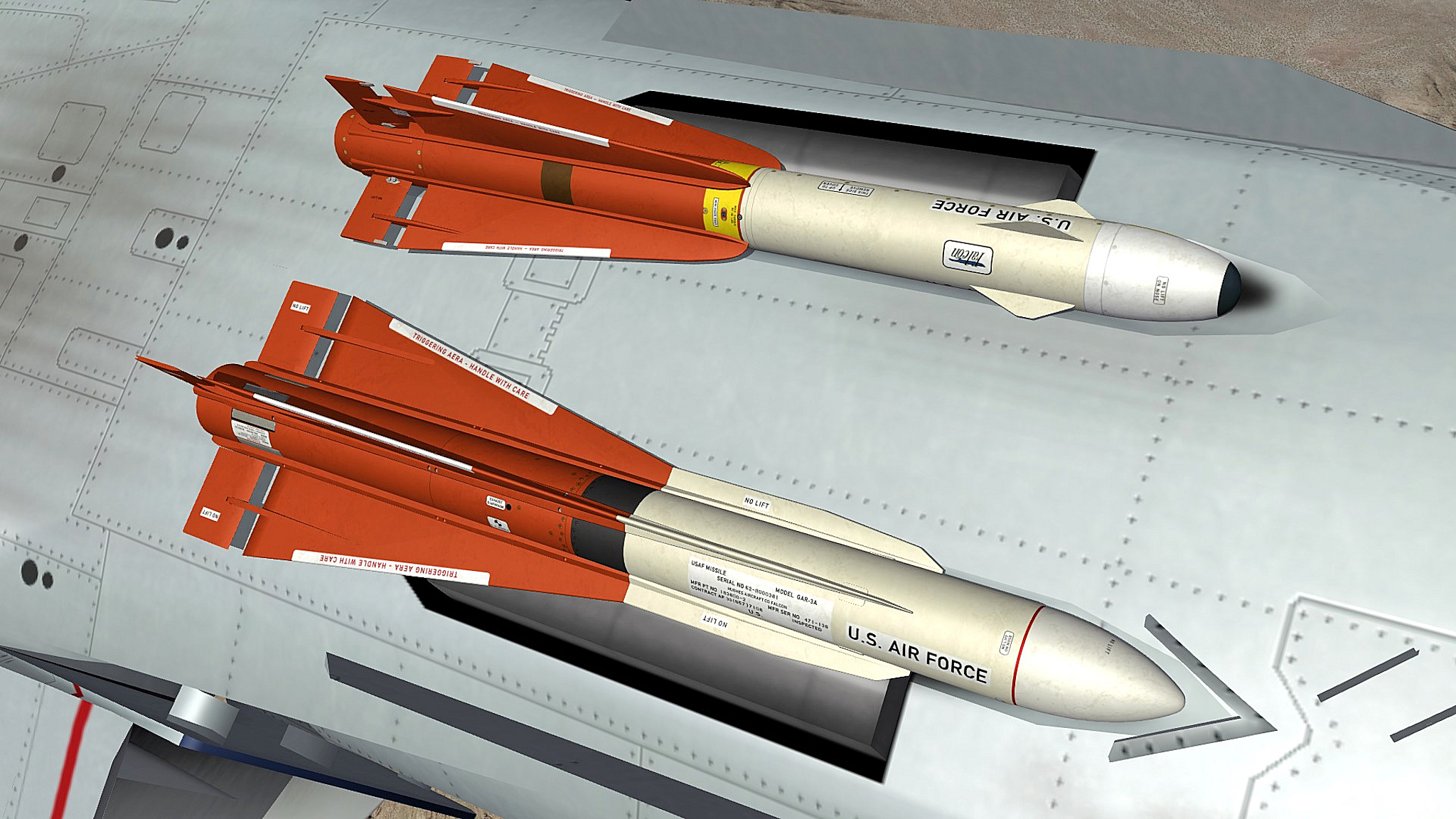
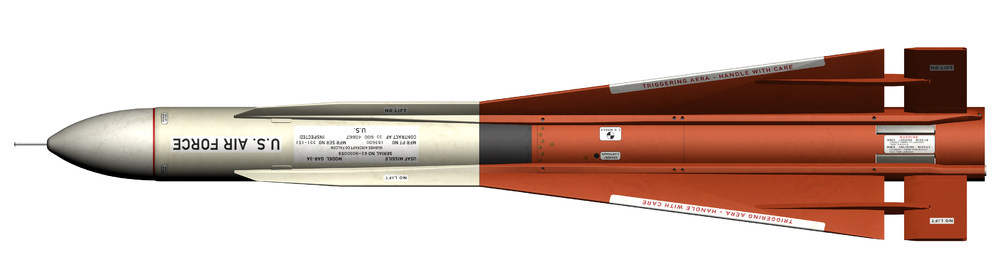
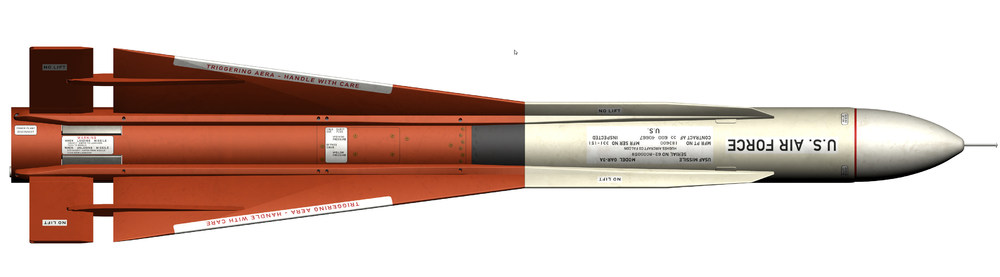
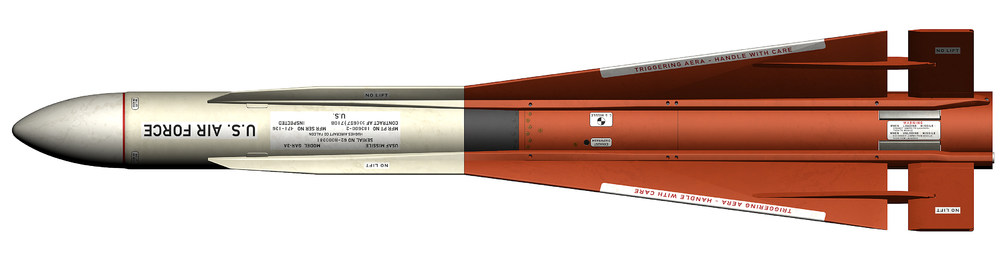
here is the final AIM-4 pack includet are the AIM-4F and AIM-4G AIM-4 Falcon Missiles.7z here is the AIR-2A Genie AIR-2A.7z here are the ini´s for the F-101B Voodoo and the F-106A and F-106A_72 , i includet a manual and an automatic version of the ini´s but the automatic ini´s are not working the way they should so you launch some missiles with the bomb bay closed , i personally use the manual version this way i´m sure the missiles getting launched with the bomb bay open for all other aircrafts you like to use this AIM-4 missiles and AIR-2A you may have to change the positions on the weaponstations your self F-101_&_F-106_INI_Updates.7z NOTE: Please make a backup from your ini´s befor using the new ones above ingame pictures with the new missiles and the updated ini´s F-106A F-101B the AIM-4F early and late and AIM-4G missiles AIR-2A Genie
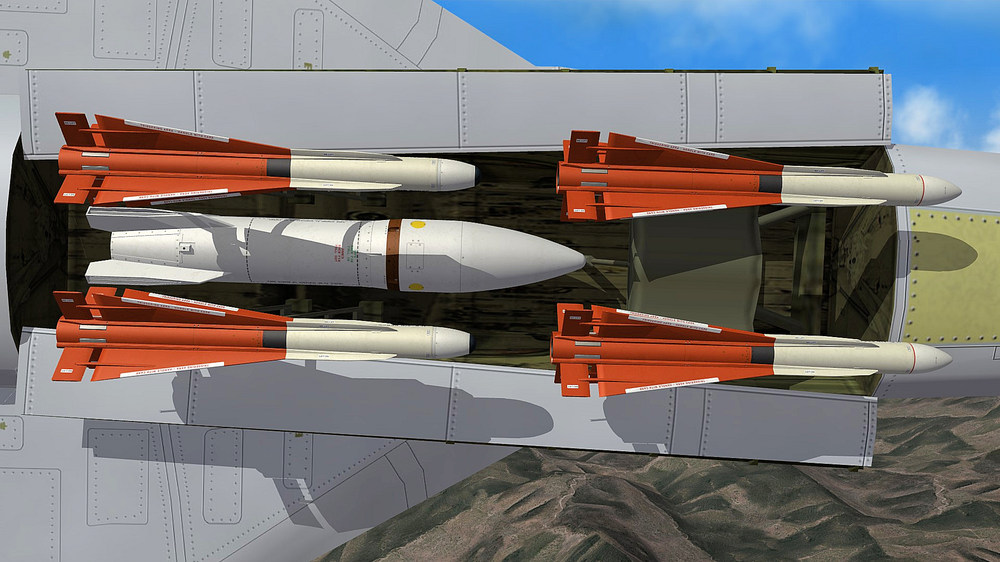
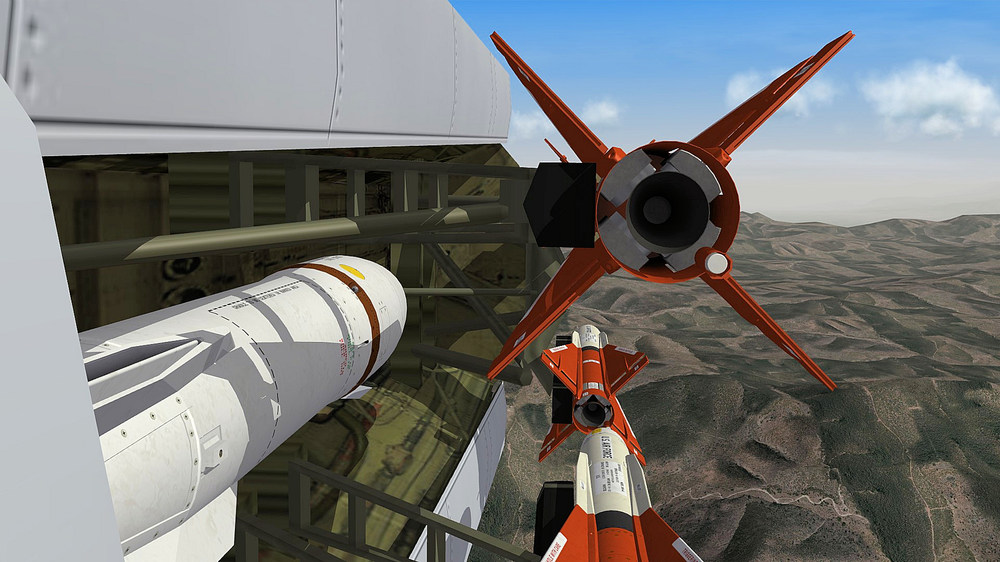
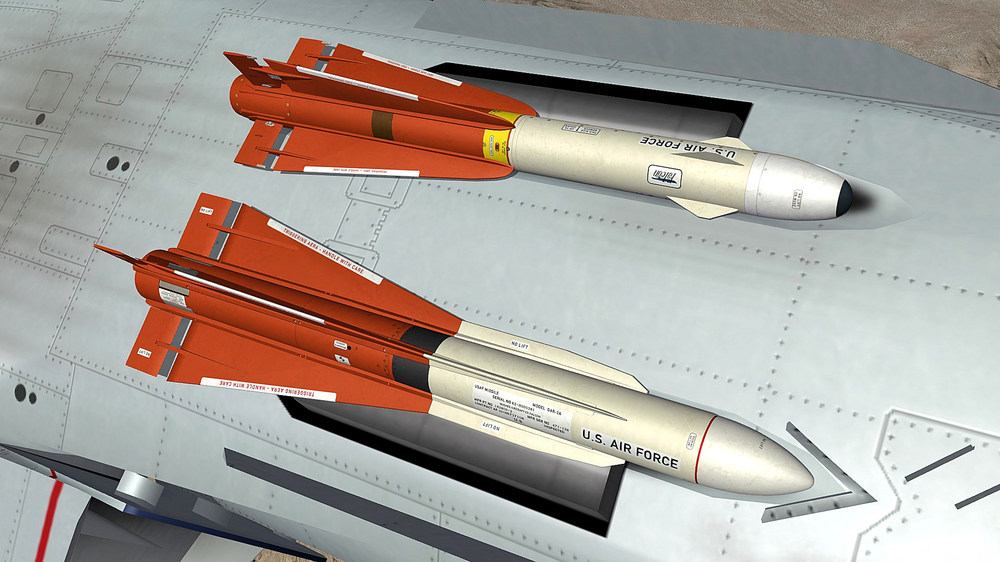
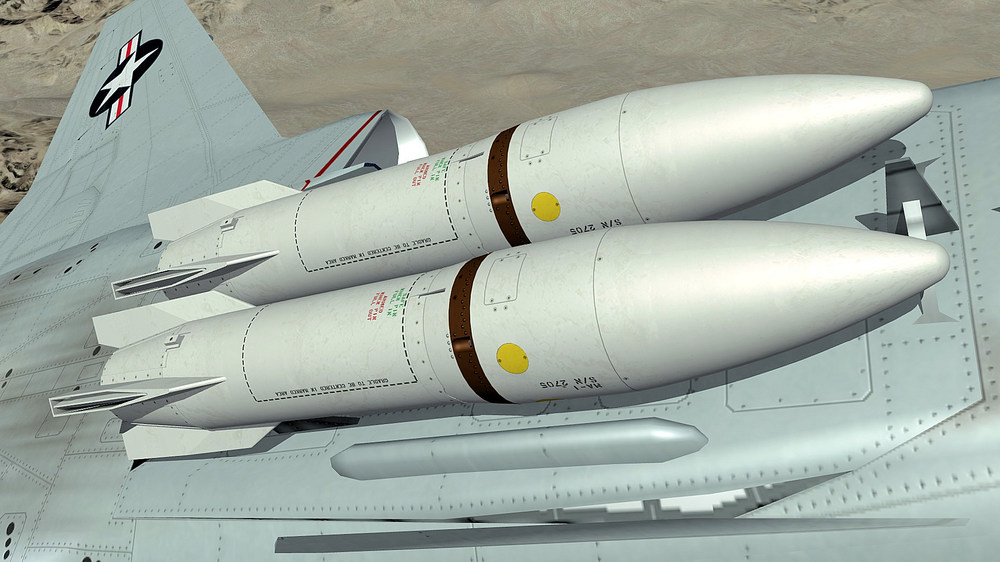
- 518 replies
-
- 21
-
-
-
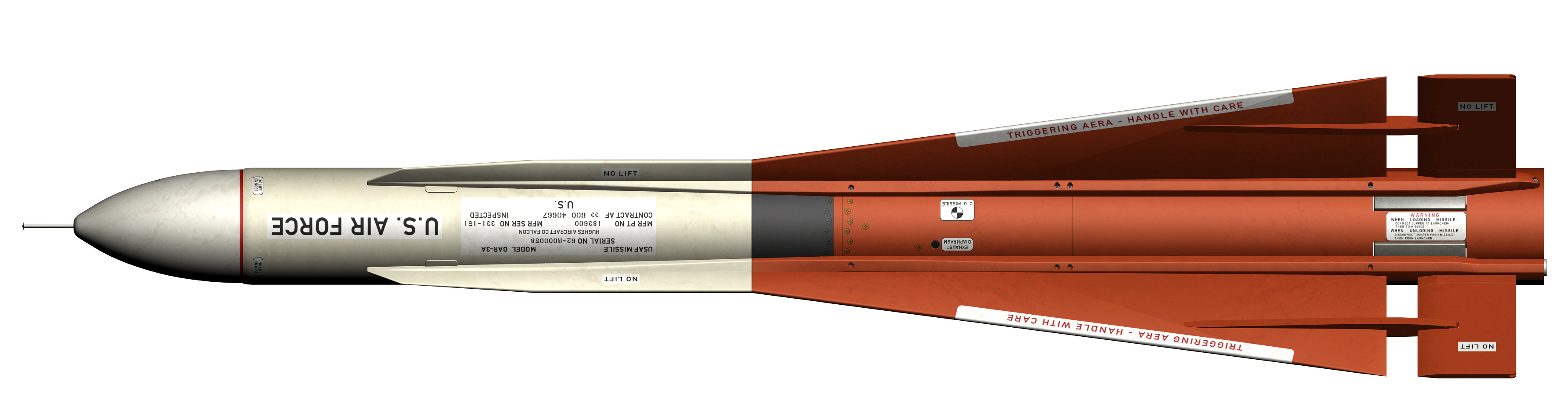
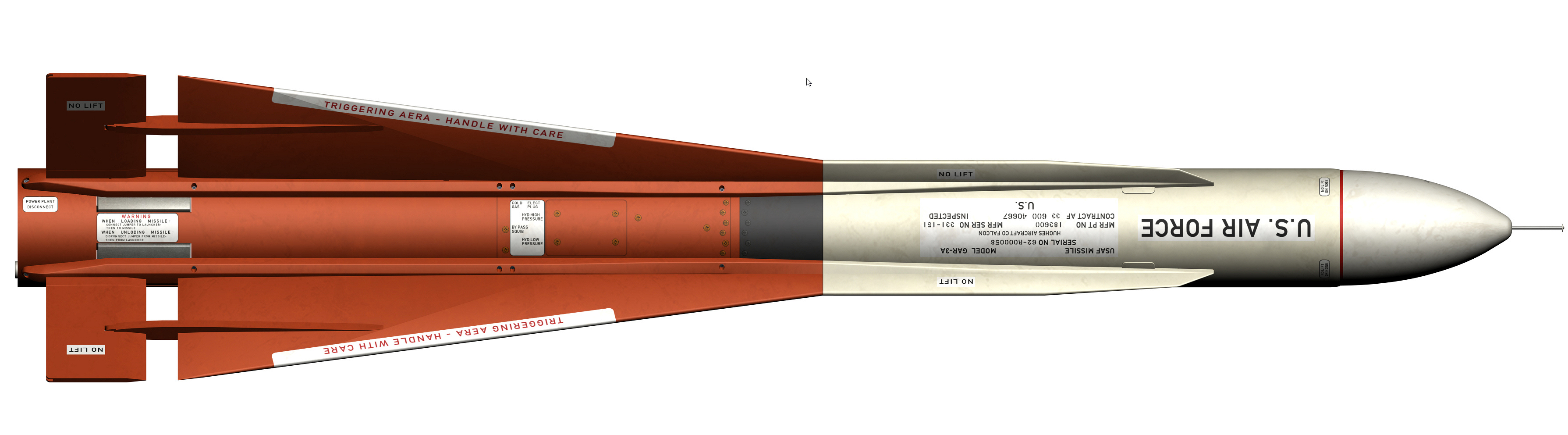
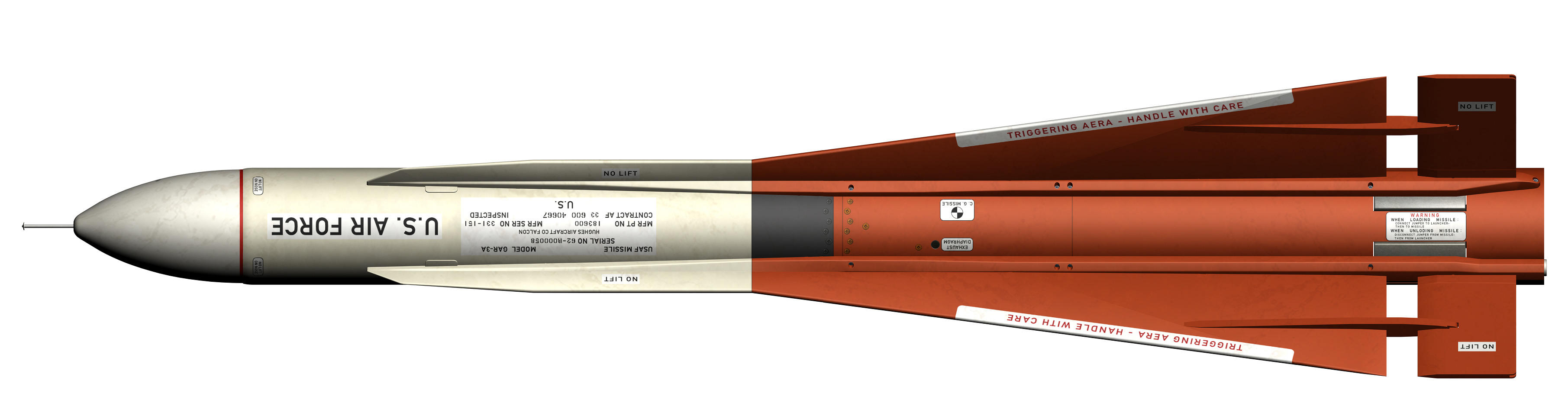
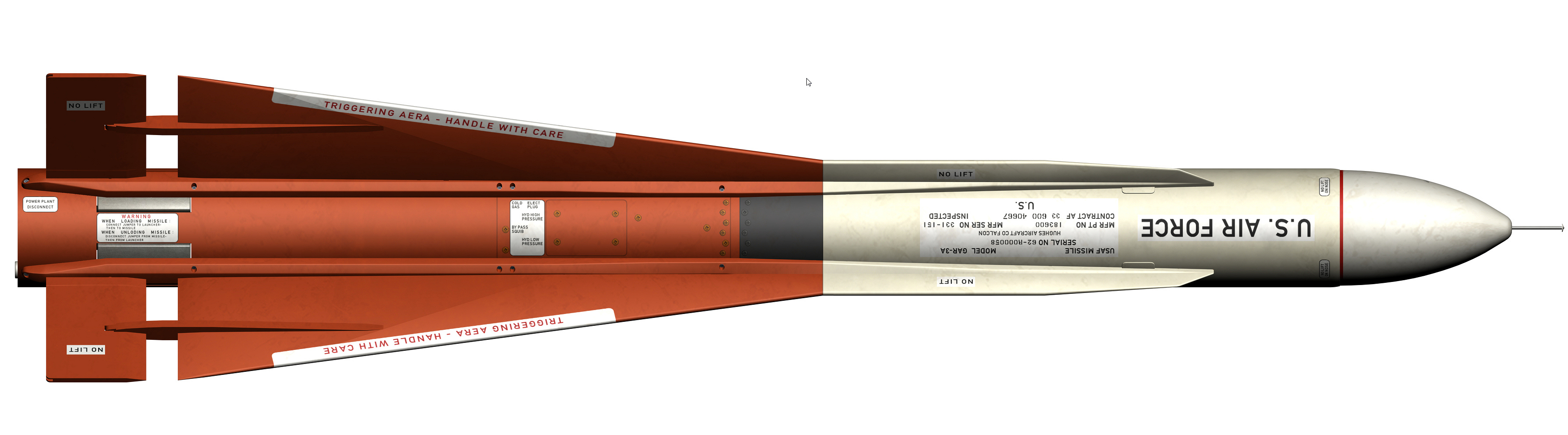
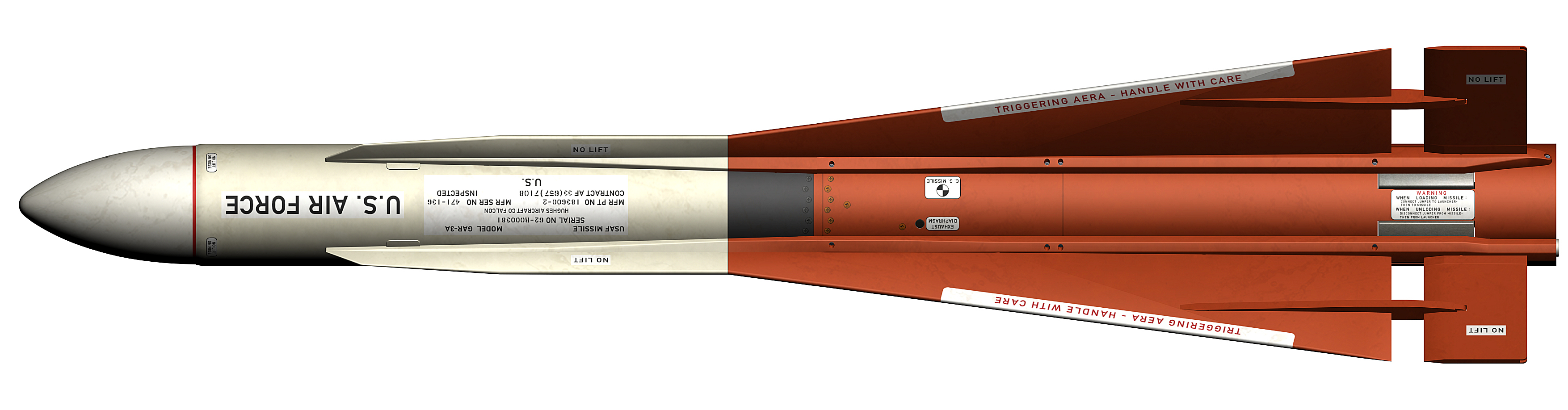
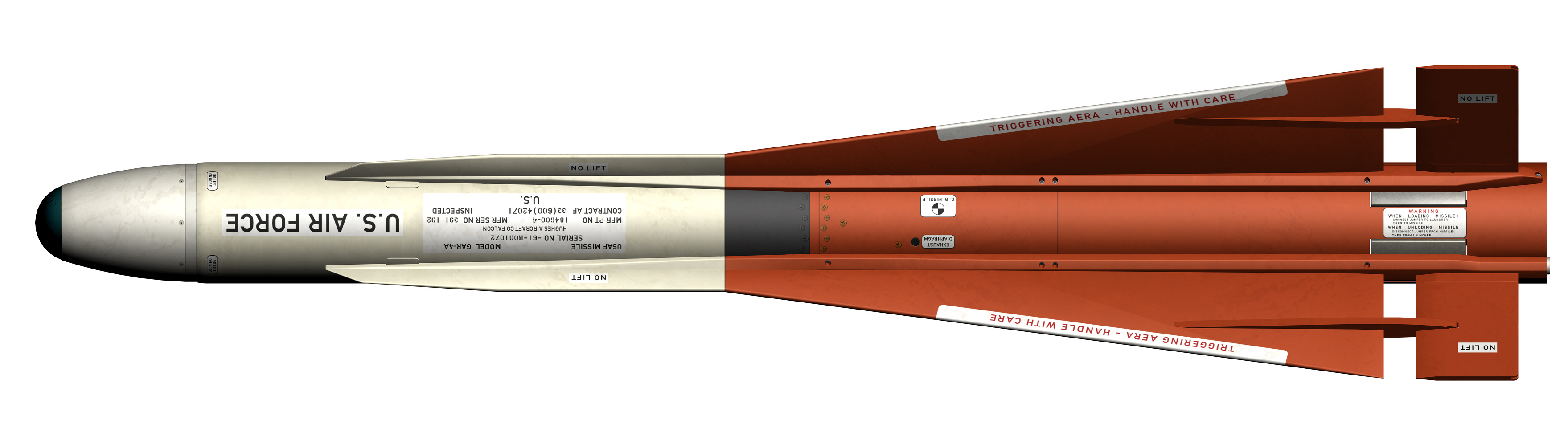
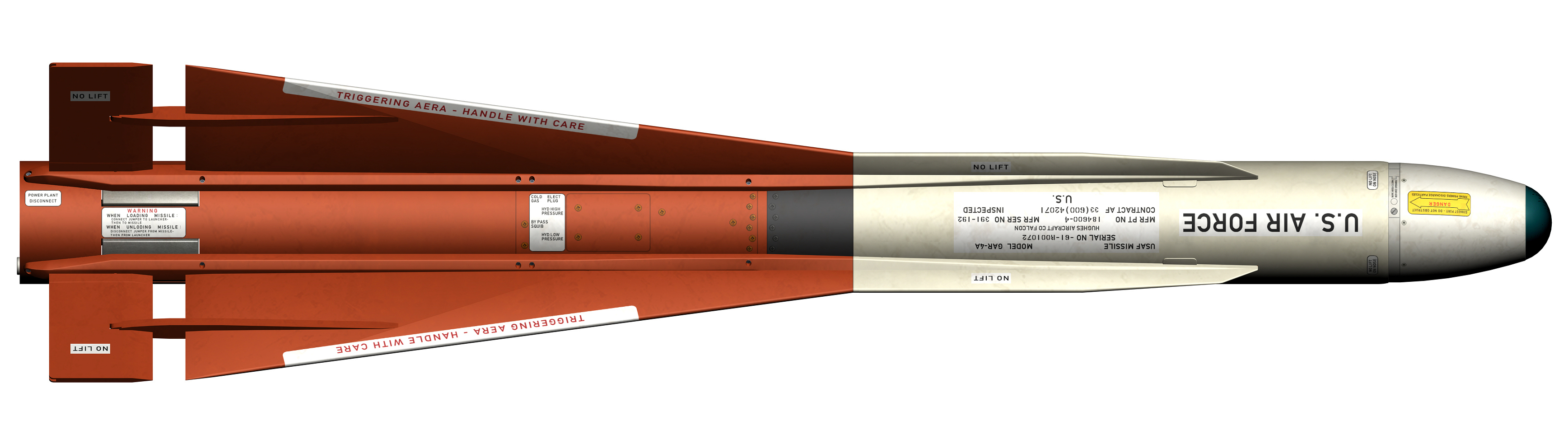
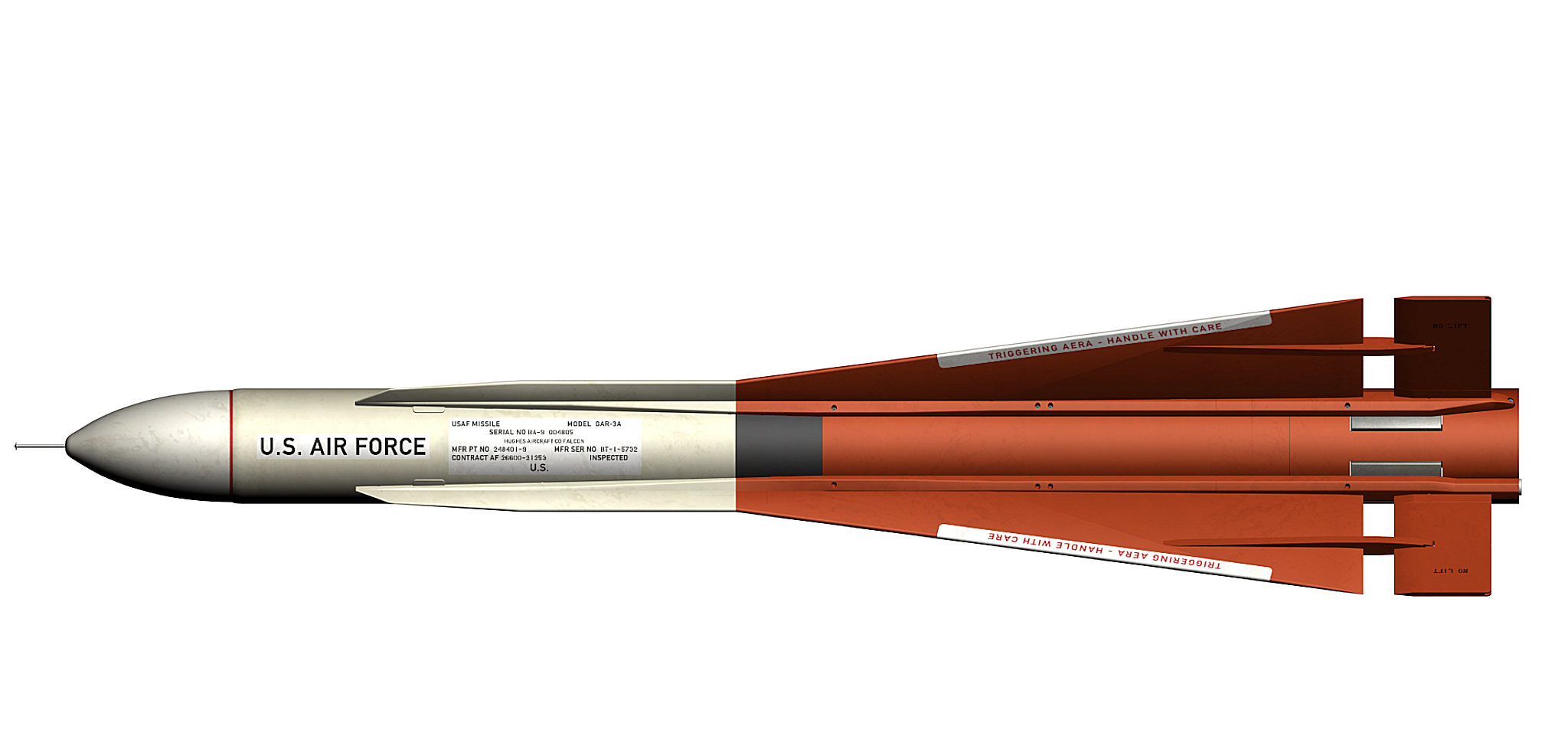
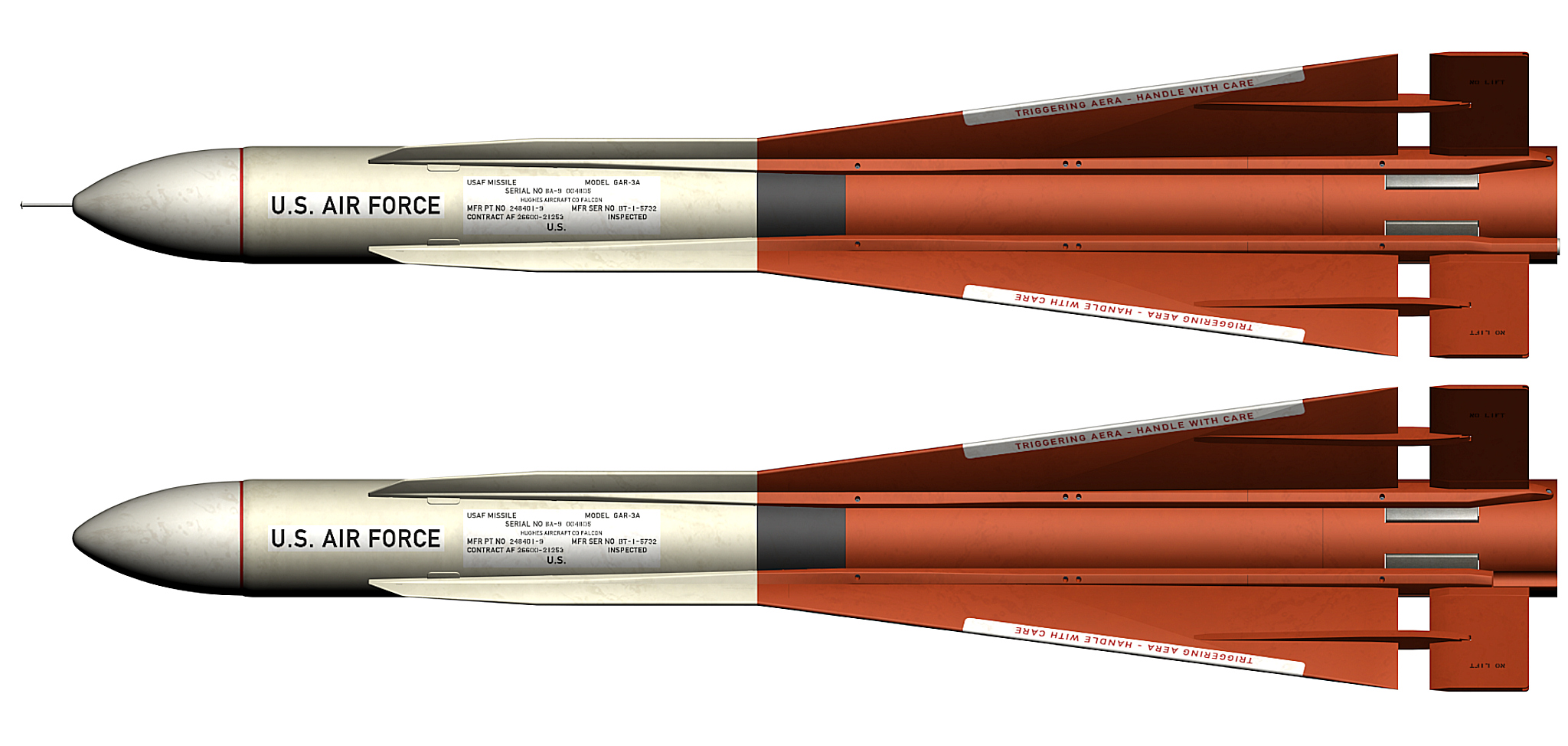
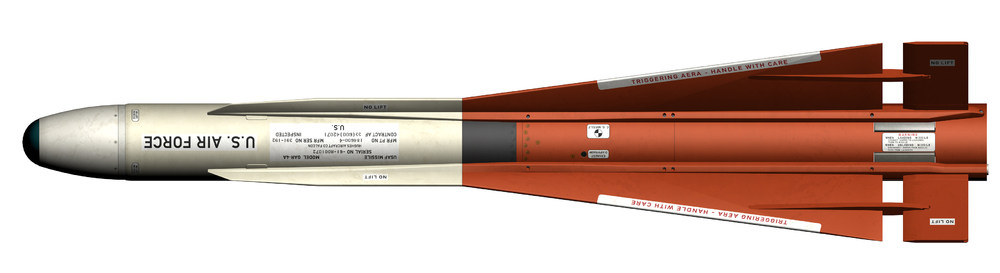
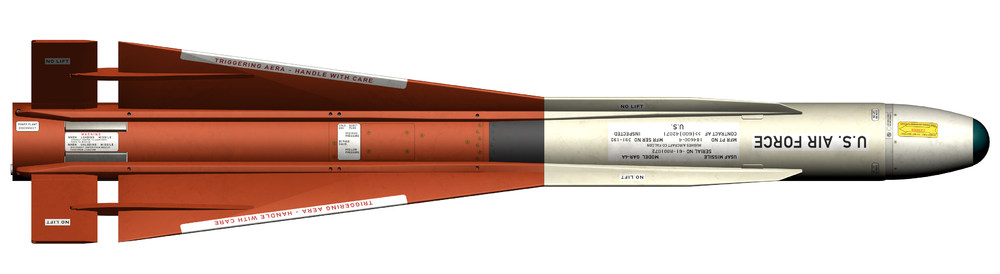
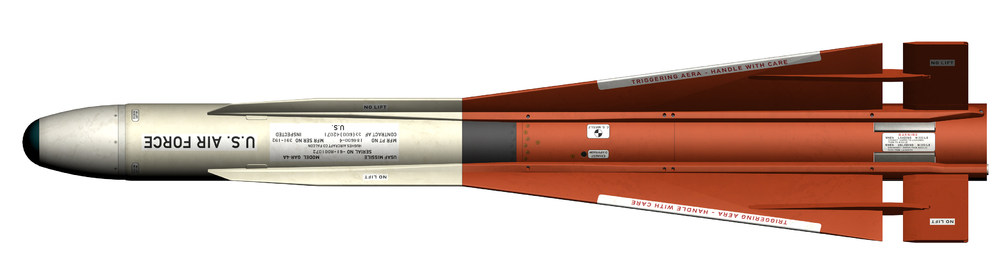
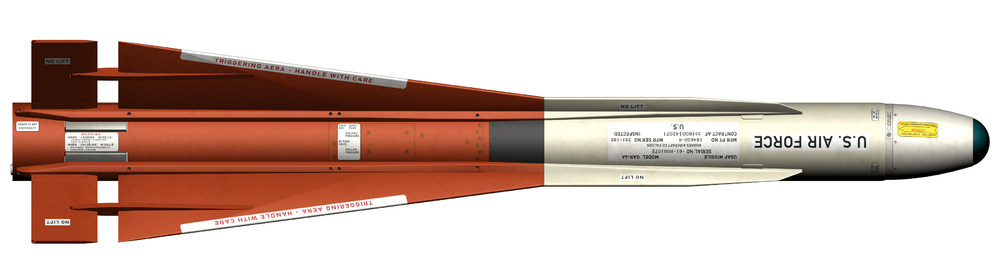
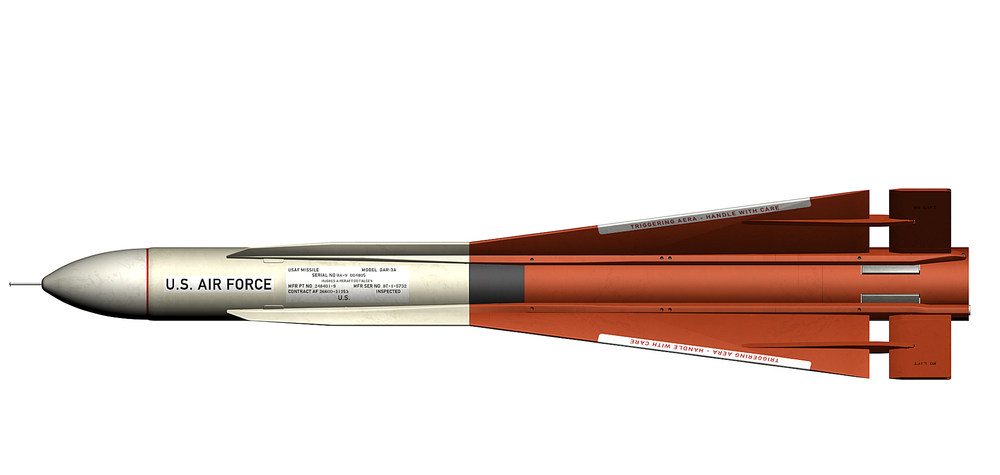
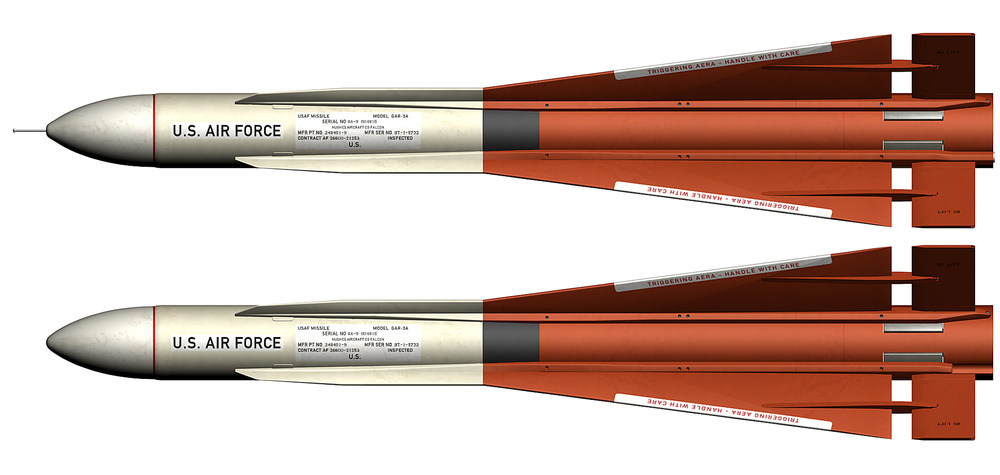
already done GAR-3A (AIM-4F) early and late version GAR-4A (AIM-4G)
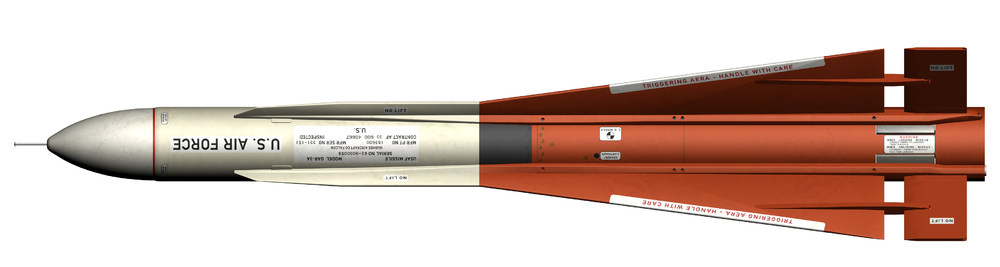
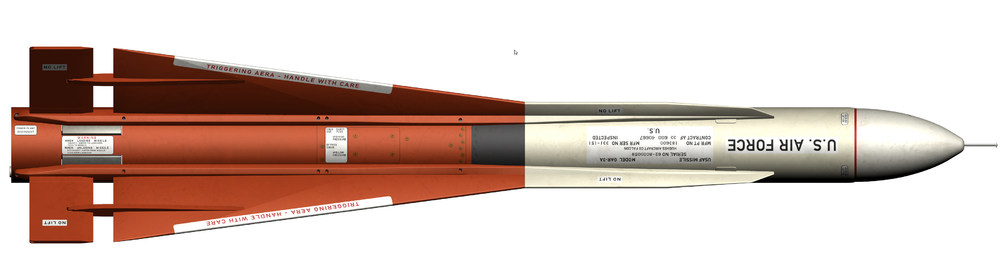
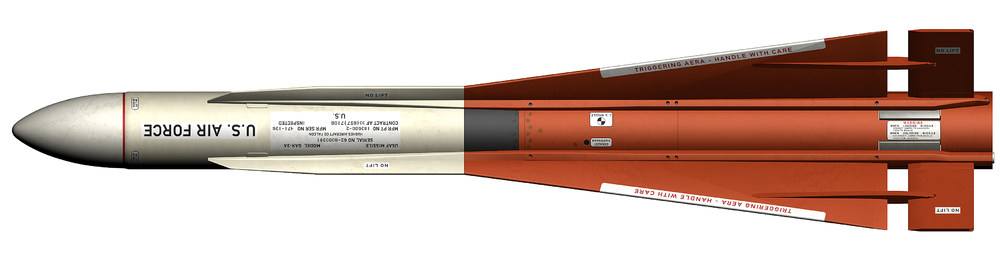
- 26 replies
-
- 14
-
-
-

-
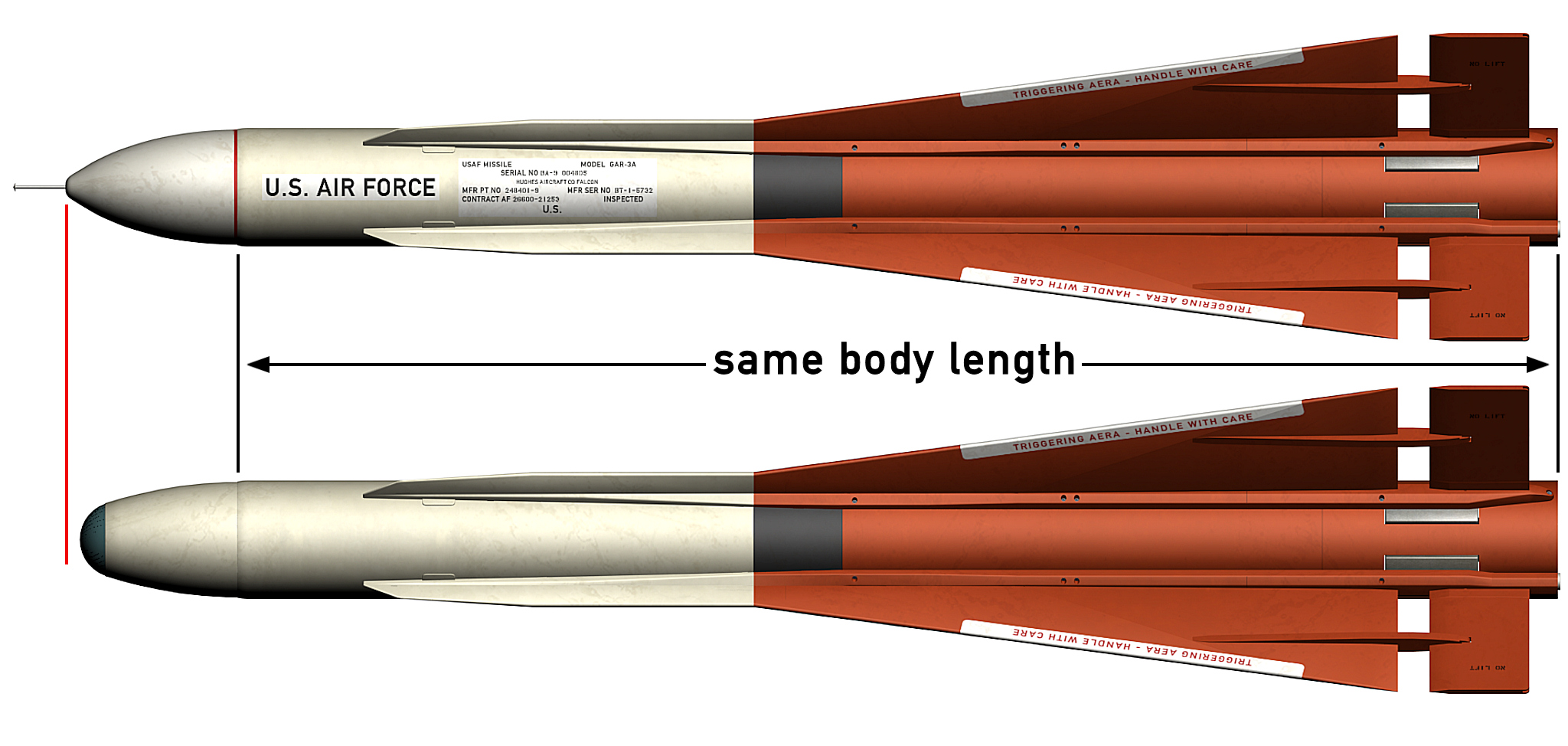
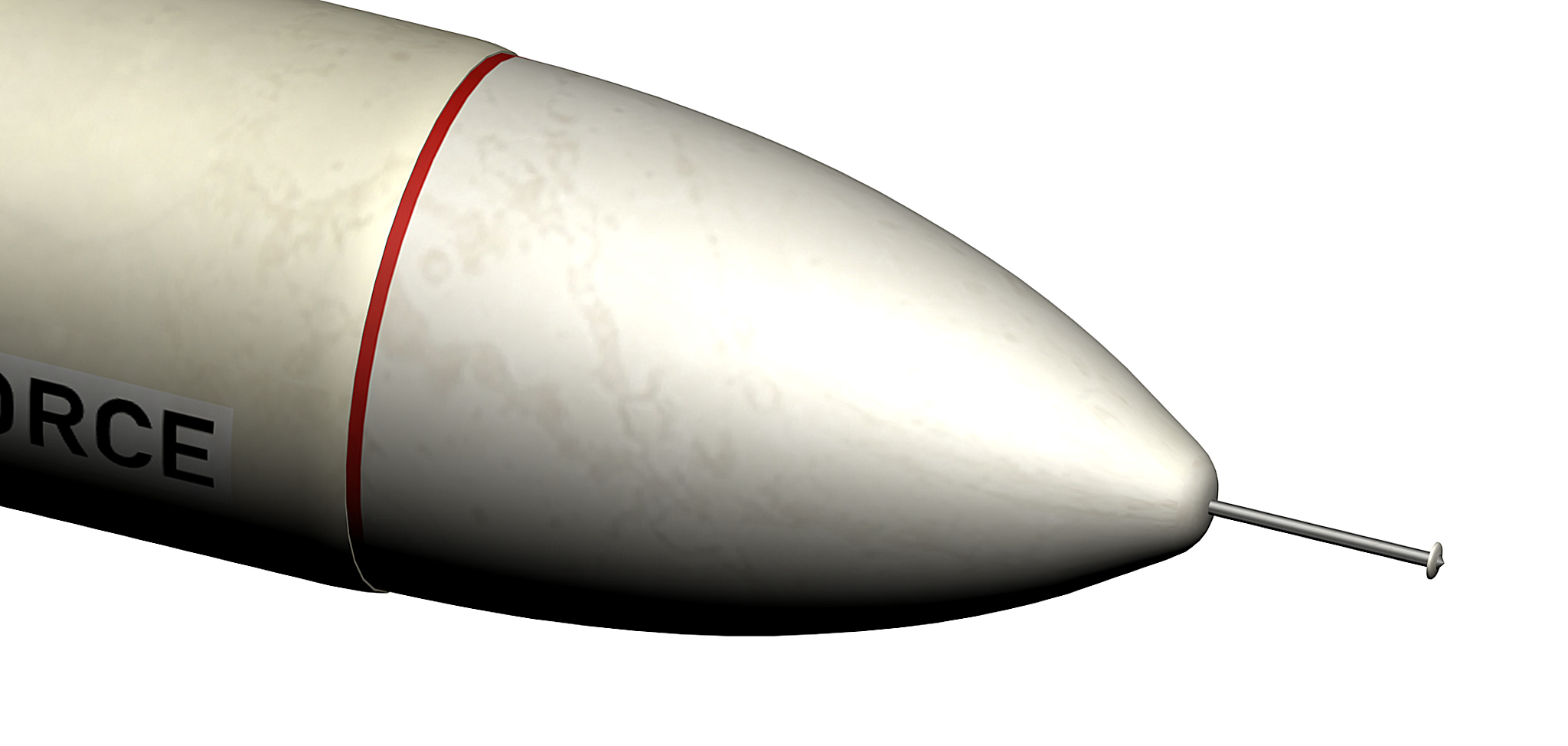
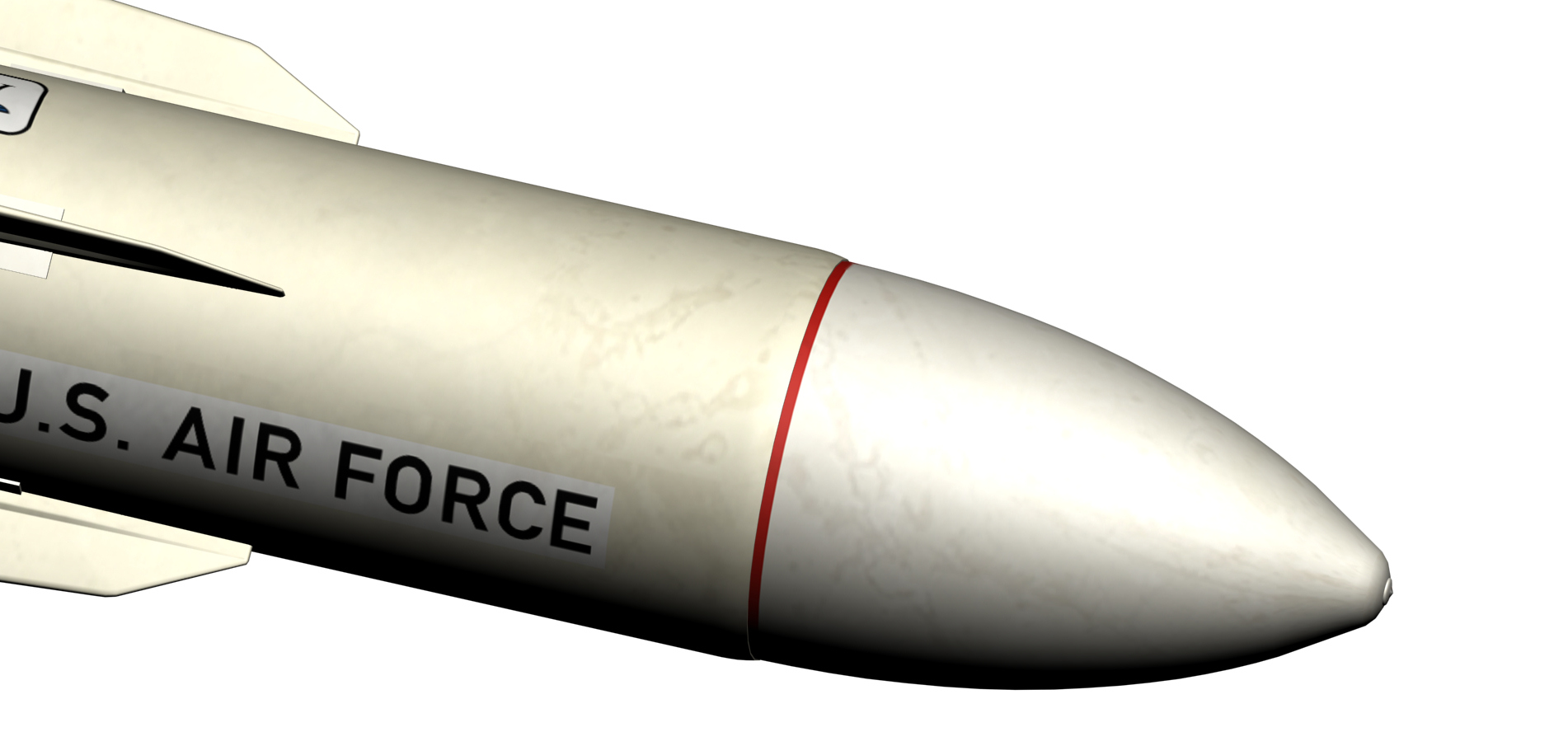
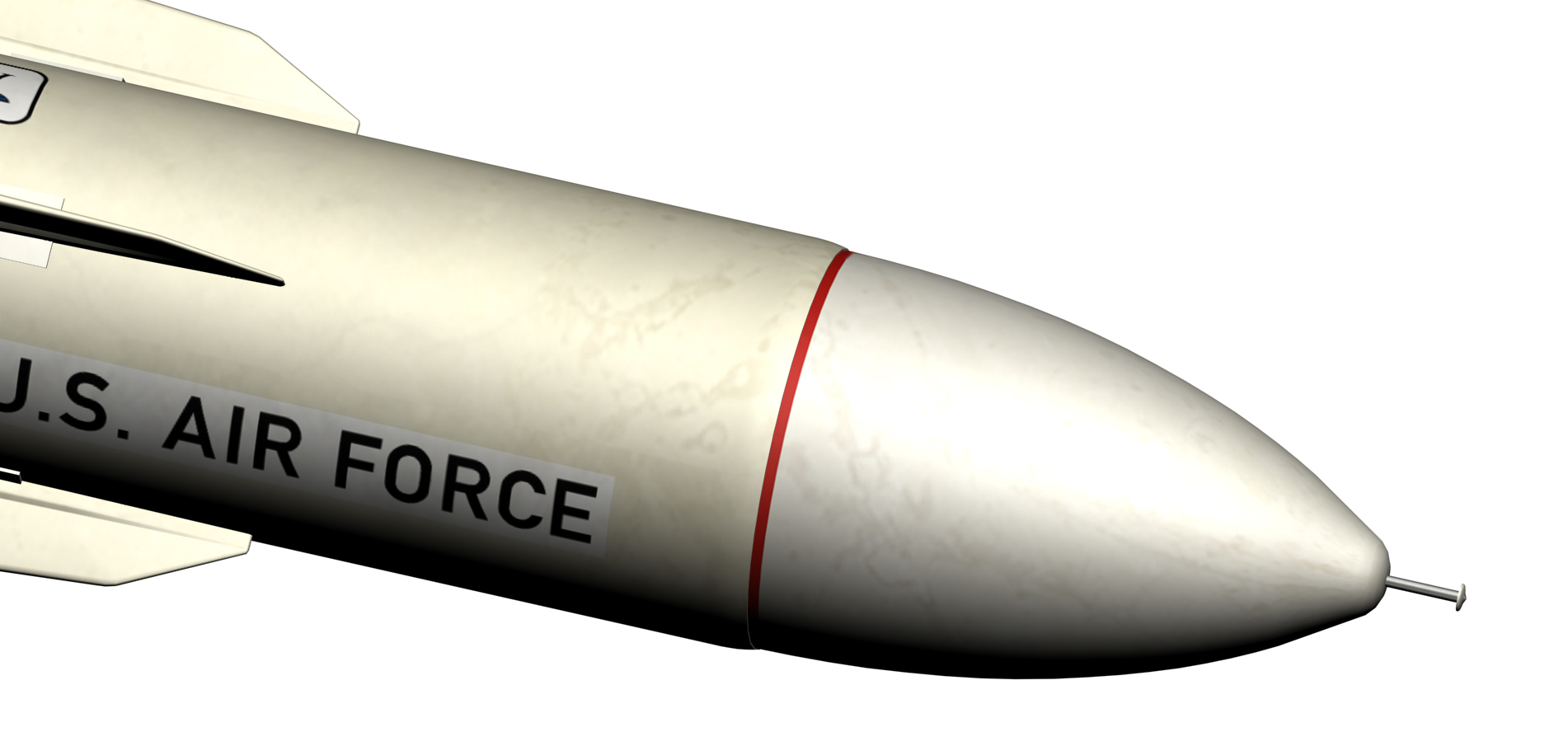
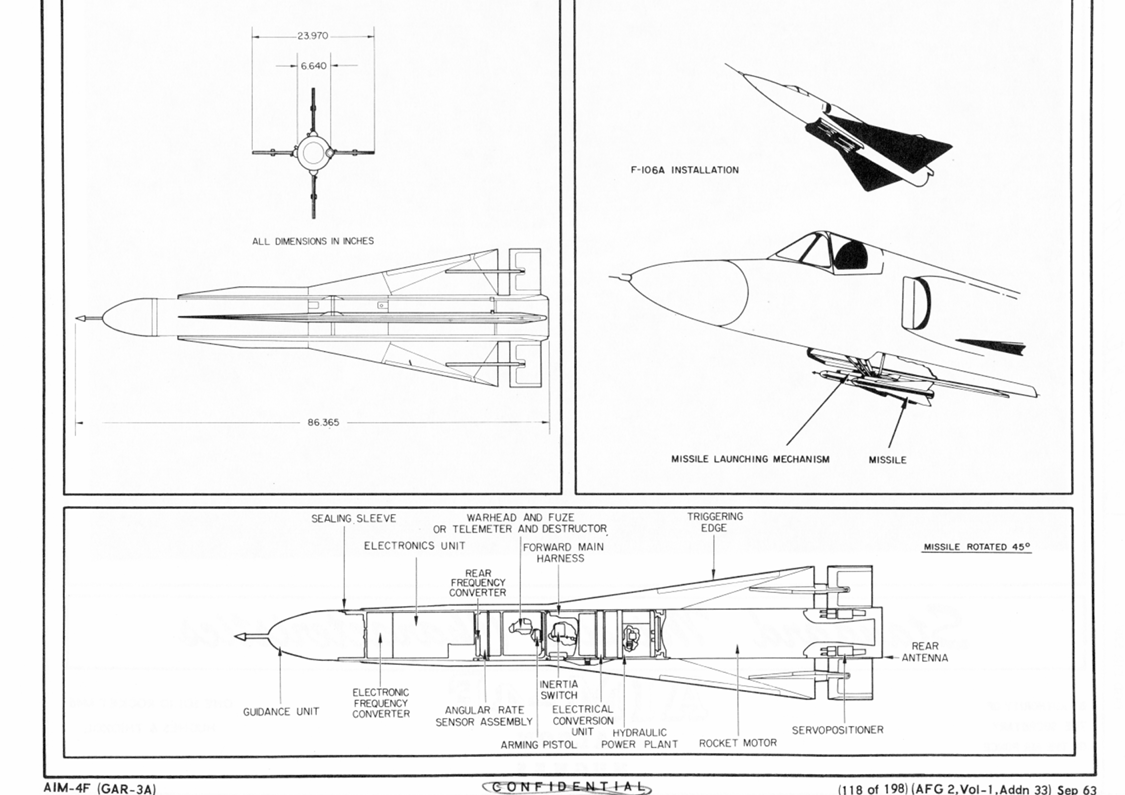
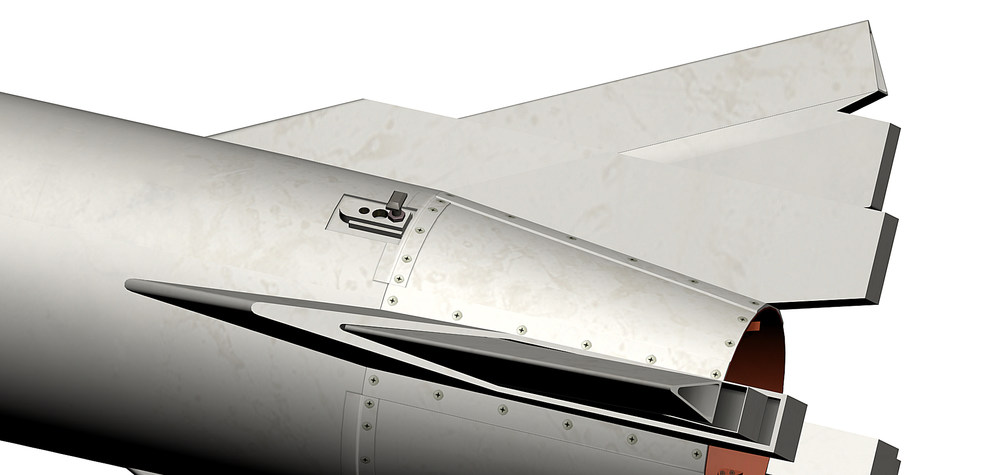
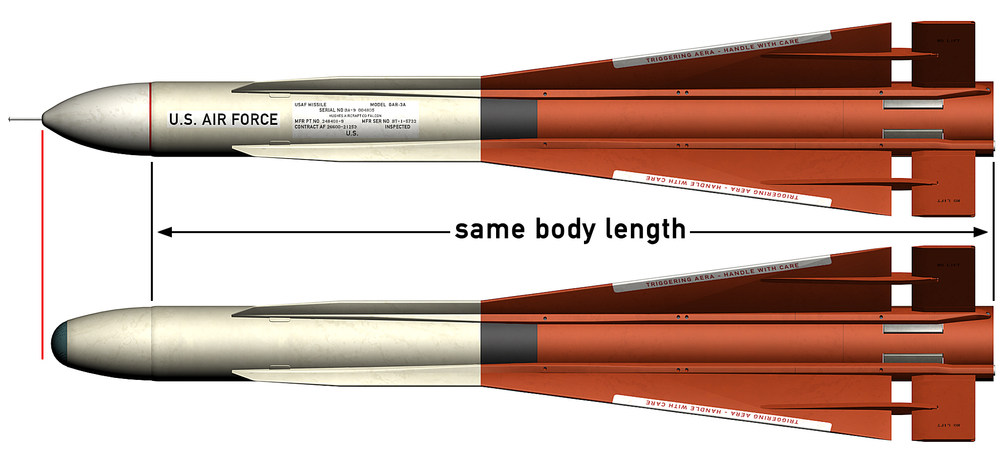
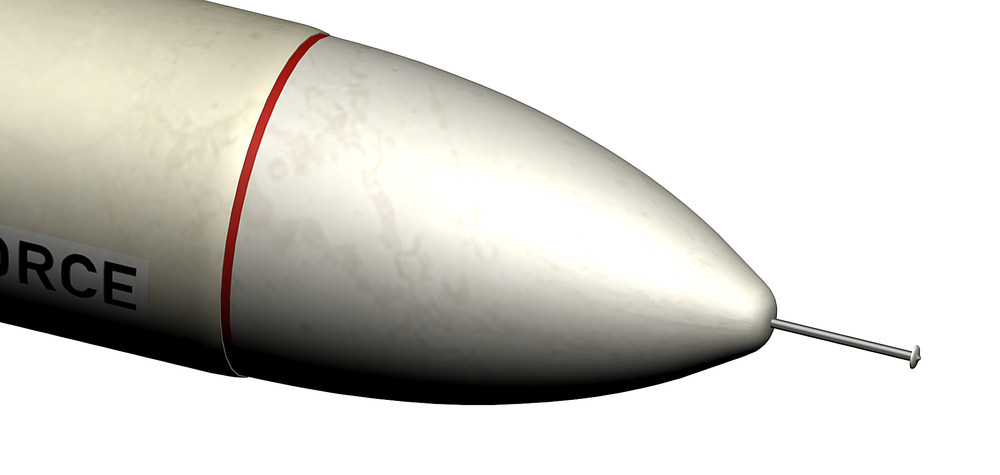
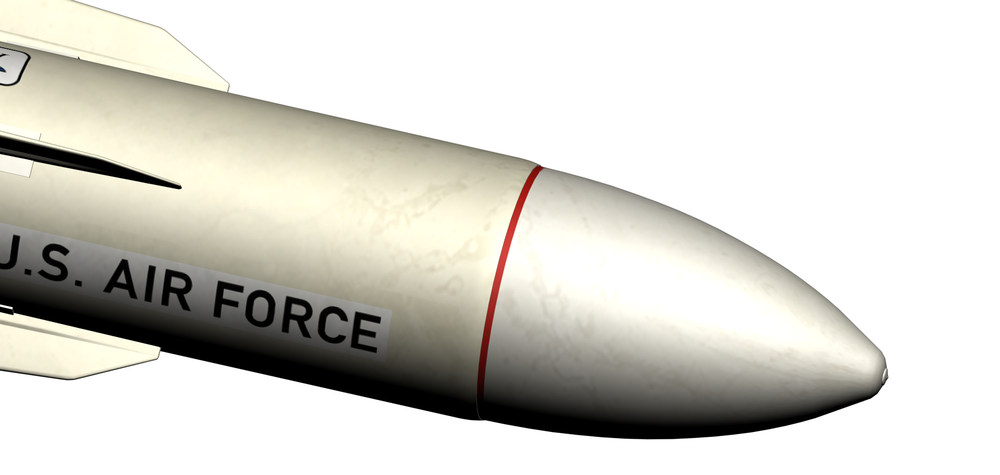
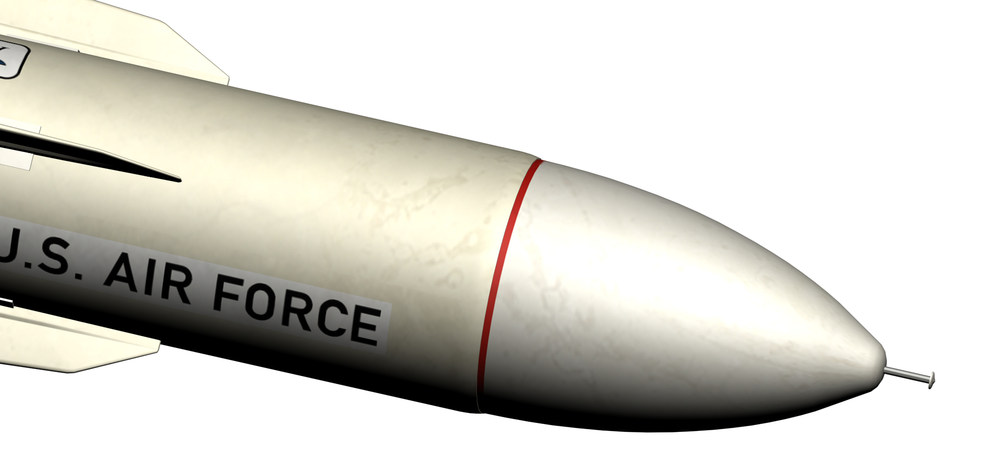
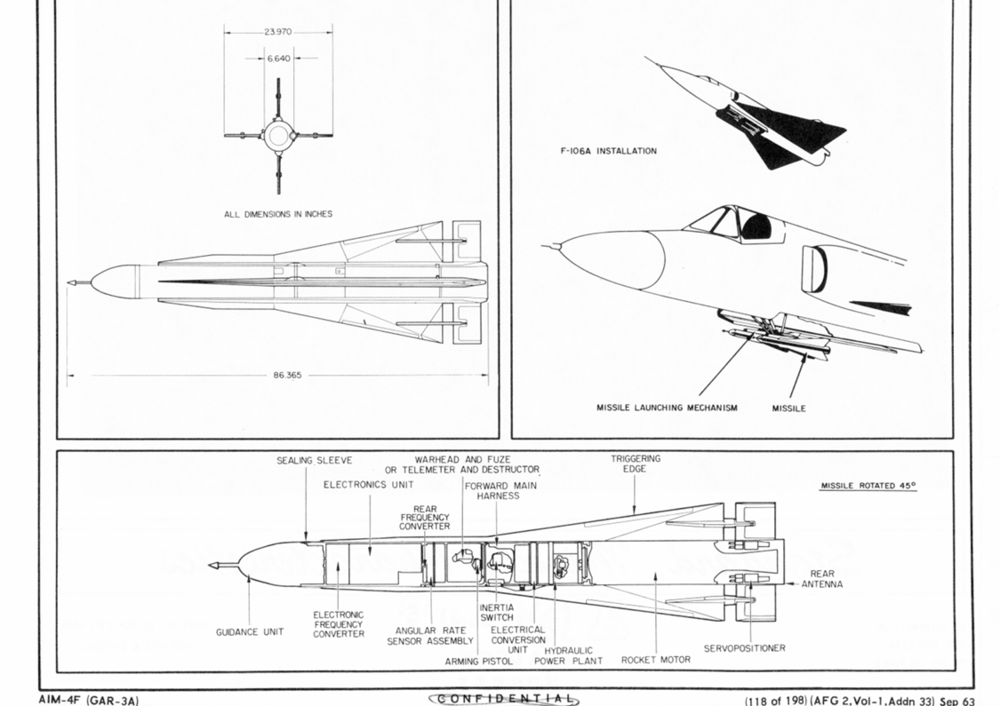
that would explain why there are 2 shapes for the radome , i was wondering why so i´m going to make 2 AIM-4F a early one and the late one Thanks to MigBusters drawing i was able to change a mystake i made , the total lenght for the AIM-4F is stated as 86.365 inch and i made the missile that way , but the drawing is showing the 83.365 inch including the probe , after measuring pictures i came to the conclusion that the AIM-4F and AIM-4G have the same basic body dimensions the only exeptyion is the nose part , the one from the AIM-4F is slightly longer measurment from my 3D model AIM-4F body lenght 83.267 inch (without the probe ) 83.365 ( with probe ) AIM-4G body lenght 82,50 inch that is how the AIM-4F looks like now , still have to finish the skin , the probe looks now more like the one on the picture from Svetlin above AIM-4F early and AIM-4F late
-
this is what i have now on the 3D model , still have to finish the skin
-
that is what i was searching for thank you so much
-
i did not even notice that i posted it in the wrong forum , Thanks Kevin
-
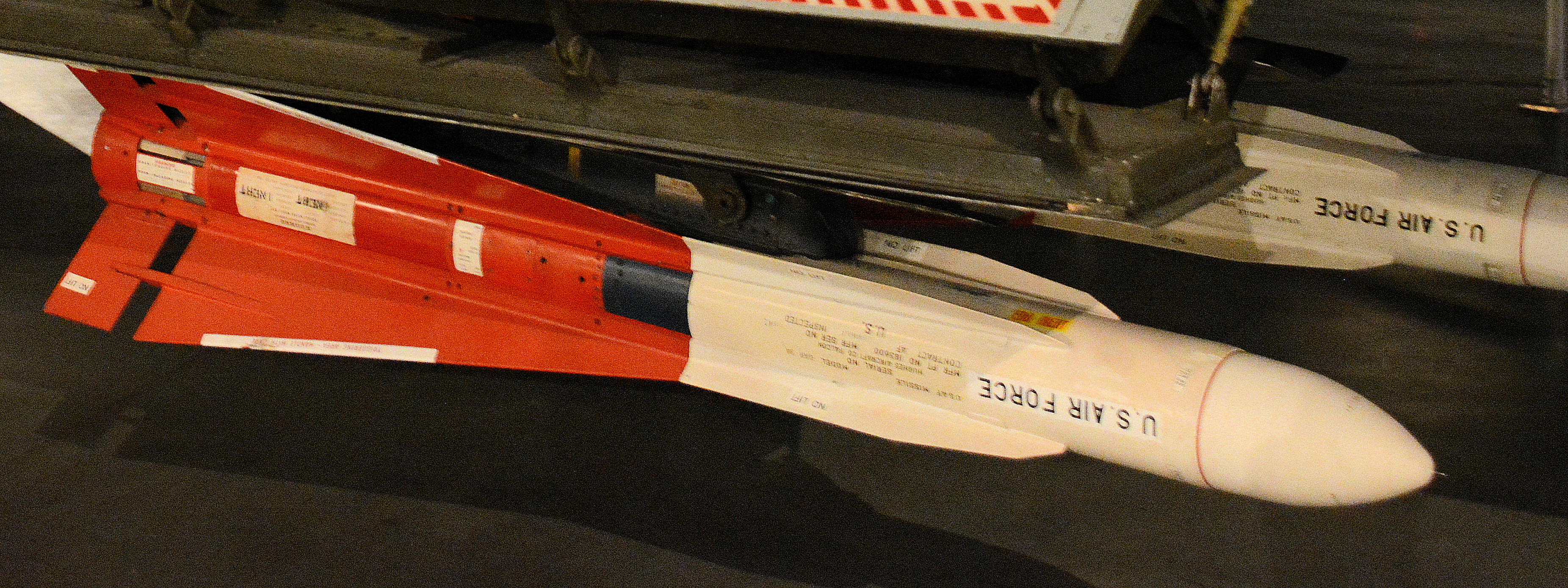
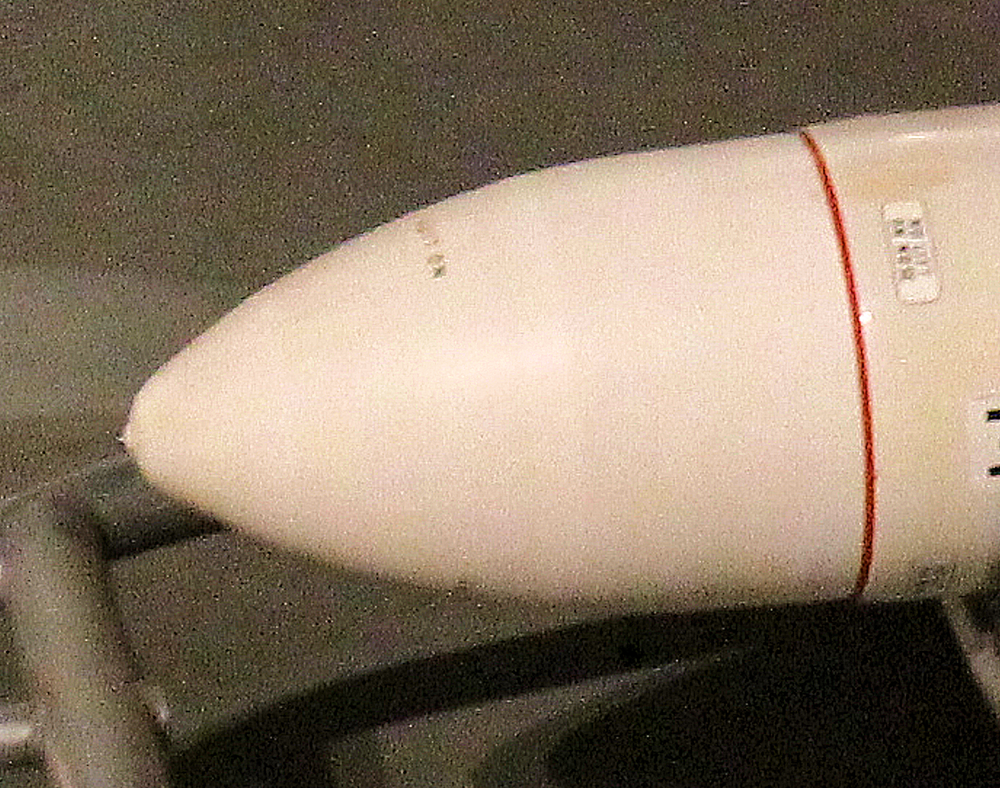
a picture from an other GAR-3A showing the probe retracted and just the tip showing out a bit does not look like a proximity fuse
-
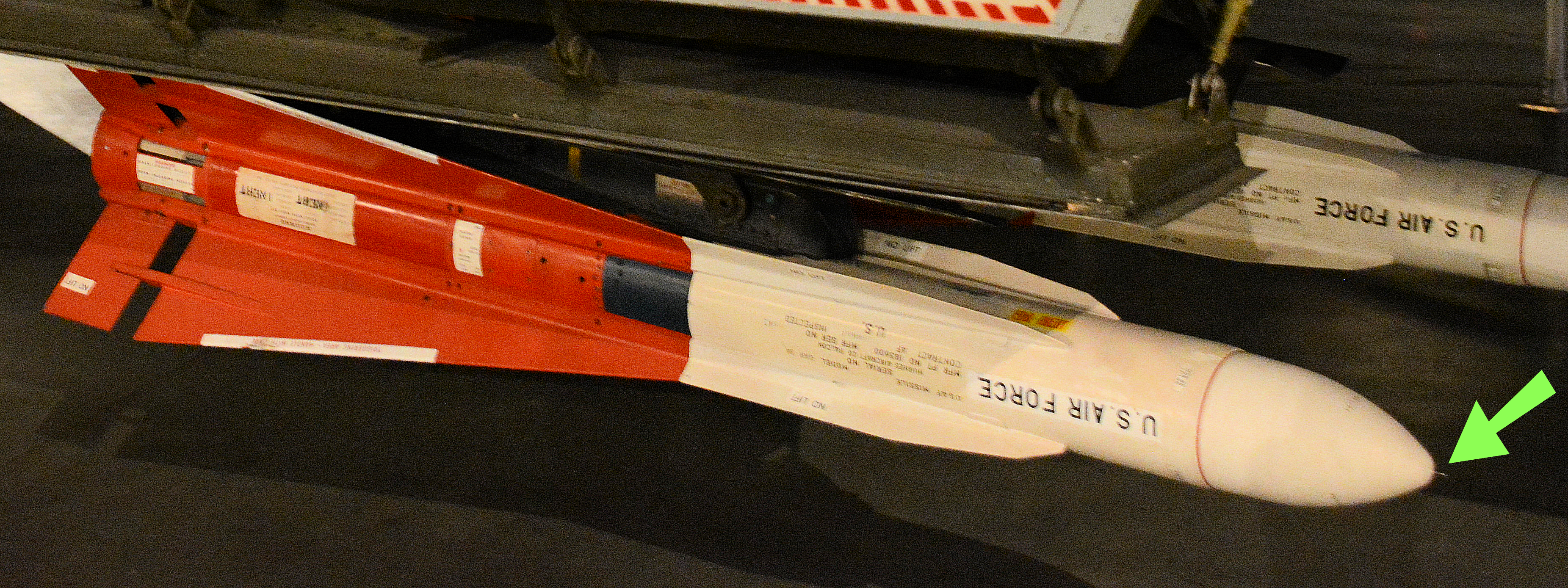
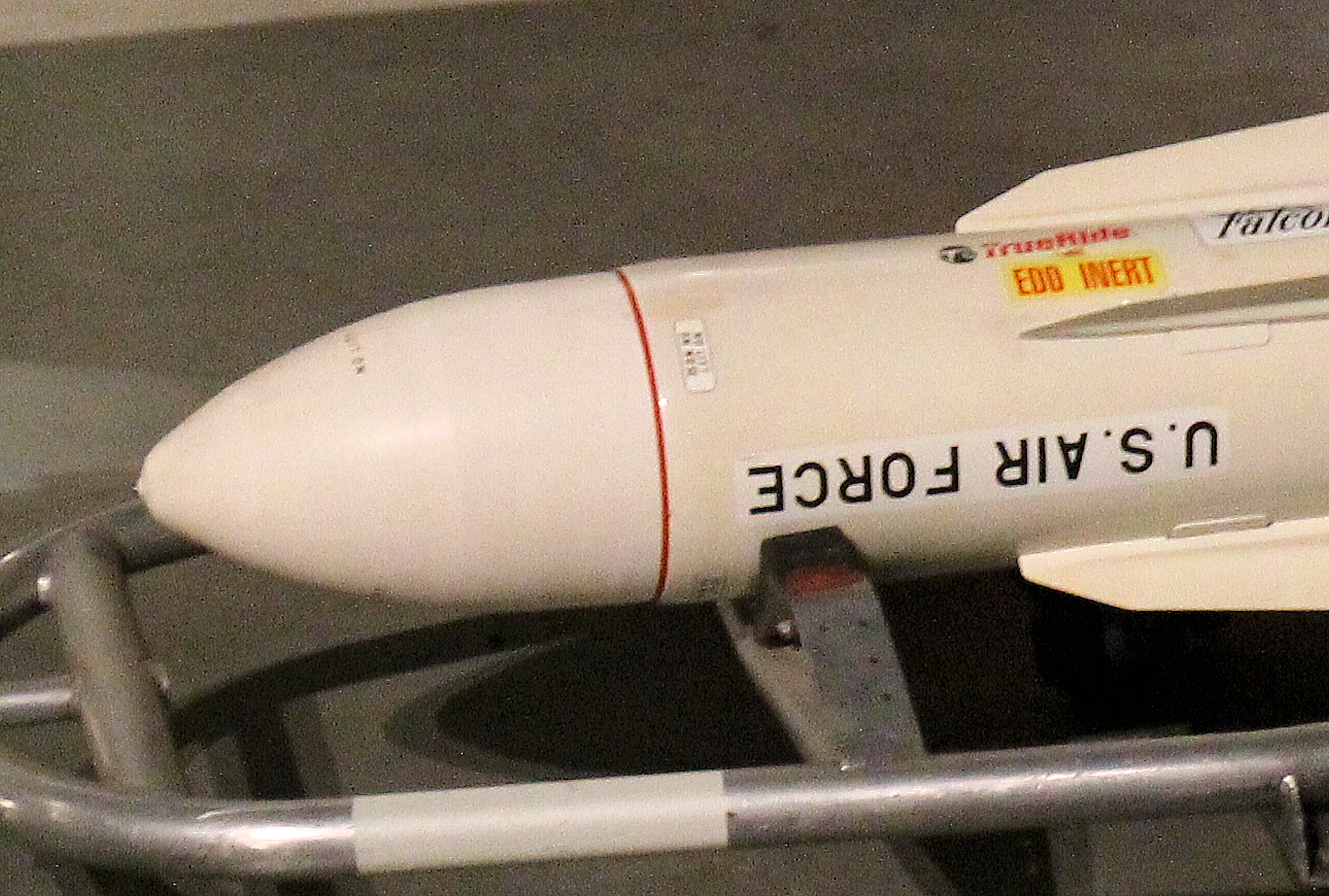
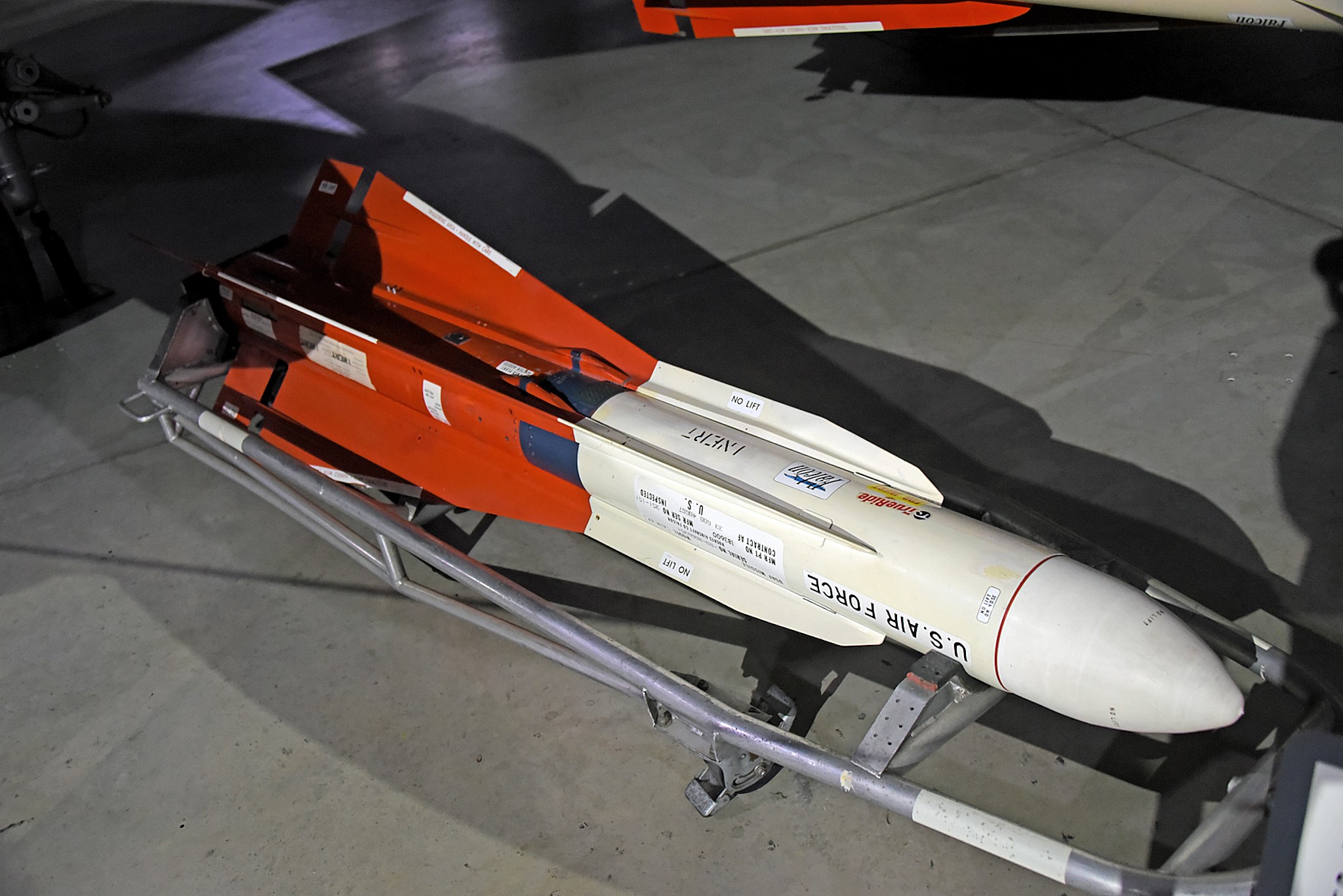
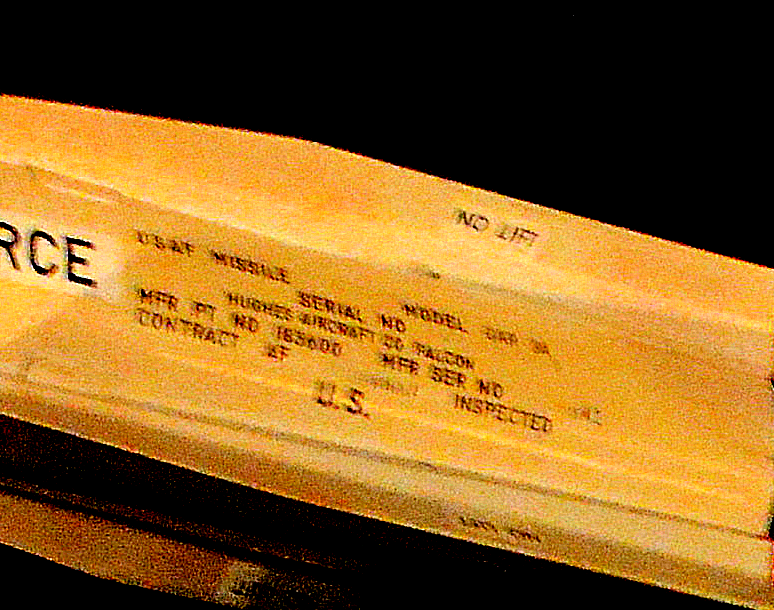
the one picture with the probe extended i posted is an GAR-3A (AIM-4F ) it is clearly readable on the missile data label , MFR PT NO was 153600 so is this a proximity fuze or a probe to detonate the warhead by a direct hit ??? if the AIM-4H got a proximity fuze i assume this one here is more for a direct hit but at this time they had already better options for a impact fuze i just wish we could get some close up picture of it
-
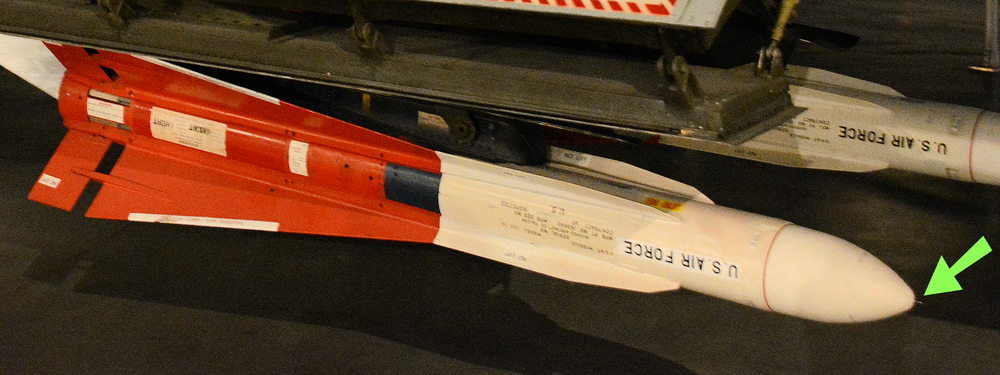
i´m talking about the little part in the front ( green arrow ) , not all pictures of the AIM-4F are showing this part
-
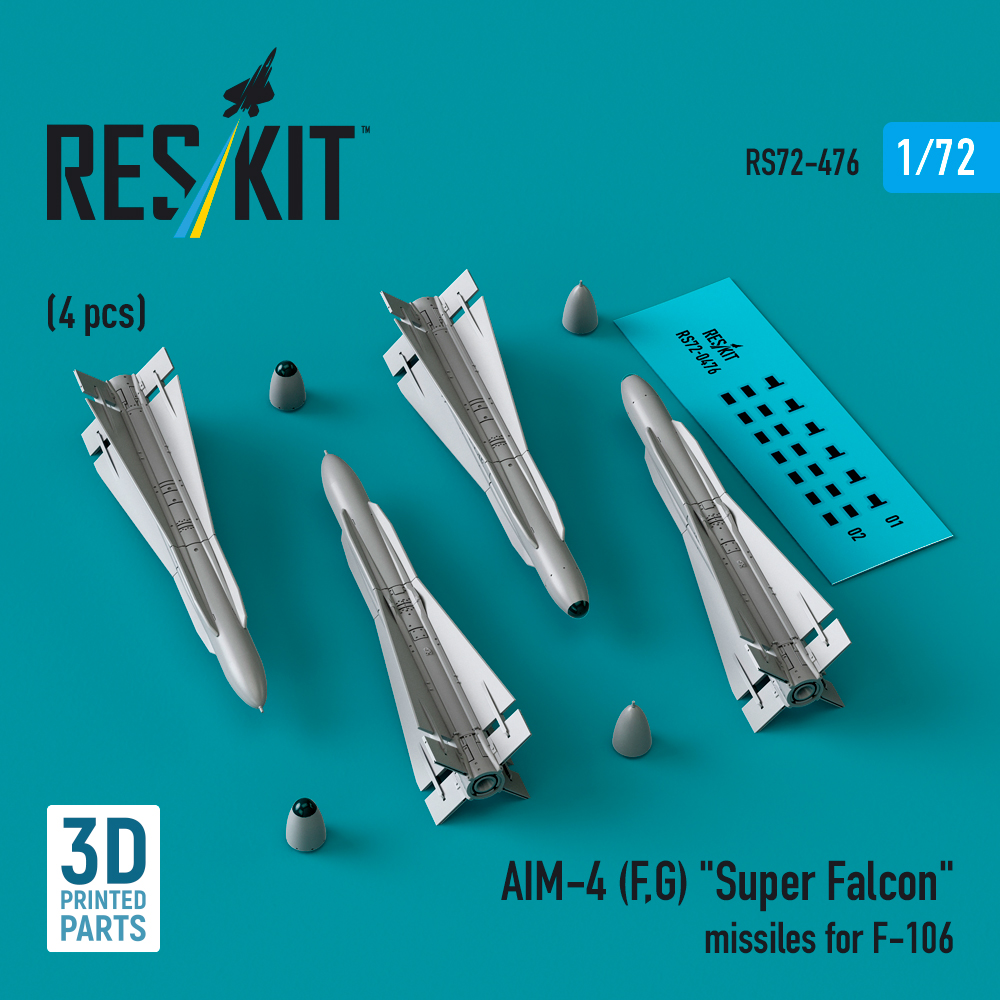
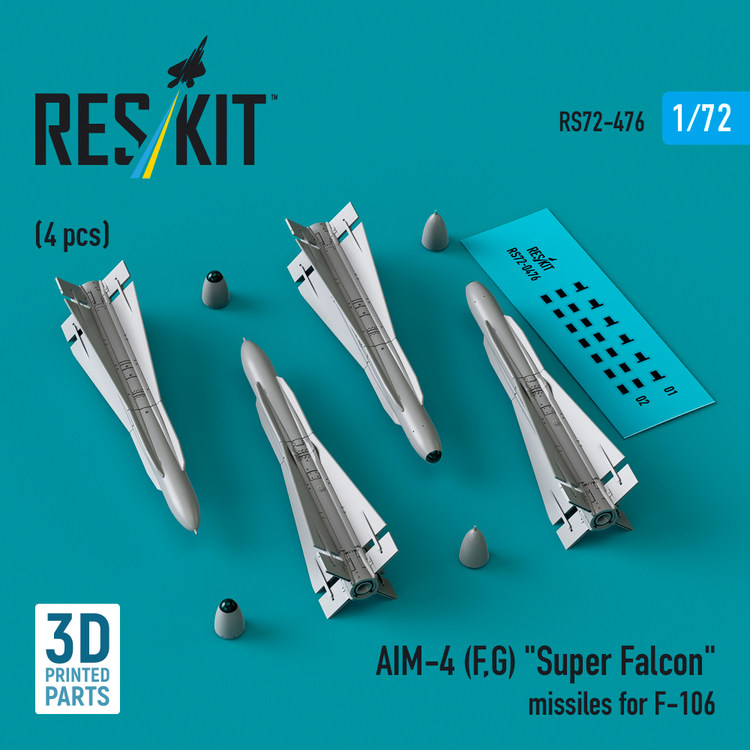
i have a question regarding the Radome of the AIM-4F , i have 2 pictures showing a pitot like object on the front of the radome other picture show a small conicaly shaped tip and what could be a retracted pitot or pin that just shows the tip of it did the AIM-4F had a pitot or what is this object ? has anybody a better picture of the radome front ? i also found this picture of an plastic model in scale 1:72 showing the pitot like object as well AIM-4F pictures showing the pitot like object picture of the radome with a conical shaped tip and something metallic showing on the tip of it ( retractable pitot / pin ???? ) any inf or better pictures are more than welcome , i really like to get this missile finish and after so many years of searching for info on this matter maybe somebody can help me out , or maybe there is a museum near by where somebody can make some pictures and get some info about it
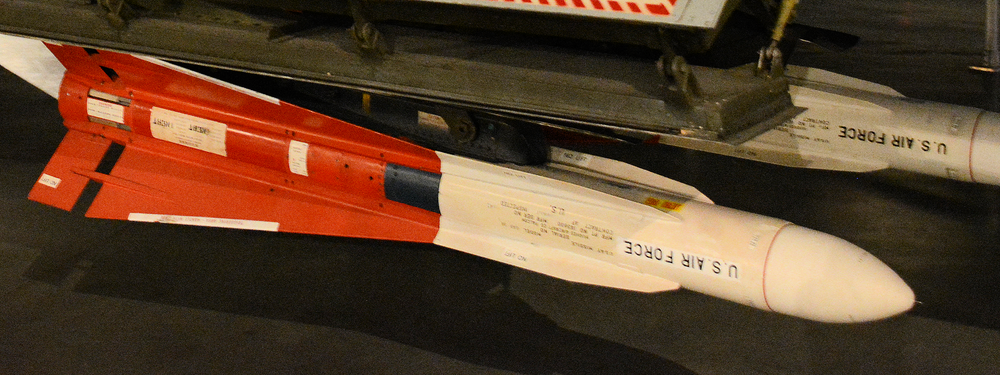
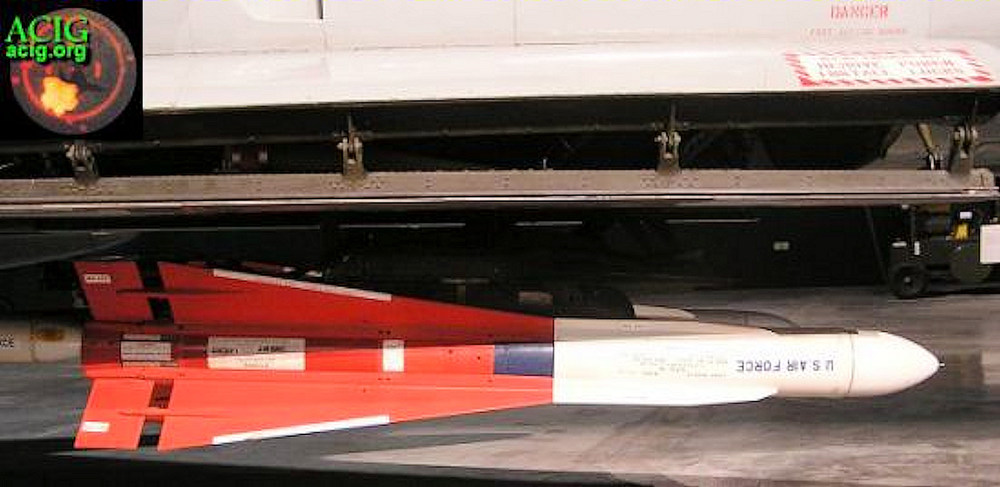
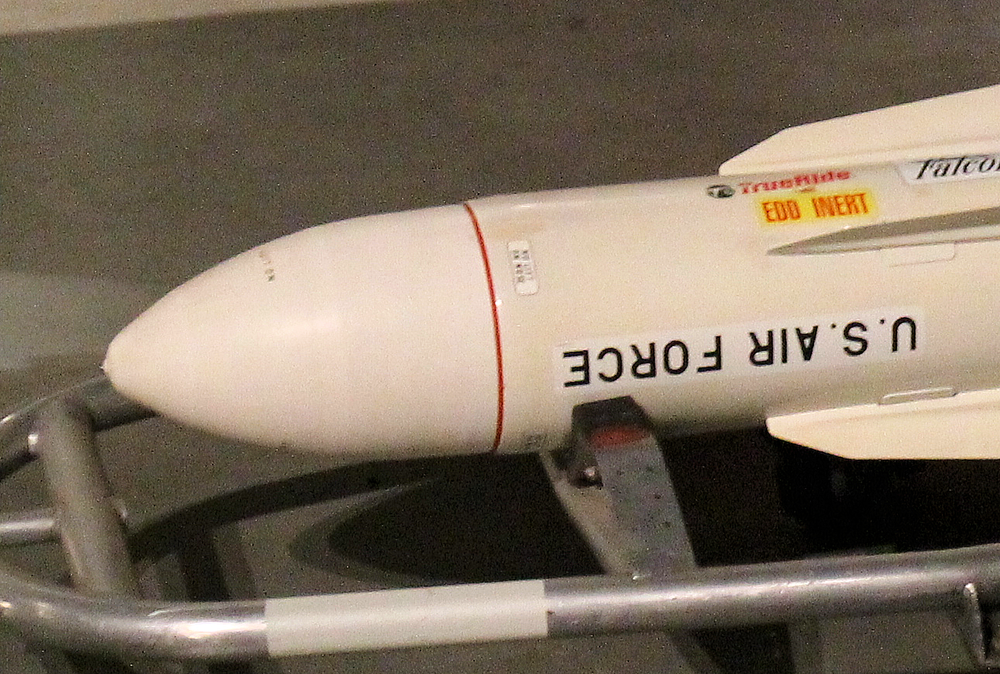
-
i worked 10 years in the Philippines and i have now a large Filipino family there and in the USA and yes people should talk more to each other and find out who else lives on this planet and try to understand them , unfortunatley we live in a time where lies and deception is used to rule the world
-
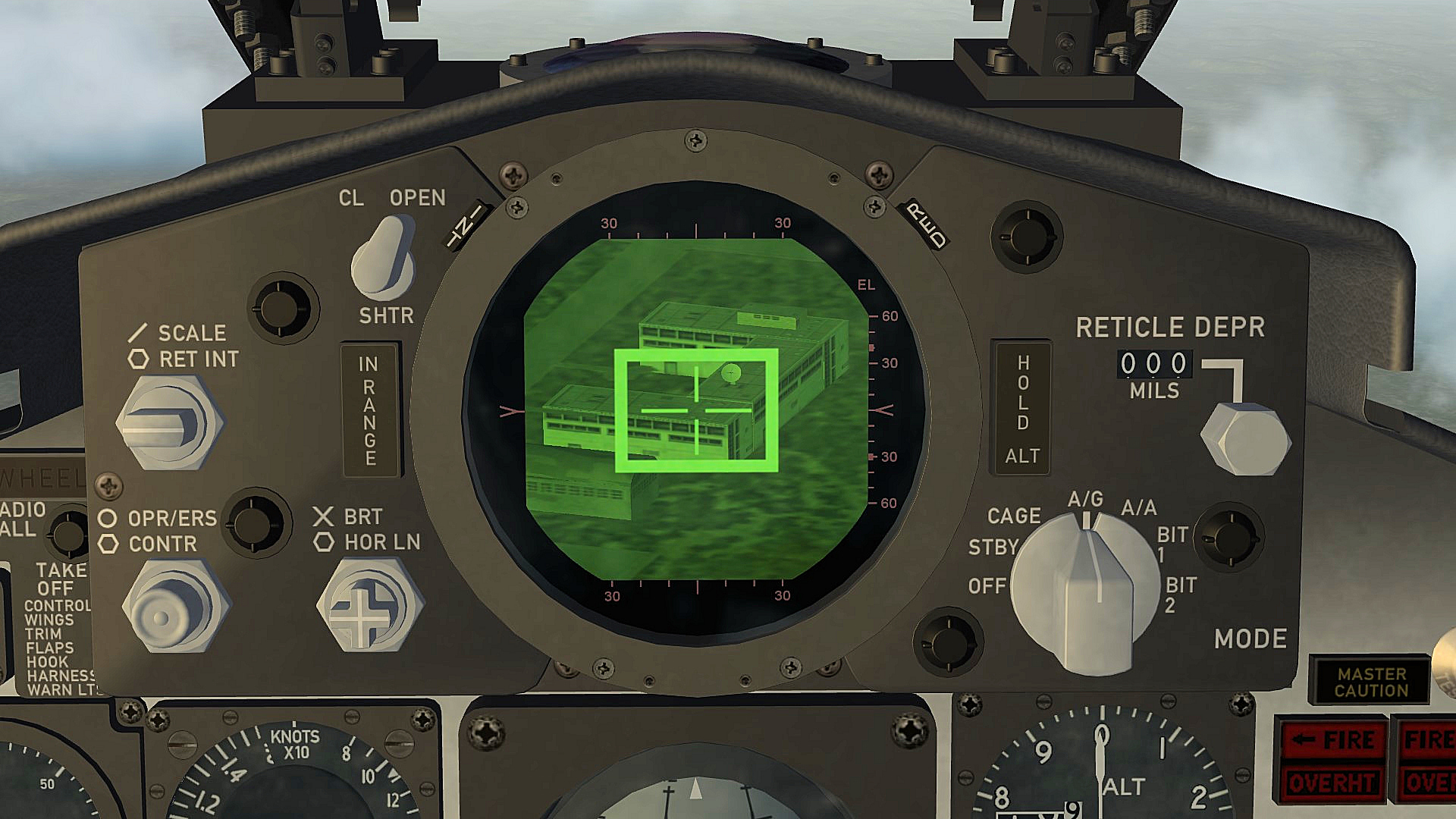
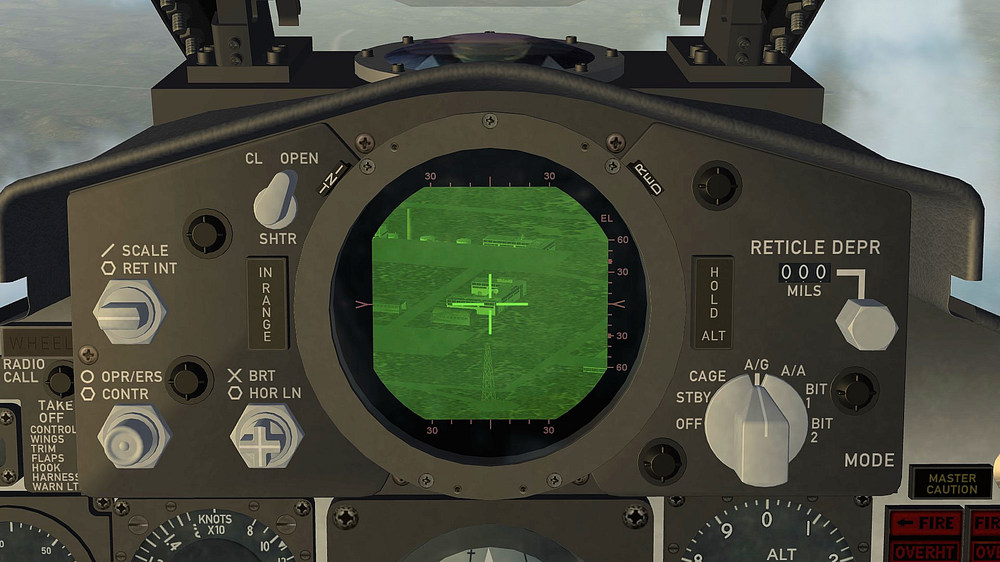
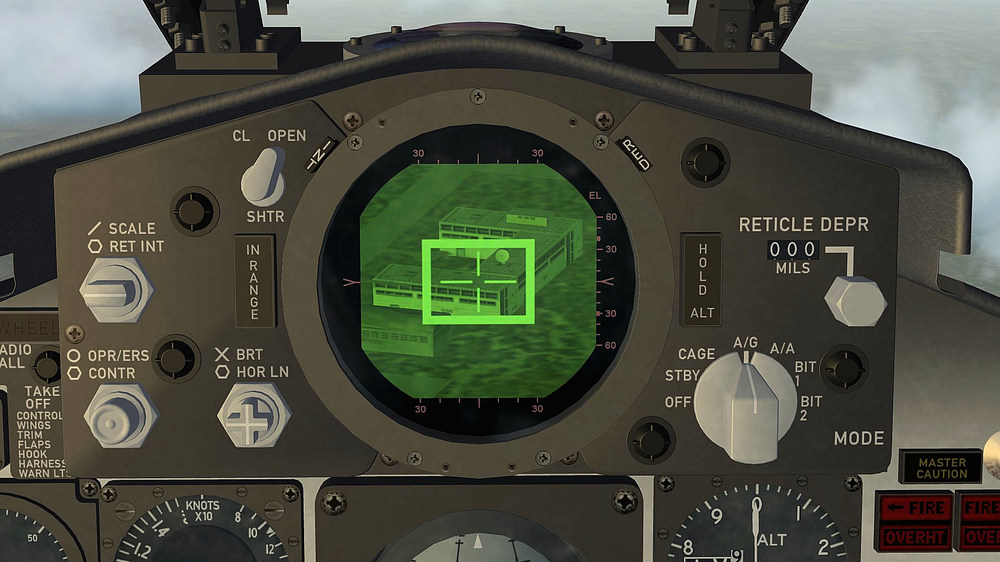
just made this new tga´s based on the few pictures i have AVQ10 tga NEW.7z AVQ10_Track.tga AVQ10_Lock.tga
-
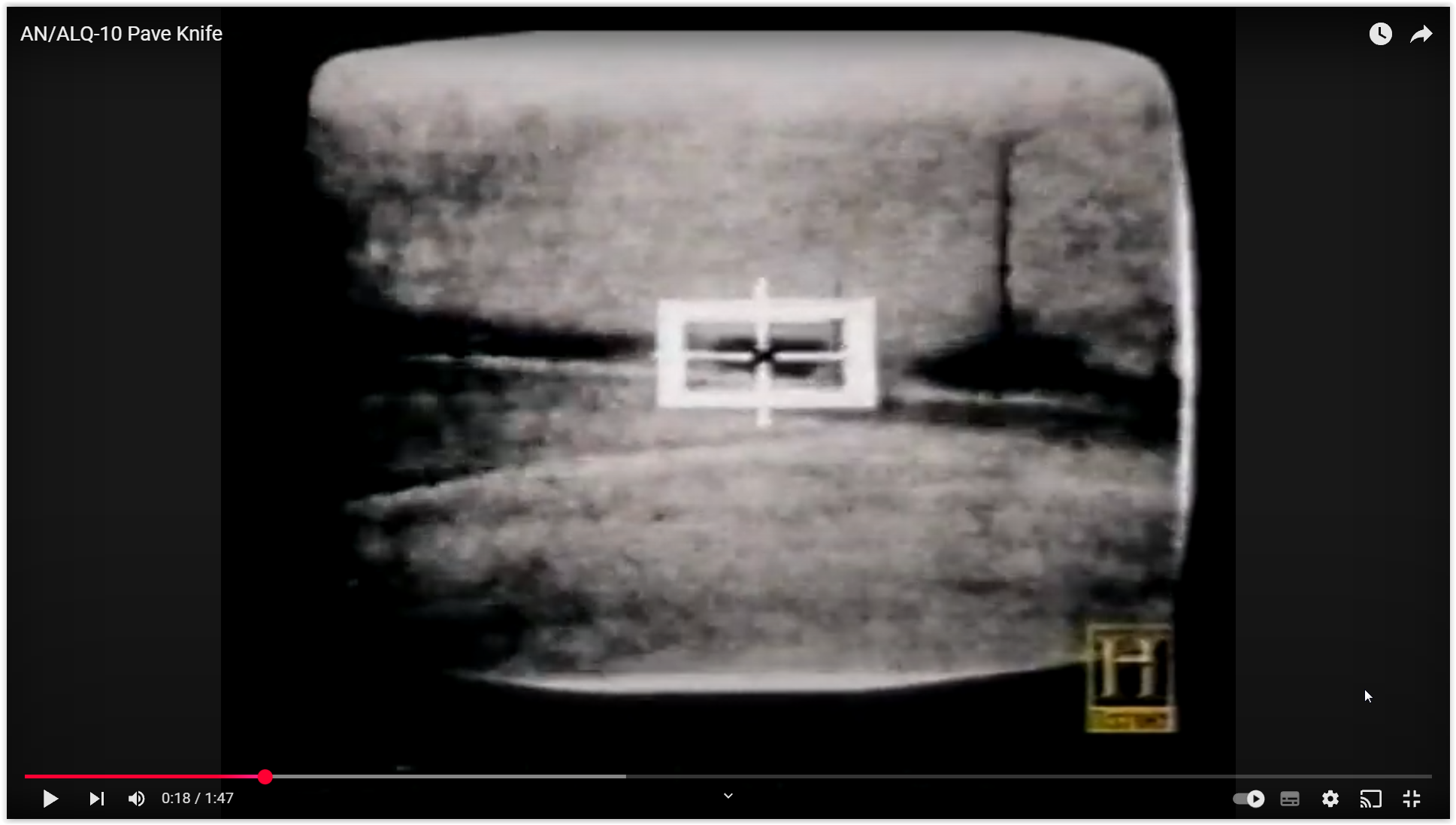
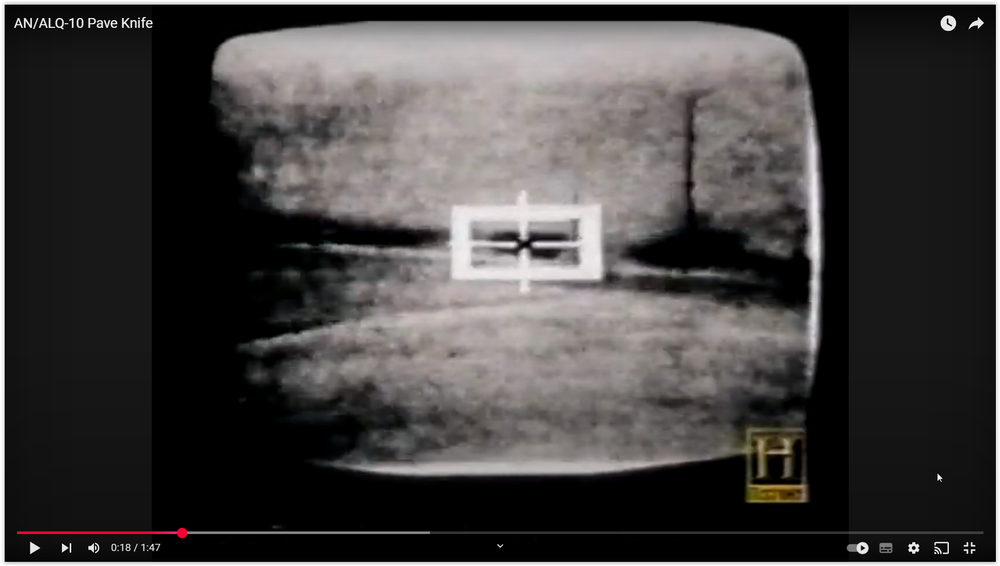
thanks my friend i´m searching for years now on this laser pod especially the dimensions , but i cant find anything that would help me i found this picture from a A-6 showing the Pave Knife lock on , no idea how the track would loock like , mabe only the cross hair without the large white box
-
Thanks do you have the original dimensions for that laser pod or a drawing with dimensions ??? i dont have this 2 tga´s , AVQ10_Lock.tga and AVQ10_Track.tga , could you please upload them as well
-
i´m uploading F-4D Cockpit Pack version 1.0.3 right now what is new F-4D Cockpit Pack is updated F-4D Cockpit Fix updated F-4D_Radar_PPI removed from cockpit folder New F-4D_Radar texture Radar and TV Display texture size is set to1024 x 1024 in Avionics.ini Gunsight Depression optimised Gun Sight Mode Selector Knob is set to HUD_MODE_INDIDCATOR , to work with CAGE mode F-4D_IRIAF and F-4D_IRIAF_76 cockpits are added F-4D Cockpit Pack = F-4D cockpits and ini´s , Weapons Pack and Nuclear Effects for B61 and Walleye Mk6 ( no need to add the Effects if you have this Effects already ) F-4D Cockpit Fix = F-4D cockpits and ini´s , for everybody whop has the latest F-4D cockpits NOTE: i added a F-4D Cockpit Fix for everybody who has already downloaded the F-4D Cockpit pack , Please REMOVE the existing Cockpit folder before adding the new one in to the respective aircraft folder , copy and drop the new ini´s in to the respective aircraft folder and let overwrite if ask to i have tested all cockpits and could not find any problems , if you find something wrong Please inform me so i can fix it regards ravenclaw_007
- 115 replies
-
- 12
-
-
-
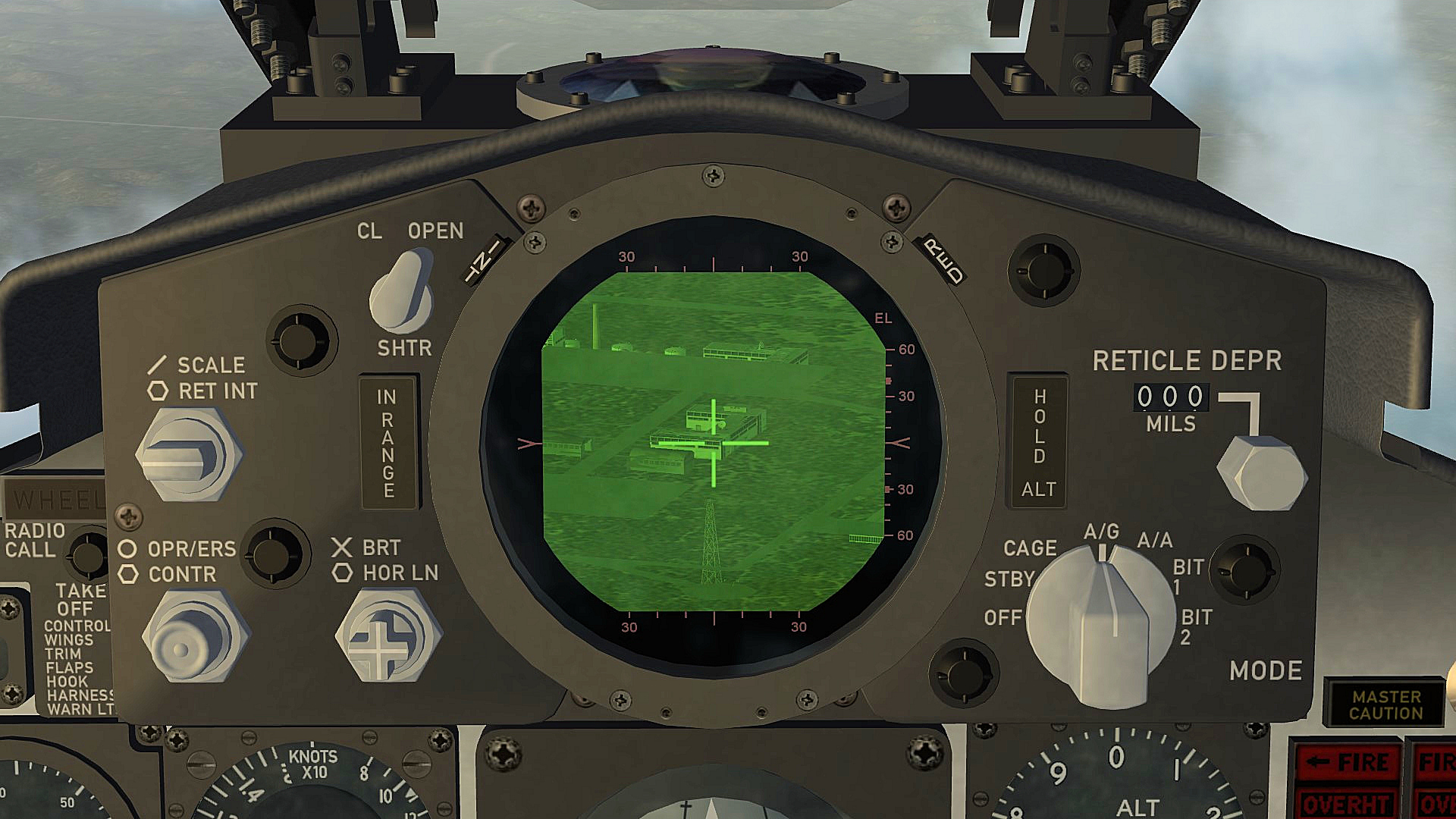
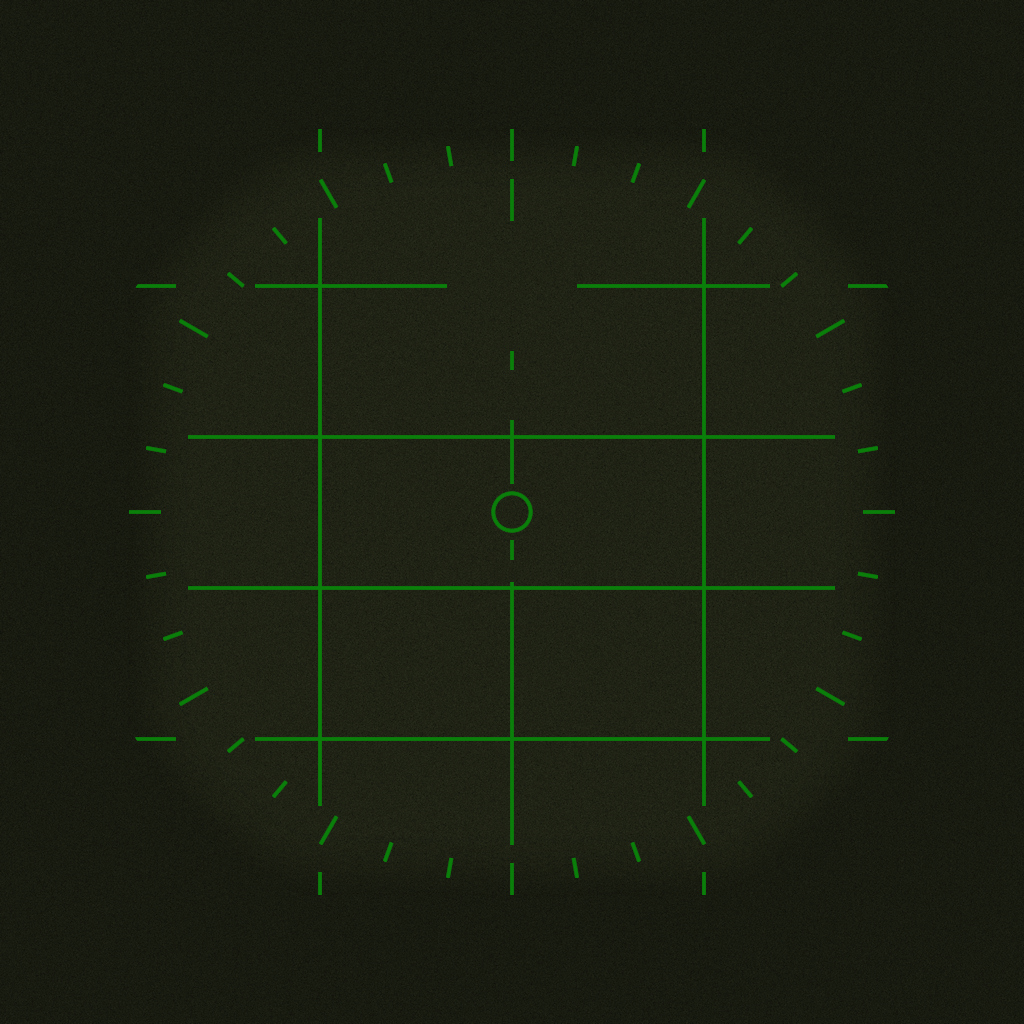
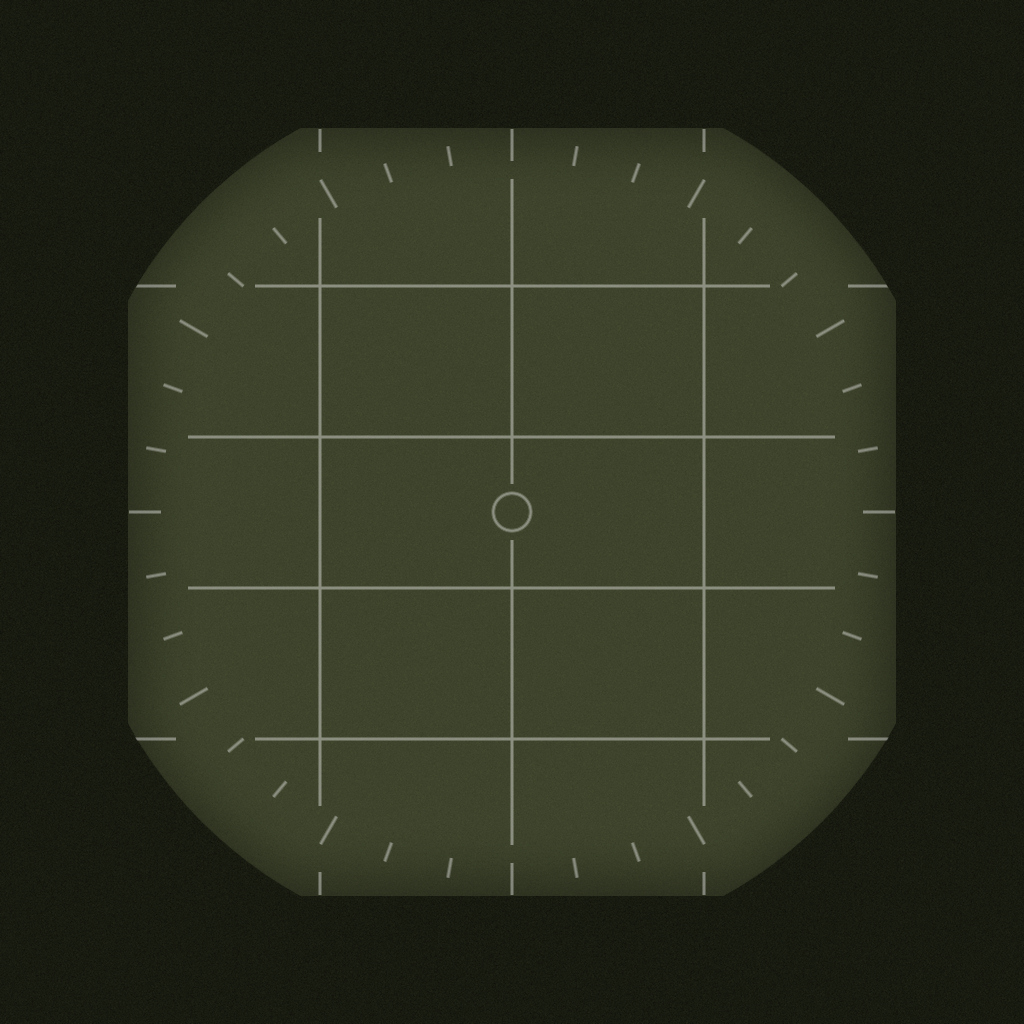
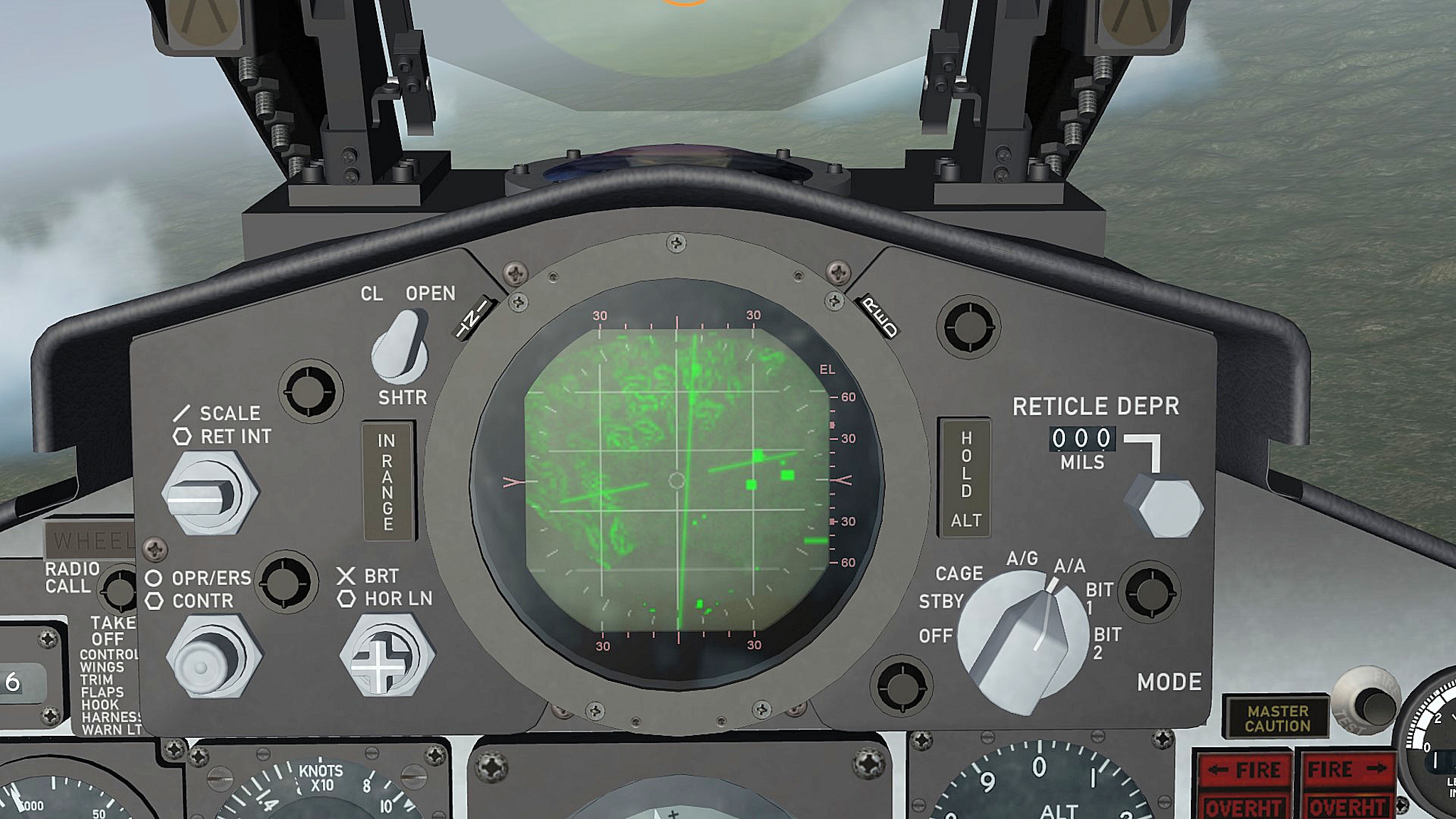
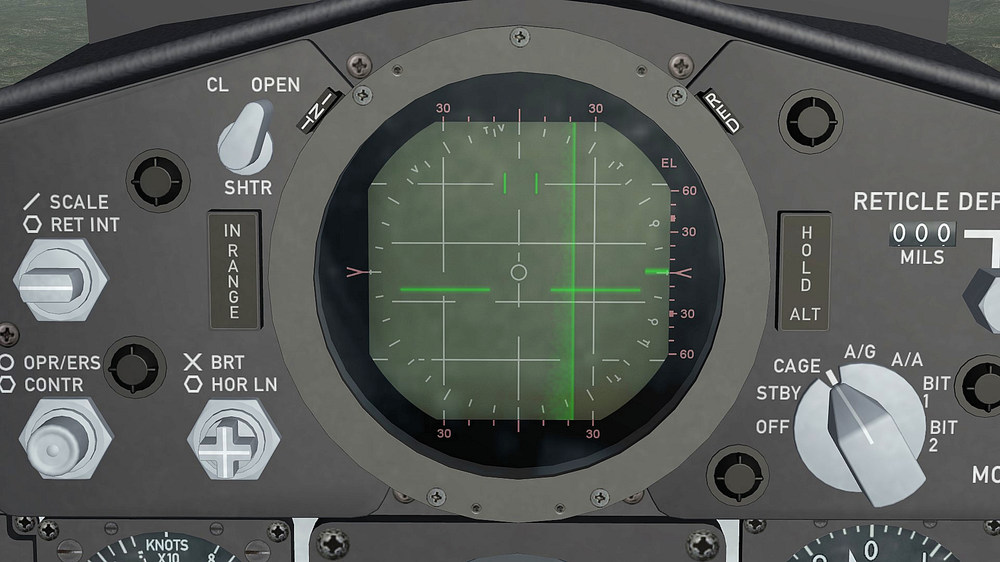
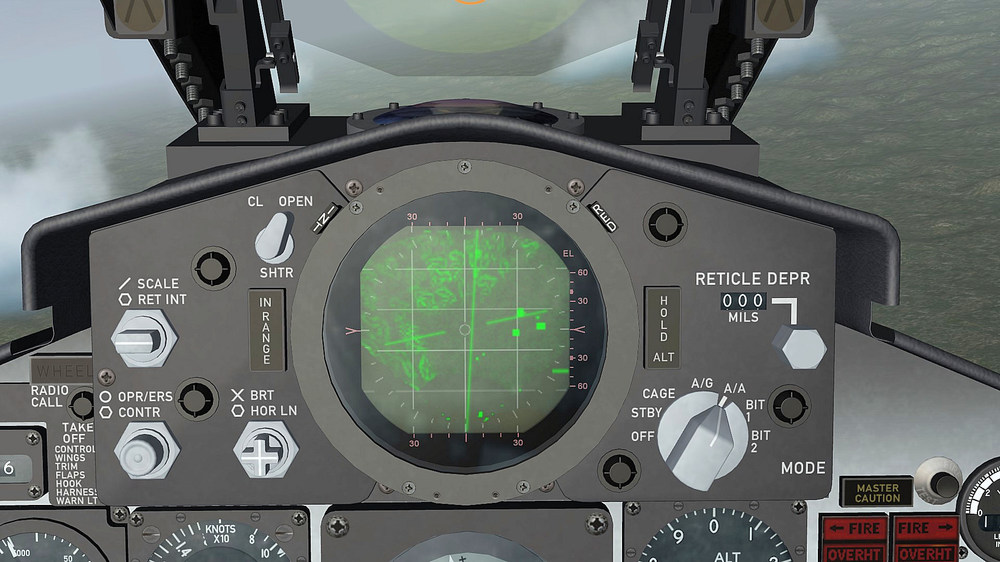
somebody told me a while ago that the radar texture in SF2 is hardcoded to 256 x256 that is not true , i simply changed the value below [RadarDisplay] ViewportTextureSize=1024 and now i have a very clear and sharp radar texture and i cult even add some small details to it that would not show up with a texture size of 256 x 256 final radar texture based a the F-4D weapons delivery manual from 1976
-
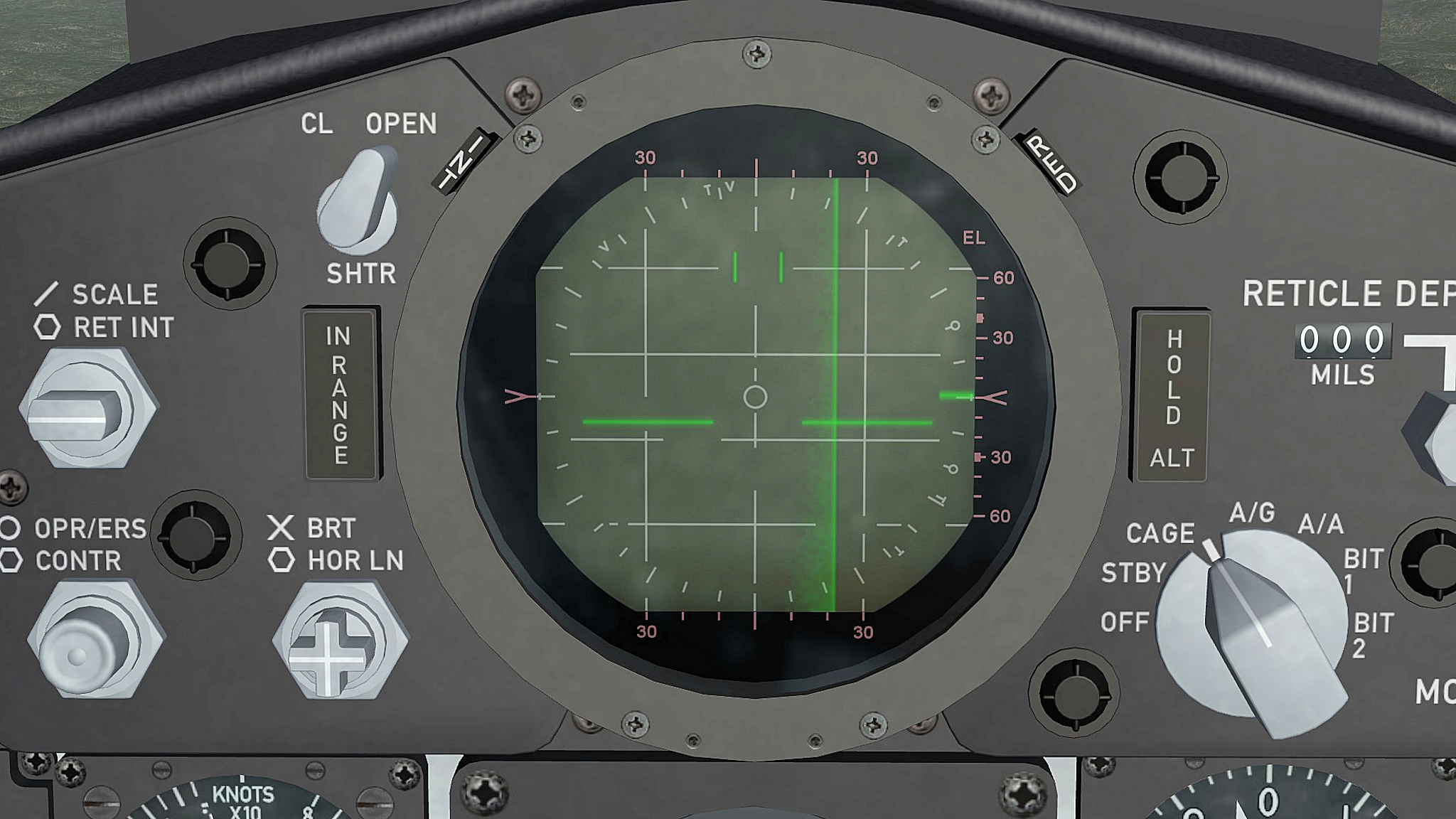
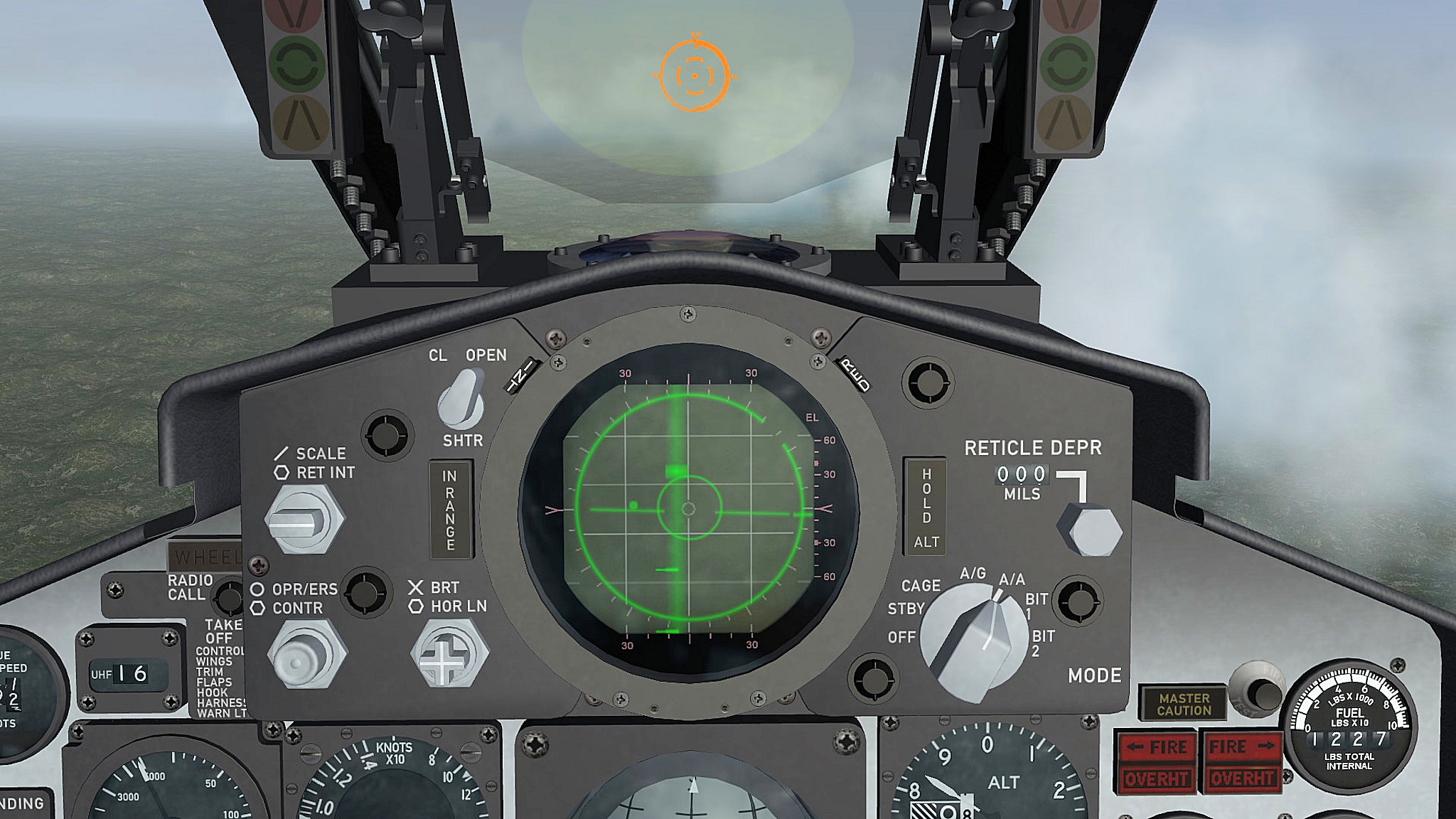
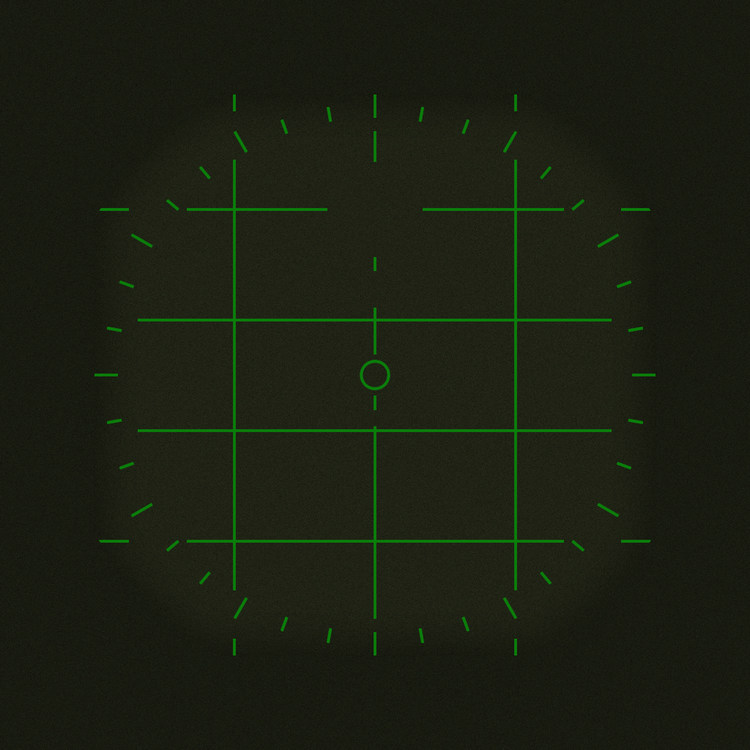
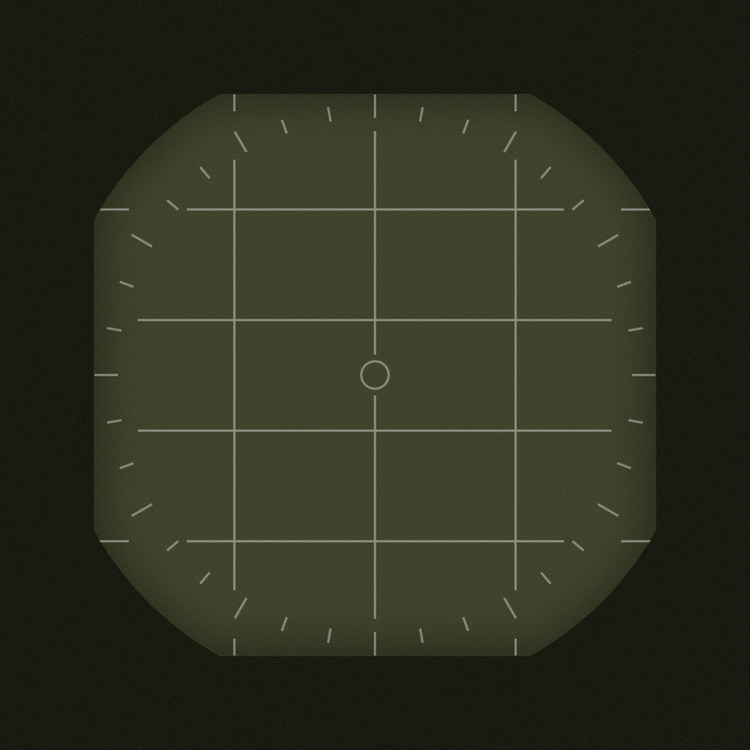
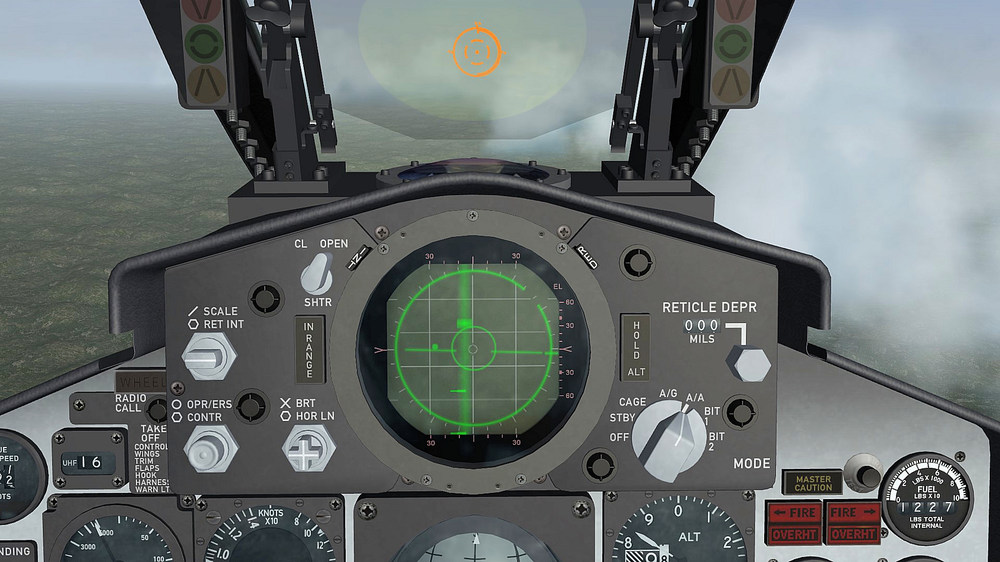
i´m currently working to finish all the F-4E cockpits and upload them as soon as im done with it ( will only work with F-4E´s made by me ) there is something with the F-4D and early F-4E radar that i like to fix , first there is no extra PPI screen in this radars the PPI screen came with the DSCG display (F-4E Block60 up ) about 1974 before that there was only the radar screen as in the F-4D even for the PPI display , next is the Radar display itself for the F-4D i added the lines on the display in green for a better contrast but that is wrong this lines where not part of the Radar display itself they where incraved in to the glas in front ( for the rear cockpit ) and in to a lense ( front cockpit ) therfor this lines should not look green at all they should be more grey or white the PPI mistake happen because i use a F-4E cockpit to make the F-4D cockpit and did not think about the early radar display , as i mention befor i´m getting old this is how it looks right now in the F-4D cockpit and this is how it will look after the update i'm preparing this is how it is going to look in game and the correct PPI display the F-4E radars will look exactly like that , the first with the more modern DSCG display will be the F-4E_75 something i dont know is if the late F-4D`s (after1984 ) did get the more modern display as well but all infos so far say no the latest manual i have for the F-4D is the Weapons Delivery Manual from 1976 / 1977 and this one is still showing the old standard radar display an other change happen with the Gun Sight Mode Selector Knob , currently it works as a Radar Mode Selector Knob but i set it back to the HUD_MODE_INDIDCATOR funktion so it will work as it should if you select the Cage mod so there is an other update coming soon
-
Thanks i appreciate that you like my F-4D cockpits and your english is ok for me ( i´m from Germany and my english is not that good either) about future F-4 cockpits the F-4E/F/G cockpits are almost done i just have to add some more changes , cockpits for the F-4C or F-4B/J/N/S will be something that i can do but not in the near future first i have to get the NEW F-4E/F/G aircraft and cockpits done and an other problem will be the available Flight and Tactical manuals for the Navy Phantoms with out this manuals it will be very difficult to get this cockpits done for the late F-4F ICE cockpit i still have to make a trip to the JG74 at Neuburg/Donau to get in the F-4F they have there and take some pictures and hopfully get some informations from former F-4F pilots or mechanics , there are some lights left and right from the HUD ( below the AOA indicator lights ) that i have no clue what they are for and there is no manual for the F-4F from that time periode available , i called varius GAF offices and even the Ministry of Defence to get my hands on one of this late manuals but no luck , it seams that they got all destroyed making this cockpits is more or less the easy part , getting the manuals , pictures and infos is the hard part and sometimes the reason i have to stop a project , you have no idea how long it took me to get good pictures for the JASDF F-4E cockpits or the Turkish Air Force F-4E cockpits ( for the Turkish F-4E´s i´m still searching more pictures and infos )
-
Nuclear Armed “Super Sidewinder”
ravenclaw_007 replied to dtmdragon's topic in Military and General Aviation
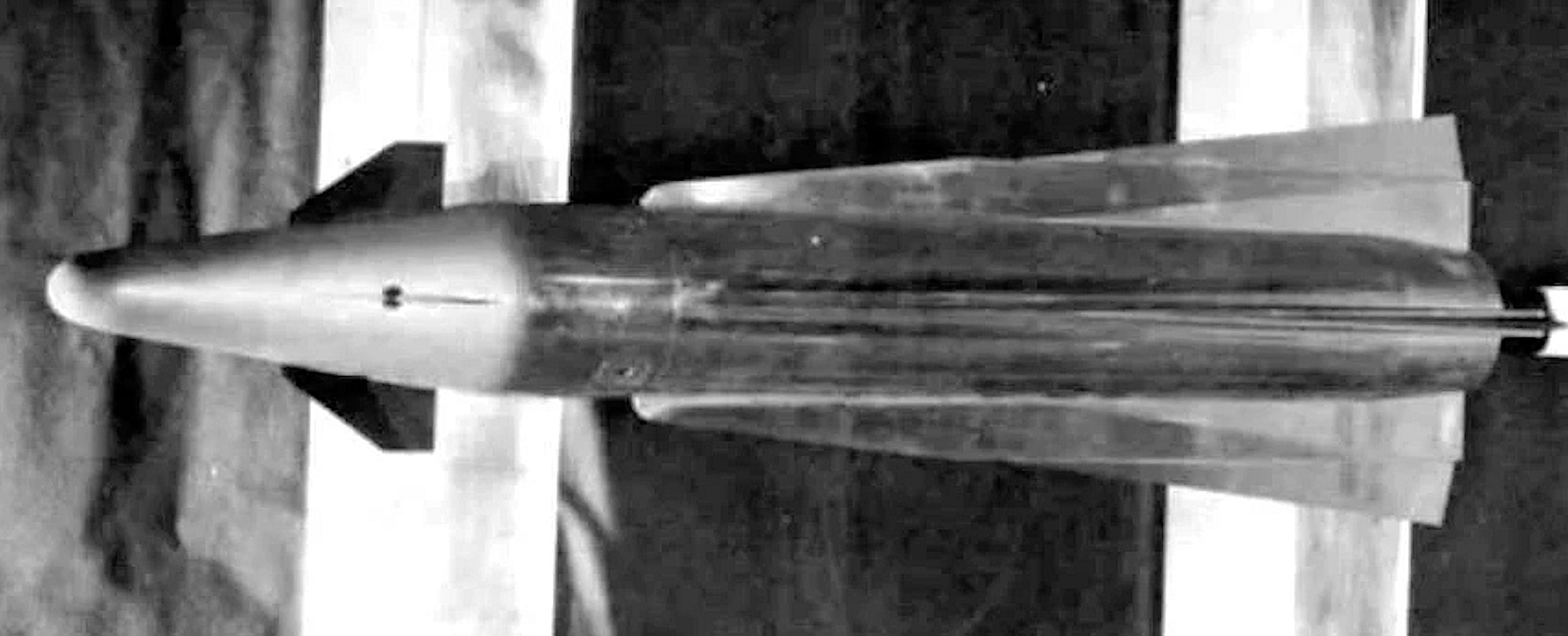
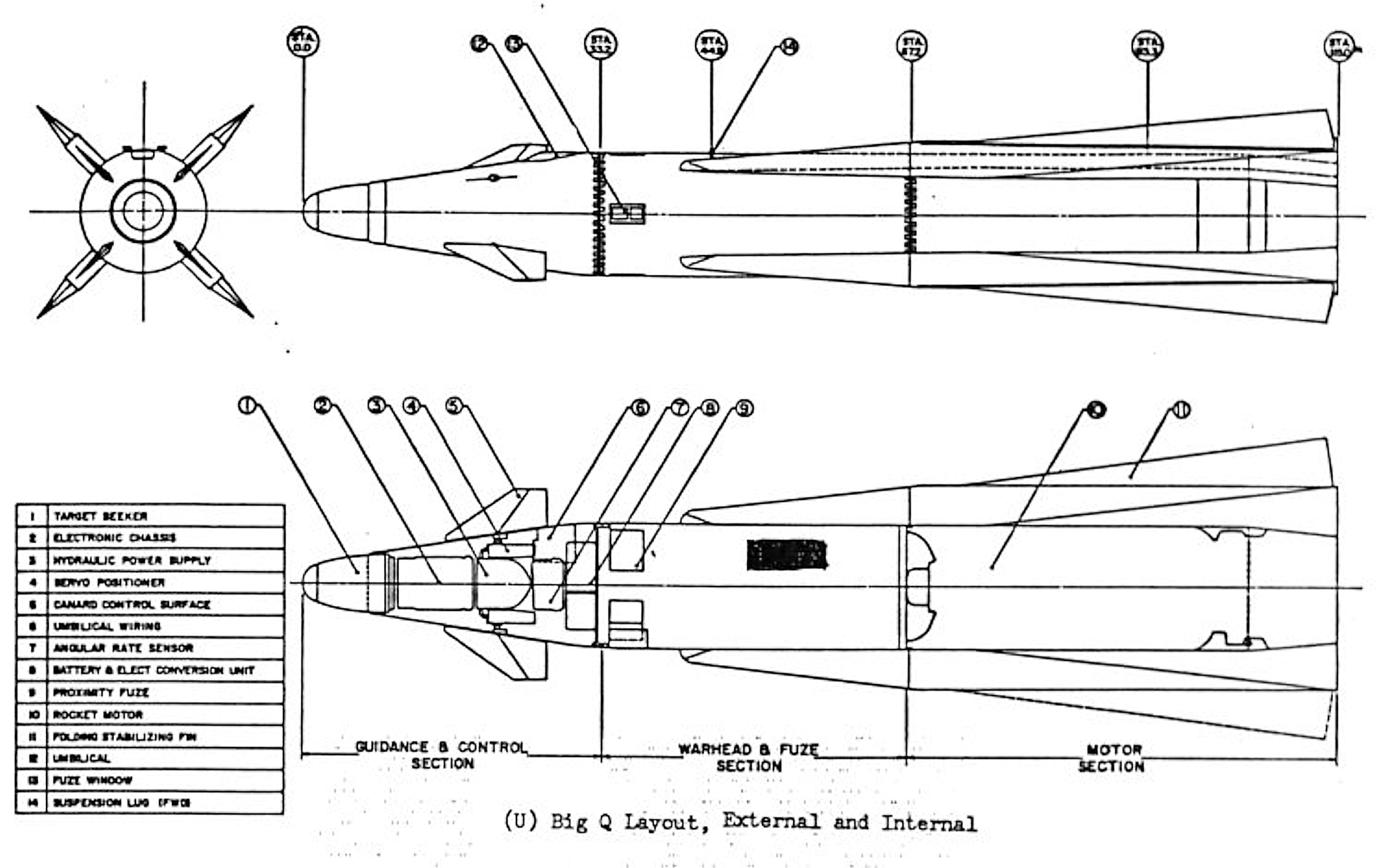
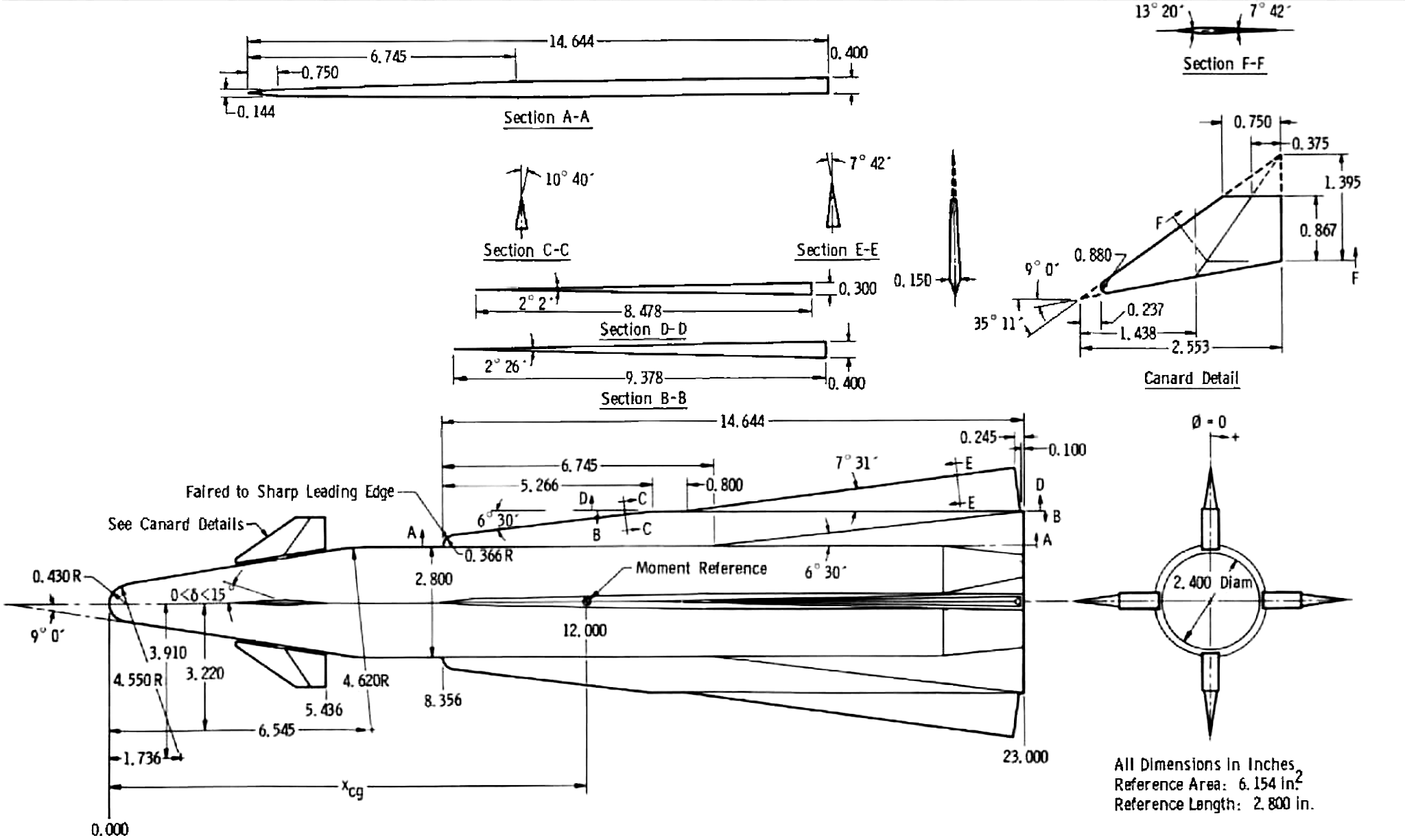
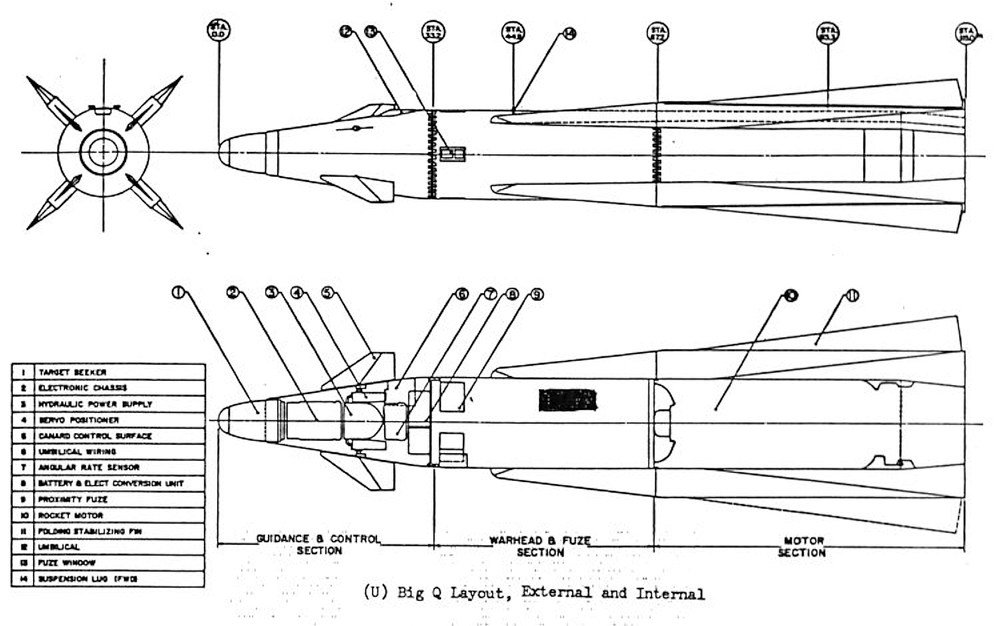
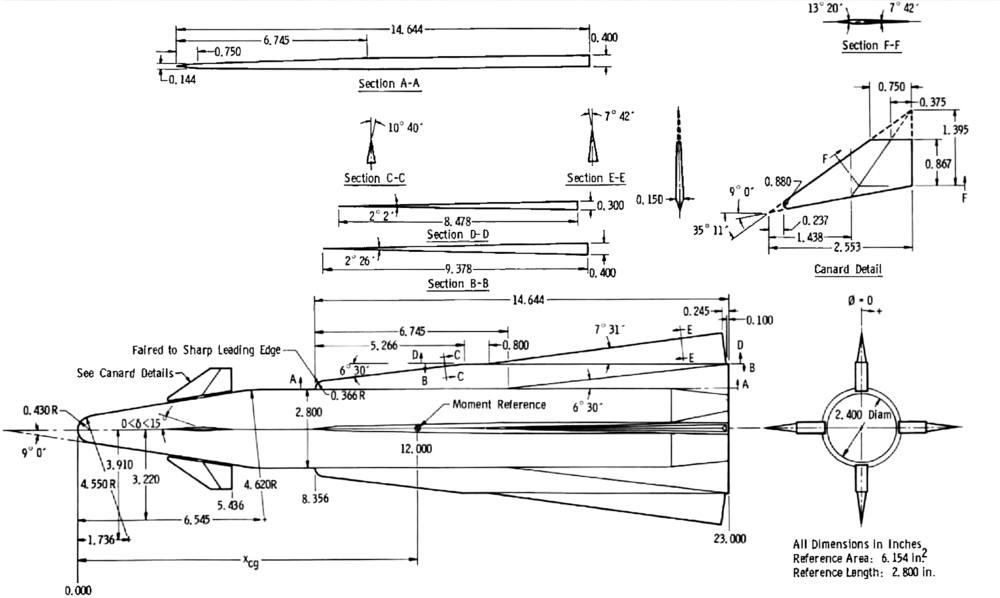
another nuclear A/A missile the AIM-68 Big-Q , the outer wing part was folded into the main wing and extended at launch , Seeker was from the AIM-4 , 20 full bodys where build but no flight test conducted , project was cancelled in 1966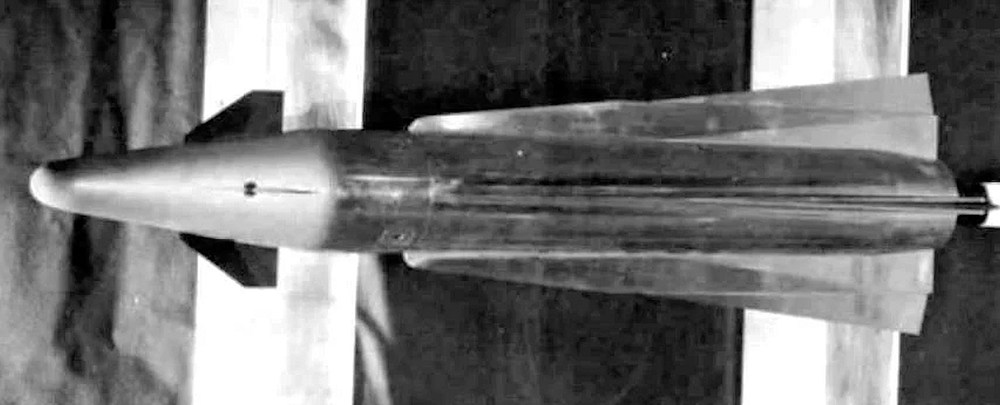
-
i just got informed by Lex2Limit that there are 2 problems with the F-4D_78 cockpit , problem 1 - only the No.1 throttle is working , problem 2- the F-4D_Cockpit07 texture has a problem with the Reticle Depression lettering i uploaded the fixed F-4D Cockpit Pack , F-4D Cockpit Fix and i added the F-4D_78 Cockpit Fix for everybody who has the latest cockpits already this is the F-4D_78 Cockpit Fix , just drop the F-4D_Cockpit07 texture and the backup folder in to the F-4D_78 cockpit folder and the F-4D_78_Cockpit.ini in to the F-4D_78 aircraft folder and let overwrite if ask to F-4D_78 Cockpit Fix.7z i realy hope that this is the last fix i have to upload
-
i´m using this ones ( not yet released ) F-4D_IRIAF.7z F-4D_76_IRIAF.7z the F-4D_IRIAF cockpit is basicaly the 1968 cockpit without the DSU-94A control panel , the F-4D_76_IRIAF cockpit is an updated version with the AN/APR-36 threat warning panel and RWR display the Iranian F-4D`s got in the mit to late 1970´s an cockpit update adding RWR threat control panel and a more modern RWR display
-
ok i found some more problems and i apologize for this mistake and causing you trouble i uploaded the F-4D Cockpit Pack version 1.0.1 with all problems i found fixed ( pending aproval ) F-4D_71 = old F-4D_Cockpit07 texture F-4D_75 = old F-4D_Cockpit01 and F-4D_Cockpit07 texture F-4D_78 = old F-4D_Cockpit07 texture and wrong Lod i added a F-4D Cockpit Fix for everybody who has already downloaded the F-4D Cockpit pack , you just have to copy the new files from the F-4D_71 , F-4D_75 and F-4D_78 folder in to the existing F-4D_71 , F-4D_75 and F-4D_78 cockpit folder and let overwrite if ask to , so no need to download the whole pack again i´m Sorry that this happend , maybe i´m to old for this now , again i apologize for this for this mistake and causing you trouble