russouk2004
-
Posts
5,278 -
Joined
-
Last visited
-
Days Won
148
Content Type
Profiles
Forums
Gallery
Downloads
Store
Everything posted by russouk2004
-
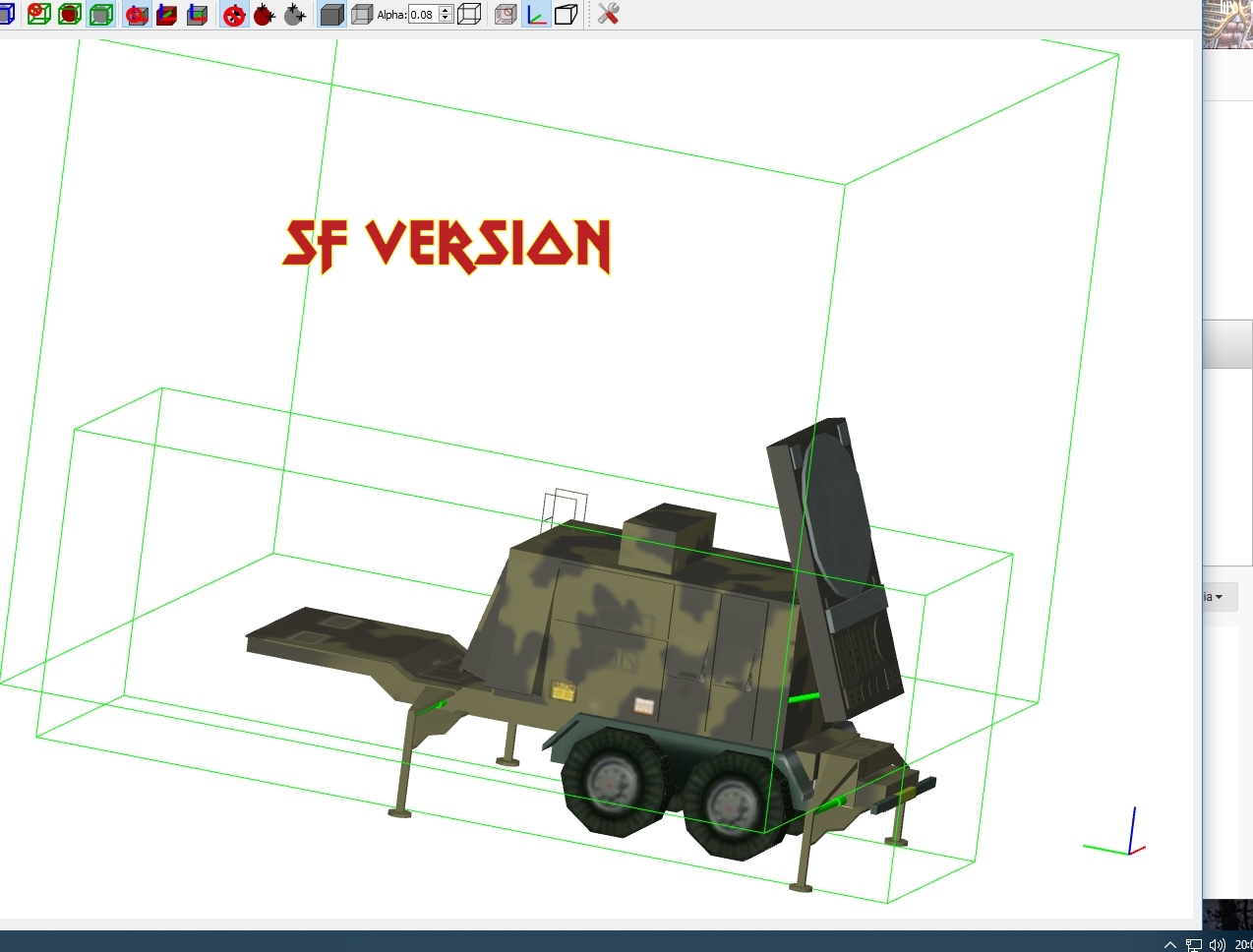
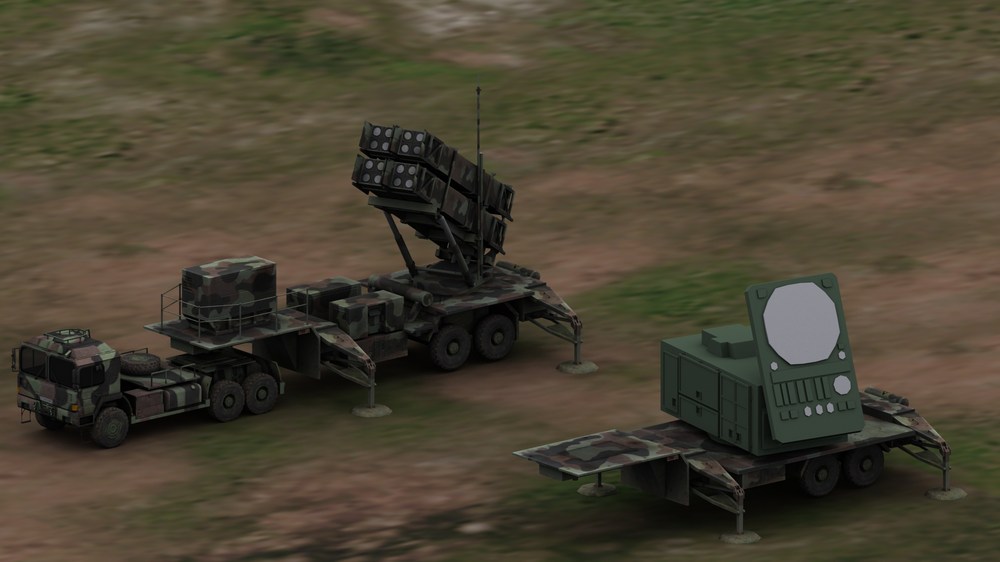
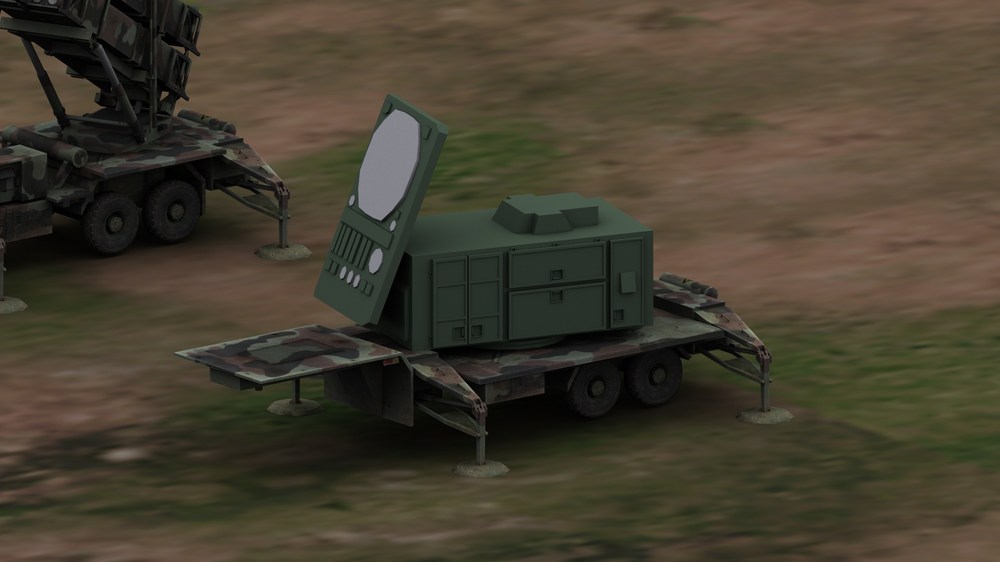
Ones in sf1 d\l are ancient arent they?...looked before starting this in case was one....its old and this is looking good atm....enjoy the change with a ground object or two... need a matching camo unless I leave the an /mpq 53 radar green maybe...
-
Available here.........
-
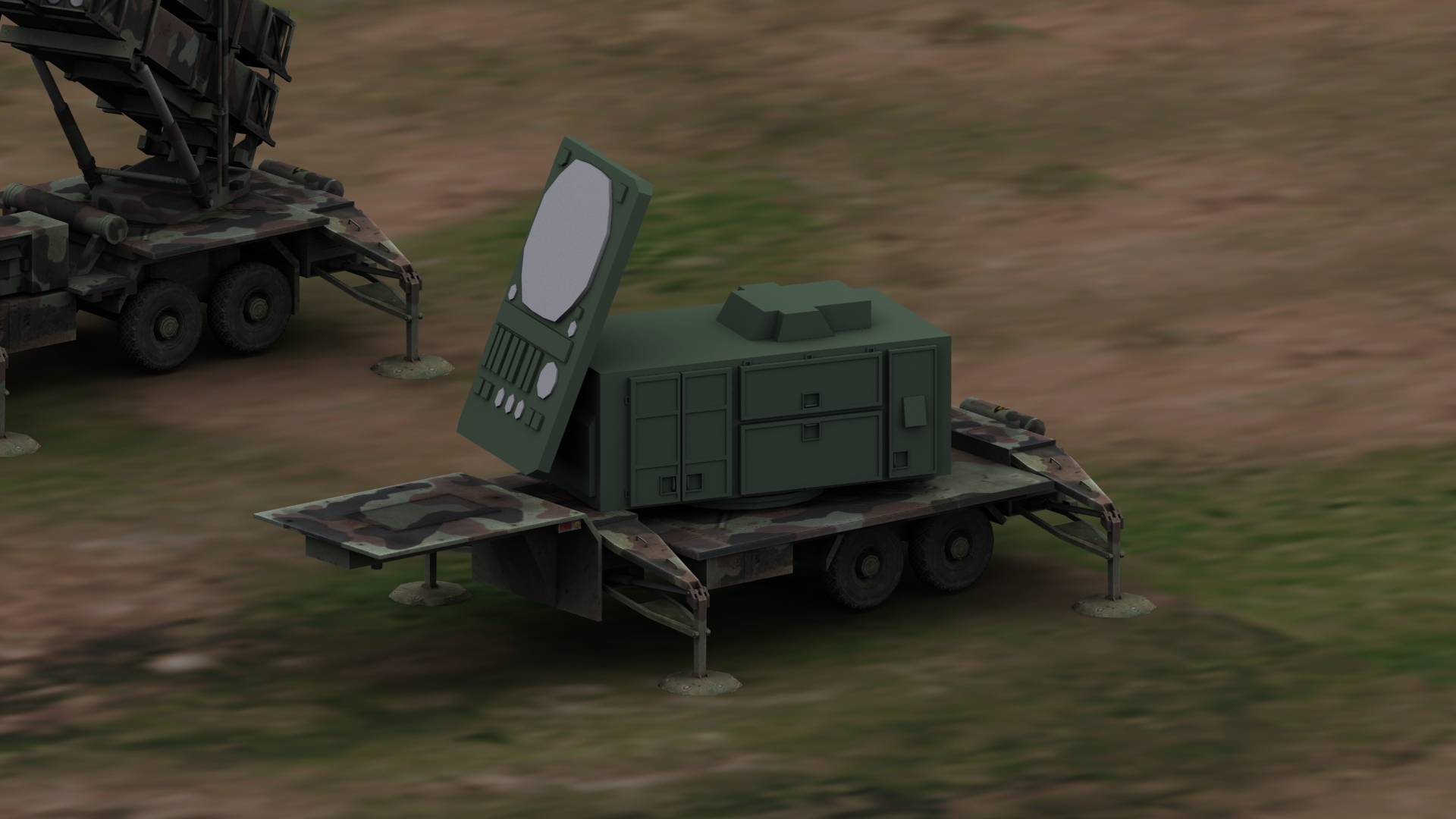
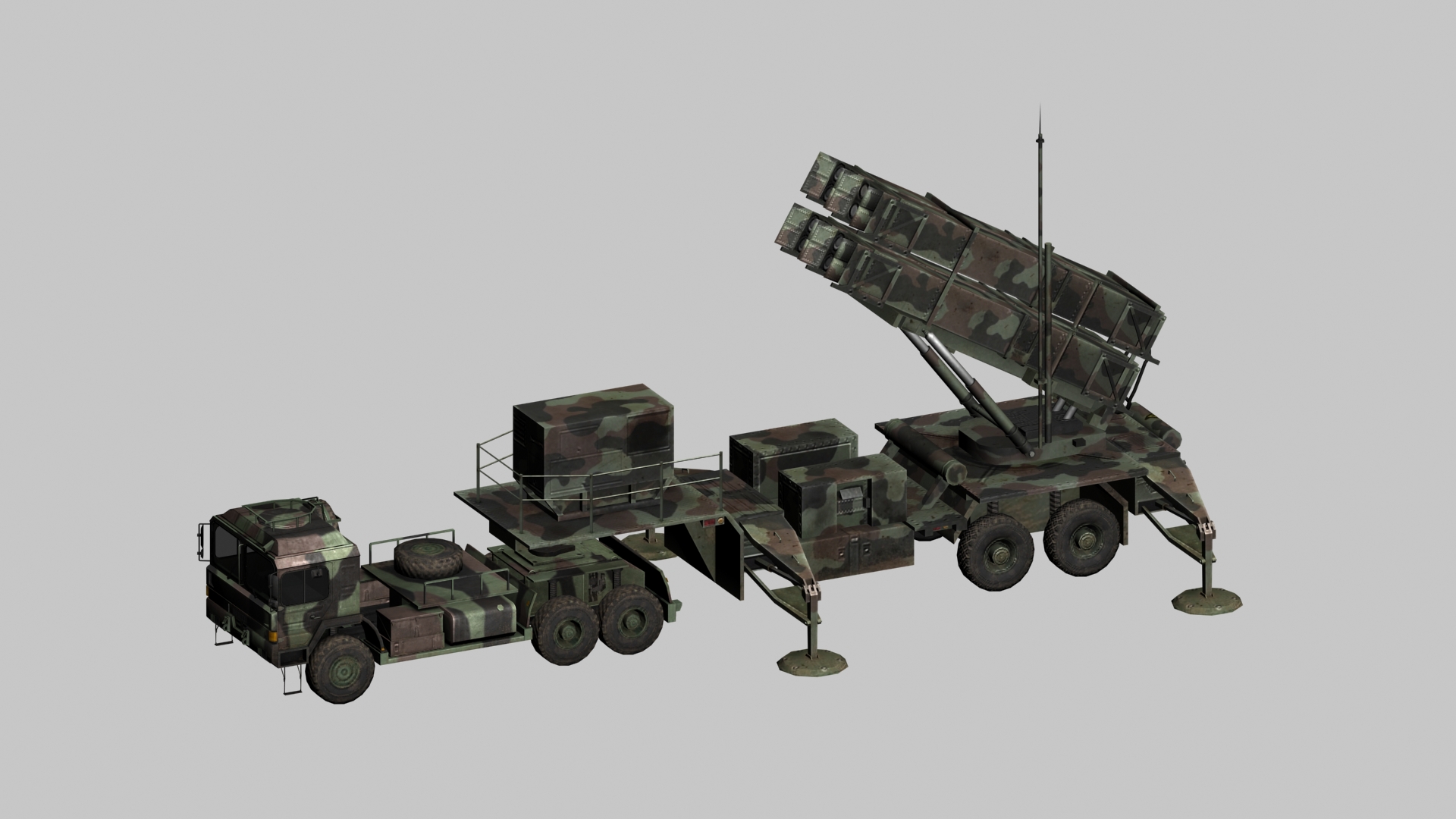
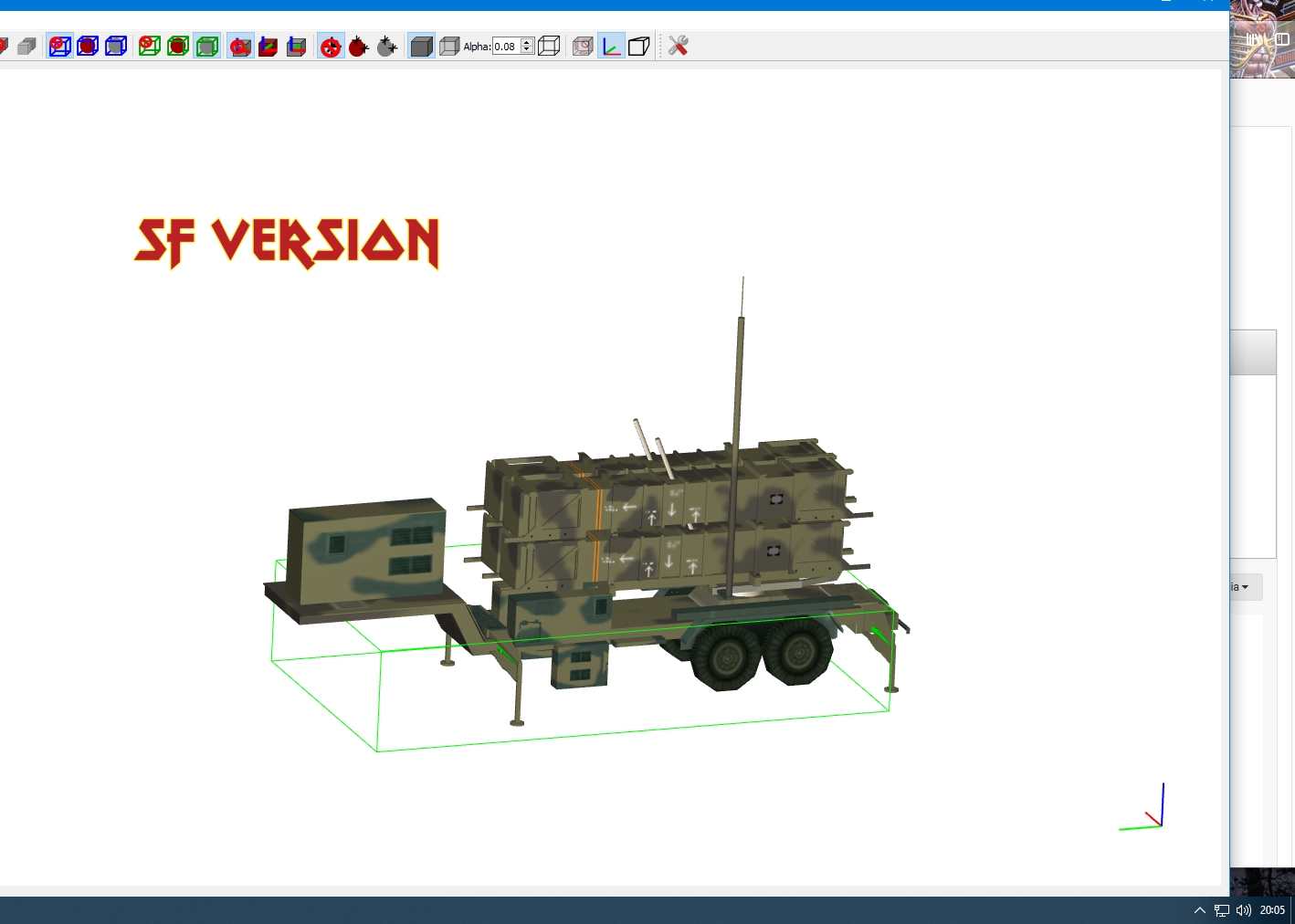
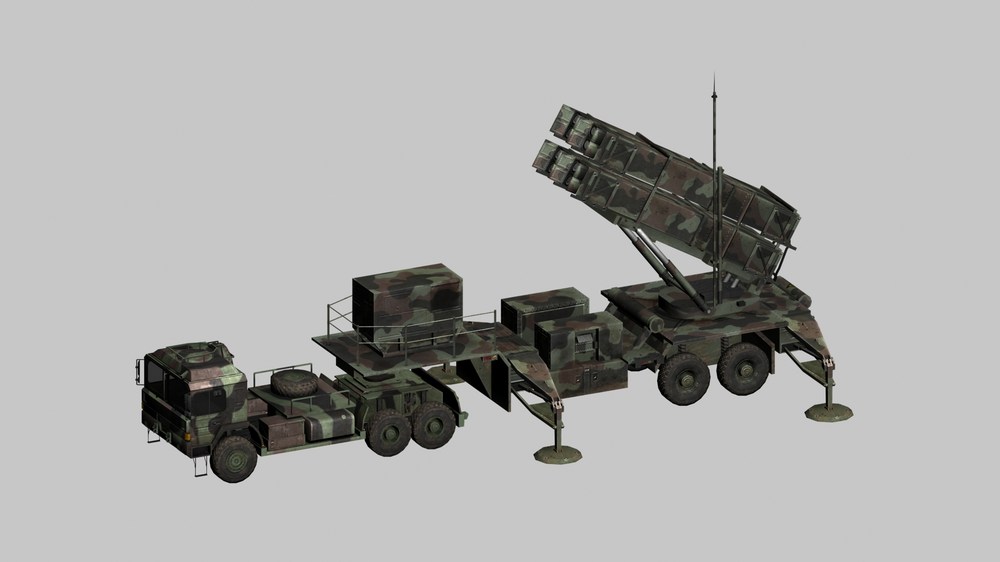
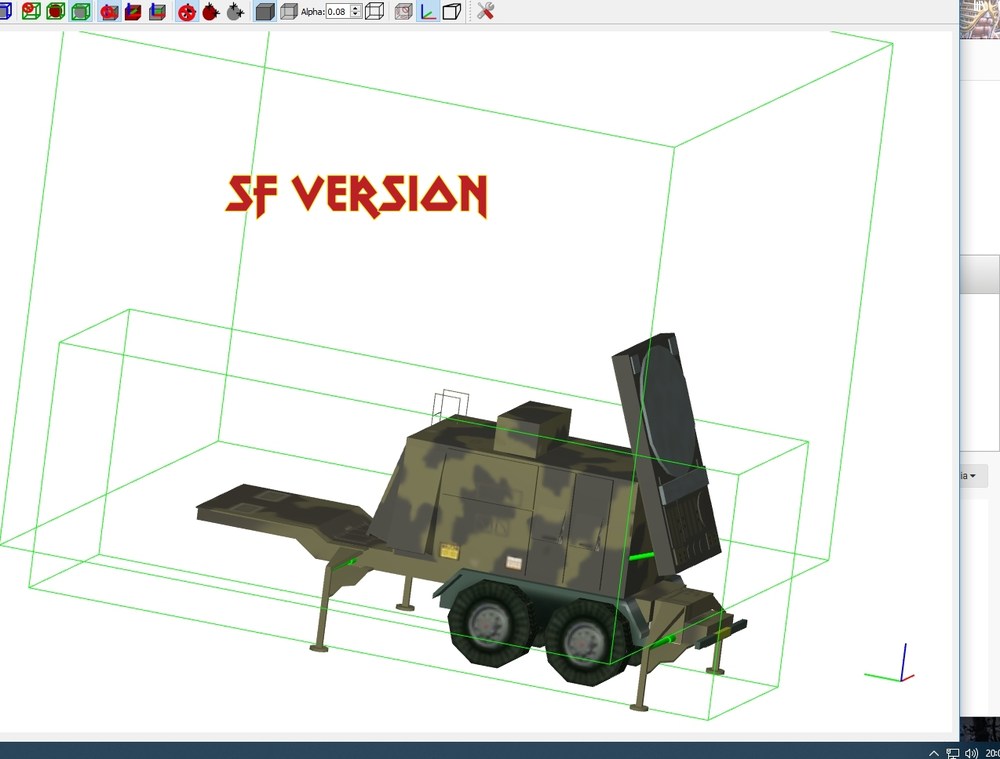
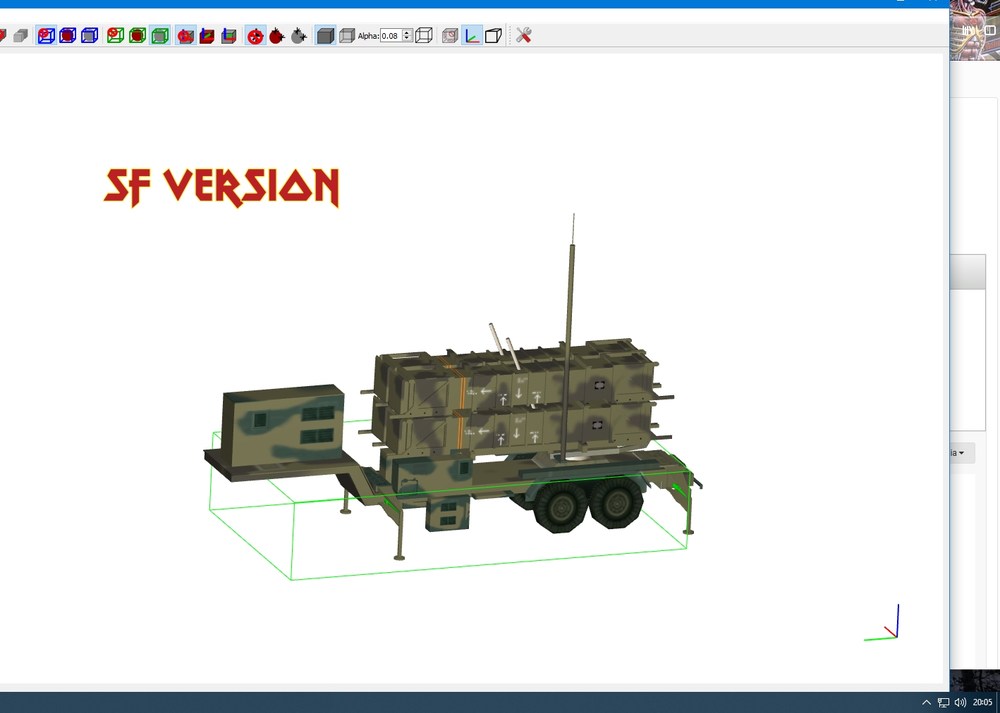
so no one starts one lol....main MAN SX done and launch trailer etc...rescaled and done....need animate table and the pistons...will do one in firing pos and one for on the move. making the radar trailer as there isnt one...theres one in sf1 section but its basic...
-
looks good ok on firefox images show ok
-
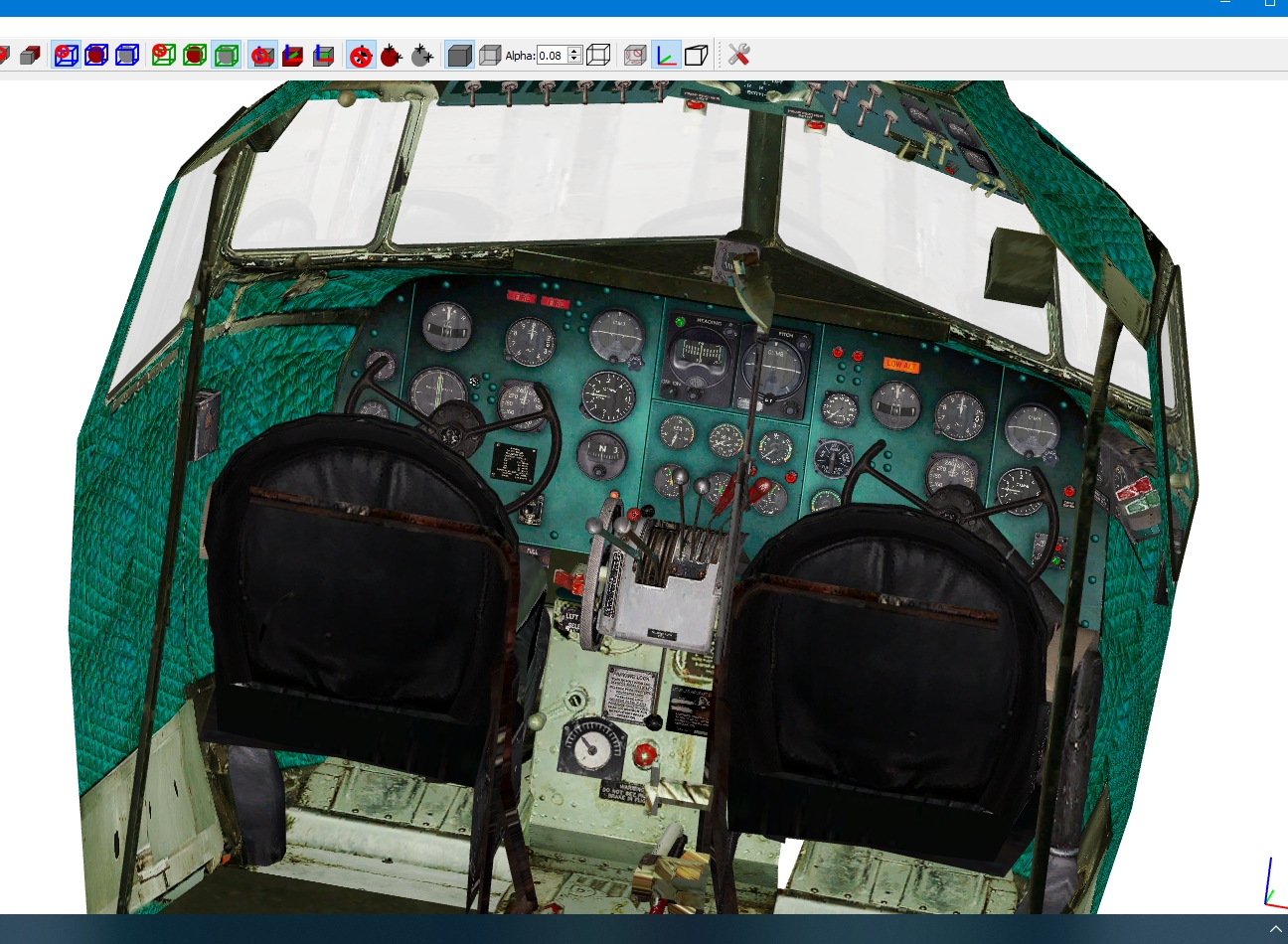
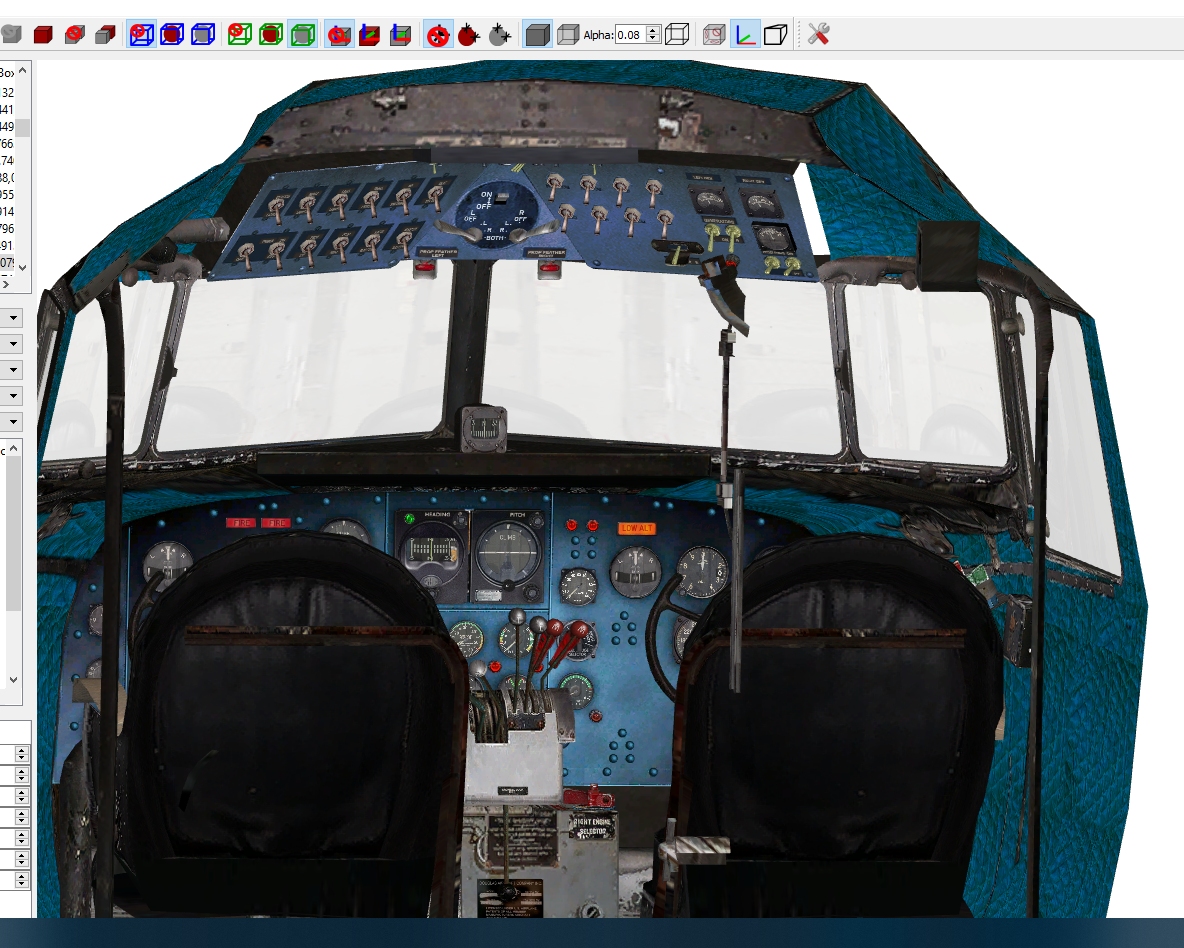
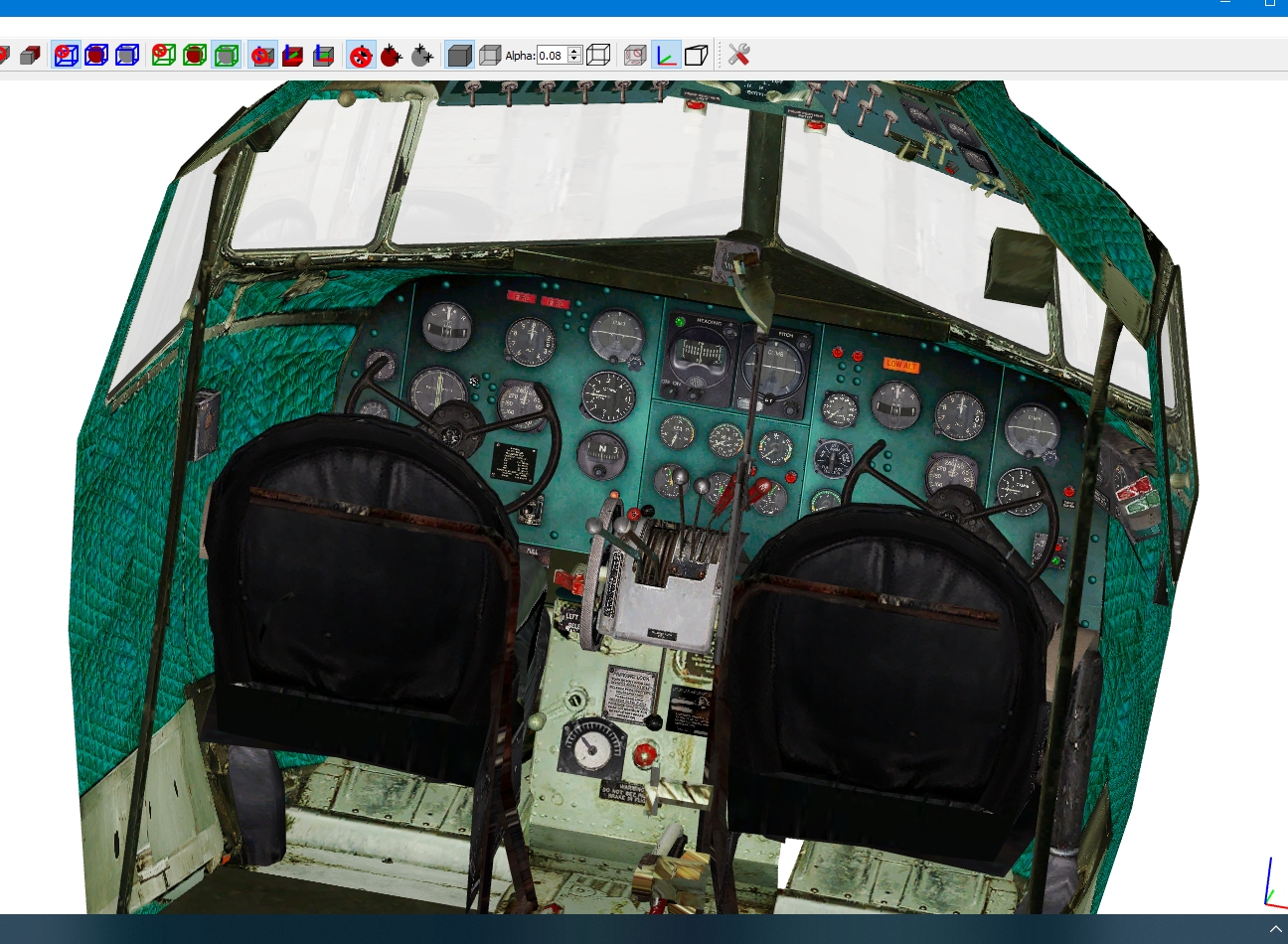
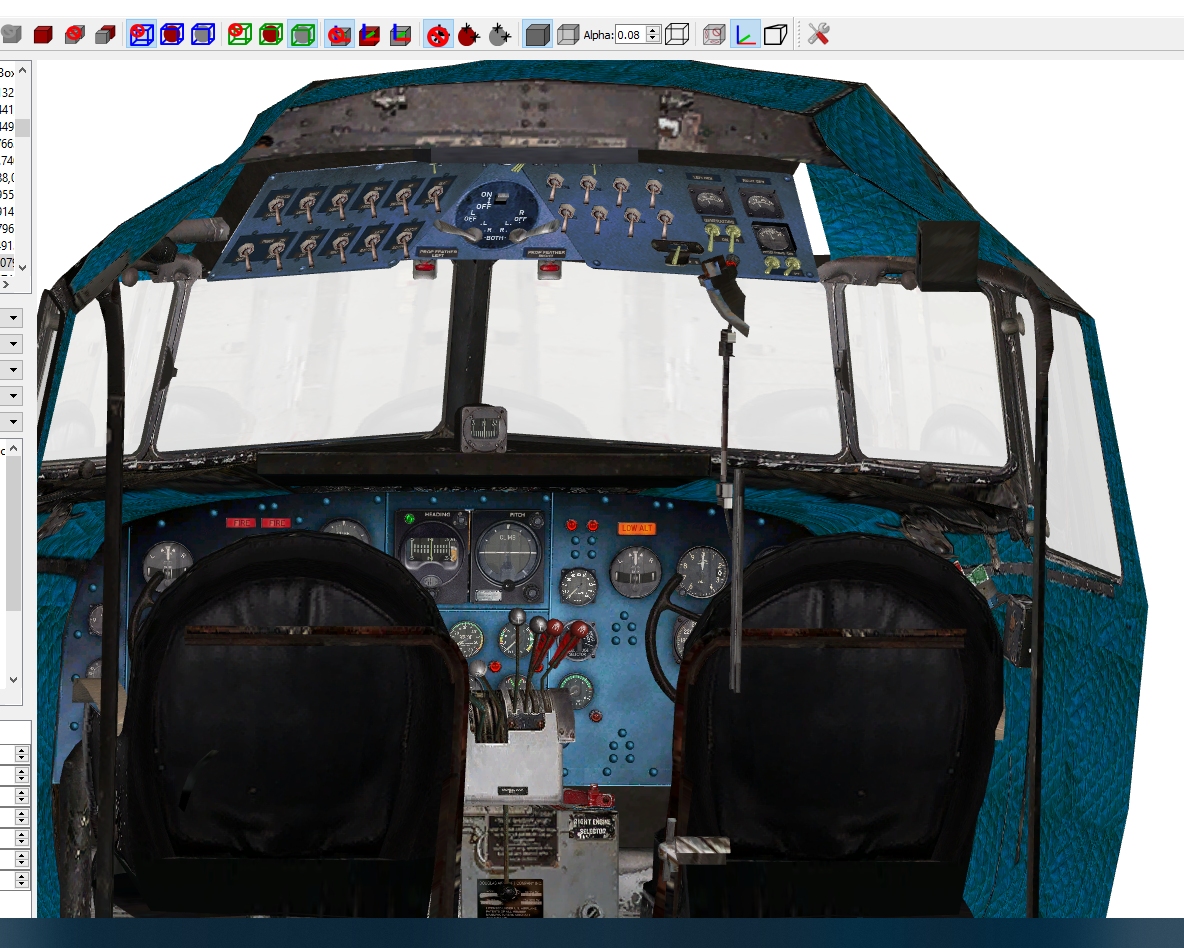
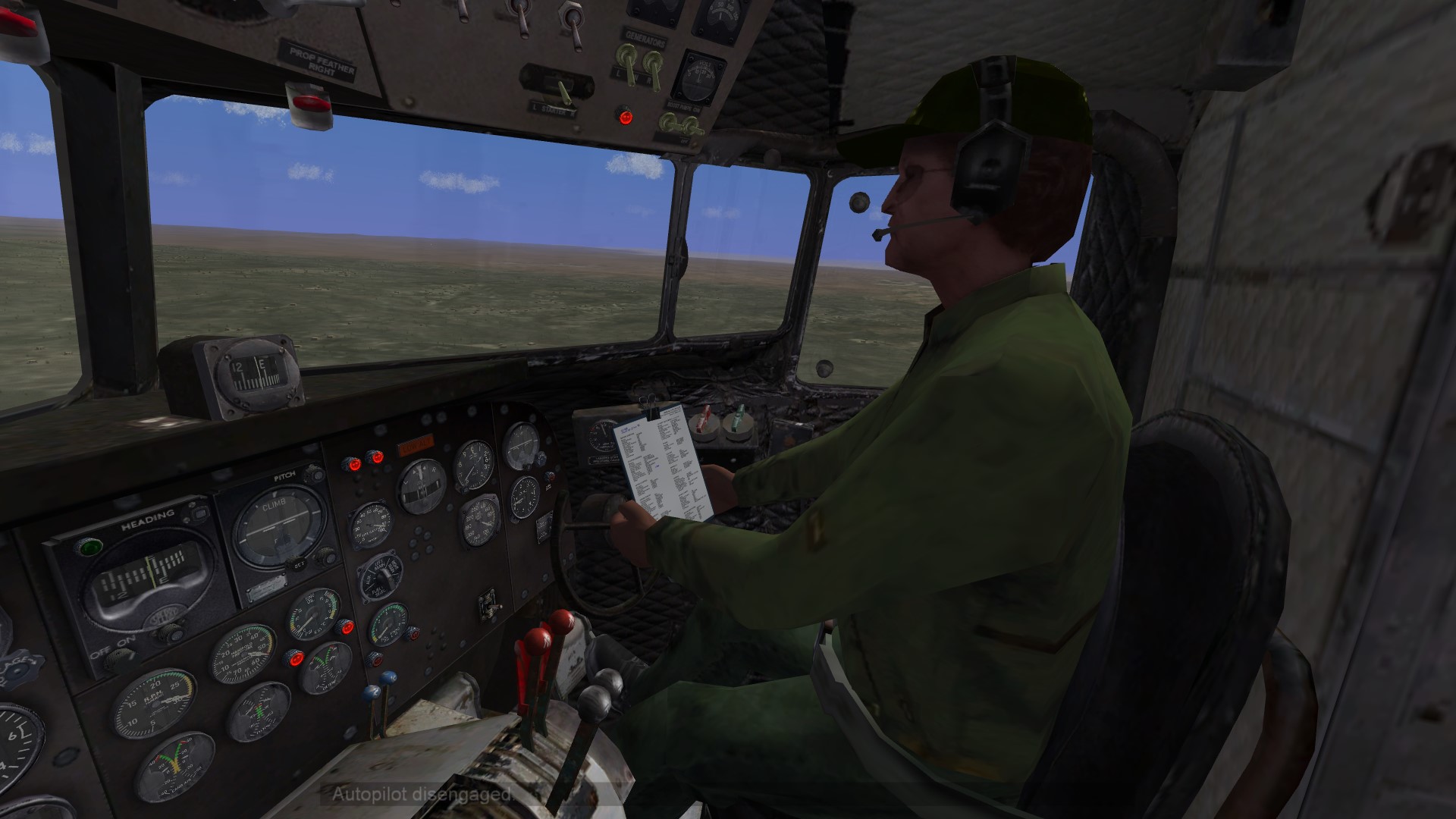
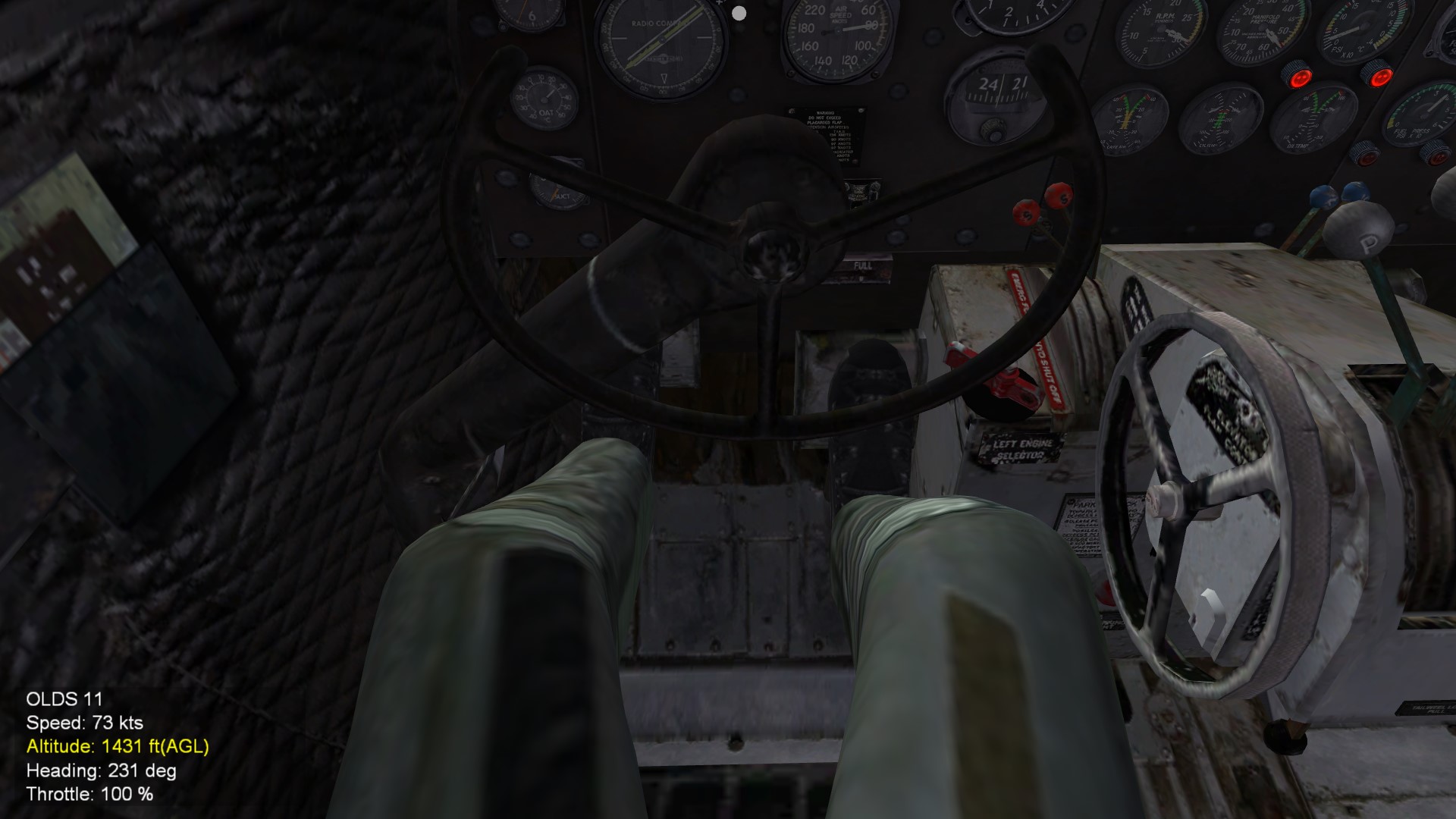
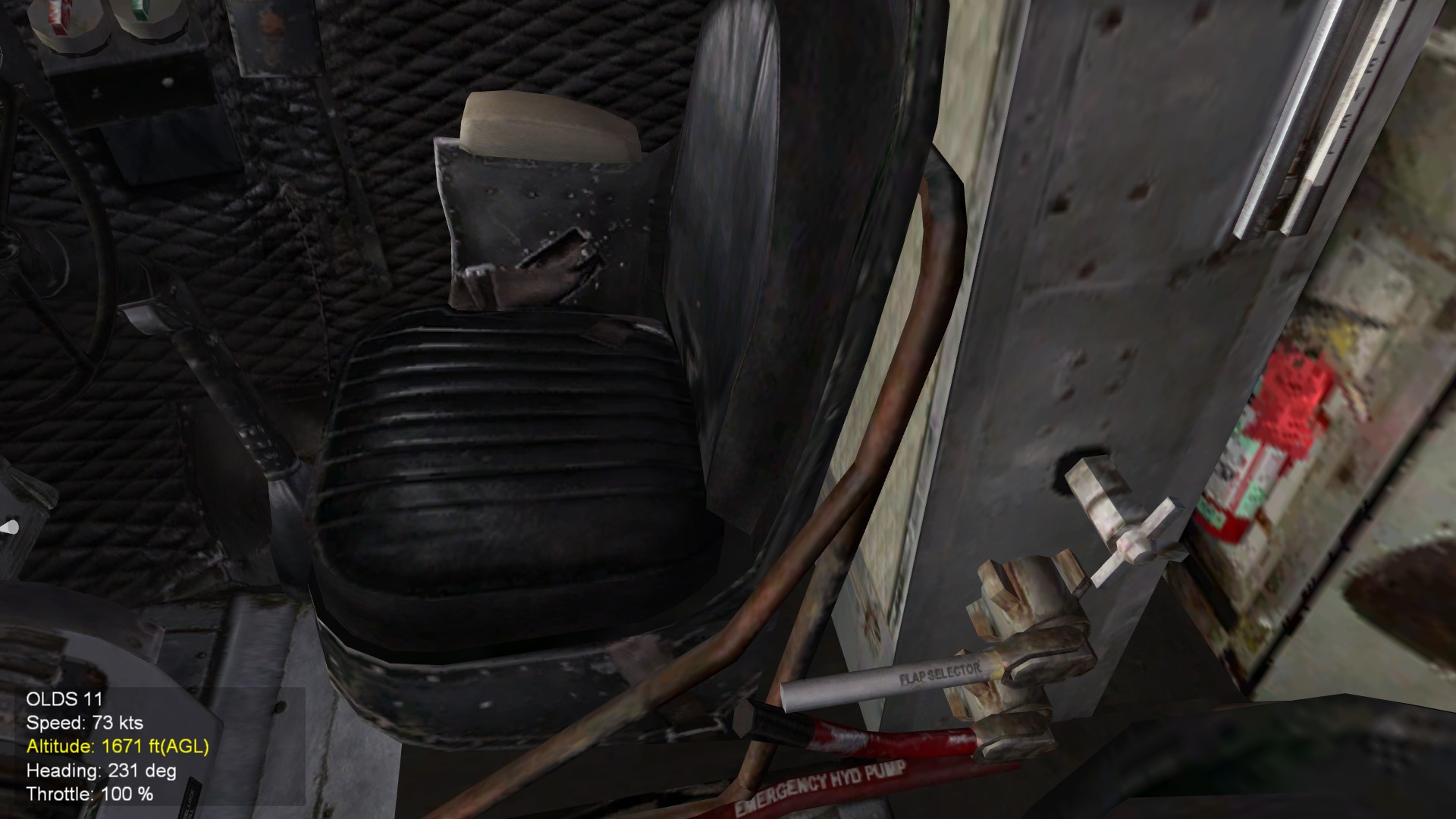
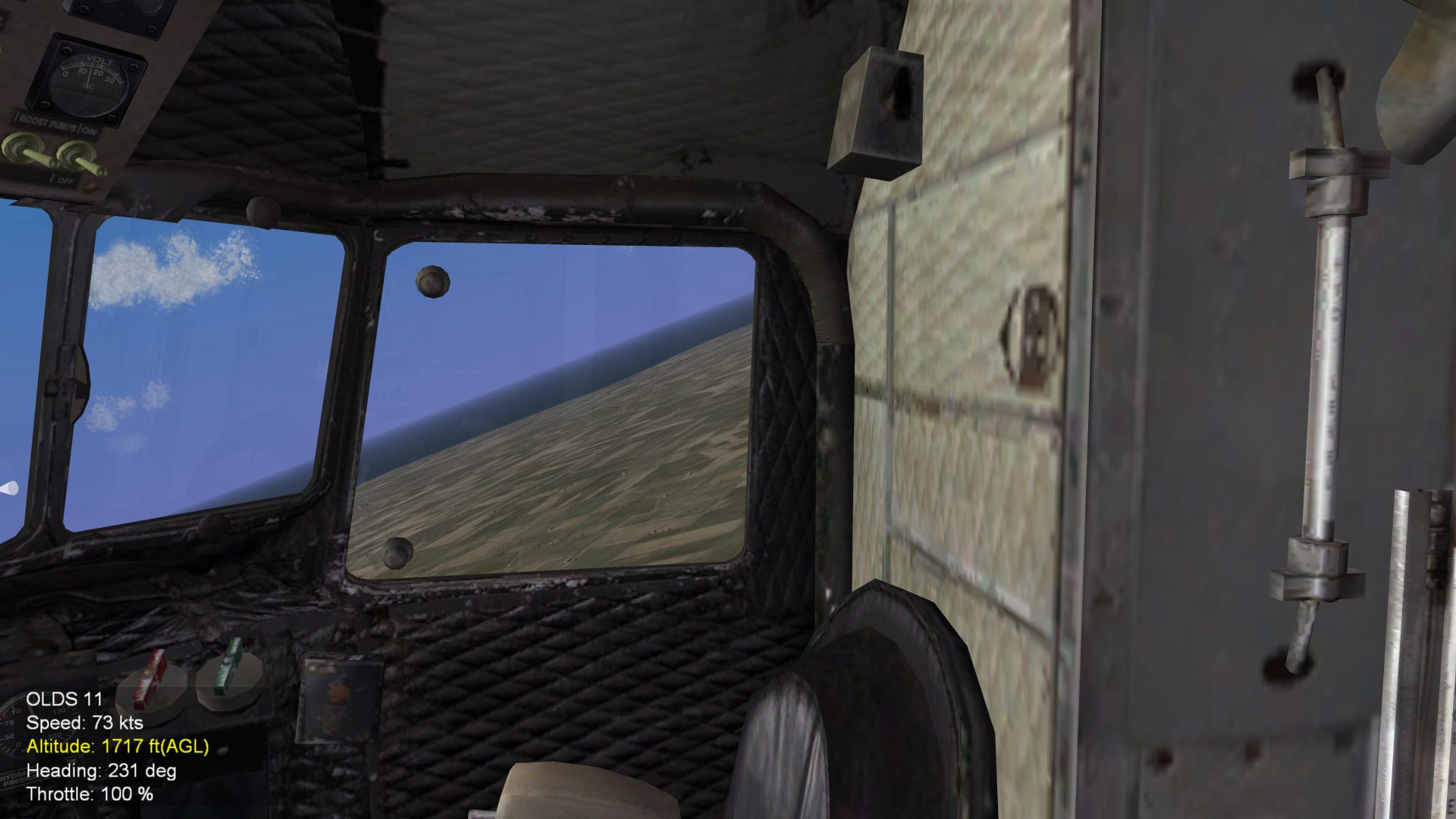
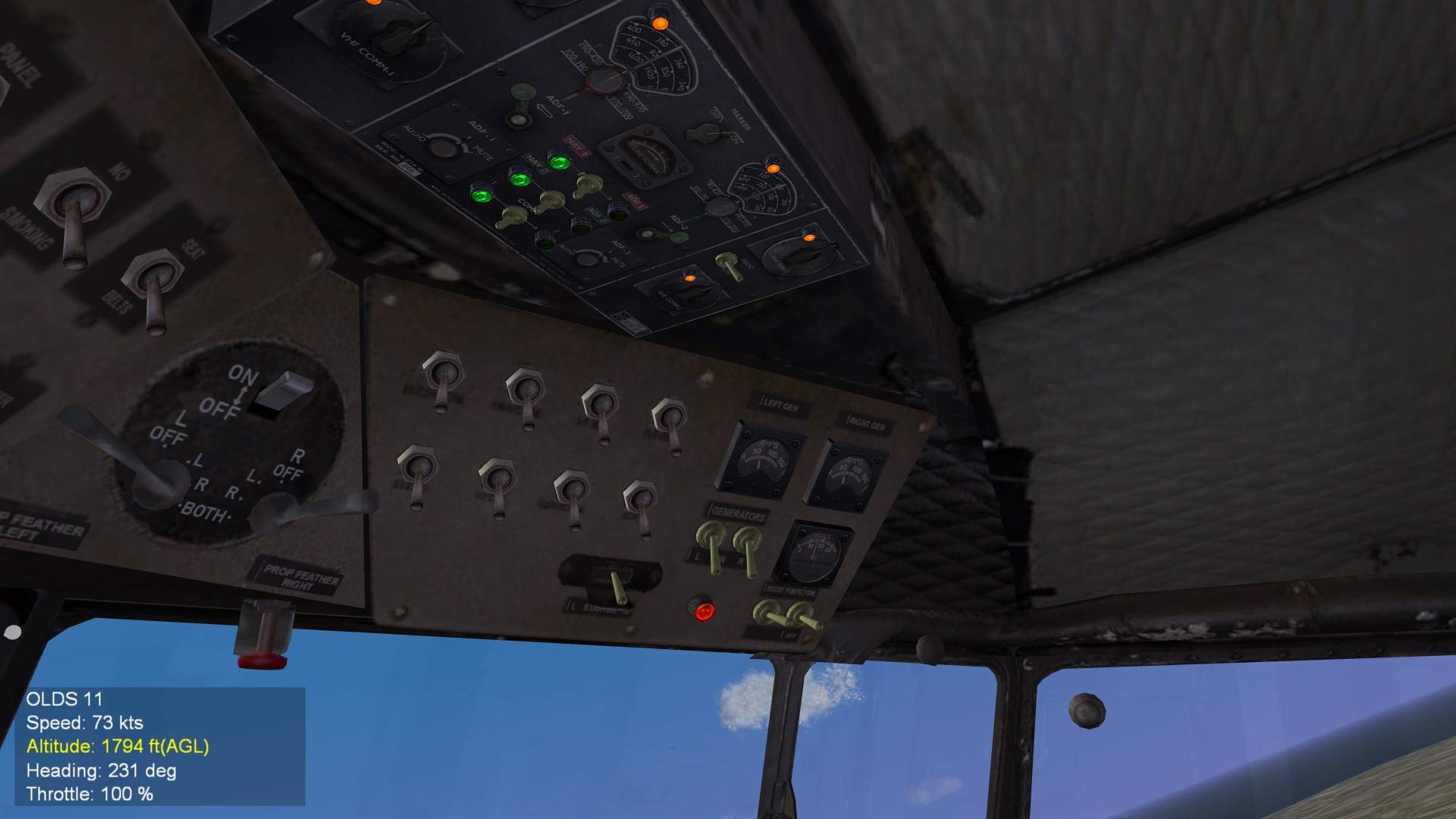
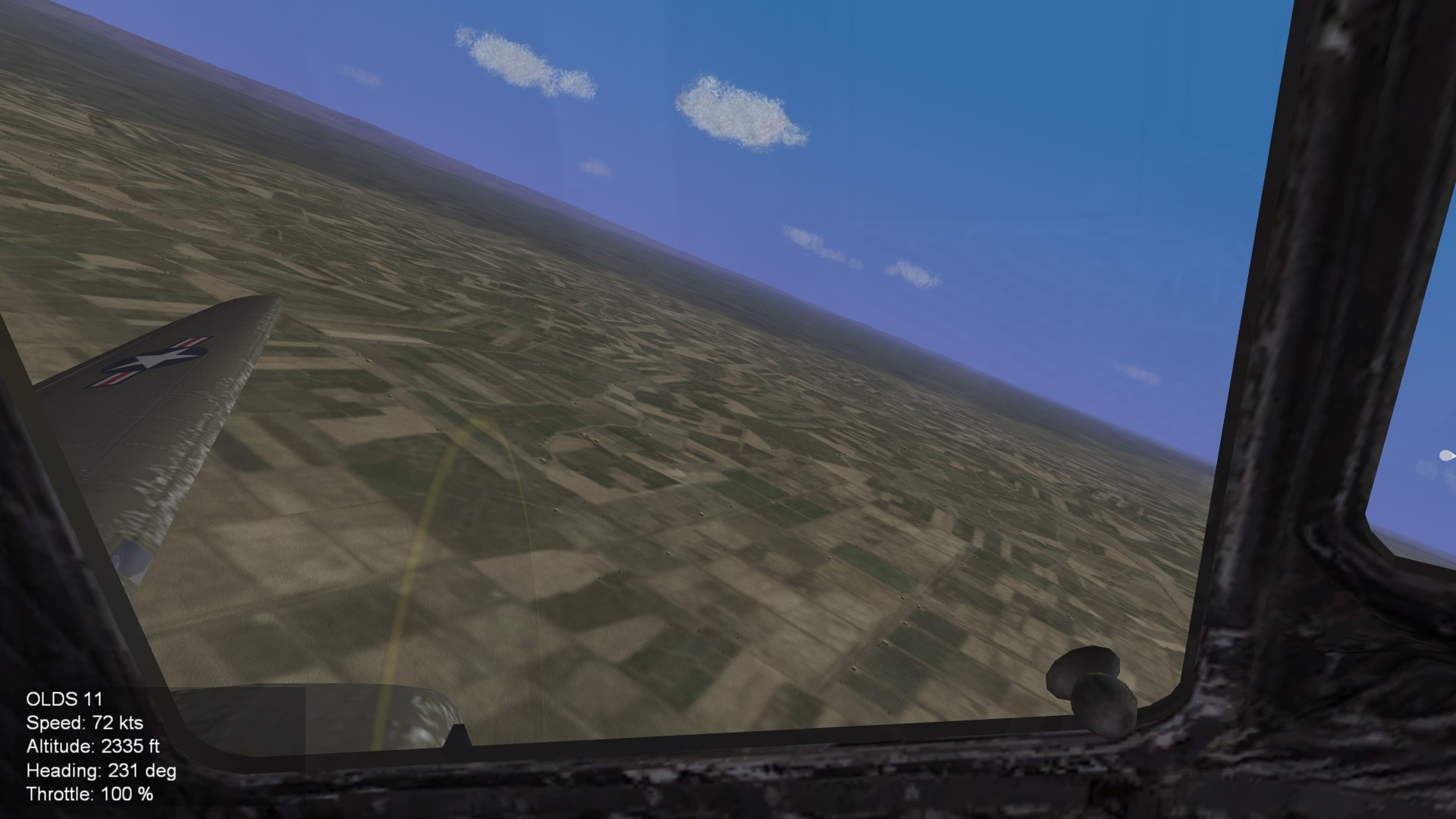
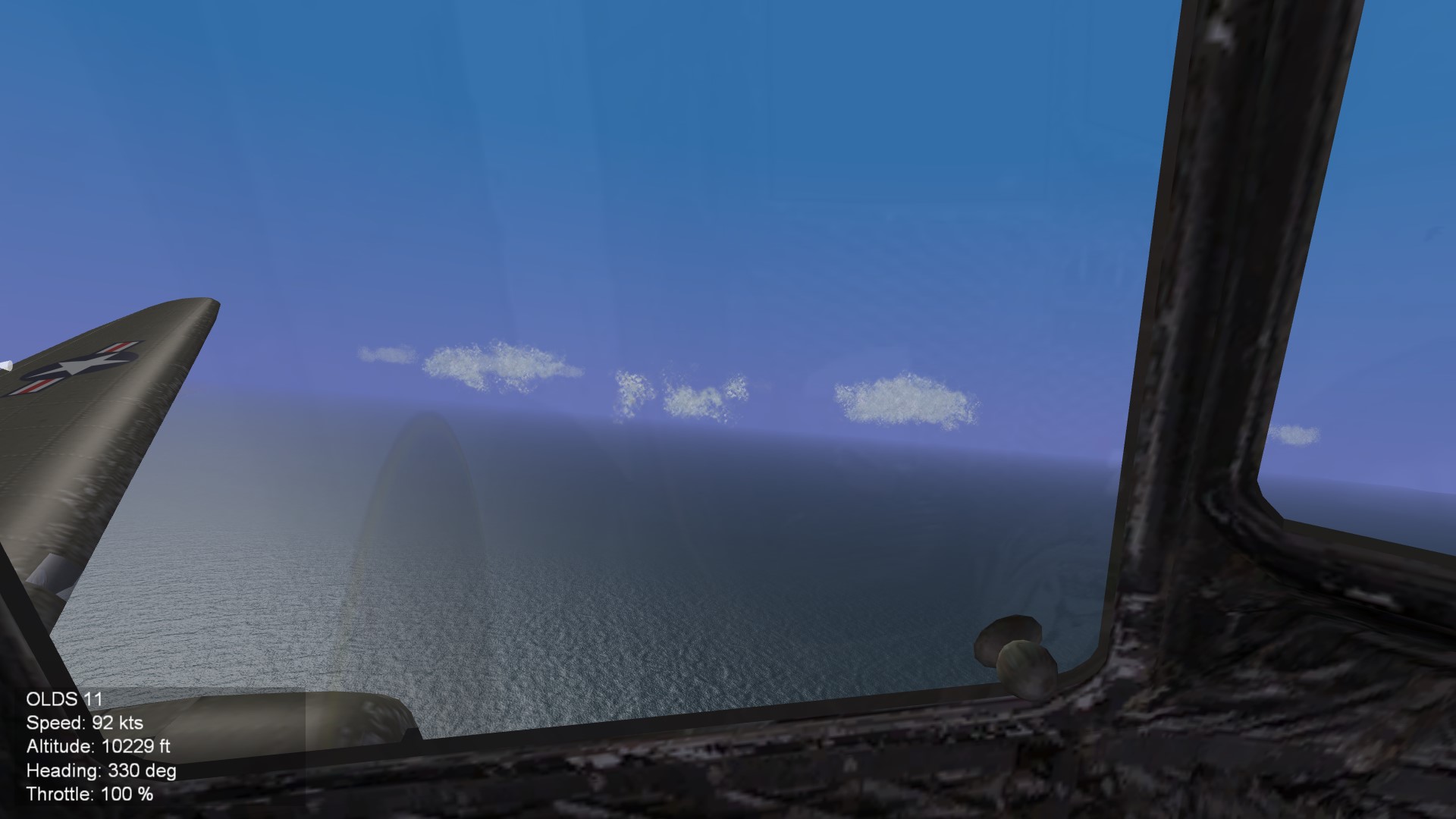
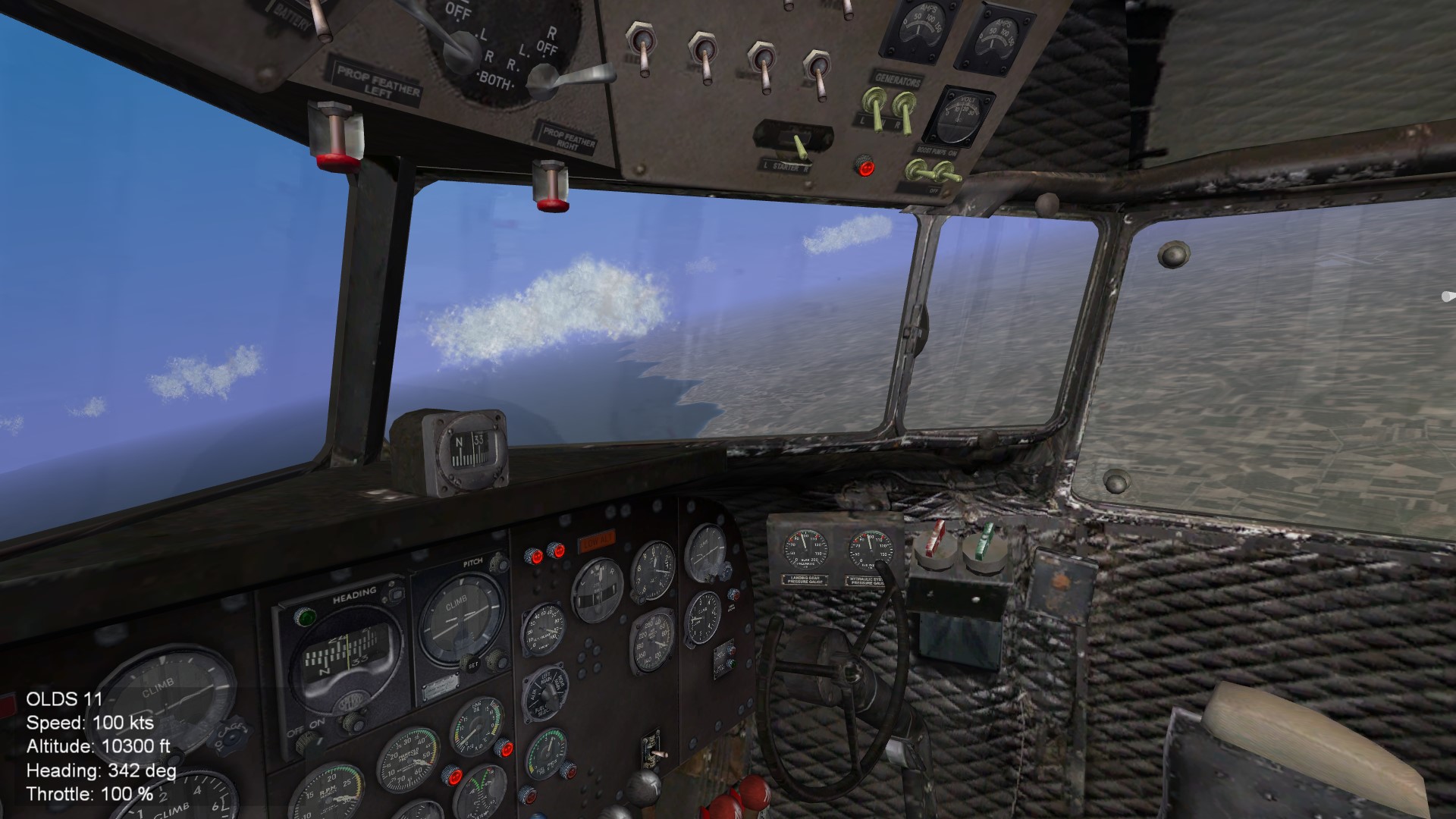
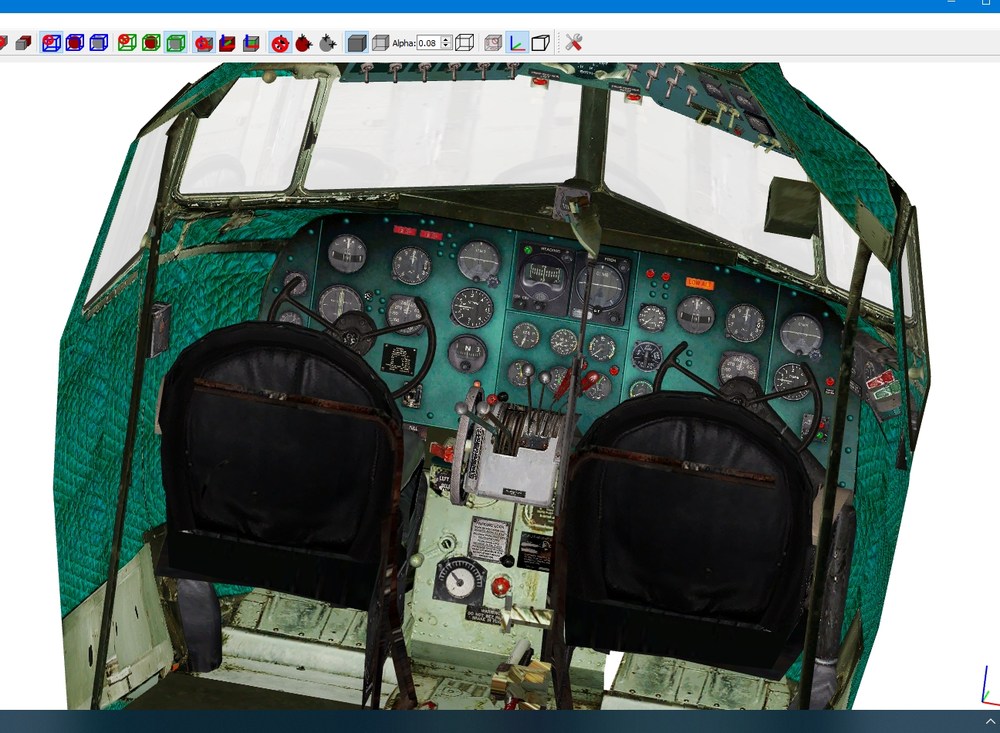
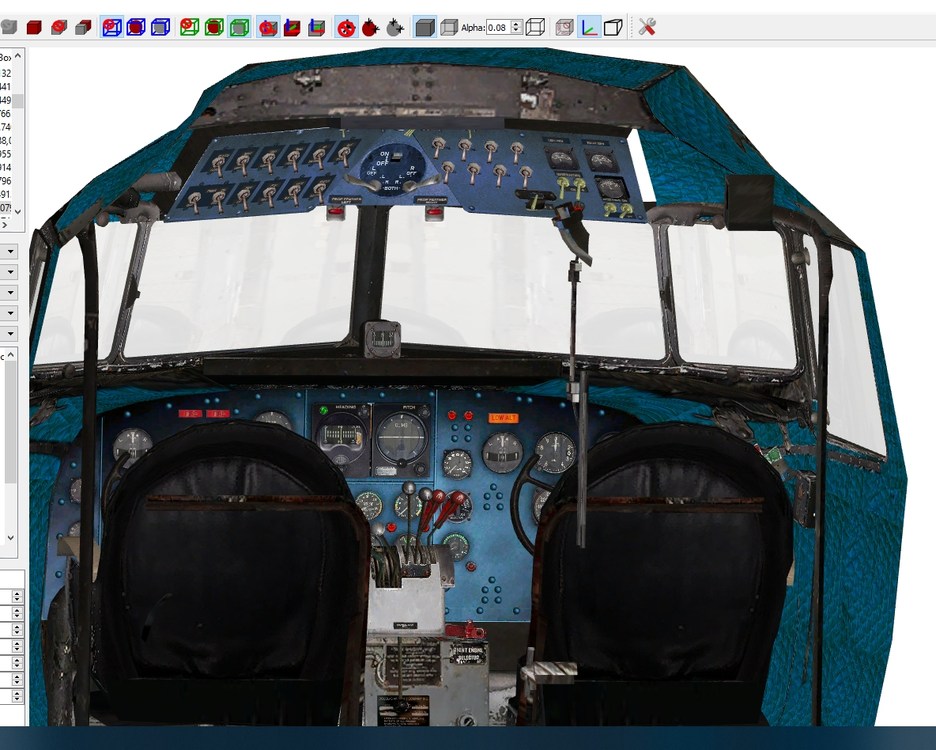
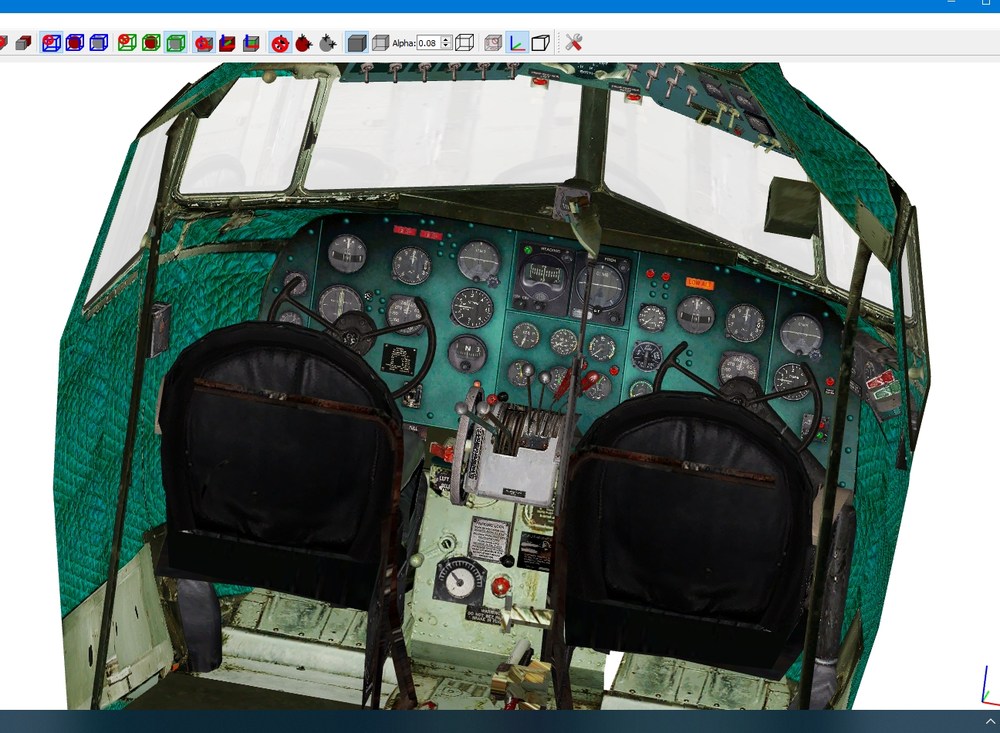
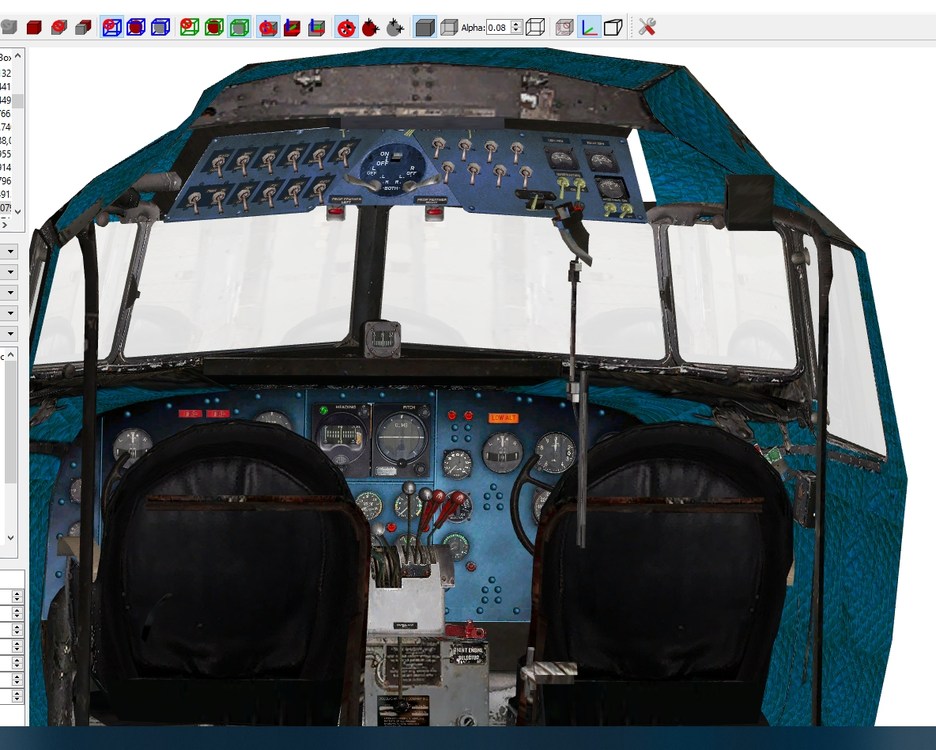
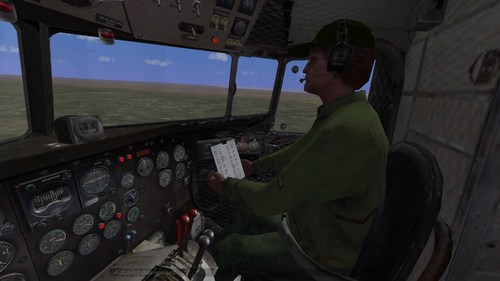
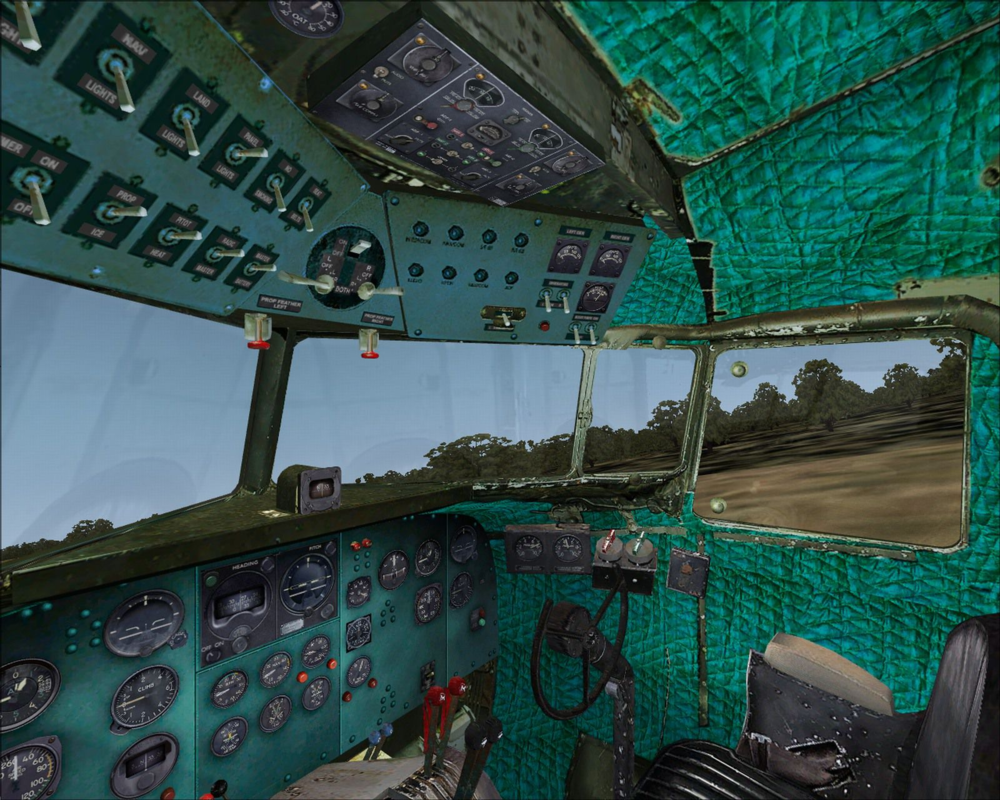
View File DC-3 Cockpits.7z DC-3 \ C-47 Cockpit for SF2 Converted from FSX Freeware DC-3 model.from http://flyawaysimulation.com I remade quite a few bits as they were poor...some parts remapped and moved...there are some recoloured pit textures too...will upload when later after ive altered them to fit what Ive moved... 2 versions included.... pilot only.. and with copilot. Install............ Drop selected cockpit folder into stock C-47A folder,after 1st deleting any cockpit installed.... IF using as C-47A cockpit... Copy over details in suppled DC-3.ini to the C-47A ini and replace them with the lines supplied... CockpitDataFile=DC3_COCKPIT.ini then add supplied DC3_Cockpit.ini into C-47a folder..... If using Pilot only just copy cockpit folder in the C-47A folder supplied if using copilot LOD, replace the line in the cockpit.ini ModelName=DC3 cockpit.LOD with... ModelName=DC3 CoP.LOD Then move the DC3 CoP.LOD into cockpit folder ...................................................................... or,if converting to a DC-3. (uses stock c47a.data.ini until new DC3 available) ....................................................................... Rename C-47A Main Folder DC-3,and the C-47A.ini to DC-3.ini then replace some lines with these.. [AircraftData] AircraftFullName=DC-3 "Dakota" AircraftShortName=DC-3 CockpitDataFile=DC3_COCKPIT.ini then add supplied DC3_Cockpit.ini into C-47a\DC-3 folder..... If using Pilot only just copy cockpit folder in the DC-3 folder supplied if using copilot LOD, replace the line in the cockpit.ini ModelName=DC3 cockpit.LOD with... ModelName=DC3 CoP.LOD Then move the DC3 CoP.LOD into cockpit folder Thats it... Windows open and close with gears as no option to link them... Animated.....Pilot feet,Rudder pedals,Flap,brake and gear levers... When I get around to doing the DC-3 will update the cockpit. lights...some are always on...ie,oil,fuel lights.... autoplilot,gears and cab doors lights work but not manually...nightlight does work as I based this cockpit.ini on basically default entries. any problems feel free to pm me and will try to answer asap... hope you like it and enjoy flying it...I think it looks good in game....im very happy with it... Thanks to...below for assistance and guidance..after me pestering them lol....not done many pits so thanks gents. Logan4... Yakarov79... Crusader..... Swambast....... cheers Russouk Update.... coloured cockpits for the DC-3 \ C-47A Russian style green and blue... simply drop in Cockpit folder...back up original Douglas_DC3_1_C.bmp if you want to keep it..... Douglas_DC3_2_C.bmp meanwhile is a higher res (1024x1024) Submitter russouk2004 Submitted 05/10/2020 Category Prop Cockpits DC-3Alternative cpit colours.7z
-
Version 1.0.0
187 downloads
DC-3 \ C-47 Cockpit for SF2 Converted from FSX Freeware DC-3 model.from http://flyawaysimulation.com I remade quite a few bits as they were poor...some parts remapped and moved...there are some recoloured pit textures too...will upload when later after ive altered them to fit what Ive moved... 2 versions included.... pilot only.. and with copilot. Install............ Drop selected cockpit folder into stock C-47A folder,after 1st deleting any cockpit installed.... IF using as C-47A cockpit... Copy over details in suppled DC-3.ini to the C-47A ini and replace them with the lines supplied... CockpitDataFile=DC3_COCKPIT.ini then add supplied DC3_Cockpit.ini into C-47a folder..... If using Pilot only just copy cockpit folder in the C-47A folder supplied if using copilot LOD, replace the line in the cockpit.ini ModelName=DC3 cockpit.LOD with... ModelName=DC3 CoP.LOD Then move the DC3 CoP.LOD into cockpit folder ...................................................................... or,if converting to a DC-3. (uses stock c47a.data.ini until new DC3 available) ....................................................................... Rename C-47A Main Folder DC-3,and the C-47A.ini to DC-3.ini then replace some lines with these.. [AircraftData] AircraftFullName=DC-3 "Dakota" AircraftShortName=DC-3 CockpitDataFile=DC3_COCKPIT.ini then add supplied DC3_Cockpit.ini into C-47a\DC-3 folder..... If using Pilot only just copy cockpit folder in the DC-3 folder supplied if using copilot LOD, replace the line in the cockpit.ini ModelName=DC3 cockpit.LOD with... ModelName=DC3 CoP.LOD Then move the DC3 CoP.LOD into cockpit folder Thats it... Windows open and close with gears as no option to link them... Animated.....Pilot feet,Rudder pedals,Flap,brake and gear levers... When I get around to doing the DC-3 will update the cockpit. lights...some are always on...ie,oil,fuel lights.... autoplilot,gears and cab doors lights work but not manually...nightlight does work as I based this cockpit.ini on basically default entries. any problems feel free to pm me and will try to answer asap... hope you like it and enjoy flying it...I think it looks good in game....im very happy with it... Thanks to...below for assistance and guidance..after me pestering them lol....not done many pits so thanks gents. Logan4... Yakarov79... Crusader..... Swambast....... cheers Russouk -
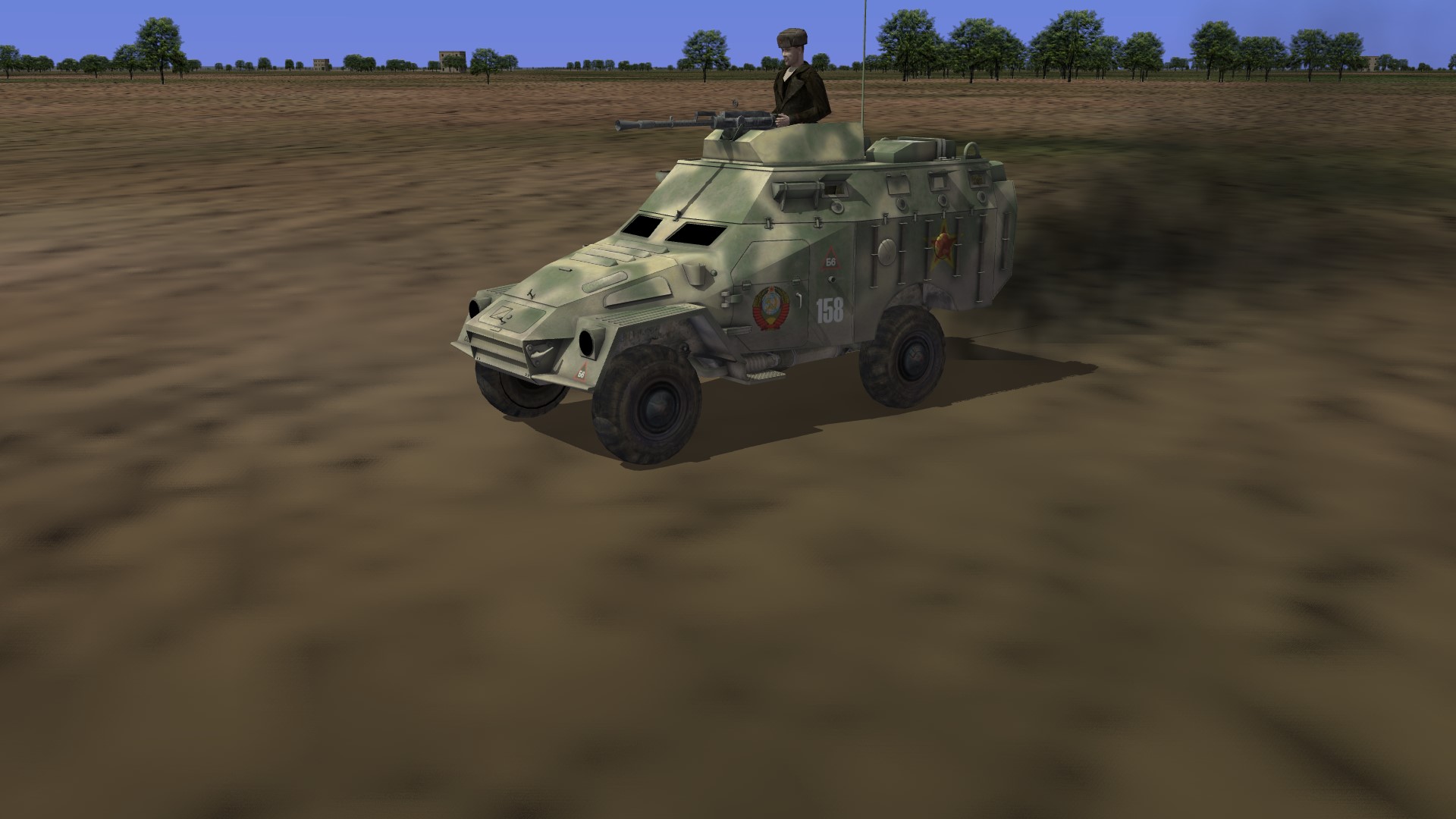
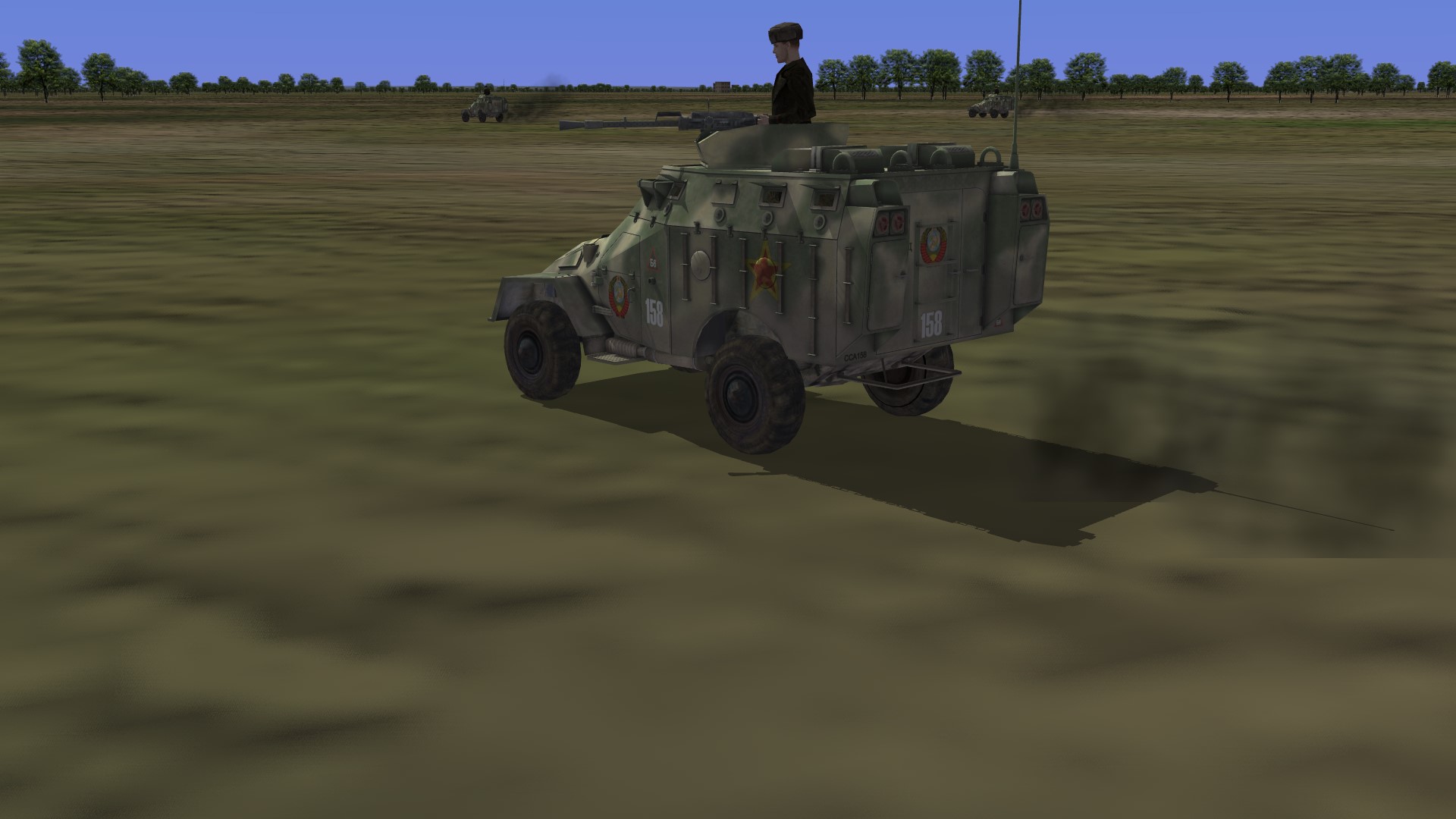
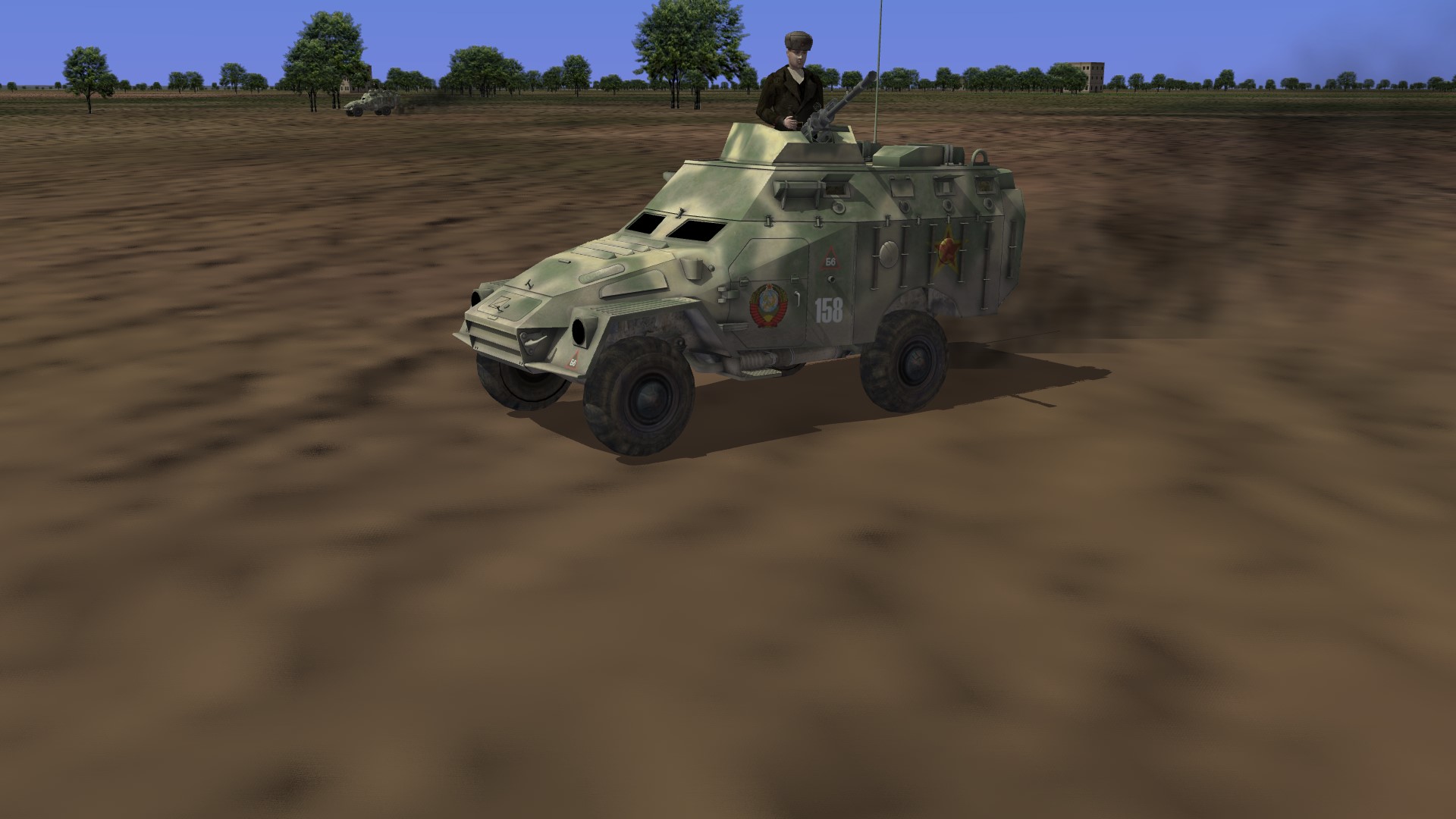
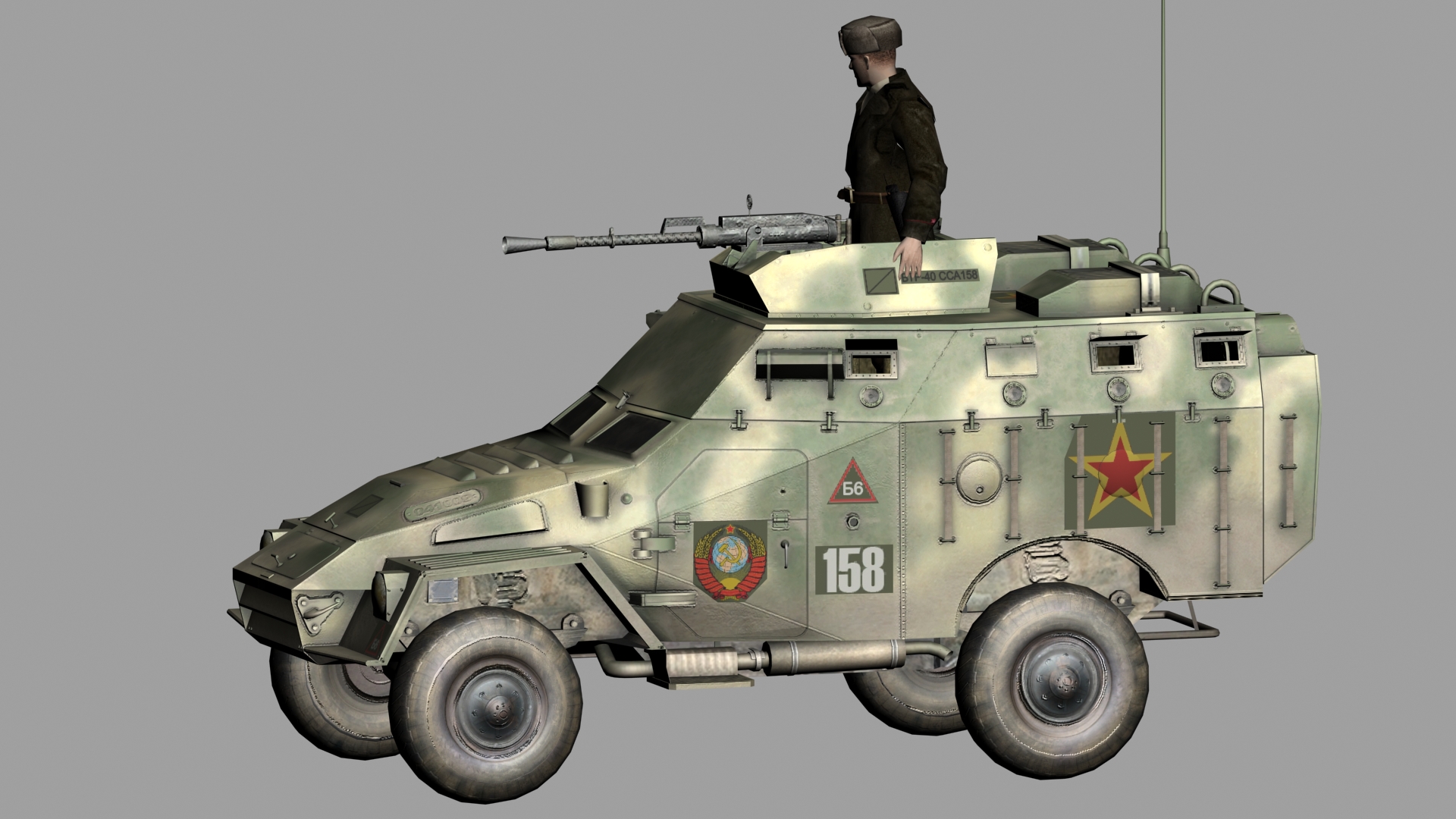
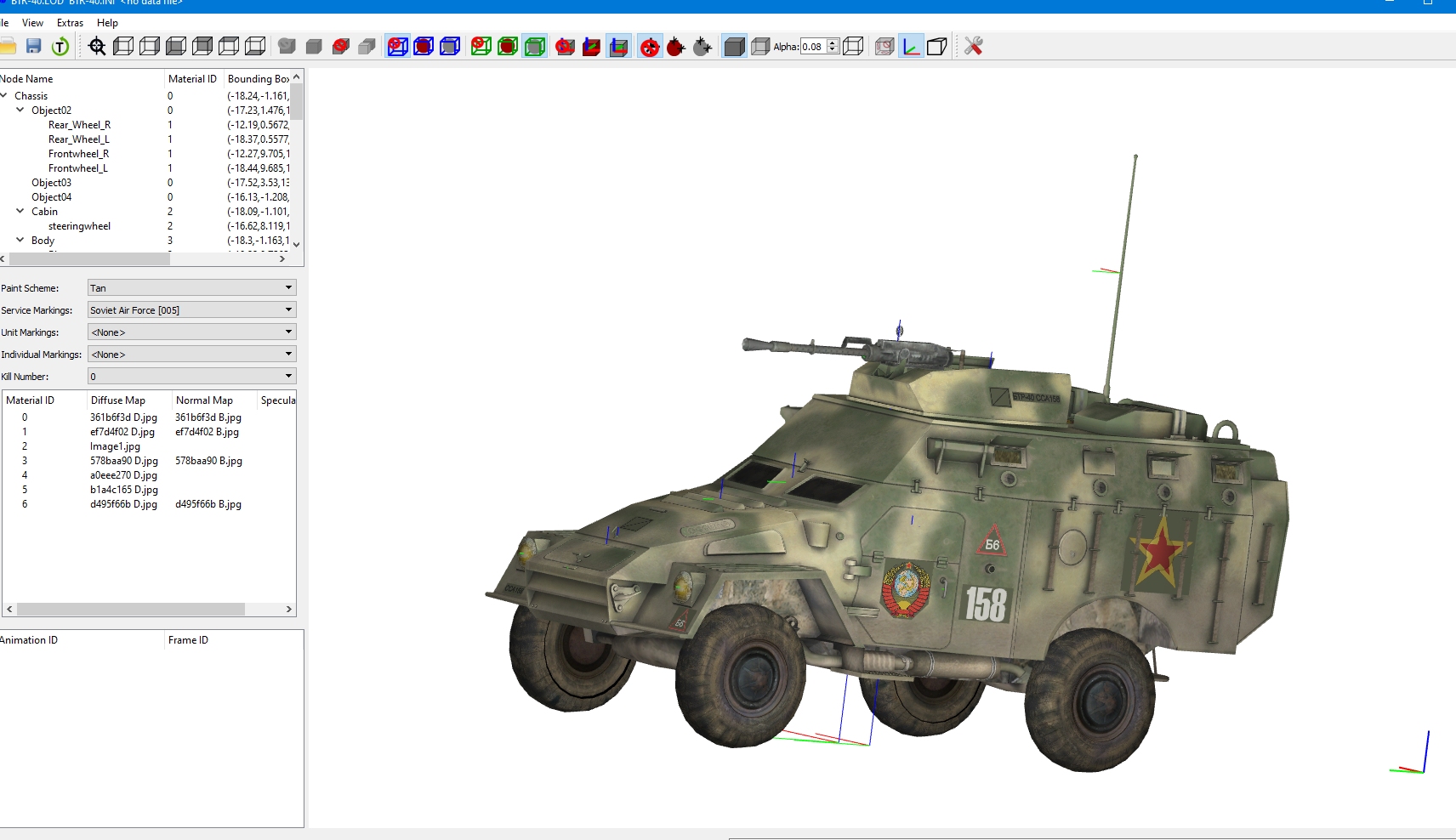
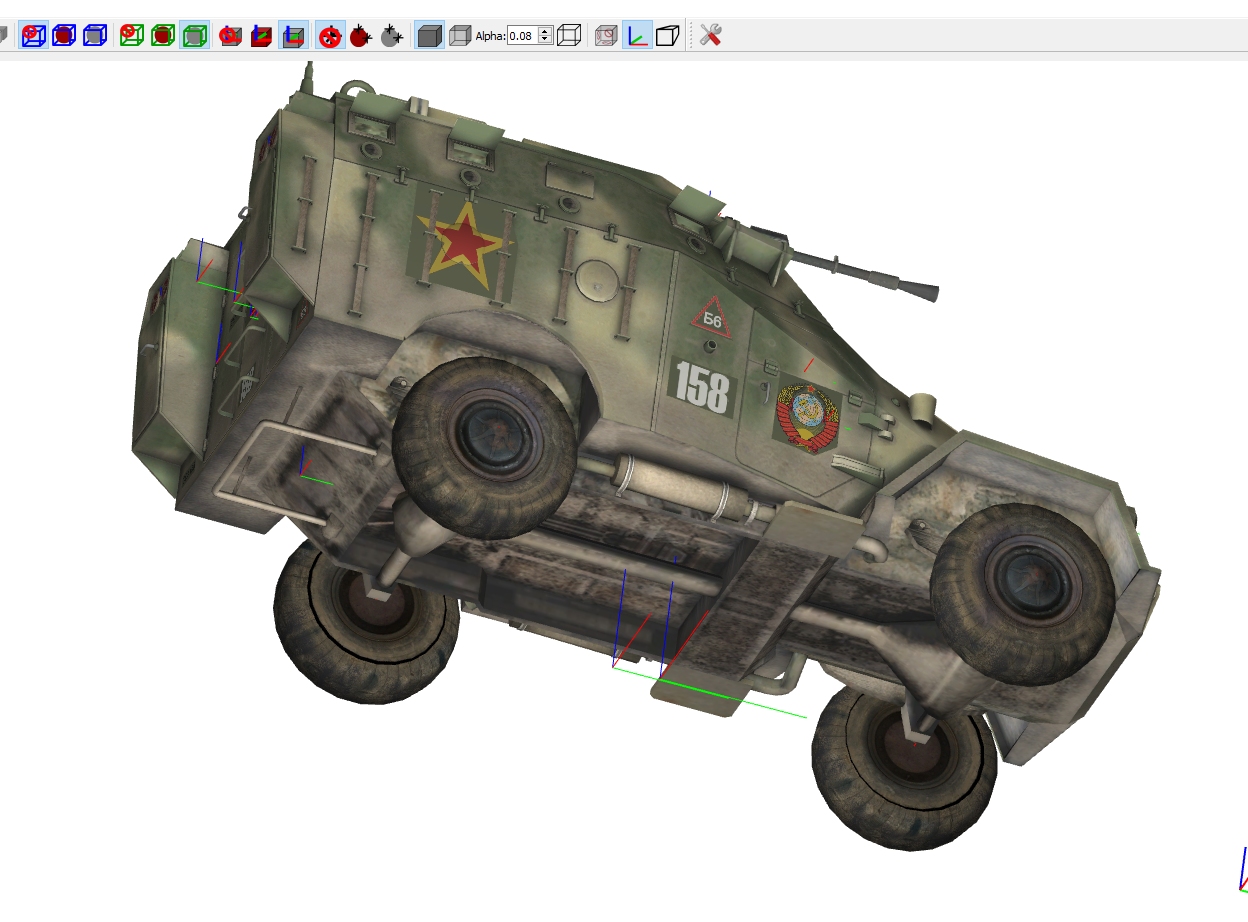
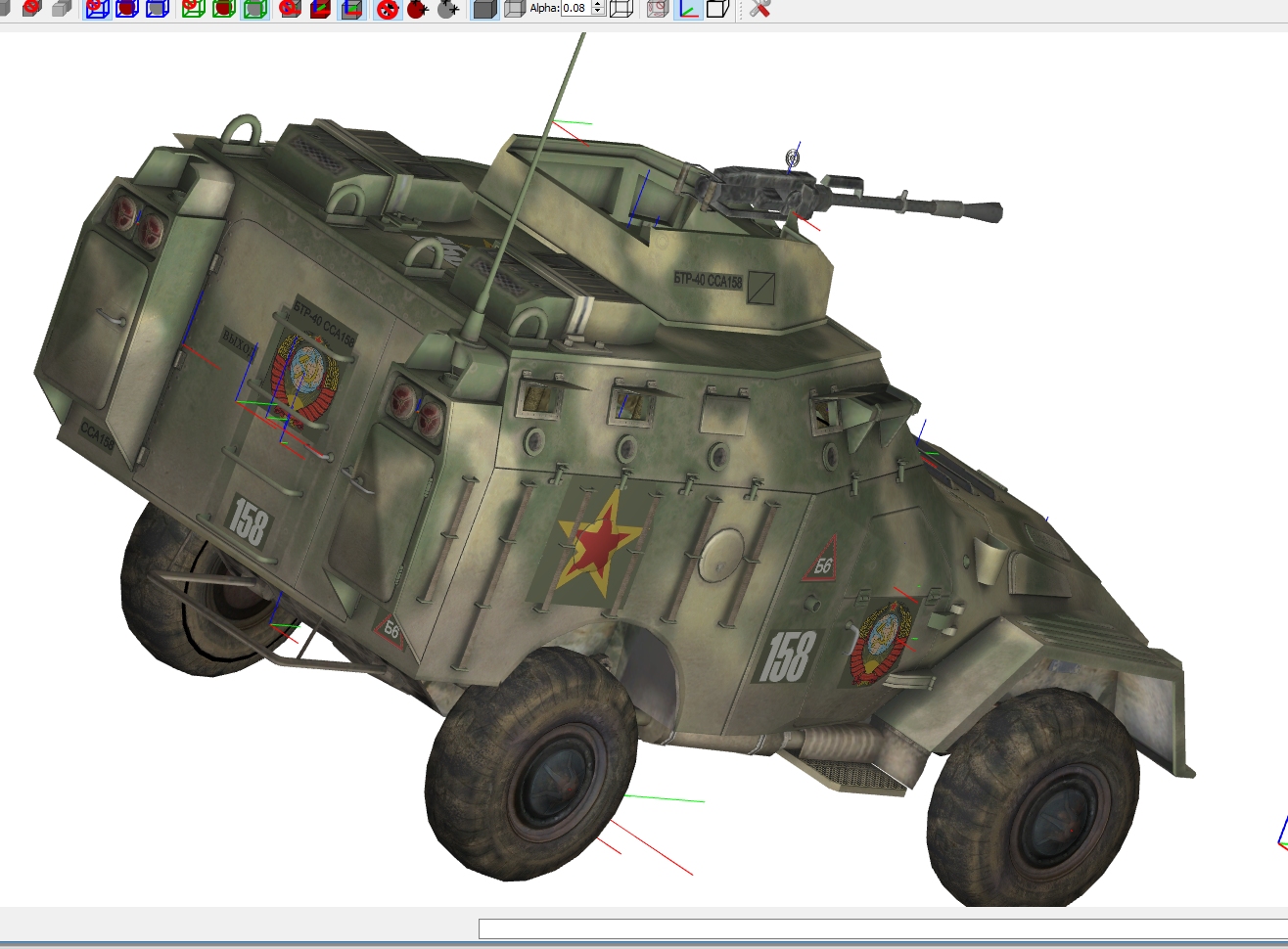
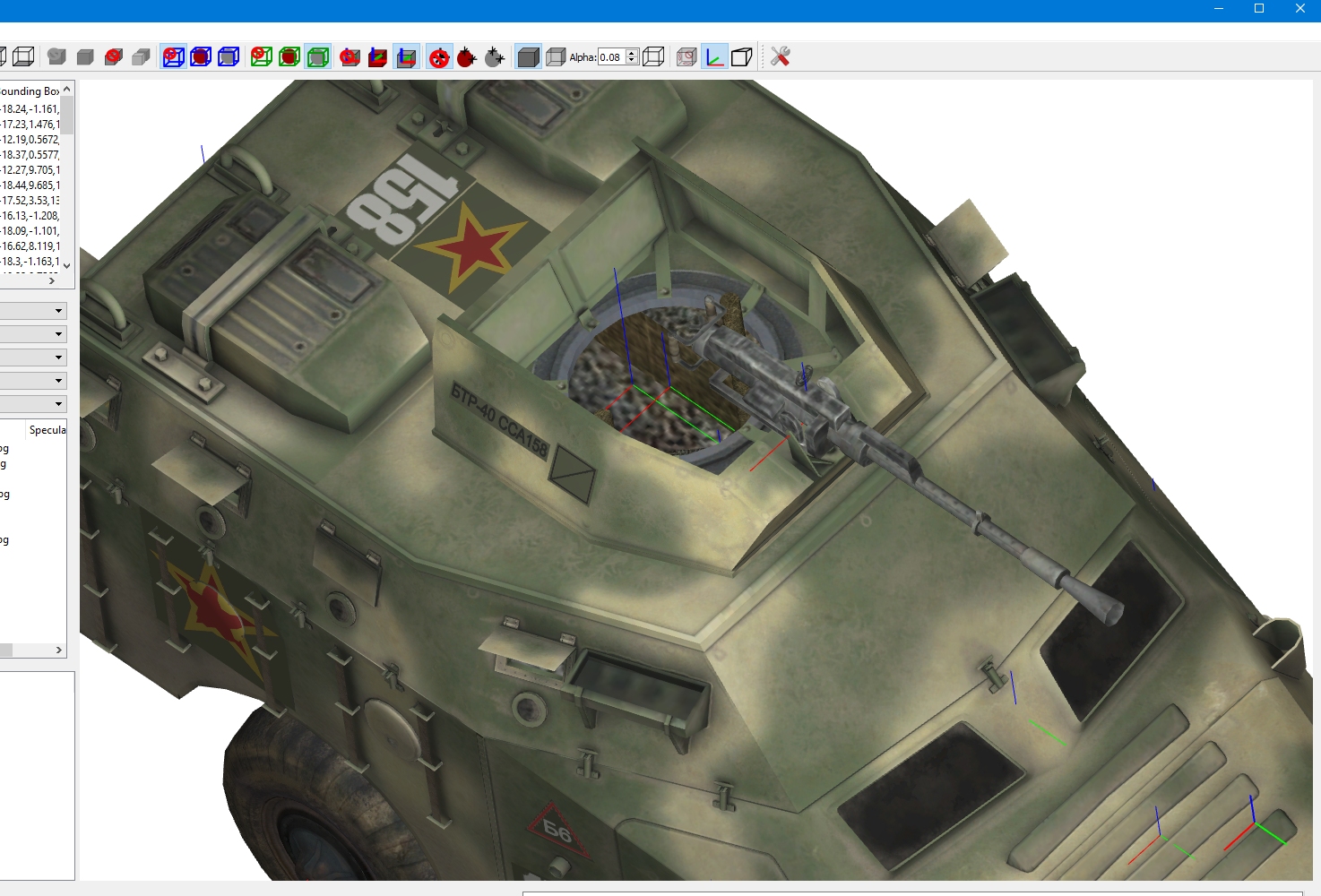
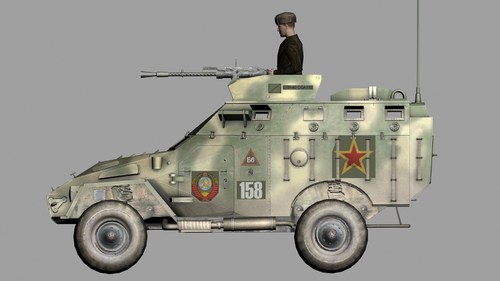
View File BTR-40_RU.7z README Included... BTR-40-RU Turret version...From a freeware model,author unknown.... Named so to avoid conflict with the BTR-40 by GKABS Add entry below to Terrain (Terrainanmehere)_Types you use it in,Then drop folder BTR-40_RU ,into your Objects\Groundobjects folder....replace XXX with next consequtive numbers one in the types ini file. Drop Guns folder into \Objects folder to add the 7.62MM_SGMB..and if required add with gun editor to ensure it works. [TargetTypeXXX] Name=SovietBRDM FullName=BRDM TargetType=MISC ActiveYear=0 TargetValue=0 UseGroundObject=TRUE GroundObjectType=BTR-40_RU RepairRate=0.555 StartDetectChance=0 StartIdentifiedChance=0 IncreaseDetectChanceKey=0 MaxVisibleDist=8000.0 DestroyedEffect=SmallRocketGroundExplosion SecondaryEffect=VehicleFireEffect SecondaryChance=50 If you do not want the specular mapping as is...just delete the following lines from Ini and texture.ini to reduce it to bump mapping only.. Specular= Glossiness= Reflection= This model is freeware,and not to be used for any payware at all...NOT to be uploaded outside of CombatAce.com unless permission requested first. Feel free to mod this ... No templates or other skins as yet. Unfortunatll some parts are mapped to same mesh (mirrored) I have seperated some to allow some of the numbers and badges to show properly... Credit to GKABS for allowing use of his destroyed LOD ty have fun shooting this.... Russouk Submitter russouk2004 Submitted 05/10/2020 Category Ground Object Mods
- 1 reply
-
- 2
-

-
Version 1.0.0
73 downloads
README Included... BTR-40-RU Turret version...From a freeware model,author unknown.... Named so to avoid conflict with the BTR-40 by GKABS Add entry below to Terrain (Terrainanmehere)_Types you use it in,Then drop folder BTR-40_RU ,into your Objects\Groundobjects folder....replace XXX with next consequtive numbers one in the types ini file. Drop Guns folder into \Objects folder to add the 7.62MM_SGMB..and if required add with gun editor to ensure it works. [TargetTypeXXX] Name=SovietBRDM FullName=BRDM TargetType=MISC ActiveYear=0 TargetValue=0 UseGroundObject=TRUE GroundObjectType=BTR-40_RU RepairRate=0.555 StartDetectChance=0 StartIdentifiedChance=0 IncreaseDetectChanceKey=0 MaxVisibleDist=8000.0 DestroyedEffect=SmallRocketGroundExplosion SecondaryEffect=VehicleFireEffect SecondaryChance=50 If you do not want the specular mapping as is...just delete the following lines from Ini and texture.ini to reduce it to bump mapping only.. Specular=0.200000 Glossiness=0.600000 Reflection=0.000000 This model is freeware,and not to be used for any payware at all...NOT to be uploaded outside of CombatAce.com unless permission requested first. Feel free to mod this ... No templates or other skins as yet. Unfortunatll some parts are mapped to same mesh (mirrored) I have seperated some to allow some of the numbers and badges to show properly... Credit to GKABS for allowing use of his destroyed LOD ty have fun shooting this.... Russouk -
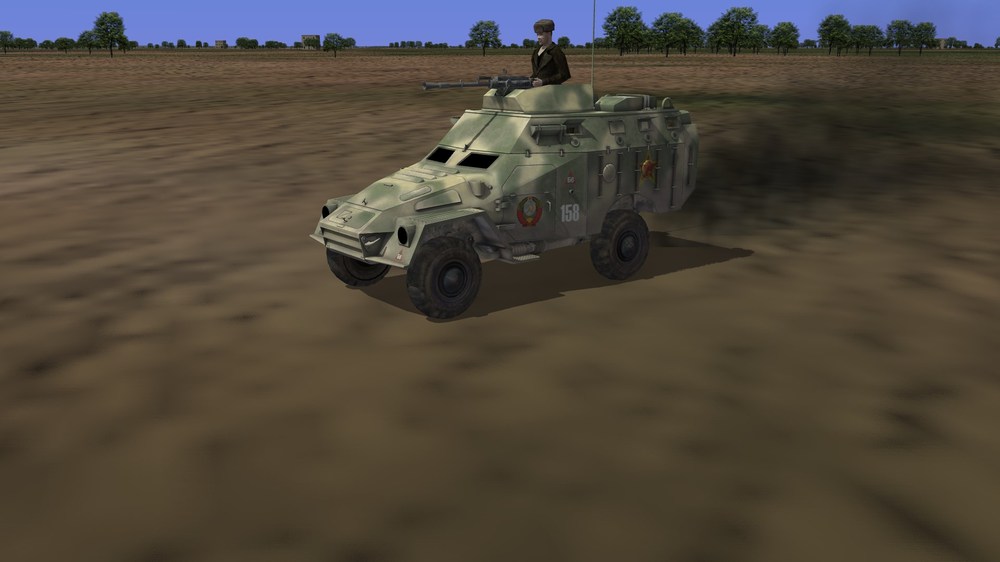
Well its works sorta...I think collision box too low or is emitter that black ? bump and spec aint showing but that may be the ini setting..
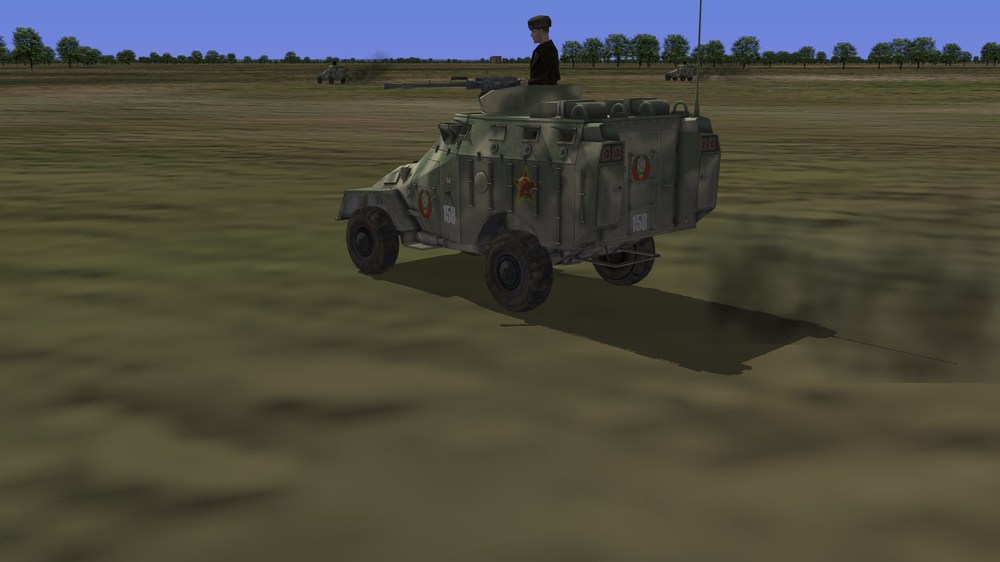
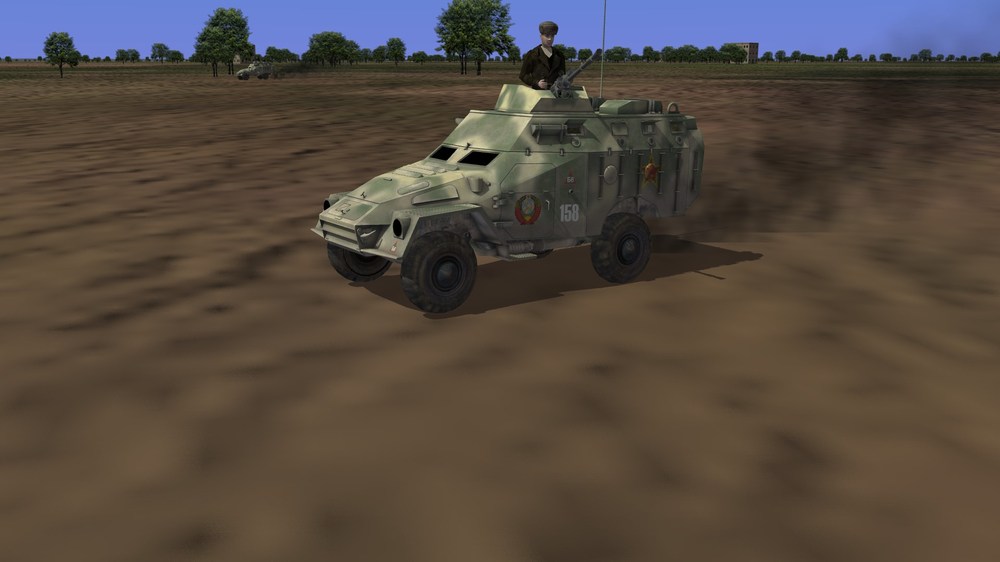
-
Self-illumination mesh,
-
ok cheers guys....figure is just a trial...he needs work
-
-
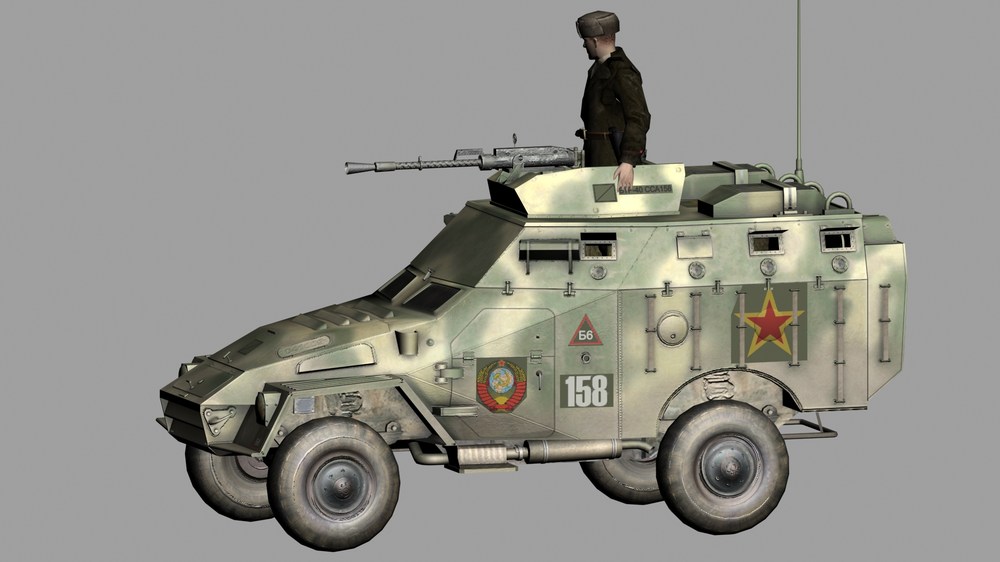
Just redone this from a freeware model I uploaded in modders depository...fancied a quick change...all set to go... just need to know...can I add gunner via game or do I add one...? if latter anyone got spare russkie max figure.? also...do the vehicles use steering ?...rear doors open should I animate it ? and do lights work ? cheers
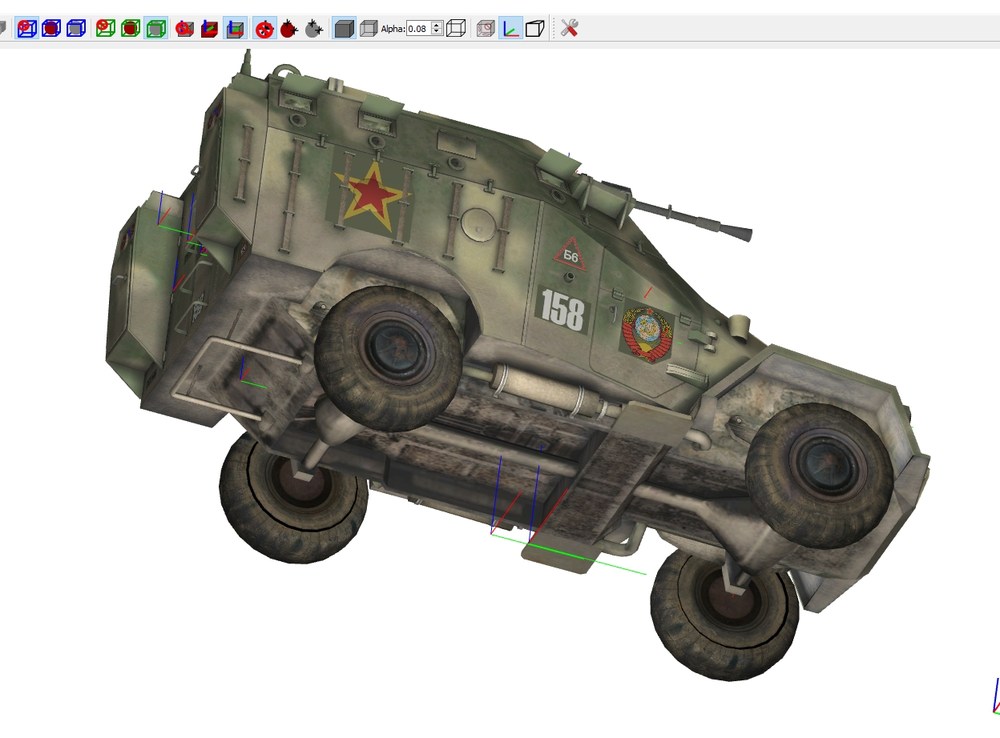
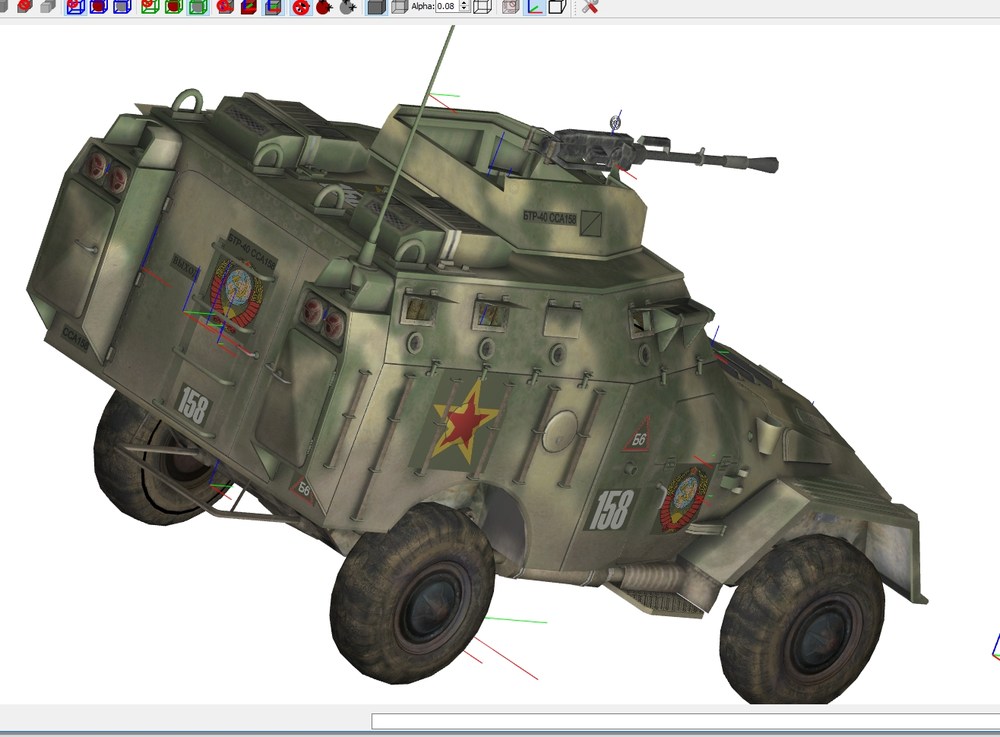
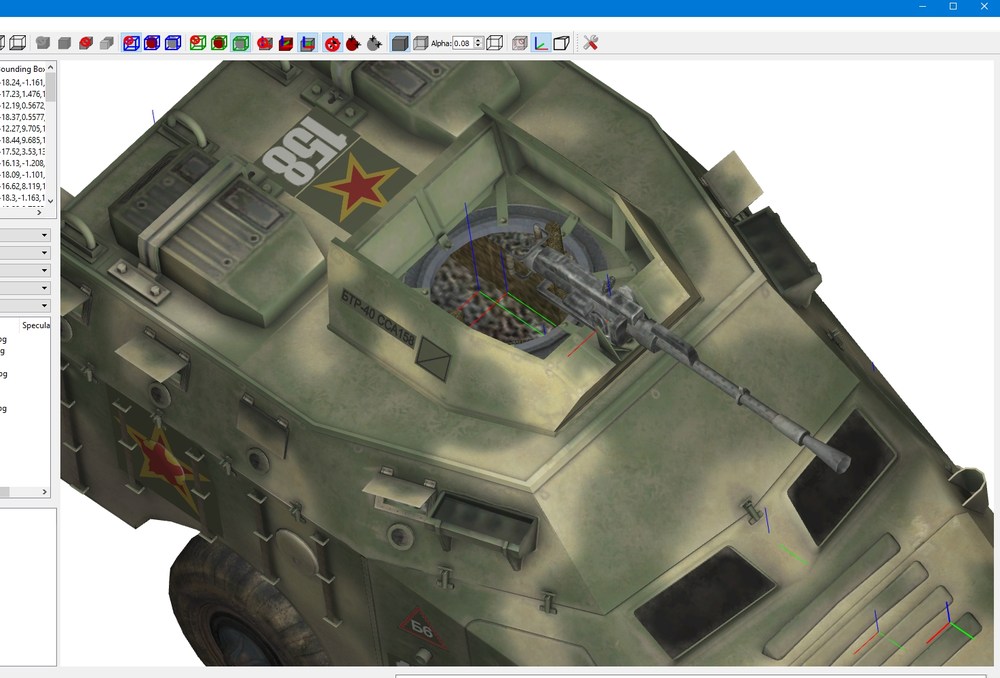
-
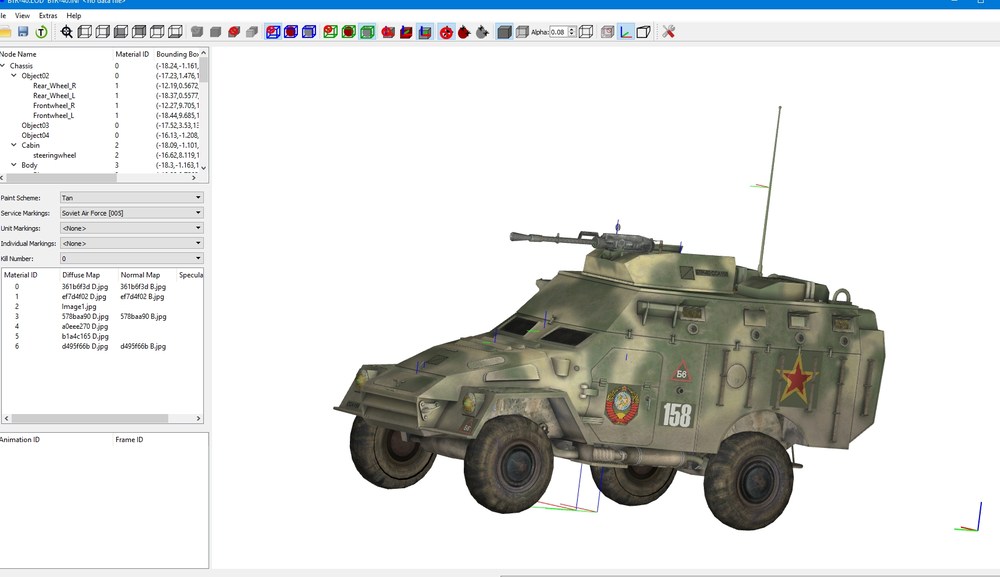
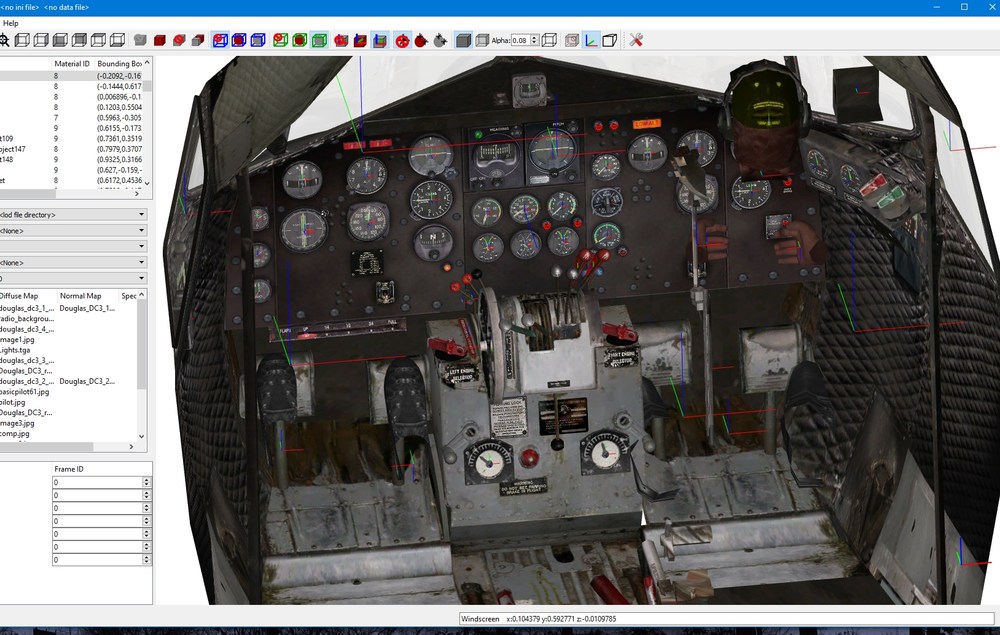
yeah its the screenshot I think,I did them to scale of the model. what you reckon ty btw
-
polys sometimes for me dont work properly in game....smooth wheels when you have done and convert to mesh when closing smooth modifier... rather than poly see if that works. yeah converting to poly I find breaks vertices...I never export as poly if poss. does lod viwer show broken mesh ?...saves time loading in game if it does...send max fil via pm can see if find summat you missed mebbe.
-
asap....just few bits to edit....like the co pilot position of arms....pit has a few different colour textures too..will post screens later.as they need some additions..I will convert the freeware DC-3 t a later date as ive but a much to do...like the static H-19...gimme day or two and I ll send it to you kev...pit should be ready sunday
-
Is it possible? / editing lod files
russouk2004 replied to Soulfreak's topic in Mods & Skinning Discussion
or just paint the parts on a new layer and swap over on the texture those mesh areas -
I had this problem....what it was....I copied a part and didnt reset is so it was actually flipped ...after resset xform and convert to mesh ,then flip normals.it was ok
-
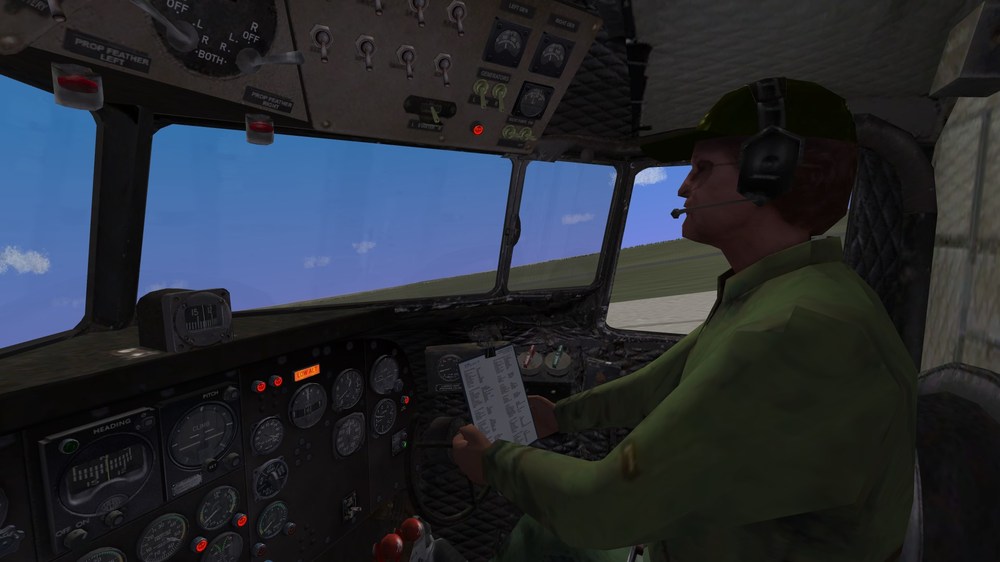
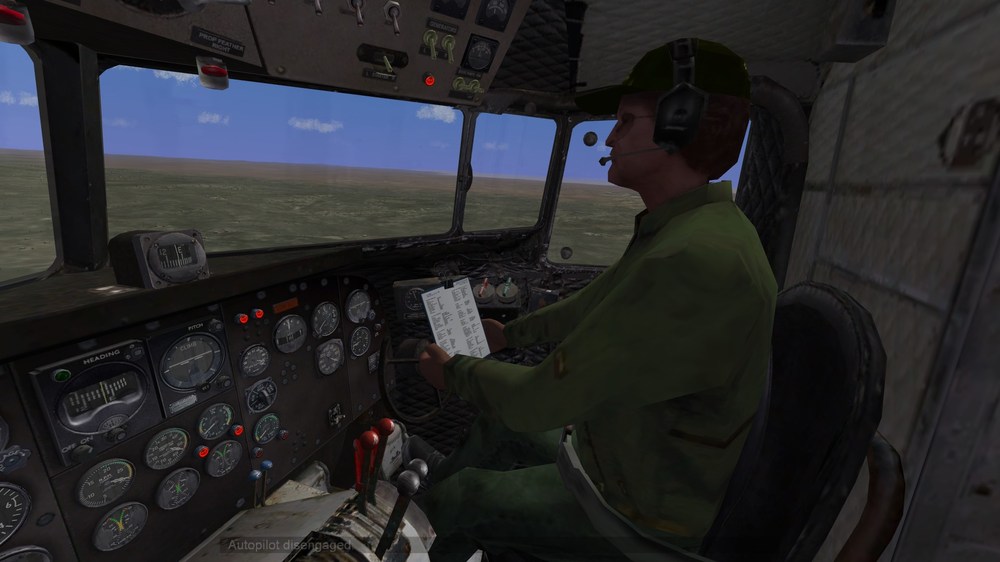
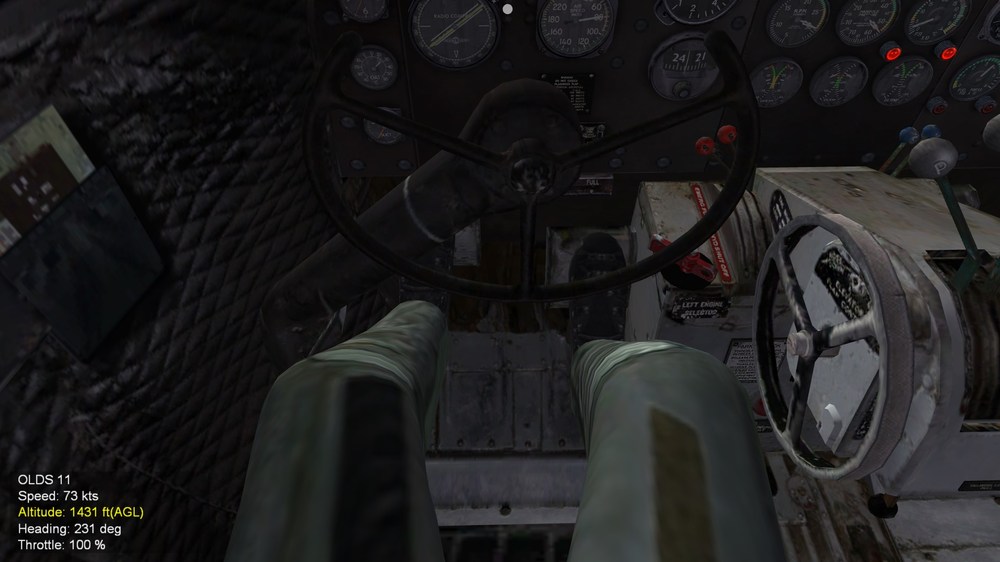
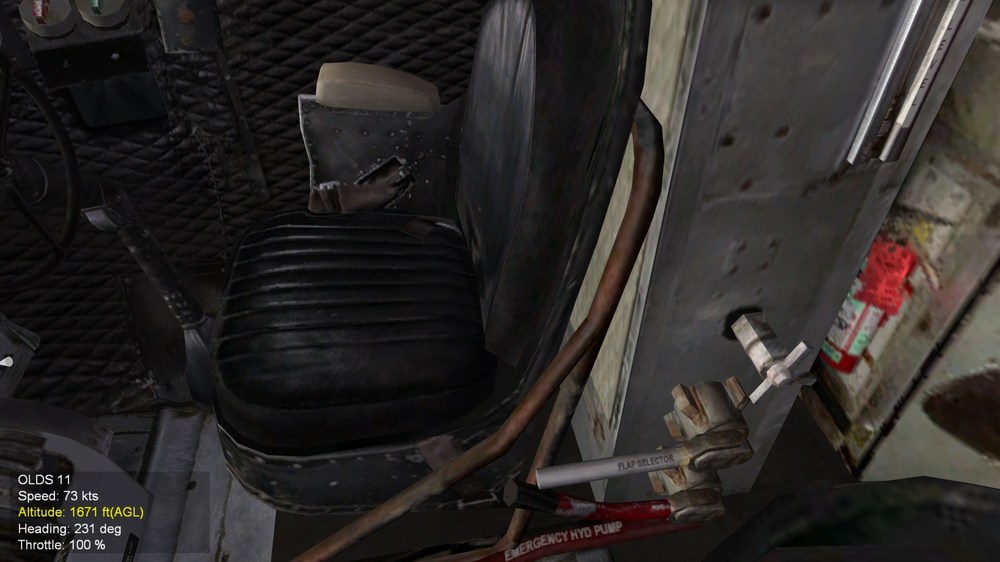
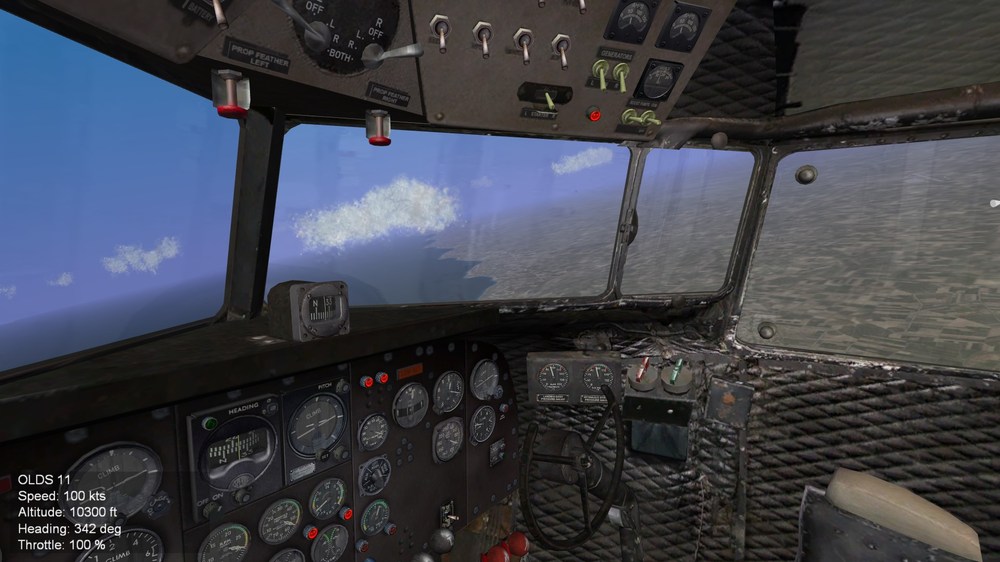
A companion....yoke was proving a bore as it went through the clipboard...but it seems in the DC series you ould lock the yoke,so I have limited its movement for copilot version...will have pilot...and one with co pilot...looking at pic...might put left hand on the levers(red) and other holding clipboard up a bit higher so it misses the yoke. btw this is from Freeware FSX Dc-3 HCAA model...most of it I remade anyways...all gauges buttons lights.panel ..some of the other parts etc...its about 40% rebuilt
-
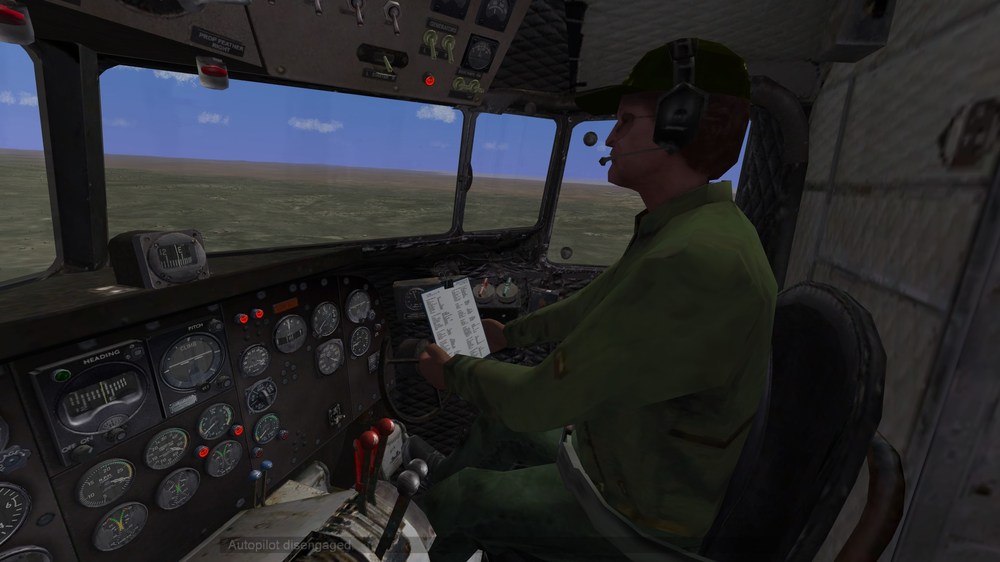
Some company.... at least thats not porn...lol
-
if you delete stock skin folders dont they revert to latest and use newer decals too ? like deleting data.ini etc game reverts to stock (latest updated that is)
-
you too mate for some help too....now just add co-pilot and done...got one somewhere that should look the biz.. just need now a dedicated Dc-3
-
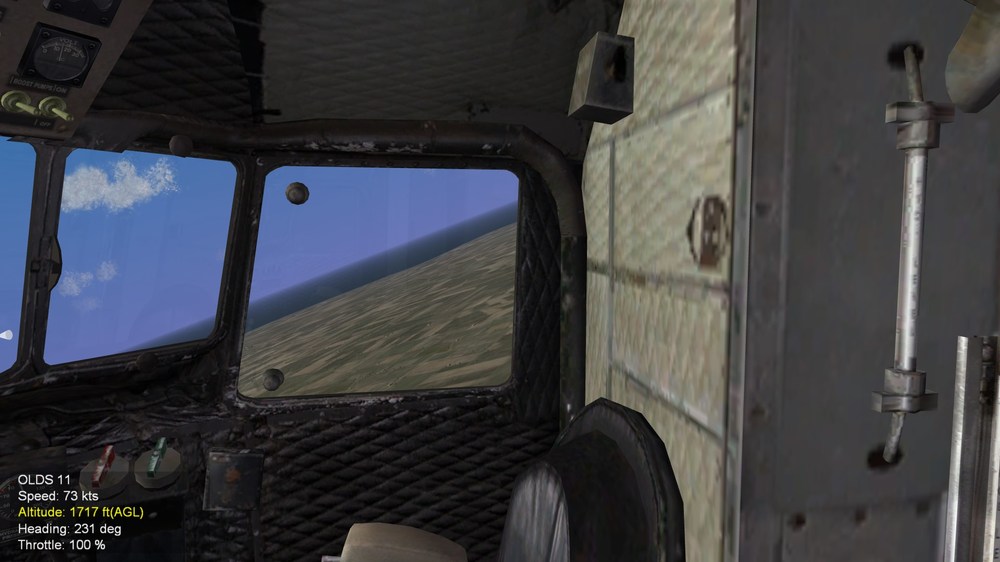
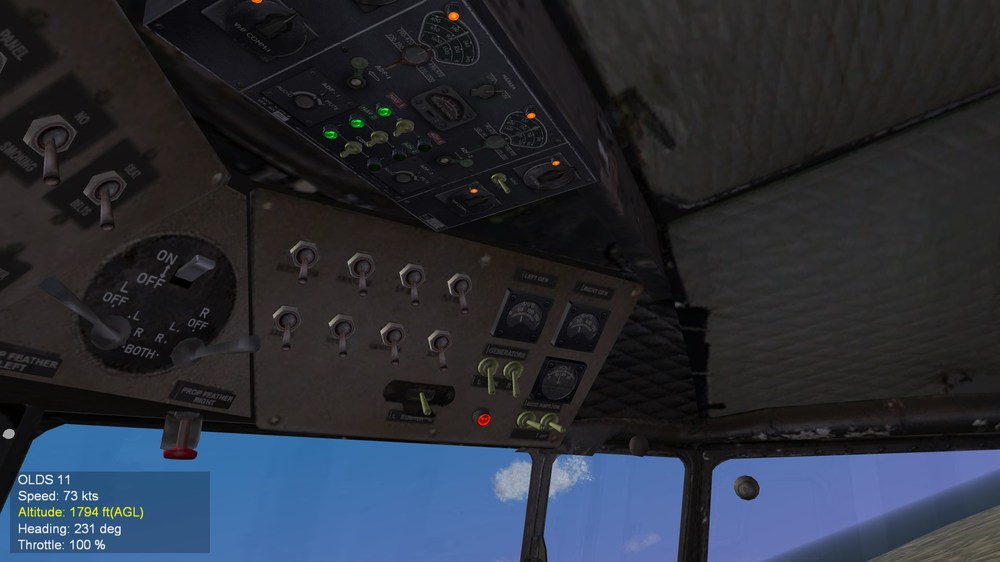
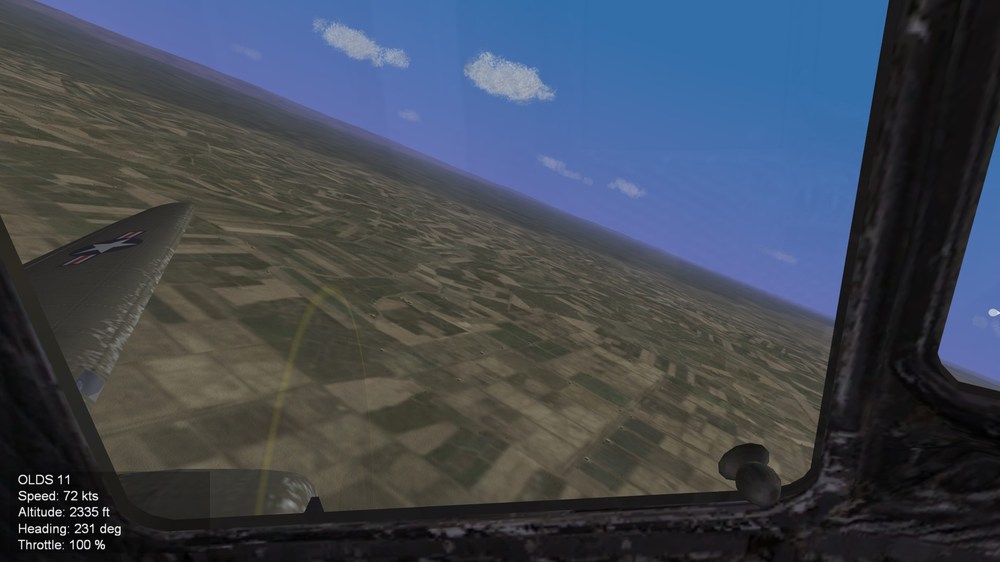
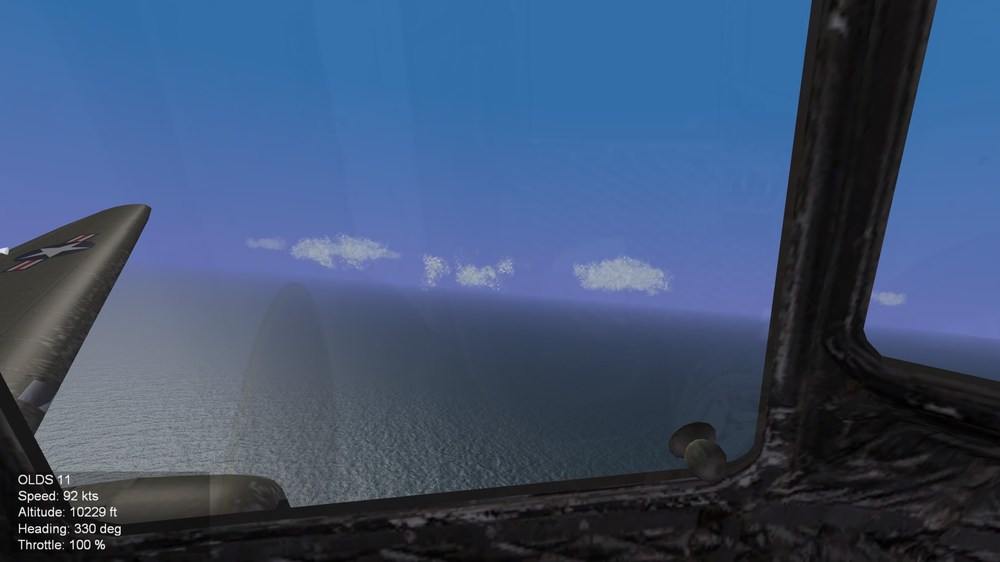
Practice for D-Day somewhere over UK credit to Yakarov and others,especially Logan for assistance finally working correctly..
-
All working now big thanks to helpers especially Logan cheers guys
-
Takes a pilot with balls to fly a helo with as big a blade span as the pavehawk....that close and low Filmed in NV Guess it aint from area51 Black Ops...doubt they would let em film it lol