russouk2004
-
Posts
5,278 -
Joined
-
Last visited
-
Days Won
148
Content Type
Profiles
Forums
Gallery
Downloads
Store
Everything posted by russouk2004
-
High Detail Cockpits in SF2
russouk2004 replied to ravenclaw_007's topic in Mods & Skinning Discussion
Rubbish...I make wonderful cakes lol.....I start to learn baking textures...get mixed up and gave up . :( -
Did you know UK Test Pilot and some aerospace personnel worked at groom on Have Blue...and were part in designing its shape...test pilot I cant recall his name ,was one of the first to fly the 117 cool eh..
-
High Detail Cockpits in SF2
russouk2004 replied to ravenclaw_007's topic in Mods & Skinning Discussion
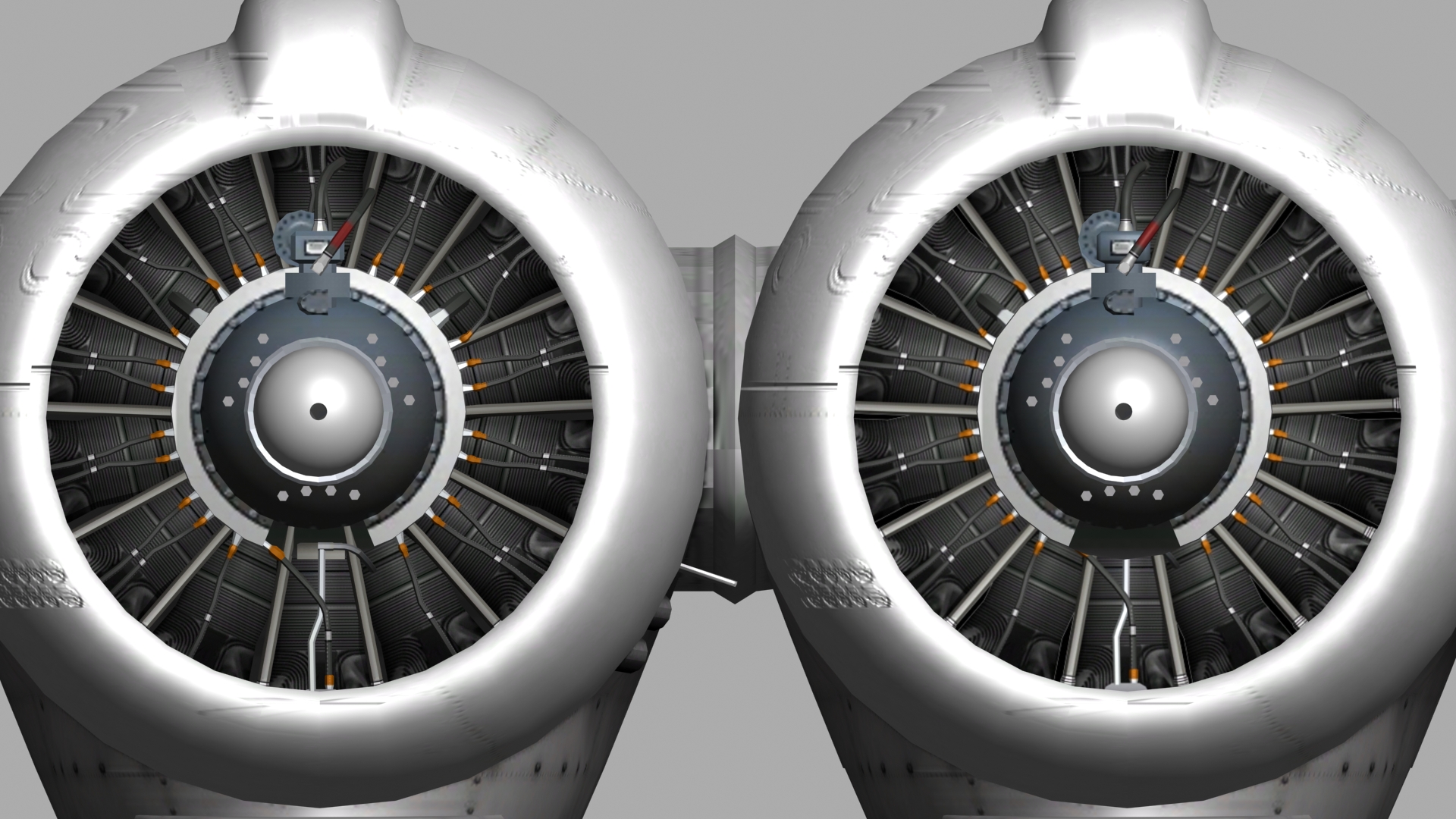
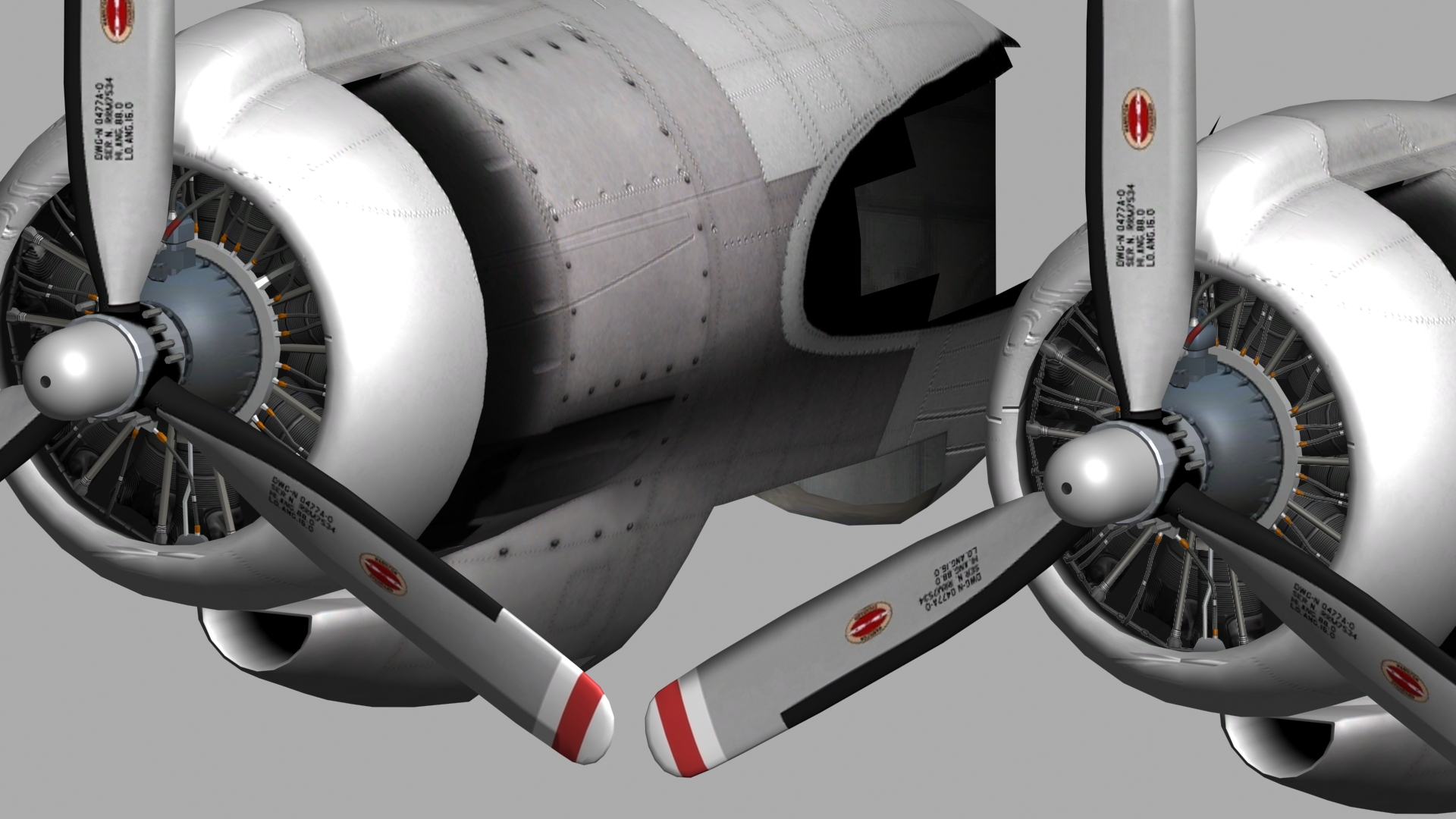
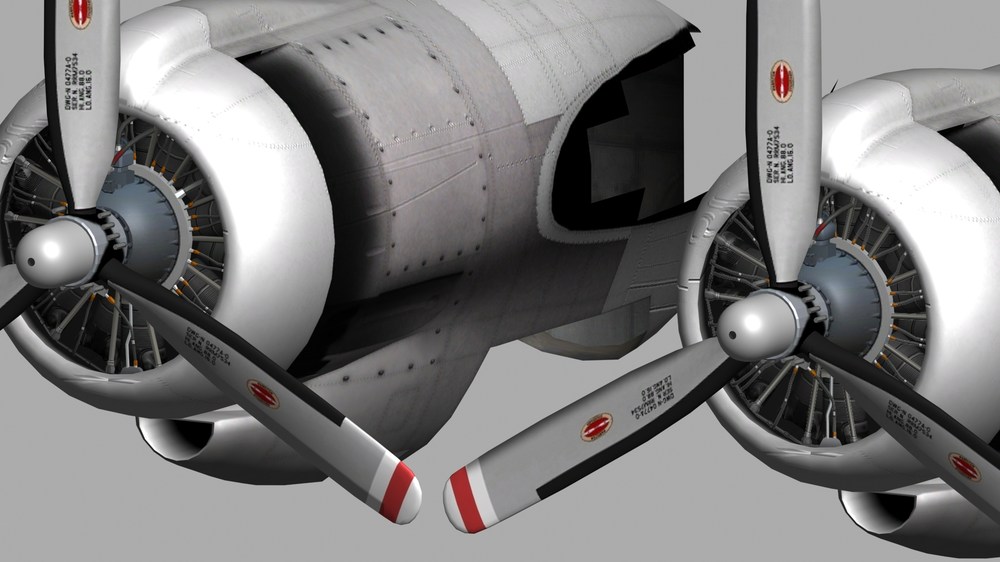
A good detaile texture can look as good as meshes....look at the engine pics I did last night ...looks as good as the meshes did ...maybe do it for the base panel rivets and screws....lower poly count on switches is suprisingly good if smoothed well etc...a good texture can hide a multitude of model sins lol -
looks really good m8 u can almost hear the traffic lol
-
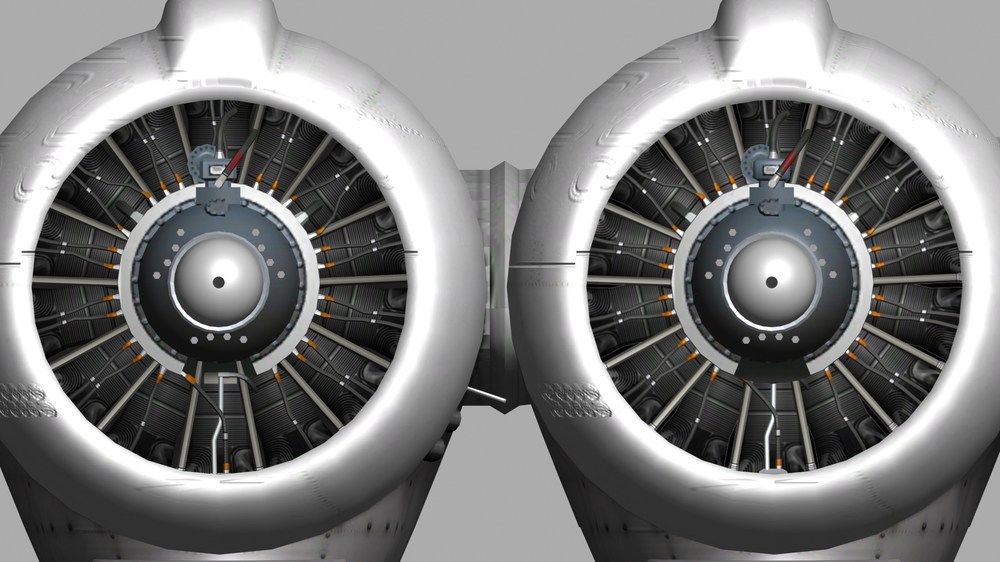
Swam..left is meshes right is jpg with bump hard to spot difference. the cylinders and pipework I mean ...the prop hub etc are polys. on both
-
tga as in this case fine so long as used in moderation lol....saves 6086 polys being used when not needed :)
-
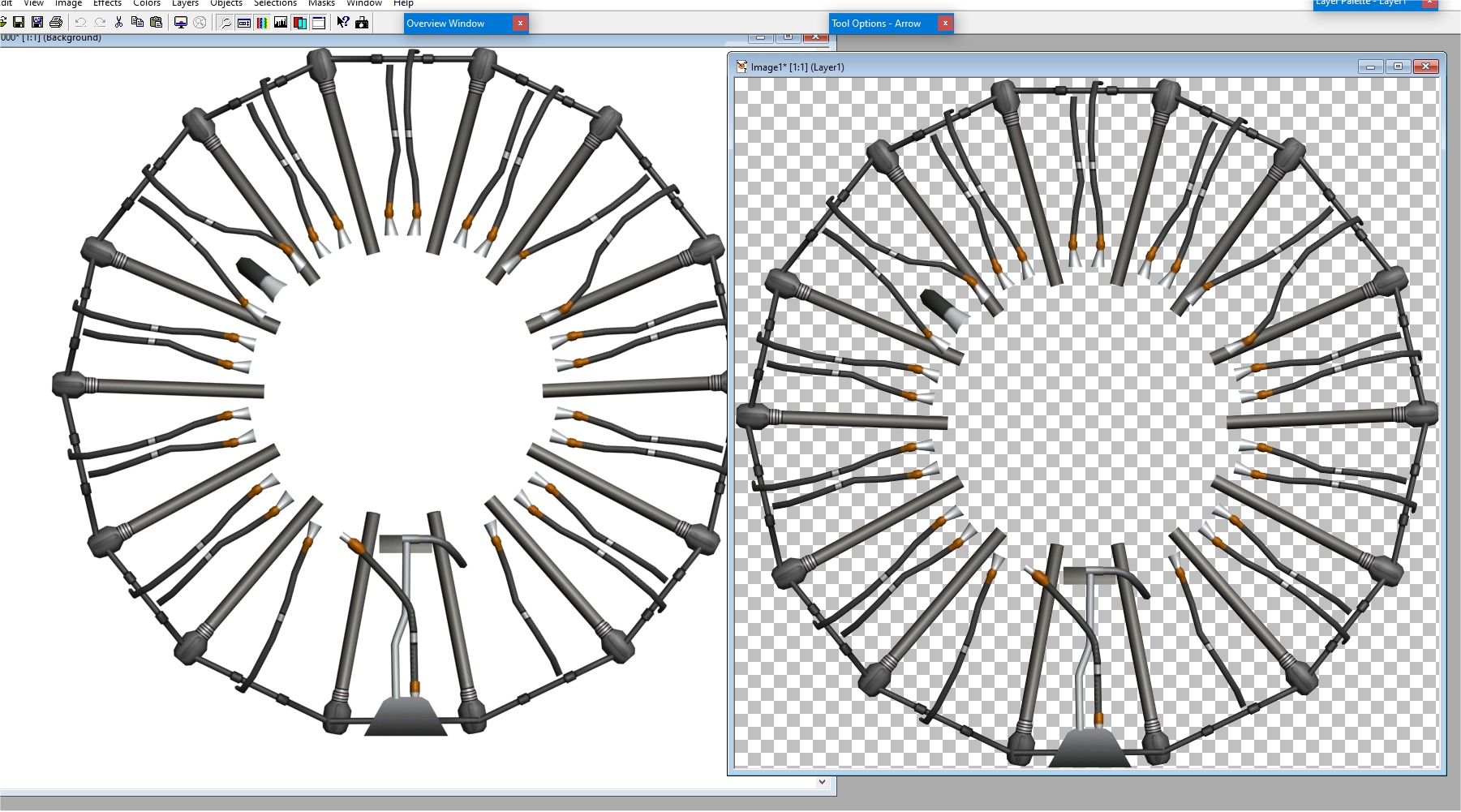
Agreed about the performance issues...some csaes like this its even ok with a textured disc to simulate the pipes etc...with a decent bumpmap it would look 3d
-
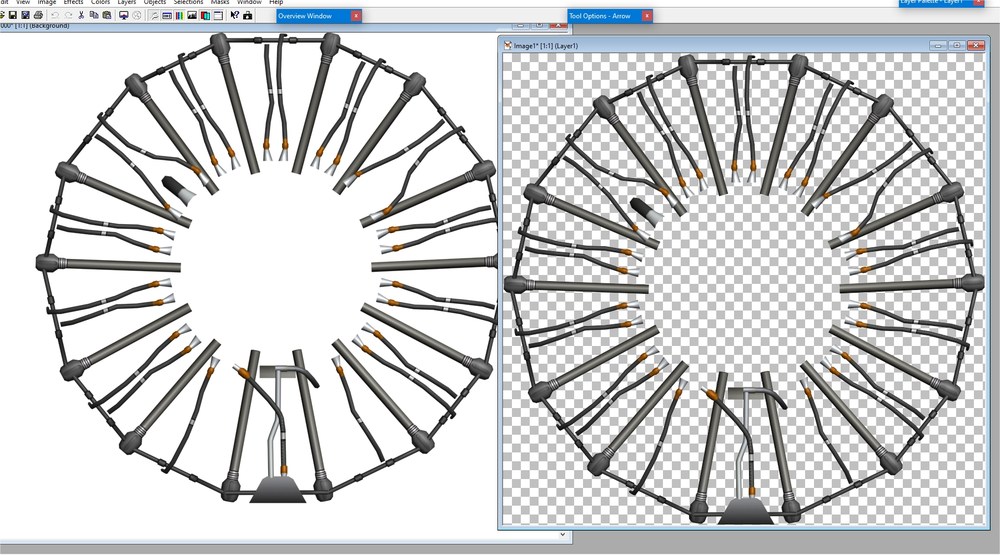
I forgot you could render good tga`s with max... engine on left ignore prop and casing....engine bits on left are 7000 polys....one on right 14 as long as you have a pure white back it renders a decent tga..tga on left ..alpha channel on right...
-
Cheers bud yeah...I set all needles to the zero or start of a dial or gauge...as in set pointing at 0 for rpm etc...ty m8
-
Found answers to most of the problems...last Q...am I correct in thinking the gauge needles pivots axis Y is set to Z axis or am I mixing it up with the way rotors pivots are set to Y axis as some needles seem not to respond correctly when I use Y axis if ste at local in max they work in Y axis... thanks gents...
-
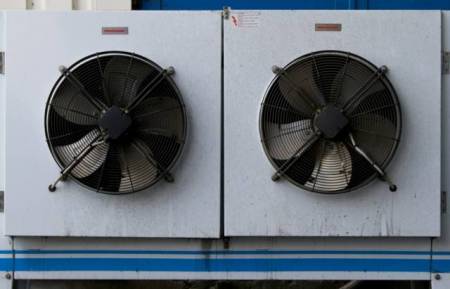
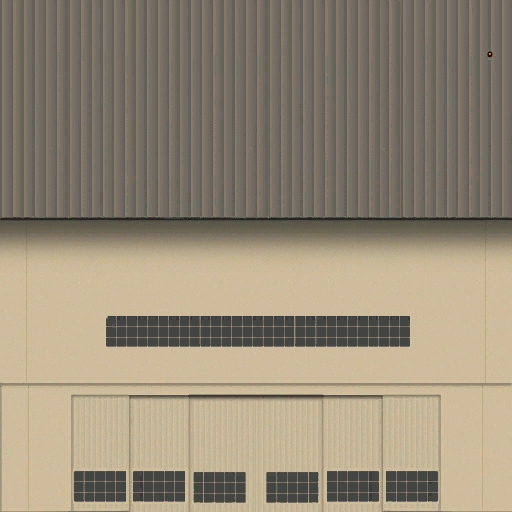
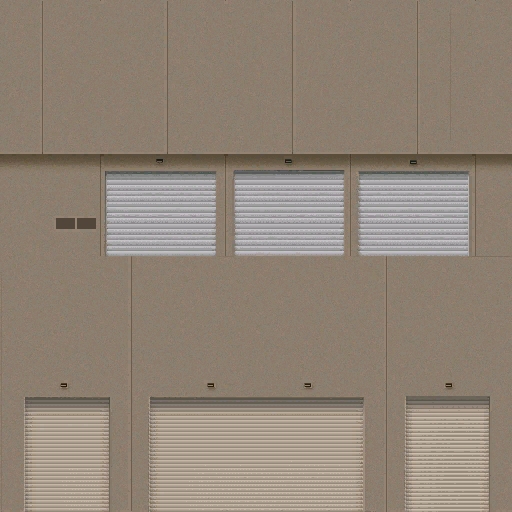
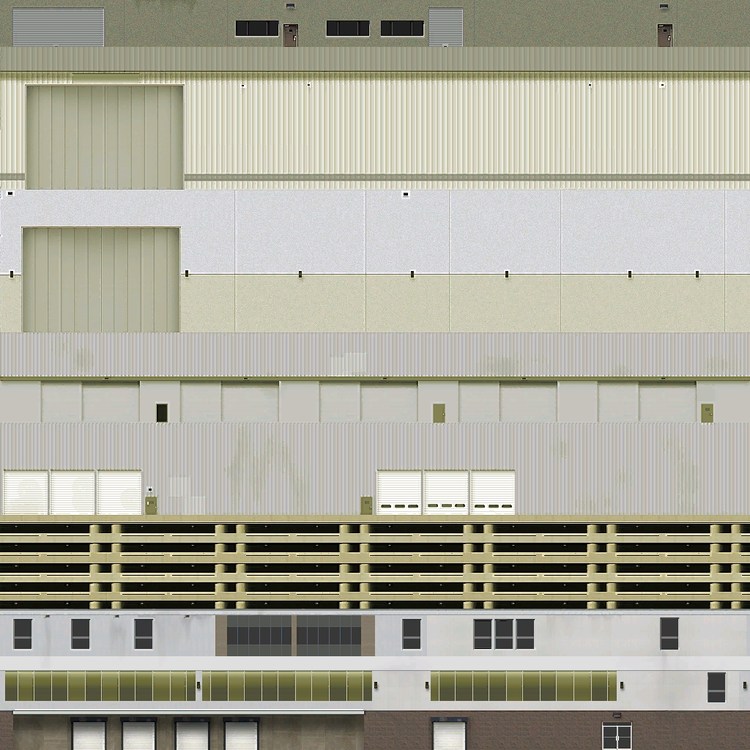
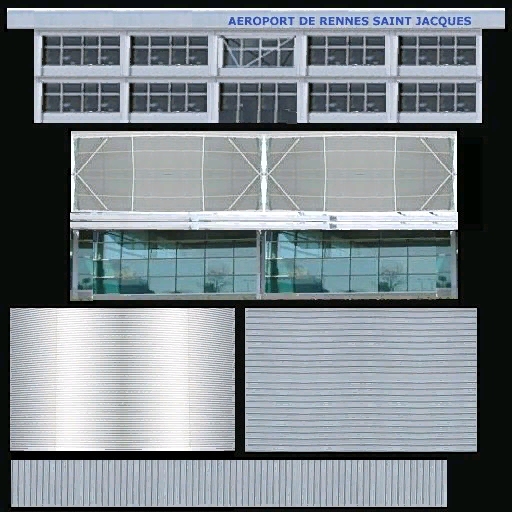
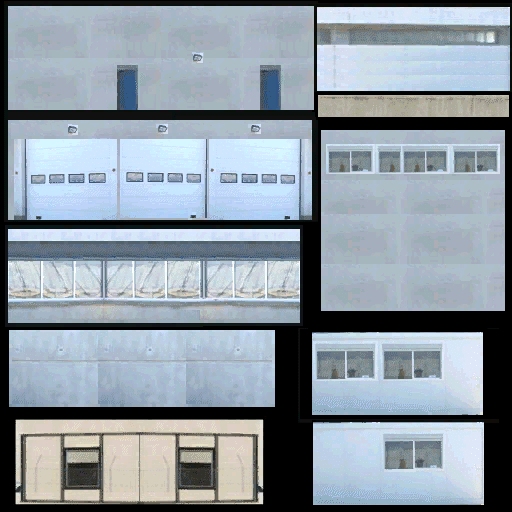
maybe useful ? NovaGold021.bmp NovaGold008.bmp NovaGold012.bmp inokantoor1close.bmp
-
will let you know when get to test it later in game....going over all the bits to check for typos and any errors....just realised...as my H-19 isnt finished yet....when I try pit...its just a case of checking the helo I test it on...look in data.in for the items to alter....brilliant...yakarov ur awesome m8 ty
-
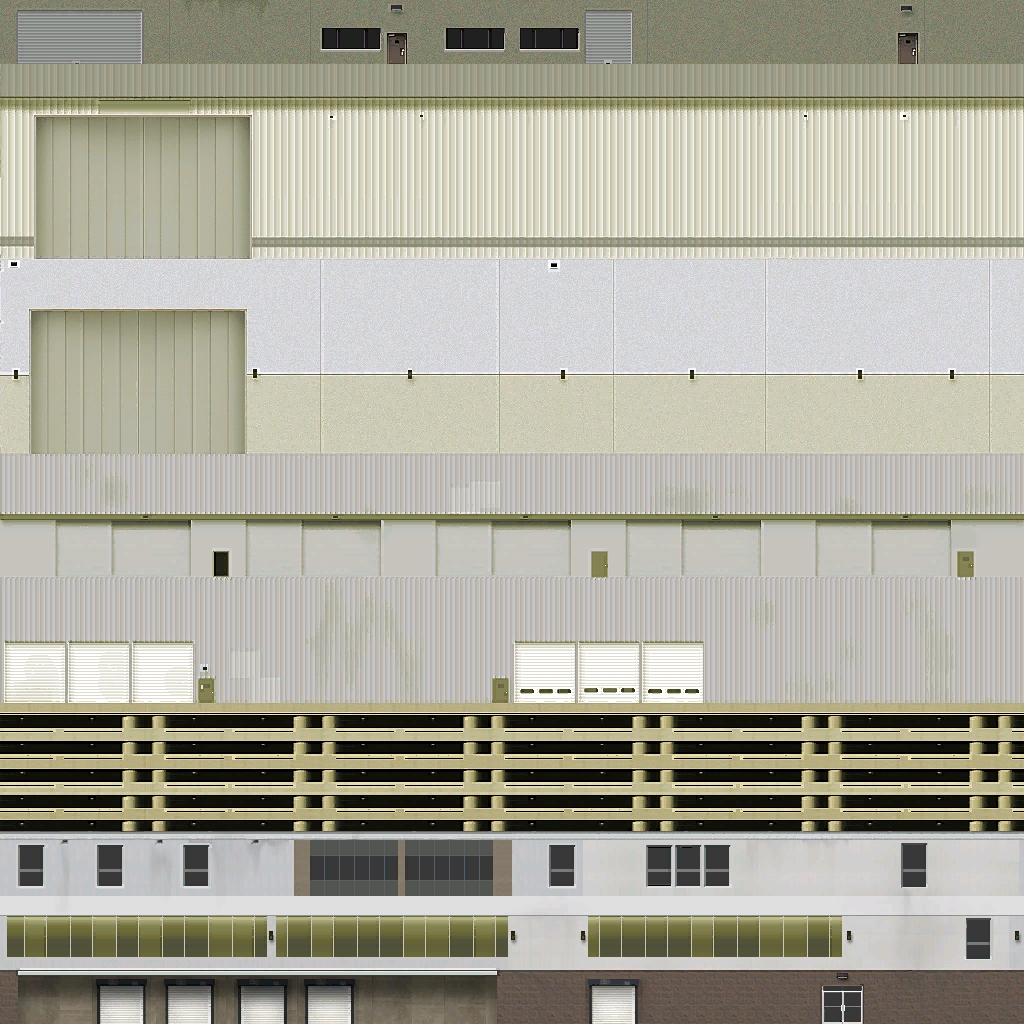
Check out FSX and FS2004 etc theres loads of good freeware texures for offices and military buildings about..
-
Thats clearer thanks guys.....got it yak if I want rudders animated and legs and feet move..... I have this below...I have the feet move and lower legs move with the rudders...(looks better) would below work ? [RudderPedal_PilotLFoot] Type=RUDDER_PEDAL NodeName=RudderR01 MovementType=ROTATION_X Set[01].Position=-10 Set[01].Value=-1.0 Set[02].Position=0.0 Set[02].Value=0.0 Set[03].Position=10 Set[03].Value=1.0 [RudderPedal_PilotRFoot] Type=RUDDER_PEDAL NodeName=RudderR02 MovementType=ROTATION_X Set[01].Position=-10 Set[01].Value=-1.0 Set[02].Position=0.0 Set[02].Value=0.0 Set[03].Position=10 Set[03].Value=1.0 [RudderPedals] Type=RUDDER_PEDAL MovementType=ANIMATION AnimationID=4 Set[01].Position=0.0 Set[01].Value=-1.0 Set[02].Position=1.0 Set[02].Value=1.0
-
Confused .com with Itemnumber? I can see what people mean...animated gear lever would be itemnubmer=1 if the gear animation on the plane is animid=1 but heres my query why is tach itemnumber=1 in starys mig15 cockpit yet the mig15 anim slot 1 is gears not engine ?.. and [ExhaustTemp2] Type=EXHAUST_GAS_TEMPERATURE_INDICATOR NodeName=ENGINE2_EGT_needle ItemNumber=2 < what would this link to on plane anim 2 on mig is gears shock anim.....what if cockpit is used for a plane besides mig 15 gauges wont work ? im scratching my head here totally confused lol
-
QuinetiC fly theirs thru mach loop...
-
np its easy when you see how its done.. I basically use settings the guy in tut does...
-
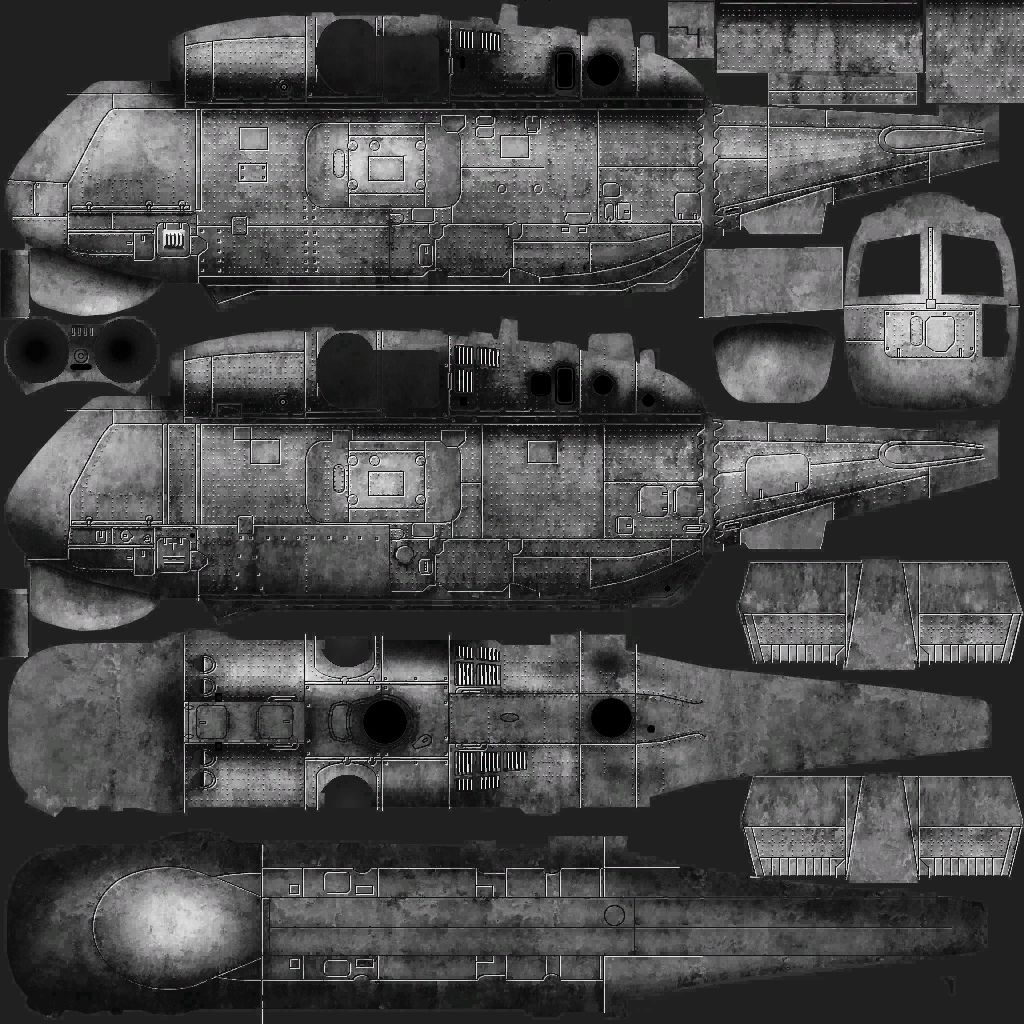
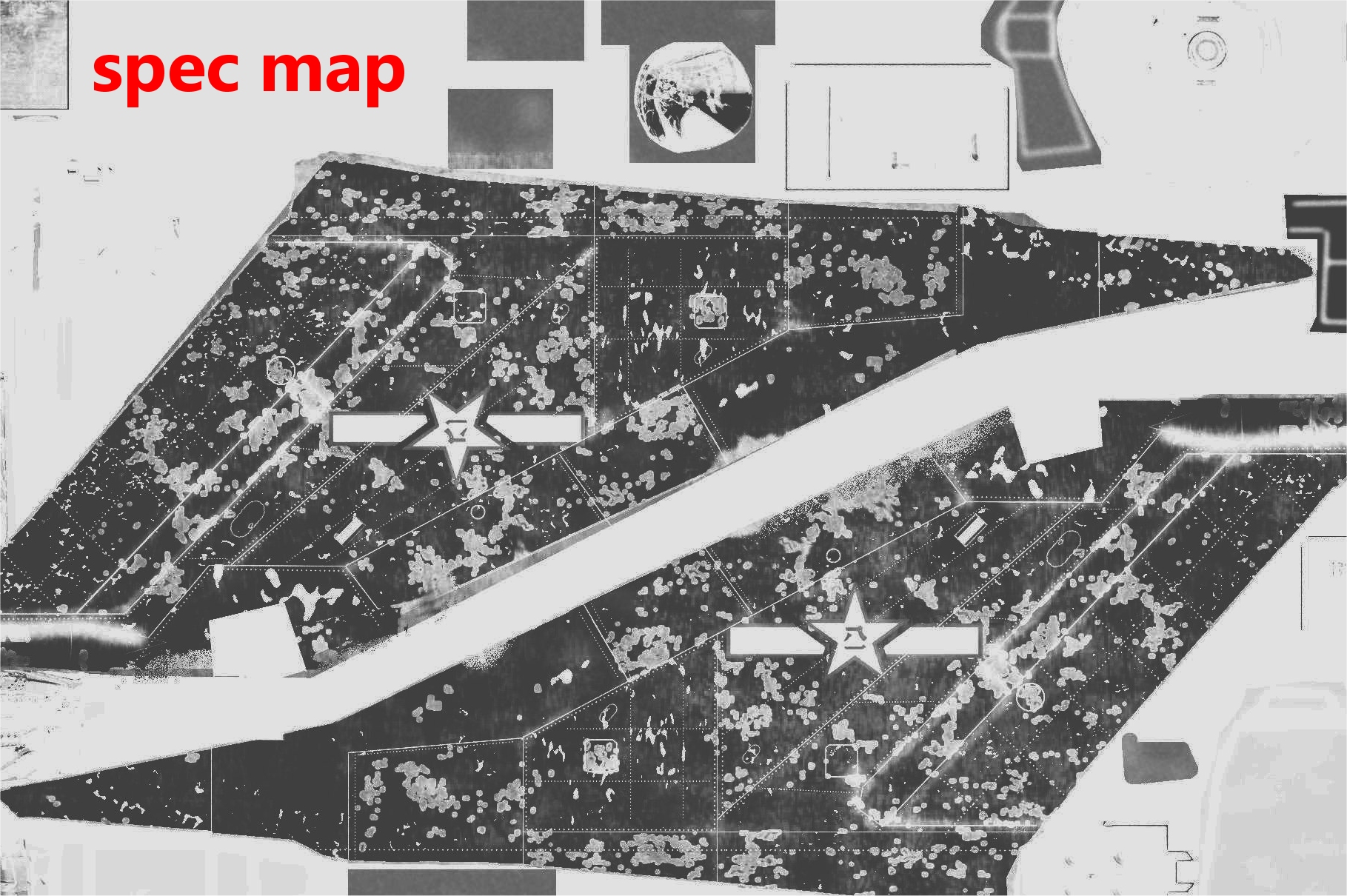
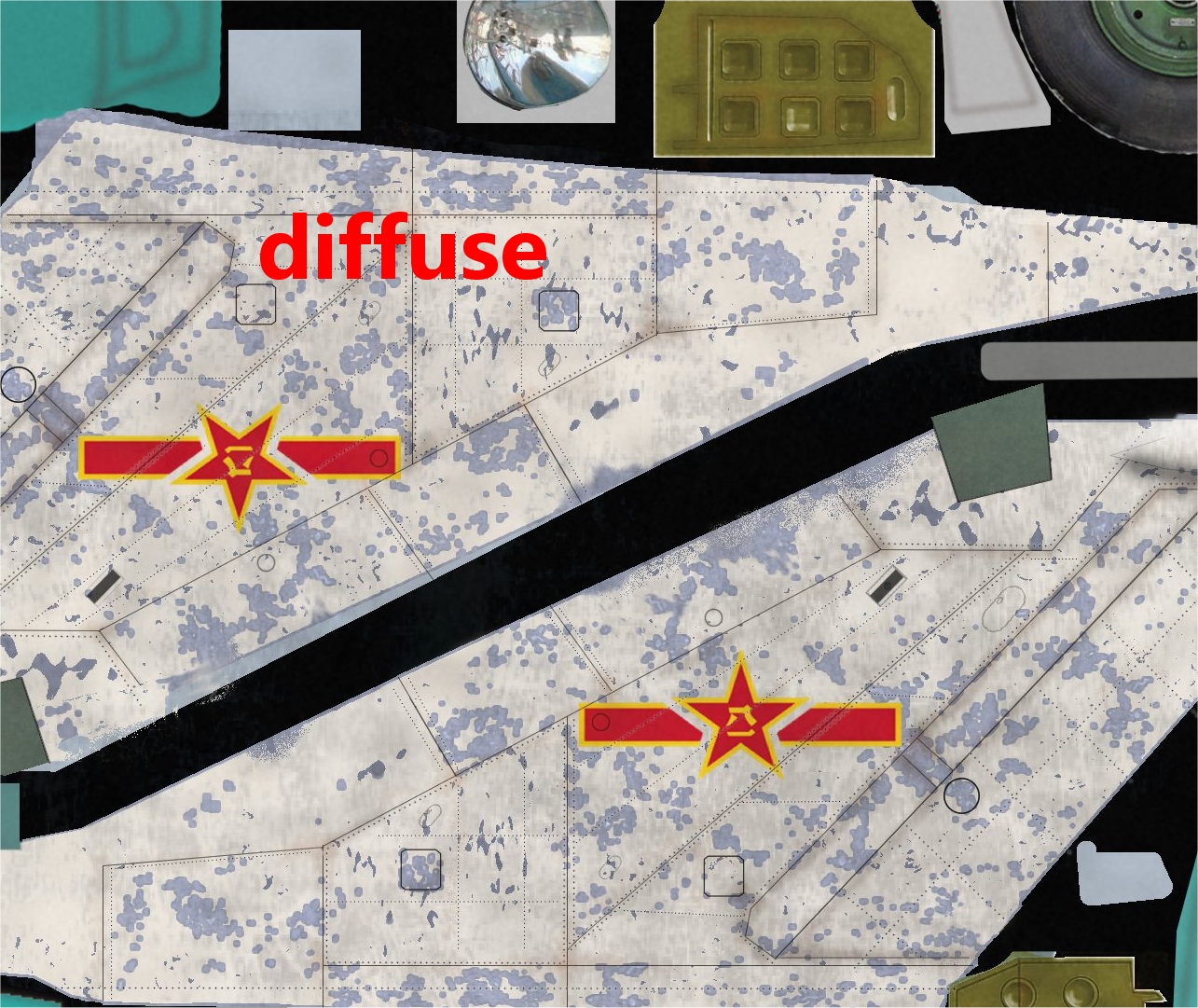
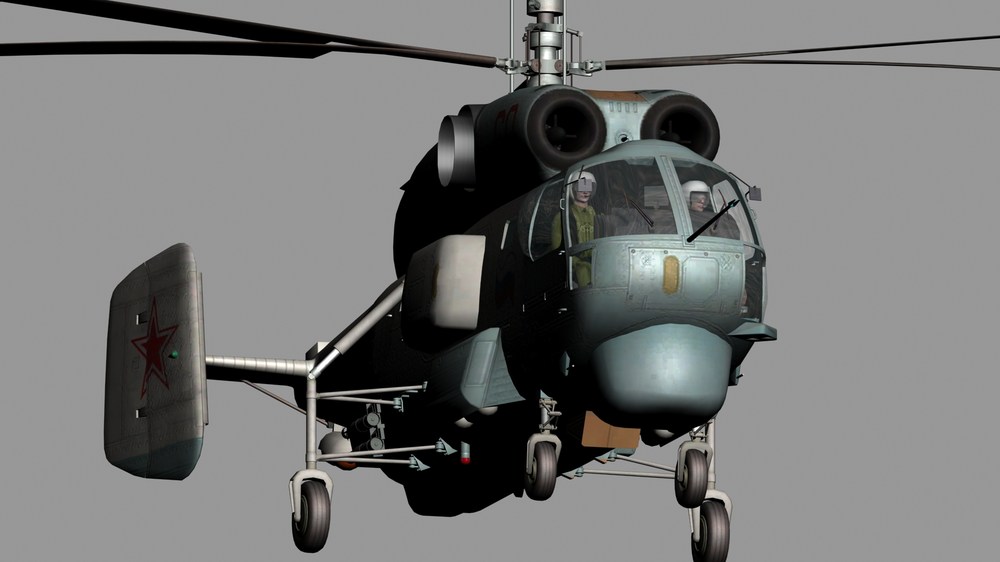
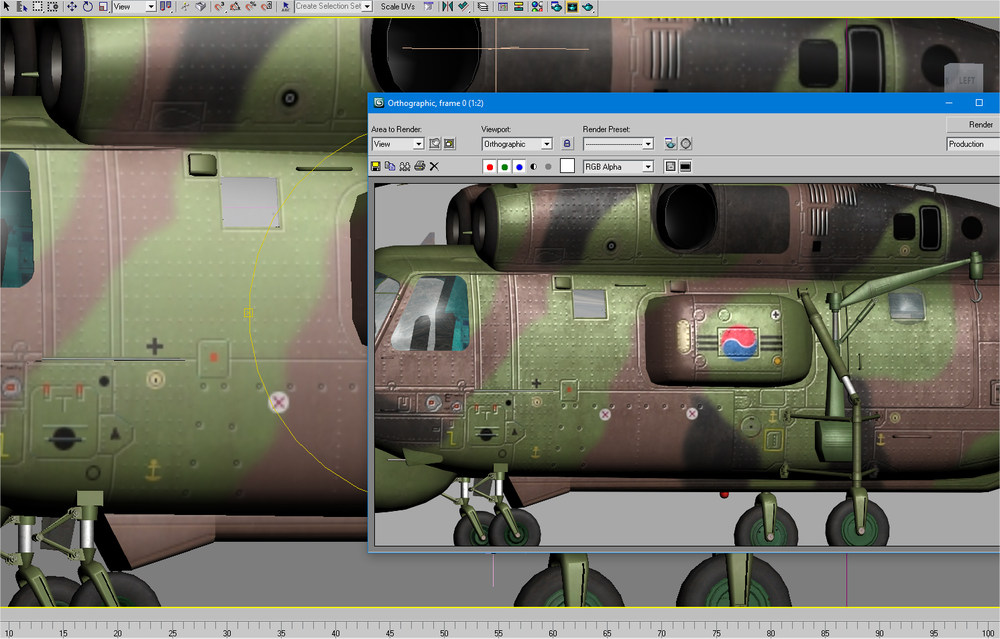
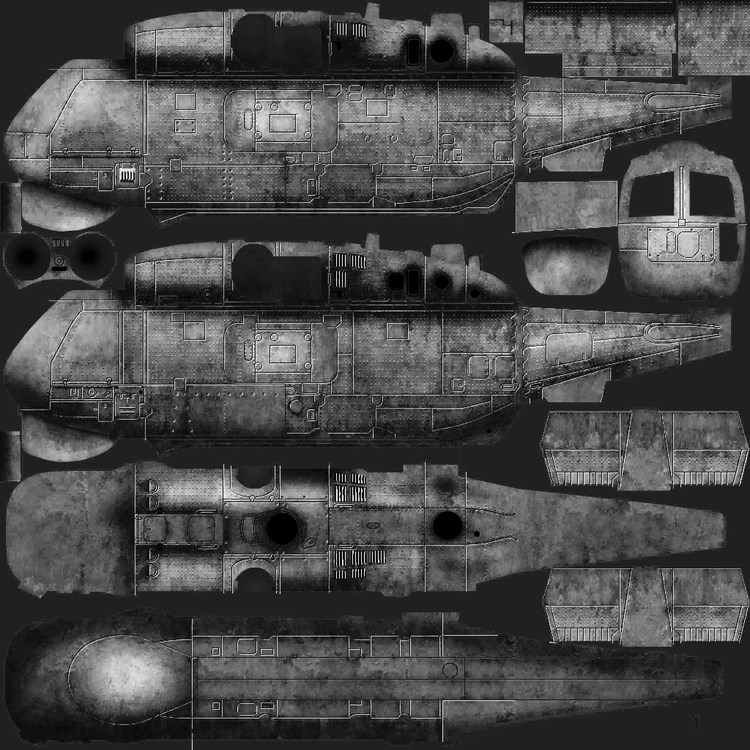
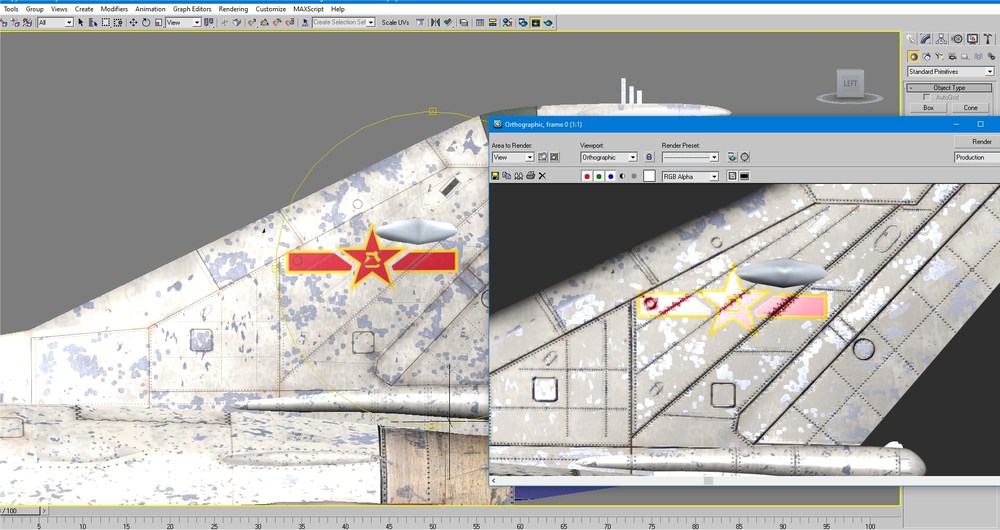
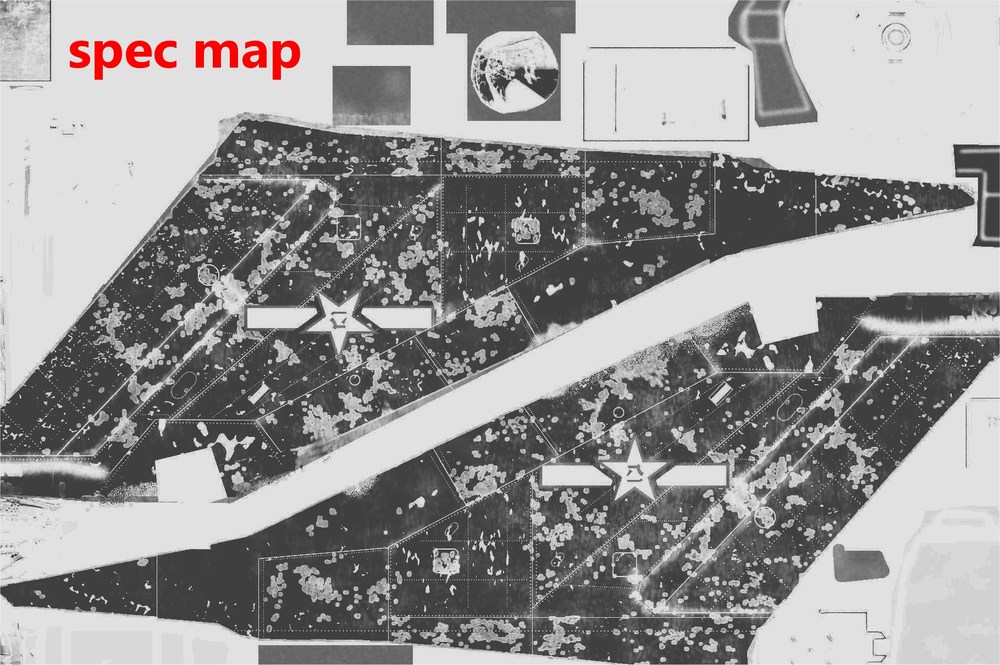
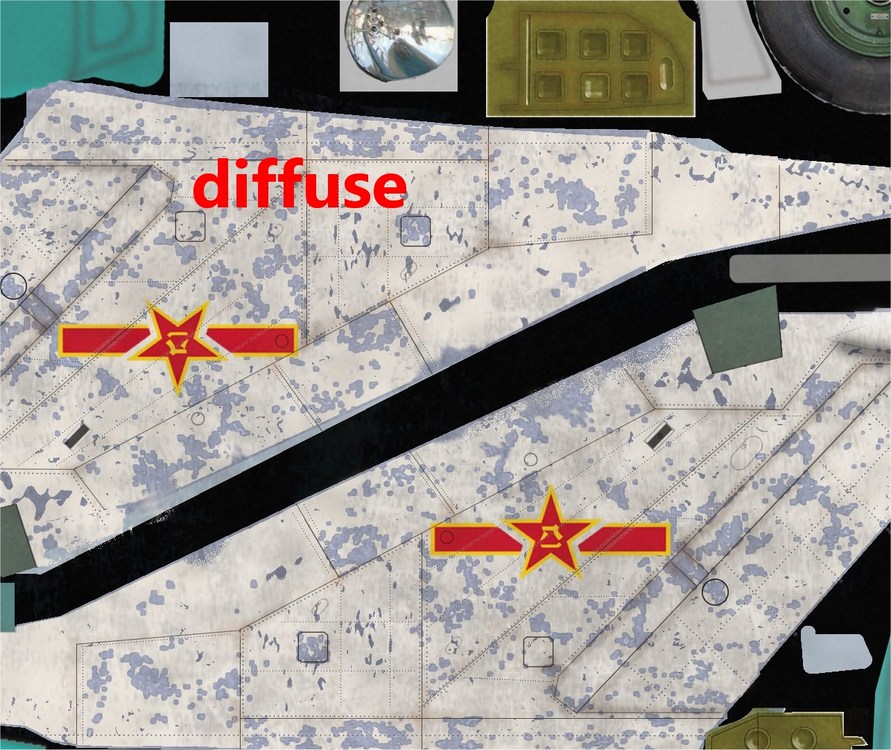
Its basically a grey black white colourless version of image...certain shades of grey allow amounts of the main texture to have the metal look or shiny new paint or none at all... like so,exagerated to show what it does... last pic...gives paint that metallic shine if you want shine...and where paints worn makes the metal skin look shiny...rusty etc better example on the JPG7 tail this good tut...Spec mapping youtube tutorial
-
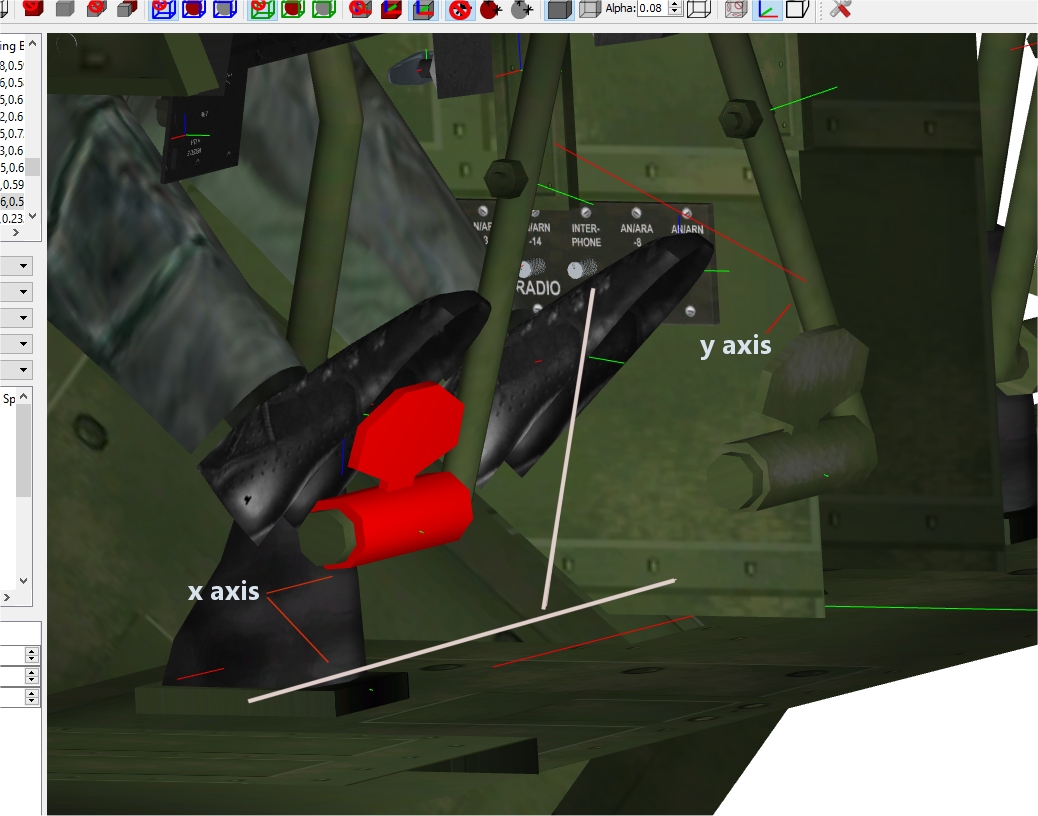
so I basically create say,an invisible rudder,with fake animation ...ie...not actually animated but assigned a slot id... like so [Rudder Pedal] Modelnodename=Rudder_Pedal SystemType=ANIMATION AnimationTime=3.0 animationid=10 but no actual animation or rudder just maybe an invisible polygon called rudder and linked to panel like the real rudder pedal in the cockpit. ? vid of the animated legs,rudders and park and rotor brakes. cheeeers
-
same here...tv is same old stuff so pc on and 3ds max open lol
-
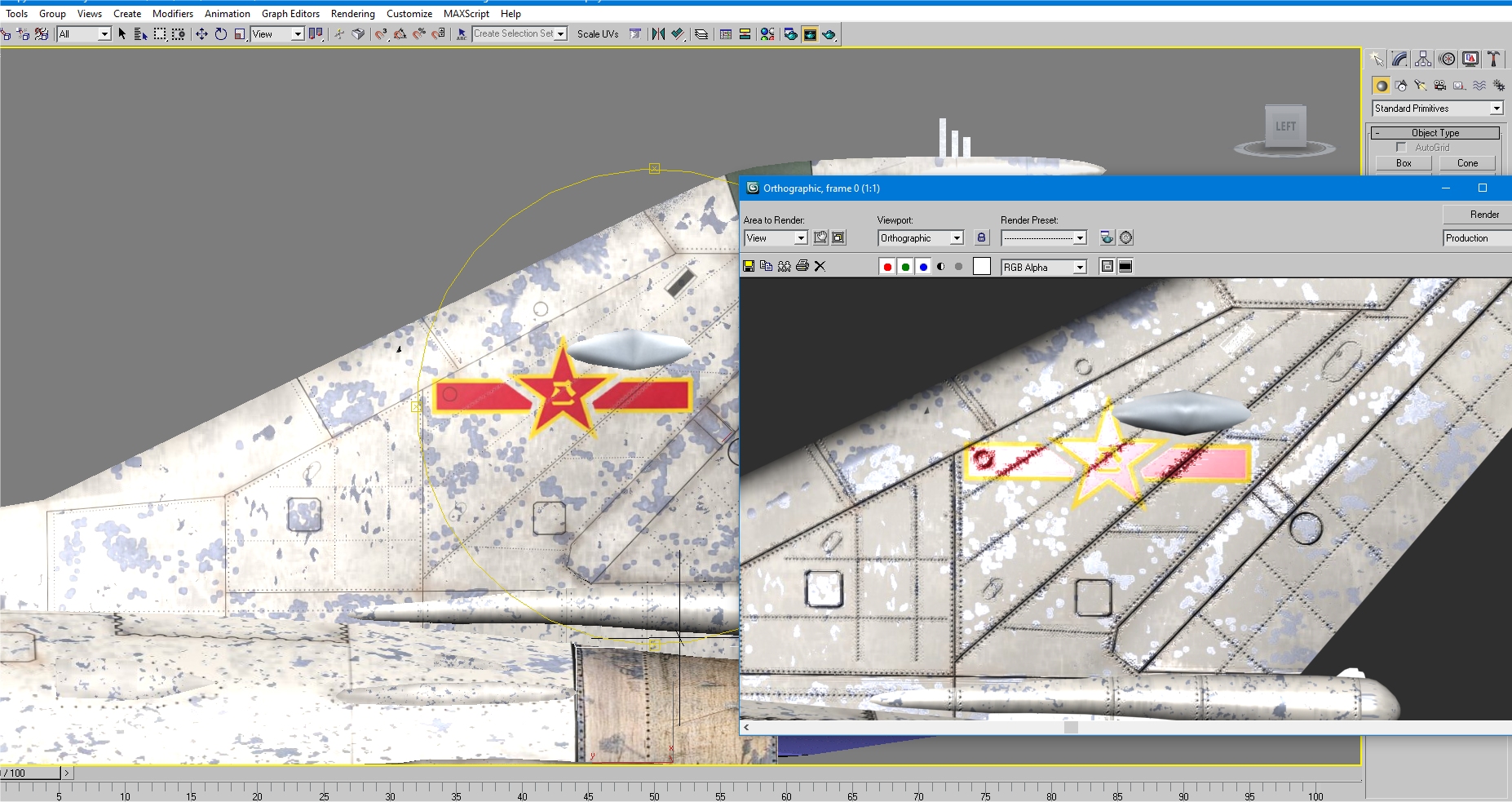
spec map it and the metal areas worn on edges will look the dogs danglies.
-
duh...ty man now you mention it...makes sense...but I havent any lol yeah,but needed to have 3 parts move same time....will upload vid of it in a bit. cheers Cru
-
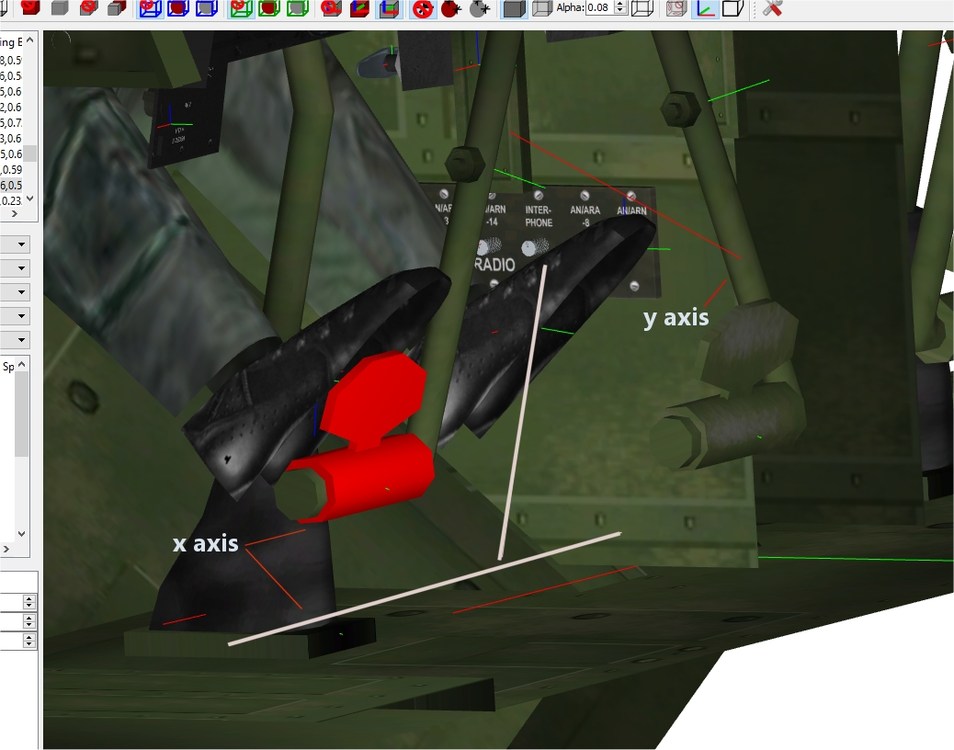
can I use this to make rudder pedals also work with rudder key press. ? also what does itemnumber do ? [RotorBrake] Type=EXTERNAL_ANIMATION_LINK NodeName=brake-1 MovementType=ANIMATION AnimationID=2 ItemNumber=6 rudders move back n fore as normal...on the H19 the pedals flats (selected red) rotate around the actual frame...would animate way work..? plus feet will need be animated too
-
Nicely done m8...like the skin
-
Check out the Hellfire strike at 19:38 amazes me how many experts watch and criticise,when they obviously havent a clue about air to ground combat....or physics etc....these 2 apache crews do great job. dishing out some payback.
- 1 reply
-
- 2
-