Nightshade/PR
-
Posts
2,659 -
Joined
-
Last visited
-
Days Won
163
Content Type
Profiles
Forums
Gallery
Downloads
Store
Everything posted by Nightshade/PR
-
Same here as above: Firefox & Edge, in that order.
-
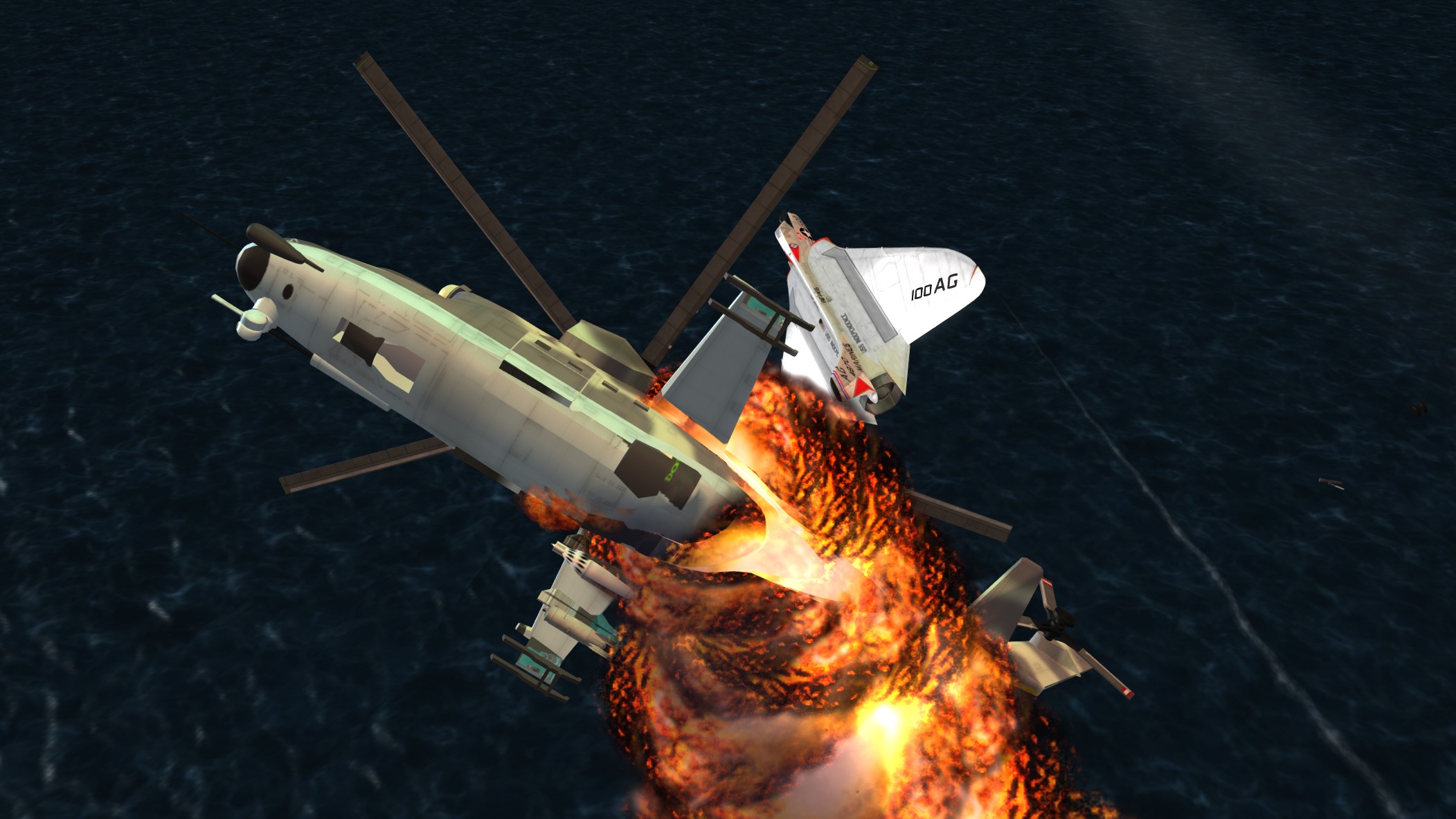
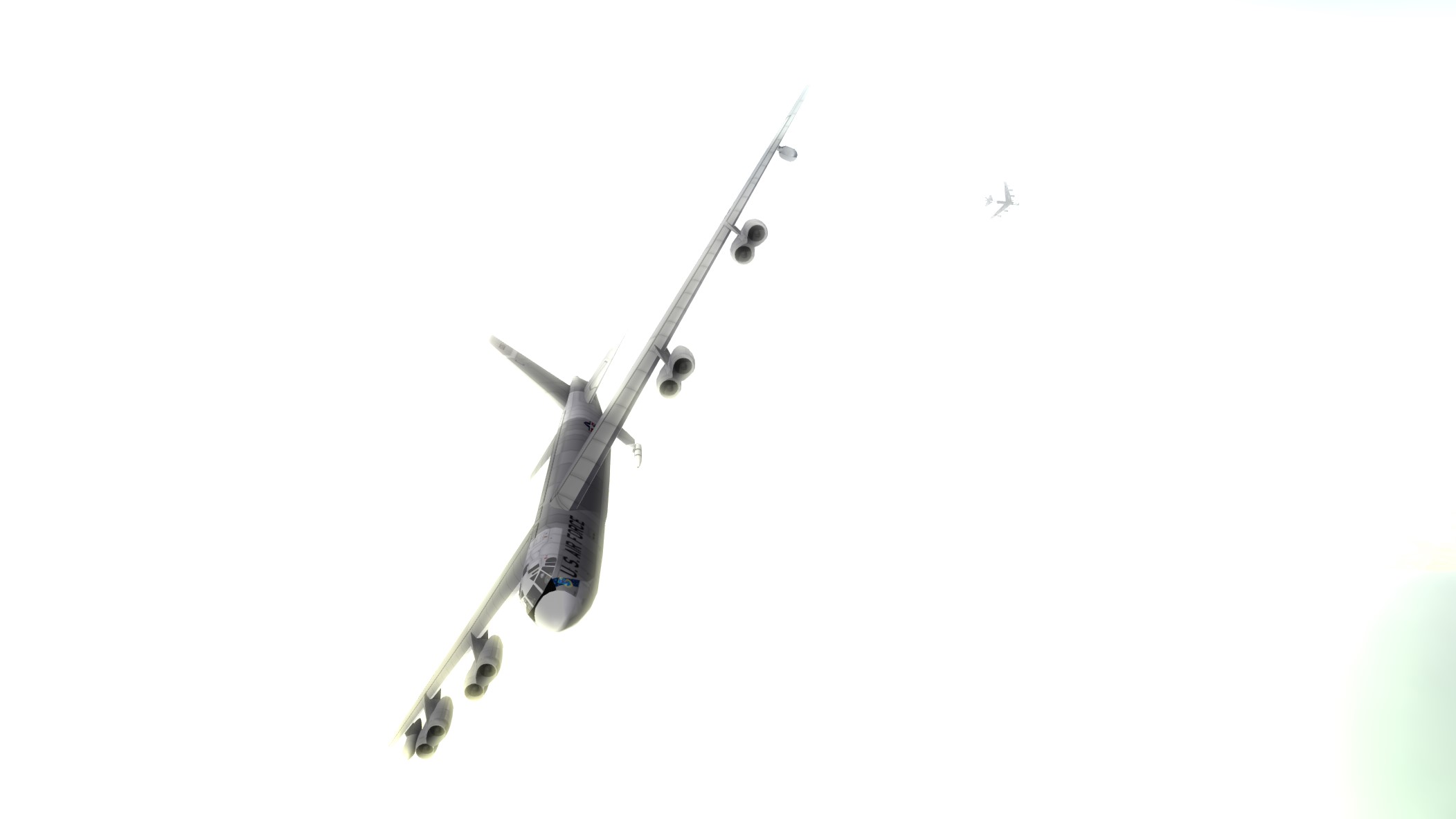
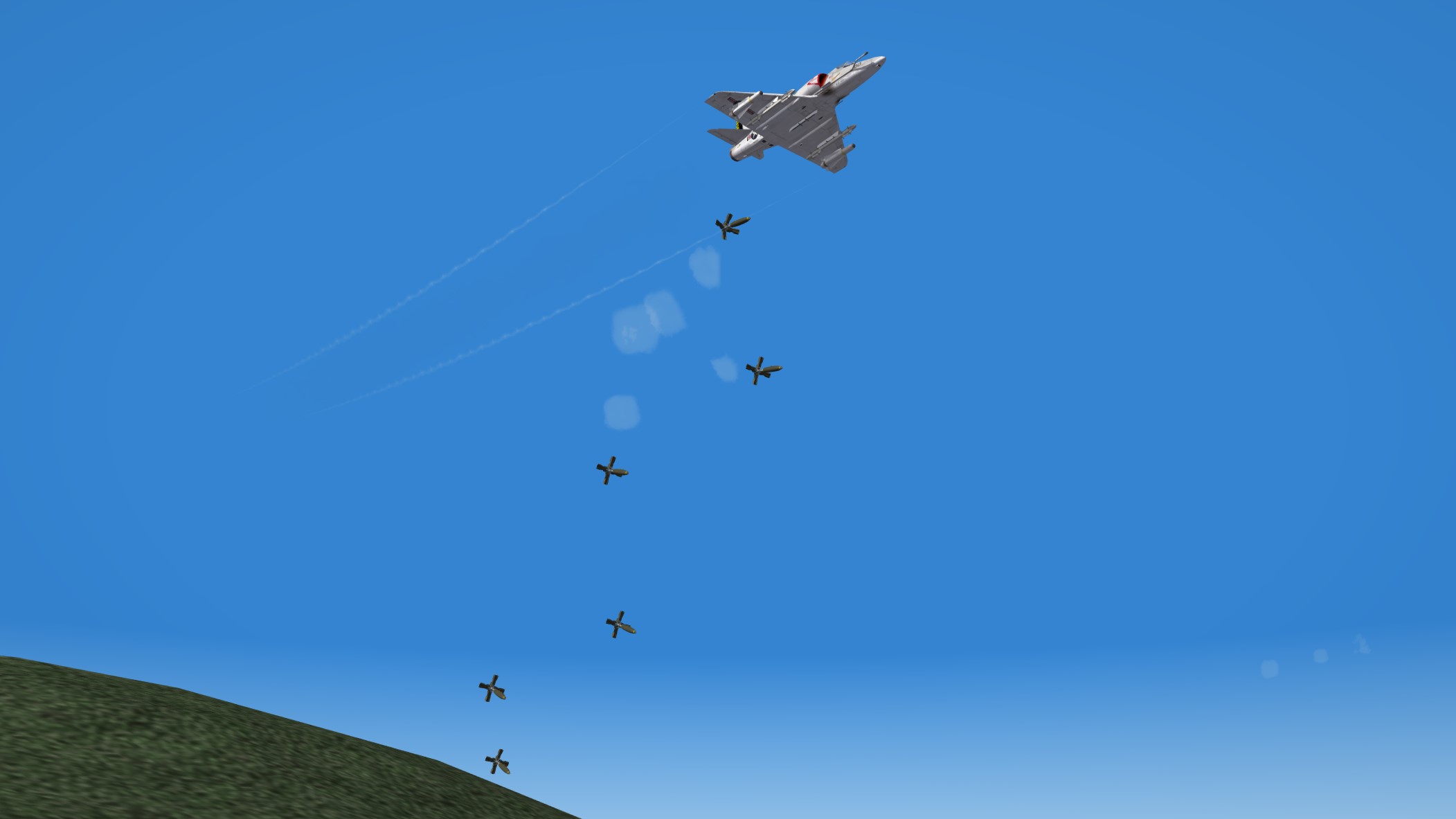
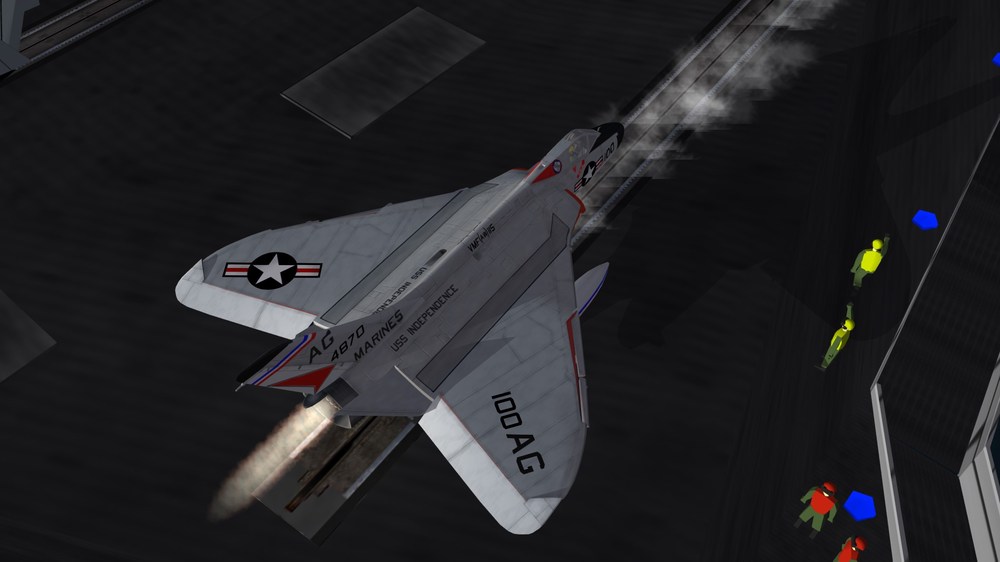
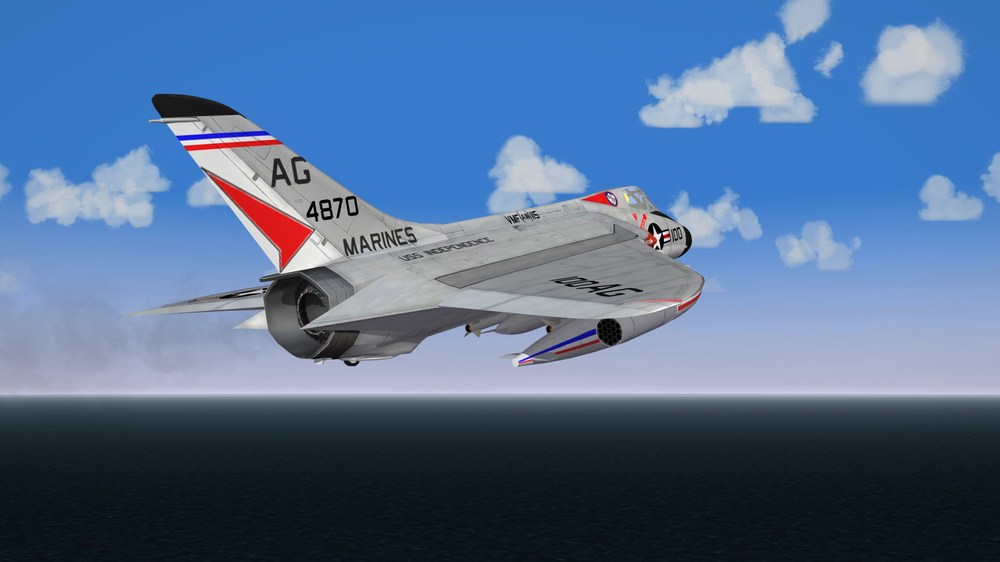
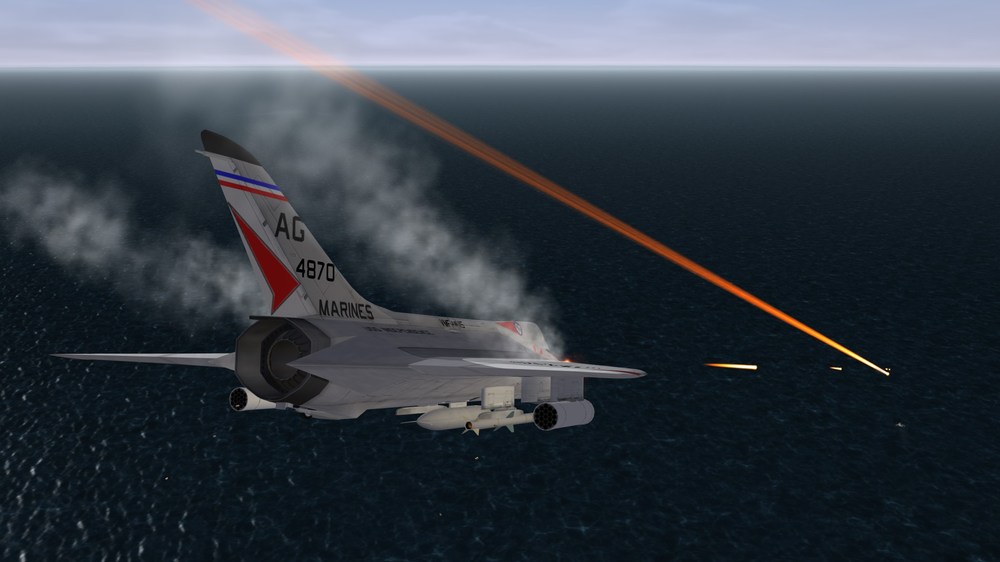
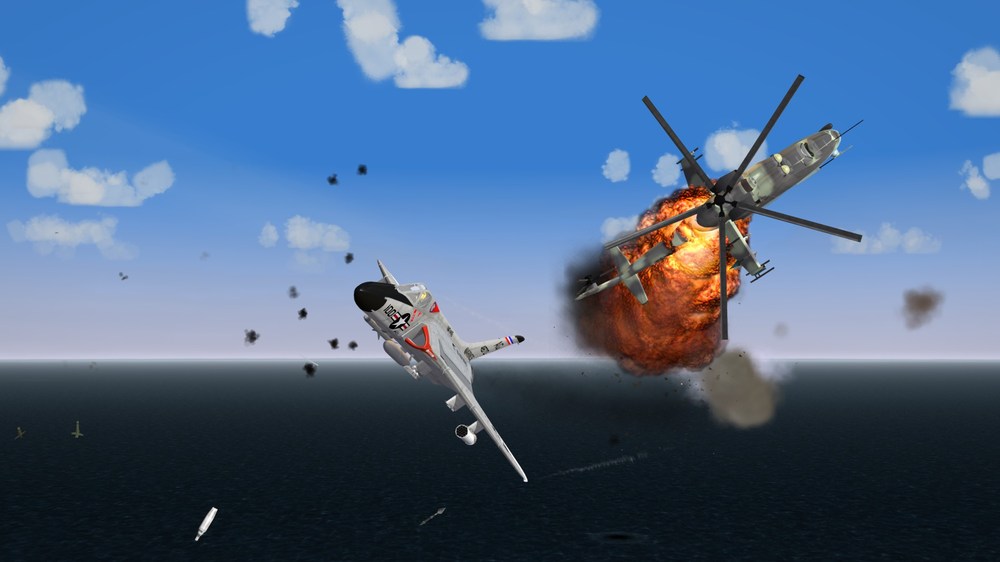
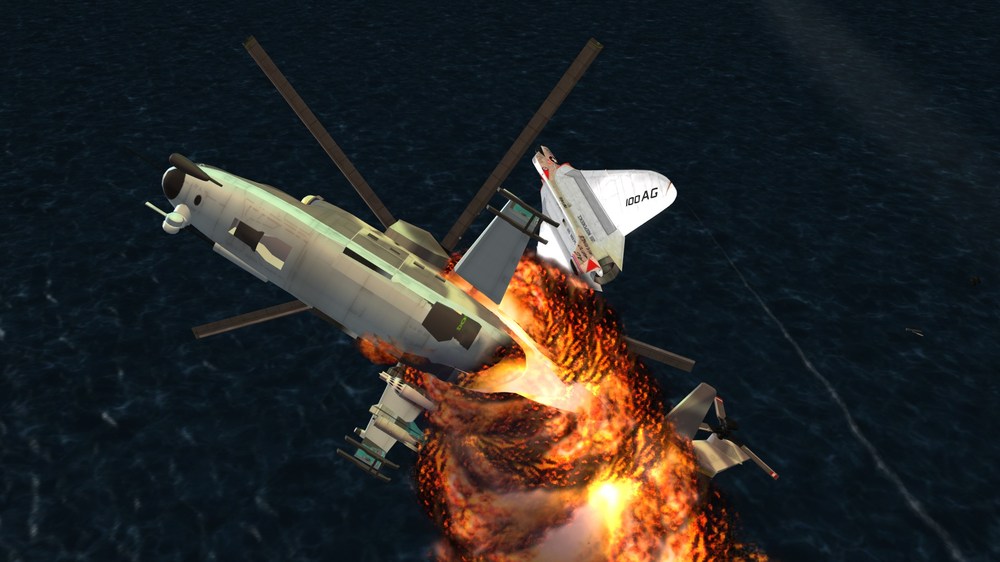
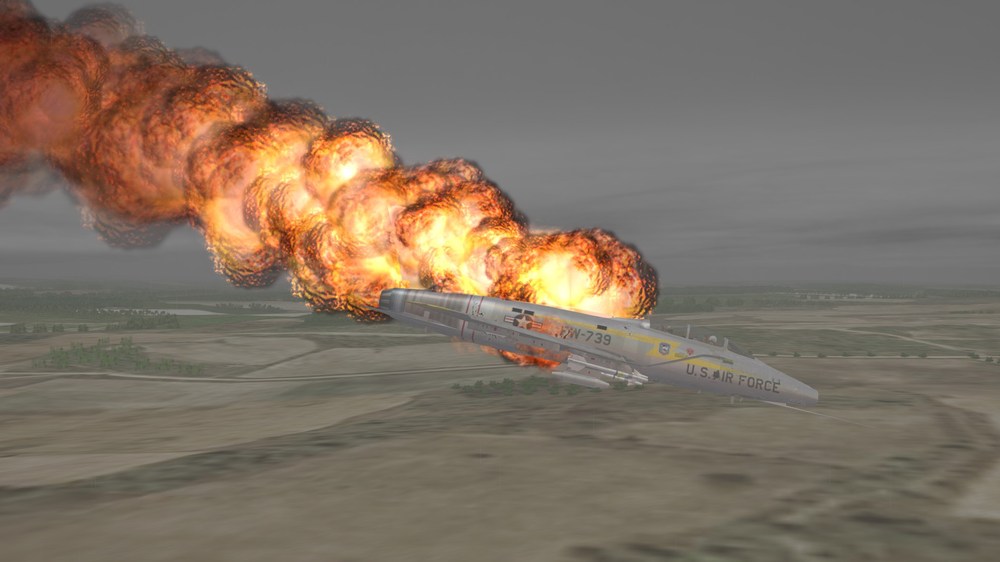
Gotta watch those closing speeds......
-
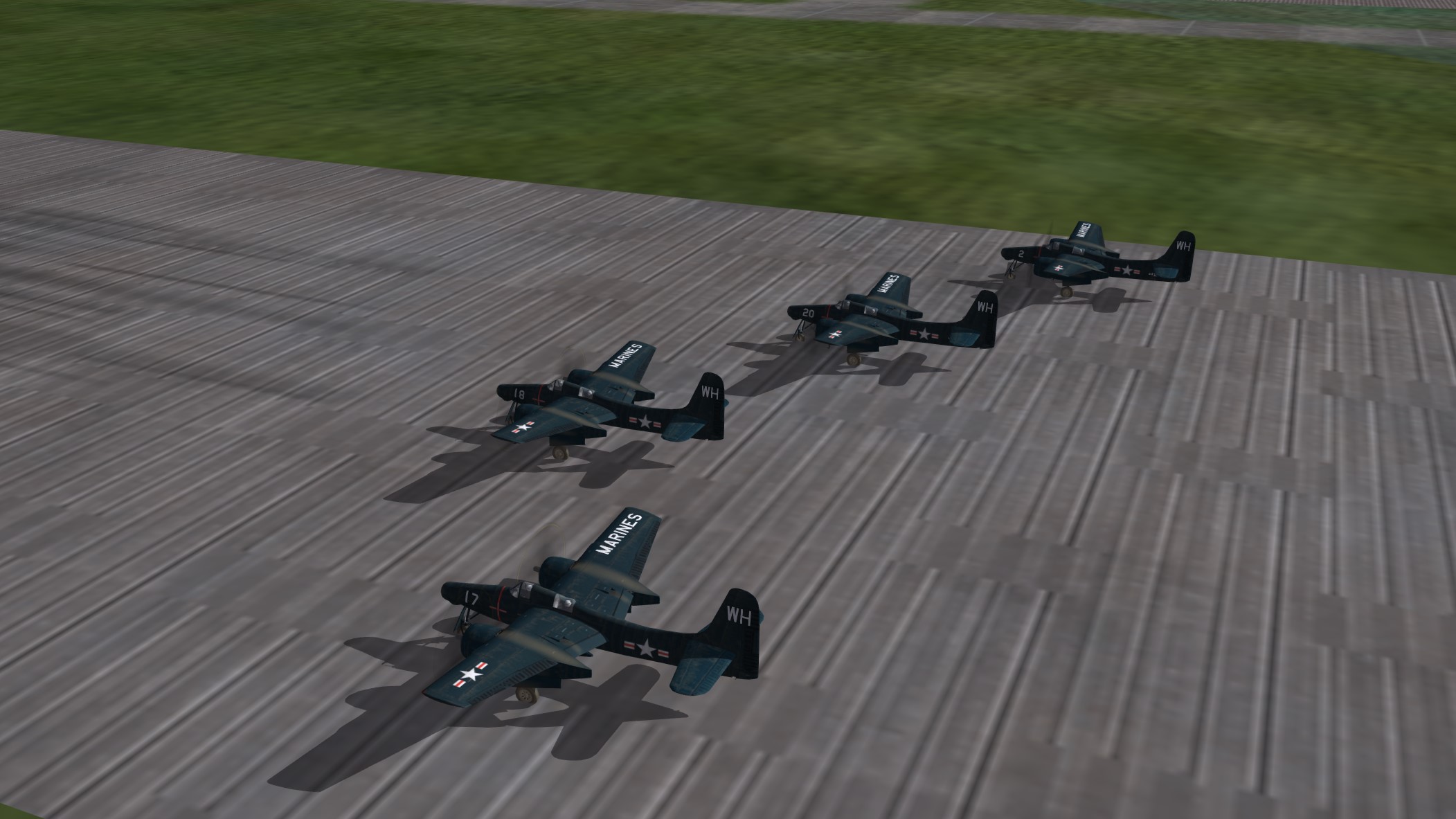
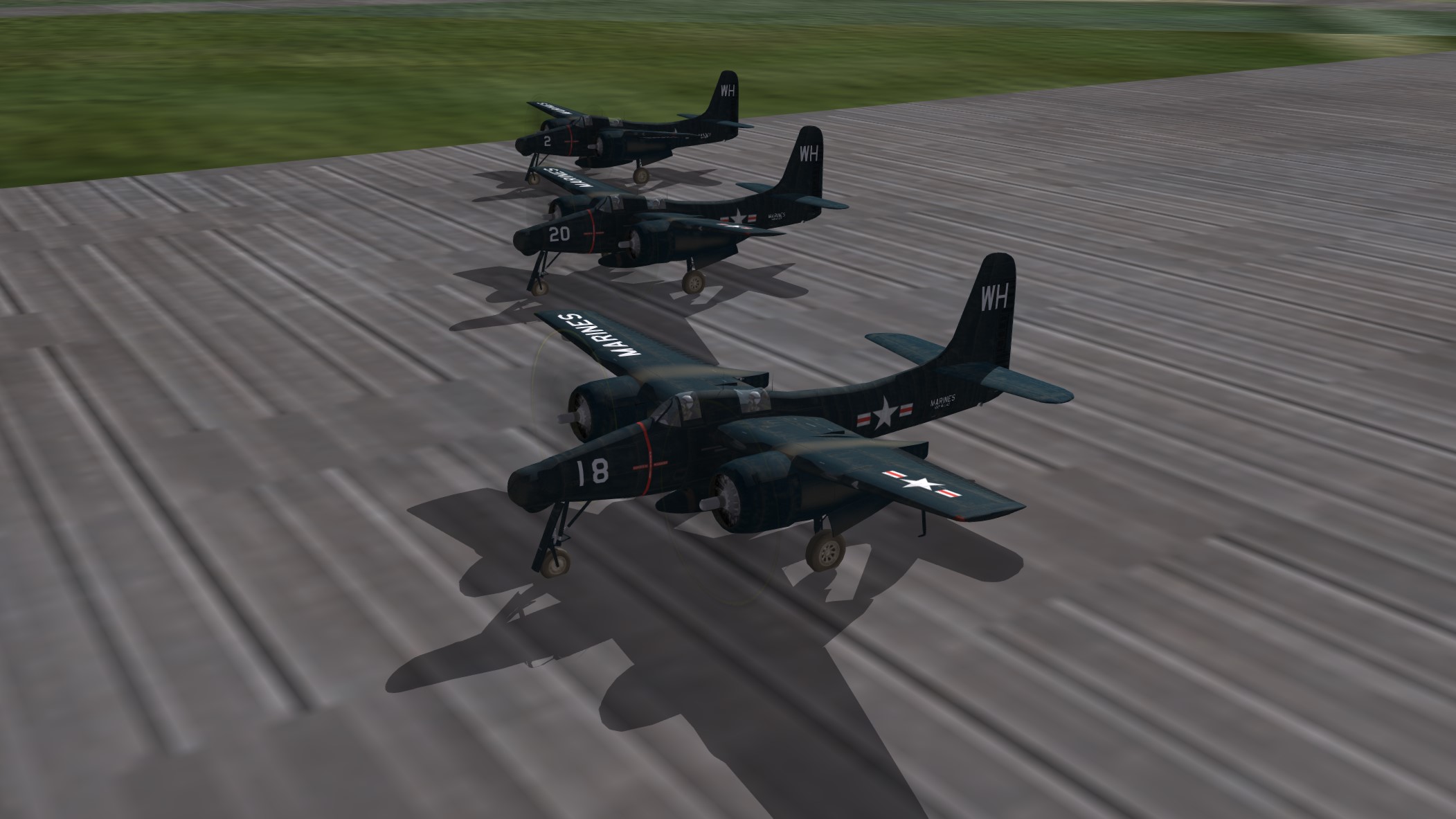
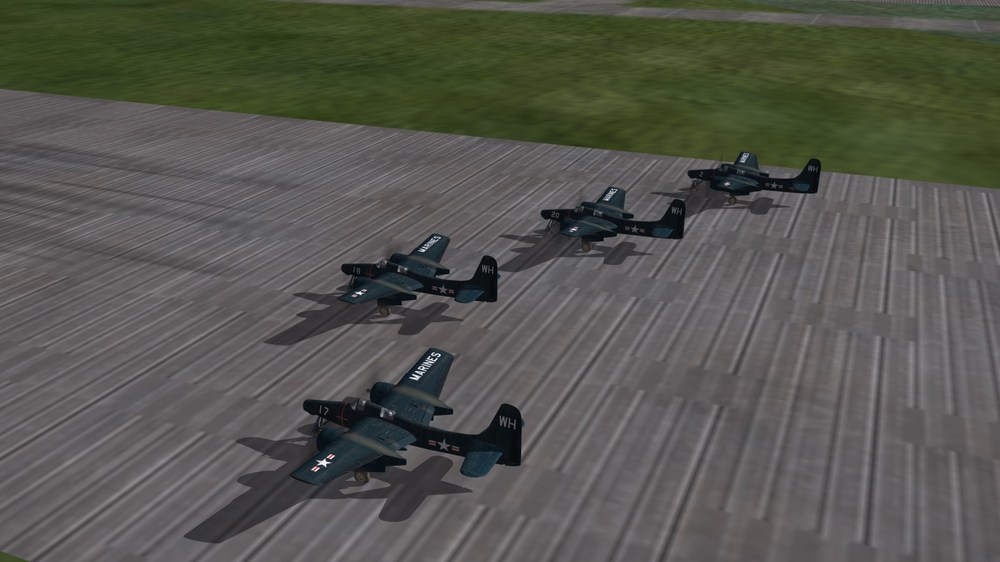
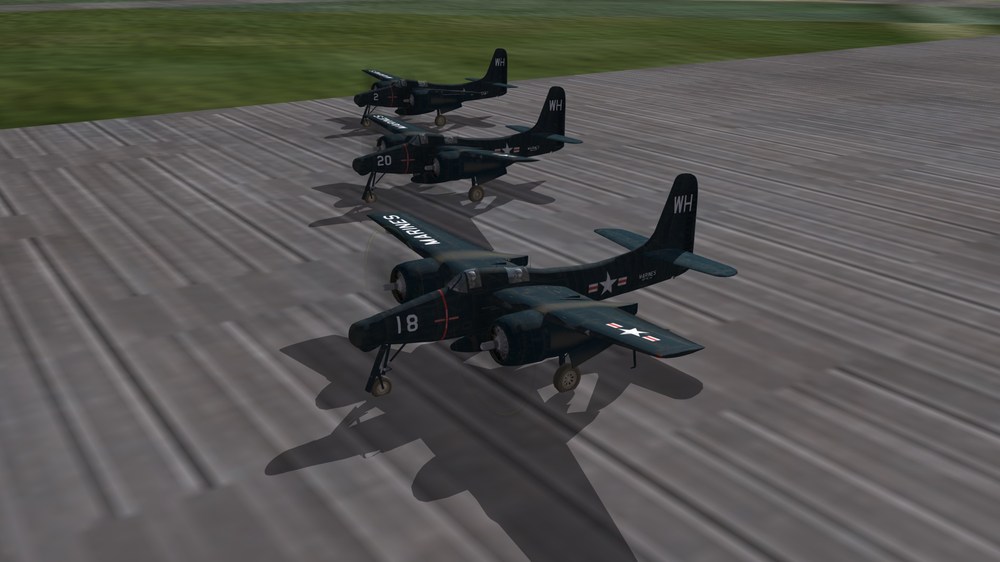
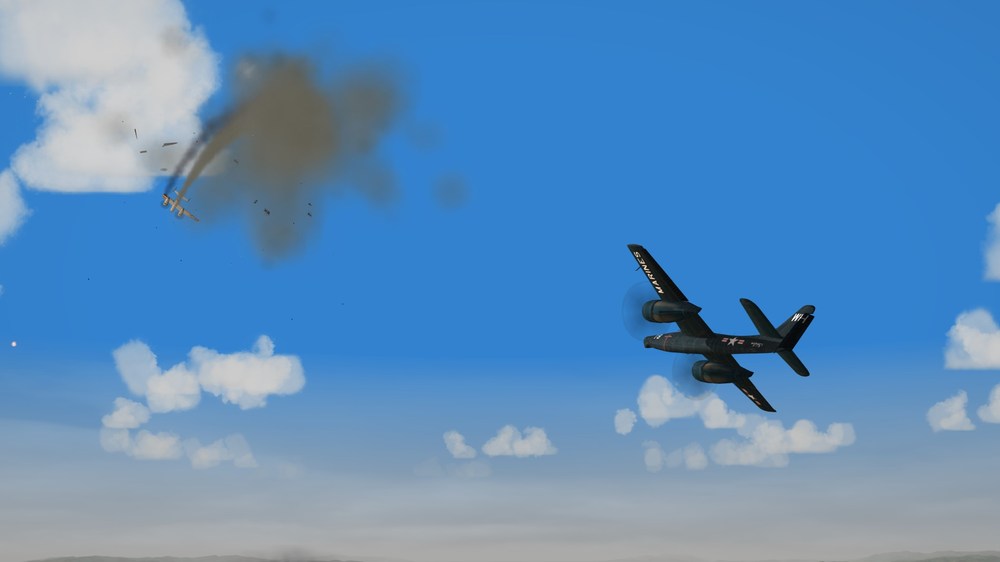
Korea, early 1950. A rare daylight sighting of a flight of F-7F Tigercats.....
-
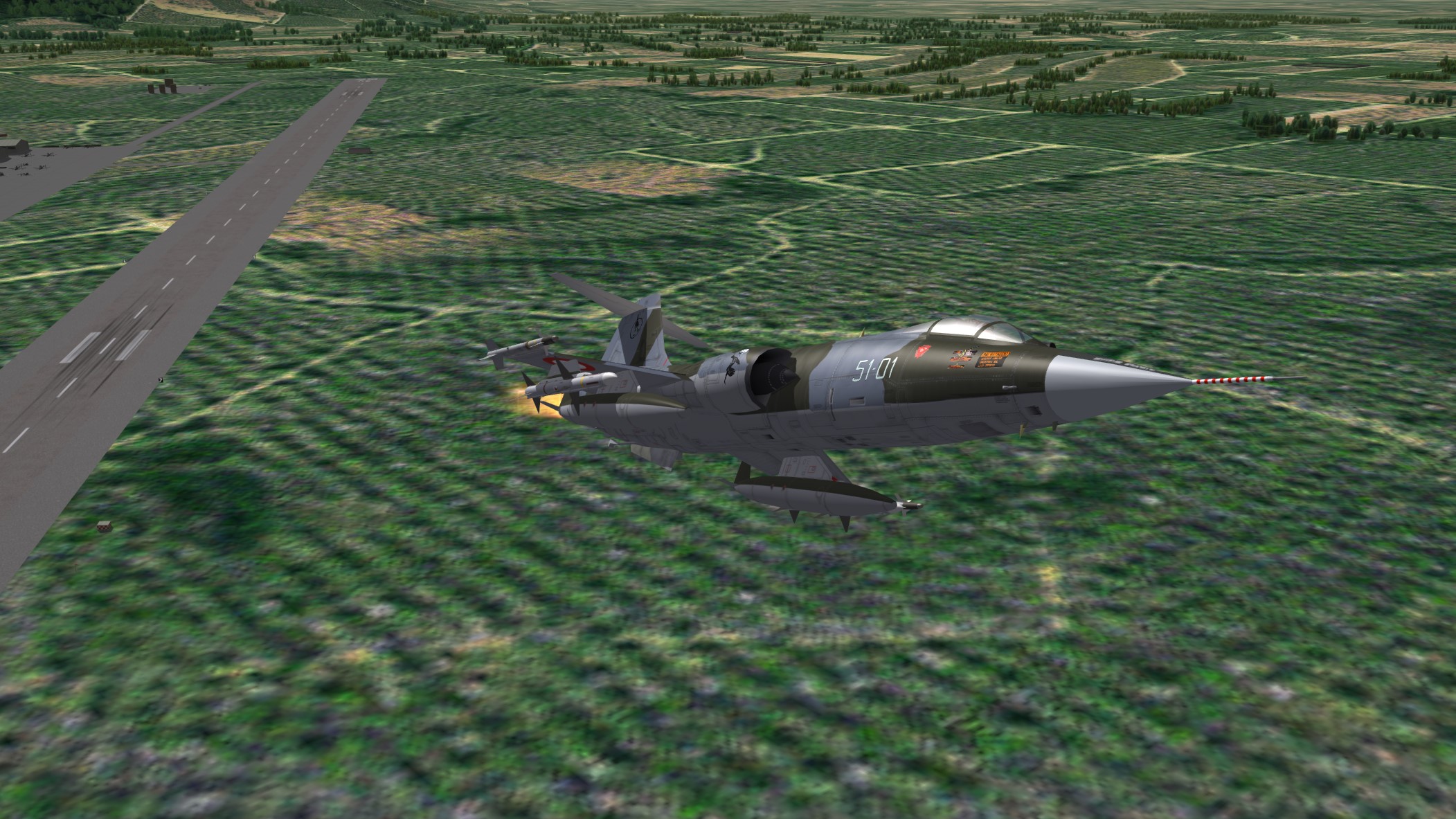
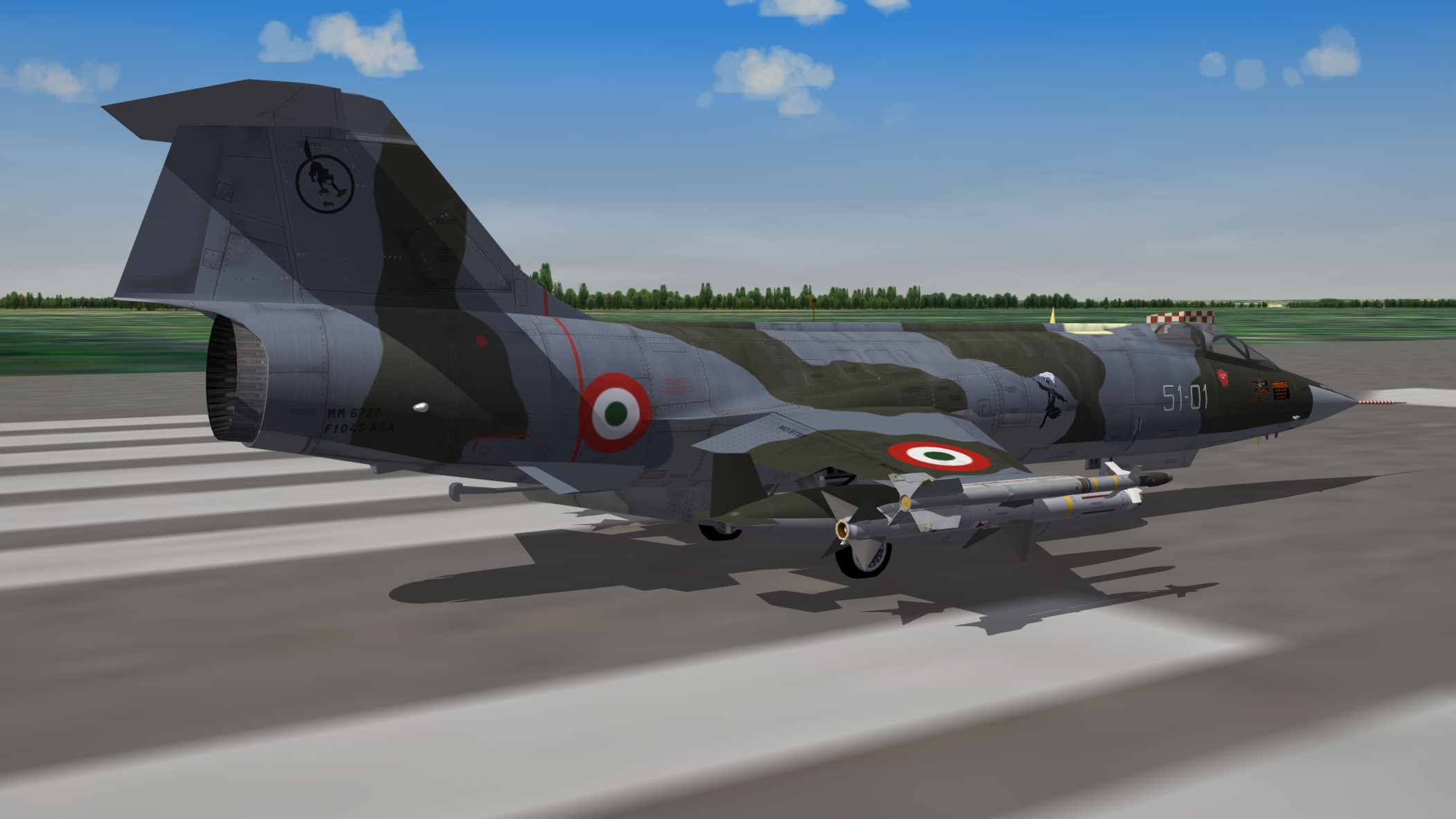
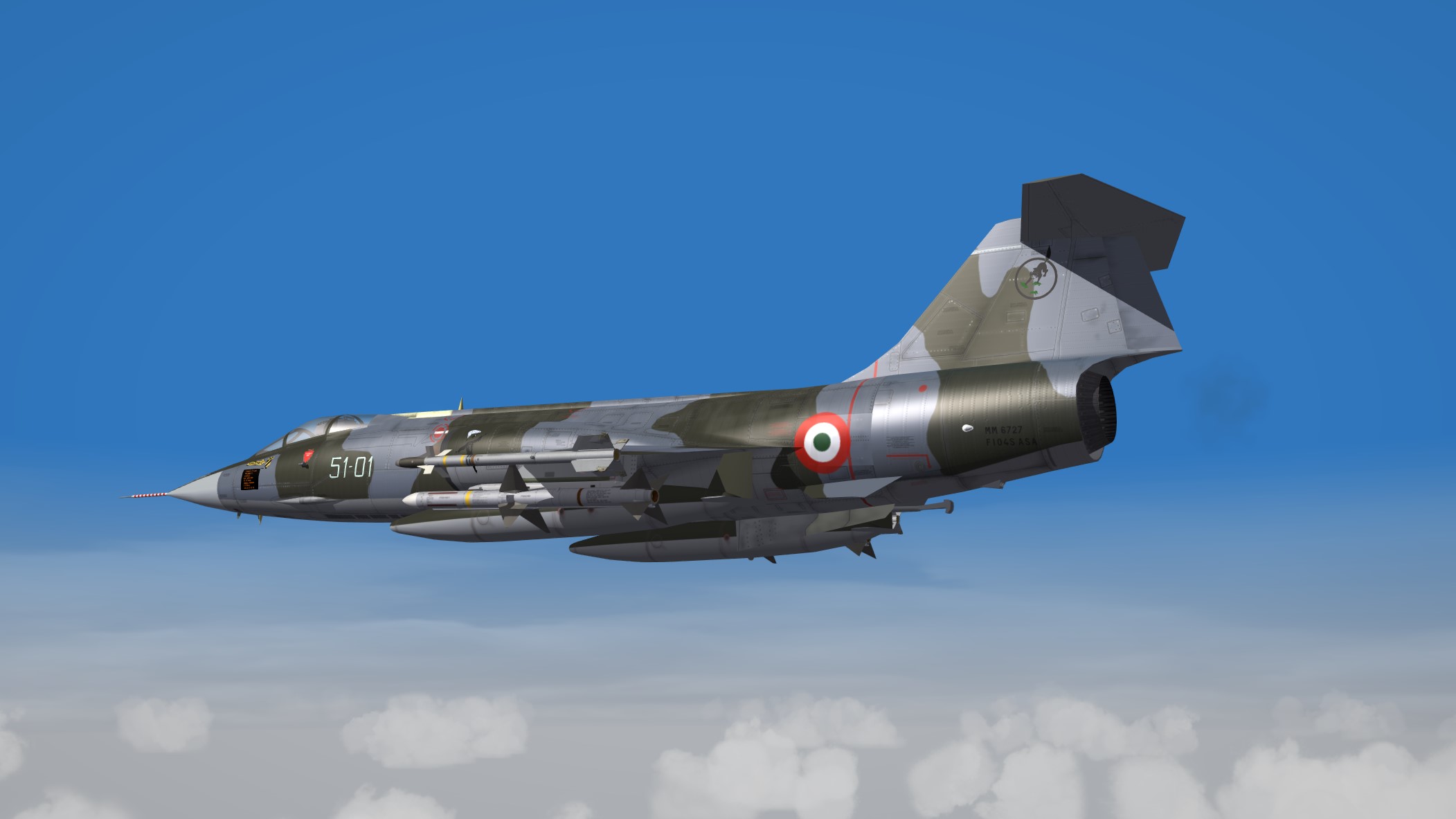
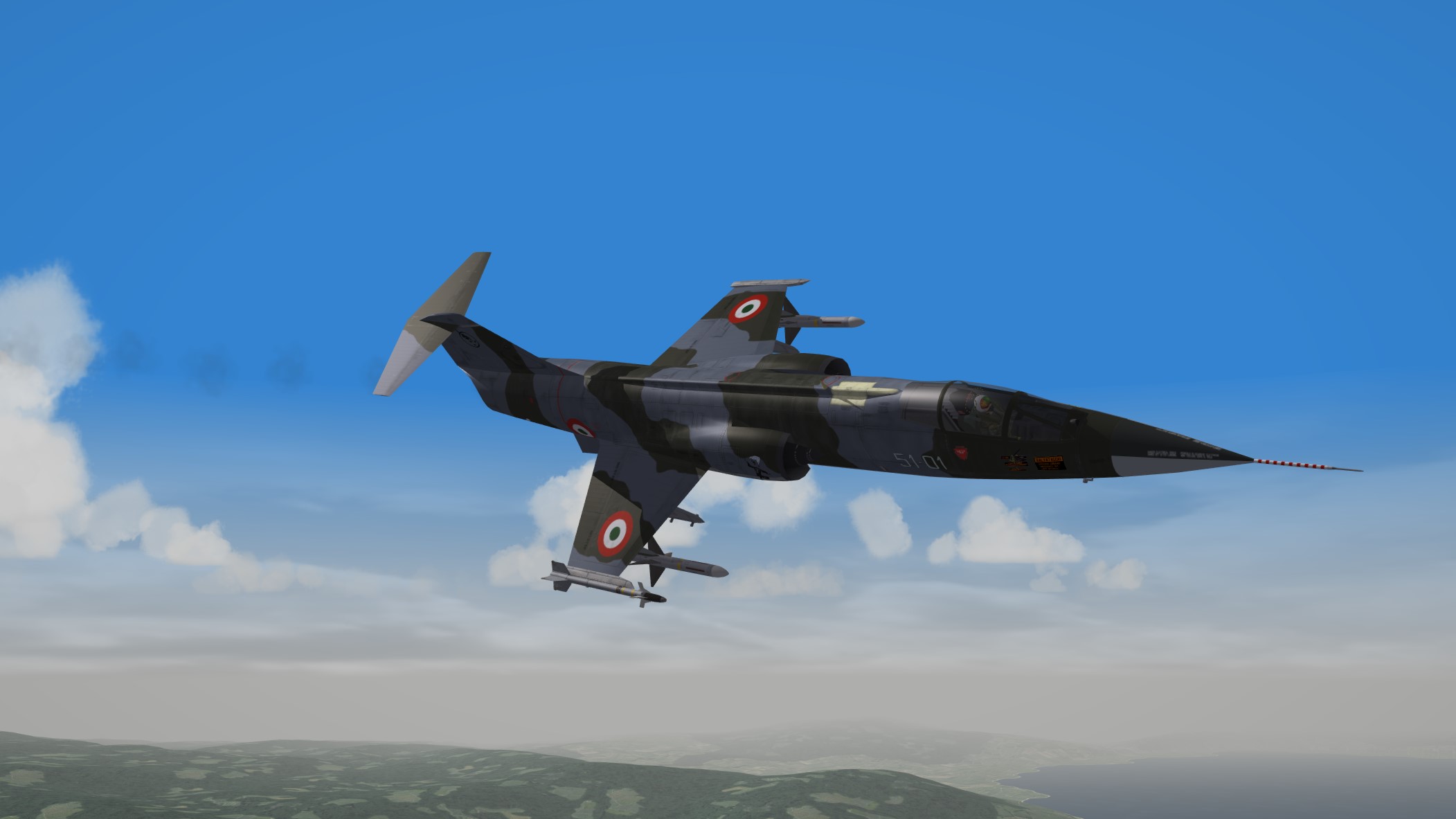
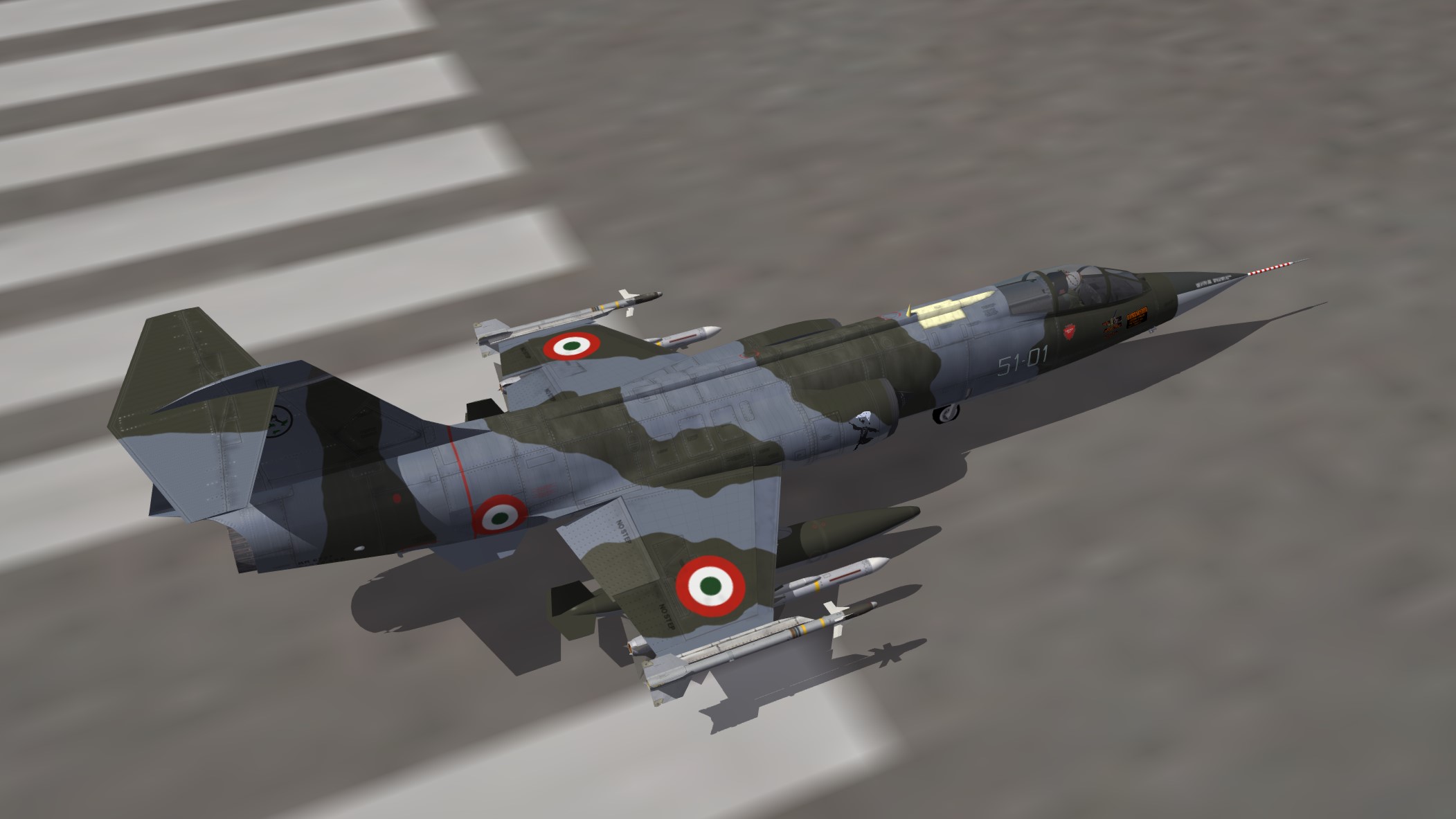
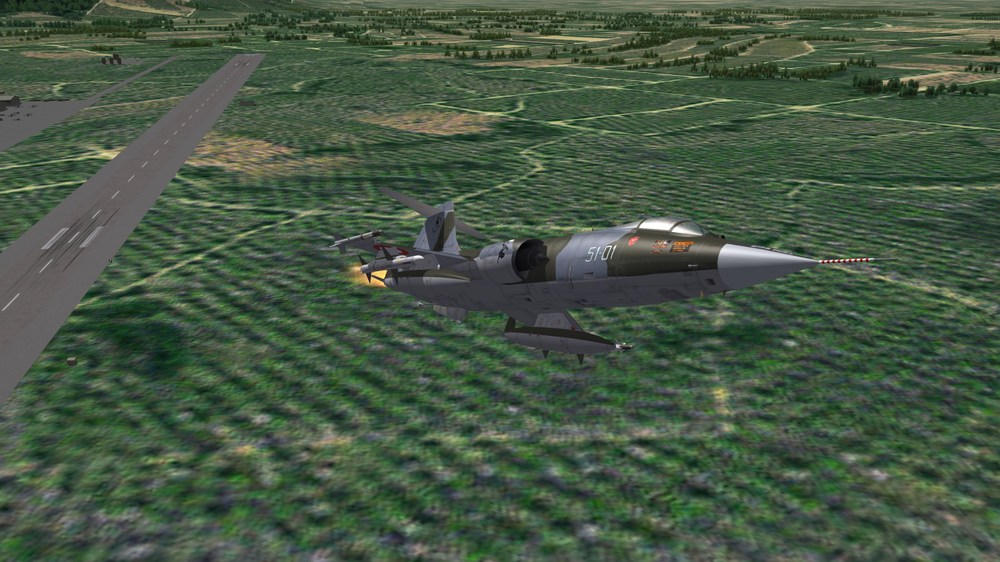
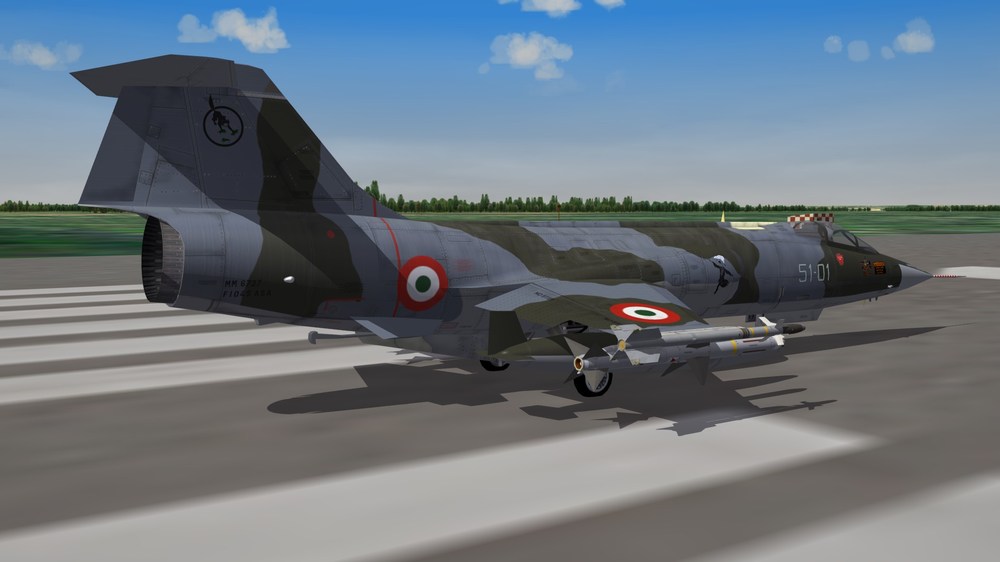
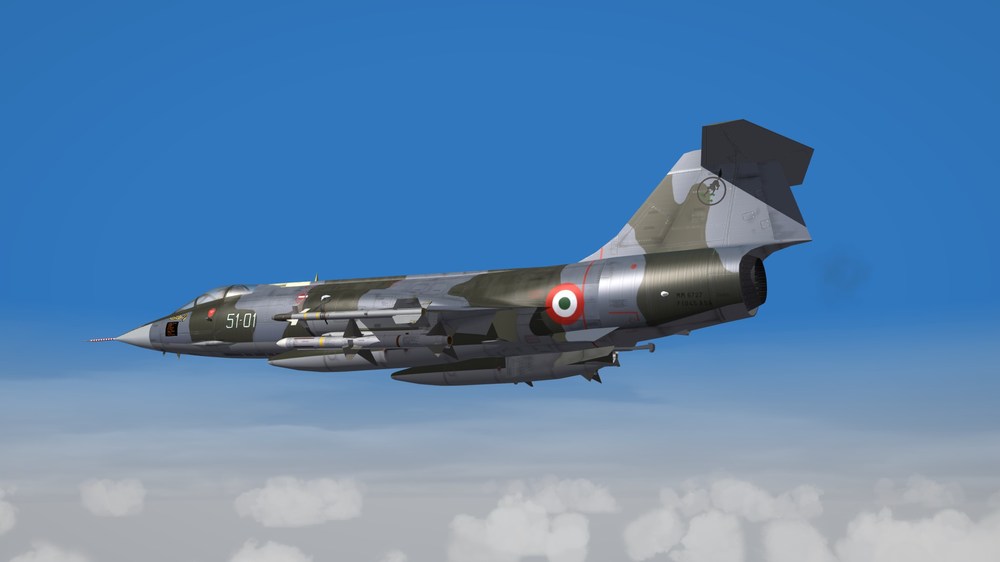
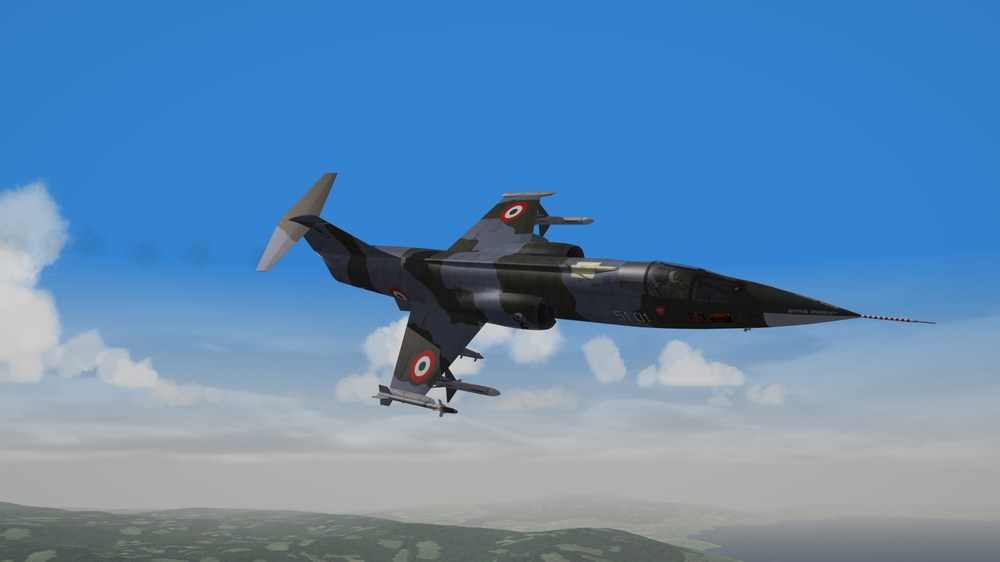
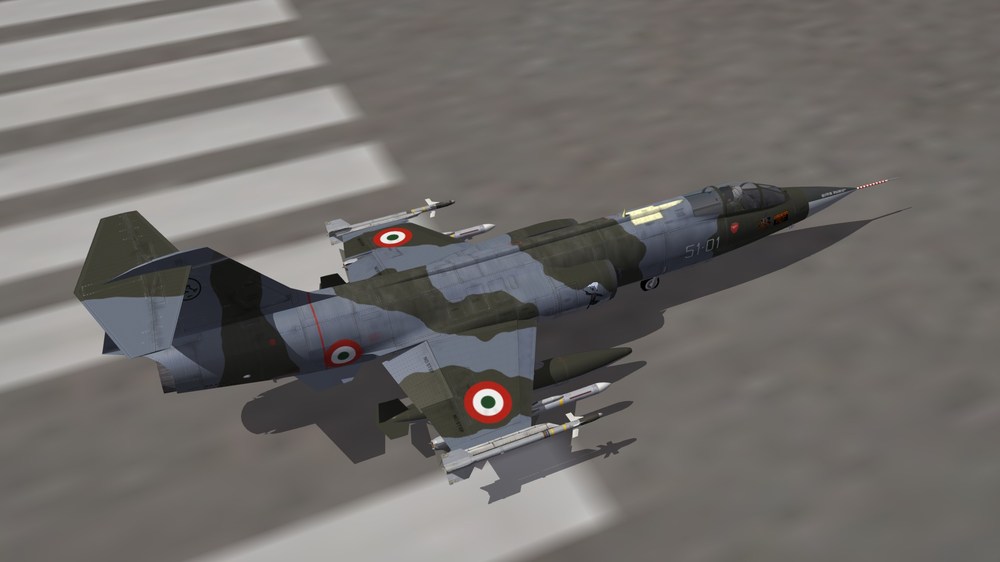
F-104S - The Super Starfighter
-
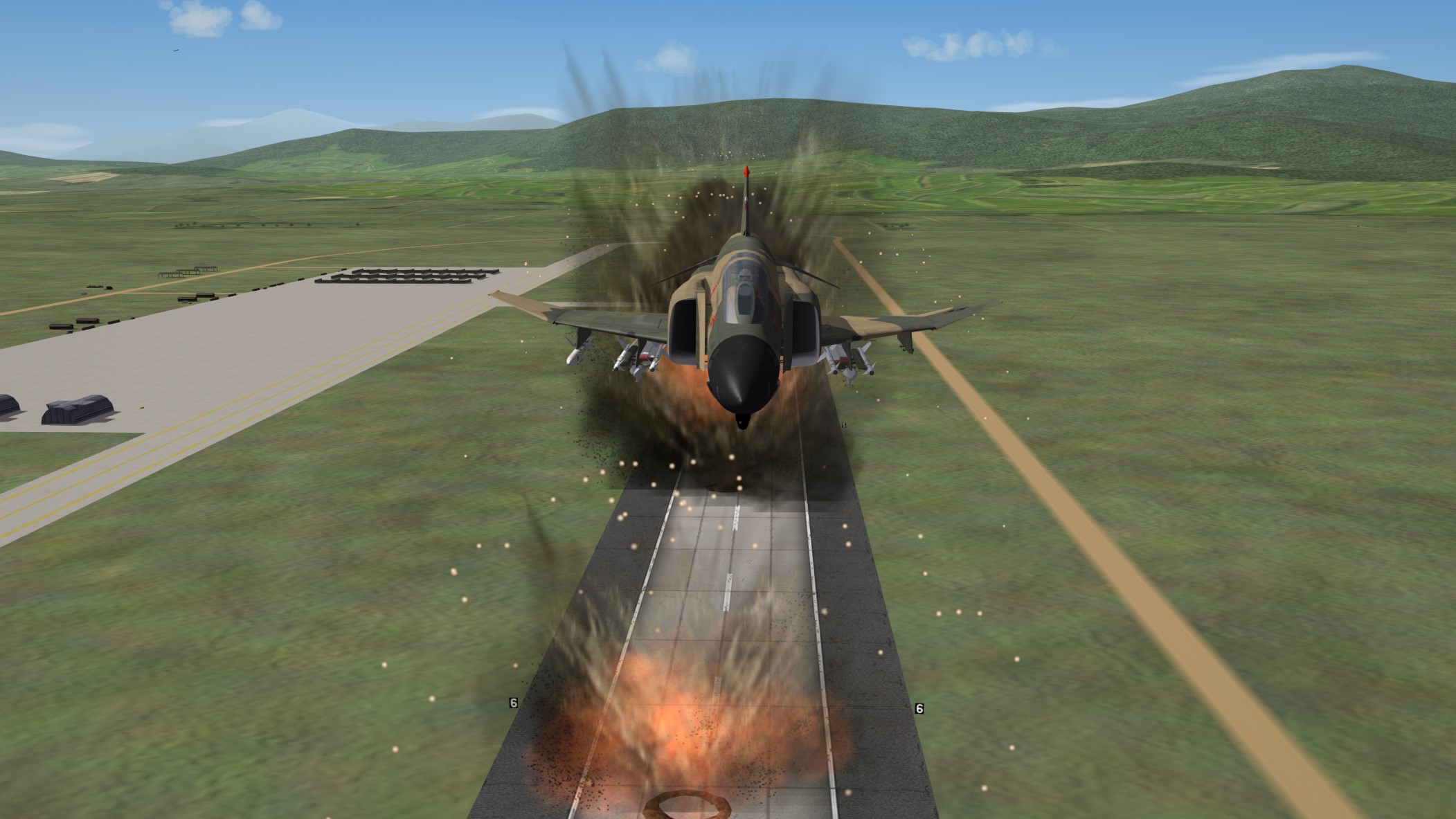
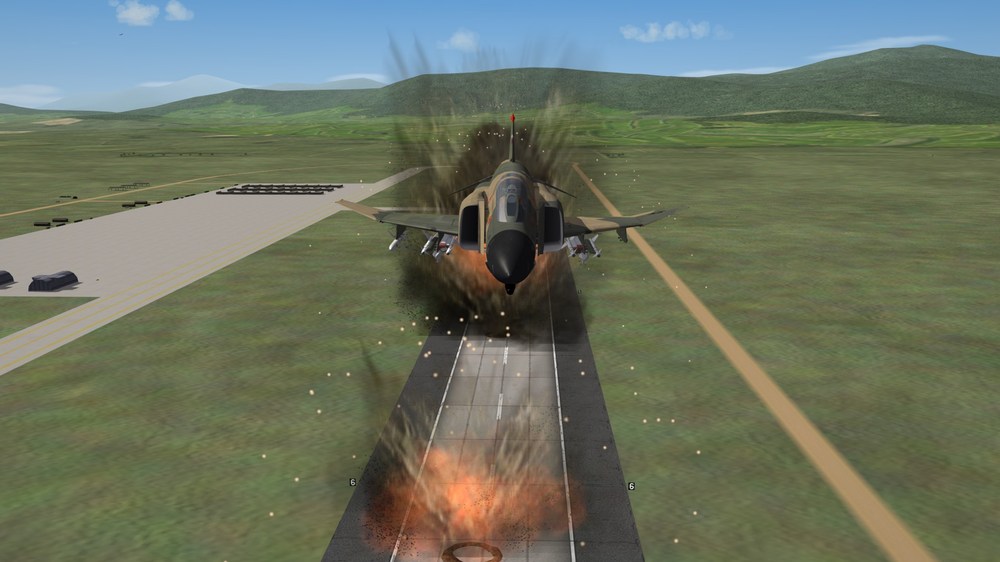
Phantom Phriday. (READ RULES IN FIRST POST)
Nightshade/PR replied to yakarov79's topic in Screen Shots
-
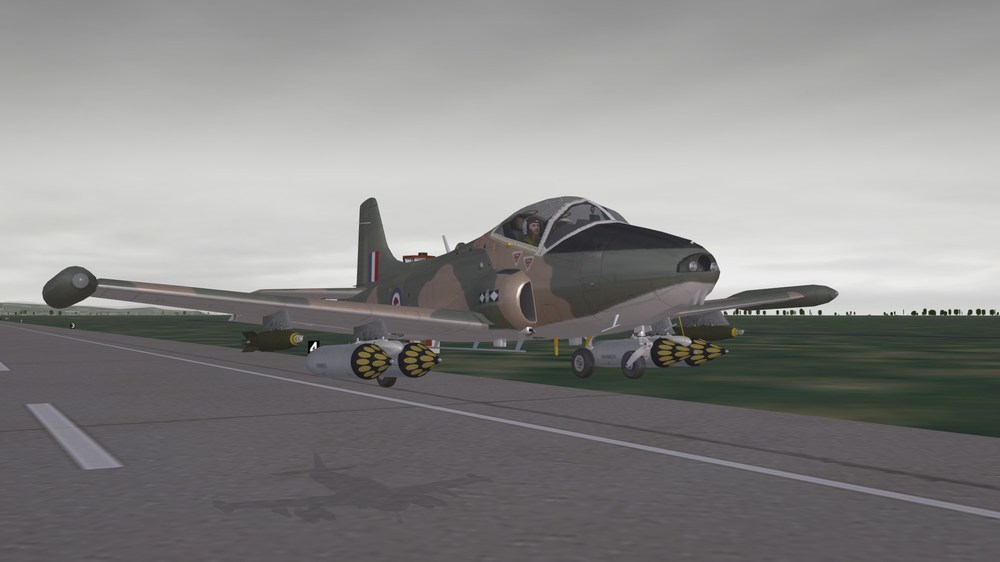
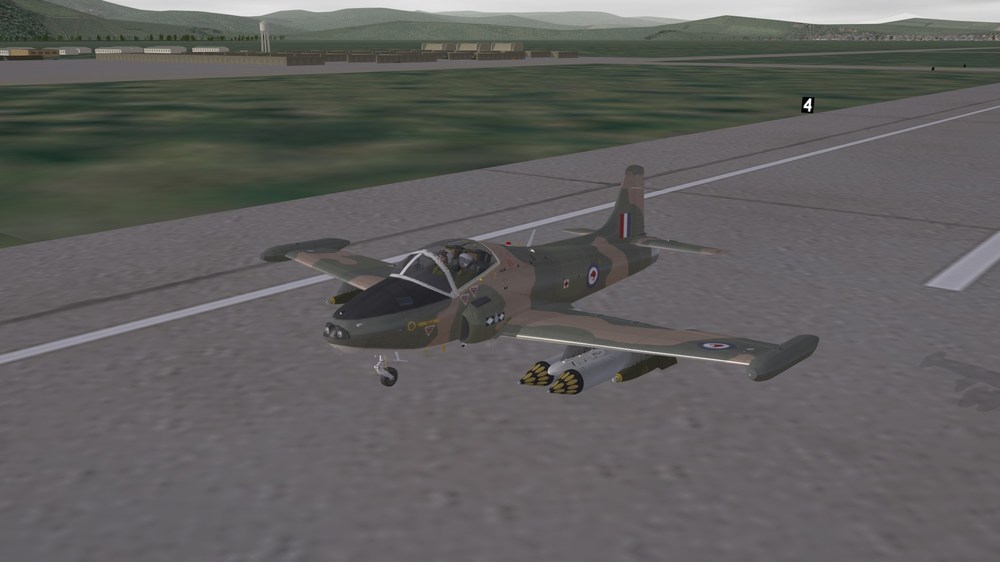
Good to be back.....
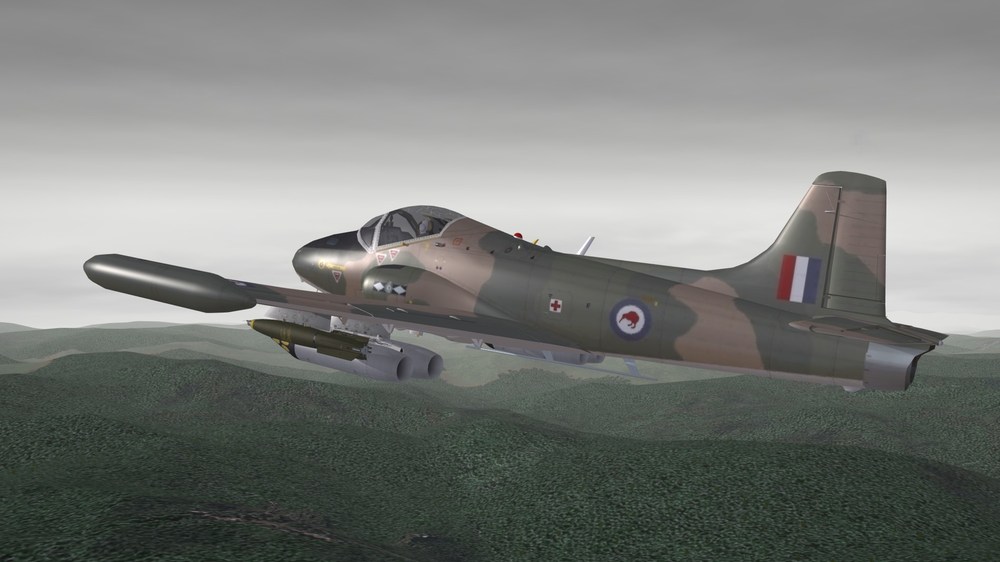
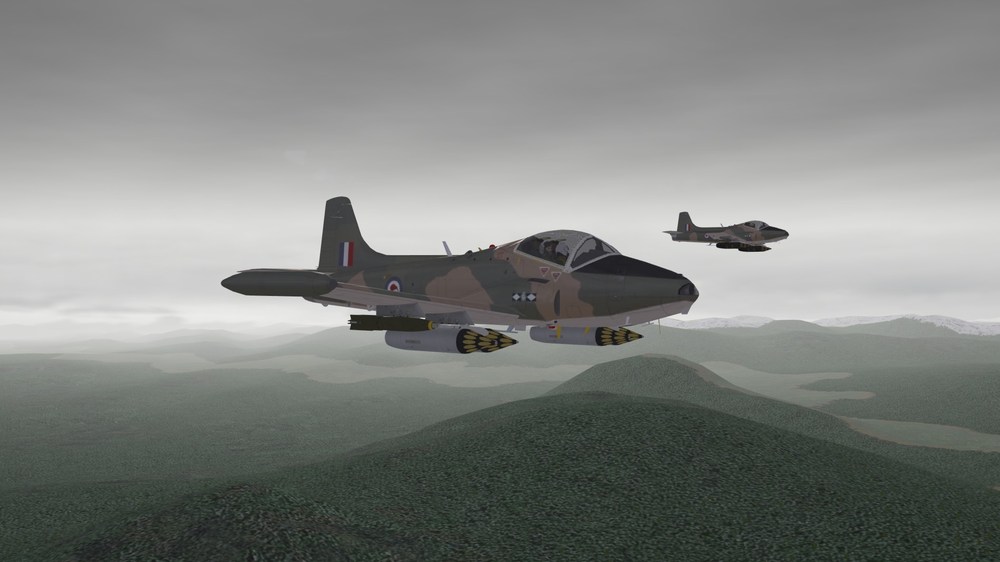
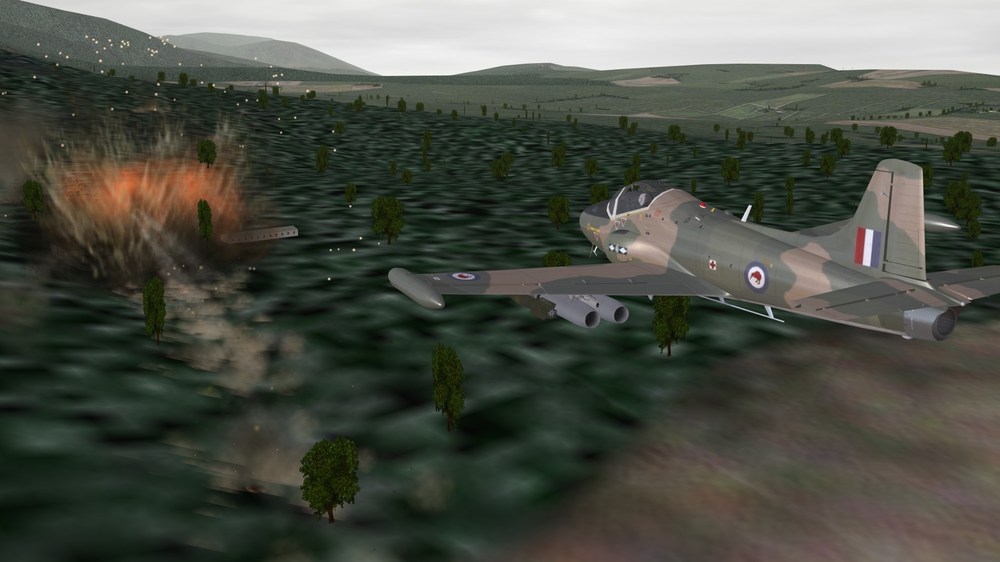
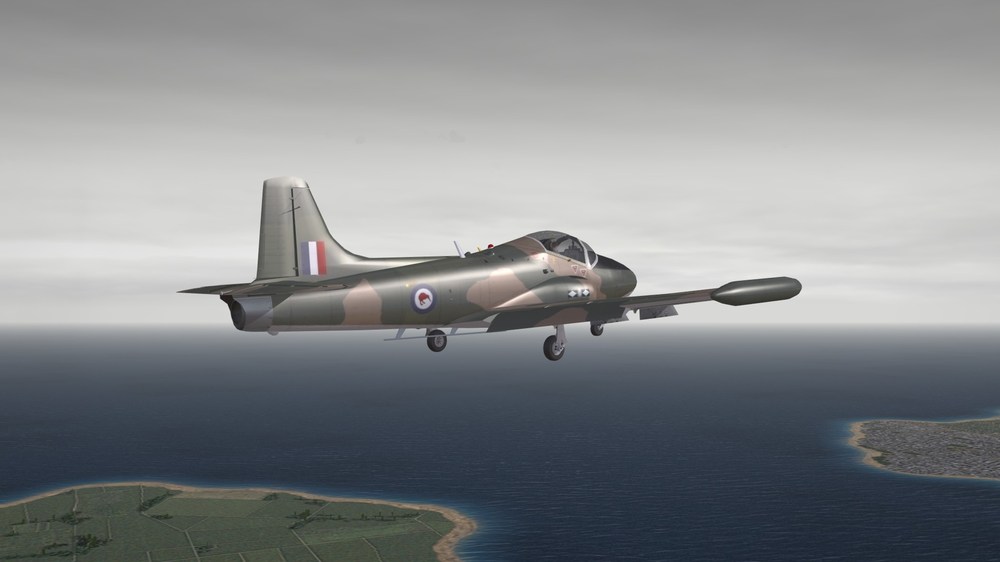
-
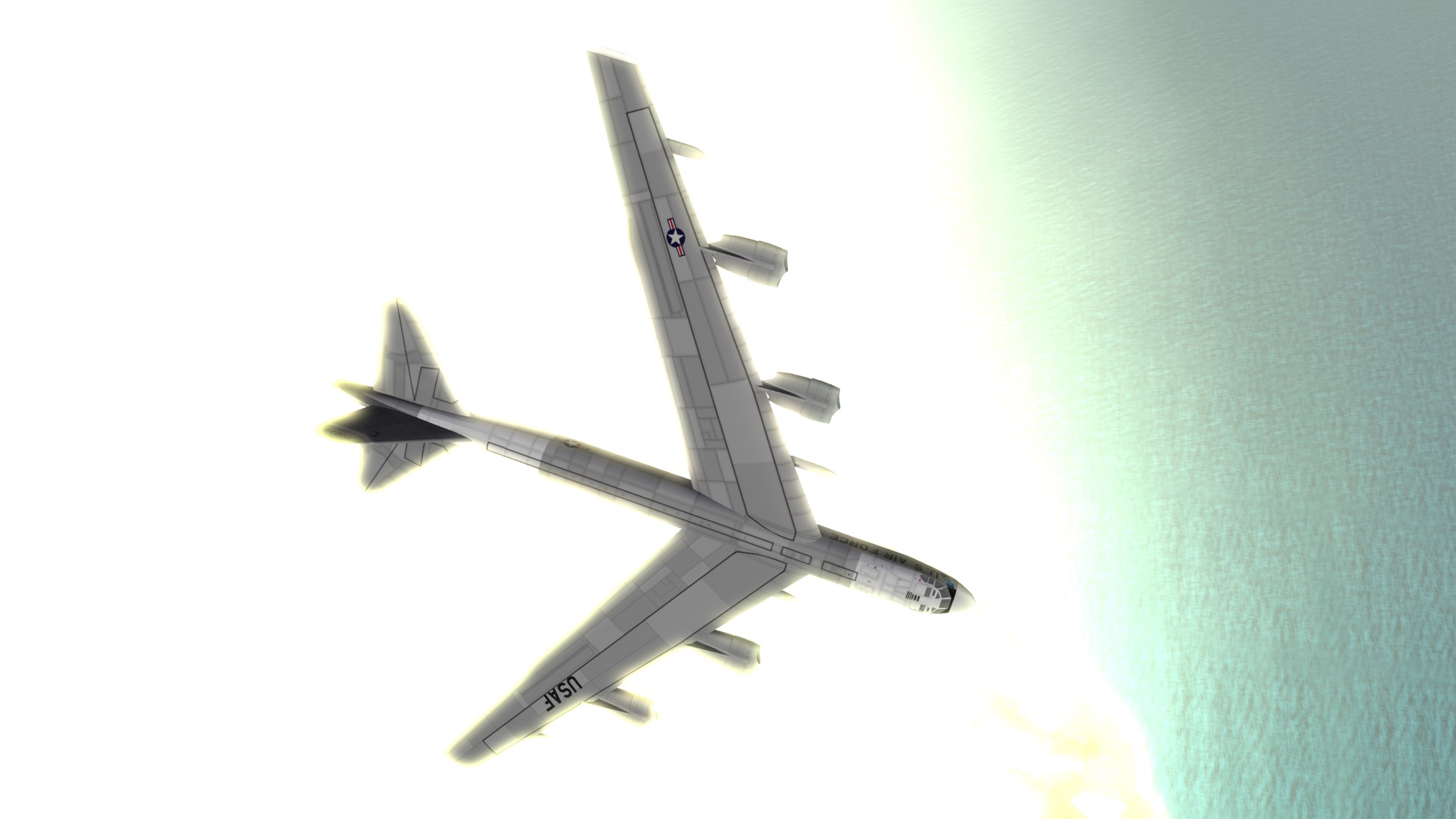
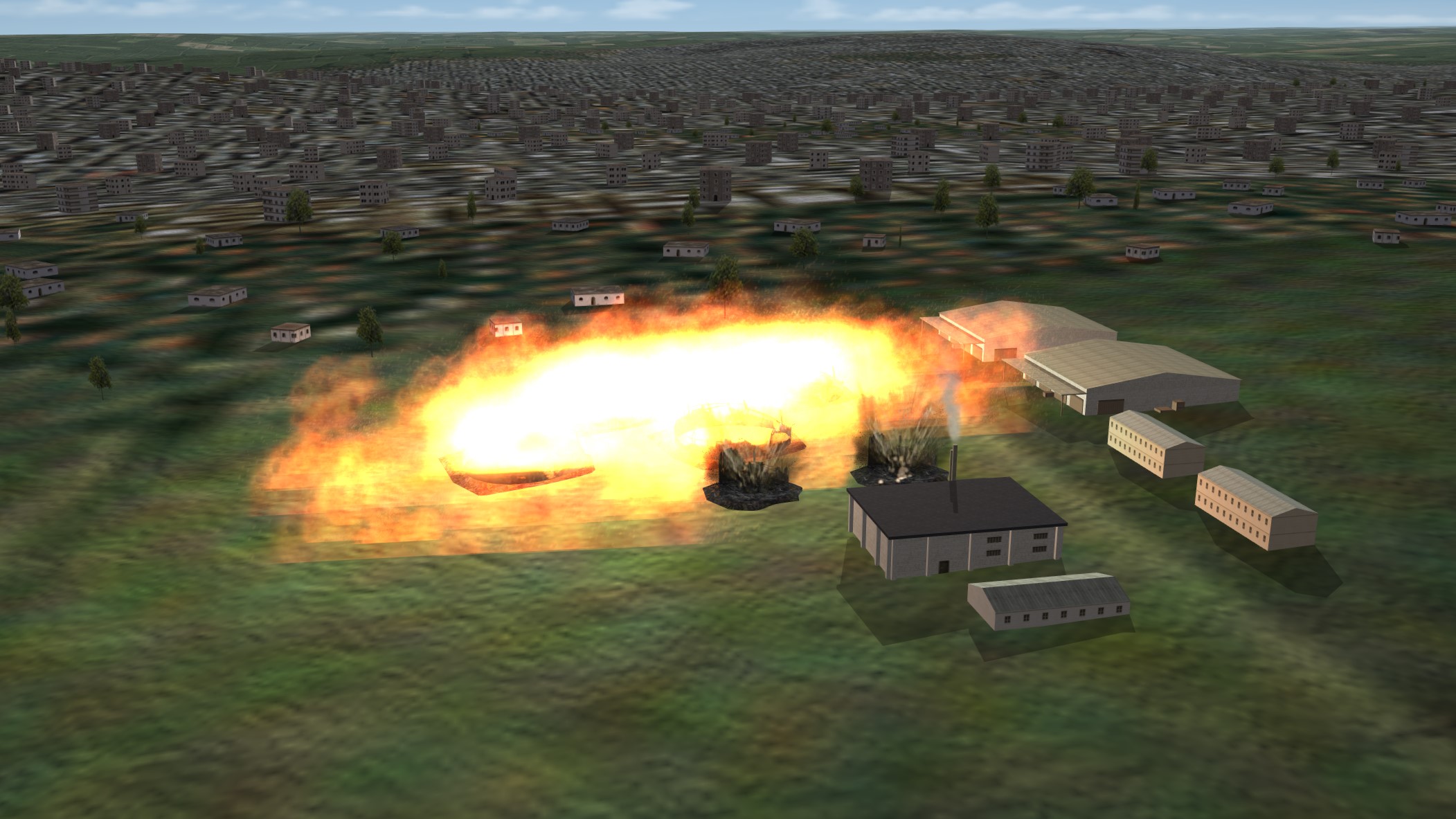
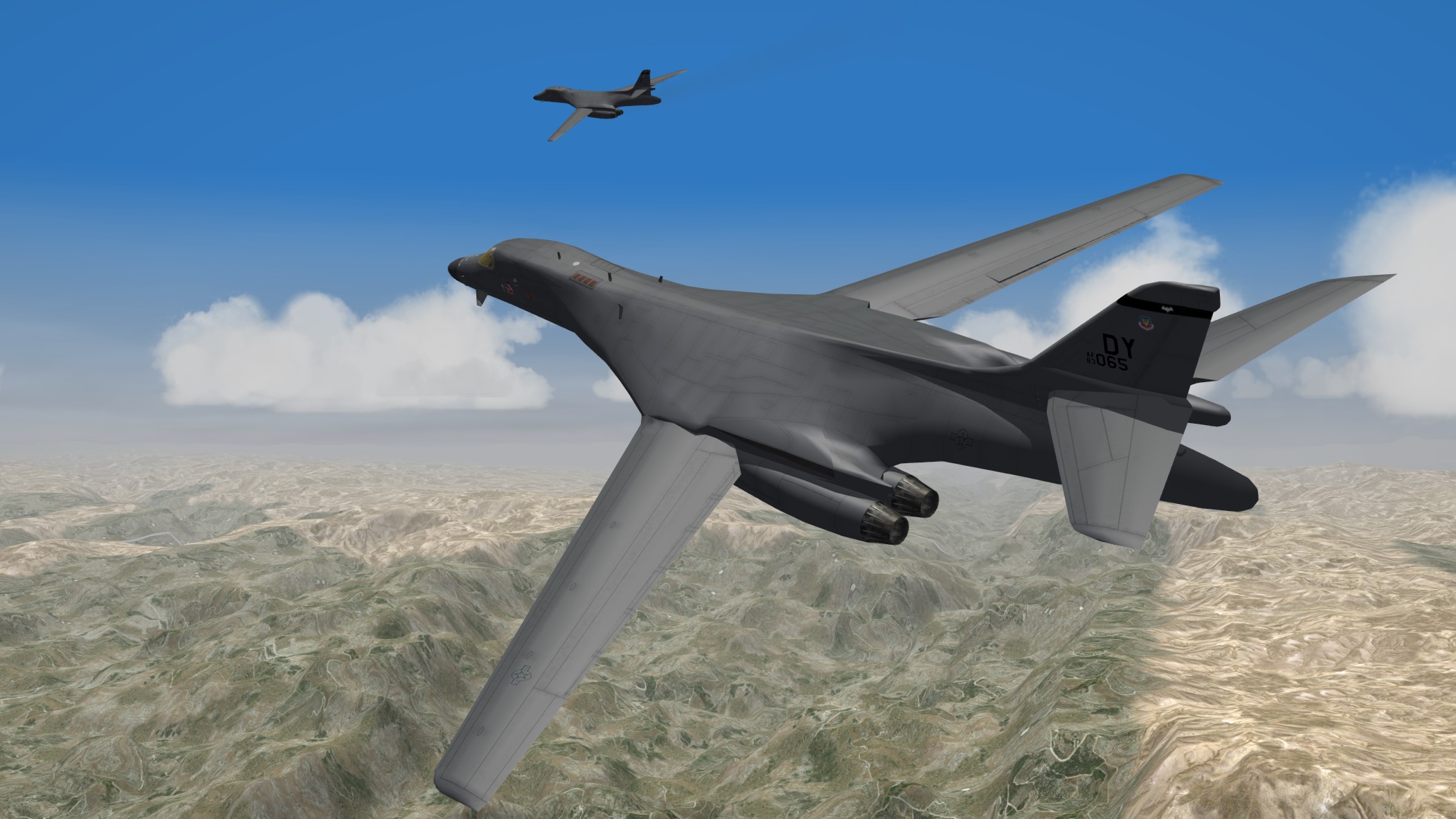
And since Gojira was nowhere to be found, Major Kong decided to stir up the locals with a light show of the Kiloton-Class...
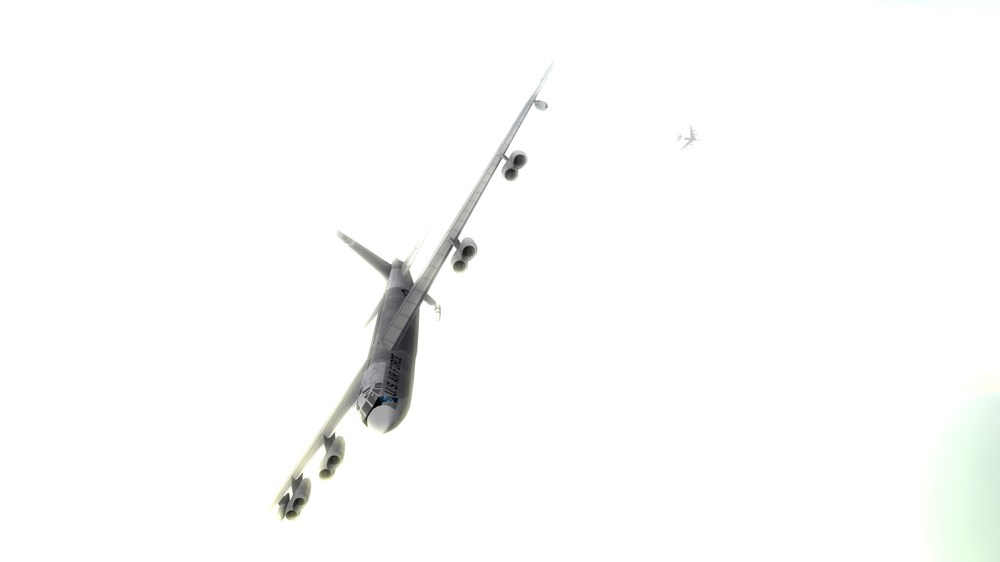
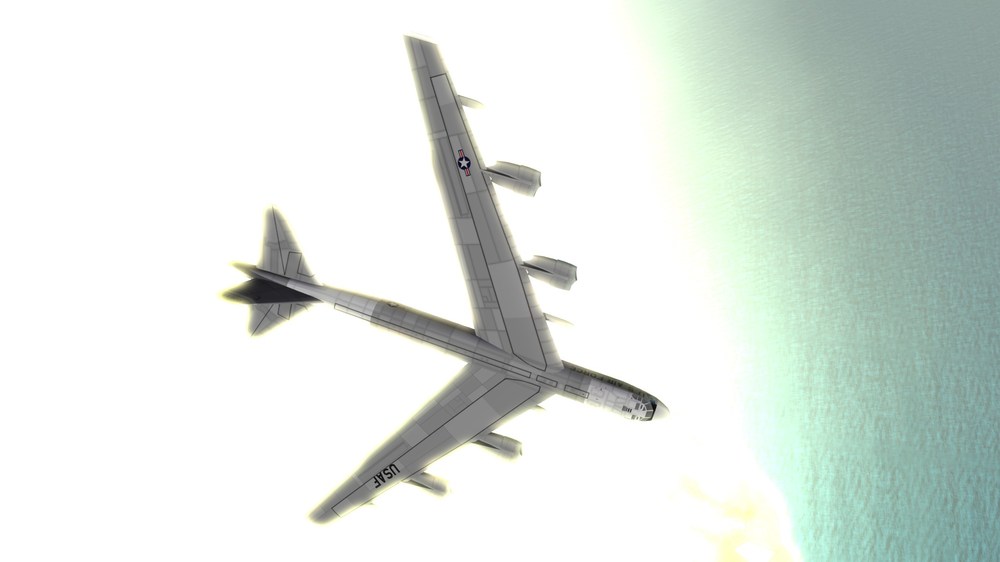
-
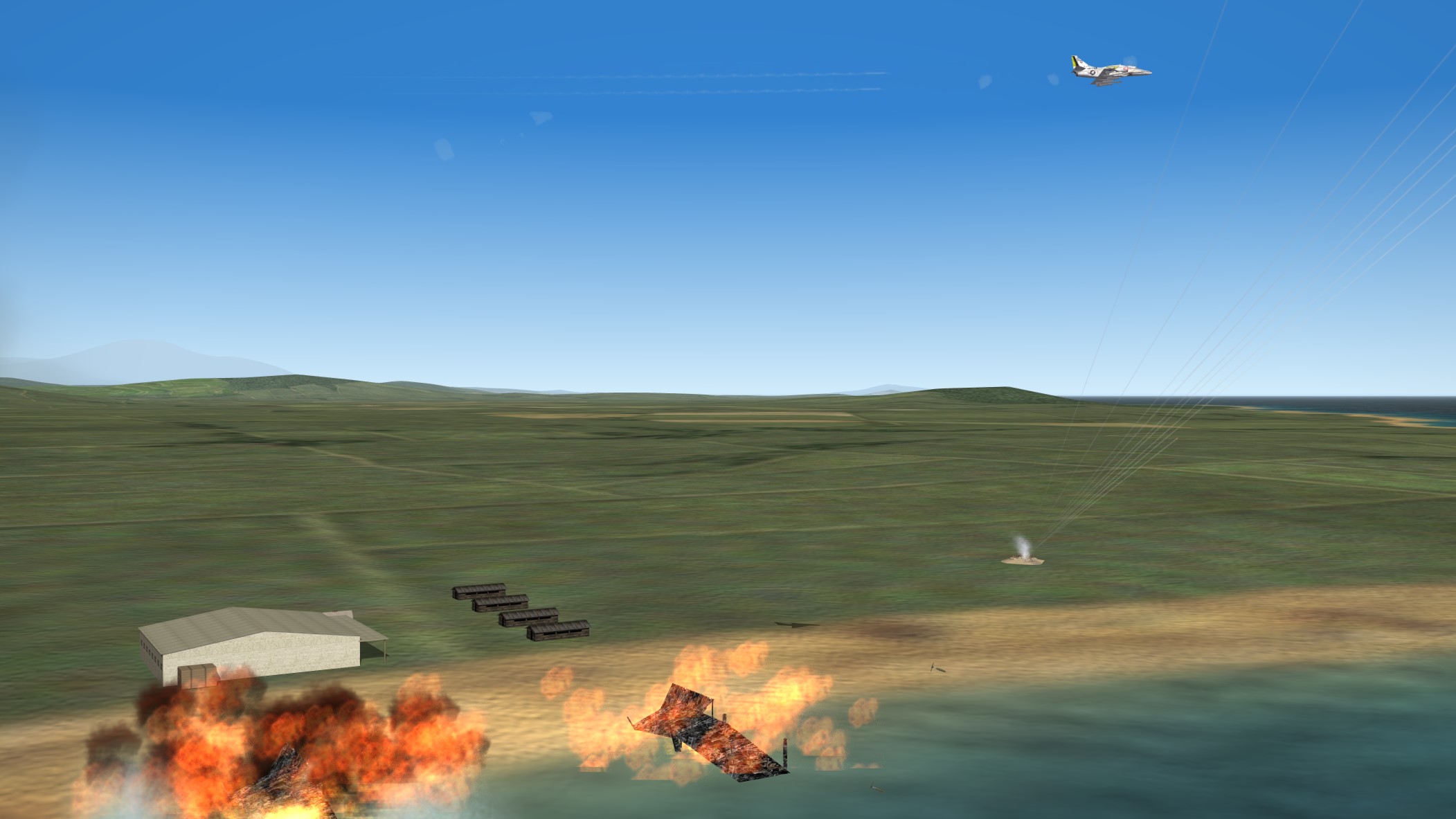
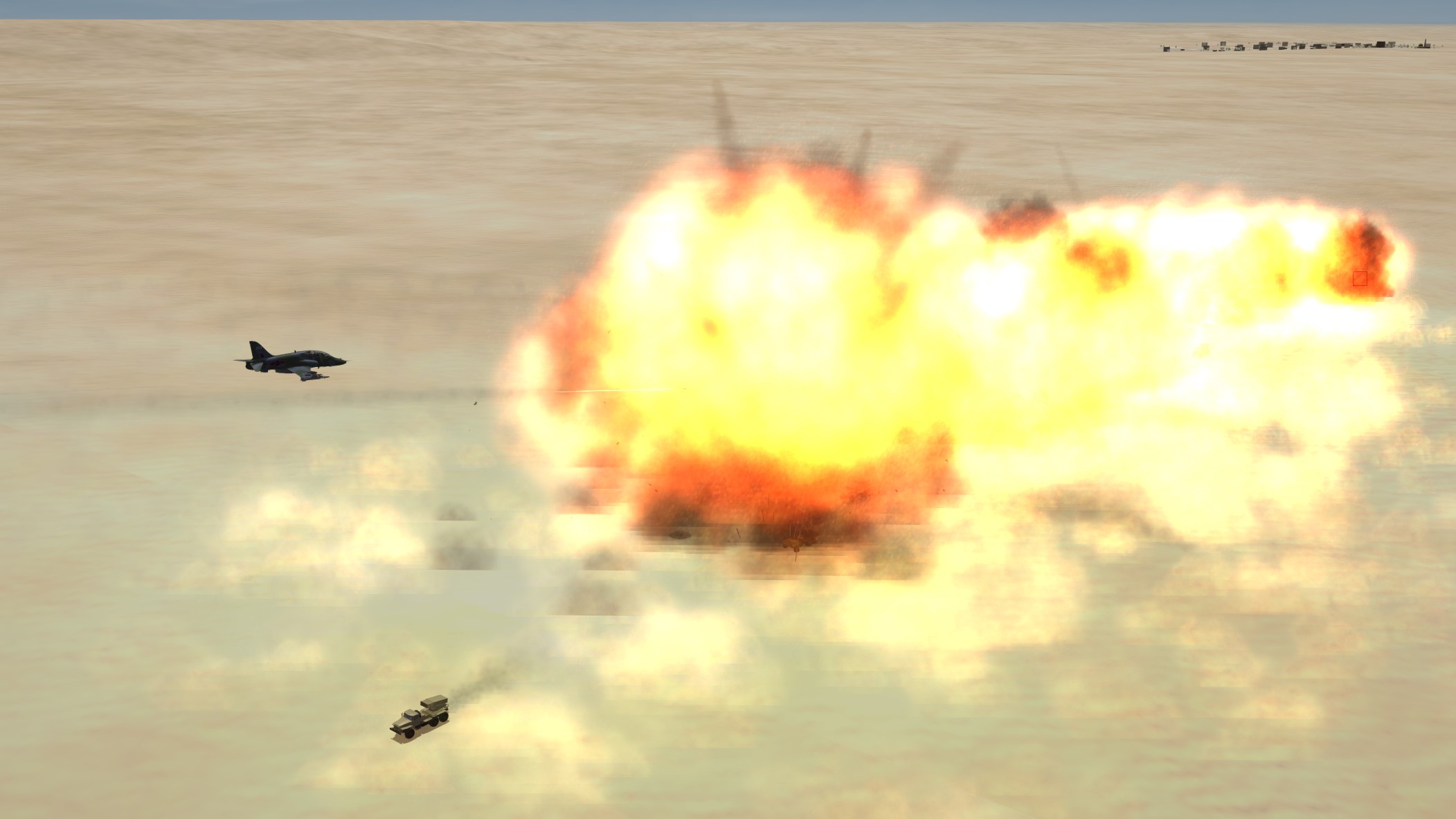
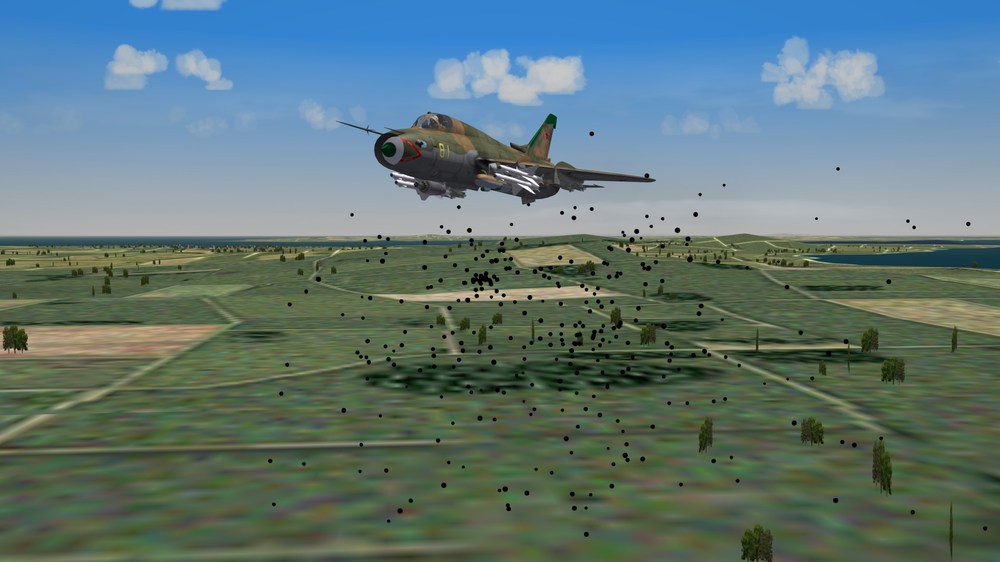
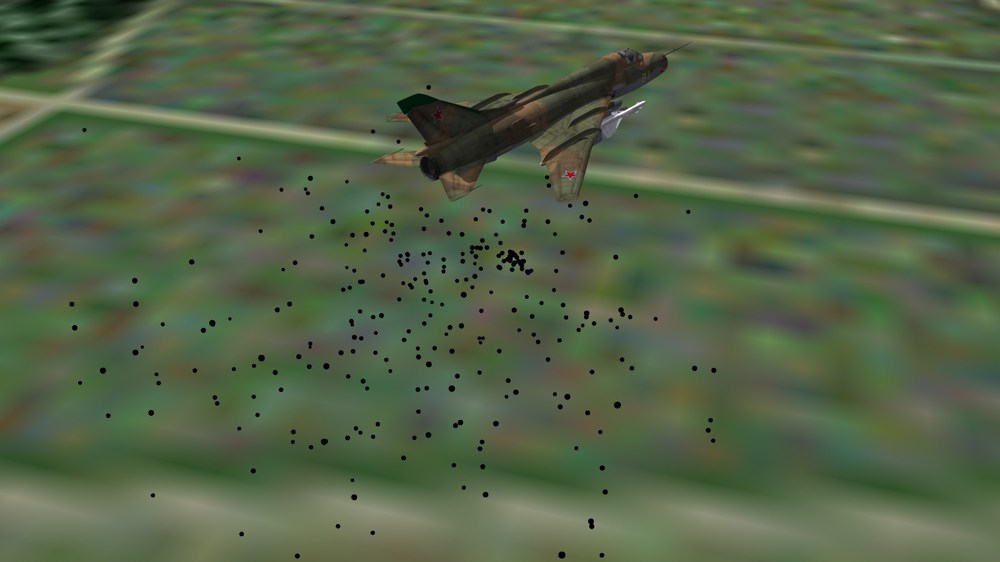
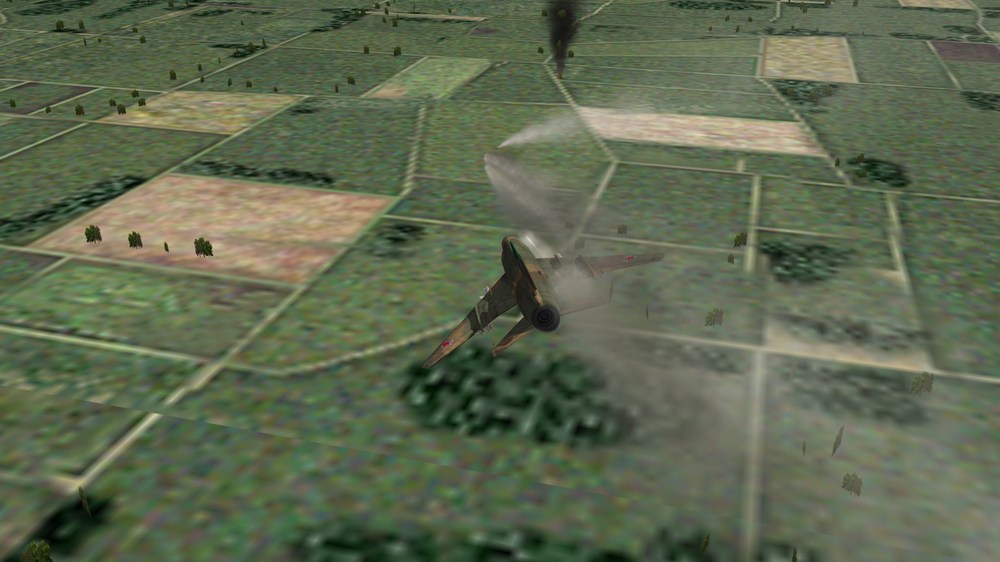
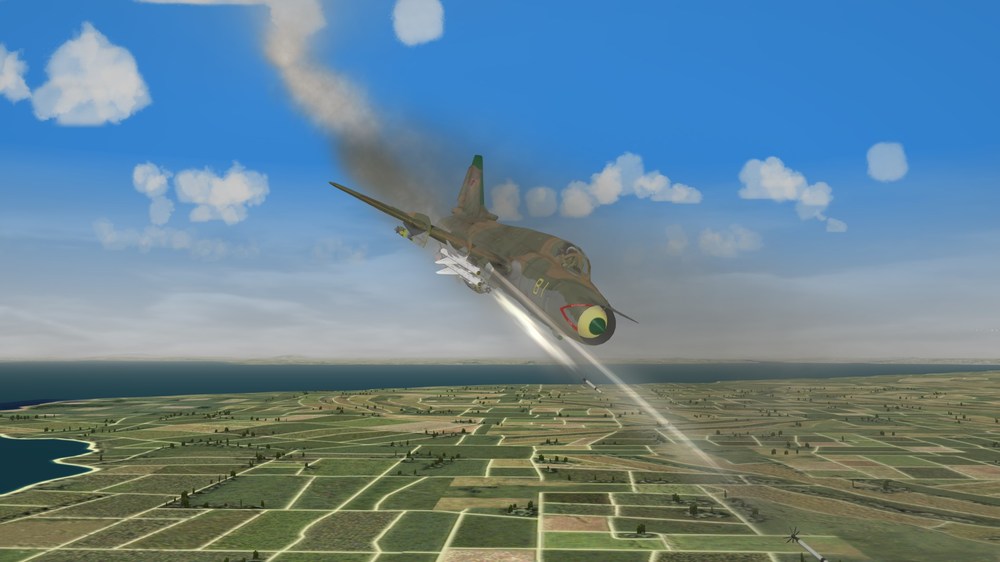
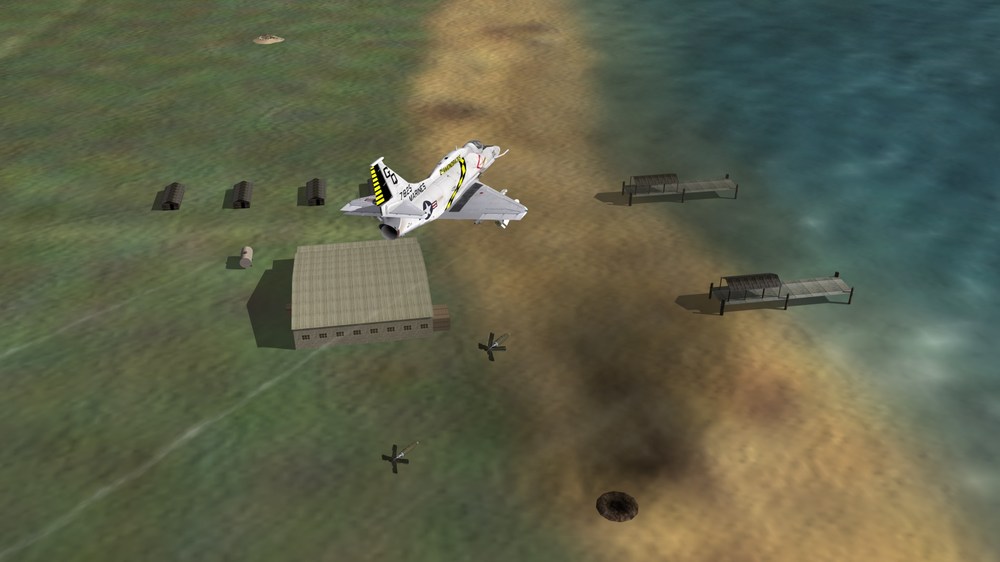
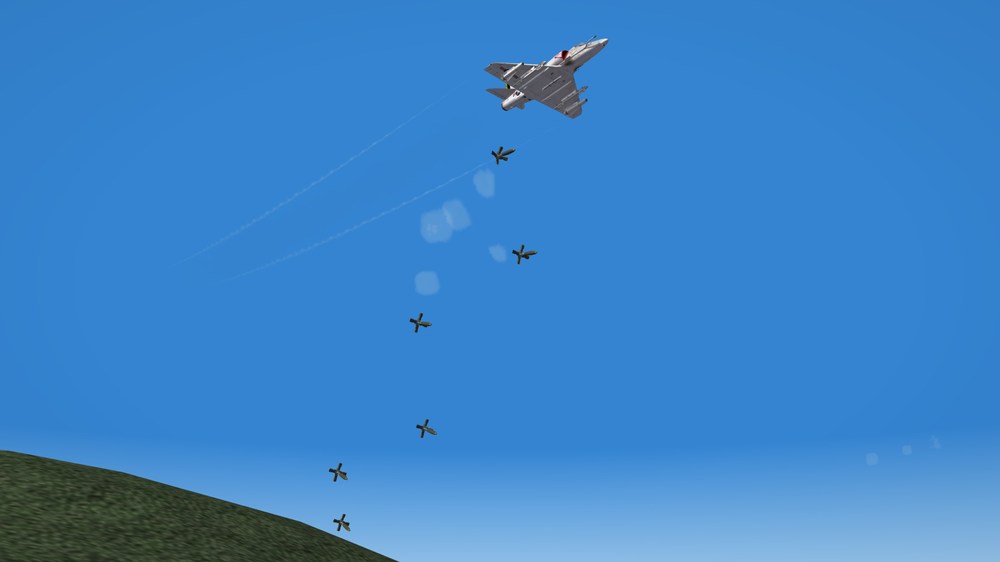
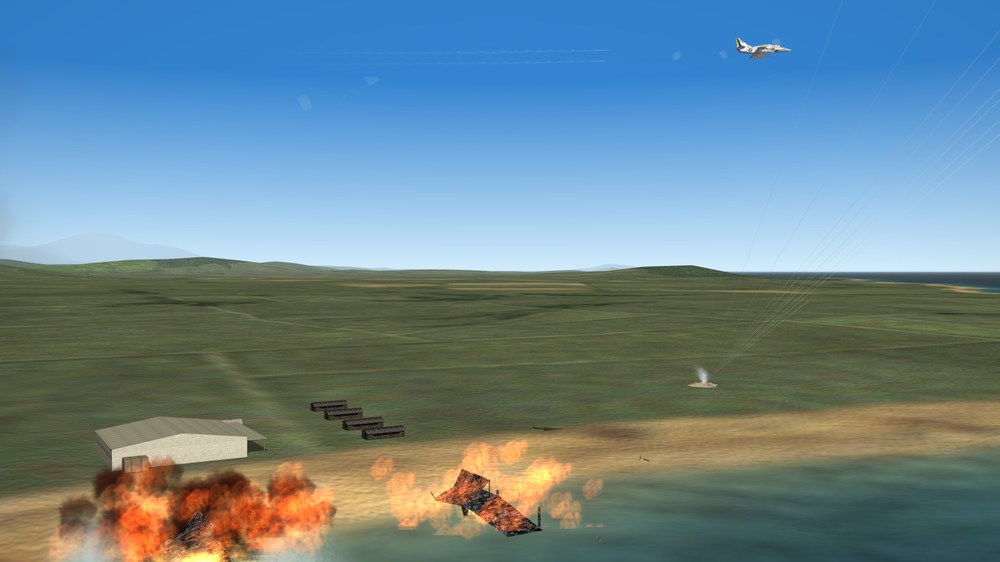
Can't go anywhere in these parts without people shooting at me.... I still LOVE my Nukes, cut CBU's work quite nicely on thin skinned targets... And since none of you pesky NATO types showed up, I had a field day....
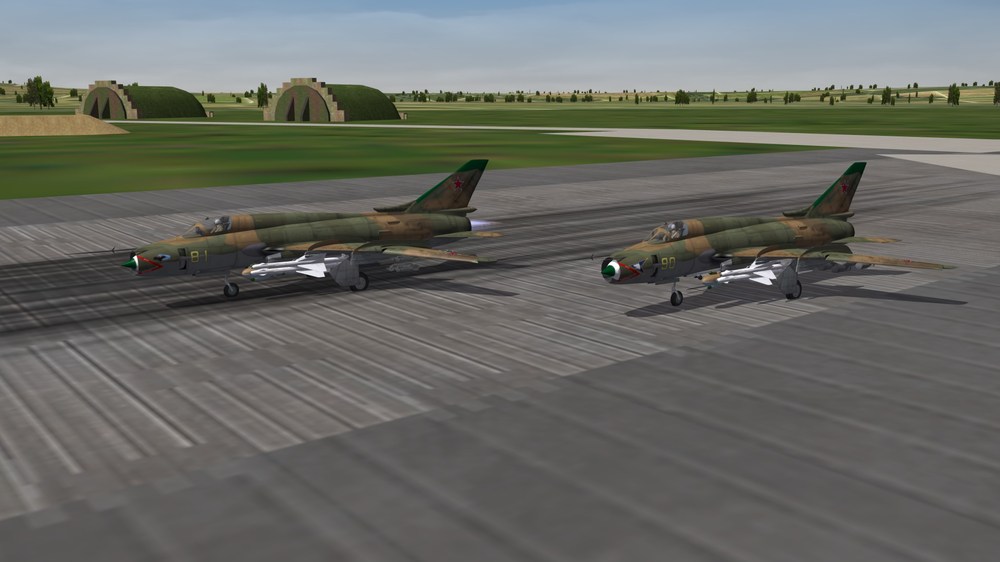
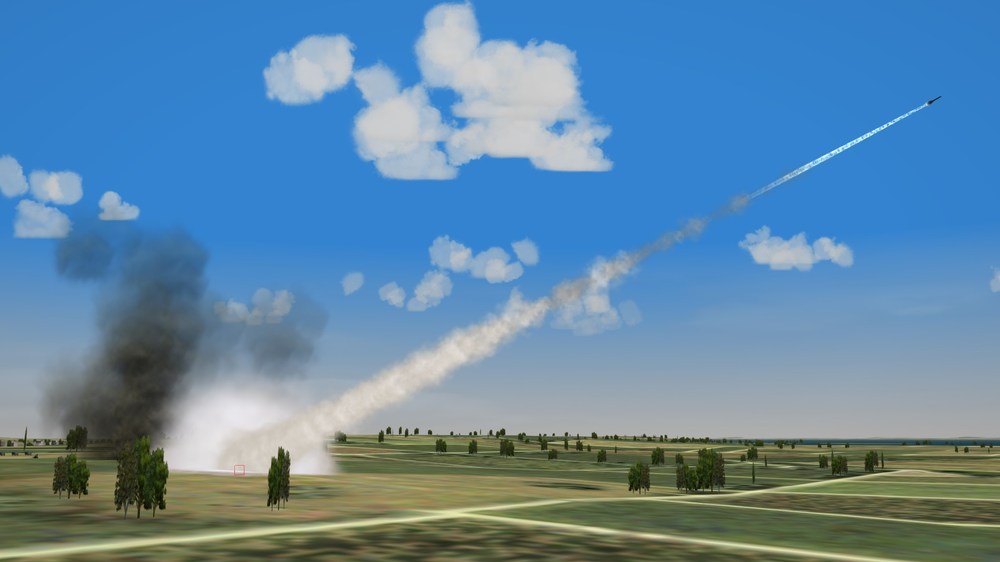
-
Phantom Phriday. (READ RULES IN FIRST POST)
Nightshade/PR replied to yakarov79's topic in Screen Shots
Rolling in to bounce 2 careless F-104's that flew directly underneath me, and never twitched...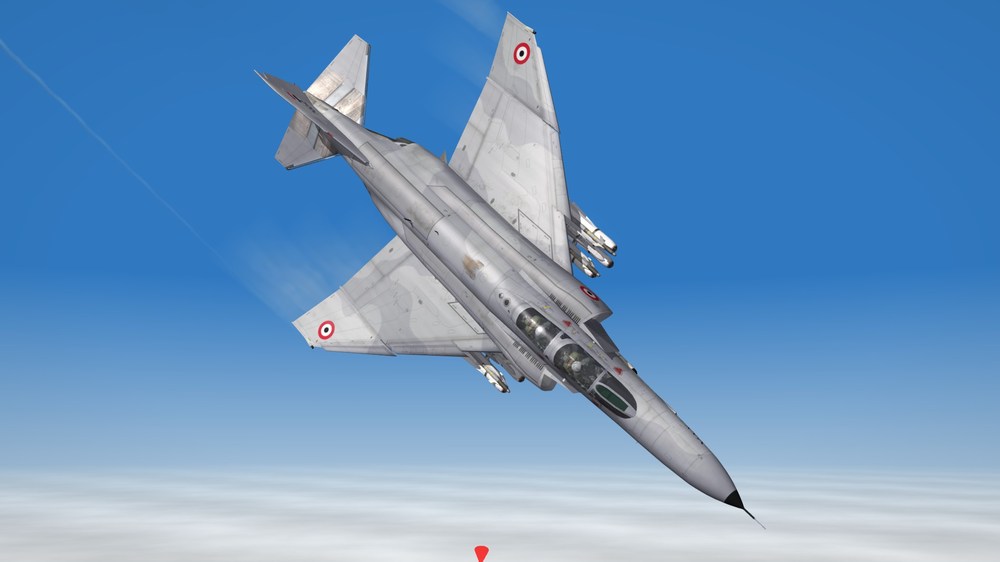
-
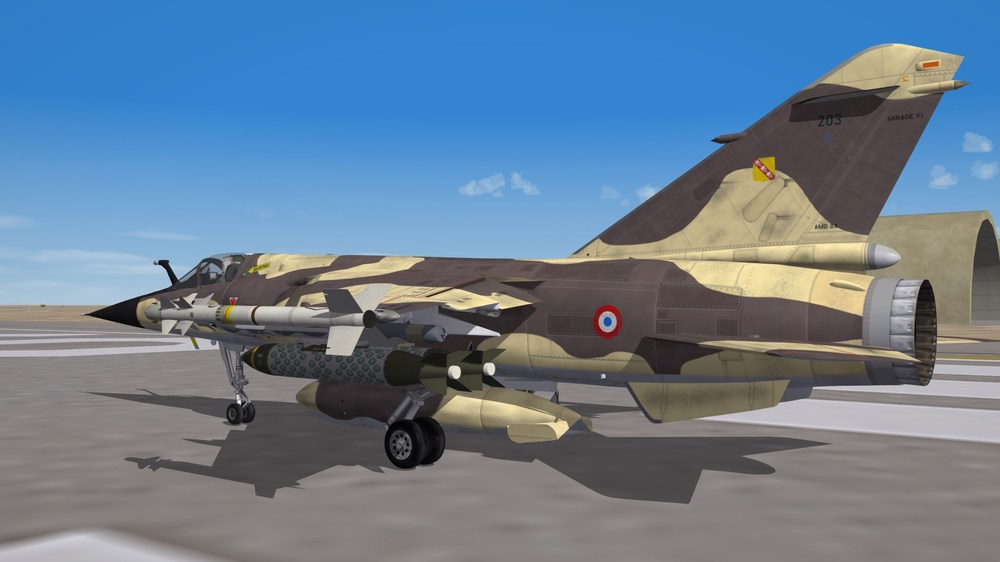
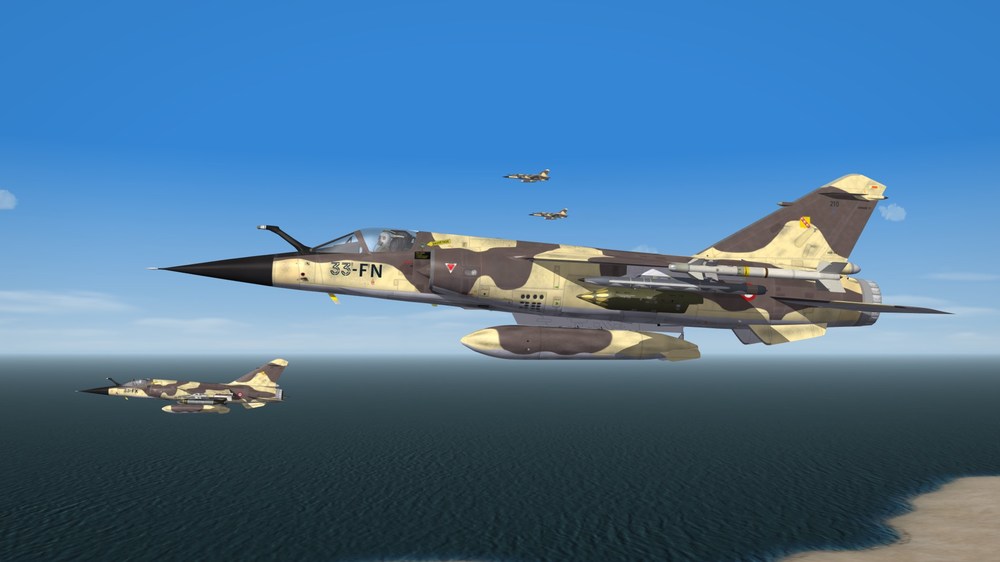
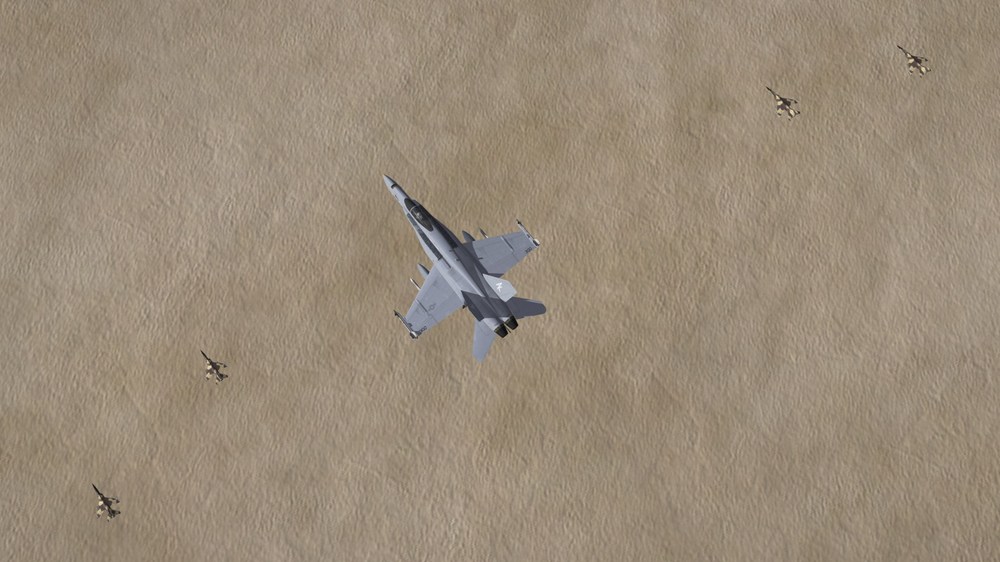
My escorts showed up on time overheard
-
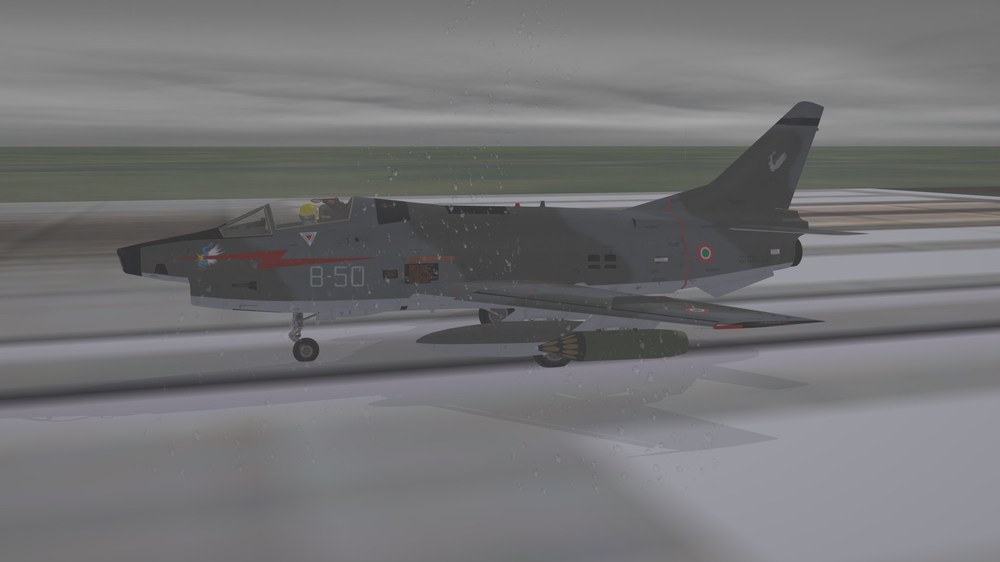
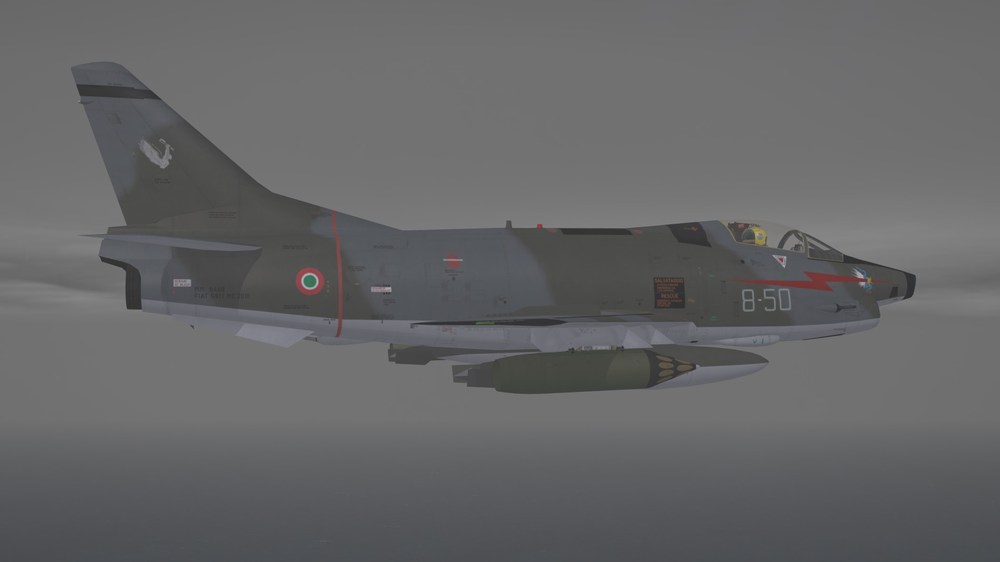
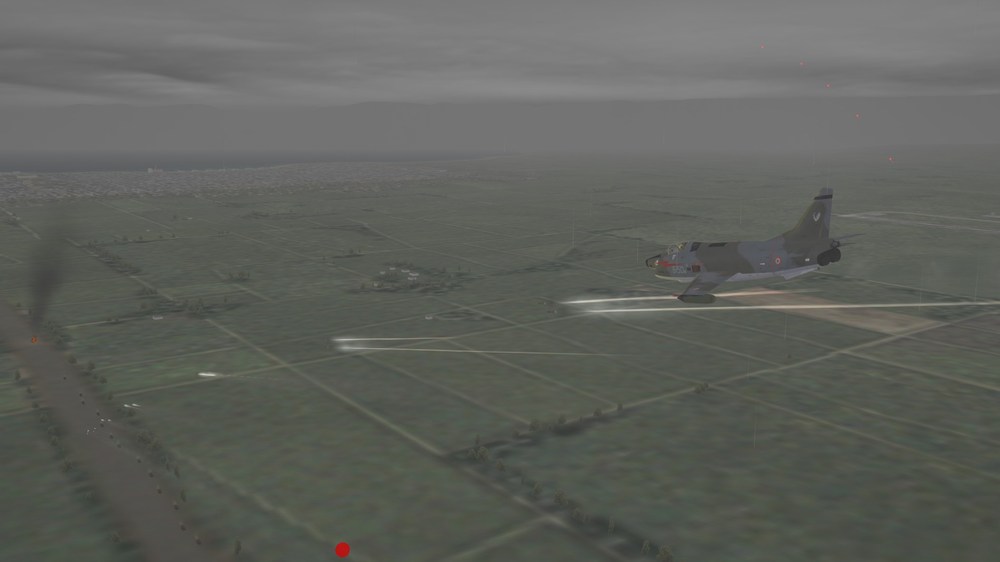
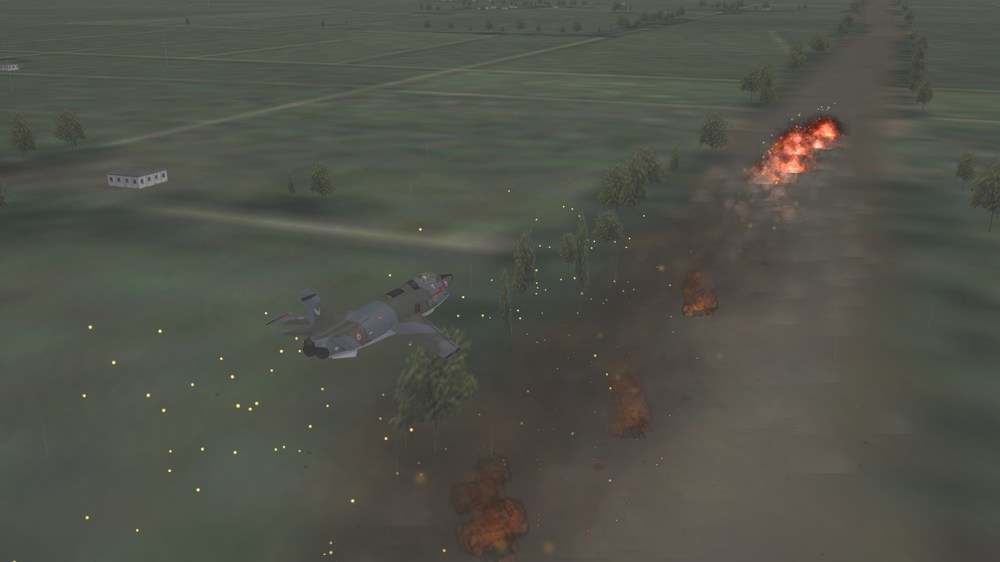
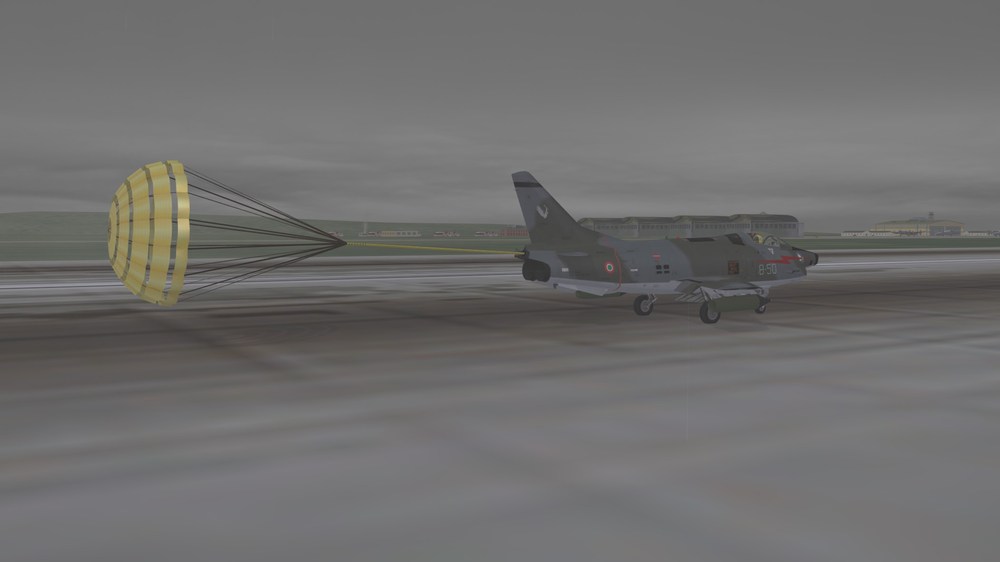
Northern Europe, 1970
-
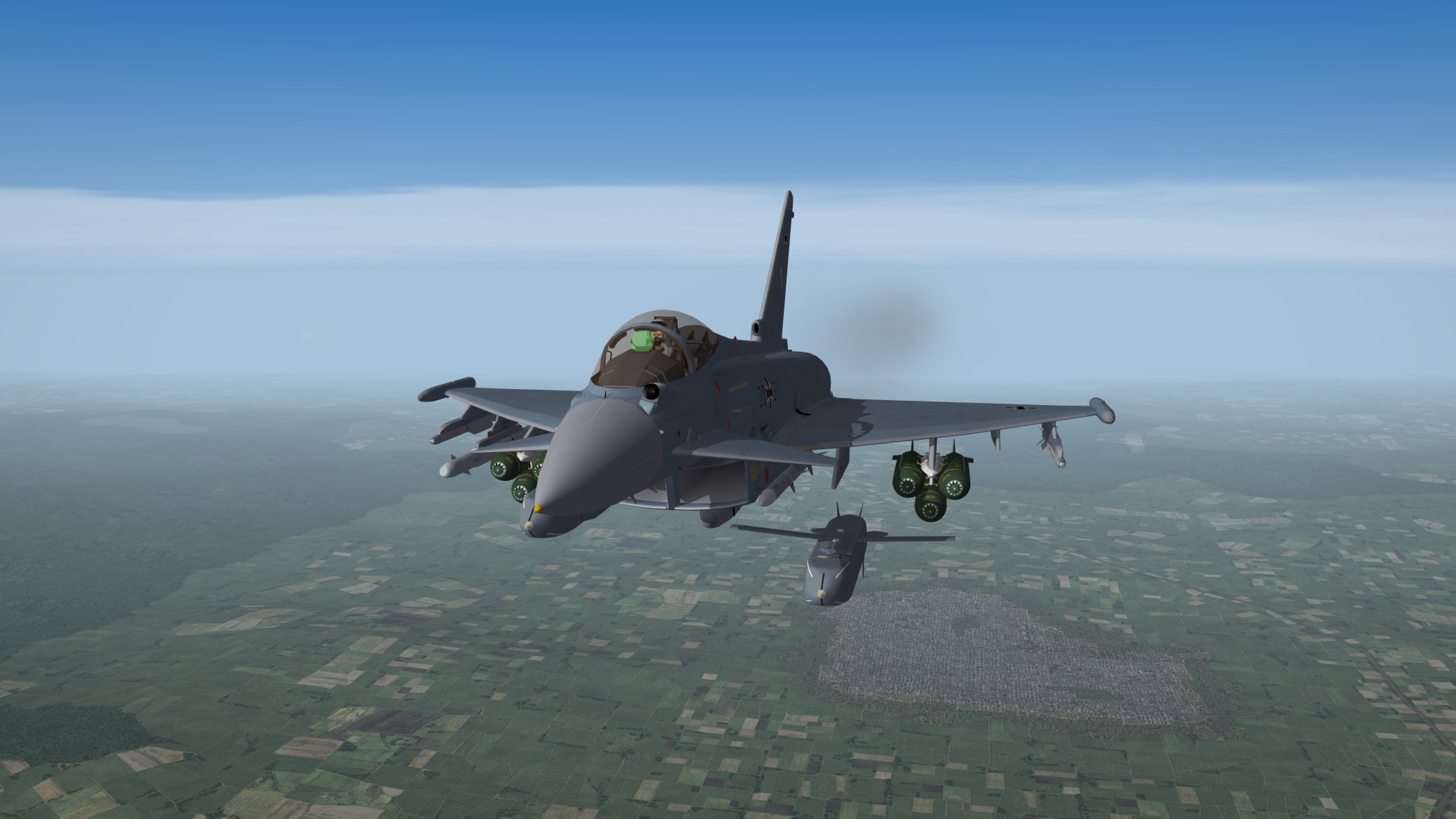
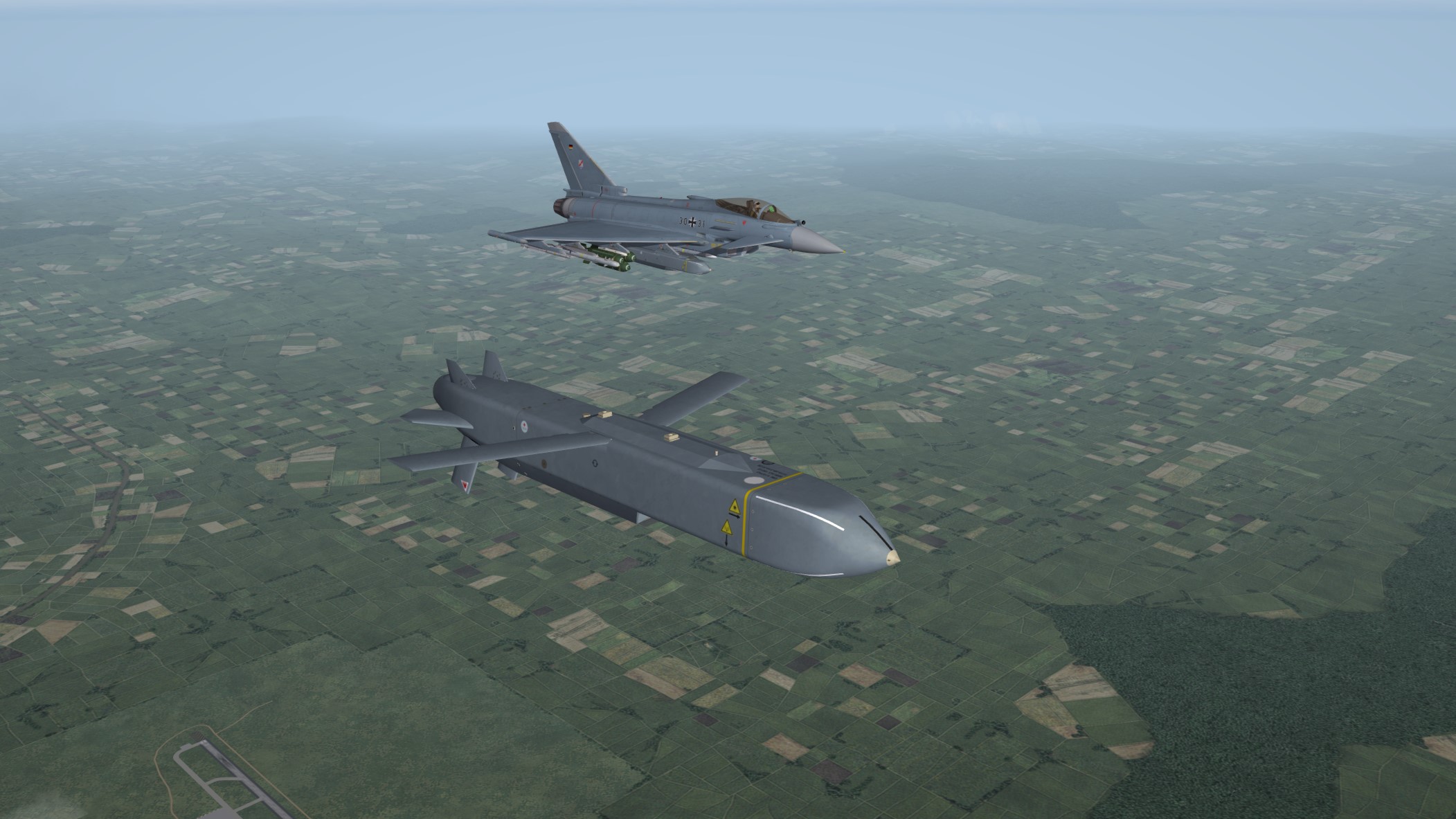
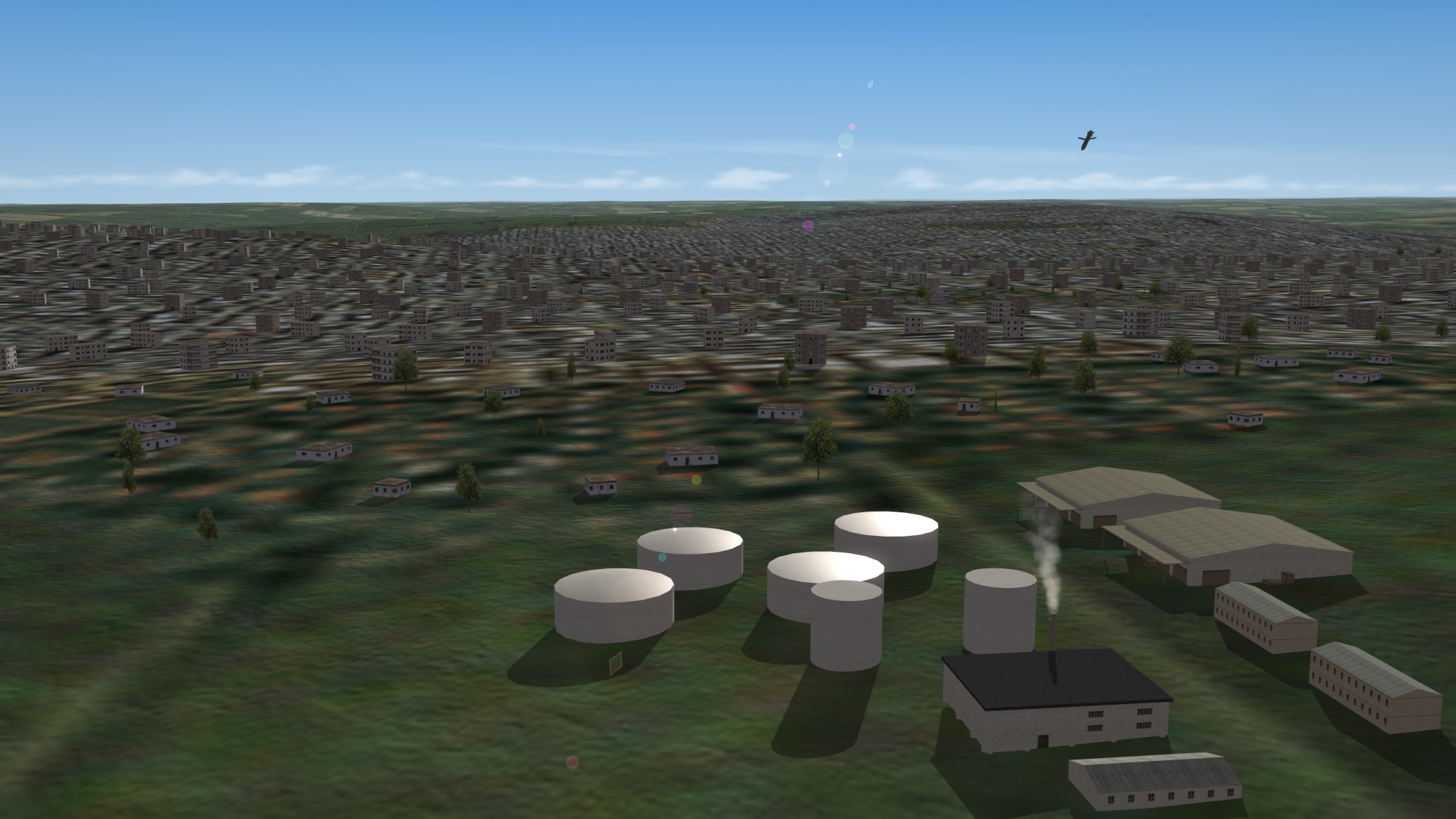
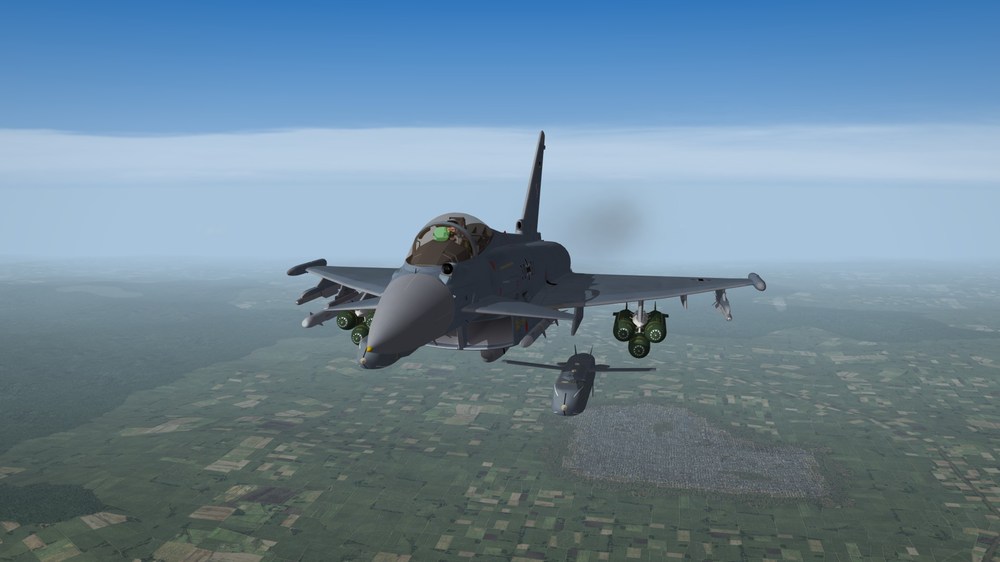
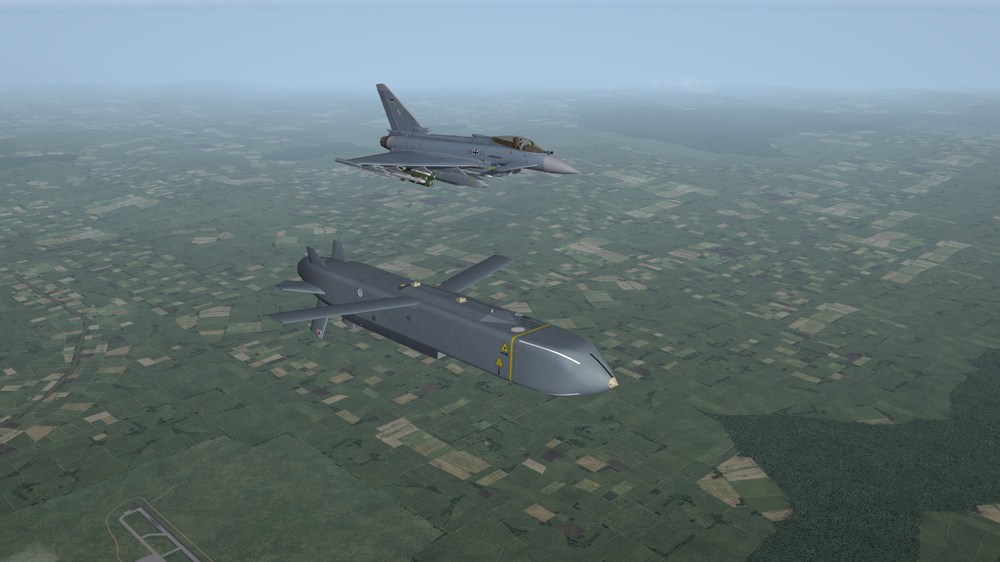
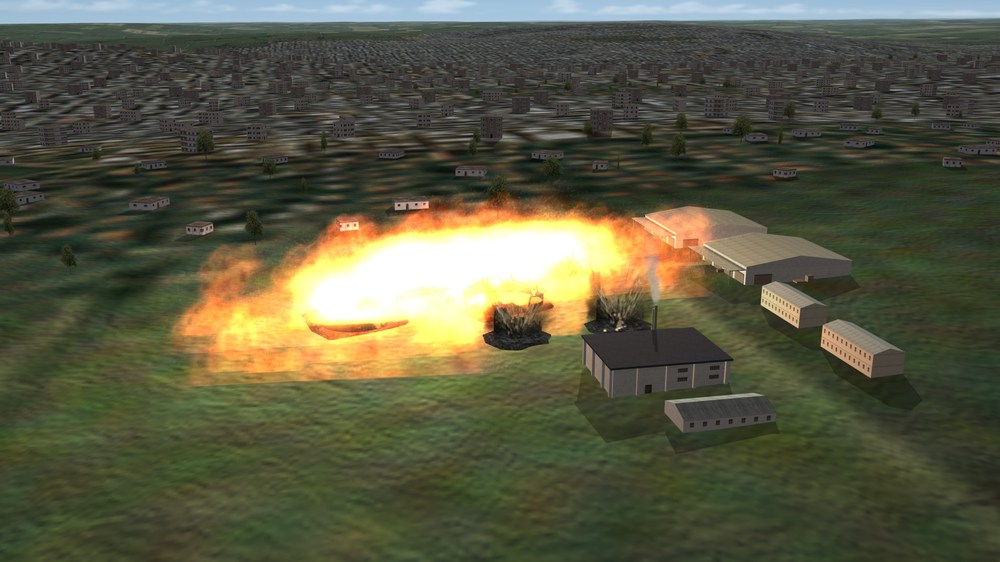
Dropping a Storm Shadow
-
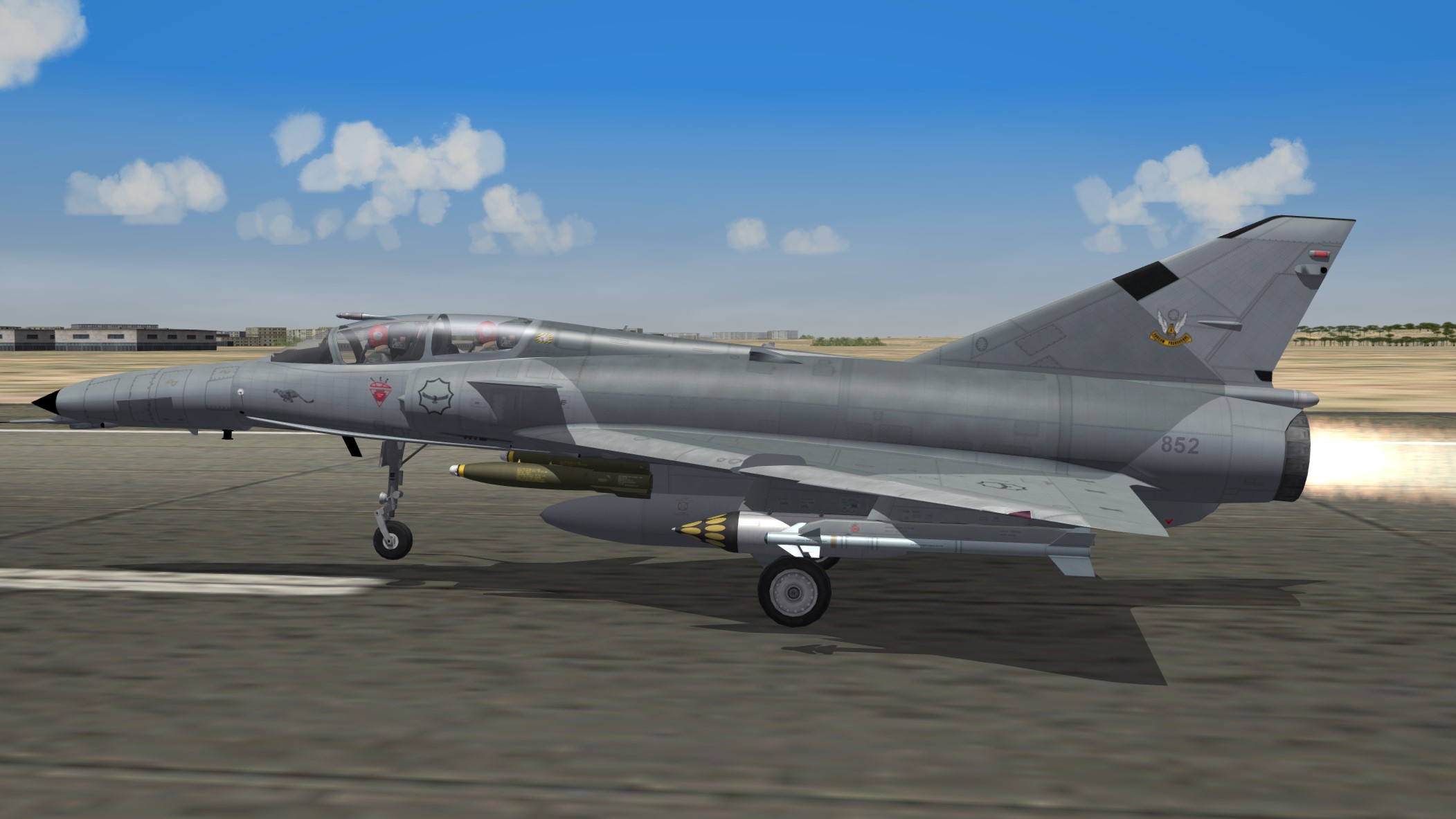
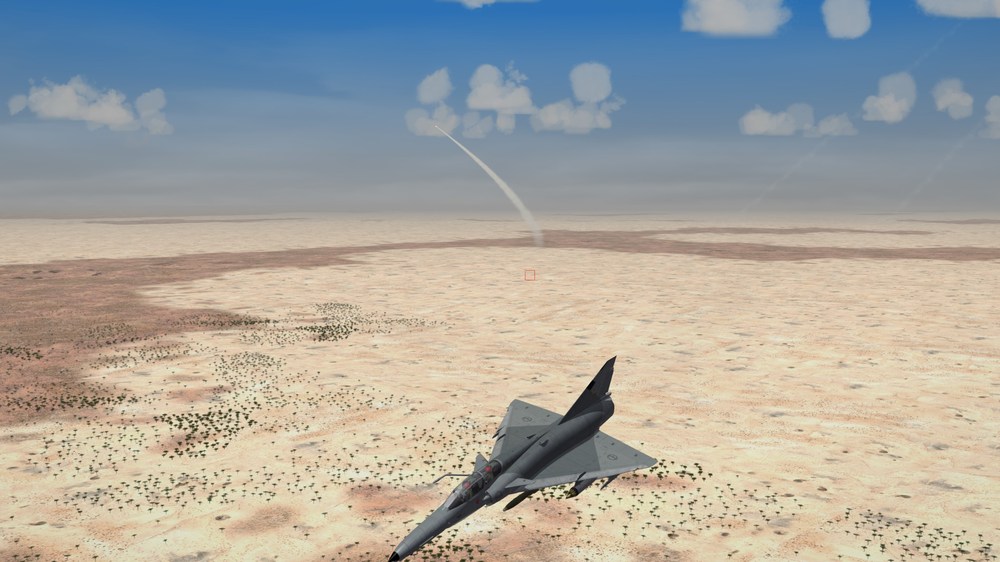
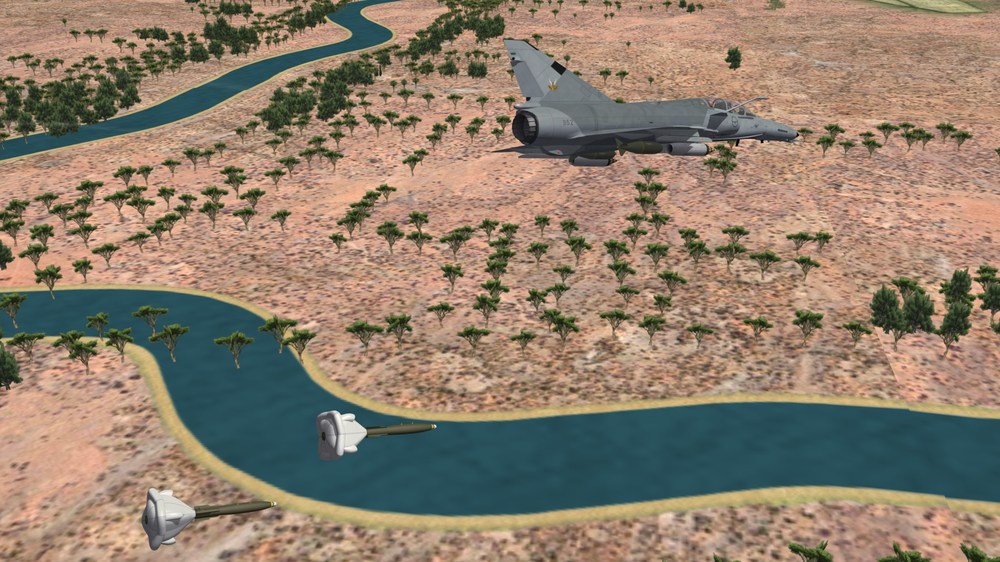
Cheetah.......The SAAF Mirage derivative


- 398 replies
-
- 11
-

-
-
Phantom Phriday. (READ RULES IN FIRST POST)
Nightshade/PR replied to yakarov79's topic in Screen Shots
-
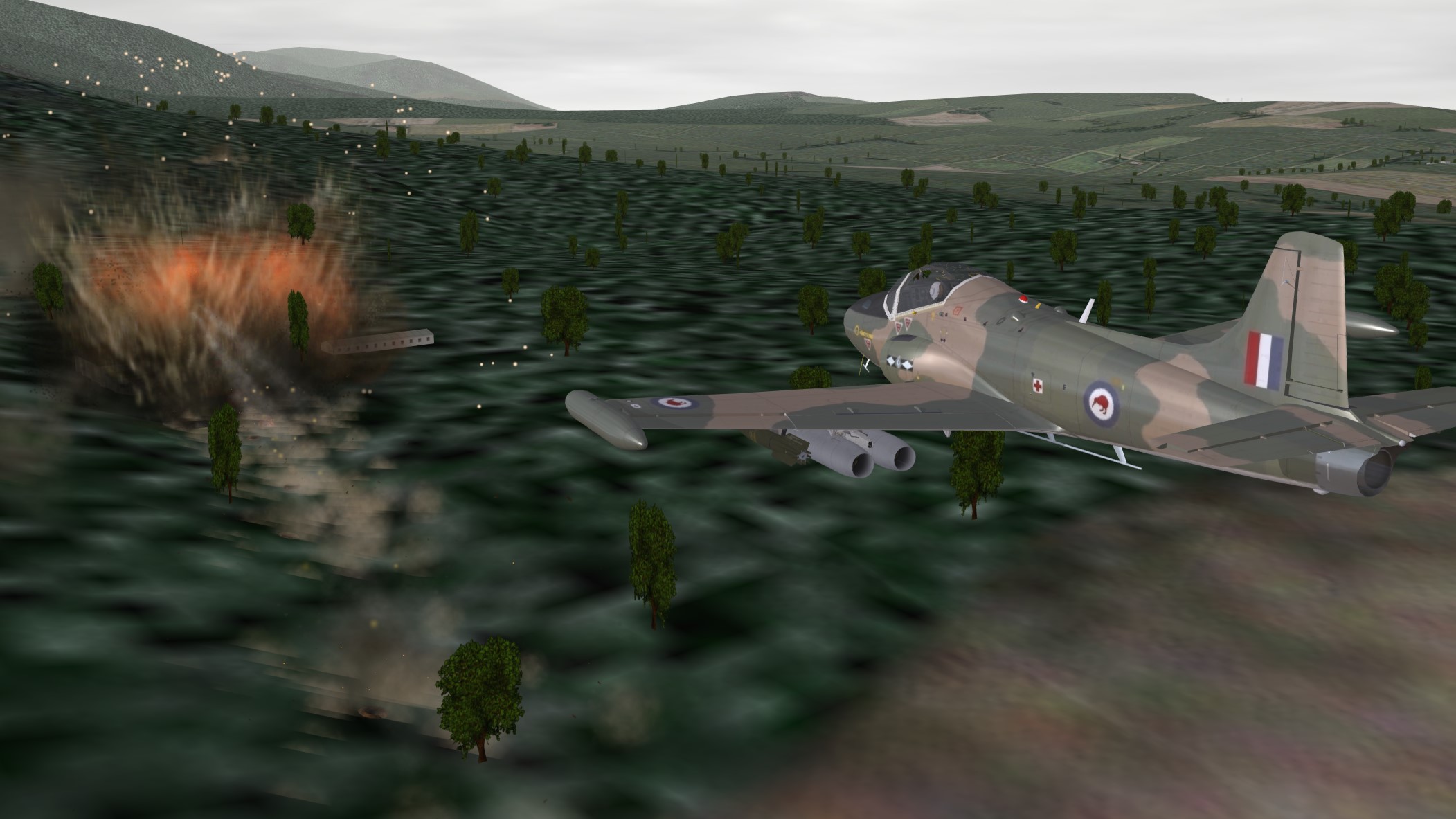
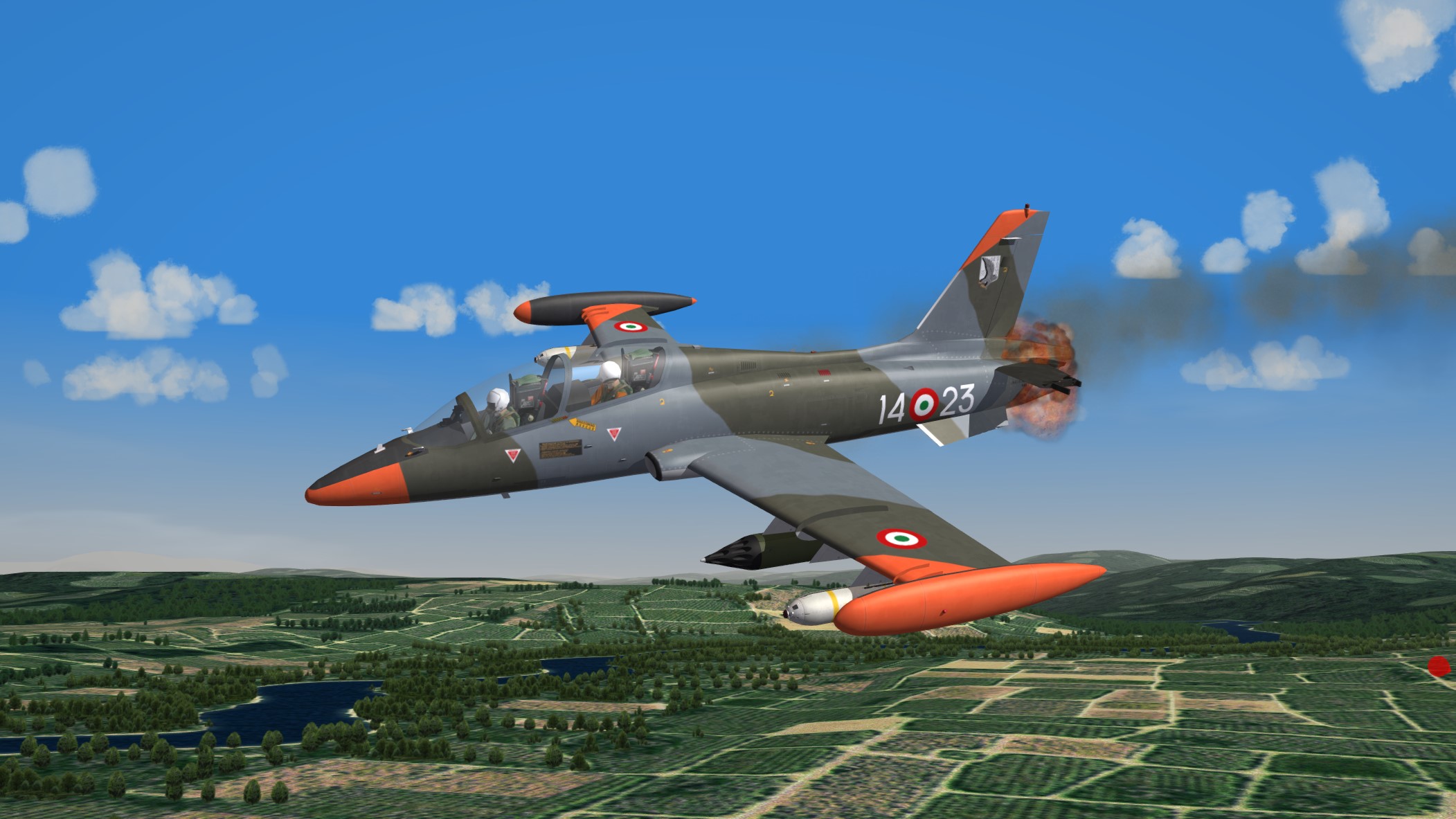
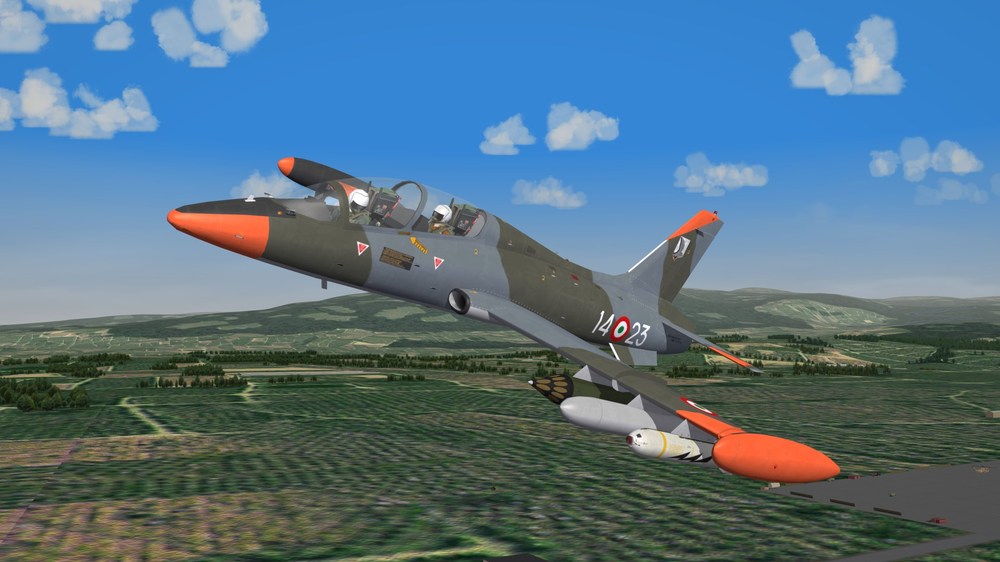
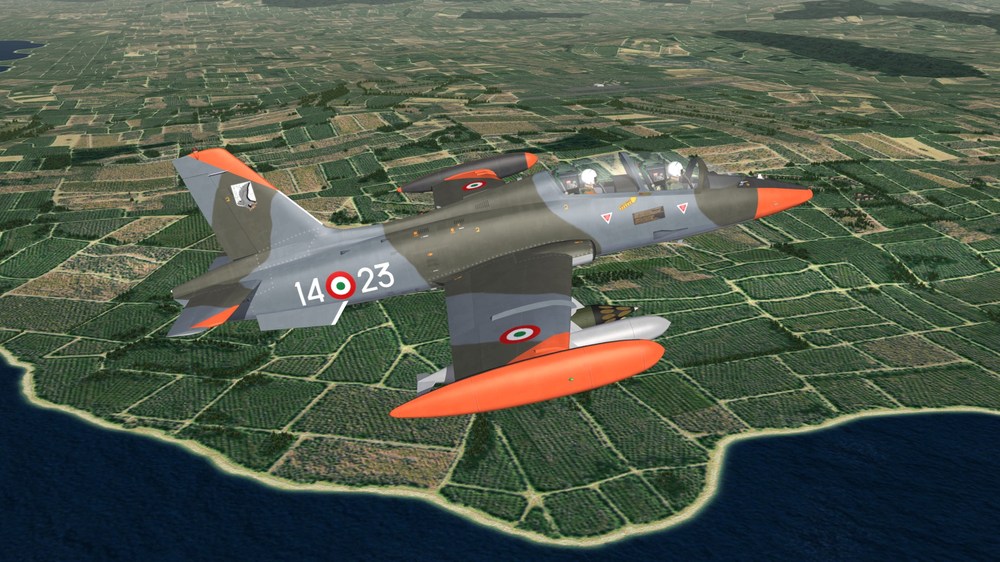
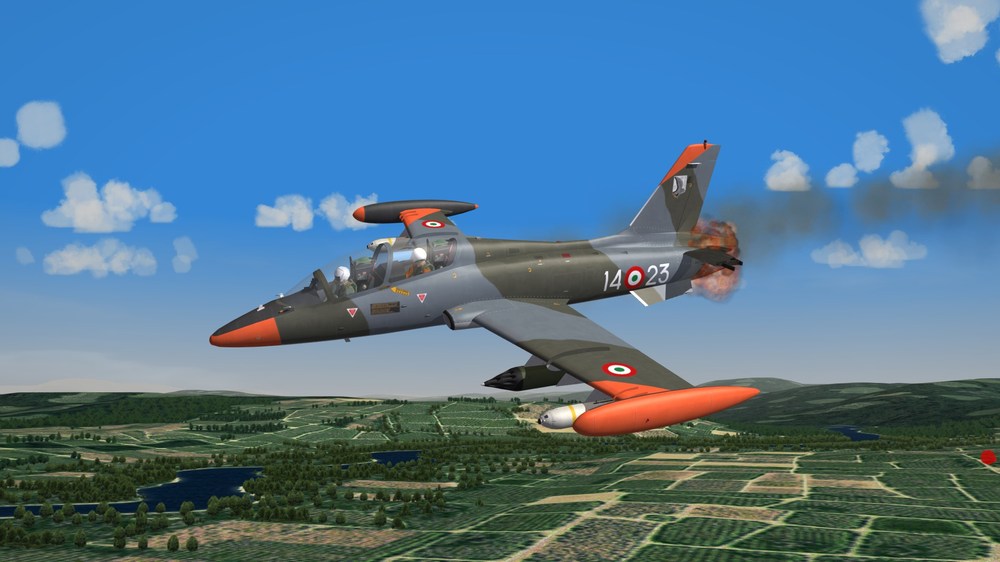
It started out well enough.....Armed Recon Until I ran over the AAA nest in the trees.....
-
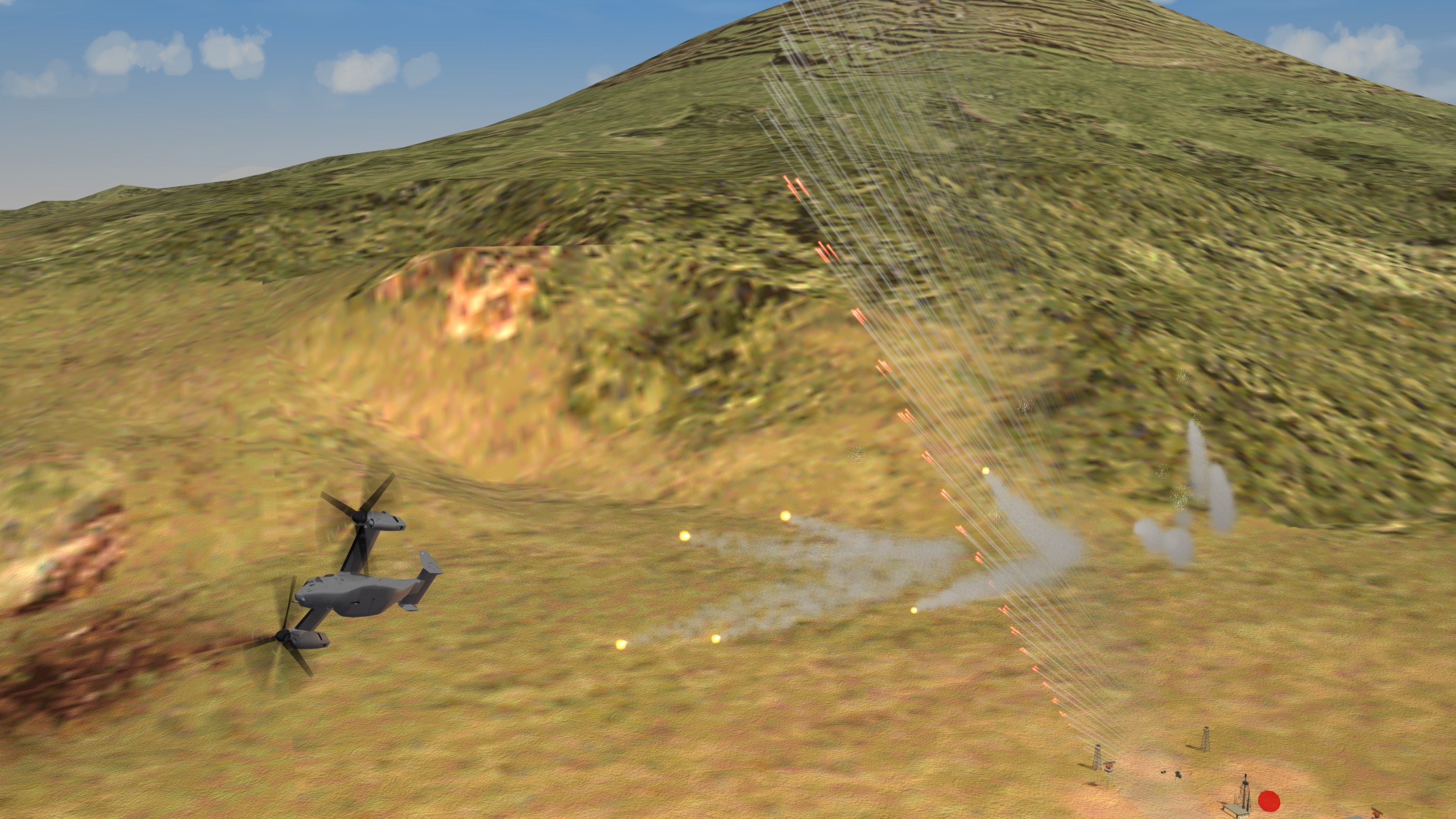
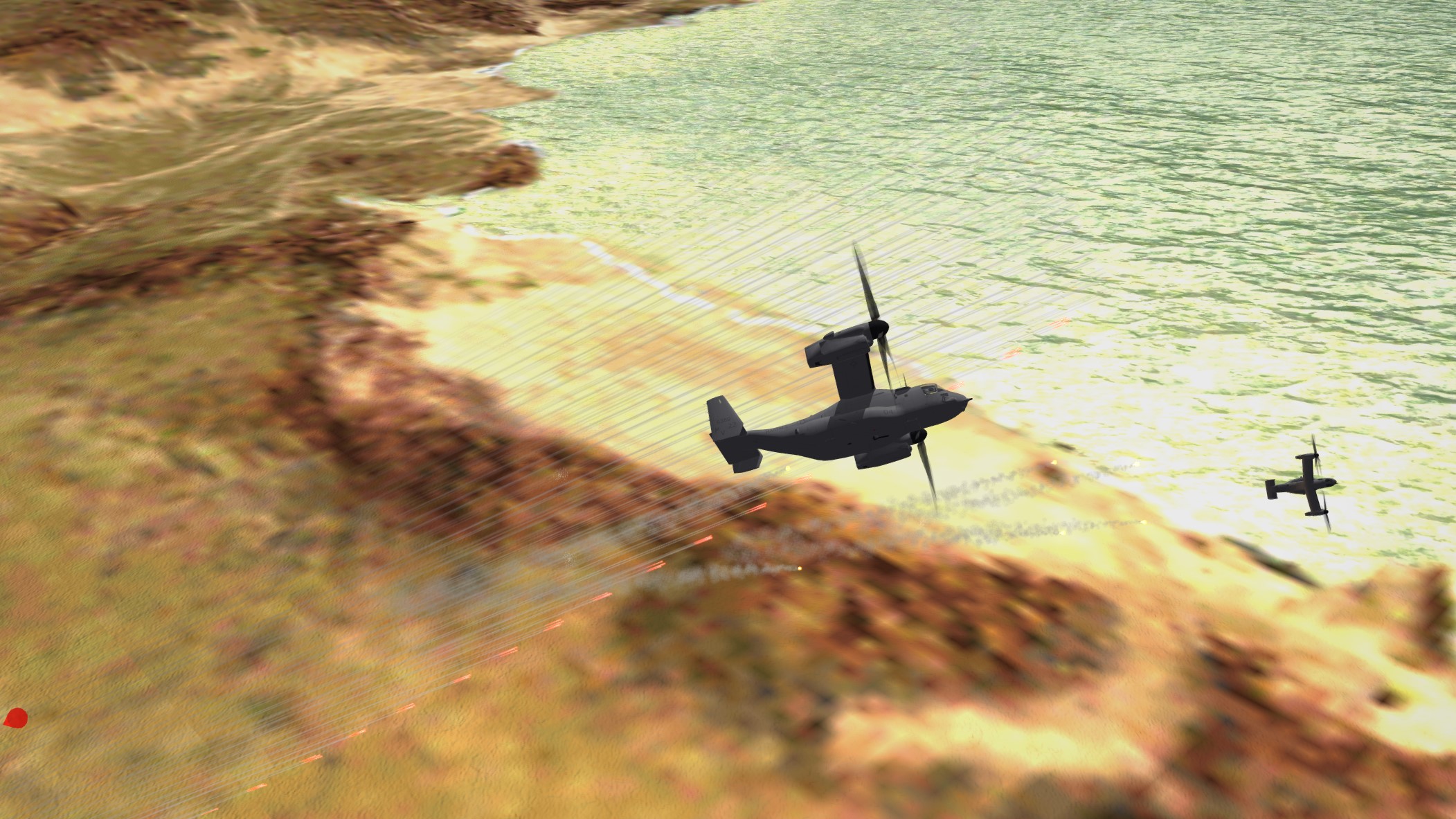
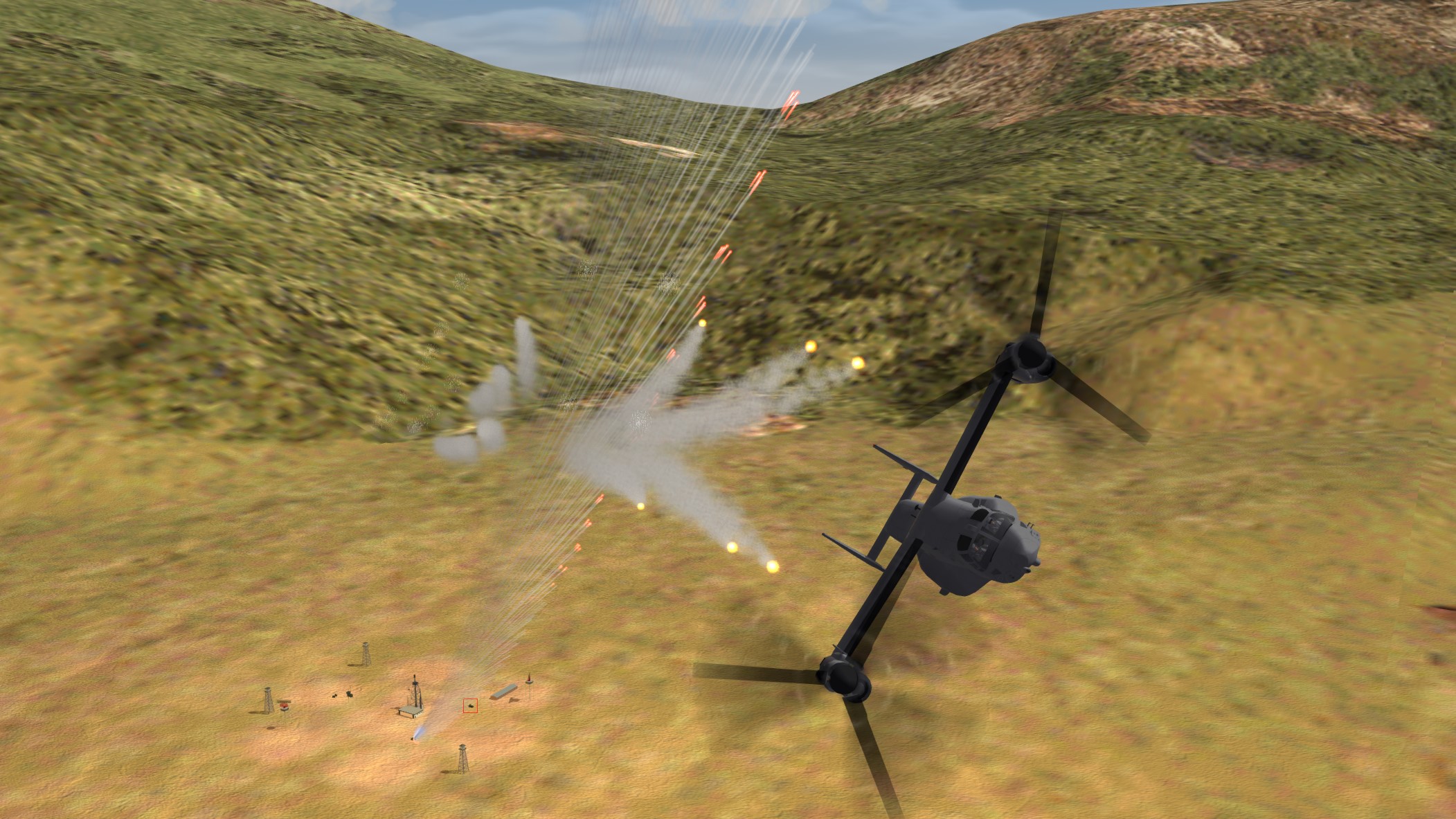
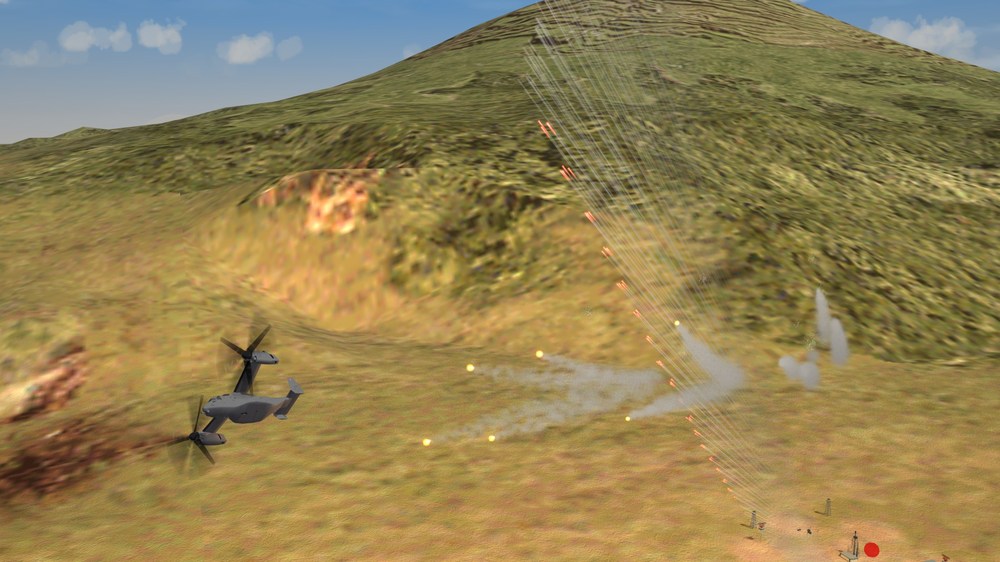
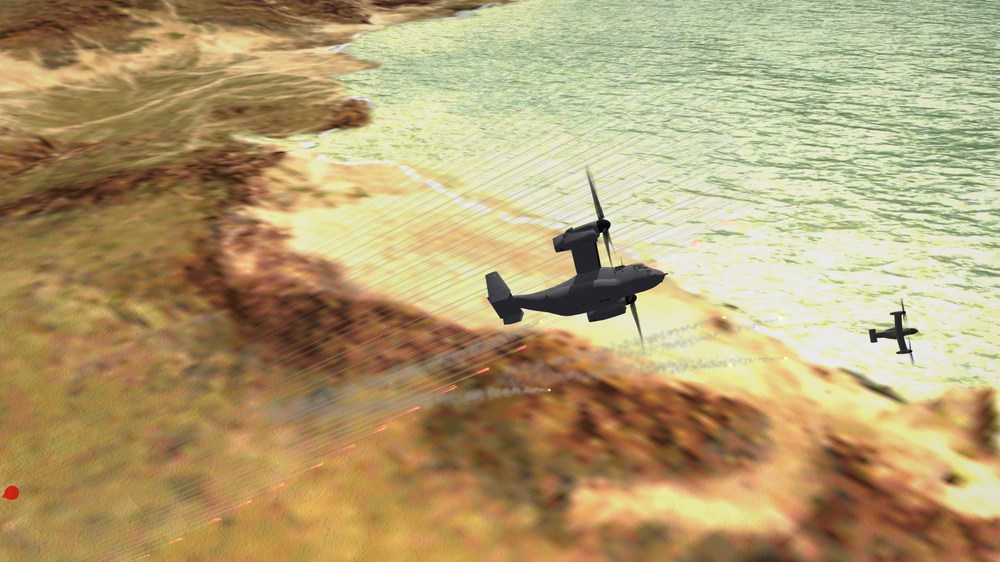
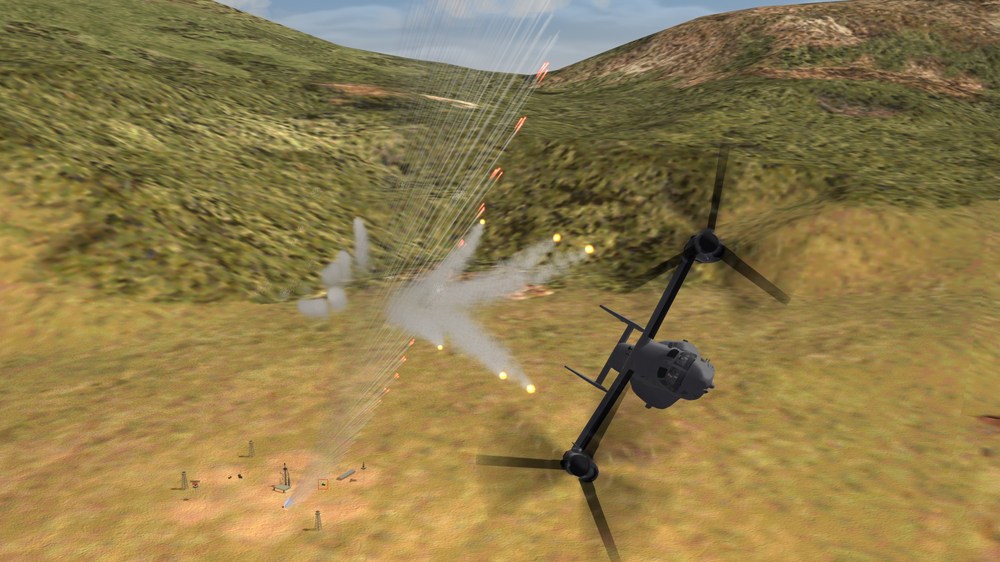
Recon mission with an MV-22......... And the locals got a little testy over our presence. I'm outta here while their aim hasn't been corrected for the speed of the pass..
-
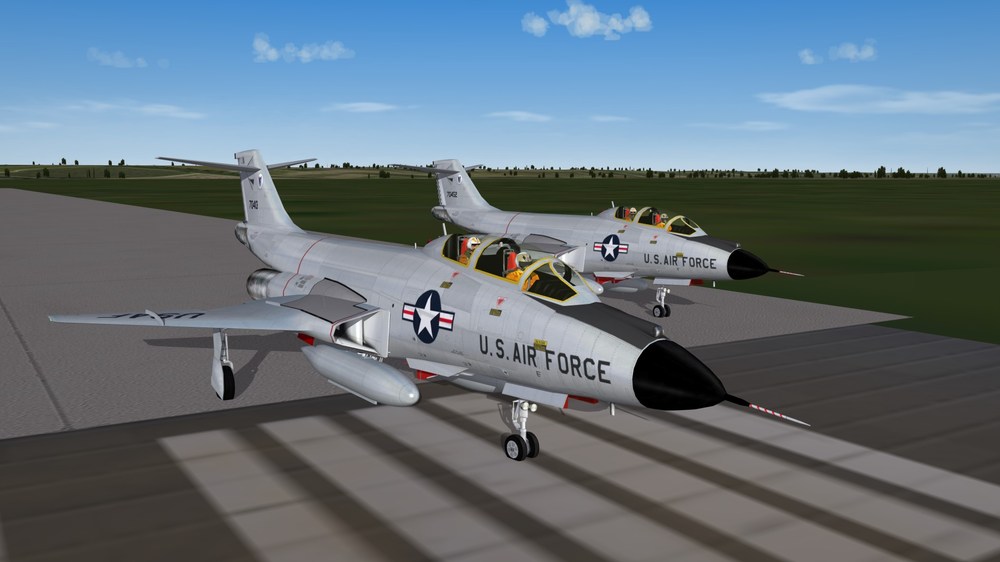
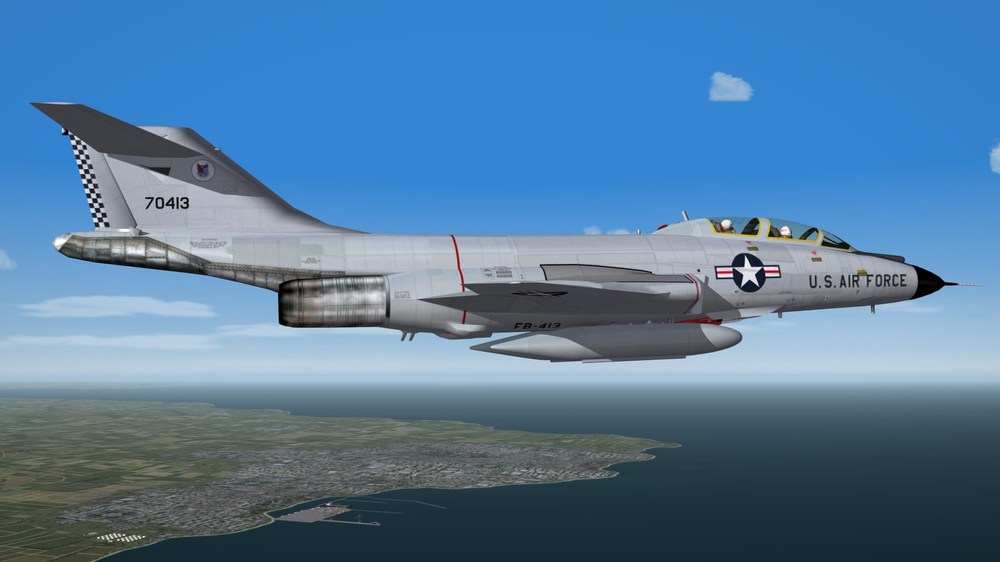
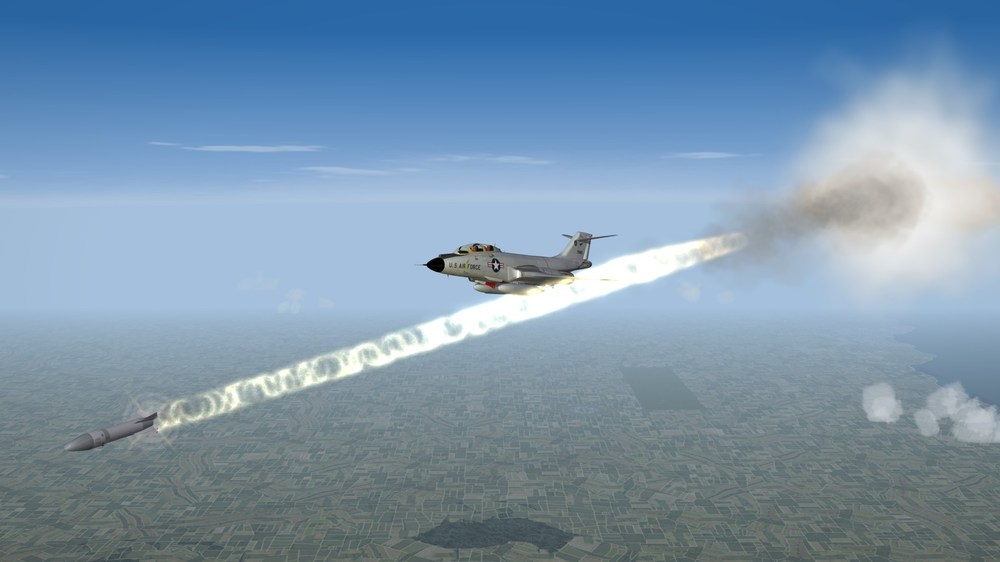
When one is Bear Hunting, it is safest to drive the correct vehicle & take the appropriate weaponry.... No dinky lil' .30 -.30's out here....
-
Phantom Phriday. (READ RULES IN FIRST POST)
Nightshade/PR replied to yakarov79's topic in Screen Shots
-
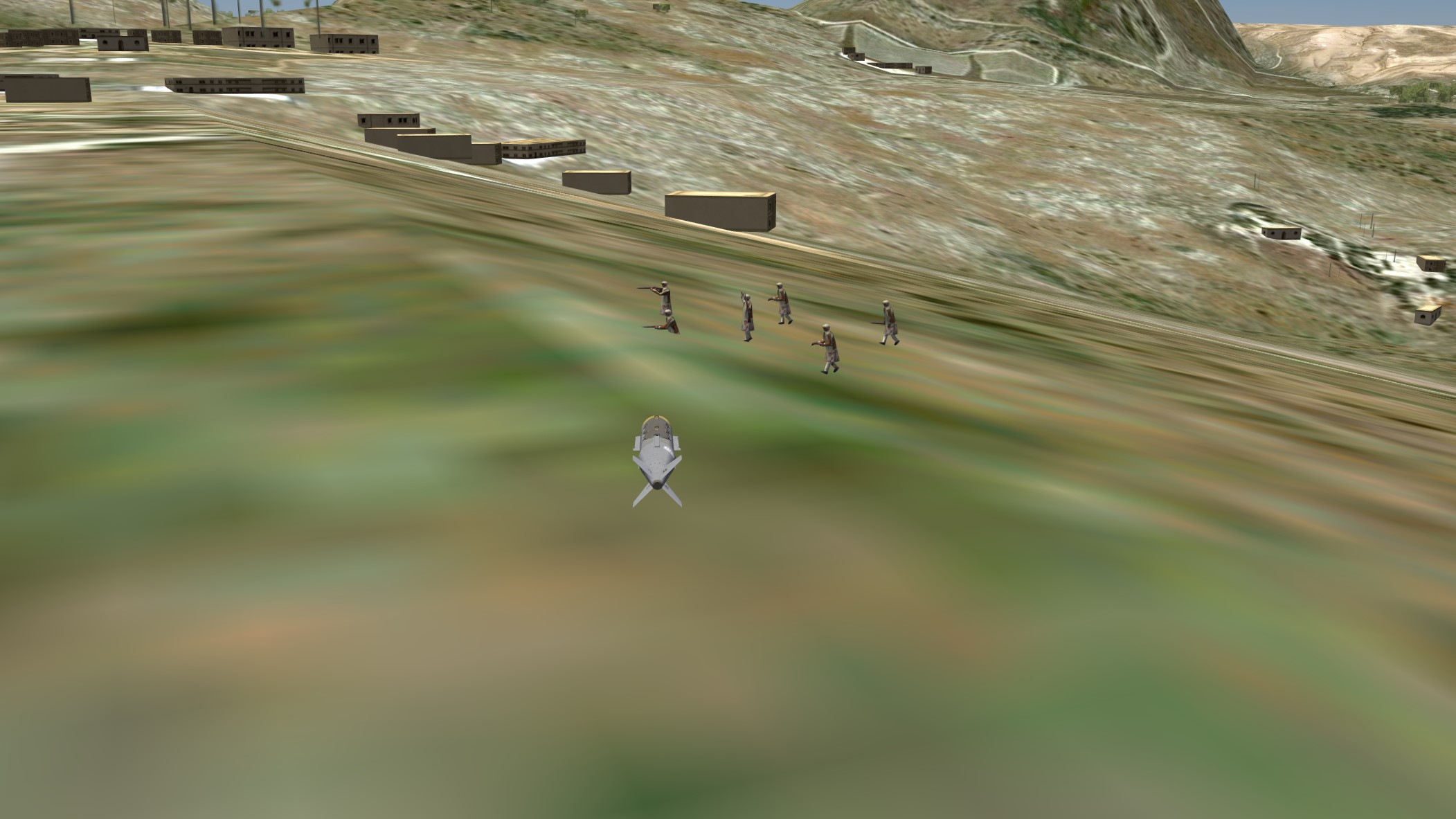
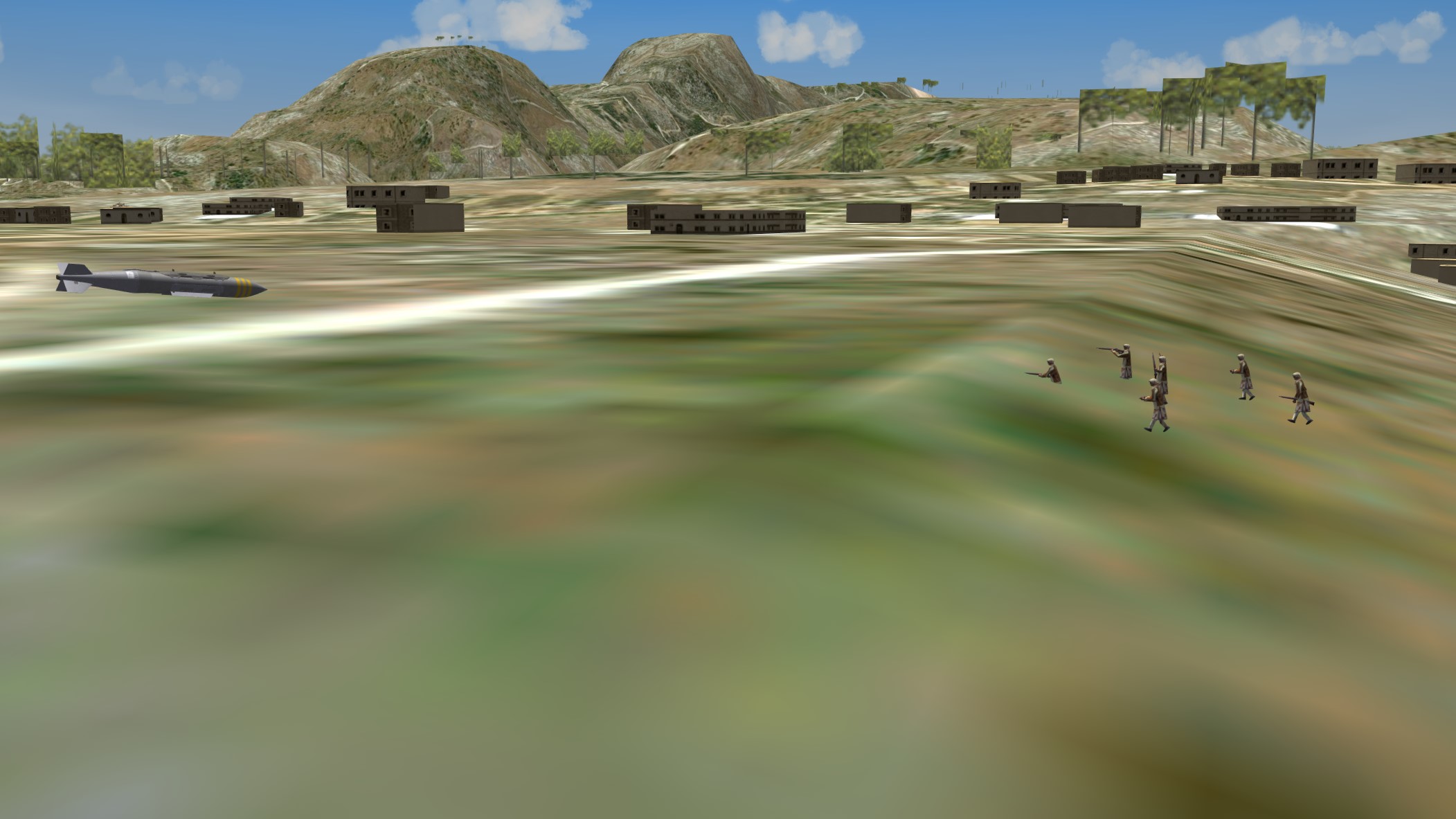
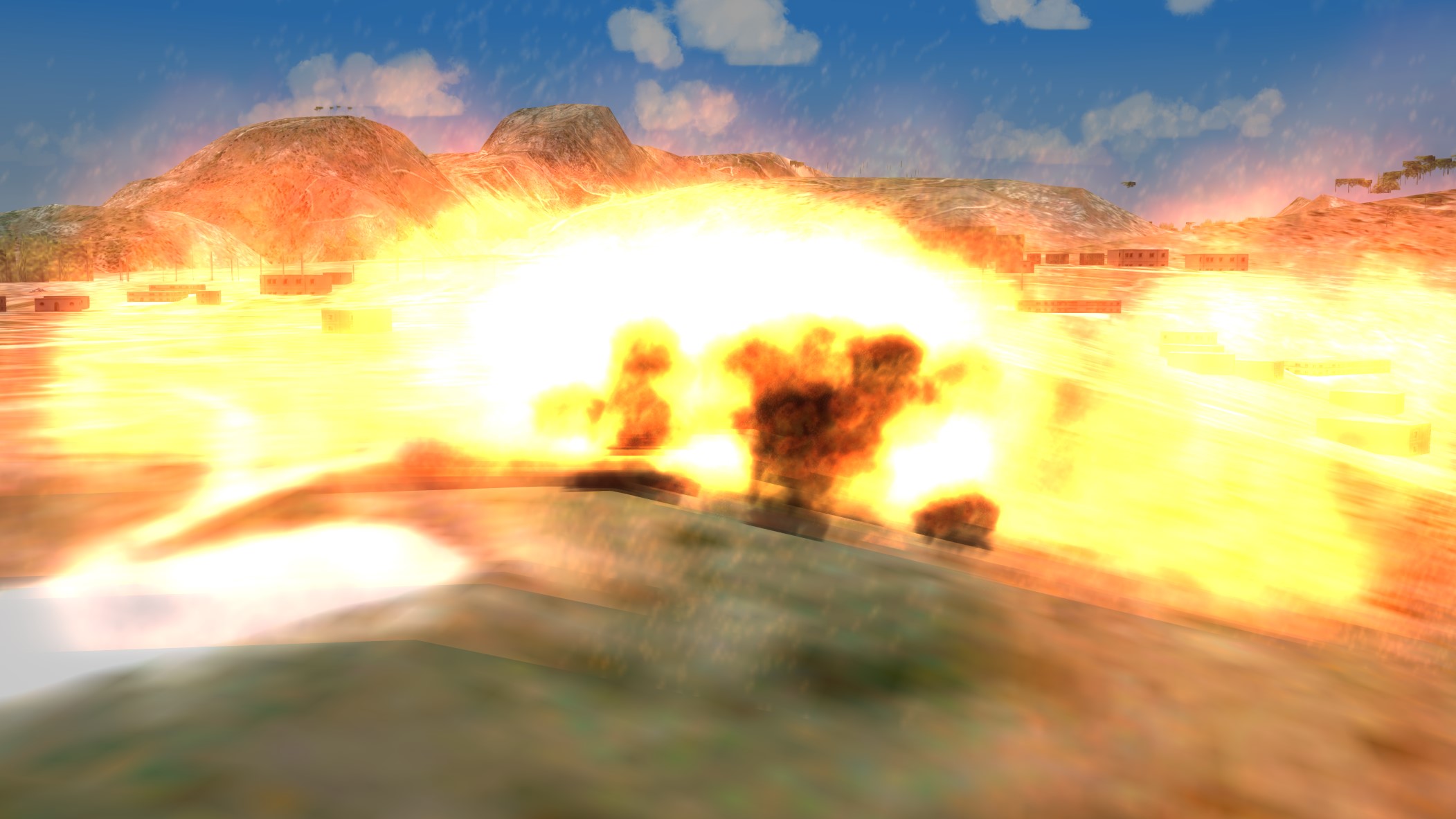
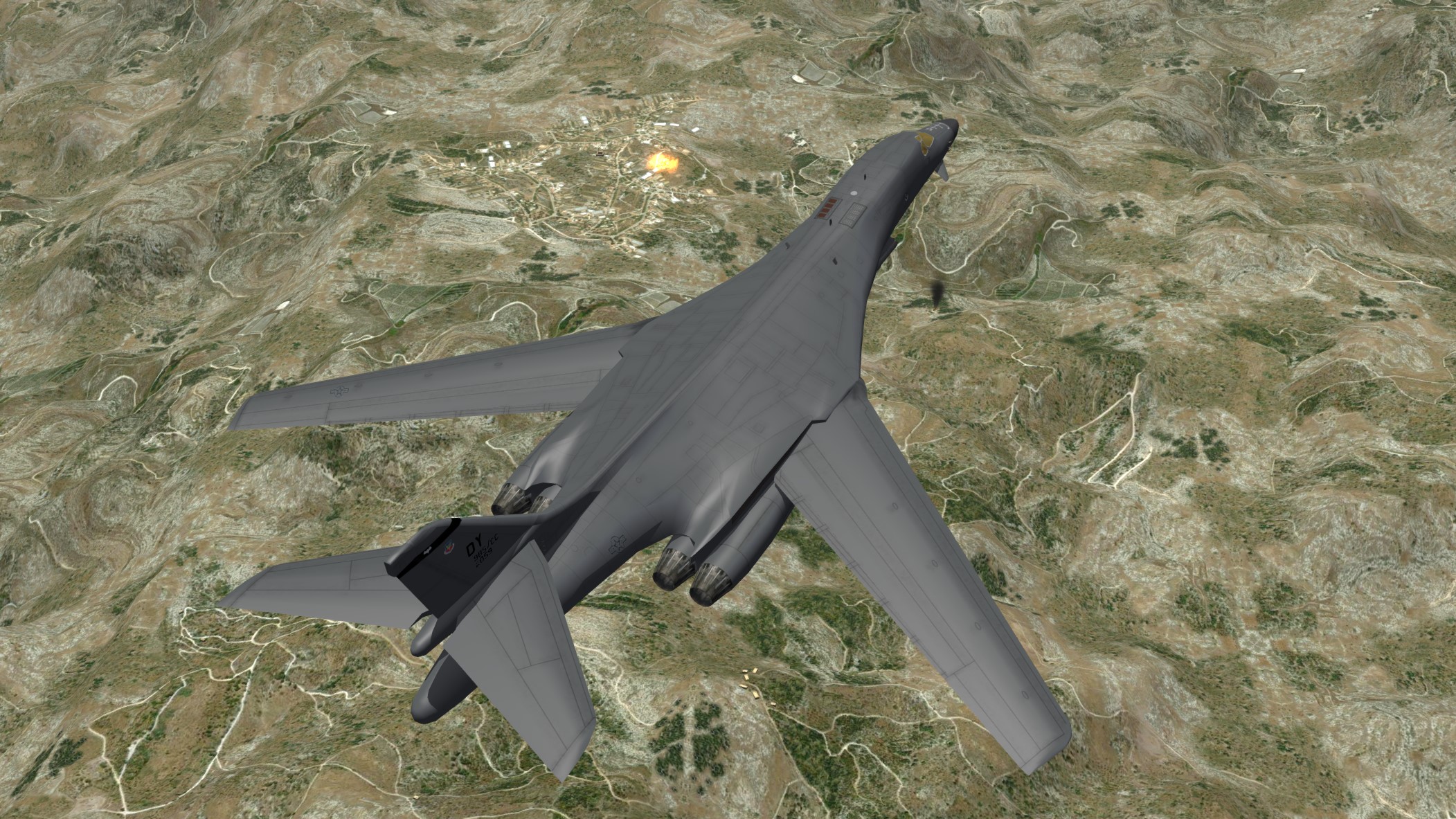
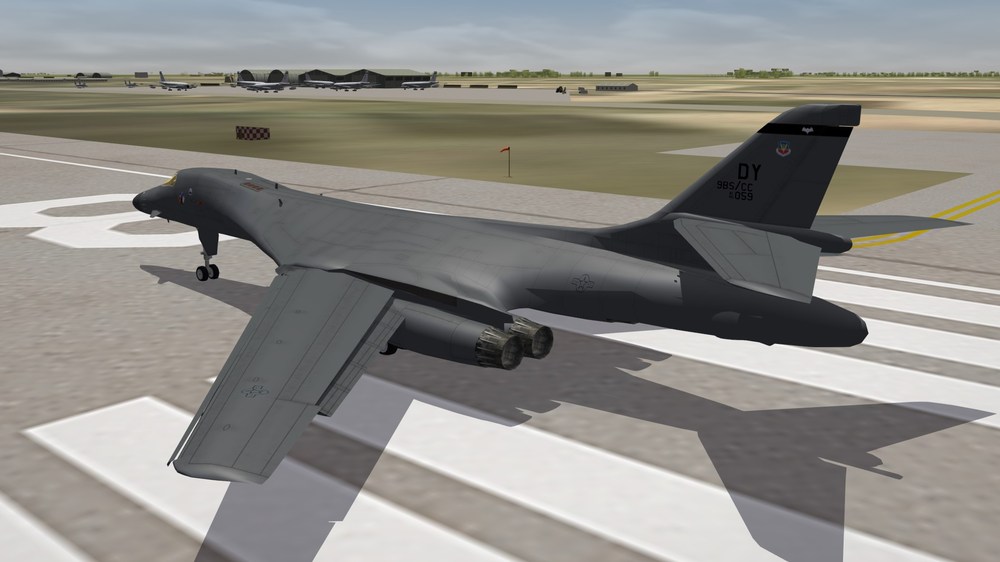
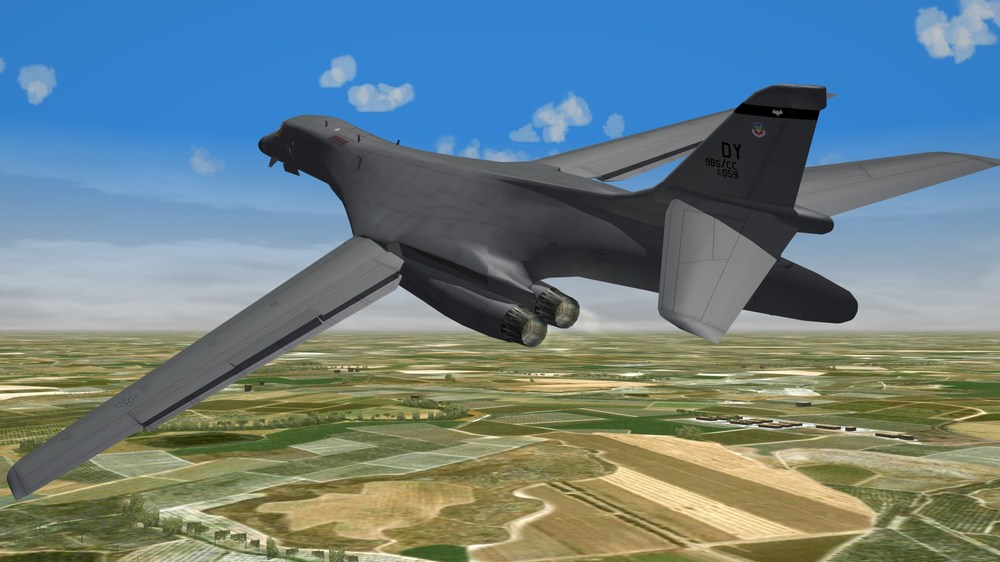
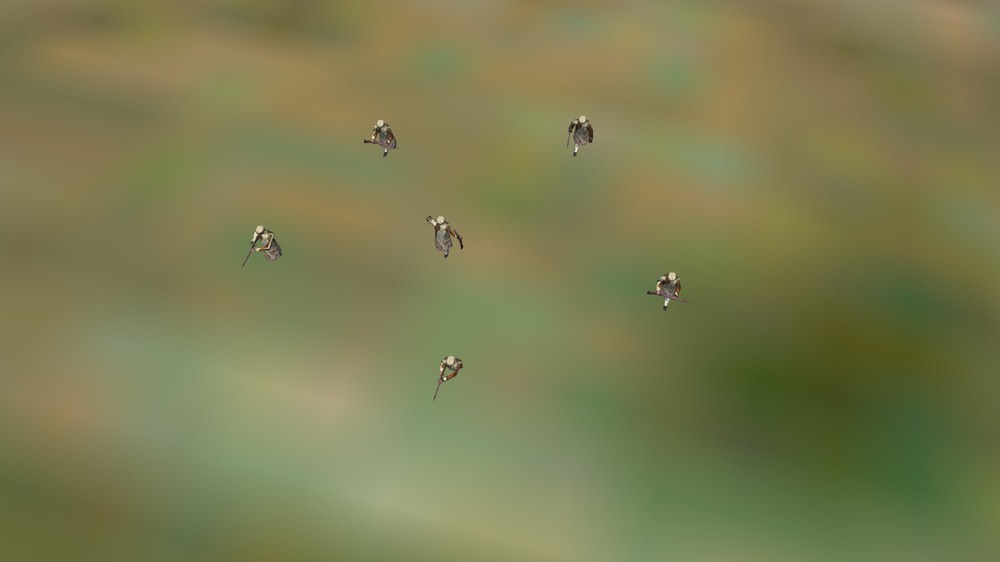
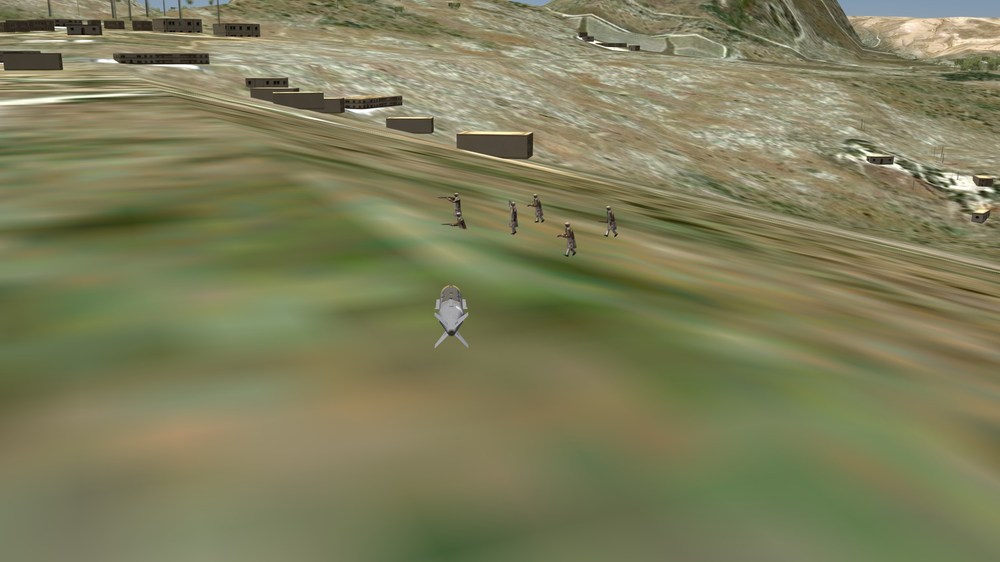
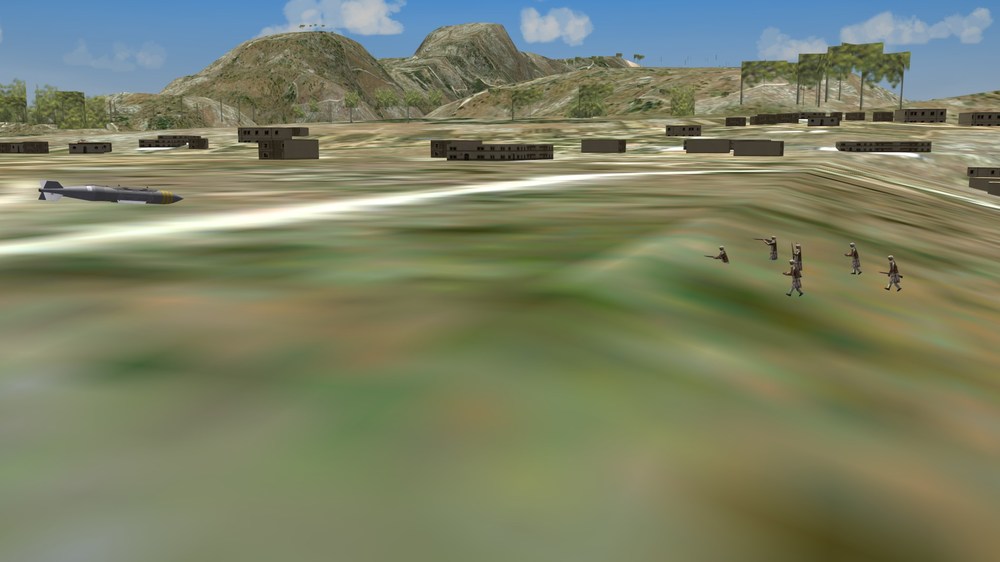
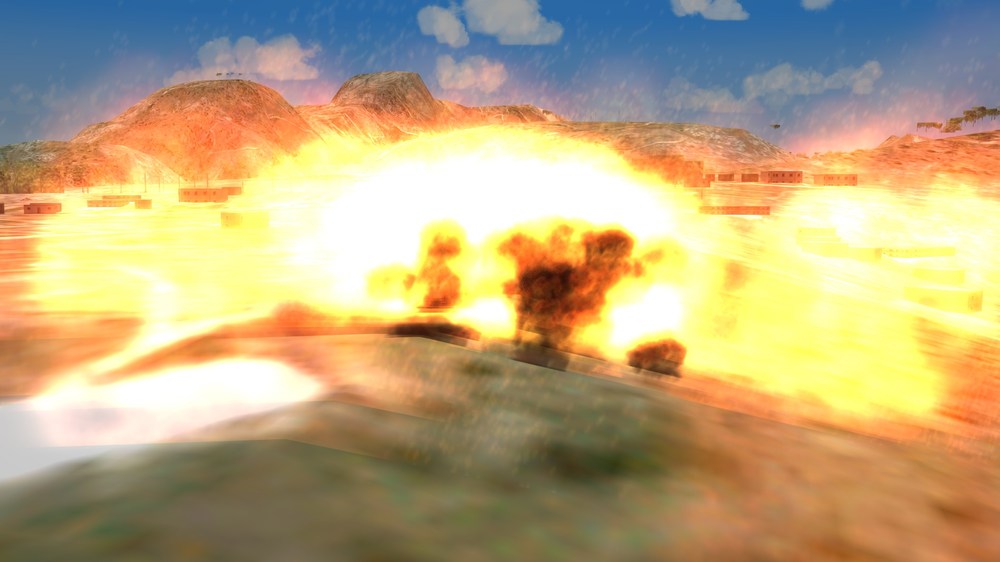
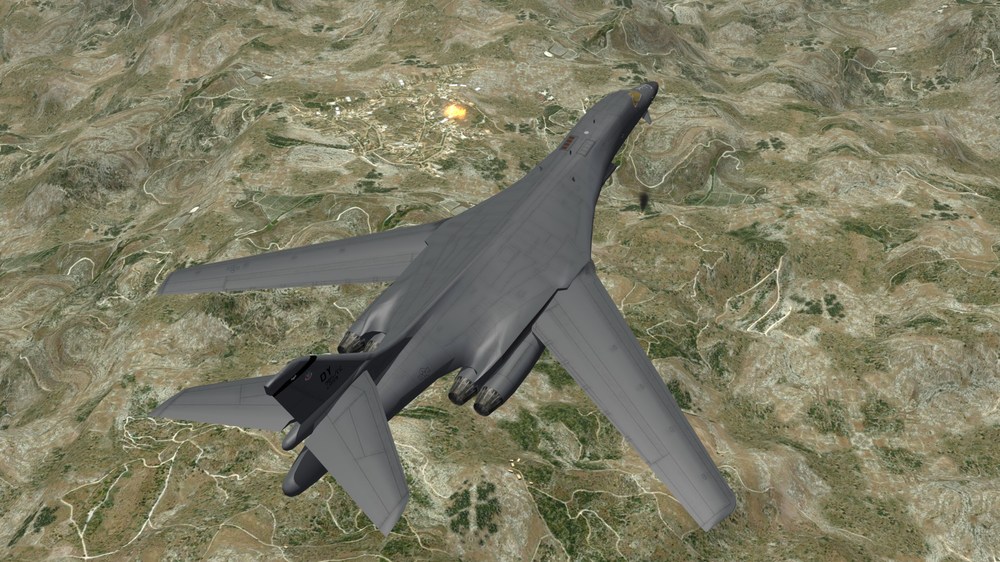
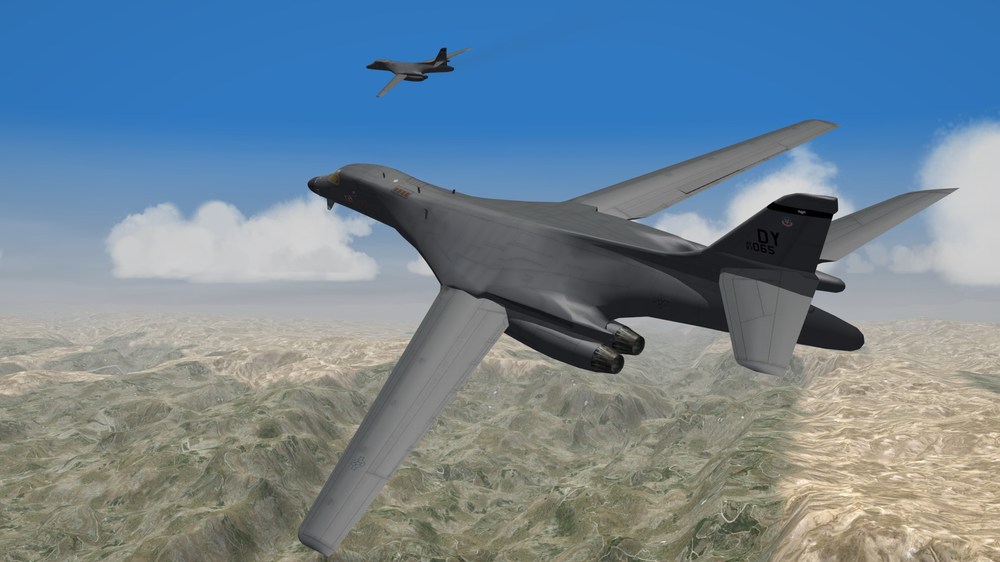
1 JDAM oughta do the trick......... Say Goodnight, Gracie...........
-
Phantom Phriday. (READ RULES IN FIRST POST)
Nightshade/PR replied to yakarov79's topic in Screen Shots
How I survived this run I'll never know, as they had me bracketed all the way in...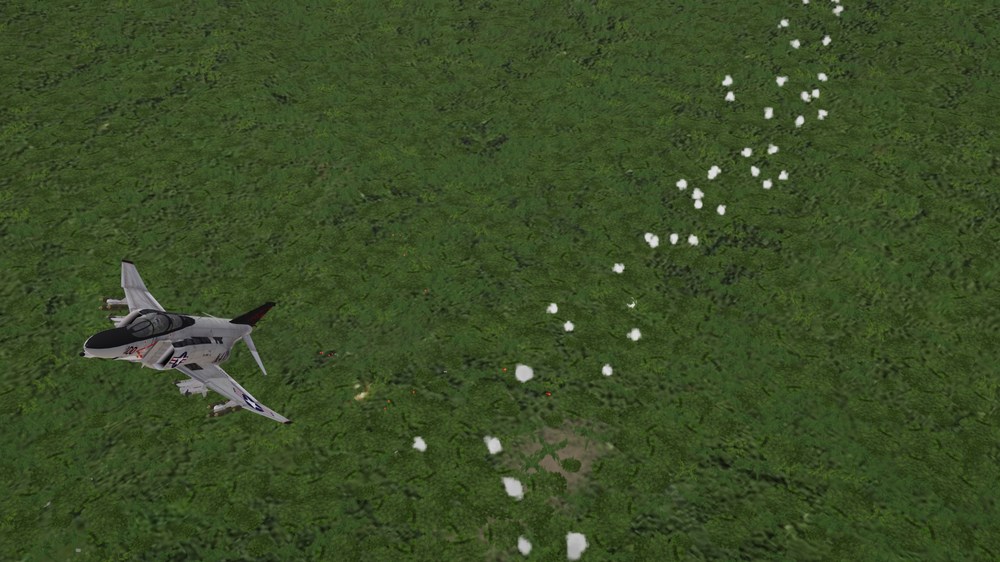
-
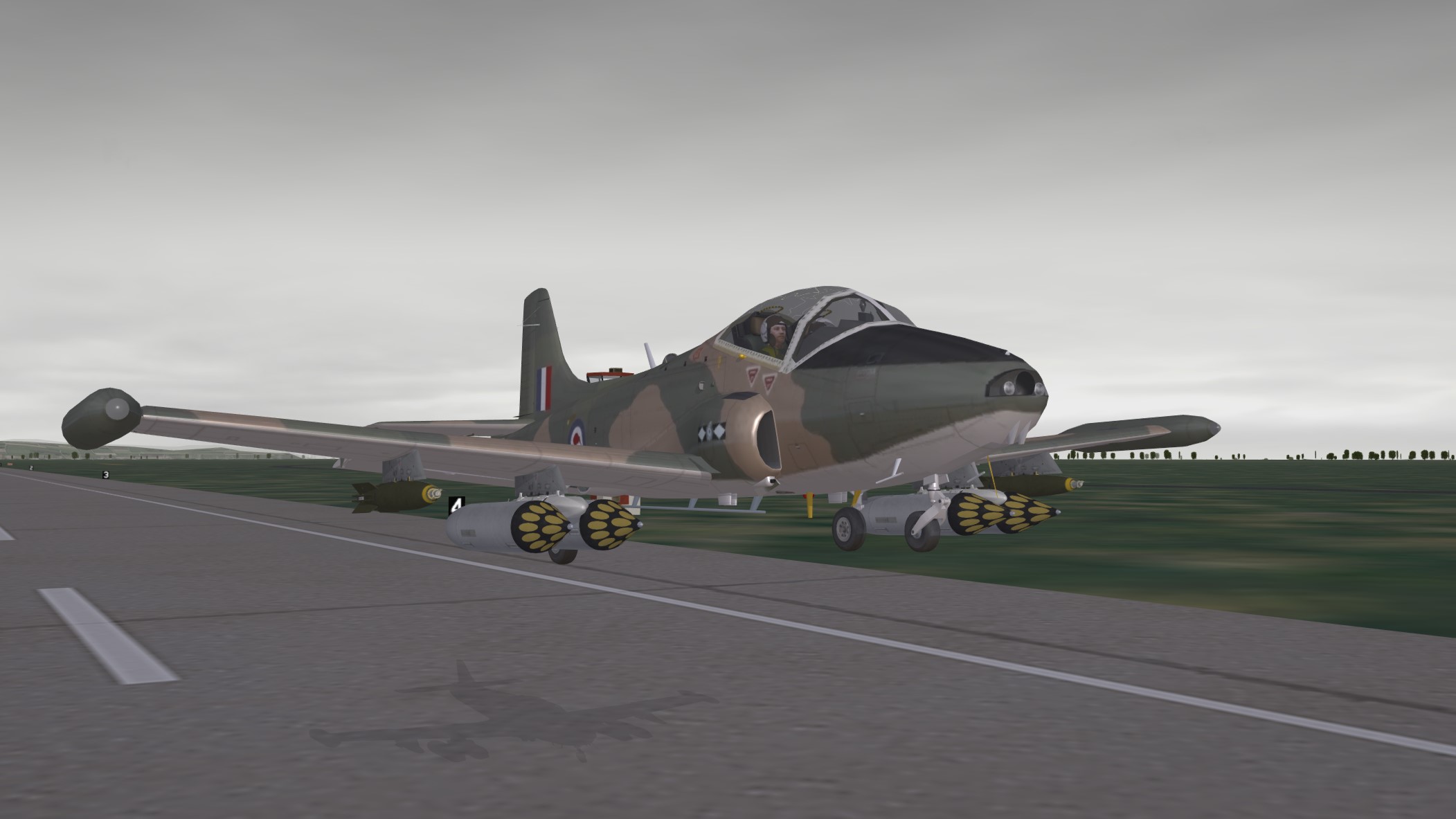
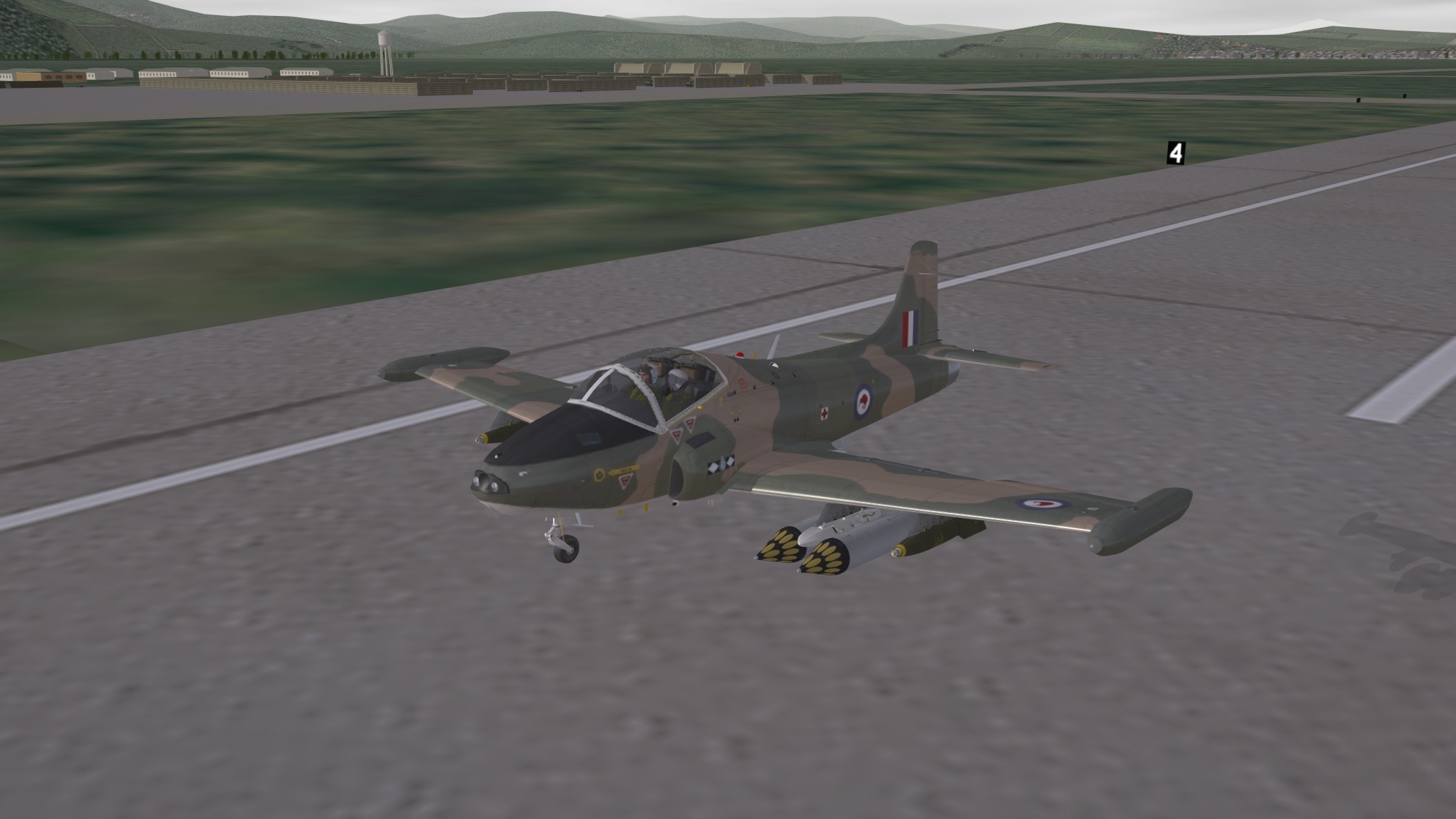
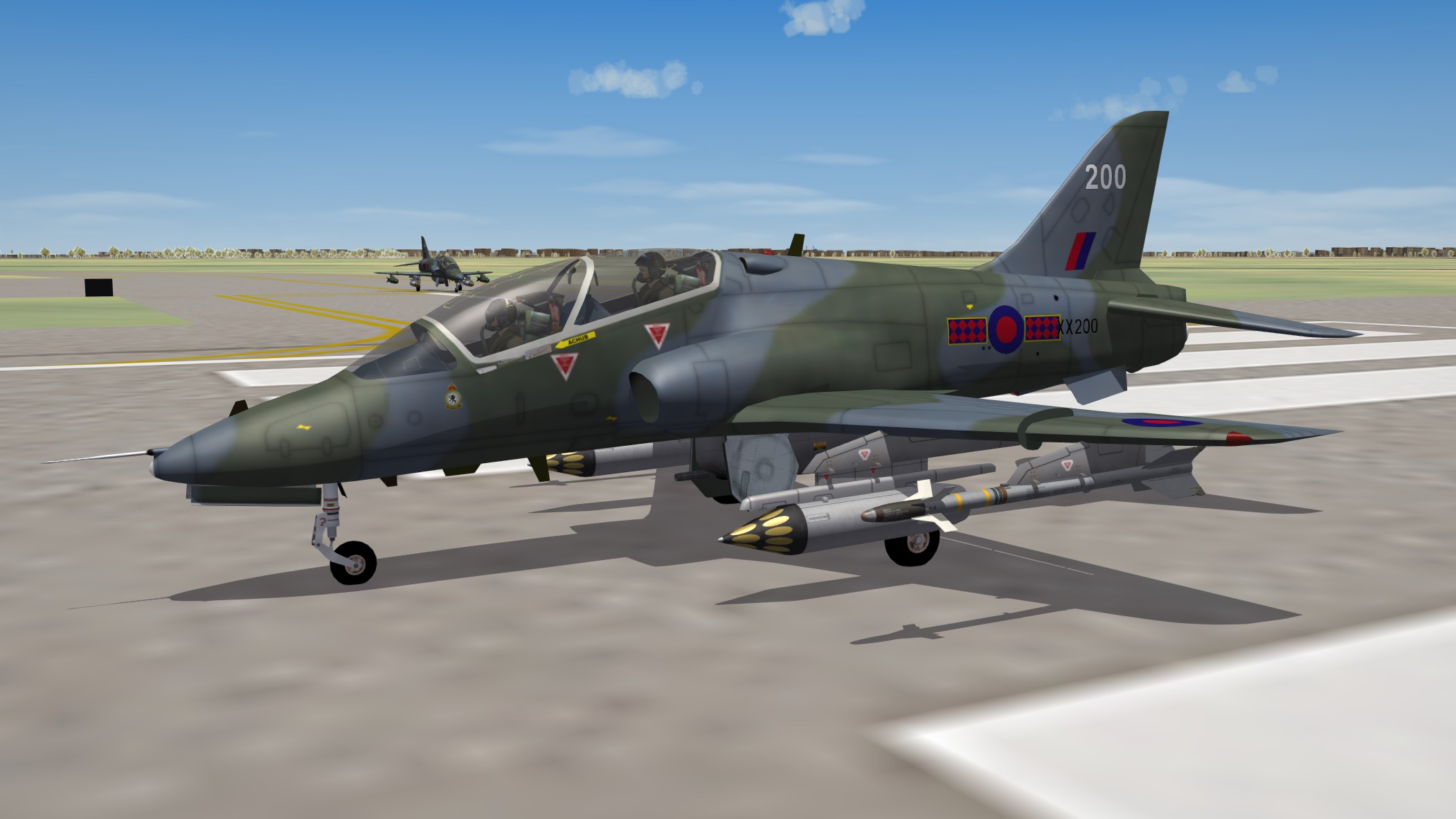
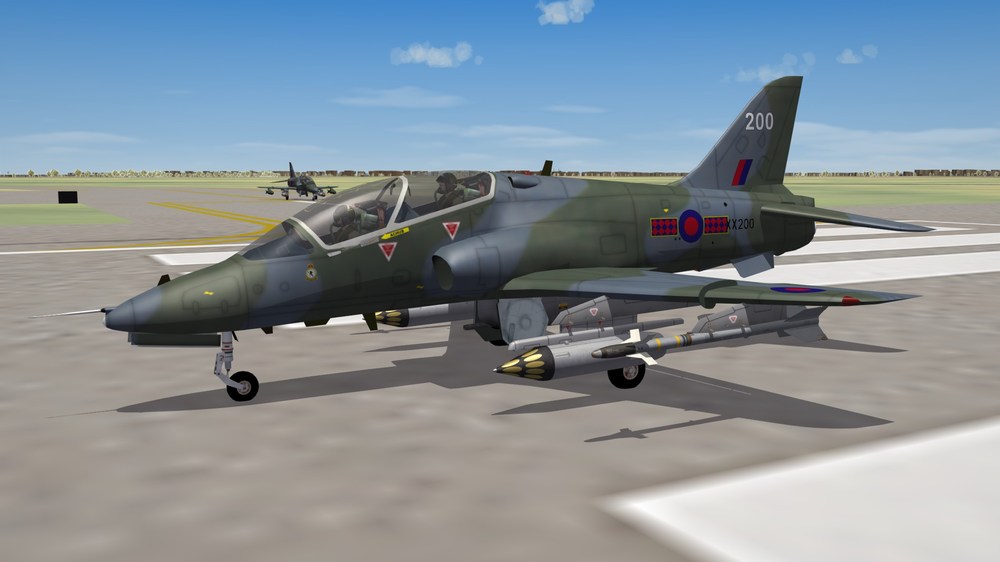
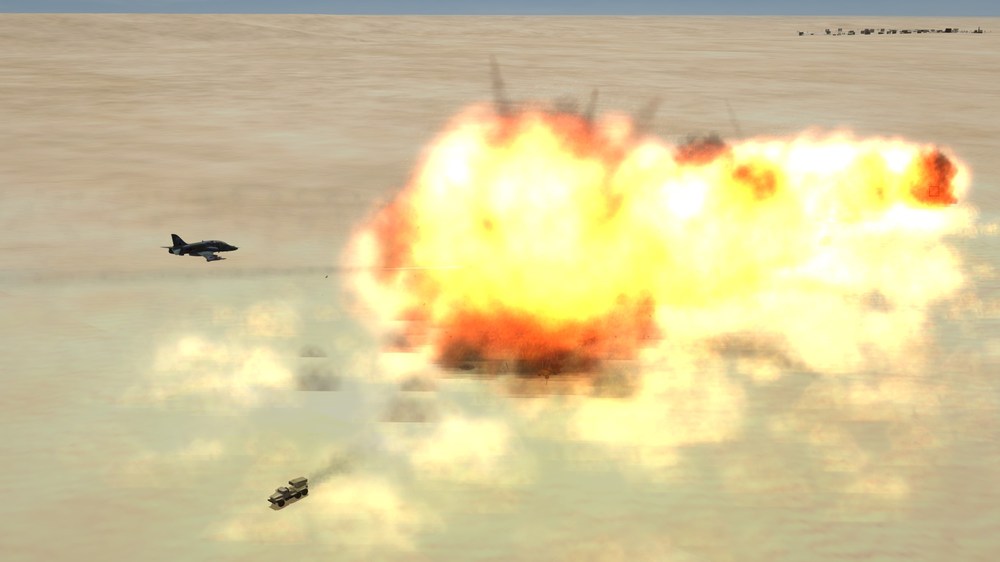
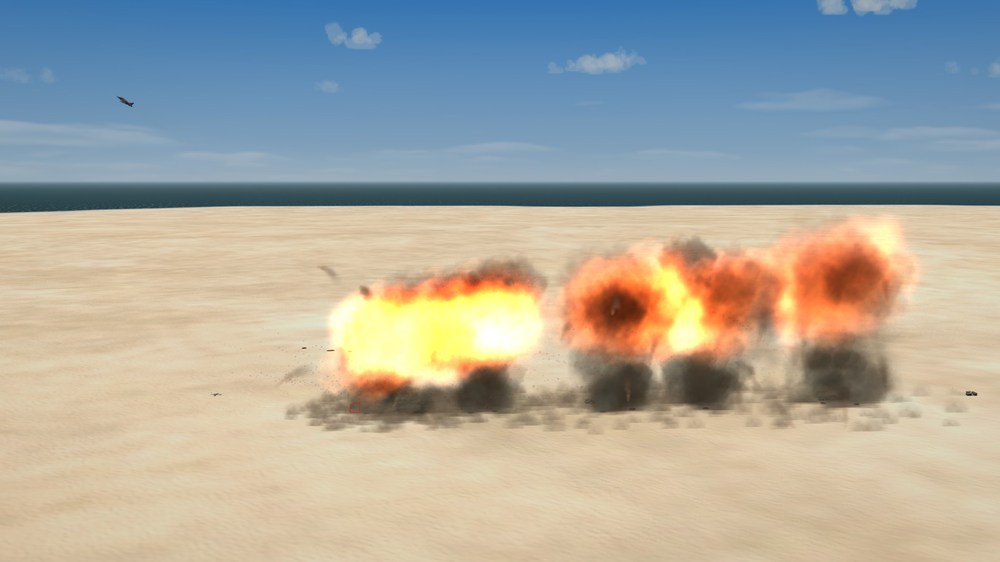
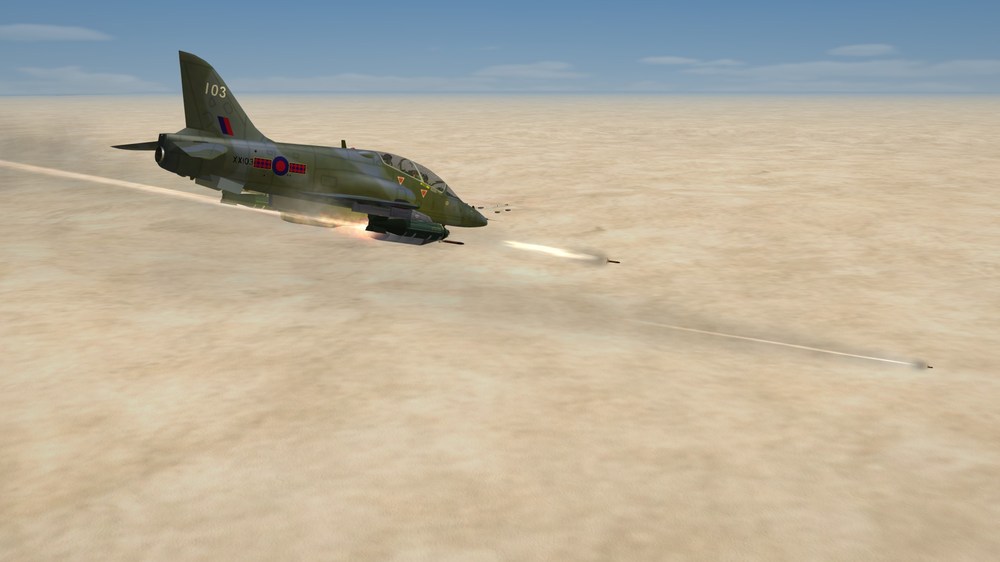
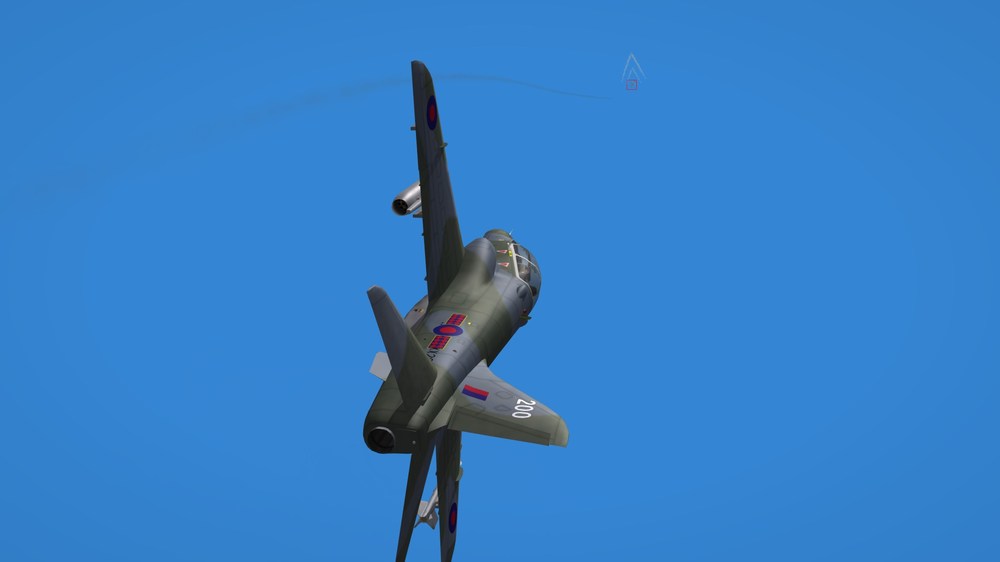
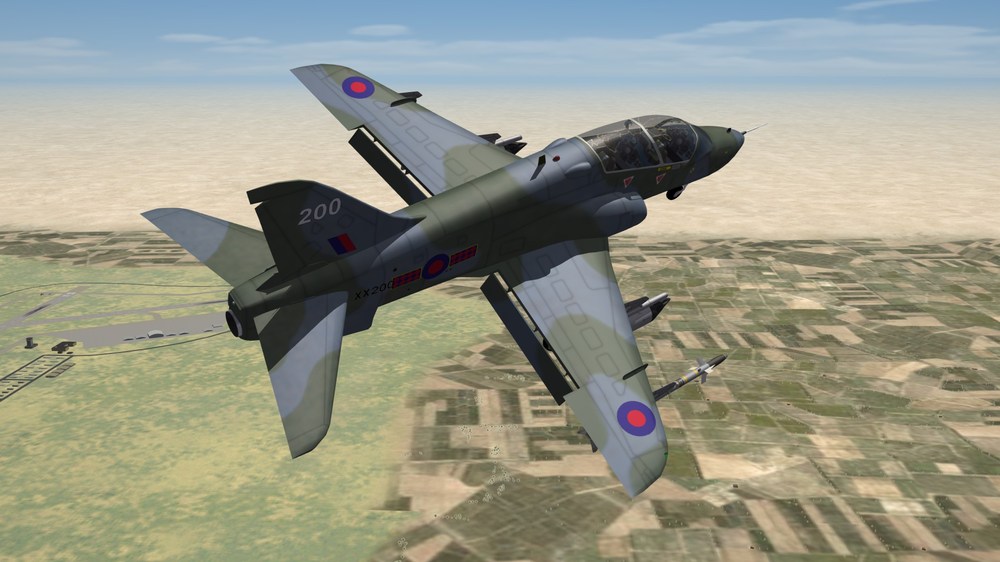
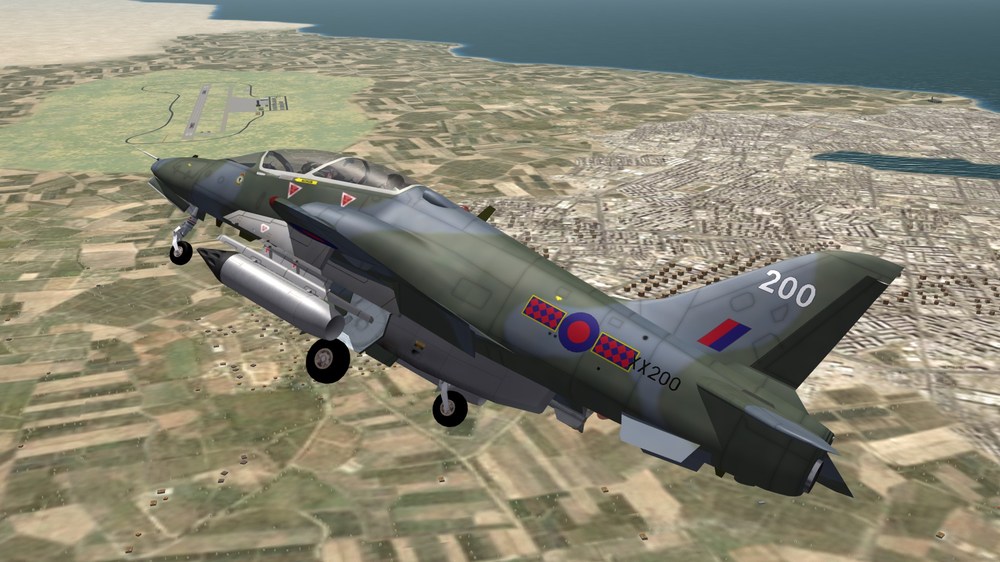
Small...but deadly Turning on final.....
-
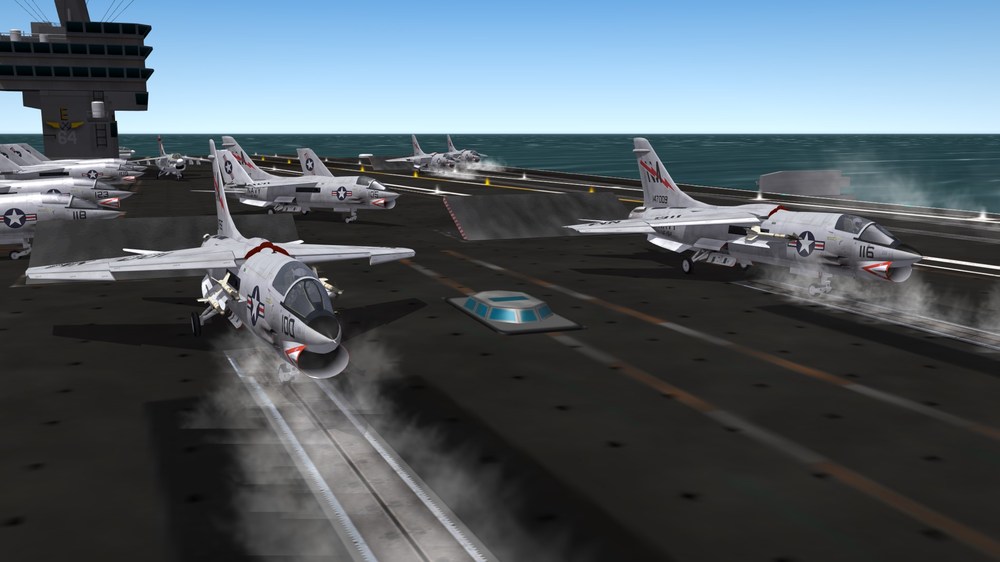
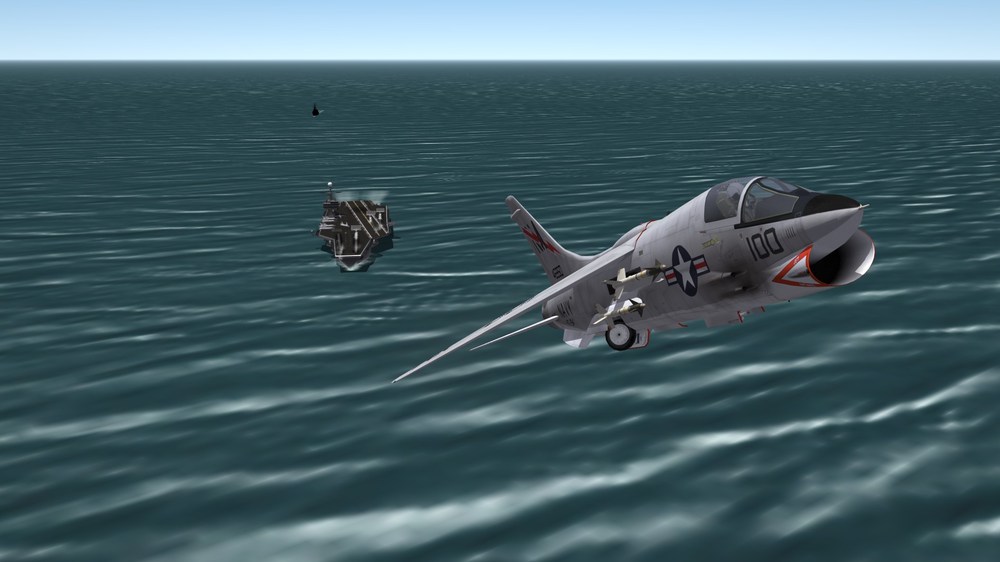
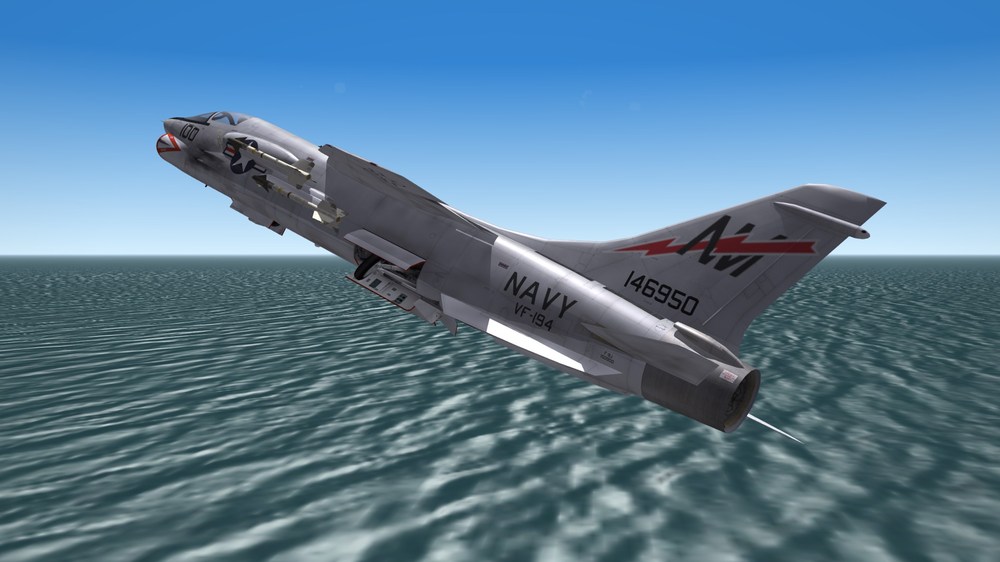
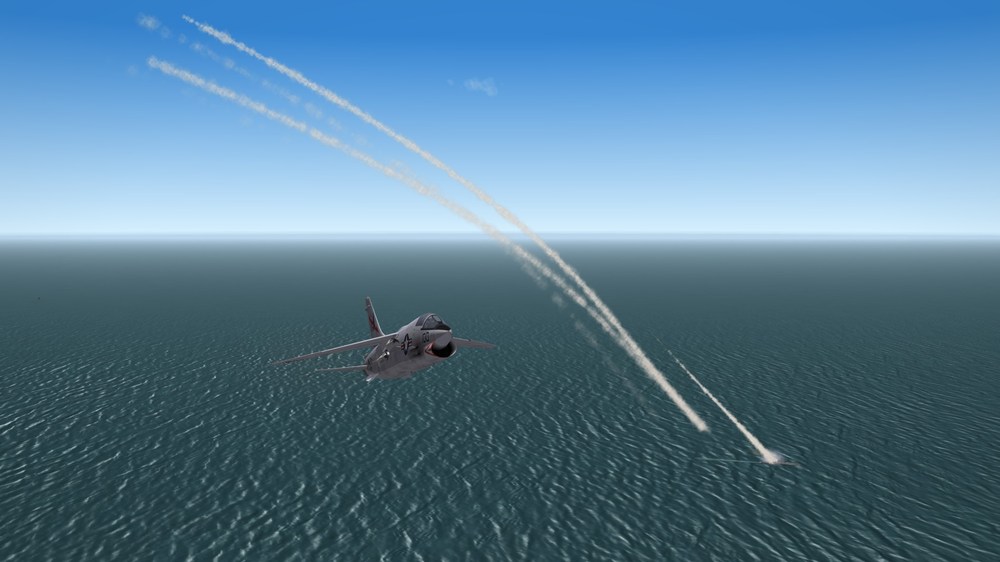
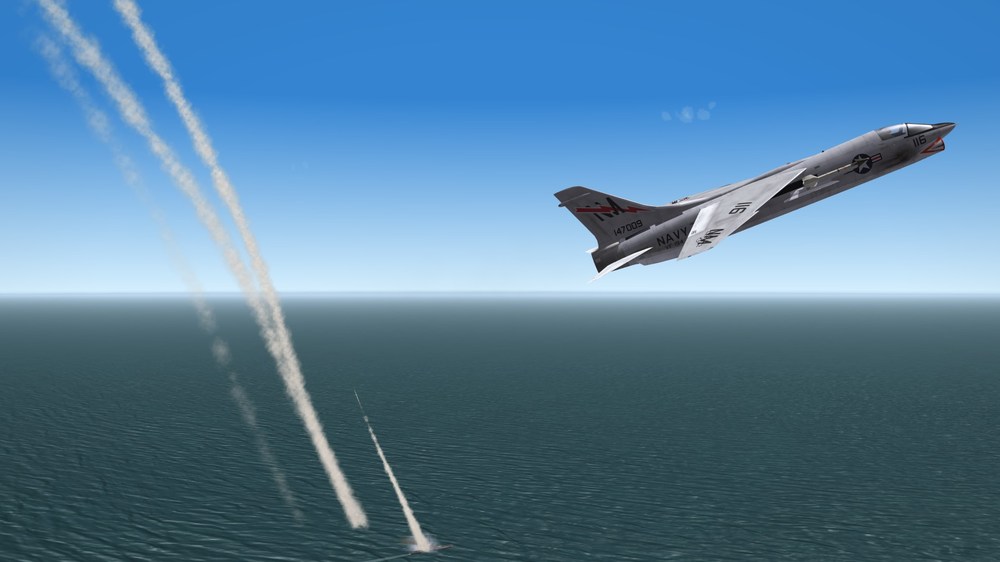
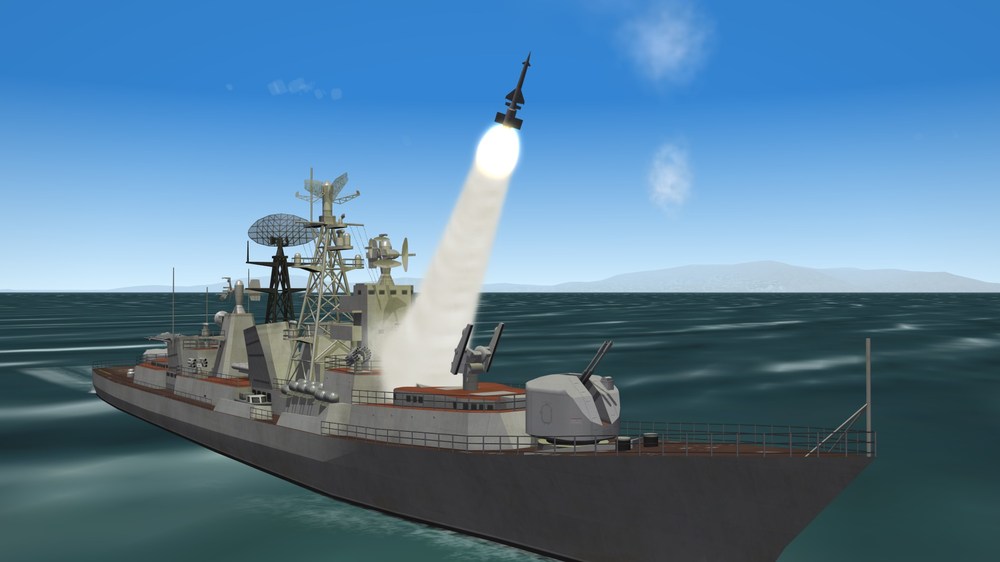
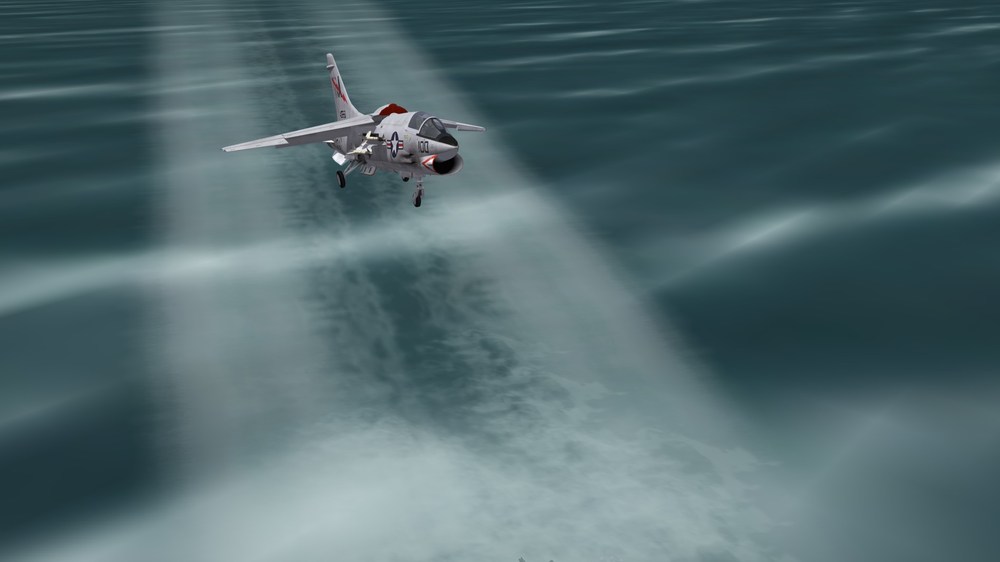
Everybody Ready? Need some altitude Since Bandits are close by... And if I didn't have enough trouble with all the d@%&*ned bombers, there was this nonsense to look out for....
-
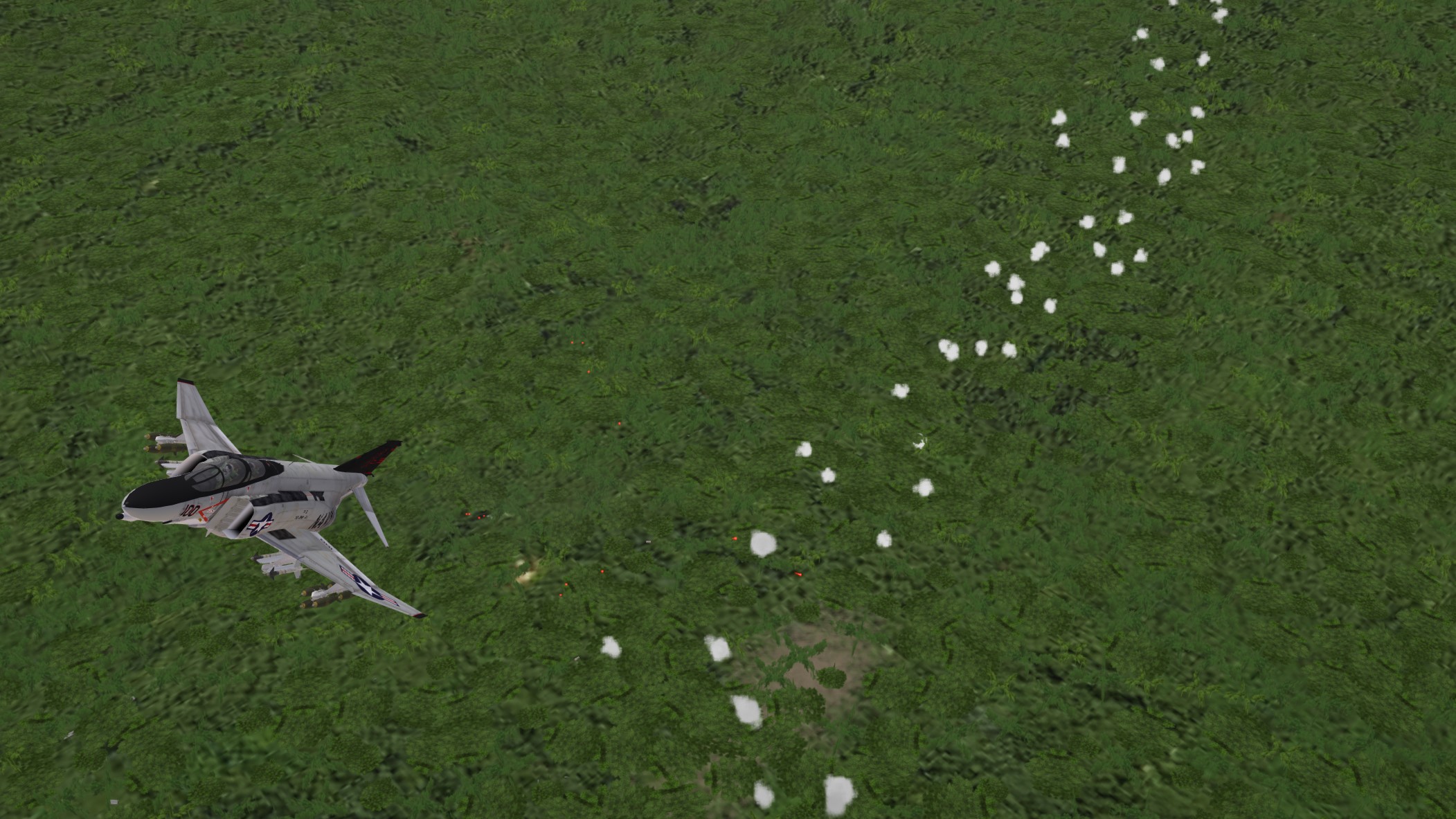
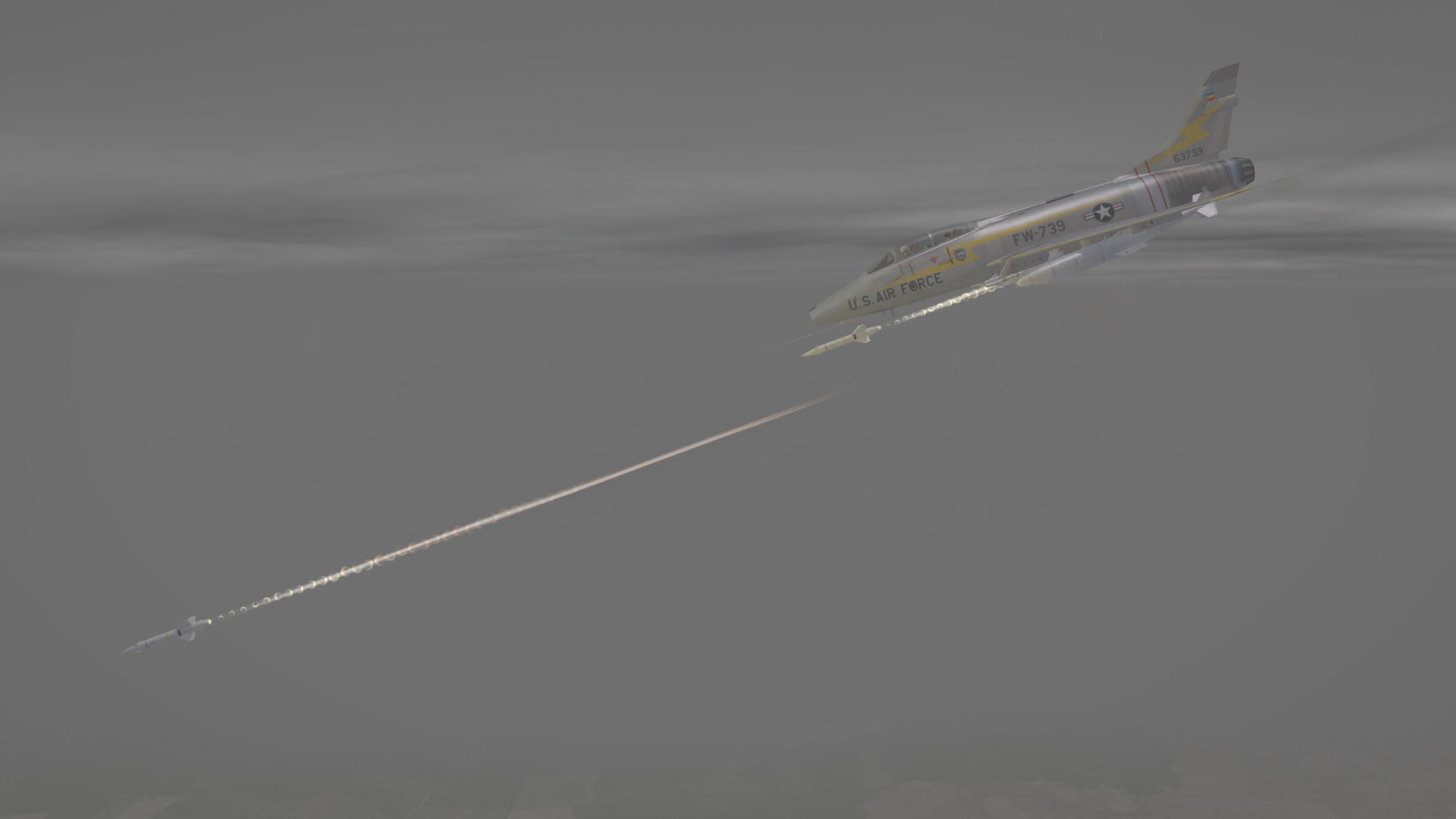
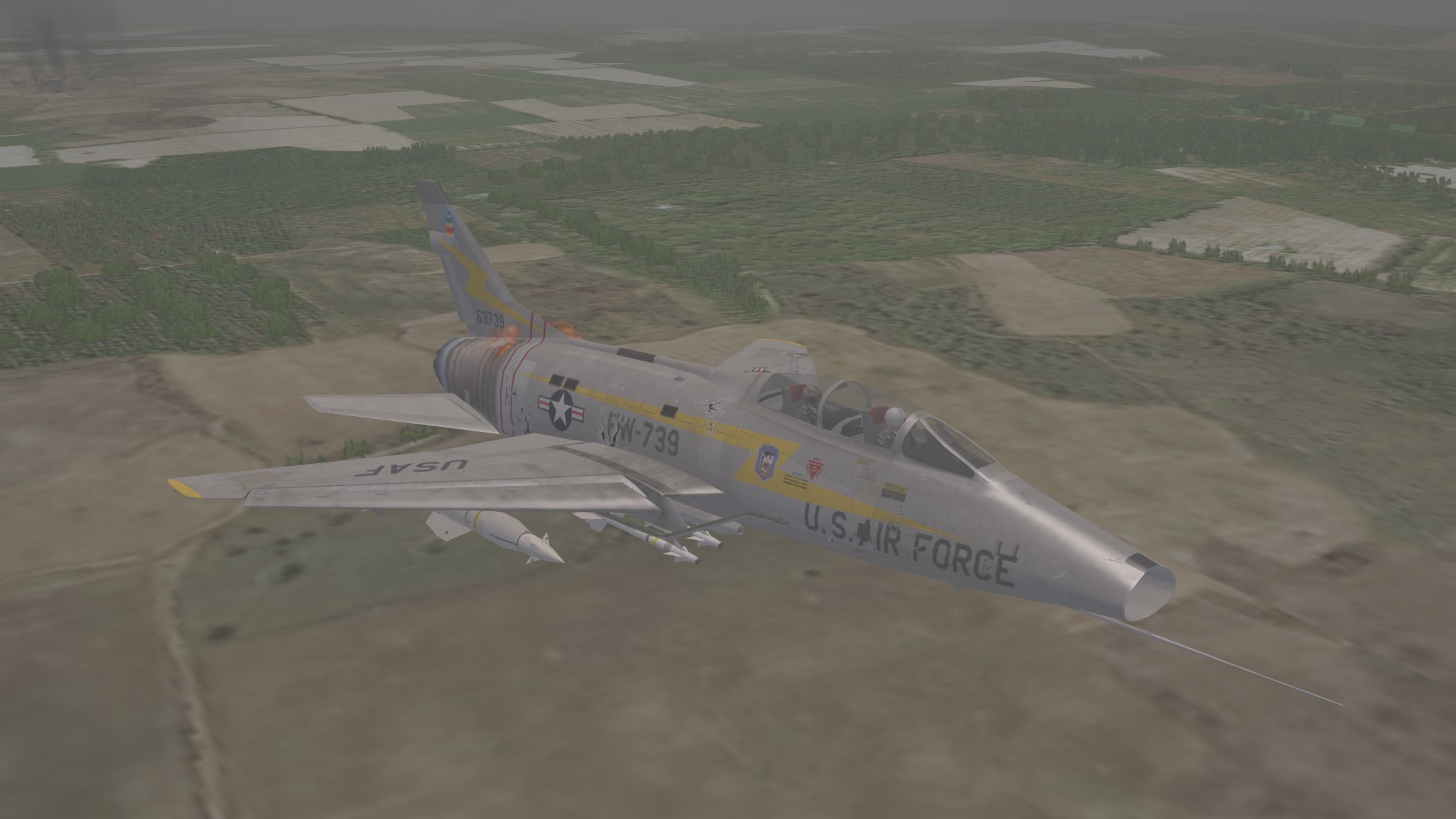
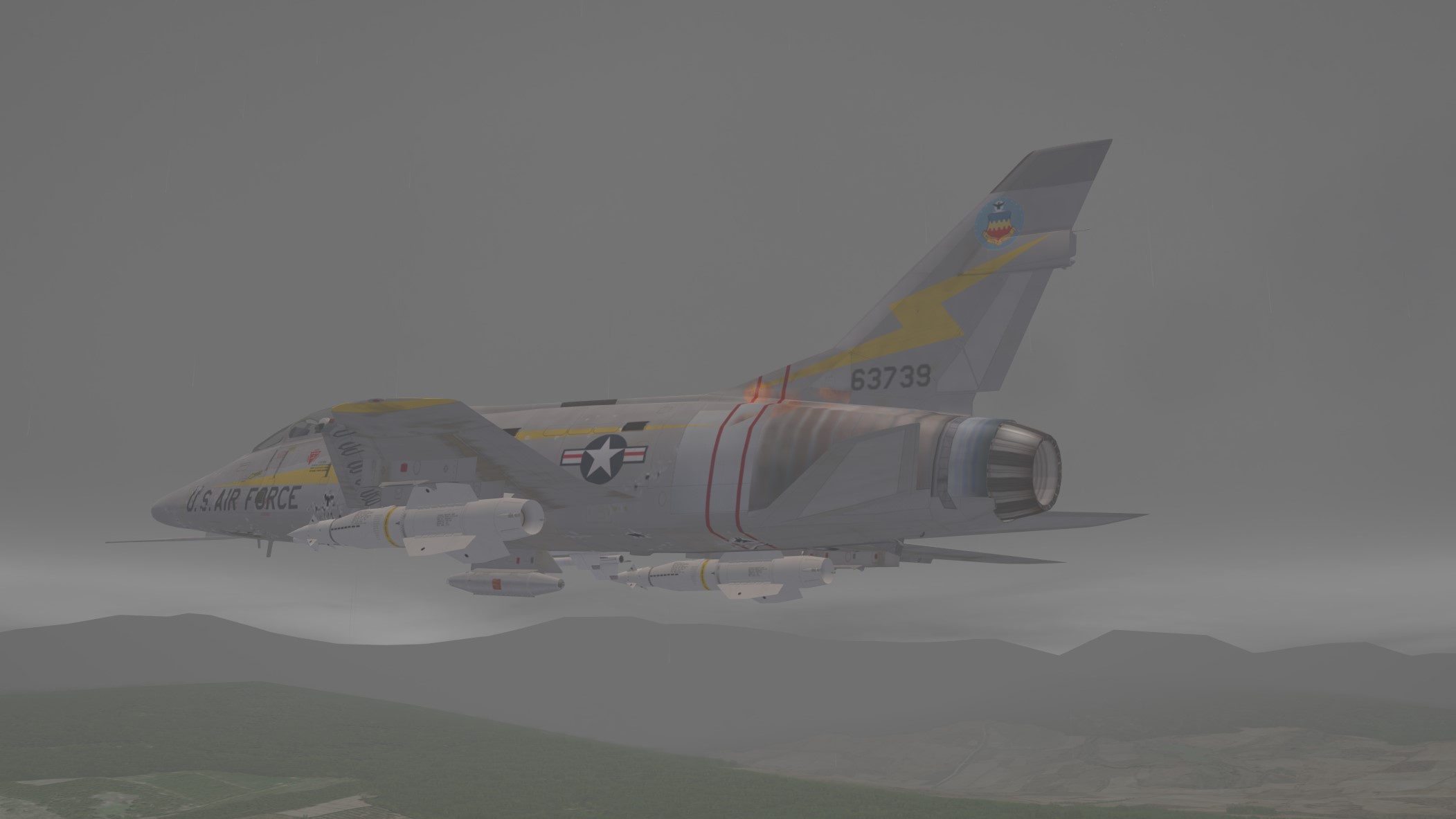
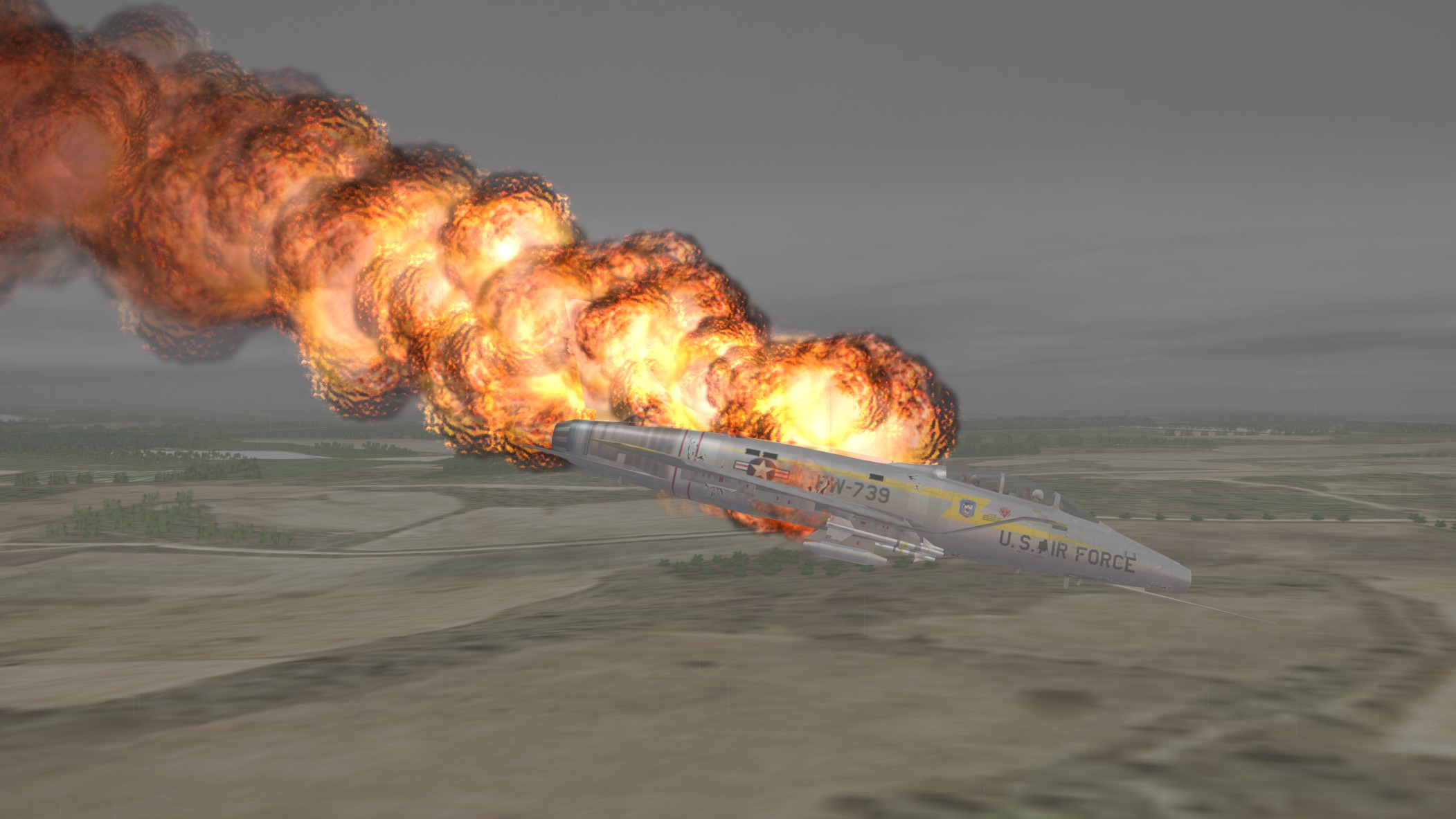
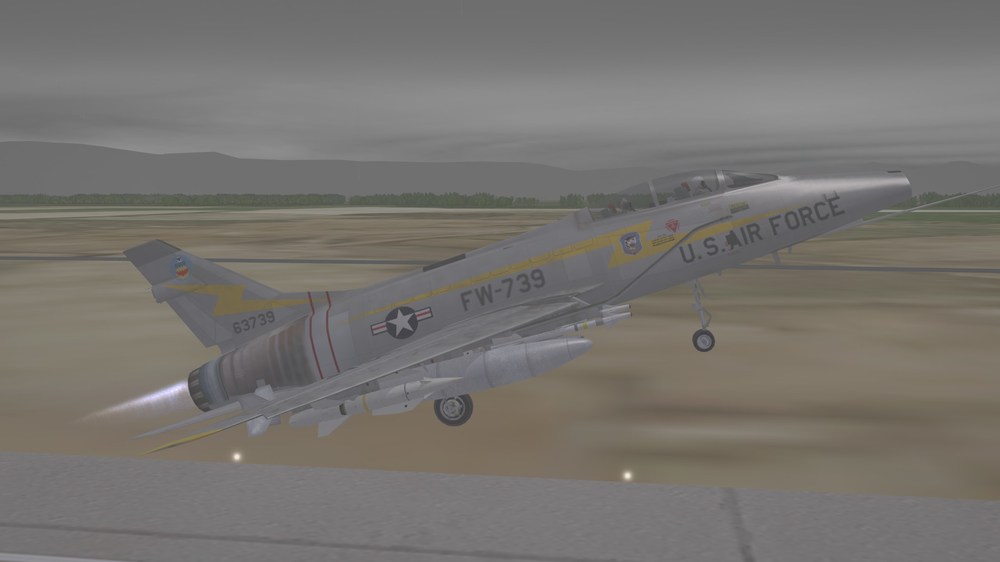
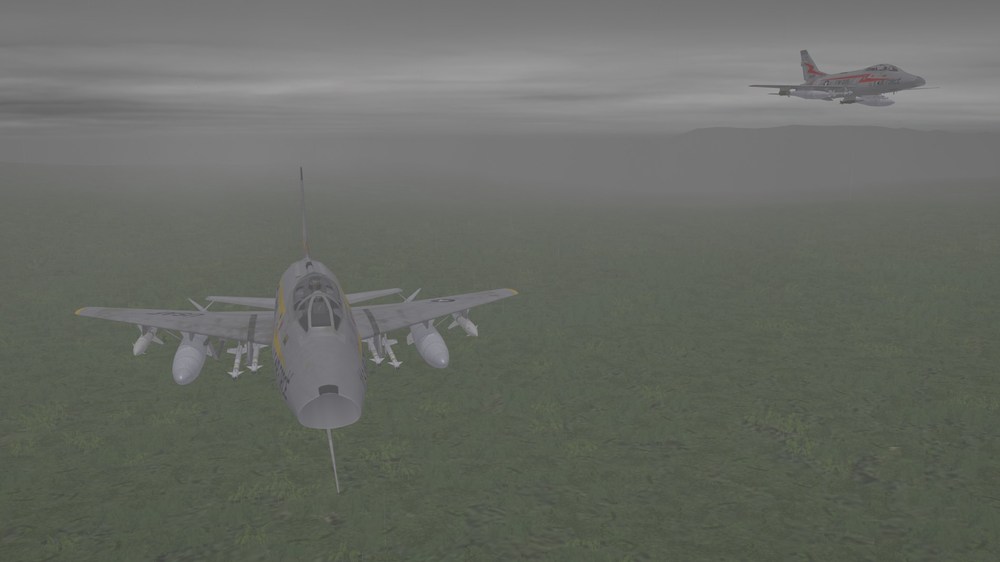
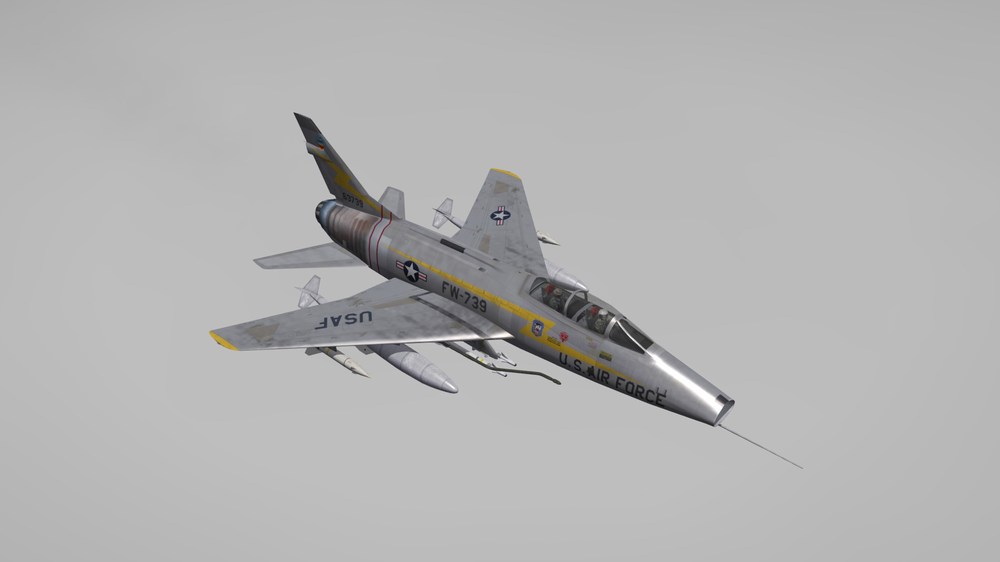
I wanna go outside, in the rain..... Of COURSE they're under the jungle canopy... Is that a flicker of flame I see? I'm pretty sure the Hilton I'm going to doesn't have a buffet.
-
Your Wishlist Requested - When Thunder Rolled Aircraft Poll
Nightshade/PR replied to WTRAdmin's topic in General Discussion
I'm not picky, so I'll take whatever you got and fly with it.