
Menrva
-
Posts
4,635 -
Joined
-
Last visited
-
Days Won
48
Content Type
Profiles
Forums
Gallery
Downloads
Store
Everything posted by Menrva
-
NVIDIA driver 419.17 as of Feb 22 does not work on SF2
Menrva replied to stingray77's topic in General Discussion
As Happy308 said; in particular the Unlimited Effects setting uses the TWPOSTPROCESS.FX file which adds a horrible bloom effect in the stock game. Some mods (by Stary or even my realSKY mod) provide an alternative TWPOSTPROCESS.FX file, but I think the latest drivers simply hate those DX10 shaders used by SF2. I strongly suggest to set Effects to High. The Unlimited setting just eats FPS without adding anything that is worth. I am lucky as my low-end PC is stuck with older NVIDIA drivers. I am not able to play with effects set to Unlimited in any case. -
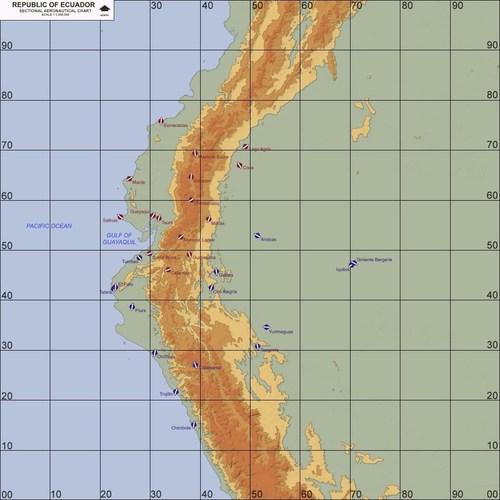
Great, they were really needed for the Ecuador scenario! @paulopanz FYI, decals are missing.
- 1 reply
-
- 1
-

-
I happen to see various users post questions and ask for troubleshooting in the comments section of a mod download, instead of properly using the associated thread aka Get Support. Just a suggestion for future site updates; wouldn't it be better to remove the comments section so that users ask questions where they should? It seems there's this sort of ambiguity as to what purpose both the comments section and the thread have; to me it's actually clear, but for newcomers it isn't.
-
 The uploaded file works fine. You have to unpack it with the latest version of WinRAR or 7-Zip.
 -
After the recent St. Patrick's Day, I added the Irish Air Corps to the nations.ini. New decals have been created, with the former roundel being used in-game before 1955, as historically accurate.




-
Nice! This is what I converted so long ago...
- 1 reply
-
- 1
-

-
Not meant to hijack the thread, but can you also confirm that SF buildings are real scale, too? The GermanyCE terrain has got some landmarks, for instance. I would like to know, because I have heard somewhere that buildings were sort of 60% of real life scale.
-
Careful, I think you guys are talking about TOD trees, which simply are 2D tree graphics using .tga files. LOD trees are another matter, and are very rarely used; the stock IcelandNA terrain uses 3D LOD trees, it's the only one of stock terrains. Not only countless LOD trees may cause low FPS, they simply are not easy to add in huge numbers over a relatively big terrain. TOD trees and buildings are the way to go. We would need a TOD editor in order to easily create and edit those. But we still don't have one.
-
Mod package has been updated to Version 1.2; two new lens flare effects have been added and some issues with fog colours have been addressed, now everything is how it should have been.
-
Actually, AFAIK, it should suffice to place the canopy tga file inside the plane's folder, not inside each skin folder of that plane folder; at least I remember this works on my end on several other planes. Then again, what's inside the skin folder takes priority over what is inside the plane's folder. But if anything is missing in the skin folder, the game will look for the missing file inside the plane's folder. This method is also very effective for space conservation, when a plane uses the same bitmap or other file format for numerous, multiple skins.
-
Sorry for the off-topic, but what is that "Arsenal" folder about? Generic weapons or a "bird"?
-
Bump. Just wondering, any chance to see Marcfighters' Kuznetsov released? If not, no problem; I totally understand modders being protective of their own works.
-
Ah, looks like I'm late to the party. This is what I've done: Early_v2.5.zip I wanted to be more accurate so I reproduced texture patterns. This way, even without TW decals, the textures seem very fine. Feel free to use those in a future update, @Wrench EDIT: I redid the fuselage, package above has been updated.
-
Thank you for the answer. It's a pity we are not able to do this.
-
Is it possible to hide nodes for ground objects? I attempted to remove some nodes from the released Clemeceau, but the following method doesn't seem to work. [GroundObjectData] ... Component[001]=Hull Component[002]=Superstructure Component[003]=Hide1 Component[004]=Hide2 Component[005]=Hide3 Component[006]=Hide4 Component[007]=Hide5 Component[008]=Hide6 Component[009]=Hide7 Component[010]=Hide8 Component[011]=Hide9 Component[012]=Hide10 Component[013]=Hide11 Component[014]=Hide12 Component[015]=Hide13 Component[016]=Hide14 Component[017]=Hide15 Component[018]=Hide16 Component[019]=Hide17 Component[020]=Hide18 Component[021]=Hide19 Component[022]=Hide20 [Hide1] ParentComponentName=Hull ModelNodeName=Cylindre01 DestroyedNodeName=Cylindre01 DetachWhenDestroyed=FALSE HasAeroCoefficient=FALSE [Hide2] ParentComponentName=Hull ModelNodeName=Cylindre02 DestroyedNodeName=Cylindre02 DetachWhenDestroyed=FALSE HasAeroCoefficient=FALSE [Hide3] ParentComponentName=Hull ModelNodeName=Cylindre03 DestroyedNodeName=Cylindre03 DetachWhenDestroyed=FALSE HasAeroCoefficient=FALSE [Hide4] ParentComponentName=Hull ModelNodeName=Cylindre04 DestroyedNodeName=Cylindre04 DetachWhenDestroyed=FALSE HasAeroCoefficient=FALSE [Hide5] ParentComponentName=Hull ModelNodeName=Cylindre05 DestroyedNodeName=Cylindre05 DetachWhenDestroyed=FALSE HasAeroCoefficient=FALSE [Hide6] ParentComponentName=Hull ModelNodeName=Cylindre06 DestroyedNodeName=Cylindre06 DetachWhenDestroyed=FALSE HasAeroCoefficient=FALSE [Hide7] ParentComponentName=Hull ModelNodeName=Cylindre07 DestroyedNodeName=Cylindre07 DetachWhenDestroyed=FALSE HasAeroCoefficient=FALSE [Hide8] ParentComponentName=Hull ModelNodeName=Cylindre08 DestroyedNodeName=Cylindre08 DetachWhenDestroyed=FALSE HasAeroCoefficient=FALSE [Hide9] ParentComponentName=Hull ModelNodeName=Cylindre10 DestroyedNodeName=Cylindre10 DetachWhenDestroyed=FALSE HasAeroCoefficient=FALSE [Hide10] ParentComponentName=Hull ModelNodeName=Cylindre11 DestroyedNodeName=Cylindre11 DetachWhenDestroyed=FALSE HasAeroCoefficient=FALSE [Hide11] ParentComponentName=Hull ModelNodeName=Cylindre14 DestroyedNodeName=Cylindre14 DetachWhenDestroyed=FALSE HasAeroCoefficient=FALSE [Hide12] ParentComponentName=Hull ModelNodeName=Cylindre09 DestroyedNodeName=Cylindre09 DetachWhenDestroyed=FALSE HasAeroCoefficient=FALSE [Hide13] ParentComponentName=Hull ModelNodeName=Cylindre12 DestroyedNodeName=Cylindre12 DetachWhenDestroyed=FALSE HasAeroCoefficient=FALSE [Hide14] ParentComponentName=Hull ModelNodeName=Cylindre13 DestroyedNodeName=Cylindre13 DetachWhenDestroyed=FALSE HasAeroCoefficient=FALSE [Hide15] ParentComponentName=Hull ModelNodeName=Cylindre15 DestroyedNodeName=Cylindre15 DetachWhenDestroyed=FALSE HasAeroCoefficient=FALSE [Hide16] ParentComponentName=Hull ModelNodeName=Objet12 DestroyedNodeName=Objet12 DetachWhenDestroyed=FALSE HasAeroCoefficient=FALSE [Hide17] ParentComponentName=Hull ModelNodeName=mat_antennes01 DestroyedNodeName=mat_antennes01 DetachWhenDestroyed=FALSE HasAeroCoefficient=FALSE [Hide18] ParentComponentName=Hull ModelNodeName=Cylindre16 DestroyedNodeName=Cylindre16 DetachWhenDestroyed=FALSE HasAeroCoefficient=FALSE [Hide19] ParentComponentName=Hull ModelNodeName=Objet13 DestroyedNodeName=Objet13 DetachWhenDestroyed=FALSE HasAeroCoefficient=FALSE [Hide20] ParentComponentName=Hull ModelNodeName=mat_antennes02 DestroyedNodeName=mat_antennes02 DetachWhenDestroyed=FALSE HasAeroCoefficient=FALSE
-
For another update, we might create decals for the numbers and letters, so that we can have the ship class working as in SF2NA (a generic texture which works alongside the _names.ini file) , as paulopanz suggested. Also, the addition of the Brazilian aircraft carrier São Paulo comes almost for free, by simply being the sold Foch: https://en.wikipedia.org/wiki/Brazilian_aircraft_carrier_São_Paulo So it might be worth adding such carrier/skin as well. That being said, much thanks for this update to SF2NA standards, KJakker!
-
The stock NATIONS.ini has a bug; // Oman 70-77 [Nation211] Name=Oman_OLD70 ActiveDate=1970 AlternateDecal=Oman_OLD63 // Oman 65-70 [Nation212] Name=Oman_OLD65 Now it's fixed, so the Sultan of Oman's Air Force is selectable since 1959, as it should have been. Also, the Bahrain Amiri Air Force now becomes the Royal Bahraini Air Force in 2002, as historically correct. I wonder how many of such small changes are still needed. Proceeding slowly, but in the end it will be worth it, I think.
-
Then what I said above applies; I once tried to find a way, but it seems that this small aspect is not moddable, colours for subtitles are hardcoded, they can't be changed by editing some .ini files, so to speak.
-
If he's talking about speech subtitles though, there is no way to change their colors; I tried to find a way, but as far as I know they seem to be hardcoded.
-
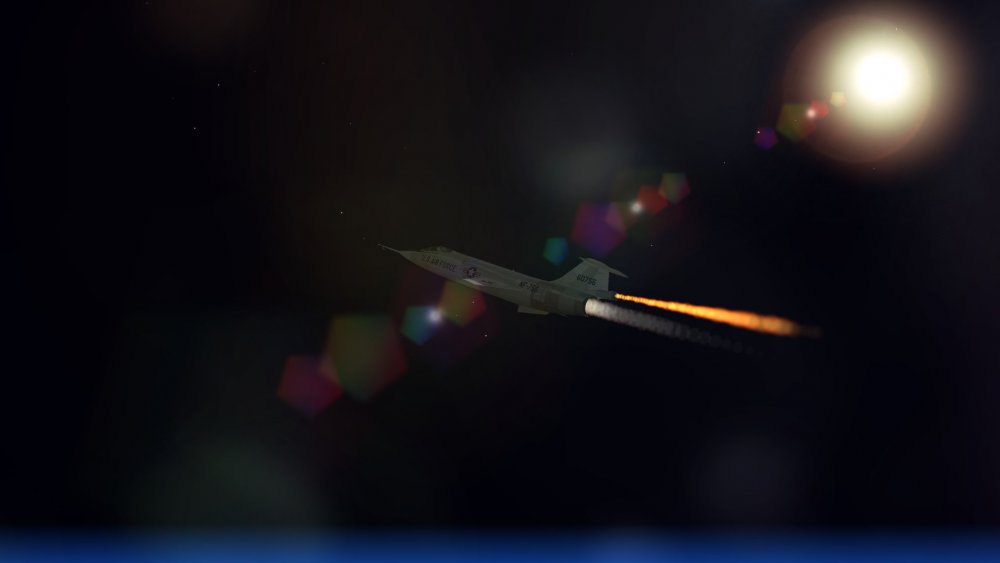
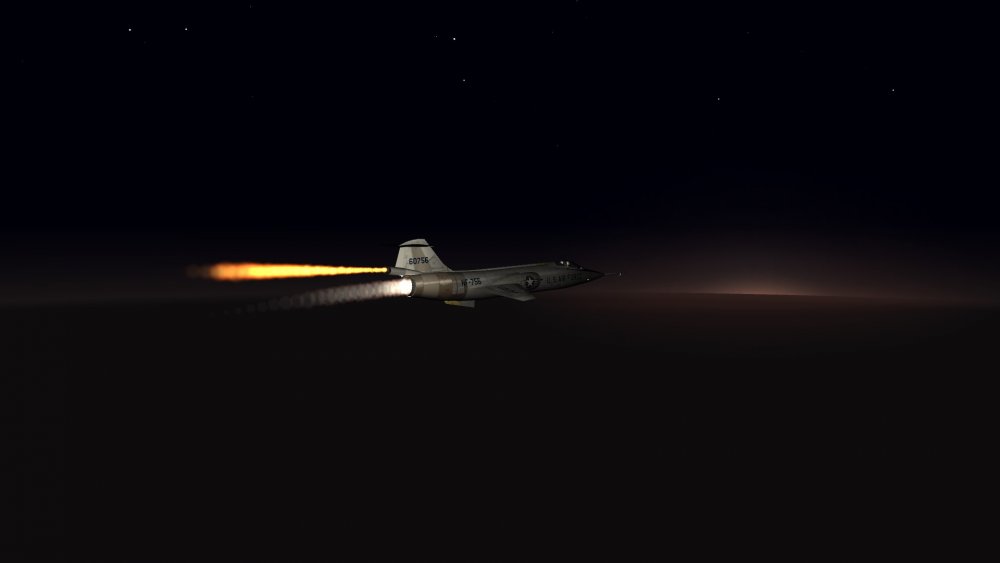
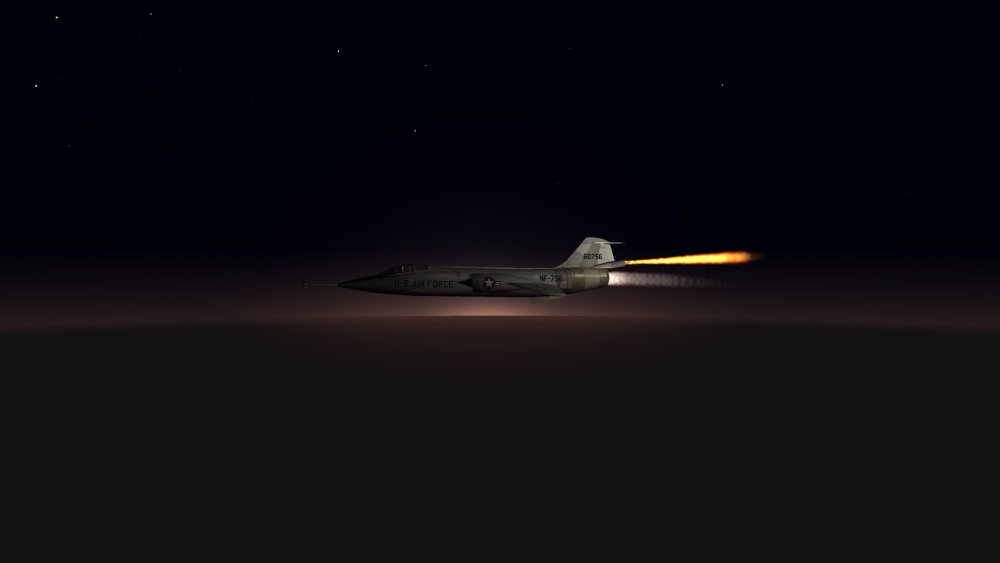
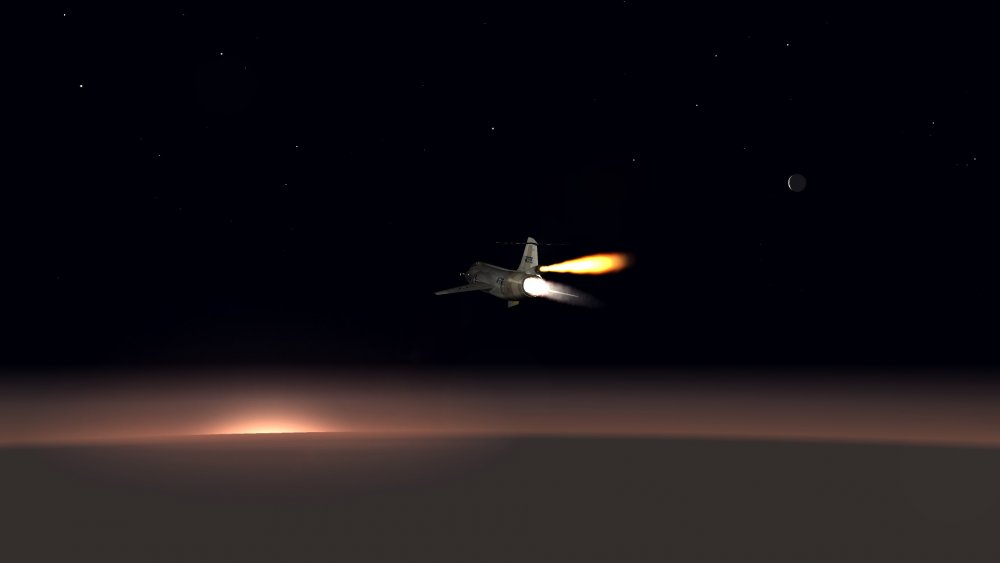
"Though I fly through the Valley of Death, I shall fear no evil, for I am at 80,000 feet and climbing..."
-
Nope, you can't. But you can provide a PDF or equivalent text file with your upload, so users can read the briefing before starting the game and playing a given mission.
-
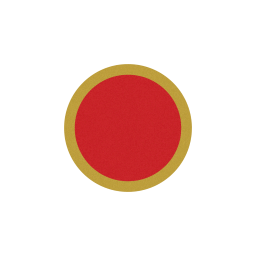
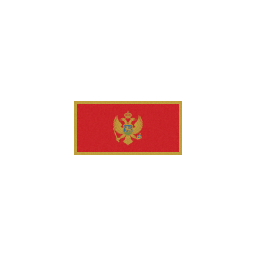
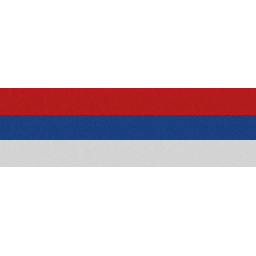
I have added medals from an old SF1 medals pack mod. Some tweaking needs to be done, but the new medals seem to work flawlessly... I have made more changes to the _nations.ini: the Burmese Air Force now is called Myanmar Air Force since 1989; Burkina Faso Air Force is named Upper Volta Air Force from 1964 to 1984; I have added the Montenegrin Air Force, the Republika Srpska Air Force, the Belarusian Air Force, the Tajik Air Force and the Kyrgyz Air Force. Tajikistan and Belarus re-use the Soviet Star, as historically correct. New decals for Montenegro, Republika Srpska, Kyrgyzstan and Upper Volta have been created.





-
@VonS Judging by the screenshots, you definitely hit the terrain's borders, aka The Wall. This has nothing to do with the FM. Such "issue" happens when you hit the terrain's border, with whichever plane you use. The Himalaya terrain is very small. With bigger terrains, you rarely get to fly near the borders.
- 7 replies
-
- 2
-
-
-
- early floggers
- flight models
- (and 5 more)
-
Decals for Mercenary, Dhimar and Paran were low-res (128x128) when compared to those of other stock nations. I remade them at the higher stock resolution (256x256). Notice the new, generic Mercenary insignia. It always bothered me that it showed Dhimari colours. Now this insignia is adapt for a fictional Mercenary unit, to be deployed anywhere in the SF2 world.



-
Anyone interested in seeing a definitive, reworked nations.ini with new decals for all the added services? Right now I have the Russian Air Force added as an extension of the Soviet Air Force, with the new Russian star decal starting from 2010 as historically correct. Basically, it's just the Soviet Air Force that changes name to the Russian Air Force as soon as you select 1992 as the mission date. I have also added the newly reformed Libyan Air Force, and I am planning to proceed this way by adding those countries who had and/or have an air force. So I will also add Biafra and Katanga, for instance. The Soviet Naval Aviation has been added as a separate service. It should have been like this since day one, but TK grouped everything into the Soviet Air Force. I am not sure about adding army aviation branches (like those included in some of yakarov's helo mods), but if I do they will be complete with decals. Here below a quick glimpse; The Russian star was made and included by eburger68 in one of his mods. I added/made the other decals. If I manage to obtain permission, I'd also like to include numerous medal packs for various nations, such as the ones created by Capitaine Vengeur.






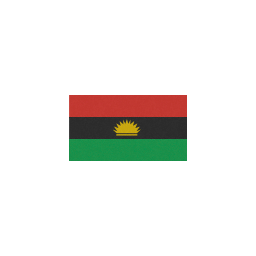
- 15 replies
-
- 10
-
-