
Menrva
-
Posts
4,635 -
Joined
-
Last visited
-
Days Won
48
Content Type
Profiles
Forums
Gallery
Downloads
Store
Everything posted by Menrva
-

Locked service markings on a specific skin
Menrva replied to Menrva's topic in Mods & Skinning Discussion
Well, I hope someone who knows how to do it is willing to help. Otherwise, I'll have to find about this myself. -
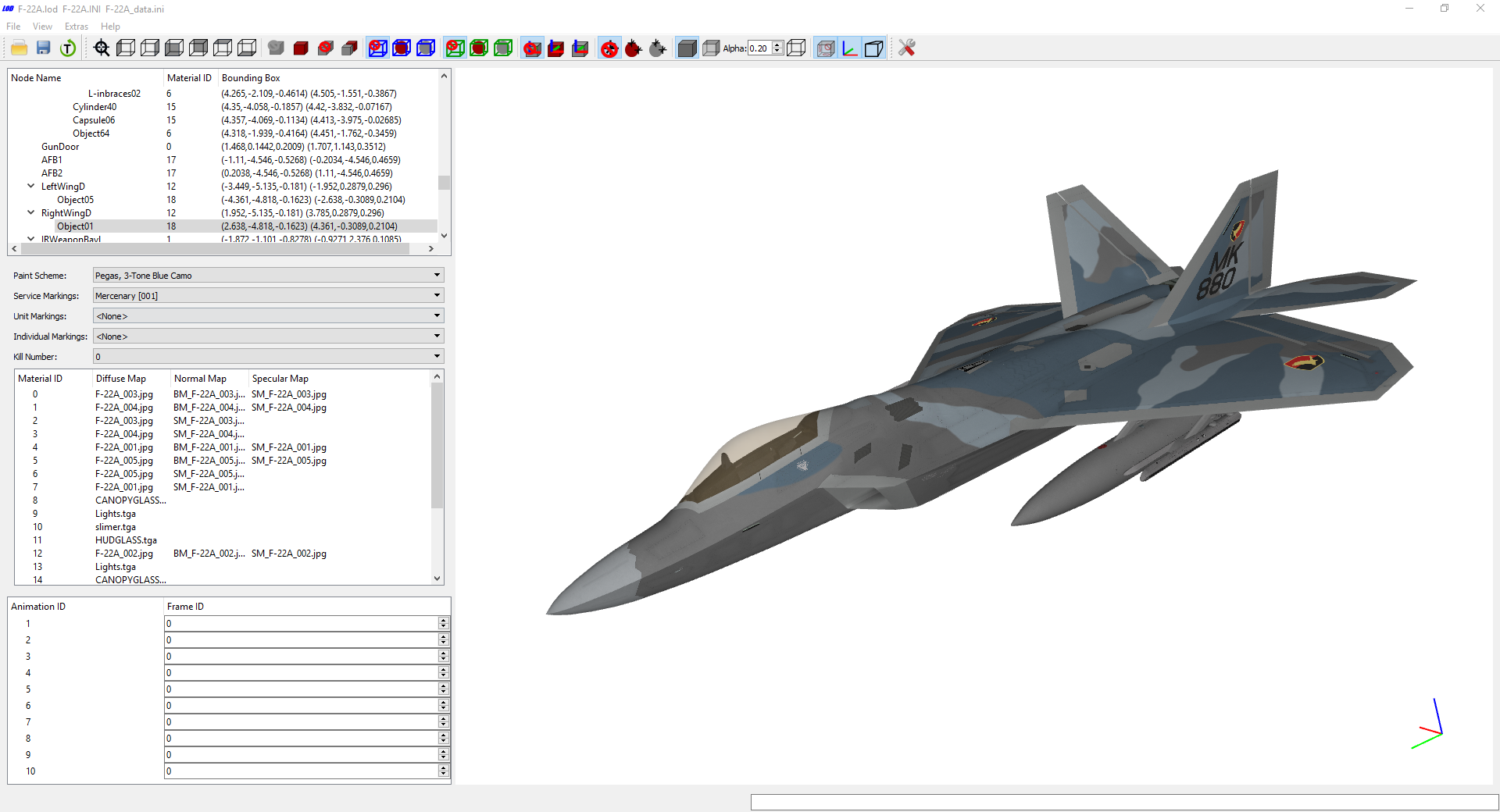
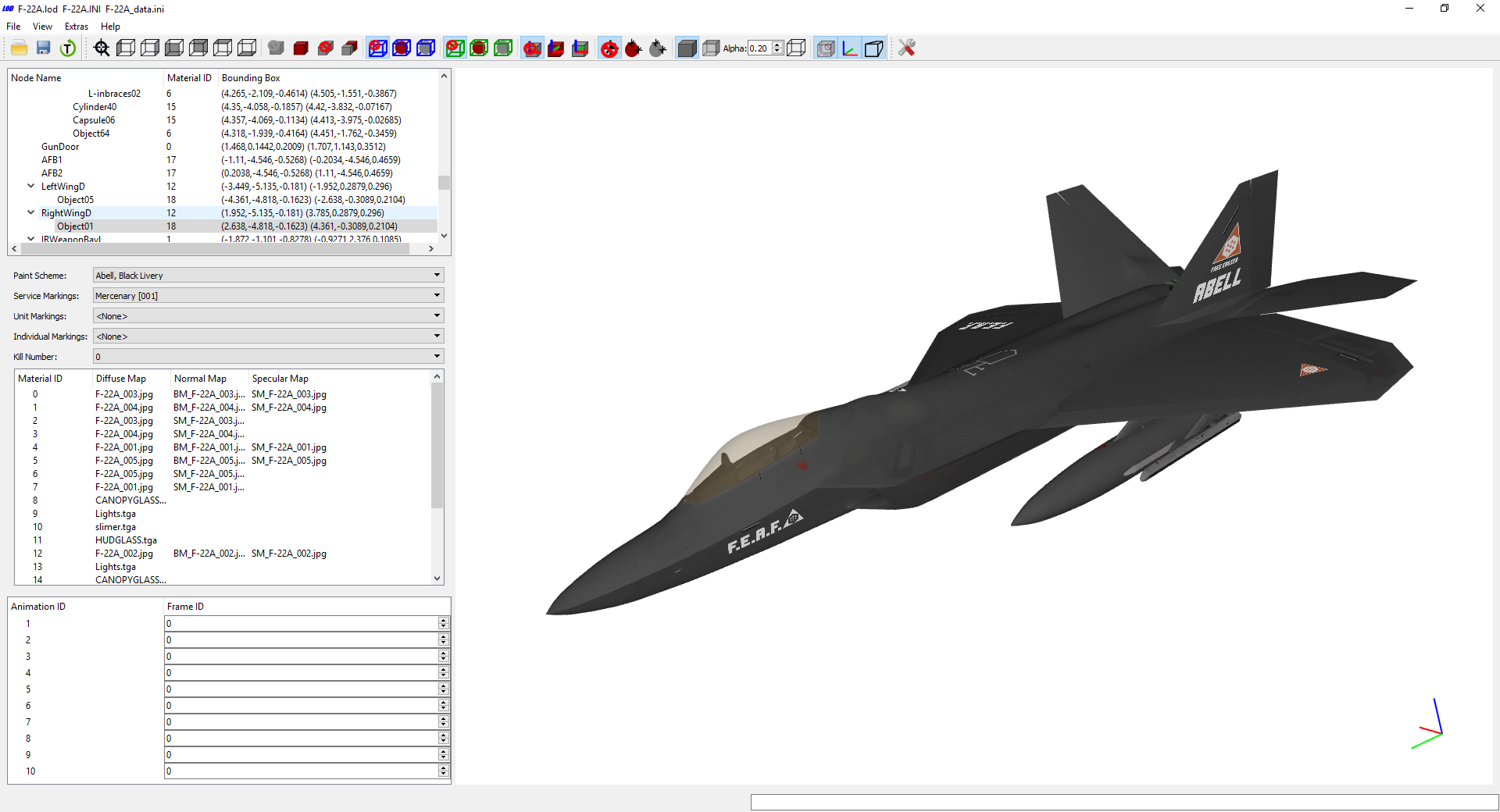
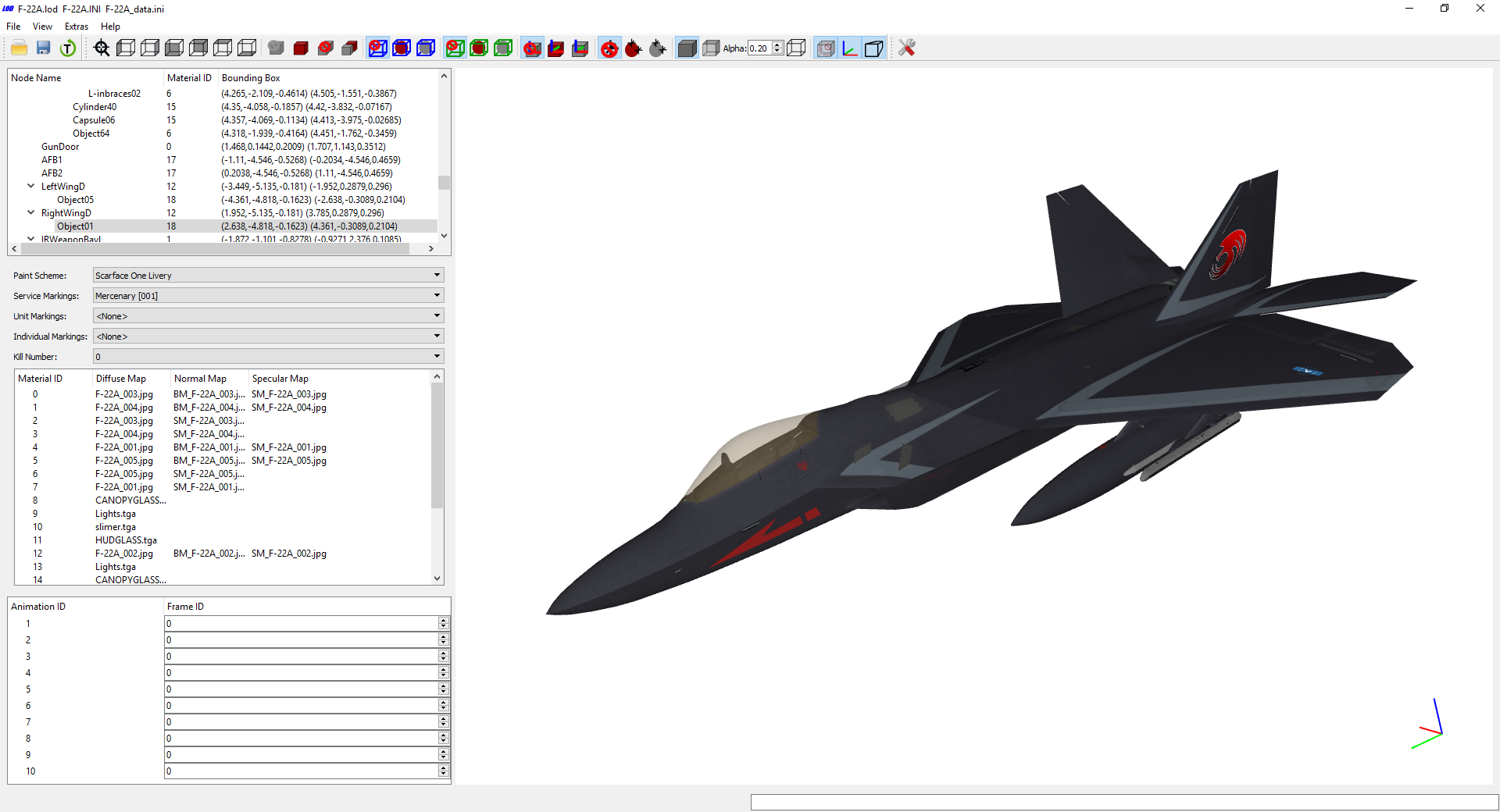
Other F-22A Raptor aces from the Strangereal universe... Scarface 37th Air Force, 18th Fighter Wing, 1st Squadron, Usean Allied Forces Abell Free Erusea Air Force Pegas Central Forces Precinct, 120th Aviation Rgt., 1st TFS, Estovakian Air Force
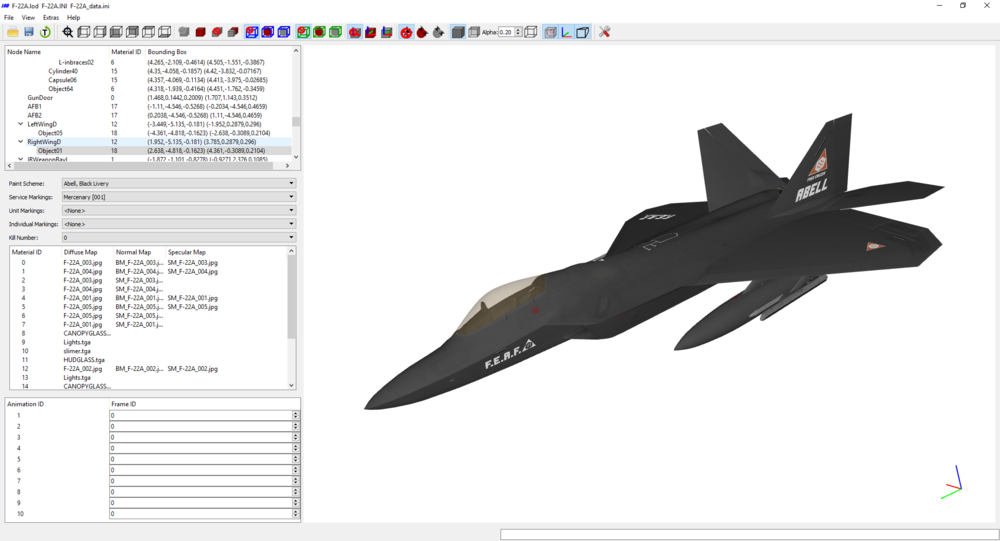
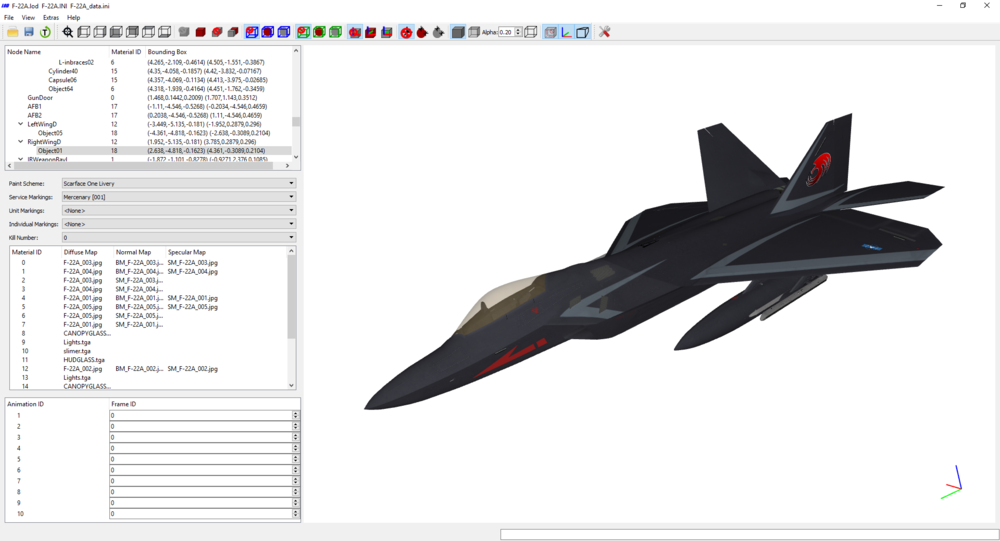
-
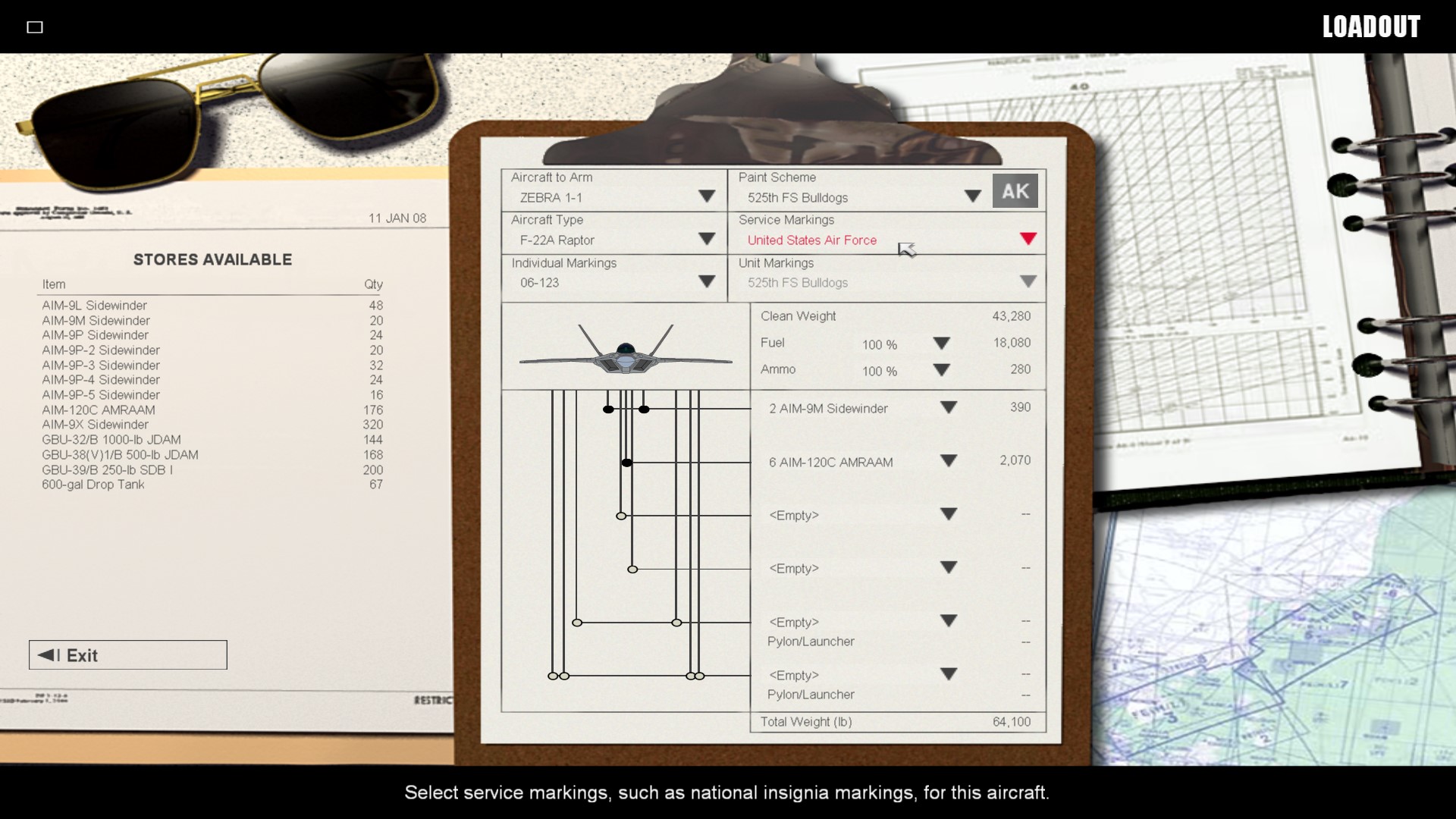
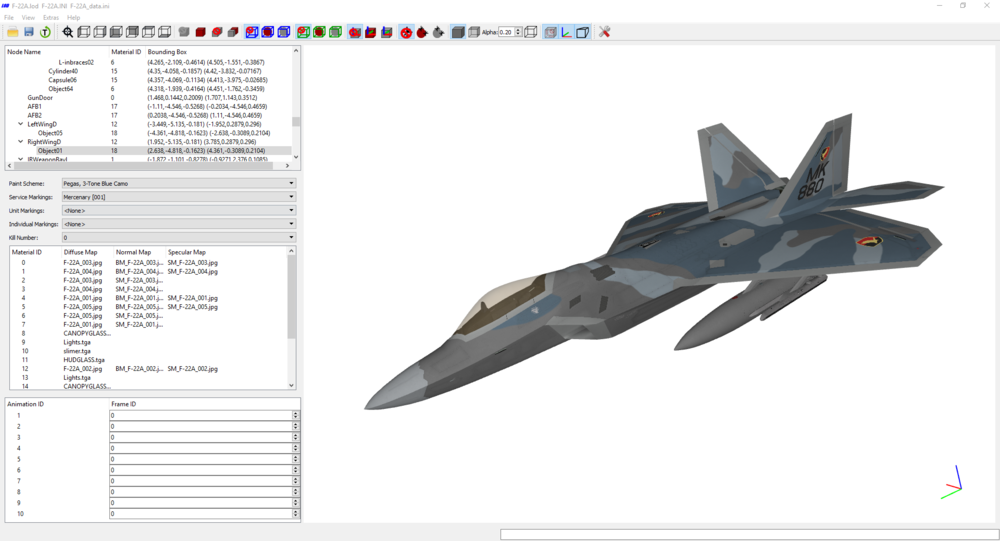
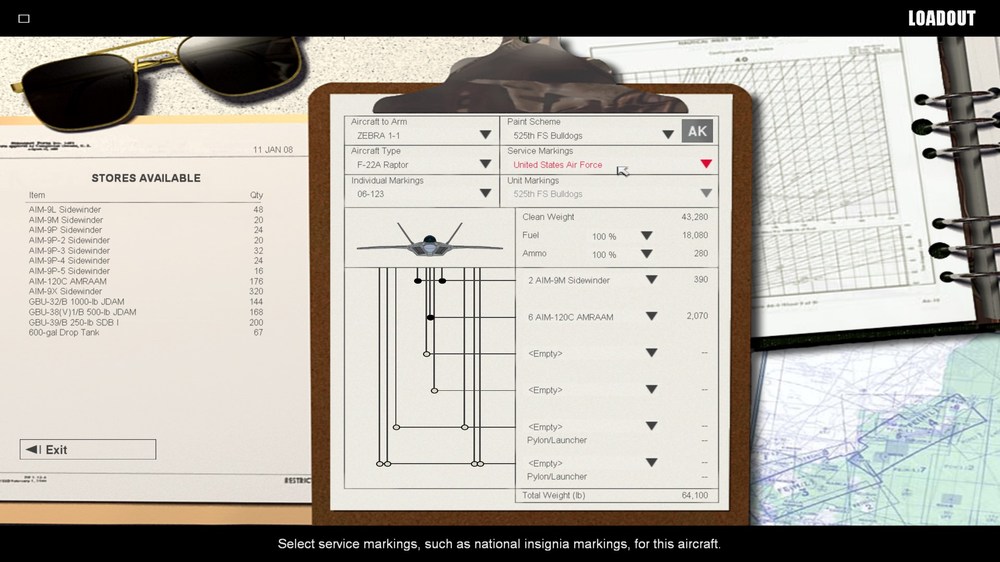
What the title says; is there a way to lock service markings for a specific skin? I don't want to be able to change the service markings in the menu, on a number of skins I am making. I'd like to have that option greyed-out, as seen for the unit markings here below.
-
I think GKABS is using my Iraq terrain. Some TODs have the tree graphics not defined so they do not appear in-game. It is this way by my decision and design, on a number of tiles. So please, do not mess with this. If @mue ever brings us a TOD editor, I'll gladly make better TODs from scratch.
-
That's very odd. TK should be informed about this, if the uninstaller happens to have this kind of behaviour.
-
No joy on carrier-based single missions
Menrva replied to kblomkvist's topic in Mission & Campaign Building Discussion
Yes, I know. But have you totally modified it, aside from making it Chinese? Please post the .inis so I can have a better look at what's going on. @kblomkvist Last bet I make; have you created a _userlist.ini file for the Ulyanovsk? Because just changing the nation in the _data.ini may not suffice. -
No joy on carrier-based single missions
Menrva replied to kblomkvist's topic in Mission & Campaign Building Discussion
That's great, I was sure the terrain was fine. I'll check the Ulyanovsk and report back. -
No joy on carrier-based single missions
Menrva replied to kblomkvist's topic in Mission & Campaign Building Discussion
@kblomkvist Keep in mind that the Kiev and Yak-38s are meant for older (Cold War) mission years, so you should increase the year span of your terrain. I also suggest that you try to increase the yellow area of the water bitmap. Use Microsoft's Paint and re-save. Even better, exchange the green with the yellow and viceversa, as a test. -
No joy on carrier-based single missions
Menrva replied to kblomkvist's topic in Mission & Campaign Building Discussion
No, that wouldn't affect the carrier's spawning. I am out of ideas for this issue, ATM. But would Soviet Yak-38s spawn from a Kiev? At least check if you can make stock Red side naval objects spawn. -
No joy on carrier-based single missions
Menrva replied to kblomkvist's topic in Mission & Campaign Building Discussion
@kblomkvist Negative, the frontline is purely cosmetic in single missions. At this point, there are no terrain related things causing your issues. If you spawn on the carrier with the USN, Red side would work just as fine, given correct ground objects and aircraft. Make sure that the J-15 is CarrierBased=TRUE. Also, the Ulyanovsk may not be compliant with the new standards set by SF2NA; compare its data.ini with that of the Kiev, I bet you might be missing some statements. Even better, try to convert a Kiev for China, but make sure to increase its year span. -
No joy on carrier-based single missions
Menrva replied to kblomkvist's topic in Mission & Campaign Building Discussion
Neither is the stock Soviet nation. IRL there's no need to create an additional nation (although my nations expansion mod adds the People's Liberation Army Naval Air Force and Soviet Naval Aviation, they are unused without extensive changes to numerous userlist.ini files). The key simply is to make sure that both ships and carrier based aircraft use the same nation (China or Soviet, for instance). -
No joy on carrier-based single missions
Menrva replied to kblomkvist's topic in Mission & Campaign Building Discussion
@kblomkvist I made one for you. It took me nothing, really; Okinawa_Water.bmp Test it and let me know! -
No joy on carrier-based single missions
Menrva replied to kblomkvist's topic in Mission & Campaign Building Discussion
Oh yes! It has to be color scale, 8bit. It should weigh 257 kb. Resolution of 512*512. I double checked, and yours is wrong indeed. Thanks for pointing this out with your question. This is your terrain issue. You should use gerwin's TFDtool, as it can generate a water bitmap for you, and you simply have to add yellow and green areas in a painting software (but be careful to save it as it is, 8bit). Make sure that you do not use Photoshop, because it somewhat saves 8bit bitmaps with a slightly different file size, and the game does not read it. Use MS Paint instead. -
No joy on carrier-based single missions
Menrva replied to kblomkvist's topic in Mission & Campaign Building Discussion
Terrain wise, everything seems fine to me, at least from what I see; I suggest that you increase the dimensions of the yellow area though, which is used by the enemy; if it's rather small, ships then spawn everywhere else. The problem is not related to the terrain, I think. Double check dates/years and userlists of the ships and aircraft. Also, please check that if you select a USN aircraft (a Tomcat for instance), you'll take-off from a friendly carrier in the game's generated single mission. -
That video even shows a site which illegally distributes the games' installers for free. Admins, please remove the video (from here at least). Strike Fighters 2 is still for sale on the ThirdWire store and that's where it should be acquired. We do not condone illegal practices. As a safe advise, everyone should triple check if a game's officially considered abadonware and no longer property of a developer or software house. That could be the case for a 1990s game (but titles like Falcon 4.0 are still copyrighted even today), not for a recent title that's been supported continuously by the developer until 2013.
-
 You need to extract it from the MissionData001.cat archive with the CAT extractor (official tool from TW or the one from Mue). Don't bother, just use the following mod and you won't need to edit that file: https://combatace.com/files/file/16986-nations-medals-expansion/
- 2 comments
-
- 1
-

-
- hawkeye
- in-game speech
- (and 3 more)
-
I discovered another stock SF2 bug in the _NATIONS.ini file; the Republic of China Air Force (Taiwan) is always using the late roundel, instead of using the old, correct one which TK created but left unused by this mistake in the .ini: [Nation024] Name=Taiwan DisplayName=Republic of China Air Force Alignment=FRIENDLY PilotNameList=NamesChineseWG.lst RankList=RanksUSAF.lst CallsignList=CallsignsUS.lst Formation.Fighter=USFighter Formation.Attack=USFighter Formation.Bomber=USBomber Formation.Transport=USBomber Formation.Tank=USTank Formation.MobileAD=USAD PilotTrainingStandard=NORMAL GenderRatio=0 DebriefSuccessMusic=DebriefSuccess.wav DebriefFailMusic=DebriefFail.wav DebriefKilledMusic=DebriefKilled.wav SpeechFile=USAFSpeech.cat SpeechTextFile=USAFSpeechText.str There's no call to the following decal; [Nation117] Name=Taiwan_OLD21 It has been addressed in my latest version of the mod, be on the lookout for the next release. The RoCAF is now selectable since 1949, as historically accurate; [Nation024] Name=Taiwan DisplayName=Republic of China Air Force Alignment=FRIENDLY PilotNameList=NamesChineseWG.lst RankList=RanksUSAF.lst CallsignList=CallsignsUS.lst Formation.Fighter=USFighter Formation.Attack=USFighter Formation.Bomber=USBomber Formation.Transport=USBomber Formation.Tank=USTank Formation.MobileAD=USAD PilotTrainingStandard=NORMAL GenderRatio=0 DebriefSuccessMusic=DebriefSuccess.wav DebriefFailMusic=DebriefFail.wav DebriefKilledMusic=DebriefKilled.wav SpeechFile=USAFSpeech.cat SpeechTextFile=USAFSpeechText.str Medals=MedalsROC.ini ActiveDate=1992 AlternateDecal=Taiwan_OLD49 StartDate=1949 [Nation117] Name=Taiwan_OLD49
-
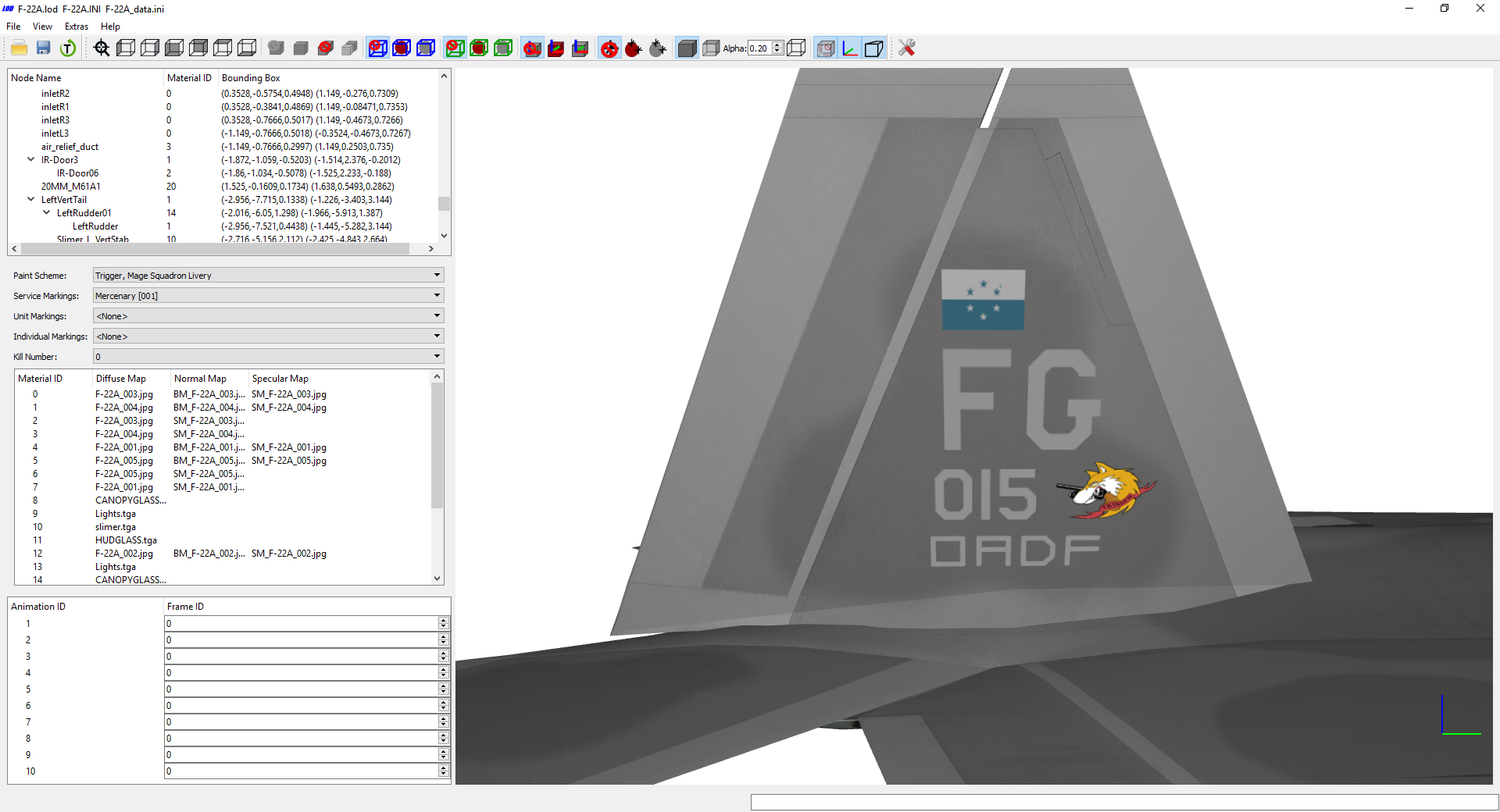
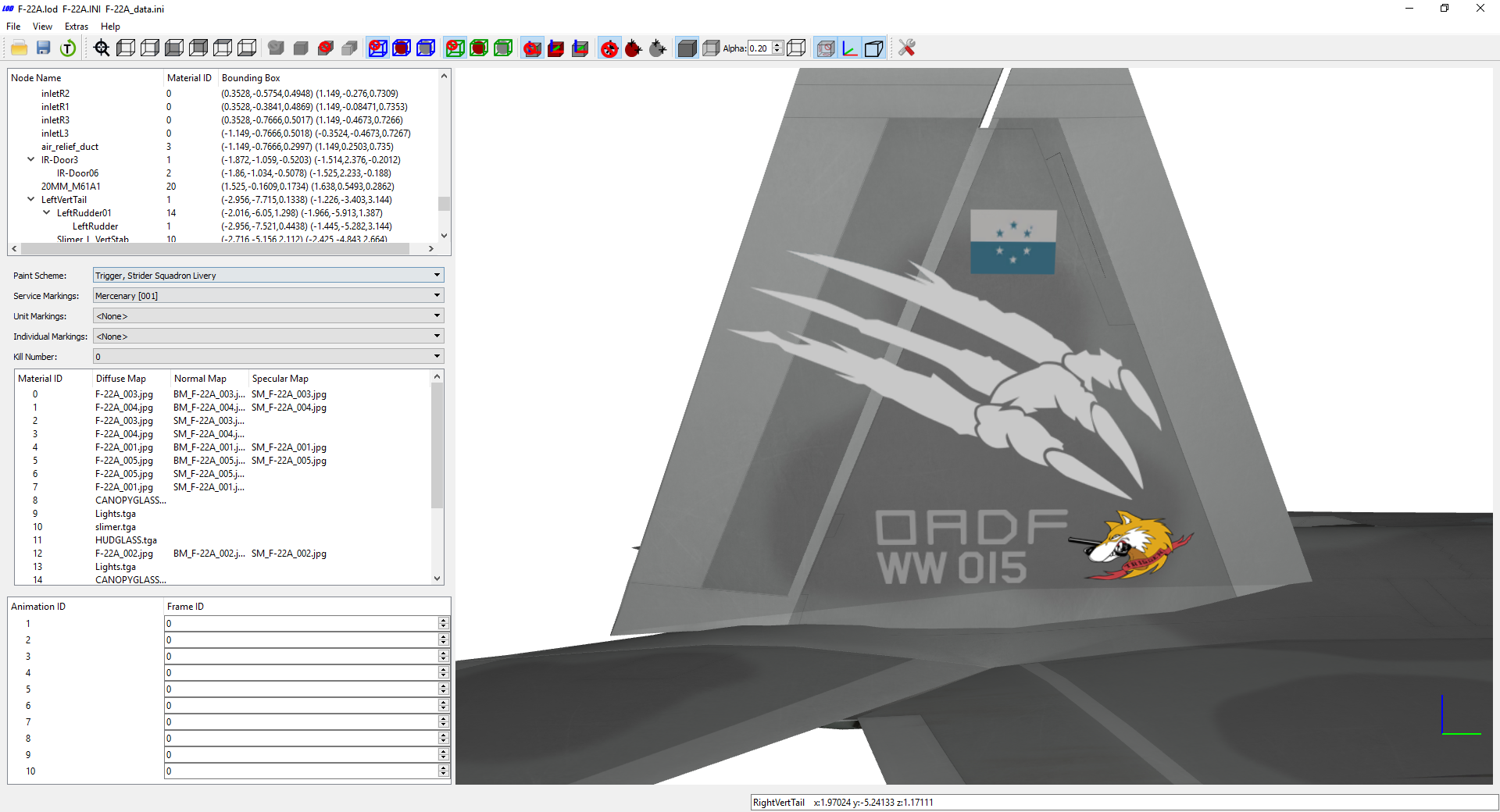
Those who played Ace Combat 7 know whom this aircraft belongs to... Mage Squadron, 508th TFS, Fort Grays Air Base, Osean Air Defense Force Spare Squadron, 444th TFS, Zapland Air Base, Osean Air Defense Force (Disavowed) Strider Squadron, 124th TFS, New Arrows Air Base, Osean Air Defense Force's Long Range Strategic Strike Group
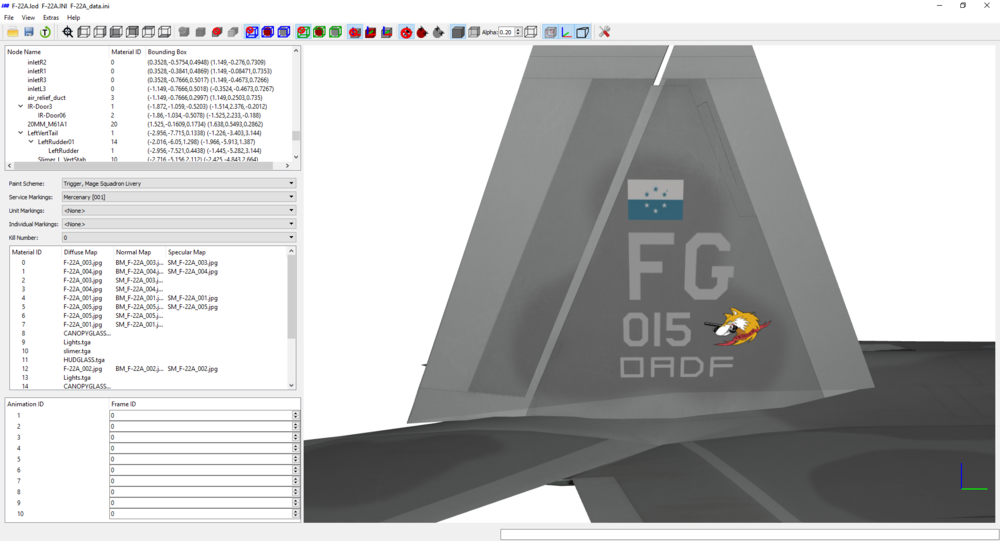
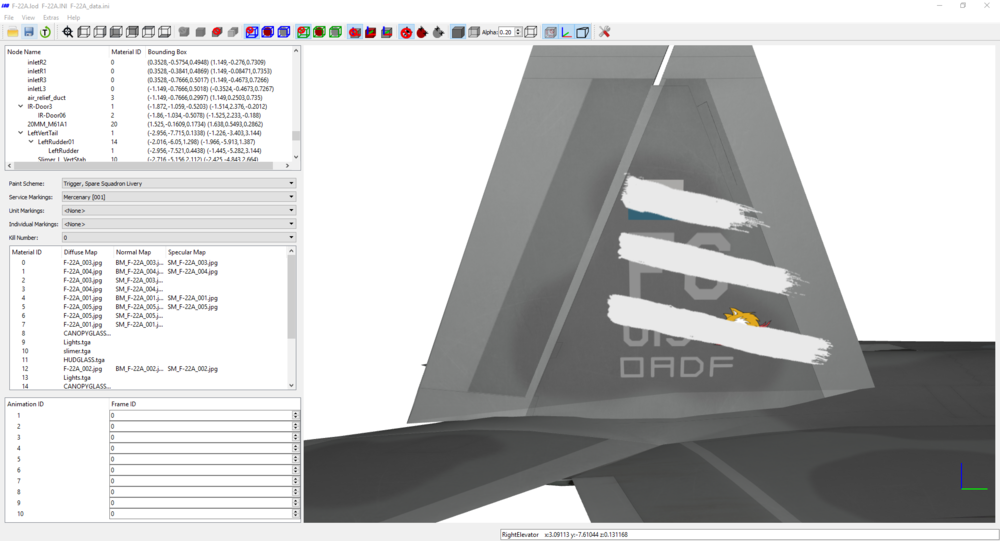
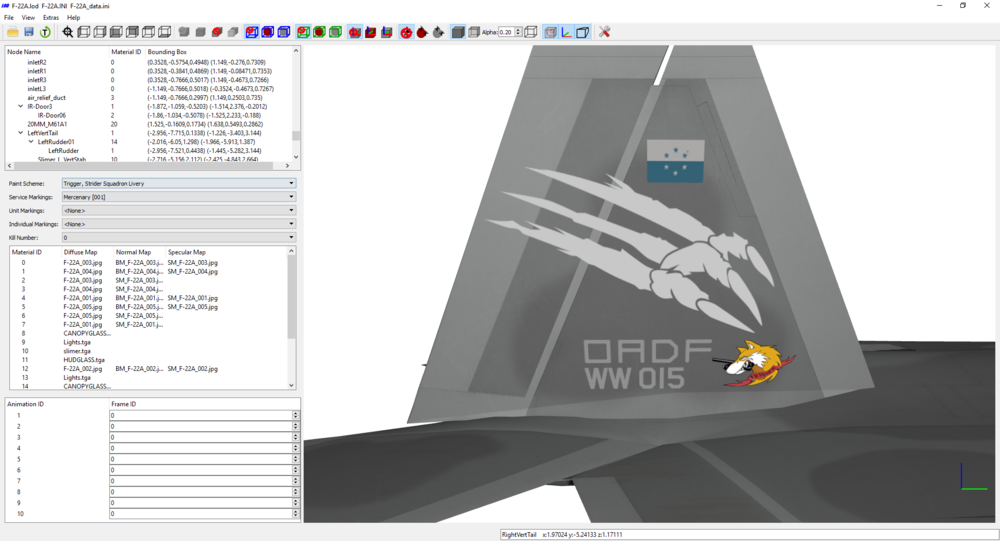
-
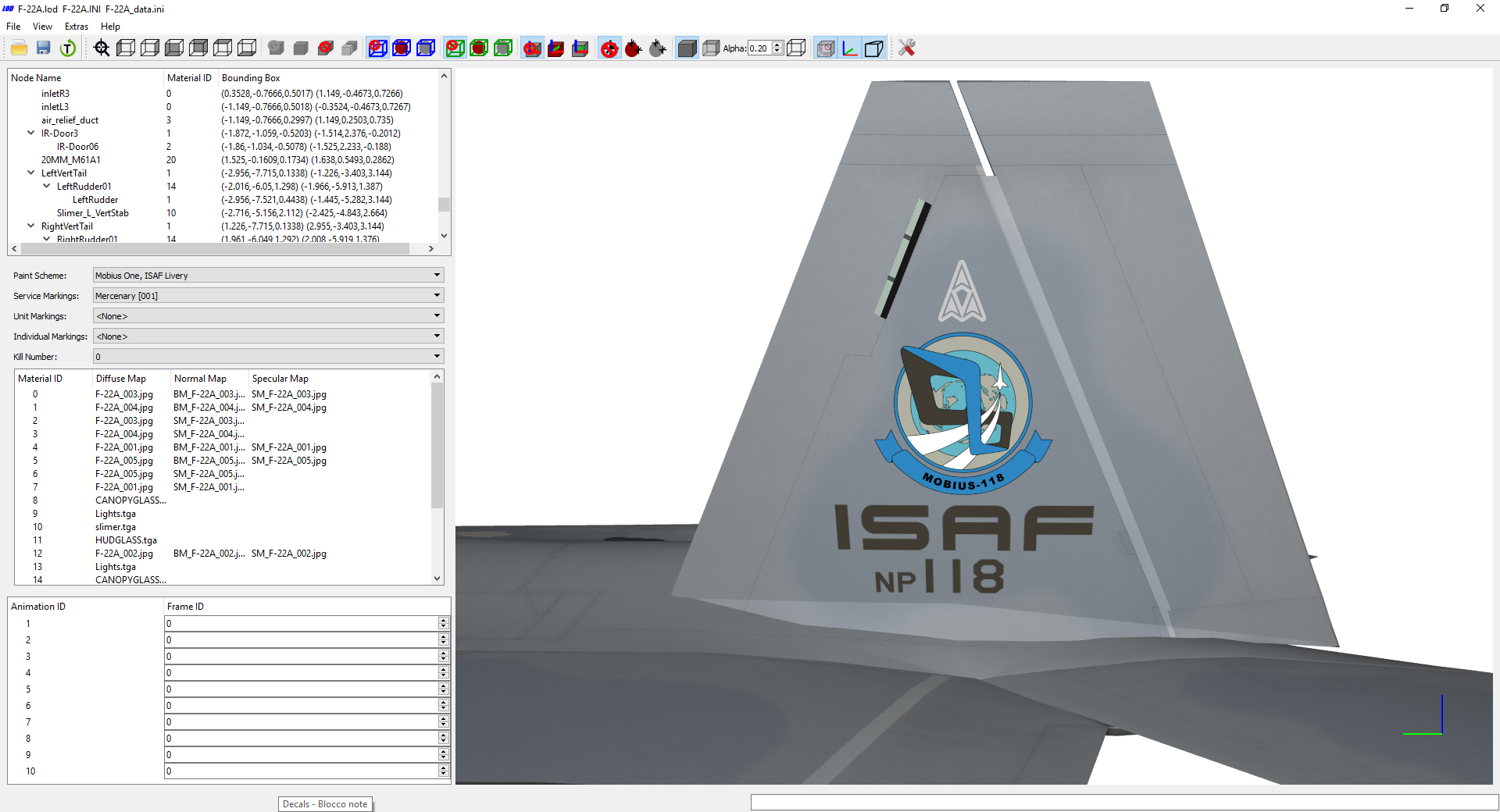
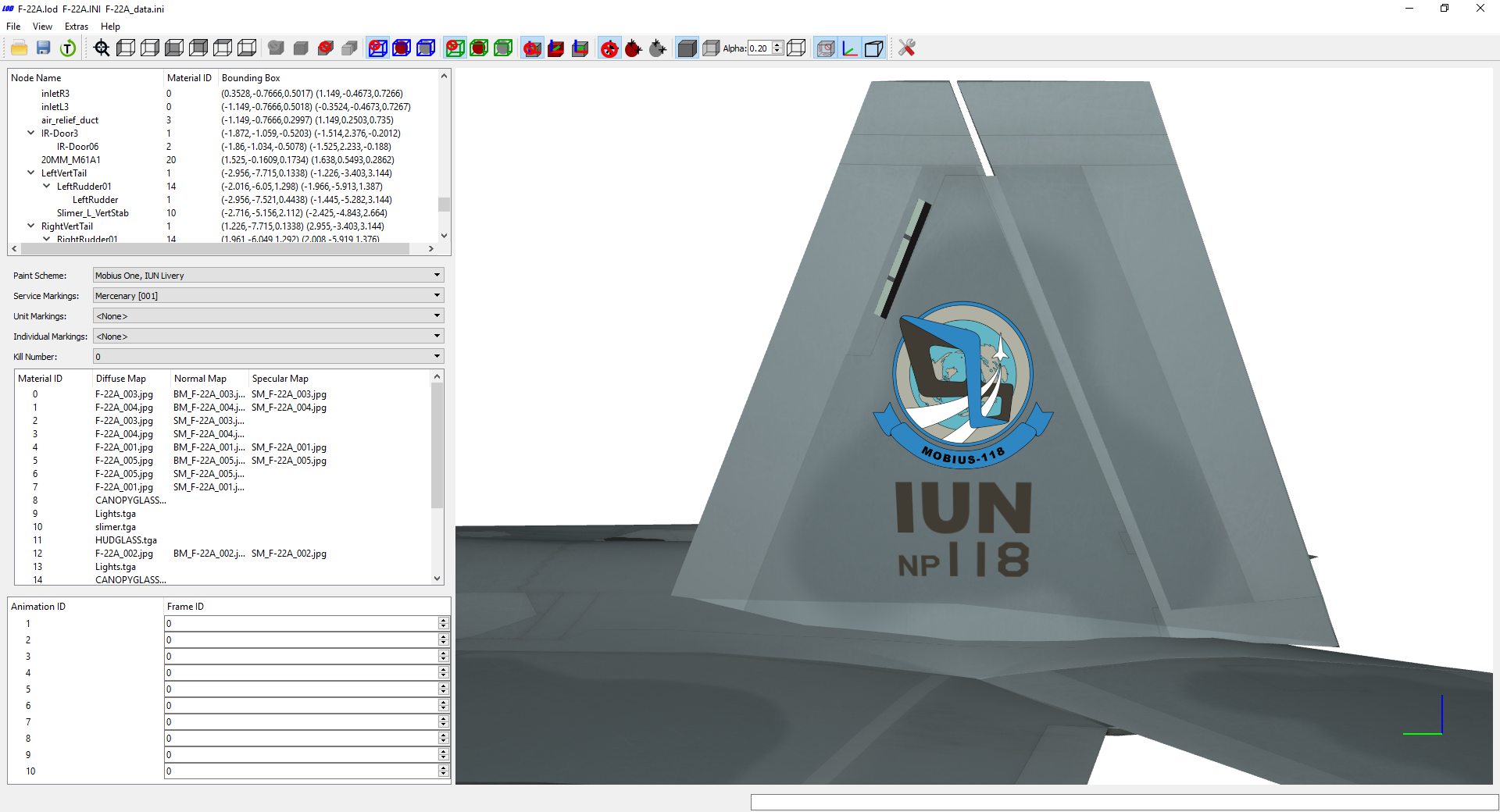
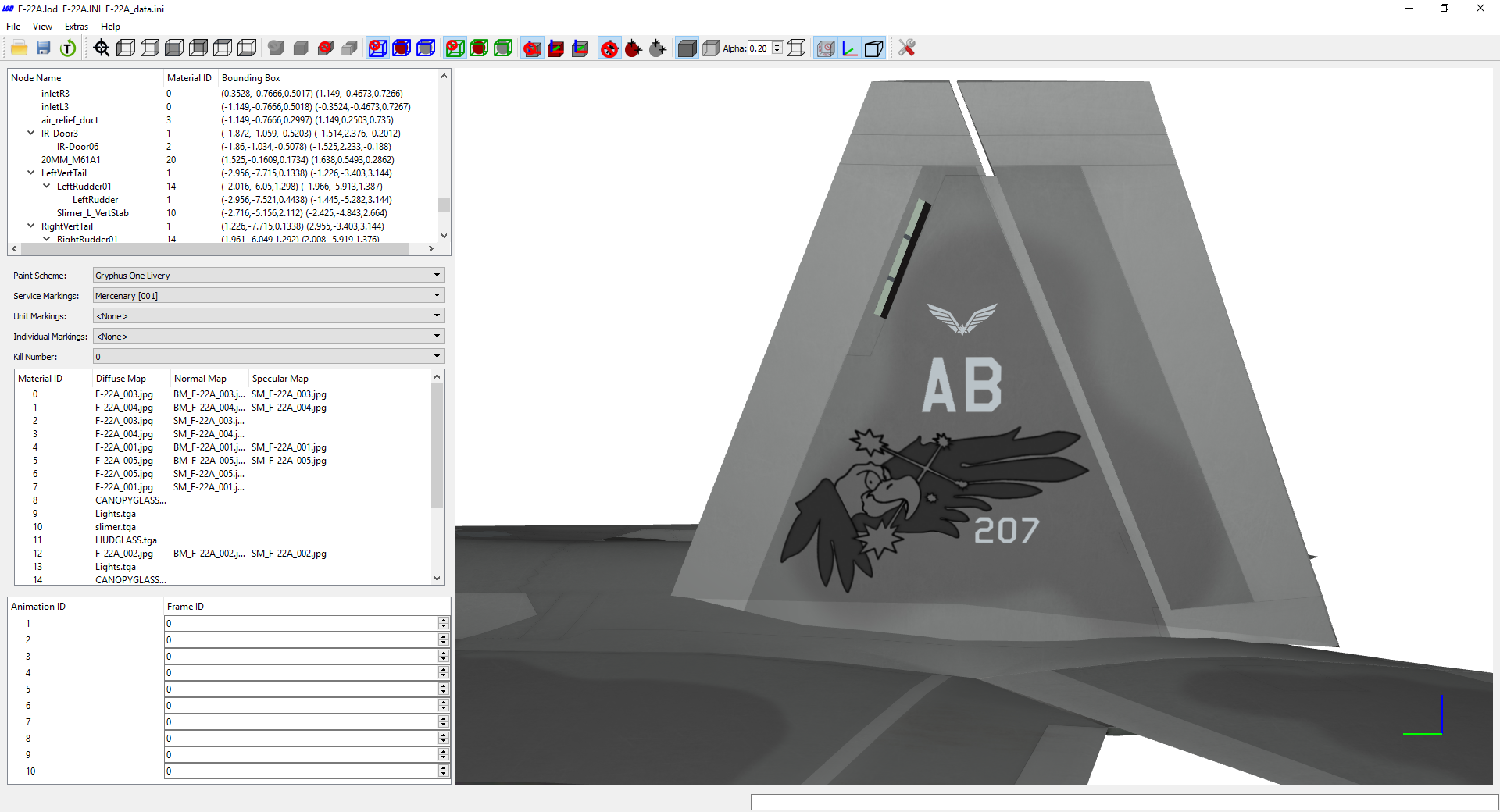
Some F-22s have taken flight again in the skies of the Strangereal universe... Mobius Squadron, 118th TFW, North Point, Independent State Allied Forces Mobius Squadron, 118th TFW, North Point, International Union Gryphus Squadron, No. 207 Squadron, Cape Aubrey, Aurelian Air Force
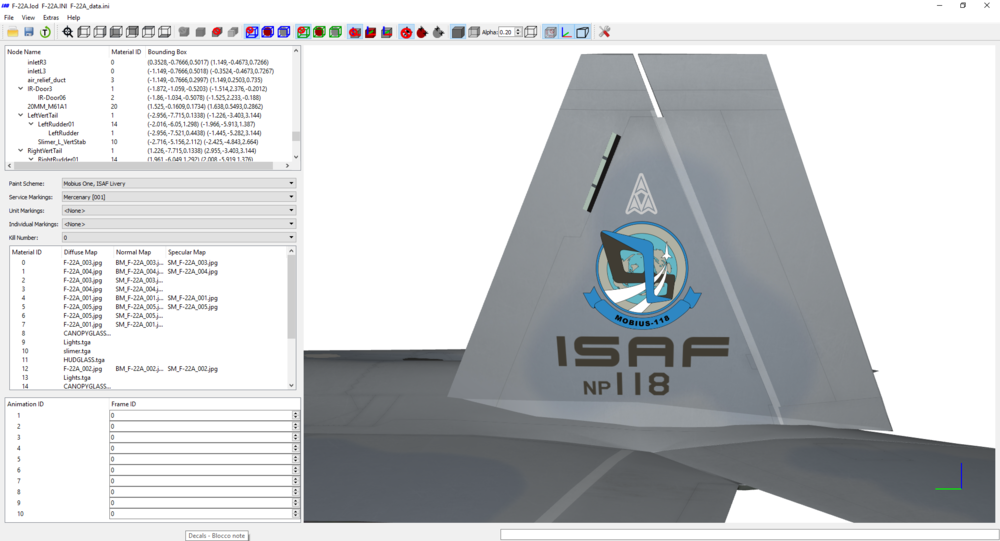
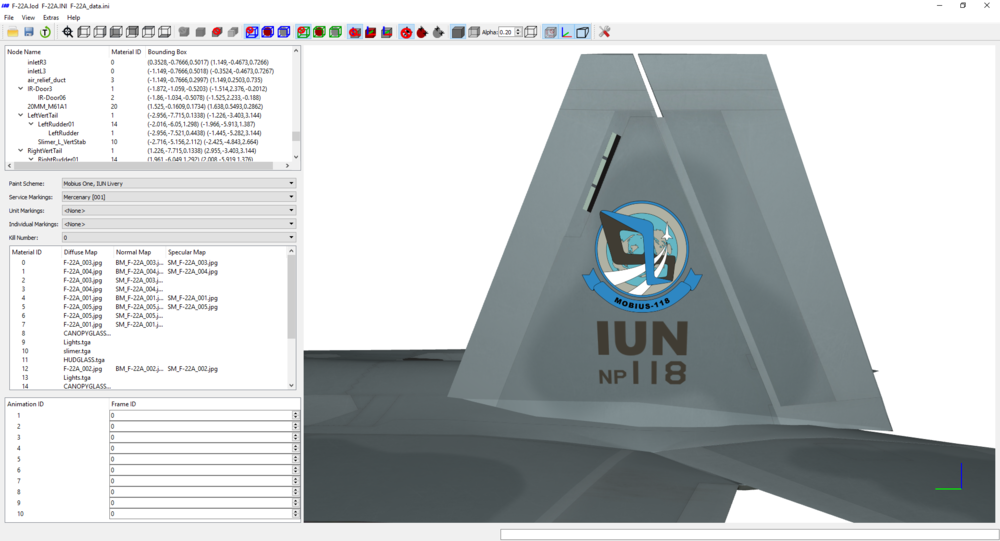
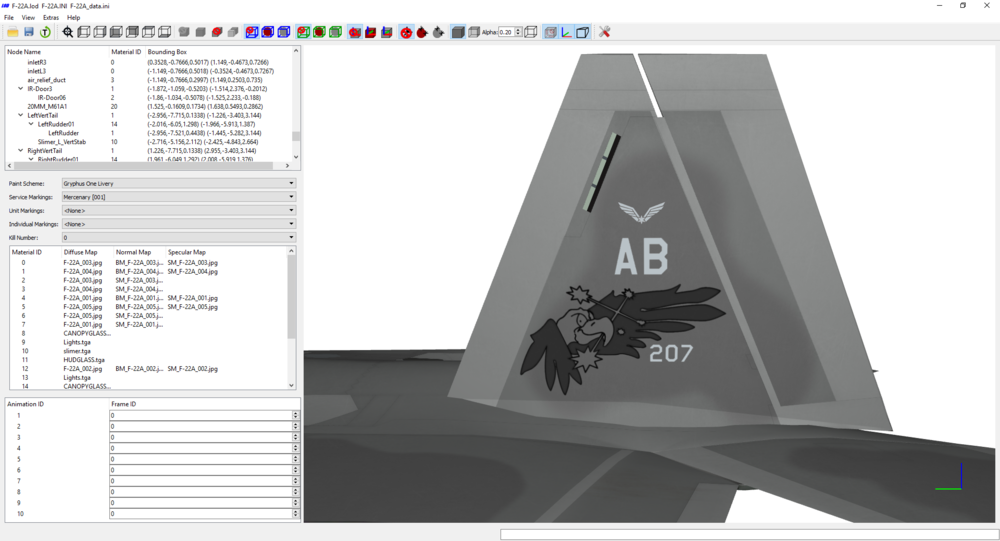
-
LOL! I have recently installed one of Novalogic's sims for it contained some details of a plane skin I'm working on. They are far from being good nowadays under many aspects, but the detailed campaign mission briefings are a nice touch I'd like to have in SF2, alongside 3d hangars. Off-topic: Stary, time ago I had sent you a PM regarding a project I am working on, and one of your past experiments might be useful for it. I know you're busy with RL, but if you could answer me when possible, I'd really appreciate! Maybe you didn't receive the PM because your inbox is full.
- 139 replies
-
- 1
-
-
- fundrazr
- strike fighters 2
- (and 2 more)
-
Hi, everyone. I had sent a PM to @Stary in regards to an experiment he had made in the past, which may be useful for the development of those two terrains I have showed. Until he responds to me, development of the terrains is halted. Stary, if you read this, please check your PM when you have time. Maybe your PM box is full and you didn't get my message.
-
I am with you on that! I really don't get the need for in-flight refueling. Users seem to forget that TW's terrains are not full size. All terrains are about 60% of real scale size. By asking TK for a feature like this, you also ask him to remake his terrains from zero in real scale. Not really worth the effort. I'd rather have a refueling and rearming the moment I land at an airbase, arcadish ala Novalogic's light flight sims.
- 139 replies
-
- 3
-
-
- fundrazr
- strike fighters 2
- (and 2 more)
-
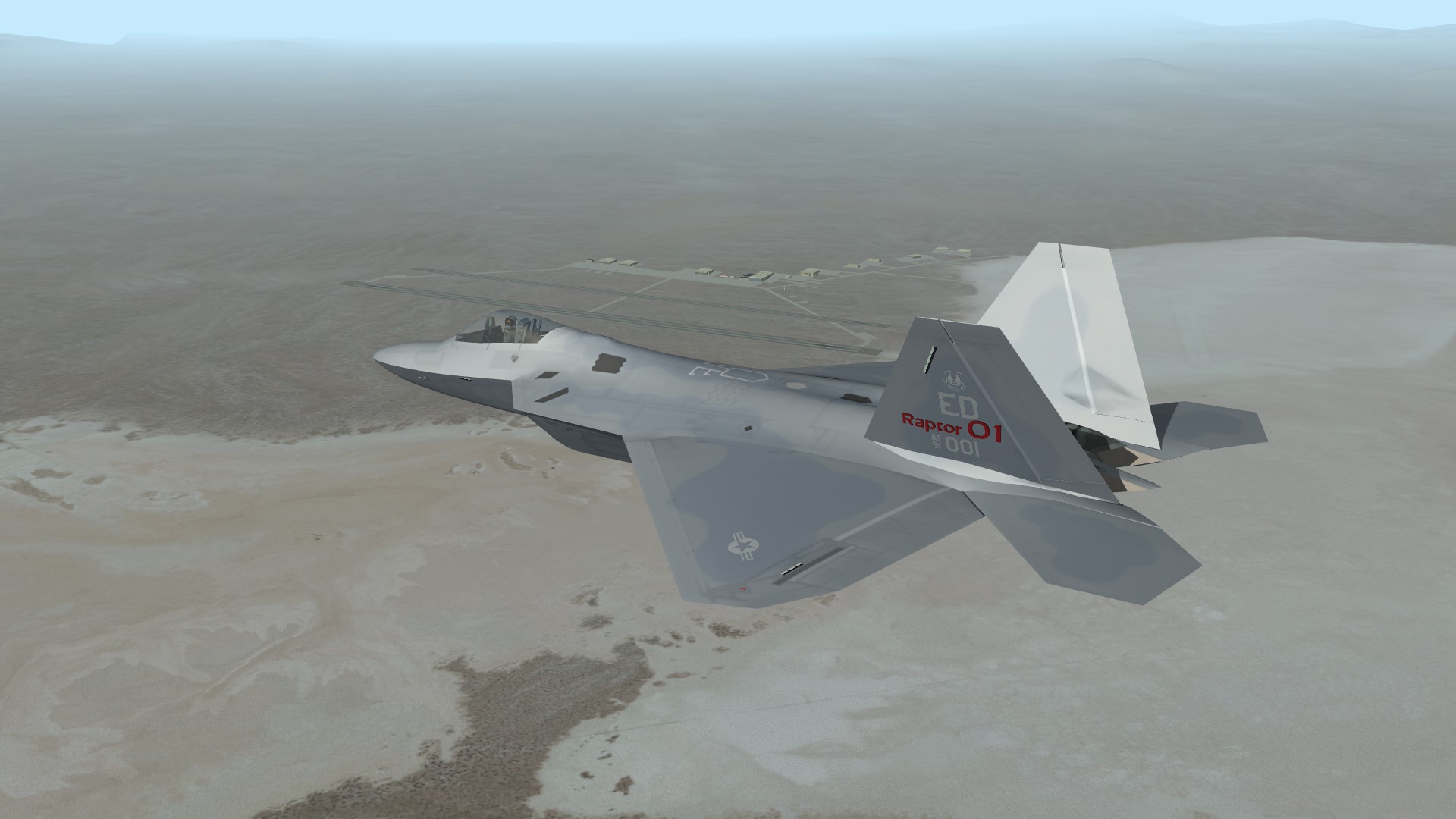
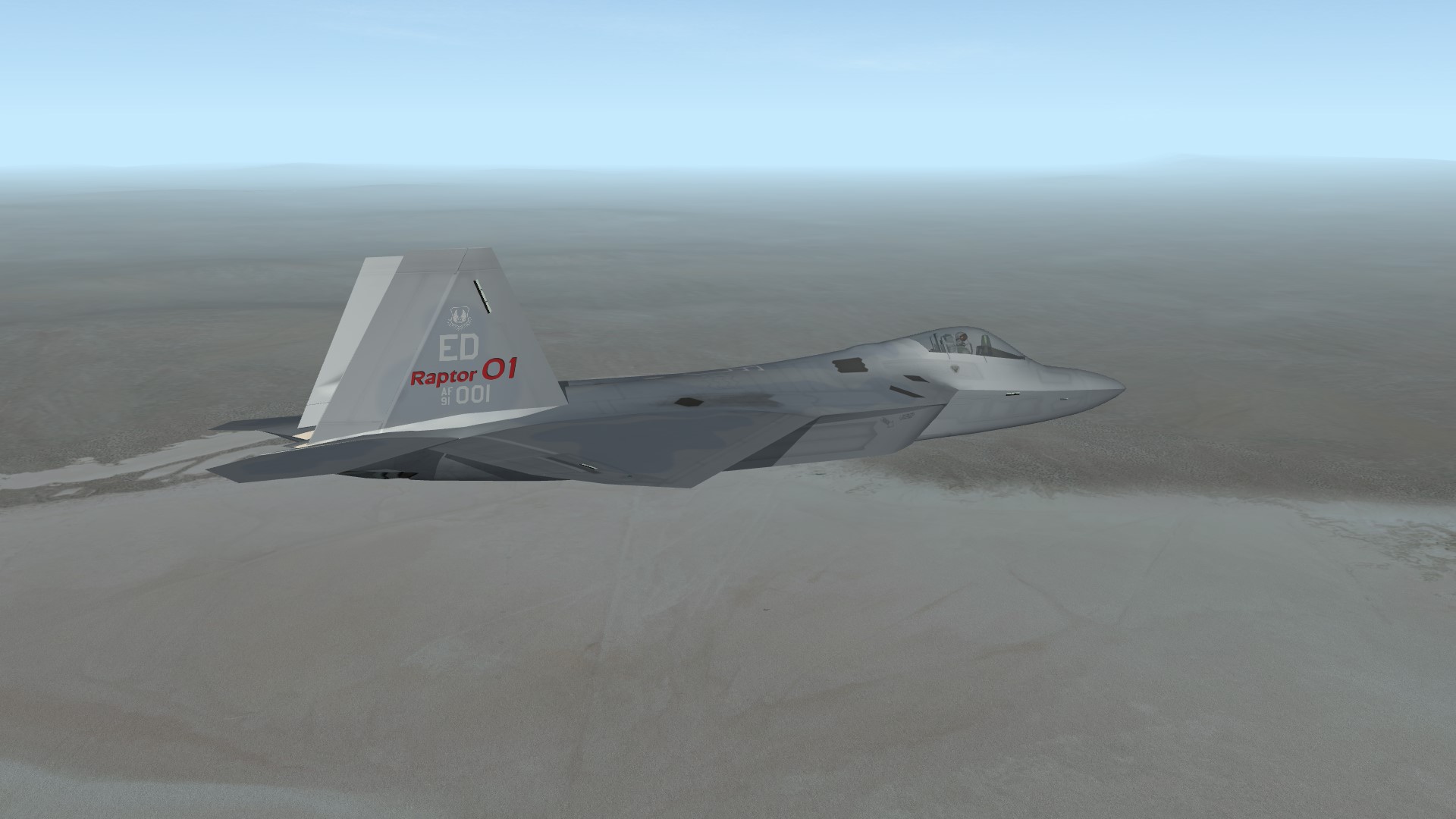
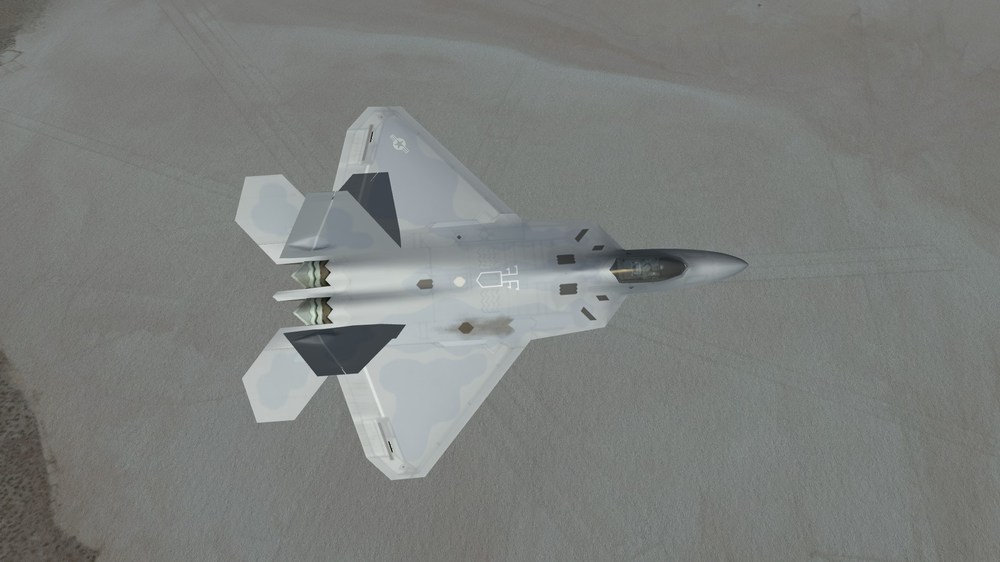
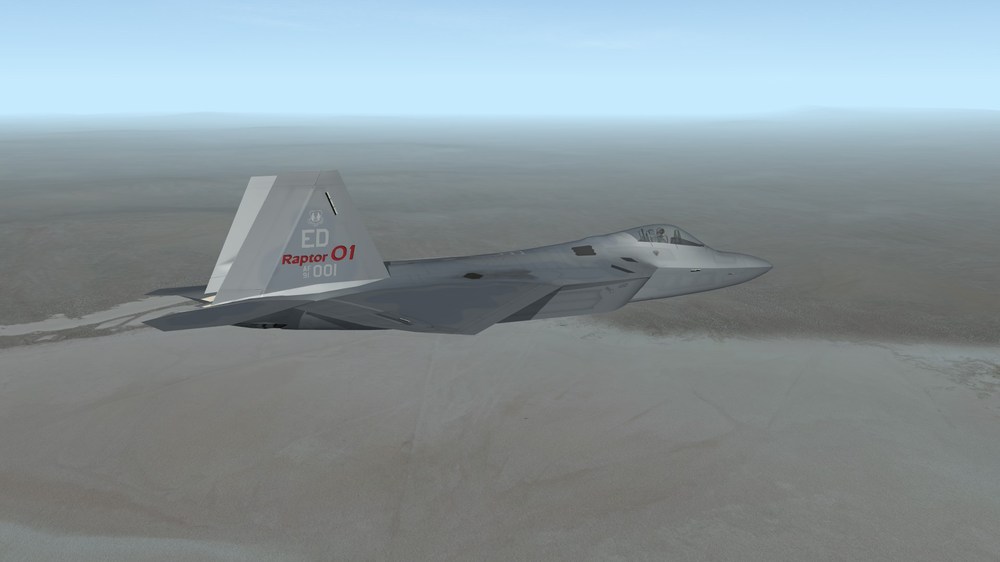
22 years ago, flight testing of the F-22 began at Edwards AFB
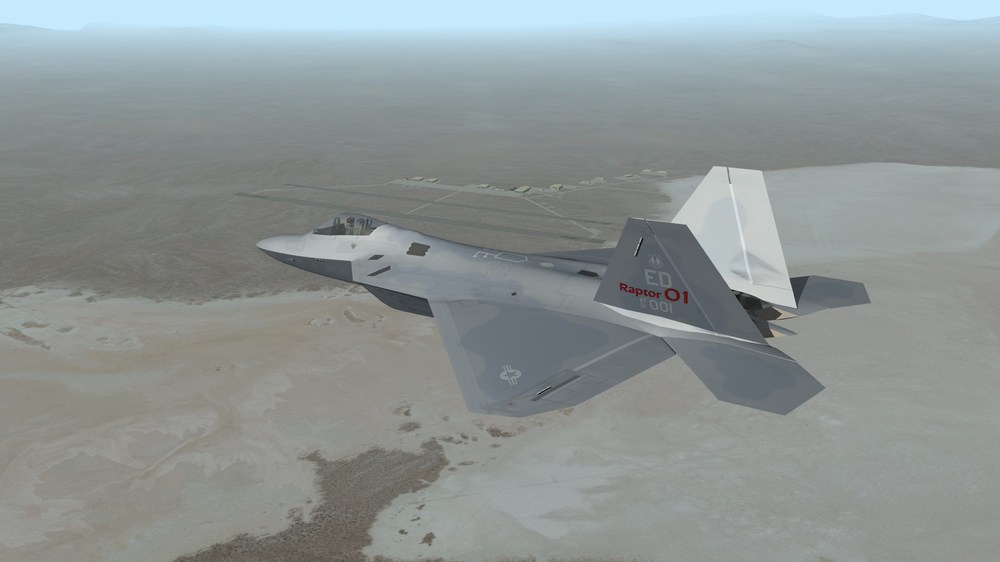
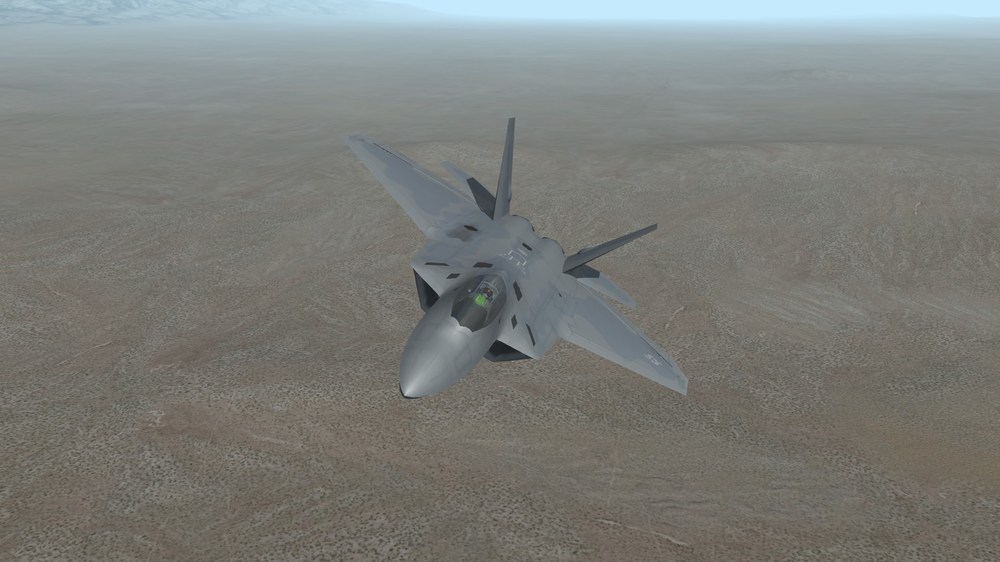
-
It is, but keep in mind that what I show is work in progress. It was referencing another (missing) folder name, now the proper seat folder is referenced, it has been fixed.
-
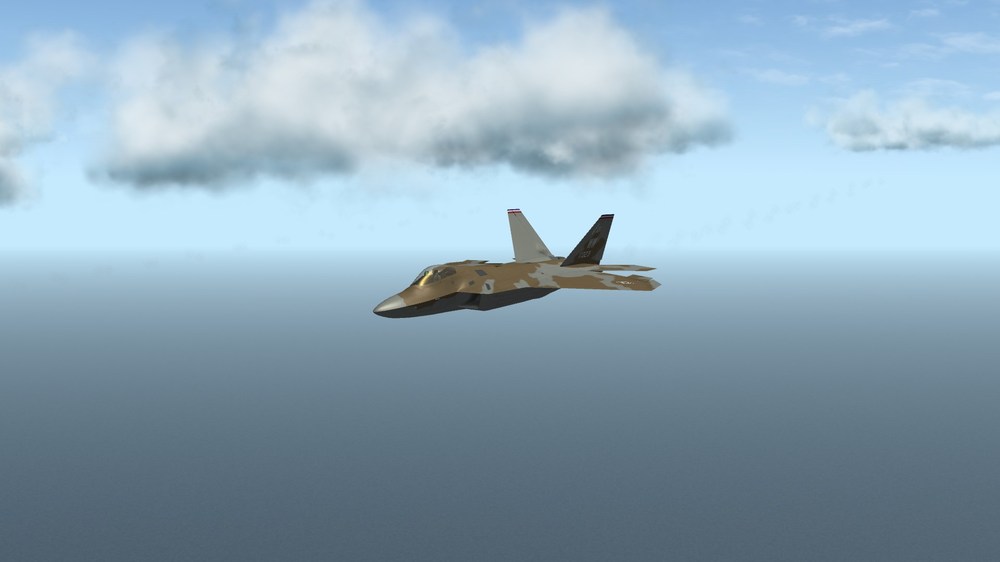
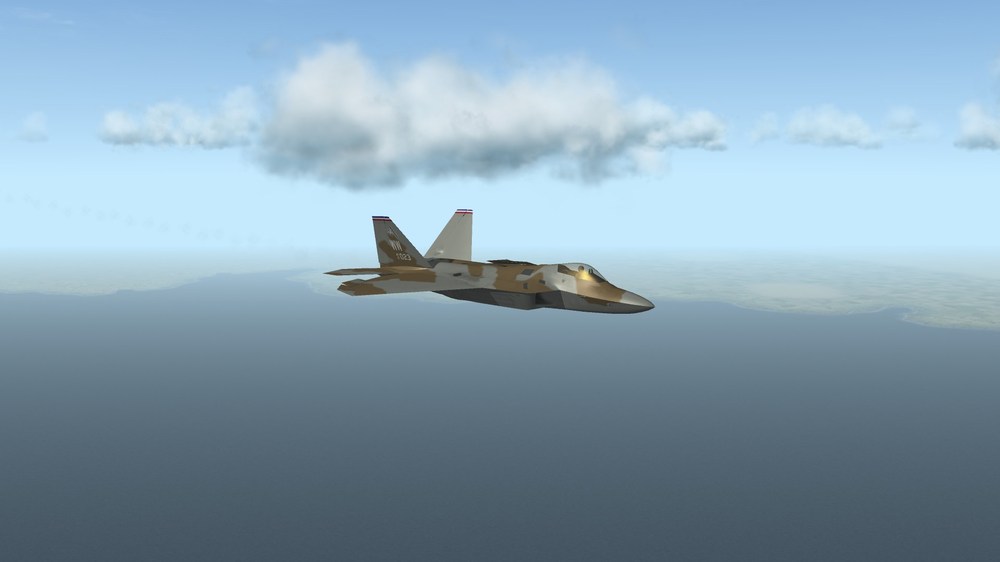
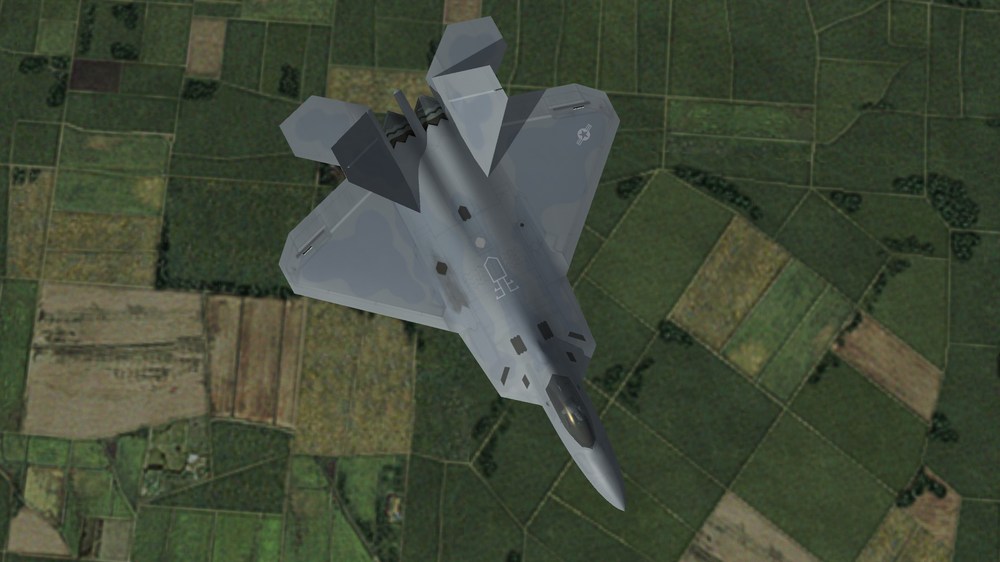
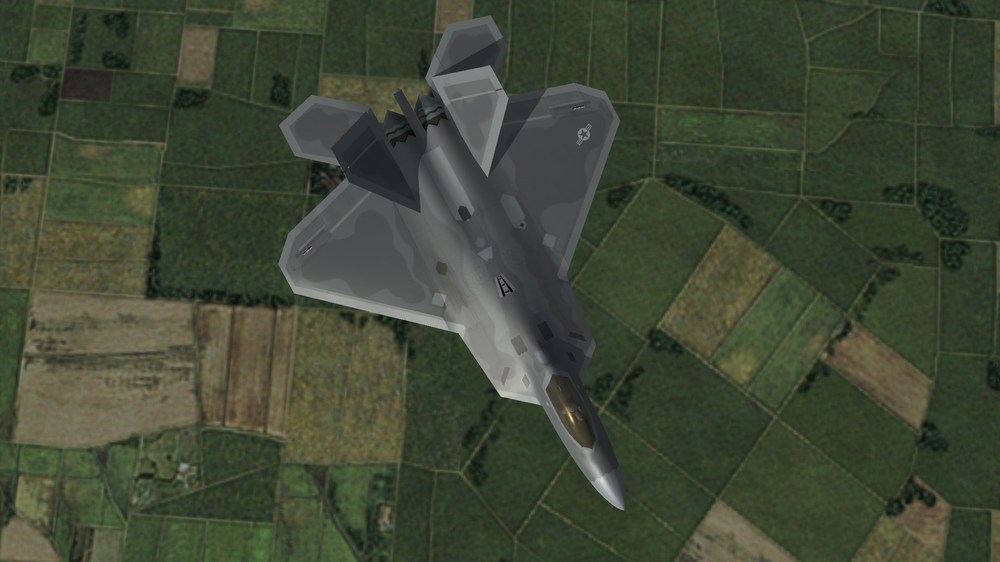
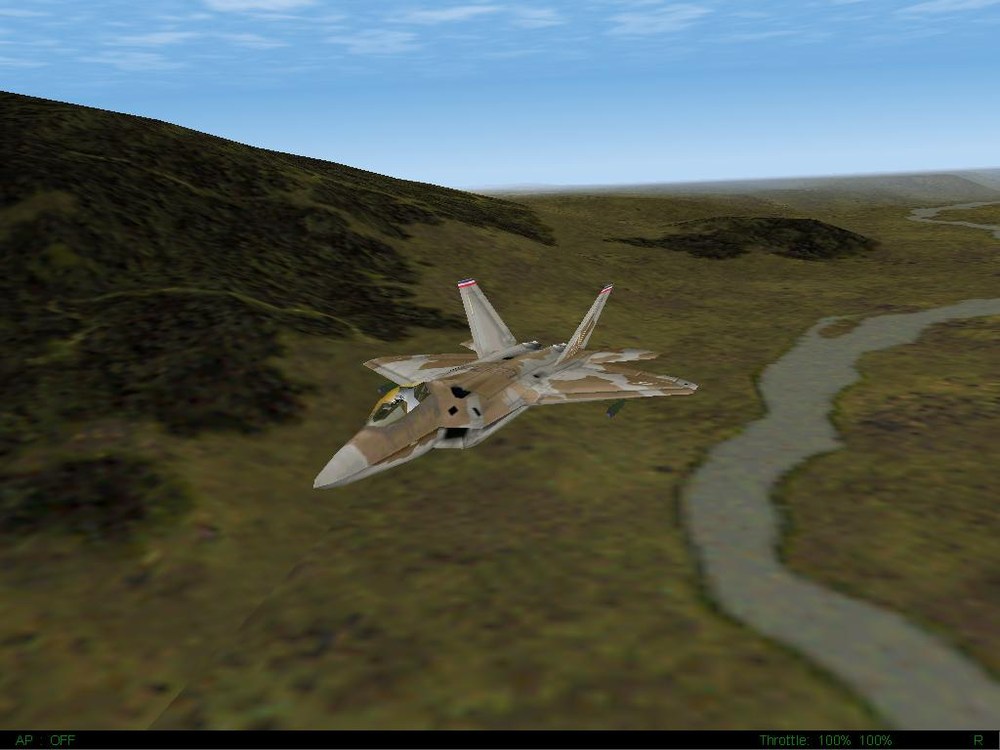
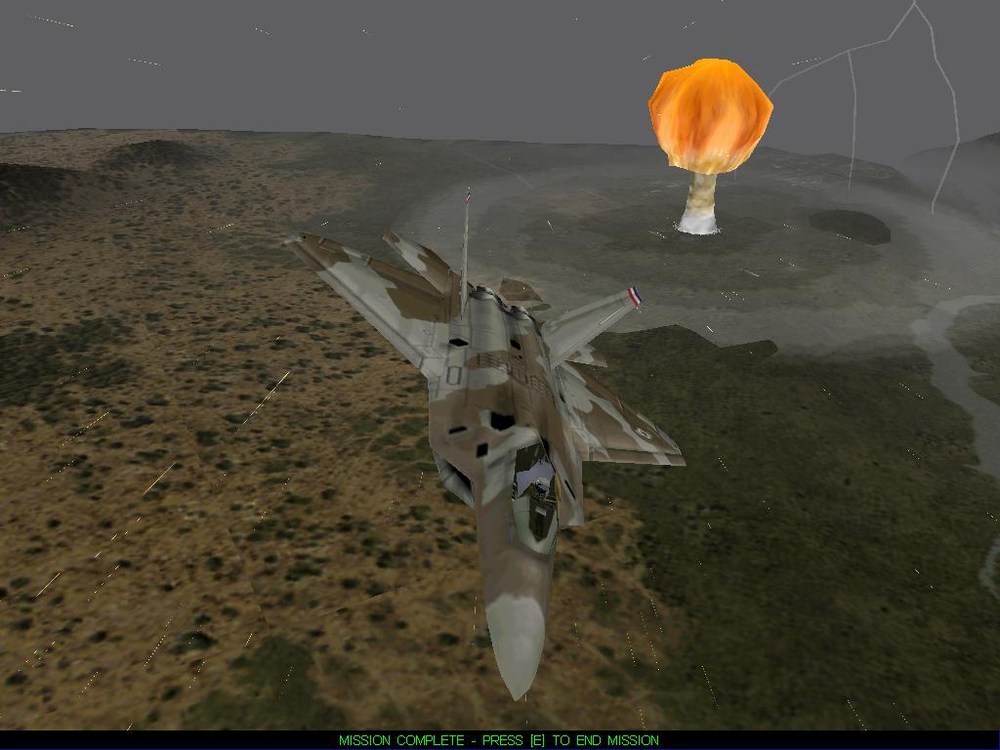
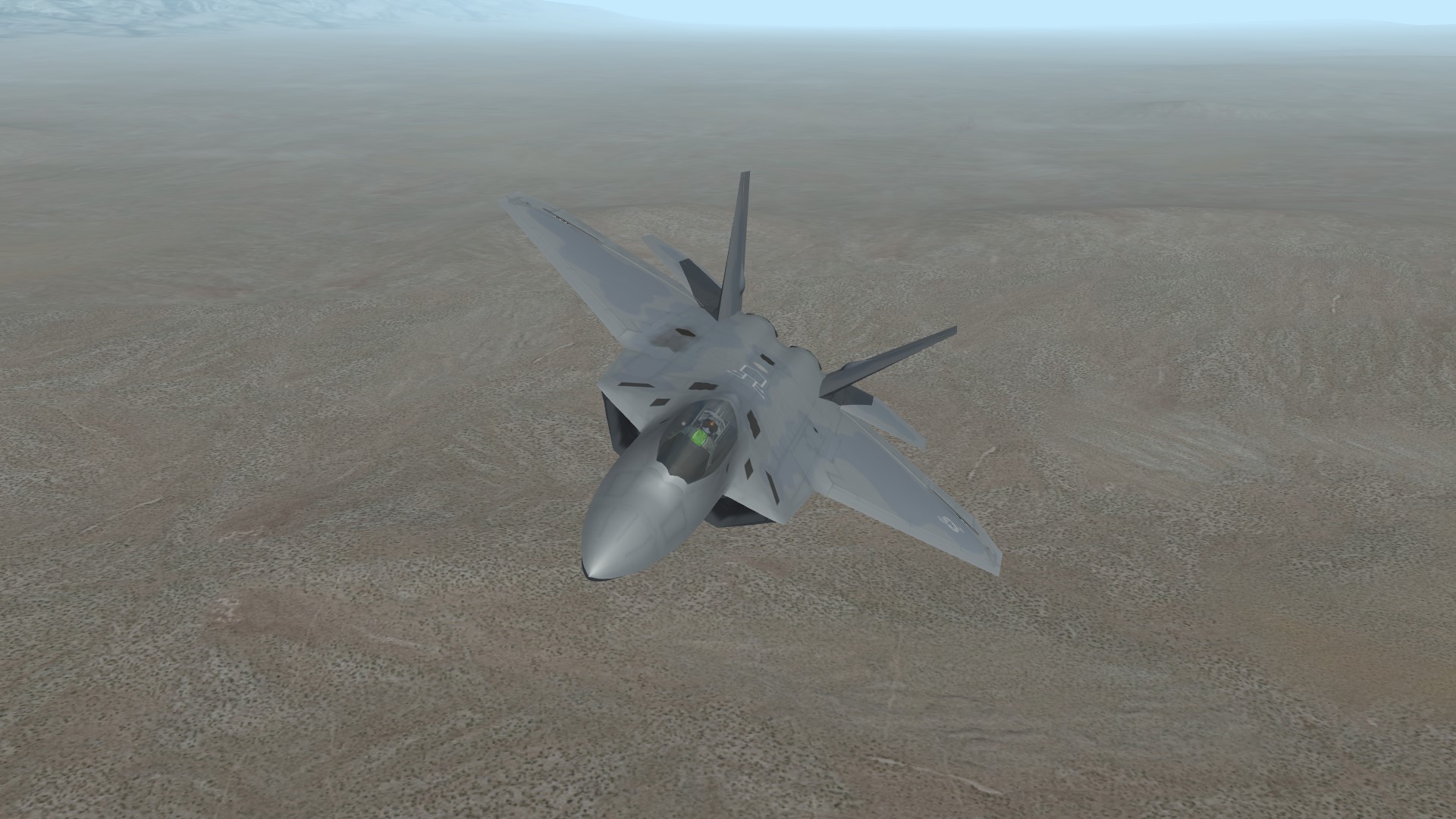
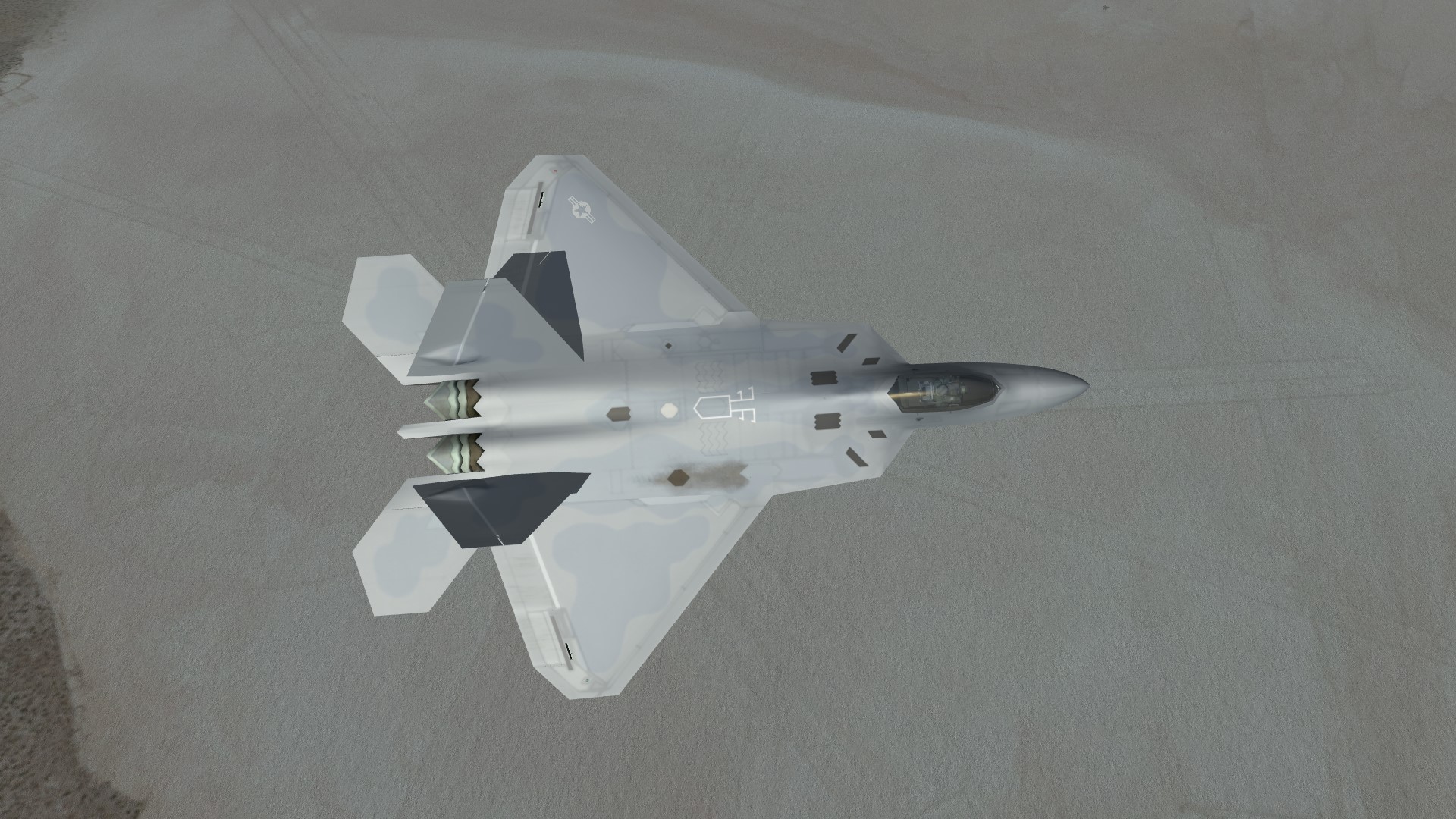
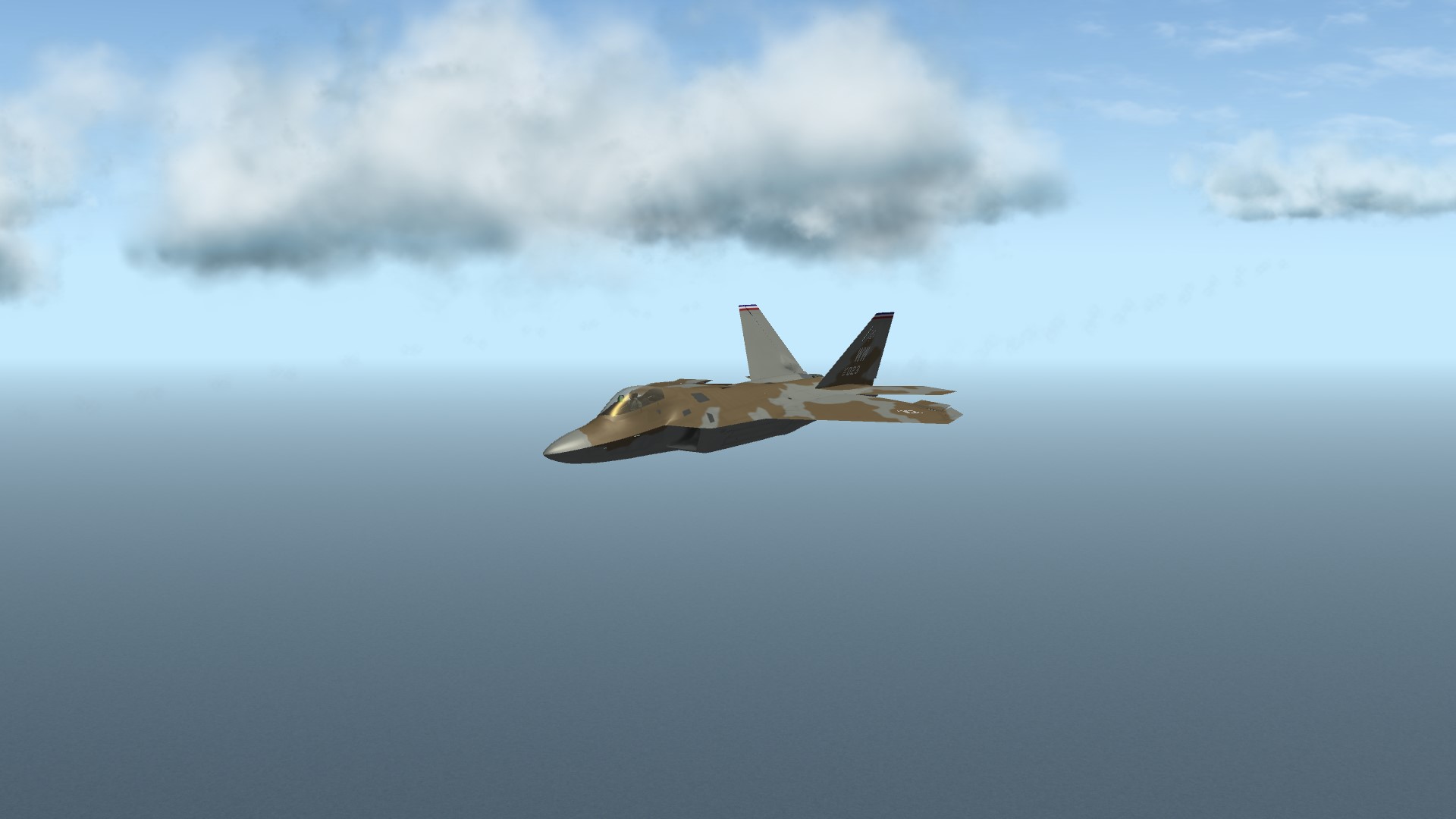
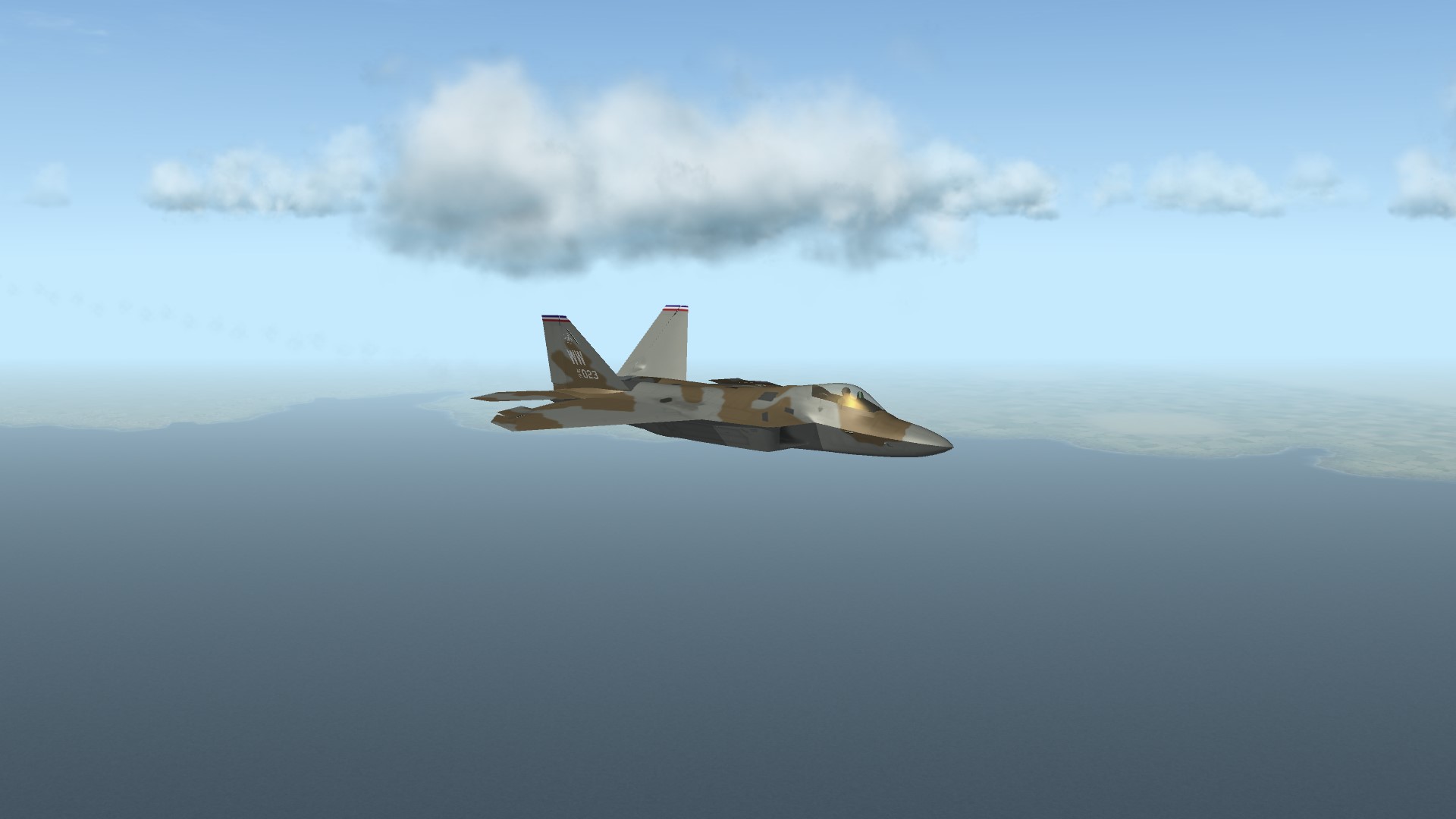
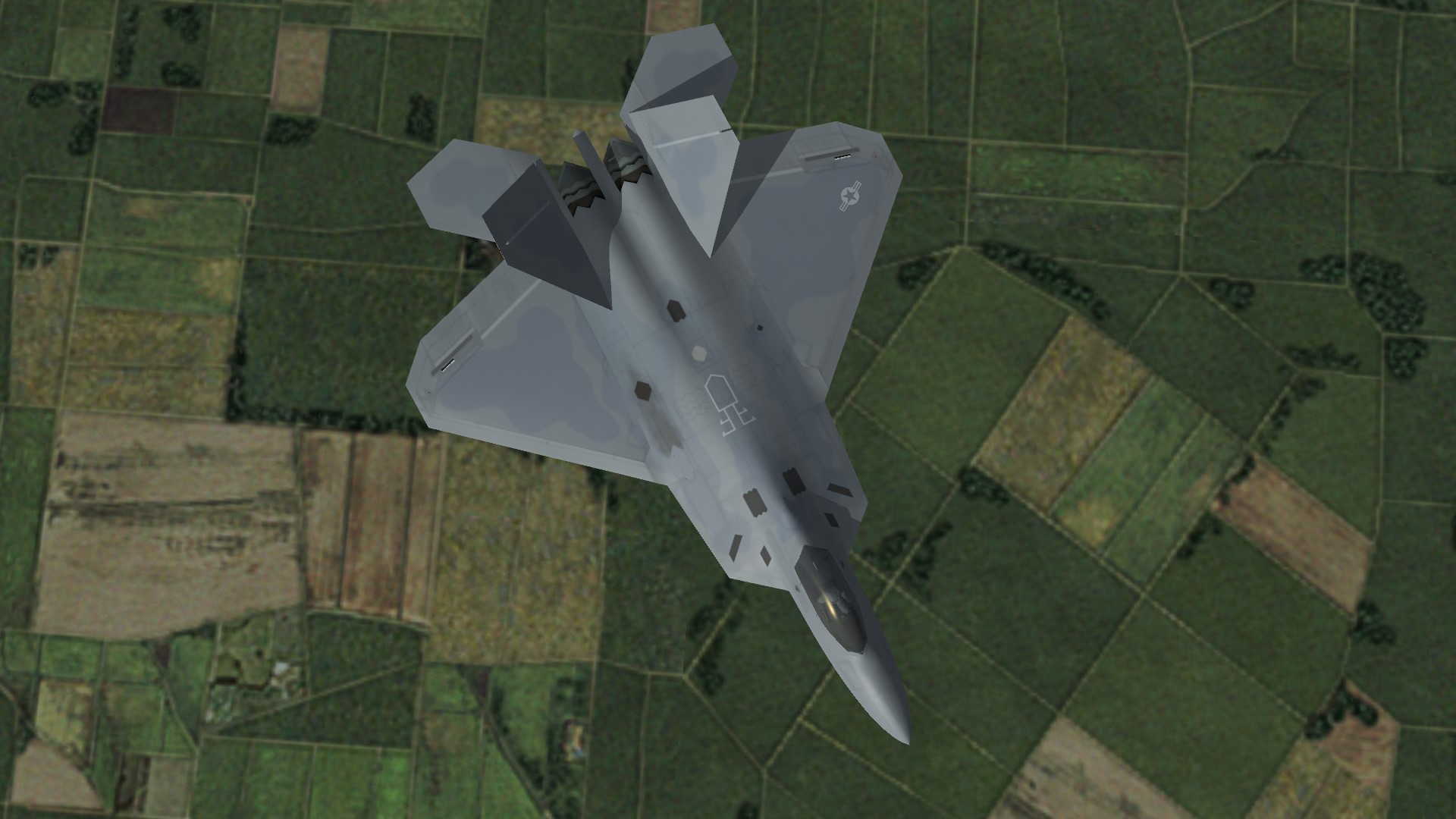
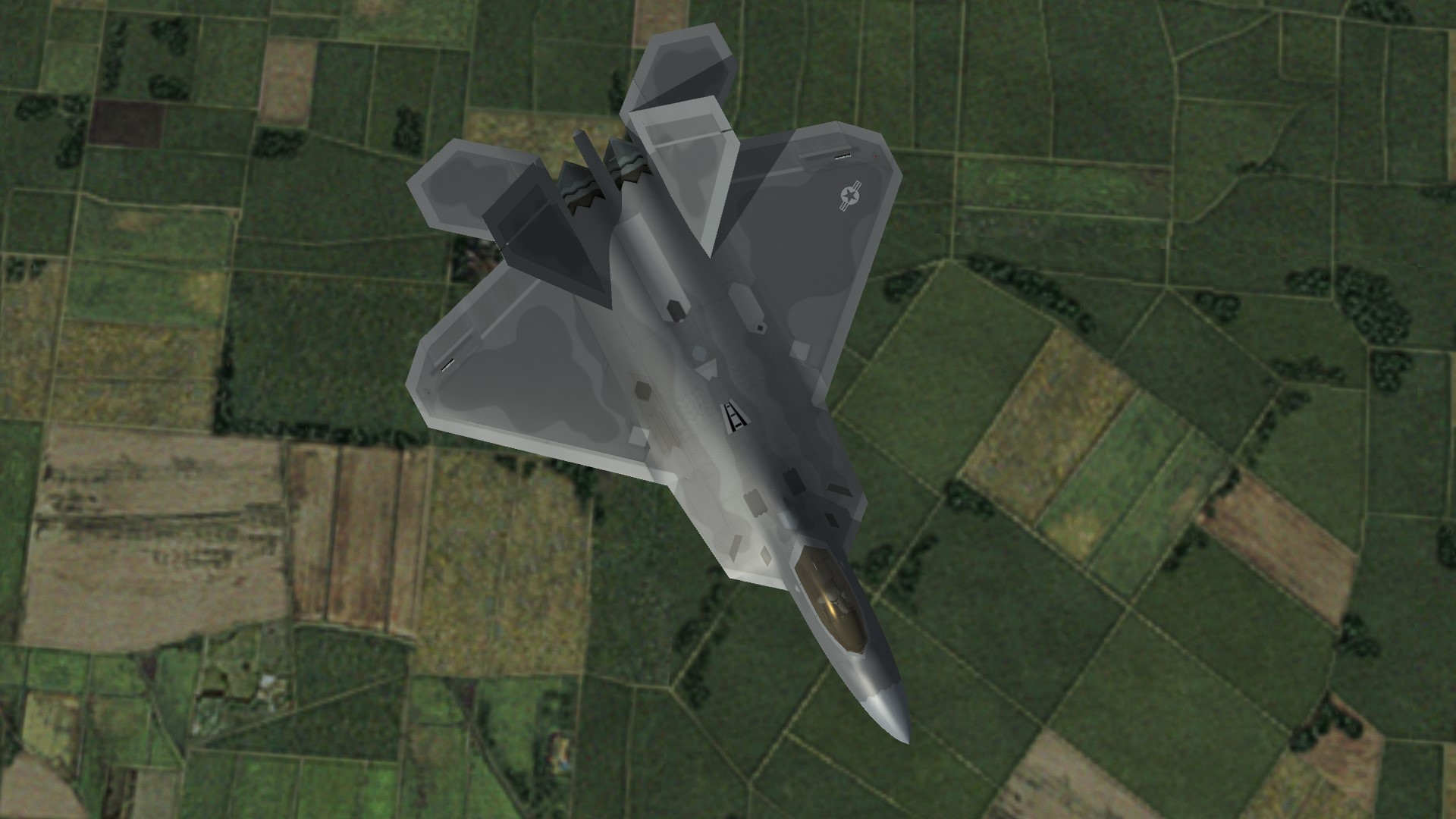
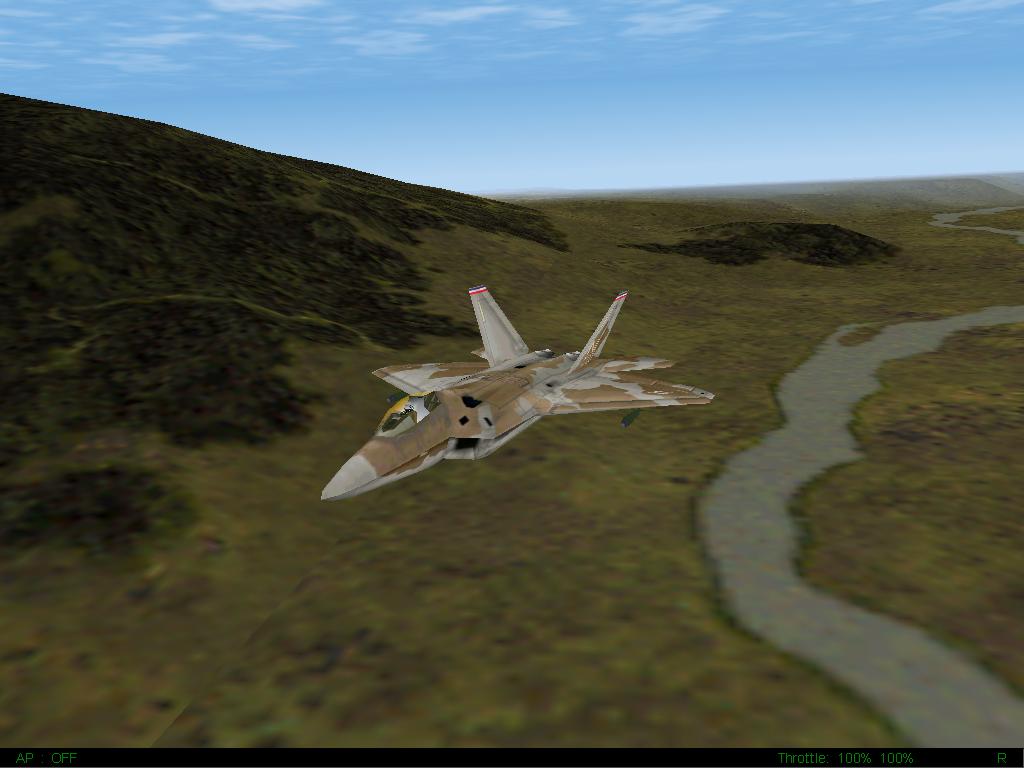
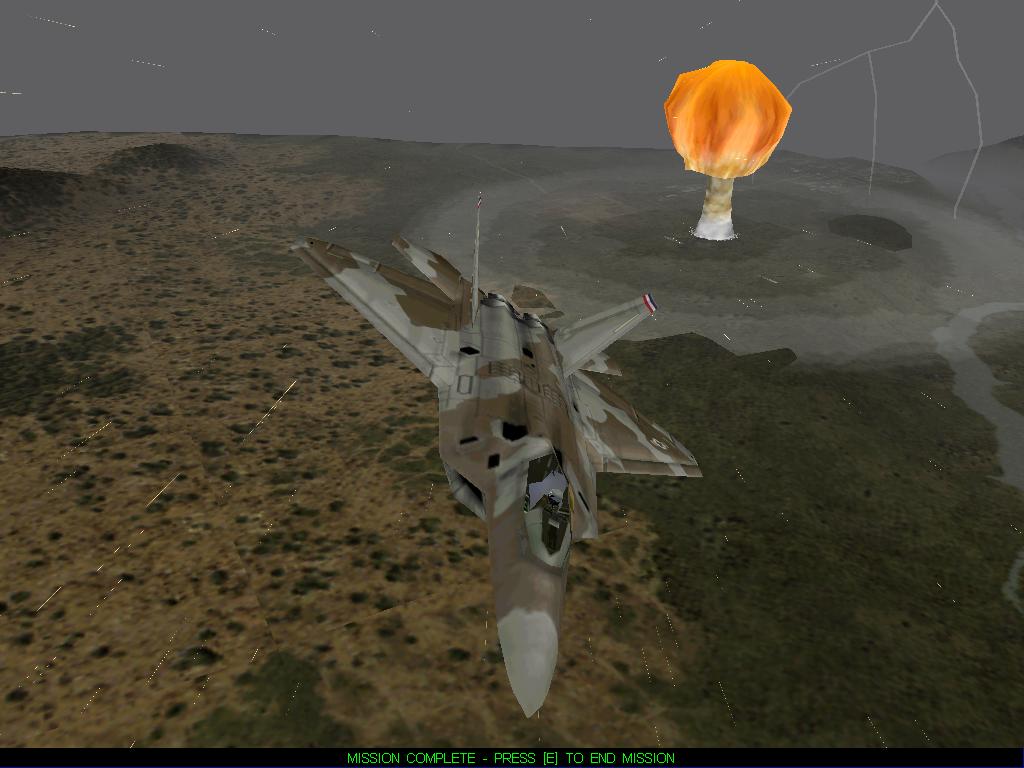
Progressing on skin work for the upcoming F-22A Raptor addon. There will be a separate, huge skinpack featuring various fictional and alternative camouflages and paint schemes. Here below a comparison between the pre-production and production paint schemes and layouts. EMD 91-4001 Prototype USAF Lo-Viz Grey Among the featured paint schemes of the skinpack, there will be a recreation of the fictional USAF desert camouflage as found in Novalogic's F-22 Lightning 3 videogame. F22L3 features a fictional F-22 squadron (namely the 14th TFS, 9th AESOG) taking part in numerous dangerous operations all over the world, including nuclear strikes on enemy WMDs. Here below a comparison between Novalogic's original skin and the recreated one. Novalogic's F-22 Lightning 3 14th Fighter Squadron, 9th Air Expeditionary Special Operations Group