VonS
-
Posts
1,026 -
Joined
-
Last visited
-
Days Won
2
Content Type
Profiles
Forums
Gallery
Downloads
Store
Everything posted by VonS
-
Sure thing Wrench, it's fine with me if you want to sticky this thread. Once I tweak these data inis further I might post them under the downloads section for SF2 (I still need to comb over the A-team Spit 14, Paulo's Spit 19, and I found three more I want to check over for my install...Paulo's La-7, F-6 (French) version of the Mustang, plus the F4U-7 variant of the Corsair used by French naval services. That should be enough variety for an early Cold War prop install in SF2. Von S
-
Hello gents, I wouldn't be surprised at all if TK's formula for thrust in InducedVelocity is different from thrust calculations in the thrust formula - I haven't been able to solve that riddle but thanks for letting us know about it Mue. Maybe some SF2 jet specialists will be able to pitch in with their thoughts on it. On a different note, I'm happy with my latest tests for these post-WW2 prop aircraft so will most likely continue installing some of the tweaked types into my SF2 install as is, after the modifications. I've tried to go with an "accurate enough" approach for this stuff, while I tend to be nit-picky with the WW1 FMs. Have flown the first prototype of the Superbolt further, with the debug mode set to true in the huddata.ini file in the Flight folder, and was observing what happens. At alt., for example, it's misleading to look at the kph speed listed in the bottom left corner of the SF2 screen. Looking at the KIAS and KTAS numbers in the debug screen is more important. Flying the Bolt at an alt. of about 8120 meters, and at full WEP throttle, I get numbers like KIAS 334.3 and KTAS 514.0, while 93% throttle, just under WEP power, gives KIAS 324.2 and KTAS 498.6. I don't know how accurate the KIAS/KTAS numbers are in SF2...KTAS seems a little too high compared to the KIAS numbers, but an ave. of the low and high values at 93 and 100% (WEP) throttle gives me numbers of 411.4 knots and 424.15 knots. Such numbers translate to about 762 kph at alt. at non-wep, and 786 kph at full wep power. Seems like a reasonable difference to me, of about 25 kph with wep engaged, and I'm then hitting the 780s kph which is close to historical top speeds at alt. for the Superbolt (first prototype). [EDIT: have decided that it's better to set a mach limit value under the FlightControl section of the data ini for these post-WW2 prop aircraft than to use averages of KIAS and KTAS - setting the mach limit value about 100 kph above the historical top speed recorded at alt. for these types usually pushes them to within 20-30 kph of top historical top speed at alt. - avoid mach limit numbers identical to top speeds since top speeds are then too low by about 100 kph - this info is not relevant to the FE2 tweaks but SF2 is a learning process and anything of value, if possible, will be re-integrated into the FE2 data inis.] I'm not going to bother bringing the KTAS values down into the historical range since then KIAS will drop too much also - this will end up requiring some fairly low watt numbers for the engine power value under the Engine section of the data ini - so, if anyone wants to tinker further with this, I also recommend checking my lengthier post above where I've indicated some important entries, in bold, in the data ini - in that case for the La-11. Three things that haven't changed since I began testing these tweaks for my SF2 install: a) leave SL top speed uncapped under the Flight control section of the data inis for WW2 and post-WW2 prop aircraft, since it creates an artificial barrier for these powerful late-prop aircraft, and run at no more than "full military power" at near sea level (whatever the throttle setting might be in your data inis)....I've set this to about 80 or 85% depending on the aircraft...as indicated in one of my posts above, even if you push to full wep power at SL, you will get a slight boost in acceleration possibly, but it won't push the top speed that much if at all, until the relevant alt. table values for wep kick in (determined by the number indicated for the wep altitude startx value) b) a good difference between max engine power non-wep and with wep, under the Engine section, is about 200,000 watts...this gives a noticeable but subtle difference...no rocket-powered, artificial boosts are felt this way c) the third point: set the entry under the Engine section, for constantspeed for the prop, to FALSE (that's right) - most of those data inis have it set to TRUE - but testing in debug mode shows that the prop speed is then constantly at max. rpm value, no matter the throttle position, and the prop efficiency is constantly in the 95-100% range - setting that entry to False solves the problem (and then there are nice changes to prop rpm numbers, and efficiency, across the throttle bands) - hopefully that entry is not simply a cosmetic one ...but here are some numbers for the tweaked Bolt data ini, with constantpropspeed set to False: 3200 rpm, full wep 3067 rpm, minimum wep 3007 rpm, just under wep (93% throttle) 2407 rpm, 70% throttle (bit less than full military power) 1900 rpm, half throttle (cruise) 847 rpm, 10% throttle I might eventually post some of these tweaked data inis for the post-WW2 prop machines once I finish tinkering with my SF2 Cold War install....in the meantime the more relaxing skies of FE2 are waiting for me. Happy flying, Von S
- 23 replies
-
- 2
-

-

-
- data ini files
- fe
- (and 8 more)
-
Thank you for the info. - this will save me a lot of time with my SF2 install, not having to tweak such entries if they are only cosmetic. (Makes me wonder about what other entries are only cosmetic and that I've maybe been approaching too seriously.) In terms of watts used for powerdry/powerwep values, etc., one word of advice for those tweaking FMs is to be aware that historical watt numbers for the engines don't necessarily and always translate to historical results when flying in the TW sims. At least for my WW1 tweaks package, endless testing was needed to get the models behaving historically within FE2 - although sometimes this would require unhistorical engine power numbers, or higher/lower rpm values for the props, usually a balancing act between the two, etc., and of many other factors. Theoretically, historical numbers might work well in the data inis all the time, but this would probably require entire revamps of several data inis, a very time-consuming process....touching on drag values, lift/data tables for wings and stabs, etc. My approach with the WW1 models has been to "hammer" the FMs into a shape that works well historically, based on the wonderful FM work initially done by Ojcar, TexMurphy, and others - and even then it takes at least a couple of years to comb through the data inis. The A-team data inis usually require more work...I have limited myself to touching only 5 or 6 of their WW1 aircraft. Sure wish we had some kind of program for FE2/SF2 that would "visualize" (as in a wind tunnel) what's happening when we change and crunch numbers into the data inis...would be more efficient than doing endless cycles of testing in the sim itself...but it is what it is. Happy flying, Von S
- 23 replies
-
- 1
-
-
- data ini files
- fe
- (and 8 more)
-
While I've noticed that I get about 12-15 extra kph with the La-11 at around 5200 m alt. already, it would be a good test to include the HasWEP=TRUE value as well, under the Engine section. I am also comparing some of the types further with modifications to the Engine section based on my long post above...currently working on the Thunderbolt "M" upgrade tweaks and the what-if Superbolts from the A-Team...will post if I find any important differences between performance on the different types. Also, I recommend testing with the SLPowerWEP value also incorporated into the Engine section of the data ini, and then without that value included. I am currently testing with SLPowerWEP included for the Superbolt, and I am noticing some extra, subtle acceleration - although no change to the top speed. Fortunately I'm able to run it in the 780s kph which is close to the historical top speed for the first prototype of the Superbolt. It took some time to get everything running with the Superbolt since I had to incorporate many alpha and data table values for the wing sections, borrowed from the Thunderbolt data inis hosted on CombatAce. Otherwise, in stock form, the A-Team Superbolt would start descending, above about 5000 m alt., if running beyond about 650 kph, with no ability to correct the descent - now it works fine with the borrowed wing values in place. My engine dry/wep values for the P-72A-1 prototype are: SLPowerDry=3072665.0 SLPowerWEP=3572665.0 I will test further by reducing wep to about a value of 3272665 - I think a difference of a value of 200,000 units, approximately, between the non-wep and wep entries, should be adequate for subtle performance differences. Also, I have noticed some other oddities regarding the late prop aircraft that are worthy of some info. here, regarding the wep manifold pressures. From what I've been able to read over the past few days...manifold pressures, if wep power was available, for early WW2 types were around 52 inches, about 64 inches for late WW2 types, with a possible 70 inches being used on these post-war variants I'm currently tinkering with for my Cold War SF2 install. Manifold pressures of 72, 74 inches, etc., are only used on modern performance and racing planes. What is confusing in the data inis is that some files record these values in inches, others in "ata" (absolute atmosphere) units...I think TK was most likely using the ata units. The general rule is 30 inches of manifold pressure equalling about 1.0 ata units, so: early WW2 types, WEPManifoldPressure=1.73 late WW2 types, WEPManifoldPressure=2.13 post-WW2 types, WEPManifoldPressure=2.33 I've as well increased the WEPTempDelta value from 10.0 to 20.0, hopefully for more overheating chance although I haven't seen any differences so far. I've currently gotten rid of the entry for max alt. at which WEP operates, so that it operates no higher than the max alt included at the top of the data ini, and I've removed the max. time for WEP duration entry since it seems largely a nuisance at this point, although I will keep testing further. Von S
- 23 replies
-
- 1
-
-
- data ini files
- fe
- (and 8 more)
-
A good question...I think that only TK really knows how those formulas add up and work in FE2/SF2...my impression is that much of the number crunching that we tweak into the data inis are manipulations and changes to "already established" formula averages that were directly programmed into the TW series of sims. The trick is to figure out what units TK was using...most of the data inis are in metric (m/s, etc.), but some of the ratio numbers took a bit of guesswork to figure out, and actual testing in the sims. Perhaps Baffmeister knows more about thrust formulas, etc. - might be a good idea to ask him. Most of the mods I've done for FE2 are all hand-edited and then tested, over and over again, within FE2 - an approach that, while slow, works well for WW1, but I haven't really touched any of the jet-age stuff where thrust is handled in more complicated ways. Here are a few links I've managed to find on CombatAce that might be of some help: https://combatace.com/forums/topic/61789-calculating-a-boosters-acceleration/ https://combatace.com/forums/topic/93066-used-fm-units-of-measure/ https://combatace.com/forums/topic/89652-aircraft-acceleration-values/ Von S
- 23 replies
-
- 2
-
-
-
- data ini files
- fe
- (and 8 more)
-
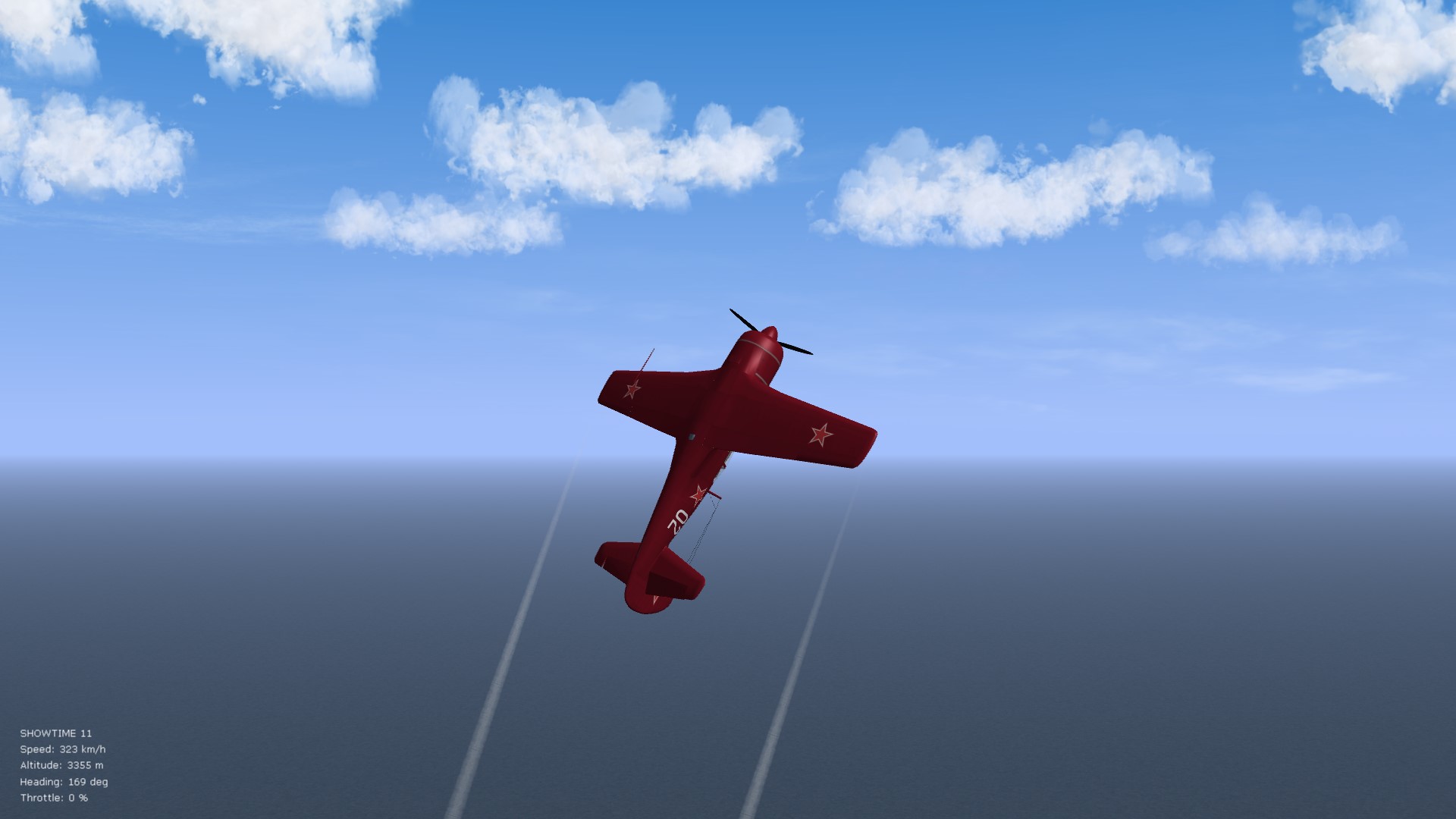
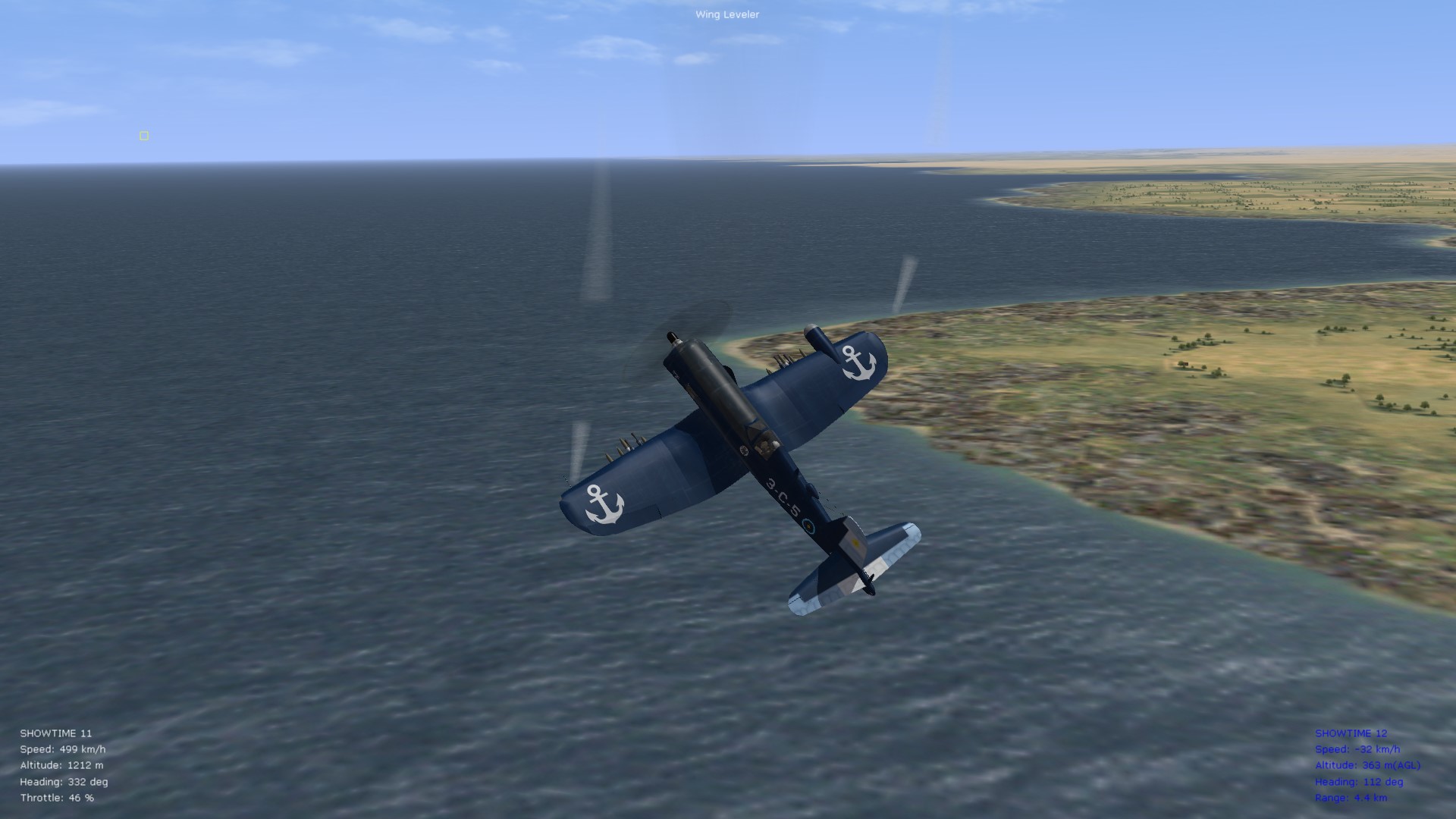
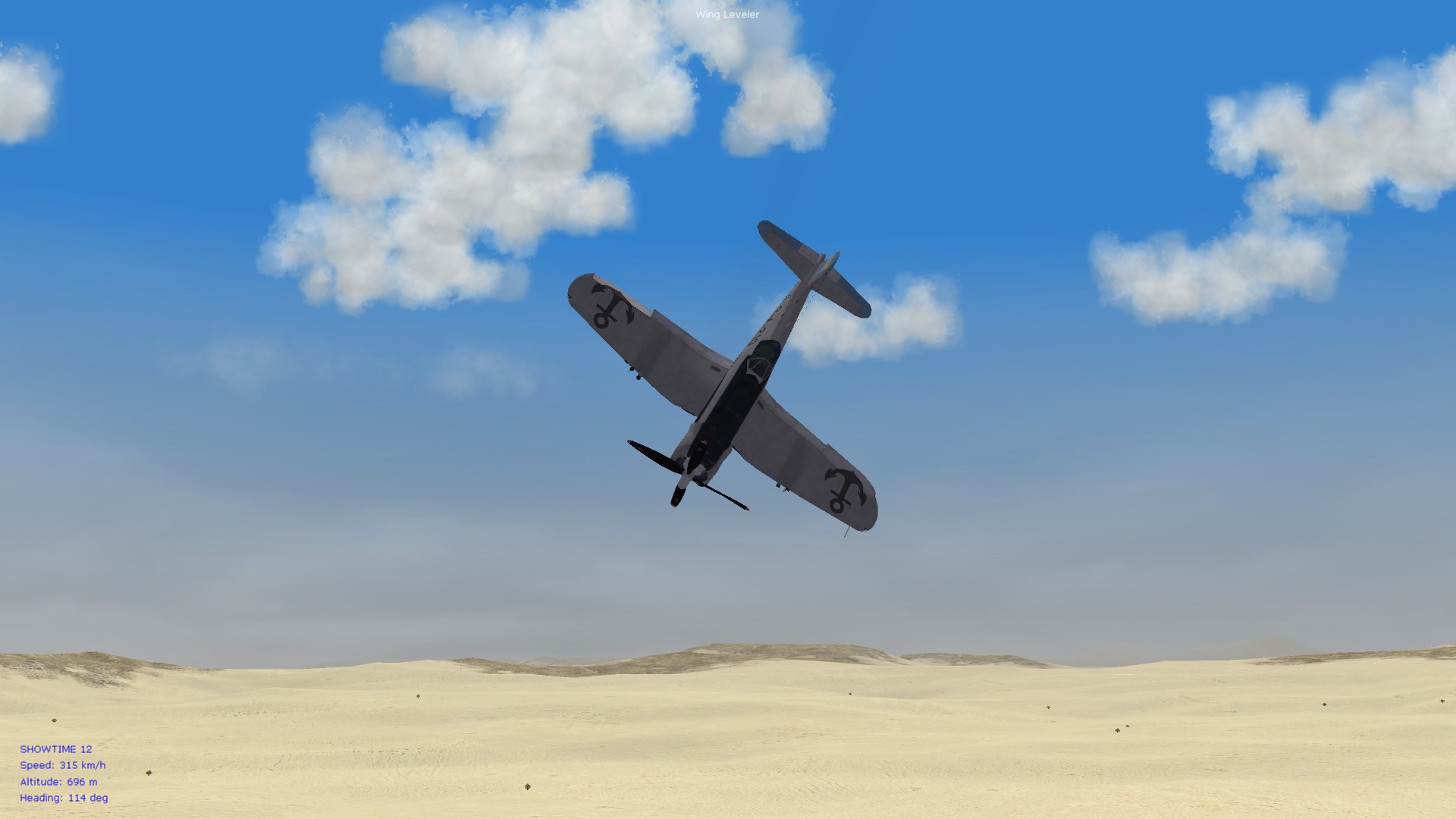
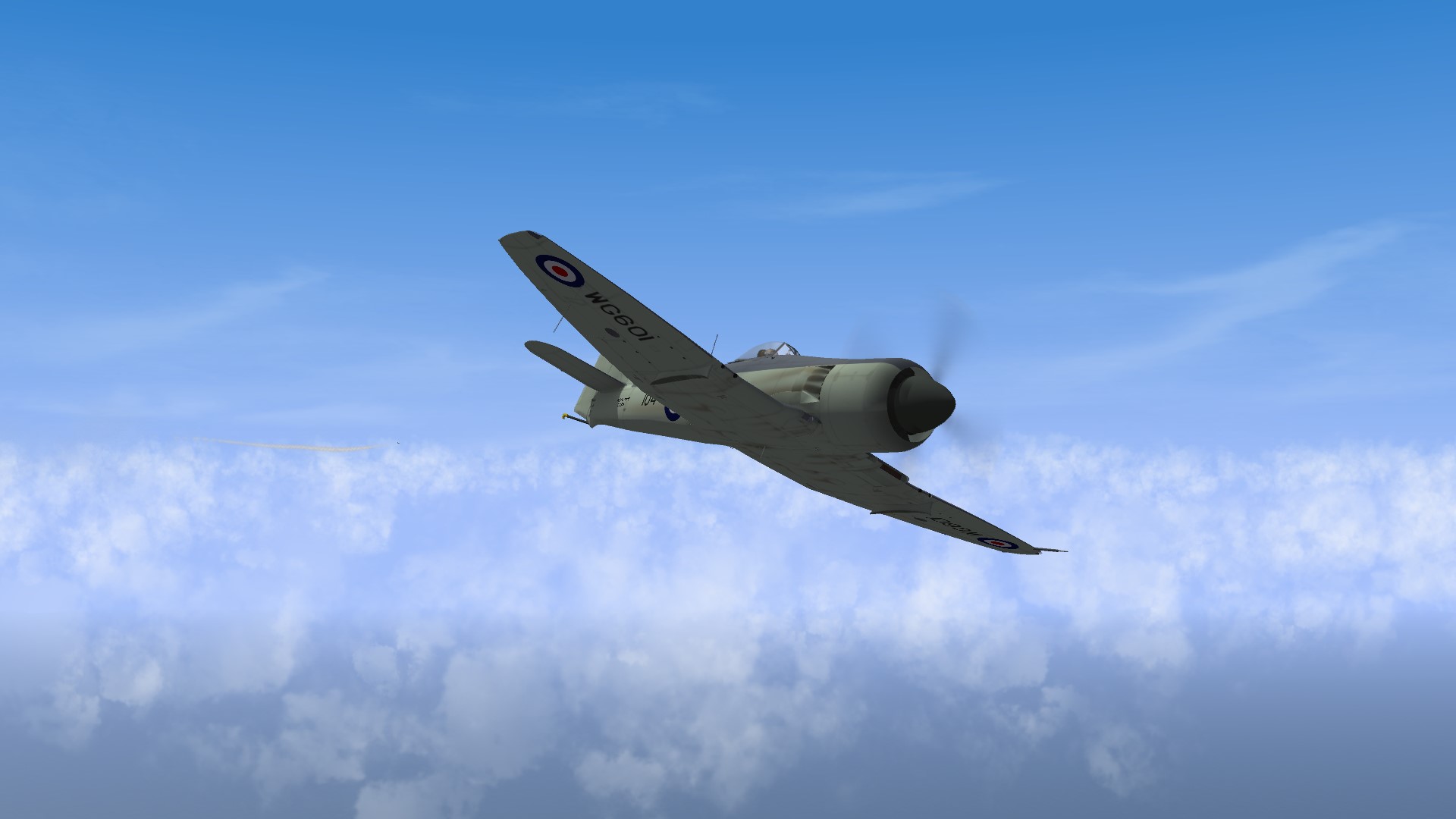
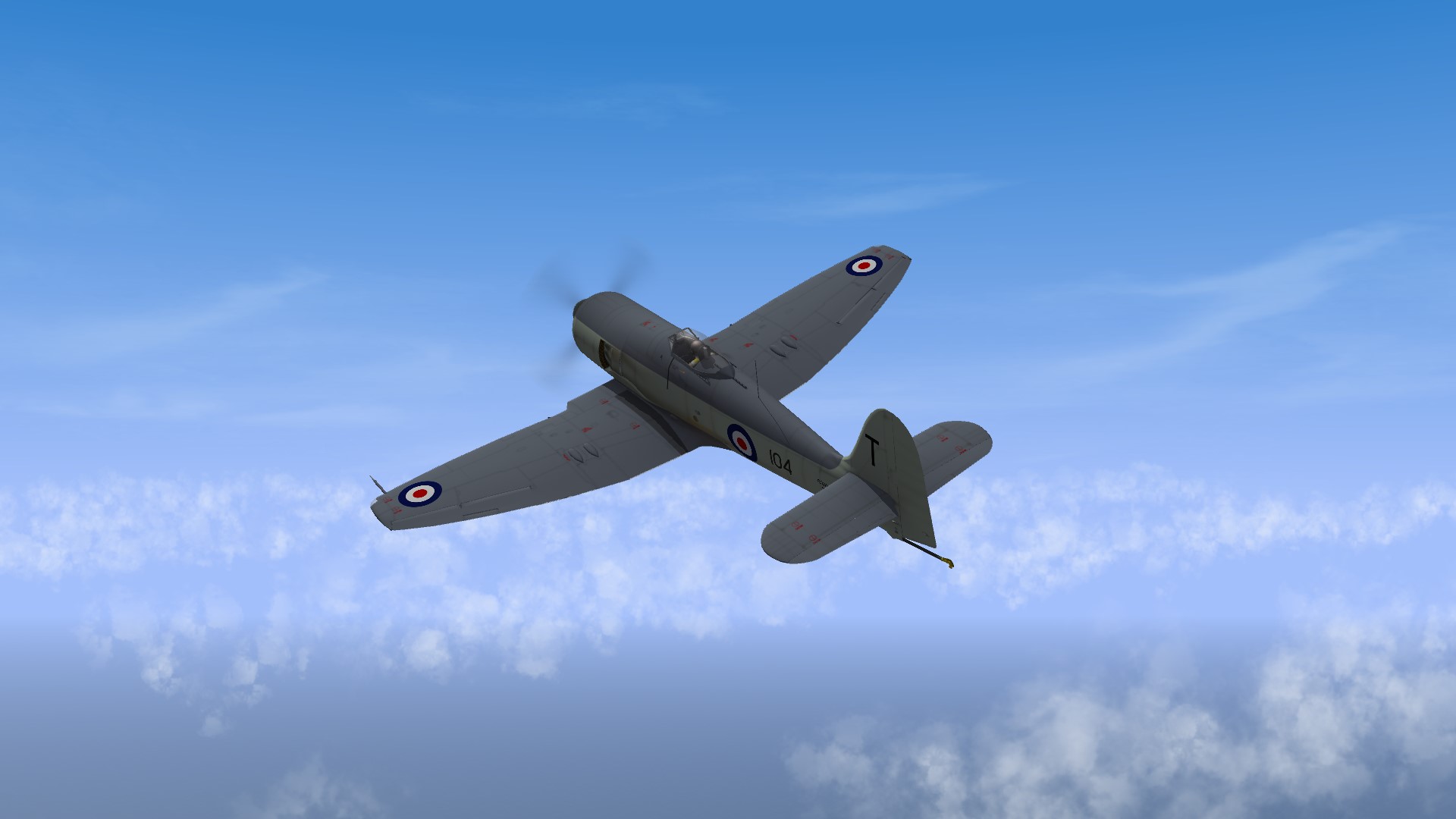
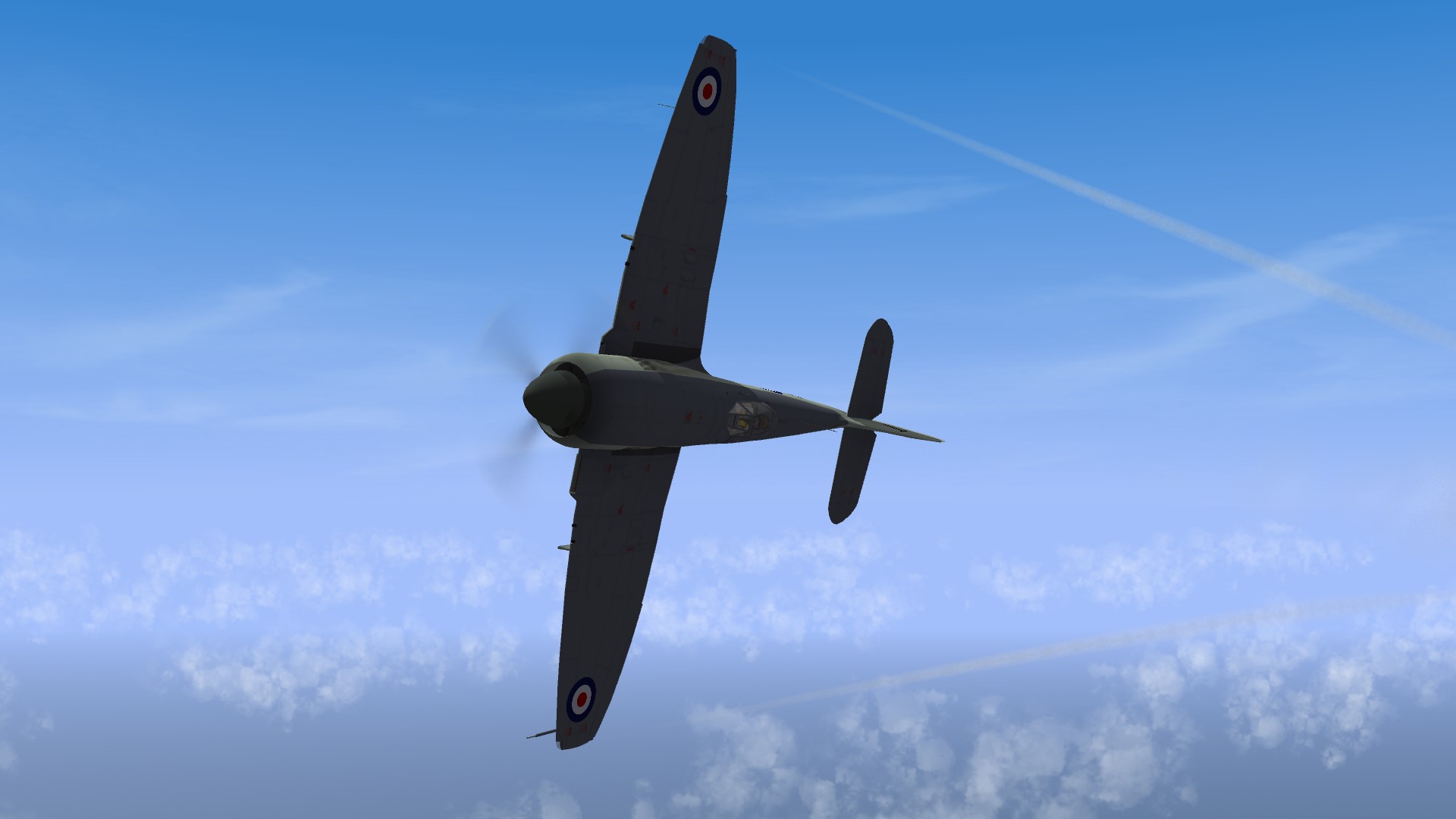
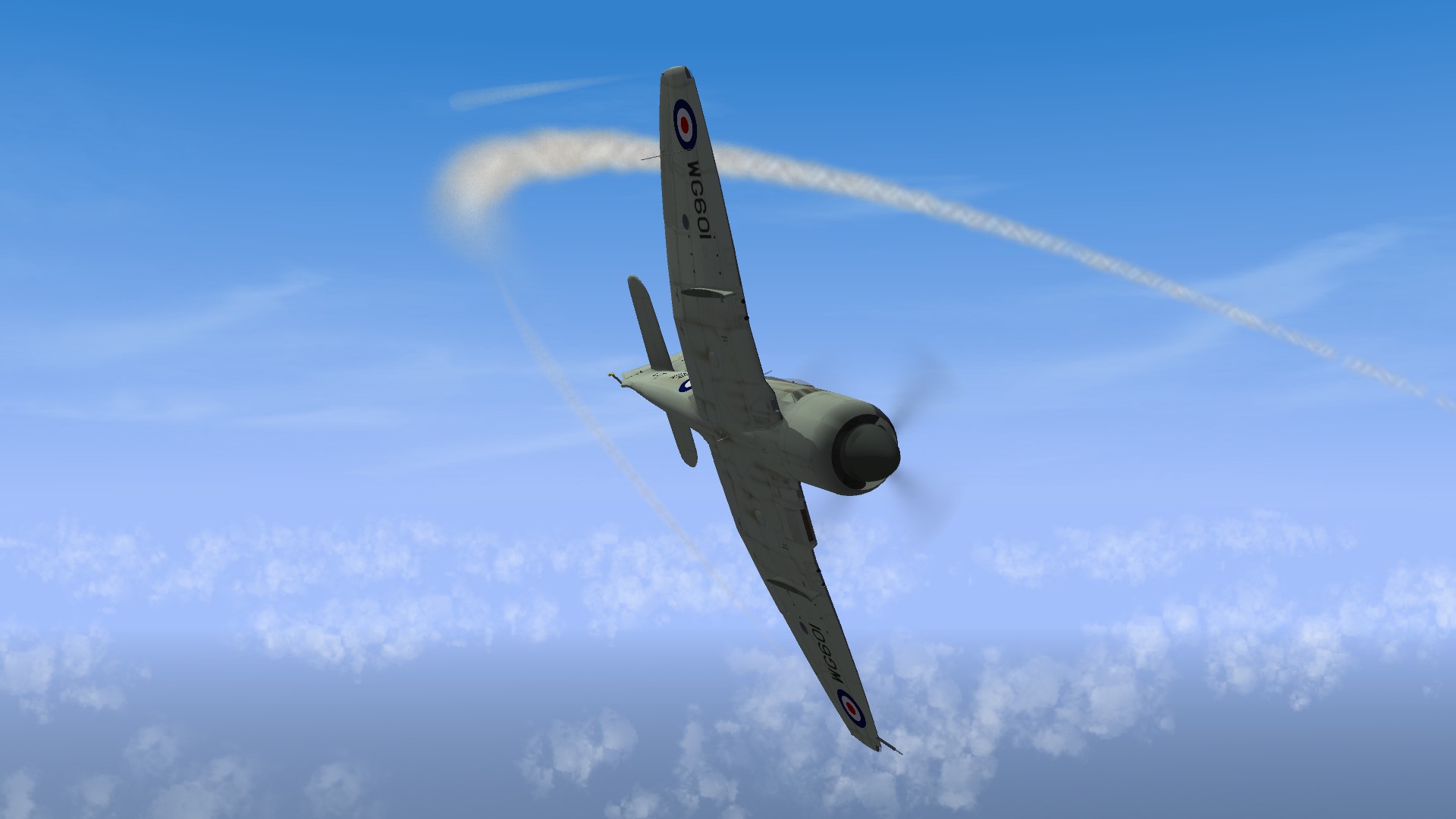
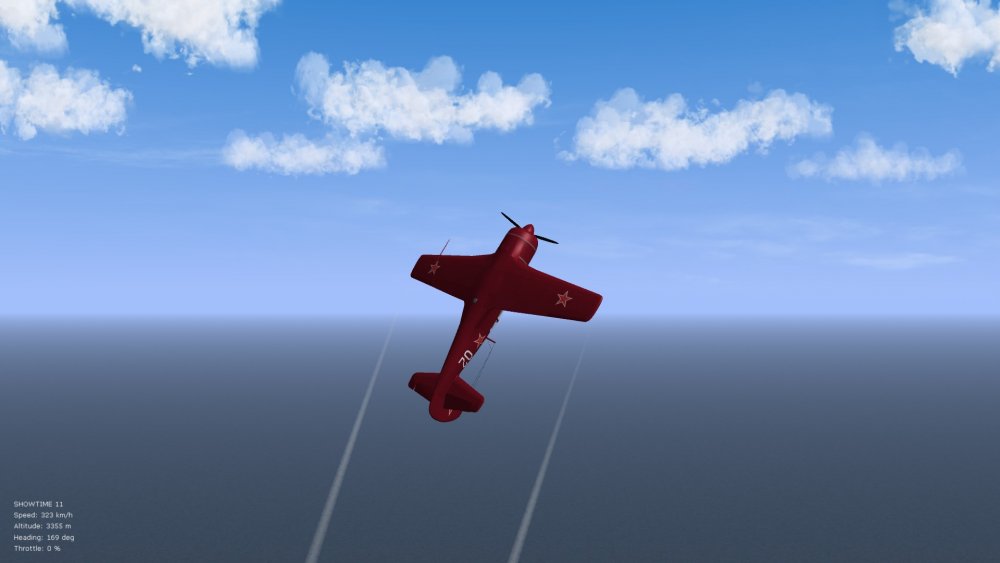
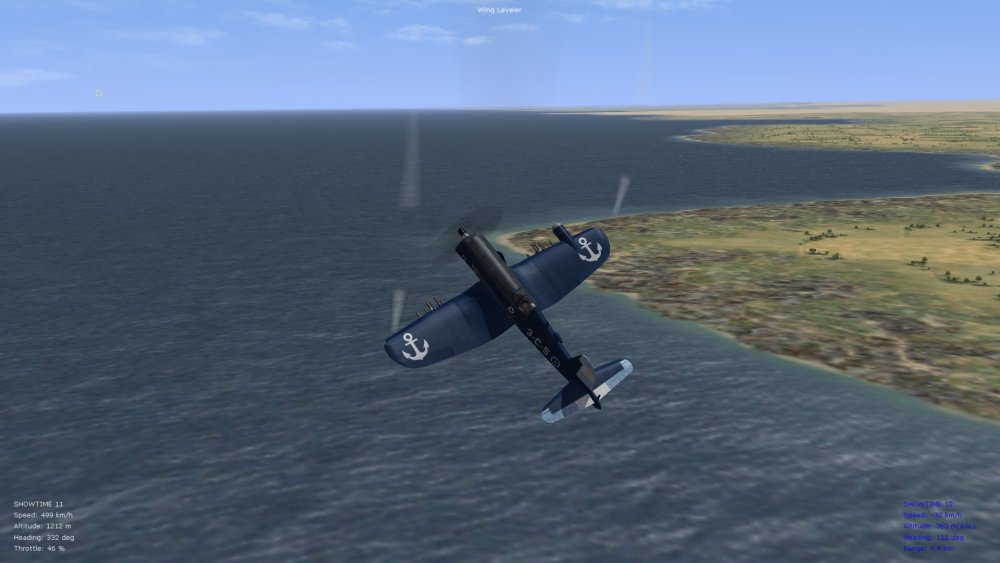
Been tinkering some more with the data inis, this time with the Lavochkin-11 since it flies similarly to the Extra-300 aerobatic plane from what I've noticed in SF2 and is fairly high performance. Will incorporate this into several of the late prop aircraft soon hopefully and will upload the data inis under the downloads section for SF2 if anyone's interested (SeaFury, SeaFury export version, F4U-4 and F4U-5 Corsairs, Yak-9P, LA-9 and LA-11, also "Sprint" upgrades for the Thunderbolt, and I'm tempted to look at the A-Team Superbolt what-if models and Spit Mark 14, also Paulo's Mark 19 - this is enough for an early Cold War install - the WW2 stuff I doubt I'll look at tweaking since I'm usually busy with WW1, but using the tweaks below people can cook up their own solutions to the WW2-era types). Below follow the latest modifications for the LA-11 data ini, and I think that WEP power is now modelled correctly from what I've been able to experience. SLPowerDry=2037317.5 ----------> this value had to be increased noticeably from stock, sometimes by values of half a million, sometimes more, to give the engines the necessary brute force ThrustAngles=0.0,0.0,0.0 ThrustPosition=0.0,1.2,0.0 ----------> I've slightly reduced the middle thrust value on several of the types ThrottleRate=0.50 ----------> higher value for more acceleration, needed on these late prop, early Cold War aircraft IdleThrottle=0.12 CruiseThrottle=0.55 MilThrottle=0.80 WEPThrottle=0.95 ----------> important discovery, the WEP value should follow somewhere between military power and max throttle, not after the max throttle value (higher than max throttle) MaxThrottle=1.25 ----------> the "accordion" effect works when the wep value is lower than max throttle, then once we expand max throttle beyond a value of 1.00, the extra power kicks in (this I may tamper with further but wep values of 0.95 and max throttle of about 1.25 work well, giving a boost of about 15 kph once we go into the wep range at altitude, but not at sea level where it's disabled now) AltitudeTableNumData=61 ----------> this was incorrectly recorded as 64 initially, now fixed AltitudeTableDeltaX=350 ----------> smaller intervals in meters for more subtle changes AltitudeTableStartX=0.0 ----------> start at the zero interval for alt table data (sea level) AltitudeTableData=1.00,0.9999183,0.999698,0.999339,0.9988413,0.9982049,0.9974298,0.996516,0.9954635,0.9942724,0.9929425,0.991474,1.0297504,1.107311,1.224733,1.3020163,1.1291609,1.0261668,0.987311,0.984733,0.982016,0.980609,0.976166,0.963034,0.9597625,0.9563524,0.9528035,0.949116,0.9452898,0.9413249,0.9372213,0.932979,0.9285981,0.9240784,0.9194201,0.914623,0.9096873,0.9046129,0.8993998,0.894048,0.8885576,0.8829284,0.8771606,0.8712541,0.8652088,0.8590249,0.8527023,0.8462411,0.8396411,0.8329024,0.8260251,0.8190091,0.8118543,0.8045609,0.7971289,0.7895581,0.7818486,0.7740005,0.7660136,0.7578881,0.7496239 // ----------> wep values below are basically a reduplication of the non-wep alt. values included above (I've copied these from the Corsair files and then tweaked further as per aircraft type) WEPAltitudeTableNumData=61 ----------> fixed to 61, from 64 WEPAltitudeTableDeltaX=350 WEPAltitudeTableStartX=12.0 ----------> this took a while to figure out but is important since otherwise WEP does not work, the value corresponds to the value in the wep alt table data below, counting from zero, which is the sea level value (with a value of 12.0 for the startx value, the wep boost that gives me 125% throttle kicks in somewhere around 4700 meters alt. for the Lavochkin in the case of my tweaks, close to the "1.107311" value below, the power boost being most noticeable around "1.3020163" below, which places us around 5200 meters altitude where I can get to about 680 kph on full wep power) WEPAltitudeTableData=1.00,0.9999183,0.999698,0.999339,0.9988413,0.9982049,0.9974298,0.996516,0.9954635,0.9942724,0.9929425,0.991474,1.0297504,1.107311,1.224733,1.3020163,1.1291609,1.0261668,0.987311,0.984733,0.982016,0.980609,0.976166,0.963034,0.9597625,0.9563524,0.9528035,0.949116,0.9452898,0.9413249,0.9372213,0.932979,0.9285981,0.9240784,0.9194201,0.914623,0.9096873,0.9046129,0.8993998,0.894048,0.8885576,0.8829284,0.8771606,0.8712541,0.8652088,0.8590249,0.8527023,0.8462411,0.8396411,0.8329024,0.8260251,0.8190091,0.8118543,0.8045609,0.7971289,0.7895581,0.7818486,0.7740005,0.7660136,0.7578881,0.7496239 PropDiameter=3.375 ----------> this I increased slightly since it looked too small but such details are easy to modify PropPFactorCoefficient=0.0 PropTorqueFactor=0.02 PropRotationDirection=1 ReversePropOrientation=TRUE SpinnerNodeName=Spinner StaticPropNodeName=SlowProp SlowPropNodeName=SlowProp FastPropNodeName=FastProp // ----------> prop rpm values below are estimates but fairly close, most of these aircraft wouldn't/couldn't exceed about 3000-3100 rpm SlowPropRPM=1700 FastPropRPM=2500 MaxPropRPM=2900 IdlePropRPM=500 BSFC=0.01 ExhaustEmitterName=CleanExhaustEmitter ExhaustPosition=0.0,1.5,-0.3 FireSuppression=TRUE MinExtentPosition=-0.5,2.2,-0.5 MaxExtentPosition= 0.5,0.8, 0.5 MaxPowerAnimationTime=0.1 MinPowerAnimationTime=0.3 ConstantSpeed=TRUE // ----------> borrowed the more subtle prop efficiency numbers from the Corsair PropEfficiencyAdvanceRatioTableNumData=27 ----------> this was incorrectly recorded as 26, now fixed to 27 PropEfficiencyAdvanceRatioTableDeltaX=0.10 PropEfficiencyAdvanceRatioTableStartX=0.0 PropEfficiencyAdvanceRatioTableData=0.1039061,0.2017555,0.3307556,0.4630645,0.5773853,0.6674284,0.7350242,0.7854134,0.8242808,0.8561408,0.8837222,0.9080403,0.9388862,0.9455014,0.9572477,0.9641239,0.997018, 0.9976275,0.968019, 0.9698392,0.9732296,0.9955389,0.9699651,0.9443028,0.8800089,0.7018427,0.4483748 MomentOfInertia=4.0 ----------> this number was too powerful on some of the types, or too weak on others (lower number is more powerful)....the WWI types are usually in the 7.0 to 12.0 range, values of about 3.0 to 6.0 work better for these post-WW2 prop types Three other important things to be aware of: 1. leave the max sea level top speed commented out in the FlightControl section of the data inis since that entry is no good for late prop types (it will artificially cap top speeds at all altitudes, not just sea level) 2. for max realism, use only full military throttle near sea level...top speeds near sea level should be around 600-650 kph then....seems reasonable, less/more depending on what the top speed at alt. is anyway on the various aircraft types...the good thing now is that even if you go full throttle at sea level, you are not engaging wep boost that pushes beyond 100% throttle since you are not at the necessary alt. (determined by the startx value in the wep chart above) 3. I'm still thinking about whether or not it's a good idea to include the values for max time of wep power...since, technically, once a set time runs out, you can again lower throttle, go back up again, and you have wep power, unless there's some kind of timeout command that can be used to force an "interval" between wep on/off...I might not bother therefore with wep max time limits since wep already guzzles gas once you punch it up to max, so that's a good enough limiter itself Pics below of the LA-11 during tests and another Corsair that the AI lost control over during excessive maneuvers at high speeds - I'm thoroughly enjoying the increased realism now with these "brute force" machines. Von S
- 23 replies
-
- 4
-
-
-
- data ini files
- fe
- (and 8 more)
-
D folders usually all go into the "Decals" folder, but also worth double-checking is the decals.ini file located within the relevant skin or textures folder that resides within the aircraft folder itself - this usually gives clues or points in the right direction of where proper folder locations should be for the "D" folder. For example, below is an entry found in one of my skins folders inside the late Albatros D.II aircraft folder: FilenameFormat=AlbatrosD1/D/AlbD1Numbers/AD1Numbers This indicates that I should have a folder inside my "Decals" folder called AlbatrosD1, and then inside that folder, as you can see from the hierarchy, you have a nested D folder, a numbers folder, and numbers themselves. I sometimes share the same aircraft decals folder among several aircraft, as noticeable in my example above where the late Alb. D.II calls up the Alb. D.I decals folder. If you are flying lots of FE aircraft in FE2, you will have to tinker with some of those folder paths in your Decals.ini file, to make the decals show up. I've included some decals.ini files with a few aircraft, in my FM update pack, for aircraft that were very pesky to sort out for proper decal positioning, size of decals, etc. (such as the Siemens-Schuckert D.III by A-Team...took me a while to sort that decals.ini file - a lot of the names in many of the decals files don't point to obvious things). Many of the older FE aircraft don't even have folders that should be dropped into the Decals folder, only a local skin/texture folder that sits within the aircraft folder itself, so that can save a lot of time and hassle. Happy flying, Von S
-
Didn't think this thread would prove so popular but happy to see some fresh posts here gents. Regarding the Corsair, I'm surprised to learn that they used wooden ailerons, fabric covered, for later models such as the F4U-4, was thinking initially that this is something only typical of early war types like the Hurricanes, early Spits, and the "birdcage" variant of the Corsair. Apparently trim tabs were also made of wood on many of the types...a legacy of WW1 maybe?...wood/fabric being easier to fix from bullet holes perhaps. In terms of my further testing of the FMs: It appears that MaxThrottle values manipulated beyond 1.00 (100%) to something like 1.2, 1.5, 2.0, etc., don't make any noticeable difference. I am testing this with WEP tables and values removed entirely. I do have another theory that I want to test, to see if max throttle values beyond 1.00 are somehow relevant only to WEP data, but not to regular alt table data values and regular throttle gradients. Will look at the stock SeaFury data ini with WEP enabled and will toggle max throttle settings further to see if I can at all hit max historical top speeds at alt. I'll also look into tinkering with max throttle values of between about 1.05 and 1.10 or 1.15 - perhaps a slight increase beyond 100% will, however counter-intuitive, give better results than noticeable increments. I'll report back if any of these tests and combinations manage to give higher top speeds at alt. than at sea level. For now, I'm still running the late prop aircraft with SL top speed uncapped and with engine power increased to give historical top speeds recorded at alt., but in this case reachable only at sea level. A compromise of sorts yes but I can tolerate it . Would be nice however to get WEP power realistically implemented (in SF2), although for FE2 there's no need for it. Von S
- 23 replies
-
- 2
-
-
- data ini files
- fe
- (and 8 more)
-
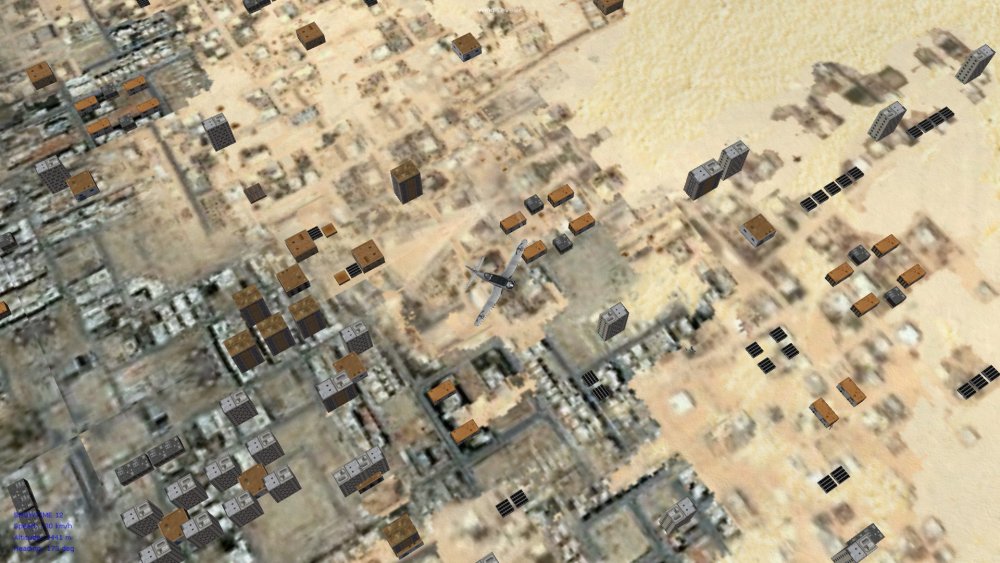
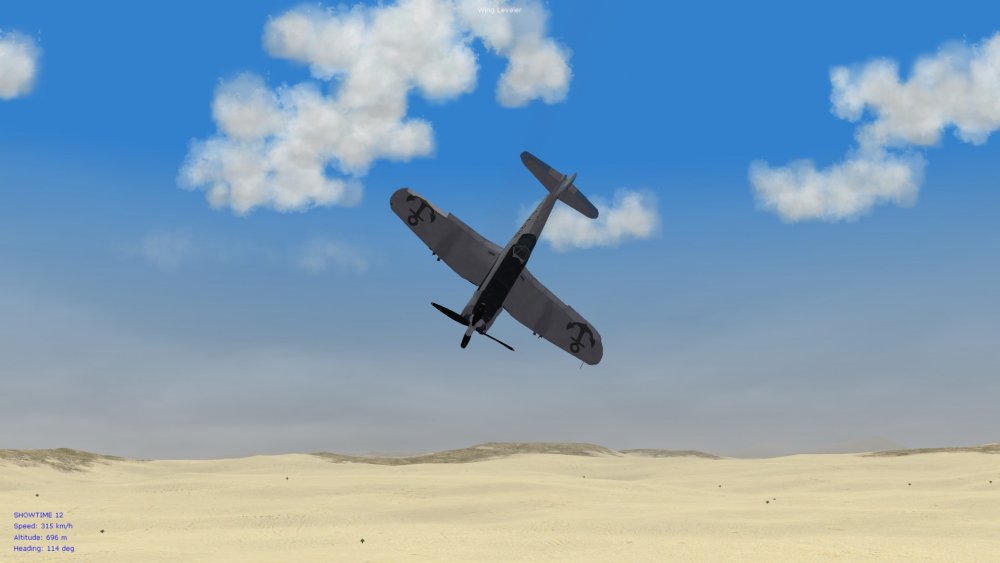
Hello gents', Thought I'd post some speculations and observations on the FM aspects of some things in FE2 and SF2 that I've recently been tinkering with. This might be an interesting post for those who like to follow these technical threads. I was recently installing more aircraft into my small SF2 install - something I wanted to get to last year but had no time - and I decided to install a couple of the late prop aircraft too, particularly the SeaFury and F4U-5 variant of the Corsair. Overall pleased with the handling of the types, I tweaked a few things such as desensitizing the rudder on them, and also giving them slightly heavier aileron feel - since those late model prop aircraft were fairly heavy, about 4500 kg on average. Further testing involved flying and inspection of the [FlightControl] and [Engine] sections...couldn't get much beyond about 500 kph near sea level or at alt. in the types...so I commented out the MaxSpeedSL entry for the FlightControl, and tweaked prop speeds to close to historical, within the 2000 to 3000 rpm range, also pushed up the value for the SLPowerDry entry for the Engine, usually by a noticeable amount, and then tested further. Some of the things I've noticed, in terms of SF2 specifically (but this post is relevant to FE2 too): a) WEP power is not modelled realistically, since you can keep running it without engine damage b) WEP power doesn't give much of a boost, if at all (although I've only tinkered with the SeaFury and Corsair so far) c) a better way of simulating, however simplistic it is, the potential of WEP power, is to manipulate the AltitudeTableData numbers instead (for example, I plugged in values ranging from about 1.05 to 1.35 around the 6000 m alt. band, which should be where the Corsairs benefitted the most from max. throttle) d) after manipulation of the AltitudeTableData, it's best to get rid of the WEP entries entirely, and set up "throttle gradients" instead under the engine sections, such as: ThrottleRate=0.65 IdleThrottle=0.12 CruiseThrottle=0.45 MilThrottle=0.70 MaxThrottle=1.00 The numbers above I've plugged in, for example, for the Corsair. The space between Military throttle and Max throttle would be where "WEP power" would theoretically in this case be engaged, somewhere around the 0.85 mark for the band I've selected above. For this to work somewhat realistically, the player should restrict themselves to about 85% throttle max. except in extreme situations, depending of course on where military and max throttle are set. Also important for this to work is to make sure that the max SL speed under the FlightControl section is left uncapped (commented out) - otherwise artificial barriers are set up that cannot be bypassed by more than about 20-30 kph. Speed caps work beautifully in SF2 for the jet engines, but, at least from my experience, don't work that well with the late prop planes since you can then never hit top max. recorded historical speeds, not even at alt. - and not at SL either. Also noticeable in the example above is that I've increased the throttle rate from the default of about 0.25. Historically, late prop aircraft would have had better acceleration than early jet planes (not better top speeds, but faster acceleration to their own max speed). By the 1960s/70s, jet engines should surpass the props even in acceleration. I then re-tested by dumping the modified Corsair into my FE2 install. In SF2 it can get into the 760s kph, as historical, using the engine and throttle values I've included in my graded throttle settings above, while in FE2 the same tweaks push the top speed into the 880s kph - a difference of about 120 kph for top speeds, across FE2/SF2. This is why it's not a good idea simply to transfer data inis from one of the sims to the other. I'm assuming that the discrepancy in top speeds means that TK went with calculations to give less air resistance in FE2 (maybe FE as well?) - to fit better with the more fragile and maneuverable WWI aircraft types. One thing that remains constant between FE2 and SF2 is that, at least from my observations, the WEP modelling is not very realistic - there was no high alt. band where I could push the top speed beyond, for example, a reasonable top speed that may have been possible at near sea level (such as 500 or 600 kph). Some preliminary conclusions, to be tested further: a) speed caps at sea level should be kept in place in FE2, as done in the data inis in my FM packs, since they fit better with the lower top speeds of the early aircraft anyway, and mach limits should also be kept fairly low (I have them set at 120% of the "top speed" of the WW1 aircraft....this allows for realistic dive speeds that I haven't been able to push beyond about the 460 kph mark even on the late war types such as the SE5a) b) flying late WW2 and early Cold War prop aircraft in FE2 is not recommended, but FE2 may be good for "Golden Age" stuff, as Geezer speculated upon in another thread (can't remember the link for that now), in other words for aircraft that don't have a top speed higher than about 350 or 400 kph c) the difference between top speeds at alt and at sea level are modelled just fine for the jet engines in SF2, since caps on SL speeds, and Alt speeds, work fine for those (have seen this in some Flogger tweaks that I did for my mini-SF2 install); in other words, SF2 respects the wet/dry mach values and alt table entries beautifully for jet-age stuff d) I think that the MaxThrottle value in SF2, for the prop aircraft, could use some more tinkering/testing...I've set it at 1.00, but will try other values of 1.20, 1.50 etc., to see if this creates more realistic differences between regular power and WEP, or some kind of "accordion" effect e) as it stands, I'm enjoying the SeaFuries and Corsairs but only with SL speed uncapped and giving historical top speeds not at alt. but near sea level (this is a compromise of sorts since, at alt, they still make about 600 kph and sometimes a bit more - so I'm not terribly irritated by not attaining 740 kph at 7000 m alt or so, for example, in the SeaFury, as recorded for that plane) f) a couple of pics included below of the AI in SF2 now losing control of their F4U-5 Corsair during a scrap, and doing several back flips (too much throttle applied perhaps?); he then bails out of the otherwise undamaged plane; so, overall, I'm liking the realism of some of the haphazard maneuvers they now make, and also the increased speed at which these late prop fights now happen, even on the deck g) anything that I find of further use in the SF2 data inis, and if relevant to FE2, I will tinker with more to bring even more realism into FE2 (the lockout speed trick implemented for control surfaces in the alternative Morane-Saulnier type N data ini posted under the FM thread for FE2 is an example of things discovered while combing through the SF2 files) Happy flying, Von S
- 23 replies
-
- 6
-
-
- data ini files
- fe
- (and 8 more)
-
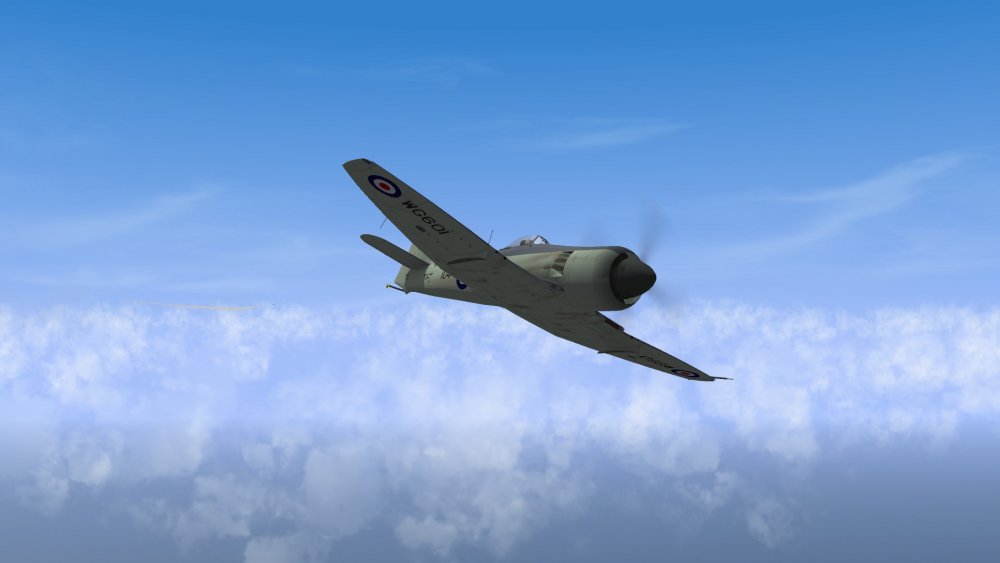
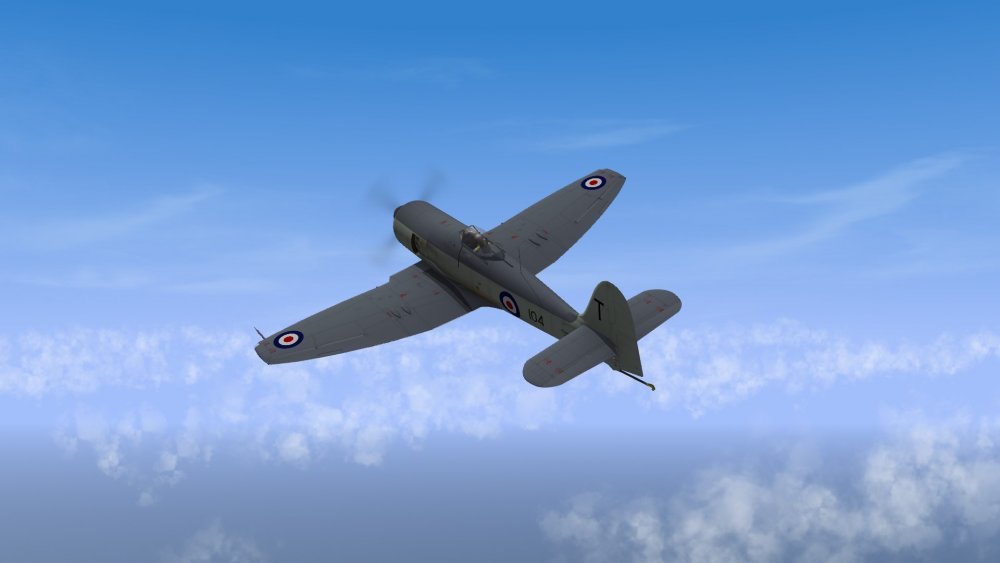
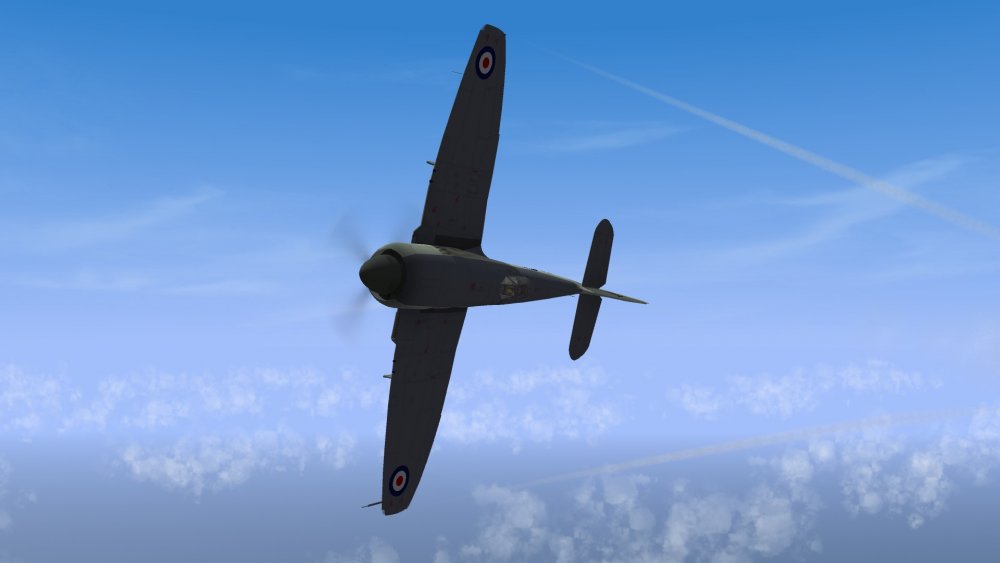
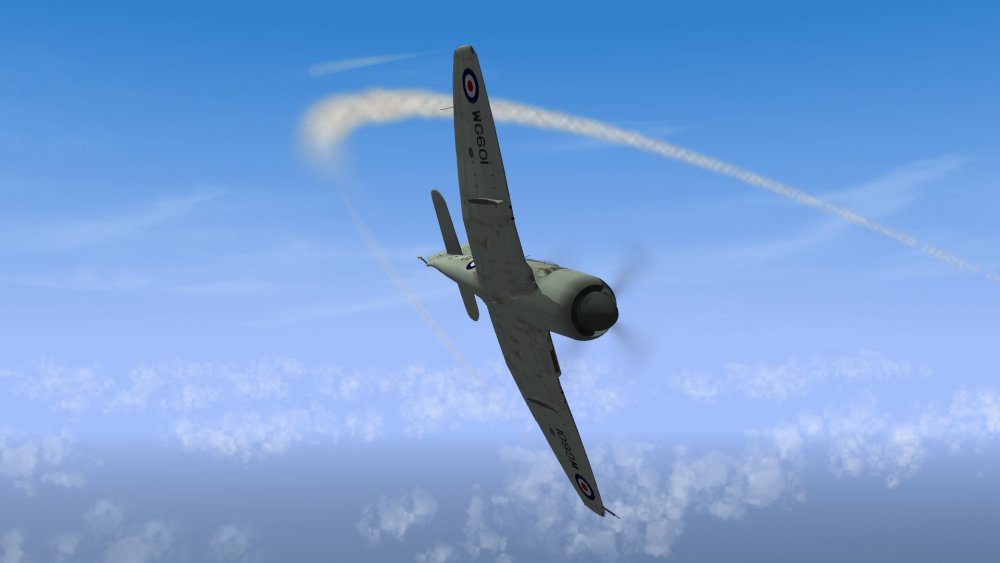
Further testing of FE2 cloud tweaks in my mini-SF2 install, with a slightly modified data ini for the SeaFury to get it into the 730s kph (model recently posted by Paulopanz if I remember correctly, and a beautiful model too). Works great for early Cold War scenarios, as do the F4U-5 Argentine Corsairs. Thank you modders! Von S
-
I'm in a similar situation. Even though I bought 20 or so aircraft for Rise of Flight recently (at discount for about 2 dollars apiece), I still spend most of my time flying FE2, there's no beating the ThirdWire sim for seat of the pants flying and action, and the AI is very good too. If you're having trouble with solid telephone poles or square cows in the terrains, try the following tweaks I may have posted elsewhere on the site: Go into the relevant data.ini file for whatever terrain you're flying (such as Palestine_data.ini), scroll down to the SolidObjectTextureMaterial section and change the following entry: BlendOp=ONE should be changed to: BlendOp=BLEND_SRC_ALPHA Also, go to the following link and download Mue's FE2 shaders and copy the shaders into your terrain folder: https://combatace.com/forums/topic/85970-shimmering-tods-and-target-objects/ Once you've done that, go again into the terrain data ini file, under the SolidObjectTextureMaterial section, and tweak the following values: ZBufferOffset=2.0 change to: ZBufferOffset=5.0 Also I recommend using the improved flightengine.ini file located in my FM update pack for wider horizons and less popping in/out of scenery. The aircraft you're missing are located here... The Voisan type 3 https://combatace.com/files/file/12351-voisin-las-2-pack/ The Aviatik-Berg D.1 (early variant, my 160hp mod. is for this one, as is my early 200hp mod.) https://combatace.com/files/file/13044-aviatik-berg-di-early/ The Other Aviatik-Berg D.1 (late variant, my 230hp mod. is for this one, as is my "late" 200hp mod.) https://combatace.com/files/file/11953-aviatik-berg-di/ The 200hp variants are easy to install (simply drop the data inis into the relevant stock folders and override). To make the 160hp and 230hp variants, make copies of the relevant stock folders, rename to the names I've given my 160hp and 230hp folders, and then copy over my tweaked data ini and general ini files into the stock folders you've just renamed. This should give you the whole Berg "fleet." Happy flying, Von S
-
Also for further realism, I recommend gents the following modifications to the gun entries, if you are running my fm/realism pack: For the left gun: GunTypeName=303CAL_VICKERS_MK2boost MaxAmmo=400 For the right gun: GunTypeName=303CAL_VICKERS_MK2 MaxAmmo=400 This will give you about 850 rounds/min on the left gun, and about 600/min on the right gun, as typical of some of the later Entente planes (Spad 13 235hp, the Bentley powered Camel, etc.). Von S
-
Beautiful skins, now I'm motivated to tweak the FM for the Snipe. Been holding off for a couple of years on it since I had strange purple and neon artifacts present with the old original skin. Von S
-
Thanks for the nice words gents - the sound variety is very good also for situational awareness...you can usually pick up on what's in the vicinity based simply on the sound of the engine on enemy aircraft. I'm using one of the low-hp, early rotary sounds for the inline engines on BE2c and BE2e types in the sim, because of the nice rickety sound....but if I can find a Beardmore sound on the internet I'll see if I can eventually modify it and substitute that instead for the early two-seater types. Speaking of small communities, I'm also pleasantly surprised how many talented modders we have working on FE/FE2, considering that this is a "niche" simulator within an already niche category of simming (WW1) where most people only know about RoF and WoFF. Happy flying, Von S
-
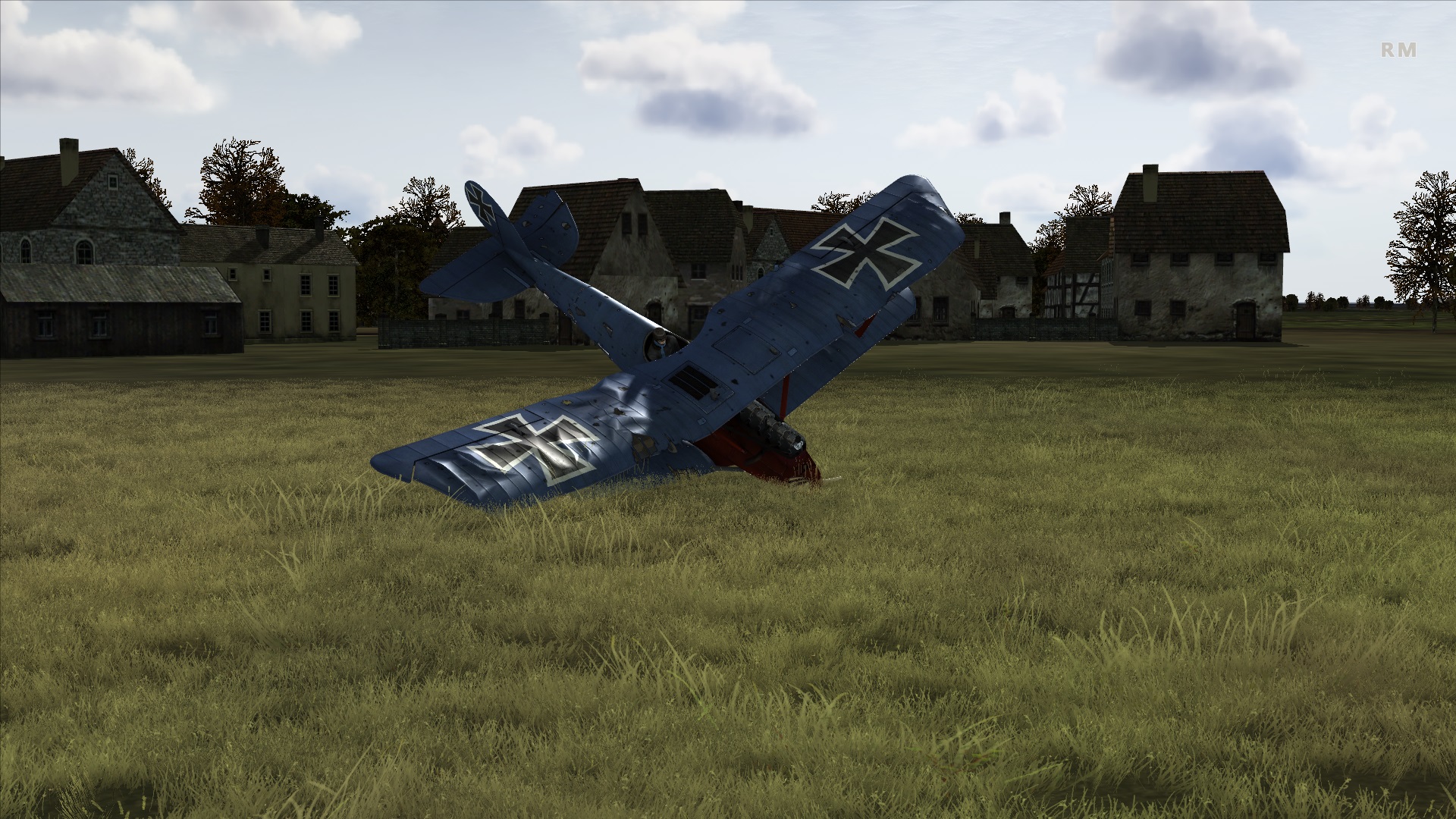
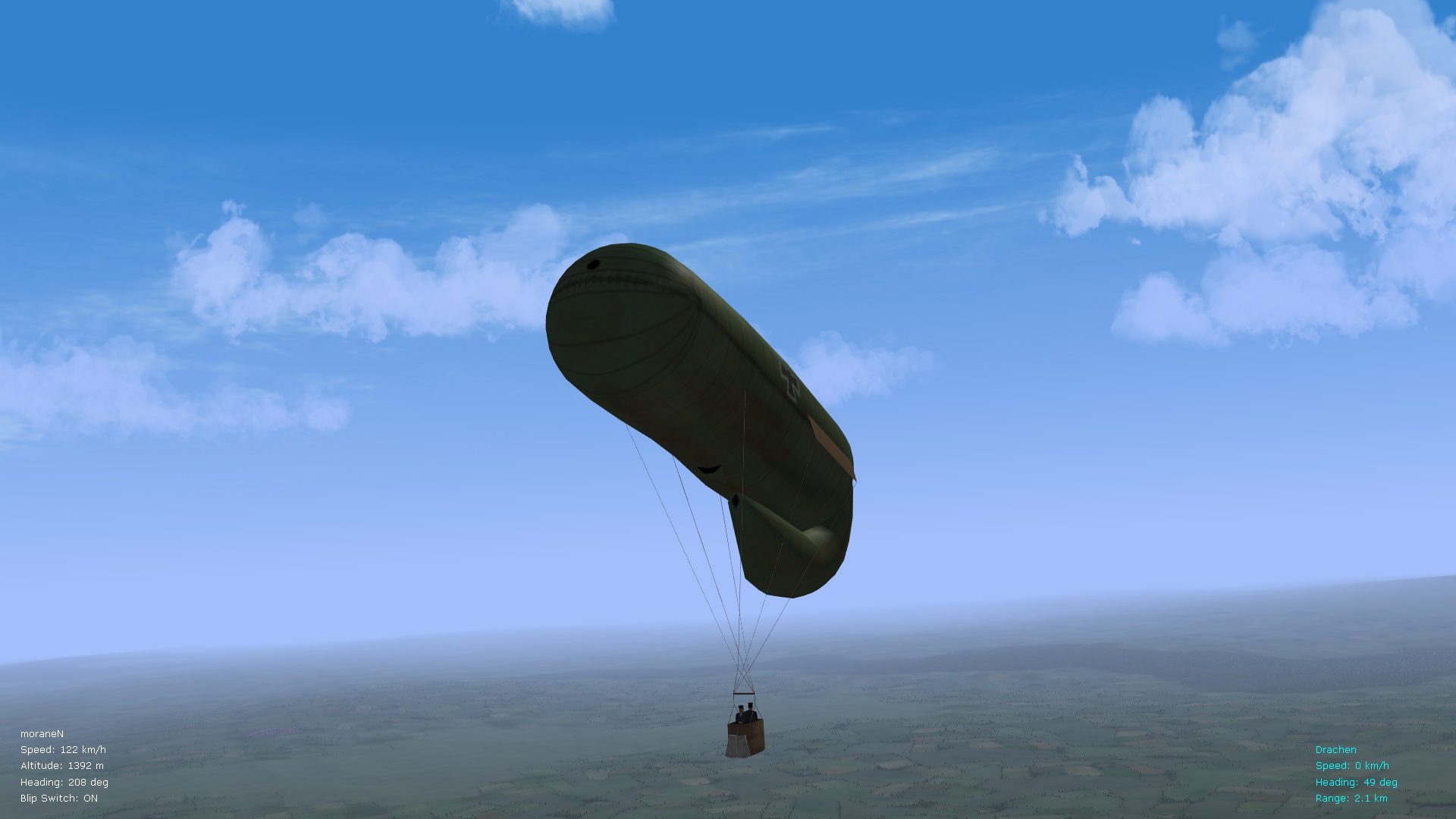
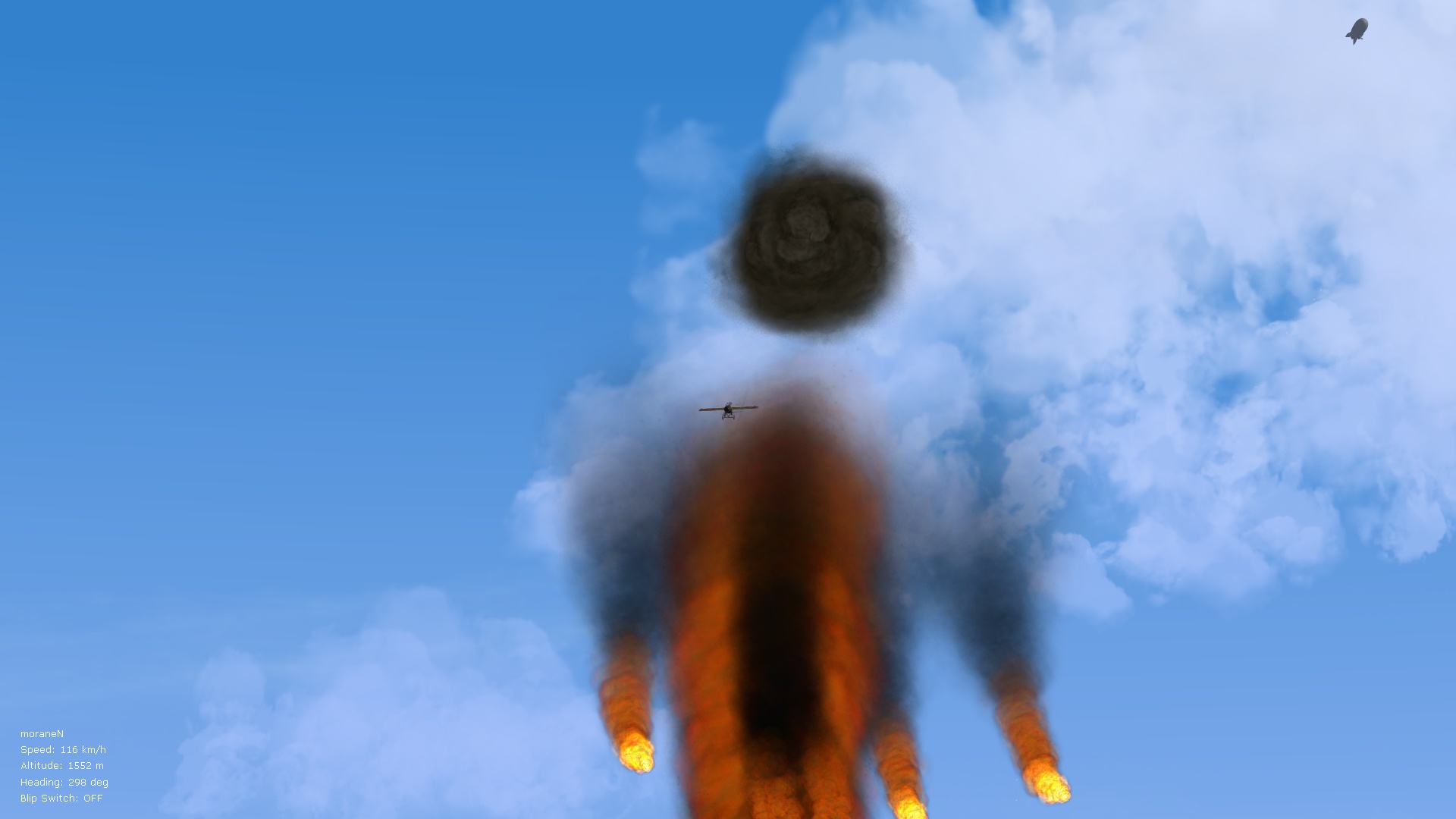
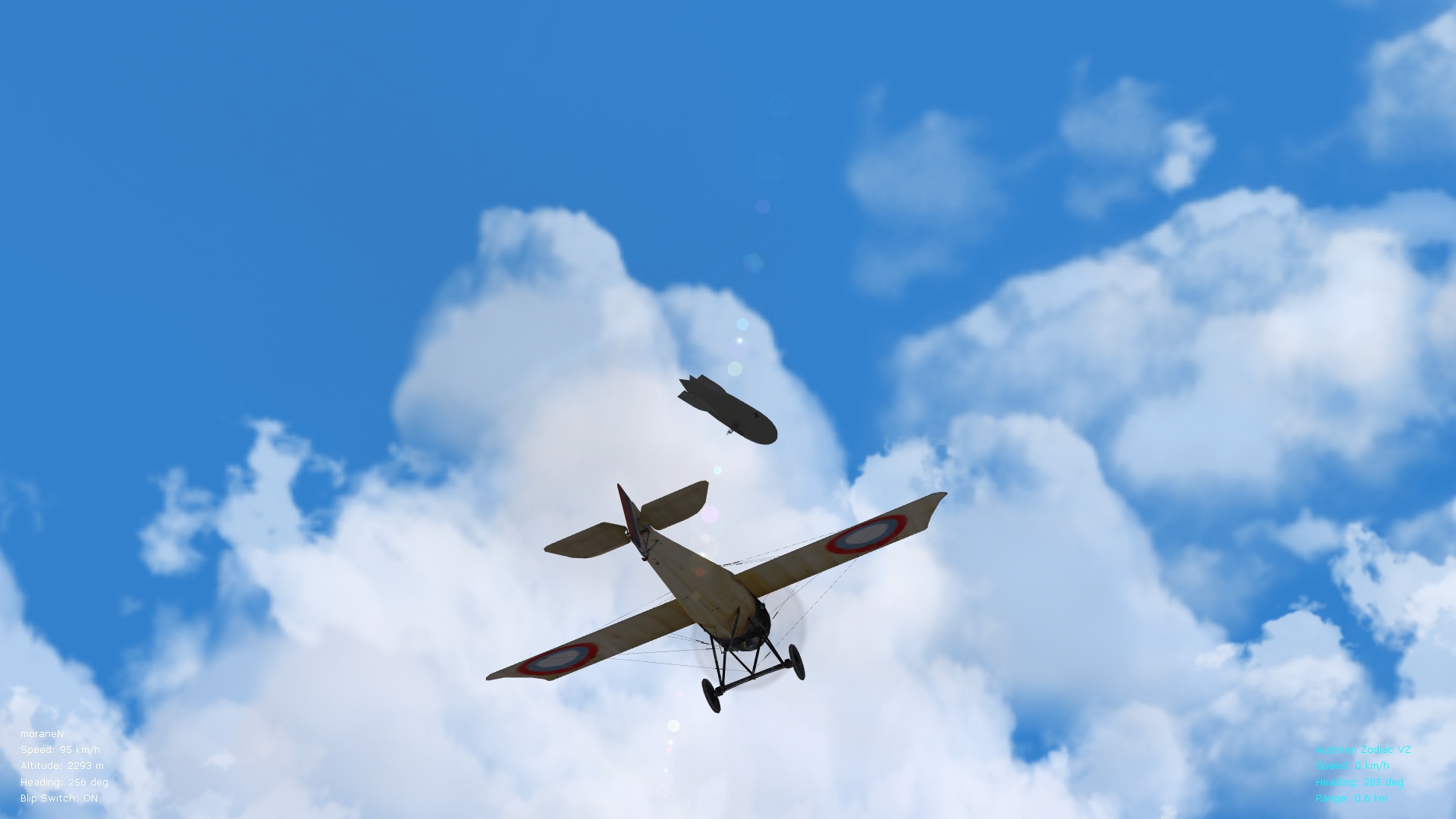
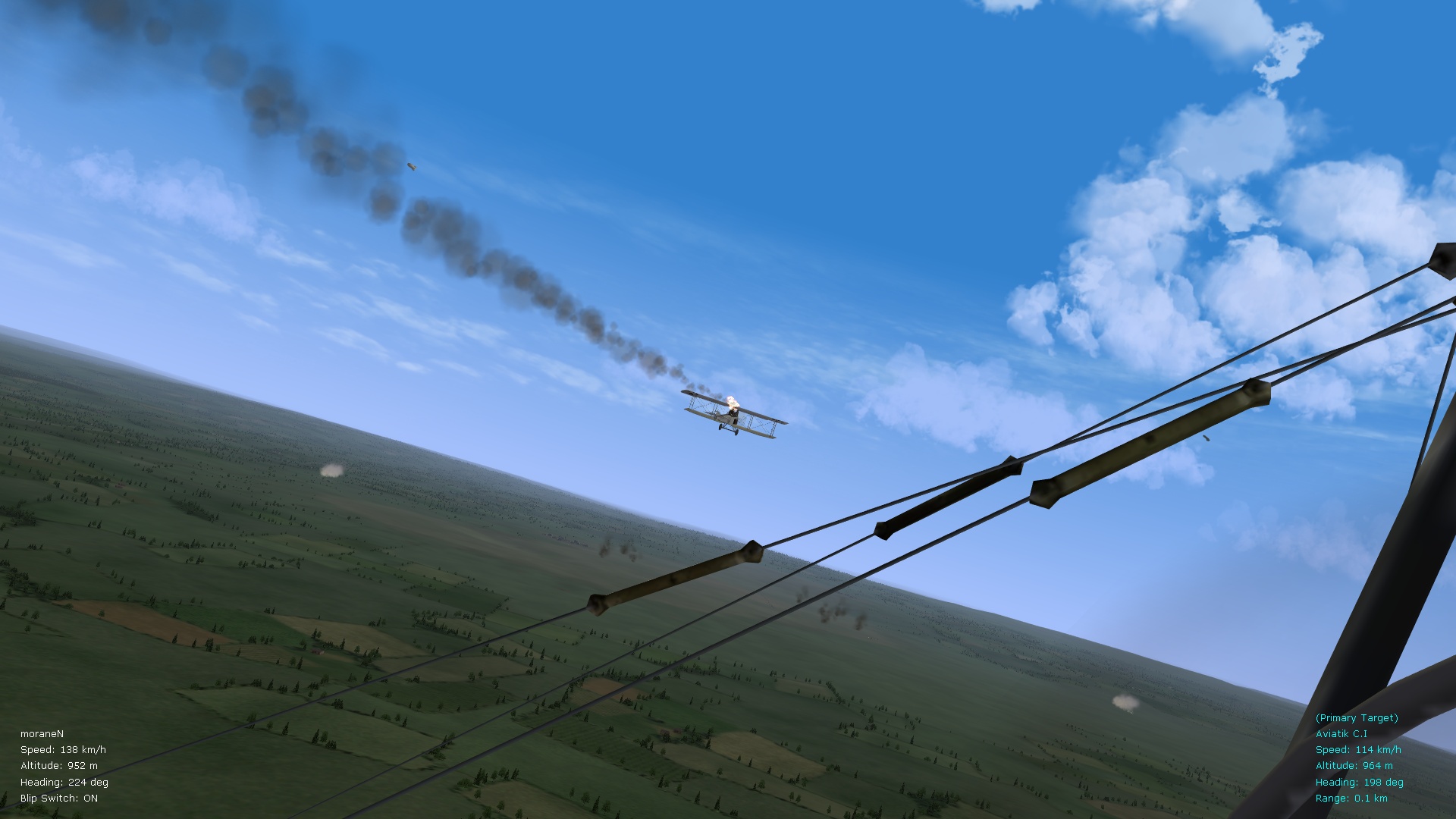
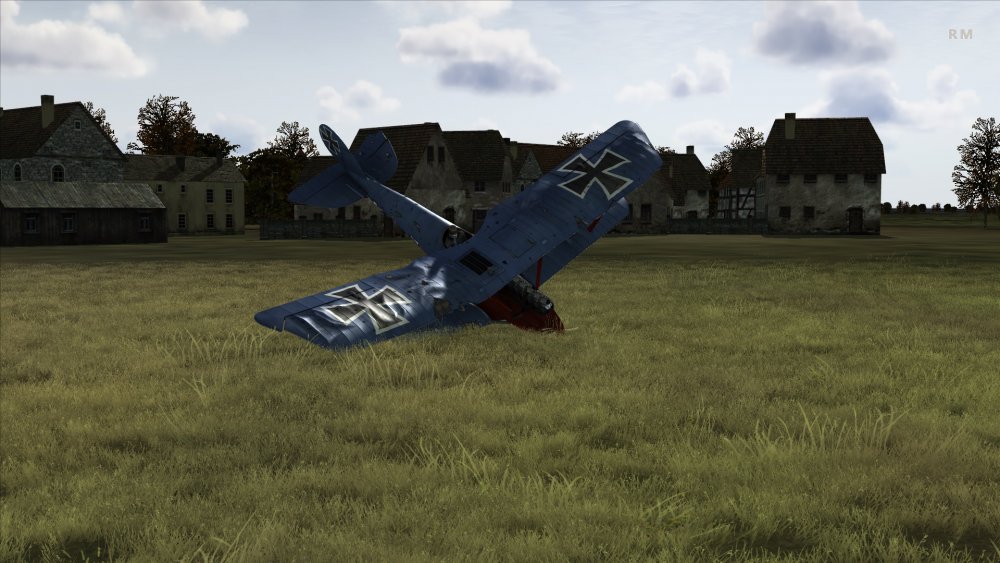
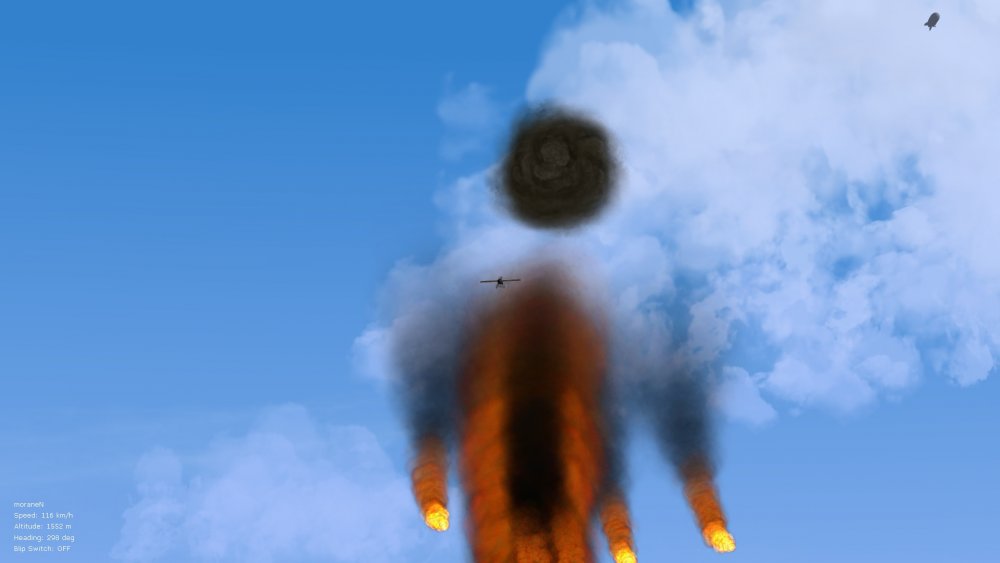
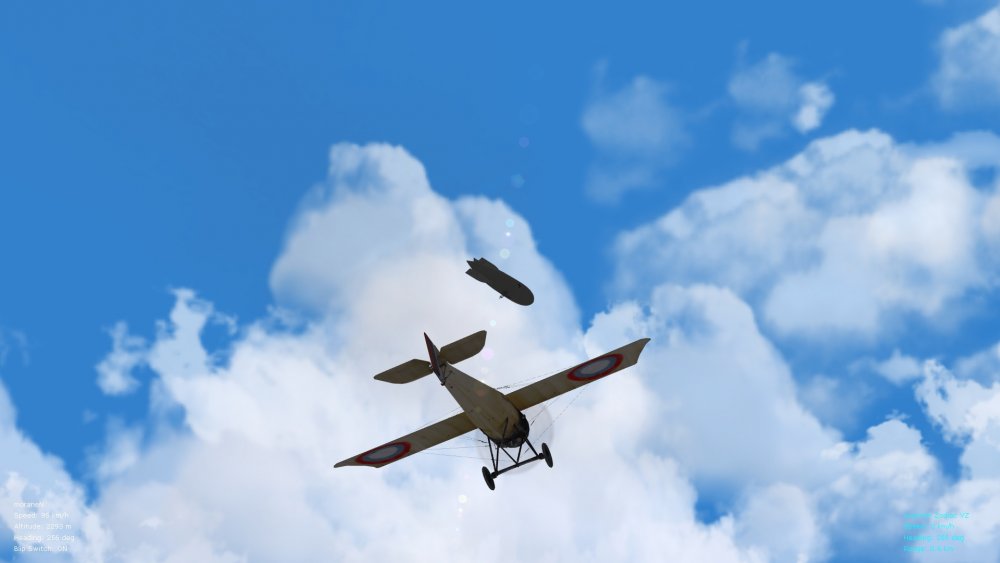
Always liked the damage modelling in this one, especially with several dozen mods added to tweak it further for more robustness to the aircraft, the "gavagai" mods in particular work well. Bit of a mishap during a balloon attack in the pic. below, but the pilot was mostly okay. Von S
-
Additional gun sounds and the latest engine sounds can be found in my FM update pack folders (see the big ver. 9.5 folder, also the smaller ver. 9.7 folder in that pack). As well, double-check that you are using the latest soundlist.ini file in your Flight folder (I have included my latest one in the ver. 9.7 Flight folder). Any sounds that are missing from my packs should be available on CombatAce over at this link: https://combatace.com/files/file/13385-realistic-engine-sounds/ And this other link offers a comparison of sound names from the CombatAce pack, above, and names I use in my FM update packs: https://combatace.com/forums/topic/87403-tweaked-flight-models-and-realism-pack-for-fe2/?page=5&tab=comments#comment-727507 Names of sounds in the data inis from my FM pack match the soundlist.ini file included in the pack, and also match the names located in the comparison chart above. If you want to use your own sound files, you will have to change the name in the "EngineSoundName" entry of the data inis. Happy flying, Von S
-
That's good news - if some instability remains, the old advice always works well - re-install FE2 to get it to stock settings, and if all goes well on a stock re-install, run FE2 at least once and it should automatically make a folder under the appropriate mod directory (in Windows it's Saved Games, on the Mac side it's generated in the Documents folder). If no mod folder is created, just move over your previously modded one but make sure to follow the appropriate names and folder hierarchy structures. Von S
-
Runs fine in my 64bit Win10 install - I'm running the Oct. 2018 update of Win10. I recommend placing the dx9 driver (from the ENB website, generic version 0.0076, directly inside the FE2 game folder...has done wonders for the frame rates on my FE2 install on the Windows side, and also in WineSkin on the Mac side)....the driver is available in my FM update pack but can also be downloaded from the ENB website...link to the generic dx9 driver follows below: http://enbdev.com/download_mod_generic.htm Hope you're able to get FE2 running again. Von S
-
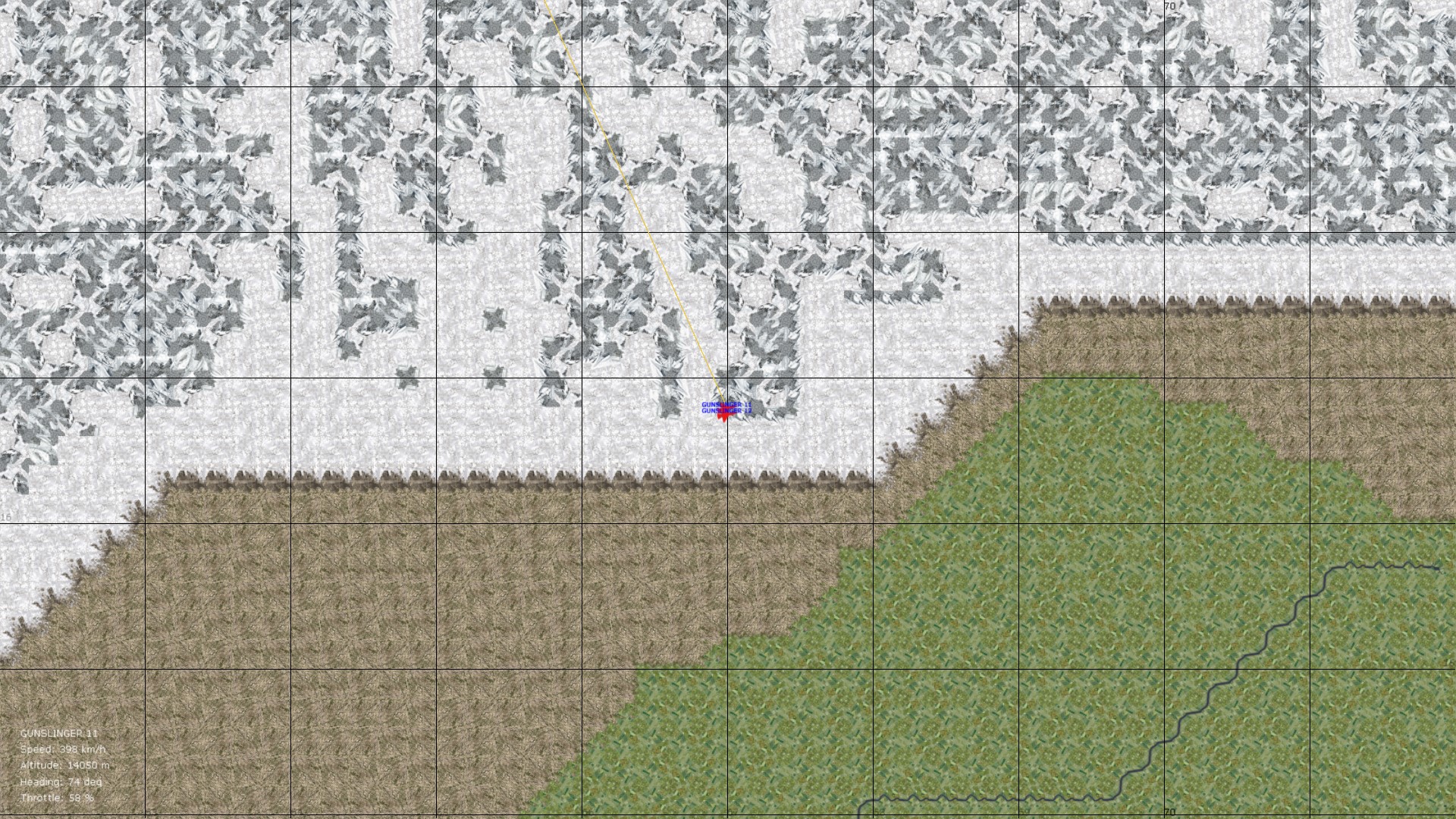
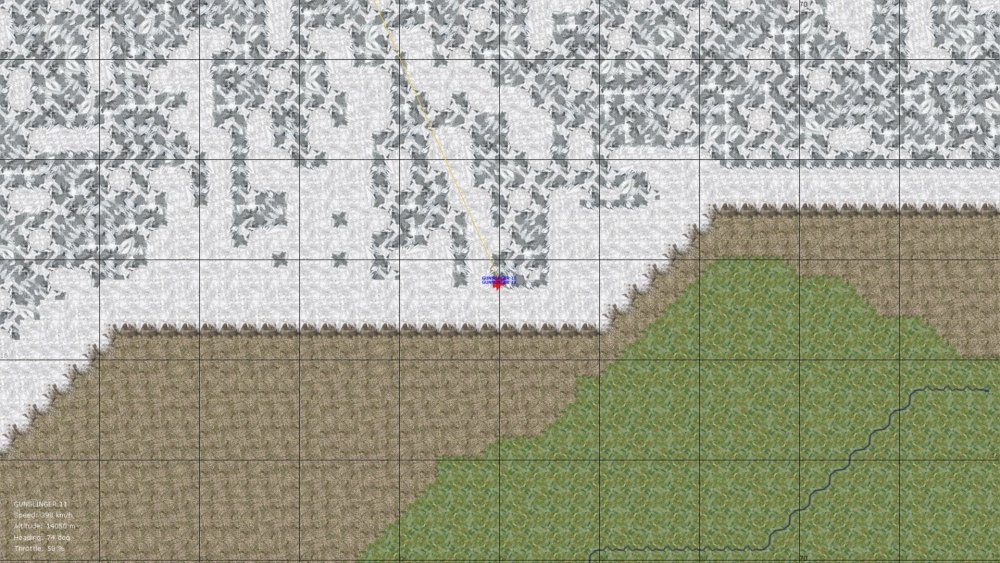
Thanks gents' for the quick replies...have now double-checked everything and it is definitely the "wall" in the Himalayas map, good to know that it's not a data ini problem. Map pic. below of where the wall emerges in the Himalayas map...somewhere approaching 70 longitude. Von S
-
Thanks for the reply Wrench...the MiG-23 S is from the following pack: https://combatace.com/files/file/12151-sf2-mig-23-mig-27-floggers-part-1/ I'll also test the 23 S with a different data ini (maybe one of the stock ones such as from the 23 MS that comes with SF2 and will post results in a day or two). Probably it's just a data ini problem. Only tested this out with the Himalayas terrain...will test the Alaska terrain too and compare. Von S
-
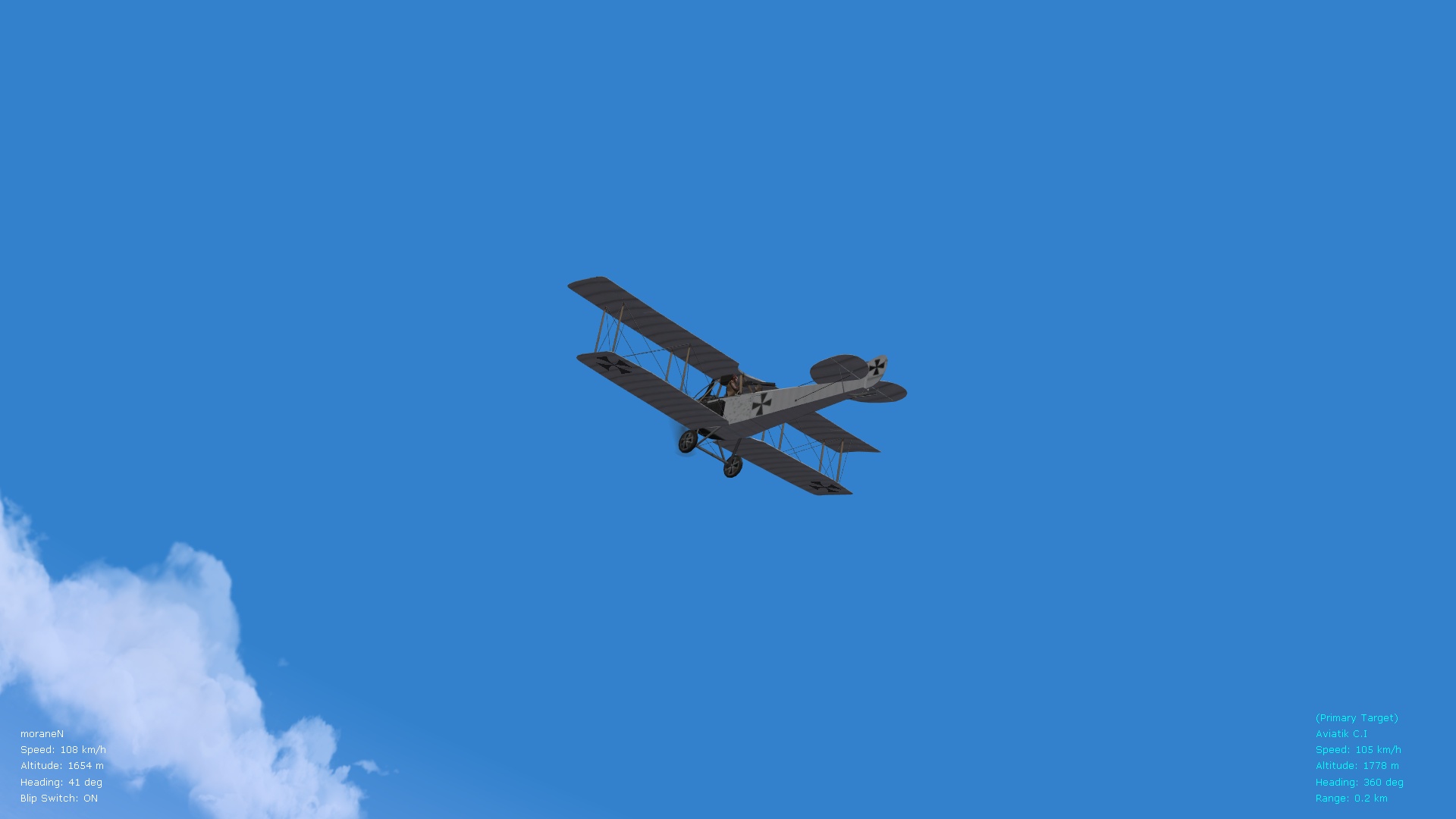
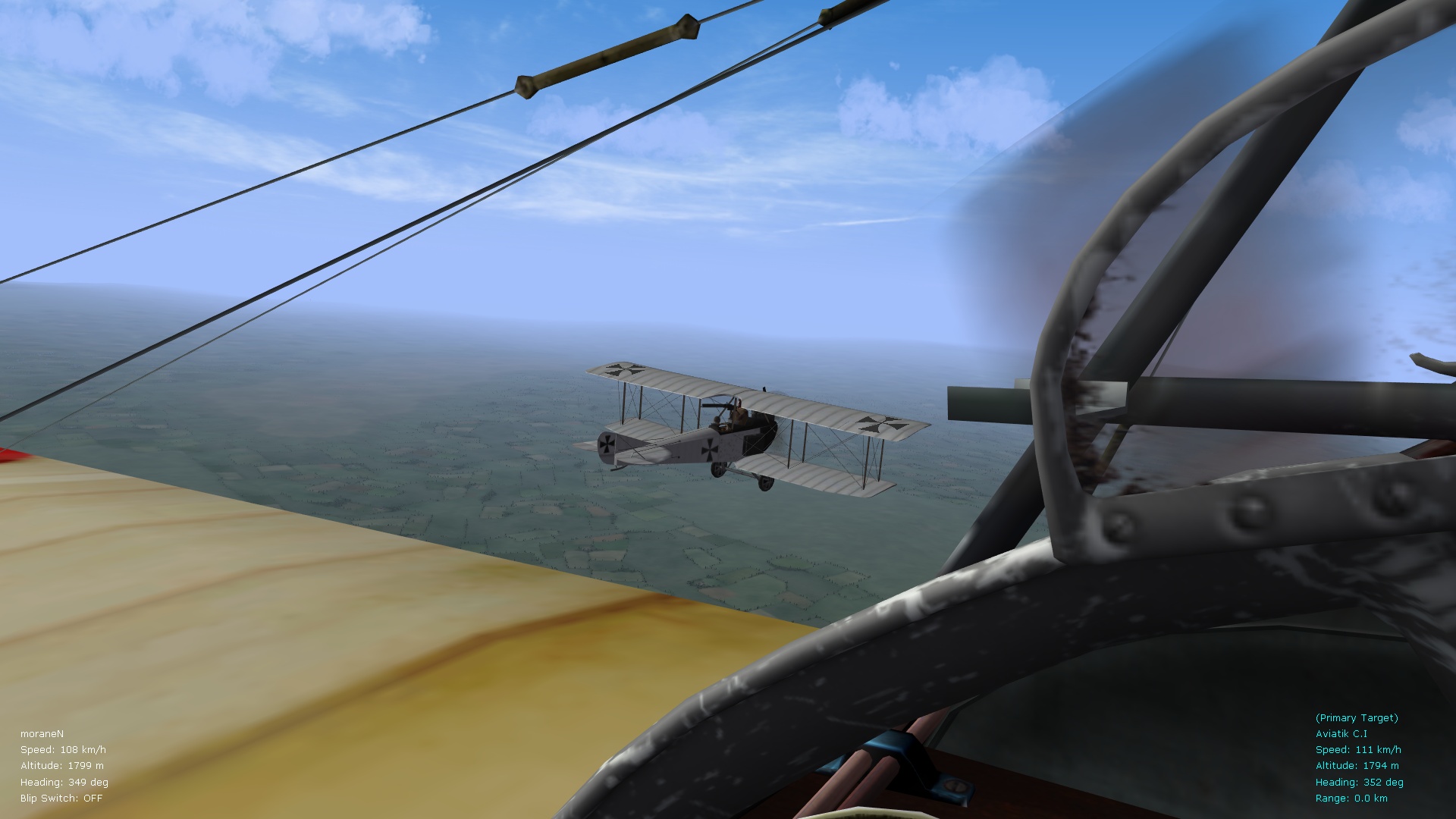
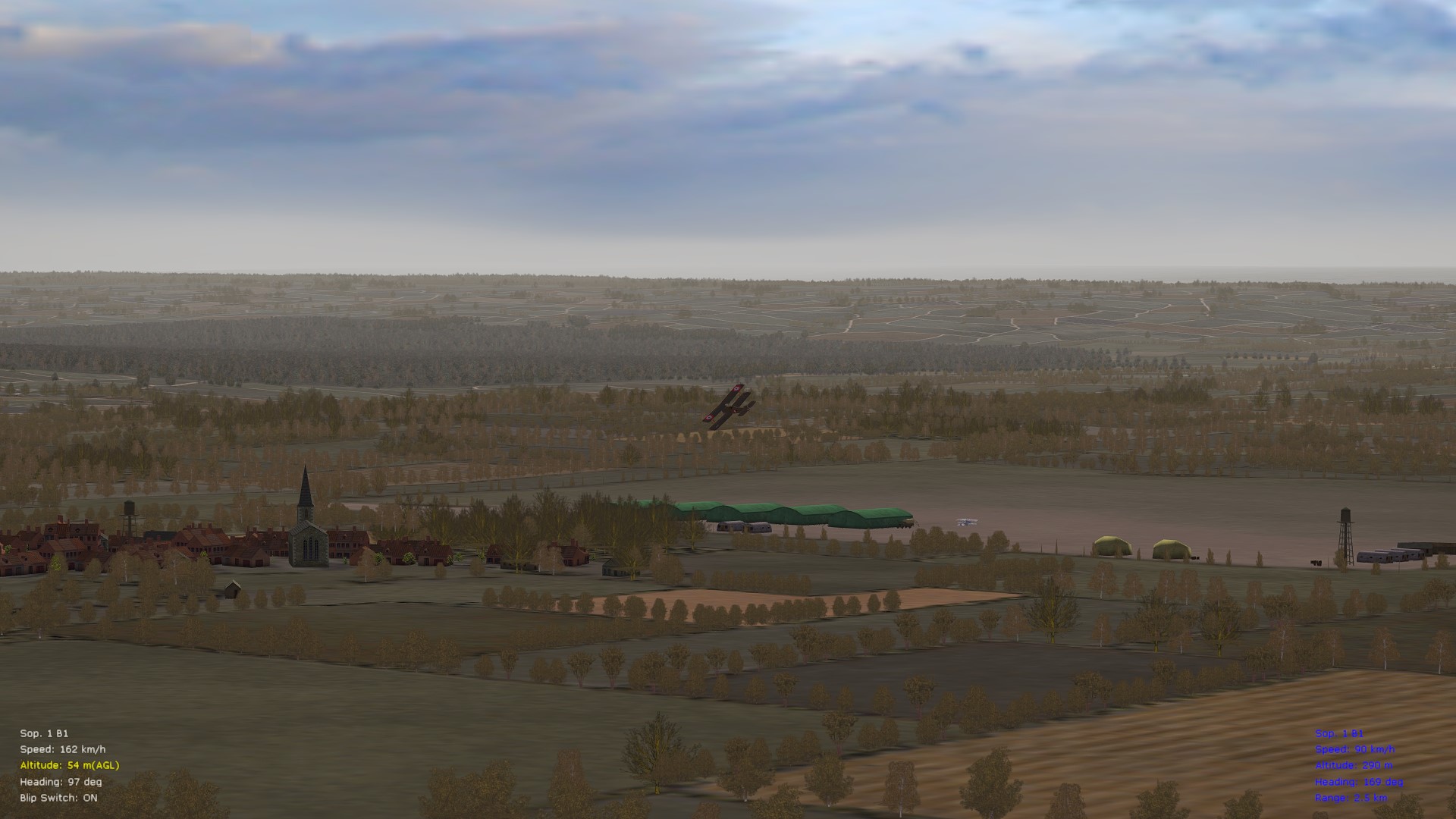
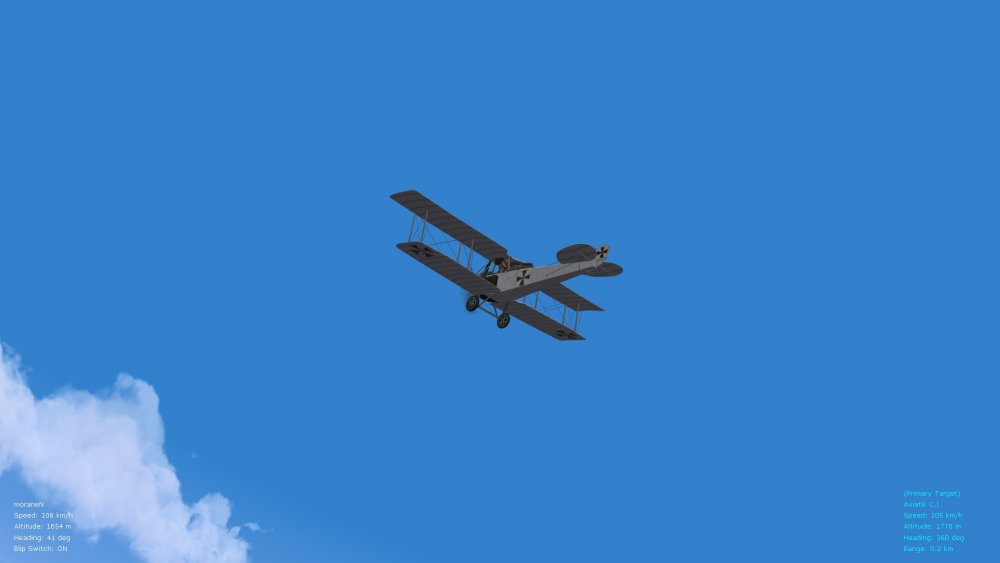
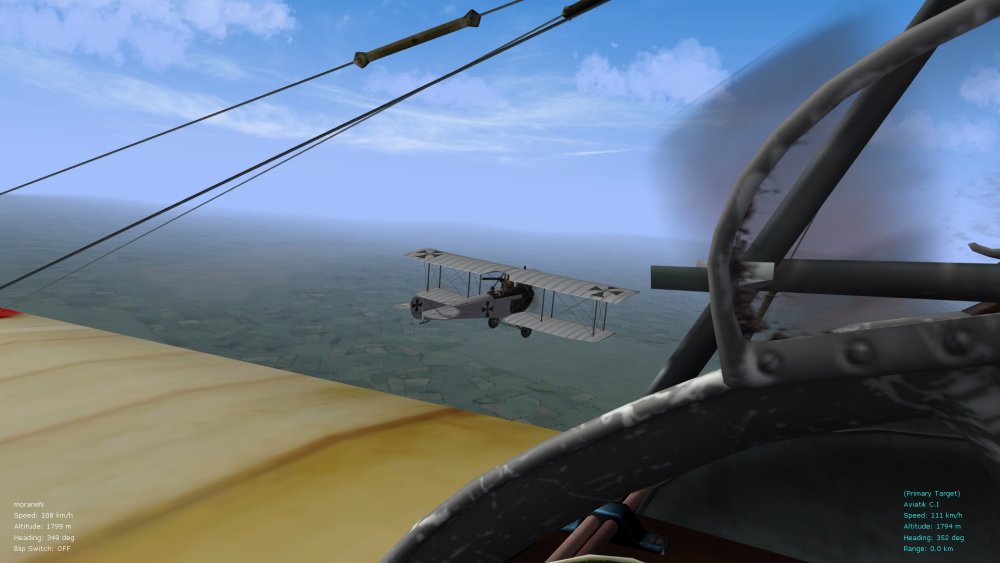
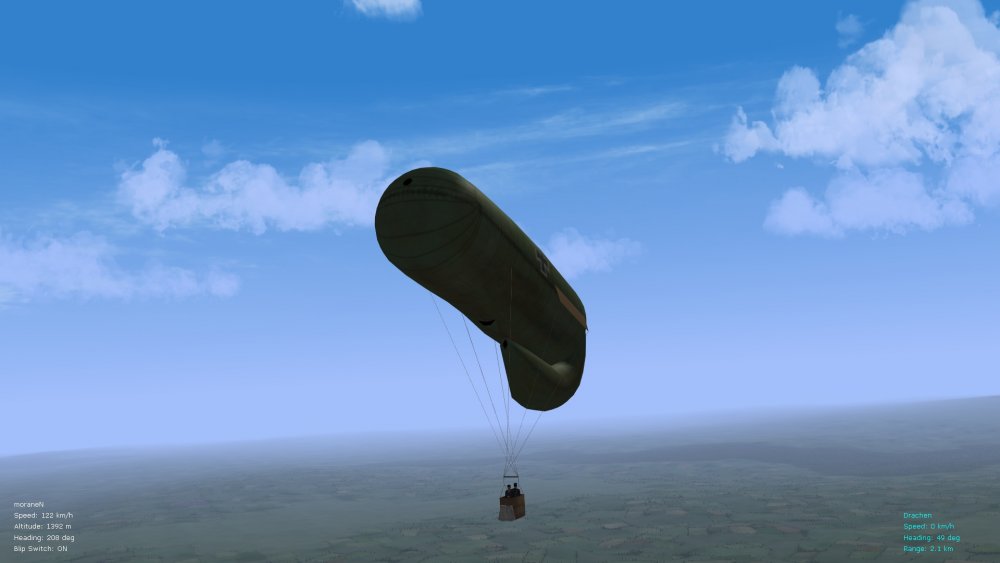
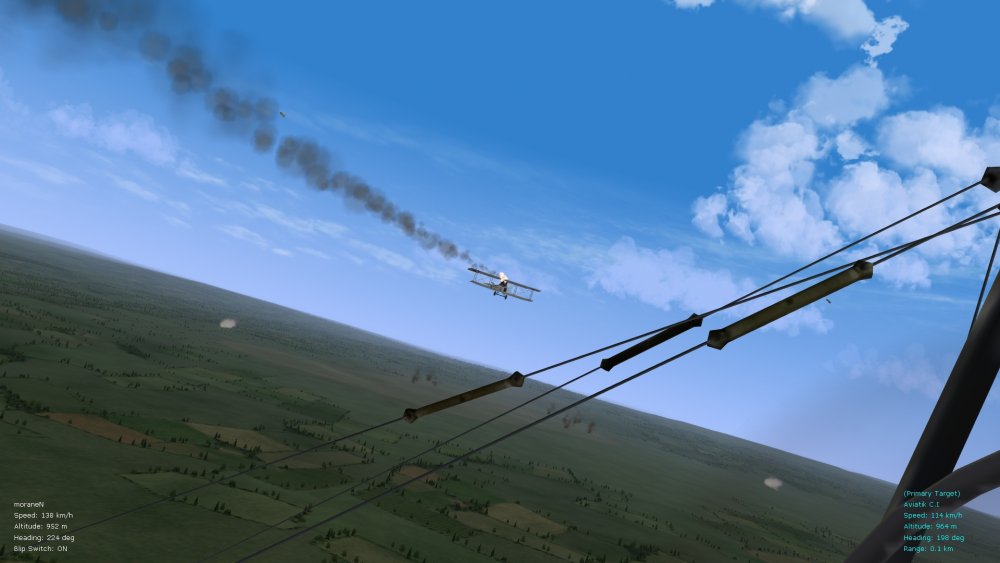
The Eastern front is usually sleepy but occasionally gives some fine skirmishes. Enjoying ver. 3 of Stephen's Galicia terrain below (looks fine even at medium settings in WineSkin on the Mac side and with the improved flight engine ini file installed - pics below are with dx9 only enabled). Now with the Aviatik C.1 FM modded, I can set up some flights against Be2c and Be12 types...recreating the goodness of the 70s' BBC show "Wings" . Happy flying, Von S
-
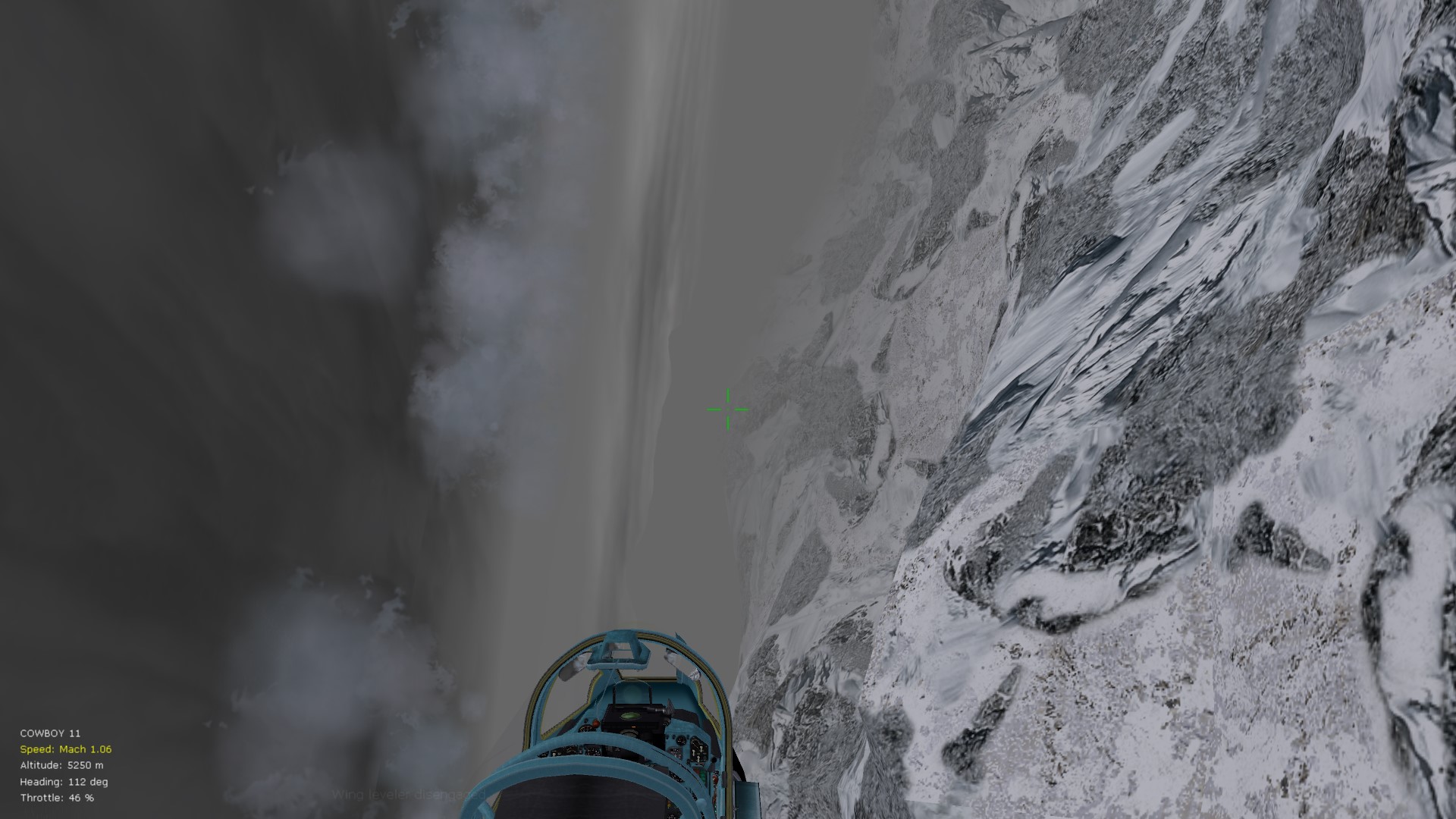
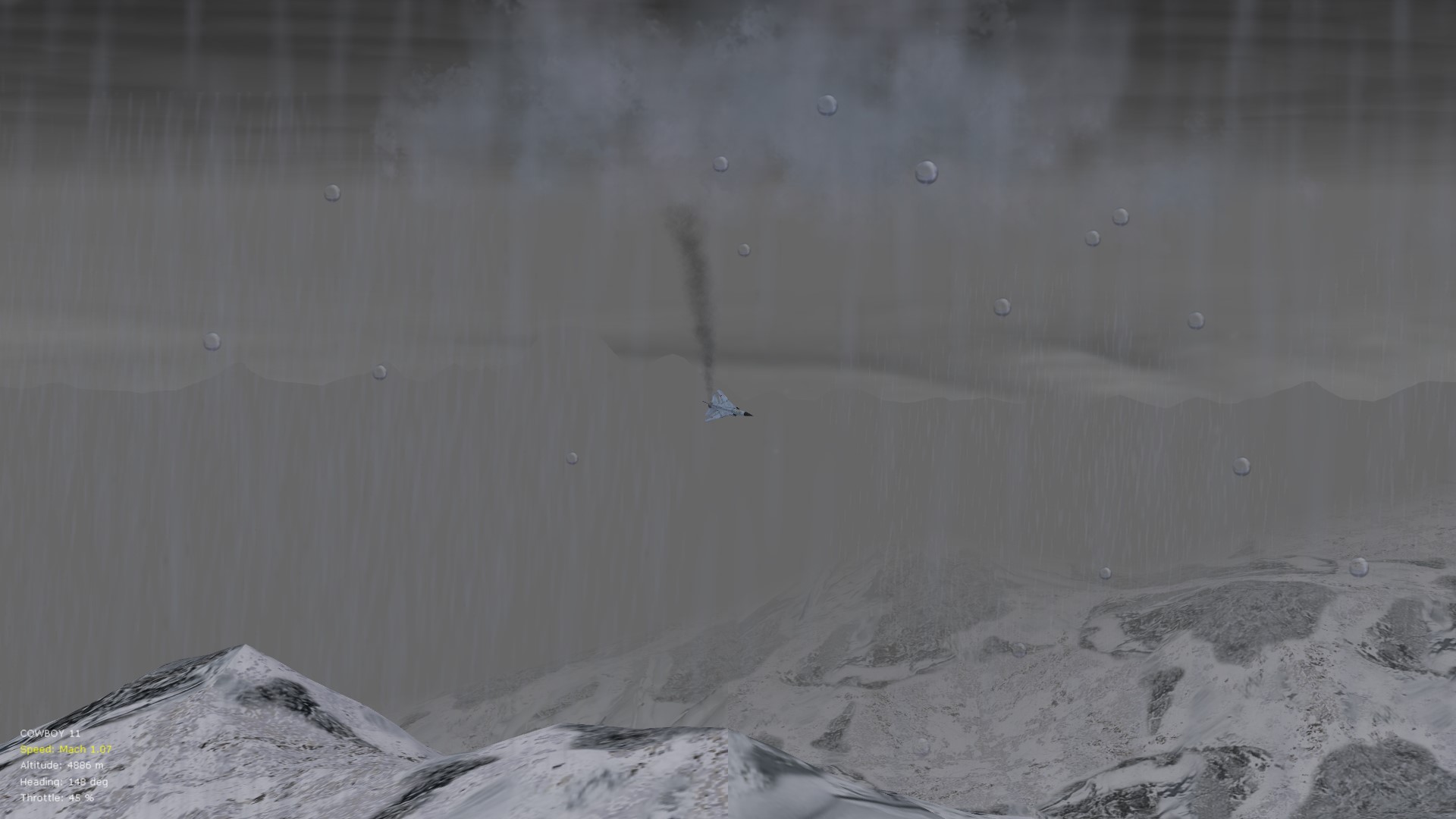
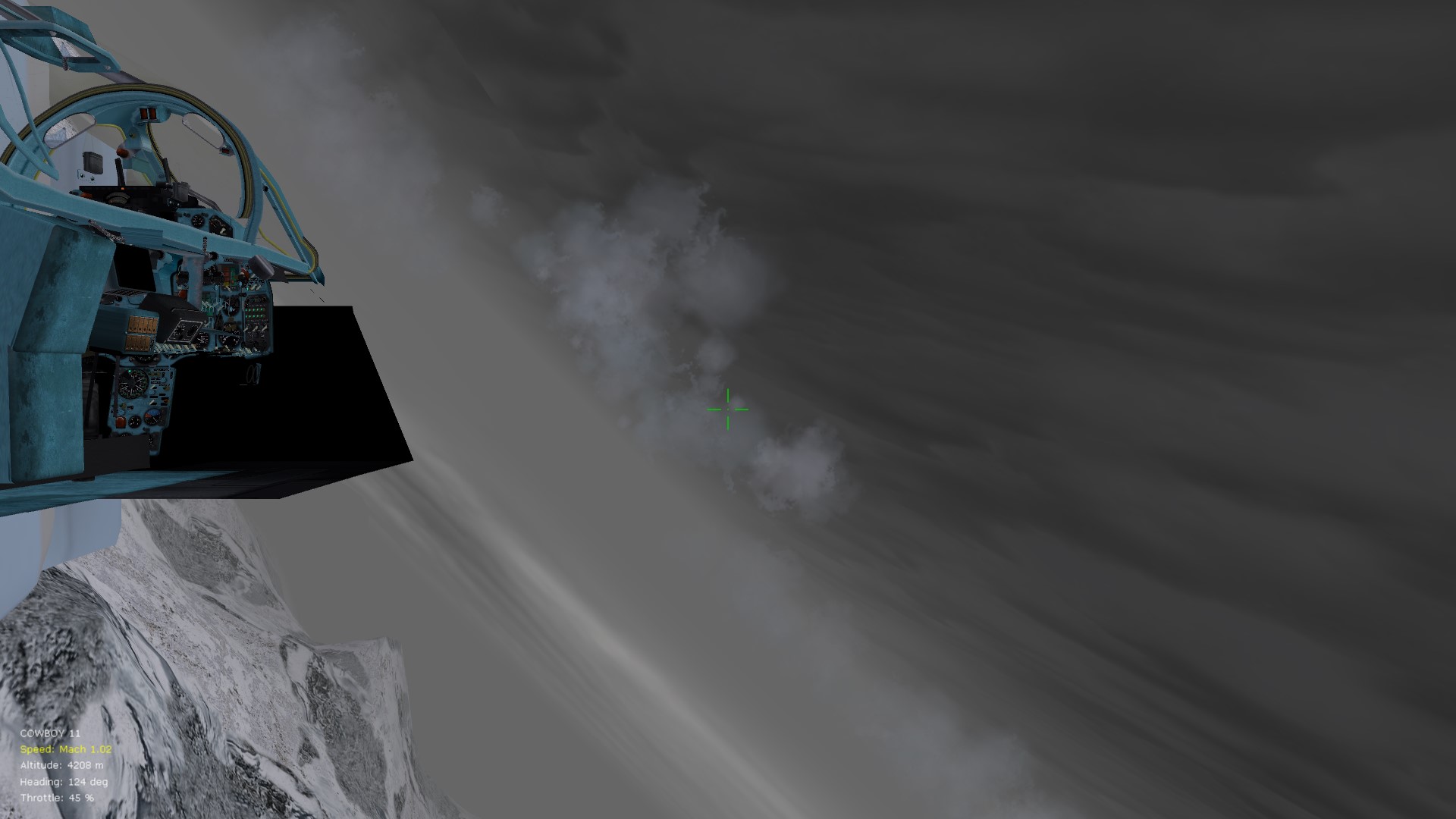
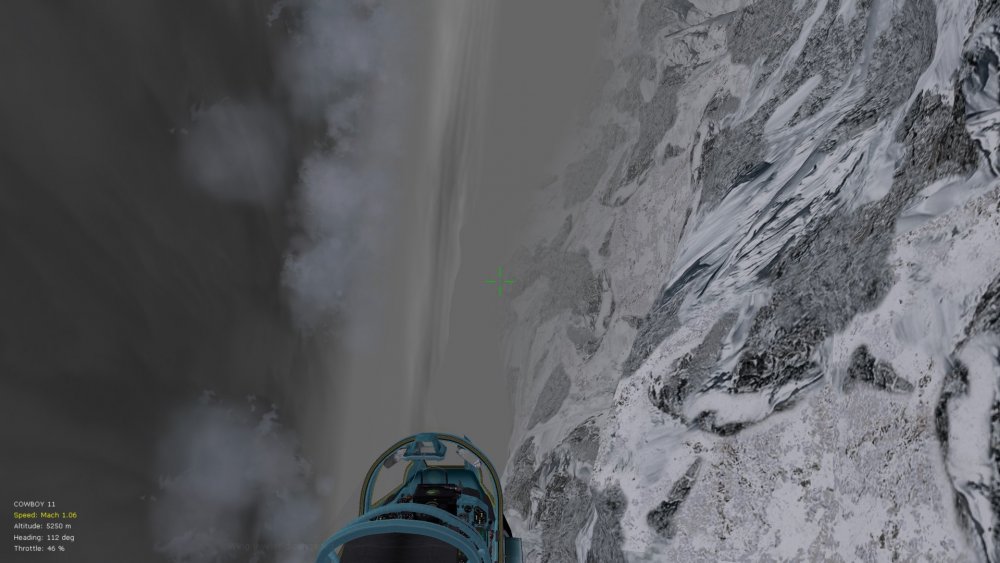
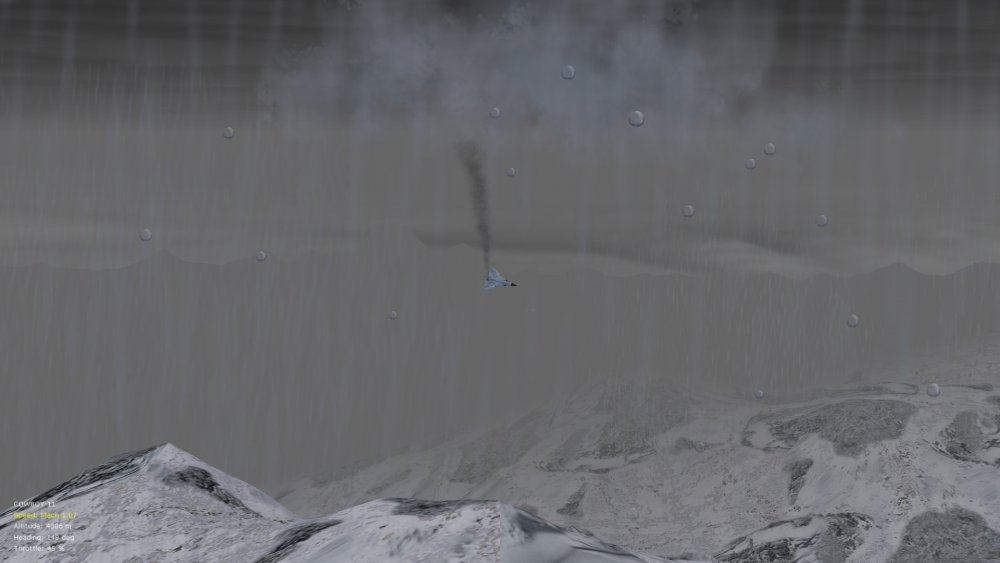
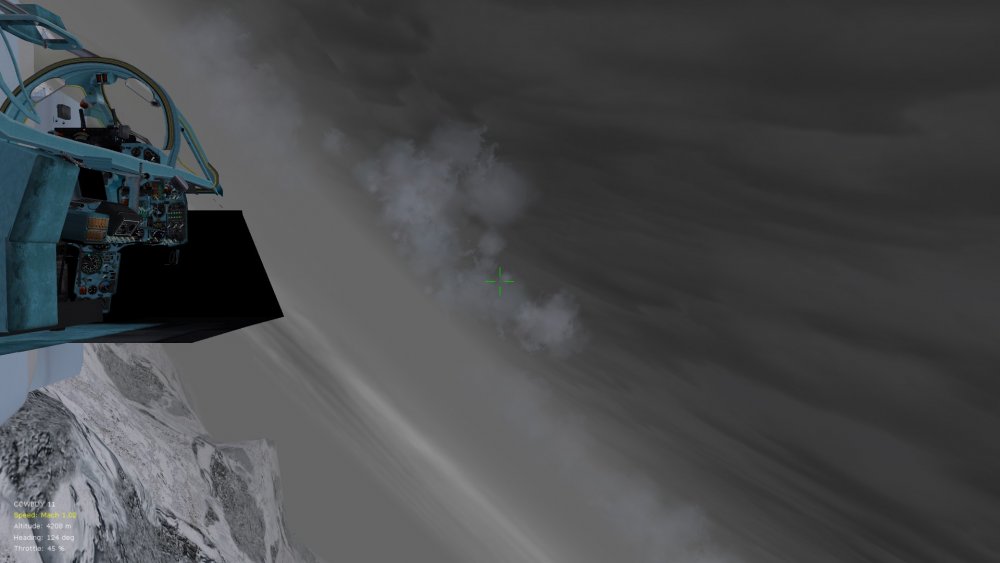
Hello gents,' See pics below for oddities on the early Flogger-A (MiG 23 type S)....occasionally the plane drifts sideways at a 90 degree angle, throwing the cockpit view off...this also happens sometimes in spins/stalls...the only mods I've made to the data inis that come with the early Floggers is copying/pasting of stock CD0 values from SF2 (from the MiG 23 MS export variant)...otherwise it was impossible to push past about Mach 1.2 at alt. I haven't noticed this oddity on later Floggers, only the early ones with the narrower wing (have tried limiting yaw values but doesn't seem to make a difference). The Floggers I'm using are from the big 2-pack MiG install available on CombatAce, by the way, with Stary's enhanced cockpits installed. Comments/suggestions appreciated. Von S
-
Yes, the beauty of FE/FE2 is that, unlike SF and SF2, these two are largely cross-compatible. Most info. applicable to FE2 is applicable to FE/FEgold, except for some directory paths for file installation, and I think that FE/FEgold do not have a separate "user directory" as does FE2. Even most plane types made specifically for FE2 are backward compatible with FE (Crawford has figured out an ini trick to get FE2 aircraft loaded in FE....I think he posted some of the info. under the "new aircraft" thread...somewhere around page 20 of that thread). And most FE aircraft are flyable in FE2 (only thing requiring tweaking is usually decal placement and decal files). I fly several FE-era aircraft in FE2 with no problems. Happy flying, Von S
-
On heavy settings, you should indeed be getting some occasional traffic going back and forth. For bombing and ground strafing, I don't have much experience with that but I'm sure someone will pitch in who flies FE2 frequently in ground attack mode or bombing runs. There should be a command to send your flight to "attack ground targets" - I've tried the command a few times but it's usually hit and miss, although I've only tried it by sending my flight to strafe an AA post or something similar...from what I learned later (I think from Crawford), FE/FE2 does not have the ability to tell other aircraft to do a strafing run, using the attack ground command - "attack ground target" being limited to bombing/grenade runs. I'm sure some of our fellow flyers know more about air-to-ground technicalities in FE2. (It's possible also that the attack-ground-target command is limited to the type of mission being flown....with limited effectiveness, for example, in offensive-type missions...but I'm sure that someone knows more about this.) Von S
-
Once you download all of the required planes for the armchair aces campaigns, it's likely that there will be more air traffic than currently. Having said that, if you try out some of the congestion settings in my update pack, you may (in early war scenarios) find yourself flying for an hour or two with no enemy planes in sight - as historical. The occasional enemy may come trotting by and engage in a duel, but otherwise it's pleasant sight-seeing until about the summer of 1916. For more obscure fronts, such as Palestine and the eastern front, low air congestion would have been historical well into 1917, even 1918. It's not really until the spring of 1918 that the Entente start putting up aircraft in greater numbers in Palestine, for example, while the Germans have the aerial upper hand to about 1917. For the Italian front too, not too much congestion until about late 1917/early 1918. And then keep in mind that the last couple of months of the war should feature lower congestion than the peak of action in Italy and the western front (basically the first half of 1918). The armchair campaigns should be fine on "medium" realism as long as you stick with the data ini files (the FMs) provided with the aircraft - don't install any other FMs. Yes, overall, my FM pack makes flying the planes noticeably harder than even the hard setting can provide - I like to think of it as the "historically realistic" setting....or at any rate good fun if you enjoy the surprise of flying early crates that are often like wild horses. It's not so bad from about 1917 onwards (with the newer plane types), but lots of luck is now needed to score well with crates typical of the 1914 to 1916 period. I recommend trying out the Morane Saulnier type H, also the type G variants, as well as the Longhorn and Shorthorn types, Parasol types, also the early Eindeckers and Pfalz monoplanes on the Central powers side - for a ripping good challenge. Von S P.S. Ver. 9.7 of the FM update pack will be posted soon so you might want to wait and download that version (the install will be simpler than the several versions of folders currently available in the ver. 9.5 pack).