VonS
-
Posts
1,026 -
Joined
-
Last visited
-
Days Won
2
Content Type
Profiles
Forums
Gallery
Downloads
Store
Everything posted by VonS
-
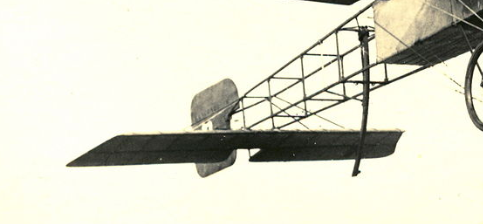
A beautiful surprise and welcome addition to FE2! While I know nothing about 3-d modelling, I'll be more than happy to re-work a data ini file/FM eventually for the Bleriot - will use one of the early MS Type G variant data inis and will then tweak further until we have the Bleriot XI FM. (If you require a basic data ini to get that freeware Bleriot flying in FE2 - I would recommend the 45hp variant of the MS Type G that I have in my big FM package, as a start - I can always hammer things into shape further with that data ini file since it is the closest to an early Bleriot.) Take your time with this great model and I'm sure that some of our 3-d model specialists will pitch in with advice/suggestions if necessary. I'm leaving a couple of links here - one is for various stats. on Bleriot XI variants (an older post), and the other shows the front end of the now-abandoned Bleriot XI that Geezer was working on a while back (I think he was trying to model the 1914 type with 7-cylinder rotary, two-seater variant). That freeware type seems to be the 1909 "Channel Hopping" variant, judging from the front end and the truss assembly in front of the cockpit, as well as the shape of the rudder. I'm thinking out loud here so feel free to disregard my ramblings ... with the rudder reworked as the rectangular one that fits roughly to the middle of the end of the fuselage, to the last vertical truss that completes the fuselage ... ... FE2 would then have a very convincing Bleriot of about 1911 to 1913 vintage, perfectly believable as an early-war trainer and also scout/recon. aircraft for 1914 and early 1915 ... although the model is convincing as is (should it be impossible to change anything on it from stock form). Great stuff all around! Enough of my ramblings on the topic. Here are the links I promised: https://combatace.com/forums/topic/91066-new-aircraft/?page=20&tab=comments#comment-750611 https://combatace.com/forums/topic/91066-new-aircraft/?page=23&tab=comments#comment-751212 Happy flying all, Von S MORE INFO.: I'm sure that Crawford will spot this thread eventually too and will offer further historical guidance if necessary. Have included sections of a couple of pics. below that illustrate a part of the rudder shape used from about 1911 onwards on the Bleriot...tail wheel would have been substituted by a variety of skids, standard ones as indicated in that freeware model, also "x"-shaped tail skids, as well as the very simple one in the black-and-white photo, etc. The front truss assembly on the freeware model is typical of 1909-10. A single "v"-type cabane truss is more reflective of 1911 or so, and later, variants, particularly the "pyramid"-truss configuration for rotary-powered Bleriots. The only other thing I can think of for now is that - if an engined-up Anzani model is being made - it should probably have the following dimensions (8.58 m wingspan, 7.53 m fuselage - the 7.79 m wingspan is more typical of the 25-hp Anzani of 1909). The Gnome rotary variant (Omega?, 60 hp) should be slightly bigger - with wingspan of 9.88 m, and fuselage of 7.95 m. These are dimensions for the one-seater version, taken from my other post linked above. If I had to "eyeball" that freeware model - I'd say the dimensions are closest already to the engined-up Anzani model. Also see this link (https://en.wikipedia.org/wiki/Blériot_XI#/media/File:Bleriot_XI_Thulin_A_1910_a.jpg) - a nice pic. of Carlson's Thulin-built XI in flight - this is most likely how the engined-up (Anzani) Bleriot would have looked too - the only real ambiguity being the front cowling. Rotary-powered ones featured more of a full cowling - whether or not engined-up Anzani variants ever carried the partial cowling as seen on Carlson's early rotary-powered type or had an entirely open front engine mount, as did the 1909-10 model (25-35hp), is up for speculation, particularly since the Type XI came in a variety of configurations. Personally I think the partial cowling would work well with the 45hp variant.
-
The Emld N.28 also has a tweaked FM included in my large FM and realism pack for FE2. I did create a very similar FM for Geezer's N.28 too (located in the relevant package with Geezer's aircraft) - but there is something wrong with the prop. disc at certain rpms in Geezer's model - something that I can't fix unfortunately via data ini tweaks (I believe that Crawford tried fixing the prop. disc too but neither of us was successful with that). Anyway, the Emld N.28 is a very good choice. If this thread must turn into a (very humble) request list, the only one that comes to mind immediately is --- get ready for this one everyone --- the Bleriot XI (of whatever variant, but I particularly like the 45-hp Anzani or later 7-cylinder rotary type). That one has been vaporware for a while. Needless to say, and knowing myself how much time it takes to tweak things (let alone make models) - take your time fellow modders. Any new items for FE2 are greatly appreciated whenever they are released, but please don't burn out making the models. Thanks again Stephen for your excellent Tripehound variants - I'm getting close to finishing with my FM tweaks for the three variants and will post under the "Tripe Variants" thread when ready with those. Happy flying all, Von S NOTE: Those with excellent model-making capabilities are more than welcome to tinker with the N.28/28a in the package containing Geezer's aircraft, under the "New Aircraft" thread (p. 25). Maybe the only real problem with that model is that the tga files for fast and slow prop speeds need tweaking, and the dark disc problem (with the prop.) will disappear. Can't say anything more on that since I'm just a mere FM tweaker and ini file cruncher.
-
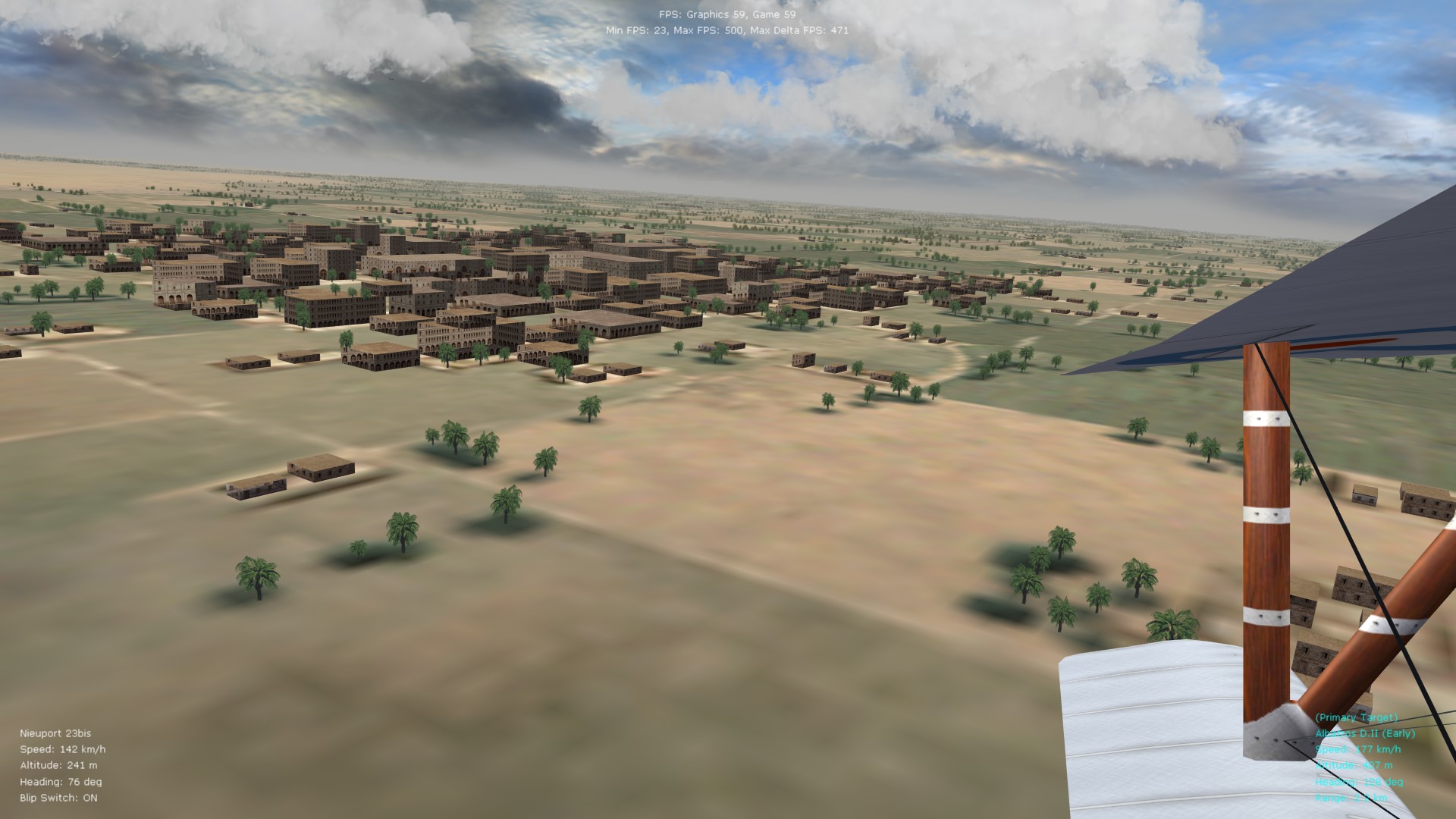
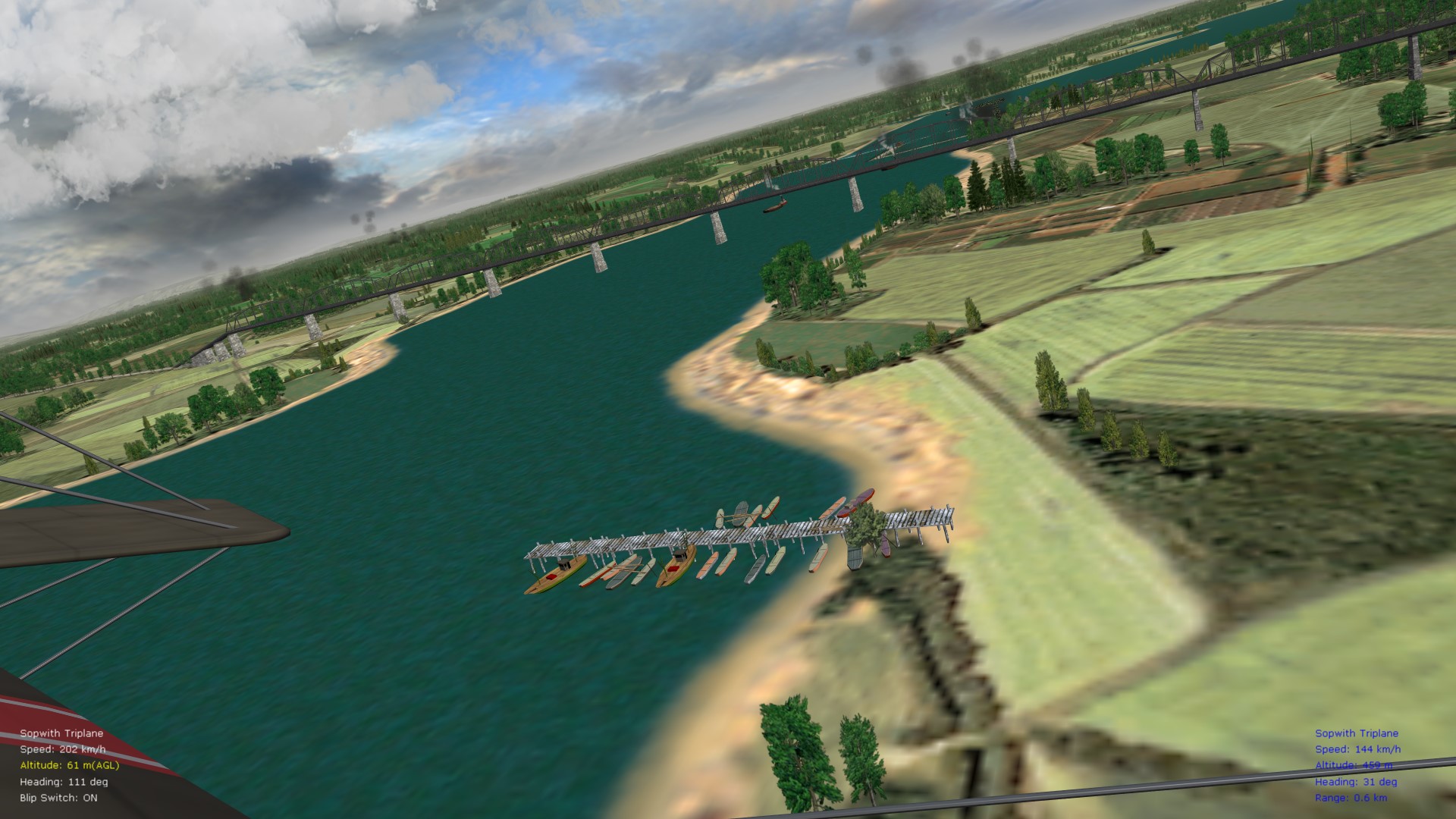
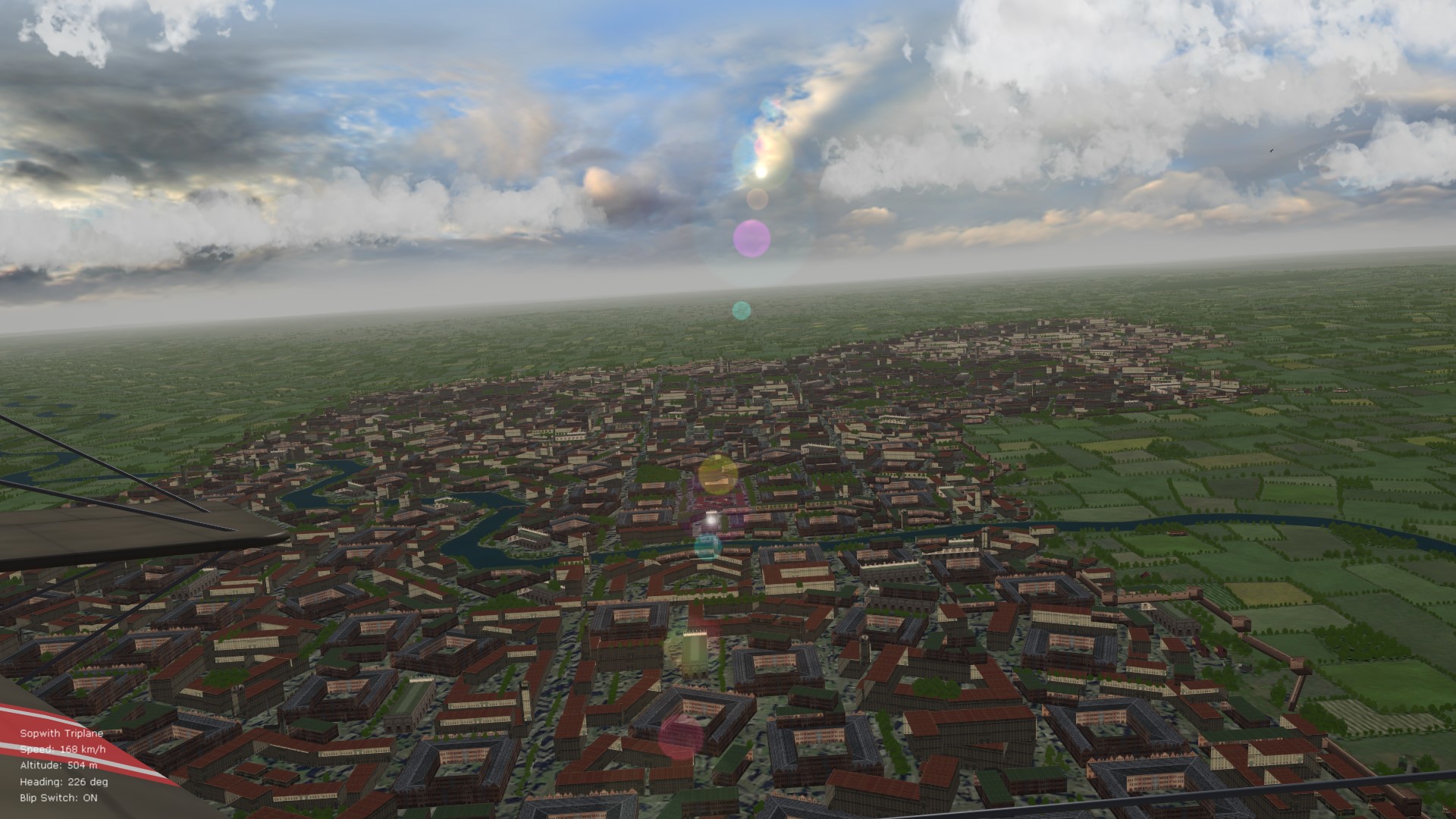
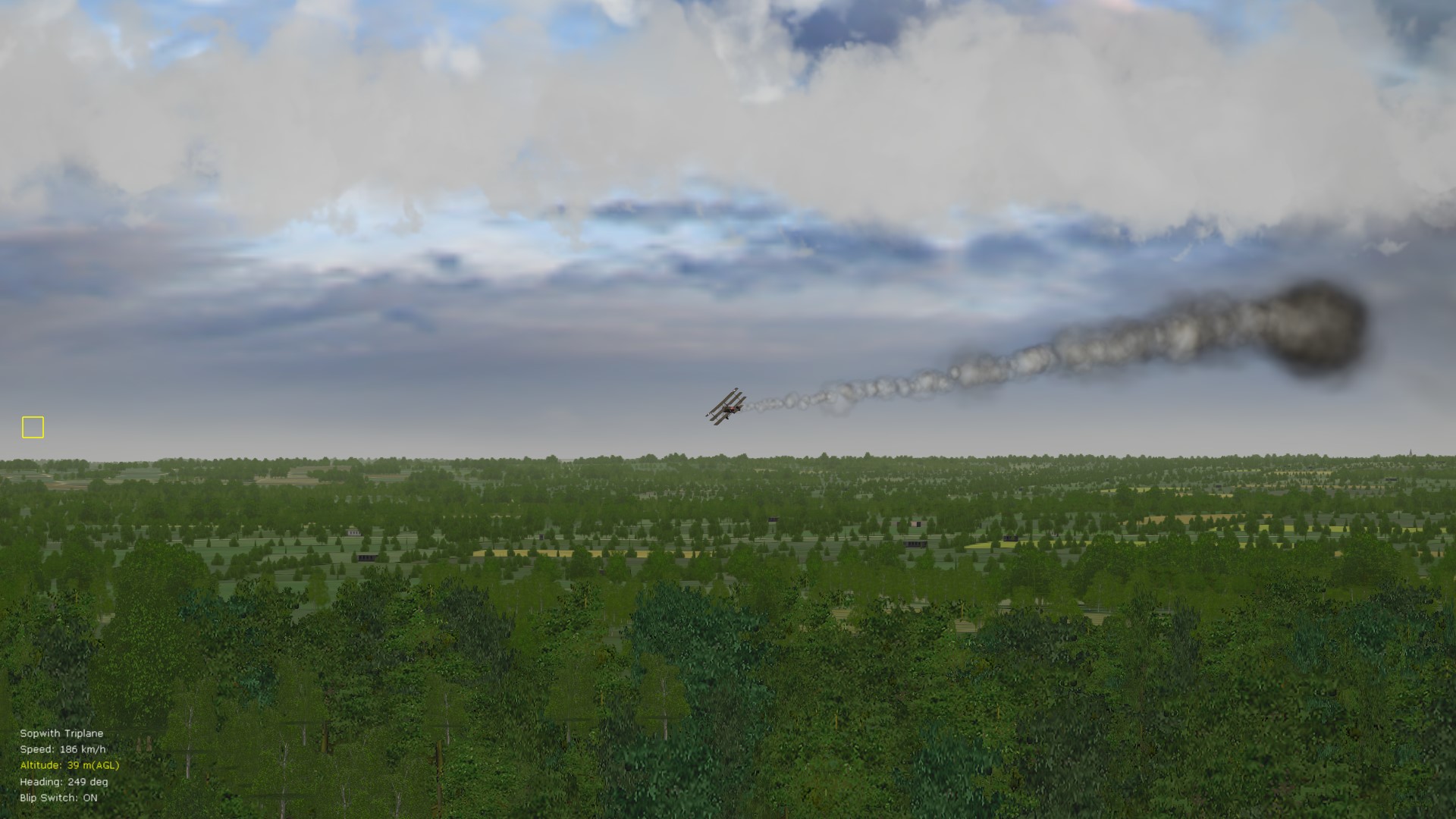
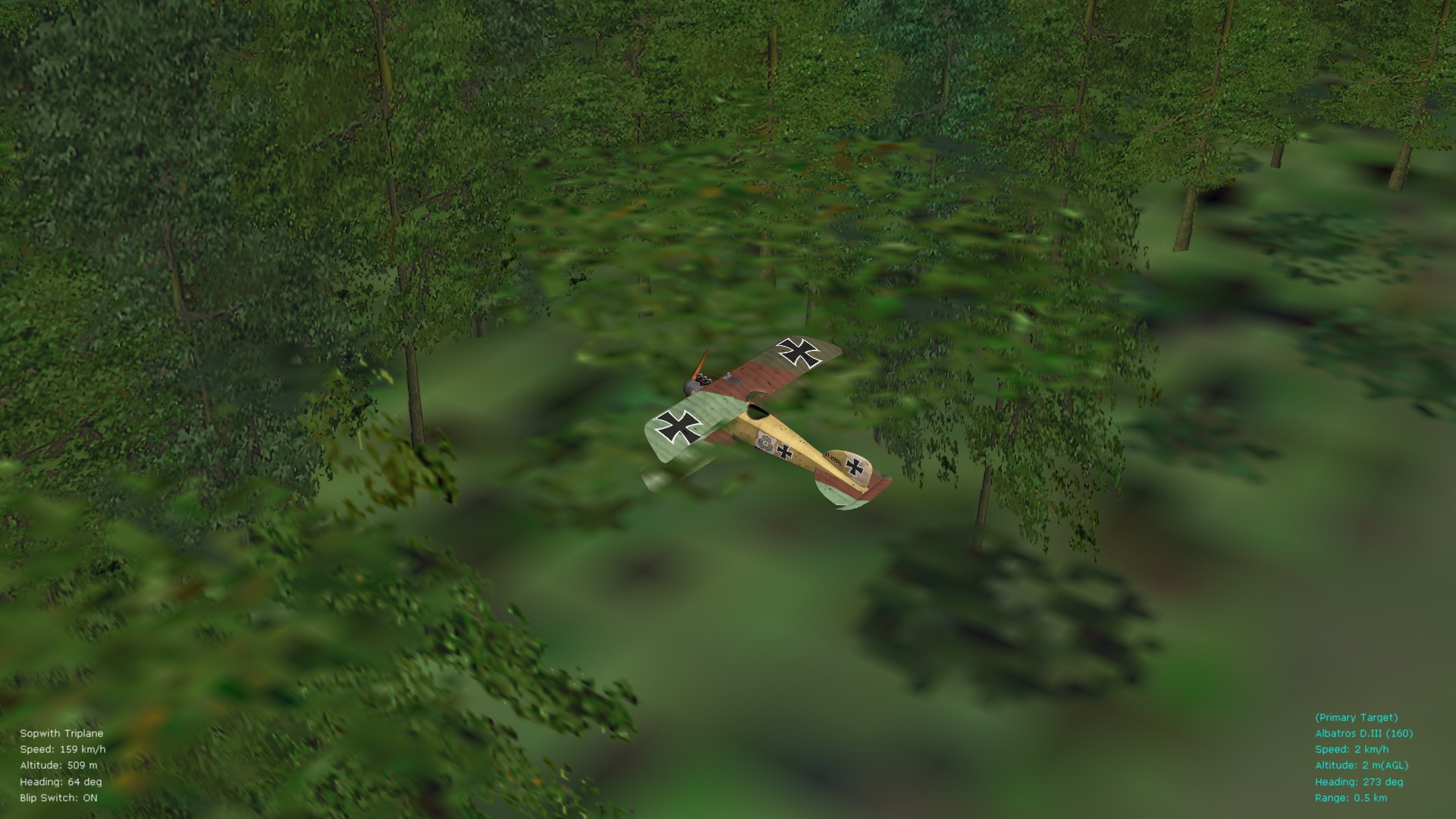
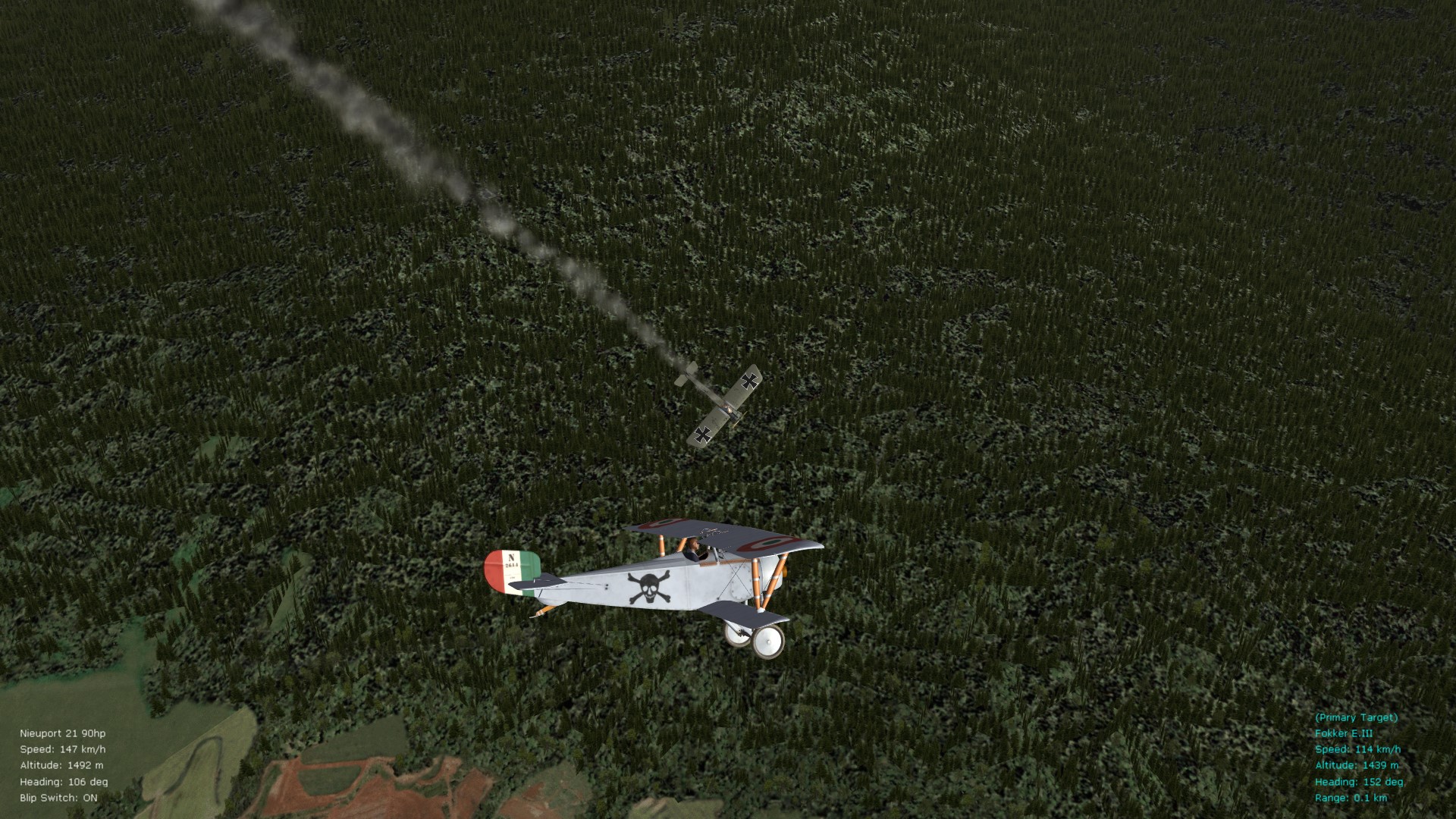
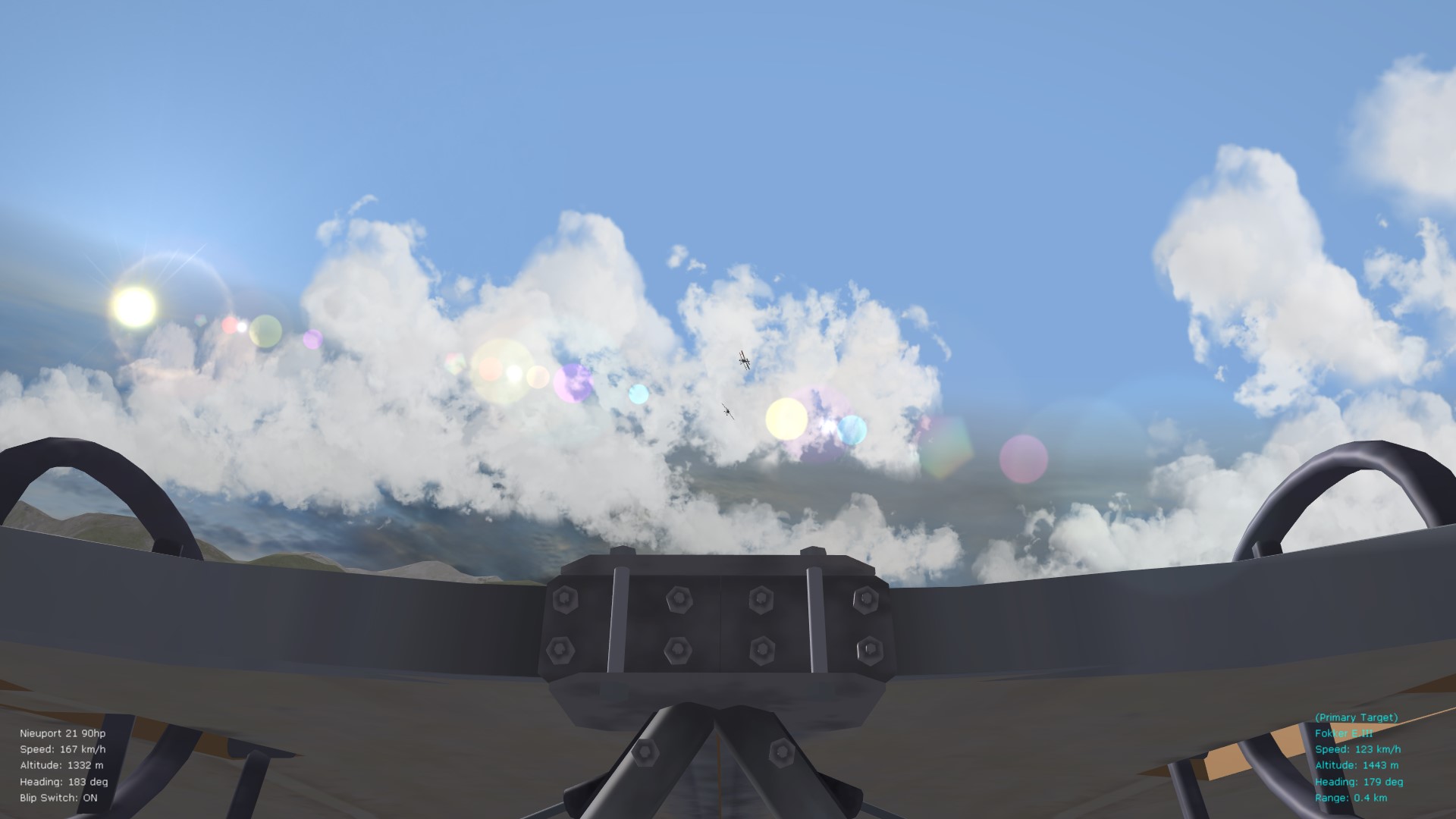
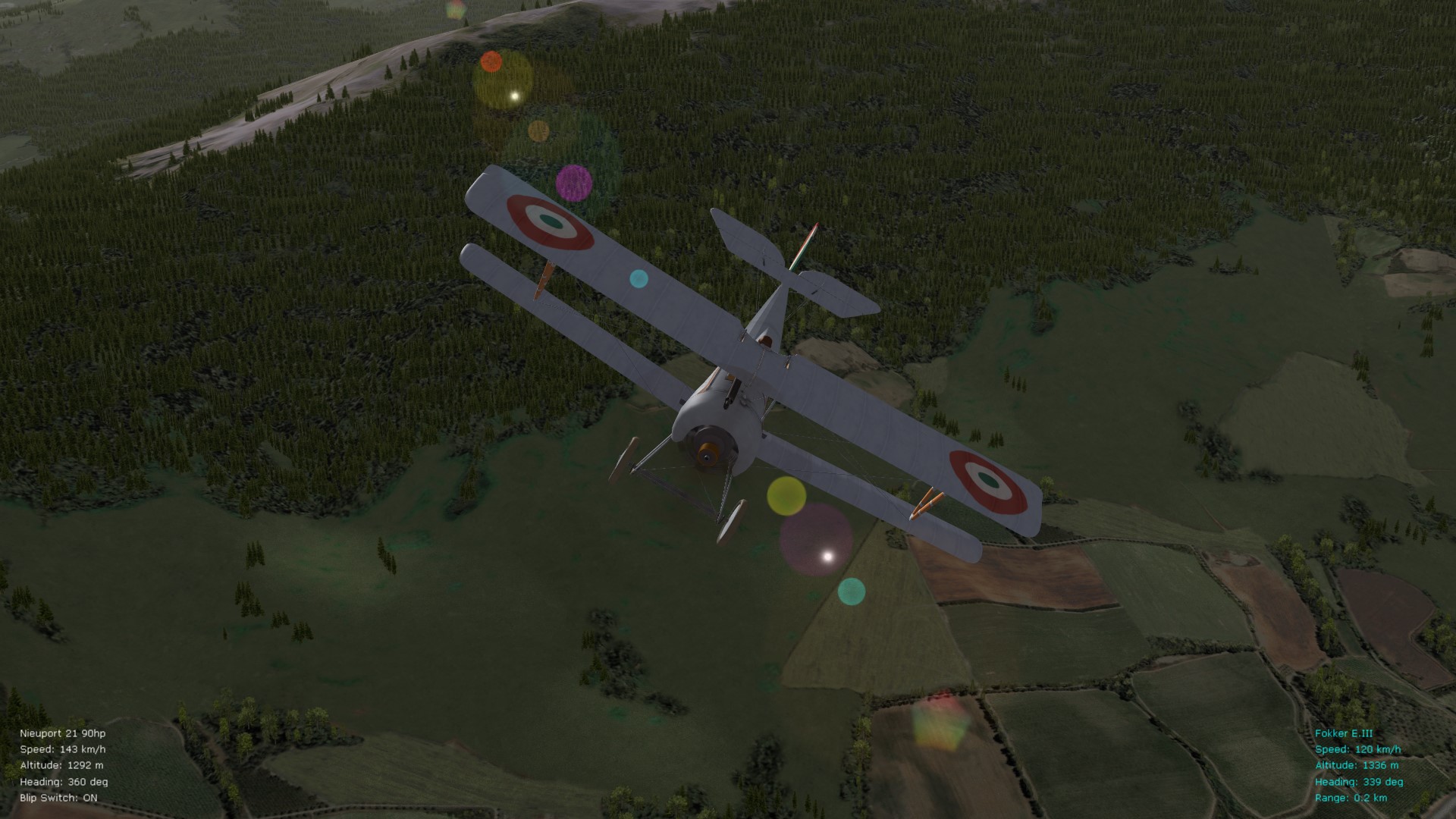
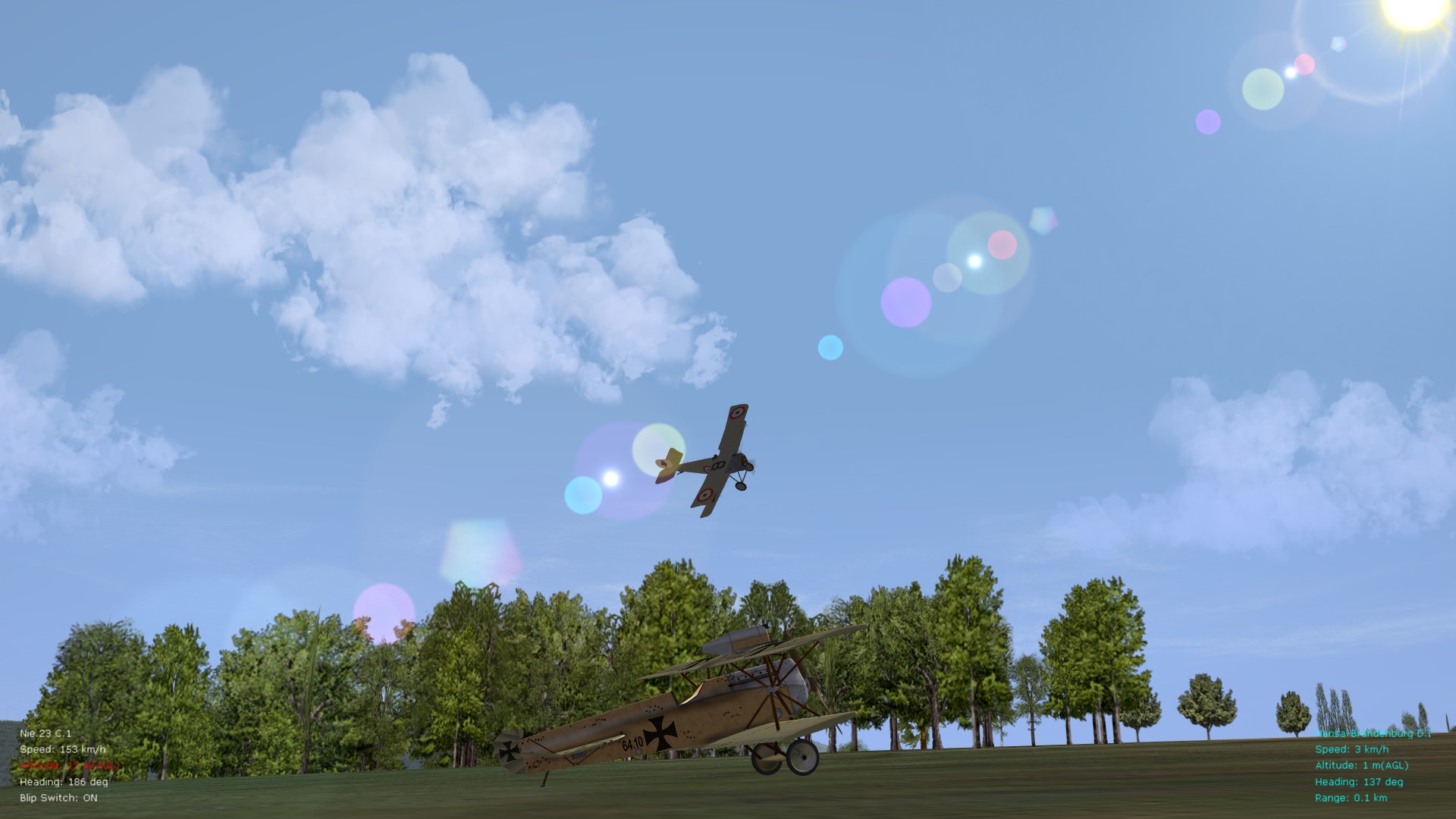
Have been tinkering over the last several days with settings inside the terrain data ini files for various theaters - and I think I've managed to get rid of remaining town/building flickering that I've been experiencing in FE2 occasionally. While the towns never looked psychedelic on my rig., the flickering at times ruined immersion. The trick, on AMD vid. cards apparently, is to toggle several settings in the "AlphaObjectTexture" section. Have also gone through various object types and will upload the files under my thread for the FE2 FM package once I'm done with some more tweaks. Those who are running AMD vid. cards will notice that the towns/buildings look a bit more see-through (holographic) with the tweaks, but tree intersection with buildings looks more natural now from a distance - and the important thing is that the flickering is gone. Some representative pics. below - also take note that with "AlphaTestEnabled" set to FALSE, under the "AlphaObjectTexture" entry - there is even further overlap/intersection of different tree types that way - makes for more depth and also camouflage as seen in one of the pics. with the lower wings of the Alby hidden with foliage (also second-last pic.). Will also look at some of the MassFraction entries in the data inis for the Alb. D.I, D.II, also the D.III and D.V variants since they are rather difficult to shoot down although there is no armor on them and structural strength numbers look normal. Perhaps a leftover oddity from the days of the stock Albies - but will look into it and will upload any modifications under the post where I've included the tweaked FM for Stephen's Tripe - and what a beautiful model that is - have been flying it for a few days already. Von S
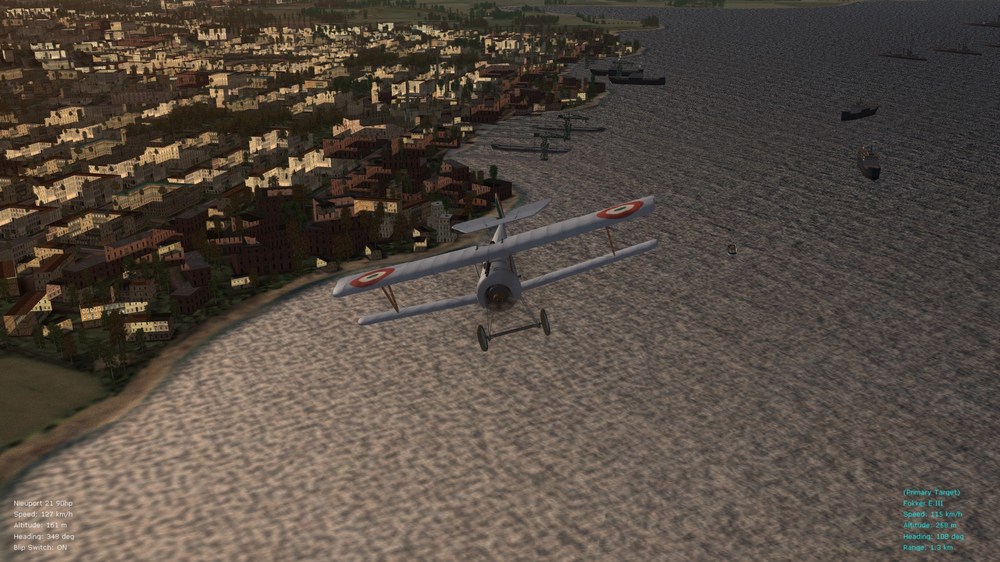
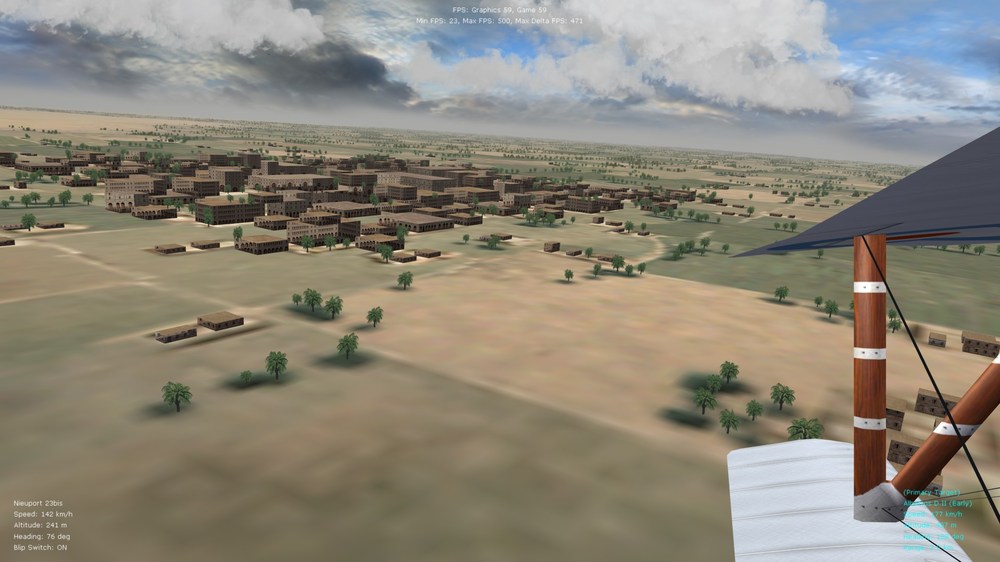
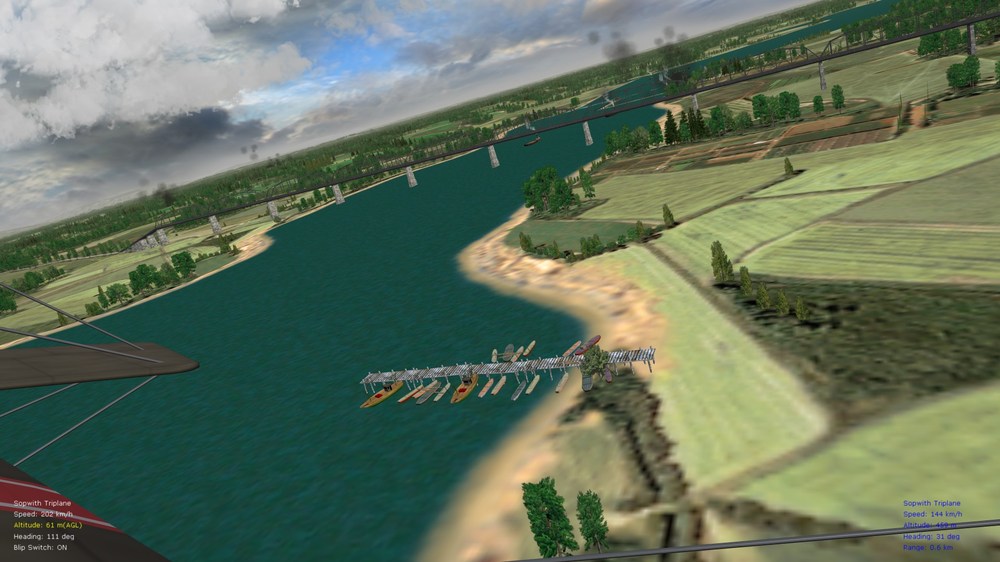
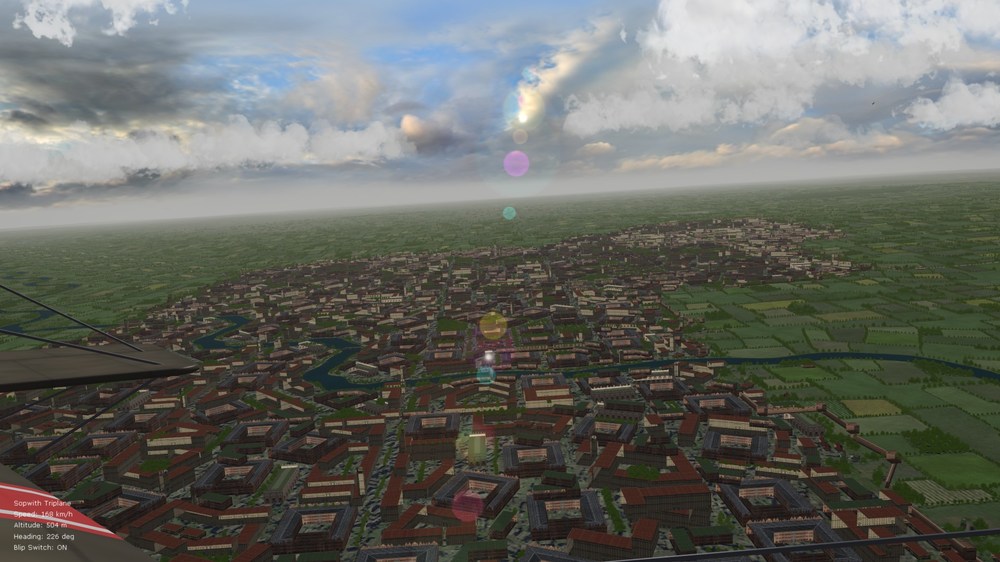
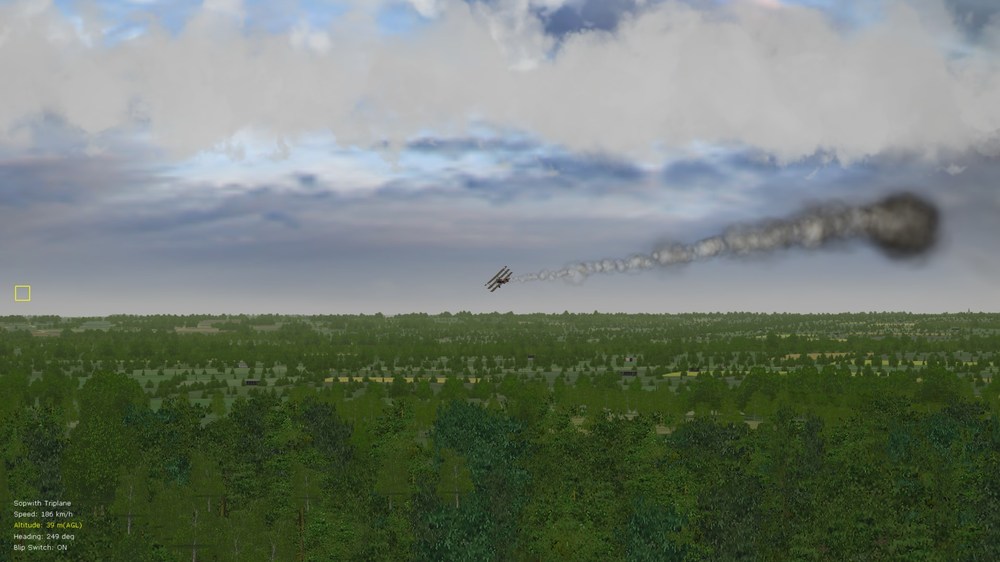
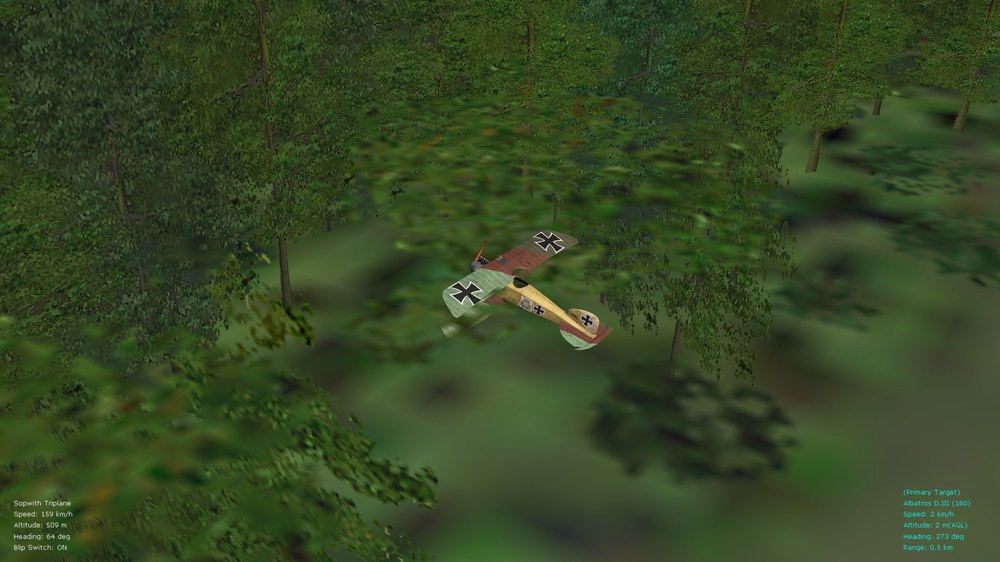
- 1 reply
-
- 4
-

-
- amd video cards
- fe2
- (and 2 more)
-
Works fine although I recommend running SF2, and FE2, in Win7 compatibility mode. Your mileage may vary with the latest and always rolling "feature update" packs of Win10. I am currently locked down on ver. 1809 of Win10 on the Bootcamp side of the Mac Pro, with AMD vid. drivers ver. 17.x.x, and things are swell. Those interested in manually locking/toggling Windows updates (works both on Home and Pro eds. by the way) - are recommended to check out "Windows Update Blocker" (WUB) - works well and doesn't break anything on the Win install. Remember to unblock updates via WUB if you sometimes want to take a peek at latest updates offered by Windows - as well as to update "apps" in the Windows Store, if you use apps from the store. WUB available here: https://www.sordum.org/9470/windows-update-blocker-v1-6/ Von S
-
The Tripehound looks beautiful Stephen, and those latest pics. are stunning. I'm going to take a bit of a break from real work, and also from my WOFF-related stuff, once the Tripe is finally out - to dig into the data ini and tweak the FM for an early and later variant of the Tripe (as per one of my posts above in this thread) - been a while since I've done some in-depth FM tweaking for FE2 so it will be a good opportunity not only to tweak but to refresh my memory. Fortunately I have all of my notes and details organized nicely from my previous FM packs and tweaks so it should be enjoyable getting back into FE2 modding again (have been flying the sim. regularly but haven't done any deep FM modding for about a year already). Only so much free time and only so many sims. one can get to at the same time. Thank you for keeping this sim. alive - it still produces some of the best white-knuckle dogfights I've experienced anywhere in a WWI sim - and the post-damage flight physics are also great, as I saw recently again while enjoying some quick combat on the eastern front - some damaged planes fall like leaves, others oscillate, others go into nice downward spirals, others into fatal side-slips, and so on (maybe I'm nit-picky but that kind of realism and variety is rare to see - amazing what the old FE2 engine is still capable of). Von S
-
Great info. gents' - always enjoy reading these threads. If I remember correctly from my readings, some examples of later batches of the Tripehound moved the fuel pump prop. from the cabane strut to one of the gear struts, right or left wheel strut, can't remember the details now. This was done to place that small prop. further away from the pilot's face, but may have also been done to improve efficiency of the pump - with the small prop. (if I'm not mistaken) facing forward once the pump was moved to one of the gear struts - giving it more of a direct "blast" from the main prop. that way. Such setups are more typical on variants of the Camel. Here's some more info. on the Rotherham pump, as relevant to Tripes. Apparently, the 130hp Clerget-powered Tripes switched over to a mechanical fuel pump, from the wind-driven, earlier type (thus the absence of the prop.-pump on some models possibly): http://www.theaerodrome.com/forum/showthread.php?t=12934 Von S
-
Very excited to see the Tripehound being developed Stephen - I look forward to it. I will eventually re-work the tweaked FMs I have, for the A-Team Tripehounds (early and late Tripe variants), to fit this one as well (possibly for a ver. 10.0 of the FM update pack). One of the many great things about your models and Ojcar's FMs is that they are so much easier/more logical to work with, for tweaking of FMs, than some of the A-Team models that I have re-tweaked in the past. Glad to see there's lots of life/development left in FE2 (and SF2). Happy flying all, Von S
-
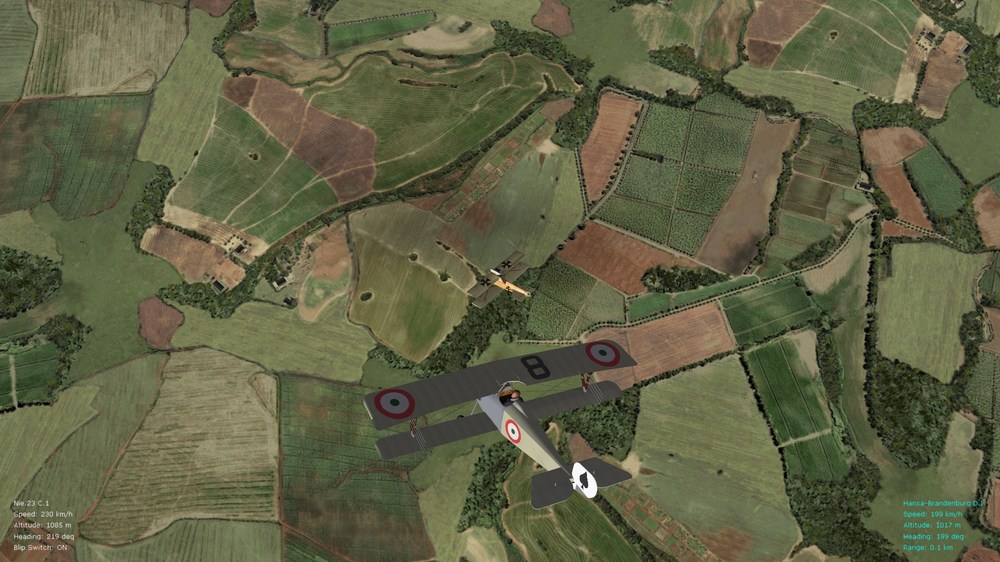
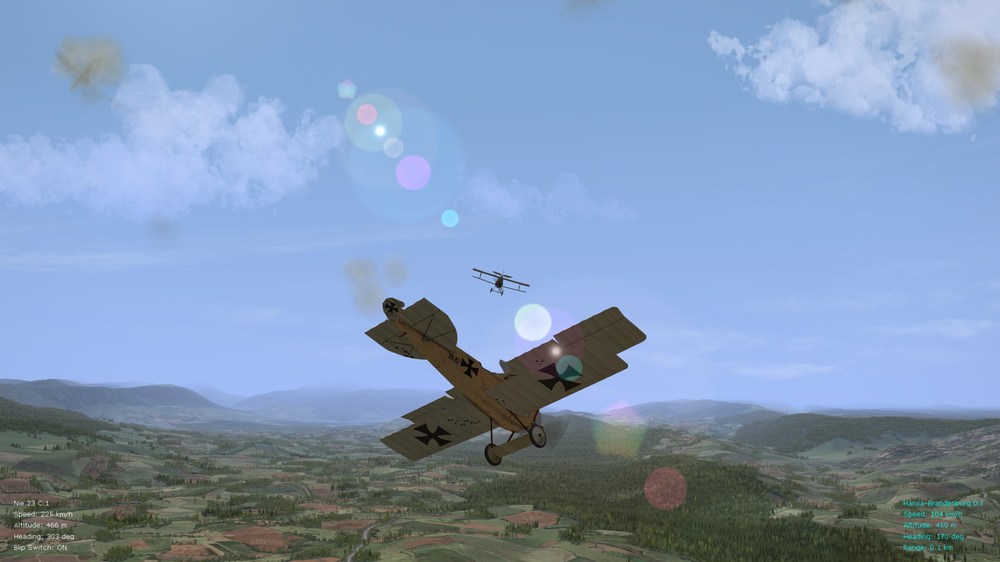
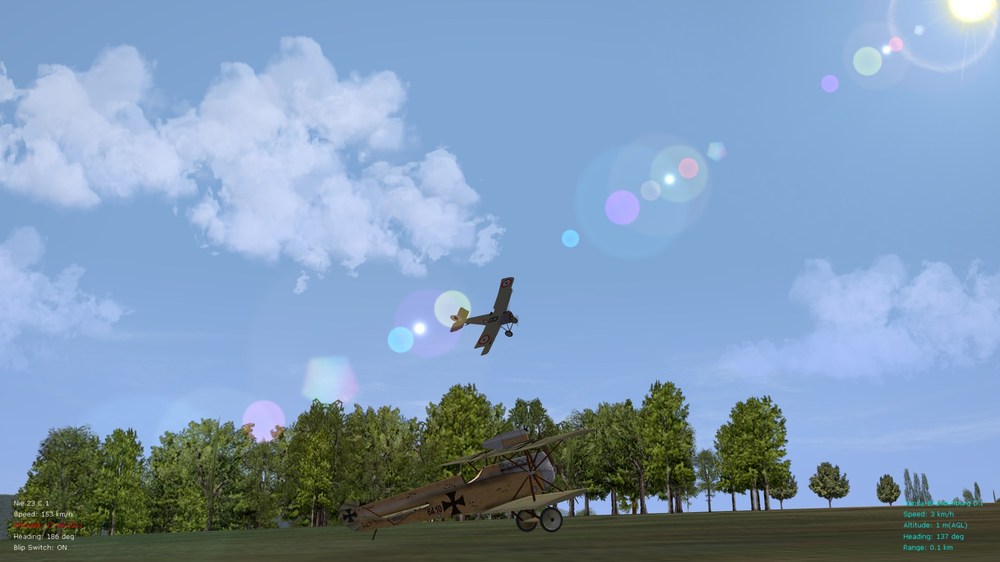
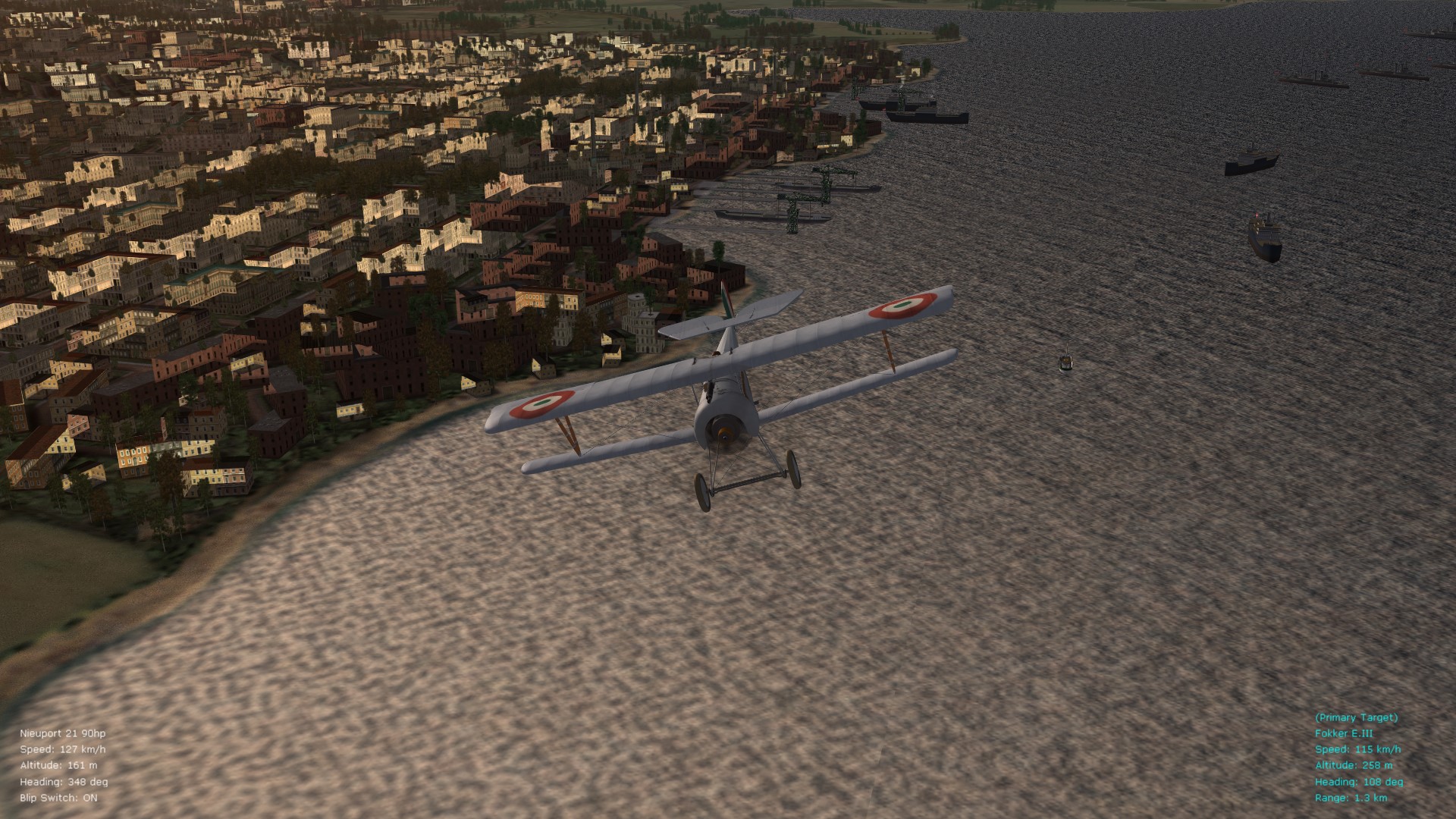
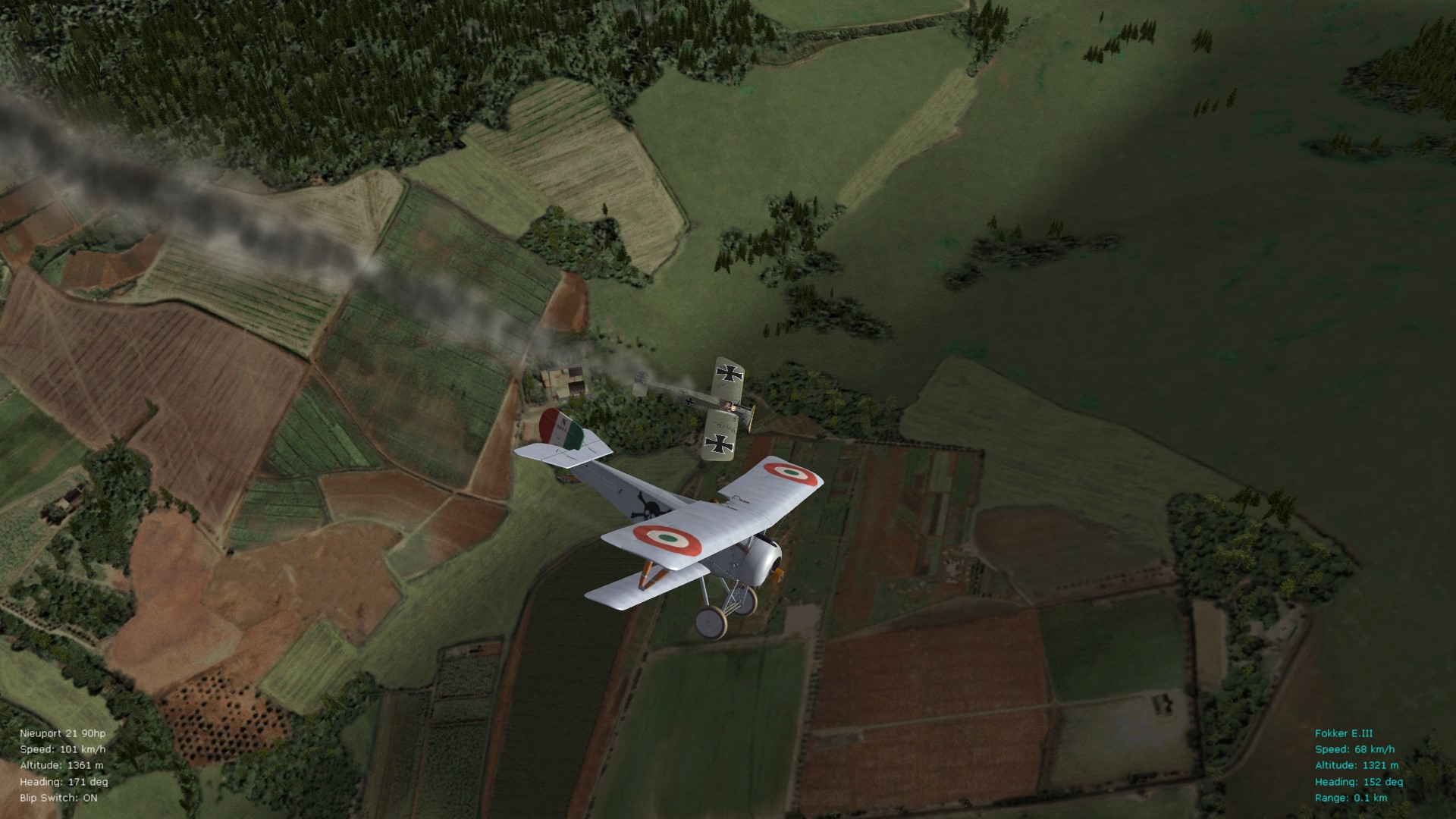
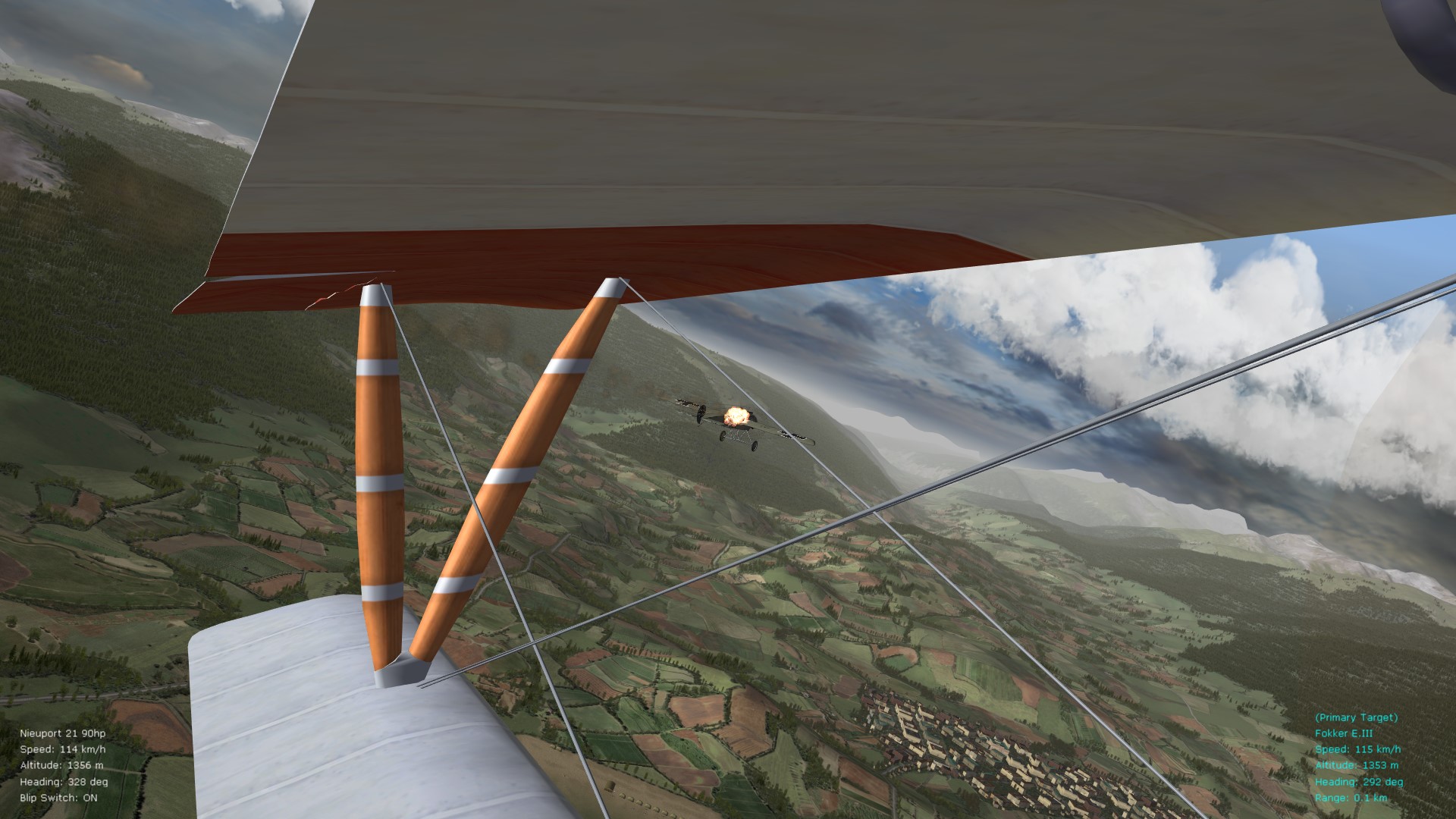
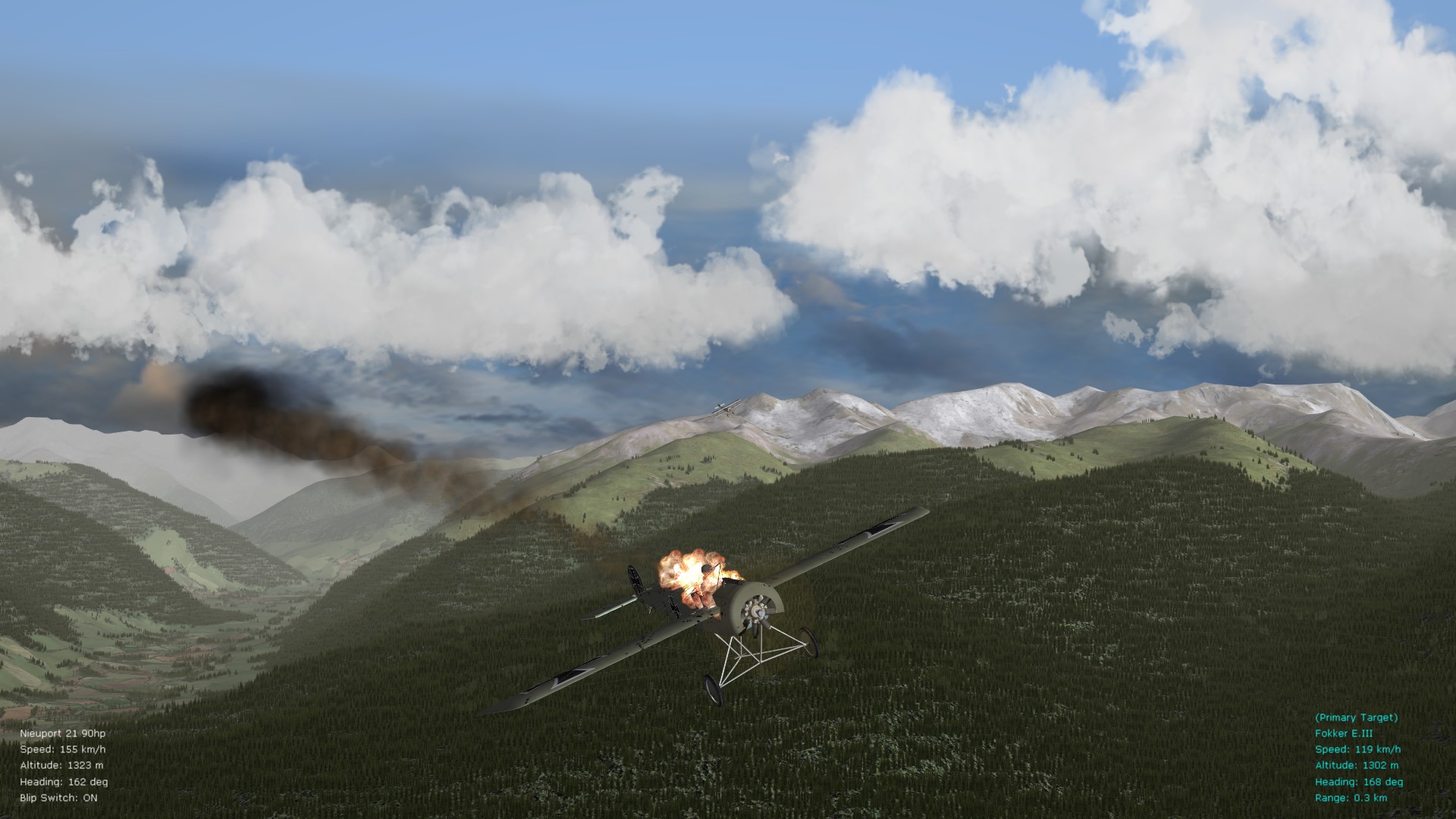
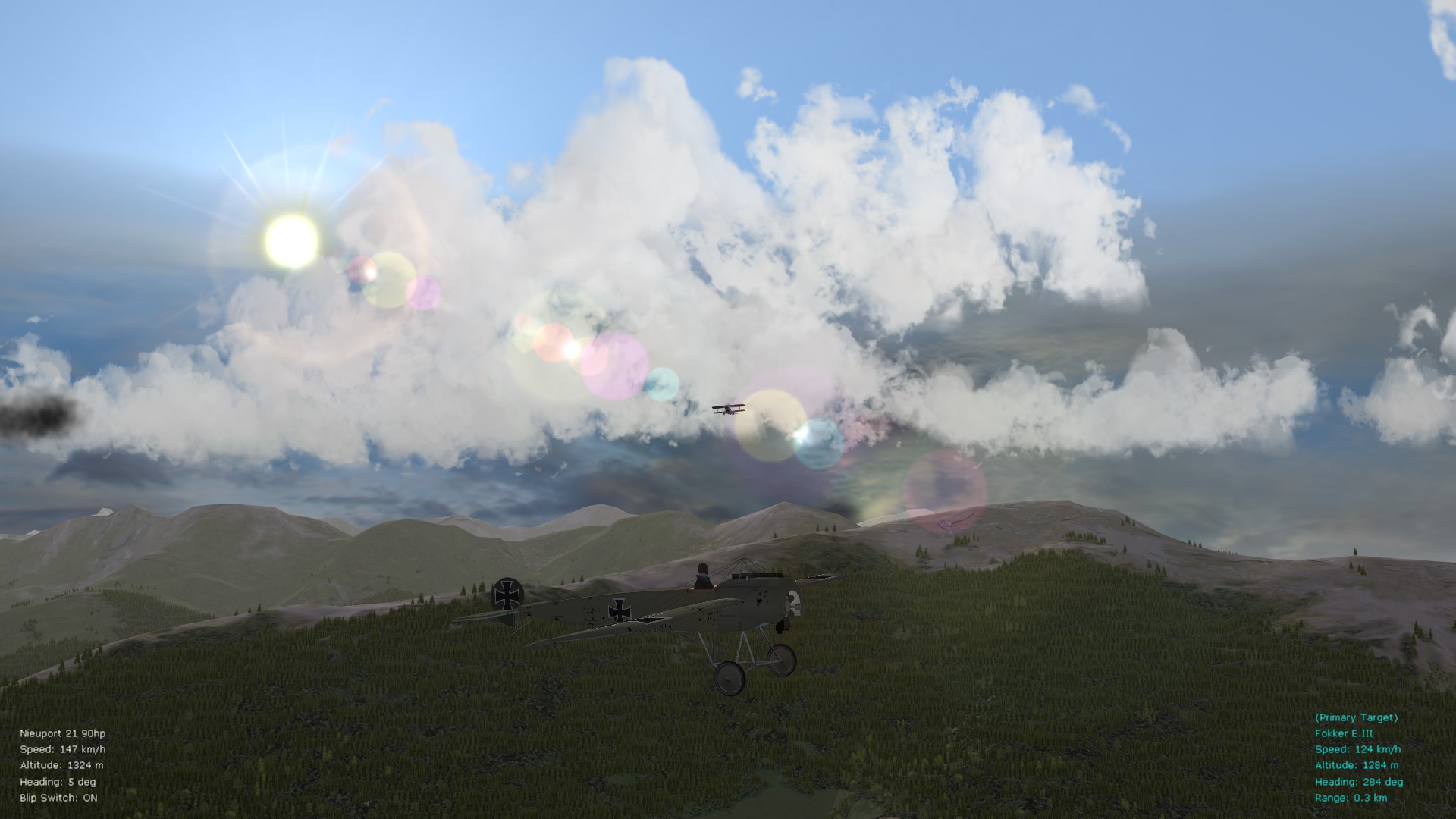
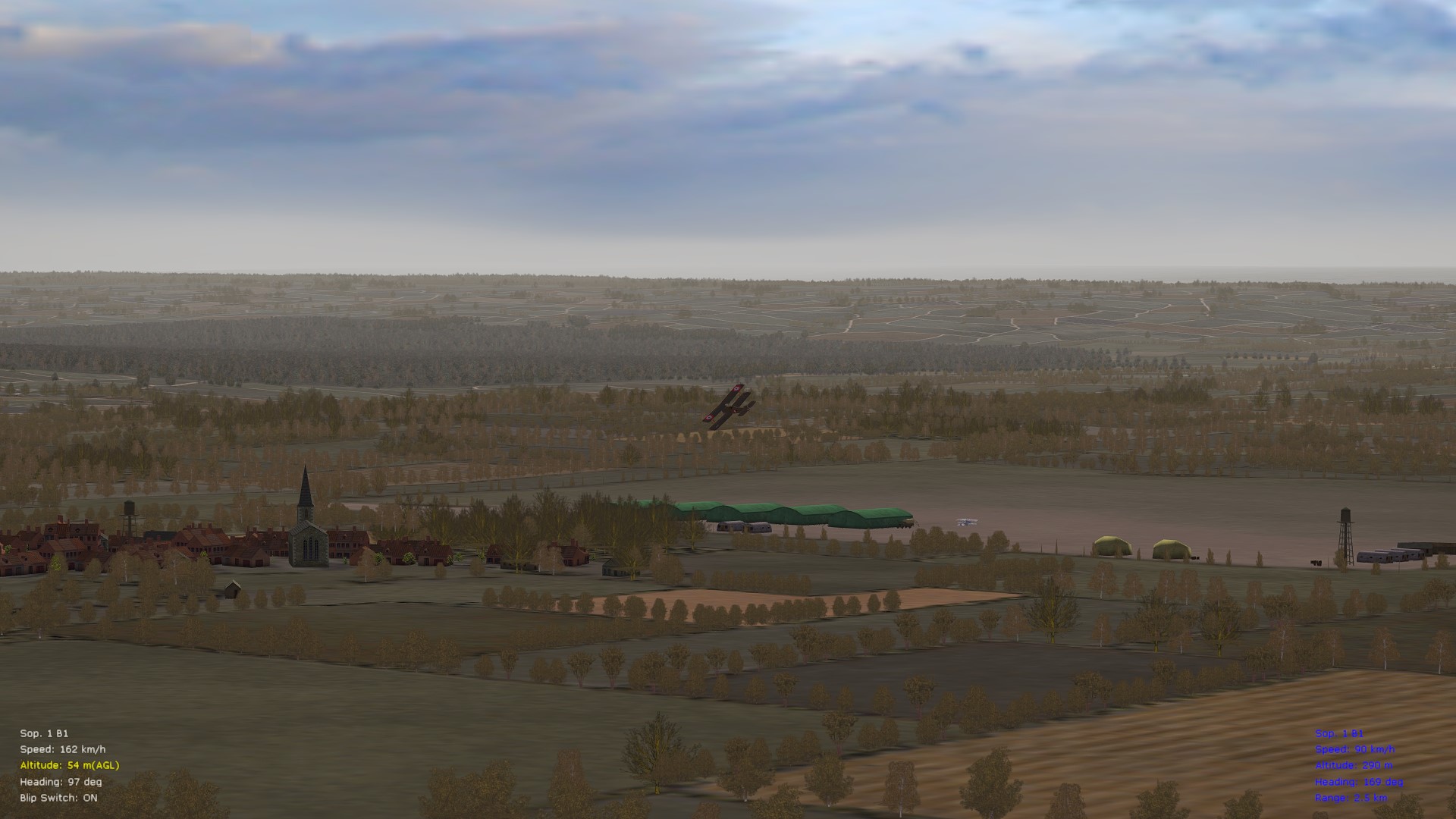
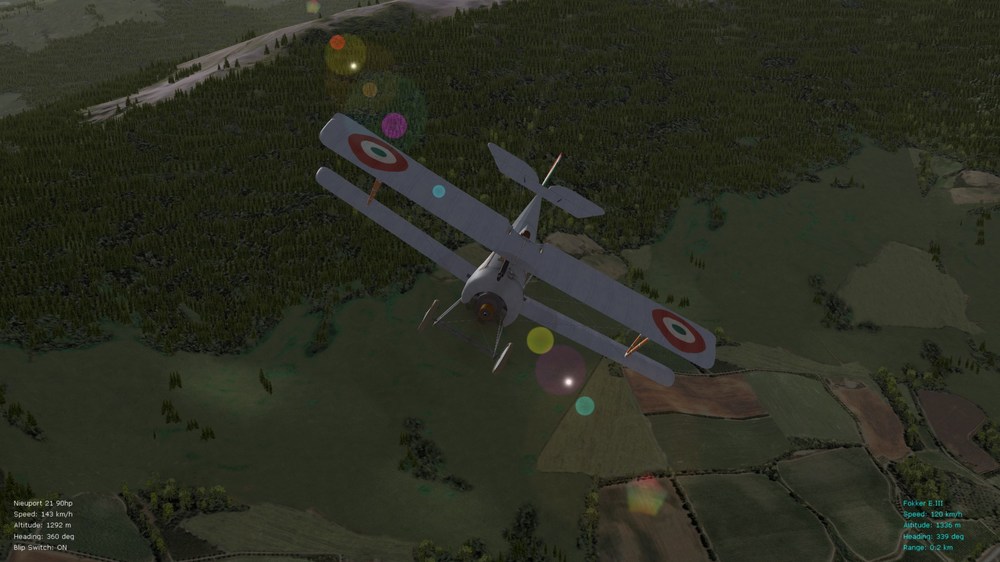
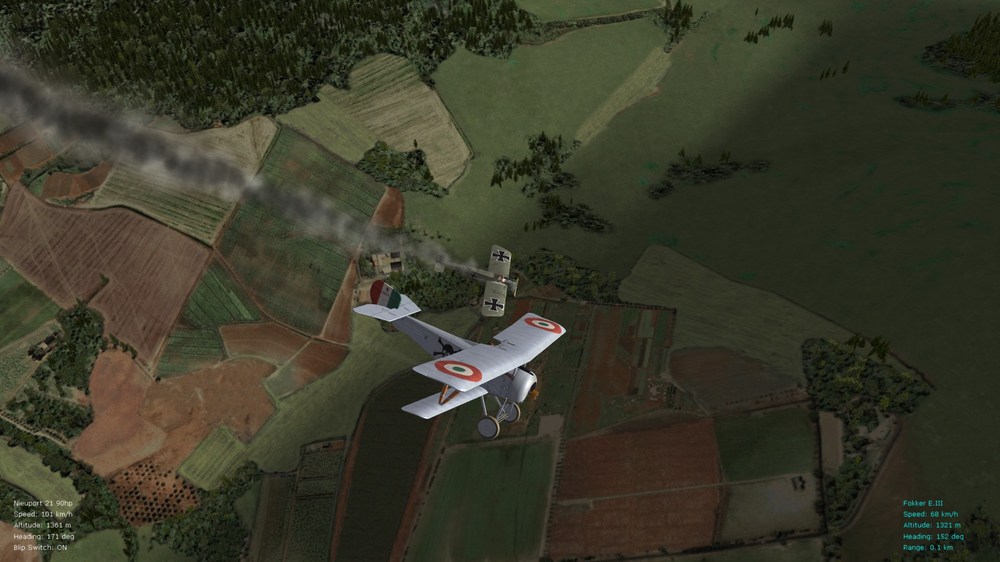
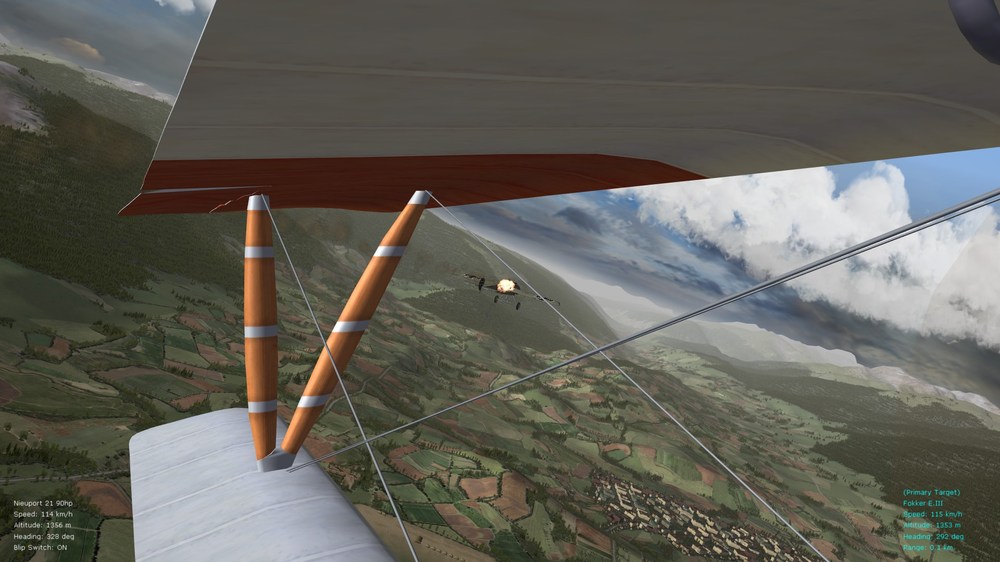
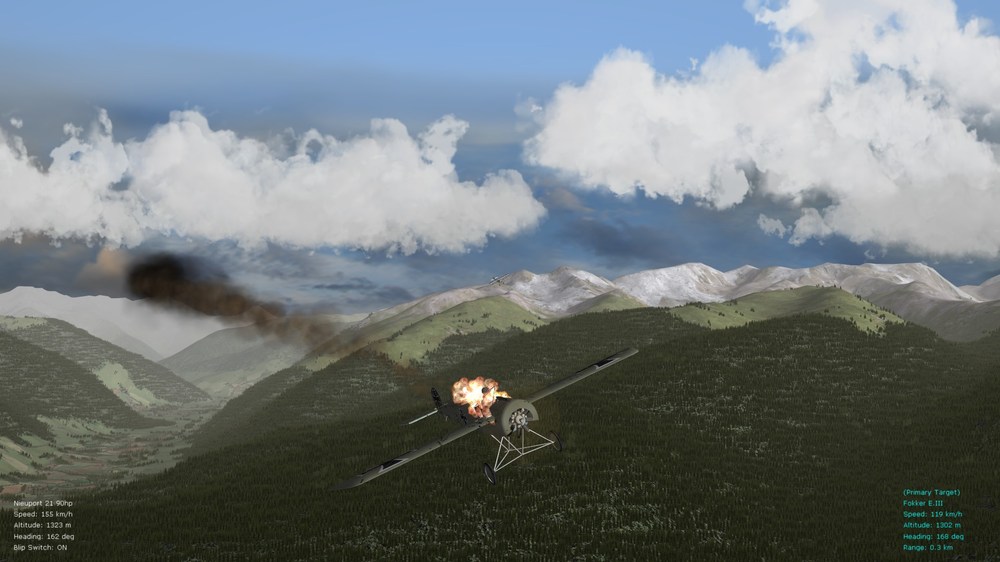
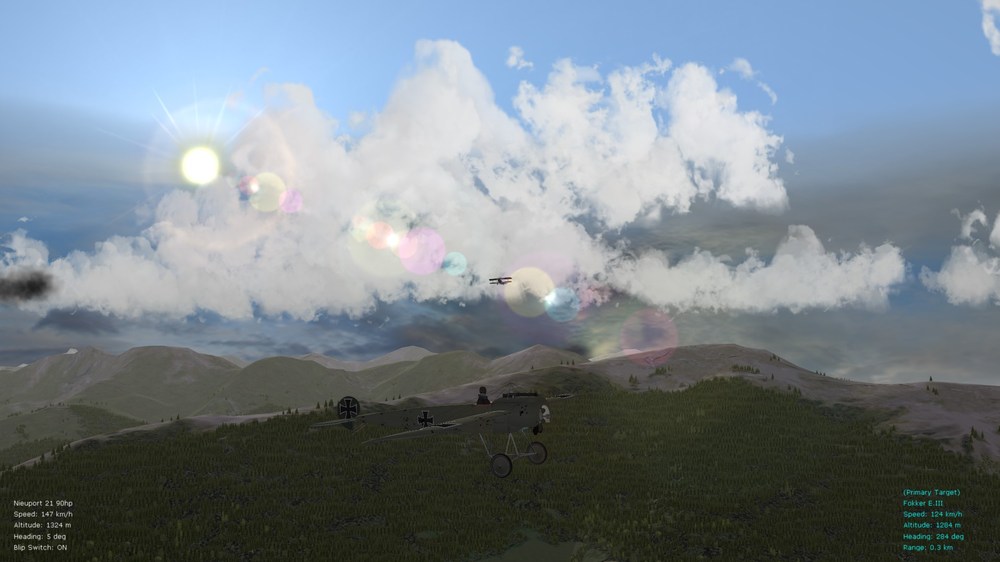
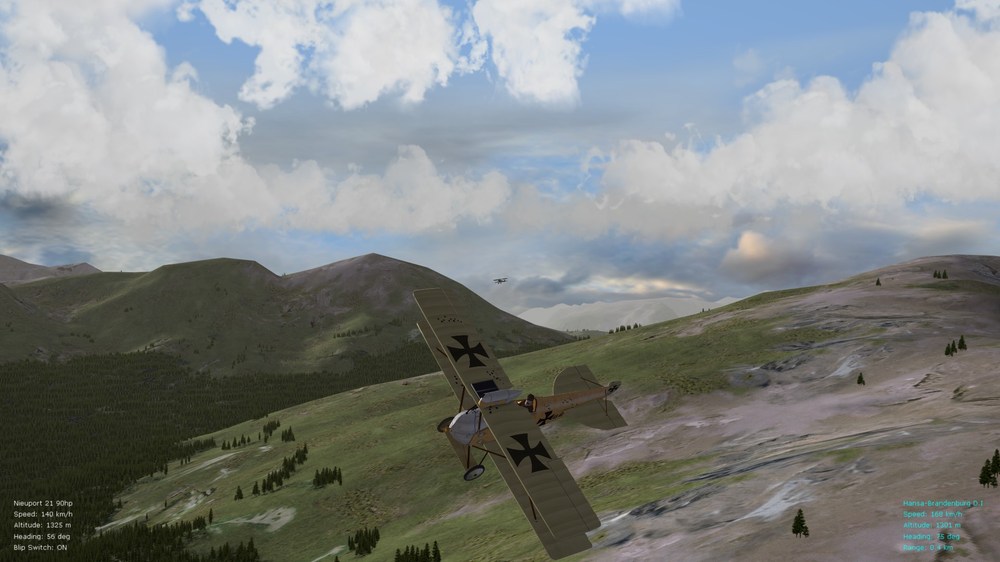
Great screenies all ... here are a few of mine too - had a bit of free time recently for some quick missions in the Italian theater. Great AI and immersion in FE2 - tweaks in the pics. are as per the latest mods. in my ver. 9.9 FM pack - LOD Bias is set to "-1" on my ATI graphics cards, by the way - for crisper graphics at distances. The other great thing about FE2 is that it's not taxing on GPUs or other computer hardware - reasonable core temps. maintained and only about 50% of CPU and GPU usage, even at max. settings in the FE2 menu. Von S
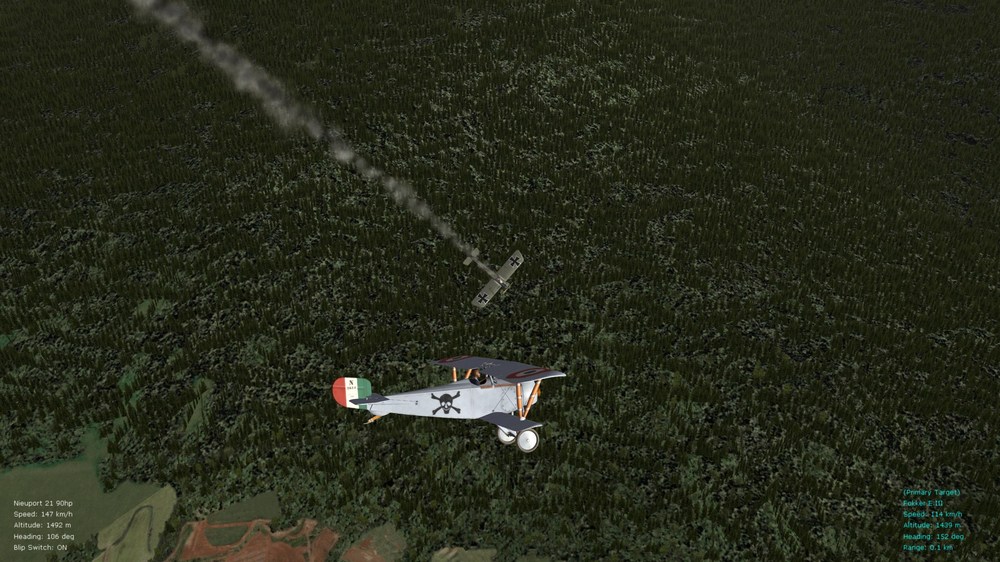
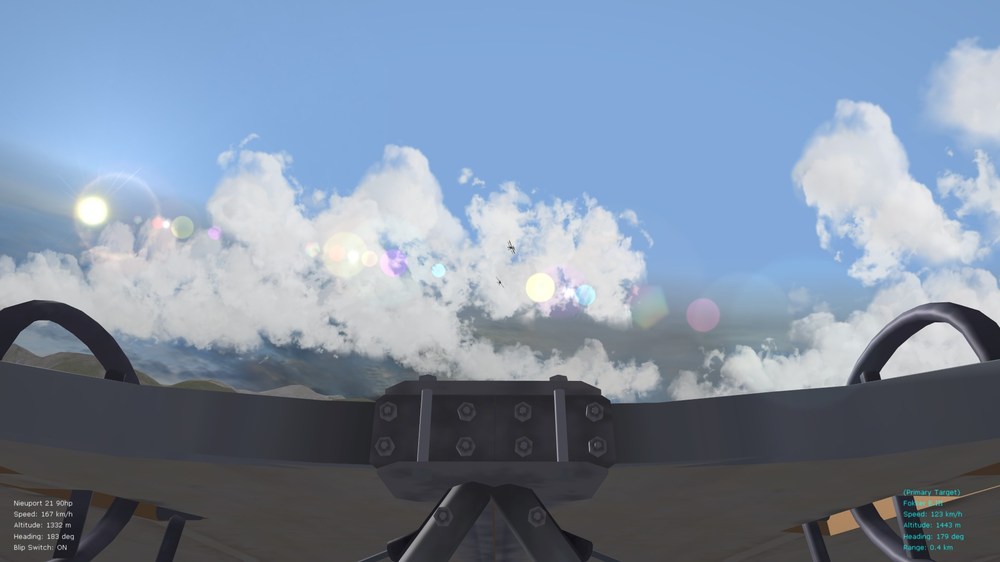
-
Glad to hear that you are doing well now Stephen. I check in here about twice a week. I still fly modded single missions in FE2 whenever I find free time - but I've been fairly busy lately with actual work and also with a novel I've been writing and that's based on reports written up in my long "casual campaigns" thread over on the WOFF (Platinum Ed.) forums on SimHQ. Once my work-related stuff settles down a bit, I will start doing some FM tweaks again, for the 5-6 aircraft I never touched so far for FE2. I still think that FE2 gives a great feeling of flight. I hope to see some new modders, and old modders, discovering FE2 - although I realize that FE2 is a niche sim within a niche market (WWI sims.). Happy flying all, Von S
-
Geezer's work was indeed stellar - top-notch stuff. I was particularly hoping to see the MS Type I and the Bleriot completed, but no word from him on the forums since last year I think. Hope he's doing well. I remember that he was interested in switching over to the Unreal engine for static battle displays and things. Maybe he'll catch the FE2 bug again and visit us sometime. No matter what WW1 sim I fly - FE2 is always my go-to sim for quick combat and good single missions with variety. (There is a Breguet XIV that Geezer was also working on - but it's largely in "alpha" or early beta stage, with several things that were never completed on it. The Junkers J.1 on the other hand, as a model, is pretty much complete - as is the FM on it that I did a couple of yrs. ago - but it lacks a skin. I think that Crawford was working on a skin - but we decided that the Junkers is not really a priority aircraft at this point in time for FE2, so I haven't checked into its status. The N28/28a in the consolidated package is pretty much complete - although there are some oddities with the prop. disc. at various speeds - possibly something that needs tweaking with that model further, since we weren't able to do anything in the data ini to fix the oddity.) In terms of my FM update packs, most of the important aircraft have been tweaked - I will however look at the Snipe and Stephen's Halb. CL.II, and ver. 3 of the Sikorsky S-16 in the future, and I think there was a Pomilio also by Stephen that I never looked over, as well as implementation of Crawford's camera tweaks on the Elephants - maybe for a ver. 10.0 of the FM pack. Then I'll individually touch on FMs after that should any new aircraft be released for FE2. Maybe Stephen has some surprises in his FE2 factory. Happy flying all, Von S EDIT: for those following this thread, Geezer's "nearly complete" FE2 aircraft have all been zipped up as a big, consolidated folder (with all latest updates included), and now located towards the bottom of page 25 of this thread - the old links spread across pages 17, 18, 23 of this thread have been deleted since it was a hassle to find everything and keep up to date with the installs. Hopefully the all-in-one package will rekindle interest in FE2.
-
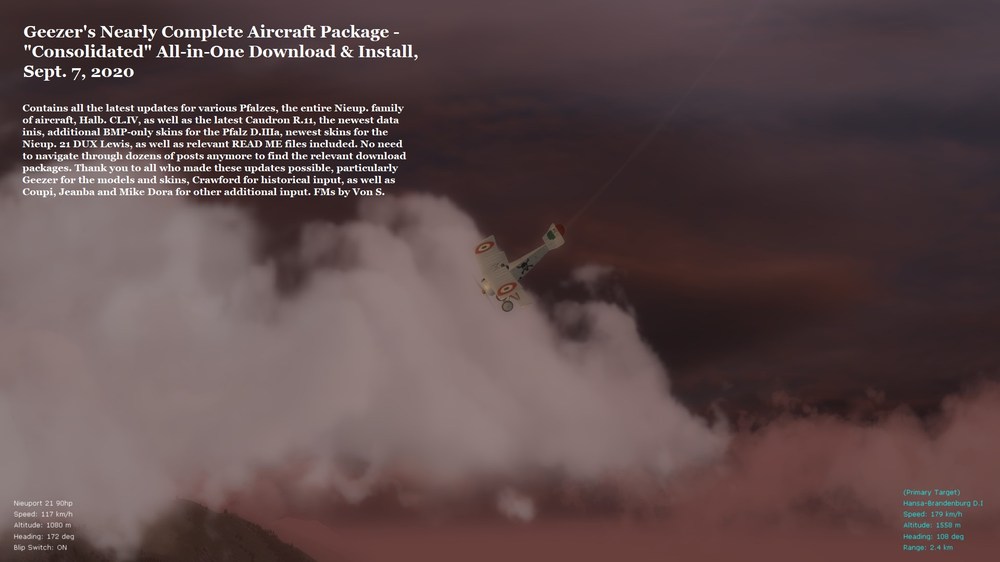
All-in-one "consolidated" folder available at link below, for more convenient download of Geezer's aircraft previously spread out across several pages of this thread. Included now are all relevant updates in one place. Recommended for general info. is nonetheless to glance at the older posts, linked to two posts above this one (all old download links have now been removed, with exception of the Caudron R.11 individually posted by Geezer and also included in the "consolidated" folder). Happy flying, Von S See this post on the FlightGear (FG) forums for relevant download links.
-
Thought I'd bump this thread up with a convenient series of direct links to the new aircraft packages, for those who don't want to navigate through pages 17, 18 and 23 of the thread. In the best order of installation, here they are: step one - https://combatace.com/forums/topic/91066-new-aircraft/?page=17&tab=comments#comment-746182 step two - https://combatace.com/forums/topic/91066-new-aircraft/?page=18&tab=comments#comment-746721 step three - https://combatace.com/forums/topic/91066-new-aircraft/?page=18&tab=comments#comment-746994 step four - https://combatace.com/forums/topic/91066-new-aircraft/?page=18&tab=comments#comment-747022 step five - https://combatace.com/forums/topic/91066-new-aircraft/?page=18&tab=comments#comment-747065 step six - https://combatace.com/forums/topic/91066-new-aircraft/?page=18&tab=comments#comment-747235 step seven - https://combatace.com/forums/topic/91066-new-aircraft/?page=18&tab=comments#comment-747332 step eight - https://combatace.com/forums/topic/91066-new-aircraft/?page=18&tab=comments#comment-747561 step nine - https://combatace.com/forums/topic/91066-new-aircraft/?page=23&tab=comments#comment-750991 step ten - https://combatace.com/forums/topic/91066-new-aircraft/?page=23&tab=comments#comment-751018 step eleven - https://combatace.com/forums/topic/91066-new-aircraft/?page=23&tab=comments#comment-751025 EDIT: Posts above are now good for general info., but an all-in-one consolidated folder is included in a separate post below, not requiring download of individual file packages. All latest updates included in the consolidated folder, for convenience. Older download links have been removed from the relevant, older posts listed above. Happy flying all, Von S
-

Autorudder, Autocentering, and related tweaks, etc.
VonS replied to VonS's topic in General Discussion
Good point Stratos. That disables auto trim for SF2 aircraft. Here's another tip I just noticed, posted yrs. ago by Lexx_Luthor on one of the SF2 threads, for the Default.ini file if you want to enable manual, instead of auto trim - for WW2 and Cold War aircraft: ----- [RangedControl001] AxisControl=PITCH_CONTROL MaxValue=1000.000000 MinValue=-1000.000000 DeadZone=24.000000 Saturation=165.000000 ReverseJoystick=TRUE MouseScale=1.000000 UseMouseRate=FALSE ReverseMouse=FALSE LimitValue=TRUE SelfCenterRate=0.000000 KeyControlRate=0.100000 AllowKeyControl=TRUE IncreaseControl=PITCH_DOWN DecreaseControl=PITCH_UP CenterControl= ----- Same rule would apply for roll control, with the "keycontrolrate" becoming manual trim if "selfcenterrate" is set to zero (left/right arrow keys on the keyboard then become manual trim for ailerons, while up/down arrow keys operate trim for the elevator). Manual trim for yaw/rudder would then be controlled by left/right buttons designated on the joystick (or some other two keys on the keyboard since left/right arrows do not automatically map with rudder control), and a "centercontrol" key or button should then be mapped as well, to allow for centering of rudder without having to remember how many left/right button (or key) clicks to use for perfectly centered rudder. Manual trim is obviously not recommended for aircraft in FE2 (with the possible exception of pitch trim for the Sopwith Tripe via that wheel they had in the cockpit - will tinker with that "AutoTrimLimit" rule for the data.inis one of these days to see if it works for the Tripehound, if set only for the elevator and/or left/right stab entries - maybe a limited value of something like 0.2 or 0.3 will be historically correct). Von S- 4 replies
-
- 1
-
-
- auto-centering
- auto-rudder
- (and 6 more)
-
Hello fellow FE2 fliers, Instead of posting under the stickied "ini tweaks" thread - that hasn't seen fresh posts in a couple of yrs., I thought I'd open a separate (small) post here for something I stumbled upon only yesterday while tinkering with my rudder setups in WOFF and IL2-BoM installs - and I realized that it might work well for FE2/SF2 too. Those of you flying with "twist" joystick and/or rudder pedal setups might still find this helpful - but it is especially intended for those of you who are still flying with older/cheapish sticks (such as the Logitech Attack 3 in my case, with no twist capability) - you most likely have left/right rudder mapped to the top left/right buttons on the joystick. In WOFF, and other sims, it's usually a question of (manually) clicking several times left or right to get desired rudder input, and then clicking the center button on your stick to center the rudder. For a few yrs., I've really only been frustrated by one thing in the TW sims., and that was the "snappish" response of the auto-rudder setup - until I dug further into some of the more obscure entries of the Default.ini file located under "C:\Users\Yourusername\Saved Games\ThirdWire\FirstEagles2\Controls" (same directory path for SF2, except substitute StrikeFighters2 for FirstEagles2). The relevant entries to tamper with are the following three: ----- [RangedControl001] AxisControl=PITCH_CONTROL MaxValue=1000.000000 MinValue=-1000.000000 DeadZone=0.000000 Saturation=115.000000 ReverseJoystick=TRUE MouseScale=1.000000 UseMouseRate=FALSE ReverseMouse=FALSE LimitValue=TRUE SelfCenterRate=1.000000 -----> I recommend setting this to 1.0 for FE2, to slow down the elevator self-centering rate for WWI 'crates with their wires and cables (leave at the default value of 2.0 for WW2 and Cold War installs in SF2 with "faster" hydraulic setups) //2.000000 KeyControlRate=1.000000 AllowKeyControl=TRUE IncreaseControl=PITCH_DOWN DecreaseControl=PITCH_UP CenterControl= [RangedControl002] AxisControl=YAW_CONTROL MaxValue=1000.000000 MinValue=-1000.000000 DeadZone=0.000000 Saturation=115.000000 ReverseJoystick=FALSE MouseScale=1.000000 UseMouseRate=FALSE ReverseMouse=FALSE LimitValue=TRUE SelfCenterRate=0.100000 -----> recommended, for those using left/right joystick buttons to control rudder, is to reduce to a value of about 0.1 for WWI 'crates, again to simulate cable/wire control, but also in order to allow for lots of manual left/right rudder correction that, once you stop controlling rudder, allows it to return back to center position somewhat slowly (takes about 10 seconds to return to center); for WW2 and Cold War SF2 installs, a better value to use is something like 0.25 for the self-center rate, again to mimic the extra force of hydraulic controls //2.000000 KeyControlRate=1.000000 AllowKeyControl=TRUE IncreaseControl=YAW_RIGHT DecreaseControl=YAW_LEFT CenterControl= -----> have not bothered to use this since I like the 0.1 value for self-centering, for FE2, but, for those lacking twisty rudders or pedals, the most logical choice here is the top center button on the joystick, sandwiched between the left/right buttons for left/right rudder input [RangedControl003] AxisControl=ROLL_CONTROL MaxValue=1000.000000 MinValue=-1000.000000 DeadZone=0.000000 Saturation=115.000000 ReverseJoystick=FALSE MouseScale=1.000000 UseMouseRate=FALSE ReverseMouse=FALSE LimitValue=TRUE SelfCenterRate=1.000000 -----> I recommend setting this to 1.0 for FE2, to slow down the aileron self-centering rate for WWI 'crates with their wires and cables and generally sloppy ailerons (leave at default value of 2.0 for WW2 and Cold War installs in SF2 with "faster" hydraulic setups, as with the elevator setup in the relevant entry in this post) //2.000000 KeyControlRate=1.000000 AllowKeyControl=TRUE IncreaseControl=ROLL_RIGHT DecreaseControl=ROLL_LEFT CenterControl= ----- Von S
- 4 replies
-
- 6
-
-
- auto-centering
- auto-rudder
- (and 6 more)
-
Glad the info. was helpful. Yes, often, tweaking of control surface sections (such as the [Rudder]) may require looking into the parent component too - in the case of [Rudder] it's usually called [VertTail] or [VertStabilizer]. Here's the relevant section from the same data ini used as an example in my previous post. ----- [VertTail] ParentComponentName=Tail ModelNodeName=VertStabilizer DestroyedNodeName= ShowFromCockpit=TRUE DetachWhenDestroyed=TRUE DamageRating=DESTROYED MassFraction=0.030 -----> the lower the massfraction value, the more fragile the part and more susceptible to ammo. damage, etc. (test in increments of 0.01 approximately, up or down) HasAeroCoefficients=TRUE -----> leave this as "true" if you want the panel/section to be a part of the overall flight model, otherwise it is purely an aesthetic part CD0=0.0017 -----> drag value at zero (no) lift Cyb=-0.0609 -----> side force due to sideslip Cyp=0.0017 -----> side force due to roll Cyr=0.0261 -----> side force due to yaw Clb=-0.0005 -----> roll due to sideslip Clp=-0.0001 -----> roll damping value Clr=0.0004 -----> roll due to yaw Cnb=0.0122 -----> yaw due to sideslip Cnp=-0.0017 -----> yaw due to roll Cnr=-0.0177 -----> yaw damping value ----- For the c-values above, I would tweak in small increments, of about 0.001 (where a bigger no. equals more effect - and as indicated in my previous post, don't be confused by the negative value in some entries, thinking that nos. are getting smaller as you go further below zero - the negative value refers to "opposite" or inverted forces in the TW data inis). Other values indicated in the section and that I've not included here, such as mach values and alpha nos., I usually don't bother touching - except in some cases alpha nos. but only for wing sections (and left/right stabs) - to tamper with rate of climb, if necessary. Often, cutting-and-pasting of mach and alpha entries from the [VertTail] section of an aircraft data ini that works well into another data ini that is problematic solves problems quickly, but might require further tweaking of some more parameters. Good luck with your tweaks. Von S
-
While my tips are probably more helpful for prop. aircraft, I recommend nonetheless tinkering with the following values outlined below (I've had success with this for my FE2 tweaks, also for prop. aircraft in SF2). Relevant section to tinker with is of course [Rudder] in the appropriate data.ini. ----- [Rudder] SystemType=CONTROL_SURFACE InputName=YAW_CONTROL ReverseInput=TRUE MaxDeflection=25.0 -----> this is often the crudest but most effective value to tweak first (see info. for entry immediately below) MinDeflection=-25.0 -----> this is often the crudest but most effective value to tweak first (reduce the value in increments of about 2.0 and retest to satisfaction, higher values give more rudder response since greater arc of movement, lower values give smaller arc, etc.; for example, 20.0/-20.0 will give less rudder movement than 25.0/-25.0) CDdc=0.0073 -----> drag effect on rudder movement (higher value, more drag, lower value, less drag, usually doesn't require tinkering with) Cydc=0.0362 -----> side force when moving rudder left/right (decrease in increments of about 0.005 and retest to satisfaction, for less effect during rudder movement) Cldc=0.0010 -----> roll moment when moving rudder left/right (helps to pitch wings up/down during rudder movement, higher value for pitch up, lower for pitch down or neutral, usually avoid tweaking this unless you are flying a staircase as some of us do in FE2 - triplanes, etc., and tweak in increments of about 0.002) Cndc=-0.0307 -----> yaw moment/strength when moving rudder left/right (decrease towards value of zero in increments of about 0.005 and retest to satisfaction, for less yaw during rudder movement, and obviously increase in same increments for more yaw effect; for example, a value of -0.08 should give more yaw than -0.03, don't be confused by the fact that in math class a negative no. closer to zero is a "bigger" no., it's the other way around for the yaw moment entry in the data inis) CydcAlphaTableNumData=37 CydcAlphaTableDeltaX=10.00 CydcAlphaTableStartX=-180.00 CydcAlphaTableData=1.000,0.970,0.883,0.750,0.587,0.413,0.250,0.117,0.030,0.000,0.030,0.117,0.250,0.413,0.587,0.750,0.883,0.970,1.000,0.970,0.883,0.750,0.587,0.413,0.250,0.117,0.030,0.000,0.030,0.117,0.250,0.413,0.587,0.750,0.883,0.970,1.000 CldcAlphaTableNumData=37 CldcAlphaTableDeltaX=10.00 CldcAlphaTableStartX=-180.00 CldcAlphaTableData=-1.000,-0.985,-0.940,-0.866,-0.766,-0.643,-0.500,-0.342,-0.174,0.000,0.174,0.342,0.500,0.643,0.766,0.866,0.940,0.985,1.000,1.040,0.871,0.643,0.339,0.170,0.201,0.140,0.185,0.200,0.224,0.294,0.400,0.531,0.669,0.800,0.906,0.976,1.000 CndcAlphaTableNumData=37 CndcAlphaTableDeltaX=10.00 CndcAlphaTableStartX=-180.00 CndcAlphaTableData=-1.000,-0.985,-0.940,-0.866,-0.766,-0.643,-0.500,-0.342,-0.174,0.000,0.174,0.342,0.500,0.643,0.766,0.866,0.940,0.985,1.000,0.971,0.986,0.990,0.718,0.163,0.000,0.000,0.000,0.000,0.112,0.294,0.400,0.531,0.669,0.800,0.906,0.976,1.000 MaxControlSpeed=50.25 -----> in meters/sec (reducing this helps to give more rudder sloppiness at higher speeds, test in increments of about 10.0, also keep in mind that actual speed at which this effect kicks in in FE2/SF2 will usually be about 20.0 or 30.0 m/s higher than value specified for "MaxControlSpeed") ControlRate=4.0 -----> controls sluggishness/snappiness of control input (test in increments of about 0.5, up or down, for more or less snappiness of moveable control surface, in this case of rudder) ModelNodeName=Rudder ReverseModelOrientation=TRUE AnimationID=1 ----- NOTE 1: "Cydc" and "Cndc" values are in a relationship of sorts (proportional to one another) - usually test changes with only one of those values first, to satisfaction - if no success then change other value and retest - if again no success then tweak both, keeping in mind that more "cydc" will point the nose more quickly in the direction you want to go, and more "cndc" will give you more yaw but will keep you going more so in the same direction - try to visualize the relationship and the changes to get to something realistic - for example, too little "cydc" (flight path direction upon rudder movement) and too much "cndc" (yaw along the same path of flight) sometimes gives a strange "rudder reversal" effect at speeds above about 500 kph in SF2 where "cydc" will start functioning as an inversion of itself (giving opposite direction to rudder input). NOTE 2: entry above is for the tweaked, late Albatros D.II for FE2 (not to be used for jet aircraft - merely included for info.) Happy flying, Von S
-
This - it's the airspeed when climbing, in m/s as are most of the values in the TW data inis. Rough, general rule of thumb for climb speed is about 80% of top speed (full military power) when on the level (MaxSpeedSL). (I use such a rule for my FE2 tweaks.) Testing vertical climb speed on the other hand (rate of climb) requires tweaking of climb/alpha numbers for wing/tail sections - and then actual testing of climbs within the TK sims (yes the slow, hard way - as I've had to do with my FM update packs for FE2). Usually you can "guesstimate" a proper, vertical rate of climb after a few tweaks of the airfoil sections - and always test rate of climb first before tweaking any of the airfoil sections, just in case it's fine without tweaks. Will not give suggestions on ave. climb speeds or rate of climb for jets since I'm no specialist for that - more of a linen and wood type where we're happy to climb even at 2 m/s. Happy flying, Von S
-
I look forward to integrating these add-ons for the Elephants, Crawford - great work with the camera addition, especially for wingmen too! Speaking of rudders and other control surfaces, changes to min/max deflection also change the FM, and this is often a quick, practical way of modifying the FMs (I've got, for example, min/max deflection of about 20 on the Elephant, G.100 and G.102, rudders - in my FM pack - gives more subtle/lethargic response from the rudder that way). Sometimes, however, the "c" values for lift, drag, force of movement, etc., have to be tweaked too - but Ojcar's FMs usually don't require that much intervention fortunately (the rudders for prop aircraft in SF2 - particularly the A-Team stuff - are more of a pain to modify, compared to the FE2 models). There are of course several other FM changes in the data inis too - but I can't remember all of the details at the moment (there's a long Read Me included in my FM pack that I recommend going over, for those who have downloaded the package). EDIT: Have pm-ed you my FM pack as four smaller, zipped files - to facilitate downloading on slower internet connections. I will keep the files up for a couple of months in the pm message, for your convenience. Happy flying, Von S
-
I do indeed have the Stachel pilot in my files, as well as another 8 or 9 new pilot models (the slimline ones ) that Geezer made about a year or two ago, and that fit better with the often narrow WWI cockpits on many of the 'crates. I can PM the Stachel pilot to Silberpfeil if he likes - but, in terms of general upload/release here on the FE2 threads - as far as I know Geezer never gave a green light to release those publicly. Maybe he will eventually offer input on that. I do have a suggestion, however - it's been a while since I checked this thread - but look over this thread from about page 17 to 23 or so. There may be some of Geezer's pilots interspersed with the uploads of the various aircraft (not the FM packs that I've released here, but Geezer's own uploads, such as for the Caudron R.11). Happy flying, Von S EDIT: Have PM-ed you Geezer's latest pilots.
-
Thank you for these many variations on the Elephant Crawford - I will copy over the changes to my modified FMs for the Elephants as soon as I find time. For those who have my FM realism pack loaded up, for FE2, by the way, the working fuel pump prop. mod that Crawford discovered has already been included on the FM-modded Sopwith Camel variants, a while back, as well as on the FM-modded Elephants - but I will eventually include Crawford's latest modifications to guns and cameras, to the Elephants, too. Great stuff and glad to see this thread revived. Von S
-
The best thing to do therefore is to make a copy of your user directory/folders for FE2 - store them somewhere safe - and then start FE2 without the user directory in its expected location. This will "build up" a stock user folder. Then, some quick flying to check if exhaust effects are present for such aircraft as the SPAD and Fokk. Dr.1 that come stock in FE2 - this will rule out any possible corruption with effects/files in your custom user directory for FE2. Hopefully we will be able to narrow down where the problem is. Keep us posted. Von S
-
The only other thing I can think of and that might help is to compare the relevant emitters listed in the particlesystem.ini file that resides in "Flight," with comparable emitter ini files that reside in "Effects." In the TW sims, as far as I remember, individual emitter ini files in "Effects" override the same emitter calls listed in particlesys - unless such ini files are missing from Effects - then the calls in particlesys take over. In my case, I don't have individual exhaust emitter inis in Effects, but I have some relevant calls in particlesys (also good is to check some of the smoke effects in particlesys too) - here's what I have in particlesys and that might be relevant checking over in your installs, if you're missing engine exhaust effects: [ExhaustMaterial] EffectShaderName=effectLightLevel.fx -----> forgot to include this previously (since I incorrectly copied over my old particlesys file for dx9 only) DepthBufferCheck=TRUE DepthBufferWrite=FALSE IgnoreRenderOrder=FALSE AlphaTestEnabled=FALSE LightEnabled=FALSE UseLightLevel=TRUE SpecularEnabled=FALSE EmissiveEnabled=FALSE AmbientColor=1.000000,1.000000,1.000000,1.000000 DiffuseColor=1.000000,1.000000,1.000000,1.000000 ZBufferOffset=0.000000 PriorityLevel=3 BlendOp=BLEND_SRC_ALPHA NumTextureStages=1 TextureStage[01].TextureName=smoke.tga TextureStage[01].MipMap=FALSE TextureStage[01].FilterEnabled=TRUE TextureStage[01].StageColorOp=TEXTURE_MODULATE_DIFFUSE TextureStage[01].StageAlphaOp=TEXTURE_MODULATE_DIFFUSE [EmitterType002] Name=DirtyExhaustEmitter EmissionType=POINT_EMITTER UpdateType=NON_MOVING MaxVisibleDistance=18000.000000 EmissionRate=0.2500000 ParticleUpdateType=RANDOM_MOVING ParticleRenderType=CONNECTED_SPRITE ParticleLifeTime=20.000000 ParticleWeight=0.00000 ParticleWindFactor=0.5 ParticleColorTableType=TABLE ParticleColor[01].Time=0.000000 ParticleColor[01].Value=0.400000,0.400000,0.400000,0.000000 ParticleColor[02].Time=0.008000 ParticleColor[02].Value=0.400000,0.400000,0.400000,0.200000 ParticleColor[03].Time=0.125000 ParticleColor[03].Value=0.500000,0.500000,0.500000,0.100000 ParticleColor[04].Time=1.000000 ParticleColor[04].Value=0.600000,0.600000,0.600000,0.000000 ParticleSizeTableType=TABLE ParticleSize[01].Time=0.000000 ParticleSize[01].Value=0.800000 ParticleSize[02].Time=0.01000 ParticleSize[02].Value=0.800000 ParticleSize[03].Time=0.500000 ParticleSize[03].Value=40.000000 ParticleSize[04].Time=1.000000 ParticleSize[04].Value=80.000000 TextureMaterial=SmokeTrailMaterial [EmitterType003] Name=CleanExhaustEmitter EmissionType=POINT_EMITTER UpdateType=NON_MOVING MaxVisibleDistance=8000.000000 EmissionRate=0.5000000 ParticleUpdateType=RANDOM_MOVING ParticleRenderType=CONNECTED_SPRITE ParticleLifeTime=6.000000 ParticleWeight=0.00000 ParticleWindFactor=0.9 ParticleColorTableType=TABLE ParticleColor[01].Time=0.000000 ParticleColor[01].Value=0.400000,0.400000,0.400000,0.000000 ParticleColor[02].Time=0.016000 ParticleColor[02].Value=0.400000,0.400000,0.400000,0.100000 ParticleColor[03].Time=0.250000 ParticleColor[03].Value=0.500000,0.500000,0.500000,0.050000 ParticleColor[04].Time=1.000000 ParticleColor[04].Value=0.600000,0.600000,0.600000,0.000000 ParticleSizeTableType=TABLE ParticleSize[01].Time=0.000000 ParticleSize[01].Value=0.800000 ParticleSize[02].Time=0.005000 ParticleSize[02].Value=0.400000 ParticleSize[03].Time=0.250000 ParticleSize[03].Value=10.000000 ParticleSize[04].Time=0.500000 ParticleSize[04].Value=20.000000 TextureMaterial=SmokeTrailMaterial Also, in the options.ini file, don't forget to toggle the following two values if using dx10 calls/shaders, such as available in the relevant folders of my FM update pack: UseAdvancedShaders=1 ForceDX9=FALSE Von S EDIT: Correct shader statement now included; a dx10-friendly particlesys file is included in the FM update pack, by the way.
-
I've uploaded a couple of short FE2 vids at this link, embedded on my RB3D on a Mac website. There is a subtle exhaust effect from the rotary on the M-S type N in one of the clips (no exhaust on the Nieup. 17 in the other clip, since it's using the rotaryexhaustemitter entry). Apologies beforehand to all for the slight vid. quality degradation - originally recorded in game bar on Win10, then slightly compressed when converted to H.264 format in VLC Player (yes VLC Player can do compressing/conversion) - and then uploaded. Several updated effects files that are now linked to and/or include correct "dx10" calls can be found in relevant folders in the ver. 9.9 FM update pack, by the way. If necessary I can double-check the files more specifically over the next couple of days and will post back if I find any helpful info. (currently trying to get the awful internal padlock view to work properly in my IL2-1946 vpmodpack install - unfortunately it doesn't seem to glue itself permanently to the chosen target - something that only FE2 and WOFF seem to be good at - and ROF so-so). EDIT: RB3D on a Mac website no longer online - no time to maintain that site anymore since I've moved over full time to FE2 and WOFF for my WWI flight sim. needs. Von S
-
I recommend tinkering with the following three entries for "ExhaustEmitterName" in the data inis of aircraft, installed in FE2: CleanExhaustEmitter (misleading name since this is the "dirtiest" emitter in FE2, gives a wide, thin stretch of greyish smoke behind the aircraft) InlineExhaustEmitter (usually gives a thin, white stream of smoke, as if from an exhaust stack, especially good for inline engines and a favorite of Geezer's if I remember correctly) RotaryExhaustEmitter (basically gives no exhaust effect) (If I can dig up my old, long post for correct order of install effects in FE2...I will re-link it here.) EDIT: Here is the link (to an old post) that suggests a good order for effects installation in FE2 - if certain effects are missing, etc. (https://combatace.com/forums/topic/88700-fe2-bad-framerates/?tab=comments#comment-716531). Von S
-
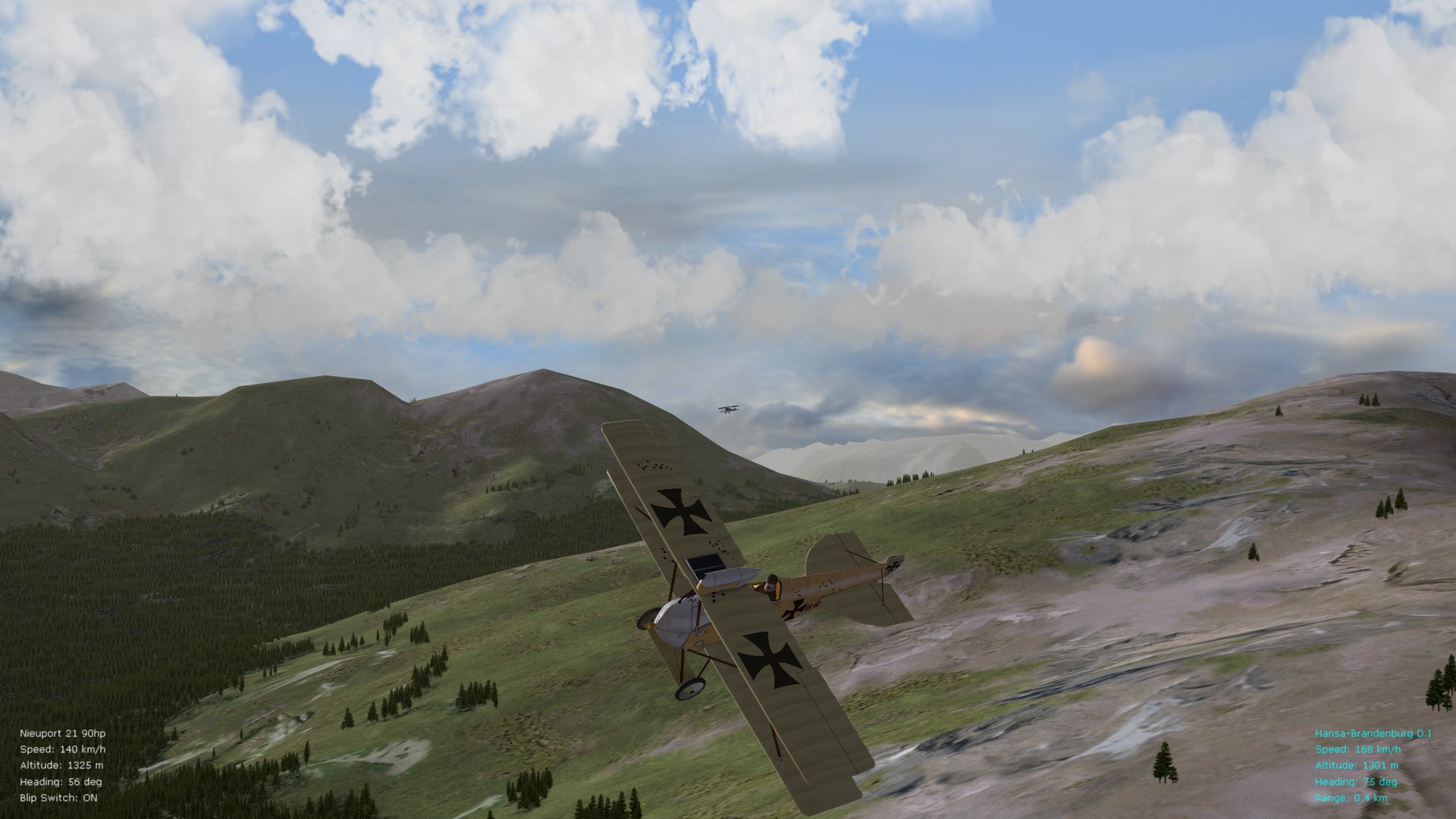
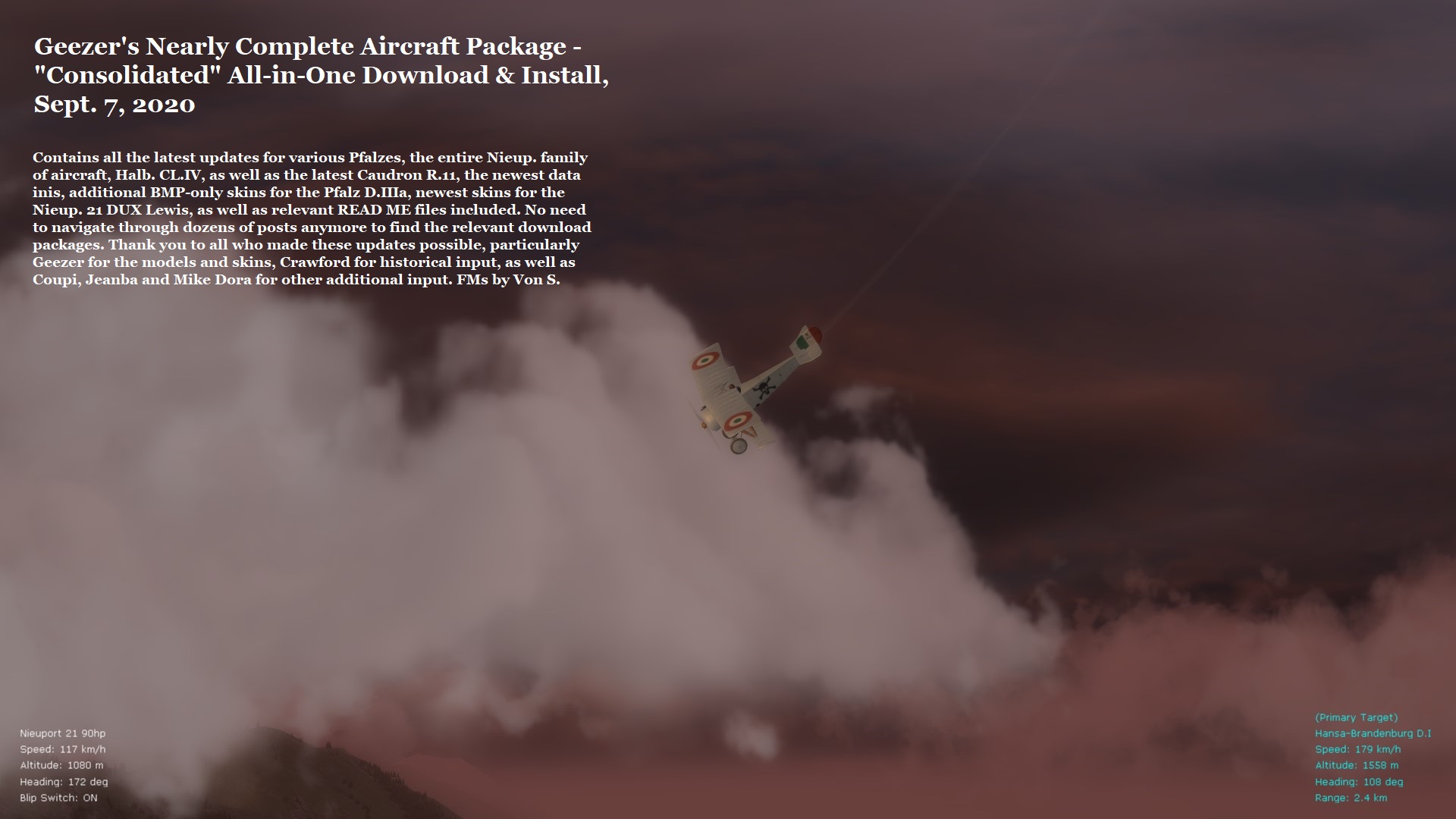
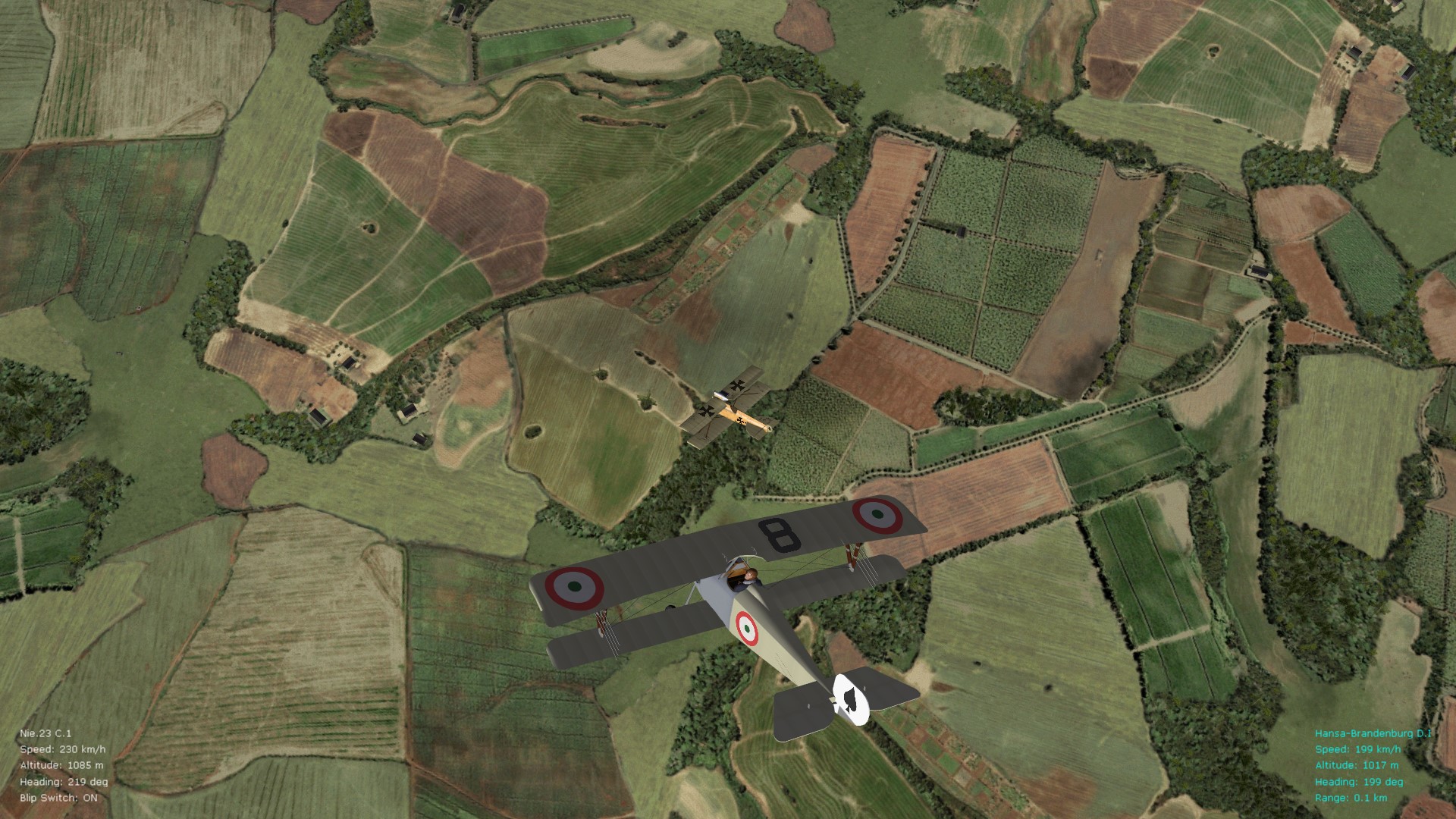
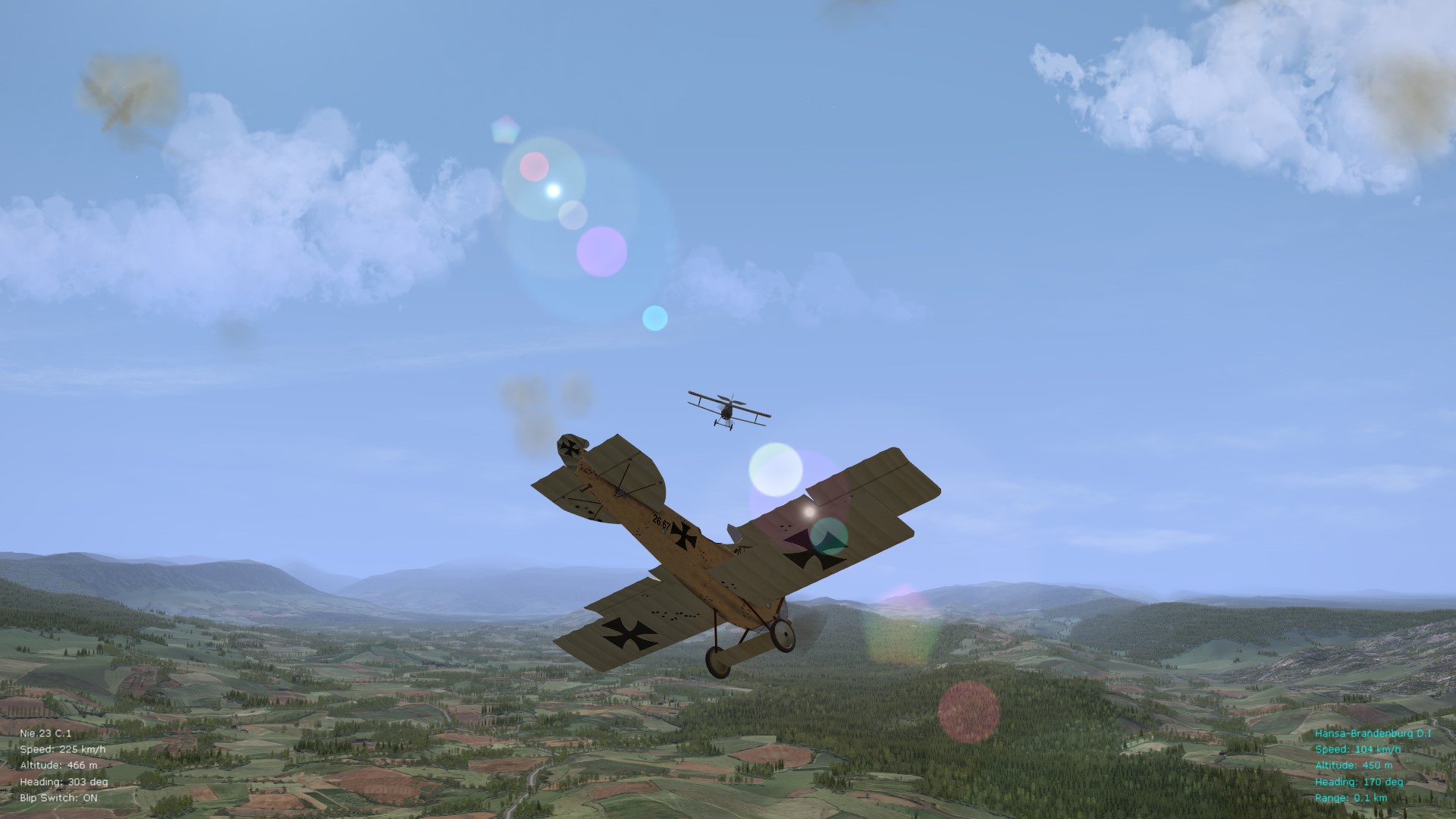
One can never have enough WWI sims, but this one always calls me back - great sensation of flight and much more exciting than ROF, I think. Representative screenies below. (Hope to tweak the FM for the Snipe and Stephen's Halb. CL.II soon - was busy with some WOFF fm tweaks over the last month or so.) Happy flying gents', Von S