OlWilly
-
Posts
144 -
Joined
-
Last visited
Content Type
Profiles
Forums
Gallery
Downloads
Store
Everything posted by OlWilly
-
Version 2.0
381 downloads
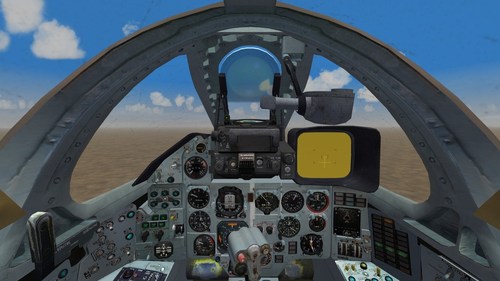
Small package of cockpit improvements for Su-7/17 ------- Su-7: cockpit by Stary - fixed misspelling and typos on labels, converted files to reduce size, fixed flaps/airbrake indicators, pilot's POV - nothing too drastic -------------- Su-17 - original cockpit for Su-17 looks old (judging by the files, it was made in 2003), here possible replacements: First gen Su-17s (Su-17, Su-17M (Su-20), Su-17M1 (Su-22)) get aforementioned Su-7 pit. It fits fine considering the time period. Second gen Su-17s (Su-17M3 (Su-22M, Su-22M3), Su-17M4 (Su-22M4)) get pit from Su-25. While not a fully accurate replacement, pits of those two jets do share a lot of similarities. Su-25K pit adapted for Su-17: - changed airspeed and Mach indicators - correct weapon stations indicators Also fixed a couple of other problems: - original fuel indicator doesn't work - missing nodes; adapted former second engine exhaust temp indicator to show fuel quantity - it is in the lower right corner - altimeter missing hand for thousands (Soviet altimeters have two hands - one for hundreds, other for thousands) - just changed the single hand to show both with adapted altimeter texture ----------- Installation: remove old cockpit folder, cockpit_ and avionics_ files; drop in new files. new cockpit_ and avionics_ inis should be renamed accordingly to work properly ---------- Su-25K cockpit is taken from here: https://combatace.com/files/file/17601-su-25_frogfoot/- 4 comments
-
- 10
-

-

-
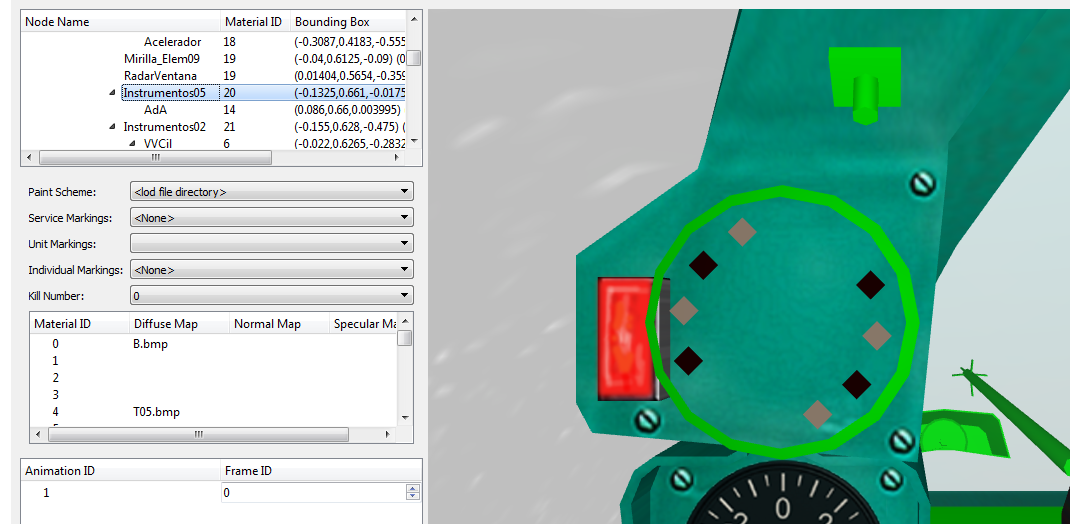
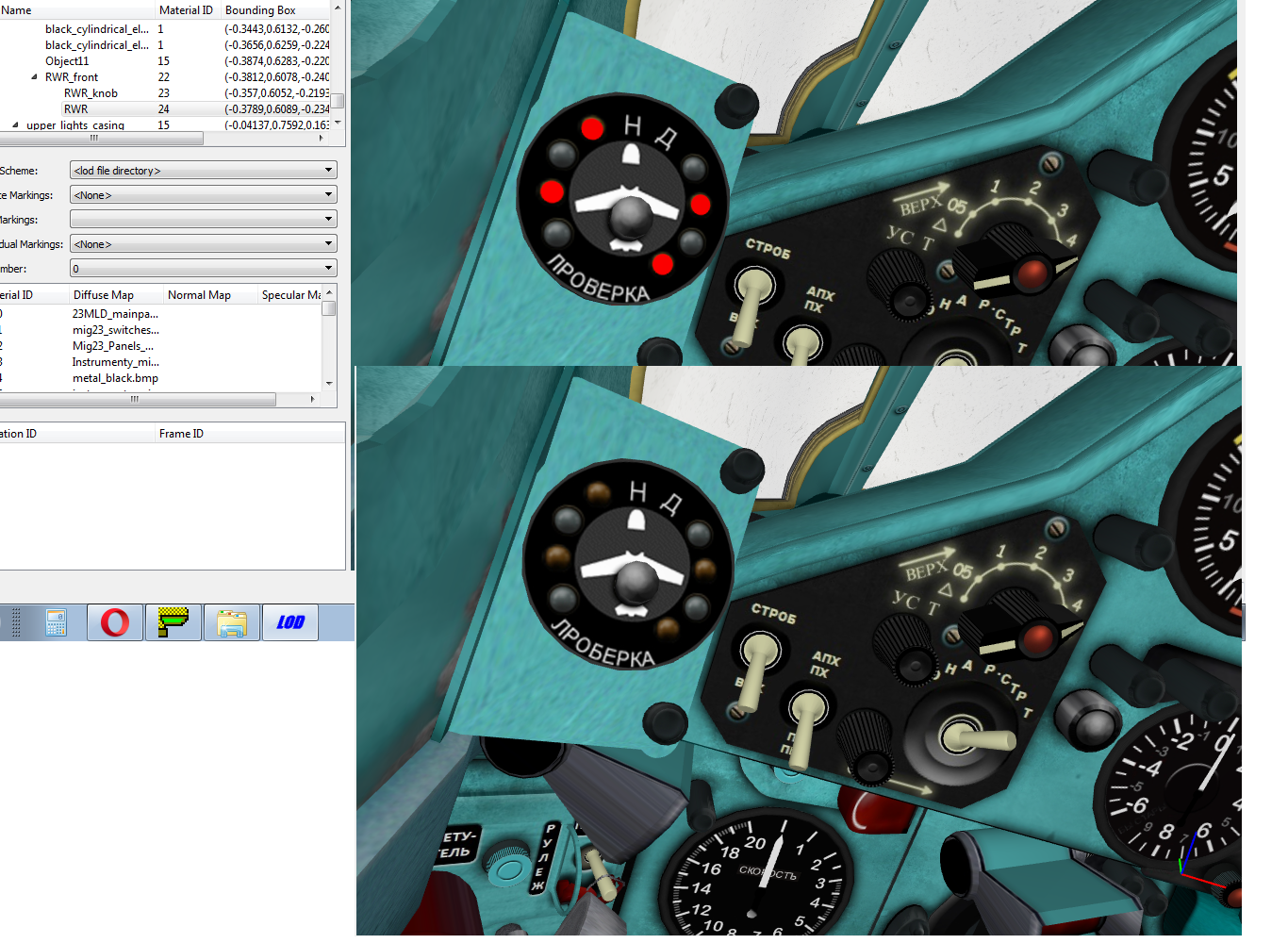
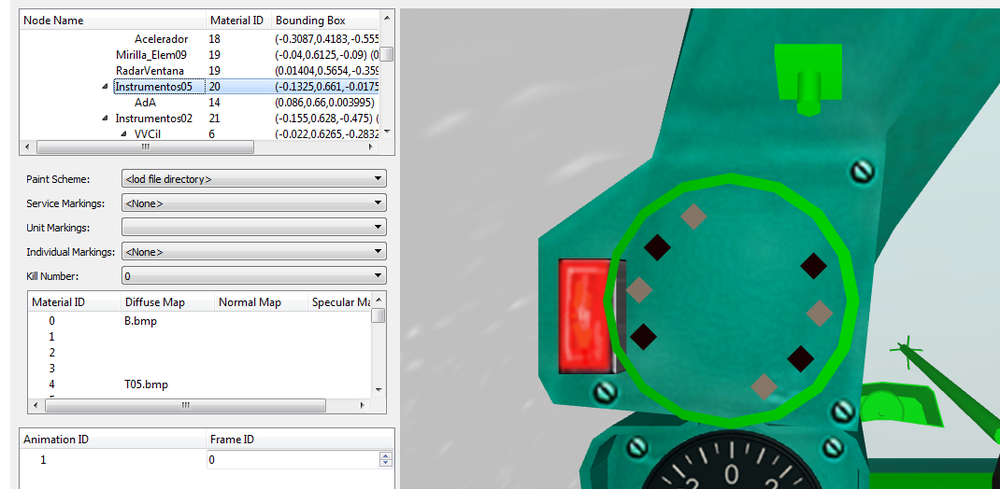
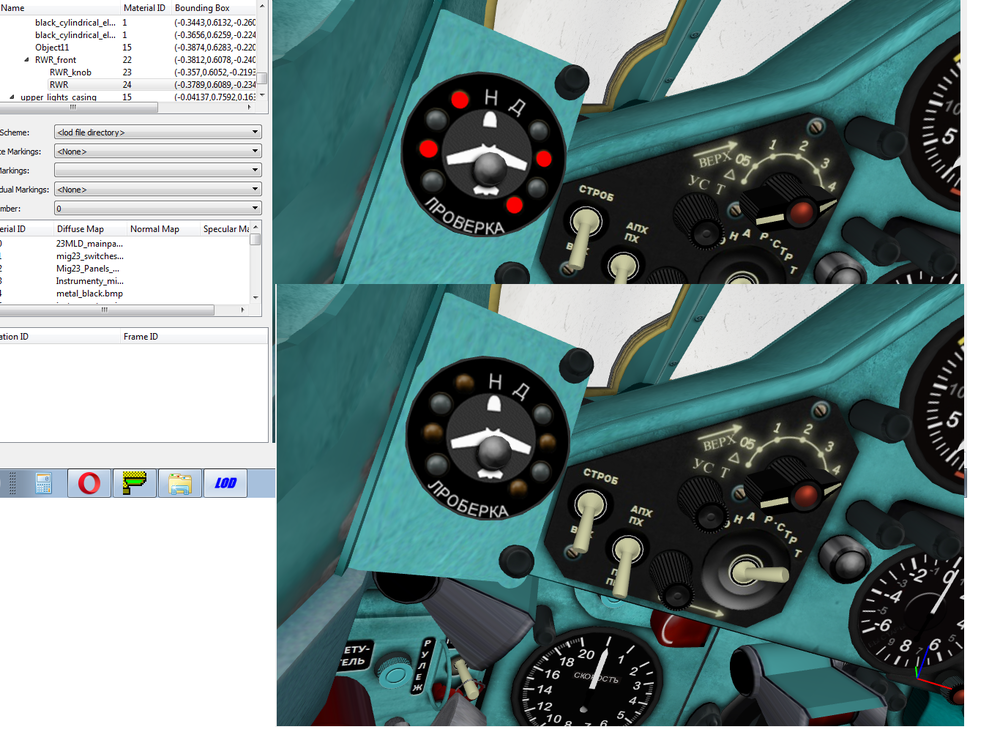
You see, the 3d models themselves are different. This is how 21MF SPO looks like with front node removed. Aside from the general SPO circle, you have 8 points for flashing lights And this is how 23s SPO looks like. Underneath the SPO circle - there is another SPO circle SPO in 21 generally works and show from where the threat comes. In 23, it doesn't
-
Did a second version if anyone is interested, changed the HUD a little too
-
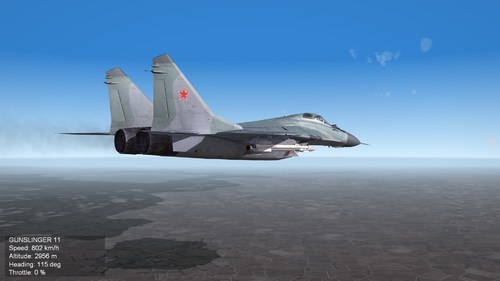 Great mod but flight model is really weird. The plane barely turns
 -
I noticed that MiG-21MF pit has working Bereza RWR. It bleeps and lights do show the angle of incoming radiation MiG-23 pit has Bereza too, and it looks like a same 3D model, but currently lights don't work. It bleeps, but no lights Another thing, 21 pit has "droptanks empty" indicator light. Very useful. 23 pit doesn't Thus, how exactly I can edit 23 pit to add this? I understand that I had to modify 3d model of the pit, add hooks and respective light textures, then add them in cockpit.ini having 21 pit as an example. What software is best to use here?
-
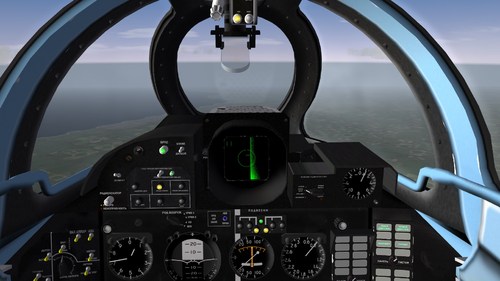 I just took the phrase from Lock On 2 controls page This is how wing leveler called there
 -
AI not limited by radar range but rather by weapon's max range.
OlWilly replied to clim995's topic in General Discussion
Russian sources claim R-77-SD have 100km range, AIM-120-C-7 is claimed to have 120km. Ramjet R-77-PD is supposed to have more, but no one has seen it in actual service - unicorn missile -
If you mean "wing leveler" option, then it's either "горизонтальный автопилот" or "приведение к горизонту"
-
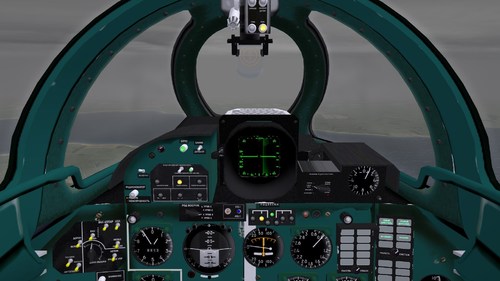 Do you have some screenshots of it?
 -
AI not limited by radar range but rather by weapon's max range.
OlWilly replied to clim995's topic in General Discussion
Well, RUSI doesn't treat R-37 as a joke and I find RUSI as a decent source of analysis The VKS has been firing up to six R-37Ms per day during October, and the extremely high speed of the weapon, coupled with very long effective range and a seeker designed for engaging low-altitude targets, makes it particularly difficult to evade.76 The long range of the R-37M, in conjunction with the very high performance and high operating altitude of the Mig-31BM also allows it significant freedom to menace Ukrainian aircraft near the frontlines from outside the range of Ukrainian defences. The VKS has also started employing the R-37M from at least a few of its Su-35S fighters, which not only increases the reach of the latter in combat but may also suggests Russian stocks of the R-37M are in little danger of running out.77 https://rusi.org/explore-our-research/publications/special-resources/russian-air-war-and-ukrainian-requirements-air-defence -
I like how pits are modeled in the vanilla game. Front pit is modeled fine, you have working instrumentation and proper 3D pit. Sides, where all the engine, radio, etc management are just flat 2D texture. It's not as pretty as fully modeled pit, but since this stuff is non-functional this is fine. Saves some time on modelling I reckon, I wonder how many time people spent on modelling the sides of the pit
-
AI not limited by radar range but rather by weapon's max range.
OlWilly replied to clim995's topic in General Discussion
It depends on many factors - altitude, speed, type of target and direction - frontal or rear semisphere. If you fly at 20000m at 1.5M and launch at frontal semisphere of something like C-130 or B-52 - you may hit even from 150km. If you fly lower and slower, and launch a catch-up against a fighter, the hit is not guaranteed even at 30-40km. The problem with such long-range massive missiles is that while they have lots of energy - no joke, traveling at 5-6M, their maneuverability is limited and they use a lot of anticipation while tracking their target. Fighters usually can dodge them if timely maneuver is made. This is how it work in real life, dunno how accurately it is modeled in the game -
AI not limited by radar range but rather by weapon's max range.
OlWilly replied to clim995's topic in General Discussion
You should remember that such stuff is governed by avionics70.dll which was intended for early 4th gen fighters - F-14A, F-15A, F-16A, etc. Putting overly modern stuff in the game still forces it to use the same 70.dll file to govern its function. So don't expect proper modern ECM function, stealth, LPI radars and such. Su-35S radar is indeed very powerful, it is made that way since Russia doesn't have much A-50 AWACS planes and there is no developed datalink in Russian AirForce like you would expect in USAF; A-50 just gives azimuth to the target by radio comms. Thus it's old-school, A-50 gives you azimuth, then you look with your own radar. Moreso, Su-35S pays for its radar range by being very detectable - it has huge RCS and radar itself is non-LPI, therefore target will know very early that it is being looked at. -
If you want to do MiG-23 pit, absolutely do it, mine fix is quite subpar
-
Do you use actual photos/manuals or go with feel? When doing MiG-23 pit I wasn't able to find detailed schemes of cockpit so some switches were named, erm, "approximately" - since they are non-functional anyway
-
Sure, why not. So, the one I did is blueish-green (a "middle" color), and the two others are clean blue and clean light green. I see that texture sets are basically the same across the pits so it won't be hard
-
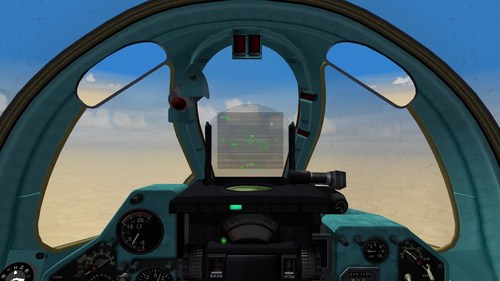
View File MiG-23 cockpit fixes Correction of typos and misspelling for Stary's MiG-23 pit. Plus reworked the HUD a little. All files converted to JPG to save space, it's 46mb now. Tuned for Mirage Factory MiGs, but could be used for stock ones with little tweaking. Some changes of HUD: Removed unnecessary ПР (launch authorized) marks - now it will flash only when you are actually in range Changed ОТВ (break) - now it will flash when you are too close Removed РЛ/ТП marks - they make no sense as the game doesn't support IRST. Now you will have Р (for search), З (for lock), B (for air-combat mode) Changed selected weapon display - now you will have type of weapon and amount remaining. Not really authentic but more useful Things I couldn't do: can't fix RWR - can't copy working RWR from MiG-21MF cockpit MiG-29 pit has authentic and working selected weapon display - can't copy that can't add proper IRST - game doesn't support it. tried with non-launching heatseeker missile on hidden pylon, it could lock targets but not really useful for anything else Readme inside. Submitter OlWilly Submitted 11/01/2022 Category Jet Cockpits
-
- 1
-
-
Also, while we are here, I converted a couple of planes from SF1 to SF2 for personal use. Su-35, Su-47, MiG-1.44, etc. Nothing too fancy but works fine from the box. Should I upload these?
-
Version 2.0.0
285 downloads
Correction of typos and misspelling for Stary's MiG-23 pit. Plus reworked the HUD a little. All files converted to JPG to save space, it's 46mb now. Tuned for Mirage Factory MiGs, but could be used for stock ones with little tweaking. Some changes of HUD: Removed unnecessary ПР (launch authorized) marks - now it will flash only when you are actually in range Changed ОТВ (break) - now it will flash when you are too close Removed РЛ/ТП marks - they make no sense as the game doesn't support IRST. Now you will have Р (for search), З (for lock), B (for air-combat mode) Changed selected weapon display - now you will have type of weapon and amount remaining. Not really authentic but more useful Things I couldn't do: can't fix RWR - can't copy working RWR from MiG-21MF cockpit MiG-29 pit has authentic and working selected weapon display - can't copy that can't add proper IRST - game doesn't support it. tried with non-launching heatseeker missile on hidden pylon, it could lock targets but not really useful for anything else Readme inside. -
Sure, I'm not familiar with local procedure yet Good idea, also saves space on the disk. With all due respect, but cockpit texturing here is a mess, using a whole load of textures with almost 200mb per one cockpit. Considering how many planes are in MiG-23 pack and if someone wants to use the similar pit for MiG-23B/27 it's almost 2GB of pit files alone. I think I will do the conversion for myself but upload these ones as they are I will also look into other planes, AFAIK, Su-7 pit has the same set of typos
-
Enjoyed MiG-23s from this pack. But one thing kept bugging me out, the labels have a lot of typos in them, sometimes just gibberish. I took the liberty to fix this. Just drop textures into the pit folder and replace. https://drive.google.com/file/d/1Vy50VNwDtLx5TEQrZH_6Yt8MVxbZX7wM/view?usp=share_link This also works for MiG-23B/MiG-27 pit by "Stary"
-
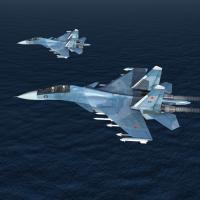 There is a Su-27M/Su-37 mod that has working canards. I think something may be incorporated from there. This is of particular interest because the other Su-30 mod by bazillius has all version without canards already
 -
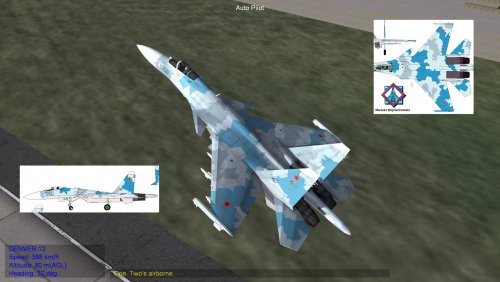 Su-27M opens the canopy when reaching supersonic speeds, looks really funny
 -
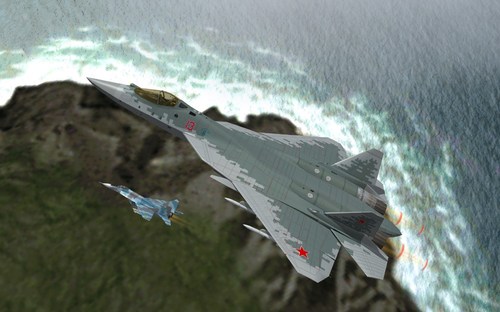 The cockpit screens are wonky though. There is a blurry spot on the right (engine management) screen, and radar screen doesn't display the spotted aircraft. I play with minimal HUD so this is noticeable
 -
.thumb.JPG.71015e395112d03703b56312bbca4b37.JPG) I like how you guys upload standalone packs from your mod, really appreciated
I like how you guys upload standalone packs from your mod, really appreciated