


Fubar512
-
Posts
8,418 -
Joined
-
Last visited
-
Days Won
42
Content Type
Profiles
Forums
Gallery
Downloads
Store
Everything posted by Fubar512
-
Are you running the series under DX9?
-
Then I suggest you keep at it, and keep note of whatever changes you make along the way....that's how you'll arrive at an answer.
-
Of course not...unless you screw up the specific statements within the shader that determine the animation.
-
All of them. There's two for terrain, and two for water.
-
Actually, it is real animated water......just not in SF2 It's from a modded install of Silent Hunter 4, and Stary's right in that it's superimposed as a layer over an actual screenshot from SF2, though not in Pornoshop Instead, I used a freeware app (paint.net) in order to achieve the desired results
-
NoiseScale =
-
Yes I did, but that image was taken under DX9, so it used a different shader.
-
Attempting bringing the A-37B into SF2 Vietnam
Fubar512 replied to Jug's topic in Mods & Skinning Discussion
OMG yes, that would be a welcome addition to the fleet. -
Isn't that an island off Norway? Oh wait, that's Jan Mayen....never mind....
-
It's all shader dependant. Statements within the shader (*.fx file) determine how many normal maps are rendered per tile....among other things.
-
It's for a new and hereto unreleased flight sim named SFIL-2....on second thought, SFIL-2 sounds like some new strain of a common venereal disease.... It's for SF2, and it's, I meant to say, they're waiting for a new series of hi-poly specular and bump-mapped F-86 models. Sabre Pit.wmv
-
Than it's obviously using the same bitmap as the launcher, which has different mapping. You can always try making a new template yourself.
-
Yes, first find out exactly what bitmap the lod is calling out for, and then find that exact texture an an original copy of SFP1, and use that. It's obviously been replaced by a texture with a similar name (but meant for different mapping), in SF2.
-
A few ship models from the upcoming MiG Alley addon.... USS Bataan USS Manchester (Foreground), USS Bataan (aft in back ground), USS Juneau (fwd in background)
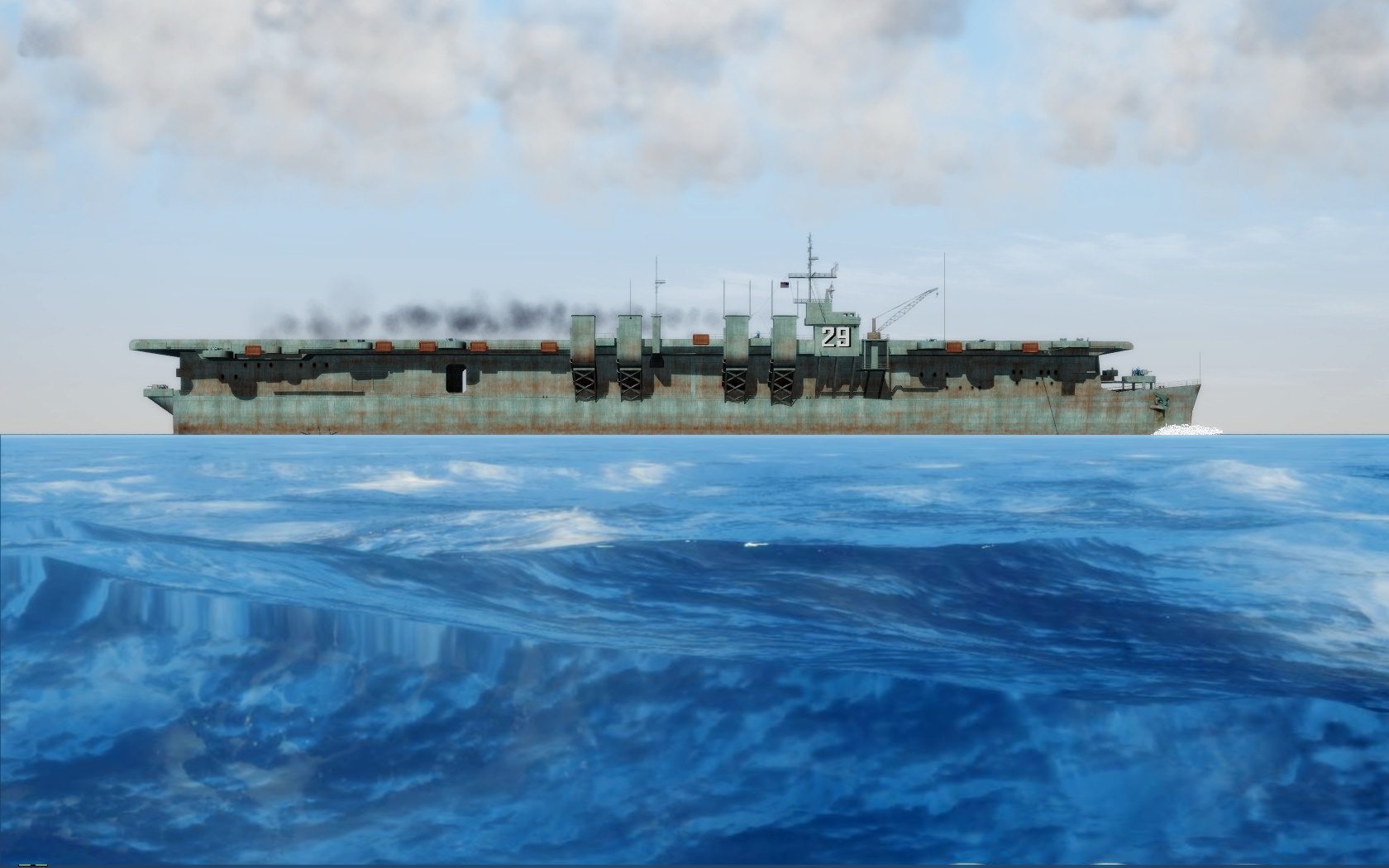
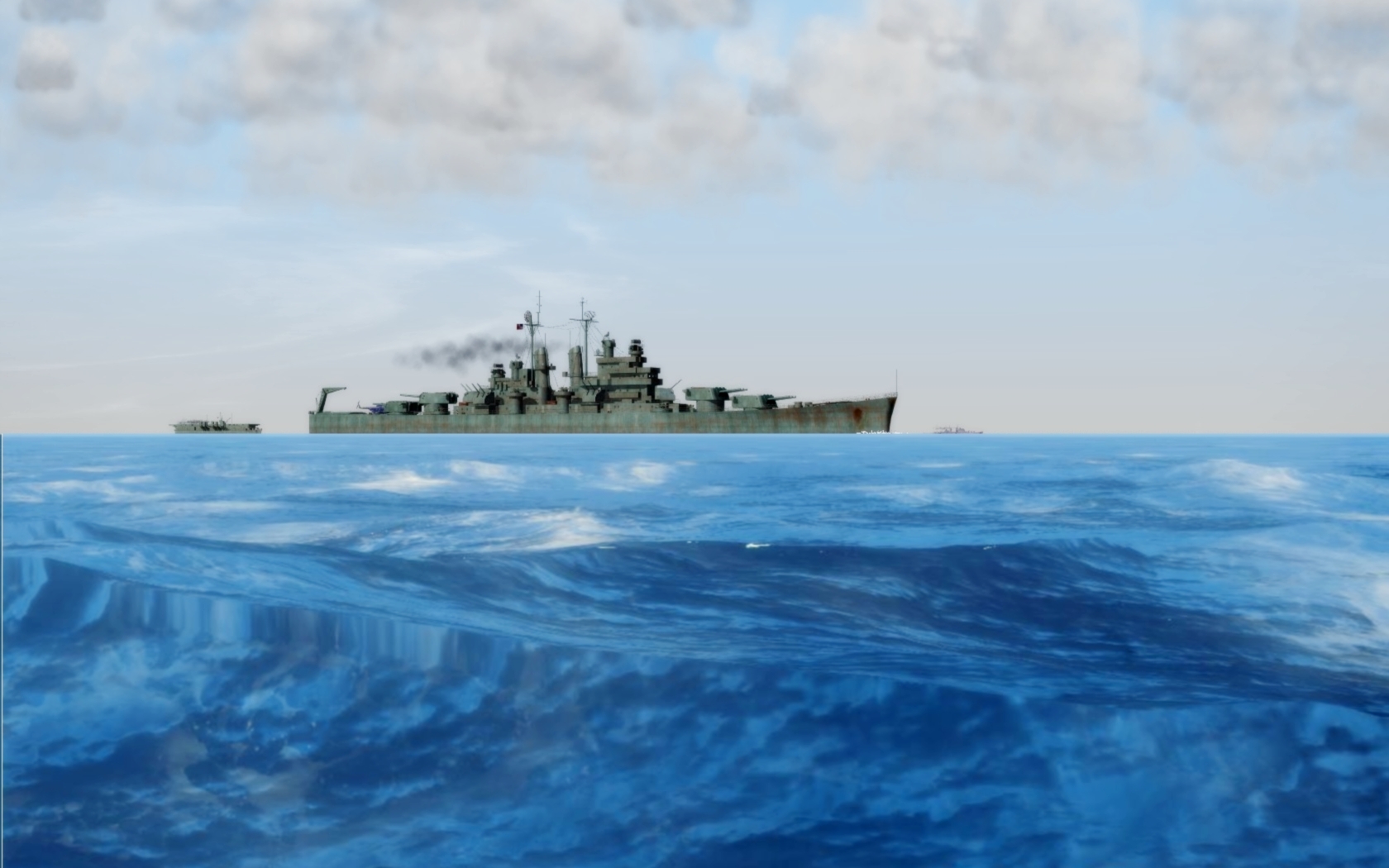
-
Nope....uninstall and reinstall in order.
-
1) The changes can apply to the map, irregardless of mission or campaign (objects can be made service date-sensitive). You can, however use the same coordinates to add mission-only ground objects, in a scripted mission. We do this all the time 2) The HUD debug mode can be toggled thru, but its startup default is to display debug data. From what I've gathered from your questions, you may want to look into the DLC mission editor from Third Wire (if you have not done so already). It makes things so much easier.
-
You can locate and place objects within 1 meter from within the game. To do so, you must activate the HUD-debug option (from within the HUD.ini), launch the game, toggle control + f12 to allow free-fly view, and use the mouse to "fly" to wherever you want on the map. The debug screen will provide you with X,Y, and Z coordinates for object placement. It's admittedly crude, but our veteran terrain modders have been sucessfully placing terrain objects this way for years.
-
Tease shot of the day #2.
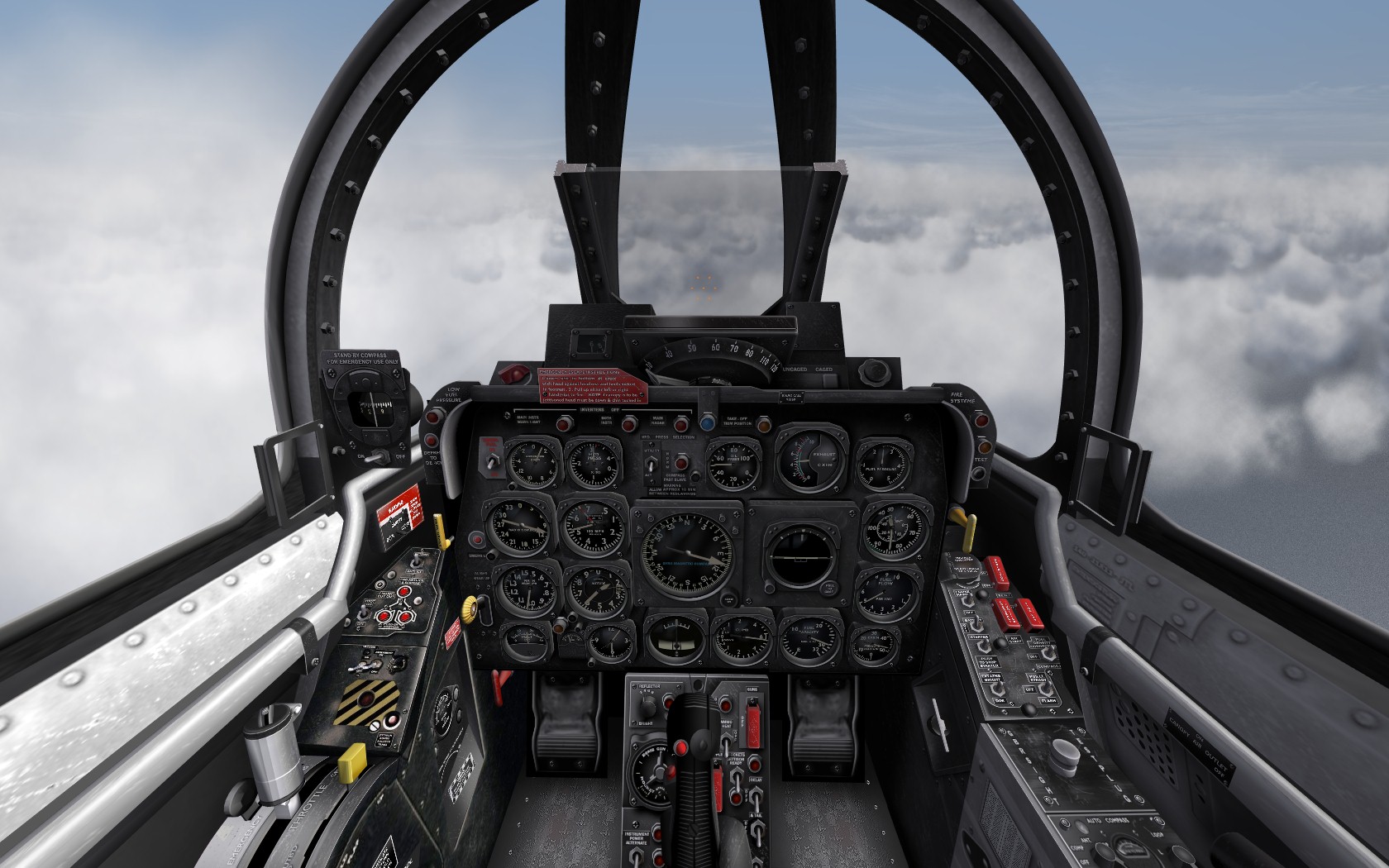
-
MiG-Alley tease screen of the day

-
-
Let's see if I've got this right, you've installed a weapons pack meant for the '06 patch, into an '08 install, and then used the '06 weapons editor? There are gun and weapon editors that are specifically coded for '08 patch level installs. Use those.
-
The NS23 sound overwhelms the NS37.
-
Your values are fine....which leads me to suspect that your actual sound files are probably too large to play in unison.
-
Sure.....what can I do for you?
-
No, it works like .001% of the time, and even then, only after the missile "hits" something.
