sophocles
-
Posts
681 -
Joined
-
Last visited
-
Days Won
39
Content Type
Profiles
Forums
Gallery
Downloads
Store
Everything posted by sophocles
-
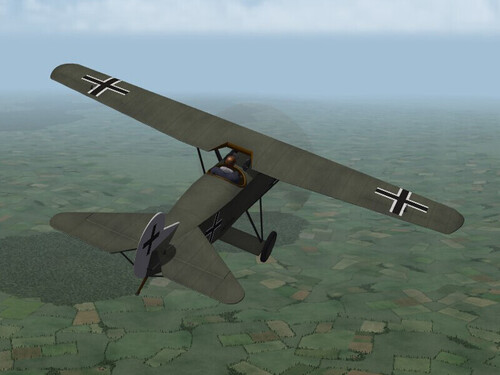 Excellent as always!! Thanks for helping keep FE2 alive!!
-
- 2
-

-

-
Here's a few more .. BTW, anyone know where I could get hold of a 75 gallon US drop tank? .. for strictly educational purposes .. not for turning into a crude Napalm bomb ..
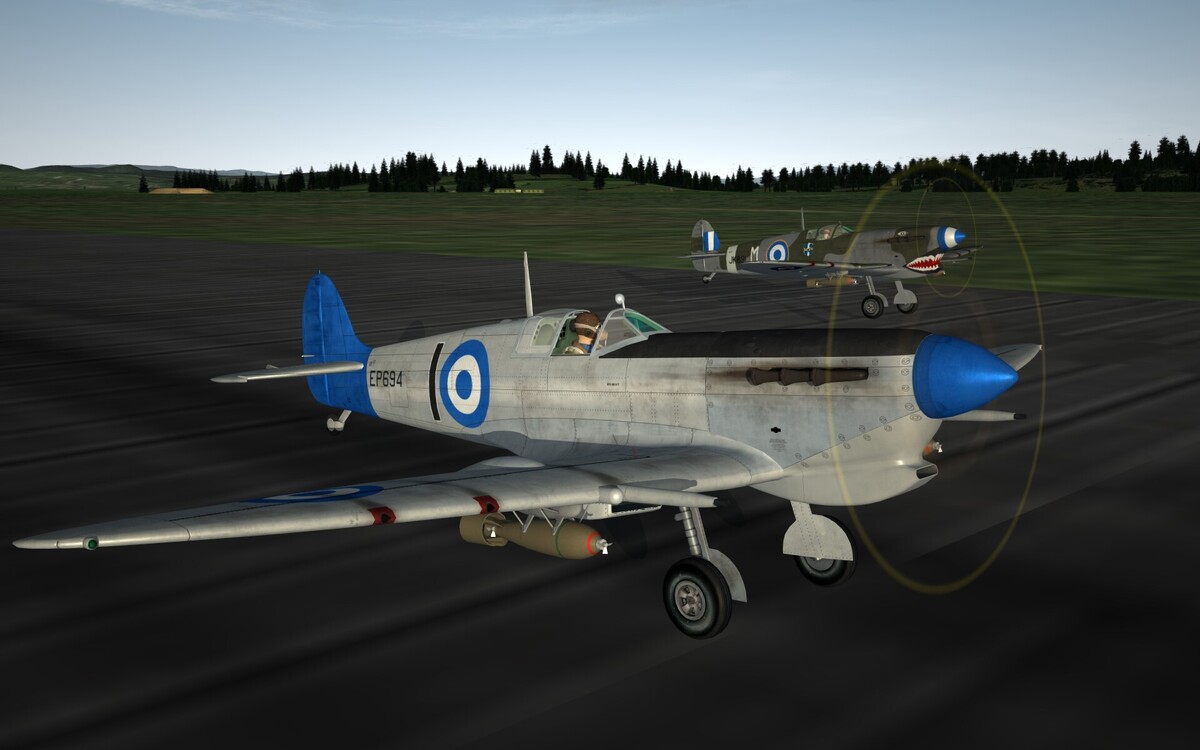
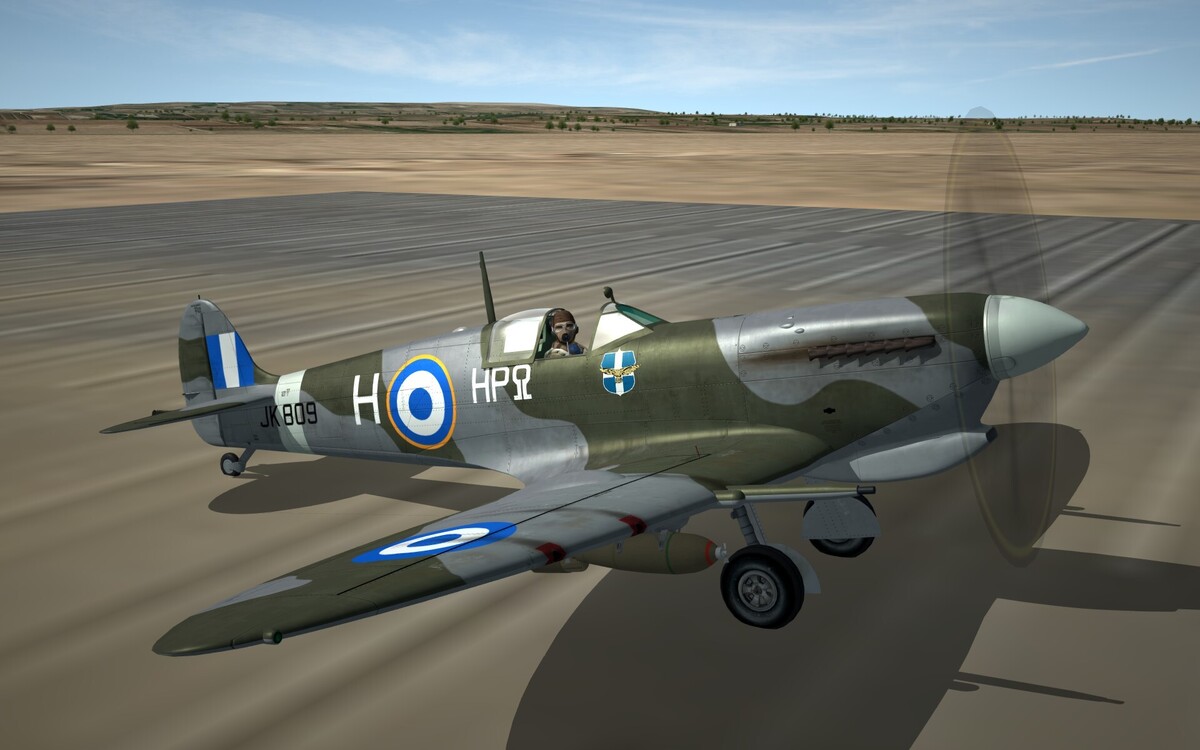
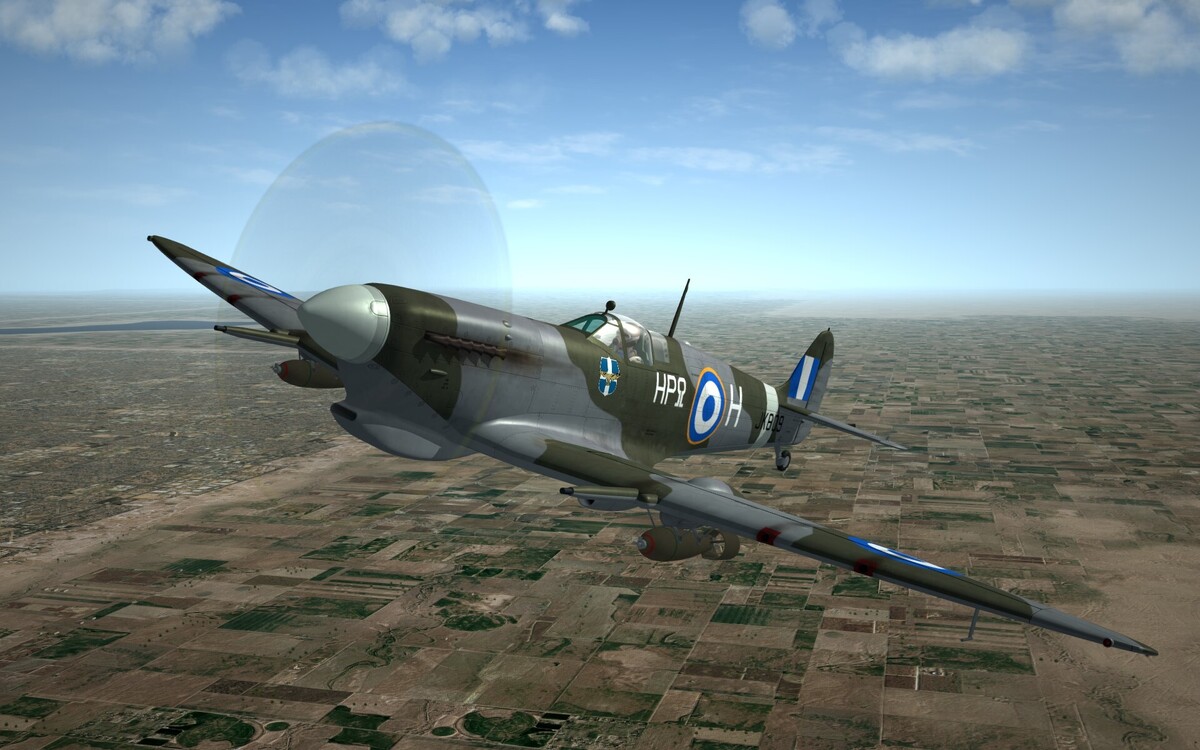
- 55 replies
-
- 11
-
-
-
Thanks for the feedback Kevin, we'll certainly consider it. Vokes so far .. I really hate the Aboukir filter it is superlatively ugly!!! We do have the standard non-tropical carb inlet versions though ..
-
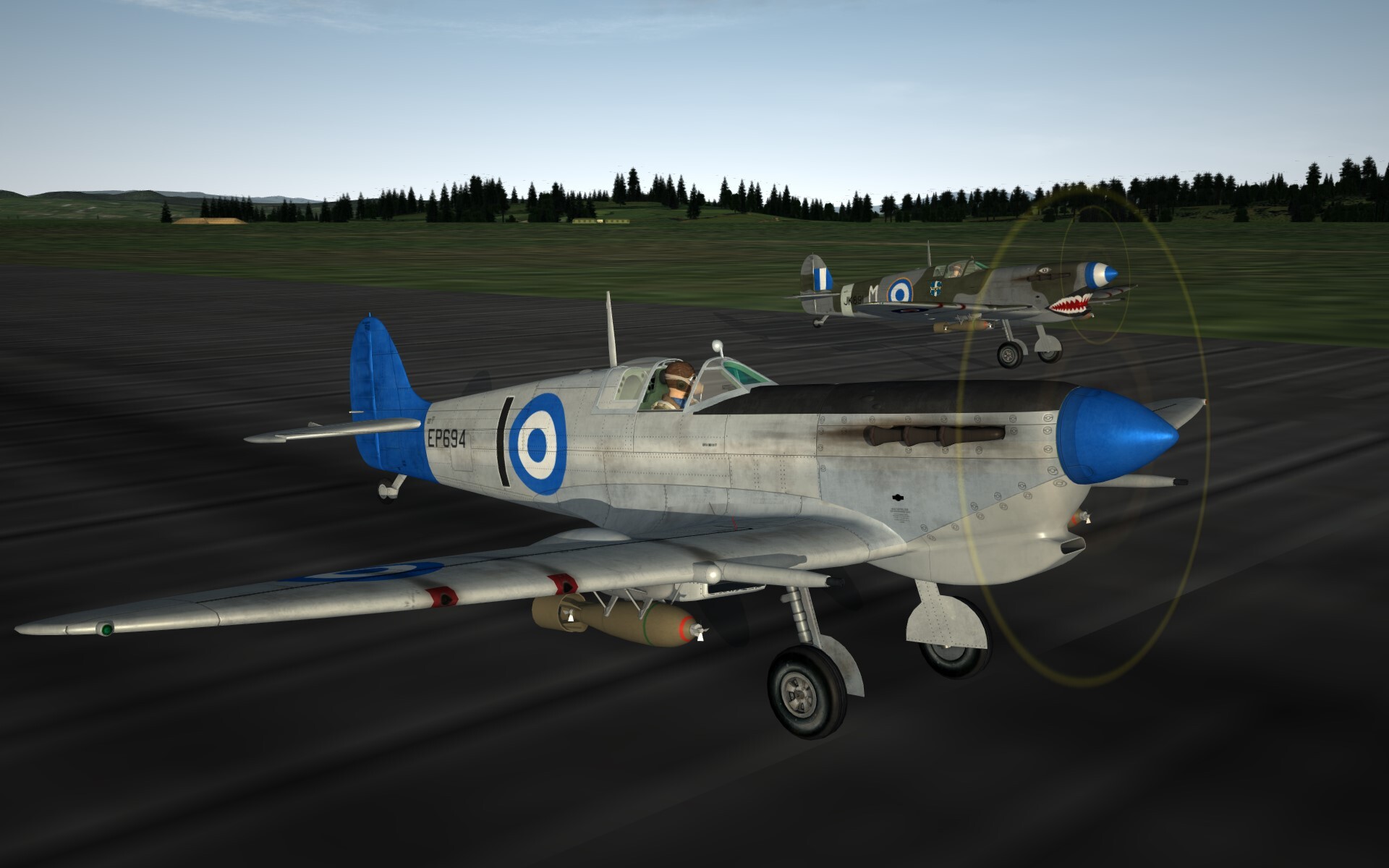
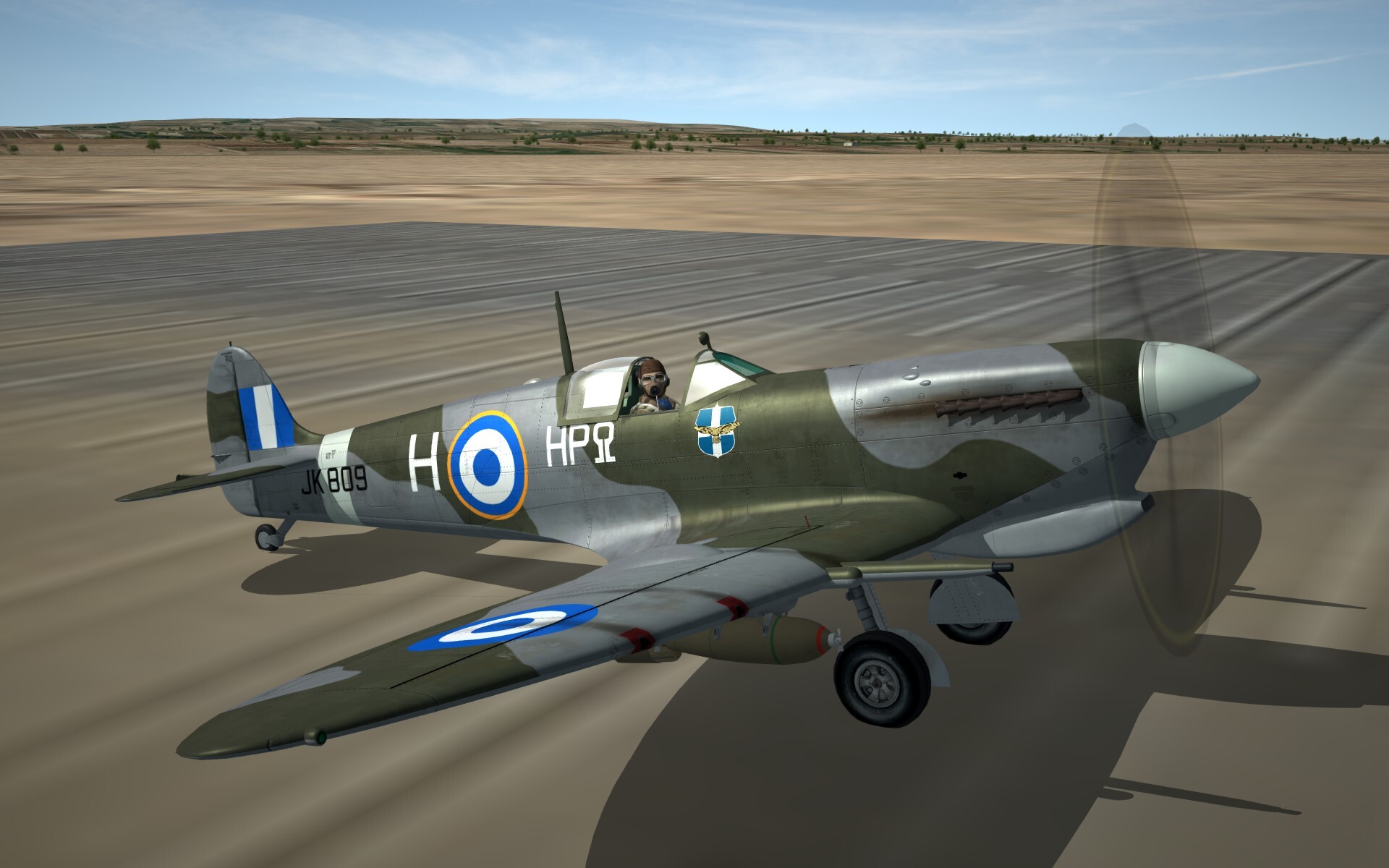
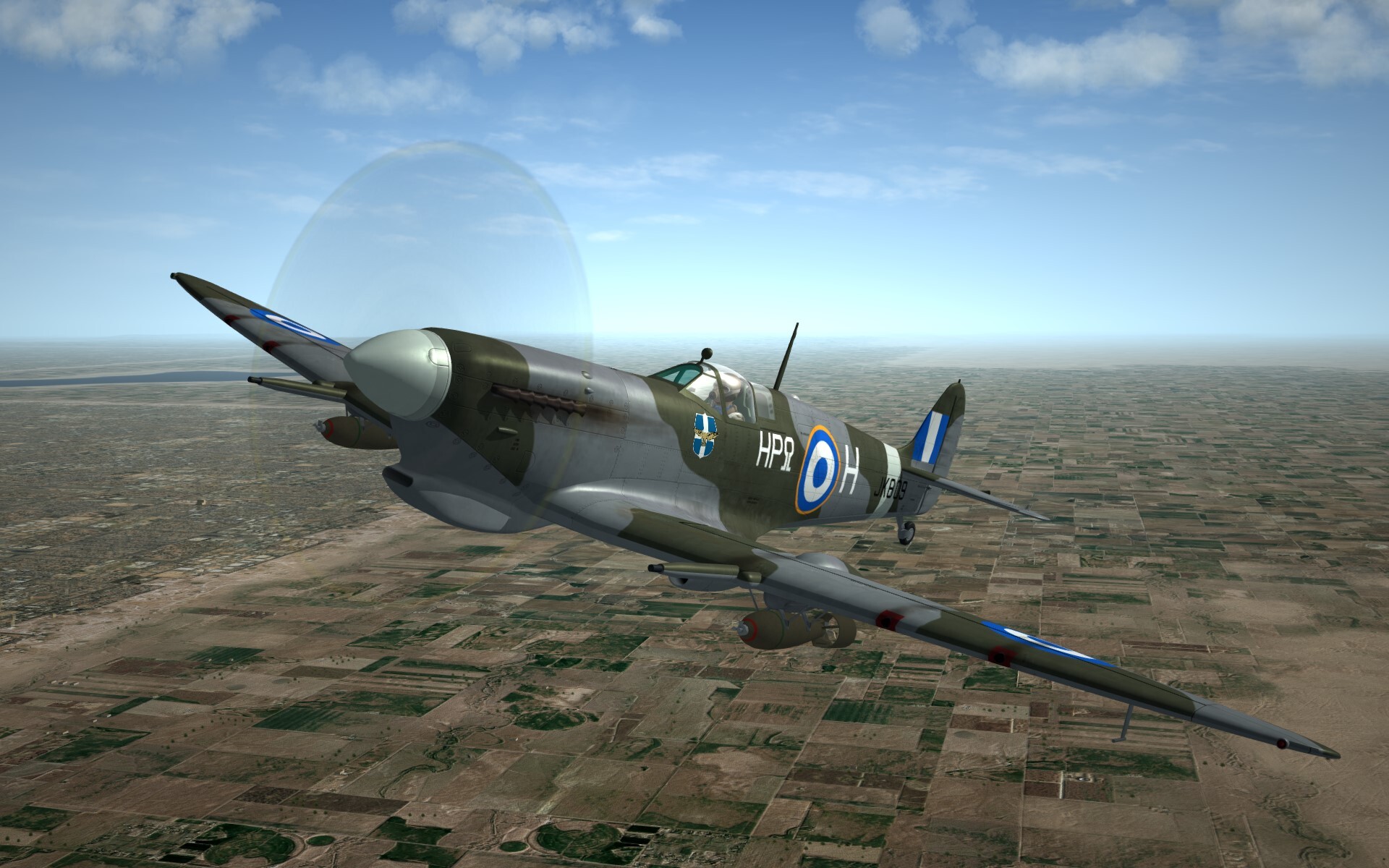
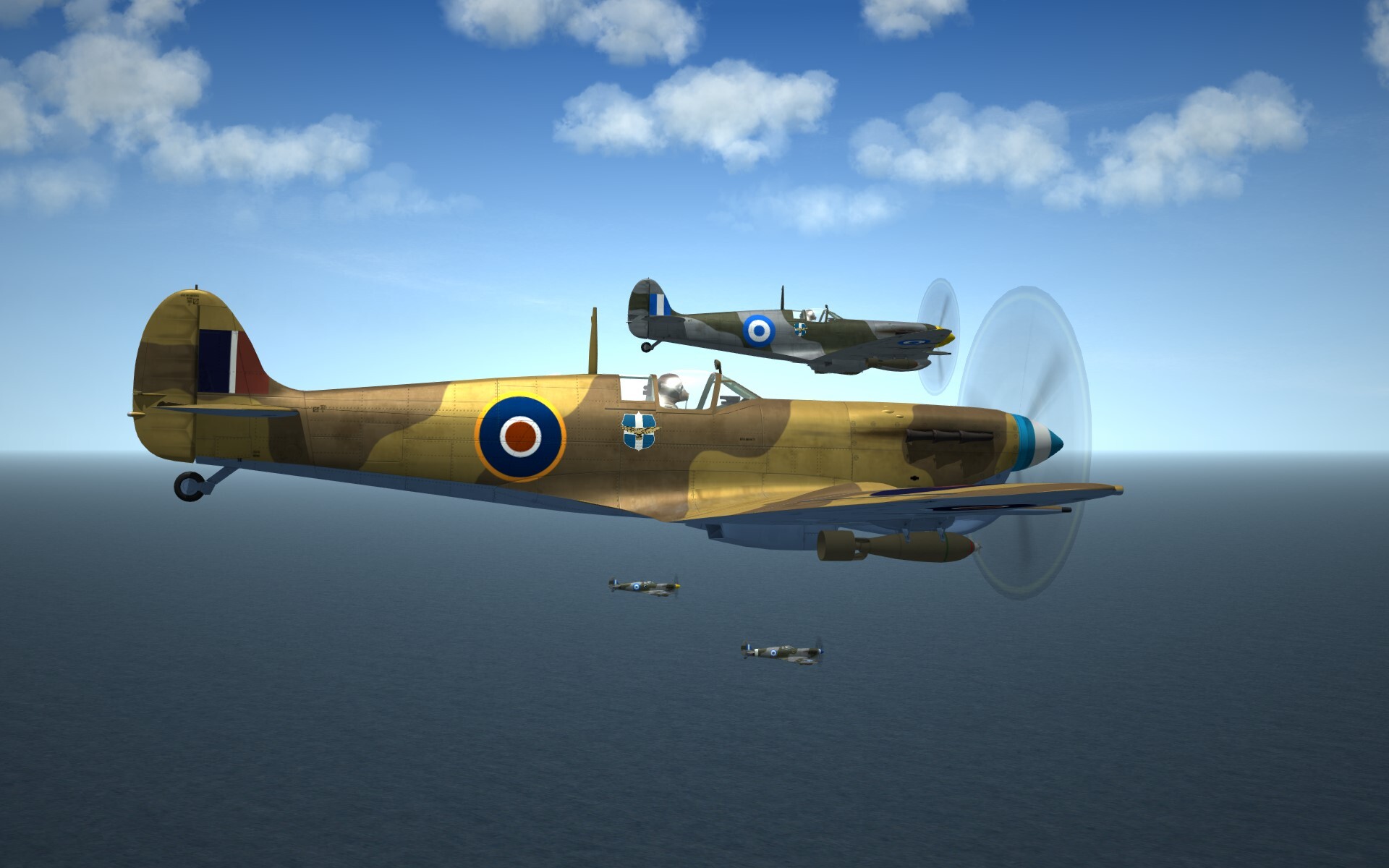
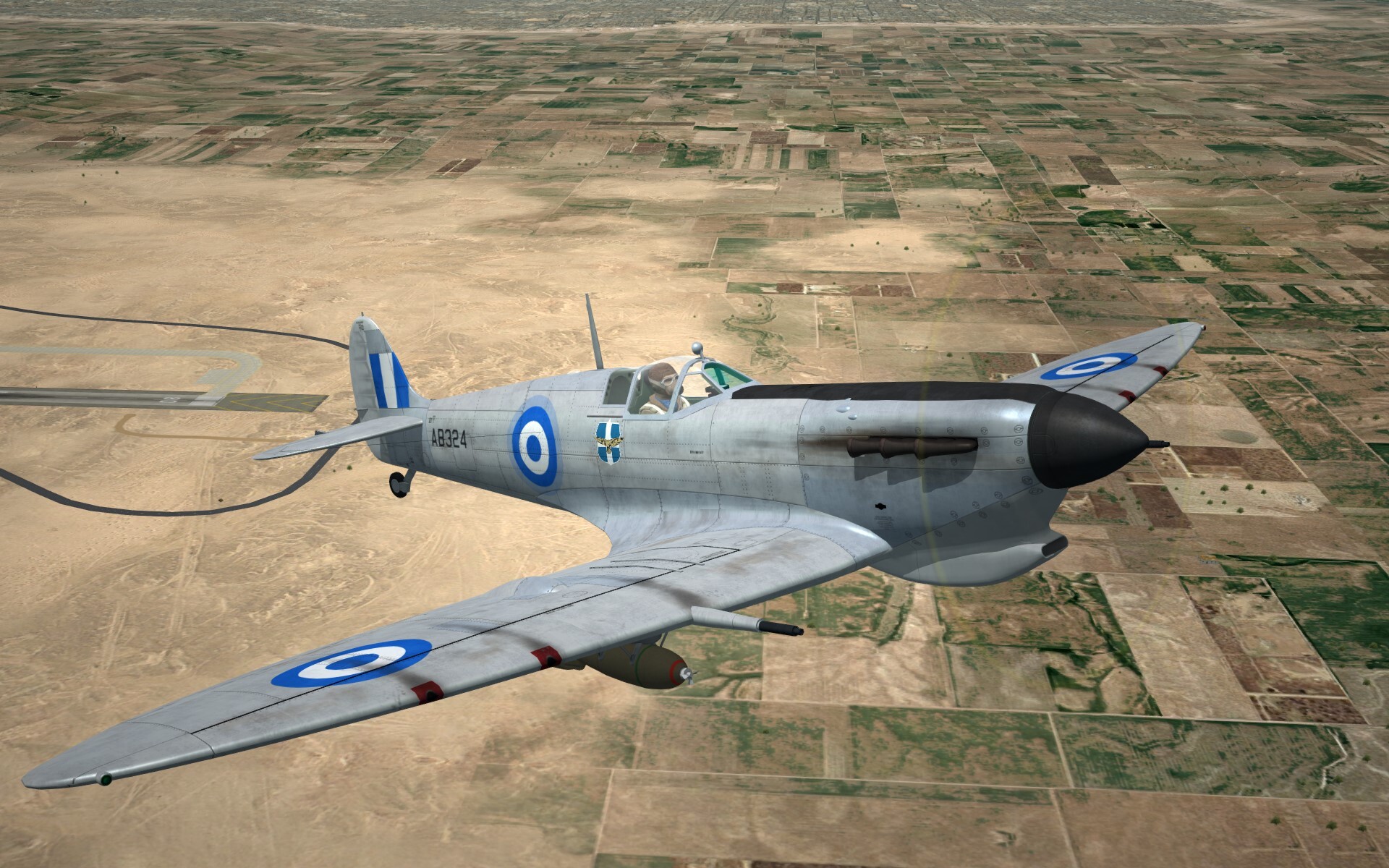
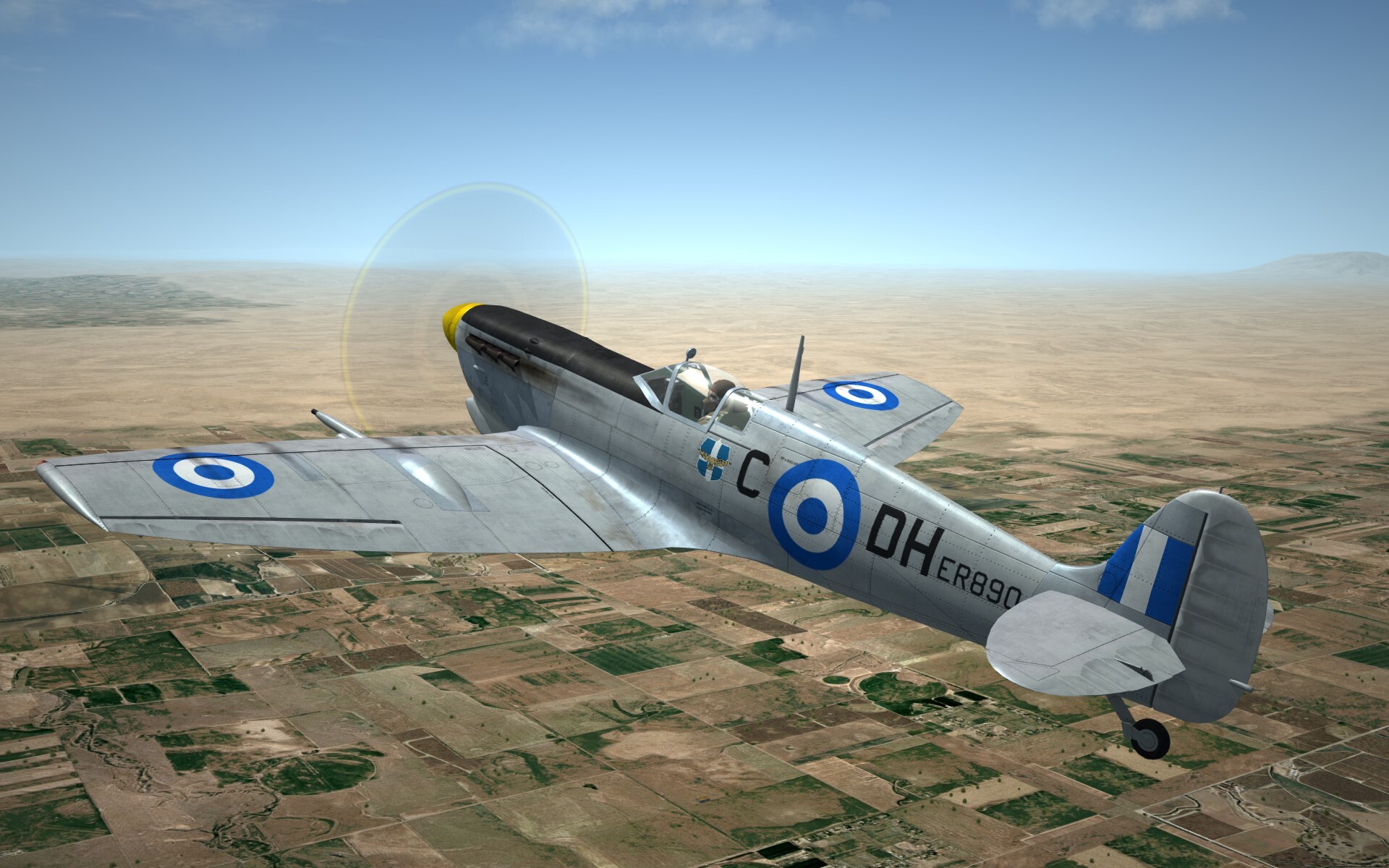
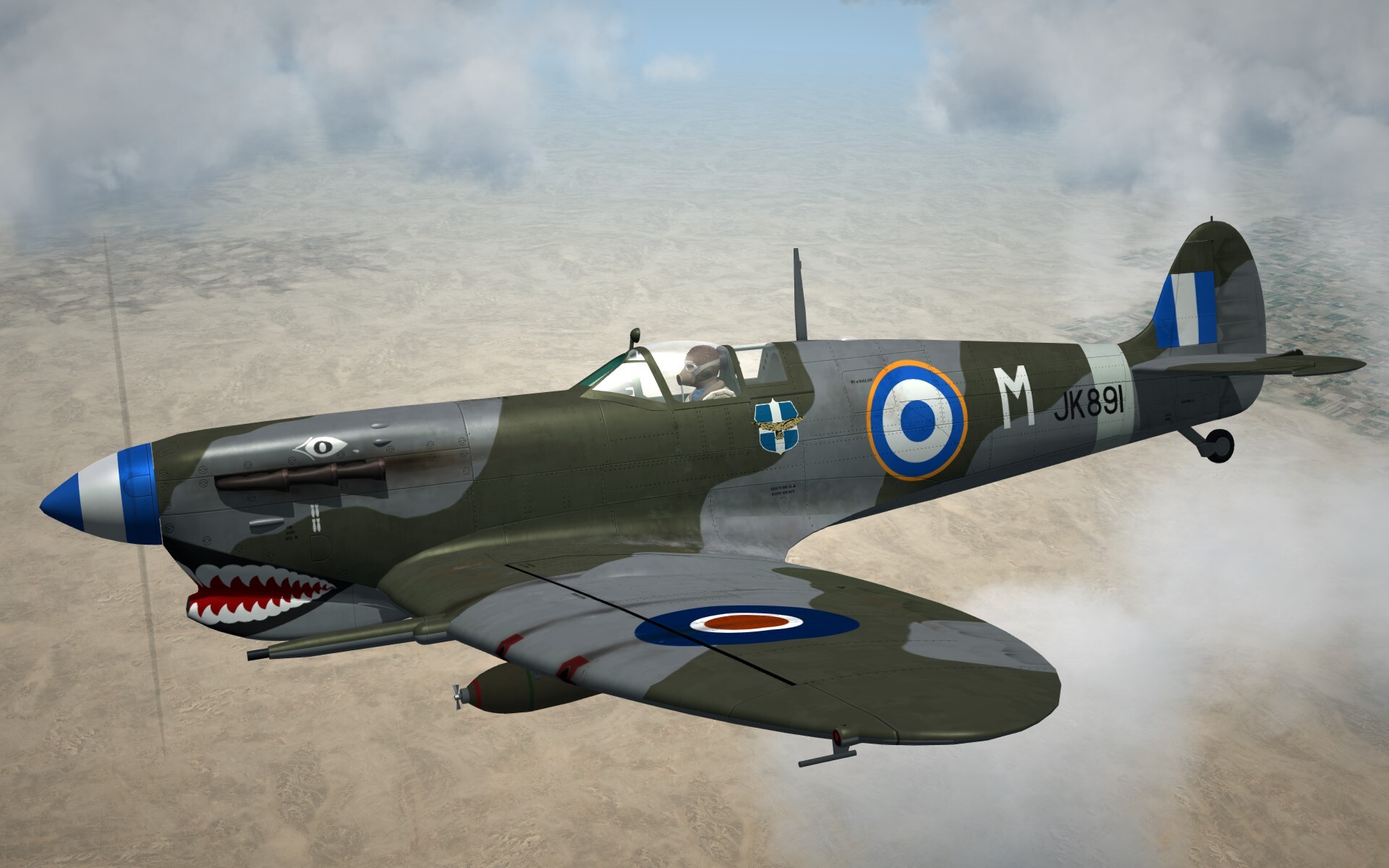
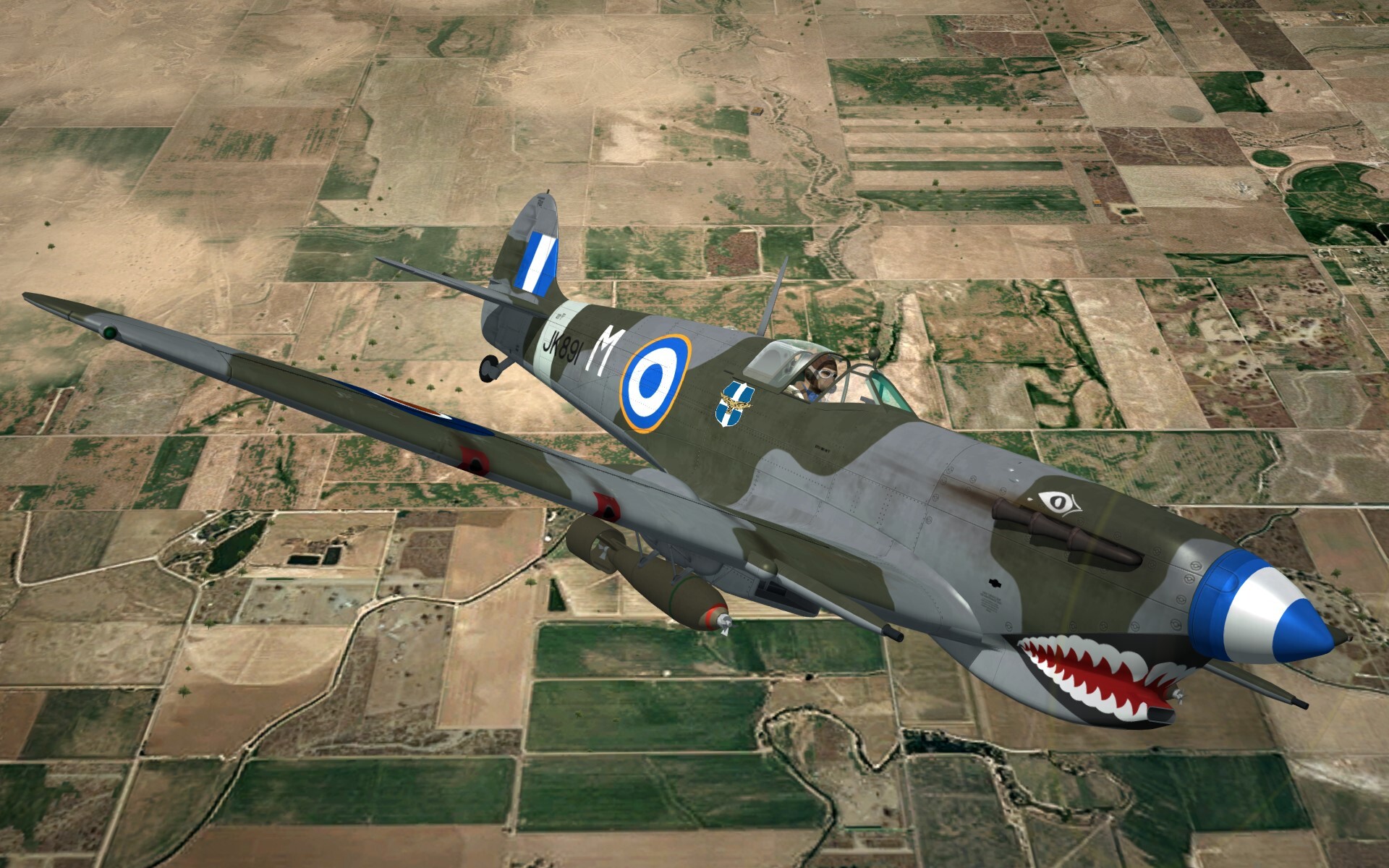
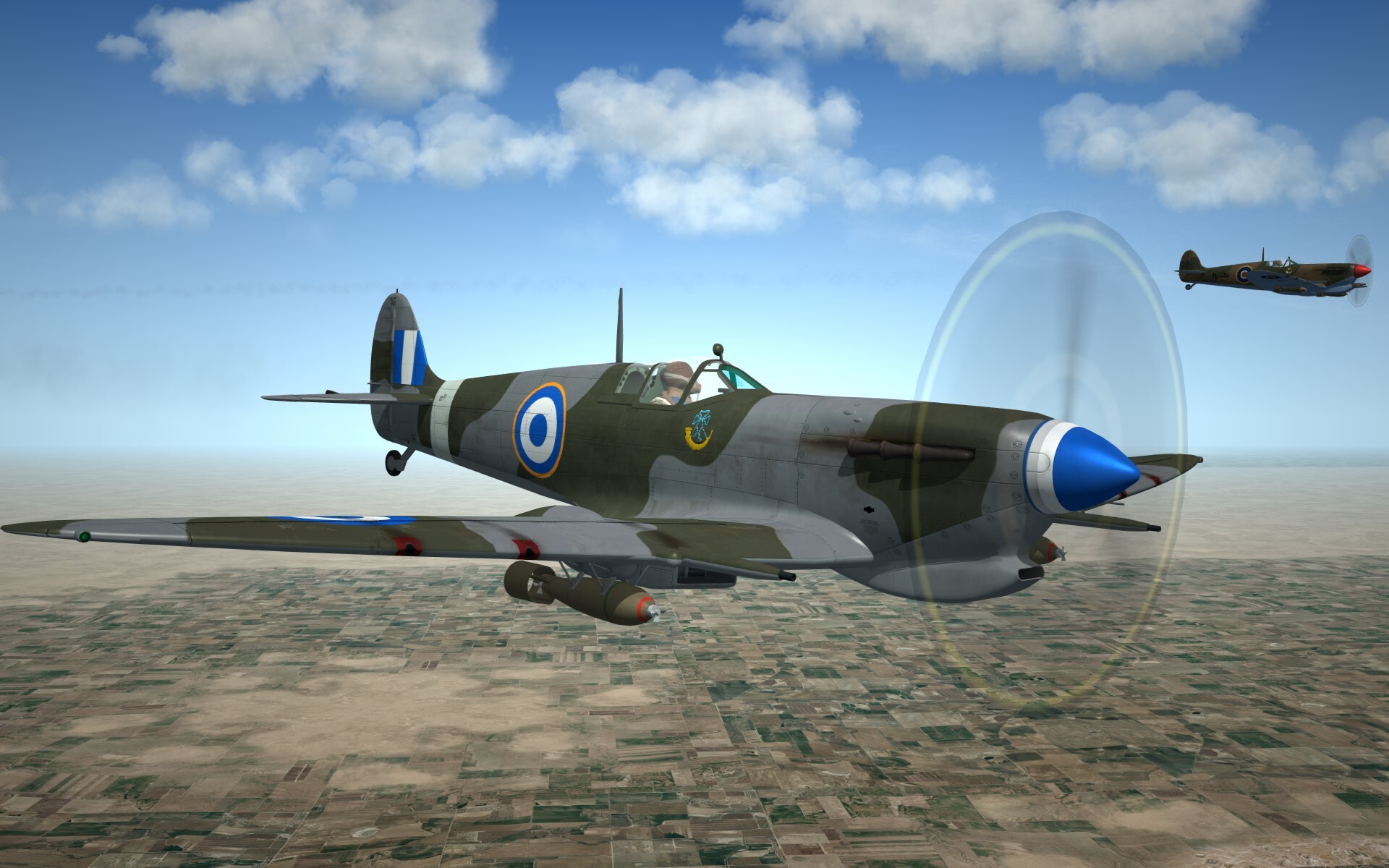
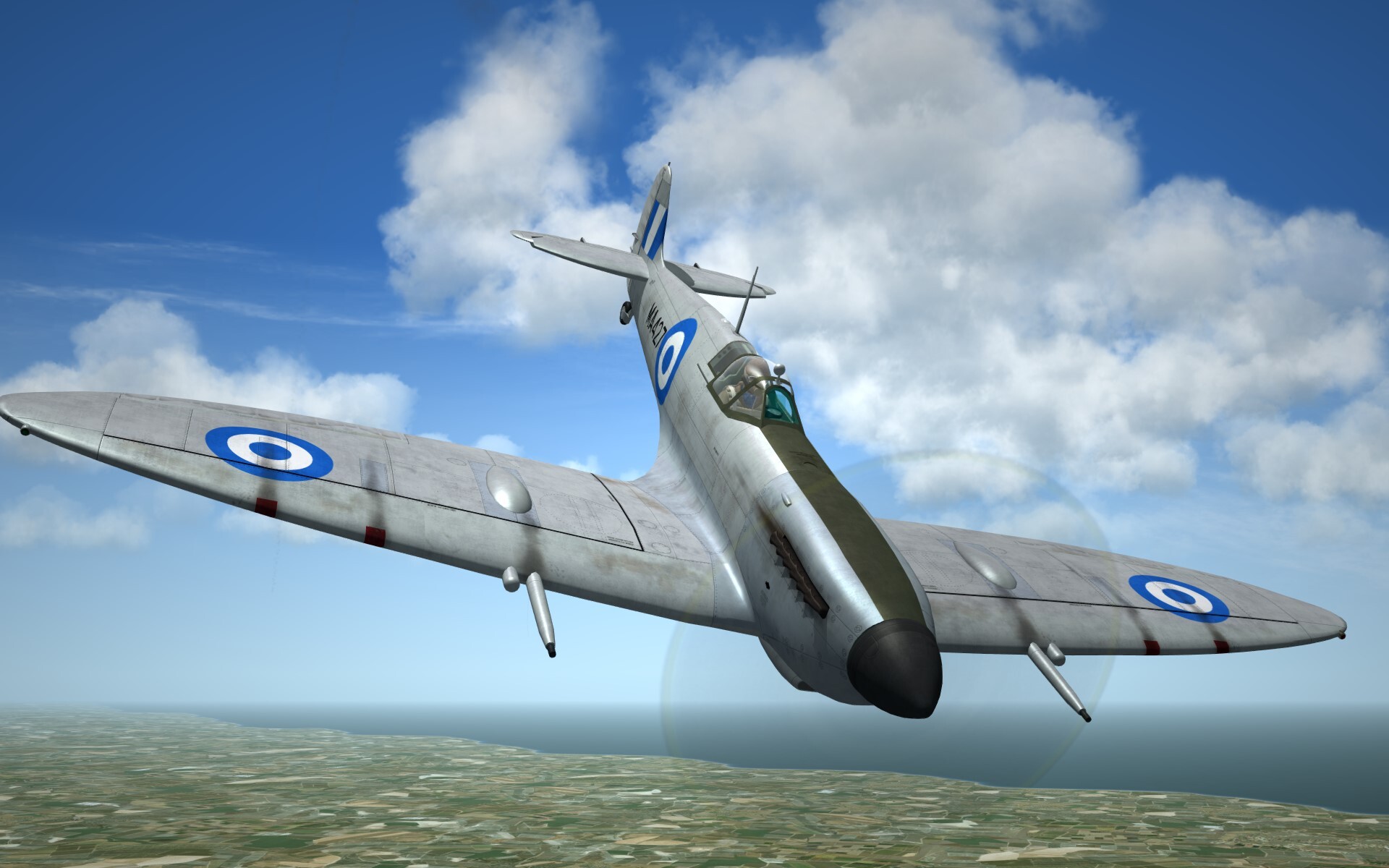
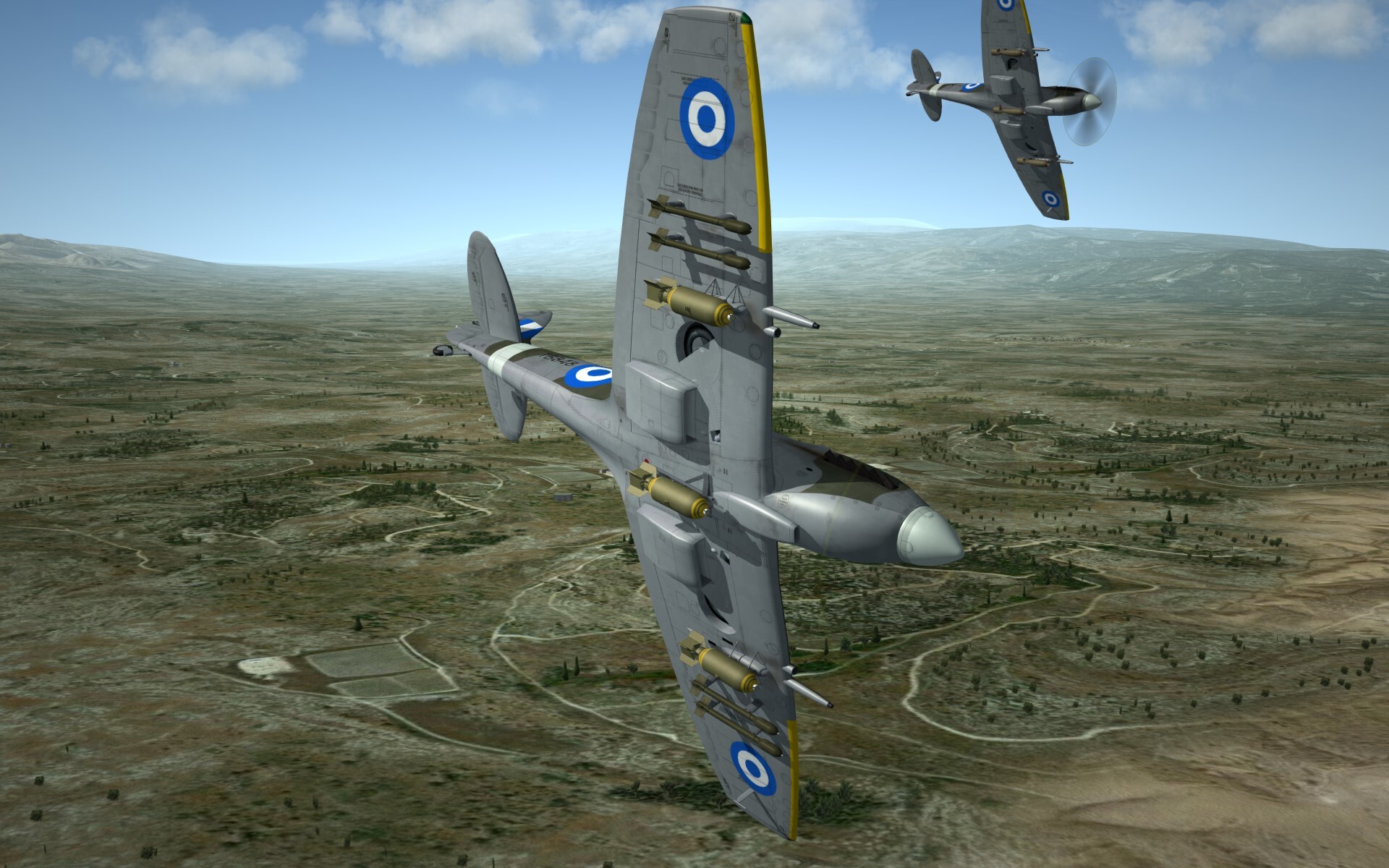
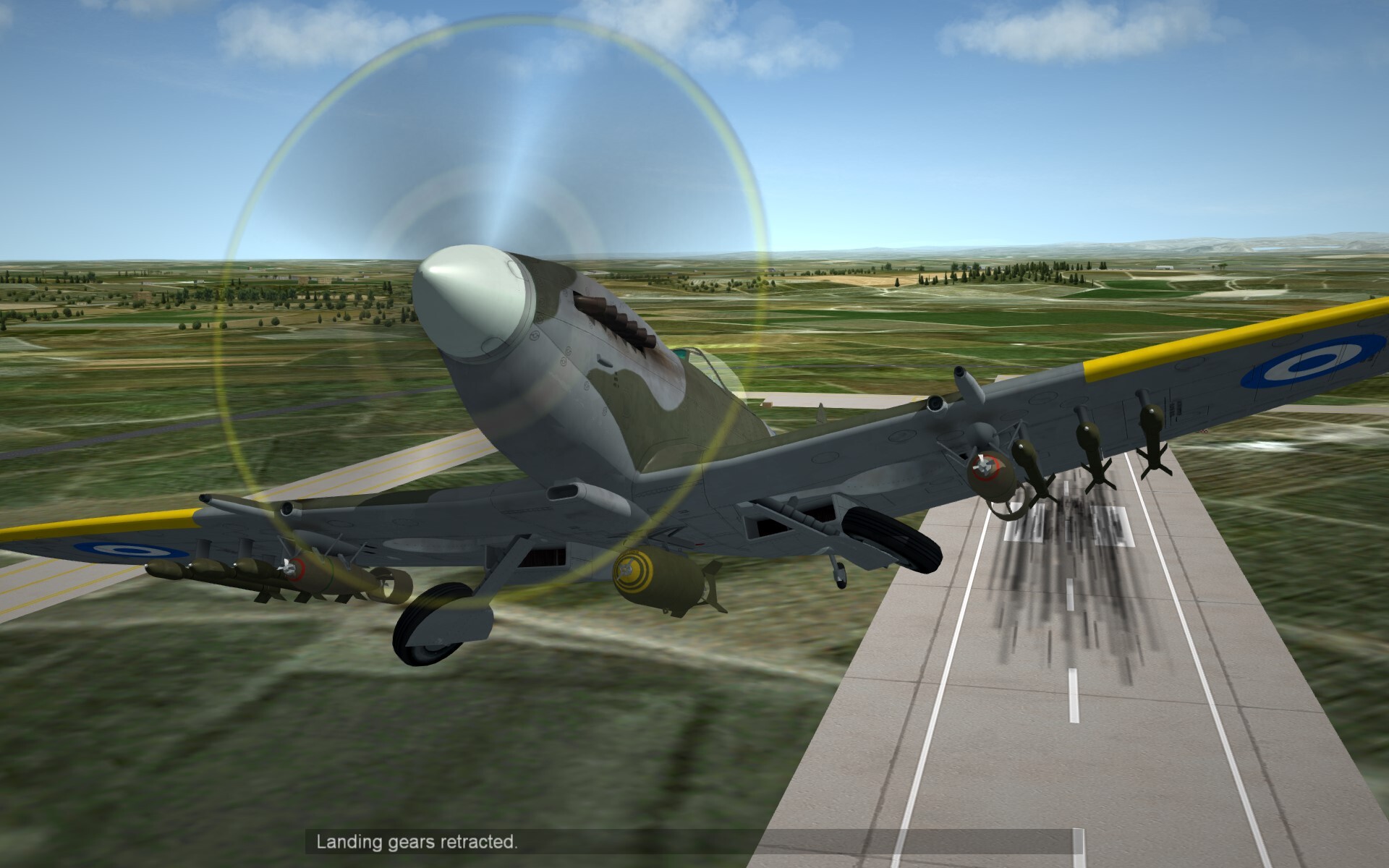
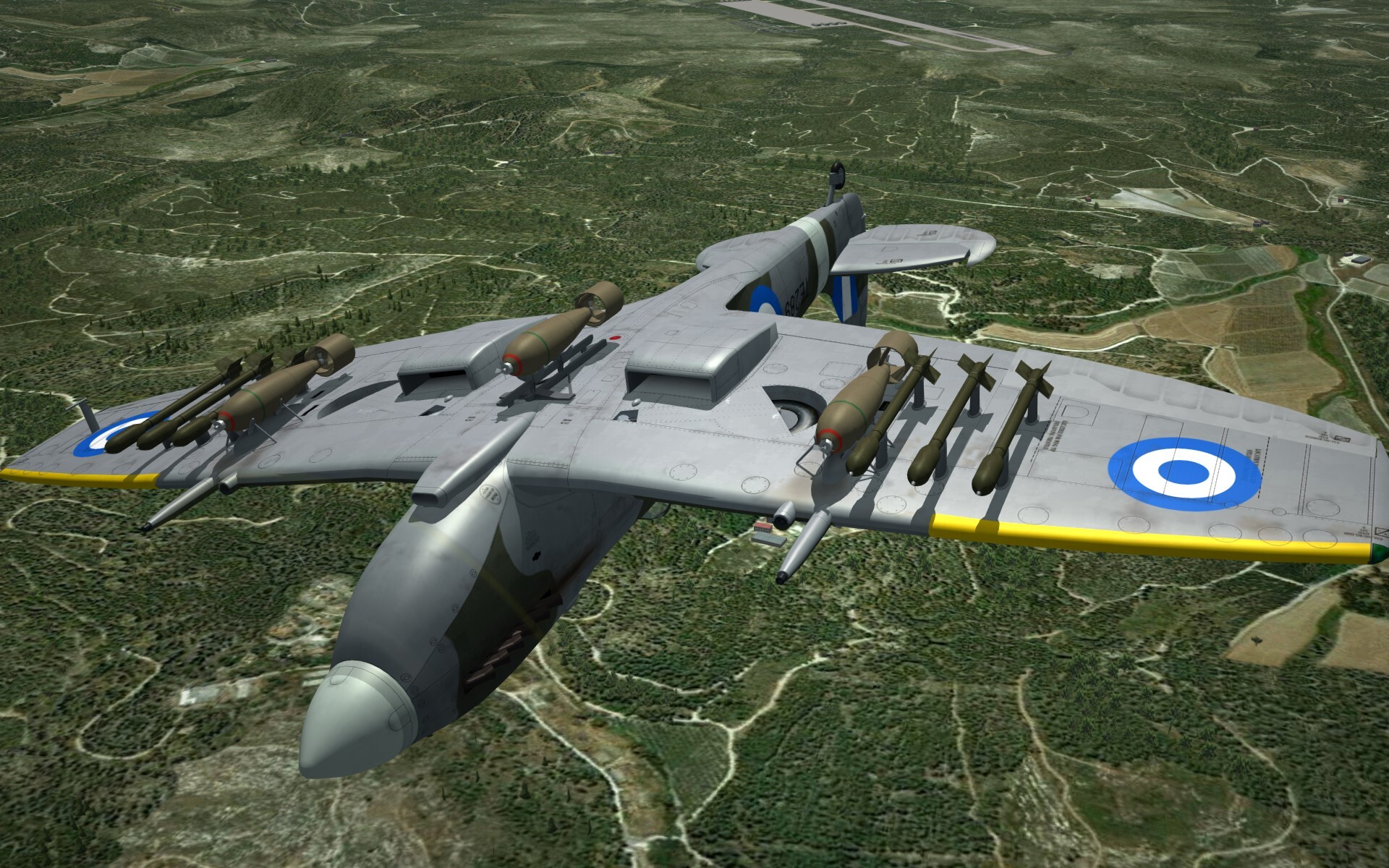
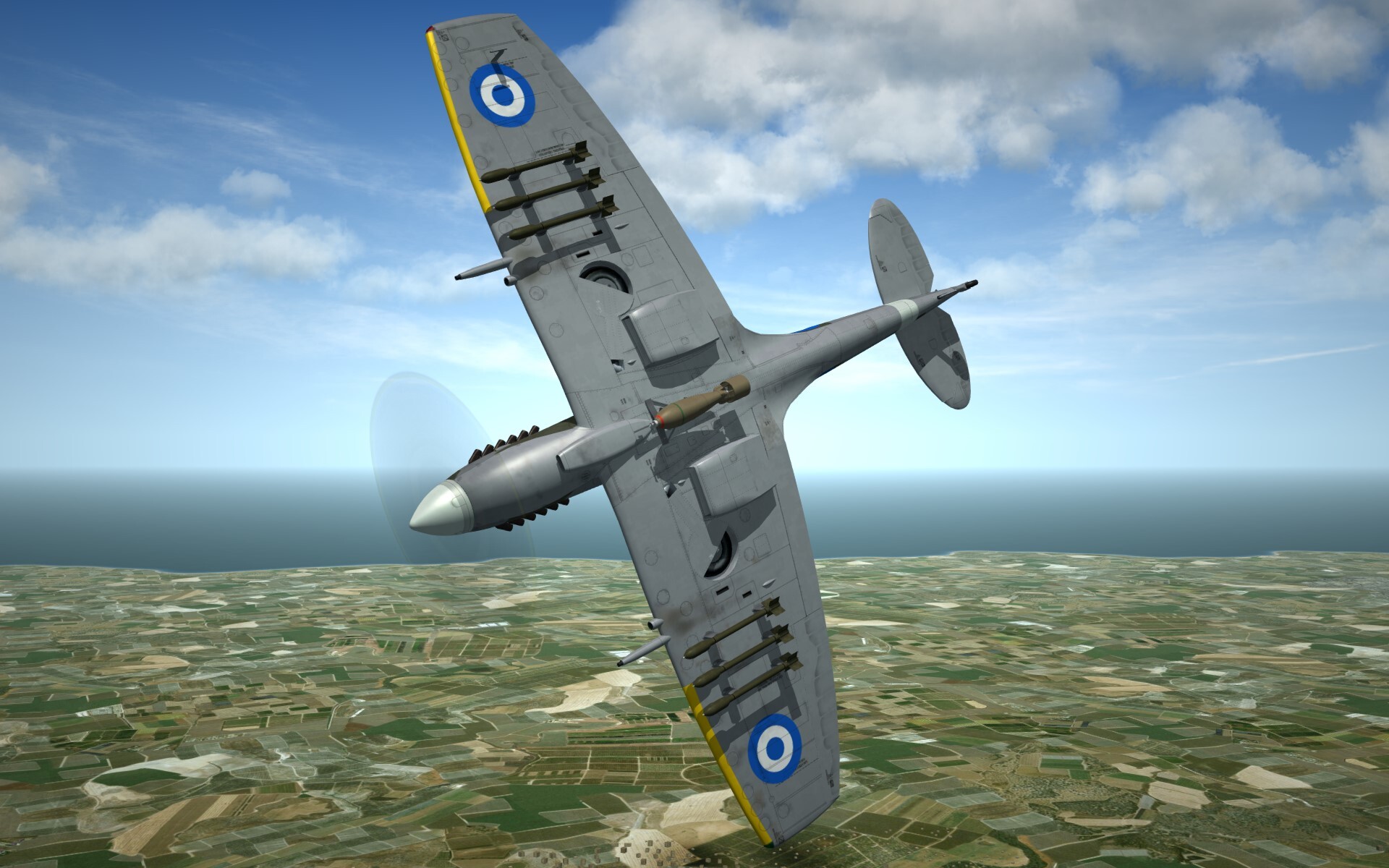
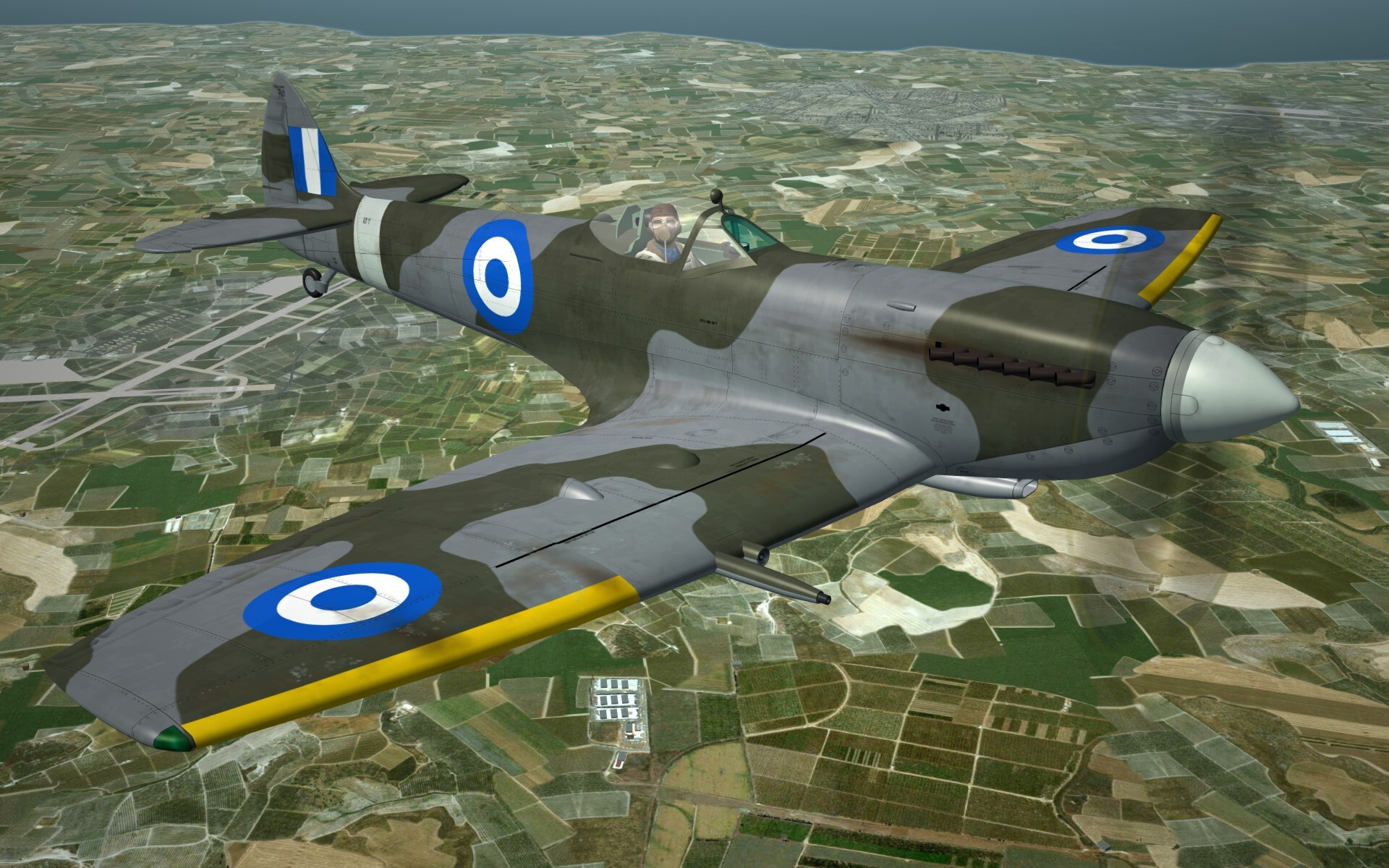
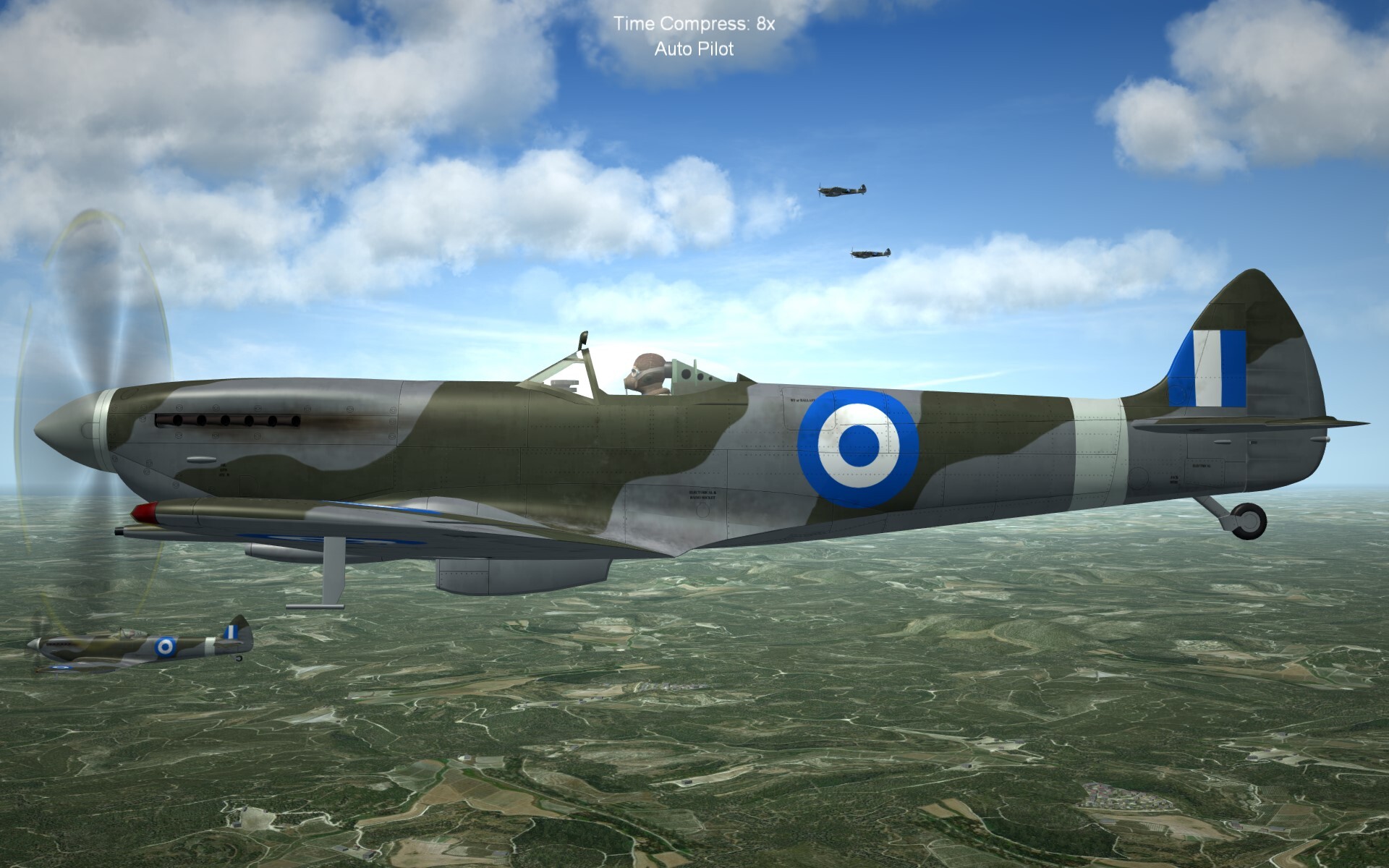
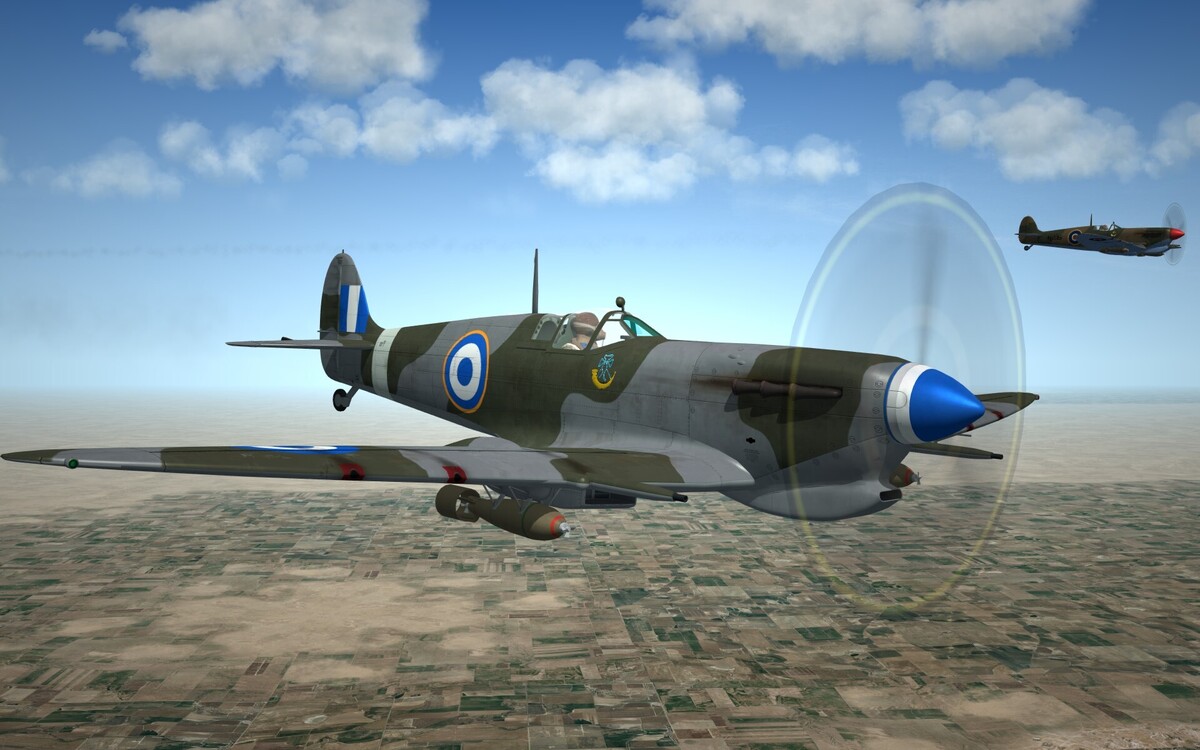
Hello all, I wanted to start this thread to keep you all abreast of what @alfa2 and I are working on .. Since we're currently working on Royal Hellenic Air Force Spitfires .. here's some preview shots of the MkV both B and C, elliptical and Clipped wing variants .. There are still more to come in the guise of the NoAF F-5a and the all new Viper models ..
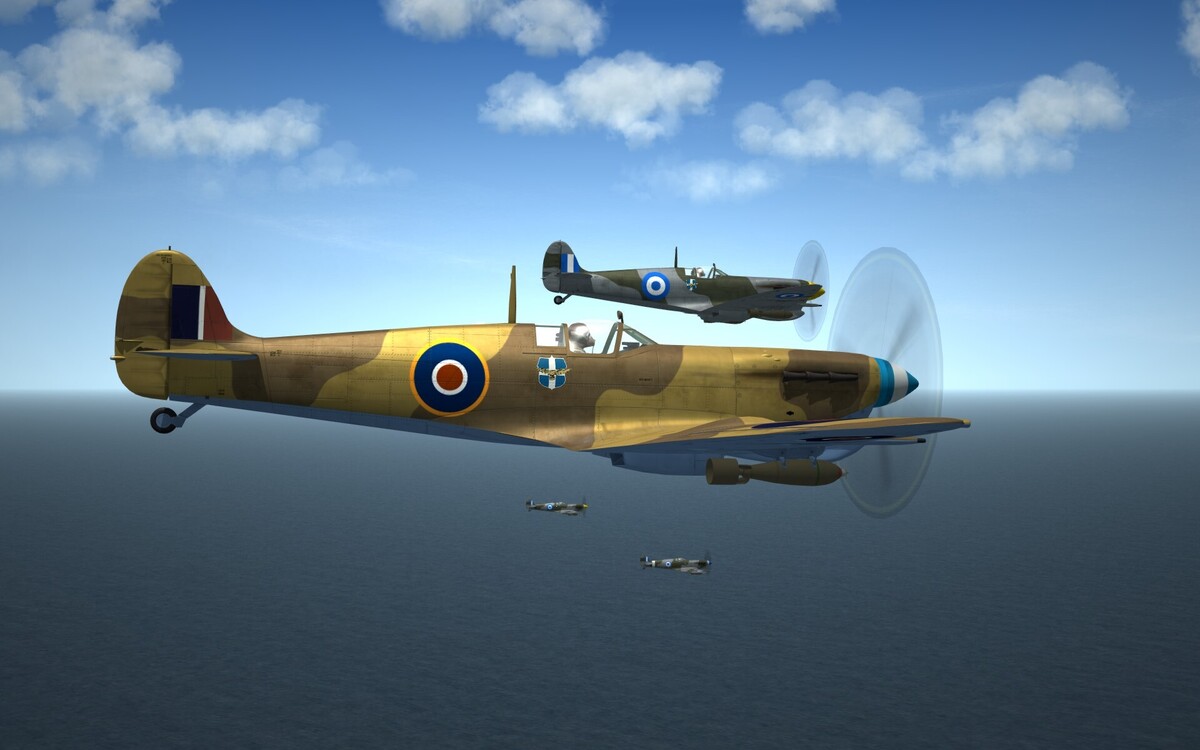
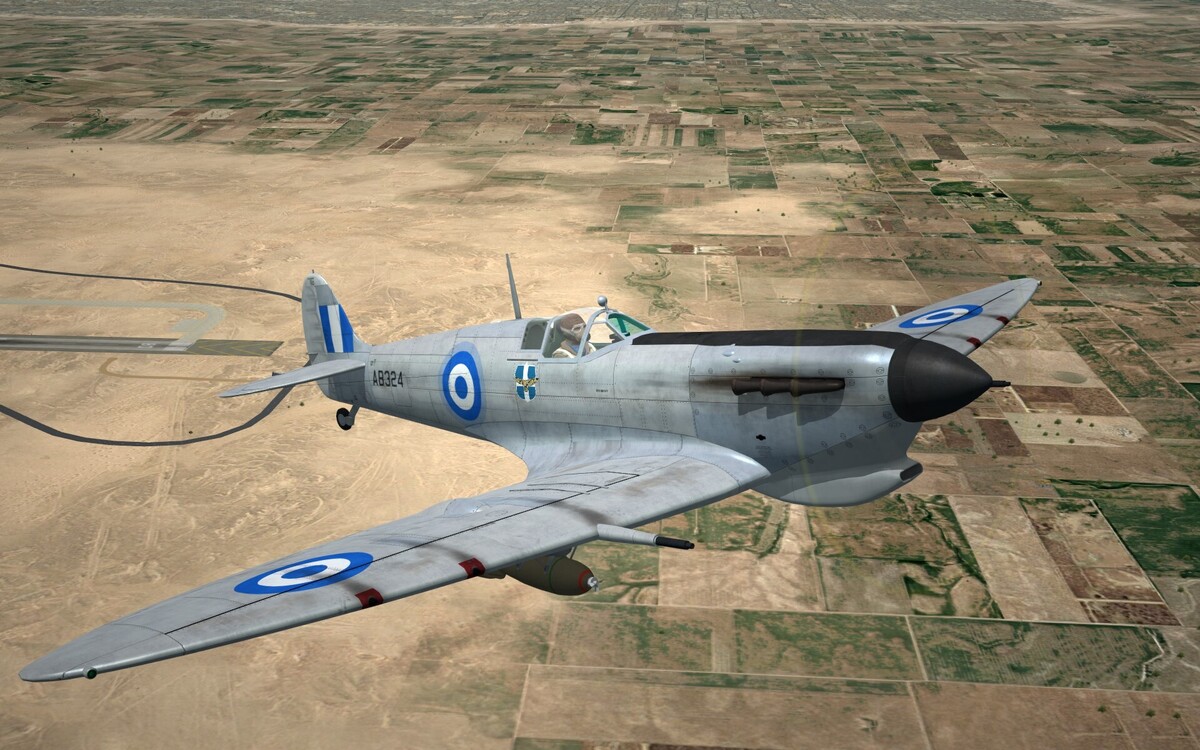
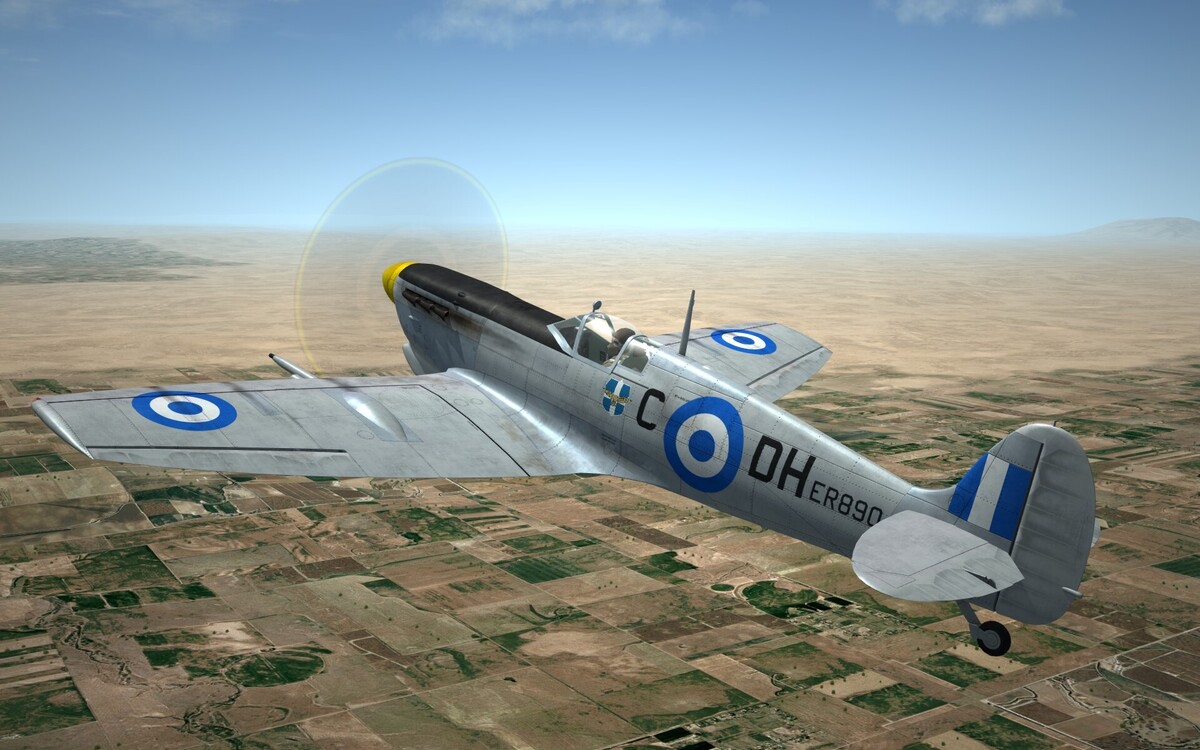
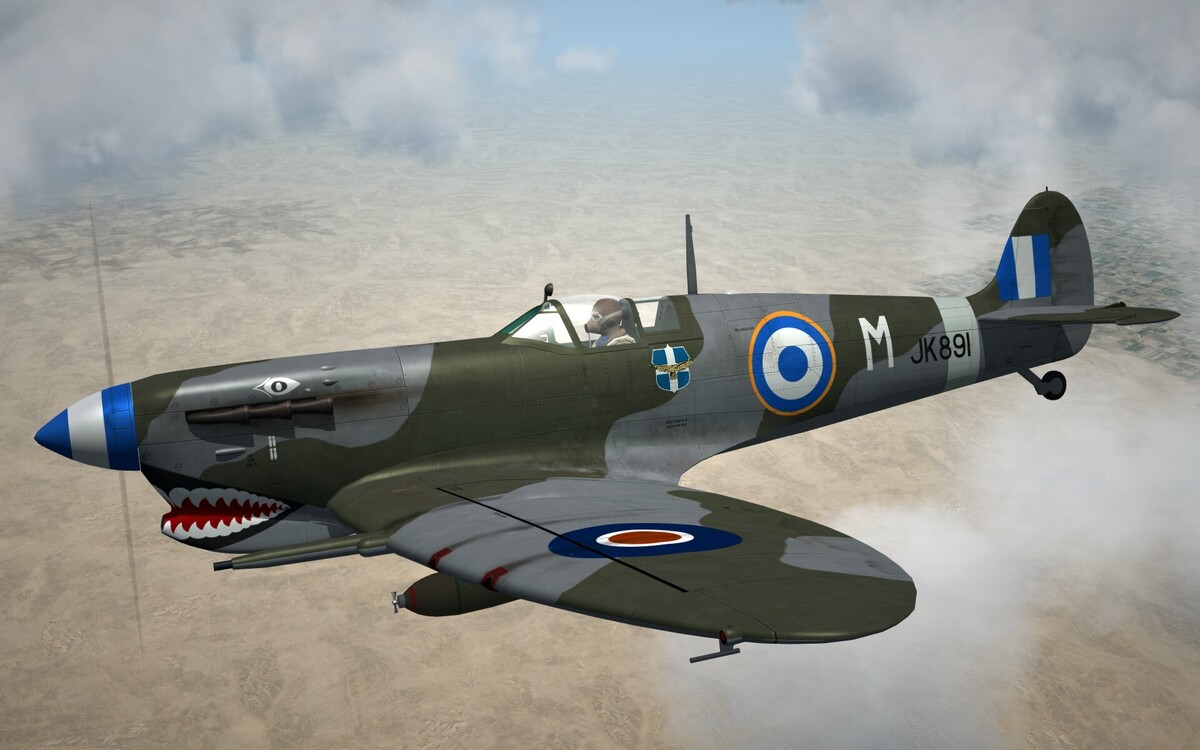
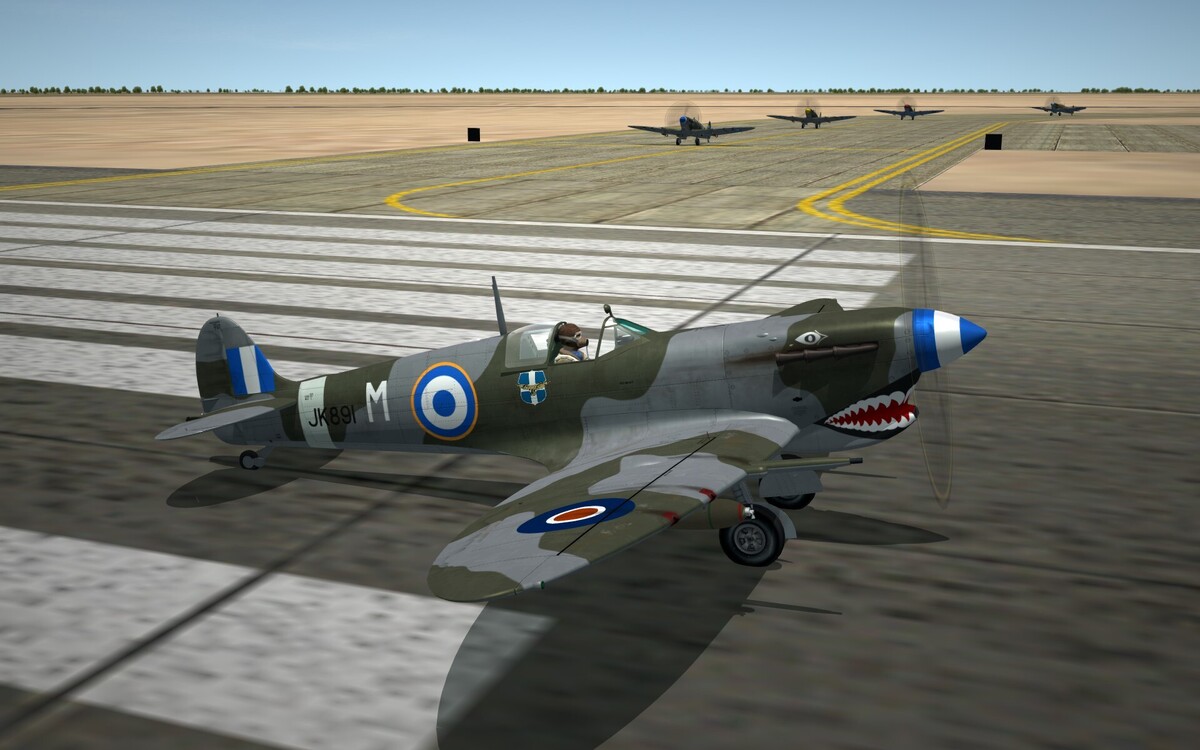
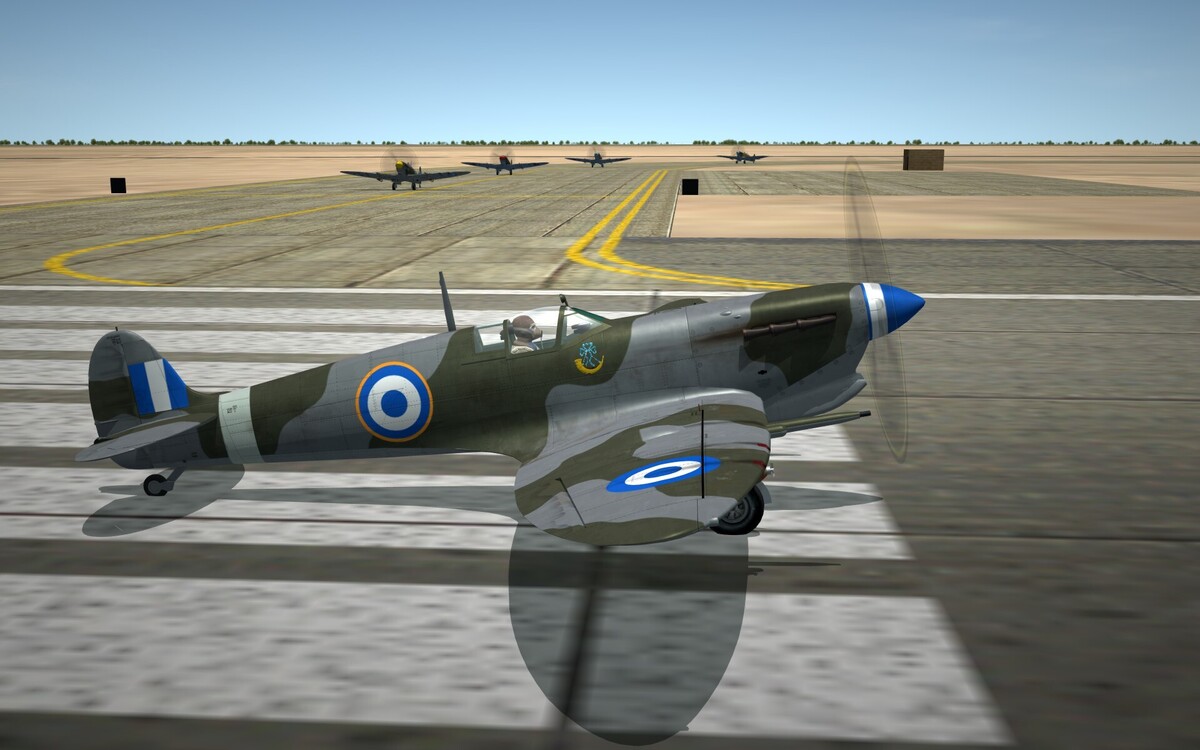
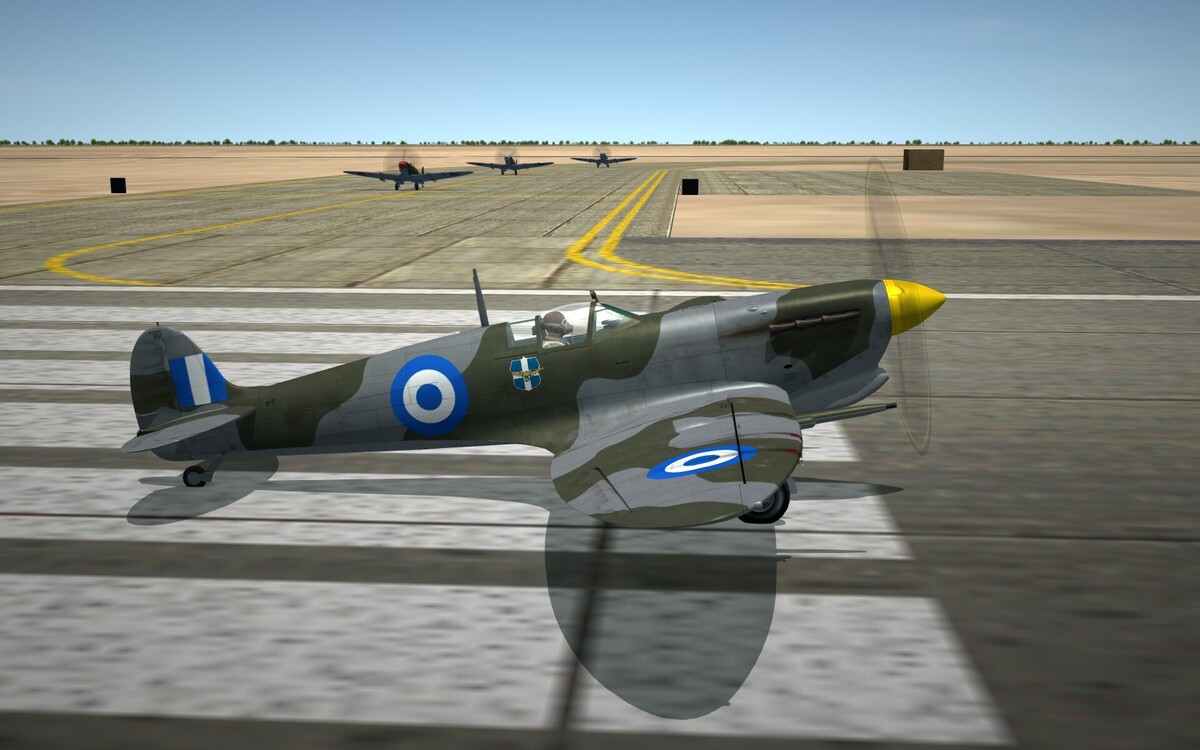
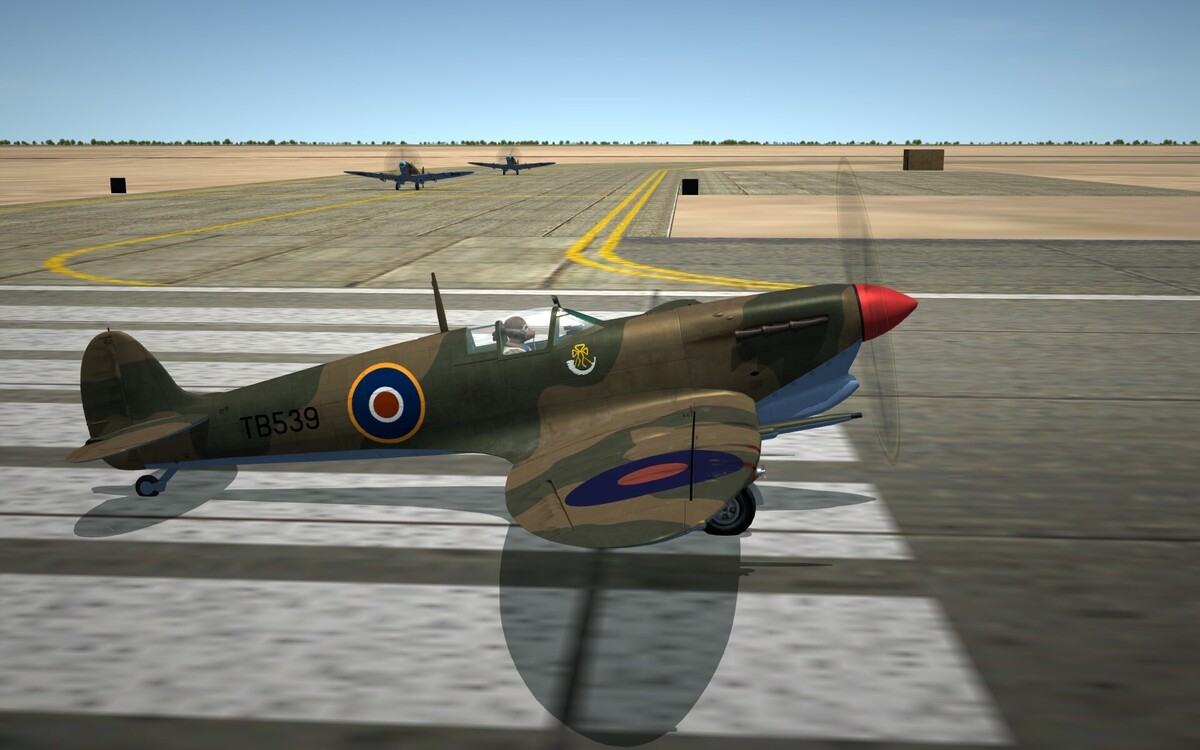
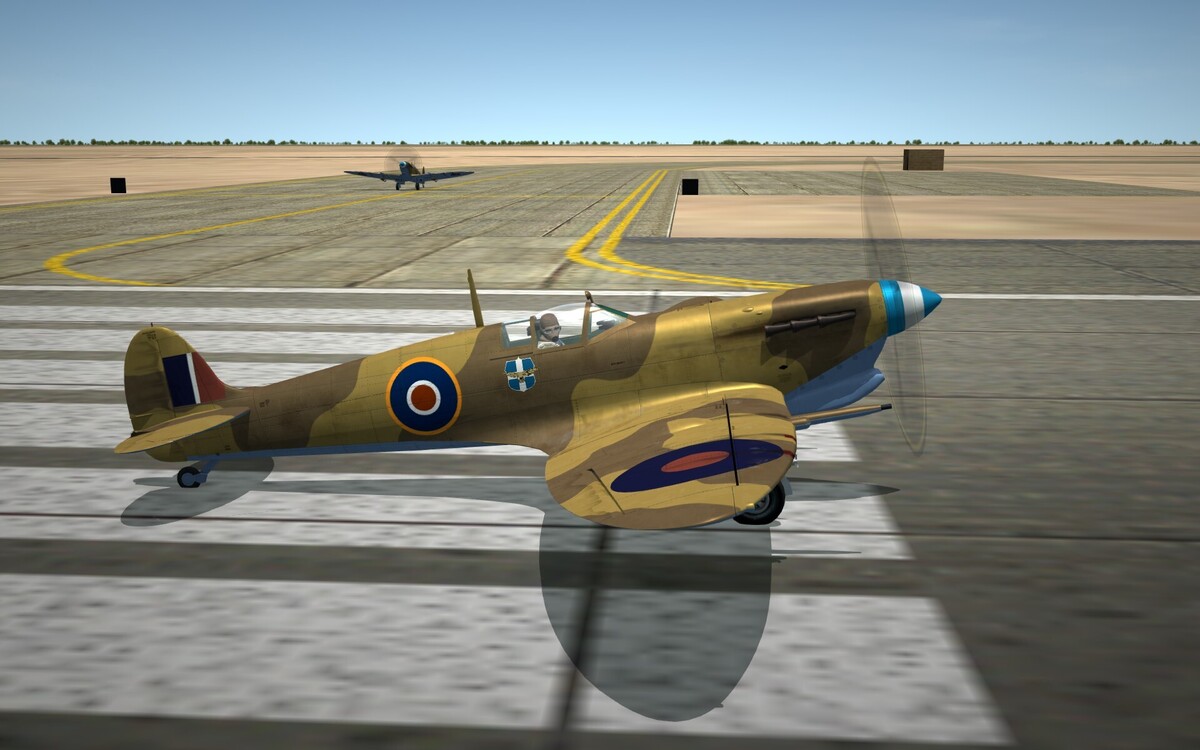
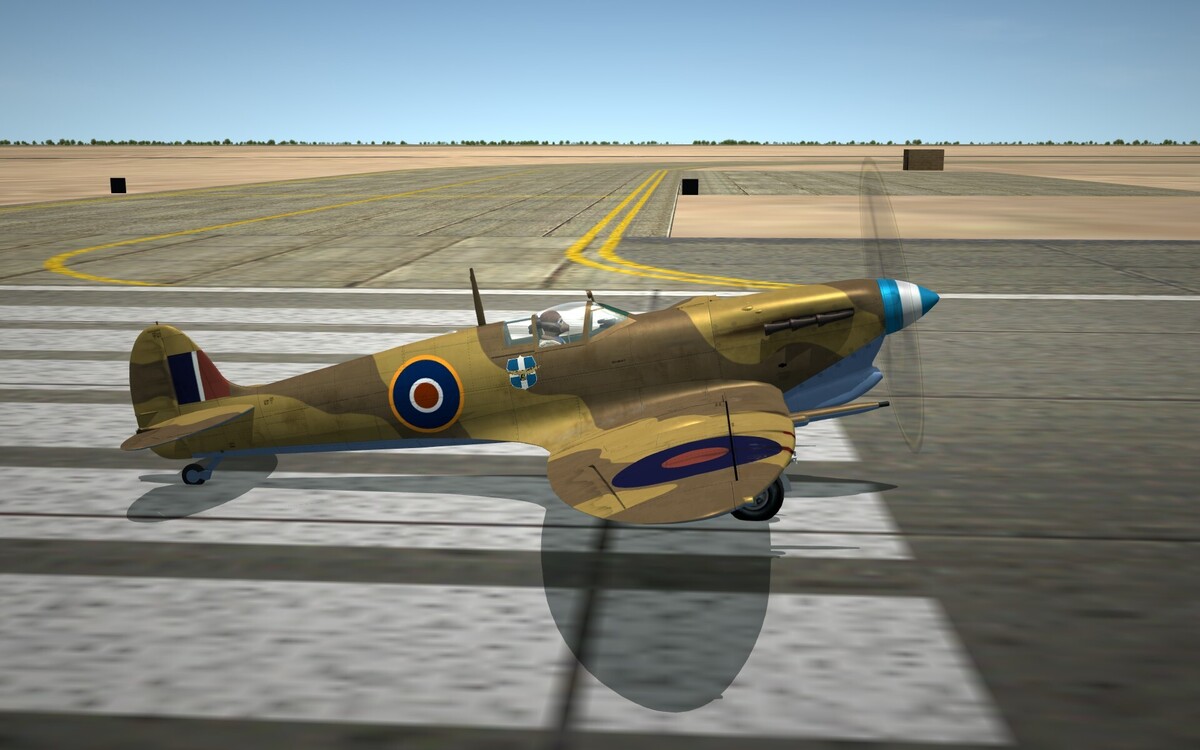
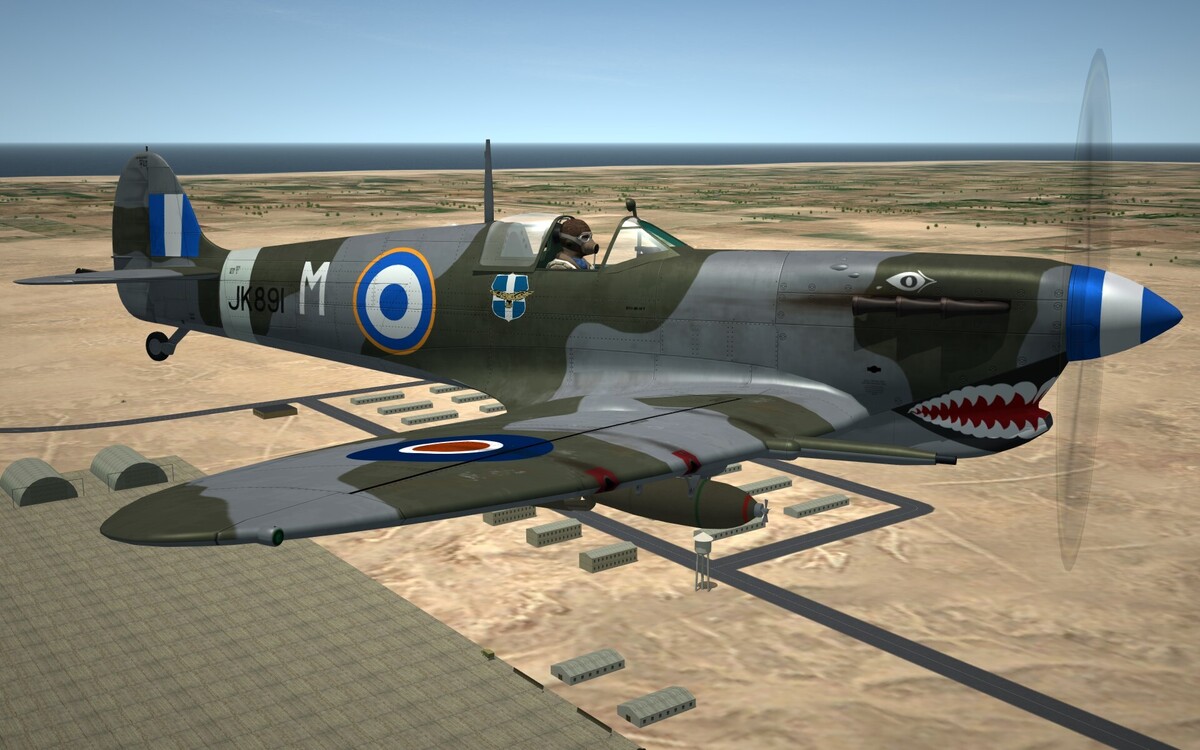
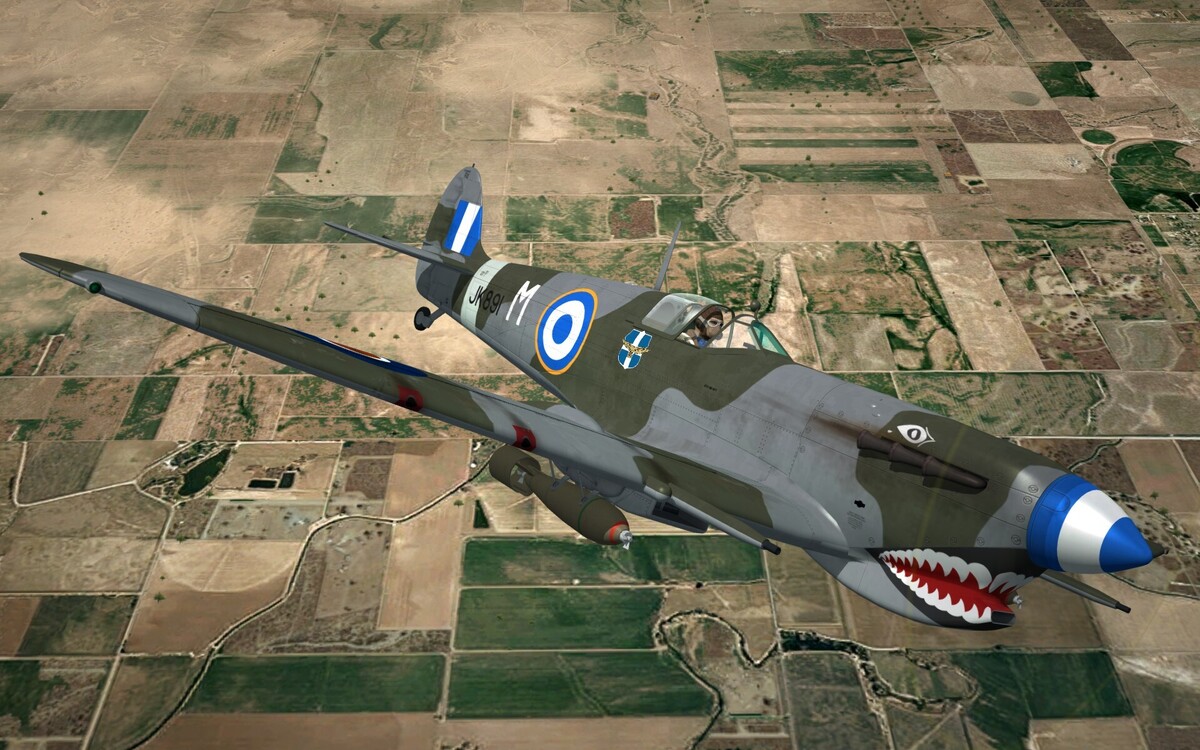
- 55 replies
-
- 18
-
-
-
Hello all, the Spitfire MkXVI e has been upgraded to version 1.03 Changelog Version 1.03 ----------------------------- - Historical Accuracy updated throughout. All RHAF units which used the Spitfire XVI variants are now included. - Additional Variant Included (XVI Low back with Classic Wing) - One forgotten Serial included - Merlin 266 Engine Power-Output profile updated representing the characteristics of this famous Engine within the limits of the SF2 code. - Textures, decals and screens updated
-
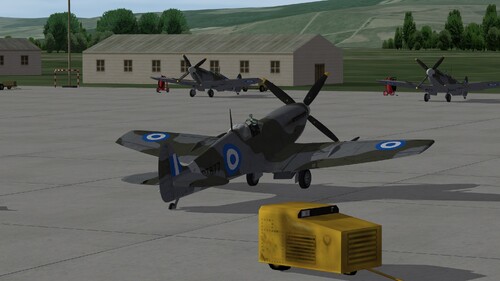
View File Spitfire_MKIX_HAF Version ---------------------Hellenic Airforce Spitfire MkIX -------------------- SF2 version 2026 This aircraft model is dedicated .. "To all those heroic Hellenic Air Force Spitfire pilots who lost their lives defending Hellas." -------------------------------Overview ----------------------------------- Starting from January 1947, the Hellenic Air Force received the most produced, and for many, the most successful Spitfire variant, the MkIX. Almost all of the produced Mk.IX variants were acquired and were equipped with numerous iterations of the Rolls Royce Merlin engine (Merlin 61, Merlin 63, Merlin 66 and Merlin 70). Depending on the variant, the planes were optimized for operational usage at High, Medium and Low Altitudes depending primarily on the power-altitude profiles of the installed Merlin engine. The planes were capable of undertaking every conceivable mission against air and ground targets, however the then Royal Hellenic Air Force (RHAF) used all of them, but a handful of 7 High Altitude optimized fighters, for low altitude, ground attack operations. The air defence of Greece, using their onboard Cannons and Heavy Machine Guns, was the sole role of the few HF.MkIXe planes, until they undertook the operational training of young graduates of SCHOLI AEROPORIAS (The then name of the Air Force Academy) and for this role, they also carried bombs and rockets. The RHAF's Mk.IX Spitfires were delivered with both "c" and "e" type Wings, of again both shapes, the classic (Elliptical) and the clipped wing tips. The RHAF took delivery of a total of 120 aircraft of all variants, which were initially assigned to 2 fighter squadrons, namely 335 SQ and 336 SQ, and two independent Flights (Kozani & Ioannina airfield detachments) and later on to the newly formed 337 Squadron from 1949 . The full listing of the 120 aircraft, along with their Manufacturing and RHAF delivery dates is presented below. Starting from 1951, and until their total replacement by jet fighters, the 20 best maintained MK.IX's also undertook the Operational Training and Jet Conversion roles operating in an Instructor/Trainee 2 ship formation, while the RHAF was under a pressing requirement to man many newly established squadrons of fighter jets with young fresh pilots. Most of the RHAF Mk IX planes were retired by 1953, but isolated airframes were equipped with cameras and continued in photo recce duties for another 2 years. The sole remaining airframe, a clipped wing IXc with the serial number MJ755 was kept in flying condition until 1960 and was recently restored and brought back to a full envelope flight status in 2022 becoming a part of the Hellenic Air Force Heritage Flight. --------------------RHAF Spitfire Mk XVIe Inventory ------------------------ Listed below are all confirmed S/N's of RHAF's MkIX's of all variants. The listing includes their engine type and their build and RHAF delivery dates. BS352 F.IXc M61 06-10-42 RHAF 13-05-48 BS394 F.IXc M61 03-10-42 RHAF 29-04-48 BS409 F.IXc M61 25-10-42 RHAF 06-05-48 BS508 F.IXc M61 21-10-42 RHAF 01-04-48 BS558 F.IXc M61 21-11-42 RHAF 29-05-49 EN143 F.IXc M61 04-12-42 RHAF 29-05-47 EN254 F.IXc M61 31-12-42 RHAF 30-01-47 EN286 F.IXc M61 04-12-42 RHAF 27-02-47 EN462 F.IXc M61 26-01-43 RHAF 08-08-47 JL227 F.IXc M63 03-04-43 RHAF 20-04-48 LZ839 F.IXc M63 29-04-43 RHAF 31-03-48 MA235 F.IXc M63 15-05-43 RHAF 31-03-48 MA256 F.IXc M63 21-05-43 RHAF 08-08-47 MA257 F.IXc M63 23-05-43 RHAF 30-01-47 MA422 F.IXc M61 18-07-43 RHAF 01-04-48 MA427 F.IXc M63 21-07-43 RHAF 27-03-47 MA462 F.IXc M63 11-06-43 RHAF 27-02-47 MA467 F.IXc M63 30-05-43 RHAF 13-05-48 MA532 F.IXc M63 13-06-43 RHAF 29-05-47 MA582 F.IXc M63 25-06-43 RHAF 29-04-48 MA751 F.IXc M61 18-07-43 RHAF 08-08-47 MA791 F.IXc M63 21-07-43 RHAF 29-04-48 MA798 F.IXc M63 18-07-43 RHAF 27-02-47 MA819 F.IXc M63 28-07-43 RHAF 20-04-48 MH314 F.IXc M63 28-07-43 RHAF 06-05-48 MH322 F.IXc M61 31-07-43 RHAF 06-05-48 MH359 F.IXc M61 31-07-43 RHAF 29-05-47 MH558 F.IXc M63 29-8-43 RHAF 31-07-47 MH698 F.IXc M63 10-09-43 RHAF 27-03-47 MH831 F.IXc M63 01-10-43 RHAF 20-04-48 MH853 F.IXc M63 01-10-43 RHAF 20-05-48 MH908 F.IXc M63 26-09-43 RHAF 29-04-48 MH924 F.IXc M63 14-09-43 RHAF 30-11-47 MH946 F.IXc M63 28-08-43 RHAF 30-01-47 MH985 F.IXc M63 05-09-43 RHAF 08-08-47 MH993 F.IXc M63 04-09-43 RHAF 27-03-47 MH996 F.IXc M61 15-09-43 RHAF 27-02-47 BS354 HF.IXe M70 19-10-42 RHAF 30-01-47 PT835 HF.IXe M70 17-08-44 RHAF 30-01-47 PV324 HF.IXe M70 28-09-44 RHAF 27-03-47 TA816 HF.IXe M70 11-12-44 RHAF 30-04-47 TB539 HF.IXe M70 01-02-45 RHAF 27-05-48 TB545 HF.IXe M70 14-02-45 RHAF 27-05-48 TB577 HF.IXe M70 18-02-45 RHAF 27-05-48 MH416 LF.IXc M66 11-08-43 RHAF 27-02-47 MH452 LF.IXc M66 15-08-43 RHAF 27-02-47 MH508 LF.IXc M66 21-08-43 RHAF 27-02-47 MH727 LF.IXc M66 15-09-43 RHAF 30-01-47 MH774 LF.IXc M66 19-09-43 RHAF 19-05-45 MH946 LF.IXc M66 28-08-43 RHAF 30-01-47 MJ292 LF.IXc M66 24-10-43 RHAF 30-01-47 MJ333 LF.IXc M66 24-10-43 RHAF 31-07-47 MJ391 LF.IXc M66 03-11-43 RHAF 27-02-47 MJ446 LF.IXc M66 25-08-44 RHAF 27-02-47 MJ468 LF.IXc M66 16-11-43 RHAF 27-03-47 MJ474 LF.IXc M66 30-11-43 RHAF 30-01-47 MJ507 LF.IXc M66 29-11-43 RHAF 27-02-47 MJ519 LF.IXc M66 22-11-43 RHAF 27-03-47 MJ522 LF.IXc M66 02-12-43 RHAF 30-01-47 MJ577 LF.IXc M66 04-12-43 RHAF 29-05-47 MJ725 LF.IXc M66 12-12-43 RHAF 29-05-47 MJ729 LF.IXc M66 16-12-43 RHAF 30-04-47 MJ755 LF.IXc M66 10-01-44 RHAF 29-05-47 MJ839 LF.IXc M66 26-11-43 RHAF 27-03-47 MJ879 LF.IXc M66 28-12-43 RHAF 30-01-47 MJ935 LF.IXc M66 27-04-44 RHAF 27-03-47 MK357 L.FIXc M66 04-02-44 RHAF 30-01-47 MK361 LF.IXc M66 07-02-44 RHAF 30-01-47 MK483 LF.IXc M66 25-02-44 RHAF 29-05-47 MK532 LF.IXc M66 05-03-44 RHAF 27-02-47 MK571 LF.IXc M66 04-03-44 RHAF 30-04-47 MK575 LF.IXc M66 12-03-44 RHAF 27-05-47 MK586 LF.IXc M66 24-03-44 RHAF 08-08-47 MK693 LF.IXc M66 31-03-44 RHAF 30-01-47 MK719 LF.IXc M66 02-03-44 RHAF 30-01-47 MK746 LF.IXc M66 28-02-44 RHAF 29-05-47 MK864 LF.IXc M66 05-04-44 RHAF 30-01-47 MK981 LF.IXc M66 14-04-44 RHAF 30-04-47 MK991 LF.IXc M66 27-03-44 RHAF 27-02-47 ML124 LF.IXc M66 27-03-44 RHAF 10-06-48 ML269 LF.IXc M66 19-04-44 RHAF 27-04-47 NH154 LF.IXe M66 26-04-44 RHAF 31-03-48 NH455 LF.IXe M66 20-05-44 RHAF 27-03-47 PL135 LF.IXe M66 17-06-44 RHAF 27-02-47 PL158 LF.IXe M66 30-06-44 RHAF 31-07-47 PL164 LF.IXe M66 17-07-44 RHAF 08-08-47 PL211 LF.IXe M66 14-06-44 RHAF 30-04-47 PL356 LF.IXe M66 29-07-44 RHAF 30-01-47 PL461 LF.IXe M66 01-07-44 RHAF 27-02-47 PT369 LF.IXe M66 20-07-44 RHAF 02-03-47 PT427 LF.IXe M66 17-07-44 RHAF 27-03-47 PT492 LF.IXe M66 22-07-44 RHAF 30-04-47 PT560 LF.IXe M66 31-08-44 RHAF 27-03-47 PT604 LF.IXe M66 28-07-44 RHAF 27-05-48 PT617 LF.IXe M66 28-07-44 RHAF 30-01-47 PT647 LF.IXe M66 28-07-44 RHAF 27-02-47 PT660 LF.IXe M66 28-07-44 RHAF 27-02-47 PT821 LF.IXe M66 16-08-44 RHAF 27-03-47 PT877 LF.IXe M66 24-08-44 RHAF 27-05-48 PT898 LF.IXe M66 27-08-44 RHAF 27-02-47 PT939 LF.IXe M66 27-08-44 RHAF 27-02-47 PT943 LF.IXe M66 26-08-44 RHAF 30-04-47 PV118 LF.IXe M66 28-07-44 RHAF 29-05-47 PV119 LF.IXe M66 01-08-44 RHAF 27-05-48 PV301 LF.IXe M66 26-09-44 RHAF 31-07-47 PV325 LF.IXe M66 30-09-44 RHAF 27-03-47 PV356 LF.IXe M66 30-09-44 RHAF 27-05-48 RK856 LF.IXe M66 02-10-44 RHAF 30-01-47 RR192 LF.IXe M66 05-09-44 RHAF 30-04-47 RR193 LF.IXe M66 11-10-44 RHAF 31-07-47 RR197 LF.IXe M66 16-09-44 RHAF 27-03-47 RR203 LF.IXe M66 07-09-44 RHAF 27-07-47 RR207 LF.IXe M66 12-10-44 RHAF 27-02-47 SM135 LF.IXe M66 18-09-44 RHAF 30-04-47 SM172 LF.IXe M66 02-10-44 RHAF 25-09-47 SM175 LF.IXe M66 09-10-44 RHAF 29-05-47 TA823 LF.IXe M66 23-09-44 RHAF 27-05-48 TA854 LF.IXe M66 03-10-44 RHAF 27-02-47 TA859 LF.IXe M66 03-10-44 RHAF 29-05-47 TA863 LF.IXe M66 07-10-44 RHAF 29-05-47 ------------------------------Features --------------------------------------- -All RHAF delivered IX variants included with historically correct models and S/N's -Multiple texture sets, both uniform and peculiar airframe sets. -One Hundred and Twenty historically accurate serials for the period 1947-53 -Dedicated Flight Parameters representing the real Spitfire Handling and Flying characterisitics within the limits of the SF2 Flight Model. -Dedicated Merlin Engine Power-Output profiles representing the characteristics of the individual editions of this famous Engine within the limits of the SF2 code. -Actual Elevator Trim Tab operation. The trim tab rotates about its axis creating a hinge moment that indirectly repositions the elevator in order to fly hands off. -Virtual Airbrake to ease-off handling during high speed dives. (This is a fictional addition not found in real Spitfire planes) ------------------------Flying the Spitfire MkIX ---------------------------- -All Variants present very friendly handling in all phases of operation. -The Clipped Wing variants mainly possess better roll performance and the Classic Wing slightly higher air speed capability. -There are two engine power settings the "normal" (up to 2850 engine rpm's and up to +12 psi boost) and the war emergency power (WEP) setting (up to 3050 engine rpm and up to +18 psi boost). -The WEP power setting is available at all speed ranges and from sea level to over 30.000 feet, depending on the variant, however due to the additional engine stress of its operation, it has a 5 minute total time availability in SF2 and therefore must be used only when needed. -Dive limit Mach Number is 0.85, but elevator controls become heavy and less effective over 0.7, therefore to control the dive speed, the user has the option to utilise the virtual (not realistic) airbrake deployment. -The aircraft does not normally depart controlled flight, however if it enters a spin, the throttle must be retarded to idle, and with full forward stick and rudder opposite to the gyration, the plane clears the spin after a few gyrations. -Flaps deployment limit is very low (140KTAS) and therefore their use is not practical in flight. In fact Flaps deployment is not needed in almost all phases of flight besides Landing. -Due to the plane's clean aerodynamics,speed loss is very low. Therefore proper pattern landing technique must be used. -Due to SF2 Flight Model's limitations propeller lateral asymmetry effects are not realistic. They are present, but are not representative of the real Spitfire behavior. ----------------------------Animations-------------------------------- Animation key 0 : canopy opening Animation key 9 : door opening Thrust vector control toggle : elevator (pitch) trim //////////////////////////////////// Credits //////////////////////////////////////////////// TurboSquid : original 3D model Snapper21 : source file donated to CA Wrench : project development origin Stary : original Late Spitfire cockpit v1.0 cockpit Starfighter2 : Spitfire IX (E Type) Cockpit Geezer : RAF Euro Pilot Oxy LODs 3D Coupi : Aircraft testing and video creation pvince : aircraft loudout icon Alfa2 : Project "Godfather" Dedicated Flight Model, authentic Loadouts, Decals and inis. Sophocles : Heavily modified original MkV transformed into MkXVIe, additionnal 3D parts, New bomb carriers and rocket pylons, model editing to import into TW sims, textures, cockpit editing. Thirdwire : Texture templates for damage textures //////////////////////////////////// Disclaimer ////////////////////////////////////////////// THIS AIRCRAFT MOD OR ANY PARTS OF IT ARE TO BE EXCLUSIVELY HOSTED BY COMBATACE.COM AND MUST NOT BE HOSTED OR POSTED FOR DOWNLOAD ON ANY OTHER WEB SITE. THIS PACKAGE AND ANY PARTS HEREIN MAY NOT BE UPLOADED AS PART OF ANOTHER MOD NOR MUST THEY BE SOLD OR OFFERED FOR SALE EITHER IN PART OR AS A WHOLE WITHOUT OUR EXPRESS PERMISSION. Alfa2 and Sophocles Submitter sophocles Submitted 03/08/2026 Category Early Access
-
Version 1.0.2
43 downloads
---------------------Hellenic Airforce Spitfire MkIX -------------------- SF2 version 2026 This aircraft model is dedicated .. "To all those heroic Hellenic Air Force Spitfire pilots who lost their lives defending Hellas." -------------------------------Overview ----------------------------------- Starting from January 1947, the Hellenic Air Force received the most produced, and for many, the most successful Spitfire variant, the MkIX. Almost all of the produced Mk.IX variants were acquired and were equipped with numerous iterations of the Rolls Royce Merlin engine (Merlin 61, Merlin 63, Merlin 66 and Merlin 70). Depending on the variant, the planes were optimized for operational usage at High, Medium and Low Altitudes depending primarily on the power-altitude profiles of the installed Merlin engine. The planes were capable of undertaking every conceivable mission against air and ground targets, however the then Royal Hellenic Air Force (RHAF) used all of them, but a handful of 7 High Altitude optimized fighters, for low altitude, ground attack operations. The air defence of Greece, using their onboard Cannons and Heavy Machine Guns, was the sole role of the few HF.MkIXe planes, until they undertook the operational training of young graduates of SCHOLI AEROPORIAS (The then name of the Air Force Academy) and for this role, they also carried bombs and rockets. The RHAF's Mk.IX Spitfires were delivered with both "c" and "e" type Wings, of again both shapes, the classic (Elliptical) and the clipped wing tips. The RHAF took delivery of a total of 120 aircraft of all variants, which were initially assigned to 2 fighter squadrons, namely 335 SQ and 336 SQ, and two independent Flights (Kozani & Ioannina airfield detachments) and later on to the newly formed 337 Squadron from 1949 . The full listing of the 120 aircraft, along with their Manufacturing and RHAF delivery dates is presented below. Starting from 1951, and until their total replacement by jet fighters, the 20 best maintained MK.IX's also undertook the Operational Training and Jet Conversion roles operating in an Instructor/Trainee 2 ship formation, while the RHAF was under a pressing requirement to man many newly established squadrons of fighter jets with young fresh pilots. Most of the RHAF Mk IX planes were retired by 1953, but isolated airframes were equipped with cameras and continued in photo recce duties for another 2 years. The sole remaining airframe, a clipped wing IXc with the serial number MJ755 was kept in flying condition until 1960 and was recently restored and brought back to a full envelope flight status in 2022 becoming a part of the Hellenic Air Force Heritage Flight. --------------------RHAF Spitfire Mk XVIe Inventory ------------------------ Listed below are all confirmed S/N's of RHAF's MkIX's of all variants. The listing includes their engine type and their build and RHAF delivery dates. BS352 F.IXc M61 06-10-42 RHAF 13-05-48 BS394 F.IXc M61 03-10-42 RHAF 29-04-48 BS409 F.IXc M61 25-10-42 RHAF 06-05-48 BS508 F.IXc M61 21-10-42 RHAF 01-04-48 BS558 F.IXc M61 21-11-42 RHAF 29-05-49 EN143 F.IXc M61 04-12-42 RHAF 29-05-47 EN254 F.IXc M61 31-12-42 RHAF 30-01-47 EN286 F.IXc M61 04-12-42 RHAF 27-02-47 EN462 F.IXc M61 26-01-43 RHAF 08-08-47 JL227 F.IXc M63 03-04-43 RHAF 20-04-48 LZ839 F.IXc M63 29-04-43 RHAF 31-03-48 MA235 F.IXc M63 15-05-43 RHAF 31-03-48 MA256 F.IXc M63 21-05-43 RHAF 08-08-47 MA257 F.IXc M63 23-05-43 RHAF 30-01-47 MA422 F.IXc M61 18-07-43 RHAF 01-04-48 MA427 F.IXc M63 21-07-43 RHAF 27-03-47 MA462 F.IXc M63 11-06-43 RHAF 27-02-47 MA467 F.IXc M63 30-05-43 RHAF 13-05-48 MA532 F.IXc M63 13-06-43 RHAF 29-05-47 MA582 F.IXc M63 25-06-43 RHAF 29-04-48 MA751 F.IXc M61 18-07-43 RHAF 08-08-47 MA791 F.IXc M63 21-07-43 RHAF 29-04-48 MA798 F.IXc M63 18-07-43 RHAF 27-02-47 MA819 F.IXc M63 28-07-43 RHAF 20-04-48 MH314 F.IXc M63 28-07-43 RHAF 06-05-48 MH322 F.IXc M61 31-07-43 RHAF 06-05-48 MH359 F.IXc M61 31-07-43 RHAF 29-05-47 MH558 F.IXc M63 29-8-43 RHAF 31-07-47 MH698 F.IXc M63 10-09-43 RHAF 27-03-47 MH831 F.IXc M63 01-10-43 RHAF 20-04-48 MH853 F.IXc M63 01-10-43 RHAF 20-05-48 MH908 F.IXc M63 26-09-43 RHAF 29-04-48 MH924 F.IXc M63 14-09-43 RHAF 30-11-47 MH946 F.IXc M63 28-08-43 RHAF 30-01-47 MH985 F.IXc M63 05-09-43 RHAF 08-08-47 MH993 F.IXc M63 04-09-43 RHAF 27-03-47 MH996 F.IXc M61 15-09-43 RHAF 27-02-47 BS354 HF.IXe M70 19-10-42 RHAF 30-01-47 PT835 HF.IXe M70 17-08-44 RHAF 30-01-47 PV324 HF.IXe M70 28-09-44 RHAF 27-03-47 TA816 HF.IXe M70 11-12-44 RHAF 30-04-47 TB539 HF.IXe M70 01-02-45 RHAF 27-05-48 TB545 HF.IXe M70 14-02-45 RHAF 27-05-48 TB577 HF.IXe M70 18-02-45 RHAF 27-05-48 MH416 LF.IXc M66 11-08-43 RHAF 27-02-47 MH452 LF.IXc M66 15-08-43 RHAF 27-02-47 MH508 LF.IXc M66 21-08-43 RHAF 27-02-47 MH727 LF.IXc M66 15-09-43 RHAF 30-01-47 MH774 LF.IXc M66 19-09-43 RHAF 19-05-45 MH946 LF.IXc M66 28-08-43 RHAF 30-01-47 MJ292 LF.IXc M66 24-10-43 RHAF 30-01-47 MJ333 LF.IXc M66 24-10-43 RHAF 31-07-47 MJ391 LF.IXc M66 03-11-43 RHAF 27-02-47 MJ446 LF.IXc M66 25-08-44 RHAF 27-02-47 MJ468 LF.IXc M66 16-11-43 RHAF 27-03-47 MJ474 LF.IXc M66 30-11-43 RHAF 30-01-47 MJ507 LF.IXc M66 29-11-43 RHAF 27-02-47 MJ519 LF.IXc M66 22-11-43 RHAF 27-03-47 MJ522 LF.IXc M66 02-12-43 RHAF 30-01-47 MJ577 LF.IXc M66 04-12-43 RHAF 29-05-47 MJ725 LF.IXc M66 12-12-43 RHAF 29-05-47 MJ729 LF.IXc M66 16-12-43 RHAF 30-04-47 MJ755 LF.IXc M66 10-01-44 RHAF 29-05-47 MJ839 LF.IXc M66 26-11-43 RHAF 27-03-47 MJ879 LF.IXc M66 28-12-43 RHAF 30-01-47 MJ935 LF.IXc M66 27-04-44 RHAF 27-03-47 MK357 L.FIXc M66 04-02-44 RHAF 30-01-47 MK361 LF.IXc M66 07-02-44 RHAF 30-01-47 MK483 LF.IXc M66 25-02-44 RHAF 29-05-47 MK532 LF.IXc M66 05-03-44 RHAF 27-02-47 MK571 LF.IXc M66 04-03-44 RHAF 30-04-47 MK575 LF.IXc M66 12-03-44 RHAF 27-05-47 MK586 LF.IXc M66 24-03-44 RHAF 08-08-47 MK693 LF.IXc M66 31-03-44 RHAF 30-01-47 MK719 LF.IXc M66 02-03-44 RHAF 30-01-47 MK746 LF.IXc M66 28-02-44 RHAF 29-05-47 MK864 LF.IXc M66 05-04-44 RHAF 30-01-47 MK981 LF.IXc M66 14-04-44 RHAF 30-04-47 MK991 LF.IXc M66 27-03-44 RHAF 27-02-47 ML124 LF.IXc M66 27-03-44 RHAF 10-06-48 ML269 LF.IXc M66 19-04-44 RHAF 27-04-47 NH154 LF.IXe M66 26-04-44 RHAF 31-03-48 NH455 LF.IXe M66 20-05-44 RHAF 27-03-47 PL135 LF.IXe M66 17-06-44 RHAF 27-02-47 PL158 LF.IXe M66 30-06-44 RHAF 31-07-47 PL164 LF.IXe M66 17-07-44 RHAF 08-08-47 PL211 LF.IXe M66 14-06-44 RHAF 30-04-47 PL356 LF.IXe M66 29-07-44 RHAF 30-01-47 PL461 LF.IXe M66 01-07-44 RHAF 27-02-47 PT369 LF.IXe M66 20-07-44 RHAF 02-03-47 PT427 LF.IXe M66 17-07-44 RHAF 27-03-47 PT492 LF.IXe M66 22-07-44 RHAF 30-04-47 PT560 LF.IXe M66 31-08-44 RHAF 27-03-47 PT604 LF.IXe M66 28-07-44 RHAF 27-05-48 PT617 LF.IXe M66 28-07-44 RHAF 30-01-47 PT647 LF.IXe M66 28-07-44 RHAF 27-02-47 PT660 LF.IXe M66 28-07-44 RHAF 27-02-47 PT821 LF.IXe M66 16-08-44 RHAF 27-03-47 PT877 LF.IXe M66 24-08-44 RHAF 27-05-48 PT898 LF.IXe M66 27-08-44 RHAF 27-02-47 PT939 LF.IXe M66 27-08-44 RHAF 27-02-47 PT943 LF.IXe M66 26-08-44 RHAF 30-04-47 PV118 LF.IXe M66 28-07-44 RHAF 29-05-47 PV119 LF.IXe M66 01-08-44 RHAF 27-05-48 PV301 LF.IXe M66 26-09-44 RHAF 31-07-47 PV325 LF.IXe M66 30-09-44 RHAF 27-03-47 PV356 LF.IXe M66 30-09-44 RHAF 27-05-48 RK856 LF.IXe M66 02-10-44 RHAF 30-01-47 RR192 LF.IXe M66 05-09-44 RHAF 30-04-47 RR193 LF.IXe M66 11-10-44 RHAF 31-07-47 RR197 LF.IXe M66 16-09-44 RHAF 27-03-47 RR203 LF.IXe M66 07-09-44 RHAF 27-07-47 RR207 LF.IXe M66 12-10-44 RHAF 27-02-47 SM135 LF.IXe M66 18-09-44 RHAF 30-04-47 SM172 LF.IXe M66 02-10-44 RHAF 25-09-47 SM175 LF.IXe M66 09-10-44 RHAF 29-05-47 TA823 LF.IXe M66 23-09-44 RHAF 27-05-48 TA854 LF.IXe M66 03-10-44 RHAF 27-02-47 TA859 LF.IXe M66 03-10-44 RHAF 29-05-47 TA863 LF.IXe M66 07-10-44 RHAF 29-05-47 ------------------------------Features --------------------------------------- -All RHAF delivered IX variants included with historically correct models and S/N's -Multiple texture sets, both uniform and peculiar airframe sets. -One Hundred and Twenty historically accurate serials for the period 1947-53 -Dedicated Flight Parameters representing the real Spitfire Handling and Flying characterisitics within the limits of the SF2 Flight Model. -Dedicated Merlin Engine Power-Output profiles representing the characteristics of the individual editions of this famous Engine within the limits of the SF2 code. -Actual Elevator Trim Tab operation. The trim tab rotates about its axis creating a hinge moment that indirectly repositions the elevator in order to fly hands off. -Virtual Airbrake to ease-off handling during high speed dives. (This is a fictional addition not found in real Spitfire planes) ------------------------Flying the Spitfire MkIX ---------------------------- -All Variants present very friendly handling in all phases of operation. -The Clipped Wing variants mainly possess better roll performance and the Classic Wing slightly higher air speed capability. -There are two engine power settings the "normal" (up to 2850 engine rpm's and up to +12 psi boost) and the war emergency power (WEP) setting (up to 3050 engine rpm and up to +18 psi boost). -The WEP power setting is available at all speed ranges and from sea level to over 30.000 feet, depending on the variant, however due to the additional engine stress of its operation, it has a 5 minute total time availability in SF2 and therefore must be used only when needed. -Dive limit Mach Number is 0.85, but elevator controls become heavy and less effective over 0.7, therefore to control the dive speed, the user has the option to utilise the virtual (not realistic) airbrake deployment. -The aircraft does not normally depart controlled flight, however if it enters a spin, the throttle must be retarded to idle, and with full forward stick and rudder opposite to the gyration, the plane clears the spin after a few gyrations. -Flaps deployment limit is very low (140KTAS) and therefore their use is not practical in flight. In fact Flaps deployment is not needed in almost all phases of flight besides Landing. -Due to the plane's clean aerodynamics,speed loss is very low. Therefore proper pattern landing technique must be used. -Due to SF2 Flight Model's limitations propeller lateral asymmetry effects are not realistic. They are present, but are not representative of the real Spitfire behavior. ----------------------------Animations-------------------------------- Animation key 0 : canopy opening Animation key 9 : door opening Thrust vector control toggle : elevator (pitch) trim //////////////////////////////////// Credits //////////////////////////////////////////////// TurboSquid : original 3D model Snapper21 : source file donated to CA Wrench : project development origin Stary : original Late Spitfire cockpit v1.0 cockpit Starfighter2 : Spitfire IX (E Type) Cockpit Geezer : RAF Euro Pilot Oxy LODs 3D Coupi : Aircraft testing and video creation pvince : aircraft loudout icon Alfa2 : Project "Godfather" Dedicated Flight Model, authentic Loadouts, Decals and inis. Sophocles : Heavily modified original MkV transformed into MkXVIe, additionnal 3D parts, New bomb carriers and rocket pylons, model editing to import into TW sims, textures, cockpit editing. Thirdwire : Texture templates for damage textures //////////////////////////////////// Disclaimer ////////////////////////////////////////////// THIS AIRCRAFT MOD OR ANY PARTS OF IT ARE TO BE EXCLUSIVELY HOSTED BY COMBATACE.COM AND MUST NOT BE HOSTED OR POSTED FOR DOWNLOAD ON ANY OTHER WEB SITE. THIS PACKAGE AND ANY PARTS HEREIN MAY NOT BE UPLOADED AS PART OF ANOTHER MOD NOR MUST THEY BE SOLD OR OFFERED FOR SALE EITHER IN PART OR AS A WHOLE WITHOUT OUR EXPRESS PERMISSION. Alfa2 and Sophocles -
 Superb!! The skins are amazing!! Top notch work!
 -
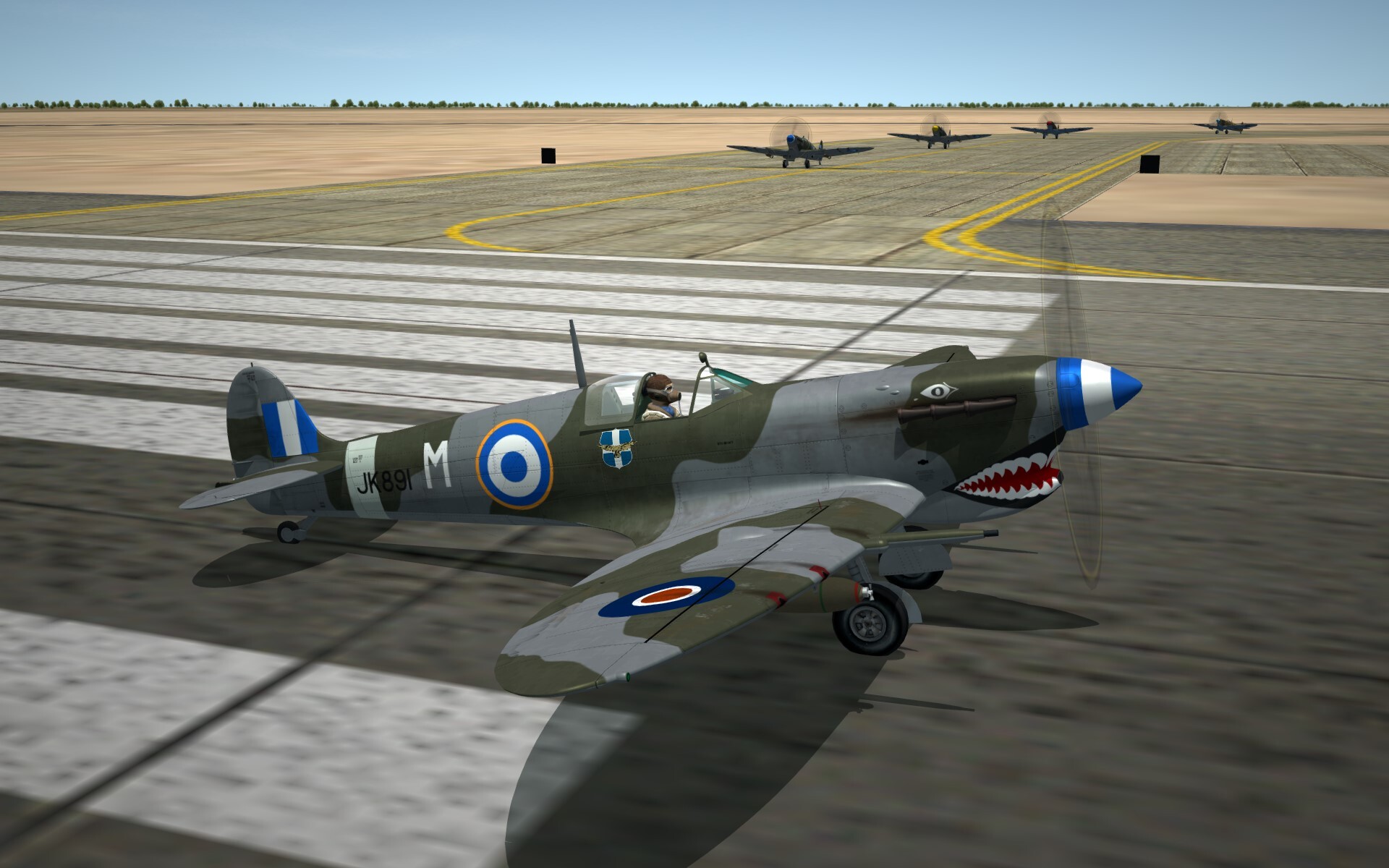
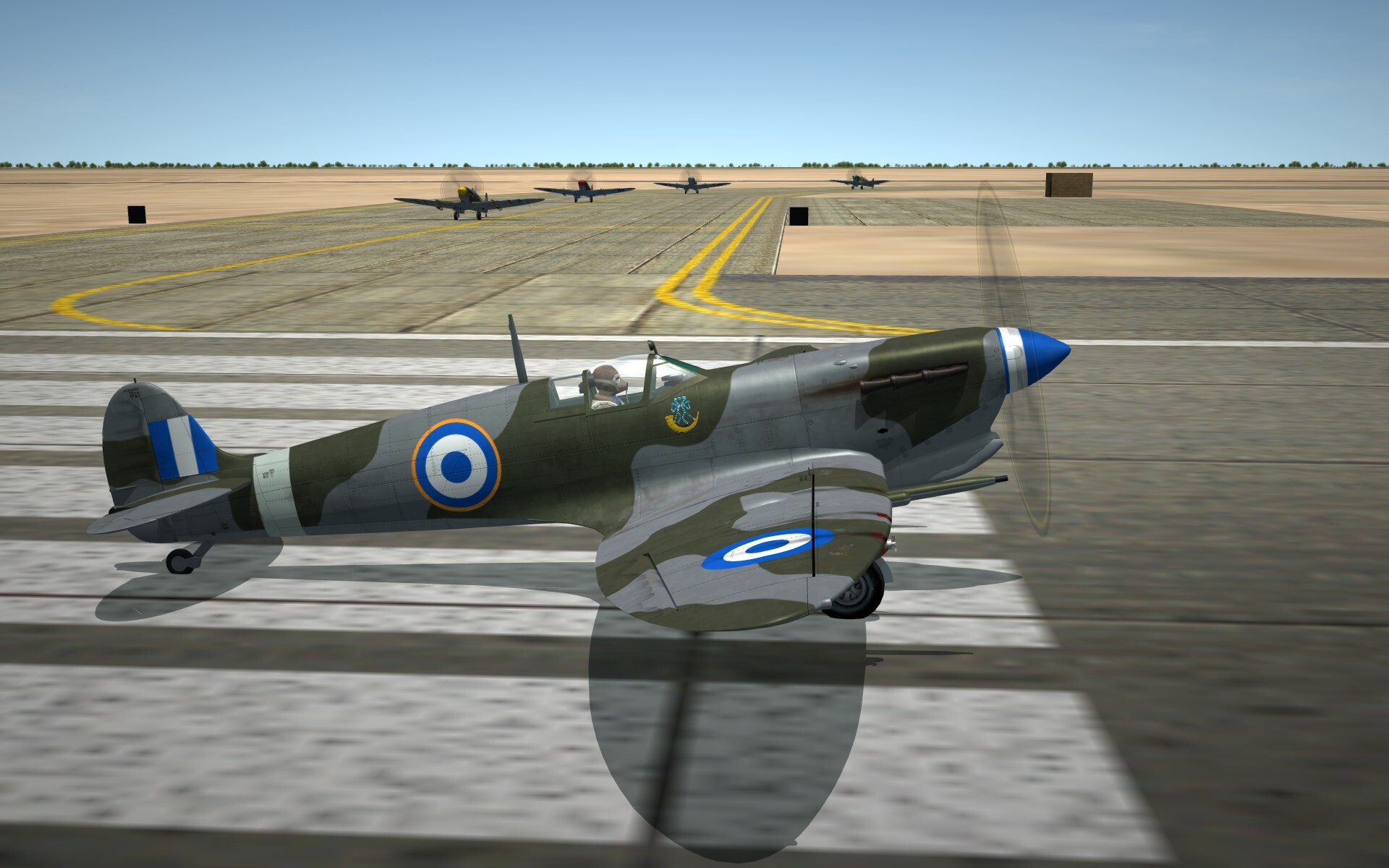
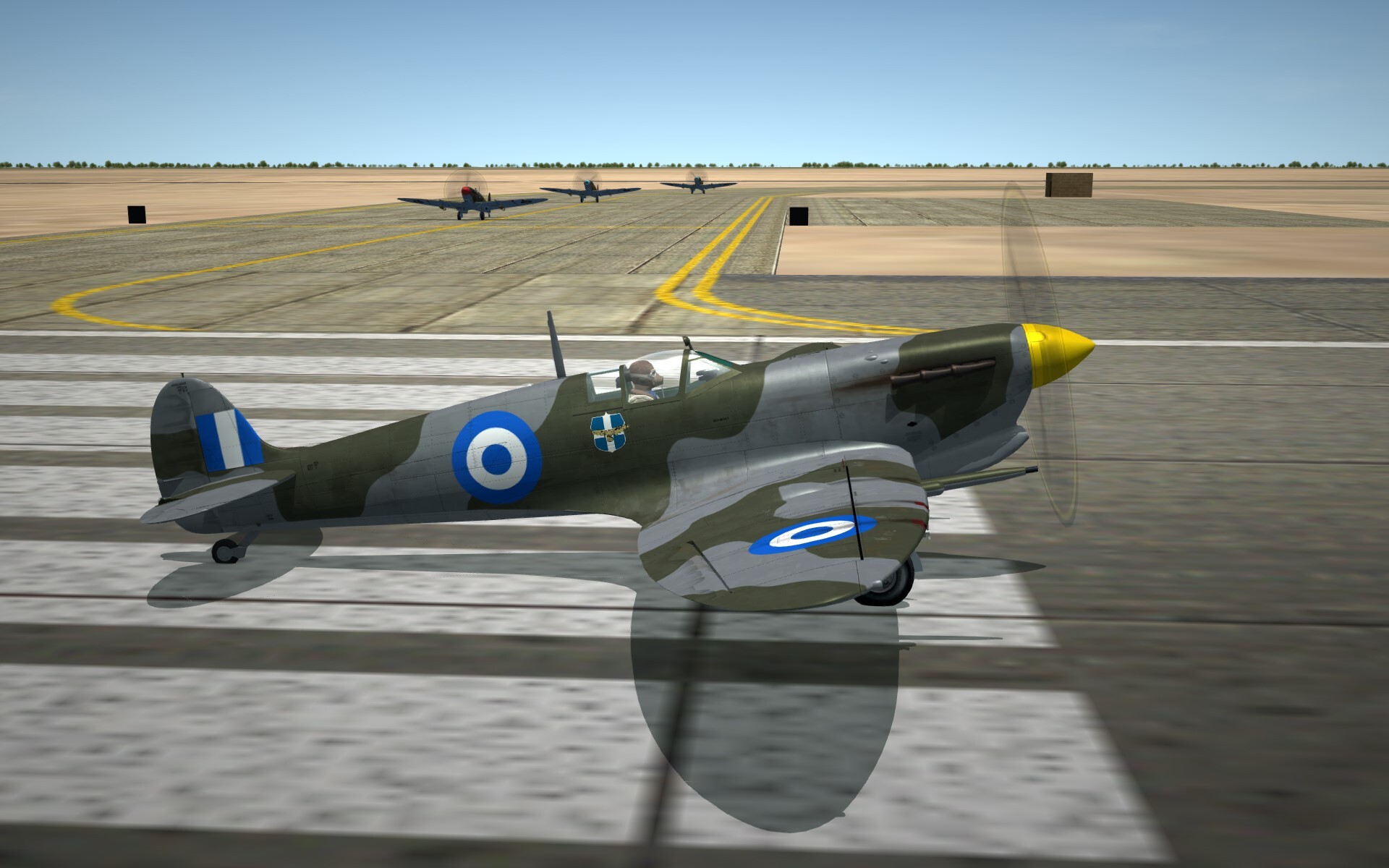
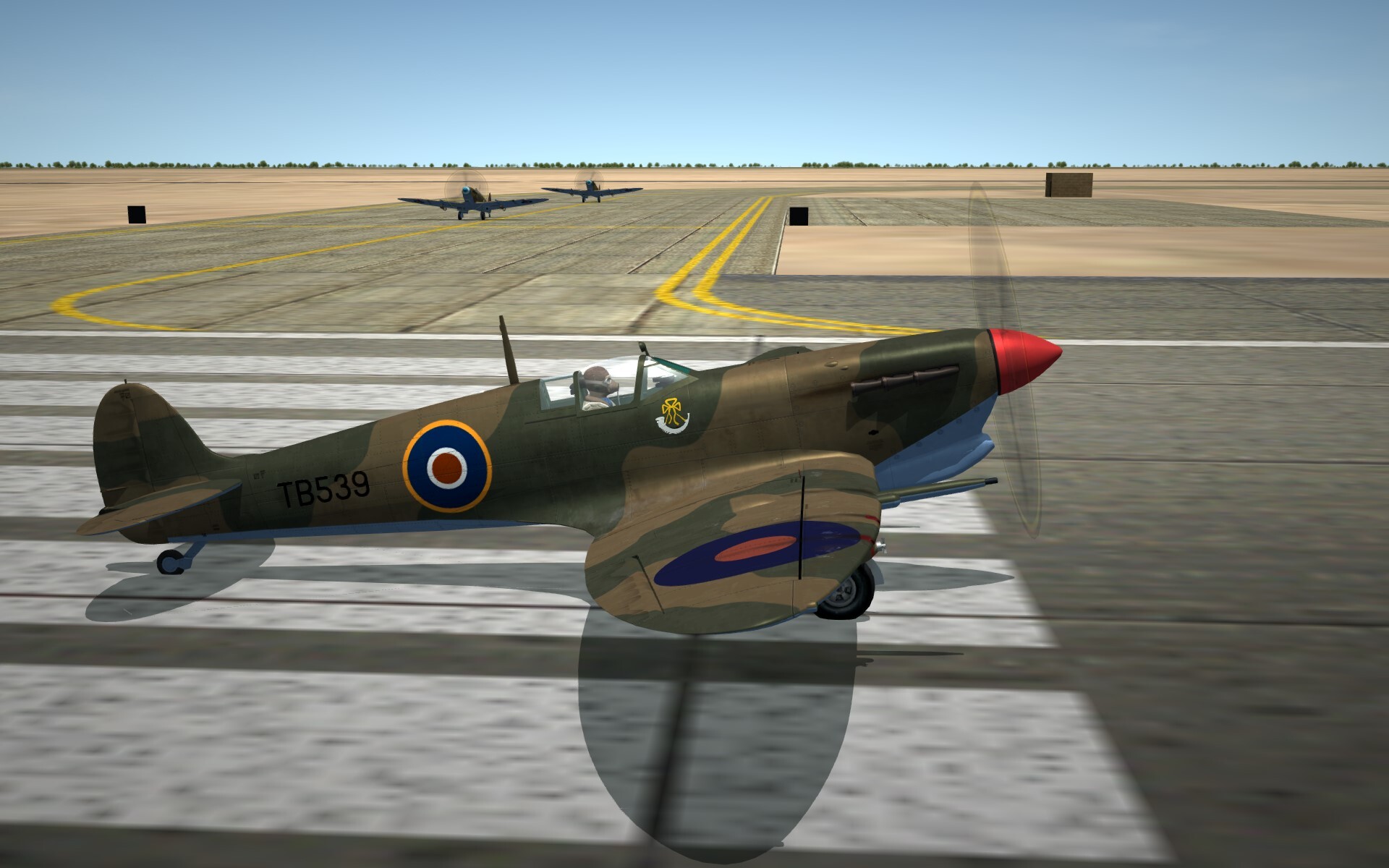
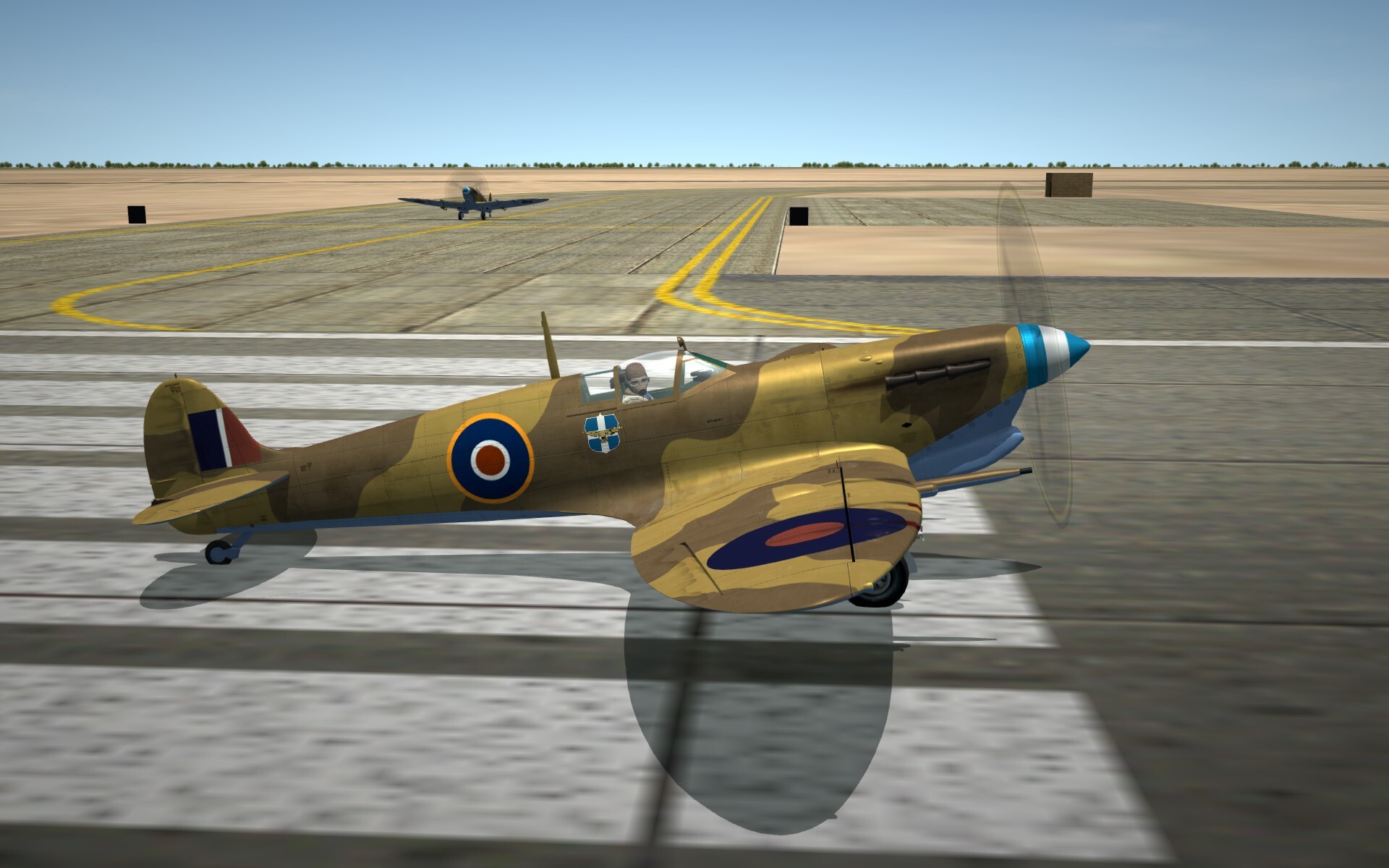
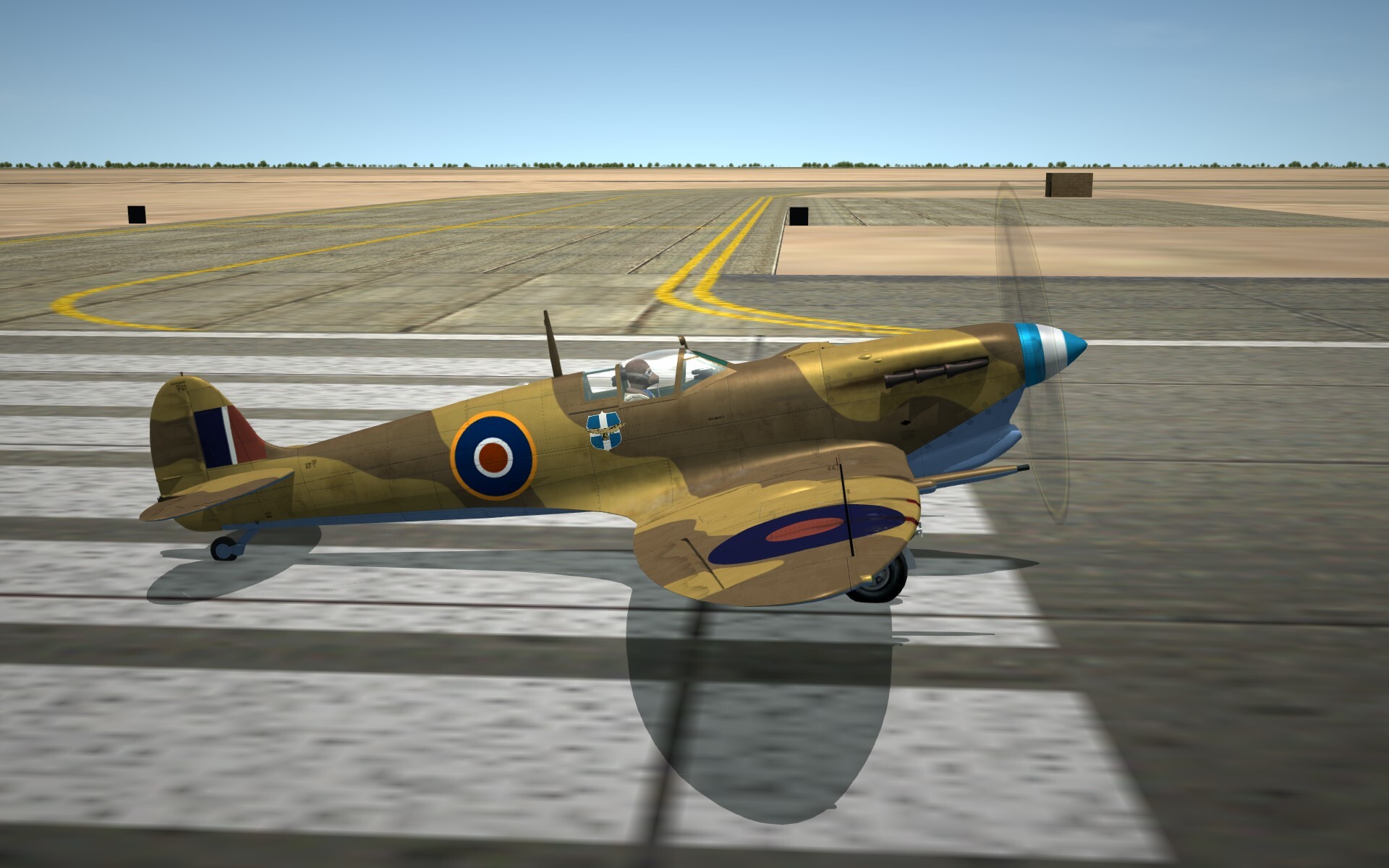
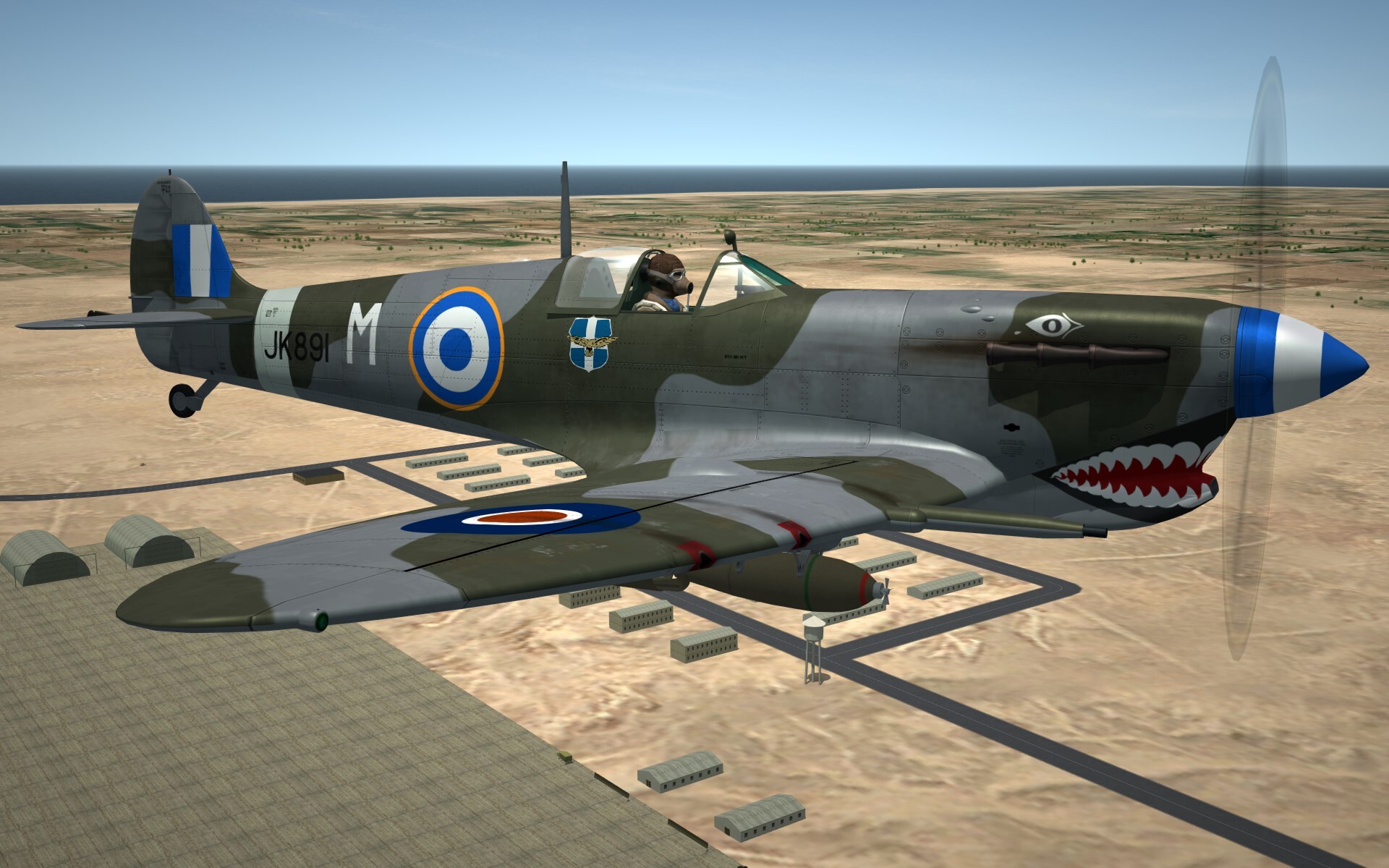
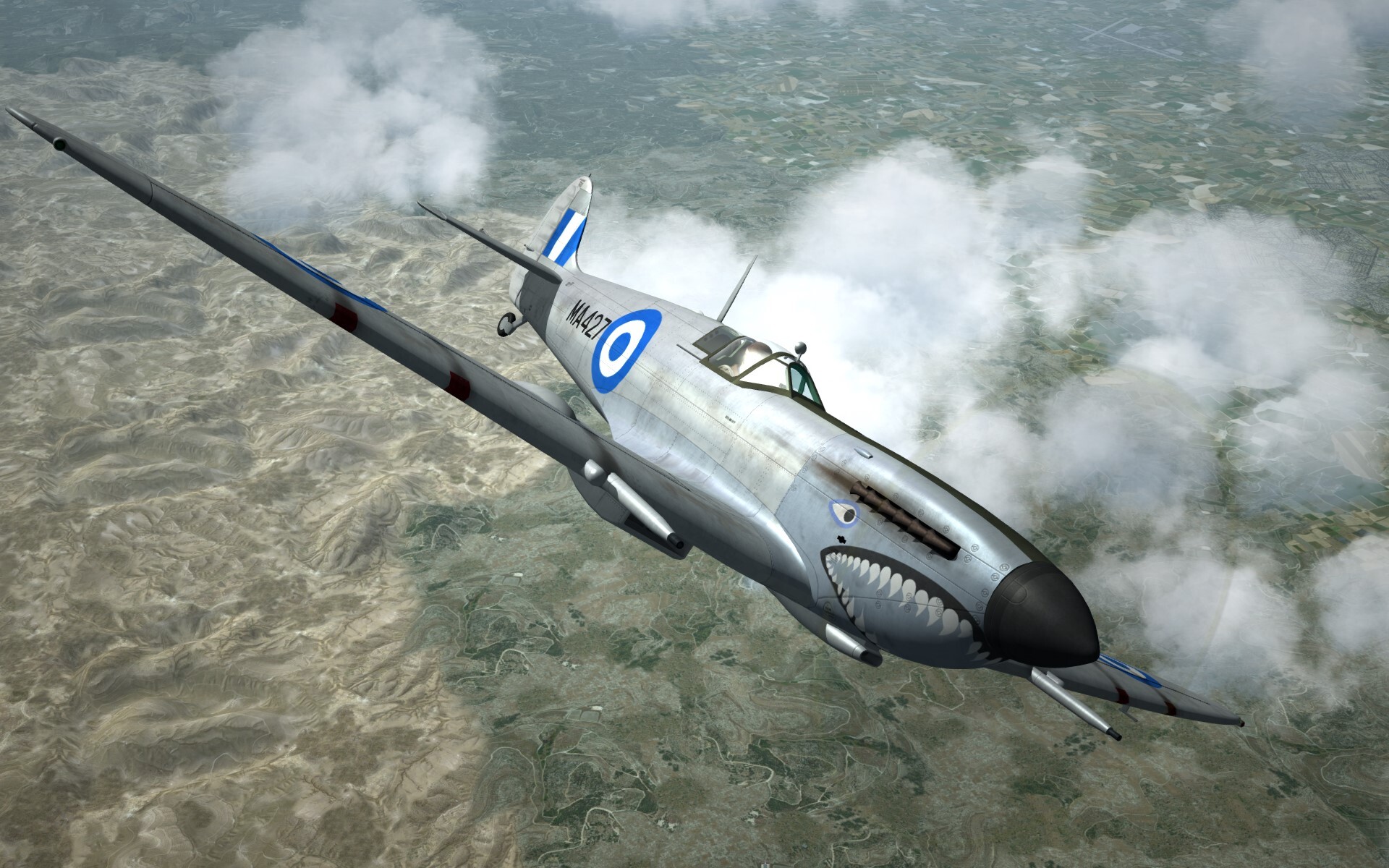
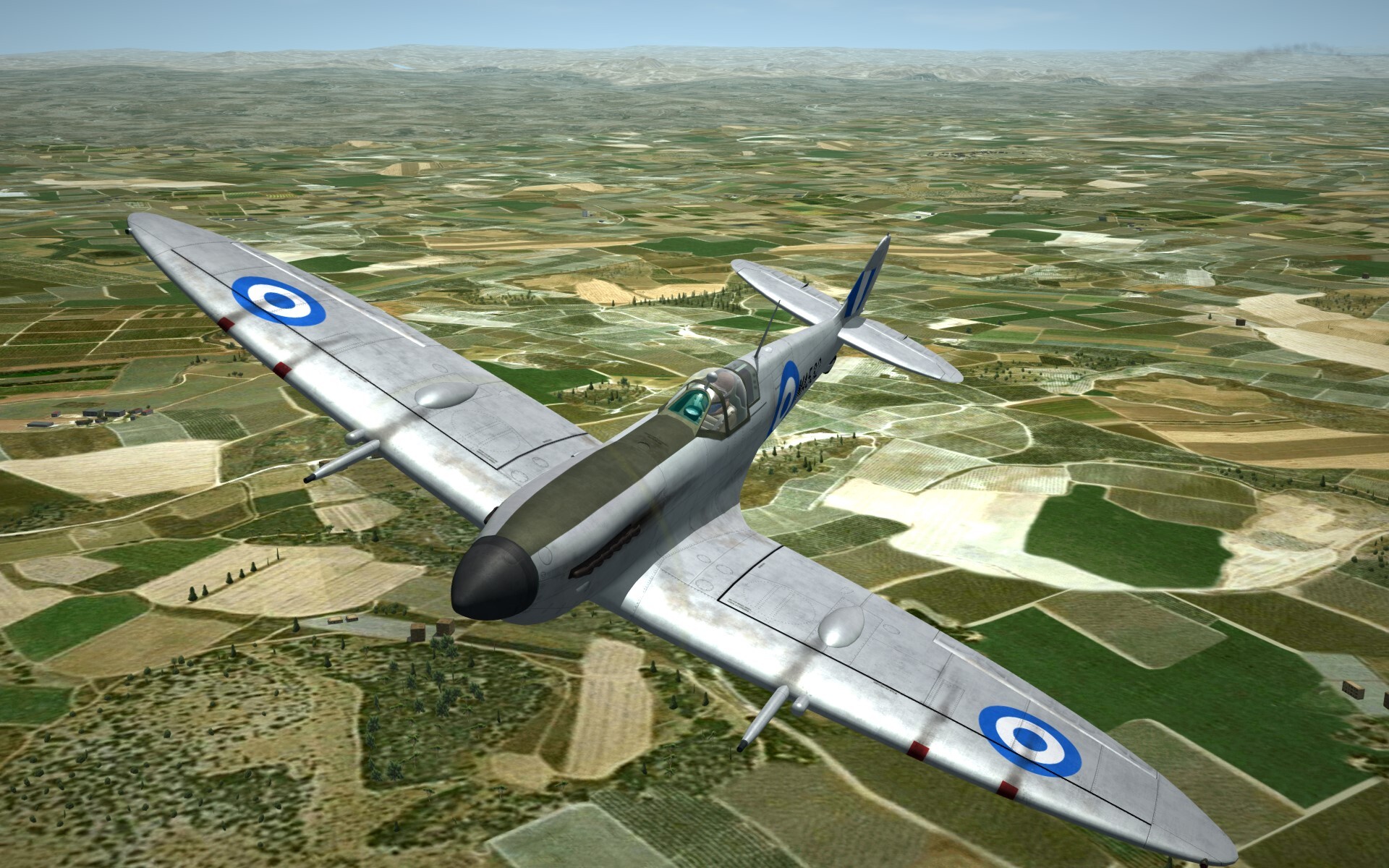
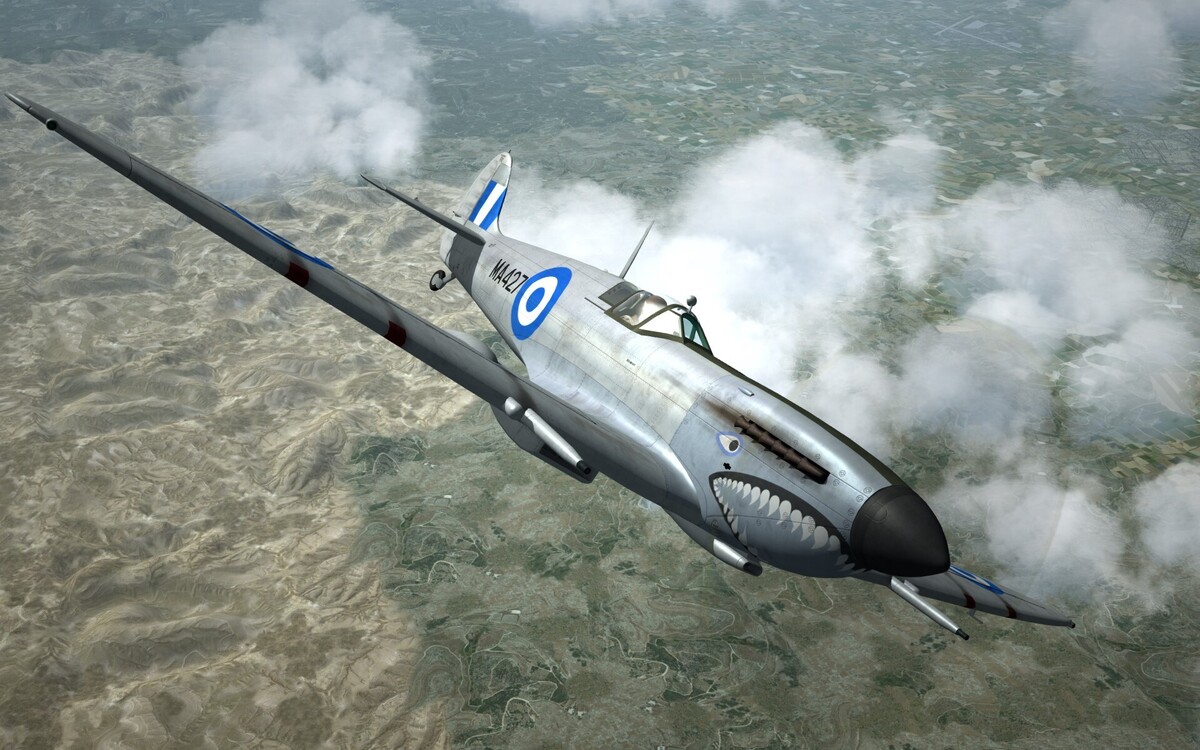
Couldn't resist .. RHAF Spitfire MkIXc circa 1947..
-
and 1 more ..
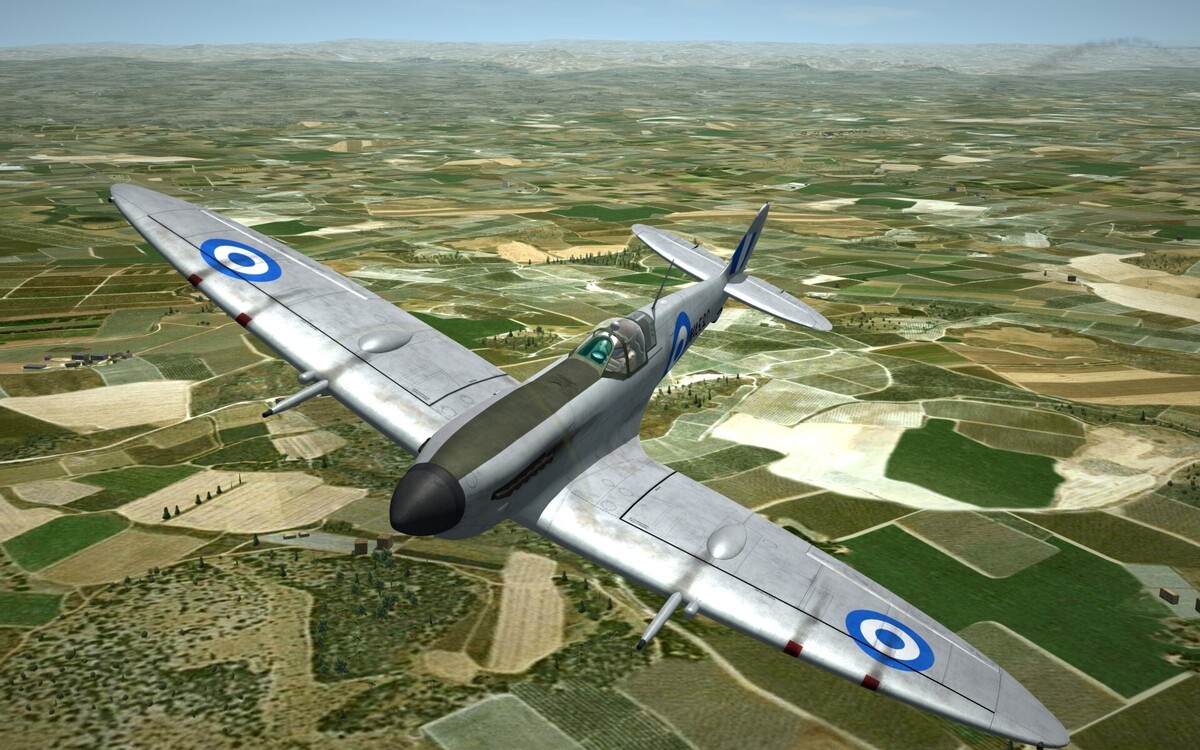
-
Royal Hellenic Spitfire MkIXc circa 1947..
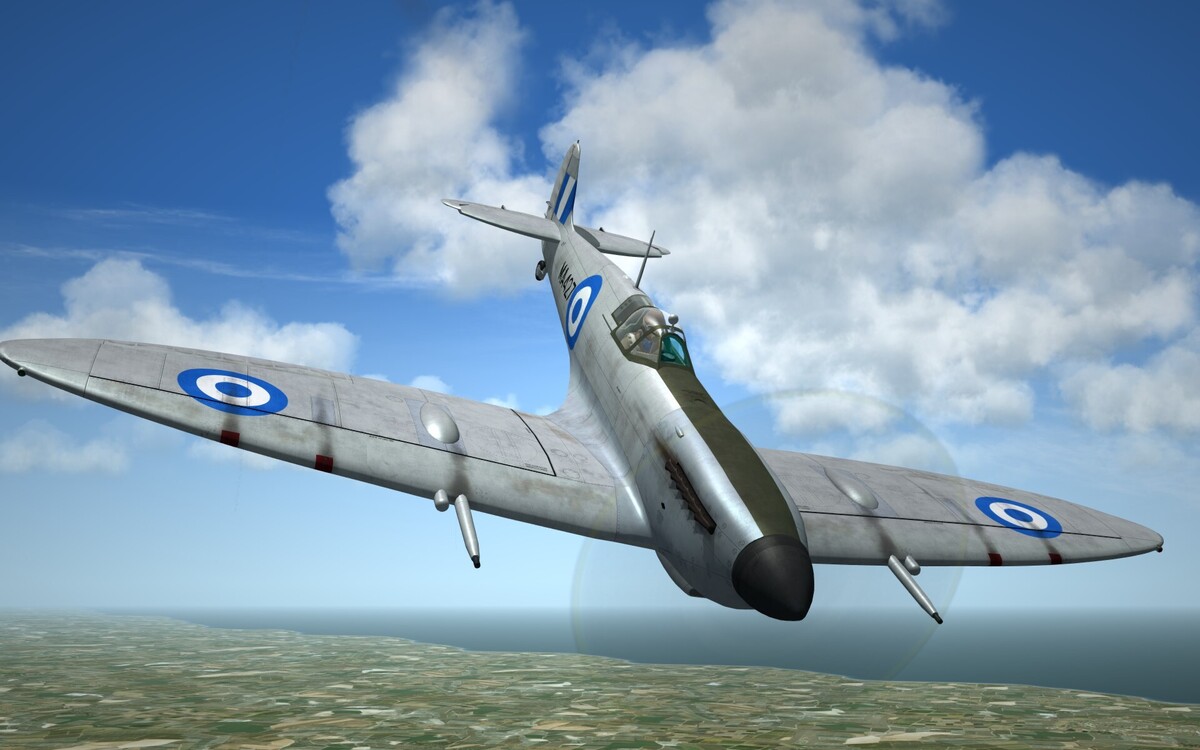
-
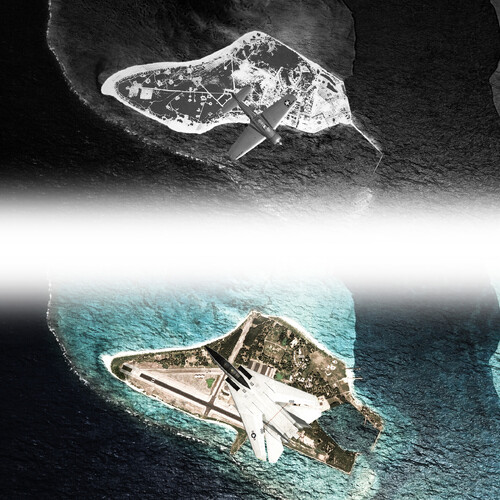 Outstanding!! You've done it again! Beautiful pacific textures!!
-
- 1
-
-
- atoll
- battle of midway
- (and 3 more)
-
View File Spitfire_HAF_Late Merlin_Versions Spitfire_HAF_Late Merlin_Versions 1.01.zip ---------------------Hellenic Airforce Spitfire MkXVIe -------------------- SF2 version 2026 This aircraft model is dedicated .. "To all those heroic Hellenic Air Force Spitfire pilots who lost their lives defending Hellas." -------------------------------Overview ----------------------------------- Starting from November 1948, the Hellenic Air Force received the ultimate Merlin powered Fighter-Bomber Spitfire variant, the Mk XVIe, which was equipped with the Merlin 266 (1720 hp) engines built by the US Packard Corporation under Rolls-Royce license. The planes were optimized for the low to medium altitude regime and ground attack operations, and were all equipped with clipped, type "e" wings. The then Royal Hellenic Air Force took delivery of a total of 74 aircraft in both the High Back and the Low Back fuselage variants, the former equipped with the classic Spitfire Malcolm Hood canopy and the latter with the unrestricted visibility Bubble type canopy. The 74 Spitfire Mk XVIe's were split into 3 fighter squadrons, namely the 335 SQ and 336 SQ , which were already using Spitfire IX's, and the newly formed 337 Squadron which started its operations using the new Spitfire type. The full listing of the 74 aircraft, along with its Manufacturing and RHAF delivery dates is presented below. These latest Spitfires were initially used in ground attack duties in their first year of operation by the RHAF and later also assumed the air defence of Greece, until their replacement by jet fighters. In their last 2 years of operation (1952-1954) they also undertook Advanced and Operational Training roles operating in an Instructor/Trainee 2 ship formation, while the RHAF was under a pressing requirement to man many newly established squadrons of fighter jets with young fresh pilots. Most of the RHAF Mk XVIe planes were retired by 1954, but isolated airframes continued in training and photo recce duties for another 2-3 years. --------------------RHAF Spitfire Mk XVIe Inventory ------------------------ Listed below are all confirmed S/N's of RHAF's MkXVI's of both variants. In total there were 74 planes delivered, but in addition to them there were some contemporary, late model MkIXe's which were often counted as Mk XVI's. However, for the sake of historical accuracy these MkIXe's were not included in this package. MJ556 07-05-45 RHAF 01-04-49 RW347 29-06-45 RHAF 25-04-49 RW353 30-06-45 RHAF 14-05-49 RW354 27-05-45 RHAF 13-01-49 RW379 30-06-45 RHAF 08-04-49 RW380 21-03-46 RHAF 29-06-49 SL555 27-07-45 RHAF 27-06-49 SL573 15-10-45 RHAF 31-01-49 SL608 03-08-45 RHAF 30-04-49 SL623 08-08-45 RHAF 18-03-49 SL624 02-08-45 RHAF 04-07-49 SL679 03-08-45 RHAF 30-04-49 SL717 08-08-45 RHAF 21-08-49 SL728 23-08-45 RHAF 06-08-49 SM194 28-10-44 RHAF 05-03-49 SM342 09-11-44 RHAF 22-07-49 SM358 15-11-44 RHAF 21-06-49 SM503 30-11-44 RHAF 06-08-49 TA759 09-02-45 RHAF 11-05-49 TB130 30-12-44 RHAF 27-04-49 TB232 30-12-44 RHAF 20-03-49 TB237 04-01-45 RHAF 09-02-49 TB254 30-12-44 RHAF 03-08-49 TB255 30-12-44 RHAF 30-04-48 TB272 05-01-45 RHAF 29-03-49 TB274 05-01-45 RHAF 20-04-49 TB340 07-12-45 RHAF 06-07-49 TB616 28-01-45 RHAF 27-07-49 TB619 19-02-45 RHAF 11-05-49 TB626 28-01-45 RHAF 27-07-49 TB859 24-02-45 RHAF 07-02-49 TB886 15-03-45 RHAF 19-04-49 TB895 25-02-45 RHAF 06-07-49 TB901 17-03-45 RHAF 22-02-49 TB908 28-02-45 RHAF 04-04-49 TD114 01-03-45 RHAF 27-07-49 TD126 10-03-45 RHAF 26-01-49 TD133 20-03-45 RHAF 19-03-49 TD137 15-03-45 RHAF 05-04-49 TD141 09-03-45 RHAF 15-03-49 TD145 08-03-45 RHAF 27-05-49 TD147 15-03-45 RHAF 08-06-49 TD176 10-03-45 RHAF 25-02-49 TD190 24-03-45 RHAF 29-06-49 TD191 23-03-45 RHAF 30-12-48 TD229 26-03-45 RHAF 26-01-49 TD235 26-03-45 RHAF 08-04-49 TD239 27-03-45 RHAF 13-01-49 TD241 30-03-45 RHAF 13-01-49 TD243 21-04-45 RHAF 22-02-49 TD246 04-04-45 RHAF 29-07-49 TD285 23-03-45 RHAF 11-04-49 TD320 20-04-45 RHAF 13-01-49 TD342 21-04-45 RHAF 19-03-49 TD349 20-04-45 RHAF 11-04-49 TD350 17-04-45 RHAF 07-06-49 TD351 19-04-45 RHAF 28-07-49 TD376 19-07-45 RHAF 23-07-49 TD404 16-05-45 RHAF 09-05-49 TE191 18-04-45 RHAF 22-02-49 TE235 30-04-45 RHAF 07-06-49 TE245 30-04-45 RHAF 07-06-49 TE249 01-05-45 RHAF 04-05-49 TE252 01-06-45 RHAF 22-06-49 TE276 16-05-45 RHAF 26-11-48 TE284 02-06-45 RHAF 25-02-49 TE346 20-04-45 RHAF 26-11-48 TE350 12-06-45 RHAF 30-12-48 TE381 15-06-45 RHAF 05-12-48 TE382 16-06-45 RHAF 21-08-49 TE383 11-06-45 RHAF 30-12-48 TE391 08-08-45 RHAF 15-08-49 TE447 22-06-45 RHAF 03-08-49 TE468 26-06-45 RHAF 09-02-49 ------------------------------Features --------------------------------------- -Both Variants High Back w/Malcolm Hood and Low Back, w/bubble canopy Spitfire MkXVIe models -Two texture sets, both Type A and the "inverted" TypeB -Sixty Five historically accurate serials for the period 1948-54 -Dedicated Flight Parameters representing the real Spitfire Handling and Flying characterisitics within the limits of the SF2 Flight Model. -Actual Elevator Trim Tab operation. The trim tab rotates about its axis creating a hinge moment that indirectly repositions the elevator in order to fly hands off. -Virtual Airbrake to ease-off handling during high speed dives. (This is a fictional addition not found in real Spitfire planes) Note: The package includes a beta version of one of the many Spitfire IX variants operated by the Hellenic Air Force. The HAF's Spitfire IX package is currently under development and will be released soon. ------------------------Flying the Spitfire MkXVI ---------------------------- -Both Variants present very friendly handling in all phases of operation. -The HB variant is slightly faster, being able to reach 362 KTAS at an altitude of 22,500 Feet, due to its lower fuselage drag. The LB variant's canopy/fuselage configuration results in the loss of 10 KTAS and therefore the maximum speed it can reach is 352 KTAS at 22,500 Feet. -There are two engine power settings the "normal" (up to 2850 engine rpm's and up to +12 psi boost) providing around 1650 HP at sea level and the war emergency power (WEP) setting providing around1720 HP (up to 3050 engine rpm and up to +18 psi boost). -The WEP power setting is available at all speed ranges and from sea level to 25,000 feet, however due to the additional engine stress of its operation, it has a 5 minute total time availability in SF2 and therefore must be used only when needed. -Dive limit Mach Number is 0.85, but elevator controls become heavy and less effective over 0.7, therefore to control the dive speed the user has the option to utilise the virtual (not realistic) airbrake deployment. -The aircraft does not normally depart controlled flight, however if it enters a spin, throttle must be retarded to idle and with full forward stick and rudder opposite to the gyration, the plane clears the spin after a few gyrations. -Flaps deployment limit is very low (140KTAS) and therefore their use is not practical in flight. In fact Flaps deployment is not needed in almost all phases of flight besides the Landing. -Due to the plane's clean aerodynamics,speed loss is very low. Therefore a proper pattern landing technique must be used. -Due to SF2 Flight Model's limitations, propeller lateral asymmetry effects are not realistic. They are present but not representative of the real Spitfire behavior. ----------------------------Animations-------------------------------- Animation key 0 : canopy opening Animation key 9 : door opening Thrust vector control toggle : elevator (pitch) trim /////////////// Credits ///////////////////////////////////////// TurboSquid : original 3D model Snapper21 : source file donated to CA Wrench : project development origin Stary : original Late Spitfire cockpit v1.0 cockpit Starfighter2 : Spitfire IX (E Type) Cockpit Geezer : RAF Euro Pilot Oxy LODs 3D Coupi : Aircraft testing and video creation Alfa2 : Project "Godfather" Dedicated Flight Model, authentic Loadouts, Decals and inis. Sophocles : Heavily modified original MkV transformed into MkXVIe, additionnal 3D parts, New bomb carriers and rocket pylons, model editing to import into TW sims, textures, cockpit editing. Thirdwire : Texture templates for damage textures /////////////////////////// DISCLAIMER ////////////////////////// THIS AIRCRAFT MOD OR ANY PART OF IT ARE TO BE EXCLUSIVELY HOSTED BY COMBATACE.COM AND MUST NOT BE HOSTED OR POSTED FOR DOWNLOAD ON ANY OTHER WEB SITE. THIS PACKAGE AND ANY PARTS HEREIN MAY NOT BE UPLOADED AS PART OF ANOTHER MOD NOR MUST THEY BE SOLD OR OFFERED FOR SALE EITHER IN PART OR AS A WHOLE WITHOUT OUR EXPRESS PERMISSION. Alfa2 and Sophocles Submitter sophocles Submitted 02/13/2026 Category Spitfire
-
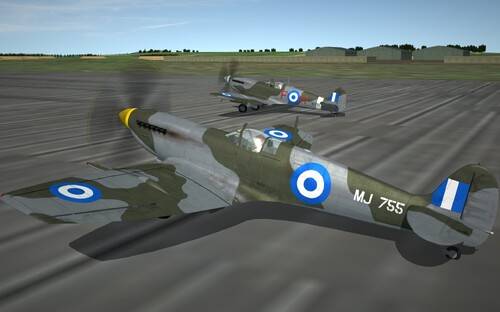
Version 1.0.4
69 downloads
Spitfire_HAF_Late Merlin_Versions 1.01.zip ---------------------Hellenic Airforce Spitfire MkXVIe -------------------- SF2 version 2026 This aircraft model is dedicated .. "To all those heroic Hellenic Air Force Spitfire pilots who lost their lives defending Hellas." -------------------------------Overview ----------------------------------- Starting from November 1948, the Hellenic Air Force received the ultimate Merlin powered Fighter-Bomber Spitfire variant, the Mk XVIe, which was equipped with the Merlin 266 (1720 hp) engines built by the US Packard Corporation under Rolls-Royce license. The planes were optimized for the low to medium altitude regime and ground attack operations, and were all equipped with clipped, type "e" wings. The then Royal Hellenic Air Force took delivery of a total of 74 aircraft in both the High Back and the Low Back fuselage variants, the former equipped with the classic Spitfire Malcolm Hood canopy and the latter with the unrestricted visibility Bubble type canopy. The 74 Spitfire Mk XVIe's were split into 3 fighter squadrons, namely the 335 SQ and 336 SQ , which were already using Spitfire IX's, and the newly formed 337 Squadron which started its operations using the new Spitfire type. The full listing of the 74 aircraft, along with its Manufacturing and RHAF delivery dates is presented below. These latest Spitfires were initially used in ground attack duties in their first year of operation by the RHAF and later also assumed the air defence of Greece, until their replacement by jet fighters. In their last 2 years of operation (1952-1954) they also undertook Advanced and Operational Training roles operating in an Instructor/Trainee 2 ship formation, while the RHAF was under a pressing requirement to man many newly established squadrons of fighter jets with young fresh pilots. Most of the RHAF Mk XVIe planes were retired by 1954, but isolated airframes continued in training and photo recce duties for another 2-3 years. --------------------RHAF Spitfire Mk XVIe Inventory ------------------------ Listed below are all confirmed S/N's of RHAF's MkXVI's of both variants. In total there were 74 planes delivered, but in addition to them there were some contemporary, late model MkIXe's which were often counted as Mk XVI's. However, for the sake of historical accuracy these MkIXe's were not included in this package. MJ556 07-05-45 RHAF 01-04-49 RW347 29-06-45 RHAF 25-04-49 RW353 30-06-45 RHAF 14-05-49 RW354 27-05-45 RHAF 13-01-49 RW379 30-06-45 RHAF 08-04-49 RW380 21-03-46 RHAF 29-06-49 SL555 27-07-45 RHAF 27-06-49 SL573 15-10-45 RHAF 31-01-49 SL608 03-08-45 RHAF 30-04-49 SL623 08-08-45 RHAF 18-03-49 SL624 02-08-45 RHAF 04-07-49 SL679 03-08-45 RHAF 30-04-49 SL717 08-08-45 RHAF 21-08-49 SL728 23-08-45 RHAF 06-08-49 SM194 28-10-44 RHAF 05-03-49 SM342 09-11-44 RHAF 22-07-49 SM358 15-11-44 RHAF 21-06-49 SM503 30-11-44 RHAF 06-08-49 TA759 09-02-45 RHAF 11-05-49 TB130 30-12-44 RHAF 27-04-49 TB232 30-12-44 RHAF 20-03-49 TB237 04-01-45 RHAF 09-02-49 TB254 30-12-44 RHAF 03-08-49 TB255 30-12-44 RHAF 30-04-48 TB272 05-01-45 RHAF 29-03-49 TB274 05-01-45 RHAF 20-04-49 TB340 07-12-45 RHAF 06-07-49 TB616 28-01-45 RHAF 27-07-49 TB619 19-02-45 RHAF 11-05-49 TB626 28-01-45 RHAF 27-07-49 TB859 24-02-45 RHAF 07-02-49 TB886 15-03-45 RHAF 19-04-49 TB895 25-02-45 RHAF 06-07-49 TB901 17-03-45 RHAF 22-02-49 TB908 28-02-45 RHAF 04-04-49 TD114 01-03-45 RHAF 27-07-49 TD126 10-03-45 RHAF 26-01-49 TD133 20-03-45 RHAF 19-03-49 TD137 15-03-45 RHAF 05-04-49 TD141 09-03-45 RHAF 15-03-49 TD145 08-03-45 RHAF 27-05-49 TD147 15-03-45 RHAF 08-06-49 TD176 10-03-45 RHAF 25-02-49 TD190 24-03-45 RHAF 29-06-49 TD191 23-03-45 RHAF 30-12-48 TD229 26-03-45 RHAF 26-01-49 TD235 26-03-45 RHAF 08-04-49 TD239 27-03-45 RHAF 13-01-49 TD241 30-03-45 RHAF 13-01-49 TD243 21-04-45 RHAF 22-02-49 TD246 04-04-45 RHAF 29-07-49 TD285 23-03-45 RHAF 11-04-49 TD320 20-04-45 RHAF 13-01-49 TD342 21-04-45 RHAF 19-03-49 TD349 20-04-45 RHAF 11-04-49 TD350 17-04-45 RHAF 07-06-49 TD351 19-04-45 RHAF 28-07-49 TD376 19-07-45 RHAF 23-07-49 TD404 16-05-45 RHAF 09-05-49 TE191 18-04-45 RHAF 22-02-49 TE235 30-04-45 RHAF 07-06-49 TE245 30-04-45 RHAF 07-06-49 TE249 01-05-45 RHAF 04-05-49 TE252 01-06-45 RHAF 22-06-49 TE276 16-05-45 RHAF 26-11-48 TE284 02-06-45 RHAF 25-02-49 TE346 20-04-45 RHAF 26-11-48 TE350 12-06-45 RHAF 30-12-48 TE381 15-06-45 RHAF 05-12-48 TE382 16-06-45 RHAF 21-08-49 TE383 11-06-45 RHAF 30-12-48 TE391 08-08-45 RHAF 15-08-49 TE447 22-06-45 RHAF 03-08-49 TE468 26-06-45 RHAF 09-02-49 ------------------------------Features --------------------------------------- -Both Variants High Back w/Malcolm Hood and Low Back, w/bubble canopy Spitfire MkXVIe models -Two texture sets, both Type A and the "inverted" TypeB -Sixty Five historically accurate serials for the period 1948-54 -Dedicated Flight Parameters representing the real Spitfire Handling and Flying characterisitics within the limits of the SF2 Flight Model. -Actual Elevator Trim Tab operation. The trim tab rotates about its axis creating a hinge moment that indirectly repositions the elevator in order to fly hands off. -Virtual Airbrake to ease-off handling during high speed dives. (This is a fictional addition not found in real Spitfire planes) Note: The package includes a beta version of one of the many Spitfire IX variants operated by the Hellenic Air Force. The HAF's Spitfire IX package is currently under development and will be released soon. ------------------------Flying the Spitfire MkXVI ---------------------------- -Both Variants present very friendly handling in all phases of operation. -The HB variant is slightly faster, being able to reach 362 KTAS at an altitude of 22,500 Feet, due to its lower fuselage drag. The LB variant's canopy/fuselage configuration results in the loss of 10 KTAS and therefore the maximum speed it can reach is 352 KTAS at 22,500 Feet. -There are two engine power settings the "normal" (up to 2850 engine rpm's and up to +12 psi boost) providing around 1650 HP at sea level and the war emergency power (WEP) setting providing around1720 HP (up to 3050 engine rpm and up to +18 psi boost). -The WEP power setting is available at all speed ranges and from sea level to 25,000 feet, however due to the additional engine stress of its operation, it has a 5 minute total time availability in SF2 and therefore must be used only when needed. -Dive limit Mach Number is 0.85, but elevator controls become heavy and less effective over 0.7, therefore to control the dive speed the user has the option to utilise the virtual (not realistic) airbrake deployment. -The aircraft does not normally depart controlled flight, however if it enters a spin, throttle must be retarded to idle and with full forward stick and rudder opposite to the gyration, the plane clears the spin after a few gyrations. -Flaps deployment limit is very low (140KTAS) and therefore their use is not practical in flight. In fact Flaps deployment is not needed in almost all phases of flight besides the Landing. -Due to the plane's clean aerodynamics,speed loss is very low. Therefore a proper pattern landing technique must be used. -Due to SF2 Flight Model's limitations, propeller lateral asymmetry effects are not realistic. They are present but not representative of the real Spitfire behavior. ----------------------------Animations-------------------------------- Animation key 0 : canopy opening Animation key 9 : door opening Thrust vector control toggle : elevator (pitch) trim /////////////// Credits ///////////////////////////////////////// TurboSquid : original 3D model Snapper21 : source file donated to CA Wrench : project development origin Stary : original Late Spitfire cockpit v1.0 cockpit Starfighter2 : Spitfire IX (E Type) Cockpit Geezer : RAF Euro Pilot Oxy LODs 3D Coupi : Aircraft testing and video creation Alfa2 : Project "Godfather" Dedicated Flight Model, authentic Loadouts, Decals and inis. Sophocles : Heavily modified original MkV transformed into MkXVIe, additionnal 3D parts, New bomb carriers and rocket pylons, model editing to import into TW sims, textures, cockpit editing. Thirdwire : Texture templates for damage textures /////////////////////////// DISCLAIMER ////////////////////////// THIS AIRCRAFT MOD OR ANY PART OF IT ARE TO BE EXCLUSIVELY HOSTED BY COMBATACE.COM AND MUST NOT BE HOSTED OR POSTED FOR DOWNLOAD ON ANY OTHER WEB SITE. THIS PACKAGE AND ANY PARTS HEREIN MAY NOT BE UPLOADED AS PART OF ANOTHER MOD NOR MUST THEY BE SOLD OR OFFERED FOR SALE EITHER IN PART OR AS A WHOLE WITHOUT OUR EXPRESS PERMISSION. Alfa2 and Sophocles- 2 reviews
-
- 11
-
-
-
Hello, and welcome!
-
More HAF MK XVIe spitfires (circa 1952) ..
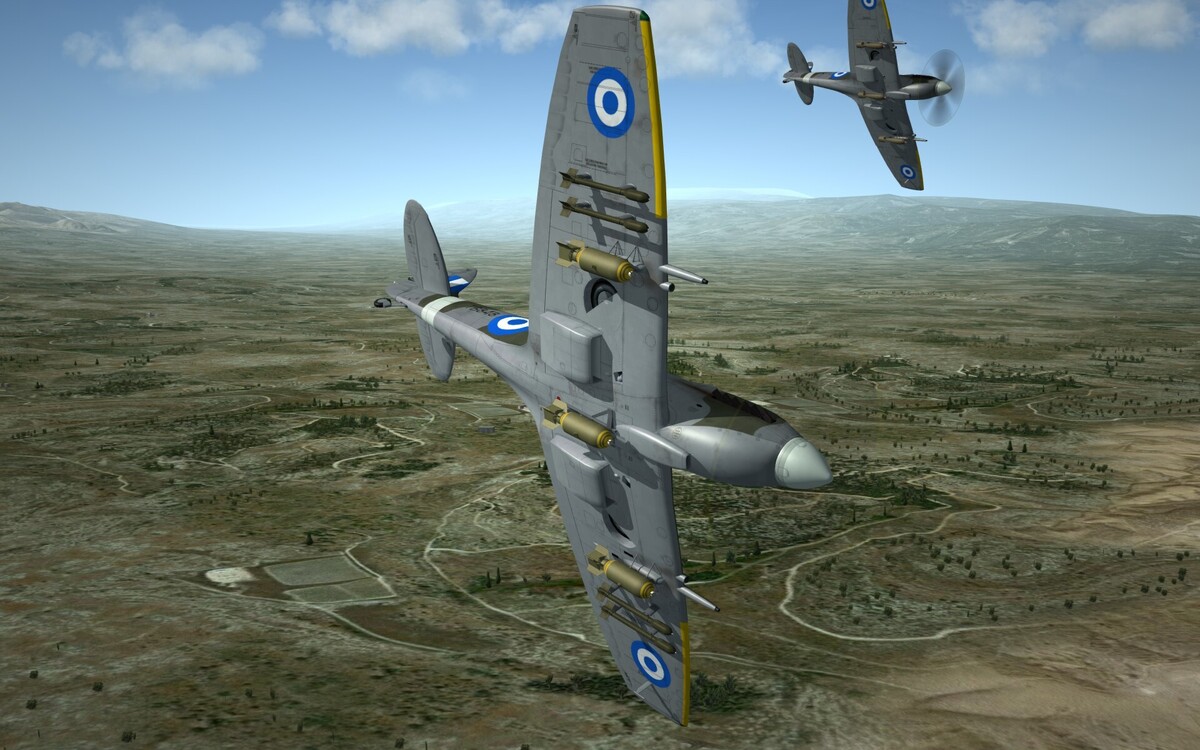
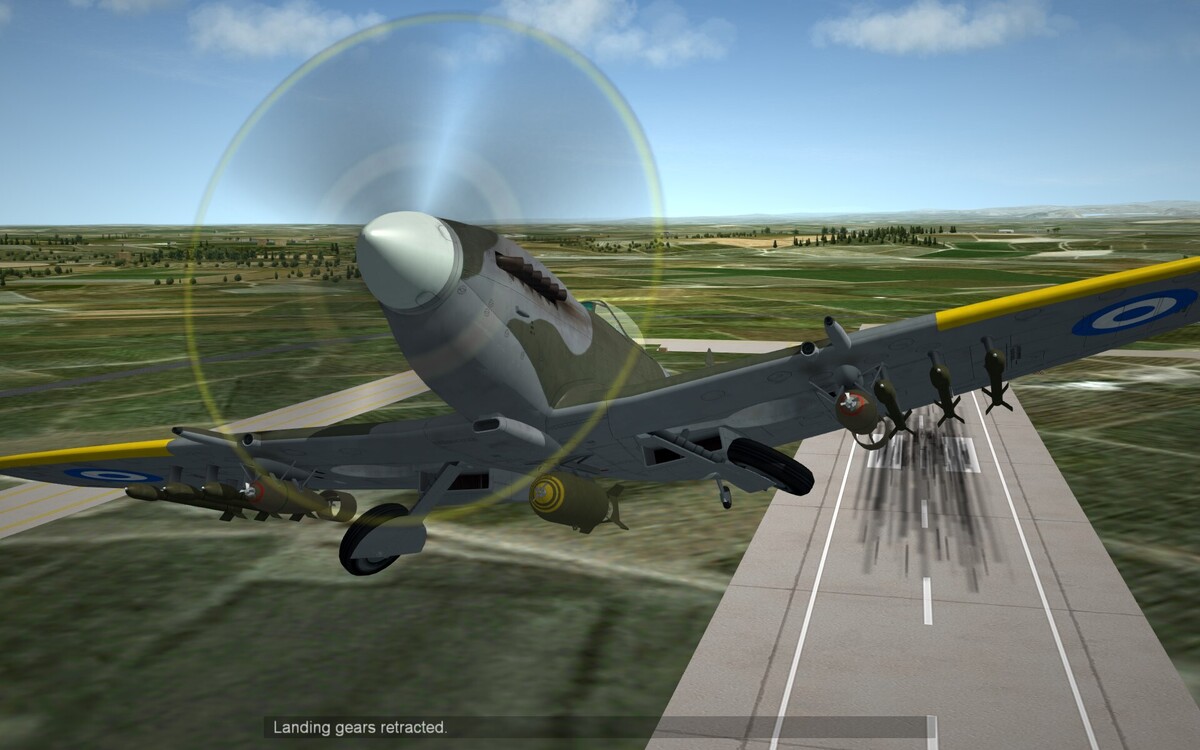
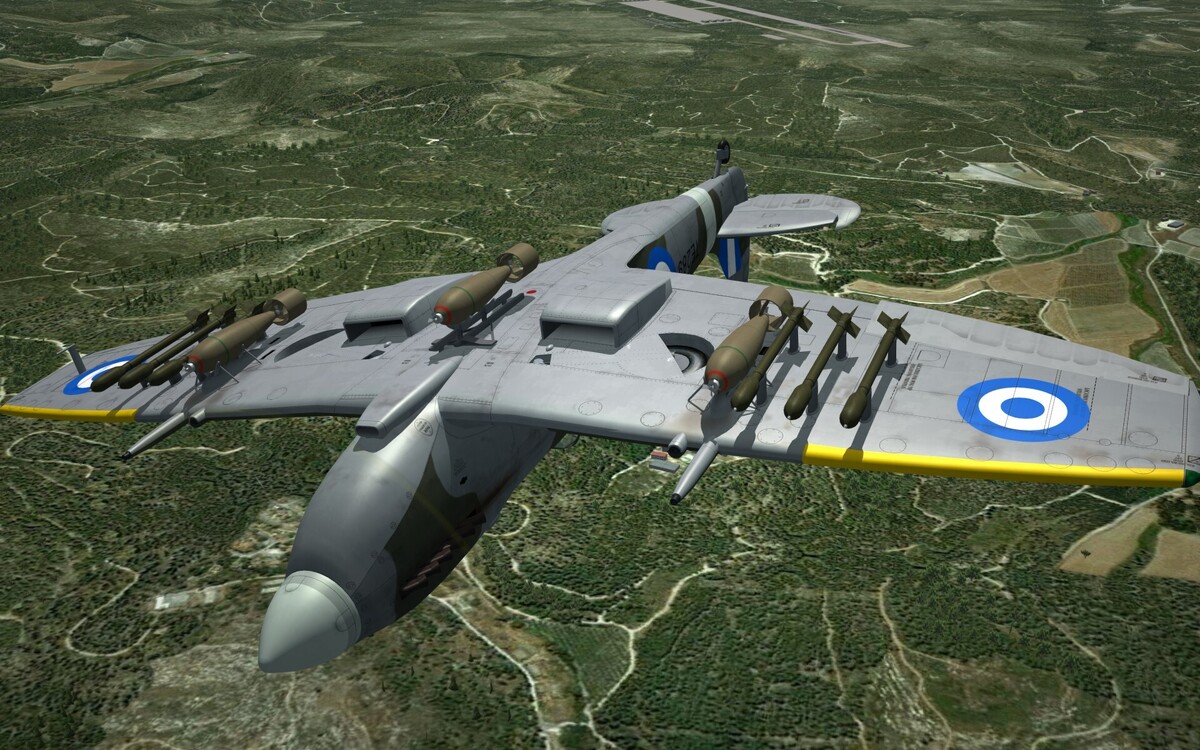
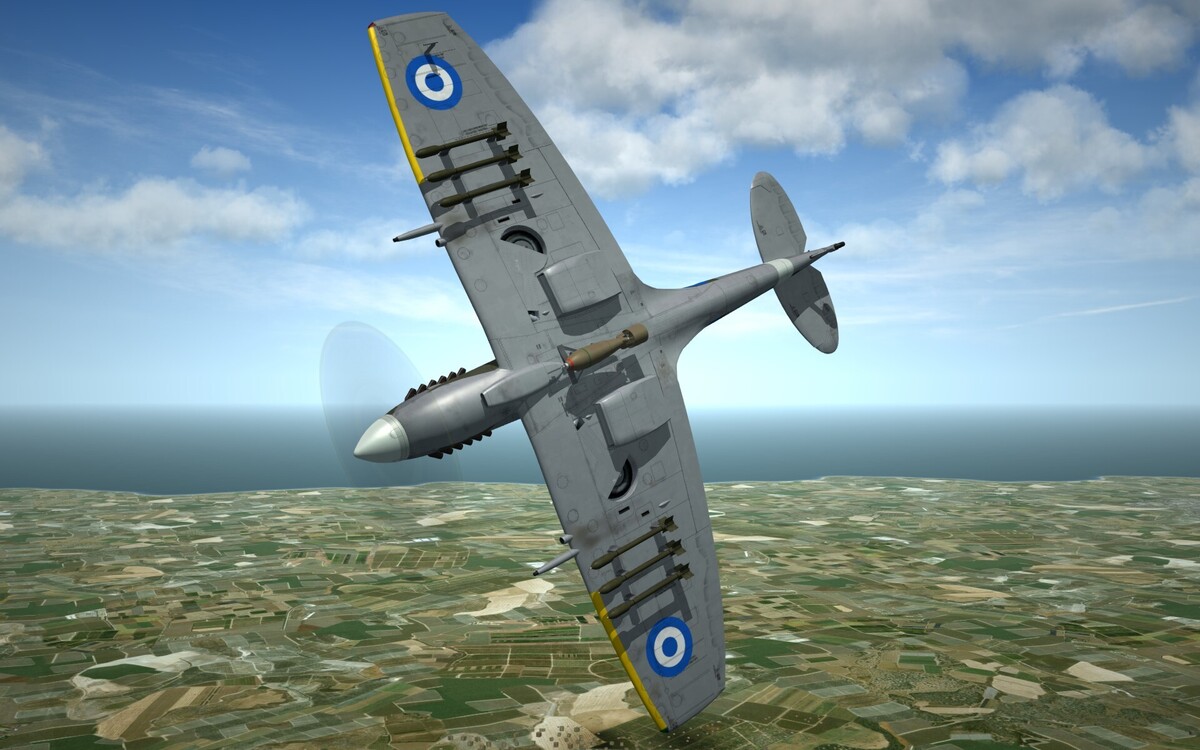
-
Royal Hellenic Air Force Spitfire MkXVIe circa 1949 ..
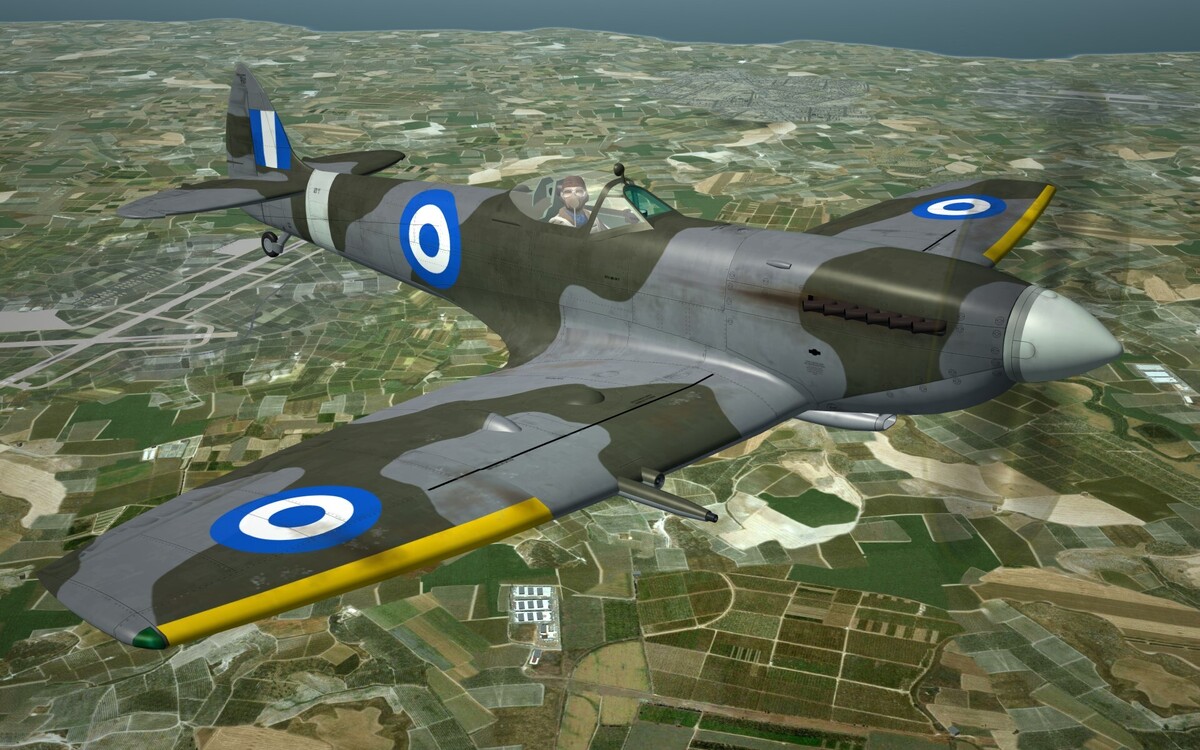
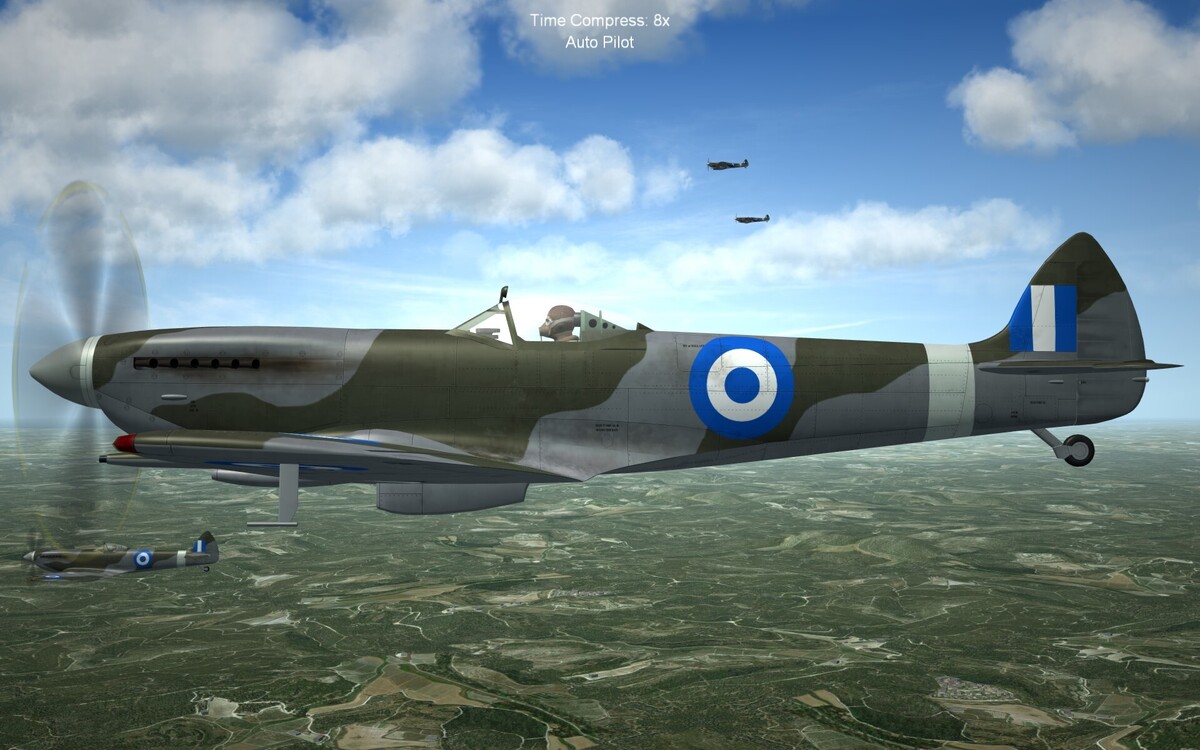
-
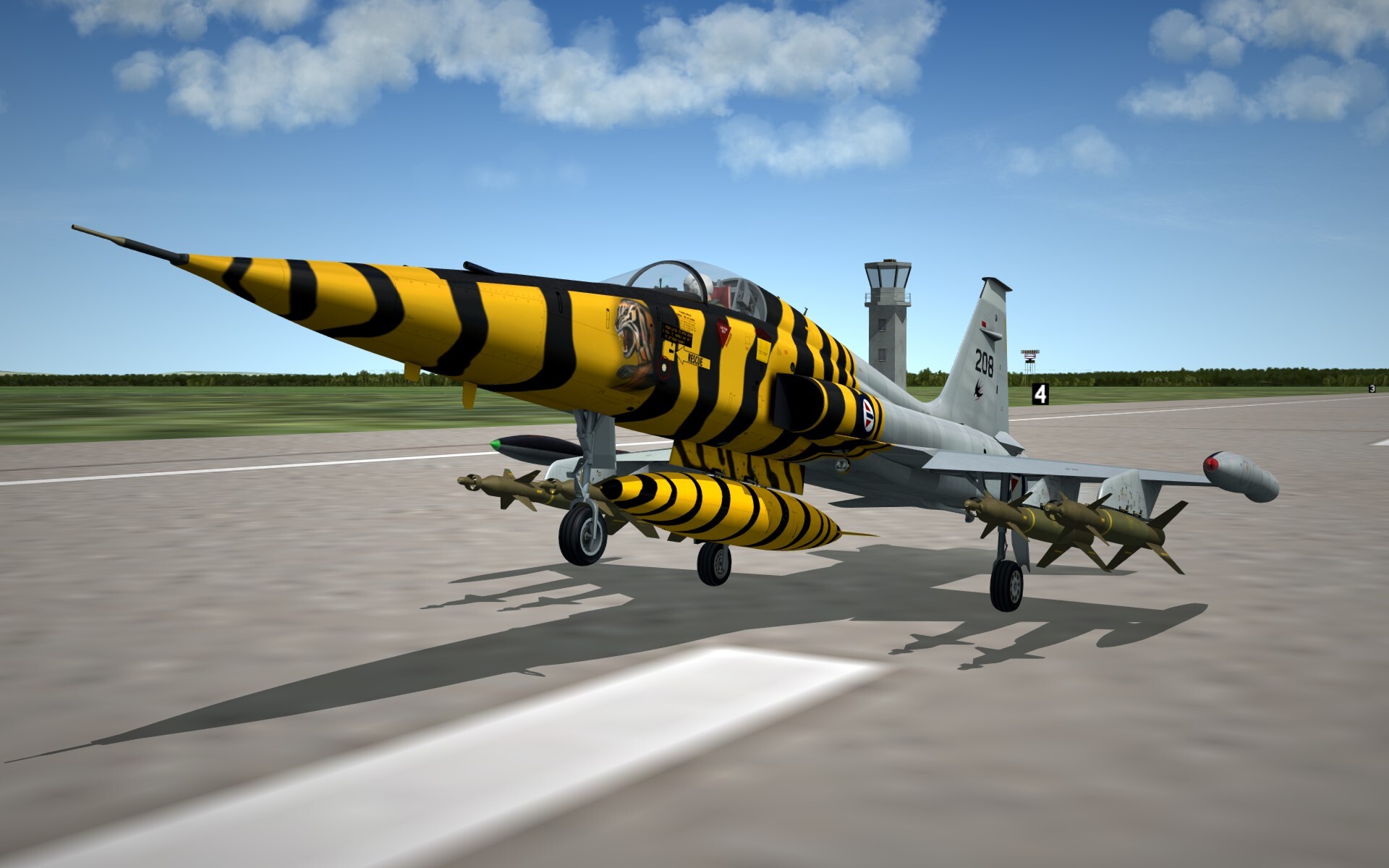
Norwegian Tiger .. courtesy of @paulopanz
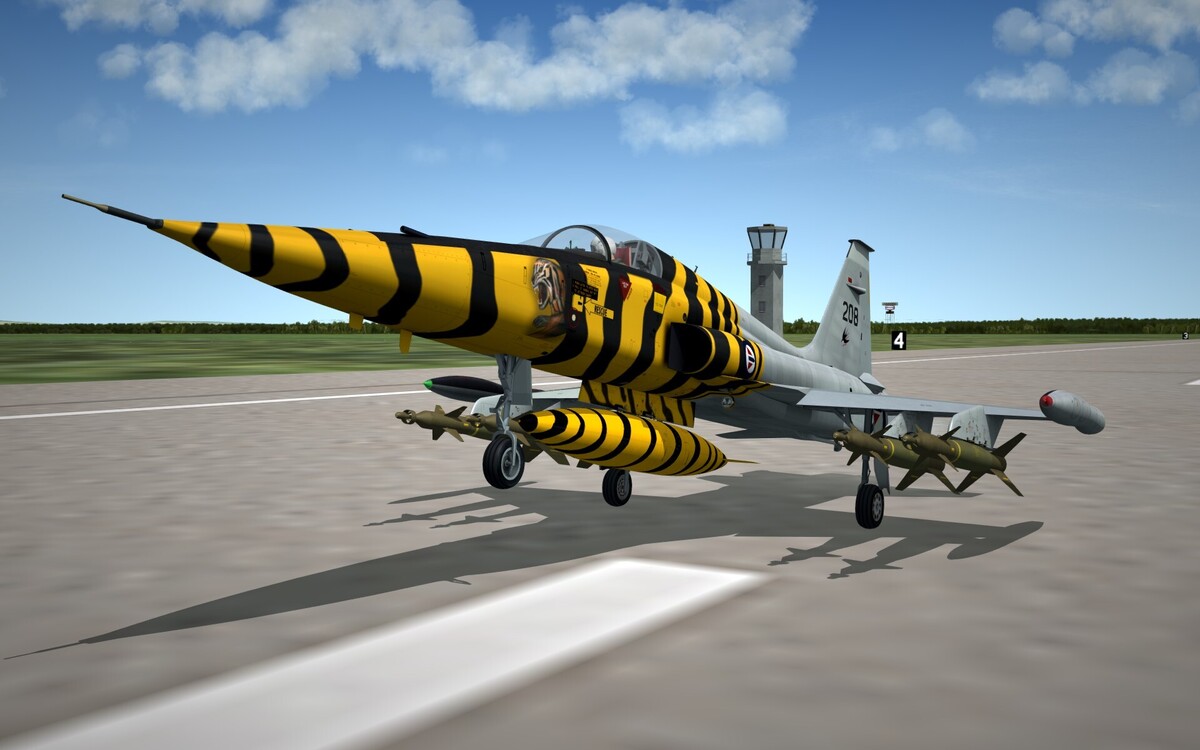
-
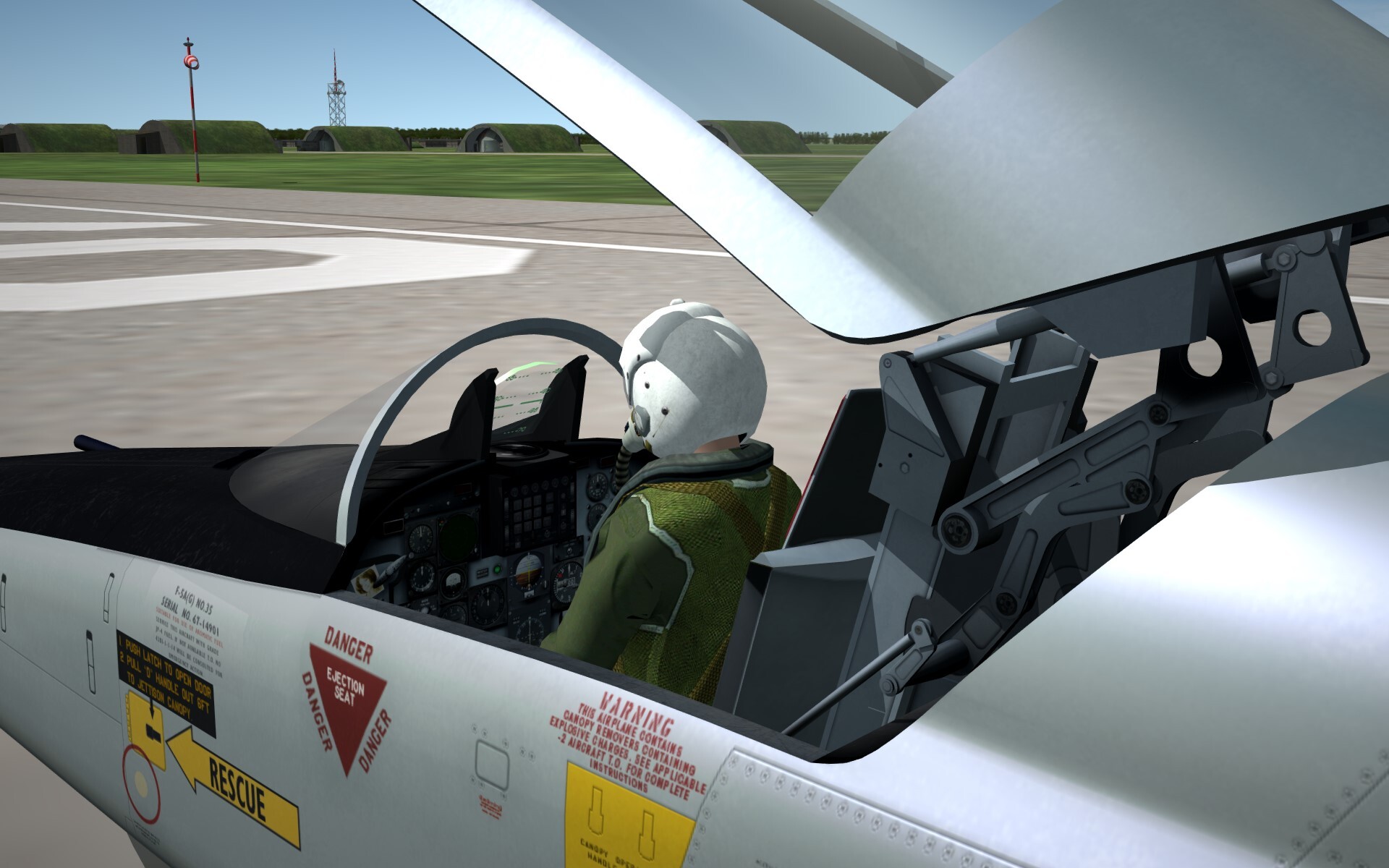
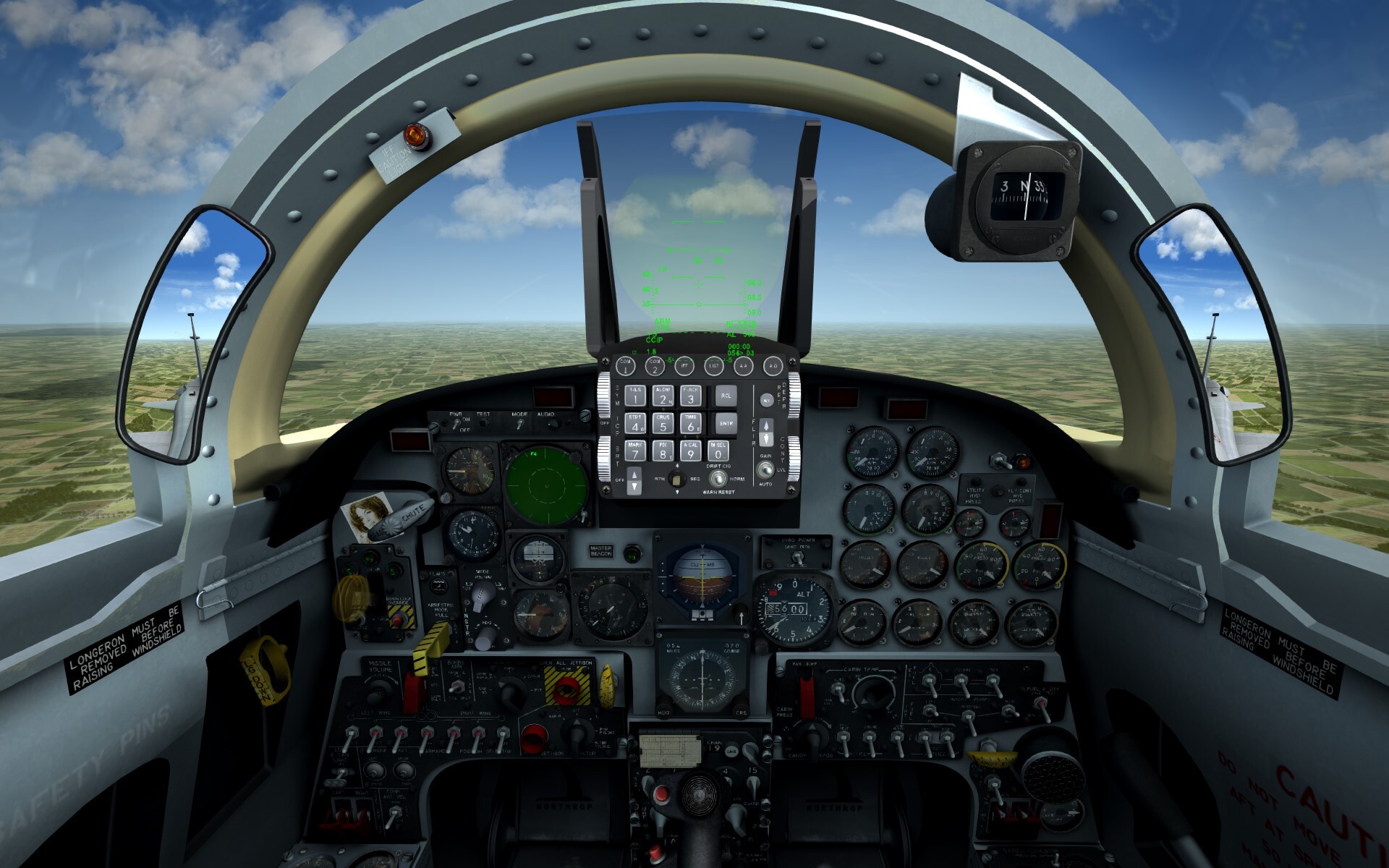
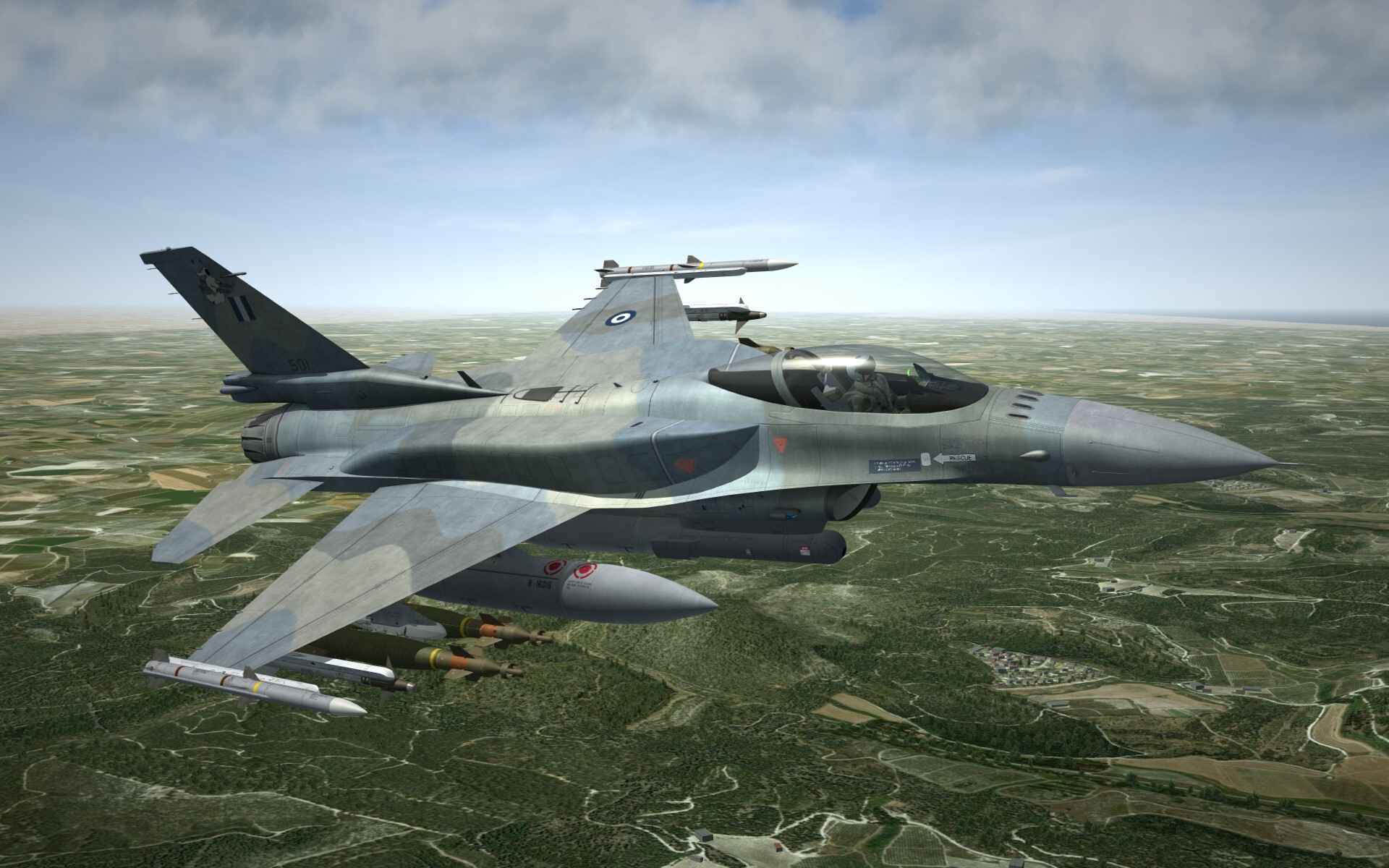
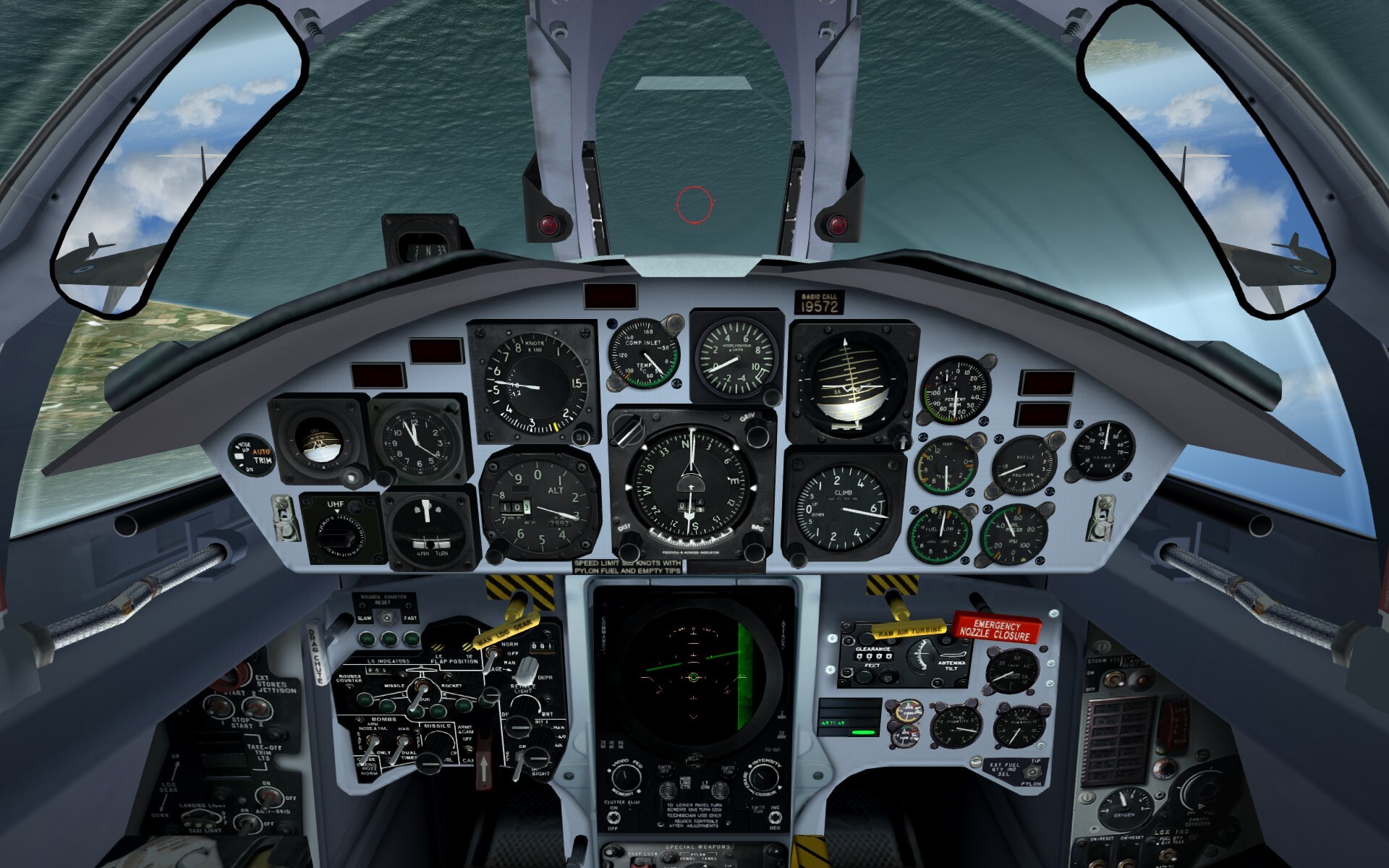
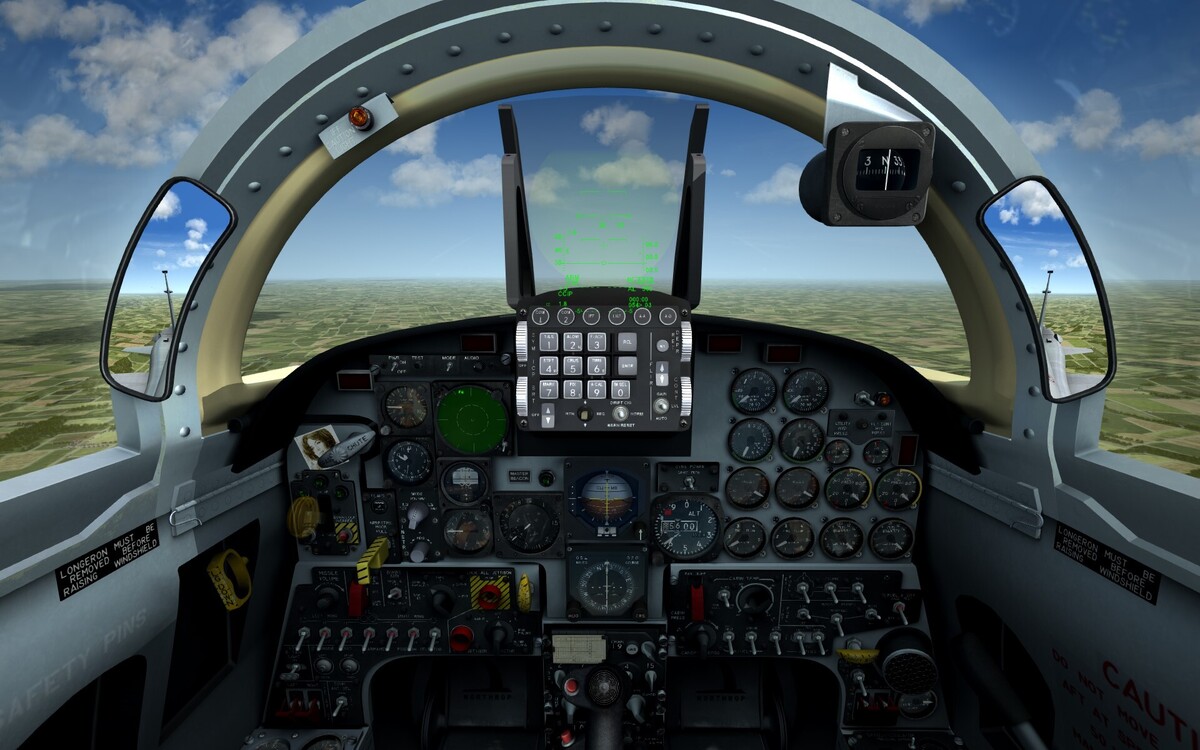
Hello all, the Norwegian F-5a package is back on track, and thanks to @paulopanz, @alfa2 and @ravenclaw_007 .. we should be ready for release in 2 weeks Included will be 68', 73, 85' and the 1991 LIFT (Lead in Flight Trainer) with modern avionics! .. Oh! and the RF-5a Recce versions .. More details soon ..
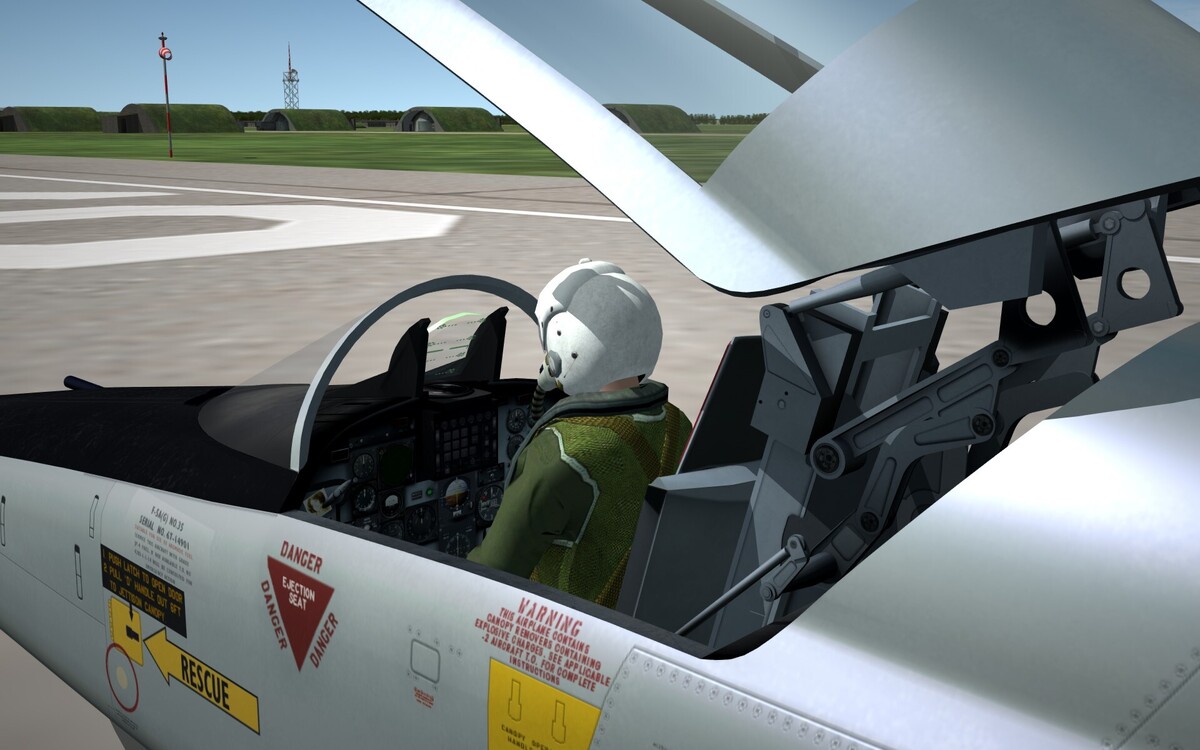
- 569 replies
-
- 24
-
-
-
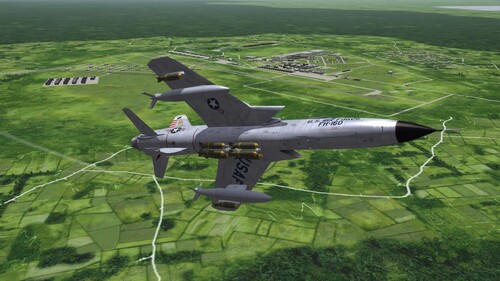 Absolutely Gorgeous!! Love to see revamped terrains! .. this is a remarkable effort! Thanks to all involved.
 -
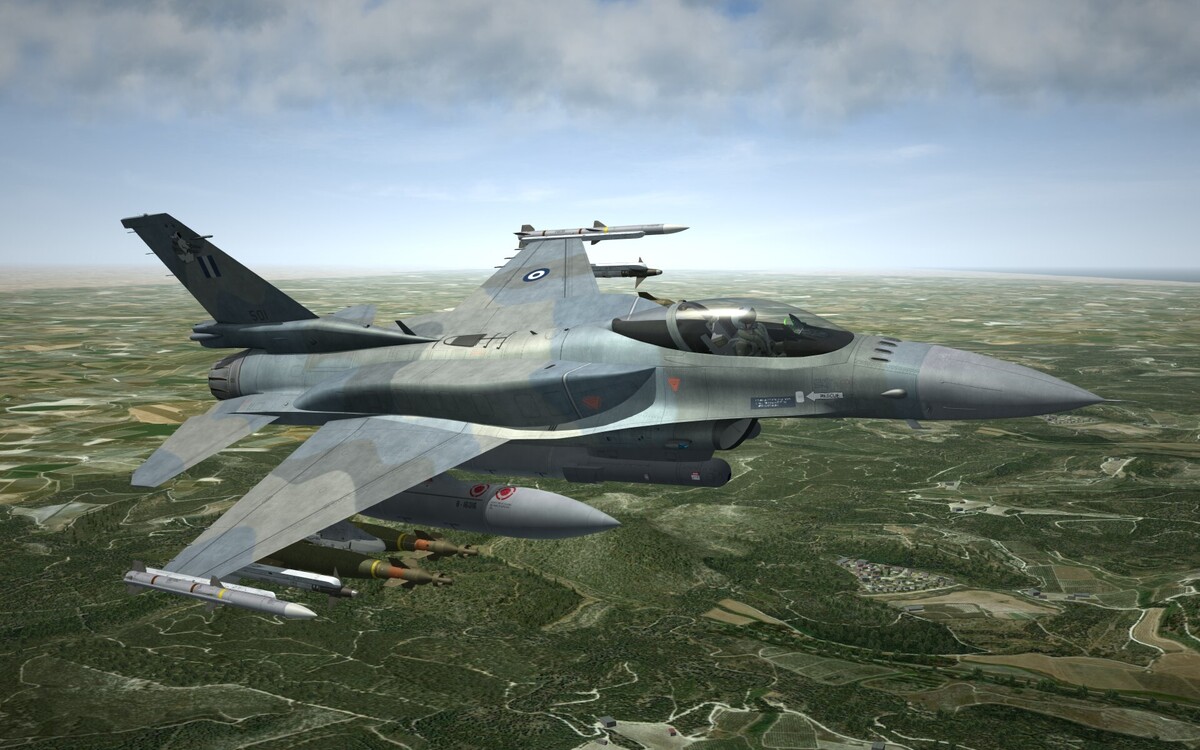
.. and a Block 52+ Battle hardened ..
-
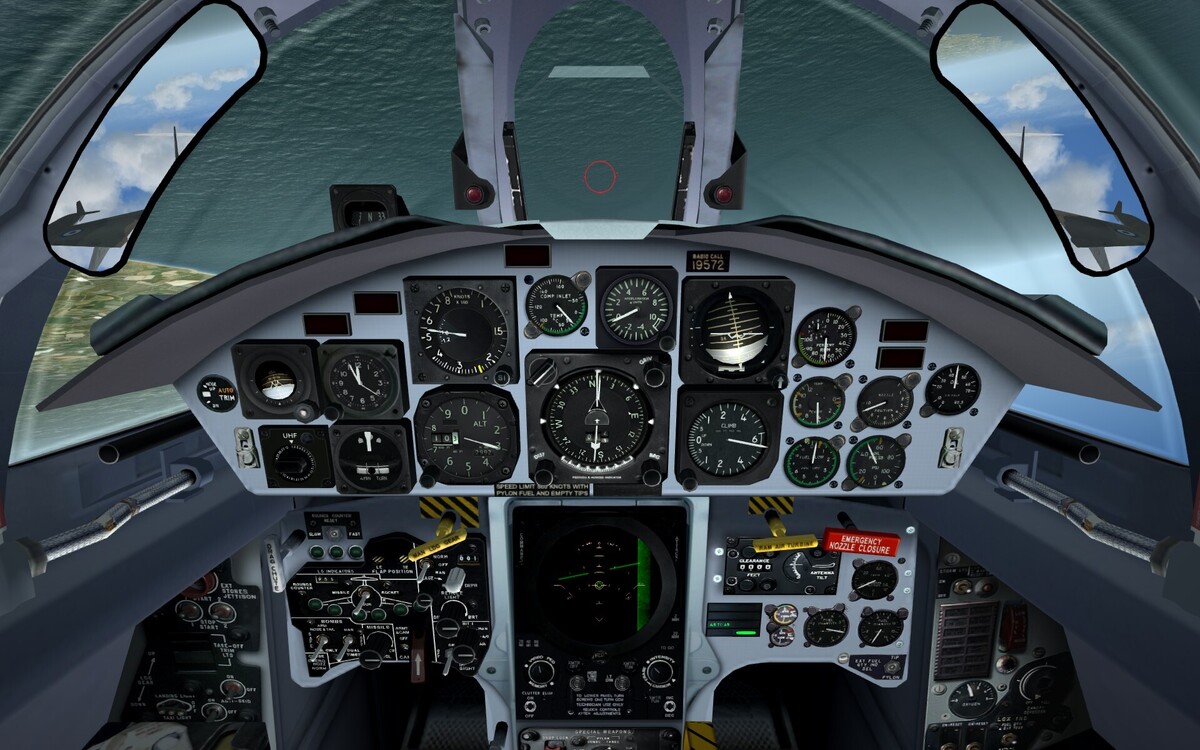
Absolutely beautiful!! It would look great with this ..
-
Hello all, just a simple, stupid question .. because some terrains have the folder with the "S" and some without .. so which is the correct name for the folder for SF2 installs? Thanks in advance! Sophocles
-
 Absolutely Fantastic package!! The Hi-Res stencilling and textures are amazing!!!! Congratulations