sophocles
-
Posts
681 -
Joined
-
Last visited
-
Days Won
39
Content Type
Profiles
Forums
Gallery
Downloads
Store
Everything posted by sophocles
-
She's just been uploaded .. waiting for Administrator approval.. Something to read while you wait .. F-5A_HAF_Manual.pdf
-

Version 2.0.1
149 downloads
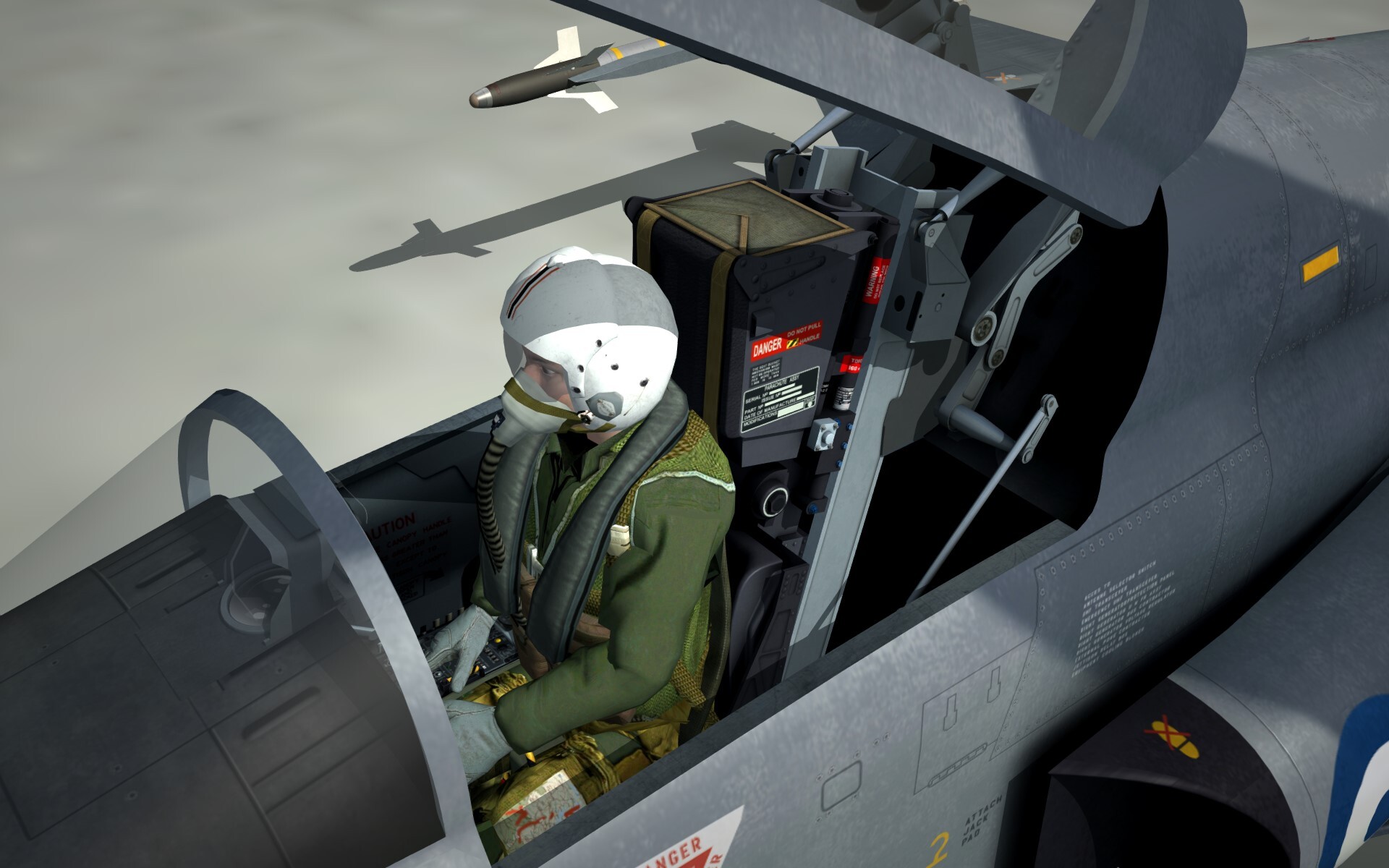
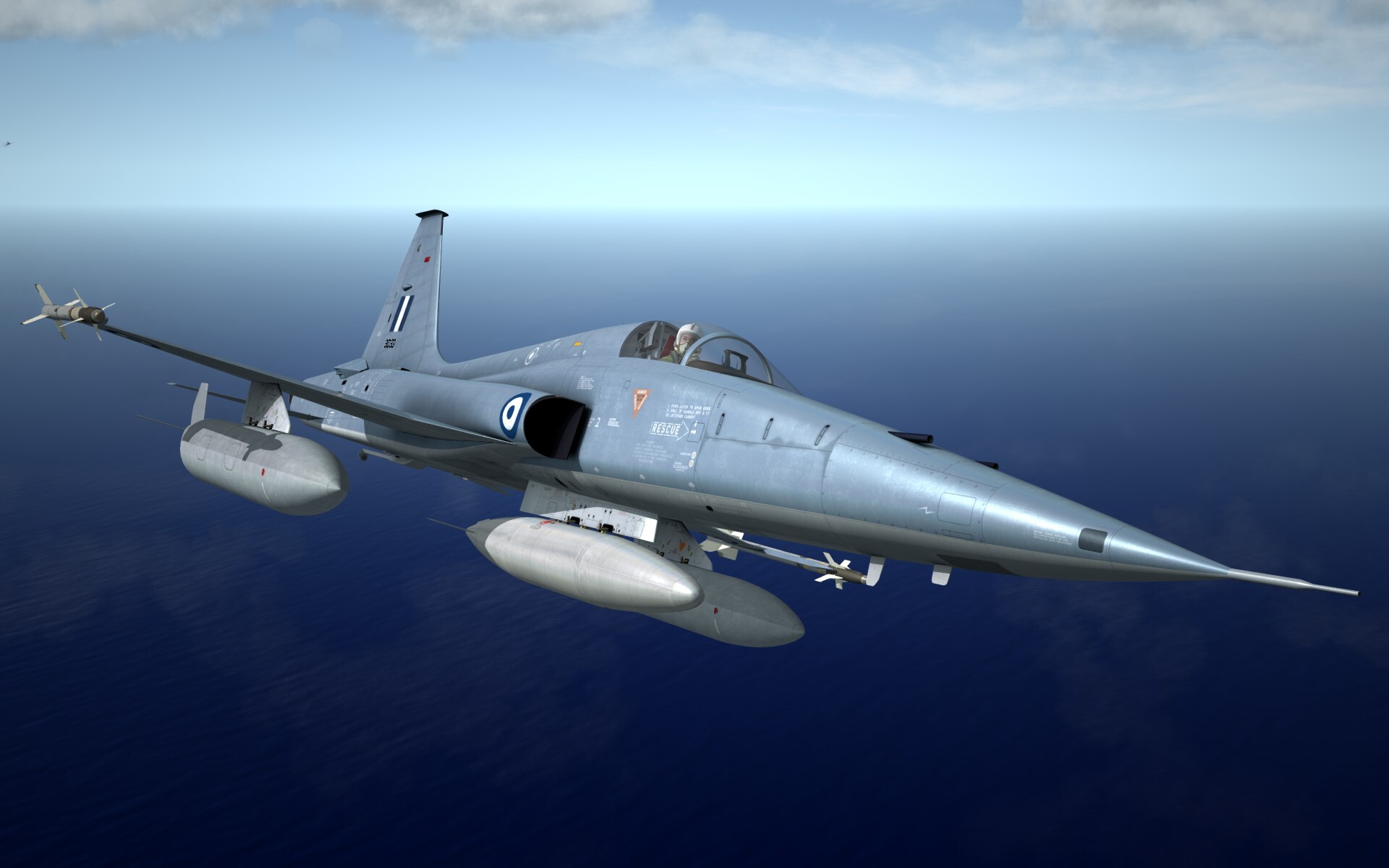
July 2026 Hellenic Air Force F-5A Freedom Fighters VERSION 2.0 F-5A variants included in the Package: HAF F-5A standard version with Northrop ejection seat (1965 - 1974) HAF F-5A with Martin Baker GRQ-7a ejection seat (1975 - 2001) HAF Ex-RNoAF F-5A with Martin Baker Mk10L ejection seat (1986 - 2001) HAF Ex-RNAF NF-5A with Northrop ejection seat (1991 - 1994) HAF Ex-RNAF NF-5A with Martin Baker Mk10L ejection seat (1995 - 2001) HAF RF-5A reconnaissance variant with 4 K-92a cameras (1968 - 2001) HAF Ex-RNoAF F-5A upgraded with F-16 Avionics to serve an F-16 LIFT (What If Bonus). We are proud to present the F-5A HAF Version 2, an extensive update to the original (Volume I Version 1.0), focusing on one of the most enduring American military aircraft designs ever produced during the Cold War period. This new Version includes all single seat F-5A variants that had served with the Hellenic Air Force; the HAF F-5A standard, the HAF F-5A with the Martin Baker GRQ-7a ejection seat, the ex- Dutch NF-5A with both the Northrop and the Martin Baker Mk10L ejection seats, the Ex-Norwegian F-5A(G), and the HAF RF-5A reconnaissance variant. It has been our goal to provide a highly detailed model and texture base which preserve the beautiful lines of this aircraft; and to engineer flight model files and a cockpit/gauge file-set that add to the immersion of the flying experience within the Strike Fighters 2 series. The pack also includes a “what if” variant of the Ex-Norwegian F-5A( G), supposedly upgraded with F-16 avionics to serve as Lead In Fighter Trainer for HAF F-16 Fighting Falcons. INSTALLATION INSTRUCTIONS: 1. Unzip the 2 parts into a temporary folder. Then, copy the contents of the "ToModsFolders" into your SF2 Mod directory, which is typically: C:\Users\user\Saved Games\ThirdWire\StrikeFighters2. Allow directory merging and overwrites, provided the overwrites pertain to "fake pilot" entries, as well as weapons made by ravenclaw_007, which are included in this and many other releases. 2. Add the entries of "ADD_TO_SOUNDLIST.txt" to your SOUNDLIST.INI (located in the "user\Saved Games\ThirdWire\StrikeFighters2\Flight" folder).If one does not exist, then you will need to extract it using the 3rdWire CAT extract utility. You are simply required to substitute the "XXX"s with the next sequential number in the sound file section of the file. 3. Install the attached Windows Font from the ADD TO WINDOWS FONTS folder (For the HUD Symbology)/ NOTE 1: A frame-rate friendly option for those with older hardware is to use the Next level of Detail Model as the primary external model. This simply involves changing the first line in the F-5A_HAF.ini, from this.. [LOD001] Filename=F-5A_STANDARD.LOD to this.. [LOD001] Filename=F-5A_STANDARD_002.LOD Much effort was made to provide those with lower end systems an alternative lower poly-model to be able to enjoy the F-5a, so please take advantage of this _002.LOD model should you experience frame-rate issues. While not as "rounded" as the higher poly version; it is nonetheless, just as detailed and extensive. NOTE 2: For those who may find loading times excessive, the .jpg files in the texture folders can be reduced to 50% of their size without sacrificing too much surface detail. Keys: SHIFT+0 -> canopy open CREDITS: Alfa2 - Flight model, weapons edits, Loadouts, Beta testing Ravenclaw_007 - 3D Modeling, Animations, Weapons, Beta testing Sophocles - 3D Model, Cockpit, textures Guest contributors: Gurruu - Sounds and Afterburner effects. GKABS - Pilot figure Special Thanks to the staff and members of Combatace.com whose passion and efforts have enabled this game to endure, and to provide so much fun and excitement! Finally, thanks to TK and Thirdwire for creating such a fantastic game. FEATURES: * Seven distinct models; each with their own custom loadouts. * Highly detailed external 3d models, including the RF-5A, whose nose was graciously modeled by ravenclaw_007. * Specular color and Normal (bump) maps on all models. * Seven Level of Detail models (LODs) for each model, providing an almost seamless transition from distance to distance; and perhaps more importantly, ensuring that the frame-rate "impact" of the aircraft is as low as possible. * Two sets of highly detailed external Fuel Tanks by ravenclaw_007; both the Factory variety and the Sargent Fletcher variants. * Extensively fine-tuned flight parameters, emphasizing the F-5A's agile and highly maneuverable characteristics - courtesy of Alfa2. * High resolution texture sets; thoroughly researched historic depictions of the Aircraft fielded by many HAF Wings and Squadrons. * Quality sound-set included. Base sounds, by Guuruu, were sourced from existing recordings of various aircraft at air-shows and were modified to match the prominent characteristics of the F-5A General Electric turbojets, the "buzz"of the M39 Pontiac 20mm machinegun, and the flap/Air-brake, undercarriage deployment and retraction sequences of the Freedom Fighter. * Super detailed 'Virtual Cockpits' with animated throttle control, rudder pedals, control stick, landing gear lever, canopy, canopy lever, drag-chute lever, weapons selectors and weapon station arming flick switches. * Accurate and functional representation of the 7 variants’ Gunsights and HUD. * A full complement of highly (or should I say "insanely" detailed HAF weapons carried by the HAF F-5A, all by ravenclaw_007. * Comprehensive Hellenic Air Force Loadouts representing the weapons carriage evolution of the F-5A in Greek service from 1965 to the late 90s. * Complex animation of canopy opening mechanism, and animated Turbine blades; both thanks to ravenclaw_007. * GKAB's superb highly detailed crew figure with authentically modeled oxygen mask and flight helmet. * All new afterburner, emitter, and engine smoke effects by Guuruu Agreement THIS AIRCRAFT MOD OR ANY PART OF IT IS TO BE EXCLUSIVELY HOSTED BY COMBATACE.COM AND MUST NOT BE HOSTED OR POSTED FOR DOWNLOAD ON ANY OTHER WEB SITE. THIS PACKAGE AND ANY PARTS HEREIN MAY NOT BE UPLOADED AS PART OF ANOTHER MOD NOR MUST THEY BE SOLD OR OFFERED FOR SALE EITHER IN PART OR AS A WHOLE WITHOUT OUR EXPRESS PERMISSION. ************************************************************* Alfa2 & Sophocles July 2026 -
Very nice my friend; the 2nd image loks like a photograph!!
-
Will do .. I'll let you know what I think ..
-
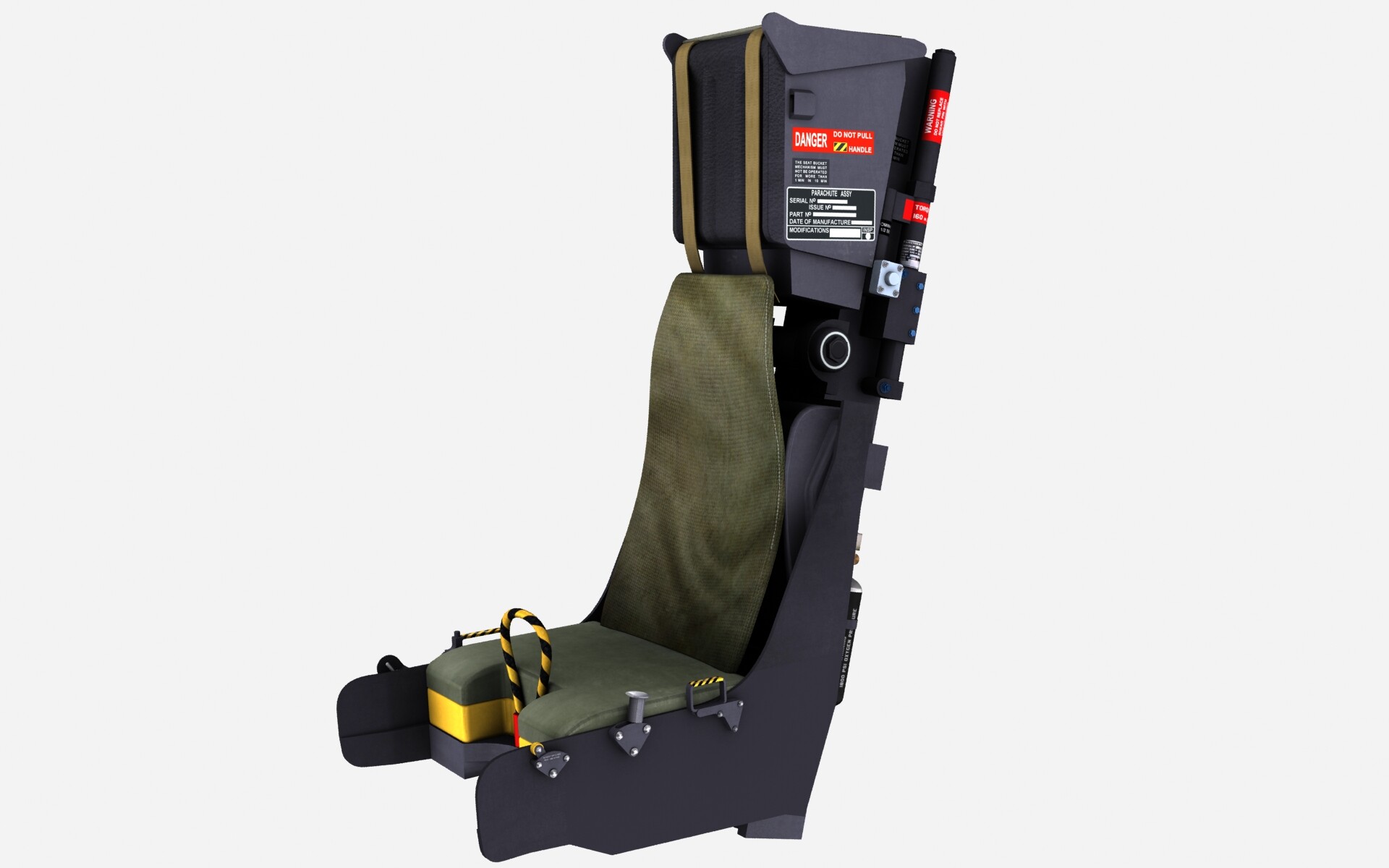
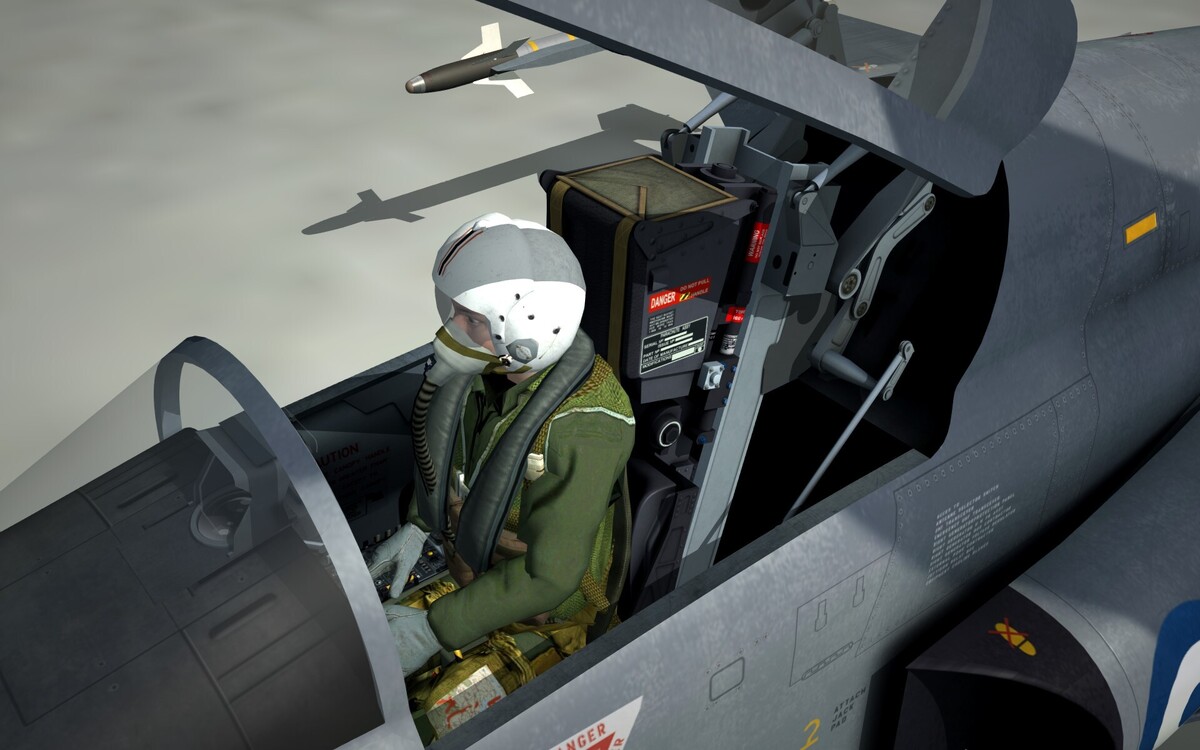
Ex-Dutch NF-5A in Hellenic Air Force service complete with GKABS pilot and the brand spanking new Martin Baker Mk10L ejection seat ..
-
Please post some screenshots ..
-
I was only a teenager back then so the current developments in scale modelling (photo etched and after market products) were a distant dream .. I did however buy an airbrush and compressor, and was quite proud of my models .. though I had to leave them all behind when I emigrated to my mother country Greece from Melbourne, Australia in the early 90s. Are you still making scale models?
-
That's what started this huge journey back in 1981 .. made tons of scale models! then I discovered computers and the internet in the early/mid 90s .. and here we are!
-
If directed to me (use the "quote" feature so we know who you're talking to ..) I'm doing just fine .. slaving away .. .. and yes, you deserbe an award!
-
Thankyou it works!!
-
@Radar-Aviator
-
Radar-Aviator, how did you get the link in "alfa2's" name to show? I've been trying to get the same result by putting an @ in front of the user but itdoesn't work?
-
I've been there Jarek, take your time.
-
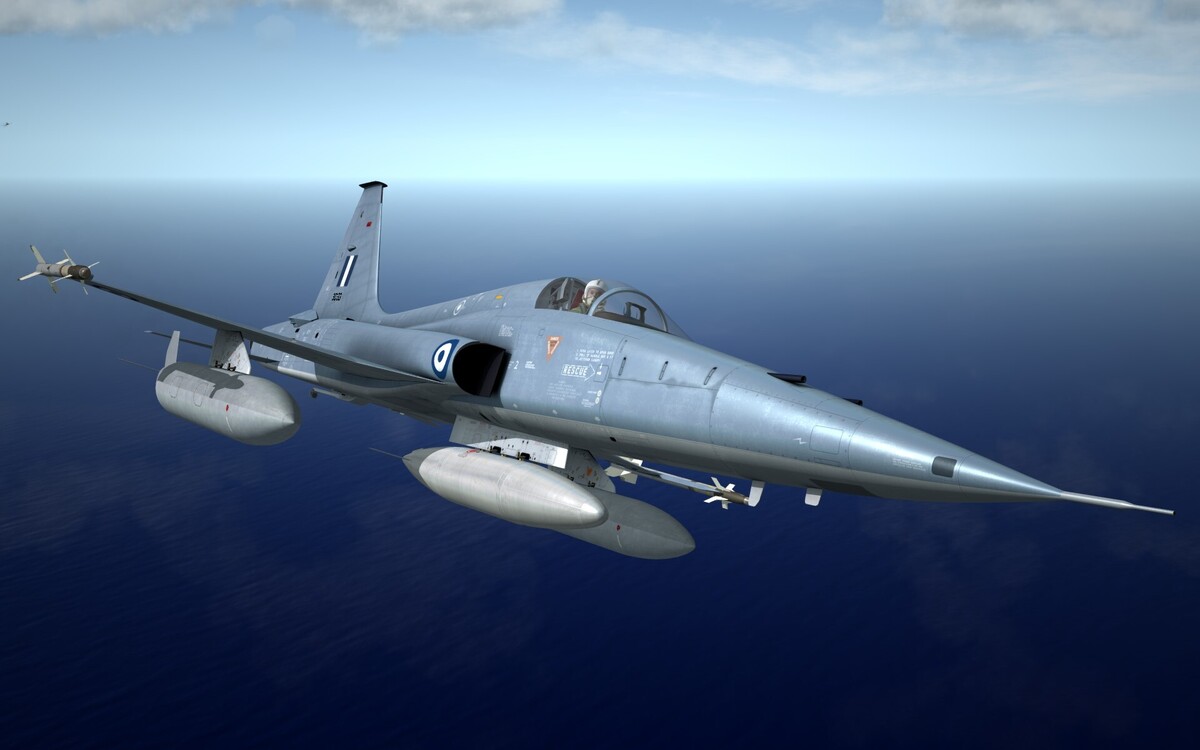
Coming soon Hellenic Air Force Ex-NF-5A ..
-
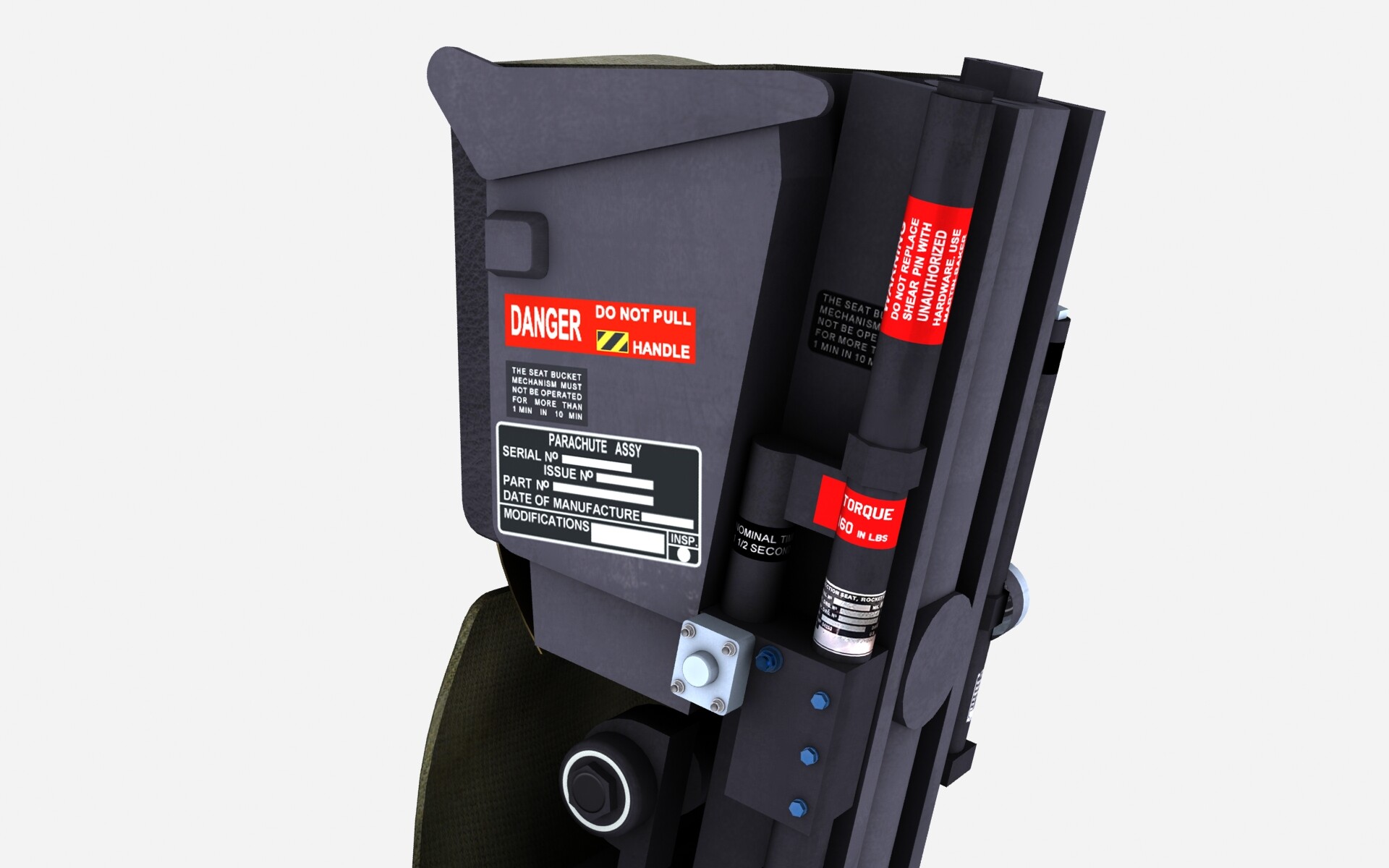
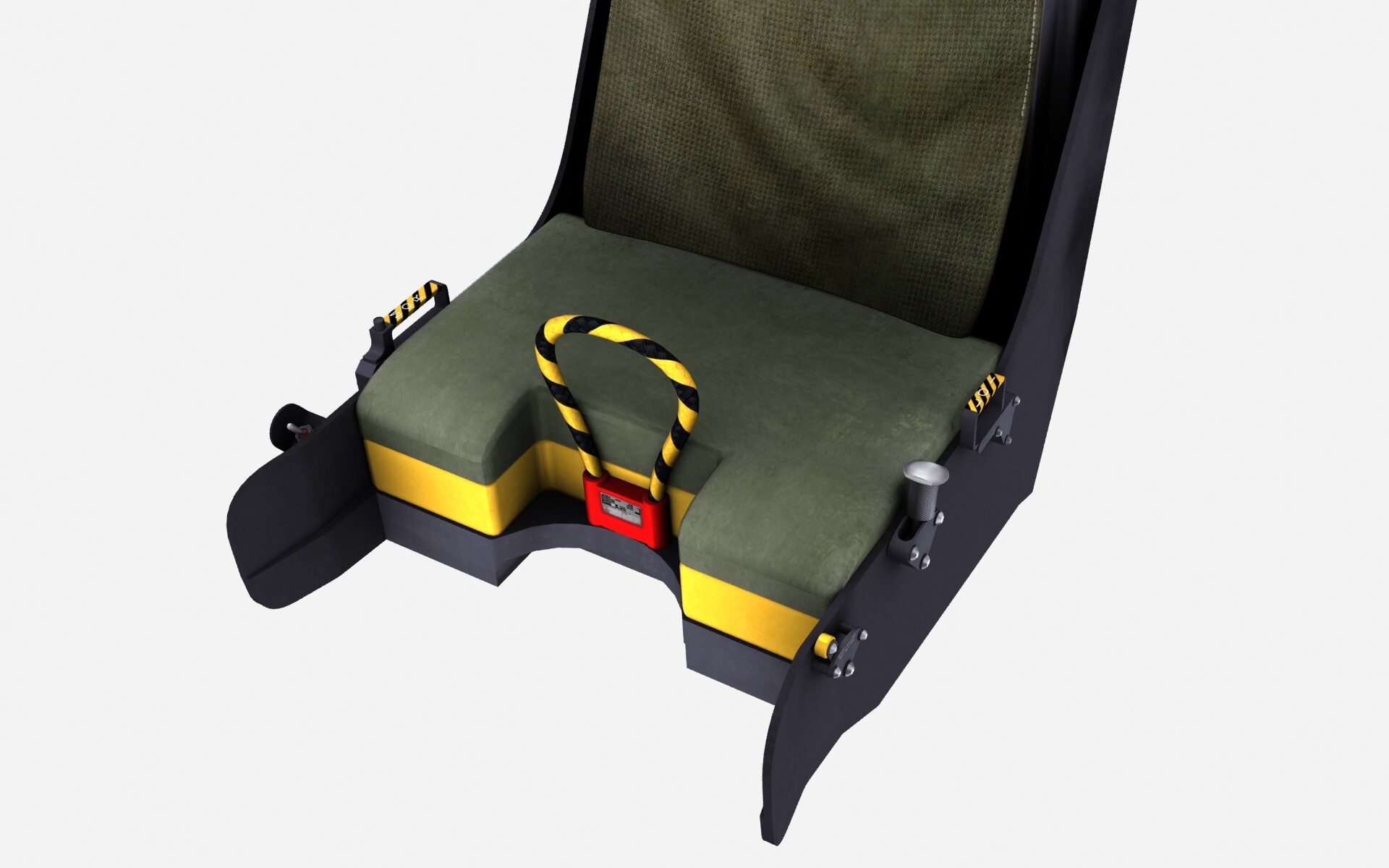
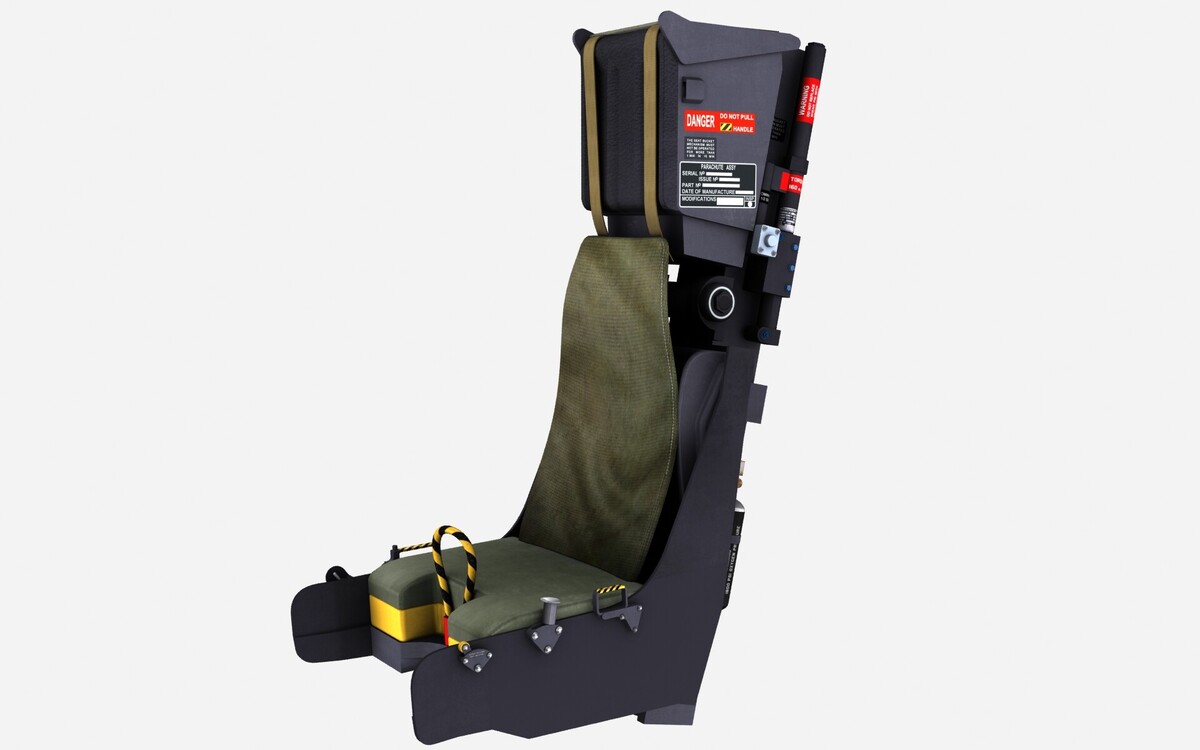
Here are some WIP screenies of the MB Mk10L, which will feature in our upcoming release of the massively updated Hellenic Air Force F-5A, Ex-NF-5a, and Ex-RNoAF Freedom Fighters.
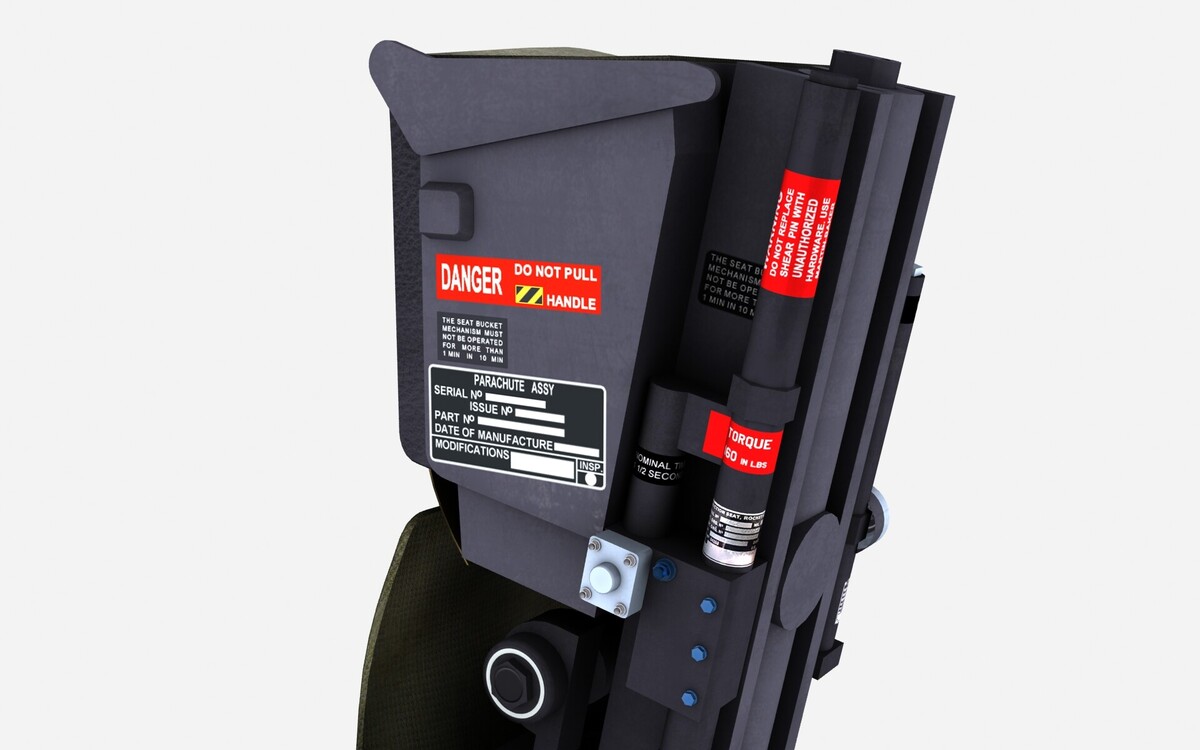
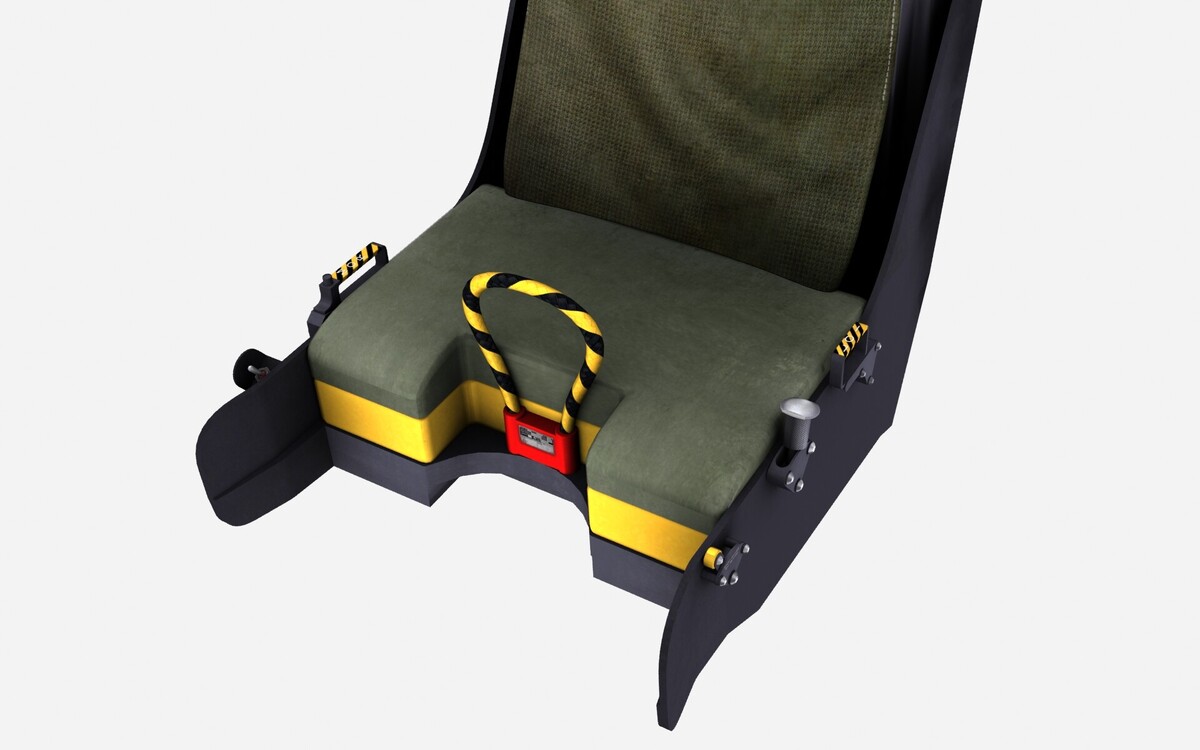
- 55 replies
-
- 13
-

-

-
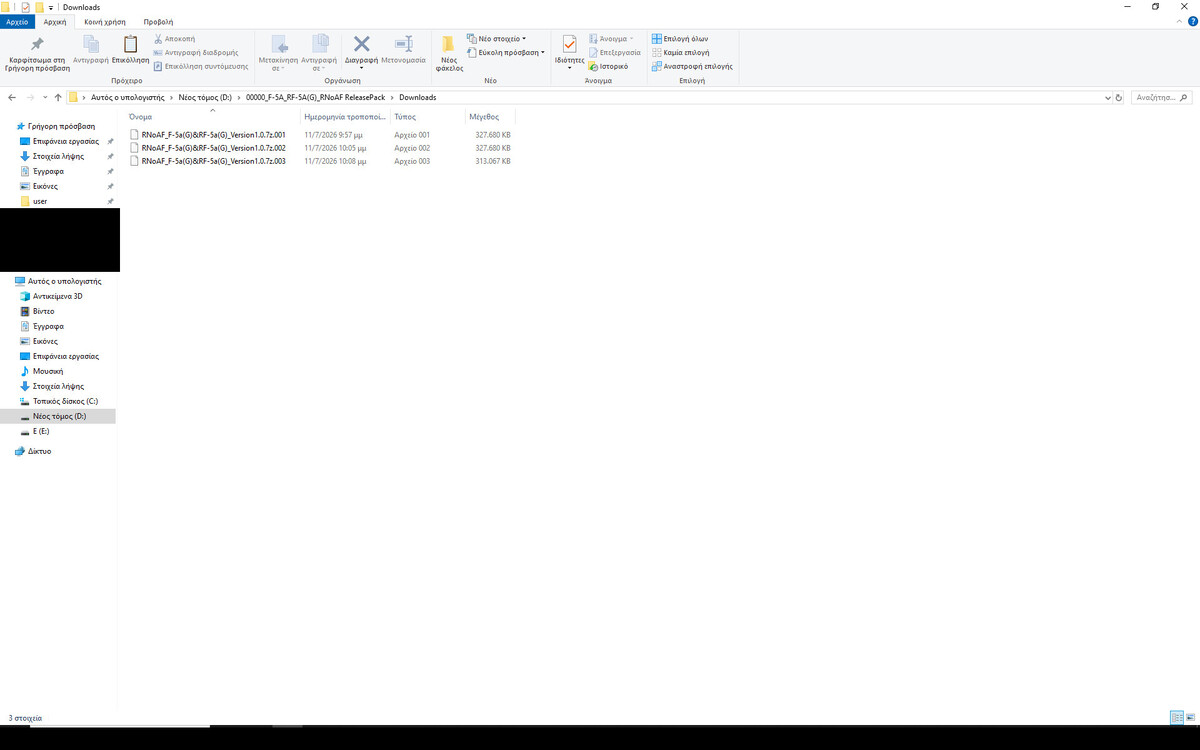
I have this ..
-
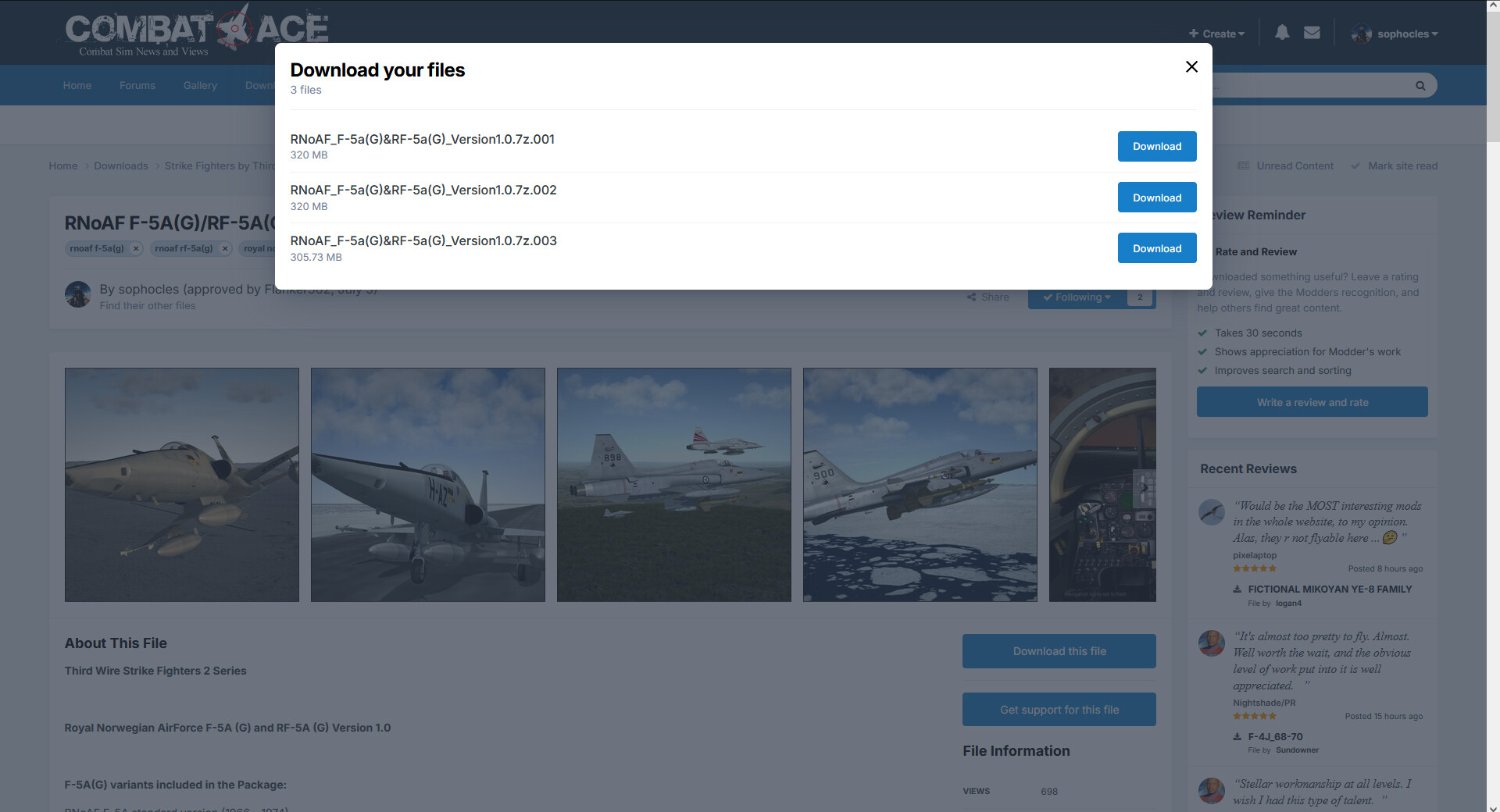
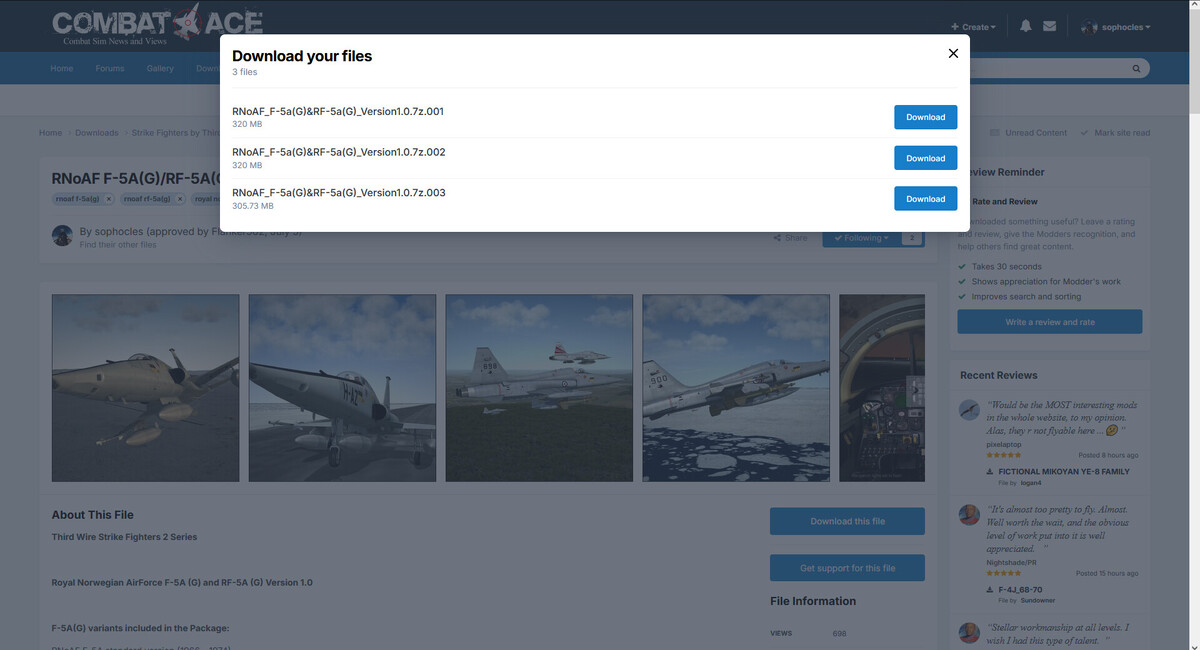
I have to disagree Daddyairplanes .. the download page clearly shows 1, 2, and 3 .. However, some people are having genuine problems .. I'll see If there's another way .. Thanks for the kind words; in truth, Ravenclaw_007 has alway's been my hero and inspiration .. and he helped tremendously in getting the Freedom Fighter into SF2. Regards
- 32 replies
-
- 3
-
-
- rnoaf f-5a(g)
- rnoaf rf-5a(g)
- (and 1 more)
-
Put them in a separate folder .. then unzip #1 .. Good luck.
- 32 replies
-
- 1
-
-
- rnoaf f-5a(g)
- rnoaf rf-5a(g)
- (and 1 more)
-
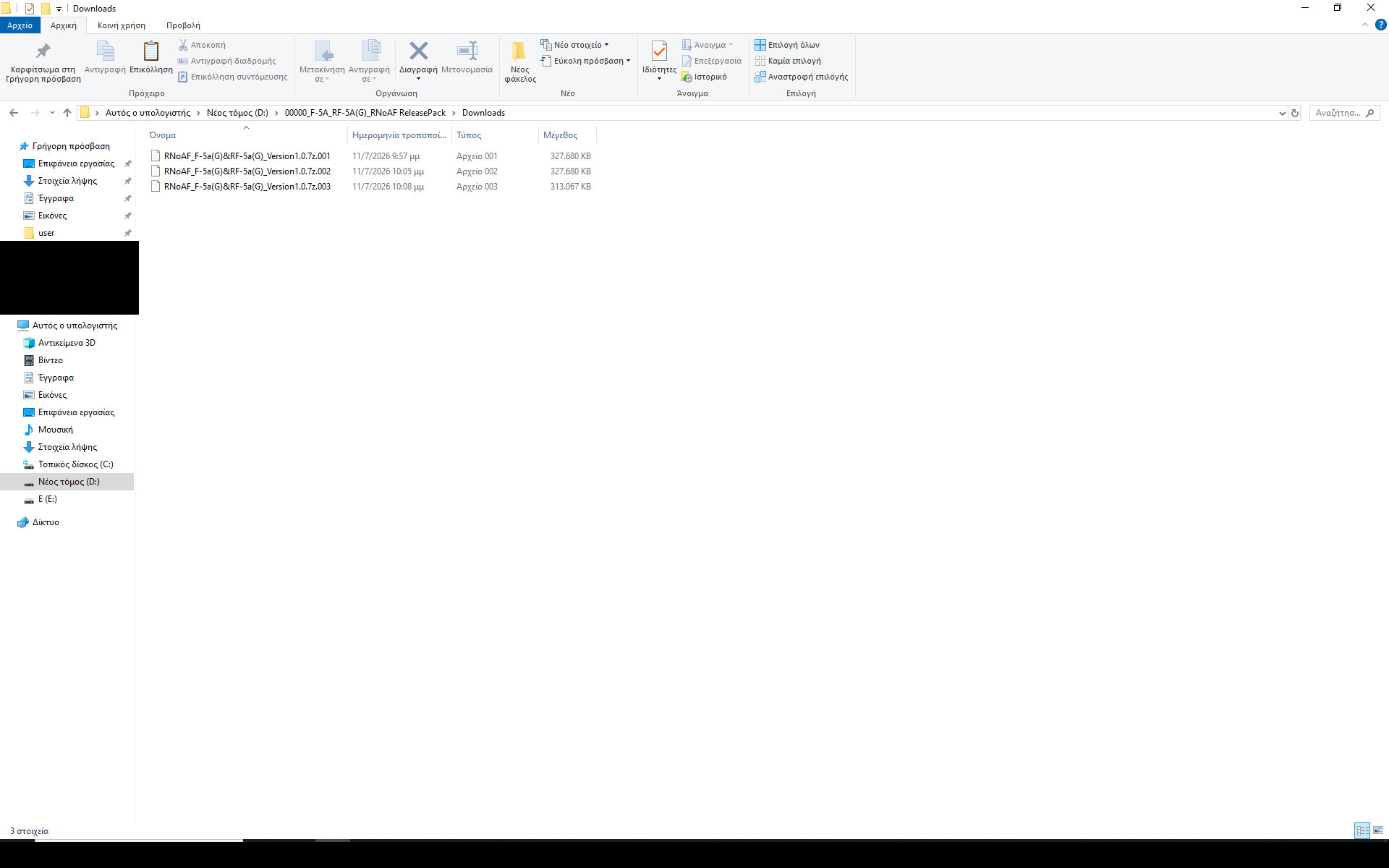
Sheriff, share a screenshot with the folder in which you placed the files(make sure the filesize of the parts is visible); I want to check something.
-
Perhaps the problem is this. try 7-zip unzip programme .. https://www.7-zip.org/
-
I'm stumped. I've downloaded them myself and it works .. would someone else who has successfully unzipped the package please chime in for some advice?
-
Sheriff, please let me know If you were successful.
- 32 replies
-
- 1
-
-
- rnoaf f-5a(g)
- rnoaf rf-5a(g)
- (and 1 more)
-
I understand, but do you have all 3 files in the same folder when you unzip the first file? By 3 files I mean RNoAF_F-5a(G)&RF-5a(G)_Version1.0.7z, RNoAF_F-5a(G)&RF-5a(G)_Version1.0.7z.002, and RNoAF_F-5a(G)&RF-5a(G)_Version1.0.7z.003.
-
Sherriff, all 3 files must be in the same folder when you unzip the first.
- 32 replies
-
- 1
-
-
- rnoaf f-5a(g)
- rnoaf rf-5a(g)
- (and 1 more)
-
There's something wrong on your end madvad; make sure that all 3 files are in the same temp folder and then unzip only the first .. the others will follow. Have you tried unzipping with 7zip and not WinRAR?