
Flanker562
-
Posts
13,489 -
Joined
-
Last visited
-
Days Won
64
Content Type
Profiles
Forums
Gallery
Downloads
Store
Everything posted by Flanker562
-
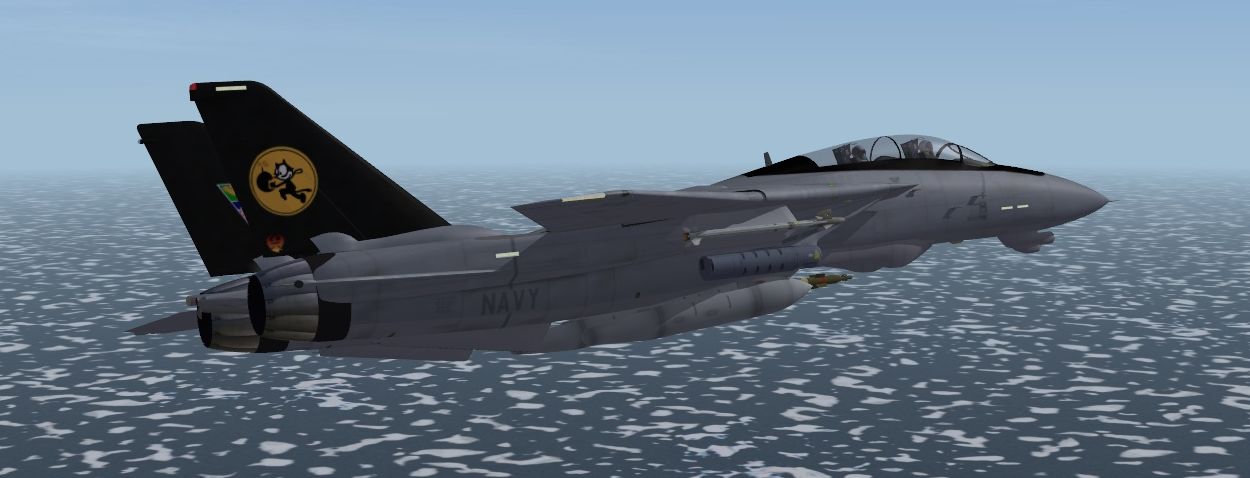
Decided to not work on the VF-2 one since I'm just not feeling the vibe with that skin, so I'll try and get the VF-31 CAG Last Tour done...
-
Strike or Close Air Support missions mainly.
-
Updated.
-
http://combatace.com/files/file/9401-super-hornet-package-for-sf2-v19/ Uploaded.
-
It's nice that it is... tired of bare carriers.
-
Well give it a few more years and we'll probably get to that point...
-
Nope the old school MF A version man
-
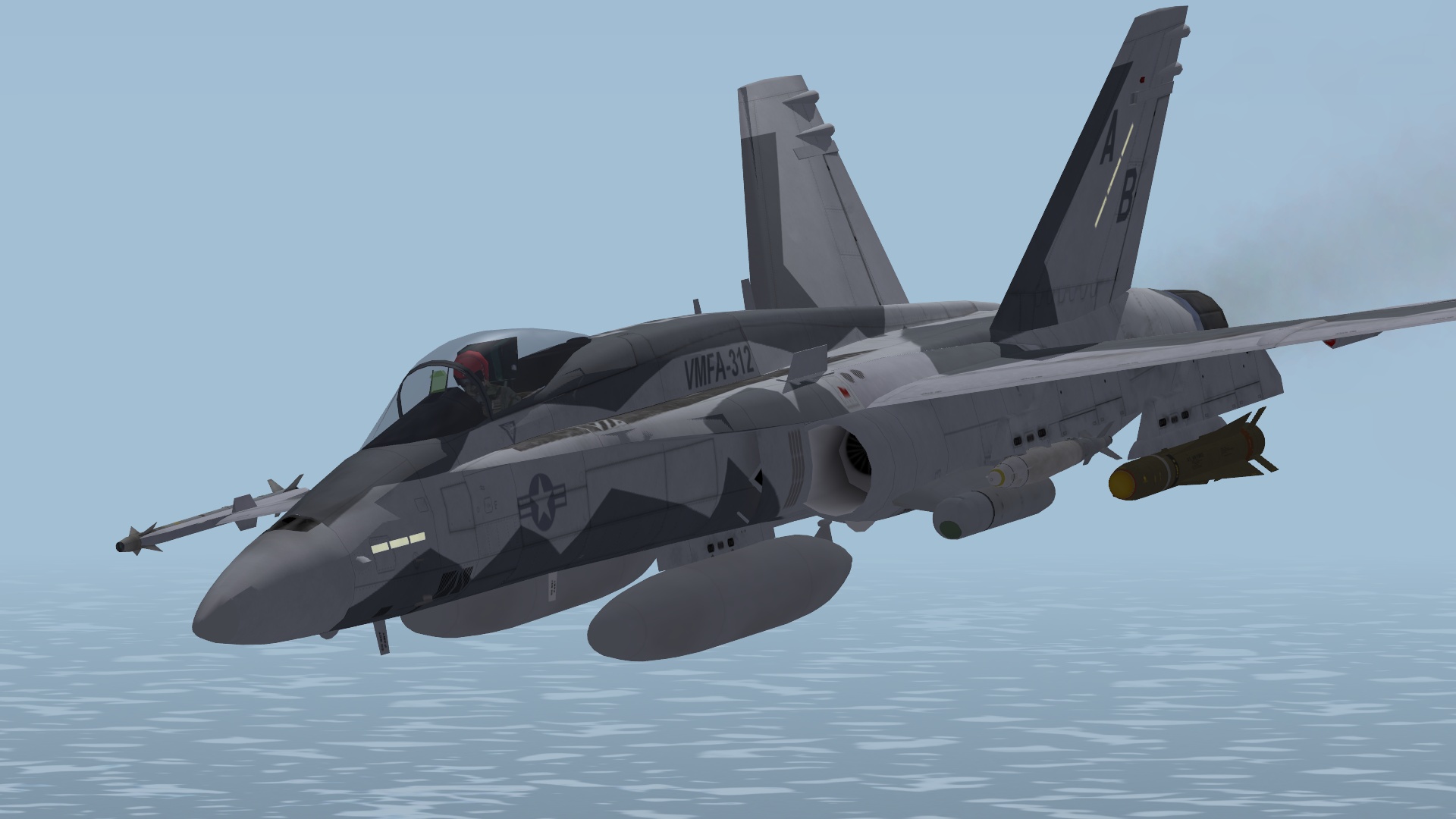
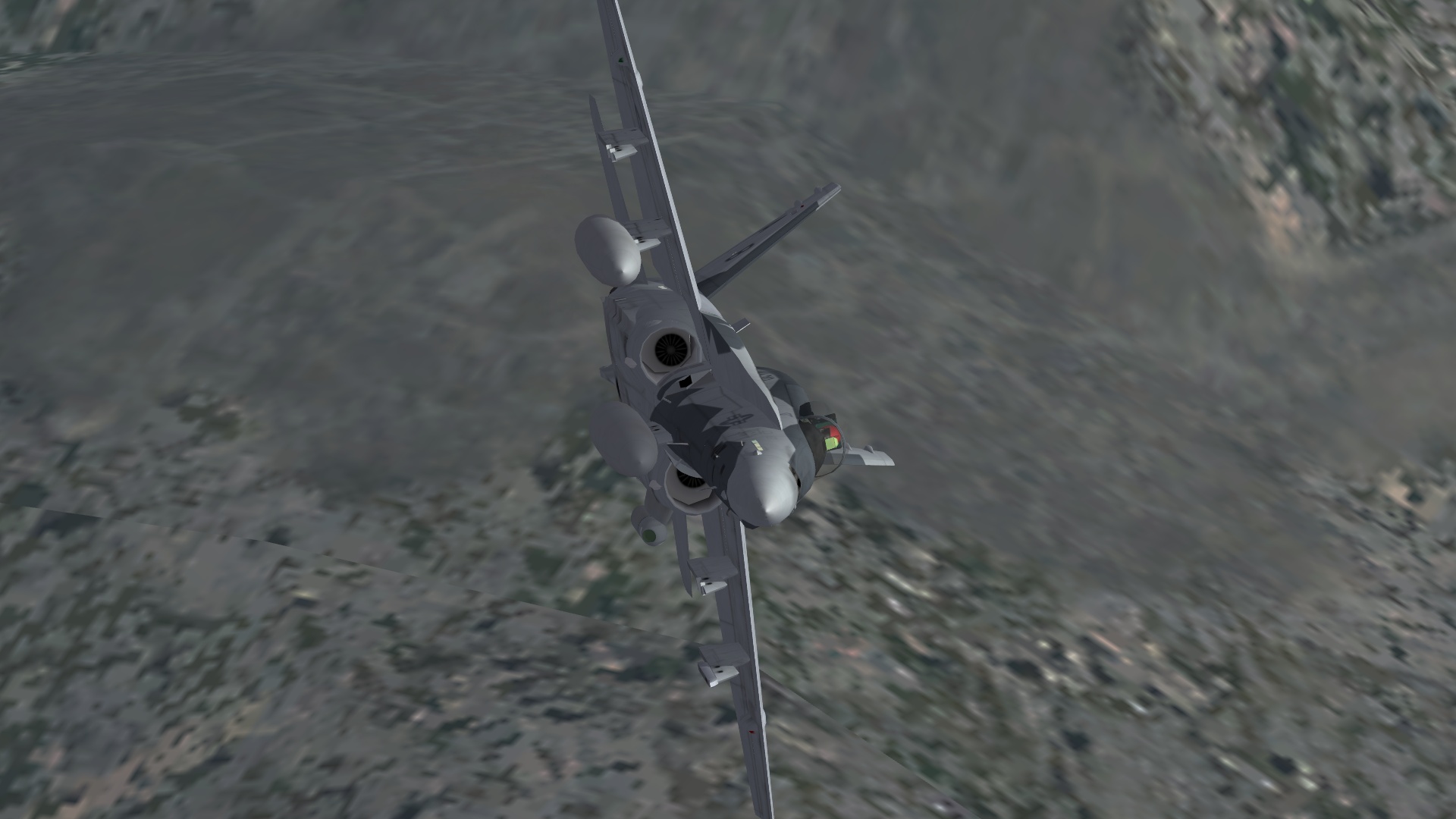
Thanks! Fight's On (OLD skin by Jarink with modded nose and tank caps).
-
Damn straight Gotta have balance in life... But fine here we go: "Yes there is! You go to the Campaign folder, open it with something like notepad, edit how you want it and save it as a new campaign!" That work?
-

Mission editor doubts/tips/help.
Flanker562 replied to Stratos's topic in Mission & Campaign Building Discussion
Added generating CAS flights. -
Yeah unfortunately I was inspired to but it just didn't come out totally, sorry.
-
Well... I'm being serious...
-
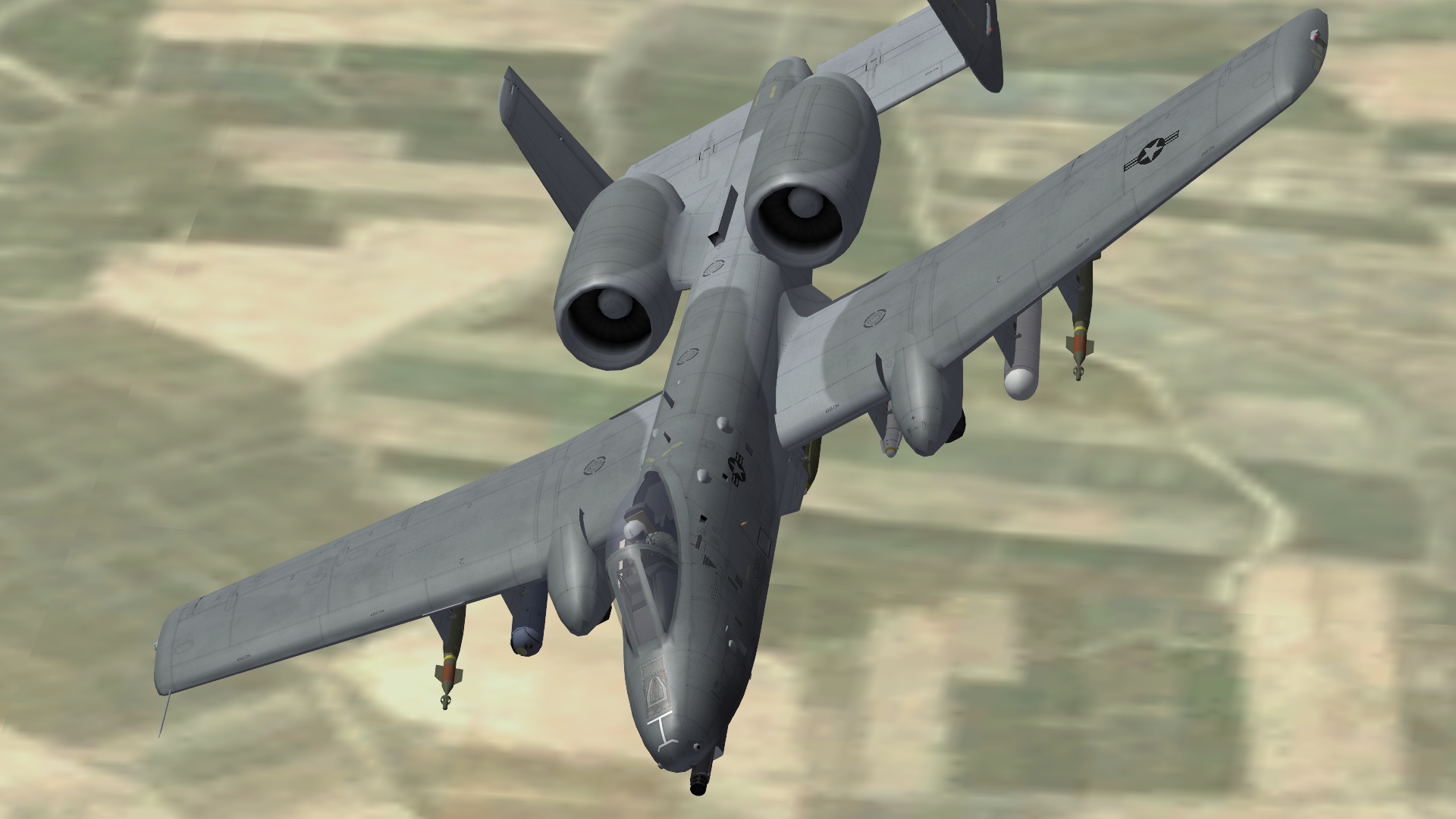
Soldier's Angel
-
-
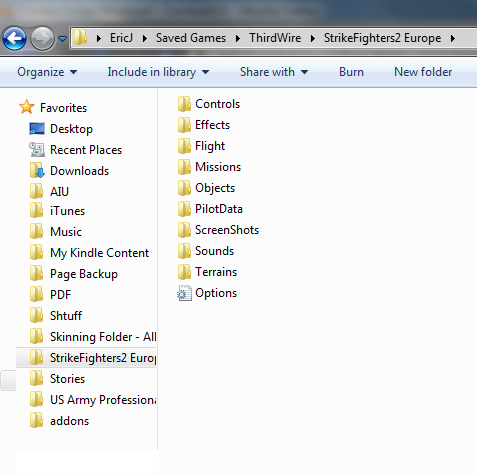
The "Mod" folder is found in User/Saved Games/Thirdwire/SF2GameYouBought The "Terrains" folder when installed does not exist, you have to create it on your own and it will recognize it.
-
Quite honestly I have and it didn't inspire me...
-
Nope. Felt like replying with a smart comment but as far as I know no.
-
My first thought is to update your video card drivers...
-
Anyone have a decent Prowler Cockpit
Flanker562 replied to VA27Badger's topic in Mods & Skinning Discussion
RAZBAMs are the best you can literally buy at their site... -
well to be honest with you that's the sharpest one I've seen so far out of the whole lot. There's a C version that was done in "VA-106" markings but as said this one is just very nice. Shame they didn't approve it. But the T-45 B one is sharp though
-
Nope I don't have any on my hard drive.
-
For which A-7? I don't have any but you talking about the Mirage Factory or Thirdwire? You may find a generic one on Thirdwire's site as a free download.
-
View File Fictional VFA-32 100 years of Naval Aviation F/A-18F scheme Original text by David F. Brown: Don't know if the Swordsmen have finalized a 100th Anniversary of US Naval Aviation paint scheme. I've attached a scheme designed by Author/Historian David F. Brown and Aviation Artist/Illustrator Geoff Martin. Hopefully, at least to the Swordsmen, this scheme will need no explanation. But for those who are not familiar with VF-32 operations during the Koren War, this scheme is a mix of markings worn by F4U-4 Corsairs flown by Ens Jesse Leroy Brown, the Navy's first black Naval Aviator and Lt(jg) Thomas Hudner. Lt Hudner was awarded the Congressional Medal Of Honor when he attempted to rescue Ens Brown after he was shot down over North Korea. Unfortunately, Lt Brown died from injuries sustained in his forced landing. I cannot think of a more fitting tribute to these former Swordsmen. This scheme was found on the VFA-32 Swordsman Facebook page, and after getting halfway through with it, I found out it wasn't accepted. However, I thought it was pretty cool so I finished it, with the knowledge of David F. Brown. All original work is form him and Geoff Martin from Afterburner Decals, though none were used. Eric JOhnson flanker56@hotmail.com http://562.50megs.com 2010 Due to the specialised tanks, it is only designed for Strike Fighters 2 only. Drop in the FA-18F directory and fly. Submitter Flanker562 Submitted 12/18/2010 Category F-18
-

82 downloads
Original text by David F. Brown: Don't know if the Swordsmen have finalized a 100th Anniversary of US Naval Aviation paint scheme. I've attached a scheme designed by Author/Historian David F. Brown and Aviation Artist/Illustrator Geoff Martin. Hopefully, at least to the Swordsmen, this scheme will need no explanation. But for those who are not familiar with VF-32 operations during the Koren War, this scheme is a mix of markings worn by F4U-4 Corsairs flown by Ens Jesse Leroy Brown, the Navy's first black Naval Aviator and Lt(jg) Thomas Hudner. Lt Hudner was awarded the Congressional Medal Of Honor when he attempted to rescue Ens Brown after he was shot down over North Korea. Unfortunately, Lt Brown died from injuries sustained in his forced landing. I cannot think of a more fitting tribute to these former Swordsmen. This scheme was found on the VFA-32 Swordsman Facebook page, and after getting halfway through with it, I found out it wasn't accepted. However, I thought it was pretty cool so I finished it, with the knowledge of David F. Brown. All original work is form him and Geoff Martin from Afterburner Decals, though none were used. Eric JOhnson flanker56@hotmail.com http://562.50megs.com 2010 Due to the specialised tanks, it is only designed for Strike Fighters 2 only. Drop in the FA-18F directory and fly. -
Mission editor doubts/tips/help.
Flanker562 replied to Stratos's topic in Mission & Campaign Building Discussion
http://combatace.com/topic/61294-quick-guide-to-the-mission-editor-for-exp2/ Quick Guide I wrote up
