
Flanker562
-
Posts
13,489 -
Joined
-
Last visited
-
Days Won
64
Content Type
Profiles
Forums
Gallery
Downloads
Store
Everything posted by Flanker562
-
 Okay those of us with Exp2 have the luxury of having an inbuilt Mission Editor and here's some basics for those new to it. For this we're doing to do a strike mission in Afghanistan. Upon hitting the pencil icon on the bottom right of "Create Mission" you're brought to this screen: I click on the airplane icon and I get a listing of flights, mine of course, and also a randomly generated AI flight. Now for one thing I don't like long missions as you can see I'm flying across the whole country, so what do I do? Note from the above screen you can adjust the weather to your tastes (For Afghanistan, Broken and above, real pilots don't fly in the soup that the country has, neither do I, because that's realism). I go to the drop down menu and select Kabul International Airport (KIA) and the ME adjusts my waypoints, looking all jacked up. To edit/move/delete the waypoint, simply click on the circle, and this will show up. And as you can see, I have my mouse on the trashcan, or delete button. Note that IP and Attack Waypoint (Triangle) cannot be deleted and I delete those two unnecessary waypoints and get this: Now I'll go and delete the unnecessary CAP flight as there isn't any enemy flights around. It should be noted that enemy flights will appear in this list, giving you forewarning of being intercepted. Realistically if you worked with KMD, it's the same thing before the ME. Okay since I have a lot of MANPADS that actually shoot me down, I'll create a SEAD flight for my objective. Immediately it'll generate a basic flight, with the aircraft icon where the crosshair is. The objective waypoint for the AI flight will automatically be where YOUR objective is. And I'll select Masar i Sharif as their starting and ending airfield, and adjust the waypoints to make a decent looking flight. It should be noted that the altitude and speed of the chosen aircraft (it reads the stats from the _DATA.ini file) and allows you to select minimum and maximum (I select maximum since I fly at full military power) and altitude, which for this map 22000 ft is recommended. Next I'll select the aircraft. It should be noted that you can select ANY aircraft regardless of time period. Want some Yak-23 "Flora" aircraft as your Escort? Go ahead! And of course select the amount, with a maximum of 16 aircraft: For this I'll select the EA-18G and two aircraft for the flight as its a small defended area (managed to wipe everything out). Next I'll select that aircraft flight's loadout. NOTE: Make sure you read the "Before/After" dropdown menu. The game will automatically spawn the aircraft at the appropriate time based off your INITIAL waypoint speeds. It is assumed you'll fly at that speed using Autopilot. Note this is all depending on what aircraft you select and how close you get to the objective and how fast you fly. Sometimes it's good to let your SEAD go in and take care of business while you orbit somewhere safe. It should be noted that if you're hanging on the objective BEFORE your SEAD flight reaches the area, it'll go find some other site to go to and wipe out, so bear that in mind if you need it whittled down before you go in. Also you can have the aircraft loiter at a point in case you need them to hang around. Next is the Success menu, which is defaulted to 50% If you want the objective cleansed, slide down to 100% but it's pretty self-explanatory. Obviously as you look you can see all the other things, what skin you want for the particular aircraft, numbers if present, etc. Now I'll select it's loadout. It should be noted that the ME reads off the Loadout.ini of your aircraft, so for this example I have only two loadouts, SEAD which is the conventional loadout, and the "AFGSEAD" which is theater-specific (fictional) since there are no radar threats on my install. Note ALL aircraft will be loaded the same, as per KMD. Just a quick note for my flight, I can select anywhere else defined as target areas (populated ones with targets) on the map. Then you can select individual targets within that group: Select my own theater specific loadout: Click "Accept" or the disk icon on the top. Note you don't have to save the mission if you don't want to, click no and it'll take you to the Hangar screen, or save the mission as you wish for future use and play: Adding a CAS flight Here's a simple addition to one of my basic CAS flights I saved. Since most of the stuff is covered above, we'll just skip to adding the new flight: Like before the basic flight is created centered around my objective: Edit the loadout and waypoints: Save the mission and then once you get on the objective: It should be noted that any additional CAS flights will start handling their business once the friendly and enemy ground units populate on the map. For inctanse the Tornado flight chose to wipe out a SAM and AAA site. Once the friendly ground elements appeared along with the Taliban, they proceeded to attack the objective, fulfilling their criteria before leaving and finally allowing me to finish mine. It should be noted that this is a real "soup" of targets, and it took me a while to finally kill enough Taliban so I could get a mission success. Additionally, one run before on this same mission killing a GAZ AAA system got me a mission success. Also remember that the supporting CAS mission will also automatically target any enemy formation on the map. For the mission above it was "G002 Taliban" and therefore the Tornados already had it targeted. From what I can tell there must be PLACED targets on the map, not map areas, since that's how the game essentially does it, through creating a "Friendly/Enemy CAS Target" on the map, such as this that's in my Afghanistan_Targets.ini file: [TargetArea417] Name=ABLE16 Position=791498,709507 Radius=10000.0 ActiveYear=0 Location=1 Alignment=friendly [TargetArea418] Name=Taliban Ambush 27 Position=791196,712940 Radius=10000.0 ActiveYear=0 Location=1 Alignment=enemy And setup in the Afghanistan_Movement.ini file: [Route086] RouteType=GROUND_ATTACK StartArea=ABLE16 EndArea=Taliban Ambush 27 RoutePosition[001]=791498,709507 RoutePosition[002]=791196,712940 Once these criteria are met you can set it up. So if you want another area... then you have to work through your list of targets, but the one the game selects through the "Create Mission" one will be the only CAS area you can use. So while not totally functional it's an improvement. Creating a Free Flight mission One of the coolest tricks using the Mission Editor is the ability to create a "Free Flight" mission allowing us to: - Conduct flight testing in a safe environment. - Weapons testing - Having some fun (i.e. just flying around having... fun) How do we do this? Simple. Since I needed a land based (I have enough carrier based ones) mission to use the large list of land-based aircraft I have. So I start a random single mission: As you can see my first objective is the High Desert Occupation Camp (If my mind is right), a simple Strike mission. Using the F-15E I select that and delete the Escort flight and the enemy Intercept flight: Then I go and remove any enemy and friendly defenses (user choice of course but for this I'll remove all) Now I'll go to my flight and change it to "Fighter Sweep". I'll then save the mission: Now that it's properly saved I'll click Accept and go into the mission: As you can see I need to edit the start point further (on the runway) but Red Crown just gave me a mission success without having to do anything, and once I exit the mission it's confirmed: The key point is to always save it opposed to what the original mission is. Strike missions if the aircraft allows it should to to something where there isn't any aircraft, or the ME will automatically select it unless you're wanting it then go ahead of course. SEAD Specific aircraft you don't have to do anything special other than click the opposing enemy air defenses to none, and you'll still get the above. Adding a Carrier and taking off from it for a Single Mission The next bit will be as the topic says, we'll start a regular mission from a carrier and also allow us to land on that same carrier. Start a regular mission as shown: Just to show what we have there are three carrier capable flights we can edit. However there is a bug with assigning AI to takeoff from carriers so we'll naturally do the F/A-18A flight which is ours. We'll simply drag the cursor to the sea area (just a random spot for this tutorial): Now we'll go to the "Add New Ground Object" and click on that: Since I have it installed the first selection is Sampan (Motorized). So we'll open up the drop down menu and select the CVN-71 Theodore Roosevelt I brought in from the Desert Storm mod. Also you can see the CVN-75 which available in the Downloads section. I select the CVN-71, which the game gives the automatic designation "G001" Naturally you can edit to whatever name you want and save. Next we'll go to my flight (F/A-18A) and edit my flight. We'll then go ot the Home Base menu and select "G001" which is of course the carrier: Then I'll select the Land base as the same, either "Same as start base" or "G001" and the waypoints will automatically adjust. A little cleanup of the waypoints to make the mission work as I see fit: And viola! I'm starting the mission from the carrier... And how do I get to where I was? The best way is to go through this thread as the answers and necessary files are here: http://combatace.com/topic/60932-formats-for-carriers-and-warship-with-the-mission-editor/
-
- 2
-

-
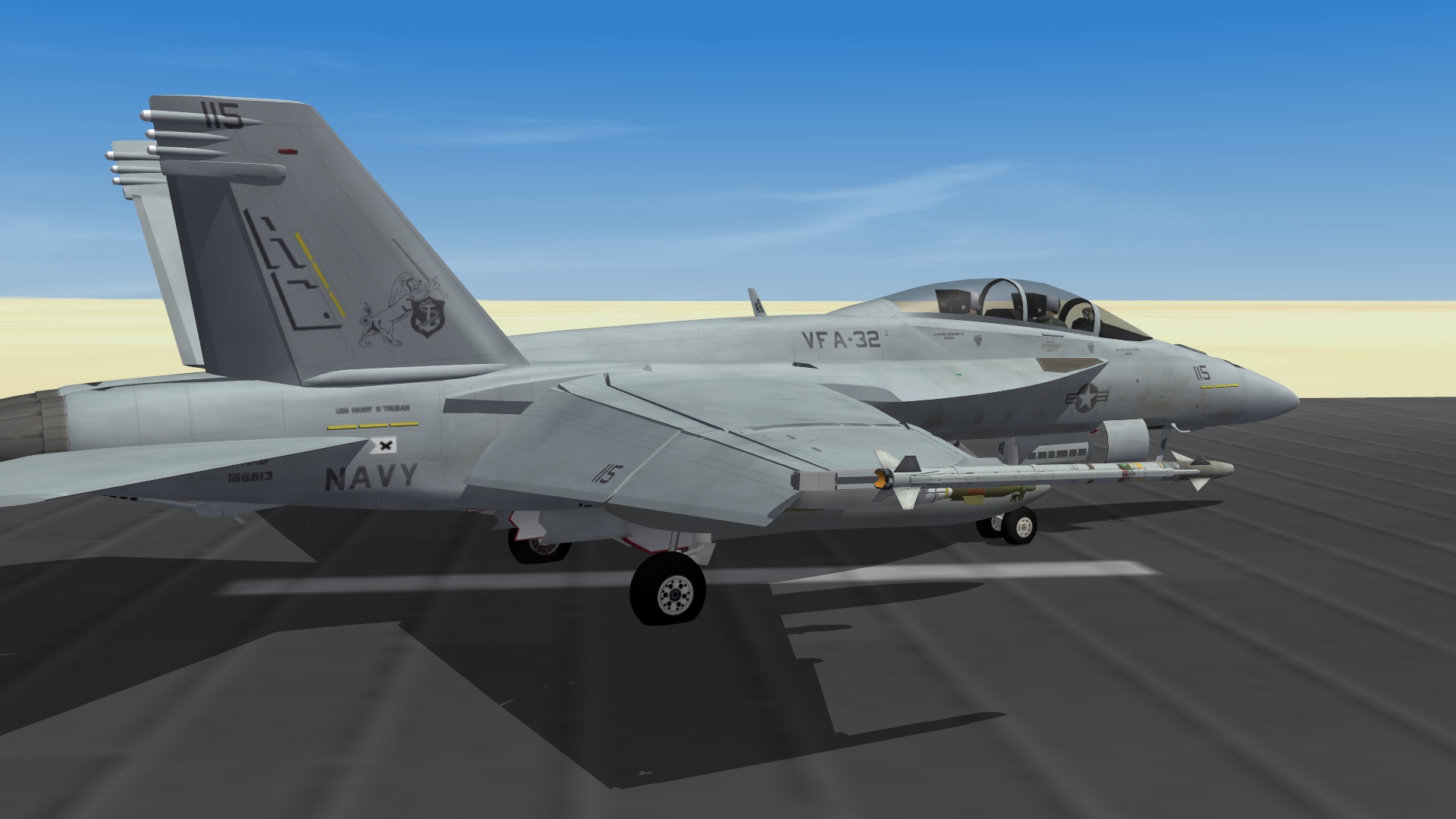
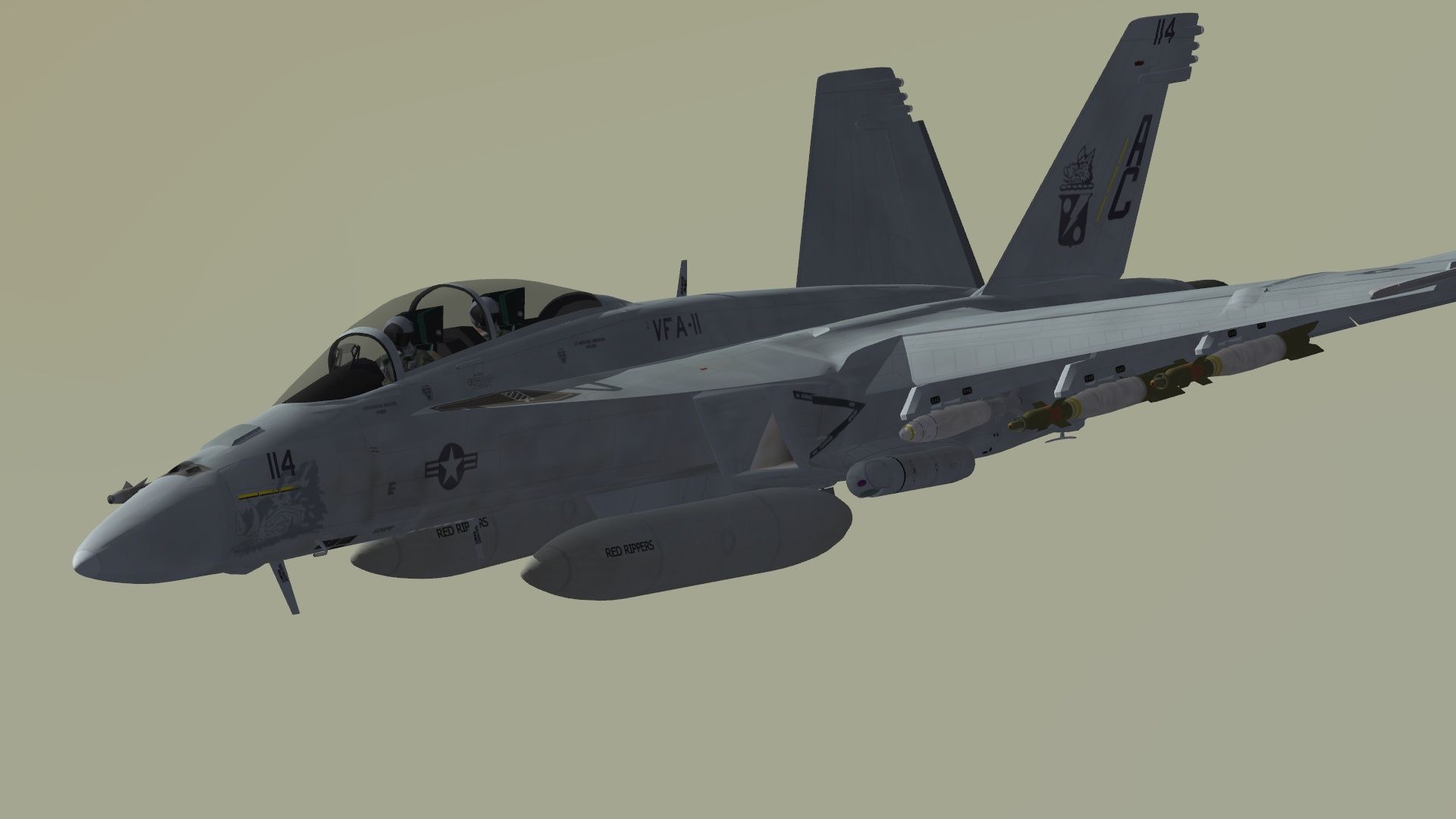
Skin and modex update (saw a pic dated September 10, 2010)
-
By the early morning light... F-15Es from Seymour Johnson establish themselves over the training area in preparation of their deployment to Afghanistan. And beautiful shot Spillone104!
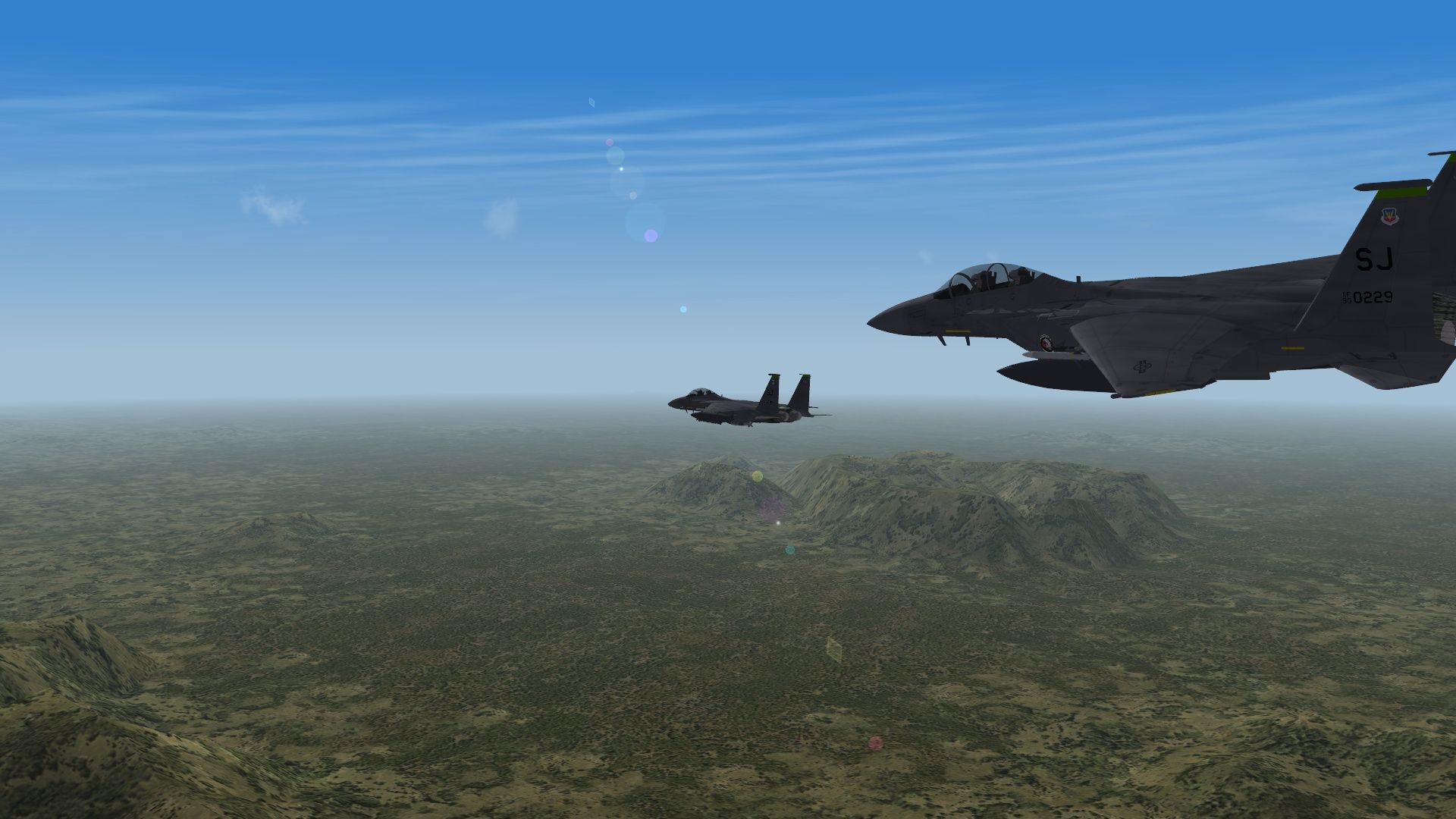
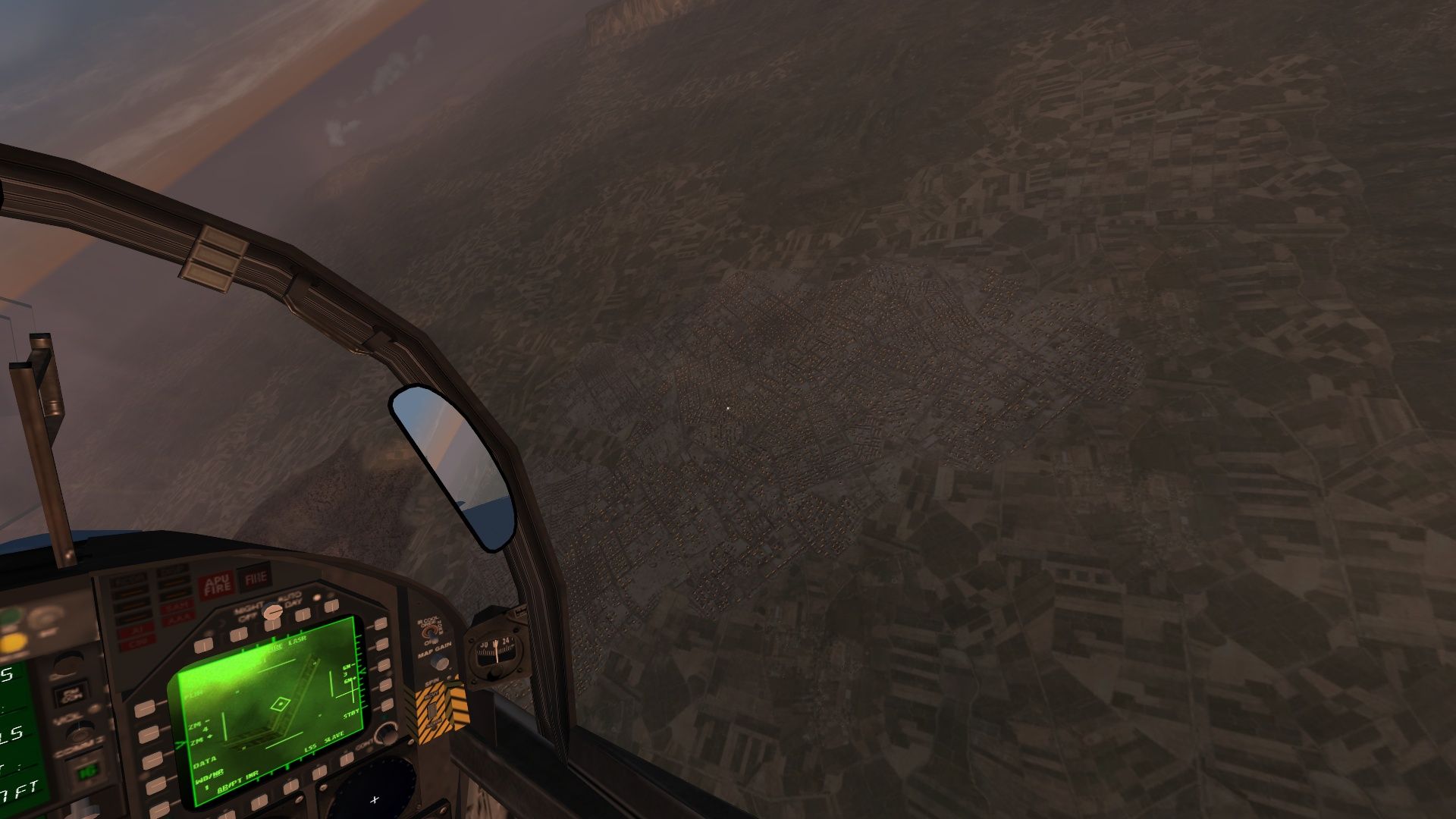
-
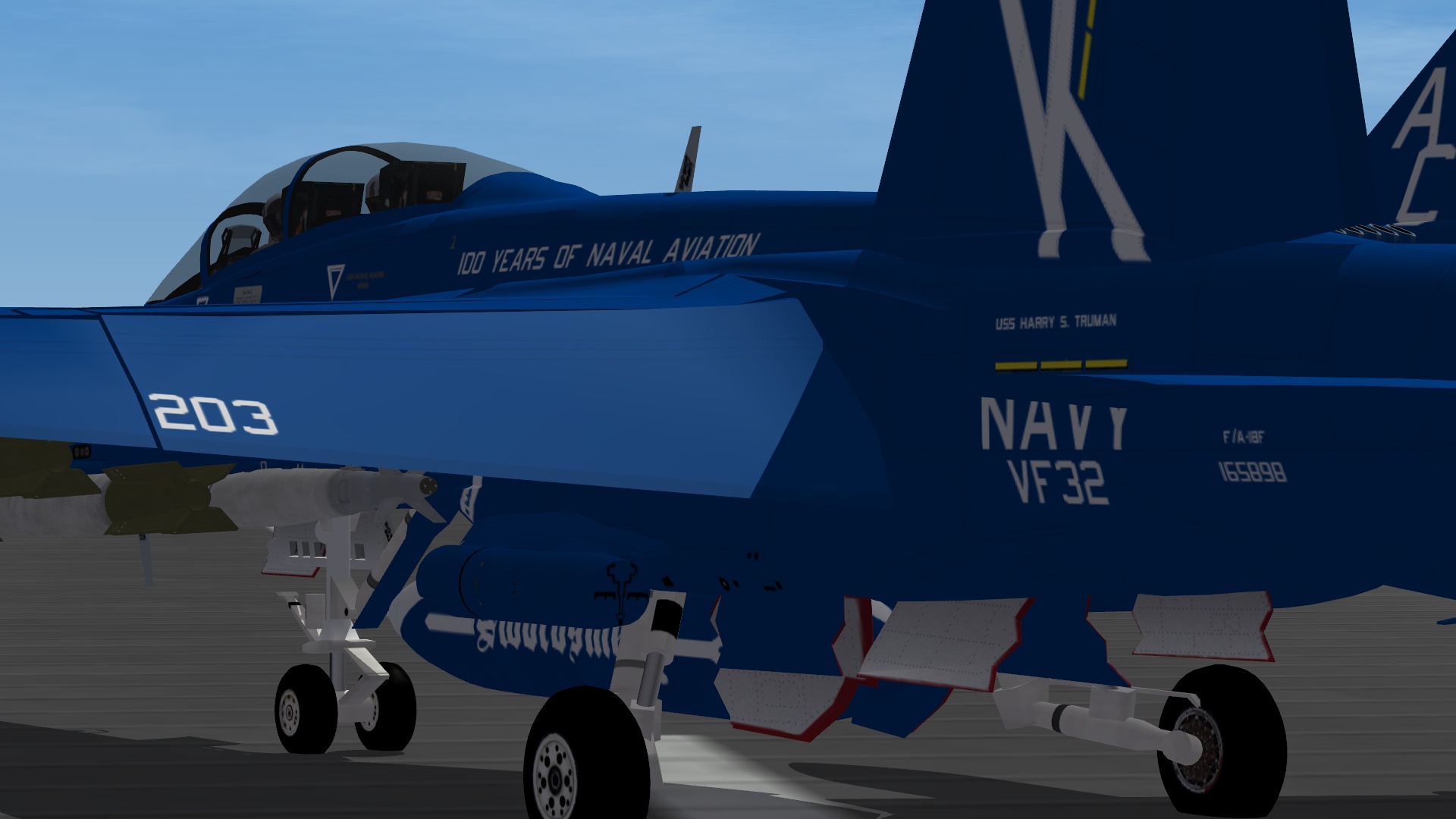
I'm going to ask the original designer if it's okay to release it and yeah I have seen it... ghey. Though I'd like to do a digi scheme but I just don't have the patience for it. Final touches, though the ser. number is the one on ALL of my Supa Bugs (Hell it said "F/A-18E" )
-
Agreed for a Navy jet it's not too bad, better than the "digital" pattern that cropped up. Gads that is ugly.
-
Mission editor doubts/tips/help.
Flanker562 replied to Stratos's topic in Mission & Campaign Building Discussion
Looks like it, but remember to place it near a map objective. OR for mission Editor's sake, make a map "target" and place the SAM site near it for your CAS objective. That may be a workaround. -
Need help with the HUD and some other things
Flanker562 replied to umm's topic in General Discussion
From my perspective it may be doable but Strike Fighters was never designed to be played as such. You're better off getting something like Ace Combat or HAWX. -
Essentially it is now since it was disaproved due to Navy regs, at least according to the link here: http://www.facebook.com/?ref=logo#!/photo.php?pid=5254700&o=all&op=1&view=all&subj=132416560136510&aid=-1&id=794480689&oid=132416560136510
-
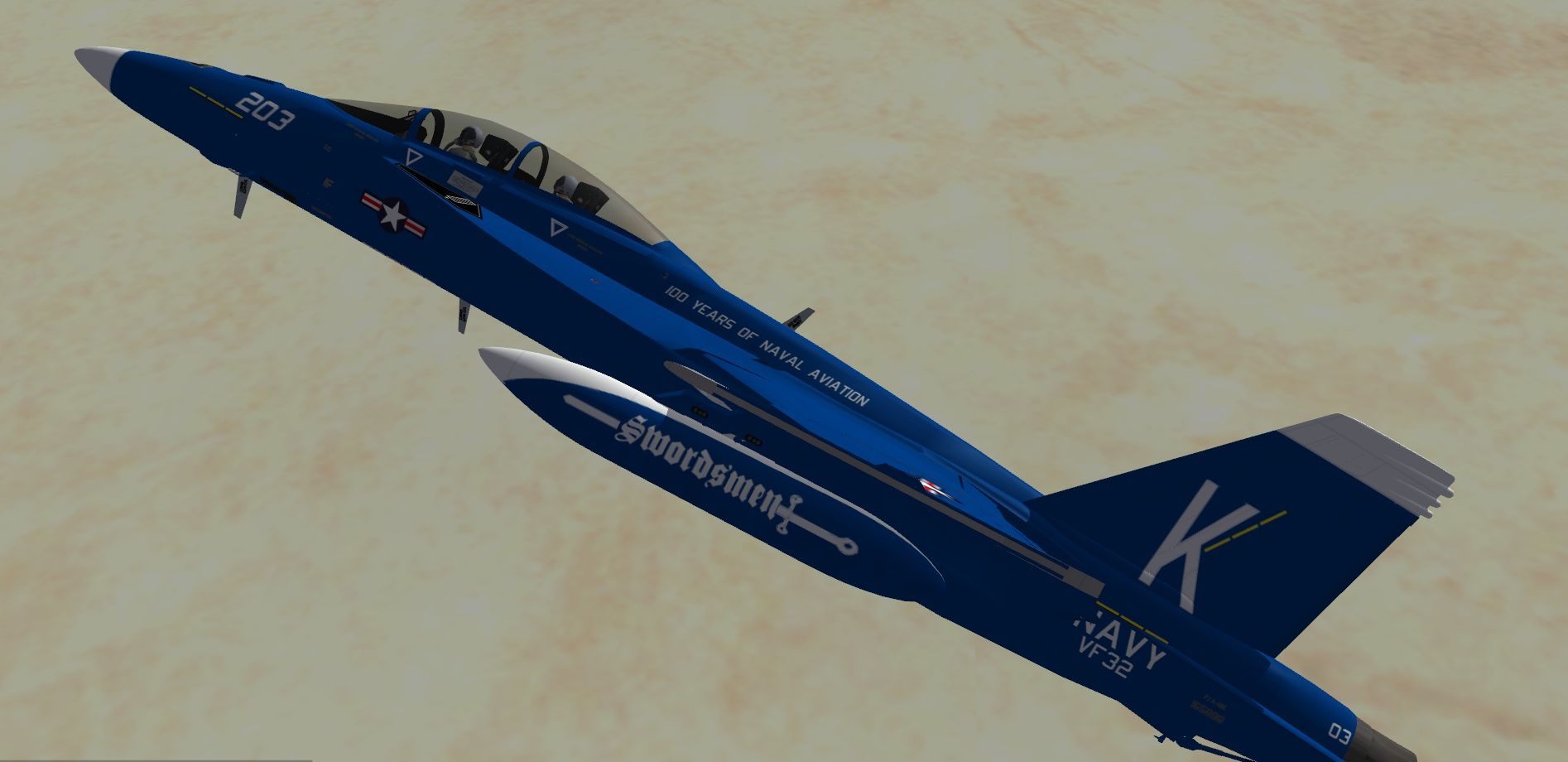
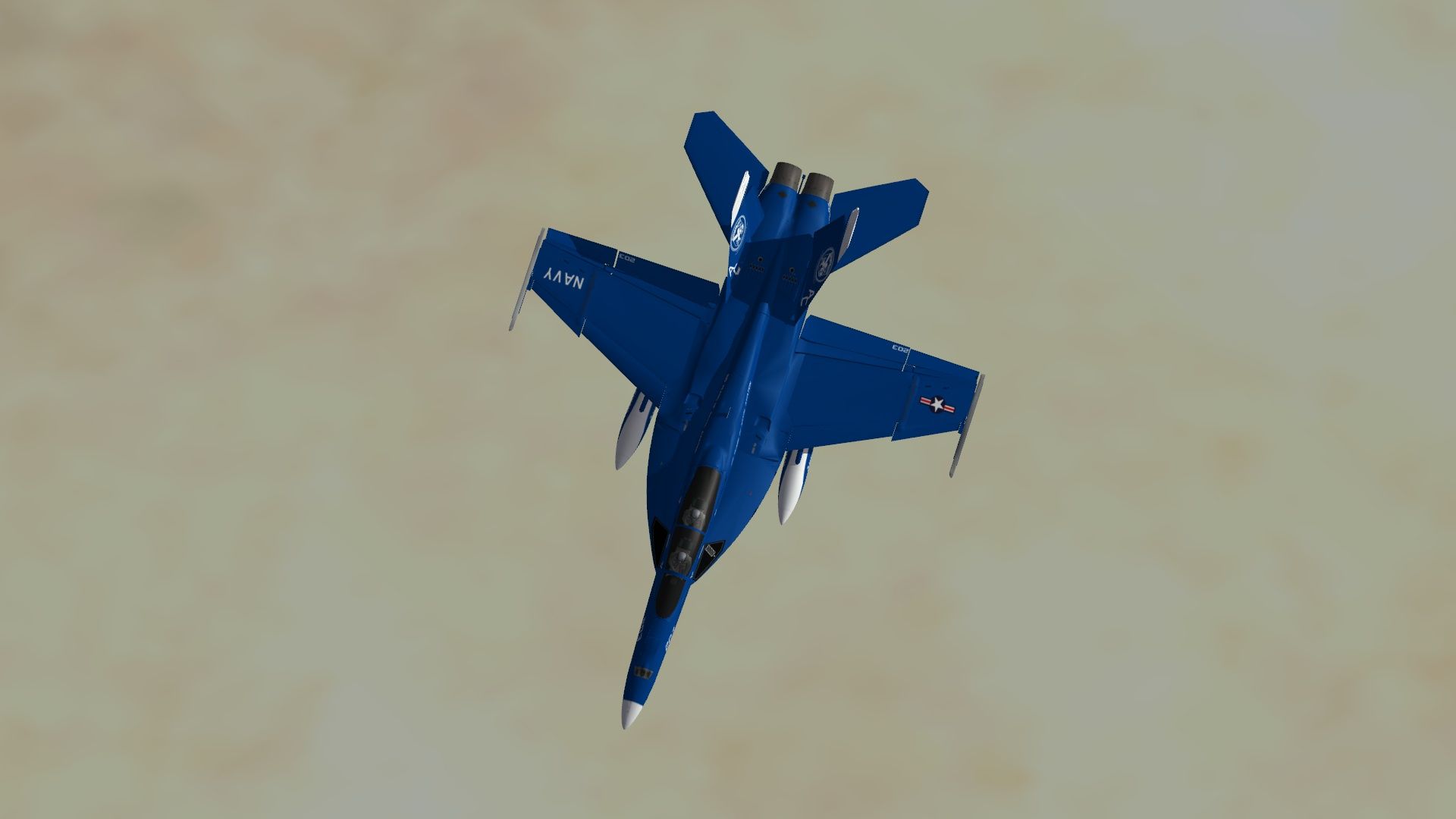
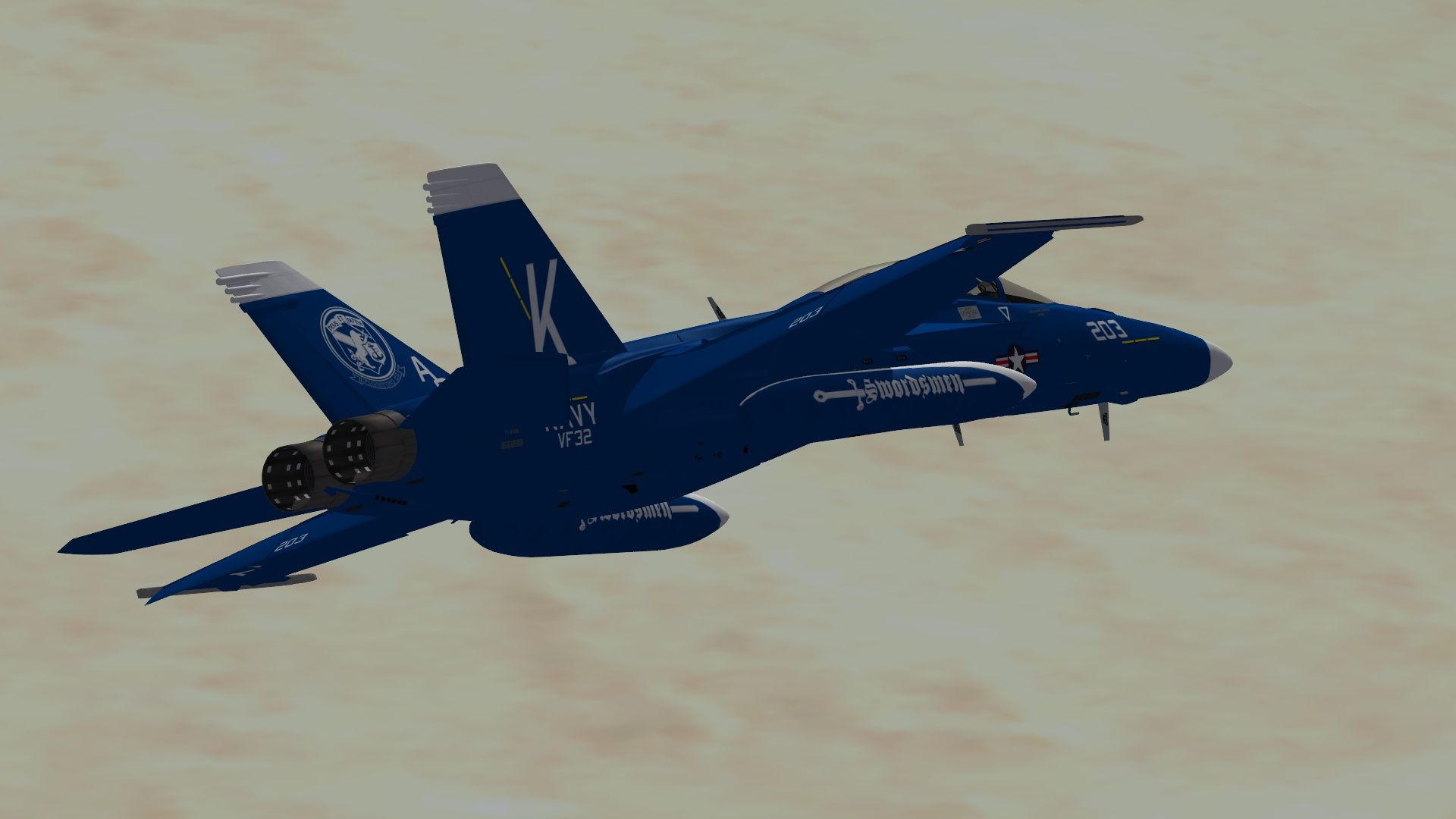
thought the tanks would be a killa but even if VFA-32 didn't accept it... still a good scheme IMHO
-
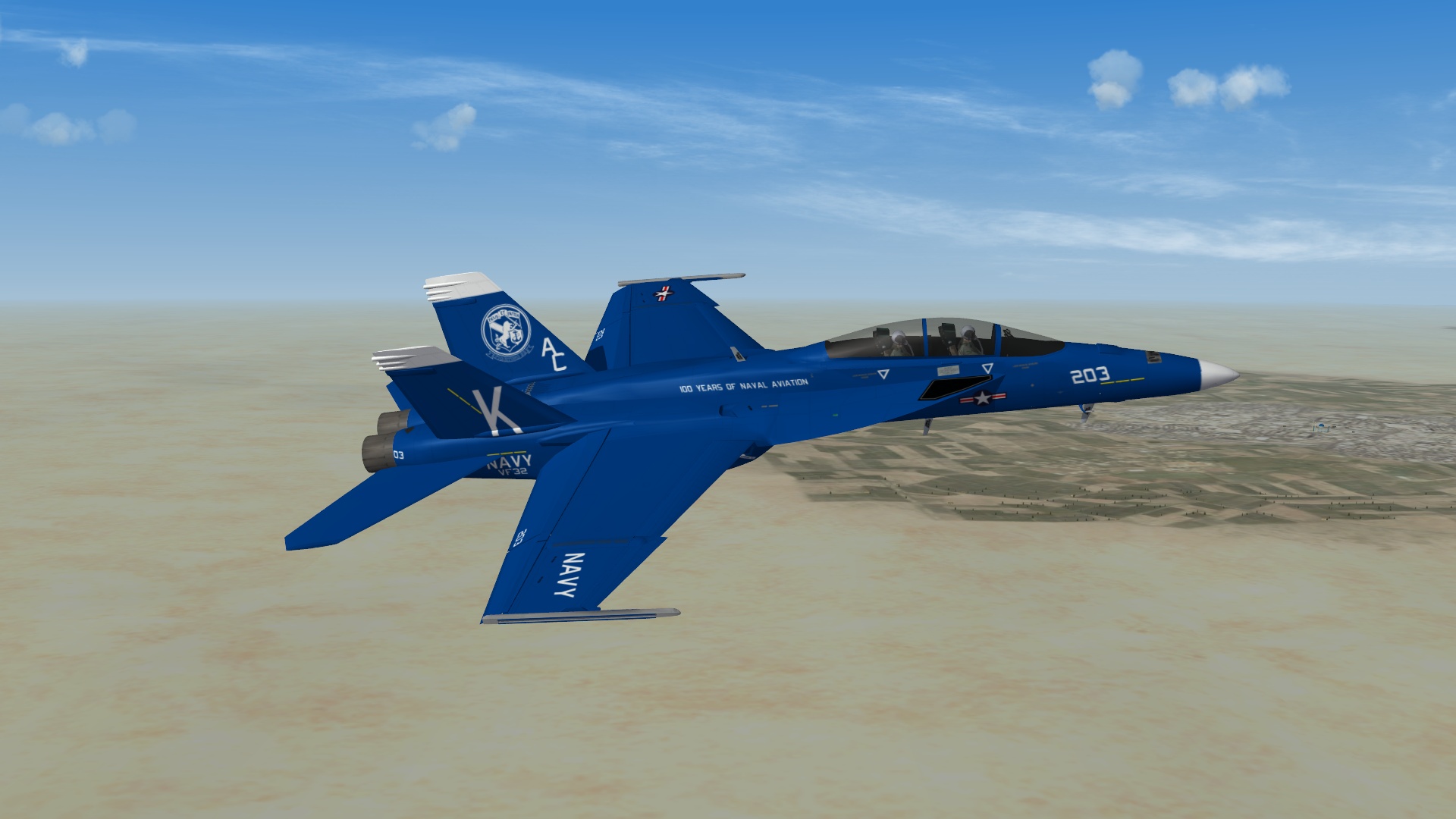
Going Retro: http://www.facebook.com/pages/VFA-2/338067560241?ref=ts&v=info#!/photo.php?fbid=453975415689&set=o.132416560136510 Sadly it was dissaproved and found out when I was halfway done so I said "screw it" and got the tanks to do...
-
If you need a test pilot ... seriously looking very nice!
-
From what I understand from another thread is that he's very busy so I would hesitate but think I'm being safe in saying that it won't be anytime soon and it'll be "two years"
-
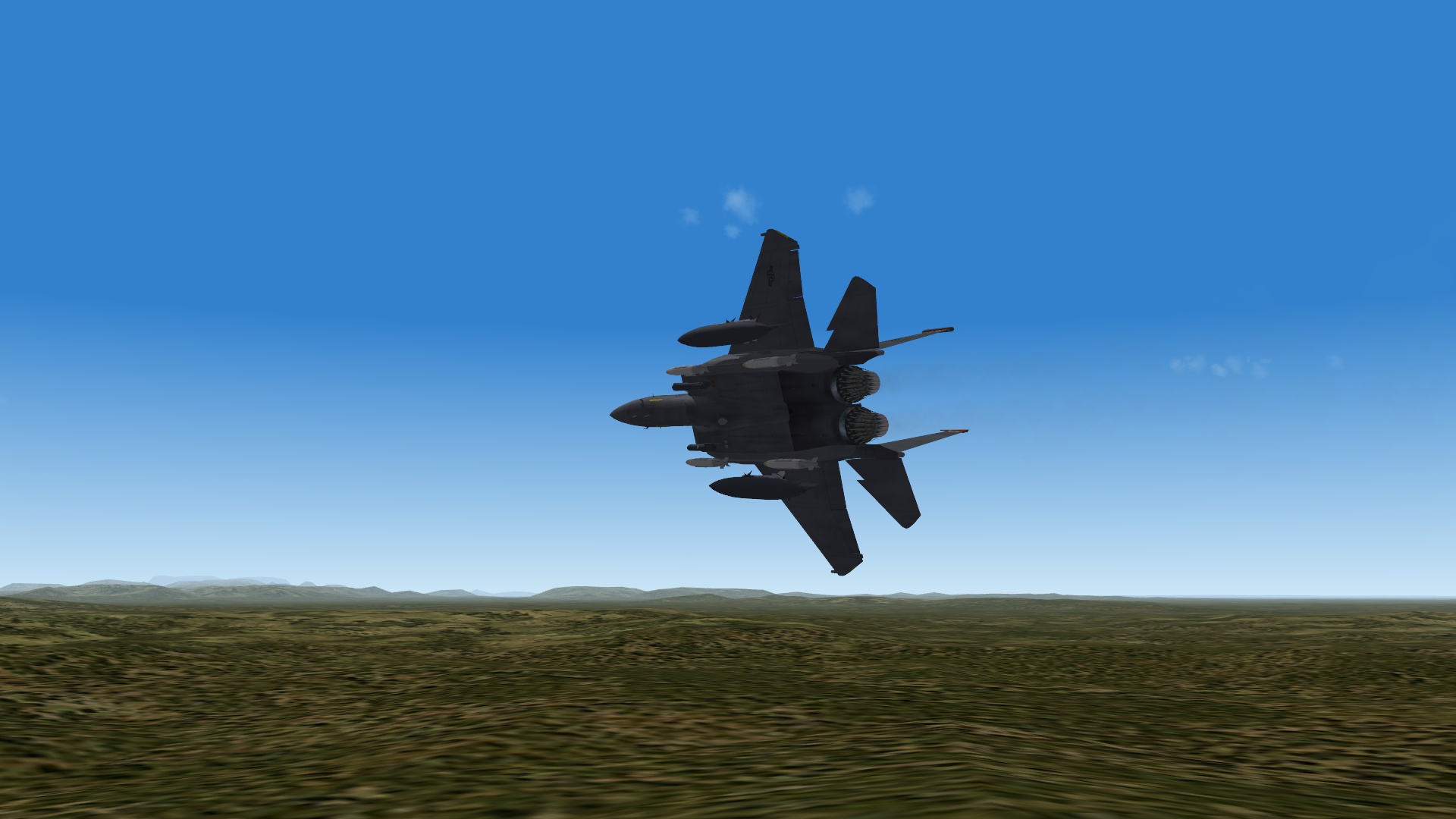
Doing a little conventional strike training...
-
Mission editor doubts/tips/help.
Flanker562 replied to Stratos's topic in Mission & Campaign Building Discussion
I don't think so, have to do it the hard way... -
Thanks! But I only added the number and the head (on both sides) and just a mod of JAT8100's skin.
-
Arnold goes to war... an additional skin rather than just replacing the original, and also adding more modex numbers...
-
http://combatace.com/topic/44026-converting-older-planes-to-work-in-sf2-a-basic-guide-by-migbuster/ That's probably a good start though not sure what other issues may need to be resolved. You may need to PM Prowler111 and ask him..
-
Formats for Carriers and Warship with the Mission Editor
Flanker562 replied to Dave's topic in Creating Single Missions
It's a bug, happens to me too. -
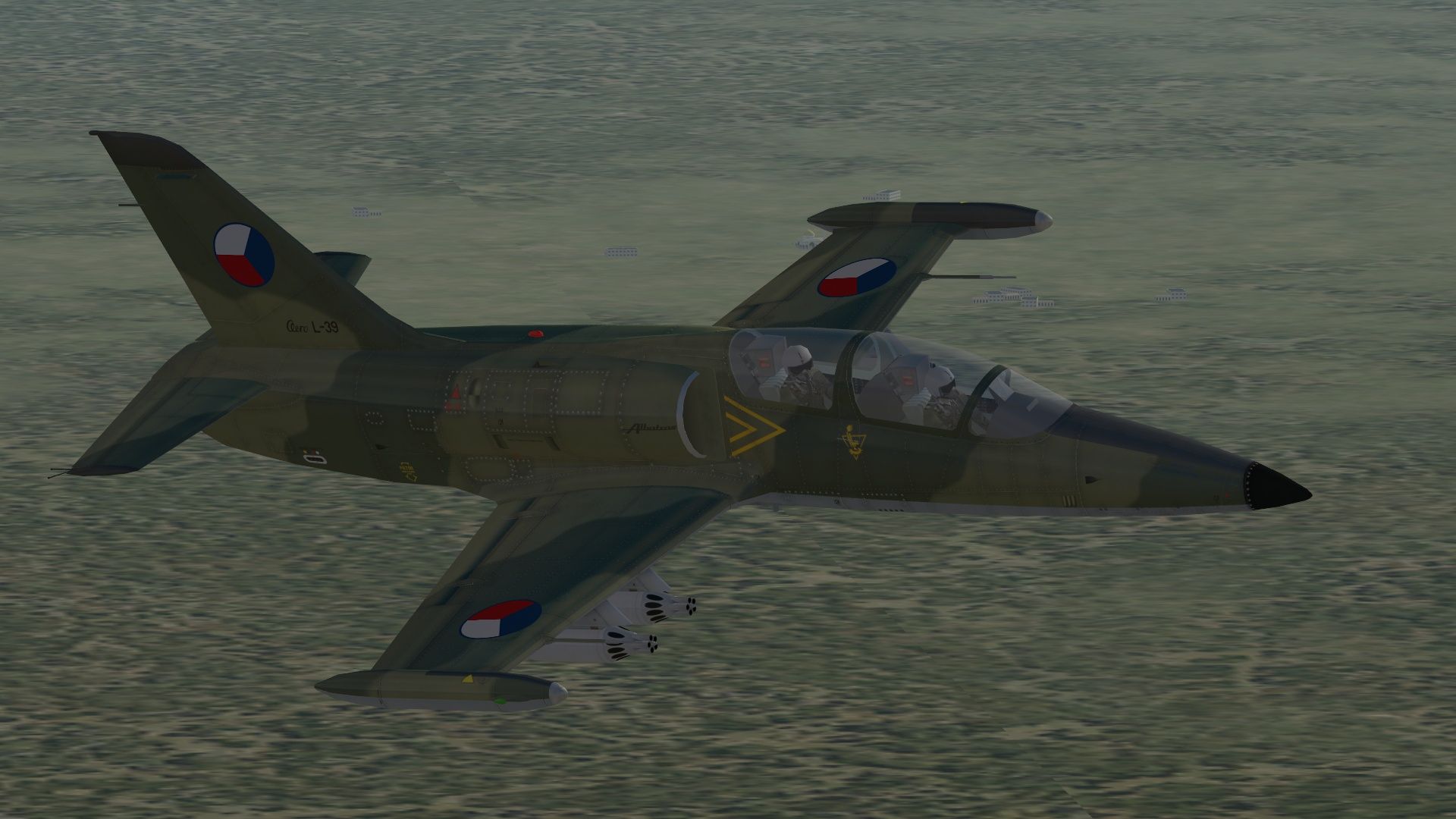
You have to open the loadout.ini in notepad, as FC was very nice to specify what goes where, then I just use the names of the weapons, for example for the Afghan map the loadout is this: [AFGStrike] Loadout[01].WeaponType= Loadout[01].Quantity=1 Loadout[02].WeaponType=AIM-9X Loadout[02].Quantity=1 Loadout[03].WeaponType=GBU-12D_N Loadout[03].Quantity=1 Loadout[04].WeaponType=GBU-38D Loadout[04].Quantity=1 Loadout[11].WeaponType=GBU-12D_N Loadout[11].Quantity=1 Loadout[12].WeaponType=AGM-65E Loadout[12].Quantity=1 Loadout[19].WeaponType=GBU-38D Loadout[19].Quantity=1 Loadout[20].WeaponType=Tank480_FA18EFG Loadout[20].Quantity=1 Loadout[28].WeaponType=ATFLIRSH Loadout[28].Quantity=1 Loadout[30].WeaponType= Loadout[30].Quantity=1 Loadout[31].WeaponType=Tank480_FA18EFG Loadout[31].Quantity=1 And with Exp2 it's easy since this is loadout works well for strike missions. But you have to do it within the actual file rather than through the Loadout screen as everything is symmetrical. And as far as the L-39 is concerned the small amount of pylons you can have an assymetrical loadout.
-
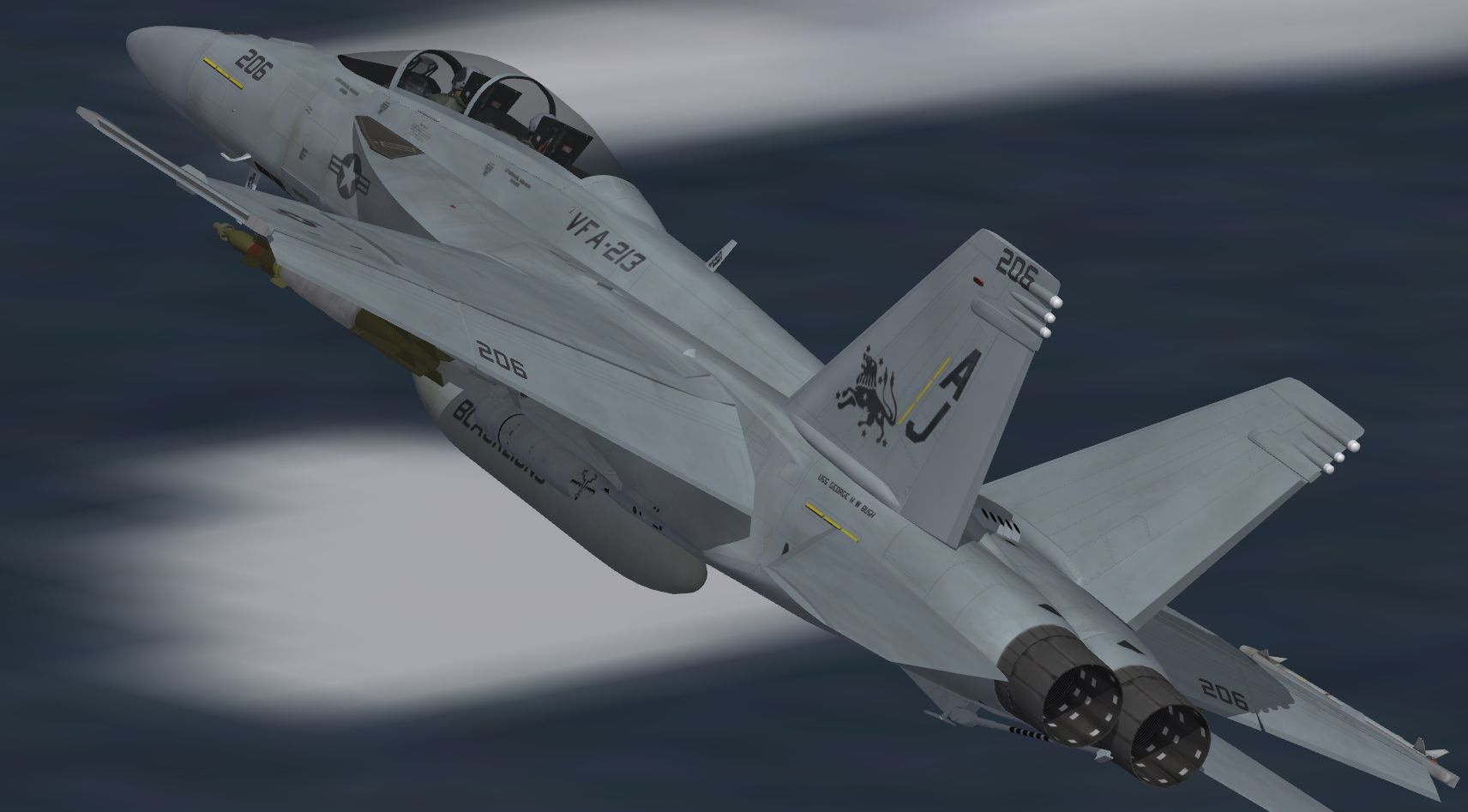
Small VFA-213 update
-
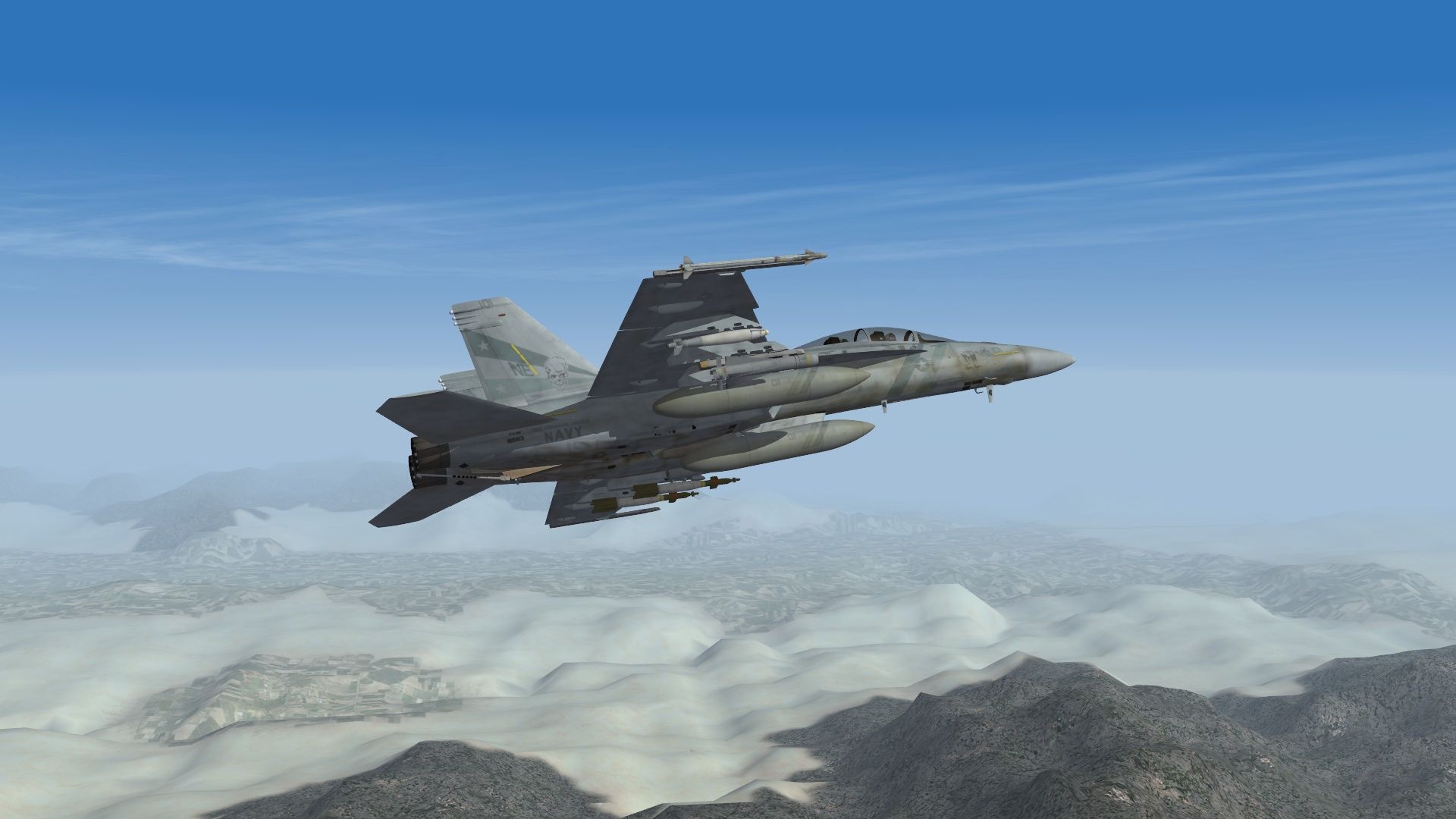
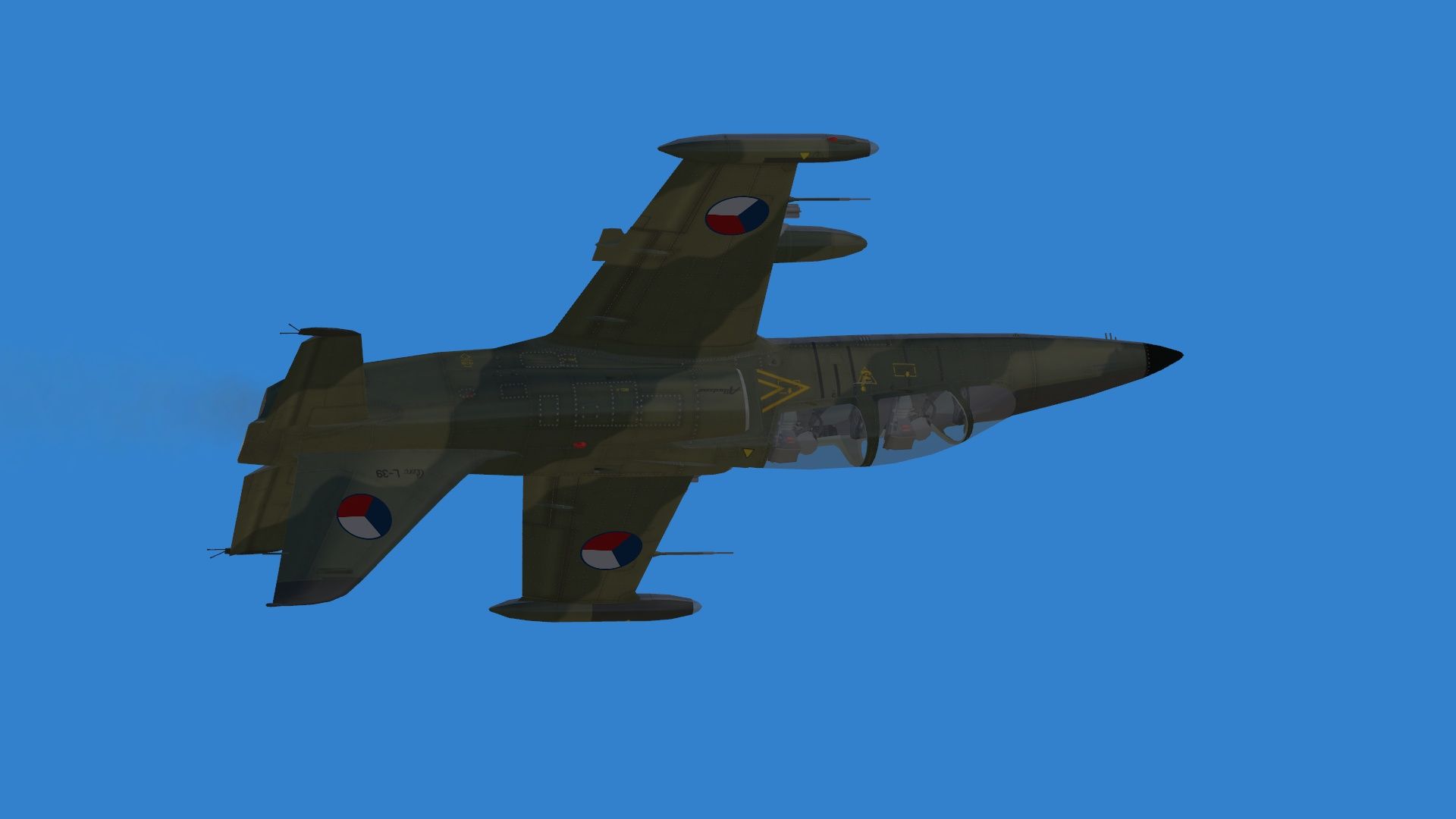
Waiting my turn (had SEAD going in on the objective), and James Bond eat your heart out, my ride is better looking...
-
But as a caveat RAZBAM does a wonderful job (I have his Prowlers) just that you can get just as good with MF too.
-
Thanks Yeah as far as Felix... I may do the Tomcat CAG jet as soon as I get done with the VF-2 one which isn't too far off since I finally found the right weathering to make me happy.
-
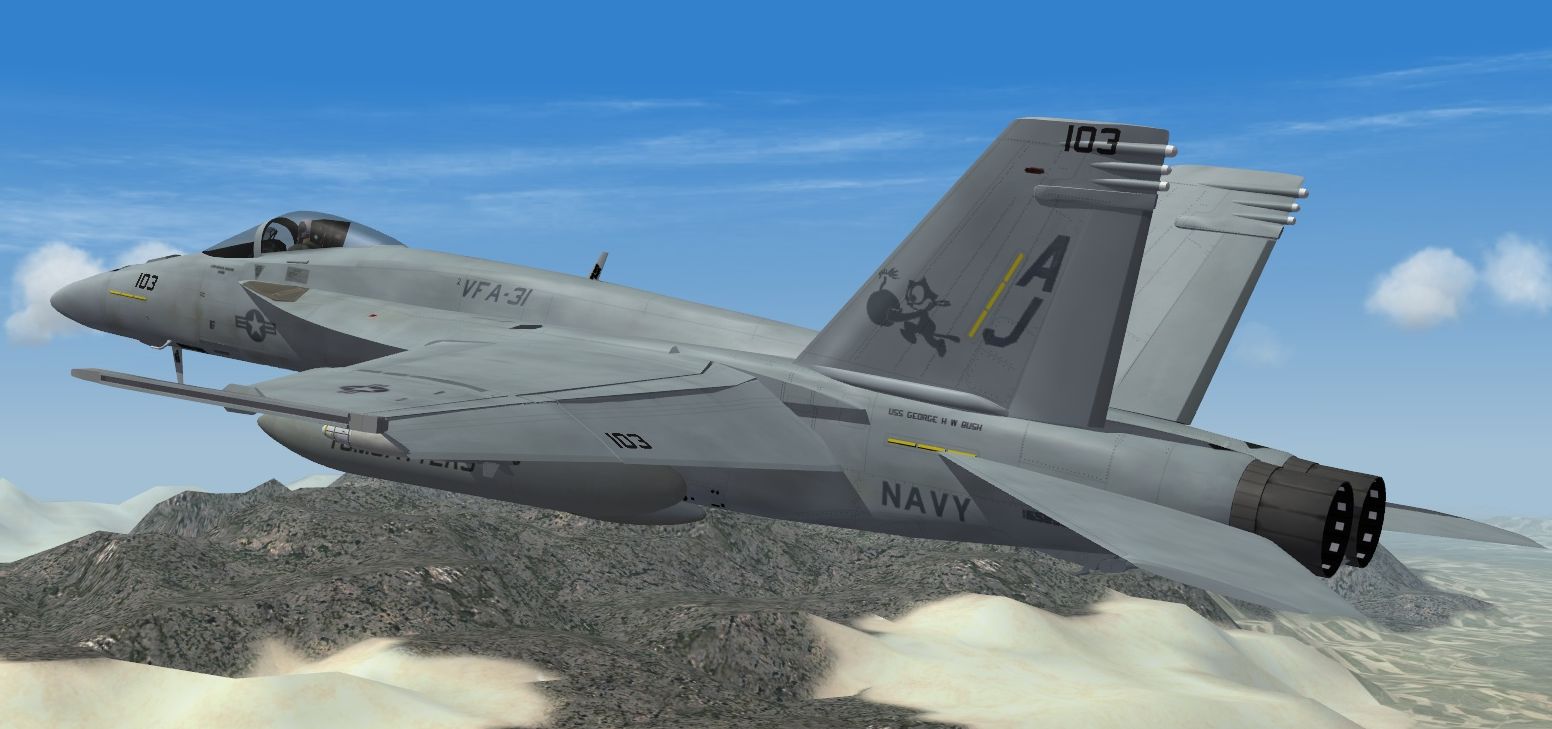
Small VFA-31 Update
-
And I'd save money and get the Mirage Factory A-7s myself.