Julhelm
-
Posts
1,877 -
Joined
-
Last visited
-
Days Won
18
Content Type
Profiles
Forums
Gallery
Downloads
Store
Everything posted by Julhelm
-
What's SDB stand for?
-
Unwrap and texture before separating everything into meshes or simply attach everything together for the texporter and then rigging it.
-
-
I'm having a blast with Mini Ninjas. It has really awesome art direction; much better than MW2 IMO.
-
That happened here as well. Lots of snow on christmas even, then all gone the day after.
-
Remind them to unmirror that swastika on the right side ;)
-
Yeah, the built in tools have everything you need like cylindrical unwrapping and smart move/stitch.
-
What kind of BS would that be?
-
Exported it into the cargoship folder so I know it'll show up for sure.
-
How about ingame pics?
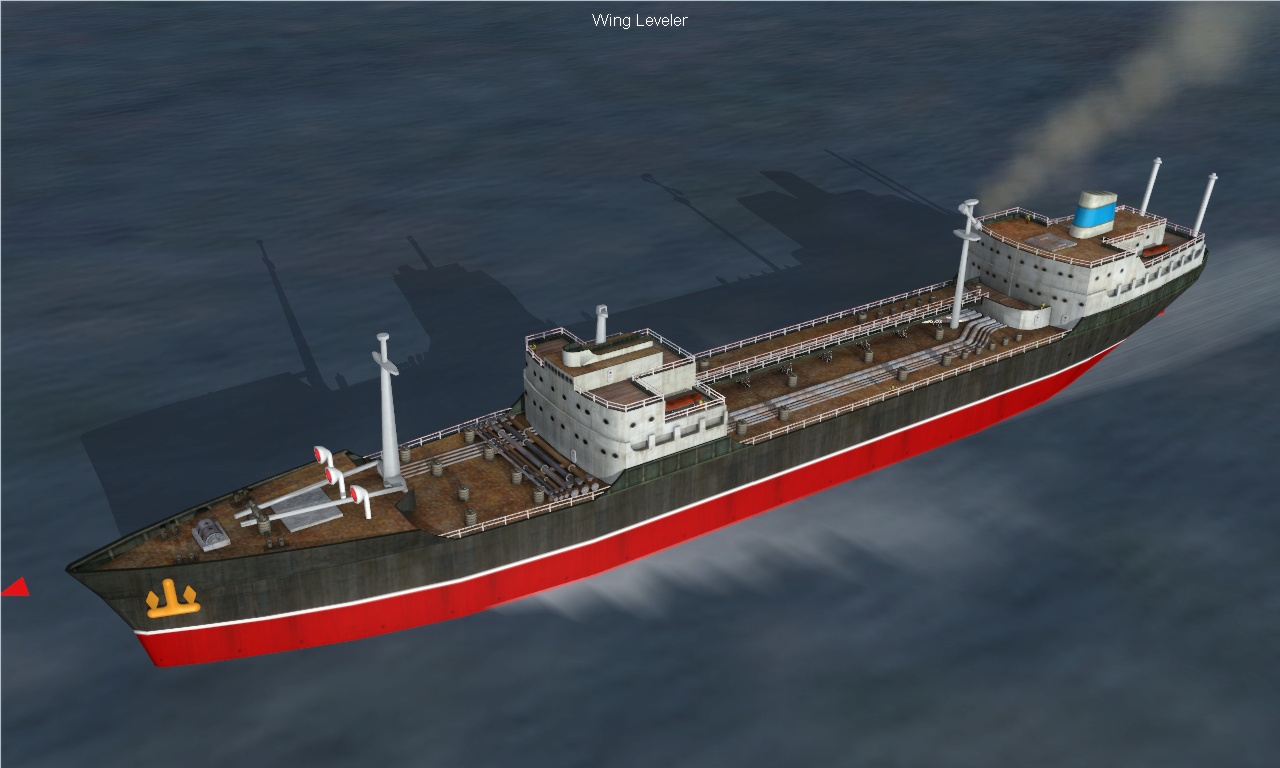
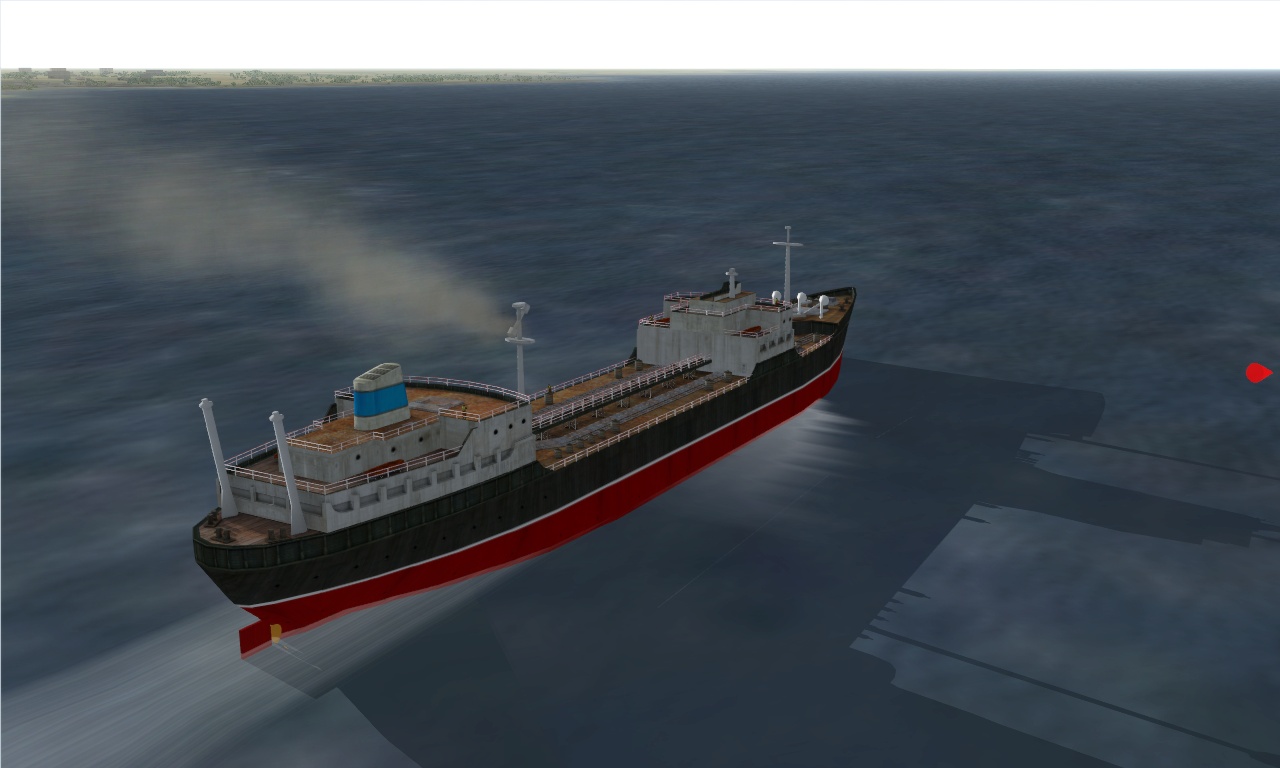
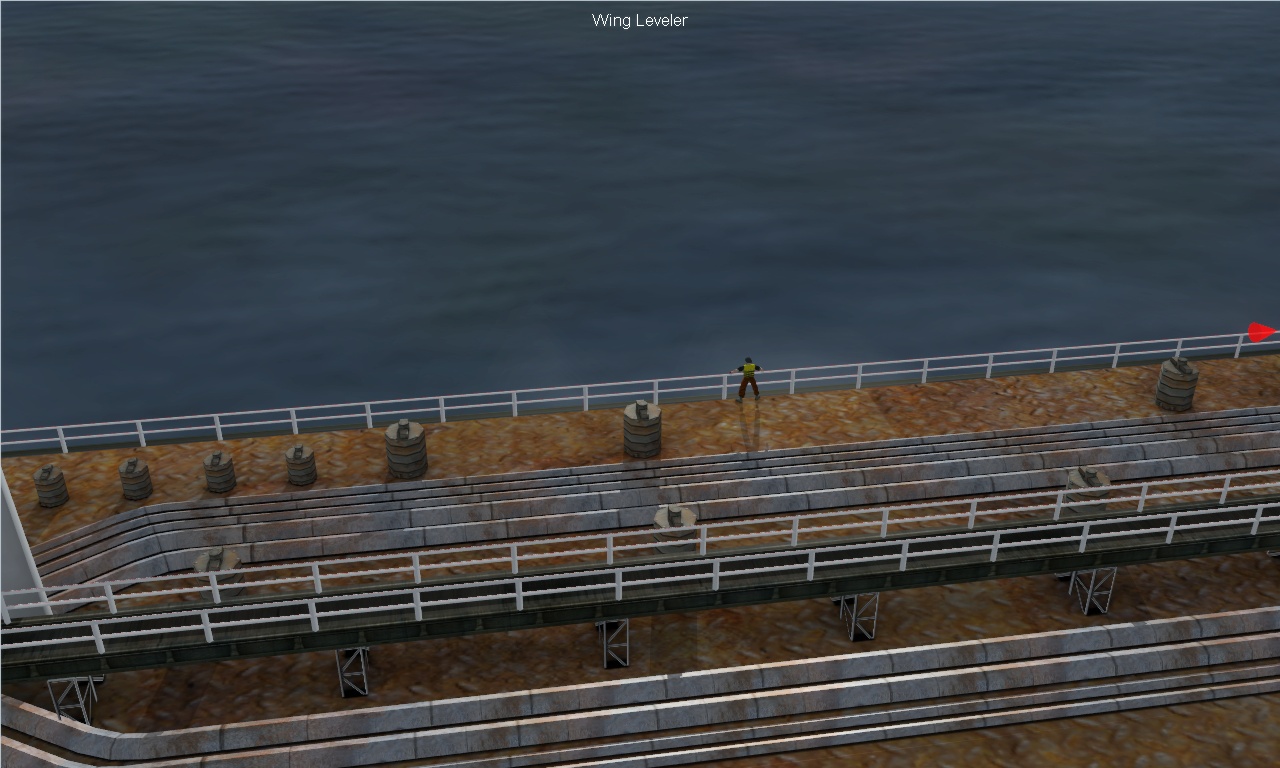
-
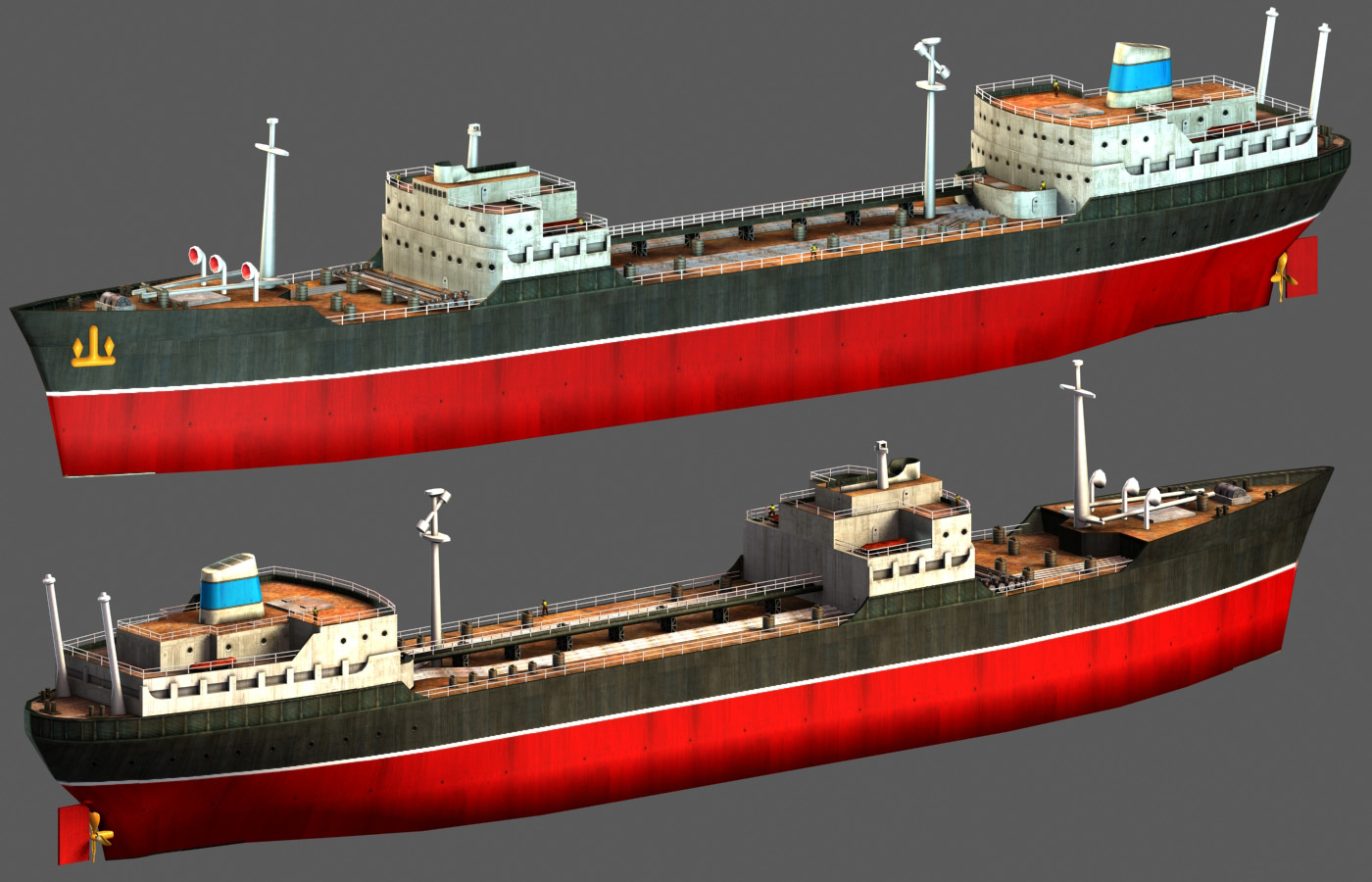
Fubar handed that model to me for texturing, but it was such a mess that I elected to remodel it from the ground up, and here she is @ 20k polys:
-
If you send me the model I can unwrap and texture it. It'll take some time to do that, though.
-
You should've mapped most of it before cutting up all the doors and rudders. Makes life easier.
-
If you have the model properly unwrapped (that is, no faces mirrored or overlapping in 0-1 space) you can export it as an .obj or .3ds and then run it through xNormal using it for both high/low meshes and get a pretty good occlusion bake if you use a floor and crank the rays up to around 300. I think that'd look pretty good ingame.
-
You can still be of help, since due to release of our game this week I haven't had the time to go back and mess around with the pit. Do you know why the counters refuse to function? Basically what I want is for the counters to appear only when a weapon is selected.
-
More AA/SAM cover over the Dhimar/Paran theater?
Julhelm replied to Julhelm's topic in Mission/Campaign Building Discussion
Cool, I'm going to try this out with my already difficult custom campaign this weekend. -
More AA/SAM cover over the Dhimar/Paran theater?
Julhelm replied to Julhelm's topic in Mission/Campaign Building Discussion
Guess that means I have to run the dreaded terrain editor. Thanks, though. -
Does such a mod exist, or how can I go about the easiest way to beef up the air defense on the stock map to where it's actually challenging?
-
I know about being busy. I have perhaps a day a weekend to work on my stuff if I'm lucky.
-
You could always pass it on to someone so that your work isn't lost. I do that occasionally when I have old models I can't bother finishing.
-
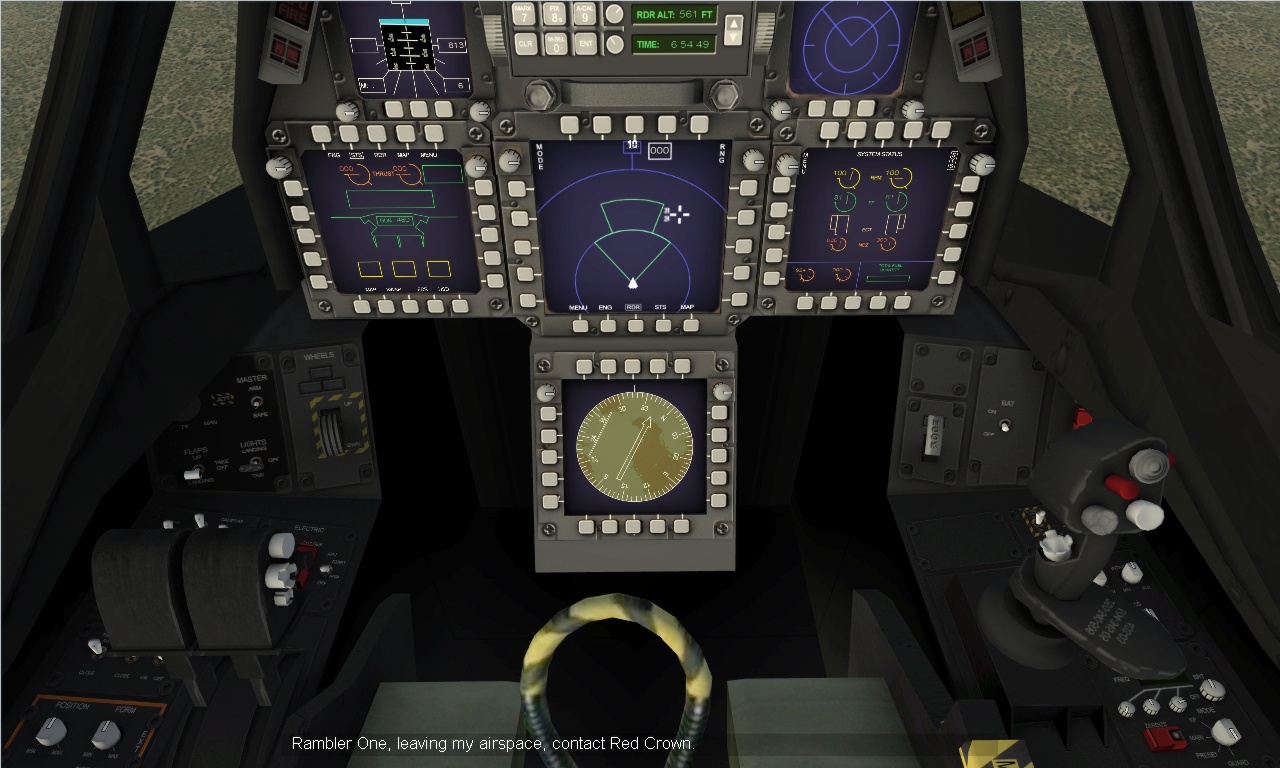
I went back and got it to work last night. The correct hierarchy looks like this: WEAPON_TYPE_SELECTOR -> WEAPON_STATION_SELECTOR So you'll need separate station indicators/lights for each weapon type and they will show up. Now the main problem is that neither WEAPON_QUANTITY, RIPPLE_INTERVAL or RIPPLE_QUANTITY displays work.
-
I have some problems pertaining to the stores screen: The way I want it to function is the following: Depending on the selected station, symbols + counters appear to the left, center or right, and for that purpose I've set them up with the following code: Instrument[062]=LS . . Instrument[066]=LS_QuantityCounter . . Instrument[070]=LS_IRM Instrument[071]=LS_AHM ...and the entries for the instruments are as follows: [LS] Type=WEAPON_STATION_SELECTOR NodeName=LS MovementType=LIGHT Set[01].Position=0.0 Set[01].Value=0 Set[02].Position=0.0 Set[02].Value=1 Set[03].Position=0.0 Set[03].Value=2 Set[04].Position=1.0 Set[04].Value=3 Set[05].Position=0.0 Set[05].Value=4 [LS_QuantityCounter] Type=WEAPON_QUANTITY CounterNodeFormat=LS_Qty%d MovementType=DIGITAL_DISPLAY [LS_IRM] Type=WEAPON_TYPE_SELECTOR NodeName=LS_IRM MovementType=LIGHT Set[01].Position=0.0 Set[01].Value=0 Set[02].Position=0.0 Set[02].Value=1 Set[03].Position=1.0 Set[03].Value=2 Set[04].Position=0.0 Set[04].Value=3 Set[05].Position=0.0 Set[05].Value=4 Set[06].Position=0.0 Set[06].Value=5 Set[07].Position=0.0 Set[07].Value=6 Set[08].Position=0.0 Set[08].Value=7 Set[09].Position=0.0 Set[09].Value=8 [LS_AHM] Type=WEAPON_TYPE_SELECTOR NodeName=LS_AHM MovementType=LIGHT Set[01].Position=0.0 Set[01].Value=0 Set[02].Position=0.0 Set[02].Value=1 Set[03].Position=0.0 Set[03].Value=2 Set[04].Position=1.0 Set[04].Value=3 Set[05].Position=0.0 Set[05].Value=4 Set[06].Position=0.0 Set[06].Value=5 Set[07].Position=0.0 Set[07].Value=6 Set[08].Position=0.0 Set[08].Value=7 Set[09].Position=0.0 Set[09].Value=8 Needless to say, the actual hierarchy looks like this: LS -> LS_Qty -> LS_IRM, LS_ARM, etc However, nothing lights up at all. I know the EF-2000 has a similar setup and it works there so what could be wrong here?
-
Sure. This is how the pit looks now. Still lots to do.
-
Well it's mostly done. The real holdup atm is the cockpit which I haven't had time to work on lately. Also I need to setup decals for it and model a couple special stores it needs.