
GKABS
-
Posts
4,114 -
Joined
-
Last visited
-
Days Won
266
Content Type
Profiles
Forums
Gallery
Downloads
Store
Everything posted by GKABS
-
Just completed the AQL-99 and I will upload it soon.


-
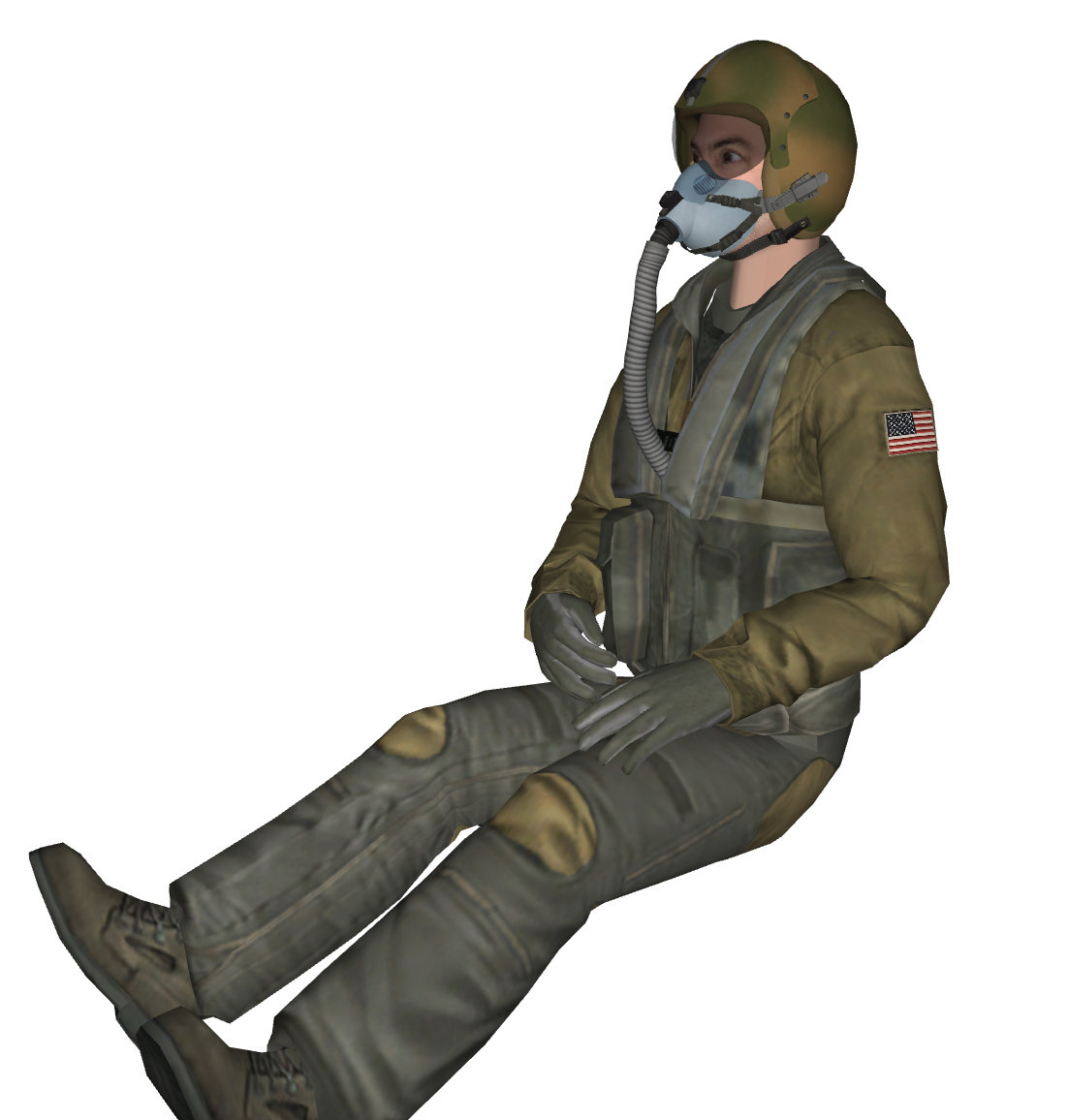
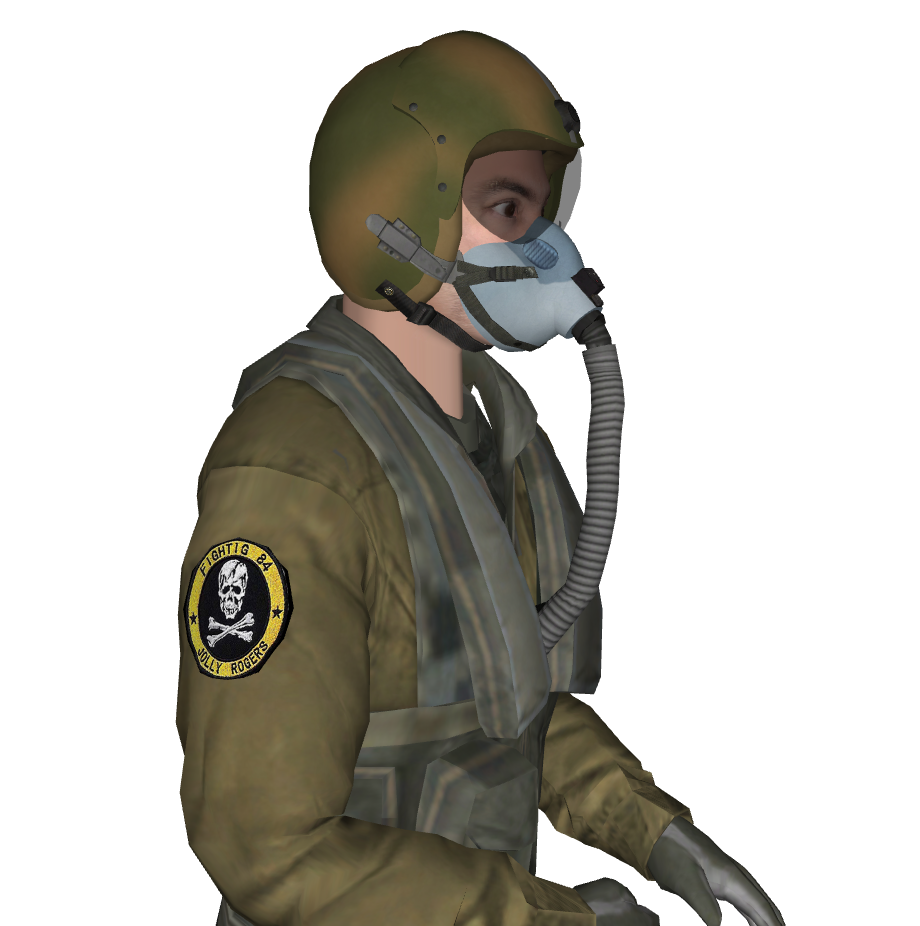
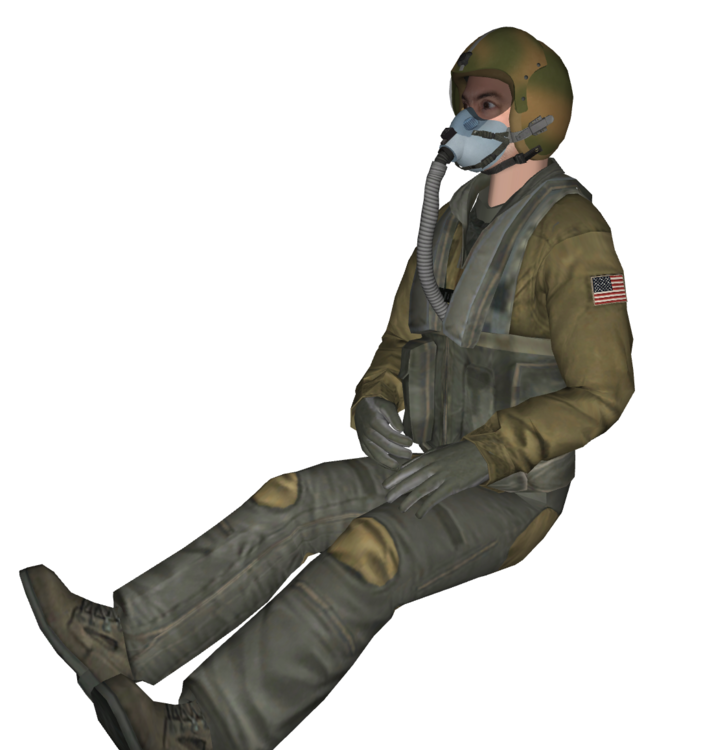
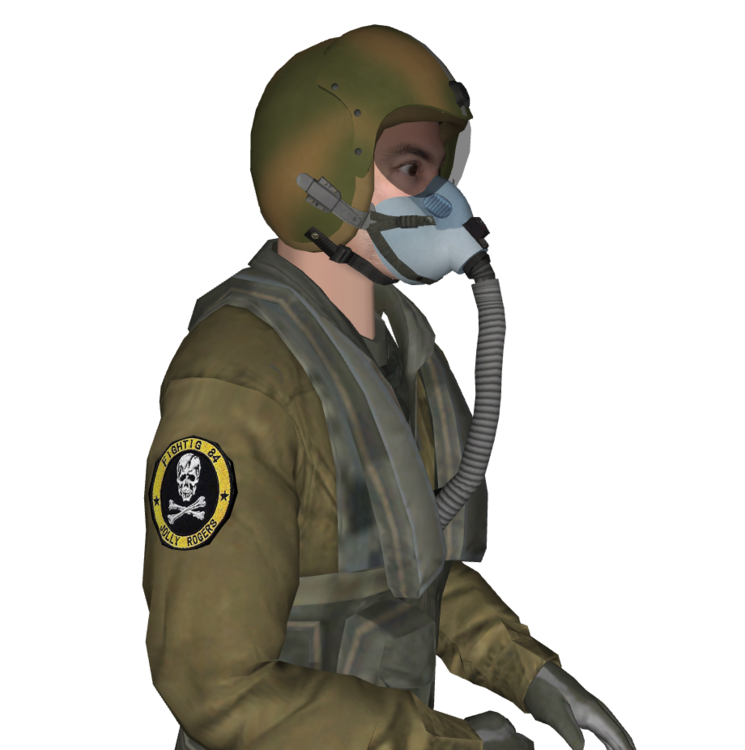
Hey there! Just wanted to let you know that we'll be uploading the first of our four new pilot models soon. By the way, if any of you out there happen to have some pilot squadron patches from the '70s it would be great if you send them my way I'd be forever grateful if you could send them my way. Thanks a bunch!
-
You got it! I'd be delighted to make it happen for you!
-
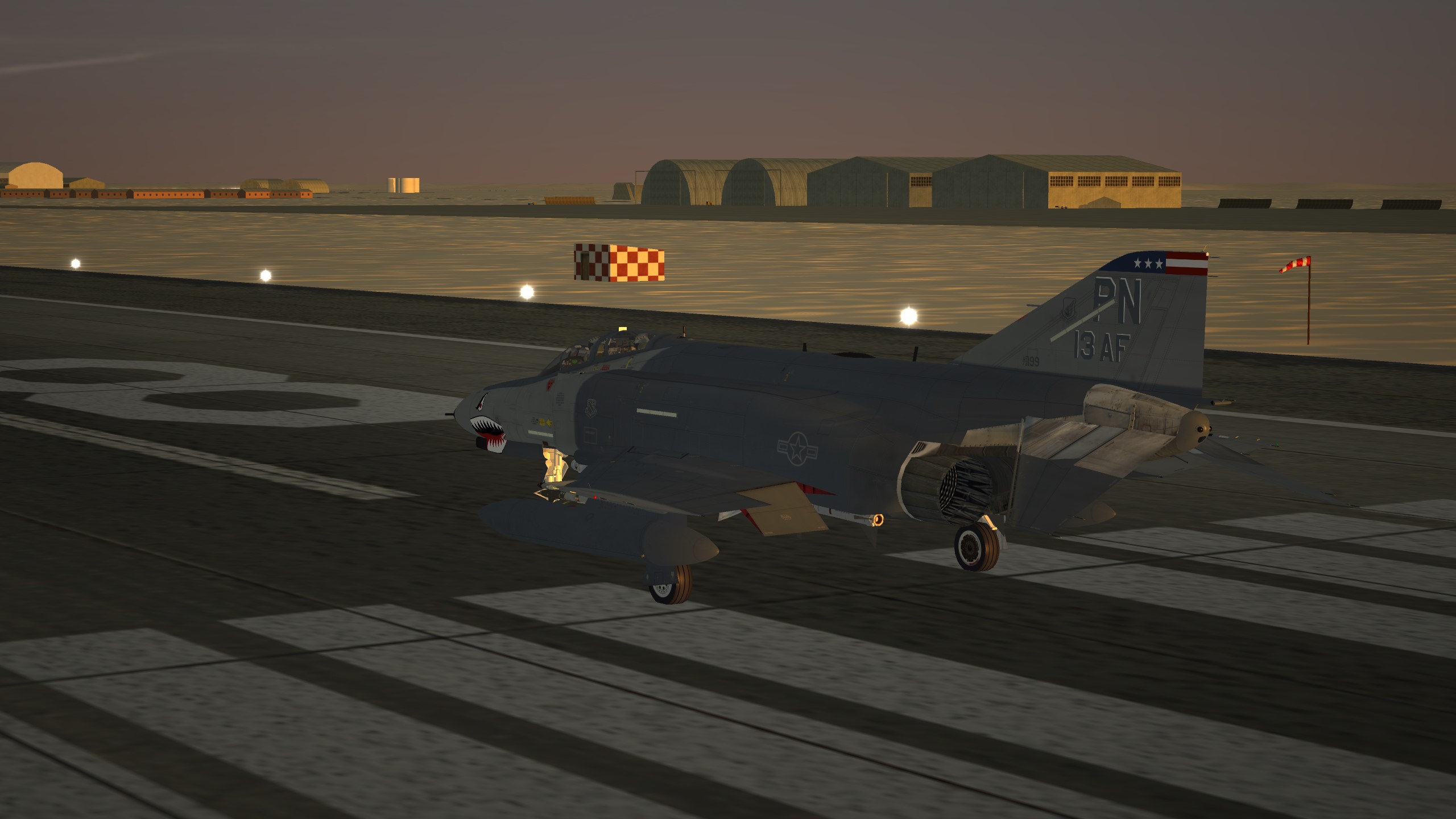
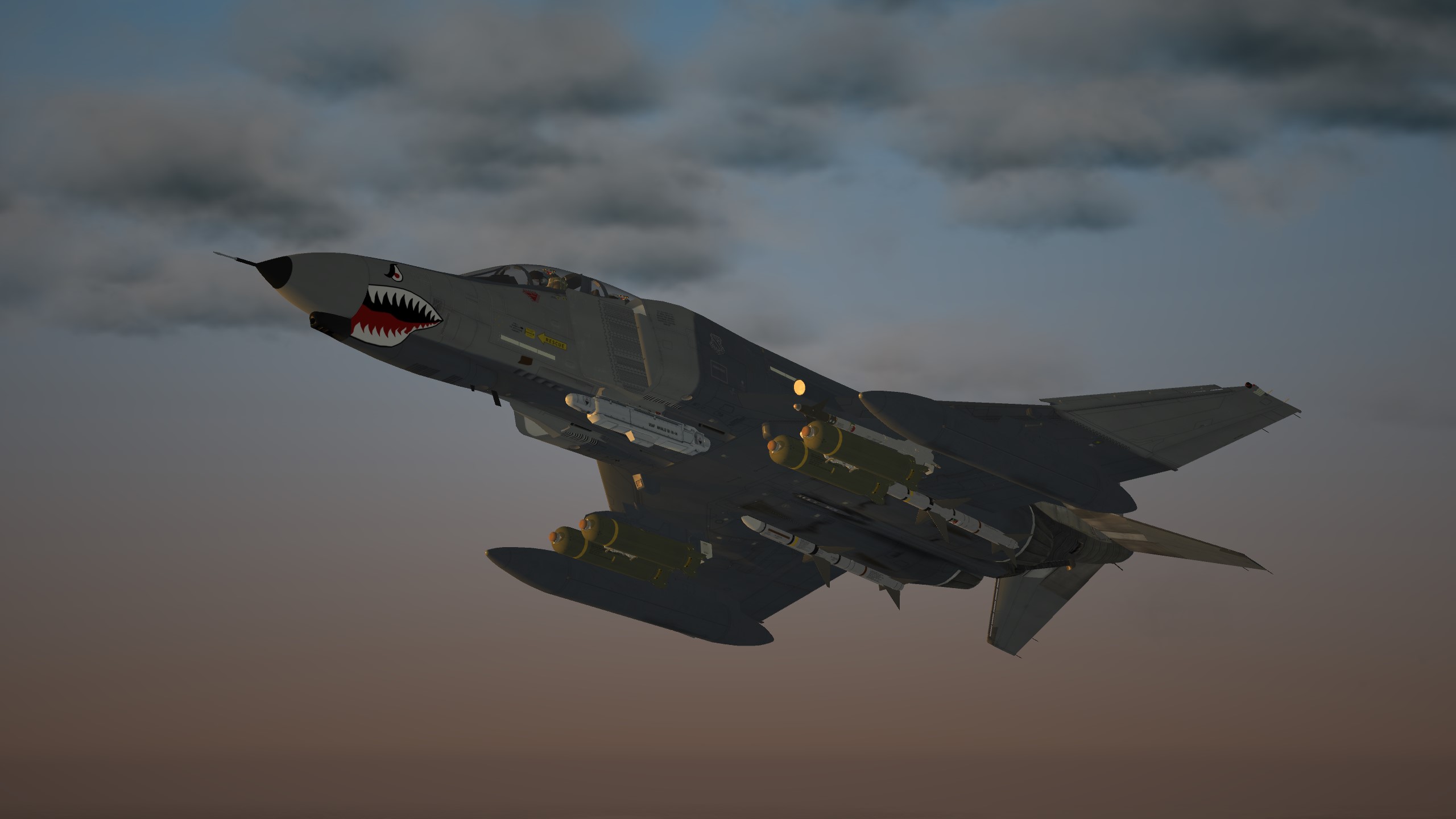
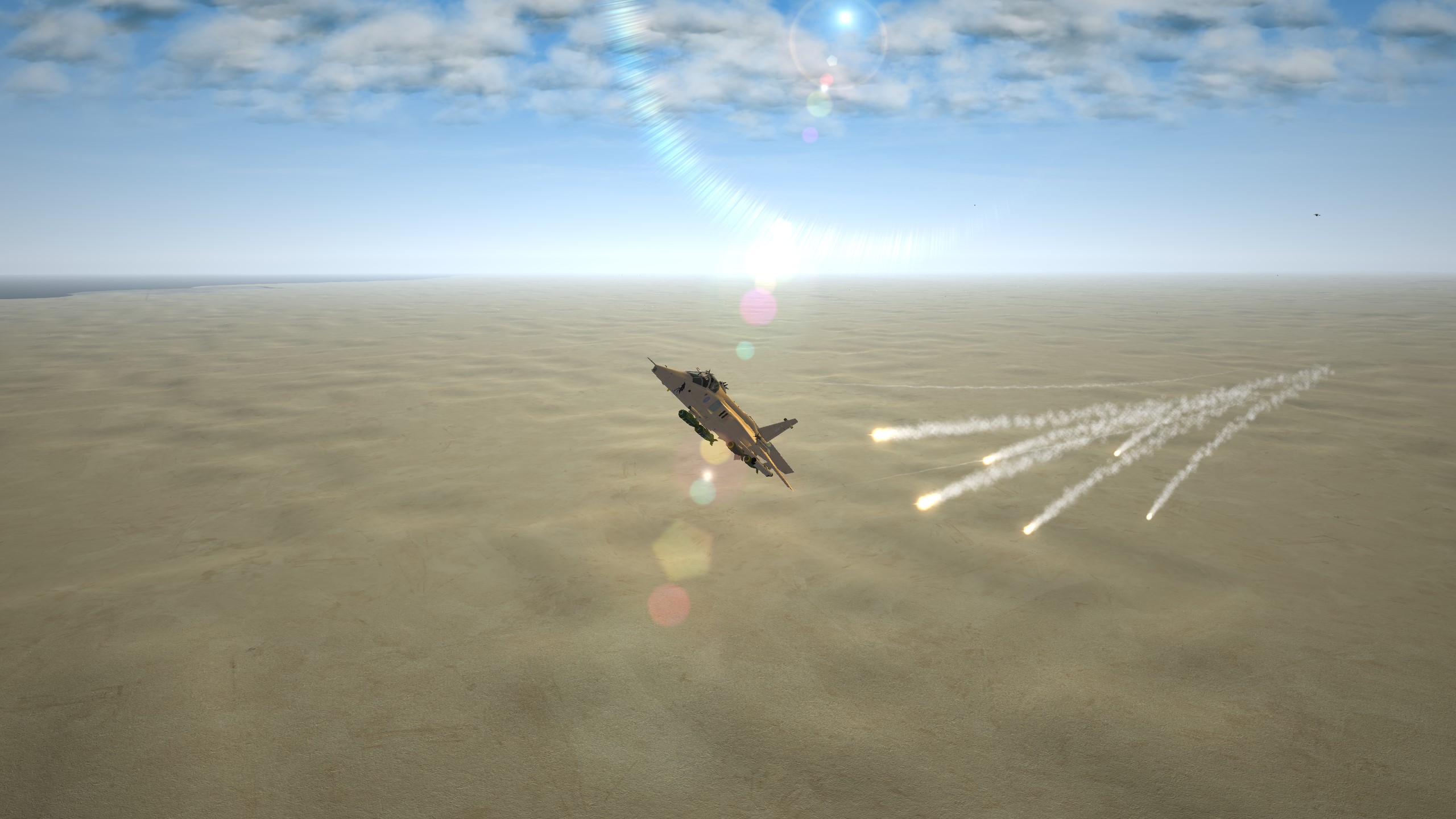
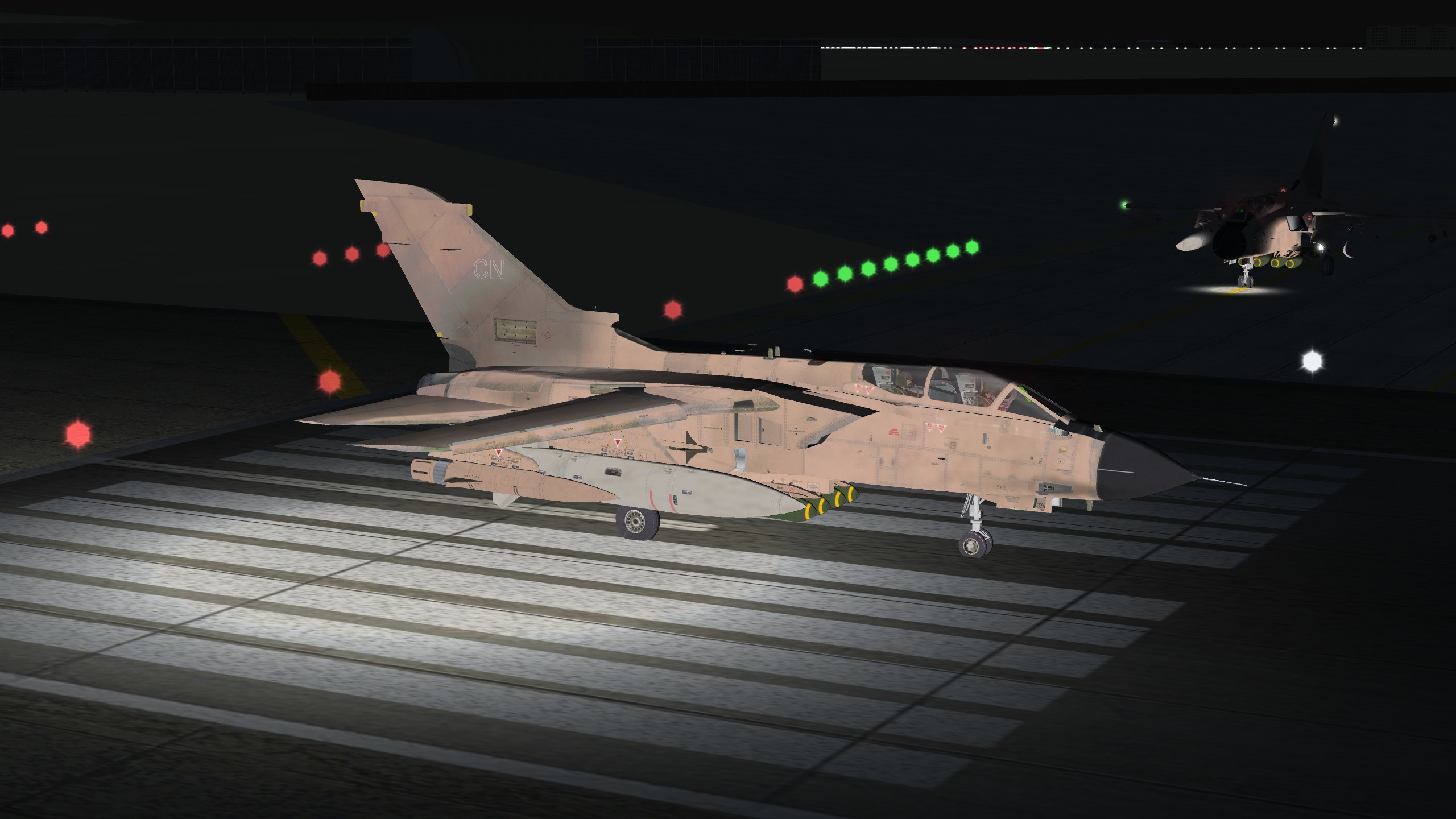
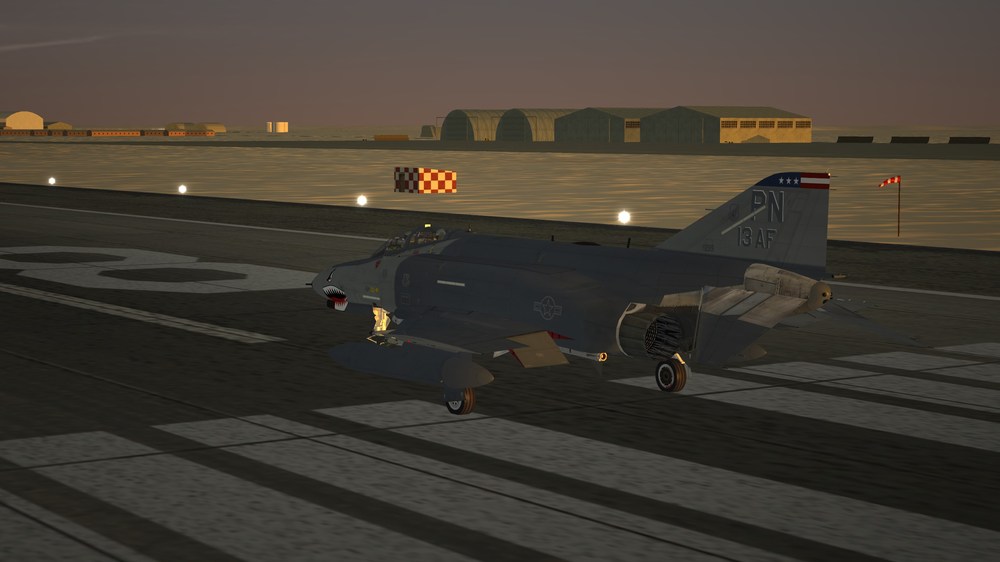
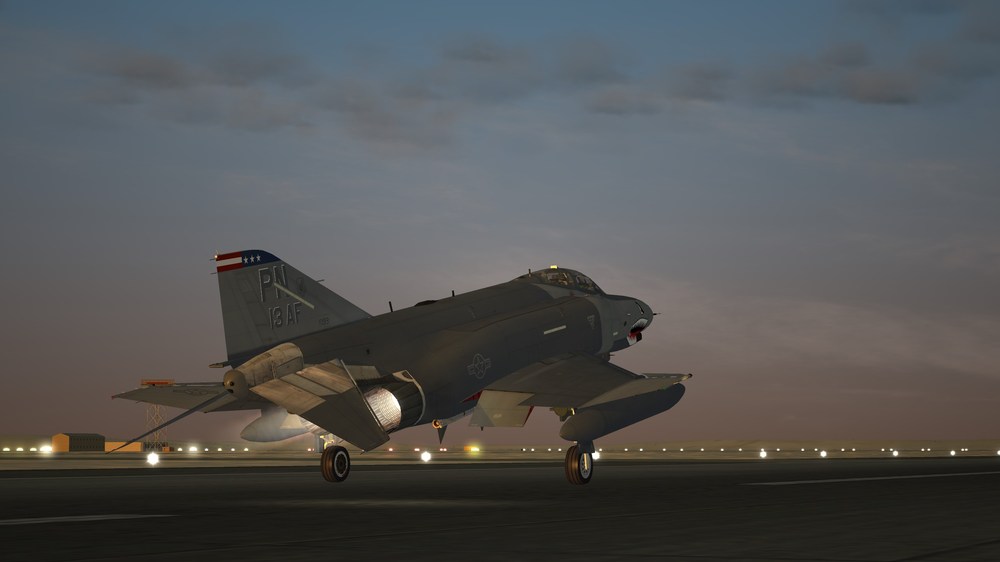
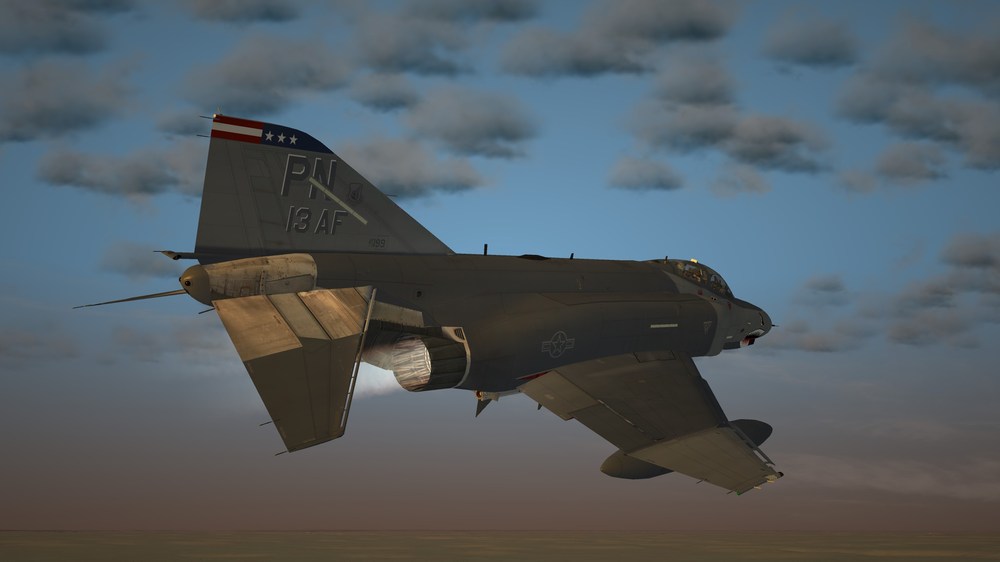
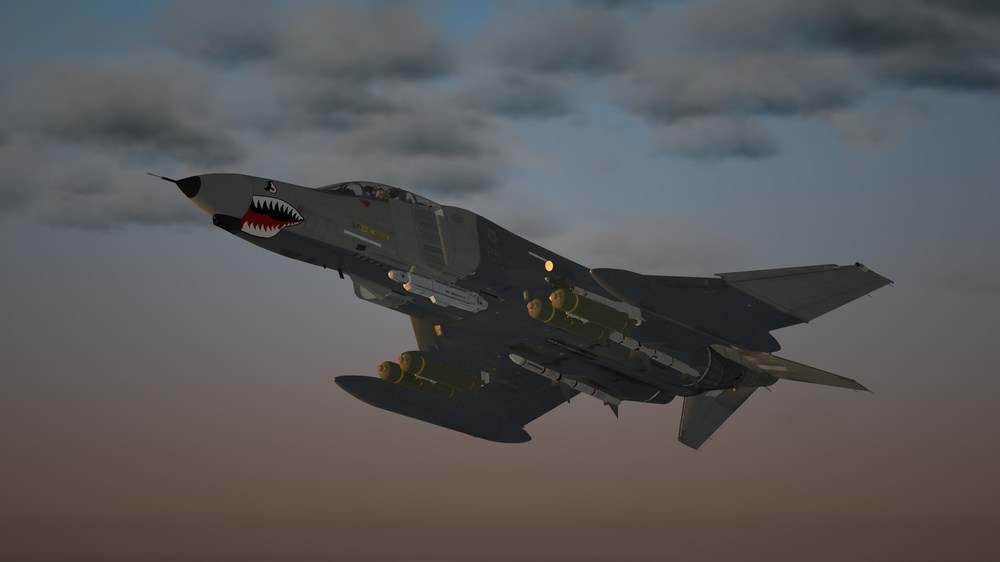
Early morning run.
-
View File 3 Jet hangars with 3 textures Hello and thank you for downloading my work. https://gkabs.net https://gulfknights.net What's included: 3 Jet hangars with 3 textures. All my files should include the Strike Fighters 2 Series game file (.LOD) and the texture required. (tested and work only for SF2) Installation: Copy files to their proper folder If you need any further help, please read the Knowledge Base at: https://combatace.com/forums/forum/268-thirdwire-strike-fighters-2-series-knowledge-base/ Virgin 1.0 LICENSE: You are allowed to use this model and everything included with it for personal non-profit use for Strike Fighters 1 and 2. For use outside of this scope, you need to contact me for permission. gkabs@gkabs.net Credit goes to the following: Third Wire for making this outstanding game." Finally not to forget the wonderful site of https://combatace.com and all the nice members and their dedicated support for this game. Software used: 3d Max 2009 UVLayout v2 Pro Substance Painter Adobe Photoshop Mixamo If you need any assistance please contact me at gkabs@gkabs.net gulfknights.net Submitter GKABS Submitted 01/20/2024 Category Structures
-
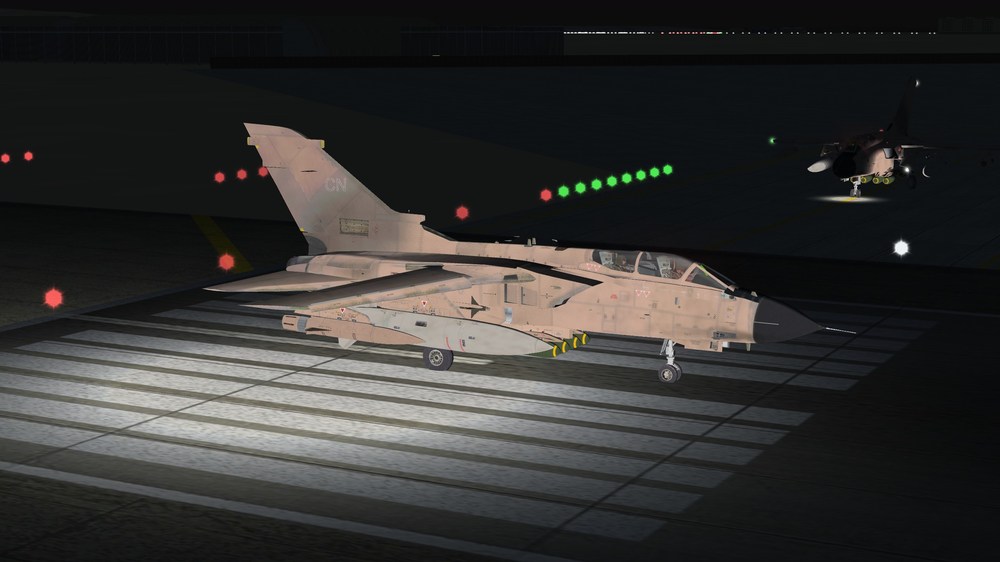
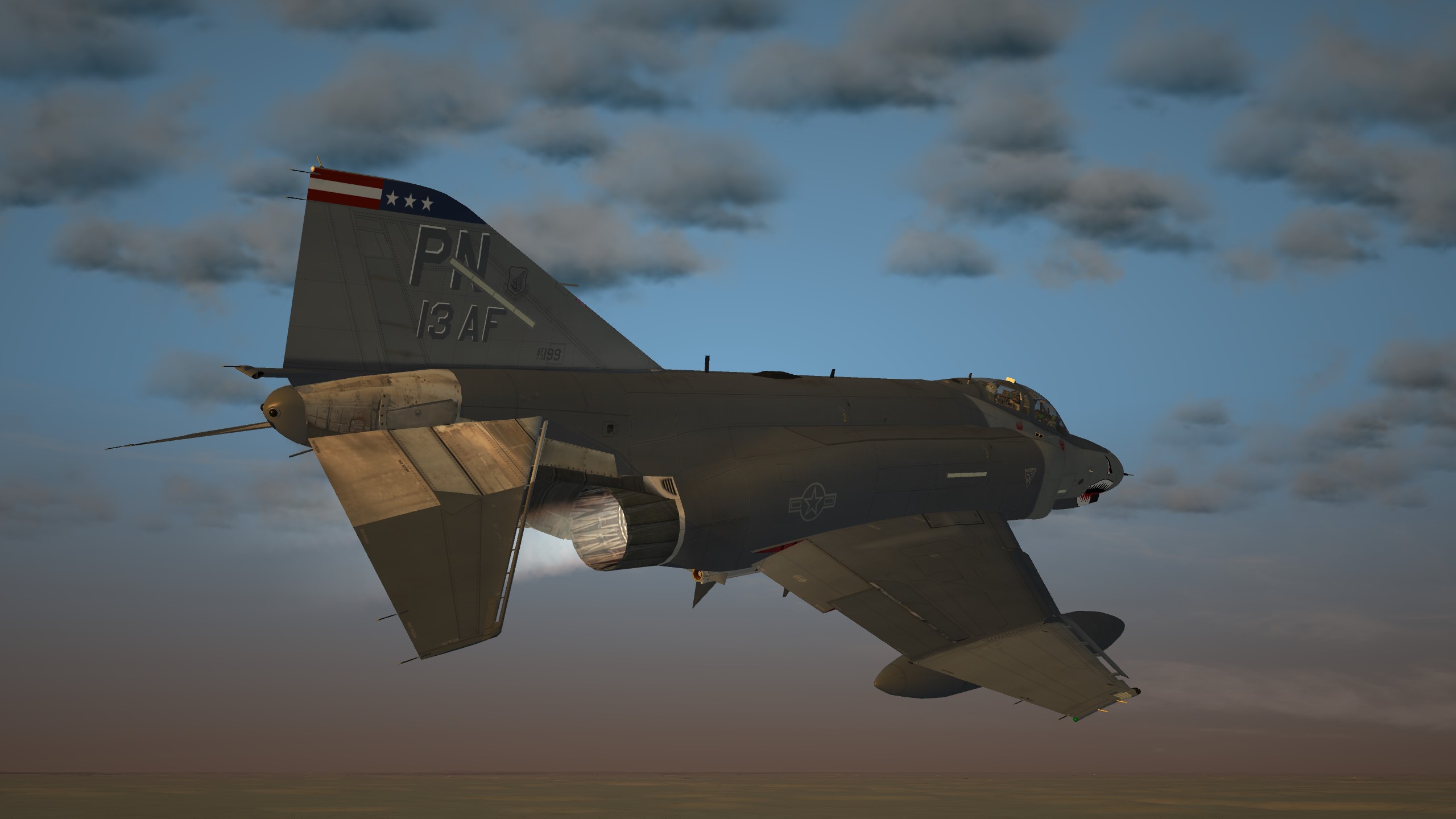
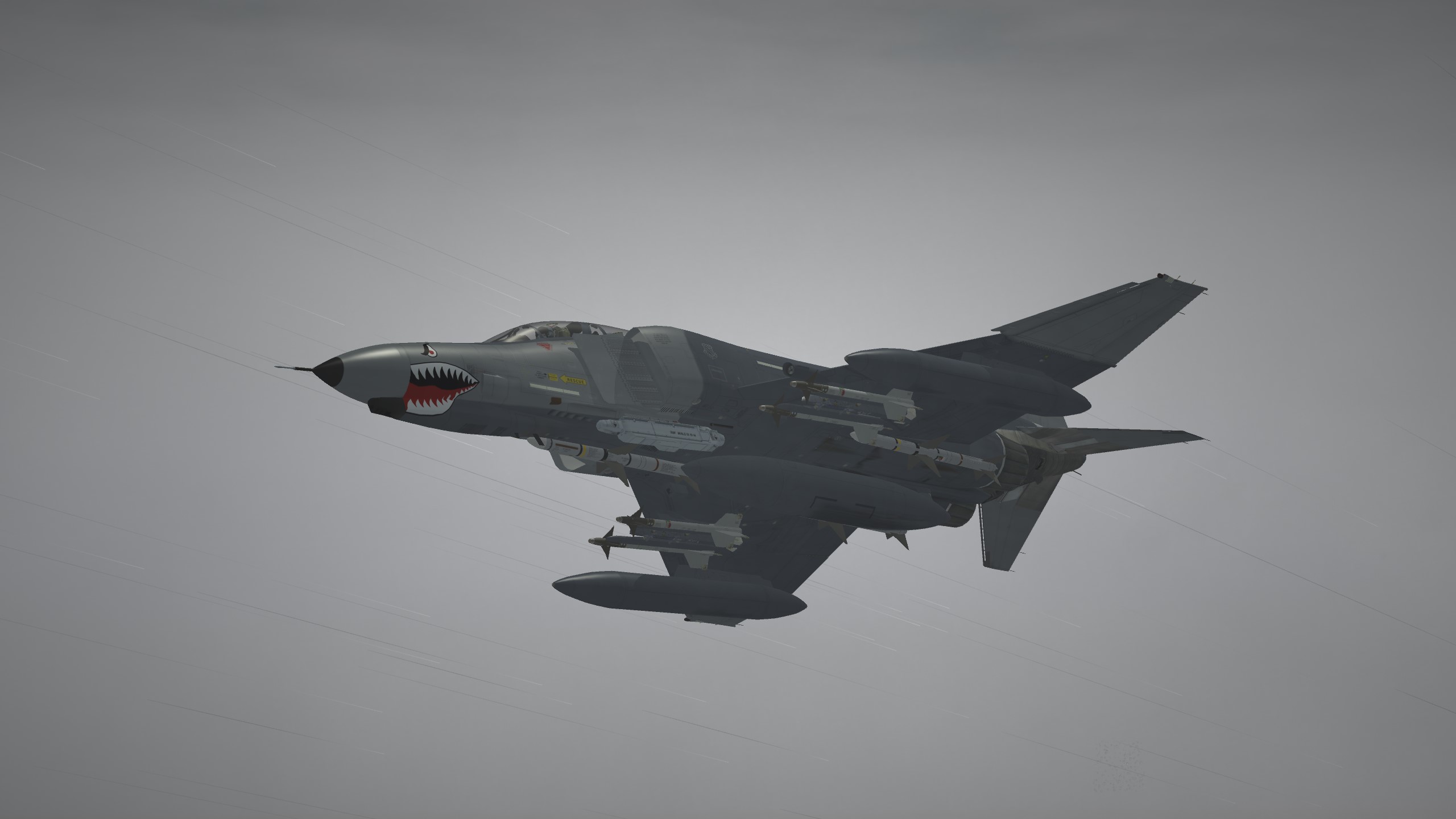
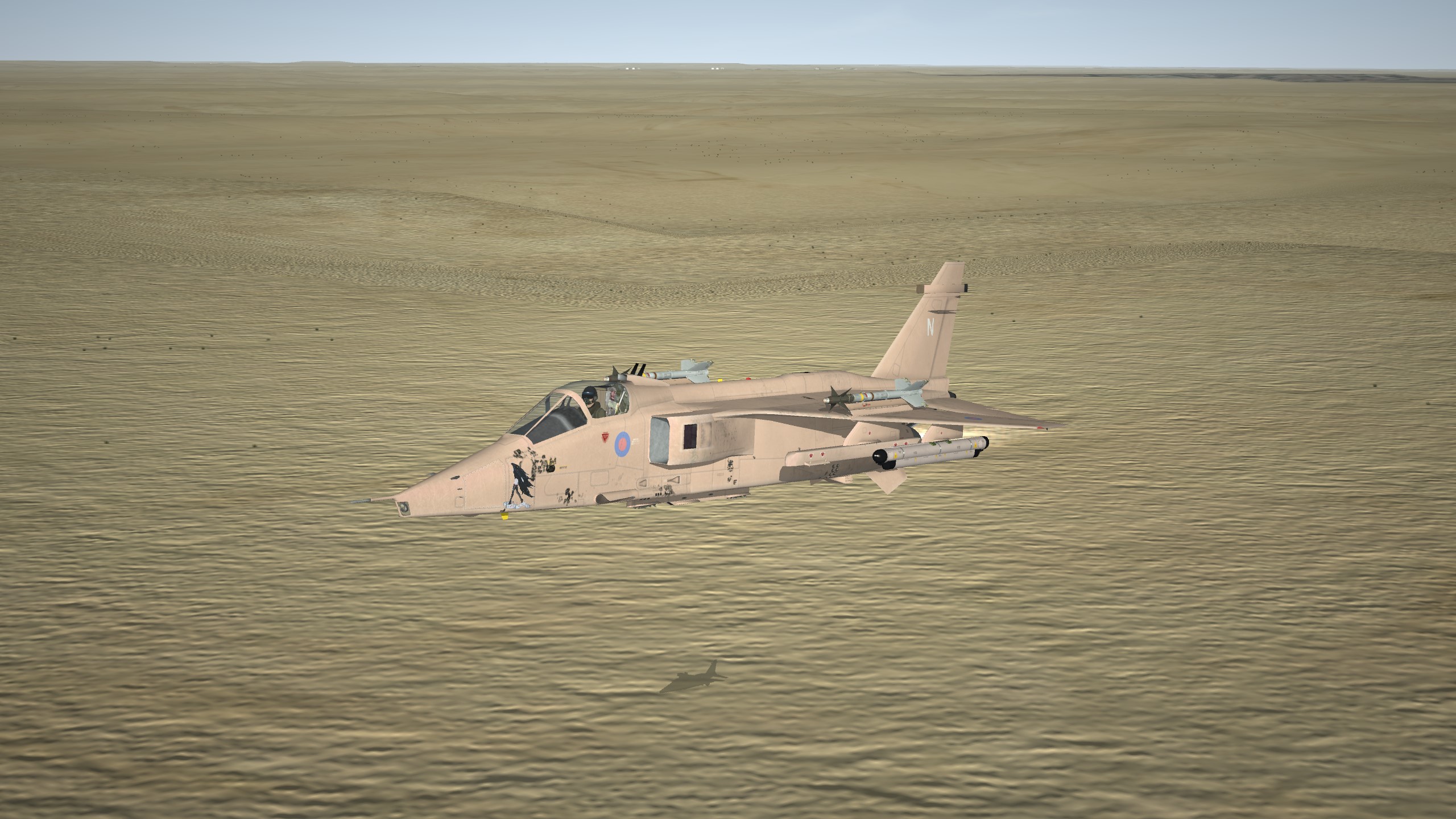
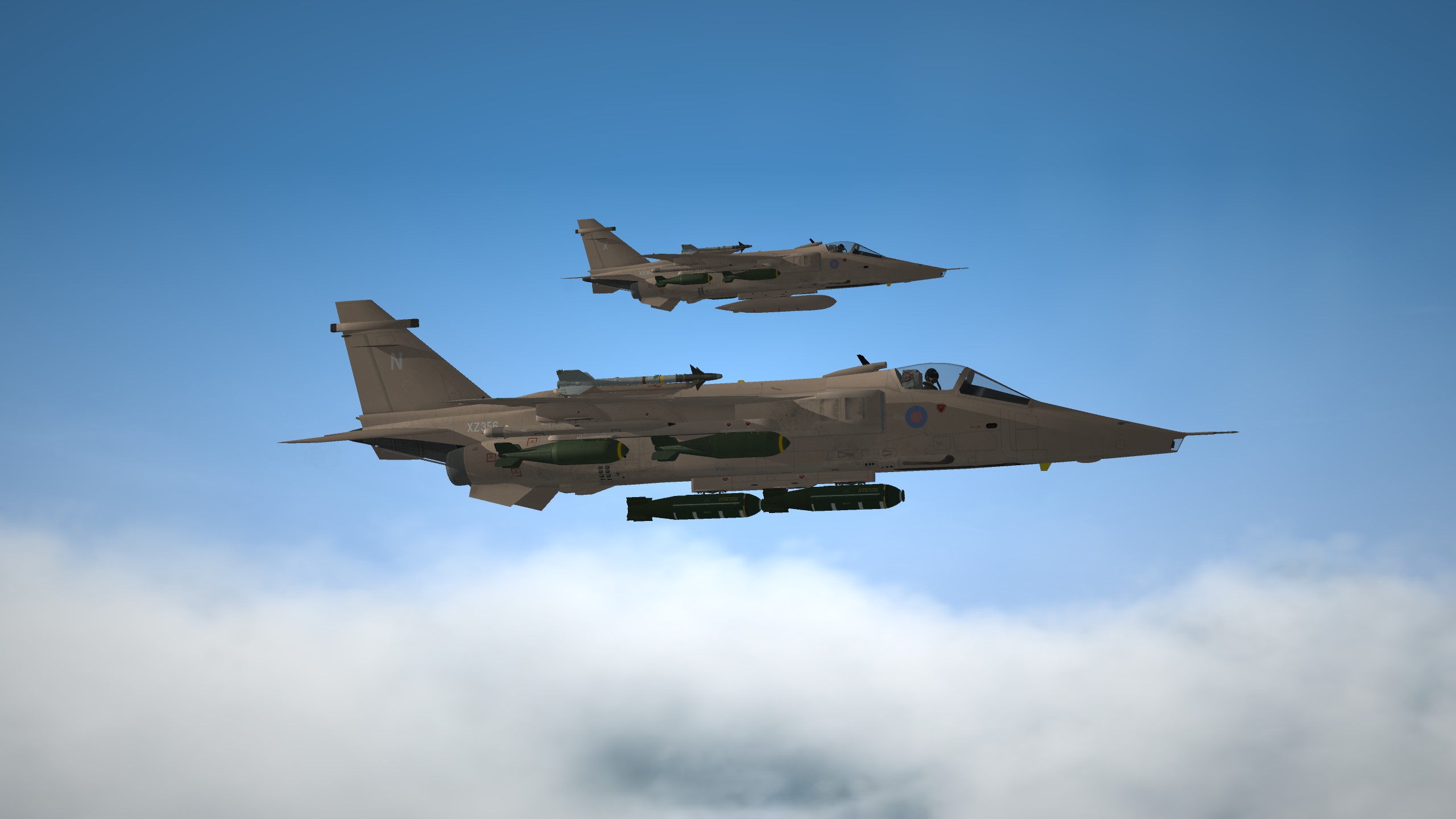
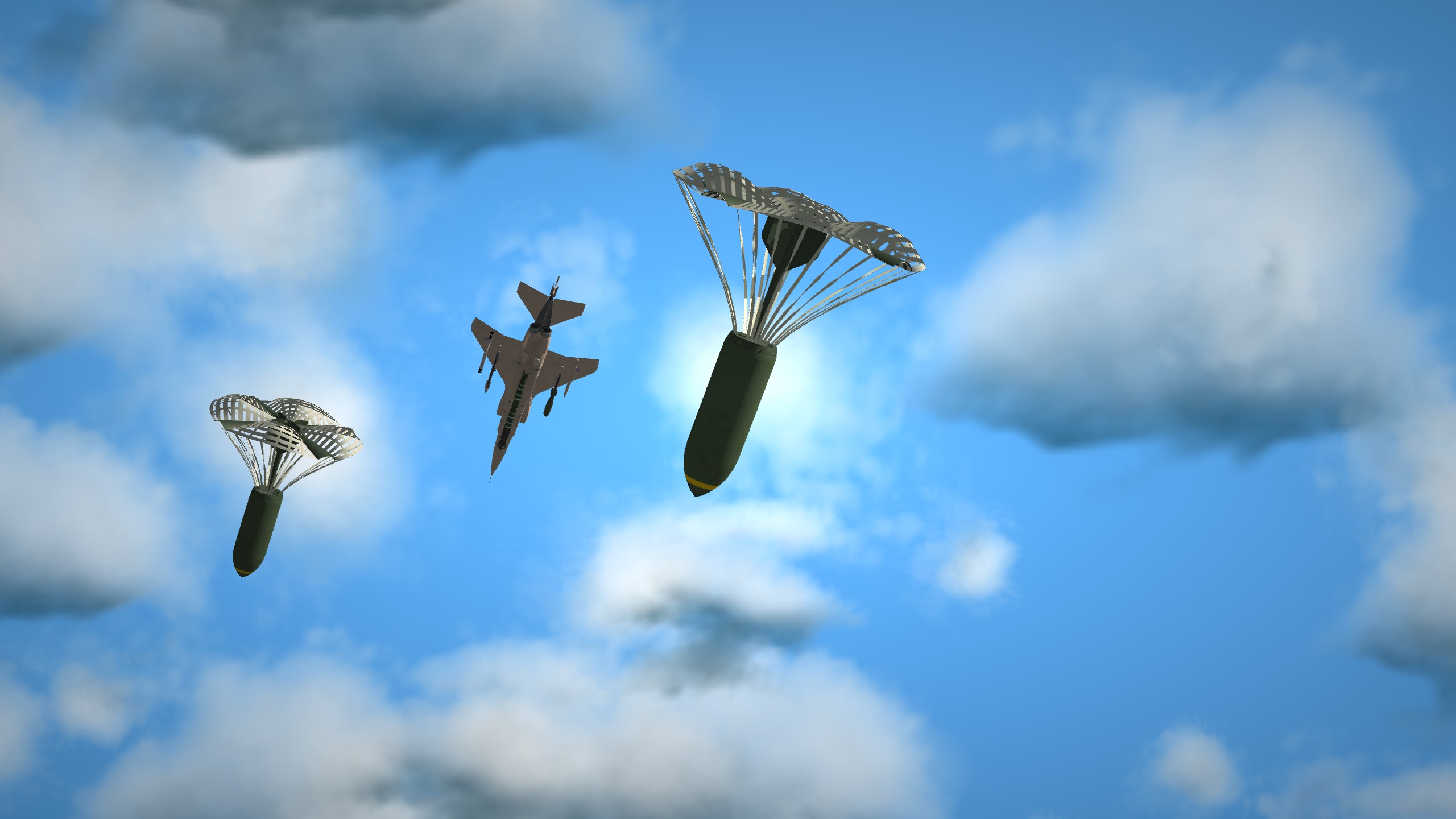
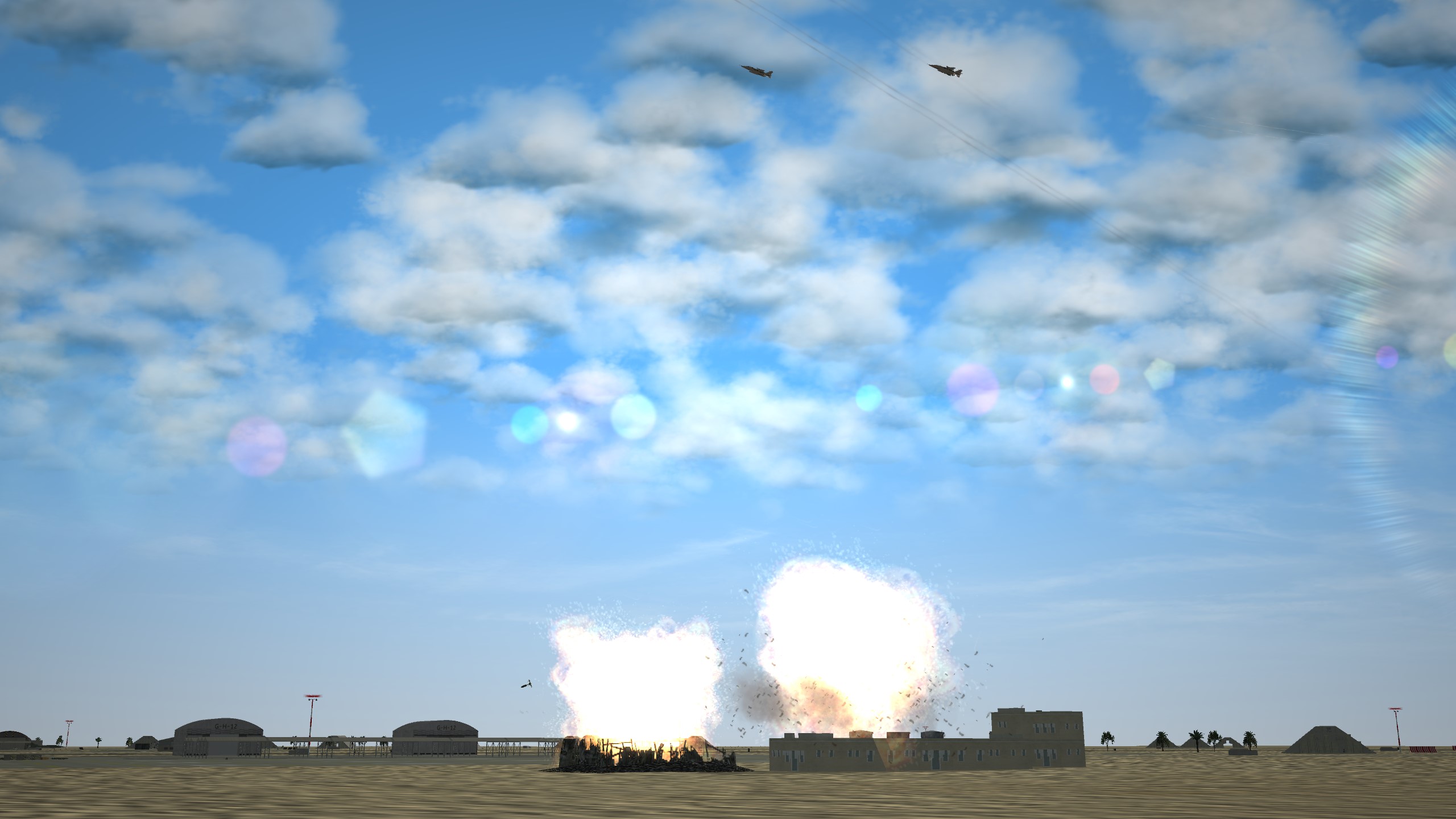
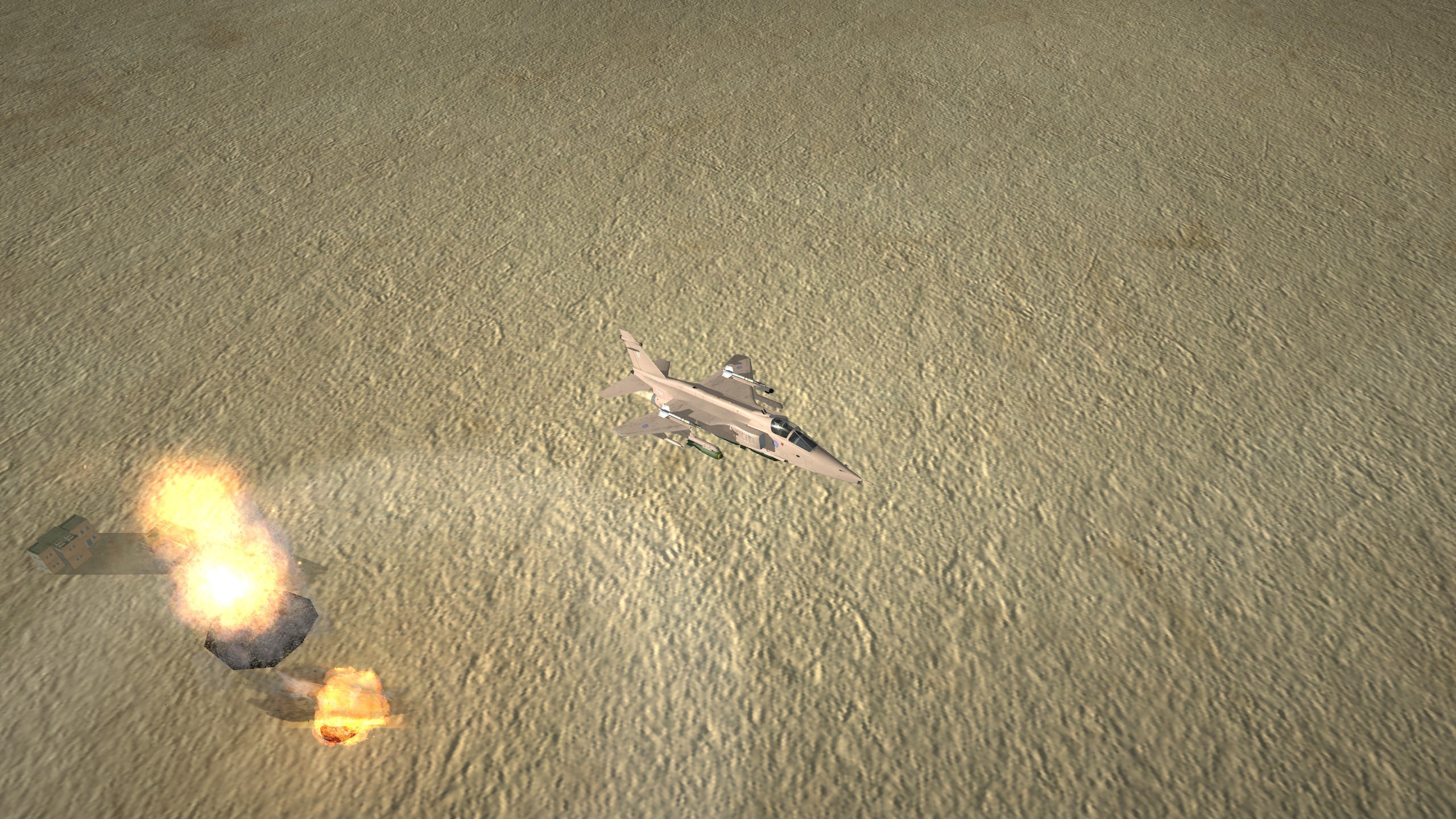
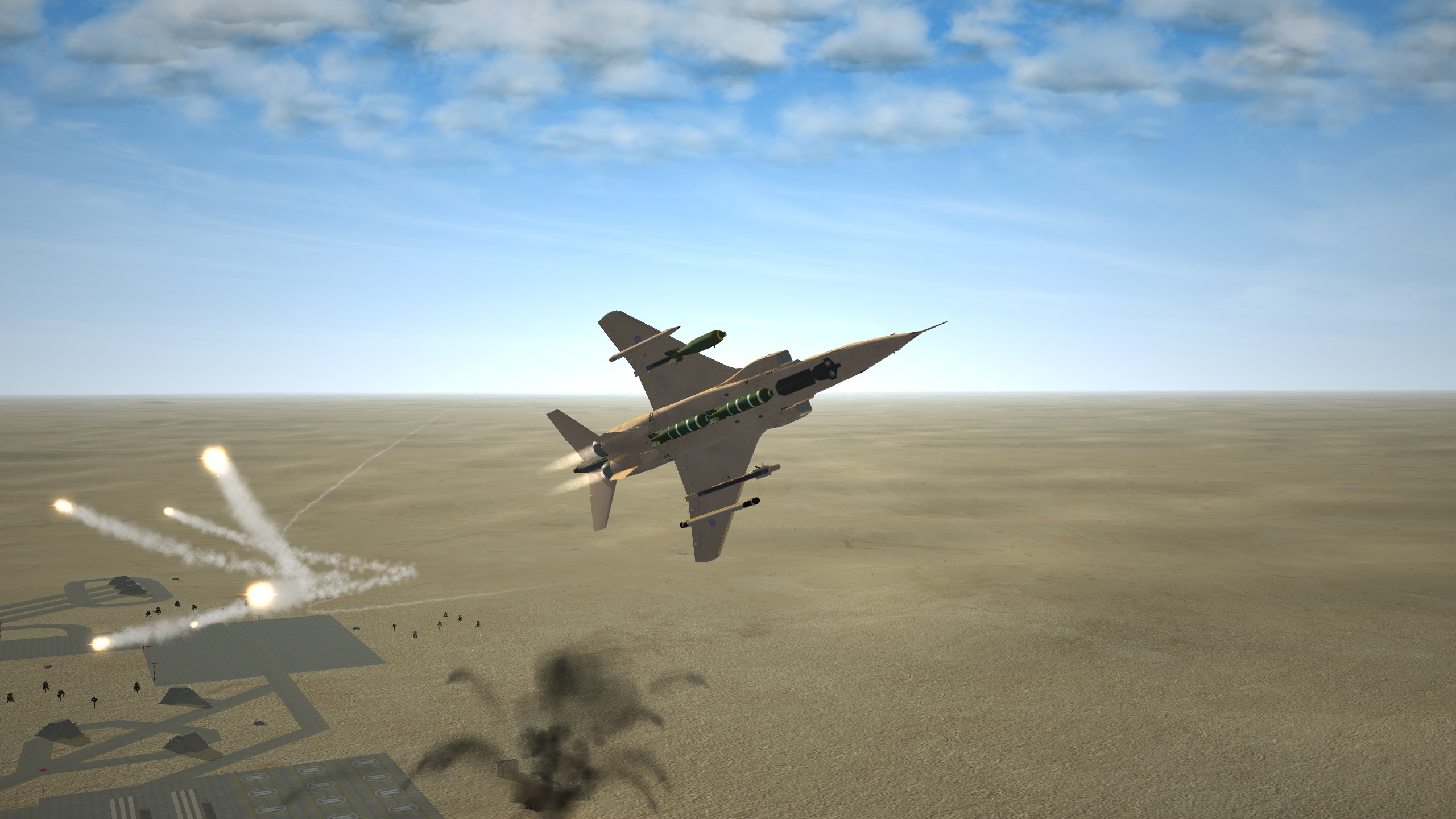
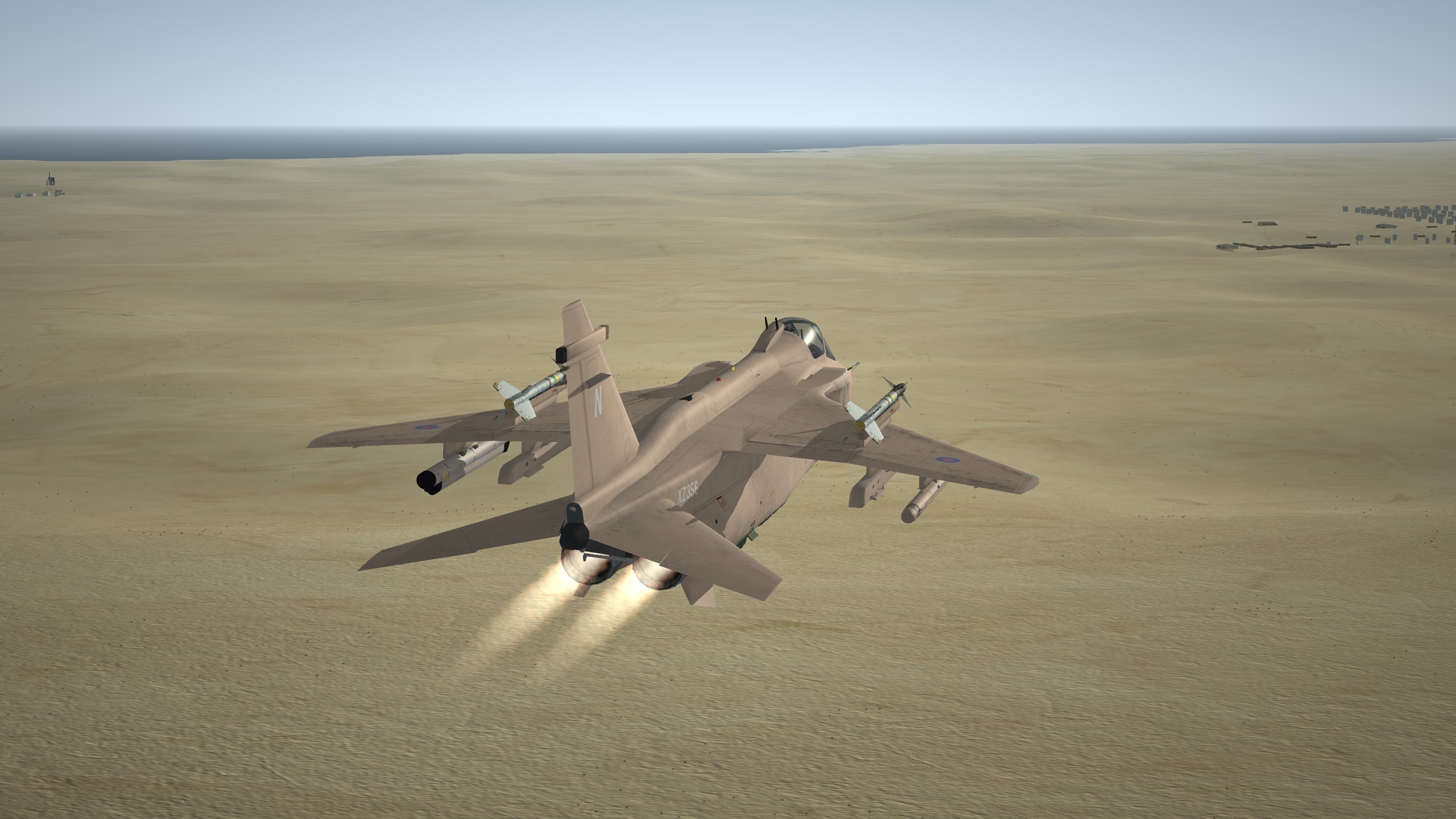
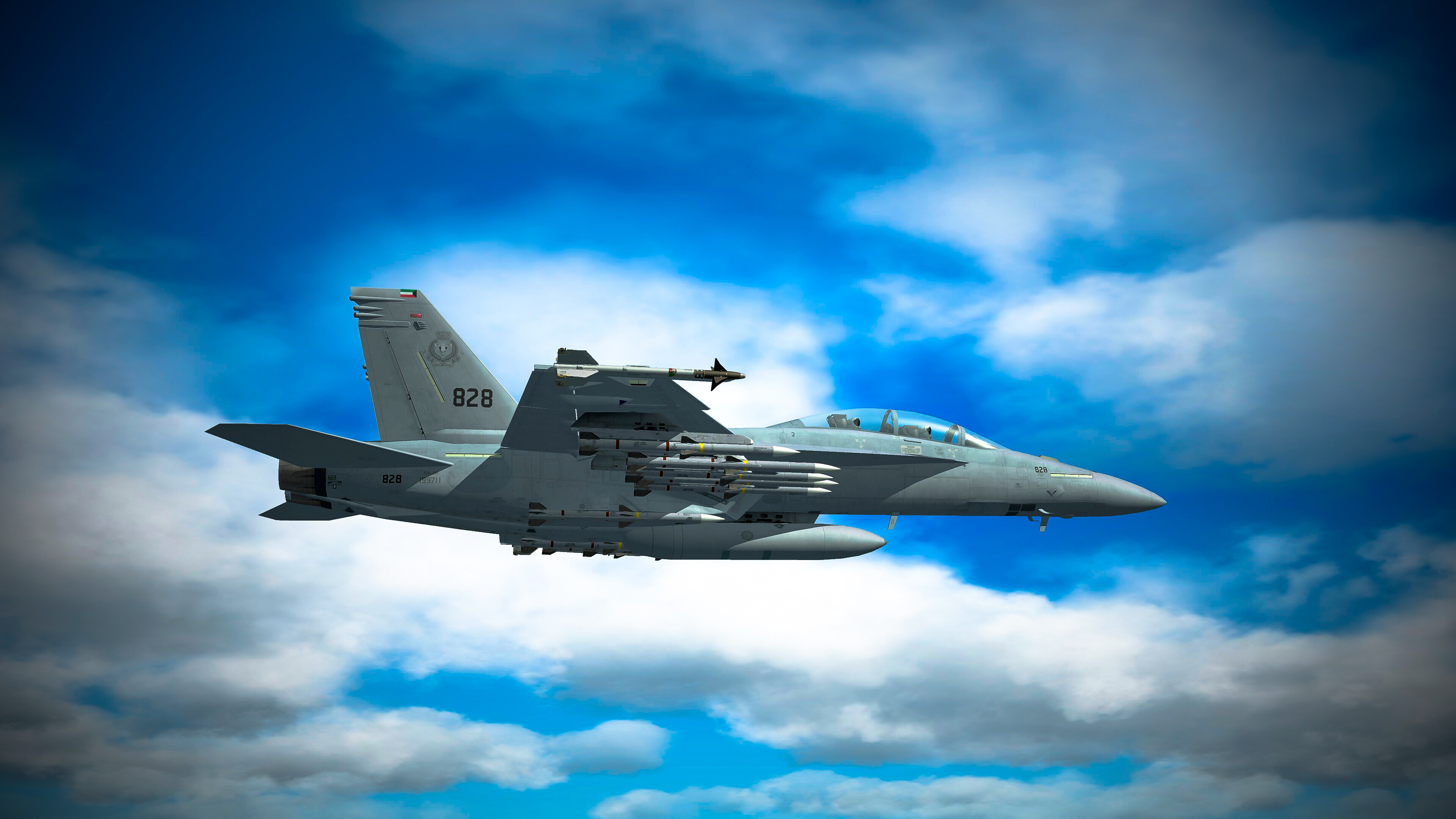
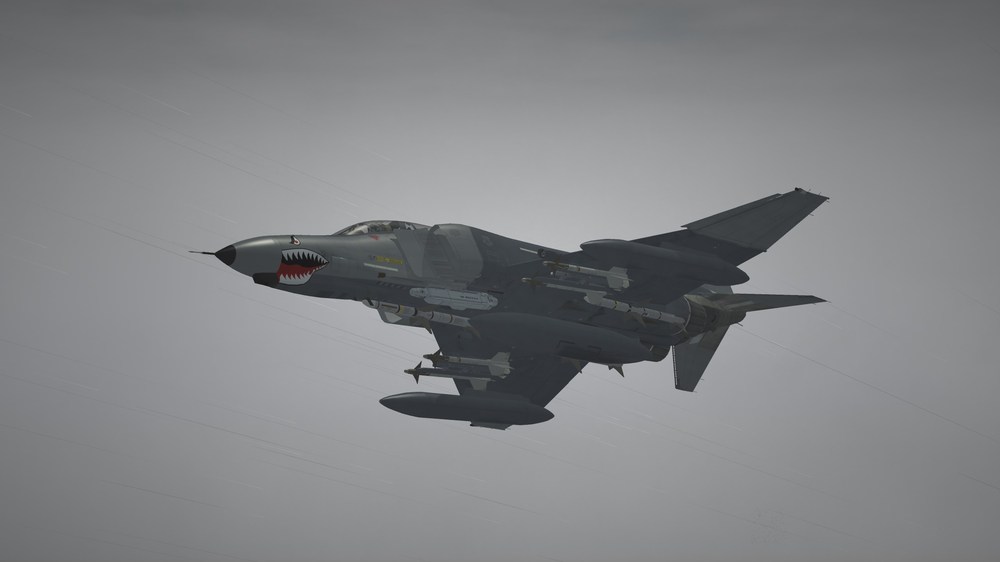
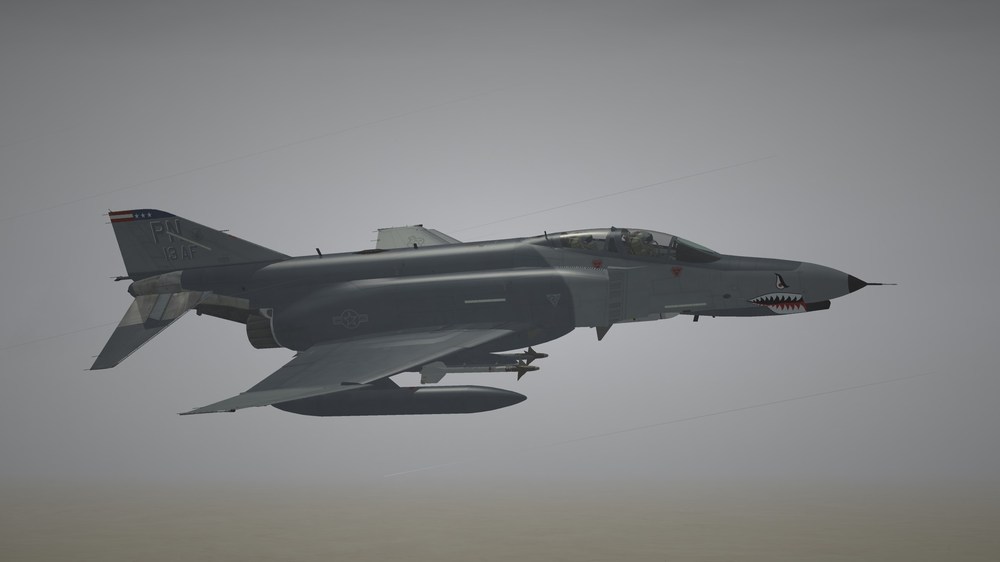
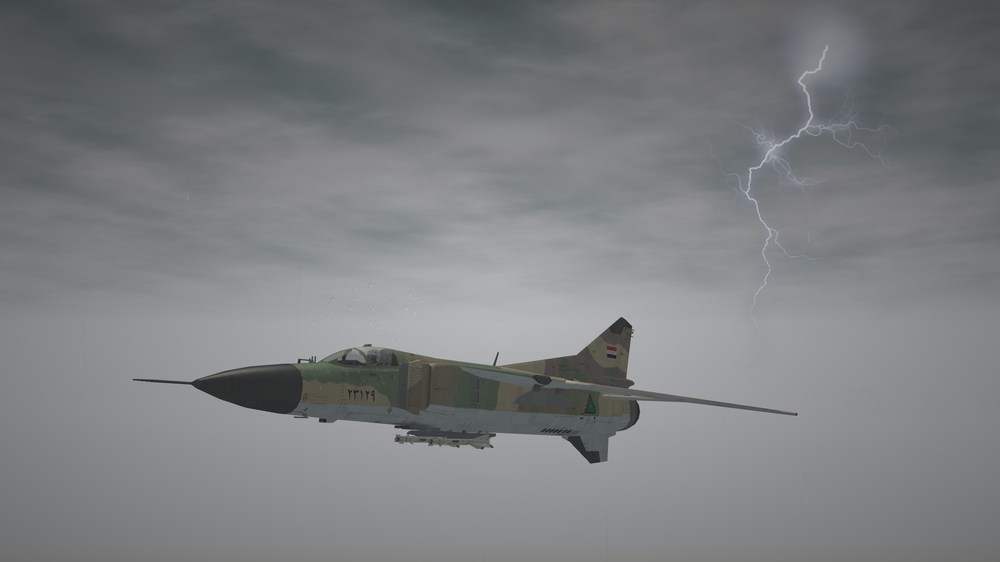
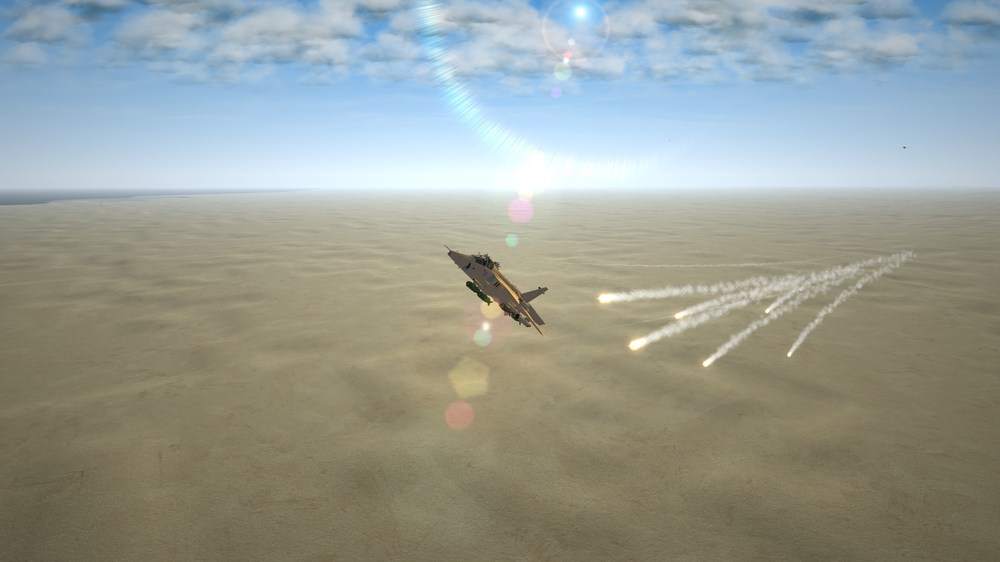
Over Iraq Jan, 1991
-
New upload 3 Jet hangars with 3 textures with night lights.
-
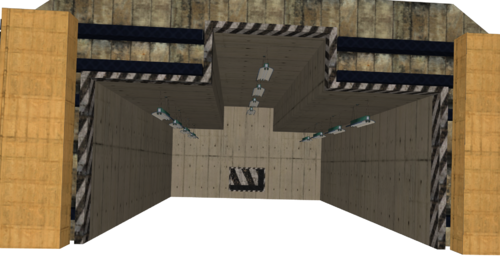
Version 1.0.0
58 downloads
Hello and thank you for downloading my work. https://gkabs.net https://gulfknights.net What's included: 3 Jet hangars with 3 textures. All my files should include the Strike Fighters 2 Series game file (.LOD) and the texture required. (tested and work only for SF2) Installation: Copy files to their proper folder If you need any further help, please read the Knowledge Base at: https://combatace.com/forums/forum/268-thirdwire-strike-fighters-2-series-knowledge-base/ Virgin 1.0 LICENSE: You are allowed to use this model and everything included with it for personal non-profit use for Strike Fighters 1 and 2. For use outside of this scope, you need to contact me for permission. gkabs@gkabs.net Credit goes to the following: Third Wire for making this outstanding game." Finally not to forget the wonderful site of https://combatace.com and all the nice members and their dedicated support for this game. Software used: 3d Max 2009 UVLayout v2 Pro Substance Painter Adobe Photoshop Mixamo If you need any assistance please contact me at gkabs@gkabs.net gulfknights.net -
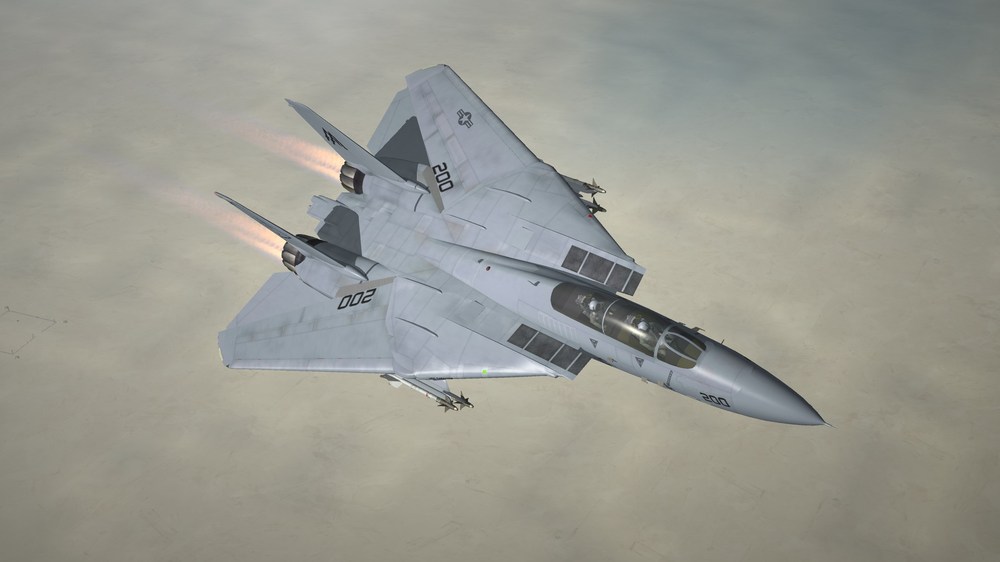
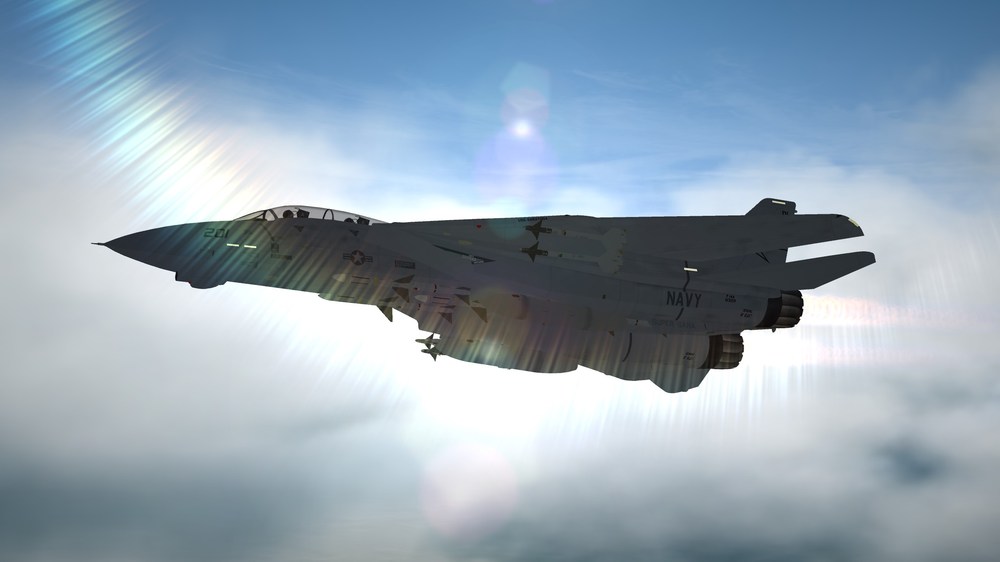
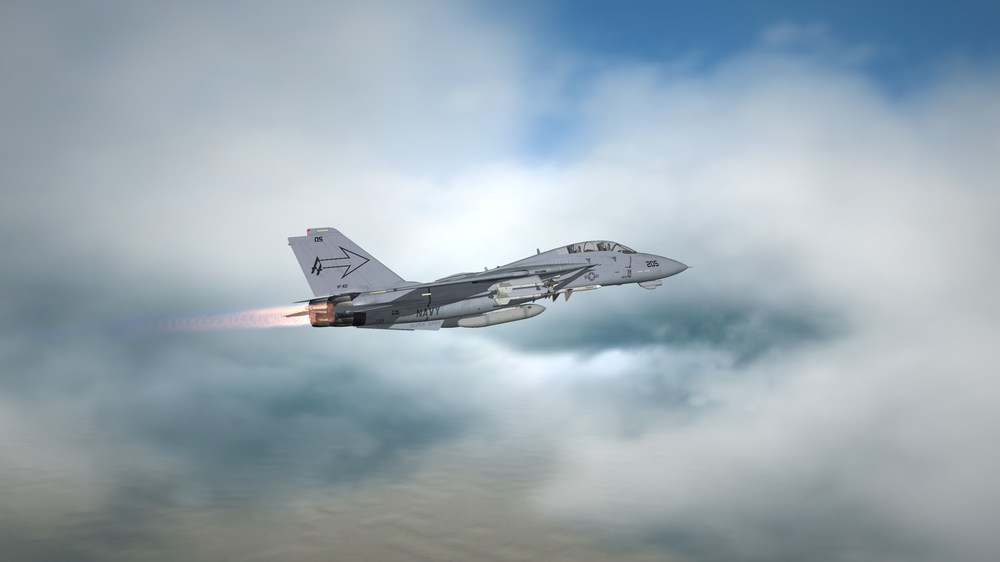
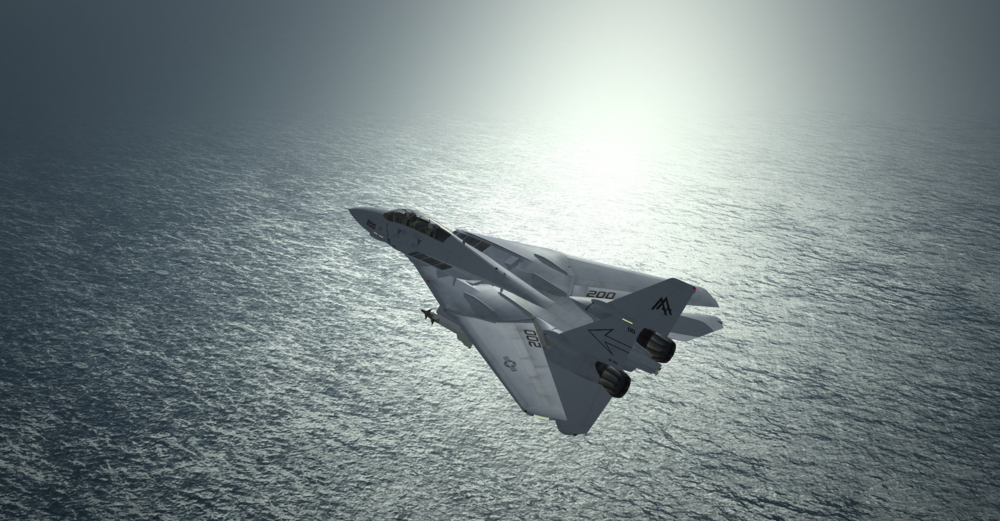
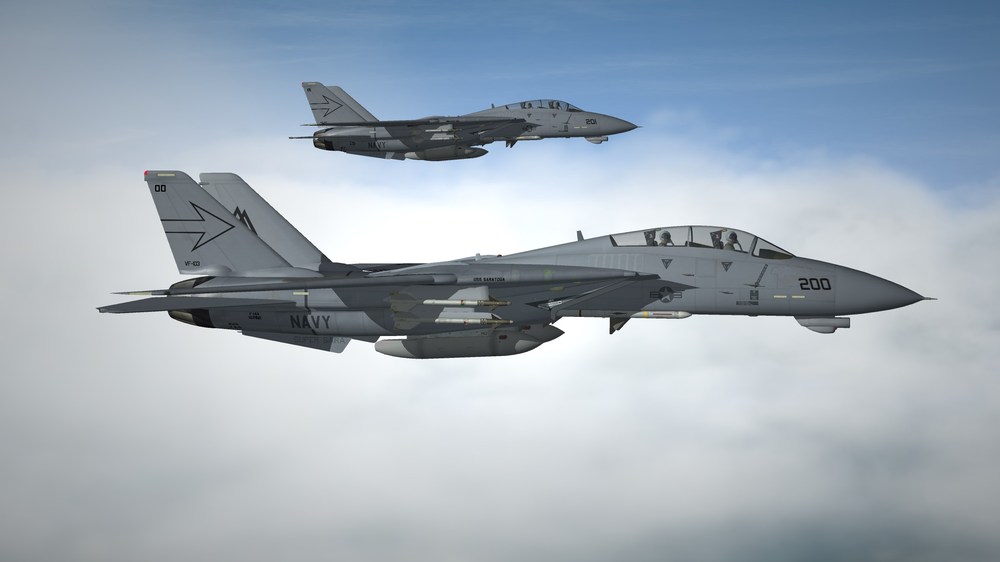
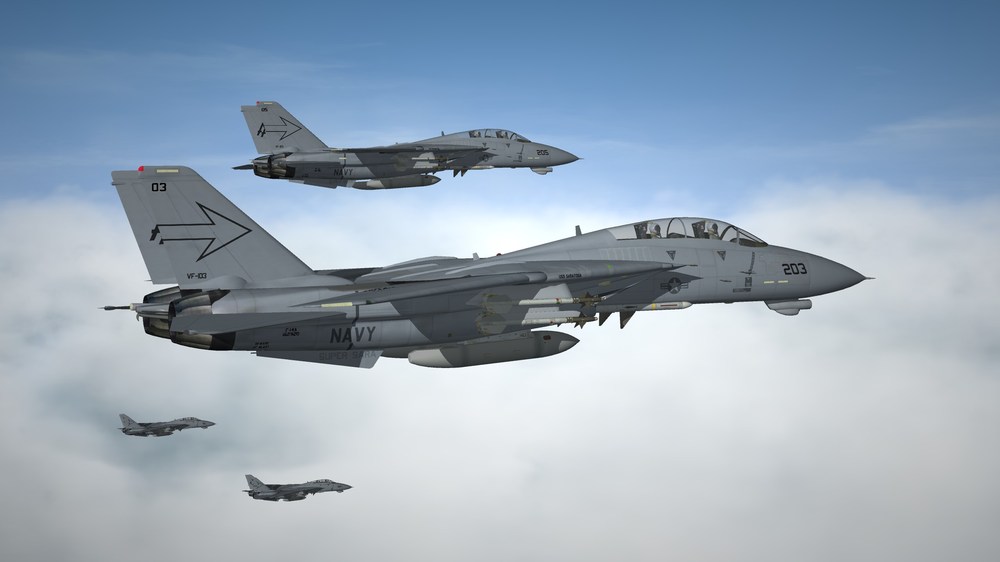
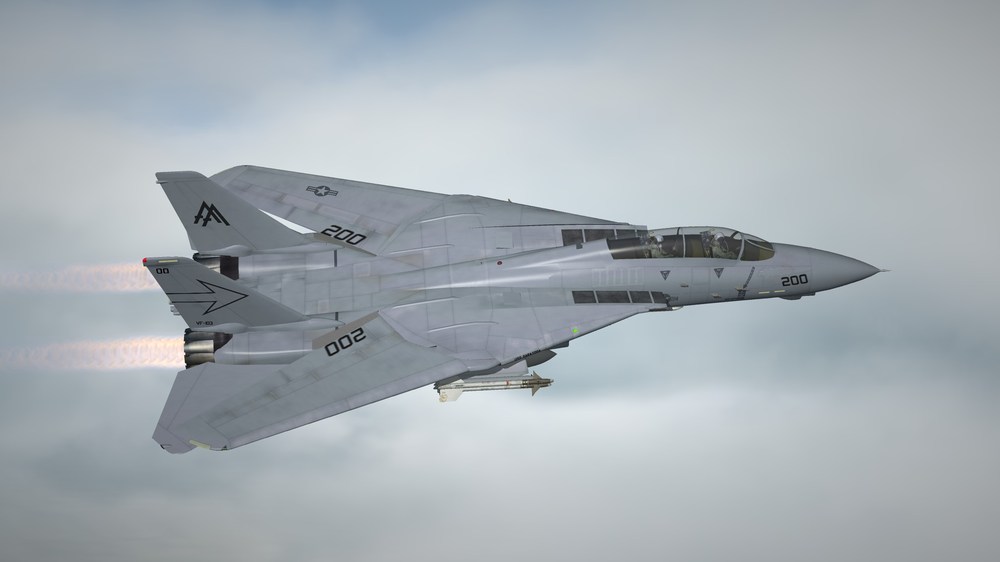
Old is Gold.
-
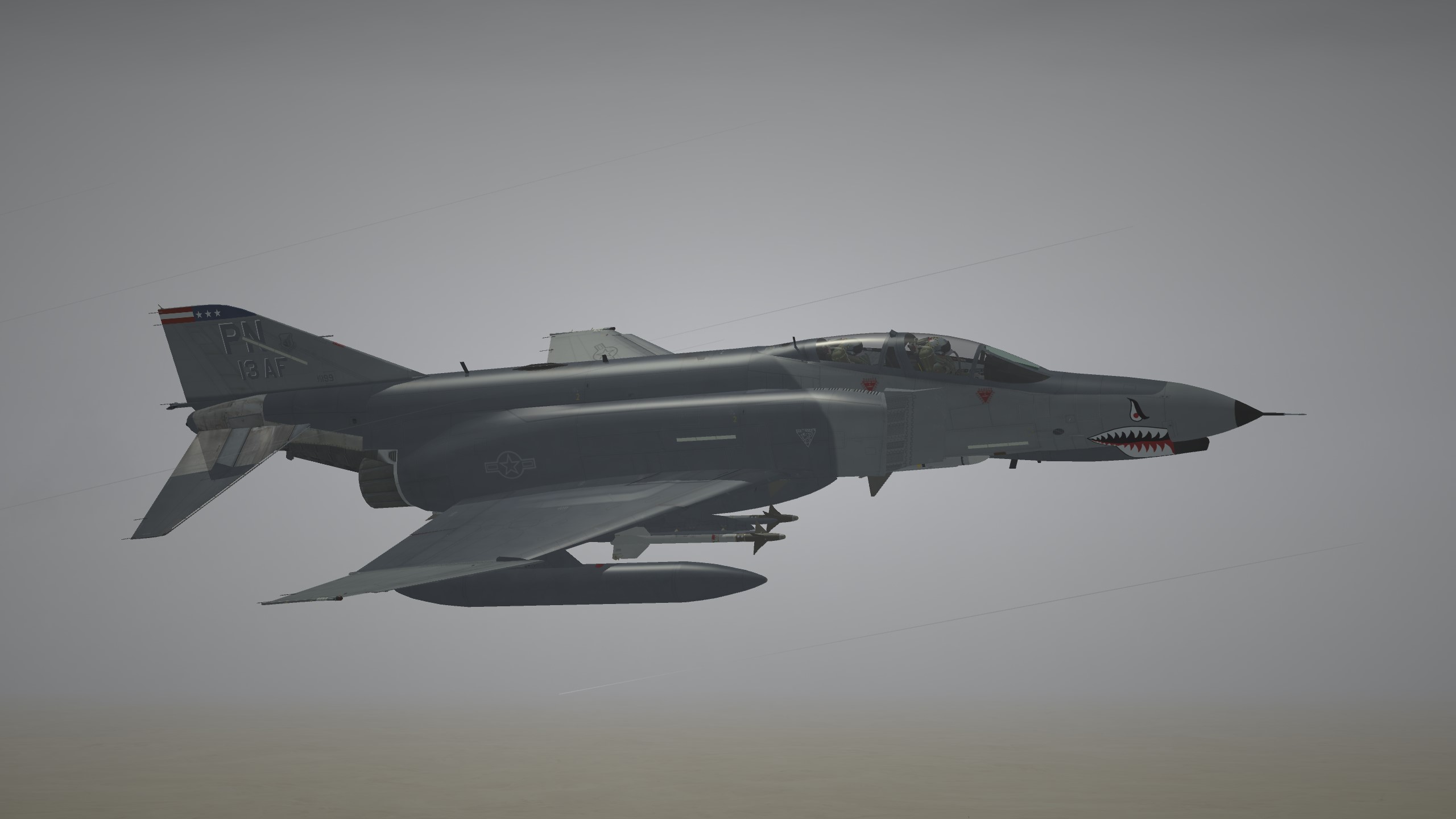
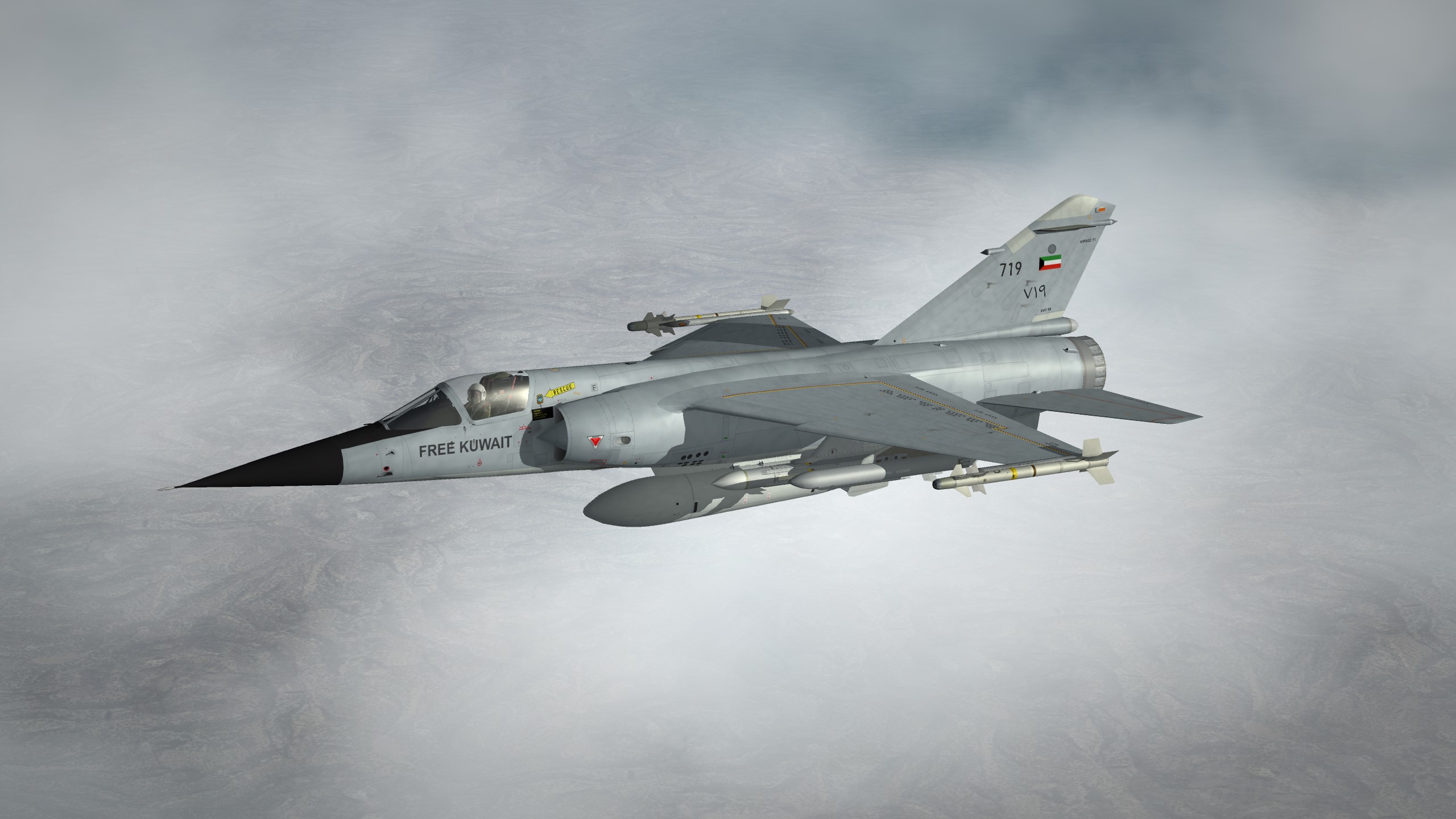
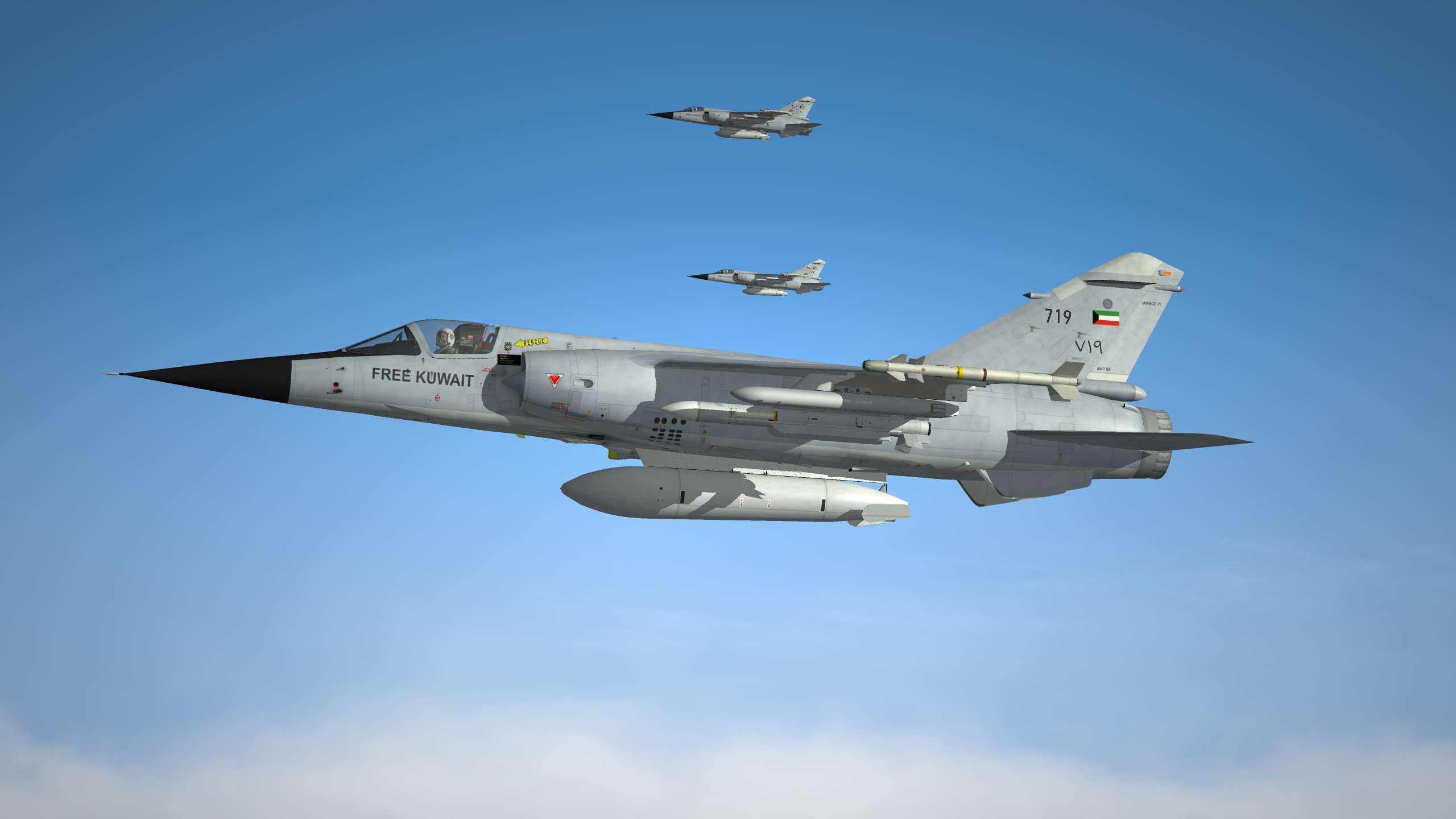
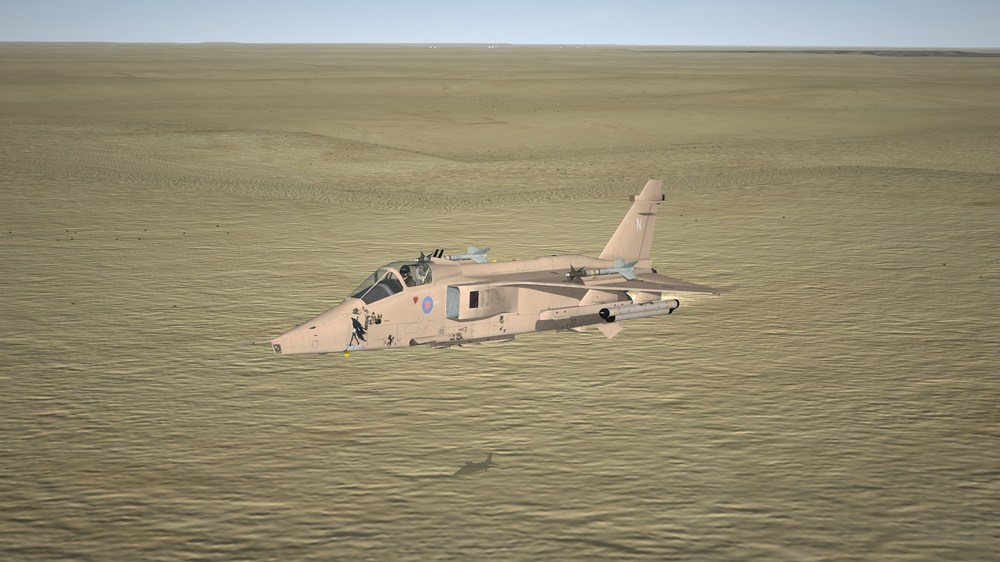
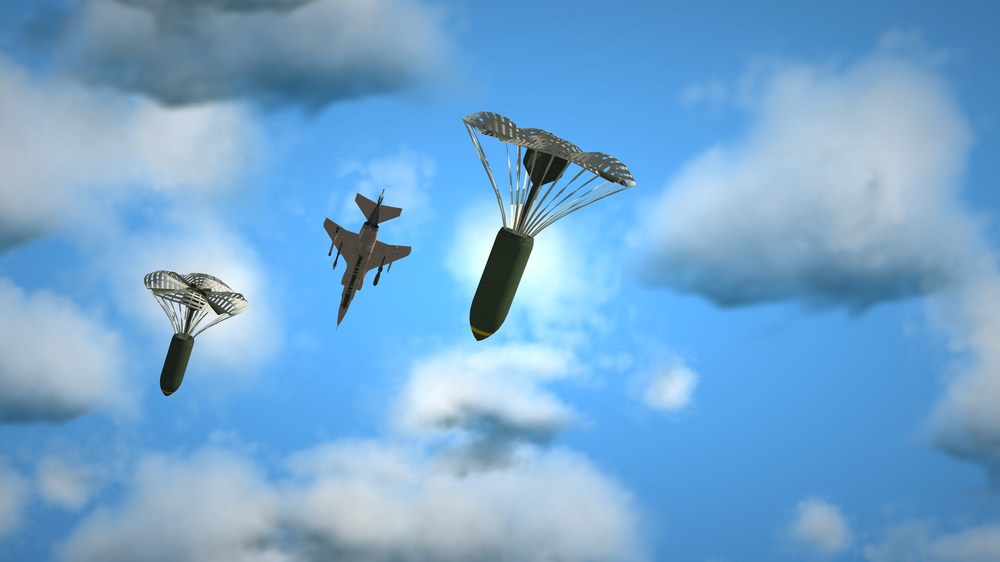
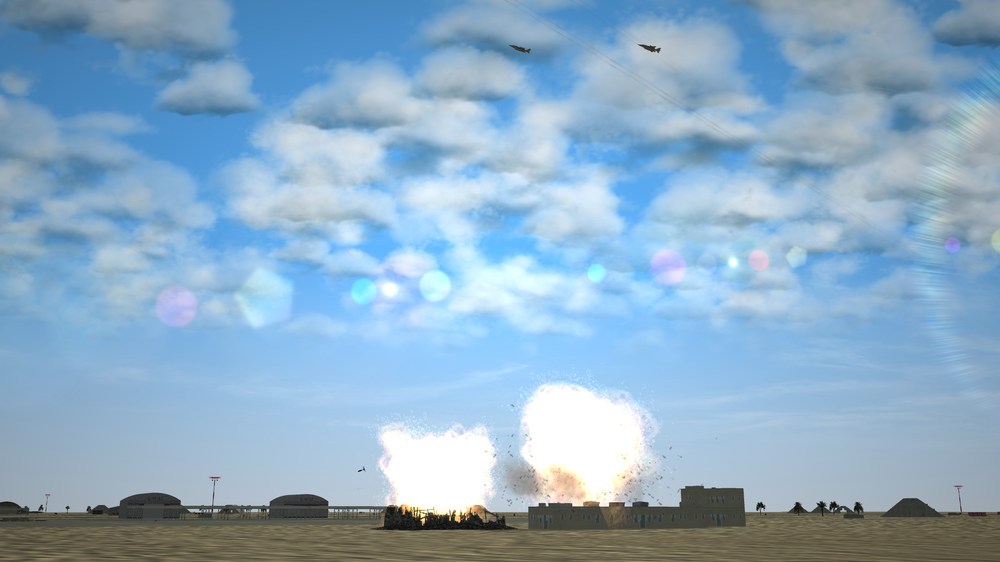
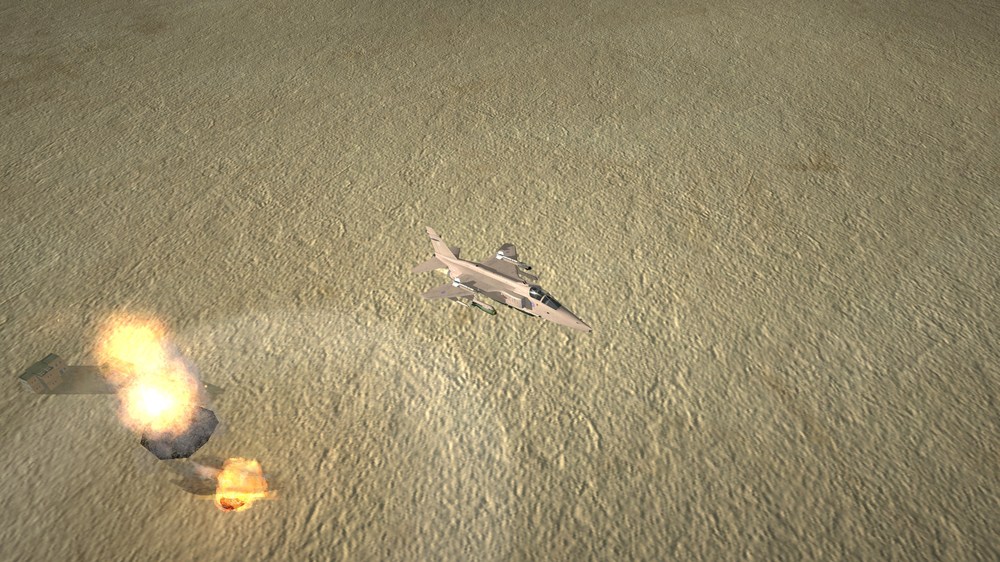
World coalition to liberate Kuwait.
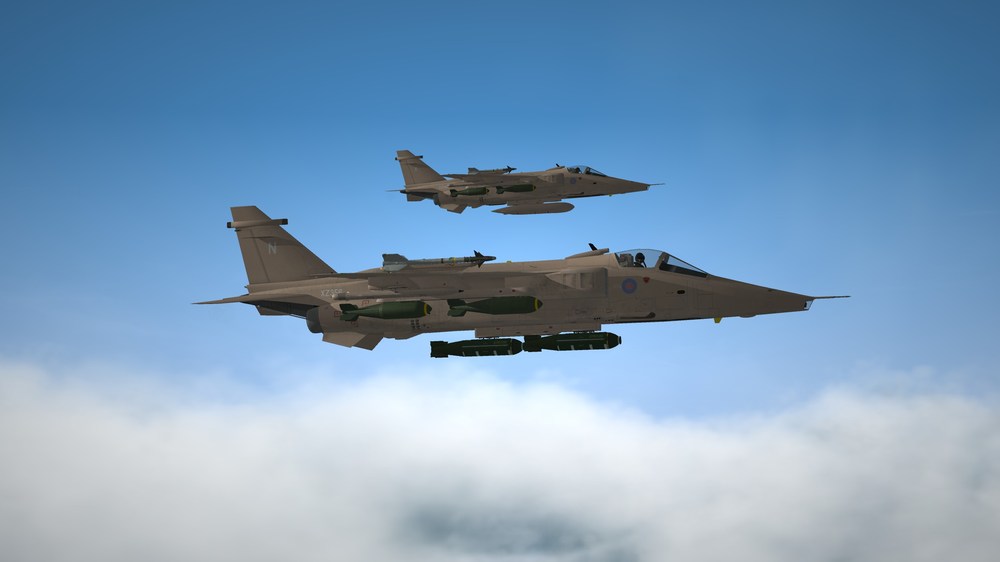
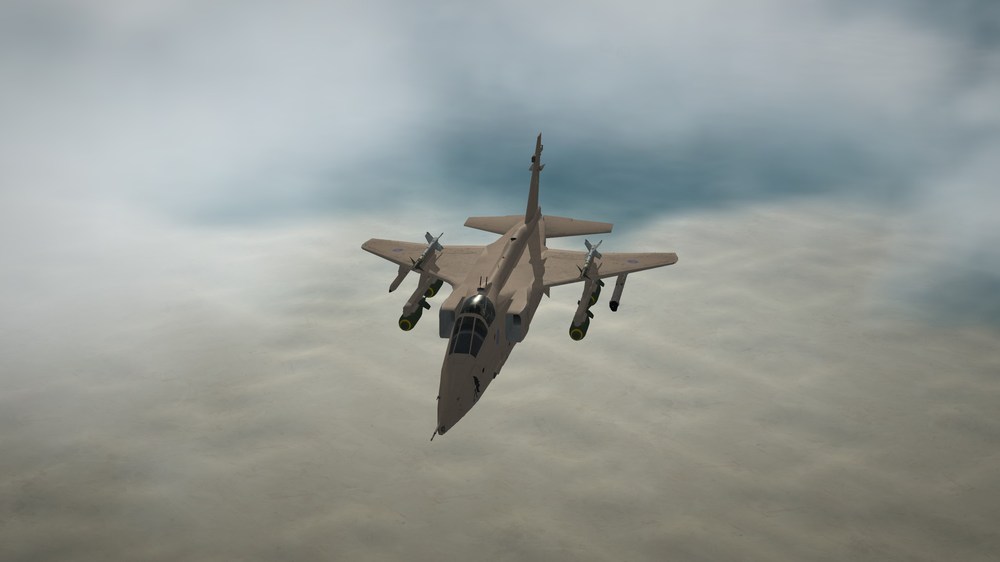
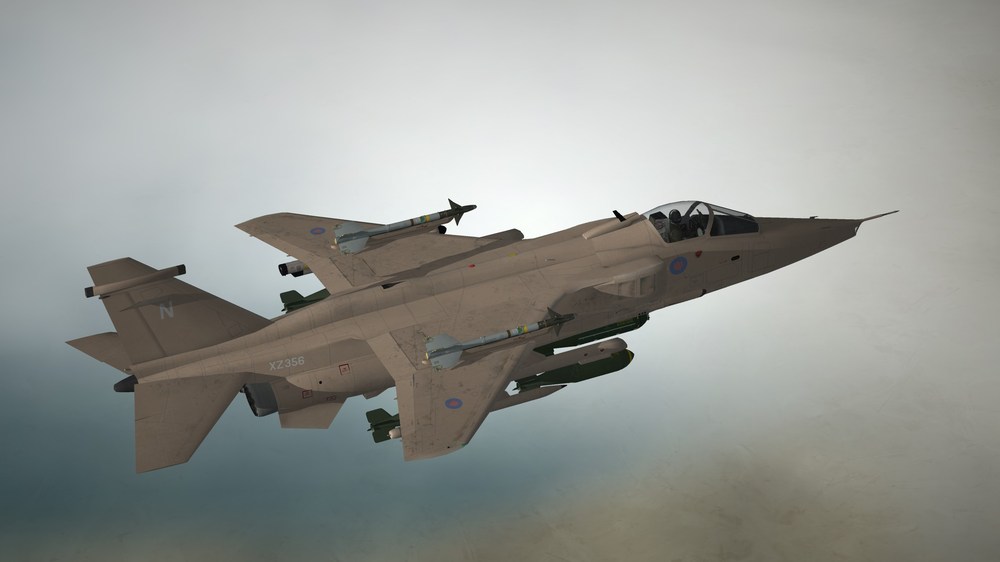
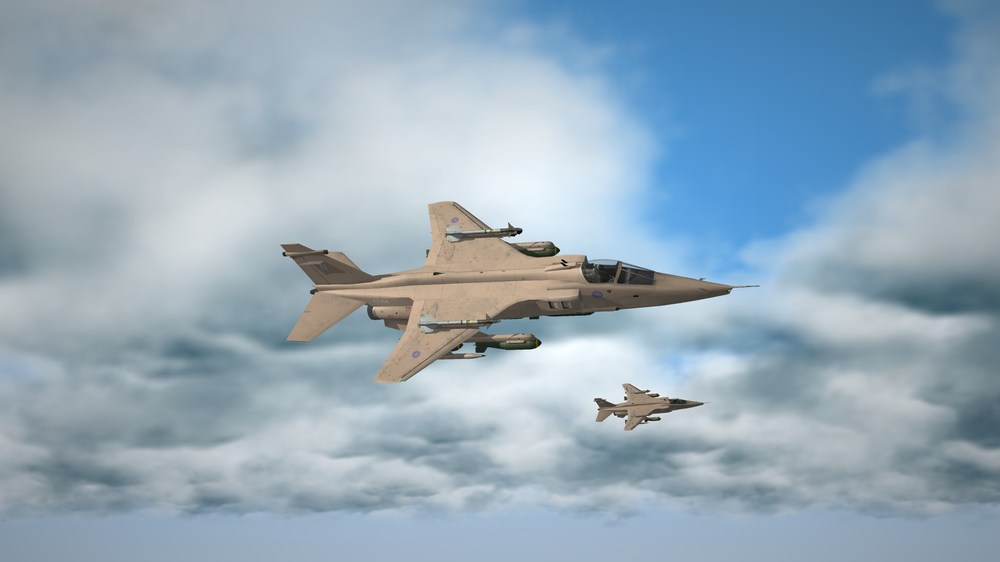
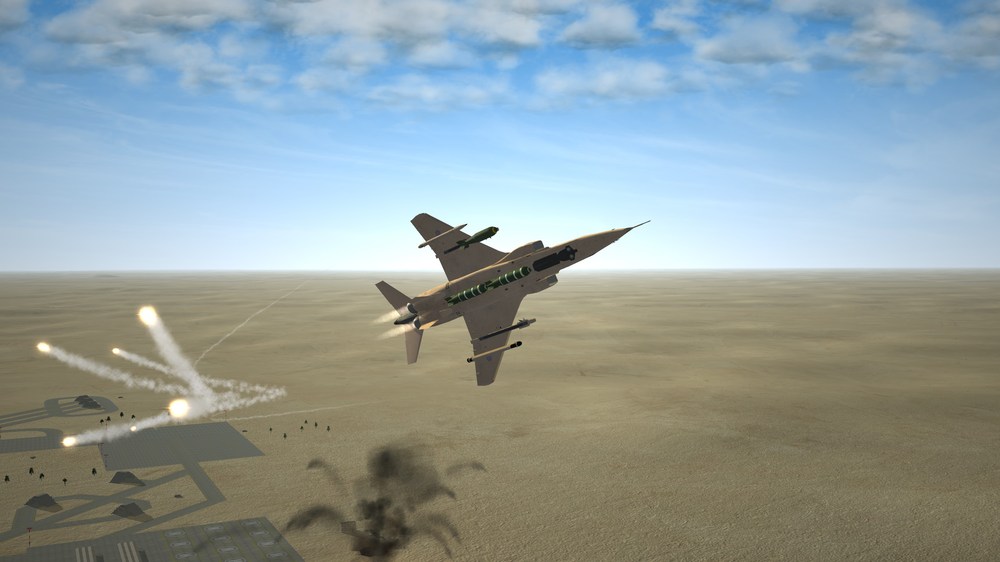
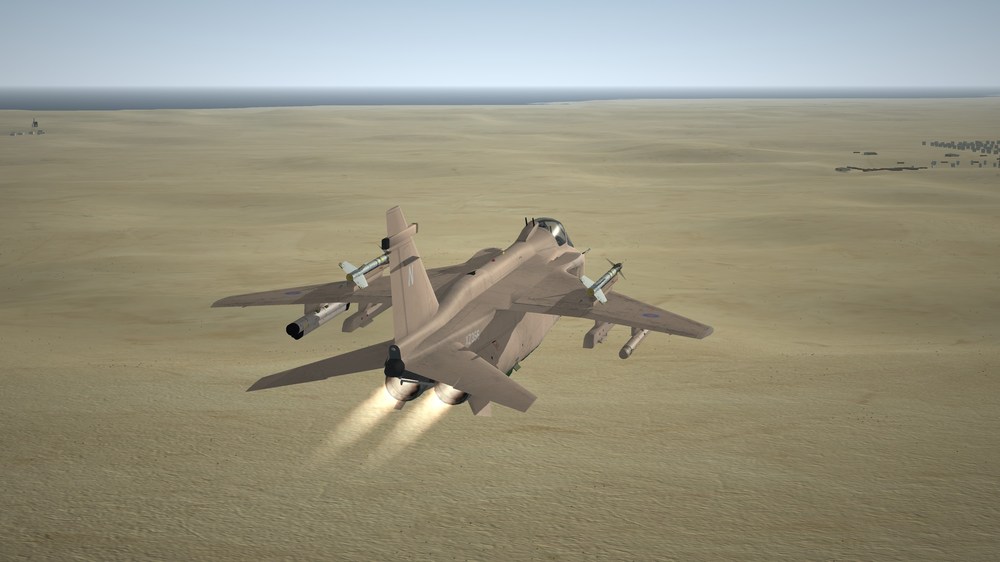
-
unfortunately only work with 3d Max
-
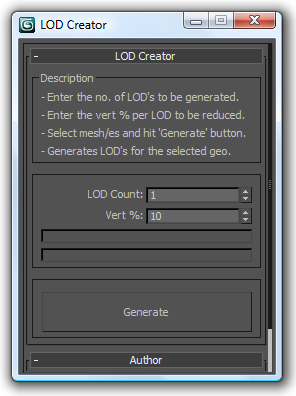
This is a script to be used with 3ds Max to make the LOD files for the different distances beside the main LOD model. For example, you make an F-16.lod (file size is 6MB) and you need to make the other smaller files LOD1 High poly count 4MB LOD2 Lower 2MB LOD3 Even Lower 1MB then this is what you need. This used to be done manually but with the script, it will make it for you faster. Ps. Just be aware that it may work sometimes and may not work other times.
-
View File Air Base Precision Approach Radar Hello and thank you for downloading my work. https://gkabs.net https://gulfknights.net What's included: Air Base Precision Approach Radar All my files should include the Strike Fighters 2 Series game file (.LOD) and the texture required. (tested and work only for SF2) Installation: Copy files to their proper folder add to Terrains file for example IraqWA_03_TYPES.INI under the IraqWA_03 so it will show up for you to add to the Terrains by using TargetAreaEditor replace the XXX with the correct number sequins from your _TYPES.INI file [TargetTypeXXX] Name=AAS-Surv-Radar FullName=GK-AAS-Surveillance-Radar ModelName=GK-AAS-Surveillance-Radar.lod TargetType=RADAR ActiveYear=1960 TargetValue=200 UseGroundObject=FALSE DamagePoint=1.0 ArmorValue=0.0 ArmorType=0 RepairRate=0.555 StartDetectChance=80 StartIdentifiedChance=20 IncreaseDetectChanceKey=10 MaxVisibleDist=6000.0 DamagedModel= DestroyedEffect=SmallFire DestroyedModel=asr_destroyed.LOD SecondaryEffect=SmallExplosionEffect SecondaryChance=50 AnimationID=1 AnimationTime=4.0 If you need any further help, please read the Knowledge Base at: https://combatace.com/forums/forum/268-thirdwire-strike-fighters-2-series-knowledge-base/ Virgin 1.0 LICENSE: You are allowed to use this model and everything included with it for personal non-profit use for Strike Fighters 1 and 2. For use outside of this scope, you need to contact me for permission. gkabs@gkabs.net Credit goes to the following: Third Wire for making this outstanding game." Finally not to forget the wonderful site of https://combatace.com and all the nice members and their dedicated support for this game. Software used: 3d Max 2009 UVLayout v2 Pro Substance Painter Adobe Photoshop Mixamo If you need any assistance please contact me at gkabs@gkabs.net gulfknights.net Submitter GKABS Submitted 01/15/2024 Category Ground Object Mods
-
- 1
-

-
another upload Air Base Precision Approach Radar (animated) both radars work one horizontally and the other vertically. just needs to be approved.
-
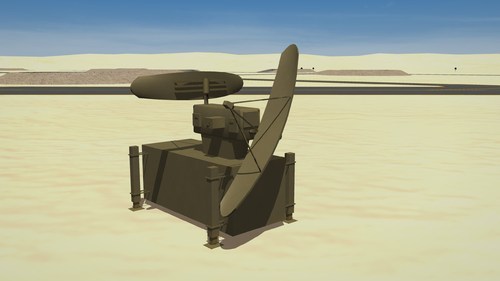
Version 1.0.0
74 downloads
Hello and thank you for downloading my work. https://gkabs.net https://gulfknights.net What's included: Air Base Precision Approach Radar All my files should include the Strike Fighters 2 Series game file (.LOD) and the texture required. (tested and work only for SF2) Installation: Copy files to their proper folder add to Terrains file for example IraqWA_03_TYPES.INI under the IraqWA_03 so it will show up for you to add to the Terrains by using TargetAreaEditor replace the XXX with the correct number sequins from your _TYPES.INI file [TargetTypeXXX] Name=AAS-Surv-Radar FullName=GK-AAS-Surveillance-Radar ModelName=GK-AAS-Surveillance-Radar.lod TargetType=RADAR ActiveYear=1960 TargetValue=200 UseGroundObject=FALSE DamagePoint=1.0 ArmorValue=0.0 ArmorType=0 RepairRate=0.555 StartDetectChance=80 StartIdentifiedChance=20 IncreaseDetectChanceKey=10 MaxVisibleDist=6000.0 DamagedModel= DestroyedEffect=SmallFire DestroyedModel=asr_destroyed.LOD SecondaryEffect=SmallExplosionEffect SecondaryChance=50 AnimationID=1 AnimationTime=4.0 If you need any further help, please read the Knowledge Base at: https://combatace.com/forums/forum/268-thirdwire-strike-fighters-2-series-knowledge-base/ Virgin 1.0 LICENSE: You are allowed to use this model and everything included with it for personal non-profit use for Strike Fighters 1 and 2. For use outside of this scope, you need to contact me for permission. gkabs@gkabs.net Credit goes to the following: Third Wire for making this outstanding game." Finally not to forget the wonderful site of https://combatace.com and all the nice members and their dedicated support for this game. Software used: 3d Max 2009 UVLayout v2 Pro Substance Painter Adobe Photoshop Mixamo If you need any assistance please contact me at gkabs@gkabs.net gulfknights.net -
View File Air Base Approach Light Hello and thank you for downloading my work. https://gkabs.net https://gulfknights.net What's included: Air Base Approach Light All my files should include the Strike Fighters 2 Series game file (.LOD) and the texture required. (tested and work only for SF2) Installation: Copy files to their proper folder If you need any further help, please read the Knowledge Base at: https://combatace.com/forums/forum/268-thirdwire-strike-fighters-2-series-knowledge-base/ Virgin 1.0 LICENSE: You are allowed to use this model and everything included with it for personal non-profit use for Strike Fighters 1 and 2. For use outside of this scope, you need to contact me for permission. gkabs@gkabs.net Credit goes to the following: Third Wire for making this outstanding game." Finally not to forget the wonderful site of https://combatace.com and all the nice members and their dedicated support for this game. Software used: 3d Max 2009 UVLayout v2 Pro Substance Painter Adobe Photoshop Mixamo If you need any assistance please contact me at gkabs@gkabs.net gulfknights.net Submitter GKABS Submitted 01/15/2024 Category Ground Object Mods
-
View File Air Base Ground Support Equipment Hello and thank you for downloading my work. https://gkabs.net https://gulfknights.net What's included: Air Base Ground Support Equipment 1- A-M32C-17 2- M32A-60A All my files should include the Strike Fighters 2 Series game file (.LOD) and the texture required. (tested and work only for SF2) Installation: Copy files to their proper folder If you need any further help, please read the Knowledge Base at: https://combatace.com/forums/forum/268-thirdwire-strike-fighters-2-series-knowledge-base/ Virgin 1.0 LICENSE: You are allowed to use this model and everything included with it for personal non-profit use for Strike Fighters 1 and 2. For use outside of this scope, you need to contact me for permission. gkabs@gkabs.net Credit goes to the following: Third Wire for making this outstanding game." Finally not to forget the wonderful site of https://combatace.com and all the nice members and their dedicated support for this game. Software used: 3d Max 2009 UVLayout v2 Pro Substance Painter Adobe Photoshop Mixamo If you need any assistance please contact me at gkabs@gkabs.net gulfknights.net Submitter GKABS Submitted 01/15/2024 Category Ground Object Mods
-
I just uploaded some ground add-ons to Air Base Air Base Approach Light Air Base Ground Support Equipment 1- A-M32C-17 2- GK-M32A-60A
-
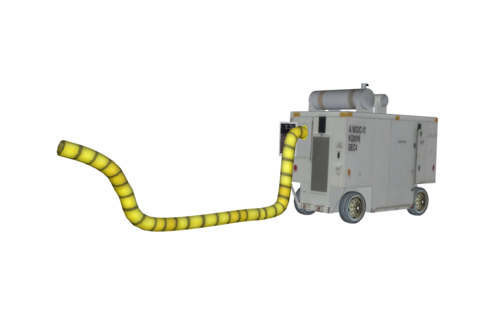
Version 1.0.0
70 downloads
Hello and thank you for downloading my work. https://gkabs.net https://gulfknights.net What's included: Air Base Ground Support Equipment 1- A-M32C-17 2- M32A-60A All my files should include the Strike Fighters 2 Series game file (.LOD) and the texture required. (tested and work only for SF2) Installation: Copy files to their proper folder If you need any further help, please read the Knowledge Base at: https://combatace.com/forums/forum/268-thirdwire-strike-fighters-2-series-knowledge-base/ Virgin 1.0 LICENSE: You are allowed to use this model and everything included with it for personal non-profit use for Strike Fighters 1 and 2. For use outside of this scope, you need to contact me for permission. gkabs@gkabs.net Credit goes to the following: Third Wire for making this outstanding game." Finally not to forget the wonderful site of https://combatace.com and all the nice members and their dedicated support for this game. Software used: 3d Max 2009 UVLayout v2 Pro Substance Painter Adobe Photoshop Mixamo If you need any assistance please contact me at gkabs@gkabs.net gulfknights.net -
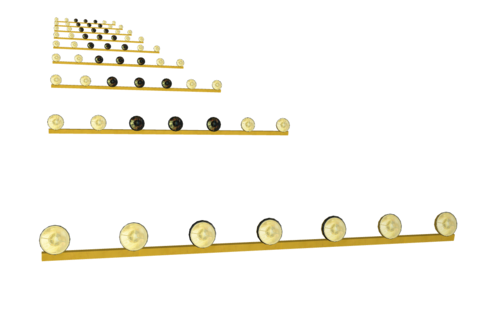
Version 1.0.0
68 downloads
Hello and thank you for downloading my work. https://gkabs.net https://gulfknights.net What's included: Air Base Approach Light All my files should include the Strike Fighters 2 Series game file (.LOD) and the texture required. (tested and work only for SF2) Installation: Copy files to their proper folder If you need any further help, please read the Knowledge Base at: https://combatace.com/forums/forum/268-thirdwire-strike-fighters-2-series-knowledge-base/ Virgin 1.0 LICENSE: You are allowed to use this model and everything included with it for personal non-profit use for Strike Fighters 1 and 2. For use outside of this scope, you need to contact me for permission. gkabs@gkabs.net Credit goes to the following: Third Wire for making this outstanding game." Finally not to forget the wonderful site of https://combatace.com and all the nice members and their dedicated support for this game. Software used: 3d Max 2009 UVLayout v2 Pro Substance Painter Adobe Photoshop Mixamo If you need any assistance please contact me at gkabs@gkabs.net gulfknights.net -
LOD creation script uses a multiRes modifier. It works on multiple geometries and retains the geo type. It retains the skin modifier too, so you can run on a skinned character as well. This will make LOD0 Highest poly count LOD1 Lower LOD2 Even Lower and it will save a lot of time marking these LOD. created by LOKO lod_creator_1_updated (1).ms
-
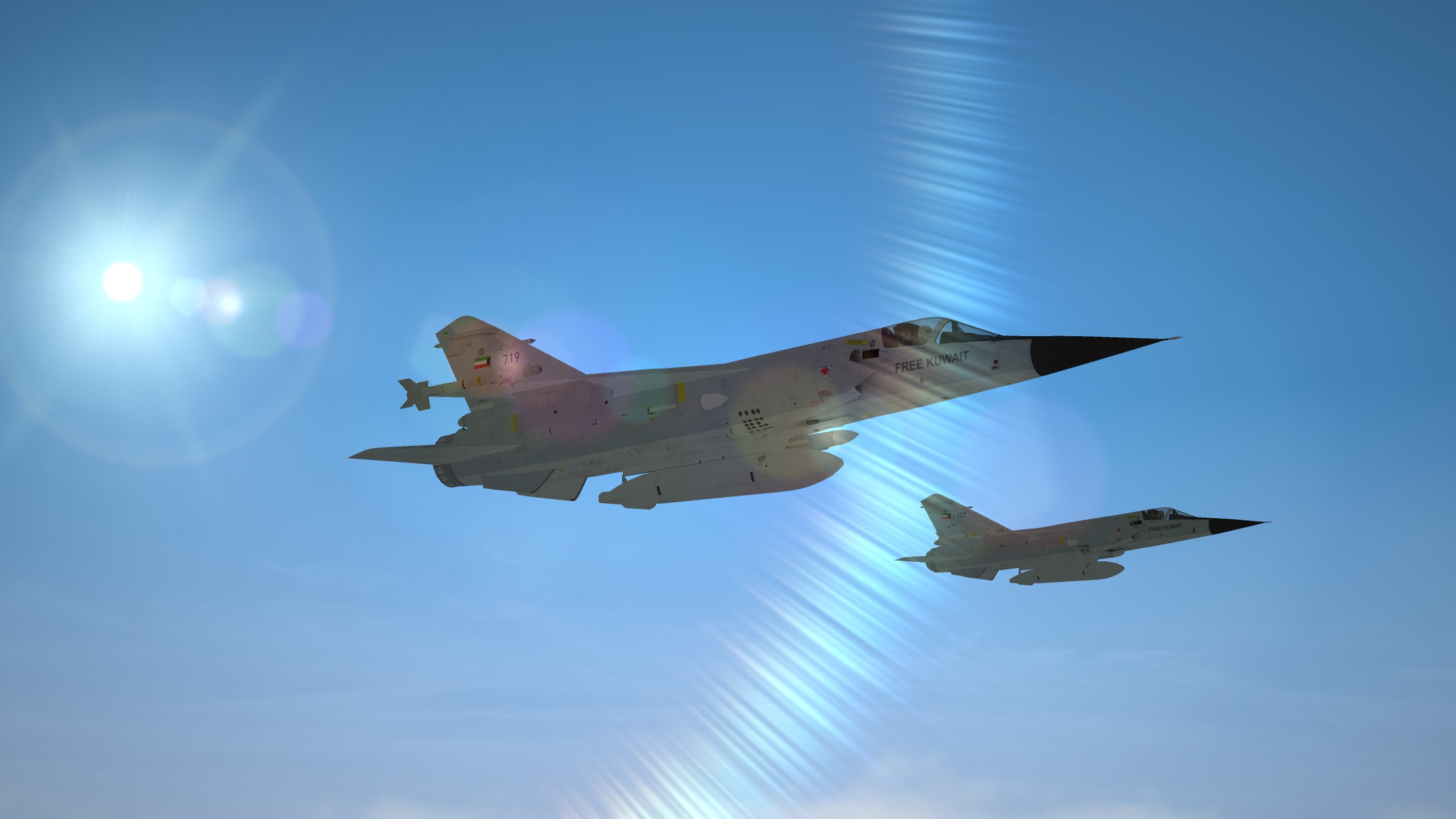
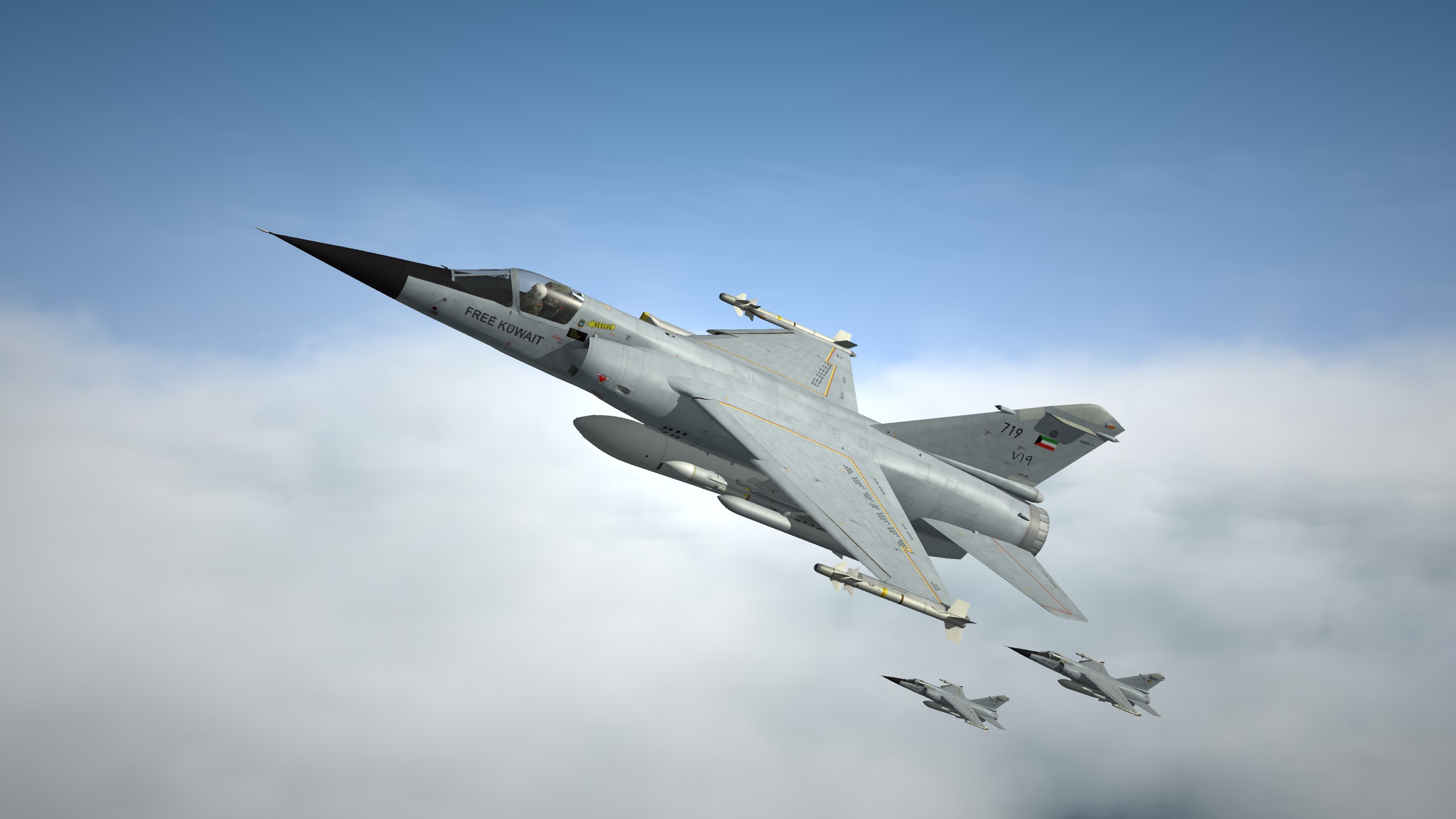
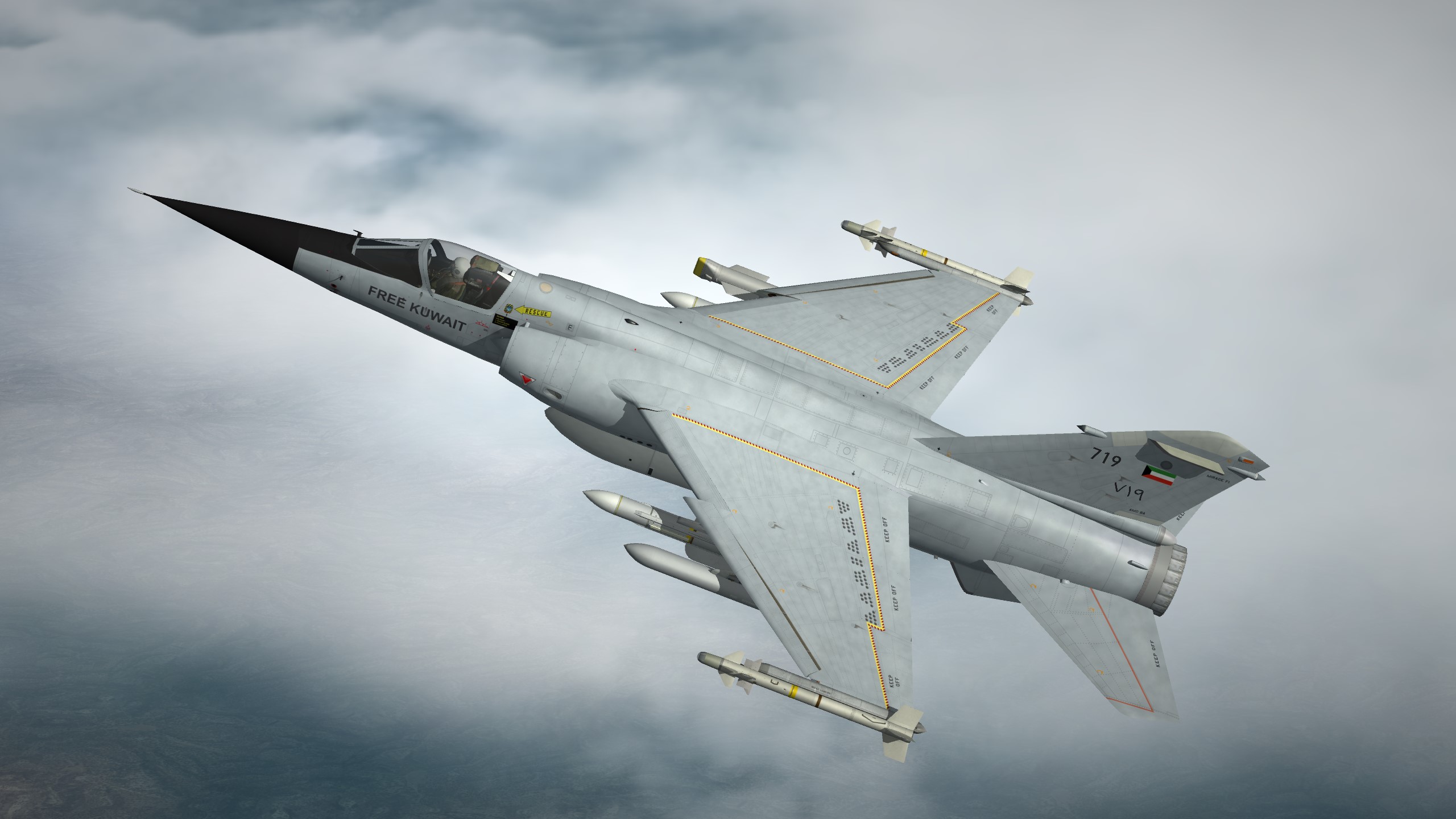
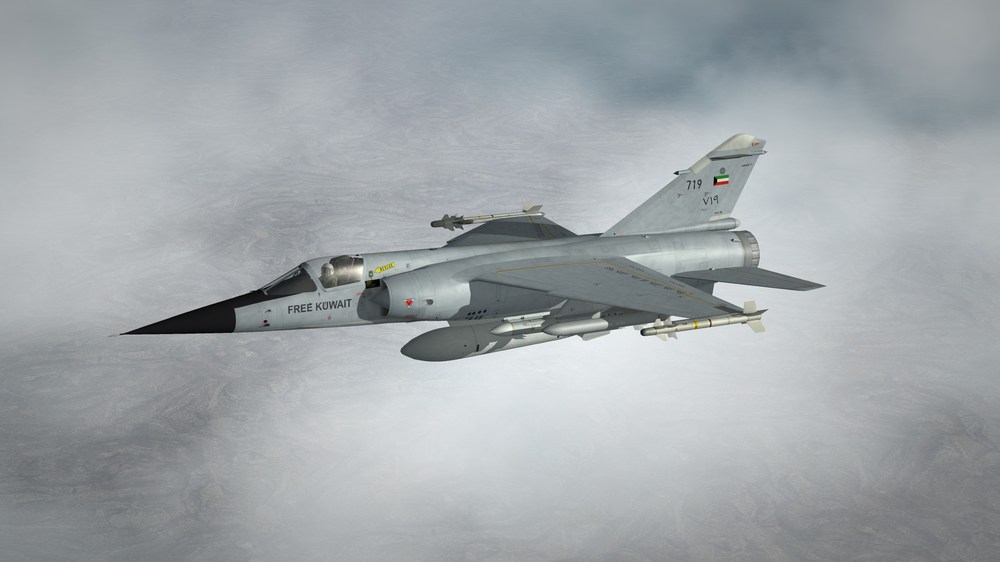
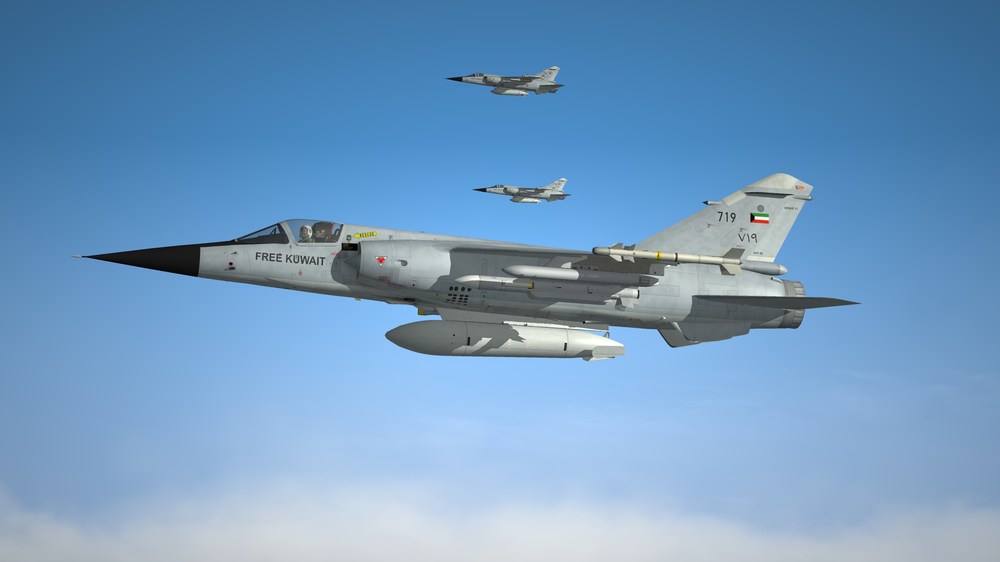
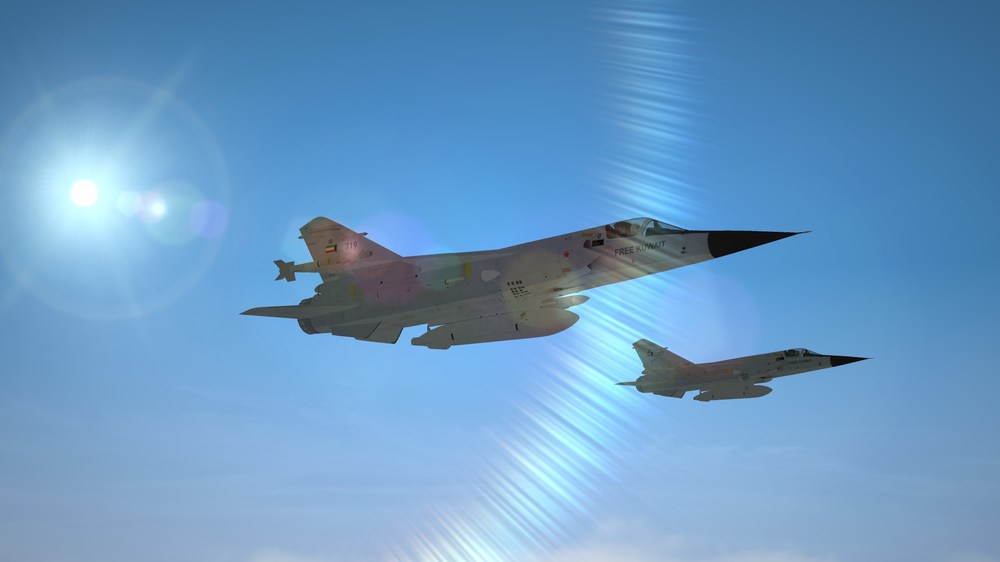
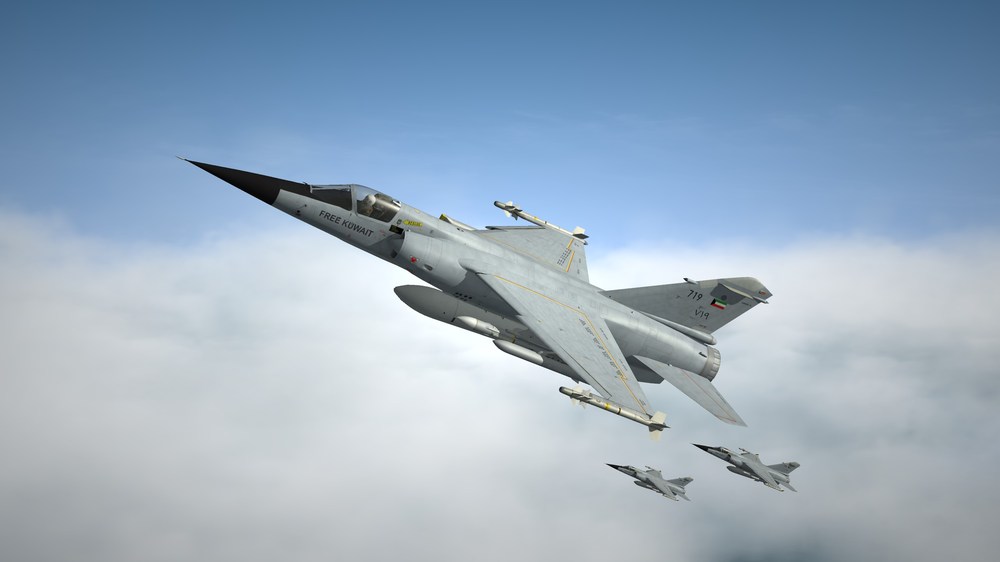
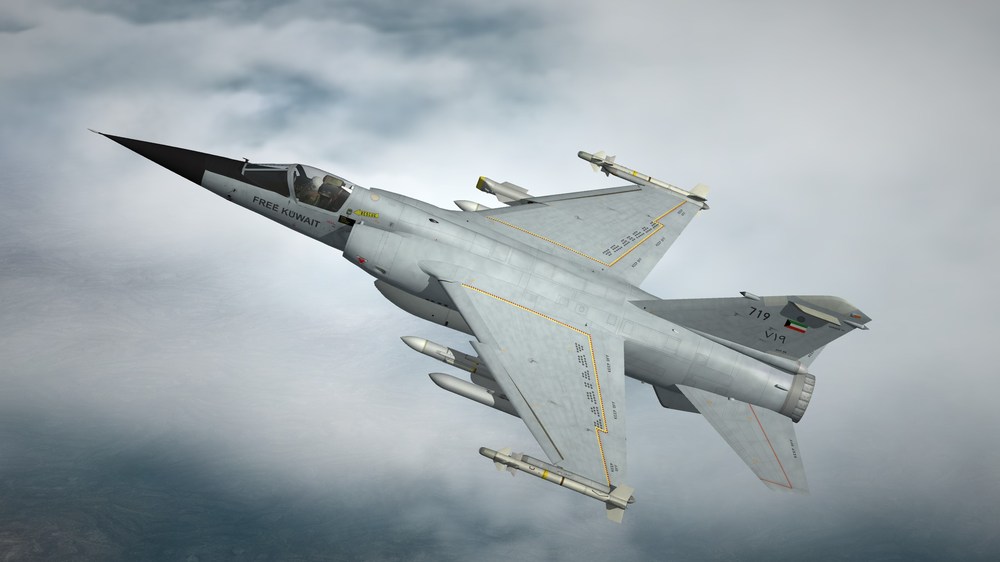
Free Kuwait forever.
-
Al Maradim class coastal boat update.

-
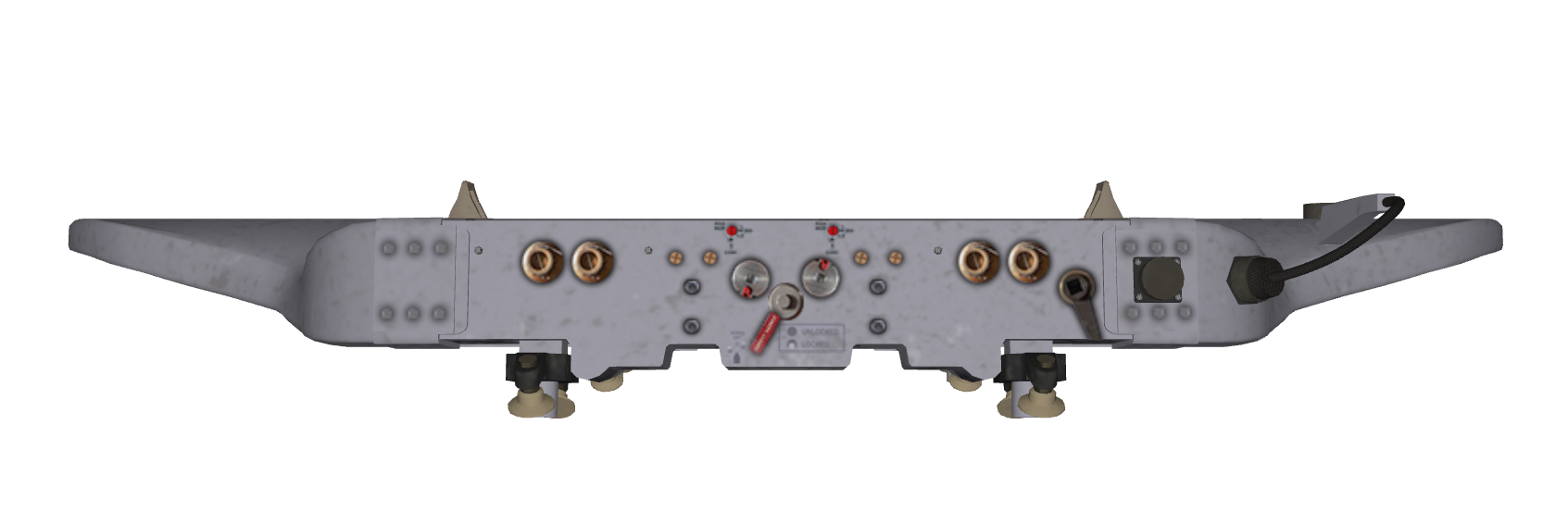
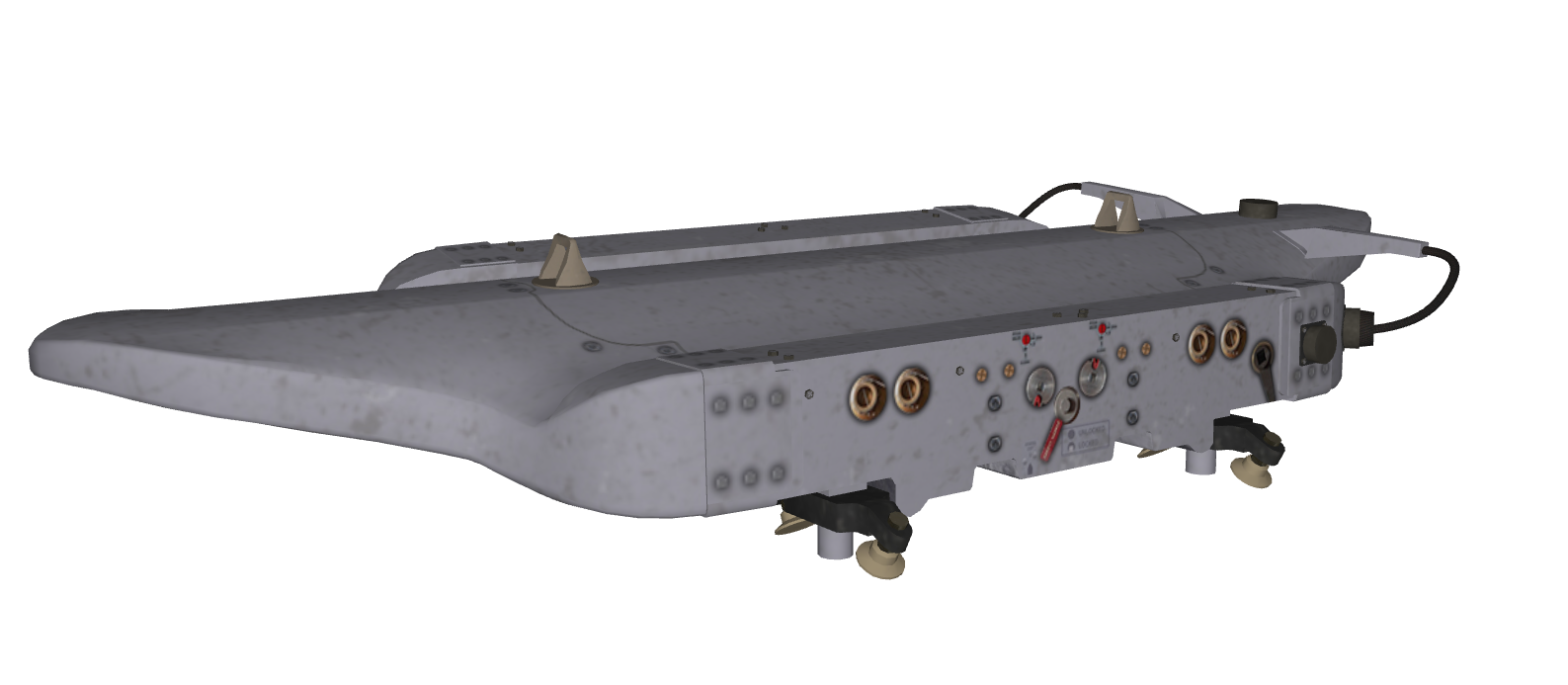
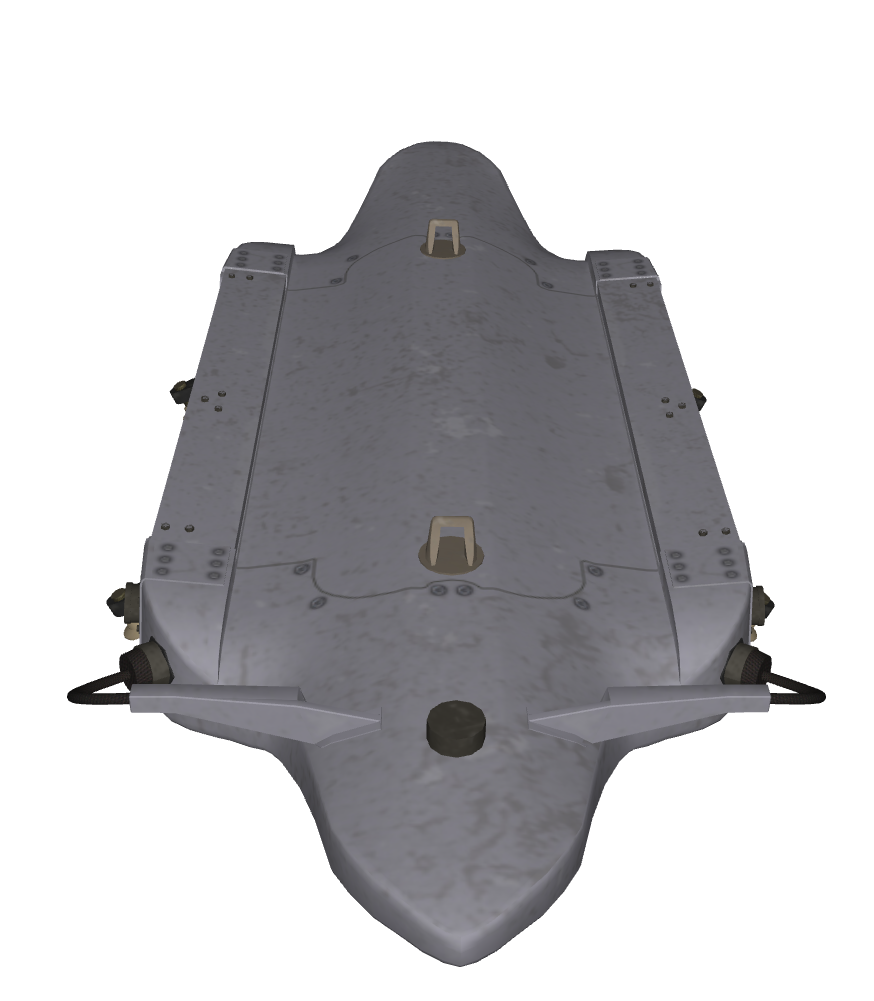
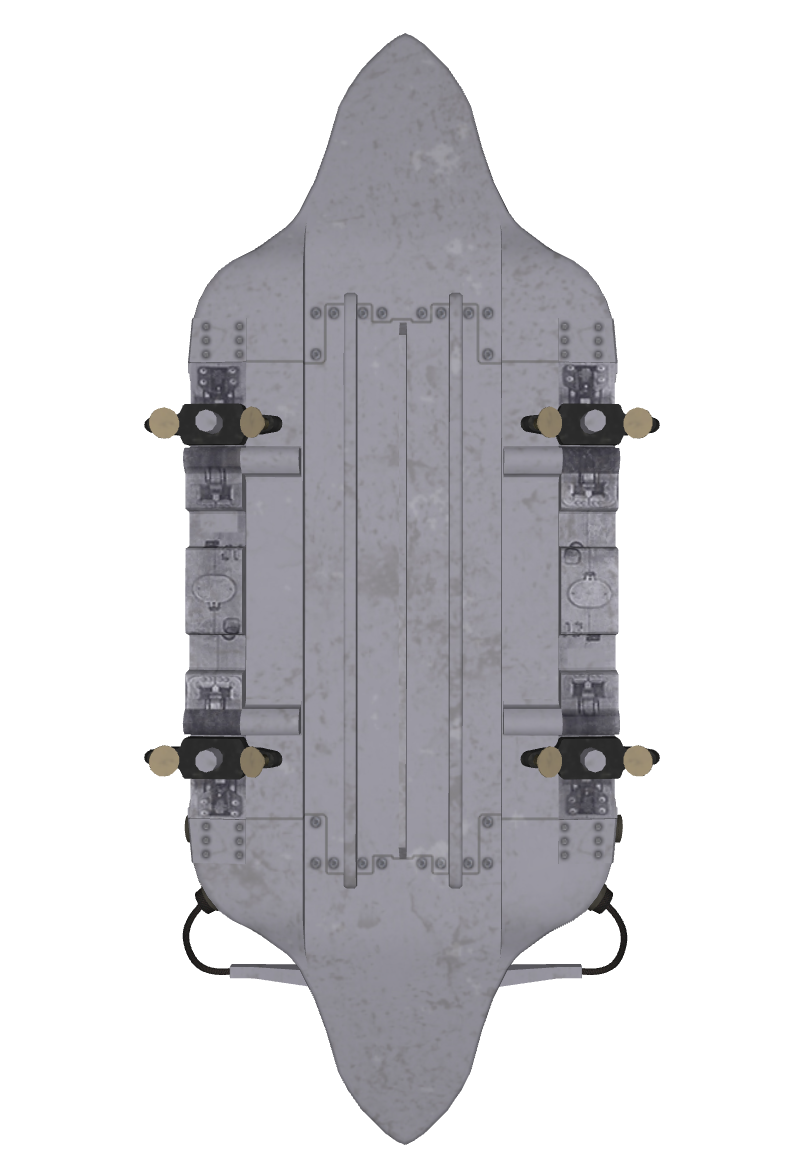
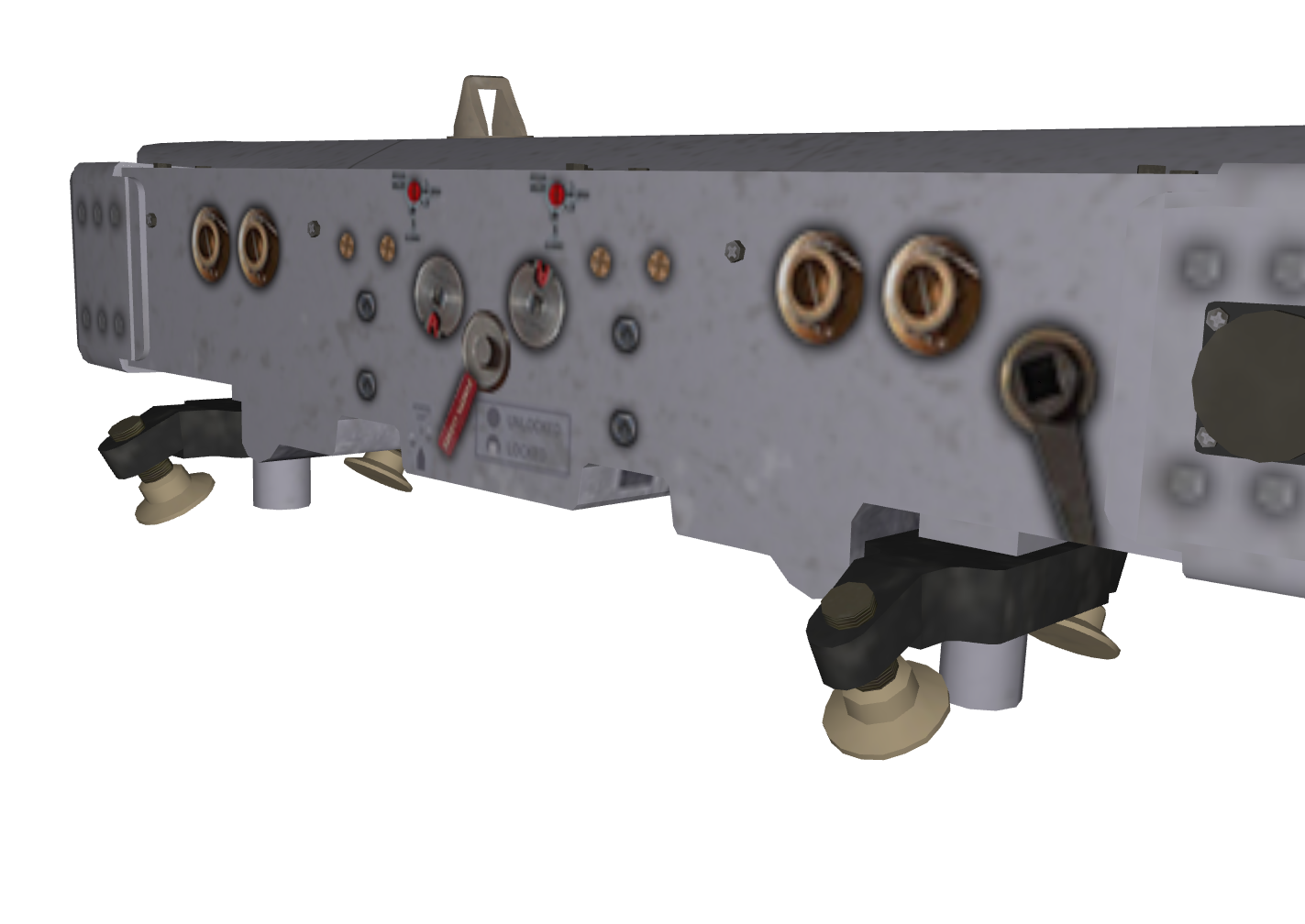
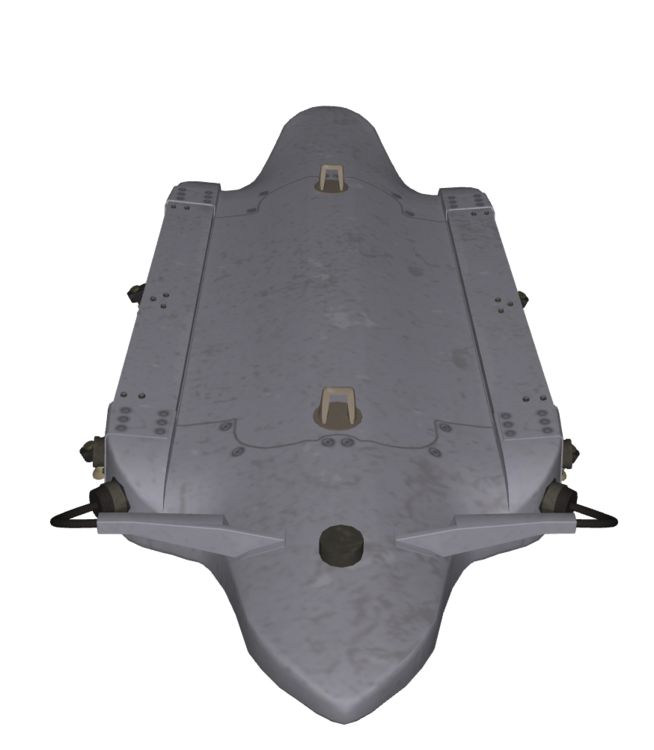
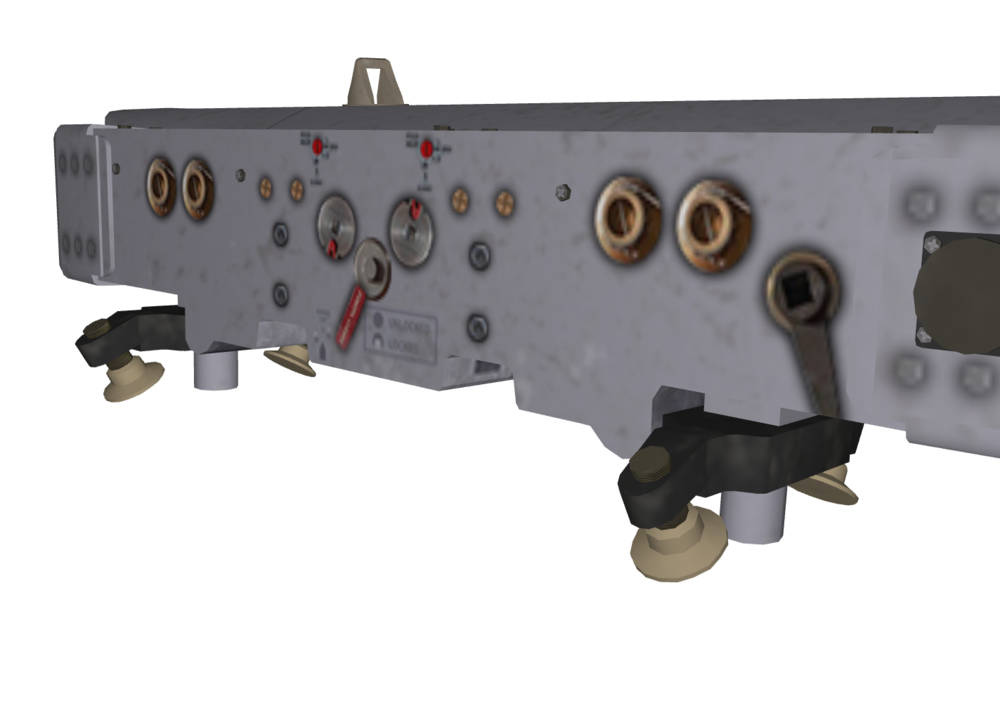
Working on Multiple Carriage, "Smart" Bomb Rack BRU-55 for a new project that I am working on with friends.



-
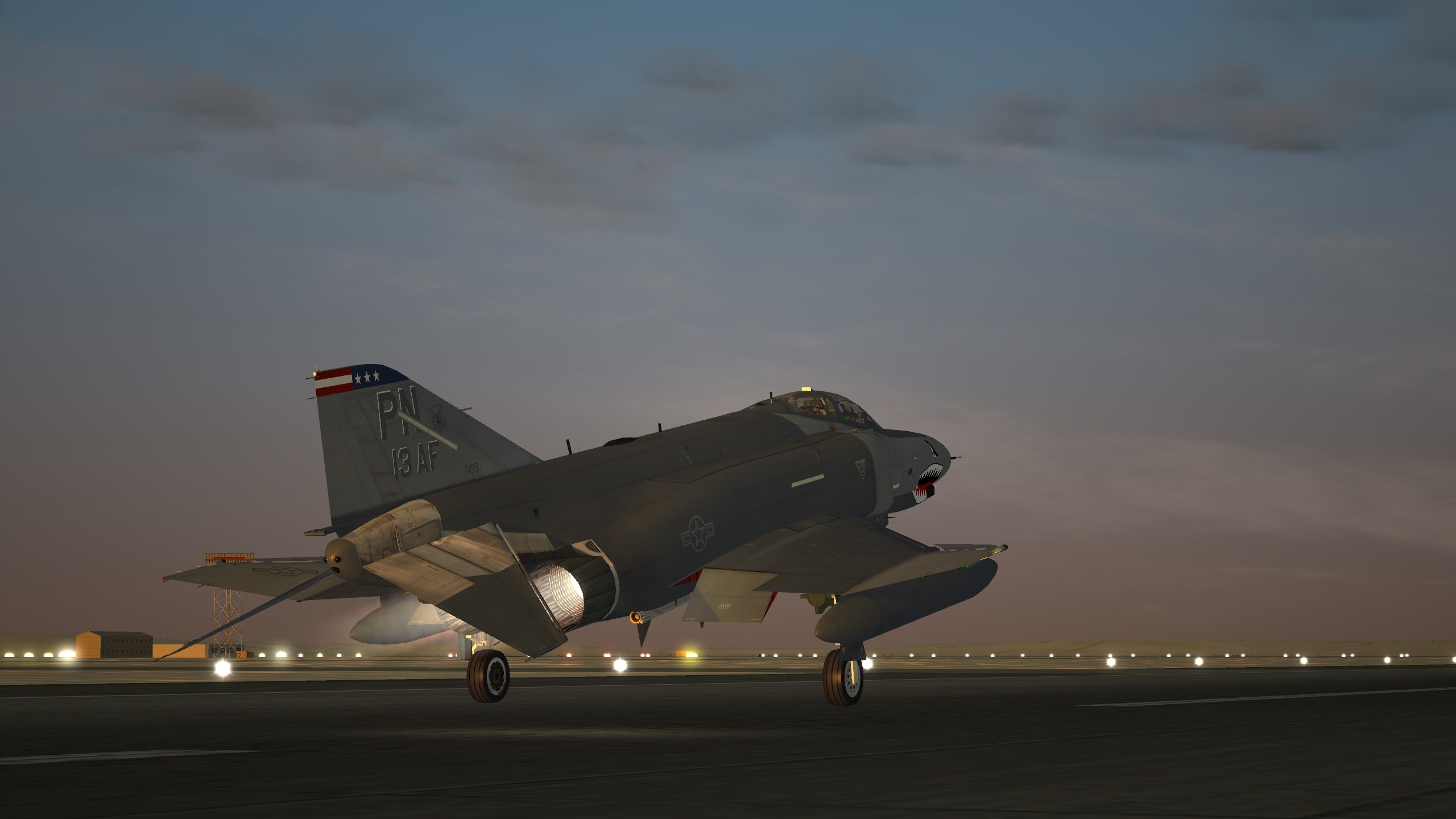
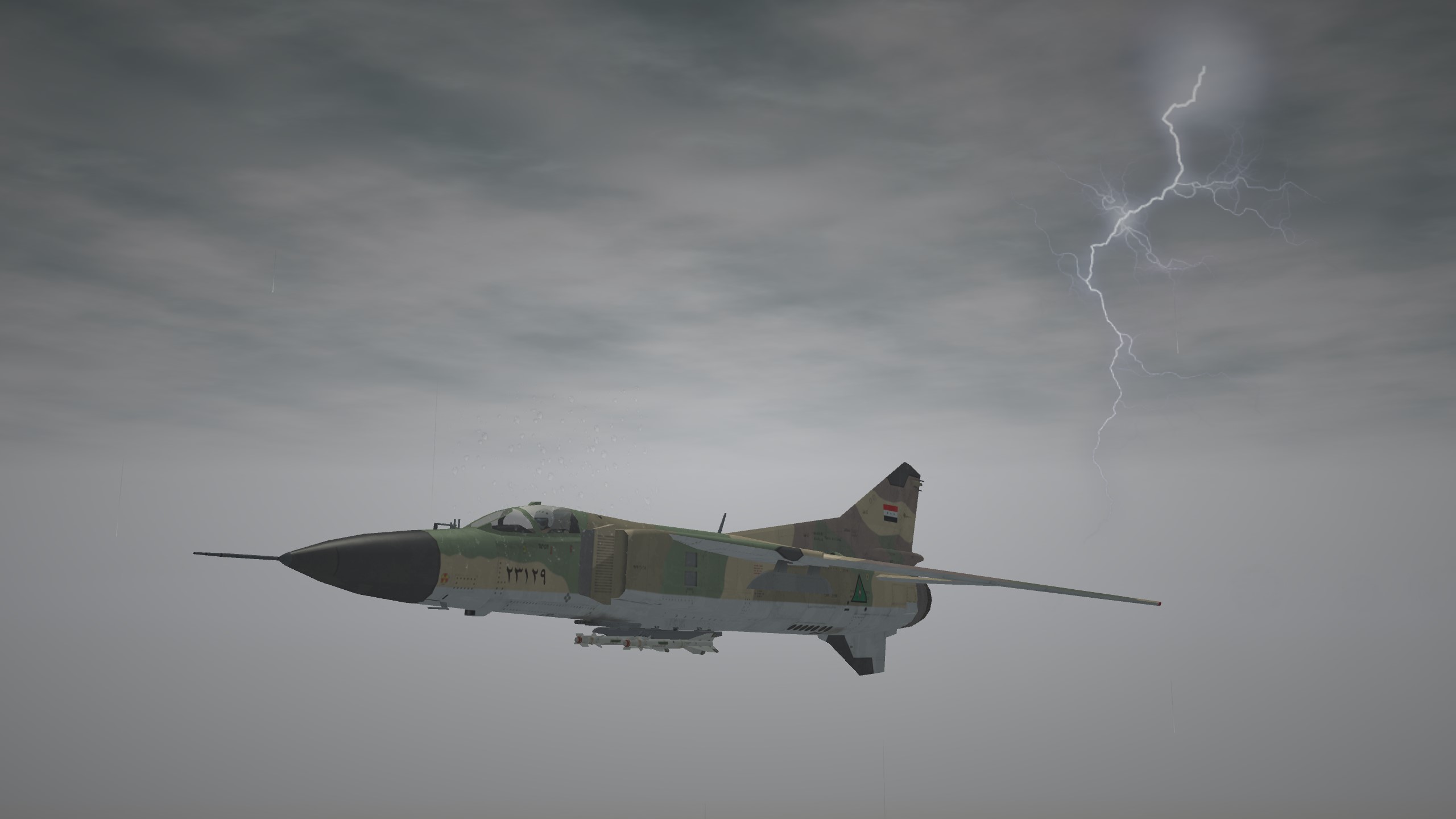
ODS night mission.