swambast
-
Posts
669 -
Joined
-
Last visited
-
Days Won
13
Content Type
Profiles
Forums
Gallery
Downloads
Store
Everything posted by swambast
-
Of course, would be happy to upload the new textures - should be able to finalize them this weekend! Stephen, I didn't know if it would be better to just send them directly to you so another updated version could be created? The reason why I mention that, is the cockpit.ini would need to be updated to coincide with the new texture gauges (rotation and values).
-
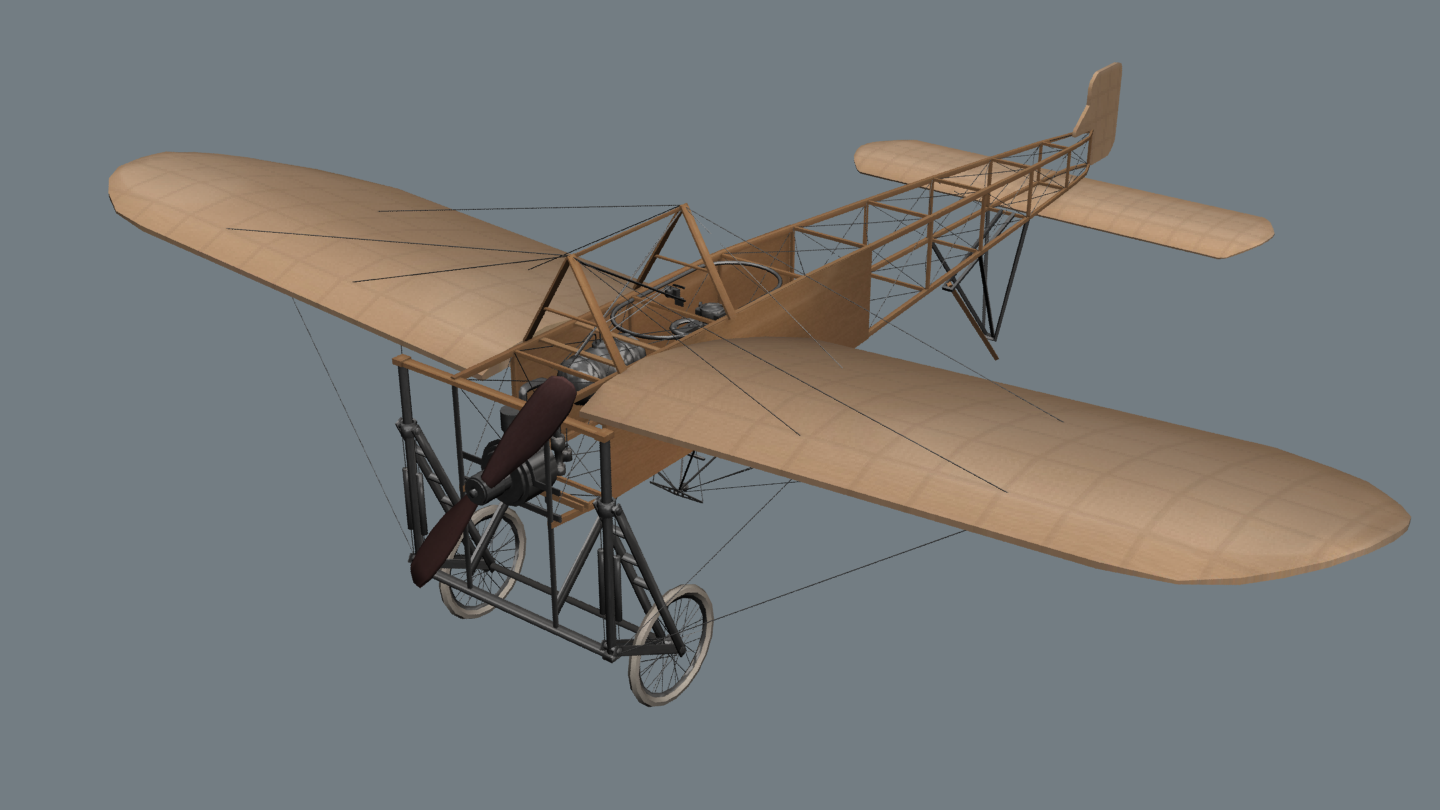
Hey all, thanks for your comments. You can see my ignorance, had no idea Geezer was already working on one. Now that I track back and do some more reading, all I can say is "DARN! GEEZER'S MODEL WAS LOOKING AWESOME AS ALWAYS!". Would be so much faster to leverage what he started and finish it off. Is there any hope of that? Or do we really need to start from scratch?
-
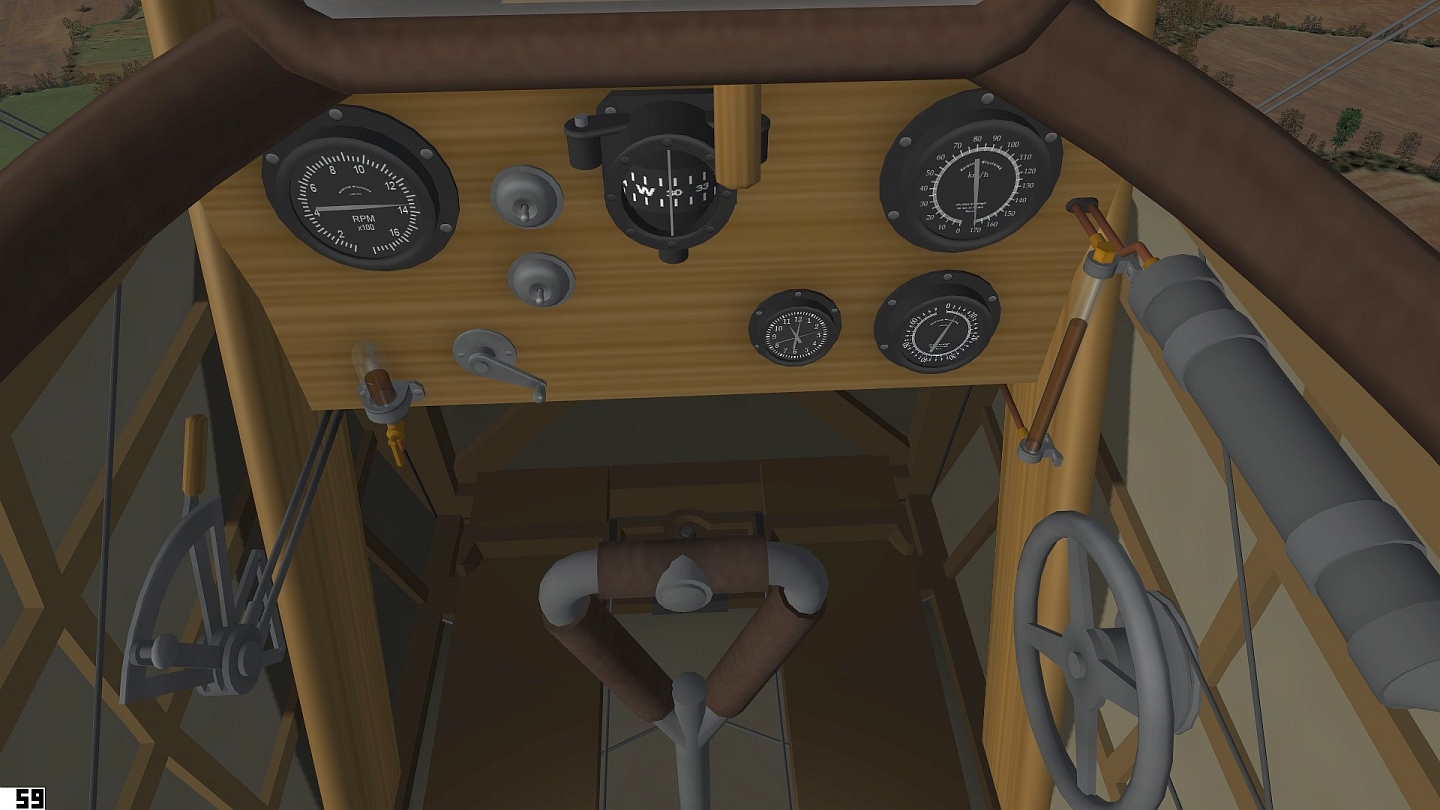
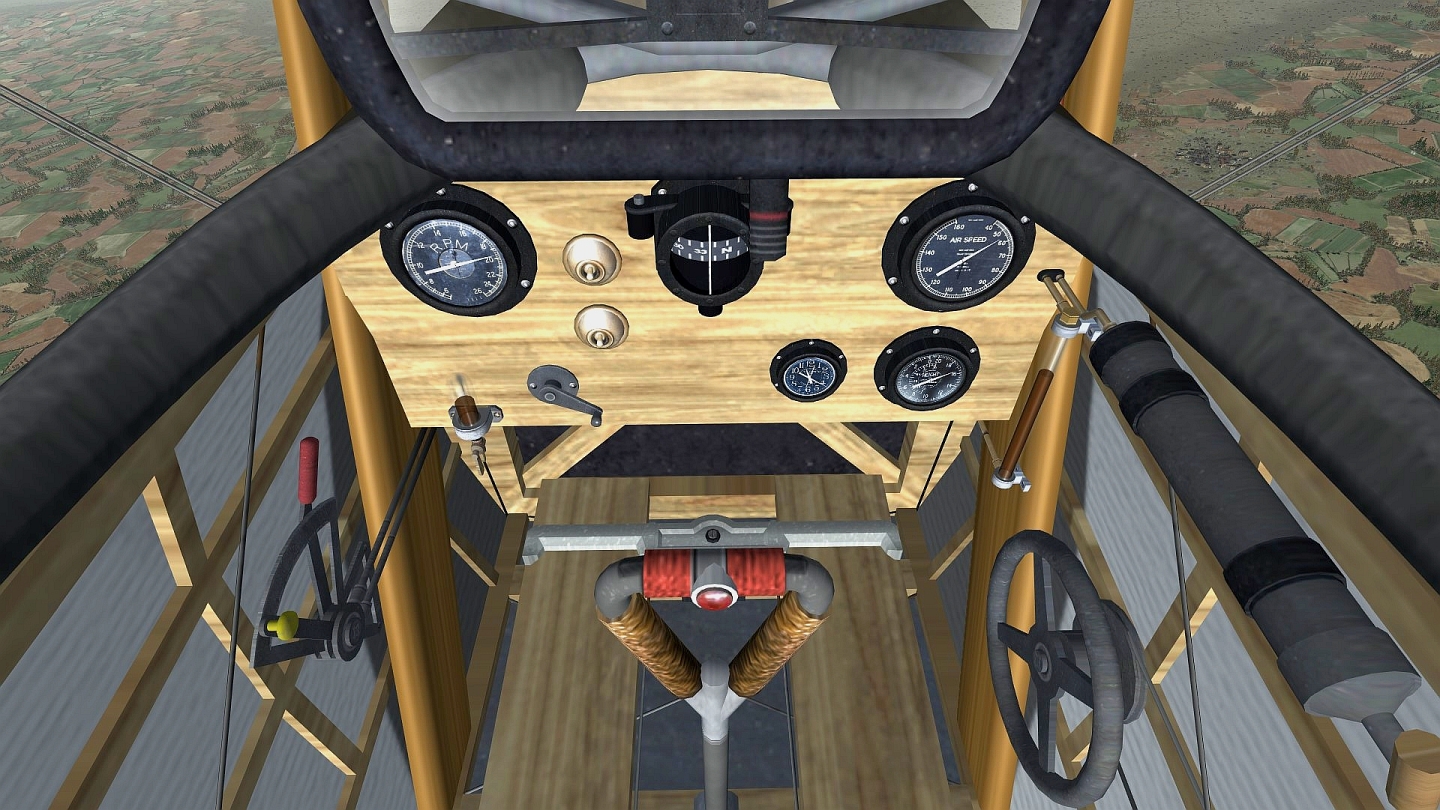
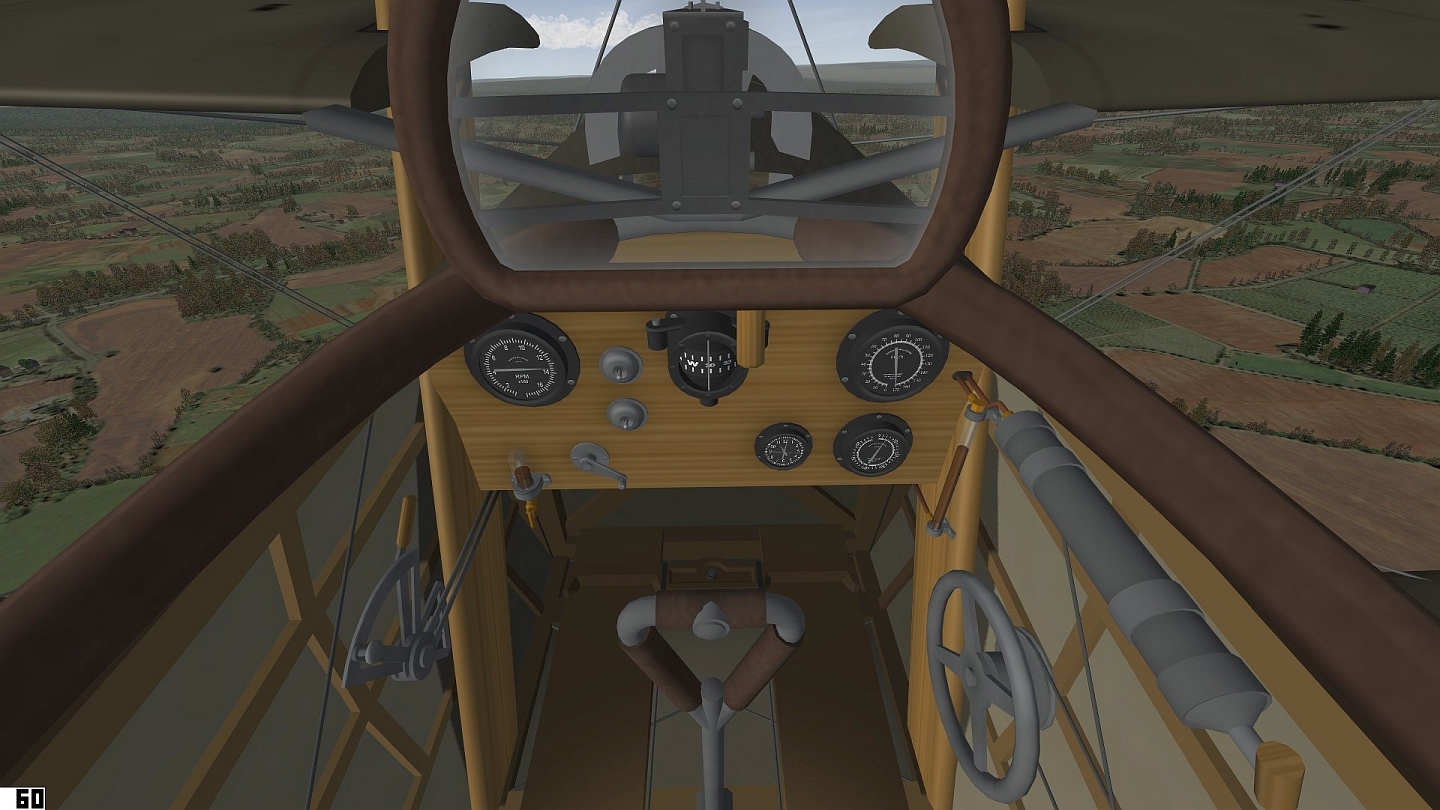
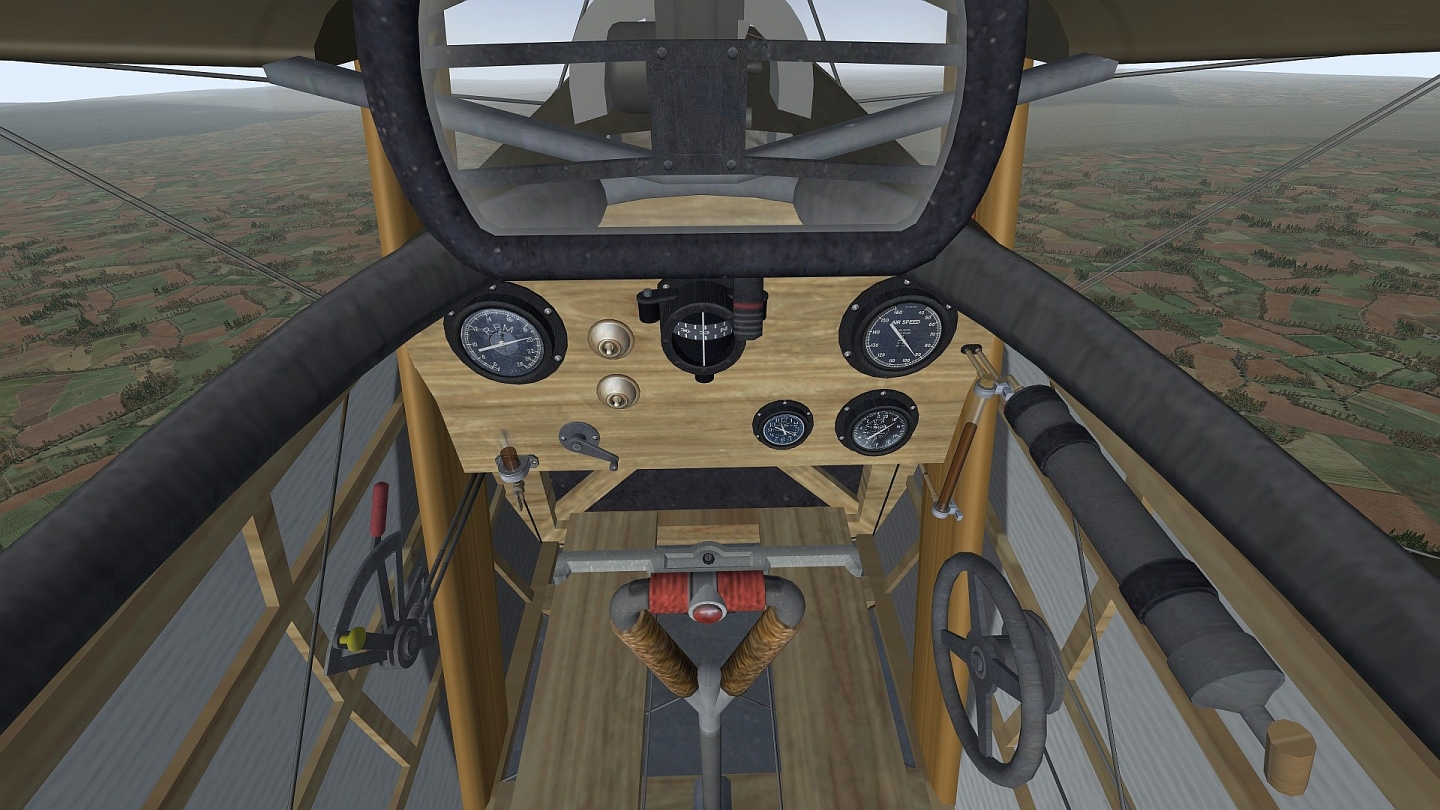
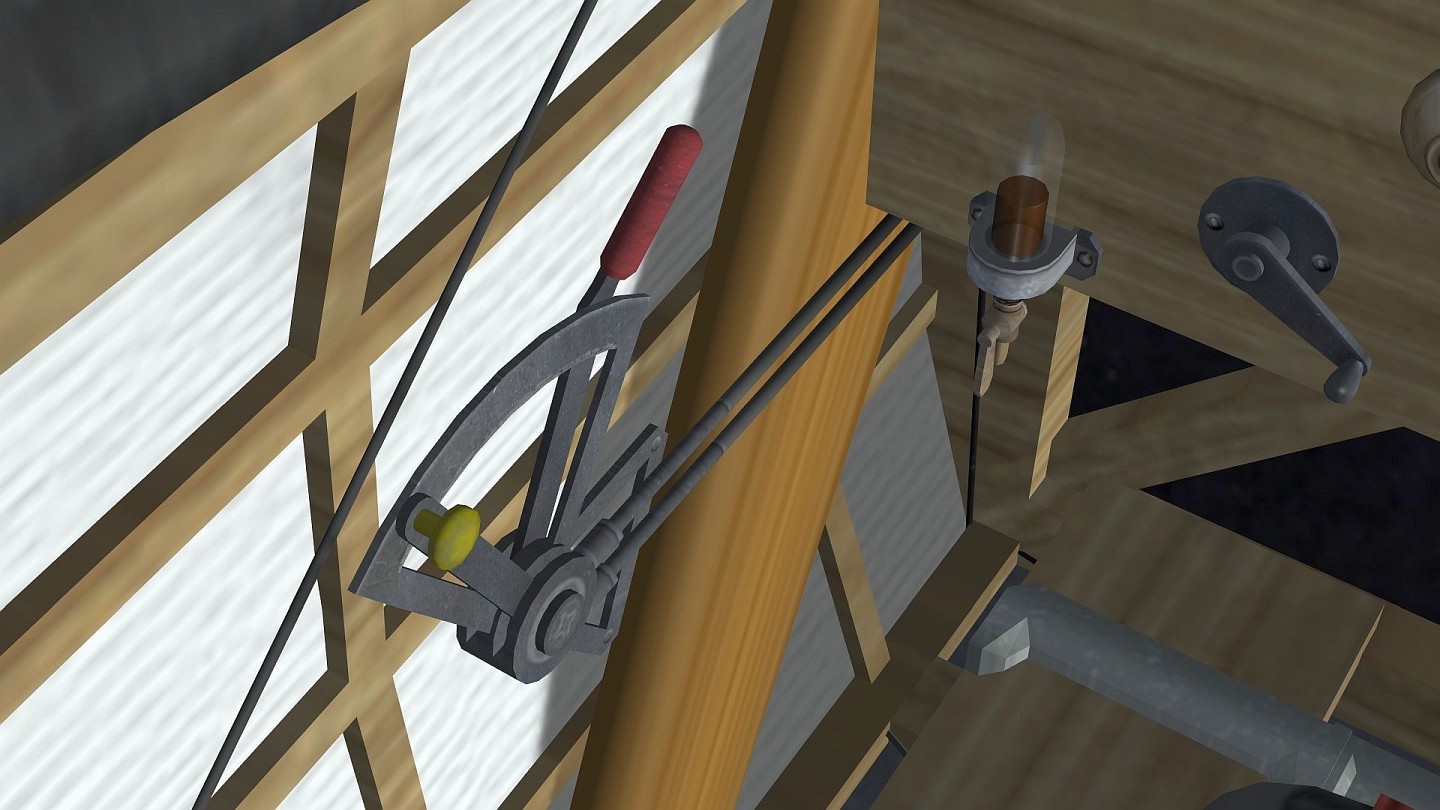
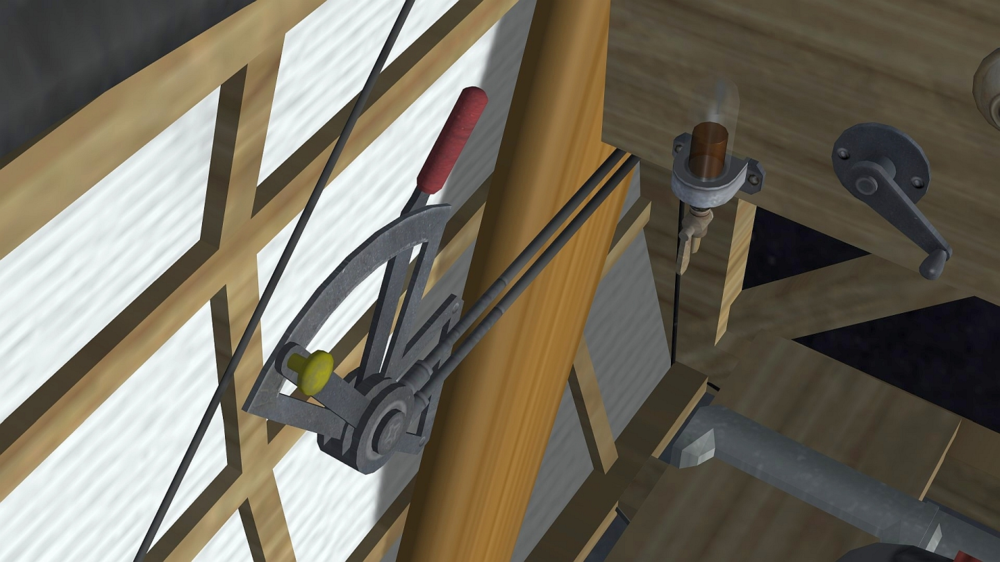
All, With gratitude for some previous FE modder help, especially @Stephen1918 I found a timely opportunity to attempt to repay some favors. Real life has left little time for modding, but thought one way I could help was to crash over a few days and take a shot at enhancing the new Sopwith cockpit within my limits. A few comments: all I’m trying to do is improve the user experience. I recognize that others especially Geezer are true artists (and I wish him well hoping someday he will return). In the meantime, I wanted to at least make a contribution that I hope others might enjoy. I don’t know this genre, so this representation was based on research and photographs (and admittedly some creative licensing), but wherever practical I meticulously cropped, hand edited and applied photoreal and hopefully fairly authentic textures including the gauges. Keep in mind this is purely a texture overhaul as I don't have access to anything else; but sure grateful Stephen included unwrap templates. The model cockpit textures leverage 1024x1024; undoubtedly chosen to to sustain good FPS and it definitely should! I mention that, because the size and some conservative UV unwraps means still some grainy/blurry areas and I think could be optimized further (not sure if there is willingness to do that and/or share the source .max file). I’m not an .ini guy, but for sure leveraging these new gauges requires.ini updates. I fully expect some things to be wrong or could be improved, and I’m happy to take suggestions. Well, enjoy some of the “before and after” shots. I thank Stephen for creating the model and for his previous support, hope this is helpful and that’s about it for now…
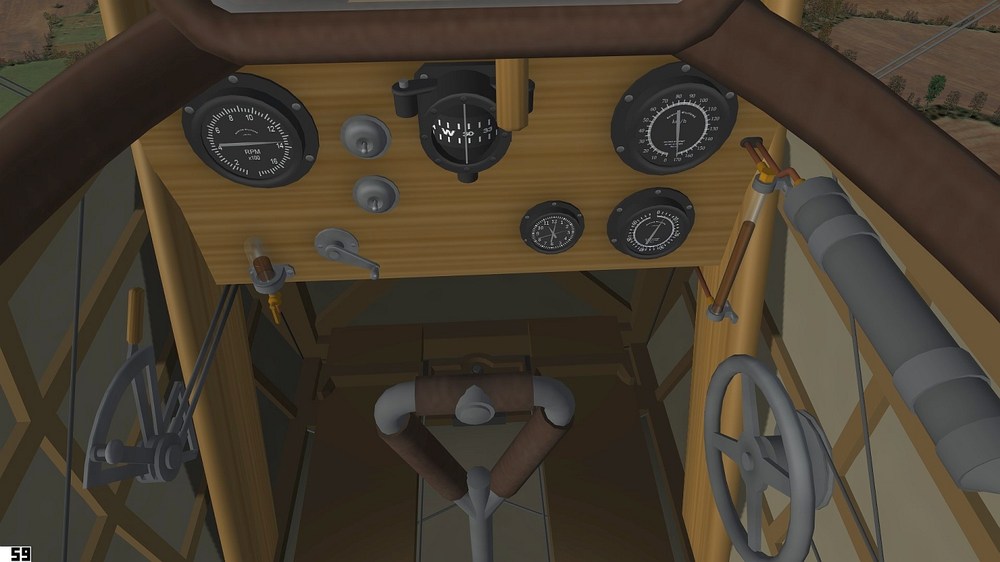
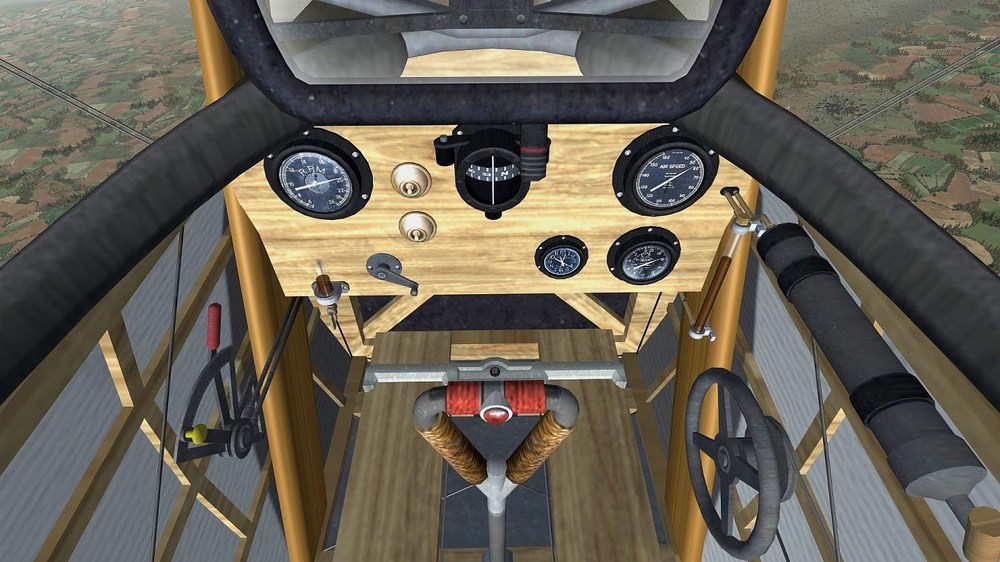
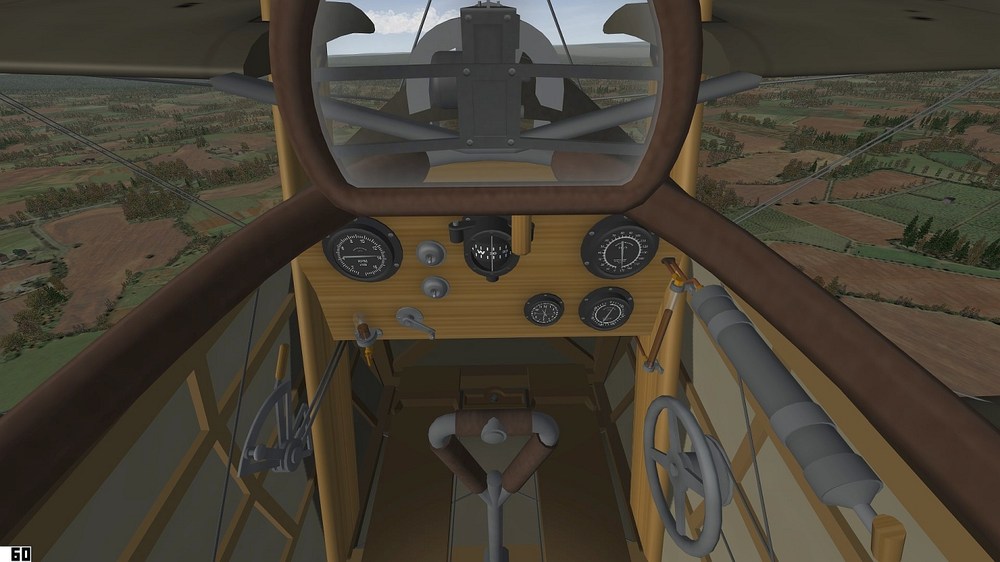
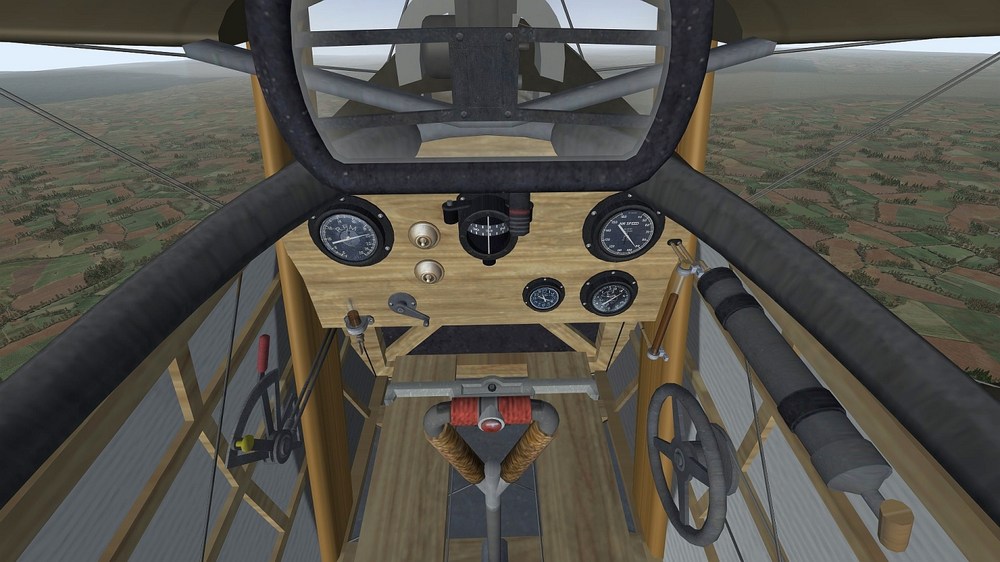
-
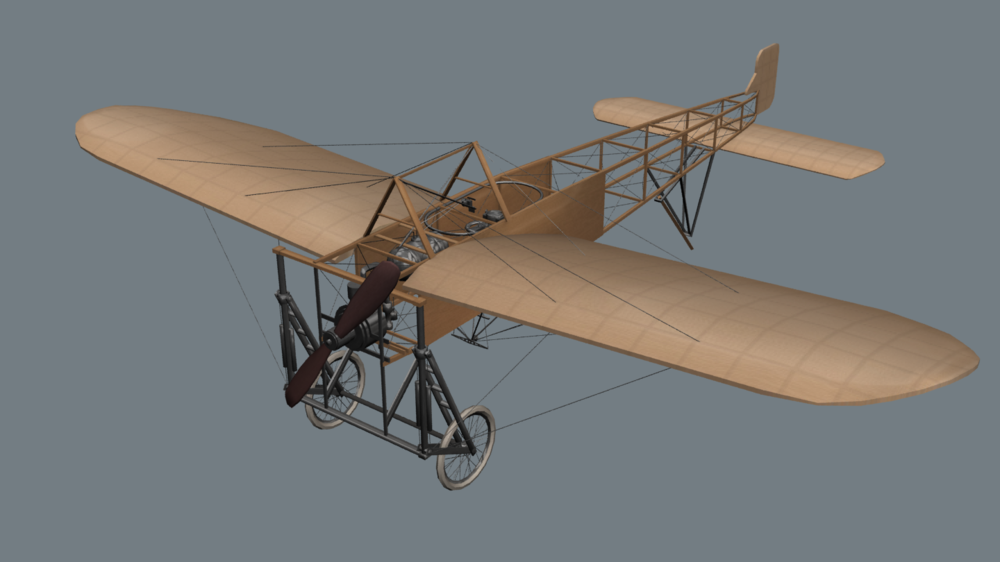
I owe someone a favor, of which includes some help on some First Eagles support. While I am very constrained for time and not around as much, let me try to oblige your request if I can. Full disclaimer this is NOT my original model; it is a publicly available and permissible model that I have started to update and convert for use in First Eagles. Note I am out of my element and not knowledgeable in this genre, so will need some guidance if I were to continue this.
- 56 replies
-
- 11
-

-

-
@GKABS Thoughts and prayers with you and your family, here's wishing you a speedy and healthy recovery.
-
I think I already offered to him to send me source file and I can take a look and either fix or make new ones.
-
Russ, congrats m8 - 110s looking amazing - keep up the great work!
-
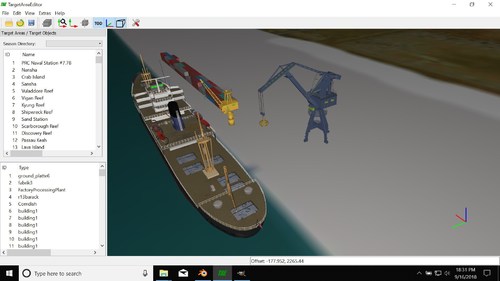 krfrge, send me the file if you want me to troubleshoot. I am almost certain you may have flipped normals.
 -
Hey Ant, I find some of this info confusing and there are obviously varying opinions. I started writing a long explanation but decided to stay on the "bump map" topic and add another opinion to the mix: For a majority of bump maps, in my opinion I would recommend .bmp esp. if you are trying to preserve "pixel accuracy" of the original texture. Any other lossy format can result in smear/blur artifacts as pixels get sampled during compression and by far the greatest impact would be to areas that have contrasting brightness/luminescence - say like brighter rivets contrasted against a "shadow". So there you have another viewpoint.
-
Distance Lod´s for Weapons not Working
swambast replied to ravenclaw_007's topic in Mods & Skinning Discussion
Volker, I thought material mappings have to remain consistent between each .LOD. I'm guessing perhaps this is not the case with what you have now. I might suggest double-checking the hierarchy of course, but also ensure that you are applying the exact same 3ds max material settings to BOTH .LODS. I think this should solve your issue, good luck. For example on your LOD1: ( 5) 03 - Default: Specular=0.25, Glossiness=0.12, Color:<229,229,229> ALQ-184_3Band_02.jpg And on your Lod2: ( 5) 07 - Default: Specular=0.80, Glossiness=0.40, Color:<229,229,229> ALQ-184_3Band.jpg -
Cold East Ground Objects Bonanza.
swambast replied to yakarov79's topic in Mods & Skinning Discussion
Nice. Check scale of jeep guys, looks off to me (guys too big) but might just be screenshot. -
Cold East Ground Objects Bonanza.
swambast replied to yakarov79's topic in Mods & Skinning Discussion
Got it - if you're looking for something in particular that you could leverage just PM me. Decent chance I might have something already permissible that I could share. -
Cold East Ground Objects Bonanza.
swambast replied to yakarov79's topic in Mods & Skinning Discussion
Great stuff Yakarov. Just curious, are these 100% from scratch builds or "borrowed" models? Wondering because there's a ton of "cold war model packs" already existing (perhaps you already leveraged) and could easily be converted. -
Gmail warning message about combatace
swambast replied to GKABS's topic in Site Support / Bug Reports / Suggestions
Gkabs, interesting! I'm getting the exact same thing with my Yahoo account and continuously flagging it as "not spam" as well. I even set up a custom filter and it's still getting trapped into the Spam folder, frustrating indeed! -
Russ, keep at it man - you're acquiring a ton of knowledge and experience and doing great work! In my opinion, one genius that can write the book on cockpit building by far is @logan4
-
Not quite. High-poly cockpits, using complex hierarchies, excessive individual mesh pieces and esp. those using multiple high res texture maps (meaning more GPU draw calls) absolutely impact performance - period. Mirrors on/off has been known as one of the worst FPS impacts for a long time now. A decent rule of thumb in my opinion for performance testing is never just test by taking the plane up on it's own and flying it around "empty space". You need to test during the heat of battle with SAM launches, AAA flying around, etc. (assuming that's a standard scenario the aircraft would be used for) and another good test is approaching a fairly populated airbase and testing frame rates on approach and landing.
-
Huh? Doesn't make any sense and seems wrong to me - but what am I misunderstanding?
-
Soulfreak - looking nice, love your skinning work, keep it up!
-
Russ, really cool choice on this chopper - nice work m8!
-
New Model: UK "Type 2" WWII Hangars
swambast replied to swambast's topic in Mods & Skinning Discussion
Thanks everyone, appreciate the comments. I've had a few requests to make different versions of the Type 2 so I'll work on those shortly and post some more progress pics then. -
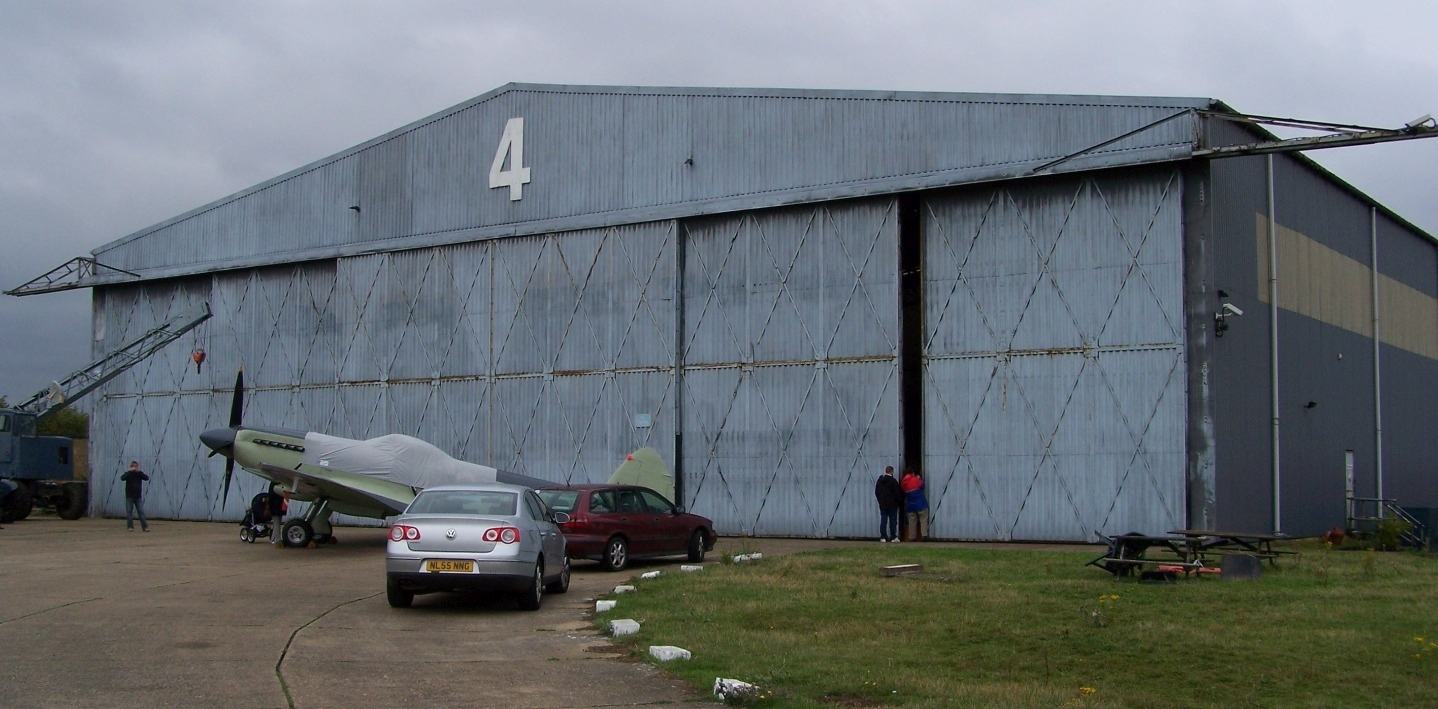
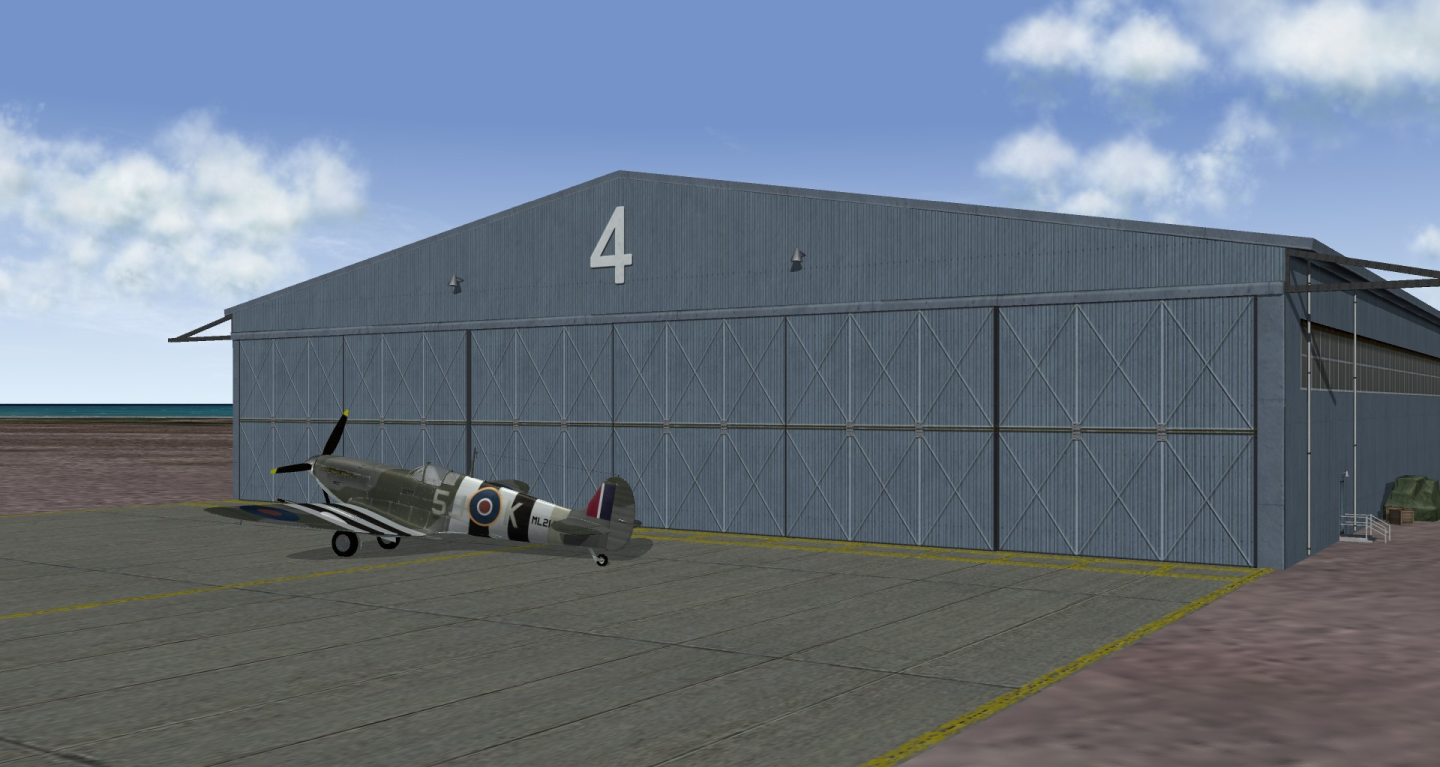
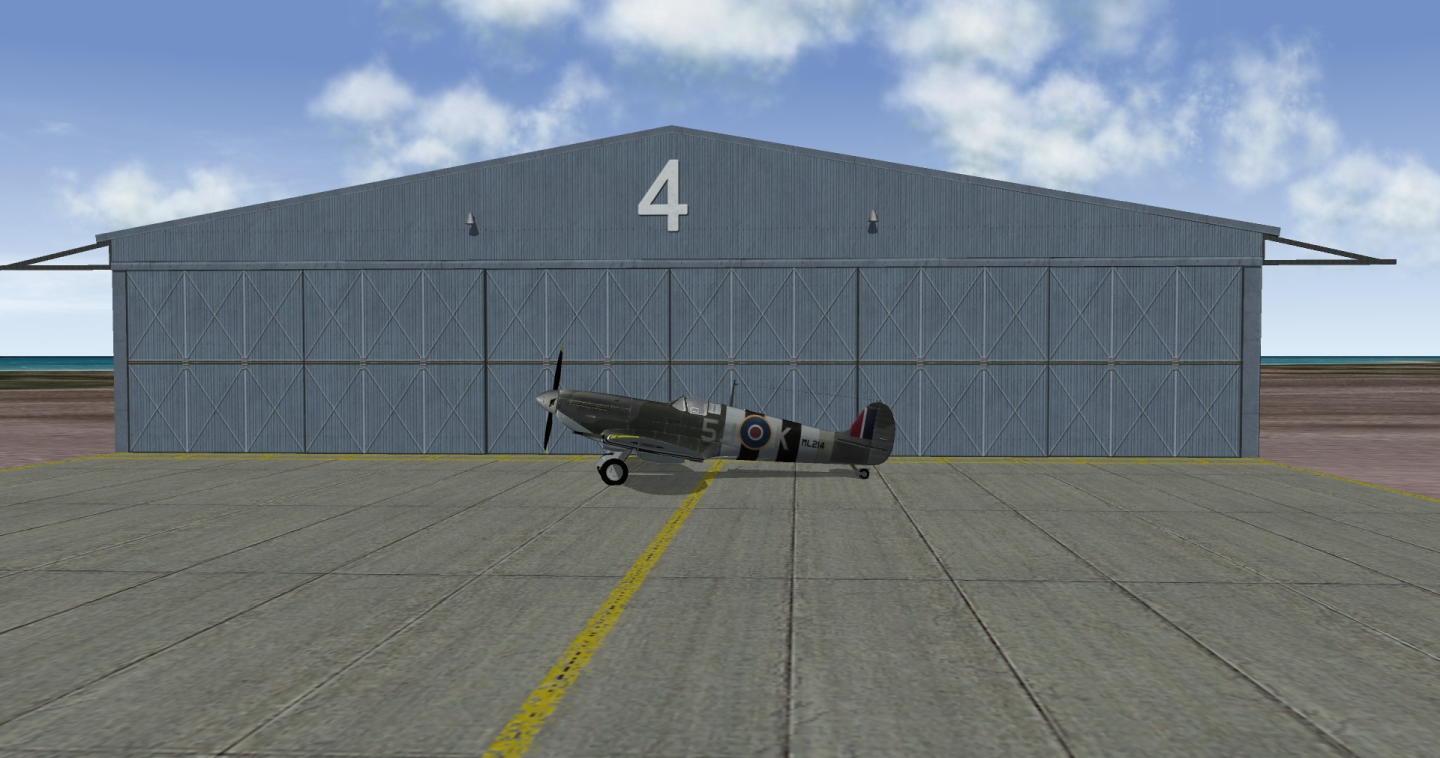
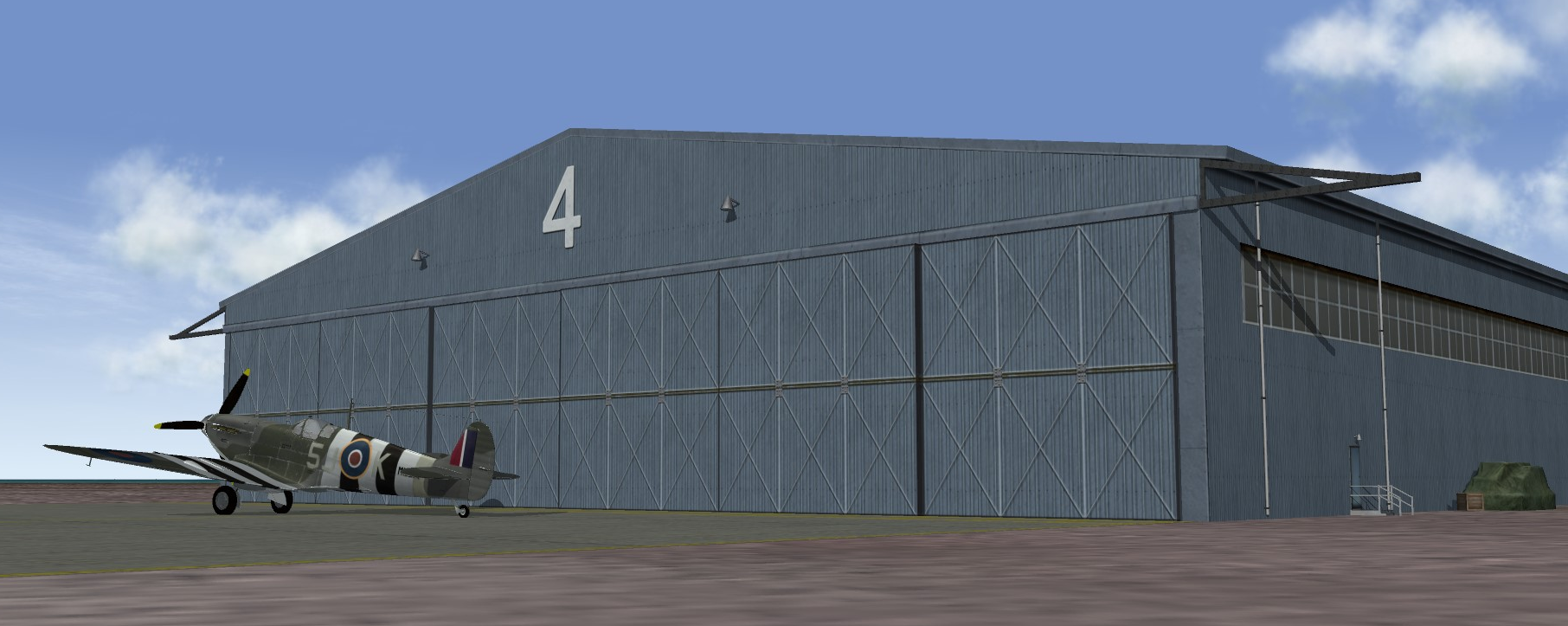
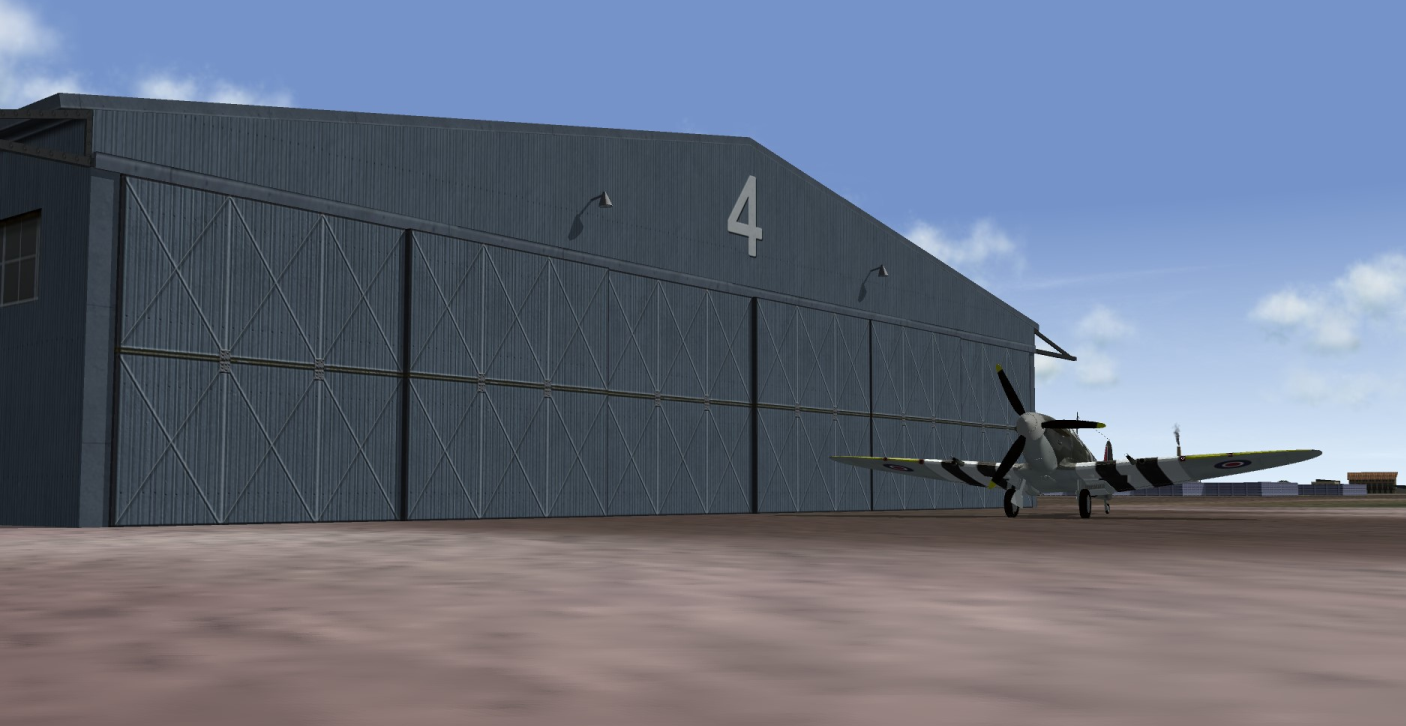
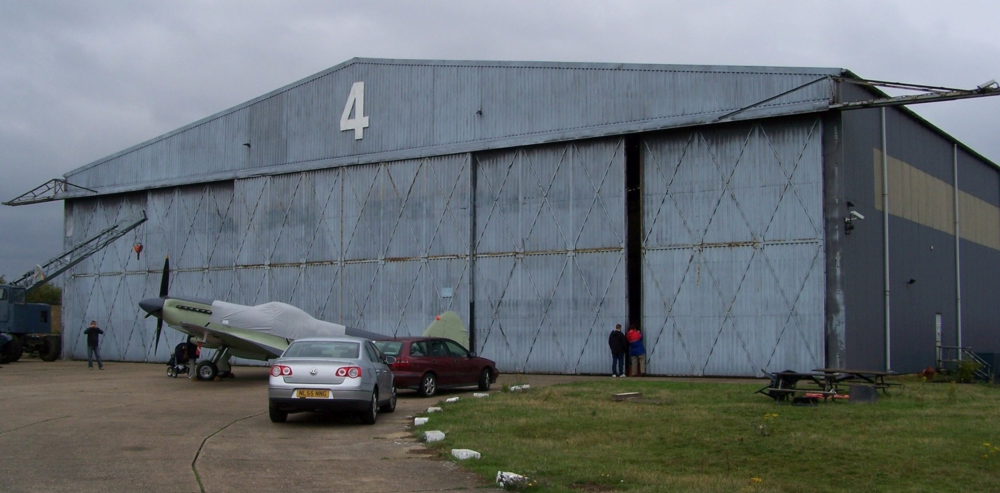
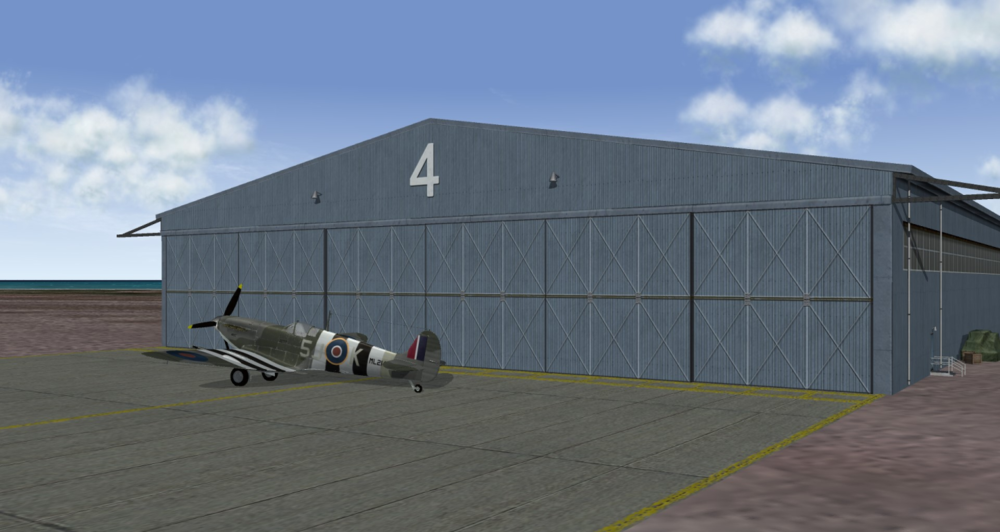
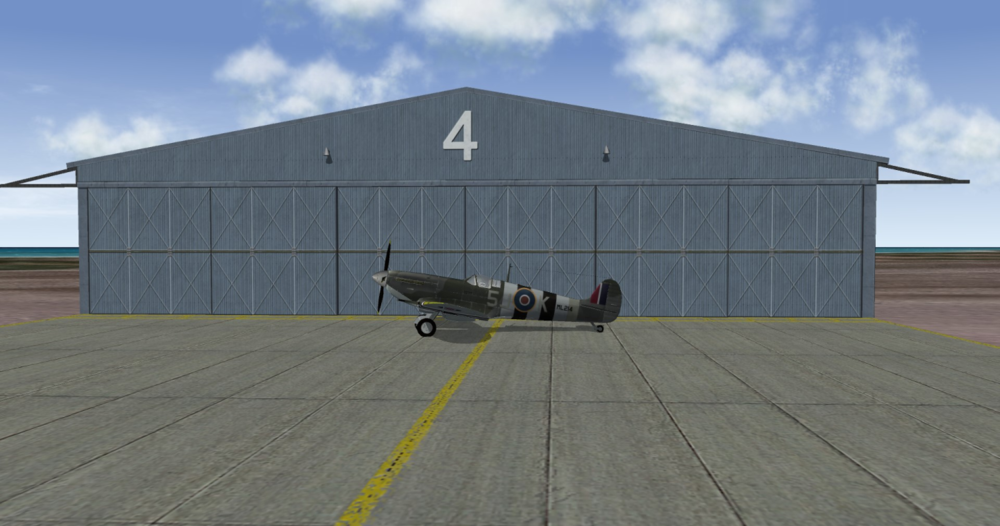
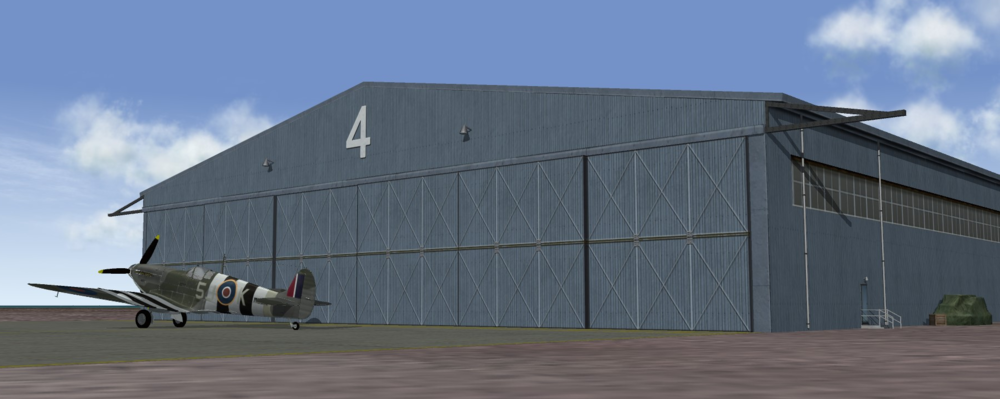
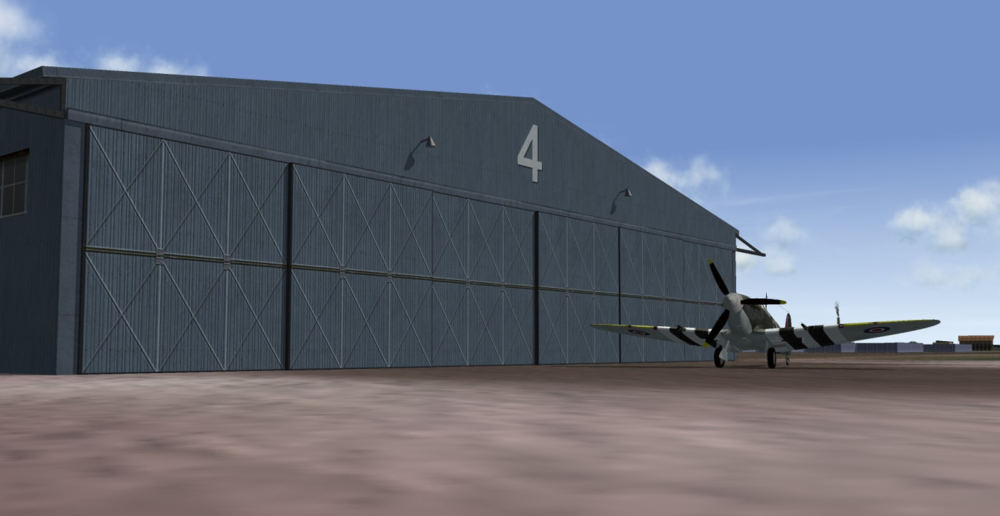
All, again with the excitement growing around Gepard's Operation Seelöwe project, I noticed an opportunity to make another contribution. This time, it's around supporting the outstanding UK airfields phase he is currently working on. So, I made a UK Type 2 WWII Hangar, which was a type of temporary military aircraft hangar introduced in early 1940. It was steel welded and bolted construction typically clad in galvanized corrugated iron sheets. The T2 became the standard temporary hangar and one of the most mass produced hangars for the RAF throughout WW2. Here is one version I came up, all mesh and textures built from scratch, based on this particular reference photo mainly. Spent a lot of time especially trying to get the textures compelling and making it extremely frame rate friendly - under 2000 polys with just a few textures and lower detail version just 200 polys. You should be able to place a lot of these to amp up the eye candy with minimal frame rate hit is the idea of course. Anyway, still have some texture tweaks and other mesh updates to do, but getting closer to finalizing so hope you like it for now.
- 5 replies
-
- 16
-
-
Russ, send me a texture file you're using if you'd like - I might have an idea I could try.
-
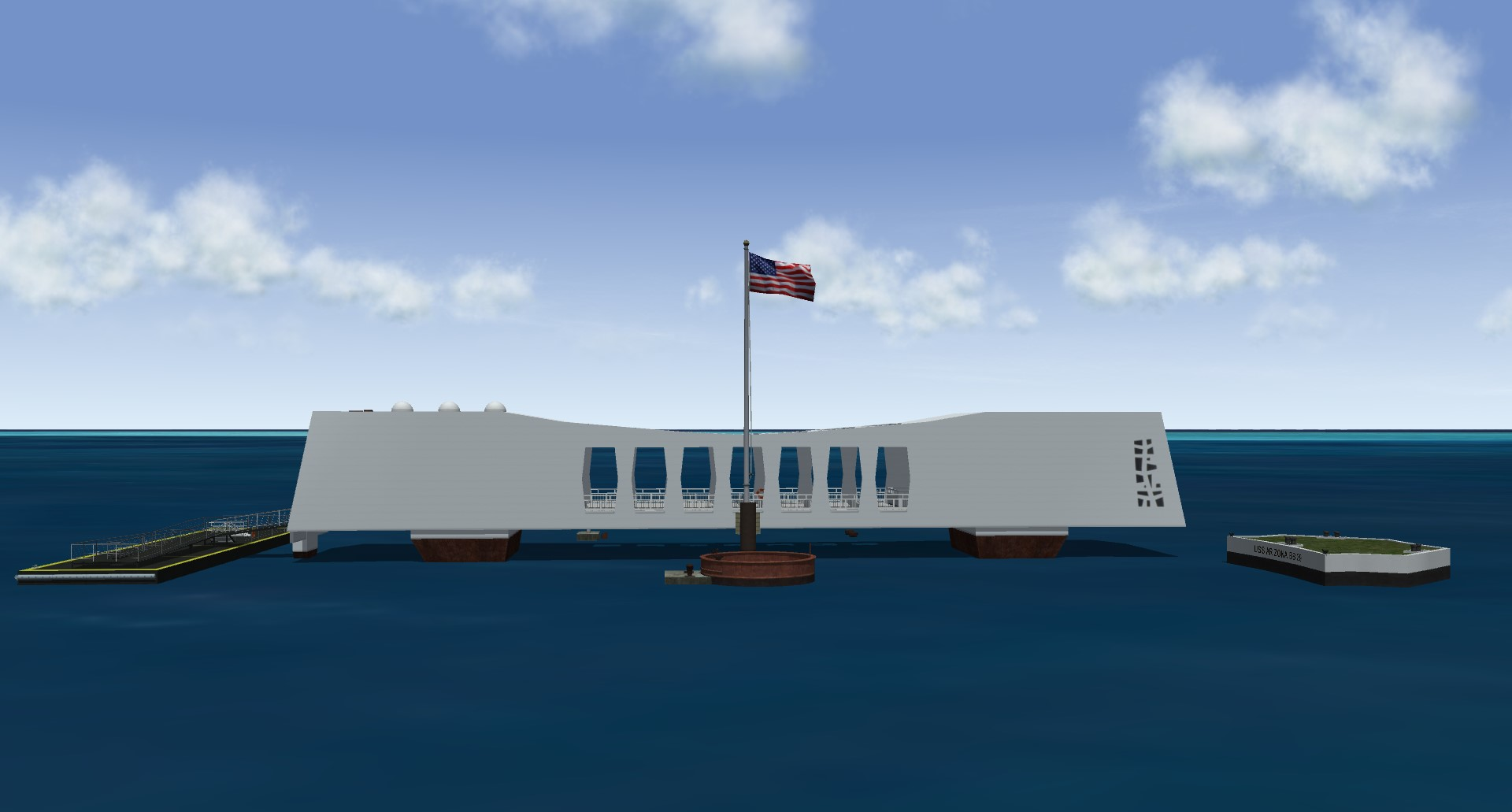
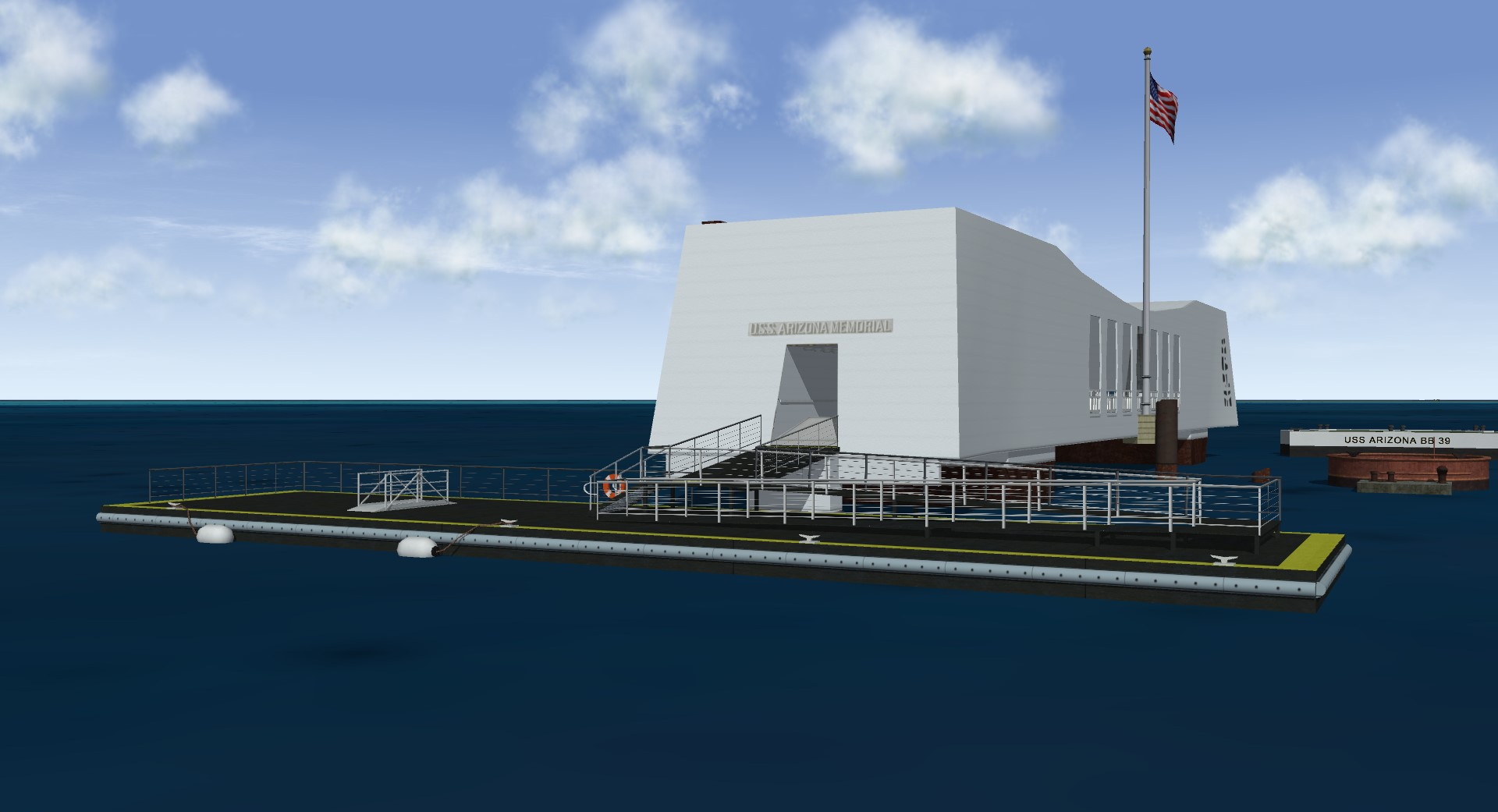
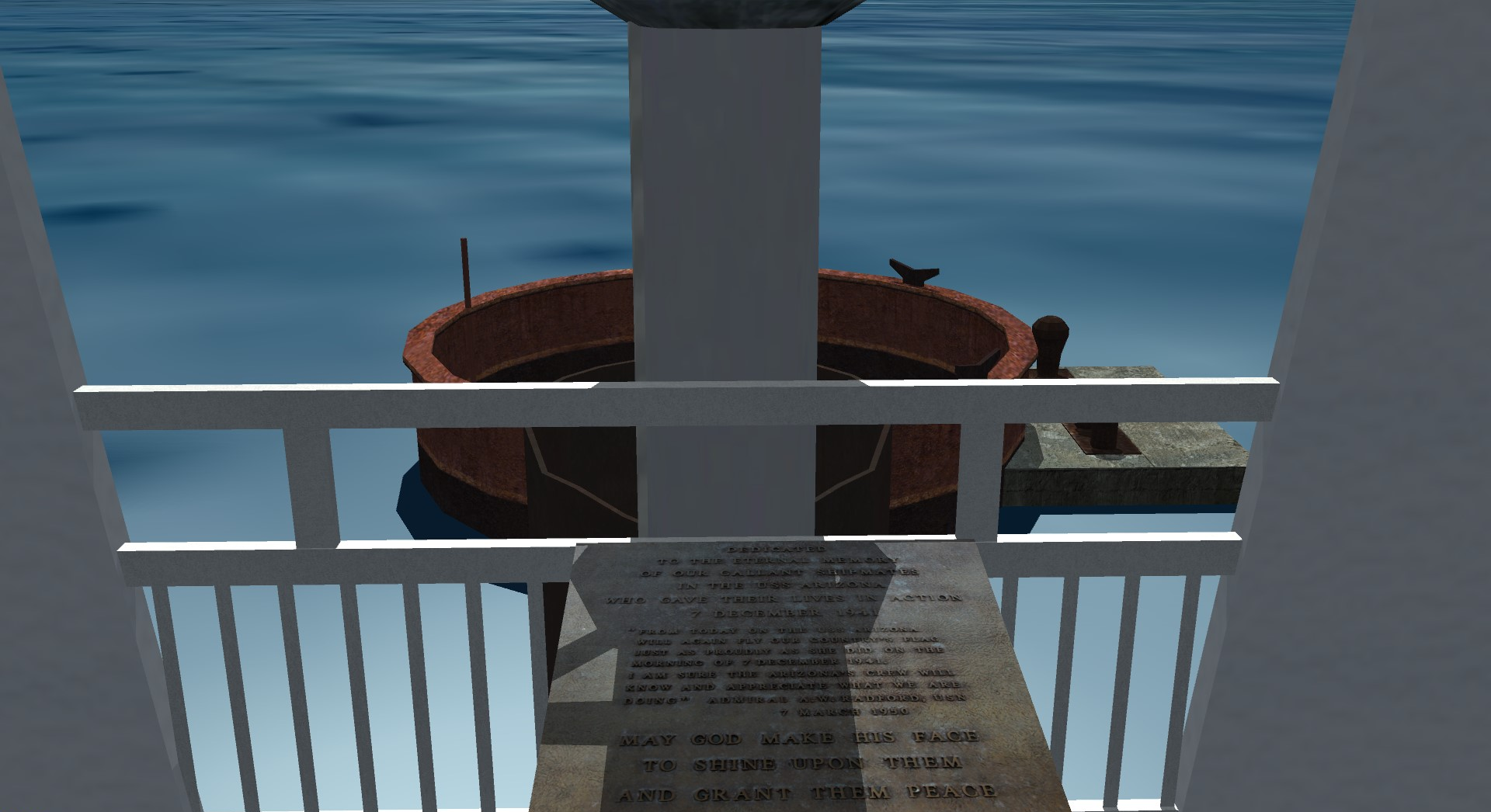
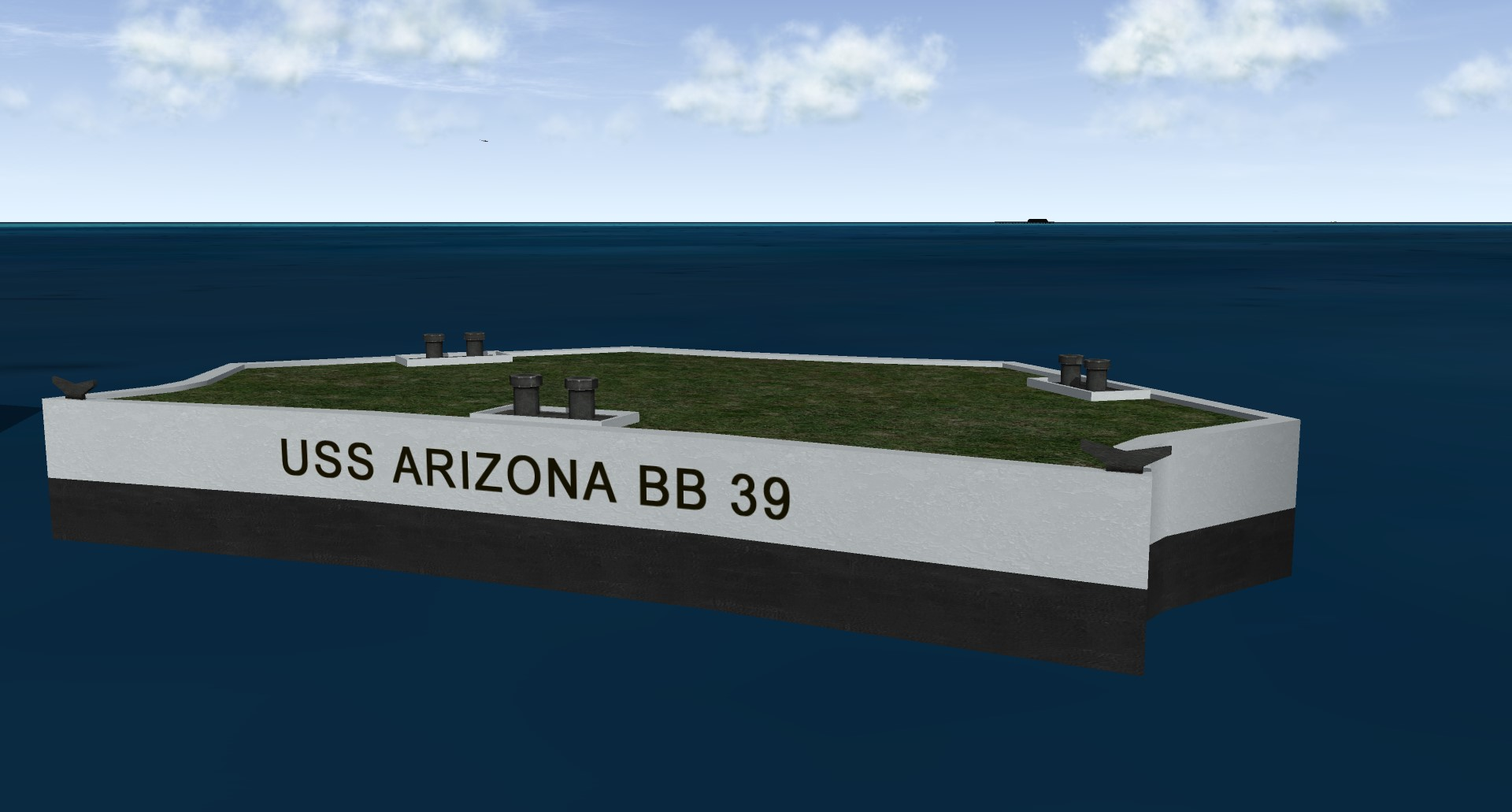
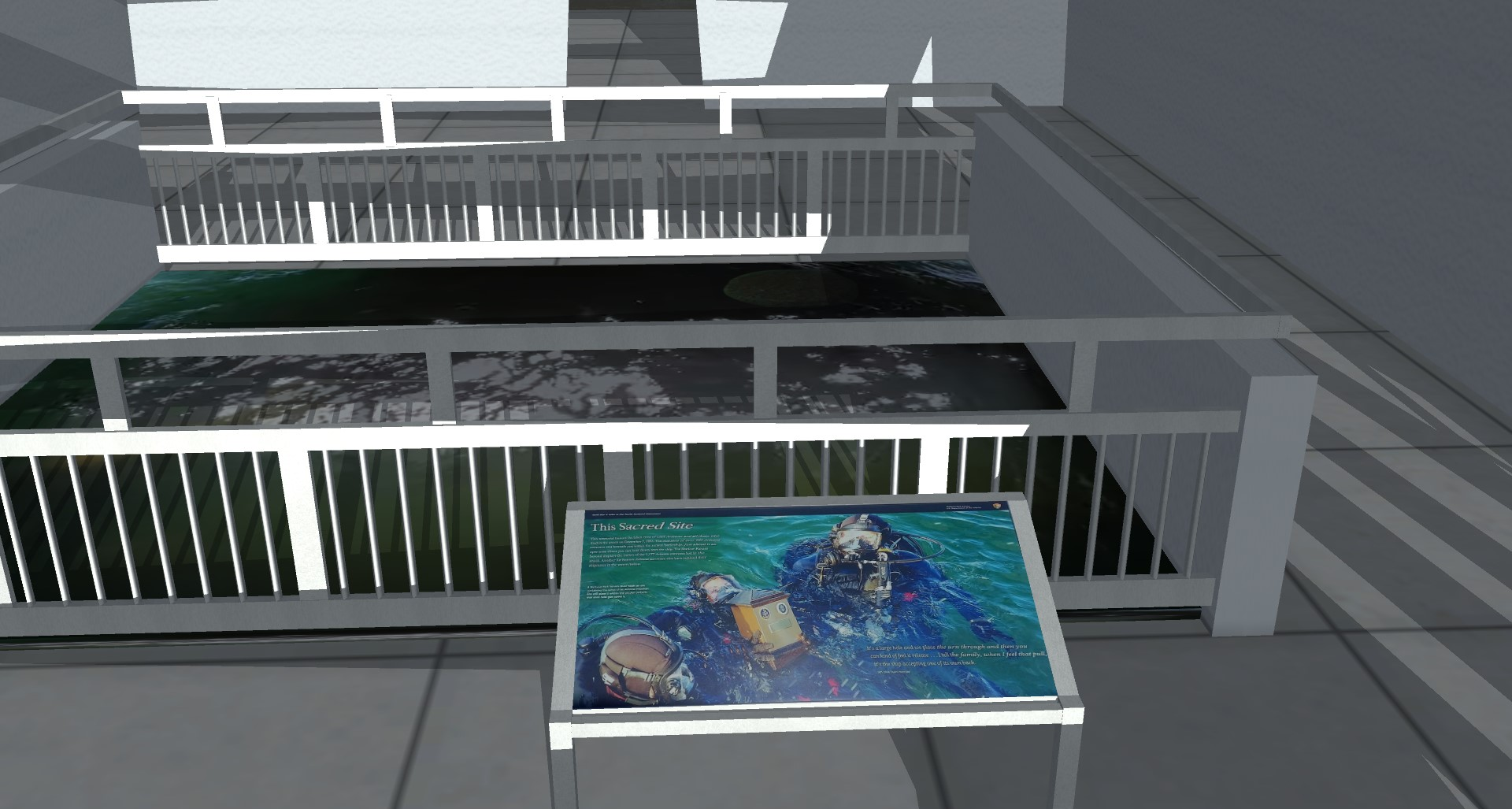
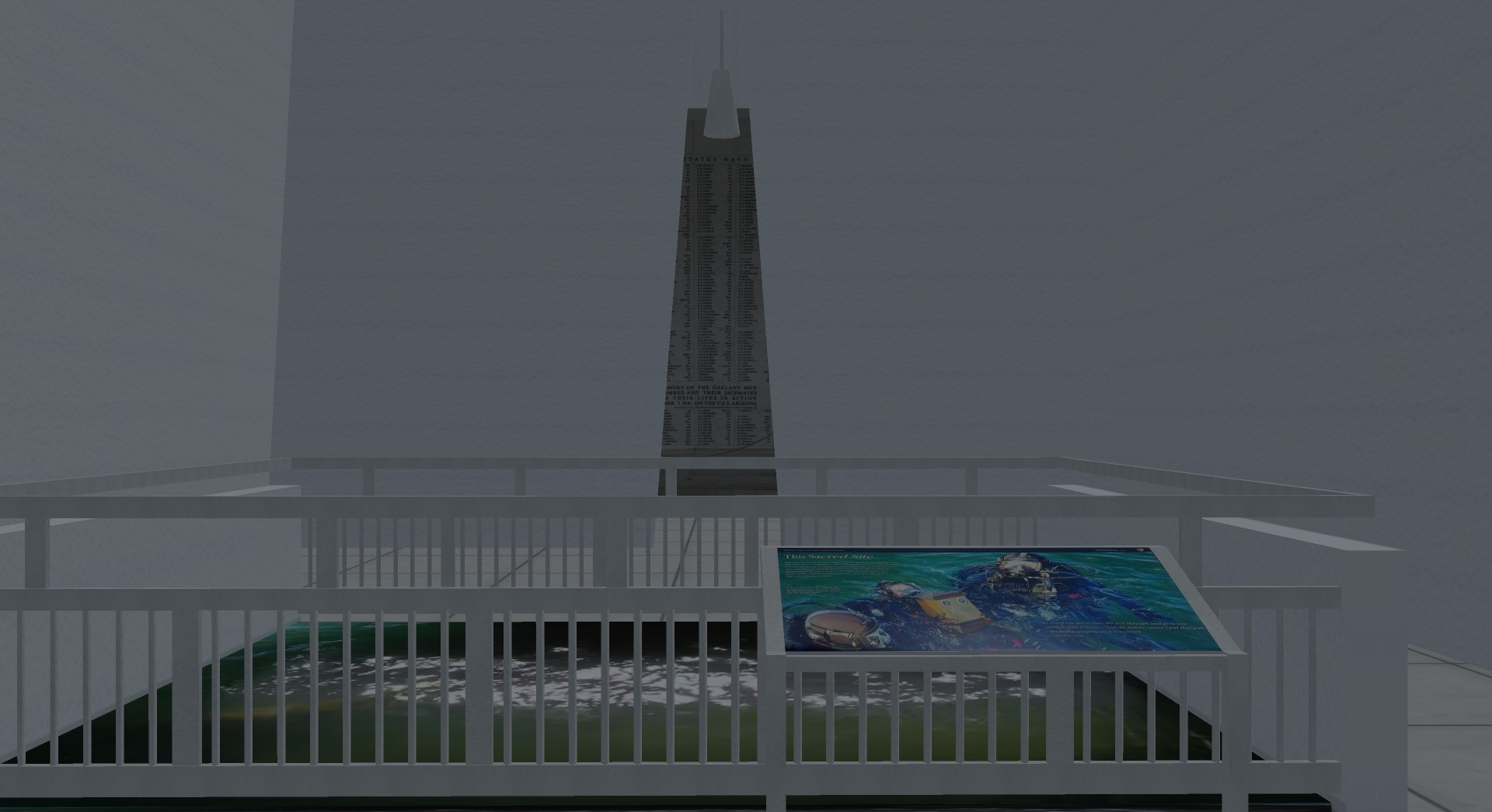
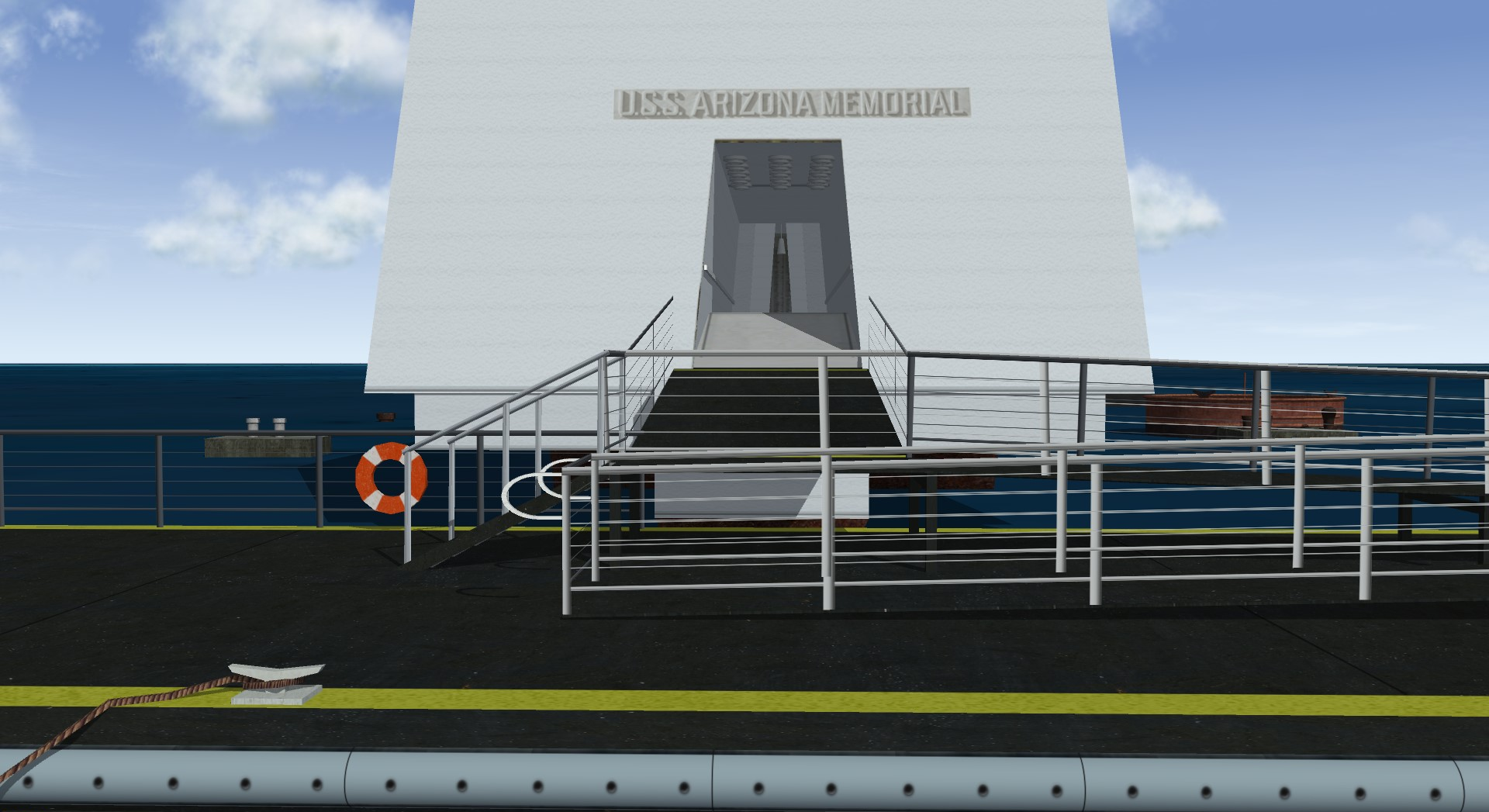
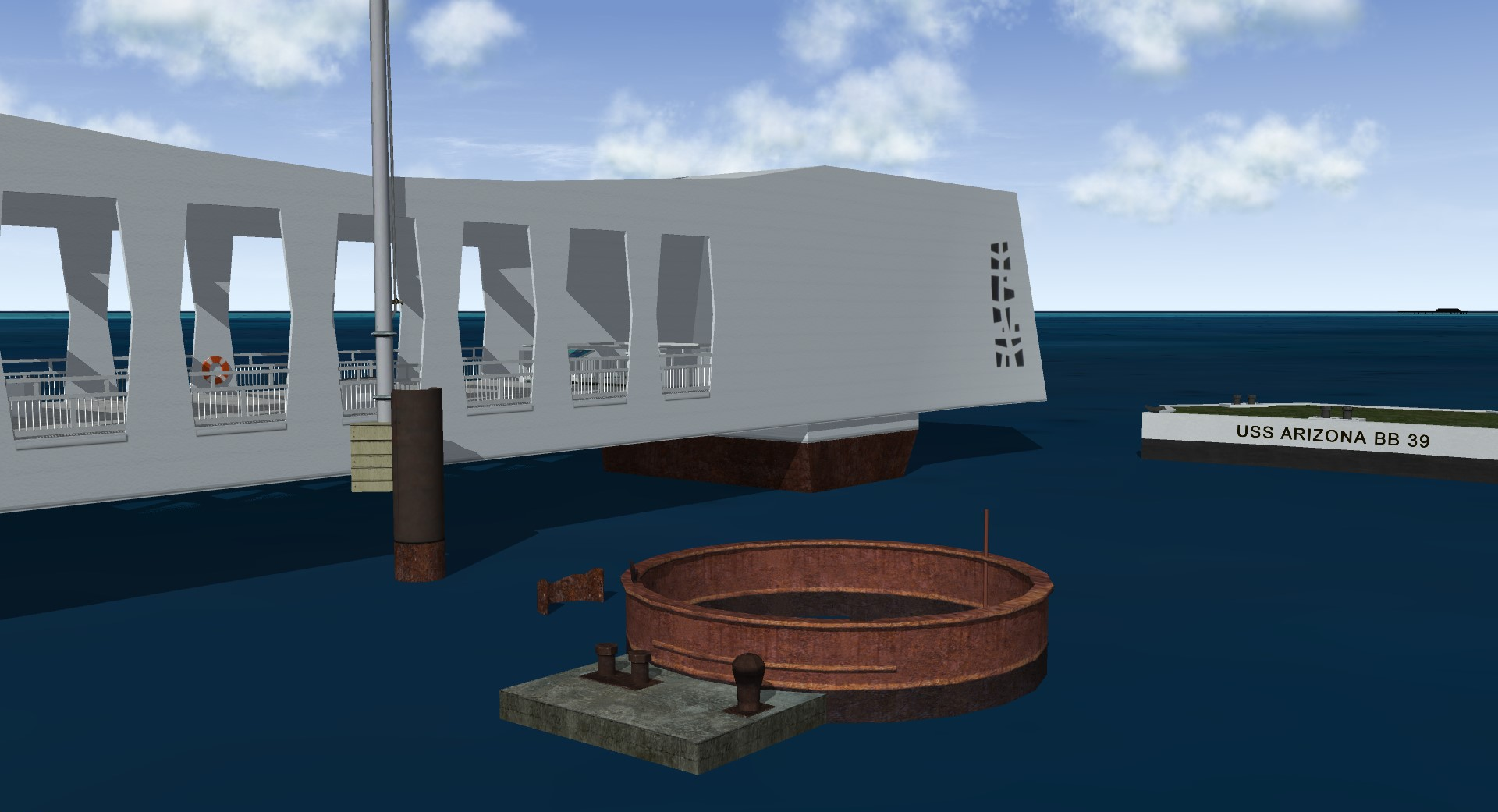
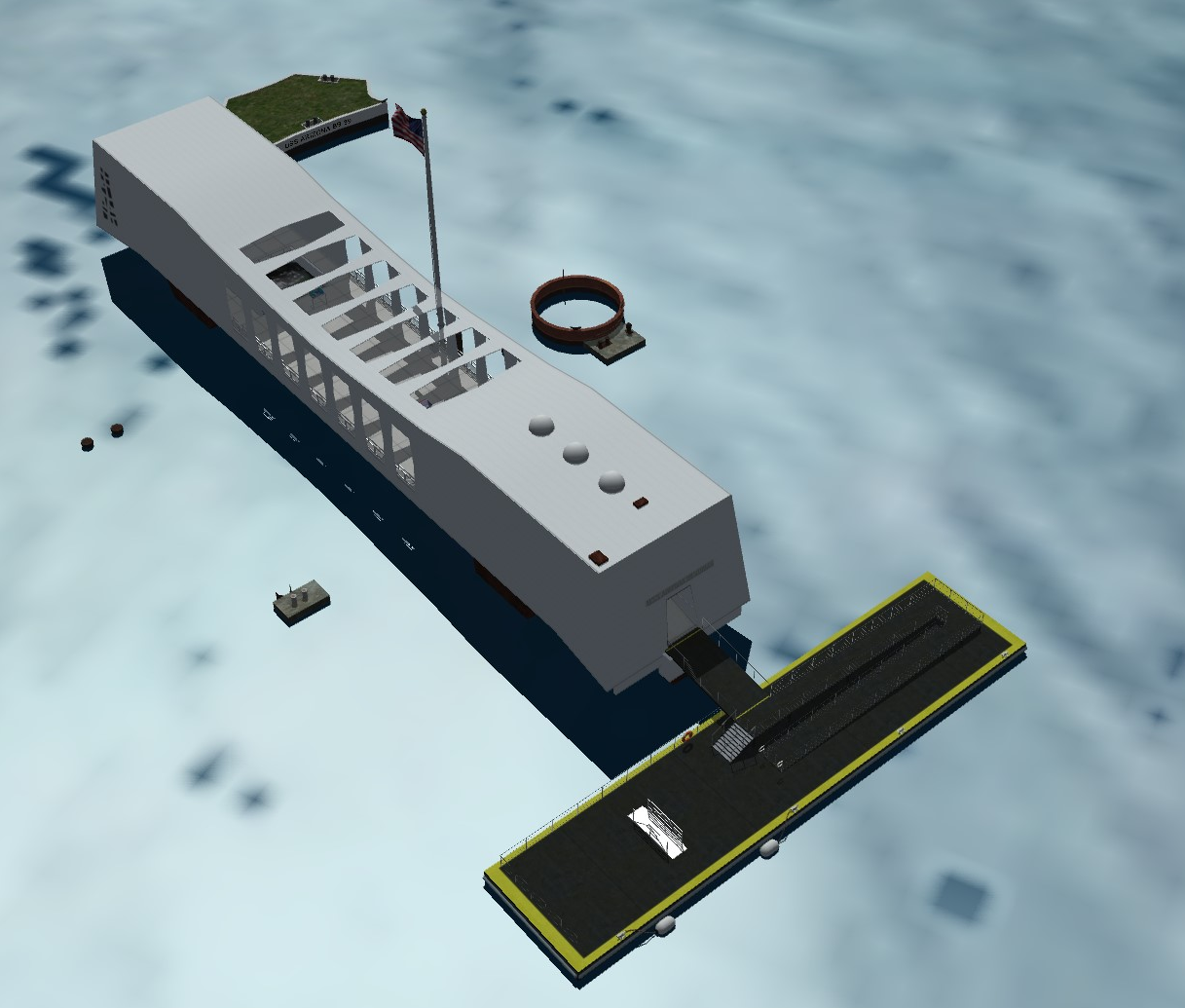
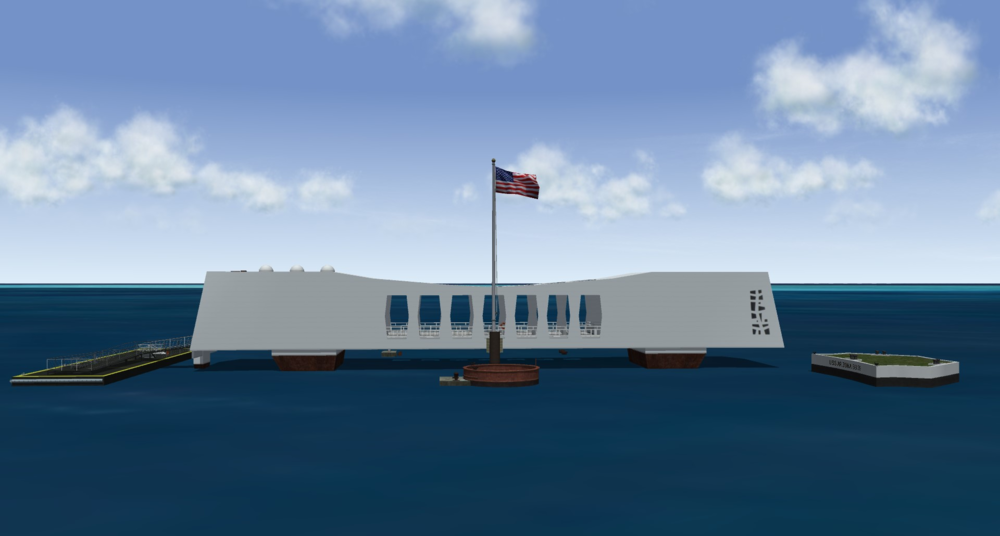
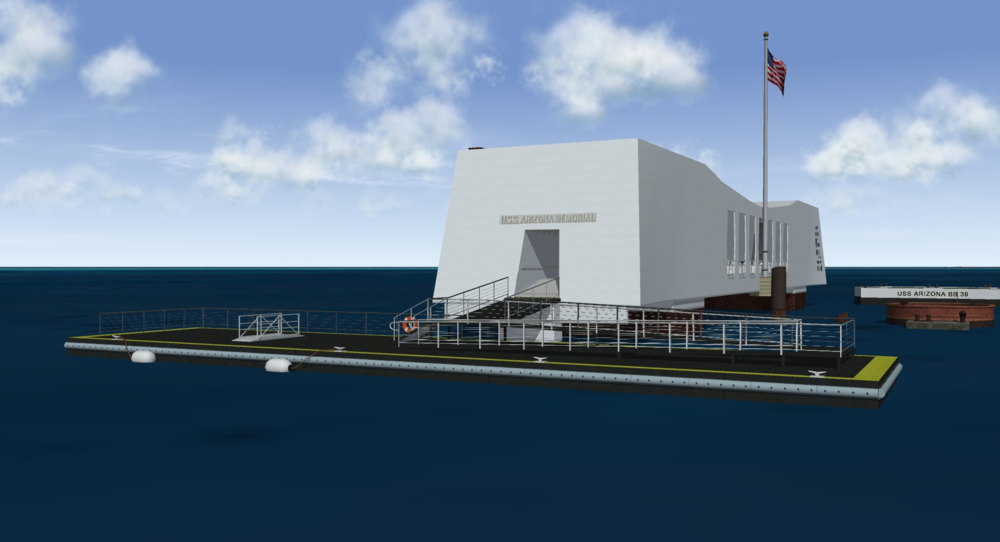
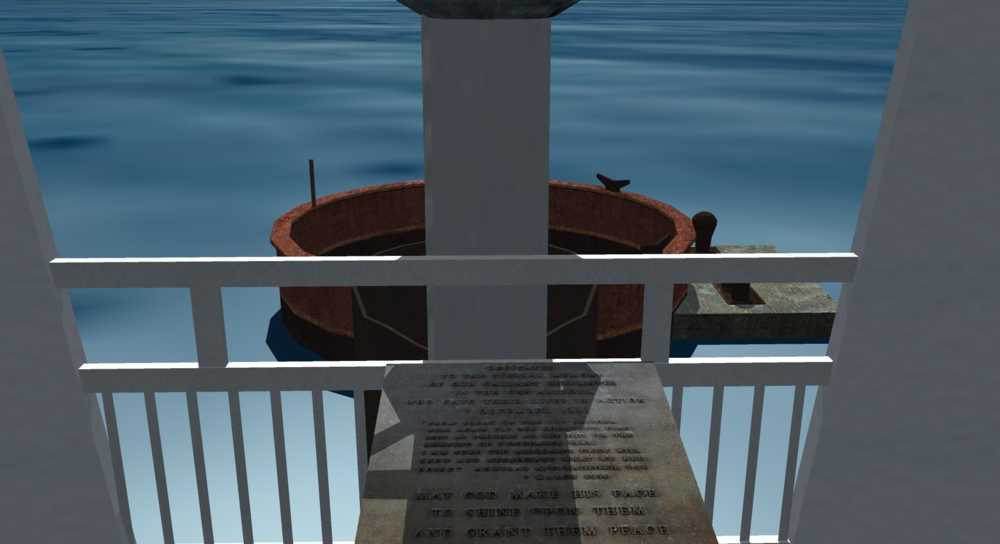
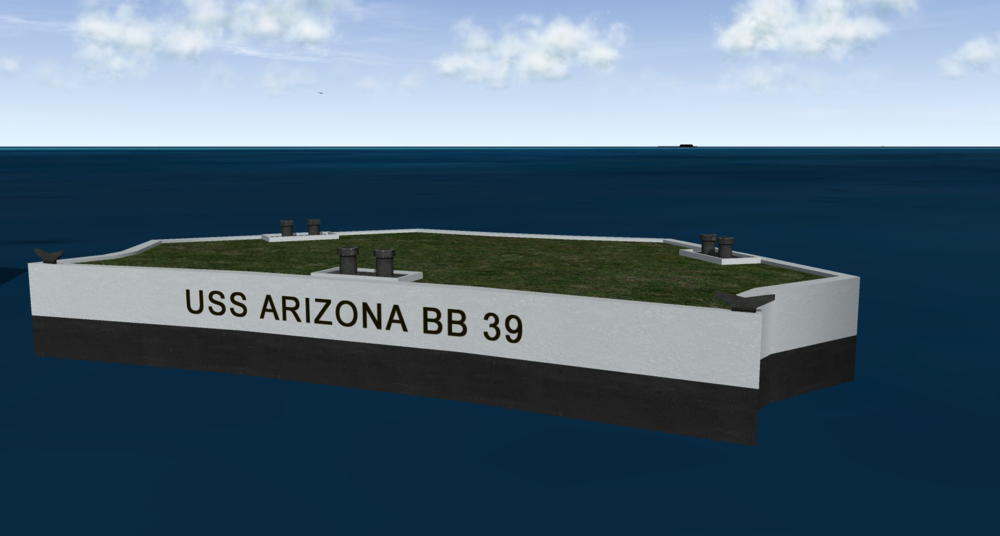
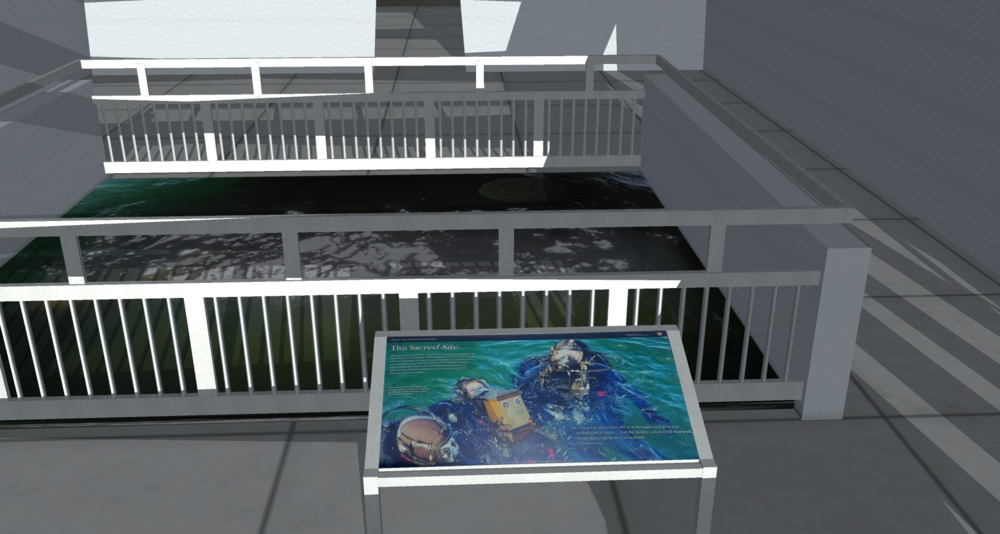
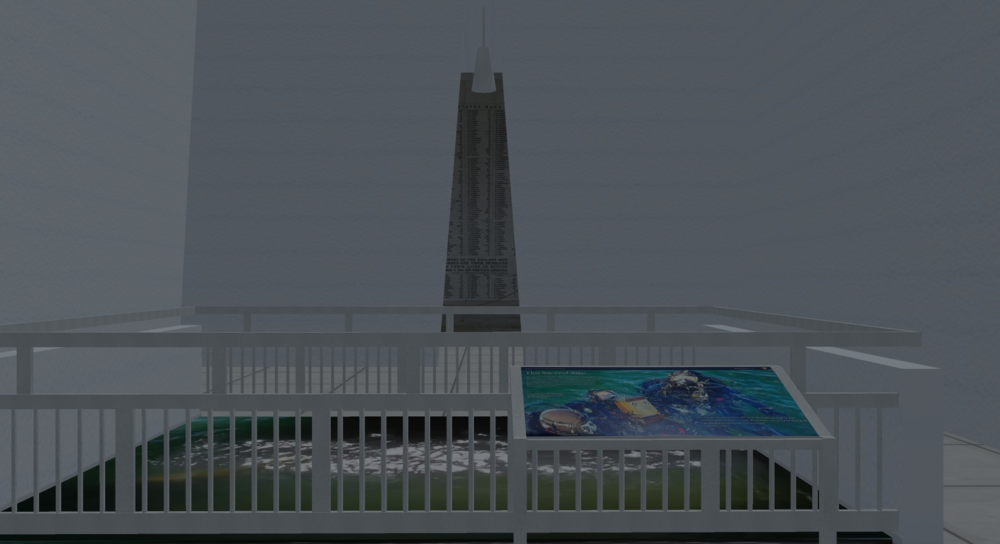
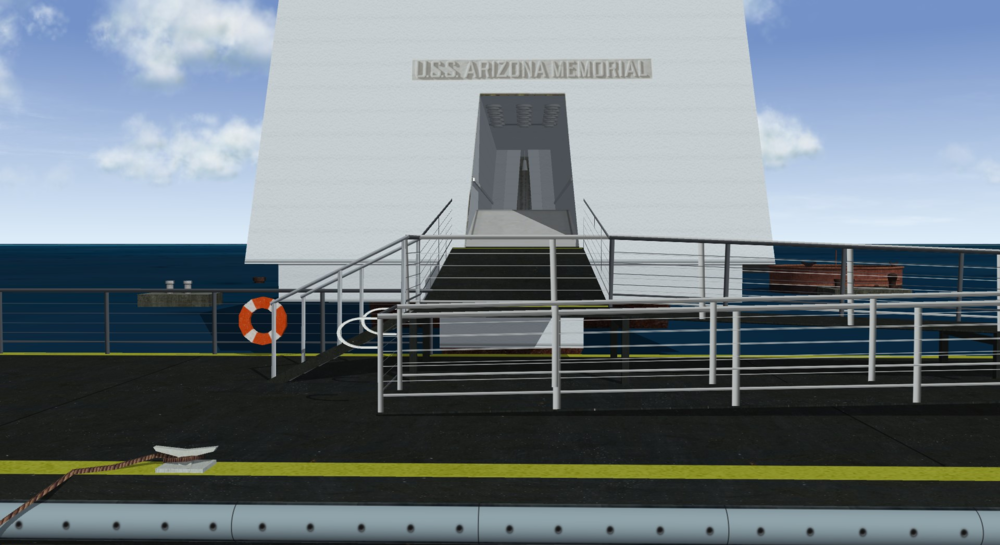
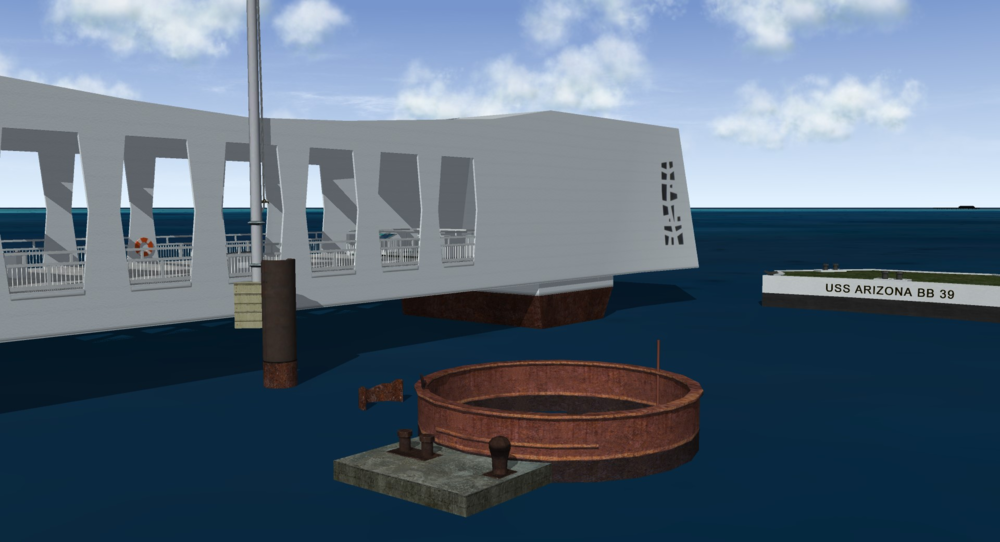
The original request for the Pearl Harbor National Memorial came from Wrench here: https://combatace.com/forums/topic/94790-3d-object-request/?tab=comments#comment-767482 Today in the United States it is Memorial Day. A time to remember and honor those who have died in service to our great nation. And specific to this request, “The USS Arizona Memorial, at Pearl Harbor in Honolulu, Hawaii, marks the resting place of 1,102 of the 1,177 sailors and Marines killed on USS Arizona during the attack on Pearl Harbor on December 7, 1941, and commemorates the events of that day.” I unexpectedly found some free time, and have been working relentlessly to get my version in a decent condition so I could post an update today. Everything has been scratch built including most of the texture work. It started off as just a quick hull mesh, but as time went on, I felt a sense of honor and patriotism in creating this – and that’s when things evolved. With the state it’s in, dare I say you can even take a fairly convincing virtual walk-through of the memorial – overkill perhaps but I found it extremely gratifying. I’m still making some overall form tweaks and other updates, but am proud to be sharing the latest progress especially today and hope it is a proper tribute.

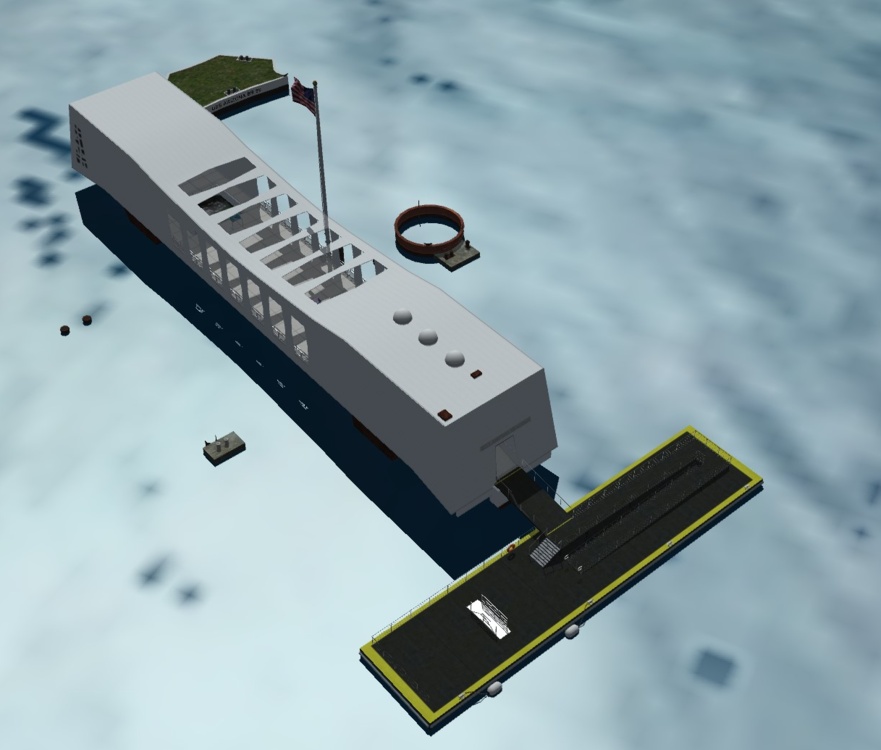
- 4 replies
-
- 19
-
-
-
I dread cylinder mapping, not to mention the risk of distortion but also having to figure out the seam lines, etc. Anyway, one suggestion definitely to try is using the "Relax" tool. Under Edit UVWs, goto "Tools..." and choose "Relax..." - that tool for sure gets me out of a jam every now and then! Edit - I see you mentioned it was between segs, then I would start by trying "Relax by Edge Angles" specifically.
-
LukeCH, seriously? What the hell kind of first post is this - asking how to convert the game models?