swambast
-
Posts
669 -
Joined
-
Last visited
-
Days Won
13
Content Type
Profiles
Forums
Gallery
Downloads
Store
Everything posted by swambast
-
How can anyone seriously defend this? This is clearly as @Menrva called it, "ripping-off without shame." Of course my works have been stolen and used without my permission as well - disgraceful indeed. This seems to be more the norm these days, people coming in stealing whatever they want, putting the goods back together in some way and then desperately wanting attention and recognition to lift their egos. Sad from where we once were, but reality indeed and another warning to stay guarded on what is publicly shared...
-
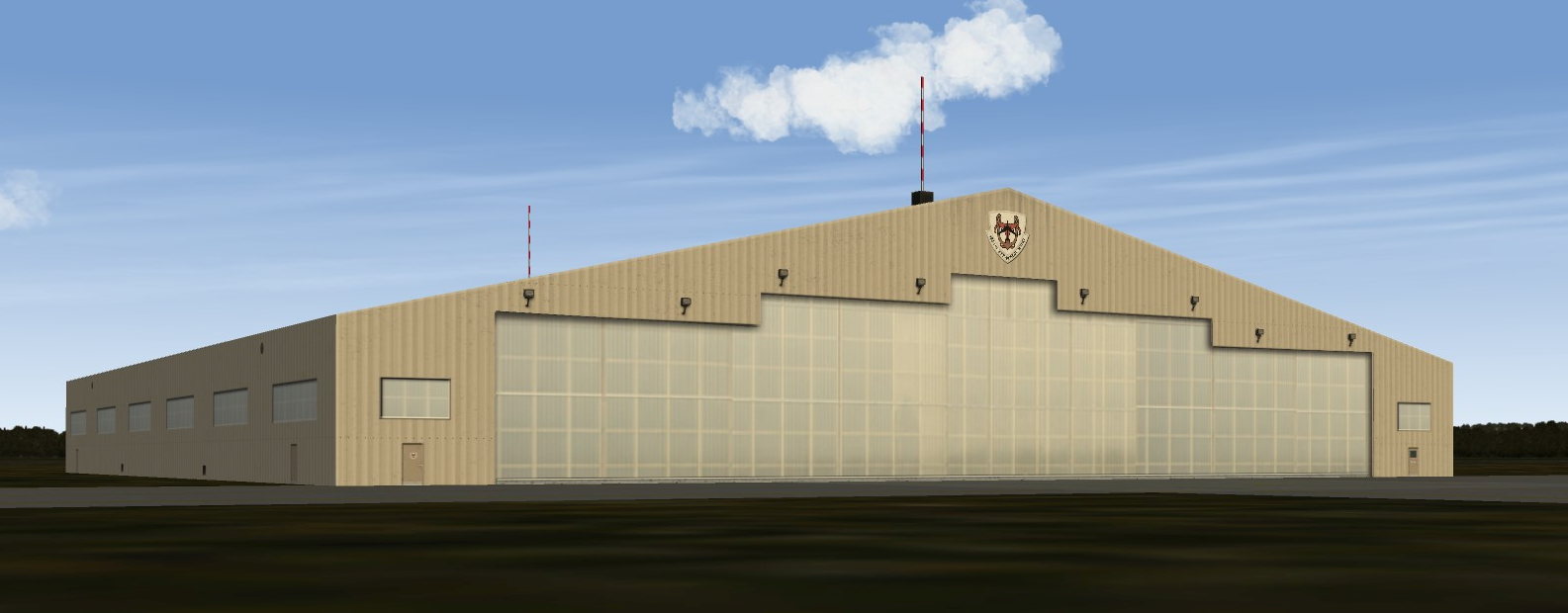
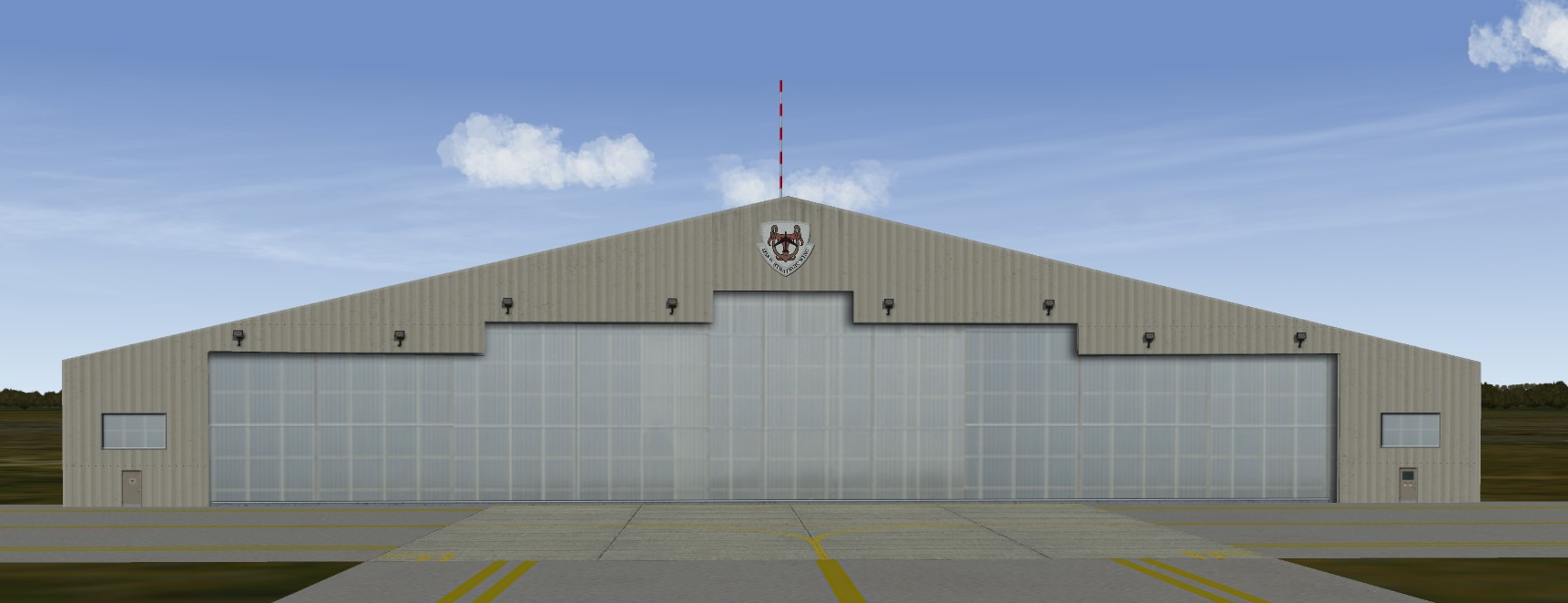
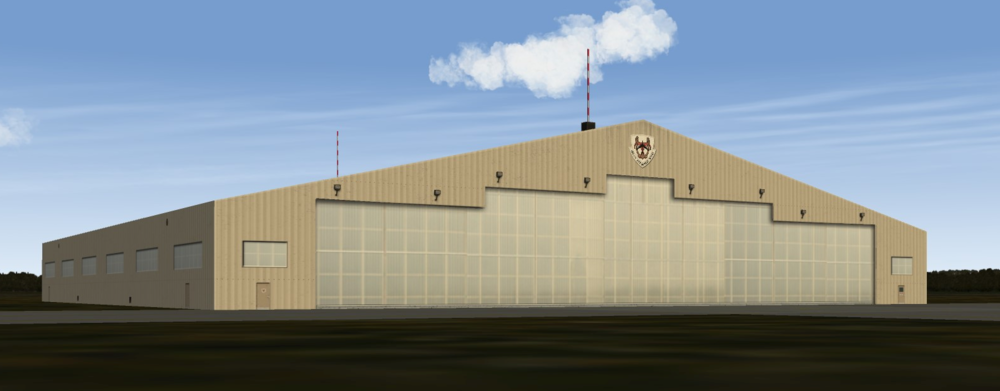
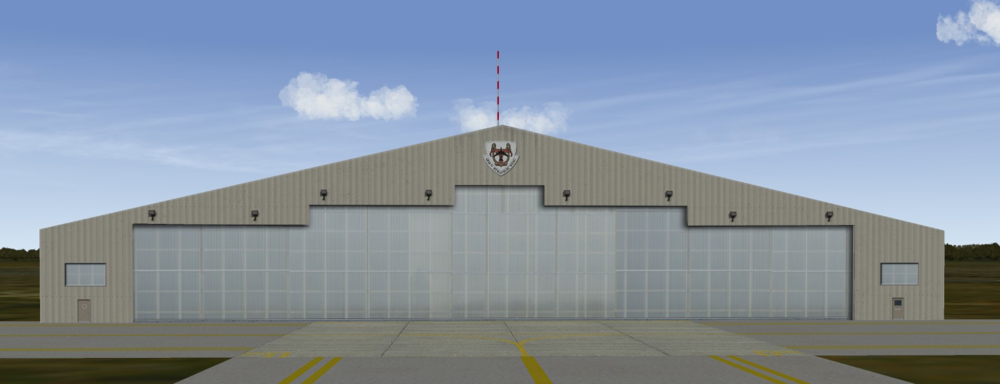
Hi, while modding time is challenged these days I've had at least 3 requests to make a very large aircraft hangar, capable of housing something like B-52s, KC-135 fueling tankers and more. As far as I understand, we don't really have too many hangar options of that scale. So I decided to honor the requests and made this one from scratch. This is the version I am using, which is much more typical than what you find in some of the newer reference images (e.g., the newer half-dome / wide arc hangars from recent images are very new and quite rare costing est. $34M). Anyway, let me know of any suggestions you might have; otherwise once I finalize the exterior, I will begin creating an interior version as well. Side note, I've created it so the center emblem is completely customizable - you can remove it altogether, you can easily add your own version, etc. so this should allow great flexibility to use it as you need it. Thanks. /
- 45 replies
-
- 14
-

-

-
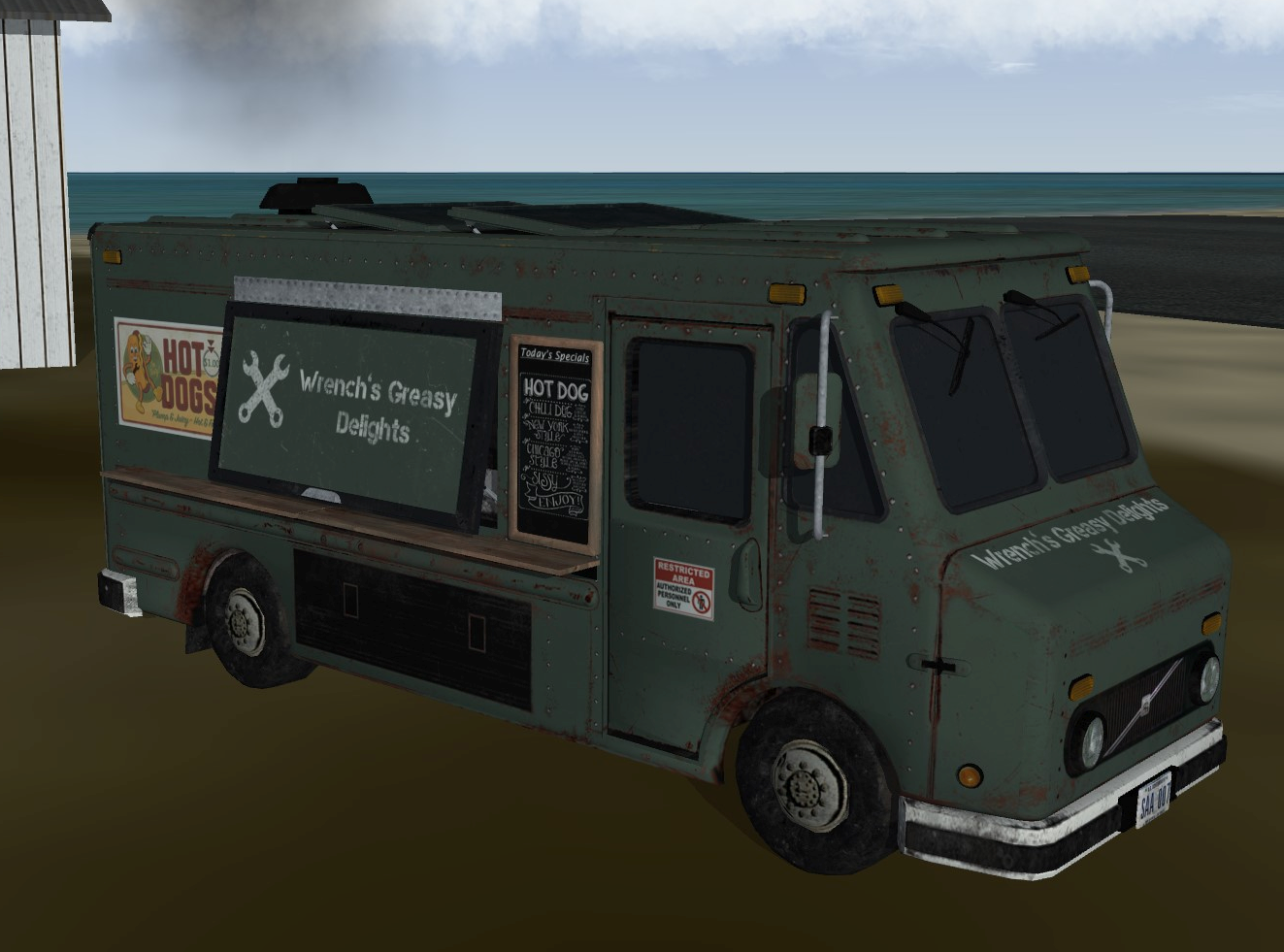
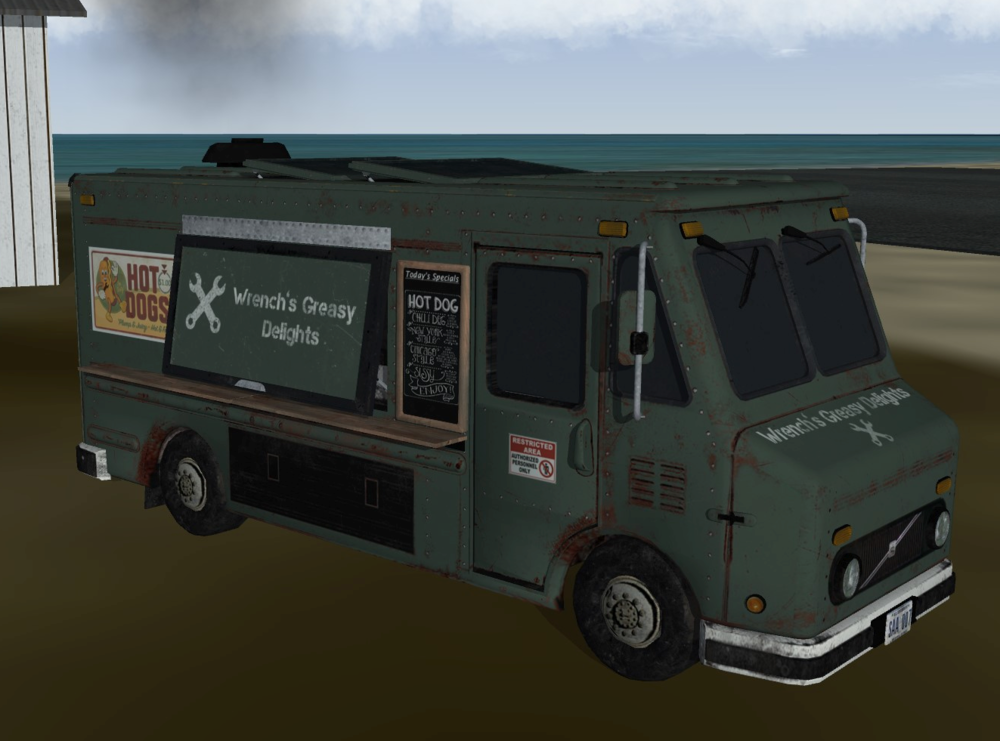
Just before I migrated to Windows 11, of which I'm still experiencing massive 3ds Max issues and falling back to the old development computer, I had a few goodies underway that I need to unload. Much to everyone's surprise, the mystery vehicle has been revealed. And the assigned crew here are not happy about Wrench's rusty van serving American hot dogs. But in secret, some are really starting to enjoy them. Created this just for fun in case you like it. Wrench, I'll PM you with more details and see what other changes you might like. And maybe, just maybe if you sell more dogs you can get this thing a fresh paint job...
-
Wow, that looks really nice - love the coloring and weathering you put on it especially - great job Wrench!
-
Return - 3ds Max 2009 and Windows 11 Compatibility
swambast replied to swambast's topic in Mods & Skinning Discussion
Hi Gents, thanks for the ideas, much appreciated. The biggest issue is after finally getting MAX installed, it just won't load and constantly crashes upon the splash screen. So @simonmiller416 while I appreciate the tip, it has nothing to do with a "right click bug." I would love to have that problem honestly. But right now, Max just doesn't even successfully load. For Windows 11 Pro, perhaps a better and easier option might be to use the default built-in Hyper-V which comes with the Pro edition. That being said, I am not a fan at all of Virtual Machines. The clunkiness of having to transfer virtual files into real saved files, chunking out memory and SSD space, etc. is such a hassle in my opinion. I would only look to this for an absolute last resort effort, but @Menrva 's suggestion is, ultimately, probably going to be the best option at some point. In the meantime, @Wrench the suggestion of using an older machine is a practical option, although by far the least preferred. I have a multi monitor, complex NAS set up, etc. so I wanted my new Win 11 computer to completely replace all my legacy hardware, not sit along side it and not to mention I just don't have that kind of room. For other personal reasons, this has not become a high priority for the moment, but I will continue fighting to see how much progress I can make in getting this to work. When I last left off my efforts about a month ago, I was making some major breakthroughs that seemed very encouraging. Thanks for your thoughts on this. -
Return - 3ds Max 2009 and Windows 11 Compatibility
swambast replied to swambast's topic in Mods & Skinning Discussion
Unfortunately, I've reached out to several 3d modelers using Win 11 Pro, and no one has had success so far especially with getting the mental ray and thirdwire exporter plug-ins to work. I think for now I'm out of luck unless others have had some success and can share more insights and details. -
Return - 3ds Max 2009 and Windows 11 Compatibility
swambast replied to swambast's topic in Mods & Skinning Discussion
Appreciate that a lot Eric, please send me a PM - I'll take all the help I can get. -
Return - 3ds Max 2009 and Windows 11 Compatibility
swambast replied to swambast's topic in Mods & Skinning Discussion
Damn, struggling like hell to get this to work on Windows 11 Pro - what a frigging nightmare. Any ideas on how to get any of the exporters to work? It looks like it's not recognizing the thirdwire exporter as a compatible 32-bit plugin, but clearly I installed the 32-bit version of 3ds Max (although obviously on the 64-bit OS). Kind of running out of patience, this is extremely difficult.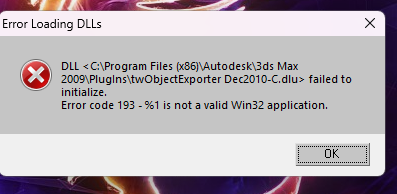
-
Return - 3ds Max 2009 and Windows 11 Compatibility
swambast replied to swambast's topic in Mods & Skinning Discussion
Thanks GKABS, been trying to get this resolved now for but no luck...not looking good at the moment. Somehow for sure the mentalray plugin is the issue, problem is not sure how to work around it or get it working again... -
Return - 3ds Max 2009 and Windows 11 Compatibility
swambast replied to swambast's topic in Mods & Skinning Discussion
Thank GKABS, I am struggling mightily to get this reinstalled. Just trying to get the license code reactivated has been incredibly difficult and a day's work still ongoing. However, even when I'm getting it to load, it immediately crashes on the loading splash screen, trying to load the mentalray plug in (e.g., Loading plug-in: C:\Program Files\Autodesk\3ds Max 2009\stdplugs\ Mentalray.dlz). If anyone has run into this and can provide some support, please let me know! @Nuni Yes, Blender. -
Return - 3ds Max 2009 and Windows 11 Compatibility
swambast replied to swambast's topic in Mods & Skinning Discussion
Gents, thank you - I really appreciate this. When you are doing your base install, do we have to install as 32-bit so the .LOD exporter plugin is still compatible? Or can I install as 64-bit and still maintain compatibility with the .LOD exporter plugins? -
Hi all, been one of the busiest Summer's in recent decades, and just getting back into some modding projects again. Has anyone installed 3ds Max 2009 onto Windows 11 successfully and without any issues? Any lessons learned or other considerations I should be aware of before I give it a try? Thanks much.
-
In Grief and Sadness...Our Greatest Loss...GodSpeed Marty.
swambast replied to swambast's topic in CombatACE News
What an incredible outpouring of condolences and support! I thank you all from the bottom of my heart for all the love, acknowledgement and kind words shared about Marty - he absolutely would be so flattered and grateful, what a wonderful tribute indeed. -
In Grief and Sadness...Our Greatest Loss...GodSpeed Marty.
swambast posted a topic in CombatACE News
It is with great sadness and a heavy heart that we now tearfully announce the loss of our greatest contributor, our biggest fan and a wonderful person…Marty James Nielson ("NIELS" around here). “Utah Air National Guard, Senior Master Sergeant, Marty James Nielsen left the airspace of this world on his last refueling mission with God's angels on May 21, 2023, surrounded by his loving family. Marty was born on July 7, 1960, the first of three sons to James Nielsen and Nancy (Fullmer) Nielsen. Marty grew up in the Glendale neighborhood of Salt Lake City...he joined the Utah Air National Guard, where he served honorably for 30 years as a boom operator, refueling military aircraft in mid flight, and as a crew chief." Marty was a constant supporter and advocator of the When Thunder Rolled Project since Day 1. He was always willing to help out wherever possible with enthusiasm and passion and was an official team member. Marty provided helpful research support, but more importantly, was one of the masterminds behind our target area creations. He became known as the target placement king; having a keen appreciation for detail and creating some of the most meticulous target areas ever created for this sim such as the North Vietnamese rail yards (the last he was working on before he passed). Many of our custom assets were directed by his requests. And we would happily create them; he always put them to great use and genuinely appreciated them. Moreover, among many development lows resulting in slow downs, Marty was always there providing motivation, encouragement and willing to help out whenever called upon. His presence and influence alone greatly contributed to getting back in action, delivering the goodies he needed to do his placement magic and feeling blessed to have such an amazing supporter with us. I personally enjoyed my discussions and collaboration with Marty, and felt so fortunate that our paths would cross sharing a common passion and hobby together. A foundation in Military Service, Family and Faith further helped unite us. My last communication from Marty was as follows: Thank you for the reply Steve and the kind words. Got home yesterday from the hospital. Struggling a bit today can’t guarantee much progress. I will do my best in the next few days…Godspeed my friend. Bless you and your family. Marty Well my friend, I know it’s too late for you to respond…but you have ALWAYS done your best for this project, for me and for the greater good. Today we lit a candle in your honor. Today we immediately thought of you when we heard the words: “Come to Me, all you who are weary and burdened, and I will give you rest.” Right back at you: Godspeed Marty, Blessings to You and Your family…and until we meet again...rest in peace and thank you for the impact you had on my life, it was a true honor to know you. Post Script and Lesser Thoughts Beyond just the WTR Project, many members here have interacted with Marty in various ways as he was an avid fan and supporter of this community. I’d ask for each of you to please remember him and his family in your thoughts and prayers, his enthusiasm and appreciation for all the collaboration and modding work here will truly be missed. Feel free to share in this post any fond memories or other thoughts you may wish to share, he would love that. In Marty’s memory and honor, we will be memorializing him within the WTR Project. We have finished our tribute plans for him and are currently collaborating with an artist to make this a reality which includes Marty featured as the KC-135A Tanker Boomer, a renown F-105/Thud Pilot (among his favorite aircraft ever) and even more. We will post more details as that tribute continues. With Marty’s passing, he takes with him most of the WTR target area lay-outs we planned and nearly finished. Obviously, this is a significant set back and therefore another progress update will be delayed until late Summer. As usual, if you have an interest in helping please send a Private Message. Take time to reflect on this loss, how Marty might have made your day in some way. Time is short and yesterday is not promised, so remember to love and appreciate today...take this moment right now to thank someone for their love and support. All of you, be well. In sadness for the loss, in gratefulness for the friendship... Steve (aka "Swambast")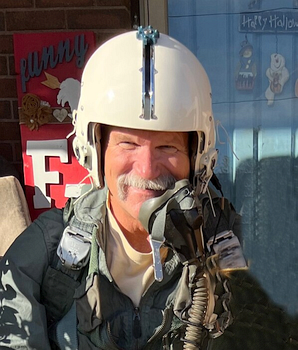
- 41 replies
-
- 22
-

-
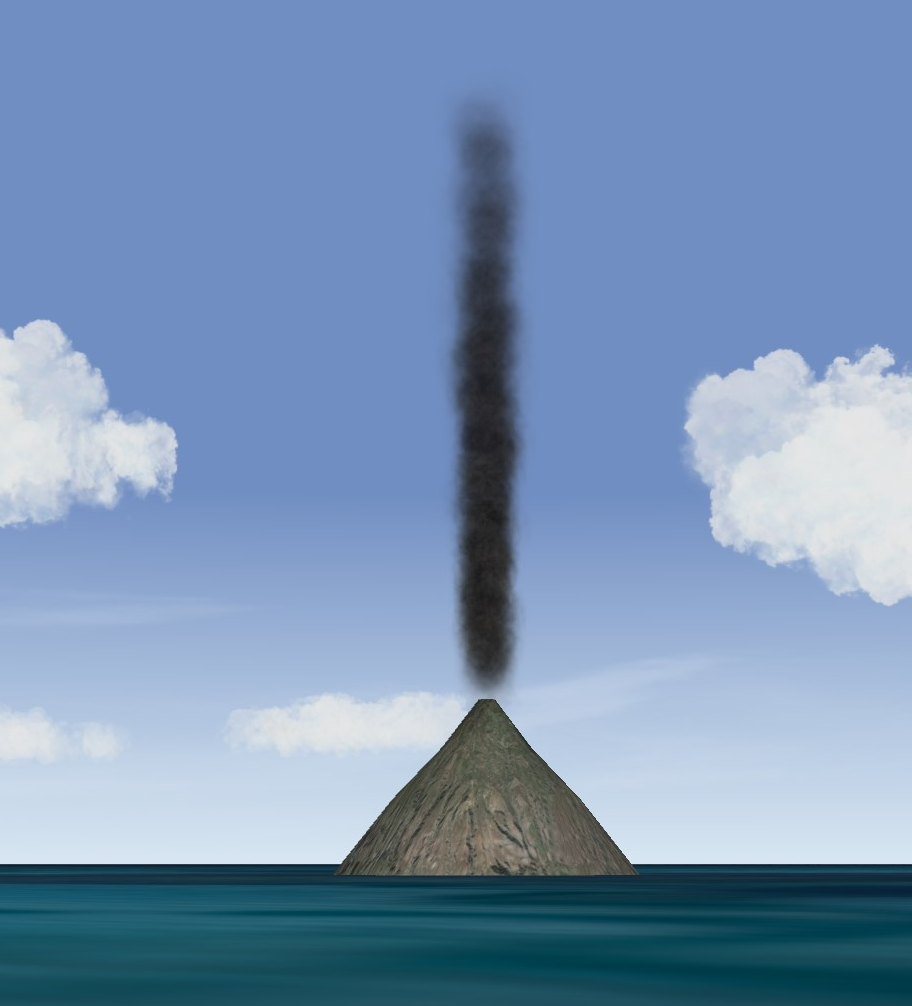
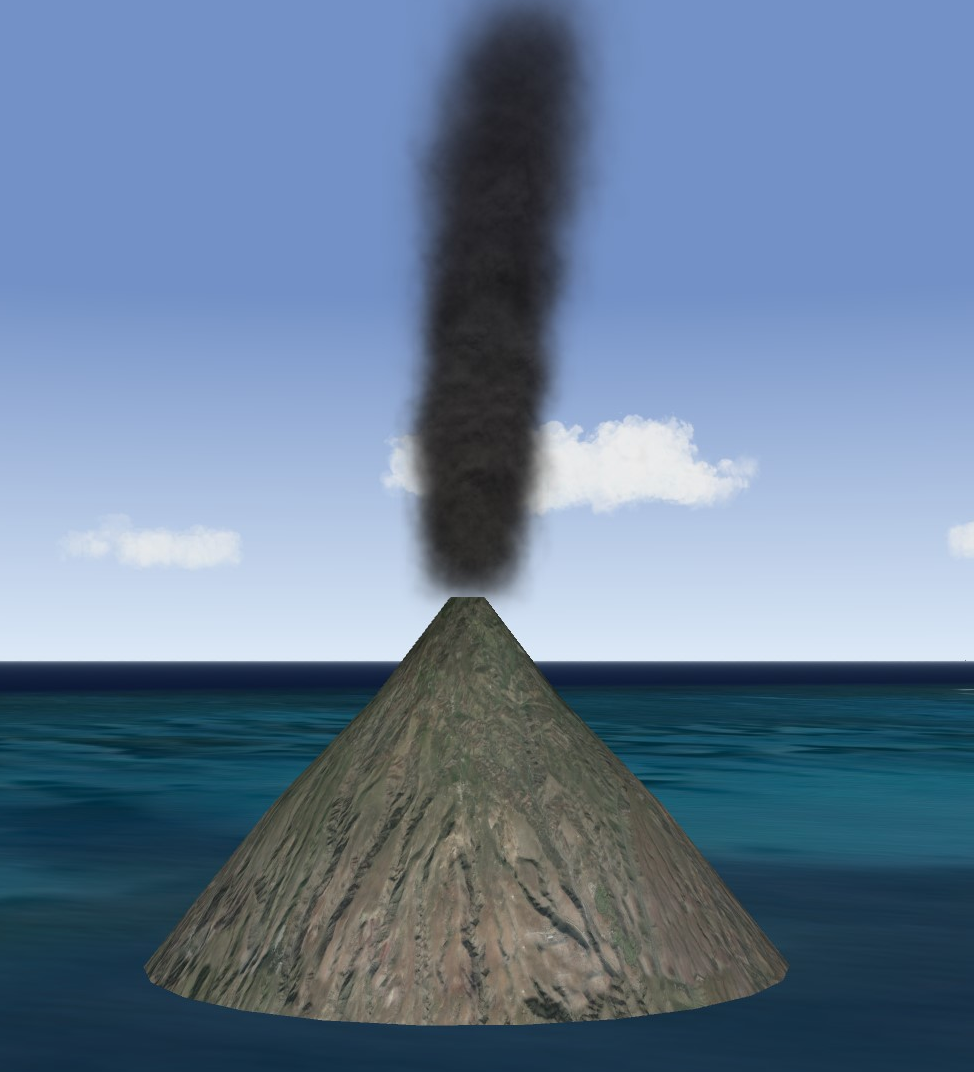
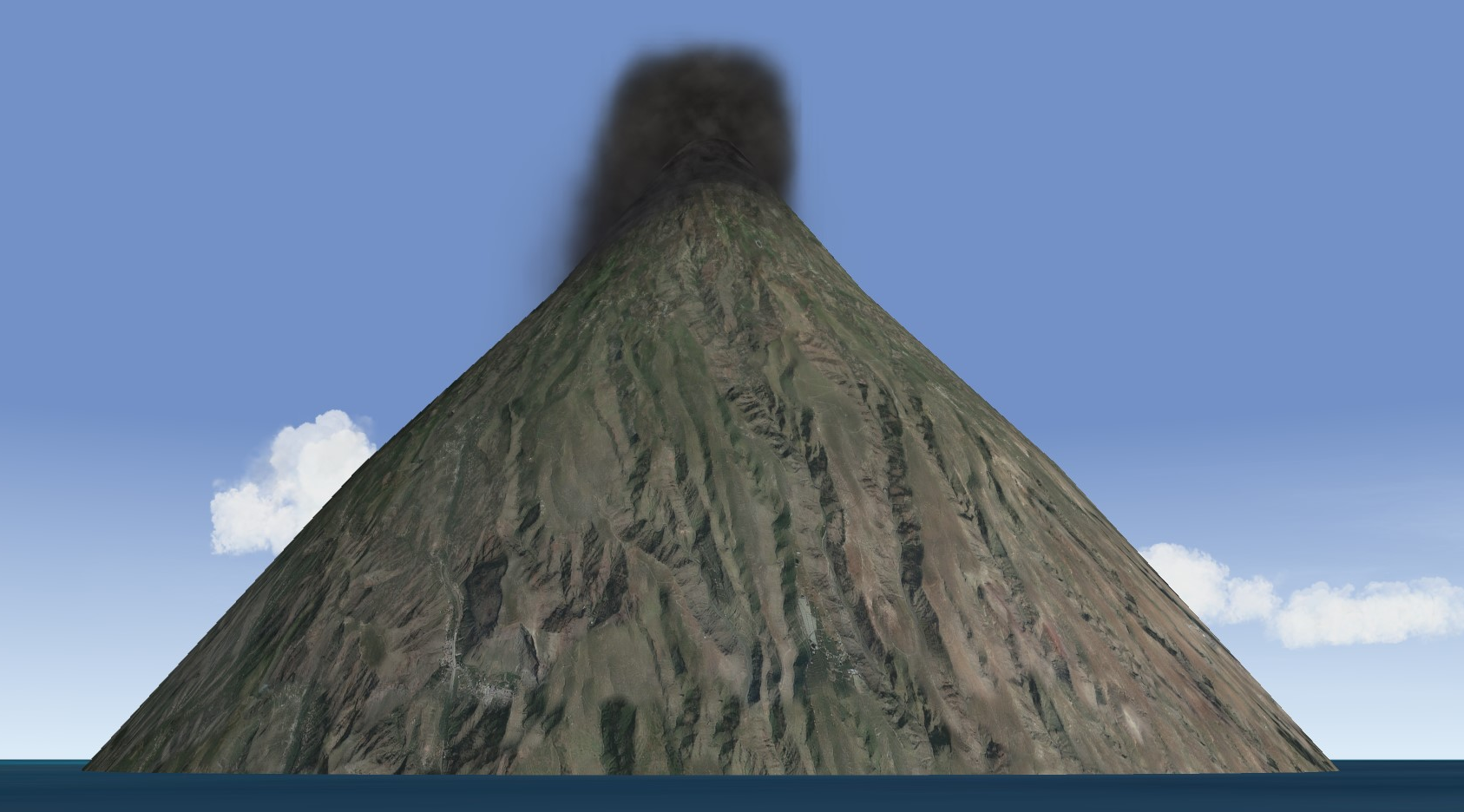
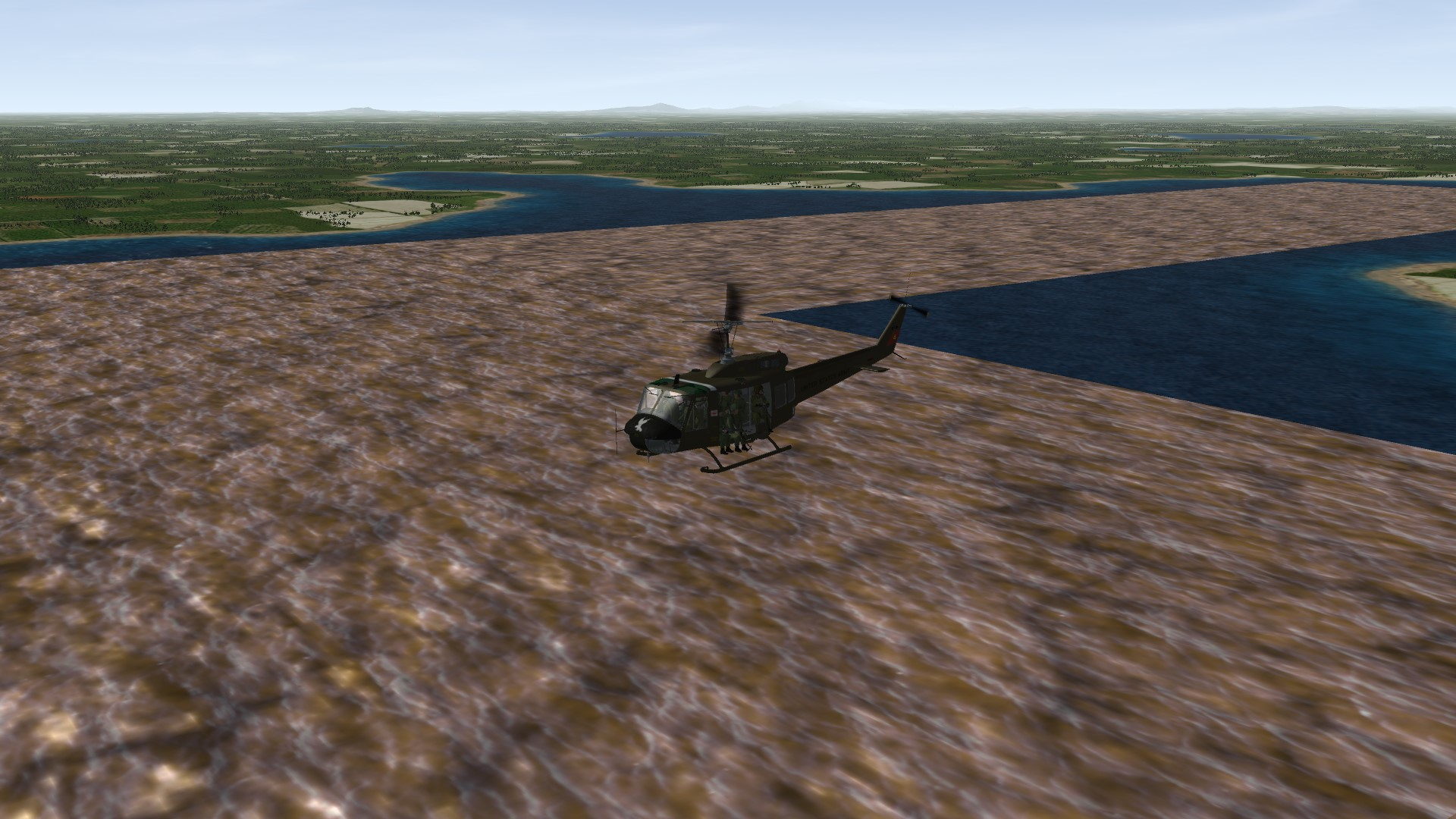
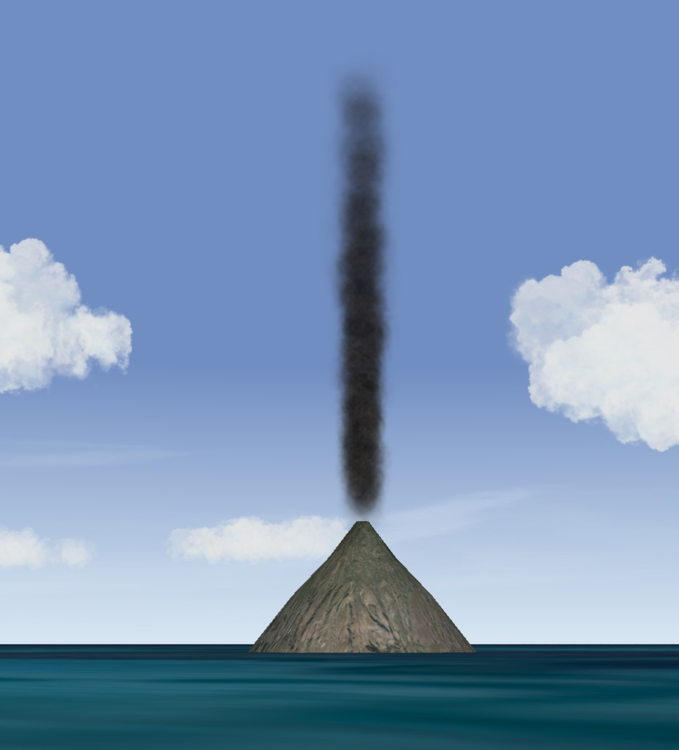
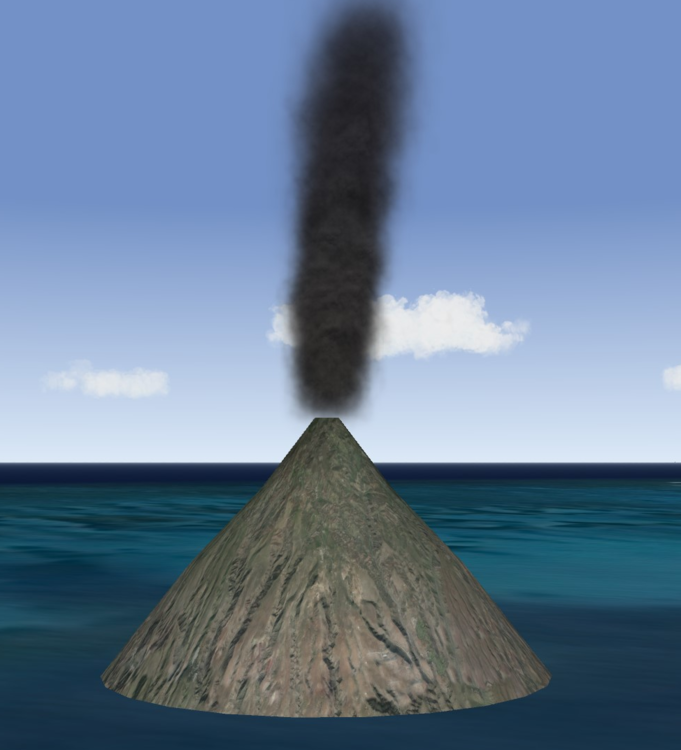
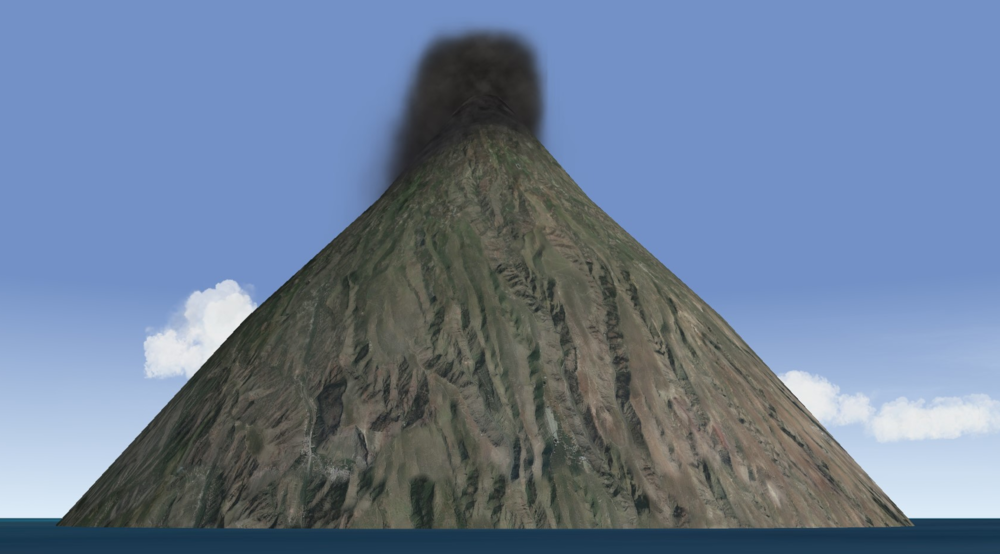
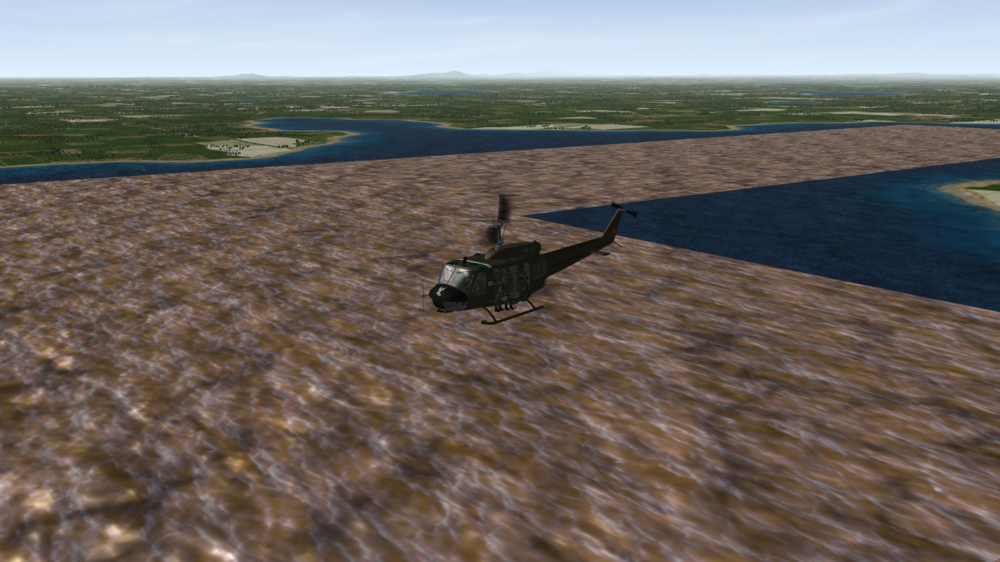
Took a looooong break from modding, but trying to find time and get back into it. Sure, it can be done - here are a few mock-ups for example with different styles. Obviously not sure about desired height of smoke plume color, thickness, etc. but this is just to demo one approach and prove of course that it can be done.
-
Terrible news indeed. Could not agree more with Wrench's comment, so sad and concerning...
-
GKABS, it has been quite some time since I've been around, but I saw your post and likewise wanted to comment. I am so terribly sorry for your loss - it sounds like it was a bitter struggle to the end and you have my deepest sympathy. I hope the wonderful memories of your brother during happier times will help you in your grieving and recovery process. Take care and may your healing come swift and more complete day by day. I know the entire community here will be thinking about you and welcoming you back with open arms when you are ready to return - here's to wishing you brighter days ahead.
-
OK, this was my last test using variety of different techniques, but glad you guys got if figured out - later!
-
Here is quick mock up in case it's helpful and I can always tweak it...maybe make it more murky and less clear? You know the deal Gep, PM me as needed.
-
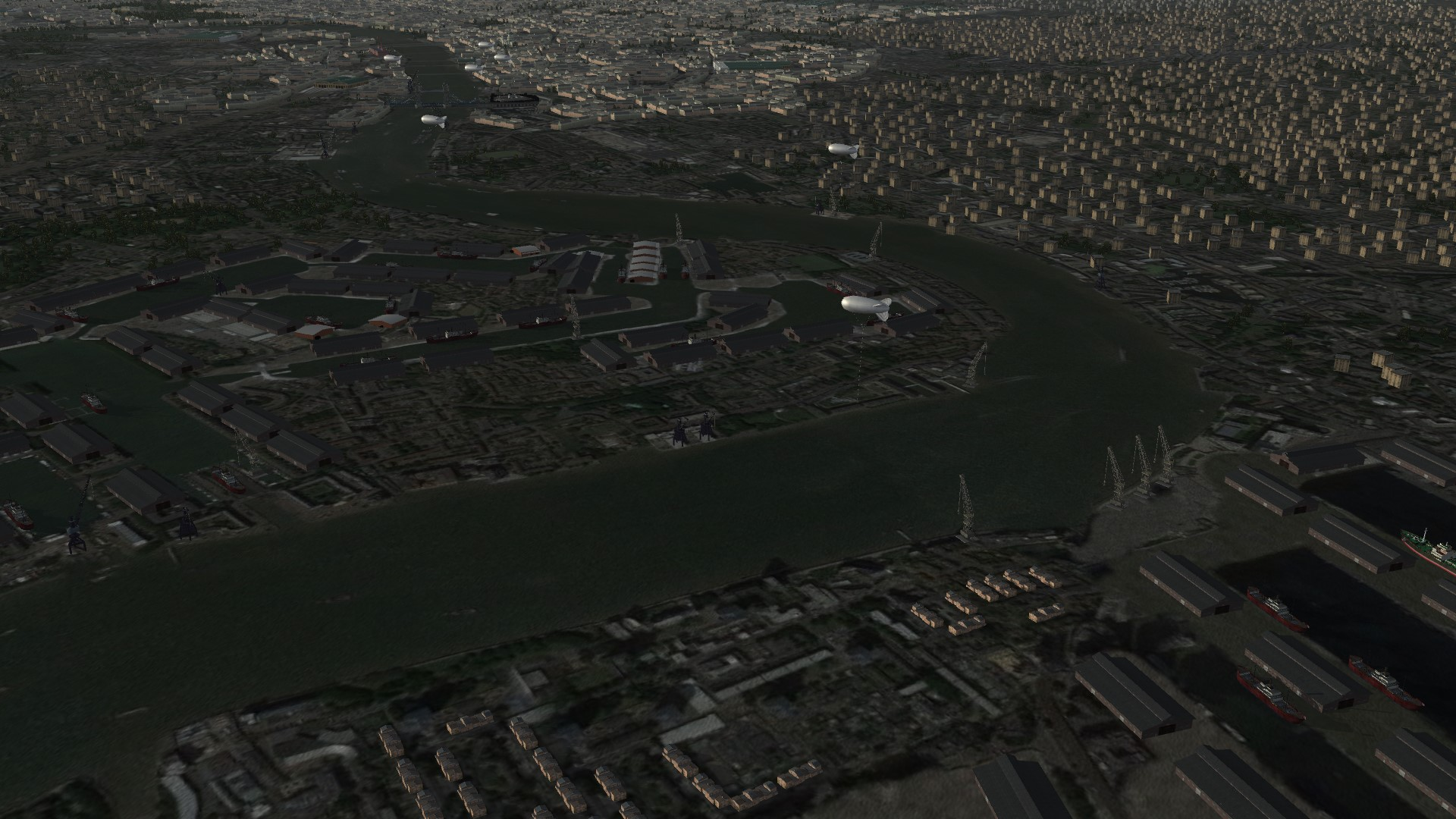
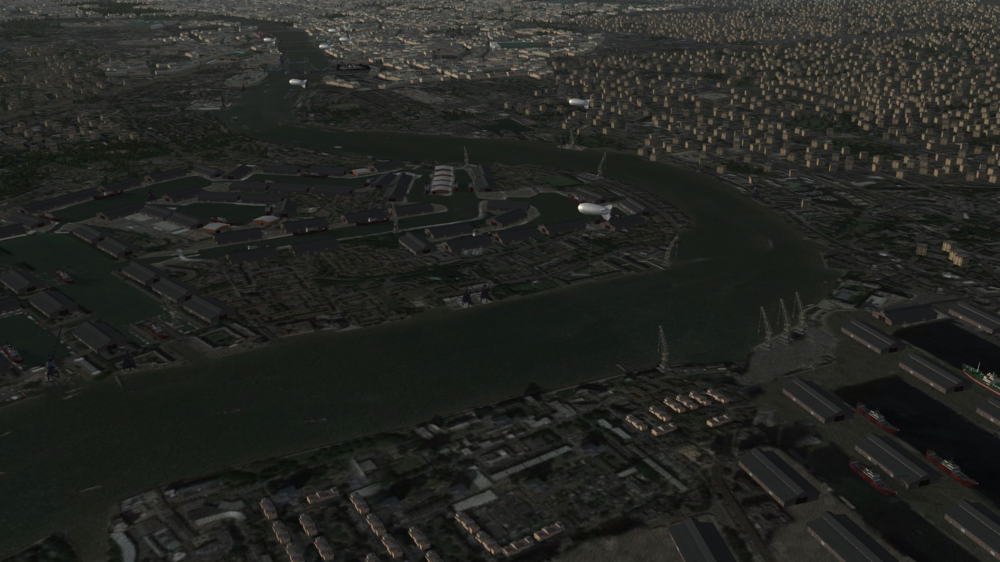
A variety of custom objects and texture upgrades for Gep's outstanding Battle of Britain terrain - subdued dreary look with custom cargo ships, barrage balloons, dock cranes, bridges, port warehouses, etc.
-
Hi Wrench, I'm in the exact same boat - not switching past Win7 either and my old rig has been running exceptional. I might suggest taking a look at FireFox: https://www.mozilla.org/en-US/firefox/new/
-
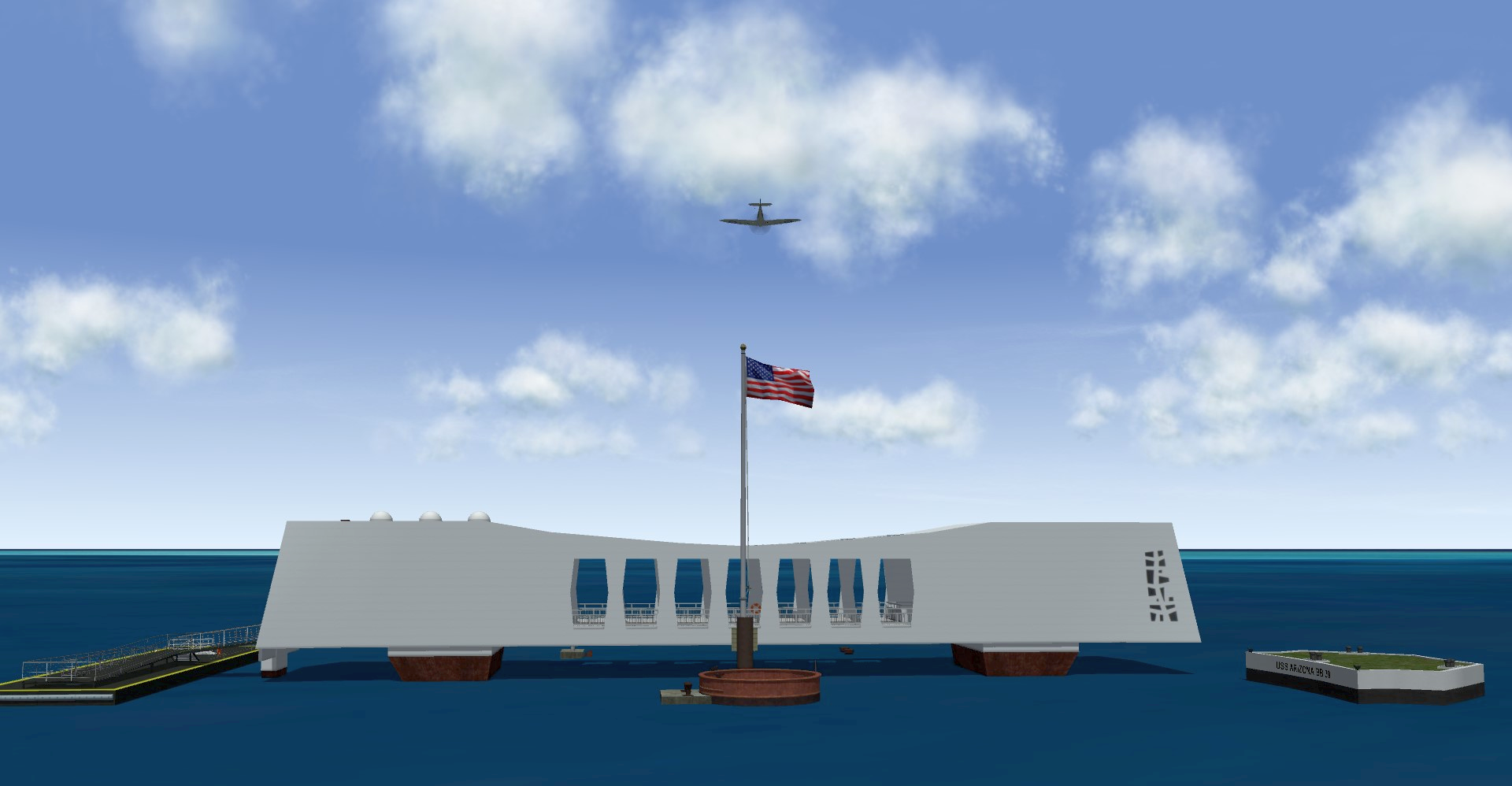
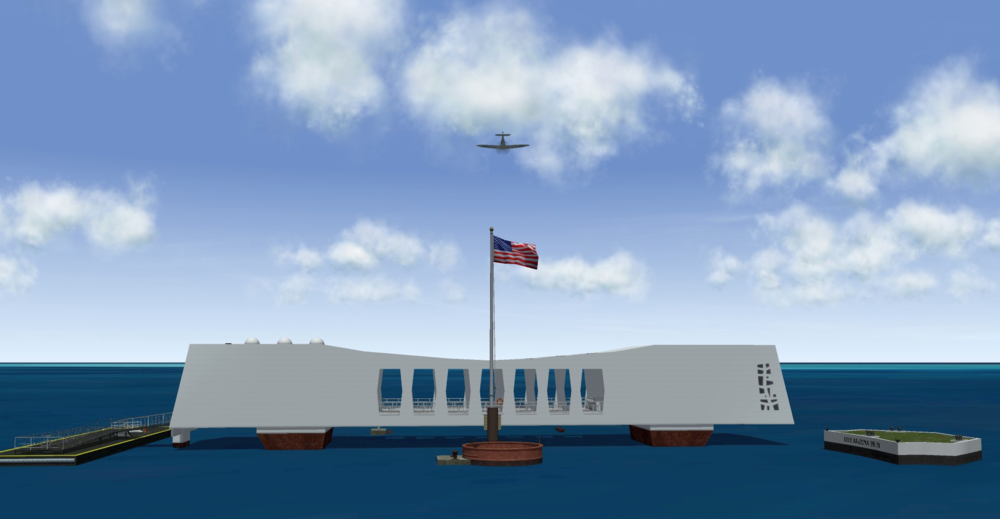
In honor of National Pearl Harbor Remembrance Day, December 7..."to remember and honor the 2,403 Americans who were killed in the Japanese surprise attack on Pearl Harbor in Hawaii on December 7, 1941, which led to the United States declaring war on Japan the next day and thus entering World War II." God Speed...
-
- 13
-
-
-
Not really a fan of the "modern jet era" - but have to take time out and say great job on that GKABS, it is looking really nice and keep up the good work!