russouk2004
-
Posts
5,278 -
Joined
-
Last visited
-
Days Won
148
Content Type
Profiles
Forums
Gallery
Downloads
Store
Everything posted by russouk2004
-
Ding Dong !....like it..
-
Did not give up on the modern jets
russouk2004 replied to Veltro2k's topic in Mods & Skinning Discussion
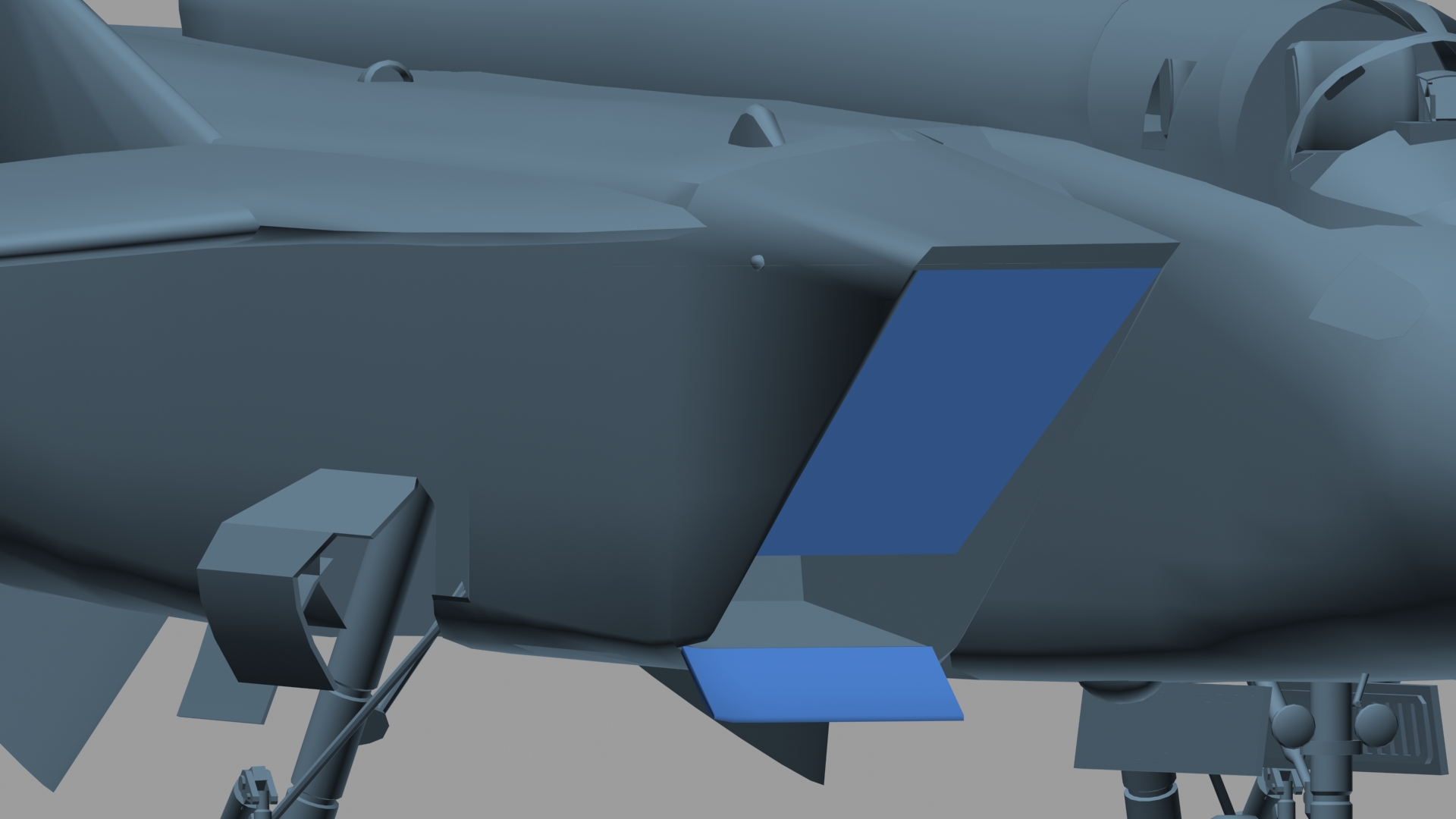
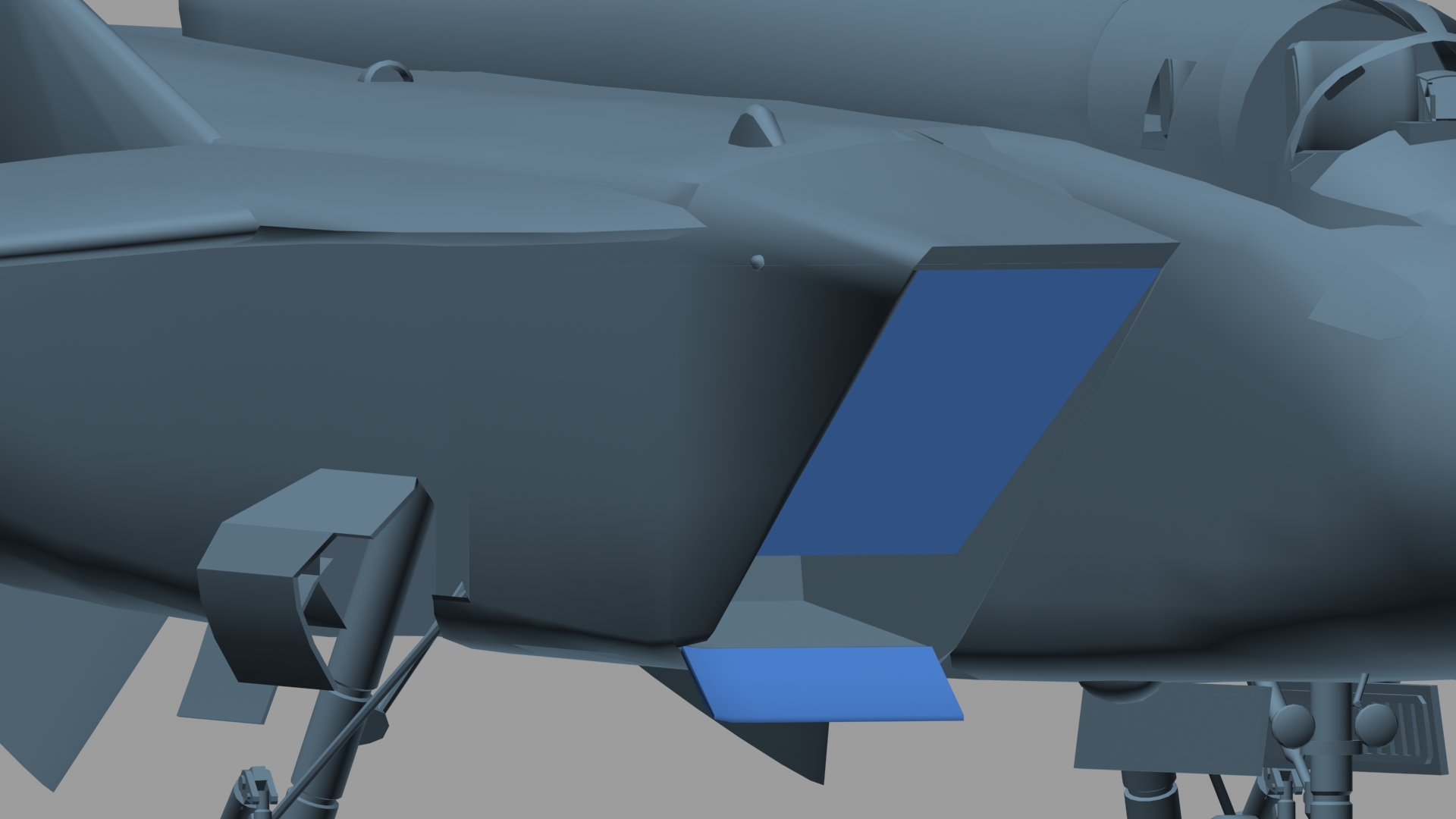
Lower door set as SystemType=HIGHLIFT_DEVICE DeploymentMethod=AUTOMATIC_MACH or...as its for landing....set to open with flaps intake doors are set with main gears anim when gears down,doors slightly open more or less as above...then close when gears up...or off ground,whichever is 1st -
Did not give up on the modern jets
russouk2004 replied to Veltro2k's topic in Mods & Skinning Discussion
Same as on the 29....large door stops ingestion of debris on taxitakoff lower is for extra volume of air into intakes on lowspeed approach... 2 blue meshes here ...urs looks ok...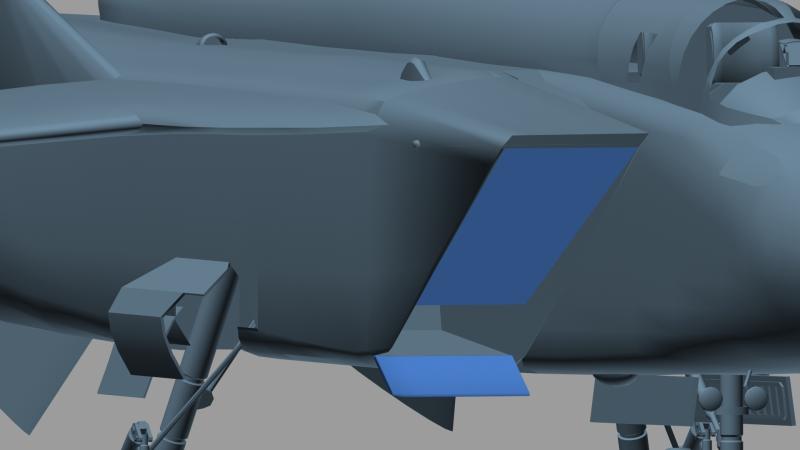
-
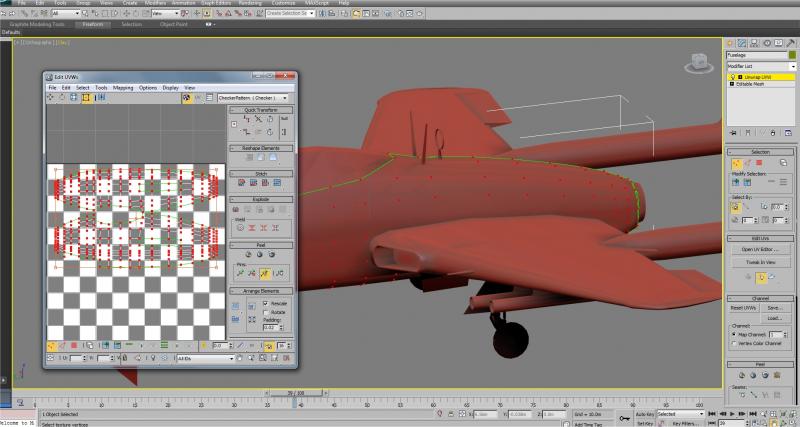
it can be the same...you can have the 2009 look ...but theres loads of nice new tools making work easier realistic realtime shadows is good not needed but looks good lol uvunwrap window for instance...quite a few extra tools... new mapping too called peel...which I aint fathomed properly yet..tho its similar to pelt.
-
post the files so we can try em?
-
Hmmm dunno what went wrong.. posted cockpit 7z files on the aircraft link at top .extract these files Cockpit folder and cockpit and avionics inis into the Mig29c folder and overwrite.
-
in data.ini,check engines for this line...should be same. NozzleAnimationID=9 as to GM display pg up ? keys cant remember now..
-
you need max 9 still...but 2013 saves as max file backwards compatible...may use it as new tools help make stuff quicker to do.
-
Did not give up on the modern jets
russouk2004 replied to Veltro2k's topic in Mods & Skinning Discussion
more or less the same ... -
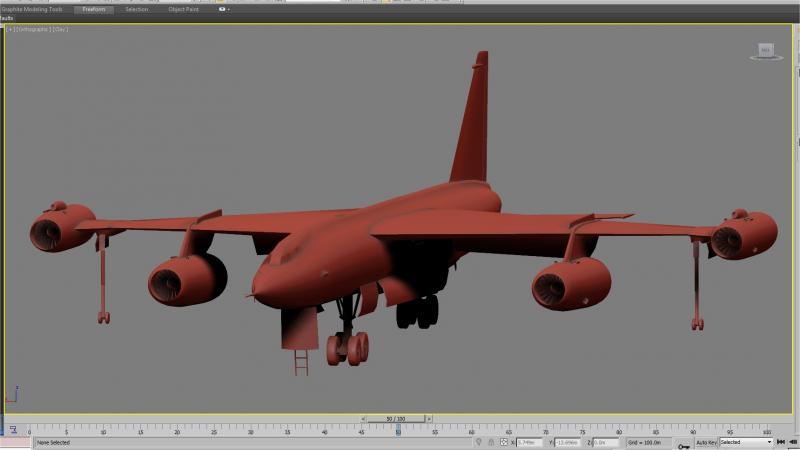
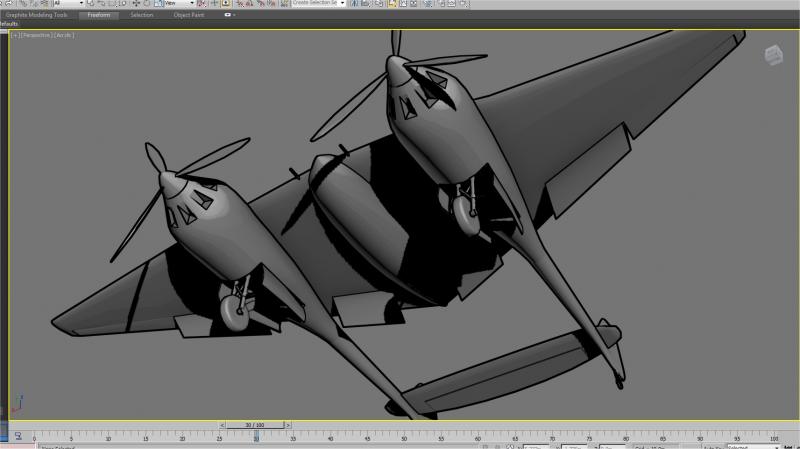
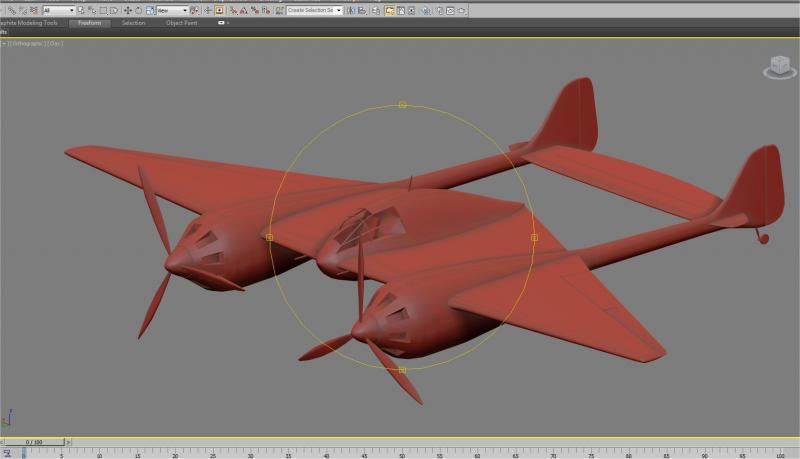
well,nearly the latest..max 2013.loving the new effects and tools
-
Did not give up on the modern jets
russouk2004 replied to Veltro2k's topic in Mods & Skinning Discussion
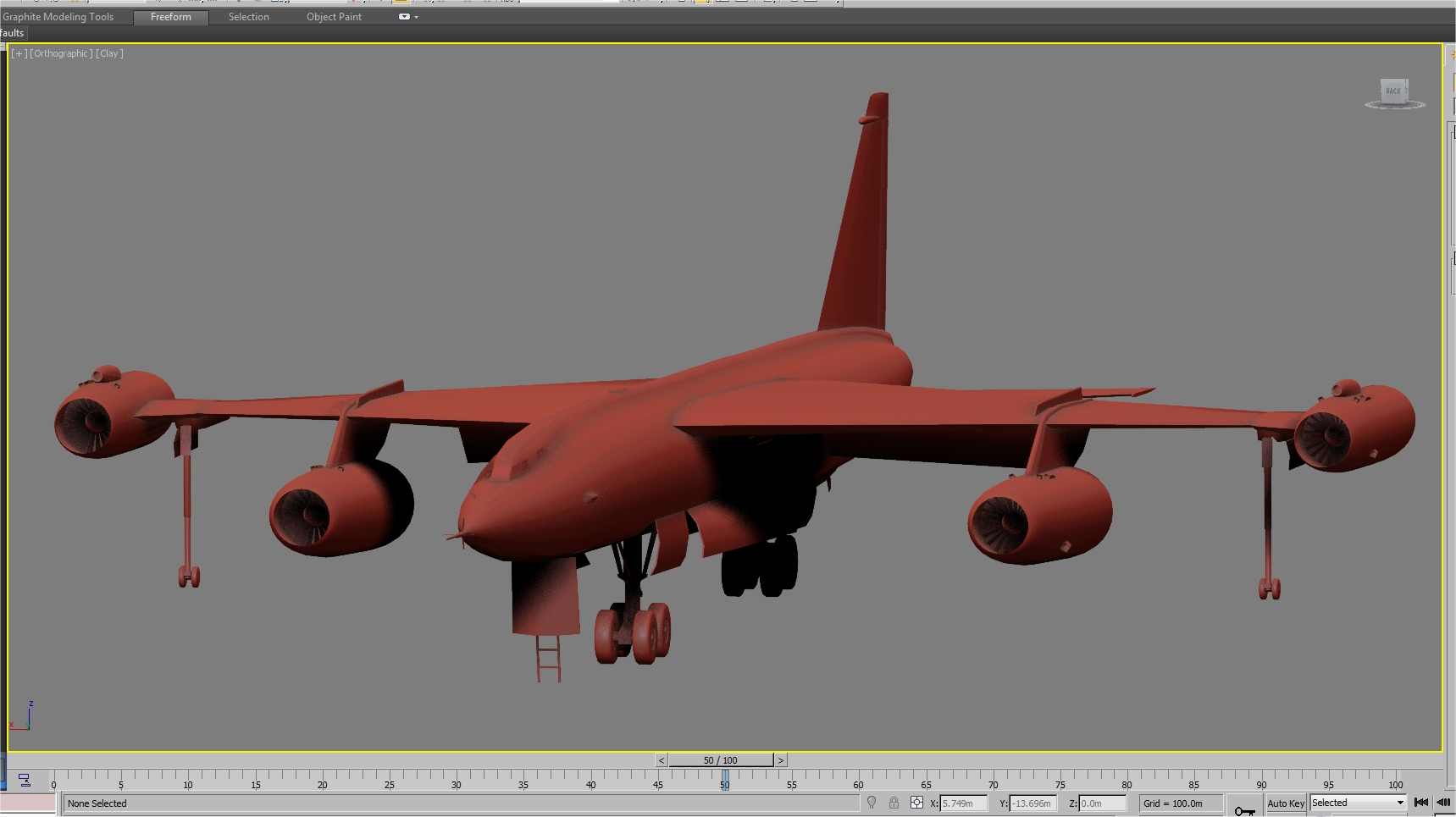
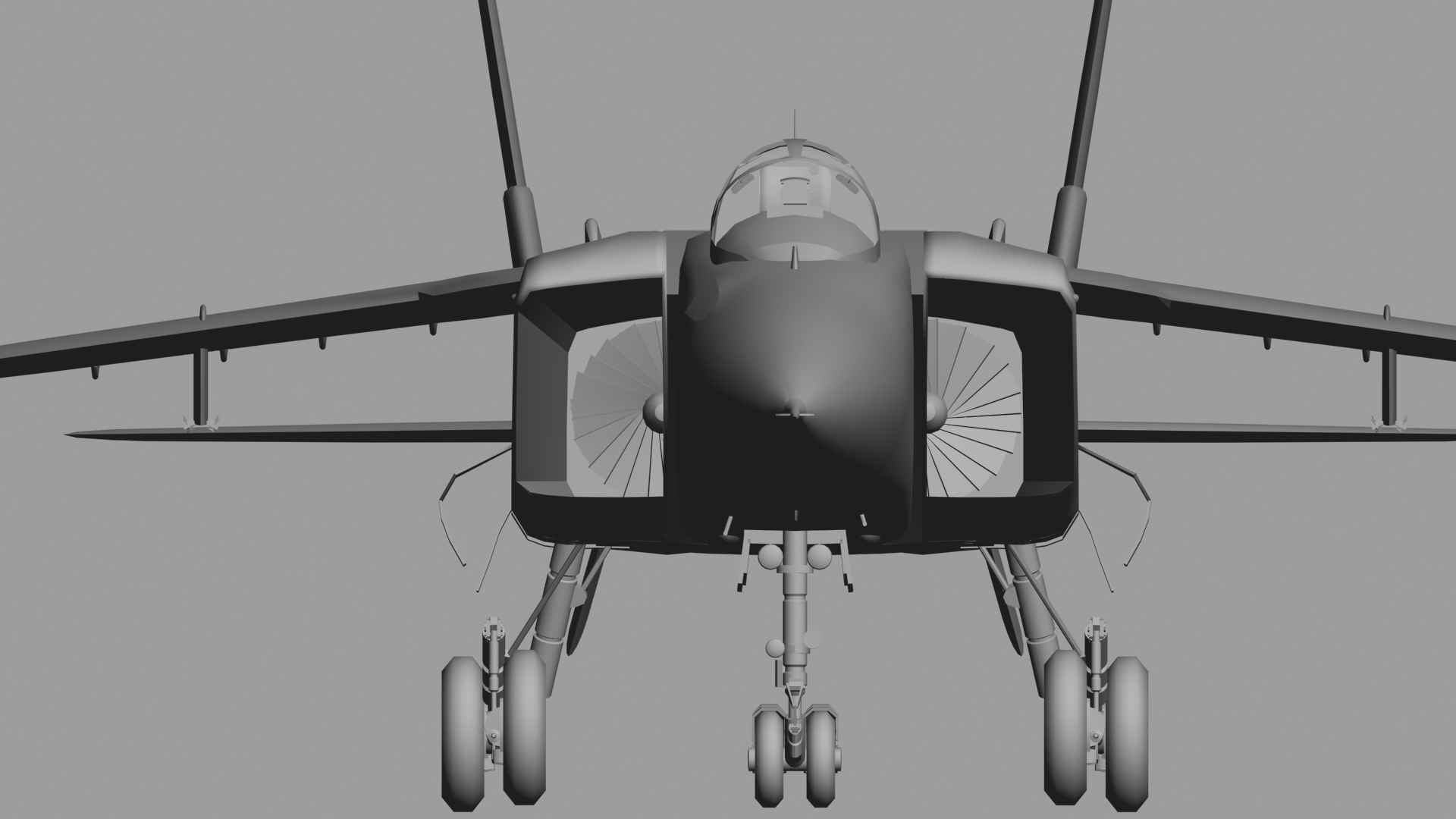
here you go...engine placement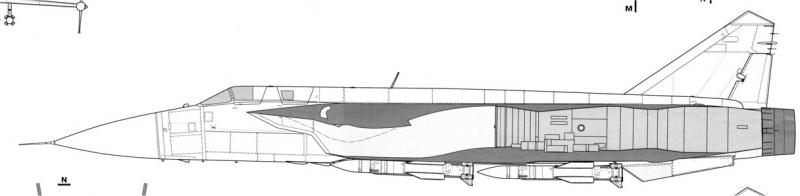
-
Did not give up on the modern jets
russouk2004 replied to Veltro2k's topic in Mods & Skinning Discussion
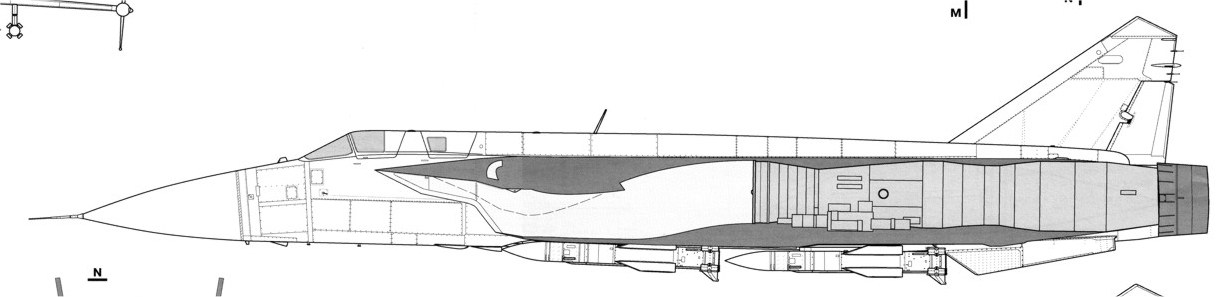
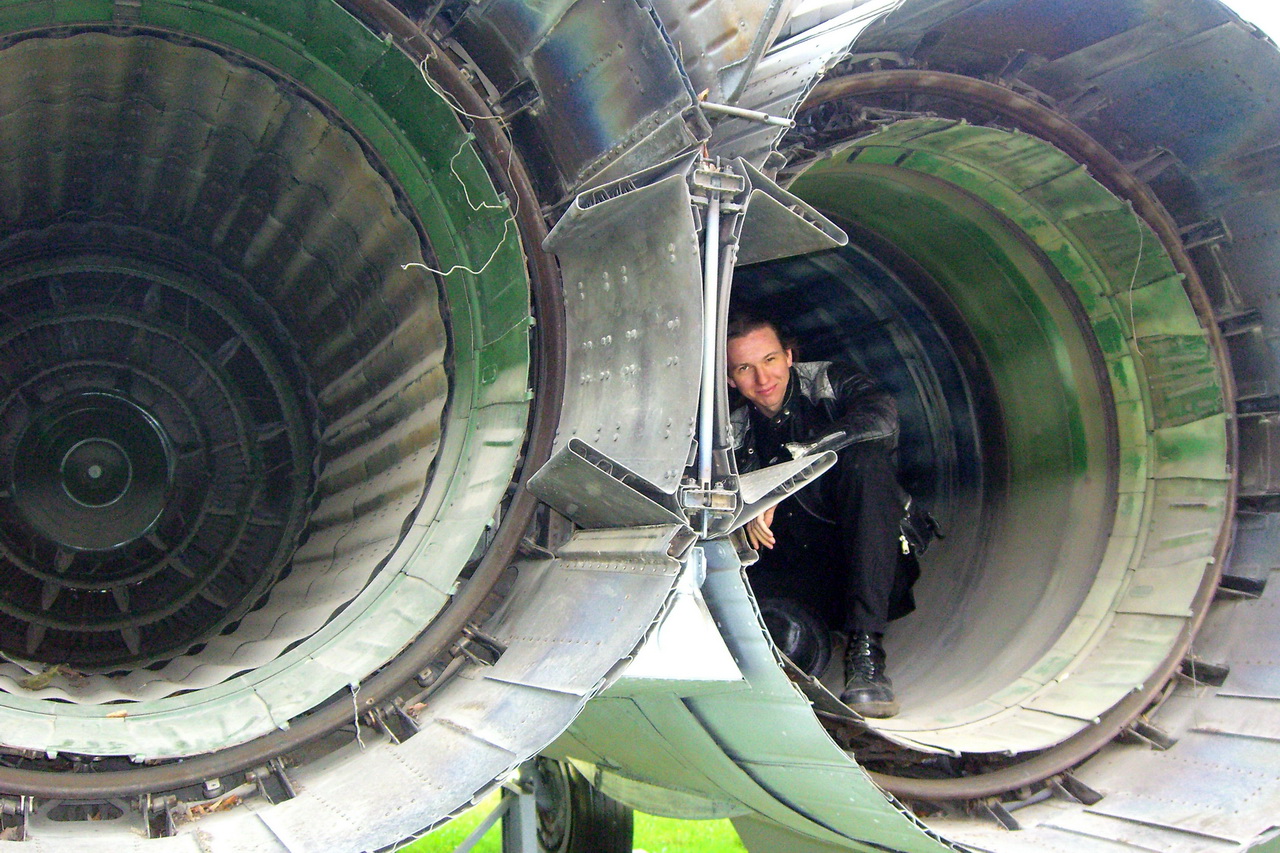
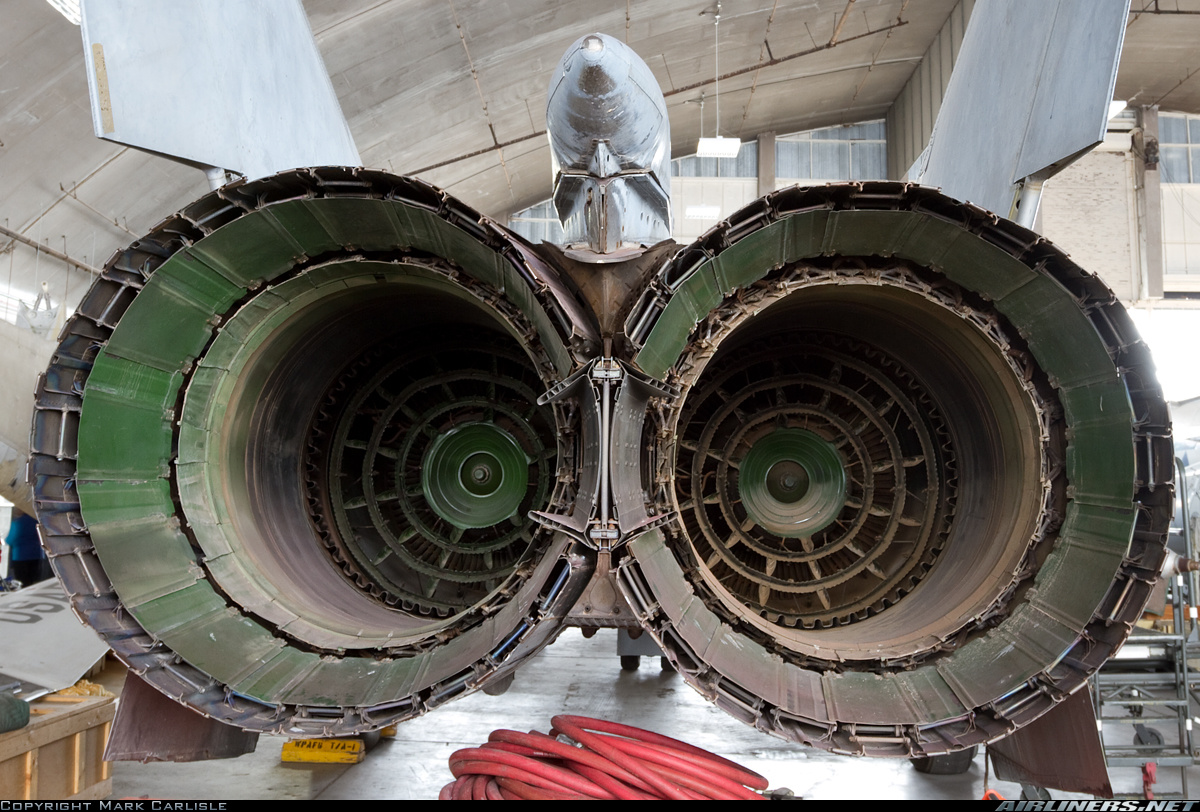
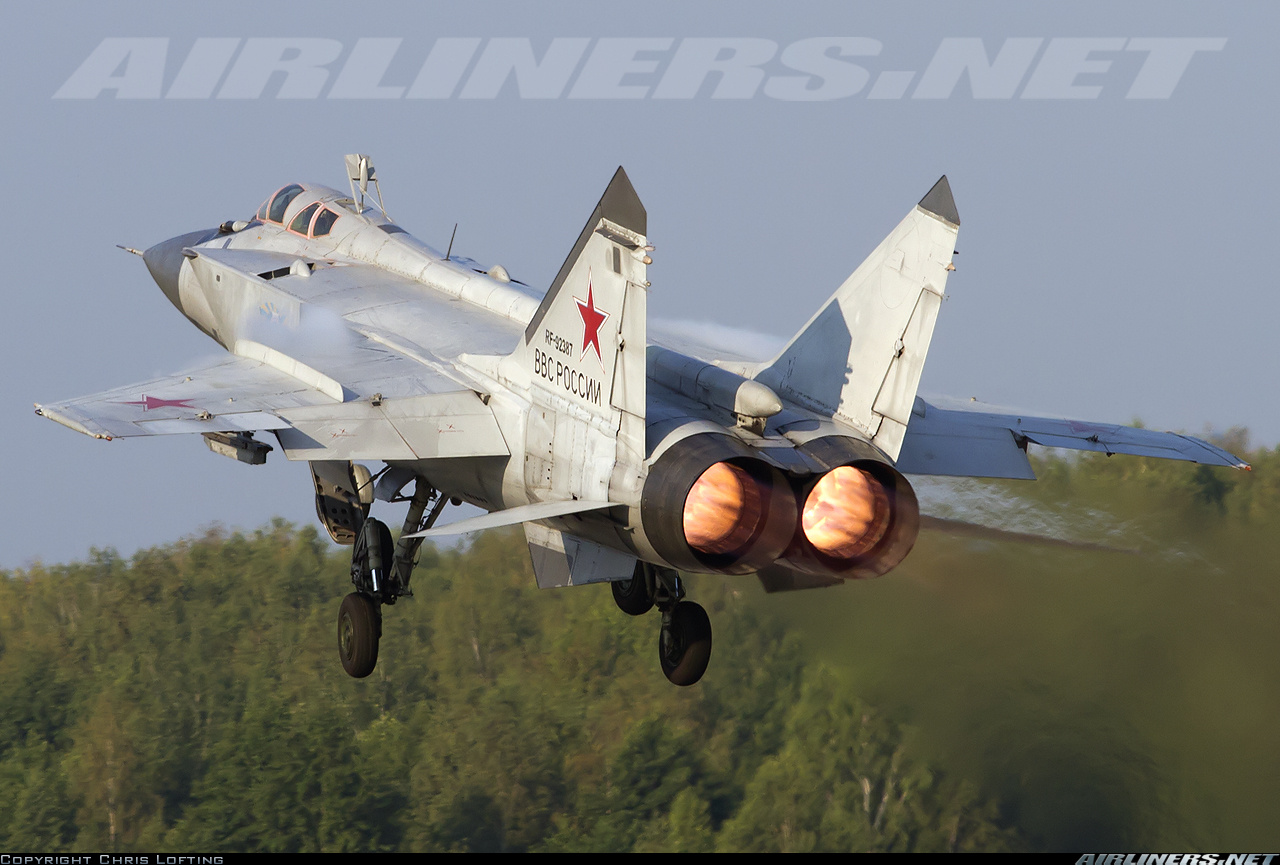
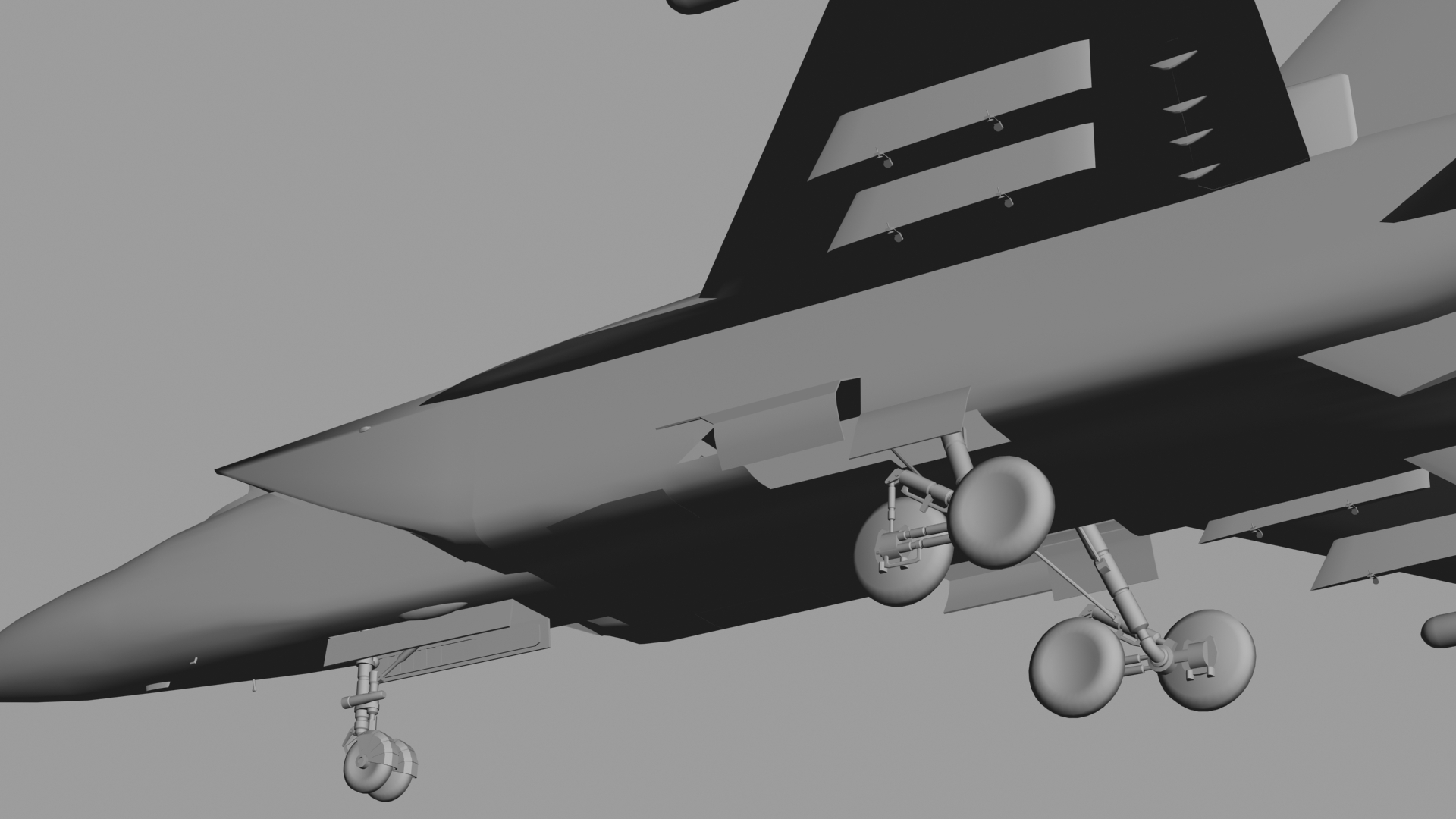
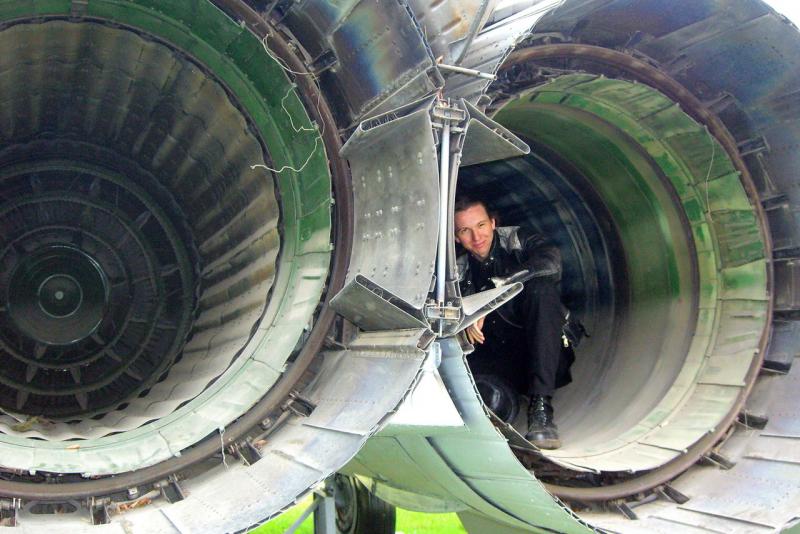
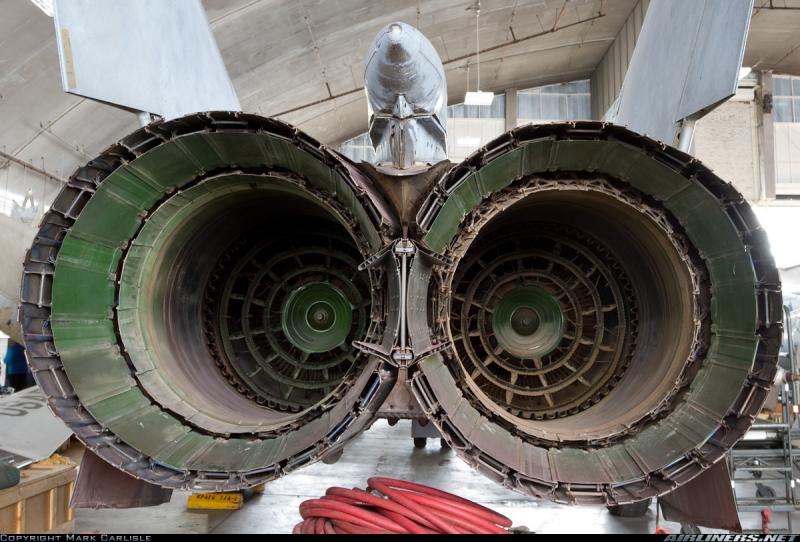
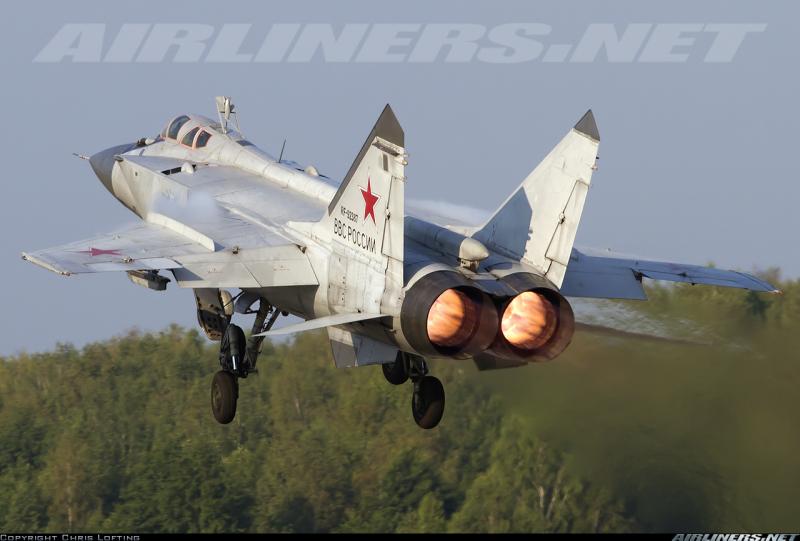
For airbrake\gear door problem....for a\b anim...create an invisible box etc...use box for animation as parent for a\b,and then for the box, link to whatever the a\b was linked to...then in ini use the name of the box...so it operates independent of gear door as required. I had to use that method for a gear shock anim as it used same parts for 2 animations,that way u get them to act as seperate anims or together if u have trouble...send me the max file and i ll set it up for you.. not sure but I think you left out intake doors for anti debris ingestion and extra intake of air for landind at slow speeds...see pice below.31 has them..im sure the 25 had them too.. mig 31 nozzles completely different.for the ..outer petals gone...its one single outer cover, for the 25 they removed petals where nozzles met to aid them opening fully,and fitted an insert...see here below 2 pics mig25 burners,last pic mig31 with all in one outer covers.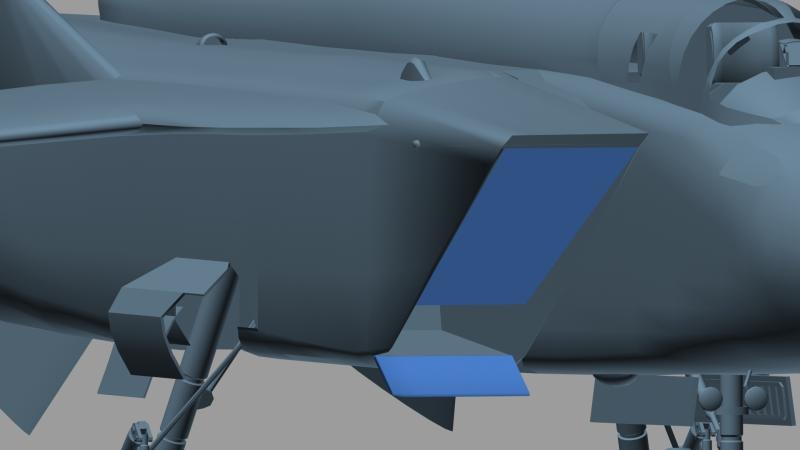
-
aye it is going to be a disc,as I normally do...bump mapping will give it the 3d look I need..
-
v good amariani,ur starting to get the hang of stang skins now eh?...lol
-
needs more detail to burners etc,and temp wheels...more screens tomorrow
-
Evaluation paint jobs were unique,and solely for testing of a\c and best suited for photographic studies of a\c being tested..etc etc
-
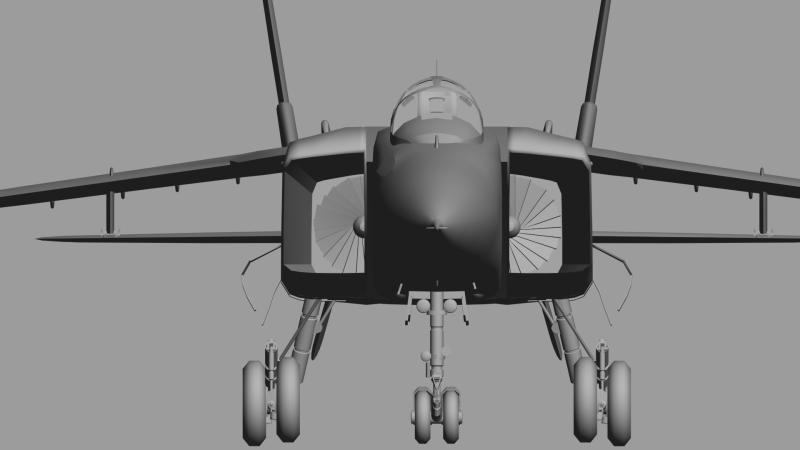
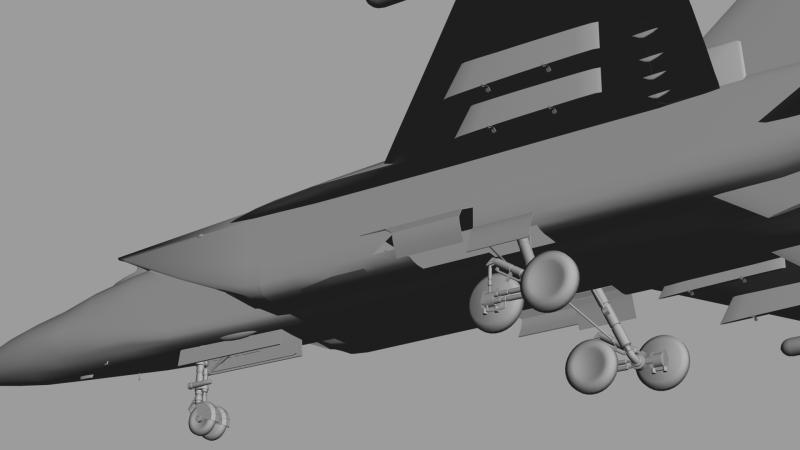
pc not accesible ...so working on getting this game ready...as we have the 25 ps...as to when ready?...not for ages so dont ask... lol
-
IIAF / IRIAF "Asia Minor" color code problems
russouk2004 replied to Centurion-1's topic in Mods & Skinning Discussion
I find game does that to correct colours,thats why I lower mine...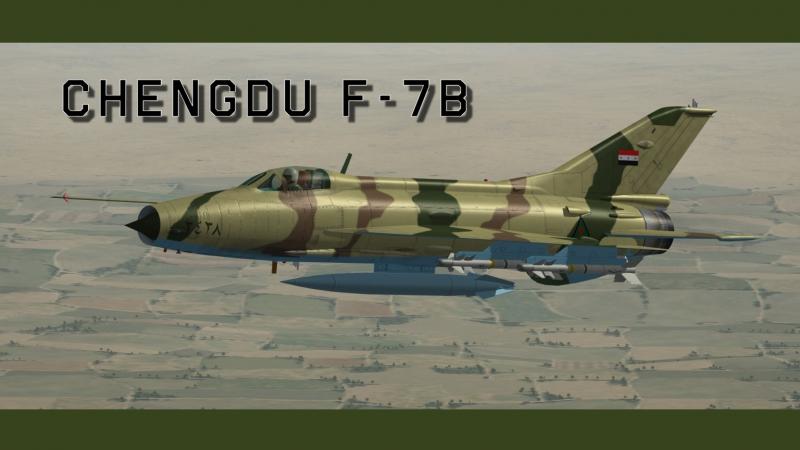
-
are some parts tga`s? like cable on top left of nav seat?
-
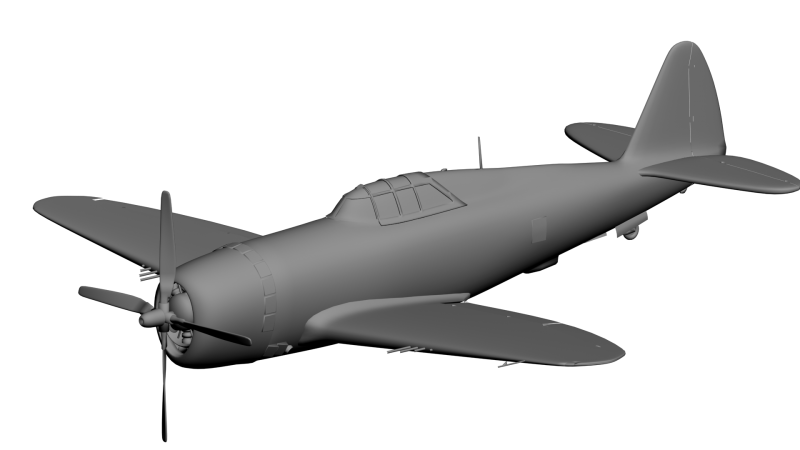
dont forget this
-
I`ll finish modding N to D after hawks done.
-
I know the book you mean...search found nowt
-
look better on download\buy page..
-
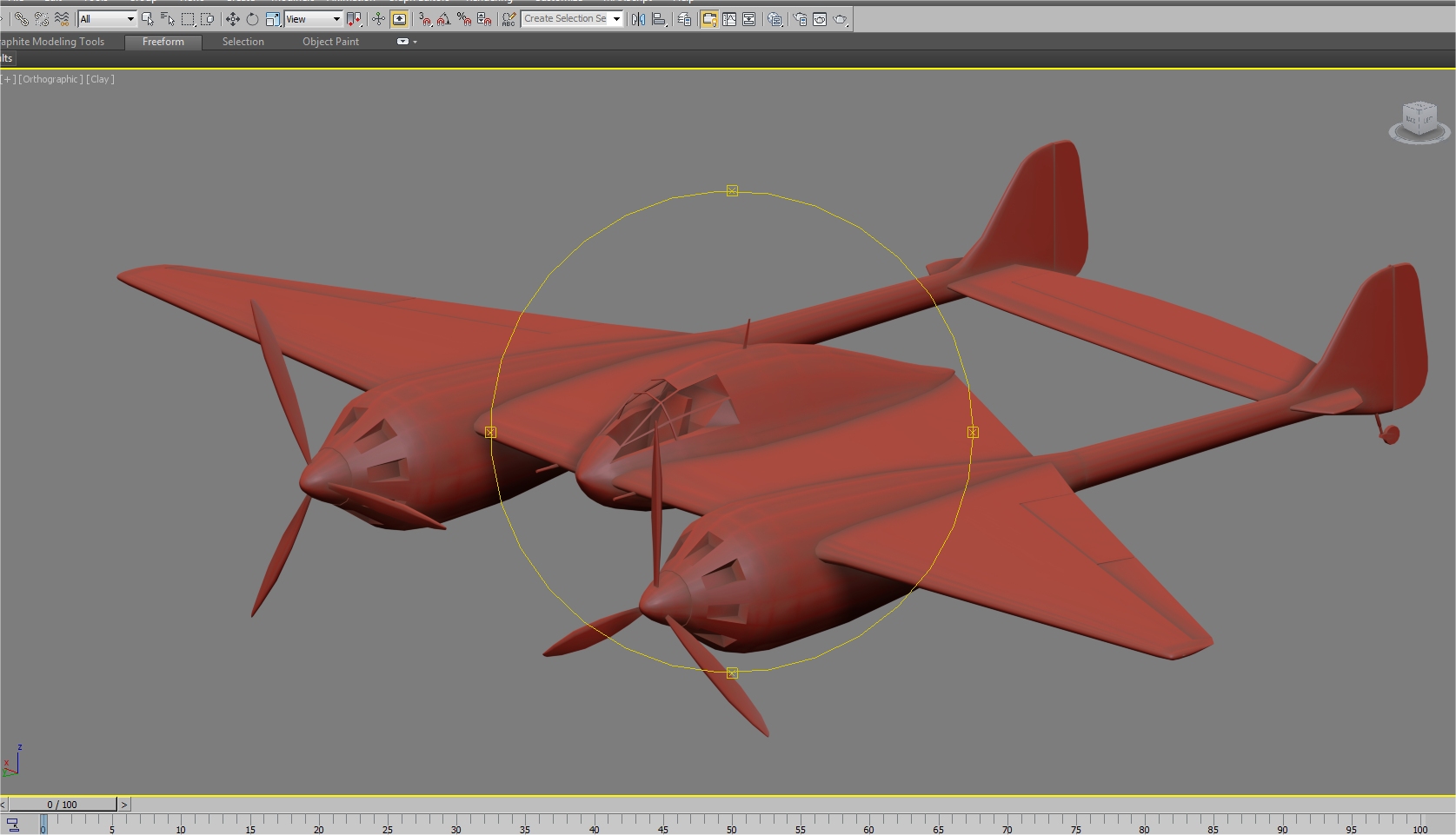
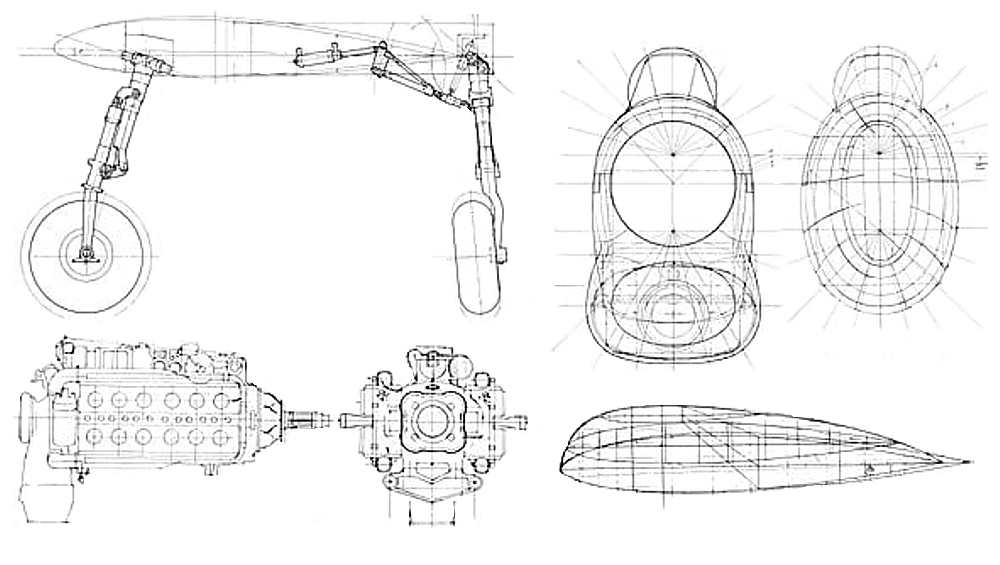
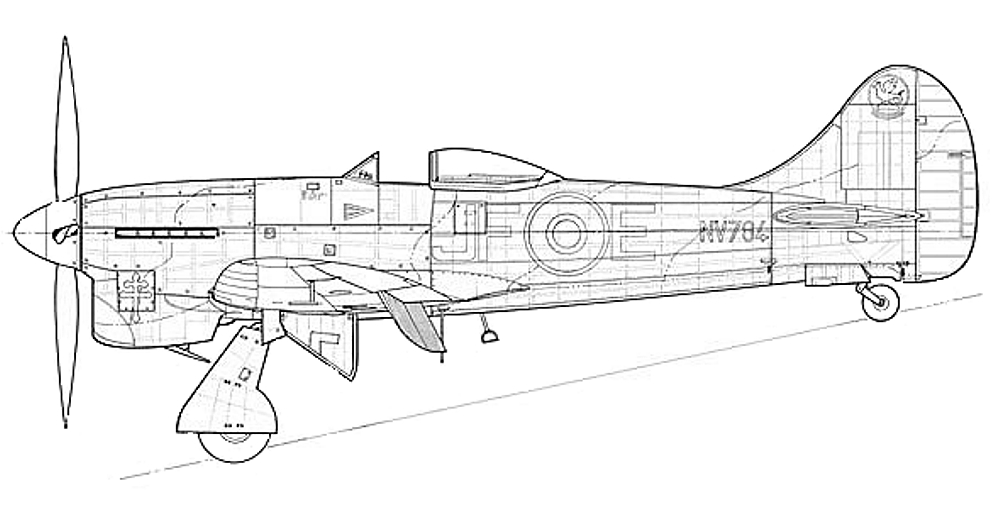
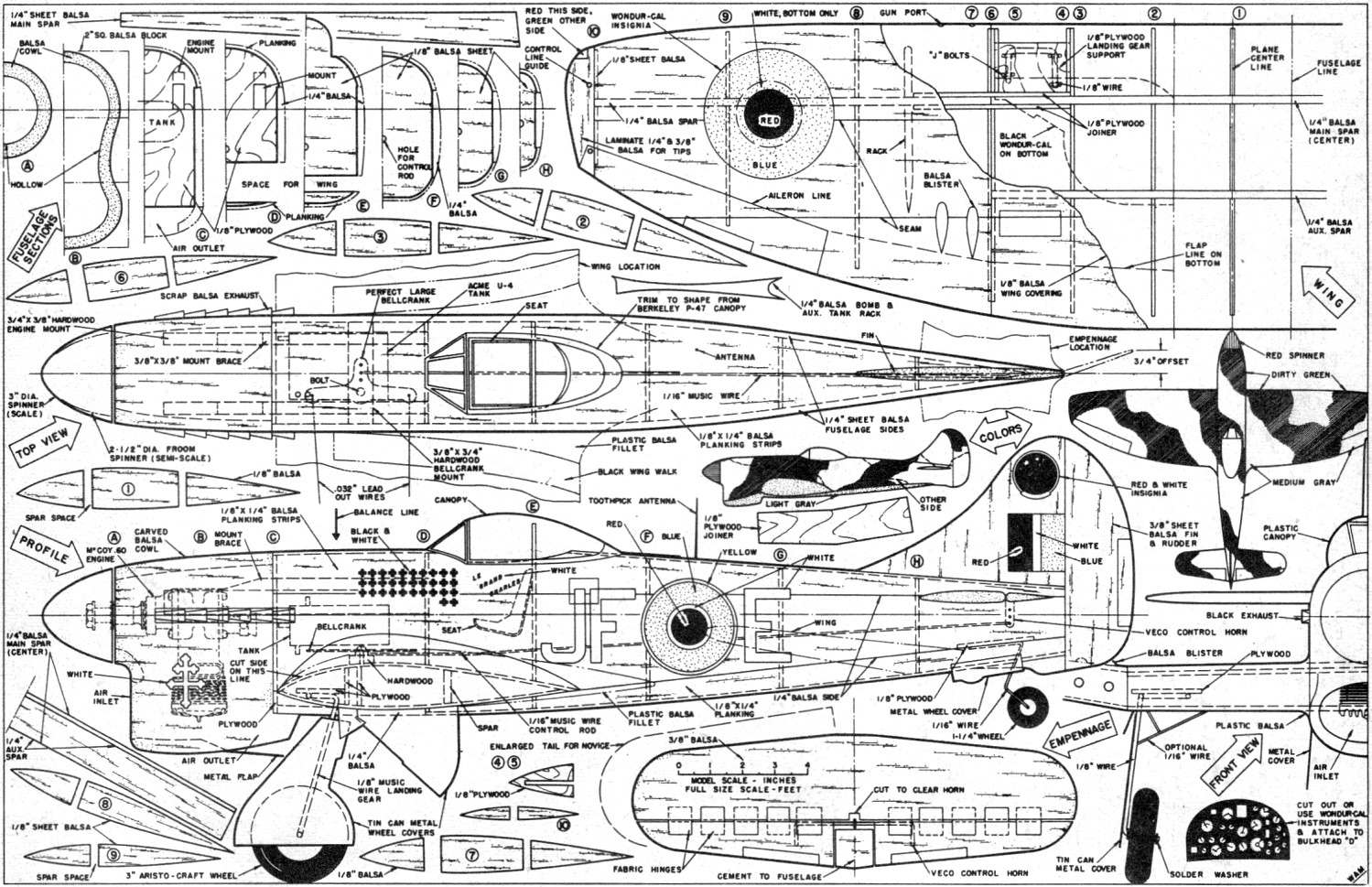
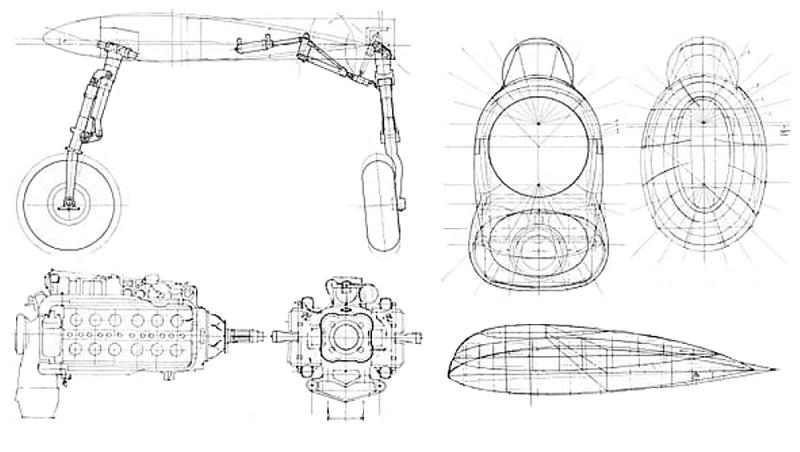
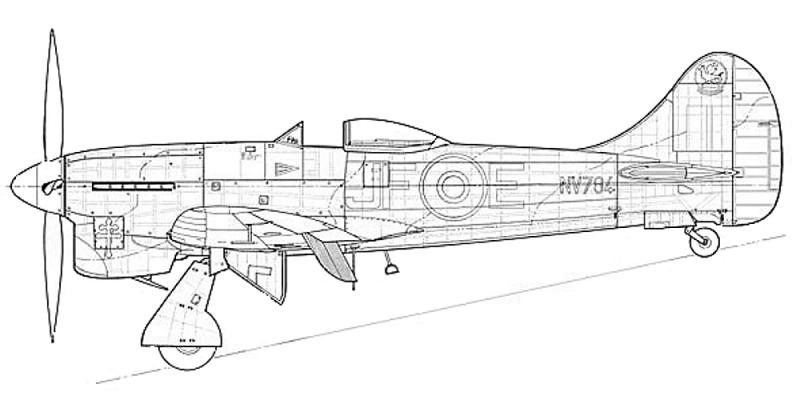
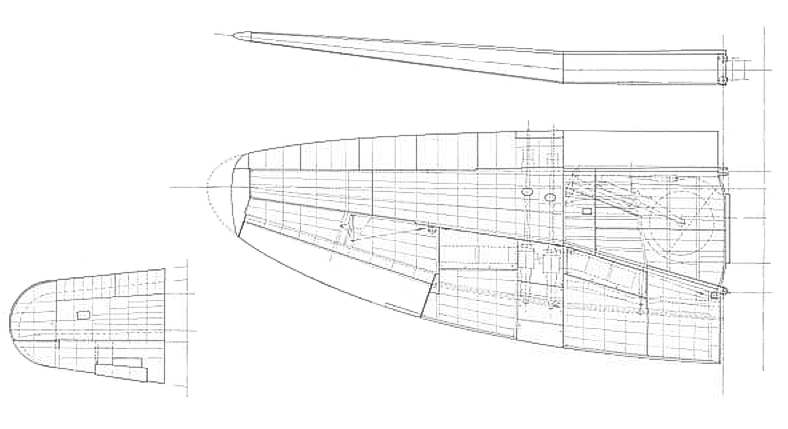
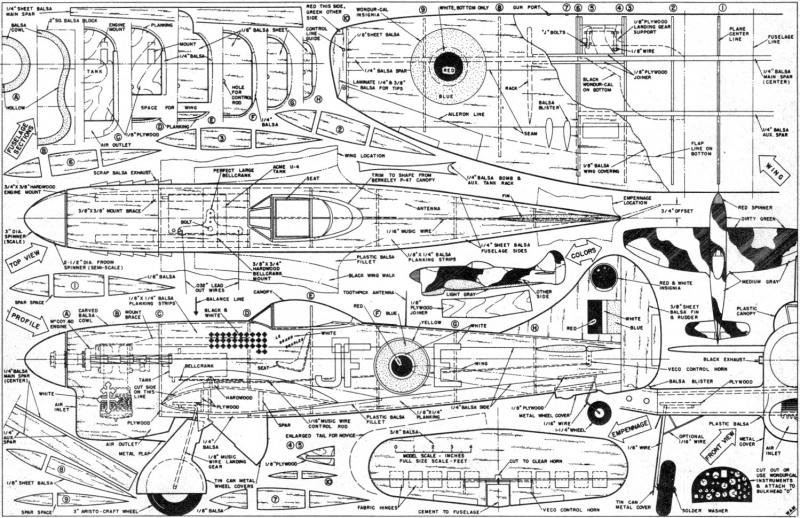
you need better plans...heres a few...last one is balsa model plans taken from real blueprints.
-
wrench did an extensive how to in the KB....regarding ww2 installs.. there are a few in the download sections under total mods for era specific terrains a\c etc etc. btw...regarding harrier temps...aint found em yet will keep looking