
gerwin
-
Posts
831 -
Joined
-
Last visited
-
Days Won
9
Content Type
Profiles
Forums
Gallery
Downloads
Store
Everything posted by gerwin
-
try "refuel"
-
Excellent DLC! Previous DLC's where things I had to consider first, but this one is a no brainer, If only because of the S-99 and S-199. I read the S-99 is externally the same as a Messerschmitt Bf 109G. That makes for some nice skinning opportunities.
-
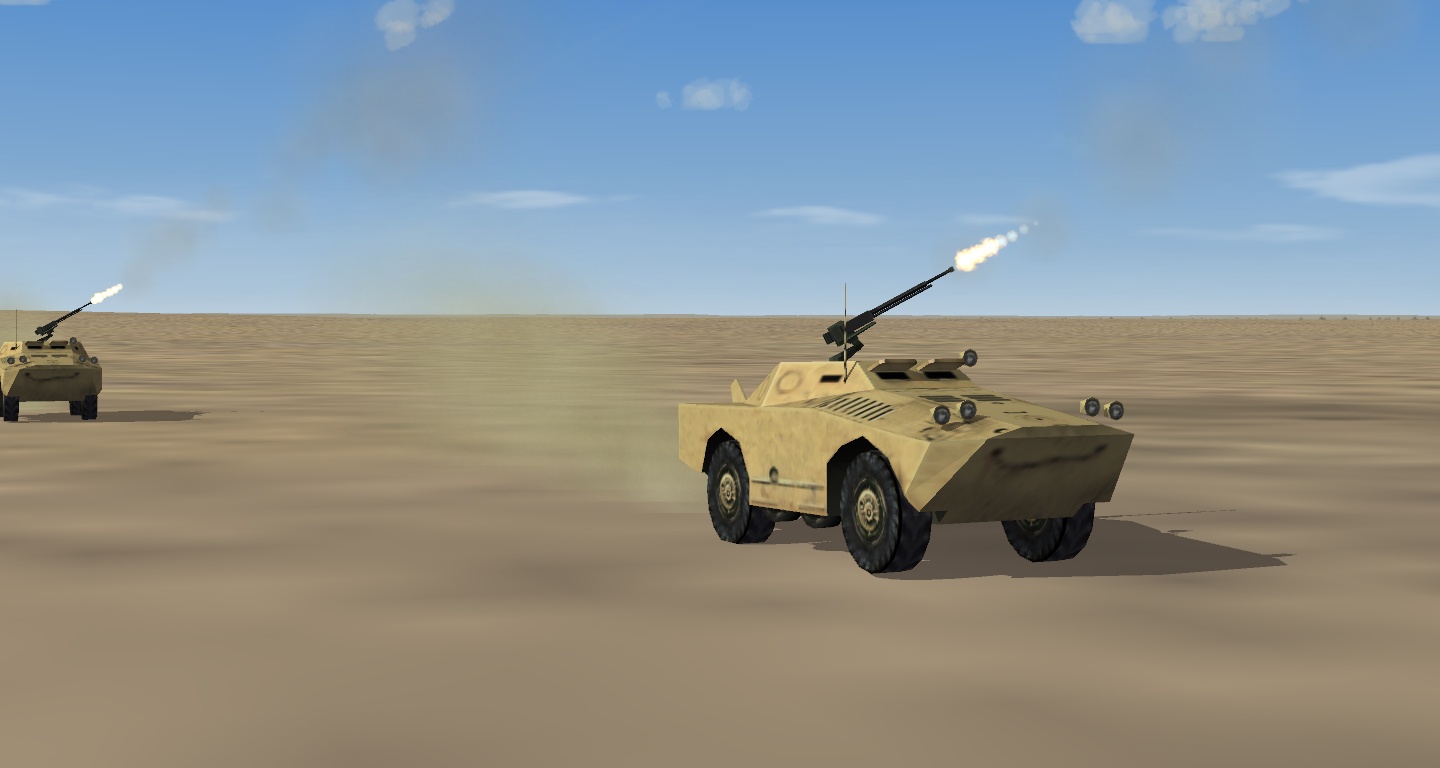
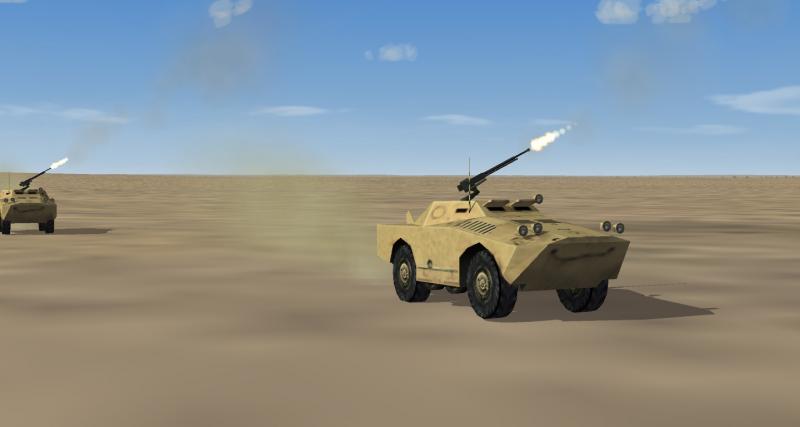
Oops, SA-9 of course. wrote it right all the other times. Edit, uploaded a slightly newer version. Missile must be set as visible in the data.ini, otherwise it never fires. PS. I noticed that setting it as static_AAA may be preferable, as otherwise you end op with like 50% ZU-23 gun sites in the later years (1983+). As if 50% of the locations are assigned to static_AAA and 50% to mobile_AAA. not sure...
-
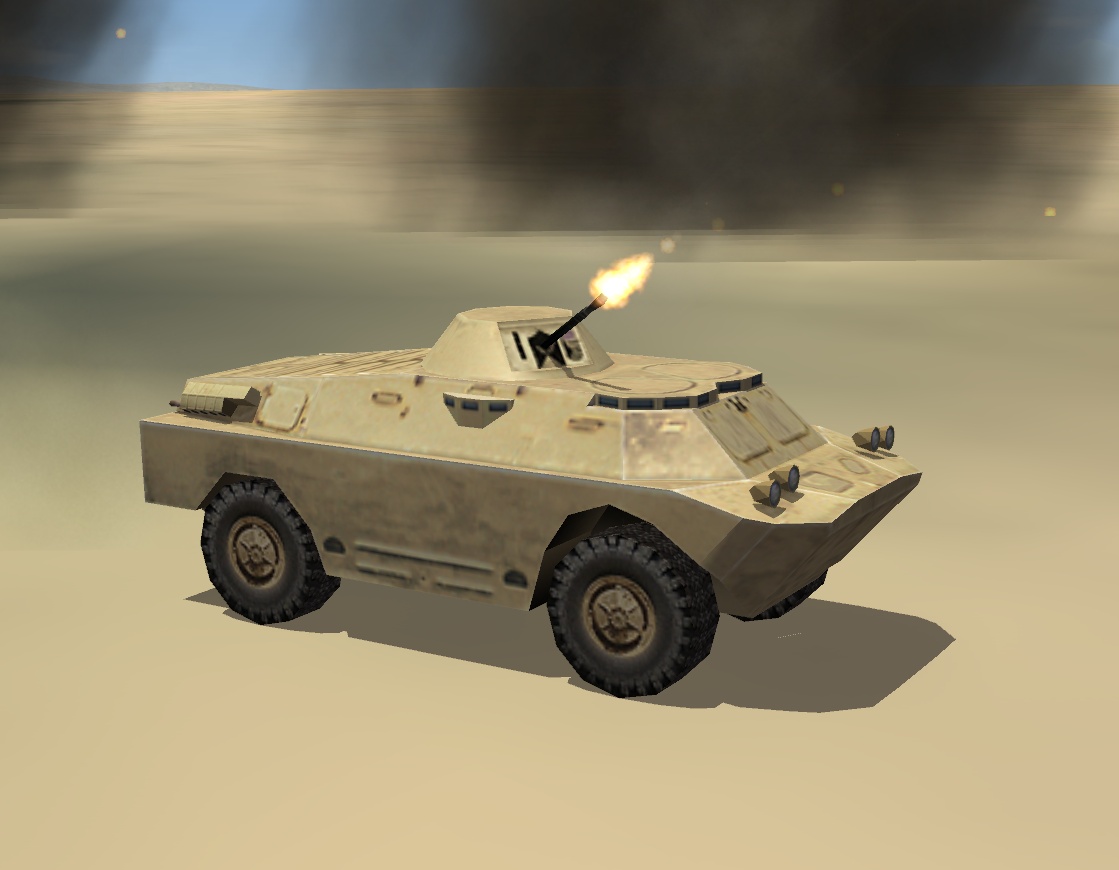
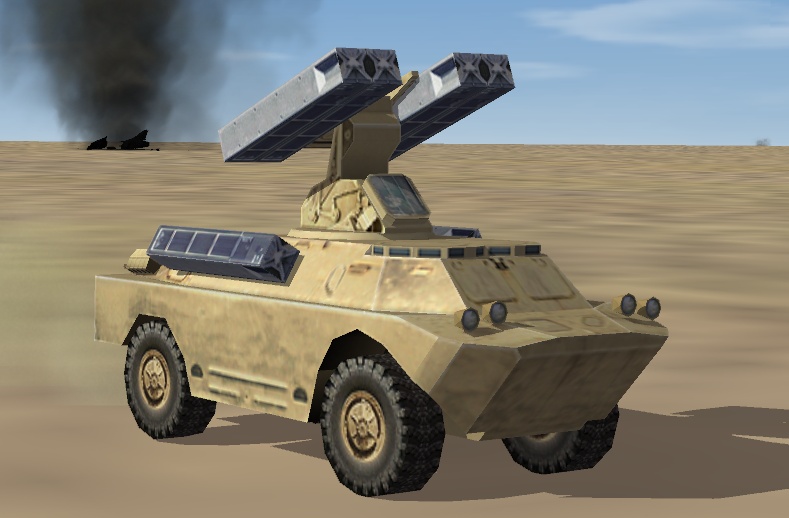
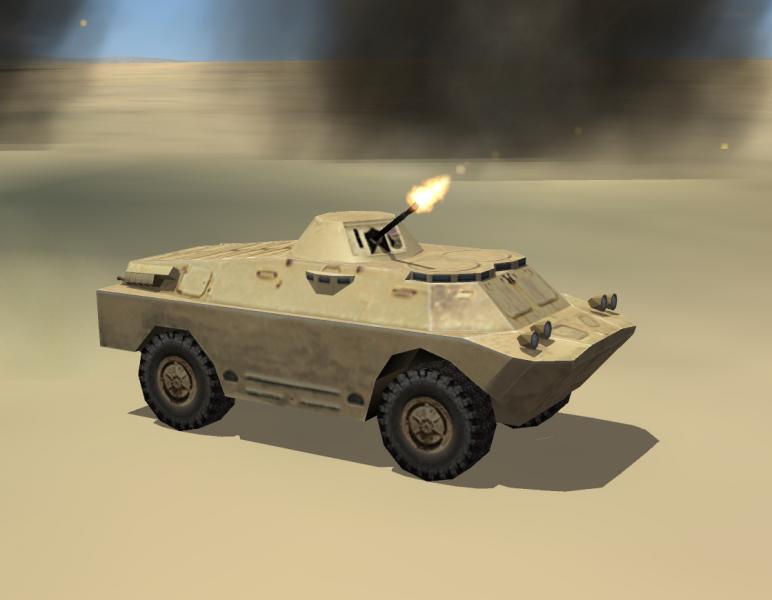
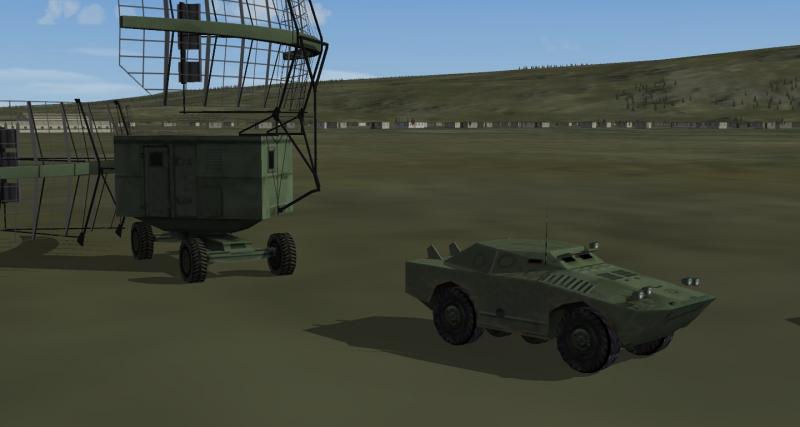
Of course the BRDM-2 model had to lead to its SAM cousin, the SA-6 SA-9 Launcher. Beta release is up. Edit, updated image.
-
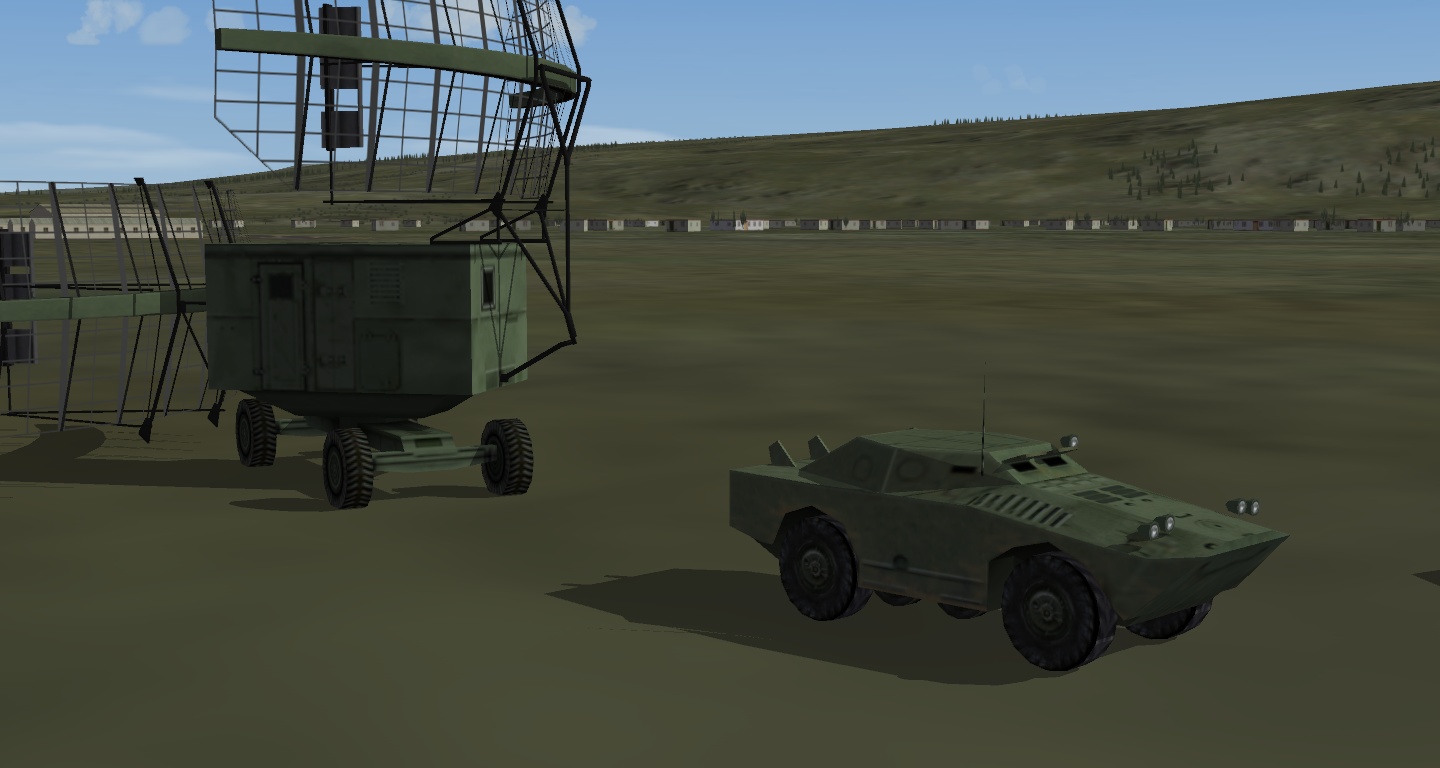
In te past evenings I worked on a BRDM-2 mod. With the nose of this soviet recon car shaped properly. A beta version of the BRDM-2 is available on my site, it comes with a tan texture only.
-
I installed the one from NF4 plus only yesterday. Seems like a fine model, I like it a lot. As it is, the su-25 is crucial for the 1980's red side. otherwise it is just the stock MiG-27 doing all the ground pouning. When it is time, I hope you will add some distance lods too, or allow me to make them for you.
-
Alternate TFD Terrain Tilemap editor/viewer
gerwin replied to gerwin's topic in Mods & Skinning Discussion
don't know what went wrong there...neither can i figure why v0.87 would fix it. Only very old versions have problems with large tiles, new versions are fine. if the problem comes back let me know. -
Alternate TFD Terrain Tilemap editor/viewer
gerwin replied to gerwin's topic in Mods & Skinning Discussion
Good to hear that! I added a little visual feedback regarding the mouse-selected coordinate in v0.87. -
Does it really work in Vista/7? I suppose This was the problem (wikipedia): That was also the time that microsoft came with DX10, and did not include it in XP. Generally user data was no longer allowed outside the my documents folder. Then I remember MS suggesting all text files needed to be unicode text. So there was SF2 I guess.
-
Alternate TFD Terrain Tilemap editor/viewer
gerwin replied to gerwin's topic in Mods & Skinning Discussion
Uploaded a new version v0.86 - Drag with left mouse button pressed from point 1 to point 2: copy mouse coordinates of point 1 relative to point 2 to the windows clipboard. The most simple idea I could come up with for pointing out target locations (point 1) relative to their target area origin (point 2). Beware though that the Target[001].Heading of a runway may complicate matters, as they displace all targets of a certain Airfield. - Right mouse button copies global coordinates like ctrl+C already did. - Mouse wheel controls the zoom level. - Target areas datastructure enlarged to 768 areas. - Movement routes are shown as lines, the labels show 'G', 'T' and 'S' for the three types of routes. - Target area radius is shown (edit, made this optional).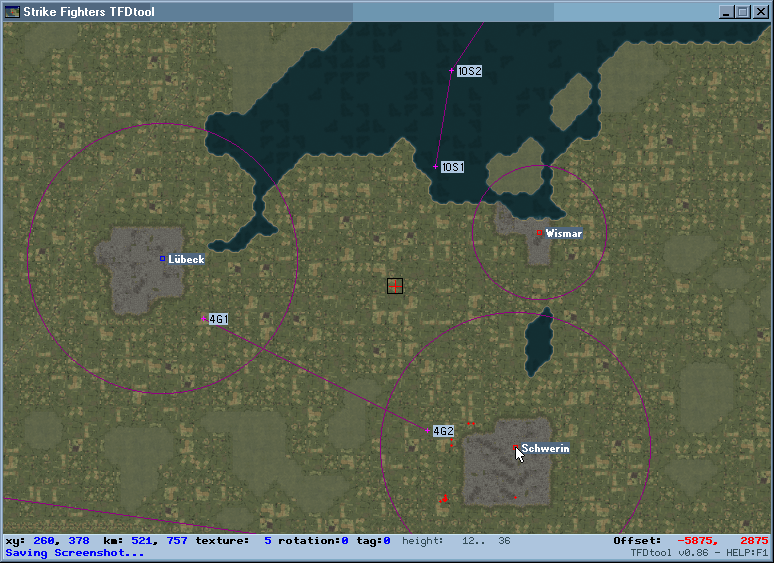
-
Alternate TFD Terrain Tilemap editor/viewer
gerwin replied to gerwin's topic in Mods & Skinning Discussion
Uploaded a new version v0.85 - copy mouse coordinates to clipboard - shows the 'movement routes' points (reload with left-shift + M) - provided the necessary palette colours in exported water maps for friendly (green) and enemy (yellow) naval zones. - planning map output can be adjusted through settings in TFDtool.ini I disabled modifying the 'Tag value' by default, as usually it is toggled by accident. -
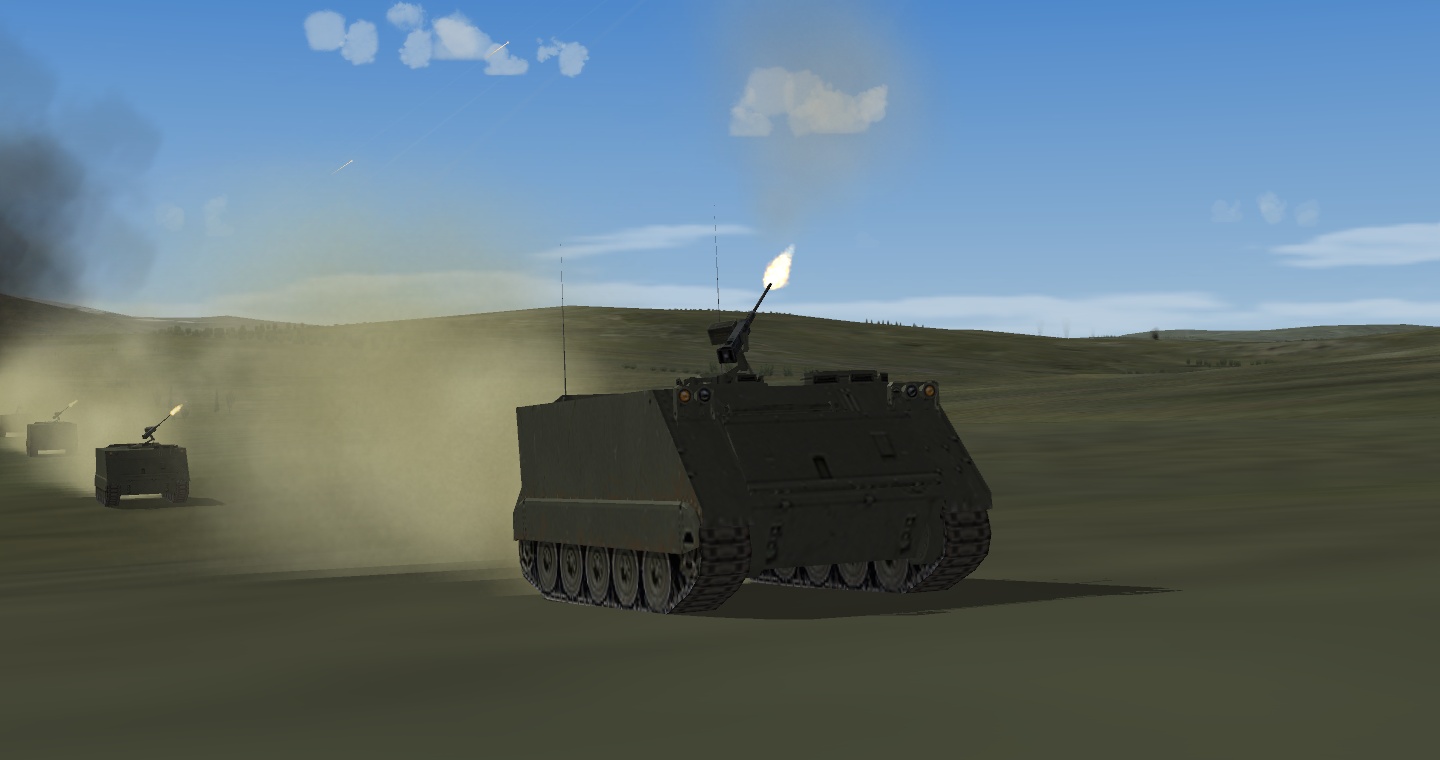
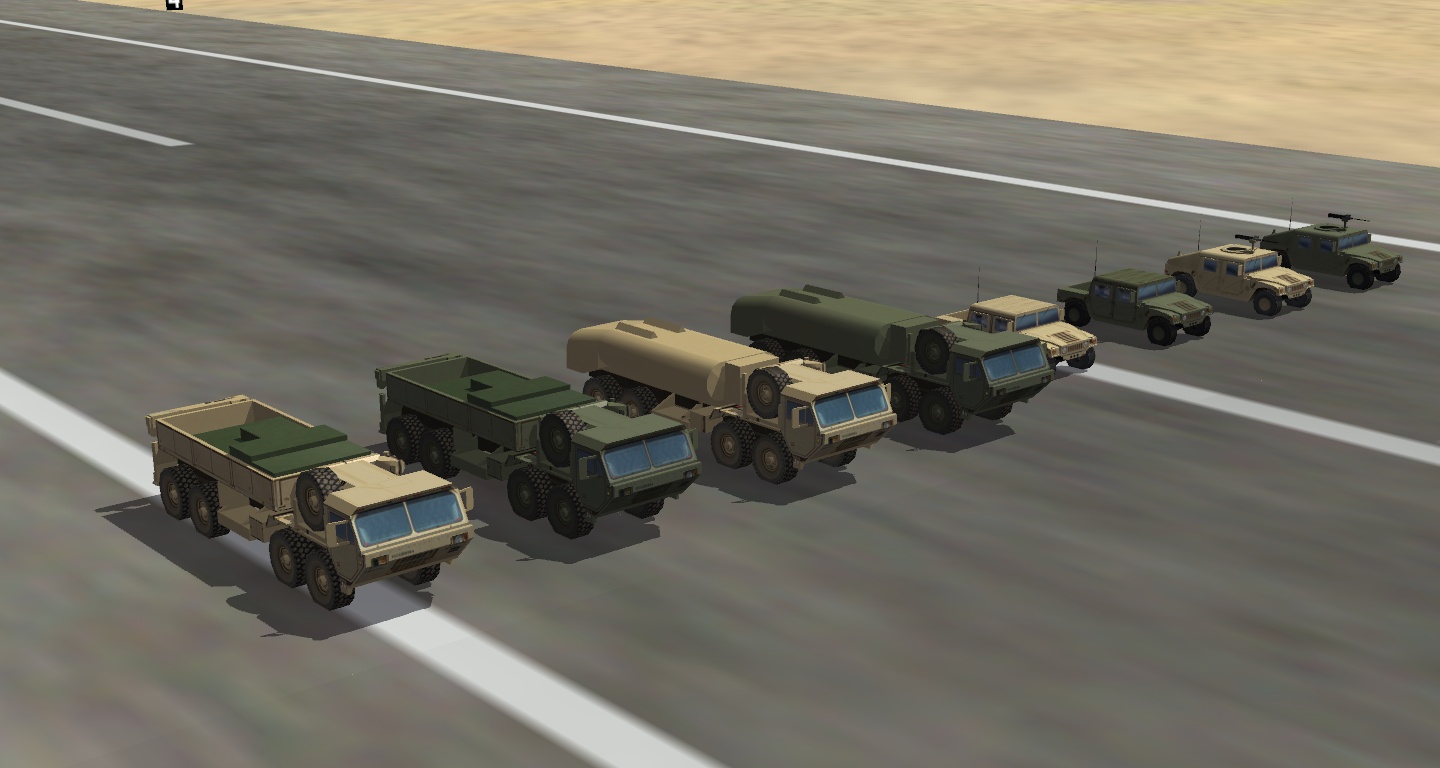
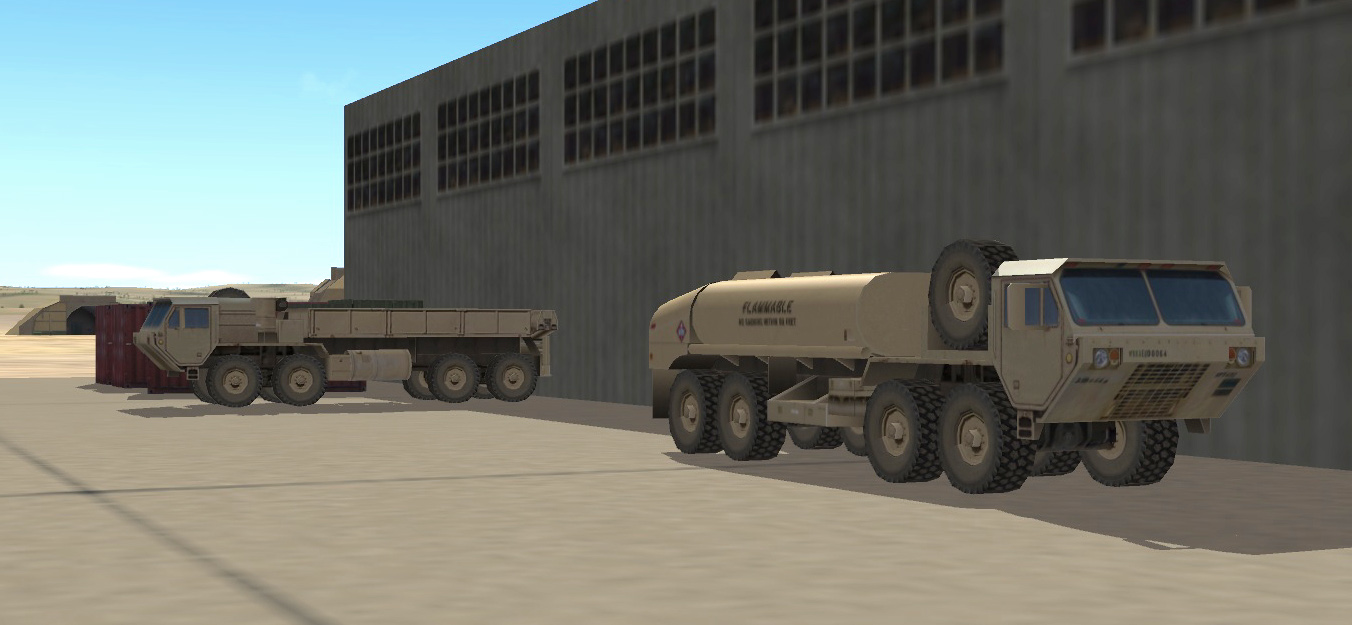
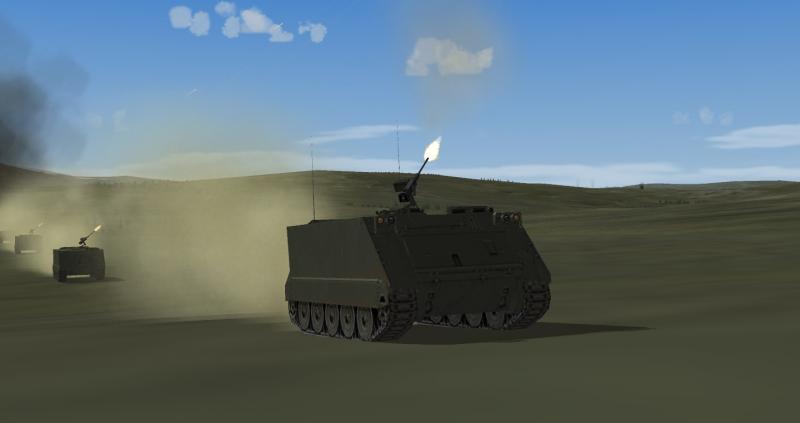
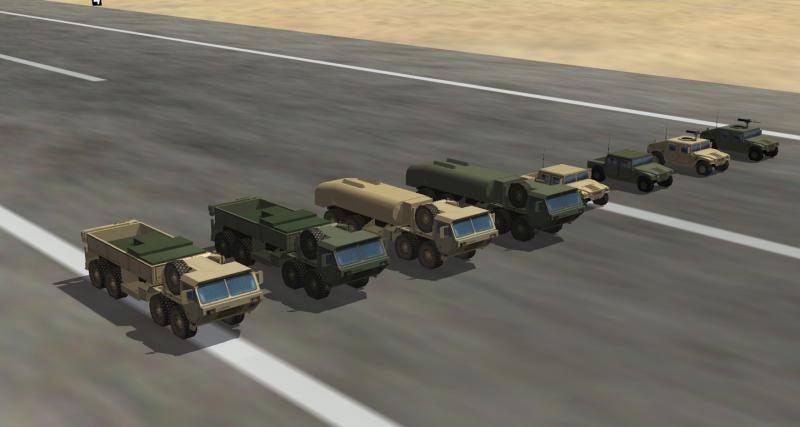
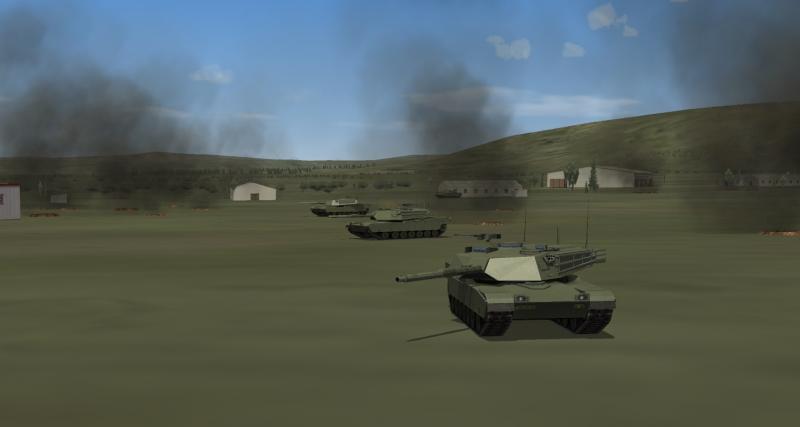
Adding and tuning Ground Objects... HEMTT (pending), HMMWV, M1 abrams, BRDM-1 (was too small !?), M113 APC
-
"Also, I'm pretty sure that you can't find Gerwin's Iceland that uses Stary's tileset anymore, or at least I know it's no longer hosted on his site." The brown areas are a must for a more natural iceland. And the hi-res pack does not include the necessary brown tiles and transition tiles. It would be kinda lame to now distribute the old package, there has been much effort put in the TFD terrain since that one. It will take an evening or so to convert the existing hires textures to the latest tilemap. pretty simple photoshop stuff. But I am not going to bother myself with it, I don't use it anyways.
-
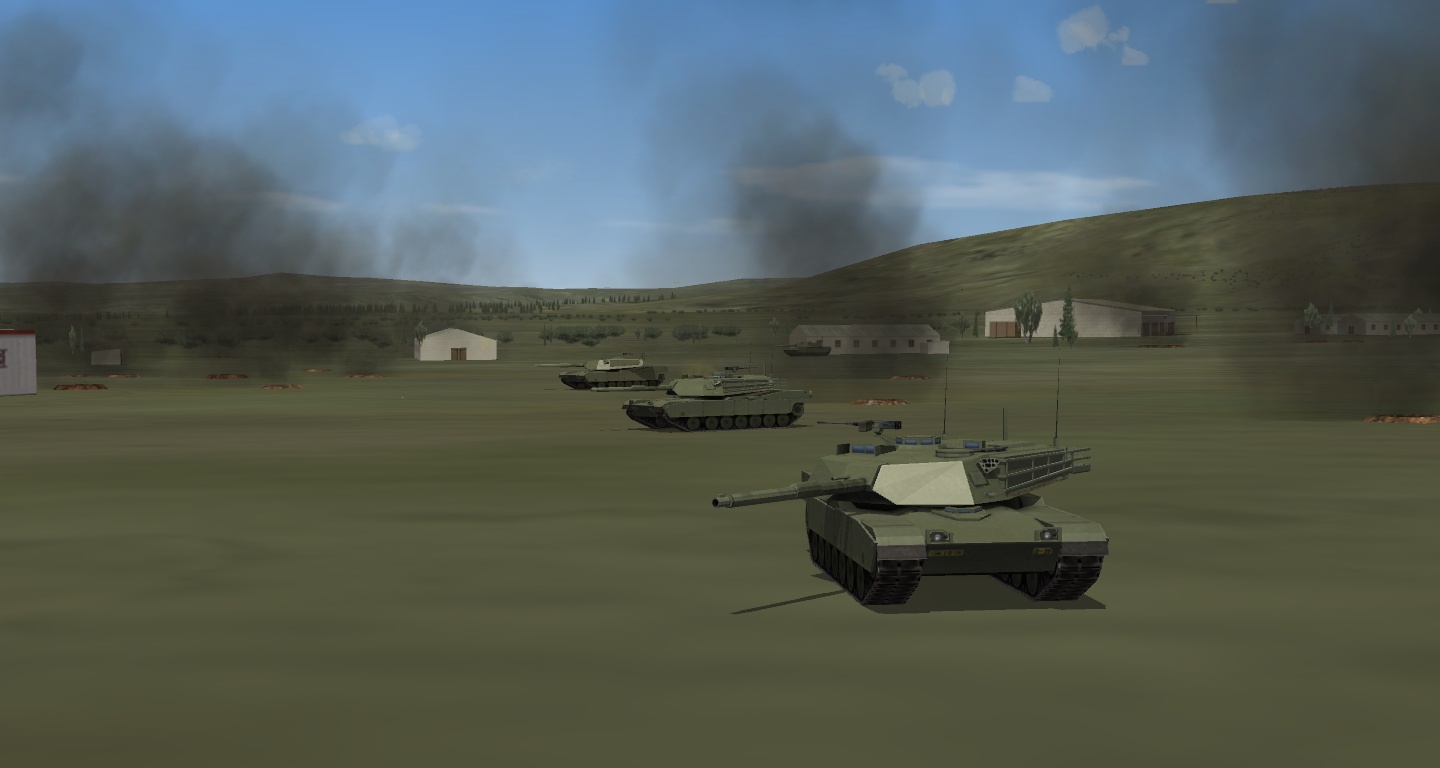
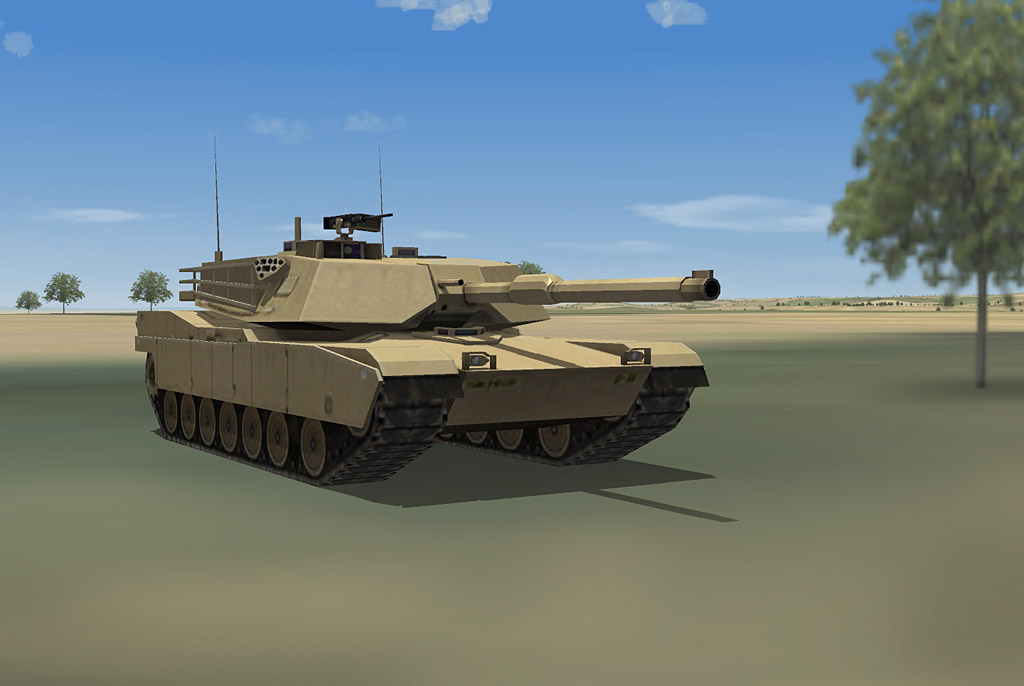
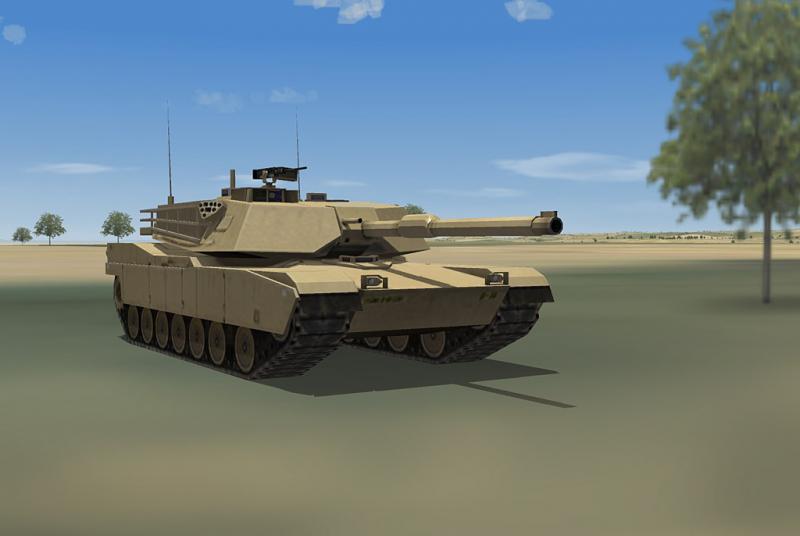
Okay, I will check it out later. But you agree that locations must still be plotted, which hoped to avoid, but alas.. I just released the M1 abrams. Glad to have that vehicle covered properly in my game setup. Now I will pause this modding for a while and attend to real life again ;).
-
I did not make this one from scratch, but did modify it heavily. Probably not better looking then kesselbruts release, but this one has proper distance lods. Edit; image outdated, deleted
-
Thanks, I was really trying back then. Regarding the problem in my previous post about populating the airfields with more modern vehicles. I read about a statement called 'InactiveYear=xxxx' which might be just what I need. although it does require one to edit many entries int the targets.ini: inactiveyear for vintage vehicles, new entries for the modern vehicles (Humvee, Hemtt cargo, Hemtt fuel) It would be so much easier if the types.ini would provide for this.
-
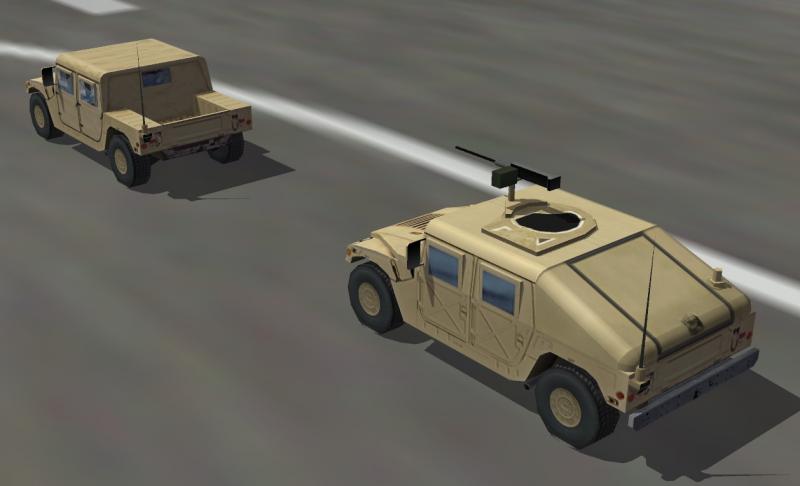
Thanks, The Pack UV I did is far from automatic unwrapping, it is just less of a mess. ;) Finally the easier one of my vehicles is finished. The HMMWV is up for download on my website, follow the link in the first post of this topic. You will find both the M998 and M1025 variant there; the basic plain Jeep configuration and the well known patrol vehicle with the .50 cal machine gun. I do have a problem with implementing the vehicles beyond just armed recon targets. The terrain ini files do have activeyear statements to make vehicles appear in modern times: to ADD them. But I cannot see how to REPLACE the vintage jeeps+(fuel)trucks? Except by overwriting the vintage vehicles entirely in the groundobjects folder.
-
a little, Apparently Stock Desert, VietnamSEA and IsraelME have this tag value rule: 0=airfield, city, farm, river, paddy 1=sand, hills, forest 2=sea, partial sea GermanyCE is all zero though. I had a problem with sinking in an airfield in the desert, and it was because a tag value was accidentally put to something other then zero.
-
The M1025 Basic Armour HMMWV is mostly there now. What is left is more texturing, making a working gun, and adding lower detail lods. I now first use the 'pack UV' in 3dsmax unwrapping, which makes texturing a little easier then before.
-
Maybe the mysterious 'tag value' is wrong in the tilemap (TFD) for these tiles. This causes the surface to be bumpy even when the heightmap (HFD) is seemingly flat. TFDtool allows for fixing that.
-
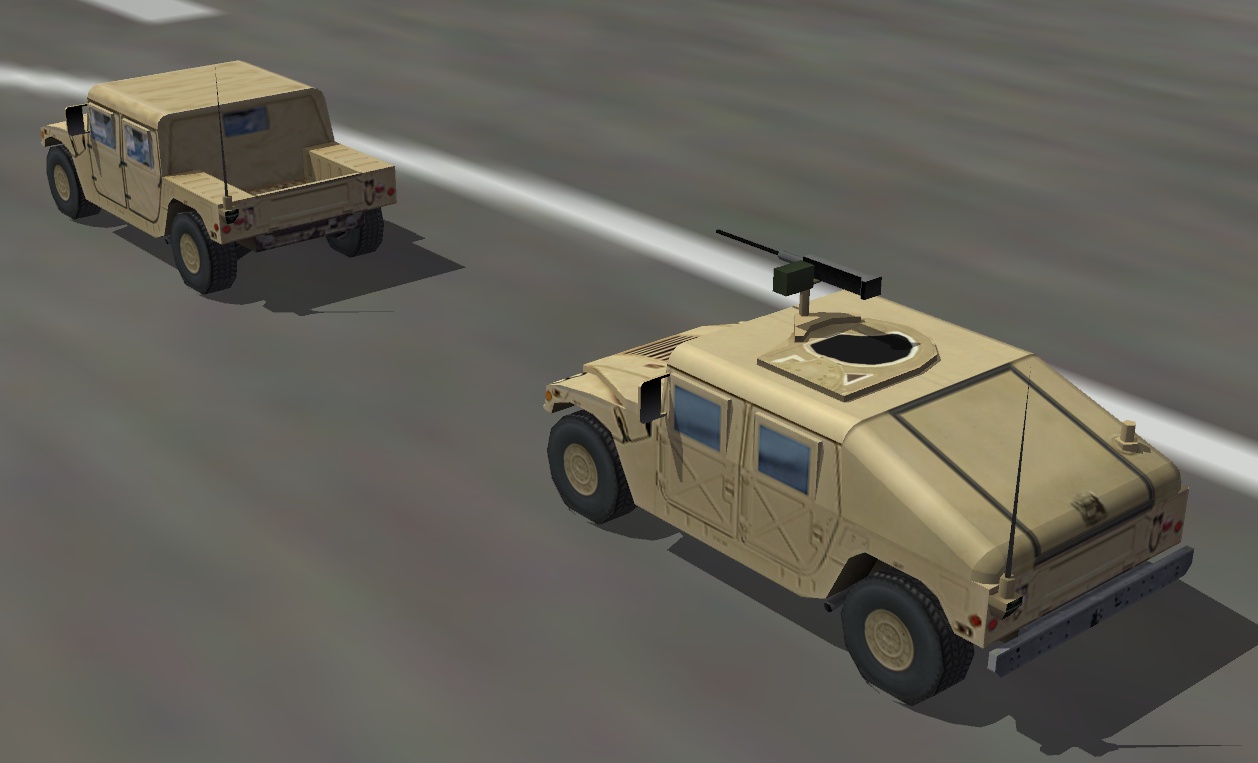
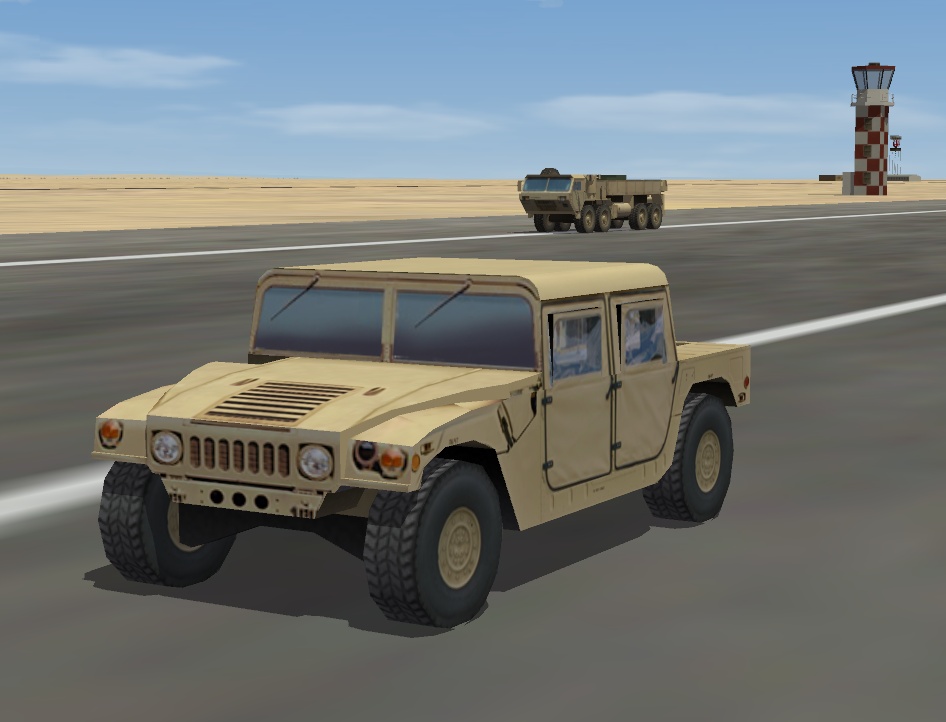
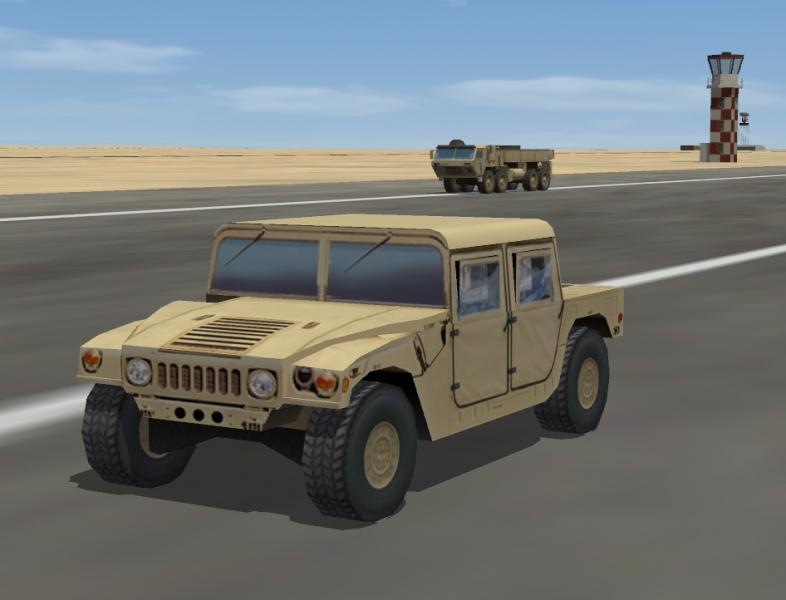
A screenshot of the HMMWV progress. This is the M998 model. Later it will be converted to the M1025 armoured weapons carrier as well.
-
Because I already know how to shape 3D with that particular interface, I have no ambition to learn the bulk of 3dsmax functions now, and want to see if this workflow can give me a few low-poly objects in the 1984 range.
-
Thanks! I made a texturelist for Iceland a few weeks ago, and will try to merge it with yours. Also I will consider that waternormal. Though first I want to finish my unrelated groundobject project, HEMTT and HMMWV.
-
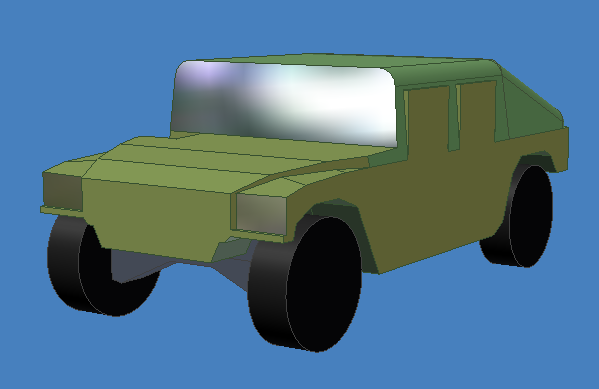
That is what I do, First I make a general texture setup with the photos that I have, then unwrap to that texture in 3dsmax. The thing is that 3dsmax 8 does not keep the faces nicely together, alot of small details are just loose faces in the uv-map. Some faces are not even visible in 3D. I am considering to make a few parts in the texture that are light, medium, dark color. then use these areas for alot of those small and unimportant faces. Thus sharing the same texture on different places... Also when I change something to my 3D model and re-import it: the texture mapping of the changed elements is gone and has to be redone. So I have to make sure the 3D model is 100% finished before texturing, to prevent loss of work. This is probably the downside of using a different program for 3D modelling. Sunday I bought a 3D model for a Humvee for a dollar. But was not entirely satisfied with it. I started a model myself.
-
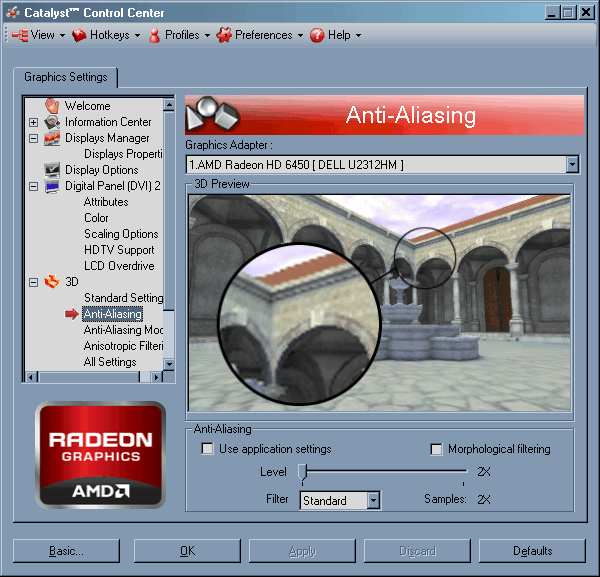
Yes, but can you toggle anti-aliasing 2x, that would make it look better. see image.