

gerwin
-
Posts
829 -
Joined
-
Last visited
-
Days Won
9
Content Type
Profiles
Forums
Gallery
Downloads
Store
Everything posted by gerwin
-
Why? I suspect it is because TK did not lock these files consciously. But instead all is locked by default, UNLESS the filetype is in a list of allowed filetypes: targa, jpeg, bitmap, ini.
-
Looks very good! I like the new skin details and the weathering.
-
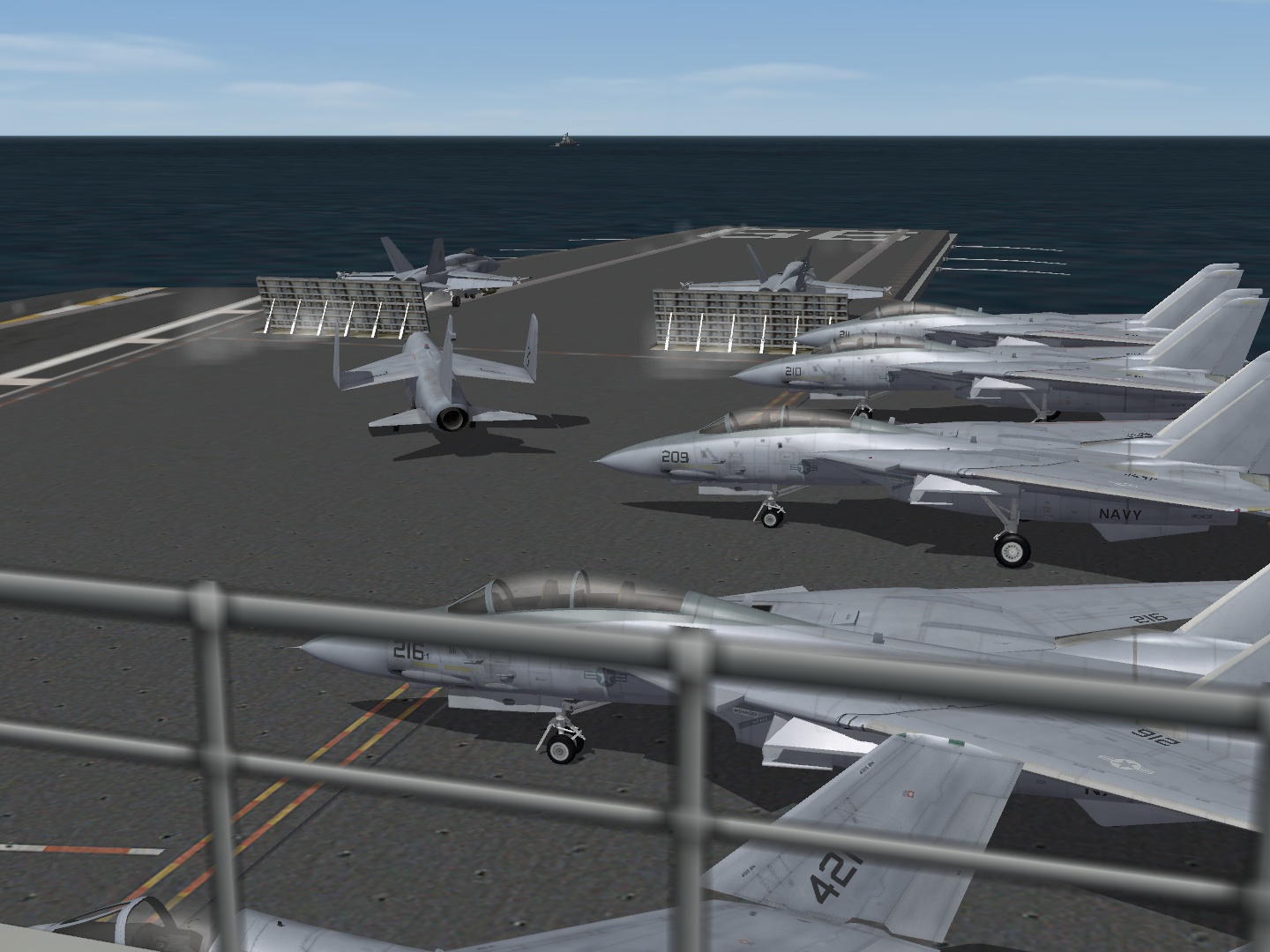
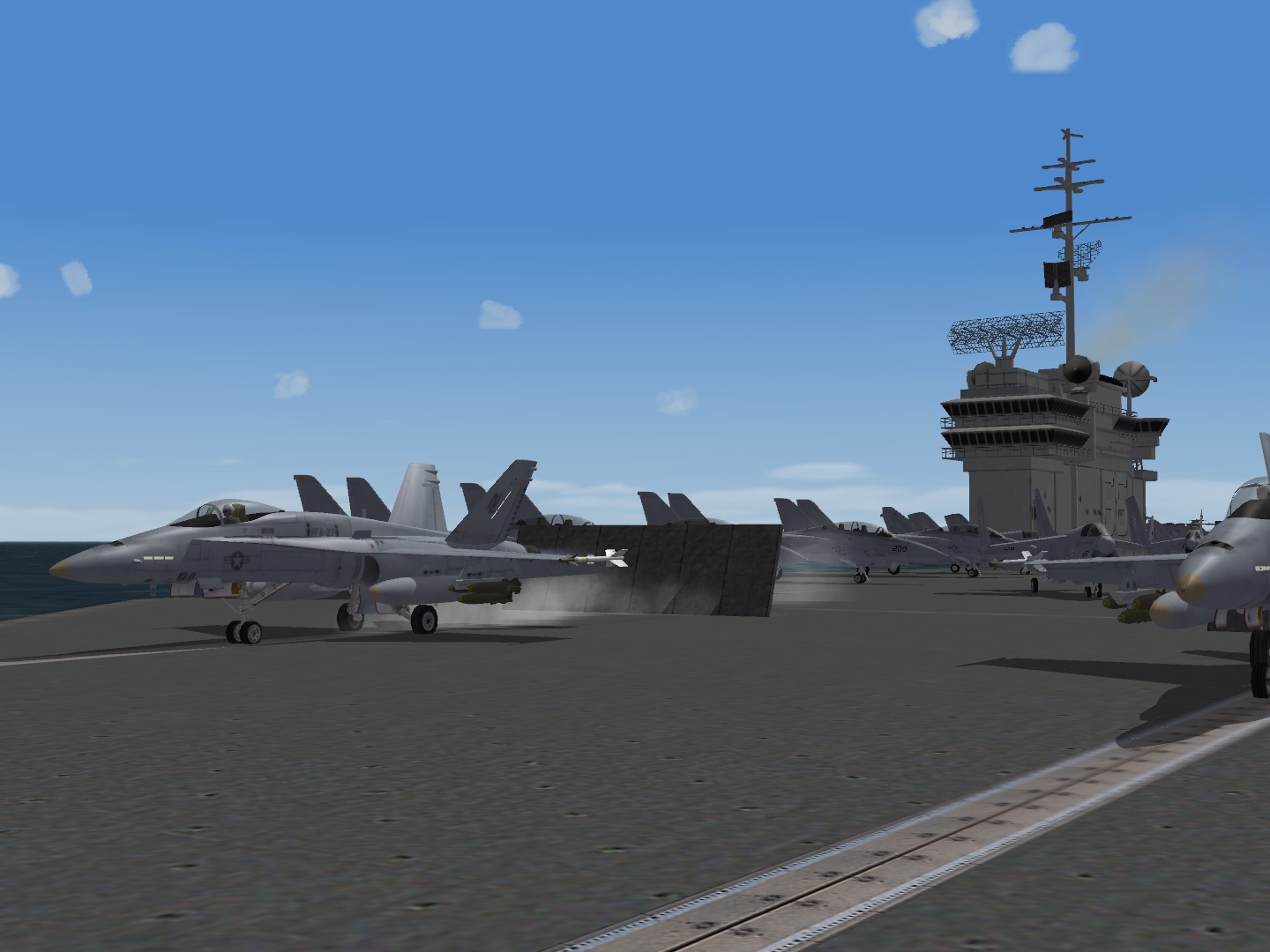
USS America CV-66, launching strike missions. North Atlantic, Oct 1983.
-
You mean the clipping/popup distance of the terrain objects? For that see This Topic In particular the code snippets below the line: "Also the TOD visibility was actually reduced in SF2 vs SF1!? so I changed it back."
-
Then jpeg is the type of compression that is lossy. Whereas png and also zip/rar/7z are lossless, but generally compress less. For fun just try to compress an image with maximum jpeg compression to see the nature of the compression. You will start seeing squares with gradients, which is wat a jpeg consists of. More subtle jpeg settings look fine though, for big images. The 1024x1024 skins have a good margin in that regard. Images that are already small as they are, are better left as bmp.
-
It was mostly the interest in guided missiles that made me look for something else to play next to IL-2 Sturmovik, years ago. I think the behaviour of the missiles can make or break this game. I also recently noticed the changes in missile behaviour, or in hitbox behaviour. But if I want to define it I need to do lots of testing and make lots of notes. I guess the only way to settle this, is if TK would write a missile behaviour test procedure, One that calculates different missiles fired at different targets in different conditions, let it process dozens of combinations, then look at the statistics of the effects. Then something else, It seems that Thirdwire is devoted to emphasize their strong points (pretty planes), but has a very "typical" approach regarding its weak points (like sound and terrain). Maybe that is the budget game effect?
-
Spinners-Style Modification, nice one! To end my topic hijack, here is the new place for the F-14_77 LoVis, together with some other skinning projects in the same style. SF2 Patches and Tools \ USN-LoVis-Paintshop (I will remove the file from the previous location. )
-
View File USN-LoVis-Paintshop USN/USMC low visibility tactical color schemes Paintshop - GB 3-7-2012 All USN/USMC low visibility tactical color schemes are now put in a single archive for sharing at combatace. All due credit to the original model and skin creators: Third Wire (A-4M,A-7E,F-4J,F-14A_77) Mirage Factory + BPAo + Flying Toaster (F-14A+B,F-4S,FA-18A) Mostly I just made masks and converted colors which took enough time as it was already. Work In Progress Release: Beware that in the past the max resolution I worked with was 512x512 per skin, and lower res decals. Beware that I was sometimes to lazy to make the correct seperation from light grey to medium grey. Leaving the seperation where the old Gull grey used to fade to white. Photoshop 60 Conversion.atn contains the following automated actions for color conversion: -F-14 grey Med (convert to Medium grey, from gull grey as used by third wire) -F-14 to grey light (convert to Medium grey first) -F-14 to grey dark (convert to Medium grey first) US Navy/Marine Low visiblity colors: Dark: FS 35237 used as anti glare, or topside F-4S Medium: FS 36320 (RGB 157,164,176) top A-4,A-6,A-7,F-14,F/A-18, side F-4S Light: FS 36375 (RGB 171,176,184) bottom A-4,A-6,A-7,F-14,F/A-18,F-4S The Medium and Light RGB values were obtained by taking average color values from photographs on the net. Submitter gerwin Submitted 07/04/2012 Category Utilities / Editors
-
- 1
-

-
Version 1.1
238 downloads
USN/USMC low visibility tactical color schemes Paintshop - GB 3-7-2012 All USN/USMC low visibility tactical color schemes are now put in a single archive for sharing at combatace. All due credit to the original model and skin creators: Third Wire (A-4M,A-7E,F-4J,F-14A_77) Mirage Factory + BPAo + Flying Toaster (F-14A+B,F-4S,FA-18A) Mostly I just made masks and converted colors which took enough time as it was already. Work In Progress Release: Beware that in the past the max resolution I worked with was 512x512 per skin, and lower res decals. Beware that I was sometimes to lazy to make the correct seperation from light grey to medium grey. Leaving the seperation where the old Gull grey used to fade to white. Photoshop 60 Conversion.atn contains the following automated actions for color conversion: -F-14 grey Med (convert to Medium grey, from gull grey as used by third wire) -F-14 to grey light (convert to Medium grey first) -F-14 to grey dark (convert to Medium grey first) US Navy/Marine Low visiblity colors: Dark: FS 35237 used as anti glare, or topside F-4S Medium: FS 36320 (RGB 157,164,176) top A-4,A-6,A-7,F-14,F/A-18, side F-4S Light: FS 36375 (RGB 171,176,184) bottom A-4,A-6,A-7,F-14,F/A-18,F-4S The Medium and Light RGB values were obtained by taking average color values from photographs on the net. -
Sorry about that. was fast enough during upload. I felt it was too unfinished to upload here. Here is an alternate address, I will keep it there for the weeks to come: F-14A_77_LoVis.rar The skins have the detail of the Third Wire Skins, but with adjusted colors. The selection masks I used are in the PSD's too (alpha channels).
-
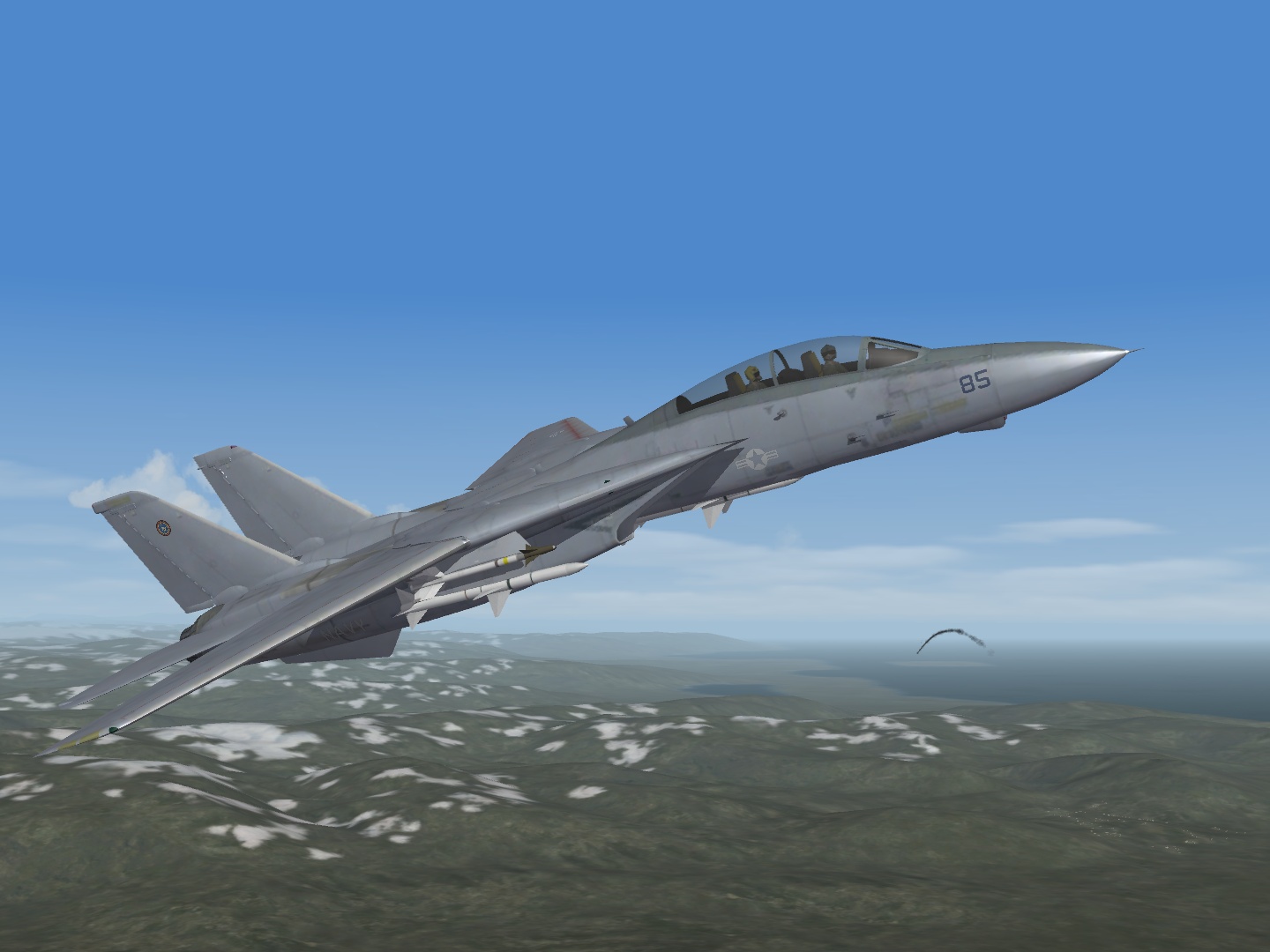
F-14A '77 in experimental paintscheme, Iceland 1984.
-
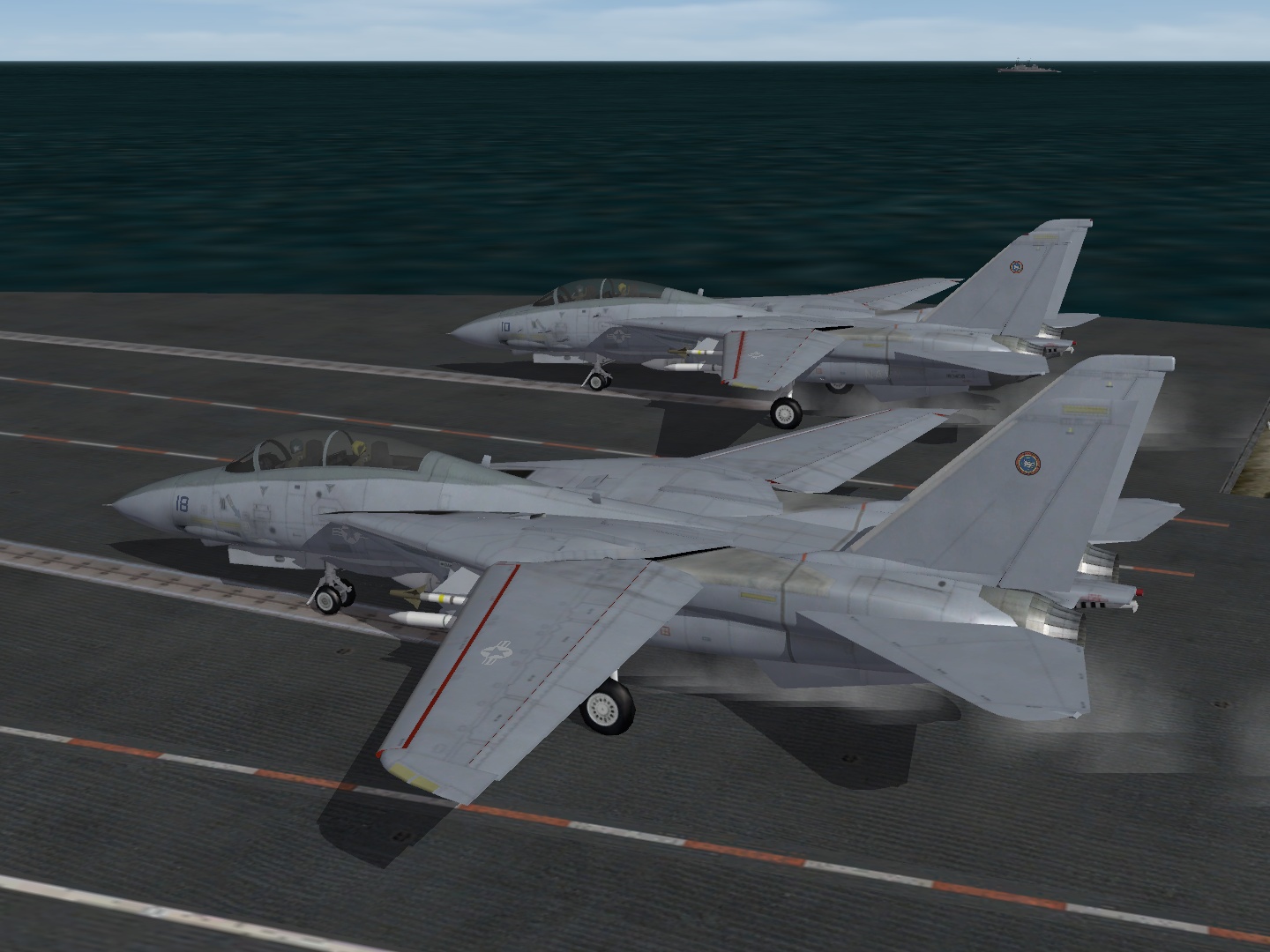
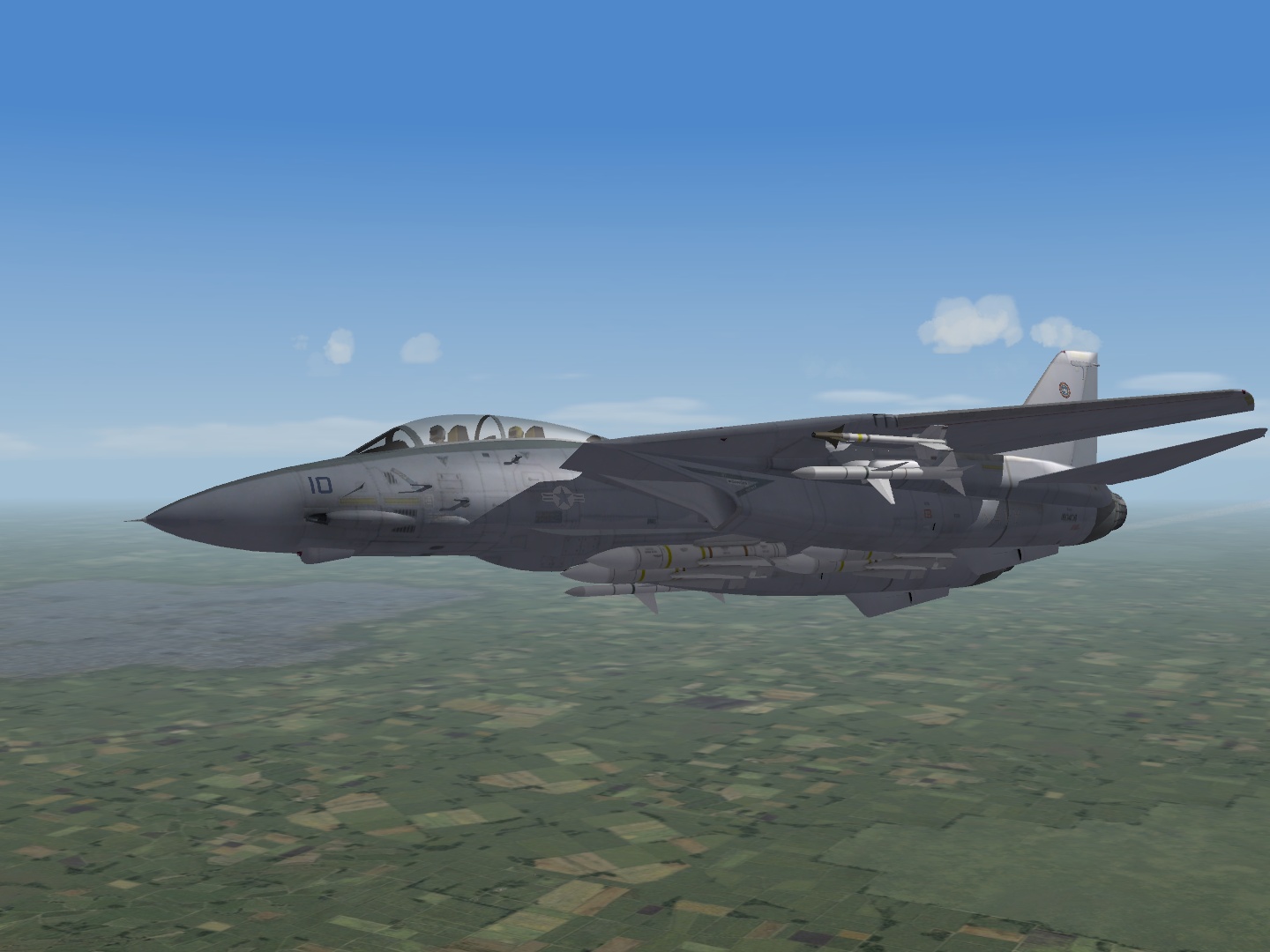
Glad I could help. Something entirely different, well not entirely, I just had to see how this F-14A looks in Low Visibility Tactical paint, The skin pack made the color conversion a lot easier. Here are the PSD files of the skin, maybe someone feels like reviewing the details and adding decals? (first time I use this file host, don't know if it works well) F-14A_77_LoVis.rar:
-
That is weird, I just tried it again a few times with my install, and these folders are automatically regenerated and updated. I attached the folders for your convenience, but really, they should be created by the game. Aircraft.zip
-
I had that too at the first try. This fixed it: Delete the F-14A and F-14A_77 folders from your user content folder / mod folder and restart the game.
-
The patch is quite big in size: 105 MB. Whilst the previous may patch was just 20 MB. I wonder what changed other then wat is officially listed.
-
-
Should work fine on XP, without compatability wizard. Works for me.
-
Classic Fighters Anthology Midi Music
gerwin replied to gerwin's topic in General Flight Sim Discussion
Another update: I noticed Jane's US Navy Fighters has different music tracks, these are now included. -
Next time it would be better not to import the DEM height data like this. It is sourced from a rectangular world projection which squashes everything in the north and the south of the globe. Stretching it with photoshop can reduce the effect.
-
Glad you got it sorted out. It takes some tweaking to make it run nicely on XP.
-
eh.. Read the readme file.
-
The latest Third wire cat extractor is from april, not march. Third Wire Tools
-
I checked it: they are in flightdata.cat, but locked.
-
Target .INI Entry = What Terrain Tile?
gerwin replied to swambast's topic in Mods & Skinning Discussion
I don't have much to add to whgat was written already. The only sure way to determine any tile placement is by reading both the terrain TFD file, and the terrain Data.ini. Then of course the tiles themselves .BMP/.TGA. The TFD is the tilemap, the Data.ini is the reference table. When these files are in a CAT archive, they need to be extracted first. The file formats are pretty easy to read, except for the latest CAT format, that one is terrible. -
IIRC they are in flightdata.cat, but locked.