Gatling20
-
Posts
661 -
Joined
-
Last visited
-
Days Won
5
Content Type
Profiles
Forums
Gallery
Downloads
Store
Everything posted by Gatling20
-
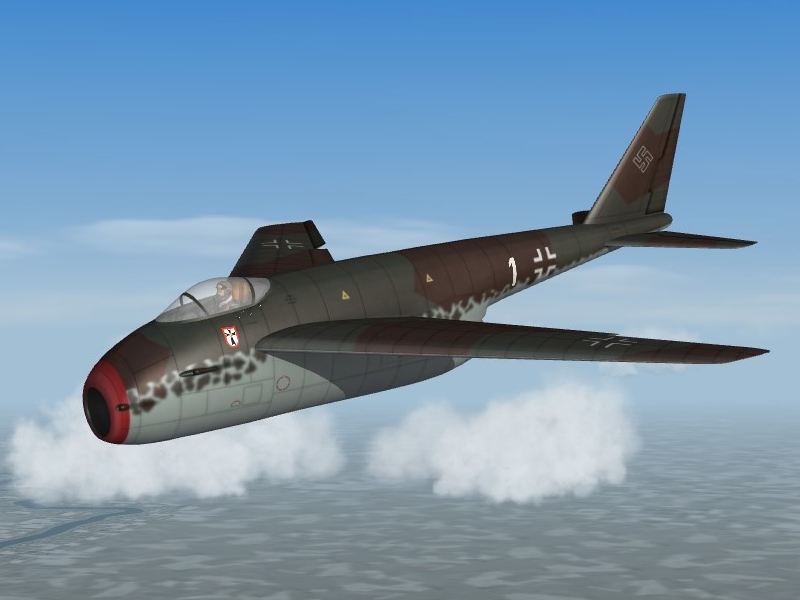
Some SWOTL what-ifs, the Focke-Wulf Ta-183 and the Messerschmitt P.1101:
-
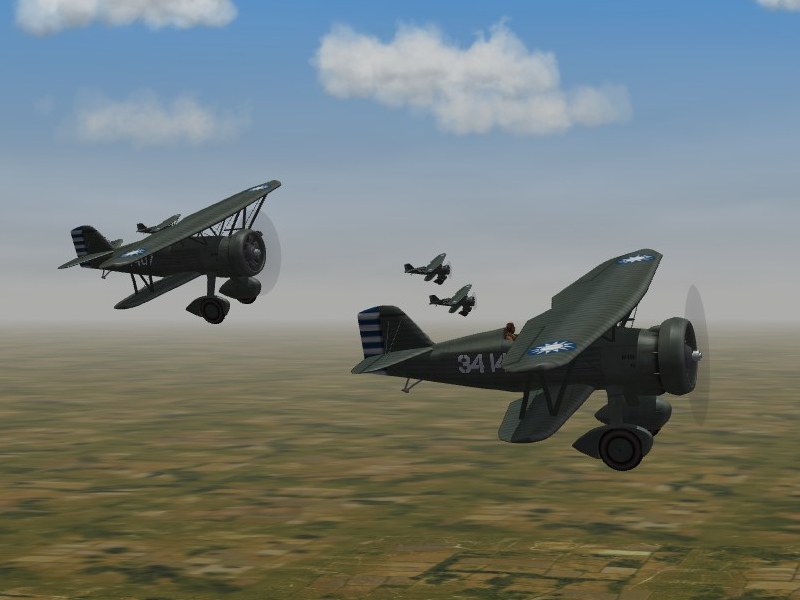
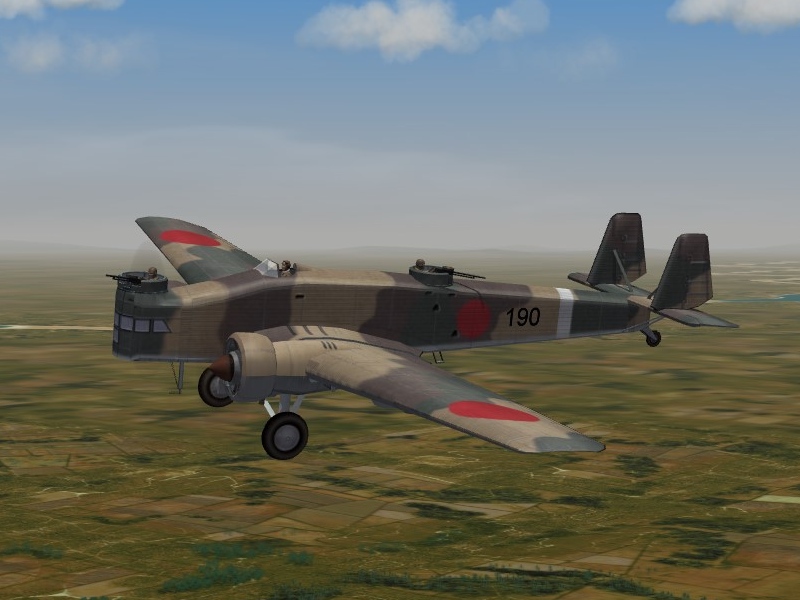
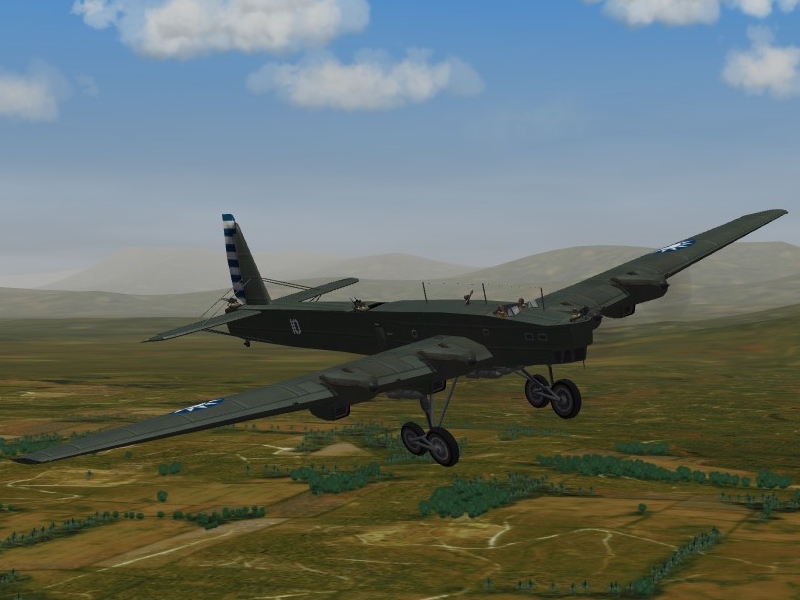
I love the variety which this sim offers. Where else can you find, and fly, odd birds like this? (the Curtisss Hawk II, Tupolev TB-3 and the Ki-2 Louise, all from the WW2 China all-inclusive Mod):
-
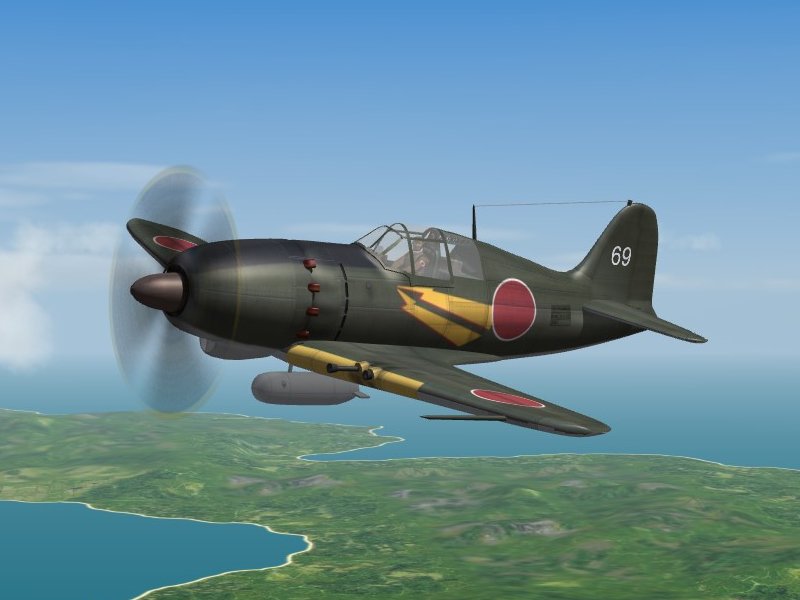
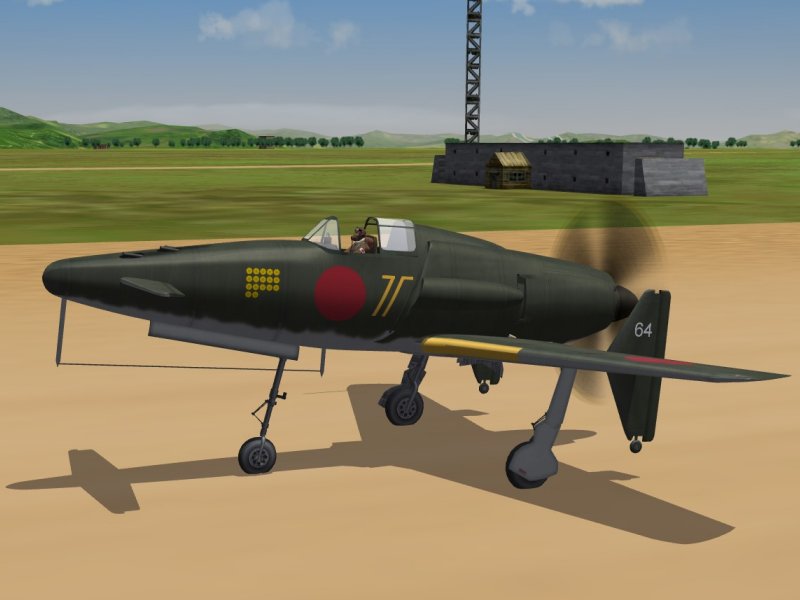
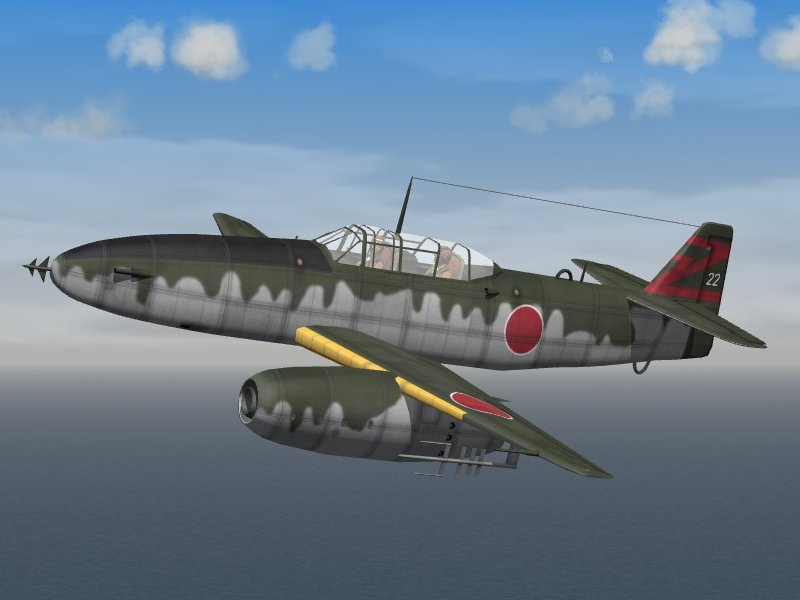
Some late-War Japanese models(J2M3 Raiden, J7W1 Shinden and J9N1 Kikka two-seater):
-
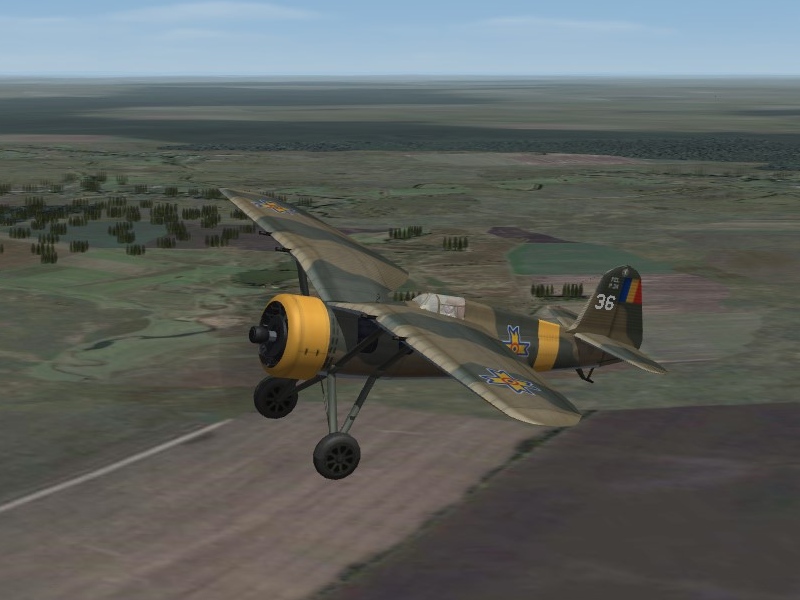
Some Polish aircraft, in Romanian service, on the Russian Front (PZL P.24E, PZL.23 Karas, and PZL P.37 Los)
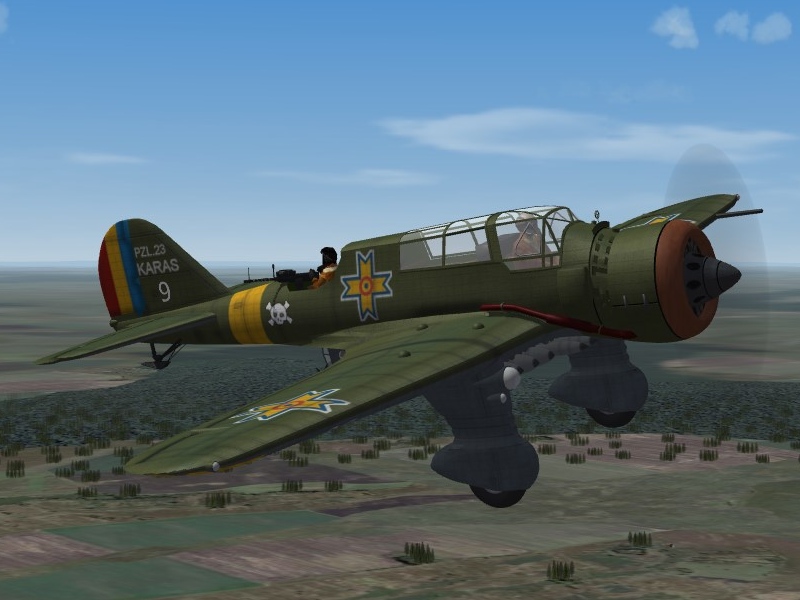
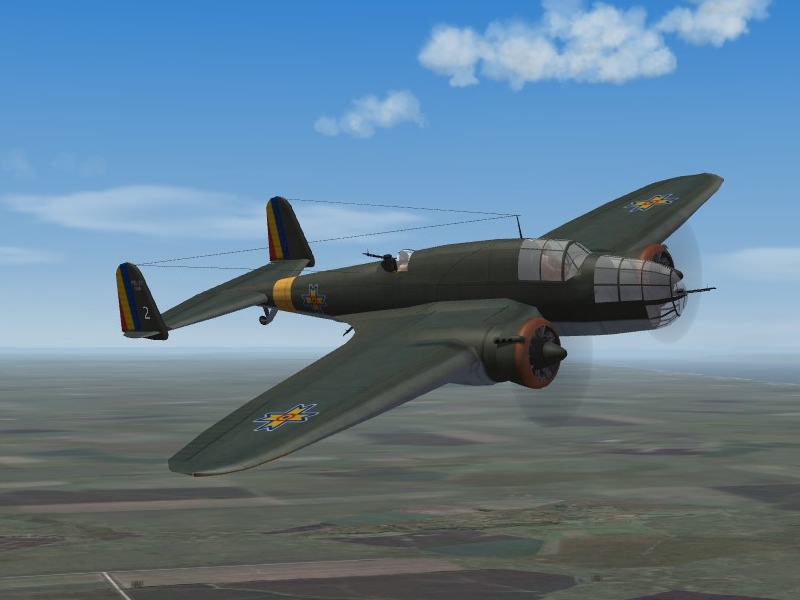
-
The ubiquitous Fiat CR.32, in Spain and China, circa 1938:
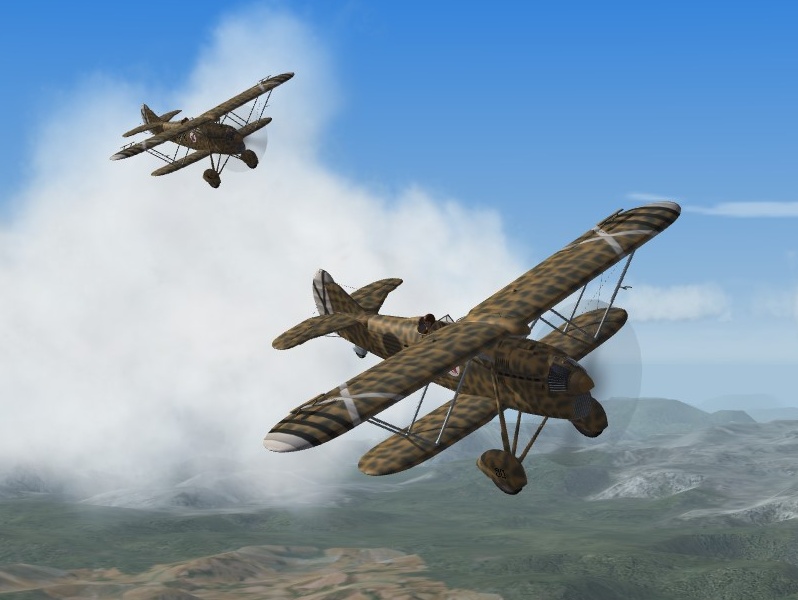
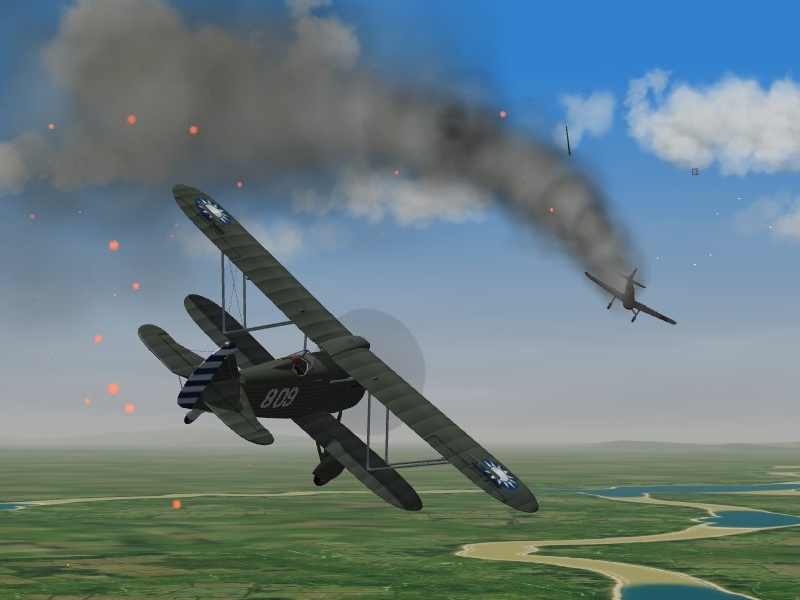
-
Kesselbrut & russouk2004 ME 109 COCKPIT JABO for SF 2
Gatling20 replied to JulioJunqueira's topic in File Announcements
Great repaints, thanks Julio. -
There is an old Mod called AirshowSmoke which does exactly that, try the Search function for old Mods. I think it was included in the download for the Northrop T-38A Talon (under for Gen 1 ThirdWire Sims)
-
The Formation.INI file in the Flight folder look like what you are looking for. In the stock SF version it has coordinates for [ConvoyLine] and [ConvoyDouble], and in some of the specialist naval MODs, like the WW2 PTO Mod, there are more. [ConvoyDouble] looks like this: [ConvoyDouble] Position[01].Offset= 0, 0, 0 Position[02].Offset= 500, 400, 0 Position[03].Offset= -50, -800, 0 Position[04].Offset= 550,-1200, 0 Position[05].Offset= 50,-1600, 0 Position[06].Offset= 450,-2000, 0 Position[07].Offset= -100,-2400, 0 Position[08].Offset= 600,-2800, 0 Position[09].Offset= 100,-3200, 0 Position[10].Offset= 400,-3600, 0 Position[11].Offset= -150,-4000, 0 Position[12].Offset= 650,-4400, 0 So you could try changing it to Position[01].Offset= 0, 0, 0 Position[02].Offset= -20, 0, 0 .... which should give you an escort ship 20m to the left (starboard) of the main ship (usuaully a CV). Not sure how you fix the second ship type as a tanker or stores ship, though.
-
I've never had a problem with the A-team website or their downloads, I have always found them polite and helpful. You have to register, but that is the same here at CombatAce, and every other download site I know. I have heard of people being banned but the same thing can happen here at CombatAce. Every time I see someone complaining about being banned at the A-Team site, it seems to have been because of breaching the download rules (it is a free site, with limited bandwidth) or because of slagging off at them or their products. They have a huge range of models and all-inclusive Mods, I am just grateful that people who are much more talented than me spend their time creating things for me to enjoy and then giving them to me for free.
-
SF2 Missions - Restricting Time of Day
Gatling20 replied to Mike Dora's topic in Mission & Campaign Building Discussion
Thanks Menrva, that saves me checking. -
SF2 Missions - Restricting Time of Day
Gatling20 replied to Mike Dora's topic in Mission & Campaign Building Discussion
The SF2 AircraftObject.DLL file has three parameters for aircraft missions: DAY_ONLY, NIGHT_ONLY and DAY_AND_NIGHT. So changing the Data.INI files of all the aircraft in your WW2 Night Bomber mod to AircraftCapability=NIGHT_ONLY should work. Not to hijack this thread, but while checking on this I just noticed that the AircraftObject.DLL file has five parameters for aircraft role: HELO, FIGHTER,ATTACK,BOMBER and TRANSPORT Has anyone ever worked out if the HELO role works in the sim, or is it one of the non-functional things, like the BALLOON_BUSTING mission type? -
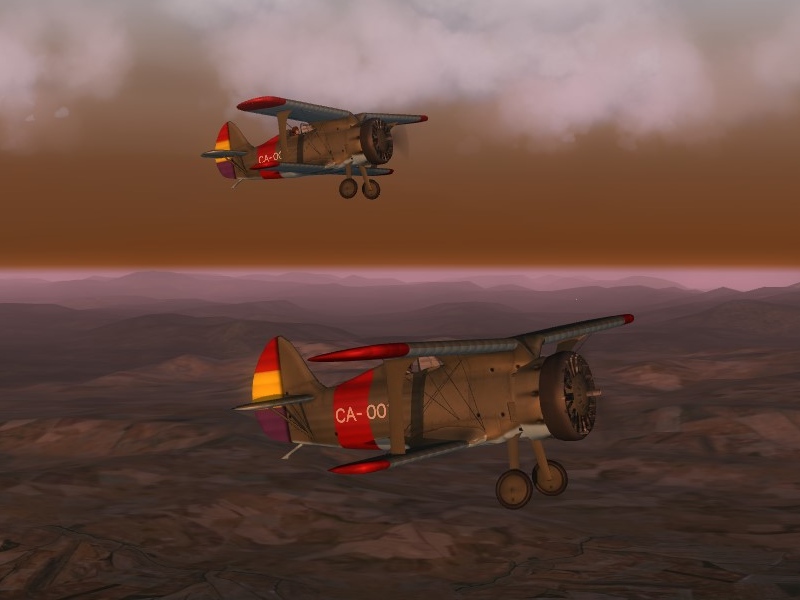
Polikarpov I-15 Chato
-
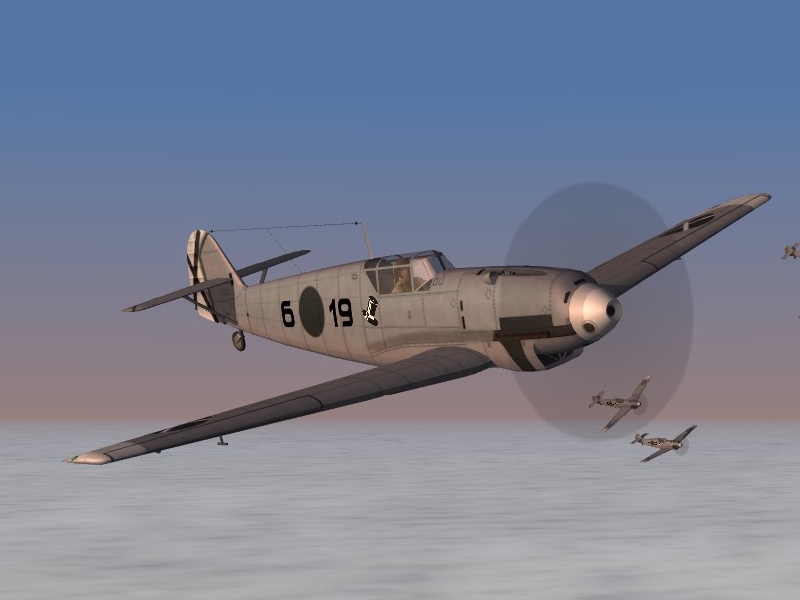
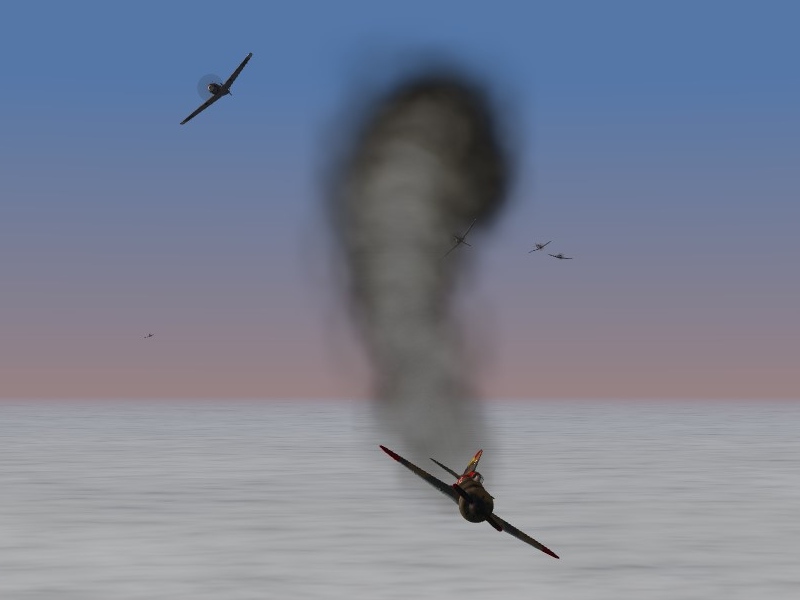
Nice-looking SWOTL action, and A-26 Invaders. Willi Messerschmitt's sleek killing machine over Spain, 1938:
-
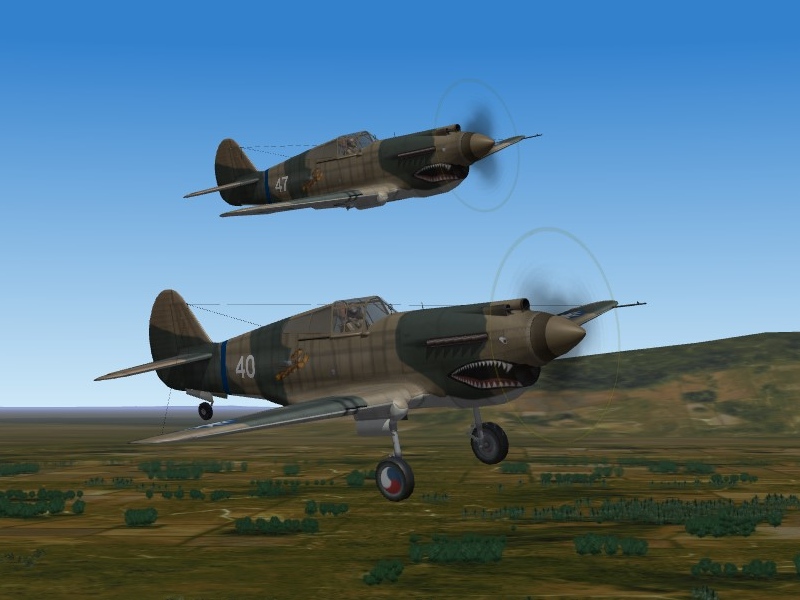
More AVG P-40s:
-
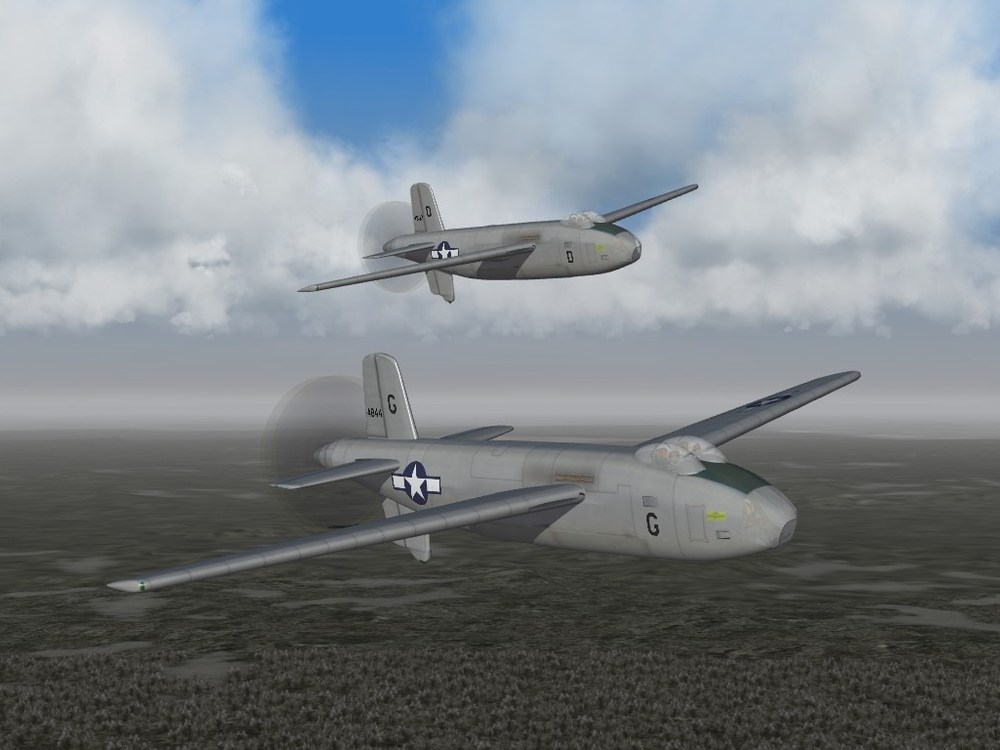
Veltro2k's outstanding B-42A Mixmaster:
-
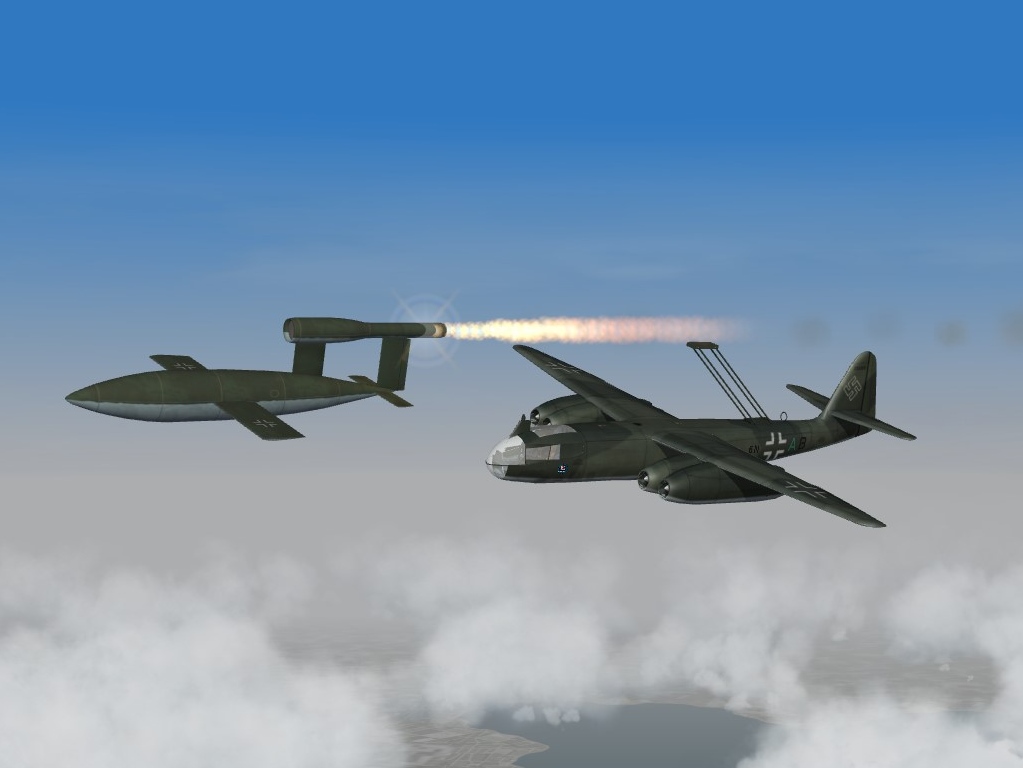
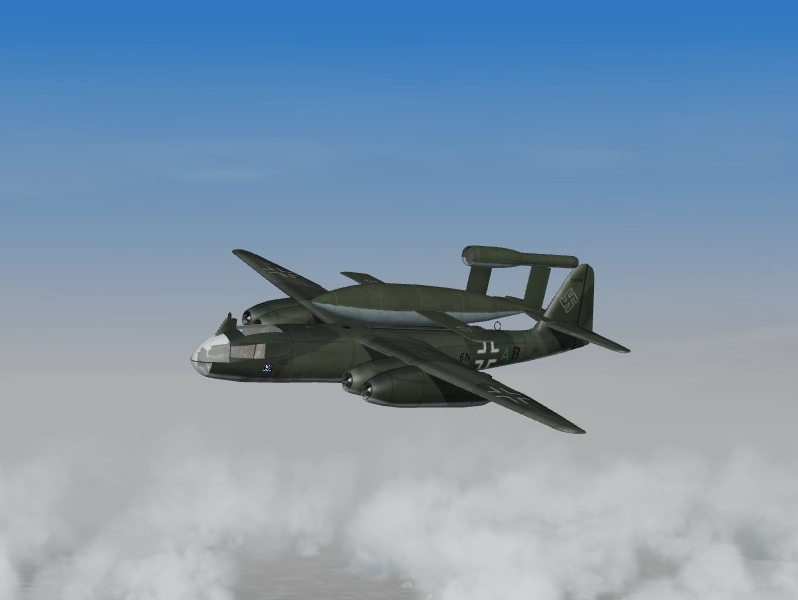
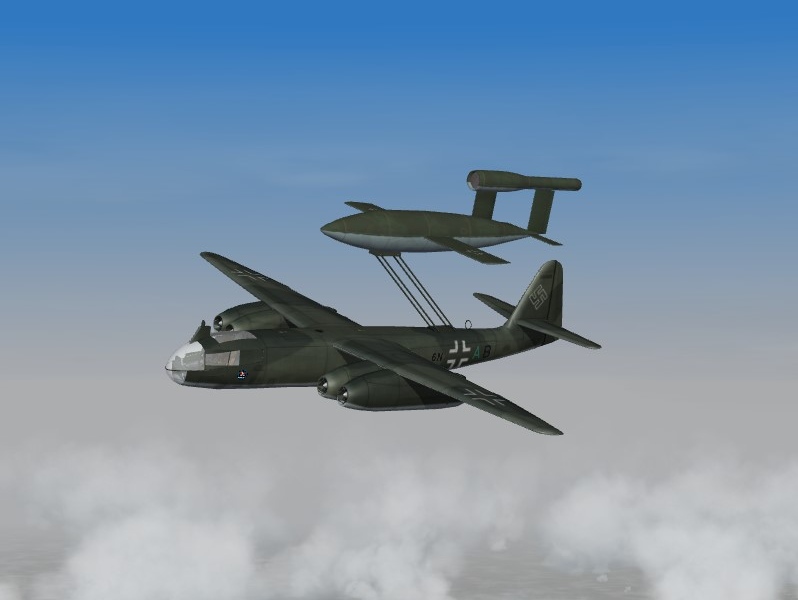
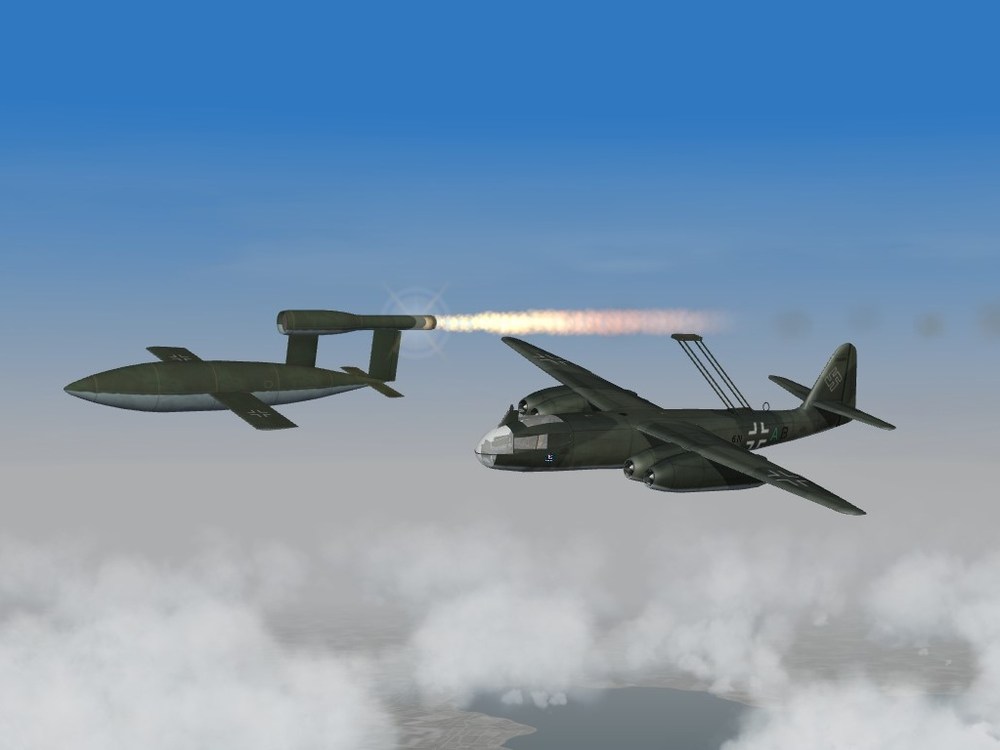
The Ar-234C with a V-1 loaded:
-
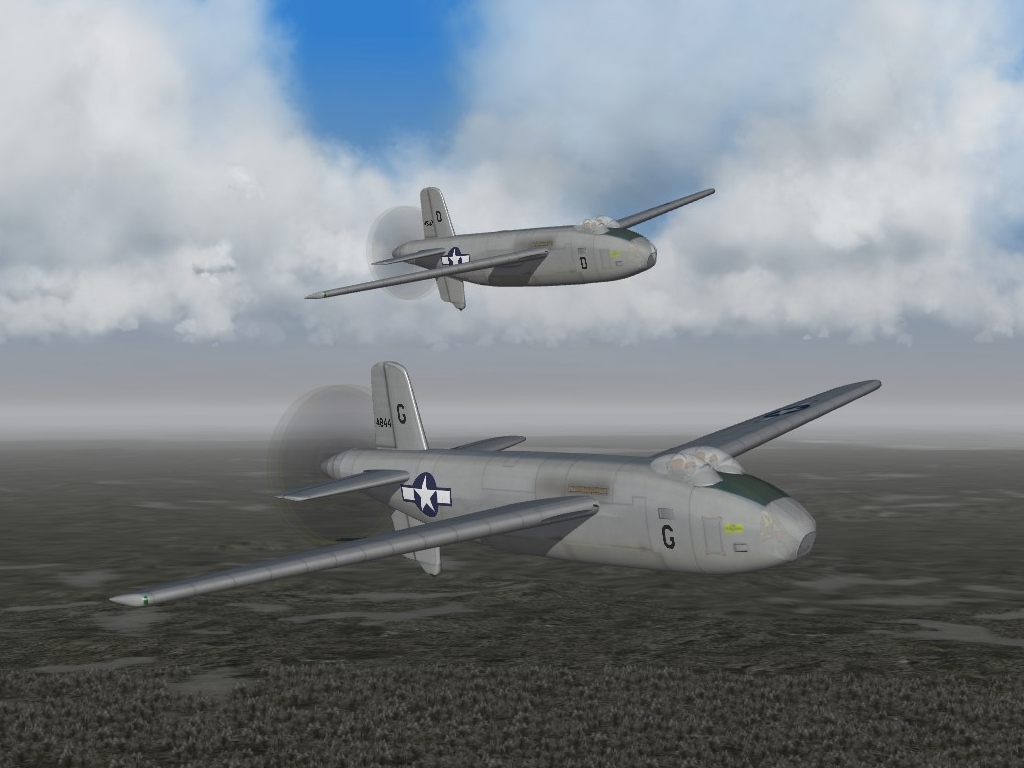
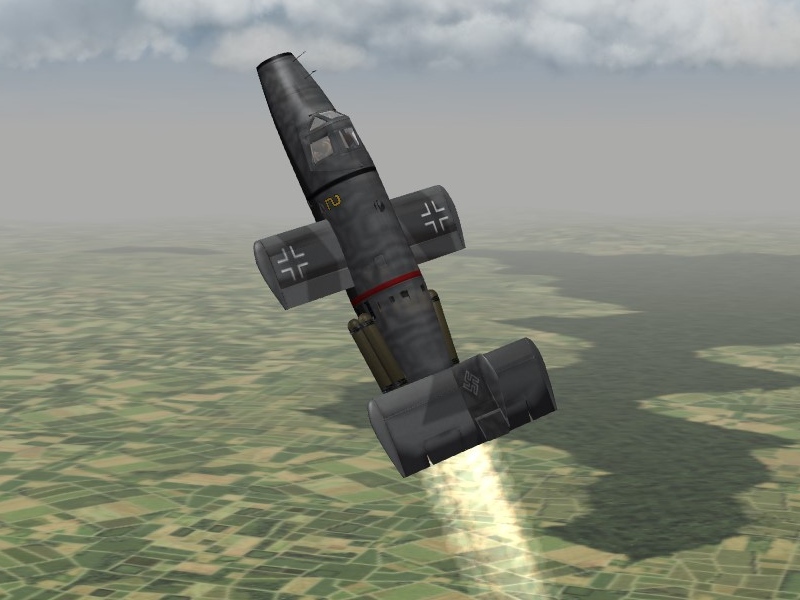
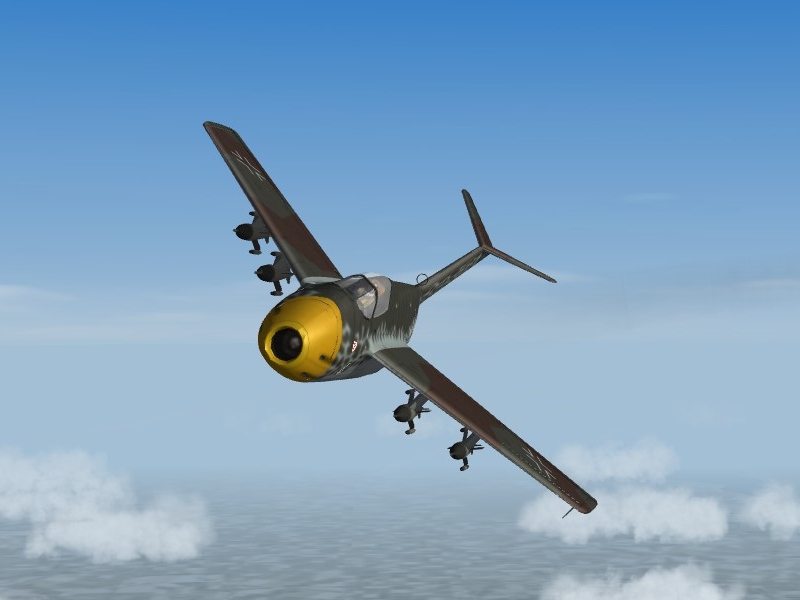
Some German jets, the Me-P1101 and the Ta-183 loaded for bear.
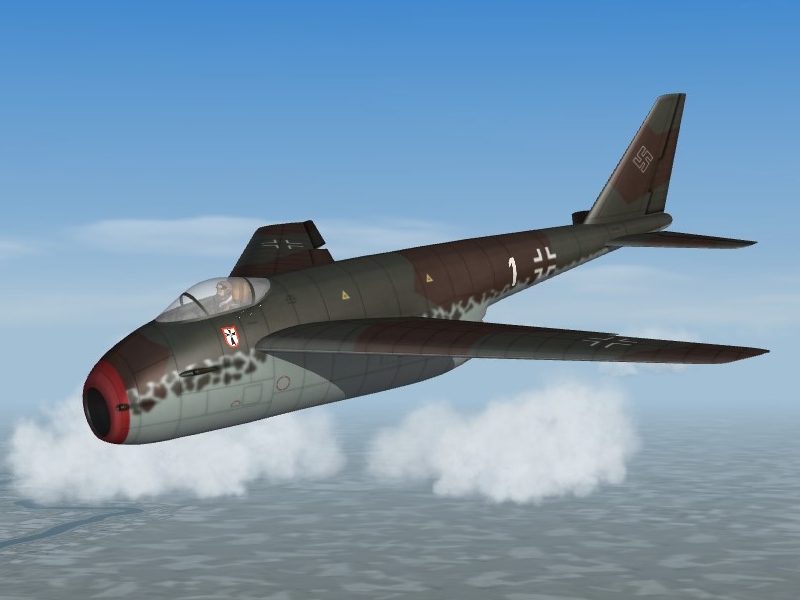
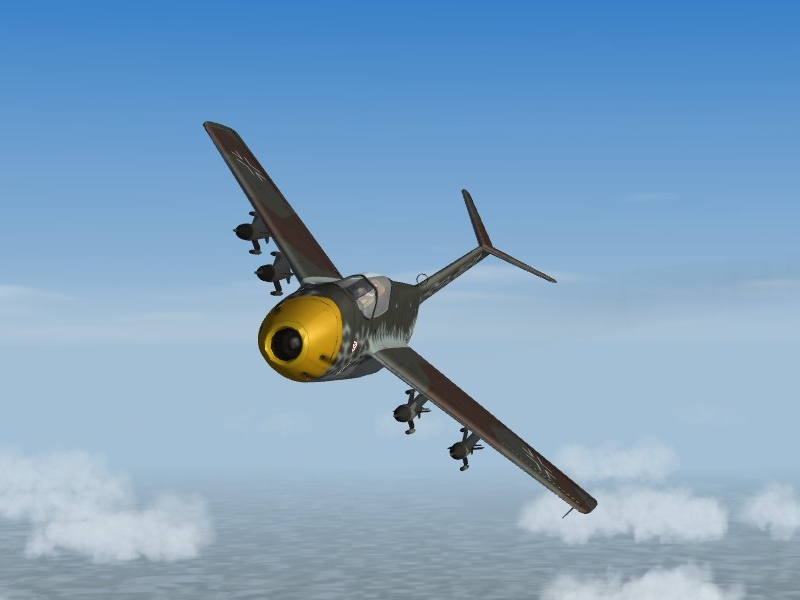
-
Just tested this in a couple of missions in the stock Europe terrain, and it is working well, no glitches so far. Thanks Stary !
-
Cockpit lights??? (Night mode)
Gatling20 replied to Eagle114th's topic in Mods & Skinning Discussion
Try changing the NightLightOn= number down, not up. NightLightOn=0.10 or less should work to give you a good glow in the cockpit. It represents the fraction of full daylight (1.00) at which the cockpit light comes on. NightLightColor= is the color of the cockpit light, 0.6,0.3,0.4 should give you a pale red glow. . -
Beautiful terrain, thanks mate
-
Hmm... those buildings do look a bit funny. Mue will have to tell us how to paint the LODs which are now TOD objects. Also, those square things next to the houses, which I assume are trees, look very odd. I think you will need to tweak the line AlphaObjectTexture=
-
I have been playing around with this new TOD Editor, moving some of the TOD objects around to conform better with the roads and things painted on the tiles themselves. It is a tedious tile-by-tile business, but the result looks much more pleasing from the air. This is great new tool from Mue! Gepard: you are one step ahead of me. I haven't worked out how to add LOD buildings to a TOD file. I see the option in the drop-down menu, but haven't worked out how to make it work yet.
-
Mue will be able to answer this definitively, but my guess is that each tile can only have one texture for its TOD objects, which is defined by the line SolidObjectTexture=, an example being: [Texture001] Filename=germanyG1.BMP HasWater=0 Color=0.315639,0.372233,0.266439 SolidObjectTexture=terobject_buildings1.bmp AlphaObjectTexture=terobject_trees1.tga It would be good to be able to add LOD objects which used their own texture files. Hopefully Mue can explain.
-
Great addition to the sim, many thanks Mue. Very clever!