Flanker562
-
Posts
13,490 -
Joined
-
Last visited
-
Days Won
64
Content Type
Profiles
Forums
Gallery
Downloads
Store
Everything posted by Flanker562
-
That's the A-Team version, have to go to their site..
-

F/A-18A, A+ and C by The Mirage Factory for SF2
Flanker562 replied to Spectre8750's topic in File Announcements
Go to the _Data.ini and change the "EngineSoundName=" to JetEngine and the sound will return. -
Well yeah, it's dead in the water right now. It'll be ready... when ready.
-
Nice X Ray
-
That's looking nice, and the cool thing is, it'll be available here!
-
As suicidal says: "ANIMAL" very nice
-
WOE 2009-09-22 14-47-45-71.JPG
Flanker562 commented on Silverbolt's gallery image in Member's Albums
 Nice!
Nice! -
It's in the Options/Controls screen, thrust vector up/down.
-
Download the AV-8B by bobrock and there is instructions in the readme for that aircraft.
-
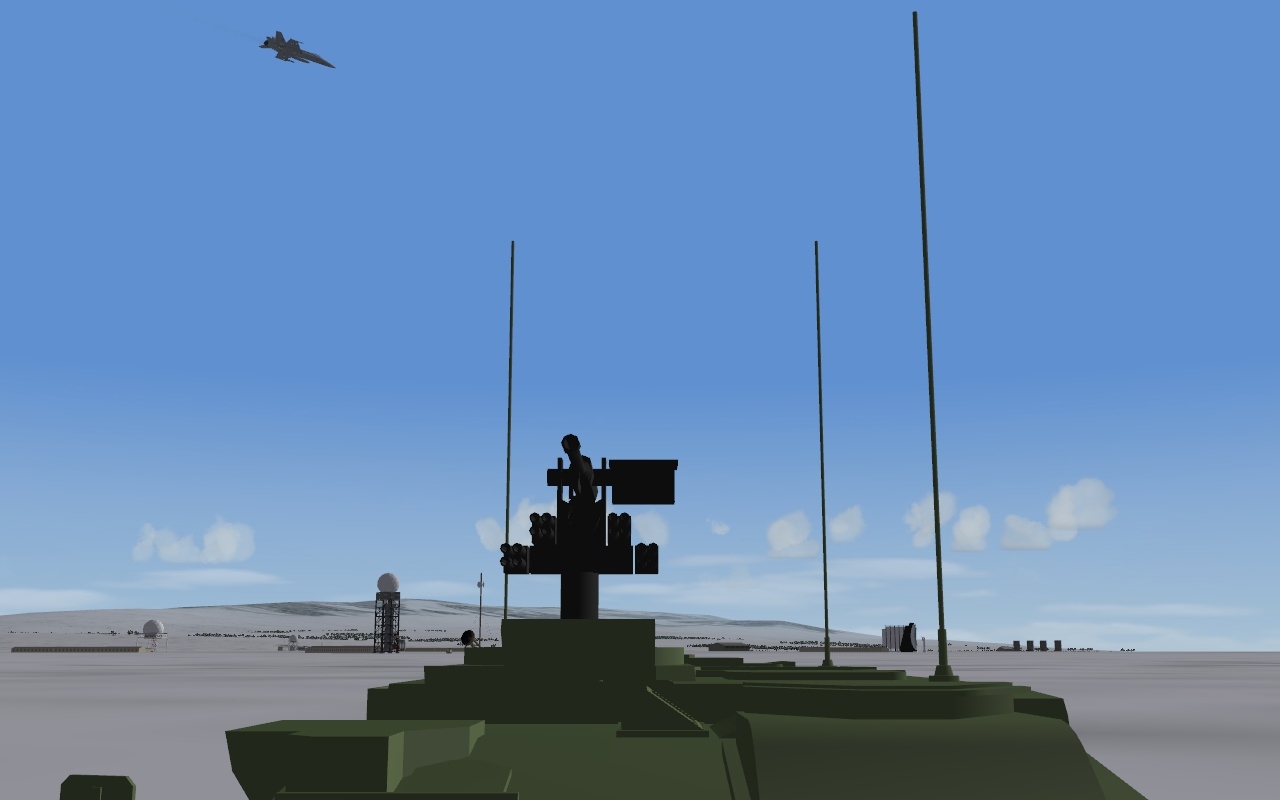
Unfortunately I missed the values, was based of the T-80.. but values are as follows (for the Stryker): Armor[FRONT].Thickness=60 Armor .Thickness=30 Armor .Thickness=30 Armor[REAR].Thickness=30 Armor[TOP].Thickness=40 Please copy and paste this and will be updated shortly
-
back to work
- Show previous comments 3 more
-

EricJ....been playing and installing mods/skins for couple years and now wanted to try out making skins.
I'm getting pretty good with Photoshope, and am interested in making skins based on 80's GI Joe planes.
Where do I find templates, if possible, or how to I get started? I tried modifying existing skins...but it doesn't work well (as you know) when I don't have all the layers.
Advice?
V/R
Mark Mejia
-
I'd like to say thank you for the tutorial: Converting older planes to work in SF2 – a basic guide.
This is helping me to modify the well made Mirage F-1C uploaded by Wrench. As i do not like the cockpit (F-104) i decided to use that of the Kfir, and start modifying it.
It works, but i am now struggling with bad shadows "wires" from the aircraft and still do not know how to solve the issue. What i will attempt to do next is to modify the F-1 C to make of it a true F-1 ...
-
-
http://skyhawks.combatace.com/
-
suicidal, if I remember somebody talking, may be your card overheating, I've seen some of that bleed before myself when testing pureblue's terrain.
-
http://forum.combatace.com/index.php?showtopic=47281
-
I've driven the FSV (Fire Support Version) before, and agree, a fun ride
-
Black`s Projects Su-33UB,Su-25 WIP and more
Flanker562 replied to 76.IAP-Blackbird's topic in Mods/Skinning Discussion
It's simply reducing the detail and making the model more "simpler" because at longer distances the aircraft being rendered far away doesn't need to show all the details as you would need to see close up. If the vehicle is simple enough, you can just remove a majority of decals to the point of the simple shape (ground vehicles mainly). -
That just something you made yourself?
-
Thanks but Razvan was the modeler on that one, I give him a poly limit, and he does according to specs and no complaints from me either
-
View File Stryker ICV 1.1 Read the README For those who downloaded the vehicle prior, change the values in the DATA.ini with these: Armor[FRONT].Thickness=60 Armor .Thickness=30 Armor .Thickness=30 Armor[REAR].Thickness=30 Armor[TOP].Thickness=40 Submitter Flanker562 Submitted 09/20/2009 Category Ground Objects Mods
-

293 downloads
Read the README For those who downloaded the vehicle prior, change the values in the DATA.ini with these: Armor[FRONT].Thickness=60 Armor .Thickness=30 Armor .Thickness=30 Armor[REAR].Thickness=30 Armor[TOP].Thickness=40 -
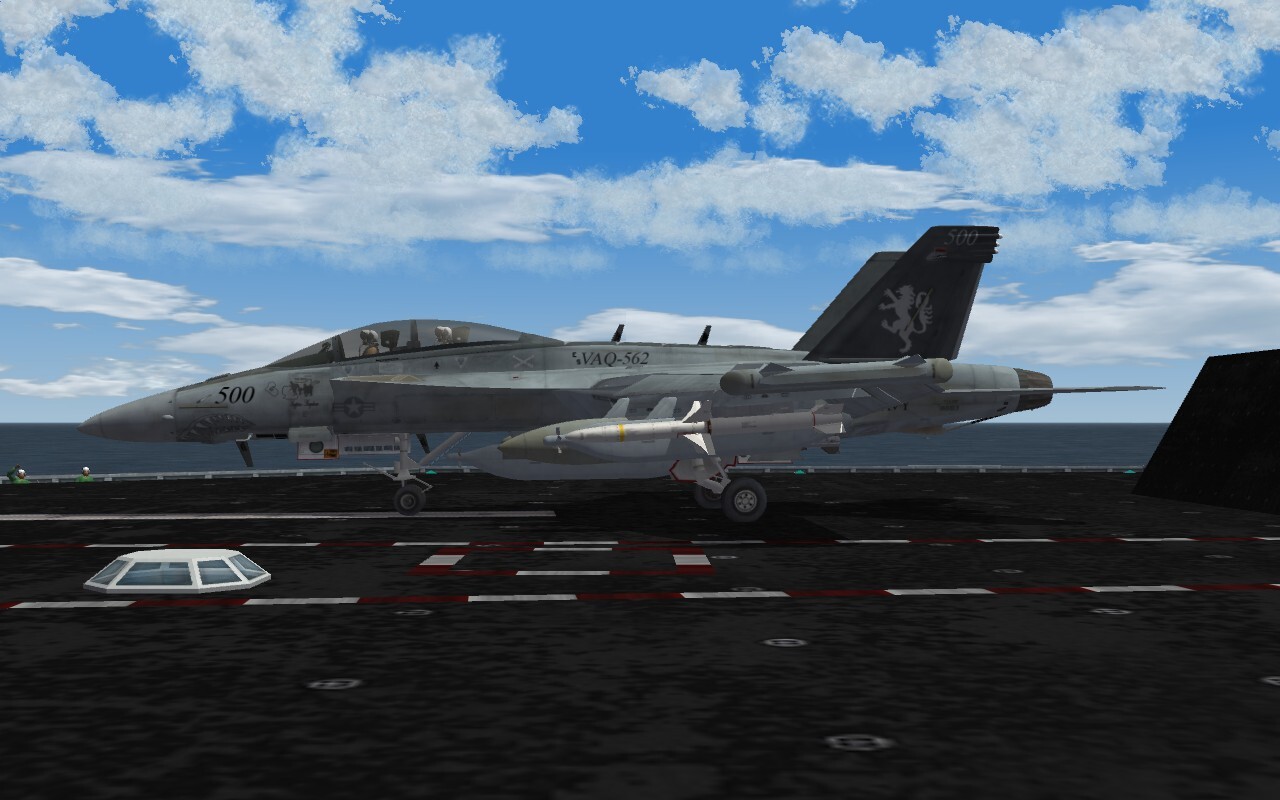
Super Hornet update, just got help from Spillone104 and Spectre8750 in developing a more custom sound for it. After watching a VAQ-129 video it struck me as the best possible, so I was trying to do that with v1.4, only AGOSTINO caught my mistake in changing it back. Then again this sound should work out so a few more tweaks and the package should be good.
-
Black`s Projects Su-33UB,Su-25 WIP and more
Flanker562 replied to 76.IAP-Blackbird's topic in Mods/Skinning Discussion
Looking nice... -
Ouch, my condolences... hope his health improves...
-
Well needless to say it panned out pretty good Overwatched by the angels..
-
Negatron, I thought cocas was going to help but he disappeared...