
Sundowner
-
Posts
2,276 -
Joined
-
Last visited
-
Days Won
129
Content Type
Profiles
Forums
Gallery
Downloads
Store
Everything posted by Sundowner
-

May 2012 Avionics60.dll causes stutter, confirm?
Sundowner replied to Bossco82's topic in General Discussion
Guys, try removing the radar display from the HUDDATA.ini , it SEEMS to have cured my problem. [Display004] //DisplayType=RADAR PosX=0.865 PosY=0.015 Width=0.125 Height=0.16666667 Alpha=0.60 InitTime=2.0 -
For car enthusiasts: Concorso d'Eleganza Villa d'Este 2012
Sundowner replied to Dysko's topic in Digital Recon
Some real beauties there, thanks for posting them. -
May 2012 Avionics60.dll causes stutter, confirm?
Sundowner replied to Bossco82's topic in General Discussion
I tried swapping out the .dll for the April version....got a lockup at 90%.... -
May 2012 Avionics60.dll causes stutter, confirm?
Sundowner replied to Bossco82's topic in General Discussion
Yep same here, the "Game Loop" keeps jumping between 1x & 2x [in time with the stutter] in certain views, dunno if this is related though. -
-
IS OUT !....... http://www.thirdwire.com/downloads.htm
-
Nice work m8.
-
Target .INI Entry = What Terrain Tile?
Sundowner replied to swambast's topic in Mods & Skinning Discussion
Use the TFD Steve, I've resused a couple of tiles[with their tods] from another terrain that only have a few trees on them, once I'd found the suitable tiles I used the panel finder [from sim outhouse I think] to map just exactly where the trees were then I could use those tiles around airbases without ending up with trees on runways etc. -
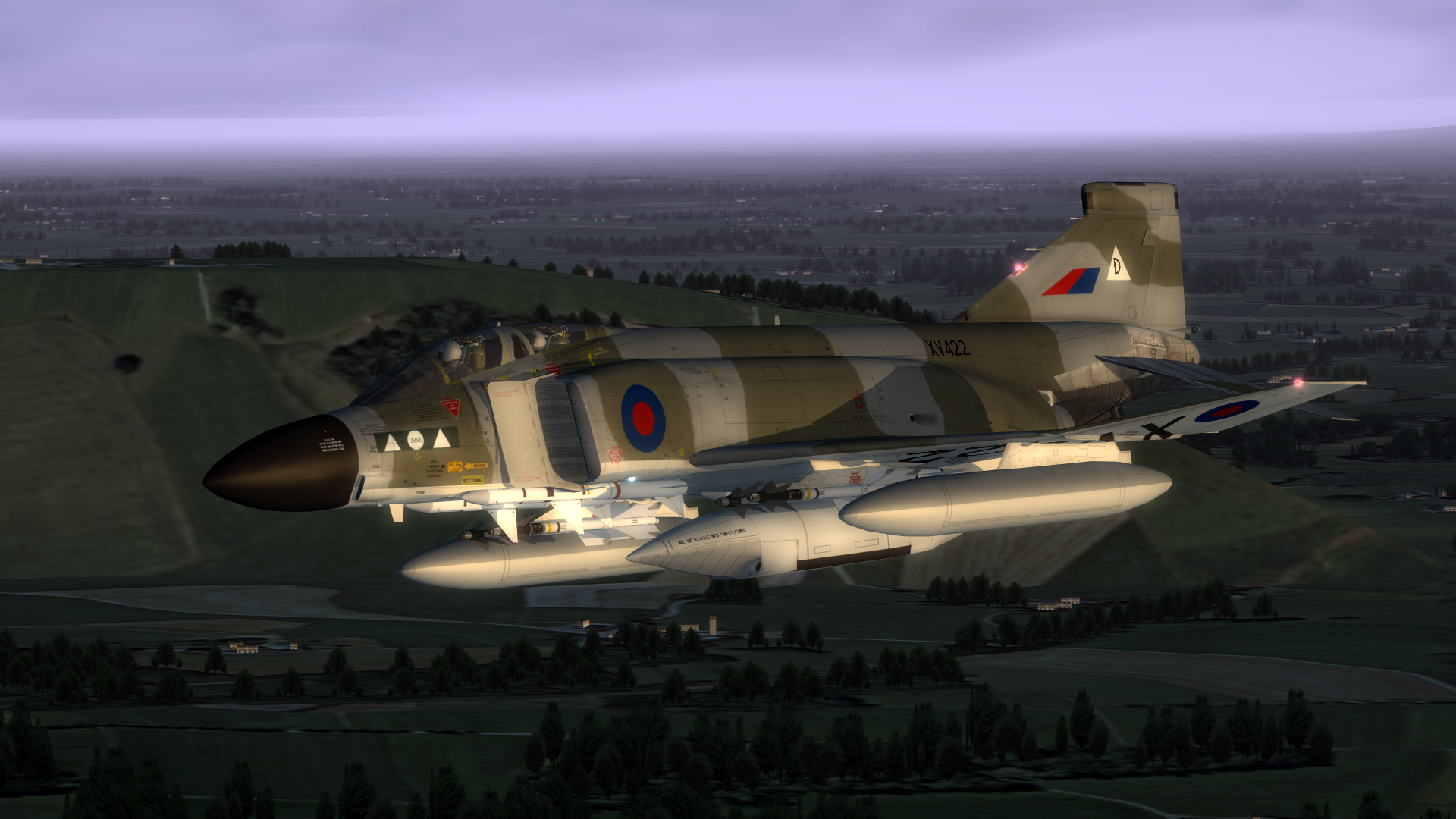
Early morning op....
-
Could'nt of put it better myself Diego, I agree 100%.
-
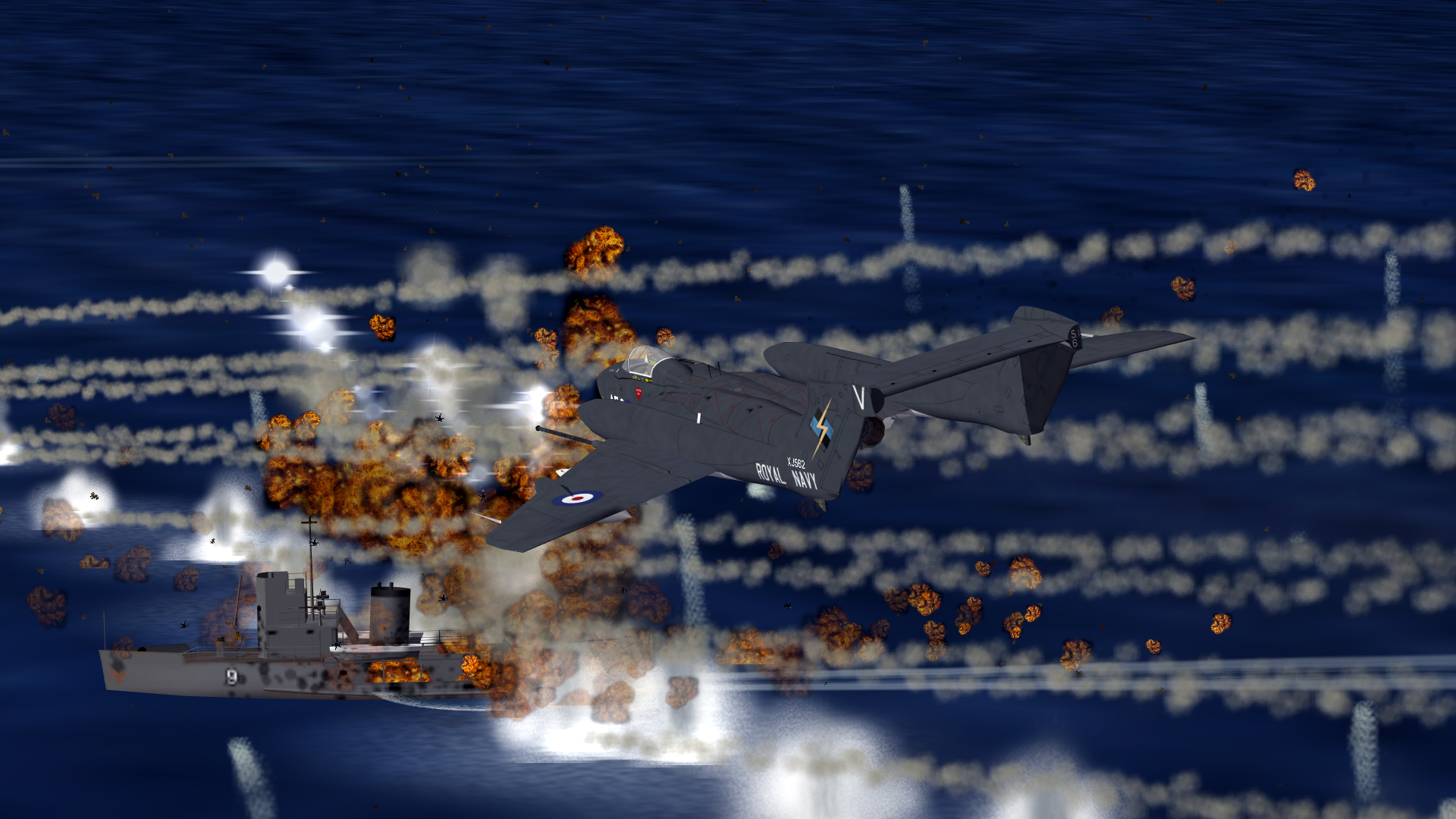
Vixen victory....
-
Try these.... http://combatace.com/forum/191-modding-terrainsenviroments/
-
Awesome Jeff....
-
I get the same issue, just dont have a clue what causes it, always that bottom left corner too.....
-
Any success at adding decals to fuel tanks?
Sundowner replied to ST0RM's topic in Mods & Skinning Discussion
Yes, just treat the tanks as you would any other part of the model, this is how I did it on my VF-74 F-4B; [Decal010] MeshName=droptank_wing_L DecalLevel=0 DecalFacing=LEFT FilenameFormat=f-4b\74/d/74tank Position=0.80,-1.400 Rotation=0.0 Scale=2.75 DecalMaxLOD=2 [Decal011] MeshName=droptank_wing_R DecalLevel=0 DecalFacing=RIGHT FilenameFormat=f-4b\74/d/74tank Position=0.80,-1.400 Rotation=0.0 Scale=2.75 DecalMaxLOD=2 Reverse=TRUE -
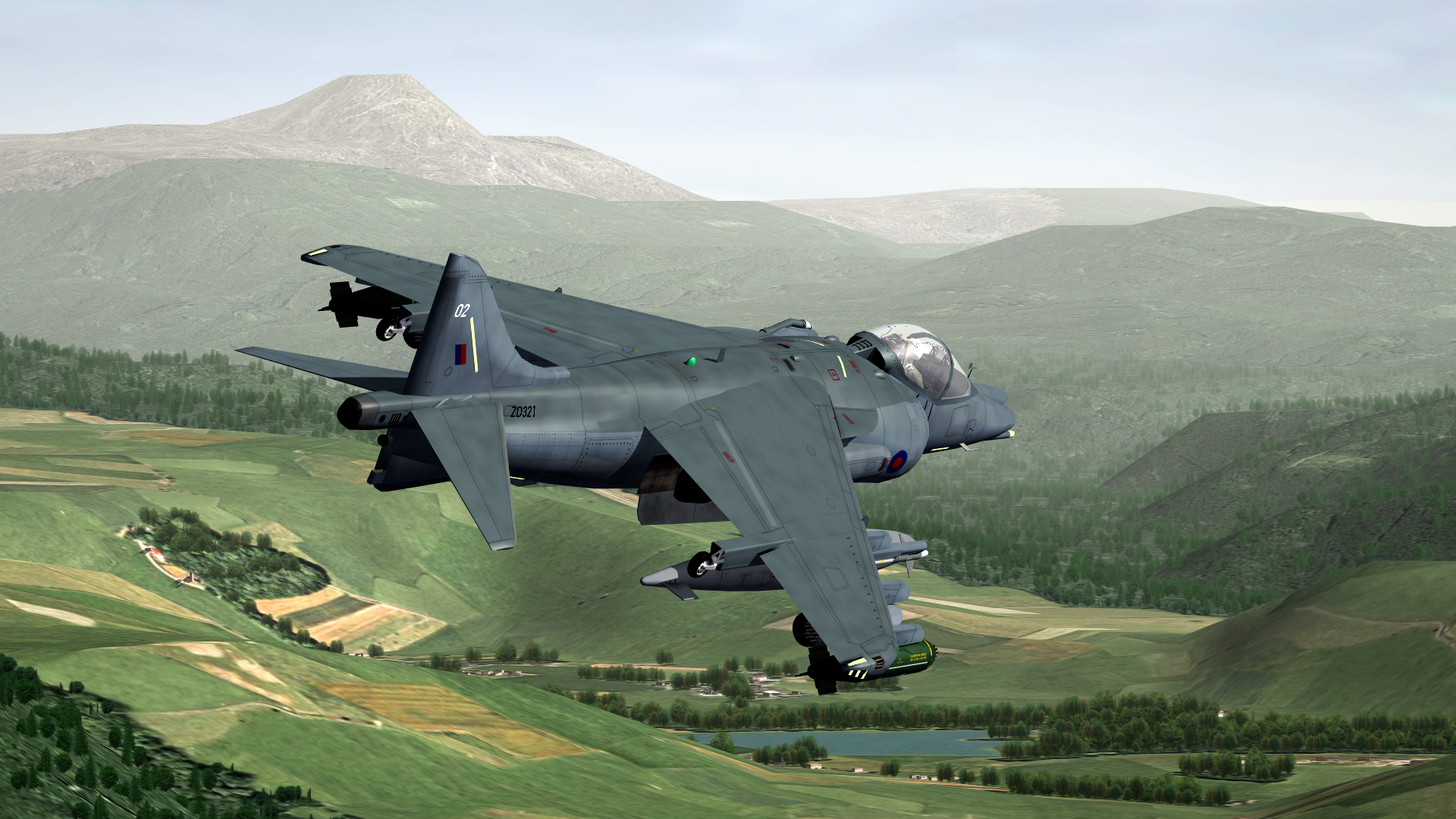
Quick flight tonight....
-
Happy birthday gents....
-
Doh!!! already posted on here by Silverbolt. :mega_shok: http://player.vimeo.com/video/40935850
- 1 reply
-
- 2
-

-
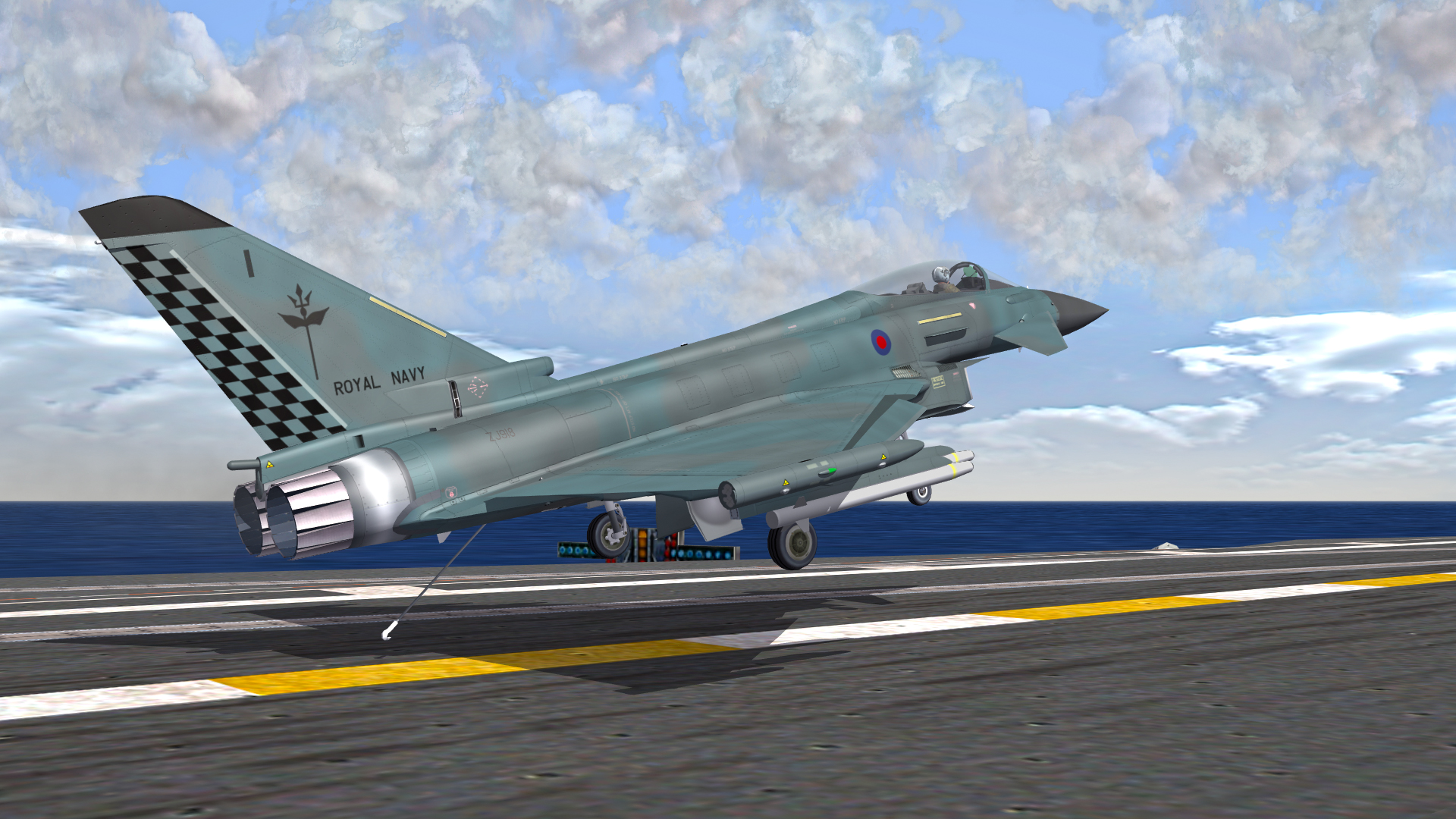
Thanks m8, bolter.....
-
Stunning location .
-
Yep I've had this happen on the UK map, it only seems to happen for me on either the first airfield that is in my targets ini[friendly and enemy], dosent matter what side I'm flying for [friendly/enemy] whichever is the first of their bases causes that same issue. If you have the ME installed check you mission first in there, when your problem airfield is chosen by the game itself [ie, not user made] you'll soon see that your start point is miles away from your airfield, yet manually choosing that airfield will cause everything to "jump" into place. Dont know why it's happening though.
-
Alternate TFD Terrain Tilemap editor/viewer
Sundowner replied to gerwin's topic in Mods & Skinning Discussion