VonS
-
Posts
1,026 -
Joined
-
Last visited
-
Days Won
2
Content Type
Profiles
Forums
Gallery
Downloads
Store
Everything posted by VonS
-
For those testing out Geezer's lovely WIP models for the Caudron R.11, also the Pfalz D.IIIa (not the D.III) - included below are the latest FM tweaks. The R.11 has a top speed of about 191kph near sea level - is fairly maneuverable too and can perform a modern Immelmann. Also included are some cockpit seating tweaks for the R.11. The D.IIIa file is not interchangeable with the Pfalz D.III (that download, in this thread, already contains the latest FM - the D.IIIa download is under the screenshots thread). Von S Edit: R.11 data ini has been removed, replaced with newer version posted below in this thread. Also removed is the Pfalz D.IIIa file. Please see the all-in-one download in this series of posts.
-
Welcome back to FE/FE2, one of the best WWI sims around...from what I'm aware, the Tuma files should work fine in FE2 as well. I think that several FE2 flyers have been able to install it - the other terrains too, especially the Vosges and Italian maps by Gterl, are also worth checking out, as are the Eastern front and Middle eastern terrains by Stephen. One peculiarity I've noticed with the Tuma terrains is that, while I'm able to download them, the compressed archive can't open and is listed as corrupt (perhaps this is only unique to my Mac) - but definitely give it a shot, should work fine in all versions of First Eagles. Von S
-
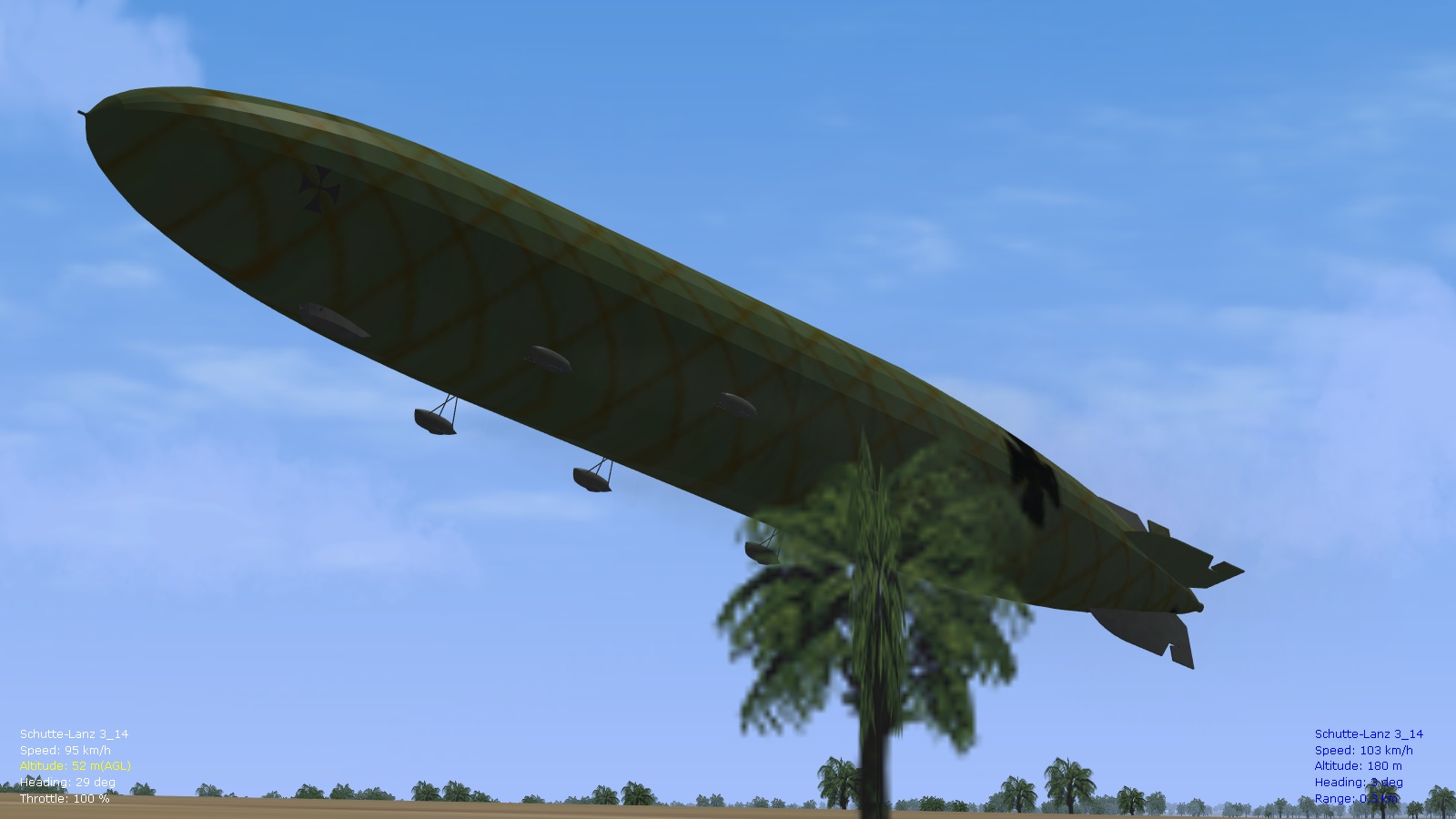
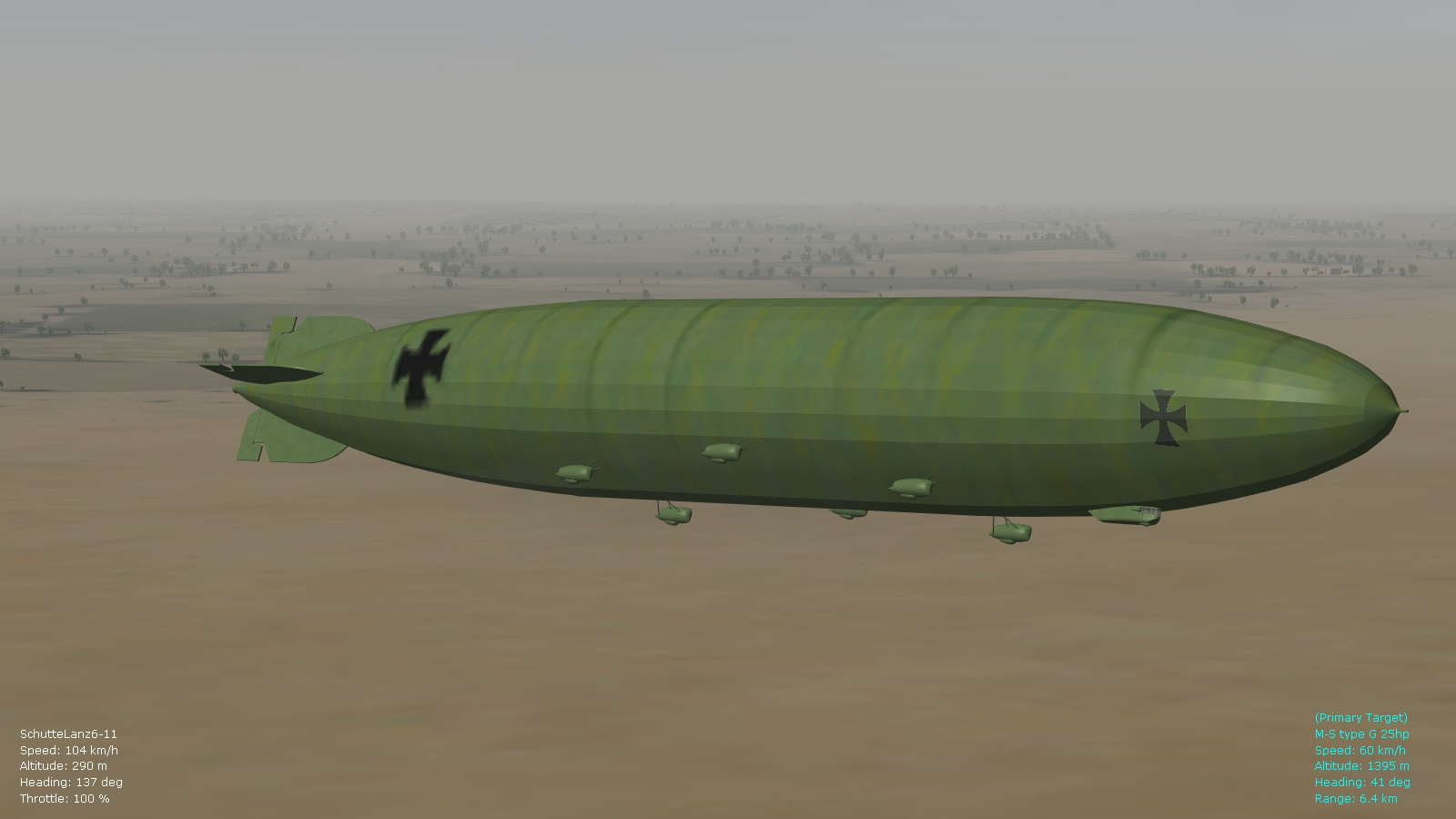
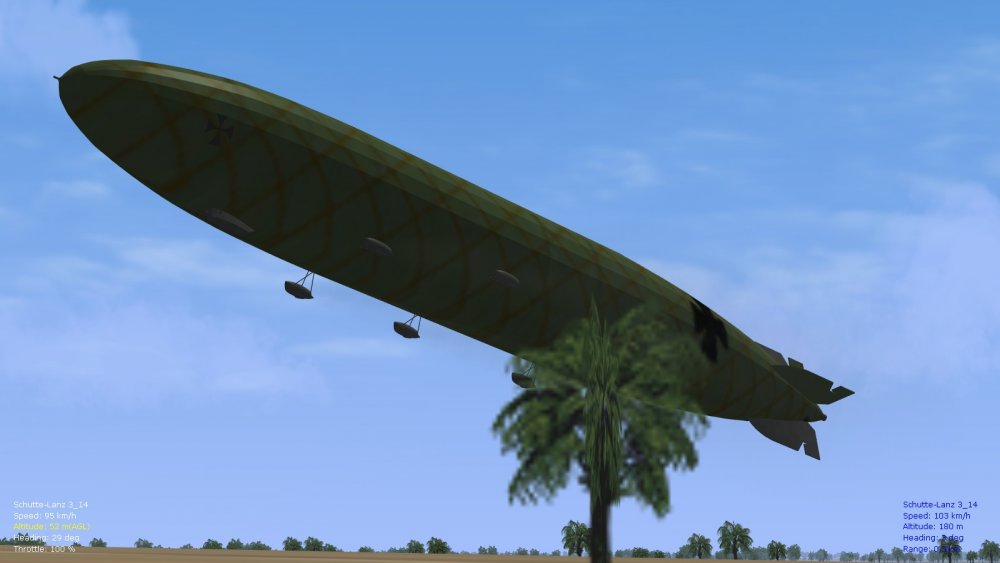
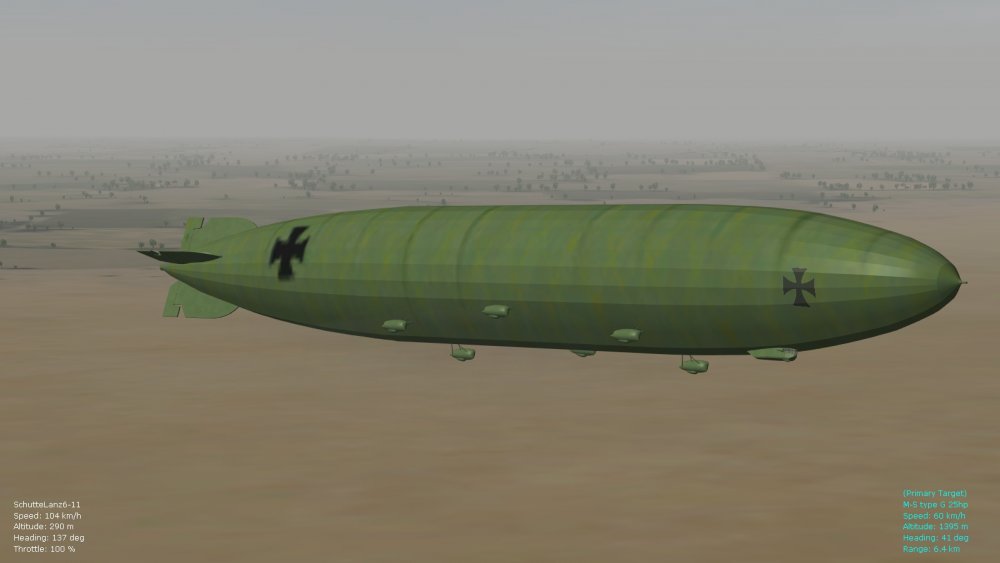
Been busy transforming the data ini for the ancient L.63 (from 2006) that's under the Central Power "other" downloads section into a Schütte-Lanz airship representative of models 6 to 11 (mid-war SL types)...the 3d model by Hitchinbrooke has a cigar-shape so should work well for this...bit more to tinker with the FM but will include this with the ver. 9.5 FM pack too. Couple of screenies below (will include the skins as well..the SL types had wooden construction and wire cross-bracing until 1918 when they shifted to metal...Zepps on the other hand always used metal frames). Happy flying, Von S
-
For those who have downloaded Geezer's lovely Pfalz D.III WIP (also the D.IIIa on the Screenshots thread)...the info. below might come in handy as you fly these Pfalzes and learn their peculiarities. Von S Tips: - watch tight turns that drop below about 110kph (might drop into a spin...using rudder in the direction of the tight turn might drop you into a spin even if you're as high as 120-130kph) - take offs are best around 115-120kph in both variants; use gentle movements of elevator - loops are peculiar in the type with lots of coordination needed: in the D.3 get up to about 220-250kph in a dive before attempting a loop, be moderate on the back stick and then ease up towards the top of the loop and try to go over the top at no less than about 90-100kph...otherwise you will slip out of the loop at the top; for the D.3a with its 180 horses, it's good enough to get to about 200kph in a gentle dive before attempting a loop...same rules apply....be coordinated and gentle, otherwise you'll fall out of the loop literally - try using opposite rudder to do a combo sideslip/tighter turn in the types....can be maintained for about 10-20 seconds before requiring that you level out - she lands nicely but watch your engine management on takeoffs, also the tail skid; digging roughly into the dirt with the skid can sometimes spin you out on the ground, causing a crash, especially if you're above 50-60kph - top speed on the D.III near sea level is about 170kph, top speed on the III.a is about 181kph (as historical) - the III.a is slightly easier to handle in tight maneuvers (bigger elevator surface and more rounded contours to the edges of the bottom wings)
-
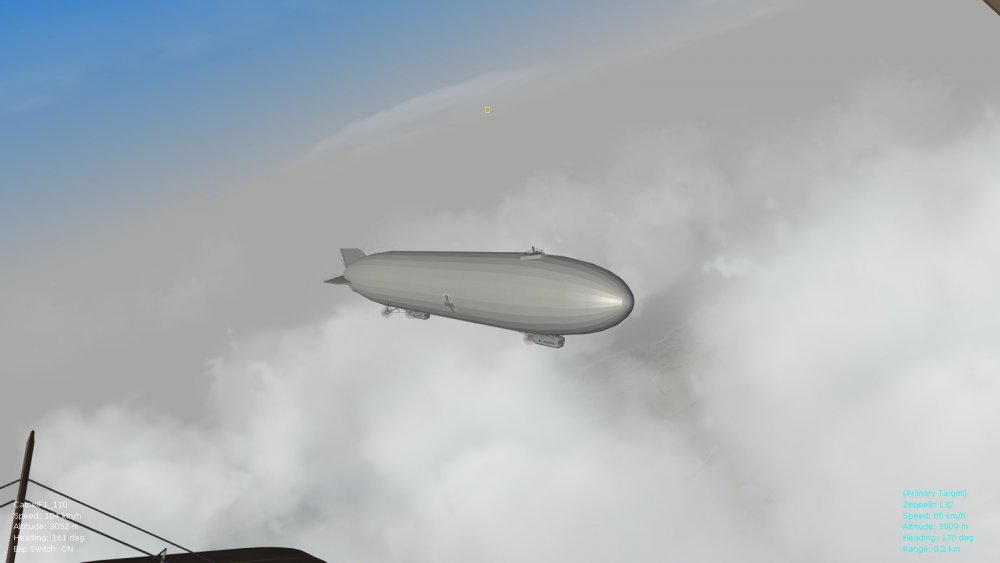
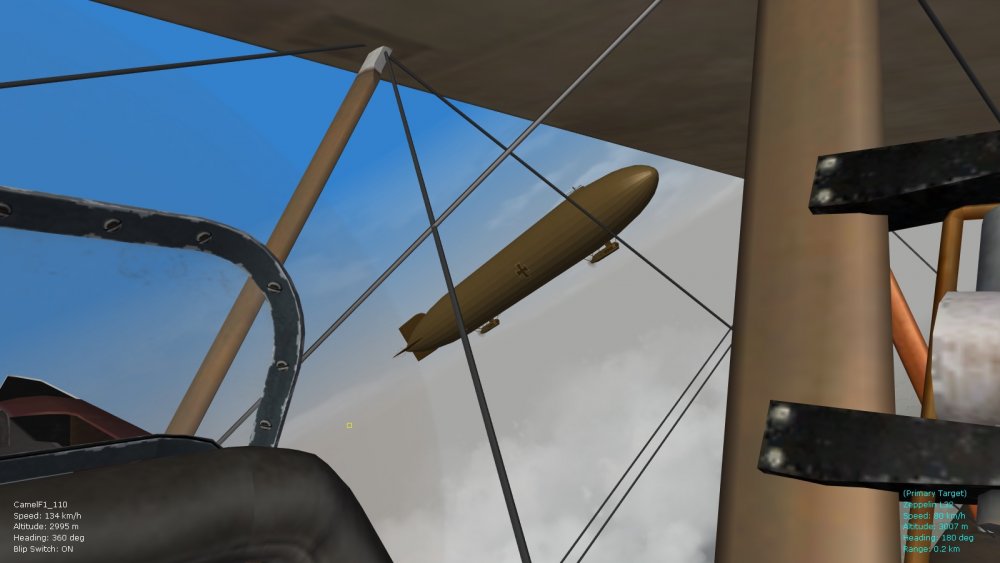
A couple of simple color filter experiments for the Zepps too...will include these and the greenish skin posted above once I finish with these files. Von S
-
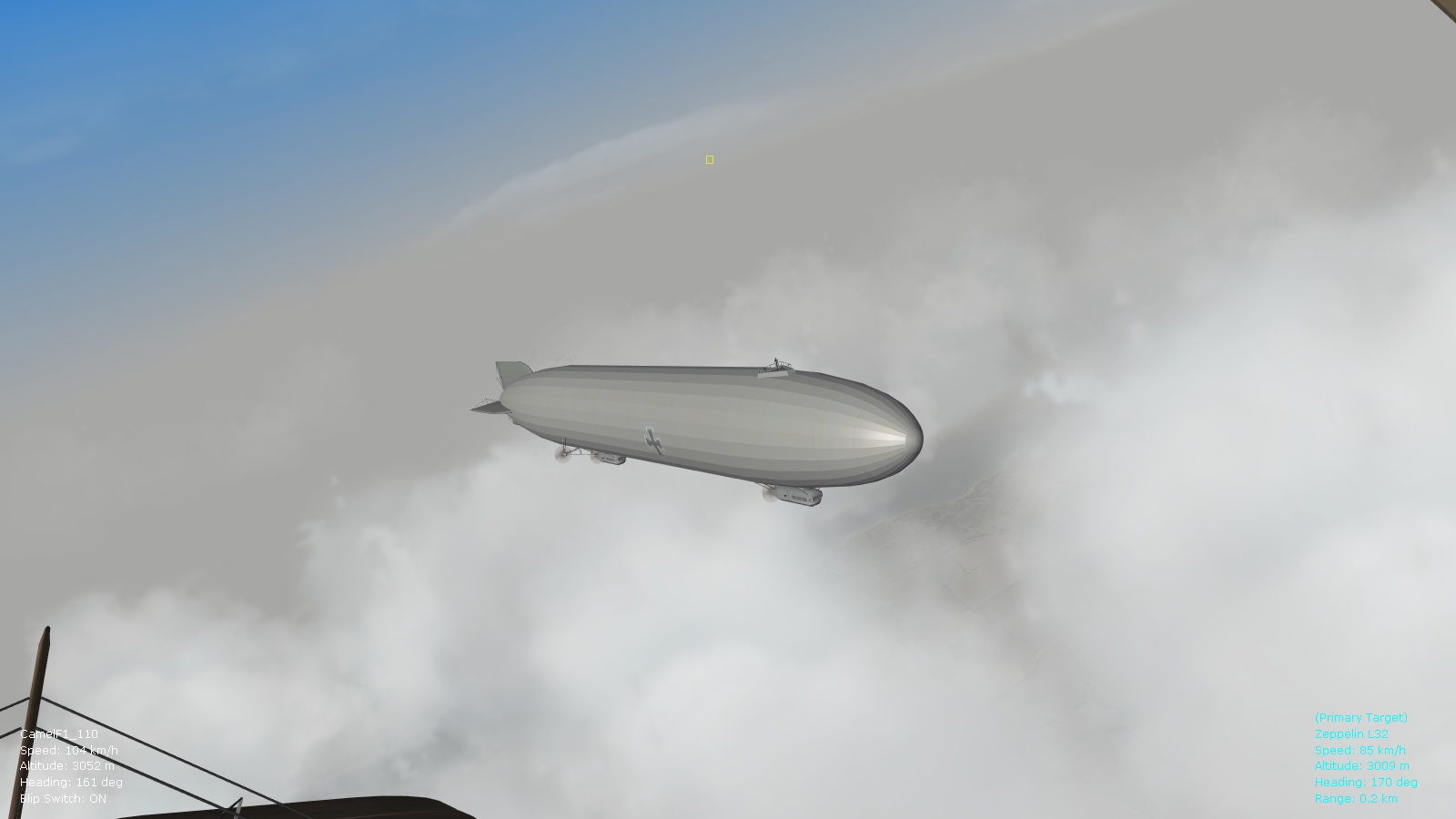
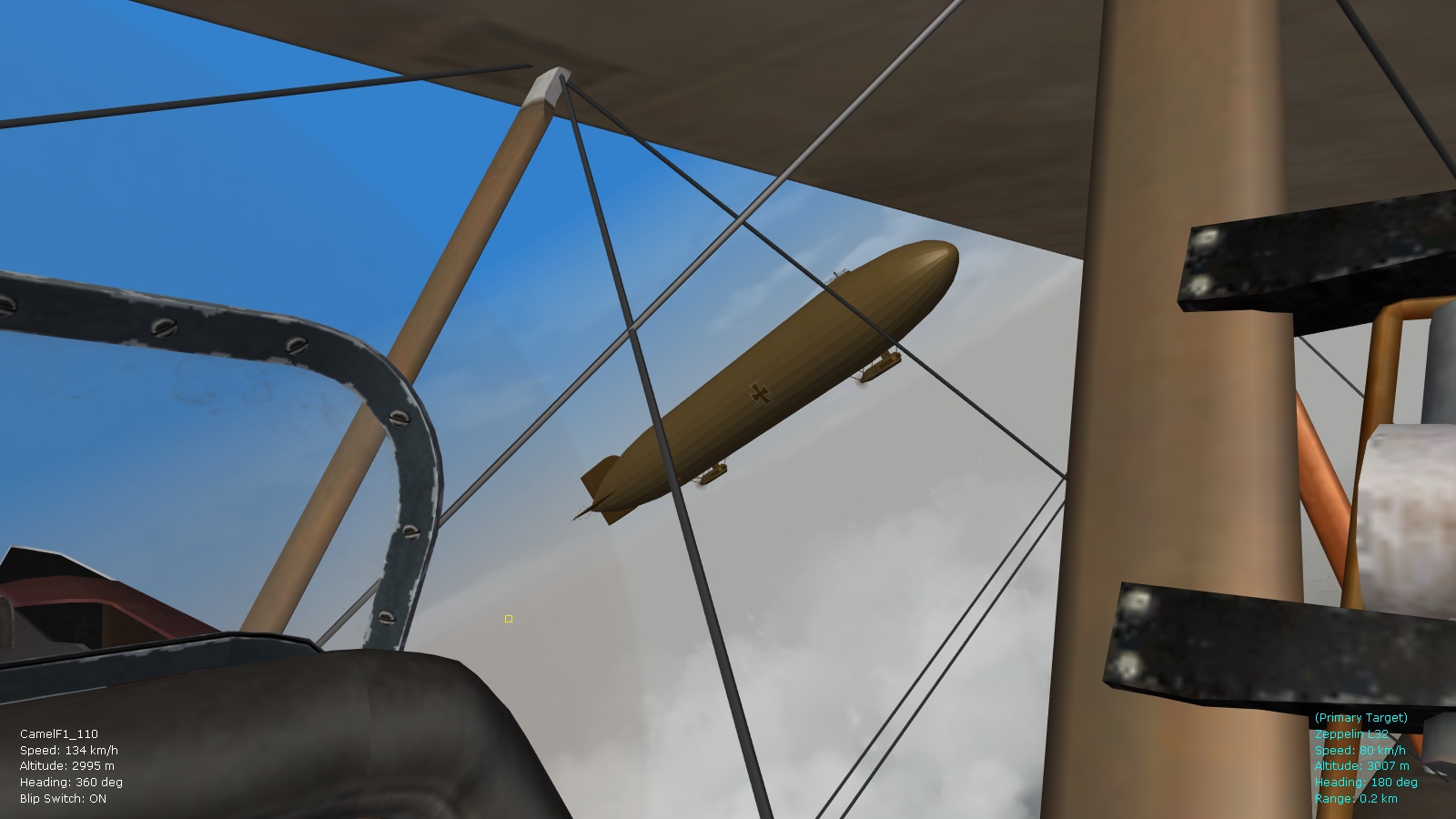
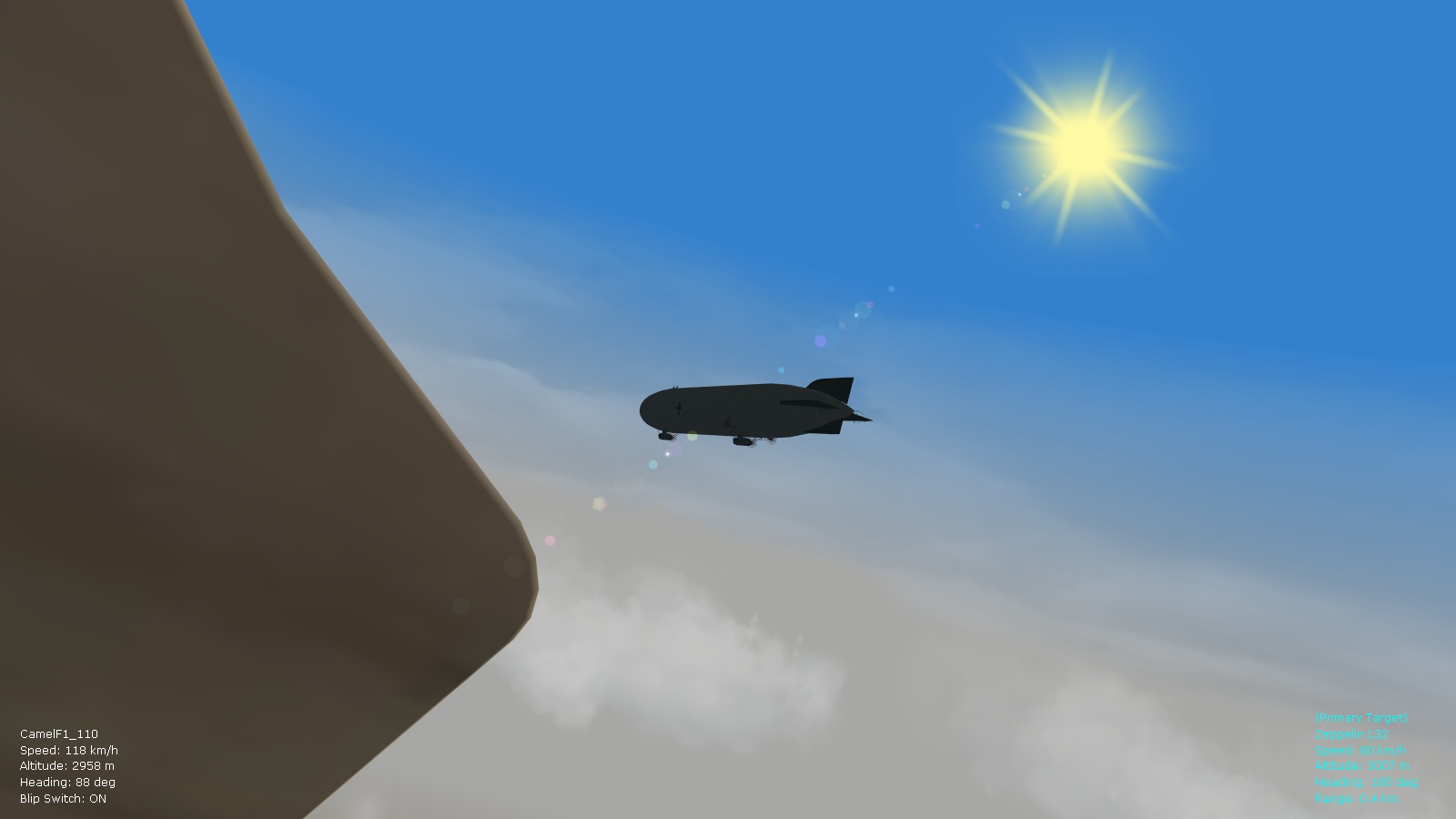
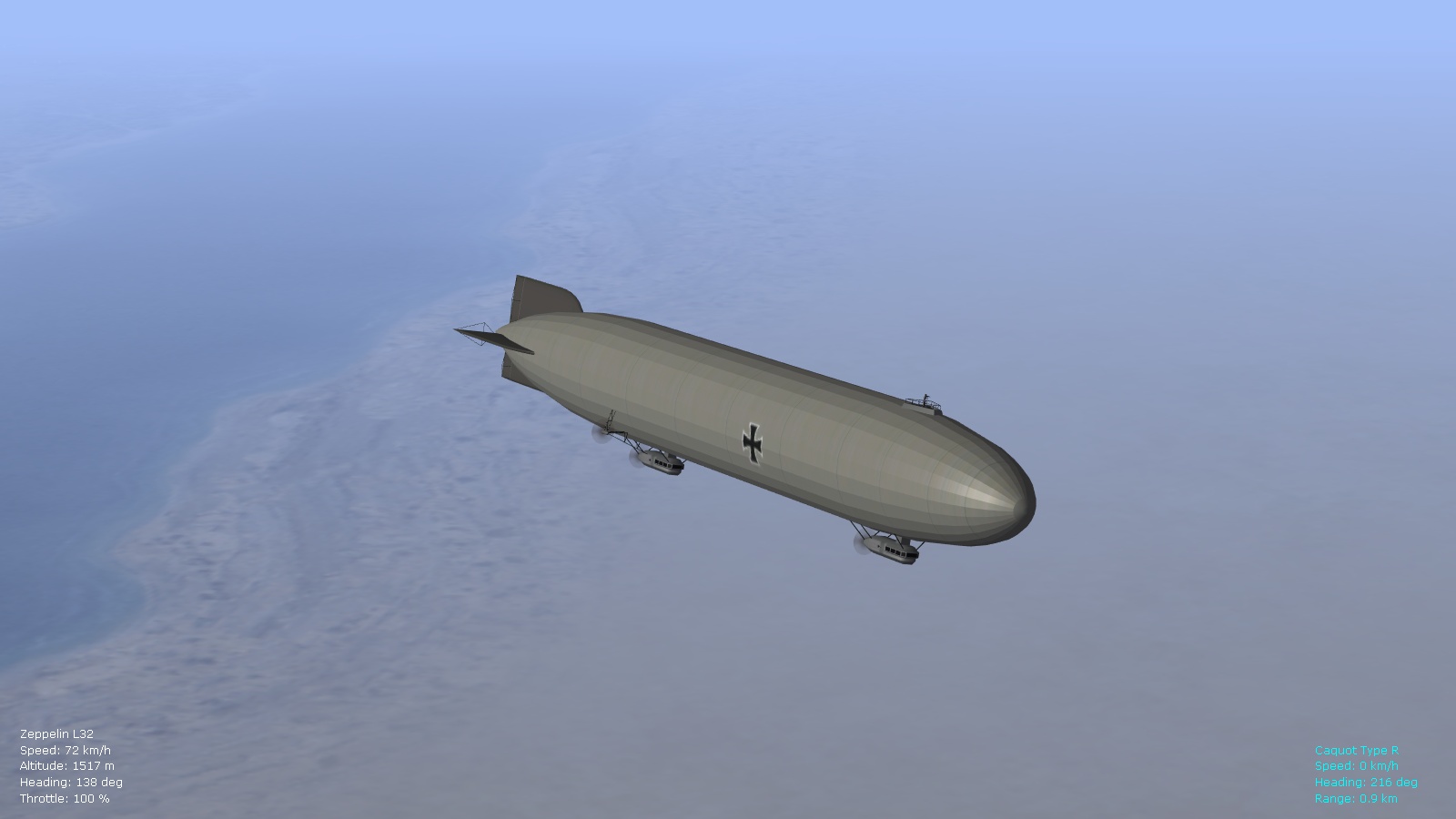
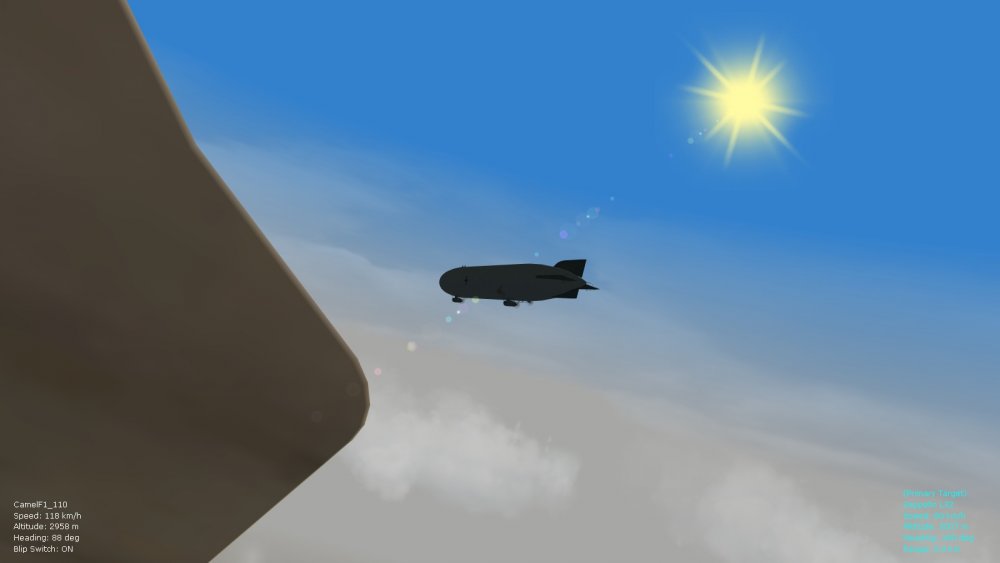
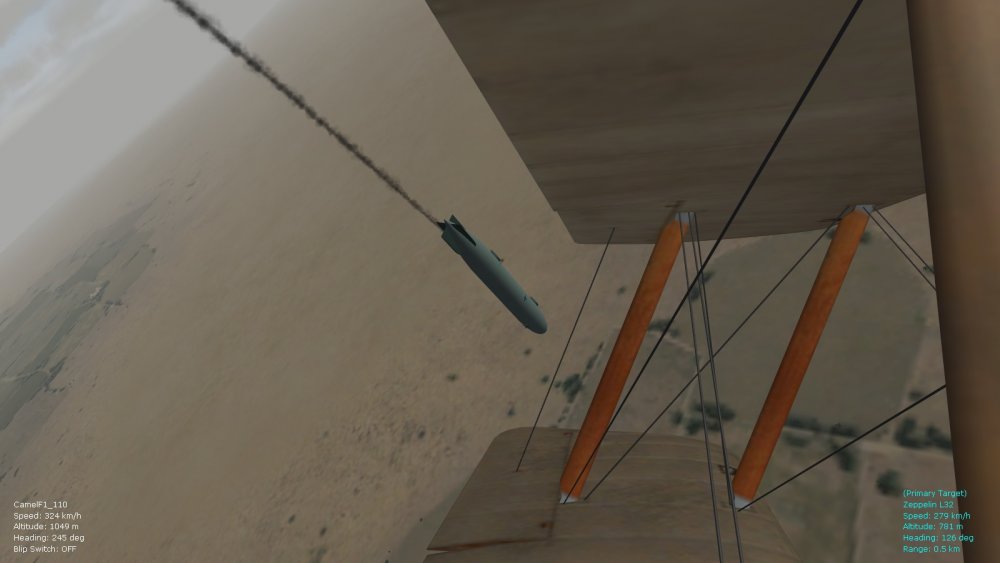
Yes, the R23's FM has been tweaked, as well as the L32. If there are any other rigid and semi-rigid airships available for FE2 on CombatAce I will definitely get to them eventually (I'm only aware of Stephen1918's R23 and L32 pack....if there are any more that I've missed, I will look into them over the next couple of months.) Obligatory screenies below. Von S
-
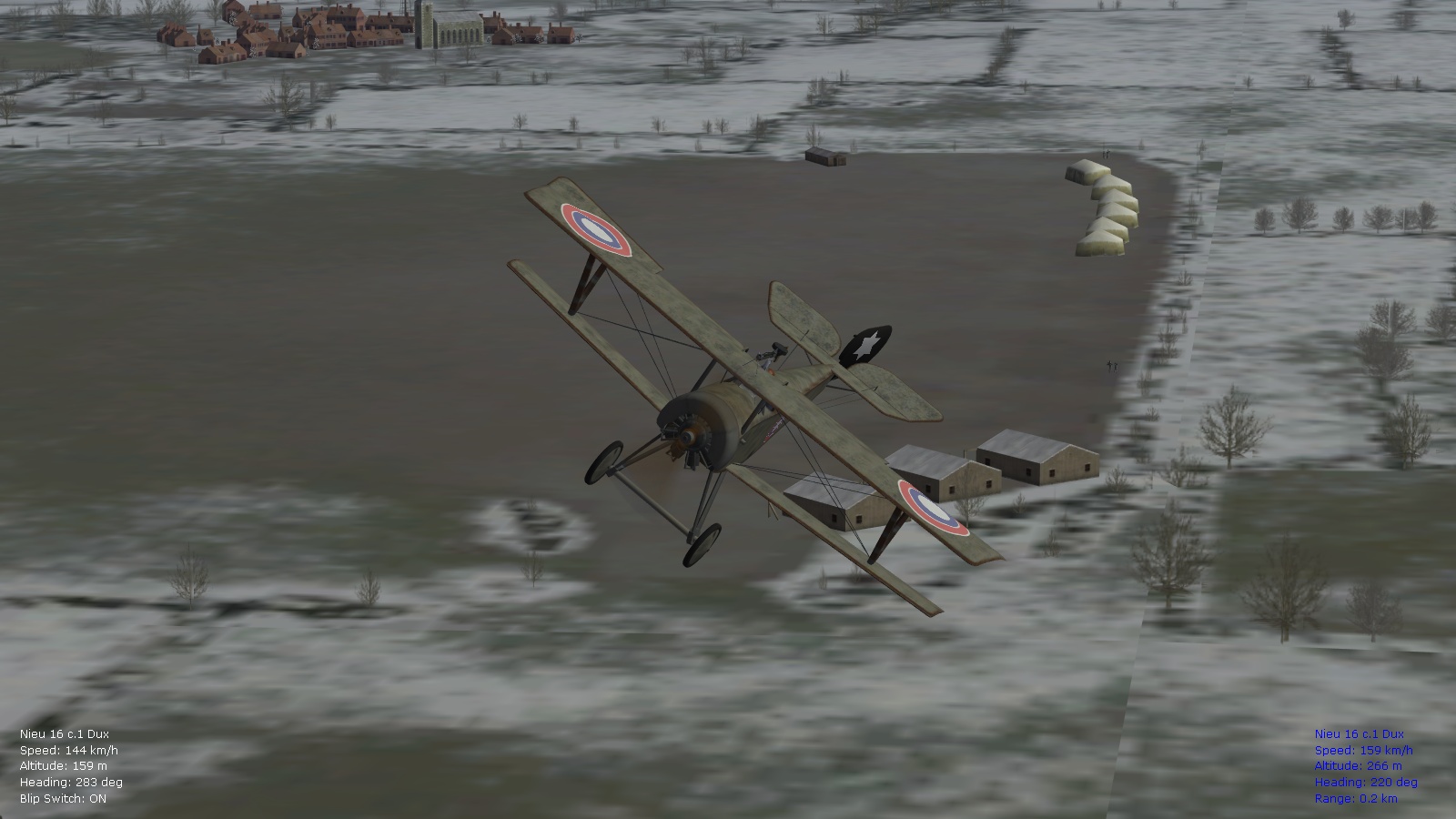
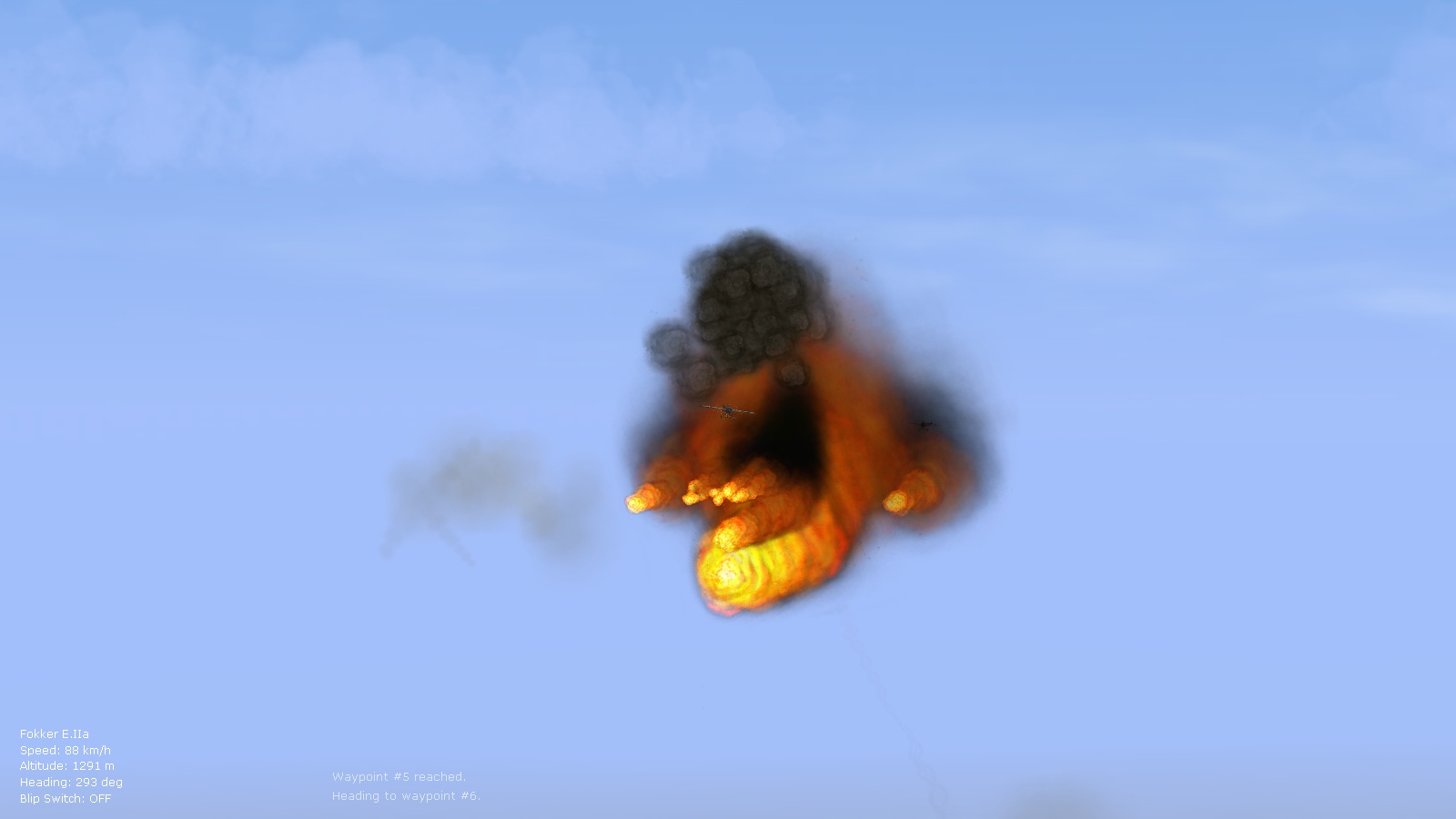
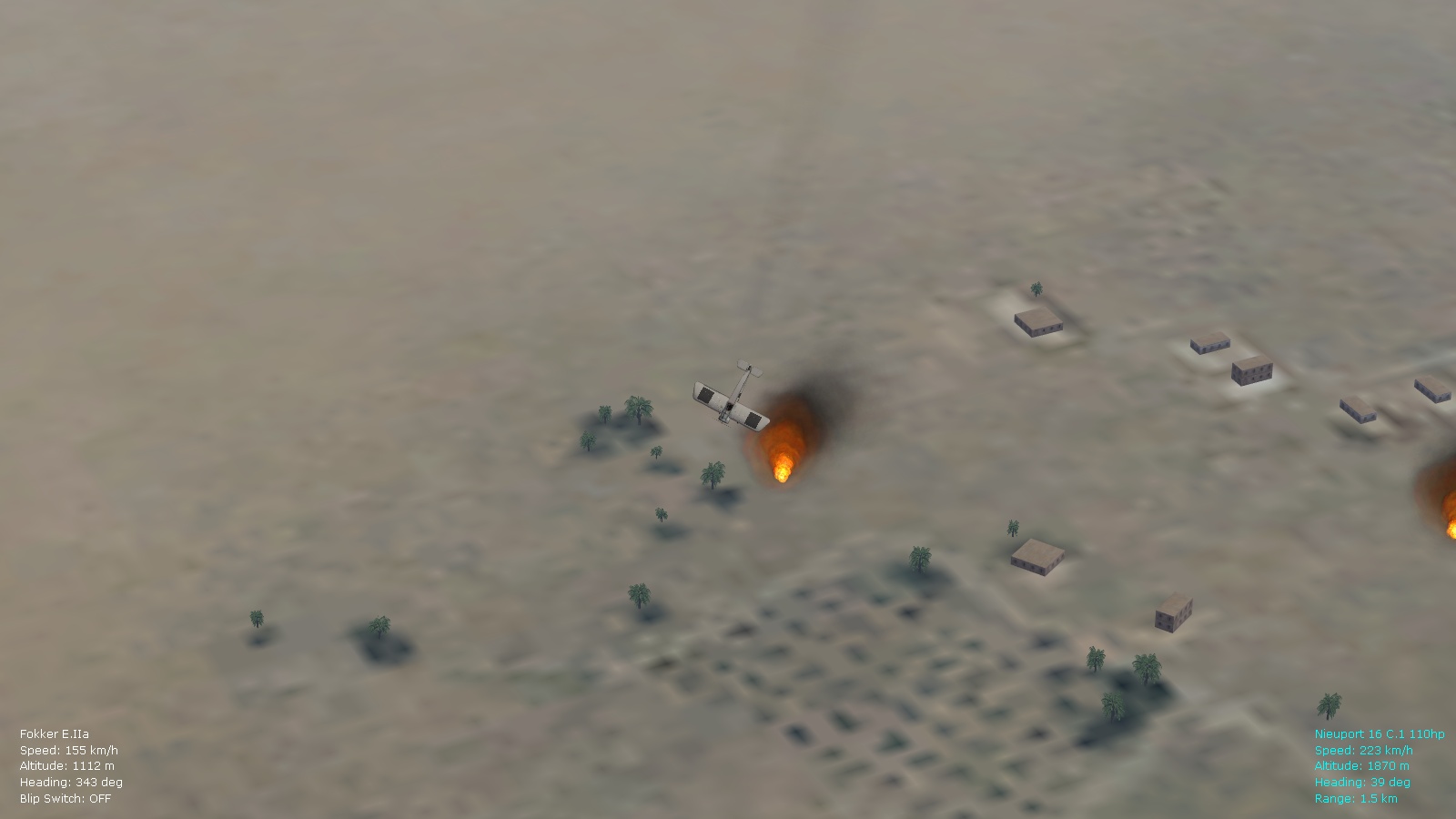
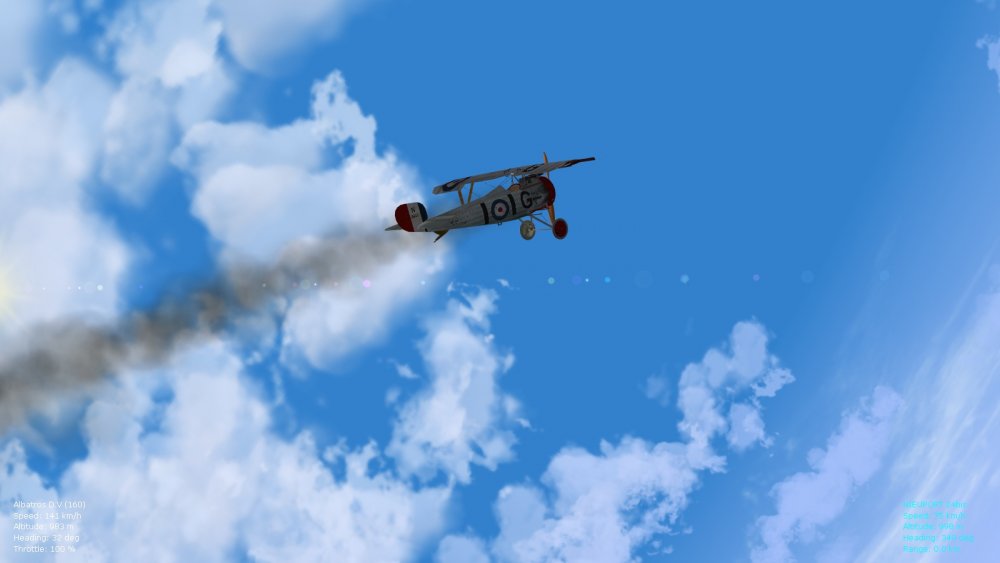
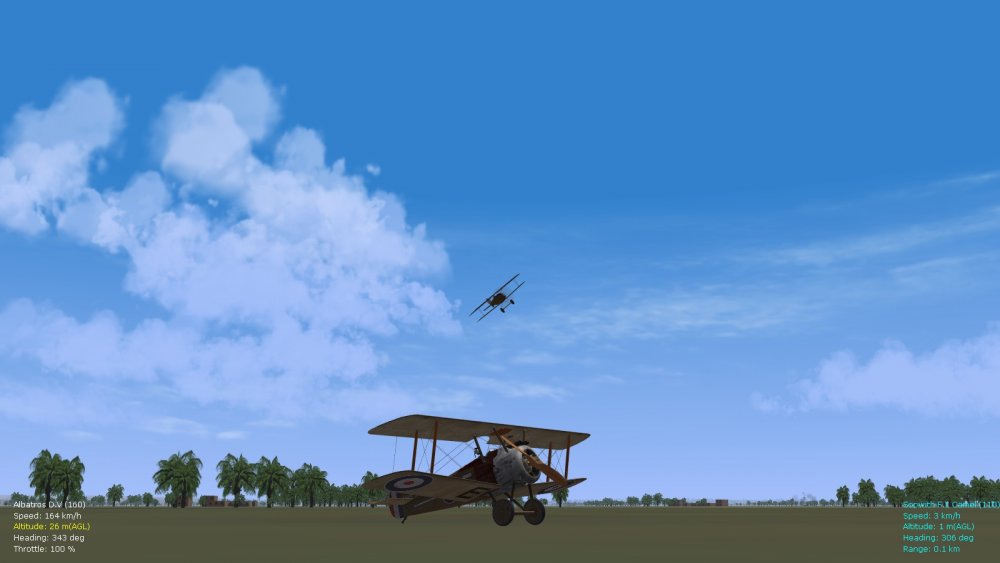
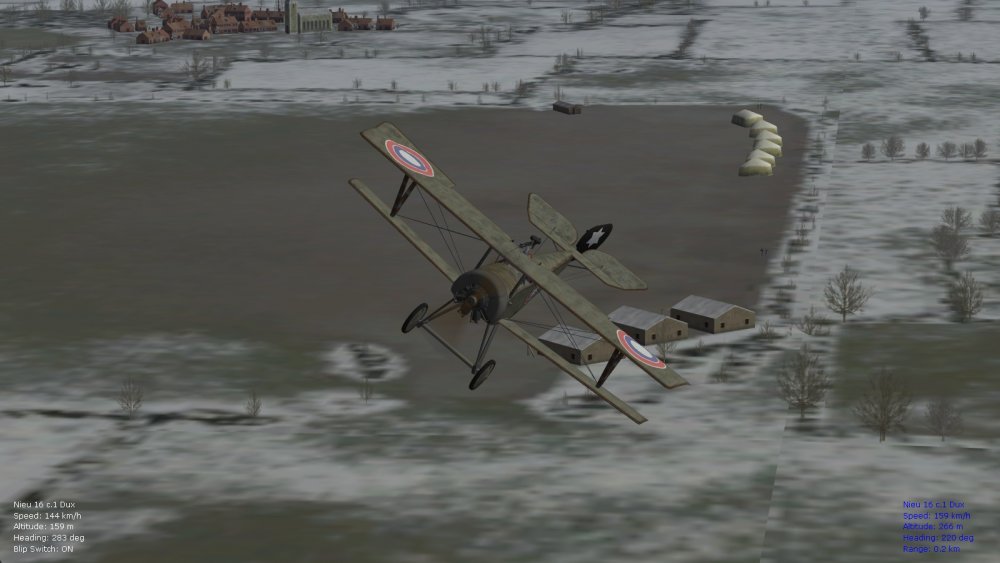
I'm hoping for a release date in late May/early June...most of the atmospherics tweaks are done, also successful reduction of aircraft congestion for early war theaters. Still tweaking the fire effects and hope to do another two or three FM modifications to some types I didn't get to so far...more obligatory screenies below, including the rare Nieuport 16 DUX. Might even release the update sooner and will leave the FM tweaks for other types for a ver. 9.6 of the pack. The atmospherics tweaks now work with SF2 also, but will release those separately as a smaller pack. Von S
-
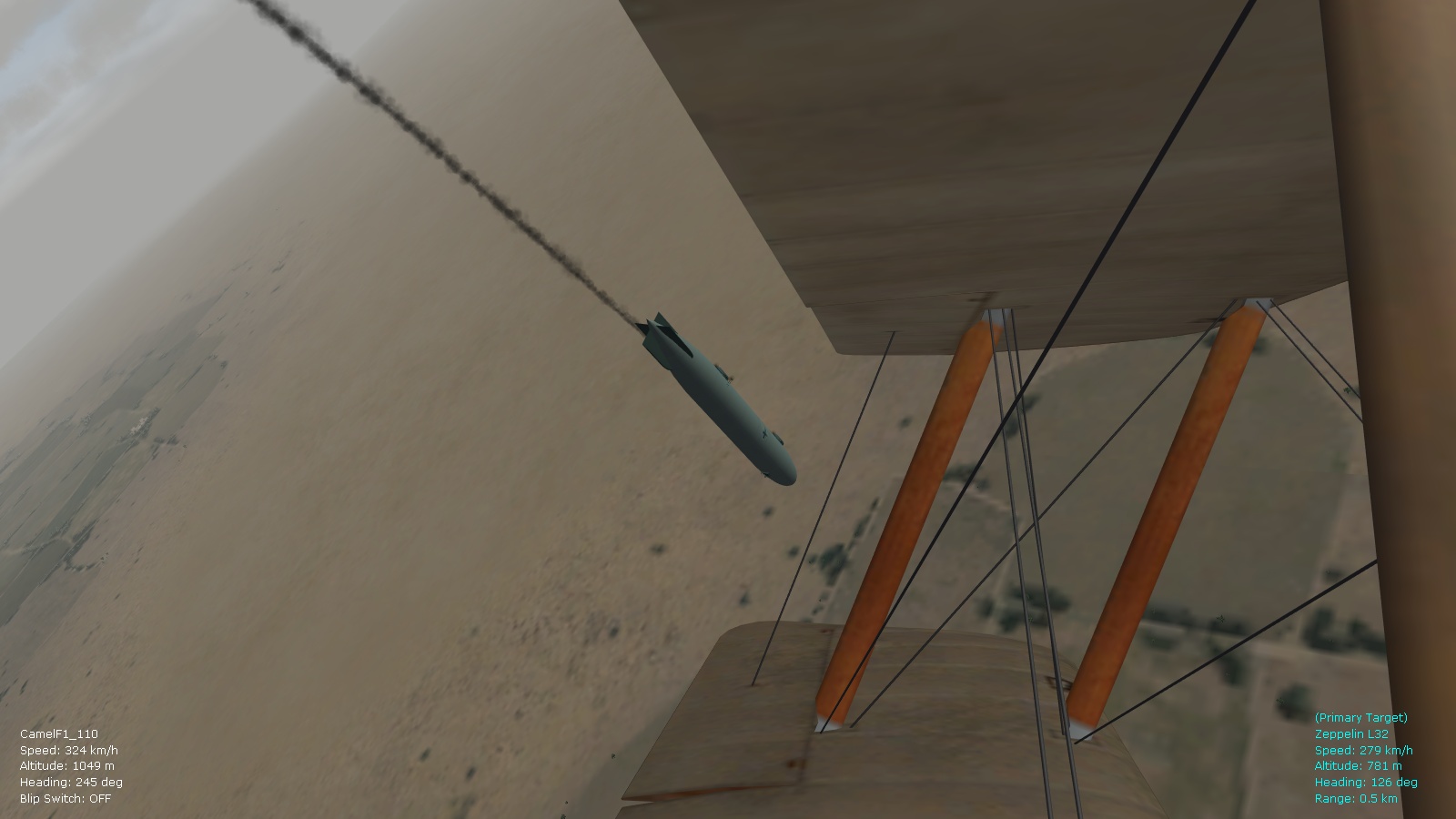
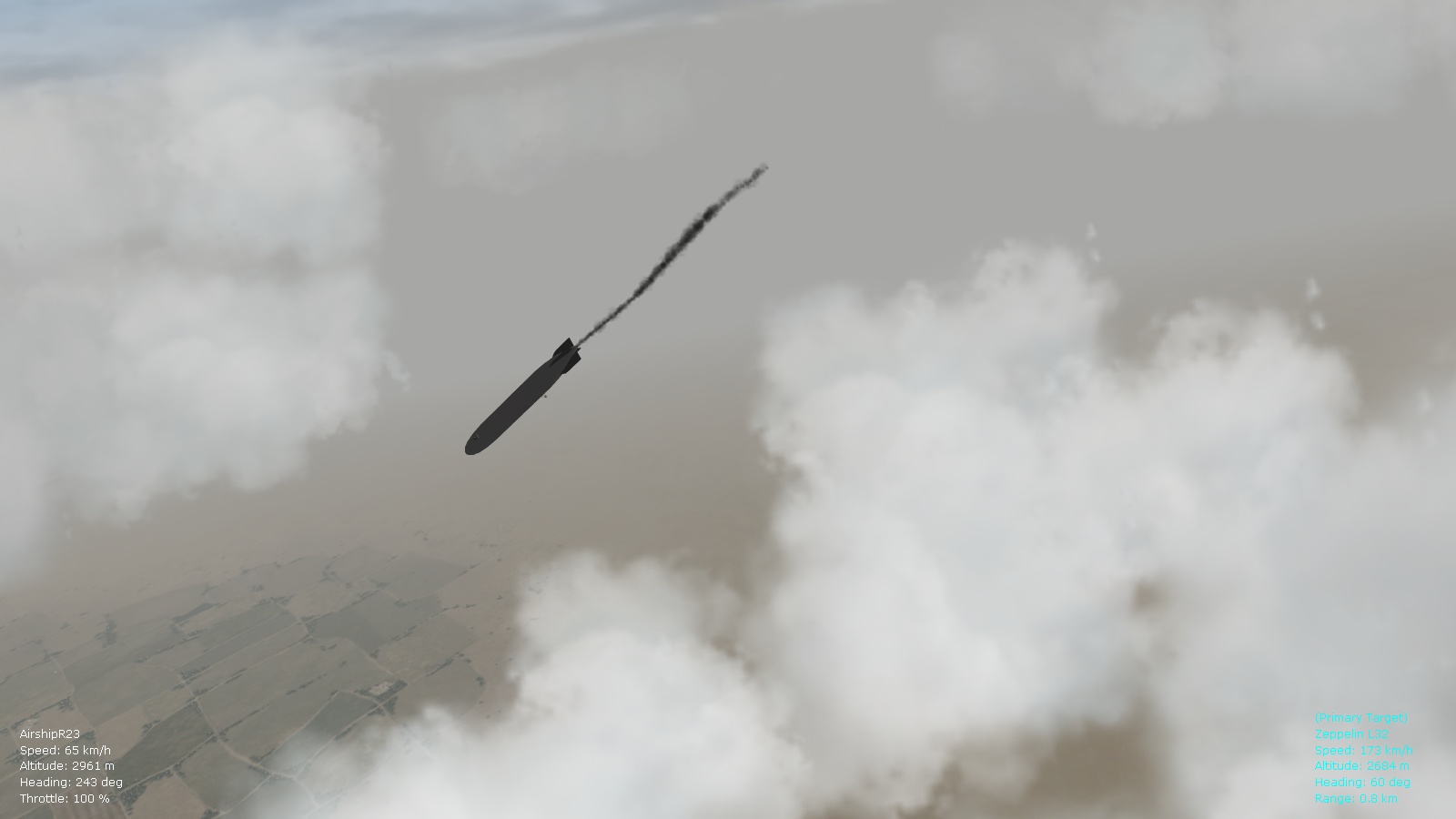
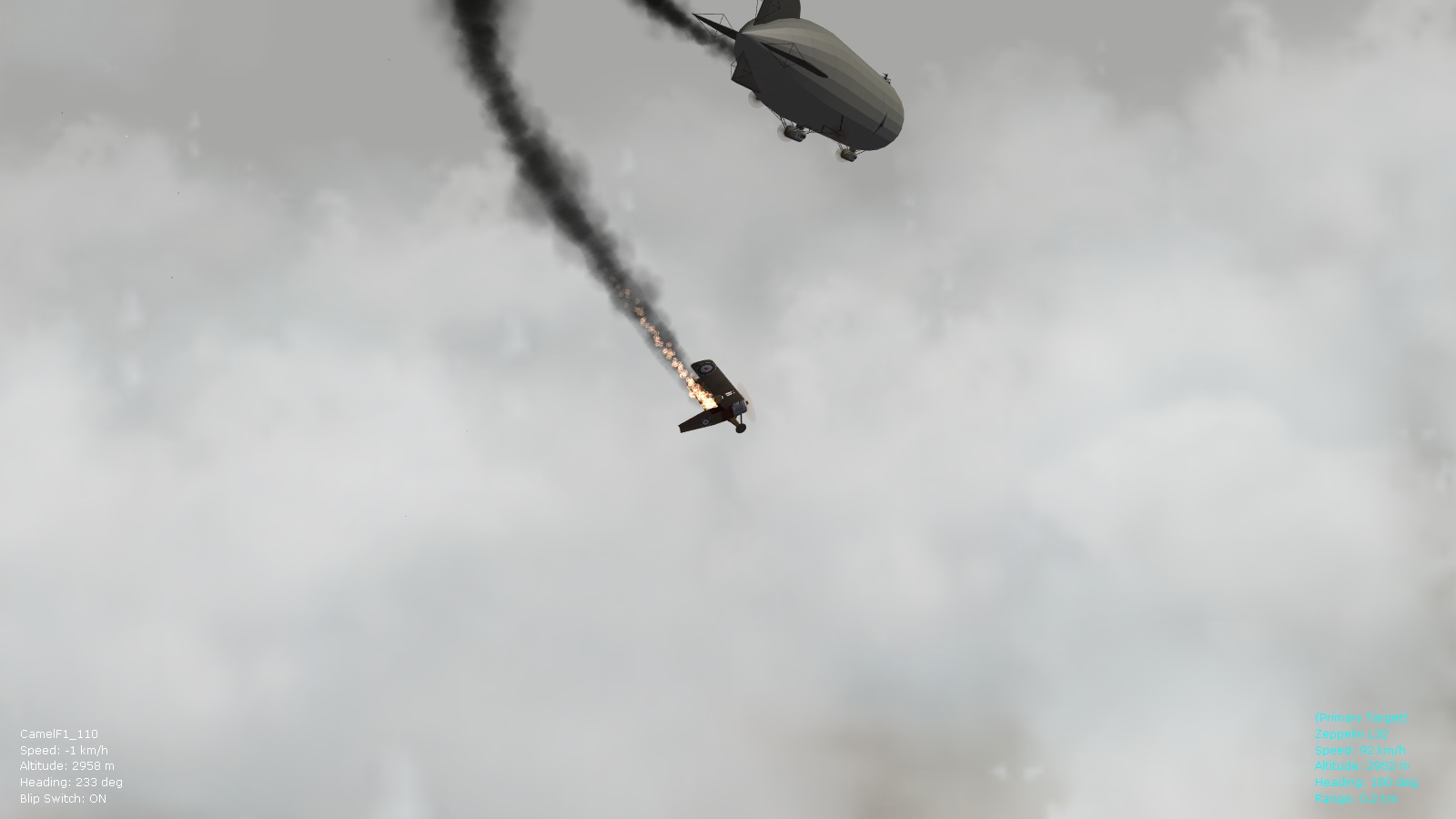
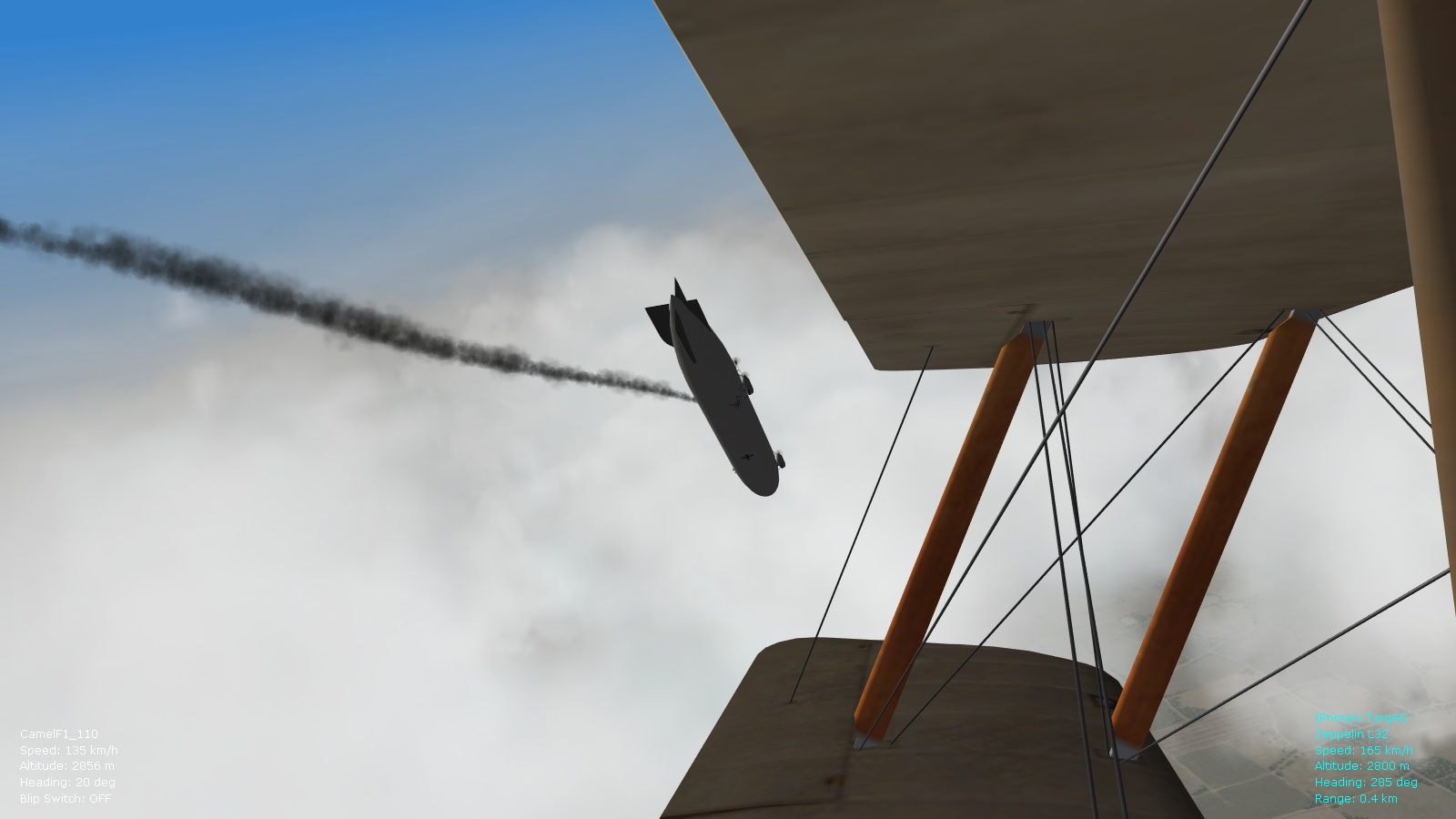
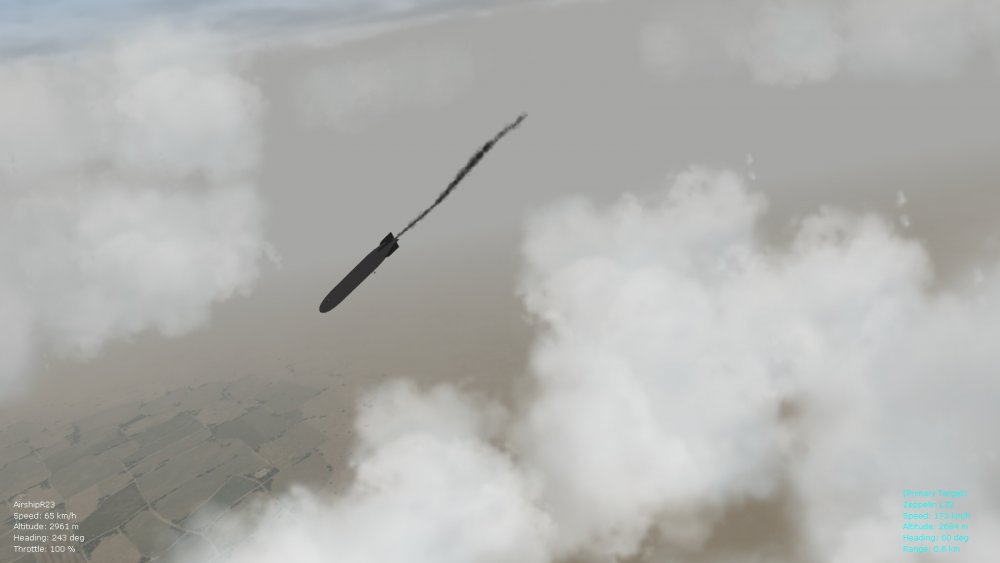
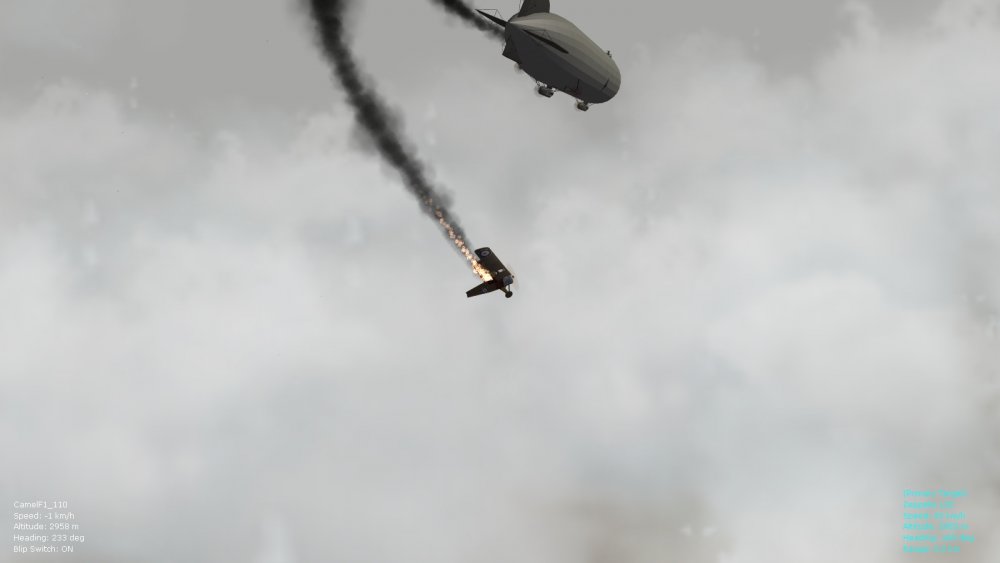
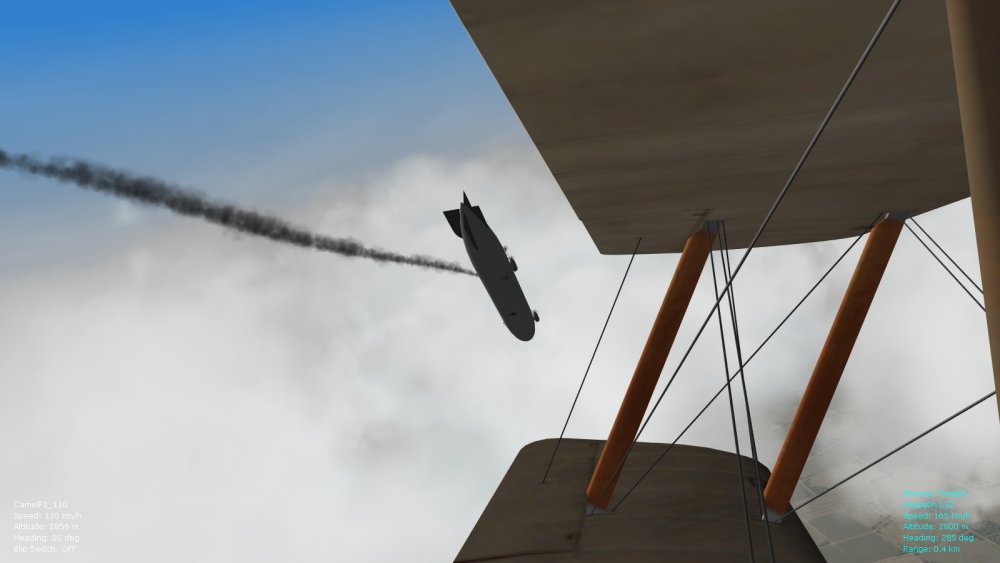
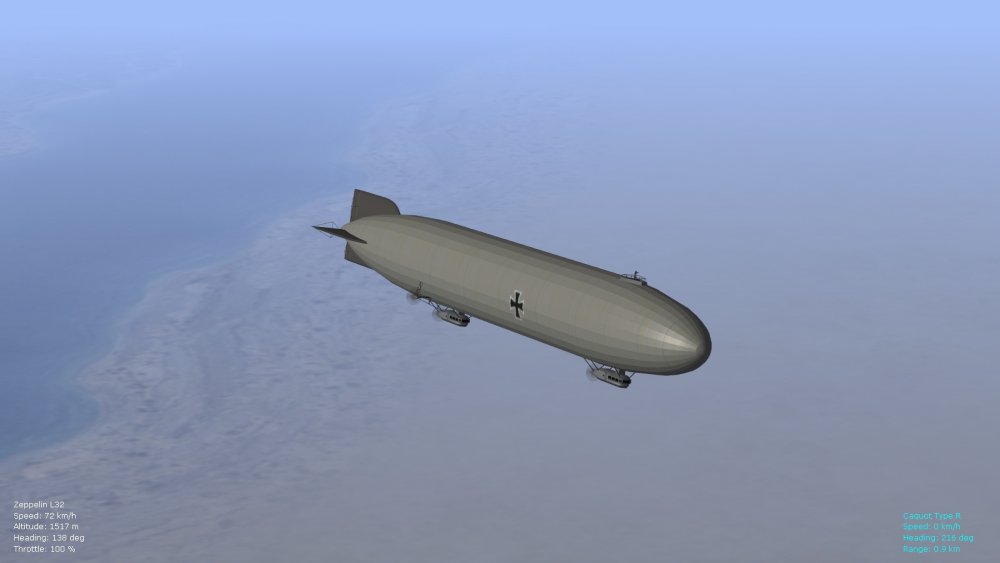
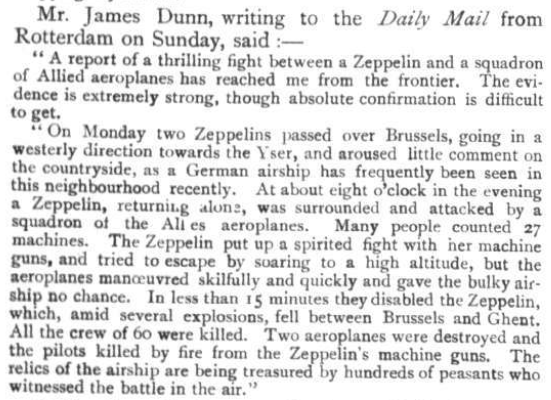
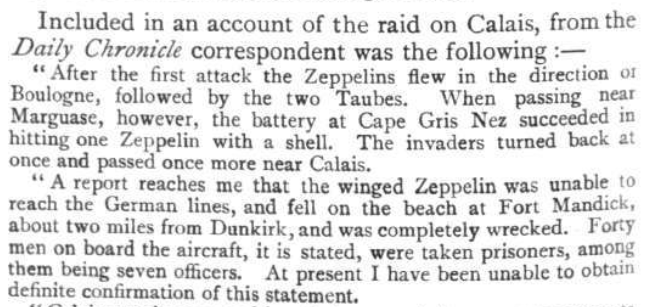
FMs now tweaked for the flyable airships R23 and Zepp L32, will include them with a ver. 9.5 of the FM update pack. They float nicely now but rough maneuvers should be avoided, otherwise structural damage is possible. They float and descend more gradually now with power off, and can also take damage from flak more easily. Some pics below of a Camel attack and mishap on a Zepp, also the results of an airship duel. Also included a couple of pics. from the May 1915 edition of 'Flight Magazine'...those early Zepps are likely the LZ 29 types (or earlier) but noticeable is that they were more susceptible to attack and damage than initially assumed - at least the earlier variants. The Q and P variants don't show up until 1916 - the ones we have for FE2 are likely based on those slightly later ones. Have tweaked specs. to historical as much as possible...detailed info. will follow in the latest update pack. Von S
-
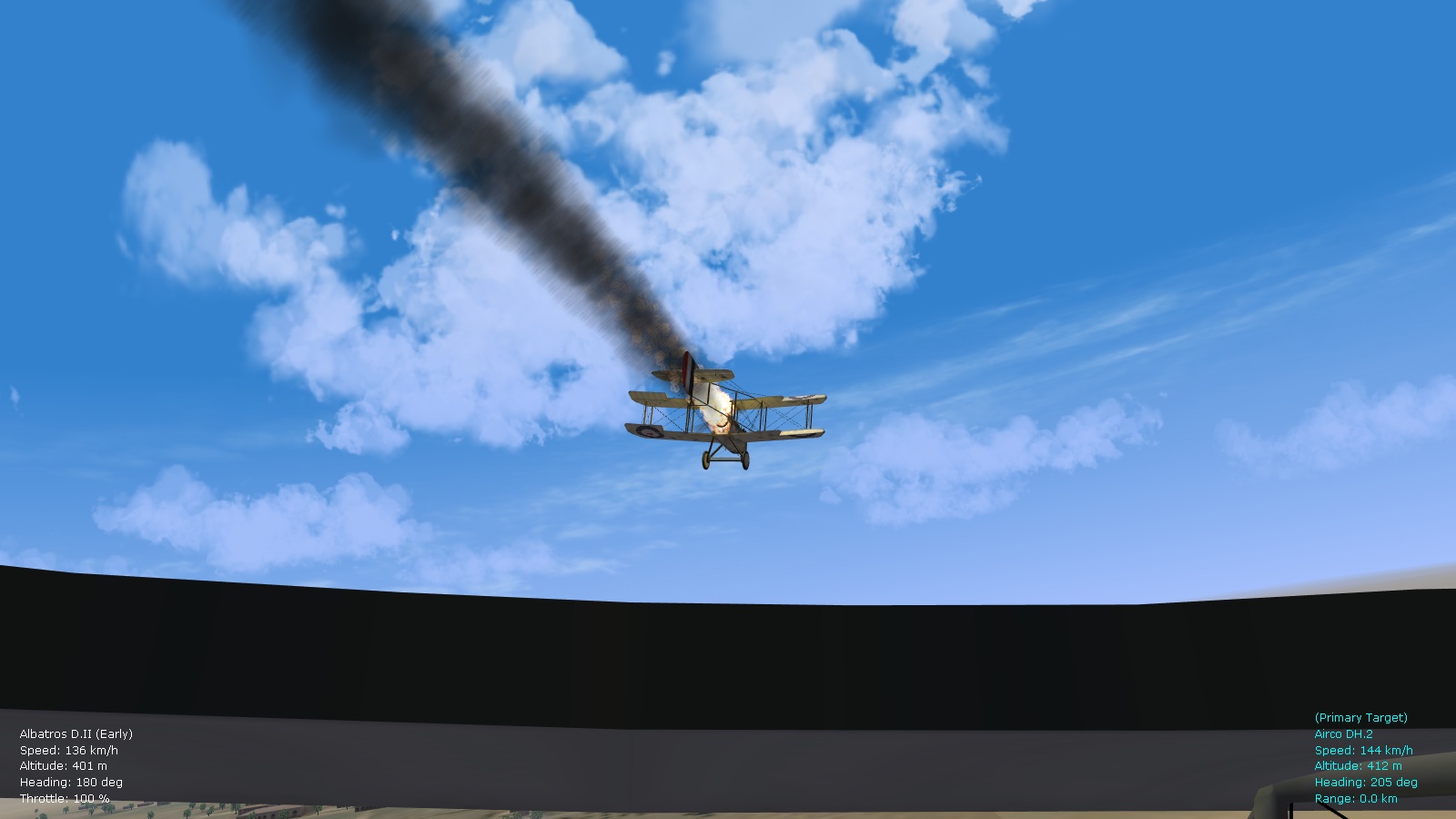
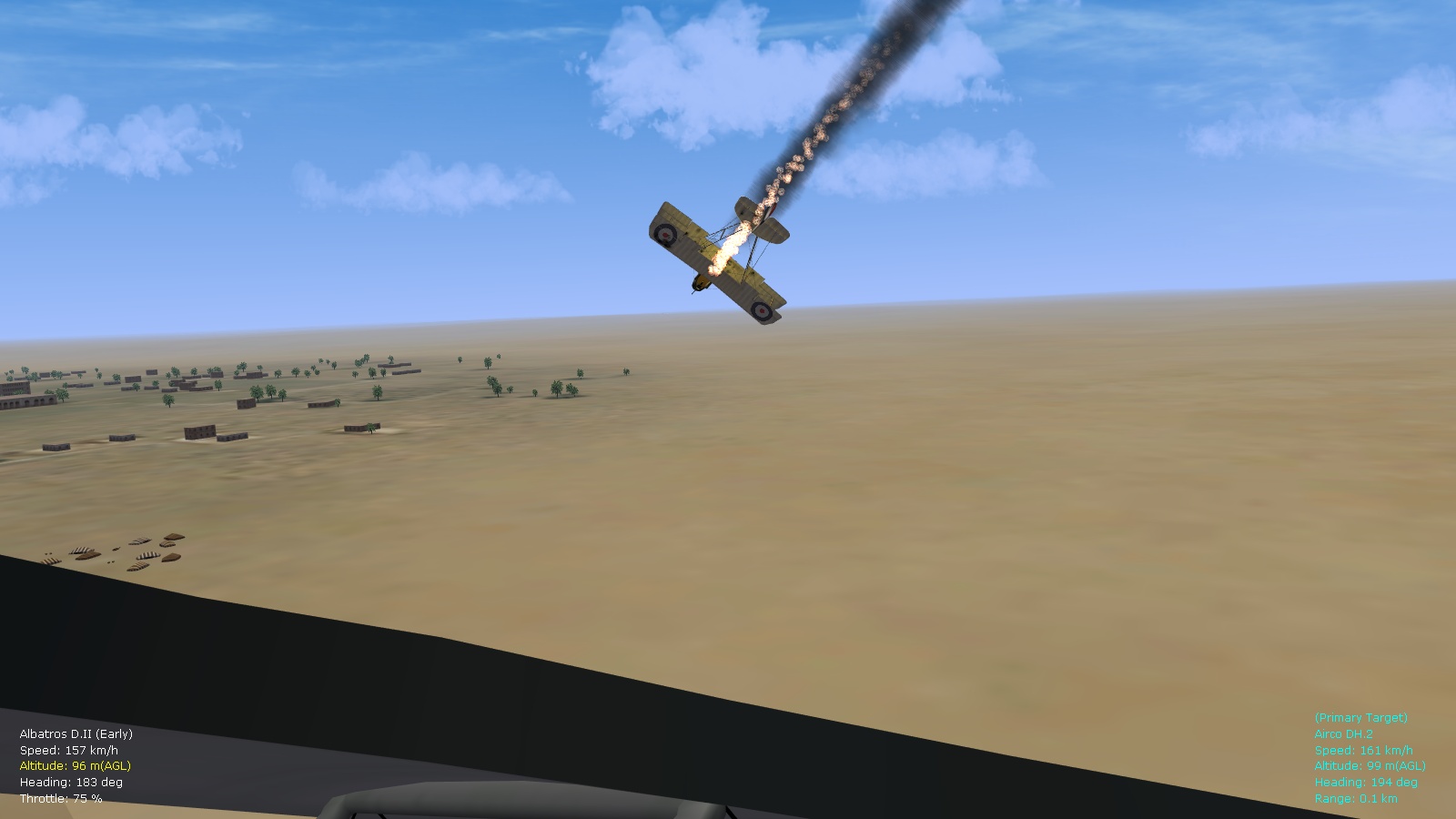
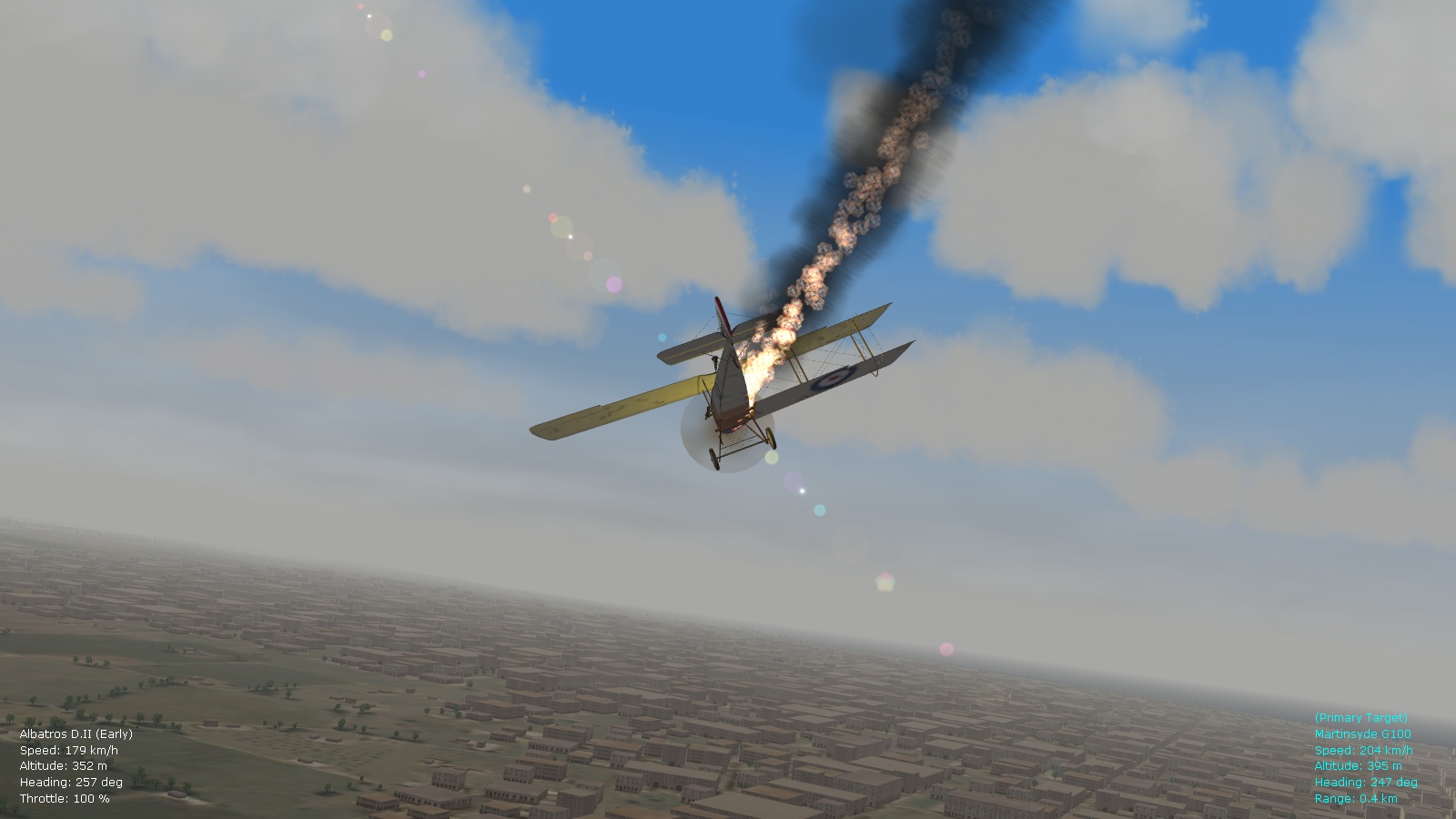
If you'd like to increase the chances of fire progressing, tweak the following settings in the aircraftobject.ini file (located in the Objects folder): [ObjectFire] FireCheckTime=20.0 APRoundFireChance=70 HERoundFireChance=40 HERoundExplosionChance=0 ExplosionChance=0 SuppressionChance=30 <---------- reduce this to something like 15, for a smaller chance of fire going out ProgressionChance=60 <---------- increase this to about 80, will guarantee fire progression most of the time (don't have the original values in front of me now but I settled on 30/60 for randomness) Happy flying, Von S
-
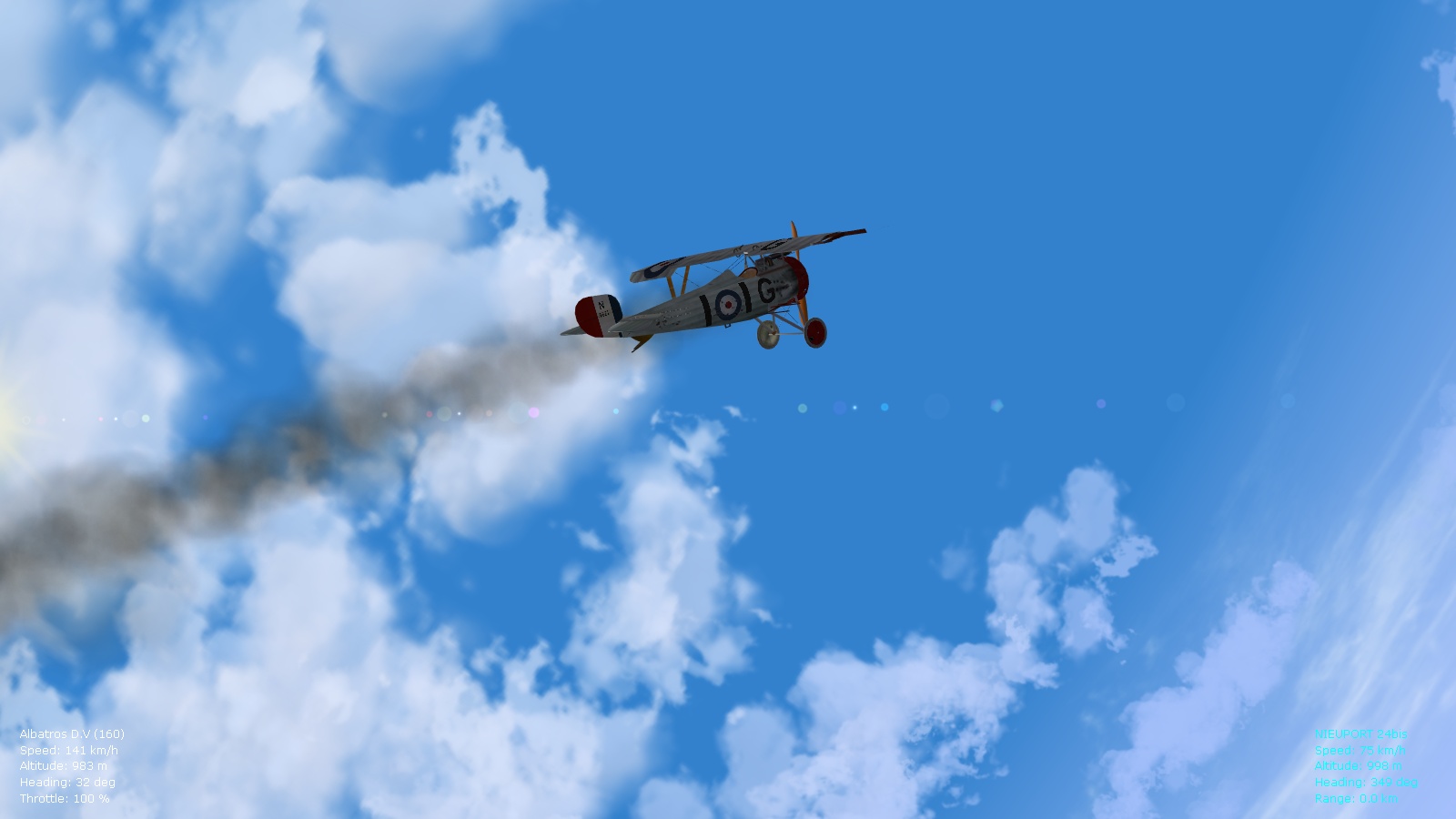
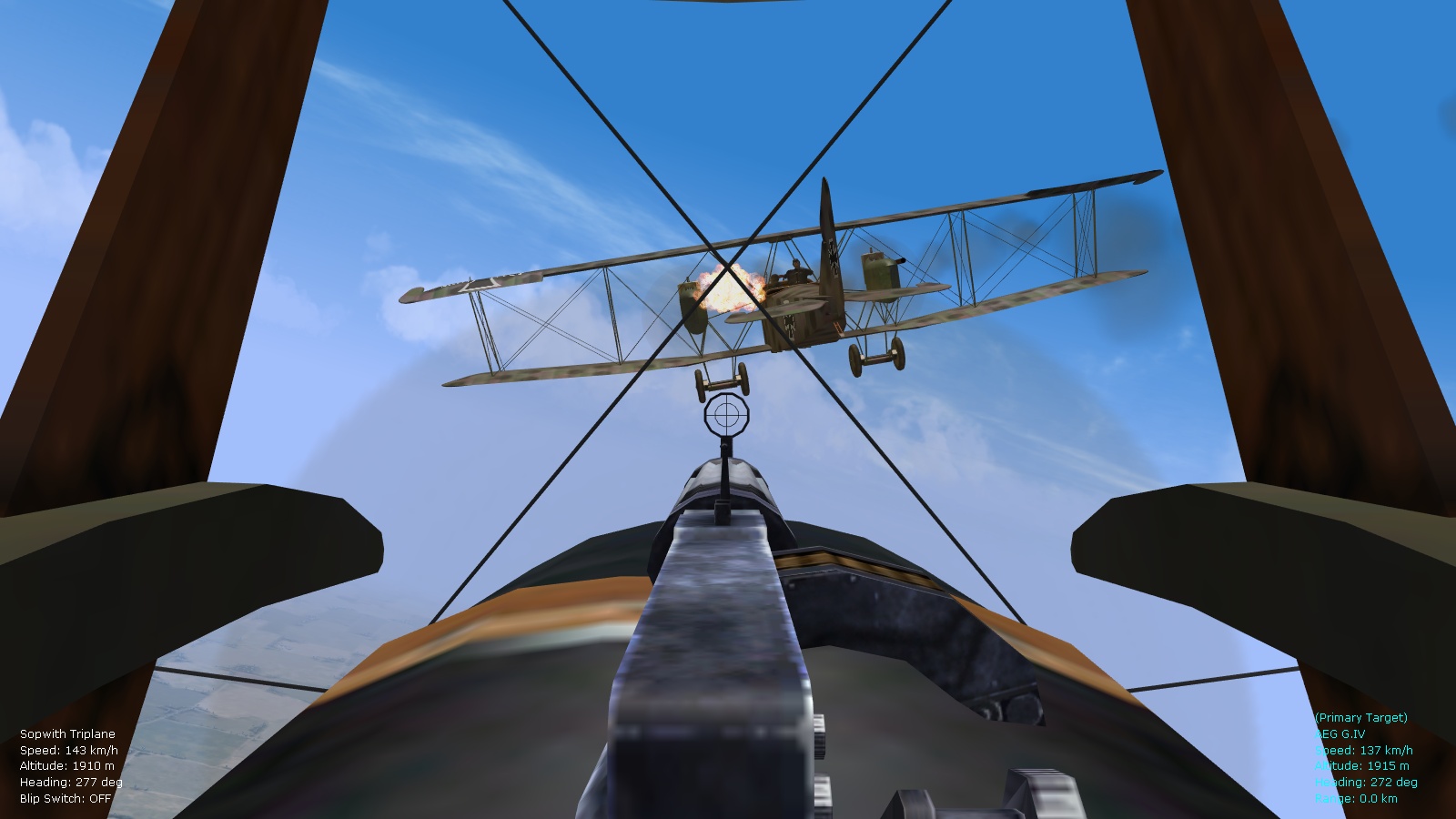
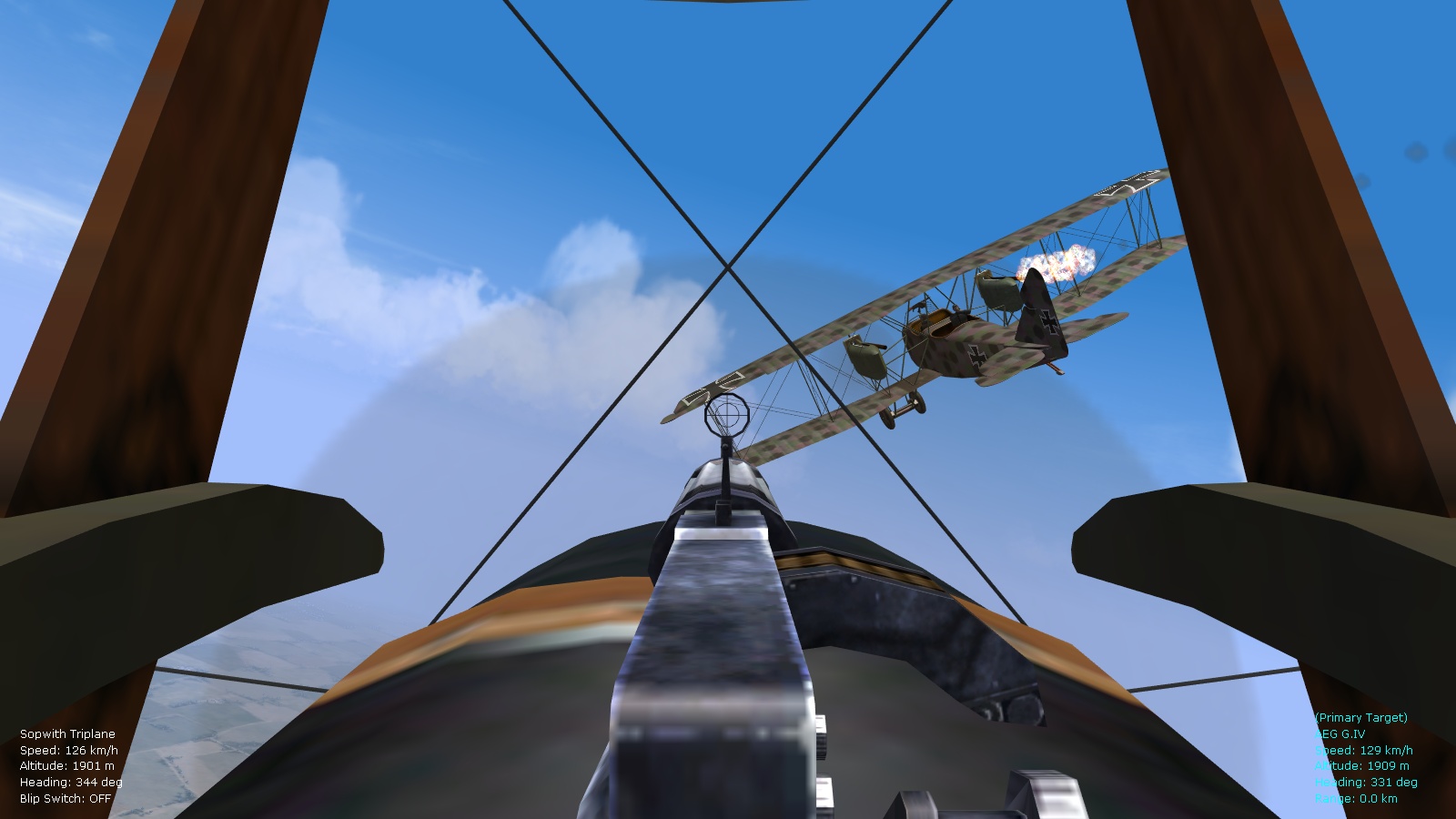
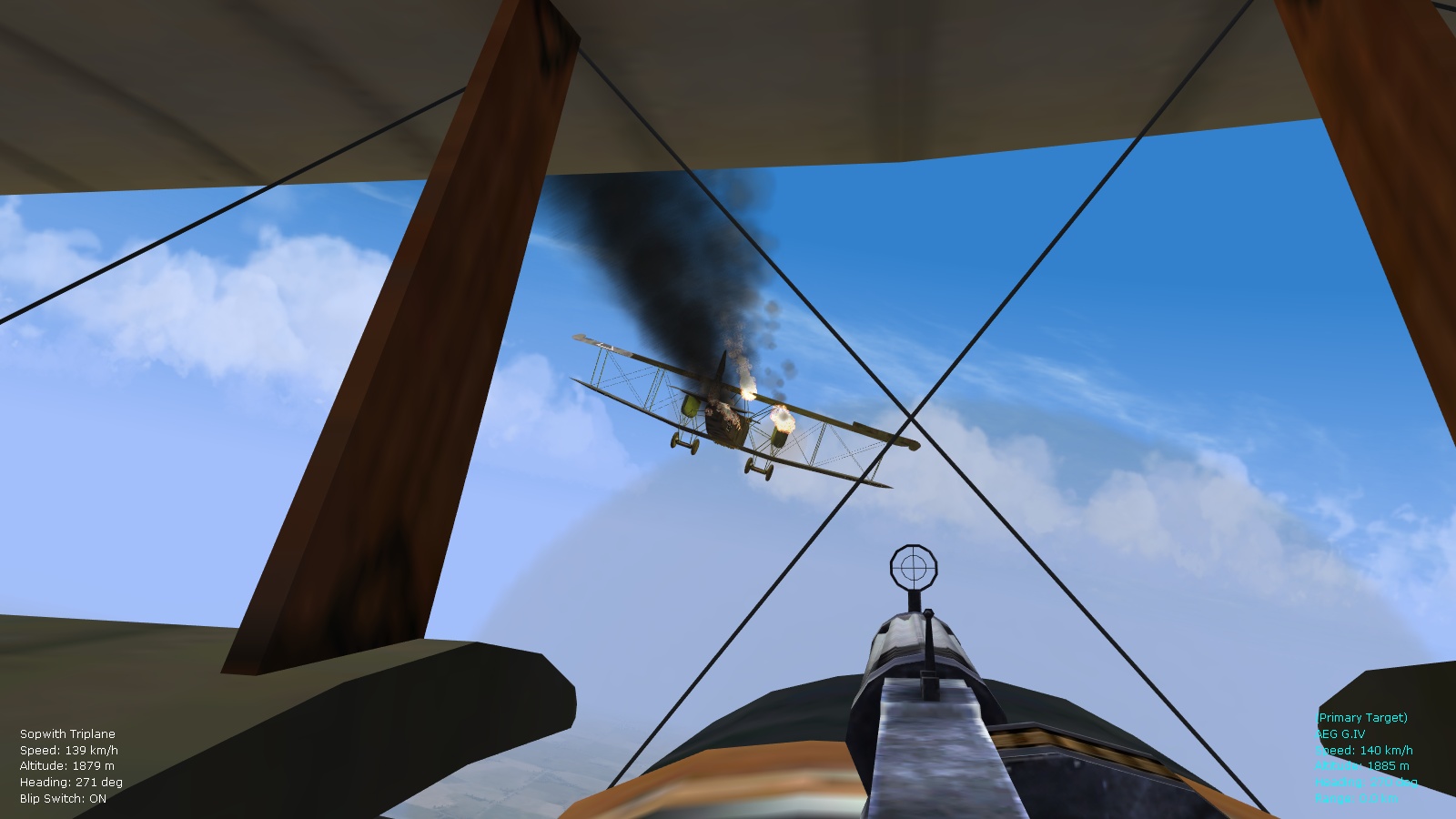
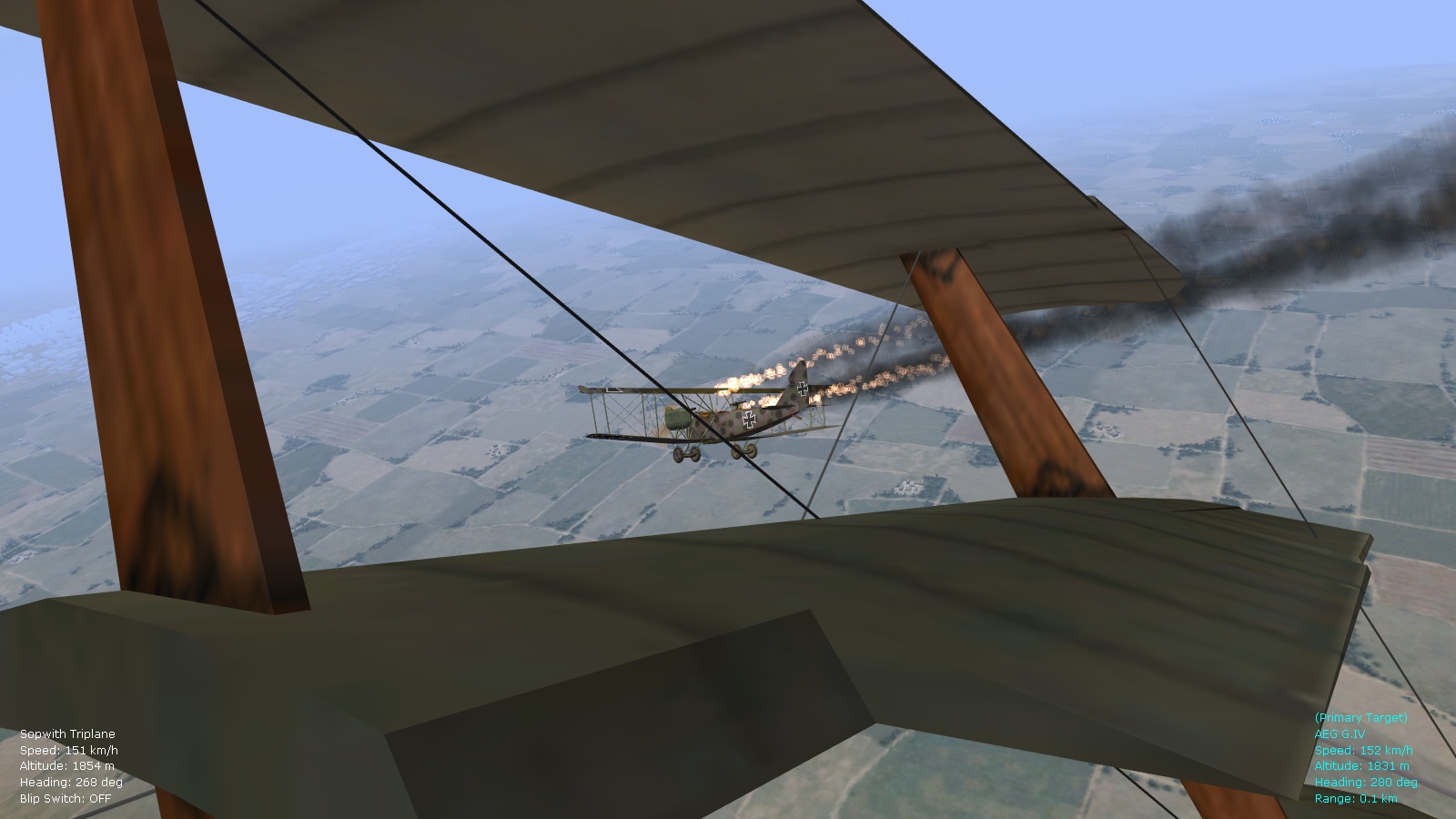
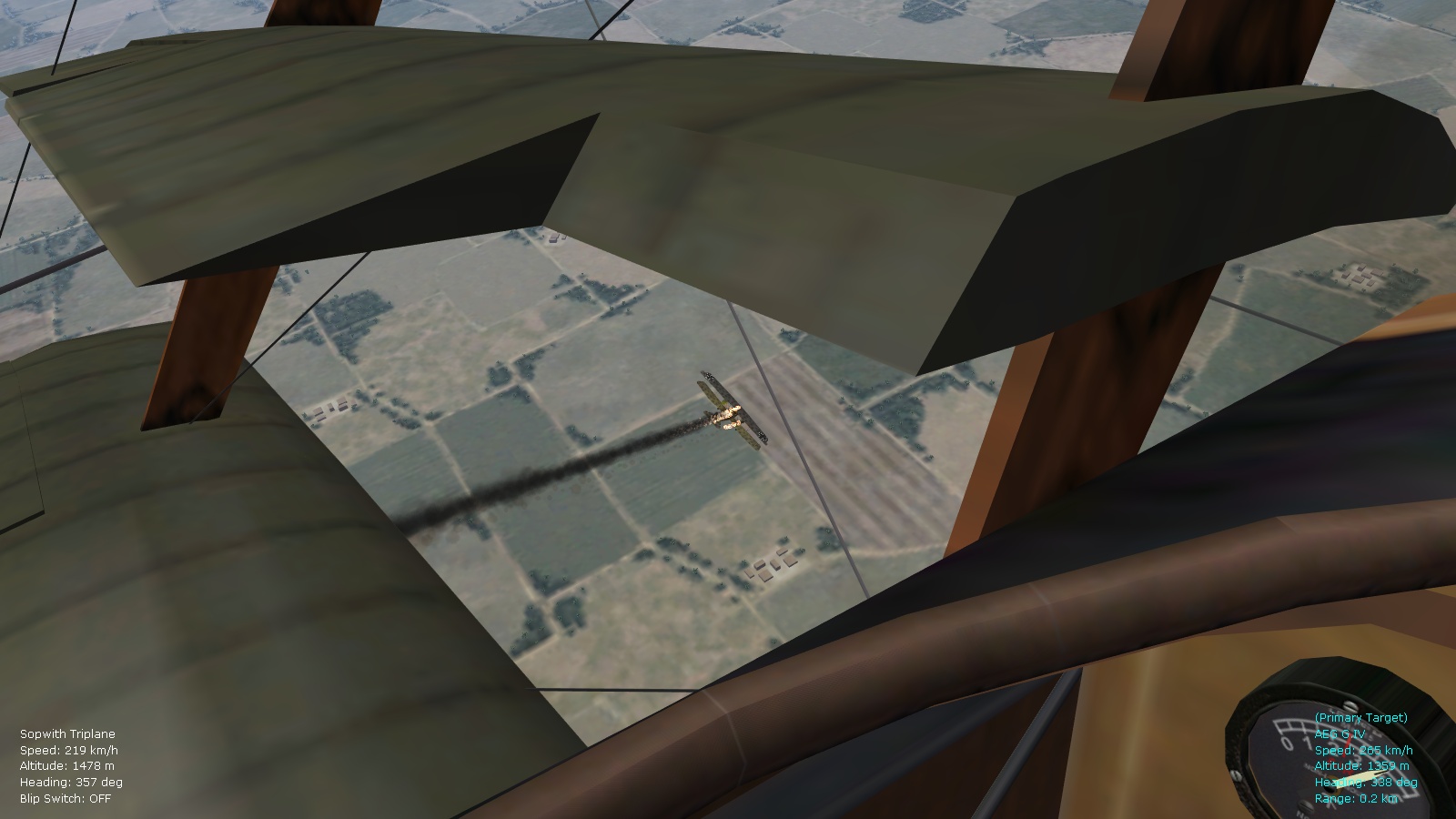
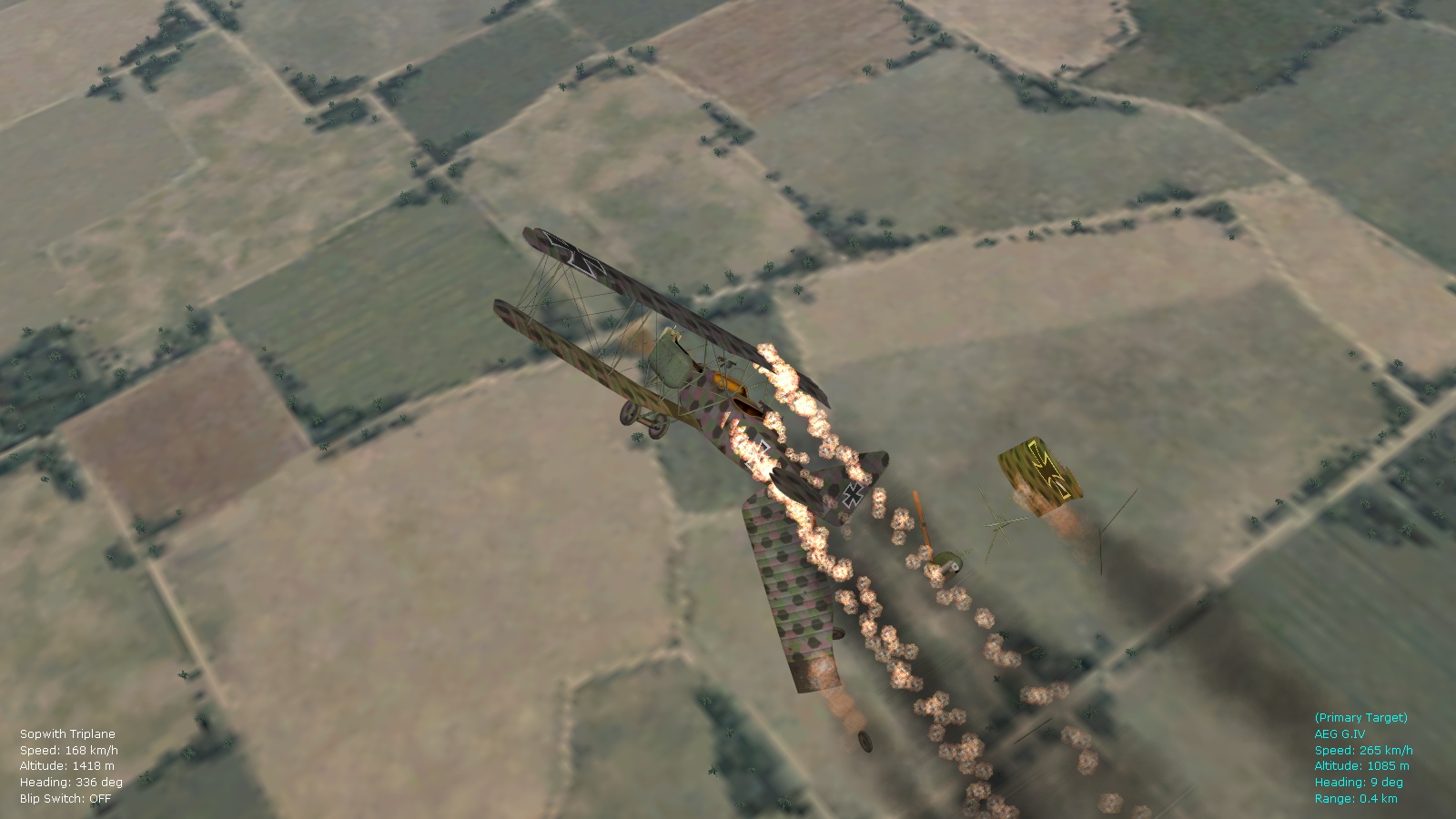
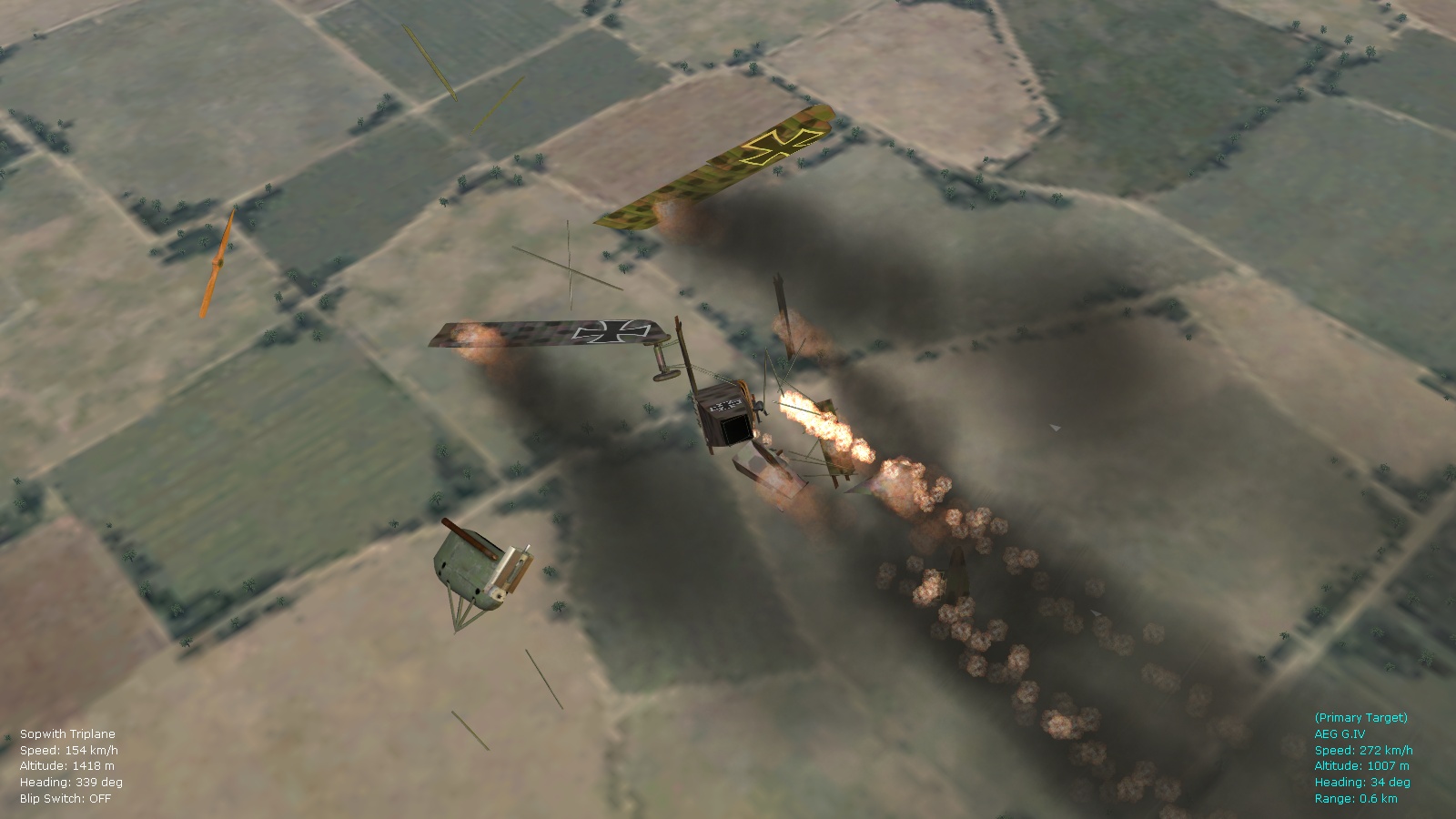
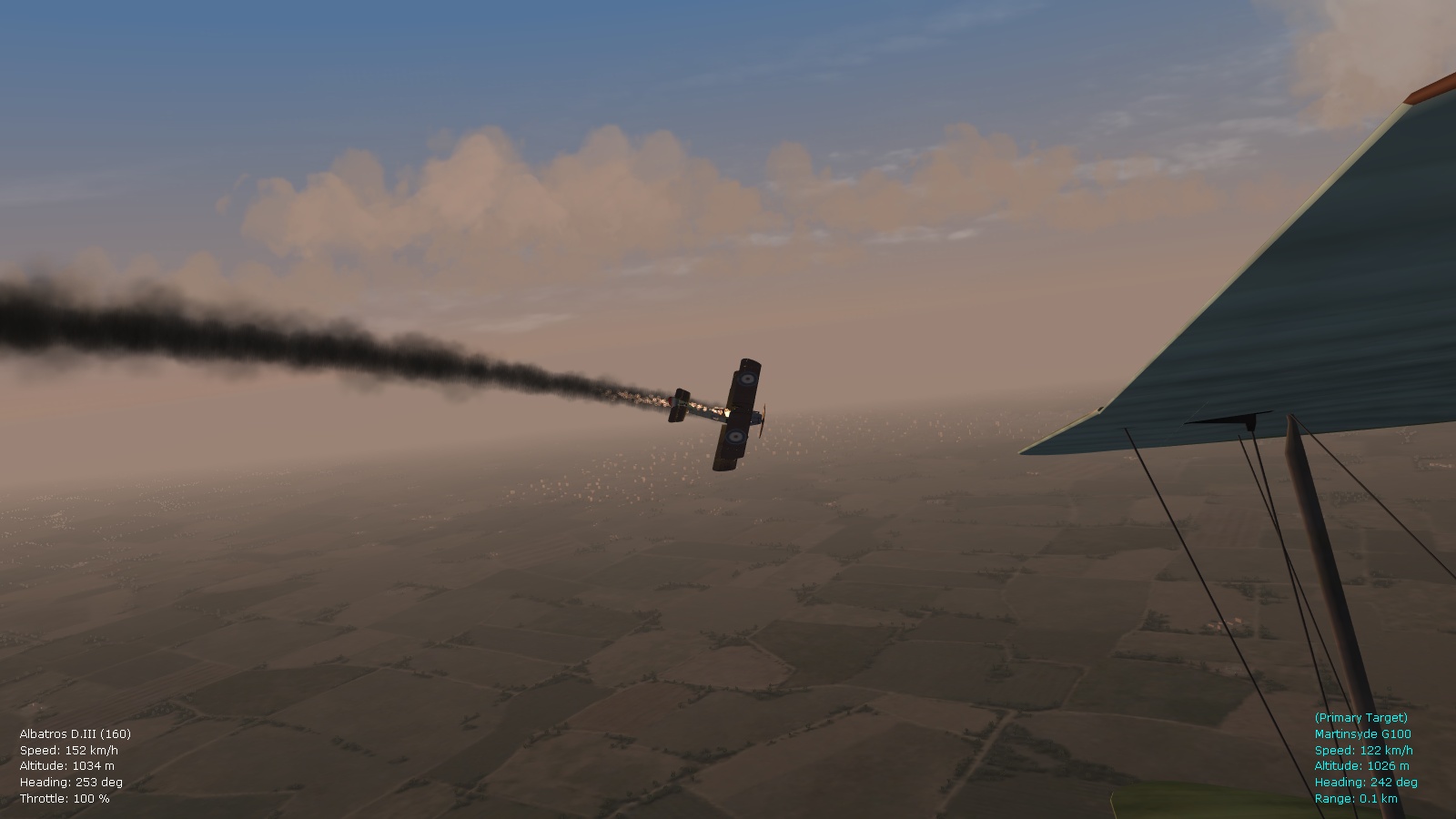
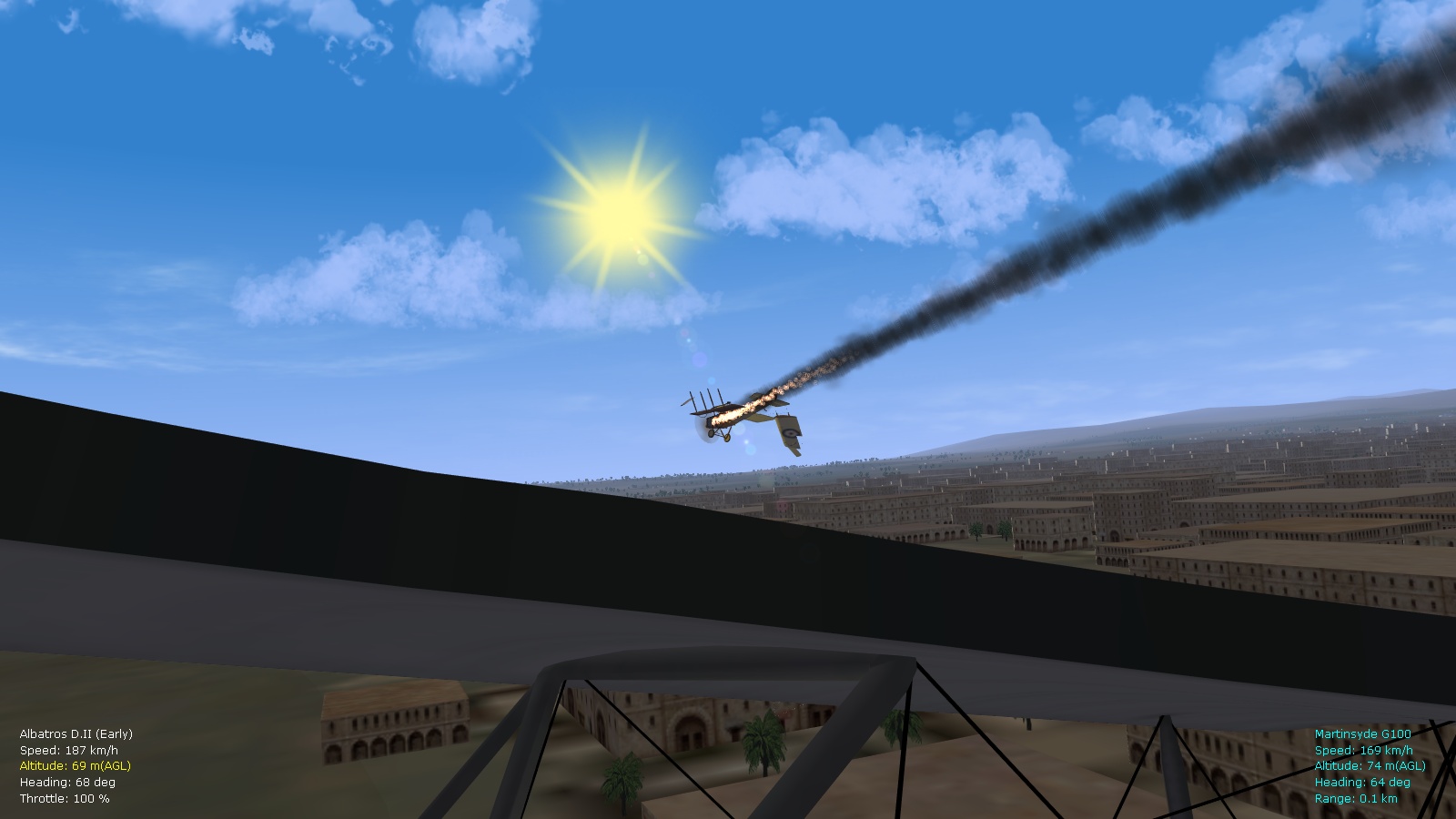
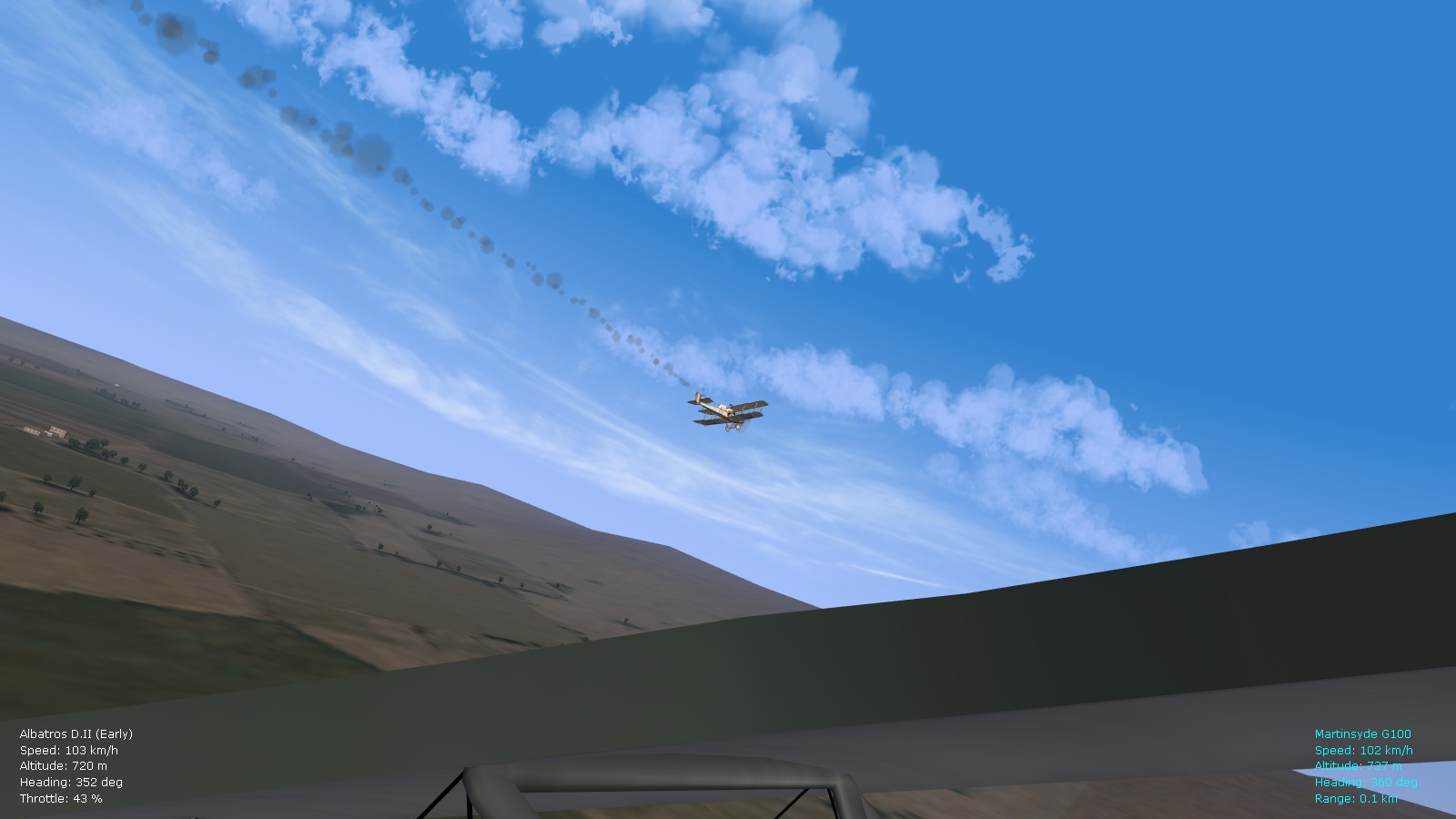
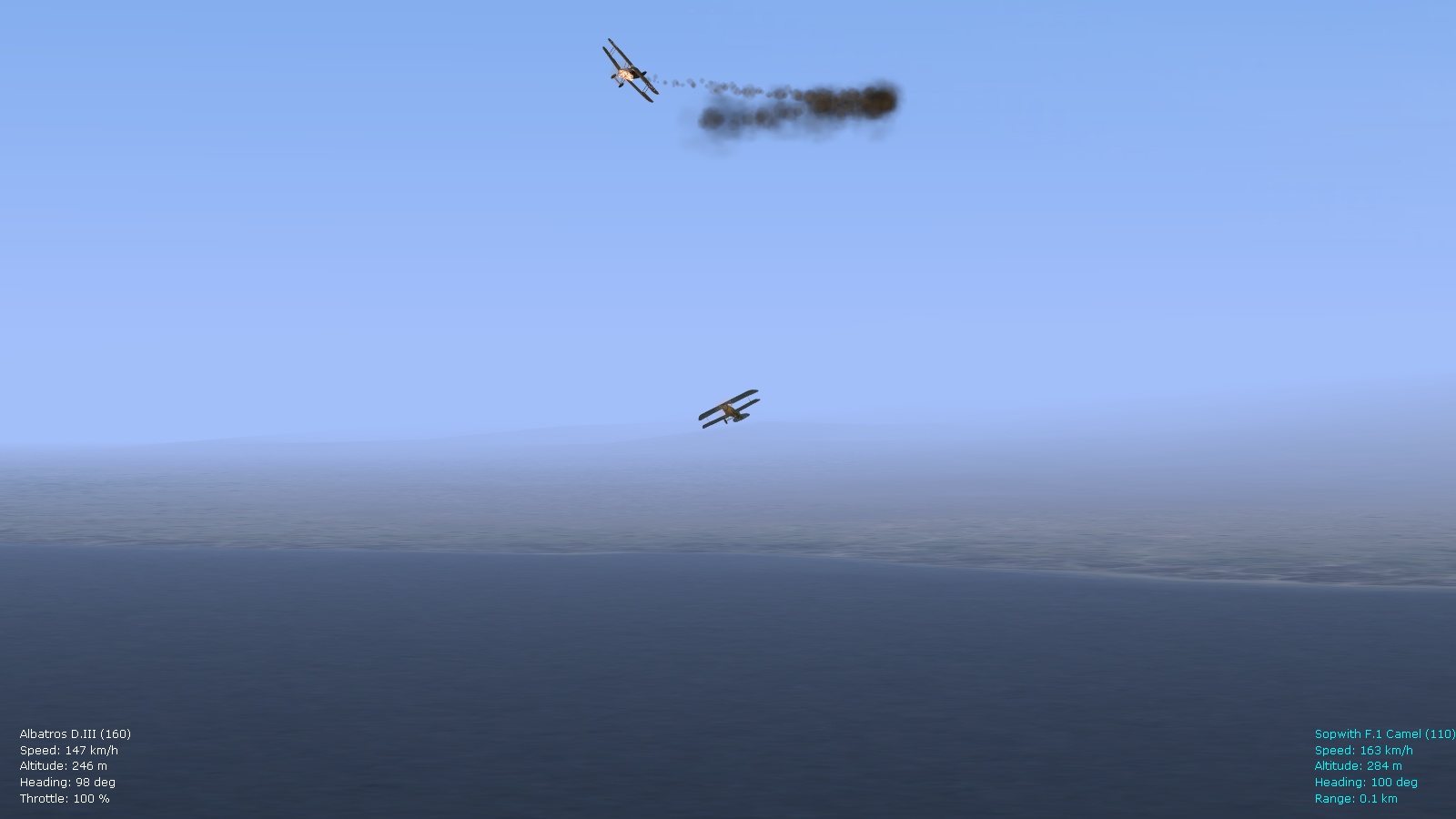
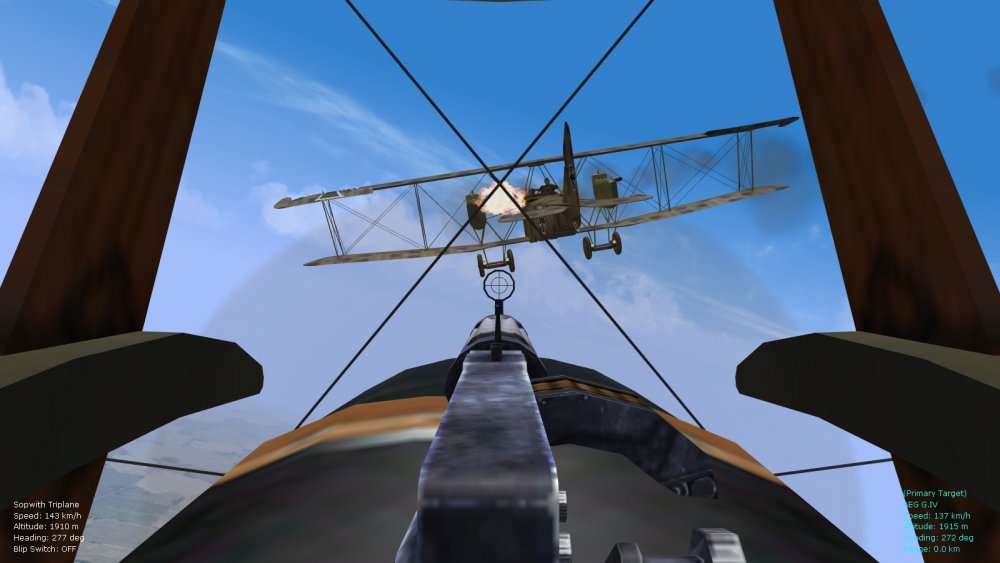
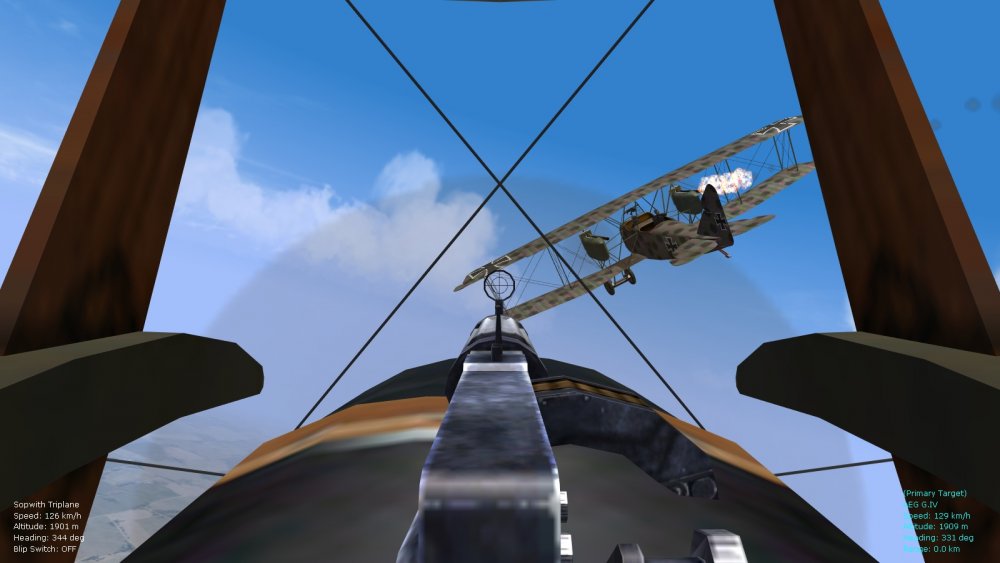
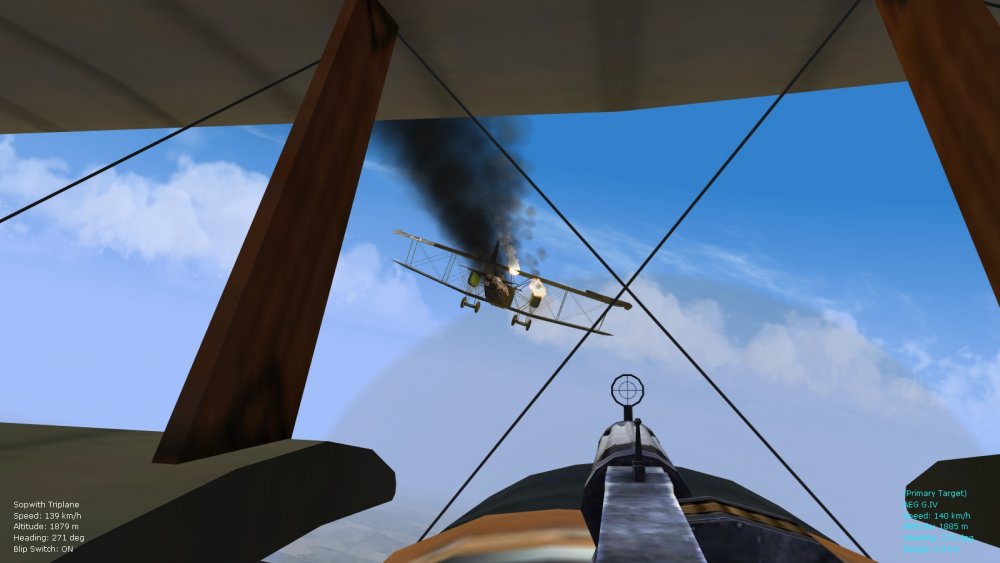
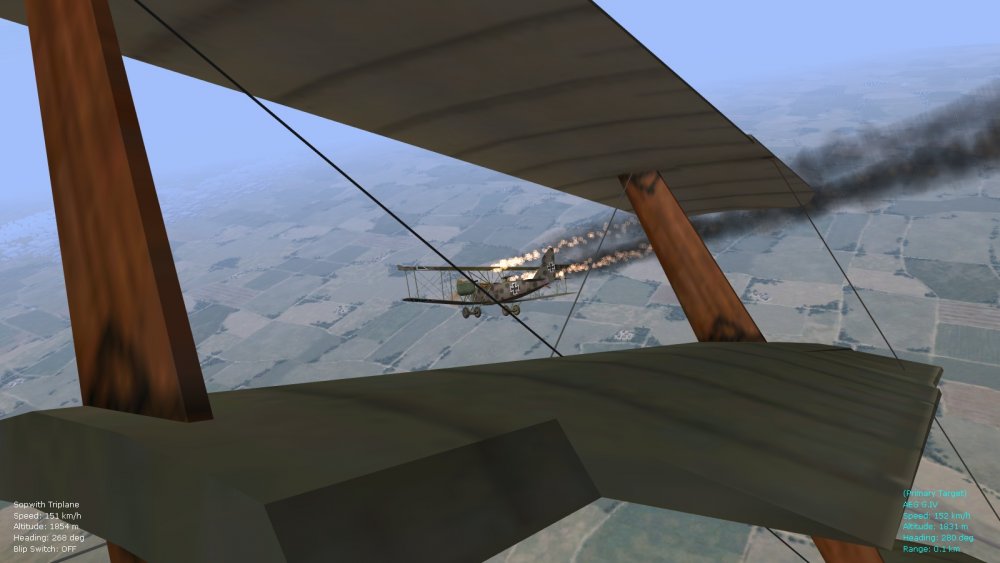
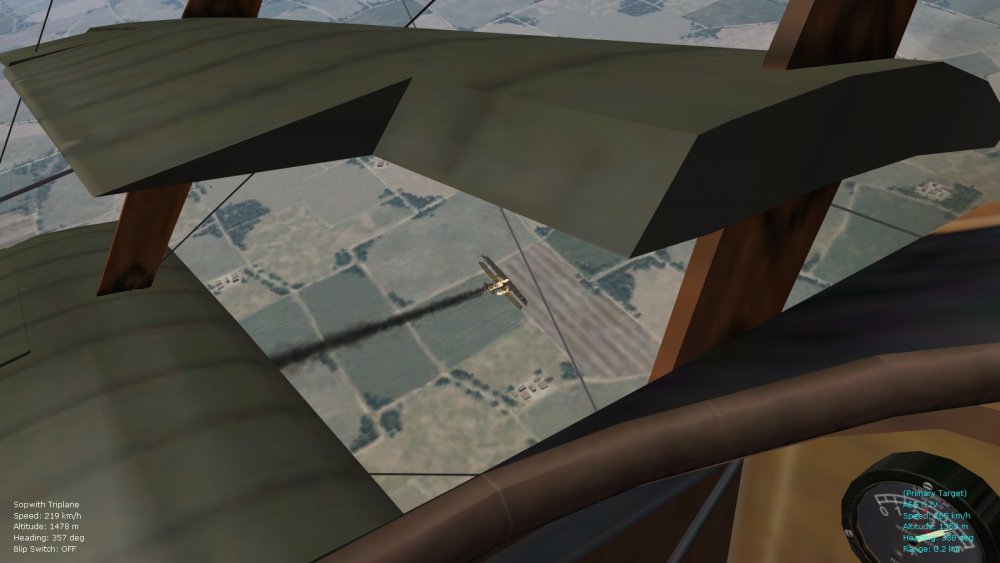
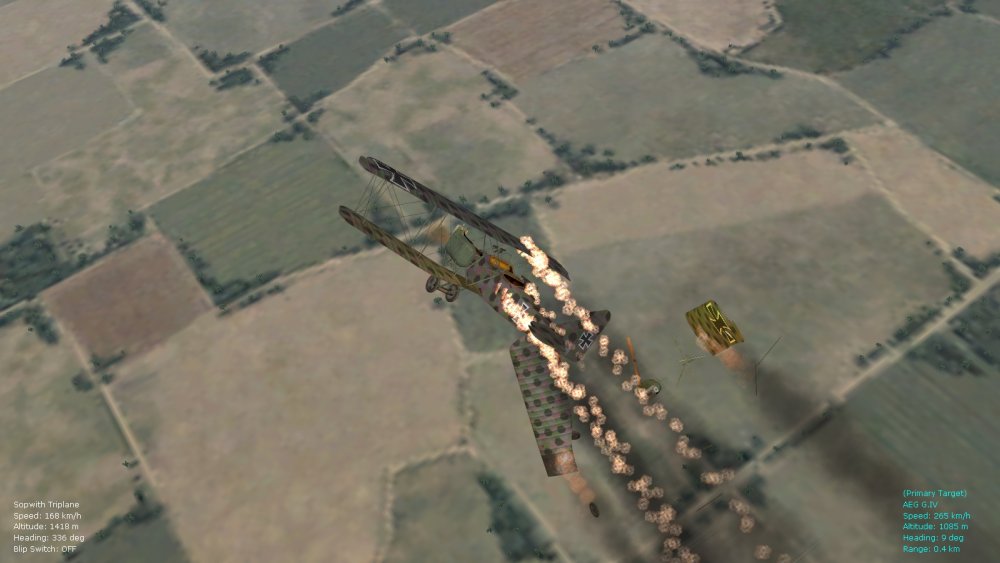
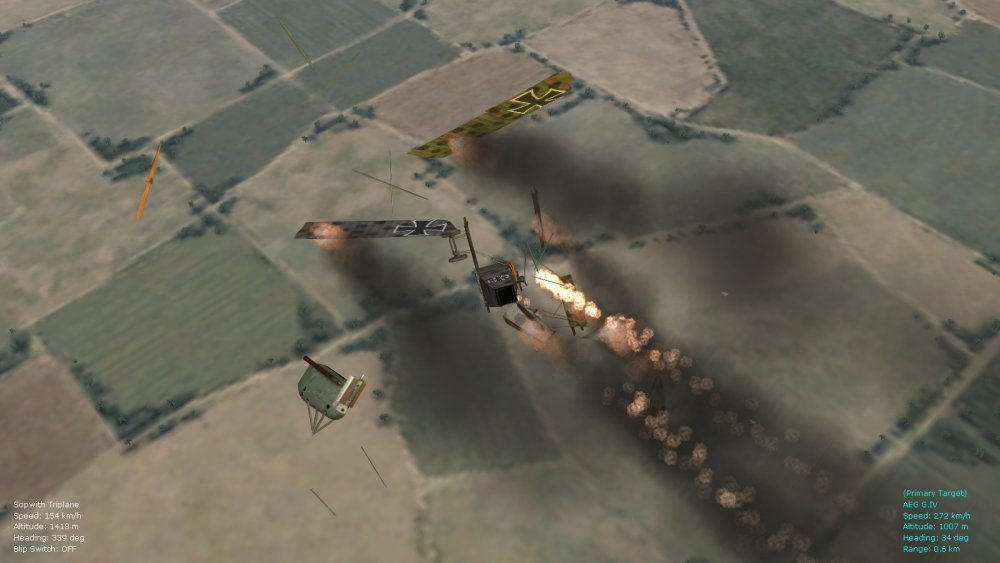
Some further pics. of the latest smoke/fire tweaks...this time attacking an AEG G.IV with a late-variant Tripe...takes a while but eventually it lights up (used up all of my ammo. on it - the left engine fire went out, then I worked on the right engine, with more success...wonderful randomness in FE2). Von S
-
As far as I'm aware, ultimate/unlimited settings will tax a processor more but won't give any (very) noticeable visual improvement over "high" settings. If you are using my tweaked flightengine ini file that gives wider horizon views, and less tree popping, there will be even less difference between high and unlimited settings. Another thing to keep in mind, if I remember correctly from some posts I read here a year or two ago, is that unlimited settings might sometimes (rarely?) result in graphical anomalies. So, medium settings are best for mid-range and low-range rigs, and high settings (with a tweaked flightengine file) should be fine for all high-end rigs. If anyone has more details on the unlimited settings, I'm sure they'll pitch in. Glad you're enjoying the modded FE2 - it's become my go-to WWI flight sim with all the mods installed. Happy flying gents', Von S
-
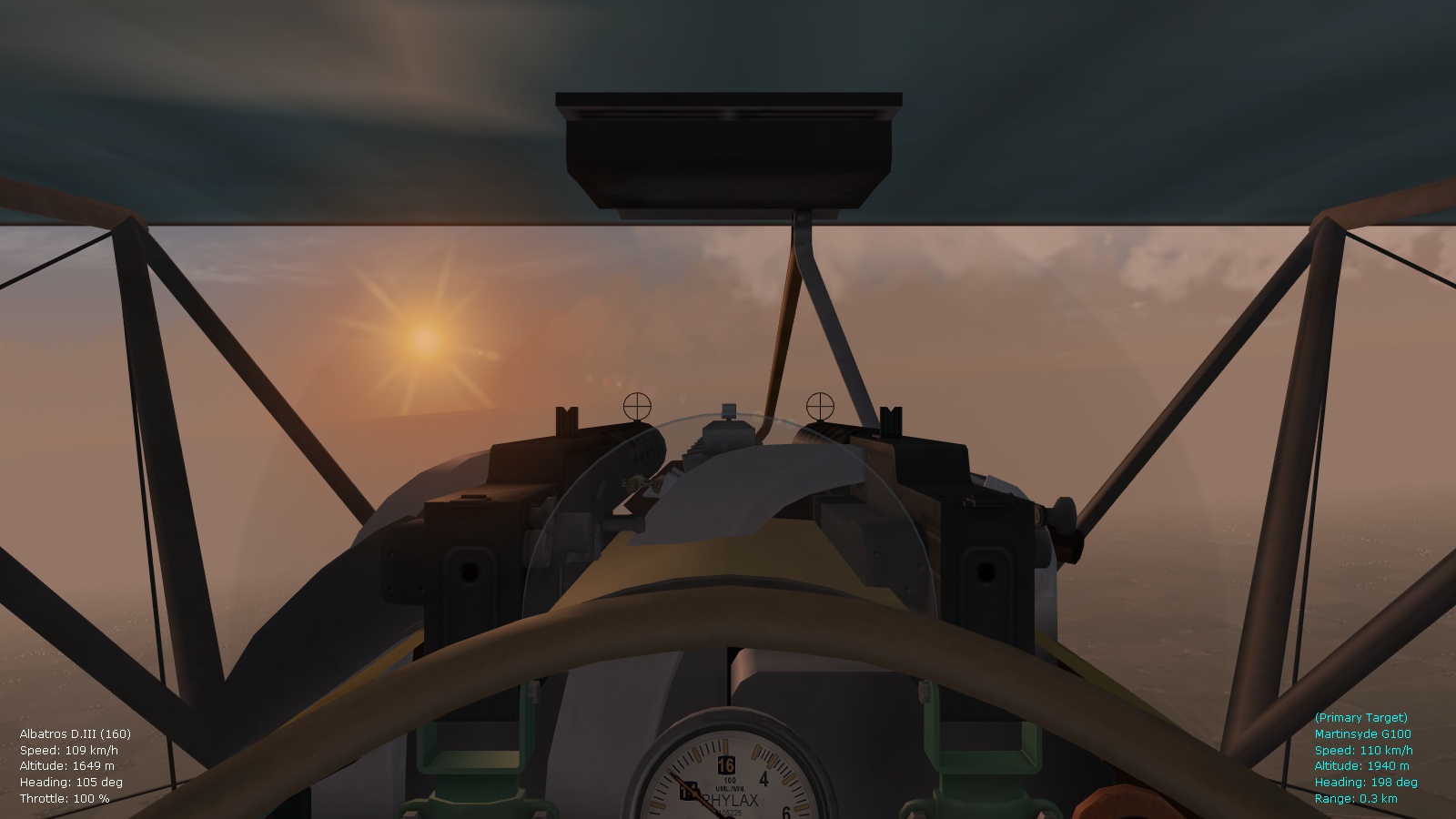
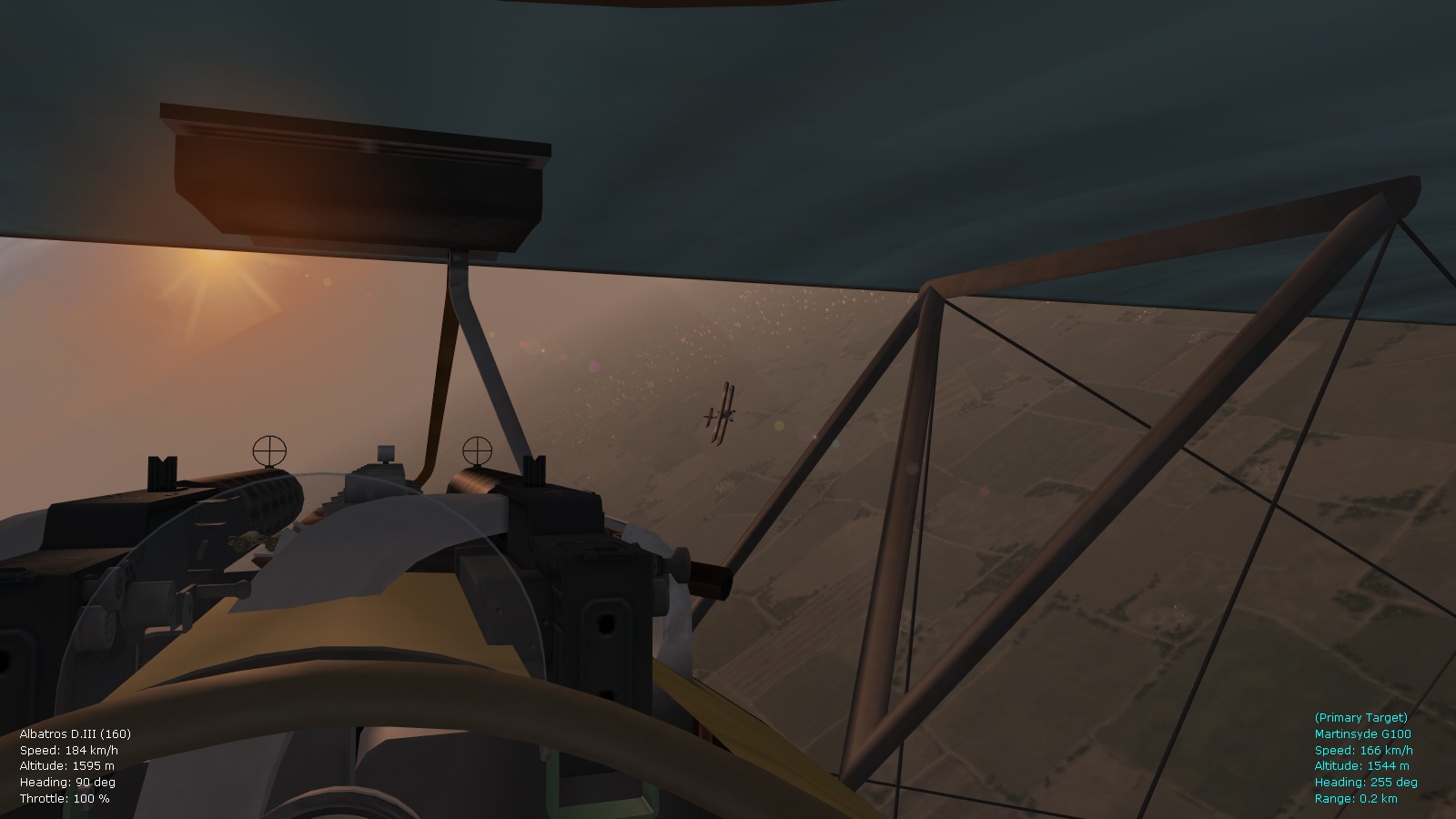
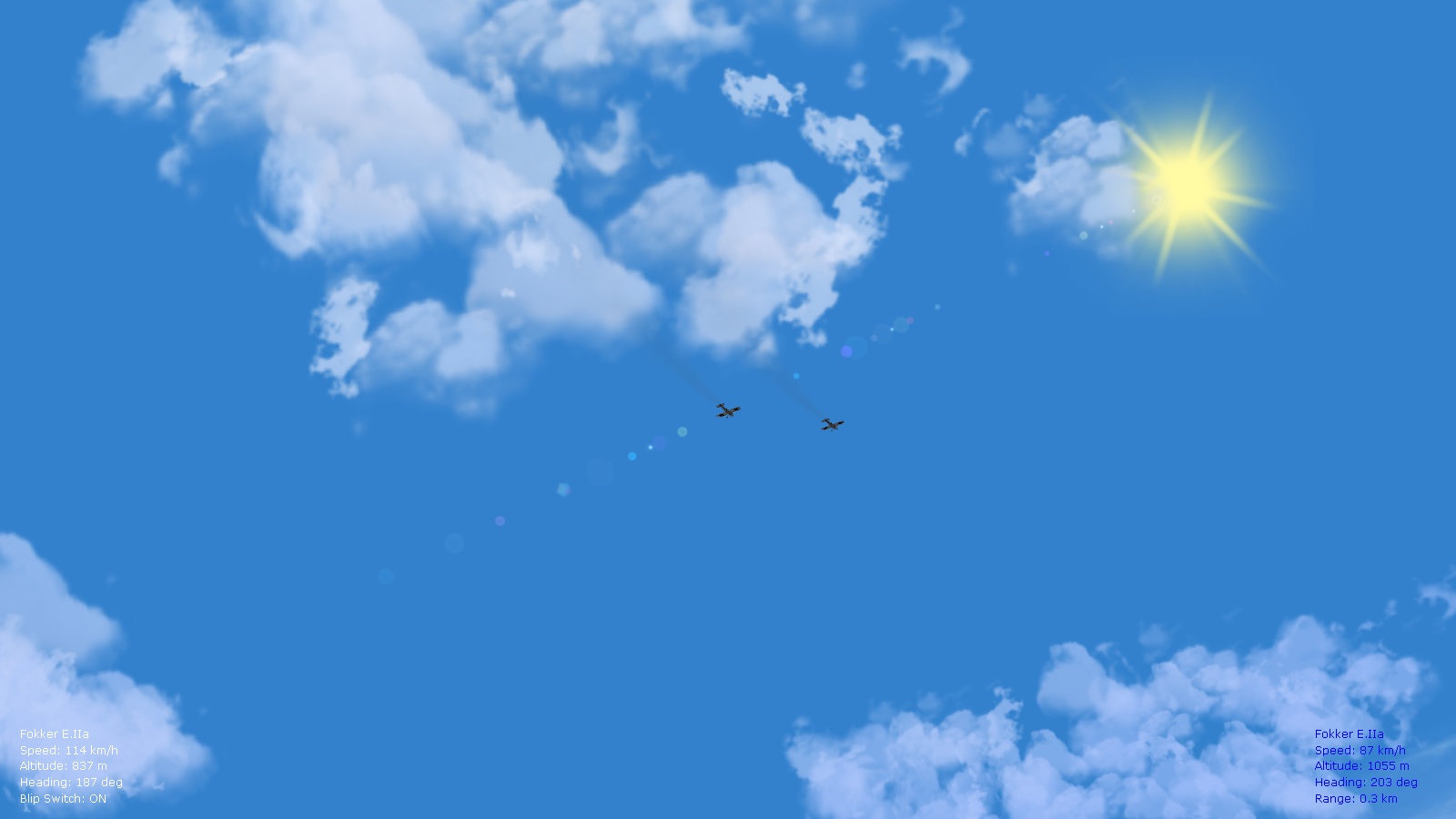
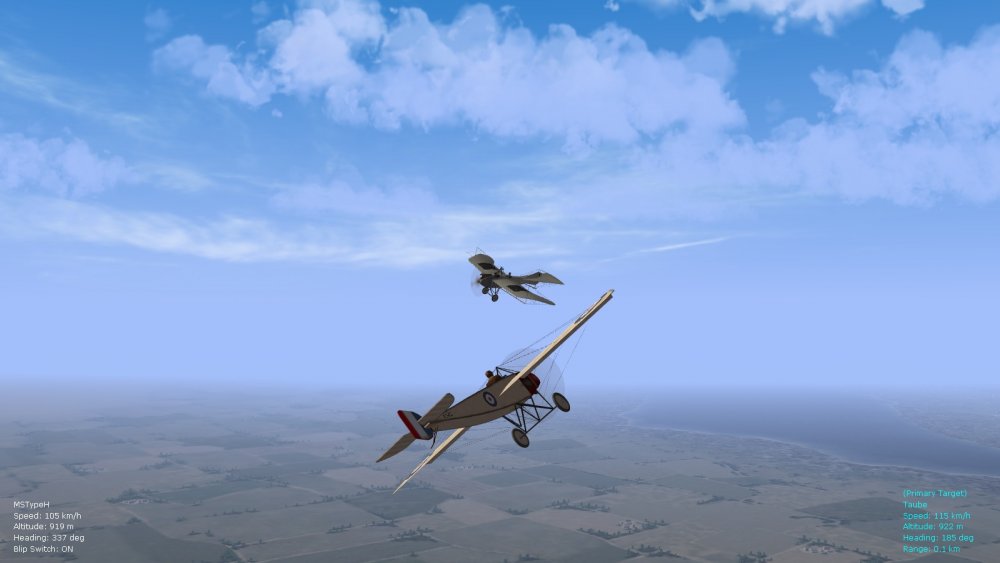
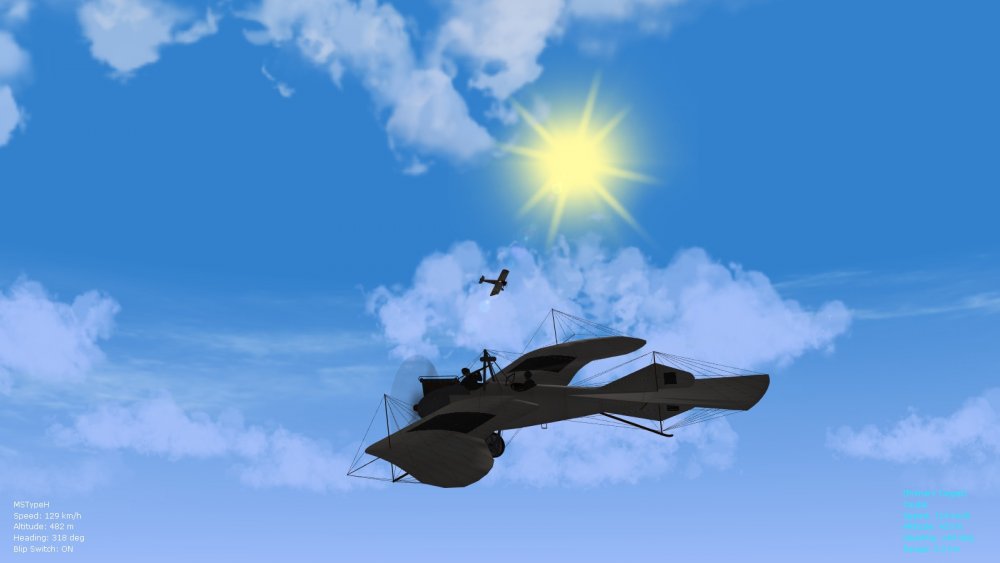
The following entries should be tweaked in the environmentsystem.ini file to get sky colors you like Geezer - this of course also depends a lot on the gamma/color settings chosen for a monitor (I tend to run mine slightly darker...around 2.2 for gamma). [Day] SunHeight=0.240 SunBrightness=1.00 SunLightLevel=0.99 SunRadiance=0.00 TwilightLensFlare=0.0 SunColor=0.680,0.694,0.641 AmbientColor=0.340,0.340,0.375 SkyColor=0.200,0.506,0.804 <---------- tweak to suit preference, this is for skies around noon, early afternoon HorizonColor=0.839,0.89,0.945 FogColor=0.839,0.89,0.945 SunSpecularColor=0.810,0.762,0.740 HDRSunColor=1.000,1.000,1.000 LightSrcModifier=1.0 [Day1] SunHeight=0.150 SunBrightness=1.00 SunLightLevel=0.95 SunRadiance=0.00 TwilightLensFlare=0.0 SunColor=0.555,0.560,0.538 AmbientColor=0.330,0.330,0.365 SkyColor=0.216,0.447,0.745 <---------- tweak to preference, this one is for late afternoon skies HorizonColor=0.839,0.89,0.945 FogColor=0.839,0.89,0.945 SunSpecularColor=0.810,0.762,0.740 HDRSunColor=1.000,1.000,0.900 LightSrcModifier=1.1 [Twilight1] SunHeight=0.008 SunBrightness=0.20 SunLightLevel=0.80 SunRadiance=0.10 TwilightLensFlare=1.0 SunColor=0.980,0.490,0.220 AmbientColor=0.201,0.201,0.214 SkyColor=0.408,0.455,0.490 <---------- tweak to preference, this is for very late afternoon skies HorizonColor=0.422,0.218,0.084 FogColor=0.422,0.218,0.084 SunSpecularColor=0.980,0.490,0.220 HDRSunColor=1.000,0.500,0.250 LightSrcModifier=2.5 [Twilight2] SunHeight=-0.080 SunBrightness=0.00 SunLightLevel=0.35 SunRadiance=0.10 TwilightLensFlare=0.0 SunColor=0.436,0.363,0.170 AmbientColor=0.146,0.156,0.185 SkyColor=0.278,0.282,0.353 <---------- tweak to preference, this is for early evening skies HorizonColor=0.220,0.150,0.200 FogColor=0.220,0.150,0.200 SunSpecularColor=0.436,0.363,0.170 HDRSunColor=0.436,0.363,0.170 LightSrcModifier=4.0 [Night] SunHeight=-0.170 SunBrightness=0.00 SunLightLevel=0.00 SunRadiance=0.0 TwilightLensFlare=0.0 SunColor=0.0000,0.000,0.000 AmbientColor=0.05,0.05,0.05 SkyColor=0.001,0.001,0.001 <---------- for night sky, tweak to preference HorizonColor=0.001,0.001,0.001 FogColor=0.001,0.001,0.001 SunSpecularColor=0.0000,0.000,0.000 HDRSunColor=0.0000,0.000,0.000 LightSrcModifier=4.0 Settings above are the ones I use in my environsys ini files. Below is the highalt sky section - I tweaked this section more to get slightly bluer, less purple high-alt skies. [HighAlt] HighAltColorStart=25000.0 <---------- this is in meters //previously 9500.0 HighAltColorEnd=80000.0 <---------- in meters again //previously 25000.0 HighAltSkyColor=0.162,0.380,0.564 <---------- tweak to preference for high-alt sky HighAltHorizonColor=0.439,0.59,0.745 <---------- tweak to preference, sets the high-band horizon panel colors //r value at 0.639 previously for more purple HighAltFogColor=0.509,0.60,0.805 <---------- self-expanatory, sets color of horizon fog at higher alts and when viewed from higher alts, tweak to taste //r value at 0.709 previously for more purple SunLightModifier=1.1 AmbientModifier=0.1 SpecularModifier=1.25 Again, settings above are the latest ones that I use, should work well for monitors using a gamma from about 1.9 to 2.2 (I tend to avoid the default gamma of 1.7-1.8 that's typical on Mac systems....too bright for my tastes, especially for simulators, photos, etc.). If you're running FE2 on Windows, your gamma is probably closer to the 1.9-2.0 range anyway. Obligatory screenies below. Von S
-
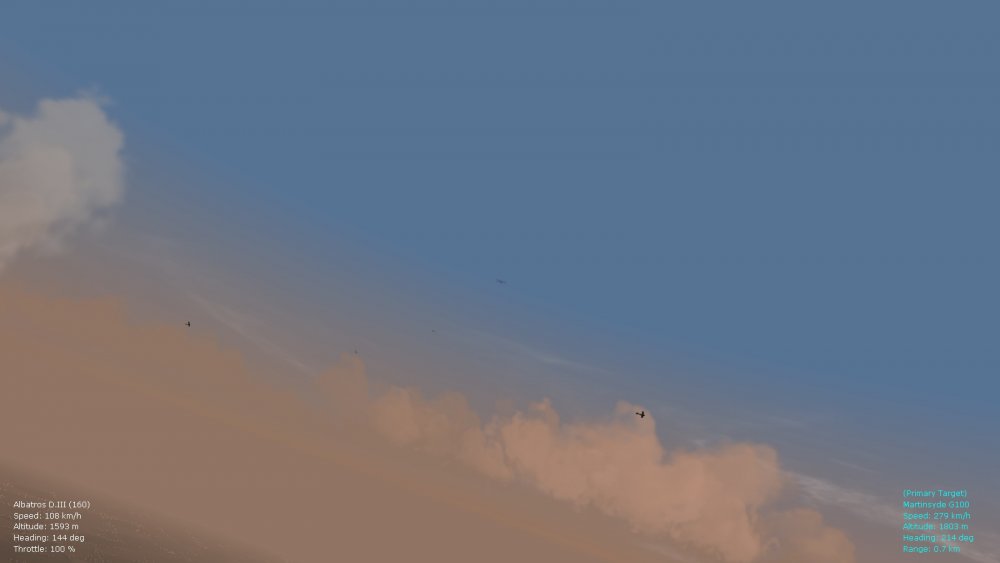
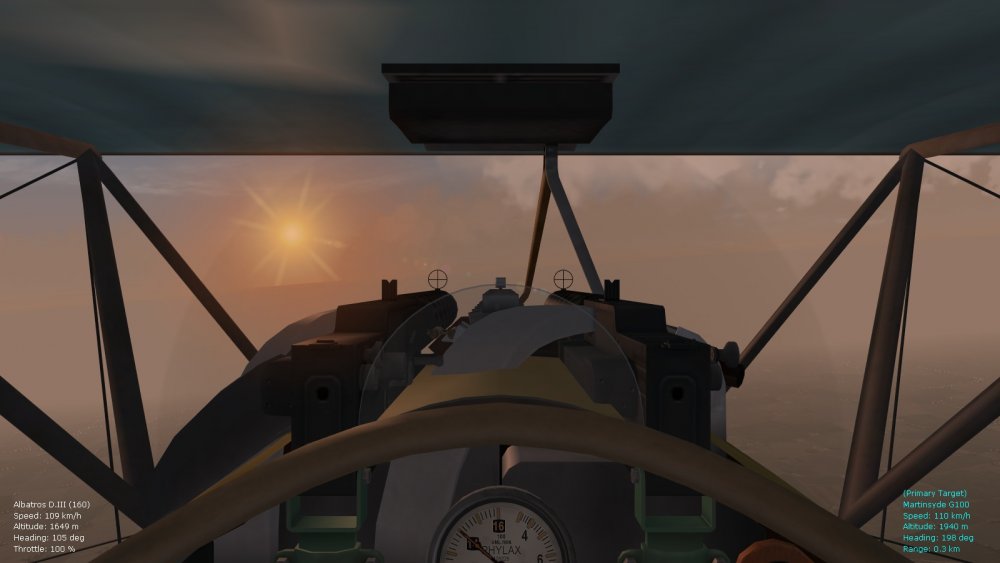
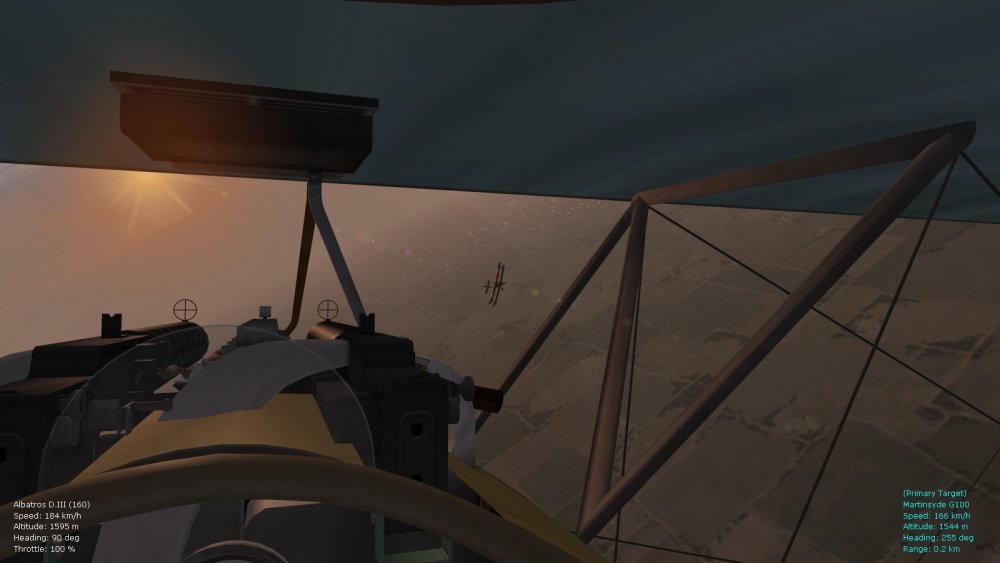
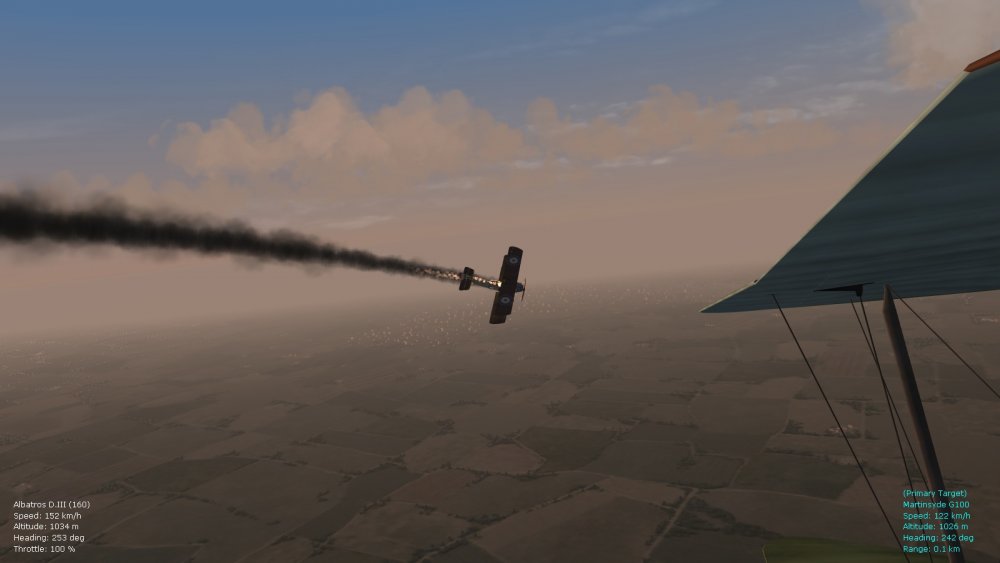
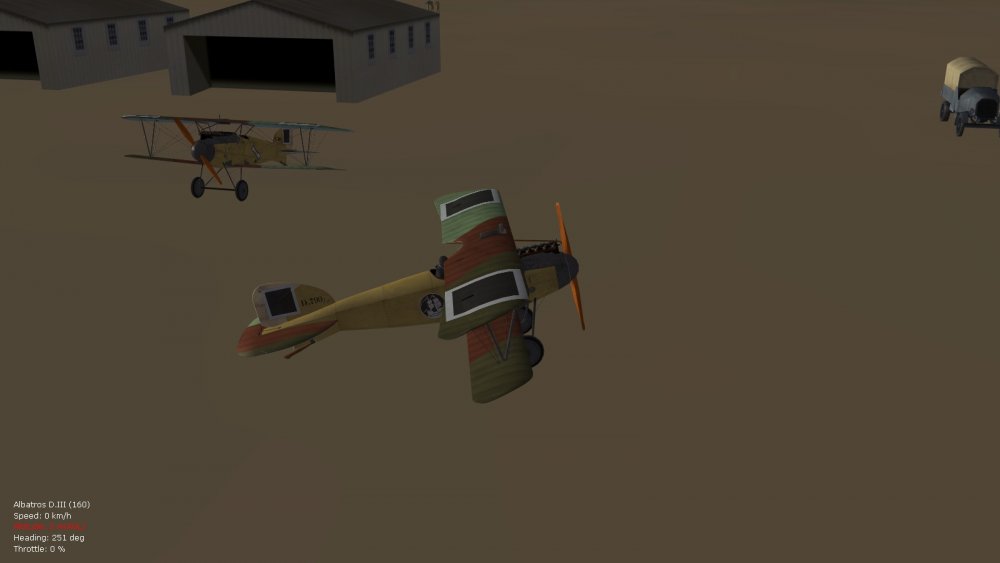
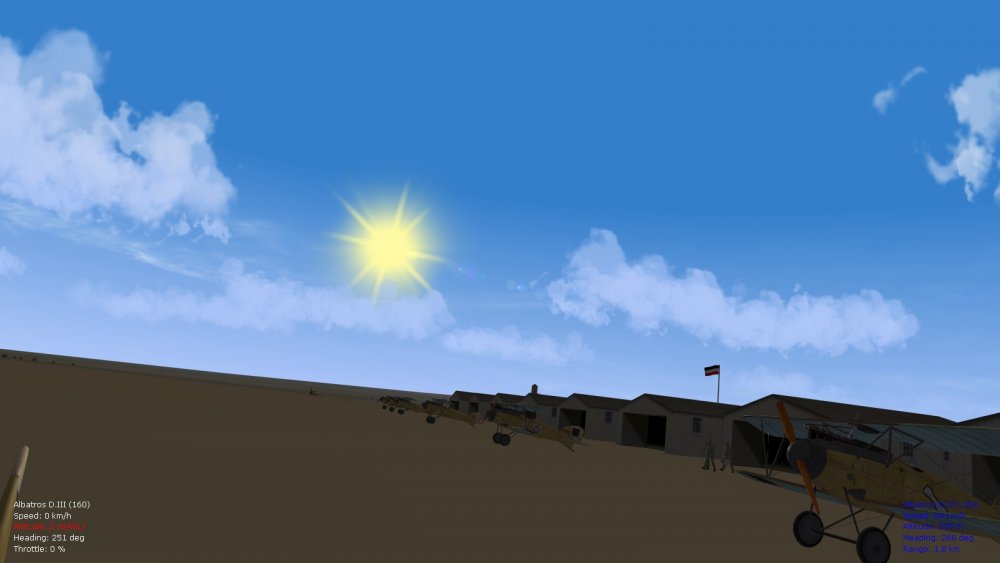
Had a nice early morning offensive patrol today, set to April of 1918, in the middle-east theater, with the latest atmospheric tweaks and smoke effects in use. Also tweaked is the missioncontrol.ini file now, and it's been giving me much smaller numbers of aircraft overall in the skies, in single missions (as realistic for some of these obscure WW1 theaters) - will roll those tweaks into a ver. 9.5 of the FM update pack as well. Happy flying, Von S
-
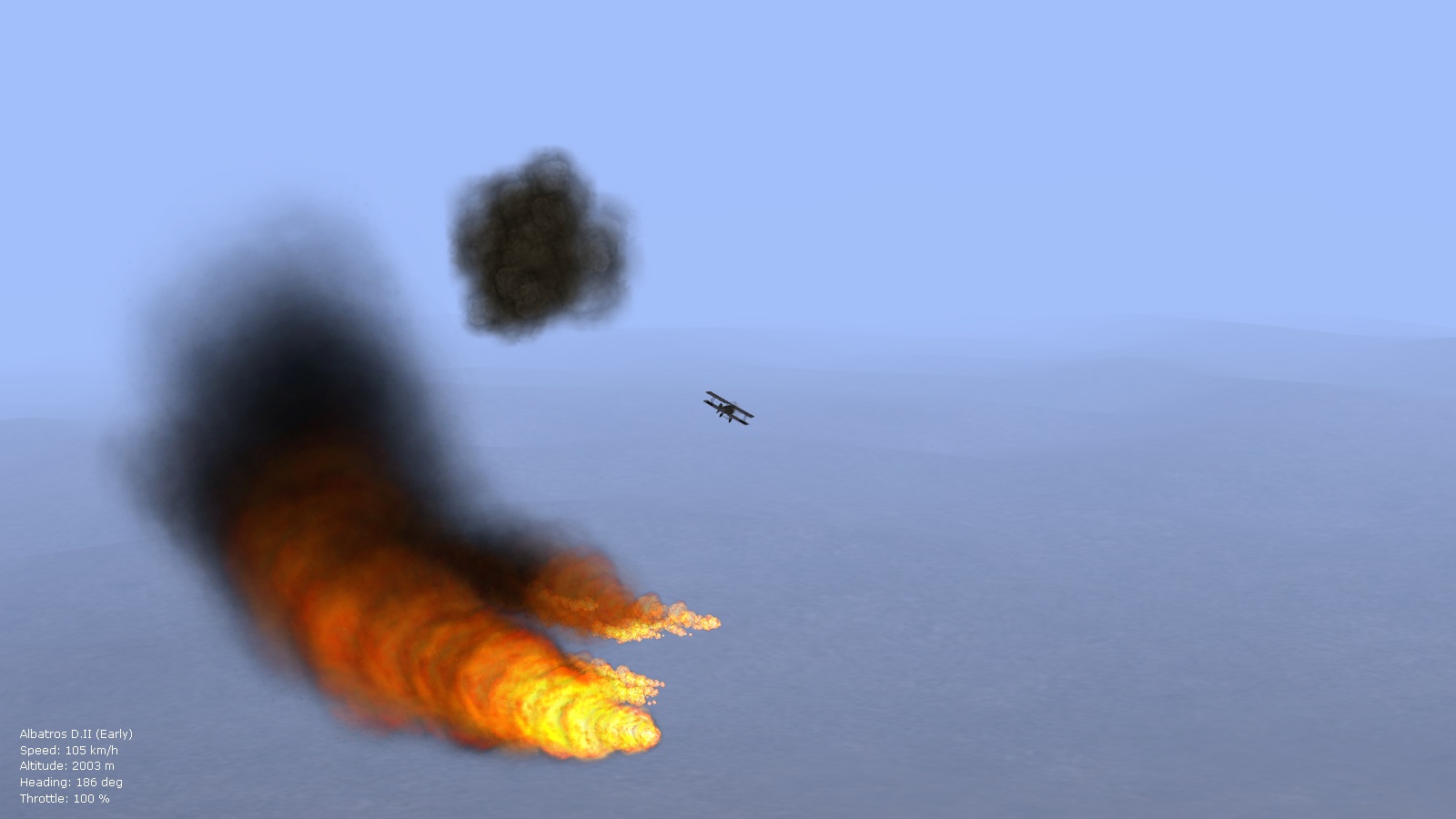
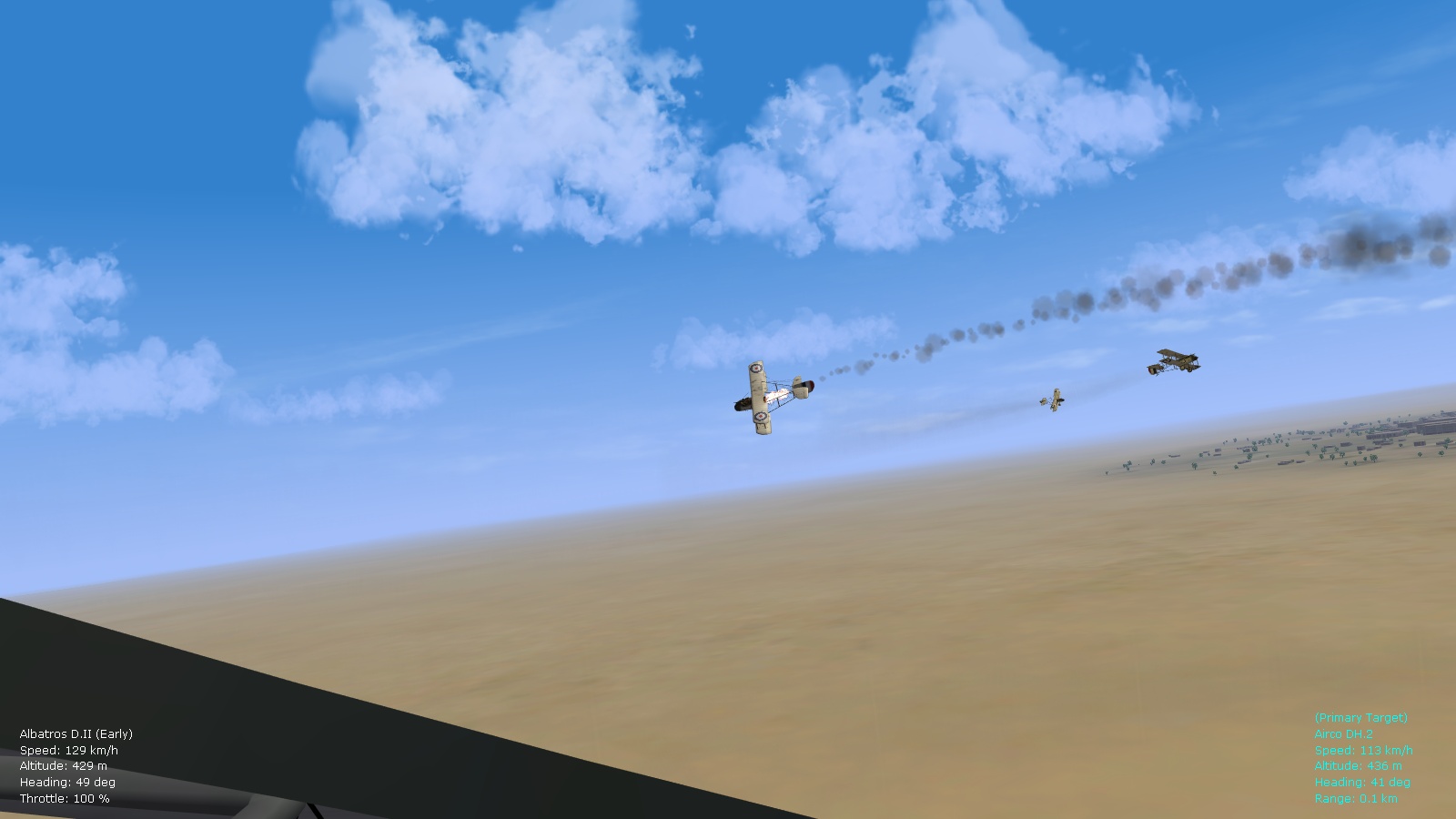
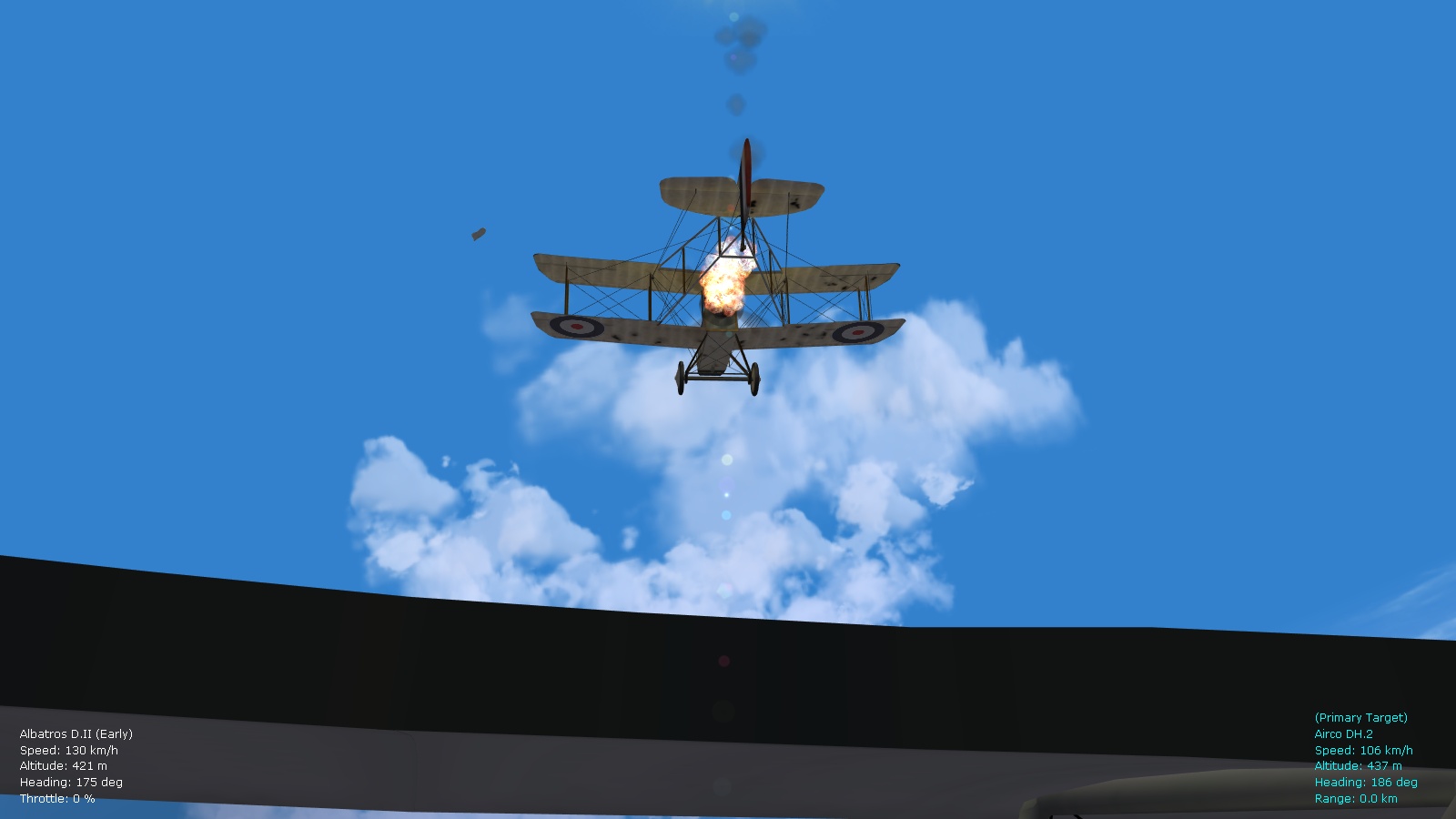
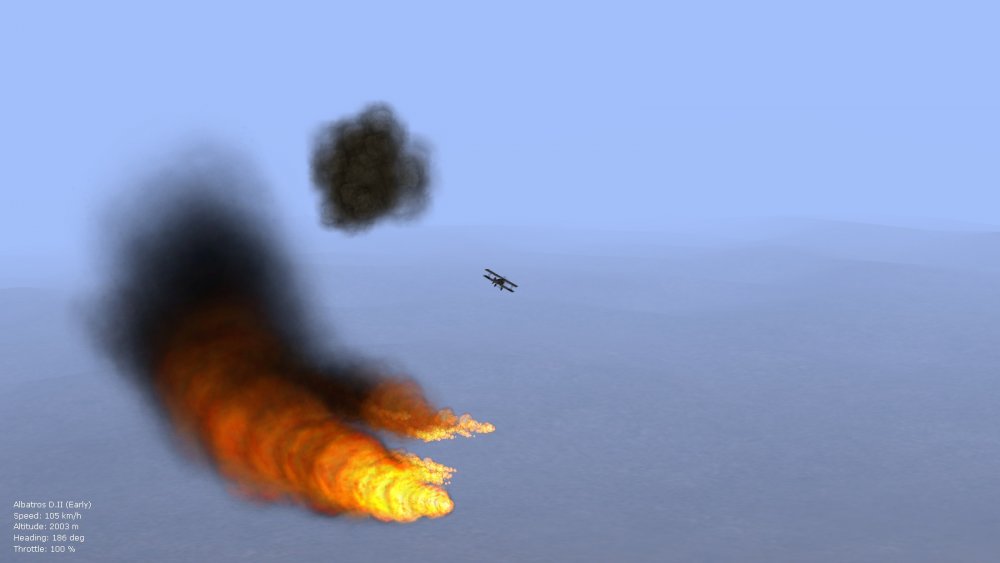
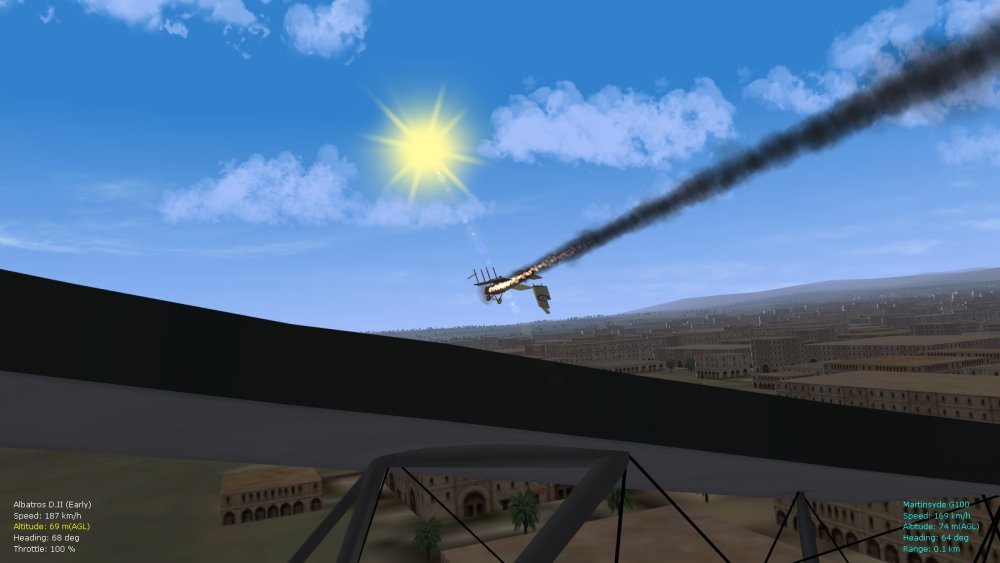
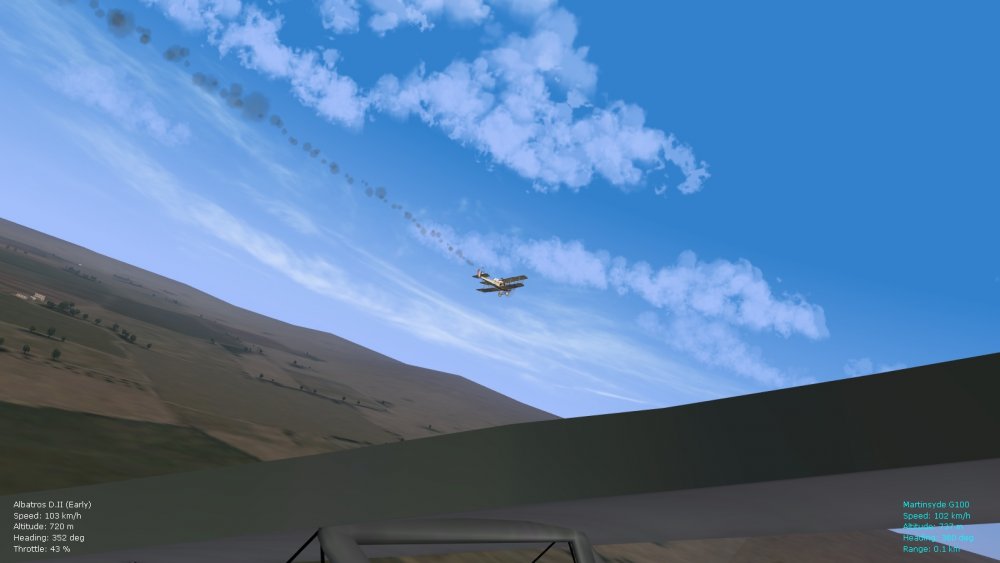
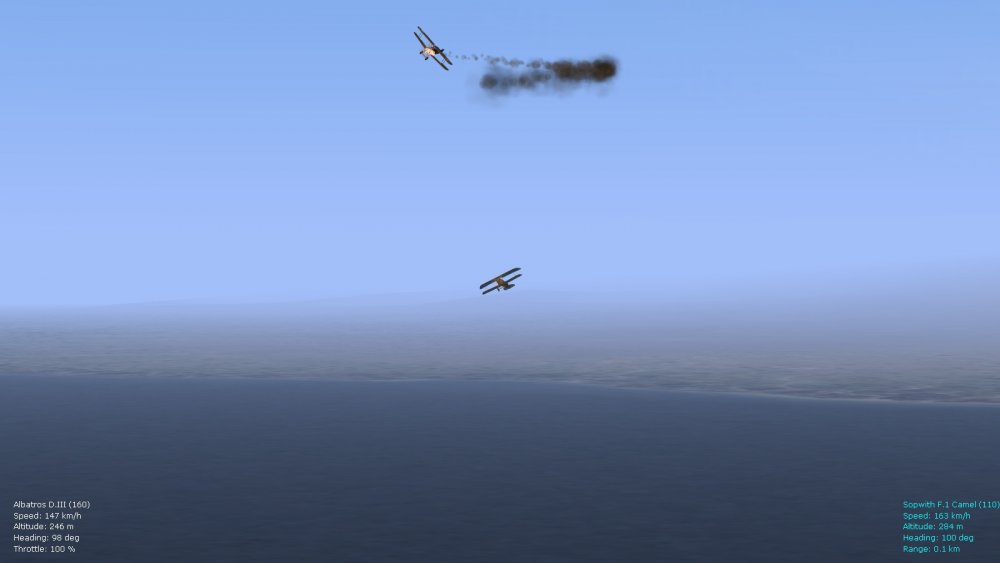
A few more shots of variations now available with the latest fire/smoke tweaks, and for balloon explosions...will package all of this with a ver. 9.5 FM update pack eventually. Happy flying, Von S
-
Should work fine, I run several of the older aircraft made for FE/FEgold in FE2 without any problems, as Geezer indicated. Main thing is to double-check your decals.ini file located in the skin folder of an aircraft's folder (might require some tinkering with file pathways in the decals.ini file for decals to show up properly, but otherwise there haven't been any problems from what I've been able to see on my rig). Good luck with getting FE2 up and running - you'll find it a great improvement over RB3D. Von S
-
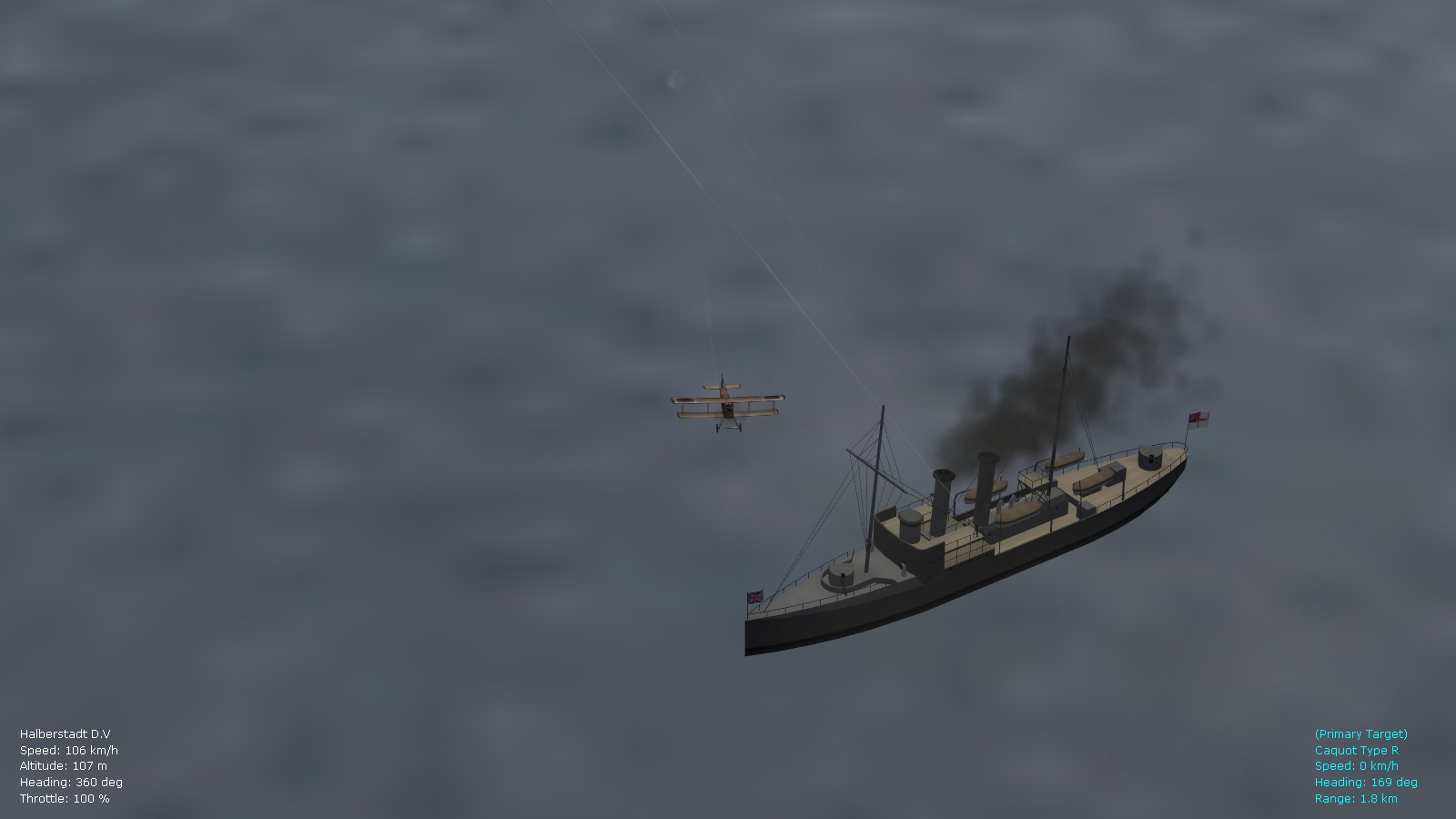
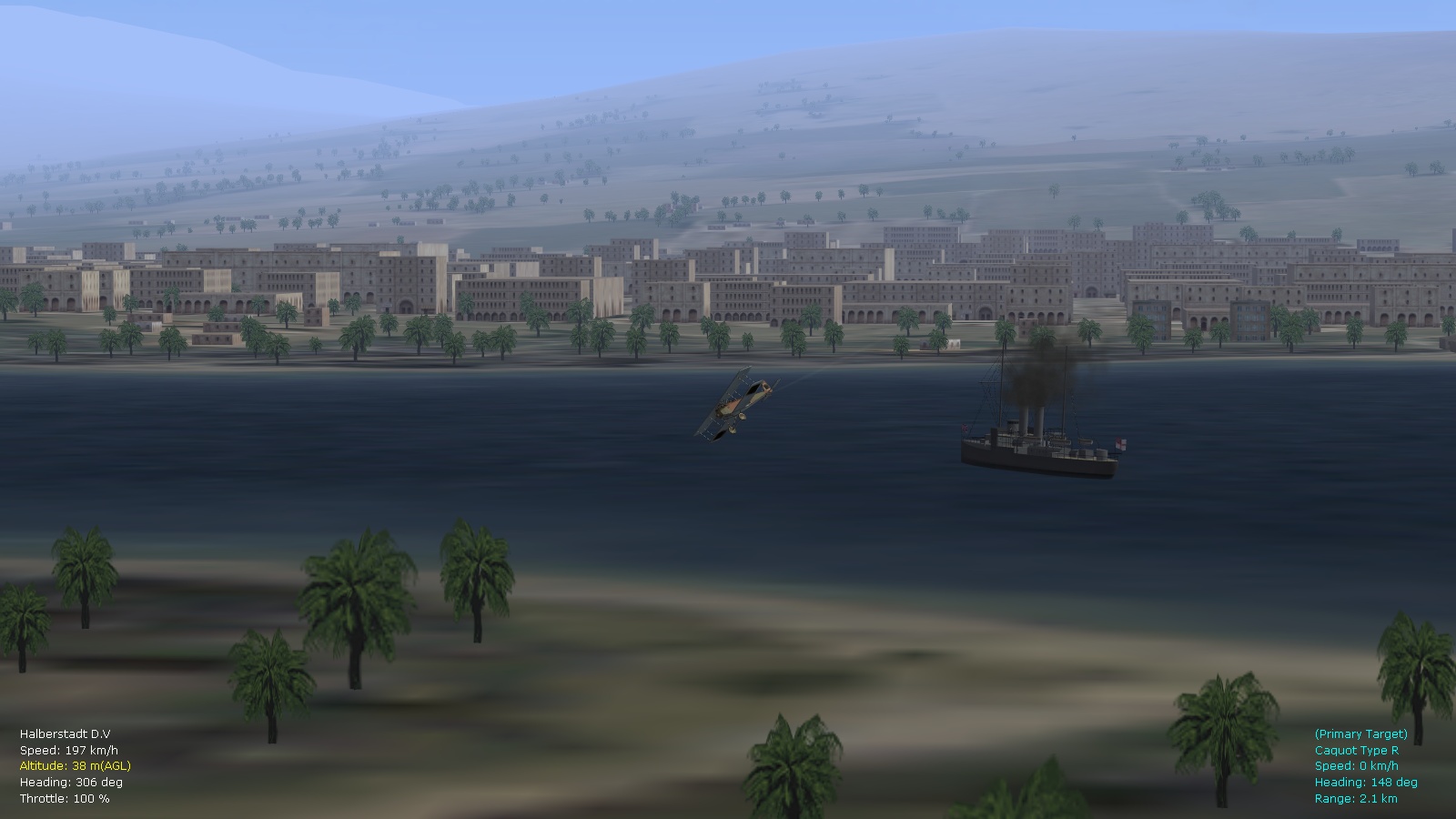
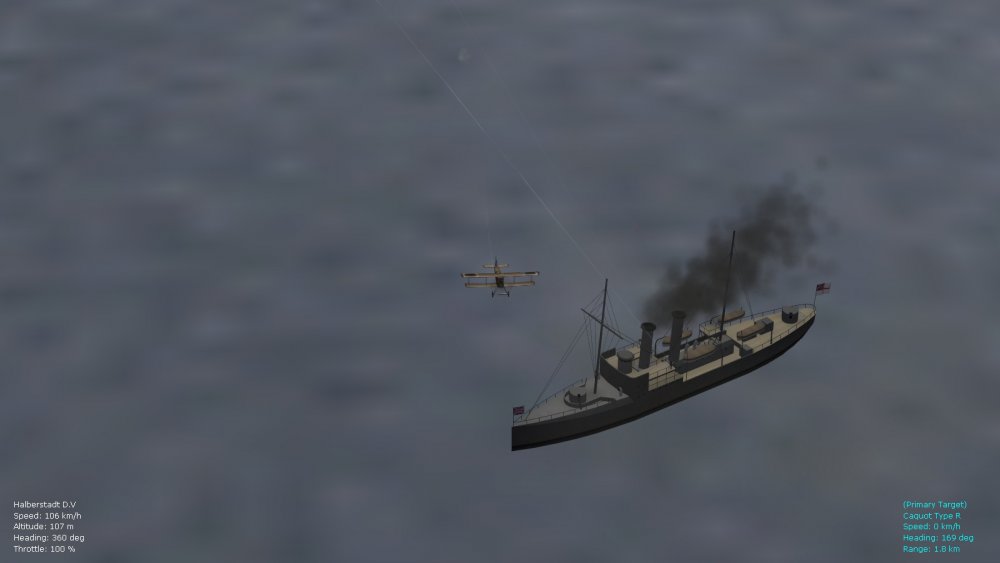
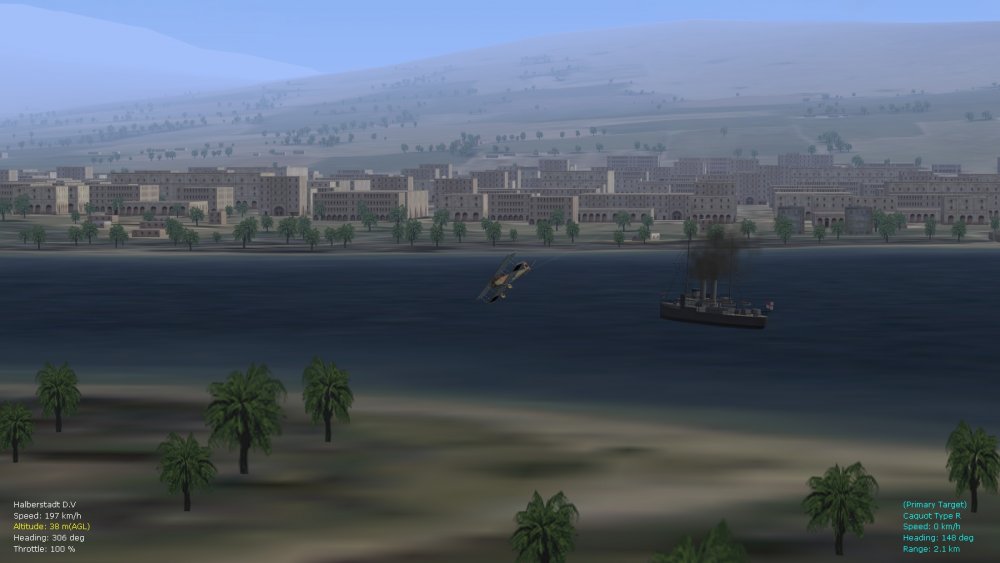
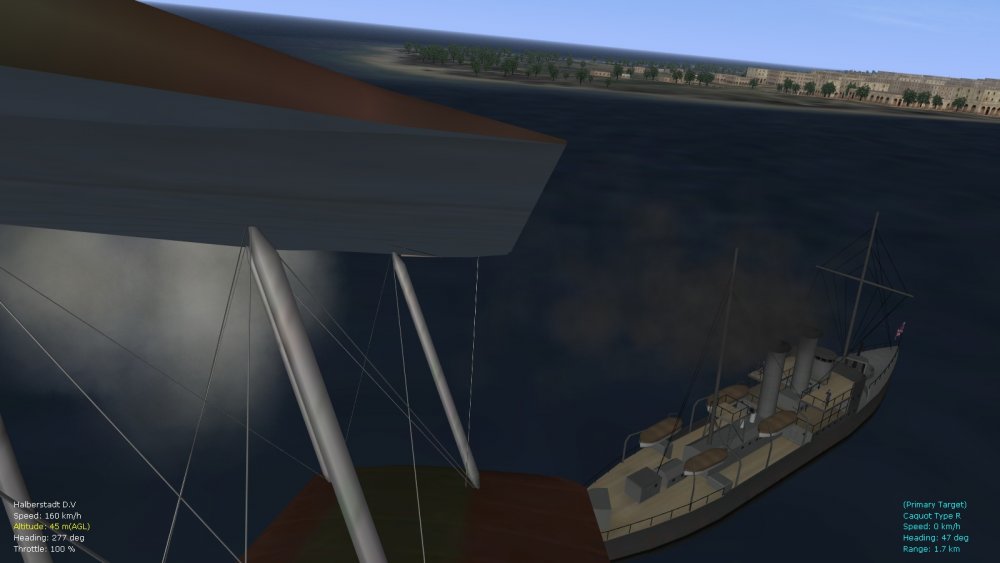
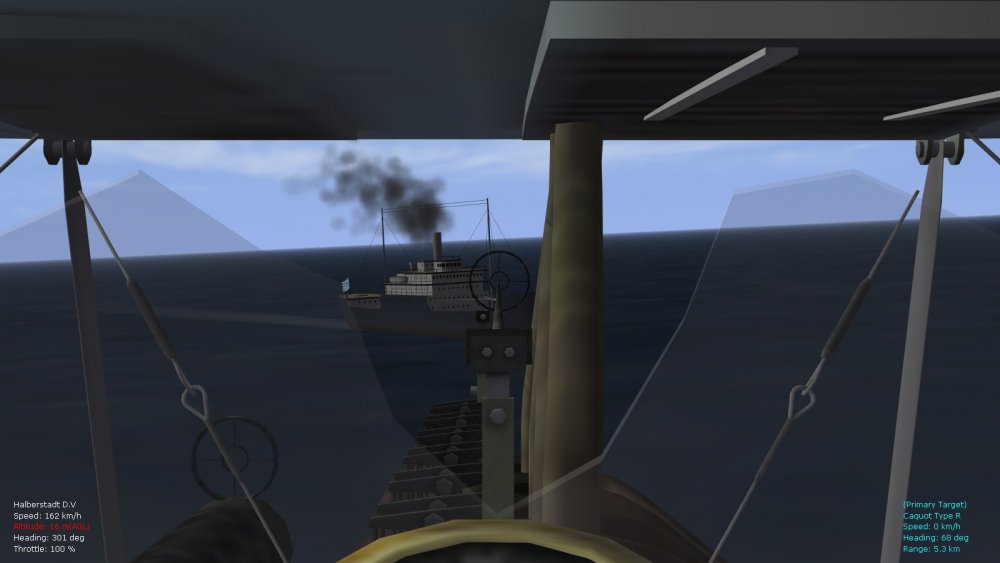
Perhaps something like this? Might need to increase the volume numbers further but here's a (beta) emitter for testing, can also be used for the stock ships by being renamed to ShipStaticSmoke (as always for emitters, install into the Effects folder). This is simply a mod of the Stephen1918/Ojcar smoke effect for static ships. Other possibilities include linking coal-burning ships with the aircraft smoke emitter file, although that might hit frame-rates on medium and low-end rigs. Von S [removed old link - see latest FM/realism packages for FE2 for relevant atmospheric and other tweaks]
-
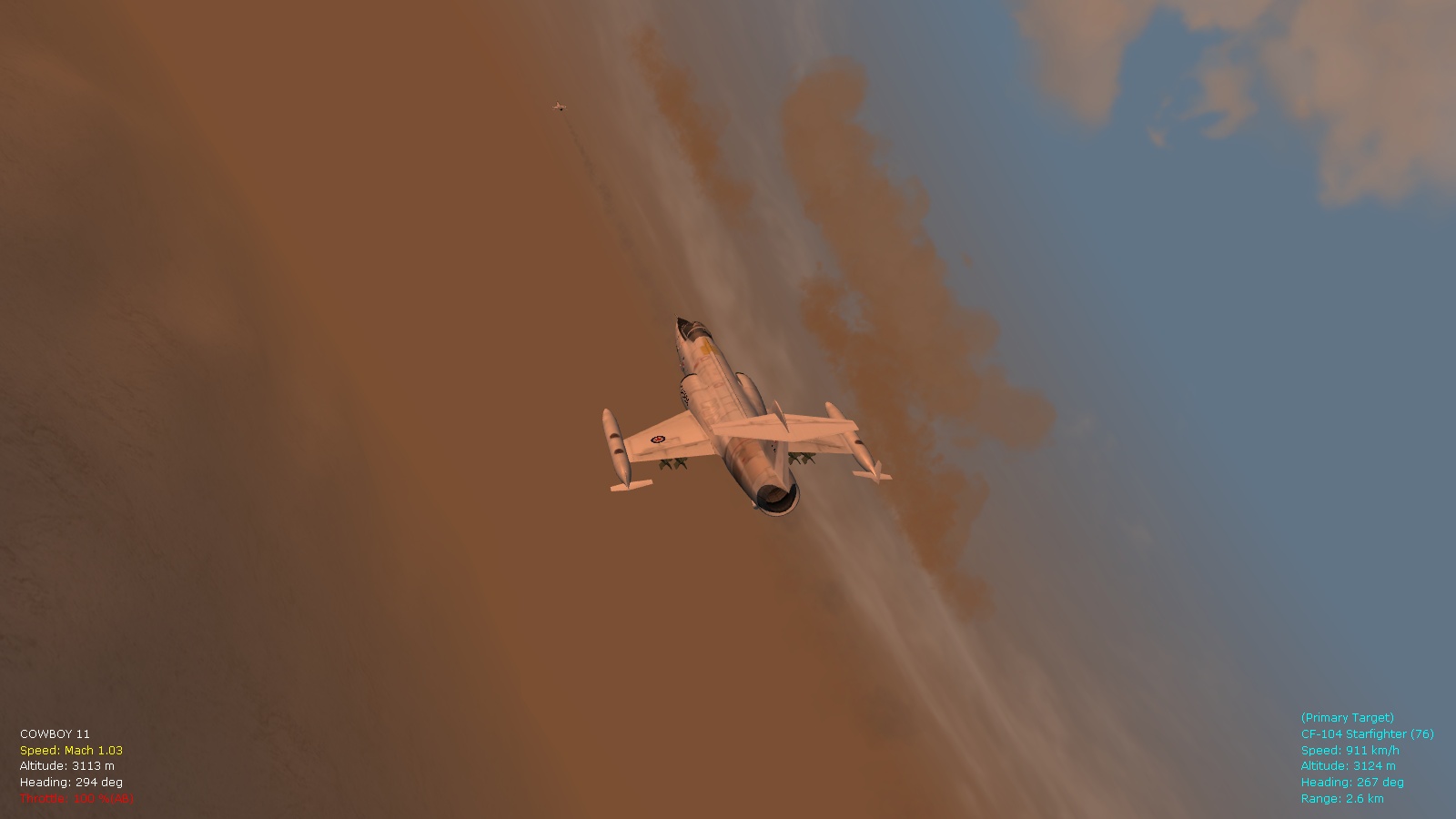
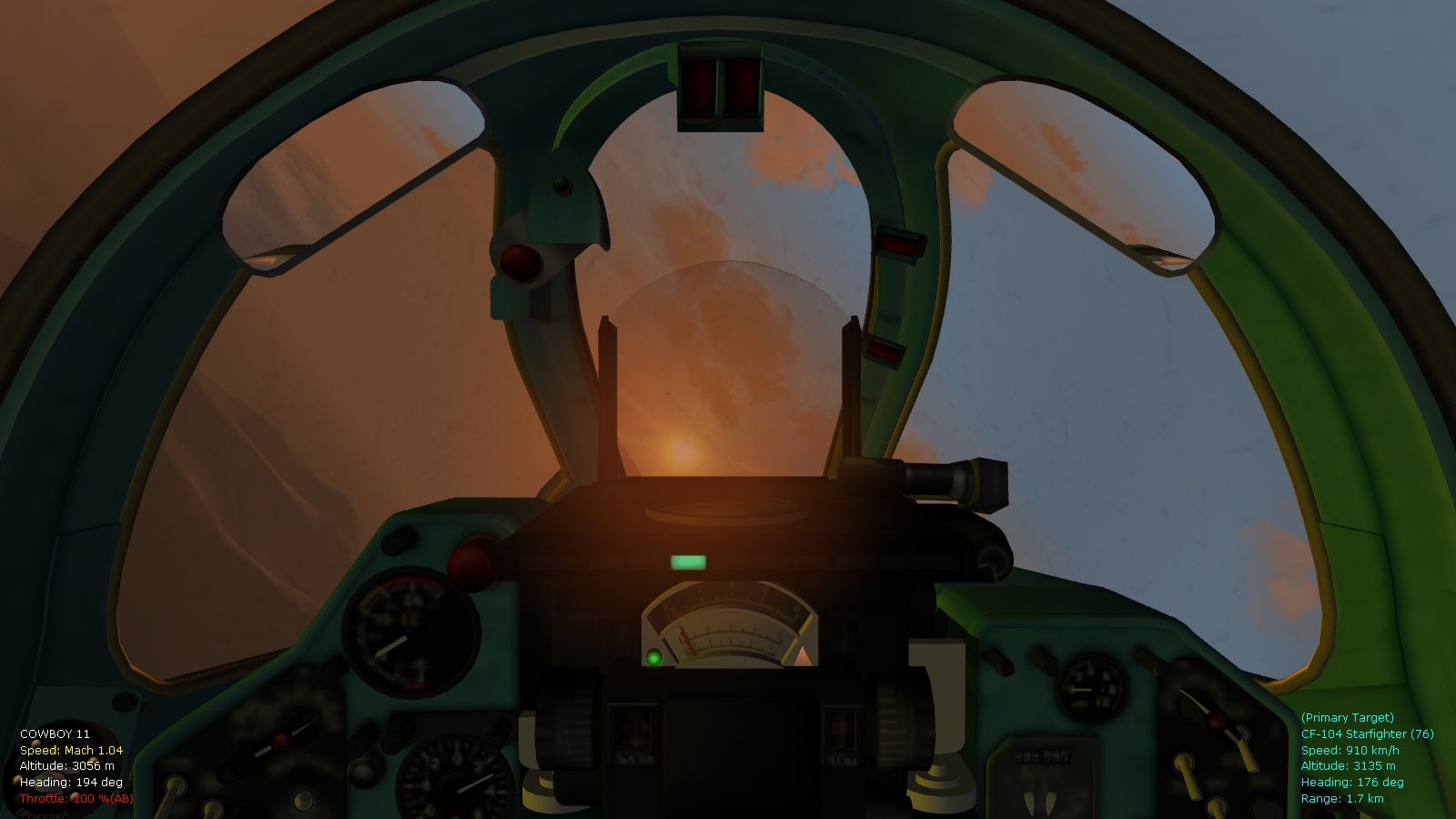
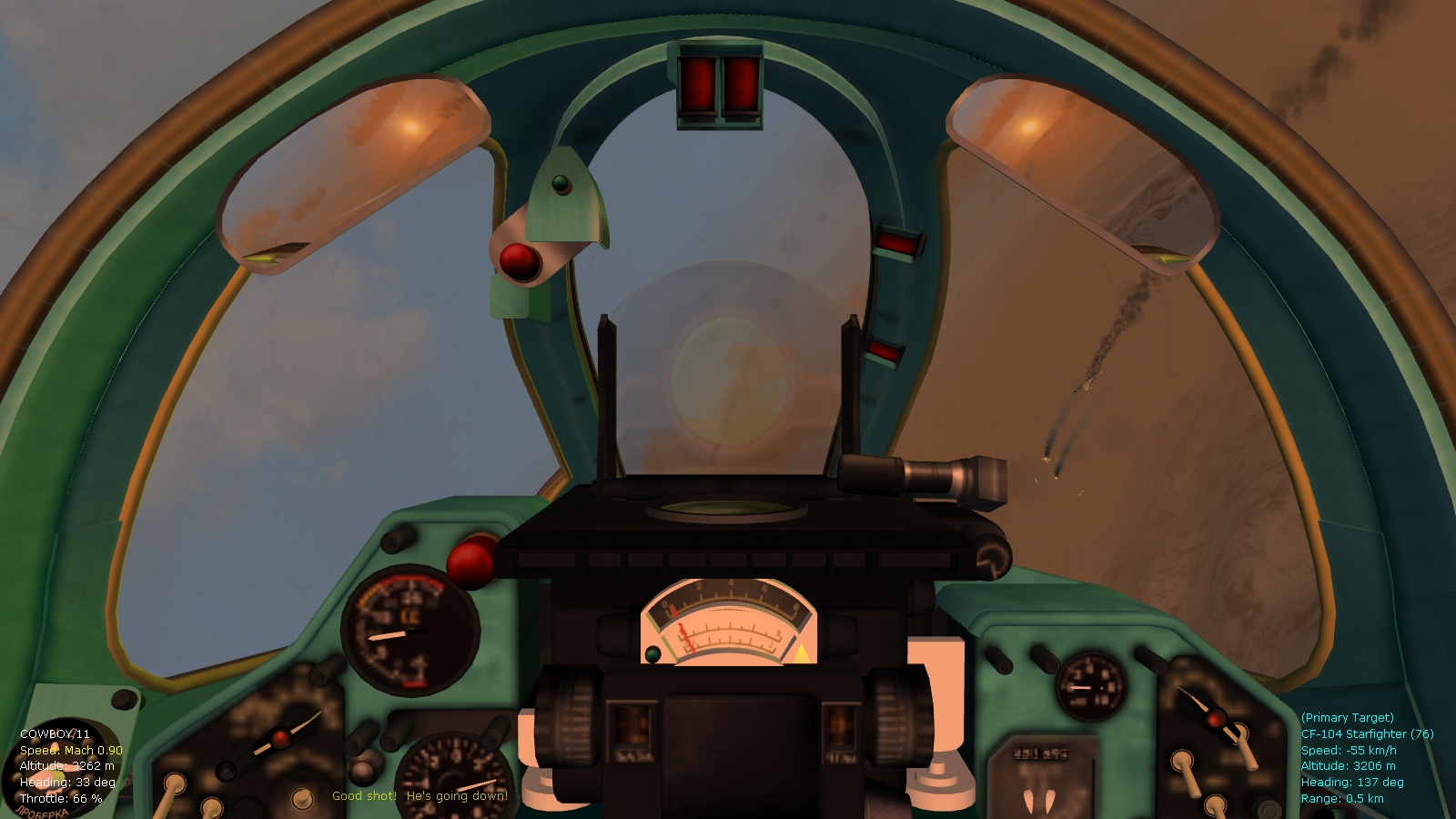
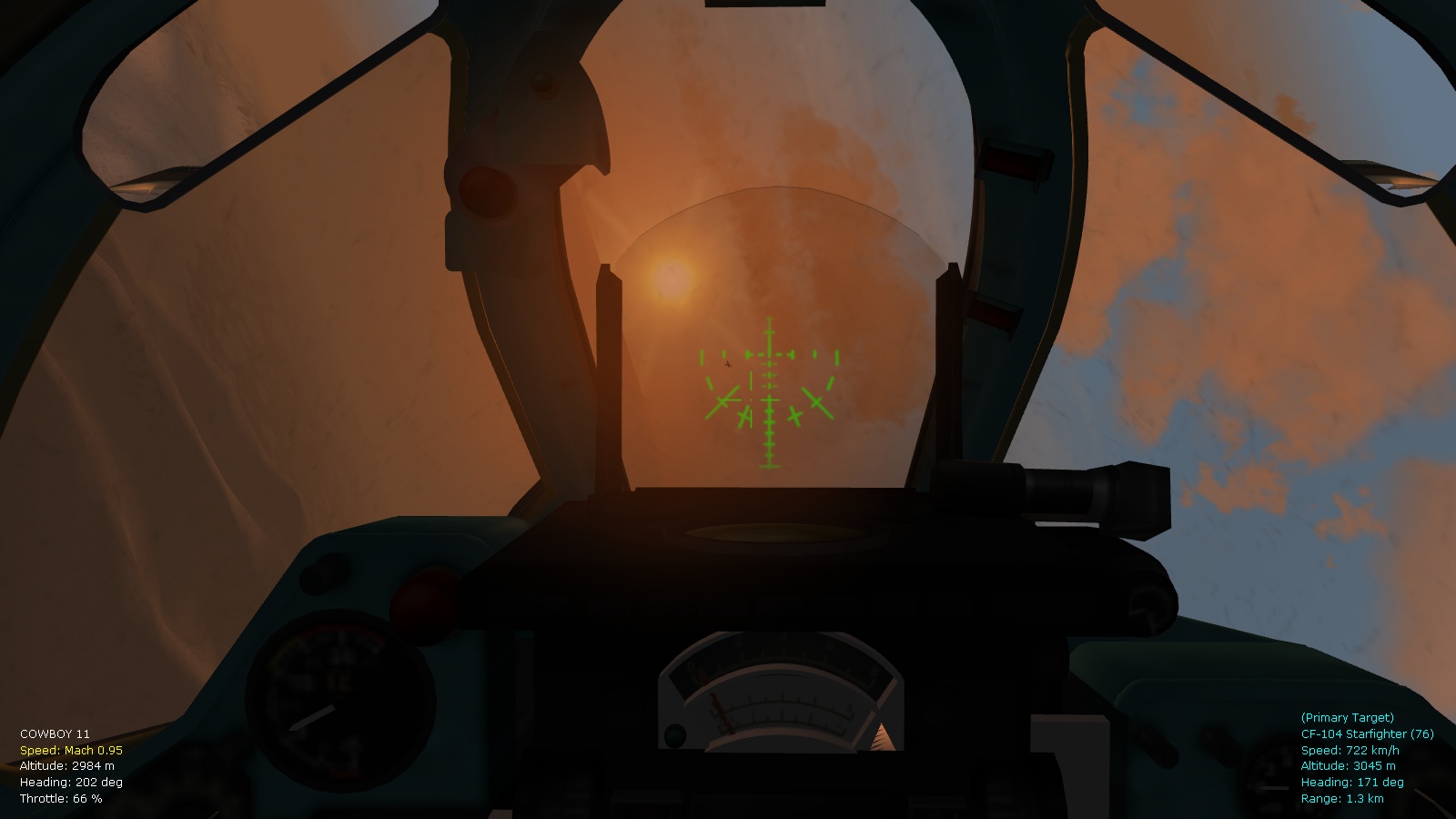
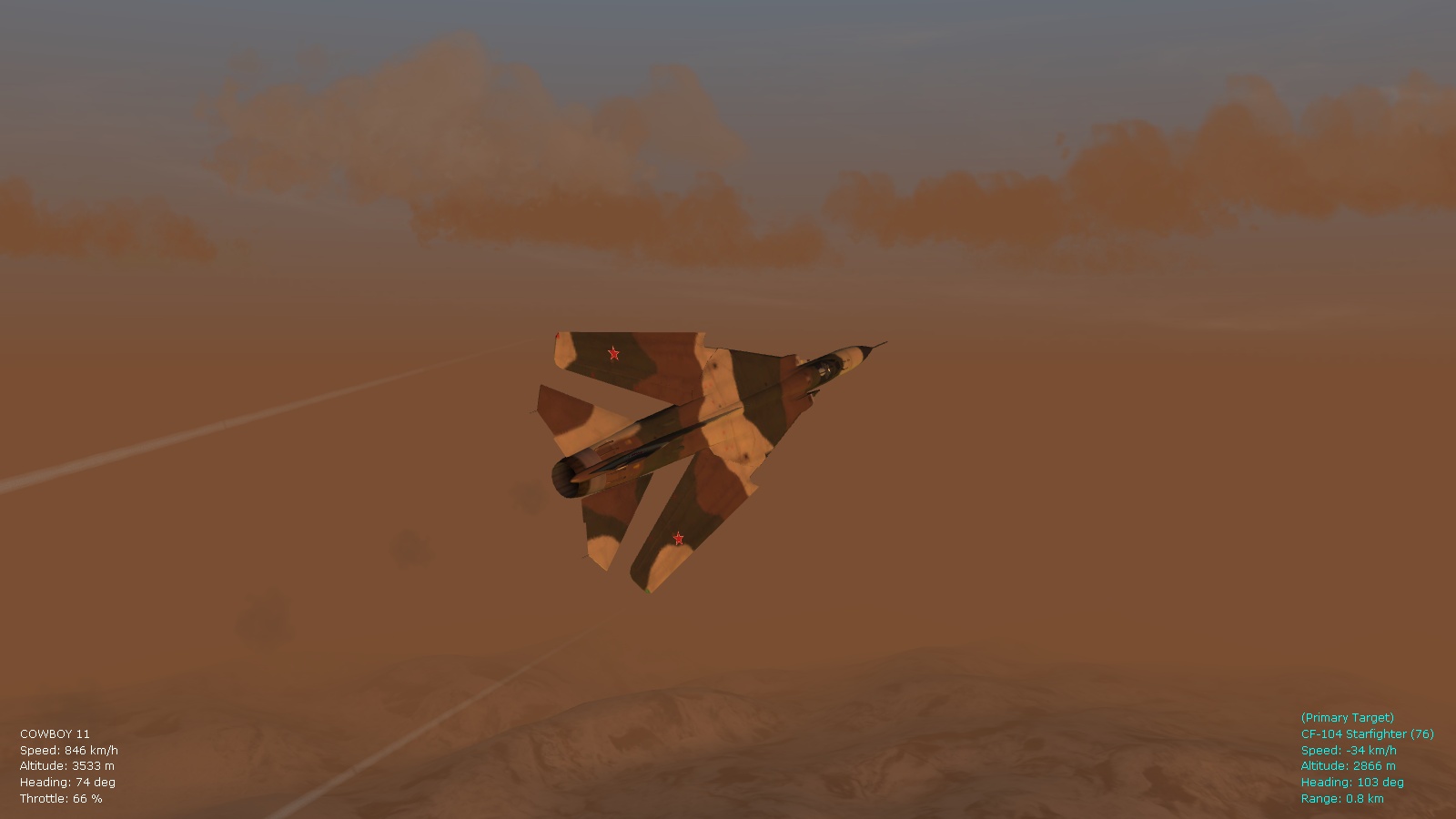
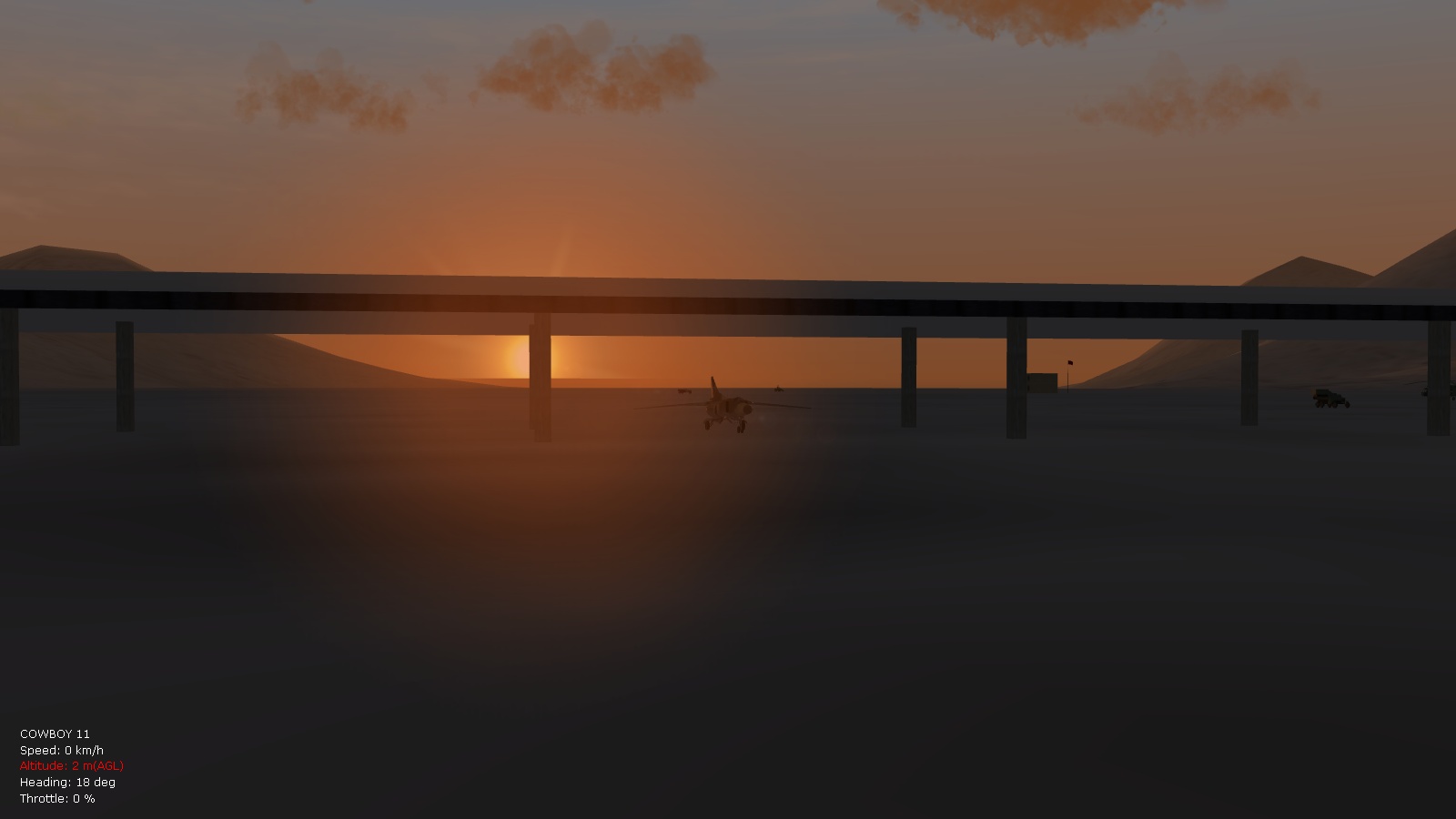
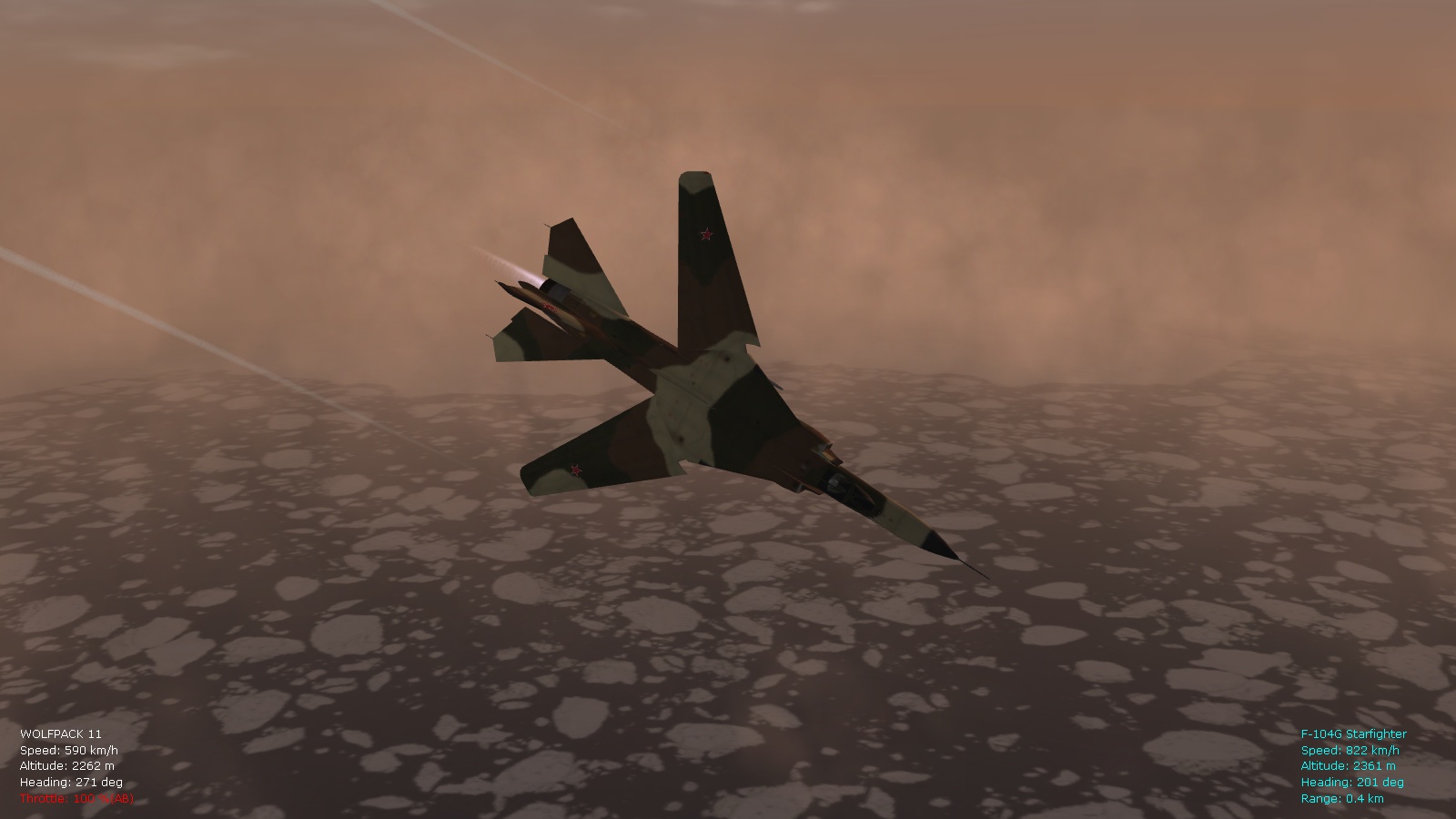
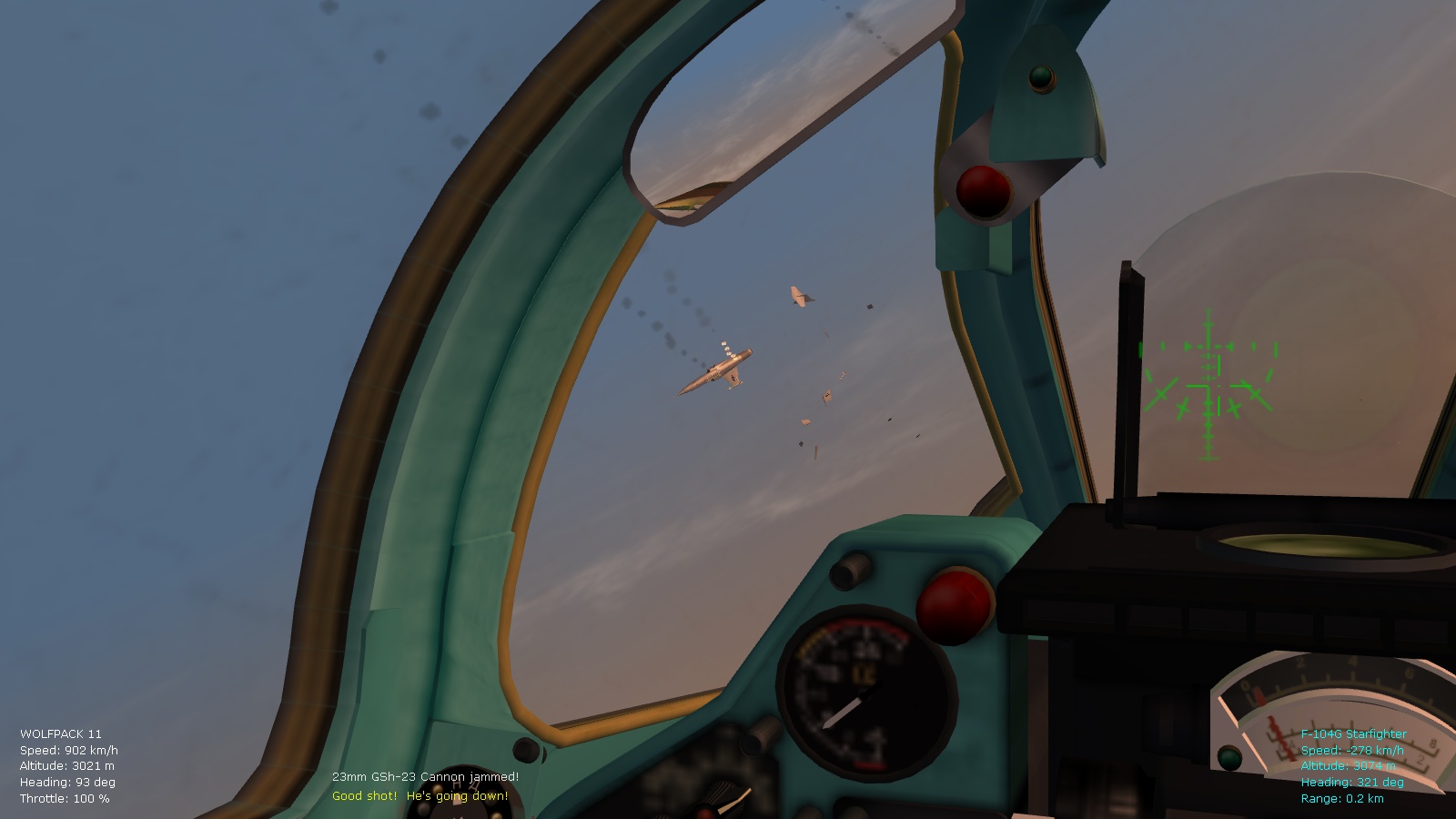
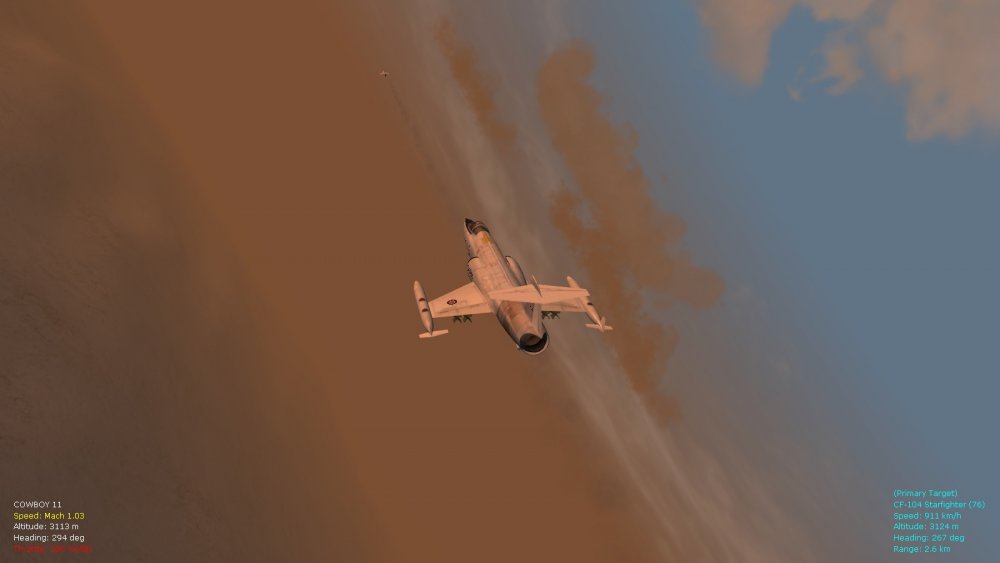
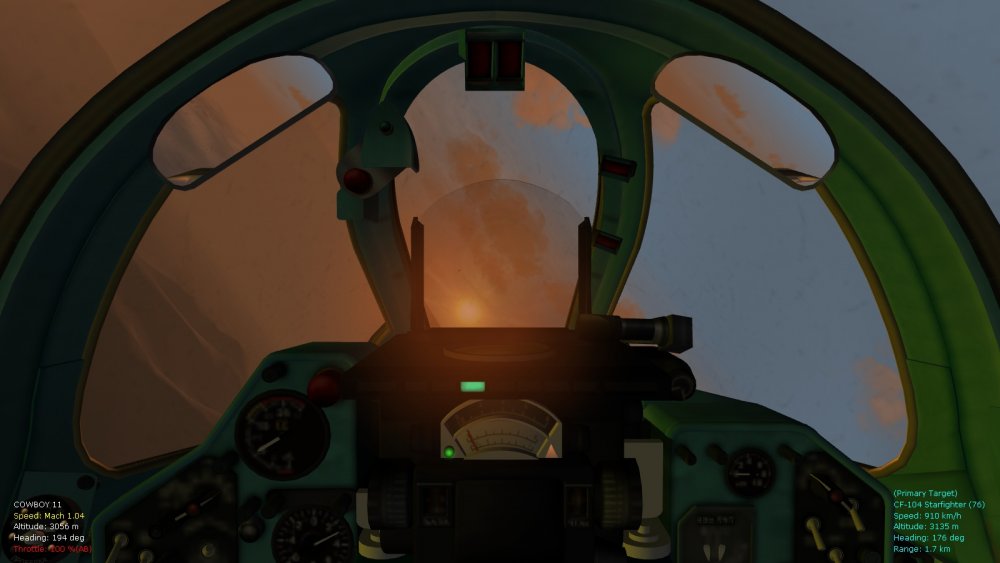
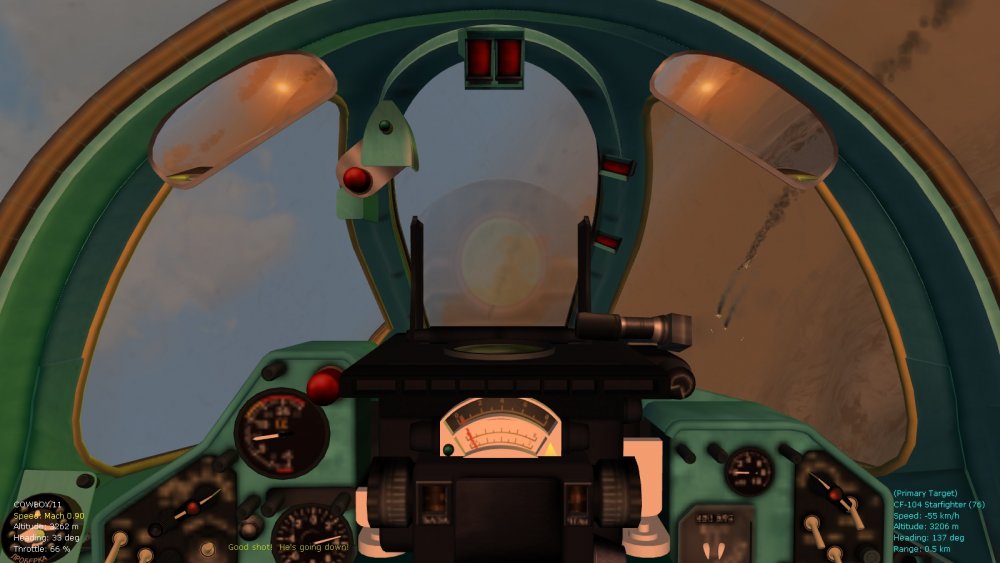
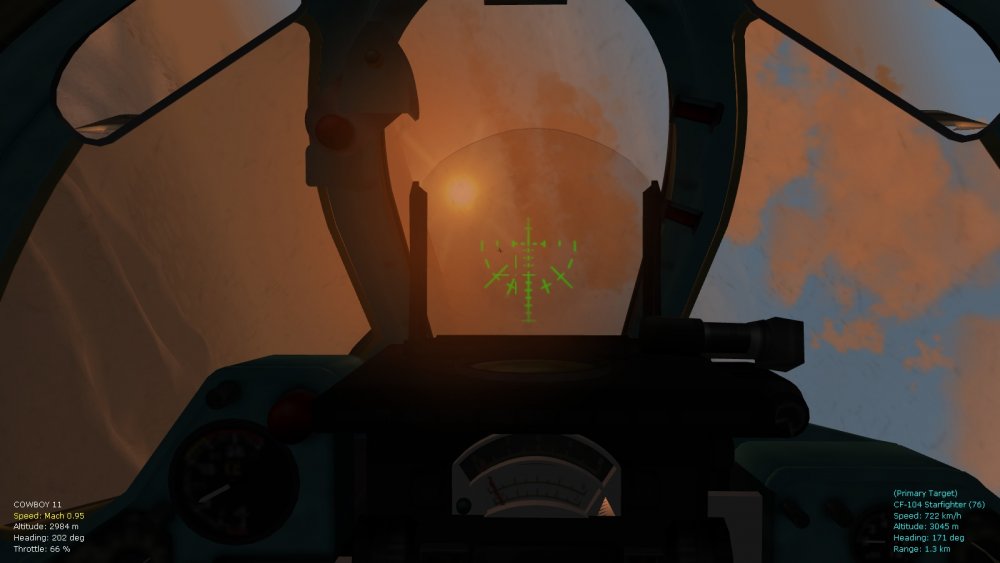
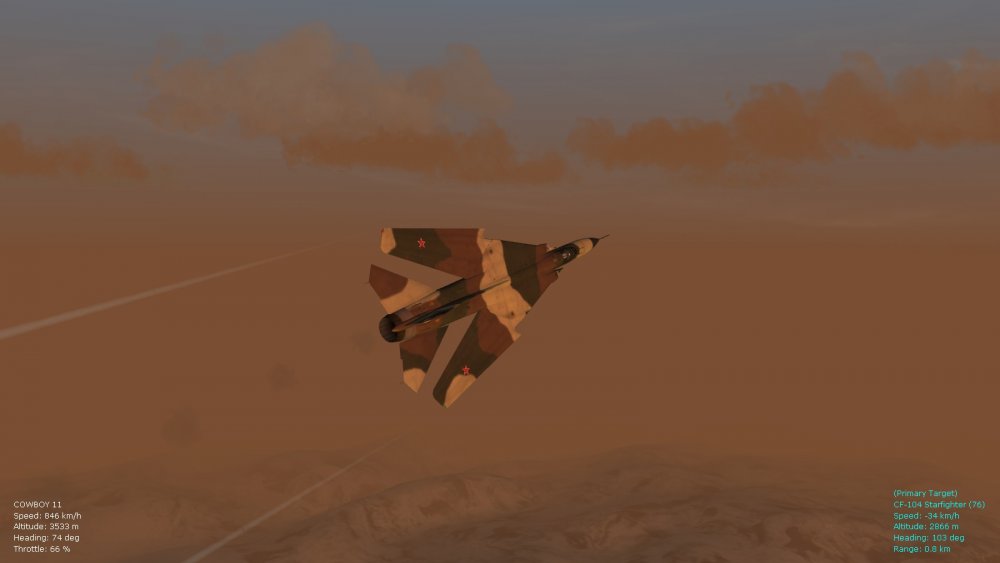
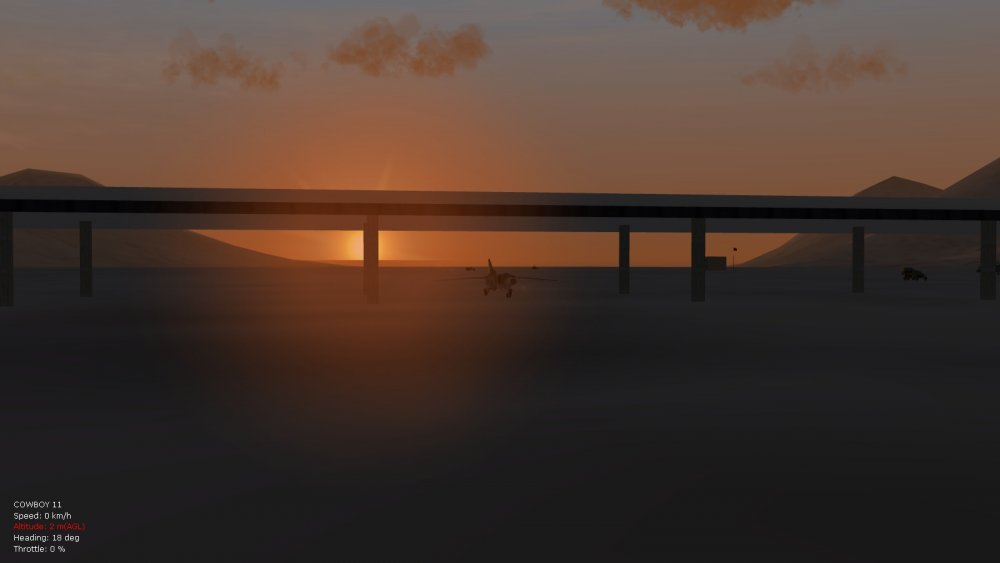
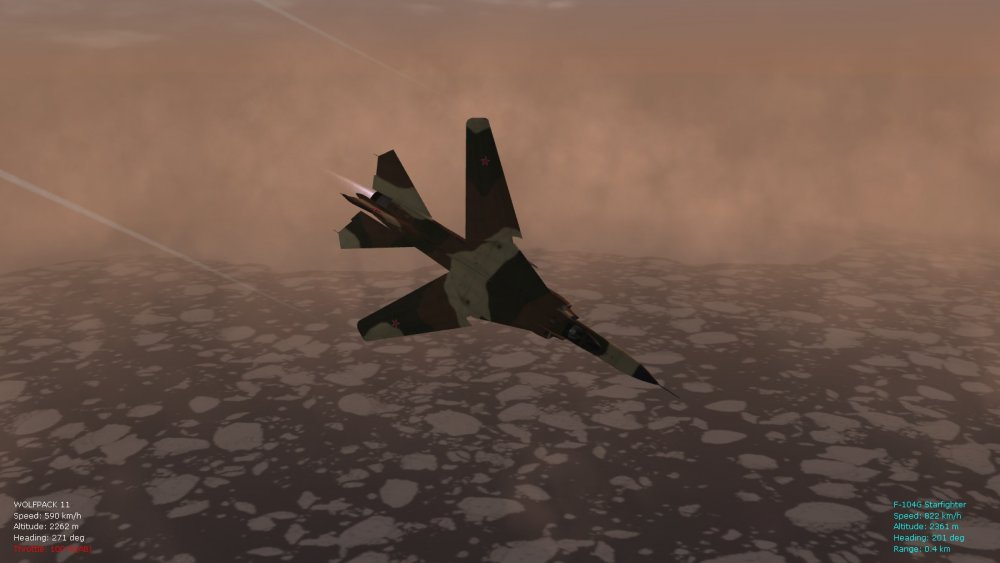
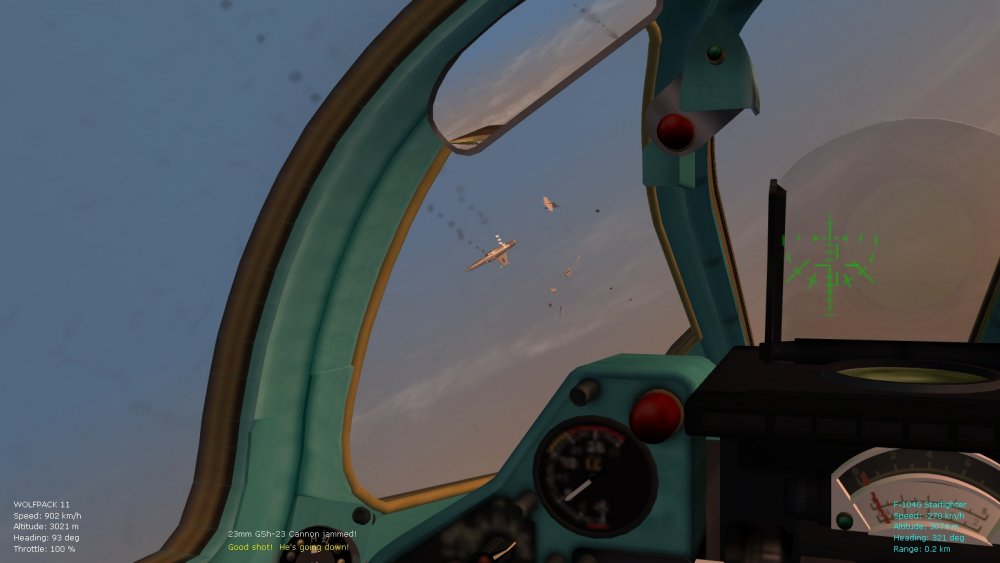
Successful incorporation of screen text display mods and environsys ini tweaks for wind, clouds, etc., from FE2, including fog effects, into SF2. Will include directions with a ver. 9.5 of the FM update pack for FE2 - for those interested in using the FE2 atmospherics in SF2. The MiG-23 is the standard "MS" extract from SF2 by the way (with avionics downgraded to avionics60.dll for more limitation and fun, and Stary's lovely improved cockpit installed) - will eventually get around to installing the huge 2-pack of Floggers available for SF2. Thank you modders! Obligatory screenies below. Happy flying, Von S
-
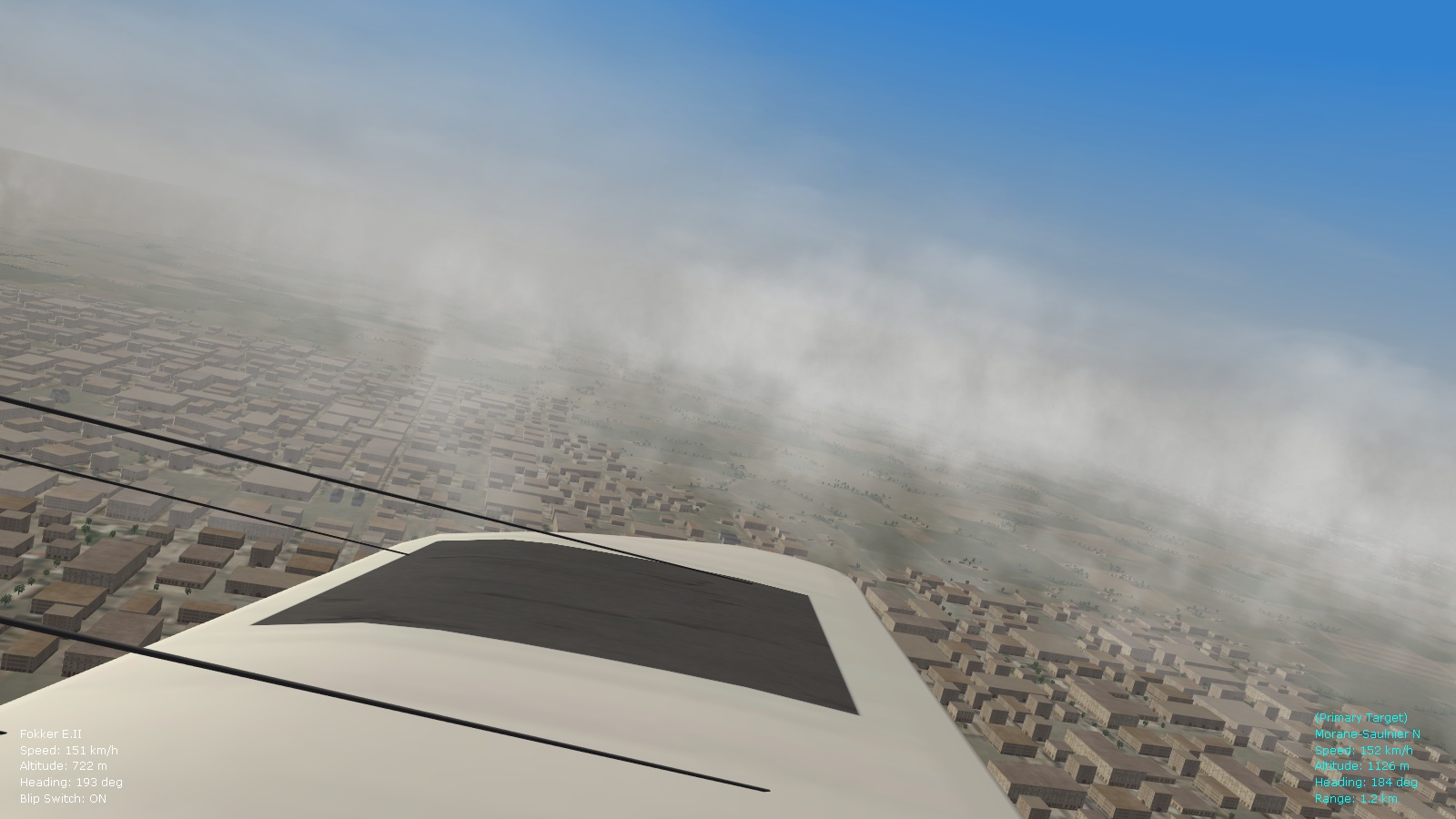
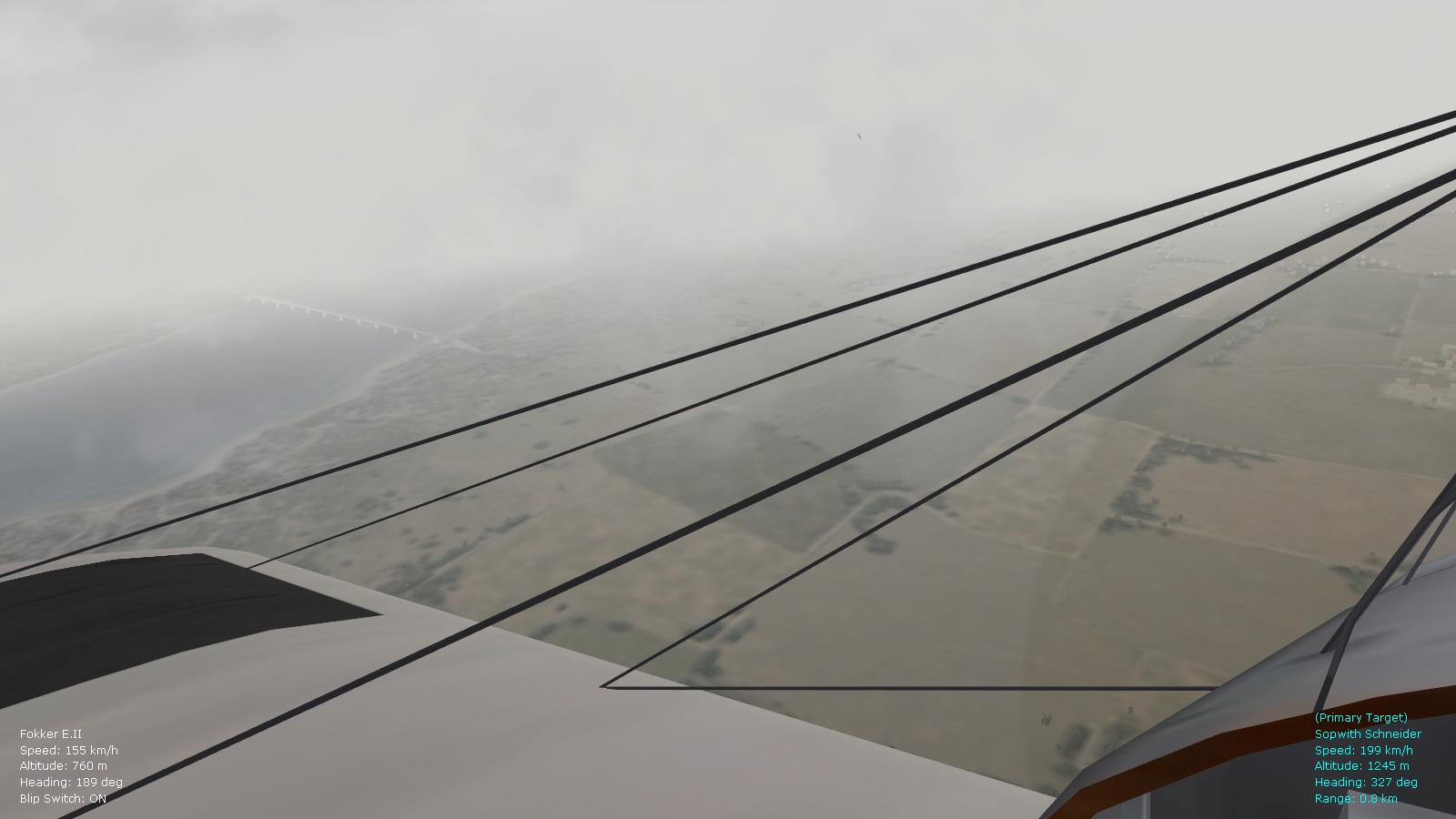
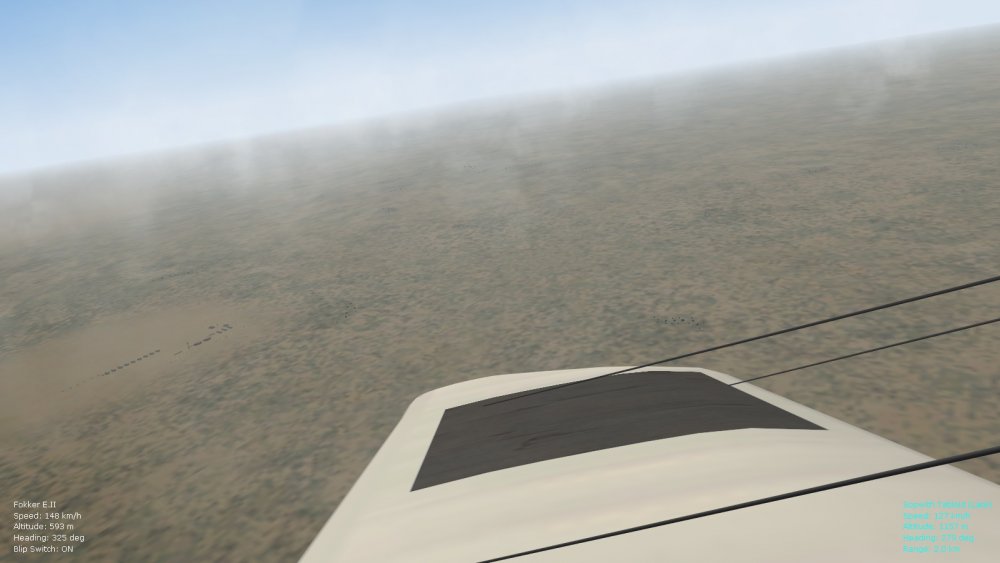
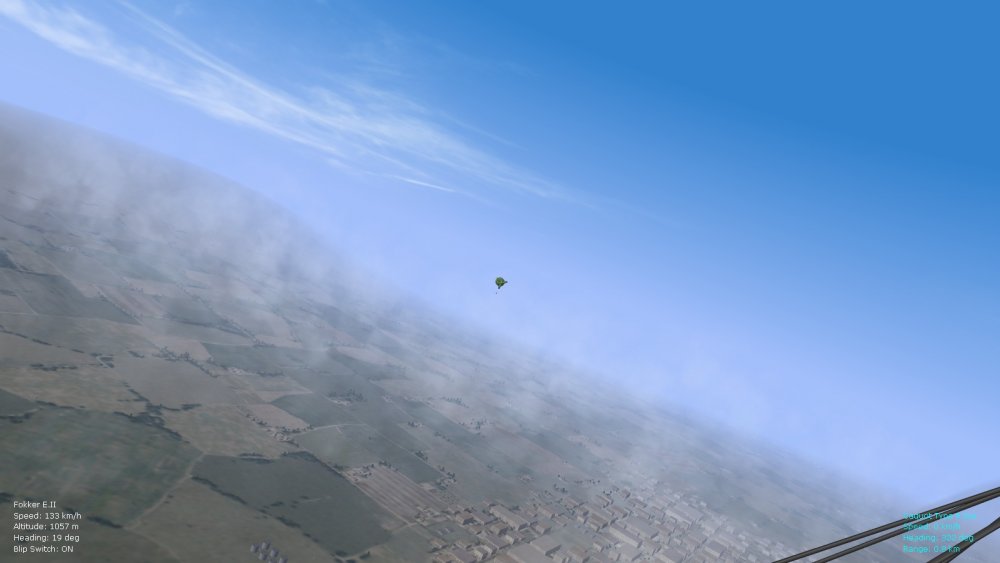
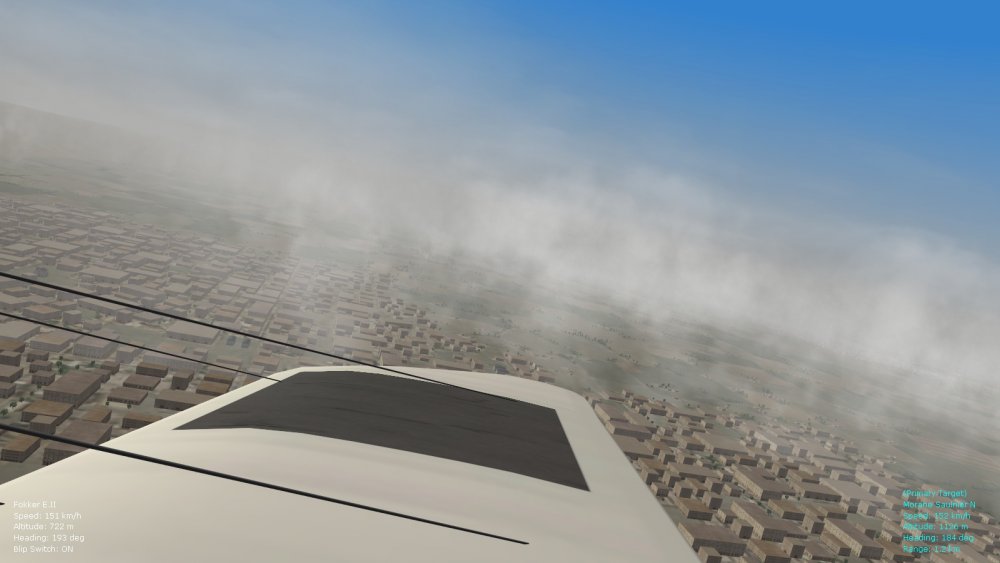
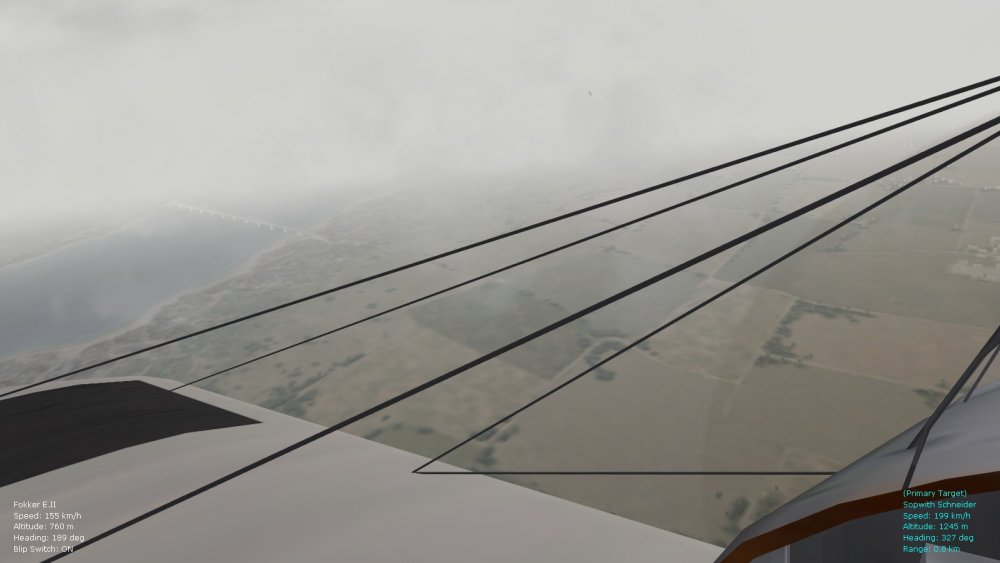
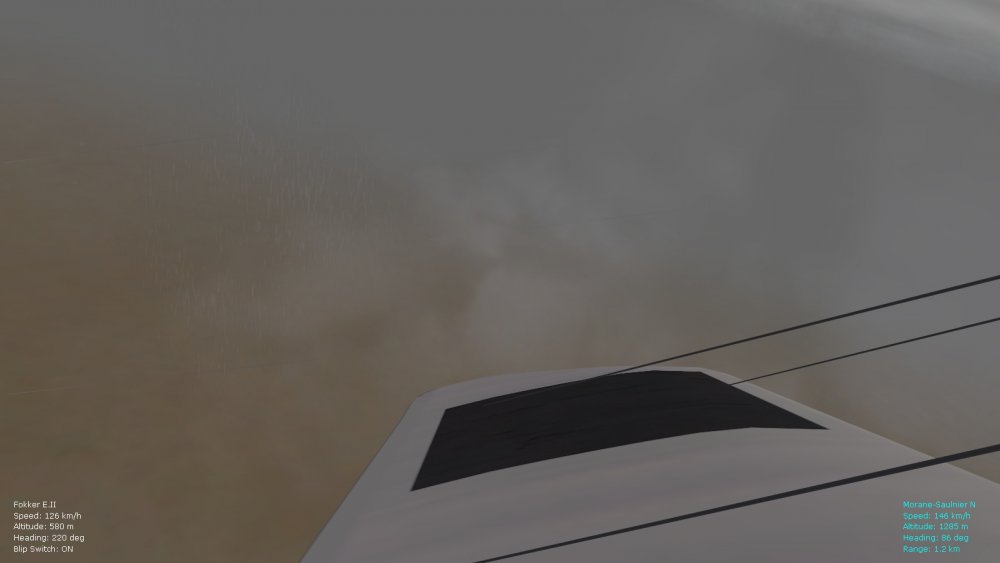
Tweaking a third environsys ini file too that will be devoted to fog effects across the different weather types (from morning mist to overcast fog) - no high clouds available in this one but the vertical cloud panels vary by weather type to give some variety...the fog also slightly varies by weather type (thickness, shape, etc.). Great for immersion in low-level dogfights, will include this with a ver. 9.5 of the FM pack - this will give us a total of 15 different weather types when combined with the tweaks included at the top of this list of posts. Happy flying, Von S
-
Have now tested with the static/slow/fast/etc propnodenames commented out and the pump prop still spins well. I don't have the rotationaxis value in place so it should be fine to comment that out too....theoretically, I would say that dynamic streamers are possible, as Wrench outlined, although I am no streamer specialist - hopefully someone will figure out how that works. Von S
-
A great discovery Crawford, thank you for this. Here are some further tweaks that help with the rotating pump propeller, under the [FuelPump] section for // Engines: SLPowerDry=60.0 <<----- have increased the value slightly, otherwise I was sometimes not able to restart the air pump propeller if the engine was turned off, then on Also change the following: ThrottleRate=0.7 <<----- higher throttle rate gives more realistic spin up after the engine starts AltitudeTableNumData=14 <<----- this number corresponds with no. of entries under AltitudeTableData AltitudeTableDeltaX=514.4 <<----- reduced intervals in meters here slightly, also works as a kind of compressed "accordion" effect at smaller numbers for prop/engine efficiency AltitudeTableStartX=0.0 AltitudeTableData=1.000,0.975,0.854,0.700,0.590,0.457,0.361,0.279,0.209,0.185,0.095,0.050,0.015,0.000 <<----- more values here for subtler prop spin variations at different alts. Put the Camel into a spin and watch the pump propeller vary in rpms depending on the slipstream, also noticeable at the top of a loop when the speed drops. As well, change the following: SlowPropRPM=2200 FastPropRPM=3800 MaxPropRPM=4500 IdlePropRPM=1600 Also, include the following two entries for the 110 and 130hp Camels, for the FuelPump, imitating the settings for the engine itself: BlipSwitch=TRUE BlipThreshhold=0.5 Otherwise you'll hear an increase in the engine rpm from the threshold to full throttle and will think that you're getting more power from the engine, which you're not - if you leave the fuel pump at regular throttle settings. For the 150hp Camel, it should be fine to leave the blip switch at "false" for the fuel pump, again imitating the engine settings. While not a Cox .020 engine for old model airplanes that spins between 10,000 and 30,000 rpms , the pump prop should spin on average about 3 to 4 times faster than the rotary engine/main prop (I'm thinking prop size and ratios here....although, at any rate, the higher rpms look nicer on the small air pump). Happy flying gents', Von S
-
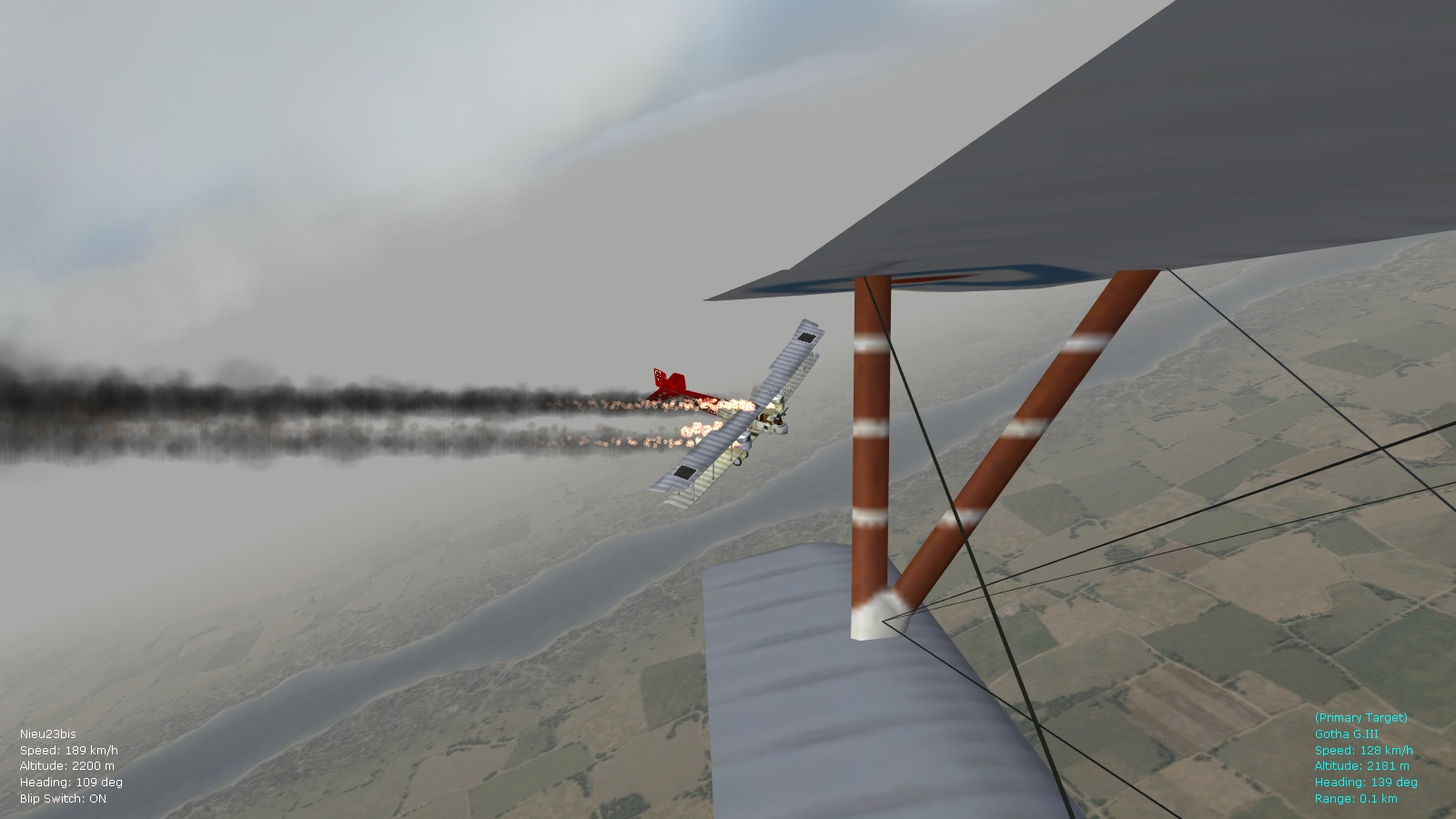
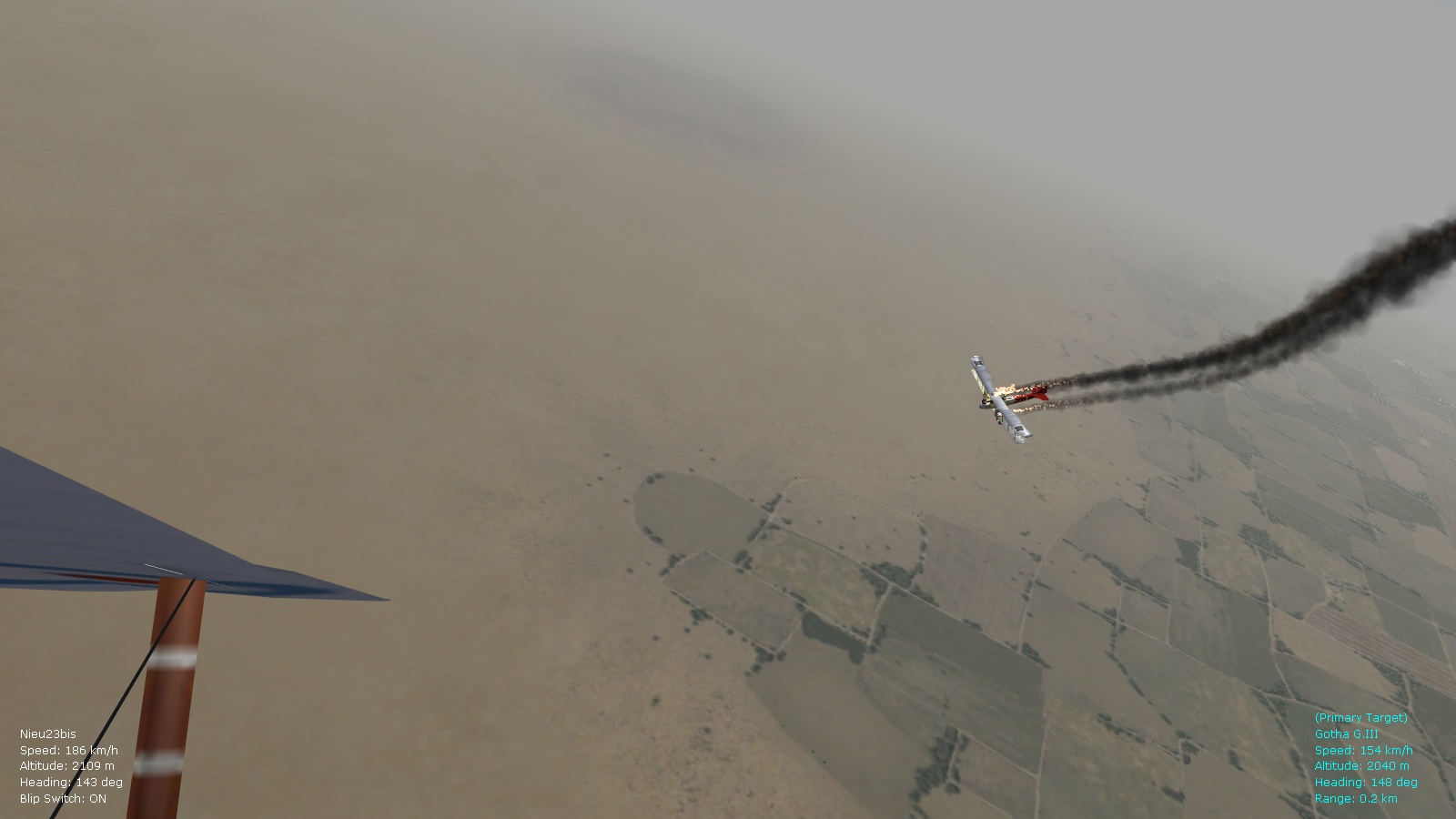
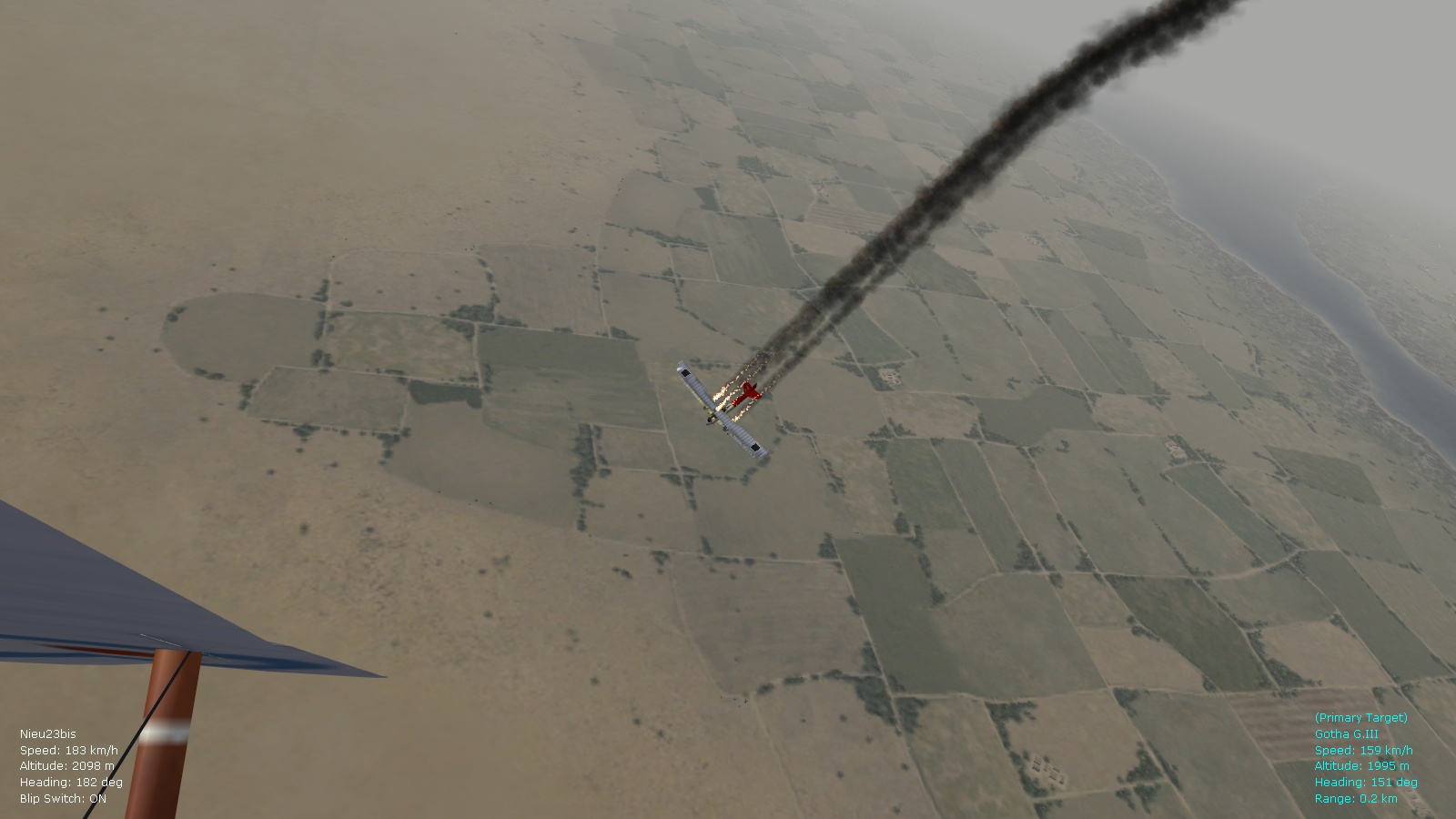
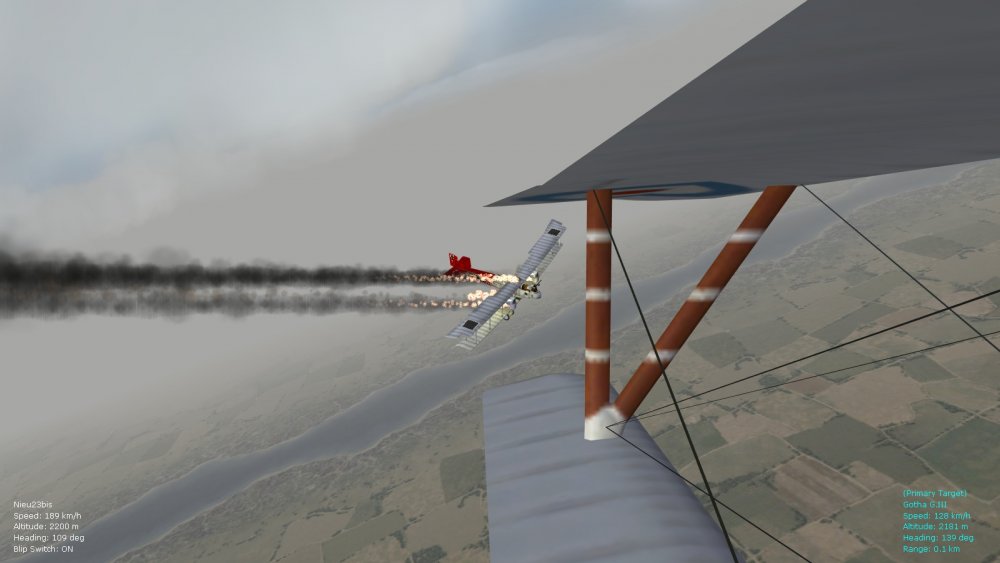
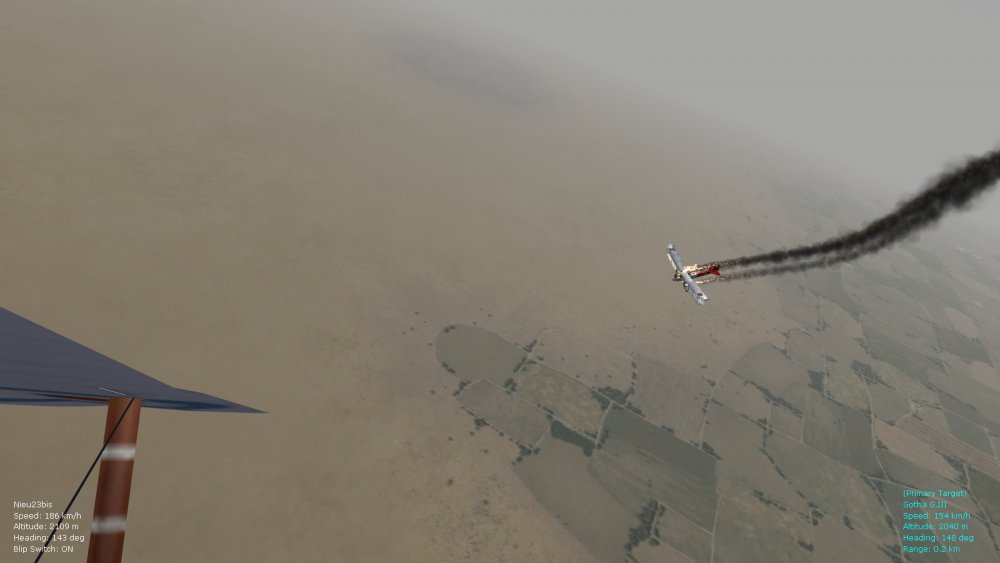
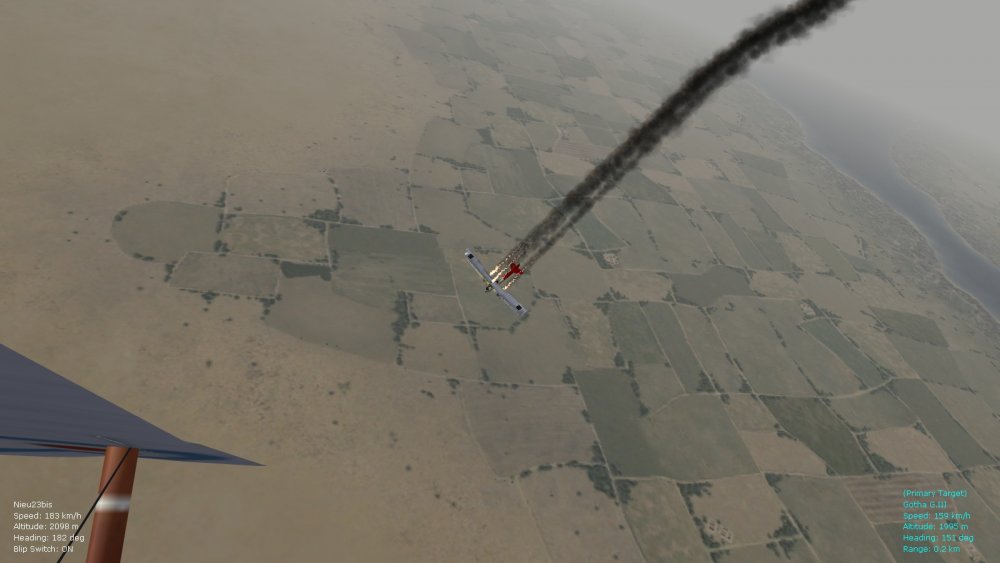
A few more pics. of the latest tweaks to the smoke and fire effects, this time a multi-engine fire on a Gotha G.III - will roll this eventually into a ver. 9.5 of the FM packs. The effects now look more realistic I think for the WWI period and aircraft construction of that time, especially average size of fire on various types. Happy flying, Von S
-
Those streamers look great Stephen, and very pleased to see a Siemens-Schuckert D.1 in the works there too! Von S
-
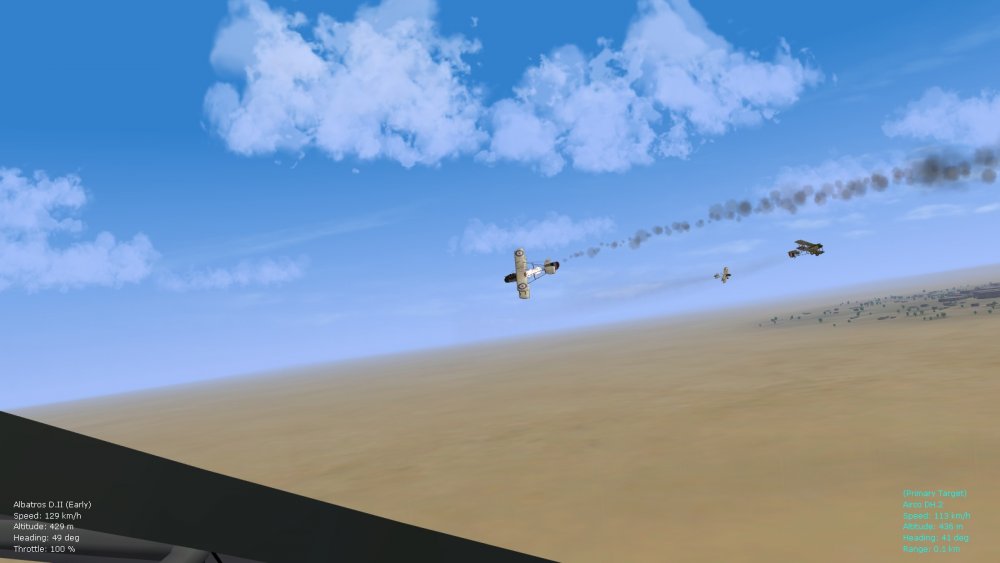
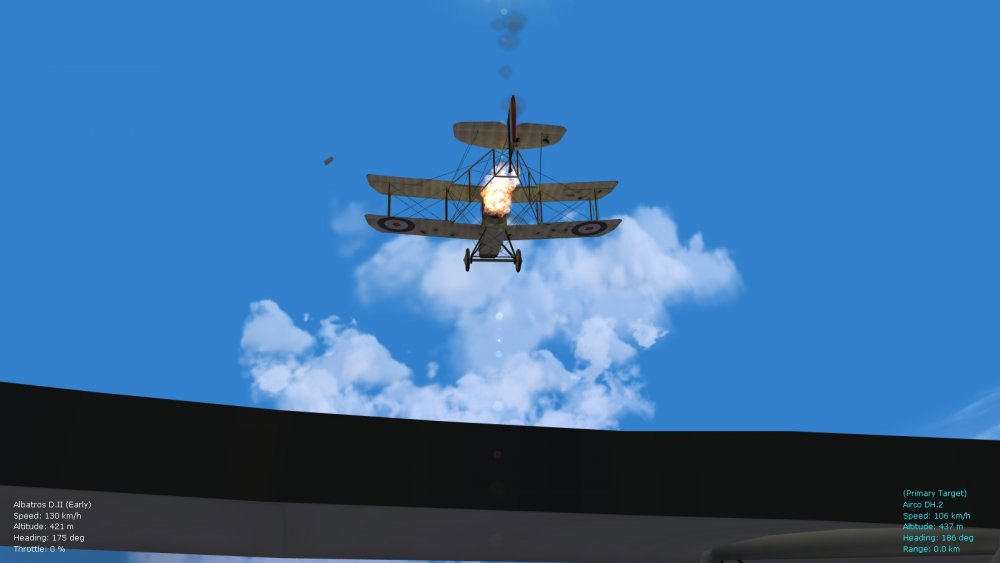
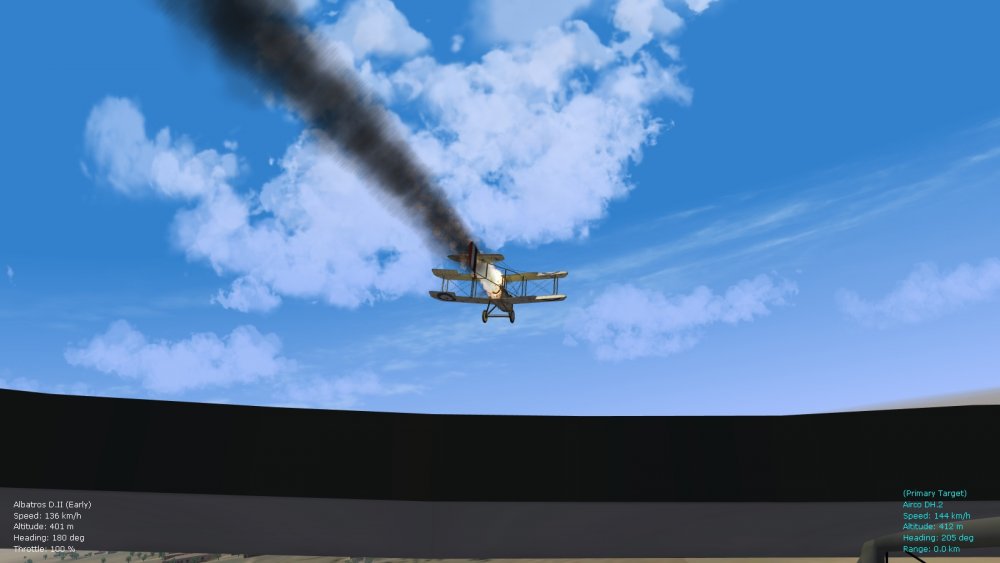
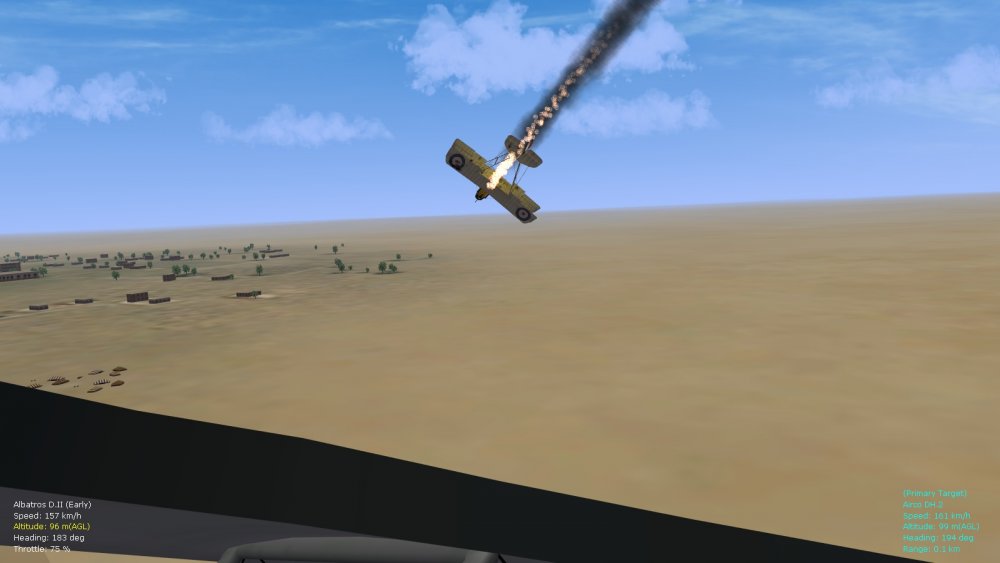
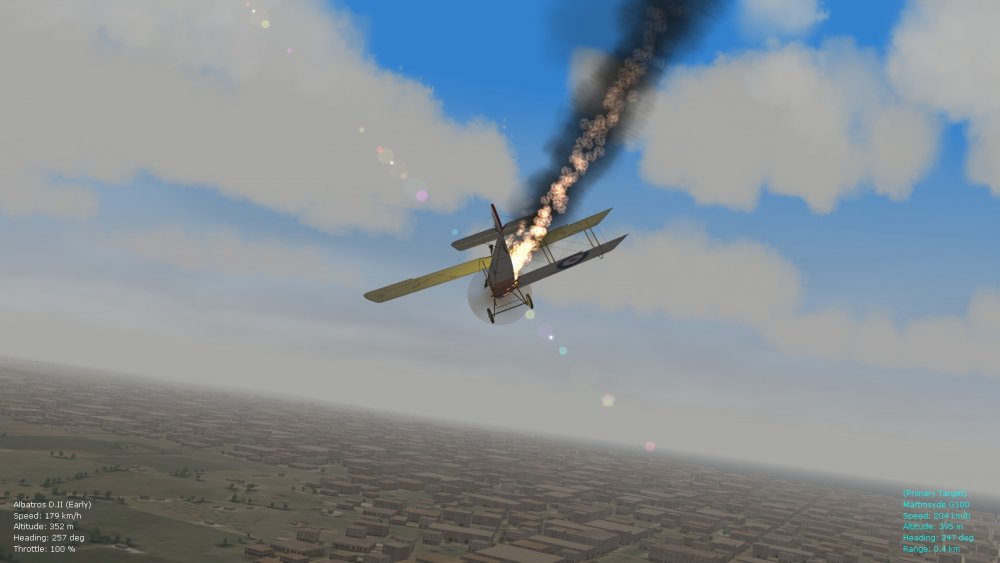
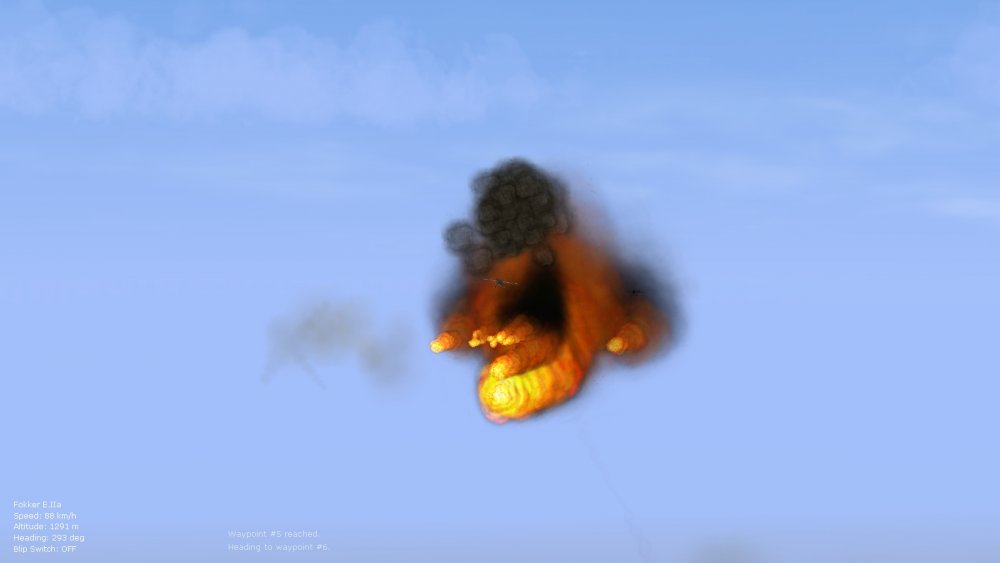
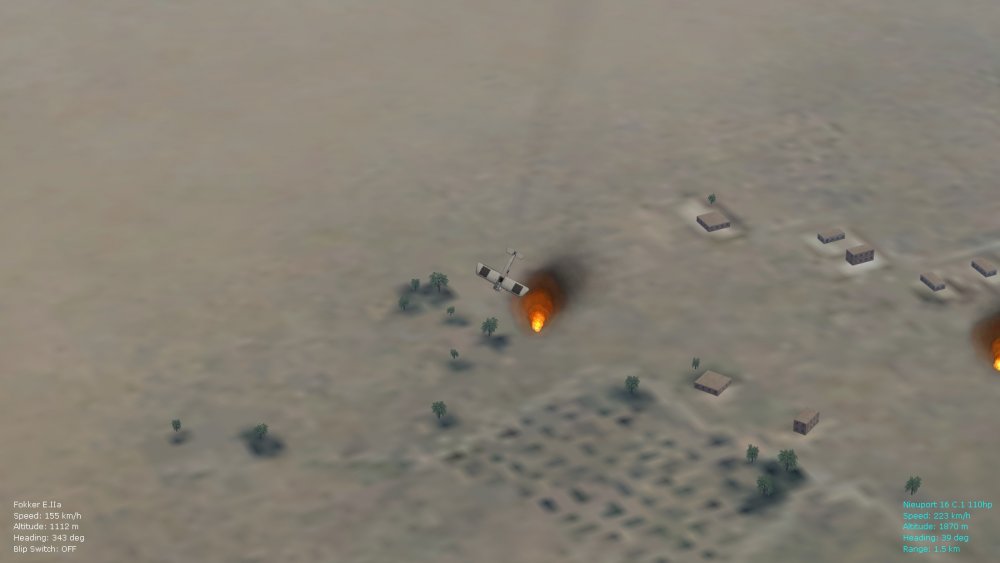
Re-tweaking smoke and fire effects too in the particlesys ini file for more subtle smoke/fire, and corresponding individual effects inis from the effects folder...the thinner smoke and fire trails should also help to improve realism, and smaller balloon explosions with quicker dissipation of burning debris. Von S
-
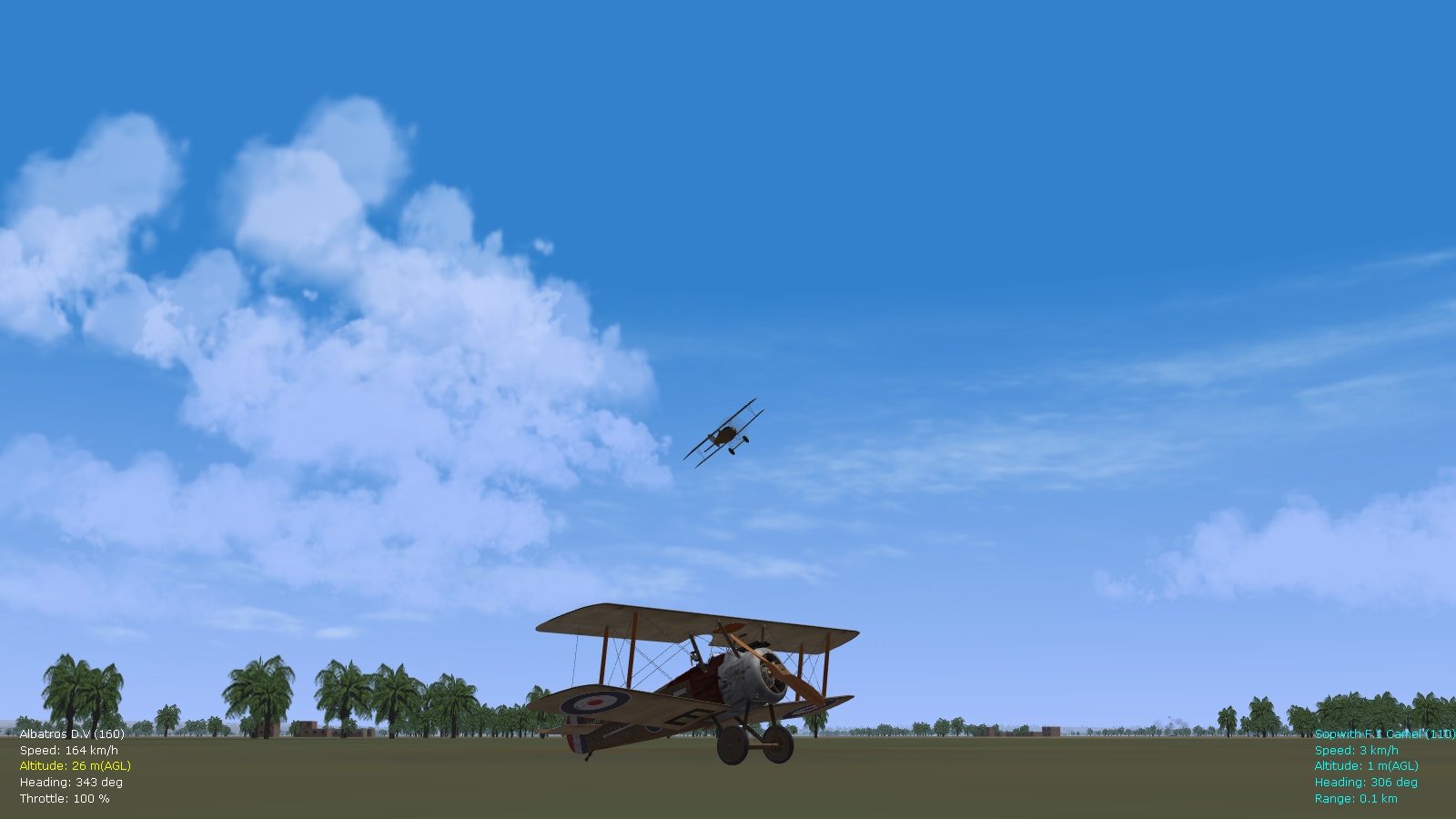
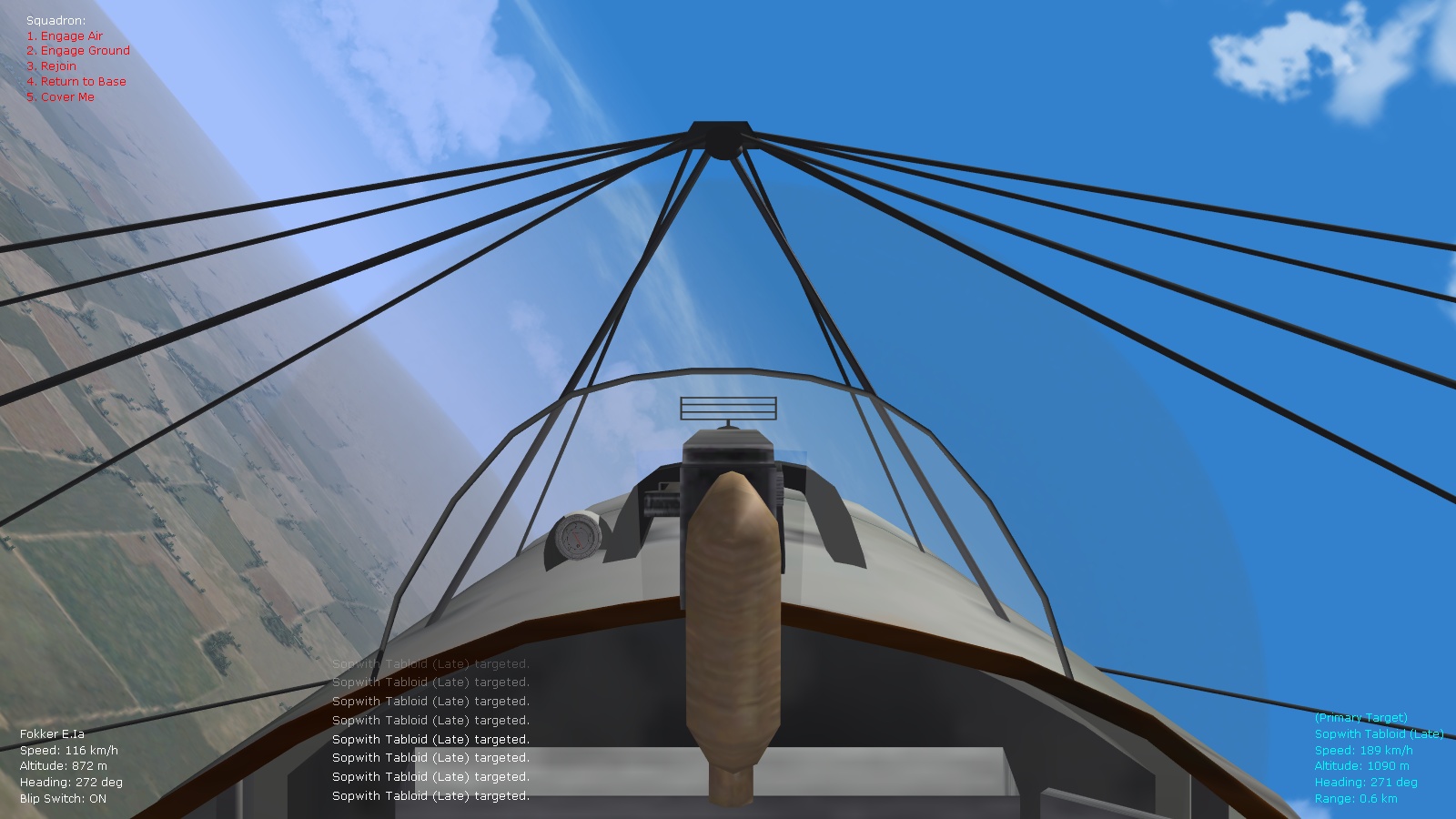
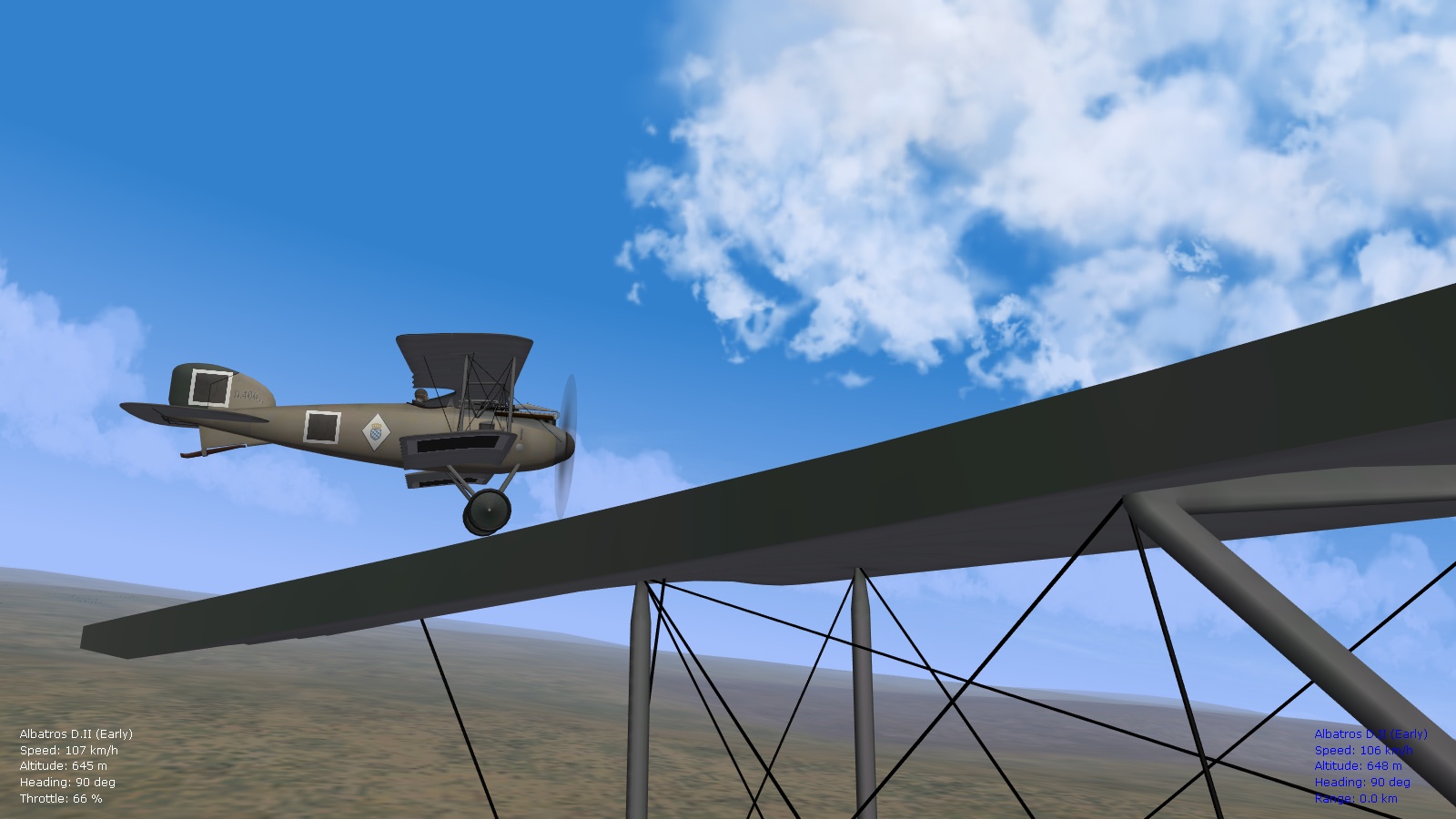
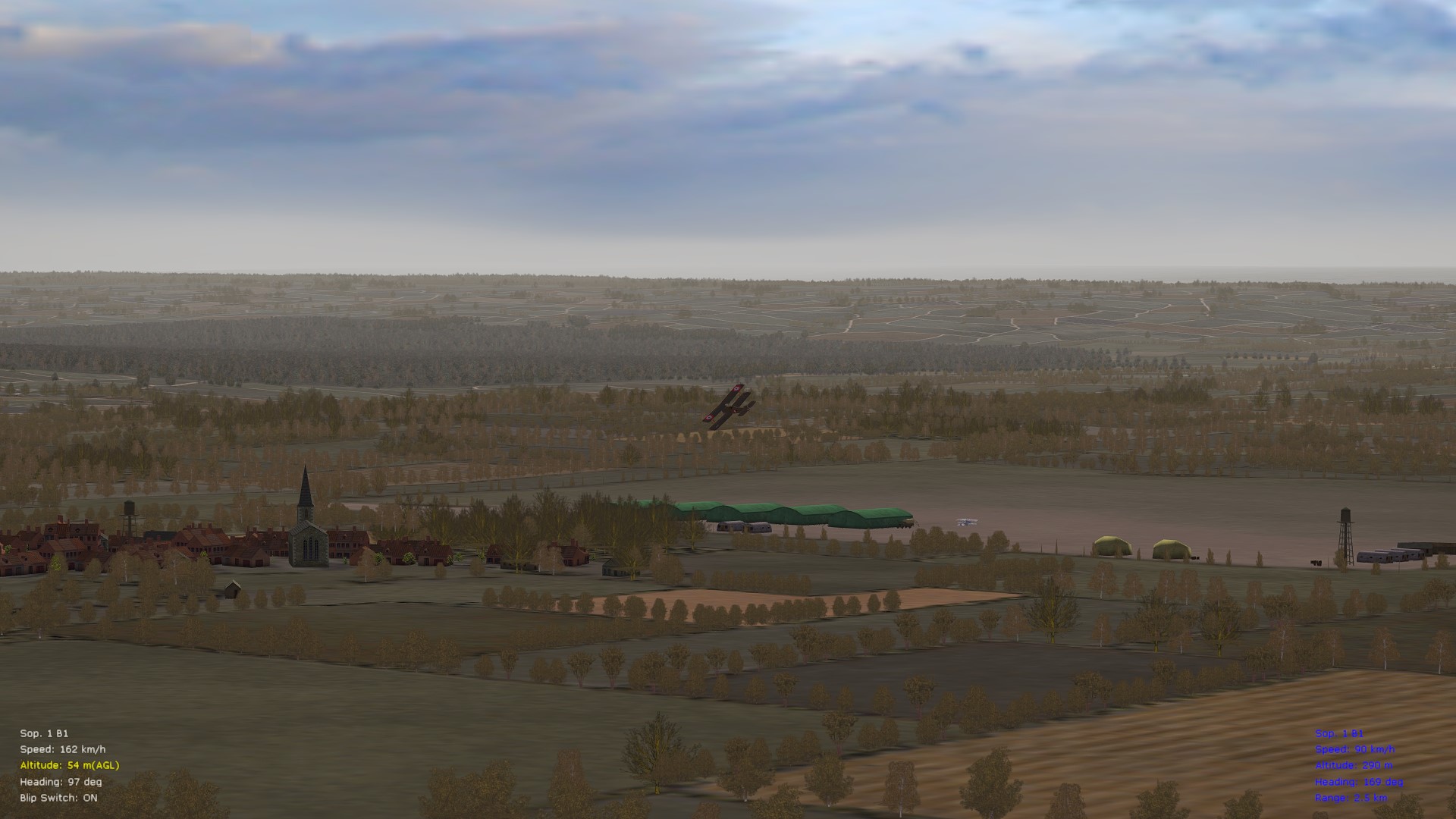
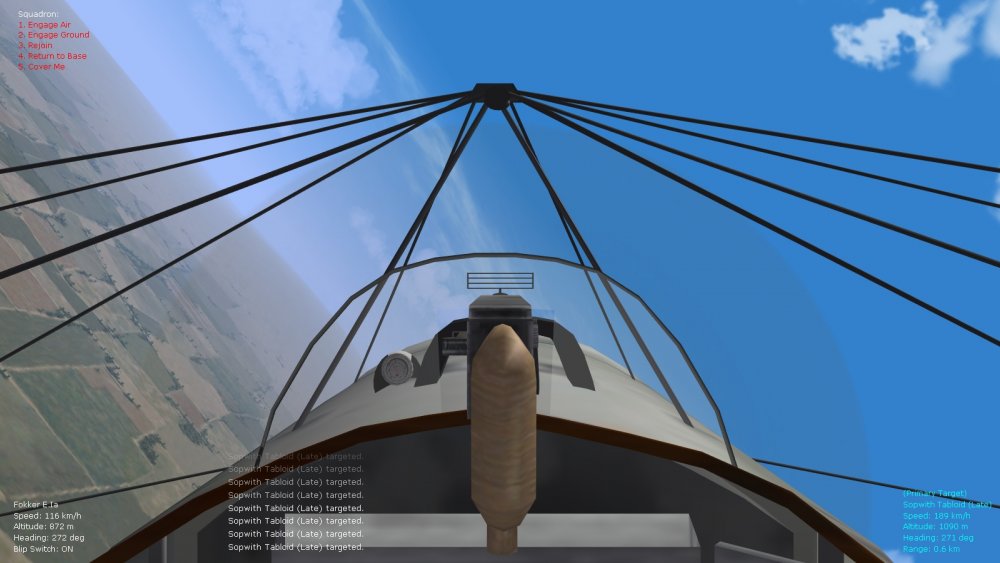
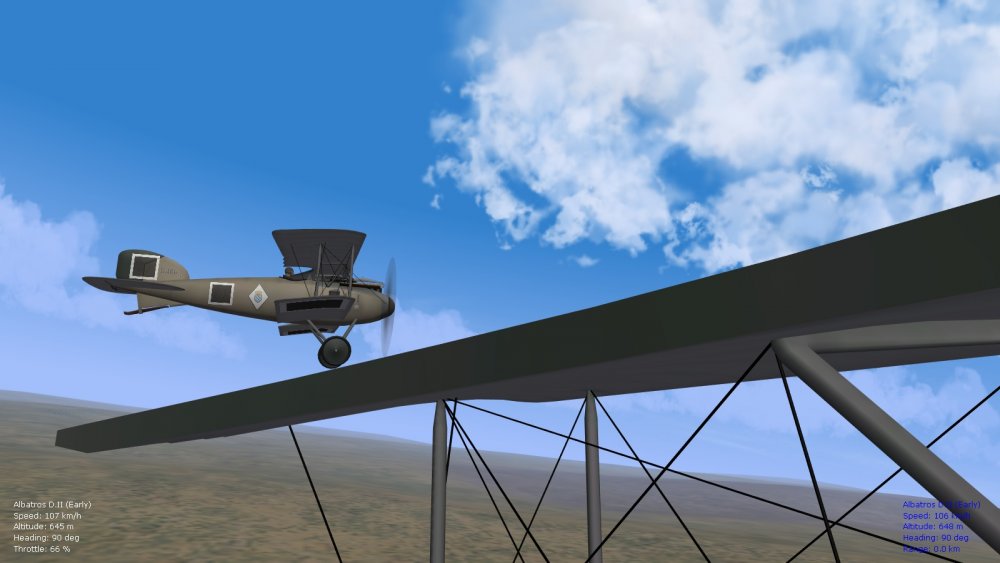
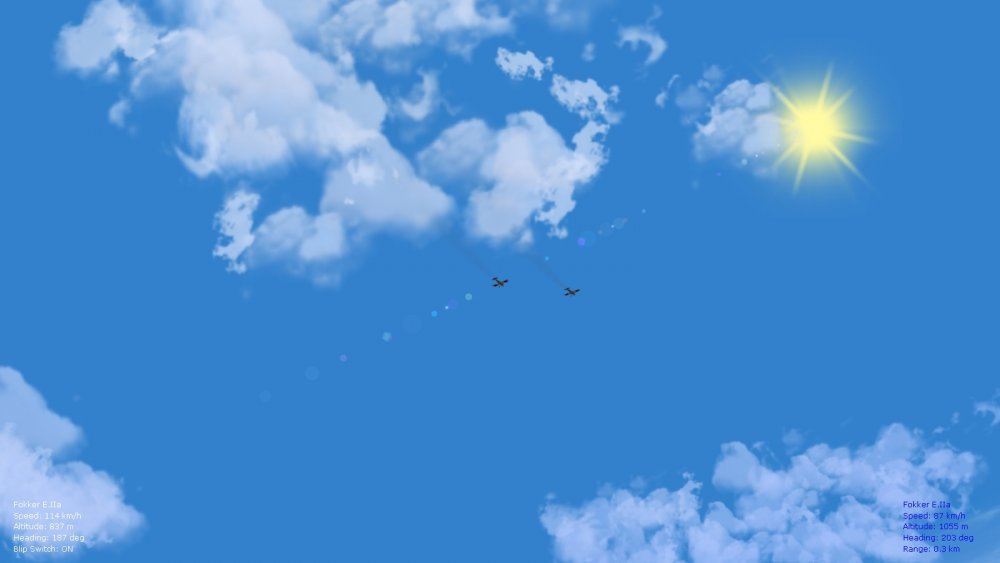
Also more tweaking of in-game menu text to fit hud text modifications from previous FM update packs...finally got the same font and size across all entries, even when targeting new types, and for the squadron command menu too - as well managed to include a "cover me" command for the squadron...seems to work well, sometimes giving close support as in the Albatros pic, other times giving higher alt. cover as with the two Eindeckers...good variety. When no enemy aircraft are present, the command works largely like the "rejoin" one. Since there are no wingmen submenu commands in FE2, unlike SF2 - use the "cover me" command with caution, otherwise your whole squadron will try to cover you. Will roll these little oddities into a ver. 9.5 of the FM pack. Currently tweaking obscure entries in missioncontrol.ini and for single missions in the options.ini, to reduce numbers of enemy aircraft per theater, as historical, and to increase randomness of aircraft appearing, also (historical/sometimes poor) supply levels for air units...results look favorable so far but will test further. Von S
-
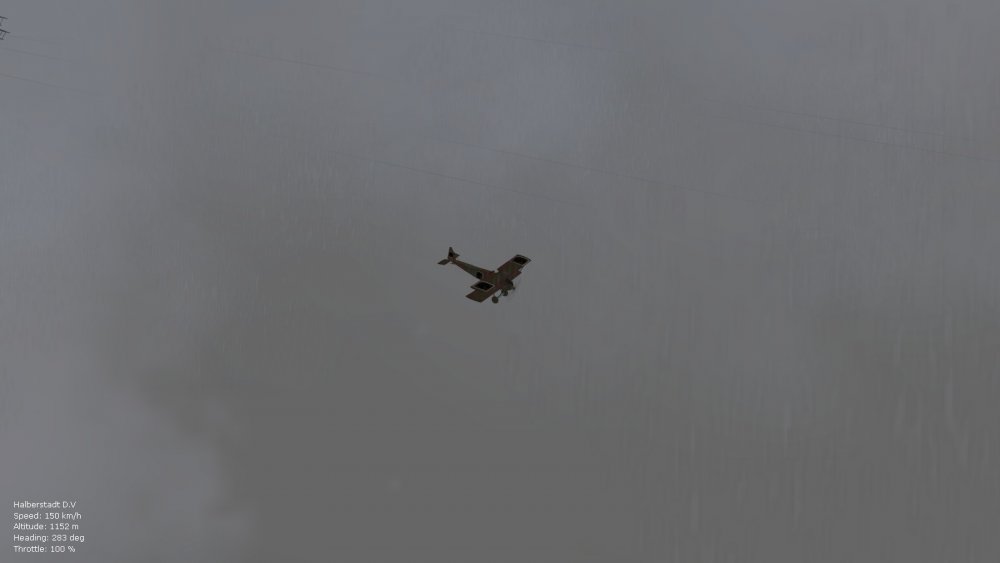
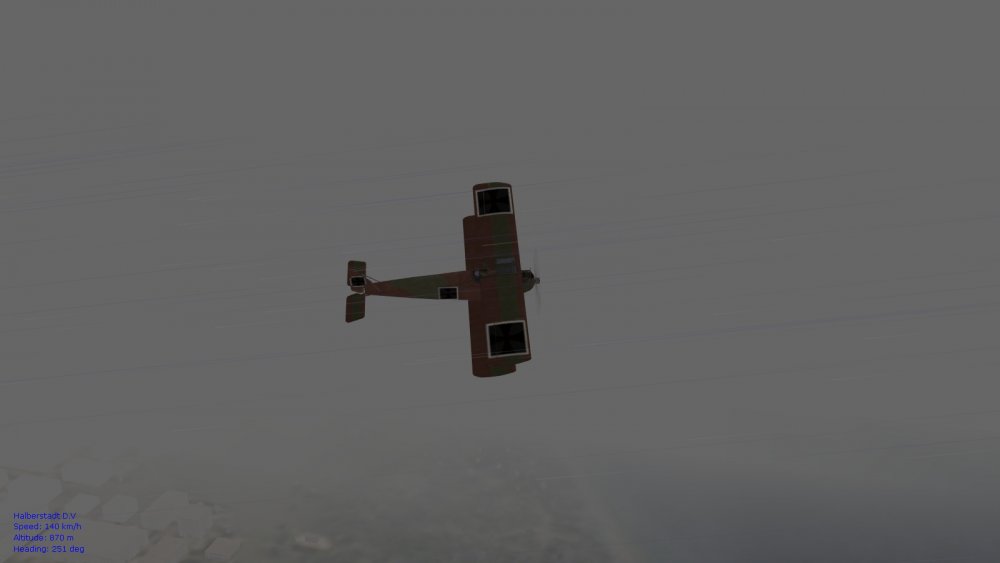
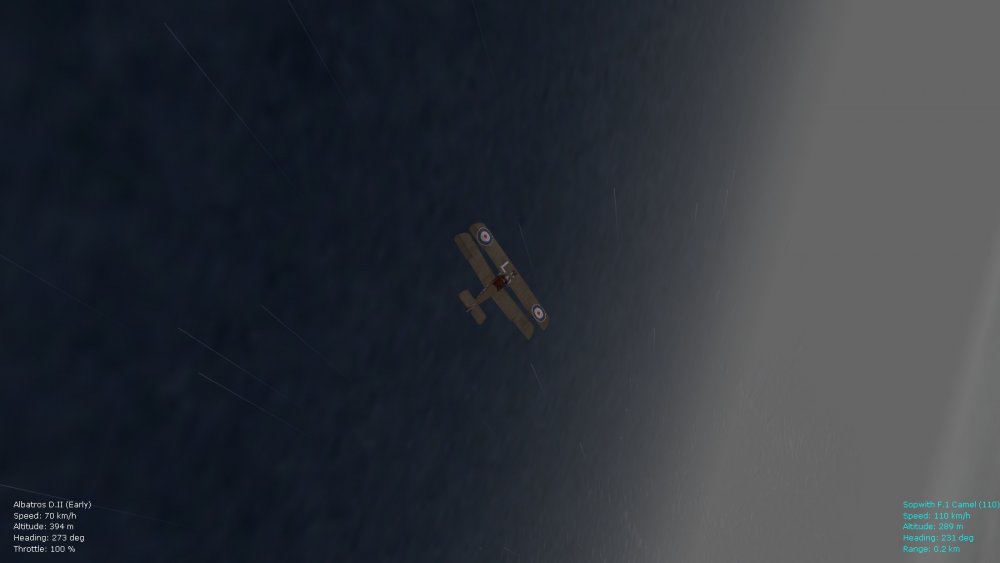
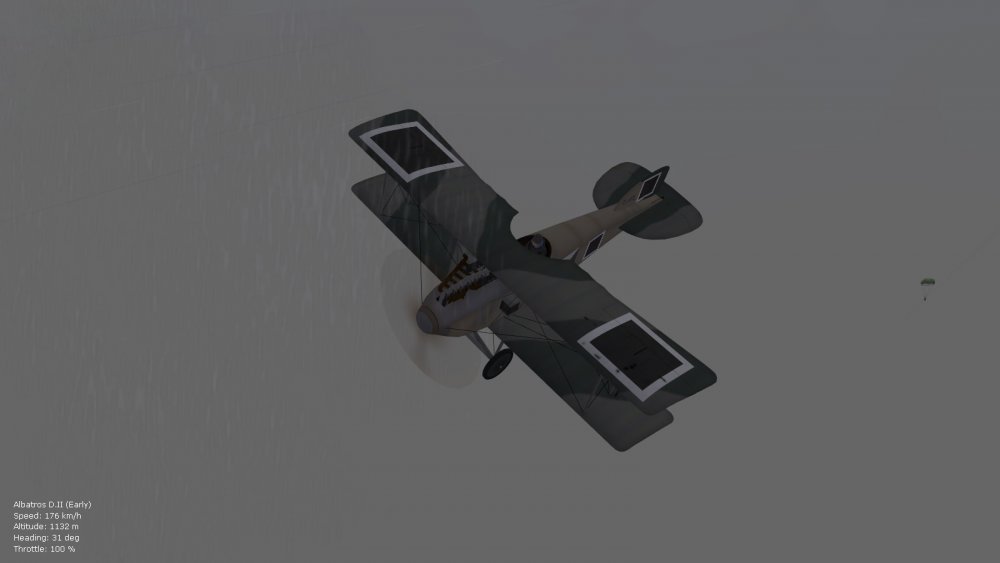
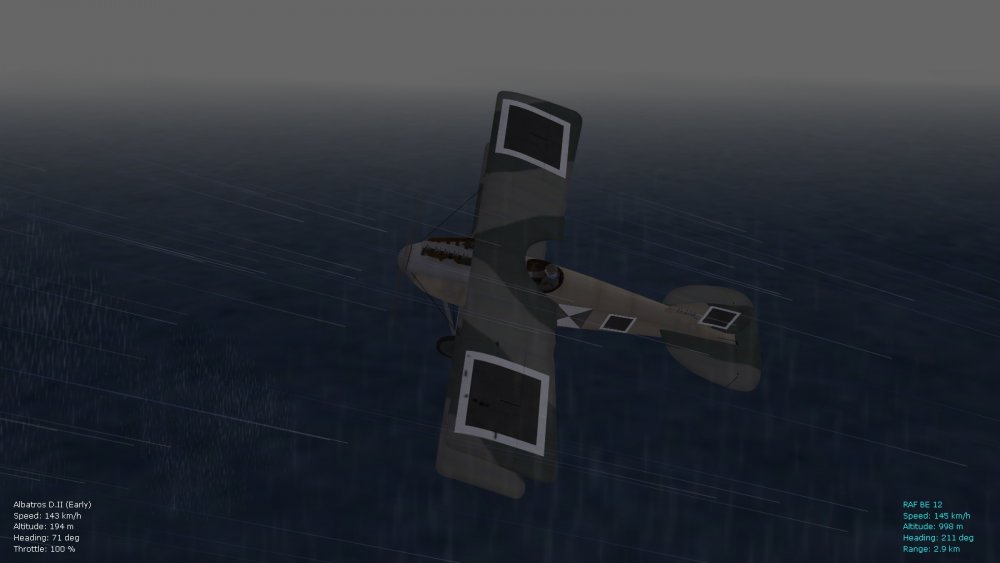
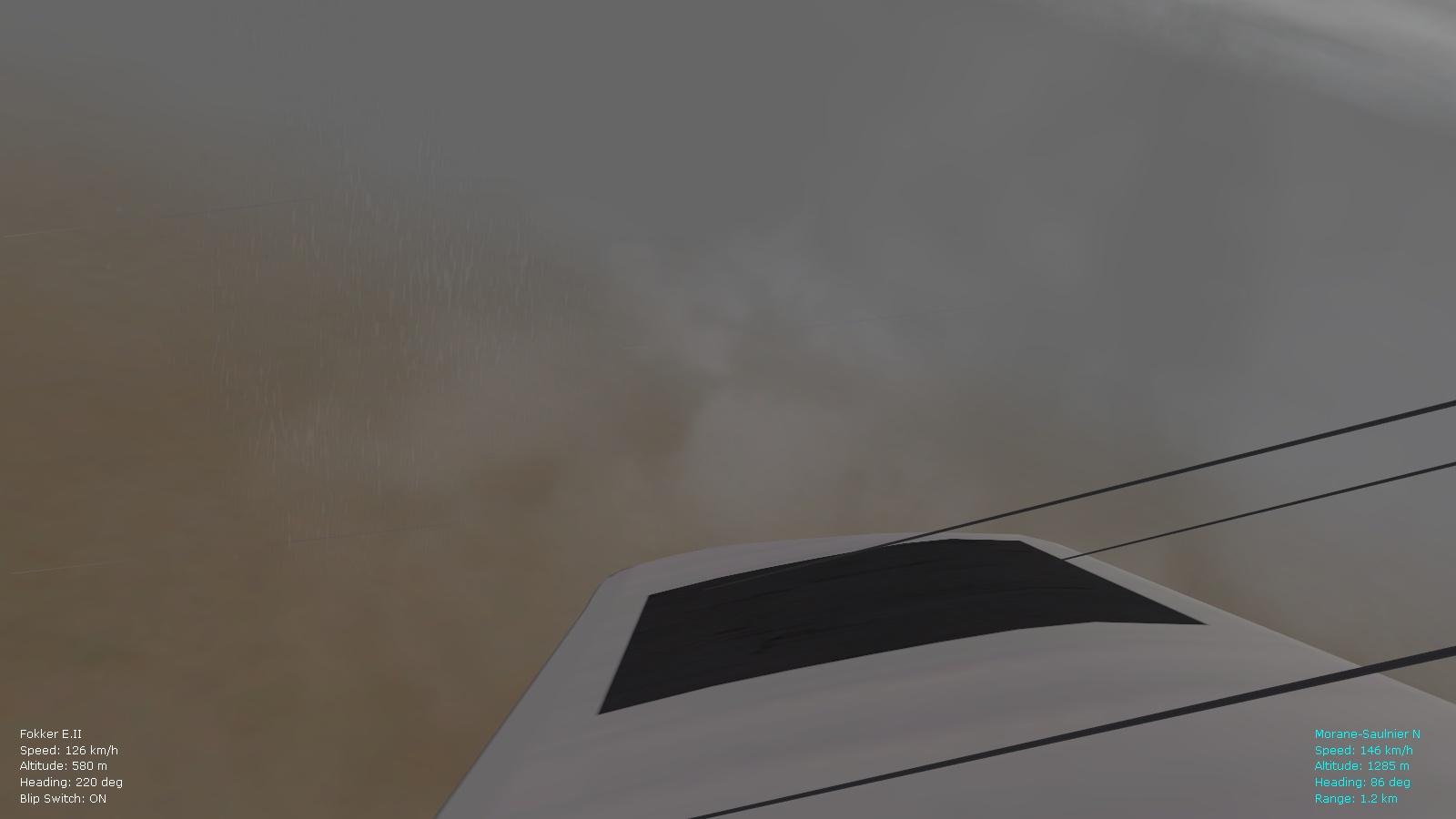
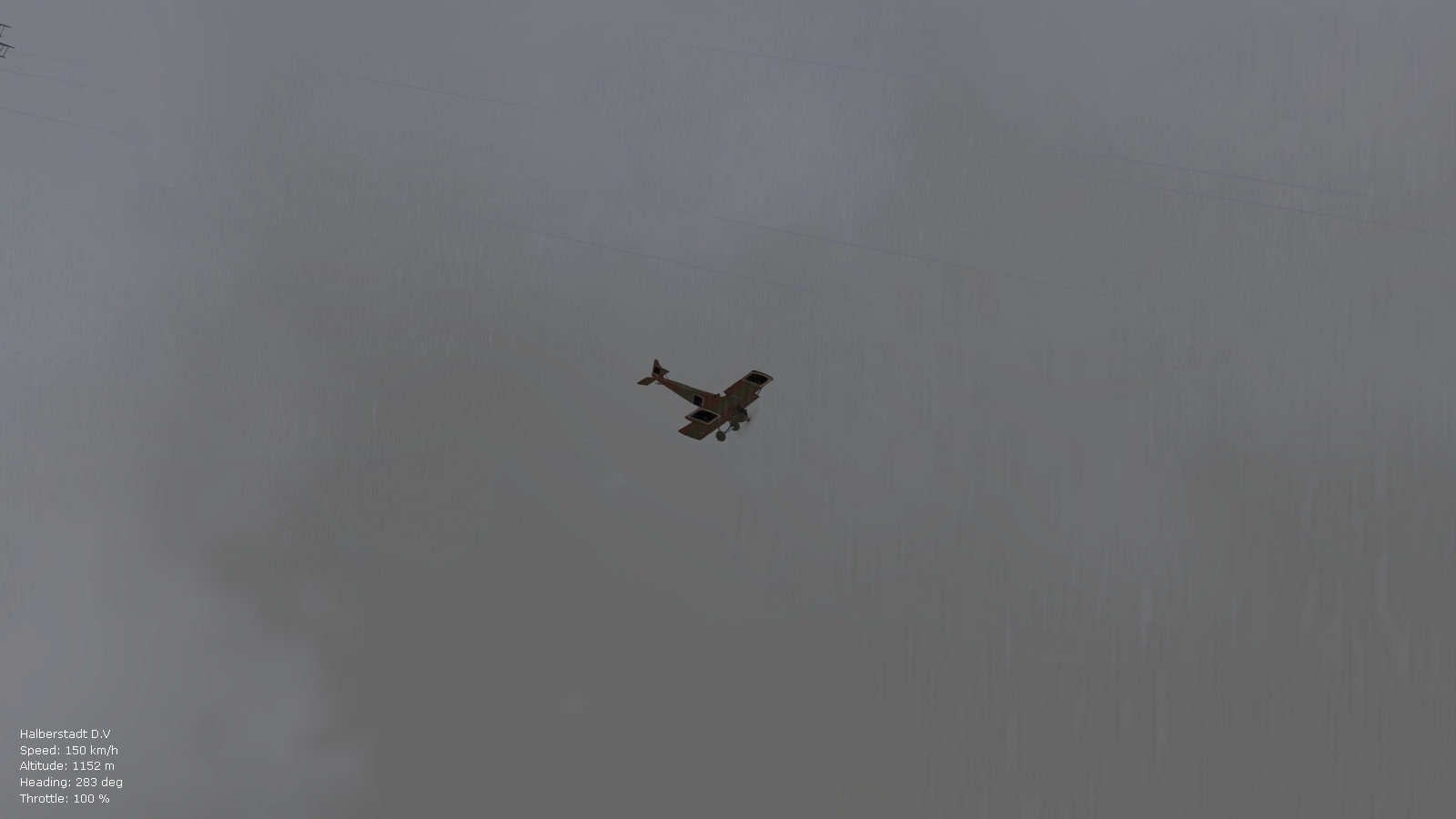
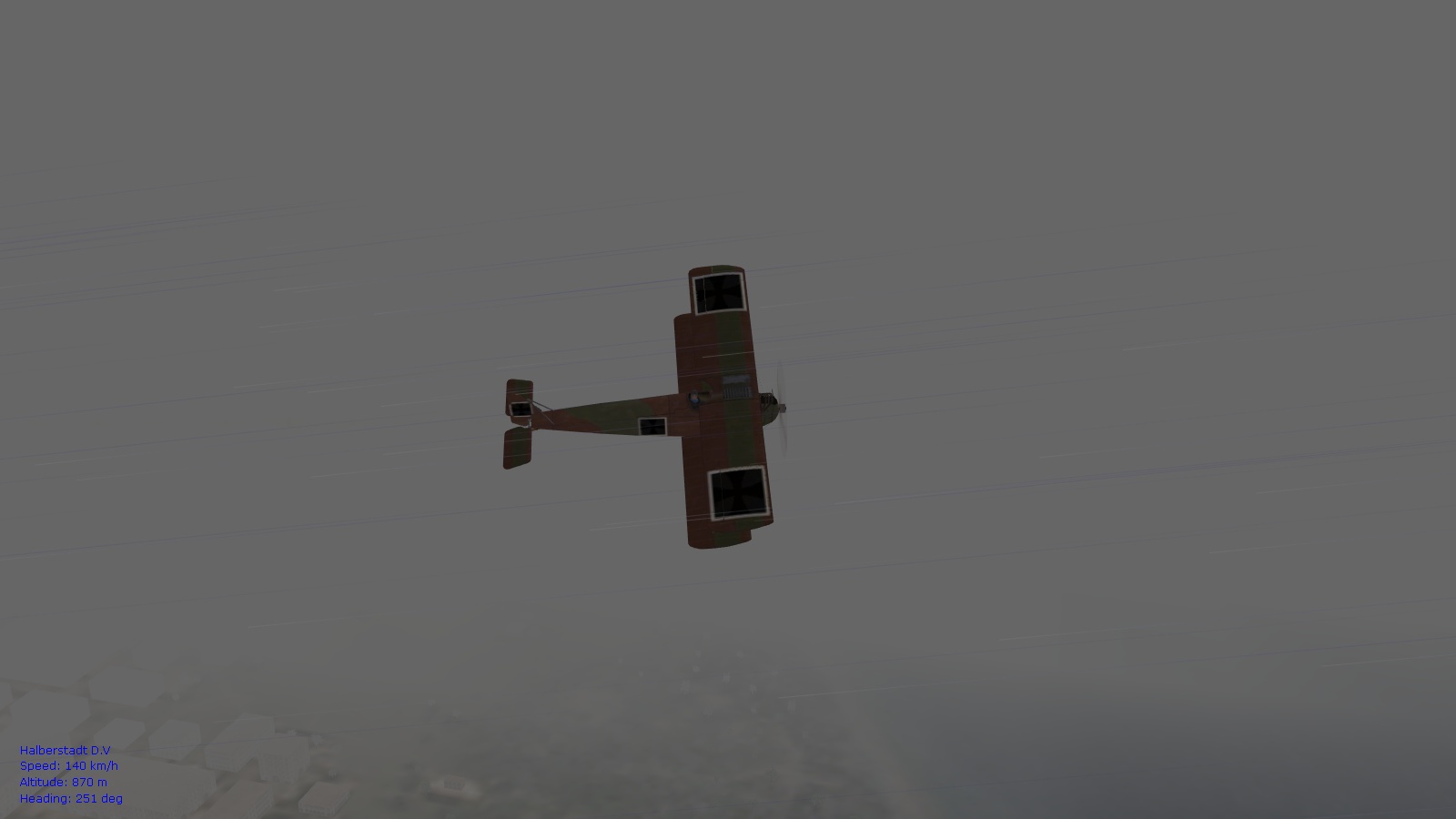
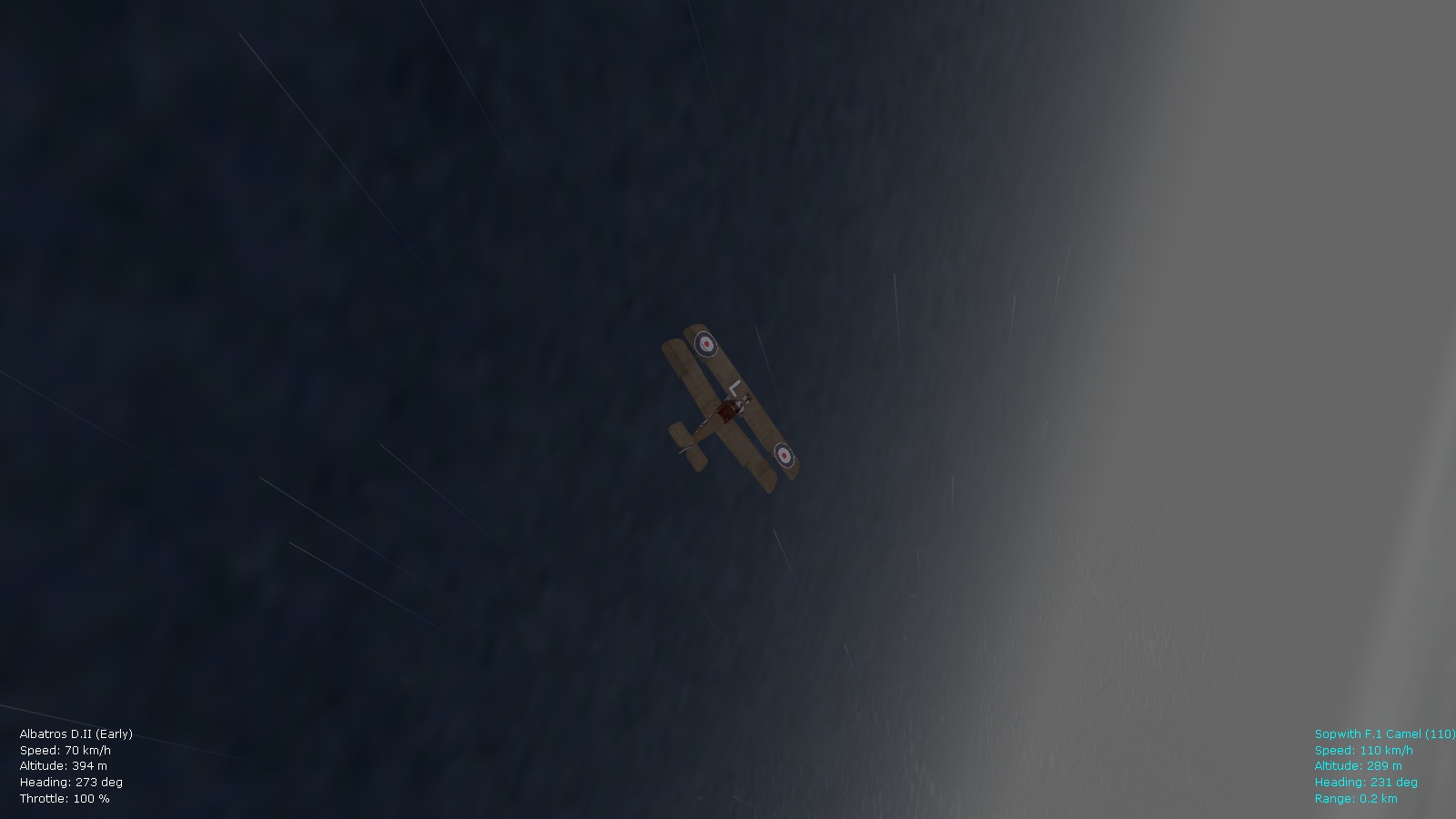
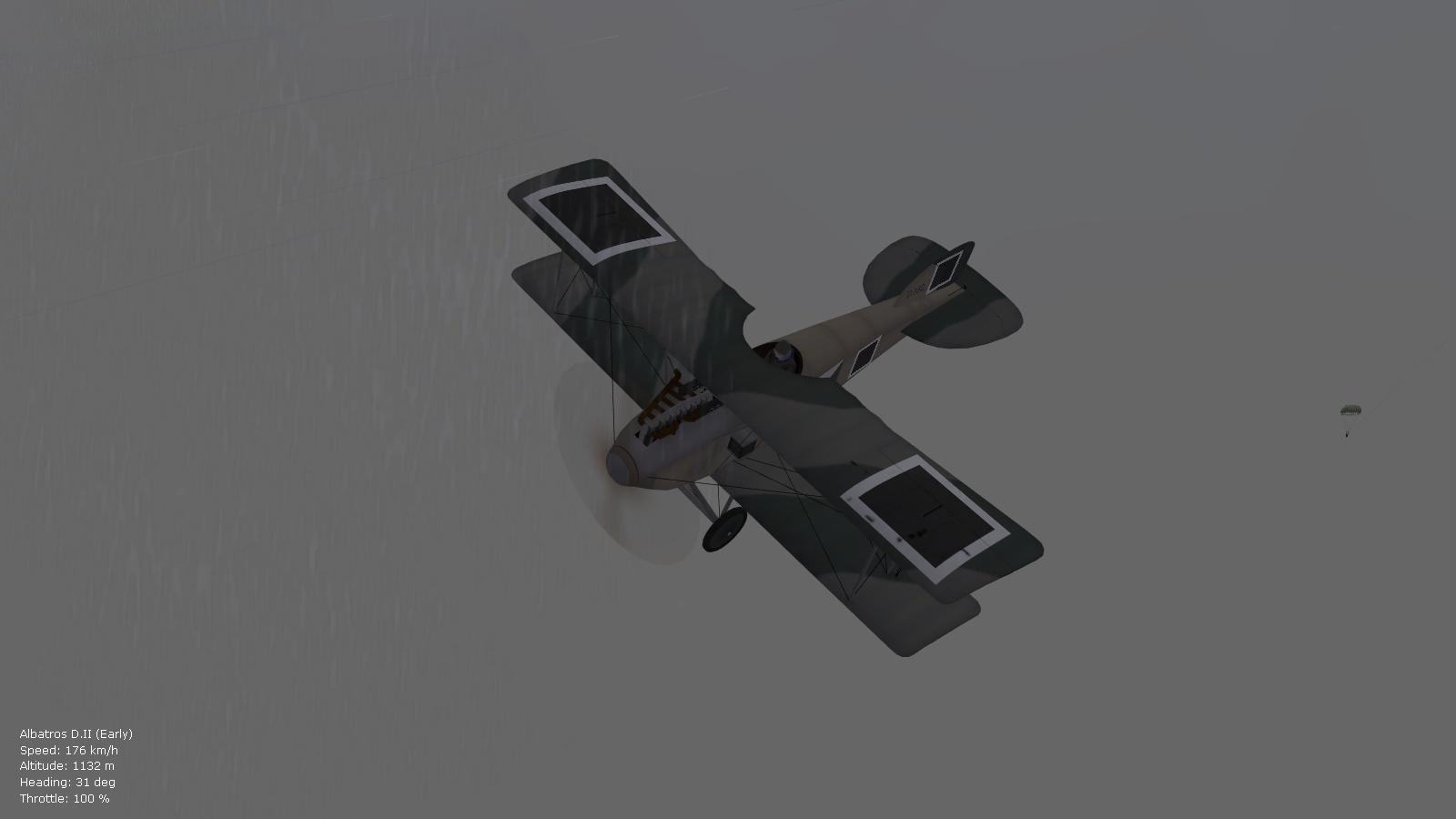
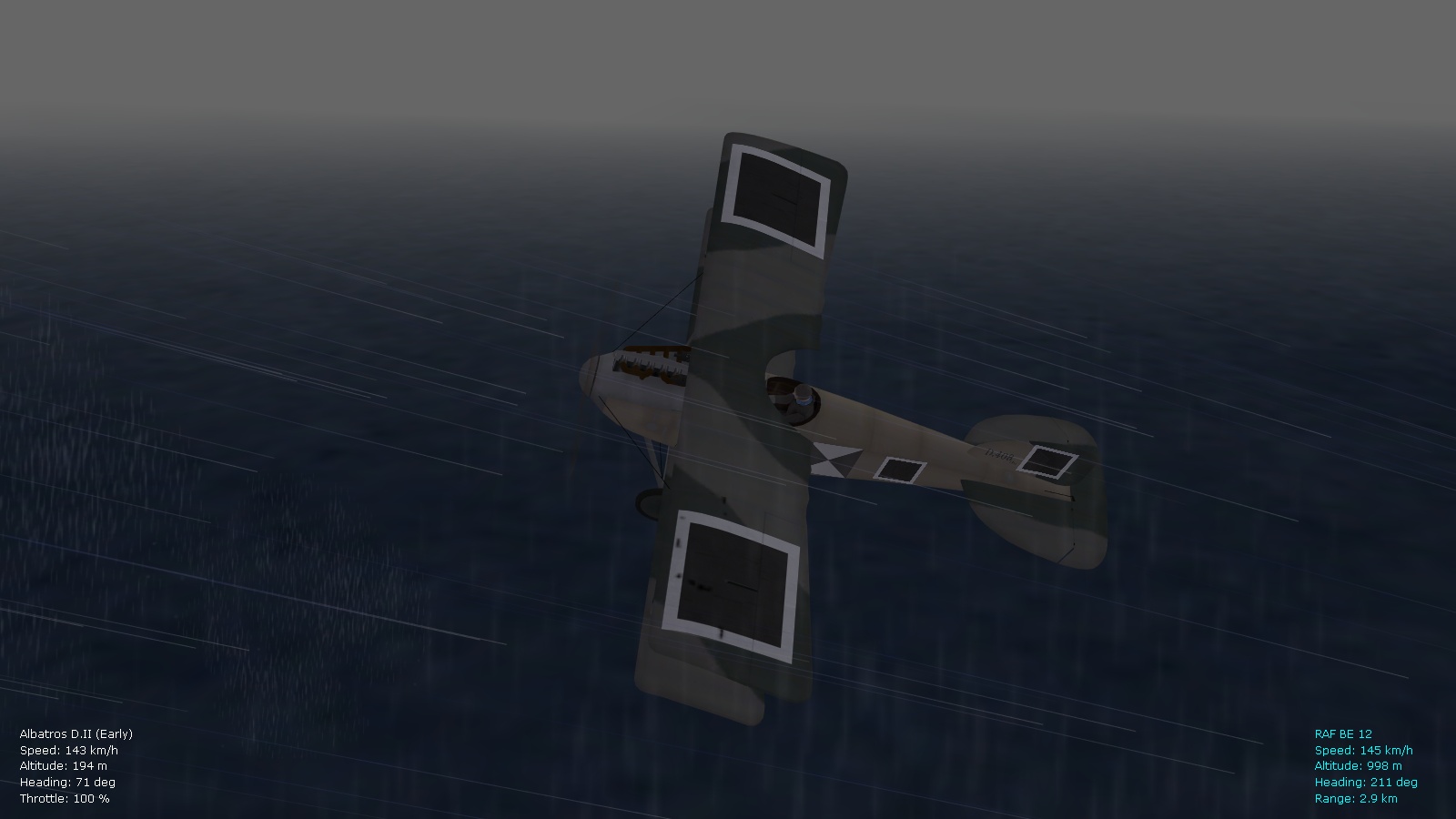
Decided to tweak Stary's rain pack to give more realistic rain effects in inclement weather, using a combo. of the in-game rain and the Stary/Orsin vertical drops...will also re-tweak the blizzard effect for smaller snow particles....should work well for further immersion in FE2. Happy flying, Von S