Stephen1918
-
Posts
1,204 -
Joined
-
Last visited
-
Days Won
19







About Stephen1918

Recent Profile Visitors
19,483 profile views



Stephen1918's Achievements




-
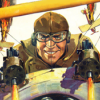
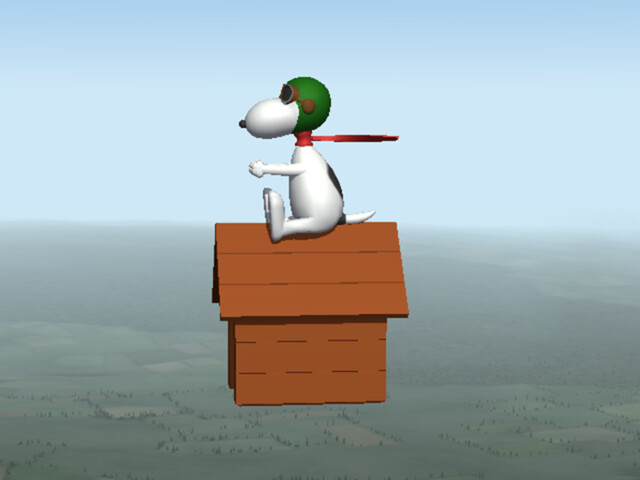
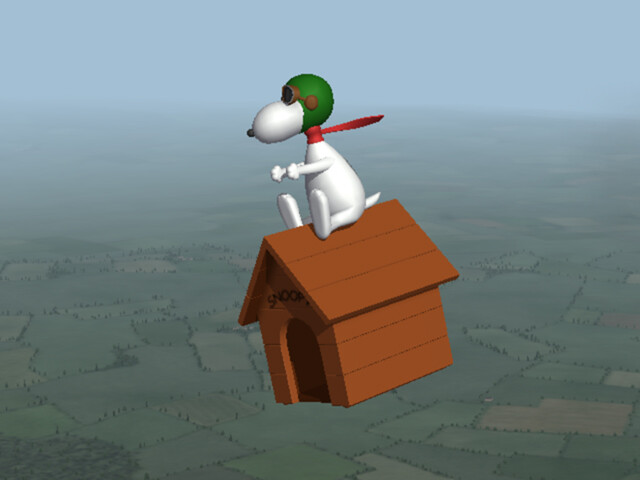
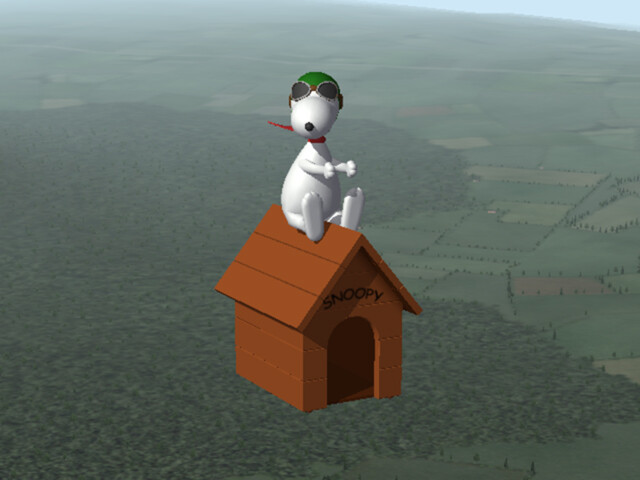
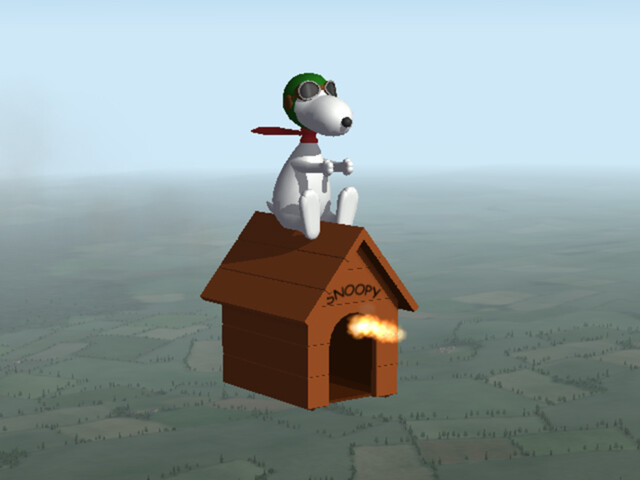
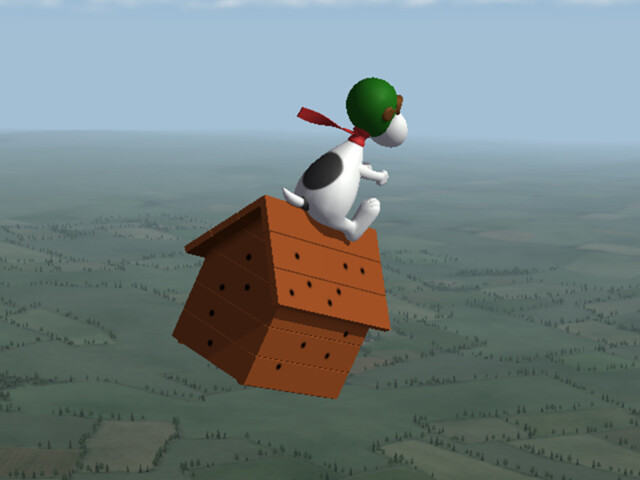
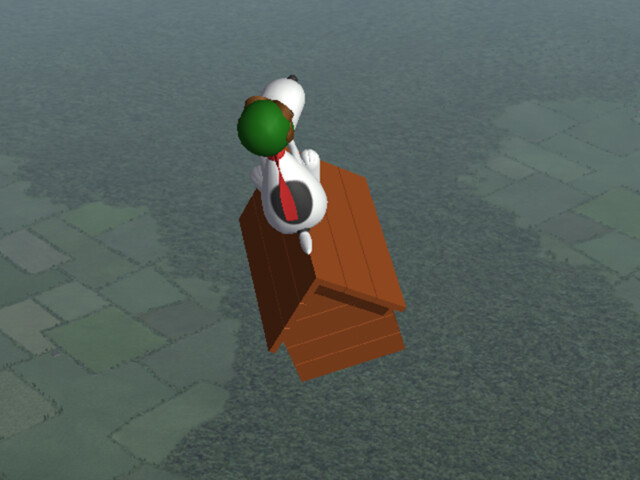
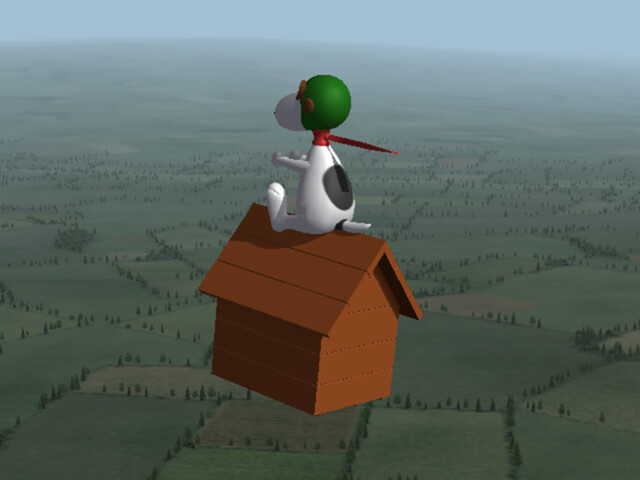
This was made for First Eagles and was posted in this forum in November 2020. I have tested it in both FE1 and FE2. It will probably also work in SF, but I haven't tested it there. Flyable Snoopy The famous World War One Flying Ace comes to First Eagles. Snoopy, perched on his "Sopwith Camel" features an animated scarf, movable head, and a machine gun mounted in the "fuselage." He comes with one skin and a damage decal to show bullet holes when he's hit. There is also a Cockpit View. I only tested him in "Easy" mode. Handling, especially takeoffs and landings, may be hazardous in other modes. Credits Snoopy was created by cartoonist Charles Schulz in 1950. His first appearance as the WWI flying ace was in 1965. Snoopy and the other Peanuts cartoon characters are owned by Peanuts Worldwide LLC. Installation Instructions for both FE and FE2: Unzip the file and copy the folder named "Snoopy" into your "Objects/Aircraft" folder. FlyableSnoopy.zip
- 24 replies
-
- 11
-

-

-
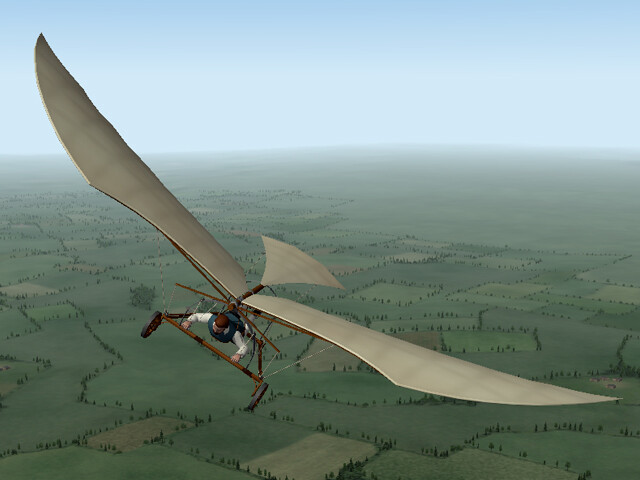
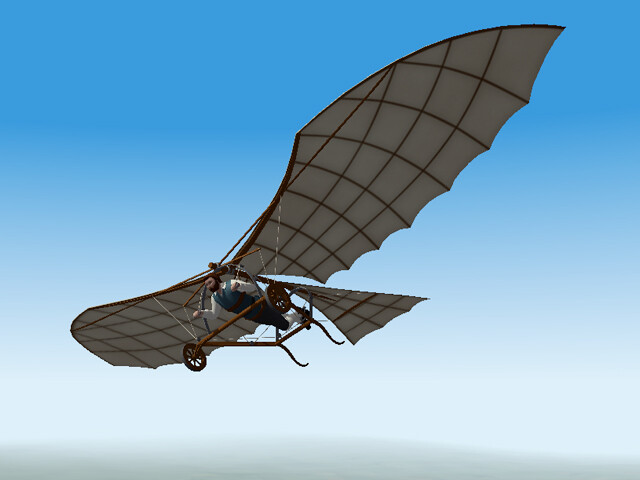
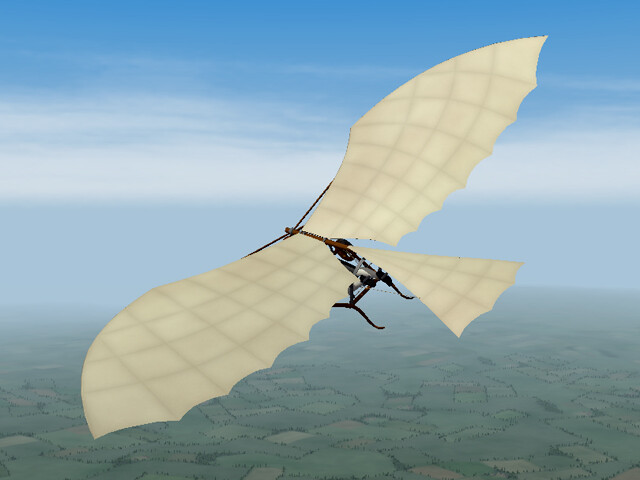
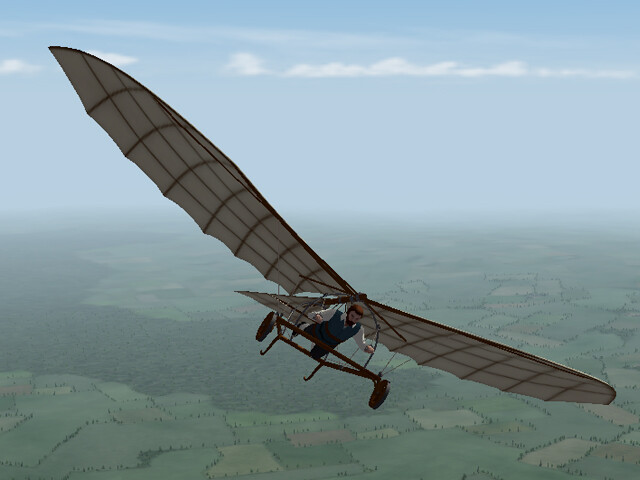
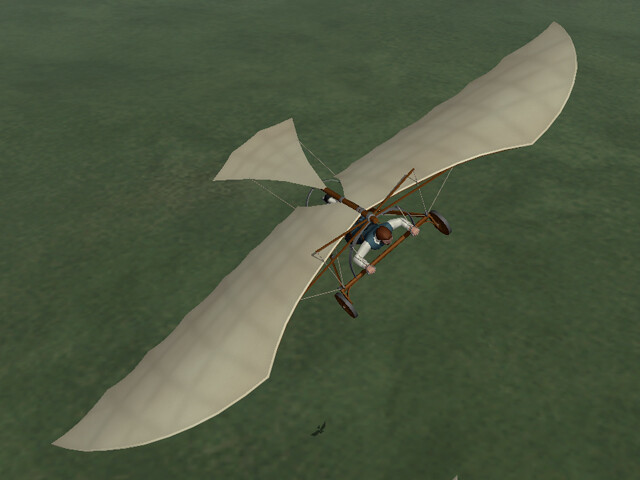
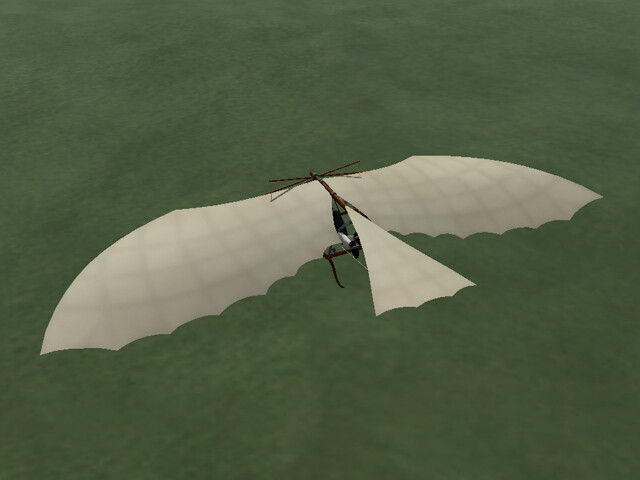
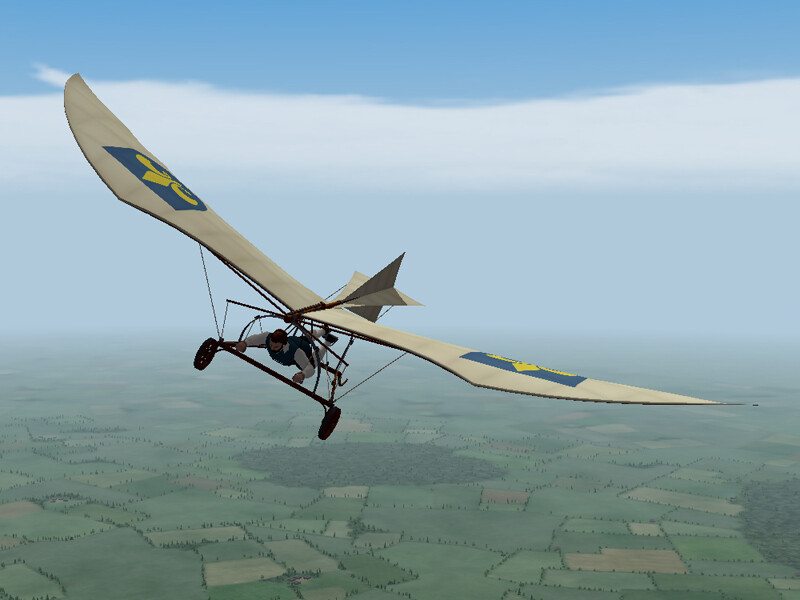
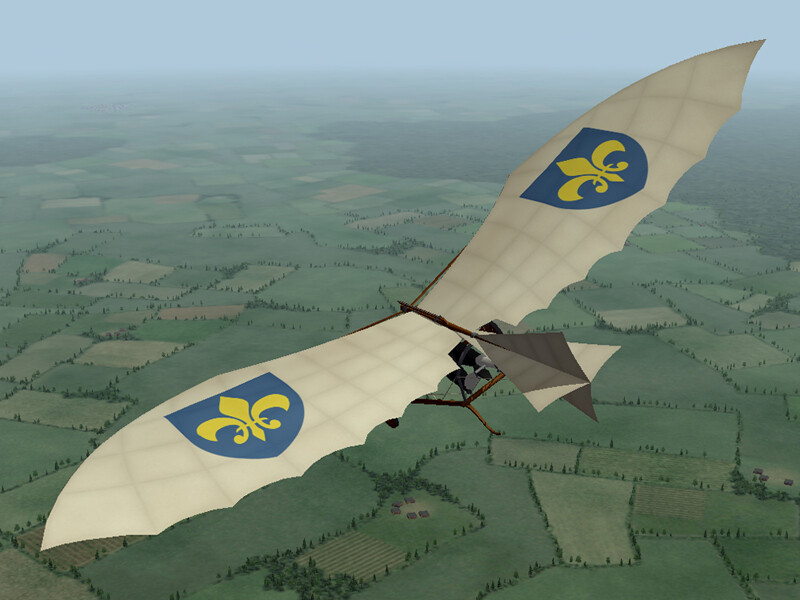
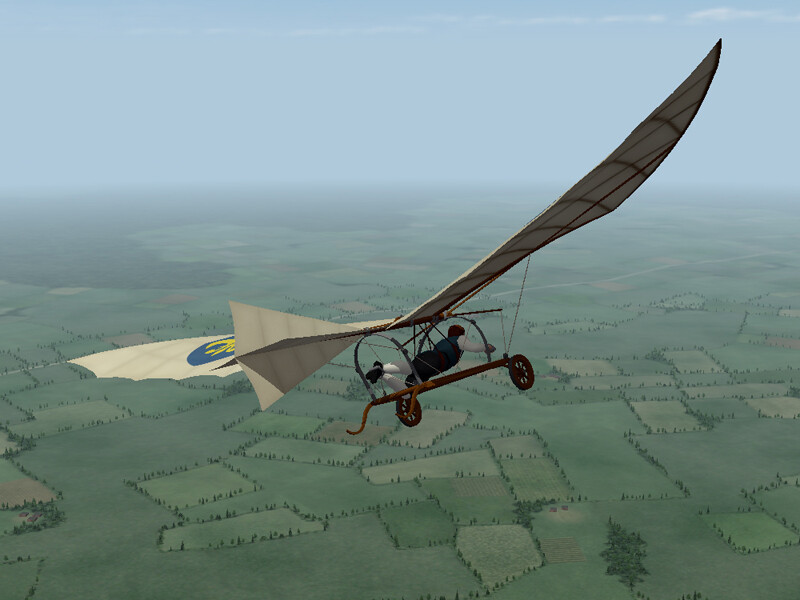
This was made for First Eagles and was posted in this forum in April 2019. I have tested it in both FE1 and FE2. It will probably also work in SF, but I haven't tested it there. Da Vinci's Flying Machine Leonardo Da Vinci designed several flying machines during his lifetime in the 15th and 16th Centuries. This is an amalgamation of several of his designs, with certain liberties taken to simplify the animation and to better fit the game. The wings, ropes, and pilot all move. The animations are tied to the engine, so you can use the throttle to control the speed. You can use "Ctrl + I" to glide. Be careful on take-off and landing because the wing tips come very close to the ground. There is a cockpit view, but there isn't much to see except the pilot's hands. Installation Instructions for both FE1 and FE2: Unzip the file and place the folder named "DaVinci" into your FirstEagles/Objects/Aircraft folder. DaVincisFlyingMachine.zip
- 24 replies
-
- 11
-
-
-
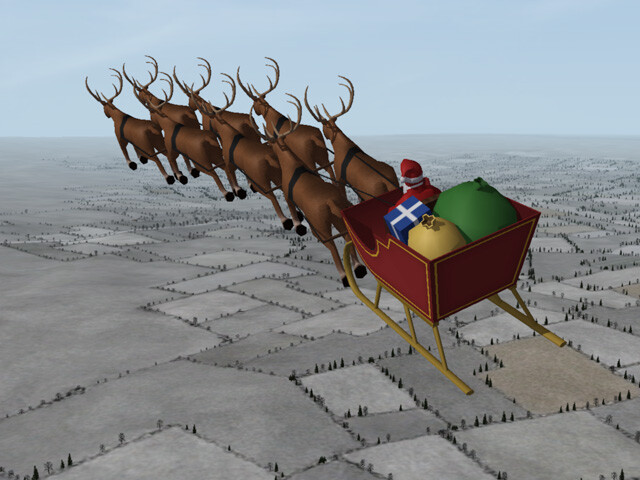
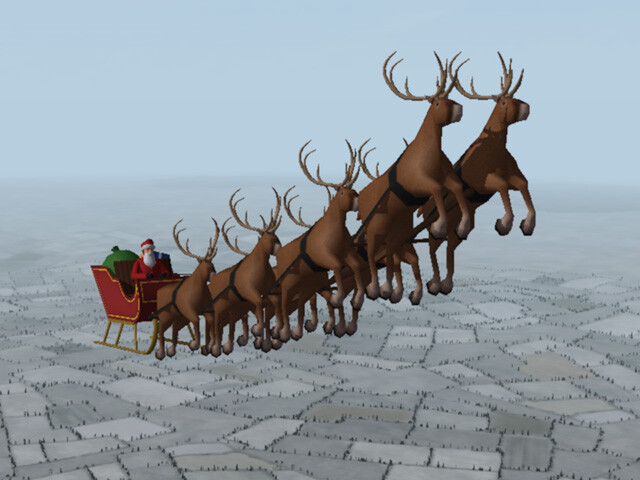
This was made for First Eagles and was posted in this forum in December 2016 and again in December 2018. I have tested it in both FE1 and FE2. It will probably also work in SF, but I haven't tested it there. Flyable Santa Claus for First Eagles He's probably the most well known pilot of all time, but never shot down another plane. He may wear different uniforms and be known by many names but he is always remembered for his message of peace and goodwill. Installation Instructions for both FE1 and FE2: Put the folder named "Santa" into your First Eagles "Objects/Aircraft" folder. Notes: Start in the air - Santa does not take off and land very well, (too many hooves) so it is best to begin your mission in the air. Easy mode only - I didn't spend a lot of time on the FM. The center of gravity is too close to the back, so he doesn't fly well in "Normal" or "Hard" modes. Extra aircraft - By default, First Eagles assigns two planes to a recon flight. You can remove one of them in the Loadout screen. Avoid AA - He's neutral and unarmed, but ground-based AA will still open fire when he gets close. Remember to set the mission date to a Winter month. Now, go spread some Holiday Cheer. SantaForFE.zip
- 24 replies
-
- 11
-
-
-
These were all made years ago. I'll have to go into my backup files and find them. If I still have them, I'll test them and upload them here.
-
Over the years, I have made several "fun" projects to fly in FE. These were intended to be amusing so I only posted them in the forum; I didn't put them in the Download section. There was a Santa Claus with his sleigh and reindeer, and a Snoopy with his doghouse, as well as the Da Vinci ornithopter I never checked to see if they're still around.
-
Gterl - beautiful screen shots - what plane is this?
-
I had one that could drop two Fliegermaus (Gr16) grenades which worked well against ground troops. To get better dogfight action I like your idea of rockets - perhaps a couple of Le Prieur rockets?
-
OK. You've made your point.
-
I kind of went down a rabbit hole with the Da Vinci flyer after VonS made a better FM for it. (Thanks, by the way.) I made several versions of the flyer, one had a musket and one dropped bombs. I started thinking of a whole Renaissance alternate history war. I made a Da Vinci tank and some 15th Century cannon; I started working on ground objects for a terrain; I started making decals for different factions. Then I realized that all you could do was fly around and look at it. It would be very hard to shoot down an opponent with a single shot musket. So I abandoned the project. But it's still fun to fly. I spent this afternoon flying it around. Nice video!
-
I've been slowly converting all of my FE1 installs into FE2 and I came across this from 6 or 7 years ago. (Yes, I'm bragging.)
-
I asked for this, didn't I? The fuel caps could be added to the skin rather than to the model. I knew about the fuel gauge between the guns, but deliberately chose to place it in the cockpit to make it easier to see and so I could put a cross hairs for the gun instead. In the game, the pilot can't lean over to sight down the barrel like a real pilot can, so sights at the end of the gun are just decorative, I was trying to make it more functional. I did spend a lot of time making the sight line up with where the tracers cross when you fire the guns. (In real life the guns would be fired individually to keep you in the fight longer.) For the windscreen, I just plain forgot. I deleted it when I was adjusting the gun sight and never put it back. Were they able to make a windscreen without a frame in WWI, before plastics?
-
Real world is taking up a lot of my time. I'm also still working on my install of FE2. I focused on FE1 until recently and only used FE2 for testing my planes. Now I'm rebuilding all of the different fronts in FE2. For some reason, in FE2 all the menu screens are stretched. In the game the graphics look fine, but before I get there the screens are rather ugly. I haven't been able to find the setting to fix it yet. I'm also still learning Blender, especially figuring out the animation features. I don't have any ideas for another plane yet, but I'm open to suggestion.
-
The stock planes in FE all have 512x512 skins, which is 1/4 the size of a 1024x1024 skin. I reduced most of the skins in my install down to 512x512 (not all of them) and saw a huge improvement in the game. I also prefer decals rather than painting insignia directly on the skin because they are sharper and you can use the decal.ini to make them disappear when the plane gets far away. Every little bit helps. When the computer starts to run out of memory, the game reduces the number of objects in the game.
-
Thank you Spear_Head and HvitiVikingurrin. You both make valid points. I am relatively new to Blender and I am still working out how to make animations in Blender, and get those animations to carry over into First Eagles. So things like machine gun animations, making the suspension flex when the plane takes off or lands, and most importantly for me, making the control wires move when the control surfaces move. On the two newest planes the wires are static while the flaps move around them. I am aware of these problems and am working on solving them. But these flaws don't interfere with game play so I'm not that embarrassed by them. As for the other things, I always ask myself "Am I playing the game or am I just looking at the plane?" It's tempting to include a lot more detail in the model, but it eventually slows down my install of FE. So I try to find a balance. Ripples in the wings really slow things down on my machine so I choose not to include them. I make planes that work well on my computer and that's what I upload. I am running on Windows 7 and, with high graphics and shadow settings, I get 15-20 FPS with about 20 other aircraft in the air and a good level of ground detail in the game. I try to keep my mod file sizes similar to the original FE objects (probably a little bigger) and that works well on my machine.
-
Thank you for your feedback. I have always believed that you can't improve if you don't know you're making mistakes, so I have always tried to be welcoming of feedback. I will admit that sometimes it's hard to take, but over the years it has helped me improve. When I started making planes for FE and uploading them at Combat Ace, the community was very welcoming and respectful of all the modders. I received at lot of helpful comments during those years which helped me get better at making models. I miss those days. At some point things started getting competitive - people started talking about raising the quality and deciding who was best. I remember modders who would swear at people who tried to correct them. We lost a lot of modders in those days and everyone seemed to get overly cautious about offering critique. Some even tried to shut down all critical comments. Instead of outlawing all criticism, we should try to teach when criticism, and modder response to criticism, is appropriate. There is a way to offer criticism without being offensive. Respecting the work that someone put into a project, even a flawed project, is important. Making a suggestion in the form of a question is easier to take, at least for me. ("Have you considered doing...?" instead of "You should do..." ) In the end, we won't get new mods unless people are willing to share their efforts, and I know from experience that even simple mods take a great deal of effort. Let's a least respect the generosity of modders for sharing their work. With that said, does anyone have comments about my two recent planes?