ndicki
-
Posts
993 -
Joined
-
Last visited
7 Followers






About ndicki

Recent Profile Visitors
13,188 profile views



ndicki's Achievements




-
And that did the trick - no more flashing. Thanks!
-
Thanks! I'll get over there and take a look!
-
Cheers Kevin - I'll try that. I'm in the "wrong" forum because there doesn't appear to be an FE2-specific forum elsewhere. I am indeed running FE2.
-
Well, Mue, that was it - thanks. Very odd! But if we could find out WHY this happened, we'd be able to stop it happening even with settings set to unlimited.
-
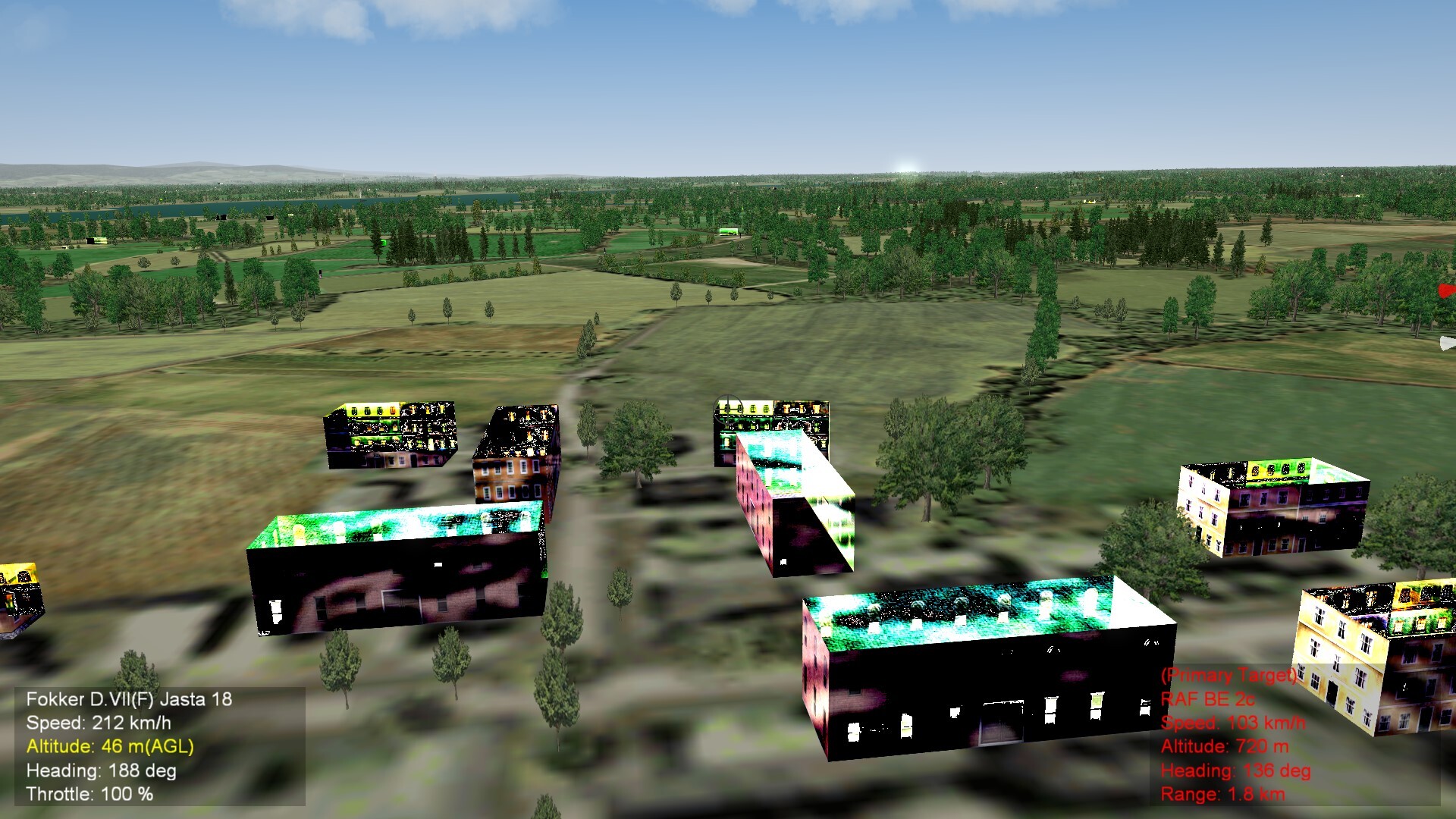
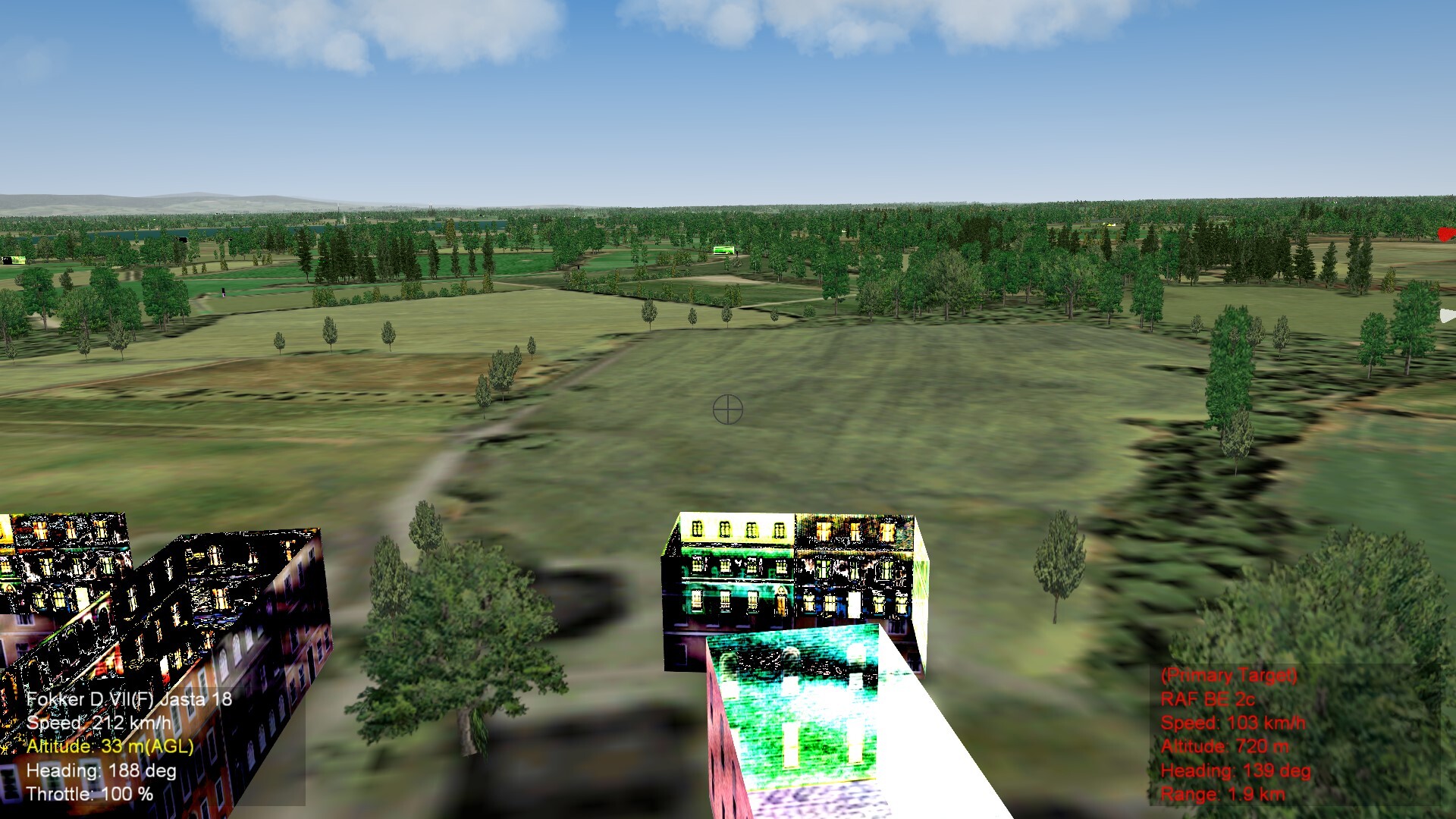
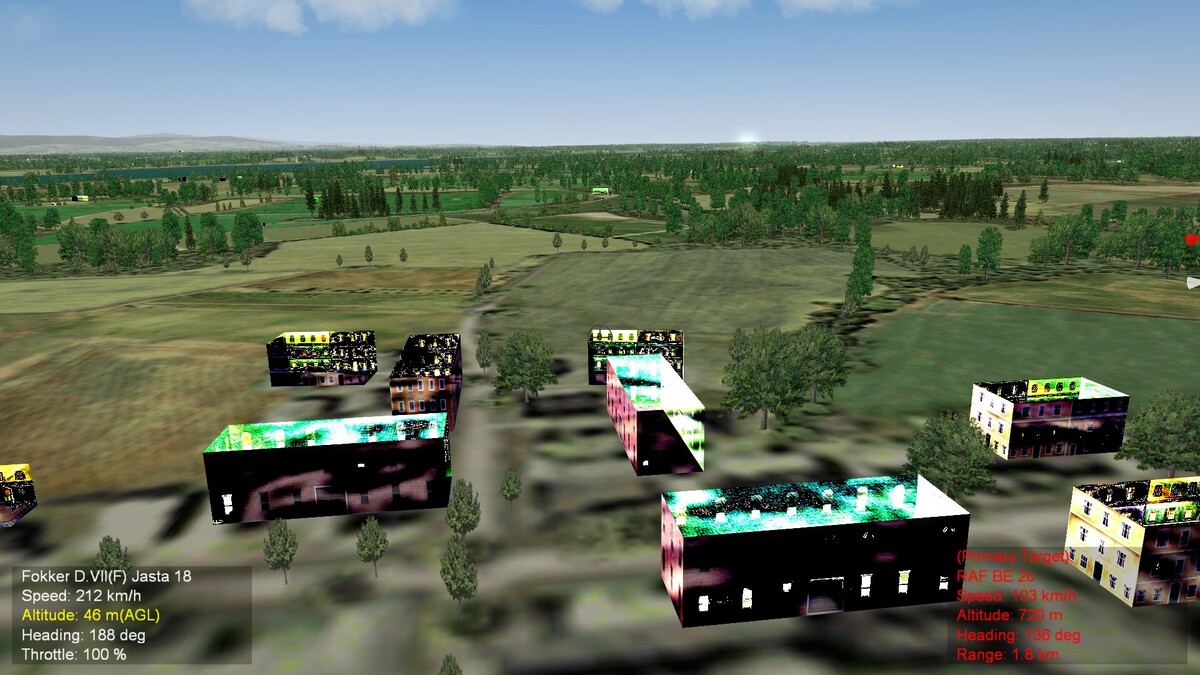
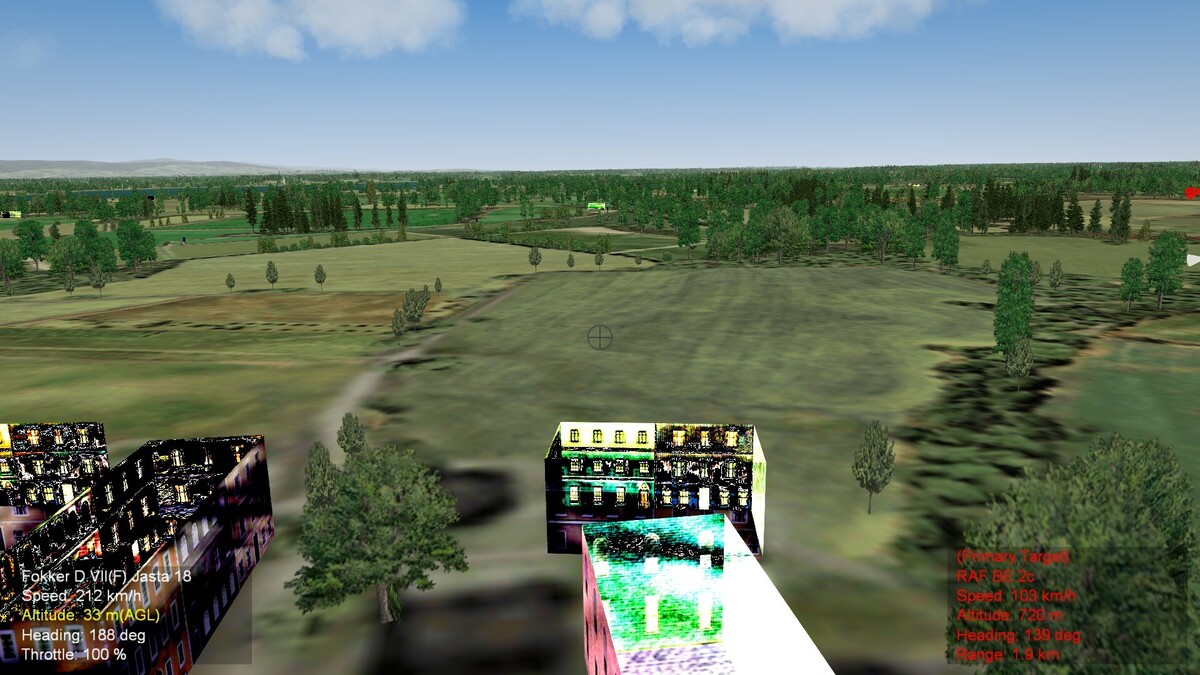
Further - it's the buildings. There is something really very strange about the textures used. See below:
-
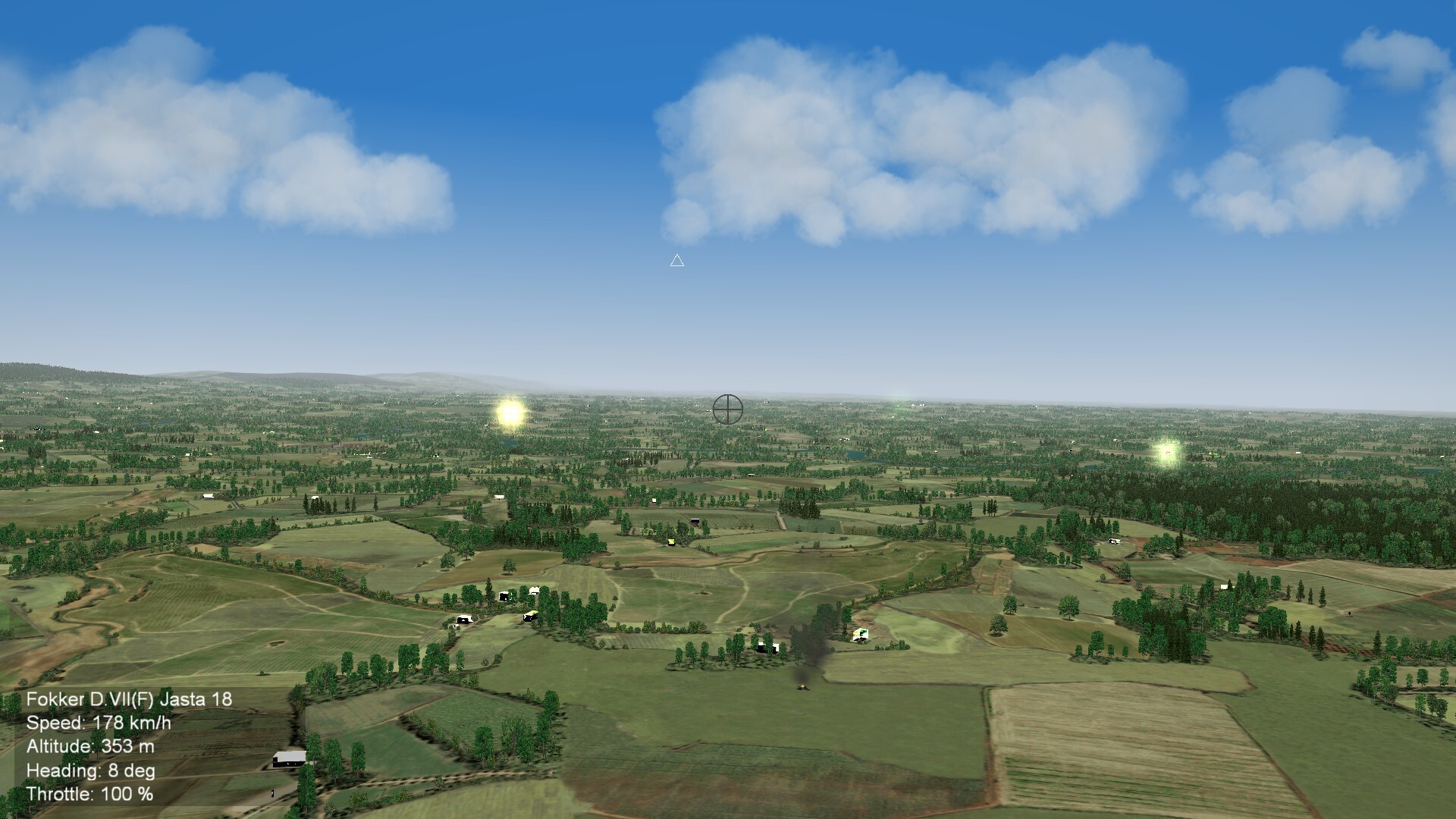
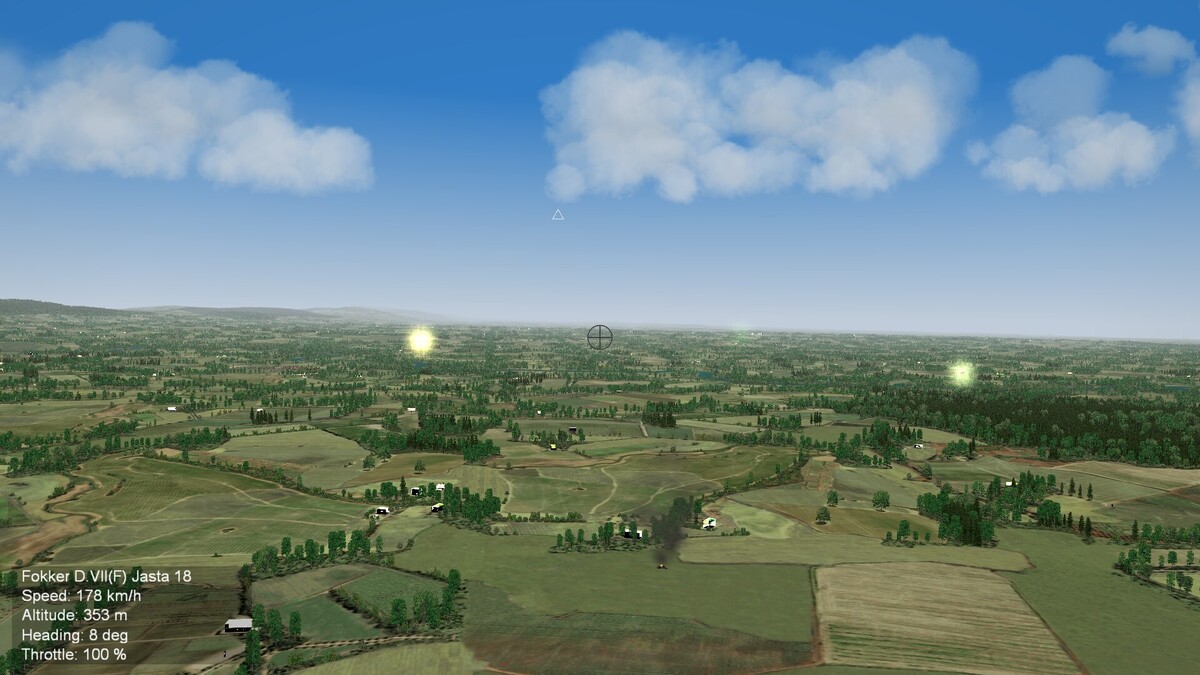
Another odd thing here; the latest Vosges terrain (Vosges 2.0 by gterl) has this interesting and totally unwanted effect. Imagine strong sunlight flashing on windows, well that is it. It looks as though every building is catching the sun and reflecting it at 200%. It gets to the point where it blinds you. None of the other terrains do this, so it's not an environment problem, ubless it is contained in the Vosges terrain folder somewhere. It doesn't "photograph" too well, but the screenshot below might give you some idea. Does anybody have any suggestions to fix this?
-
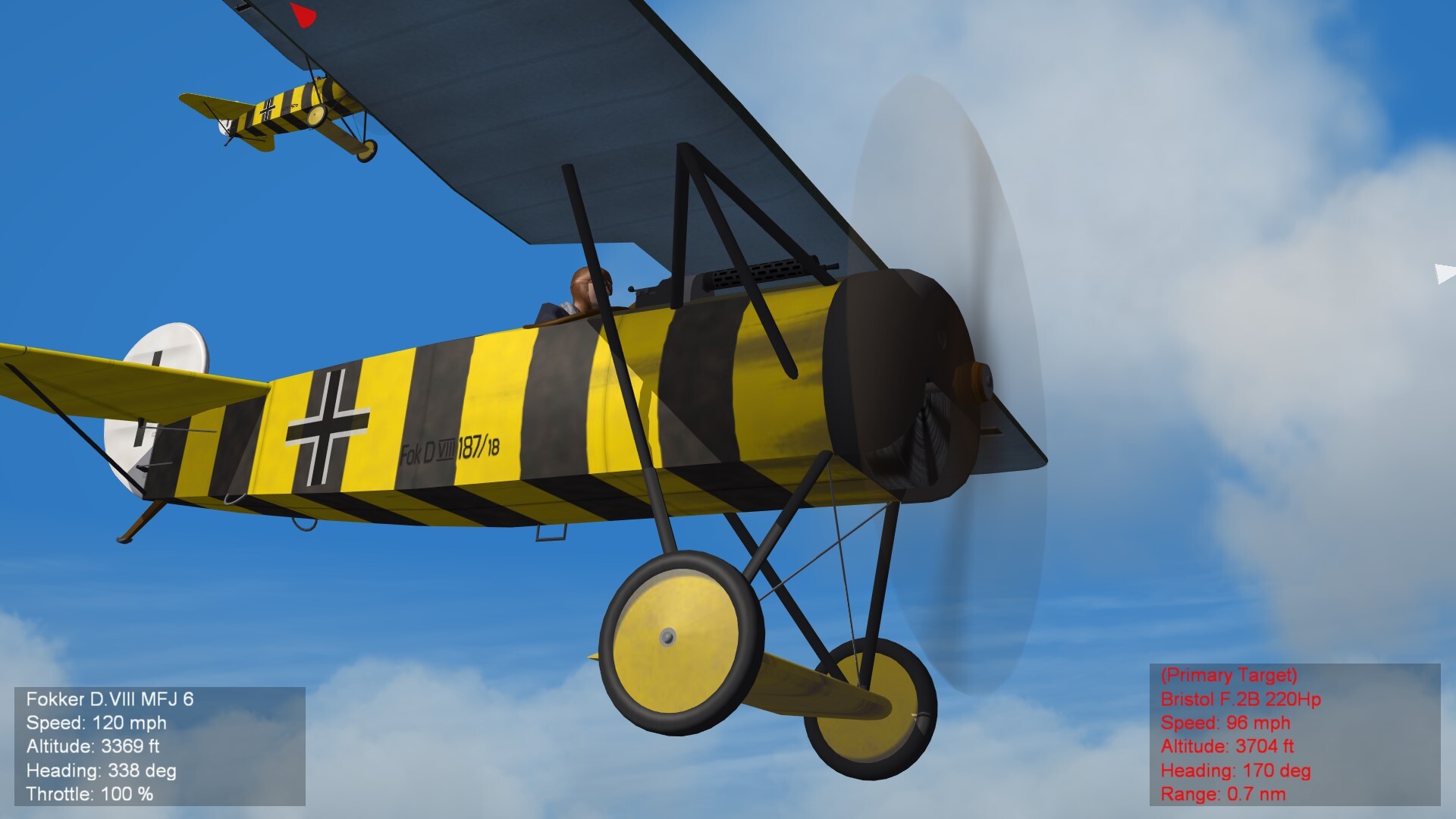
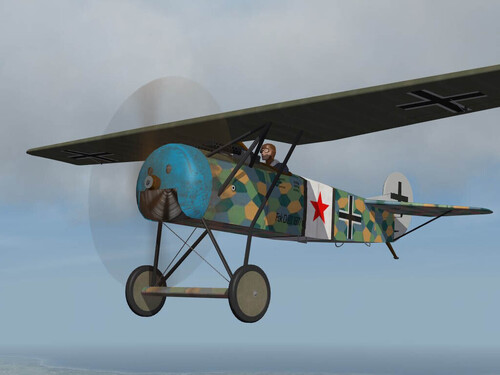
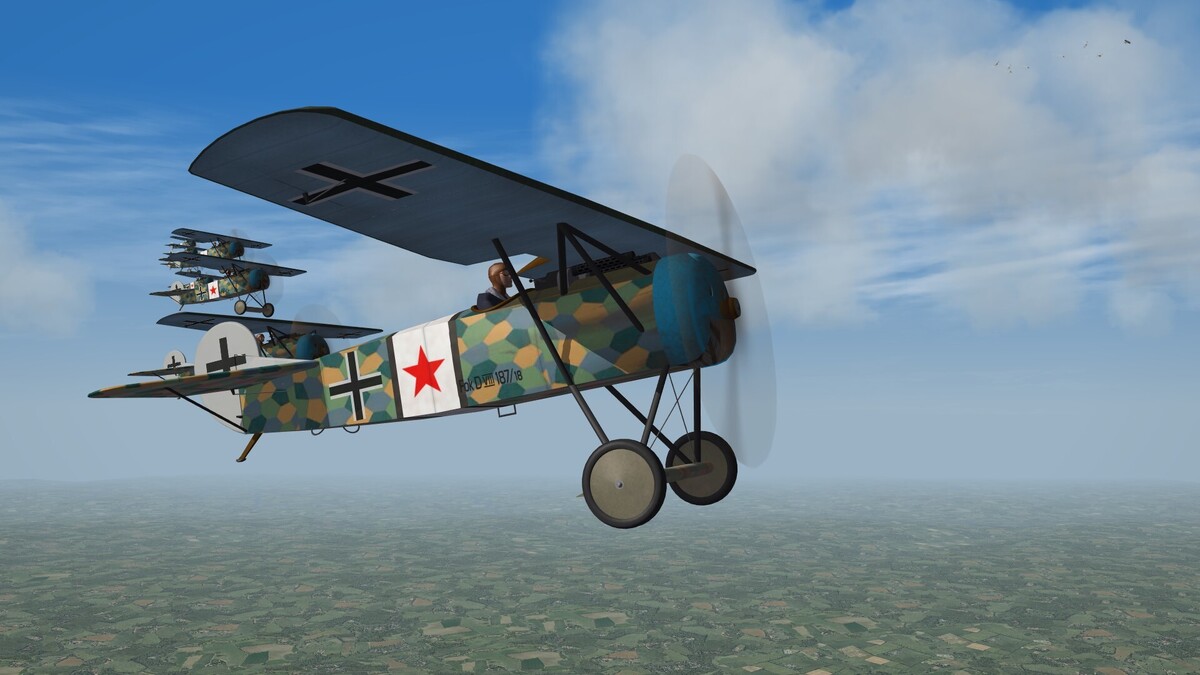
View File Fokker D.VIII Jasta 36 Fokker D.VIII, Jagdstaffel 36, Emerchicourt, France, August 1918 In the final months of WW1, Jasta 36 flew a mixture of Fokker fighters, including some of the very rare D.VIII "Flying razors". Skin for Stephen1918's Fokker D.VIII. Credits as per the original read-me. This skin assumes you have already installed the original Fokker D.VIII and its attendant files. Installation - place directly into your FokkerD8 folder, or make a stand-alone. Bear in mind that this is only a quickie, meant to bring a bit of colour into the game. Not for redistribution, modification, or any other kind of messing about. Not subject to the CA re-use agreement. You will also find included an updated wing texture for Theo Osterkamp's aircraft (MFJ2) It would appear that this aircraft had the wing undersurfaces painted the same olive green colour as the uppersurfaces. Simply drop it into your Fokker_DVIII_MFJ2 skin folder and allow it to overwrite the existing file. Submitter ndicki Submitted 09/09/2026 Category Fokker Skins
-
Version 1.0.0
14 downloads
Fokker D.VIII, Jagdstaffel 36, Emerchicourt, France, August 1918 In the final months of WW1, Jasta 36 flew a mixture of Fokker fighters, including some of the very rare D.VIII "Flying razors". Skin for Stephen1918's Fokker D.VIII. Credits as per the original read-me. This skin assumes you have already installed the original Fokker D.VIII and its attendant files. Installation - place directly into your FokkerD8 folder, or make a stand-alone. Bear in mind that this is only a quickie, meant to bring a bit of colour into the game. Not for redistribution, modification, or any other kind of messing about. Not subject to the CA re-use agreement. You will also find included an updated wing texture for Theo Osterkamp's aircraft (MFJ2) It would appear that this aircraft had the wing undersurfaces painted the same olive green colour as the uppersurfaces. Simply drop it into your Fokker_DVIII_MFJ2 skin folder and allow it to overwrite the existing file. -
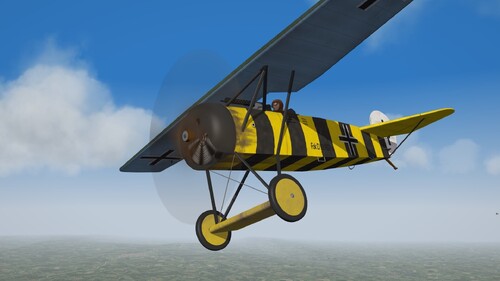
View File Fokker D.VIII Osterkamp Fokker D.VIII, Leutenant Theo Osterkamp, C.O. Marine Feld Jagdstaffel II, Belgium, 1918. Skin for Stephen1918's Fokker D.VIII. Credits as per the original read-me. This skin assumes you have already installed the original Fokker D.VIII and its attendant files. Installation - place directly into your FokkerD8 folder, or make a stand-alone. Bear in mind that this is only a quickie, meant to bring a bit of colour into the game! In actual fact, only Osterkamp's aircraft was painted this way, as far as anybody actually knows. Submitter ndicki Submitted 09/01/2026 Category Fokker Skins
-
Hi Kevin - It's only a quickie to bring a bit of colour into late 1918 fighting. Not up to my usual standard! Anyway, it's just gone in for approval. Then there's this as well... Still needs finishing, but I'll upload it when it's done.
-
Version 1.0.0
13 downloads
Fokker D.VIII, Leutenant Theo Osterkamp, C.O. Marine Feld Jagdstaffel II, Belgium, 1918. Skin for Stephen1918's Fokker D.VIII. Credits as per the original read-me. This skin assumes you have already installed the original Fokker D.VIII and its attendant files. Installation - place directly into your FokkerD8 folder, or make a stand-alone. Bear in mind that this is only a quickie, meant to bring a bit of colour into the game! In actual fact, only Osterkamp's aircraft was painted this way, as far as anybody actually knows. -
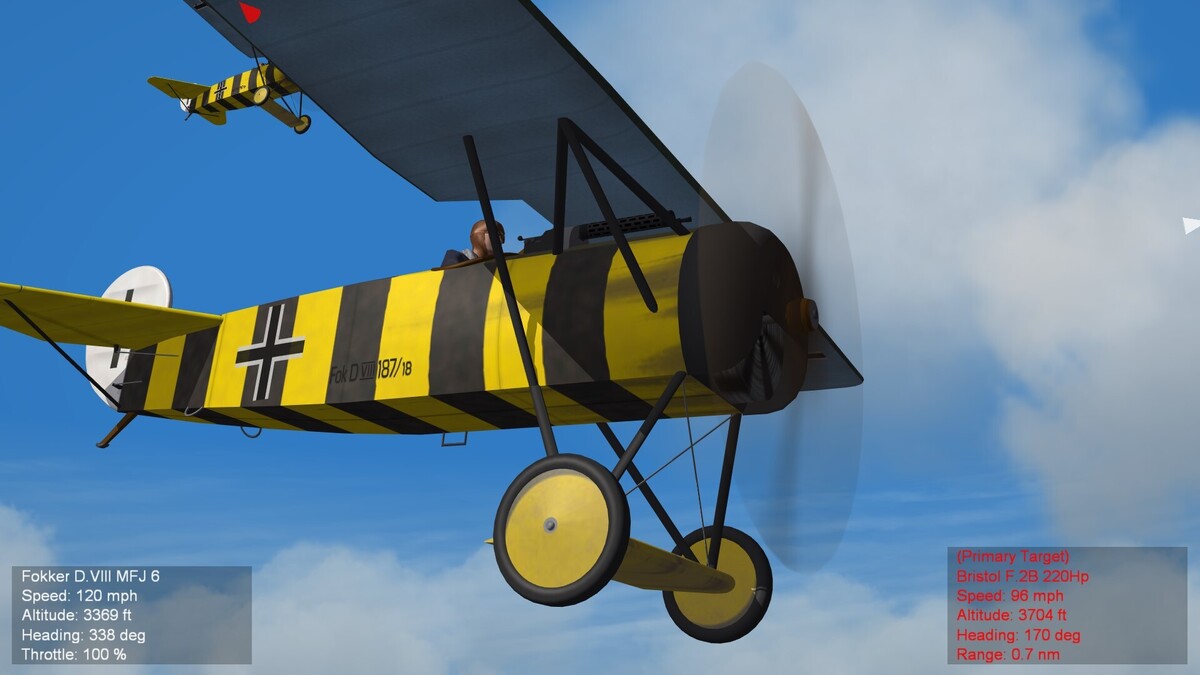
Found the problem. It was indeed linked to IObit Malware Fighter - the anti-ransomware engine was blocking the texture files for any non-stock or modified stock aircraft, you tell me why. Anyway, I whitelisted FE2 and now we're back to normal. Don't tell me though that I'm going to have to whitelist all the modified stuff on this computer........... In-between times, I thought the Fokker D.VIII looked a bit sad, straight out of 'the box'. Anybody interested?
-
Weird. The stock aircraft appear normally, but any stock aircraft that I re-skin with a stock skin to appear as a stand-alone, no further changes made, is black. The stock aircraft continue to appear normally, so it's only stand-alone stock and third party aircraft that don't work. Very odd.
-
Migbuster - I've just done that, and it worked correctly. Good thinking. Now how to fix it? Daddyairplanes - I've been using IObit for years as well, sometimes pro, sometimes free/expired. Never any trouble before, which is why I don't think that's it either.
-
Bit foxed here. When I run FE2, which has been performing nicely up until now, the aircraft show up as black. No textures, no decals, just black. The other textures - ground, clouds, etc are unchanged. Only DDS texture files work on objects; BMP, JPG and TGA including decals do not. I installed a number of IObit products this morning - system care, etc - but I don't see how they could have interfered with the sim. Any thoughts?