Blade
-
Posts
288 -
Joined
-
Last visited
-
Days Won
3
Content Type
Profiles
Forums
Gallery
Downloads
Store
Everything posted by Blade
-
I noticed to things: 1. Try 'MaxRounds' instead of 'MaxAmmo'. 2. You might also need to add the line 'AimDirection=0.000000,1.000000,0.000000' under 'LightPosition='.
-
Take a look at some of the stock Lightnings, their gunpack works similarly to what you want to achieve.
-
Could you share more details and post the decals.ini? It could be a typo in the decals.ini which the lod viewer can overcome (but the game cannot) or an alias.lst interference (if it is a stock decal). Or you simply reached the number of decals per node (as dtmdragon mentioned). You can have a maximum of 4 decals per node.
-
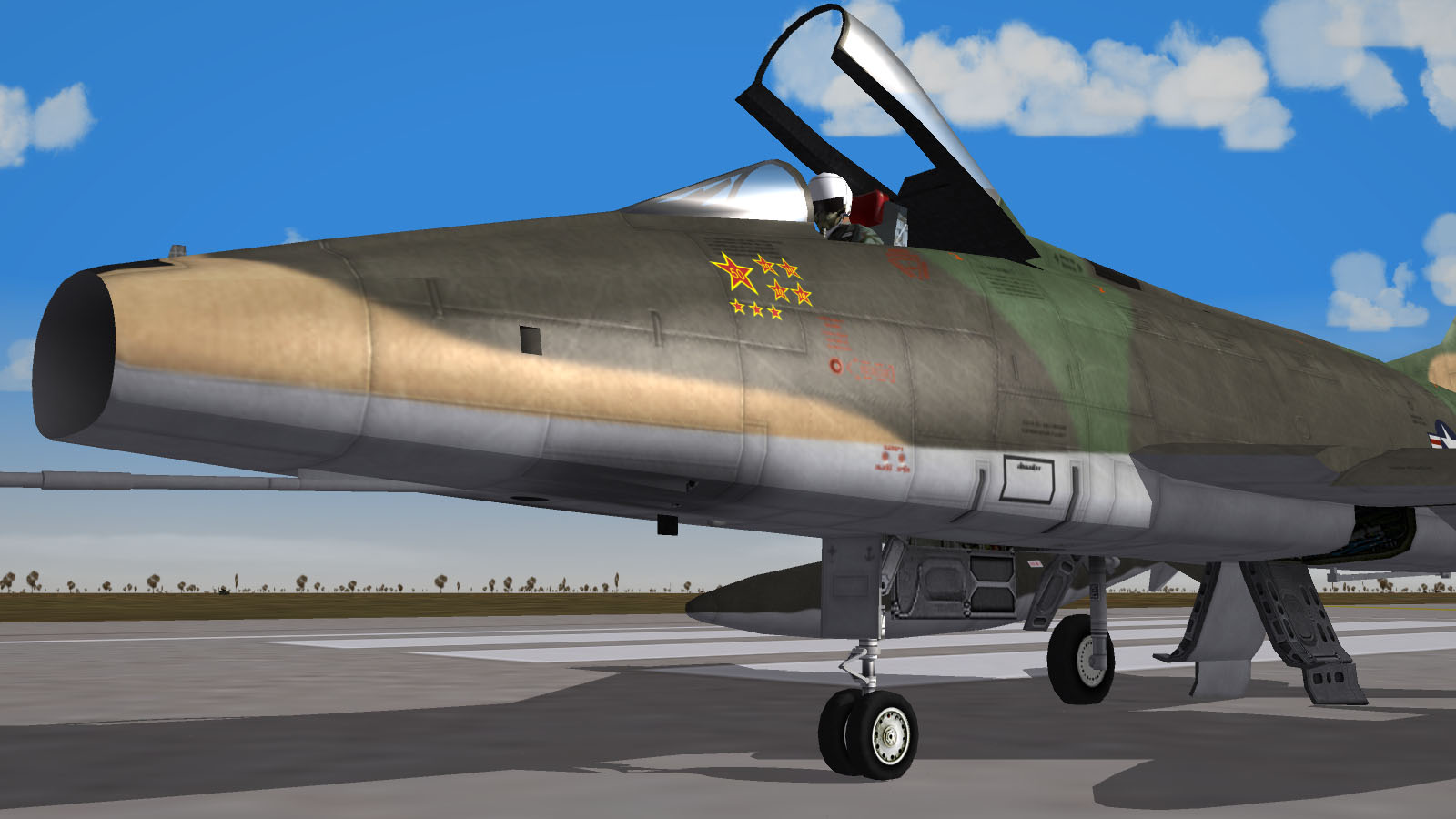
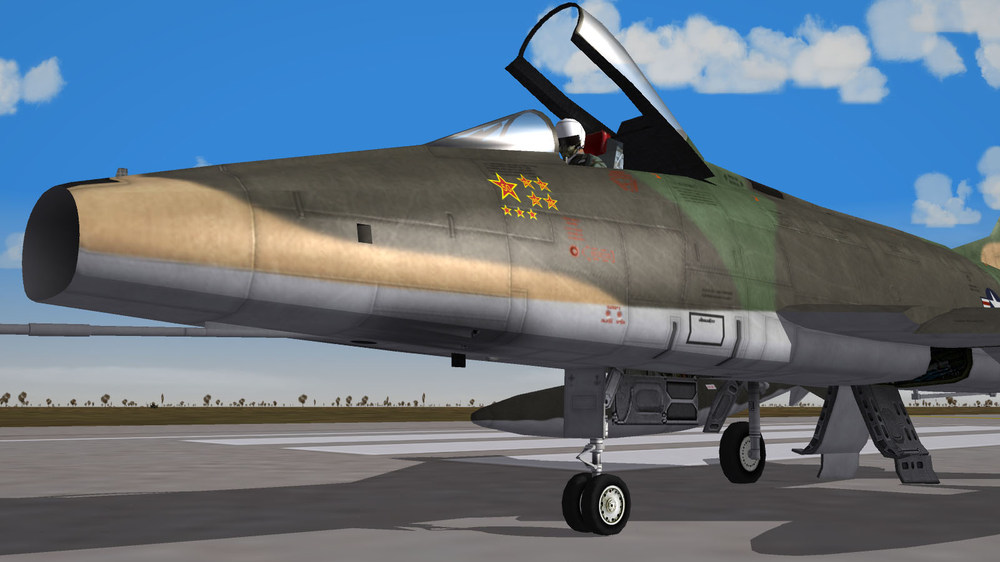
Nightshade, Could you tell me what mod includes the wingtip ECM fairings on the Danish F-100D in your screenies? Thanks. Compulsory shot:
-
AFAIK only one 'HideExternalNodeName=' statement can be added in a _CockPit.ini (which includes the node in question and everything else down in its hierarchy).
-
You may try adding a line in the plane's _CockPit.ini: [CockpitSeat001] ModelName= HideExternalNodeName=<Put HUD node name here>
-
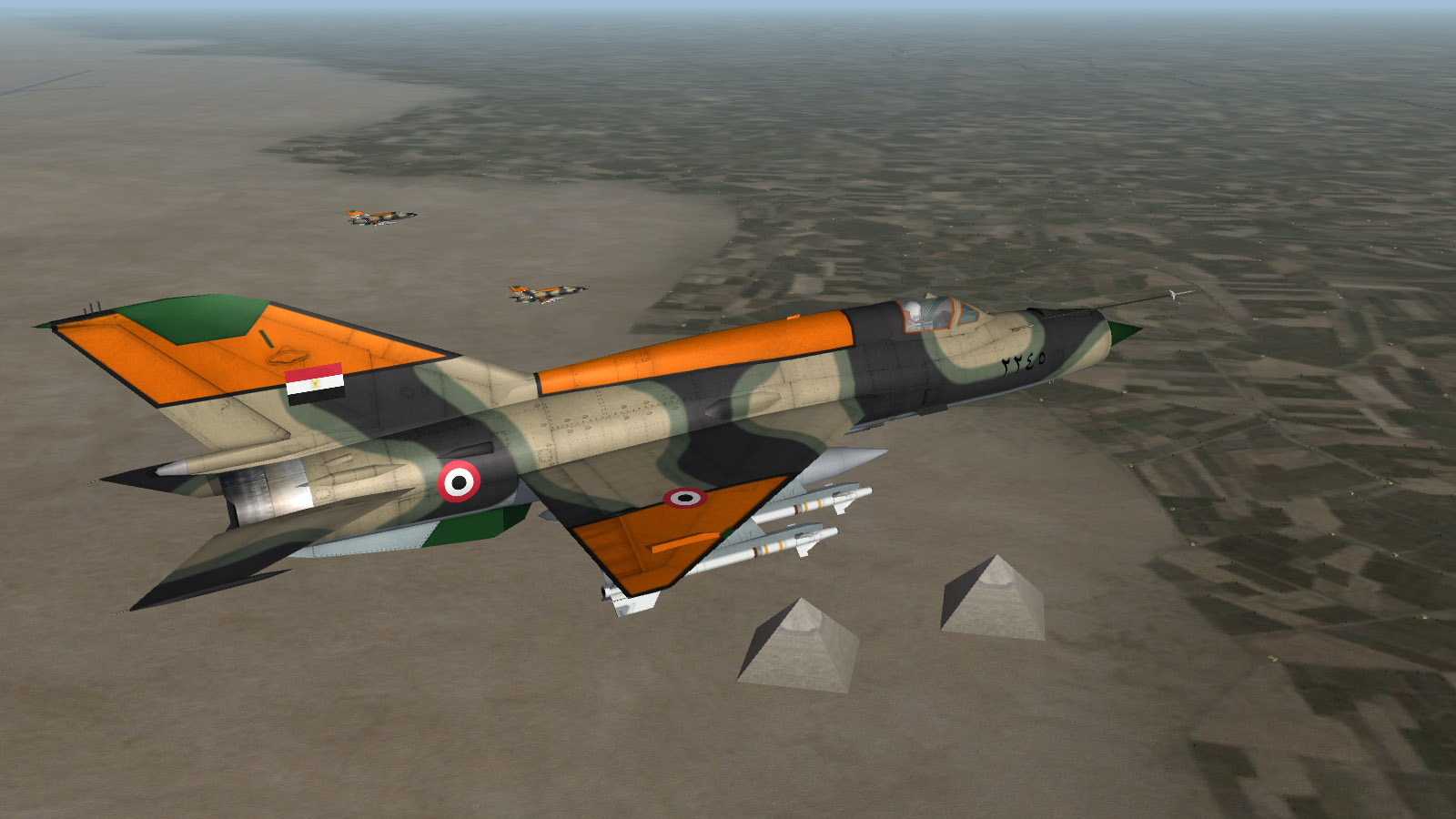
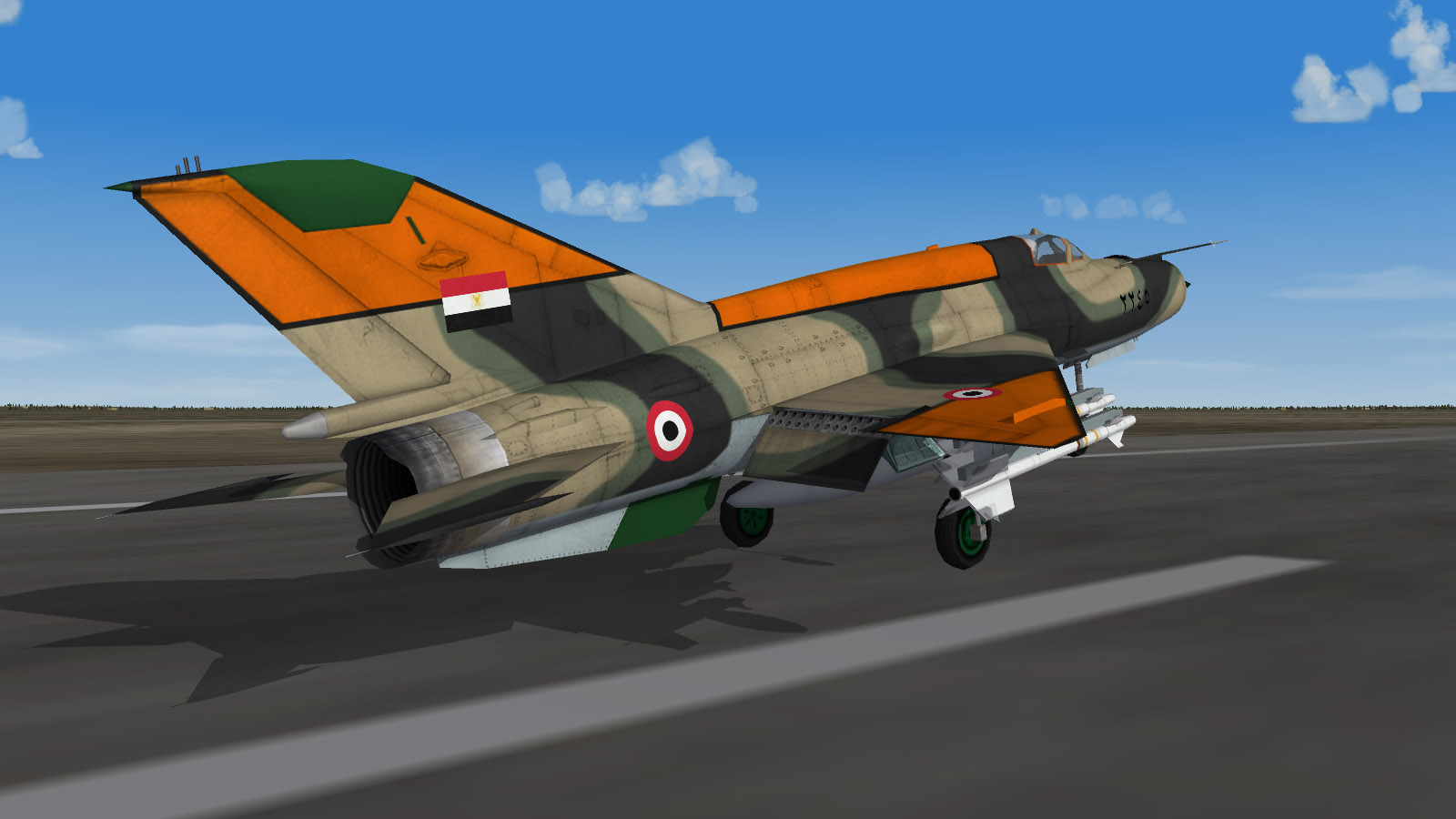
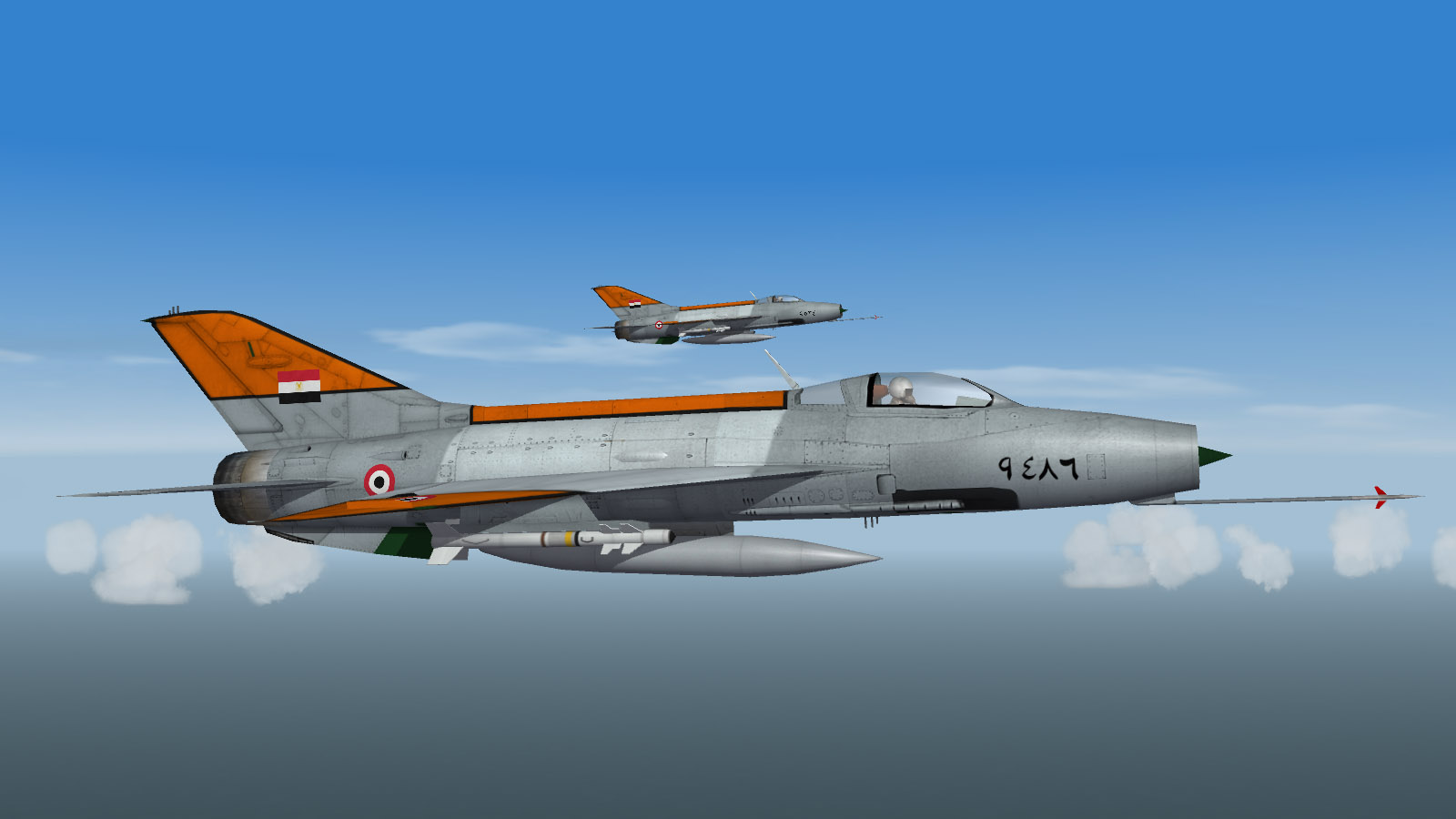
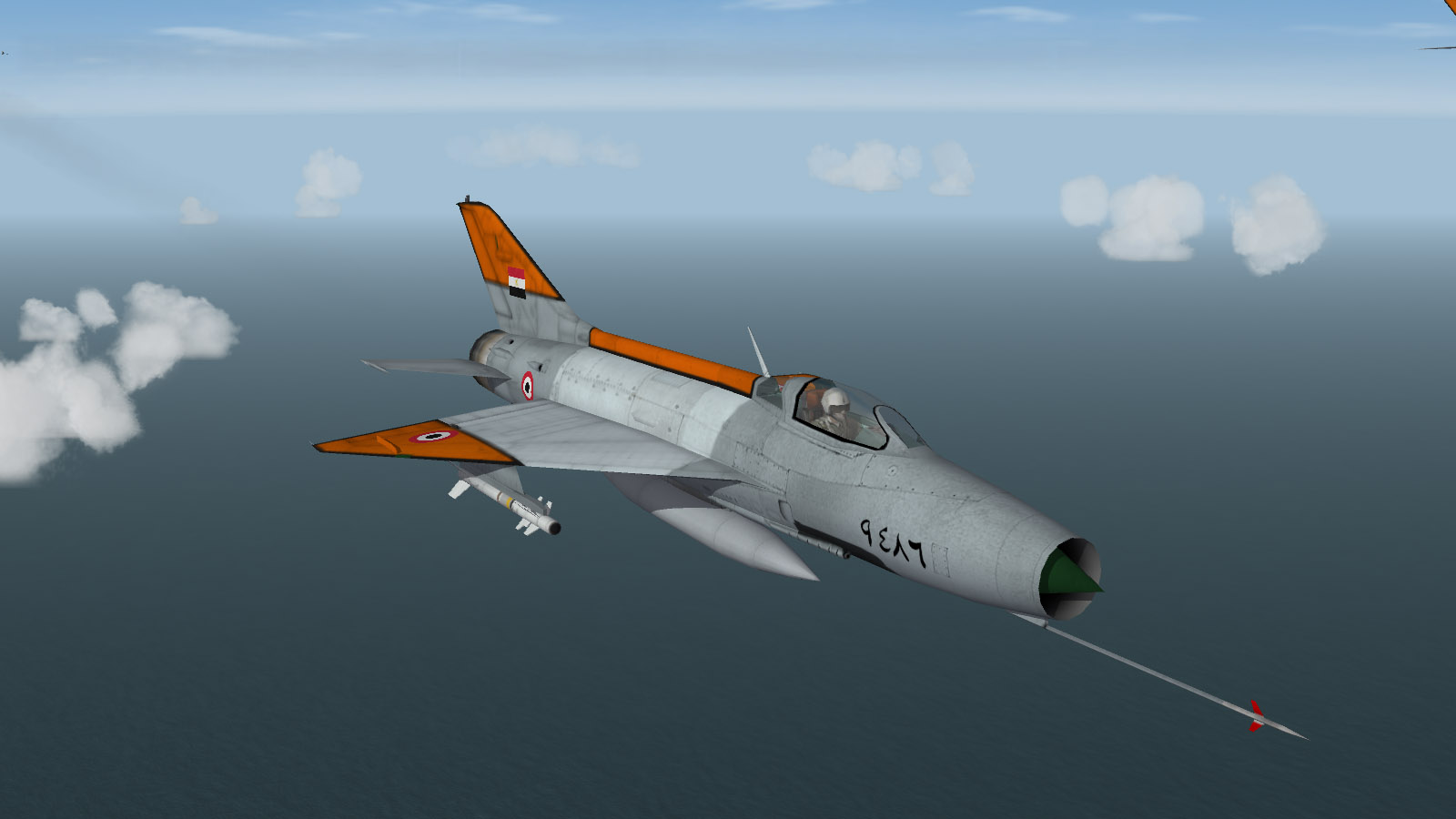
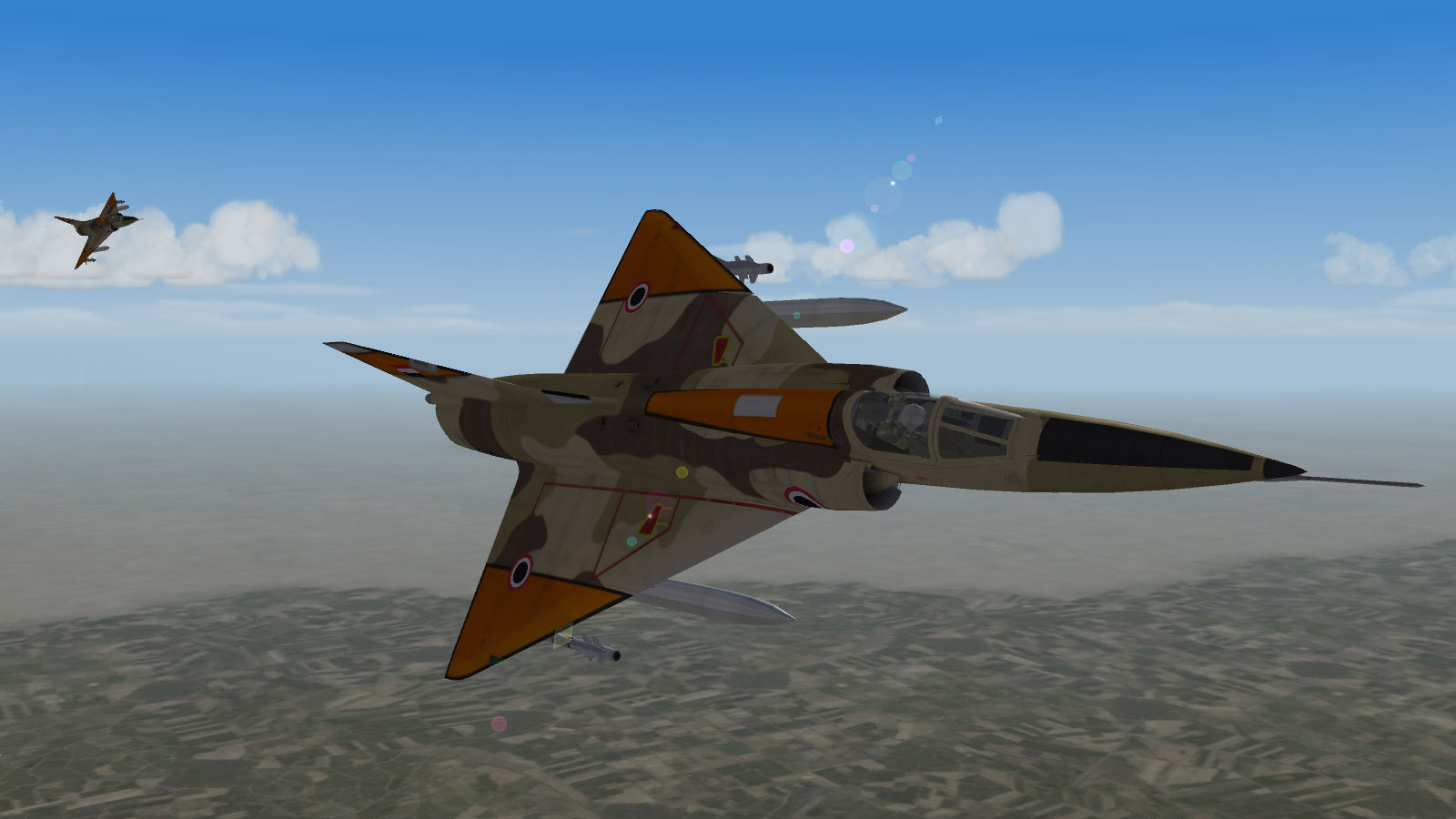
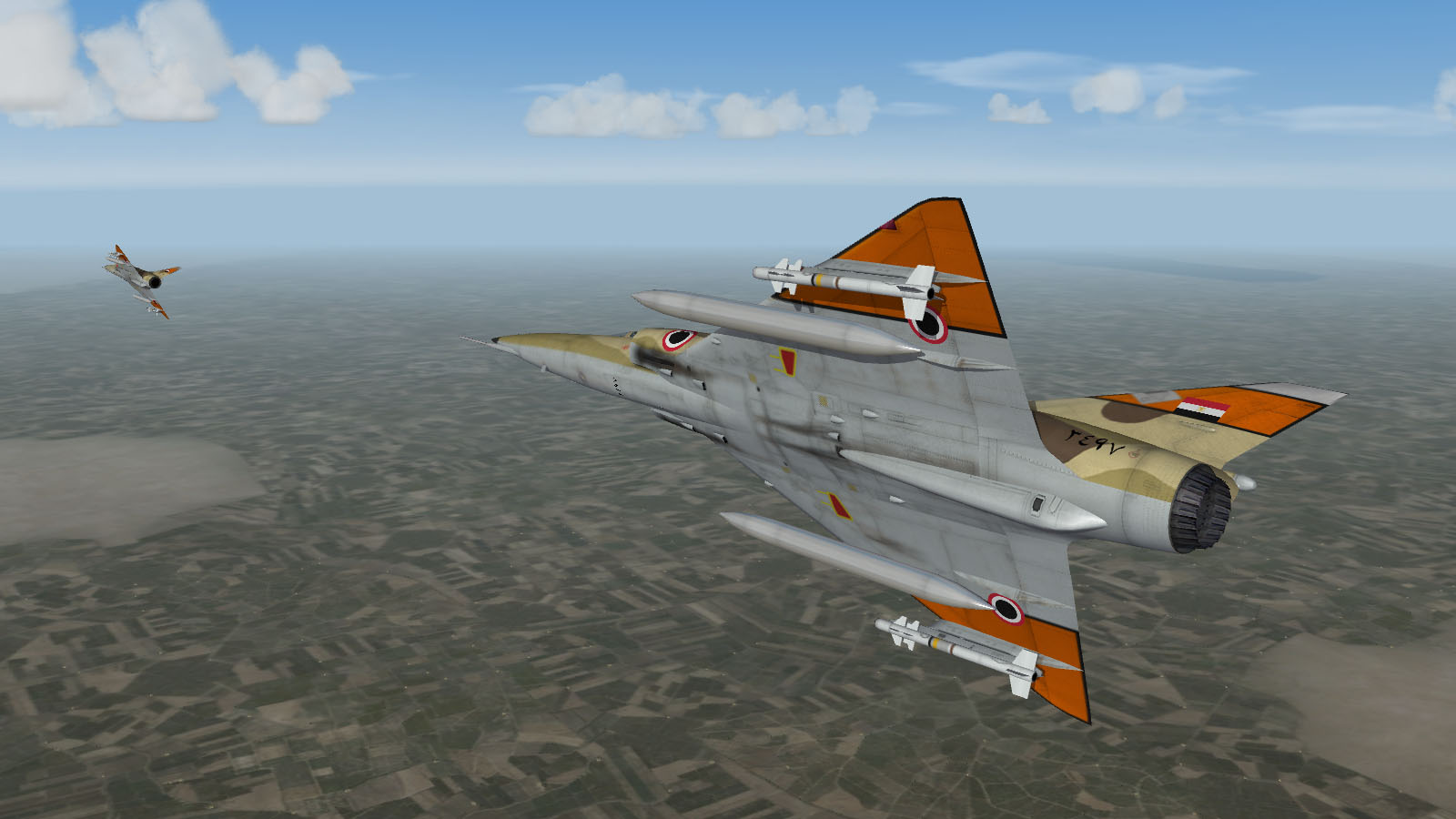
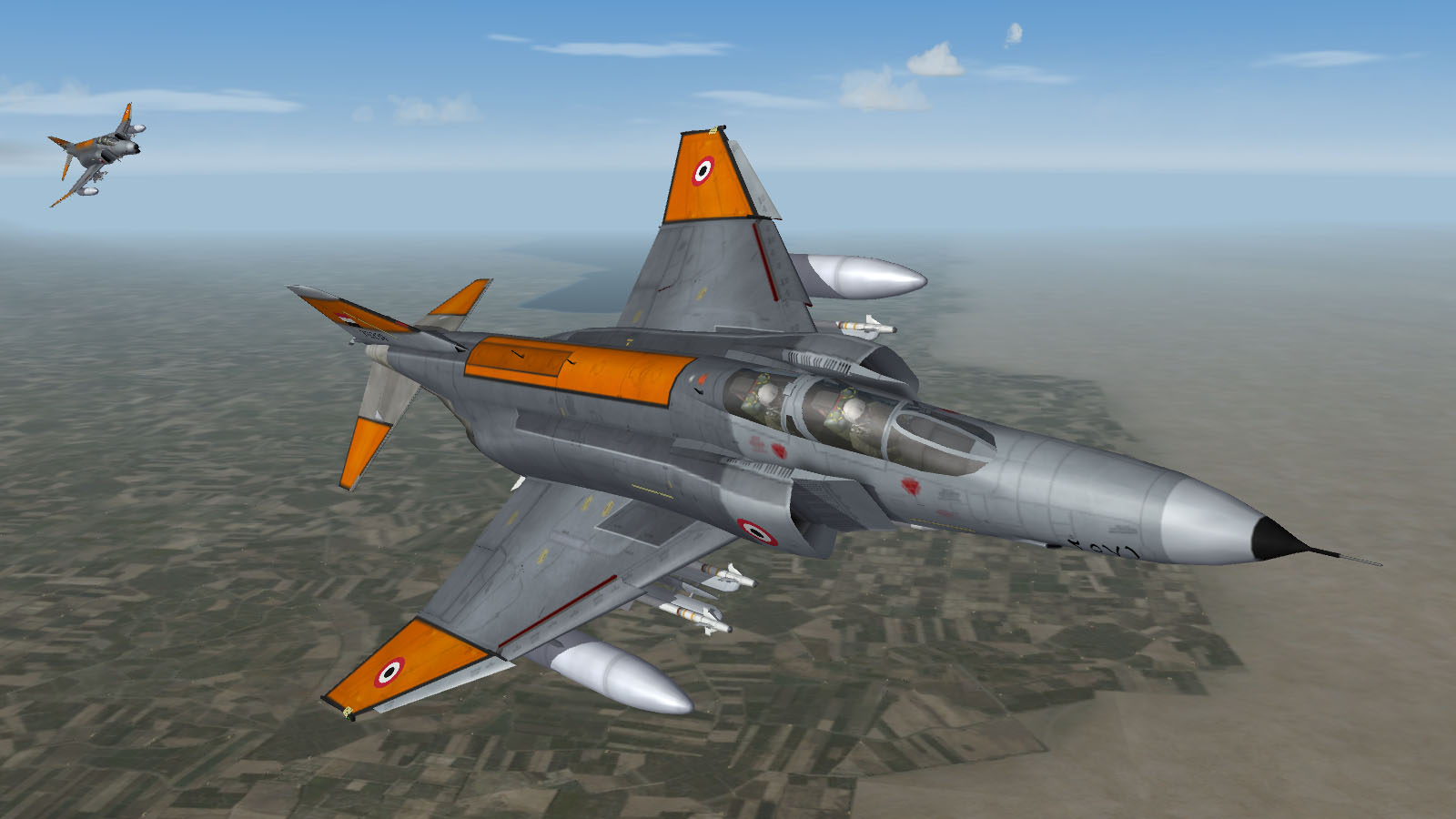
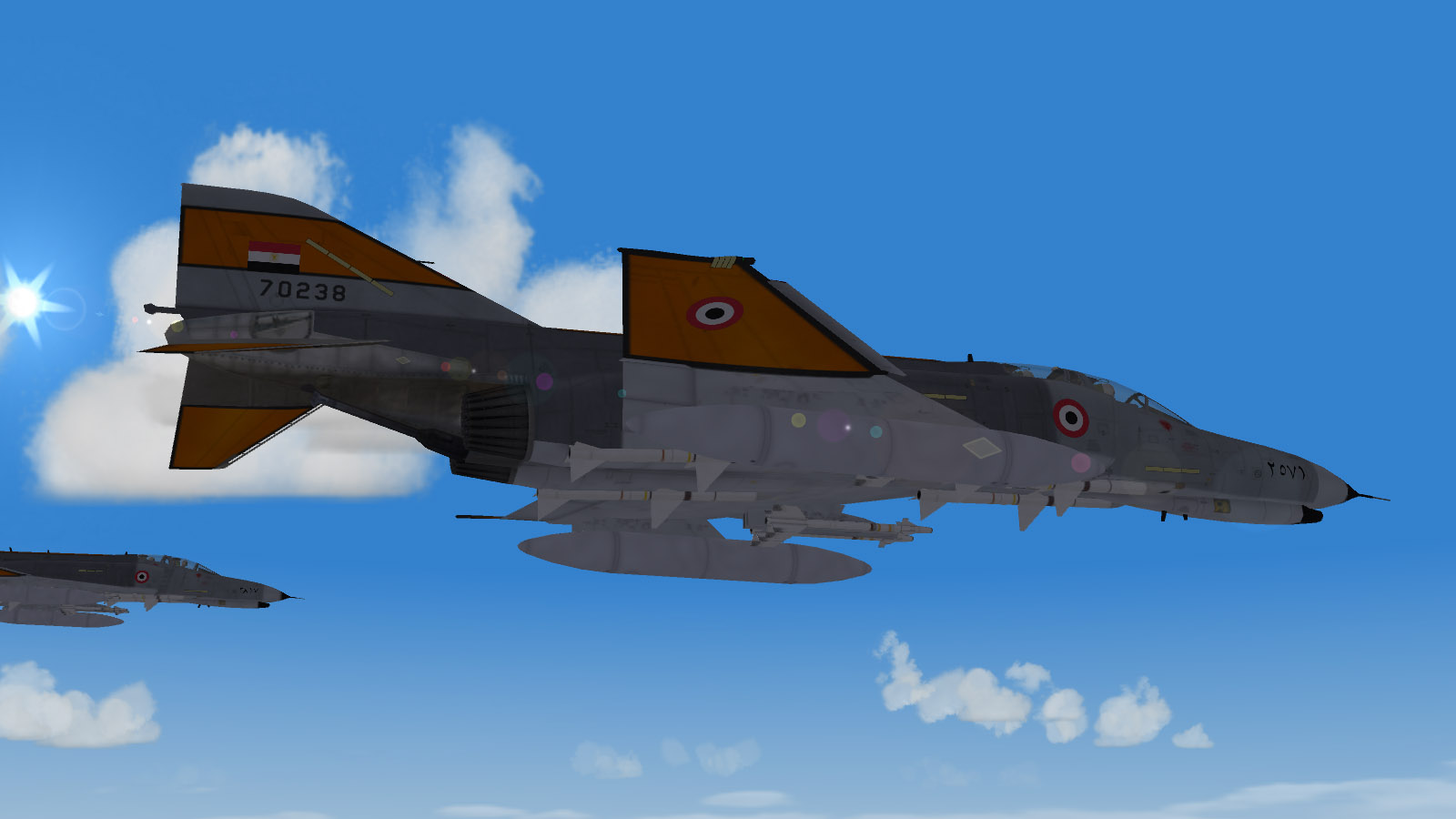
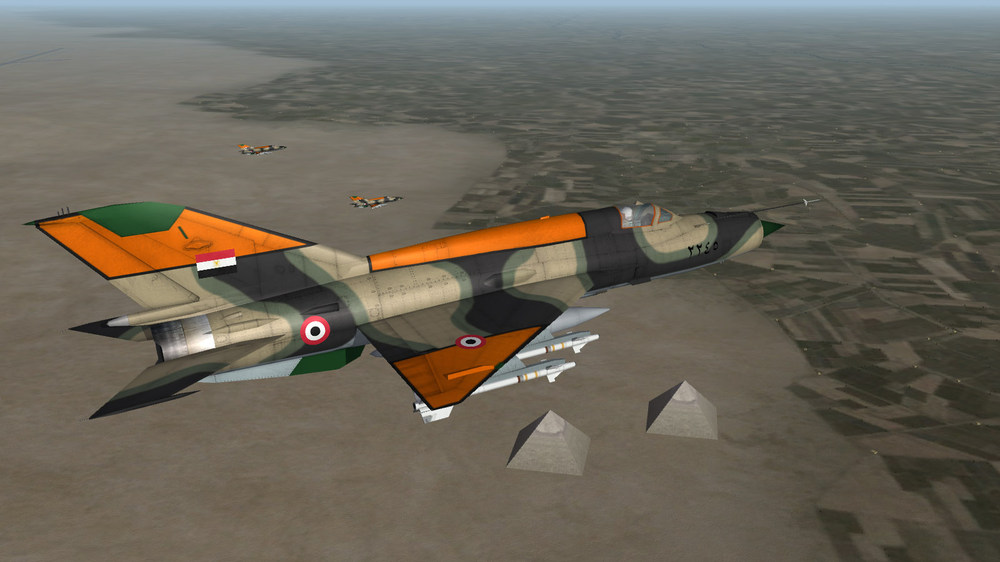
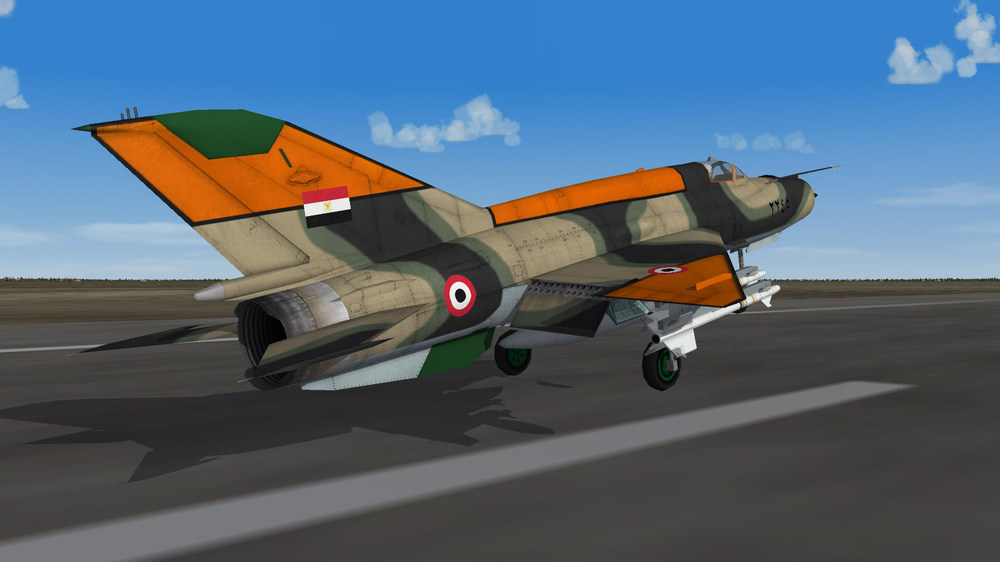
After a sudden wave of nostalgia, I found myself dusting off my old WoI install. I also made a few new ‘80s EAF skins (strictly 512x512). MiG-21MF armed with AIM-9P missiles, F-7 (modded MiG-21F-13), Mirage5E2 (modded Mirage 5D), F-4E in Egypt I scheme
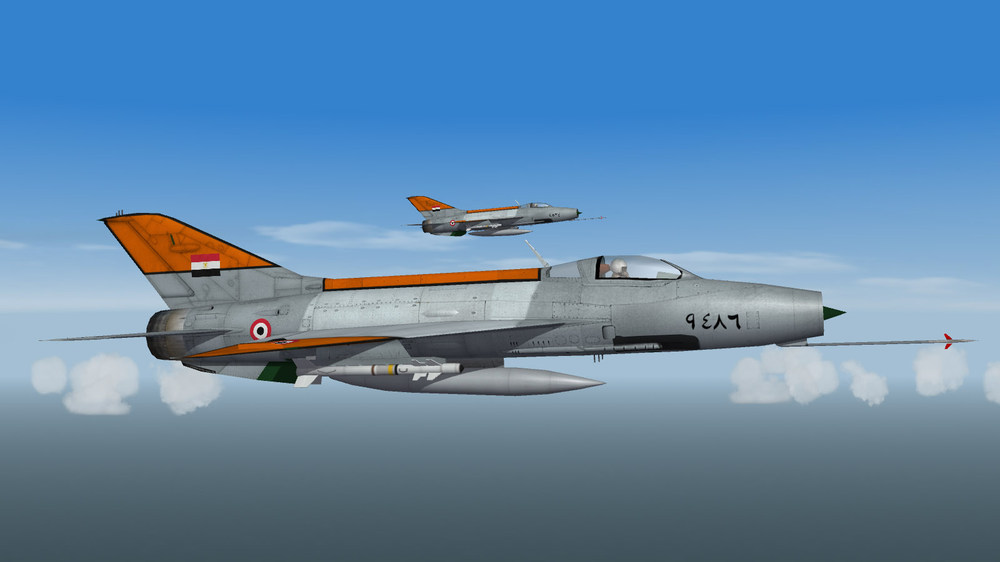
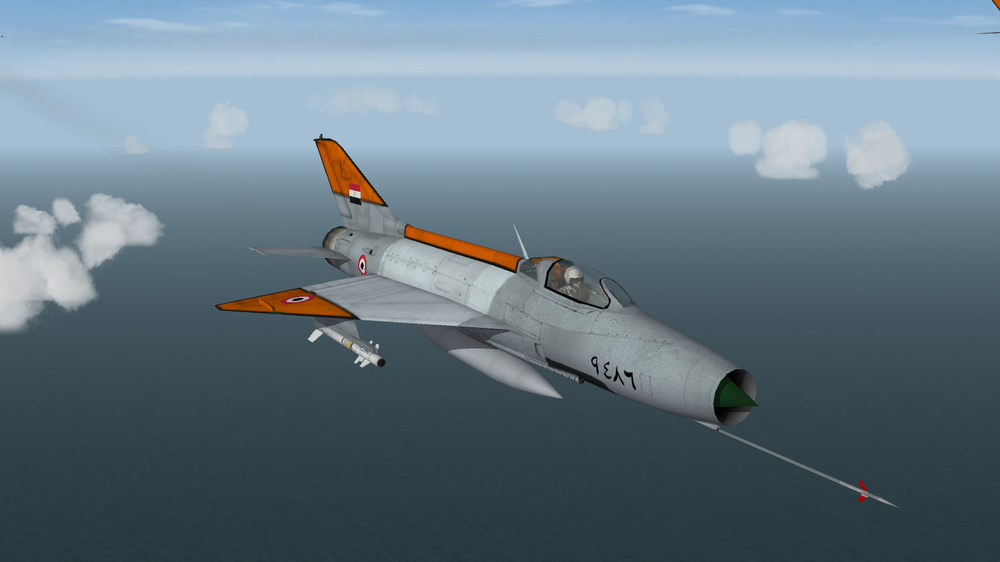
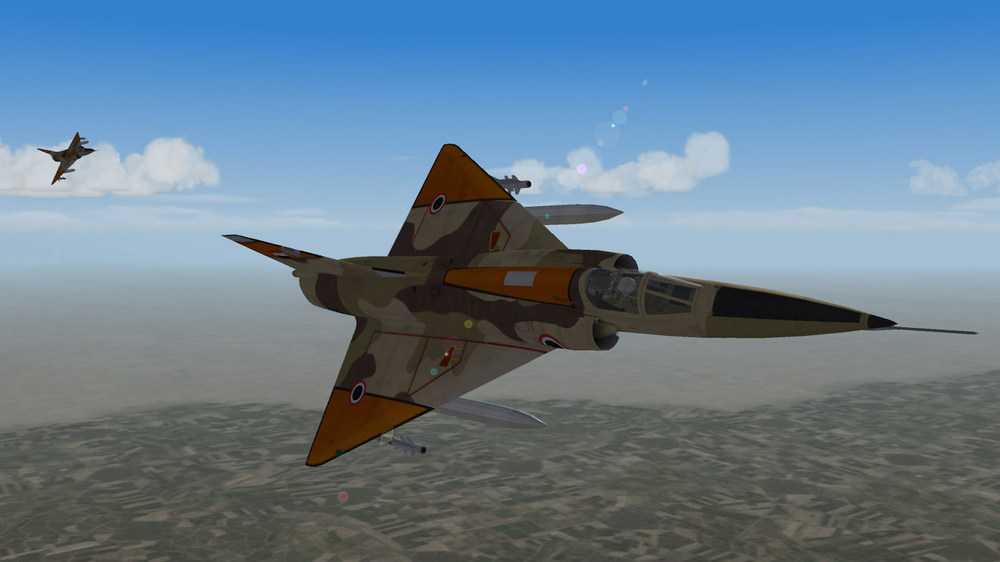
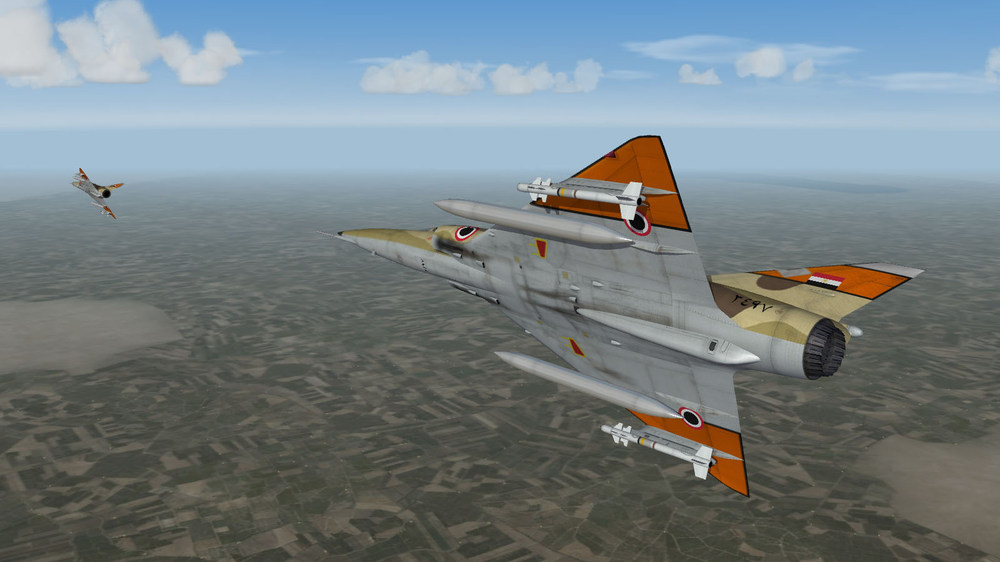
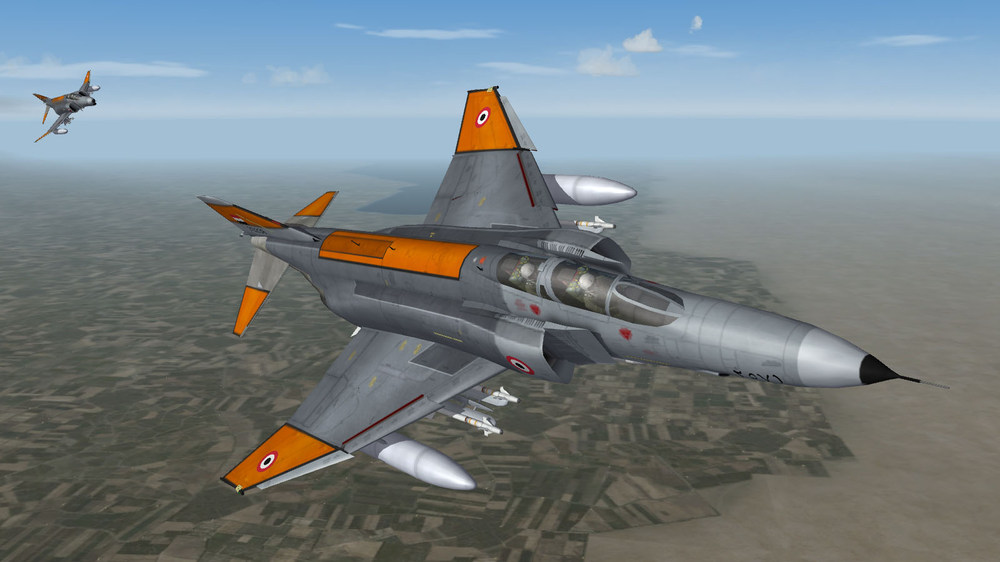
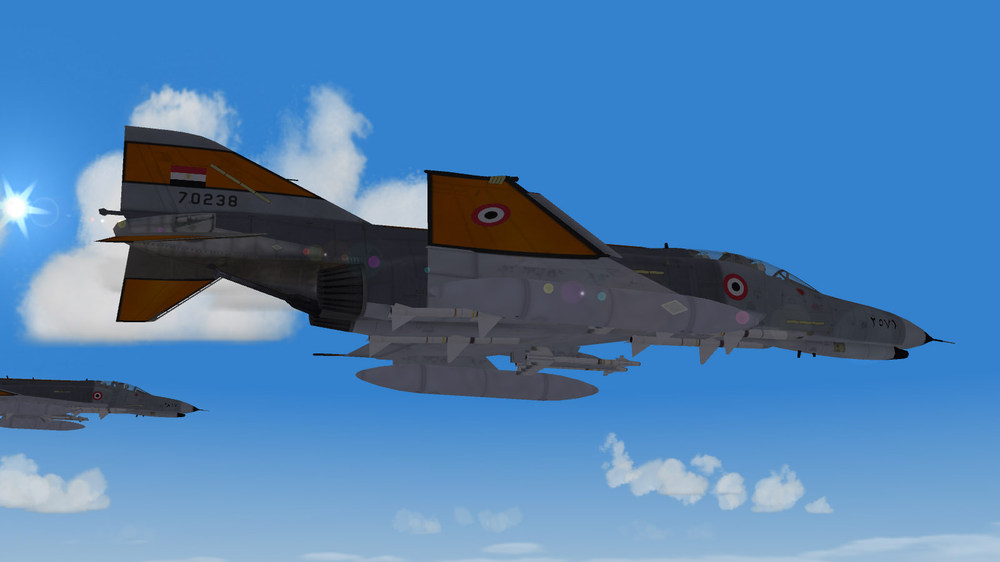
-
Need some minor modeling assistance
Blade replied to simonmiller416's topic in Mods & Skinning Discussion
That's strange. The proper usage of the 'NetworkType=' parameter is supposed to prevent that. -
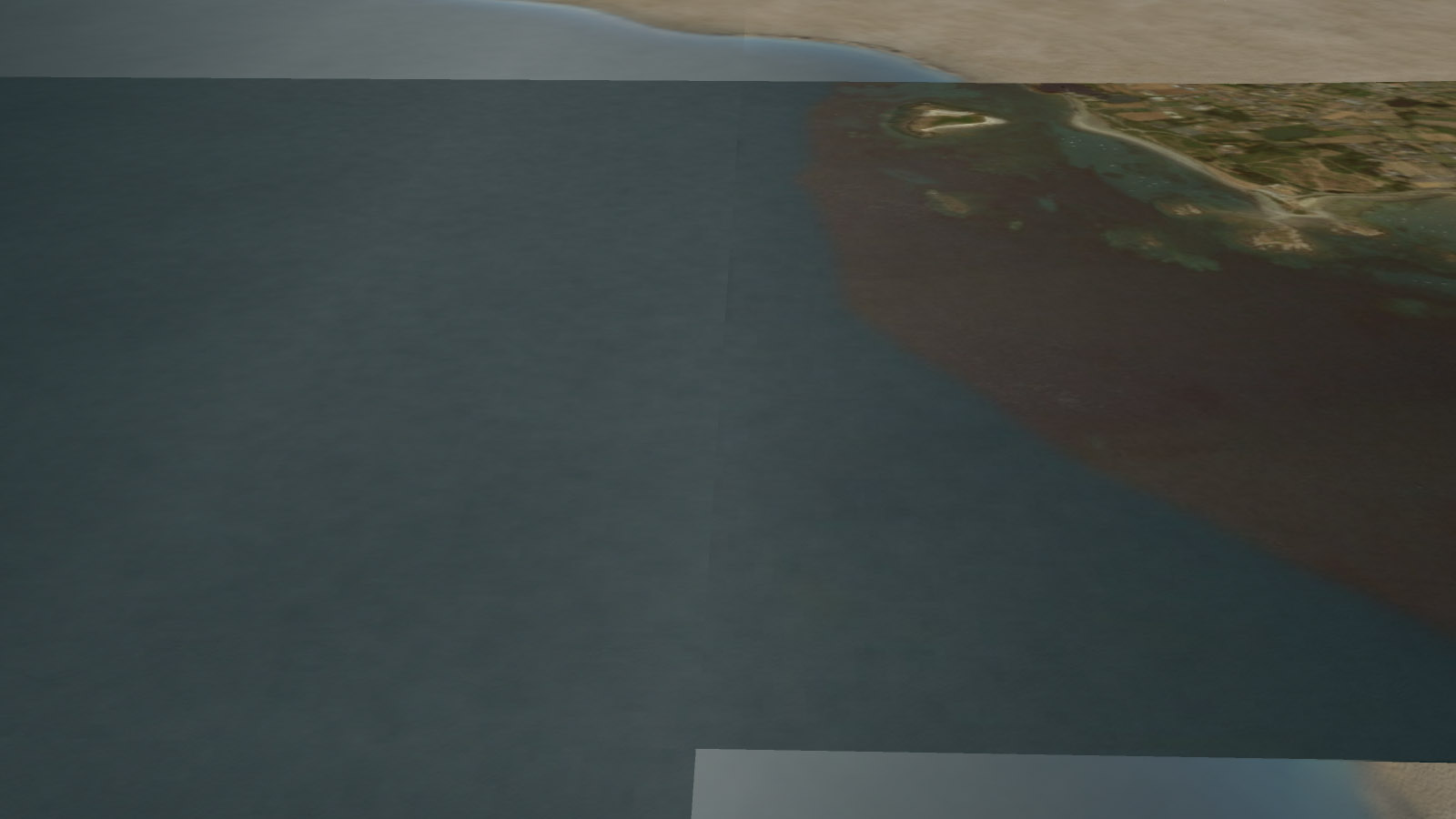
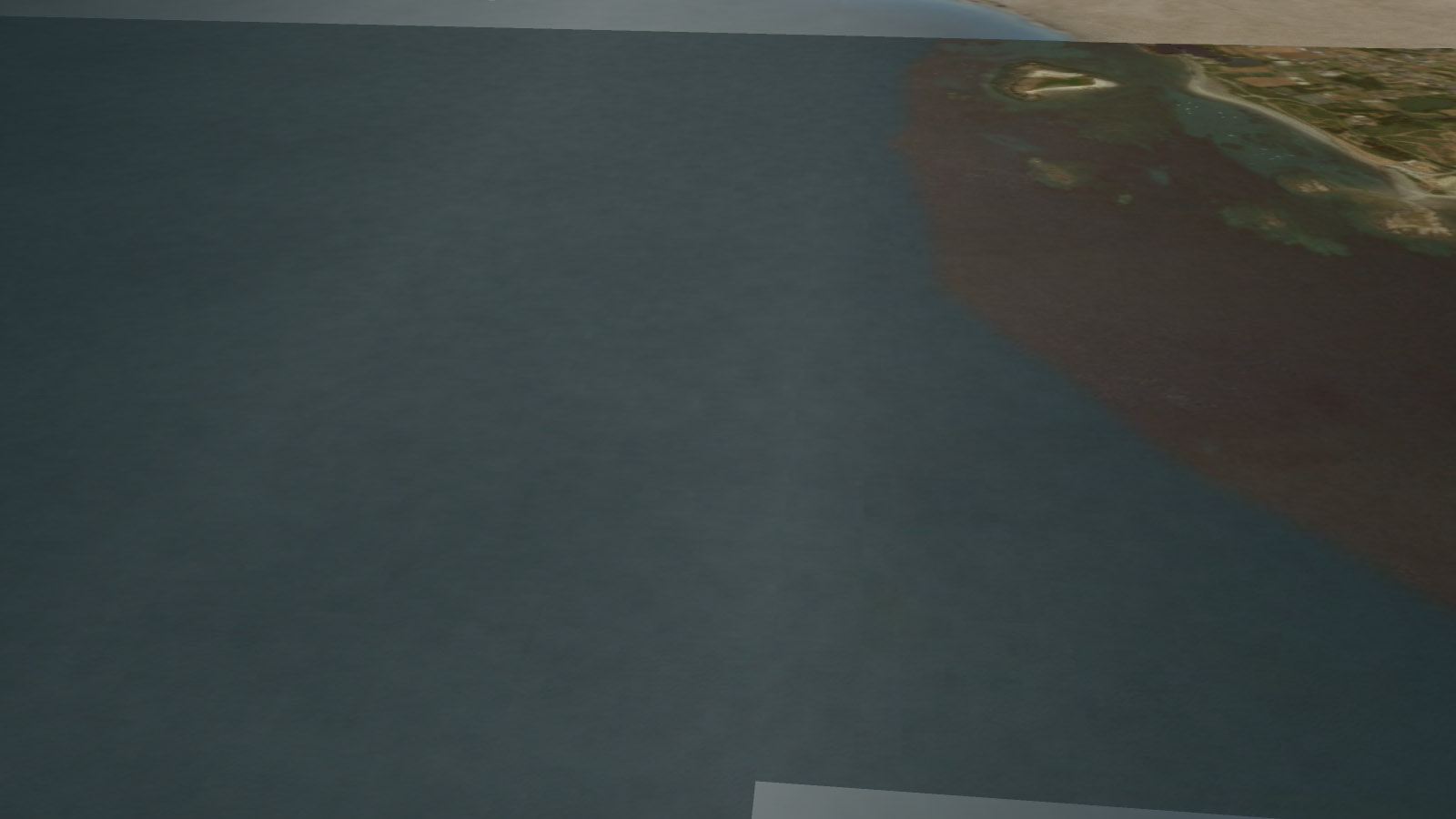
I tested your tiles (both in game and in PhotoShop). The first screenshot shows your original tiles in the game. The demarcation is clearly visible. The second shot shows the tiles after I edited the edges of the alpha channels. The result is not perfect, but it looks much better. When resizing, PhotoShop sometimes leaves a ‘frame’ around the edges of the image, this is what might have happened to your tiles (just a guess, I am not sure). What I did to your alpha channels was covering the ‘frame’. I hope this makes sense to you.
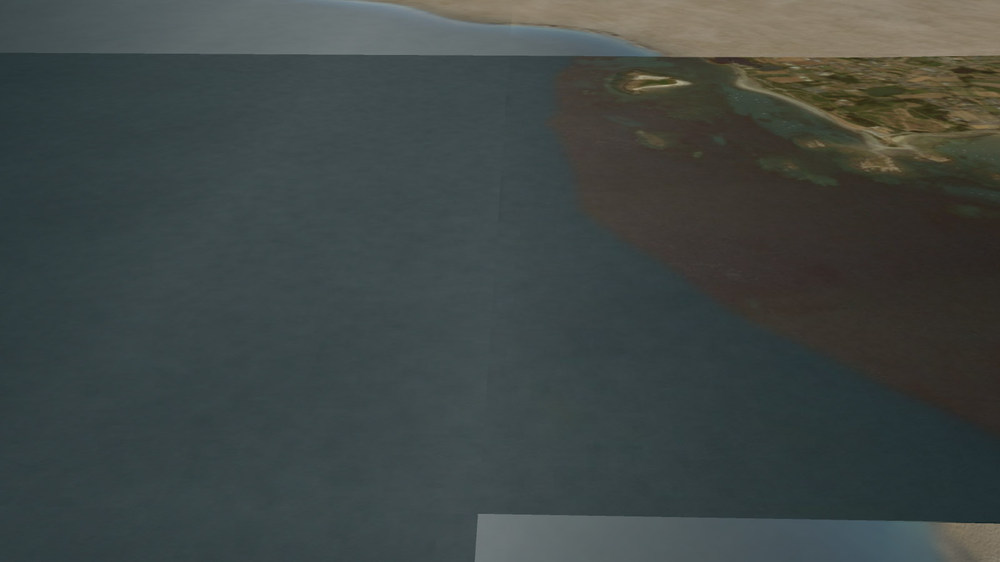
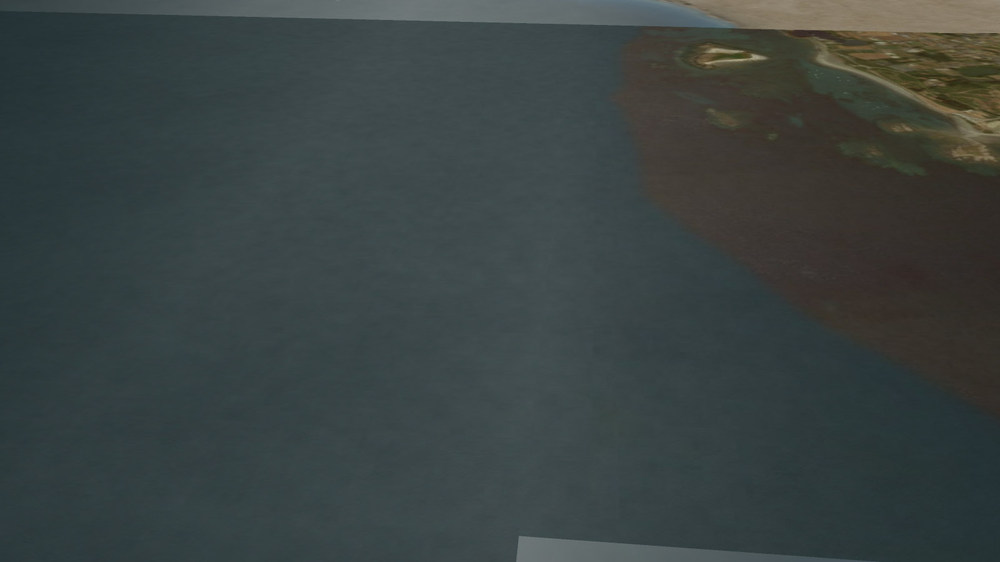
-
Hi, Could you upload a sea tile and a differing shoreline tile so that we could take a look at them?
-
I think the class name for dual ARM launchers is '2AR'.
-
First, you need to download and install the Cat File Extractor. Run the extractor, select the ObjectData.cat file (it is located in <YourGameFolder>\Objects), browse until you find the HunterFGA9_data.ini file, then extract it. It will appear in the folder the cat file resides in (<YourGameFolder>\Objects).
-
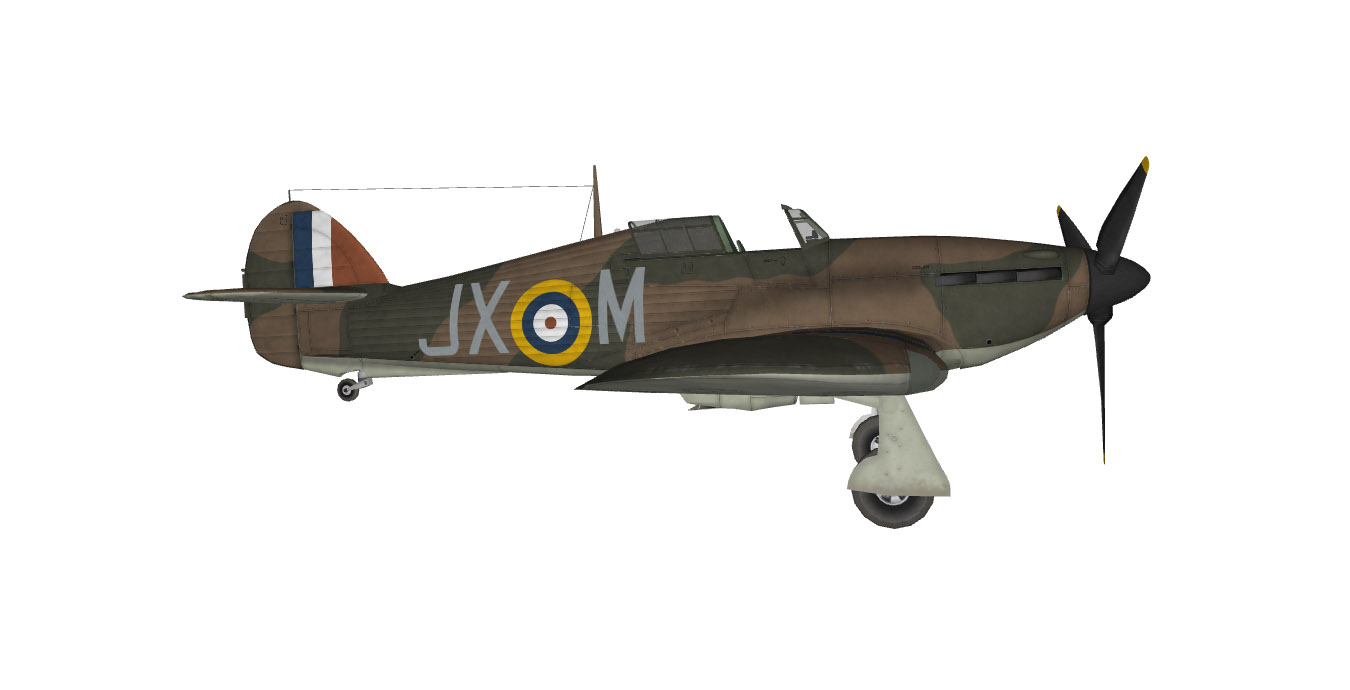
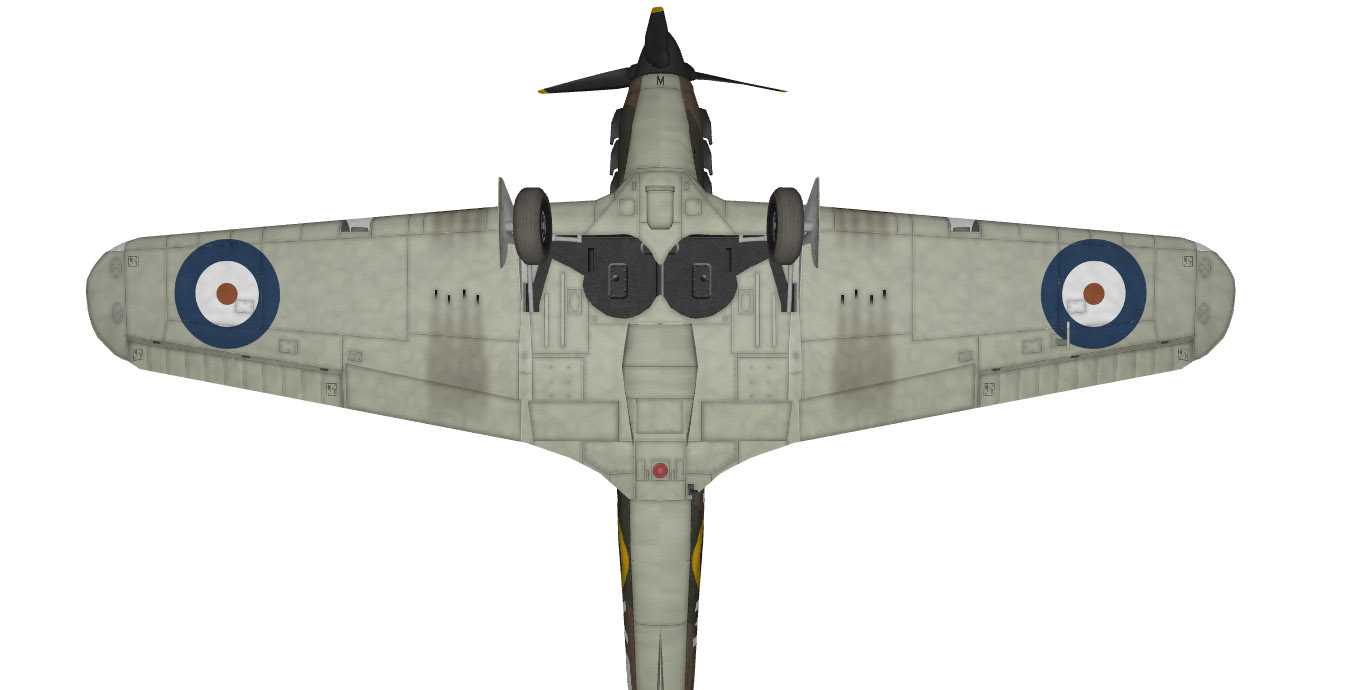
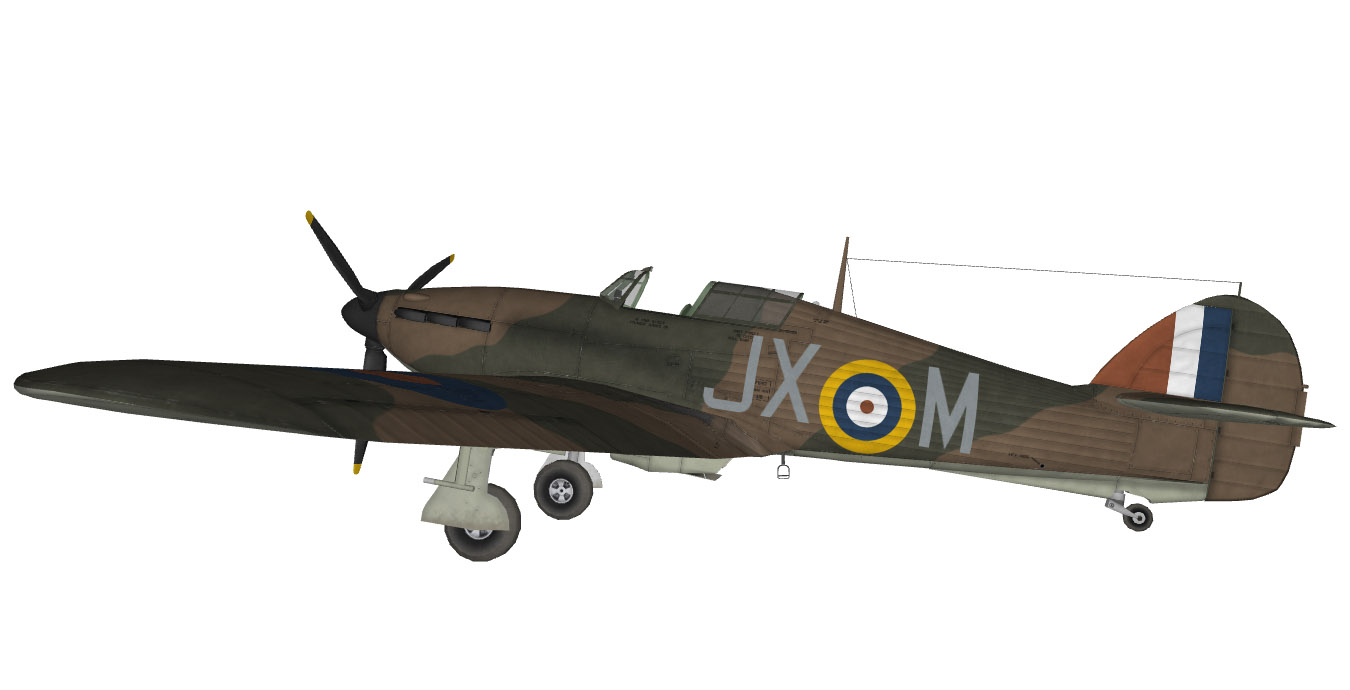
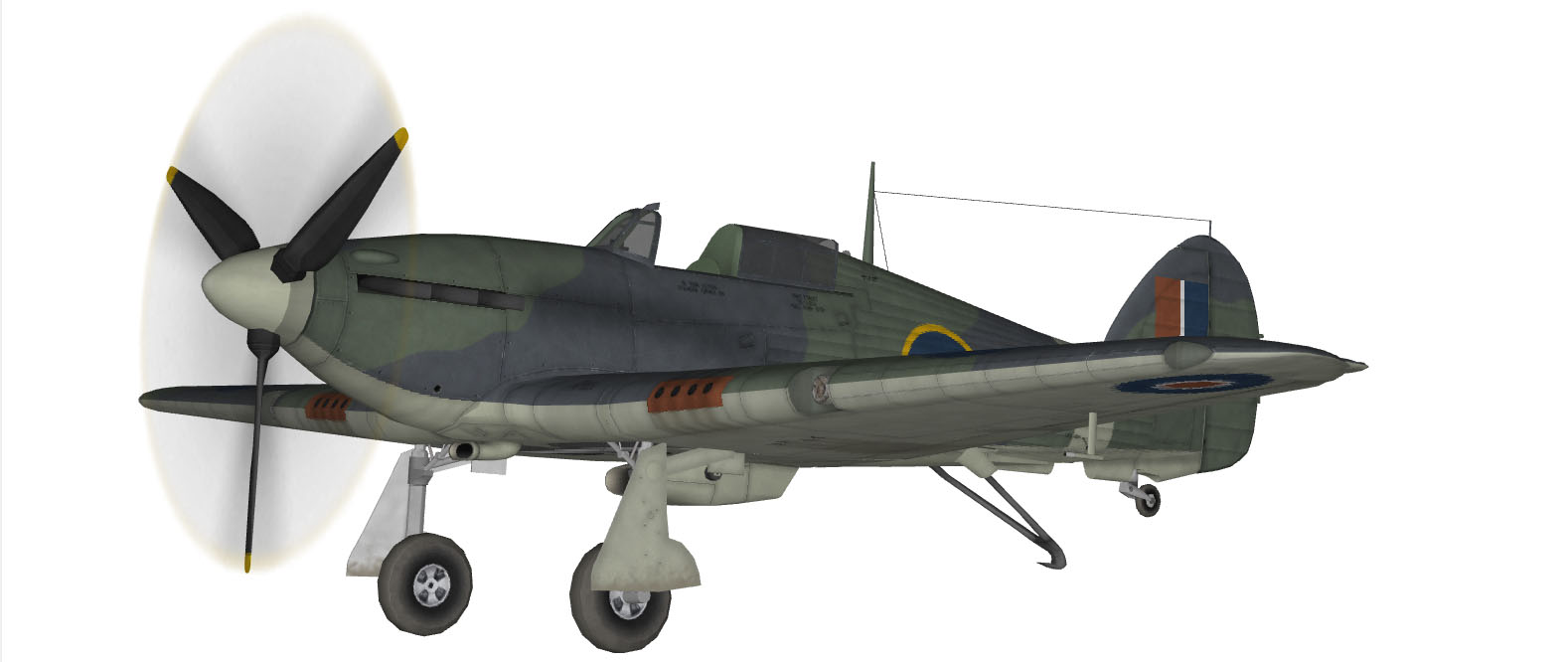
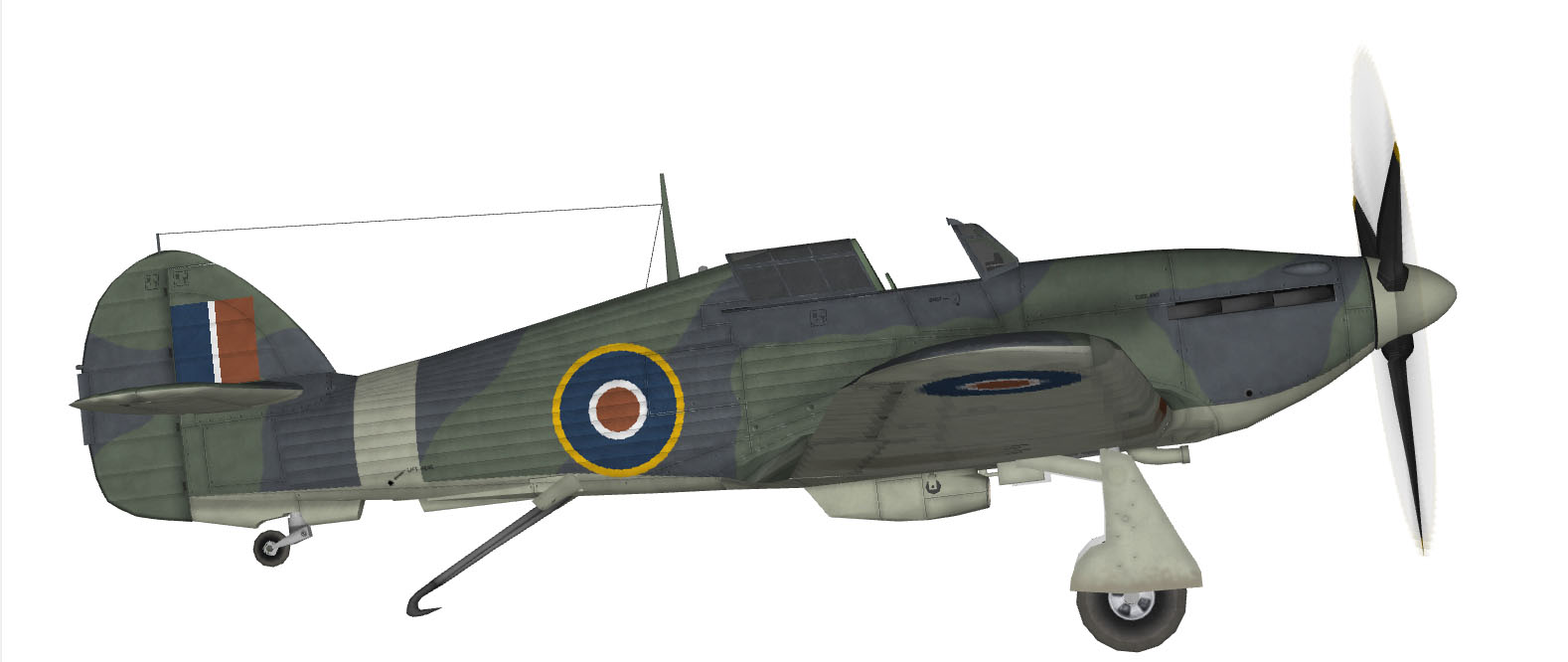
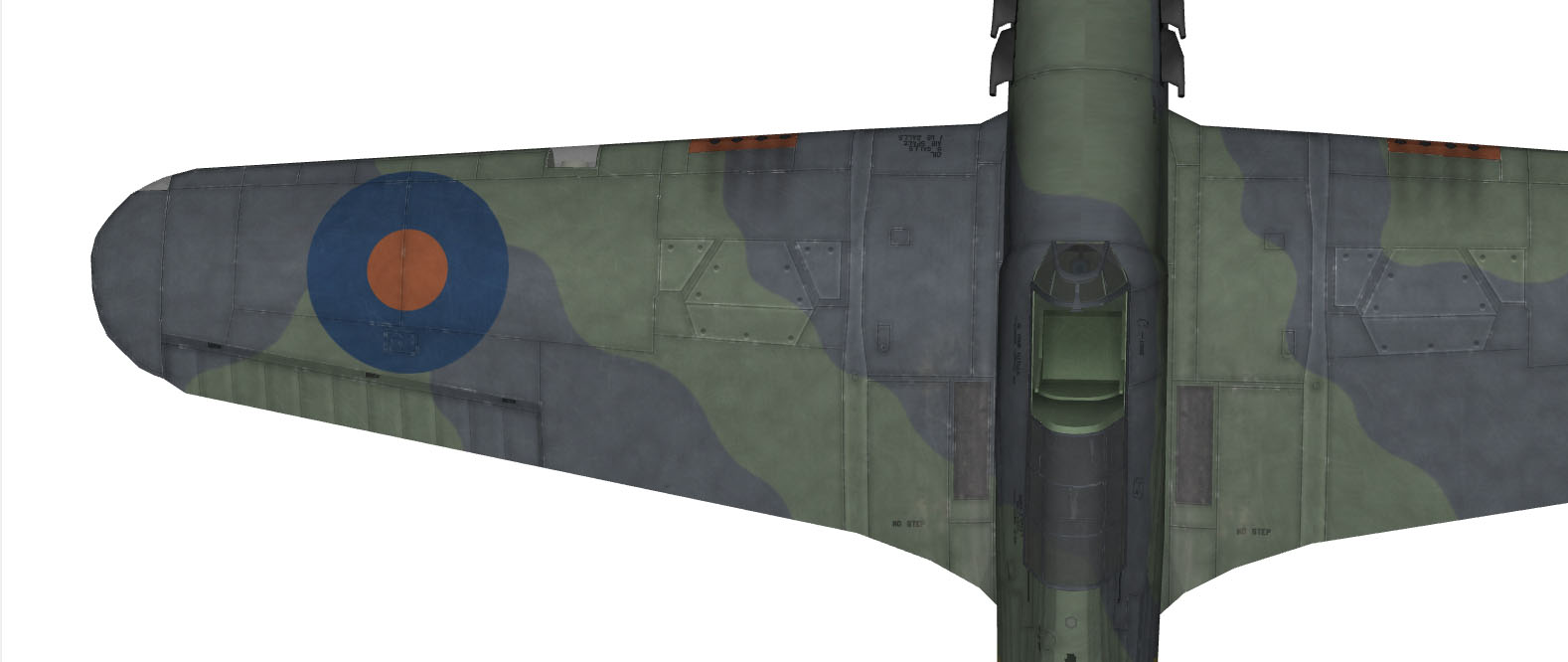
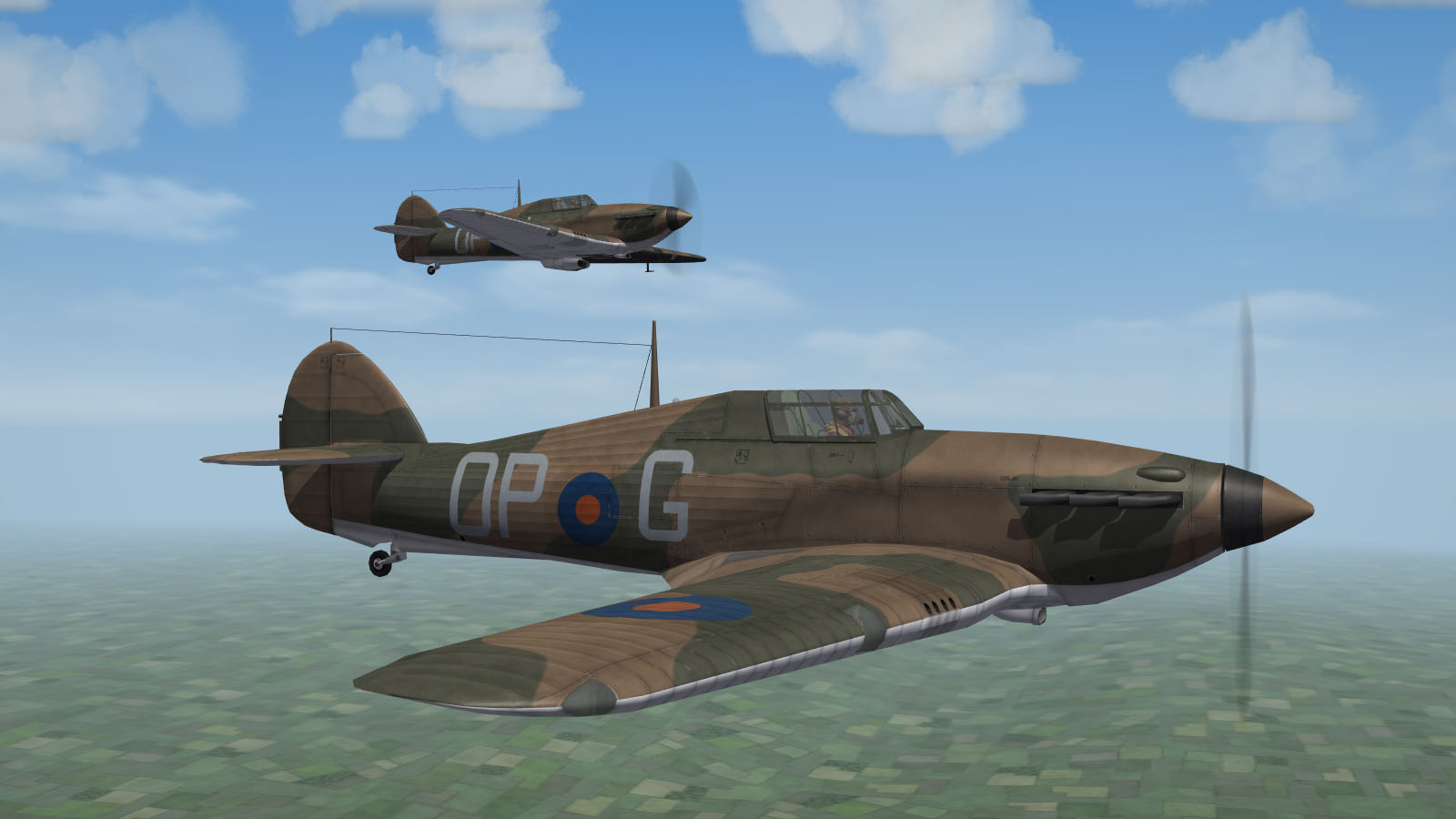
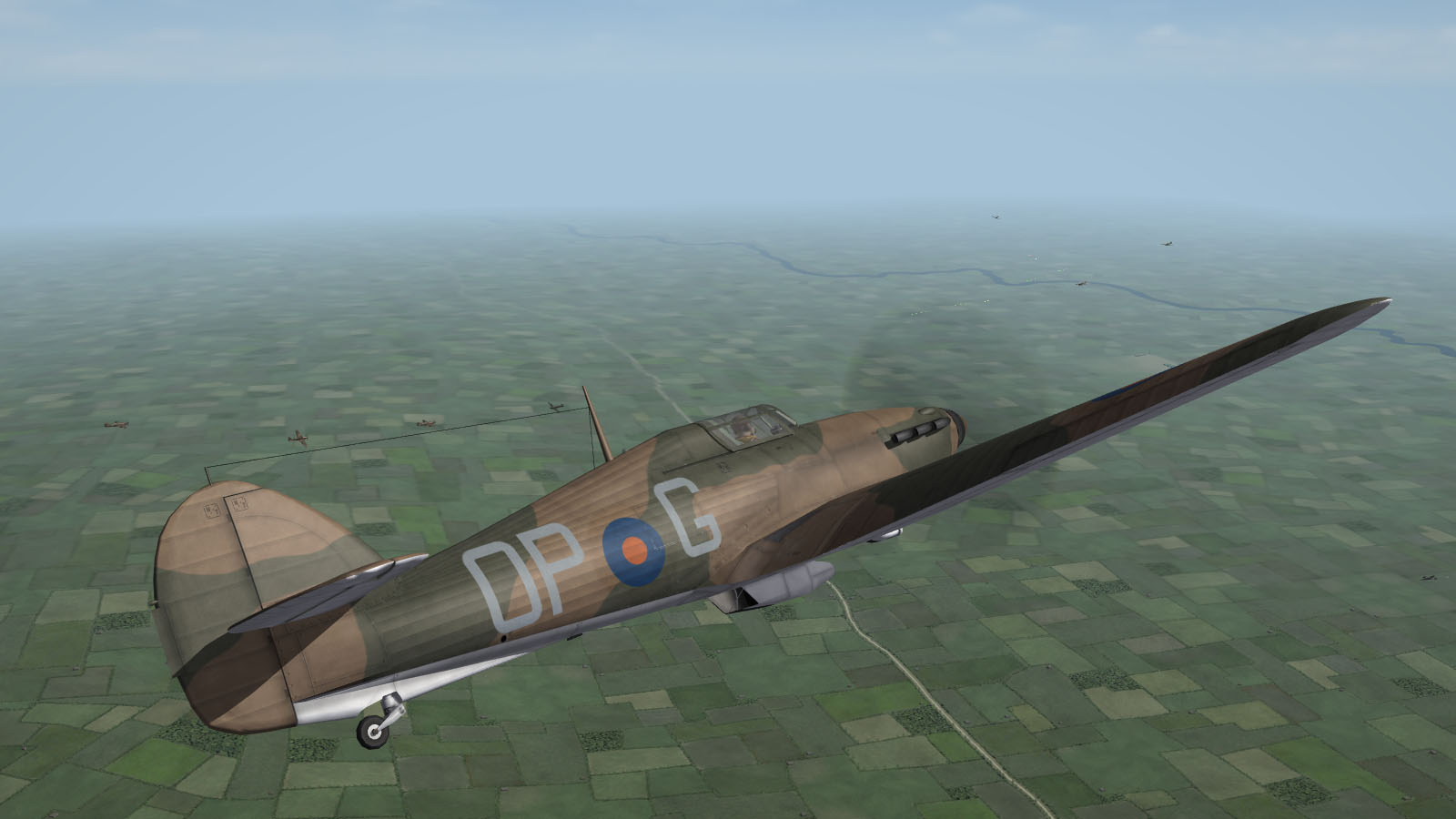
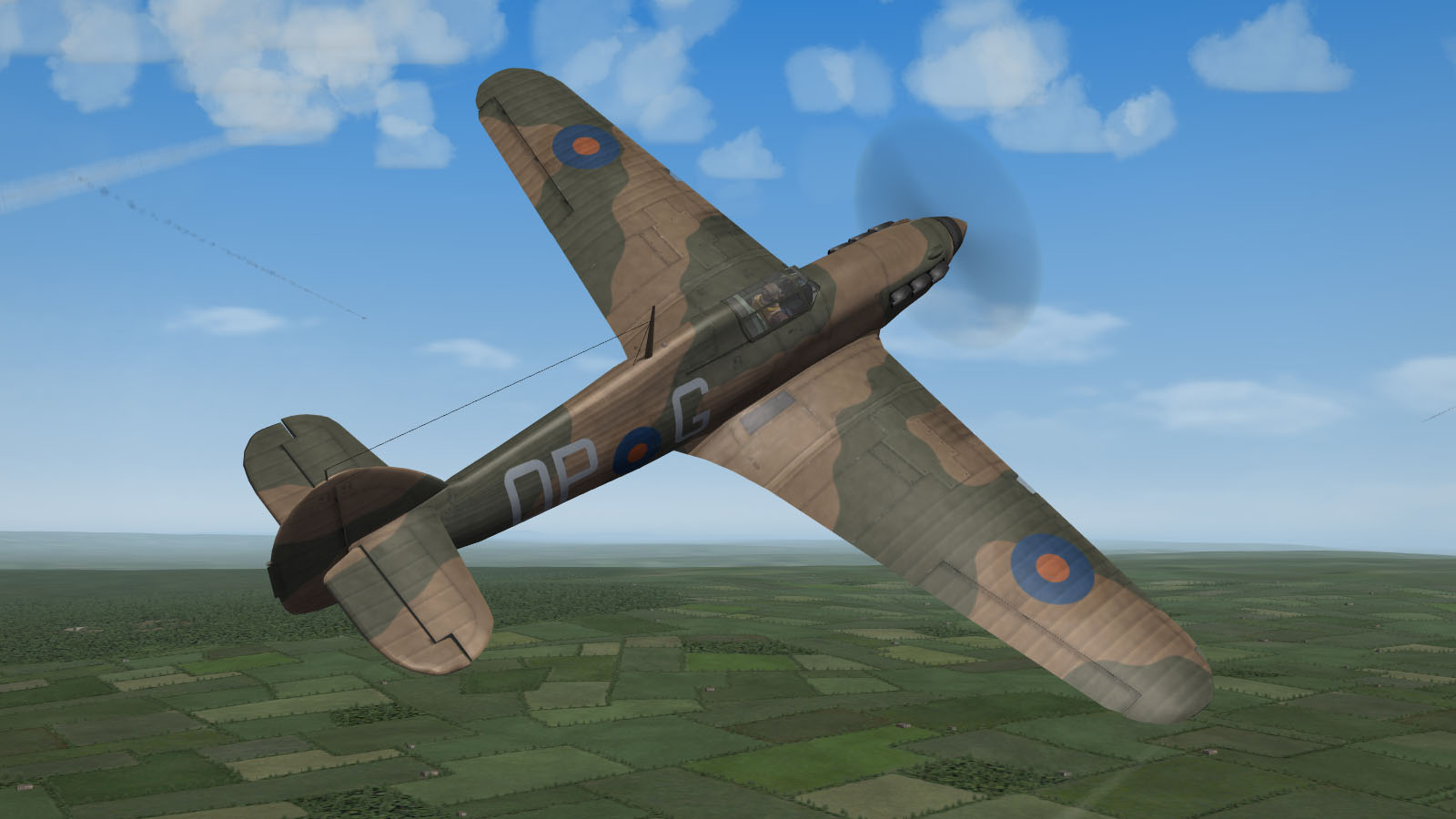
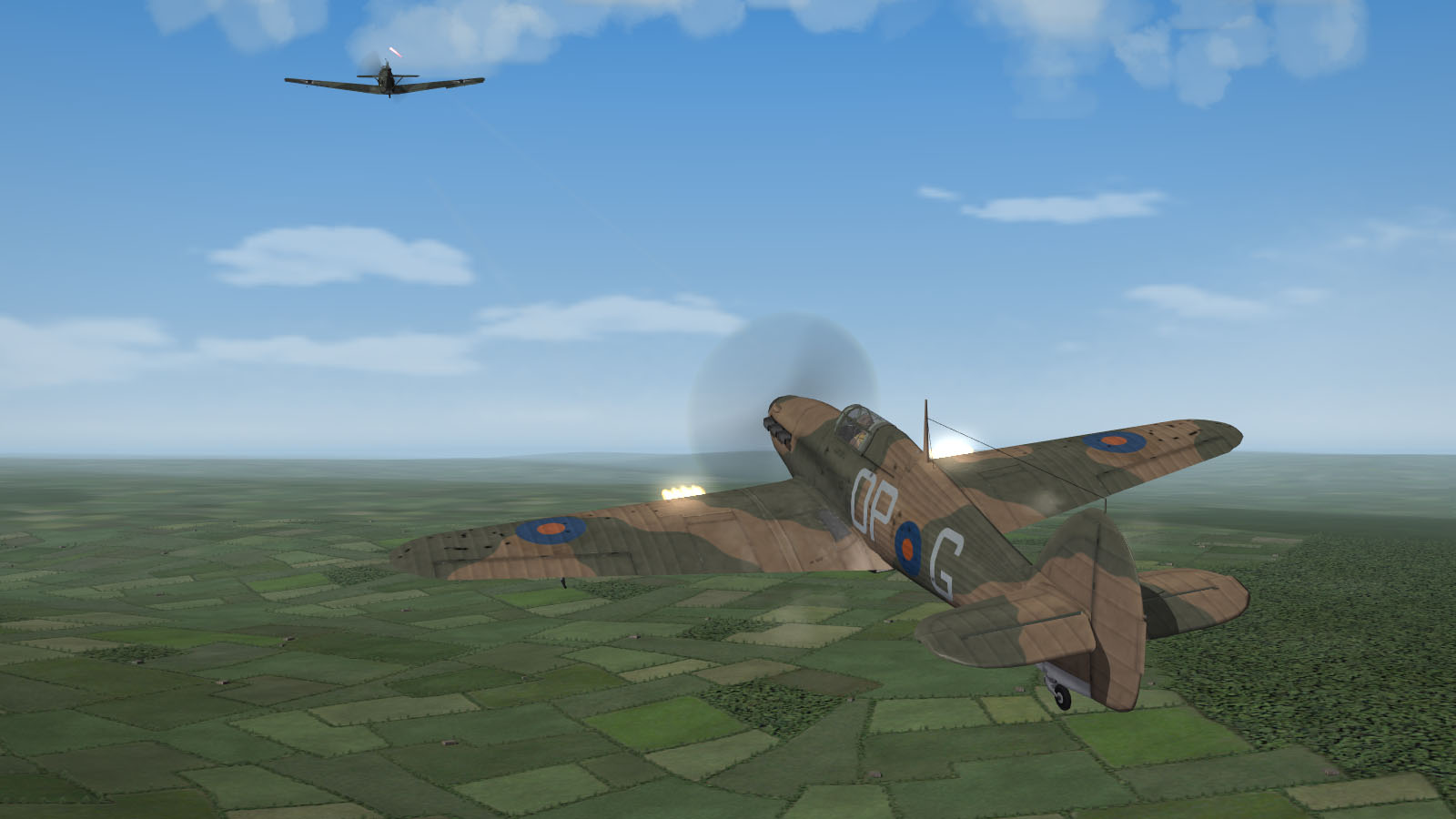
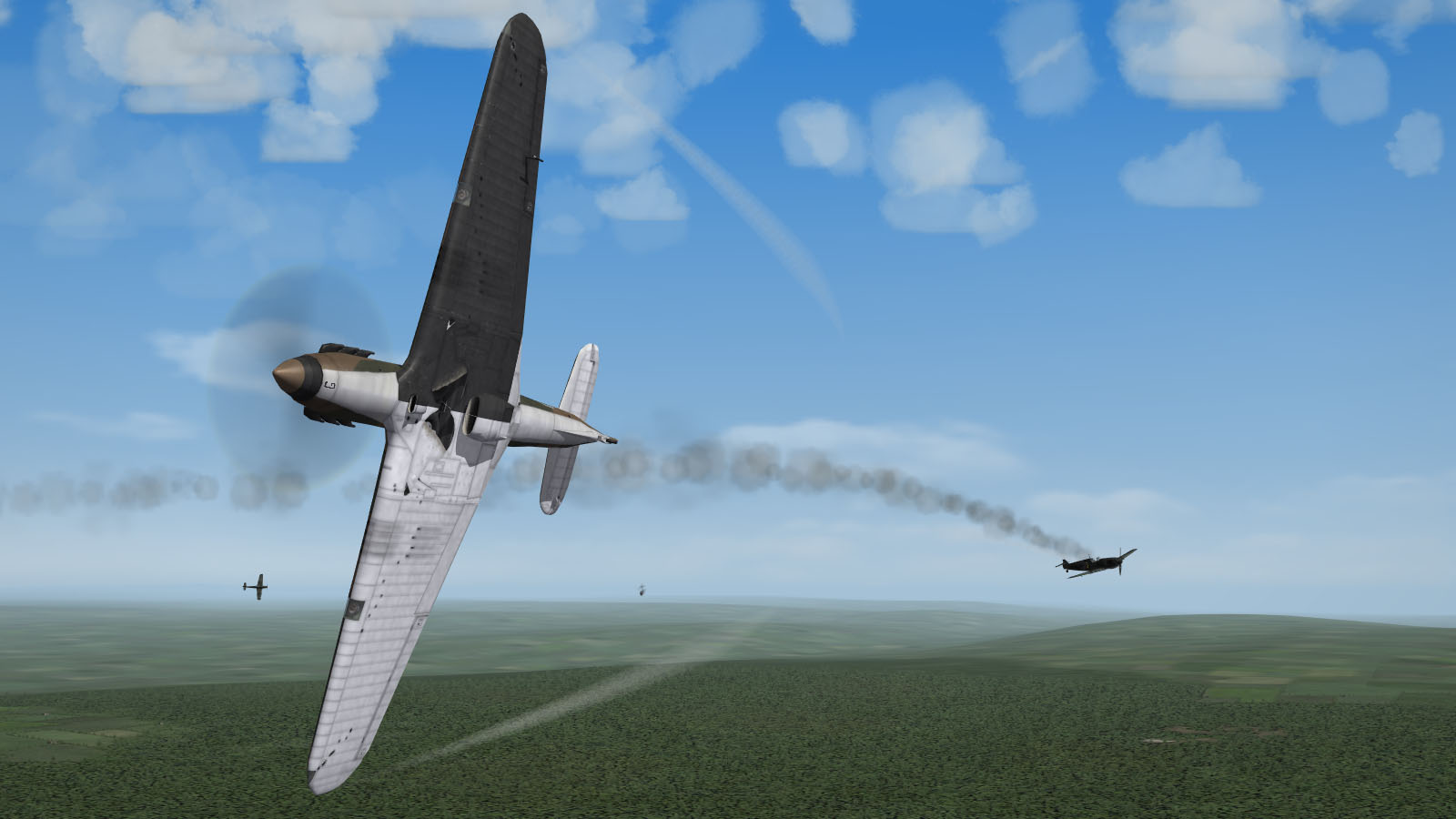
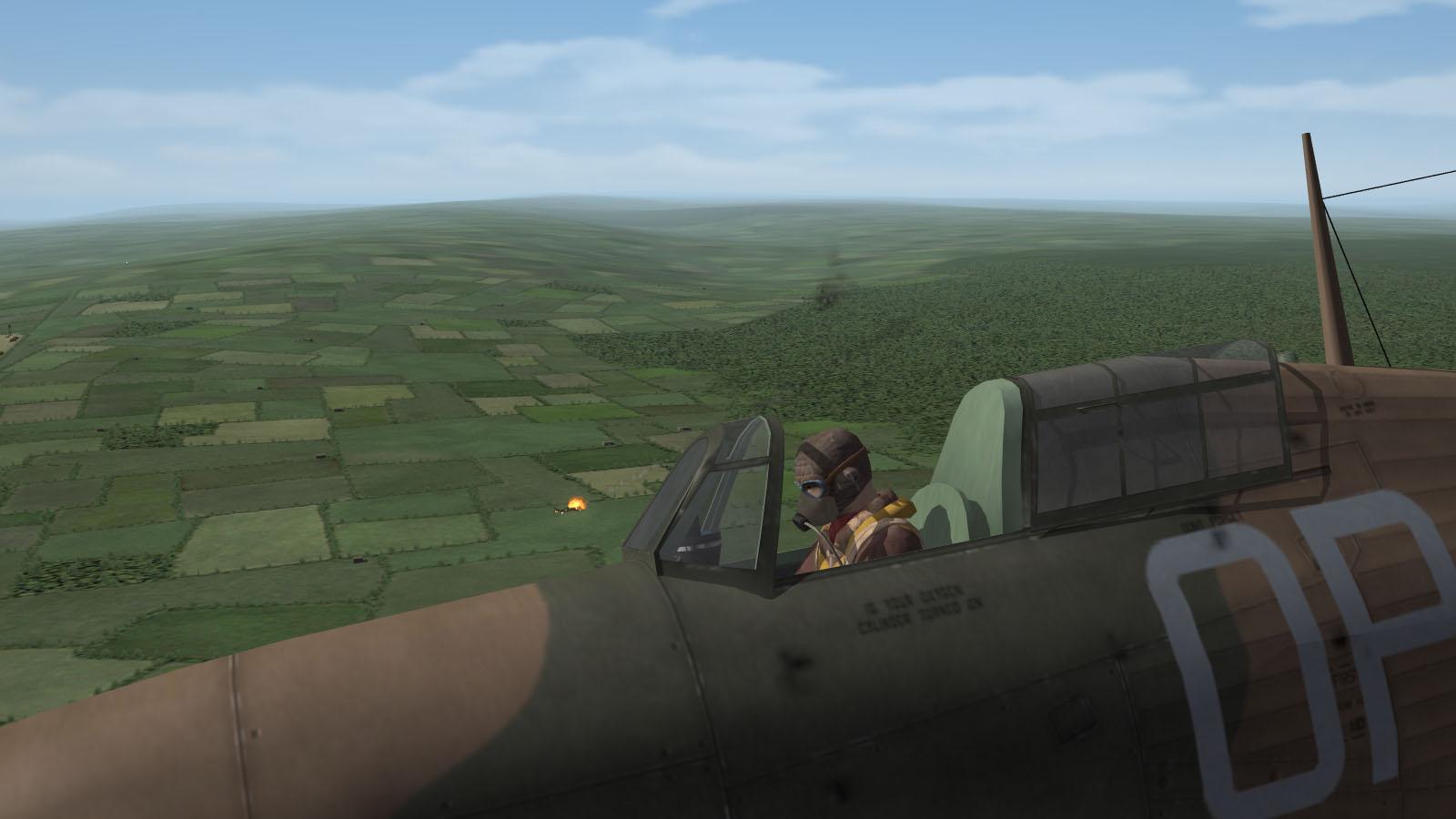
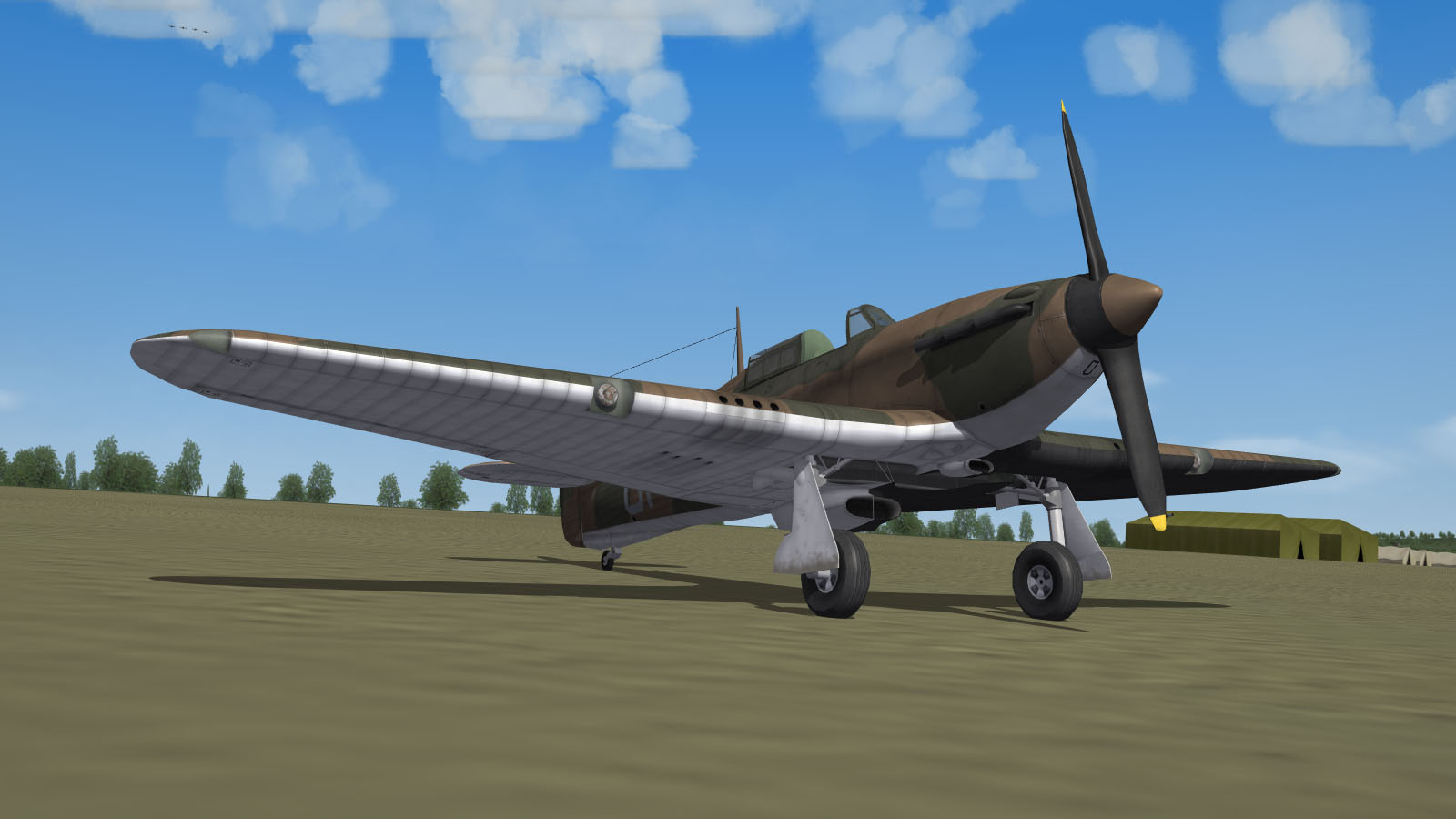
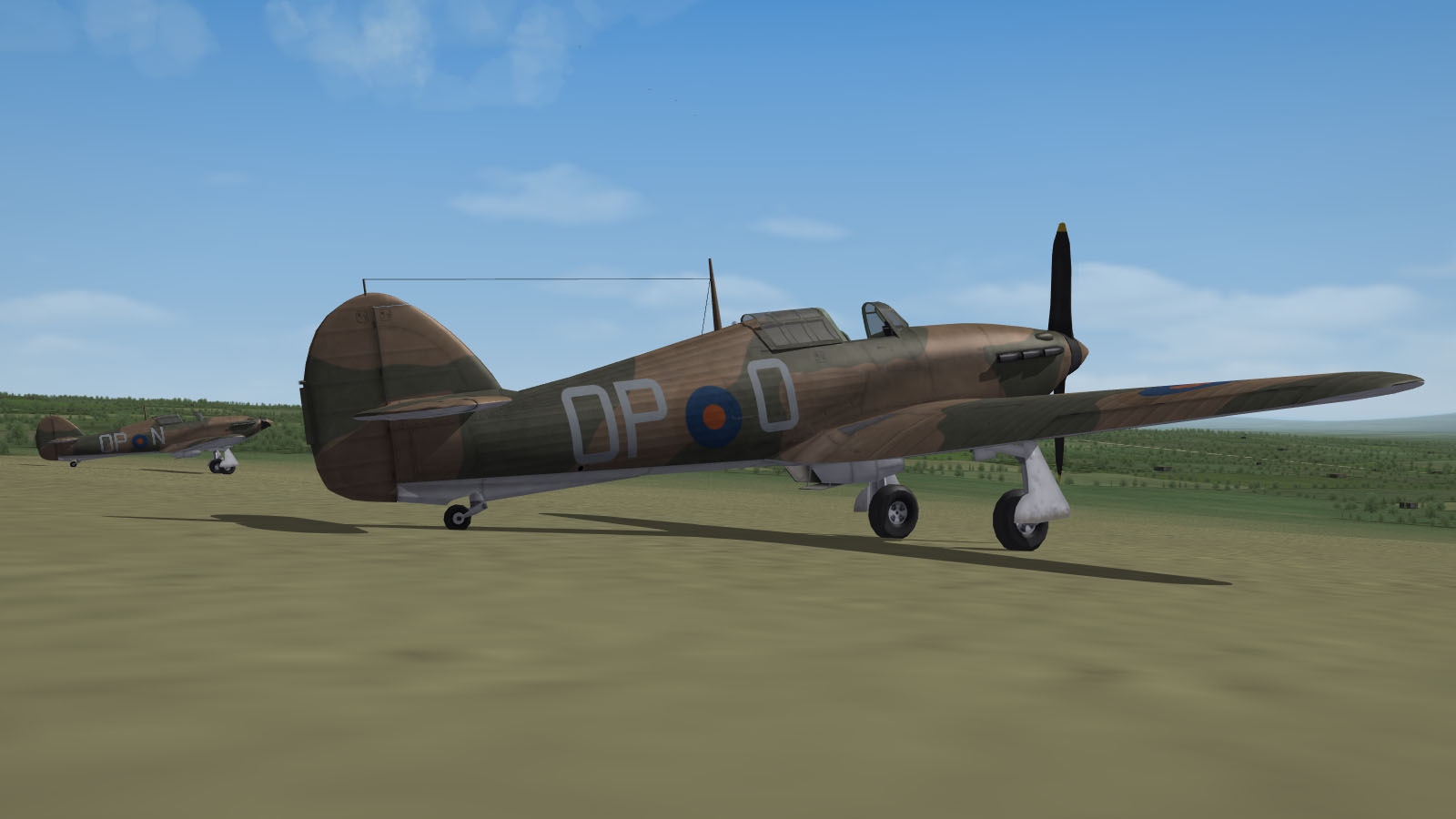
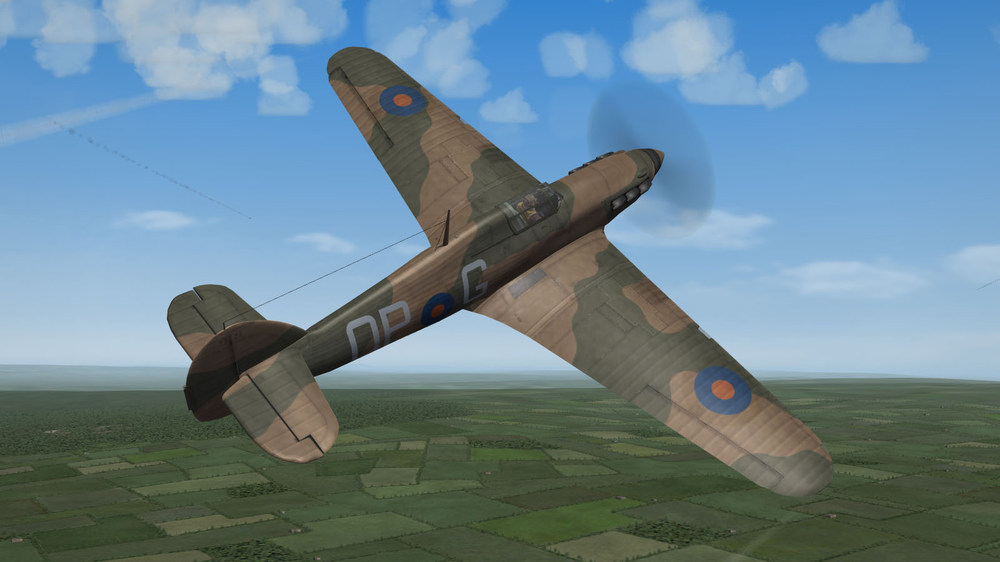
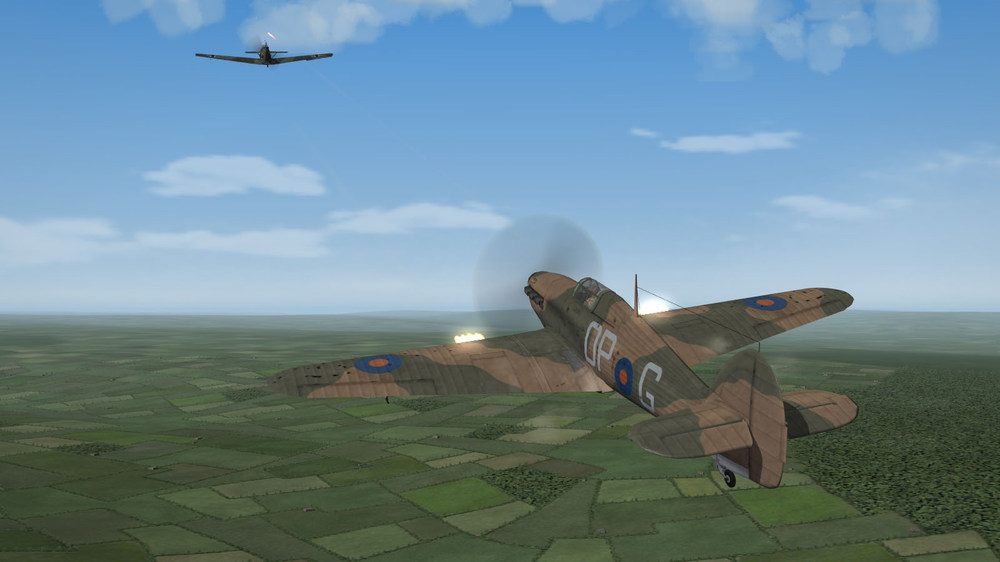
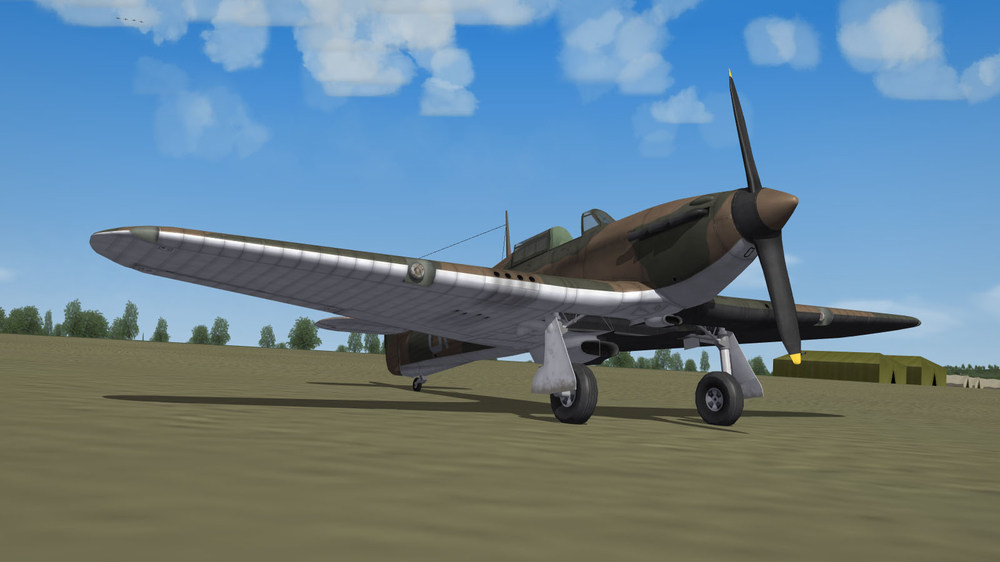
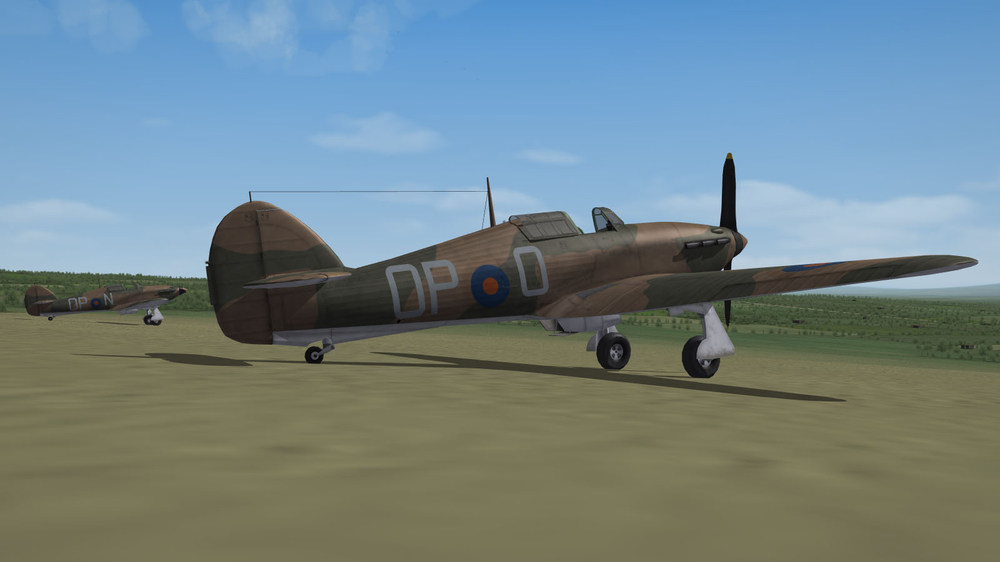
That basic skin with those incorrect markings really hurt my eyes. That Hurricane model deserves better treatment. Hopefully some day I finish this (and many other Hurricane skins).
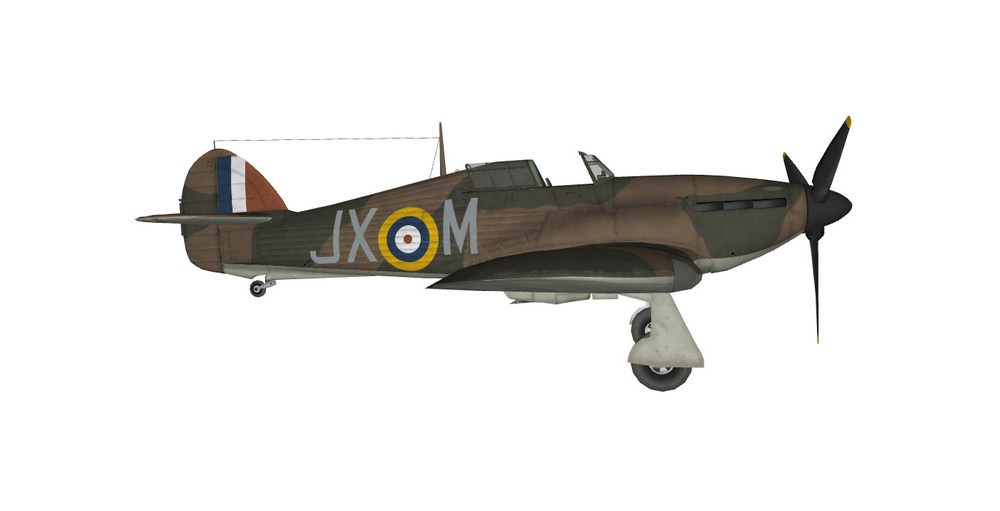
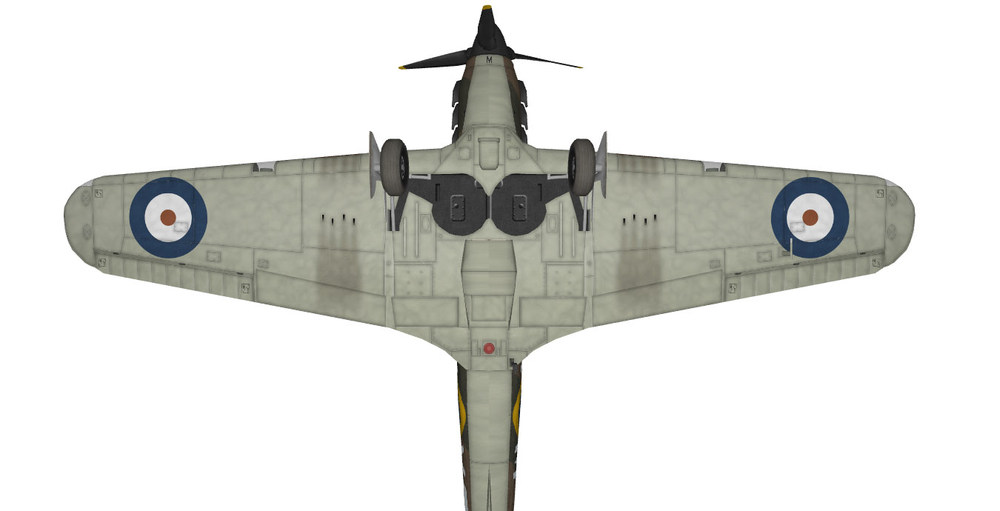
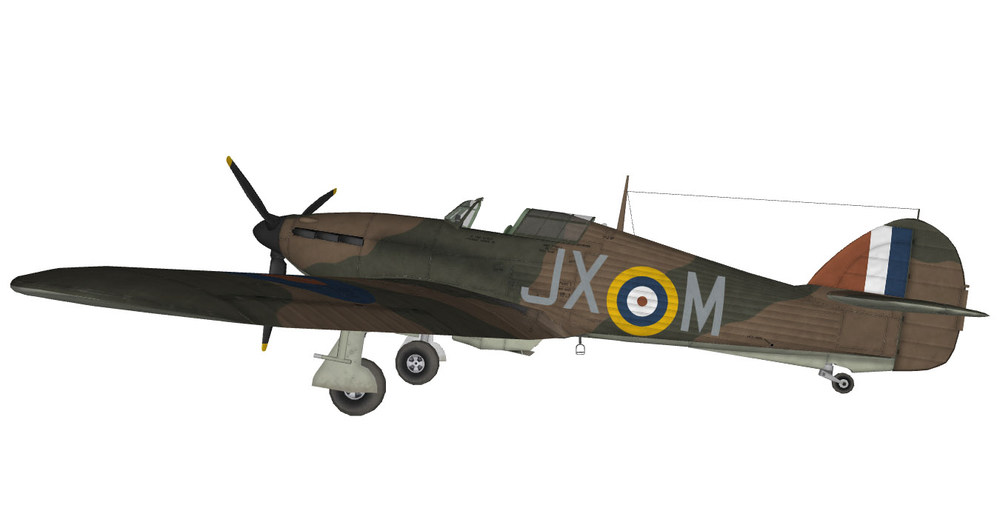
-
Adding MirageIIIO to Rolling Thunder
Blade replied to Defaultface's topic in Mods & Skinning Discussion
Thanks. First, I’m not sure that the game likes out-of-sequence entries in campaign data files, so you should put your squadron at the end of the air unit list. However, that is not what your problem is. In your CampaignV1.ini, the UnitID should be 153 (and not 166), because your Mirage unit is the 153rd entry belonging to the blue side (ForceID=1). With 166, the game is looking for the 166th unit on the blue side, which, obviously, does not exist, so it reverts to the first available friendly unit (which is the 12th TFS based at Korat, so probably that is the reason why you found yourself there with USAF markings). -
Adding MirageIIIO to Rolling Thunder
Blade replied to Defaultface's topic in Mods & Skinning Discussion
Could you post your campaign ini and _Data.ini files? -
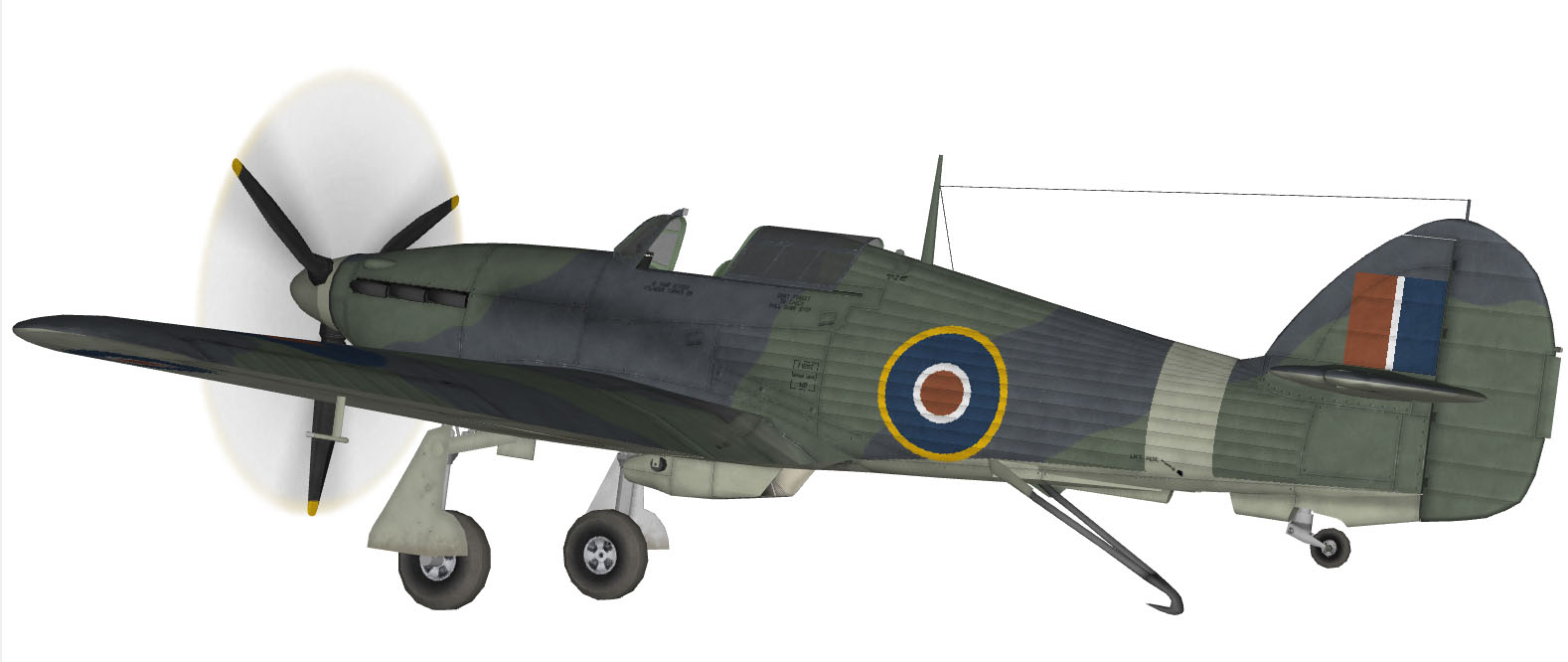
Raven's Sea Hurricane Mk.Ib with new textures.
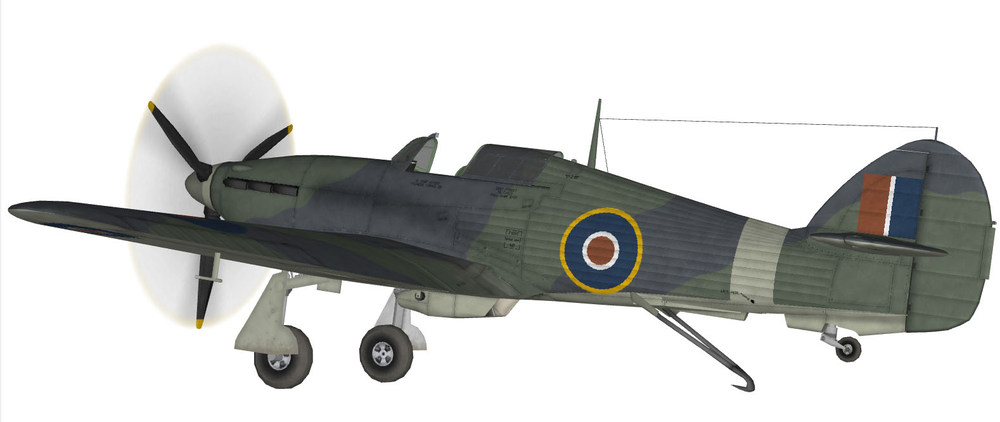
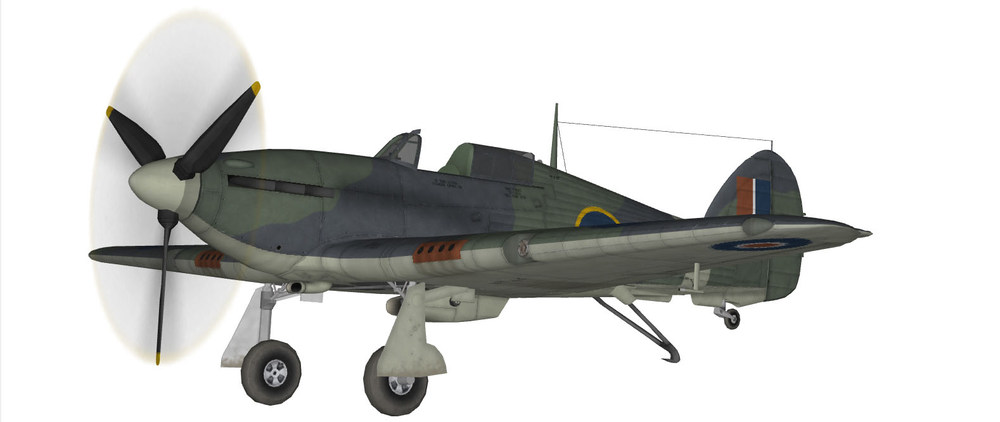
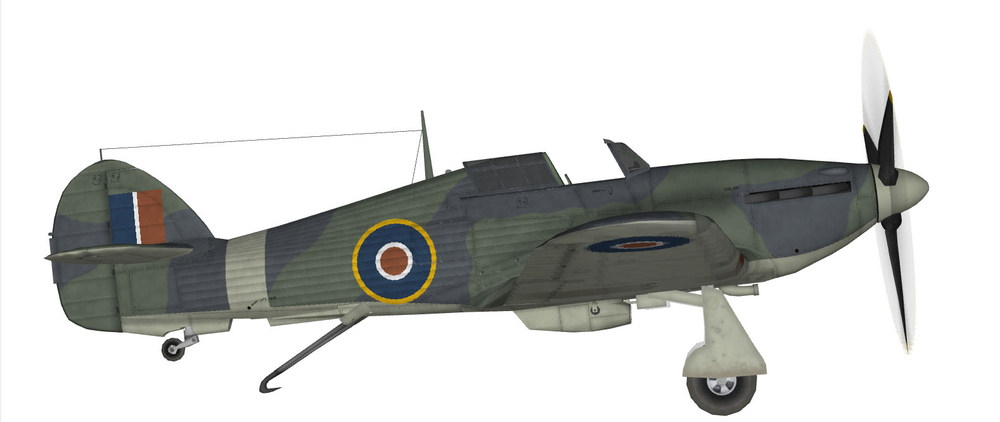
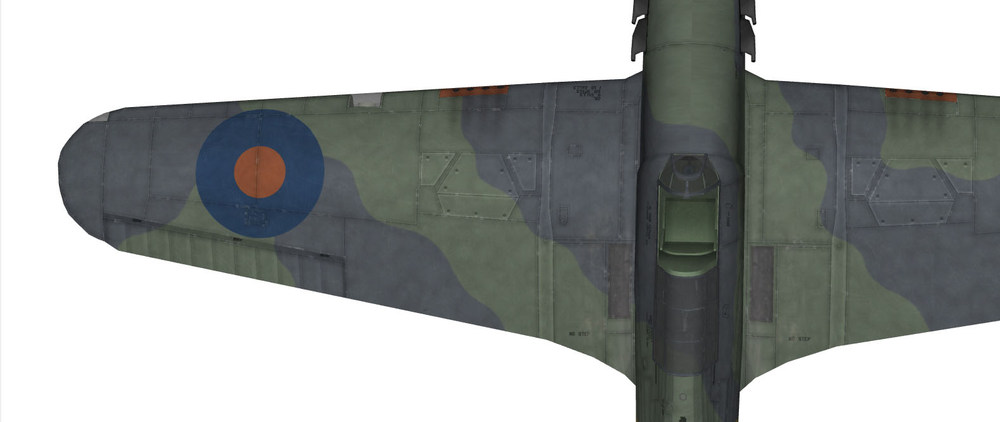
-
You can have a purely air-to-air campaign (just take a look at the stock Linebacker I-II campaigns). The campaign ends if: You get killed. Your squadron runs out of aircraft. The number of missions flown reaches the value defined by the ‘MaxMissions’ entry. The only outcome is a stall in this case (meaning the campaign cannot be lost or won).
-
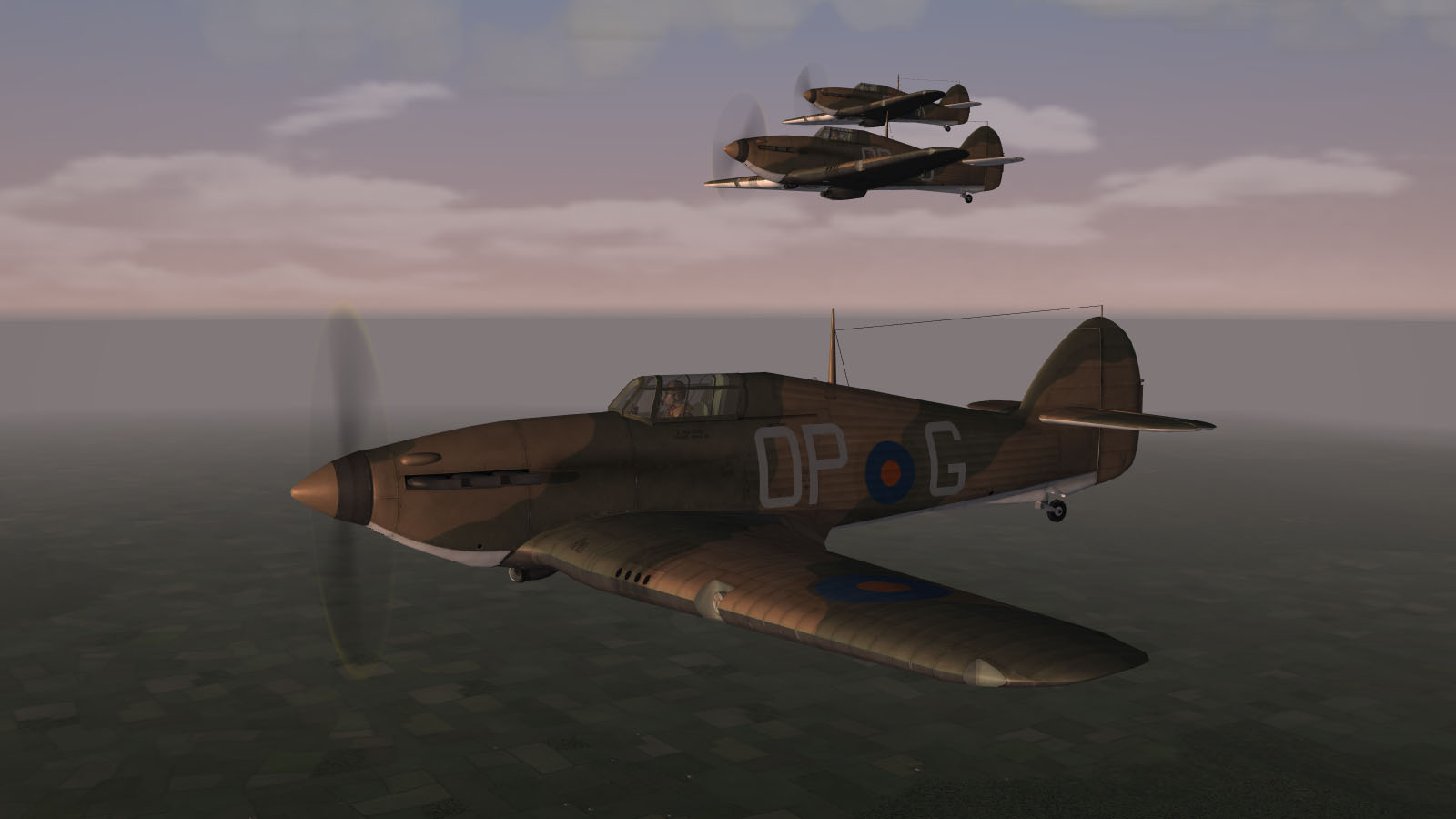
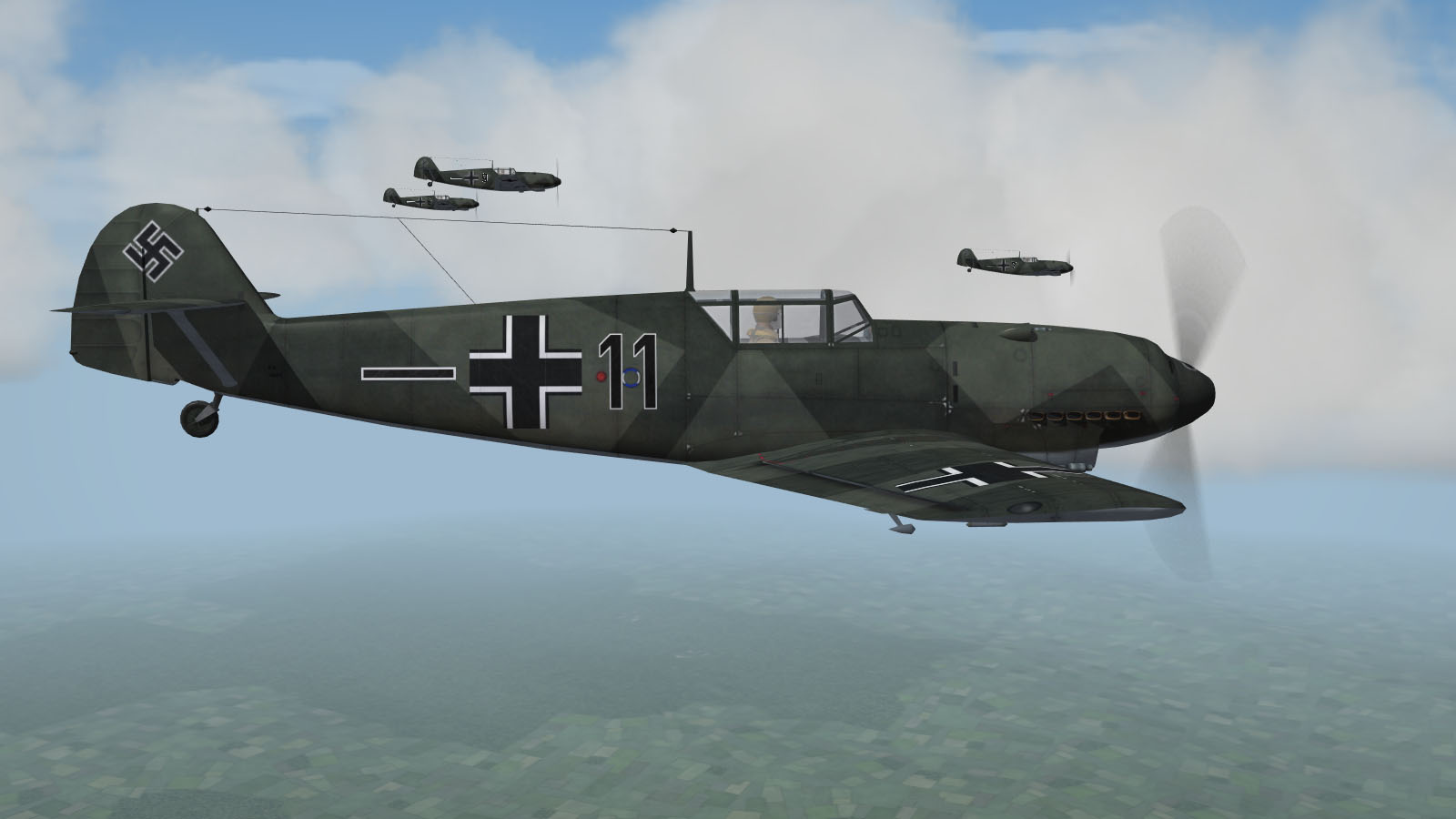
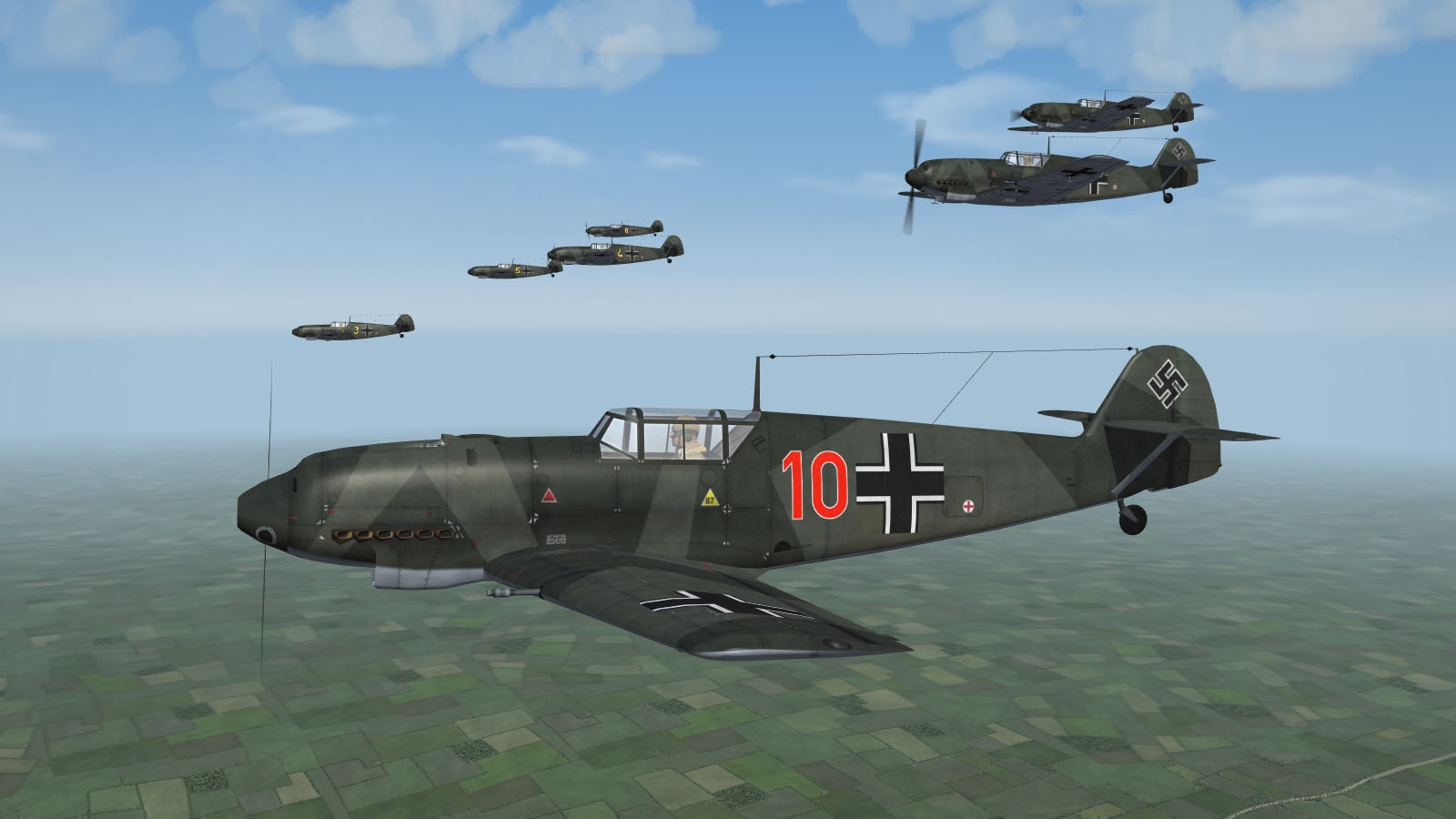
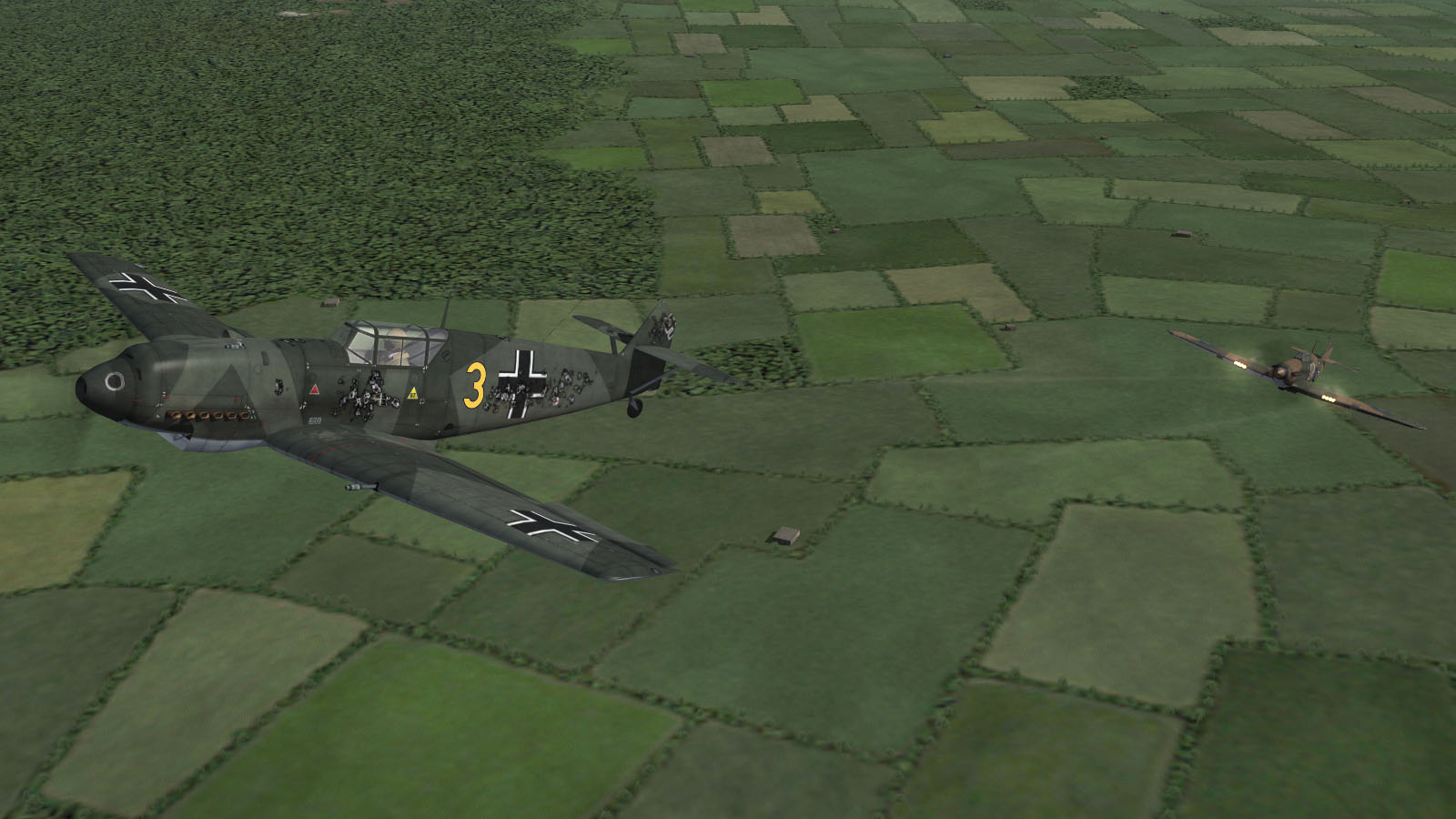
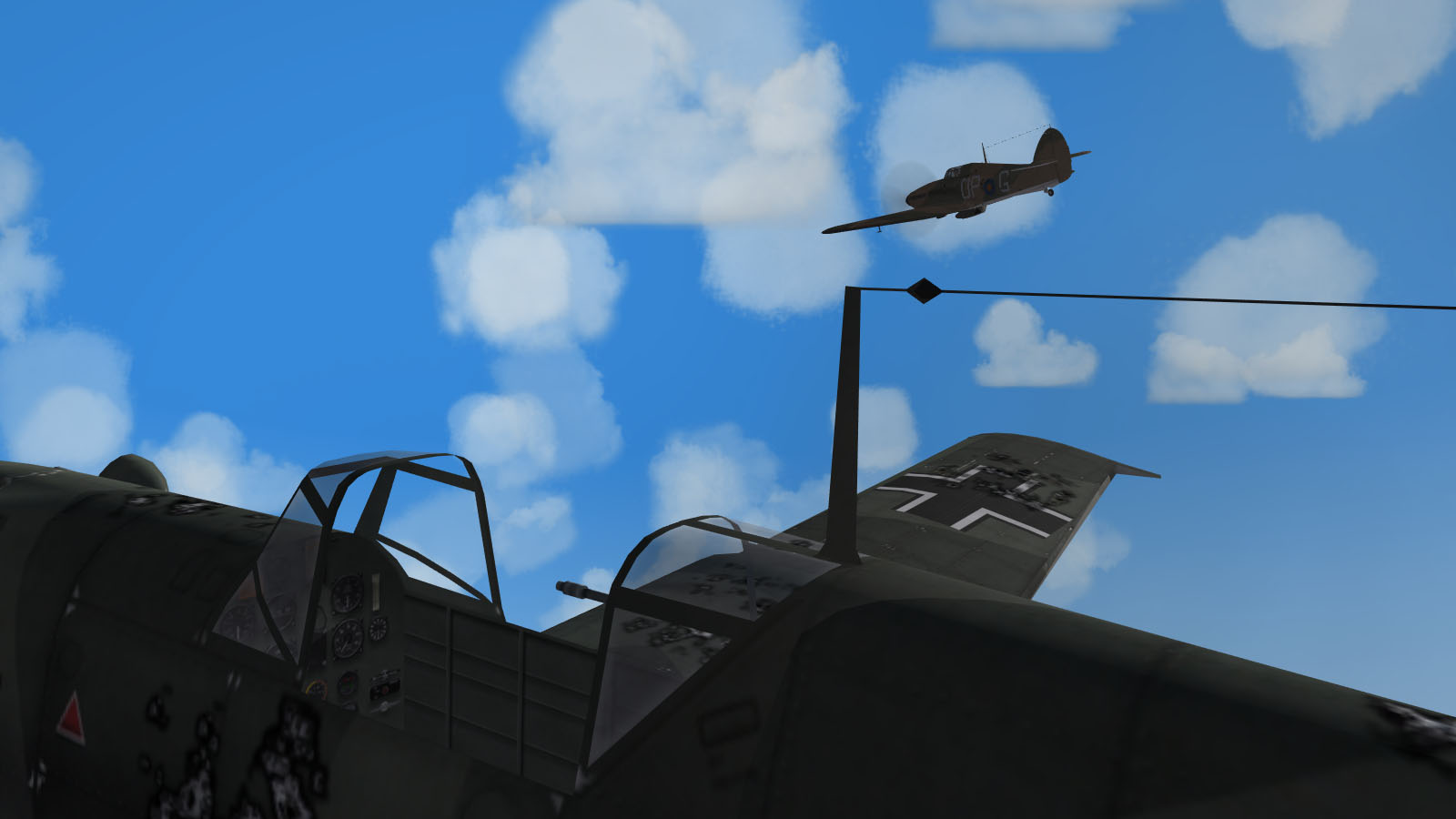
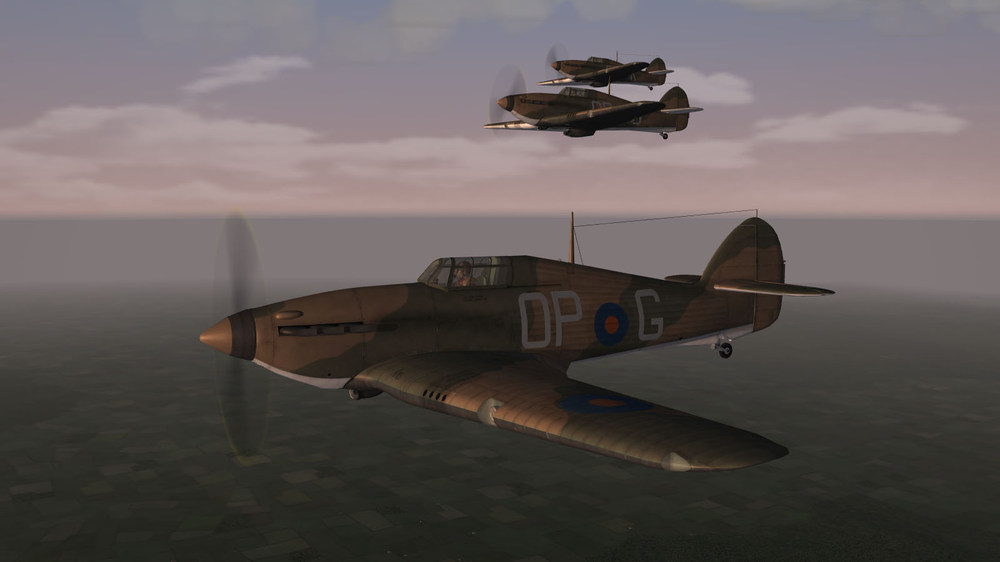
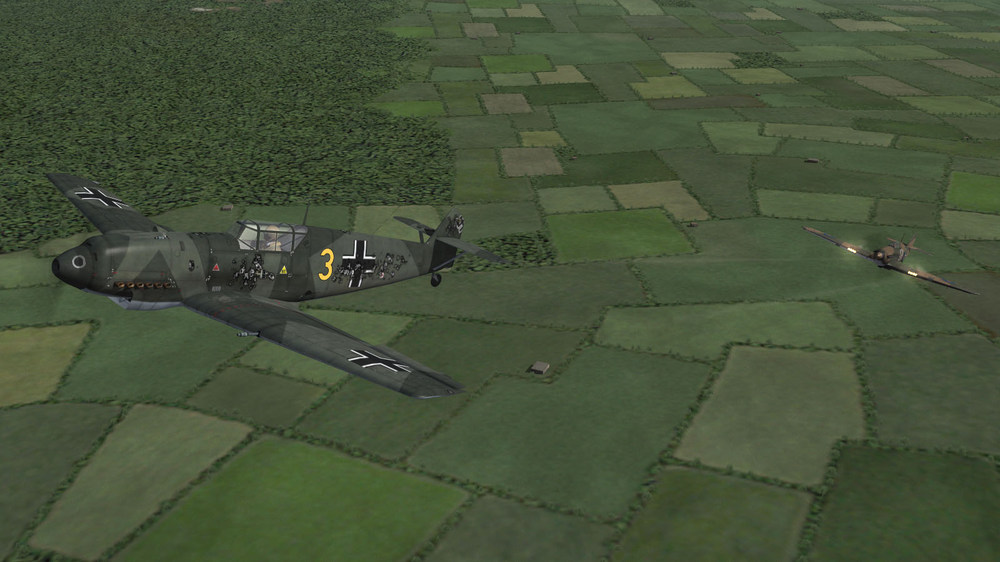
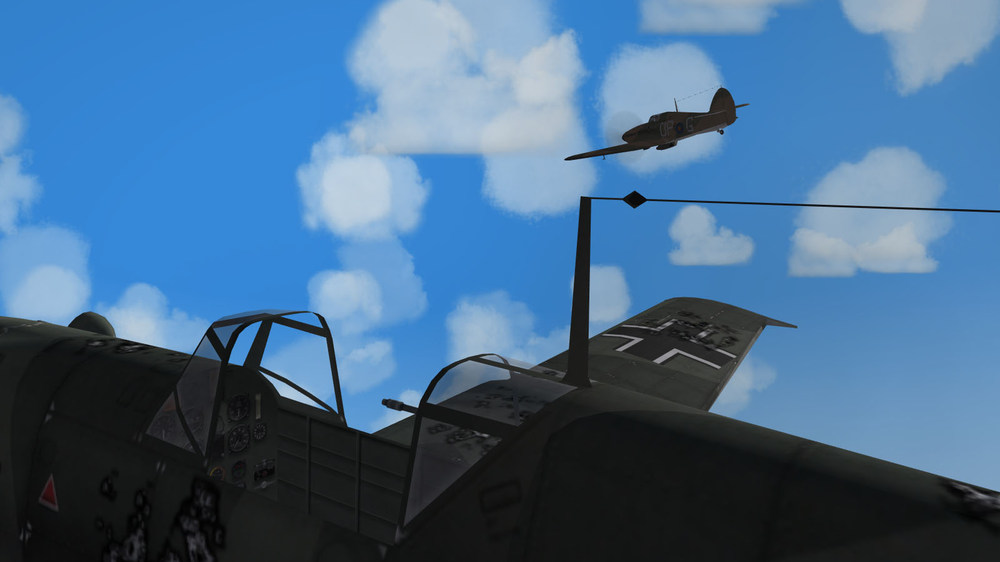
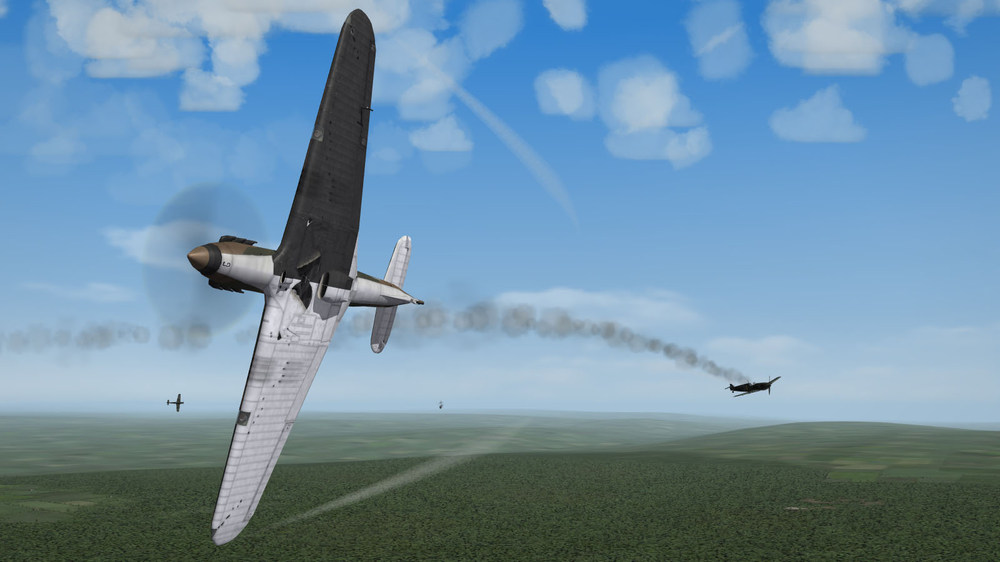
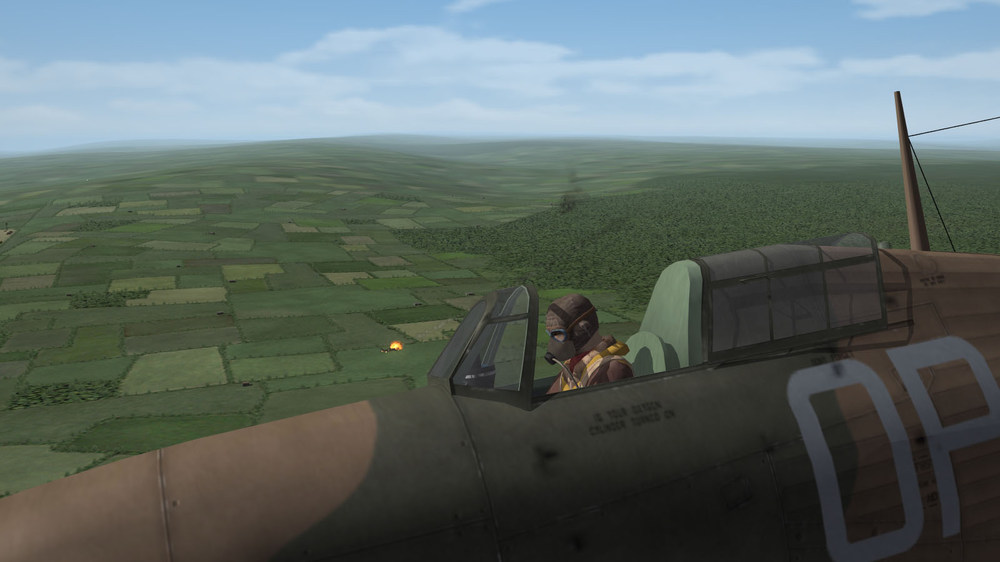
Fighting the Bf 109B/C/D in the early Hurricane Mk.I
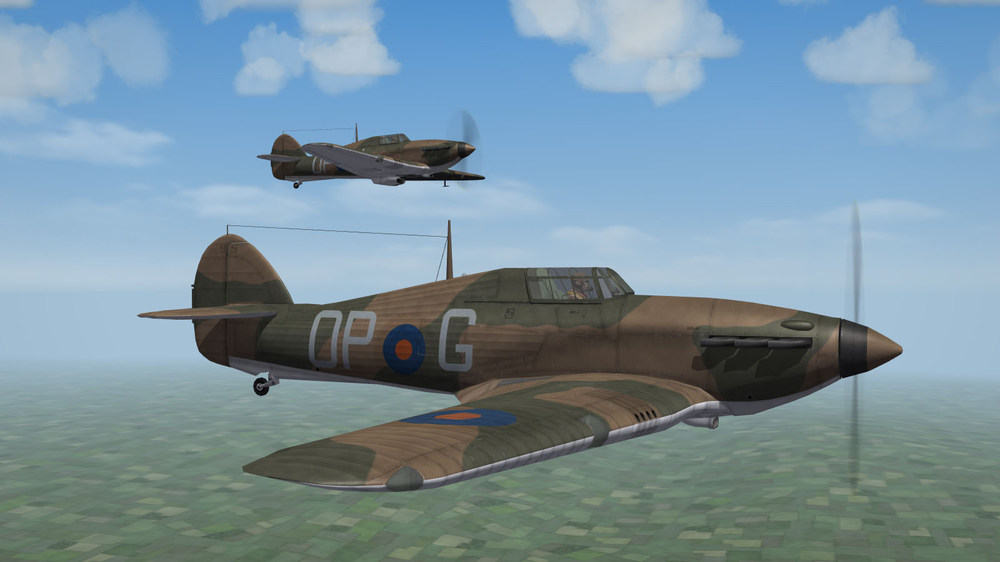
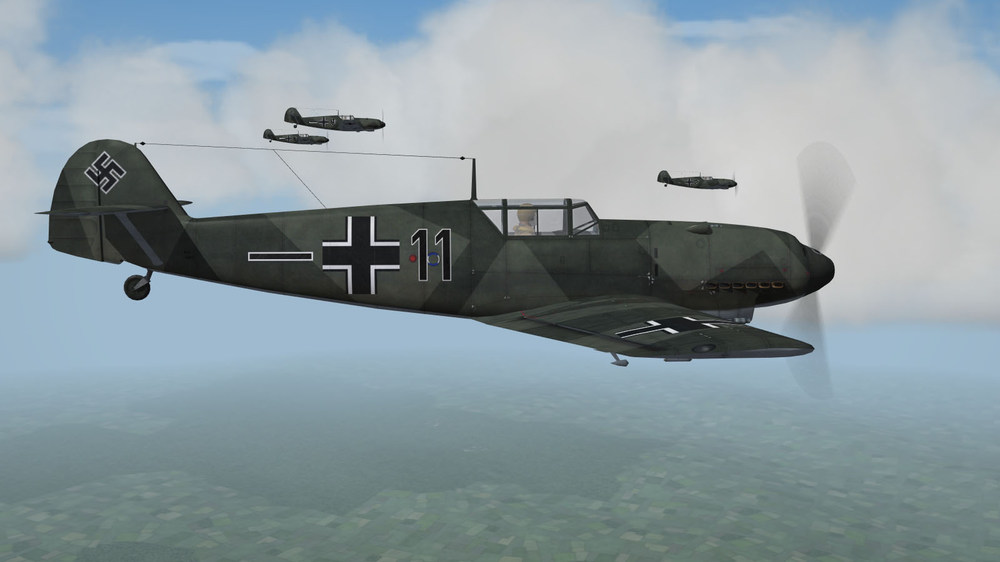
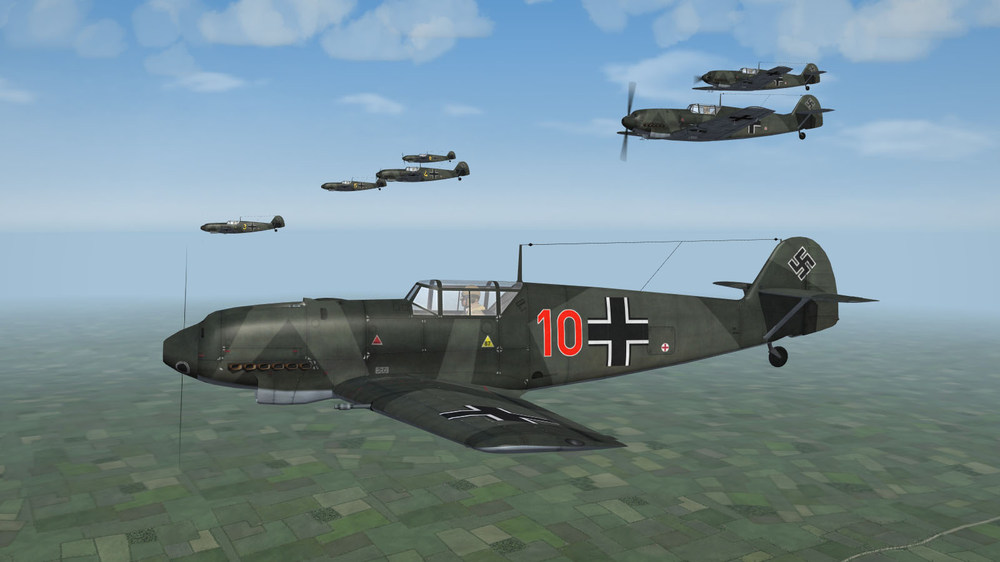
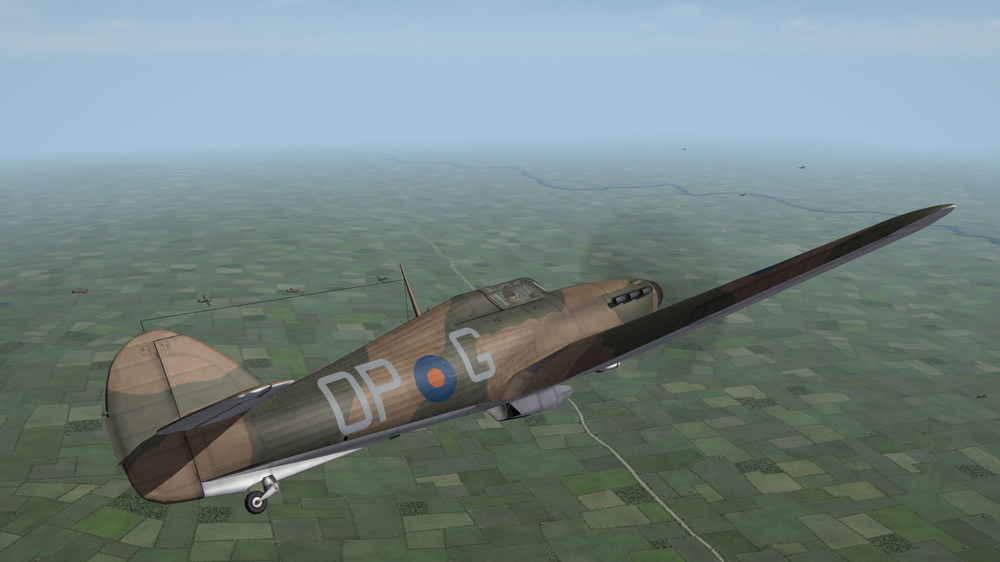
-
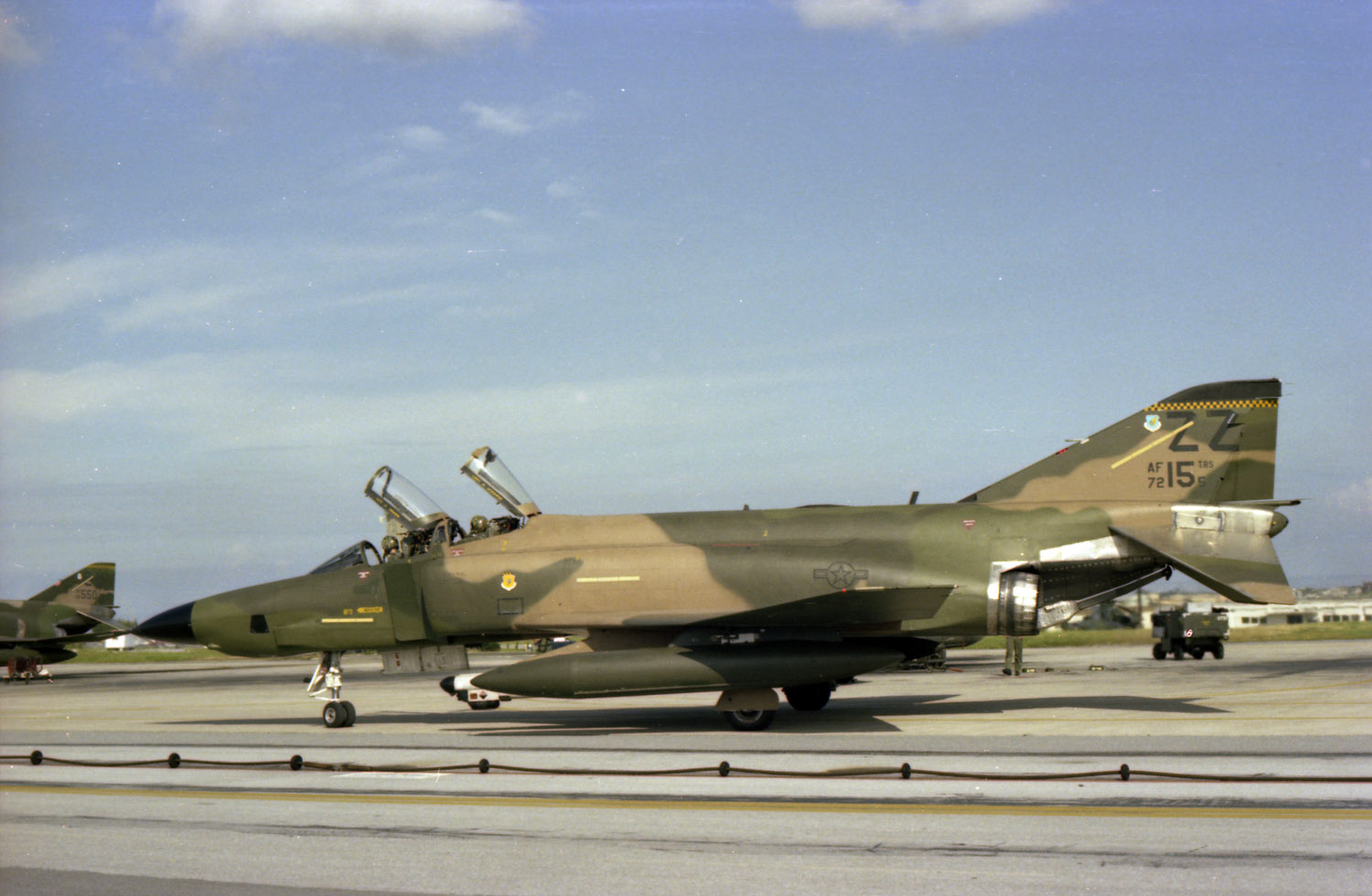
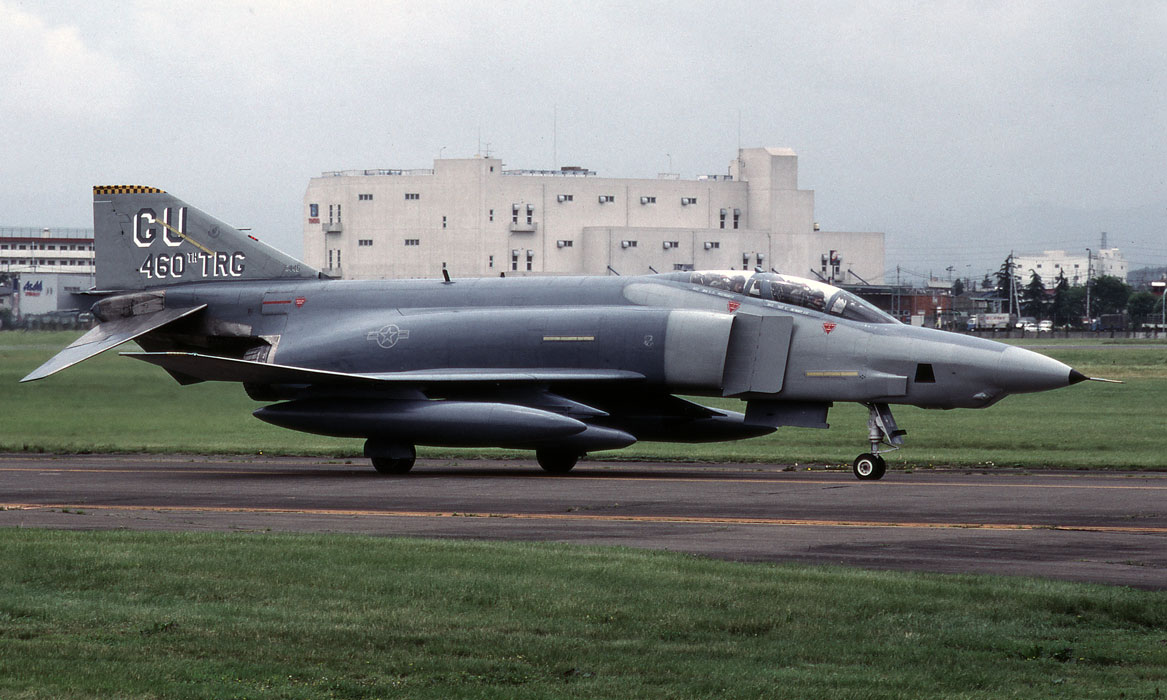
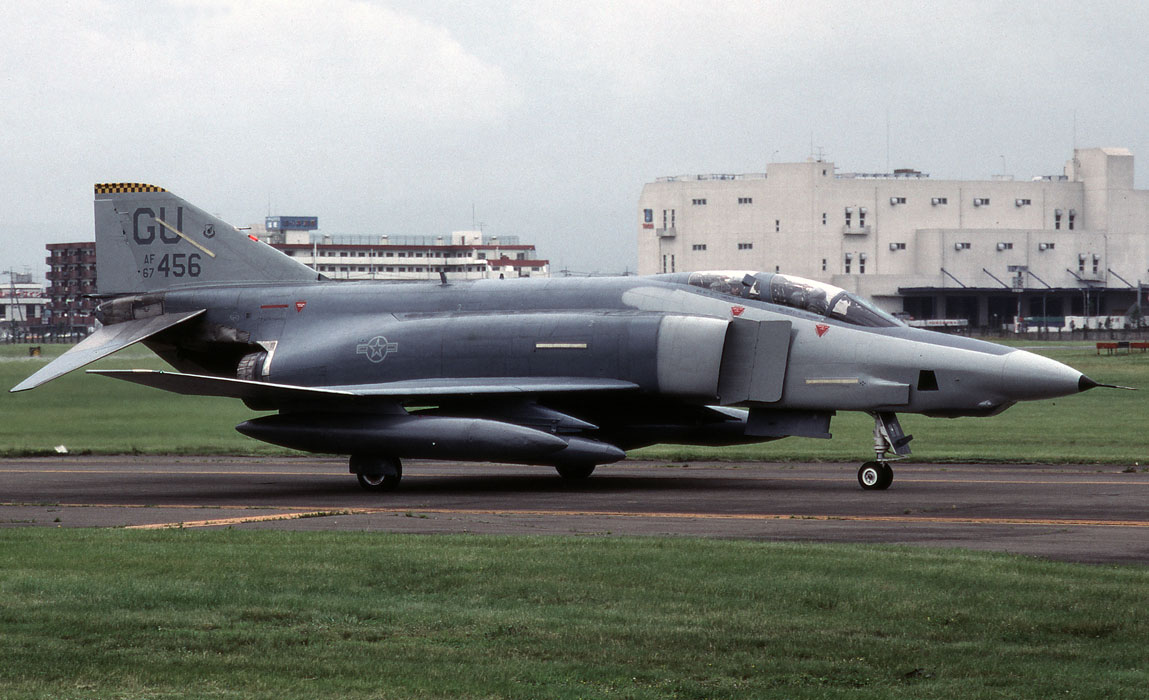
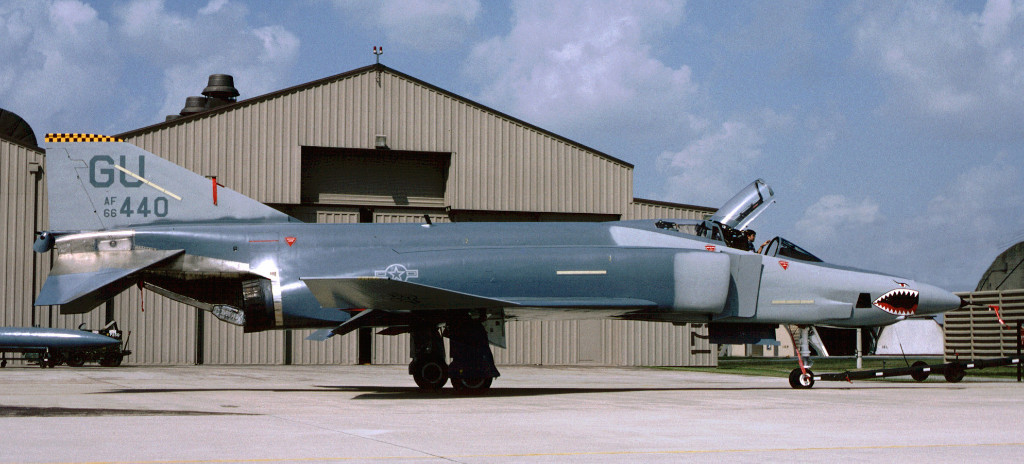
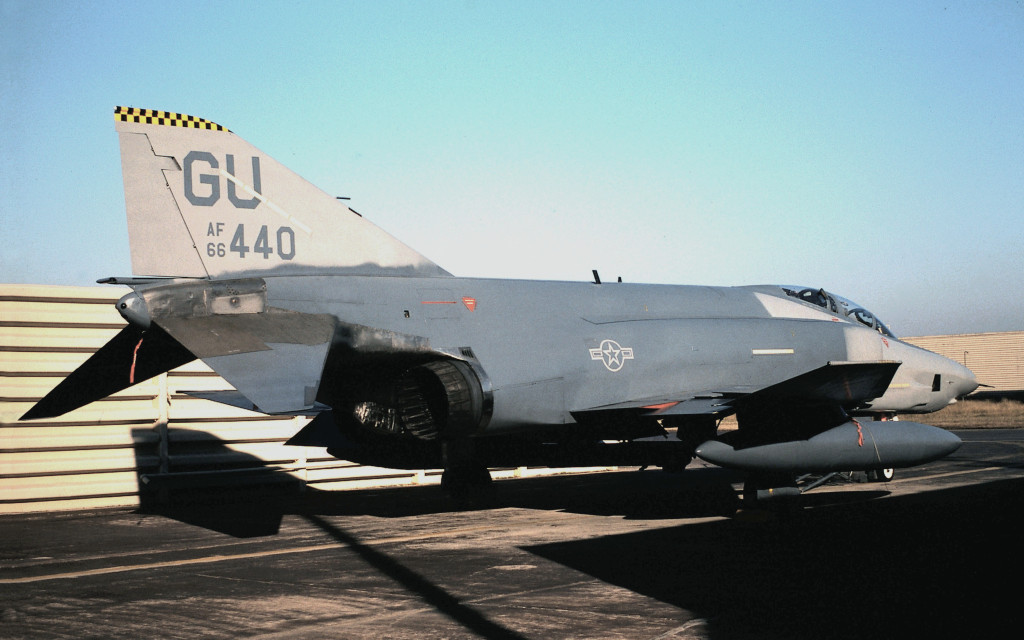
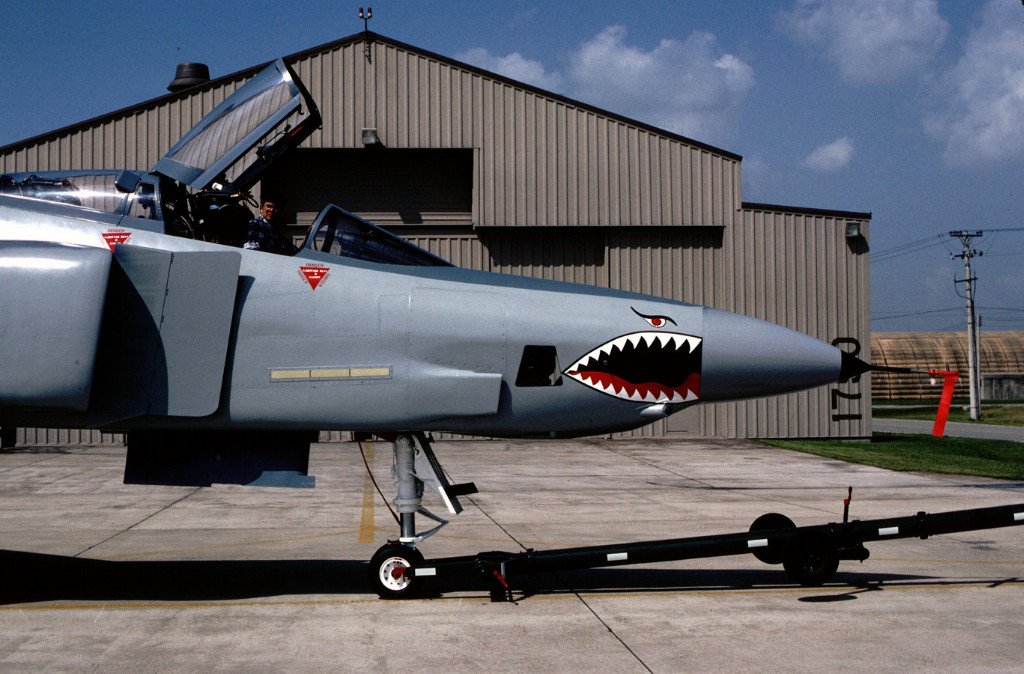
RF-4C Phantoms of the 26th TRW in the '70s and early '80s (list based on my photo collection): 68-0565 SEA Camo 1978 Jun 17th TRS 68-0566 SEA Camo 1975 Jun 17th TRS 68-0567 SEA Camo 1978 Jun 17th TRS 68-0568 SEA Camo 1978 Jun 17th TRS 68-595 SEA Camo 1980 Jun 38th TRS (probably w/ 17th TRS previously) 68-596 SEA Camo 1979 Jun 38th TRS 68-599 WrapAround 1981 Jun 38th TRS 68-0600 WrapAround 1982 Sept 38th TRS 68-0602 SEA Camo 1979 Jul 38th TRS 69-350 SEA Camo 1979 Jun 38th TRS 69-360 SEA Camo 1983 Mar 38th TRS 69-361 SEA Camo 1979 Jul 38th TRS 69-365 SEA Camo 1980 May 38th TRS 69-366 SEA Camo '70s 38th TRS 69-367 WrapAround 38th TRS 69-373 SEA Camo 1979 Jul-Aug 38th TRS *69-374 SEA Camo 1978 Jun No sqn markings *69-374 SEA Camo 1981 Jan 38th TRS 72-152 WrapAround 1978 Jun 38th TRS (probably the 1st WrapAround) 68-558 SEA Camo 1973 Aug No sqn markings 68-564 SEA Camo 1976 Aug No sqn markings 69-364 SEA Camo 1978 Jul No sqn markings, probably 17th TRS 69-372 SEA Camo 1977 Jun No sqn markings 69-370 SEA Camo 1974 Sep No sqn markings, probably 17th TRS Note: 17th TRS inactivated on 1 Jan 1979.
-
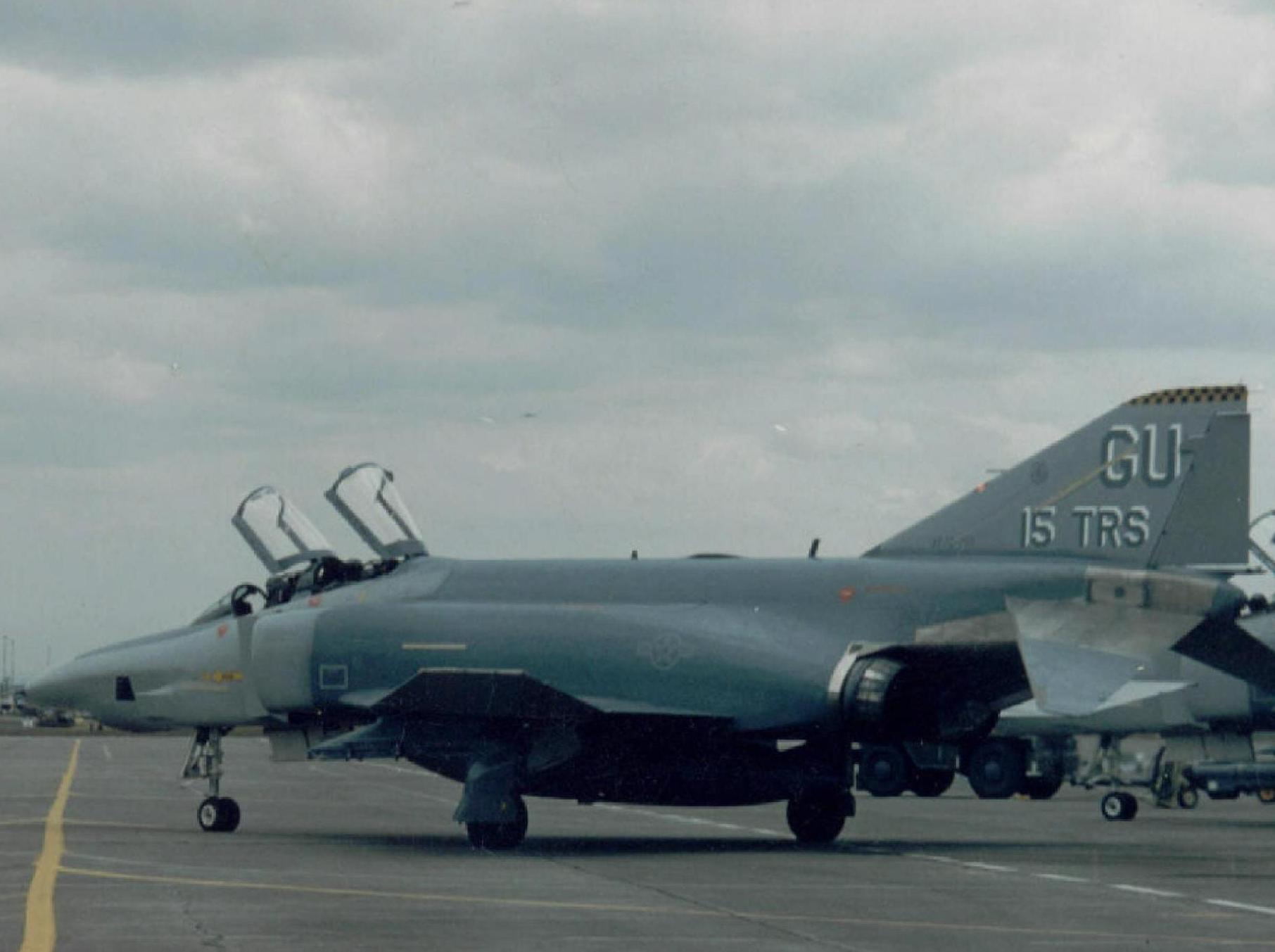
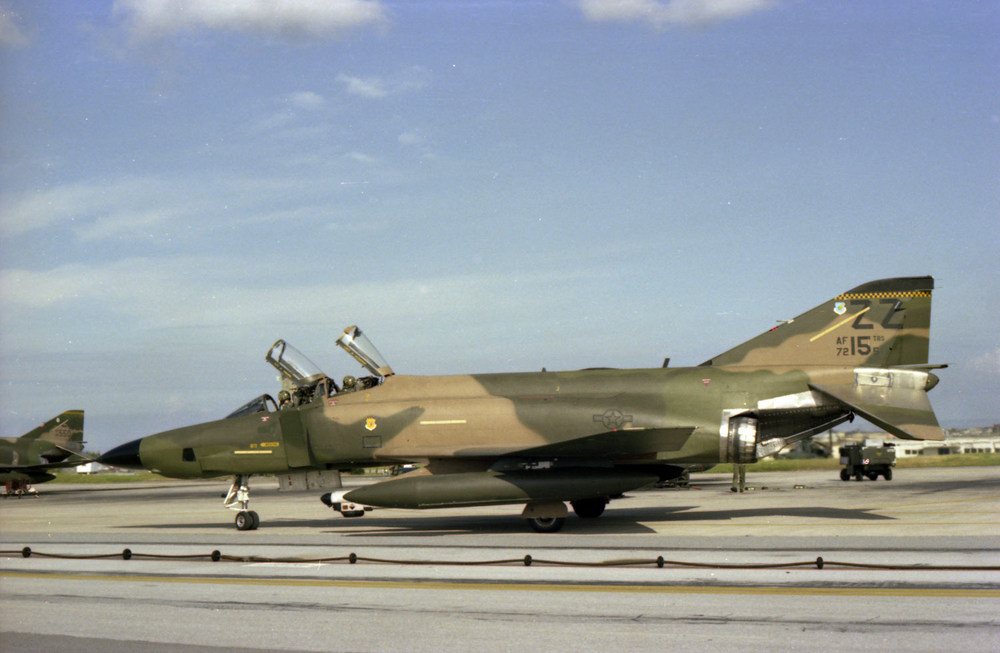
FlickR has some cool 497 F-4E photos (guess you also know them, you seem as thorough a researcher as I try to be). https://www.flickr.com/photos/40263244@N04/45555938205 https://www.flickr.com/photos/40263244@N04/32596386088 https://www.flickr.com/photos/40263244@N04/45555961455 As for the '15th TRS' RF-4C serial (taken a bit earlier, still during the Kadena days):
-
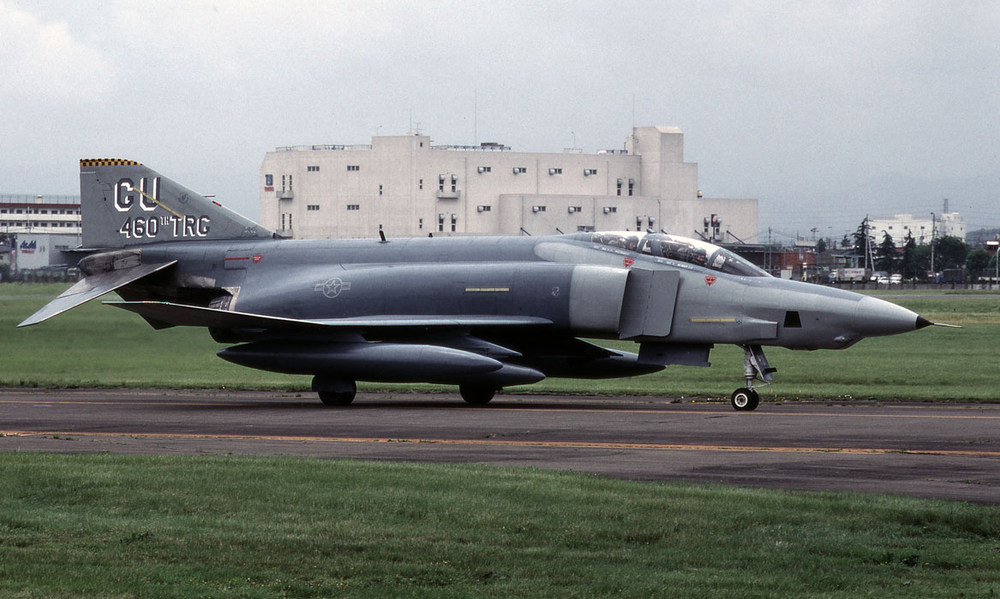
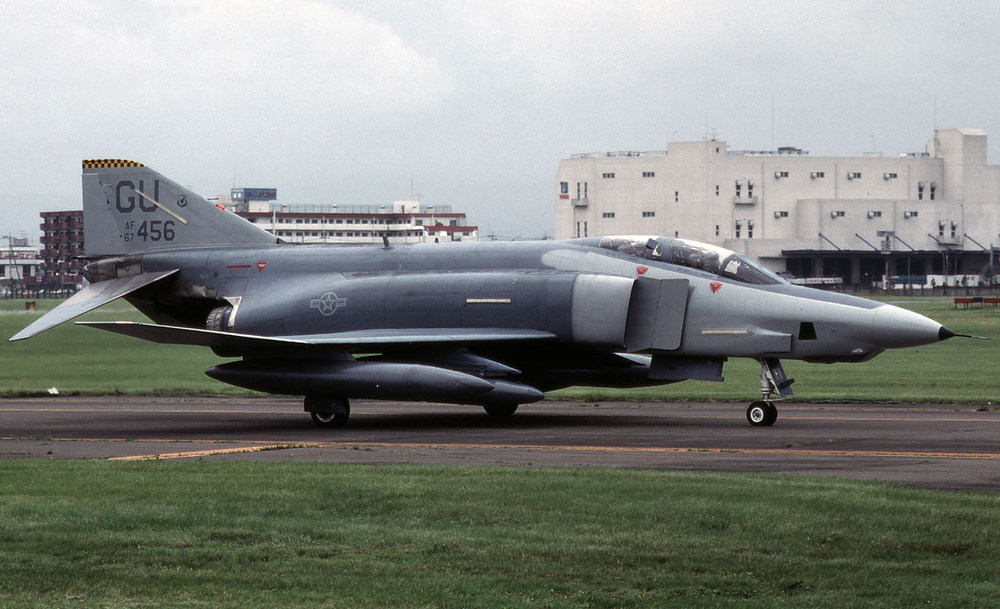
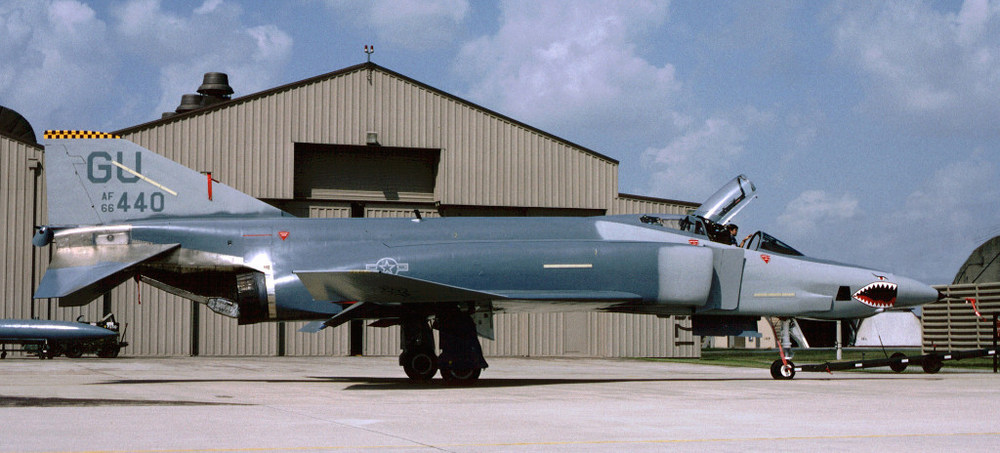
Here you are. Some of them come from https://www.deviantart.com/f16crewchief/gallery/23910165/aircraft So, you need 497 F-4E pix, too. What paint schemes are you interested in?
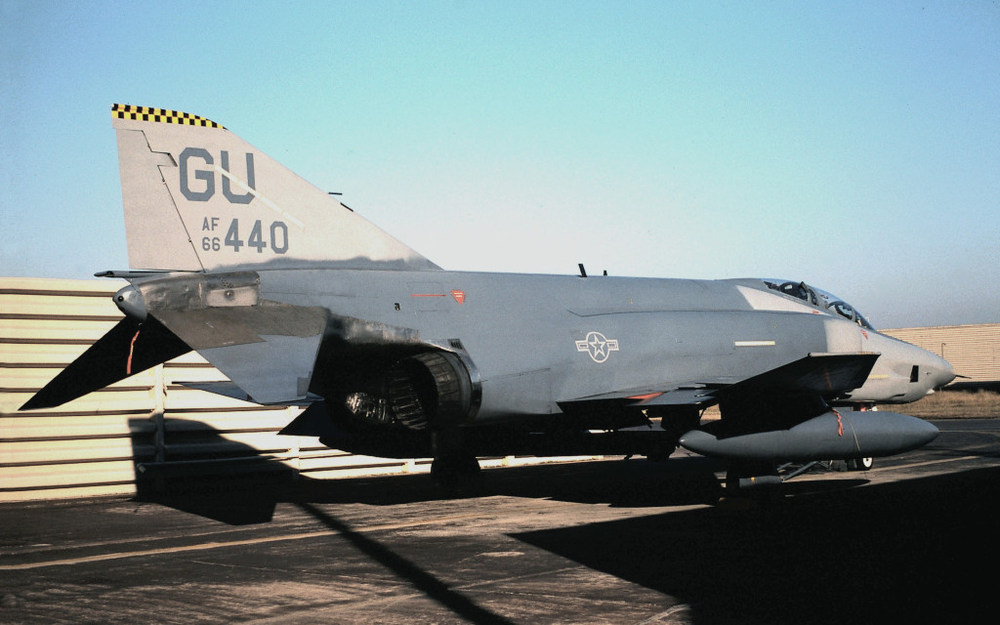
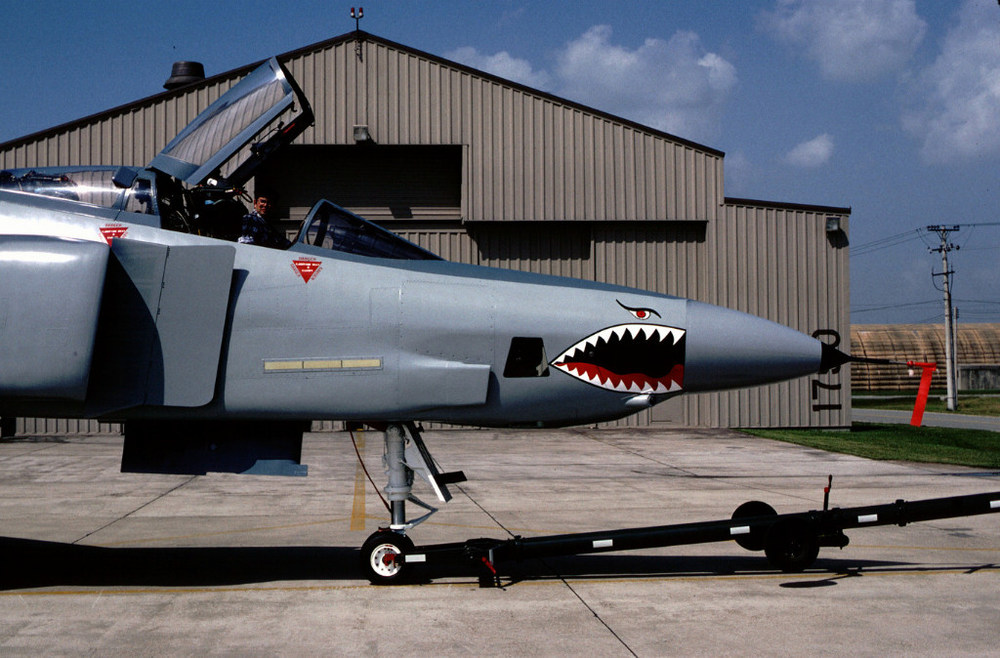
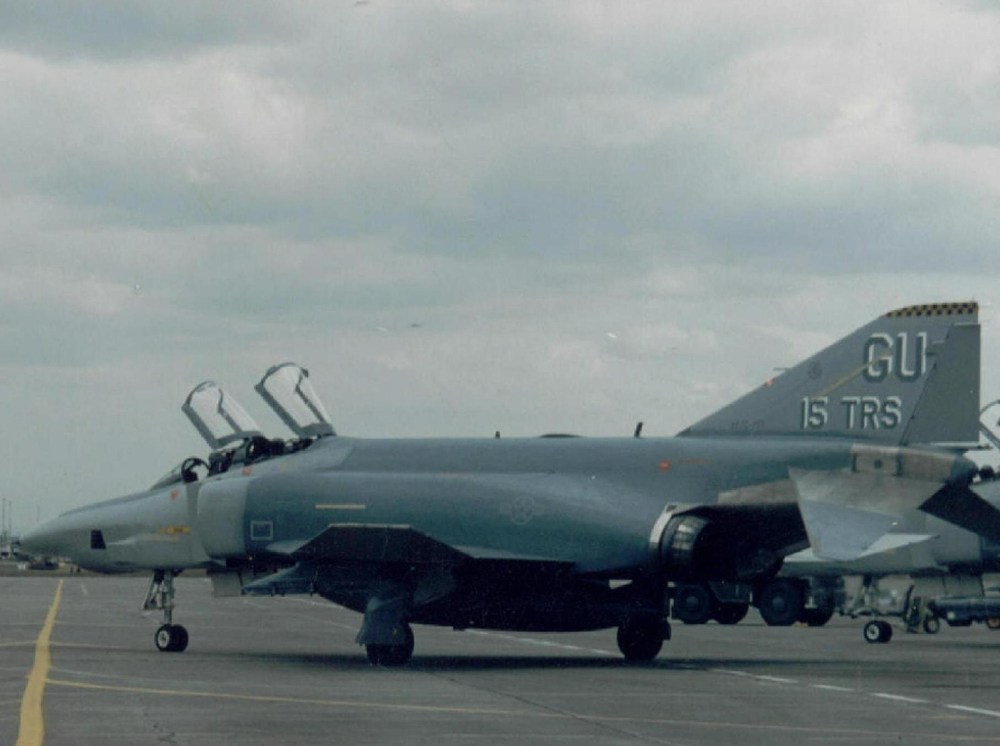
-
Do you need more photos?
-
SF2 DOES NOT WORK, AFTER CLEAN INSTALL WIN 10 ON SSD!!!
Blade replied to AGOSTINO's topic in General Discussion
Today I ran into the same problem. New PC with SSD & HDD, Win10 installed on SSD. First I did not install the game just copied all the SF2 files and folders from my old PC to the SSD. After starting the game, the init. screen appears, then nothing happens. So far this seems exactly what Agostino described. However, reinstalling the game solved the problem (at least in my case). During the install process I got an error message saying that the system was missing Microsoft Net Framework 3.5 (which is needed for running SF2). With a simple click the system downloaded and installed MS Net Framework, then finished installing the game. All is well now, I can even run the game I originally copied over. Agostino, install Microsoft Net Framework and see what happens. Hope this helps. -
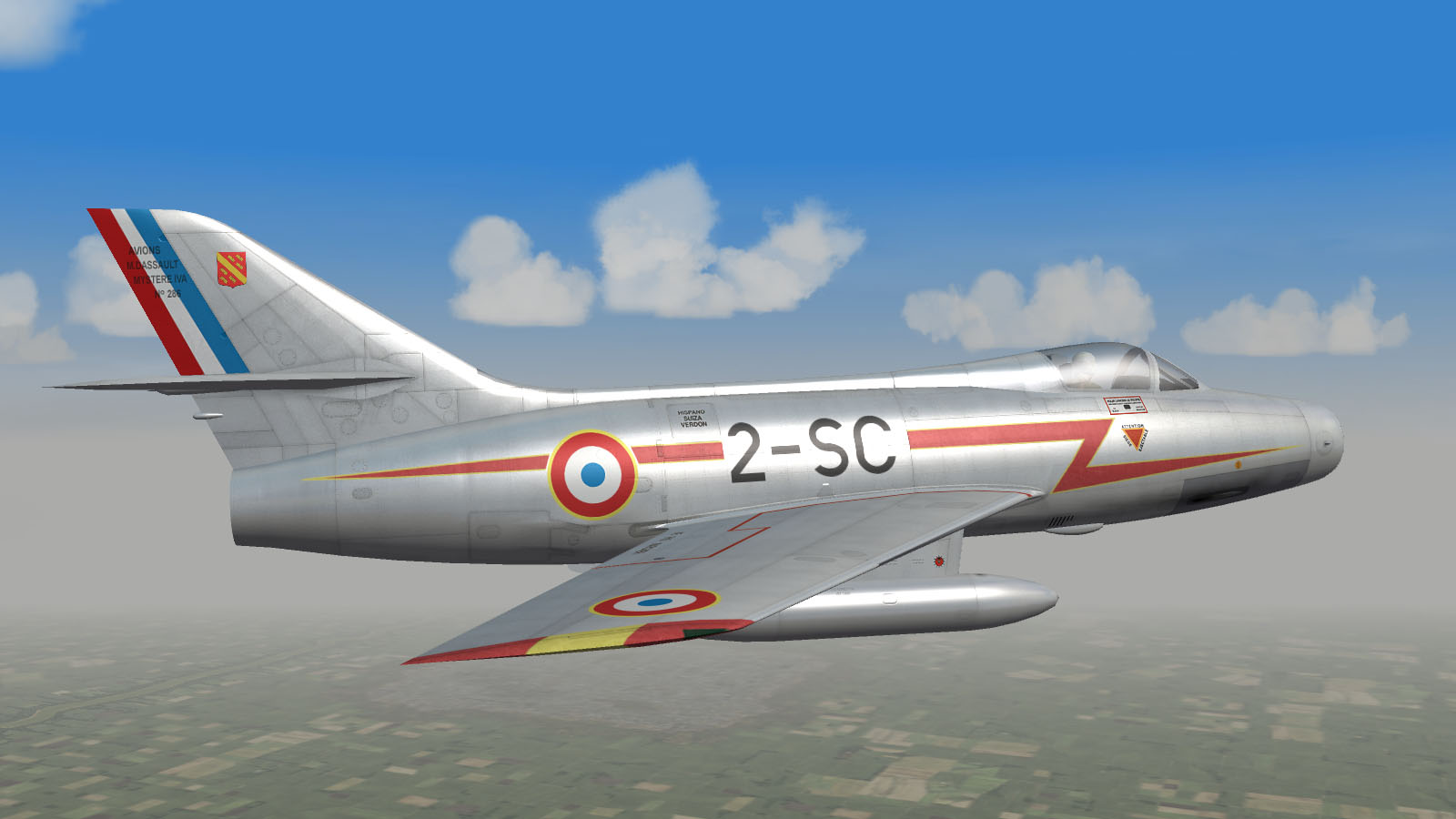
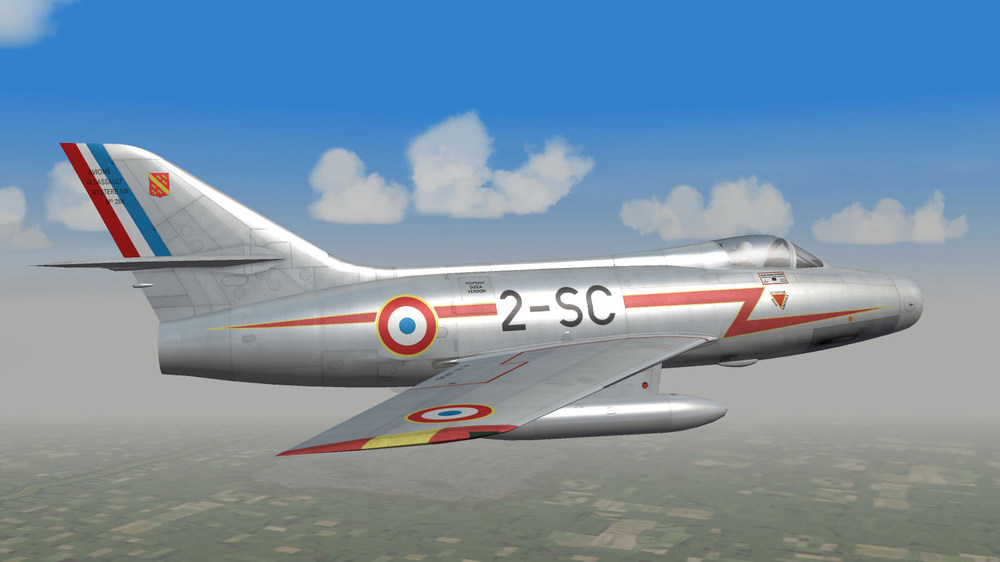
Mystere IVA of EC 3/2 "Alsace"
-
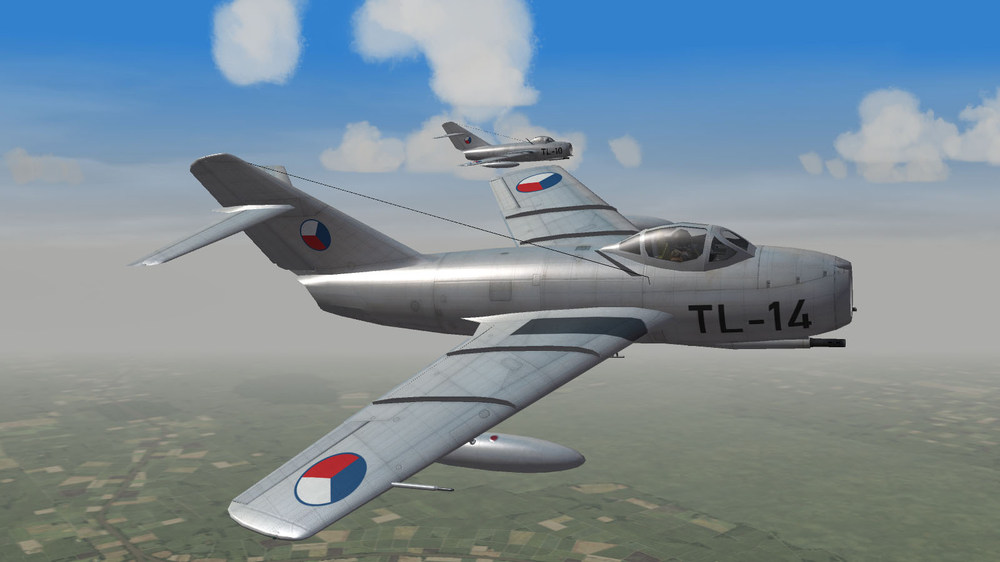
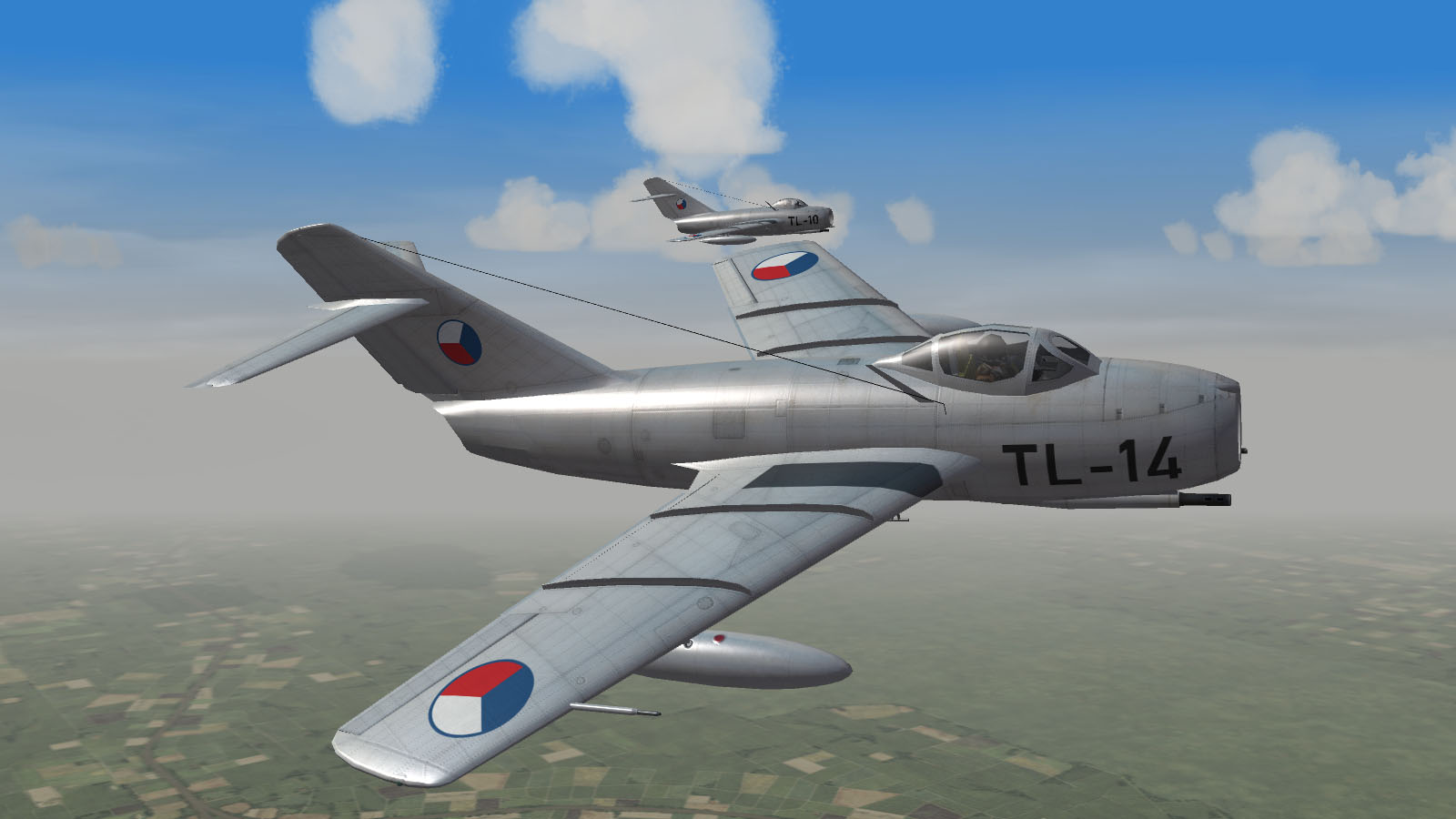
Czechoslovak MiG-15 in action.