Dels
-
Posts
707 -
Joined
-
Last visited
-
Days Won
30
Content Type
Profiles
Forums
Gallery
Downloads
Store
Everything posted by Dels
-
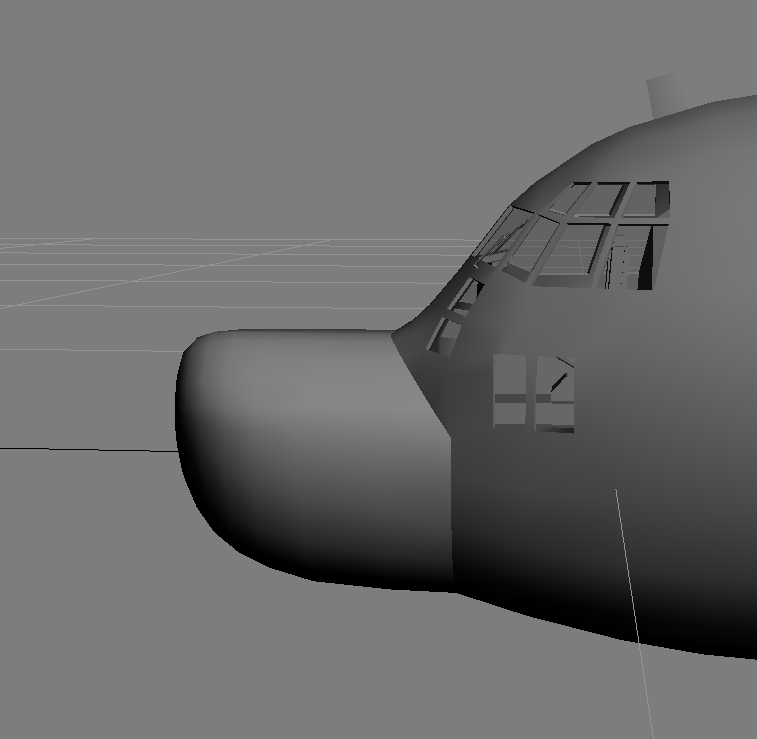
G'Day all, It's been a while. Recently I have been working on another add-on pack for my C-130s. It will include: DC-130A/E HC-130P MC-130E/H/P/W AC-130W Depending on my motivation, I might finally build an early C-130 cockpit - but no promises. Dels
- 21 replies
-
- 14
-

-

-
- c-130
- combat talon
- (and 1 more)
-
Gonzo
- 21 replies
-
- 12
-
-
-
- c-130
- combat talon
- (and 1 more)
-

- 69 replies
-
- 5
-

-
- strike fighters
- strike fighters 2
- (and 1 more)
-
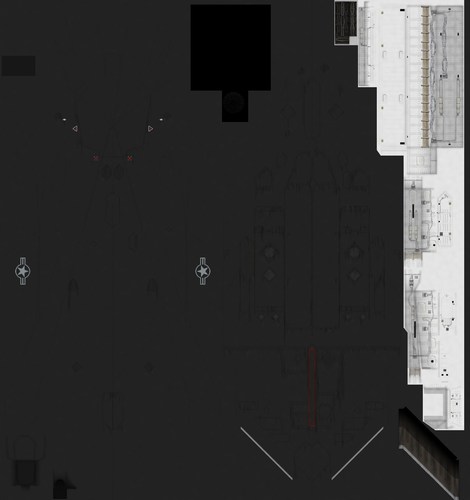
View File F-117A Photoshop templates These are the Photoshop templates for my F-117A. Dels Submitter Dels Submitted 01/31/2023 Category Skin Templates
-
Version 1.0.0
33 downloads
These are the Photoshop templates for my F-117A. Dels -
Voils is a short version of voilure which is French for aerofoil. So I guess the left button jettisons the fuselage stores, the middle button jettisons the wing stores and the right button jettisons the fuel tanks? Dels
-
No worries mate.
-
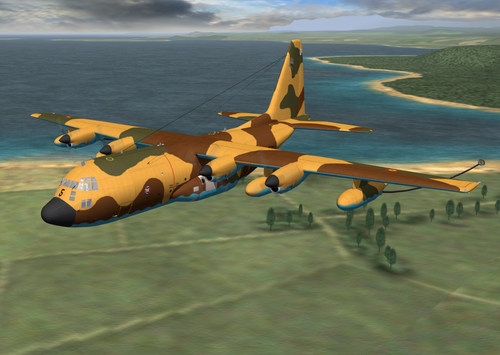
View File C-130 Hercules Superpack Add on #2 This is my C-130 Hercules Superpack add on pack #2. Please read the readme file (included) for installation instructions and credits. This requires my C-130 Hercules Superpack already installed to run properly. Visit here to download it: C-130 Hercules Superpack Dels Submitter Dels Submitted 02/06/2021 Category Other
-
G'day all, I have just released a new add on pack which includes these new models: AC-130A_83 AC-130H C-130H-30 KC-130H L-100-30 Once it's approved, go here to download it: C-130 Hercules Superpack Add-on #2 A special thanks to daddyairplanes for the new skins. Dels
- 168 replies
-
- 11
-
-
-
Version 1.0.0
208 downloads
This is my C-130 Hercules Superpack add on pack #2. Please read the readme file (included) for installation instructions and credits. This requires my C-130 Hercules Superpack already installed to run properly. Visit here to download it: C-130 Hercules Superpack Dels -
Distance Lod´s for Weapons not Working
Dels replied to ravenclaw_007's topic in Mods & Skinning Discussion
I'm not sure if this will work, but I think that the format of the file names of the LODs needs to match the ThirdWire format. So yours should probably be: [LOD001] Filename=ALQ-184_3Band.lod Distance=3 [LOD002] Filename=ALQ-184_3Band-002.lod Distance=10 I could just be making stuff up, but it's worth a try. Dels -
Yes, what you suggest is possible. I did it with the canopy bow in the cockpit of the Mitsubishi F-2. The main issue you might get is with the clipping distance. Depending on how close the items are to the PoV they may disappear as you pan around the cockpit. Also, you'll get the standard issues with the open cockpit (smoke inside the cockpit). Dels
- 5 replies
-
- 1
-
-
- cockpit
- fake pilot
- (and 1 more)
-
Hi Russ, I have also tried this in the past and was unable to have different texture sets for the cockpit model. The way I got around it was to build the detailed cockpit component into the external model and use the open cockpit=true function - this way it will use the aircraft texture. It's a bit fiddly getting it to work and you'll have the issues associated with the open cockpit, but I think it will get you what you want. Dels
-
I think what you mean is something like an 'attention getter' light - which you would cancel and then deal with the issue/malfunction. I have tried to work this a couple of times. The best approach I have found is to create multiple copies of the attention getter light(s) and then link them to the individual warning lights so that they come on when the warning light comes on. The only problem is that you can't cancel it and any subsequent warnings wont set it off. Dels
-
Do you have a CoG offset?
-
Unfortunately no.
-
Yes, as you have mentioned, this is correct. This is called an 'uncaged' HUD where the pitch ladder is centred around the flight path marker (FPM). It serves to highlight that the direction of flight is different from where the aircraft is pointing. A 'caged' HUD is usually used on larger aircraft where the pitch ladder is centred around the climb dive marker (CDM) or waterline/pitch reference symbol (PRS). Dels
-
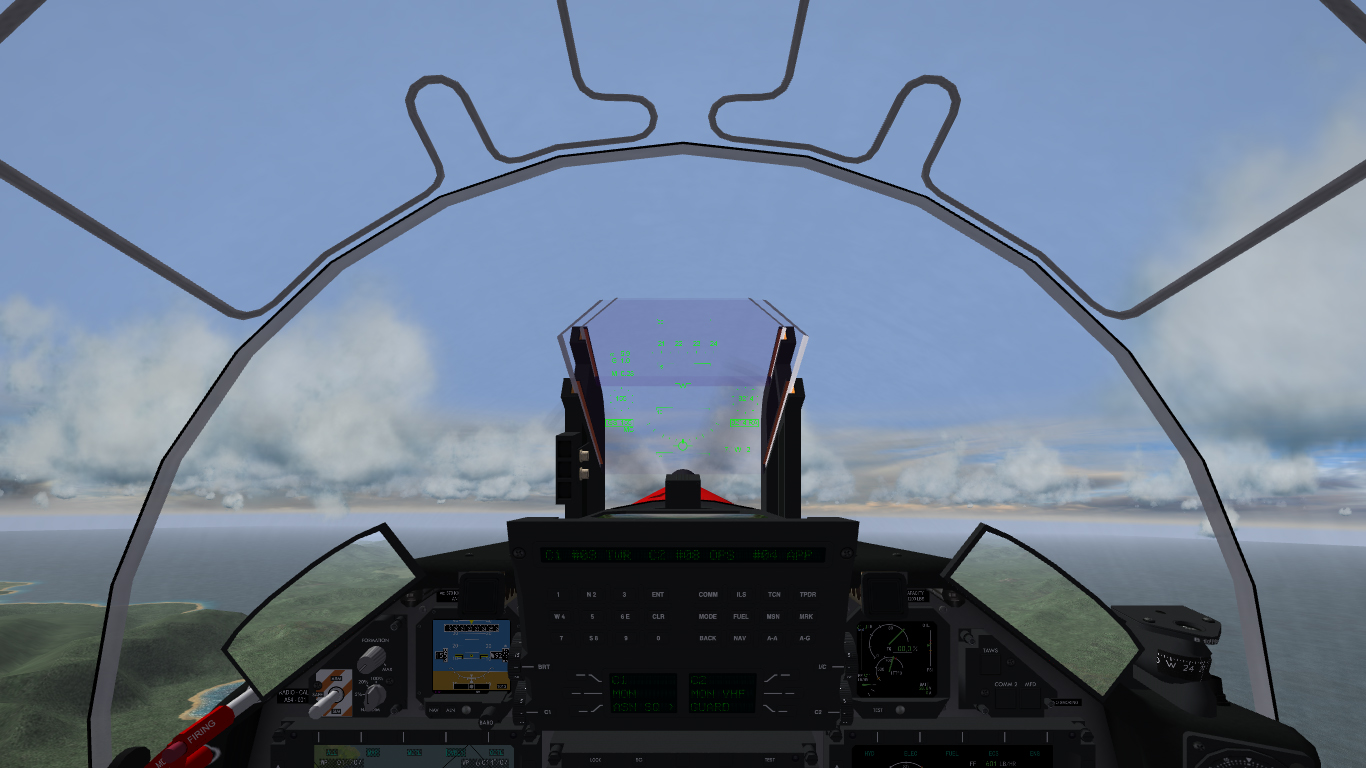
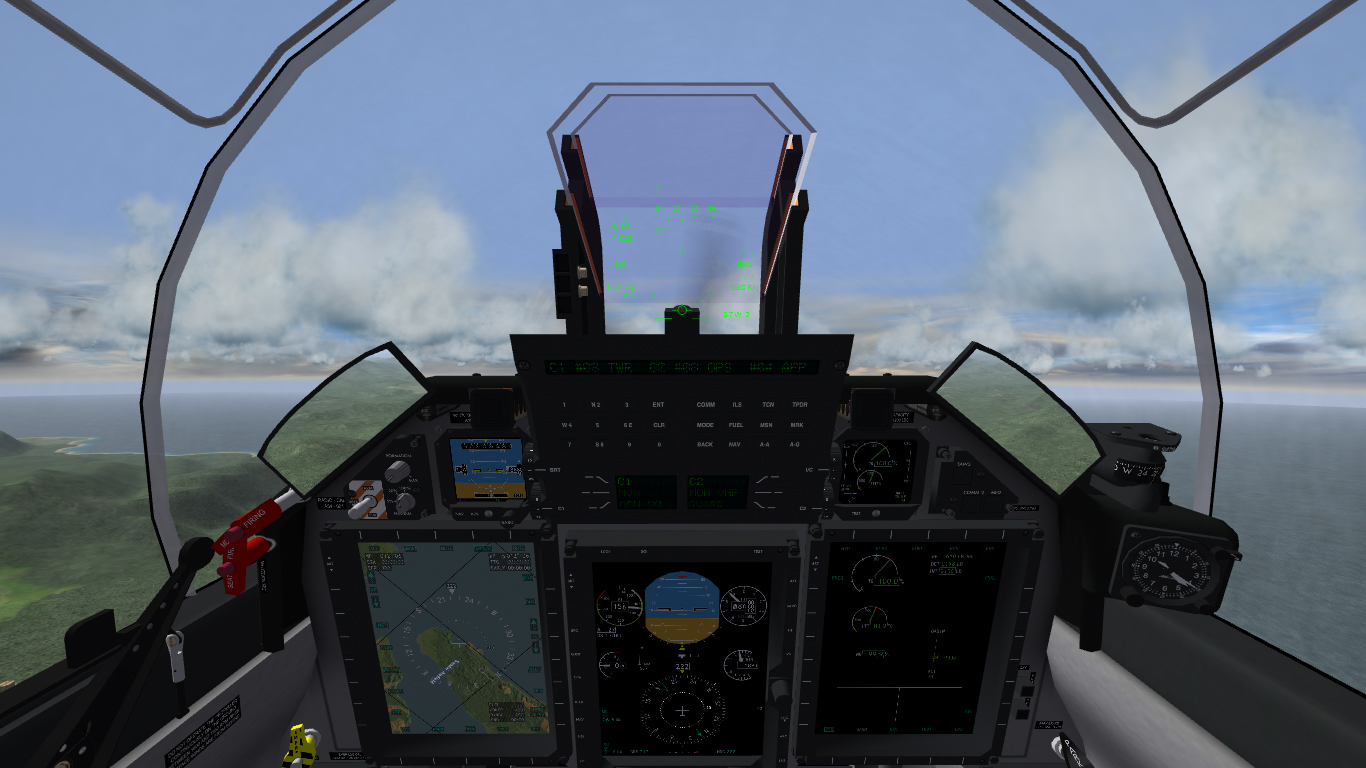
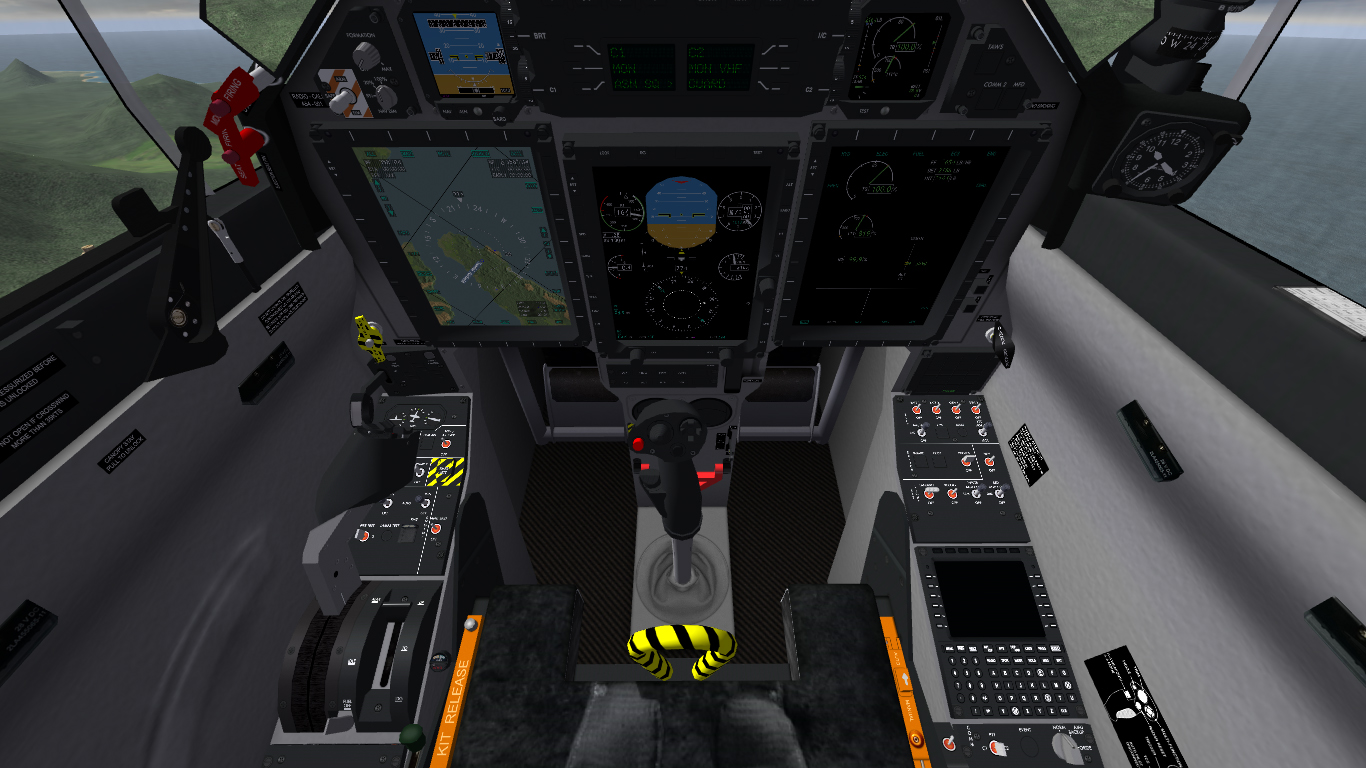
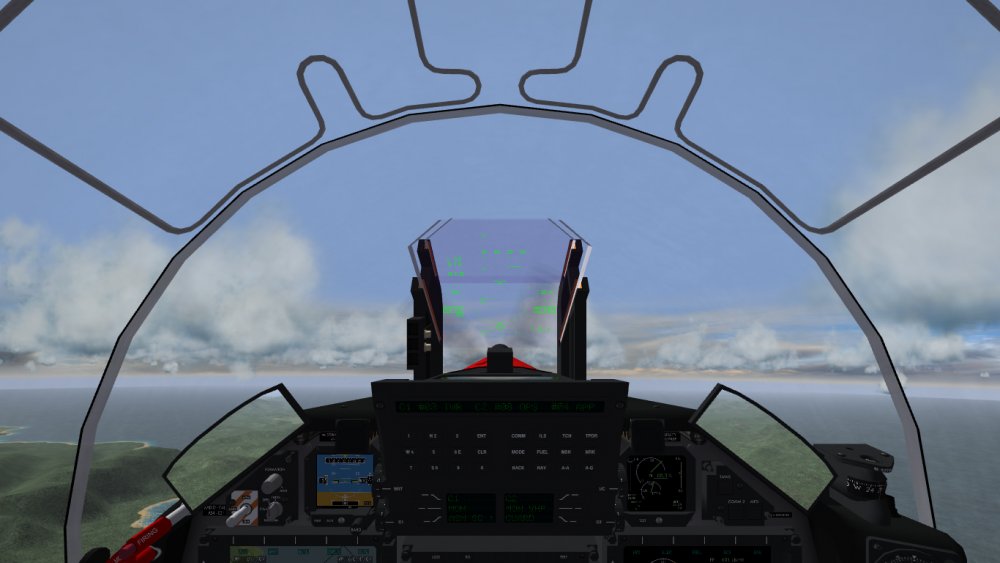
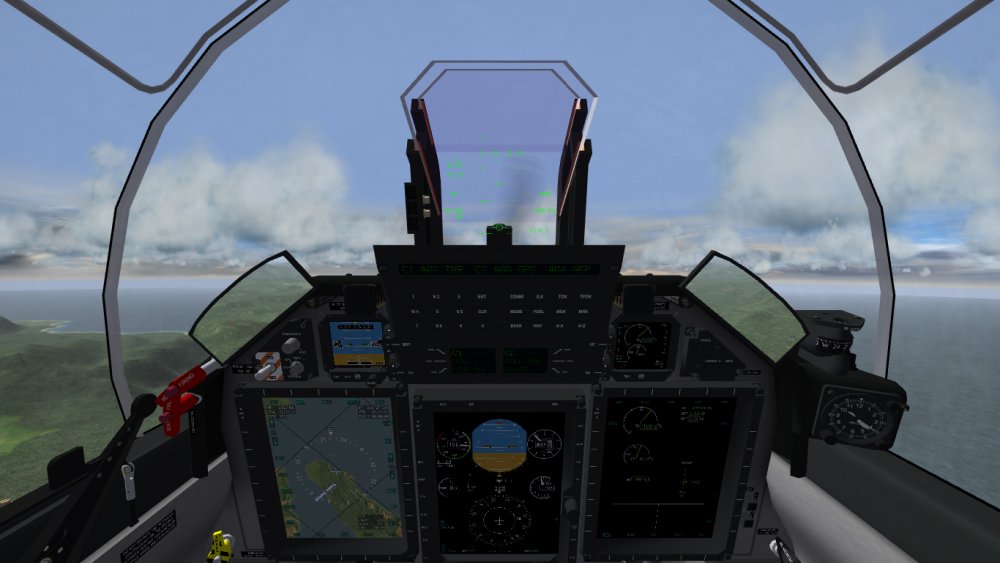
G'Day all, Just uploaded an update which now includes the PC-21 cockpit. Should be available soon (once it's approved). Read the readme.txt for installation notes and known issues. Dels
-
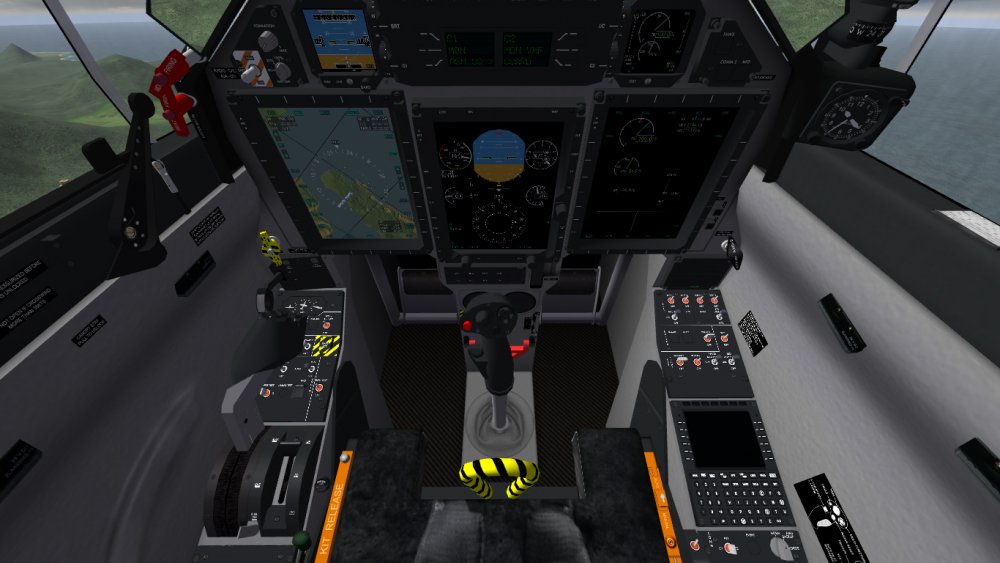
G'Day all, Just uploaded an update which now includes the PC-21 cockpit (screenshots below). Should be available soon (once it's approved). Read the readme.txt for installation notes and known issues. Dels
-
Damn. Thanks
-
Hi all, I'm wondering if it's possible to have negative values using a the DIGITAL_DISPLAY movement type. Below is how I've set up a Vertical Speed Indicator (VSI) in the cockpit. It displays the correct values for positive vertical speeds (i.e. rate of climb) but it displays "0" for any negative vertical speeds (i.e. rate of descent). Is there some command that allows both positive and negative values? [PFD_VSI] Type=VERTICAL_VELOCITY_INDICATOR CounterNodeFormat=PFD_VSI_Dig%d MovementType=DIGITAL_DISPLAY ValueUnit=FPM Thanks in advance Dels
-
The only way it could be done was to turn the bomb into a missile (with no thrust) and specify the bomb release .wav as the booster sound. It didn't really work very well plus it screwed up the weapon loadouts. I'm pretty sure that's why it never got off the ground. Yet another thing in a massive line of functions that aren't coded into the sim. Dels
-
Good pickup, I forgot to put that in the readme. Thanks. Dels
-
View File RAAF Pilatus PC-21 for SF2 Ver This is my Pilatus PC-21 in RAAF service. Photoshop templates are included in the aircraft folder. It uses my AT-6B cockpit but I am working on a PC-21 cockpit and will release it along with some other minor changes later. Please read the readme file (included) for installation instructions. Let me know if you find any issues and I will fix them for the update. Dels Submitter Dels Submitted 05/13/2018 Category Other