


Fubar512
-
Posts
8,418 -
Joined
-
Last visited
-
Days Won
42
Content Type
Profiles
Forums
Gallery
Downloads
Store
Everything posted by Fubar512
-
80's Afghanistan campaign
Fubar512 replied to The Trooper's topic in Mission/Campaign Building Discussion
Are you volunteering? I'm sure that issue will be taken care of, soon enough. -
All that a jammer (in-game) would do is protect the object that's carrying it. It would not saturate the surrounding area with "noise". Keep in mind that home-on-jam capability is modeled quite well in this series. Another thought; If you managed to equip a ground target with a jammer, it would probably become a magnet for anti-radiation missiles.
-
-
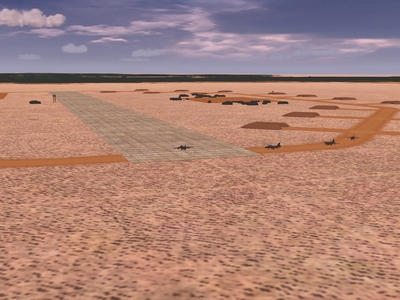
Do you have SFP1 (or, SF Gold)? Both titles include a small (desert) airfield, with a single runway on the order of 1000 meters or so.
-
80's Afghanistan campaign
Fubar512 replied to The Trooper's topic in Mission/Campaign Building Discussion
Polak's desert tiles on the default SF-desert terrain. -
80's Afghanistan campaign
Fubar512 replied to The Trooper's topic in Mission/Campaign Building Discussion
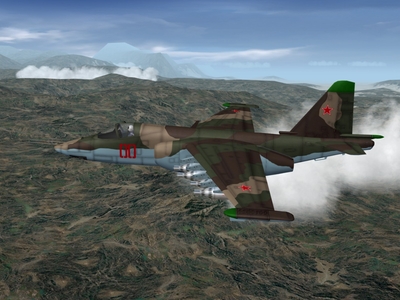
Perhaps not for long -
-
Try rebooting before and after you apply the DX update.
-
The answer to your problem is in the Knowledge Base.
-
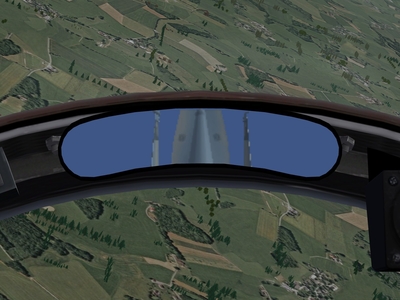
Now, you know that's not the best answer. If he were to follow your advice, he'd miss out on the intake animation and neat fuselage vortices effects, and, if he's anywhere as forgetful as I am, he might like verifying that his fuselage-mounted air brake was deployed, by seeing it in his rear-view mirrors
-
-
-

-
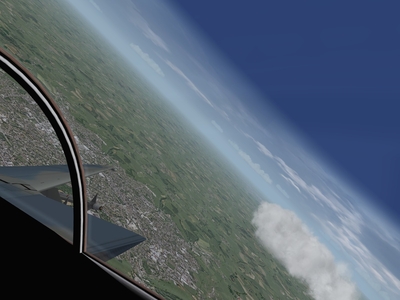
Cockpits require that their positions be defined in all three axis within the 3D model's coordinates. Otherwise, one might experience some rather bizarre anomalies...
-

-
Your C2D laptop has both cores operating at 2.2 gHz. There's no direct comparison with your older 1.4 notebook, as that may be anything from a P4, Pentium M, etc. For example If it's an older P4, just one of the cores on your 2.2 gHz C2D might be equivelent in performance to that same P4 running at 3.8-4.0 (or more) gHz!
-
Define "wave movement". All the patched to date SF-based sims have "water effects" to an extent, though only if the terrain graphics options are set to high.
-
There is a workaround, though it may appear tacky, and it may require you to redefine the ski-jump's (decks) collision coords. And that workaround, is to set the catapult's end point higher than its start point. The aircraft will then appear to be catapulted upwards at an angle. I've just tested this and it works.
-
My experiences in-game are the opposite. The Shrike is about 35-40% effective, the STARM almost 75%.
-
Especially the A-10
-
-
-
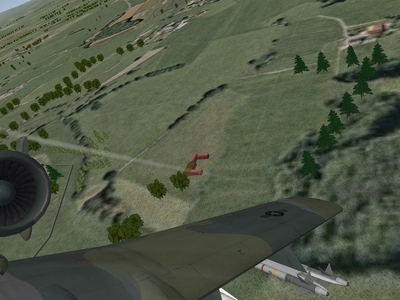
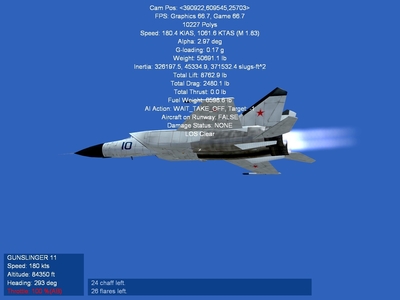
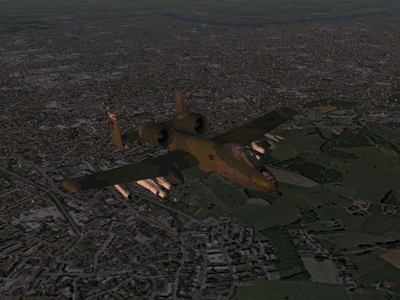
Brain32, CA_Stary...you've both left me no other choice. I feel compelled to use the "S" word......................Superb!
-
-
TK has stated at Thirdwire's site that he will patch SF/WoV/WoE to incorporate many of the refinements that he introduced with WoI. This is something that he has always done in the past, bringing existing titles up to parity with his latest release. However, I strongly doubt that he'll do anything to improve the appearance of older terrain sets contained in those aforementioned sims, beyond possibly adding better shader effects.