
Gepard
-
Posts
7,153 -
Joined
-
Last visited
-
Days Won
369
Content Type
Profiles
Forums
Gallery
Downloads
Store
Everything posted by Gepard
-
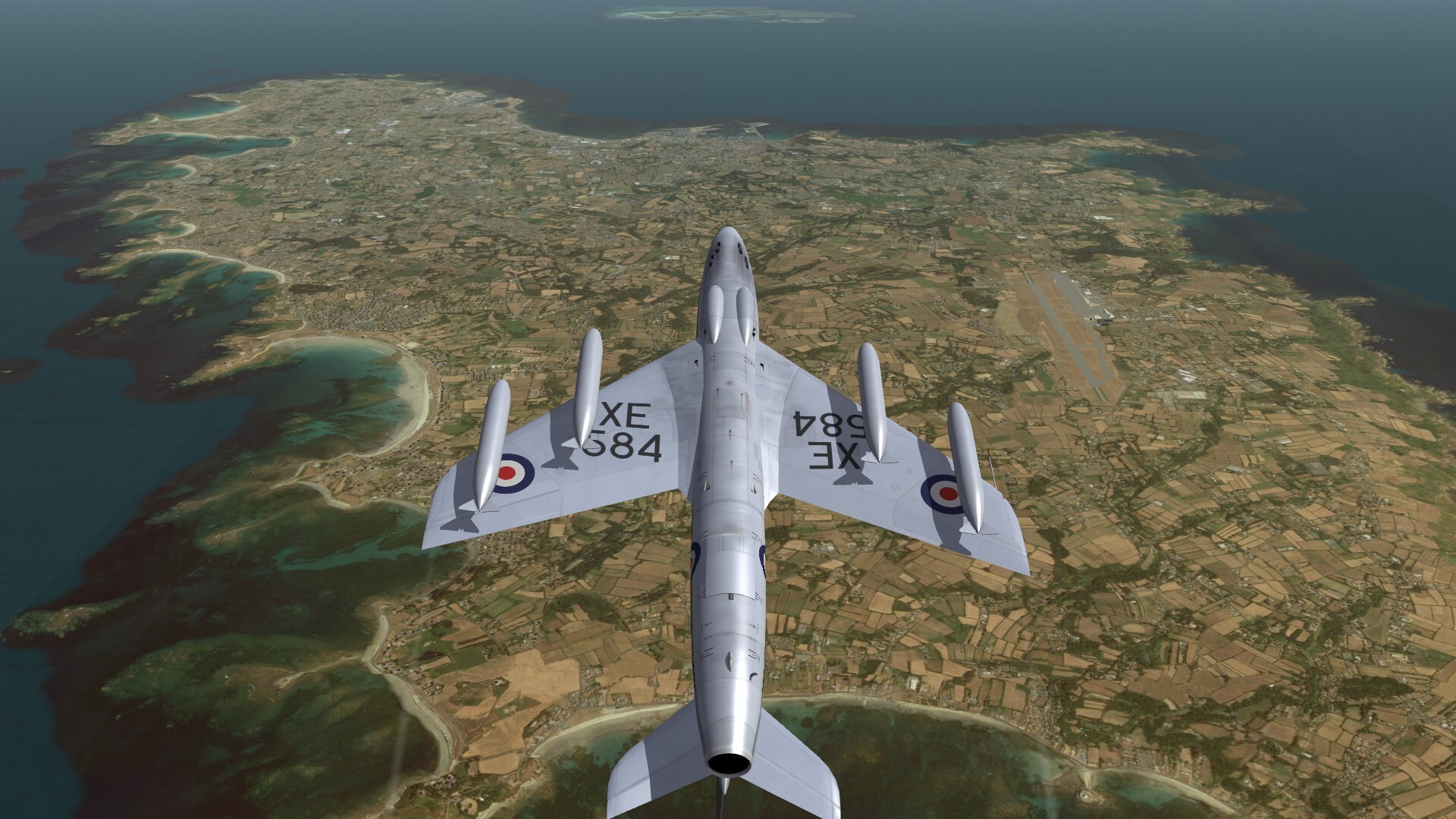
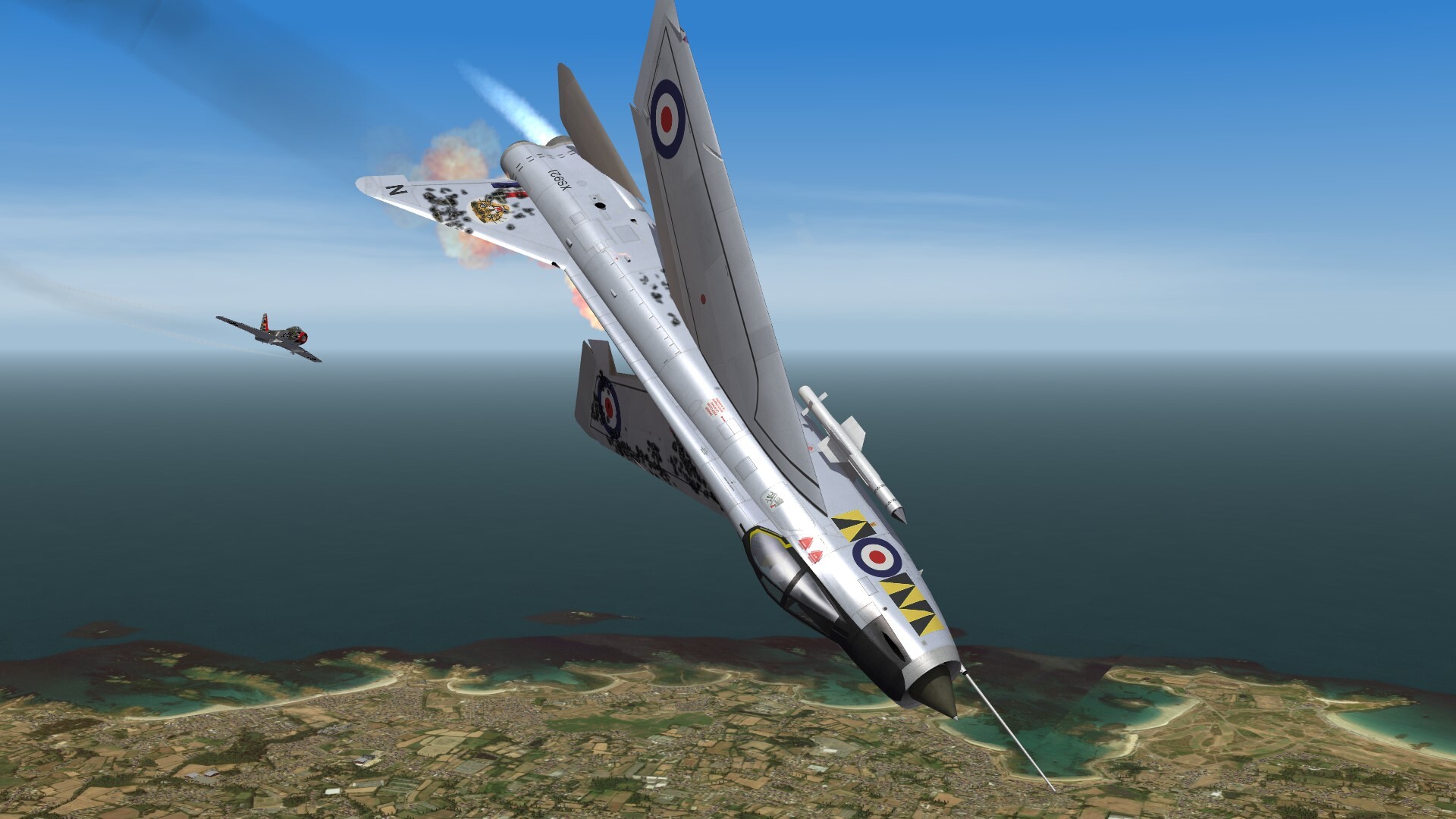
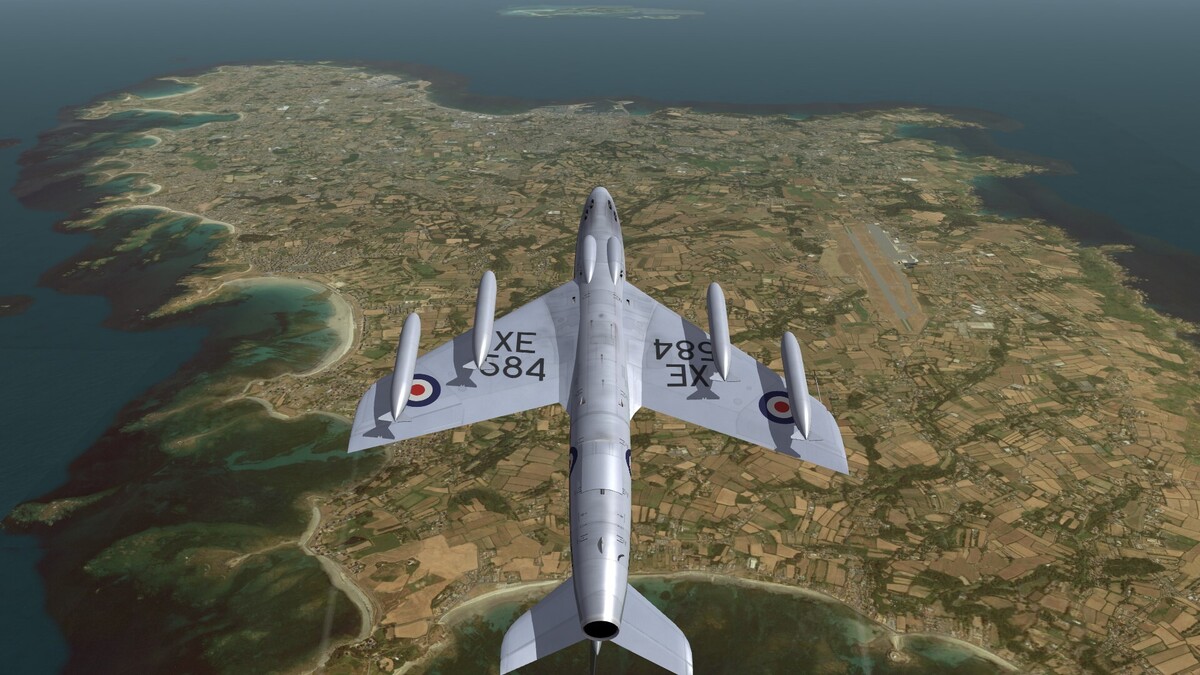
Looping over Guernsey.
-
A small question to the fellow terrain makers. Is there a way to give a runway a direction of 239.5° instead 239° or 240°? If i place a runway over the Cleveland airport tile neither 239 nor 240 will fit perfectly. I tried it with 239.5, but it seems to be, that the game engine will not accept it. It there a trick?
-

Deleting TW aircraft for mod replacement?
Gepard replied to Chugster's topic in Mods & Skinning Discussion
The other way is to open the file F-4M.ini with notepad editor. Then delete all lines and save the file. -
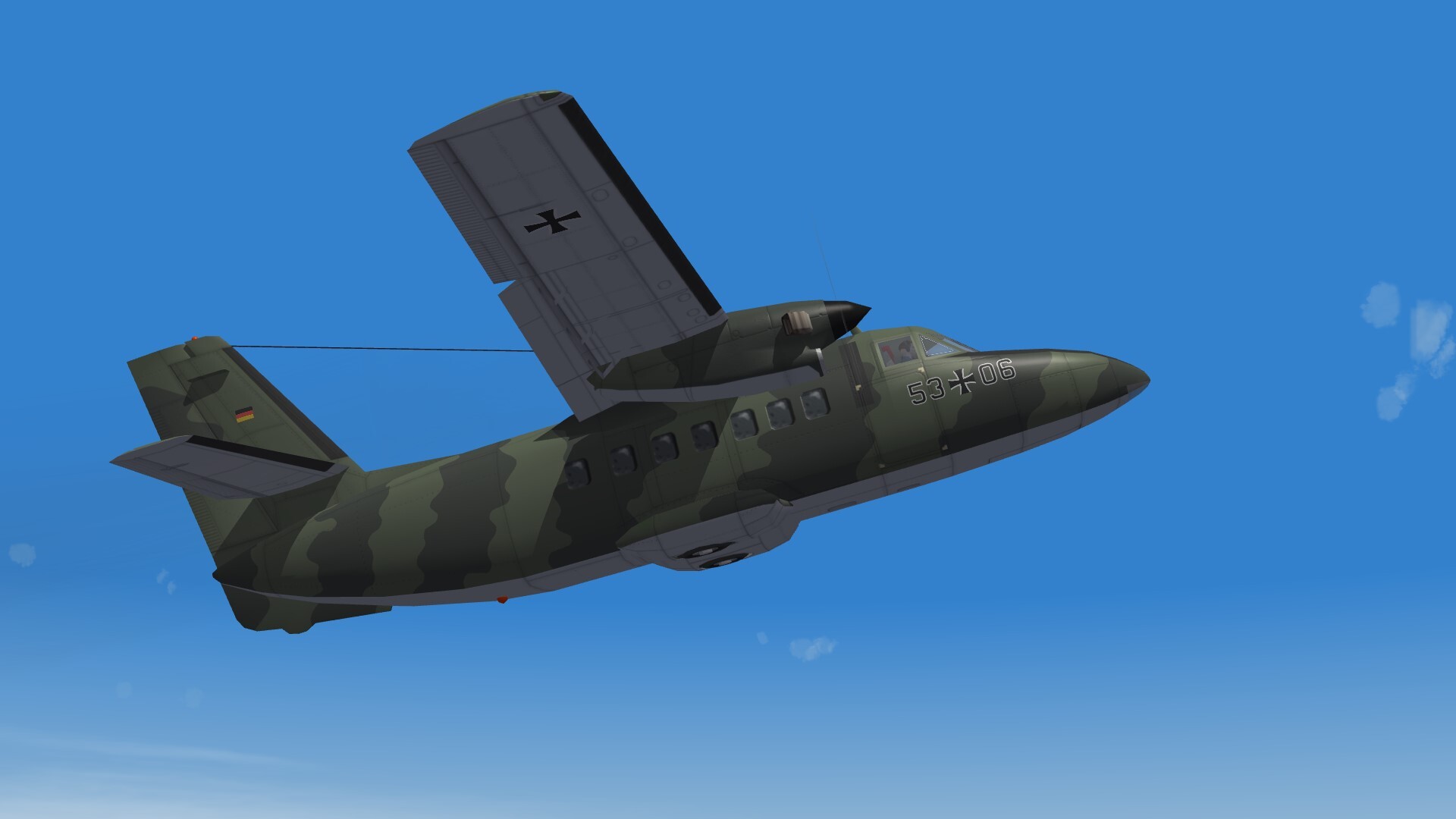
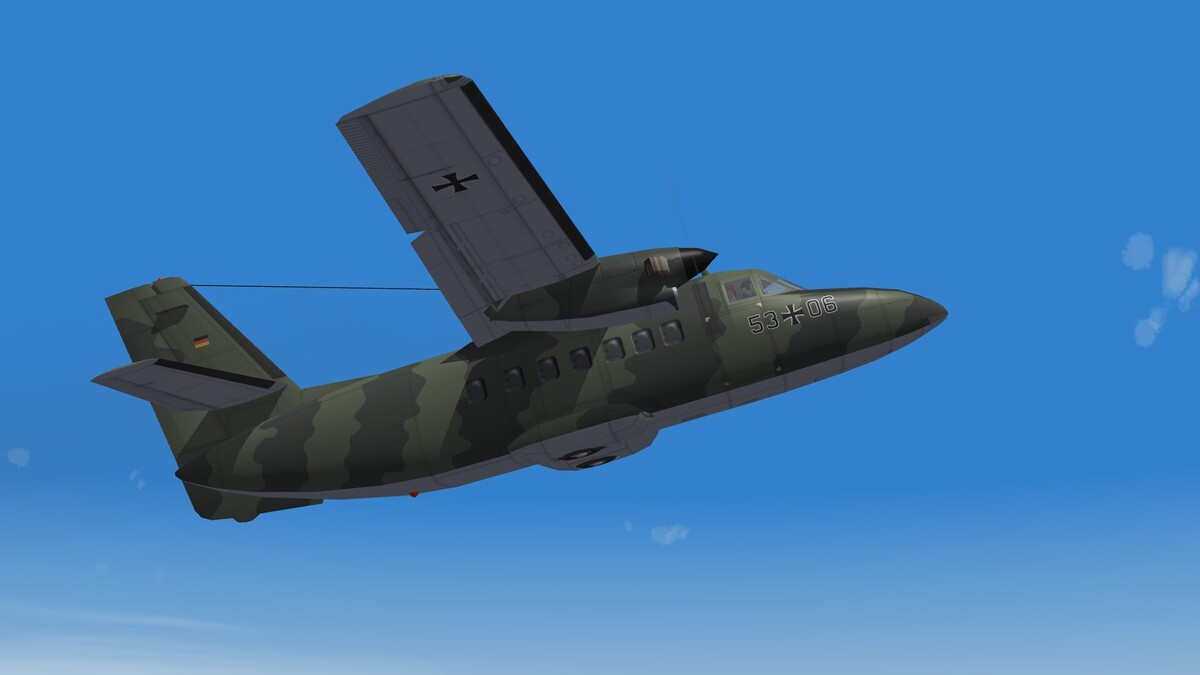
L-410UVP Turbolet, used by the Luftwaffe after the reunification of Germany.
-
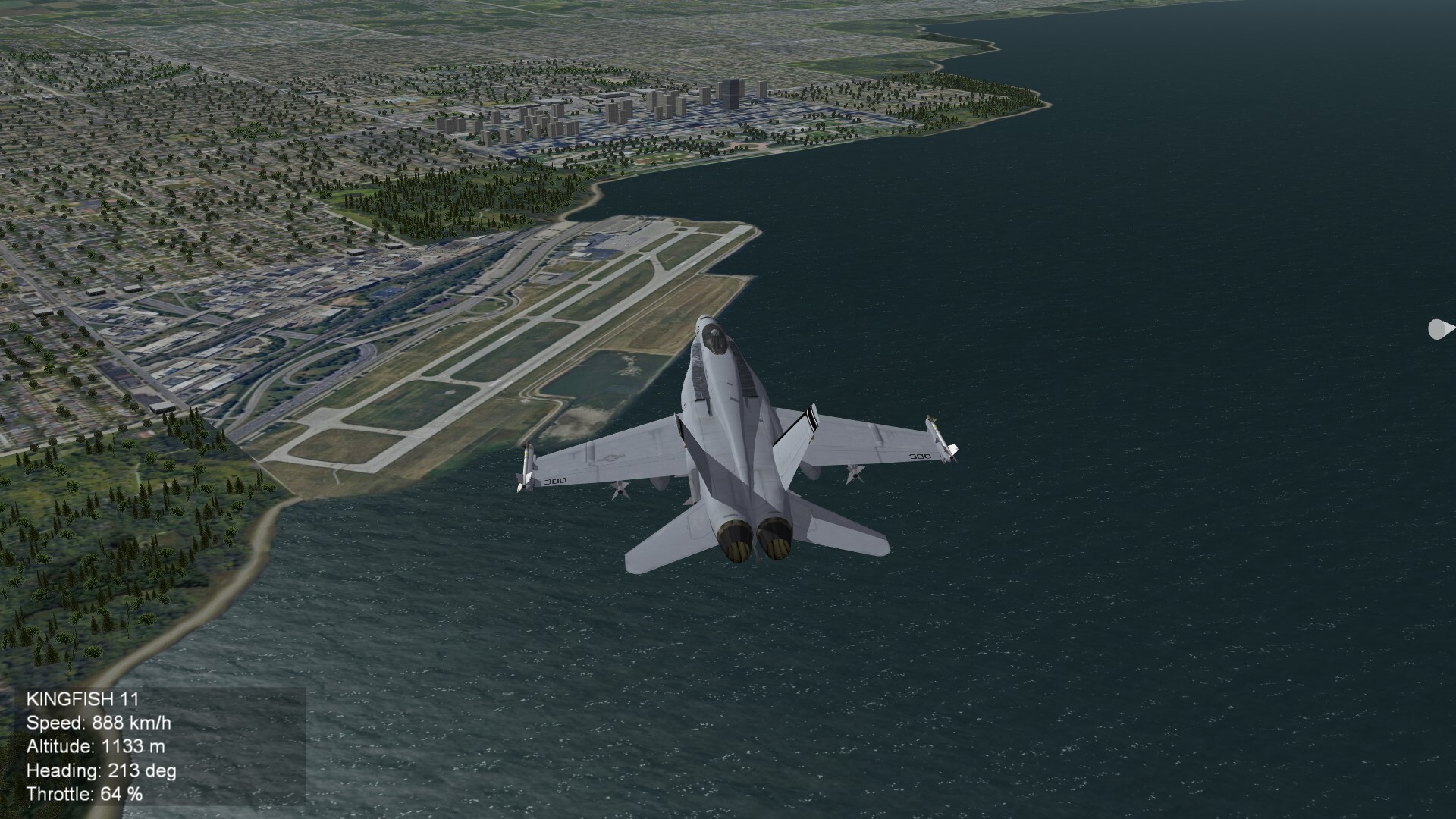
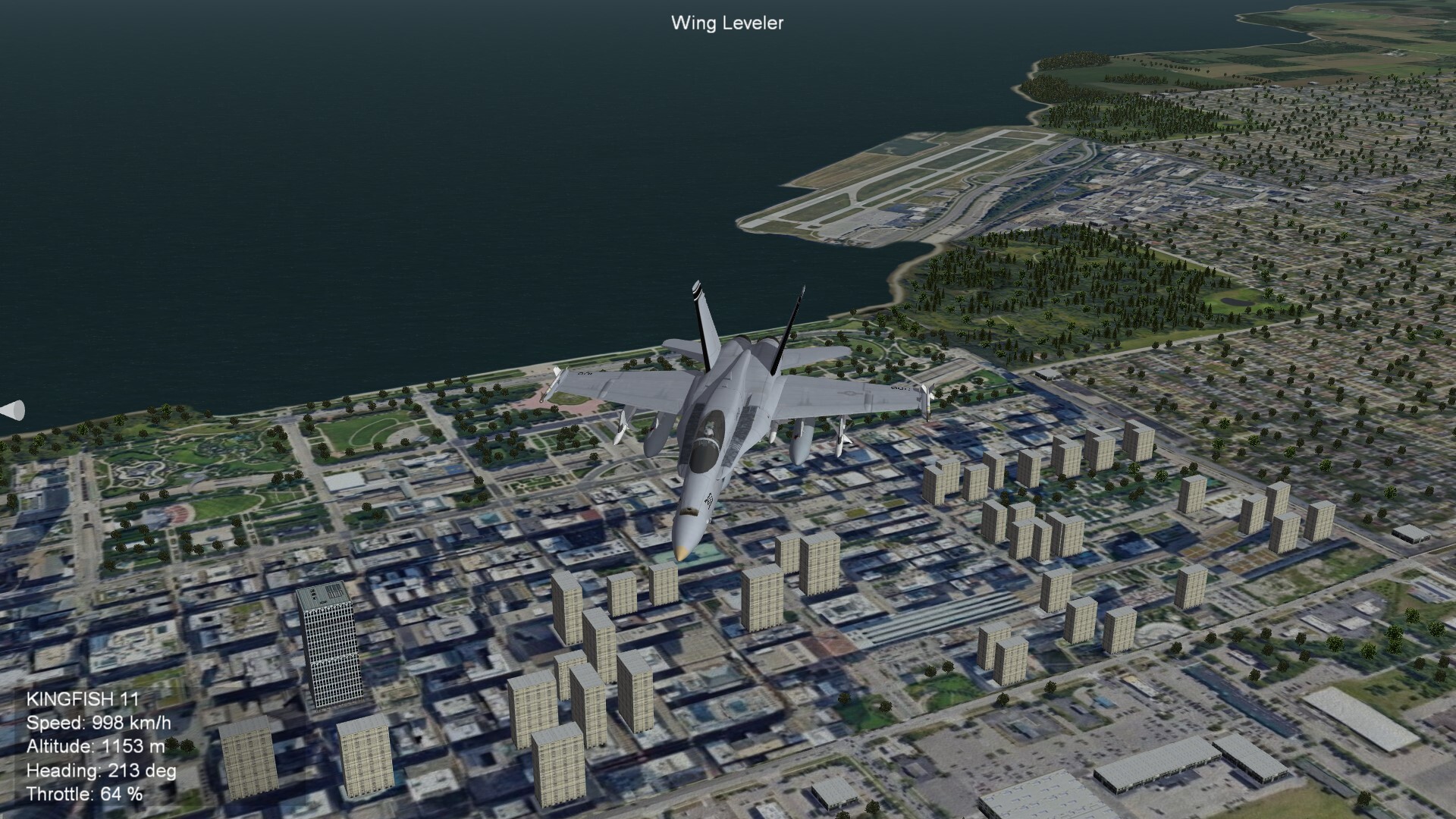
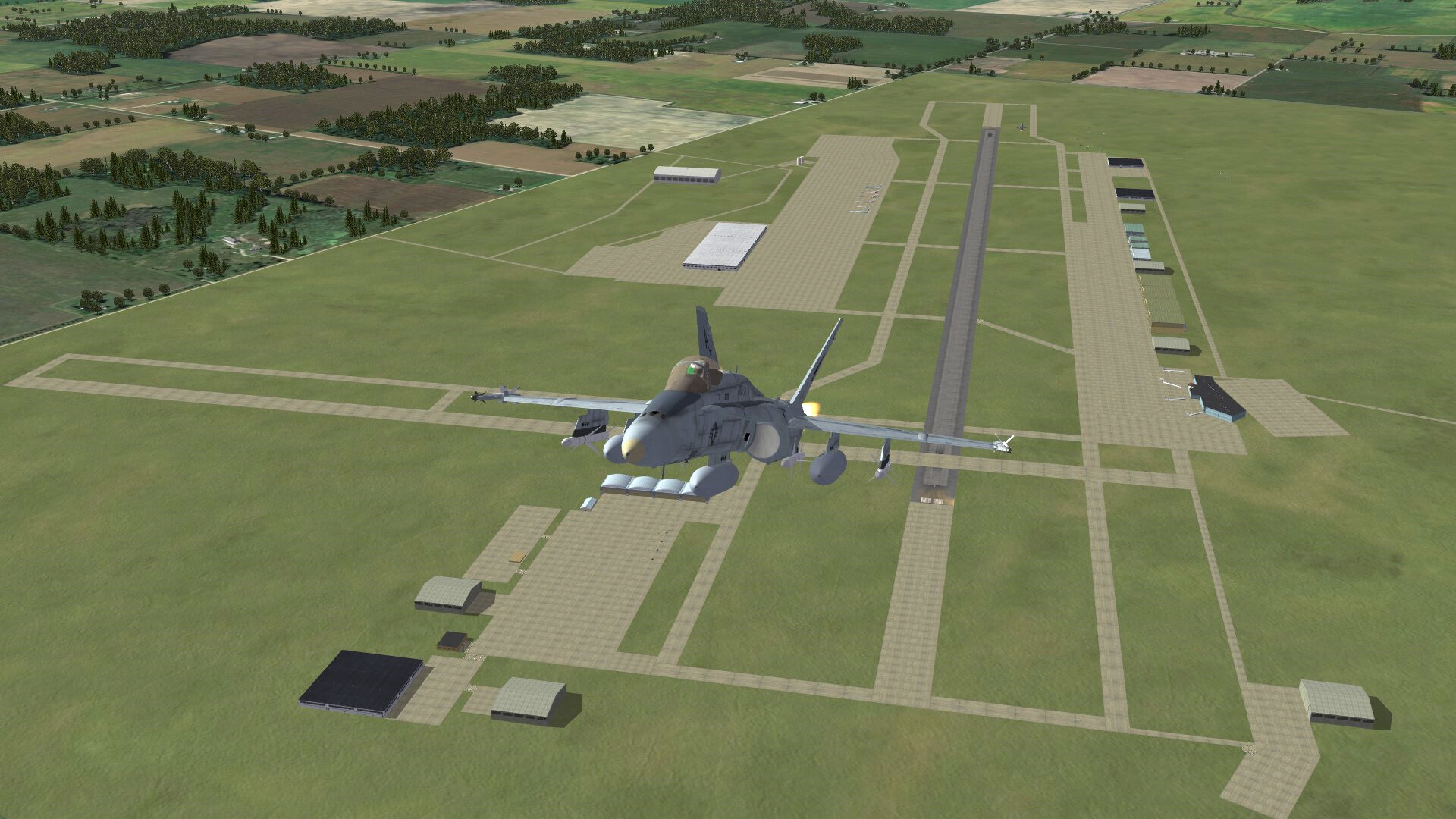
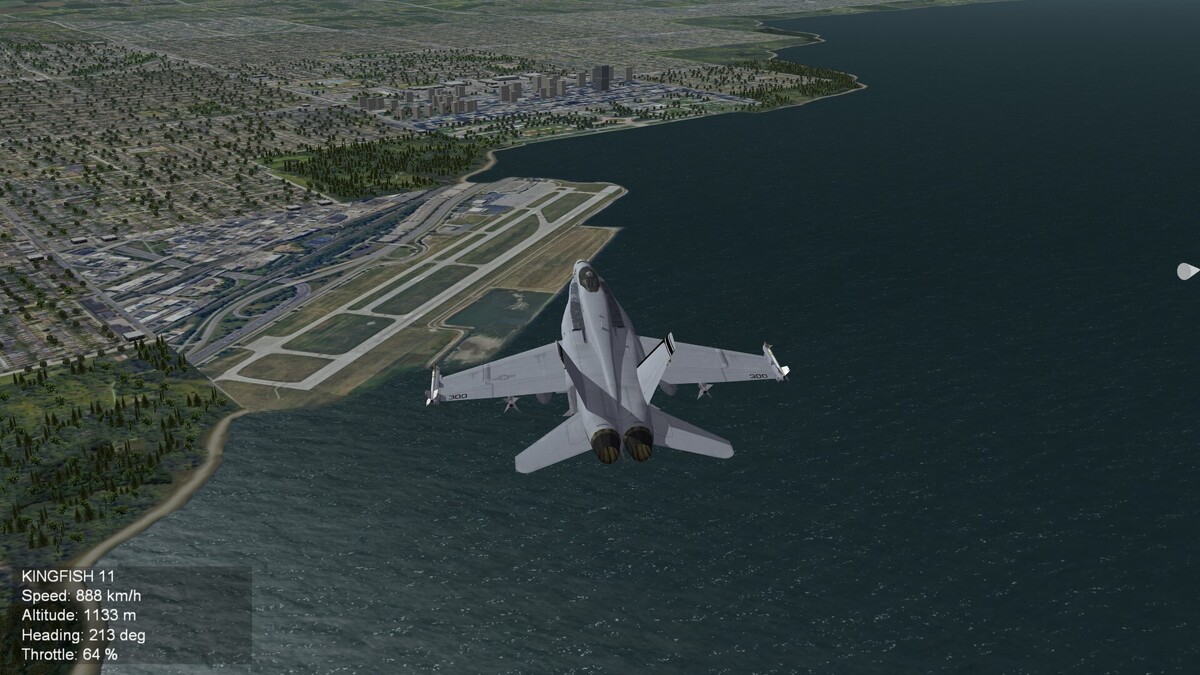
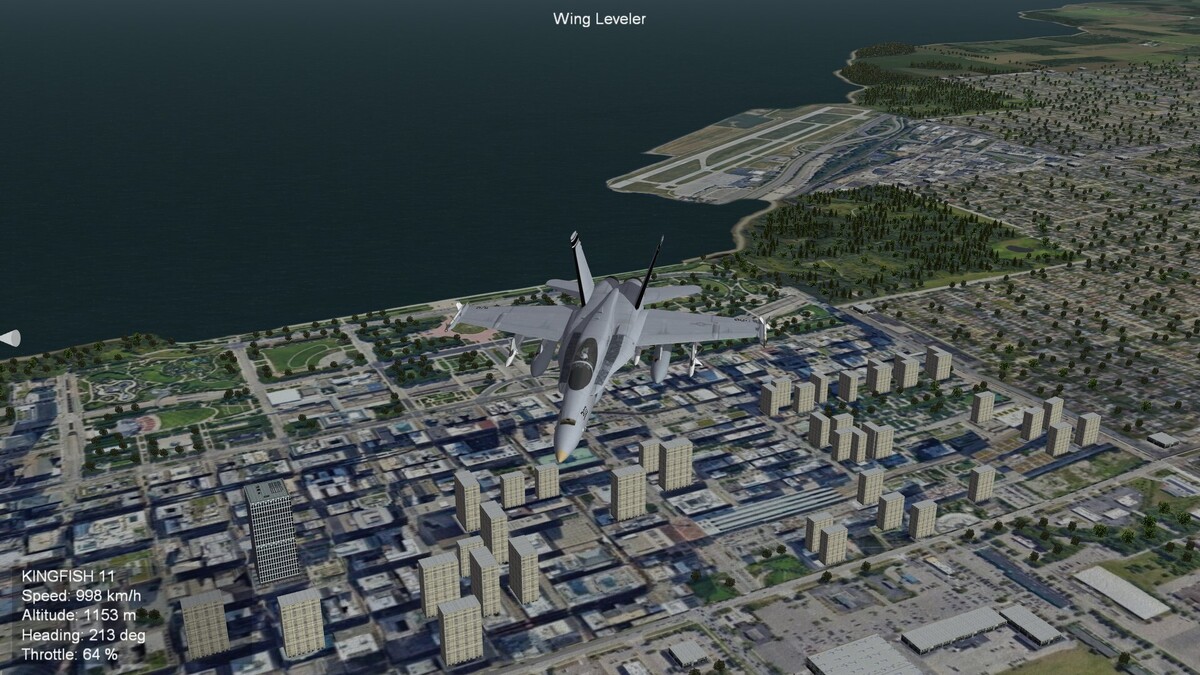
A new tile for the Cleveland Burk Lakefront Airport. With standard tiles it would have been not possible to place this airport on the map. It is still WIP.
- 954 replies
-
- 16
-

-

-
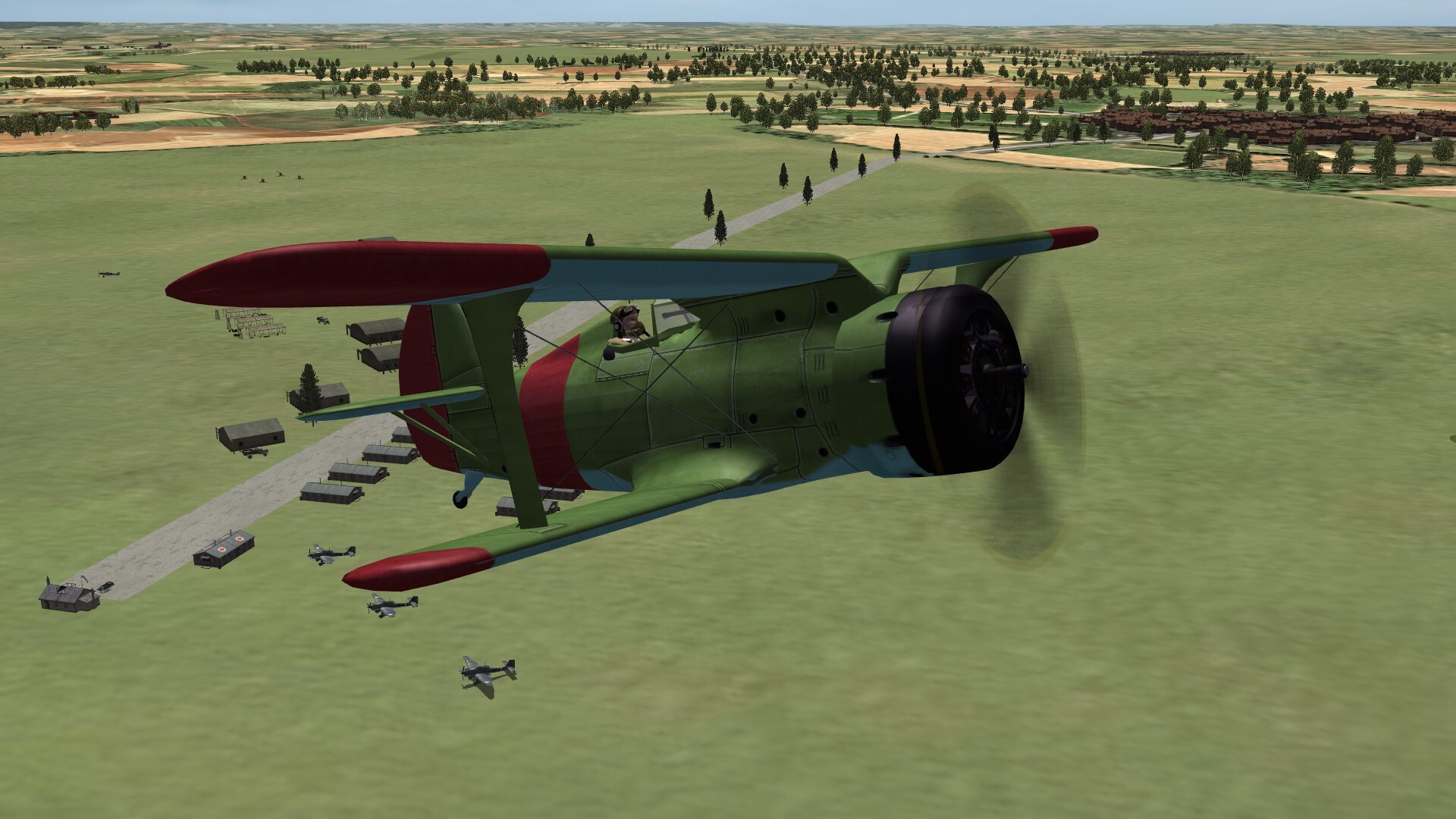
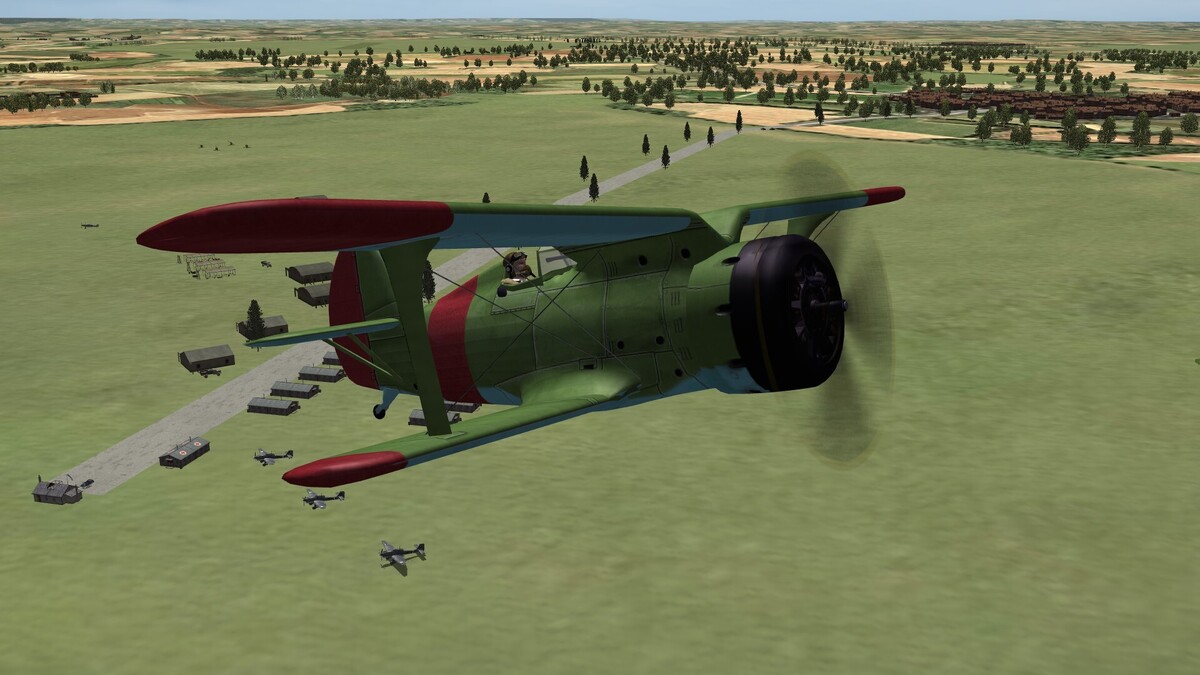
I-153 over a german airfield in July 1941.
-
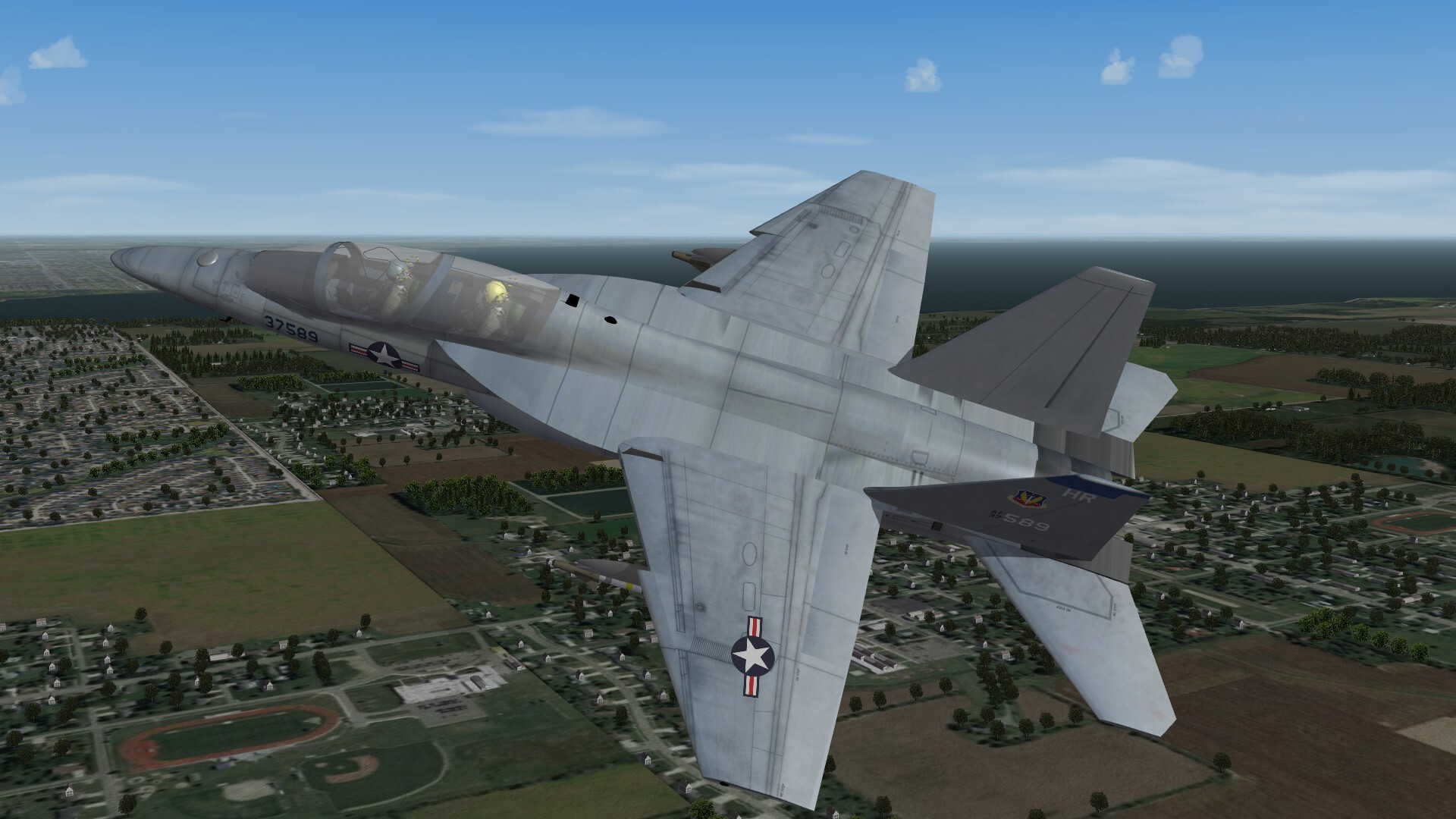
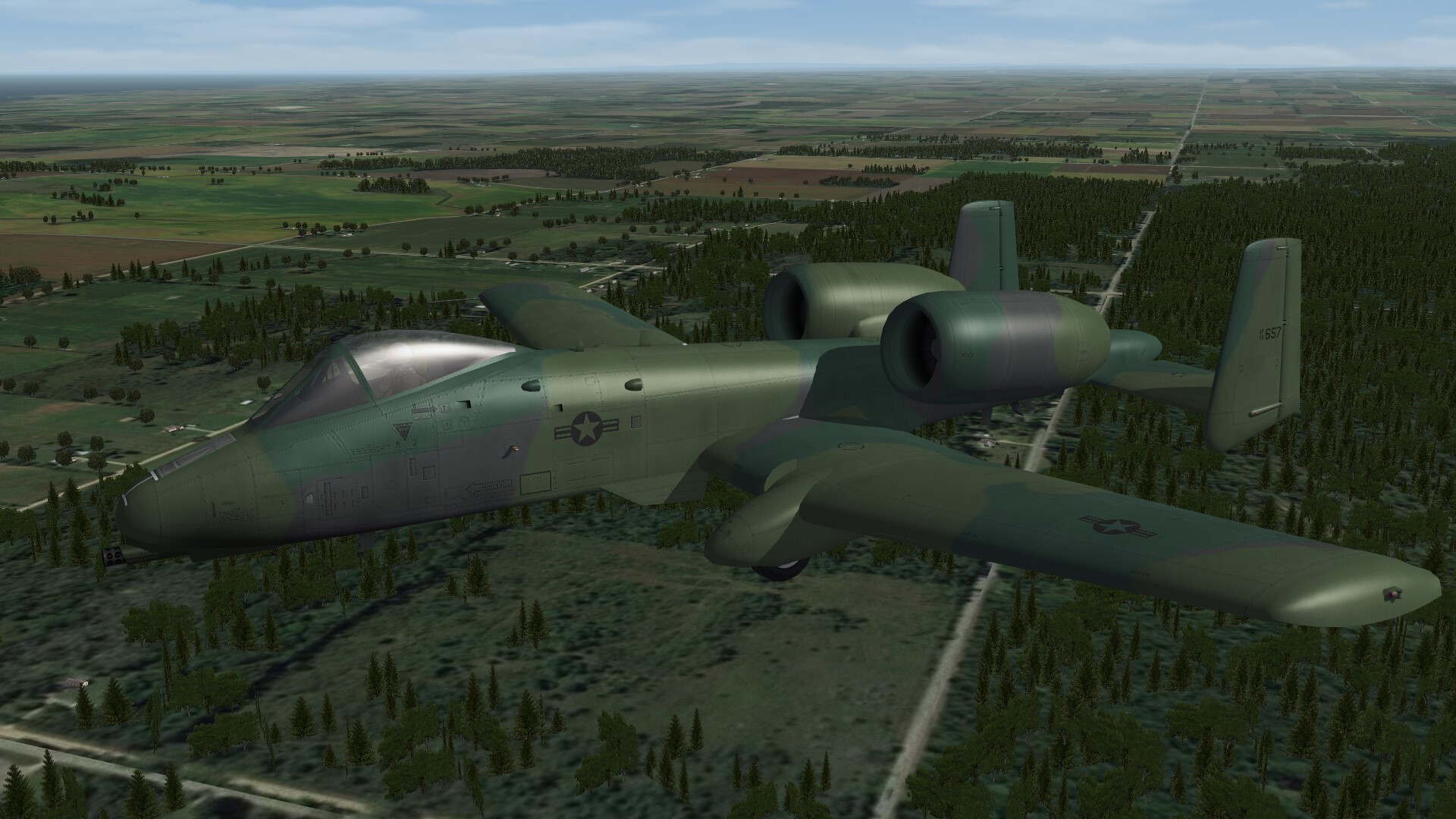
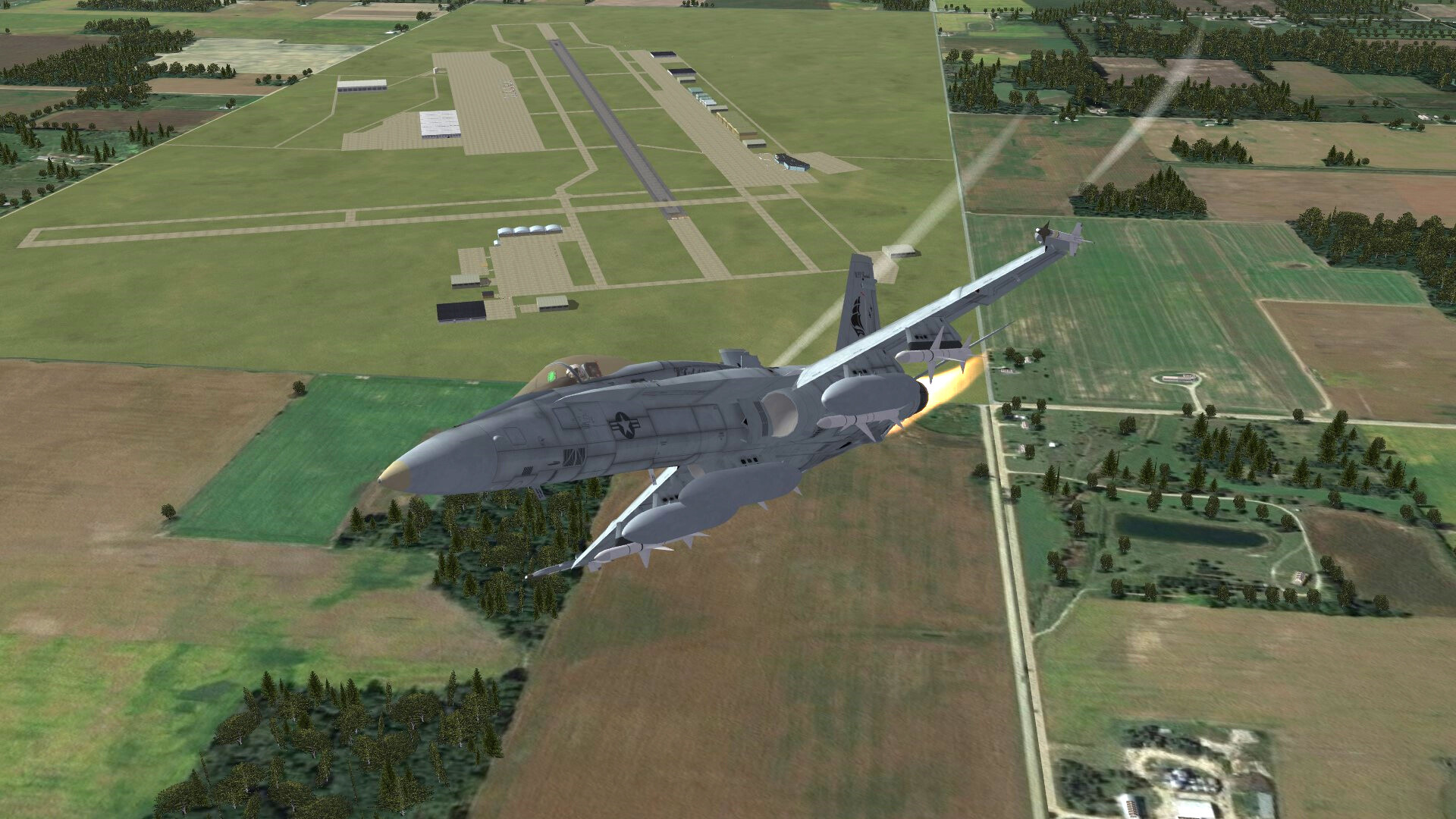
Over Michigans fields.

-
Vanilla Planes disappeared from selection menu
Gepard replied to giopanda's topic in General Discussion
For this do following things: First open file A-10A.ini with notepad editor Look for line: AircraftFullName=A-10A Thunderbolt II Change it into: AircraftFullName=A-10A Thunderbolt II 3W save the file. Thats it. But be aware, that the game sometimes overwrites the ini files of the stock aircrafts. That means that all of your changes are gone. -
Vanilla Planes disappeared from selection menu
Gepard replied to giopanda's topic in General Discussion
What excactly have you edited? Did you only renamed the files or did you change something in the files? -
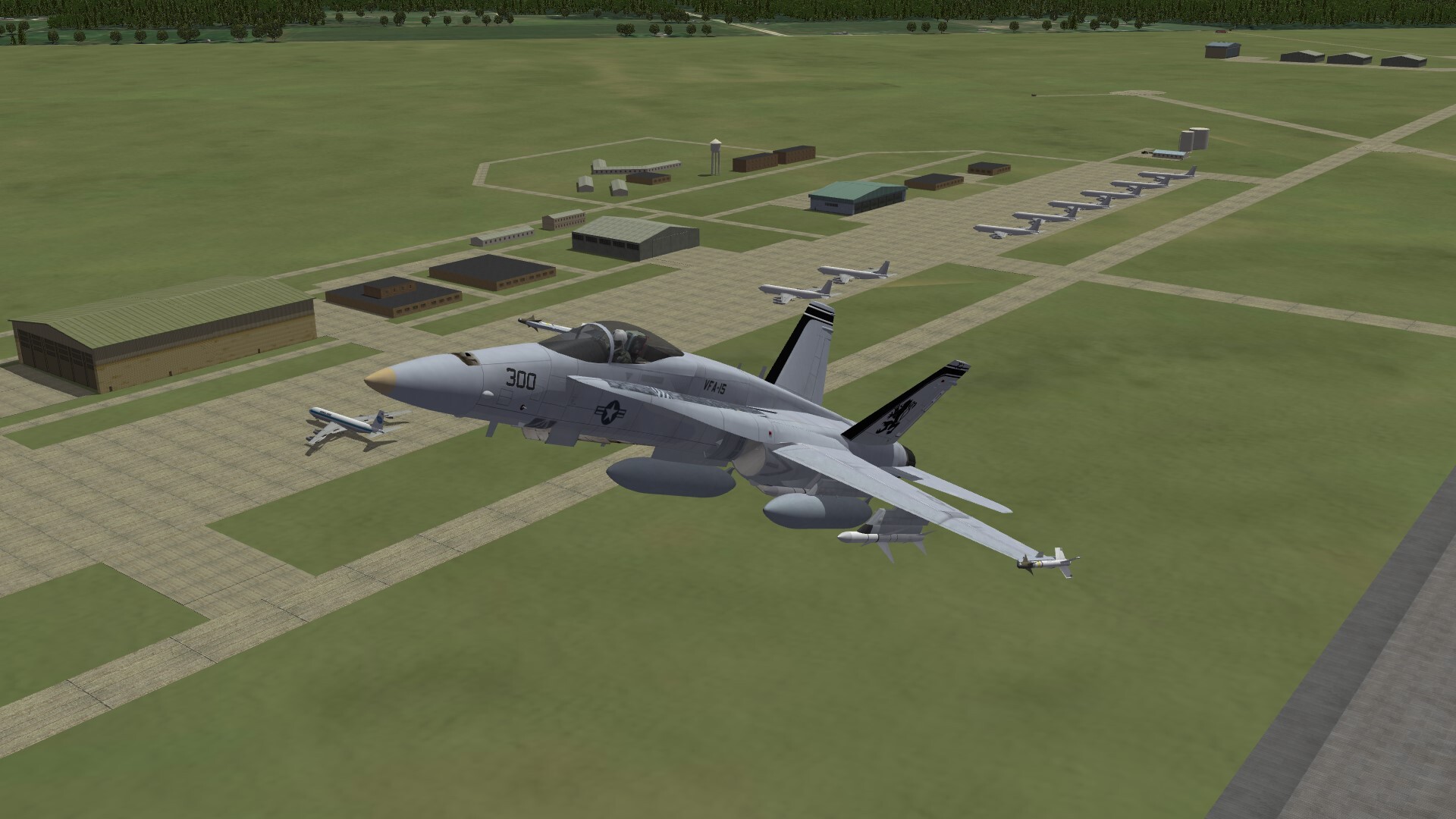
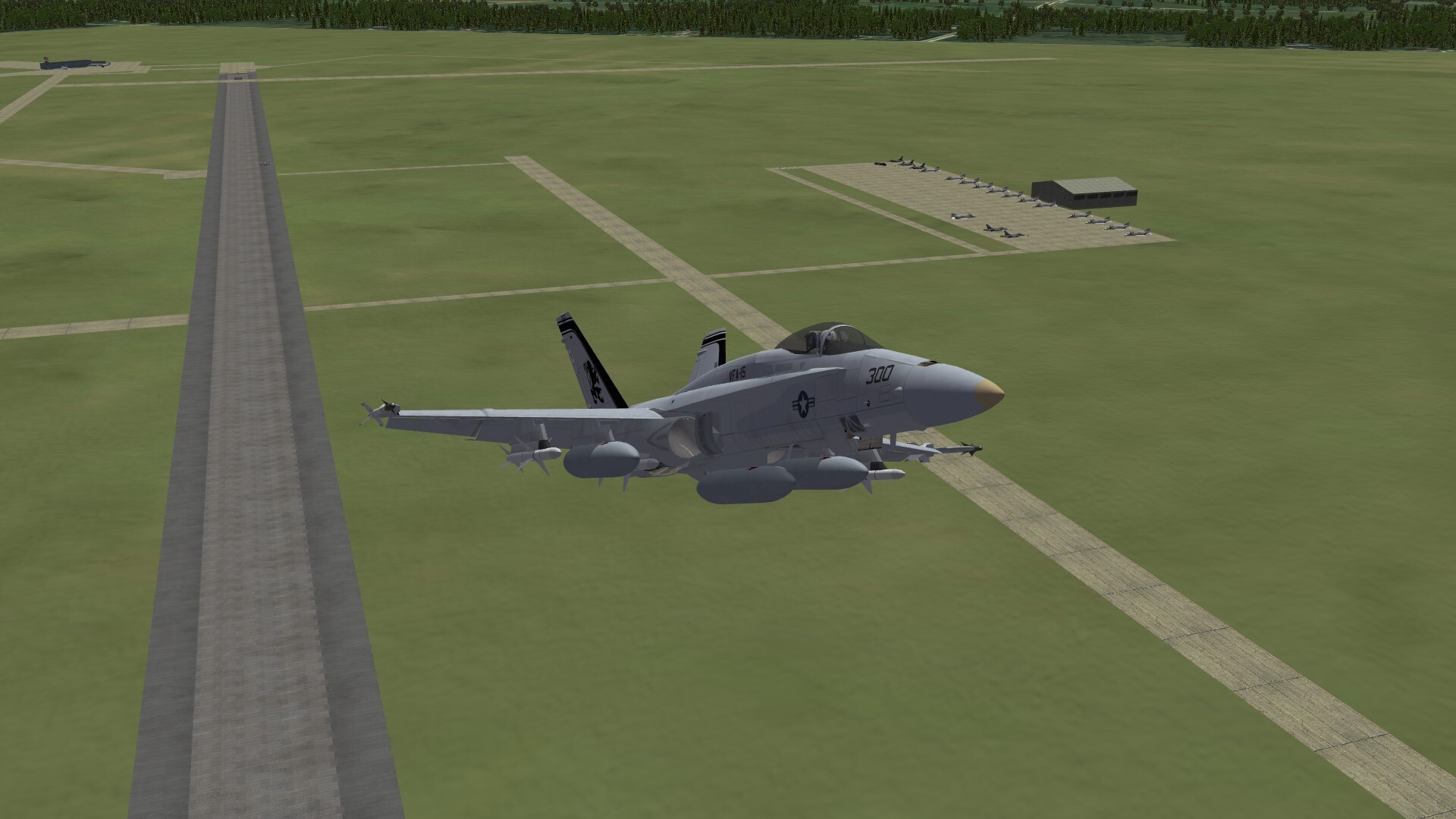
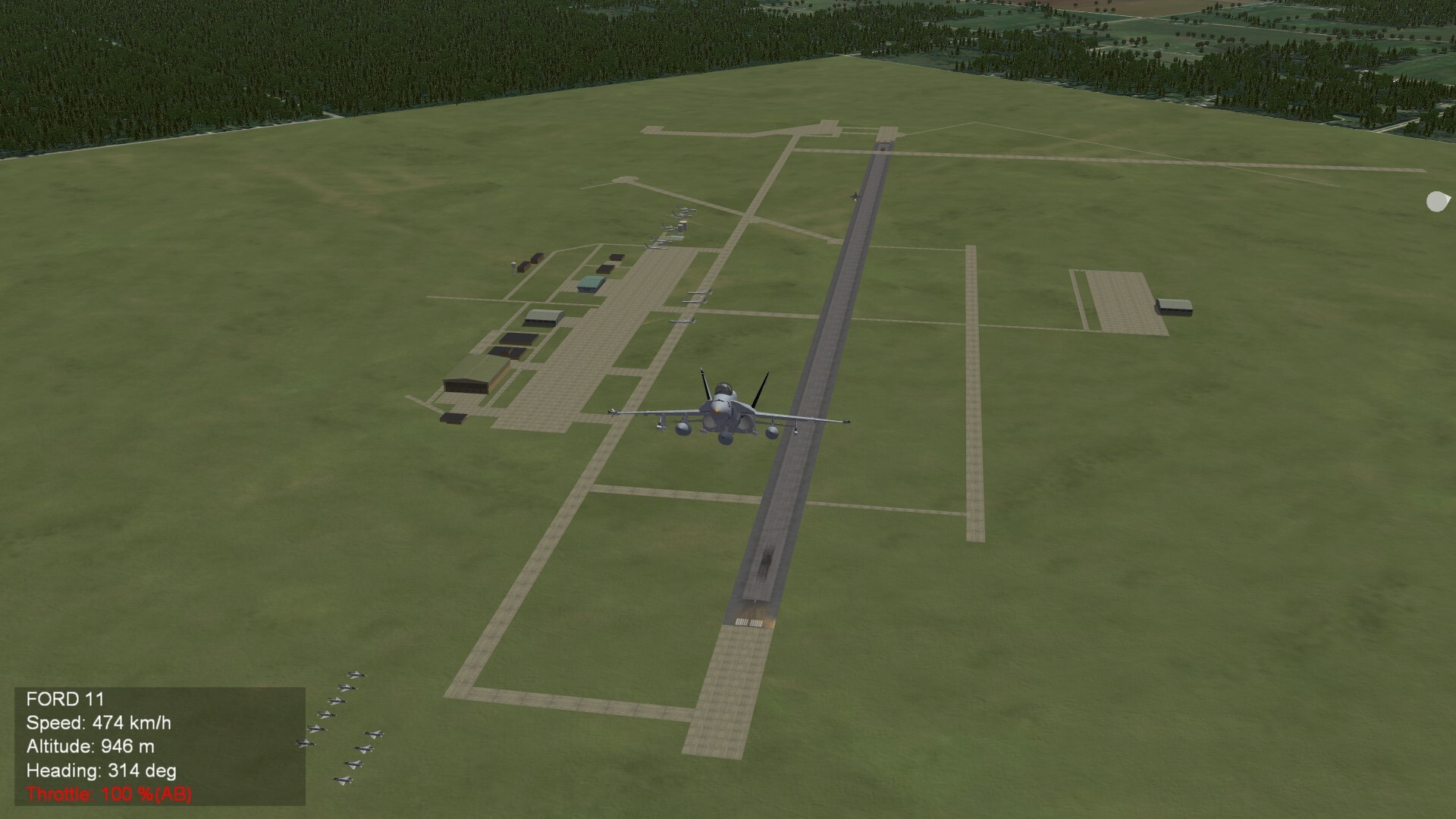
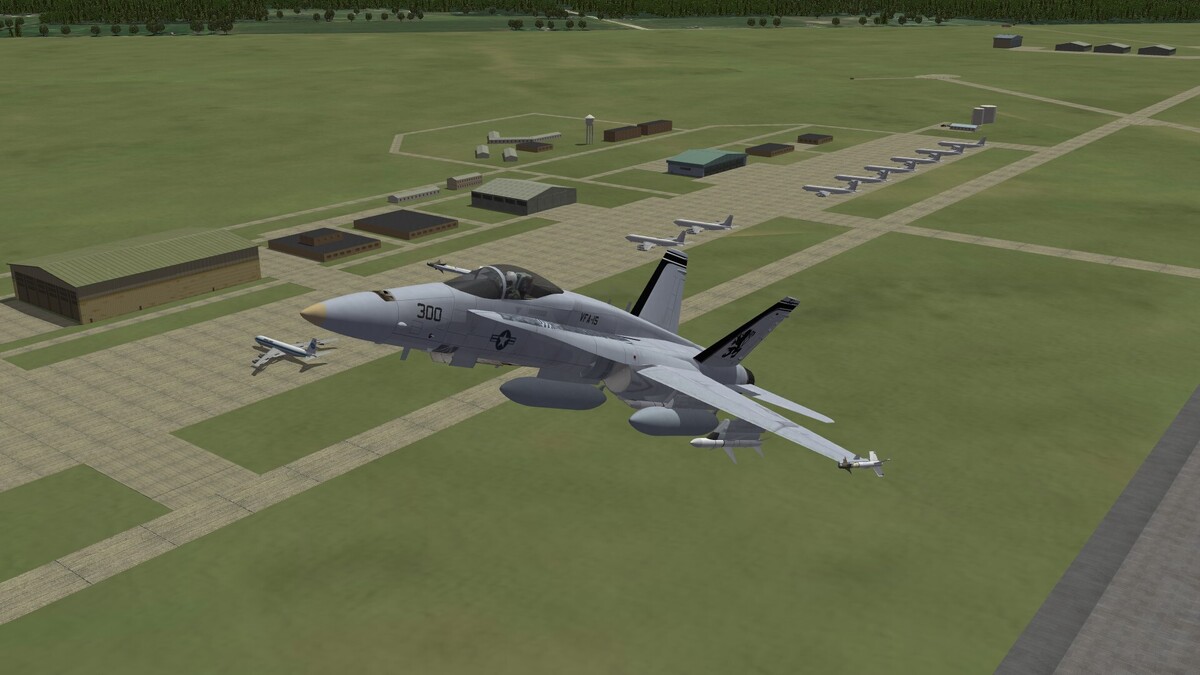
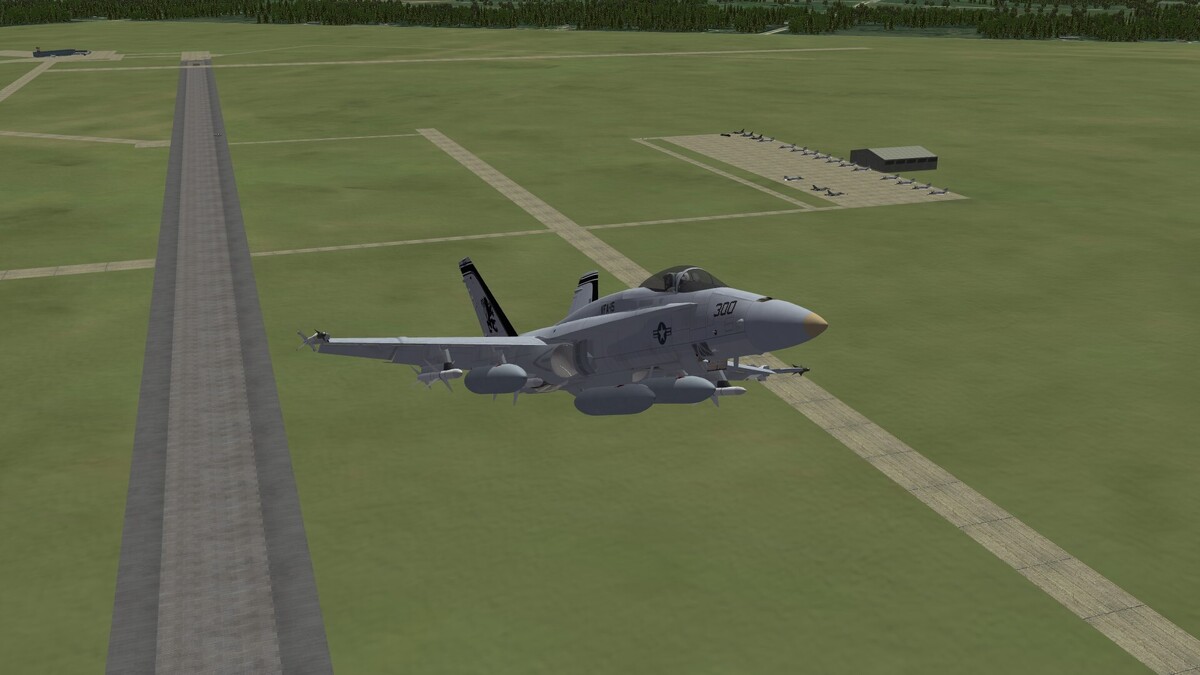
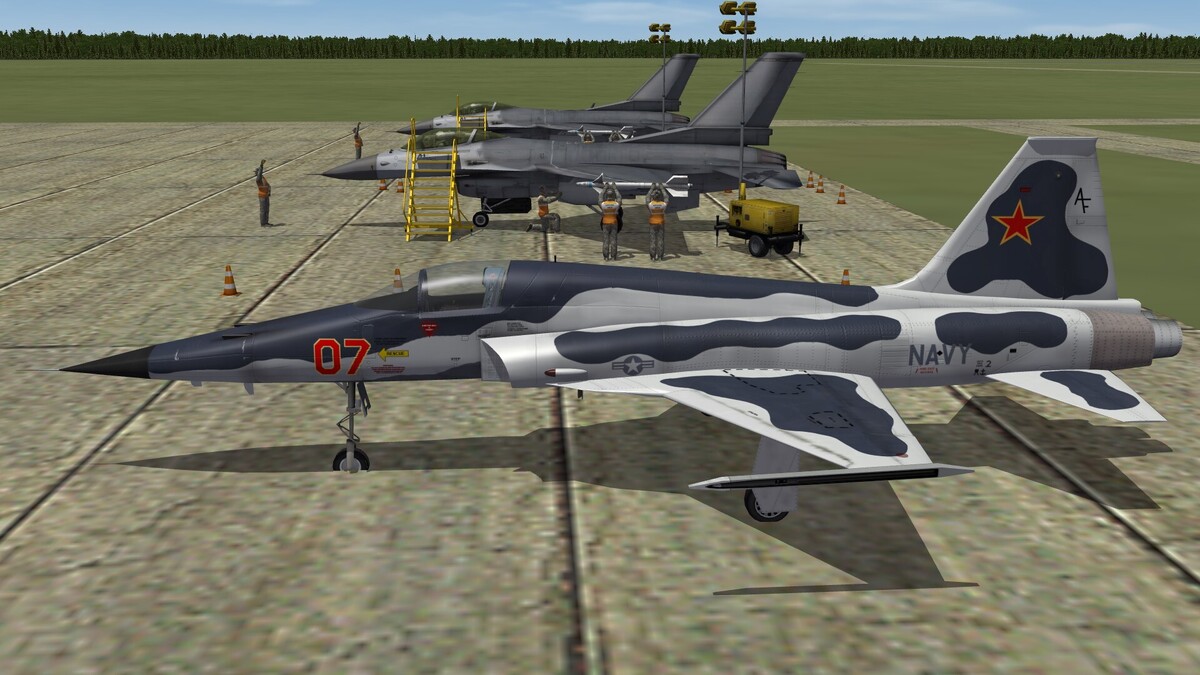
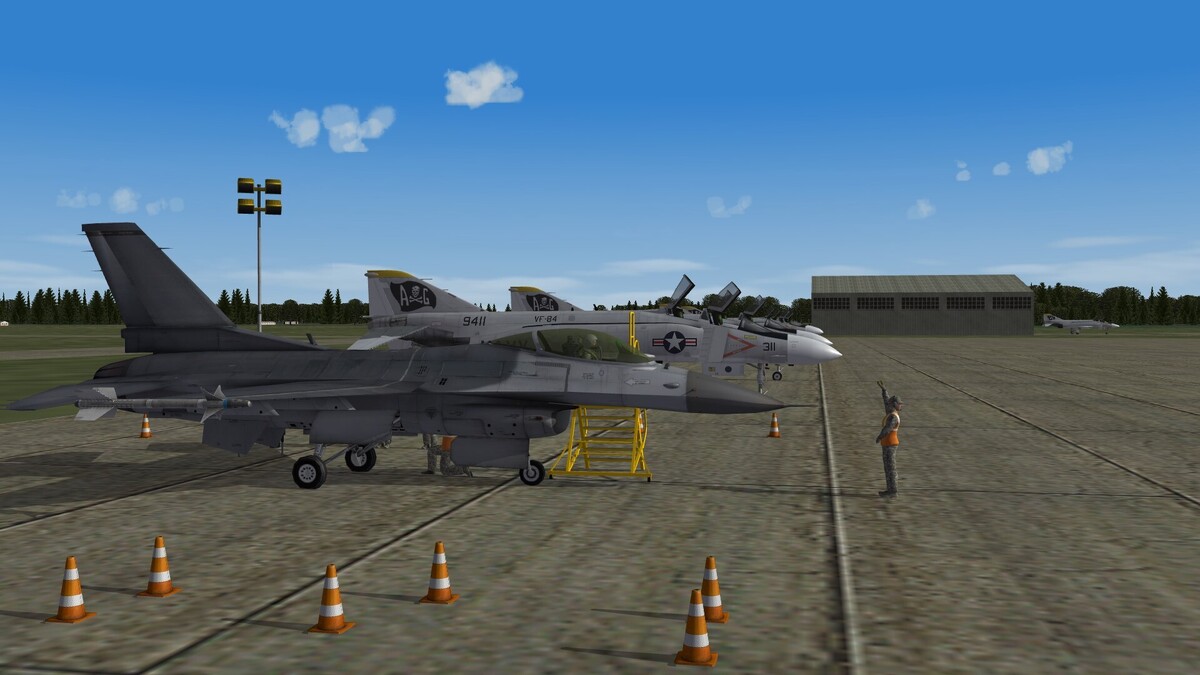
Youngstown-Warren Regional Airport is finished now. Here a screenshot with a view to "heavy" side of the base. This is the home of the Hercs. The white planes are randomly set by the gameengine. If you have C-130 in your installation, they will appear there. Here the view to the "fighter town"
-
-
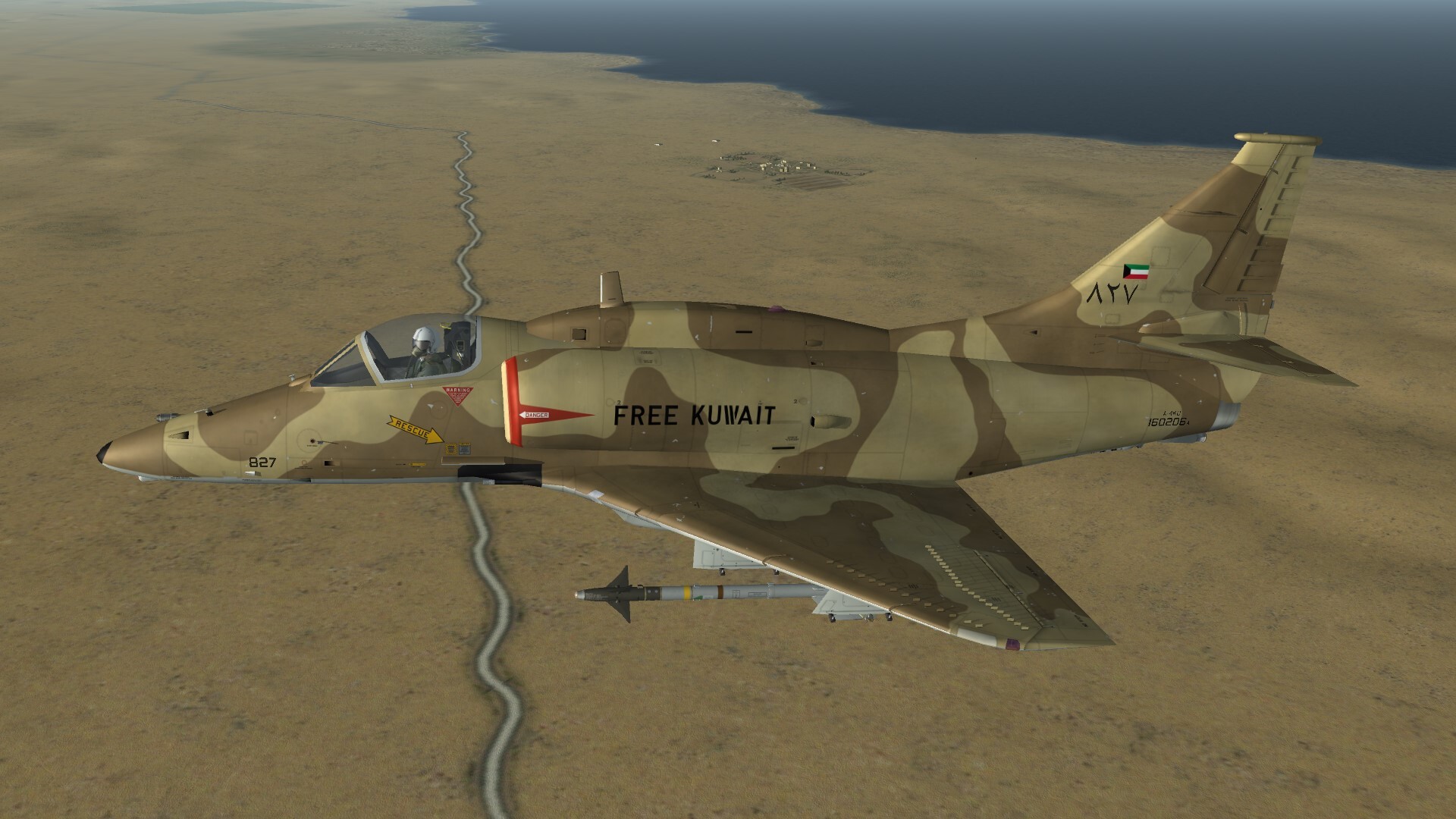
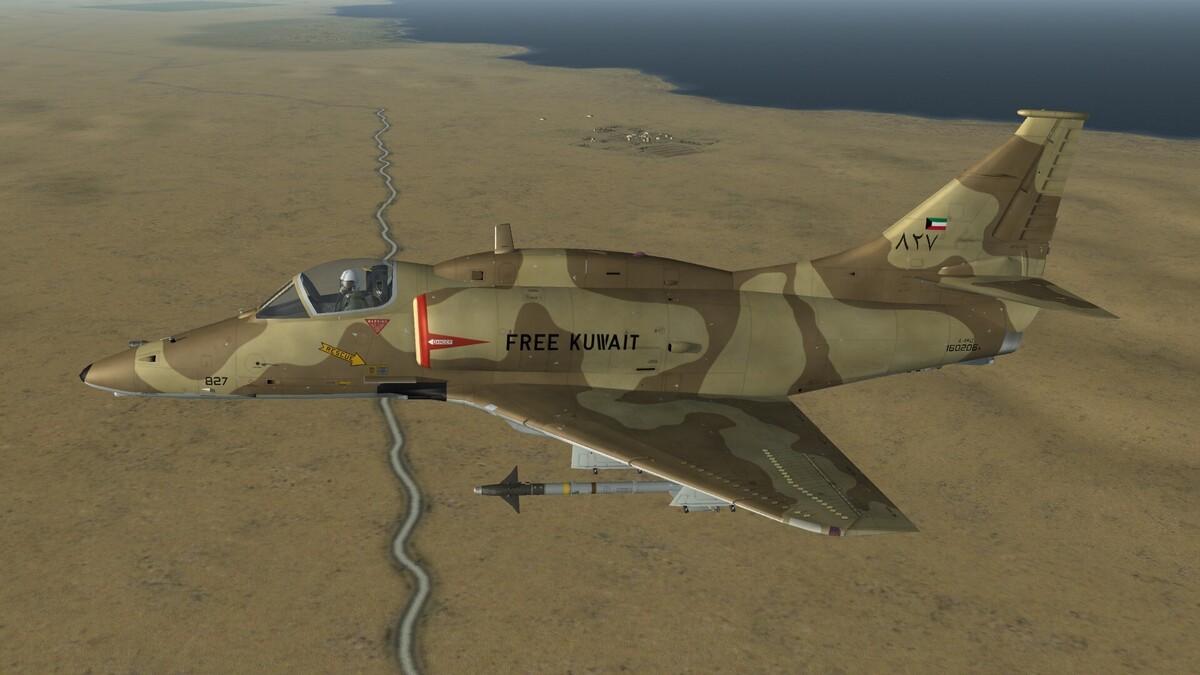
Free Kuwait!
-
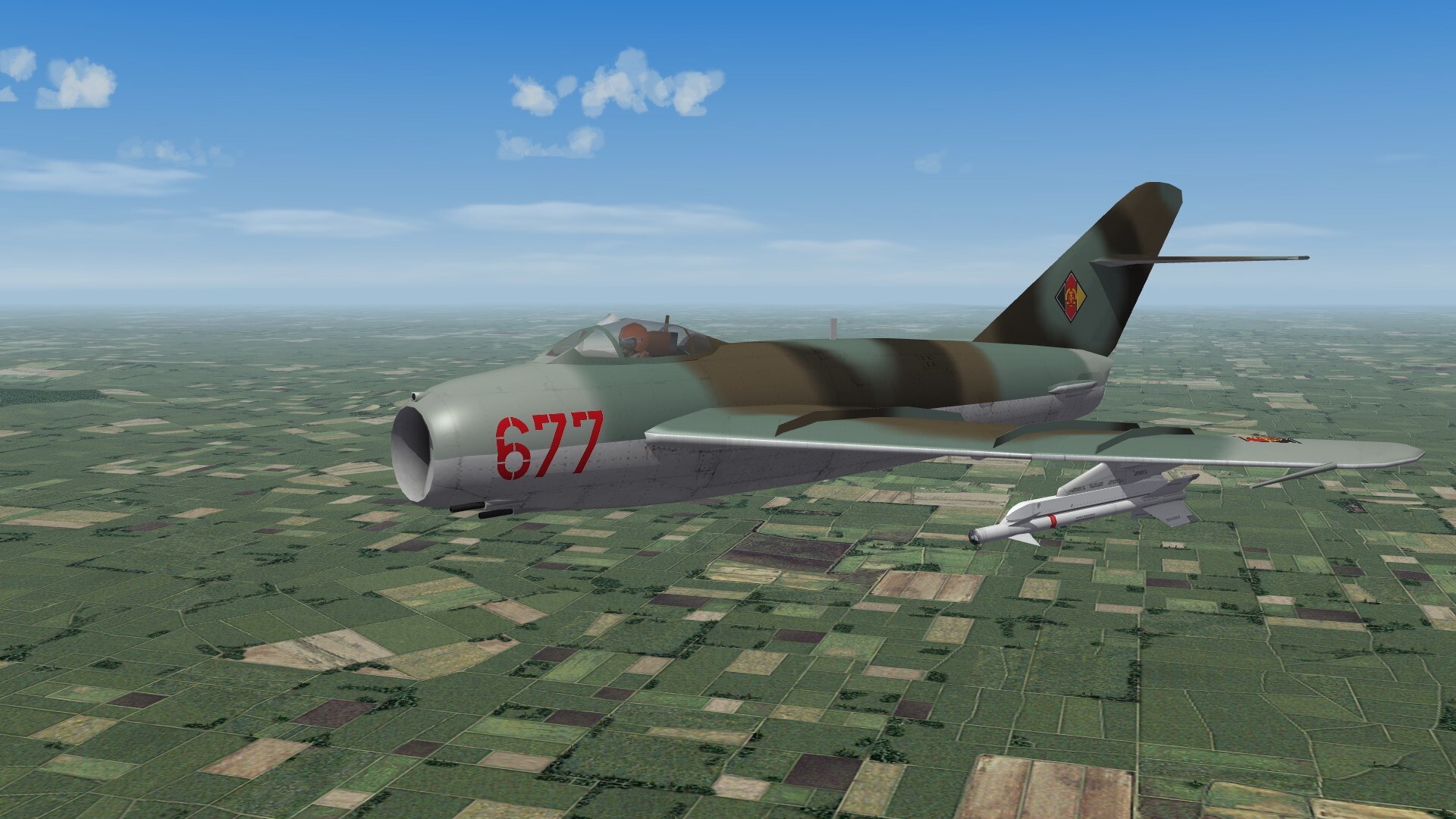
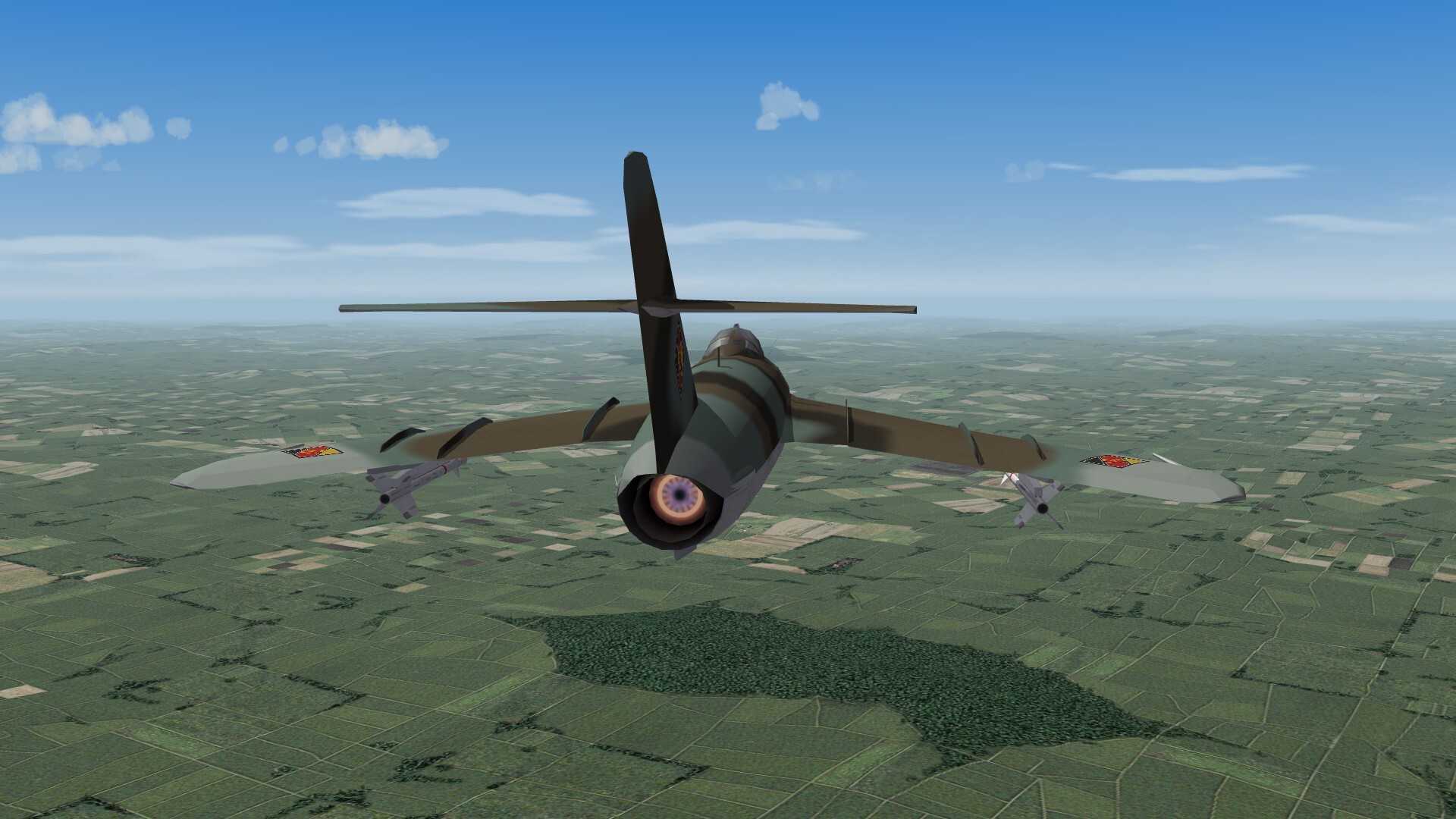
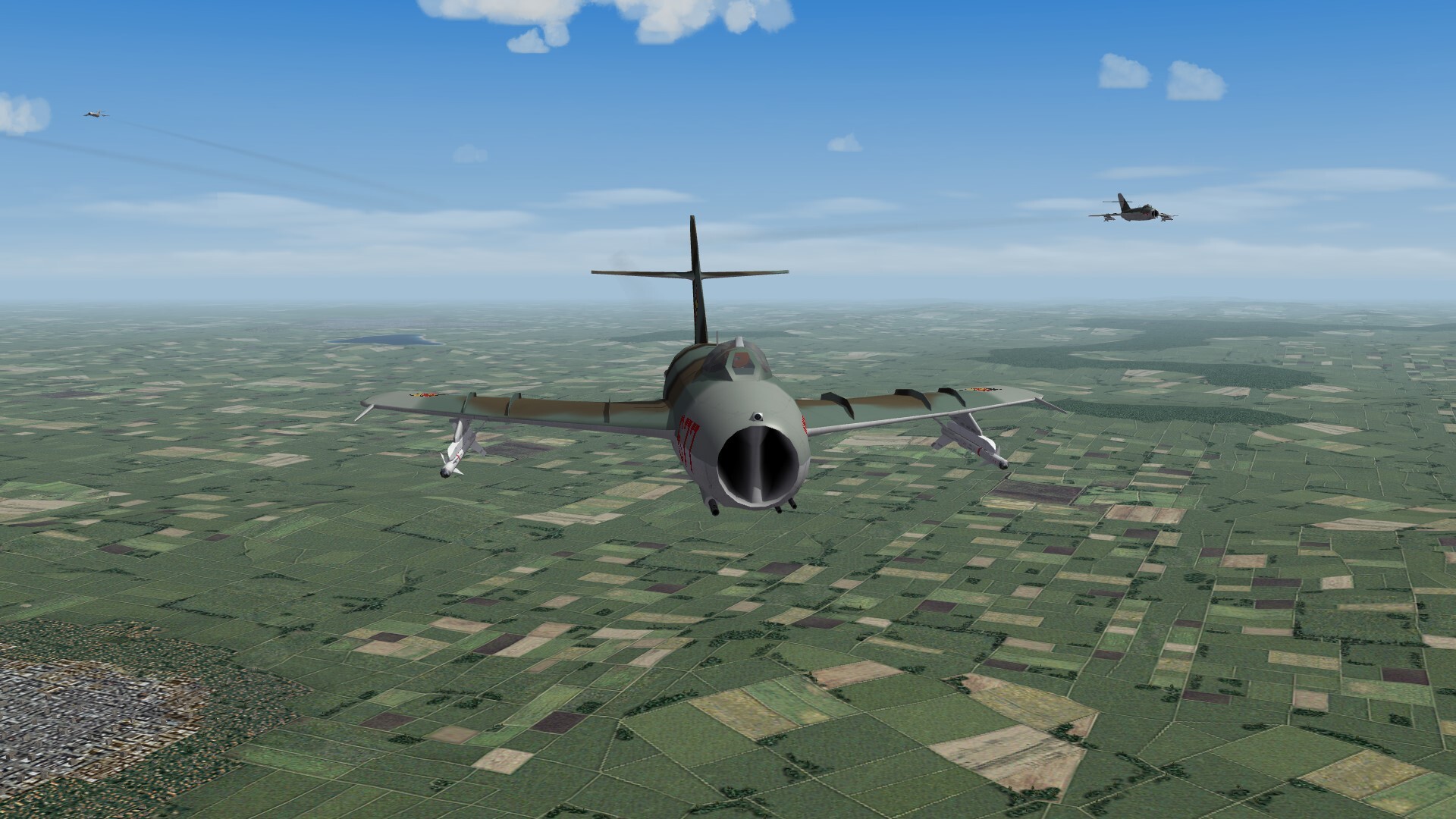
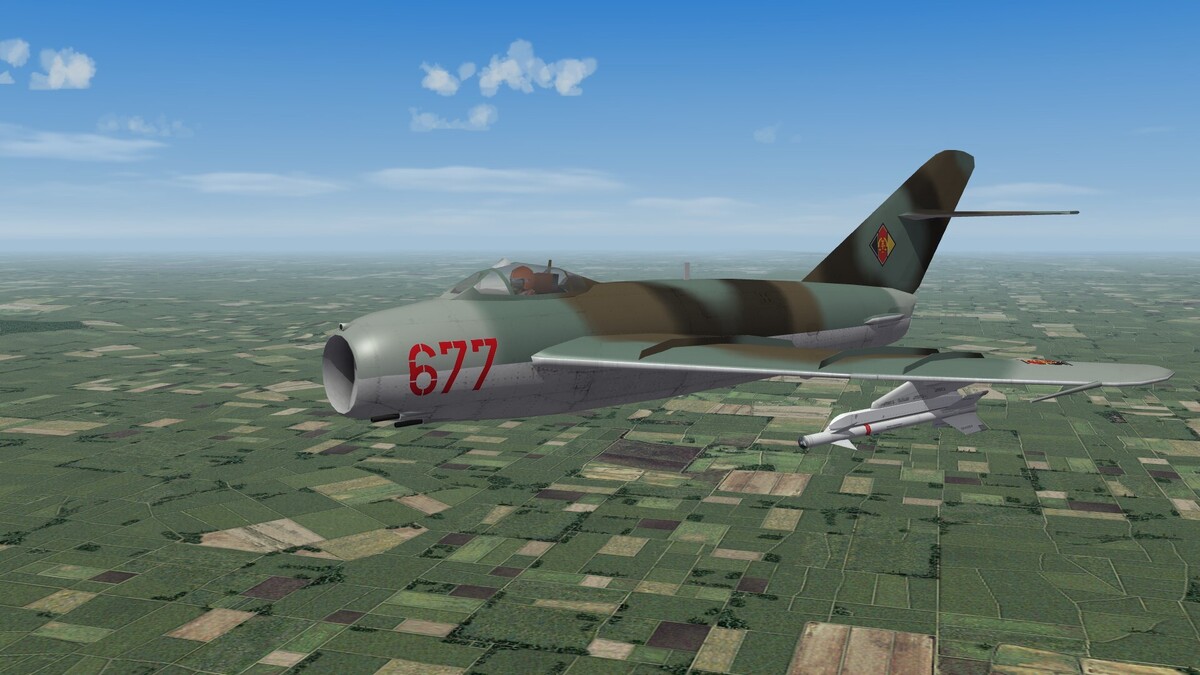
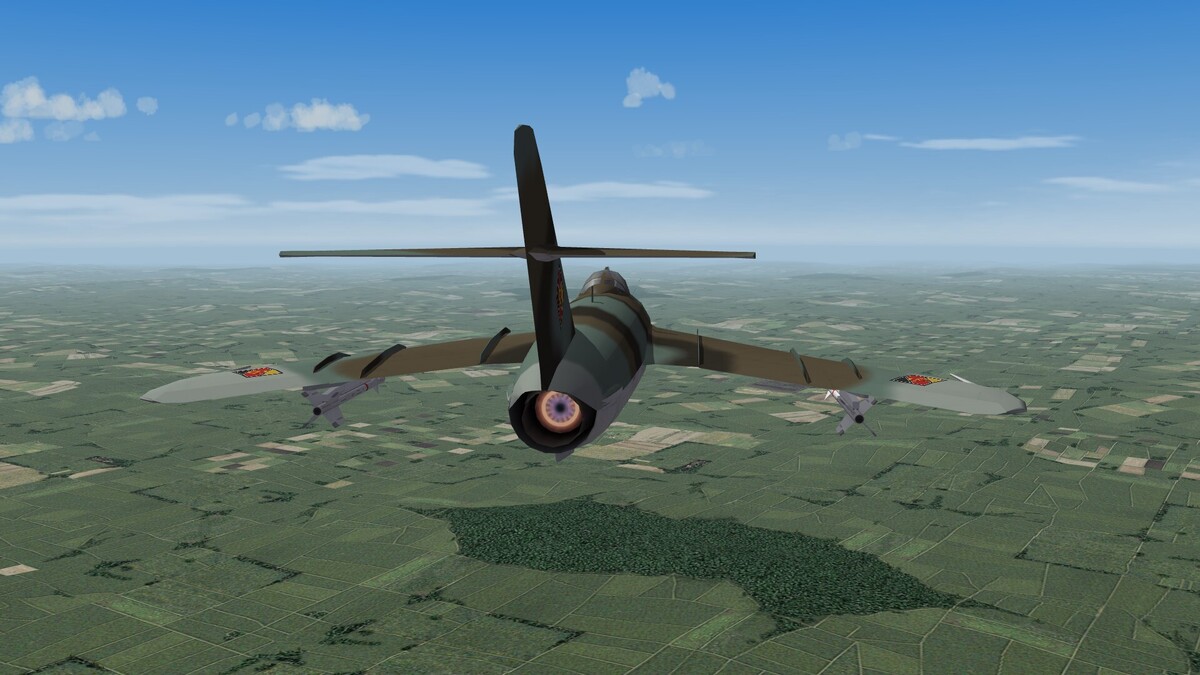
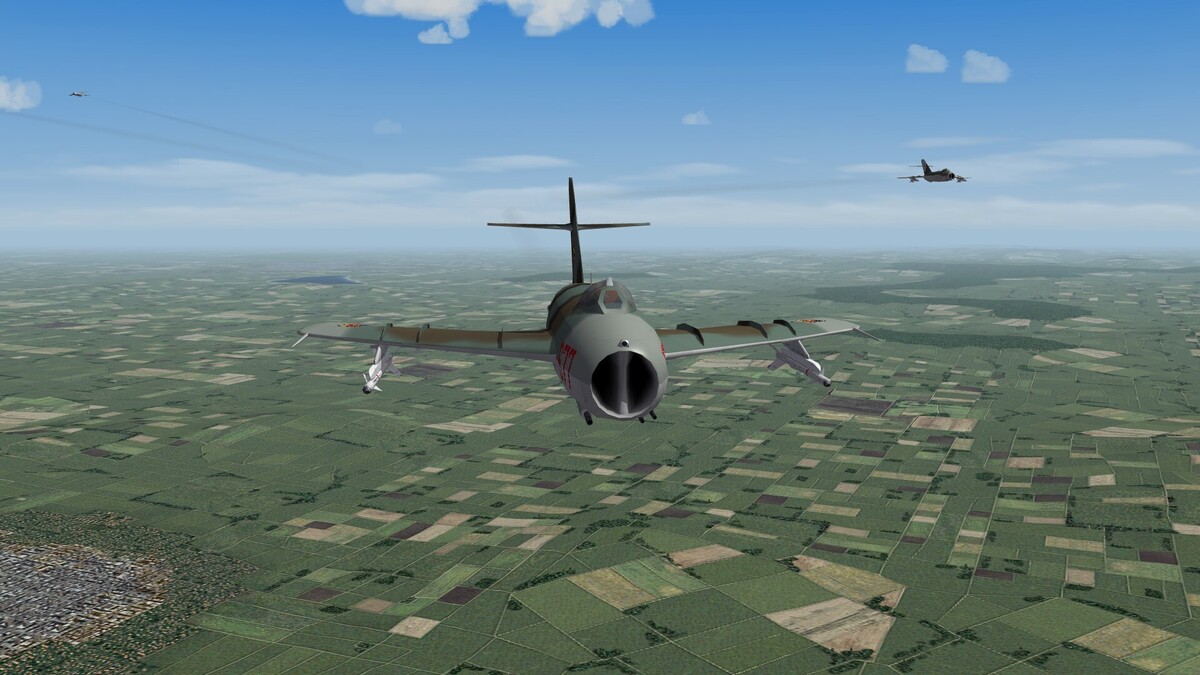
MiG-17F-13, the ultimate Fresco. R-11A-300 engine with 37.3 kN dry thrust, 10% more than the former VK-1F engine with afterburner GSh-23L gun with 250 rounds instead N-37 with 40 rounds launch rails for AA-2 missiles
-
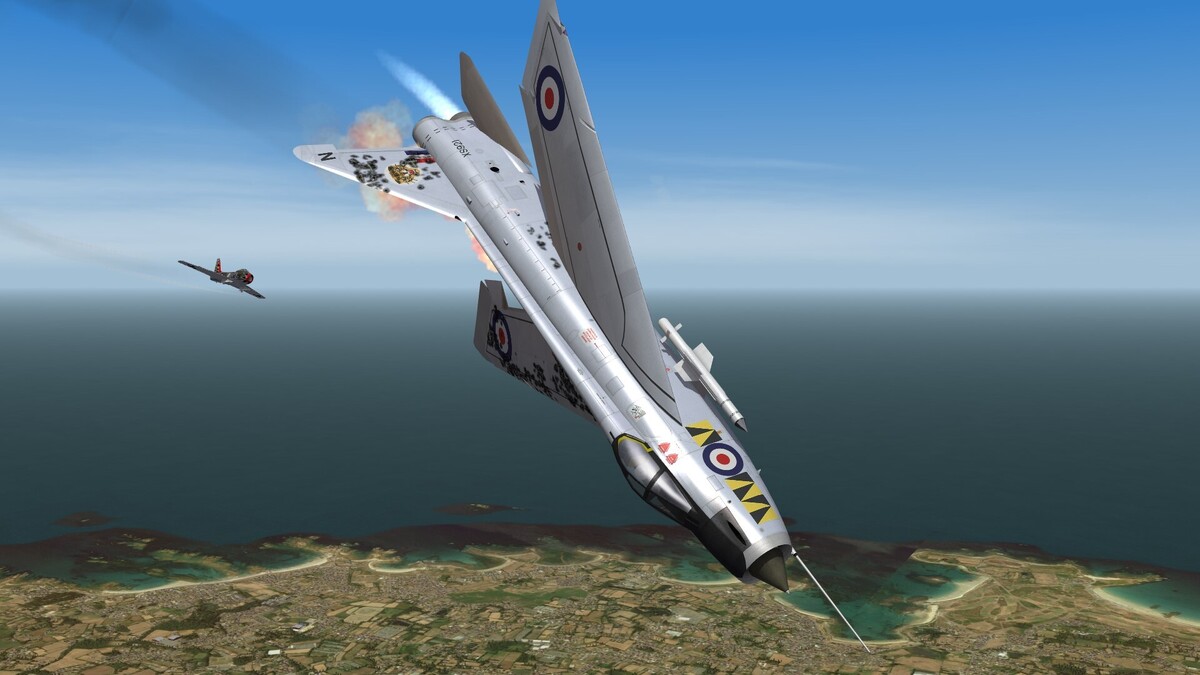
Brexit.
-
In Central Europe we had a partial solar eclipse some minutes ago. In Spain it was a total eclipse. Here in Germany we had ~ 85 - 87% coverage. Here some photos, i had taken:




-
The last waypoint before the target waypoint is the spawn point after pressing ALT+N. You can move this point on the map screen before take off and set it on a point of your choice. So you can avoid known SAM sites.
-
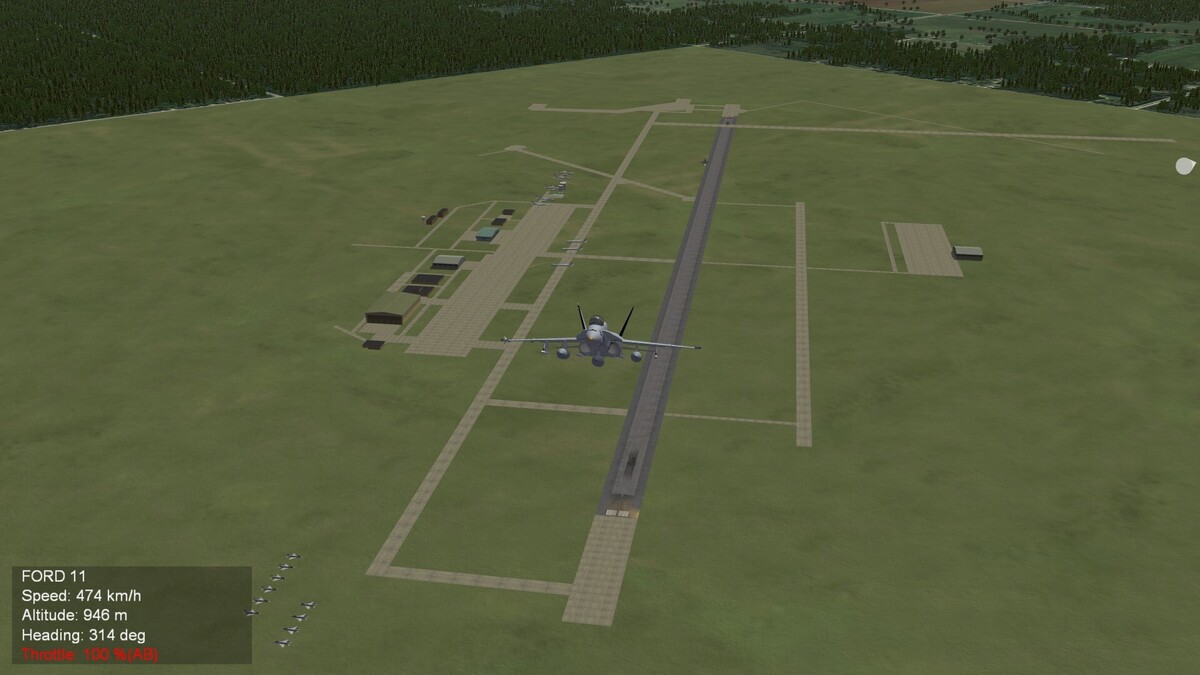
Youngstown-Warren Regional Airport, Ohio (WIP) This is military used too. A base for C-130 Hercules. Ignore the parked aircrafts. They are still at the wrong position. This will be fixed later.
-
-
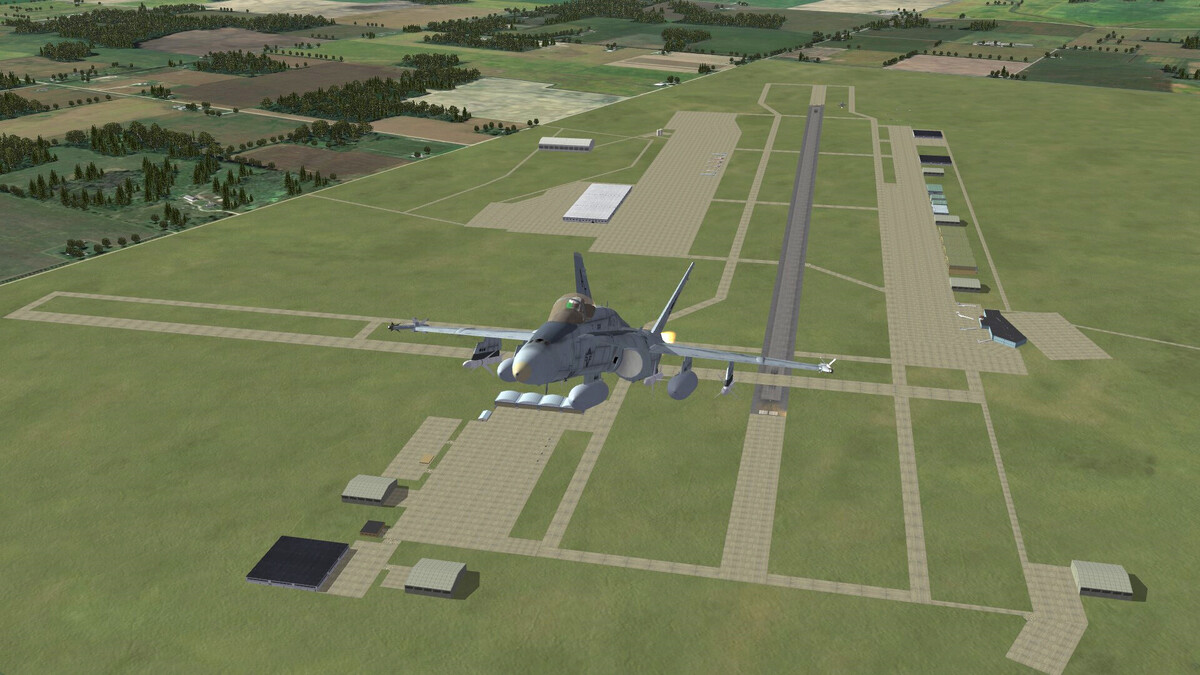
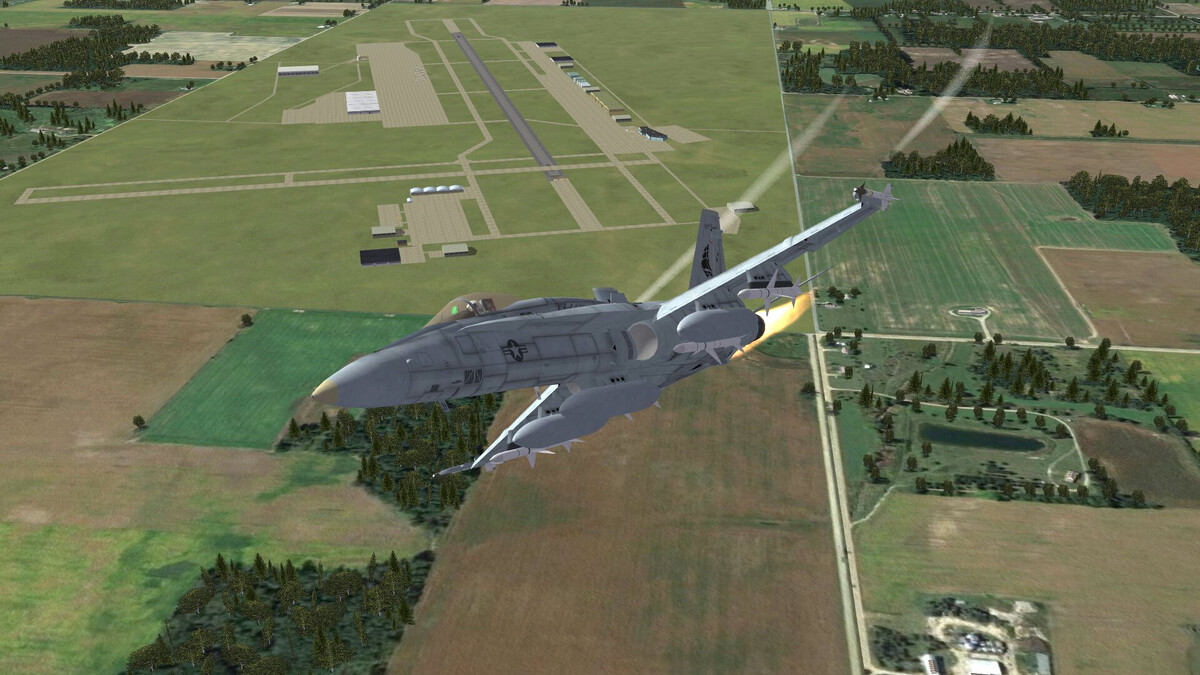
In the last two month the progress with Michigan terrain was zero. the reason was, that i had to finish my next book project and the publishing house gave me a short deadline. Now the book is finished. All files are sent to the publisher and now i have time again to mod. Today i have finished Toledo Express Airport.
- 954 replies
-
- 10
-
-
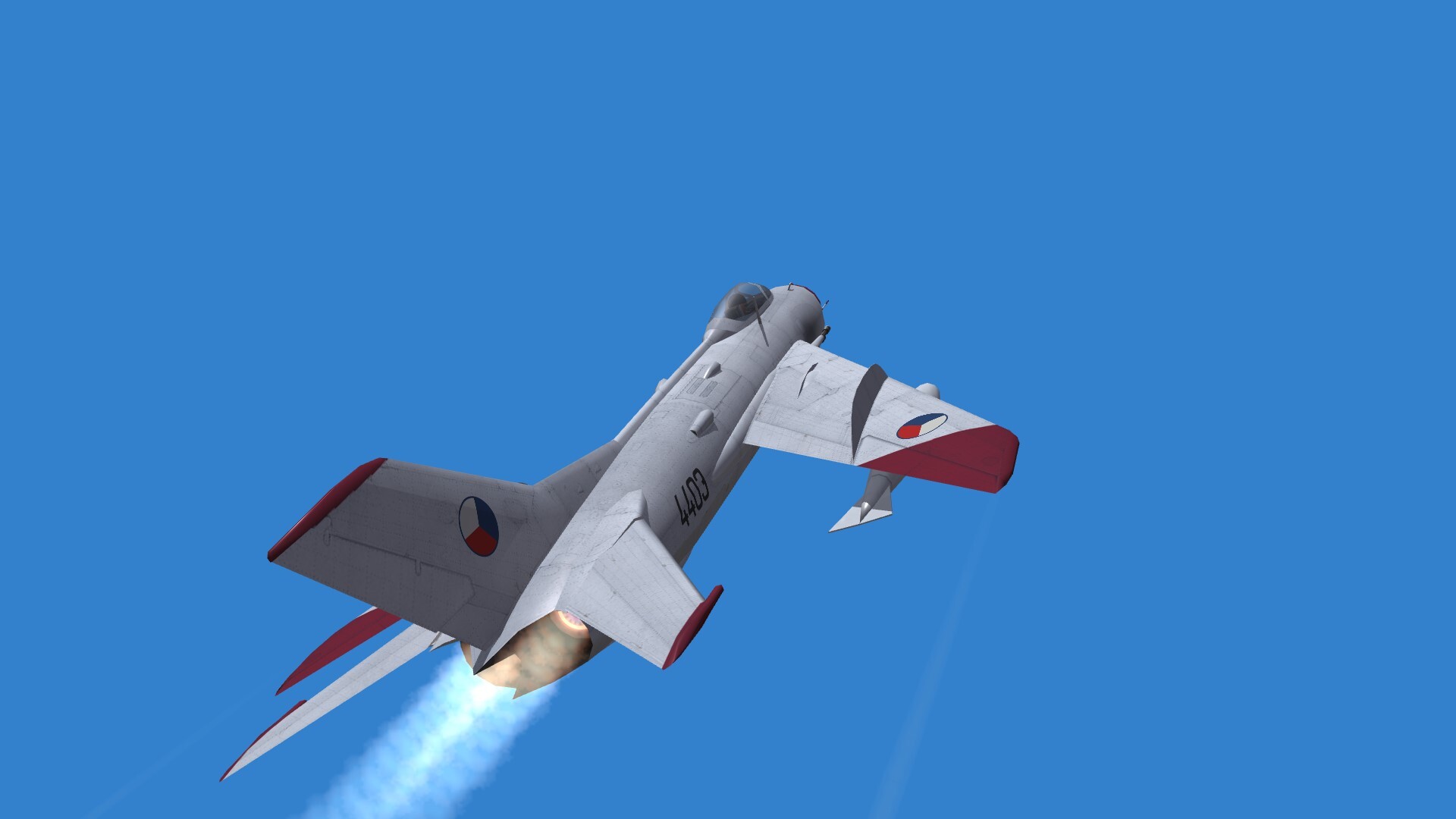
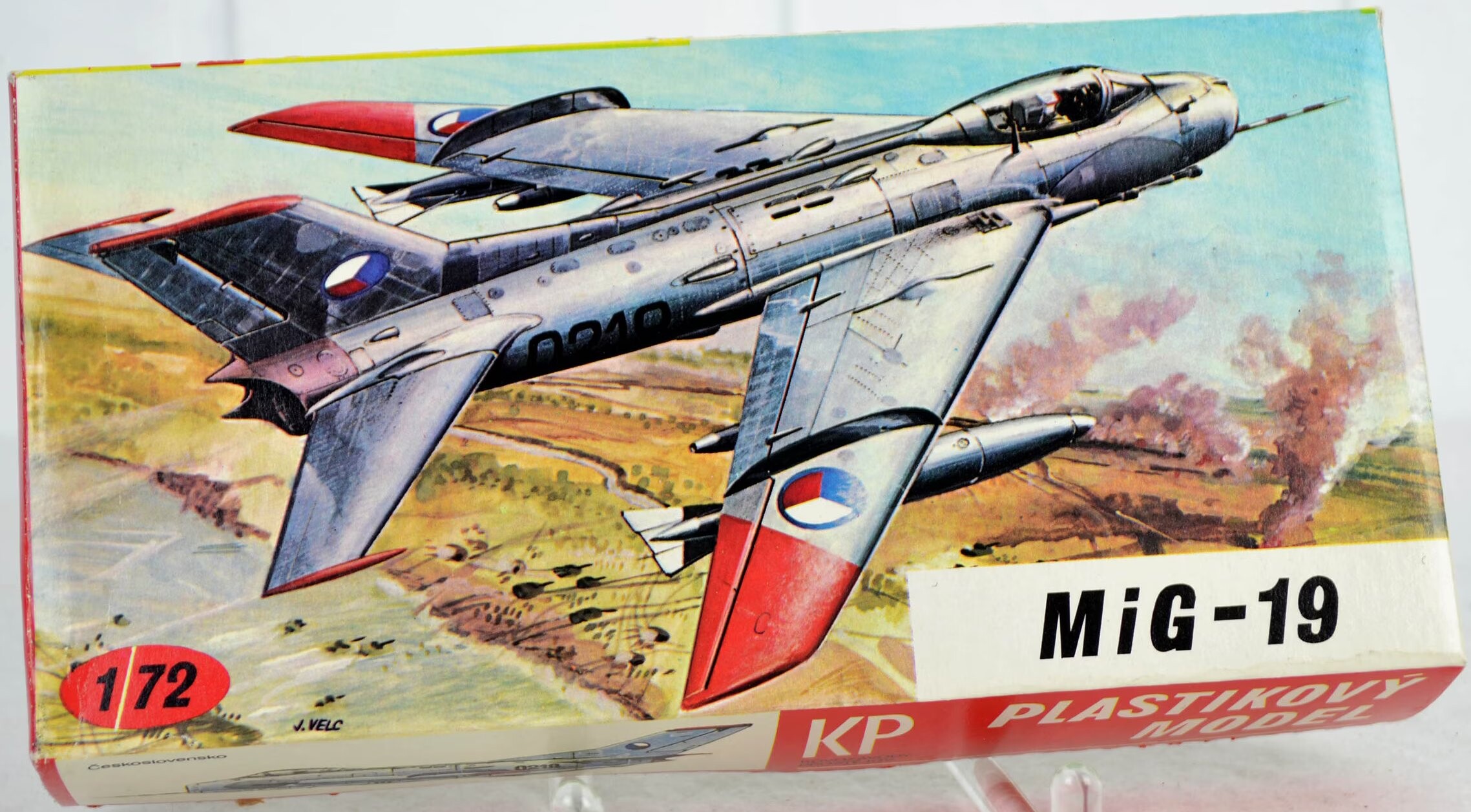
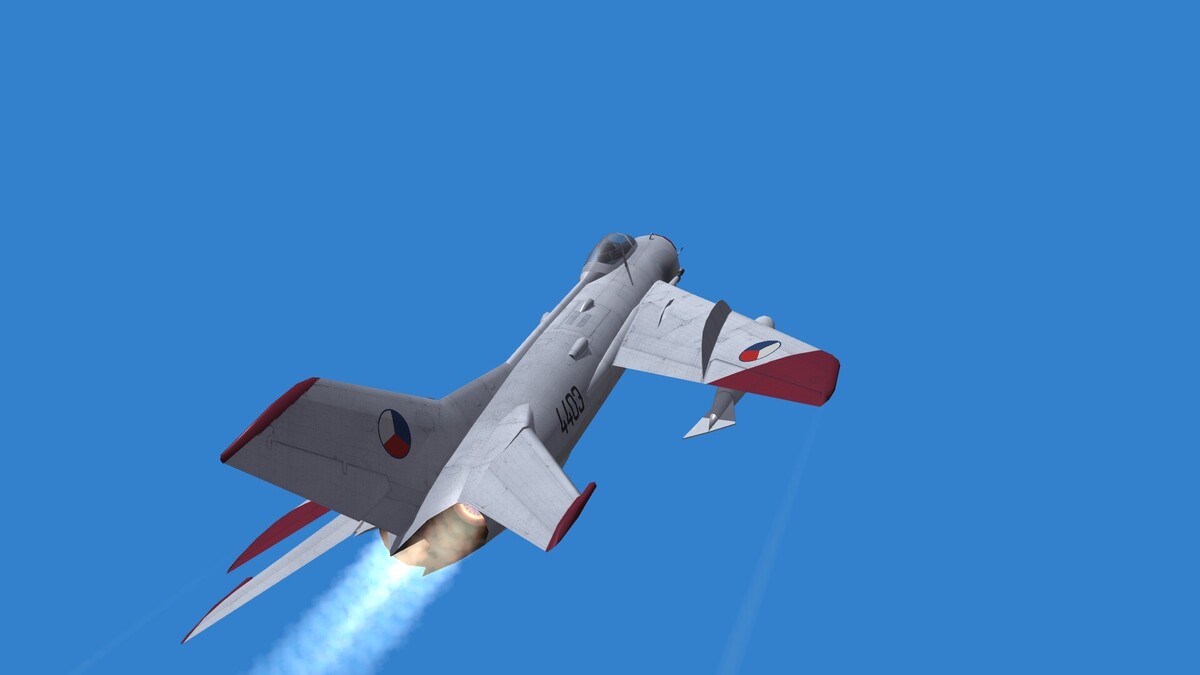
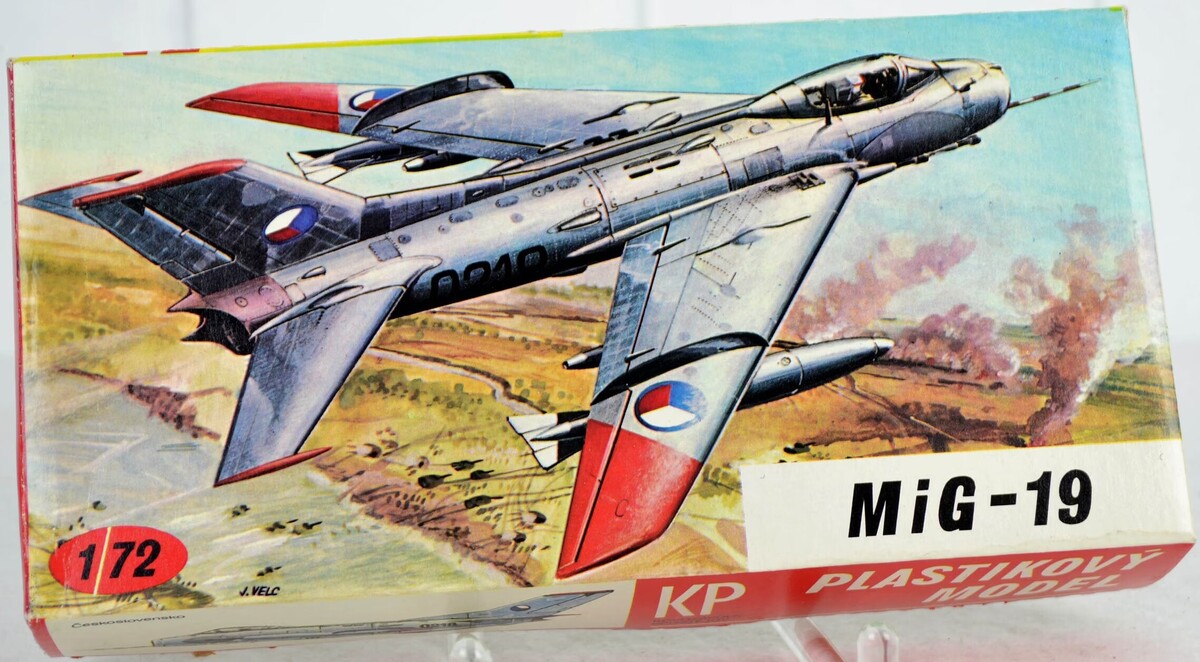
Czechoslovakian MiG-19S alias S-105 This was one of my first model kits that i ever built.


-
They loved it, because it was very vulnerable and easy to shoot down, even with assault rifles.
-
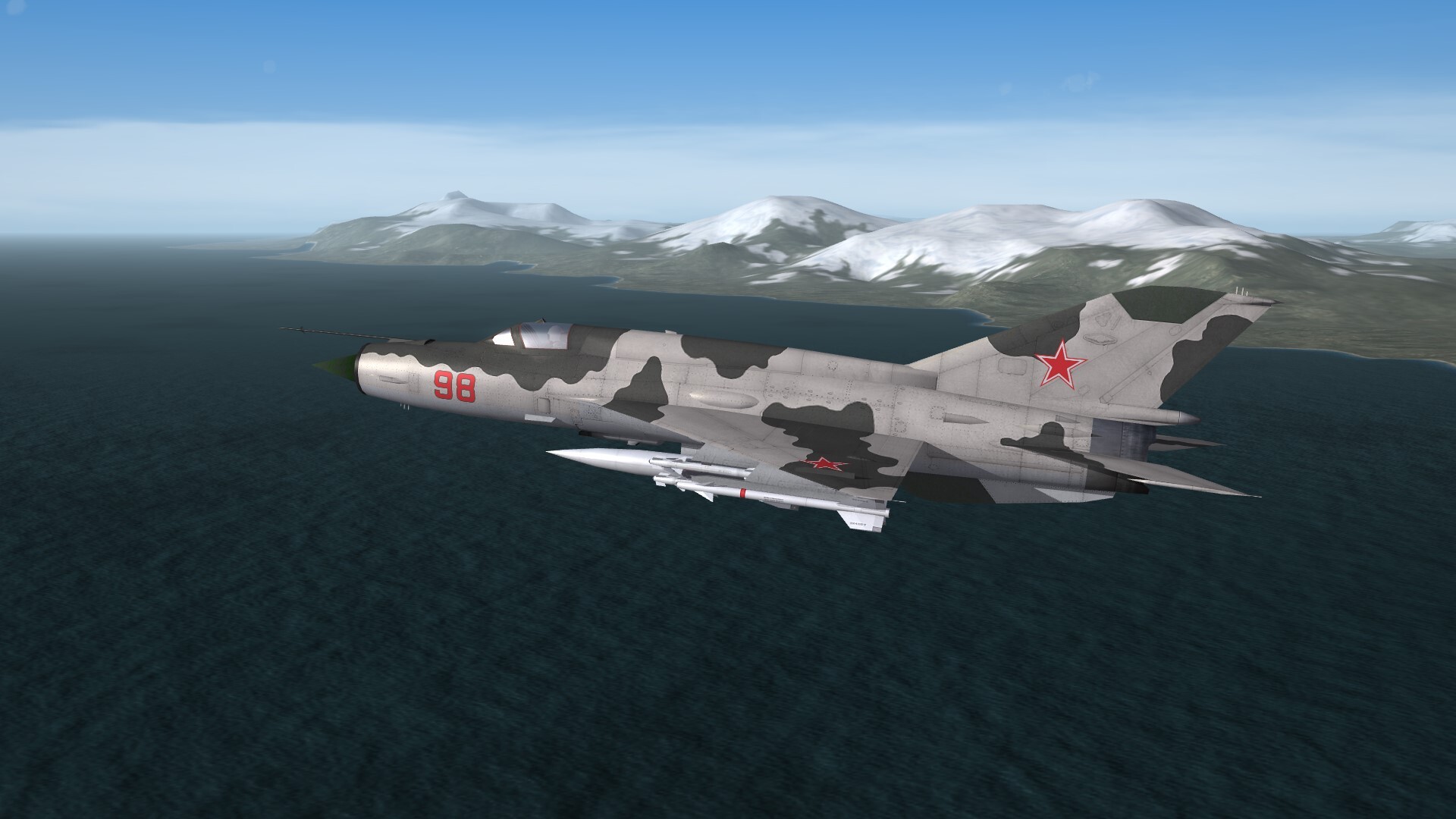
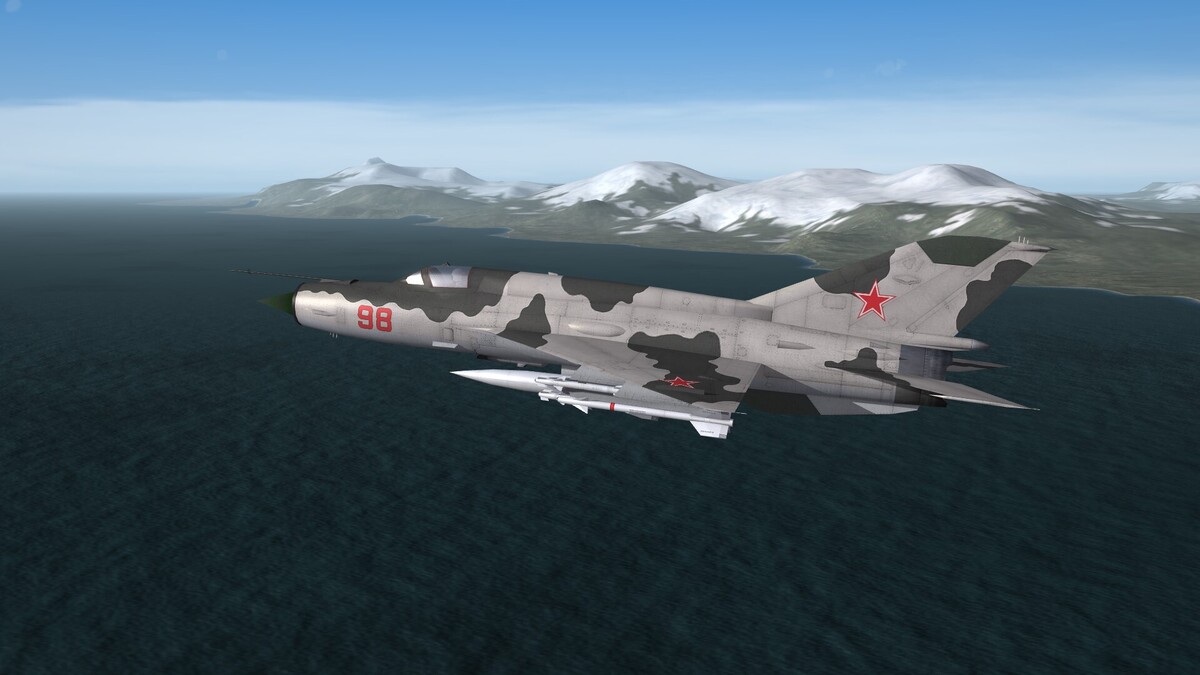
CAP along the coastline of the Kuril Islands on late 1970th.
-
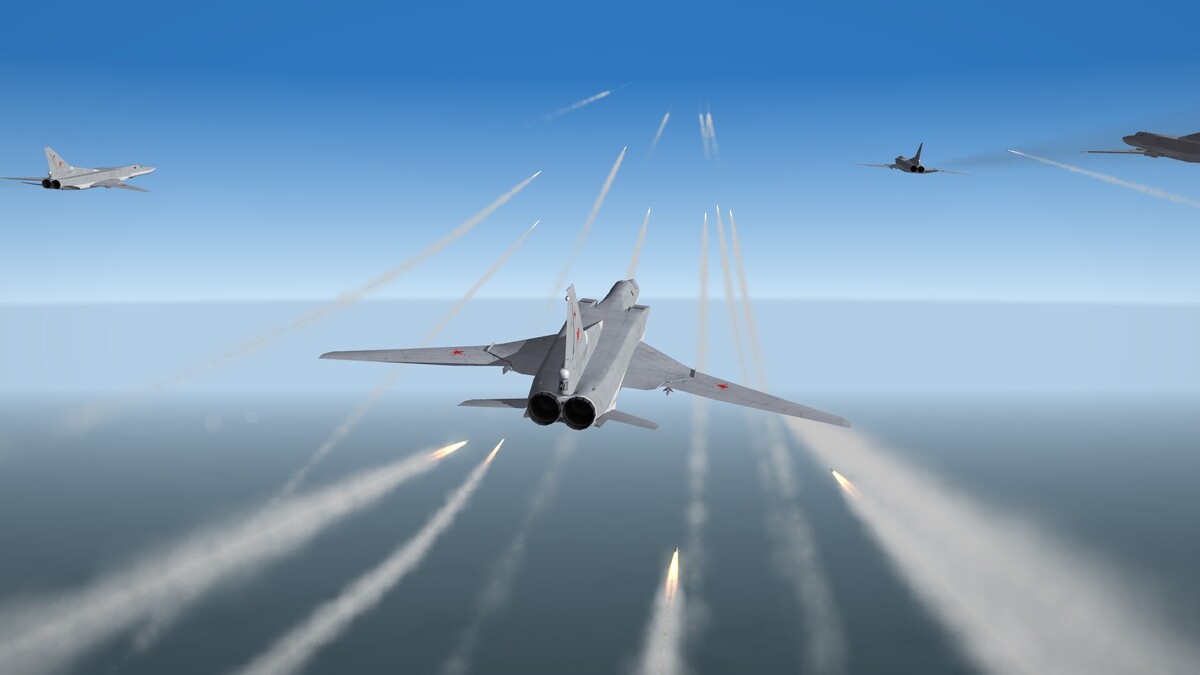
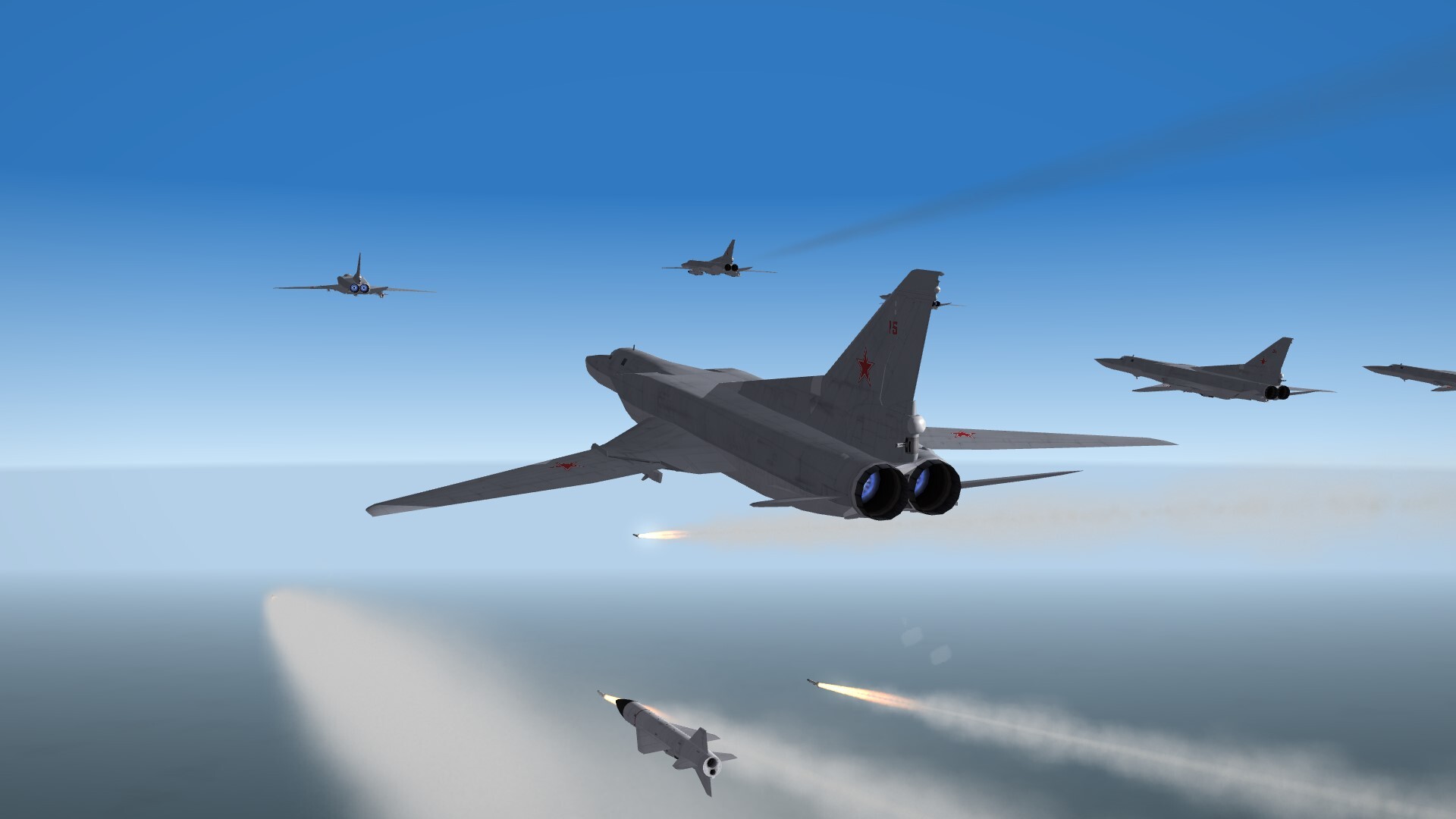
From Russia with love.