KJakker
-
Posts
1,967 -
Joined
-
Last visited
-
Days Won
1
Content Type
Profiles
Forums
Gallery
Downloads
Store
Everything posted by KJakker
-
Geezer, I have put together the proper guns for the Italian Alfredo Cappellini, Faà di Bruno, Monte Santo, and Monte Grappa classes of monitors and floating batteries if you want them. Alternately you could send me their LOD's and I could build the data files for you.
-
It was great to see that CV-2 has been found. Interestingly I was just thinking about the what the possibility of finding Hornet and Wasp were a few weeks ago. The photo of the sediment build up on the Lexington's 1.1 inch AA guns is a contrast to those on the Yorktown, as I recall when Ballard her the 1.1 inch mounts were in a near pristine condition.
-
If you want the Mix/Max position data of a specific mesh just highlight it in the upper left box and then with the mouse cursor over the selected coordinates his Ctrl+C, then past it with Ctrl+V. Any point you have the mouse on in the view window with visible mesh under it can be save in the same way. Also if you want you can use the "Write Info File..." function in the File menu to get all min/max data for the entire LOD.
-

Requesting Permission to Update Operation Darius
KJakker replied to PFunk's topic in Mission & Campaign Building Discussion
While you are at it, note that I recently helped someone with a missing content issue for Operation Darius. You might want to check that such errors, if possible, are fixed while updating. -
Nice but it needs one of these.
- 1 reply
-
- 2
-

-
https://www.youtube.com/watch?v=s03nyiMbaPI
-
The cause is that the "SeatModelName=ACES_II_F-16" listed in that data file does not exsist in the Objects\Pilots folder. Drop the attached seat into the Objects\Pilots folder and see what happens. ACES_II_F-16.7z
-
Mue, it would be interesting if a tool could be created that could read the all of the aircraft performance data in the aircraft data files and generate Energy Maneuverability diagrams for them based upon that information. Then have it where you could select more than one aircraft and it would overlay the charts of selected aircraft's performance for easy comparison and contrast. That would allow a player or modderto compare how various aircraft in his install relate to each other as well as make it easier to create flight models.
-
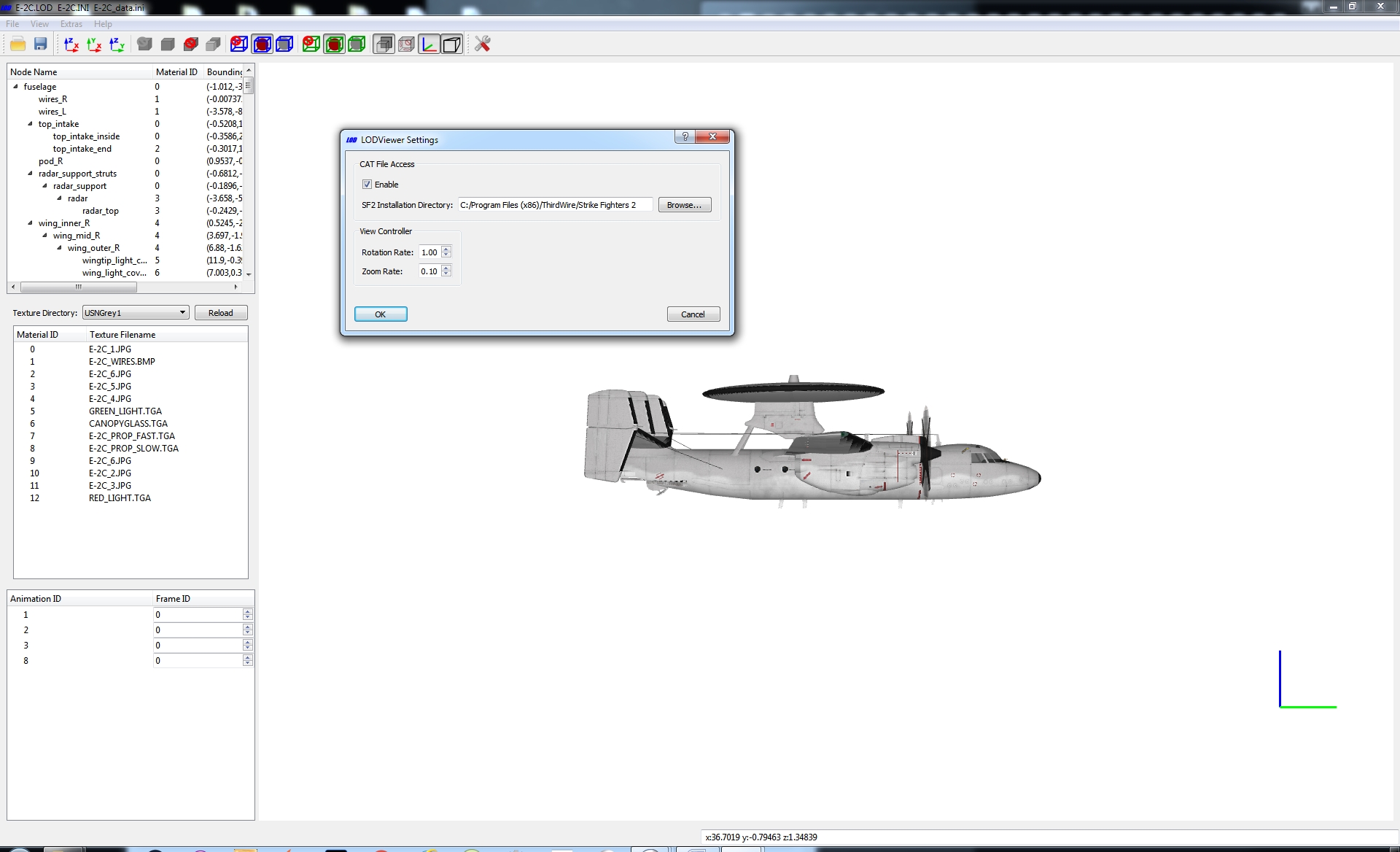
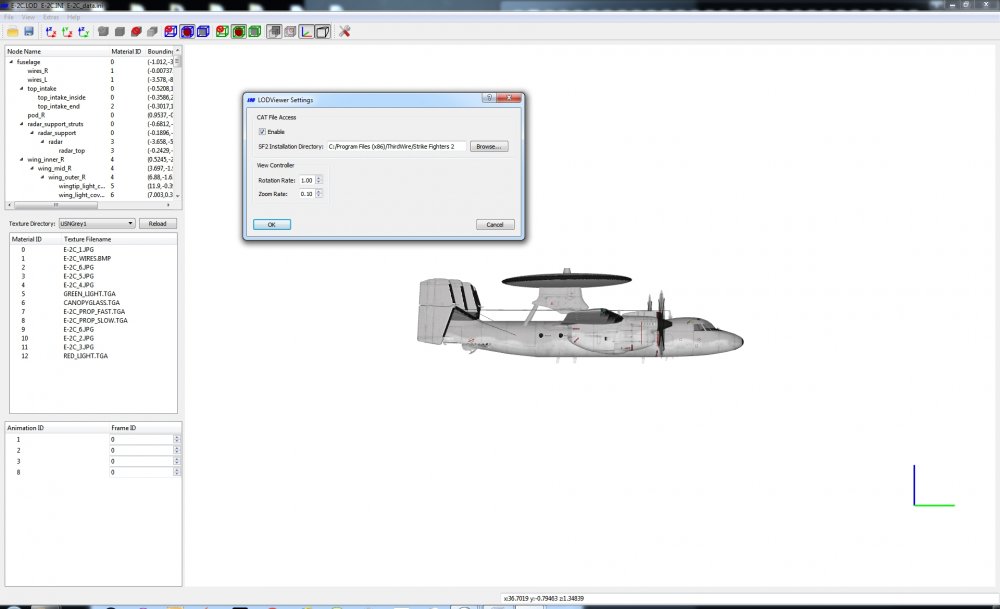
Do you have your CAT file access enabled and pointing to your Strike Fighters 2 install directory?
-
Could you attach the original .3DS file so I can try some stuff?
-
Okay, take a look at the upper right window. The one with Scene and World in it. That will show the hierarchy of the models meshes. If they are all visible in one single line then all meshes have top level position. Try moving one of the meshes in that window to one it is supposed to be subordinate to and see what happens. Also what swambast said, and I did not have the link handy.
-
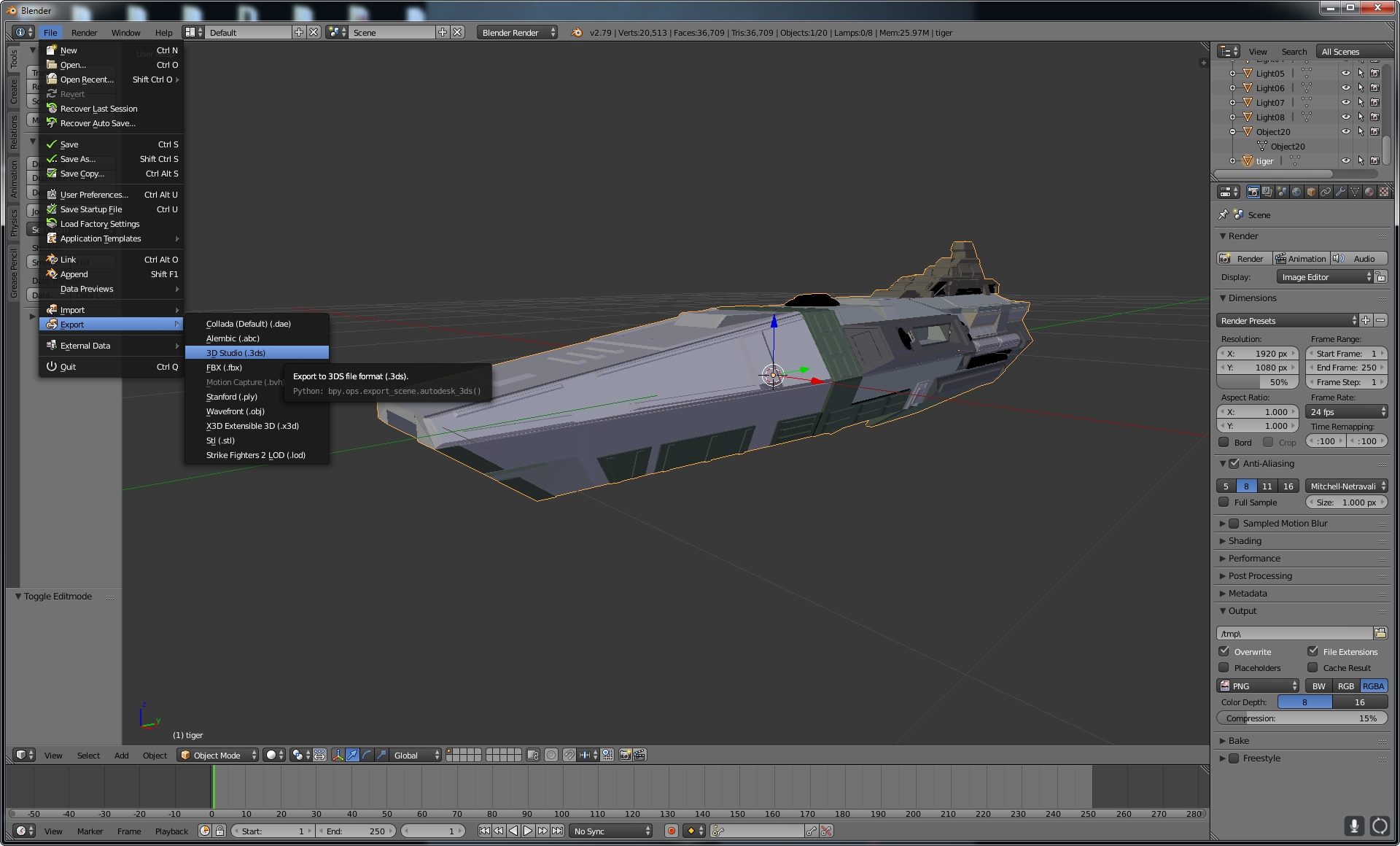
I would like to see exactly how you have the file arranged in Blender. Would you please post a screen cap of what Blender shows before you export?
-
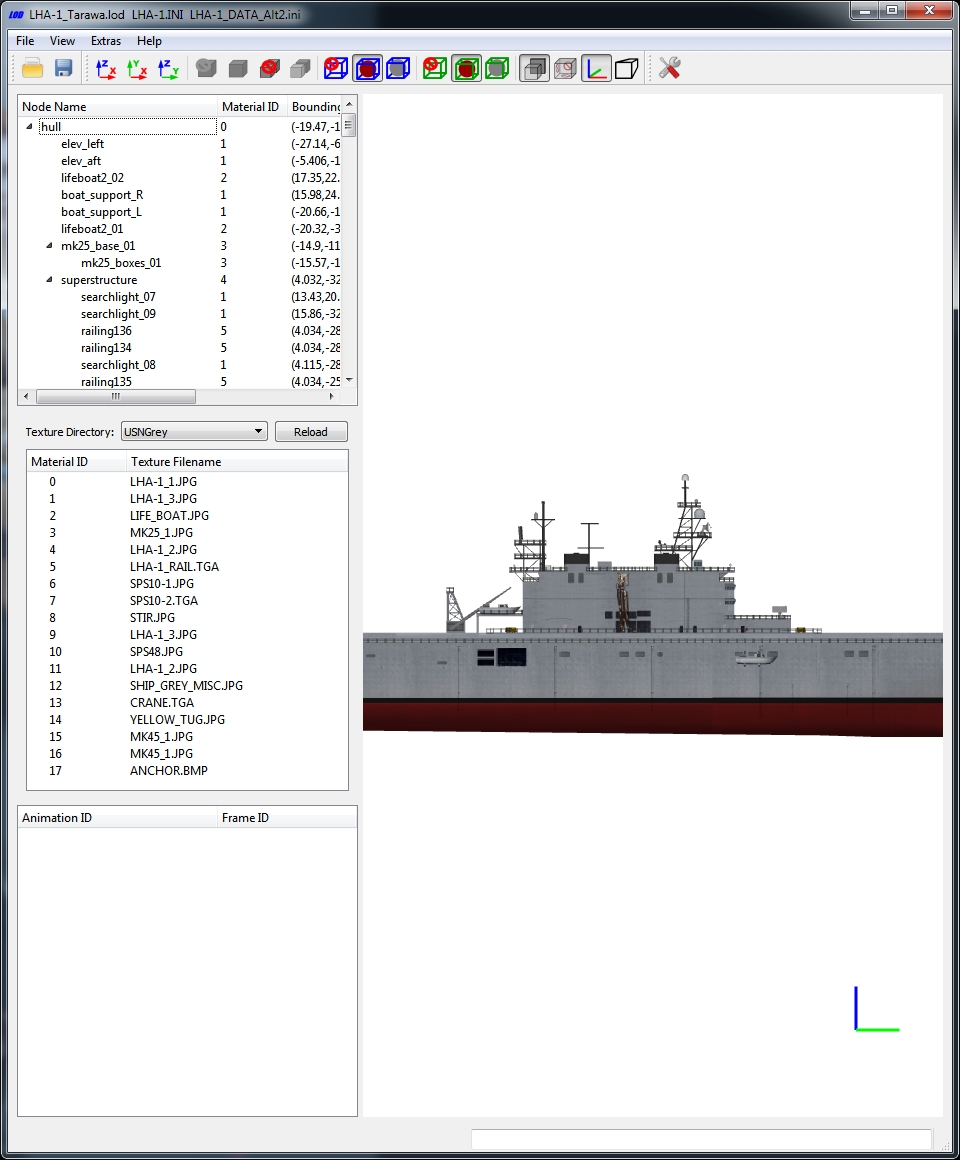
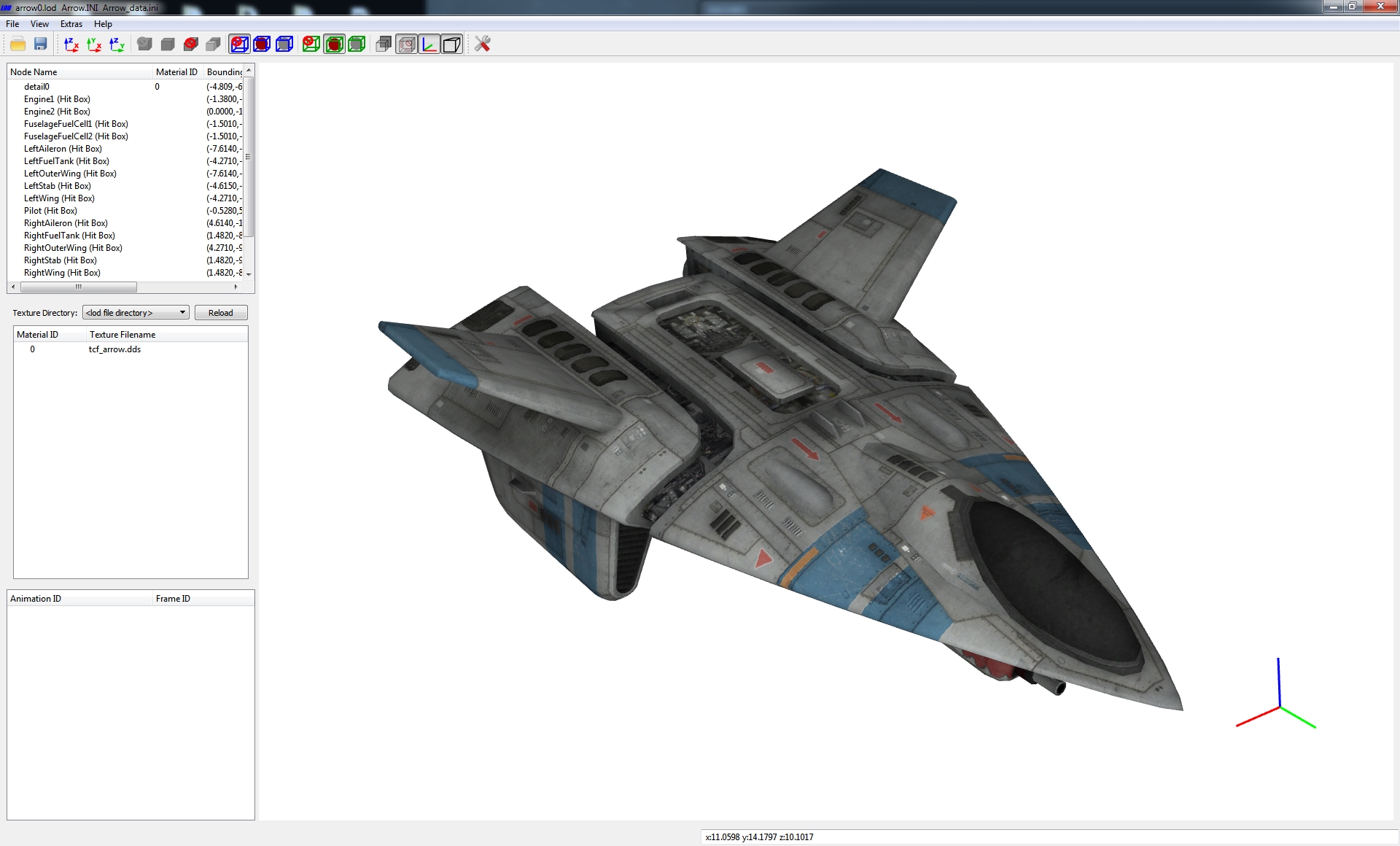
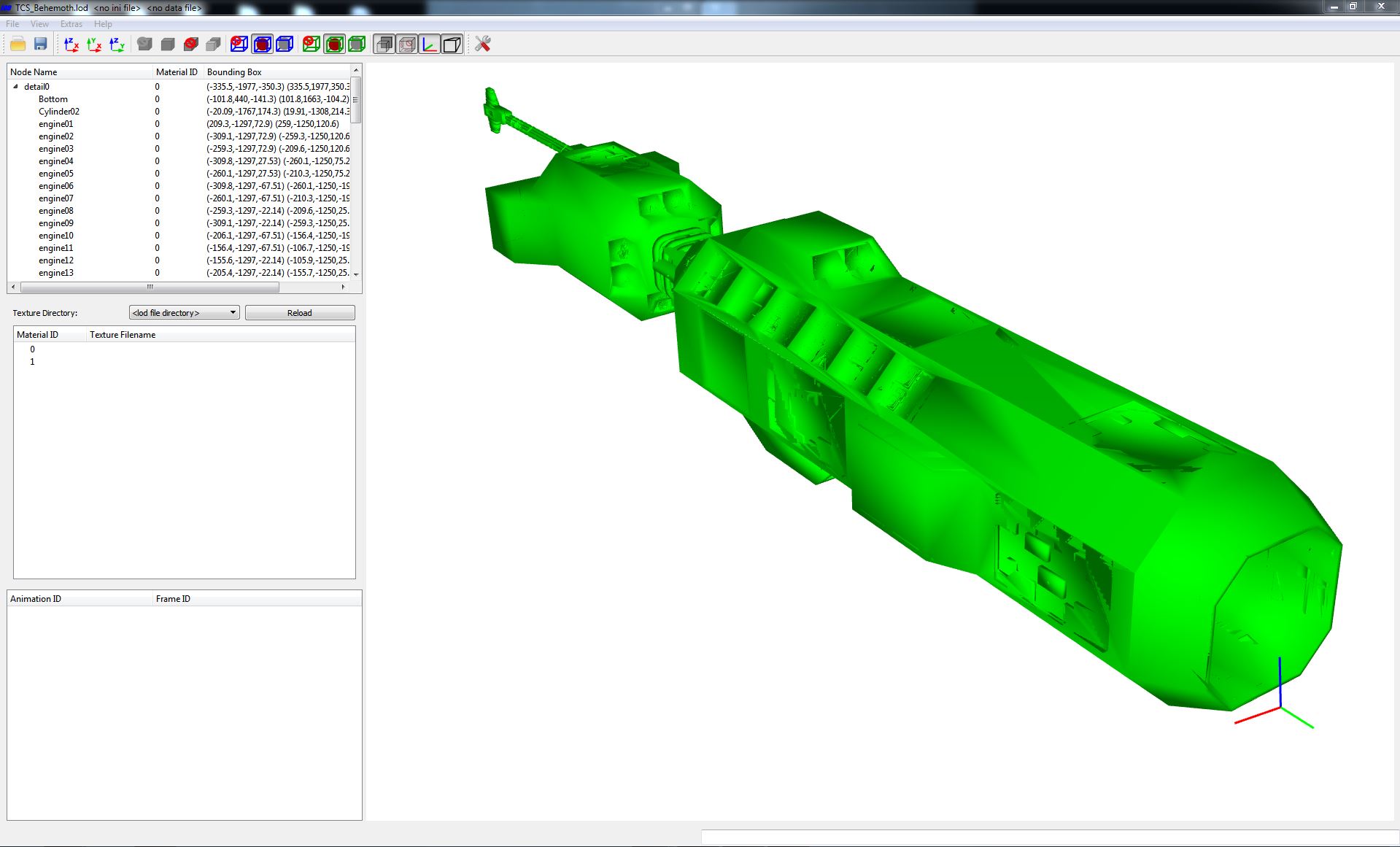
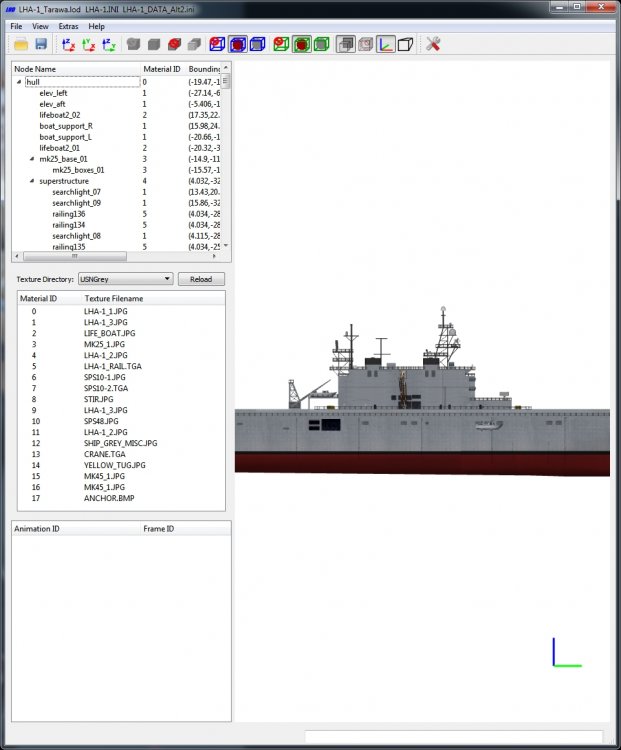
krfrge, by "file tree" do you mean getting the meshes in the Blender Tree to arrange themselves into a hierarchy like you see here in this LODViewer image?
-
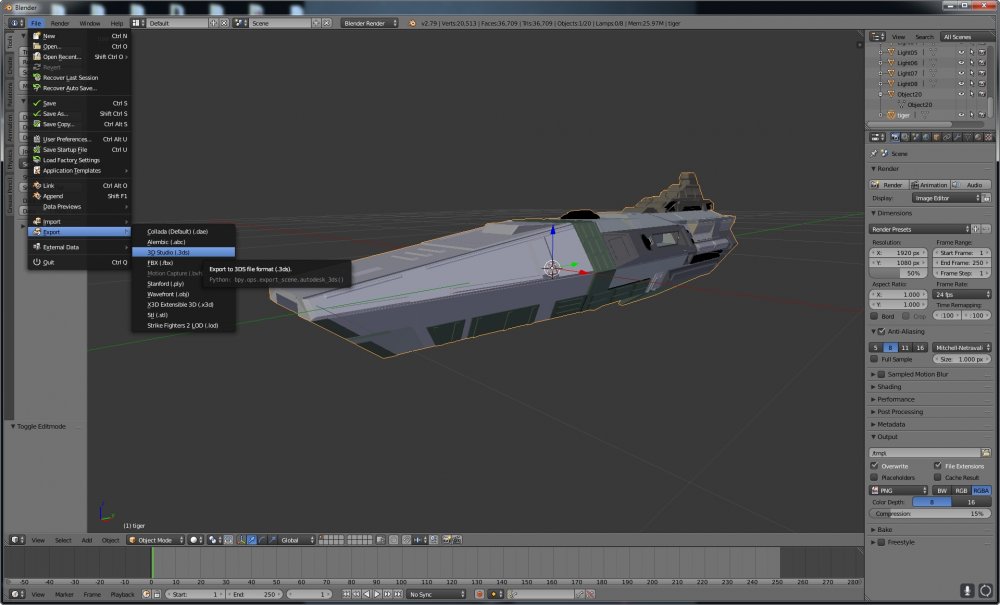
Just use the export function to save the file you are working on in .3ds format. Just like you do with image file in the newer versions of GIMP. (I was confusing that with another piece of software.) You probably would not want to overwrite your original files anyway for backup reasons.
-
Was anyone else here aware of this? I only found out because I came across the video below. There goes my plan to build a new system this year.
-
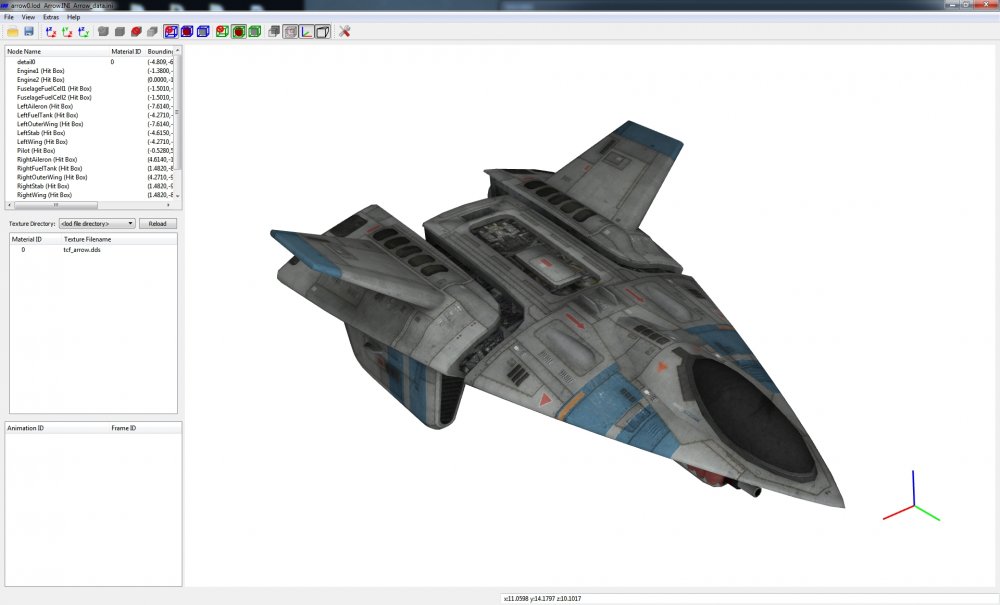
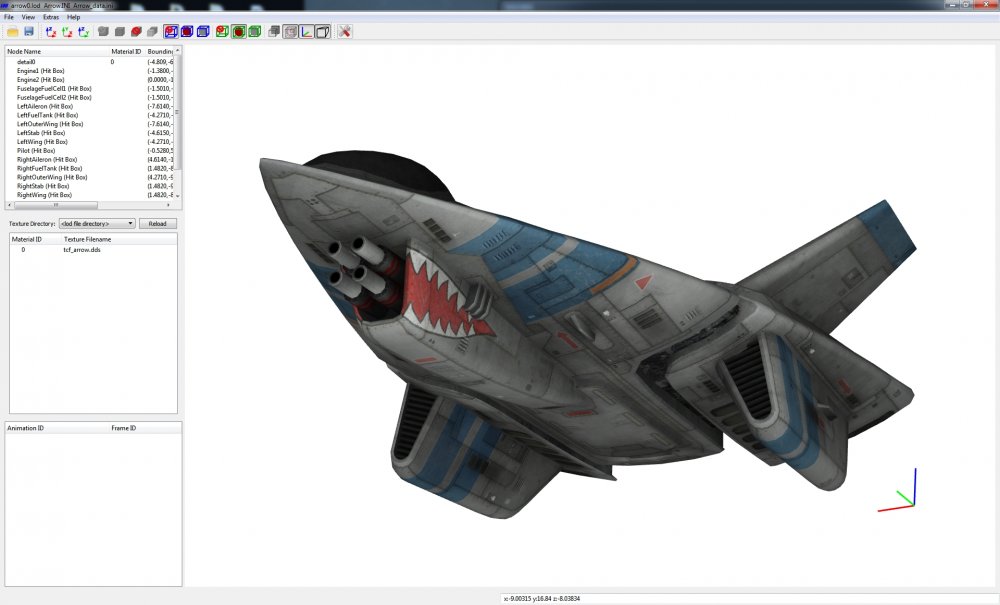
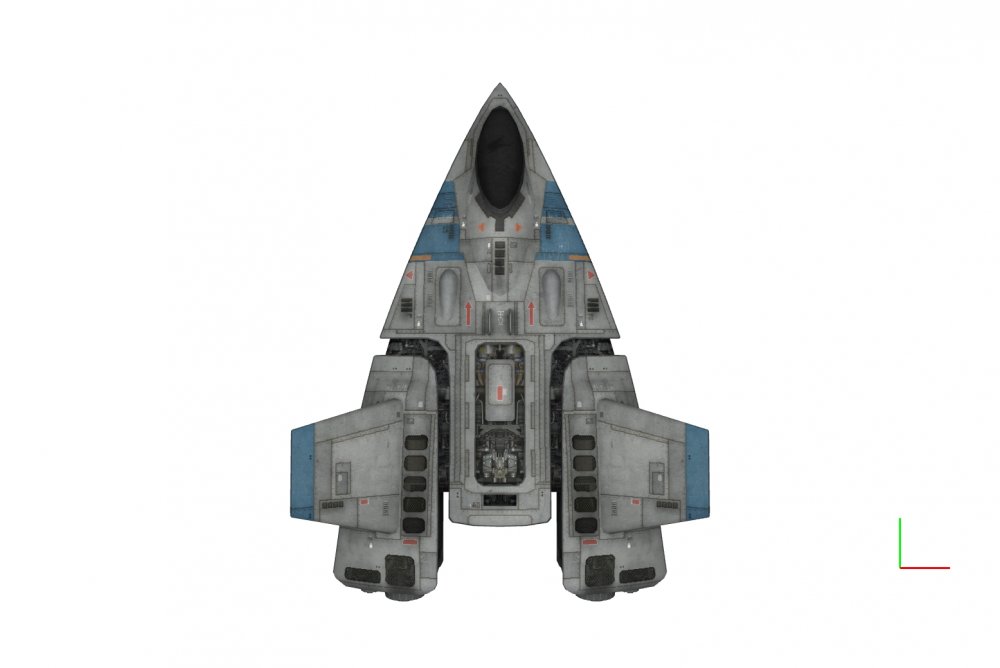
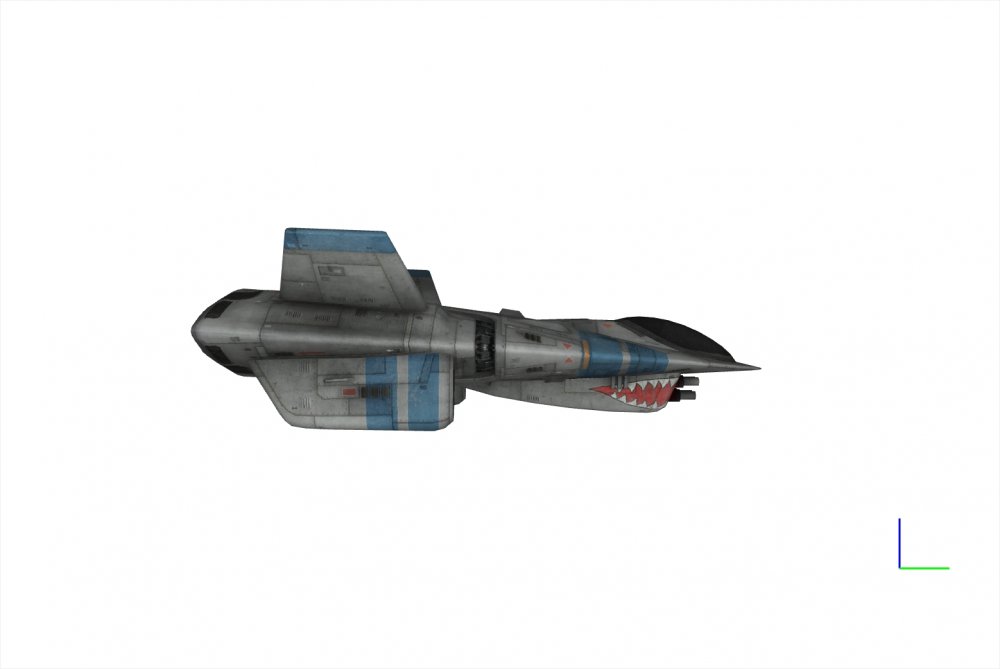
I don't have anything in game yet, I still have to get a fully working data file set up, but I got the materials showing in LODViewer now.
-
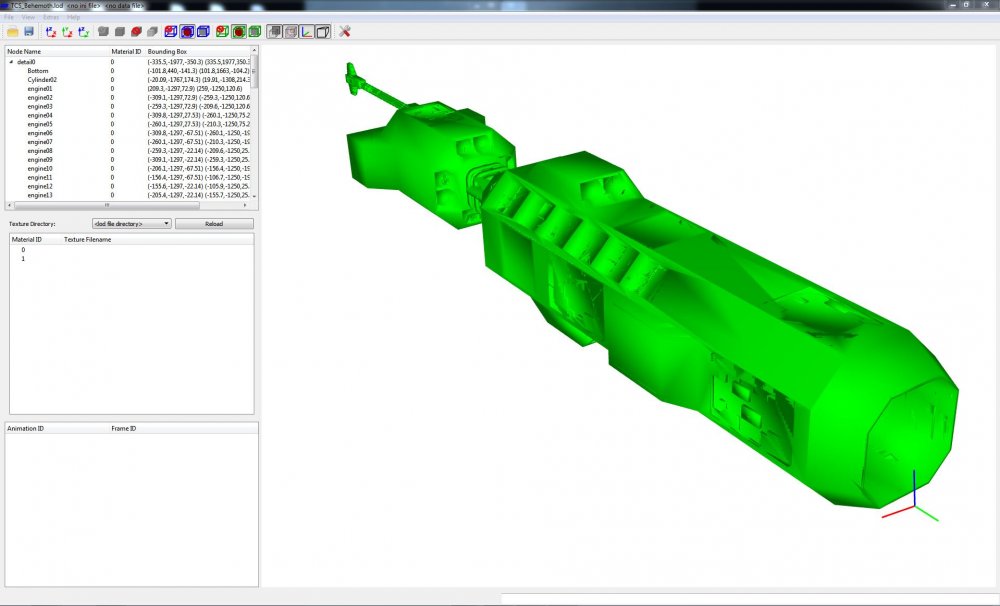
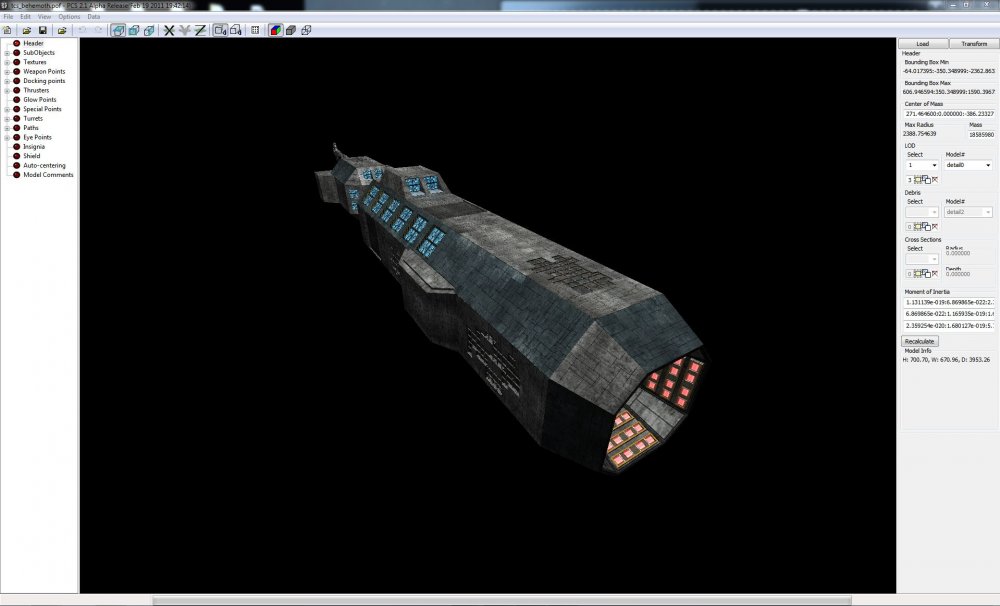
Well here is a small test. It has been so long since I have played around with Blender that I have no clue how to attach a material to a model. But I converted this model with version 0.2 and can view it in LODViewer. This is what it should look like. Maybe some one with more blender experience can help me out?
-
I have not been watching as much TV as I have in the past but three show come to mind. The Orville, The Magicians, and The Expanse are what I have been following lately. I have to agree on Warehouse 13 and Babylon 5, also if pointing to older shows then I would have to include Star Trek: Deep Space Nine, FarScape, Highlander: The Series, Forever Knight, and non-SciFi, China Beach. As for Andromeda, the first season, and the first four or five episodes of season 2 were the best. After that point there was a behind the scenes shake-up that had one of the producers leave the show and take the planned story arc with him. After that it devolved in the Hercules in Space.
-
https://www.clickondetroit.com/news/nws-bright-light-in-metro-detroit-was-likely-a-meteor
-
Any landing you can walk away from...........
KJakker replied to MigBuster's topic in Military and General Aviation
I like the "had a runway excursion incident" line. I know it is formal terminology but it brings to mind the plane tiding itself up like some Victorian gentleman and taking a pleasant stroll off the runway. -
Latest non-beta.
-
Latest Beta update. Quoting from Killerfish Games.
-
New update.
-
Atlantic Fleet ??s
KJakker replied to Wrench's topic in Killerfish Games - Cold Waters, Atlantic & Pacific Fleet
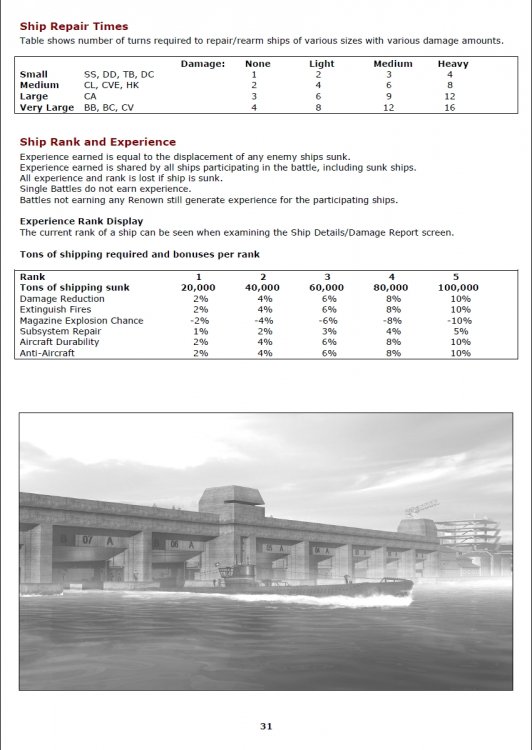
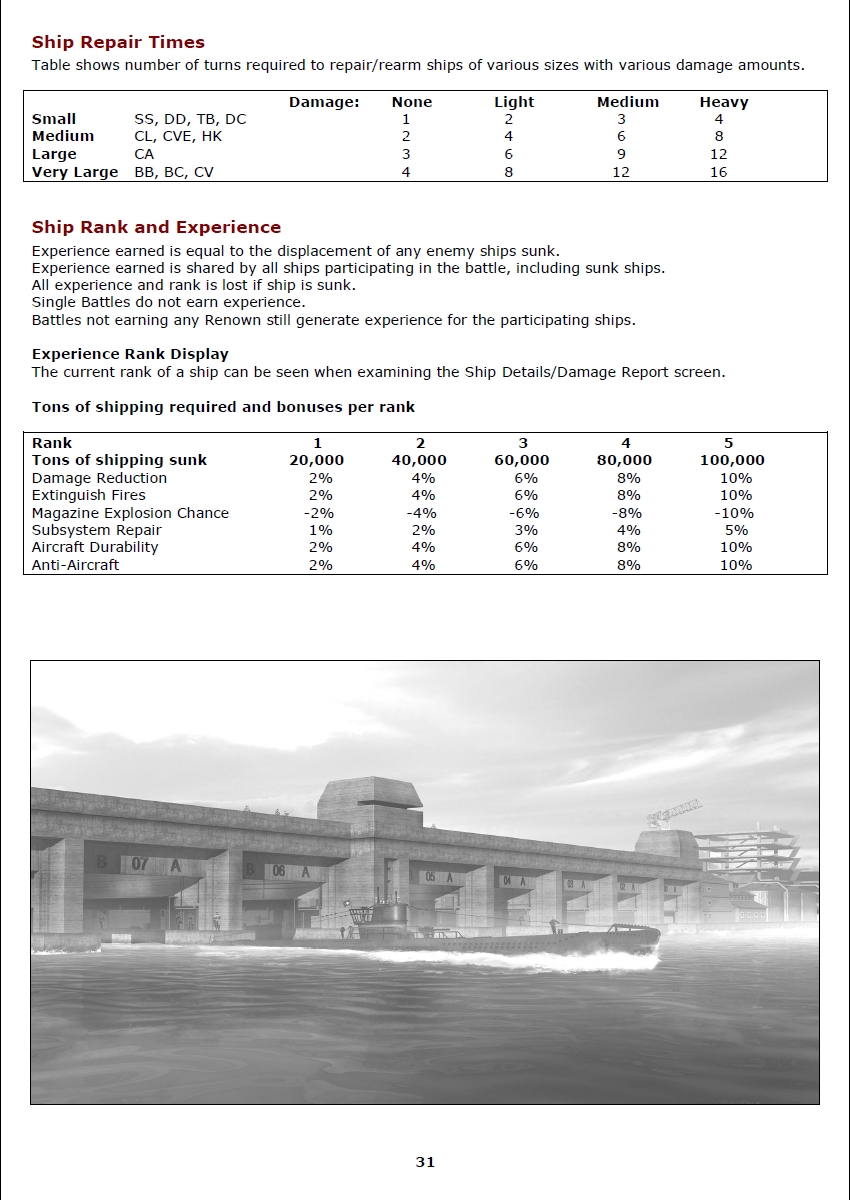
Wrench, page 31 of the manual shows repair/rearm times for ships by size and level of damage listed in number of turn in the game. On the same page it mentions Ship Rank and Experience rated 1 through 5. I believe what you indicated in your screenshot is the experience level of the Vendetta, level three by the looks of it.