Flanker562
-
Posts
13,477 -
Joined
-
Last visited
-
Days Won
64
Content Type
Profiles
Forums
Gallery
Downloads
Store
Everything posted by Flanker562
-

Livery Request: VFA-94 for the Hornet/Super Hornet
Flanker562 replied to Dillon's topic in Mods & Skinning Discussion
No worries, just had to switch gears, and here you go: VAQ-34Hornets.7z VAQ-34Hornets.7z -
Livery Request: VFA-94 for the Hornet/Super Hornet
Flanker562 replied to Dillon's topic in Mods & Skinning Discussion
I'd have to make the decals as I figured you'd fly it just yourself. But give me a few (was working on a DCS skin so I was a bit distracted) and I'll get them to you. -
More work:
-
Livery Request: VFA-94 for the Hornet/Super Hornet
Flanker562 replied to Dillon's topic in Mods & Skinning Discussion
No problems man -
Livery Request: VFA-94 for the Hornet/Super Hornet
Flanker562 replied to Dillon's topic in Mods & Skinning Discussion
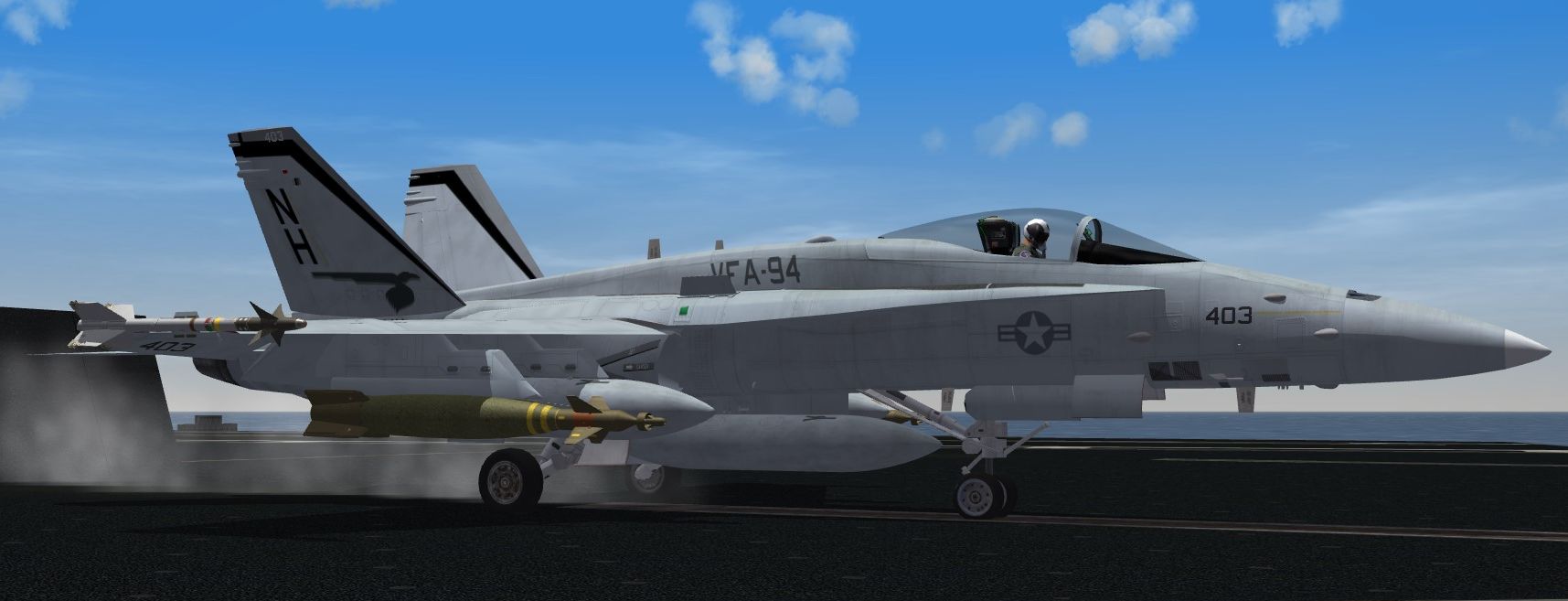
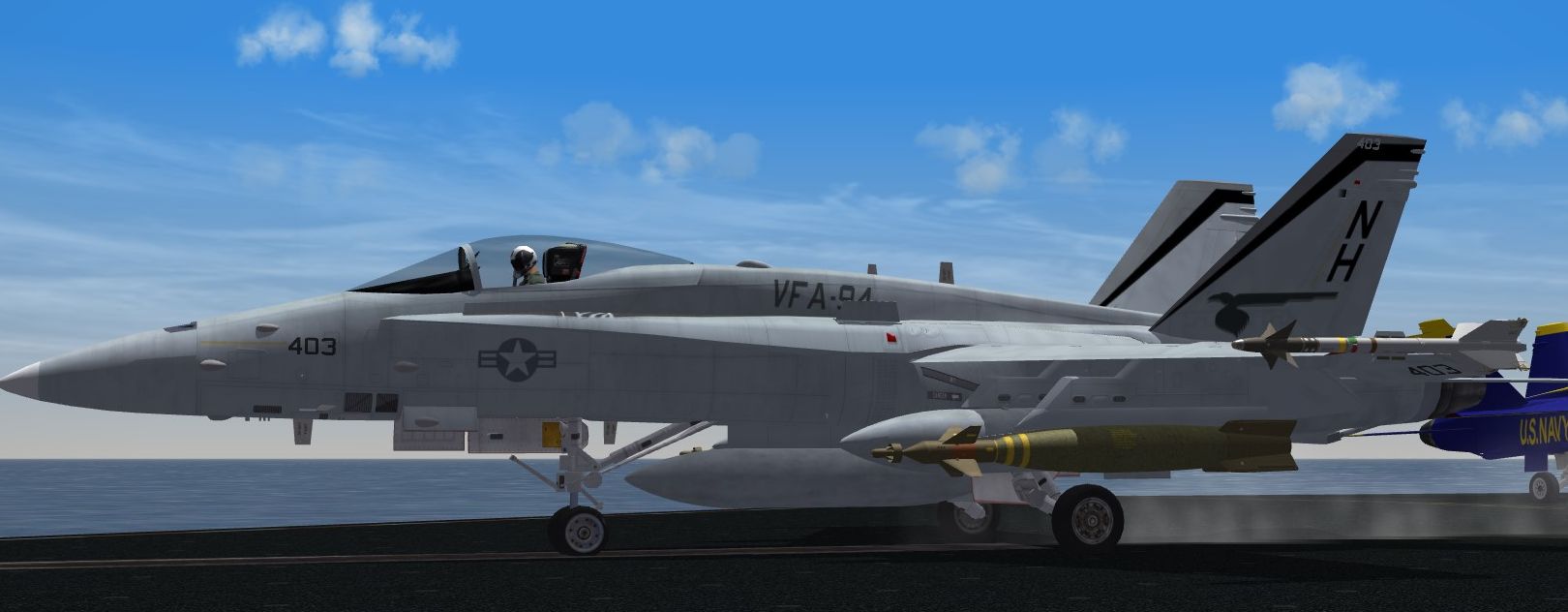
And.... the C but should be good to go: VFA-94FA-18C.7z VFA-94FA-18C.7z -
Livery Request: VFA-94 for the Hornet/Super Hornet
Flanker562 replied to Dillon's topic in Mods & Skinning Discussion
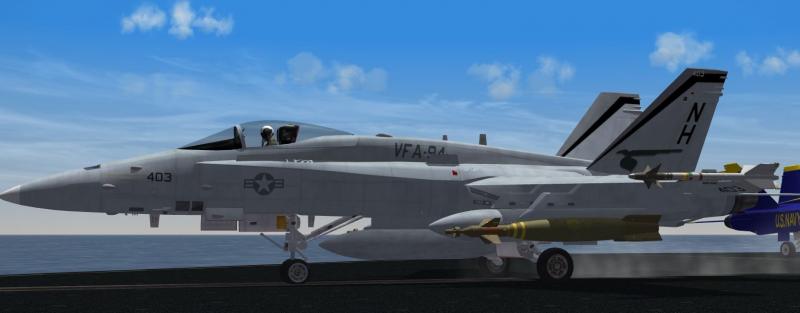
Some C work: Also added is a tweaked E model based on the refined tail artwork as well... VFA-94FA-18E.7z VFA-94FA-18E.7z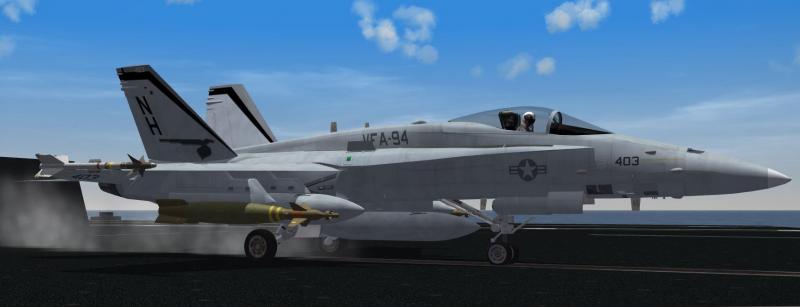
-
Super Hornet 3.2 forward flaps won't retract
Flanker562 replied to Dillon's topic in Mods & Skinning Discussion
Could of sworn... Anyway you see the block of text for the Drop tanks yes? If so open the weapondata.ini (it's been so long since I've played SF1...) and copy, and paste below the entries via Notepad or Wordpad to open the weapondata.ini file. Remember to number them sequentially after the first one, and so on. Once you're done open the Weapon Editor (may still be available at the ThirdWire site) and see if it's there, if so save it and open the game and check. -
Livery Request: VFA-94 for the Hornet/Super Hornet
Flanker562 replied to Dillon's topic in Mods & Skinning Discussion
Yep and in a few I'll get the C VFA-94 knocked out as well. -
Super Hornet 3.2 forward flaps won't retract
Flanker562 replied to Dillon's topic in Mods & Skinning Discussion
Okay, what you need to do is add the entry in the Readme to the Weapondata.ini as it's one LONG list depending if you have a weapons pack involved. So for the tank you'll have to add the tanks which should be sequentially next in number. -
Super Hornet 3.2 forward flaps won't retract
Flanker562 replied to Dillon's topic in Mods & Skinning Discussion
You'd have to adapt the tanks (which I thought you got sorted already?) for SF2, which I think is the issue you're having. There's an SF2 version for SF2, so I'm scratching my head why you're using that version for SF2. -
Livery Request: VFA-94 for the Hornet/Super Hornet
Flanker562 replied to Dillon's topic in Mods & Skinning Discussion
Cool Fixed F/A-18B and A models. I had to get those sorted and I'll get the C VFA-94 done in a bit: VAQ-3FA-18A4.7z VAQ-34FA-18B.7z VAQ-3FA-18A4.7z VAQ-34FA-18B.7z -
Livery Request: VFA-94 for the Hornet/Super Hornet
Flanker562 replied to Dillon's topic in Mods & Skinning Discussion
Okay the site I used did have "01" on the two-seater, but didn't list the numbers for the aircraft (single or two-seat): Matter of fact this is the site I did use so far: http://www.vaq34.com/vaq34/vaqf-18.htm -
Finally started on the "What If" Su-25T European 1 skin:
-
Livery Request: VFA-94 for the Hornet/Super Hornet
Flanker562 replied to Dillon's topic in Mods & Skinning Discussion
And here you go... Yeah I can still get the C VFA-94 done, just slipped the mind. And didn't know that your squadron had the first female pilots, good to know... VAQ-34.7z VAQ-34.7z
-
Livery Request: VFA-94 for the Hornet/Super Hornet
Flanker562 replied to Dillon's topic in Mods & Skinning Discussion
I'm former Army so I never realized that VAQ-34 had Hornets (was aware of the Corsair) .Yeah sure, gimme a few. -
Livery Request: VFA-94 for the Hornet/Super Hornet
Flanker562 replied to Dillon's topic in Mods & Skinning Discussion
BTW Dillon here's the A texture on the B, so you can save time by simply copying and pasting the same folder into the FA-18B folder and go fly:
-
Super Hornet 3.2 forward flaps won't retract
Flanker562 replied to Dillon's topic in Mods & Skinning Discussion
Okay yeah the mapping for both versions didn't change so you can still use the SF2 versions on the older version no problem. It was just the file structure that changed that's all. -
Super Hornet 3.2 forward flaps won't retract
Flanker562 replied to Dillon's topic in Mods & Skinning Discussion
No no no don't do that stuff man.. the old WoX version is for Wings over <Name> and NOT for SF2.... Please don't bring the WoX version into SF2... the flight model is as you noticed different and frankly I just don't recommend bringing that into SF2. The reason is that SF2 is a different setting and the tanks are not setup for SF2, which doesn't use the weapondata.ini as SF1 did, but is more "modular" that SF1 (and quite honestly saves a boatload of time) isn't. -
Livery Request: VFA-94 for the Hornet/Super Hornet
Flanker562 replied to Dillon's topic in Mods & Skinning Discussion
Take a look at this for the A for now, as I gotta get to bed myself, and will work on the B tomorrow plus any tweaks for this one. For some reason there's a discoloration with the front half of the A model that annoys the hell out of me (one reason I don't enjoy doing this aircraft) but I may have nipped it in the bud though with this version. VAQ-34.7z VAQ-34.7z -
Livery Request: VFA-94 for the Hornet/Super Hornet
Flanker562 replied to Dillon's topic in Mods & Skinning Discussion
Yeah I saw that on the list at one of the site, four A's and four B's, and those are definitely part of that Hornet pack. -
Livery Request: VFA-94 for the Hornet/Super Hornet
Flanker562 replied to Dillon's topic in Mods & Skinning Discussion
Thanks! Some more work, and some tweaking and she'll be good to go.
-
Livery Request: VFA-94 for the Hornet/Super Hornet
Flanker562 replied to Dillon's topic in Mods & Skinning Discussion
Some progress work, the tanks aren't working with me yet, just going to have to mess around with that a bit but overall (save for the modex) pretty much what it'll look like.
-
DCS JFO-JTAC-Pilot Guide - Shkval/Mercury LLTV Co-Shooting DCS Ironhand Guide - Added the Hawk - Added the MIM-104 Patriot - Some grammar fixes as well as clarifications
-
Livery Request: VFA-94 for the Hornet/Super Hornet
Flanker562 replied to Dillon's topic in Mods & Skinning Discussion
No worries i understood what you were talking about. Probably get it out soon as it seems very basic for the A model. -
Livery Request: VFA-94 for the Hornet/Super Hornet
Flanker562 replied to Dillon's topic in Mods & Skinning Discussion
As for the VAQ-34 I'll get that later on though, need to dig up a lot of resources for that squadron.