
Flanker562
-
Posts
13,490 -
Joined
-
Last visited
-
Days Won
64
Content Type
Profiles
Forums
Gallery
Downloads
Store
Everything posted by Flanker562
-
Agreed... Spinners you going to upload that Parani Seaqeh?
-
The MF A-7A and B model. The Mirage Factory doesn't skimp on the FMs man
-
Soaking in the early morning sun.

-
I think the issue may be to move it into the SF Forum area. Sure they can navigate but why not just consolidate everything?
-
Visually and alot more complexity, as the SF2 knowledge base can show you. Its just to me much better, and you can control what shows up based on who actually (or fictionally) used a particular aircraft/ground object/ship, etc. It's a lot more functionality that becomes more convenient when you start getting used to it. I still have my WOx games... but I only reinstall them when I have to find a particular file for older aircraft, or to get this or that, but I uninstall as soon as I'm done, since SF2E (my preferred one anyways) just works.
-
I'll go for that but i don't see how things get cluttered up though.
-
Oh, that's a GBU-31V1 available in either the Community weapons pack 2.5 for SF1, or 331Killerbee's SF2 Weapons pack.
-
Come on baby light my fire...
-
Agreed.
-
Which one?
-
It doesn't allow screenshots out of game, you can print screen but open something like Windoze Paint and paste and save there.
-
Man oh man... That's rocking!
-
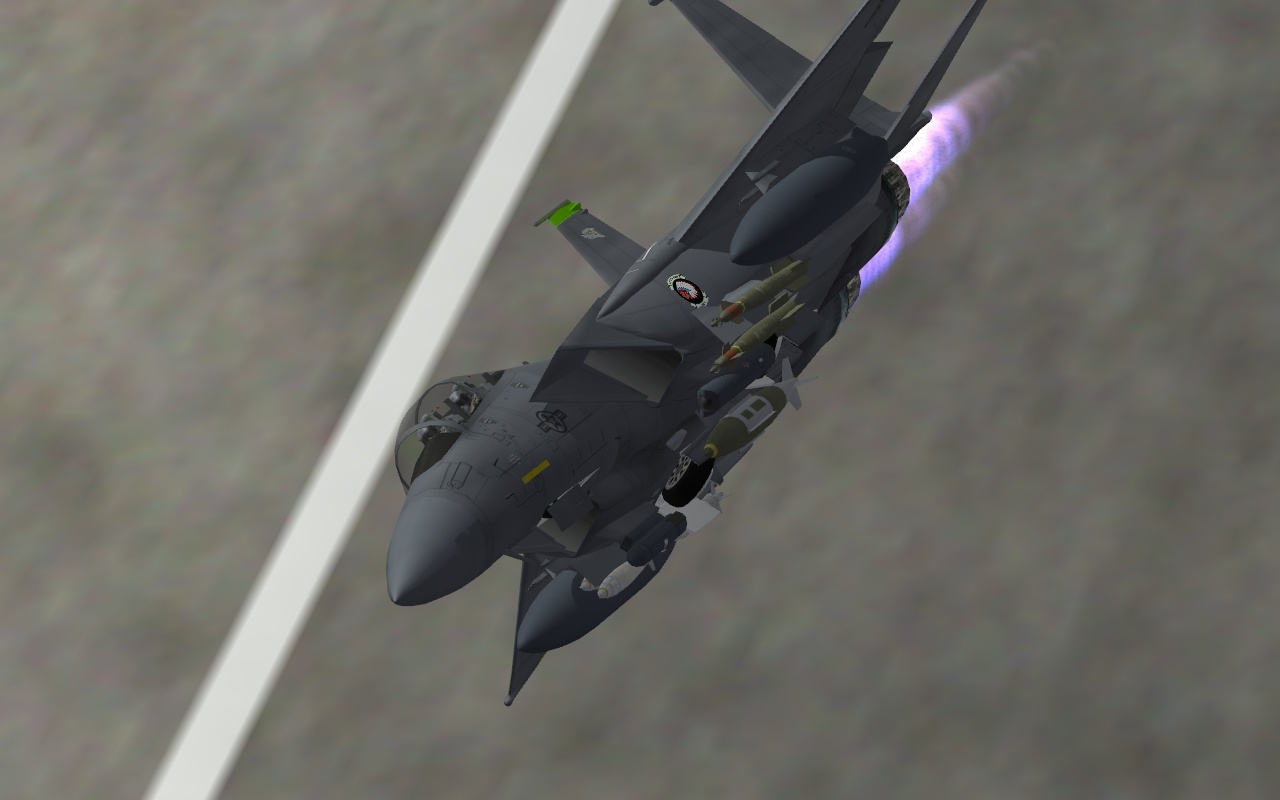
Headin' on out.
-
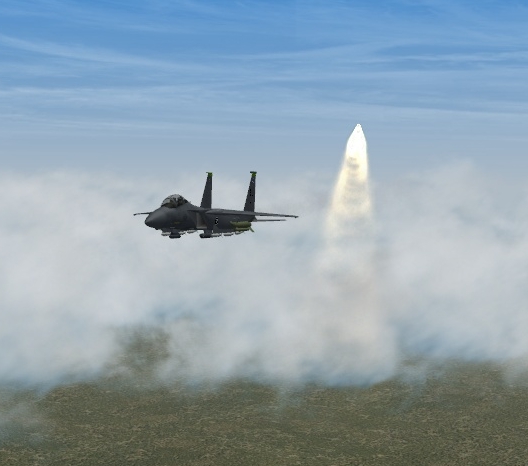
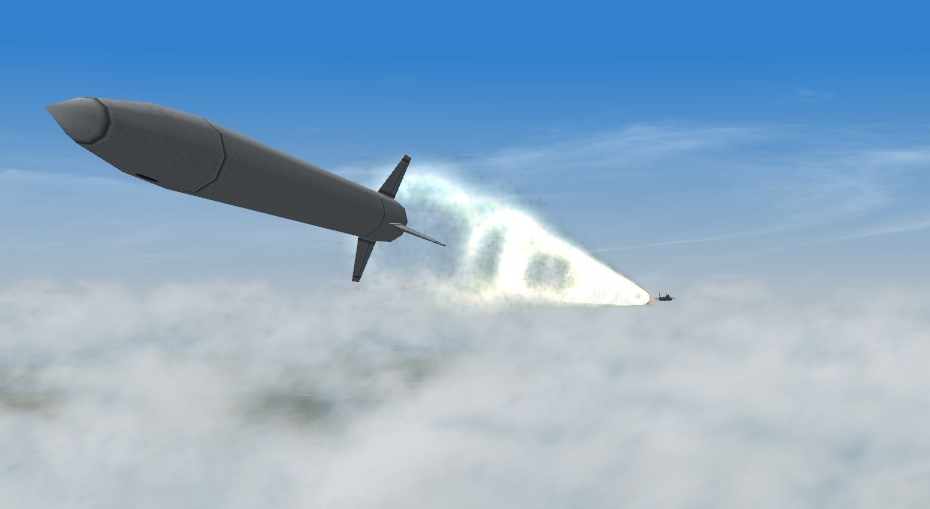
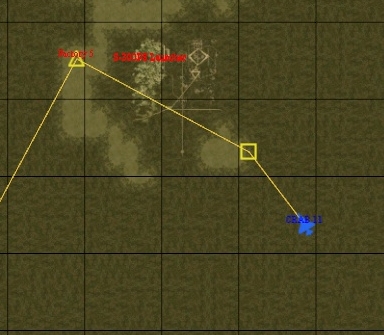
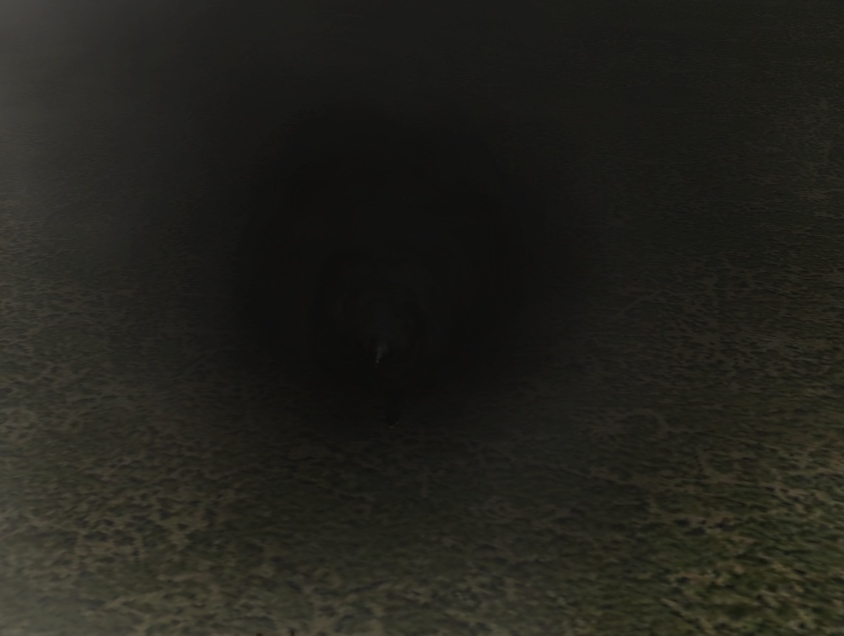
Hey man I remembered your issue with the SA-10, and I may have gotten a "fix" for SF2. I say that because I'm still trying to get it to engage accurately at long range, which it didn't do, but the series of photos show that when you get closer in, it'll get you. Note the first misses are from following the profile from the tactical map. The last photo was another shot and I tried lowering my altitude, goading it to fire and... it got me. What I think the clincher for it hitting me is the HOJ function that you can add. I noticed this while watching an SA-2 sail over me in an A-6E in Afghanistan. It tried desperately to turn on me, but since it was so old, that it overflew me quite a bit.
-
Yep from NF 4+ and the SEAD loadout, they were tasked to provide SEAD for me, but got hung up by that Stinger Site. For some reason the Vikhr's showed up, but it's (in the ini) 6 x UB-32, two tanks, and 2 x AA-8s.
-
Nice stuff man, and a question, how much space will it take up on my HD?
-
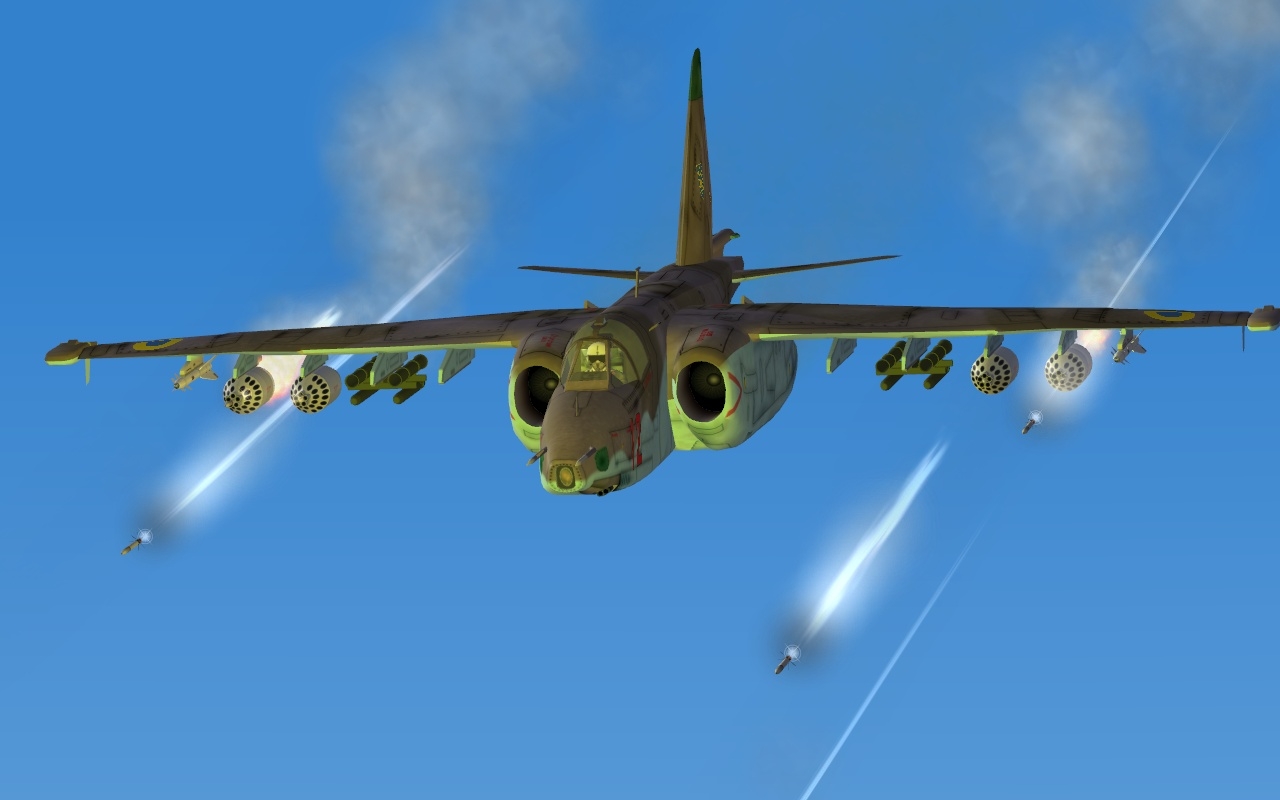
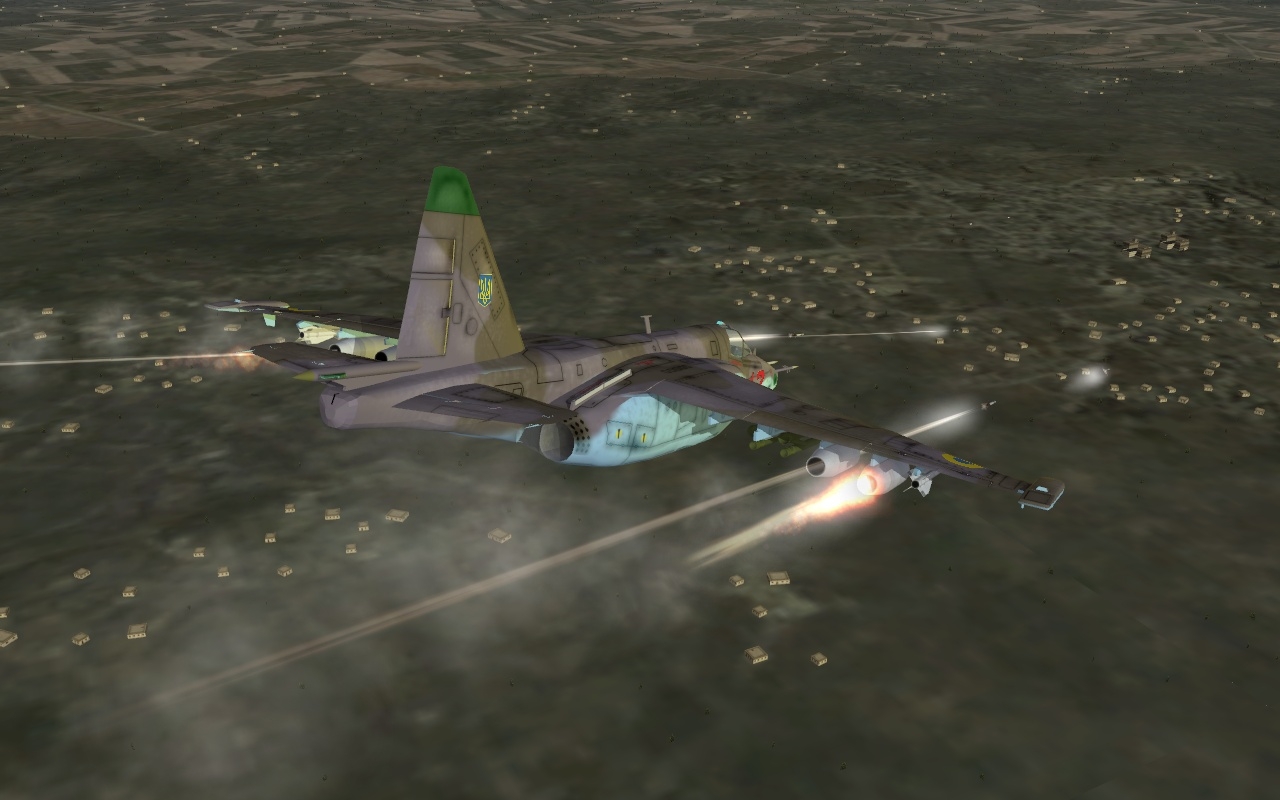
A Ukrainian AF pilot fires at at Taliban Stinger Site while conducting operations in Southwest Afghanistan, 2010.
-
Not yet, I tried working that this past weekend and no joy.
-
Well still turned out nicely
-
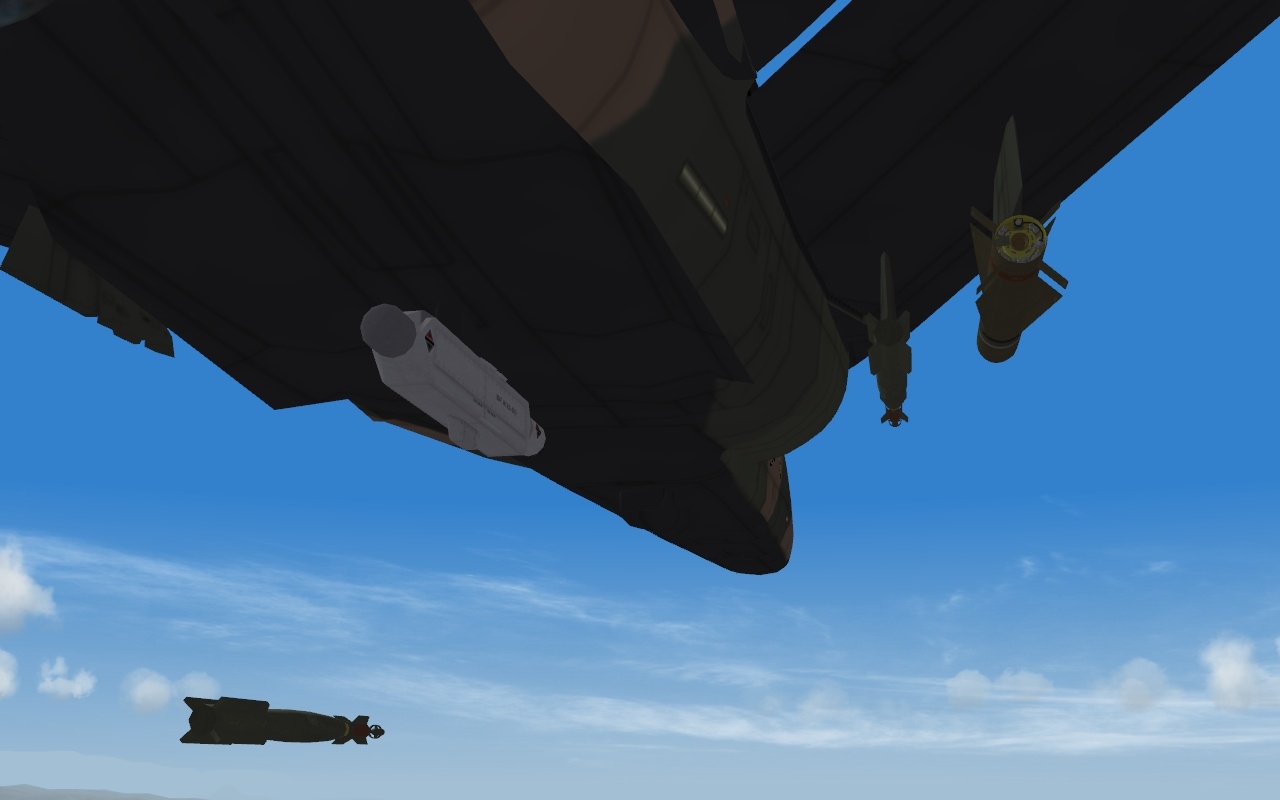
Playing with the USAF toys
-
Well lets not get into the hijinks of the USAF now... but considering I'm still running November 2009 (I like my stuff to work fine, and it's good for now ) I'm good to go. Hey we actually work, so a little lazines is earned
-
Indeed, no more needing to raid the SF1 section
-
You can download a filter for Photoshop, called "Night Vision"
-
Still pretty cool, that just an ini edit or?
-
Thanks!

