
Menrva
-
Posts
4,635 -
Joined
-
Last visited
-
Days Won
48
Content Type
Profiles
Forums
Gallery
Downloads
Store
Everything posted by Menrva
-
Yep, the fact is that each terrain's .ini file has got a "GroundObjectTexture=" entry, and it usually is set to Tan or Green depending on the geography of the terrain. So, during single missions, only Green or Tan folder skins are read. Name the skin folder differently than Tan or Green, and the game completely ignores it. So, the nation entry has no value for how ground object skins are selected and loaded, it's how the game is coded. However, multiple skins would be cool to have in any case, since in the campaigns' data we can specify different ones for each ground unit that is defined in it.
-

Are the 'Modern Combat' and 'Legends' games worth getting?
Menrva replied to Chugster's topic in General Discussion
If you're looking for an arcade flight combat game, there's no doubt, you'd better save money and buy Ace Combat 7 Skies Unknown + its mission DLCs. It's such a polished product with powerful soundtrack and rather interesting plot. It should also work with a HOTAS, since some copies were bundled with the Thrustmaster T-Flight HOTAS. SF Modern Combat is a mere smartphone game, it's bland-looking to say the least, it's uninteresting and not worth to play on a PC. Even HAWX is a much better alternative, but I wouldn't recommend that. -
I forgot about Prepar3d. IIRC it includes a very accurate F-22. Avionics may not totally be correct, but it's pretty close to the real thing. I only judged P3D's F-22 from some videos of it on YouTube. DCS and BMS might have some mods about those modern aircraft, but I haven't seen anything that impressed me. I hope others can provide you with more details.
-
Not worth it at all. It's an action game, where you'll have to defeat even "funny" targets like Russian prototype weapons, bombers with many turrets and EMPs, Ekranoplans and much more. It's all but a sim. EF-2000 is a much better product. People at CombatSim (another site) created community updates for both EF-2000 and F-22 TAW by DID. F-22 TAW 2.30 is easy to install and requires a bit of tweaking: https://community.combatsim.com/topic/20202-f-22-total-air-war-230-final-released/ EF-2000 Reloaded is just a front-end for the DOS emulator, you'll need to find the game elsewhere (DID is long gone, the game is legally considered abandonware AFAIK): https://community.combatsim.com/topic/32832-ef2000-reloaded/
-
Best sims about those fighter jets are very old ones, which are difficult to get to work on modern OS; EF-2000 and F-22 Total Air War by Digital Image Design, and Joint Strike Fighter by Innerloop Studios (a flight sim about the X-35 and X-32 prototypes). Those games are very complex when it comes to how to successfully use modern avionics, though their flight model/physics is obviously outdated by today's standards. For DCS, BMS and Strike Fighters you can find add-ons of those aircraft, but none of these games (with relative add-ons) can provide the depth and detail of operating such advanced platforms from the cockpit. Beware, only EF-2000 is an accurate representation of an aircraft, that is the Eurofighter. The other mentioned games only provide an hypothetical representation of the avionics of an F-22 and F-35/X-35. Even nowadays there's not much info about those, for obvious reasons.
-
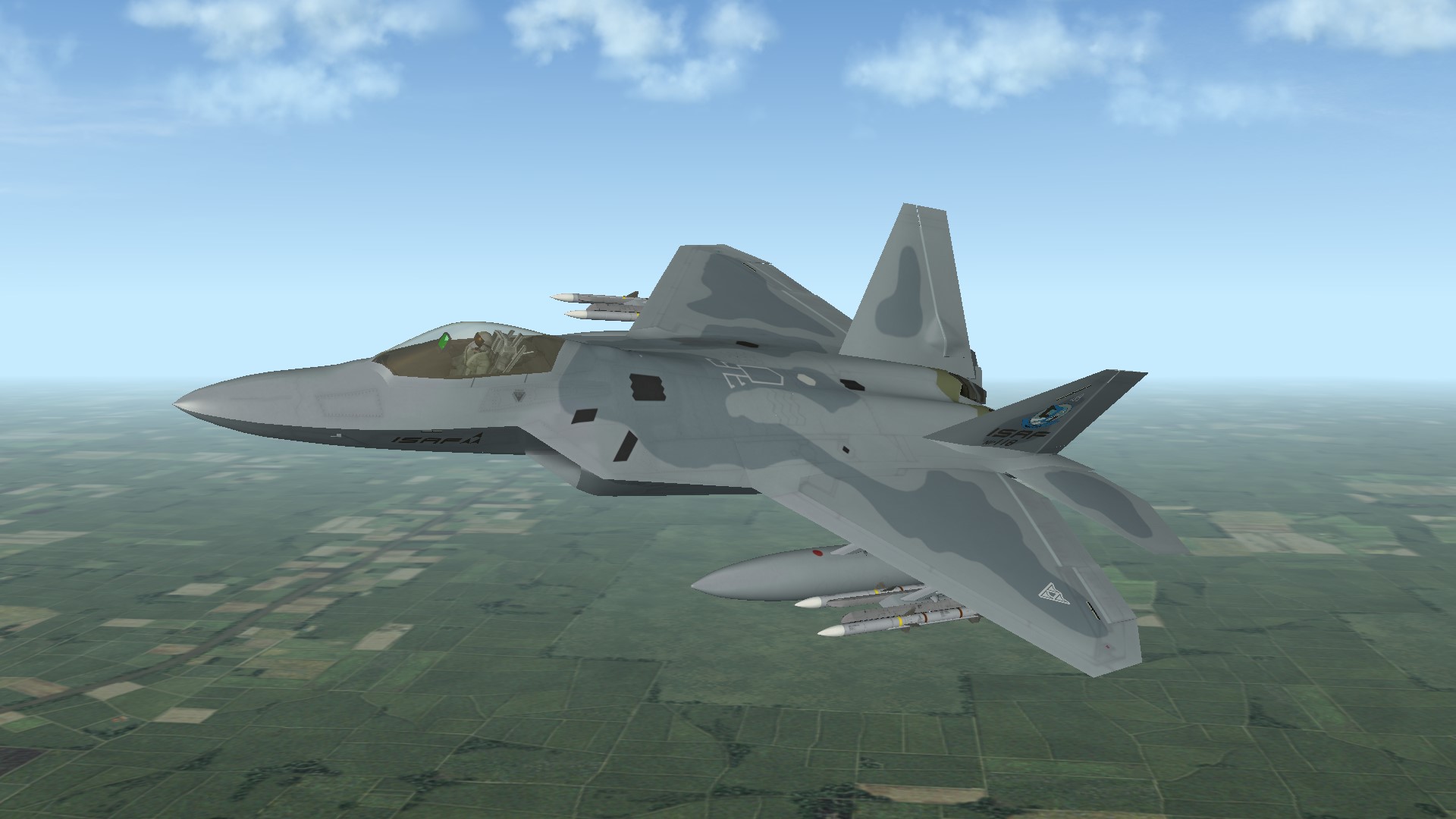
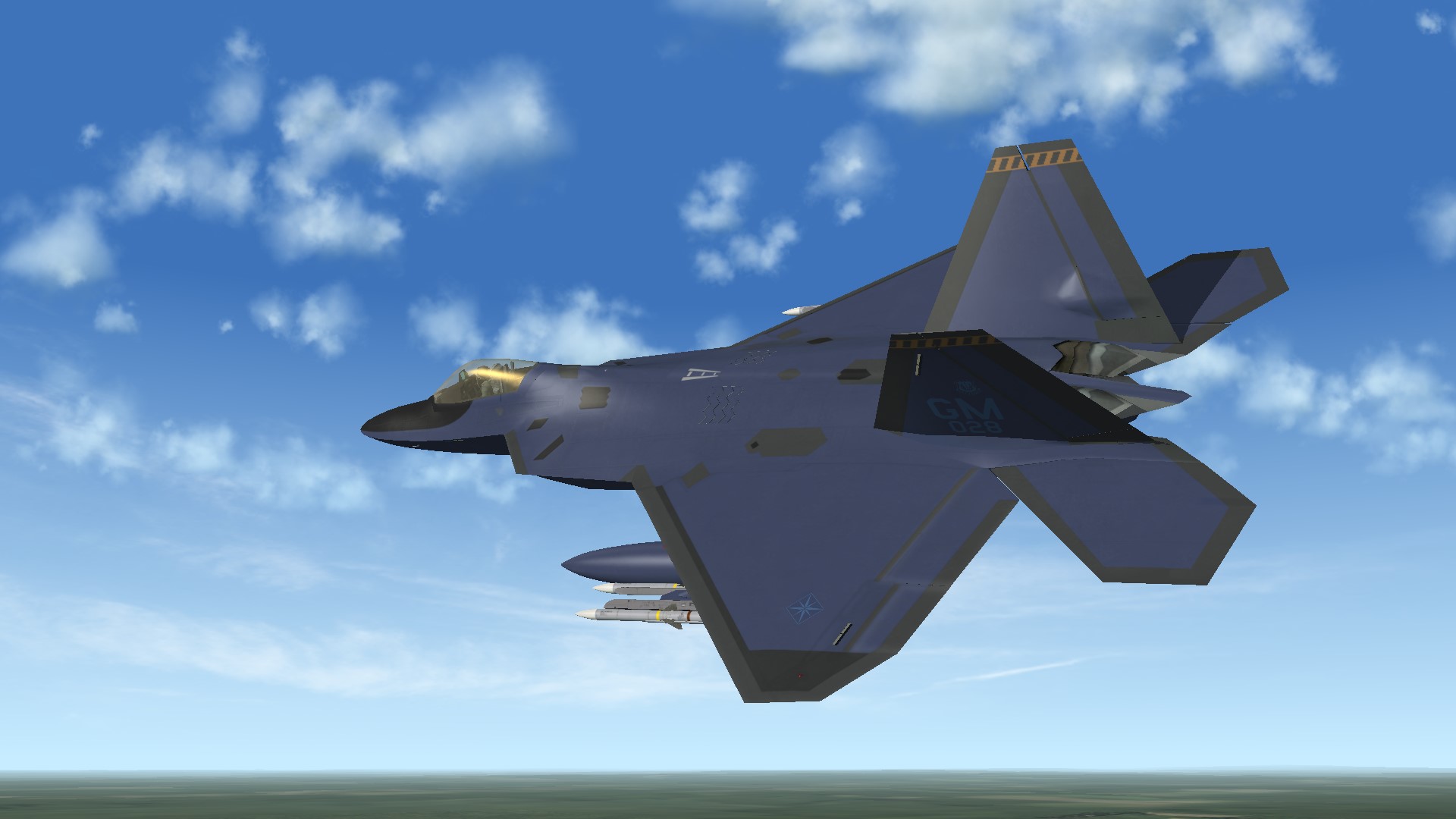
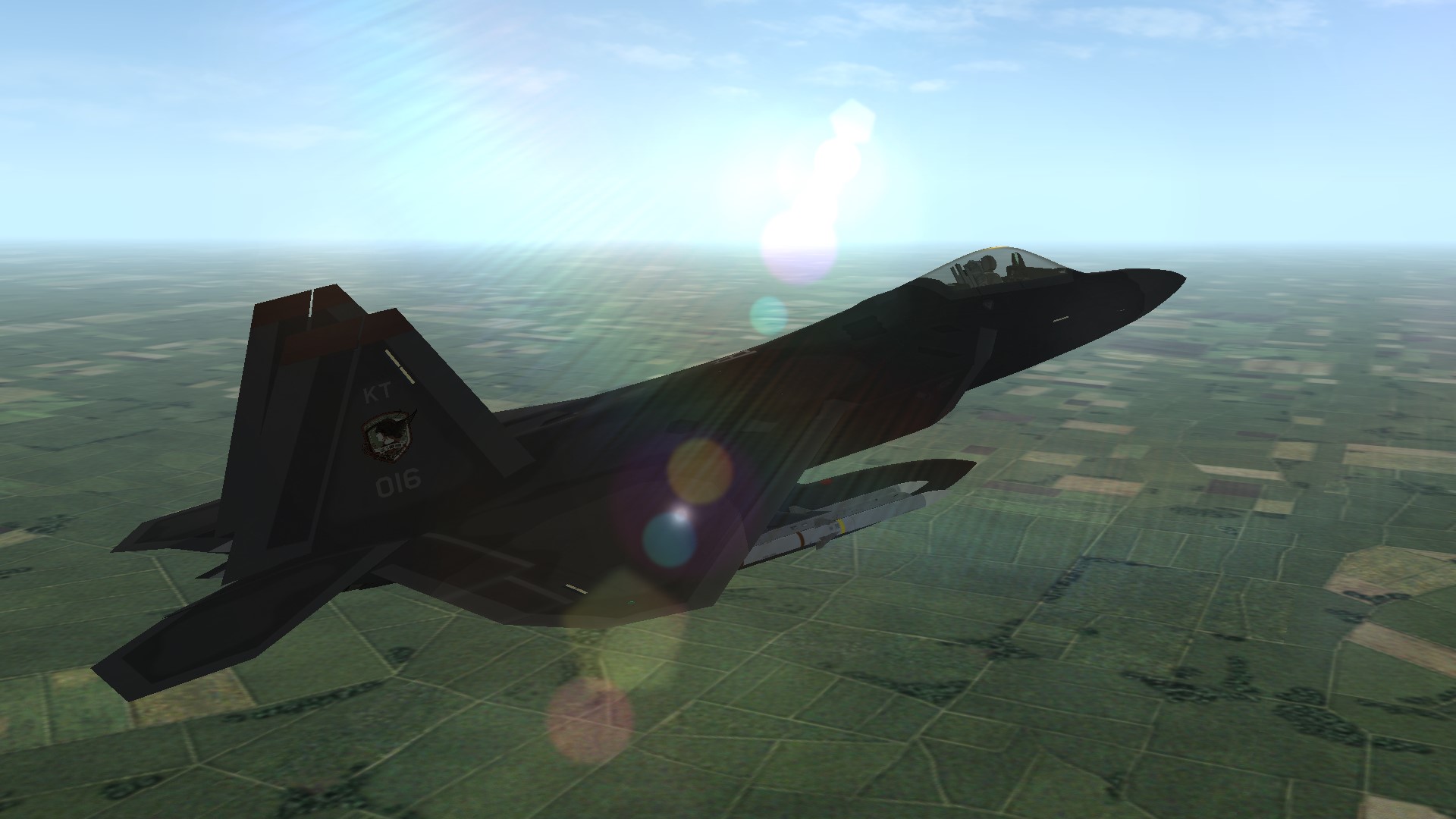
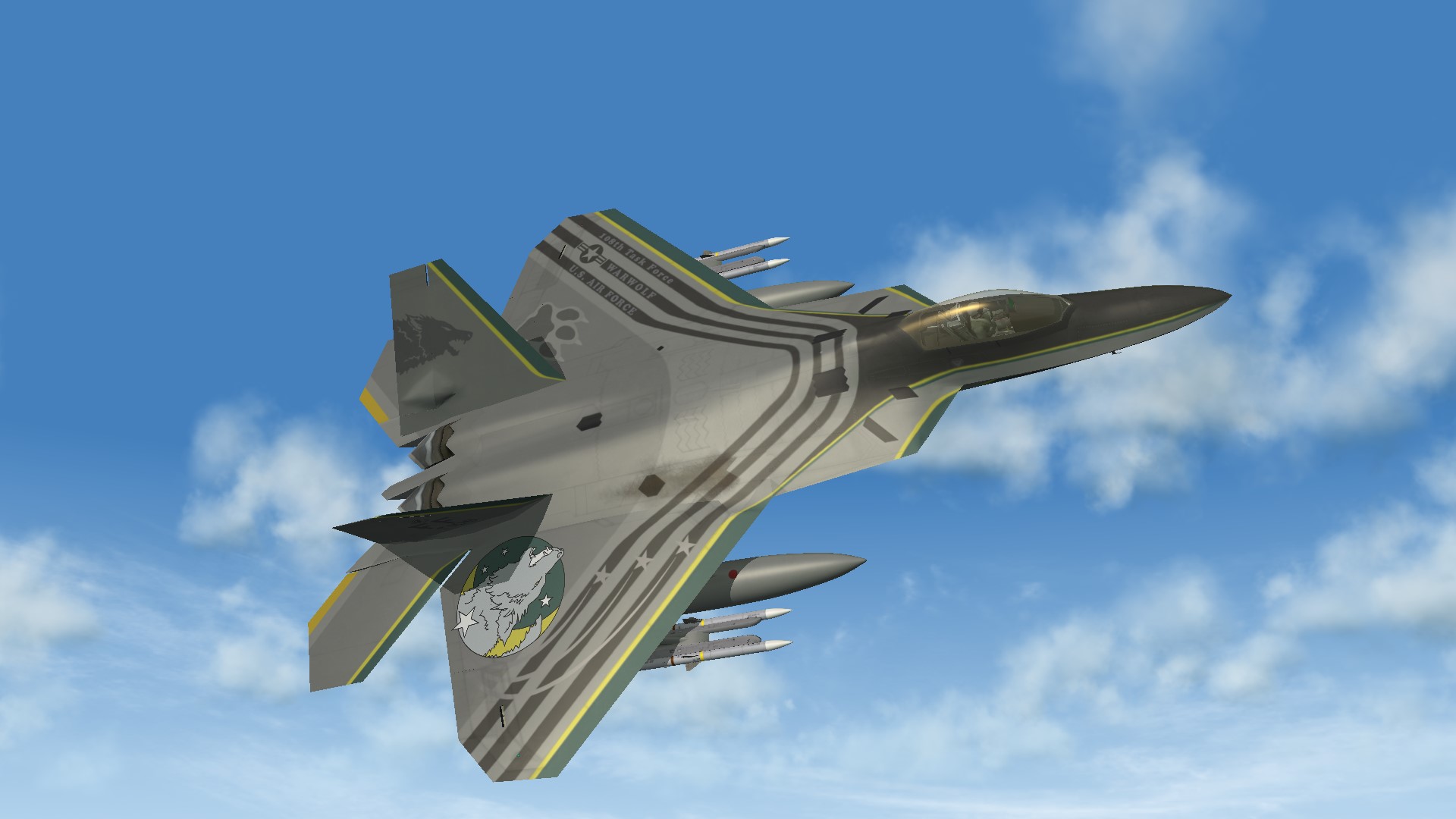
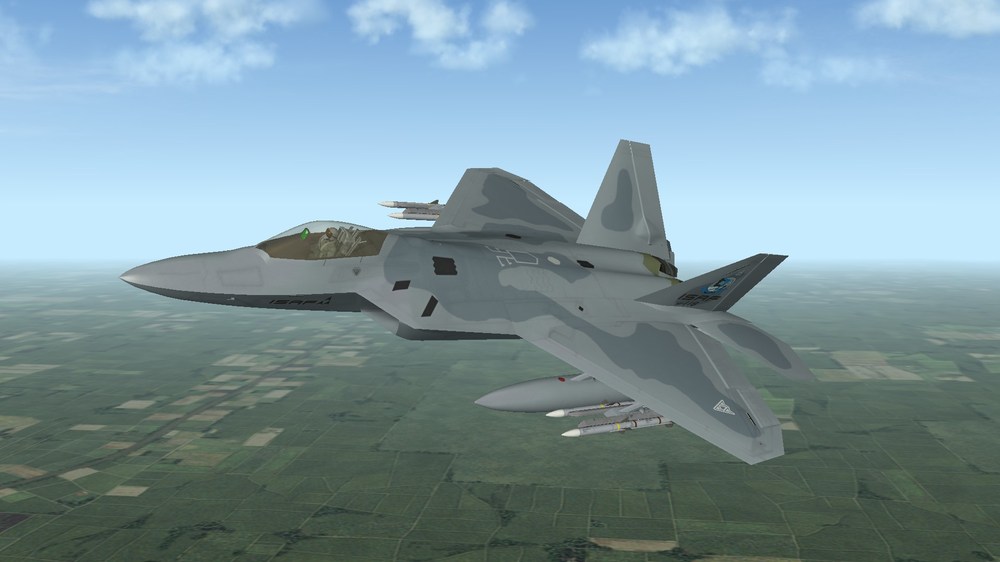
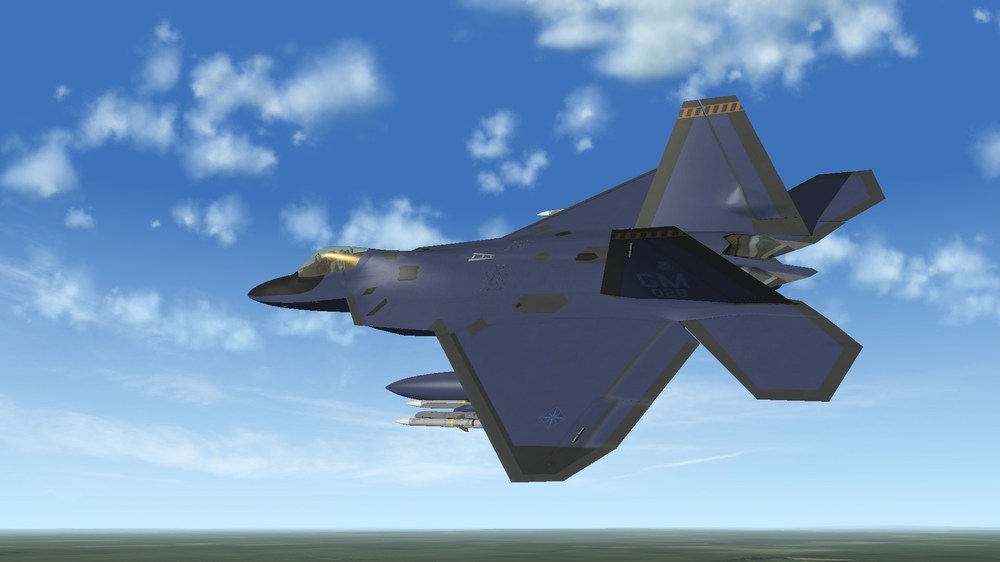
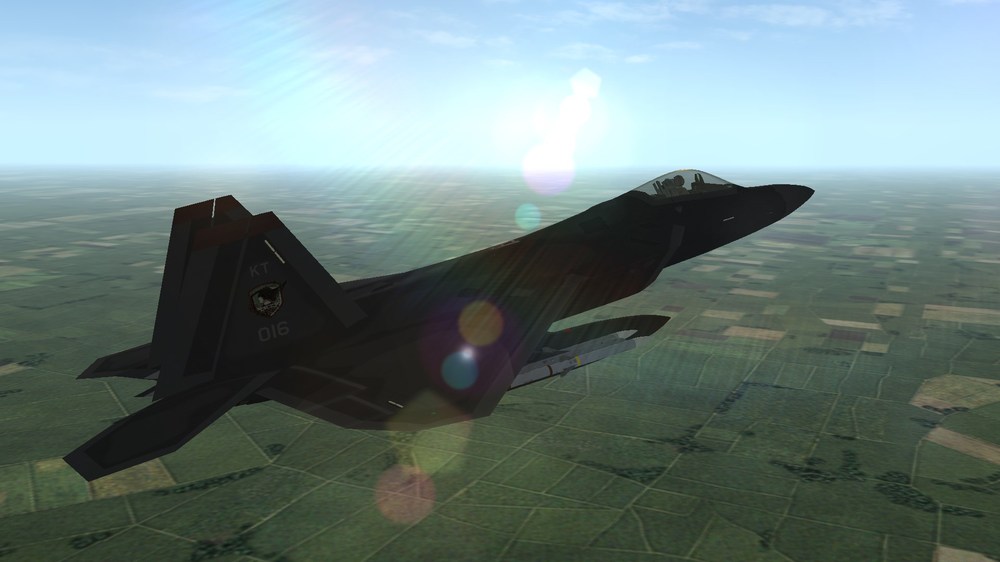
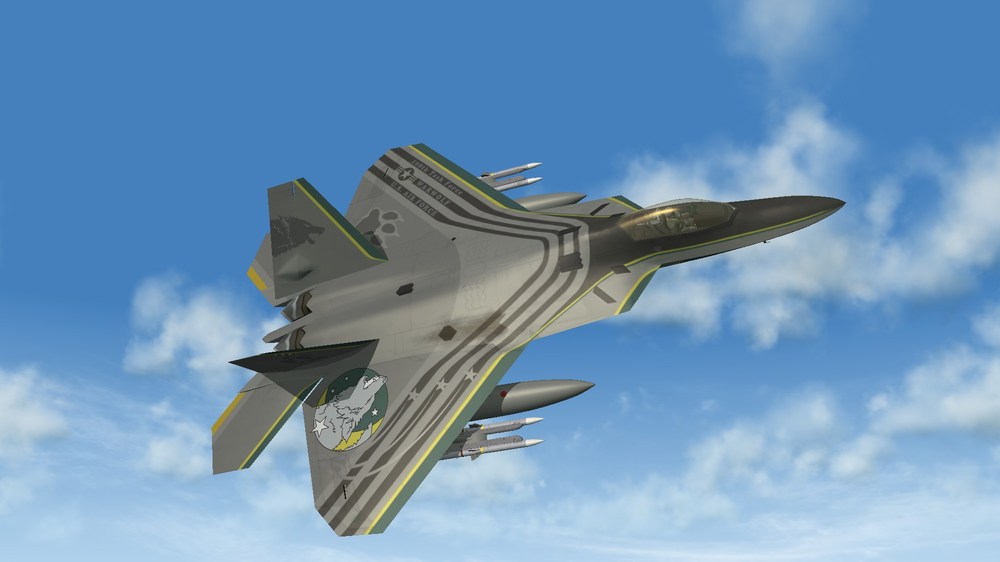
Hi! The aircraft is still in the works. The cockpit is the last thing to be finished, as I changed textures and layouts various times so now 3d edits are needed to it. In the meanwhile, I took the opportunity to fine-tune some of the previously showed skins. Revised colors for Mobius 1, ISAF livery (more blue-ish like its real EMD 91-4001 prototype counterpart, with the addition of golden engine plates). Revised colors for Indigo Wing livery (different blue taken from the original AC6 skin) Revised colors for Razgriz livery (less dark than before, directly based on the original AC6 skin) Completed Warwolf livery
-
To do what Wrench says manually, for hundreds of target areas, is too time consuming. TFDtool by gerwin automatizes the process, it's very easy to use. Just read the included documentation on how to use it.
-
There's no easy way to fix it, or rather, to force the game do what is not supposed to. The game attempts to assign the closer enemy target area, but depending on the complexity of the terrain, such target area can even be beyond the mission radius of the helo's data.ini. Simply put, a terrain must provide target areas close to a given helicopter base, otherwise the issue remains; the values in the helo's data.ini are "disregarded" in the absence of close target areas to assign to it. Strike Fighters was never designed to feature helos, so end-users must live with certain oddities when flying those.
-
You might find the following links useful. myE6B Fuel Conversion: https://mye6b.com/Fuel/ Jet Fuel from Gallons to Pounds Calculator: https://jscalc.io/embed/oyHJrYooUr1wDQPb Moreover, if you know a specific fuel type used by a given aircraft, and use the density mean value, you can obtain much more accurate values in-game. For instance, for the yet to be released Raptor add-on, I was able to reproduce all internal fuel tanks properly, and together with external ones, a proper 26,000 lb (slightly more) are shown by the digital counter in the cockpit. For instance, the Raptor uses JP-8, and the density mean value of JP-8 should be around 0.8075 kg/L (https://www.repsol.com/en/products-and-services/aviation/jp-8/index.cshtml).
-
Not that far from reality, though
-
This is not an issue nor a mistake. The countries of Paran and Dhimar are fictional and both are allowed to use a pool of Red and Blue side aircraft by design in the stock game. This only applies to stock aircraft, or in better detail, namely to those who have ExportedToEnemy=TRUE in their data.ini file. This behavior is also kind of realistic. Some Middle East countries (Iraq, for instance) had access to Western (British and French) aircraft, as well as Soviet ones.
-
It is my greatest fear, instead. They are working on drone swarms, which are data-linked to fighter jets. It's not a fantasy, it's only a matter of when. This might lead to even more desensitized military actions. Warfare belongs to human nature, like it or not. If we really have to fight each other, I'd rather take to the skies and press buttons myself, not let an artificial being do the dirty work.
-
I thought as much, either this or a modified Formation.ini file in the Flight folder. Old terrains don't include needed airfield .inis and this results in weird behavior for AI during taxing and takeoff.
-
They are not missing, they are stock game's TGA files. They can be extracted from FlightData.cat. Always repeating the basics, here...
-
TK has no reason to be bothered by this issue. Bomber aircraft were not meant by him for player use, they are for AI use only. There are more important issues that TK should fix instead.
-
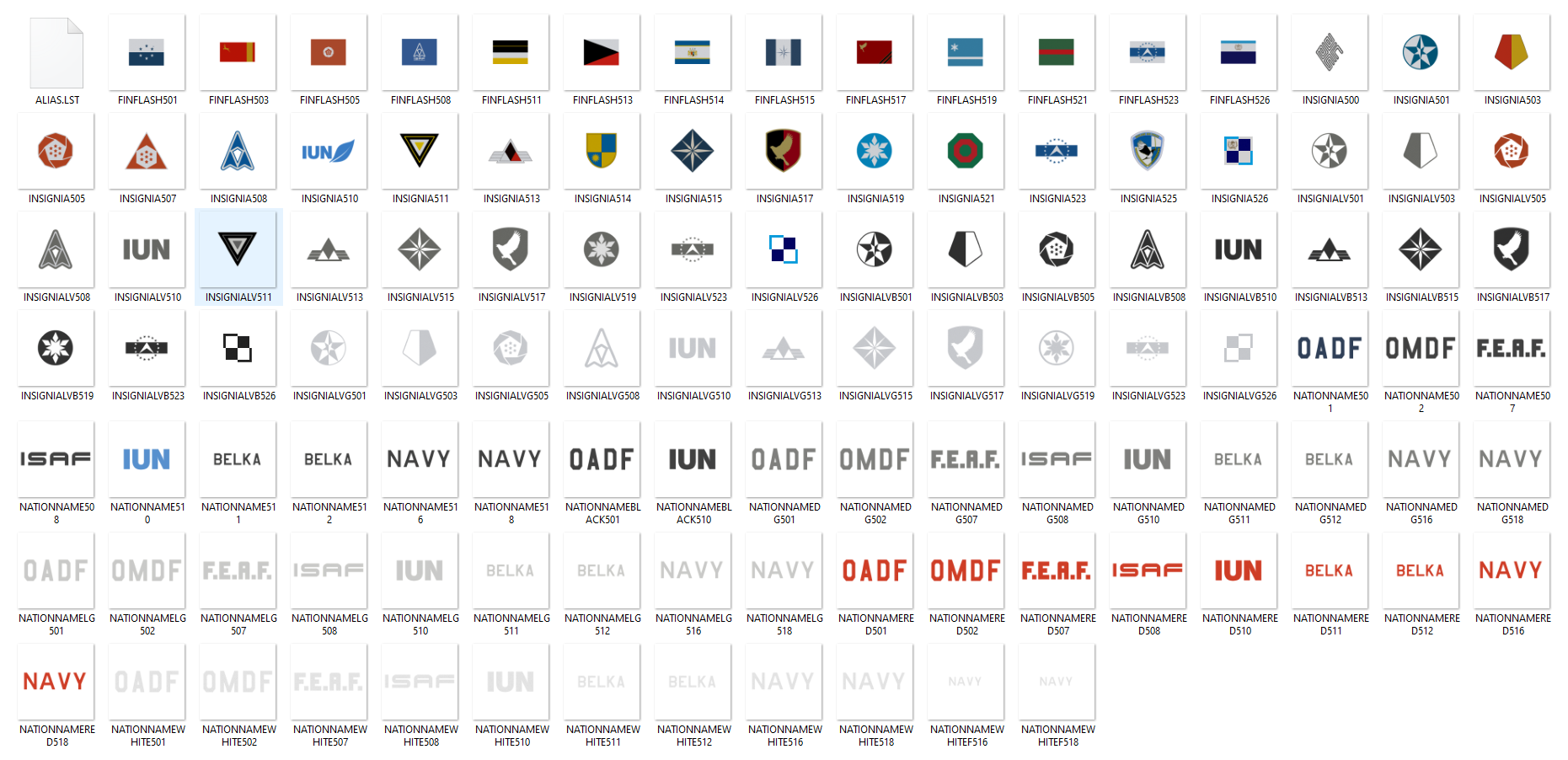
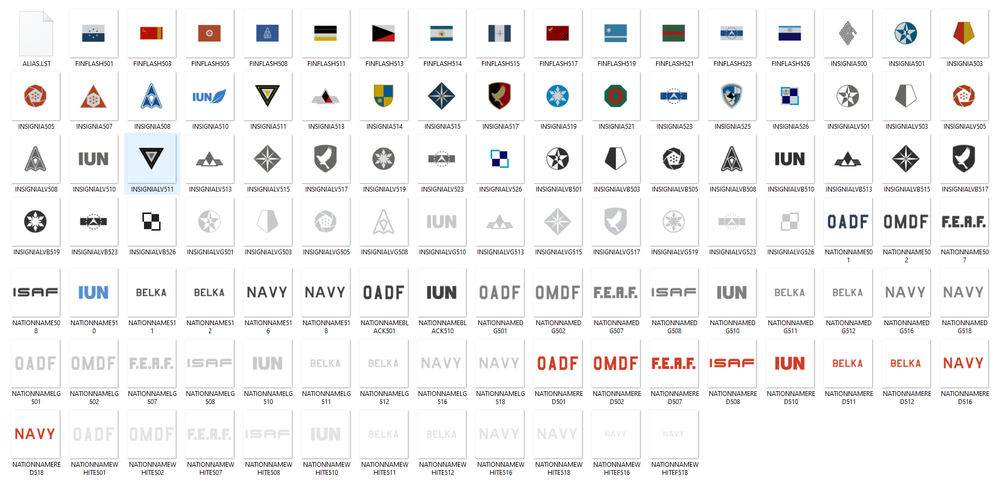
This is a fork of the Nations Expansion mod I have released; it includes only original nations (and respective aviation services) of the Ace Combat universe, AKA Strangereal. There's a roundel of my own creation for a nation which got its own mobile game and flag. There's also the logo of Project ACES, serving as insignia for a generic Merc faction. The rest is based on official sources and references from all AC games.
-
You're welcome. The tool does work. Sometimes, it sets too many tiles surrounding the airbase to Tag=0, so I manually set others to 1 or 2 where appropriate.
-
Wilches, TFDtool already does this! Read the included readme files. You can set all Tags to 0 or as appropriate (meaning all airfields are set to 0). I am a terraformer, there's no other trick I use than this. Whichever target area uses an airfield.ini file, it gets surrounding tiles set to Tag=0.
-
Nope, AFAIK. If you hit a water tile (and Tag=2) the aircraft explodes. You can always set water tiles as Tag=0. The stock GermanyCE terrain from SF2E has the entire tilemap filled with Tag=0 tiles. The result is that you can land everything everywhere, even on water. Again, with TFDtool it can be fixed easily.
-
No, it means tilemap TAGs. I tried to explain it in the past. A tile with Tag=0 is treated as landable, with Tag=1 is treated as (bumpy) land, Tag=2 as water, so the plane explodes when on it. It exists already, it's TFDtool. gerwin added this function on my request. Just download the newer version at his site.
-
 Fixed. I'll upload a new version. Check it once it's approved.
- 4 comments
-
- 1
-

-
- el dorado canyon
- greece
- (and 7 more)
-
A fork of my nations expansion mod. Only a few will recognize these (fictive) insignias.
-
It is the easiest thing ever, yet you guys are talking about it as if it were black magic. The water bitmap is 8bit, and Photoshop is known for messing them up during saving. If you want to create a working water bitmap, you must use the exact colours from IcelandNA's water bitmap. Open and save the water bitmap in Microsoft's Paint, and that's it. Sweden does not have enough water space (red), so any water bitmap will not work good enough. The terrain is only 60% of RL, and the sea areas are too small for the in-game fleets which are used to wide open oceans. You might make a _water bitmap which spawns ships over water, but on such terrains you'll see them over land occasionally, it's guaranteed. Better not to feature something broken. If it worked with no issues, I would have included a working _water bitmap for that terrain package I released, don't you think? Besides, it is only used for game-generated single missions. For campaigns, you can have fleets regardless of a _water bitmap, because the campaign data must contain the fleet's coordinates on the terrain. I'm not going to explain any further than this. This matter was discussed to death countless times, and any being with a functioning brain will use the search bar of CombatACE to find any relevant threads containing the key-words water, bitmap, fleet, etc.
-
Or likely, an "inexperienced modder" hacked into Wrench's account. Well, what do we know?
-
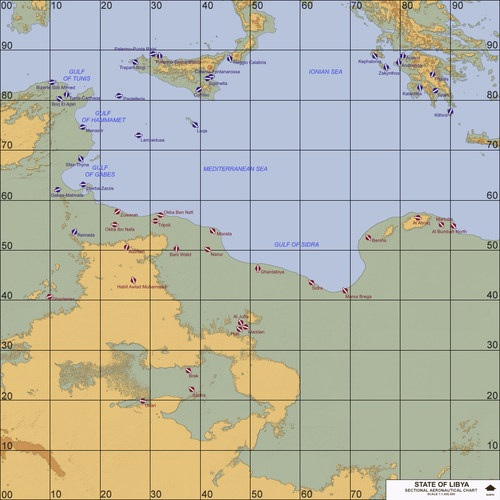
@Wilches Please, remove your previous post where you mentioned (with huge font) my terrain, otherwise it will be confusing for others. That other terrain from the Odyssey Dawn mod is a modified version of Wrench's original, and has got bugs of all sorts. Mine is a complete remake from scratch with even more additions and airfields. You might want to modify the campaign's data.ini to use my newer terrain. No point in fixing something old and broken. For the curious, that issue is not always dependent on the flattening of areas of the HFD (as Wrench stated), but can also be due to the TFD. Each tile has a Tag value. Tiles where airfields reside should have Tag value 0. Usually, that bug happens when Tag value is 1. With gerwin's TFDtool, it can be fixed. But as I said, better use a newer terrain.