snowburn
-
Posts
119 -
Joined
-
Last visited
-
Days Won
2
Content Type
Profiles
Forums
Gallery
Downloads
Store
Everything posted by snowburn
-
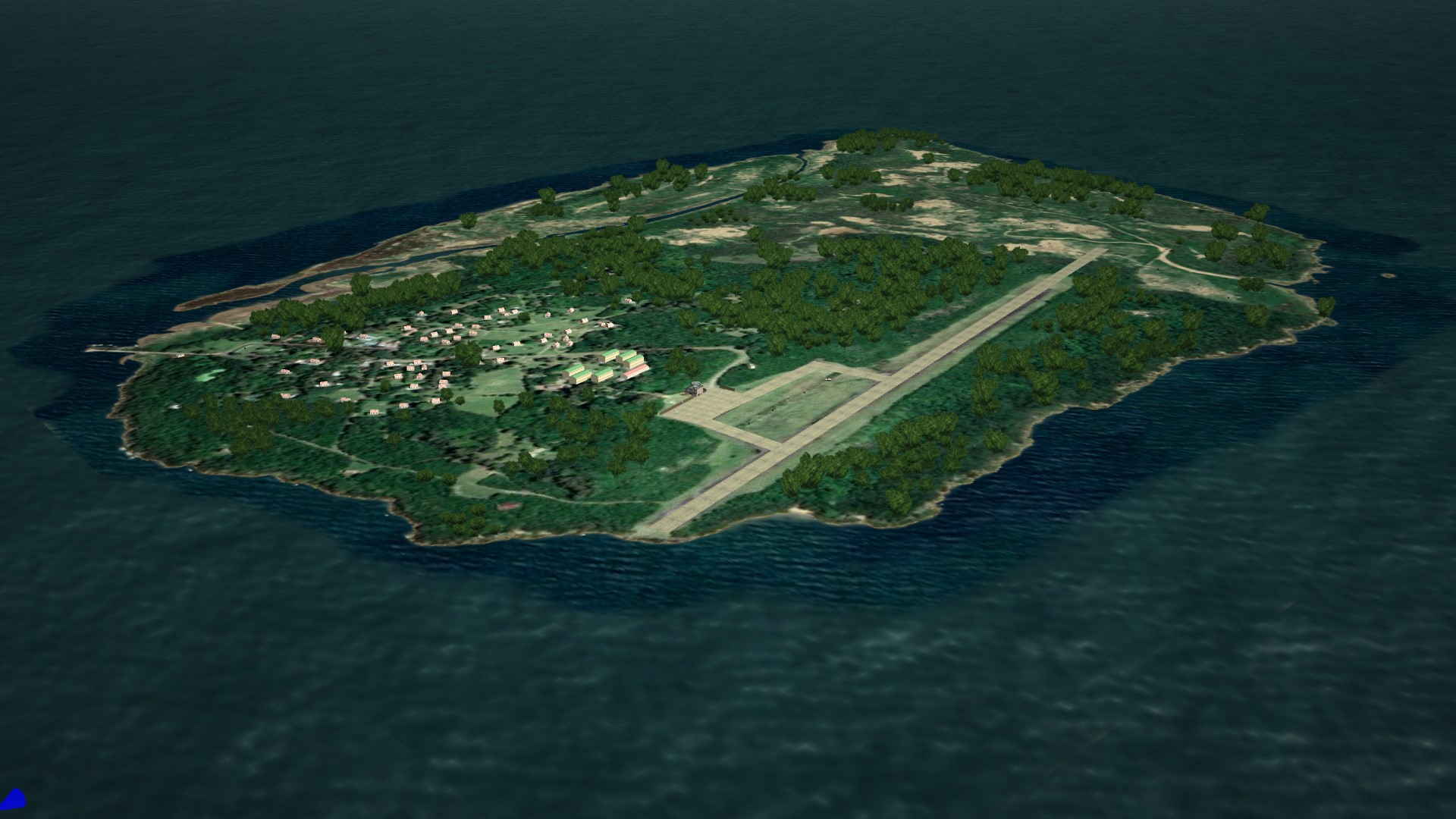
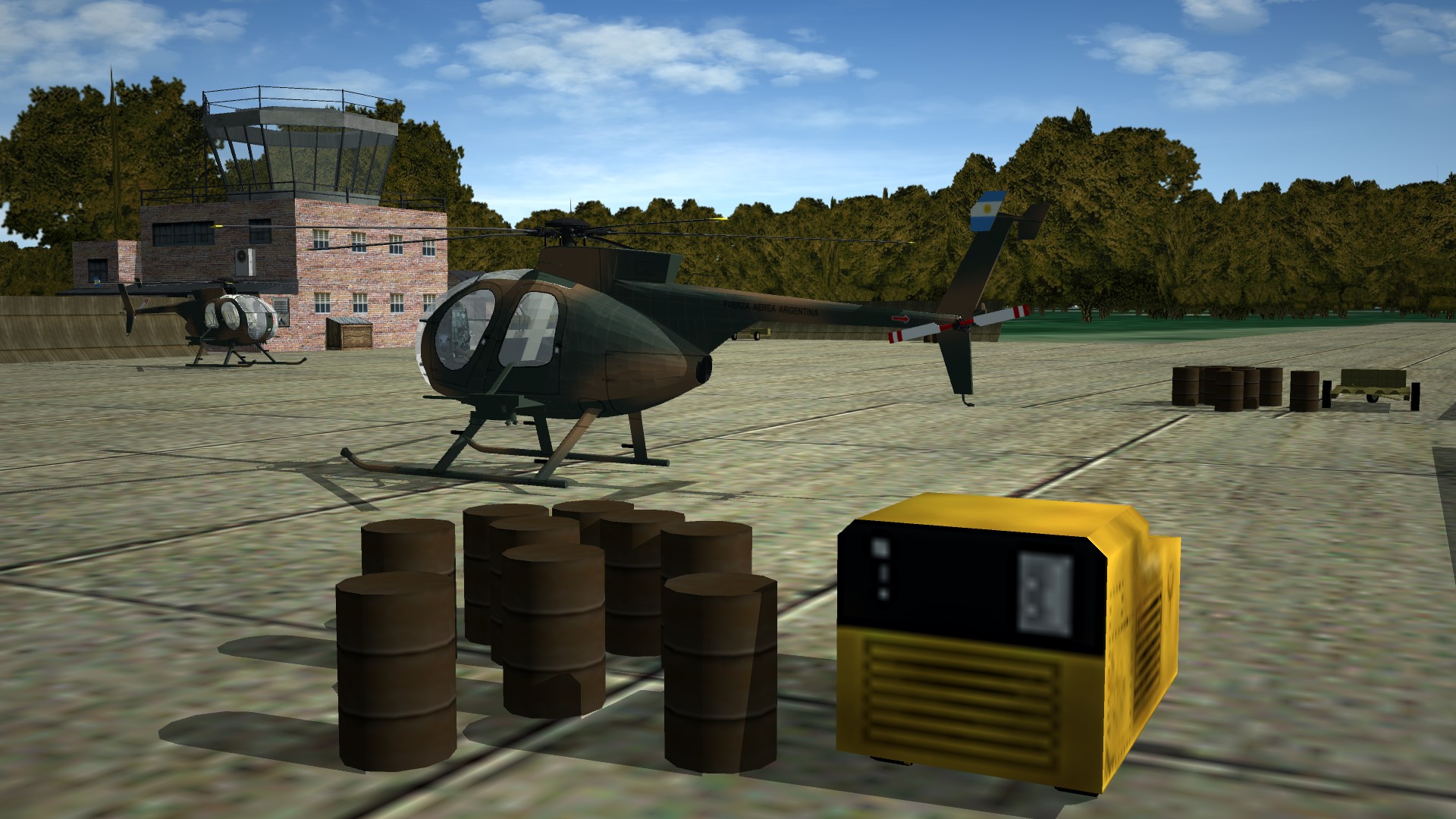
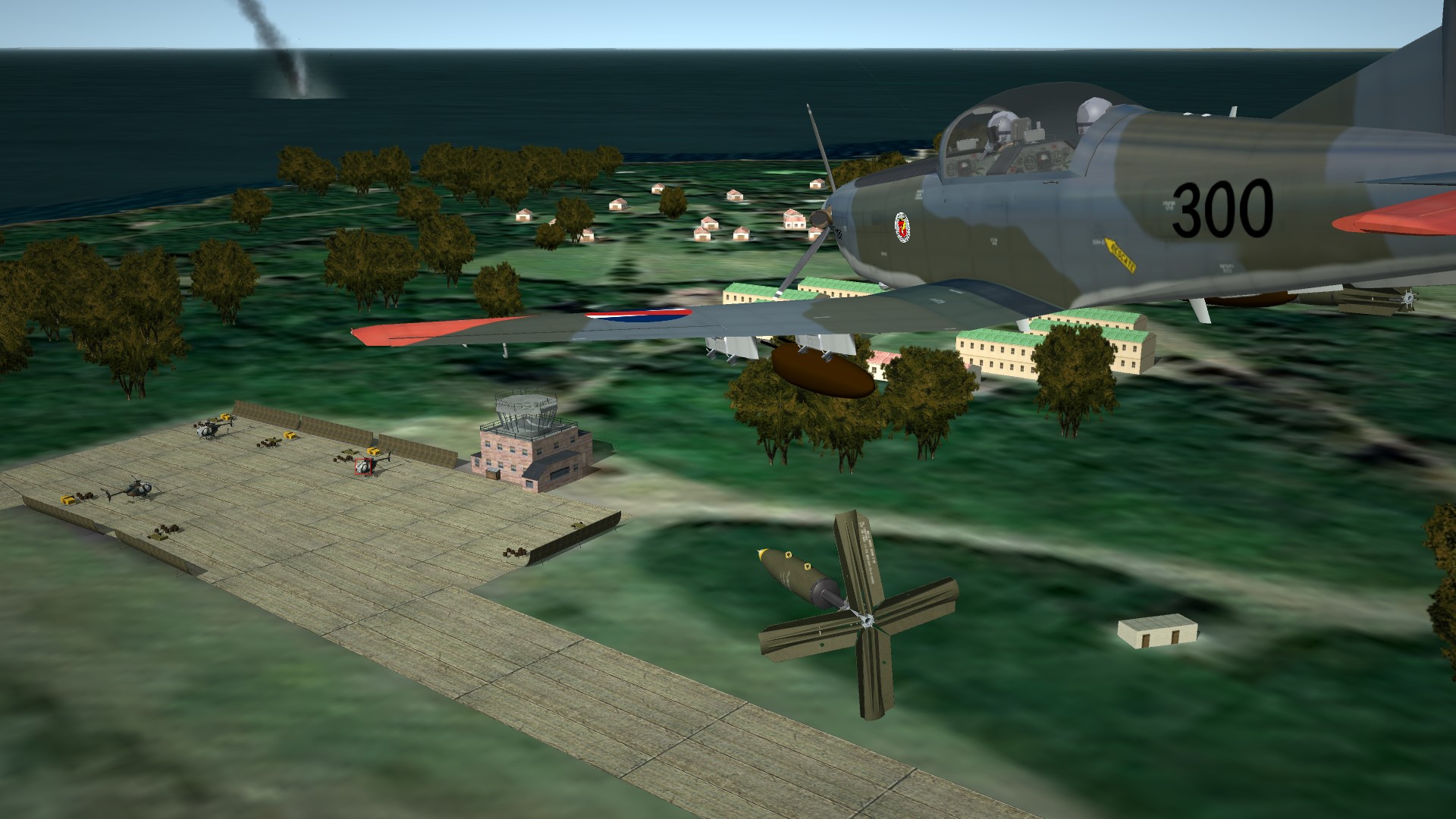
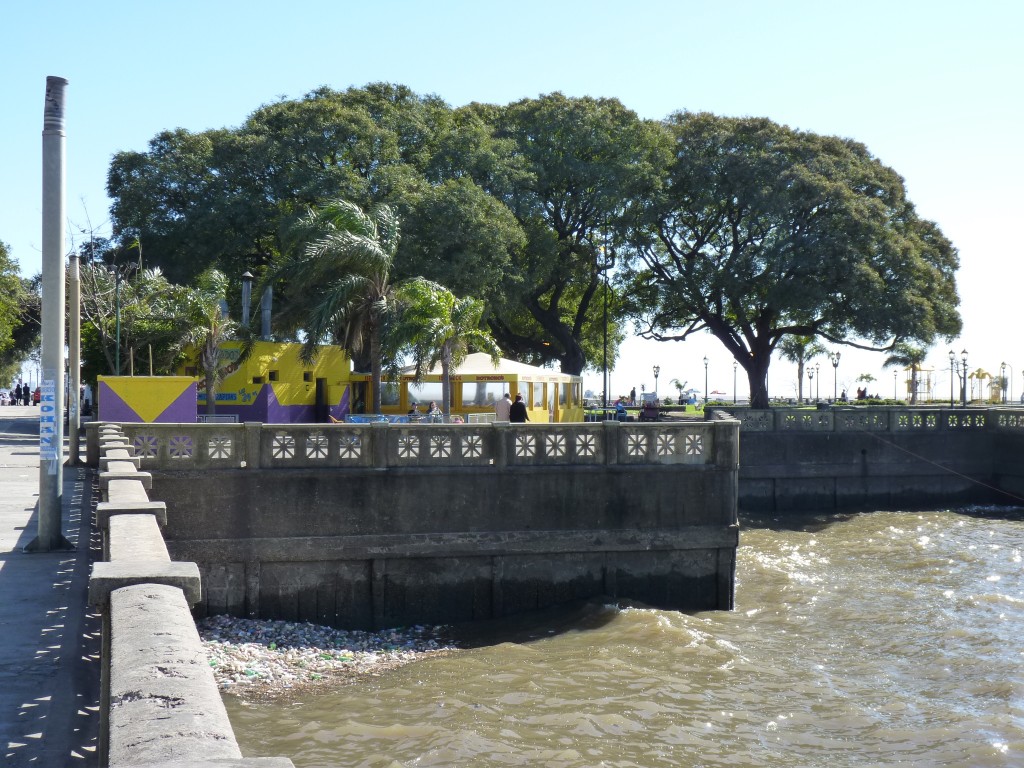
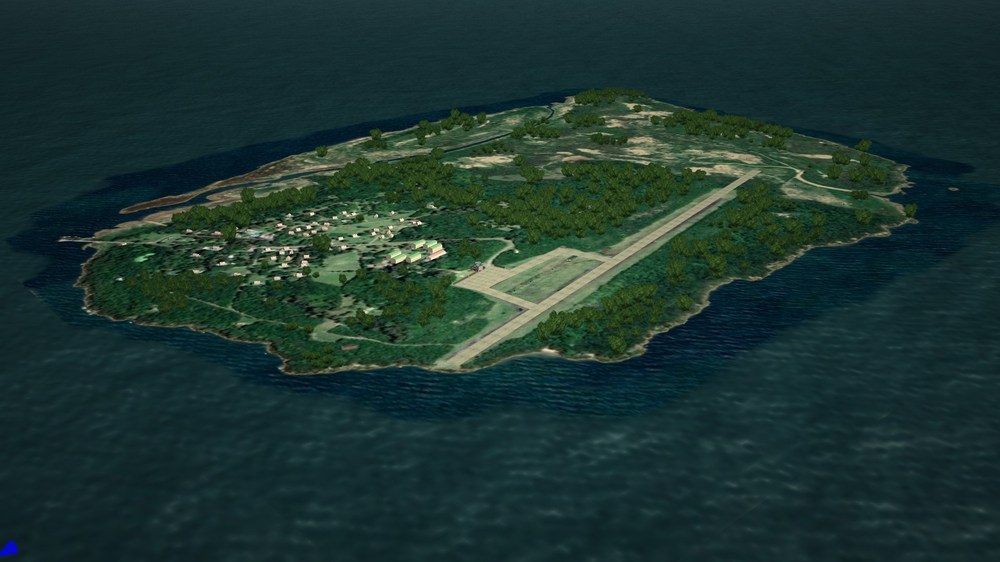
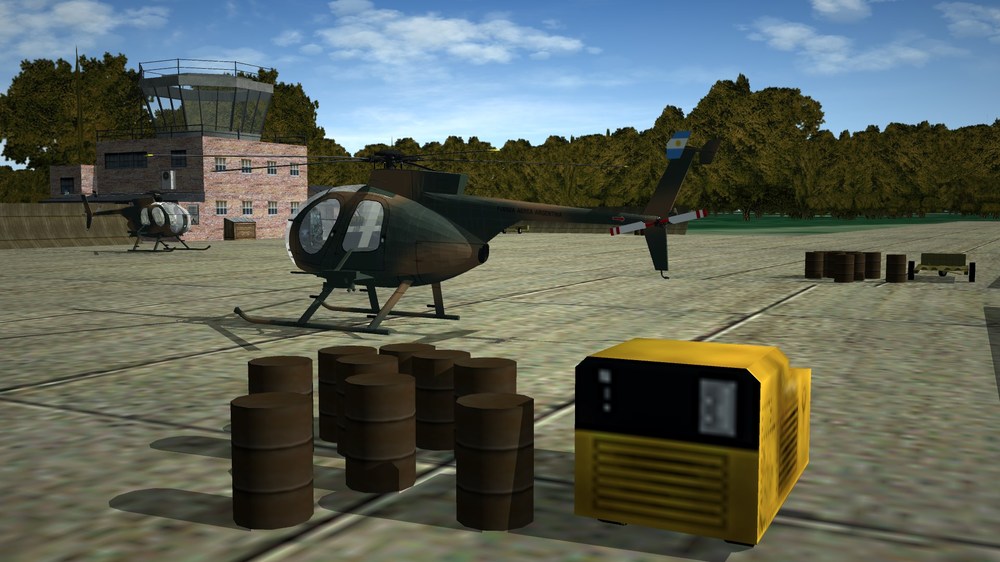
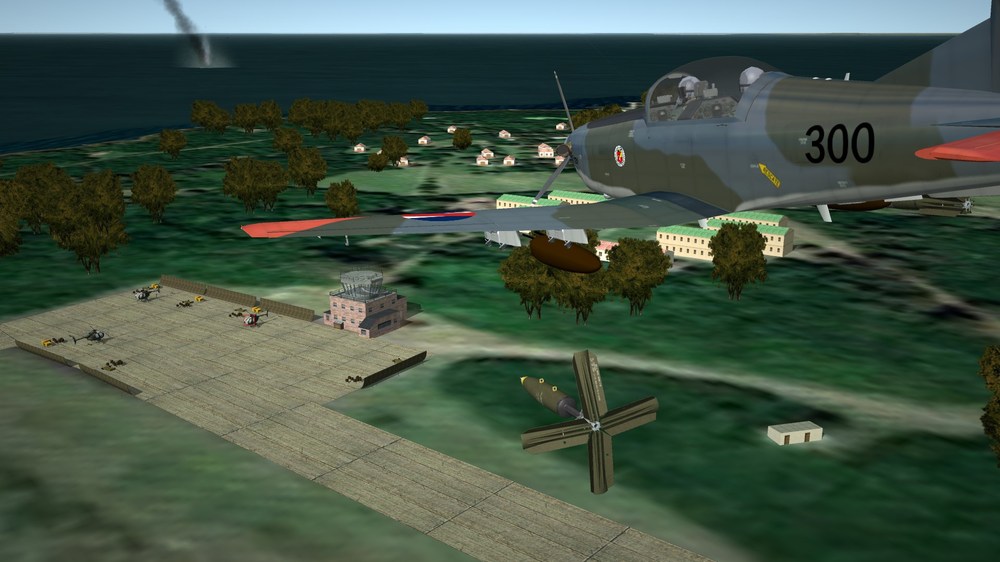
Isla Martin Garcia, what an incredible work Gepard!!
-
too bad the doesnt release the source code, im sure the community can fix a lot of bugs and enable discarded features. maybe some kind of licence that allows him to still make profits from the .lods and art, like FreeSpace Open did.
-
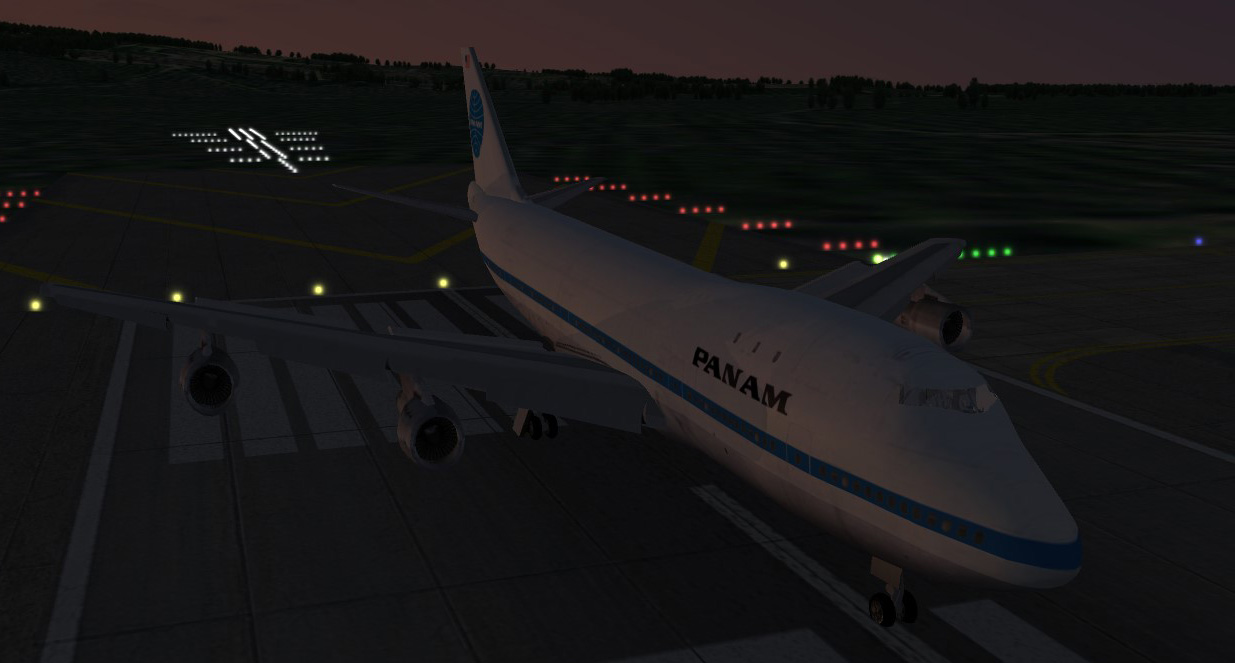
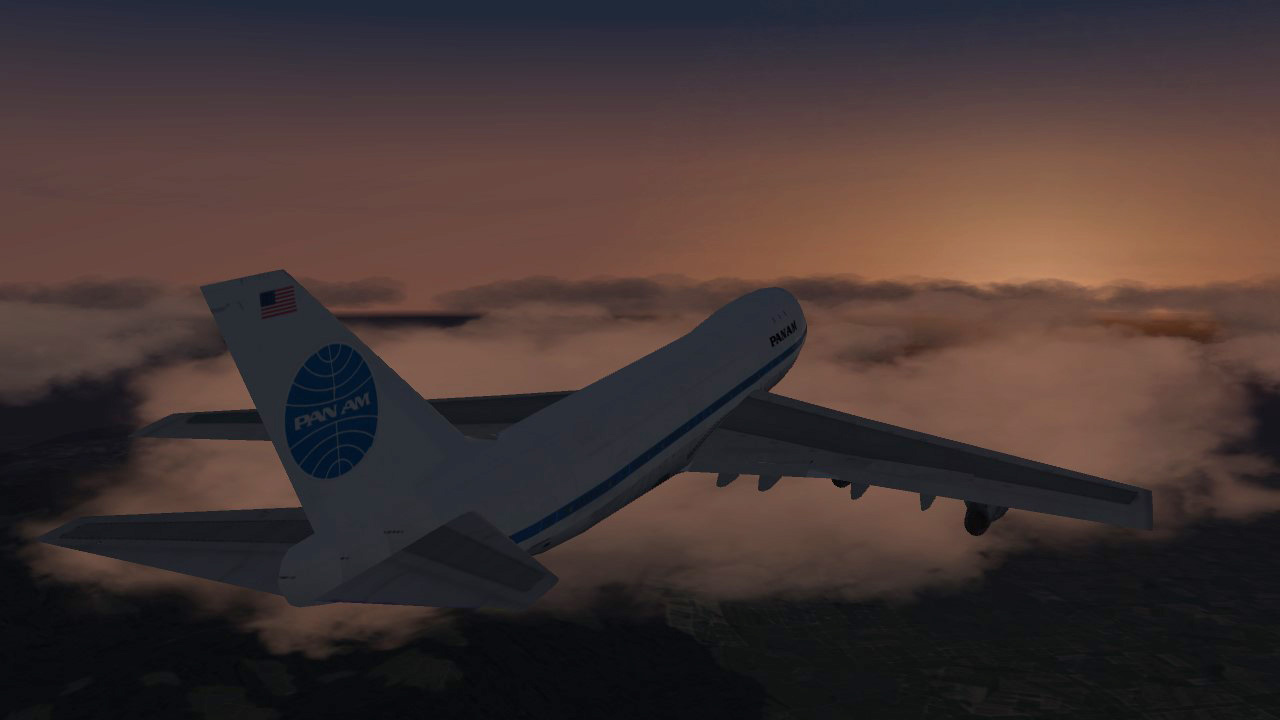
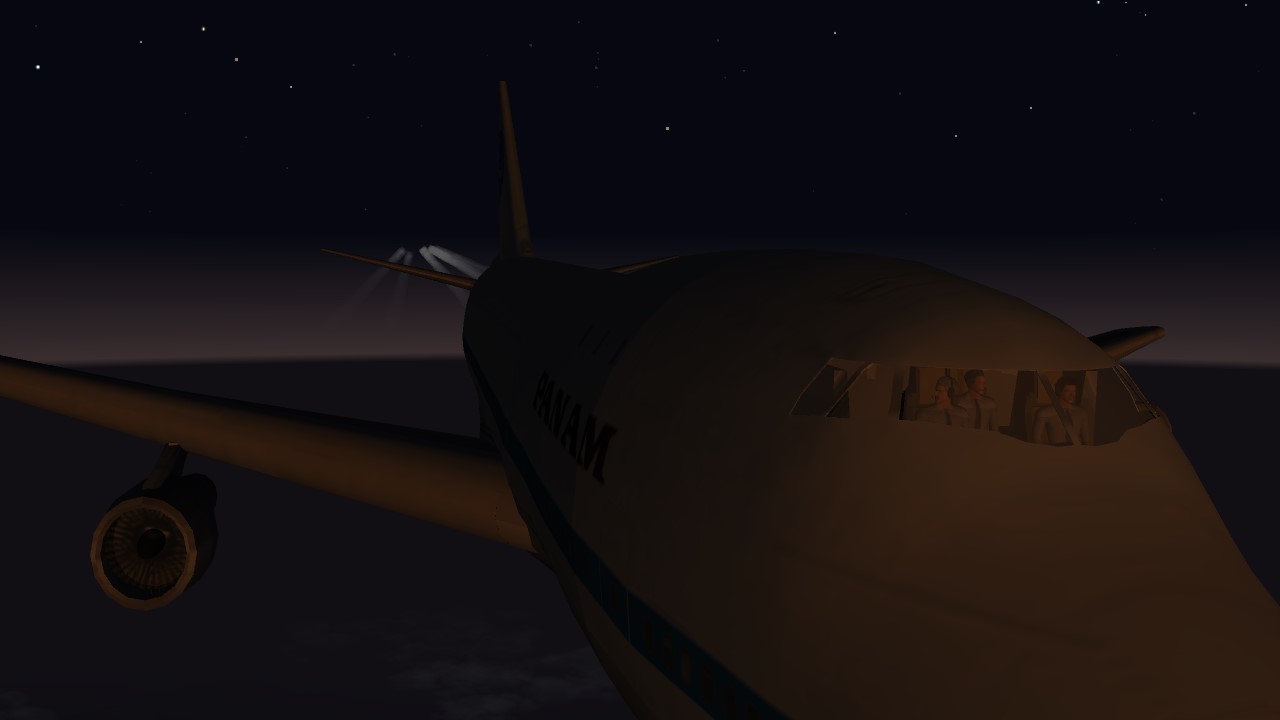
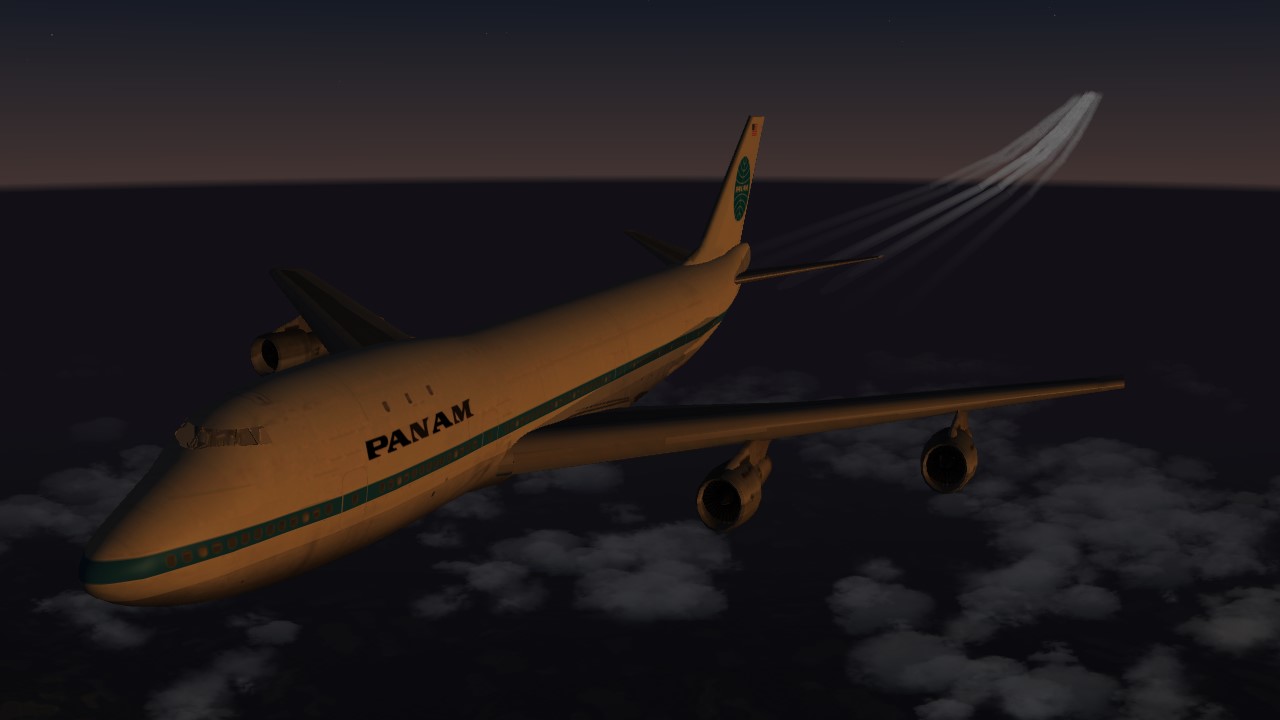
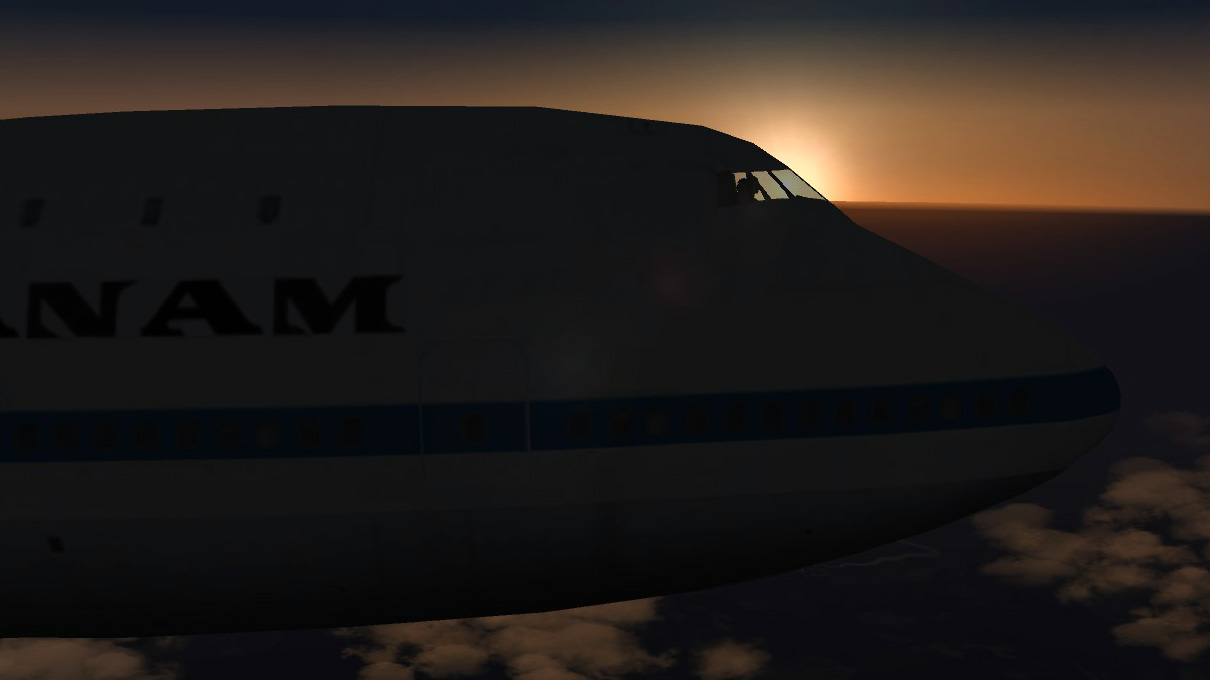
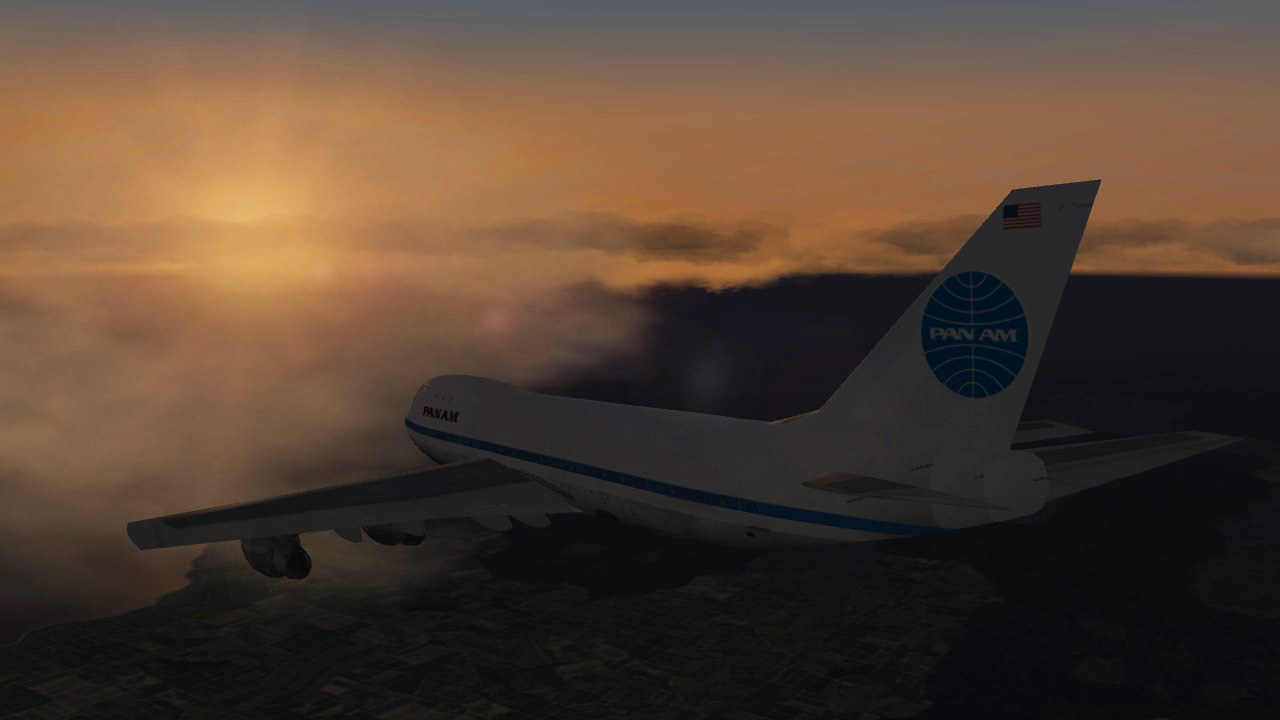
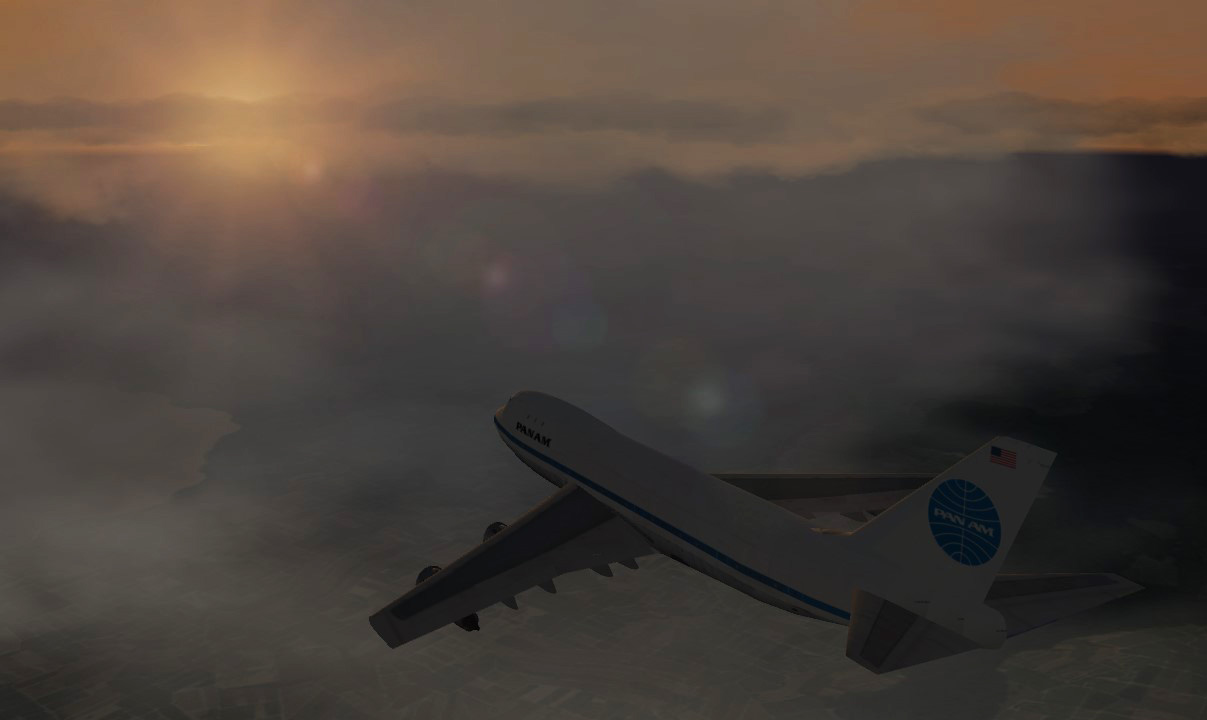
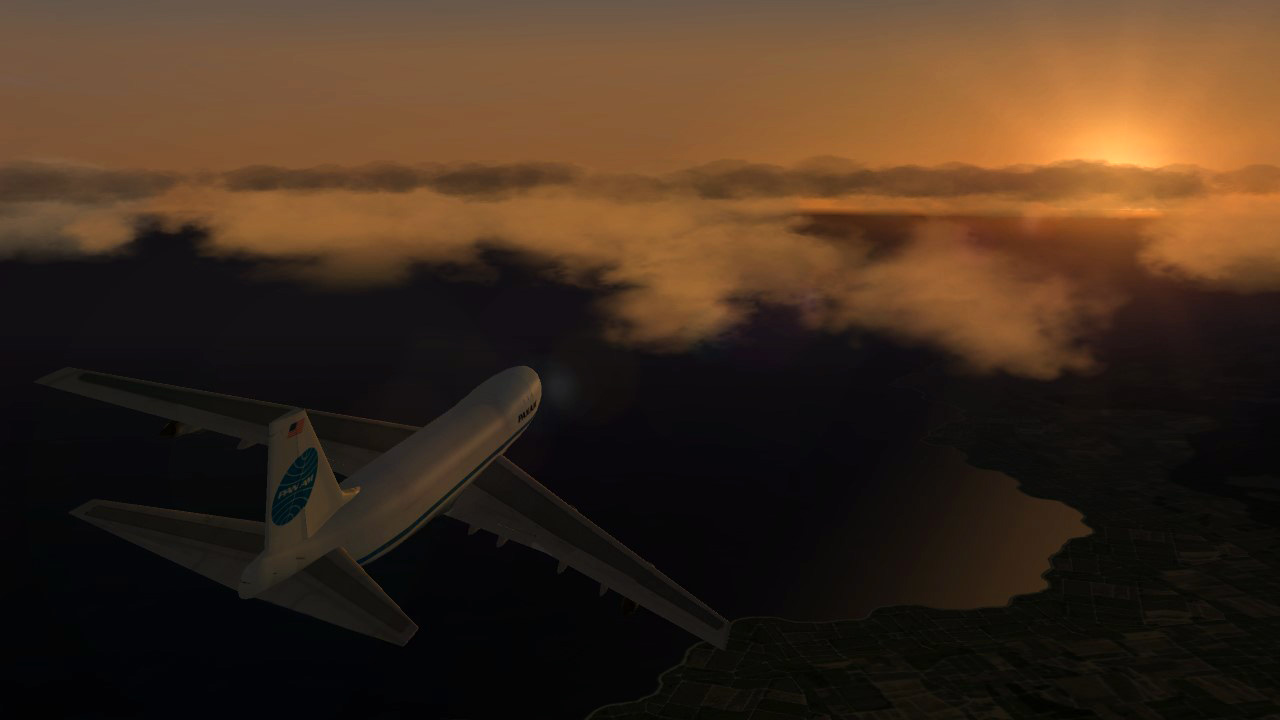
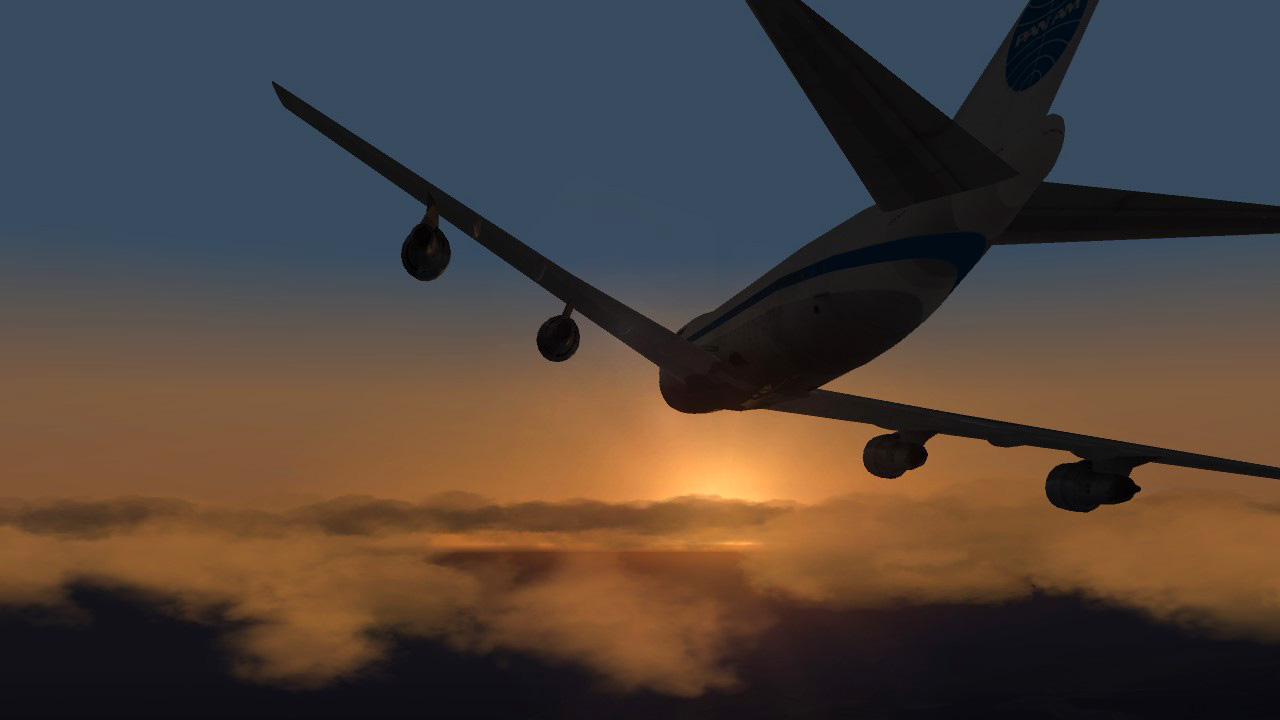
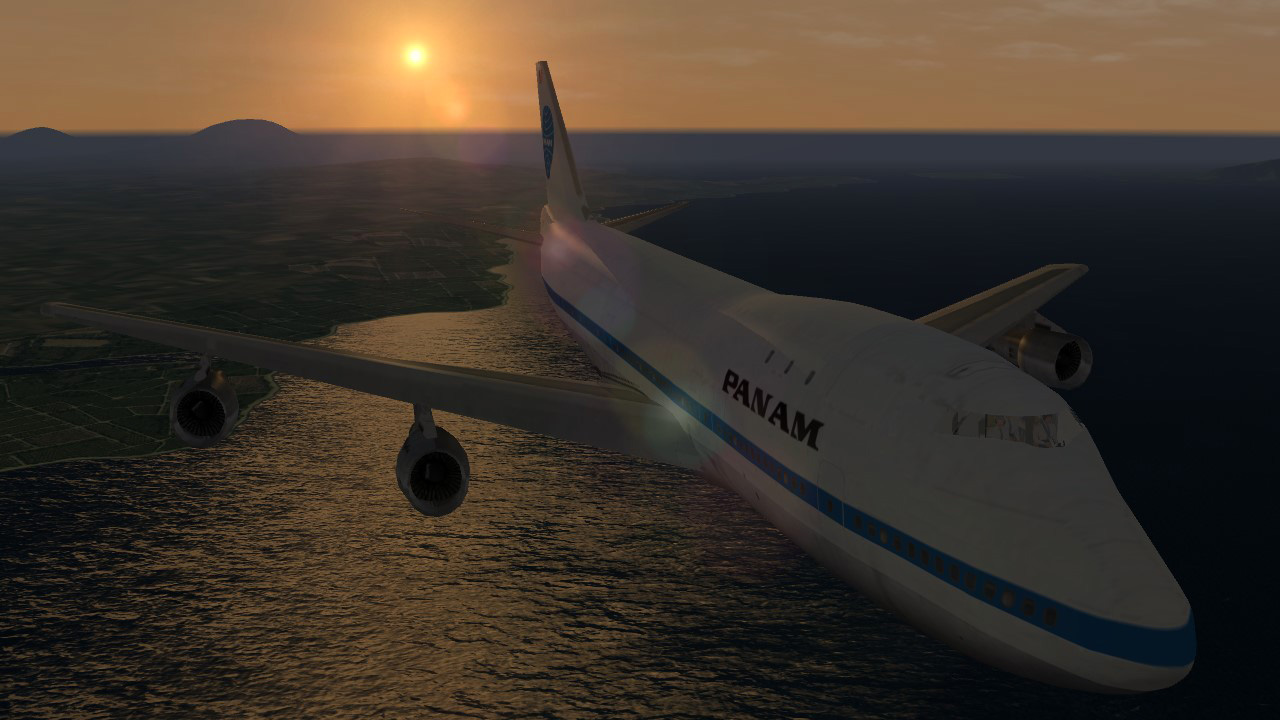
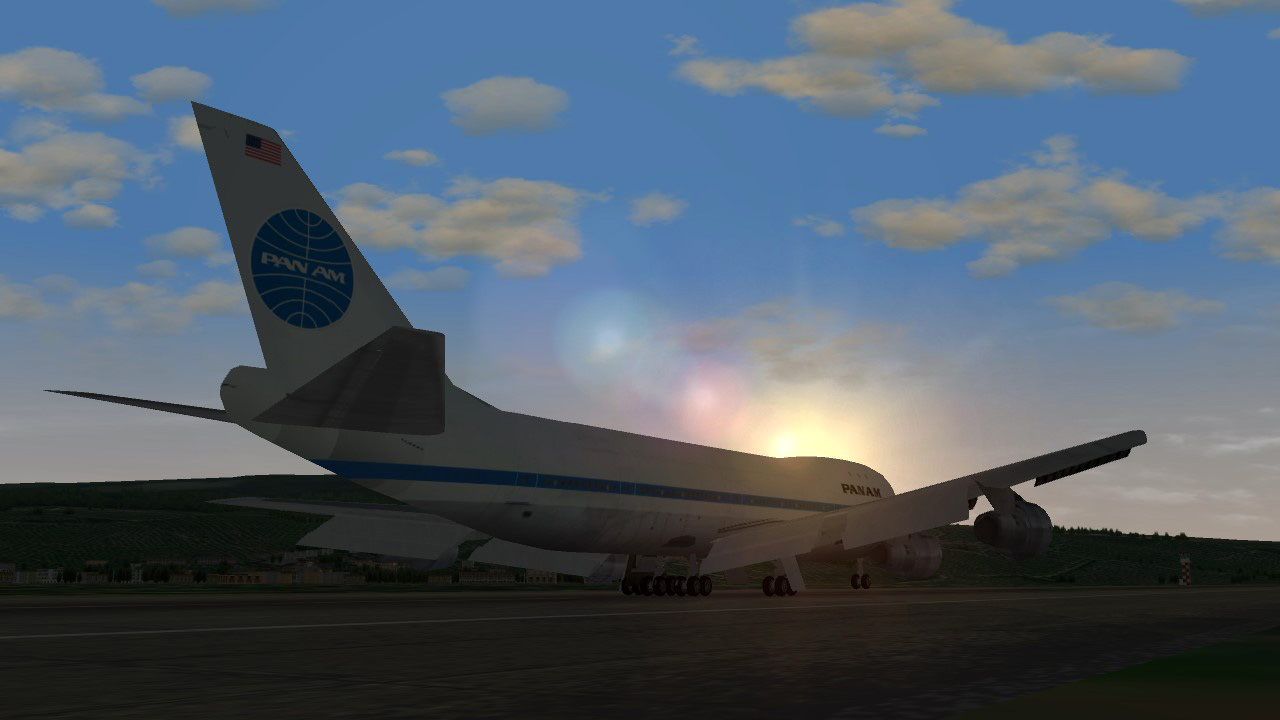
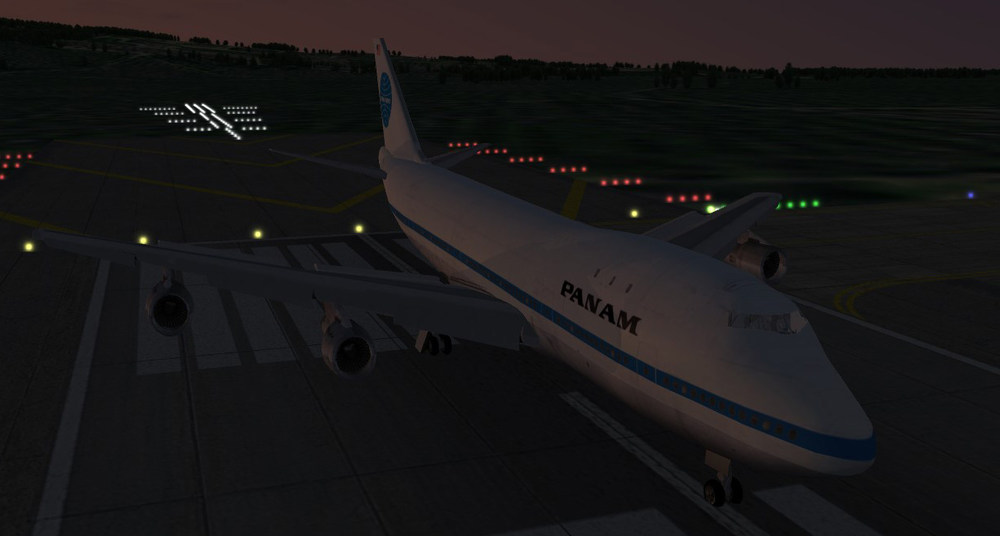
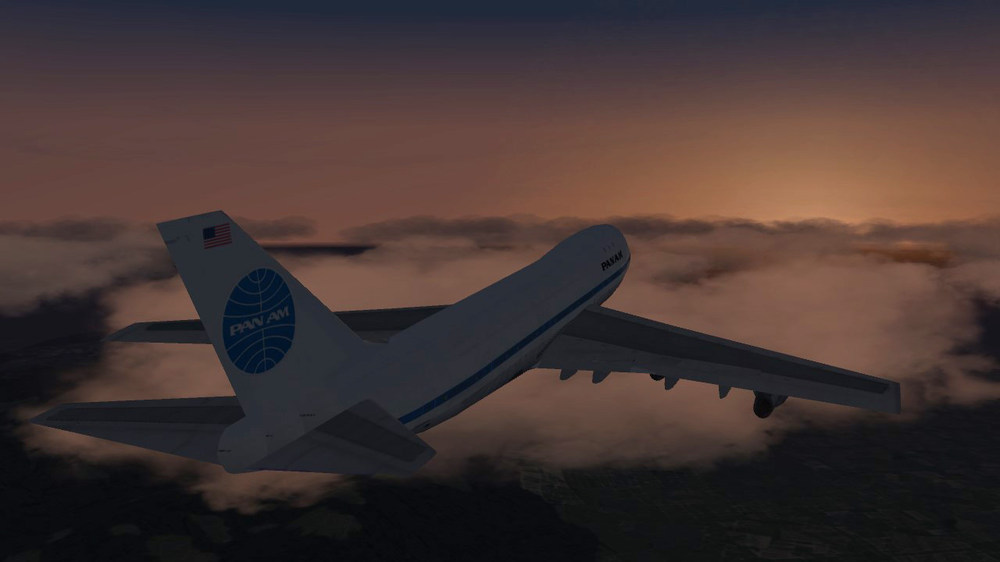
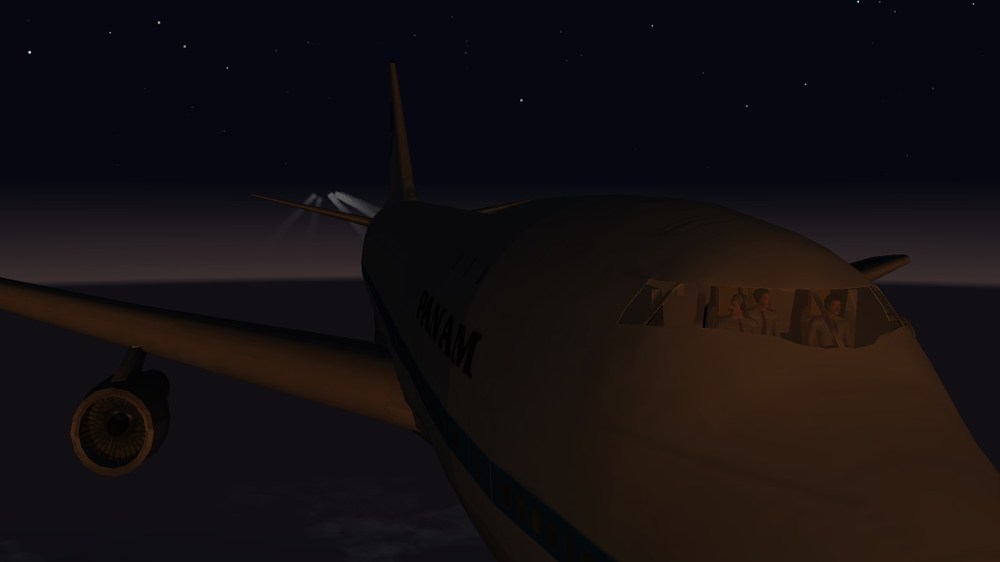
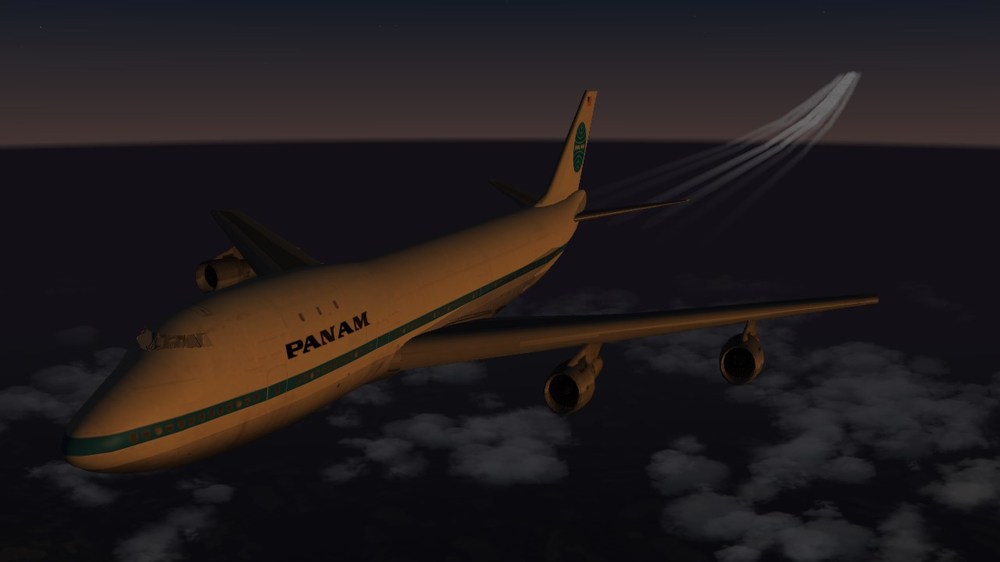
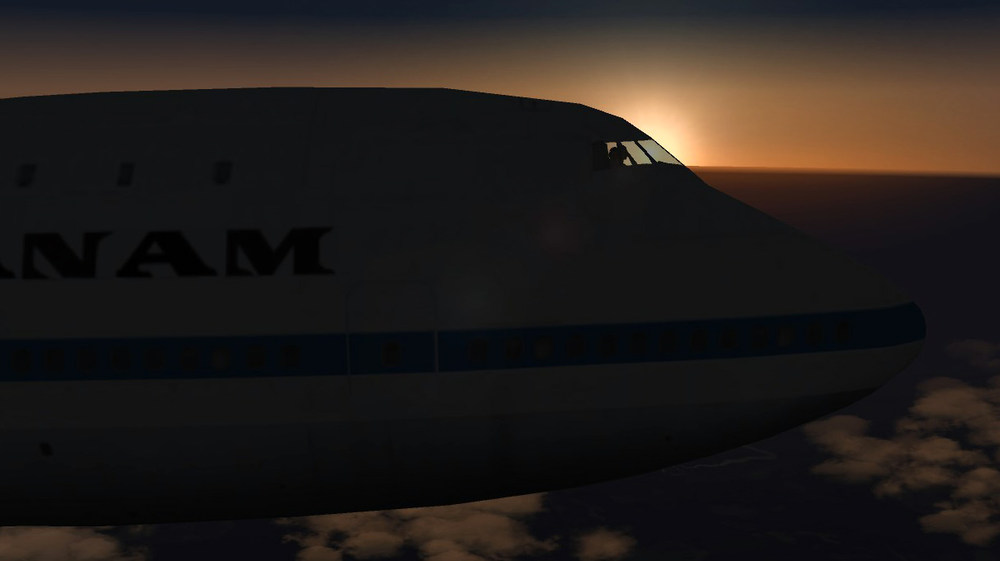
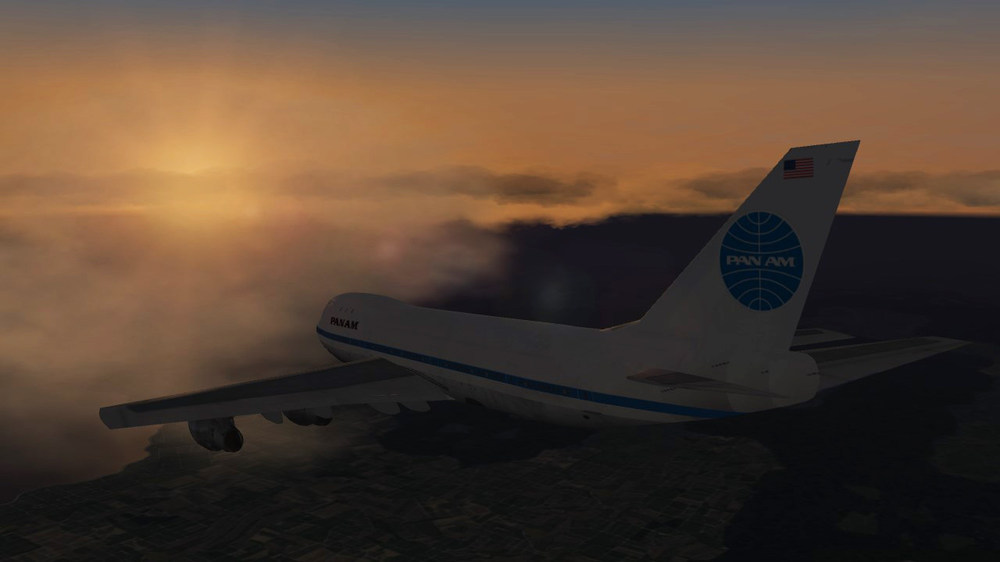
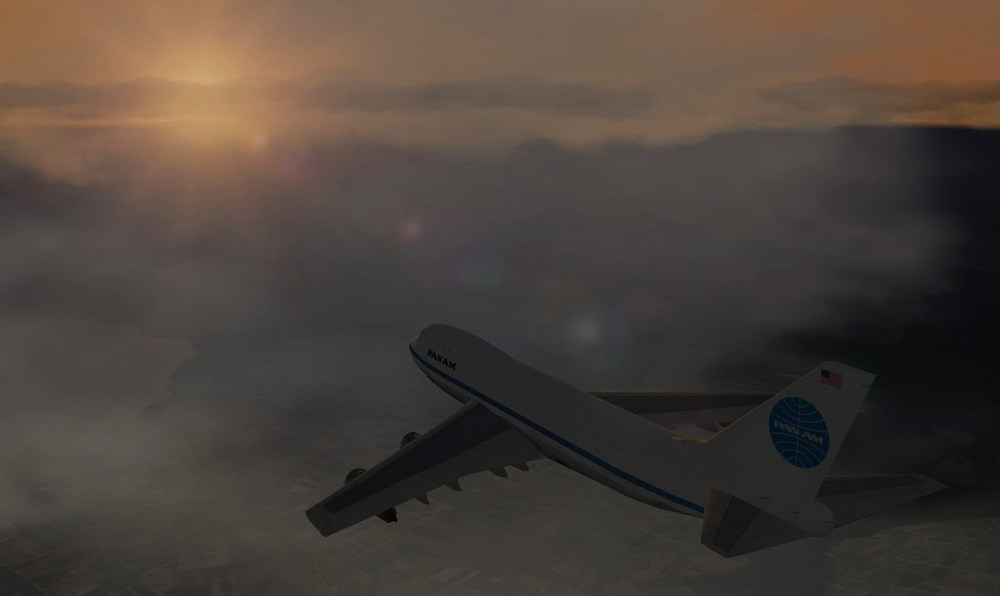
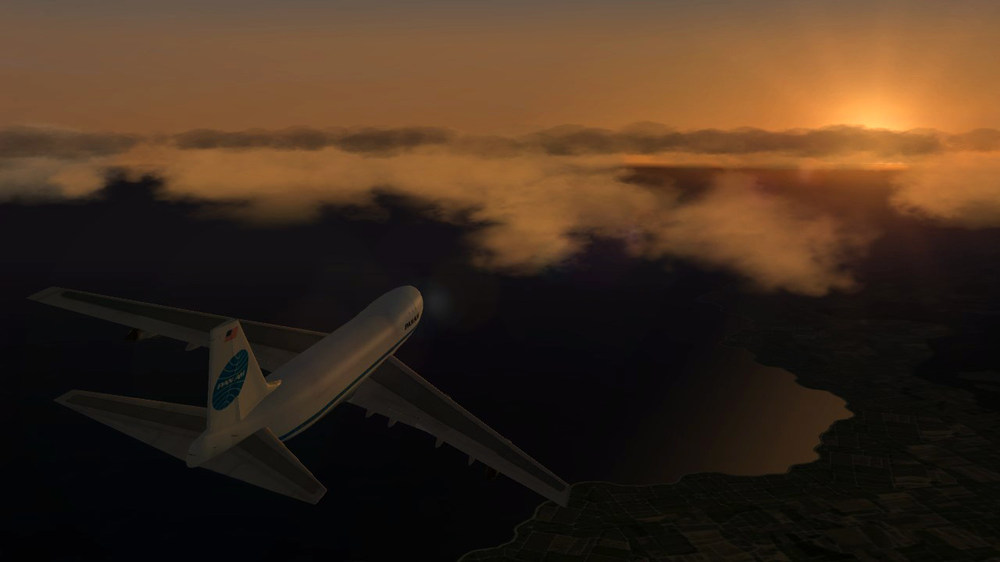
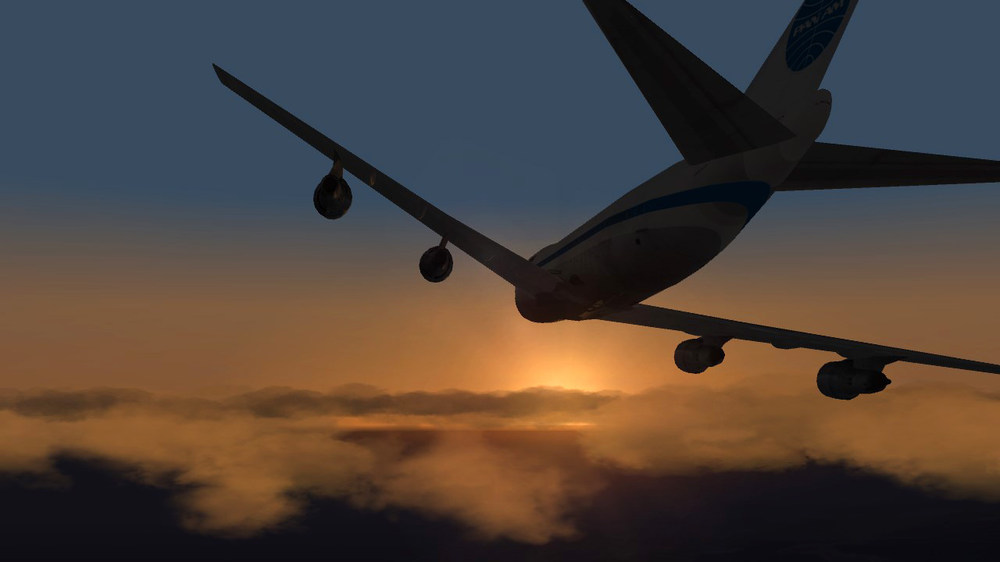
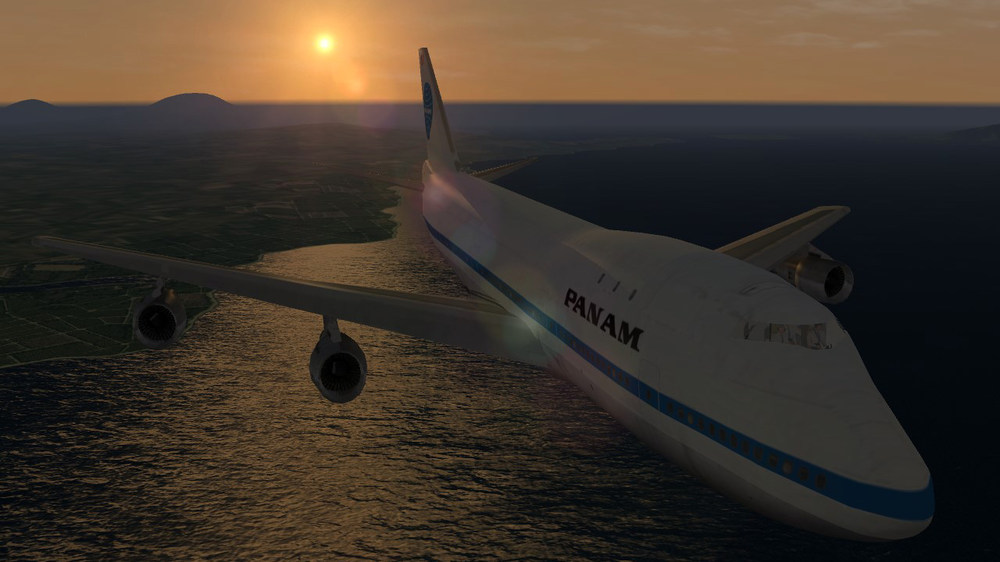
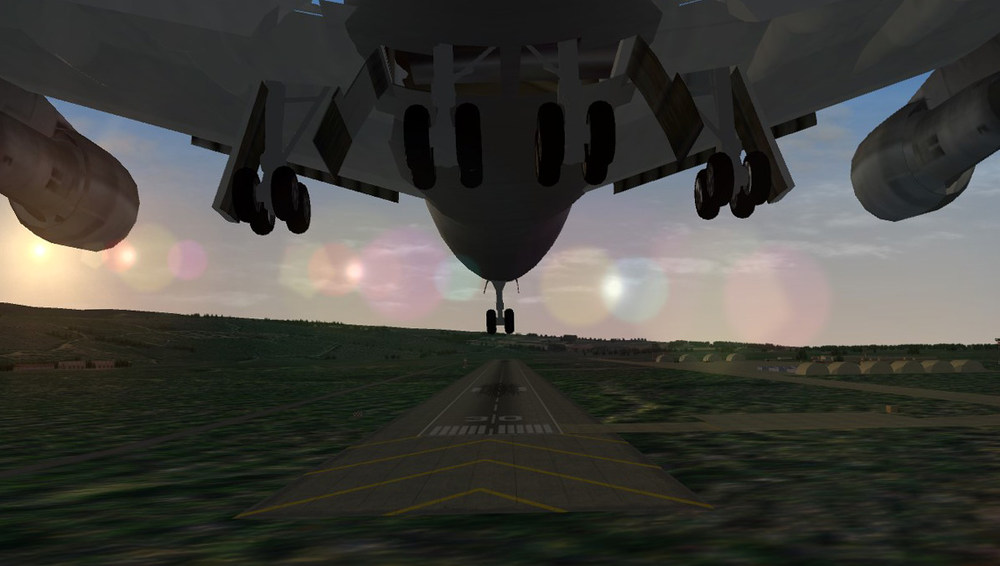
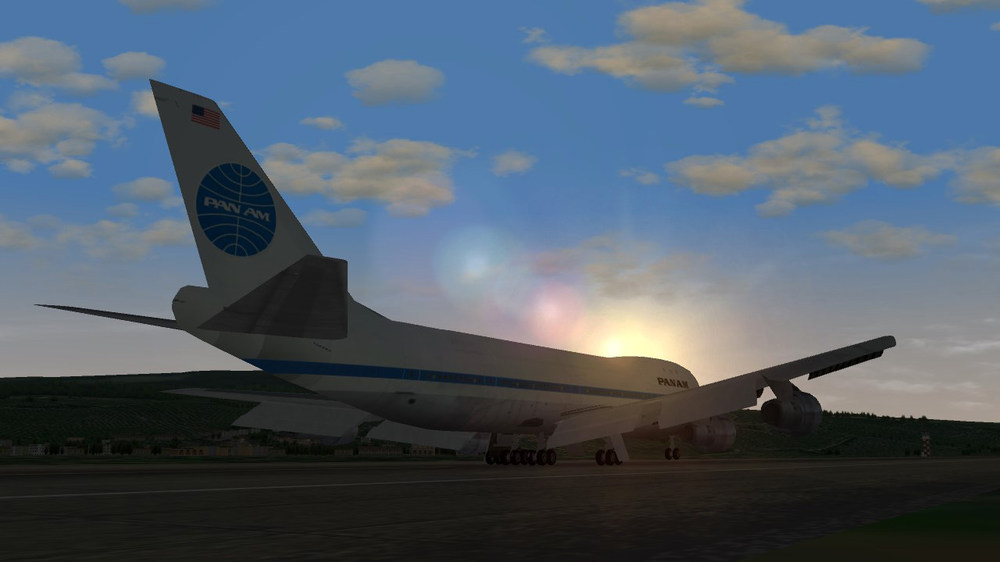
53 Years Ago Pan Am Took Its First Boeing 747 Pan Am introduced the 747-100 on January 22nd, 1970. The aircraft would become synonymous with the legacy carrier, bringing a new age of flight to the world. For many, the first time on a plane was with the type due to the affordability and opportunity that came with it. Pan Am initially planned for the 747 to begin flying commercially on January 21st. However, activity was delayed due to technical issues impacting the aircraft that was due to fly. Thus, the next day, another jumbo took the lead. It transported 335 passengers and 20 crewmembers from JFK to London Heathrow to kick off global jumbo operations. More than 1,560 747s have been built since the program began in the 1960s. The last unit of the series is set to be delivered in October 2022, with the final customer being Atlas Air. In the passenger space, the 747-8 is largely keeping the family’s operations going, with the likes of Lufthansa, Korean Air, Air China, and several government departments flying the model. Air China, Air India, Asiana Airlines, Atlas Air, Lufthansa, Mahan Air, and Rossiya Airlines have also been flying the once-popular 747-400 in recent times. When it comes to the 747-100, 168 units were produced in total. Of these builds, 167 were delivered to customers. This variant is still in service. Namely, the Iran Air Force holds a cargo modification. The department also maintains the -200C and 200F. Speaking of the military, the 747 has famously provided the role of Air Force One since 1990. This title is the official air traffic control call sign for a US Air Force aircraft carrying the US president. Overall, the 747, along with other quadjets in the industry, has fallen out of fashion for more efficient twinjets. Nonetheless, the Queen of the Skies is a favorite among the aviation community, giving a sense of nostalgia and pride for many. With over five decades in service, the 747 is truly an icon and will leave a legacy for decades to come. source: https://simpleflying.com/pan-am-boeing-747-52-years/
- 87 replies
-
- 13
-

-
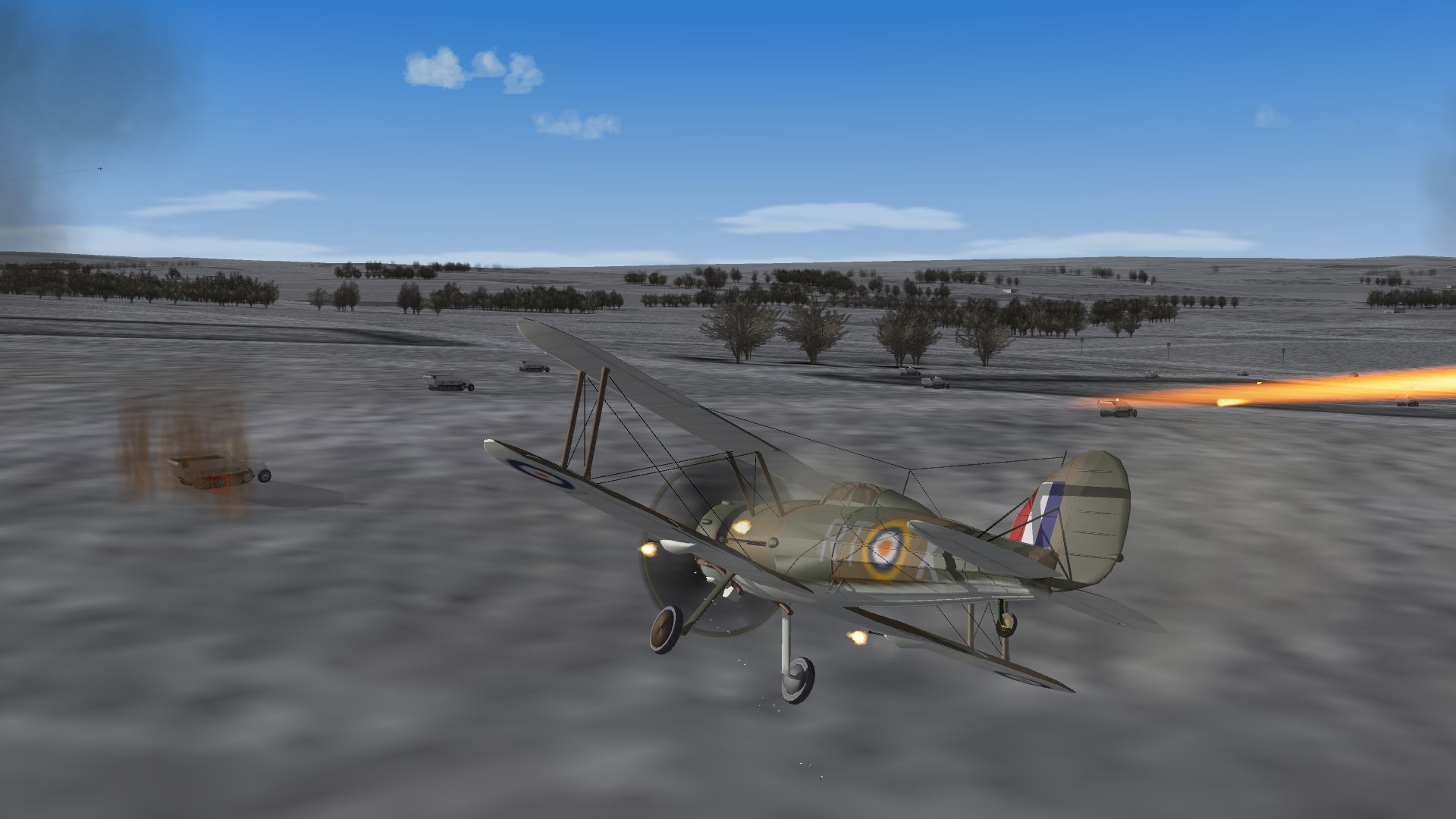
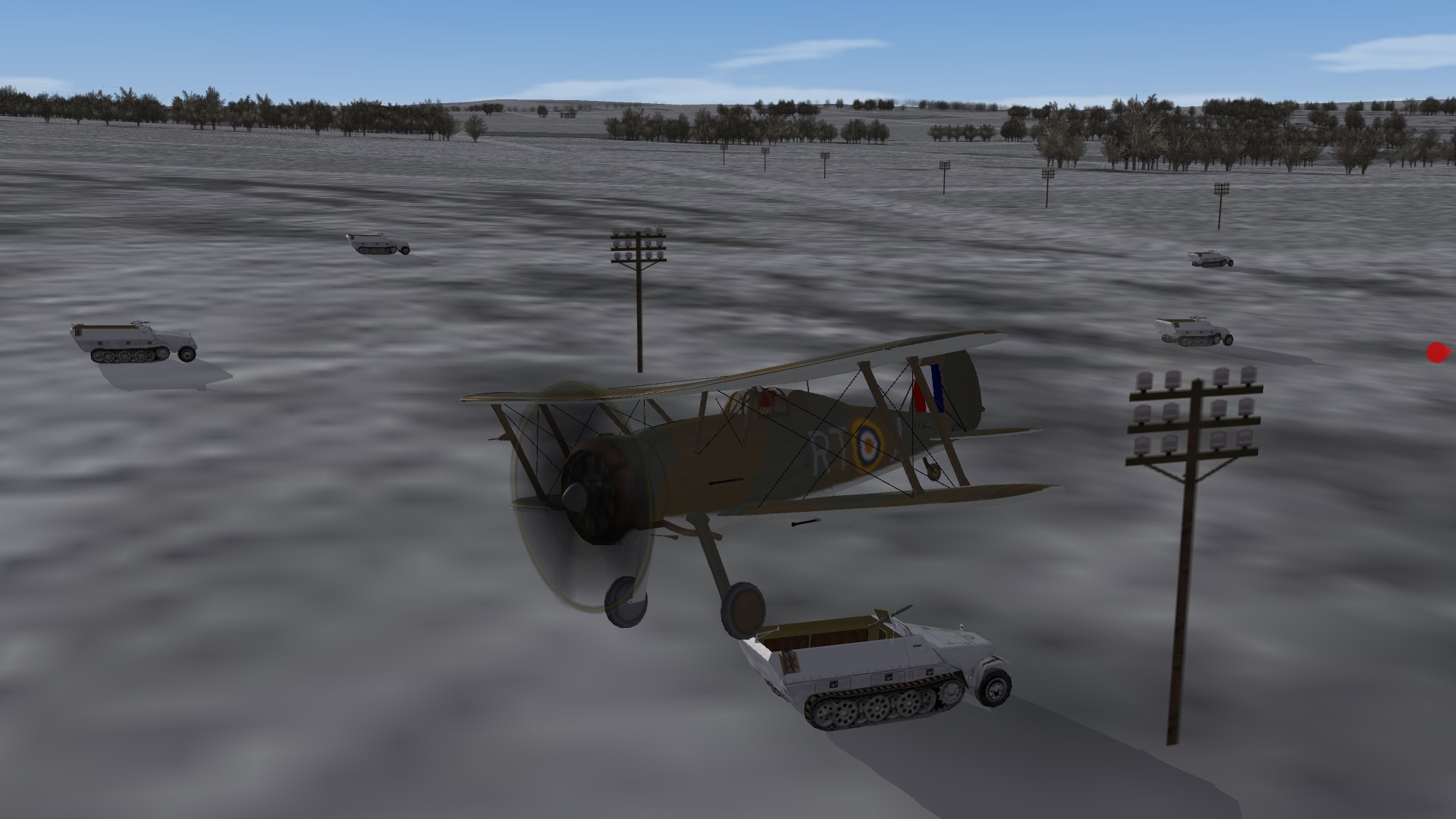
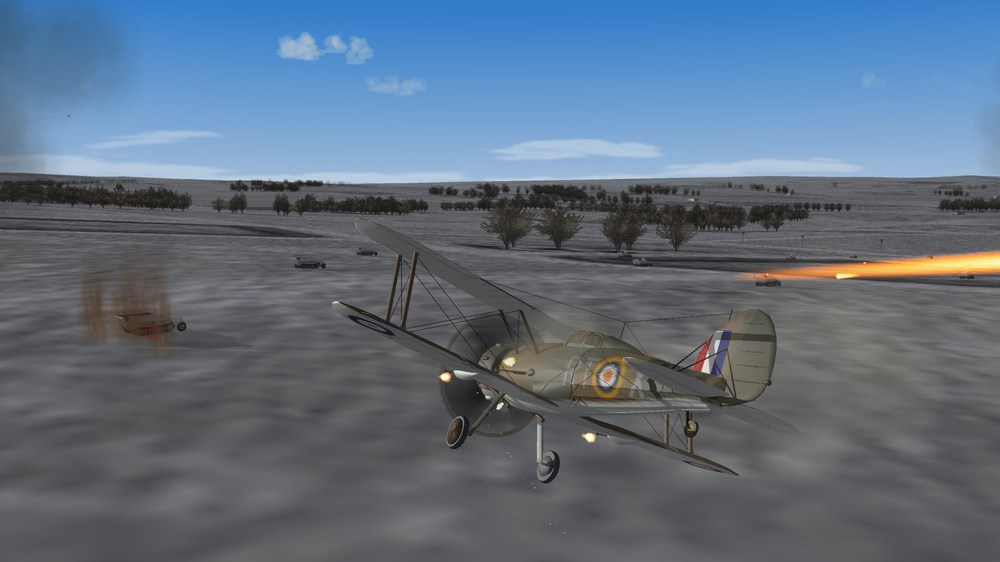
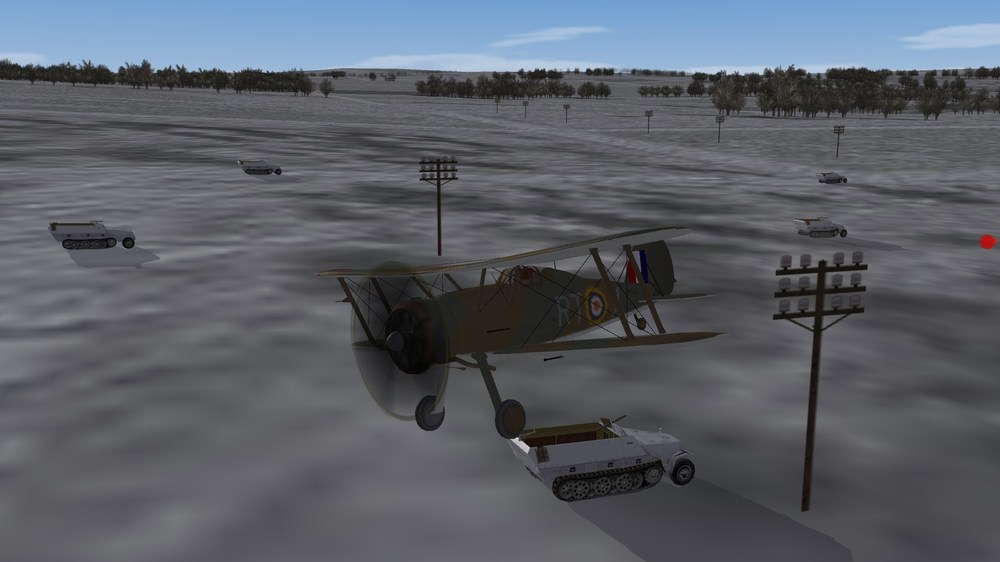
Gladiaton Fun... (didn't end well) 1
-
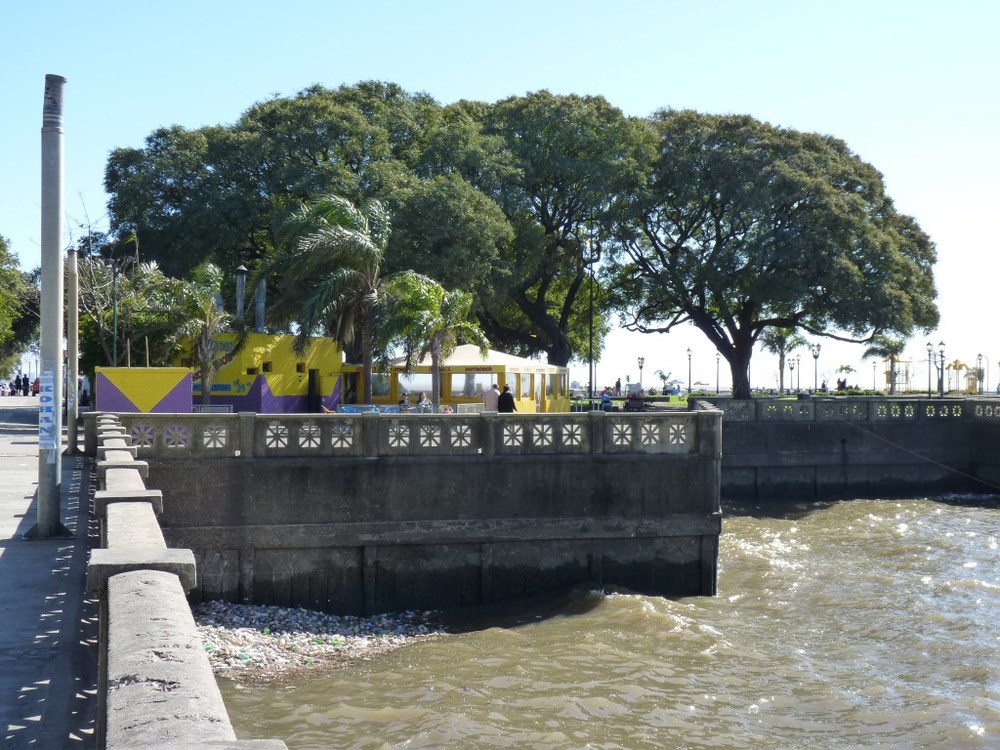
Looks almost identical, great job!
-
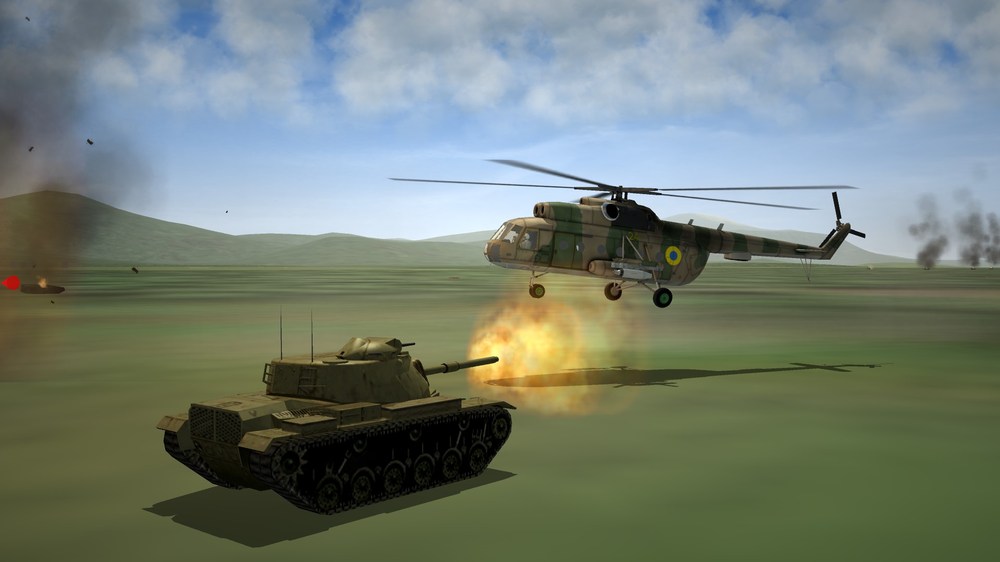
hot landing zone
-
Please take your time!! no rush, your work is impressive.
-
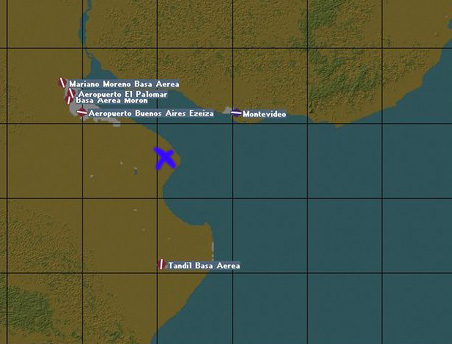
Excelent work and many thanks Gepard!!! :) In the next version please add BAM Punta Indio (Base Aeronaval Punta Indio) its located near the blue cross and its operated by the argentine navy (in this timeframe it could house the s-2 trackers, super entendard, neptune, orion and so on) https://www.histarmar.com.ar/Armada Argentina/AviacionNaval/BasesAeronav/BAPIndio-3.htm (in spanish)
-
like this: or this one: (12mgs)
-
didnt know that, i thought the most pirated thing where ripped models from other games.
-
If you have YAP you can use this file: (i dont know if the .LOD file is in YAP Revamp, but of course you will need to ask for permision to redistribute) there is also another version that doesnt use YAP FIles but havent tested it:
-
congratulations!!! your map is excelent and is showing a lot of progress :) im sure lots of players here use the great Nations & Medals Expansion made by Menrva, maybe you shoud add SovietNavy as enemy in your nations file.
-
Great!! thanks for the clarification, i hope his actual and future proyects will be a success.
-
Sea Power or Task Force Admiral?? im wishlisted both but the first one is the one im more hyped for :)
-
 Skyraider, Migs, Intruders, i think you only need to add flyable Starfighters and Vampires for DLC owners!! your community expansion is getting better every day
 -
Thanks!!!!!
-
sorry, i didn't express myself correctly. i know how to add airbases, targets, and stuff to existing / new maps, but didnt know how to create an airbase from scratch, the 3d part is somehow easy but didnt know how to config the .ini file correctly. i think will look more on the knowledge base and try to change existing ones.
-
This looks great!!!!!! Any chance to release a video showing how to create an airbase? my 3d skills are limited to basic blender/3ds but i think the modelling part is somehow easy, but i want to see how the .inis are created.
-
Top quality as always GKABS!!! :) i've a little wishlist to add to your busy schedule but i hope someday you can make some of this models: GAZ Tigr (armed/unarmed) Technicals with mounted manpads Island-class patrol boat
-
Excelent Work!!! After you finished all blue forces stock aircraft, will it include changes on the Red ones? and will it be flyable using one of the excelent cockpits available on this site?
-
try here: http://cplengineeringllc_bb.cplengineeringllc.com/Forum/viewtopic.php?t=112 but be ready to answer a lot of questions, submit a blood sample and worship the almighty capun or suffer eternal torment.
-
This terrain looks incredible!! Maybe you can include optional files: One to disable using empty files all the vanilla red navy aassets, and another to change the _userlist to Menrva's Soviet/Russian Naval Aviation. (just drop it on the groundobjects folder) Also you can use it to disable some blue side AAA/SAM/Mobile units that shouldn't appear over ukraine (Like Vulcans, Hawk) and add T-62, T-80 and so on to the blue ukranian side.
-
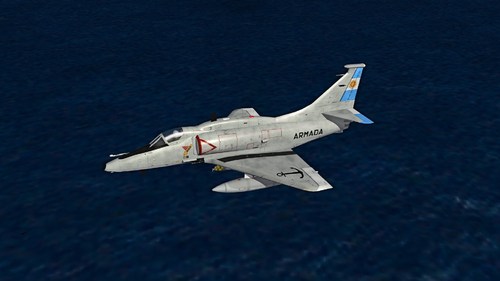 Im not sure, but maybe its this: No estoy seguro, pero creo que es este:
 -
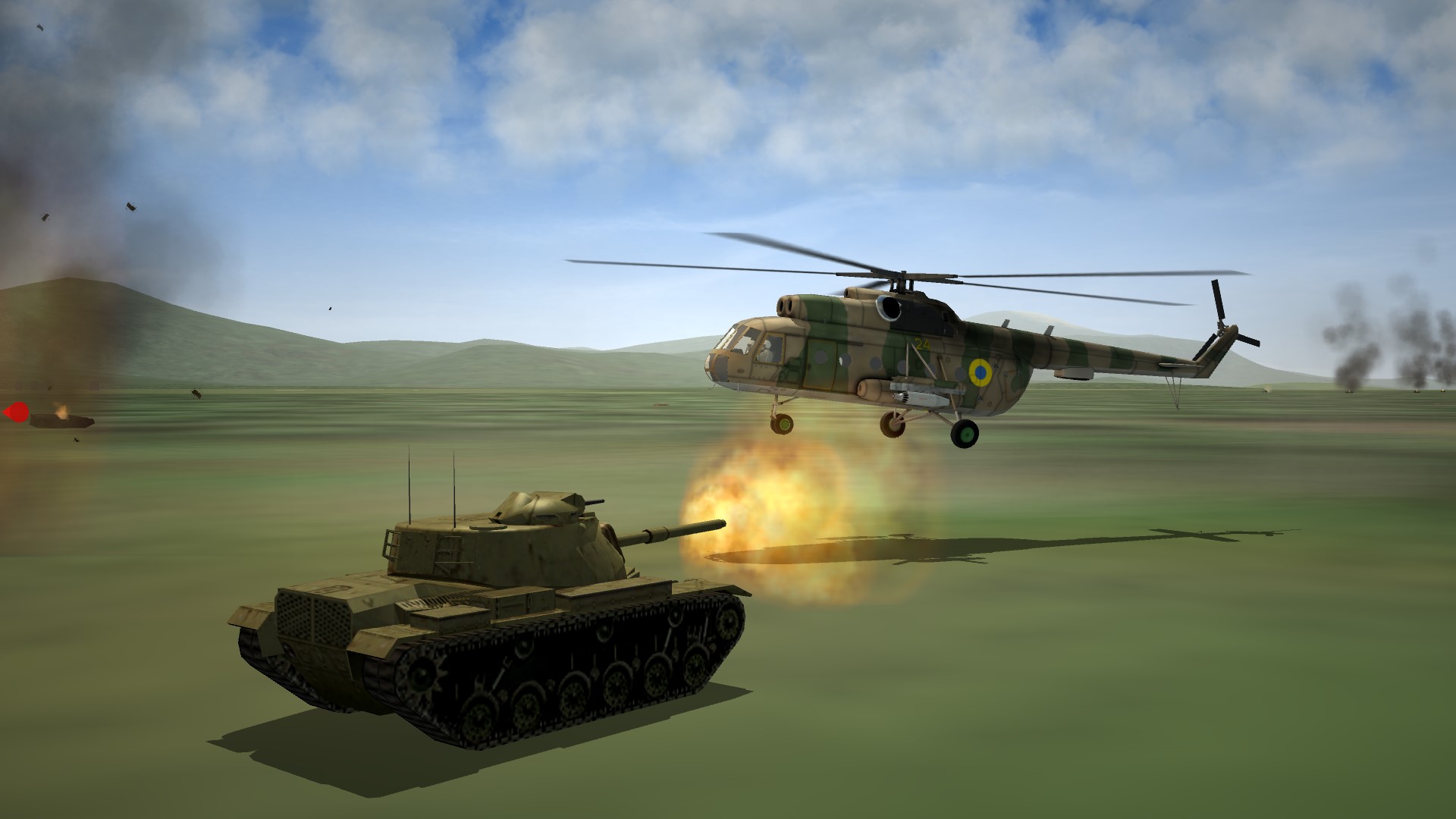
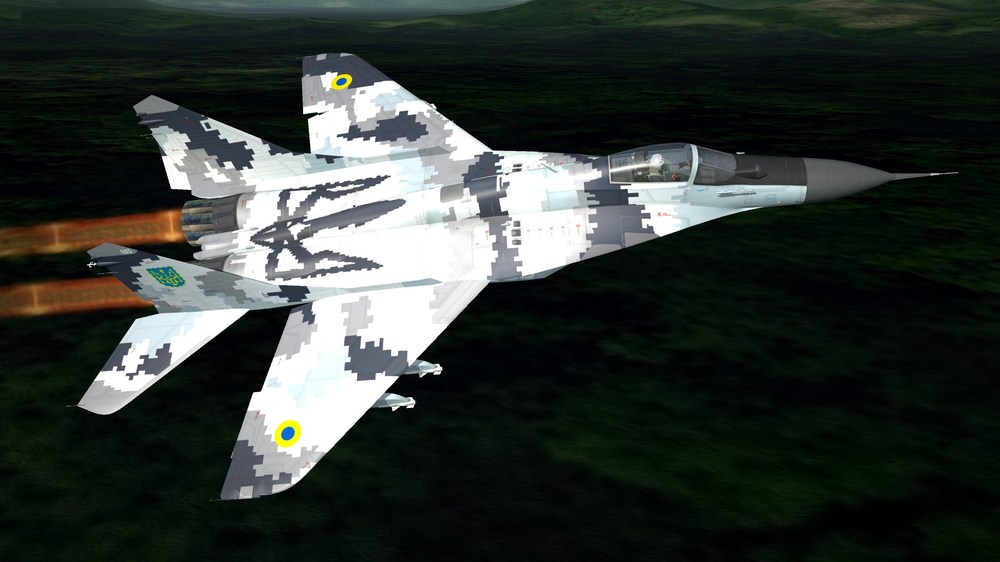
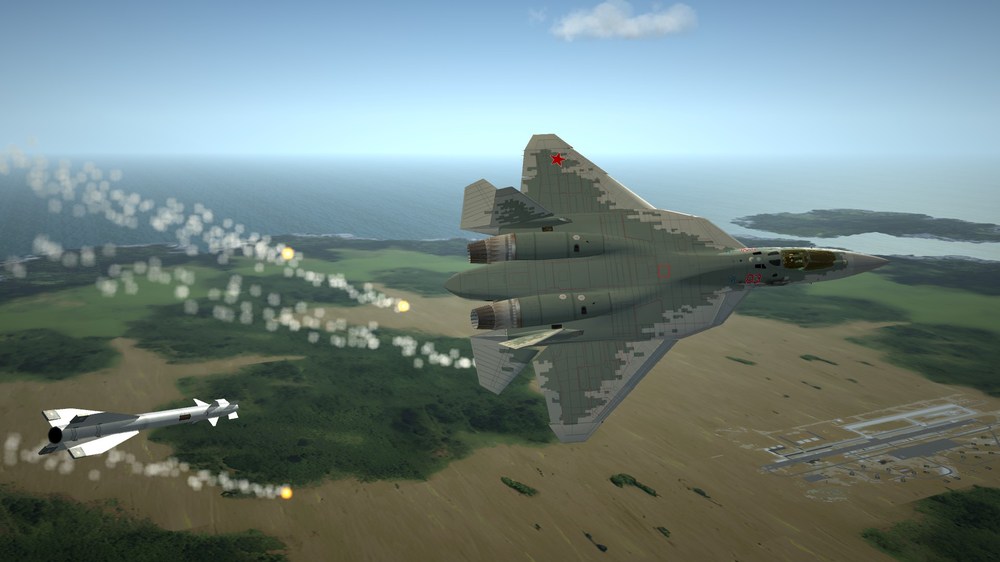
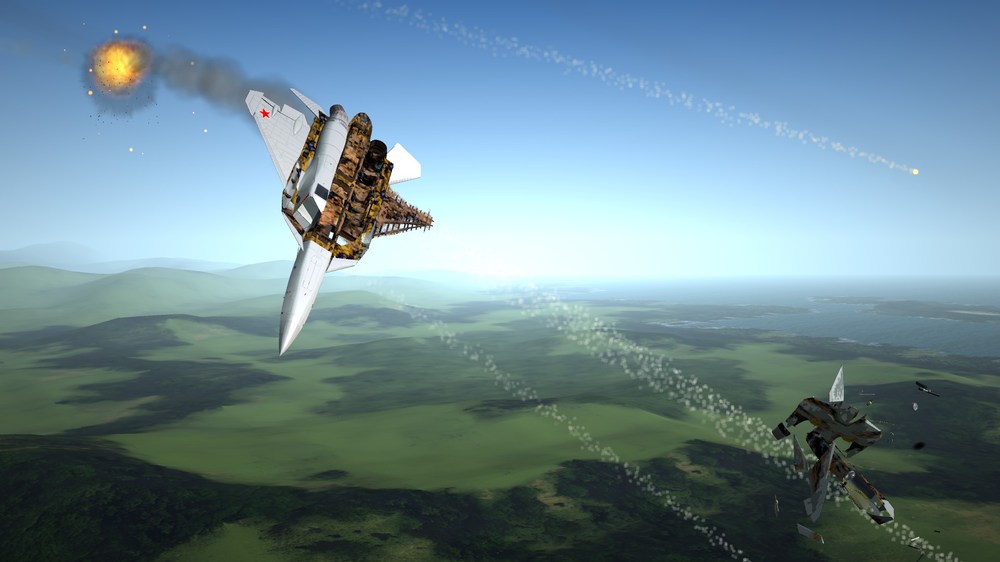
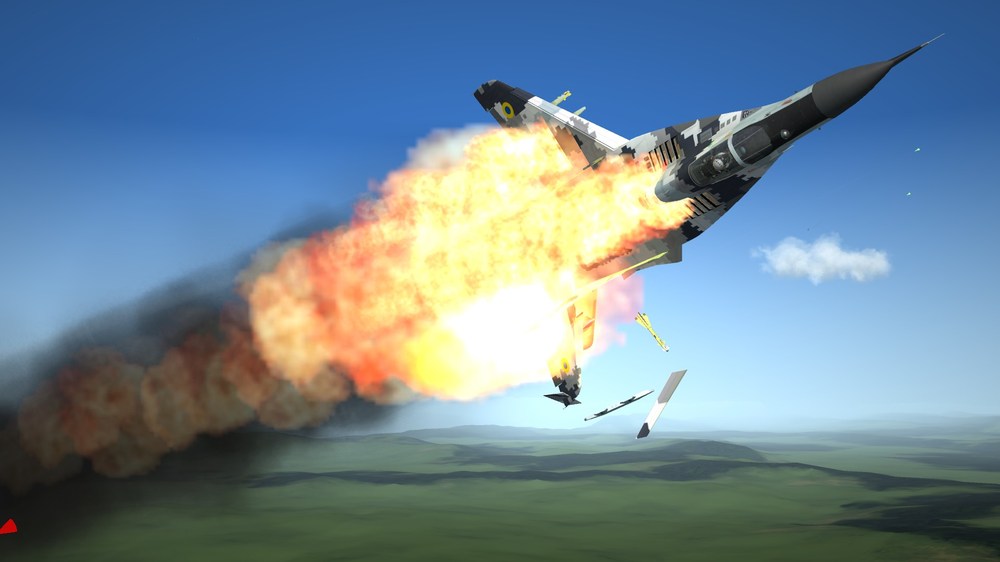
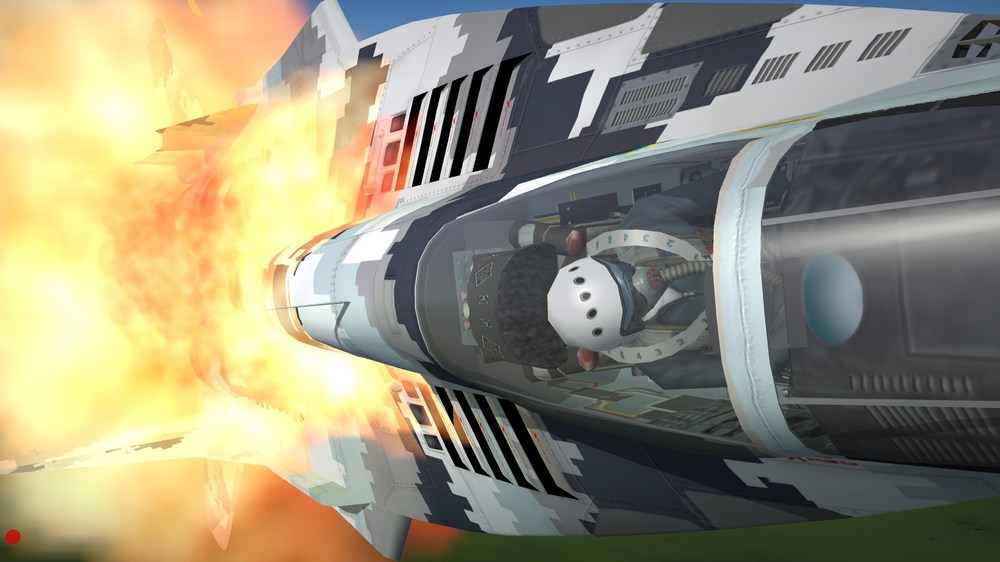
Only R-60M missiles in stock But IR missiles can be deadly on the right hands It still works.... Damm S-400s im going down with my plane!
-
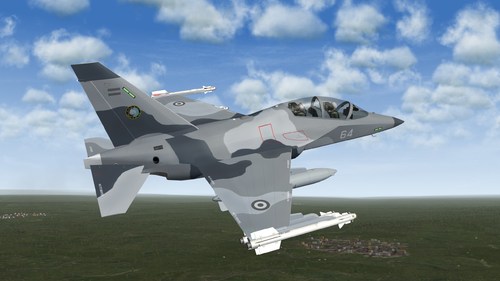 Excelent work!!!! your skins looks very nice. Just a minor correction, the correct way to translate DONT STEP / NO STEP in spanish is: NO PISAR. NO TE SIENTES means Dont sit on it It must be just like this airbrake on a Mirage Elkan (original image rotated 180 degrees)
-
- 2
-
-