

snowburn
-
Posts
124 -
Joined
-
Last visited
-
Days Won
2
Content Type
Profiles
Forums
Gallery
Downloads
Store
Everything posted by snowburn
-
try here: http://cplengineeringllc_bb.cplengineeringllc.com/Forum/viewtopic.php?t=112 but be ready to answer a lot of questions, submit a blood sample and worship the almighty capun or suffer eternal torment.
-
This terrain looks incredible!! Maybe you can include optional files: One to disable using empty files all the vanilla red navy aassets, and another to change the _userlist to Menrva's Soviet/Russian Naval Aviation. (just drop it on the groundobjects folder) Also you can use it to disable some blue side AAA/SAM/Mobile units that shouldn't appear over ukraine (Like Vulcans, Hawk) and add T-62, T-80 and so on to the blue ukranian side.
-
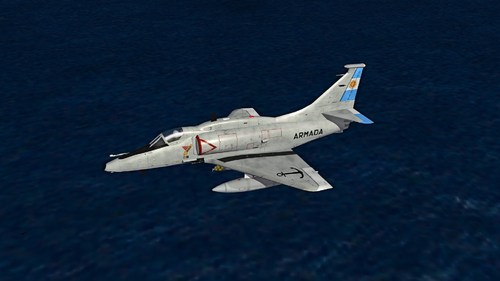 Im not sure, but maybe its this: No estoy seguro, pero creo que es este:
-
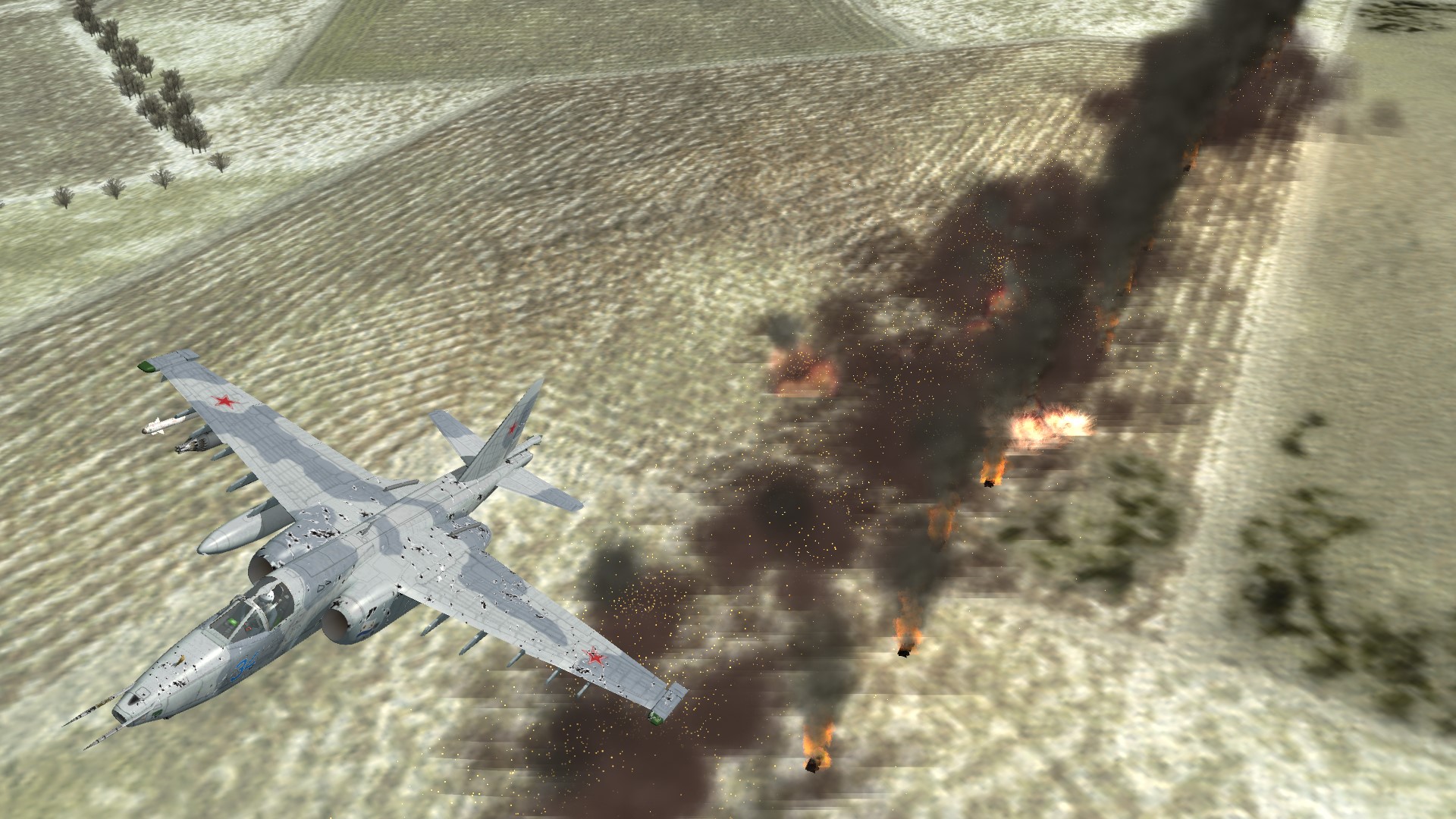
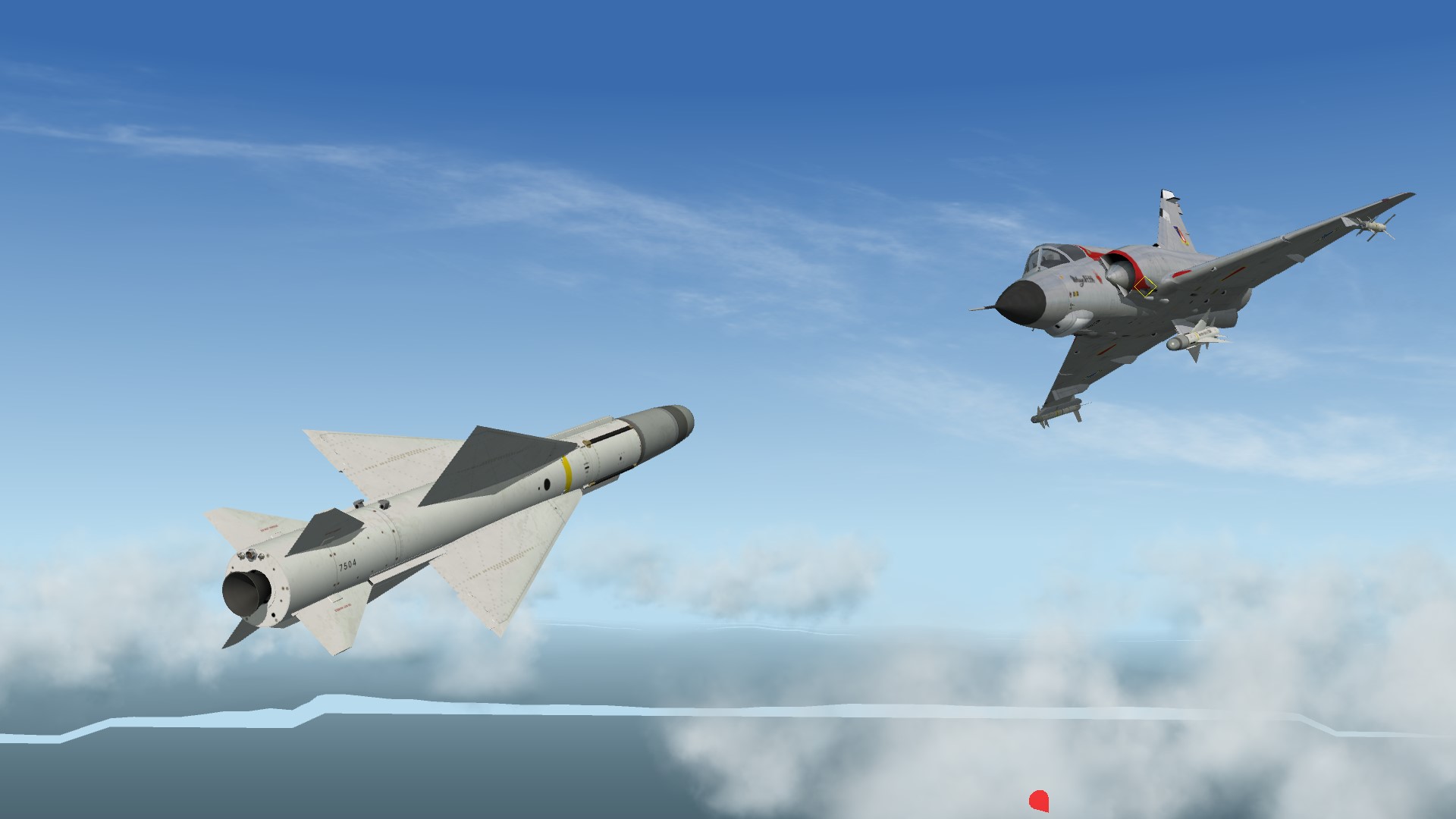
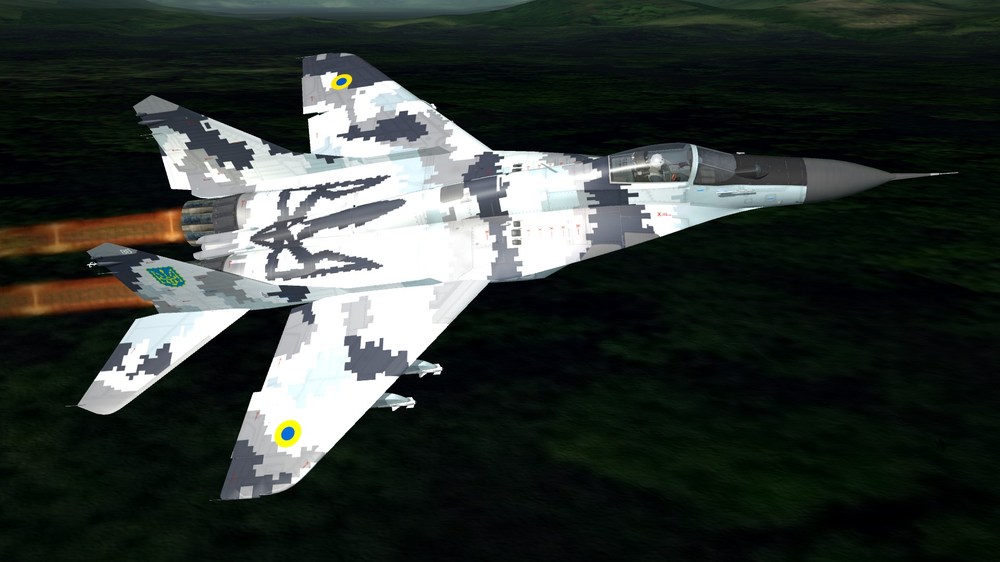
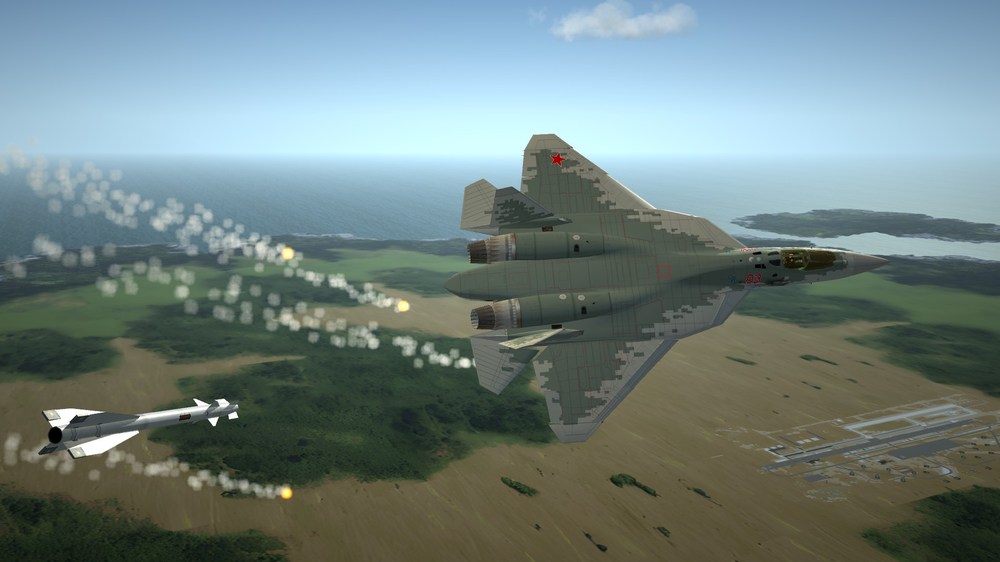
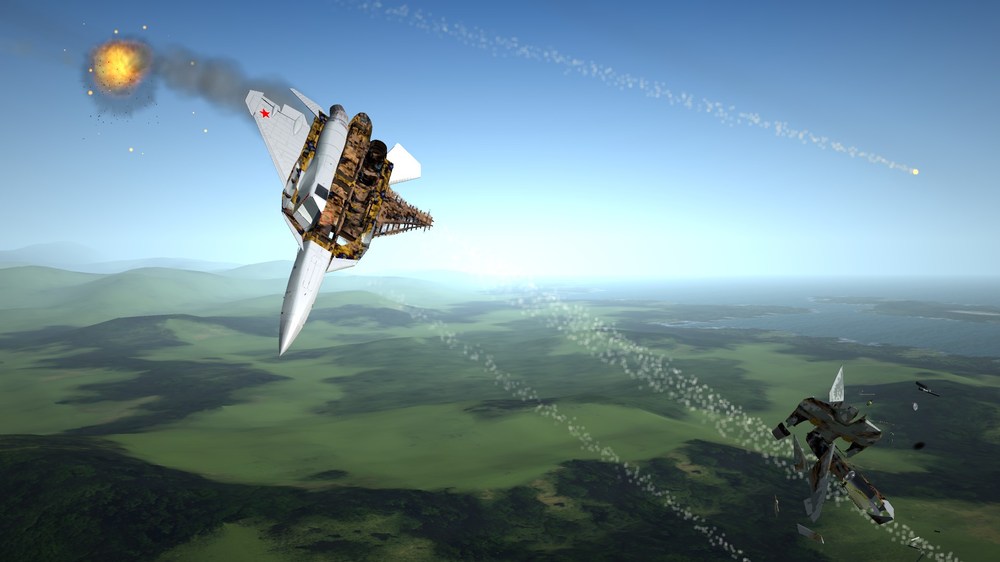
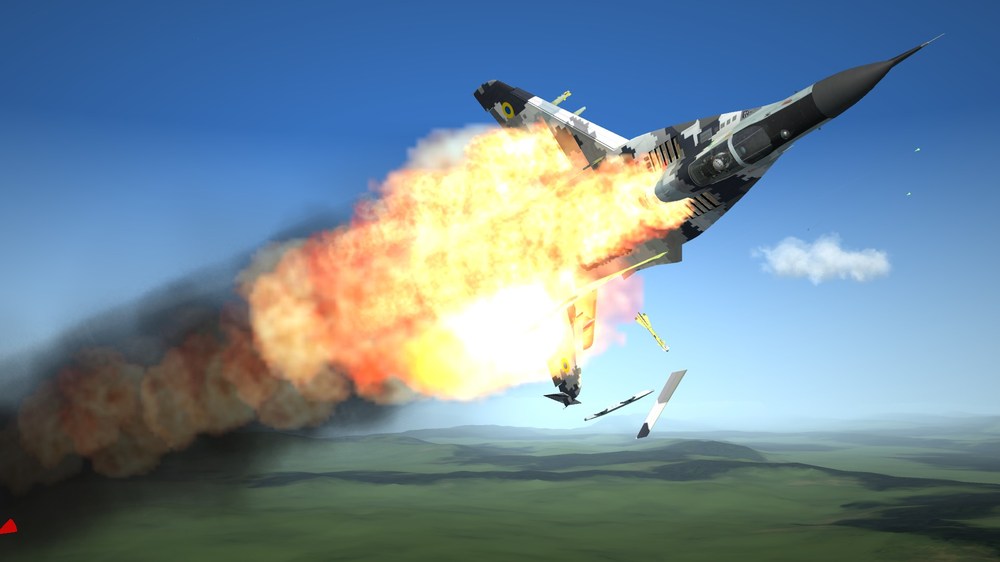
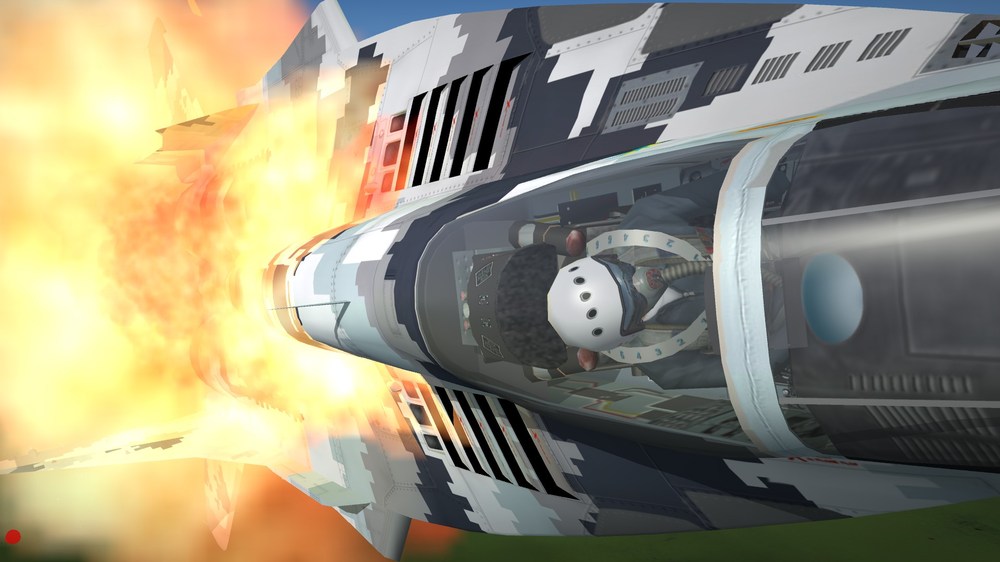
Only R-60M missiles in stock But IR missiles can be deadly on the right hands It still works.... Damm S-400s im going down with my plane!
-
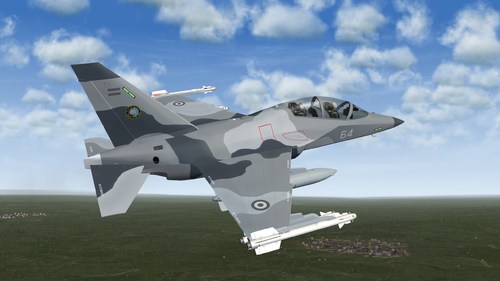 Excelent work!!!! your skins looks very nice. Just a minor correction, the correct way to translate DONT STEP / NO STEP in spanish is: NO PISAR. NO TE SIENTES means Dont sit on it It must be just like this airbrake on a Mirage Elkan (original image rotated 180 degrees)
-
- 2
-

-

-

We Are Burdened With Glorious Purpose...
snowburn replied to Wrench's topic in Mods & Skinning Discussion
Nice!!! Im sure great things will come out from "Coyote Aerospace" I can only help with nice screenshots, but keep up the good work -
View File Alternative Hangar Template for Eagle114th Screen Overhaul Alternative .PSD Template for Hangars / Eagle114th Screen Overhaul (1920x1080) This is a Photoshop template for making your own hangars to use with Eagle114th Screen Overhaul I really want to keep my aircraft collection sorted, so when i saw Eagle114th's work i decidded to make some changes and include some more info about every aircraft (i keep them separated by country / service branch) How to Use: This template contains 4 masked Groups, 1 what-if stamp and 1 text layer. Drag and drop your aircraft photo inside "Main Photo" Group, then press CONTROL + T to position and scale it inside the viewport, if necessary hide other layers inside this group. Select current manufacturer / service branch / flag or drag and drop your inside the relevant group (note that i've included a few images like Argentine, Brazilian and UK Flag) Hide or Show the "What-If" layer (it contains a stamp in the upper right corner, as you can see in some screenshots) Use the Text tool on the bottom text and type aircraft name Save as .JPG Requirements: Eagle114 Screen Overhaul - Gravicon Font (Free Download) https://www.fontzillion.com/fonts/tom-c-lai/gravicon-display?utm_source=fontsquirrel.com&utm_medium=matcherator_link&utm_campaign=gravicondisplay Credits: A HUGE thanks for Eagle114th for making such a wonderful new menus. and Wilches for some ideas Hope you like it :) Submitter snowburn Submitted 06/11/2021 Category Hangars
-
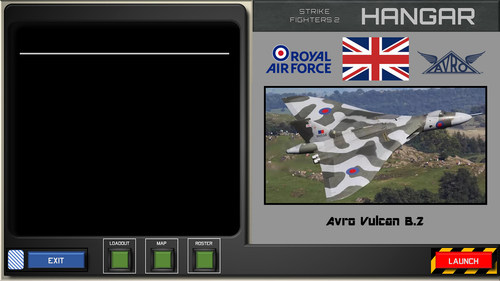
Version 0.9
32 downloads
Alternative .PSD Template for Hangars / Eagle114th Screen Overhaul (1920x1080) This is a Photoshop template for making your own hangars to use with Eagle114th Screen Overhaul I really want to keep my aircraft collection sorted, so when i saw Eagle114th's work i decidded to make some changes and include some more info about every aircraft (i keep them separated by country / service branch) How to Use: This template contains 4 masked Groups, 1 what-if stamp and 1 text layer. Drag and drop your aircraft photo inside "Main Photo" Group, then press CONTROL + T to position and scale it inside the viewport, if necessary hide other layers inside this group. Select current manufacturer / service branch / flag or drag and drop your inside the relevant group (note that i've included a few images like Argentine, Brazilian and UK Flag) Hide or Show the "What-If" layer (it contains a stamp in the upper right corner, as you can see in some screenshots) Use the Text tool on the bottom text and type aircraft name Save as .JPG Requirements: Eagle114 Screen Overhaul - Gravicon Font (Free Download) https://www.fontzillion.com/fonts/tom-c-lai/gravicon-display?utm_source=fontsquirrel.com&utm_medium=matcherator_link&utm_campaign=gravicondisplay Credits: A HUGE thanks for Eagle114th for making such a wonderful new menus. and Wilches for some ideas Hope you like it :) -
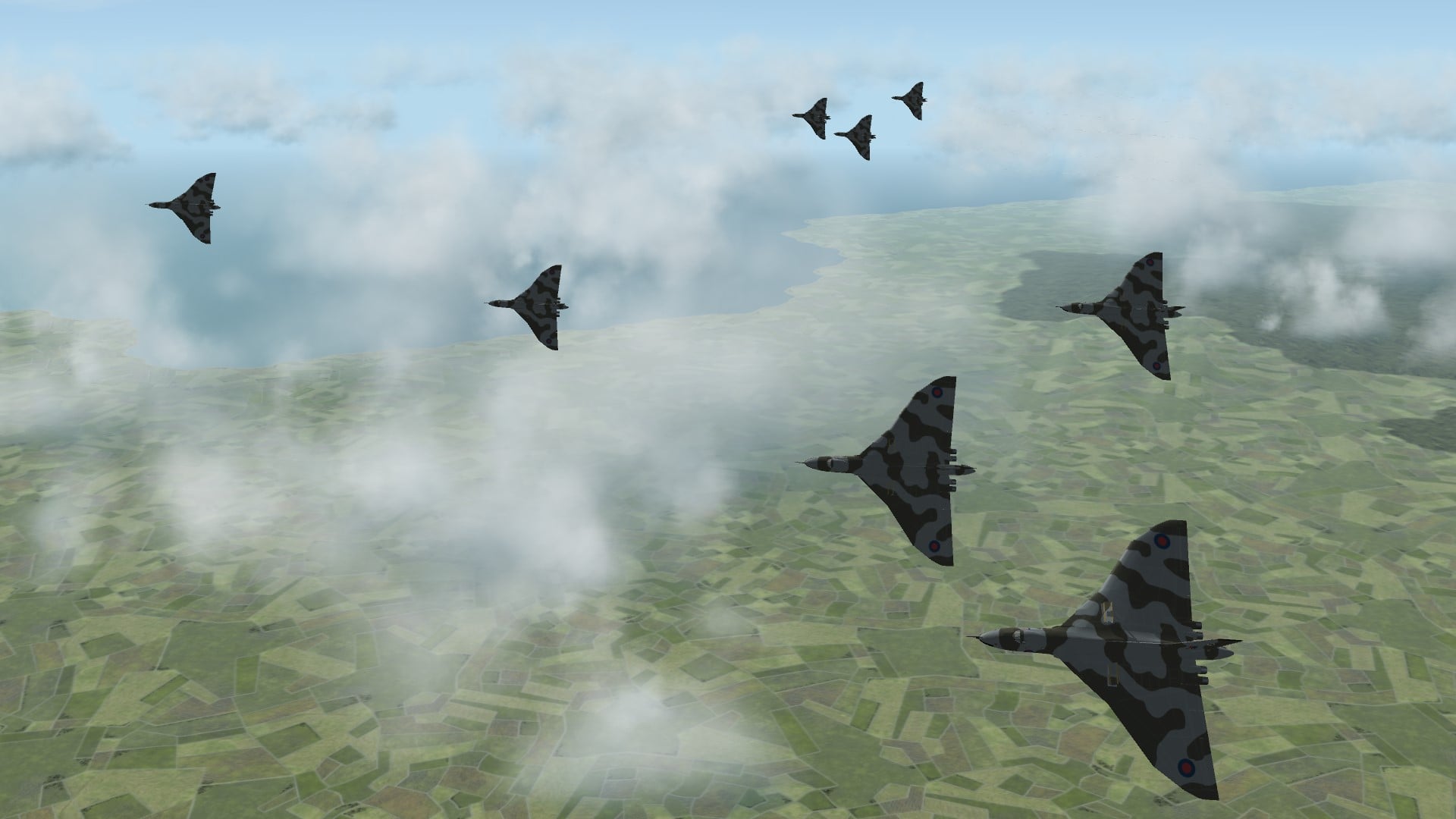
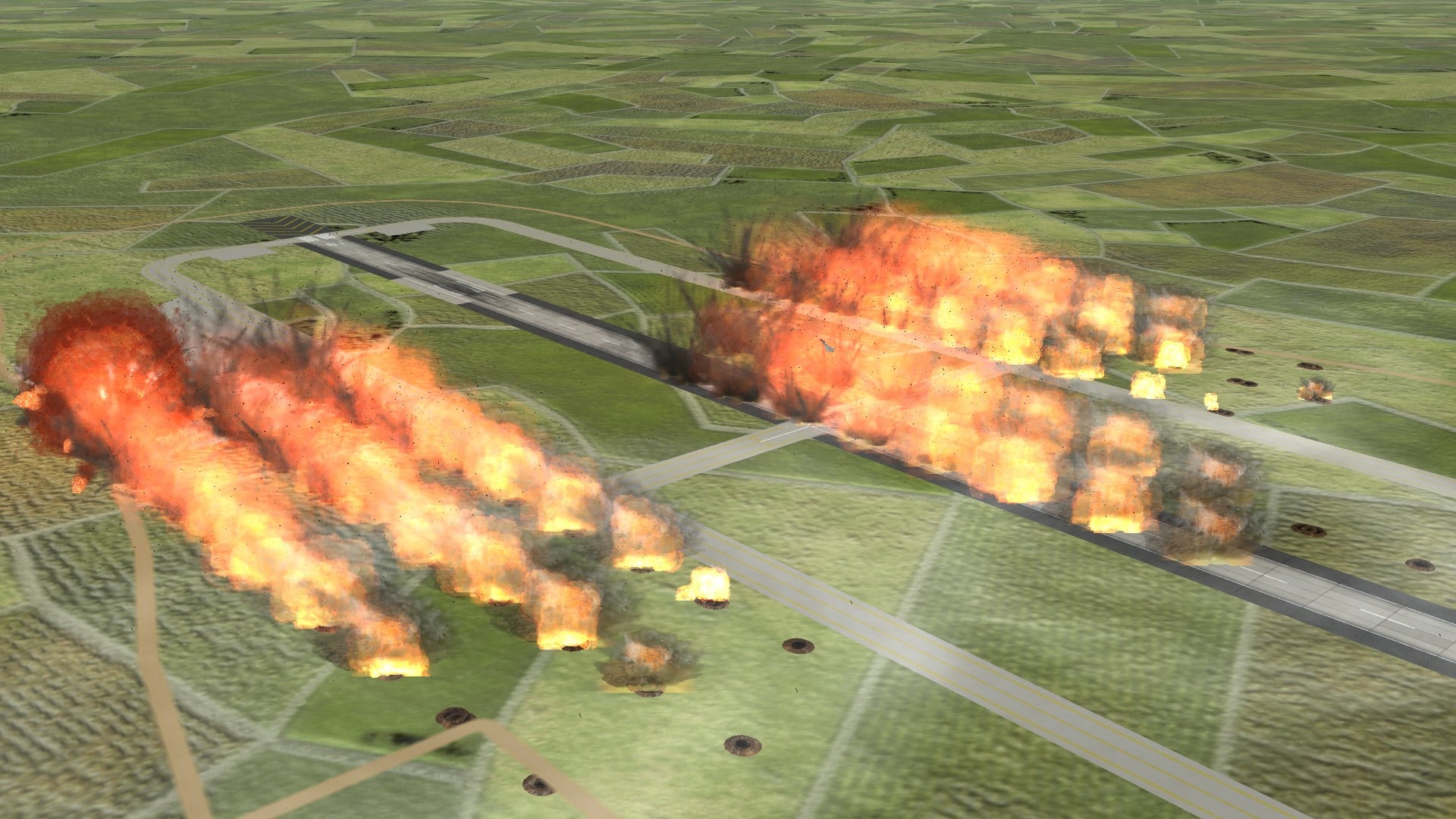
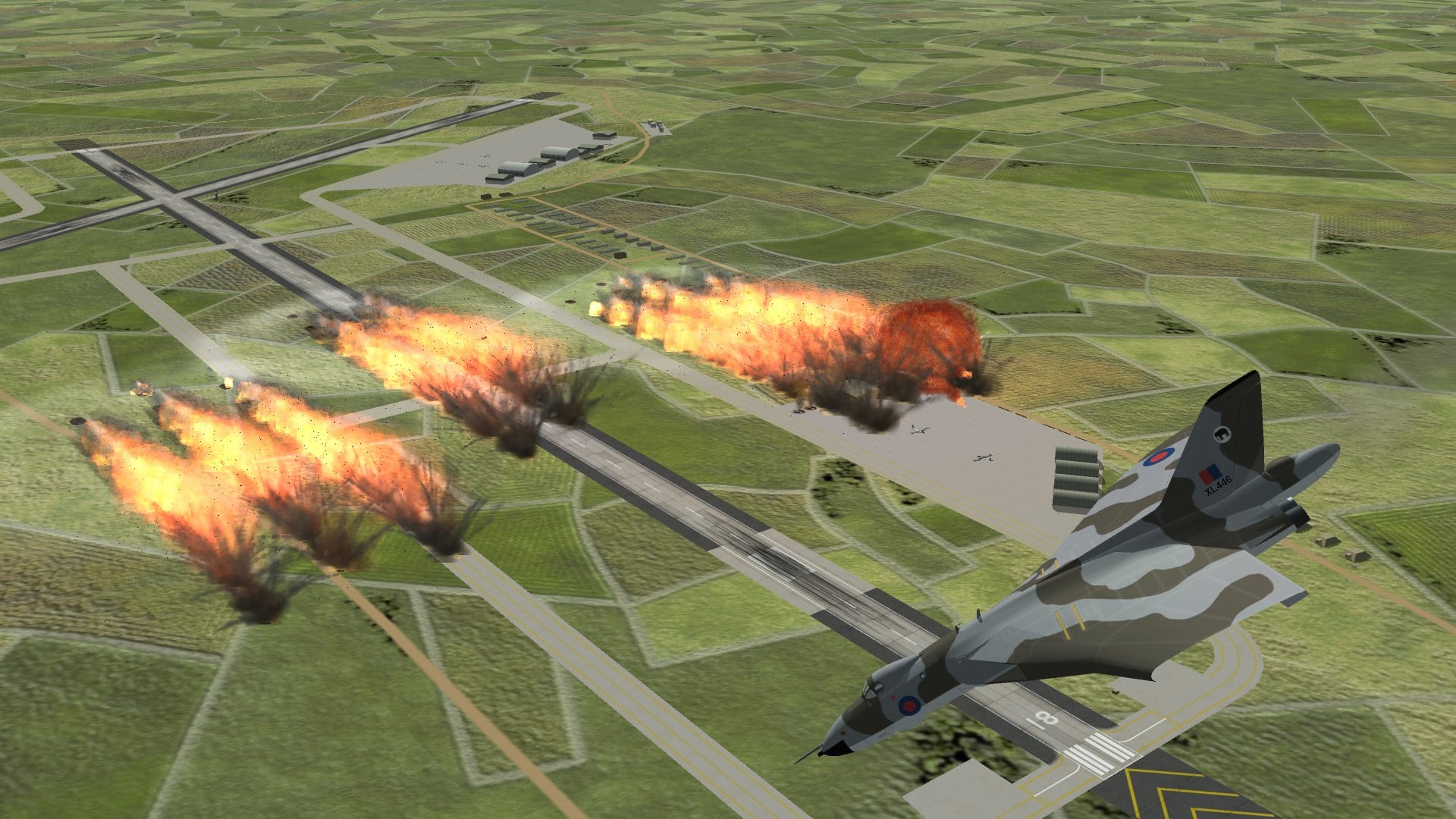
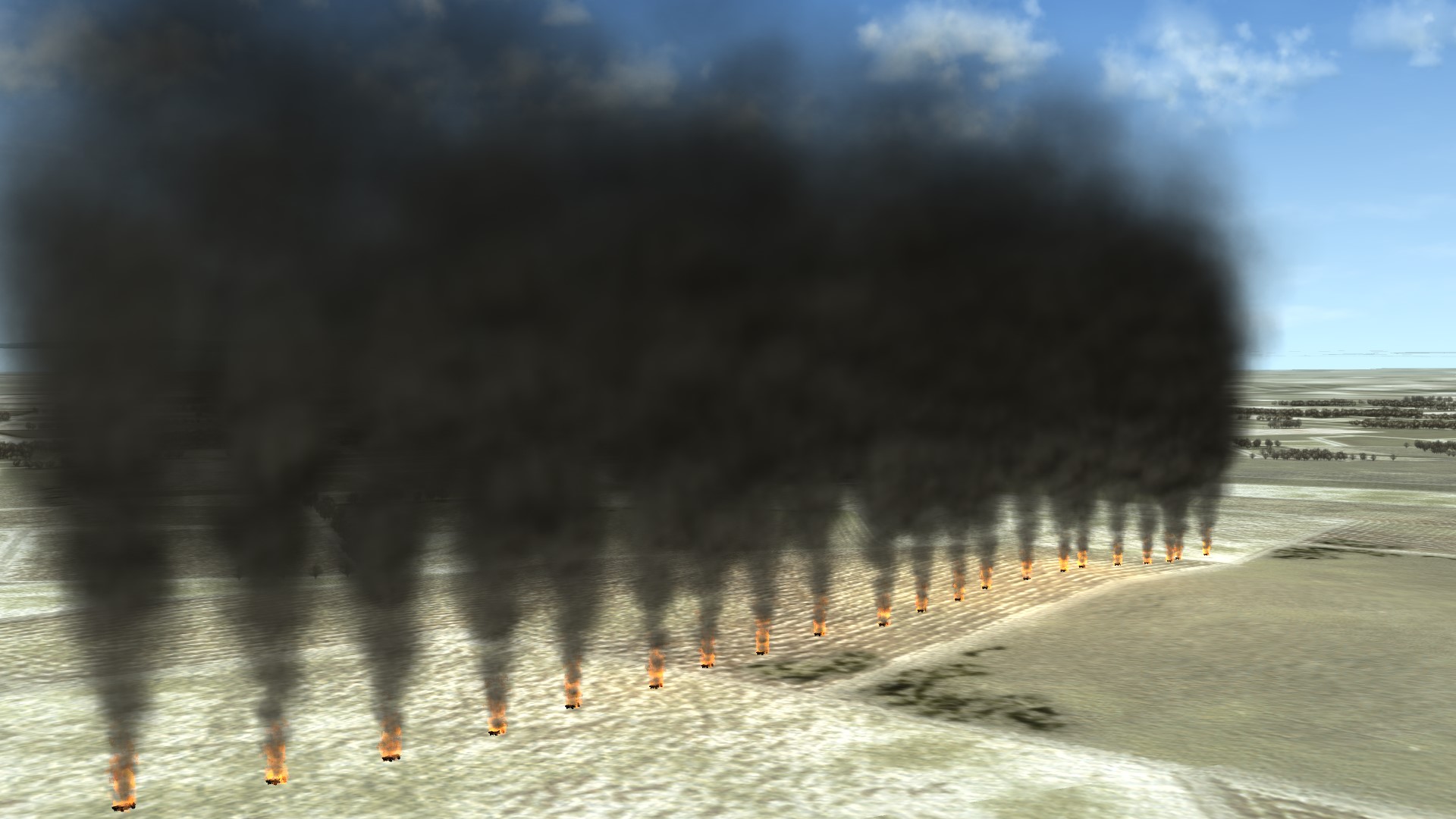
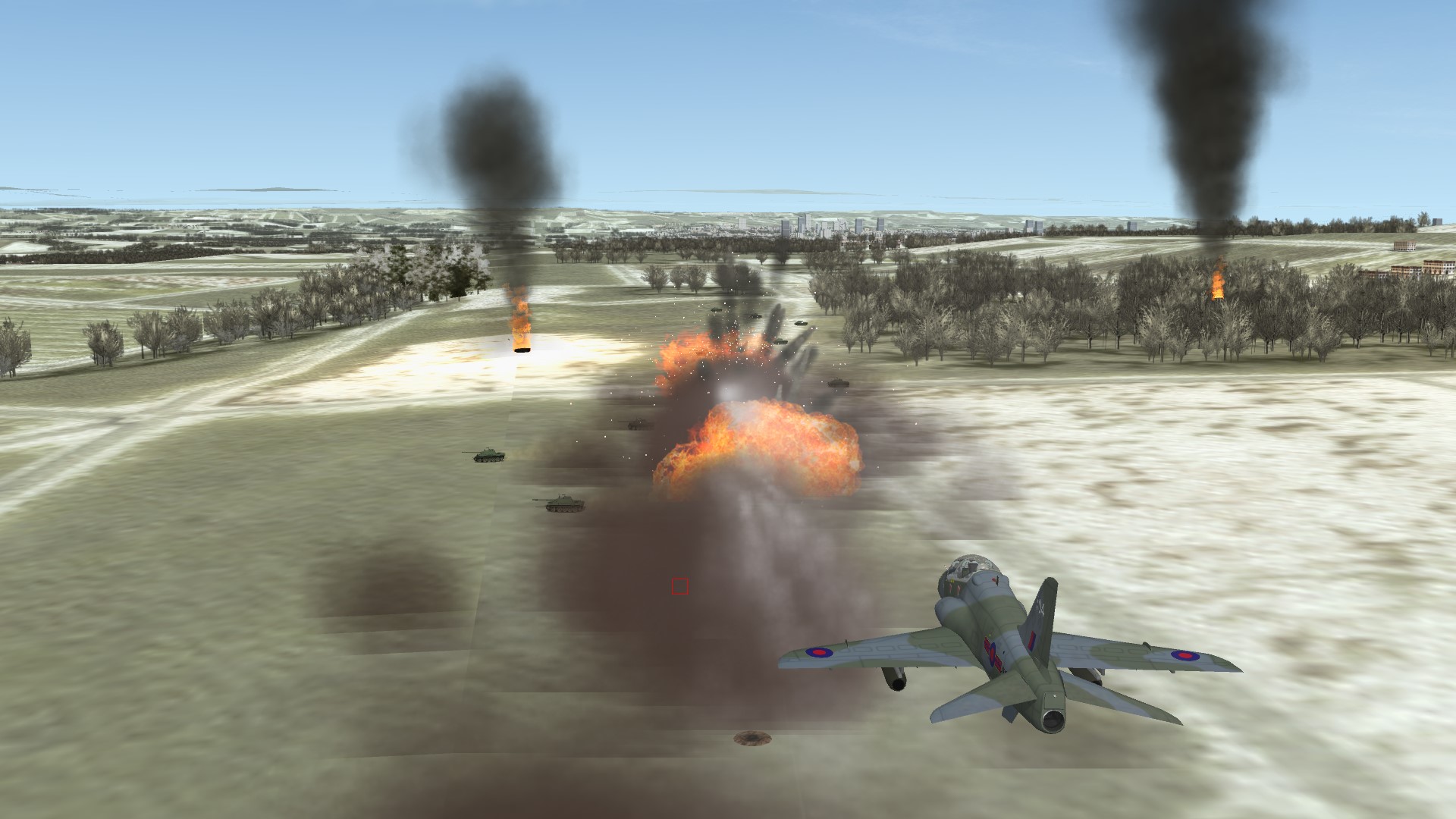
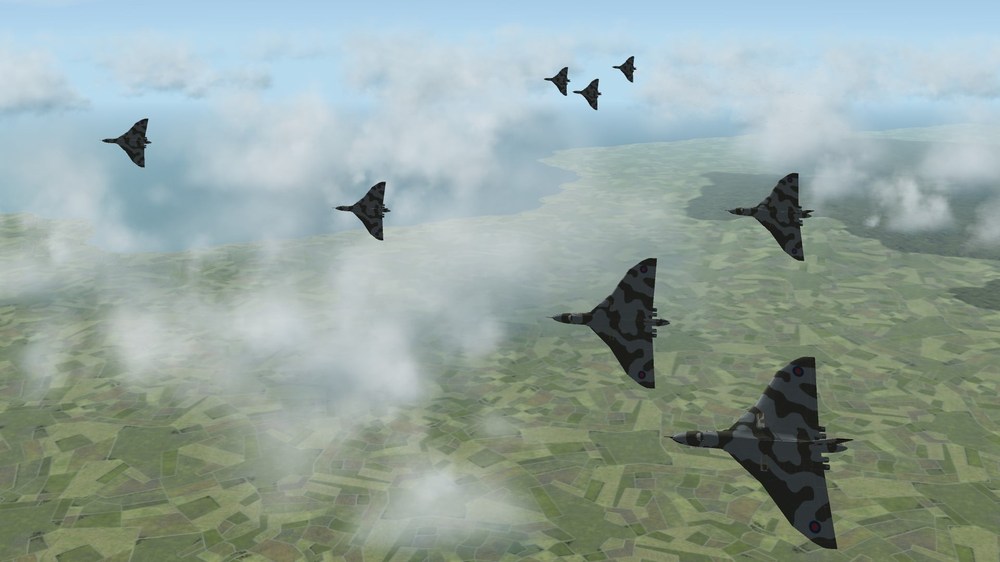
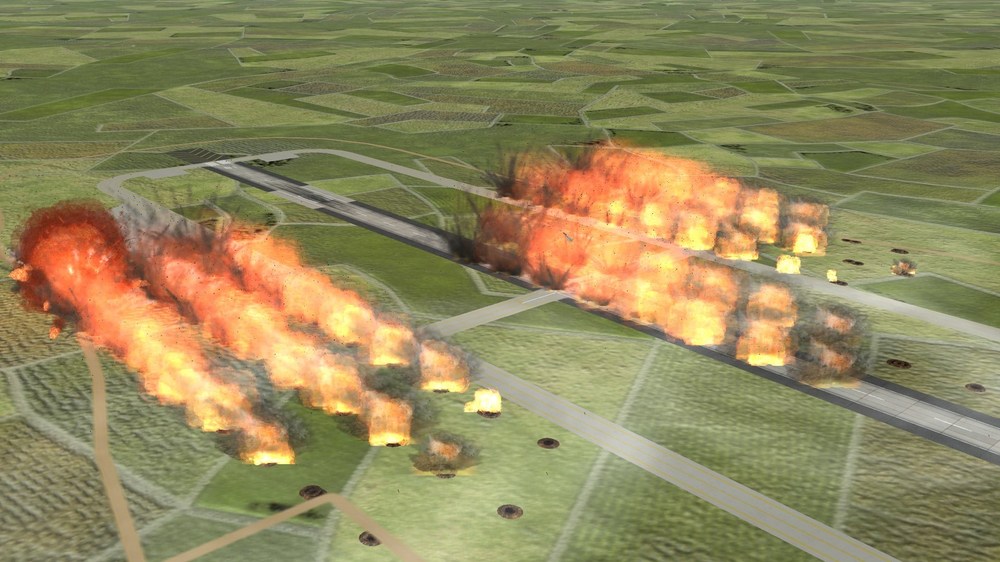
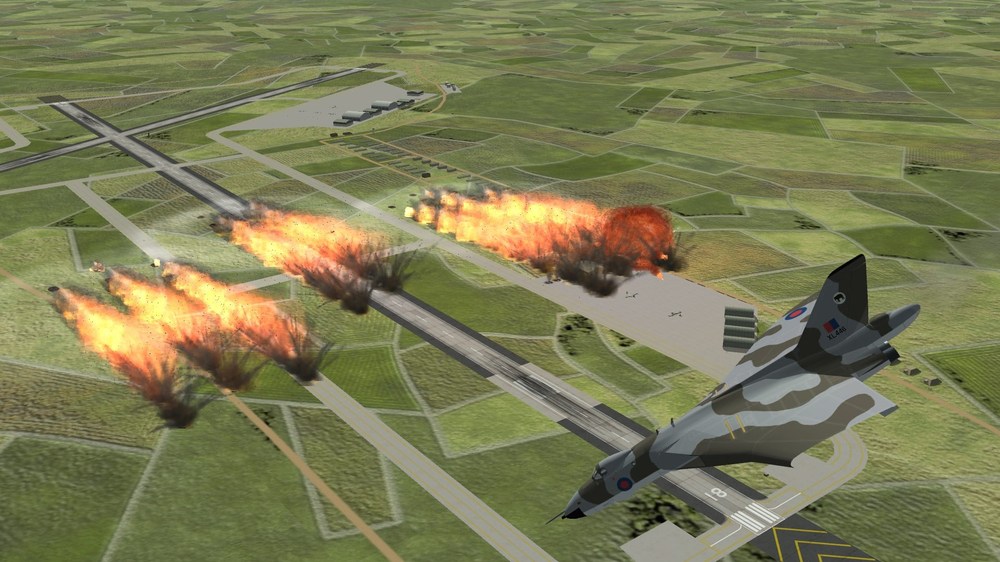
Massive Vulcan's Attack
-
Operation Darius - The mod is based on a fictional scenario set in late 2012 which sees a coalition of Western nations conduct a four week air campaign to degrade Iran's nuclear development facilities. Black Sea Crisis Nato Fighters 5
-
Felicitaciones @Markos81 !!!! Se van a poner lindos los cielos de sudamerica
-
[Fictional] McDonnell Douglas F-4N 'COAN' for STRIKE FIGHTERS 2
snowburn commented on Spinners's file in What If Hangar
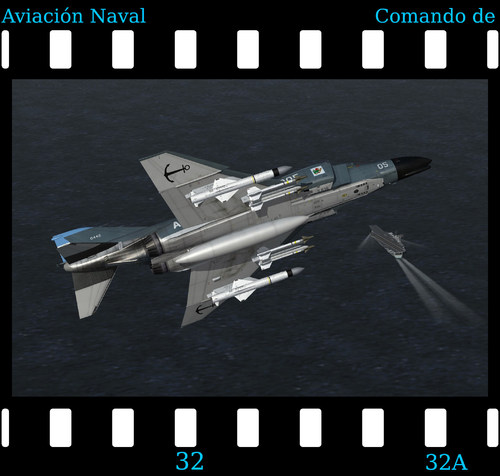 I think you need DLC 23 - F-4N Phantom II or Strike FIghters 2 Complete Edition. The aircraft .LODs are in this DLC https://store.thirdwire.com/store_dlc.htm#
-
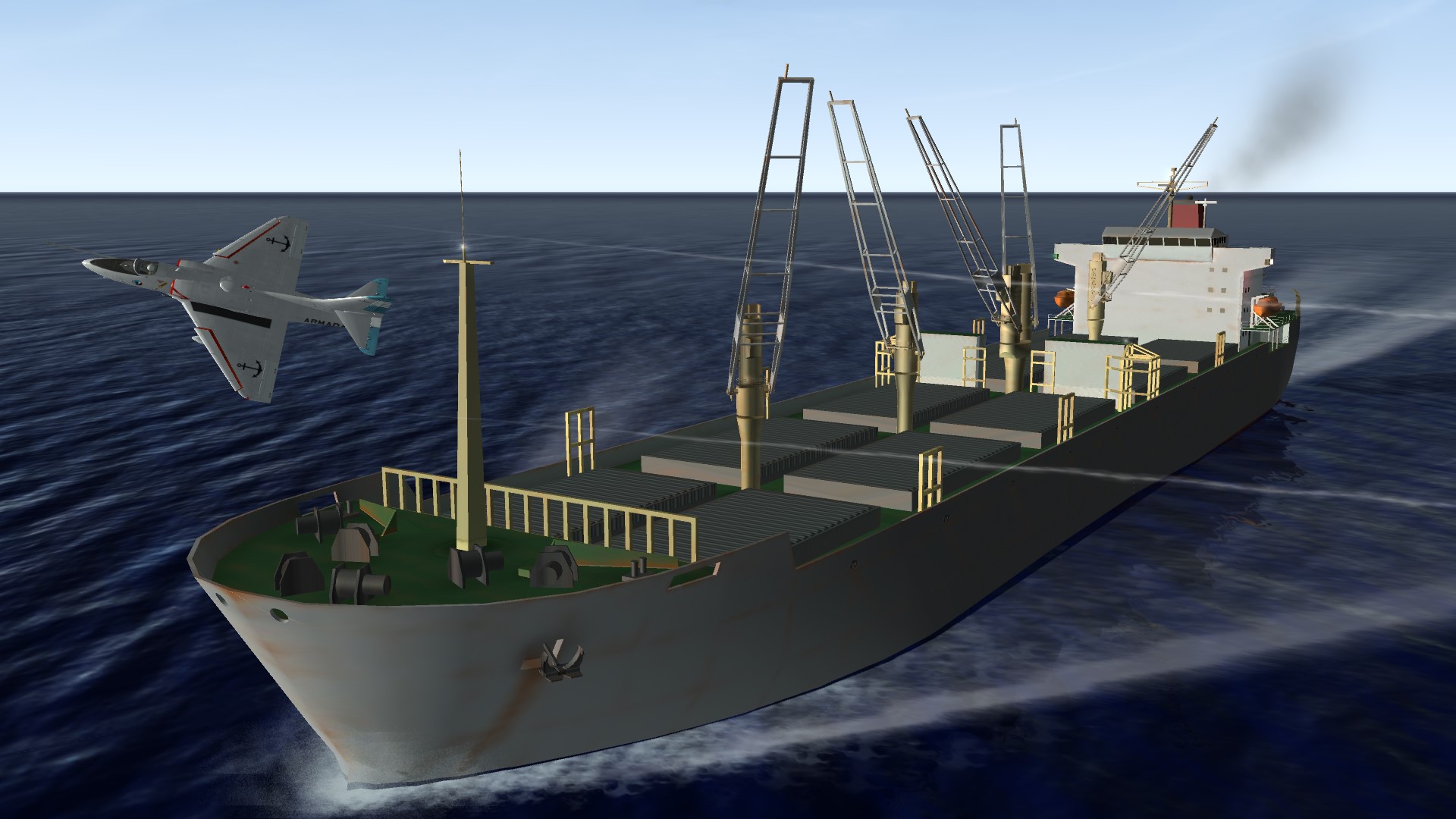
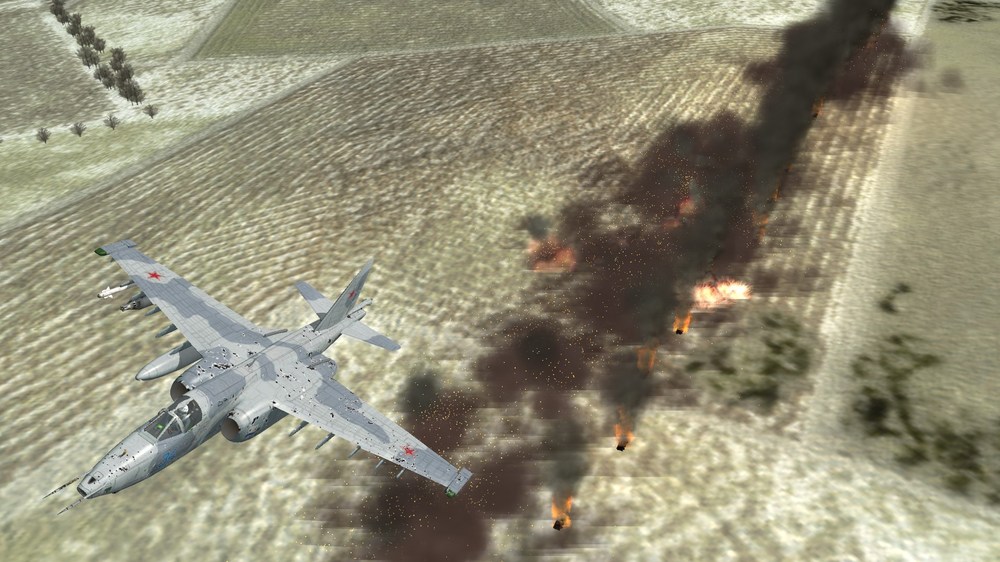
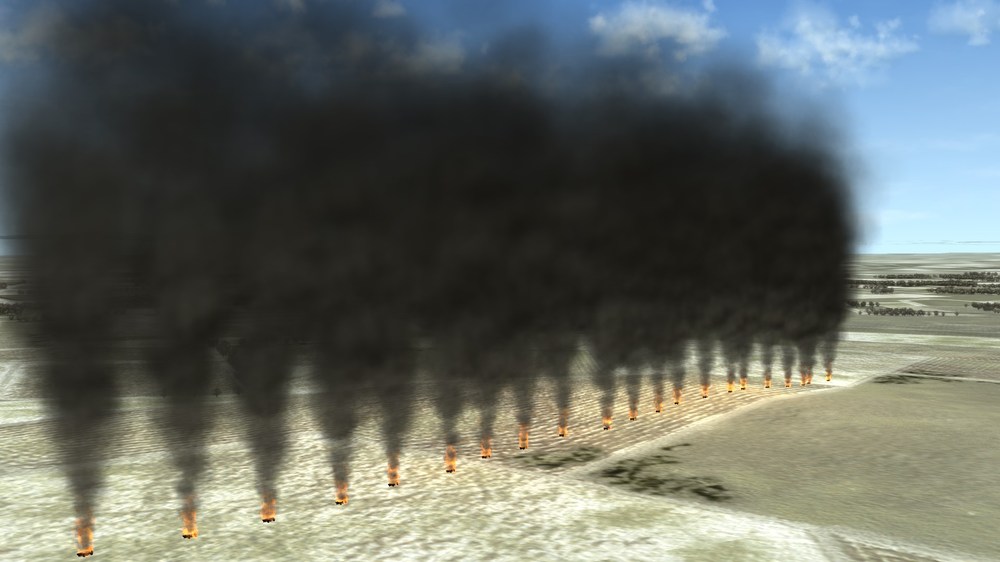
Even modern problems can be solved with older cluster bombs
-
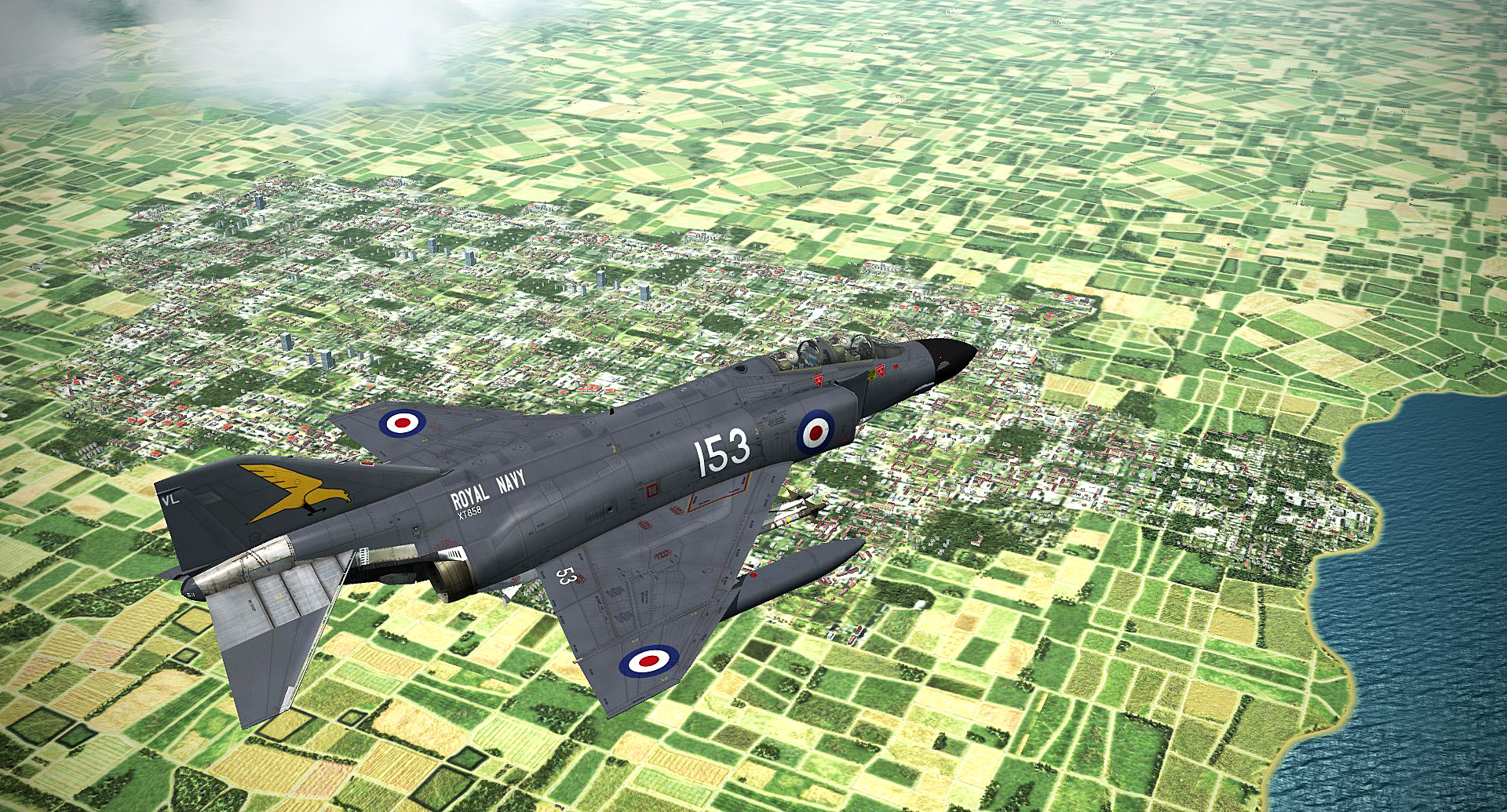
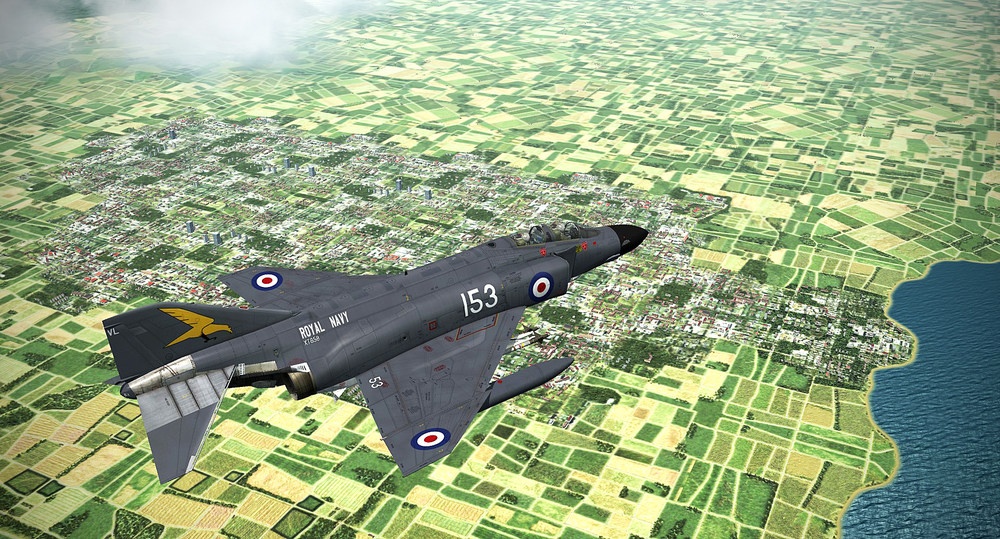
Excelent work Spinners :) It will be a nice what-if on malvinas/falklands 1978 / 1980 against F-4K onboard Ark Royal
-
Campaign Problem
snowburn replied to Major Bloodnok's topic in Mission & Campaign Building Discussion
EDIT: I thought it said: campaign is finished. -------------------------------------- There can be a lot of reasons, but try the following: in he campaings data, check every STRATEGIC NODE, all of them must match exactly a target on the _targets.ini of the terrain. maybe you misspelled one target. same for homebases of each aircraft. and same for HQ -
i can only dream with the source code being released as open source to let the community improve it. TW can still keep the IP and rights on the art, models and everything else, maybe even it manages to bring more people interesed on the game and improve sales.
-
Im one of this people hahahahahaha As always your models looks gorgeous :) i hope you find spare time to make this ship
-
-
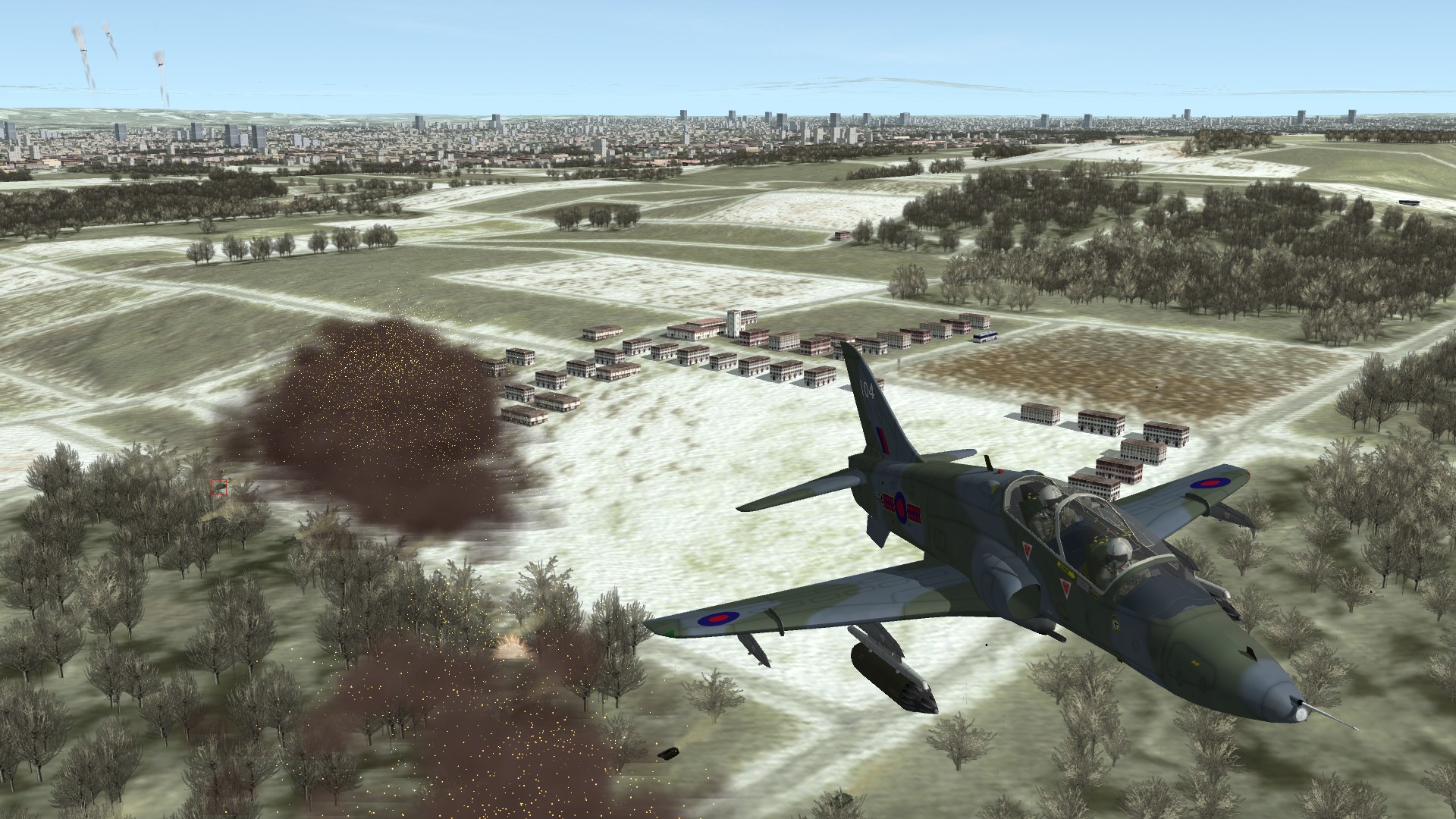
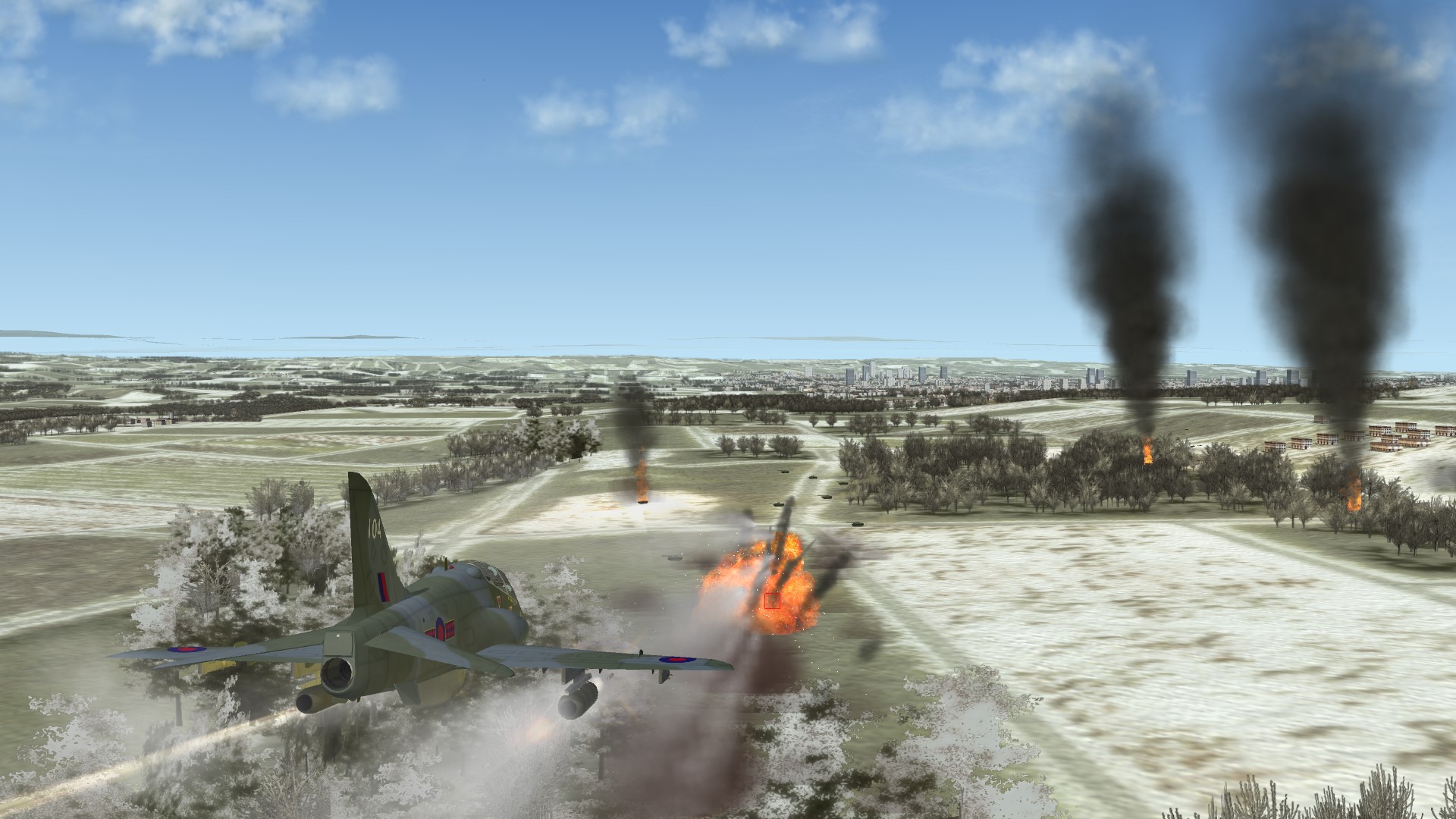
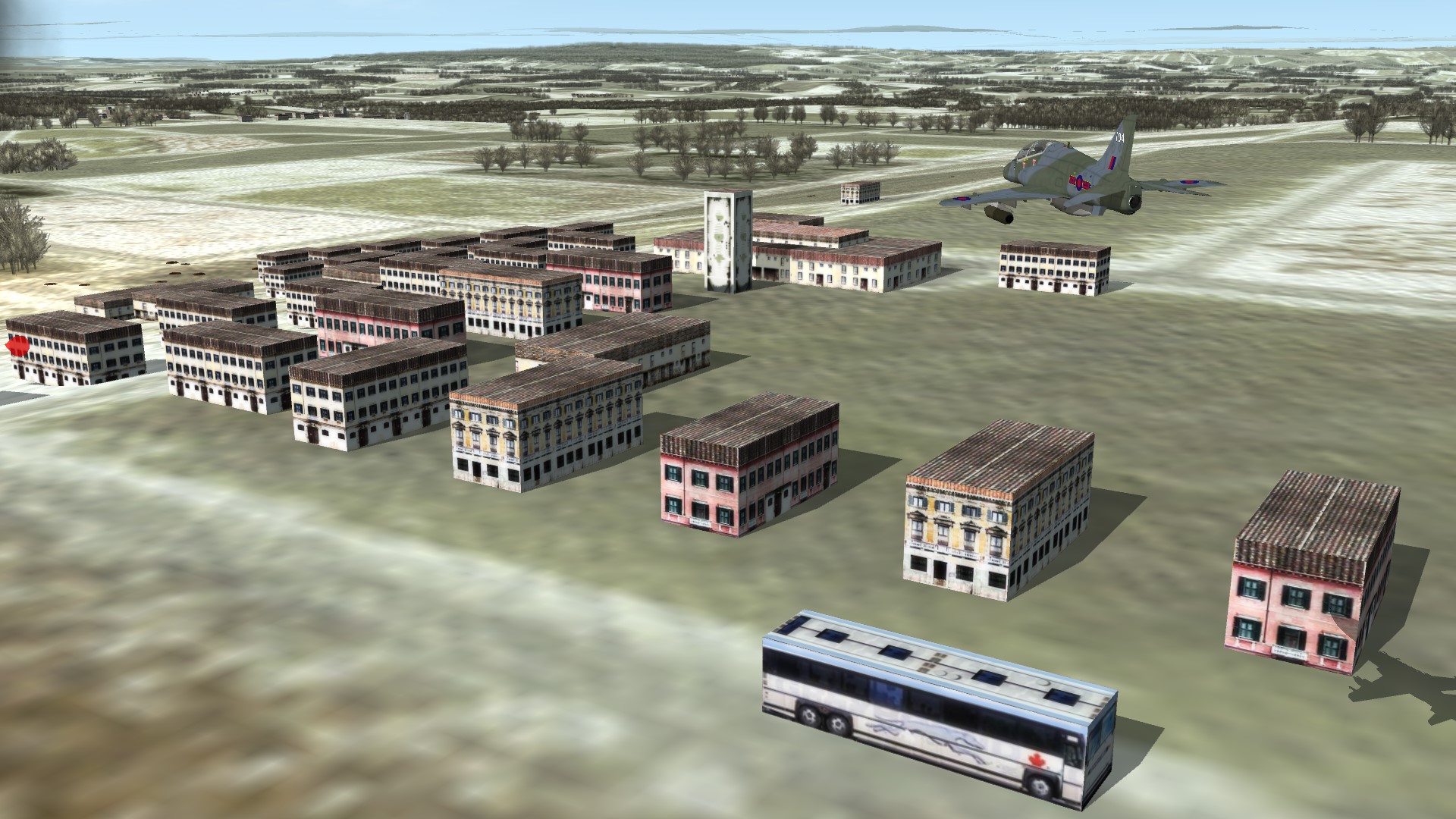
Some fun with Hawks on a custom and almost symmetric map im working on....
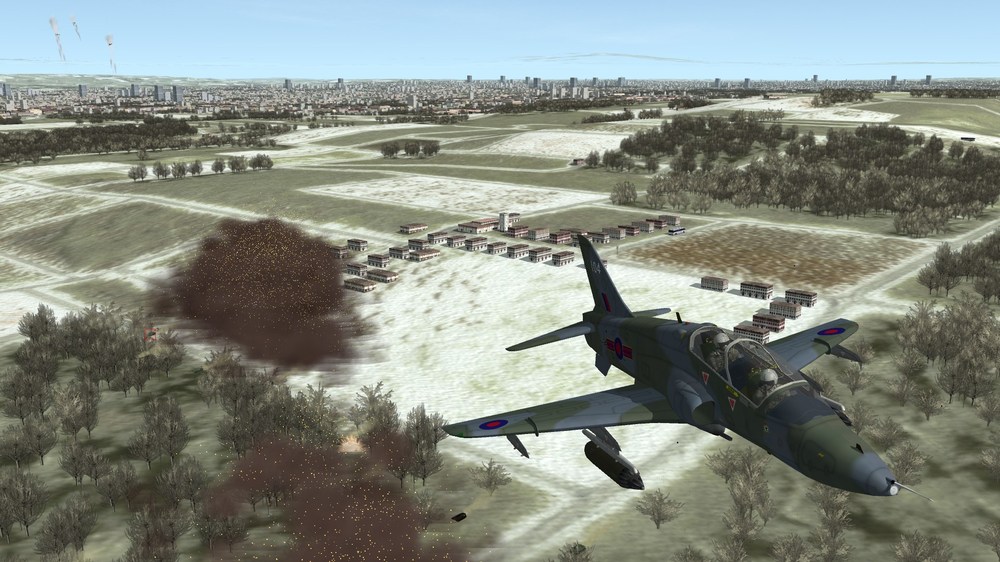
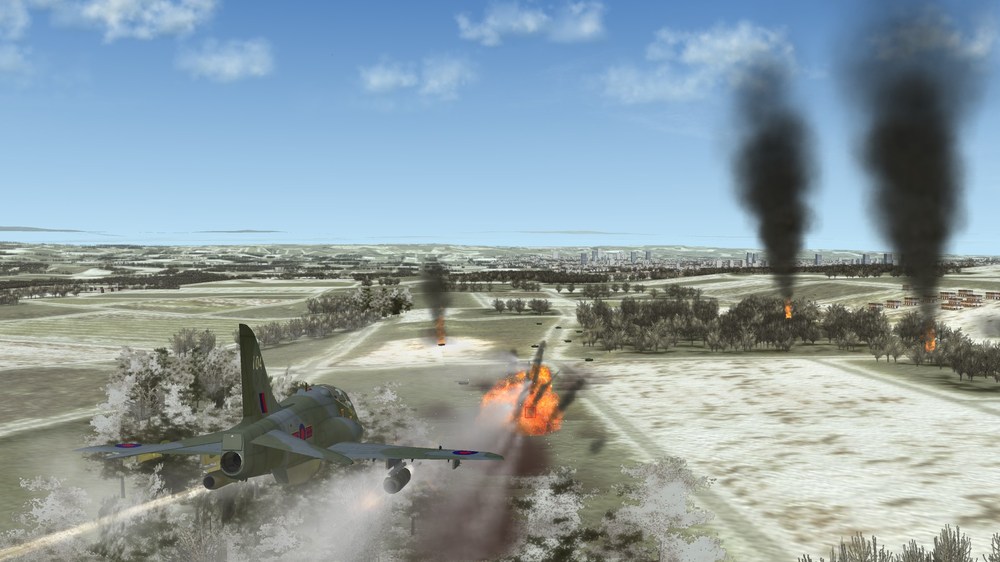
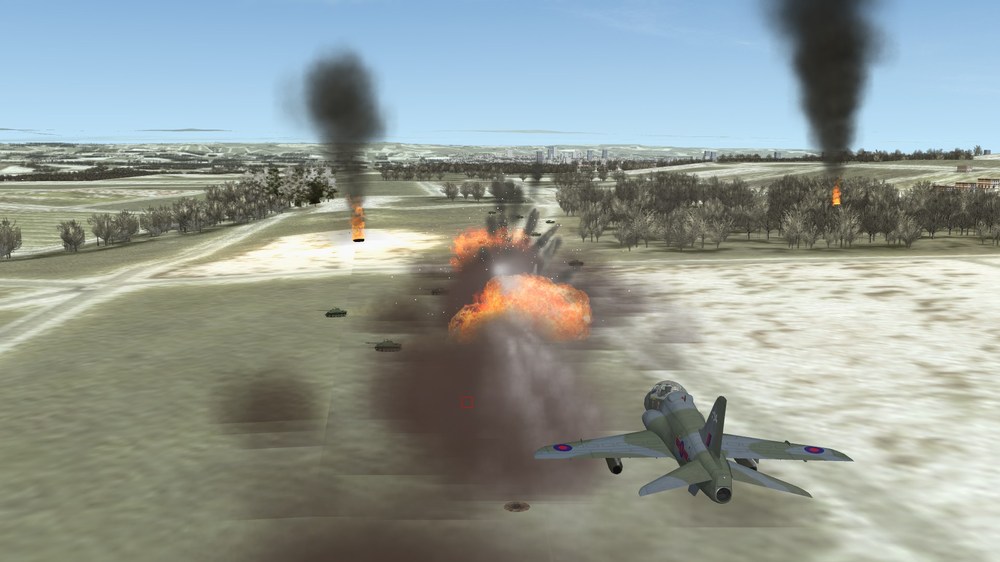
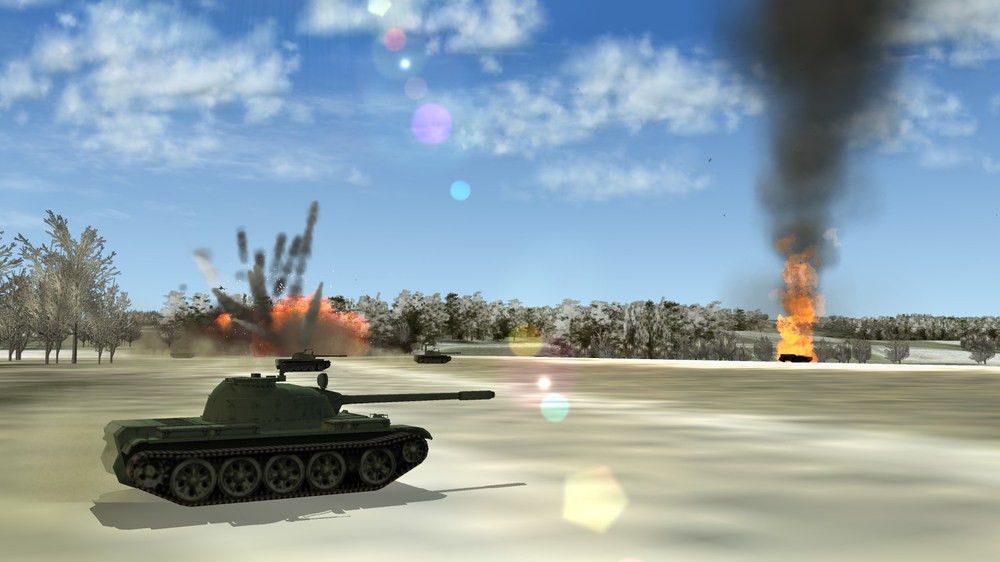
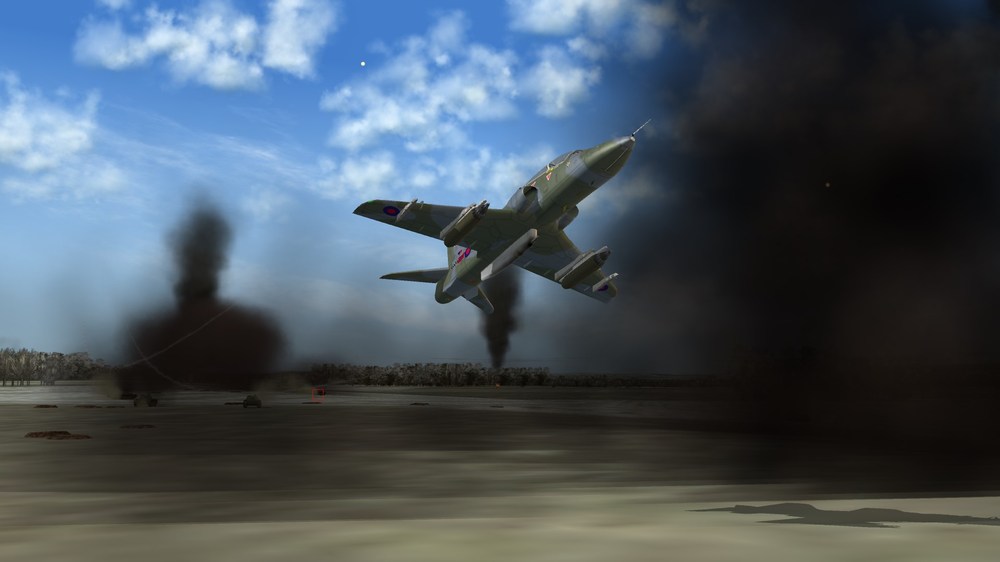
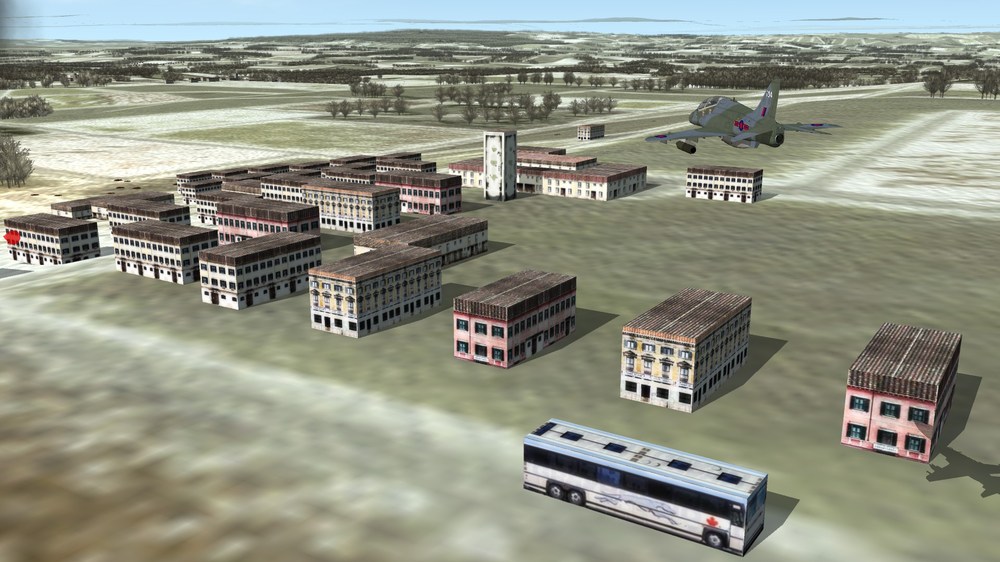
-
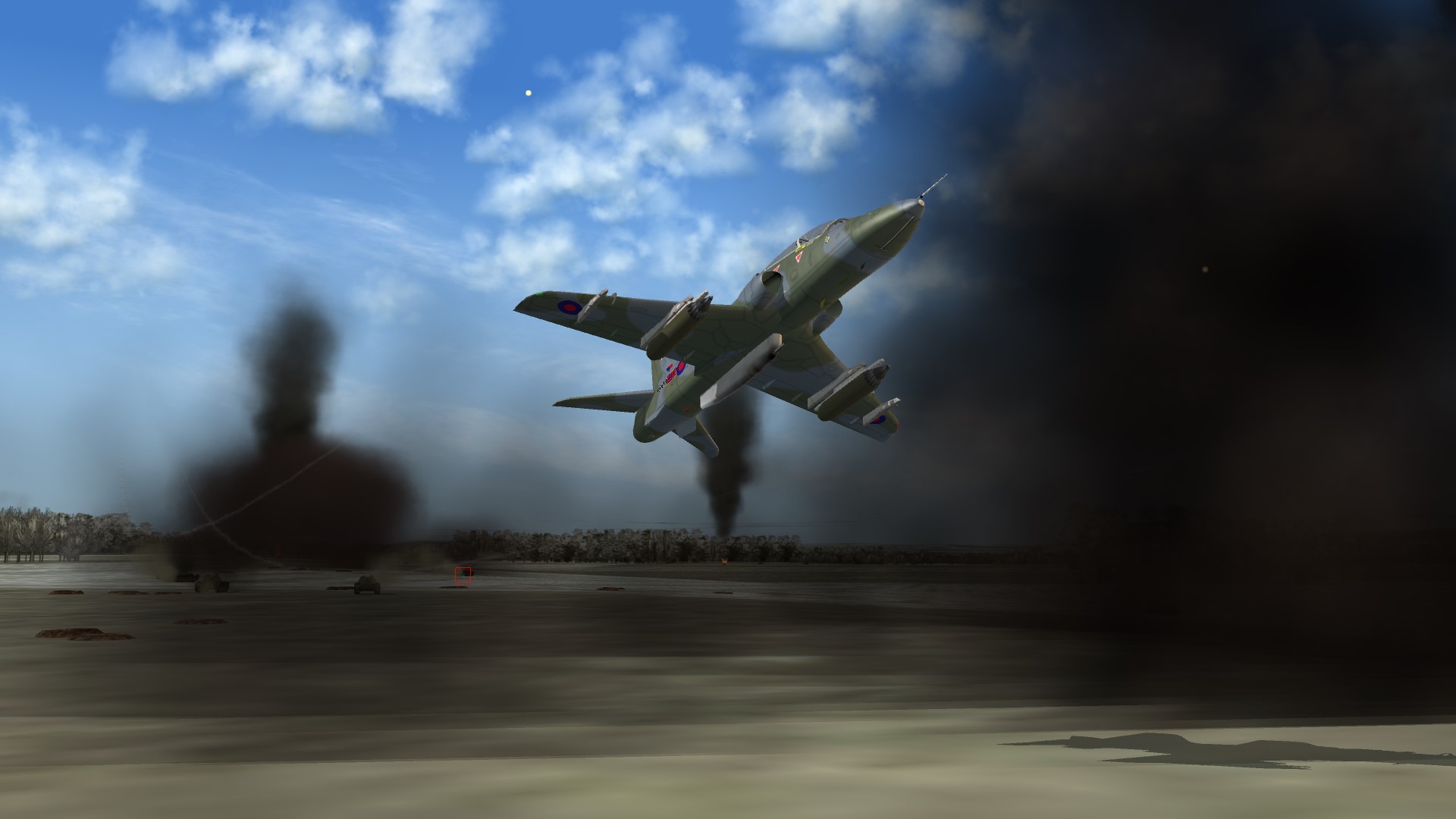
This is what happens if you dont look foward while flying
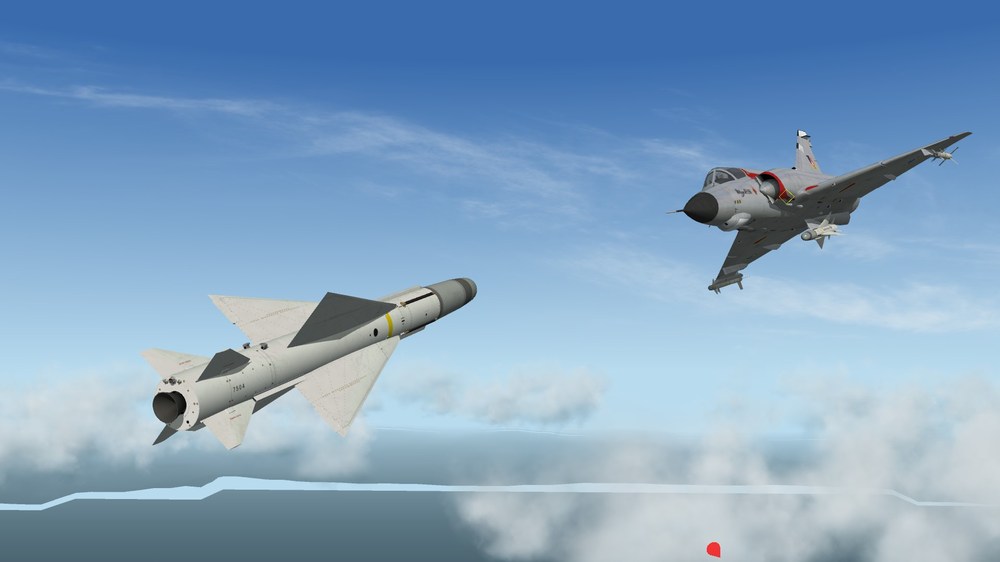
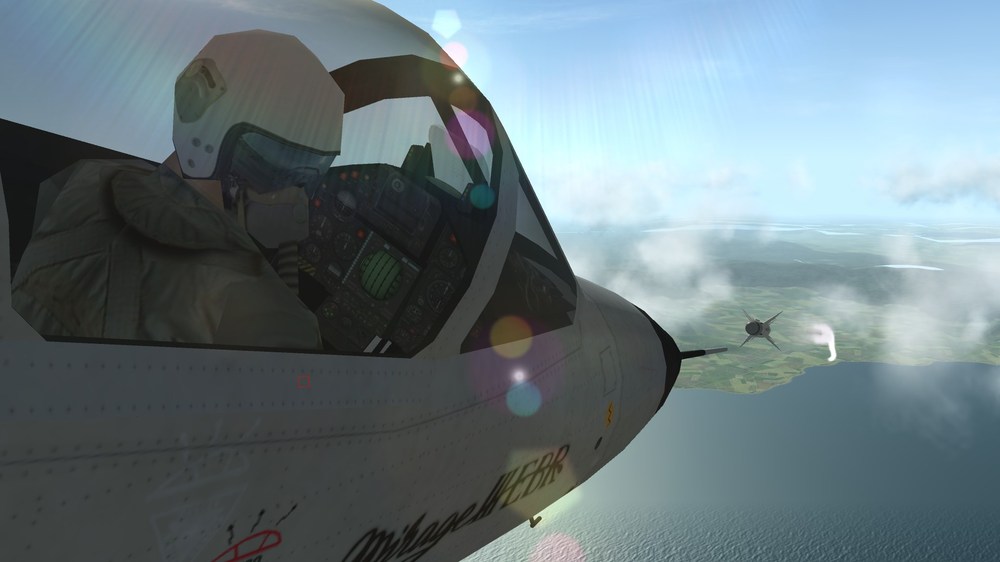
-
Que buenos que estan!!!! Felicitaciones Torno! Habra una version del 25 de mayo sin A-4Qs fijos en cubierta? Arme un mapita de prueba para hacer unas campañas de enfretamientos what-f (actualmente estoy en uno contra la armada de brasil, utilizando una version temprana del AF-1) y en uno de ellos estoy viendo que pasa si la armada utilizo alternativas a los A4 embarcados.
-
it looks like: RGBA - Red, Green, Blue and Alpha (opacity) 0 is no color, 1 full color (or 255 uf using photoshop or similar) so: Enemy 1.0 0.0 0.0 1.0 = 255,0,0,1 go to: https://htmlcolors.com/rgba-color. choose an color and divide each RGB number by 255, the result is the decimal number you must use in each part.
-
Thanks a lot Menrva!!! i thought i was doing something wrong haahhaha. BTW, i love your terrains, keep up the good work :)
-
I wish..... No more brain-dead wingmans a CTD Log. A roads/rivers tutorial for TE