VonS
-
Posts
1,026 -
Joined
-
Last visited
-
Days Won
2
Content Type
Profiles
Forums
Gallery
Downloads
Store
Everything posted by VonS
-
Interesting stuff gents...I'd ideally like to remove the awful magnifying Aldis gunsight on the Se5a in FE2....historically I don't think the Aldis magnified anything...but really I'd like to remove the whole thing and just leave the iron sights in place...probably not possible if it's baked into the lod files for the Se5a. Happy flying, Von S
-
Nice find. I don't mind it it's in green. if you really want a black one, there's always the following ini tweak: http://combatace.com/topic/16272-ini-tweaks-and-changes/?p=723242 Although, that one only gives you a black outline for your target circle - no dot in the middle. I use it on the Fokk. D.II an D.III types since it helps with aiming. For the rifle-armed, one-seater Parasol L posted in the armed observers thread, the bullets leave the plane about two centimeters above the center of the engine cowling...best way to test the aim on that one is to do a bit of ground strafing (haven't tested with a gun sight on that one since it ruins the "historical" inaccuracy of rifle pot shots coming from aircraft). Isn't the modability of FE2 great? That's what I like about this sim, and a lot of other things too. Happy flying, Von S
-
Hello gents', Here's one more modified data ini....an early (one-seater) version of the Parasol L. Get close behind your enemy and fire your rifle. Very fun but difficult to get any kills this way. Make a copy of your one-seater Parasol L folder and rename it to MSTypeLe. Then copy over the data ini and general ini files from my folder, with the same name (and delete the original data ini and ini files)...works great for the Eastern and Western theaters. Will include this with the ver. 8.9 update of the FM pack, and will also include the tweaks for the Farman type 7 (with the observer in the back), also for the early Fokker M.7 - to round out our rifle-armed aircraft. Stats. for the type: top speed 113kph climbs best between 75 and 85kph at about 3 m/s (but can be climbed in the 60s kph too, stalls below about 60kph) take off is best at around 90kph slightly lower ceiling and MaxG rating than on the Lewis-armed one-seater version of the Parasol Happy flying, Von S
-
Your values are close to mine, my overall engine output being a bit lower but I compensated with higher rpms, and my maxcontrolspeed values are lower by about 5 meters/sec. And I agree - I still find the type somewhat sloppy in turns. Personally I don't like flying it - I prefer the Nieu. 23/24 types (the best of the Nieu. types, probably historically too, if you're gentle in them when getting out of a steep dive and appreciate their great climbing ability). I might come back to the Nieu. 28 type in a future update, but I want first to get to some models here on Combat Ace that I haven't touched before. Happy flying, Von S
-
Only saw this now...the Nieu. 28 is definitely a type that was/is hard to tame and get to historical levels in FE2. My response is over here: http://combatace.com/topic/87403-tweaked-flight-models-and-realism-pack-for-fe2/?p=731406 Happy flying, Von S
-
I suppose I could drop the top speed to about 145kph in the data ini for the Halb. D.5, and make it about 30-50kg heavier than the D.5 - this would then approximate the behavior of the D.II/III types - and maybe if a new skin could be dropped into its folder - this would be acceptable. I am thinking of eventually tweaking the Halb. D.III (also making a D.II data ini from it) - from that other site, A-Team's, but if many users don't like those models - I will keep my focus on the models posted here on CombatAce...no use in wasting too much time with those, with the exception of some very badly needed ones like the Pfalz. D.III series, and the Gotha bomber...at any rate it'll take me a while to get to the A-Team stuff since there are still many models I haven't touched on Combat Ace for FE2.... Happy flying, Von S
-
Not a movie....but here's another one, the late 1970s BBC series, 'Wings.' https://www.youtube.com/playlist?list=PLeagipoZmyfk2R9o0G_f2s_S0wHcG0KaZ Happy flying, Von S
-
For an even more aggressive observer with a rifle, go under the "// Crew -----" section of the data ini for the early Parasol (posted above), and under [Gunner] paste in the following info., overriding the previous, relevant entries: PitchAngleRate=40 MaxPitch=70 MinPitch=-30 DefaultPitchAngle=5 YawLimited=TRUE YawAngleRate=15 This gives more frequent shots, and deflection shots too - I got a little too close and then this happened. Happy flying, Von S
-
Hello Gents, As a followup to the suggestions here, particularly Whiteknight's beautiful "hack and slash" mod - can now confirm that it works wonderfully. Rifle-armed observers now take occasional shots at me. I was also inspired by the "early" Parasol L (two-seater) that Whiteknight included in his package - so I've now tweaked the FM for it (will include this with a ver. 8.9 update of the FM pack...but here it is already for your flying pleasure). Make a copy of your Morane LAO folder (two-seater with Lewis gun up front and another for the observer), rename the folder to MSTypeLAOe, and copy over the four files from my folder with the same name, into yours (you may also delete the old general ini file, data ini, and the hangar and loading files from the folder that you duplicated and renamed as indicated). Stats. for the early Morane L (two-seater): top speed 112 kph take offs are best around 90 kph climbs best between 85 and 95 kph at about 2.5 m/s stalls if climbing at less than 80 kph also about 10kg lighter than the later, armed version slightly lower ceiling and MaxG rating for it than on LAO type Don't forget to install Stephen1918's pilots and also his rifle-armed observers, into your Pilots folder, for everything to work. Here are a couple of pics of me trailing the Parasol, and then getting some rifle-damage to my wing. The rifle blast emanates from the observer's head but I like it. Wish I was able to take a snapshot of that. And the early Parasol Type L (two-seater): Happy flying, Von S P.S. To use this "unarmed" type on the Eastern front, change service dates from about Oct. of 1914 to June/July of 1915 (educated guess).
-
Hi Trotski, Bortdafarm also has a single-bay Fokker B.II (the one used by the Austrians on the Italian front, and to a lesser extent on the Eastern front), but I recommend my FM tweak for the type - located in the ver. 8.0 update folder under the Italian and Eastern theaters - otherwise the type is impossible to fly in FE2...it was historically more difficult to fly than the D.II single-seater that the Germans preferred...two bay or not two bay, that is the question - here's the link to Bortdafarm's model: http://combatace.com/files/file/4643-fokkerbii/ Happy flying, Von S
-
Hello Gents, Here are the steps to take if interested in installing FE2 on a Mac. The procedure is similar to "bottling" of CFS3.1, the ETO and PTO expansion packs, also WOFF ue for the Mac, and of course RB3D, but a little "simpler" with FE2 (and RB3D) since less winetricks are required...the process is at any rate a slow one and requires patience, but is convenient if you want to have everything running on the same operating system. STEP ONE: go to https://sourceforge.net/projects/wineskin/ and download the latest wineskin winery (ver. 1.7 as of this writing) via the green "download" button there (for Mac OS vers. 10.6 to 10.12) [EDIT: if running Mac OS 10.13 or later, recommended instead is to install the "unofficial" WineSkin-for-Mac located at https://github.com/Gcenx/WineskinServer] STEP TWO: double-click on the program; in the menu that opens click on the plus sign to the left of "new engines available," and in the list that then opens choose WS8Wine1.5.1, download it, and then - when you're back in the main menu - choose "create new blank wrapper" (now wait about 3-4 minutes for your Mac to make the custom wrapper; once finished, the wrapper will be placed in an Applications folder that has been made inside your user folder on OS X and/or macOS) STEP THREE: go to the WineSkin wrapper that's just been made and double-click on it; in the window that opens, choose "set screen options"; in the window that then opens choose "override" instead of automatic, and choose "rootless (windowed)," then "virtual desktop at" (whatever resolution suits you), then "use these settings" instead of force normal windows; once happy with your choices, click on "done" at the bottom of that window STEP FOUR: back on the main menu, choose "advanced"; in the window that opens click on "tools"; this will then open another window in which you should click on "winetricks"; in the window that then opens, type in d3d in the search window at the top, then click to expand the "dlls" menu that shows up in the list below your search, and look for d3dx11_43, and click in the box to the left of it, to select it; now click on "run" located towards the bottom of that top screen of the window you're currently in, and let it install the winetrick; once the process finishes it will say "done" in the text window that is visible in the bottom half of that same window; finally, click on the "close" button at the very bottom of the window, and you're taken back to the "wineskin advanced" menu (close that advanced menu by clicking on the close button in its menubar) STEP FIVE: double-click on the wrapper once again and choose "install software" in the main menu; then "choose setup executable" in the next window that opens and locate your exe file for FE2 that you bought (usually called setup.exe or install.exe); now let the wrapper do its thing to install the game STEP SIX: once installed, the wrapper will go back to the main menu and you can click "quit" (it may also prompt you to locate the program before it drops to the main menu, the program in this case being the exe file of the game that was just installed - best thing at this point is just to leave this alone and close that window, if it doesn't drop to the main menu automatically) STEP SEVEN: once the wrapper has quit, don't double-click on it but "right-click" it and choose the option in the popup menu on OS X and/or macOS that says "show package contents" (this will open the wrapper's folder and should list something like a contents folder, the alias to its c drive, and an app/icon called WineSkin); double-click on the app named WineSkin and you will open the main menu window again, of the wrapper, and choose "advanced" STEP EIGHT: under the advanced menu, to the right of the box called Windows EXE (that contains a file path), click on "Browse"; this will open up your finder on OS X and/or macOS, and then you can scroll into the "c drive" of the wrapper into which you've just installed FE2; in "c drive," look for "Program Files," scroll into there and look for "ThirdWire," scroll into "ThirdWire" and look for "First Eagles 2," scroll into there and look for "FirstEagles2.exe" and choose that (click "choose"); then you're back in the WineSkin advanced menu with the proper file path for the game's exe now listed in the box near the top of the window (while you're there you might want to give a name for your freshly created Mac program in the "menubar name" box, something like First Eagles 2 or FE2, and also, later, don't forget to rename your wrapper/app to First Eagles 2, for consistency, if you haven't done so already) STEP NINE: now close that advanced menu window, and double-click the program you just created (not the WineSkin icon in the window that popped open when you right-clicked and chose "show package contents," but the actual, main wrapper that is in the custom Applications folder that was created in your user folder on OS X and/or macOS) - see if the game works, and if all is well, then double-click the WineSkin logo that is visible in the window once you right-click the main app wrapper to "show package contents"; once you're in the WineSkin menu again, click on "screen options" one more time and choose "fullscreen" instead of "rootless (windowed)," also choose your desired resolution in the box below that and leave the other options at 24 bit for color depth and 0 sec. for switch pause; all the other options there should be left as they are STEP TEN: since you've now run the game successfully (in windowed mode), you will find a ThirdWire/First Eagles 2 folder located in your Documents folder (of your user folder under OS X and/or macOS); in that folder you can find, under "ThirdWire/First Eagles 2/Controls," a Default.INI file that contains the keyboard and joystick controls for the game; open this ini file in TextEdit and modify the keys to your liking (also, don't forget to tweak the joystick sensitivity slider within the game's menu too, to get the joystick to behave as you like); and one more thing - it's best to set the game resolution, within the game's menu, to the same resolution that you have set within the "screen options" of your wineskin wrapper - for everything to behave as smoothly as possible STEP ELEVEN: all user mods from CombatAce should be installed into the relevant folders of user/Documents/ThirdWire/First Eagles 2 on your Mac - not into the First Eagles 2 folder that is buried in the c drive of the WineSkin wrapper into which you installed the game's exe and the related files NOTE: Von S makes no guarantee that following such steps will recreate the magic of First Eagles 2 on your Mac, but careful following of the directions listed above should work in 99% of cases NOTE 2: the game can of course be run in windowed mode, as indicated in the earlier steps above....at say 1600 x 900...but why keep such a lovely game windowed - full screen is better for it, but you might want to keep the resolution at 1600 x 900 on lower-end systems, for better frame rates (Red Baron 3D on the other hand is better windowed at something like 1280 x 1024 - full screen is hit-and-miss with RB3D in WineSkin, but the situation may improve since WINE is always being improved) Happy flying, Von S
-
Excellent, thank you for this! Von S
-
Looks good...I also didn't like the cluttered look so went for something minimalistic in my ver. 8.0 update of the FMs (for the HUD) - it's also possible to change the settings from within the game menu (for no-hud or maximum hud guidance)...but for some odd reason we First Eagles fans (and I include myself in that group) like to edit everything in the INI files directly...that's the beauty of this sim, that it's very mod-able and flexible....it can be sim light or hardcore flight sim, depending on preferences. Happy flying, Von S ----- // Von S modified huddata with smaller label boxes and triangles, different color for enemies, and different info box font and size, also some hud settings turned off for greater realism and directional cones removed, May 30, 2016, included with ver 8.0 of FM updates [Debug] DisplayDebug=FALSE TextFontName=Verdana TextSize=12 [smallLabelFont] TextFontName=Verdana TextSize=8 [HUDLabels] EnableLabels=TRUE LabelFriendlyAir=TRUE LabelFriendlyGround=FALSE LabelEnemyAir=TRUE LabelEnemyGround=FALSE [MapLabels] EnableLabels=TRUE LabelFriendlyAir=FALSE LabelFriendlyGround=TRUE LabelEnemyAir=FALSE LabelEnemyGround=FALSE [infoDisplay] // BackgroundImage=TextBackground.tga BottomLeftPosition=0.01,0.985 BottomRightPosition=0.99,0.985 DisplayWidth=0.09 VerticalBorder=0.002 HorizontalBorder=0.004 EnemyTargetColor=0.0,1.0,1.0,1.0 FriendlyTargetColor=0.0,0.0,1.0,1.0 UnknownTargetColor=1.0,1.0,0.0,1.0 WaypointColor=1.0,1.0,0.0,1.0 TextFile=HUDText.str NormalColor=1.0,1.0,1.0,1.0 WarningColor1=1.0,1.0,0.0,1.0 WarningColor2=1.0,0.0,0.0,1.0 AGLAltStart=100.00 AGLAltWarning=25.00 EnglishUnitUseMPH=TRUE [Map] MapDisplayLabels=FALSE [Messages] ShowMessages=TRUE SystemMessageOnly=FALSE [Display001] DisplayType=DIRECTOR ObjectType=TARGET_ENEMY ConeSize=5 BoxSize=5 BoxType=TRIANGLE BoxColor=0.0,1.0,1.0,0.75 // ConeModelName=redcone [Display002] DisplayType=DIRECTOR ObjectType=TARGET_FRIENDLY ConeSize=5 BoxSize=5 BoxType=TRIANGLE BoxColor=0.0,0.0,1.0,0.75 // ConeModelName=bluecone [Display003] DisplayType=DIRECTOR ObjectType=NEXT_WAYPOINT ConeSize=5 BoxSize=5 BoxType=SQUARE BoxColor=1.0,1.0,0.0,0.75 // ConeModelName=whitecone
-
Yes, the best place to start with FE/FE2 downloads is at this link, nicely organized by category: http://combatace.com/files/category/840-first-eagles-wwi-and-early-years-1914-1920/ Happy flying, Von S
-
Hello friend, Here's a link to the thread that discusses why we aren't flying FE/FE2 online: http://combatace.com/topic/88806-thoughts-on-multiplayer-in-fe2/ Happy flying (offline), Von S P.S. Multiplayer is available in Red Baron 3D (if you want something that is light on your hardware...free german copies of RBII can be found on the internet and then patched to RB3D). Wings Over Flanders Fields is also single-player (offline), like FE2. The only other one is Rise of Flight (which caters to online play) - but that requires a fancy system and a high-end graphics card to run it.
-
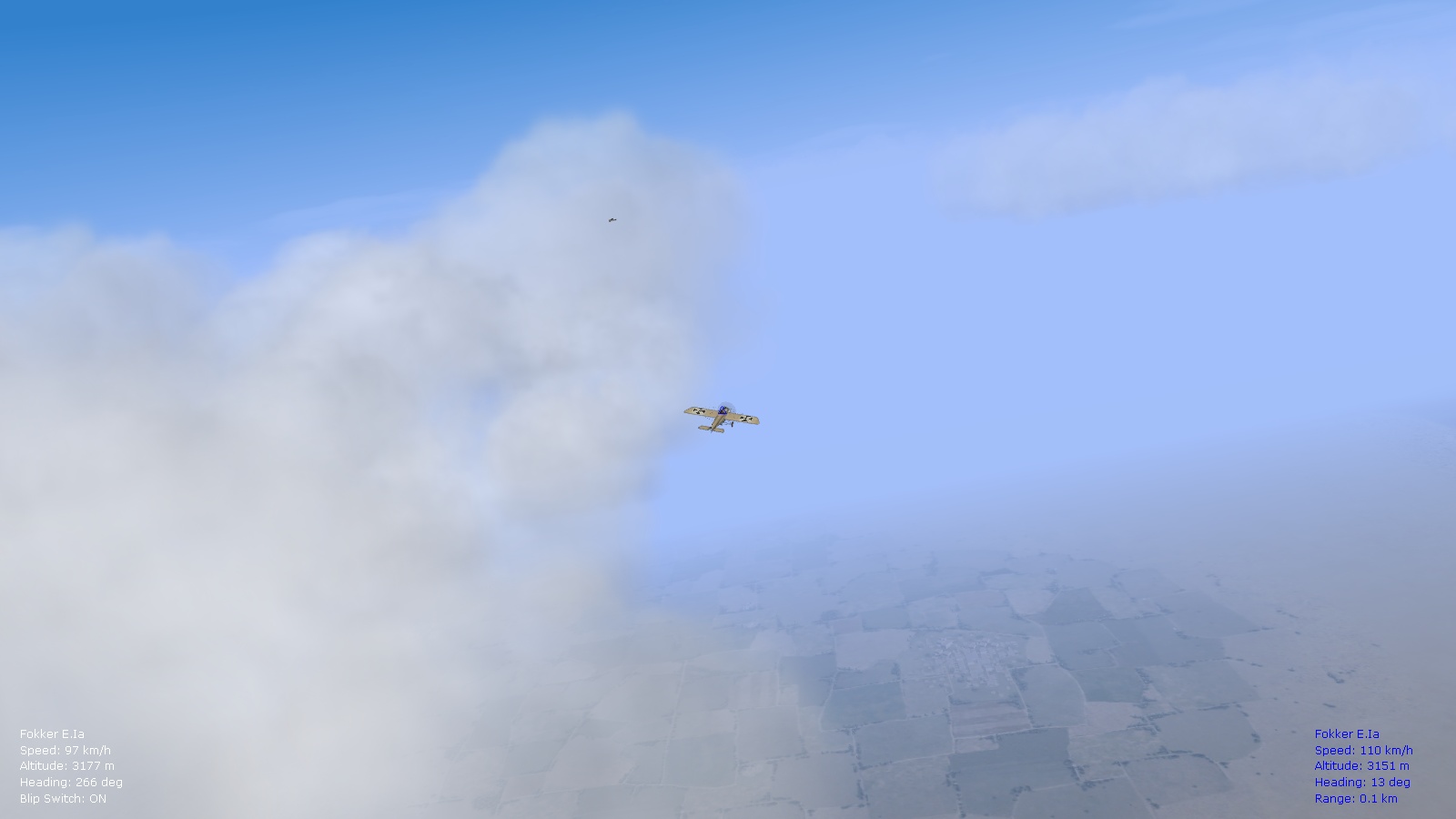
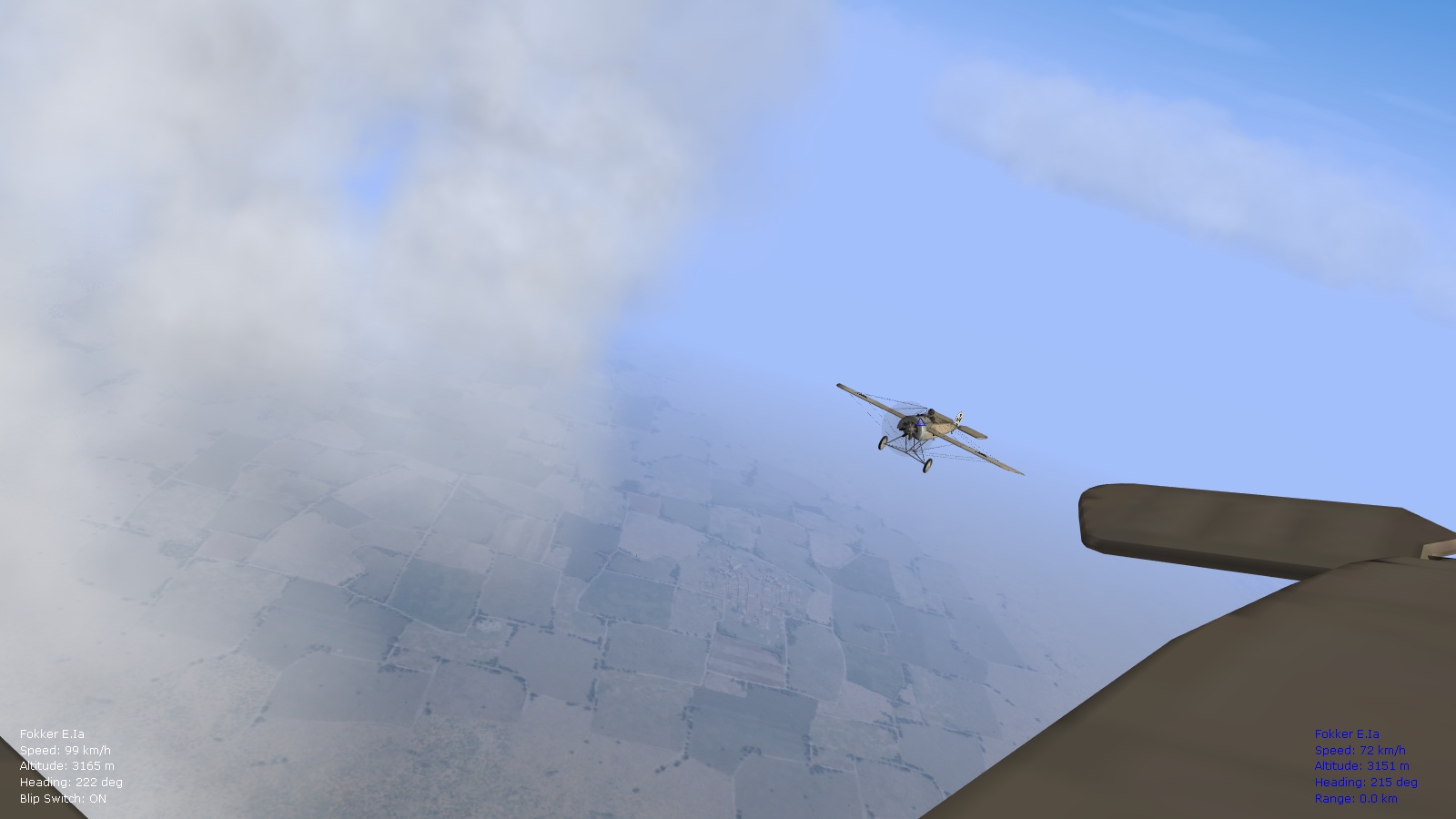
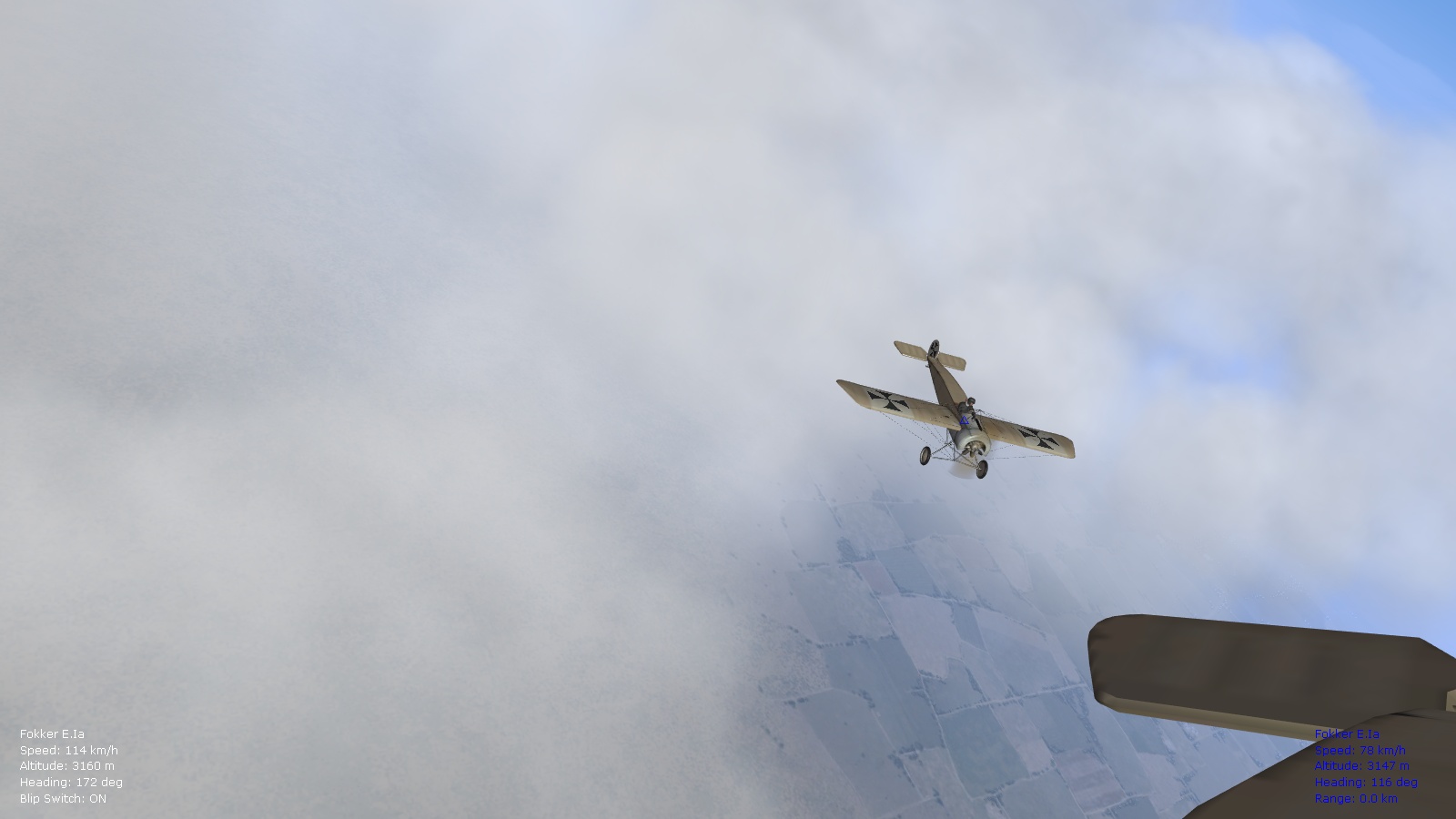
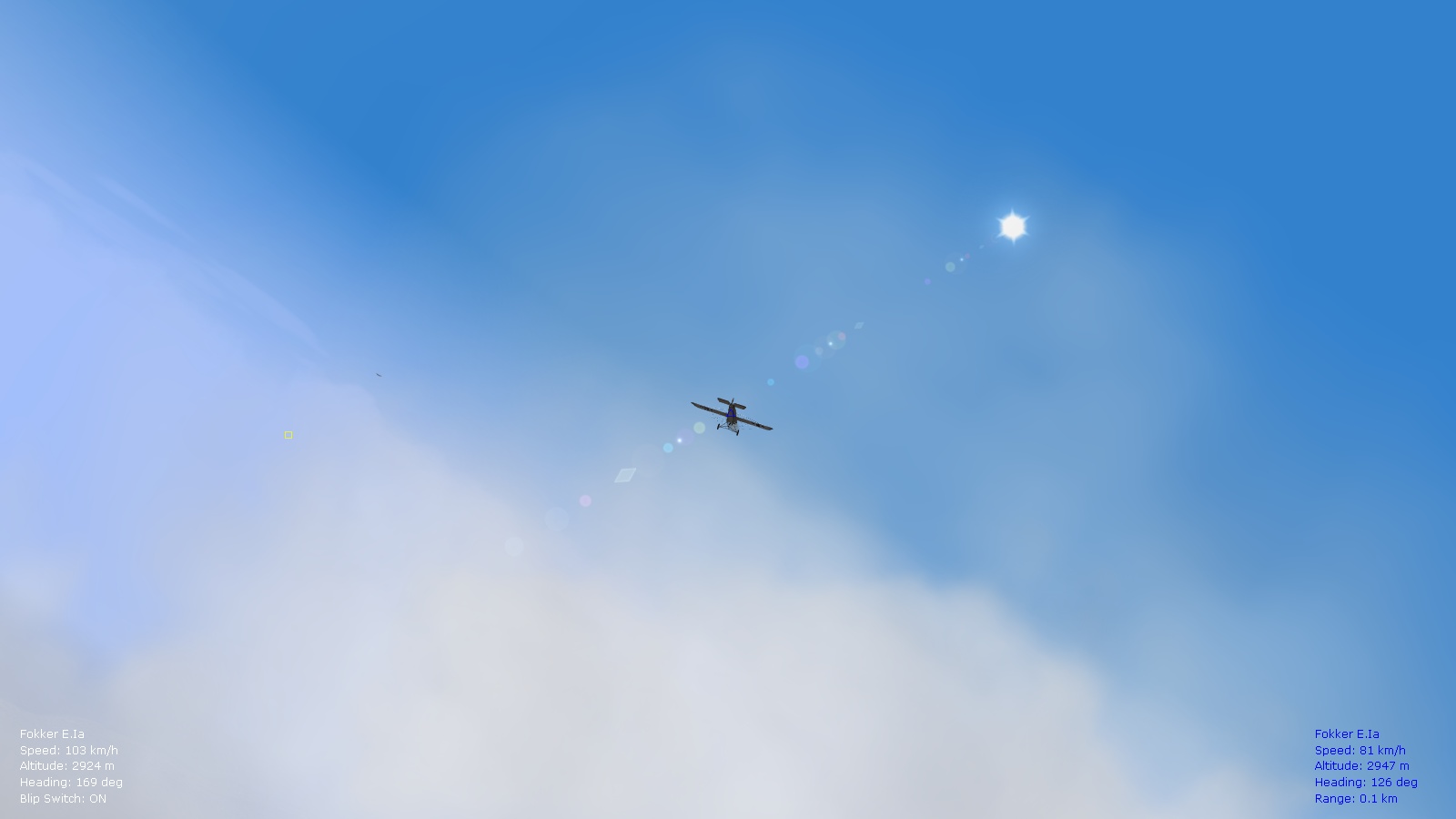
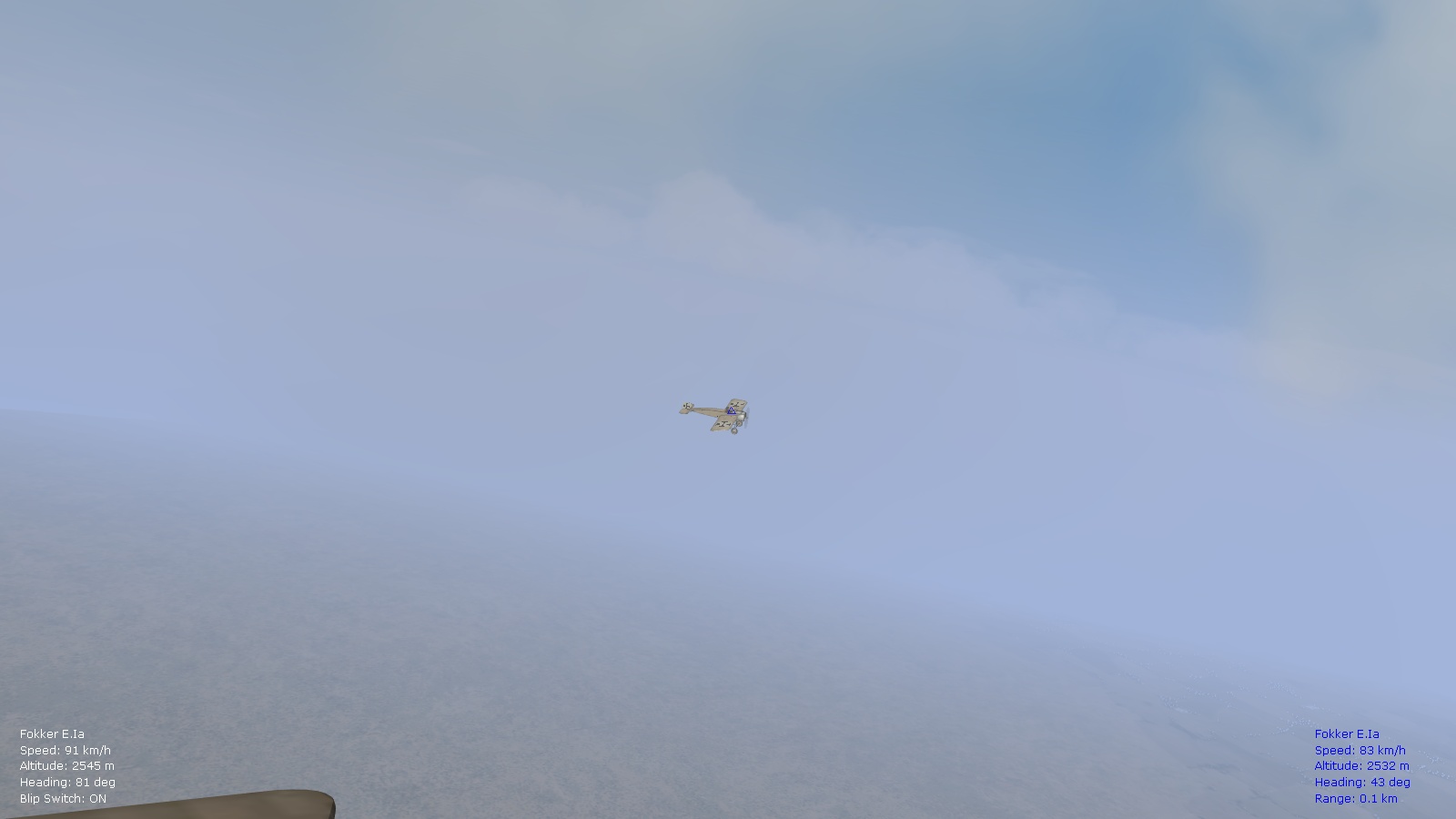
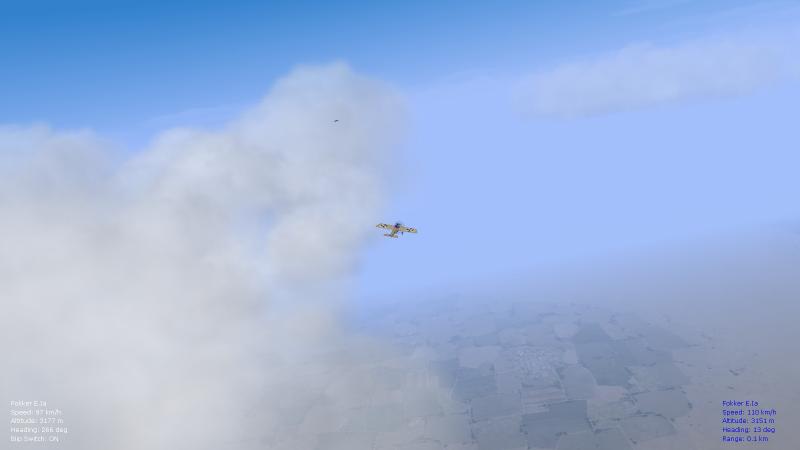
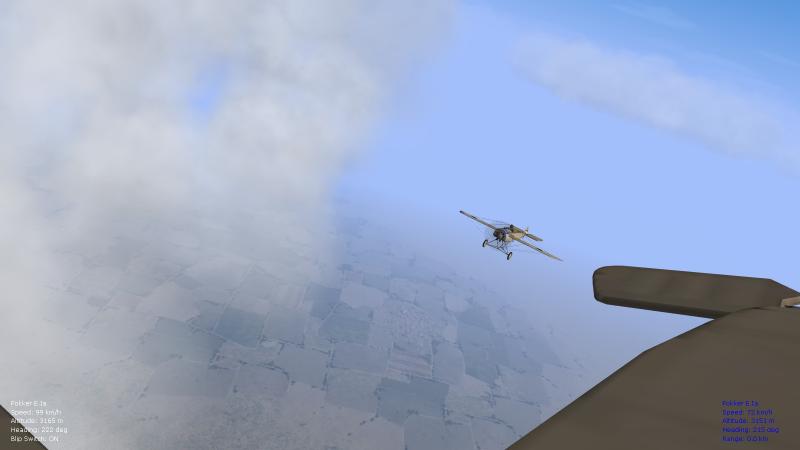
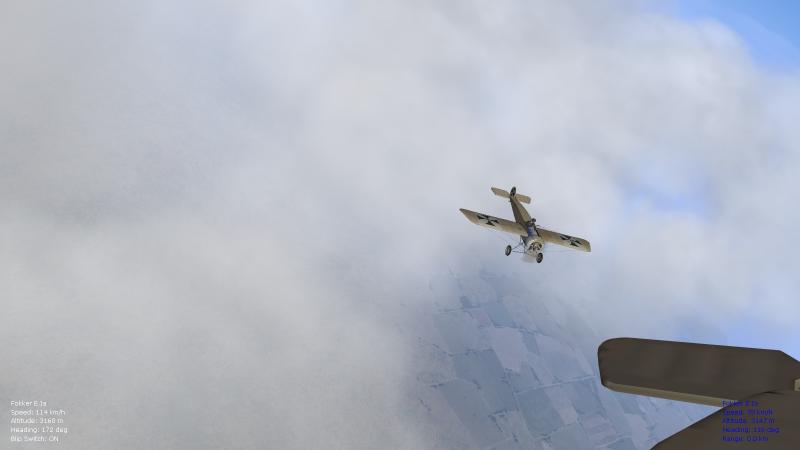
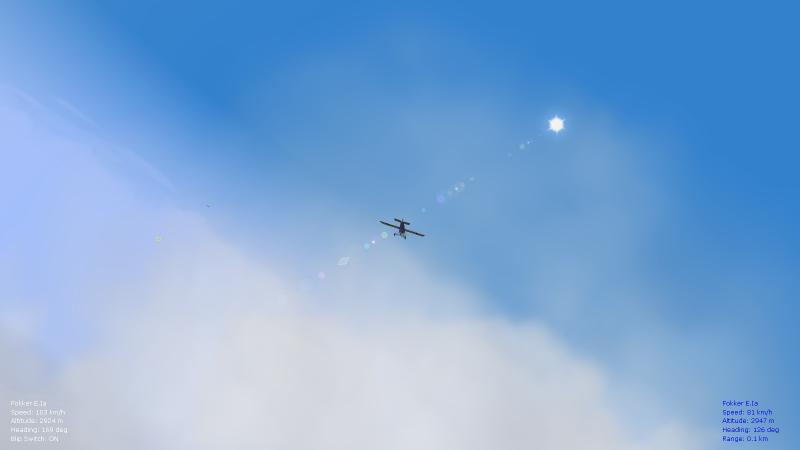
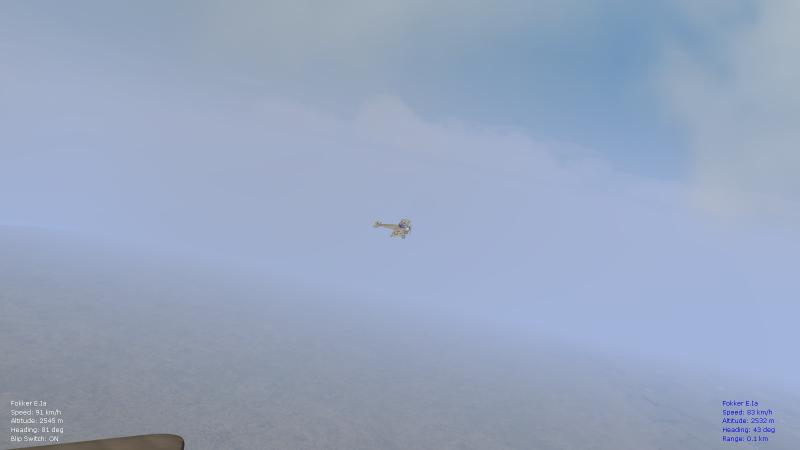
Did some "high-altitude" flying recently in the Fokk. E.Ia over the Palestine map with my flight after a successful mission, Jan. of '16, and sporting the new Trotskii skins for the Eindeckers. Managed to take a few snapshots of everything, with the simplified cloud/environsys setup (from the 8.6 FM update pack) that's good for higher frame rates on low-end systems - and I think it still looks good. What a flexible and beautiful flight sim. Happy flying, Von S
-

Moving clouds and different wind strengths and patterns
VonS replied to VonS's topic in General Discussion
Hi Von Oben, Glad to hear that you like the moving clouds idea - for the basewinddirection, I chose 280 degrees since that fits well with the dominant wind (westerly), blowing from the west, slightly north and from the west - that was to the advantage of German planes and a problem for Entente flyers trying to get back to their lines after a fight. The direction works well for most of the top-half of the globe, including the Eastern front. Here's a link to wind degrees: http://www.uni.edu/storm/Wind%20Direction%20slide.pdf Prevailing westerlies, from what I've read, should also be dominant for the mid-east theater since this accounts for the way that sand dunes/waves are whipped up - and most storms would be from the west too (with top speeds exceeding, sometimes, 30 or 40 m/s - as a base speed). Easterly winds also work for the mid-east theater (the Palestine map), but should be used less frequently, something like a 90 degree wind (for the base wind direction, from the east), and a base wind speed around 1.39 m/s with gusts, under the weather section, to about 10 m/s. Was testing the modified environmentsystem.ini files further and I'm happy so far with the modified results (using the latest tweaks suggested in my previous posts above). Parked on the airfield, I see nice, realistic cloud movement now - not too rough, but not too subtle either so as to remain unnoticeable. Was also testing the MSN files for custom missions and those seem to benefit from the same tweaks applied to the environsys.ini files. The relevant section of the MSN files (maybe the same type is used for campaigns too - didn't test for campaigns), is the following one: [Weather] WeatherType=SCATTERED WeatherAlt=4000.0 WeatherThickness=500.0 FogAmount=0.6 ContrailAlt=8000.0 StartWindDirection=180 StartWindSpeed=2.57222 WindGustingAmount=2.57222 I've modified that section in the MSN file to: [Weather] WeatherType=SCATTERED (this one can be changed of course to the weather you want) WeatherAlt=4600 WeatherThickness=460 // FogAmount=0.6 (I've edited this out, it can also be deleted - experiments with this did strange things with the clouds, sometimes putting them at ground or below ground level, better to let the fog amount entries in environsys.ini deal with this) ContrailAlt=9200 // StartWindDirection=180 (not needed, better to use basewinddirection in basewindsection) // StartWindSpeed=2.57222 (I edited this out because manipulation of the numbers would give ridiculously fast-moving clouds, better to use basewindspeed in the relevant section) WindGustingAmount=11.11 (this is a gust to 40 kph, can be modified of course, should always be kept under Weather section, never under basewindsection since there it has no effect from what I've been able to test) I included, in the MSN file, one of the tweaked [baseWindSection] entries included in the posts above. This then gives me more realistic cloud movement for custom-made missions too. Might be of use for tweaking campaign weather too, to follow this pattern of weather tweaks. What's also good about these tweaks is that they give more dynamic, moving smoke for burning trucks, also from ship smoke stacks. Happy flying, Von S- 4 replies
-
- 1
-

-
- cloud realism
- fe2
- (and 3 more)
-
Siege of Tsingtao?? Oct./Nov. of 1914?? Will require some Etrich Taubes for the Germans and Farman type 7 and 11's for the Japanese...I don't think there's a Taube available in the downloads...might be way off with my guess but I'm imagining some exotic locations for FE2 today. http://2.bp.blogspot.com/-yFCqwAG0QXg/VGDjcm4-0KI/AAAAAAAAGCo/eaVlRUNtxgw/s1600/Tsingtao,%2Bmap.gif https://davidderrick.files.wordpress.com/2009/11/qingdao_dot.png Happy flying, Von S
-
Moving clouds and different wind strengths and patterns
VonS replied to VonS's topic in General Discussion
More tinkering has led me to the following BaseWindSection entries as the best ones for realistic visuals of moving clouds. I've increased the wind speed amounts by 50kph for cloud-level winds, across the entries (now ranging from about 100kph for low-wind to 200 kph for strong-wind settings...this is for cloud-level stuff, to create realistic movement of clouds...the previous values were too slow by about 50kph). Also, I've toned down the "SpeedRate" values since this is possibly a multiplier, rather than a meters/sec value. At any rate the results look better now. Cloud movement is now visible to the eye (even at x1 time factor). Also, flack/smoke/fire movement is now more of a nice, serpentine "s" than a rough, zig-zag line in crosswinds. Only the BaseWindSection values have been modified. Here's what to paste into the environsys file (will include these with a ver. 8.9 update of the FMs). Moving clouds look particularly nice in overcast conditions, with a plane parked on the airfield. For no wind, use: [baseWindSection] BaseWindSpeed=0.0 BaseWindDirection=280 WindChange[01].ChangeTime=3.5 WindChange[01].ChangeChance=80 WindChange[01].SpeedAmount=31.95 WindChange[01].SpeedRate=3.12 WindChange[01].DirectionAmount=70.0 WindChange[01].DirectionRate=40.0 WindChange[02].ChangeTime=6.2 WindChange[02].ChangeChance=60 WindChange[02].SpeedAmount=36.11 WindChange[02].SpeedRate=4.44 WindChange[02].DirectionAmount=50.0 WindChange[02].DirectionRate=30.0 WindChange[03].ChangeTime=12.3 WindChange[03].ChangeChance=40 WindChange[03].SpeedAmount=40.28 WindChange[03].SpeedRate=5.78 WindChange[03].DirectionAmount=35.0 WindChange[03].DirectionRate=20.0 WindChange[04].ChangeTime=21.1 WindChange[04].ChangeChance=30 WindChange[04].SpeedAmount=44.45 WindChange[04].SpeedRate=6.12 WindChange[04].DirectionAmount=25.0 WindChange[04].DirectionRate=15.0 For light wind, use: [baseWindSection] BaseWindSpeed=4.17 BaseWindDirection=280 WindChange[01].ChangeTime=3.5 WindChange[01].ChangeChance=80 WindChange[01].SpeedAmount=38.89 WindChange[01].SpeedRate=5.00 WindChange[01].DirectionAmount=70.0 WindChange[01].DirectionRate=40.0 WindChange[02].ChangeTime=6.2 WindChange[02].ChangeChance=60 WindChange[02].SpeedAmount=41.67 WindChange[02].SpeedRate=5.56 WindChange[02].DirectionAmount=50.0 WindChange[02].DirectionRate=30.0 WindChange[03].ChangeTime=12.3 WindChange[03].ChangeChance=40 WindChange[03].SpeedAmount=47.22 WindChange[03].SpeedRate=6.66 WindChange[03].DirectionAmount=35.0 WindChange[03].DirectionRate=20.0 WindChange[04].ChangeTime=21.1 WindChange[04].ChangeChance=30 WindChange[04].SpeedAmount=52.78 WindChange[04].SpeedRate=7.78 WindChange[04].DirectionAmount=25.0 WindChange[04].DirectionRate=15.0 For moderate wind, use: [baseWindSection] BaseWindSpeed=6.94 BaseWindDirection=280 WindChange[01].ChangeTime=5.5 WindChange[01].ChangeChance=80 WindChange[01].SpeedAmount=44.45 WindChange[01].SpeedRate=6.12 WindChange[01].DirectionAmount=70.0 WindChange[01].DirectionRate=50.0 WindChange[02].ChangeTime=8.2 WindChange[02].ChangeChance=60 WindChange[02].SpeedAmount=47.22 WindChange[02].SpeedRate=6.66 WindChange[02].DirectionAmount=50.0 WindChange[02].DirectionRate=40.0 WindChange[03].ChangeTime=15.3 WindChange[03].ChangeChance=40 WindChange[03].SpeedAmount=55.56 WindChange[03].SpeedRate=8.34 WindChange[03].DirectionAmount=35.0 WindChange[03].DirectionRate=30.0 WindChange[04].ChangeTime=26.1 WindChange[04].ChangeChance=30 WindChange[04].SpeedAmount=59.72 WindChange[04].SpeedRate=9.66 WindChange[04].DirectionAmount=25.0 WindChange[04].DirectionRate=25.0 For strong wind, use: [baseWindSection] BaseWindSpeed=11.11 BaseWindDirection=280 WindChange[01].ChangeTime=5.5 WindChange[01].ChangeChance=80 WindChange[01].SpeedAmount=50.0 WindChange[01].SpeedRate=7.22 WindChange[01].DirectionAmount=70.0 WindChange[01].DirectionRate=50.0 WindChange[02].ChangeTime=8.2 WindChange[02].ChangeChance=60 WindChange[02].SpeedAmount=54.17 WindChange[02].SpeedRate=8.56 WindChange[02].DirectionAmount=50.0 WindChange[02].DirectionRate=40.0 WindChange[03].ChangeTime=15.3 WindChange[03].ChangeChance=40 WindChange[03].SpeedAmount=61.11 WindChange[03].SpeedRate=9.44 WindChange[03].DirectionAmount=35.0 WindChange[03].DirectionRate=30.0 WindChange[04].ChangeTime=26.1 WindChange[04].ChangeChance=30 WindChange[04].SpeedAmount=65.28 WindChange[04].SpeedRate=10.78 WindChange[04].DirectionAmount=25.0 WindChange[04].DirectionRate=25.0 The data under the [Weather] sections is the same as in my post from yesterday (no changes there). For those interested, general values are as follows across the files: no wind - 0kph wind with gusts to 5kph, light wind - 15kph with gusts to 40kph, moderate wind - 25kph with gusts to 60kph, strong wind - 40kph with gusts to 80kph (anything higher than that approximately and WWI aircraft would probably remain in the hangar for the day). Happy flying, Von S- 4 replies
-
- 5
-
-
- cloud realism
- fe2
- (and 3 more)
-
Moving clouds and different wind strengths and patterns
VonS replied to VonS's topic in General Discussion
Small correction to the notes above: 420 or 400 hPa should read as 580 or 600 hPa since hPa increases towards sea level (with lower alt.) - but this doesn't alter the weather "thickness" value for the modded files. Von S -
Hello fellow flyers, Thought I'd open a new thread for this topic...was studying the environmentsys.ini file further this weekend and stumbled upon a few interesting discoveries that help with realism in FE/FE2. Weather speed and patterns for custom missions and campaigns should be tweaked in the relevant MSN files for missions/campaigns, but for single missions here are some good values to use to increase challenges and realism in game. It also gives slowly moving clouds/cloud patterns - set the time factor to x8 while parked at an airfield to notice this, although at windy settings it is noticeable at normal time factor (x1) too. I'm including four zipped environmentsys.ini files, for no wind, light wind, moderate wind, and strong wind patterns. Make a backup of your default environmentsys.ini file before installing. These files can be used with the weather/cloud mods I included with the ver. 8.6 update of the FM pack (to improve frame rates on low-end graphics cards). If you are using the Panama Red environmentsys.ini, make a backup of the original, then make four copies of the file and paste in the following settings. For no wind, include under [Weather]: WeatherAlt=4600 WeatherThickness=460 ContrailAlt=9200 WindGustingAmount=1.39 And under [baseWindSection]: BaseWindSpeed=0.0 BaseWindDirection=280 WindChange[01].ChangeTime=3.5 WindChange[01].ChangeChance=80 WindChange[01].SpeedAmount=18.06 WindChange[01].SpeedRate=36.12 WindChange[01].DirectionAmount=70.0 WindChange[01].DirectionRate=40.0 WindChange[02].ChangeTime=6.2 WindChange[02].ChangeChance=60 WindChange[02].SpeedAmount=22.22 WindChange[02].SpeedRate=44.44 WindChange[02].DirectionAmount=50.0 WindChange[02].DirectionRate=30.0 WindChange[03].ChangeTime=12.3 WindChange[03].ChangeChance=40 WindChange[03].SpeedAmount=26.39 WindChange[03].SpeedRate=52.78 WindChange[03].DirectionAmount=35.0 WindChange[03].DirectionRate=20.0 WindChange[04].ChangeTime=21.1 WindChange[04].ChangeChance=30 WindChange[04].SpeedAmount=30.56 WindChange[04].SpeedRate=61.12 WindChange[04].DirectionAmount=25.0 WindChange[04].DirectionRate=15.0 For light wind, use: [Weather] WeatherAlt=4600 WeatherThickness=460 ContrailAlt=9200 WindGustingAmount=11.11 [baseWindSection] BaseWindSpeed=4.17 BaseWindDirection=280 WindChange[01].ChangeTime=3.5 WindChange[01].ChangeChance=80 WindChange[01].SpeedAmount=25.00 WindChange[01].SpeedRate=50.00 WindChange[01].DirectionAmount=70.0 WindChange[01].DirectionRate=40.0 WindChange[02].ChangeTime=6.2 WindChange[02].ChangeChance=60 WindChange[02].SpeedAmount=27.78 WindChange[02].SpeedRate=55.56 WindChange[02].DirectionAmount=50.0 WindChange[02].DirectionRate=30.0 WindChange[03].ChangeTime=12.3 WindChange[03].ChangeChance=40 WindChange[03].SpeedAmount=33.33 WindChange[03].SpeedRate=66.66 WindChange[03].DirectionAmount=35.0 WindChange[03].DirectionRate=20.0 WindChange[04].ChangeTime=21.1 WindChange[04].ChangeChance=30 WindChange[04].SpeedAmount=38.89 WindChange[04].SpeedRate=77.78 WindChange[04].DirectionAmount=25.0 WindChange[04].DirectionRate=15.0 For moderate wind, use: [Weather] WeatherAlt=4600 WeatherThickness=460 ContrailAlt=9200 WindGustingAmount=16.67 [baseWindSection] BaseWindSpeed=6.94 BaseWindDirection=280 WindChange[01].ChangeTime=5.5 WindChange[01].ChangeChance=80 WindChange[01].SpeedAmount=30.56 WindChange[01].SpeedRate=61.12 WindChange[01].DirectionAmount=70.0 WindChange[01].DirectionRate=50.0 WindChange[02].ChangeTime=8.2 WindChange[02].ChangeChance=60 WindChange[02].SpeedAmount=33.33 WindChange[02].SpeedRate=66.66 WindChange[02].DirectionAmount=50.0 WindChange[02].DirectionRate=40.0 WindChange[03].ChangeTime=15.3 WindChange[03].ChangeChance=40 WindChange[03].SpeedAmount=41.67 WindChange[03].SpeedRate=83.34 WindChange[03].DirectionAmount=35.0 WindChange[03].DirectionRate=30.0 WindChange[04].ChangeTime=26.1 WindChange[04].ChangeChance=30 WindChange[04].SpeedAmount=45.83 WindChange[04].SpeedRate=91.66 WindChange[04].DirectionAmount=25.0 WindChange[04].DirectionRate=25.0 For strong wind, use: [Weather] WeatherAlt=4600 WeatherThickness=460 ContrailAlt=9200 WindGustingAmount=22.22 [baseWindSection] BaseWindSpeed=11.11 BaseWindDirection=280 WindChange[01].ChangeTime=5.5 WindChange[01].ChangeChance=80 WindChange[01].SpeedAmount=36.11 WindChange[01].SpeedRate=72.22 WindChange[01].DirectionAmount=70.0 WindChange[01].DirectionRate=50.0 WindChange[02].ChangeTime=8.2 WindChange[02].ChangeChance=60 WindChange[02].SpeedAmount=40.28 WindChange[02].SpeedRate=80.56 WindChange[02].DirectionAmount=50.0 WindChange[02].DirectionRate=40.0 WindChange[03].ChangeTime=15.3 WindChange[03].ChangeChance=40 WindChange[03].SpeedAmount=47.22 WindChange[03].SpeedRate=94.44 WindChange[03].DirectionAmount=35.0 WindChange[03].DirectionRate=30.0 WindChange[04].ChangeTime=26.1 WindChange[04].ChangeChance=30 WindChange[04].SpeedAmount=51.39 WindChange[04].SpeedRate=102.78 WindChange[04].DirectionAmount=25.0 WindChange[04].DirectionRate=25.0 The weather alt. value is typical of max. height of weather kites (2000-3000 meters) and weather balloons (3000-4500 meters) of the WWI period. 500 hPa (of modern weather forecasts) is at 5500 meters, 1000 hPa is at sea-level or slightly below ground depending on terrain. Typical WWI measurements would be to about 400 or 420 hPa if you look at the ceilings of the kites and balloons, which is about 4600 m alt. Weather "thickness" (a confusing entry that took me a while to figure out) is thus distance between 420 hPa and 1000 hPa, with the last zero removed from the value, giving 460. (For WWII and jet-age, use higher values for thickness, basically the weather alt. value with the final zero taken off, such as 1000 thickness for 10000 meters alt., 600 for 6000 meters alt. and so on.) Some of the effects of the modded environmentsys files are subtle, but improve realism. I did a few more ground loops than usual in a Fokk. E.IIa while trying to take off, with the moderate wind settings, especially if blipping the rotary engine off too frequently or not frequently enough - perhaps the result of wind gusts. Also, at moderate and strong wind settings, I found it more difficult to hit anything in a dogfight. You'll also notice that at higher wind settings, archie bursts and smoke trails, also engine exhausts tend to drift from time to time, or have zig-zag patterns. Will include these mods with a ver. 8.9 update of the FM pack. Happy flying, Von S
- 4 replies
-
- 4
-
-
- cloud realism
- fe2
- (and 3 more)
-
FE2 Individual Aircraft Missing Numbers/Letters Issue
VonS replied to Mike Dora's topic in General Discussion
Thank you for this info. Quack. I've also noticed these peculiarities as Mike stated - especially obvious with the Nieu. 17/23 types, sometimes they are missing wing numbers and tail/fuselage numbers - always wondered why that was. Von S -
Hello friend, A couple of dozen planes used in FE/FE2 are not available in the downloads section on the FE forums here. For those planes, including the HP.400, go to the A-Team Skunkworks website and register there to download them. Happy flying, Von S
-
Quick follow-up to my post above...noticed today that I didn't cycle through all 8 waypoints before "telling" the other Farmans to return to base - the circling was probably the result of a Farman flying above one of the earlier waypoints...retested today and the problem was no longer there. Happy flying, Von S
-
A lovely model...currently tweaking the FM for it, and the other Farmans. One strange phenomenon that I have for the HF.20 is that it doesn't respond to the input to "return to base" (it ends up doing circles instead)... perhaps there is a simple solution in the data ini for this but I haven't come across it...the other Farmans don't display this oddity. Happy flying (and thank you for the beautiful models Stephen), Von S