Nyghtfall
-
Posts
976 -
Joined
-
Last visited
-
Days Won
20
Content Type
Profiles
Forums
Gallery
Downloads
Store
Everything posted by Nyghtfall
-
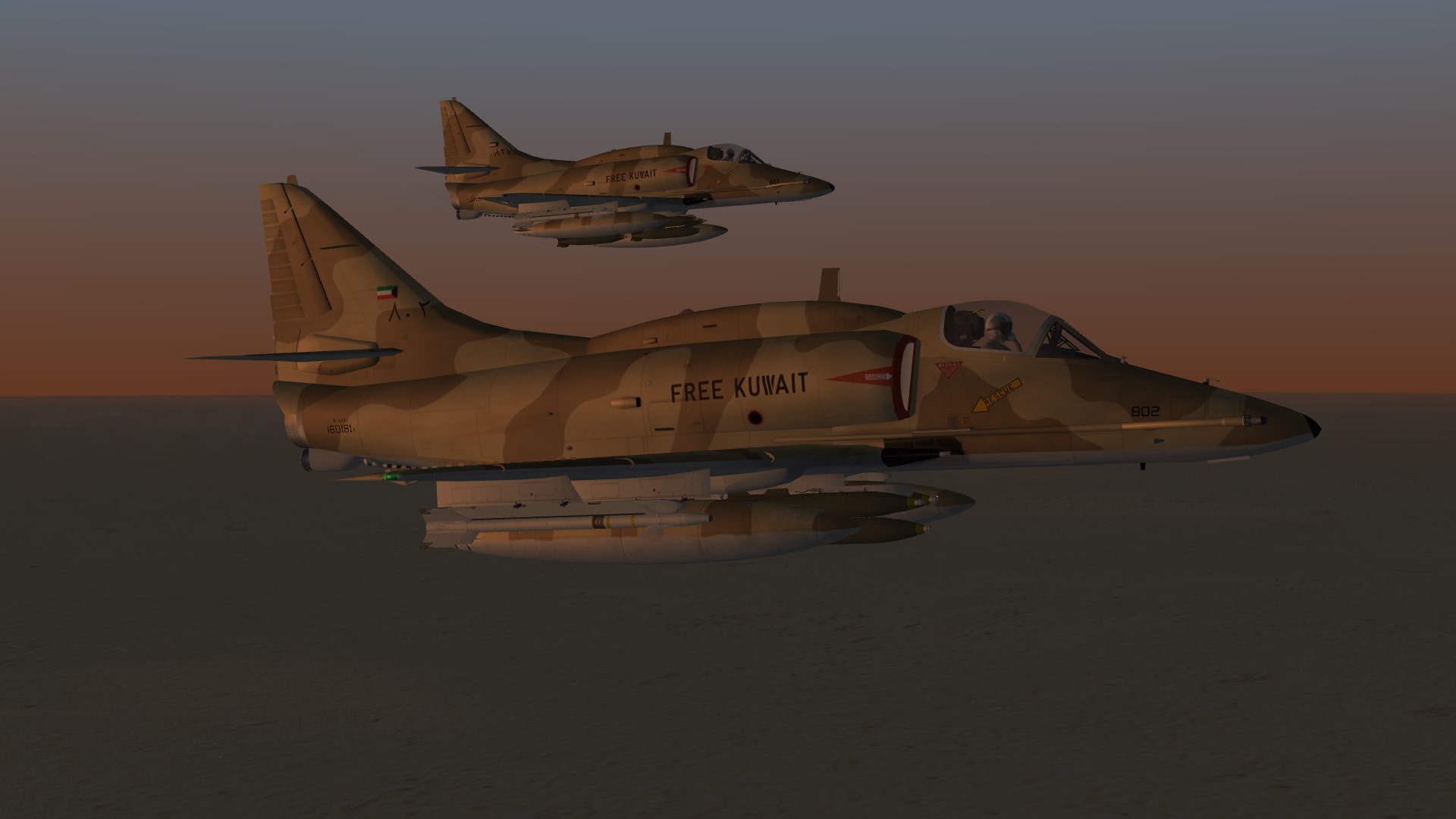
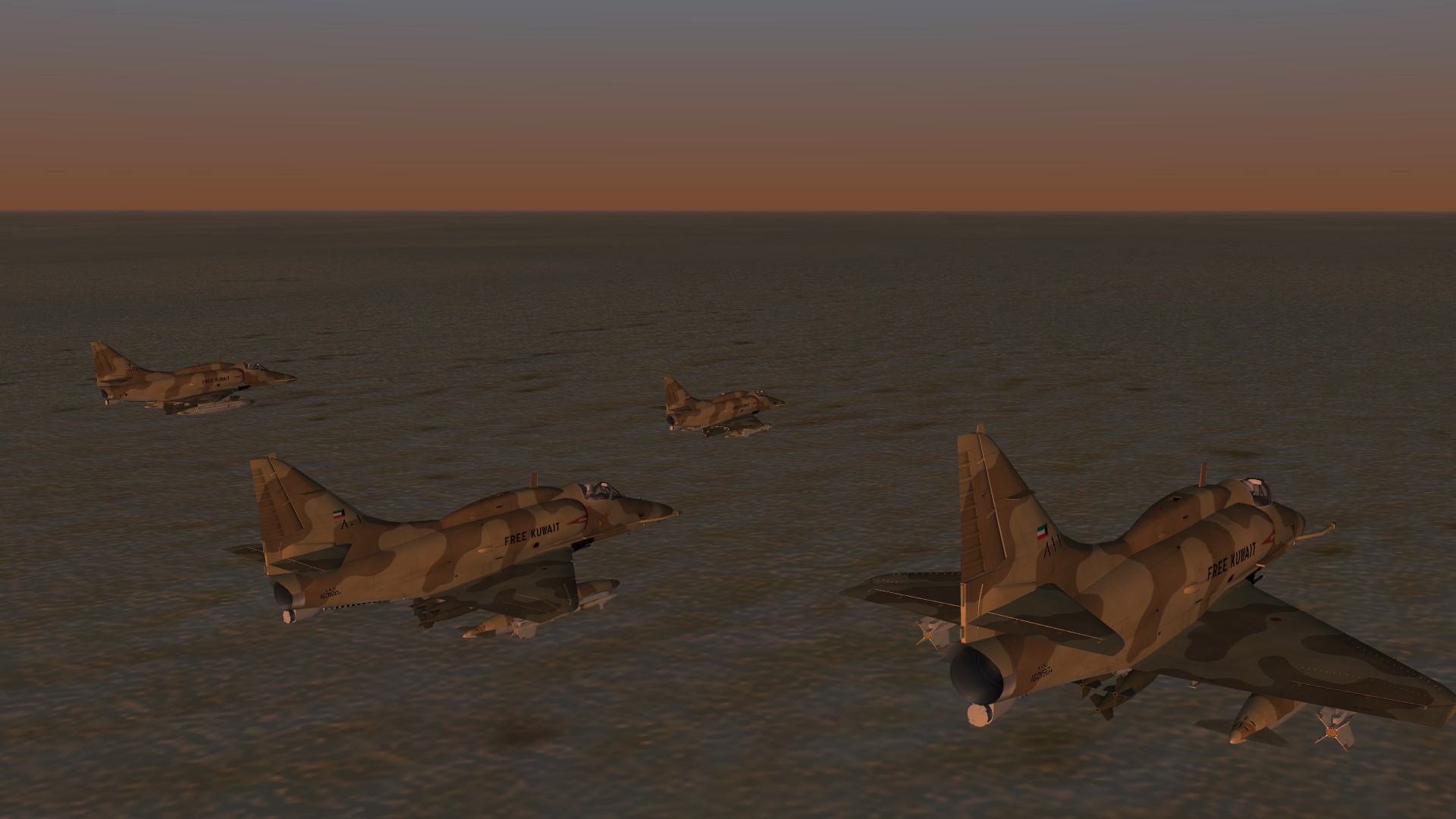
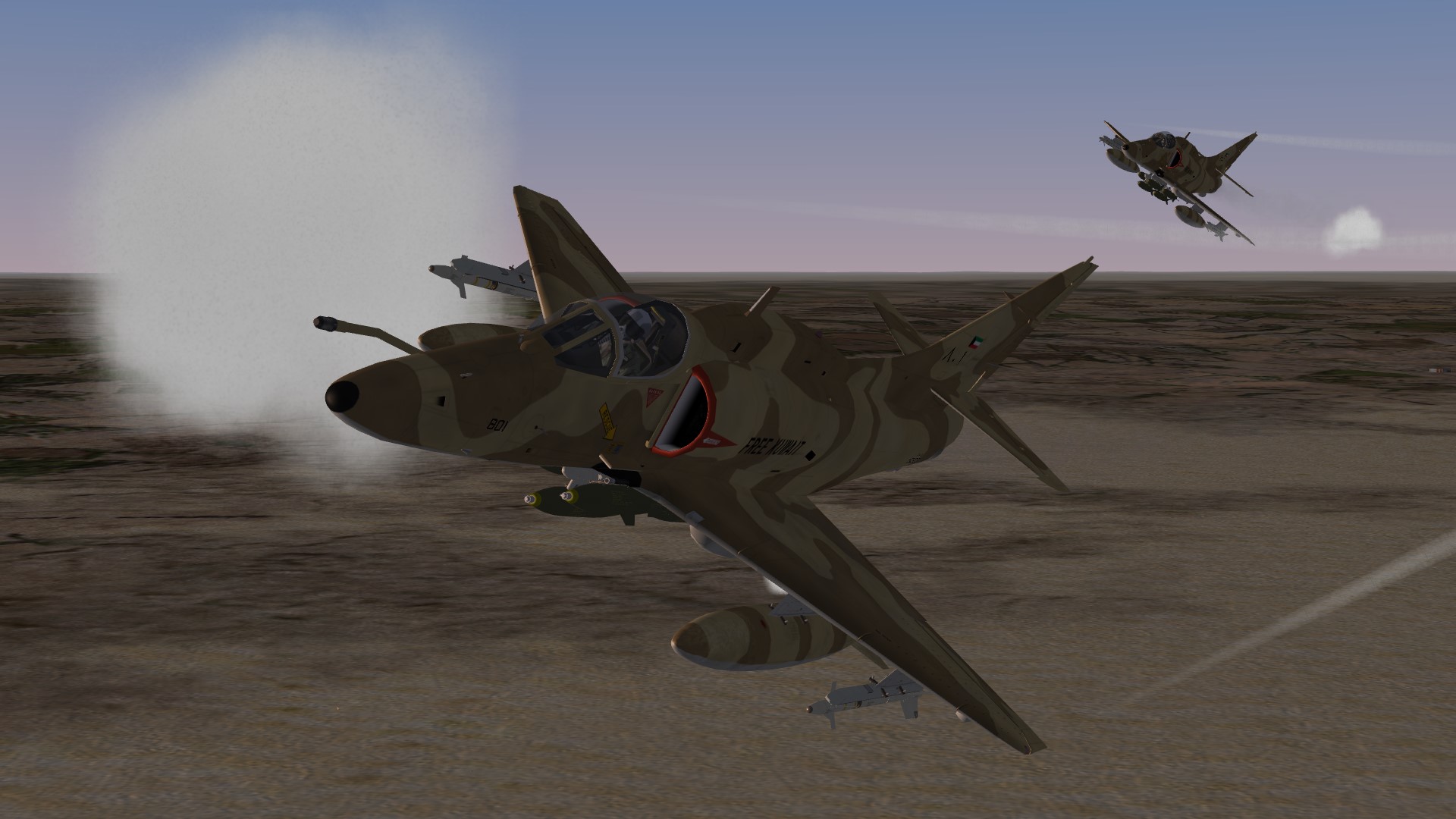
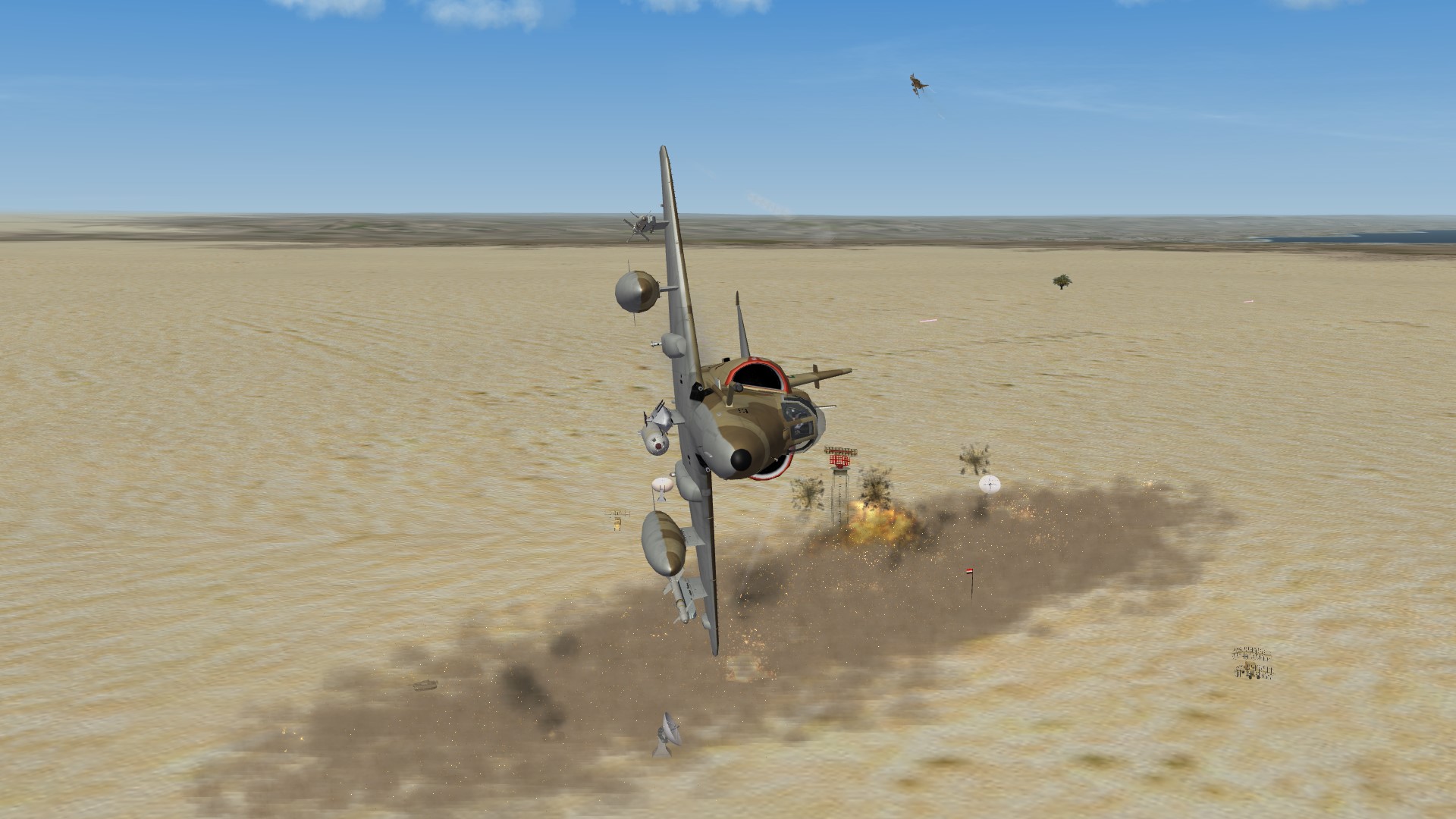
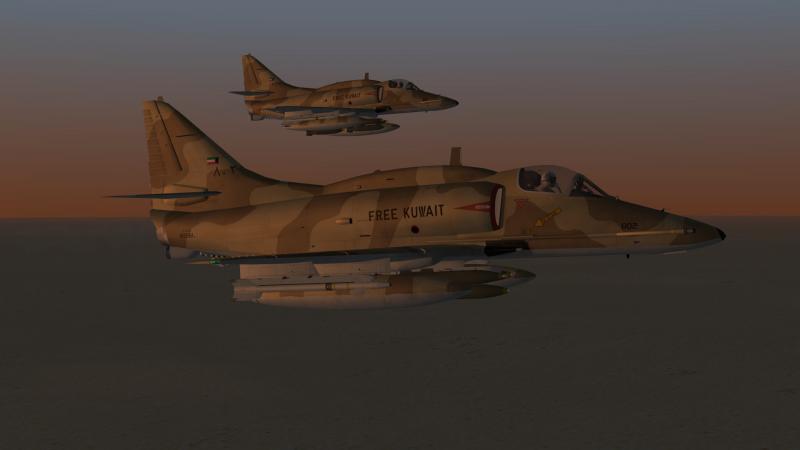
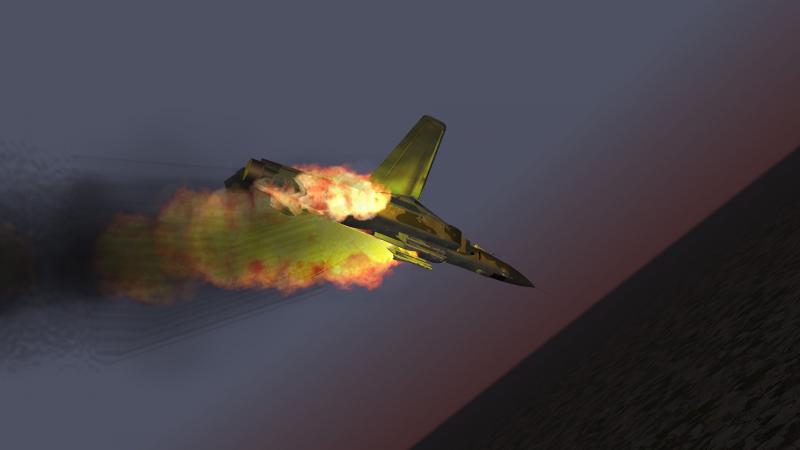
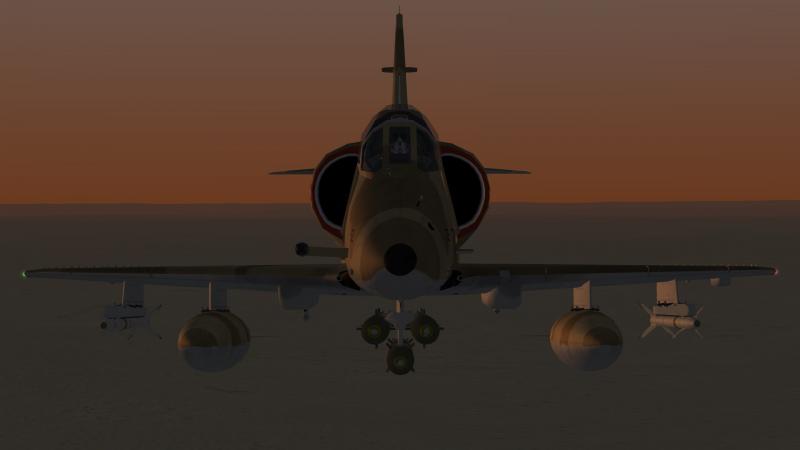
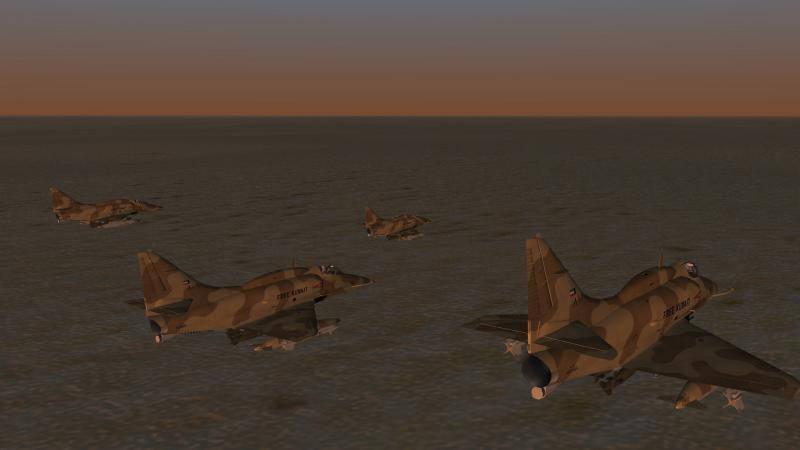
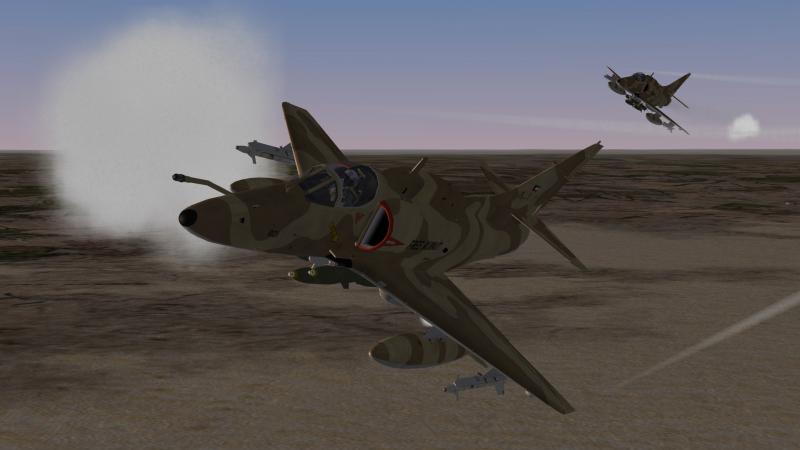
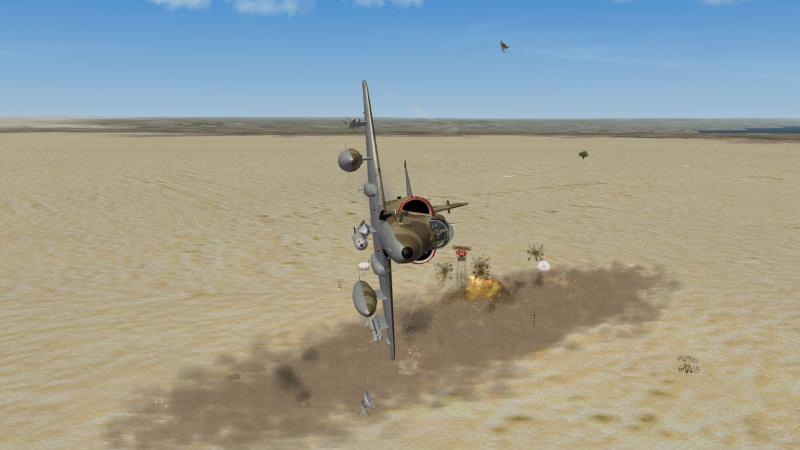
Small, but mighty - some desert action!
-
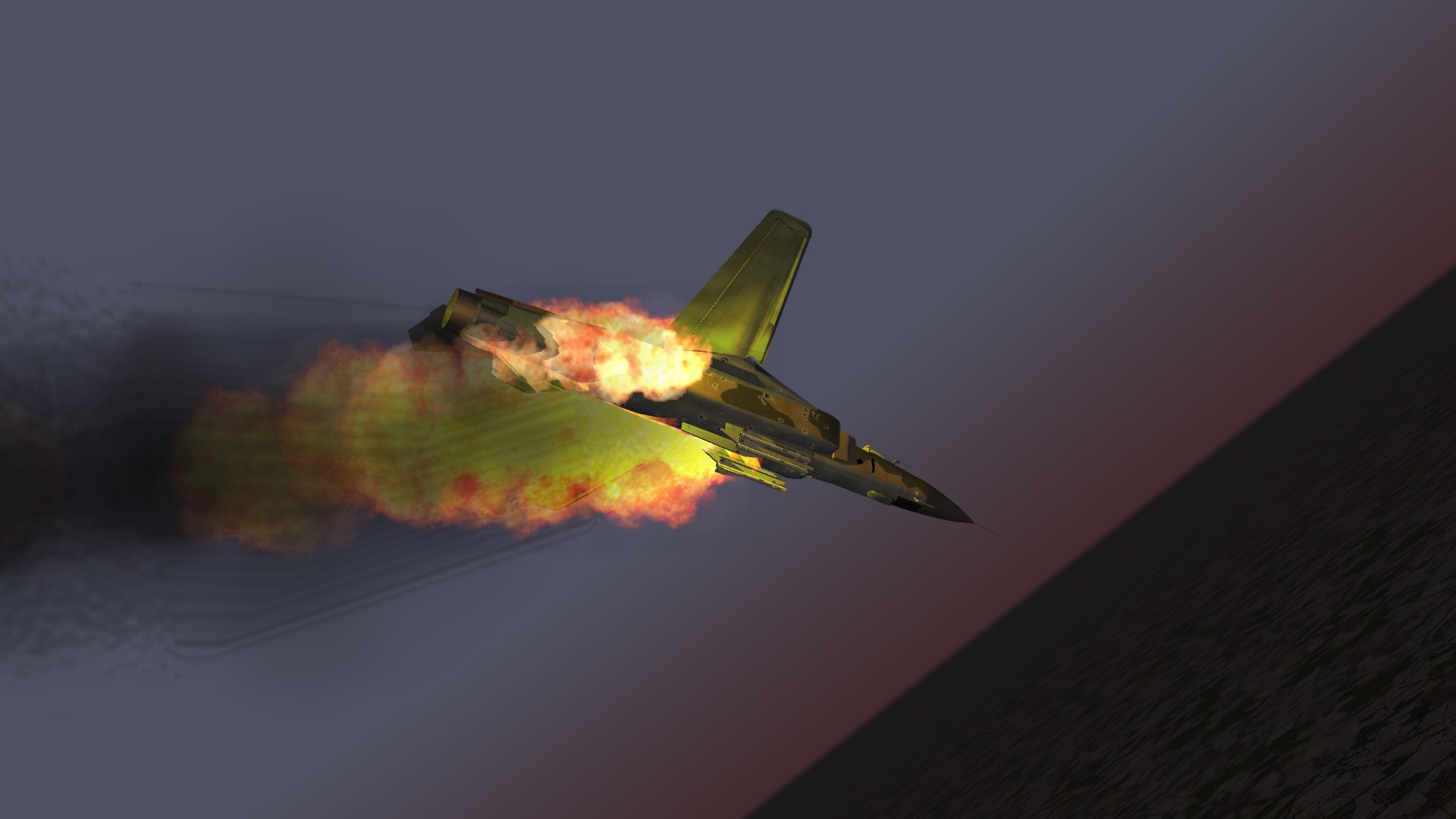
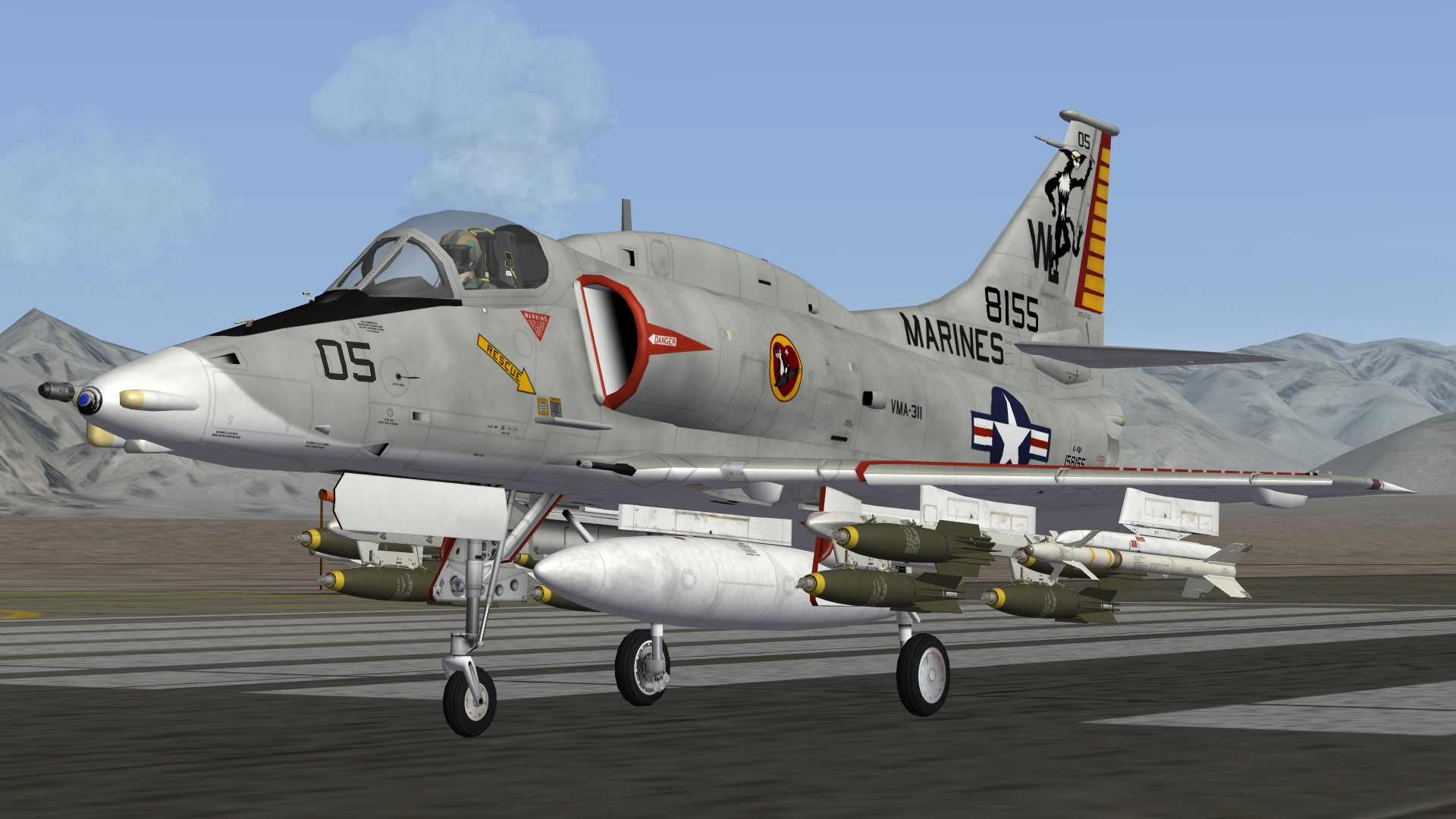
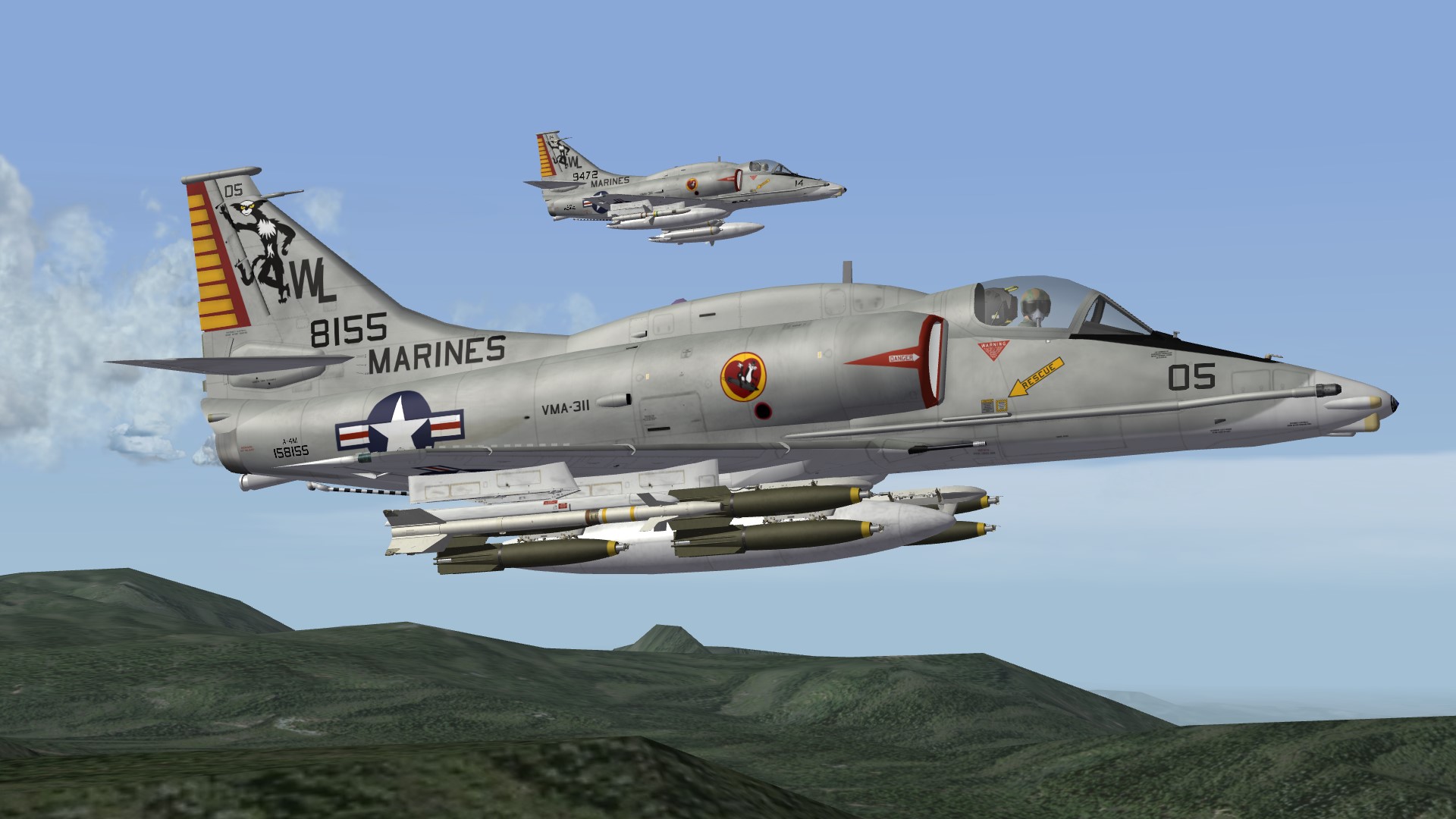
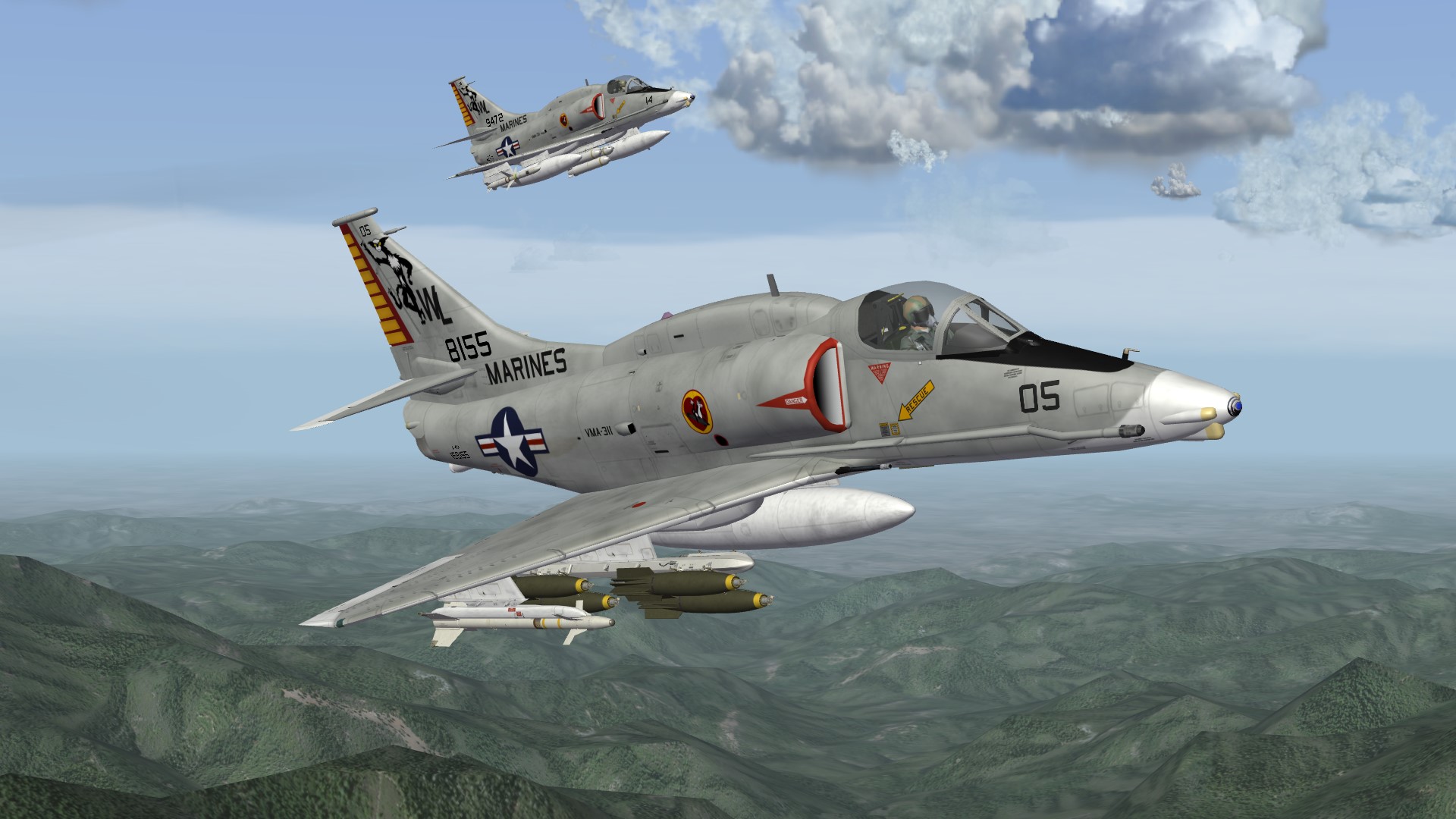
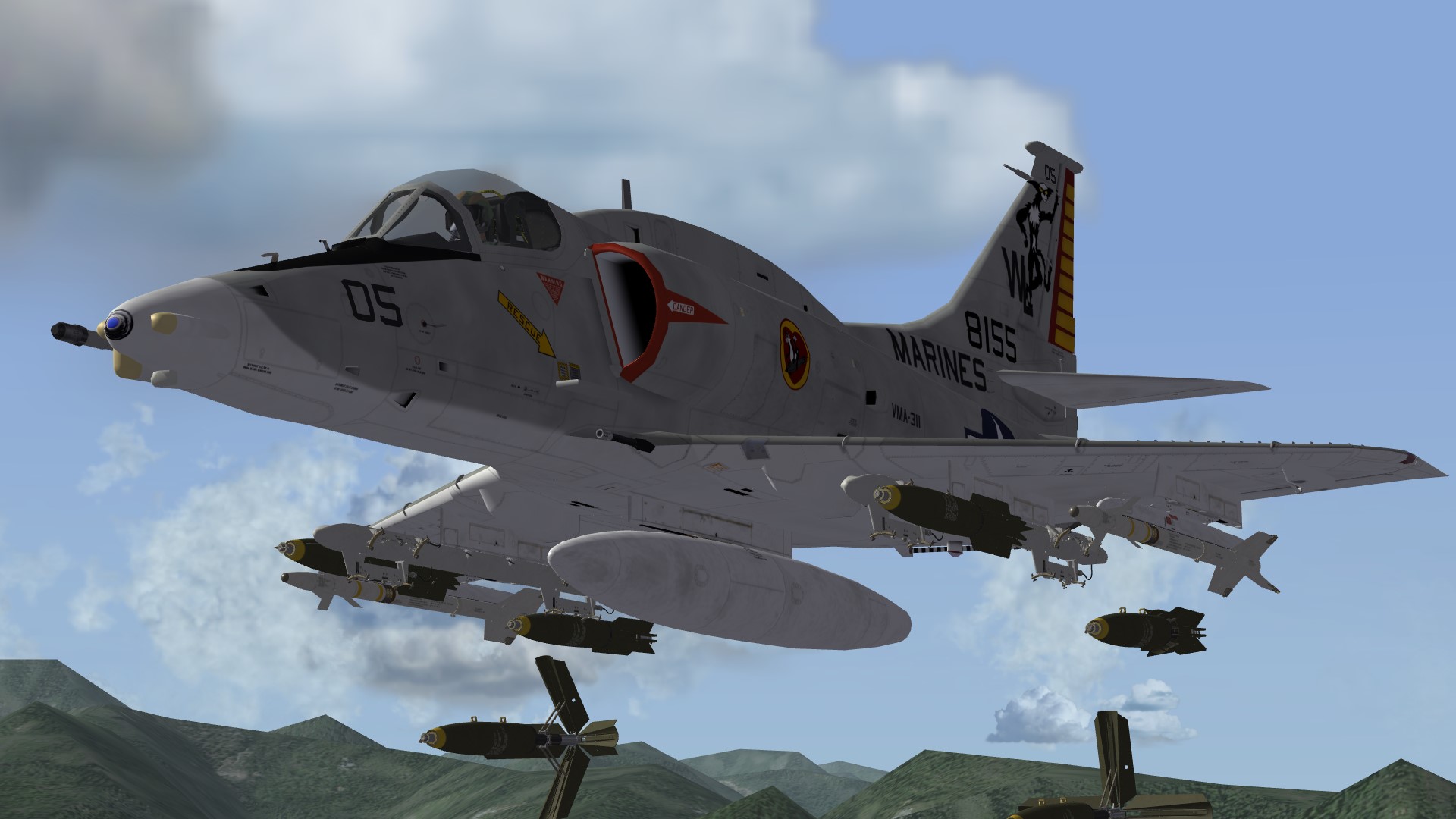
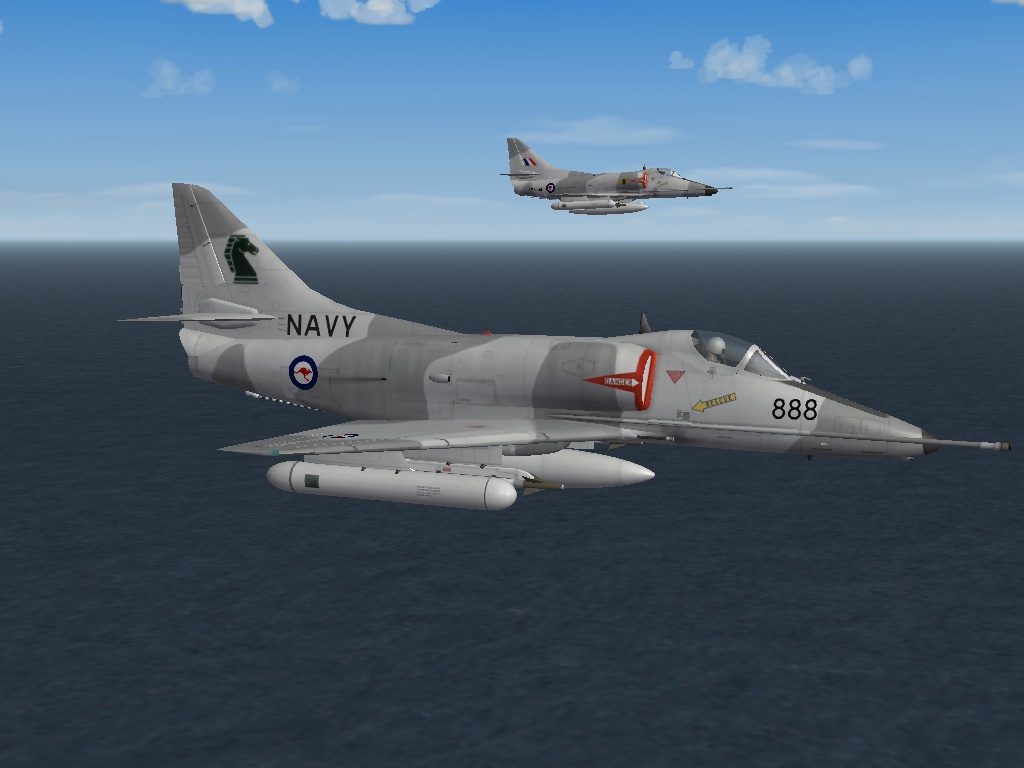
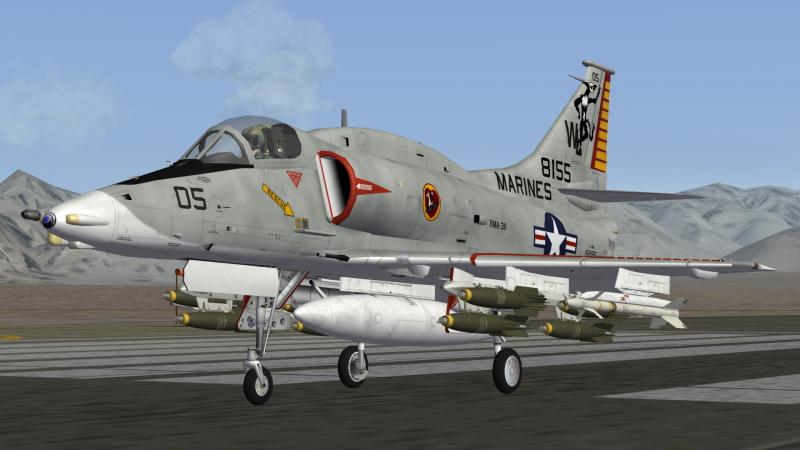
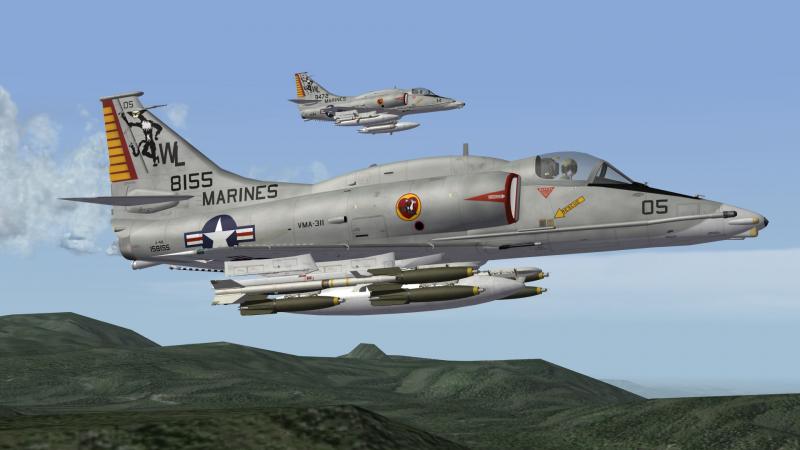
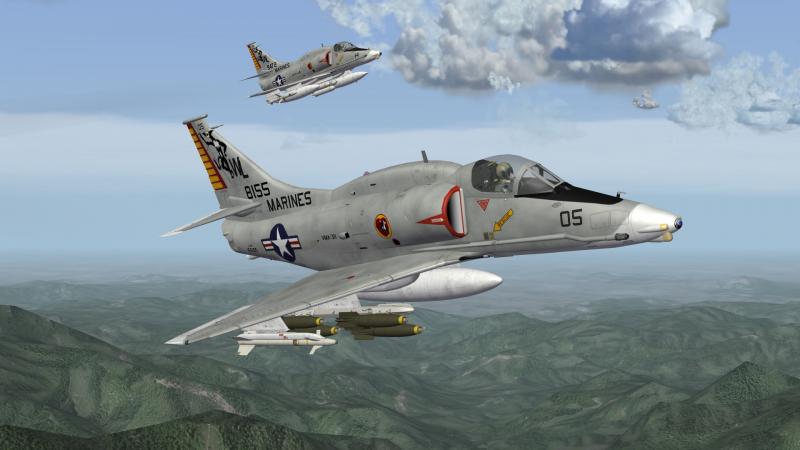
Some more "Tomcats" EDIT: Of course VMA-311 Tomcats are a MARINES-squadron rather than a NAVY-one....Sorry for such a mistake and thanks Killerbee for mentioning it!
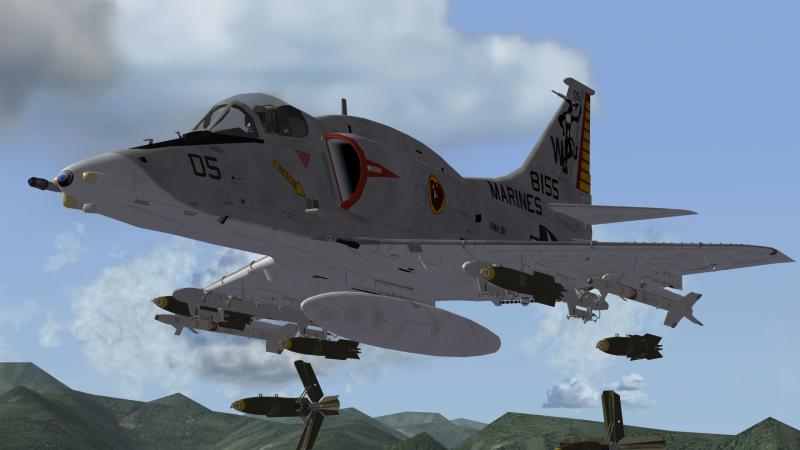
-
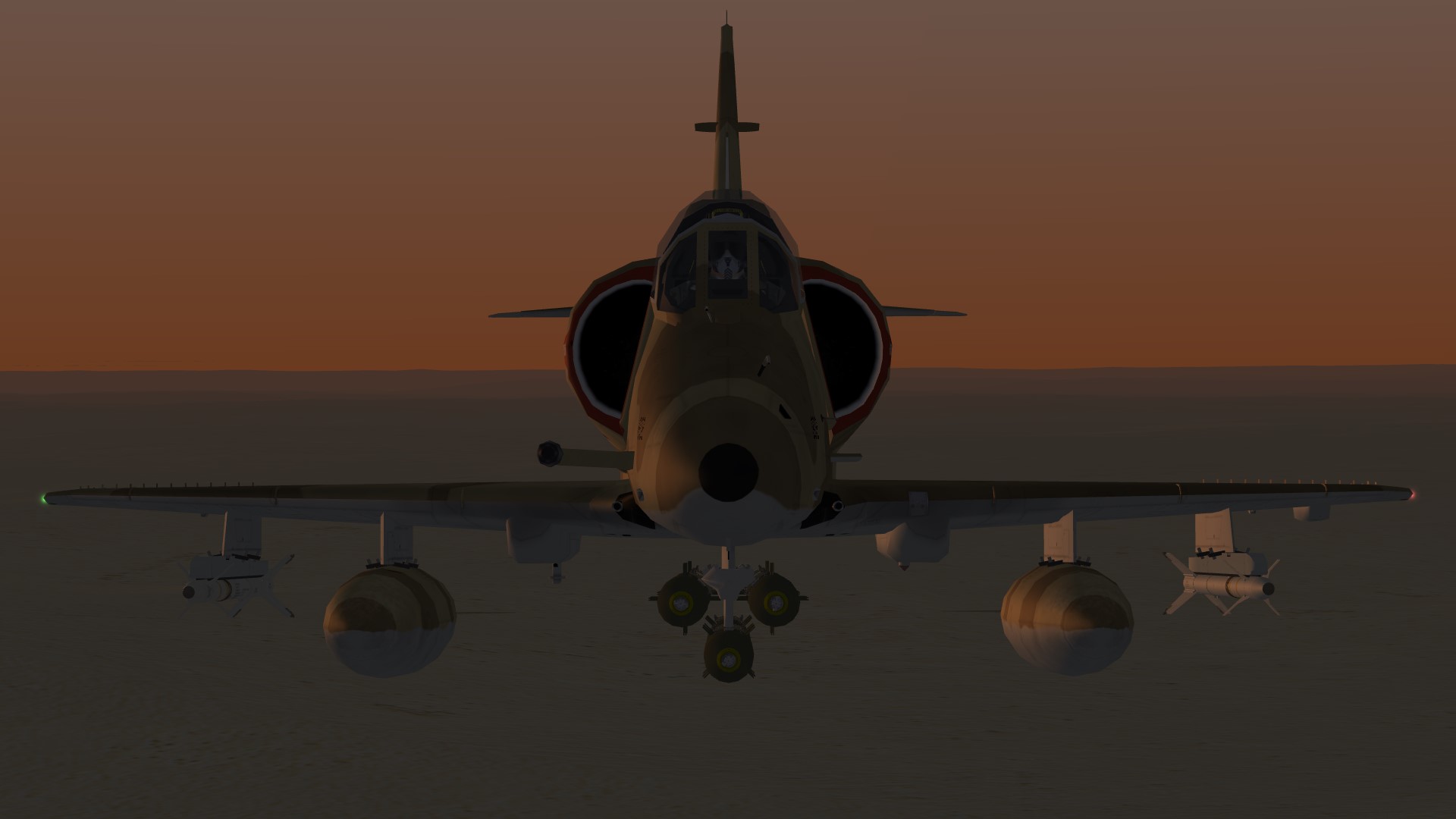
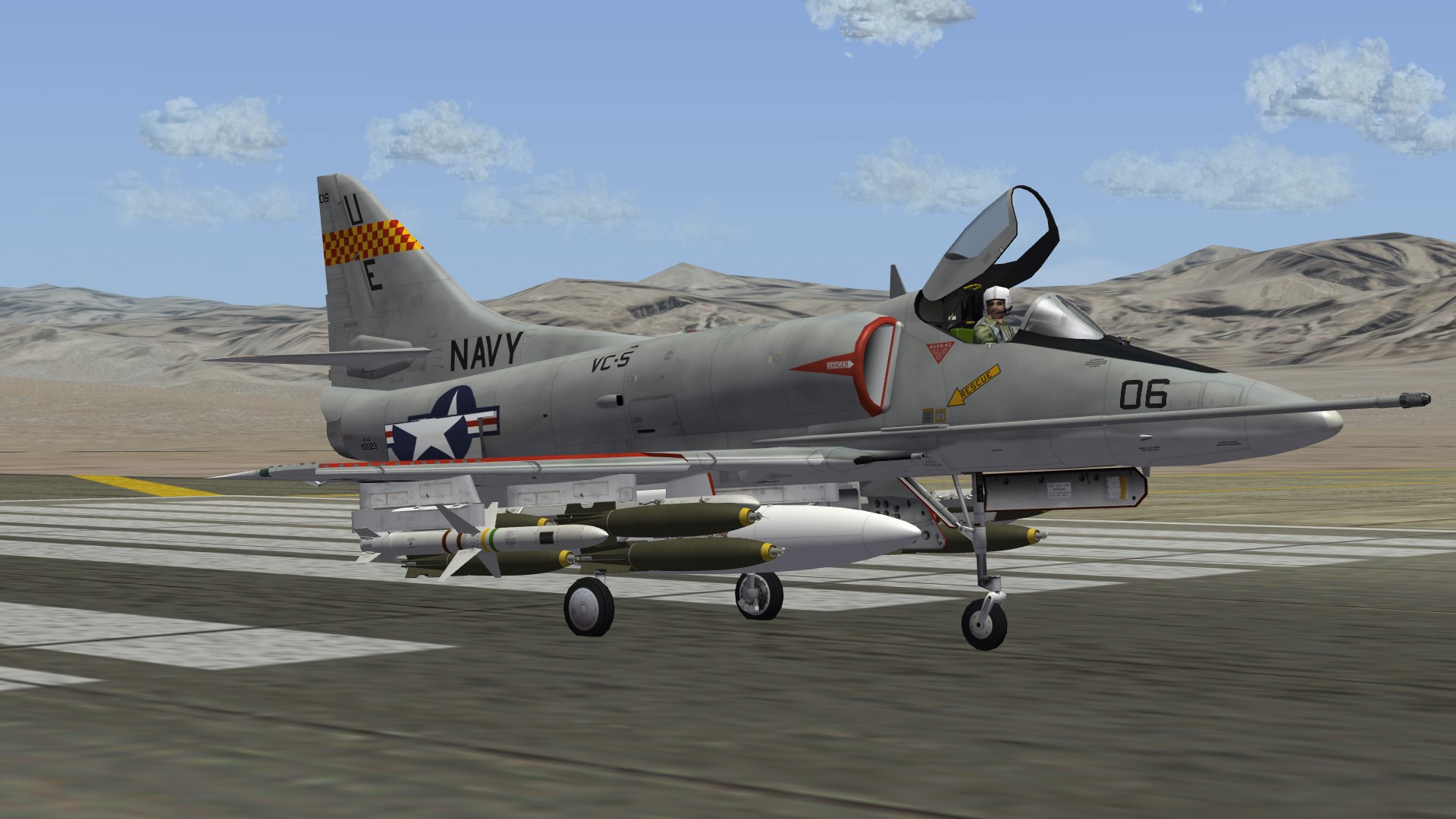
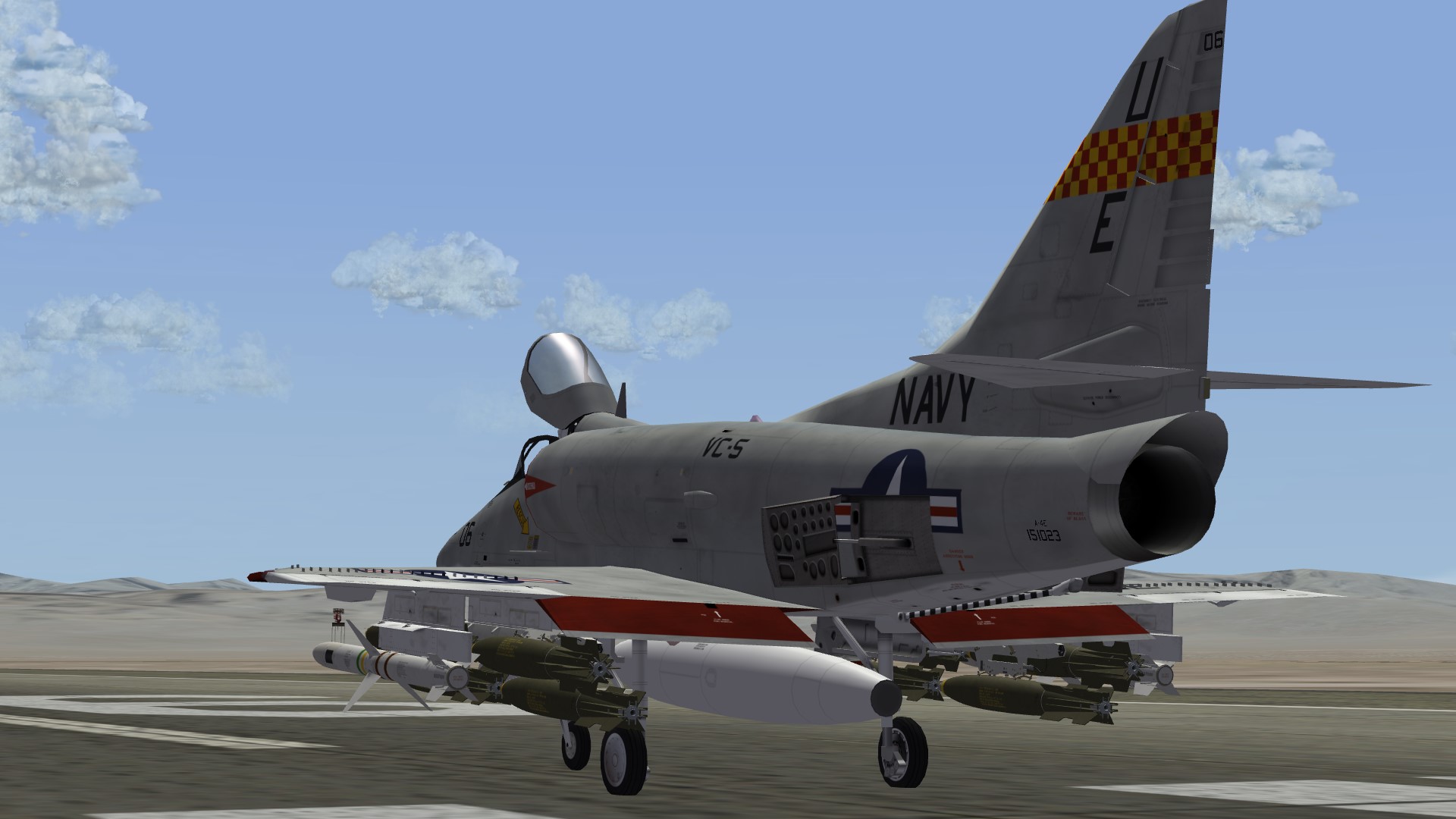
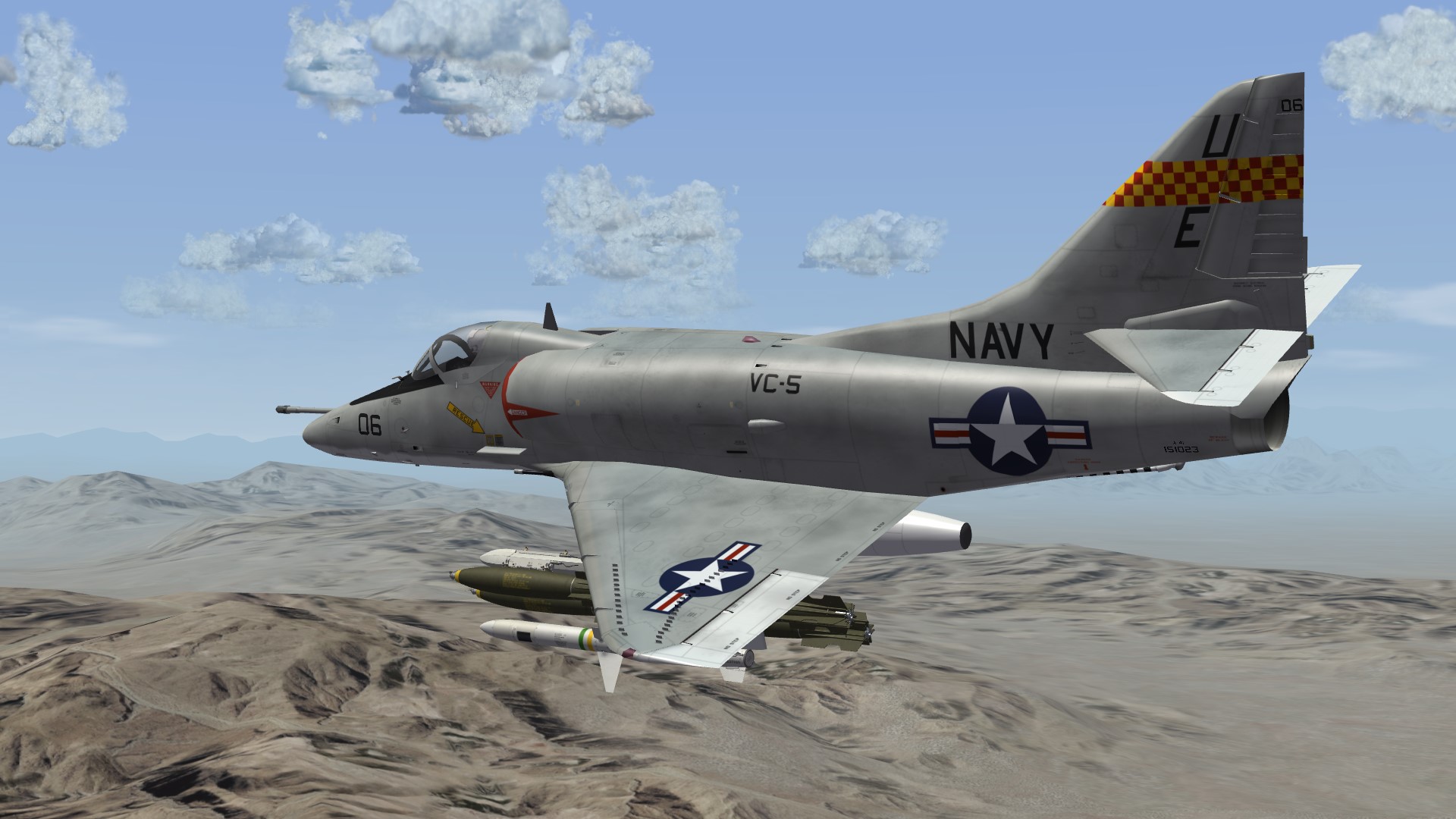
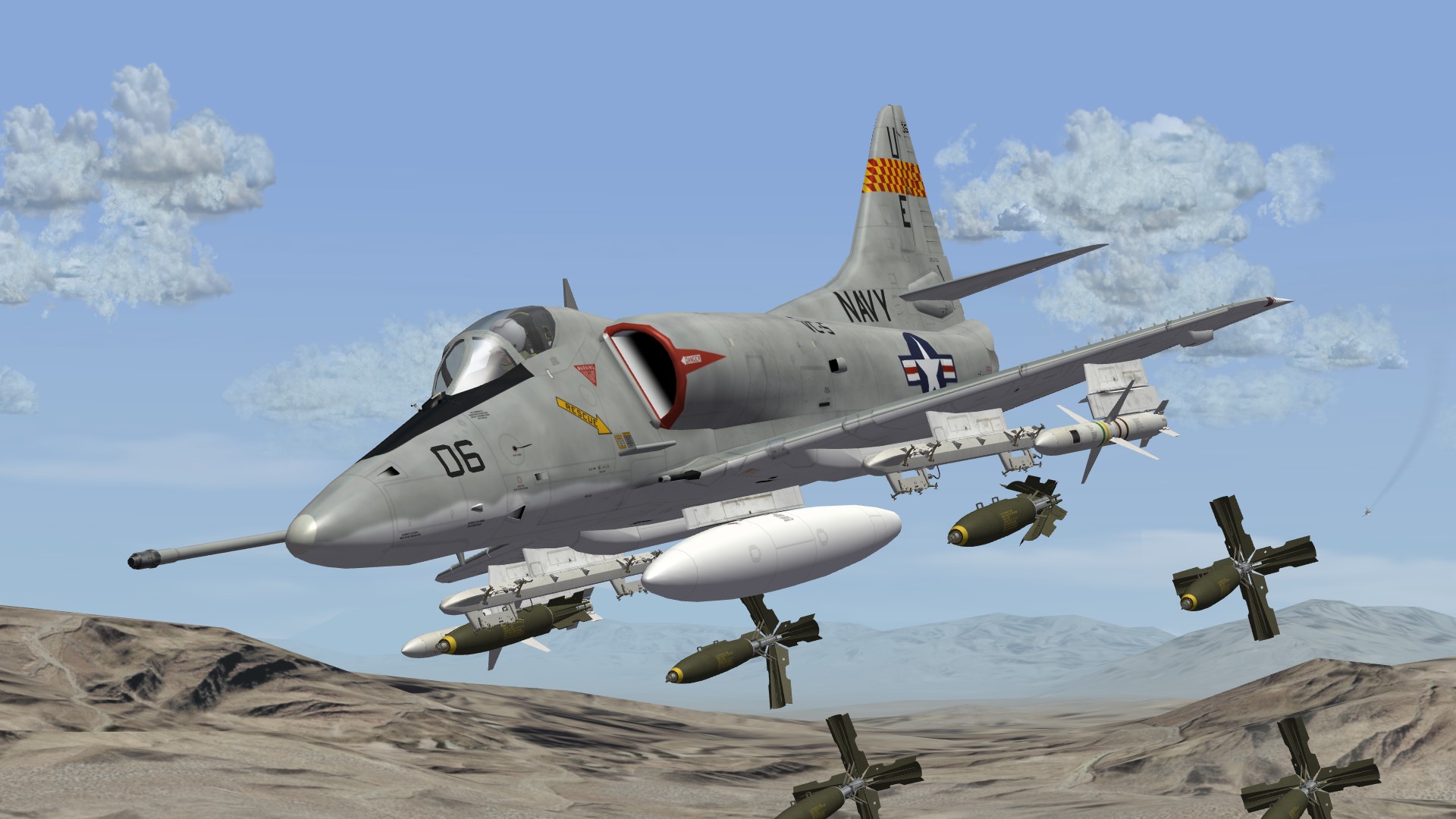
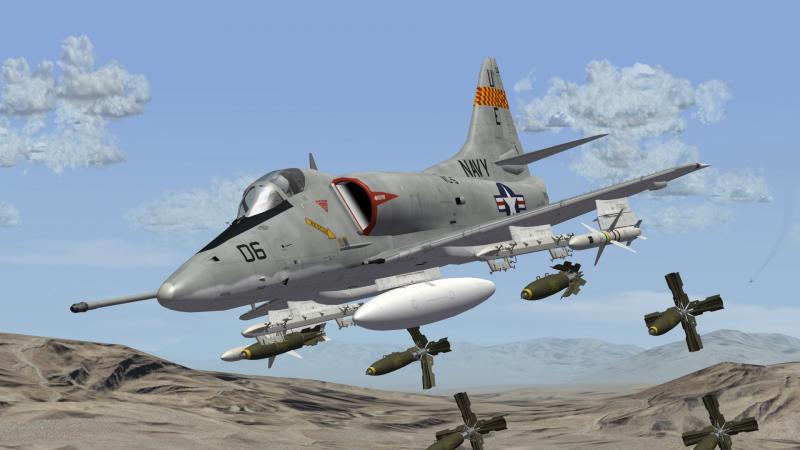
Checkertails in action!
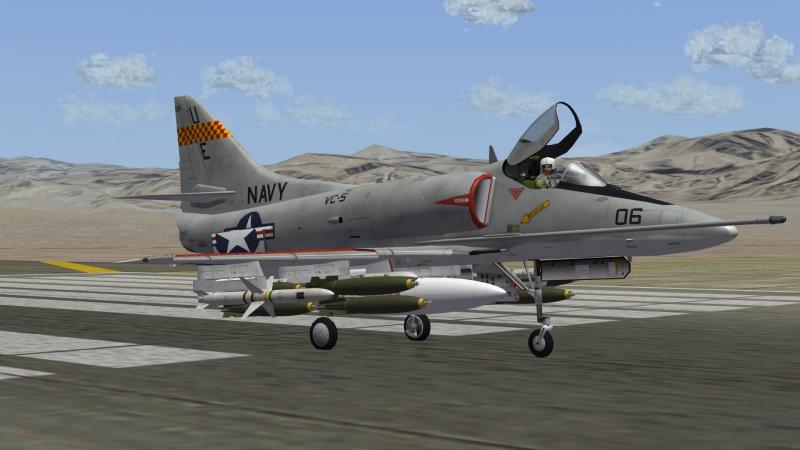
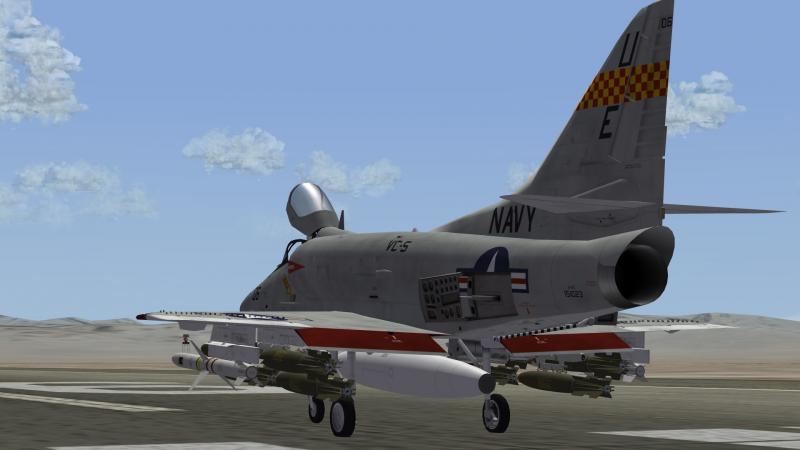
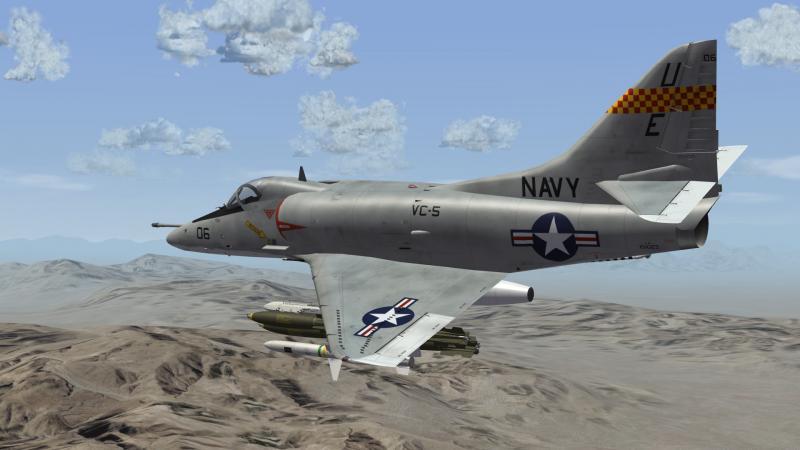
-
I'd say let the exporter-developer decide which program to use...the easiest to create exporter (if one can say this) it will be. The only prerequisite would be, that the program has to be free. Otherwise I'd vote for Blender, but can live with any decision.
-
Good to hear that. Maybe I should finally switch to a more modern pictureviewer. :)
-
You can use different methods, to get rid of it. variant 1 (original TW style): use a black background and use the alpha-layer for the actual numbers only. variant 2: use whatever background you want (I usually use colors similar to camoflage-colors), paint the number in black and make the alpha-layer a bit smaller than the painted number. I recommend using a larger font size and resize the .tga later. With small fontsizes making the alpha-layer smaller by 1 or 2px may distort the number or letter. It's basically v1, but you can see whats in the picture with every pictureviewer. In v1 you often only see a black picture. If needed, I can do some quick reference file for v2.
-
I don't believe in an official exporter update by TK for any price at all, judging from his treatment of the modding community in the past years. But who knows, maybe someone with a good connection to him would be able to get at least a number from him....not sure who that person could be though.
-
Blender on Windows has a strange operating philosophy....many things that are standard in Windows (shortcuts, etc.) simply don't work the way you would expect them to do. So the best used feature of it is the undo-button. But you get used to it somehow, if you regularly work with it. The idea of paying mue for new exporters instead of TK is a very good one! I guess his price would be much fairer than TKs. ;)
-
In my opinion, this is one of the essential things to solve for medium/long term. There will possibly always be 3D-guys around in SF2. I'm pretty sure though, that their number will not increase over time, if things are bound to 3dMax2009-32bit, as time (and IT) moves on. Helpful people are great, but you cannot always count on the good will of a decreasing number of 3D-guys, that want to to their own stuff too. Sometimes, things are solved by trial and error, which is also very difficult to do, if you don't own the exact 3dMax version. Just my 2c
-
Thanks Crusader, these are great tweaks! I especially like the spoiler-solution. I will update the CockpitRepaint-pack this weekend.
-
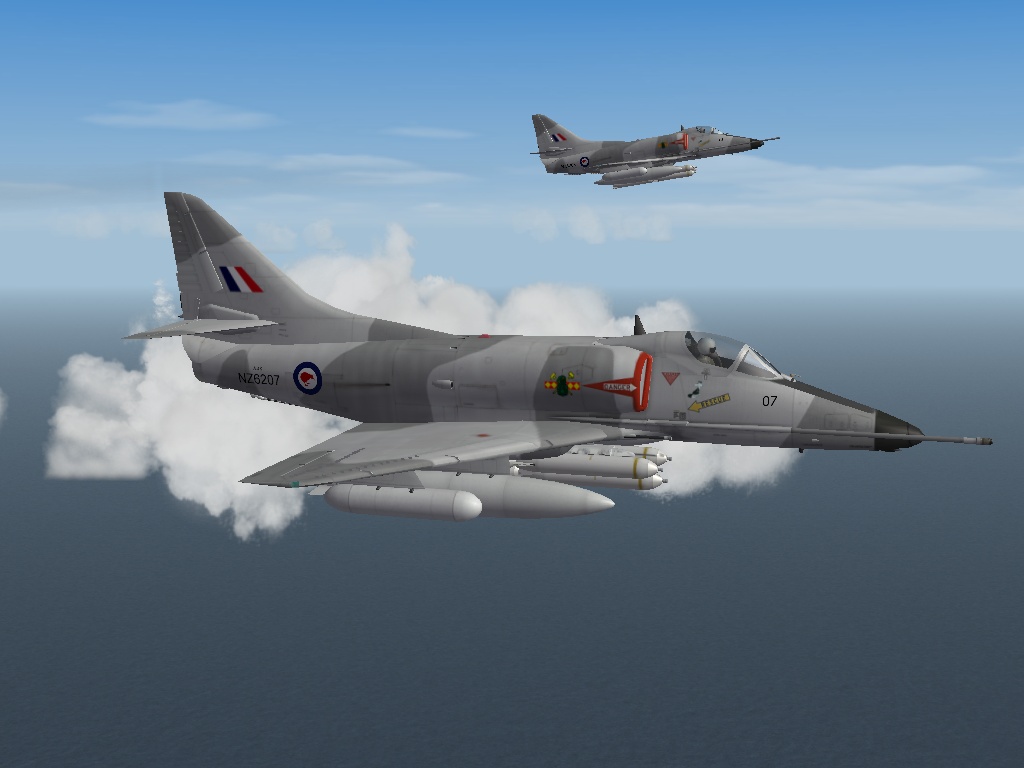
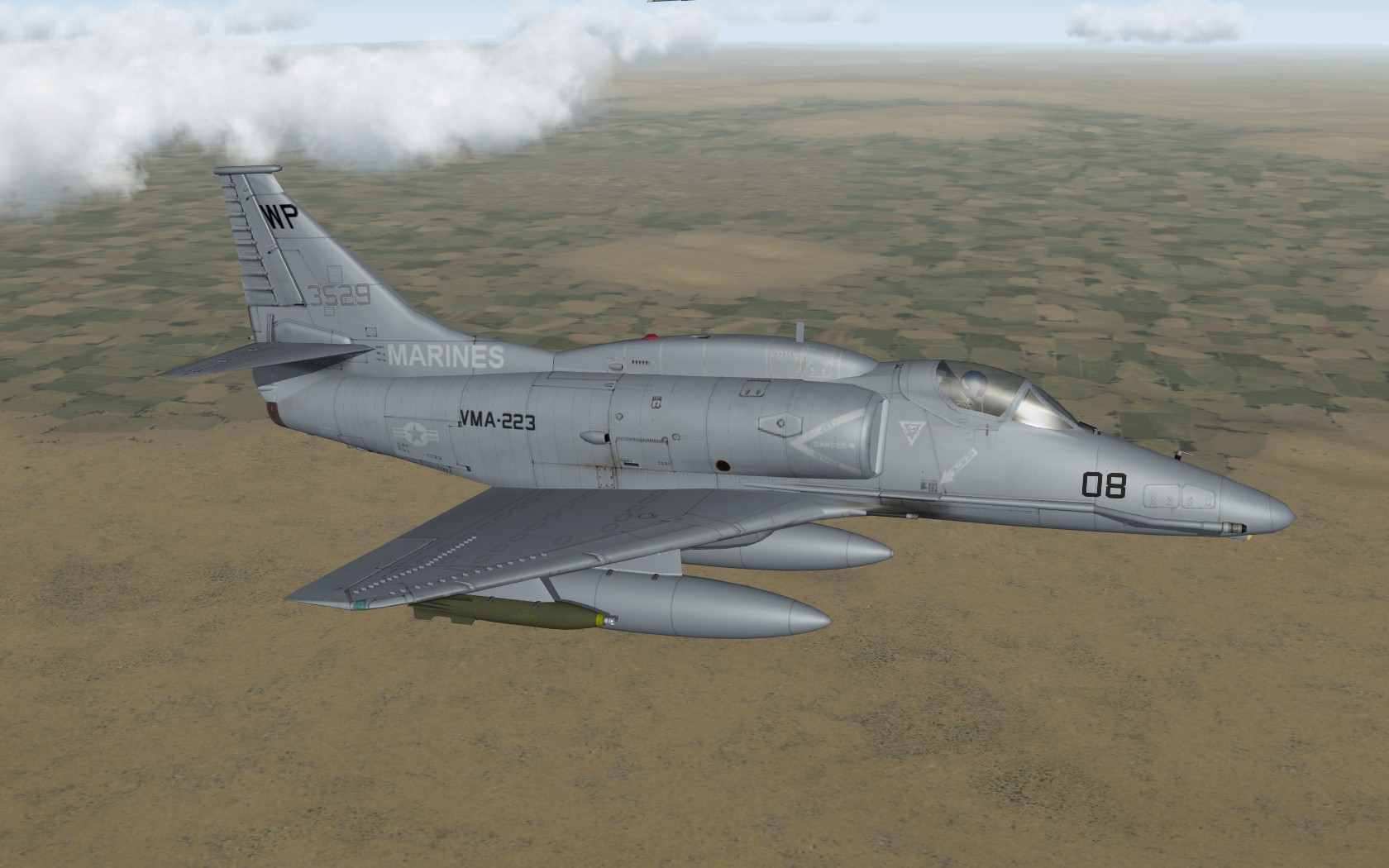
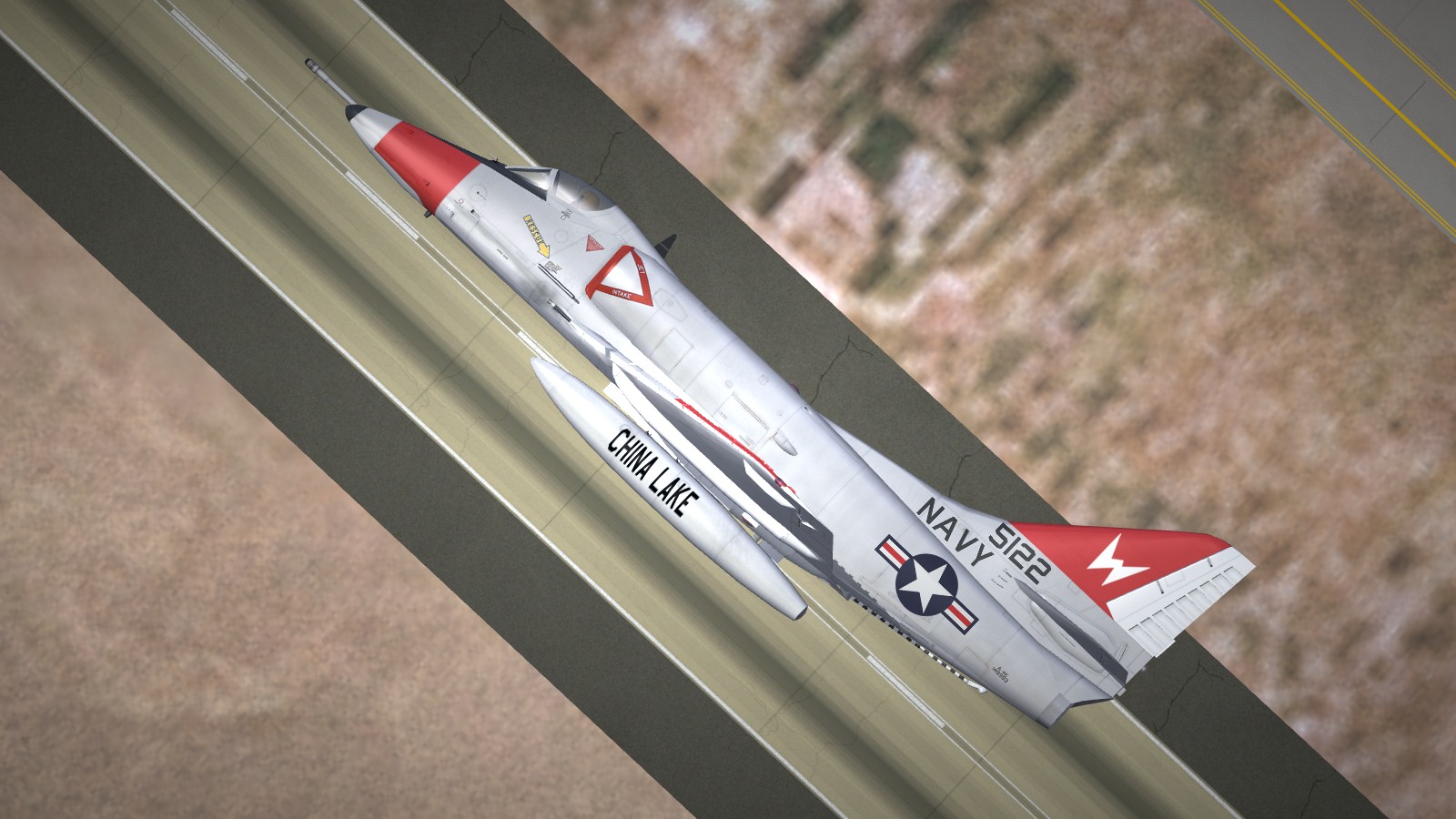
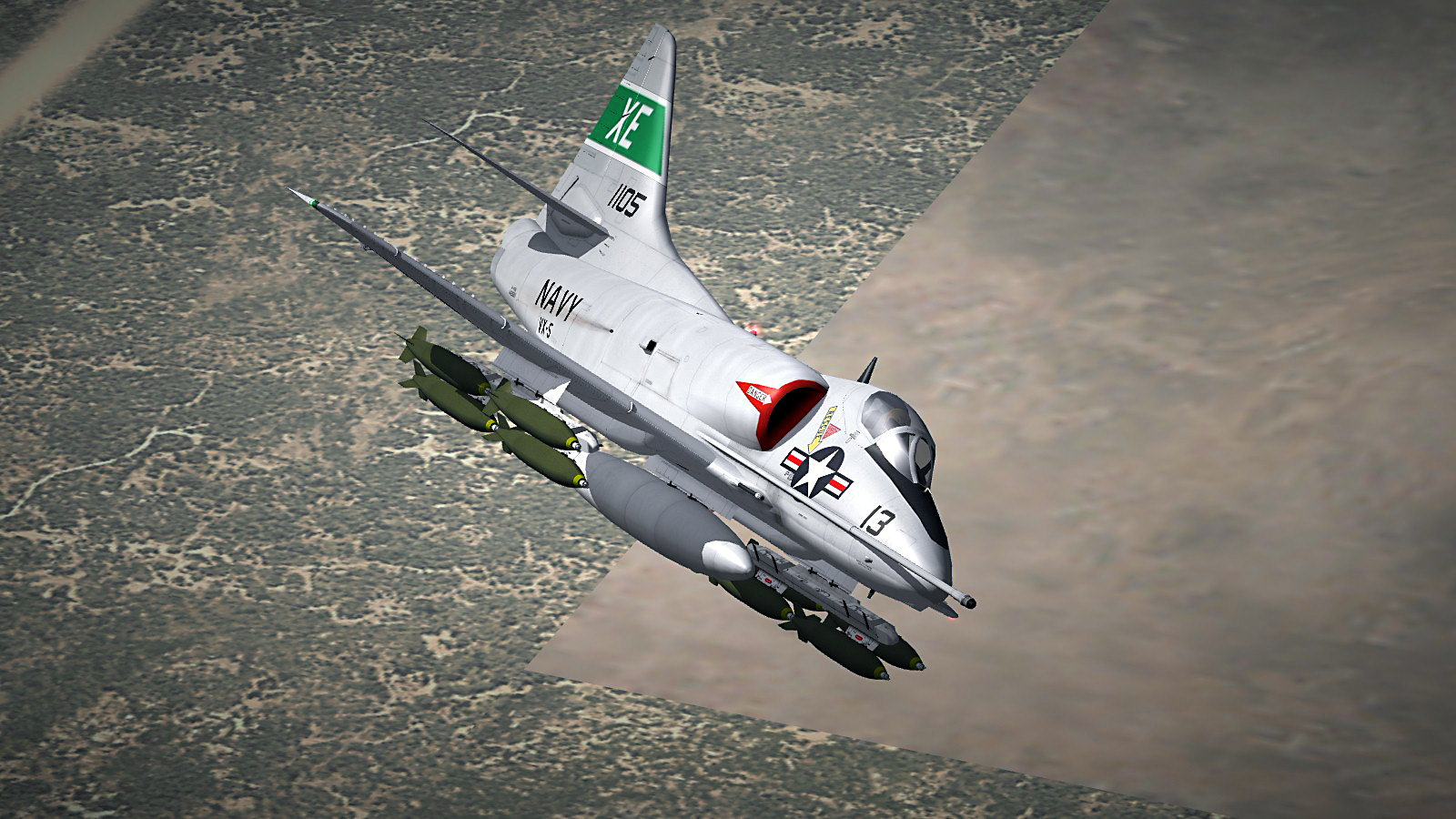
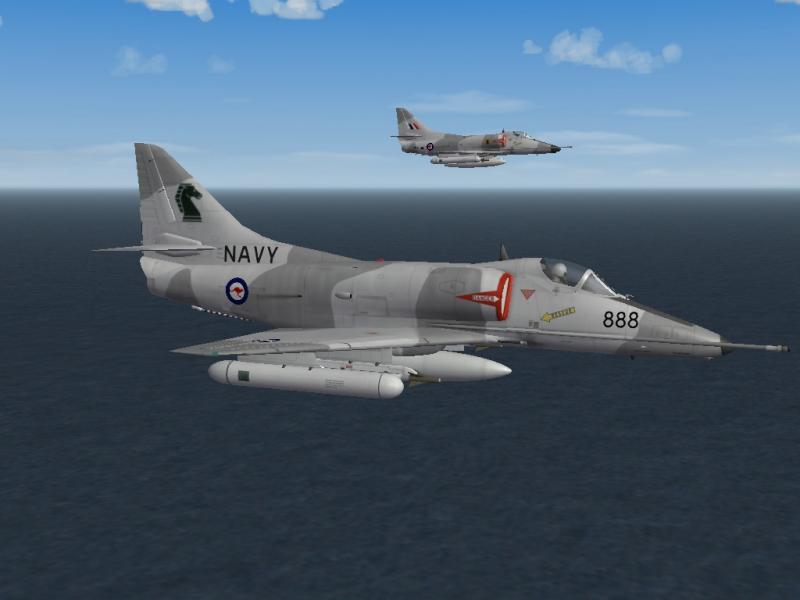
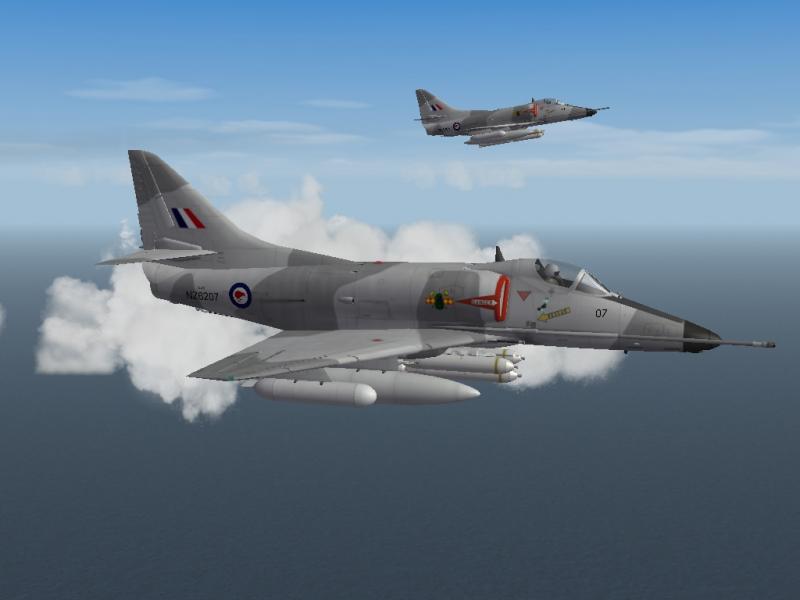
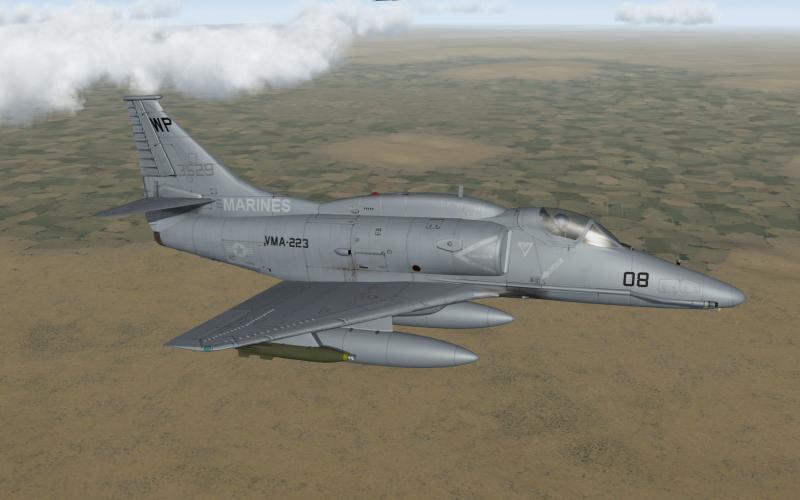
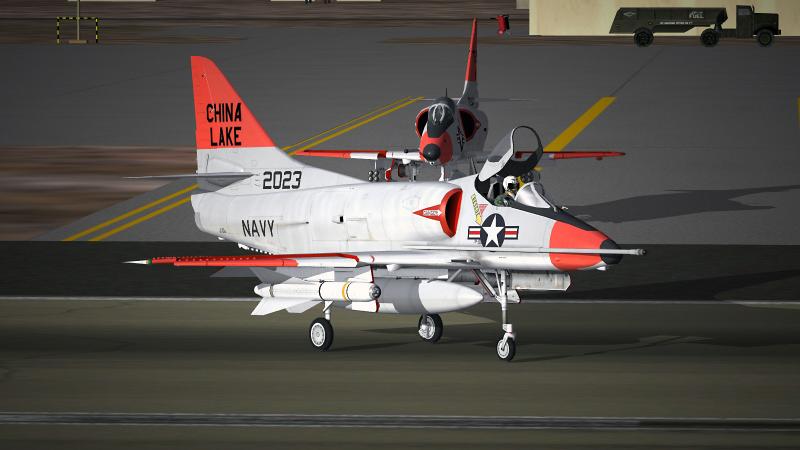
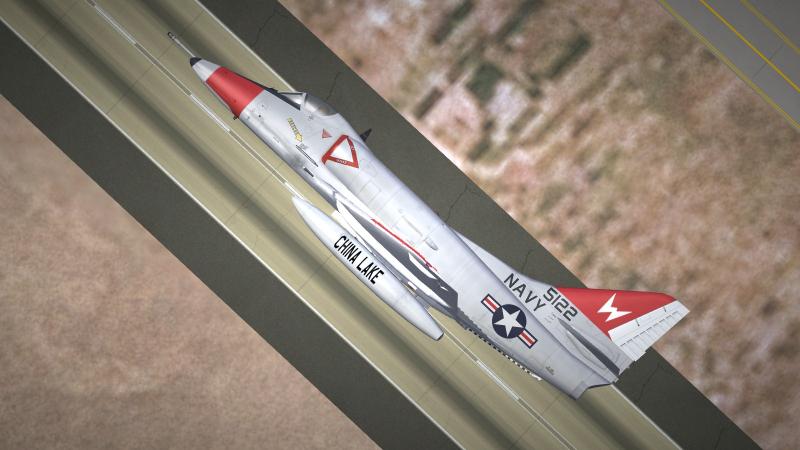
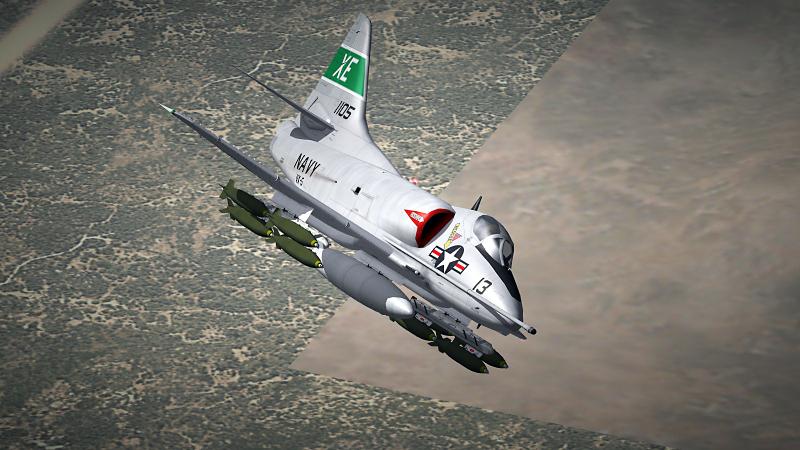
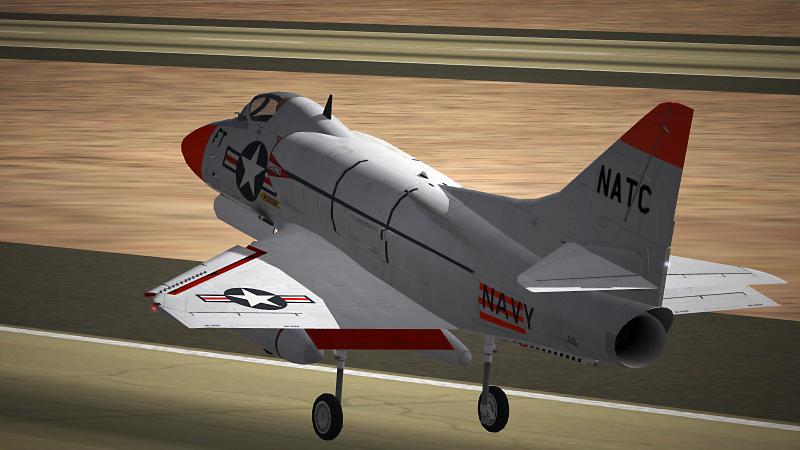
For the SF2/A-4 Skyhawk section. Screenshots are from the packs. Maybe this helps http://combatace.com/files/file/9151-a-4g-skins-sf2-sfv2/ http://combatace.com/files/file/11641-a-4m-usmc-low-vis-grey-skin/ http://combatace.com/files/file/12846-naws-china-lake-a-4c/ http://combatace.com/files/file/12946-notu-a-4e-skyhawk/ http://combatace.com/files/file/12861-vx-5-a4d-2-a-4b-skyhawk/ http://combatace.com/files/file/12860-natc-a4d-a-4a-skyhawk/
-
Congratulations!
-
Great article! Thanks
-
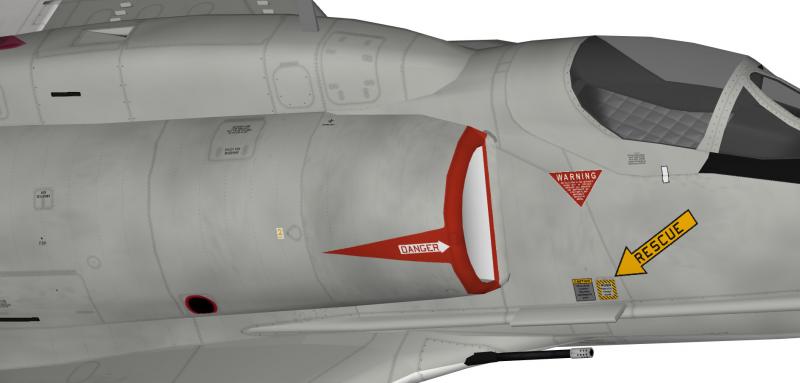
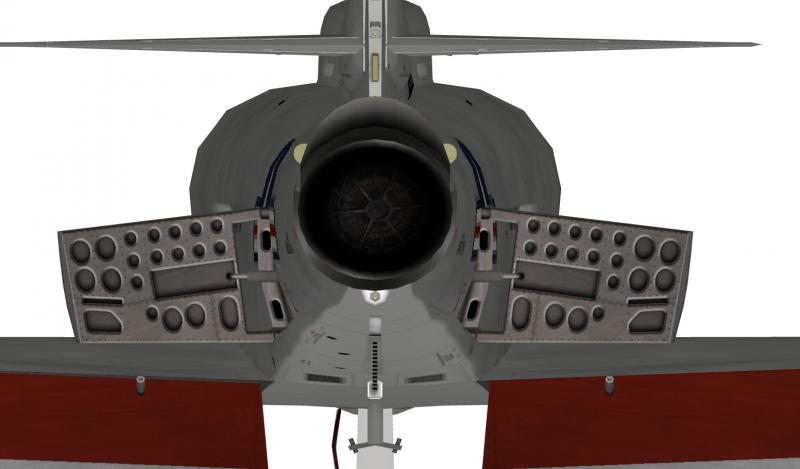
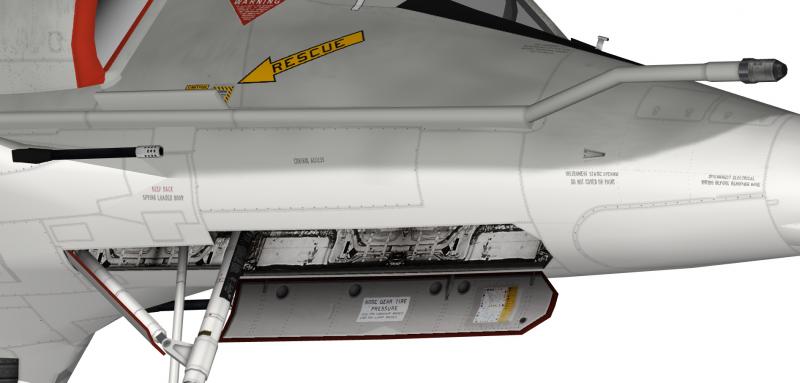
The actual name is different from the foldername: A-4H_Ahit = Ahit (72) A-4H_Ahit_68 = Ahit Ahit (70) and Ahit (73) are correct. I like your idea of Israeli Skyhawks, but since my hebrew is non-existent, I never tried to do skins for them. If you want to wait a bit, I can provide you a new template I'm working on (higher resolution, corrected panellines and several shortcomings on the old template).
-
SP-14S Prozhektor Need Pics
Nyghtfall replied to 76.IAP-Blackbird's topic in Mods & Skinning Discussion
http://www.secretprojects.co.uk/forum/index.php?topic=20637.0 There you can find a picture, a drawing and the name of a book, that maybe contains more info. -
I would say just change your DecalLevel to 3 on decals 12 and 13, otherwise patches are used according to nations.ini. That means they have to carry the number of your nation and maybe placed in the root of the decalsfolder.
-
I don't know if the one in the picture is the right version, but it's a nightfighter and has a gondola. The gondola seems to be in the same position as the bomber ones. It starts right around the nosecone on both versions. Nightfighter Bomber
-
Hi, bei [AircraftData] einfügen: Component[XXX]=RemoveTailECM1 darunter oder am ende der data.ini einfügen: [RemoveTailECM1] ParentComponentName=tail_ecm <--- Node, der entfernt werden soll oder Node, an dem das Teil hängt, z.B. Fuselage ModelNodeName=tail_ecm_ok <--- Name frei wählbar. Name des Nodes, der im nicht zerstörten Zustand sichtbar ist - da Node entfernt werden soll -> unsichtbar. DestroyedNodeName=tail_ecm <--- Node, der entfernt werden soll DetachWhenDestroyed=TRUE HasAeroCoefficients=FALSE
-
My what if works in progress
Nyghtfall replied to KnightWolf45's topic in Sci-Fi/Anime/What If Forum
Why not make an early version with 4x20mm and a later or export-version with vulcan? something like the italian/brazilian AMX (vulcan vs. 2x 30mm). -
question regarding GIMP program
Nyghtfall replied to 1977Frenchie's topic in Mods & Skinning Discussion
Well, my impression of skinning is, the time you save on one end is consumed on another end. But as long as you like the result, it's ok I guess. :) -
question regarding GIMP program
Nyghtfall replied to 1977Frenchie's topic in Mods & Skinning Discussion
Hey there, I'm not familiar with Gimp, as I use Photoshop. In Photoshop you can use the Brush-Tool for that. You can set up the space between indivitual points and paint them in a straight line, so the result is a straight line of points. Maybe there is something similar in Gimp? Otherwise, why not paint a straight line of rivets on an individual layer for use as template and copy/paste this line over und over and place it manually. It's more work, but in some areas you have to adjust them manually anyway. -
Happy New Year to all of you!
-
suggestion for Green TV filter BMP's going forward
Nyghtfall replied to Spudknocker's topic in General Discussion
I'm not home during the week, so I can sent you the files next weekend if you want. -
suggestion for Green TV filter BMP's going forward
Nyghtfall replied to Spudknocker's topic in General Discussion
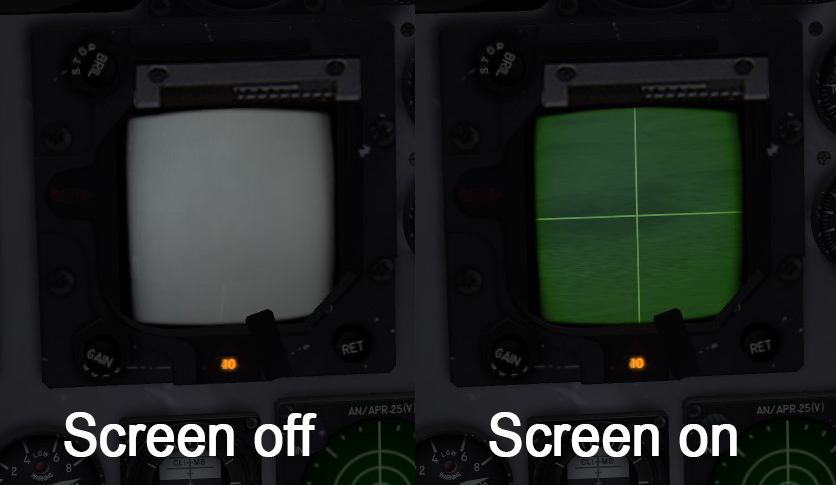
You can also rename greentvfilter.bmp to .tga, if you need a working alpha-layer. See the picture. I once tried to give the radarscreen a more tv-screen-like look (curved edges) through changes of the alphalayer.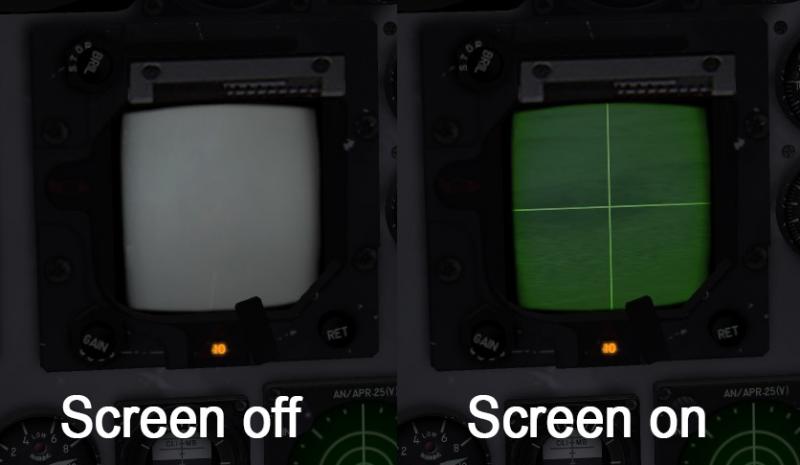
-
Do I spy a green SPAD on the flight deck ?
Nyghtfall replied to charlielima's topic in Mods & Skinning Discussion
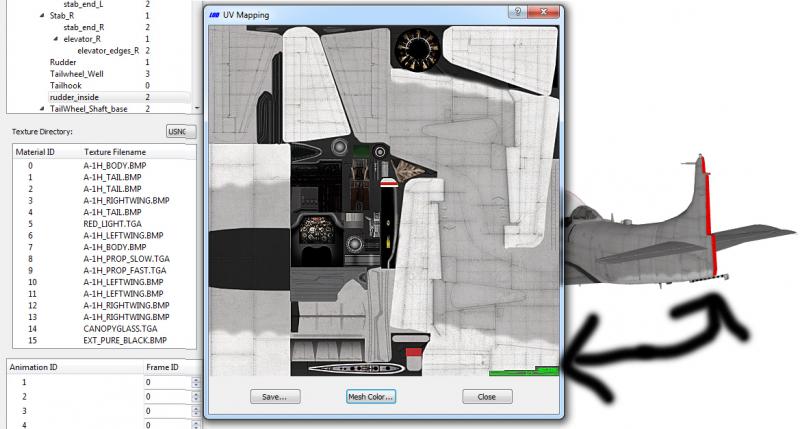
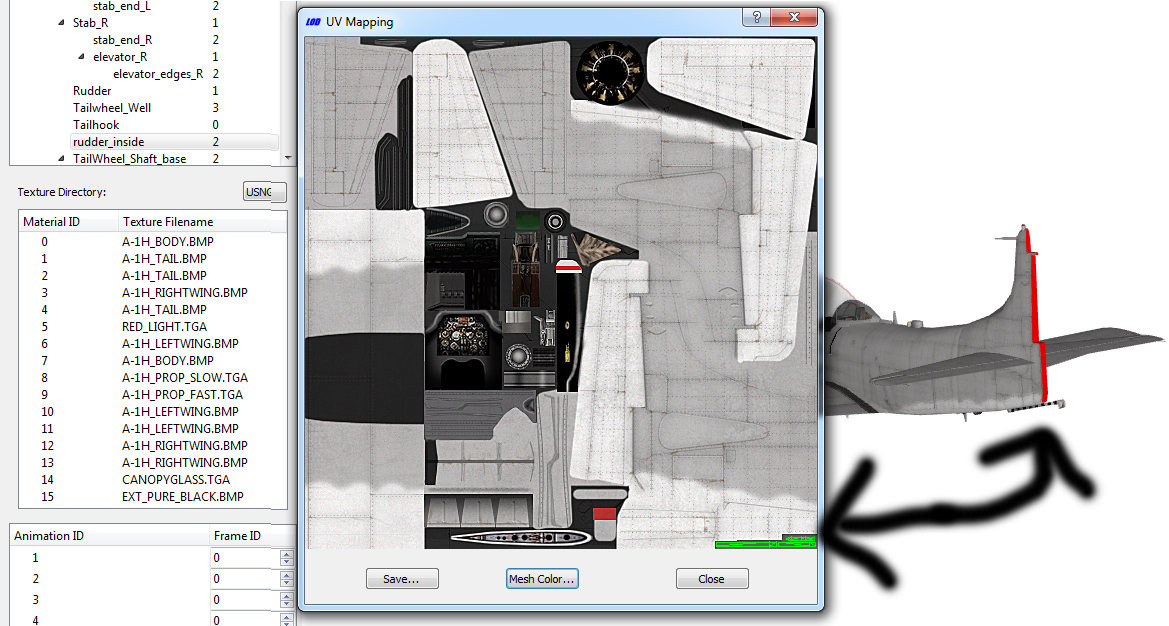
LOD-VIewer says it's on A-1x_TAIL.bmp. the green bits in the lower right corner.