


Fubar512
-
Posts
8,418 -
Joined
-
Last visited
-
Days Won
42
Content Type
Profiles
Forums
Gallery
Downloads
Store
Everything posted by Fubar512
-
I've just explained to you how it can be done.
-
Assuming that you're talking about jets, thrust position and thrust angle. The first should be set right around the position of the afterburner and/or exhaust emitter for that engine. The second should be adjusted very carefully (if at all), as it effectively directs the thrust at an offset angle.
-
Downloaded SF2:Vietnam but can't add plane mods!
Fubar512 replied to ShogunOrta's topic in Mods & Skinning Discussion
It's all spelled out in the SF2 Knowledgebase. -
Night, with moonlight: Night.wmv Moonless nights under the settings I'm using are positively Stygian.
-
CPU usage for me also dropped quite a bit, since SF2 hands off sound processing to another core.
-
Monty, you are absolutely right. A swept wing aircraft will generally ROLL more than it yaws with rudder displacement at speed. My comment regarding physics was not directed at you.
-
A body of mass m subject to a force, undergoes an acceleration a that has the same direction as the force and a magnitude that is directly proportional to the force and inversely proportional to the mass, i.e., F = ma. Alternatively, the total force applied on a body is equal to the time derivative of linear momentum of the body.
-
Someone seriously lacks a grasp of basic physics.
-
An example of EAX effects in SF2 EAX-fx.wmv
-
Oh, EAX is rather obvious when it's enabled
-
Good find, though I should add that EAX must be enabled in the creative control panel in order to take full advantage of Alchemy. With EAX enabled, you'll also have enhanced doppler effects.
-
Since you've termed it a sim, tell, me, what is the definition of a sim, I mean, what's its purpose? Isn't it to SIMULTE real life, as in real aircraft? Doesn't that mean that your own statements are somewhat at odds with your conclusions?
-
First off, most swept wing aircraft ROLL to some degree when rudder is applied. In fact, that's SOP for rolling the F-4 Phantom above 12-14 units of AoA, as it would hardly repond to the ailerons at that point. Secondly, aircraft generate resistance to yaw due to the airflow over the fuselage and vertical stbilizer(s)...this tendency obviously increases with velocity of the airflow. That is one reason that rudder deflections at speed do little other than impart roll and a slight yaw effect, or, what's referred to as "dutch roll". This is why those surfaces are effectively limited or locked out on FBW aircraft over a set airspeed (in fact, the F-15 Eagle uses a control augmentation system that limits rudder deflection to less than 15 degrees to prevent roll-due-to-yaw, unless the aircraft is in a high alpha-state maneuver).
-
And how do you quantify it being zero?
-
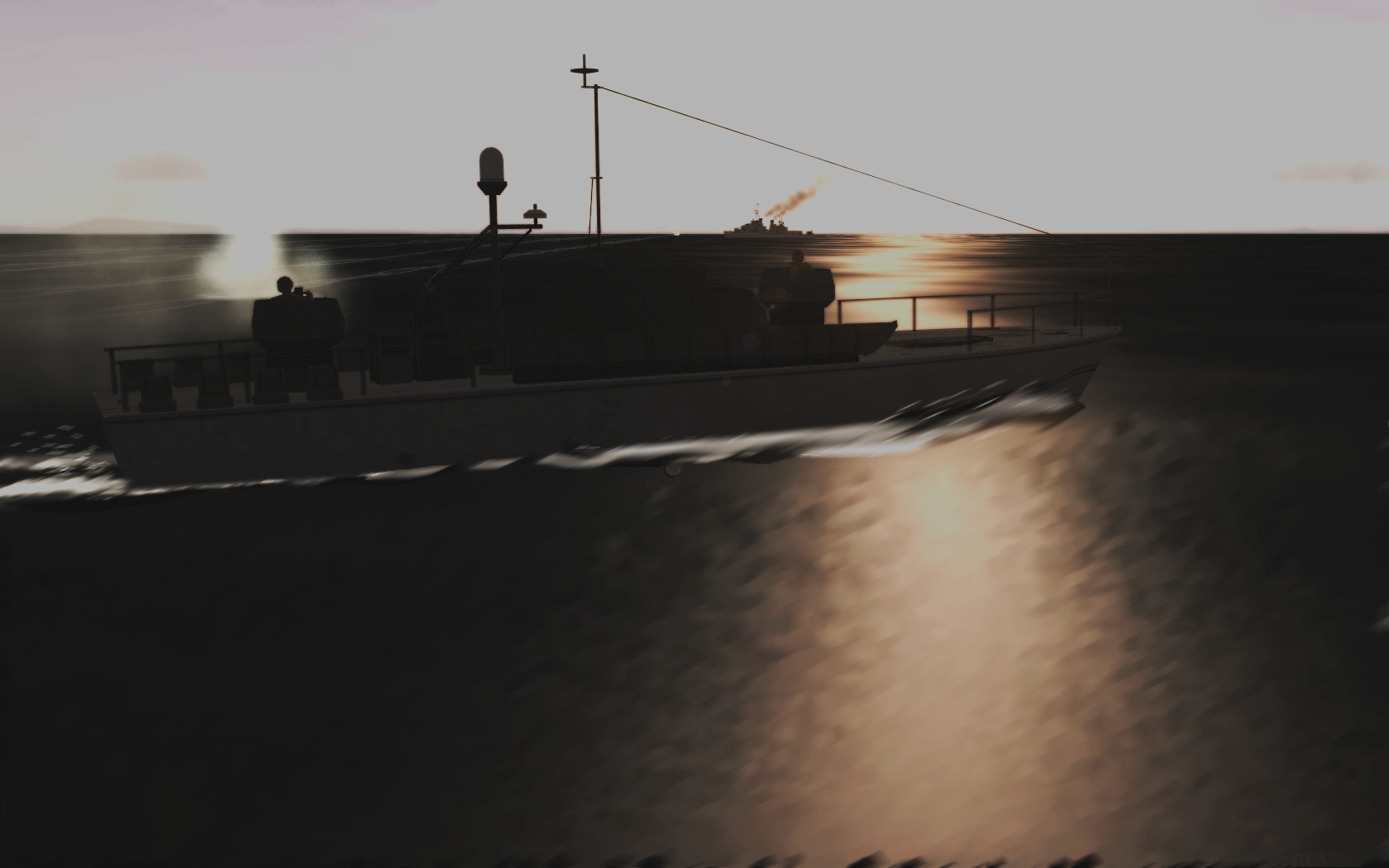
Tonkin Gulf Affair:
-
Aircraft are stressed in the pitch axis. One cannot generate enough lateral acceleration in yaw to generate more than 1-2 Gs (using the rudder), that is, short of entering a spin. Modern aircraft also sport rudders which lockout at speed to prevent issues with stability in the yaw-axis.
-
Sounds like a failing PSU to me.
-
Started Using Windows 7 Today... where are the mod folders?
Fubar512 replied to ktickner6767's topic in General Discussion
Some interesting observations: Windows 7 64-bit will always attempt to use 25% of the installed RAM at idle, irregardless of whether one has 2 GB or 16 GB of RAM installed. 32-bit applications (such as the SF2 series) have a 2048 MB allocation limit. That is, no more than 2048 mb (2 GB) will be allocated by Winows 7, irregradless of how much RAM one has on hand. If you're stuck with using 2 GB of RAM, and you have a spare, USB 2.0 or better (256 mb and larger) thumb-drive laying around, try setting up Windows ready-boost on it. It will help with loading times, and speed up file swapping. -
Indiana Jones might attempt to claim....oooops, sorry, wrong Ark
-
The factor by which the visible tracer increases in size (diameter) over distance.
-
Eastern aviation schools got new tool
Fubar512 replied to Monty CZ's topic in Mods & Skinning Discussion
Inlet and exhaust temp limits work best. -
Cyprus
-
Kiev final weapons test, Yak-38 in holding pattern.
Fubar512 replied to Fubar512's topic in General Discussion
HD video (1080P) of the Forger in VTOL ops (hard FM setting).....be forwarned, it's a biiiiig file! -
The data provided by Nvidia says otherwise. As I mentioned before, some notebook manufacturers underclock graphics adapters for a variety of reasons: A) to ensure longevity B) to reduce the likelihood of warranty claims C) to save battery power D) to reduce heat Graphics adapters have their clock speeds set in their BIOS. This is where your's is downclocked. Short of flashing the adapter's BIOS to the Nvidia reference values (which I do not recommend) there is NOTHING that you can really do on the hardware level. Once upon a time, some graphics tweaking apps (like the aforementioned Riva Tuner) were able to directly access some settings directly on the hardware level, bypassing driver and abstraction-layer settings. To the best of my knowledge, this ended with the introduction of the NV3x clock control code...and that predates the FX-series adapters and their associated drivers. What you can do, is set clock speeds on a DRIVER level. I only recommend that you try this (only) if you are confident that you won't screw anything up. BTW, are you running the aero-desktop in Vista? If so, turn it off, and adjust the graphics settings for "best performance".
-
I disagree. Had this been a Harrier (with the nozzles in VTOL mode, and the powerplant at idle), her dress would probably have been up around her neck
